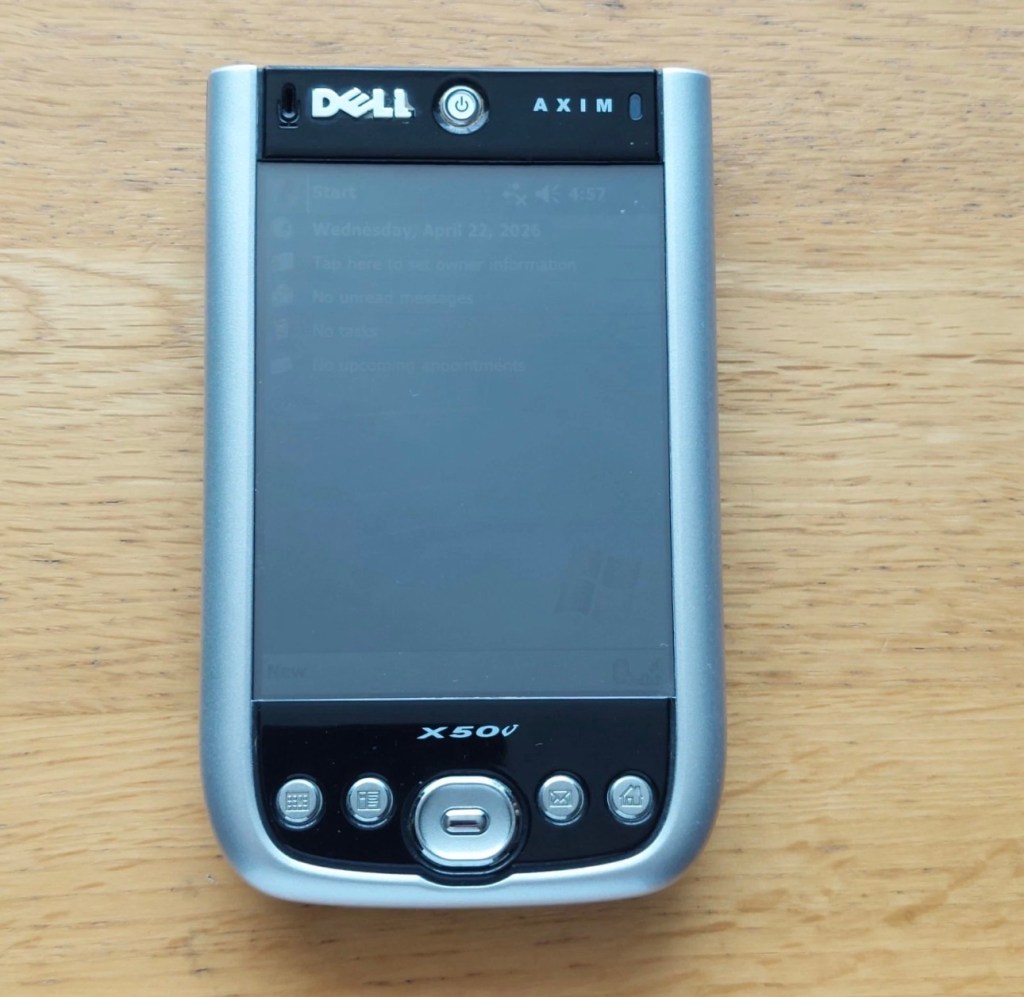
Dell Axim X50V Handheld

A pocket computer from 2004 that needs a little attention. Let’s get it working.

What the listing stated:

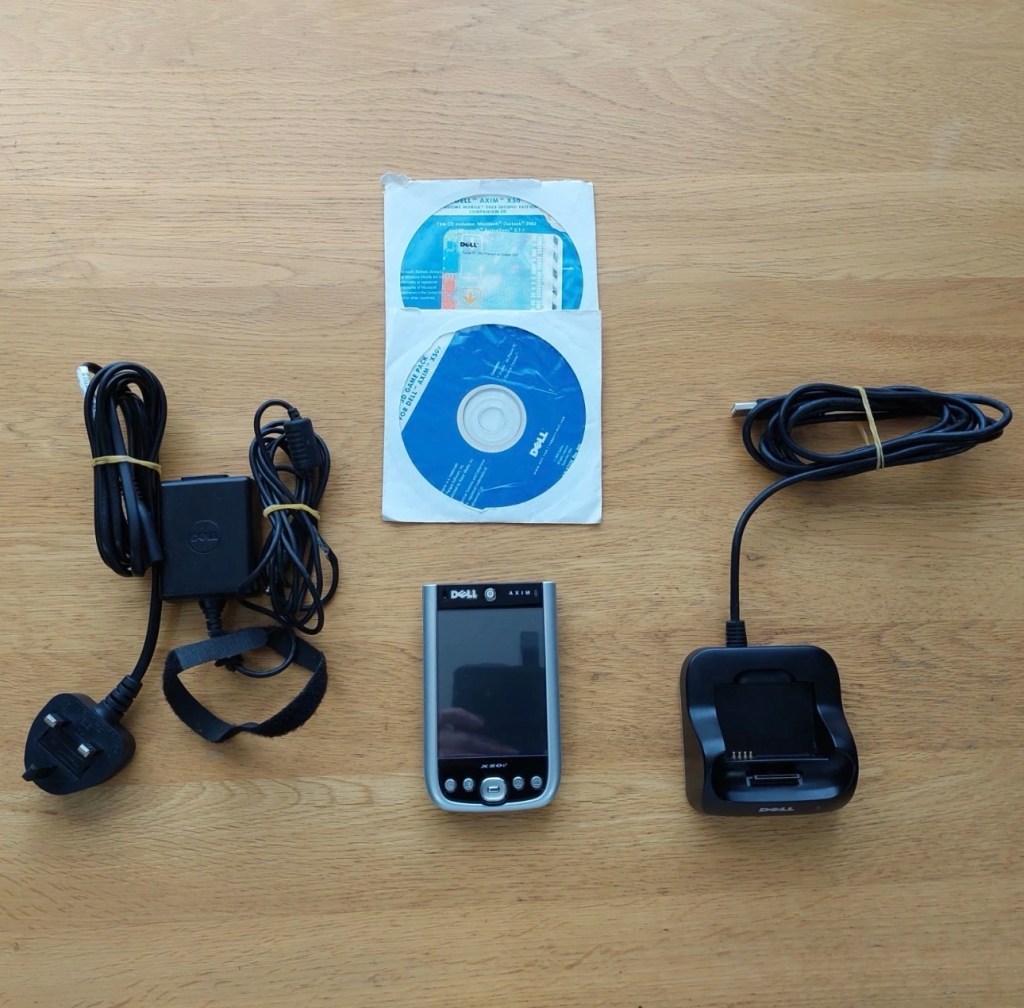
Dell Axim X50V Handheld PDA with Windows Mobile 2003 SE. The PDA is in a used working condition and  advertised as for spares or repair due to a faulty battery cover switch, It is also missing its rubber feet and SD slot cover.

The Battery has recently been replaced.

Comes complete with the following.

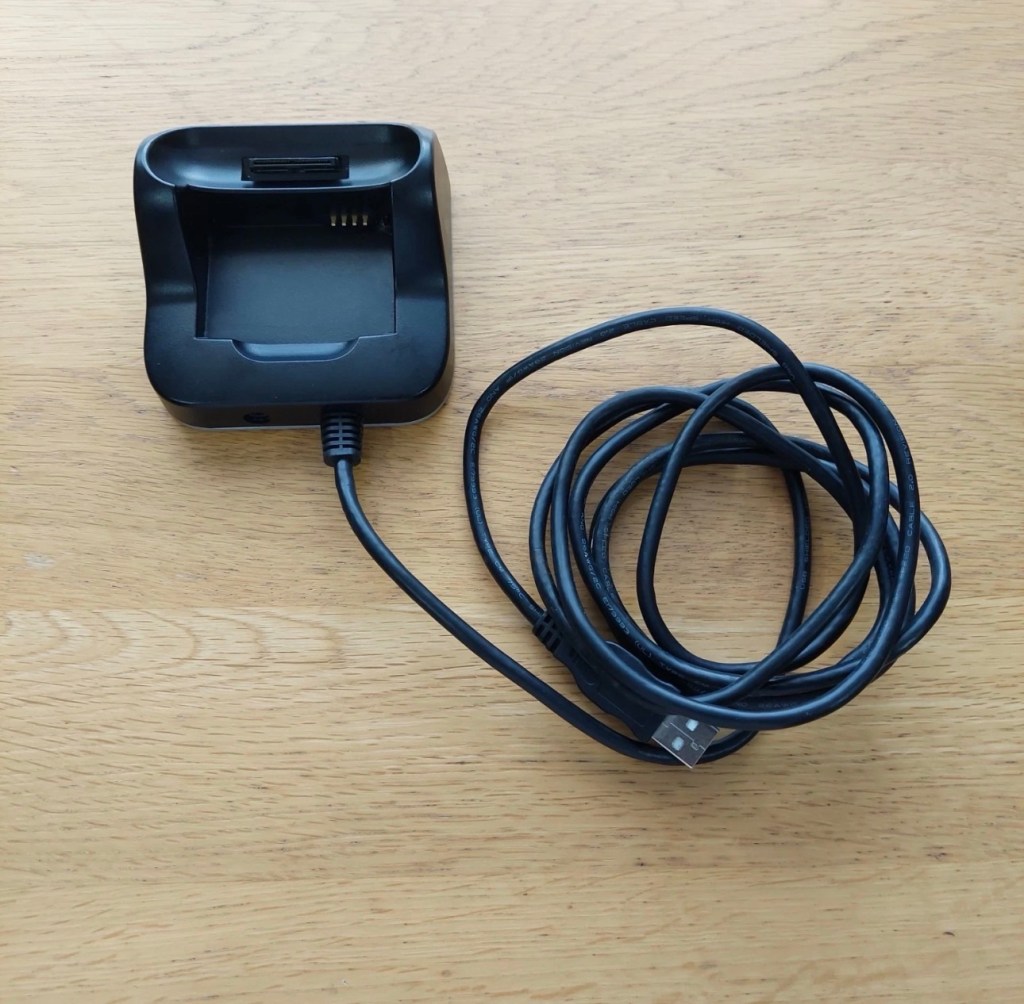
Desktop Cradle

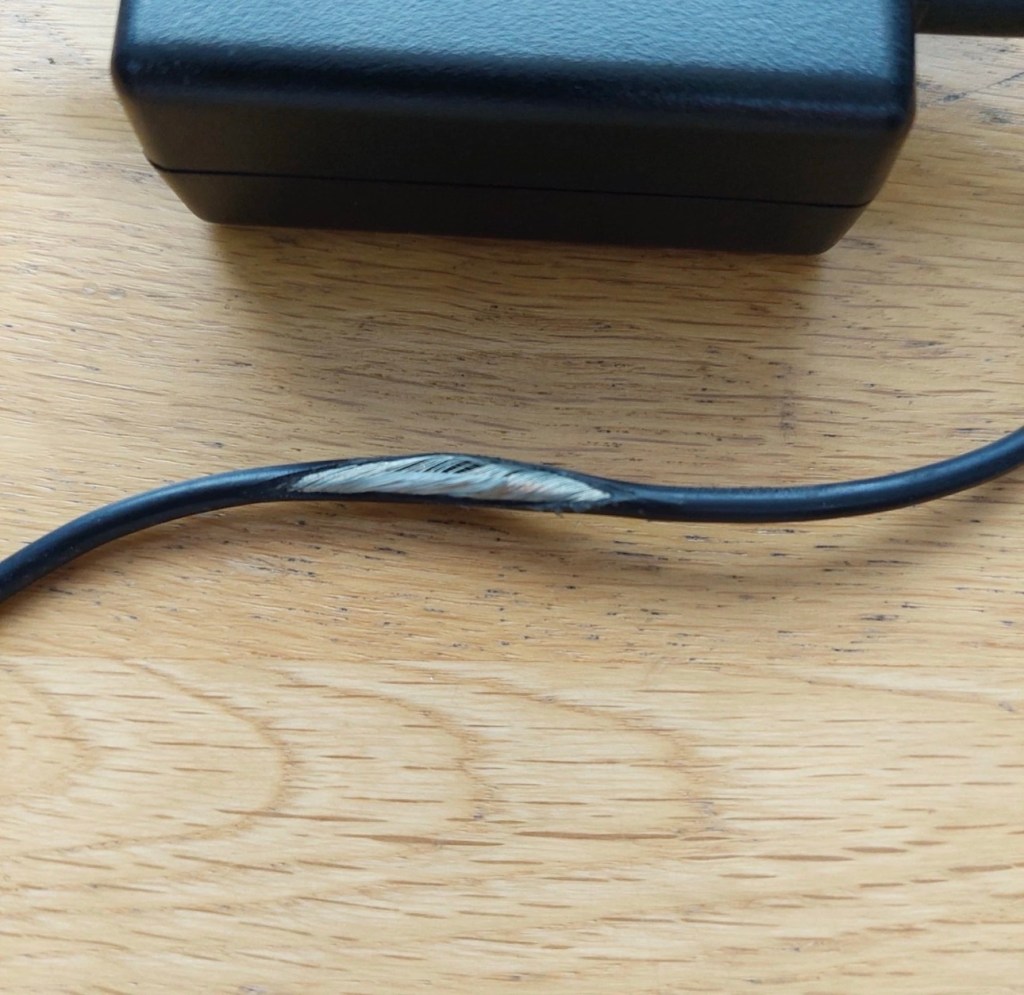
Power Supply (Damaged lead, please see photo)

Windows Mobile 2003 Second Edition Companion CD

3D Game Pack for Dell AXIM X50V

Please see photos for overall condition.

EBay
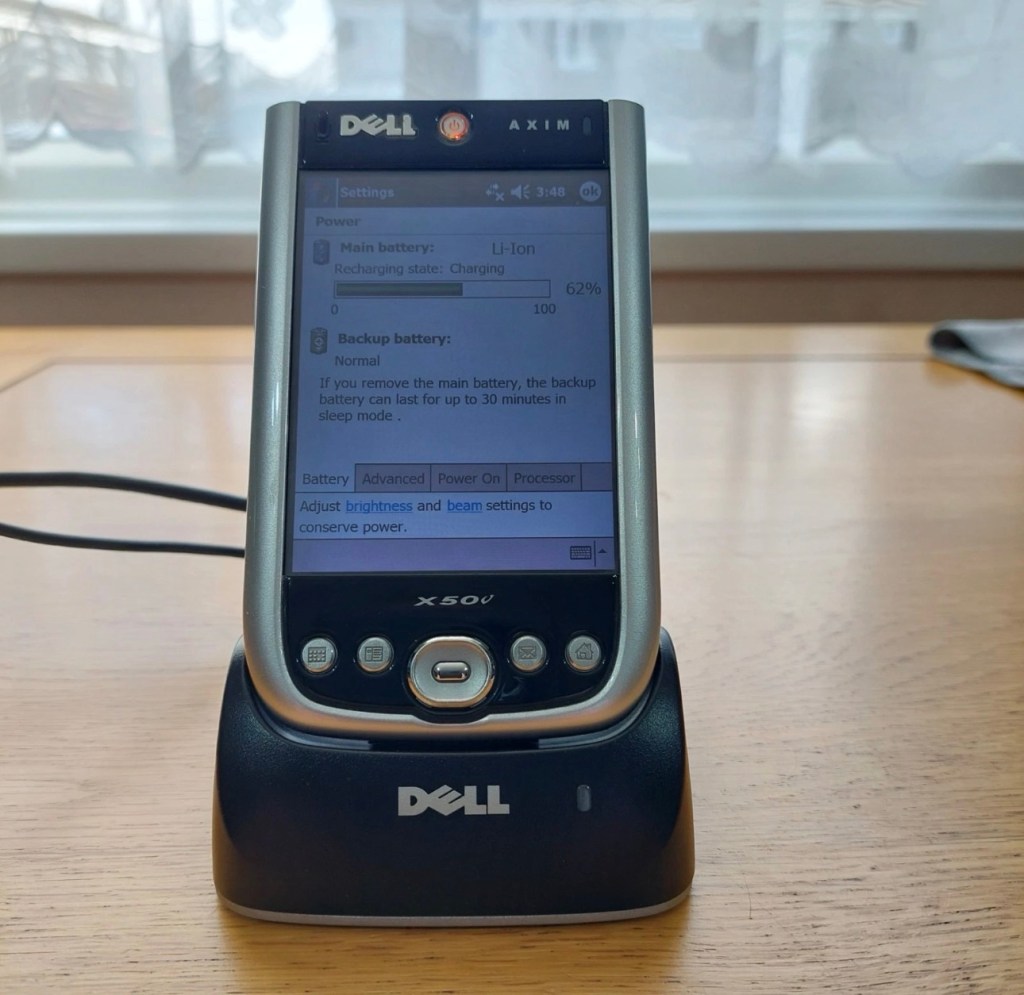
Here’s some info regarding these units:

The Dell Axim X50v was a high-end Personal Digital Assistant (PDA) released in late 2004. It was a flagship device in the Axim line, notable for its advanced multimedia capabilities, specifically its VGA screen and dedicated graphics accelerator.

Key Technical Specifications

  • Processor: 624 MHz Intel XScale PXA270.
  • Display: 3.7-inch transflective VGA TFT color display with \(480 \times 640\) resolution.
  • Graphics: Intel 2700G multimedia accelerator with 16MB of dedicated video memory.
  • Memory: 128MB Intel StrataFlash ROM and 64MB SDRAM.
  • Operating System: Originally shipped with Microsoft Windows Mobile 2003 Second Edition.
  • Expansion Slots: Dual slots featuring one CompactFlash (CF) Type II and one Secure Digital (SD/MMC) slot with SDIO support.
  • Connectivity: Integrated 802.11b Wi-Fi, Bluetooth 1.2, and Infrared (IrDA).

Features and Performance

  • Multimedia & Gaming: The Intel 2700G chip allowed for smooth 3D gaming and high-quality video playback, which were advanced for its time.
  • Design: Compared to previous Axim models, the X50 series featured a sleeker design with rounded edges and a curved base.
  • Battery: It uses a user-replaceable 1100 mAh Lithium-Ion battery.
  • Software Upgrades: While an official upgrade to Windows Mobile 5.0 was released, some users found it ran slower than the original OS due to the slow NOR flash memory used in the X50 series.

Multiple on line sources

Let’s await its arrival to see what we have.

Assessment:

The package has arrived, very well packaged. I have enough bubble wrap now to to last for quite some while.

The item turns on, and appears to be doing what it should and then without even touching the back of the unit, an error appears on the screen.
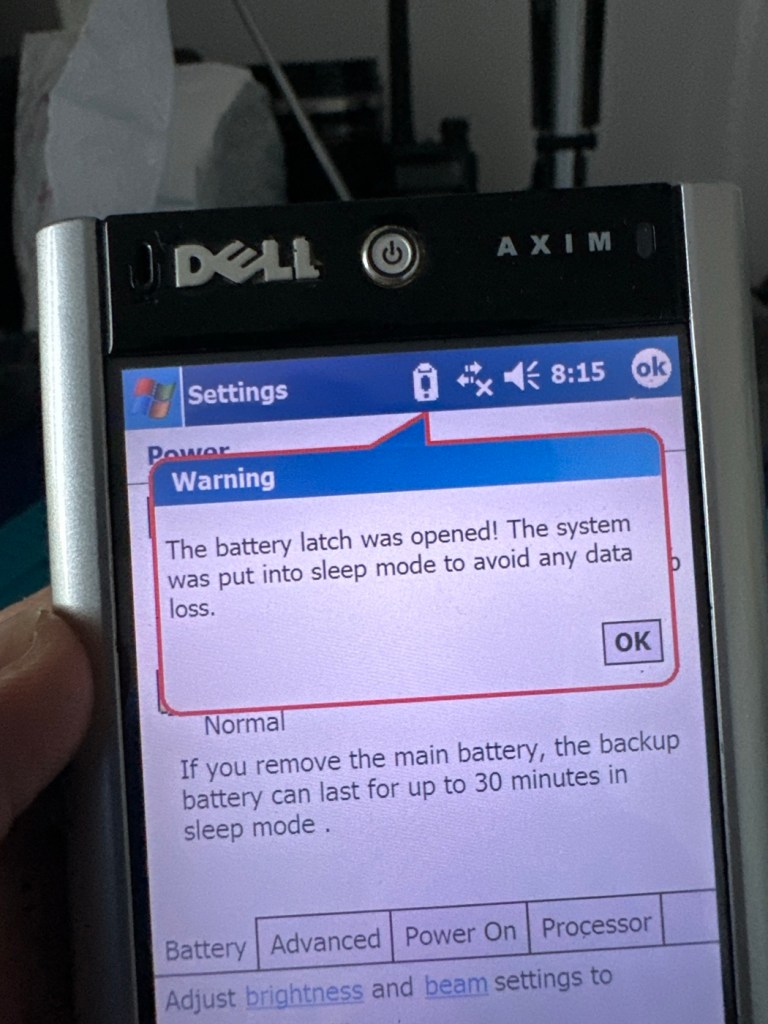
A common fault apparently

On the cable directly from the charger unit there appears to be some damaged cable sheath. I have tested the power output and flexing this area does not cause any interruptions to the power supply, it appears to be that only the external earthing of the cable is exposed, so I am happy that it will be fine to just apply some heat shrink tubing to this portion so that the cabling inside is no longer exposed. It looks as if at sometime someone has probably used a knife instead of the correct tooling to access the unit.

Exposed earthing

There are a couple of rubber feet missing, that just so happen to cover screws that allow access to the unit, further strengthening my suspicions that this unit has been previously accessed internally.
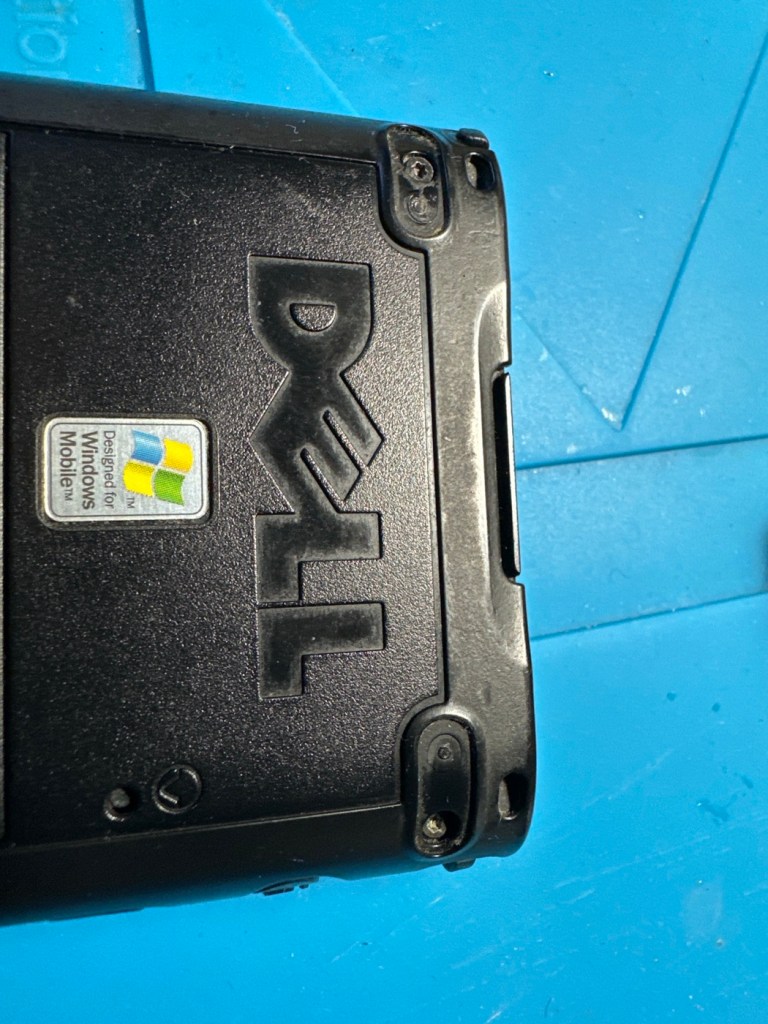
Missing rubber feet

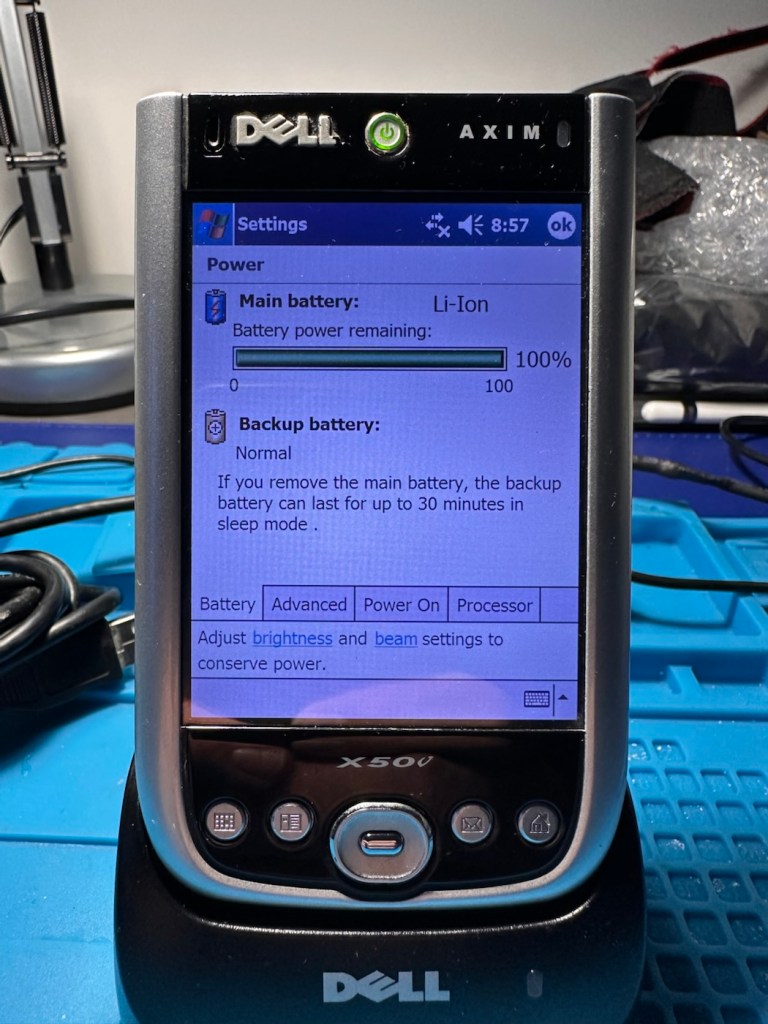
The battery is new, and is holding a good charge of 4.16v at an indicted 100% indication, and it is rated at 3.7v so this appears to be a healthy battery.
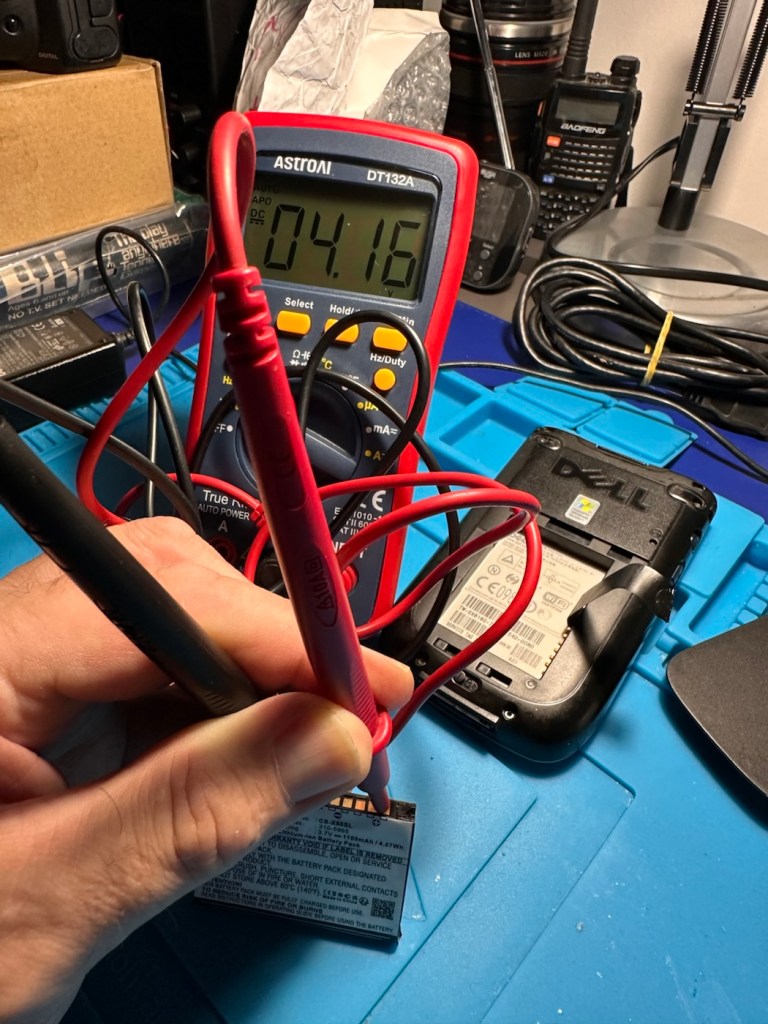
Battery holds a good charge

Cosmetically this is a nice unit for its age, it has a stylus pen included, along with a charging cradle and original software that came with the unit. There is a small SD card slot cover that is missing, however this is not an issue as I will probably install a small SD card to fill that void. It can also take CF cards and there is also a blanking plate installed to fill that portion of the top of the unit.

Let’s get repairing…

Repair:

I’ve gone straight in at the charger cable and have chopped the offending portion out. I’ve had to do this to be able to get some suitably sized shrink tubing in place. With the wires exposed I strip them back, tin them with some solder and, then finally connect them back together ensuring they are suitably insulated from each other, and safe and secure. It doesn’t look pretty, but it’s safer than it was.
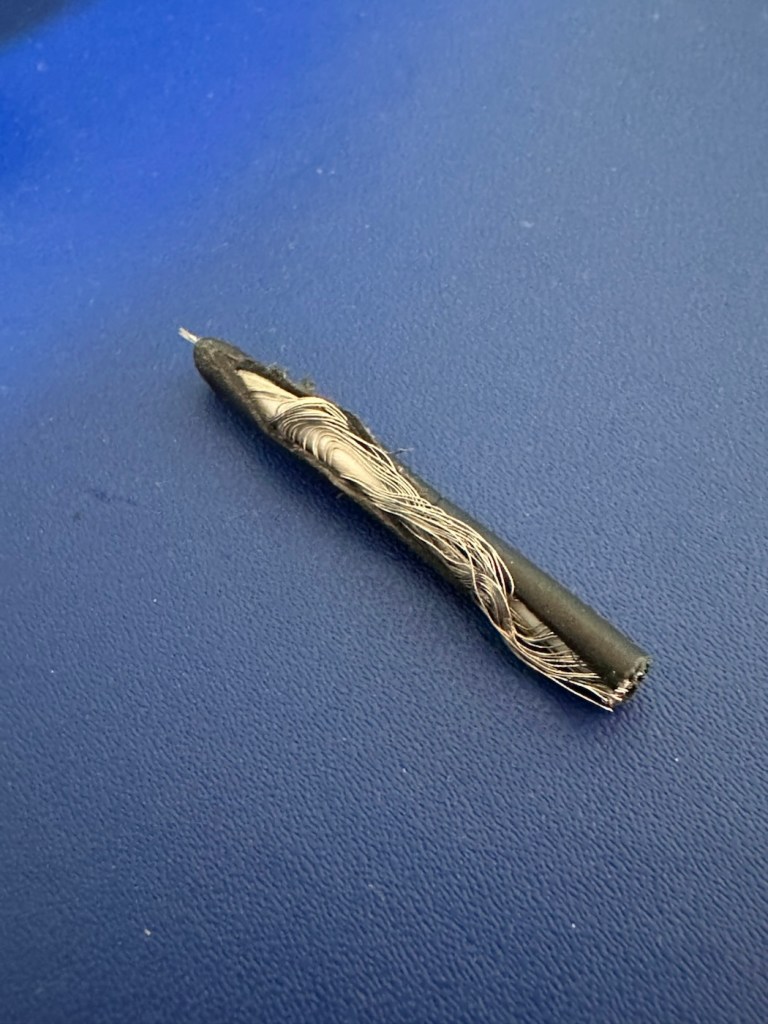
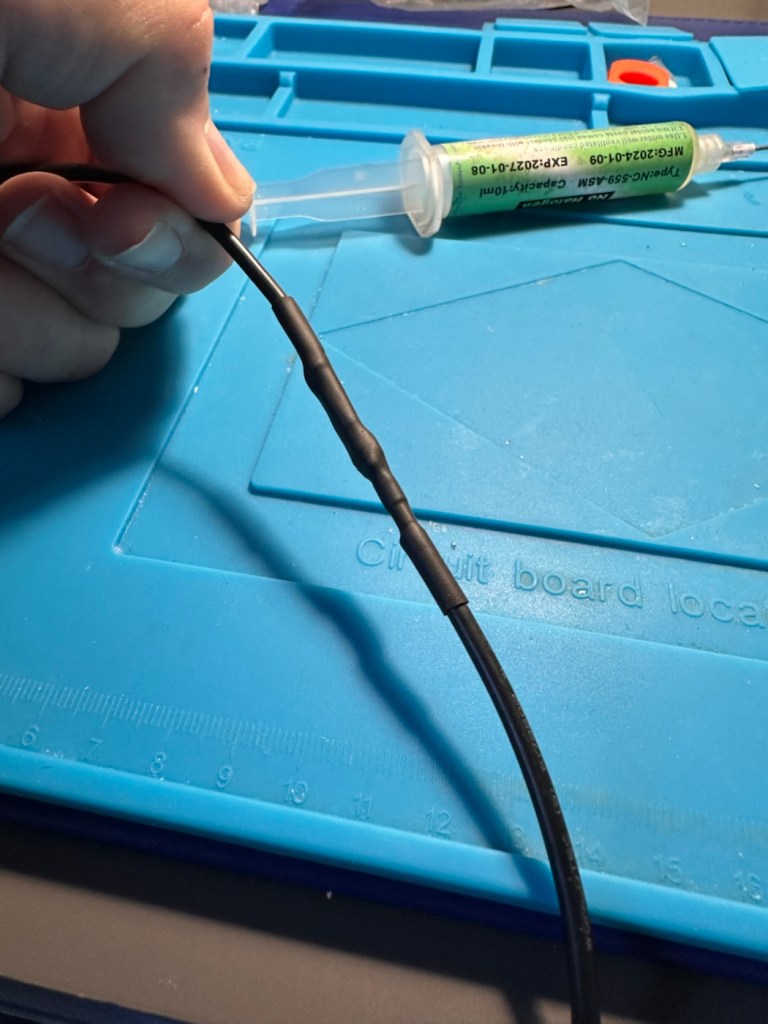
I’ve tested the output with a multimeter and the output is around 6 volts as stated on the power pack, so no issues there.
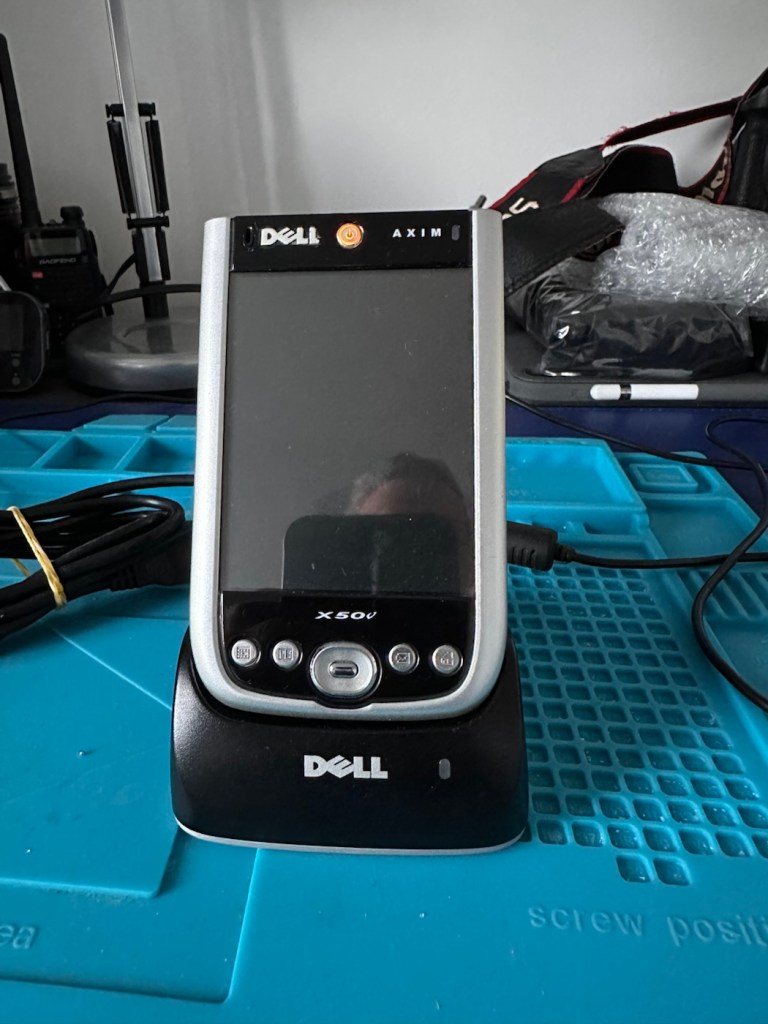
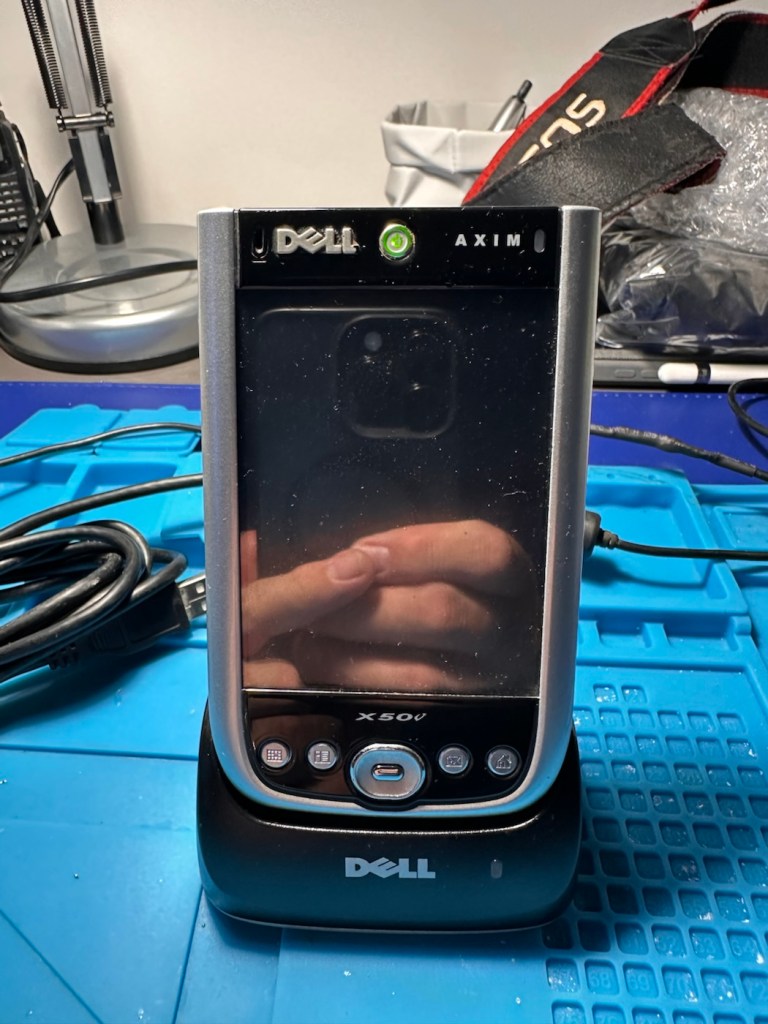
With the charging cable all sorted it’s time to look at the error message problem associated with the battery latch.

The Dell Axim X50v battery latch often degrades, triggering a false “battery door open” warning or sudden sleep mode shutdown. If your device is frequently going to sleep on its own or reporting a false “battery door open” error, it is typically caused by a loose, dirty, or misaligned latch switch inside the device.

There are a number of options we can go through to attempt to alleviate this issue:

  • Clean the Contacts: Power down the device, remove the battery, and gently clean the small plastic sensor switch and surrounding contacts inside the battery cavity with a cotton swab dipped in isopropyl alcohol.
  • Mechanical Shim: Over time, the plastic door can warp, failing to press the microswitch down. By placing a tiny, folded piece of paper inside the microswitch channel to force it into the “closed” position. Then snap the battery door into place.
  • Permanent Bypass: For an advanced fix, you can bypass the switch entirely by soldering the connections or using conductive paint to bridge the gap on the motherboard, ensuring the system always thinks the door is closed.
  • Replace the Door or Latch: If the physical latch or door is broken or entirely missing, replacement battery doors can still be sourced from specialty PDA parts sites.

Taking the above suggested remedial actions into consideration I’m going to approach this repair combining two of the above suggestions. Firstly I will clean the contacts as in the first option, this is standard work practice for me. I will probably use a contact cleaner rather than IPA in this instance. I will ignore suggestion number two, as that’s a temporary “Bodge job” fix that should only really be used to test for an issue. The third suggestion of the permanent bypass is what I will use should action number one not be successful, the error is one of those pain in the butt errors that are really unnecessary, and serve no real purpose at all, so let’s permanently disable its ability to reappear. The door itself is in a good order and does not require replacement therefore cancelling out suggestion number four.

So. To recap I will go with suggestions one and three.

Let’s get going then….

Four small star screws are all that need to be removed to get the shell open. Inside everything looks lovely and clean and there sitting at the bottom of the main board is the tiny switch that is causing the issues.
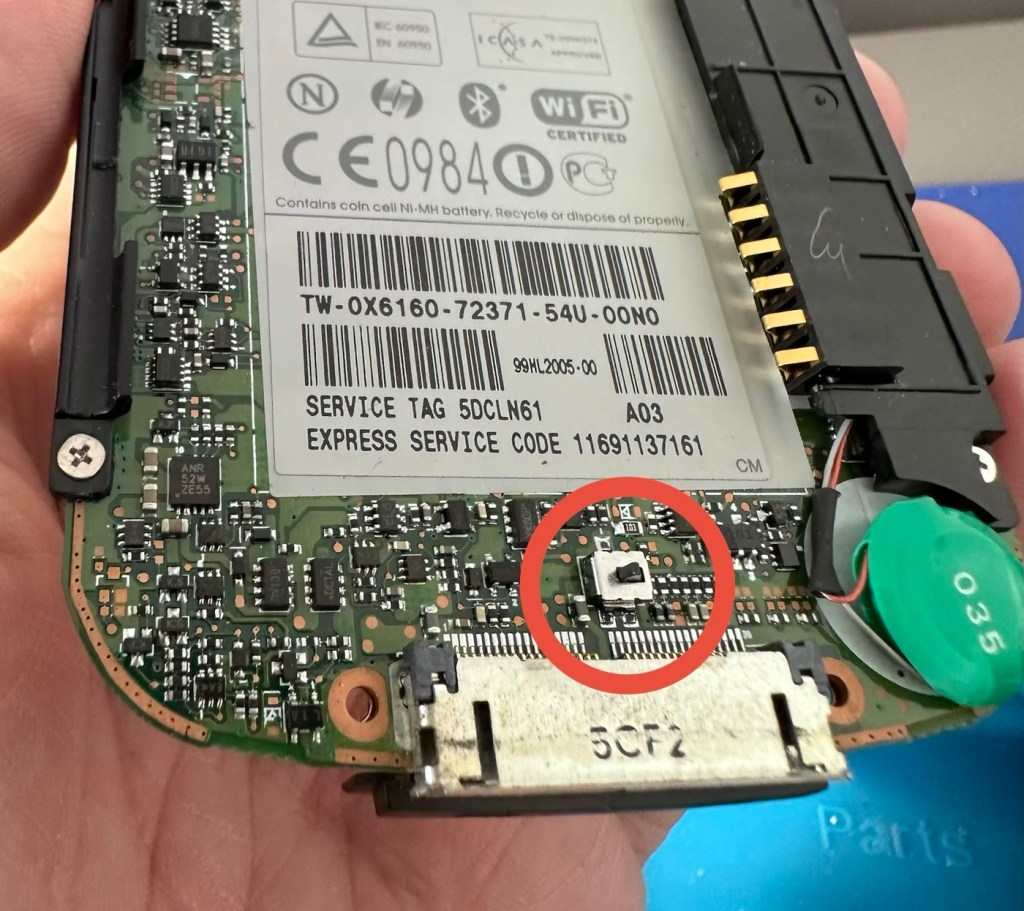
The switch that’s causing the issues

Immediately opposite this switch on the battery panel switch is a small piece of felt that I presume was originally set in place to hold the switch down.
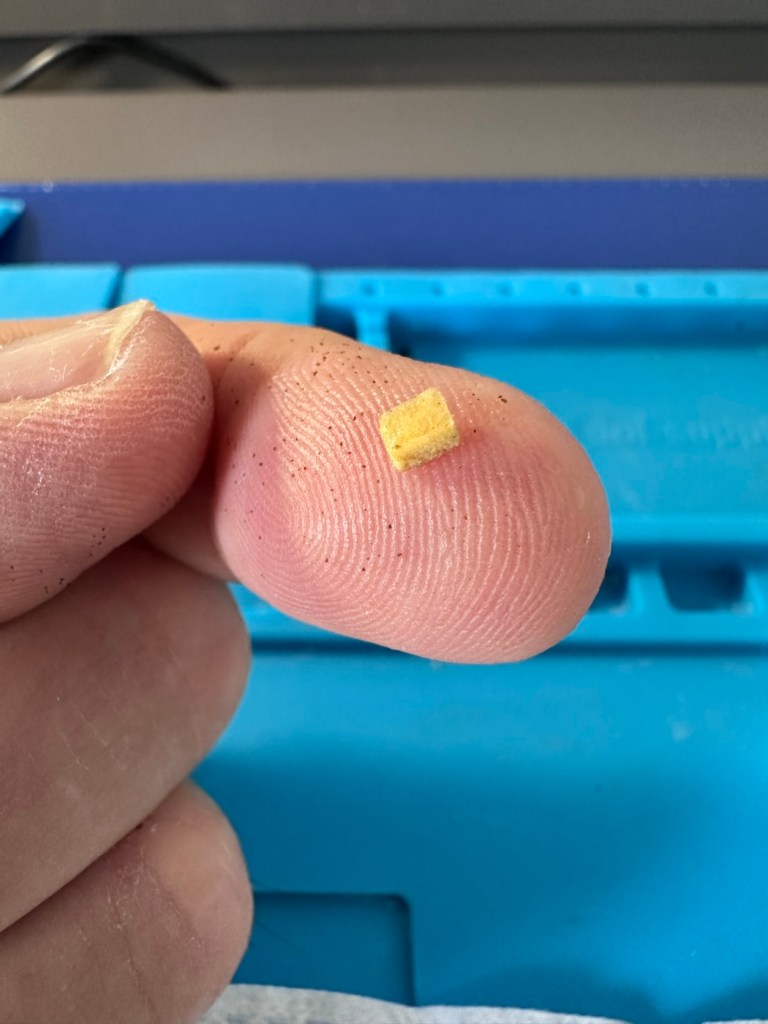
The tiny piece of felt

Well, it had moved and was sitting in the wrong place. I’ve cut a small piece of felt that I use for repairing light seals on cameras, cut this to size and placed it in the correct position. The small switch is like a rocker switch, I have cleaned this with IPA and it is now clean. A quick clean around the main board and now it is time to reassemble.

Now all back together, battery now in place and the unit switches on fine. A little shake of the battery panel cover, and no error message appears. In fact no error message appears until I physically open the battery panel, but once it is put back in place and locked it again, the fault clears. The repair as such has been successful. You can see in the picture below, the battery error at the top of the screen, that results in a restricted use, until it is cleared. A standard fault with these units, now repaired.
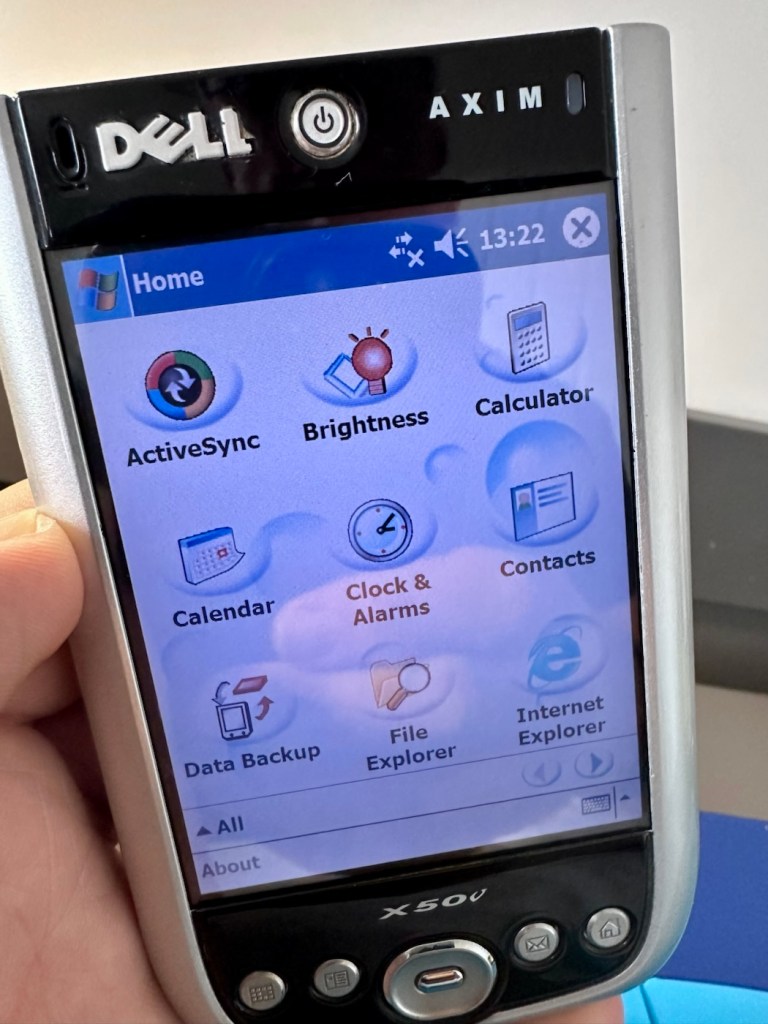
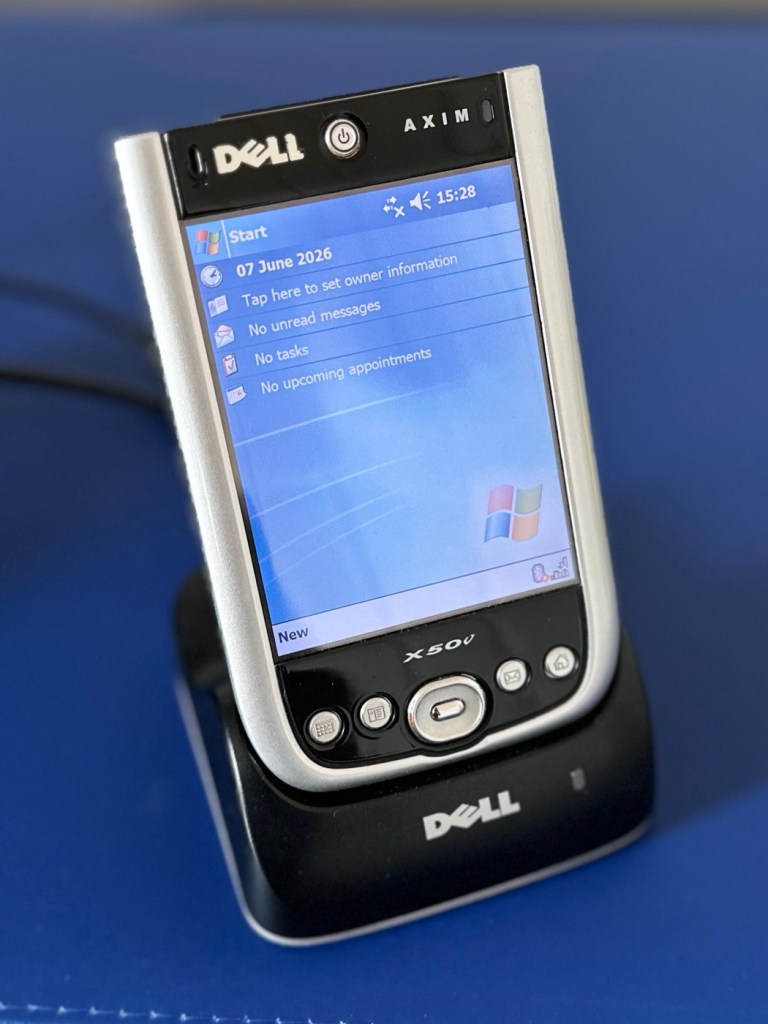
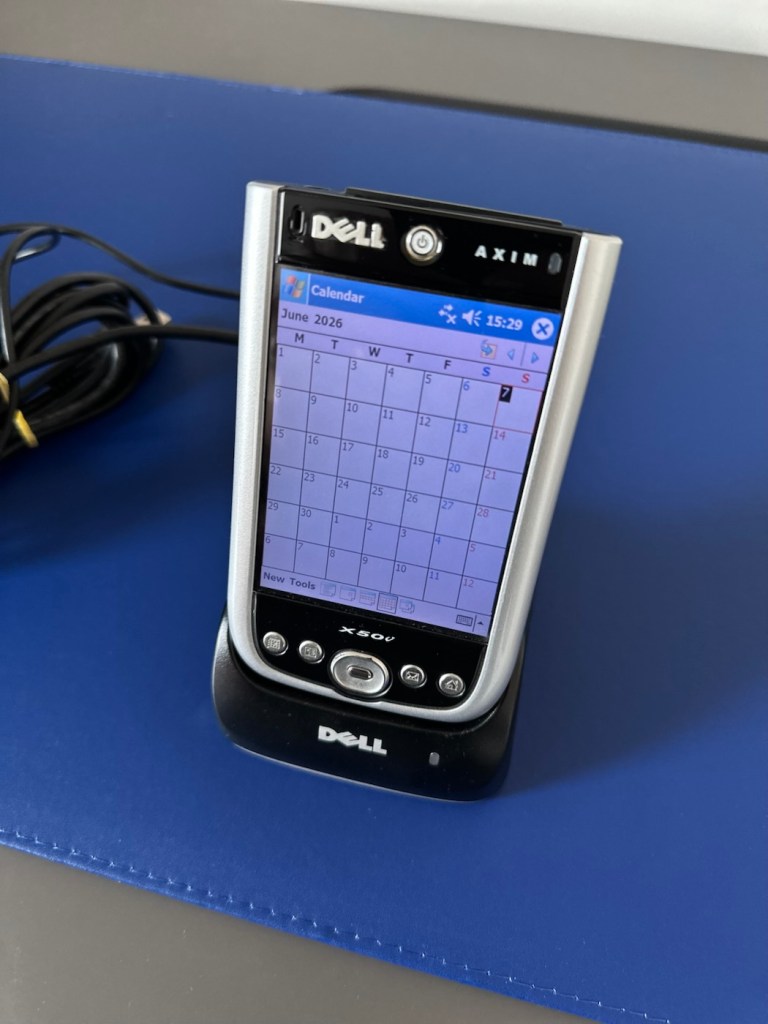
Everything is working fine on this unit, it voice records, the stylus is present and I have all the original software. It’s year 2K compliant and is working as good now as it ever has, the only items I have not replaced are the two small rubber pads used as feet. Not really necessary and if I ever find anything suitable, I’ll utilise it.

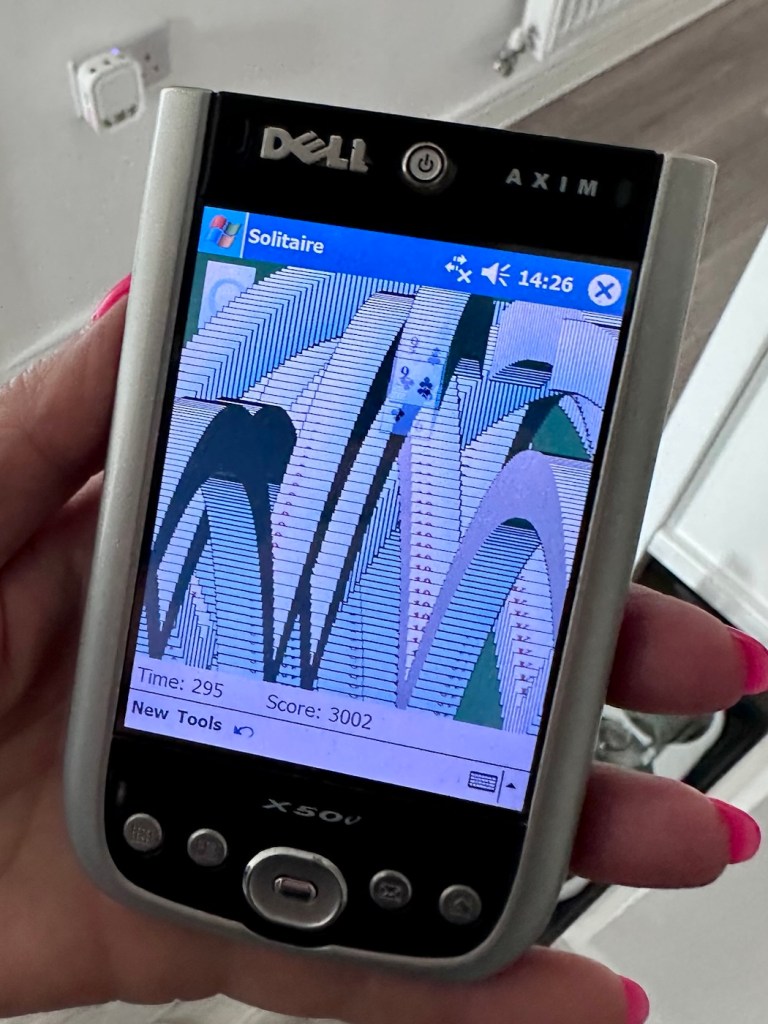
I’ve given this unit probably the best soak test it could ever be given, a rather long session playing original solitaire with my wife. She’s played for a little over an hour solid now and no error codes or faults have appeared.
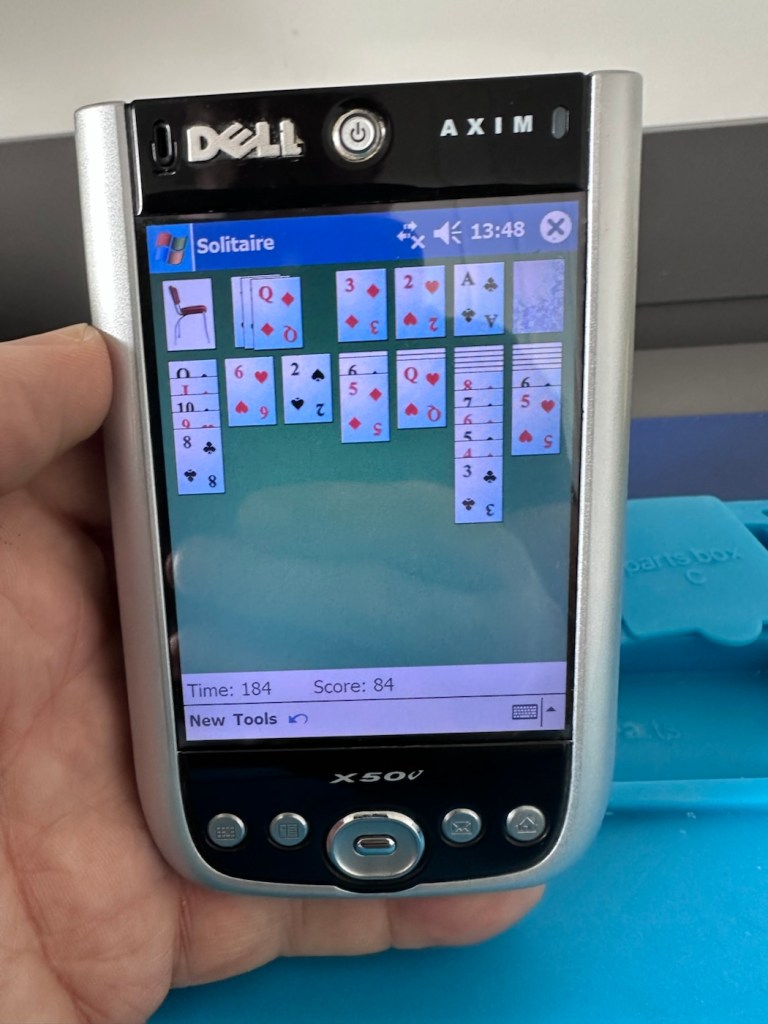
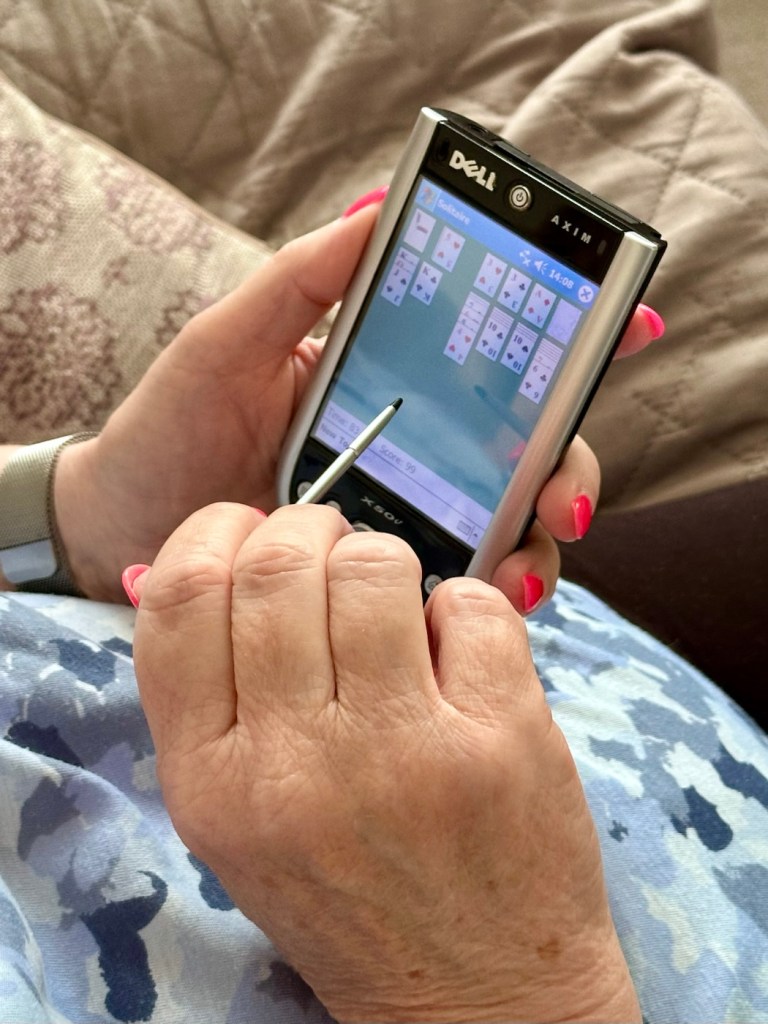
I’m happy we have a good working item, resurrected from impending doom in a landfill. Let’s get it cleaned and finished off.

Result:

The unit has cleaned up nicely, and for an item that is 22 years old, pre smartphone technology, it has aged really well.
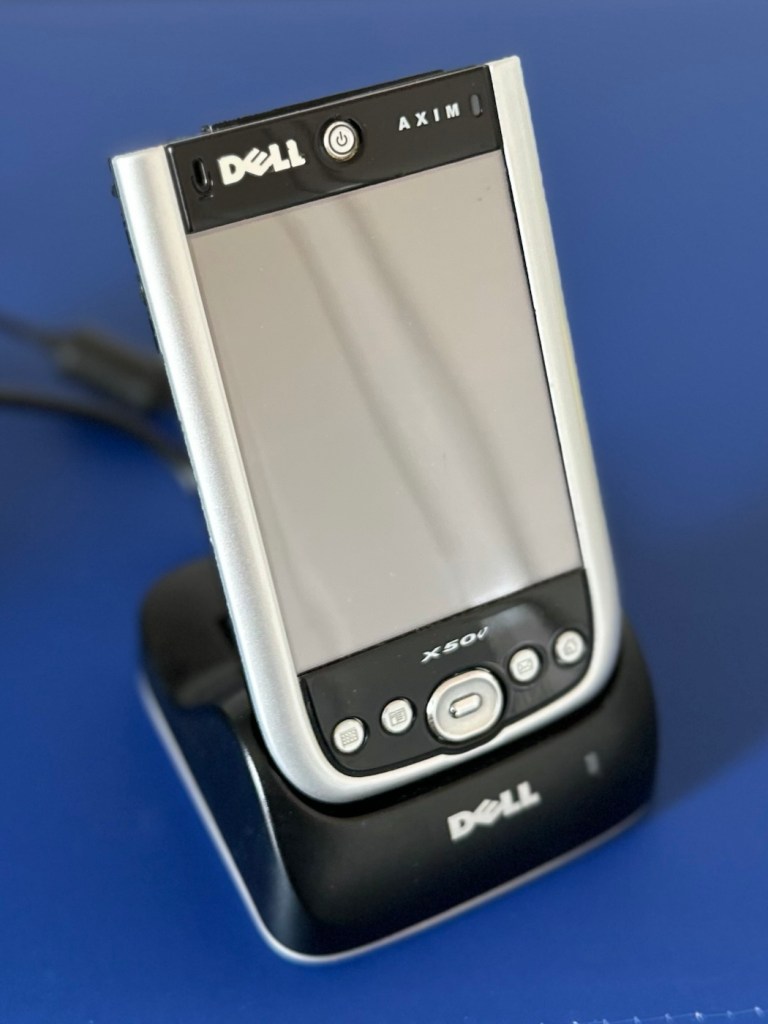
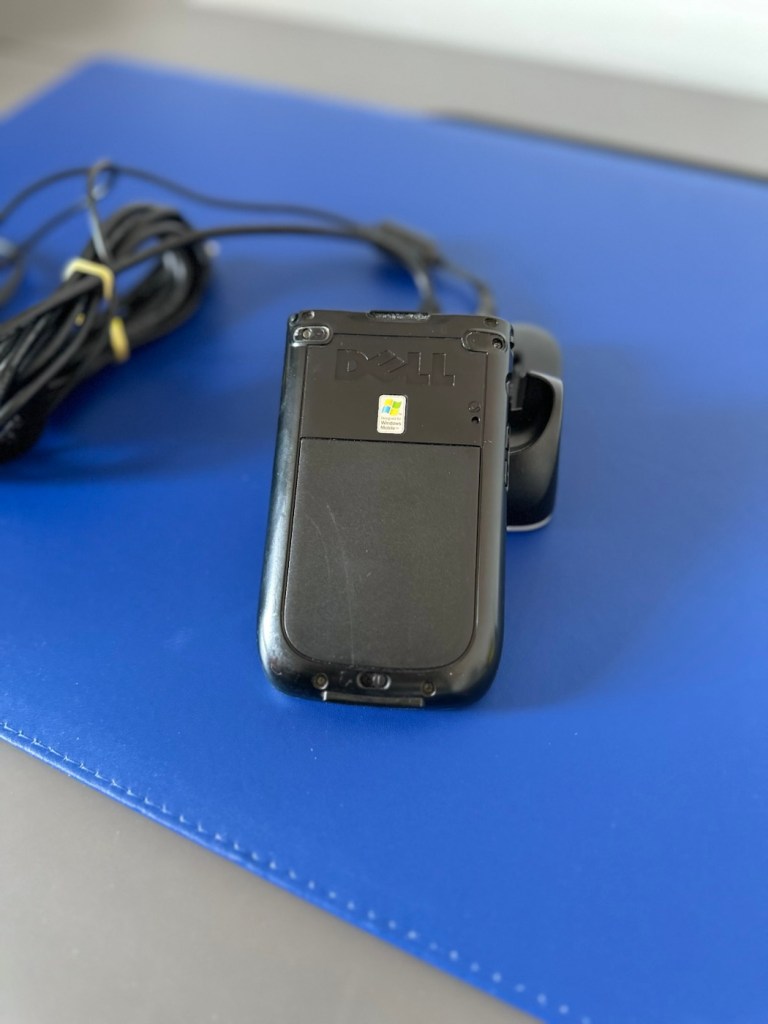
I just love these items from probably the best tech area there ever was, 90s through to year 2k and just beyond. Technology was developing, it was new and exciting with lots of choice unlike today.

It gives me a chance to now go back and buy the items I’d never be able to afford as a youngster/teenager, even though they may be broken. And that’s the fun of it all, learning, repairing and enjoying a momentary rerun of good times gone by.

I love it. And another item is repaired, saved from landfill and another piece of tech history goes on for others to enjoy for a few more years to come.

Thanks for passing by. It’s always very much appreciated.
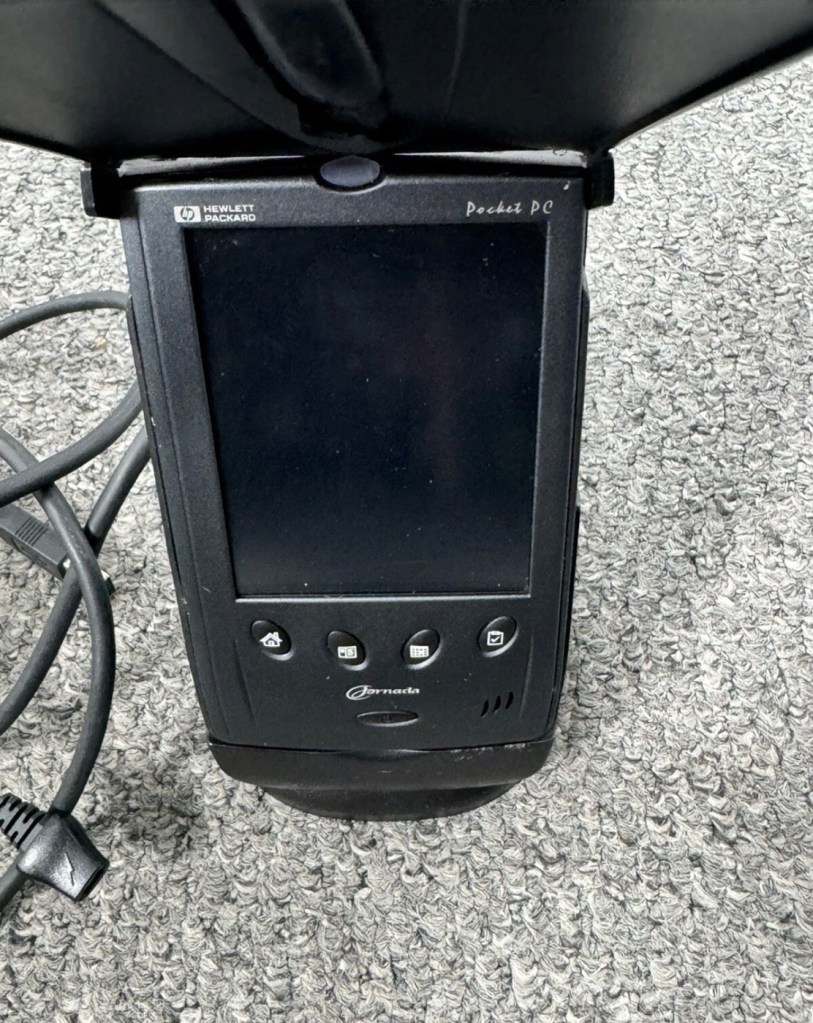
HP Jornada 540 Series PDA Pocket PC

I have two faulty pocket PC units that I can hopefully combine into a “Frankenstein” unit. Can we get at least one of them working again?

What the listing stated….mostly AI produced I guess?

Untested, no charger, docking station only by Hewlett Packard

32MB Jornada PDA 540 Series Pocket PC Windows & Docking is a highly functional device that comes with some amazing features. This device is perfect for individuals who desire a highly efficient PDA Series. The device is sold as untested and is compatible with the Windows operating system. The brand of this device is HP, which is a well-known brand in the tech industry. The PDA Series is HP Jornada and it comes with an installed memory (RAM) of 16 MB. The display size (pixels) and screen type are unknown, but it has a model number of 540. This device comes with a docking station that allows ease of use for individuals.

EBay

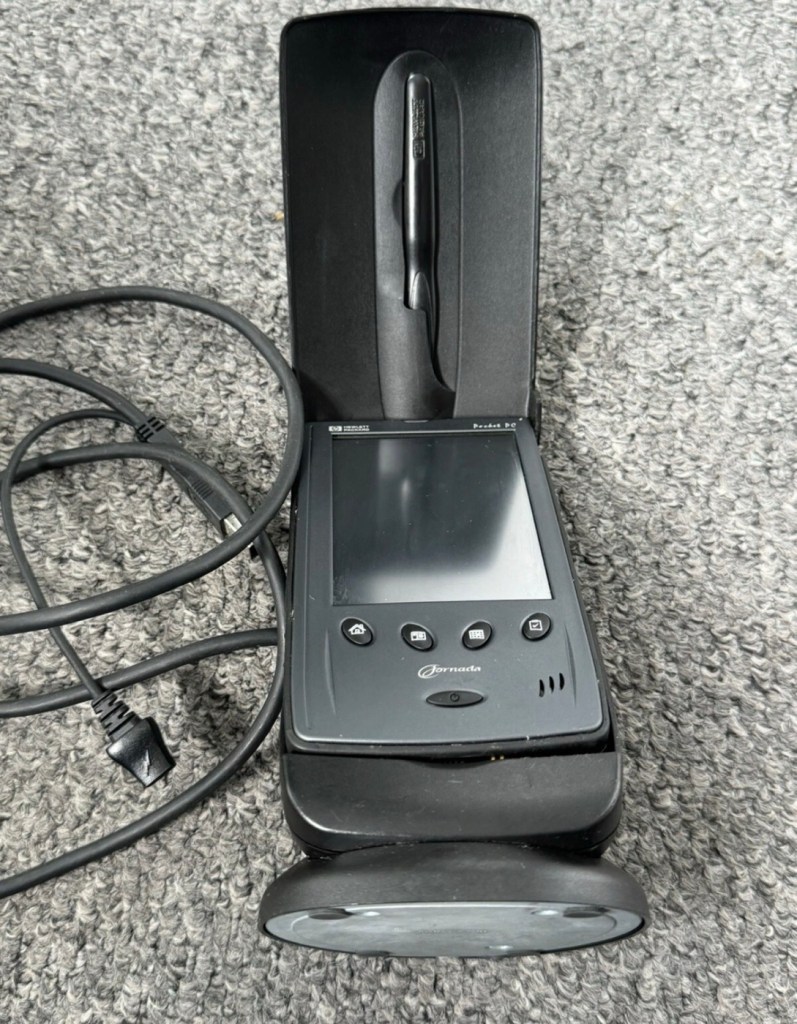
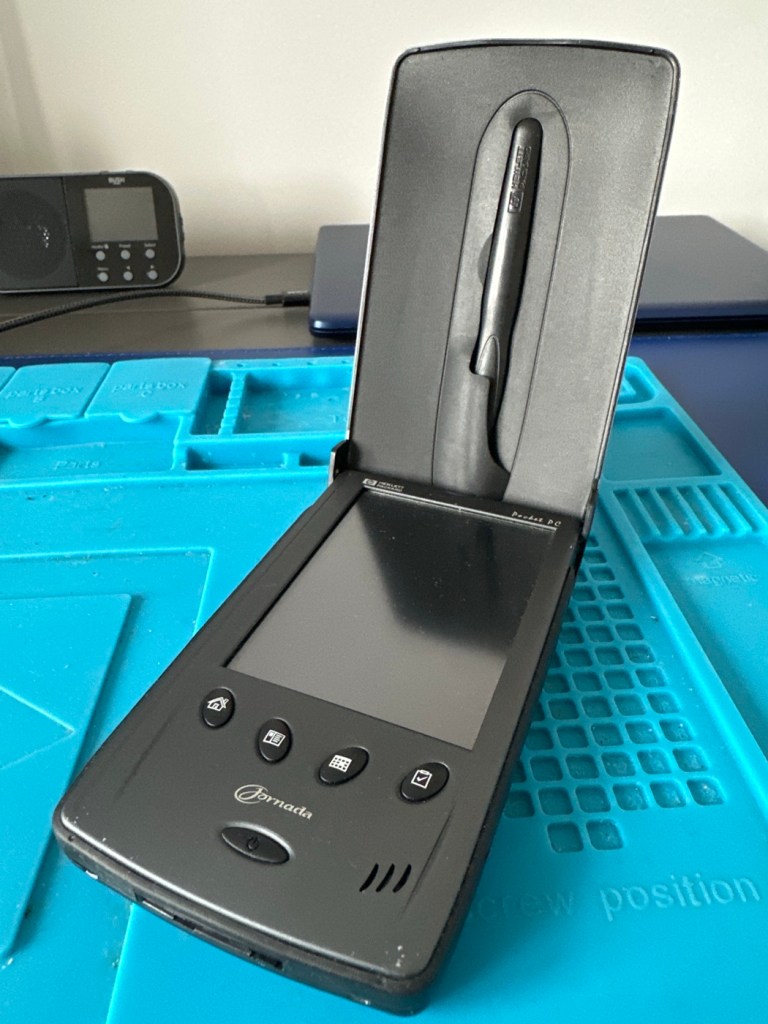
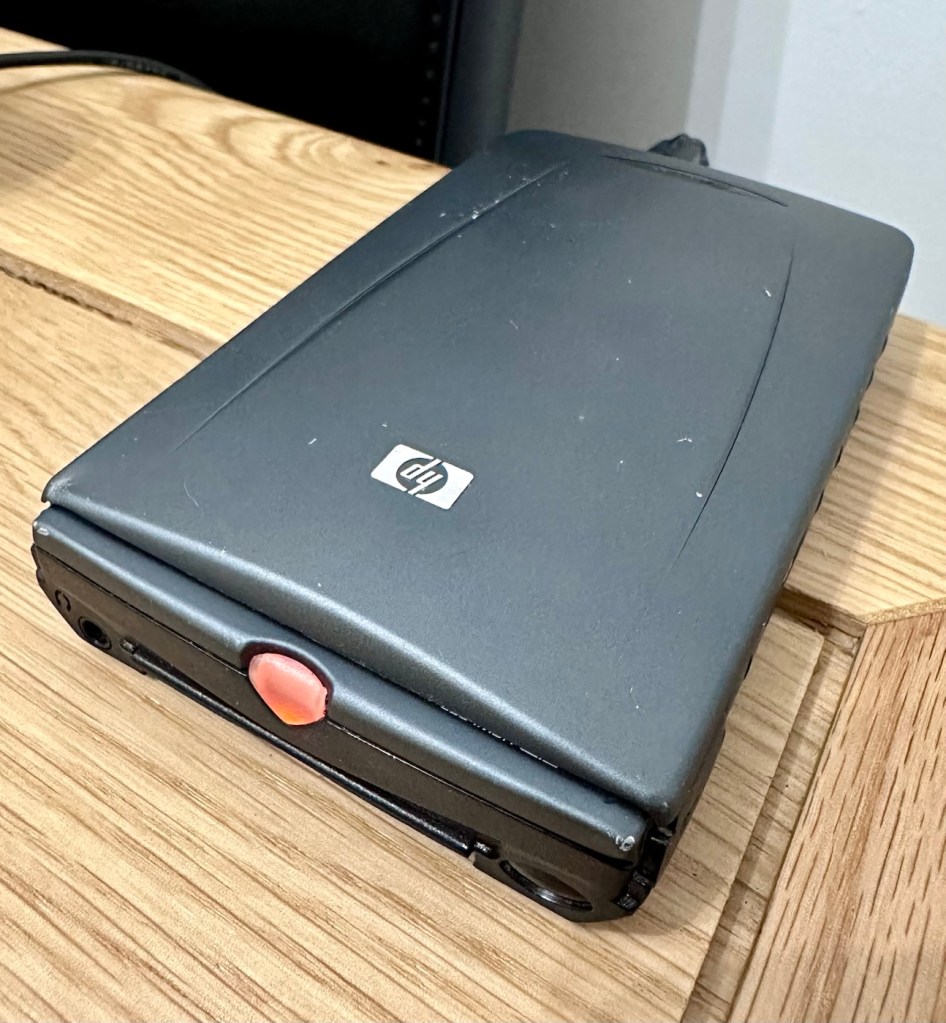
And this is my original old 540 (548) Jornada.

I just know this is going to be a challenge, and to be honest i will have two of these when this one arrives. This is the 16 mb version, released in Mid 2000, currently aged at around 26 years old. I’ve had a dead one sitting in one of my junk drawers for a couple of years now and I though it would be a good challenge to get at least one of them working again, another one of my Frankenstein projects if you must. I have no charger for these, the chargers are priced at a premium with the online pirate community, (Robbing swines!) so I will just have to make do. At least with the docking station that this unit has I have somewhere to start from. I suspect both batteries will be dead so I may have to use some jiggery pokery to get some power into their circuits to see if we can get any signs of life.

But whilst we await the arrival of this unit, here is a little bit about this PDA:

The Jornada was a line of personal digital assistants or PDAs manufactured by Hewlett-Packard. The Jornada was a broad product line that included Palm-Size PCs, Handheld PCs, and Pocket PCs. The first model was the 820, released in 1998, and the last was the 928 model in 2002 when Compaq and HP merged. The Jornada line was then succeeded by the more popular iPAQ model PDAs. All Jornada models ran Microsoft Operating Systems that were based on Windows CE.

Jornada 540 series

The HP Jornada 540 series, including models 545, 547, and 548, was released in July 2000. As one of the original Pocket PC platforms, it featured a 12-bit color display, 32MB RAM, and USB connectivity running Windows CE 3.0.

The Jornada 540 series was one of the original models of Pocket PC, when the platform was first announced. Sharing the Operating System, CPU and memory card slot of the 520 series, it featured a 12-bit display (originally advertised as 16-bit display) and USB connectivity. Two models were made available that were identical except for the amount of RAM. The 545 had 16 MB RAM and the 548 had 32 MB RAM.

Wikipedia

Assessment:

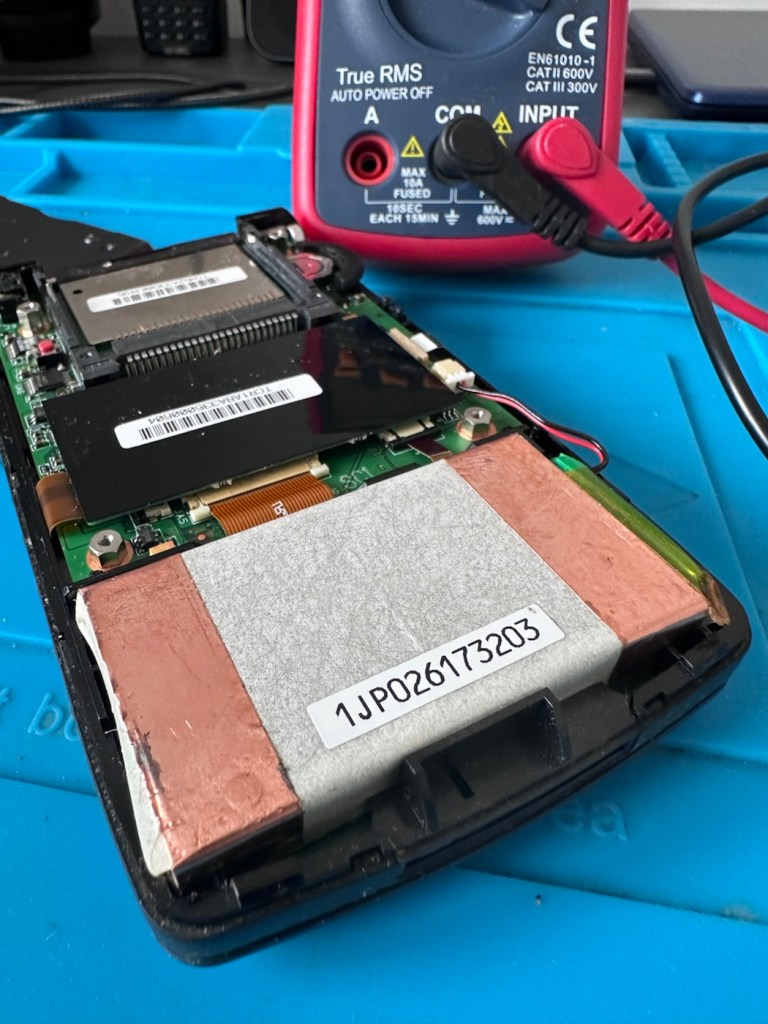
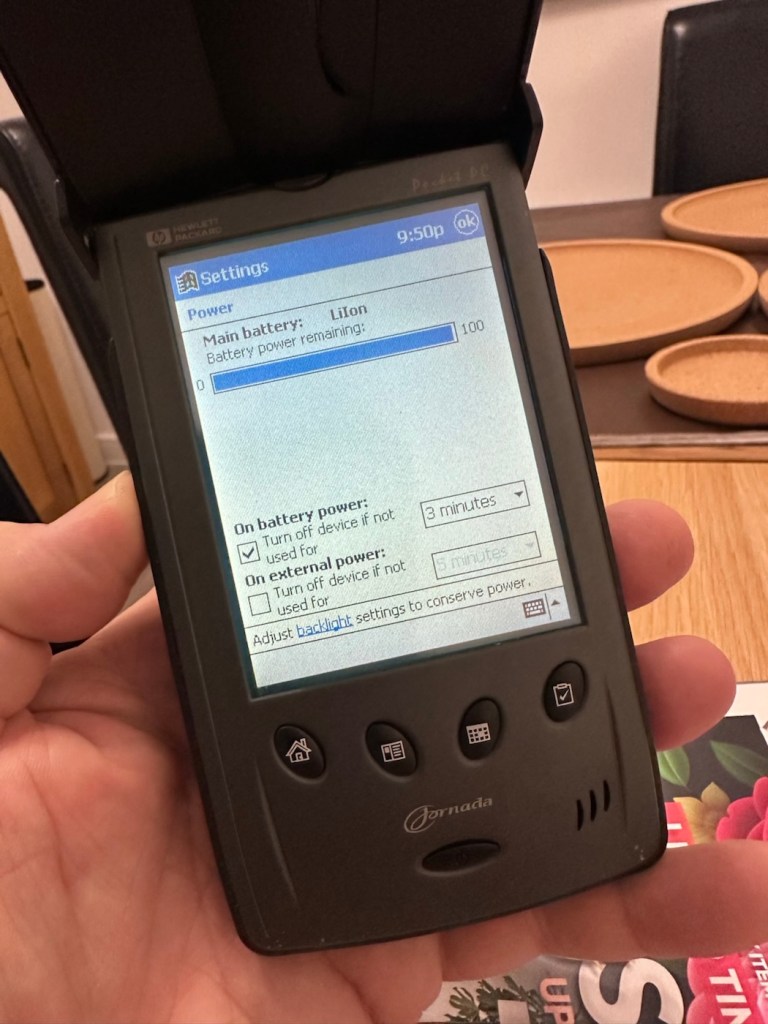
The old one I originally had is in fairly good condition, only displaying age related wear and tear. It has its original touch pencil, and is pretty much all there. Its battery (a 3.7v Li-ion) is very dead though (see pictures above) I have no means at present to see if I can charge the battery.

My original old unit

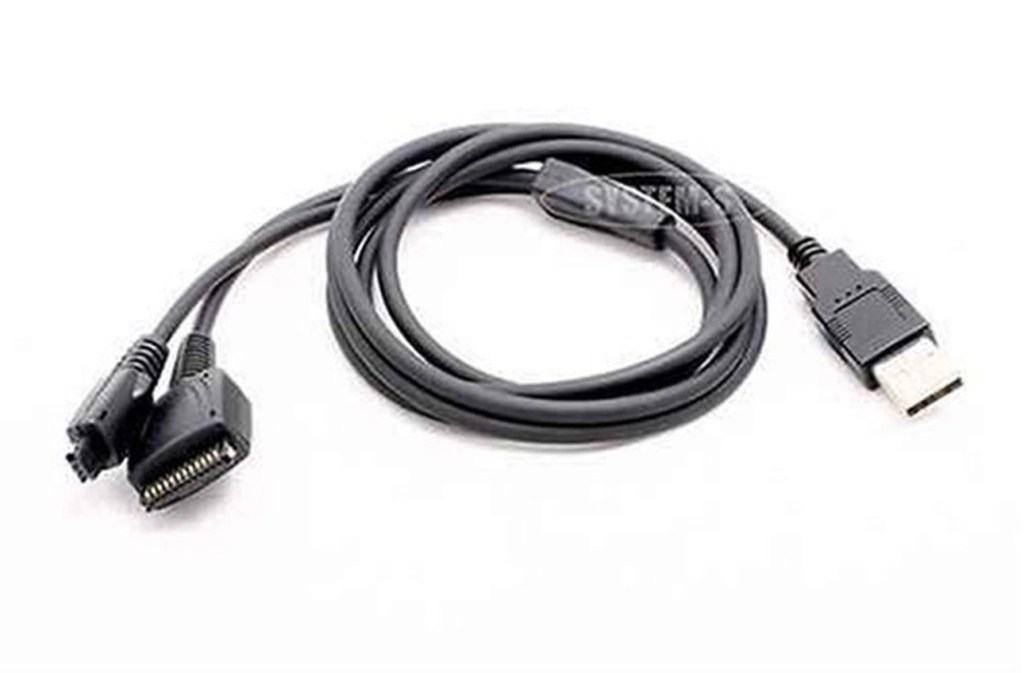
I have however found a charging alternative that will not break the bank. I have found a chap in Germany called Edgar, that runs a business selling cables and peripherals for older units, as well as more up to date systems, his shop is in Hannover and his company is: systemhauszakaria.com. I have managed to get a USB charging unit called a System-S USB Charging cable, that has the connectors required for this unit, and being a USB cable I can use a suitable plug for the mains supply , if required.

The System-S USB charger cable

The cable includes a data transfer cable that also fits the unit, however my main task is to try and get some power into these units.

Let’s give it a go.

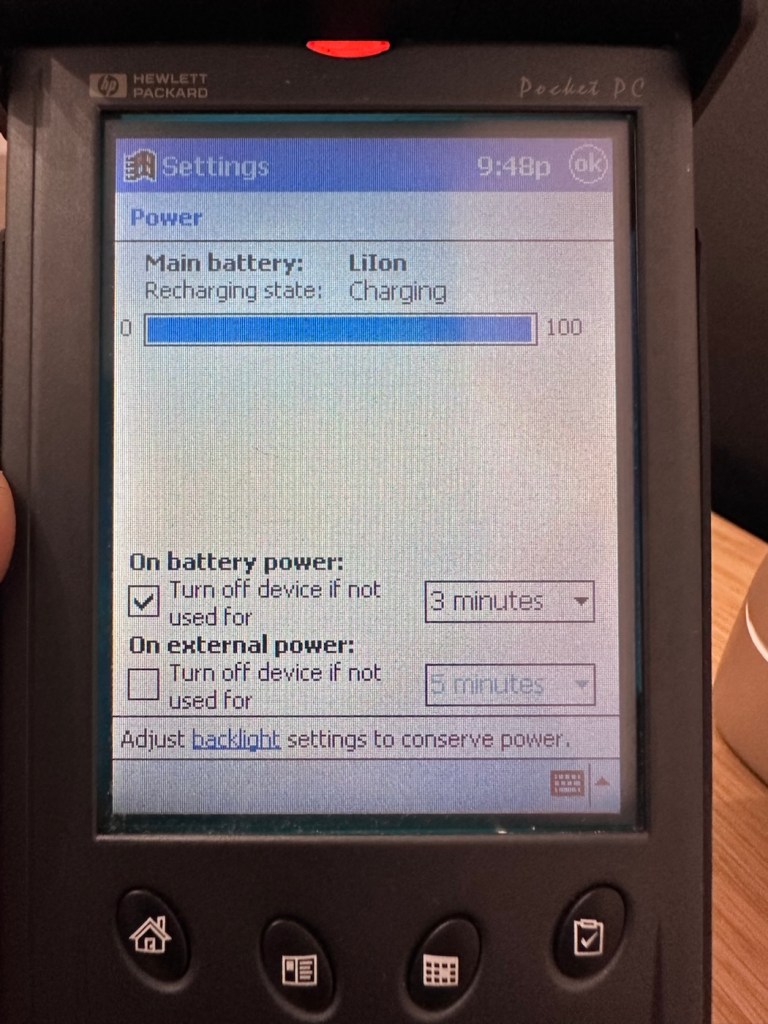
I’ve used the new lead, left the unit on and monitored it for about 90mins, and it does appear to be taking a charge. An Orange light indicates that charging is taking place.

Charging unit

The unit displays as 100% charged with the charging lead in. when disconnected it drops to about 50% but within a couple of seconds it shows as 100% again, this could be a time delay of some sort whilst switching to the battery circuit.

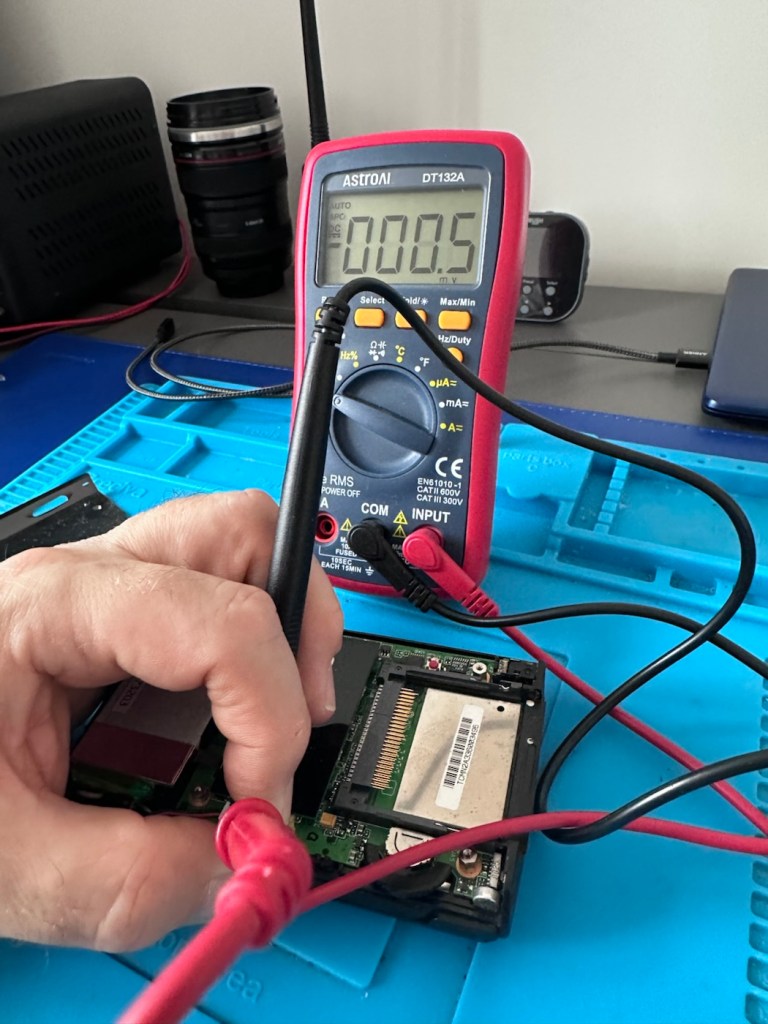
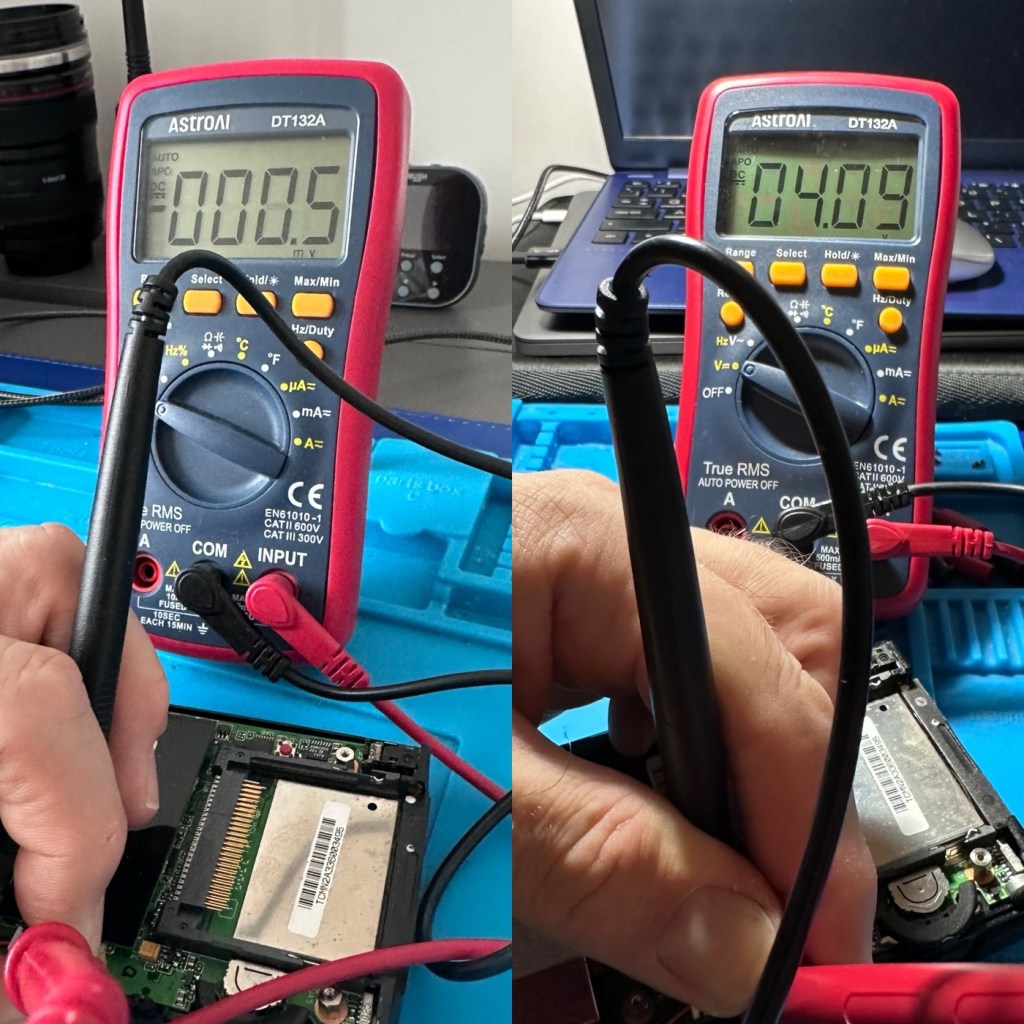
At this point I thought it would be worth getting the back off again, to check the battery charge. If you remember earlier in this post, this old unit that had sat unused in my desk for the last couple of years and when last tested the battery was dead at about 0.5mA. However this is a transformation, as when the battery was now tested its voltage was 4.09v. Now, a 3.7v Li-ion battery such as this should have a max charge voltage of 4.2v, so in theory this battery is in quite good condition considering its age. There may be a little deterioration, however considering this battery is possibly 26 years old it’s held up very well.

Before charge, and after

The unit will be left for a while to see how the charge holds. 10hrs later, untouched and off charge, I can confirm the power is still indicating 100%, this pleases me as it shows the battery is still good and has a good life inside of it. Very pleasing for what is potentially a 26 year old battery.

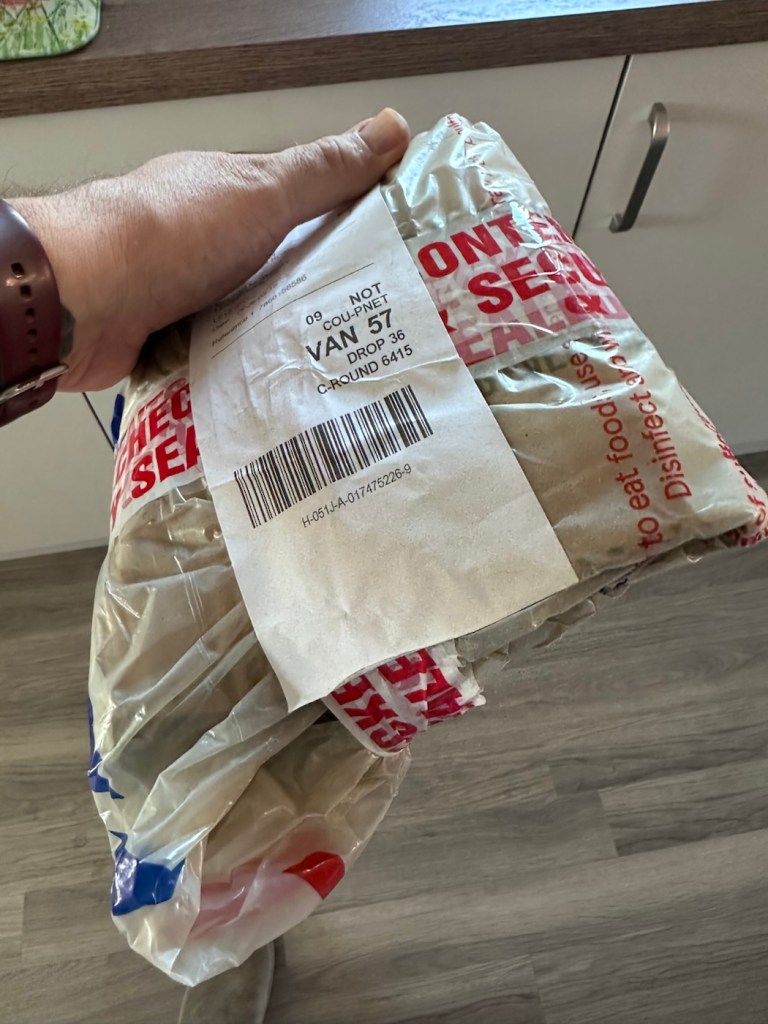
The new unit has now arrived and I’m surprised it got here after being posted in a couple of old carrier bags, no padding just a couple of old bags. I suspect the seller wanted it off his hands, they probably had little faith in it ever working again.

However, despite this, the actual unit appears to be in quite a good condition. It’s free from dinks and scratches and both the unit and the charging cable appear to be in a good order.

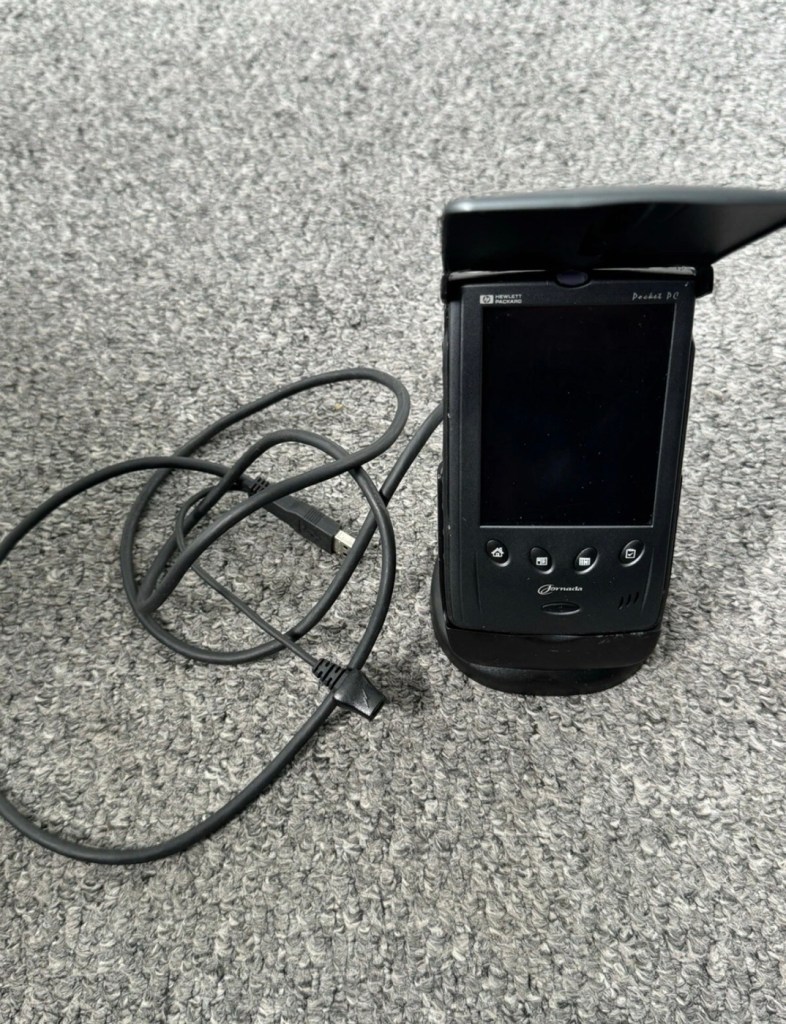
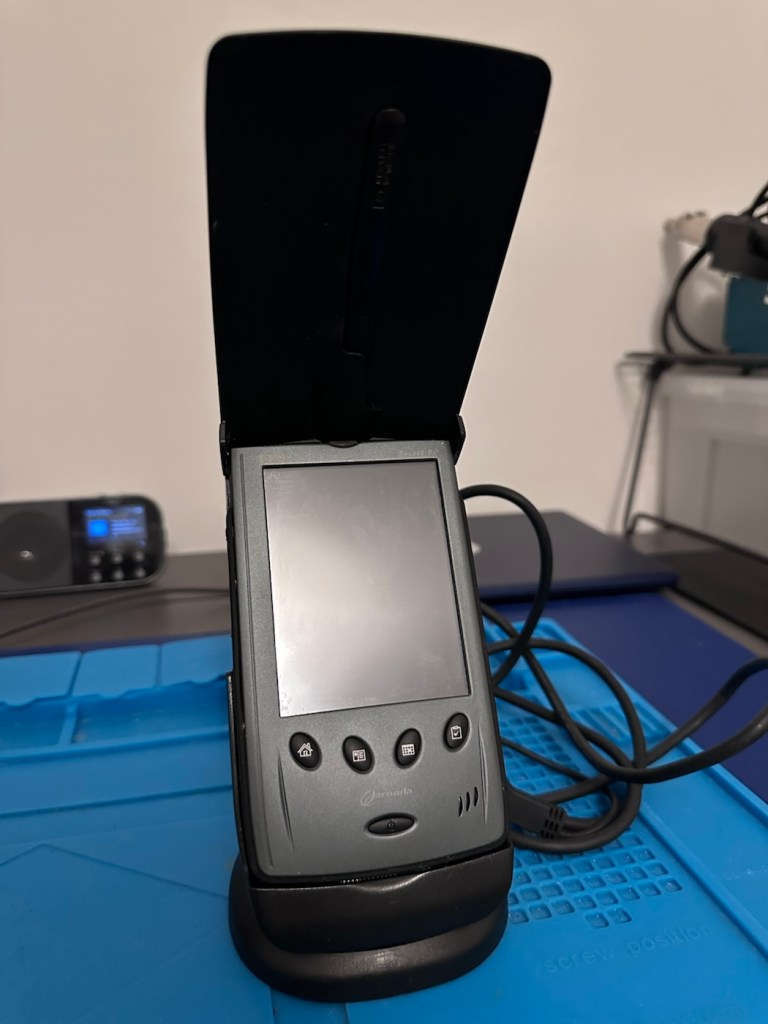
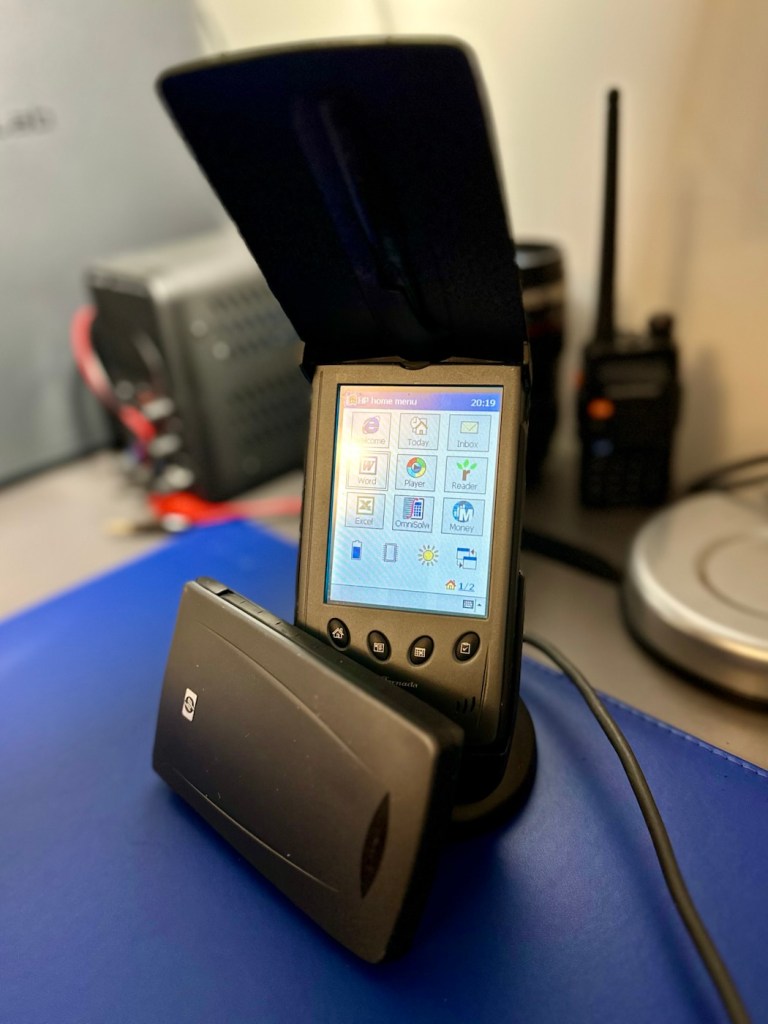
The new unit and charging cradle

Now, the good thing is that both these units have their original touch pencils. This cradle has a cable connected to it and a USB socket, however that USB socket is for data transfer and not charging. To charge, the new System-S USB cable has to be connected in line. The cradle will then charge. And it looks as if it is doing just that.

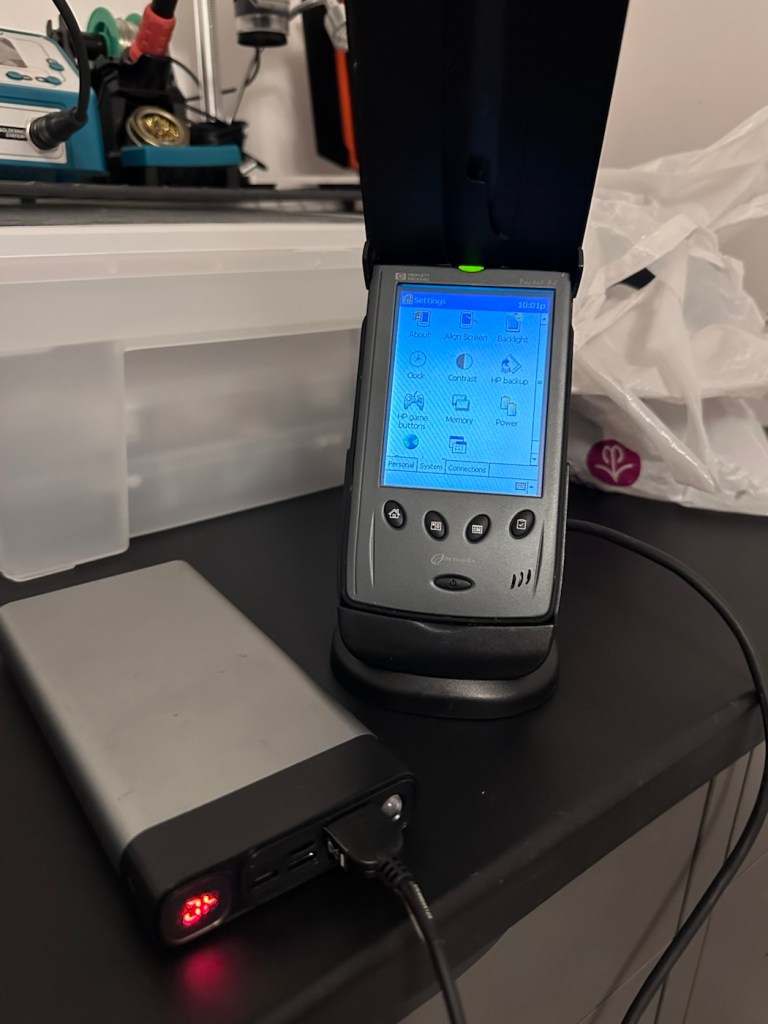
This time i have connected the new unit and cradle to a Power bank charger to see if this works, and it appears to be doing just that. It drained the power bank quite quickly, it only half charged, I’ll have to put it back on the household power tomorrow to fully charge it and check its battery capacity.

Tomorrow has arrived and the unit has been on charge for a couple of hours and it is indicating as fully charged. Back on the bench with the back off I can confirm the battery charge is reading at 4.08v so it is pretty much the same reading as the other unit.

New unit and cradle with power bank charger

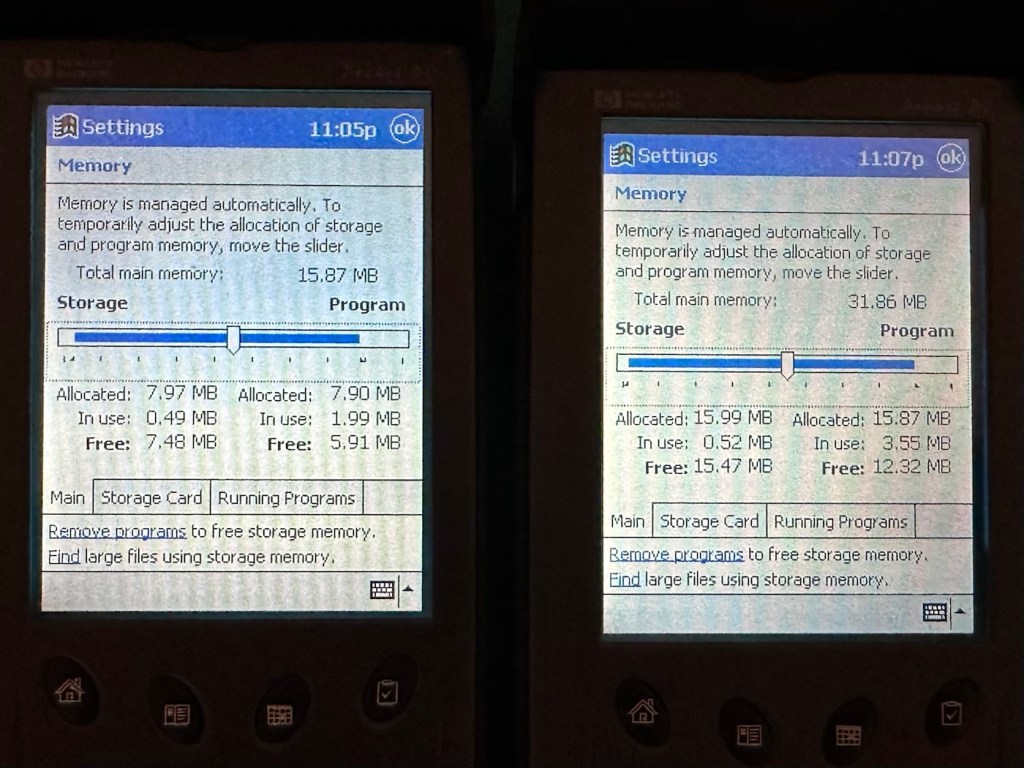
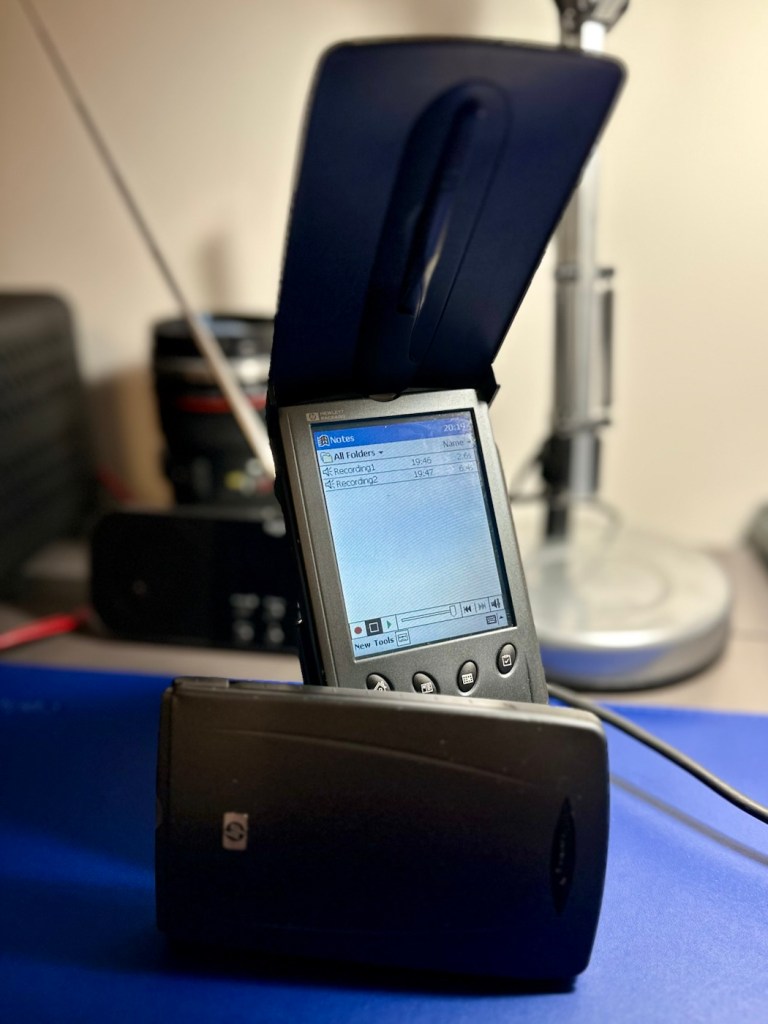
These two units are both of the 540 series however the newer one that came with the cradle has only 16MB of memory (The 545) whereas my older one (The 548) has 32MB of memory. It appears that HP created three variants in the 540 range and I now have two of them. The 545 had 16 MB RAM and the 548 had 32 MB RAM, the one that escapes me, the 547 was also a 32MB variant. (I’m going to have to get one now just to complete the set)

545 on the left, 548 on the right

Repair:

Less of a repair and more of a resurrection to be fair. I said it would be a Frankenstein project, and that’s exactly what it has been. Both units have charged well despite my concerns, they have been charged in a monitored environment and neither are showing signs of overheating, irregularities or any battery swelling or other issues. The battery management system on both batteries seems to be doing its job, and doing it very well.

I’m going to use this section to test some of the functions, to look at the installed program package and at the same time monitor battery usage along the way.

And as with all my projects, a thorough clean of the units is going to be carried out, it’s just got to be done.

But first I’m going to leave these units for a few days to see if the batteries drain.

Three days later

Three days later it’s good to see that when turned on, both units are holding a similar, slightly discharged reading that is to be expected. I’m pleased at this, and it appears that both batteries are holding out well and working very well after a long period of inactivity.

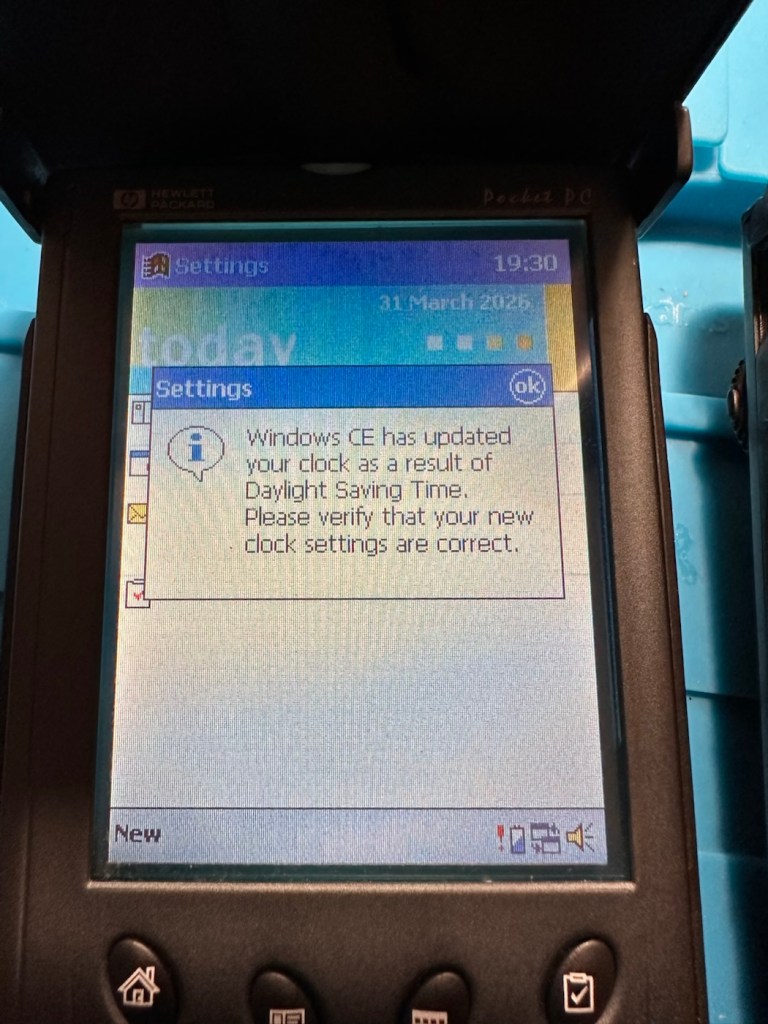
Left again for a couple of more days and both units are now prompting me to accept that the UK has now turned to daylight saving time, (as it has) and this is another good sign that shows that all is working as it should be.

What am going to do with these units? Please don’t ask me that as I just don’t know. I’m probably just going to use them for note taking, maybe for a to do list for my work room, but in reality they will probably just get stored in a sealed bag with some silica bags to keep them dry, until I either move them on or find another use for them.

Good job 👍

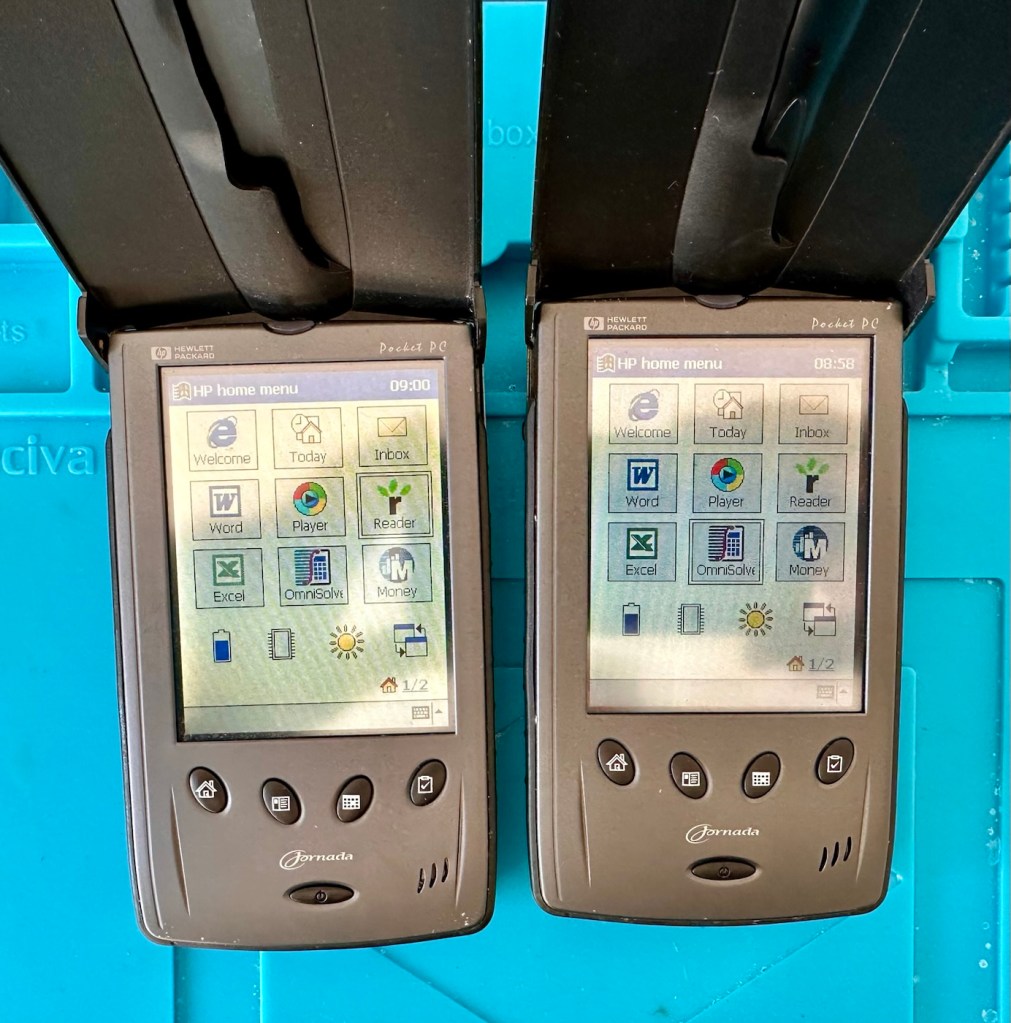
The package originally installed on these units consisted of the following:

  • Microsoft Pocket PC Suite: Pocket Outlook (Calendar, Contacts, Tasks, Inbox), Pocket Word, Pocket Excel, Windows Media Player (for audio/video), and Pocket Internet Explorer.
  • HP Productivity Tools: HP Home Menu, HP Task Switcher, HP Image Viewer, HP Backup, and HP Emergency Backup.
  • Third-Party & Utilities: LandWare OmniSolve Calculator, Developer One CodeWallet Pro (for passwords), AvantGo (for offline web browsing), and PeaceMaker (for infrared contact exchange).

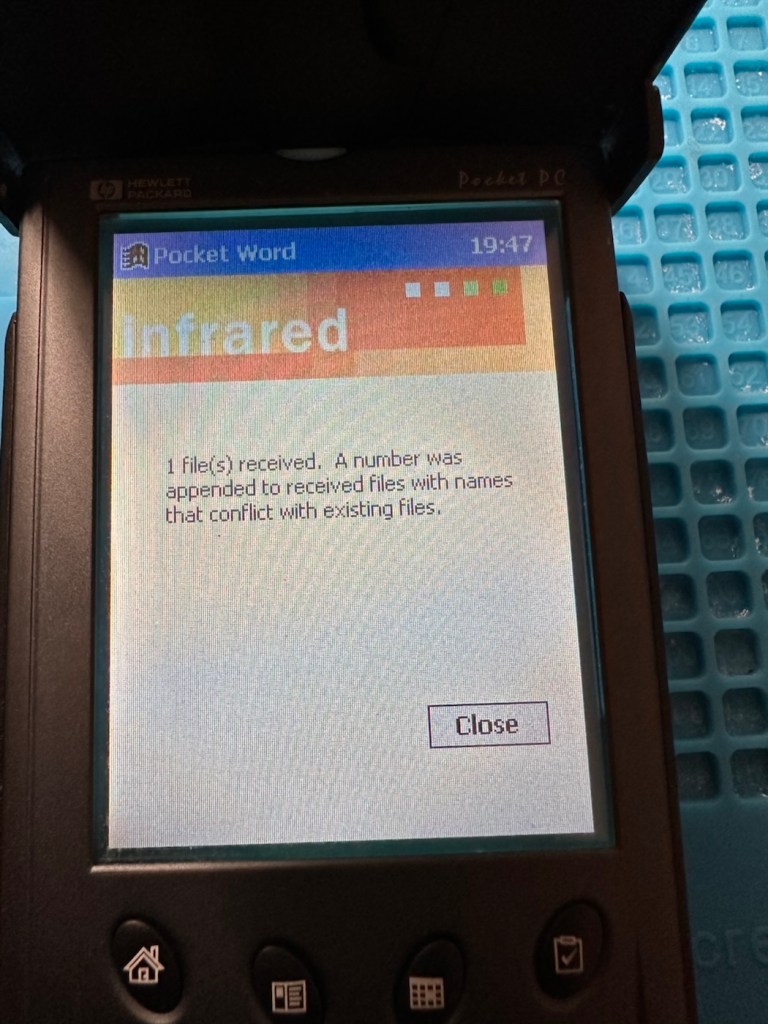
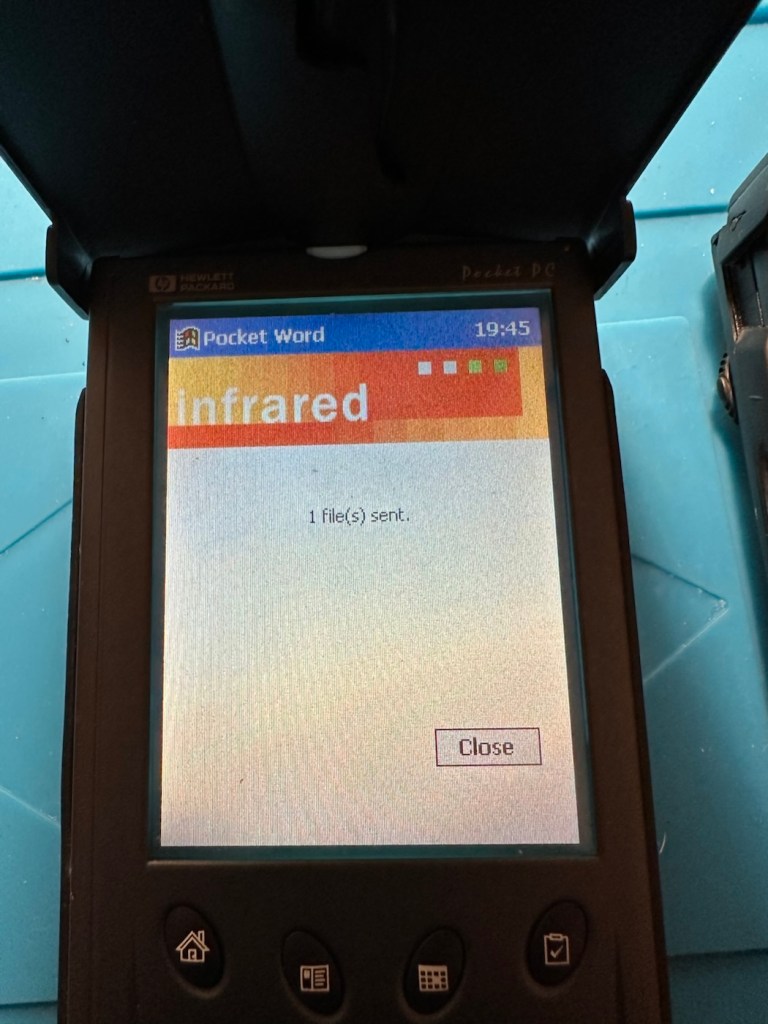
One item I wanted to test is the infrared transfer ability between units. I’ve made a small file within the word program, set one unit to transmit on infrared and the other to receive. On sending the file, this task worked fine.

The transfer worked however both units have to be within a very close line of sight to do so, it just shows how much file transferring has moved on within the last 25 years or so. We have been spoilt.

These units are both working fine.

Result:

Full Microsoft CE package
Working as they should be

There are many uses listed for these units online including MP3 players and television controls. However, I think using as a to do list for my workspace is probably the most appropriate usage for me. I need organisation in my life, so what if I’m using technology from quarter of a century ago.

Why not?

Two perfectly good items saved from landfill.

Small victory, and that’s good enough for me.

Many thanks for passing by. It’s always very much appreciated.