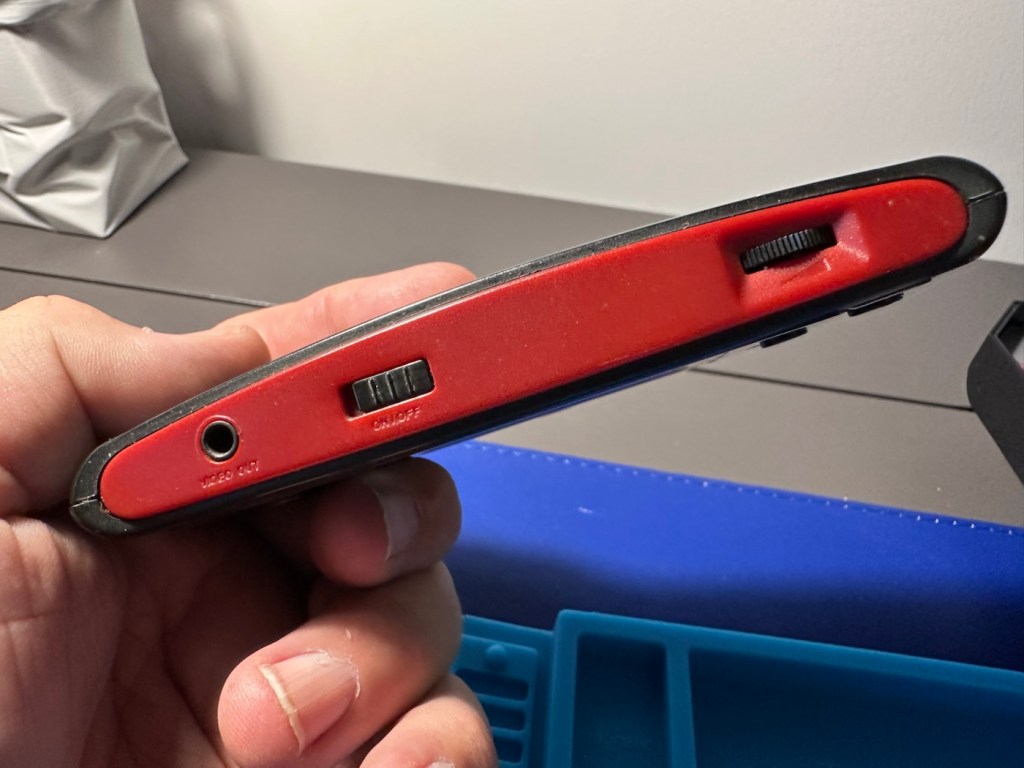
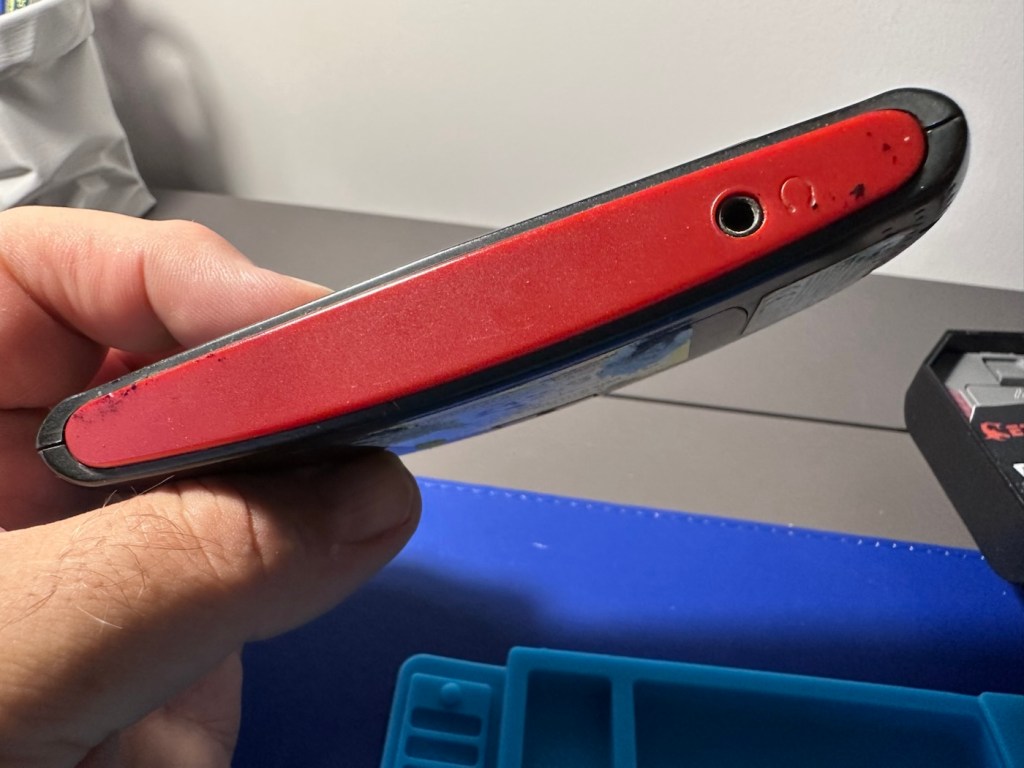
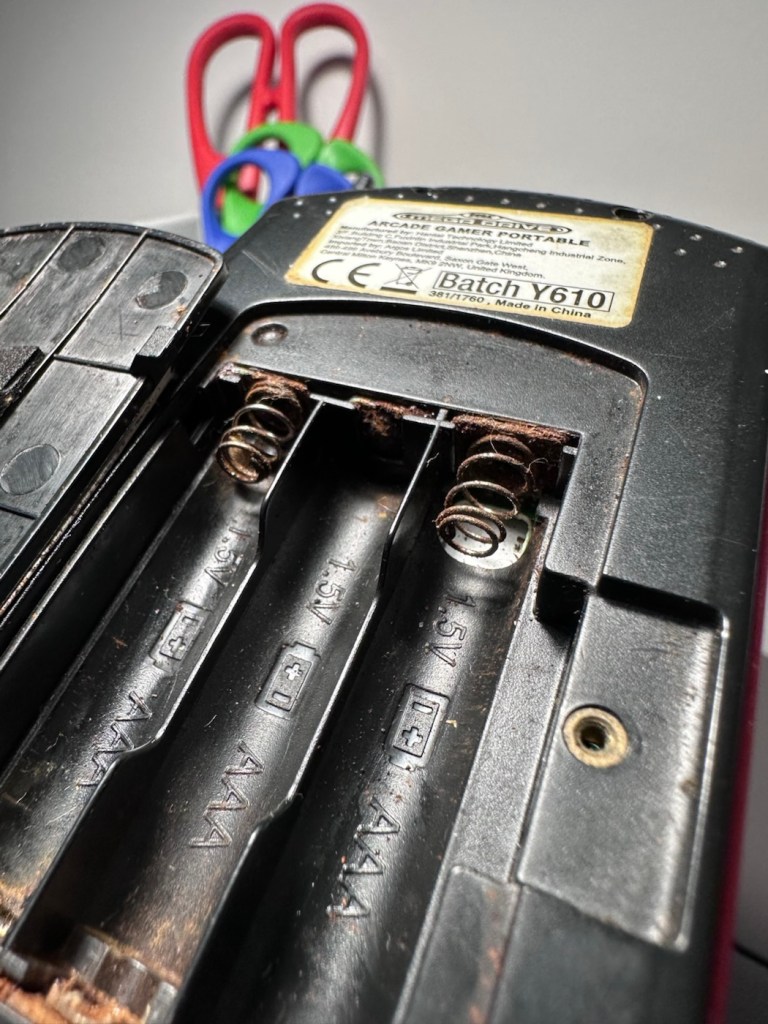
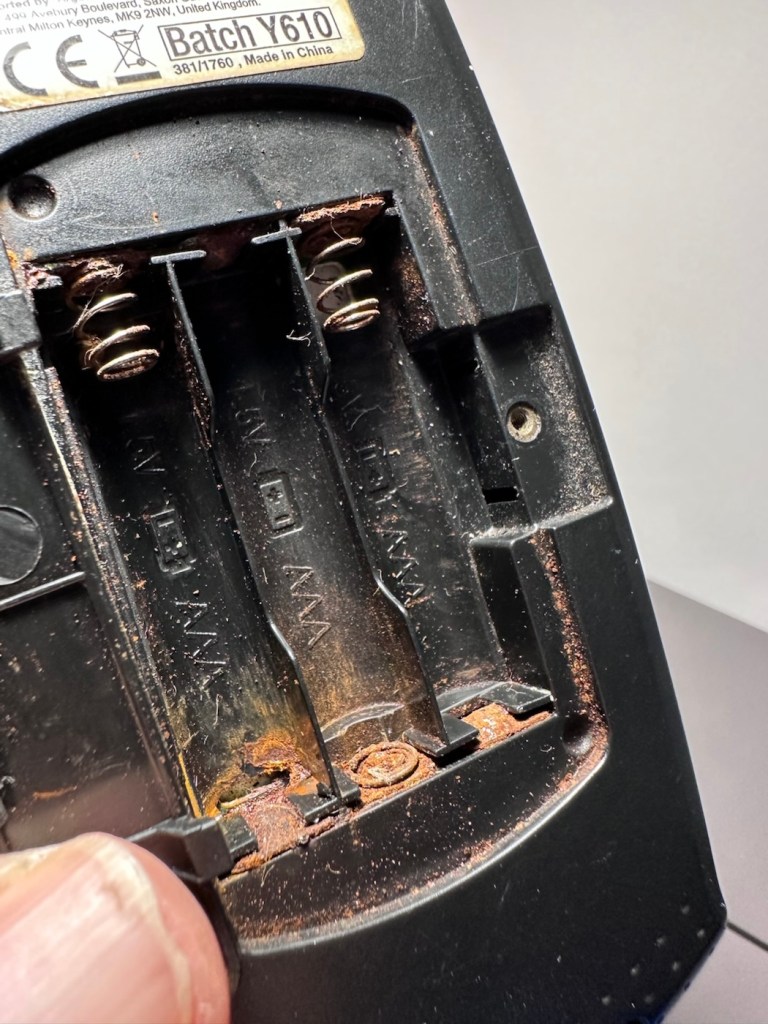
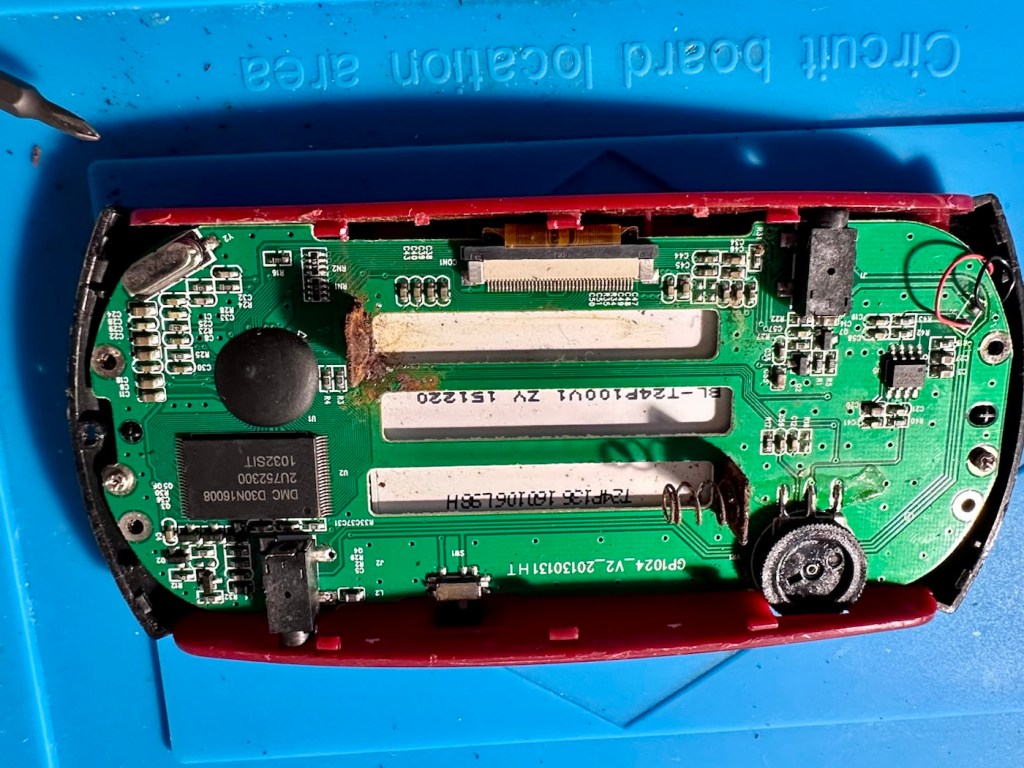
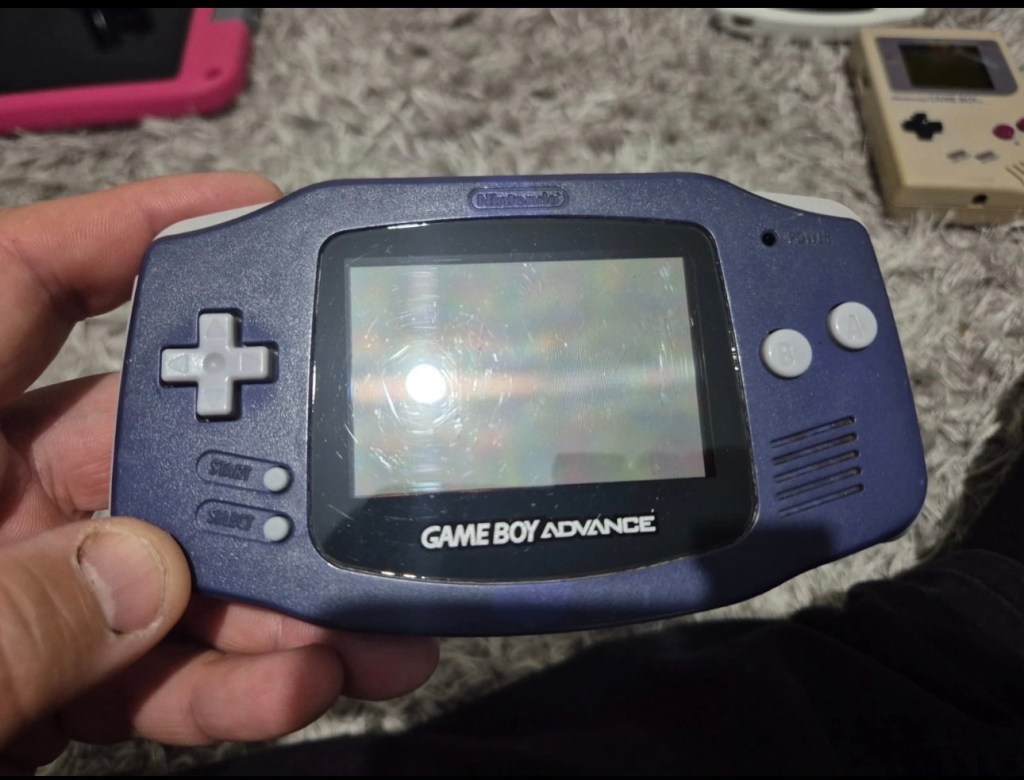
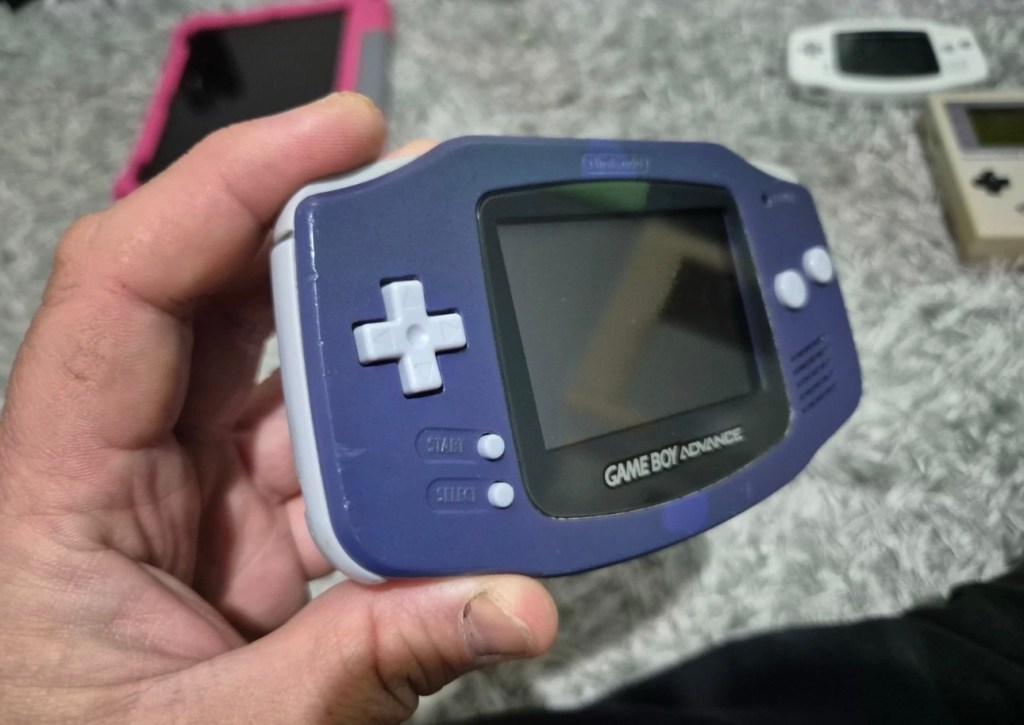
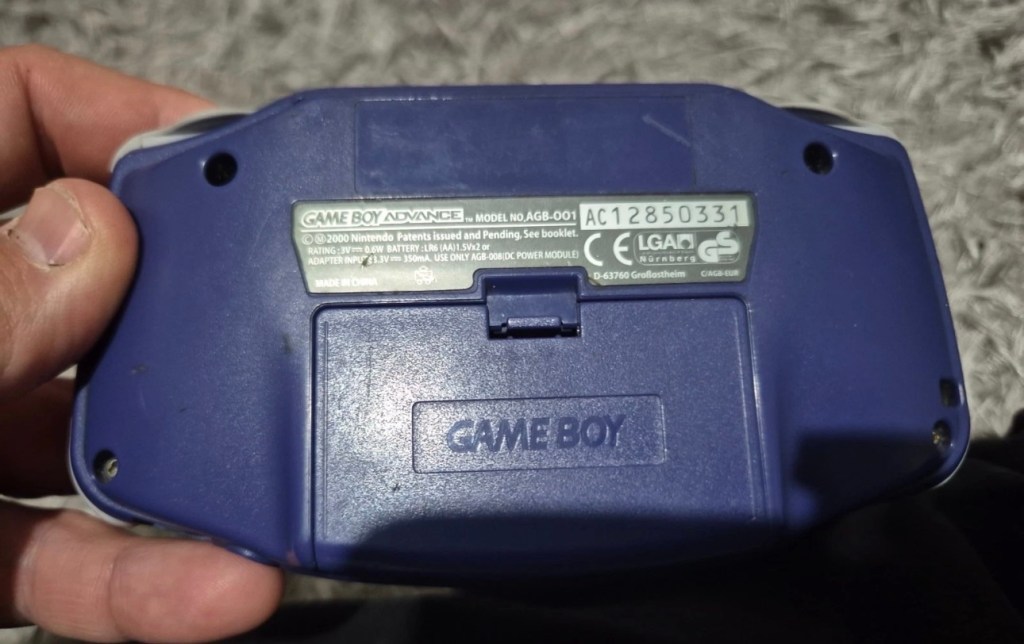
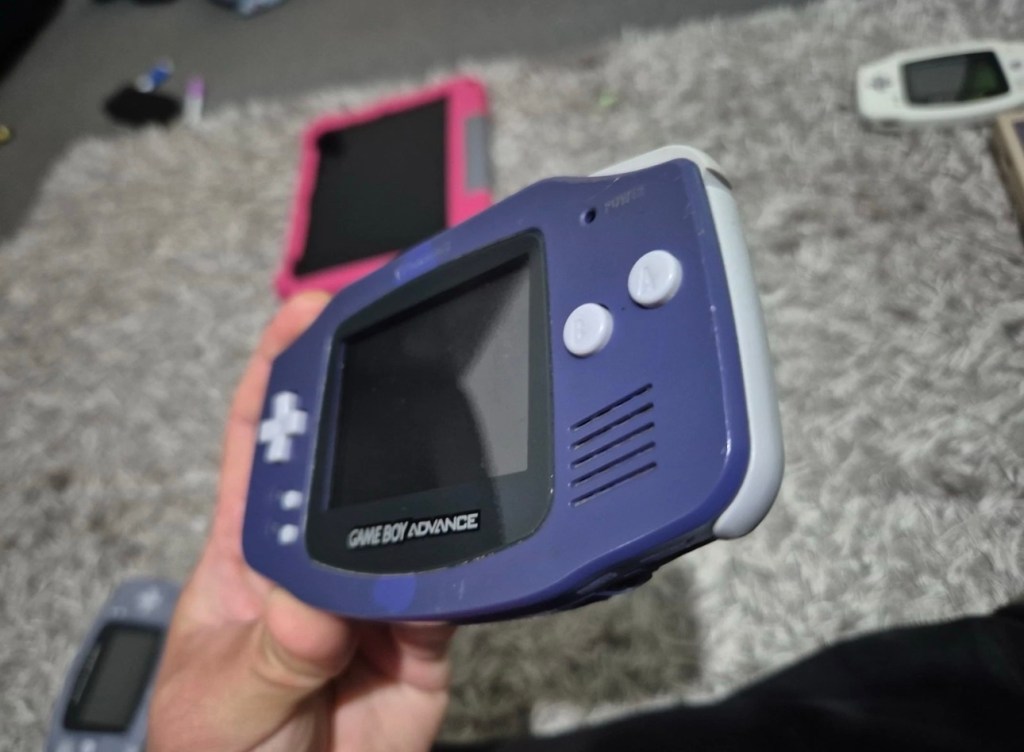
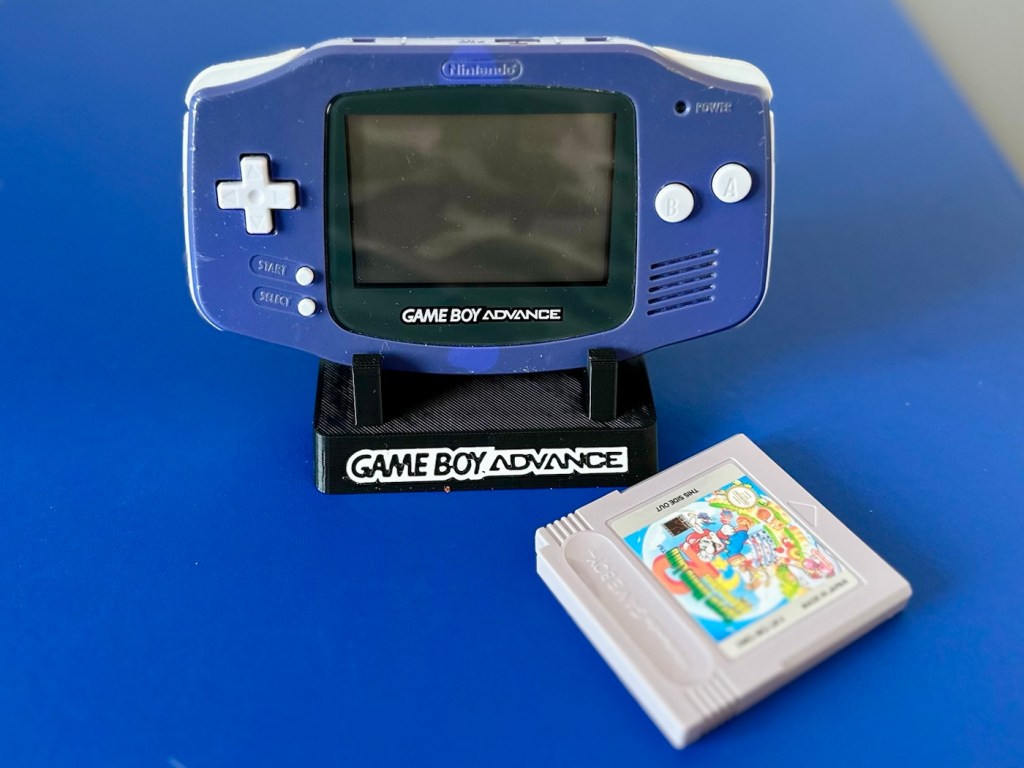
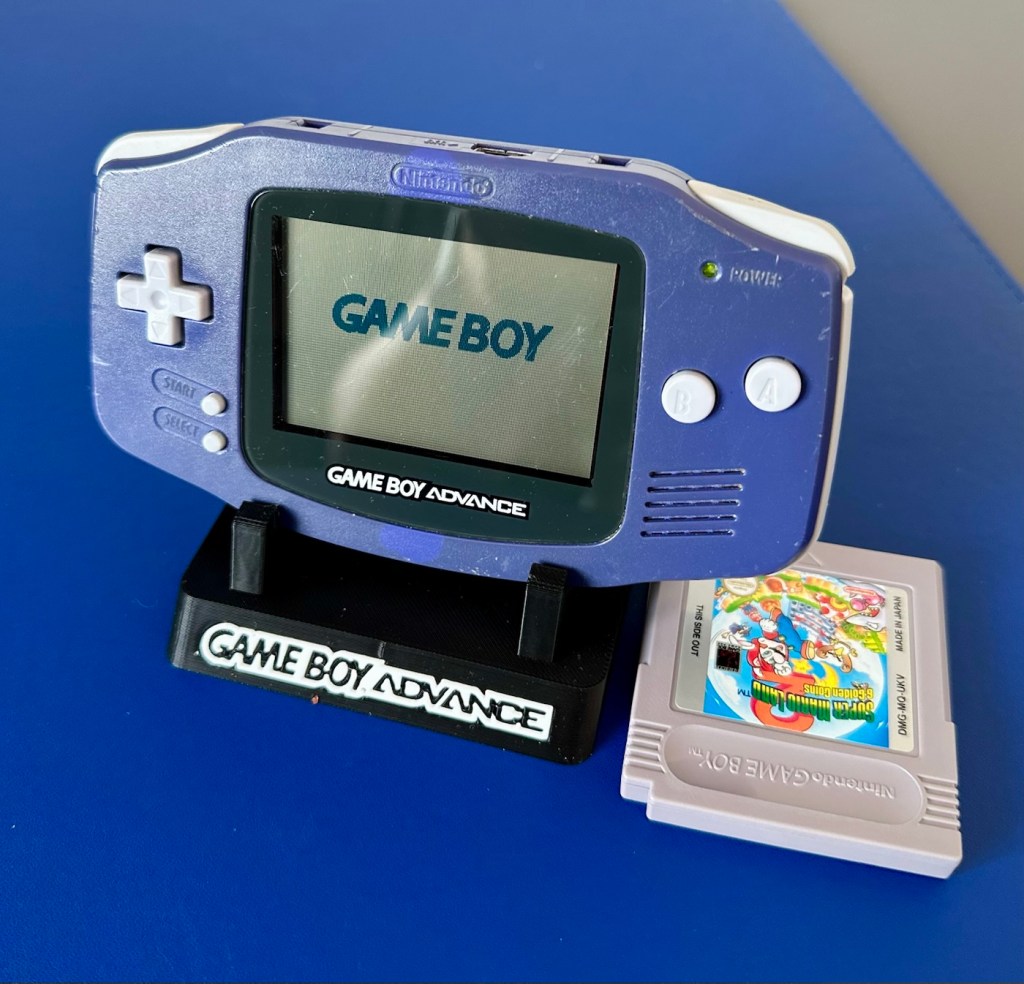
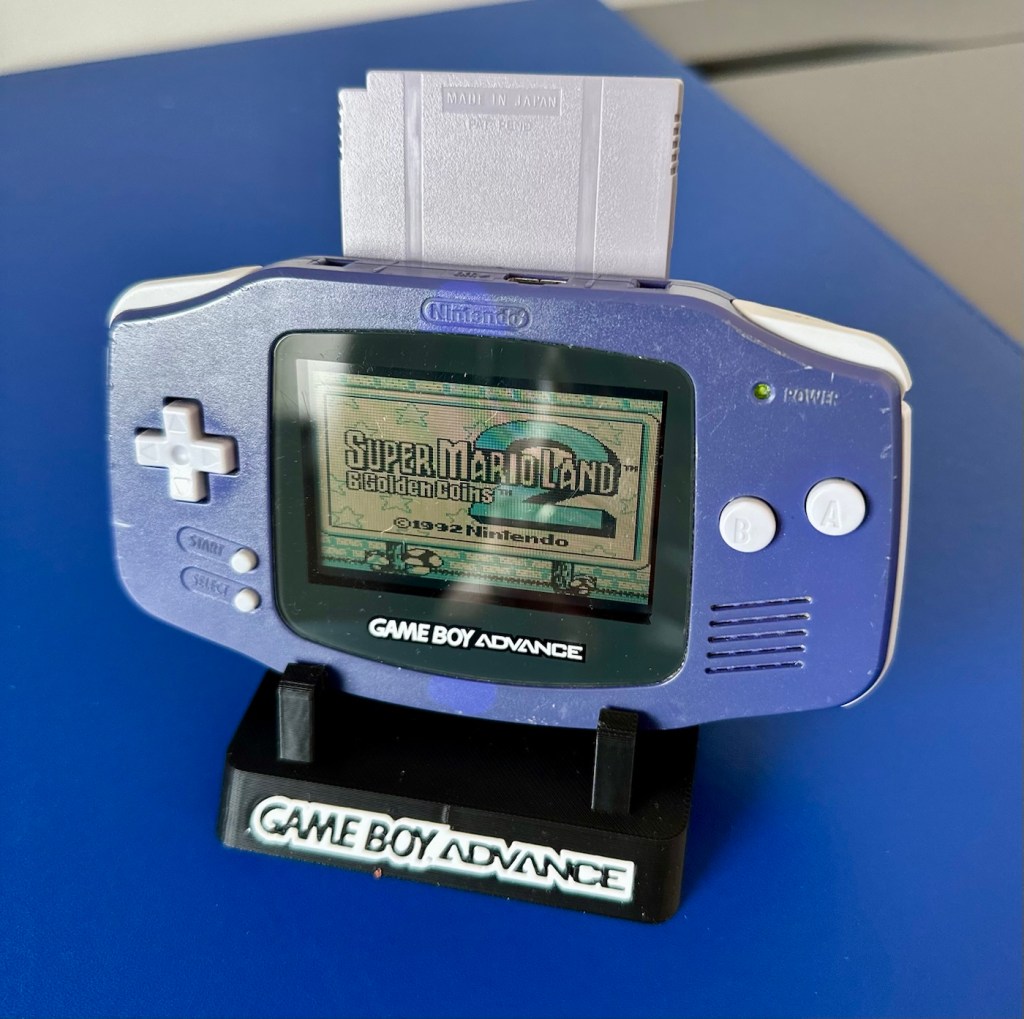
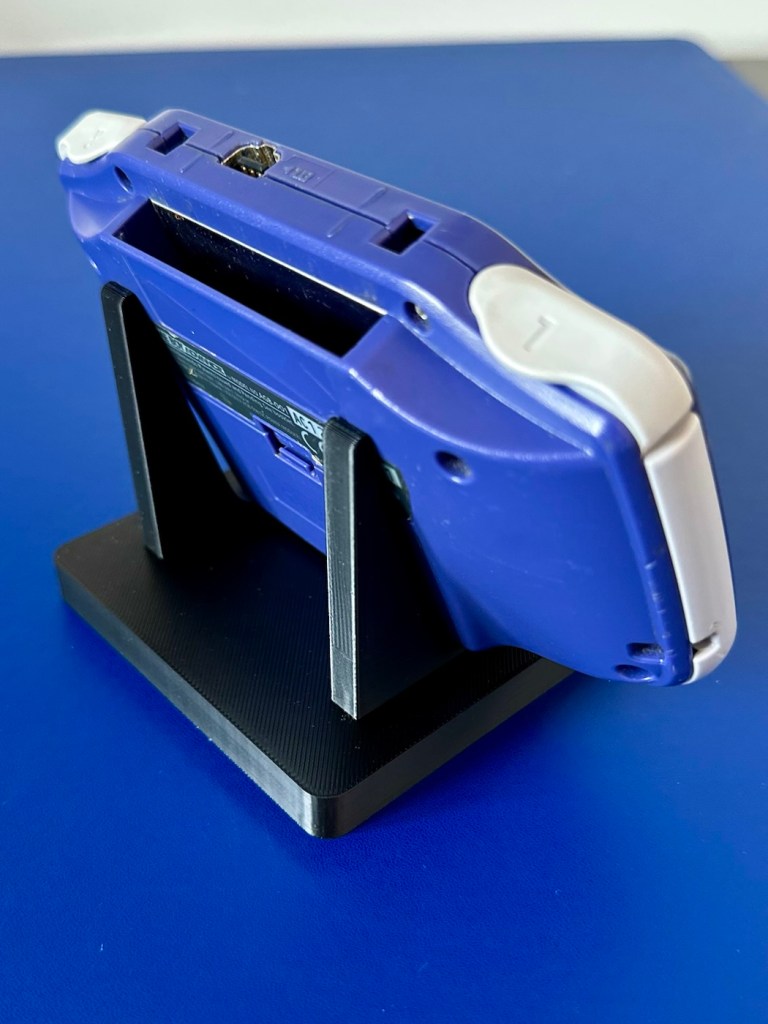
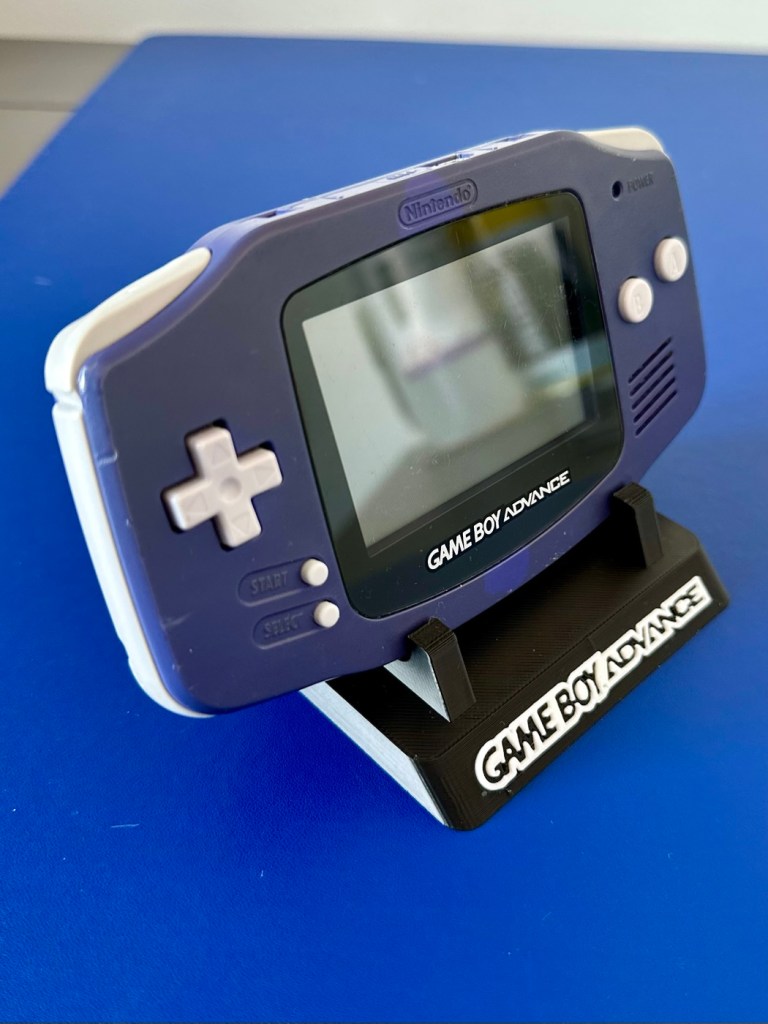
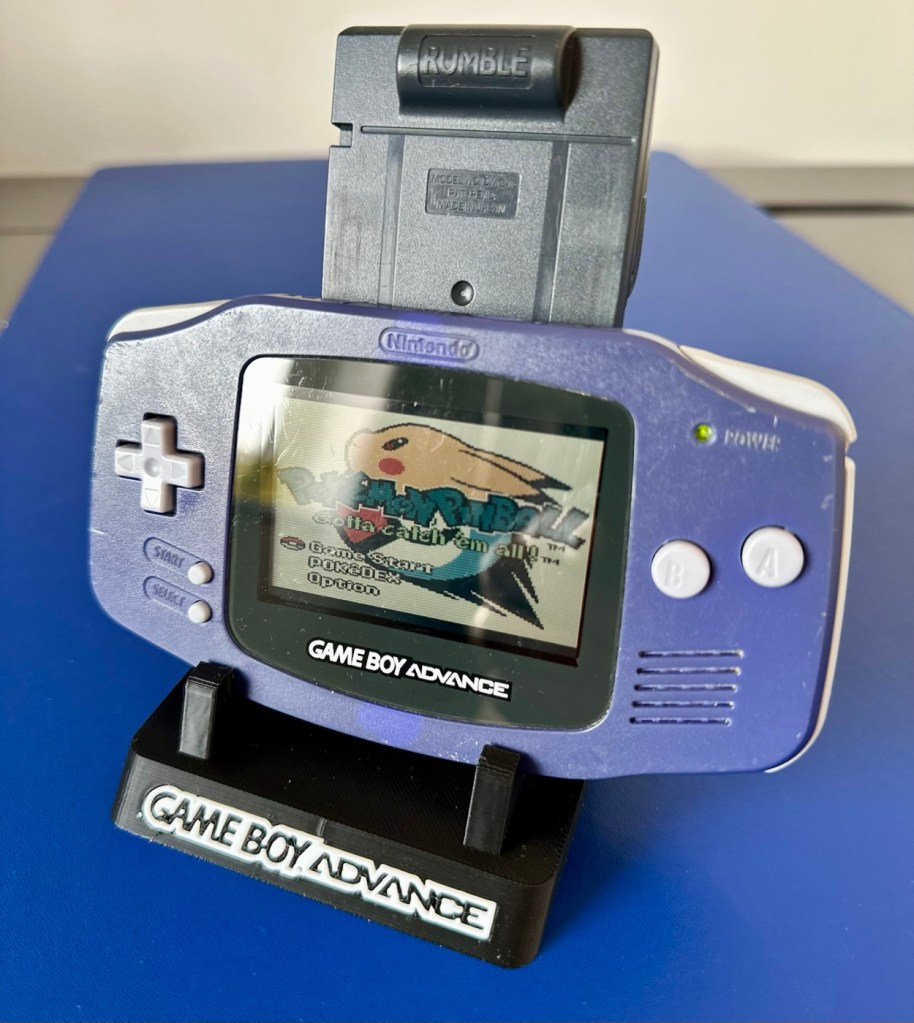
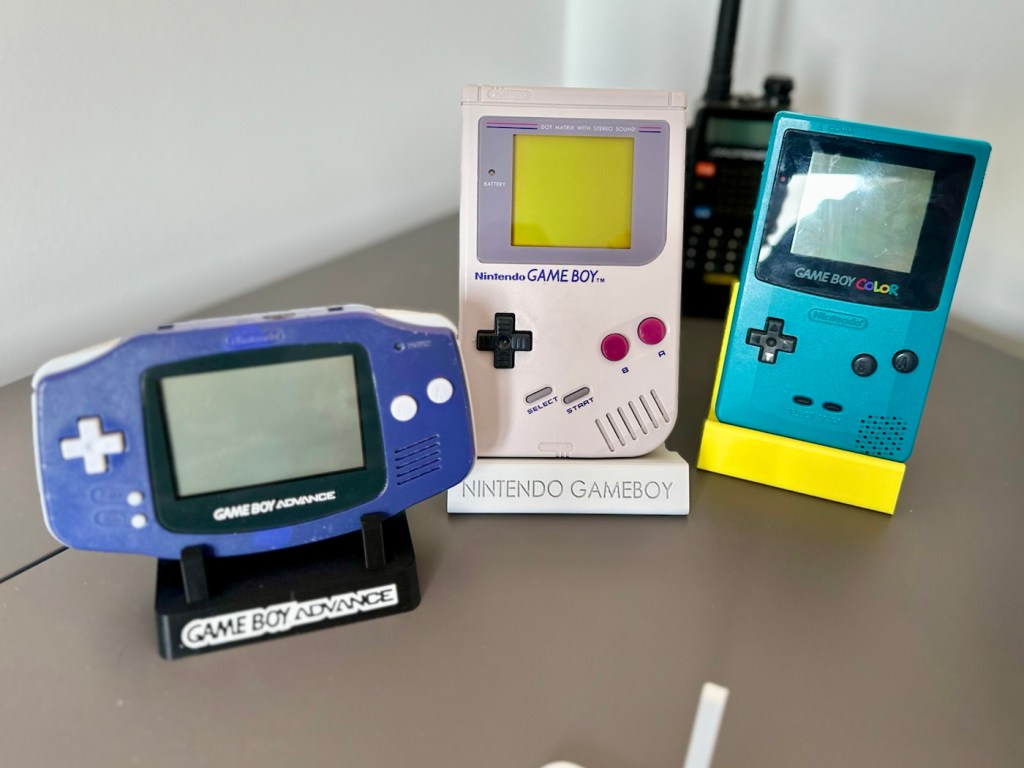
Gameboy Advance

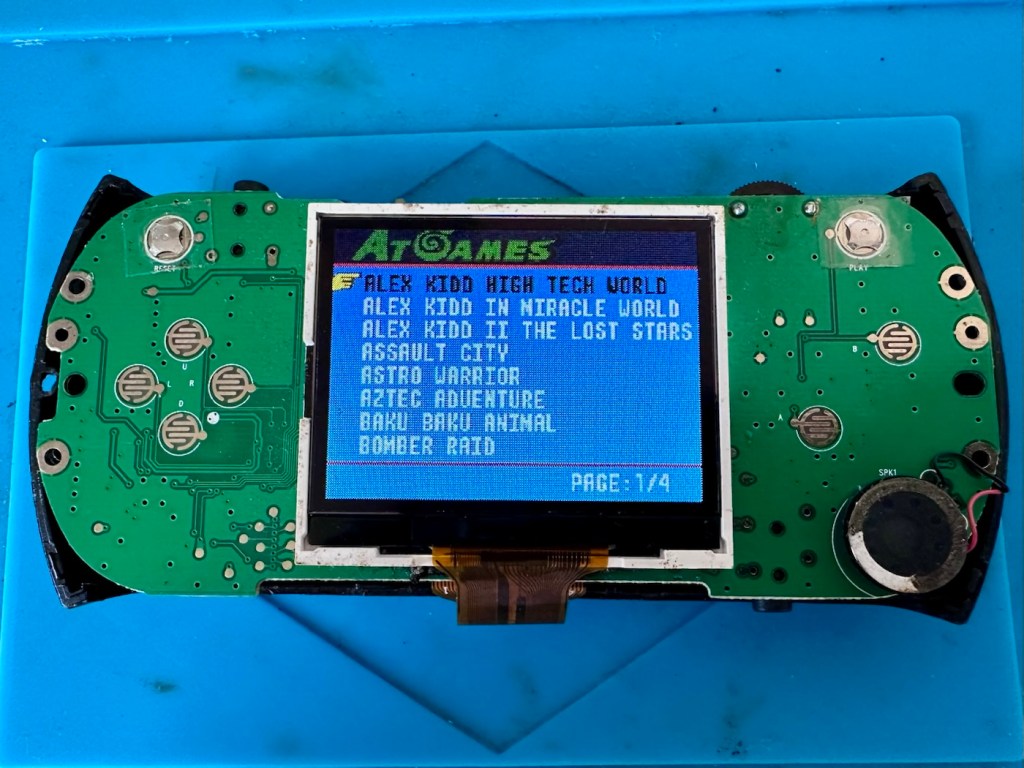
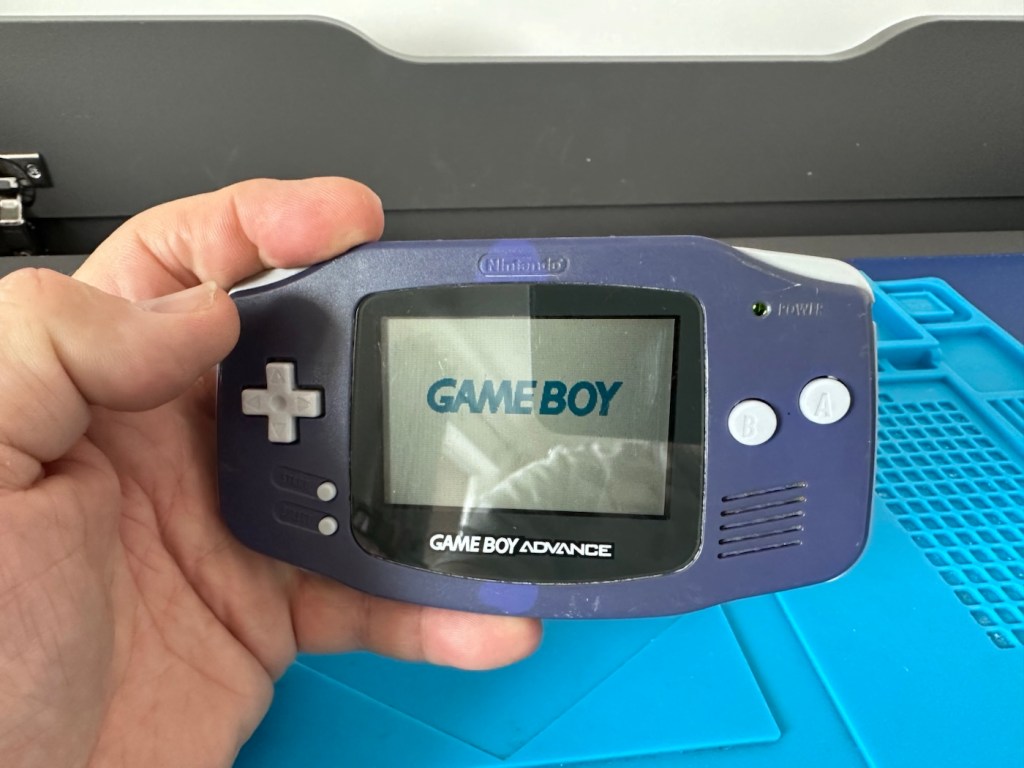
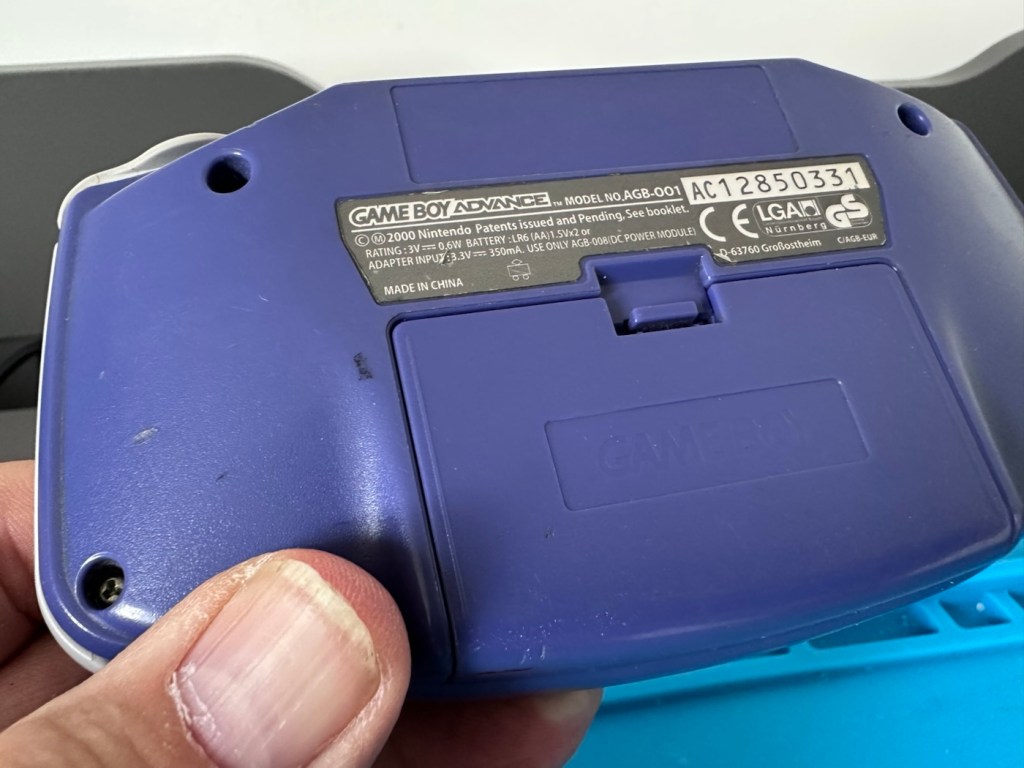
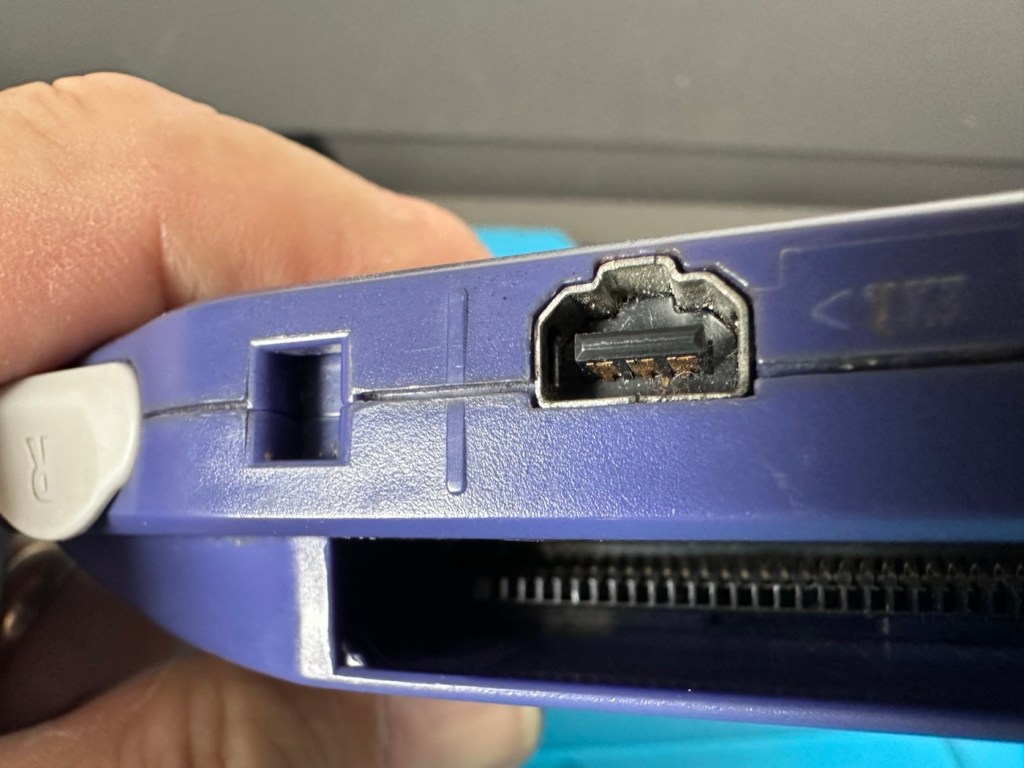
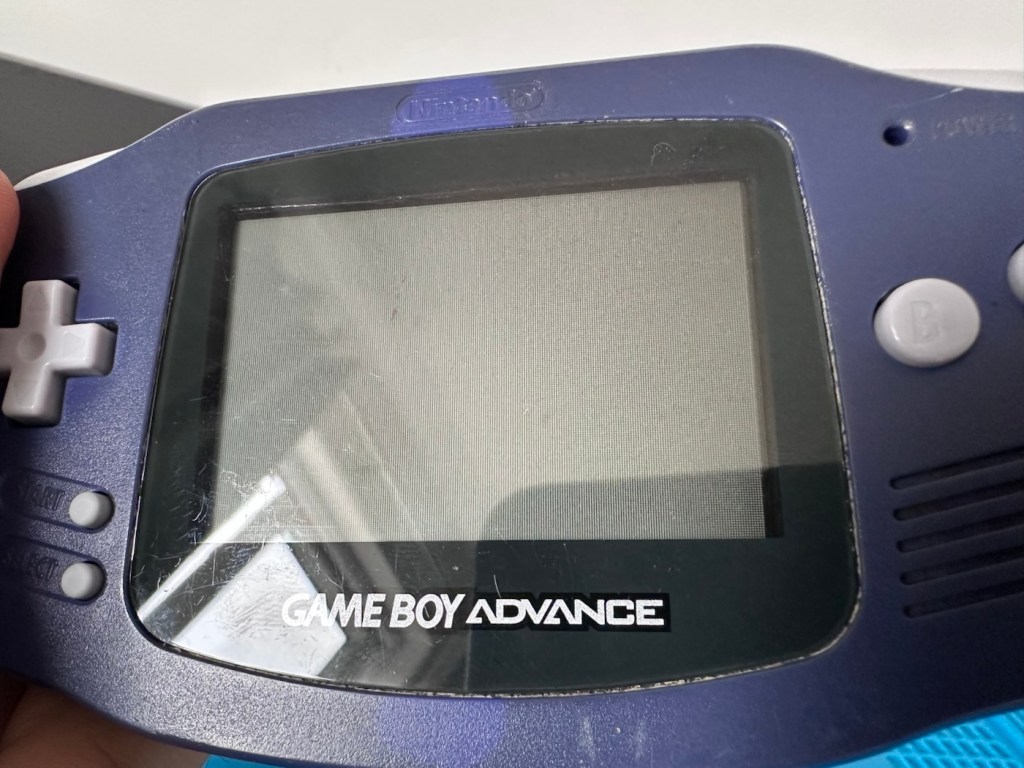
Another one of Nintendos mass produced hand held gaming systems has arrived, with audio issues. It’s a Gameboy Advance, with no sound,so let’s try to fix it.

Here’s what the listing stated:

Gameboy advance console, complete with battery cover, all buttons works and powers on but no sound, has marks on screen and a few marks on shell and scuffs/indentations.

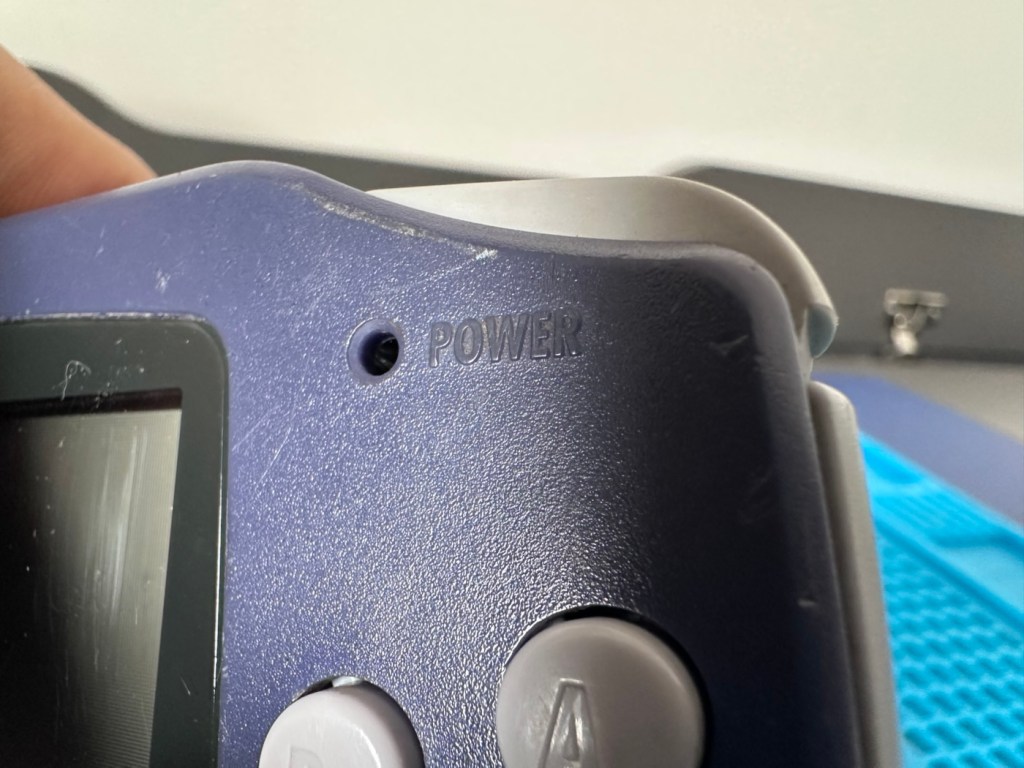
Photos of exact item you will recieve, FAULTY Uk buyers only. Has cover missing that the power light shines through on

EBay

I’ve purchased this as another addition to my collection of handheld retro gaming consoles. As usual it dosen’t work, and that sometimes keeps the cost down a little. This one has cost me £24:00GBP and I’m happy that that is a fair price for one of these units. Here’s a little about the GBA:

The Game Boy Advance (GBA) is a 32-bit handheld game console, manufactured by Nintendo, which was released in Japan on March 21, 2001, and to international markets that June. It was later released in mainland China in 2004, under the name iQue Game Boy Advance. Compared to the Game Boy Color it succeeded, the console offered a significantly more powerful ARM7 processor and improved graphics, while retaining backward compatibility with games initially developed for its predecessor.

The GBA is part of the sixth generation of video game consoles, competing against Nokia’s N-Gageand Bandai’s Japan-only WonderSwan. The original model was followed in 2003 by the Game Boy Advance SP, a redesigned model with a frontlitscreen and clamshell form factor. A newer revisionof the SP with a backlit screen was released in 2005. A miniaturized redesign, the Game Boy Micro, was released in September 2005.

By June 2010, the Game Boy Advance series including revisions, had sold 81.51 million units worldwide, massively outselling its competitors. Its successor, the Nintendo DS, launched in November 2004, was backward compatible with GBA games. GBA sales ended by 2010 after over nine years.

In 2008, the GBA was still Nintendo’s predominant handheld console in terms of market presence and global installed base. It was only in late October 2008 that Nintendo announced that the Nintendo DS had officially surpassed the GBA worldwide in sales. This milestone consolidated the definitive global leadership transition between generations,[13]although in specific markets, such as the United States, the GBA was only surpassed by the Nintendo DS in sales in late 2009.

Wikipedia

Now just to reiterate. These units are now 25 years old, there were in excess of 81 Million of these units produced and they still command a good price today. Just consider how many of those units have been sent back into landfill, the figure is probably immense. But then again we produce many items en masse, and we have been just chucking stuff away for years. The figures must be mad.

Except for this one. It will be repaired, cherished and reused. And displayed for all to see.

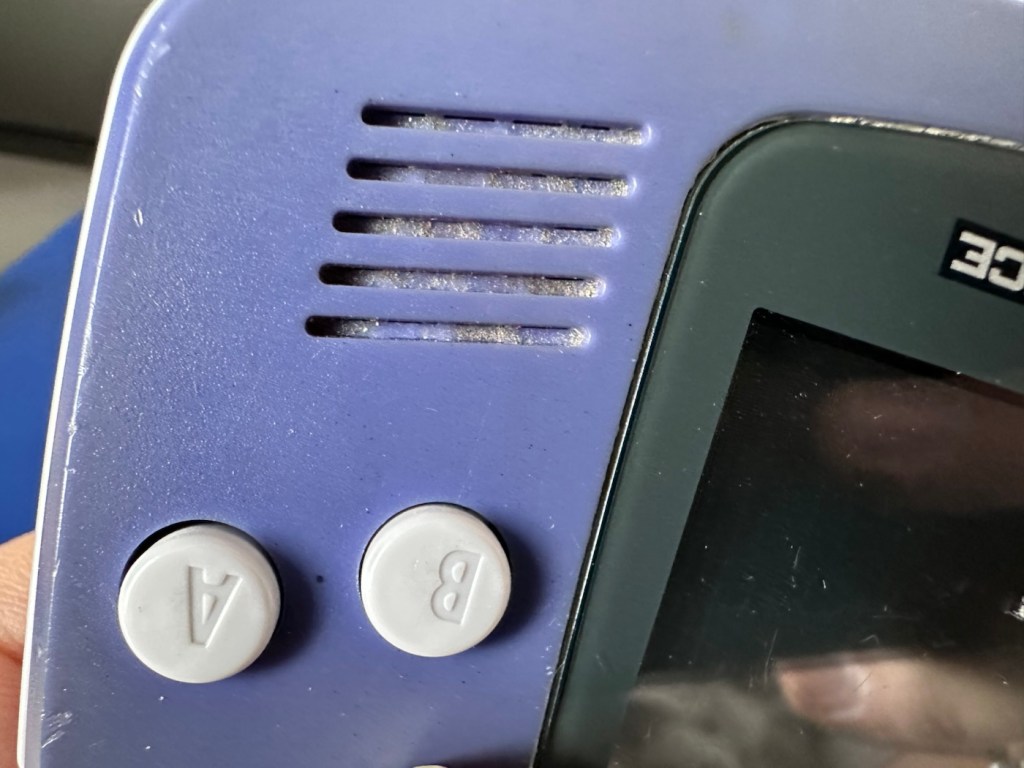
This one has been advertised as having no sound. Just from viewing the sellers photos you can see there is an awful lot of staining around the speaker grill area, maybe some liquid has been spilled here and the speaker is damaged, or maybe the audio capacitor inside has blown. These are usually the two main culprits, but you never know it could be for some other totally different reason. Let’s not make assumptions, let’s see what turns up.

Assessment:

The unit has arrived all in one piece. The battery cover is in place, a little loose at the clip but I might be able to strengthen by heating and gently manipulating it.

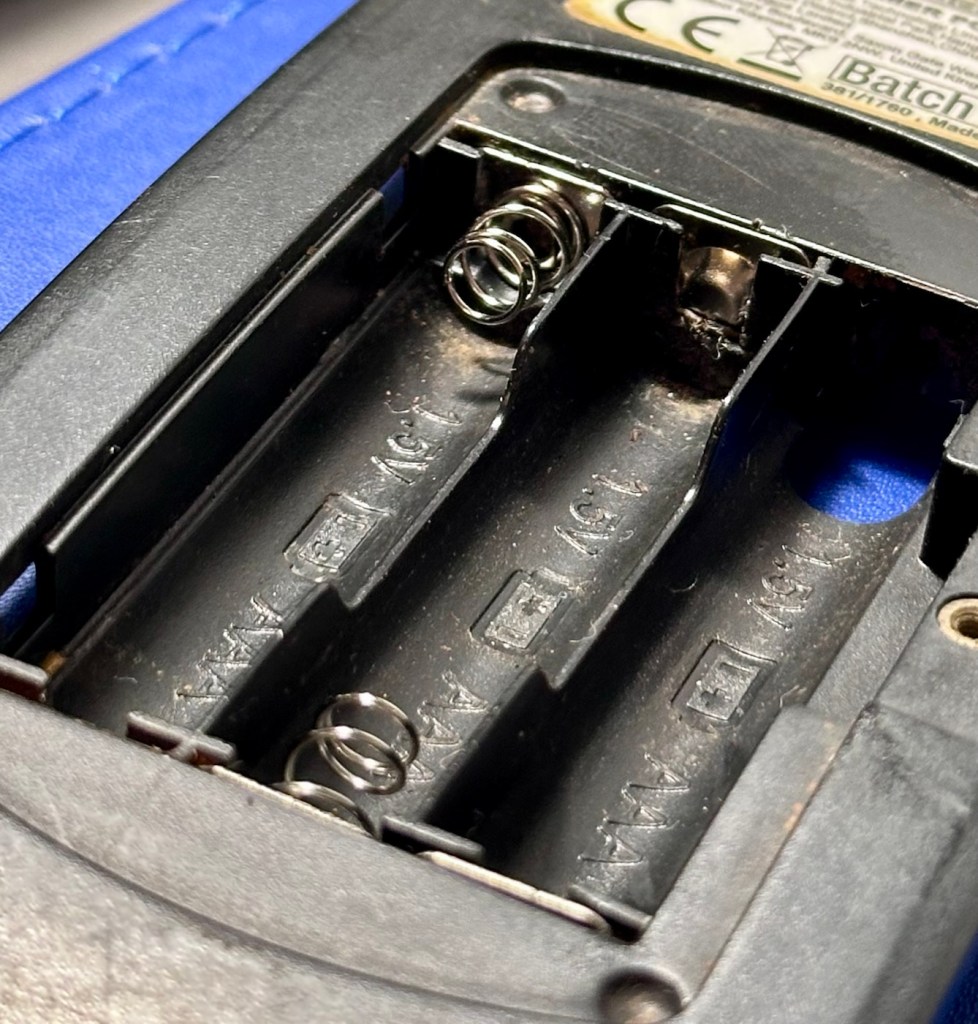
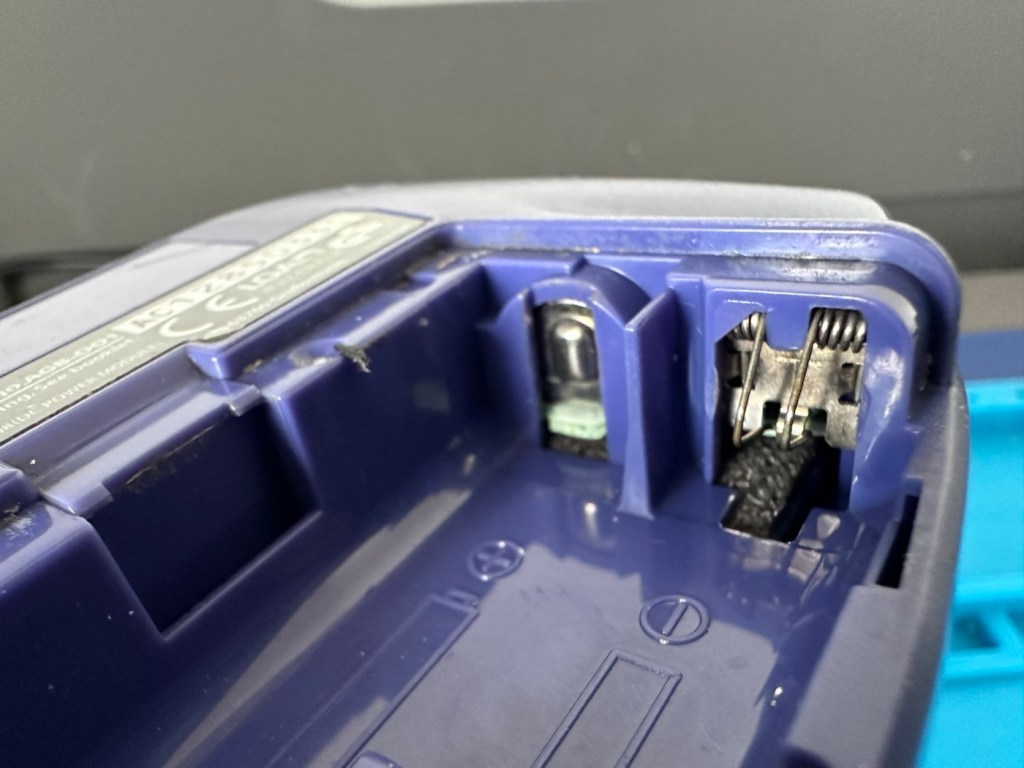
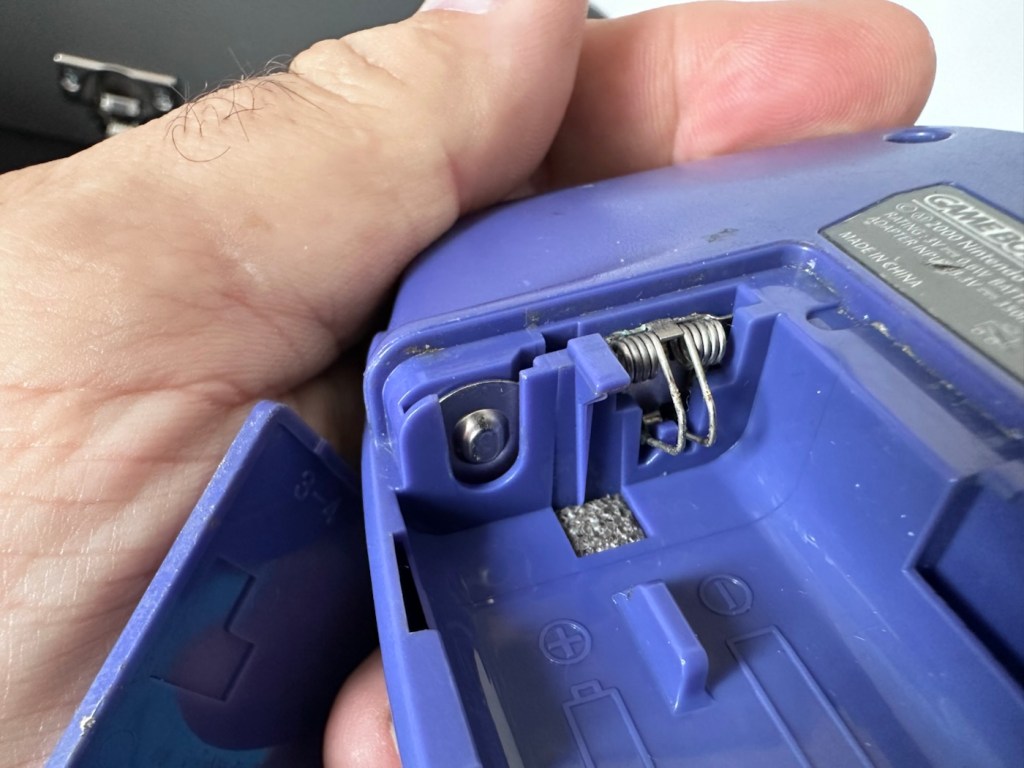
Battery contacts show no sign of corrosion but are a little grubby. There are signs of good use but nothing really bad to be honest, all connectors and buttons appear to be doing what they should. The unit is in good need of a thorough clean, as it does look a little worn in that aspect. Screen has very minor scratches, nothing that will cause any issues. The little acrylic lens by the power light is missing and there is as stated, no sound even though we do have a picture and are able to play the games. In all aspects the unit is functioning, just with no audio.

This is a fair unit, it will clean up and if we can get the audio working we have a potentially very good unit.

It is dirty though, and a good clean will make an immense difference.

Repair:

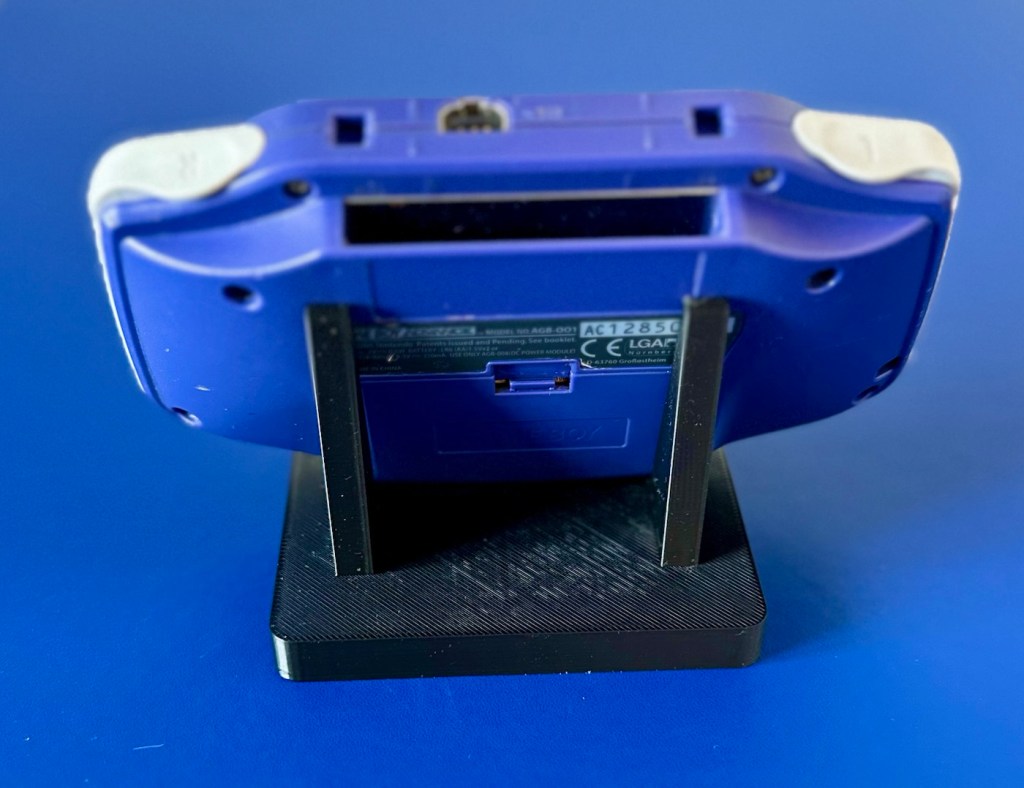
The printer is on and warmed up so before we get repairing, let’s print a suitable display stand for this unit.

Display stand printing

Now let’s open up the unit and see what we have inside.

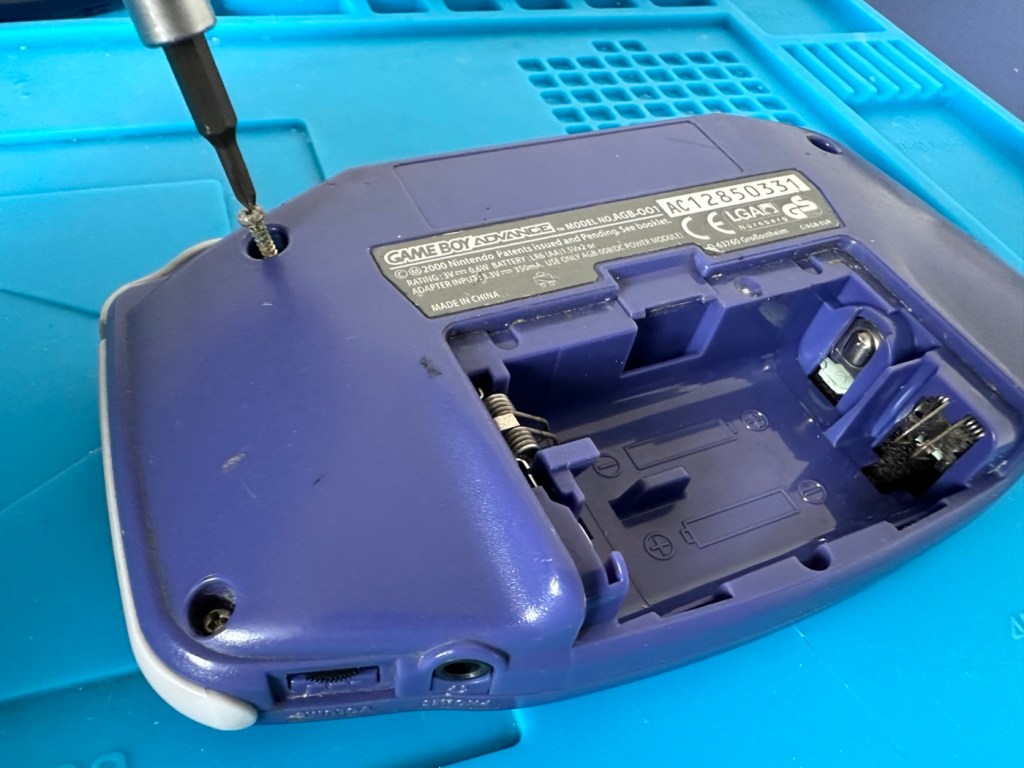
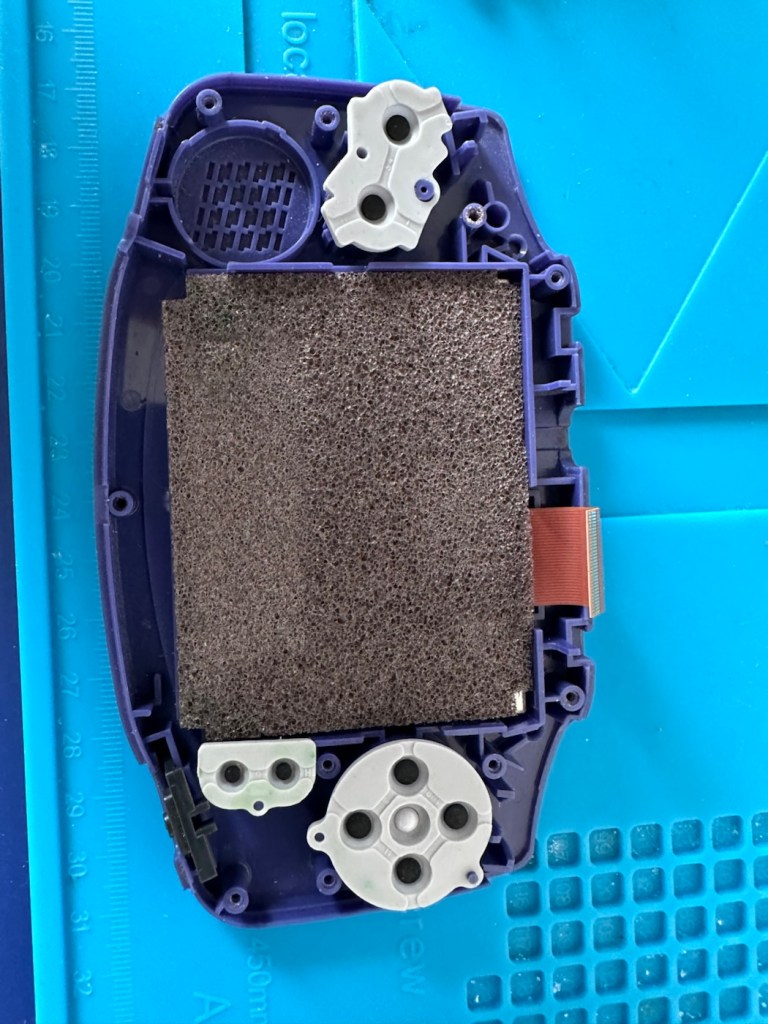
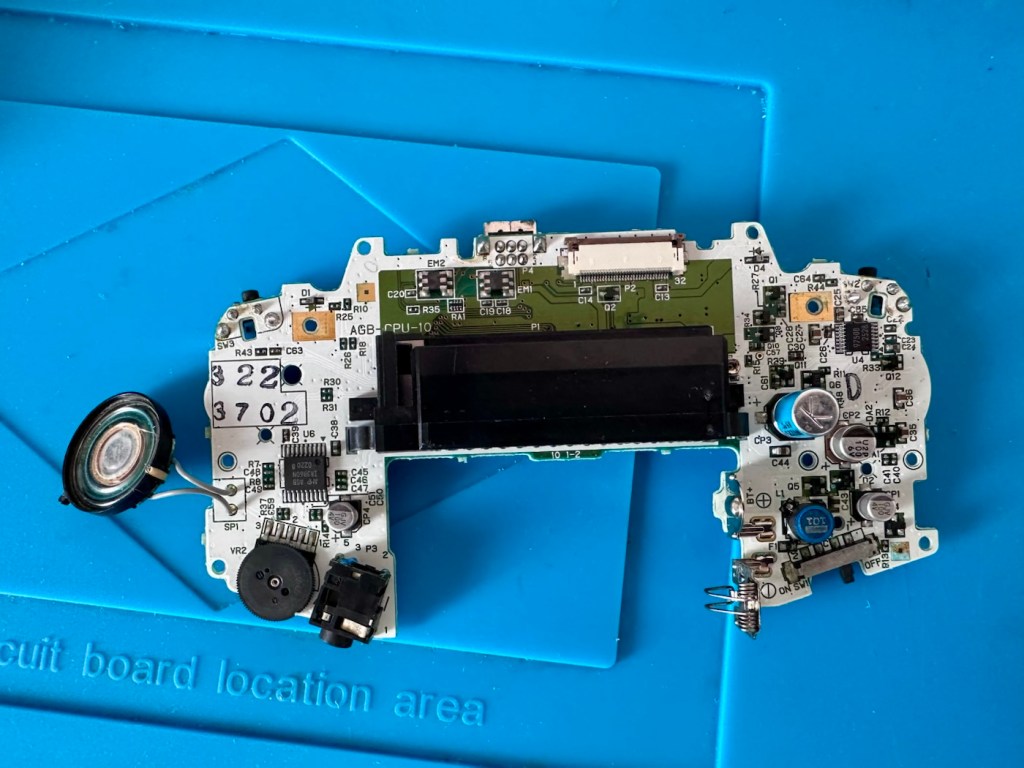
First there are seven tri wing screws securing the shell. Remove these and the rear of the unit just lifts off.

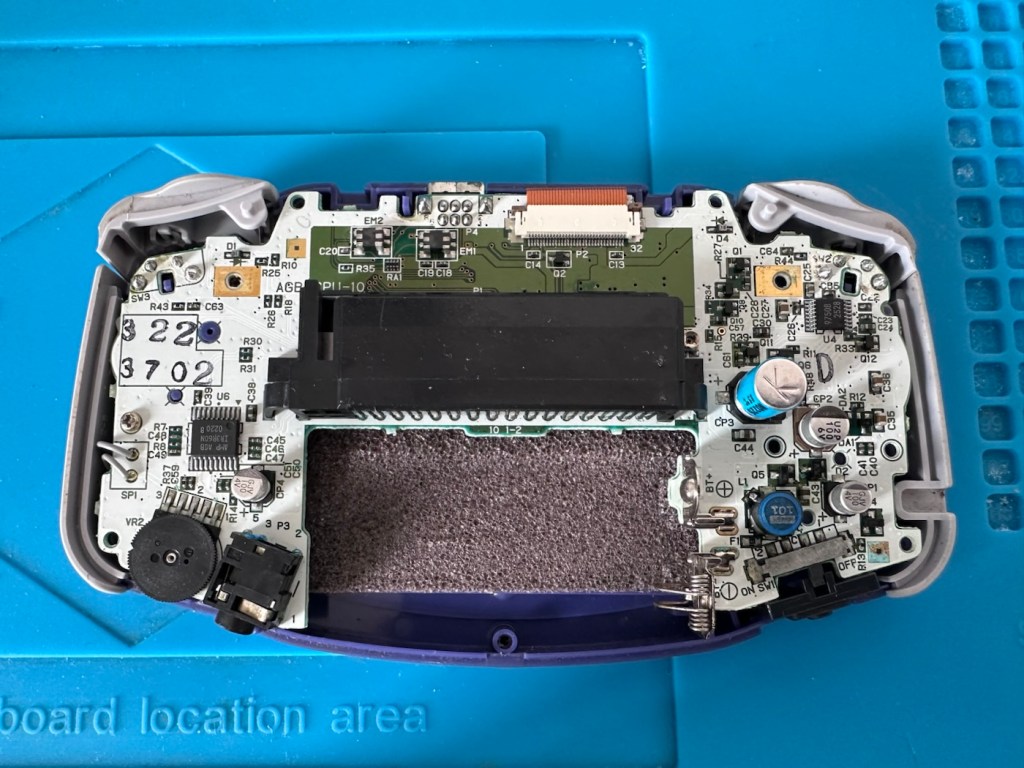
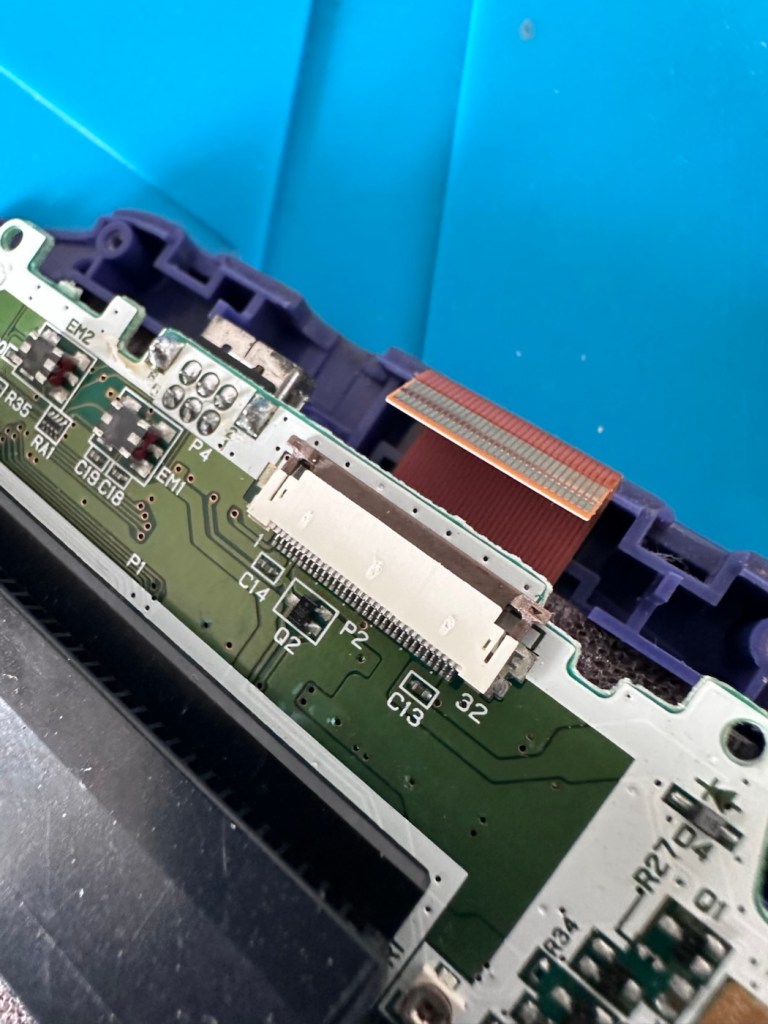
Next there should be three screws to remove the mainboard but there is only one. Someone has previously been in this unit and has left two screws out. Next we remove the ribbon cable that secures the screen to the mainboard.

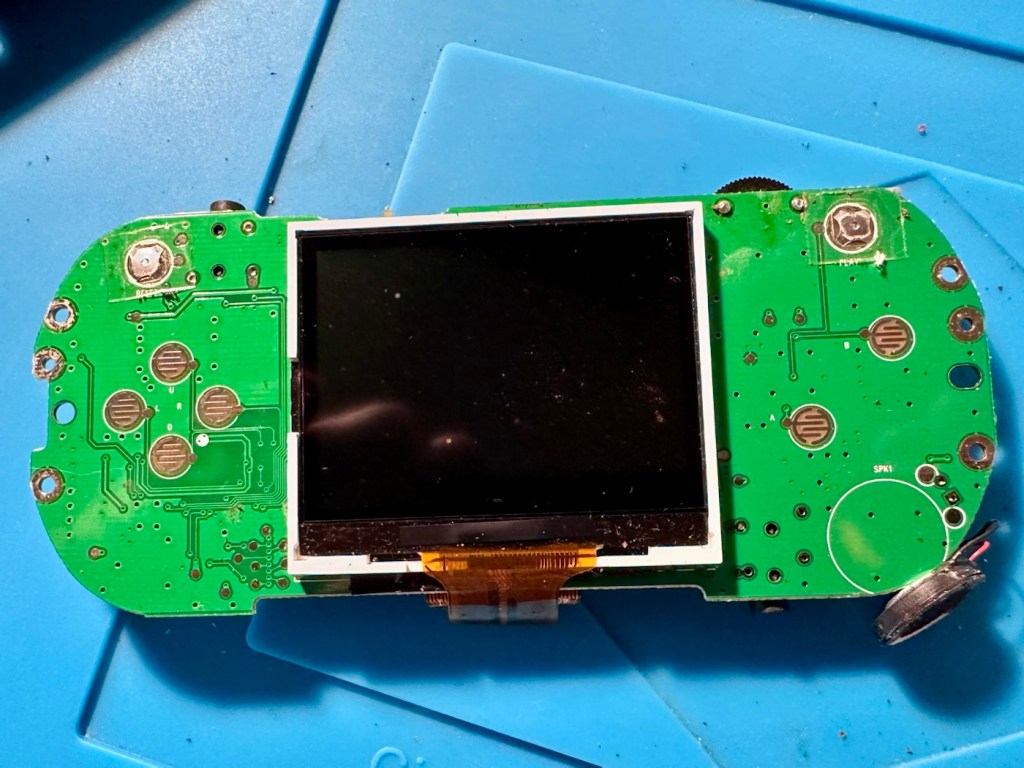
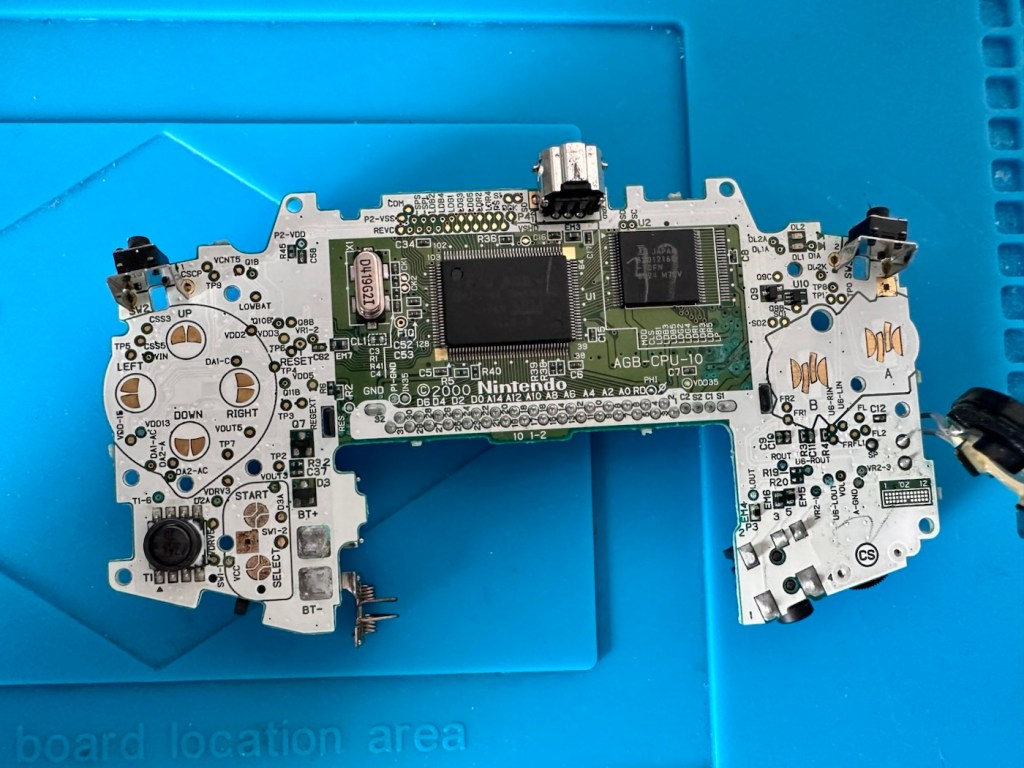
We now have free access to both sides of the board and can put everything else to one side to start our fault finding process.

First things first, let’s check the speaker. With the multimeter it’s showing 8 Ohms so I’m happy that the speaker is ok. A quick check for shorts and not one capacitor shows a short, I plug in a set of headphones and I can hear sound, but as soon as they are unplugged there is no sound again. My attention is now at the earphone socket.

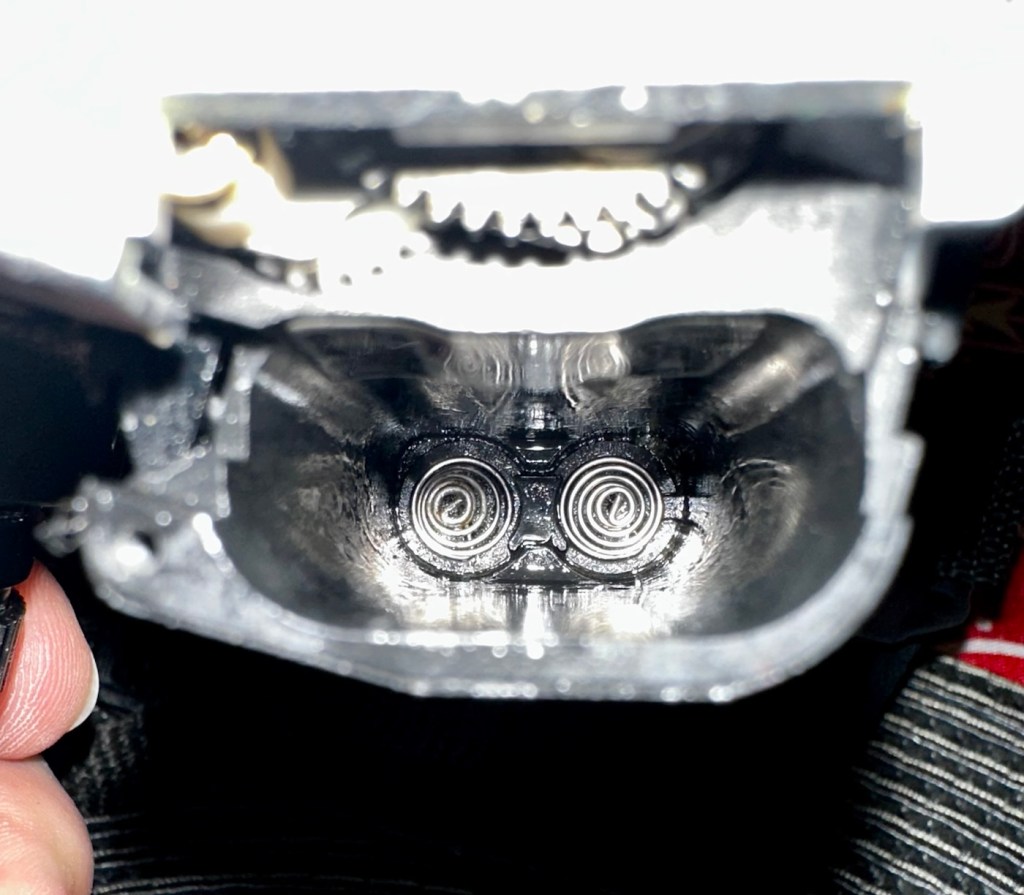
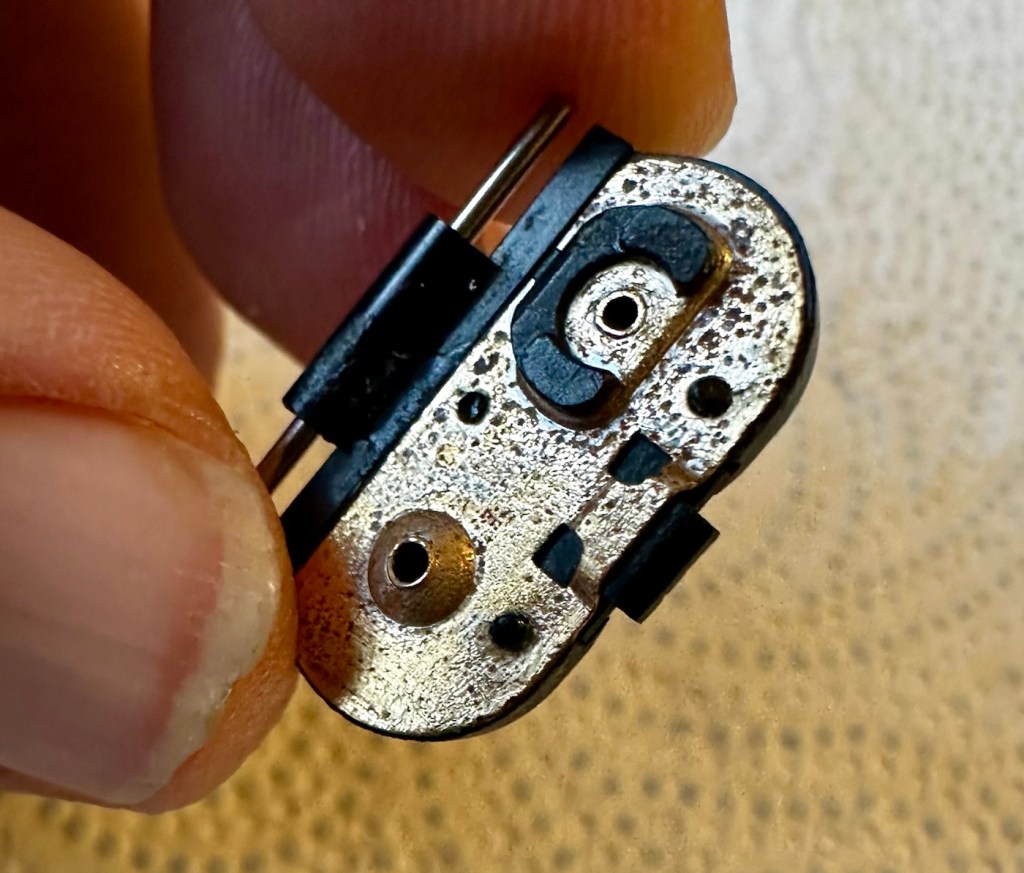
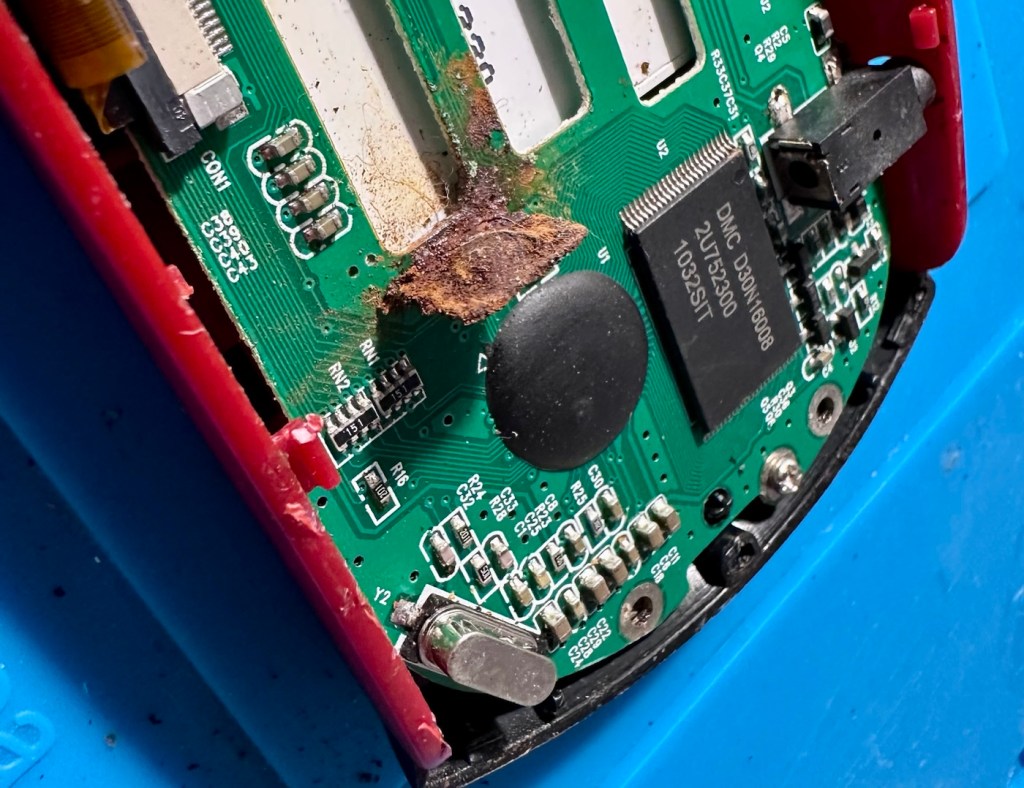
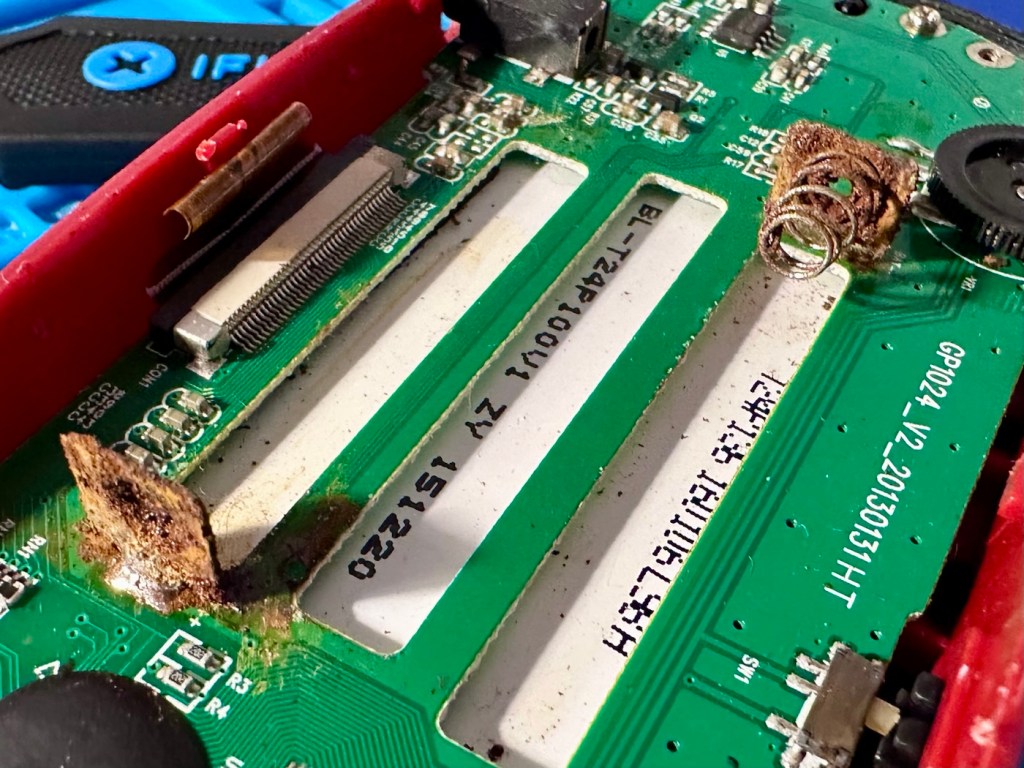
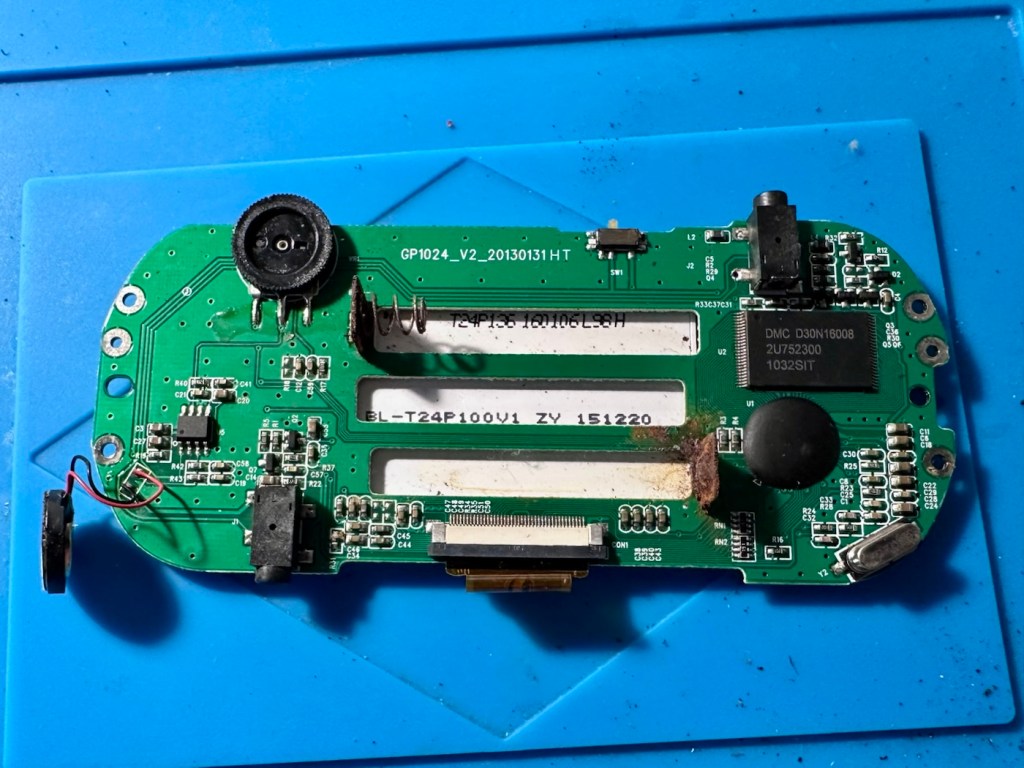
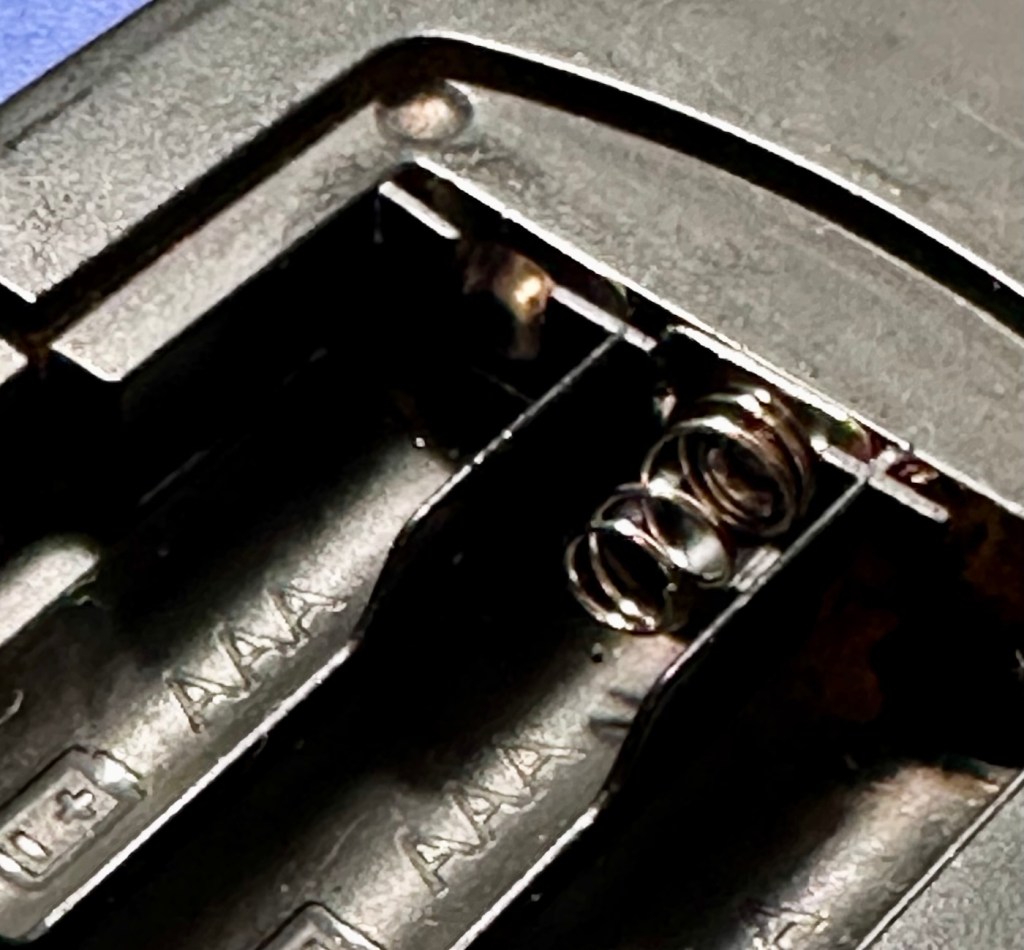
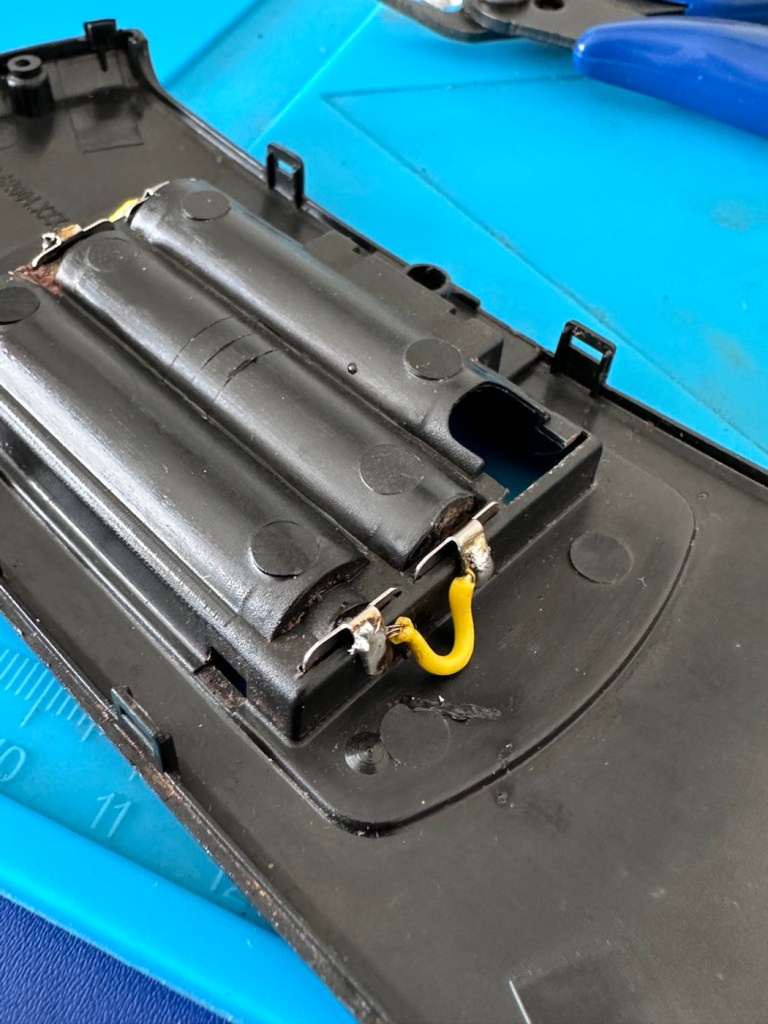
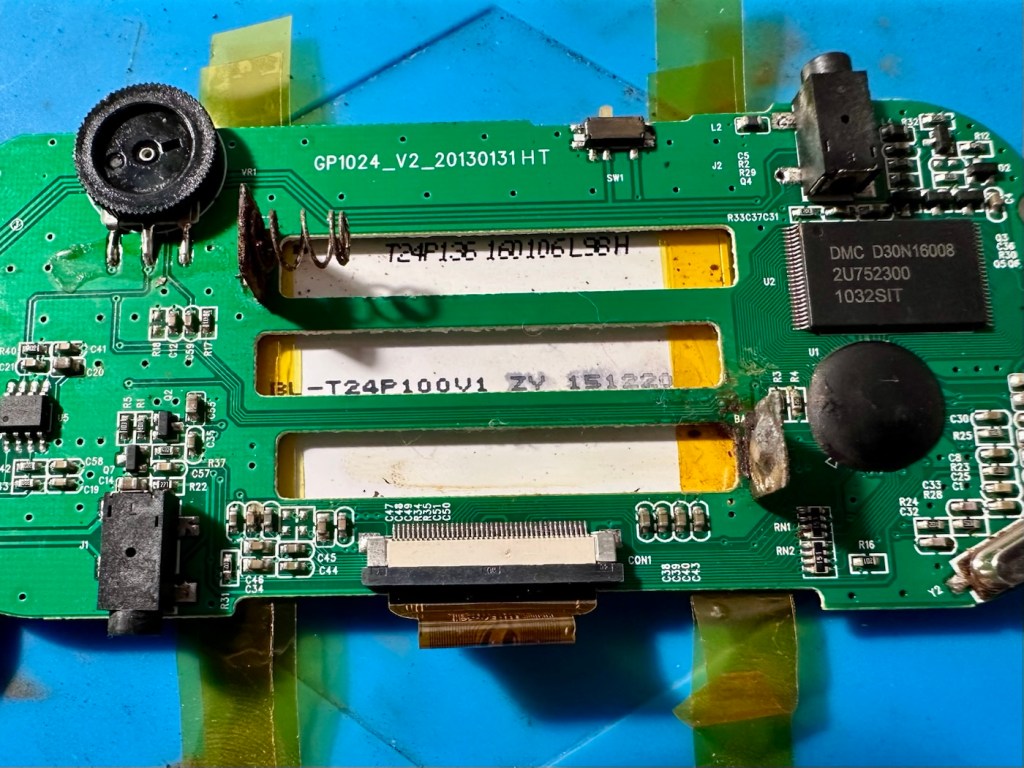
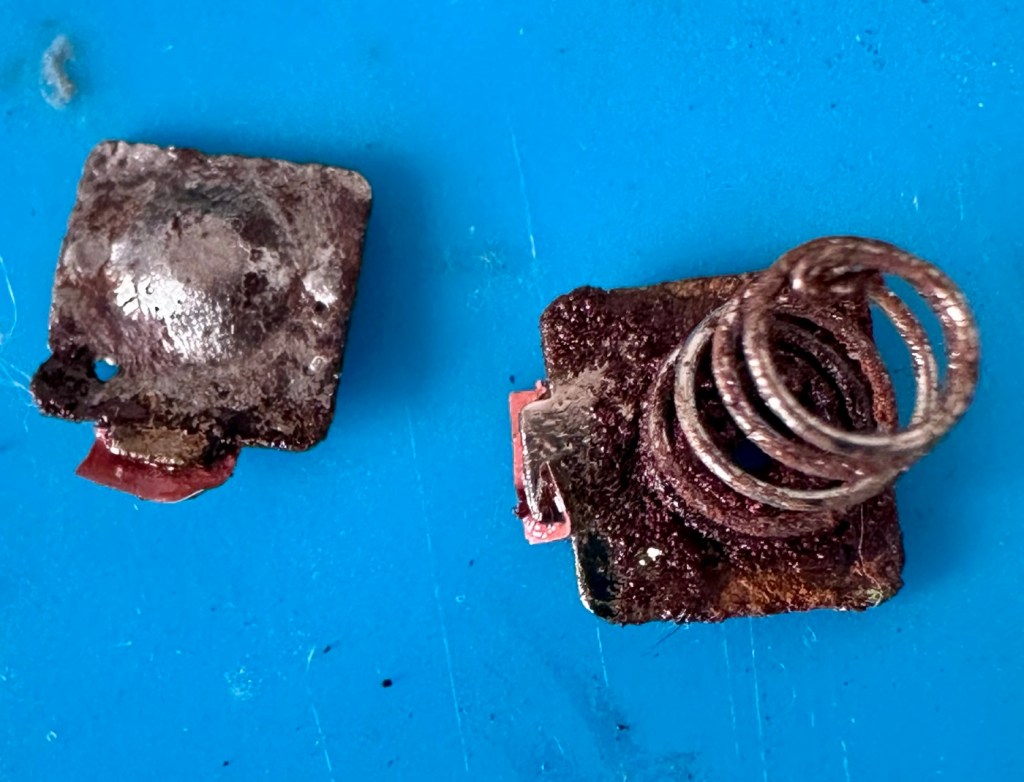
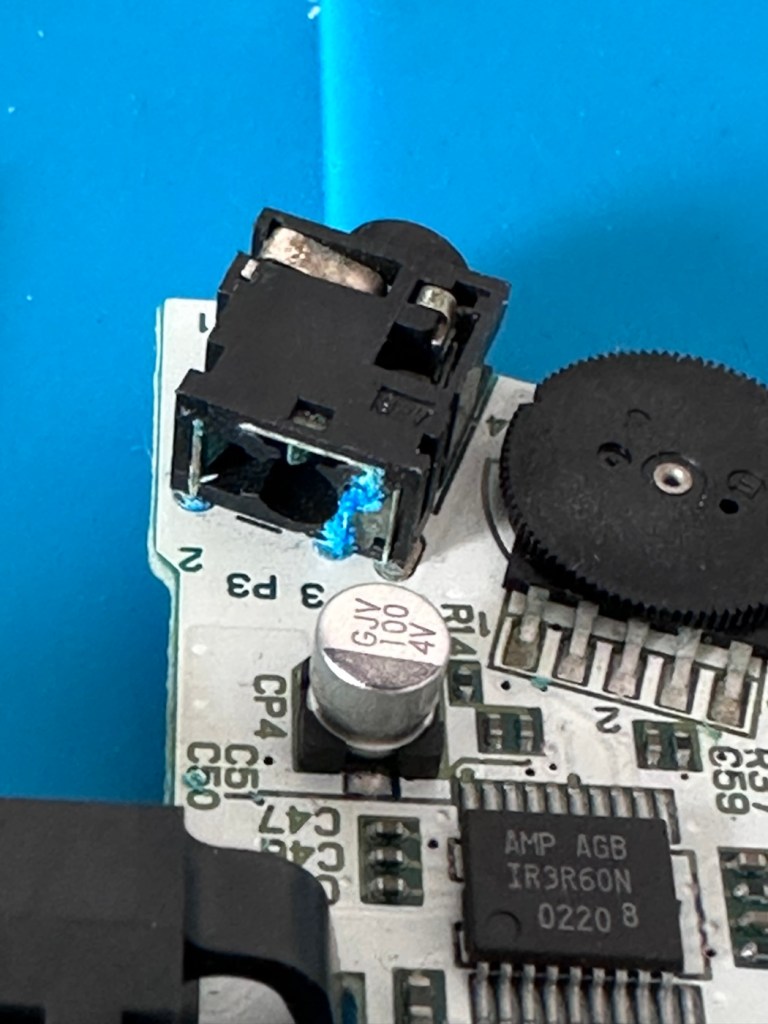
On close examination other is a considerable amount of battery acid contamination in the earphone module. This is strange as there is none evident in the battery contact area. A close look around shows some spots of contamination, however these are easily cleaned with some IPA. I have a feeling this may have been a previous issue and the person in here prior to me, has cleaned up, but given up on the repair.

I remove the earphone module, and clean the surrounding area.

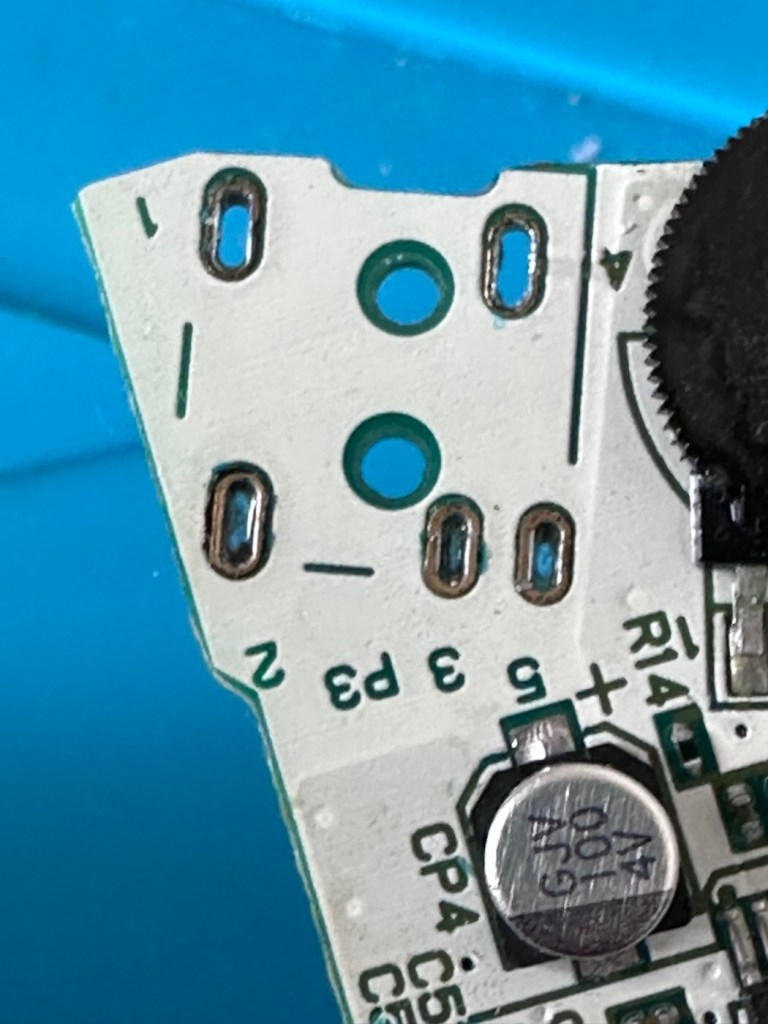
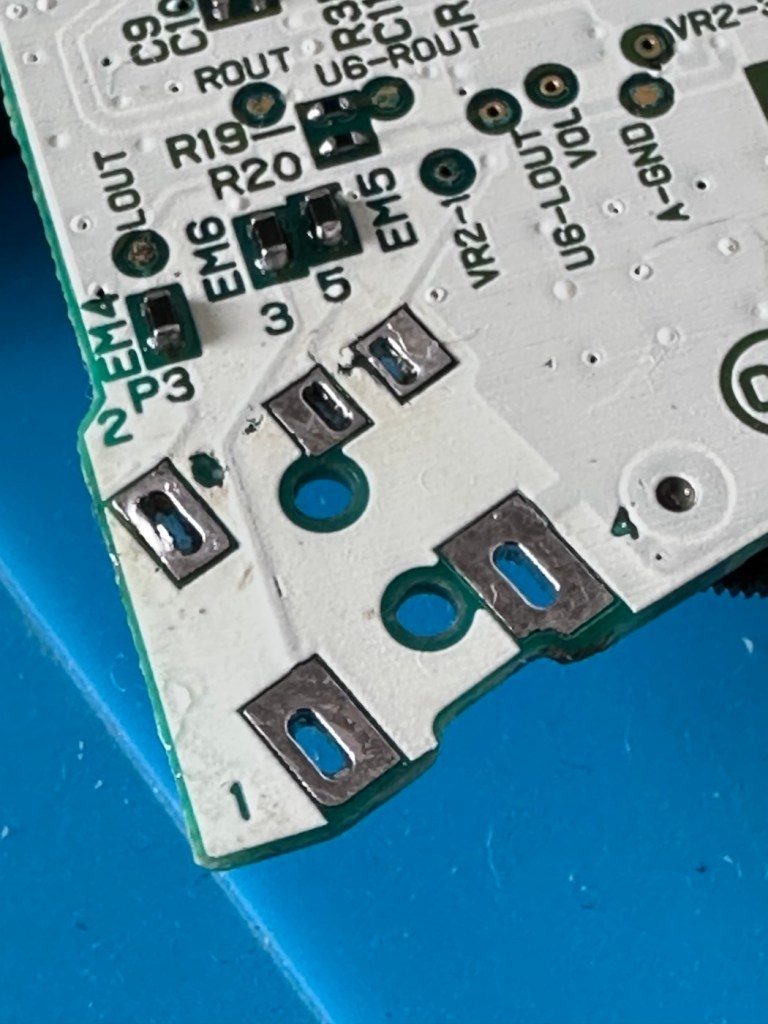
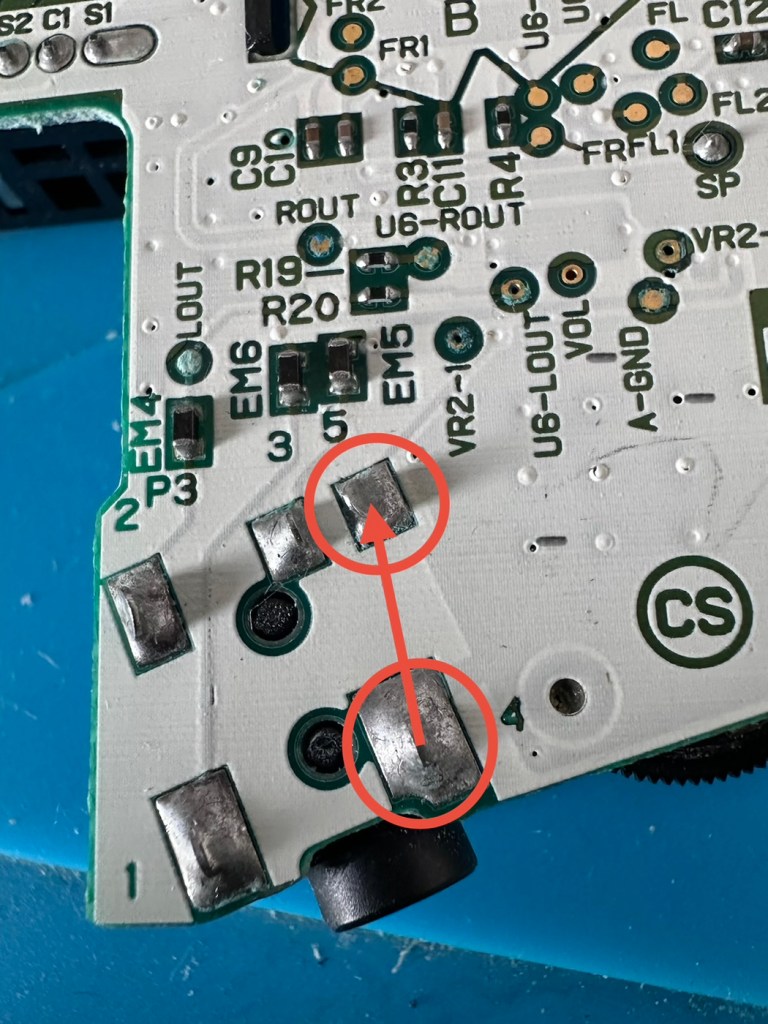
A simple check here is to see if there is any continuity between the two tabs that occupied positions 4 & 5 as marked on the mainboard. This check is carried out on the actual module. If you have continuity between these two pins, then in theory the circuit is good, and the speaker should be working. My results here were negative as there was no continuity on this module between those points.

The way the earphone works is thus. Plug the earphone jack in, it opens up the contacts and by passes the external speaker. Remove the earphone jack and the contacts close, opening up the main speaker. If there are contaminants on the contacts, this can prevent continuity and hence there is no sound on the main speaker.

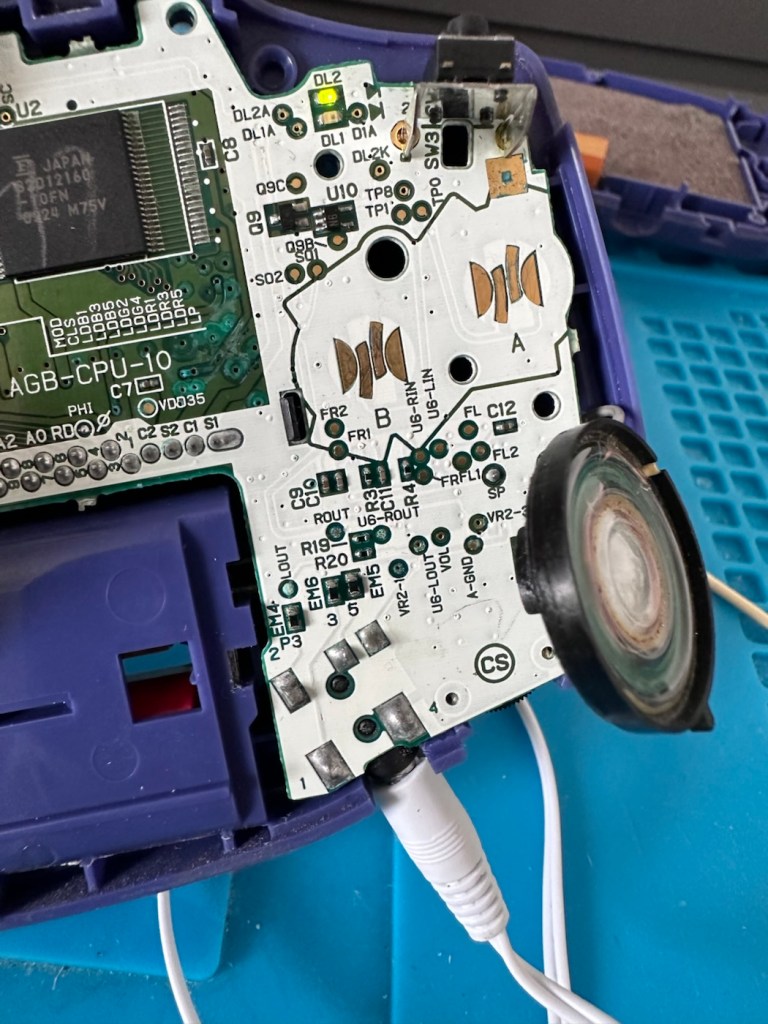
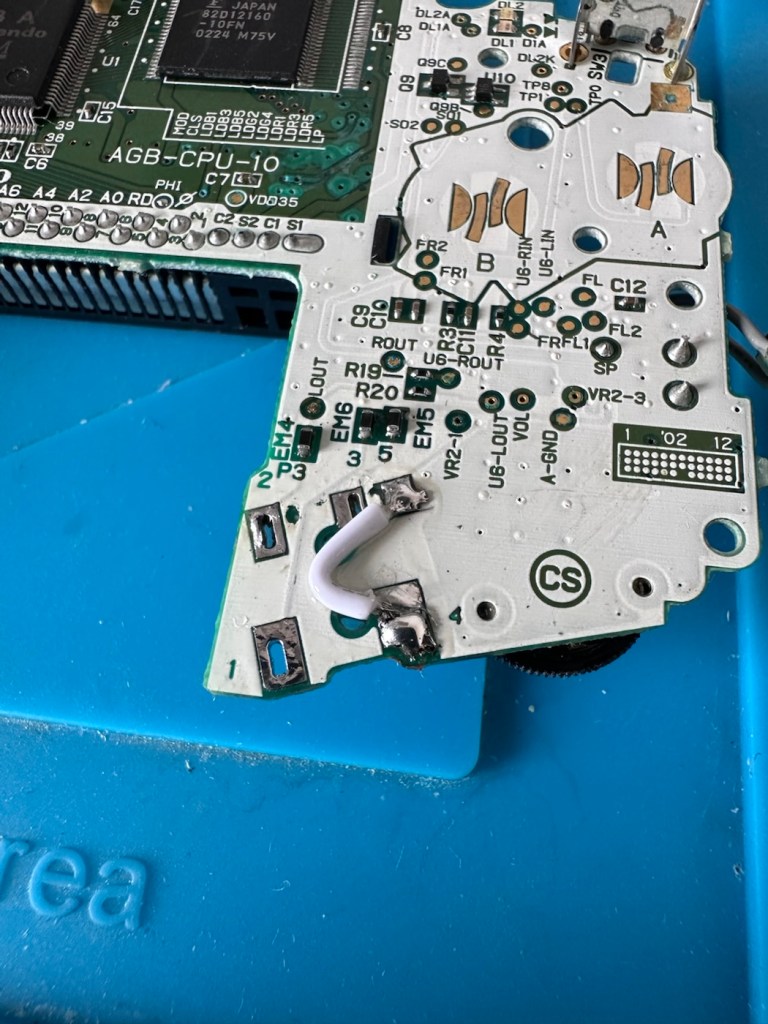
You can double check that this is the issue by soldering a small wire between points 4 & 5 on the mainboard in theory by passing the earphone circuit leaving the speaker circuit open and accessible.

And my suspicions were correct, this small video below was the result of bypassing this part of the circuit.

We have sound in the speaker

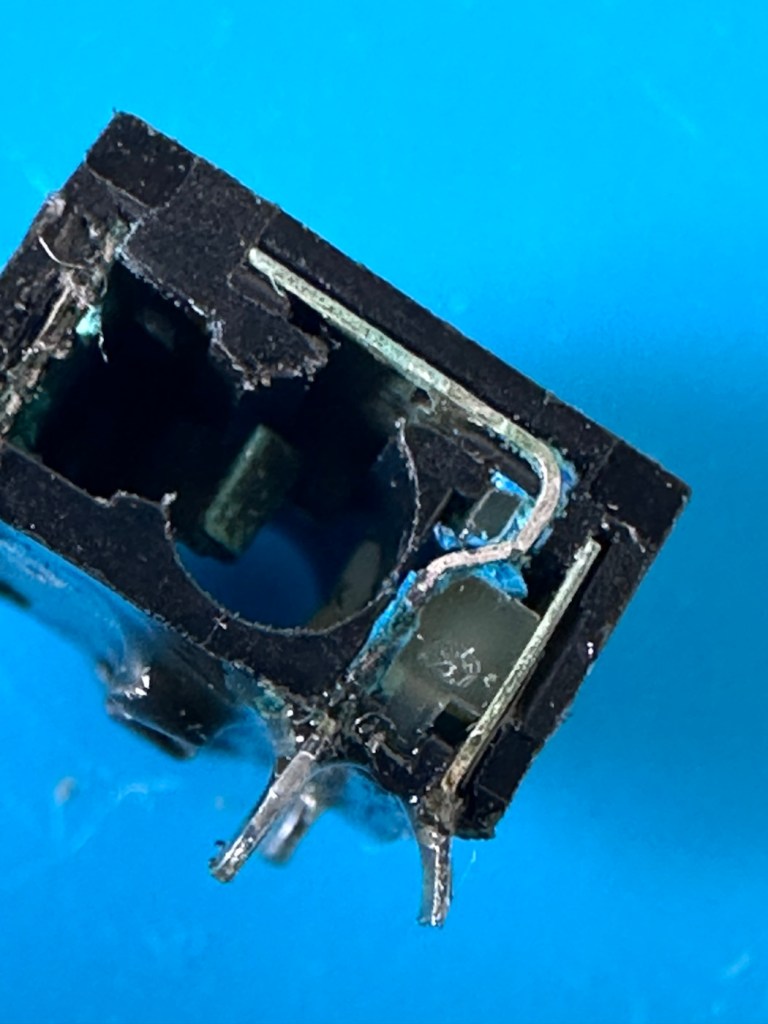
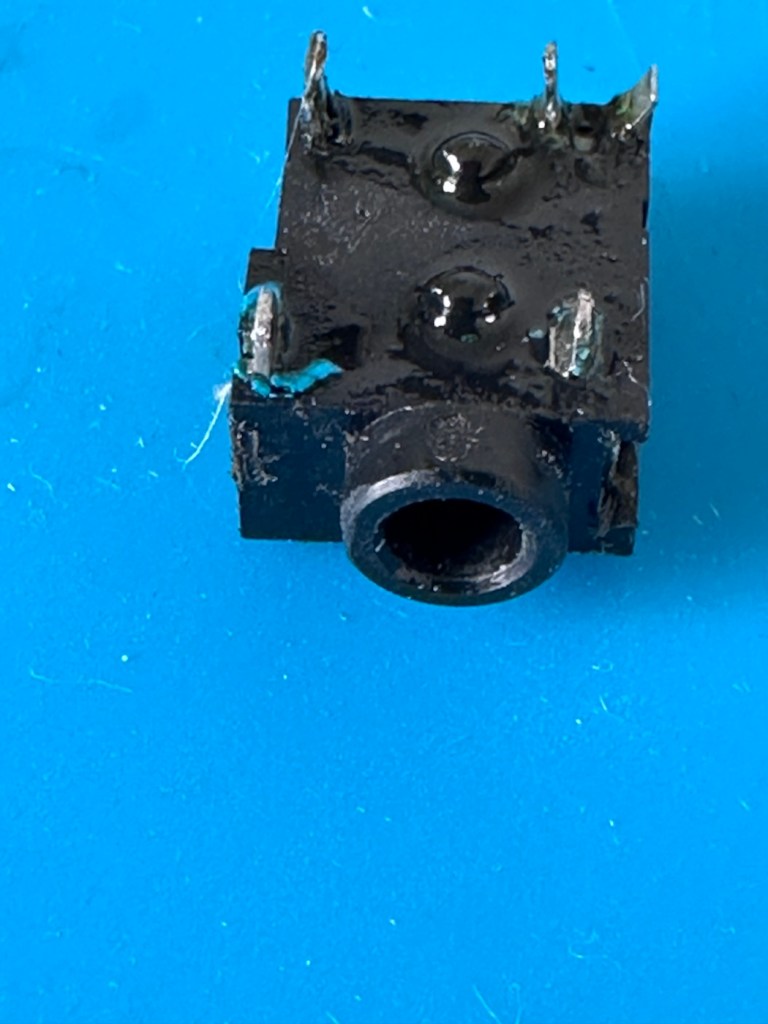
Looking inside the earphone socket it was easy to see this piece had a solid lump of contamination exactly where I was expecting to see it. I have no spares of these and to obtain one off of the auction sites is an absolute ripoff. I can order one from our friends in China but I’m looking at a four week turnaround here, and I’m inpatient and not willing to wait that long. I’m going to try and repair it.

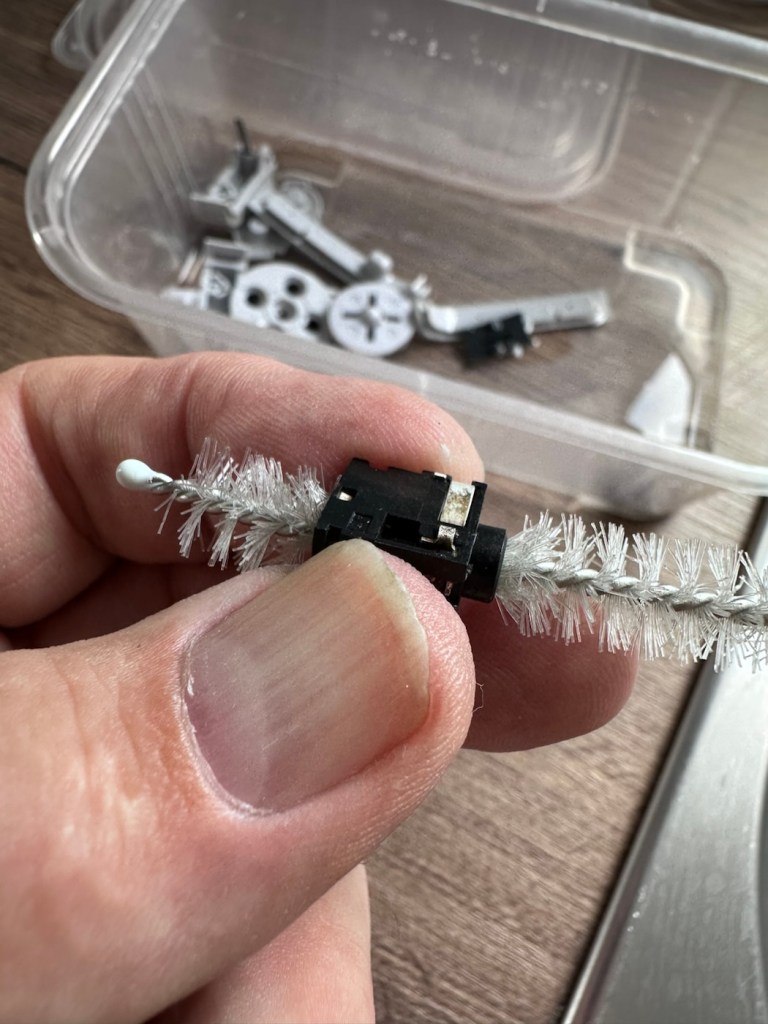
I’ve gathered everything up that needs cleaning, buttons, connectors, screws, pads and the suspect connector, and dropped the lot into a small dish of white vinegar. White vinegar is great for removing contaminants and you can actually watch it fizzing away and working. I left these items bathing for about 30 minutes before giving them all a good scrub clean. On the earphone jack I “borrowed” a small bottle cleaner from the wife, it fits right through one side and out the other allowing you to get a really good scrub inside.

White vinegar and a bottle scrubber

I also cleaned the outside thoroughly removing all signs of contamination, the tabs were gleaming when I finished. I then put everything I’d just cleaned in between two sheets of kitchen roll and put them in a cooling oven to dry off.

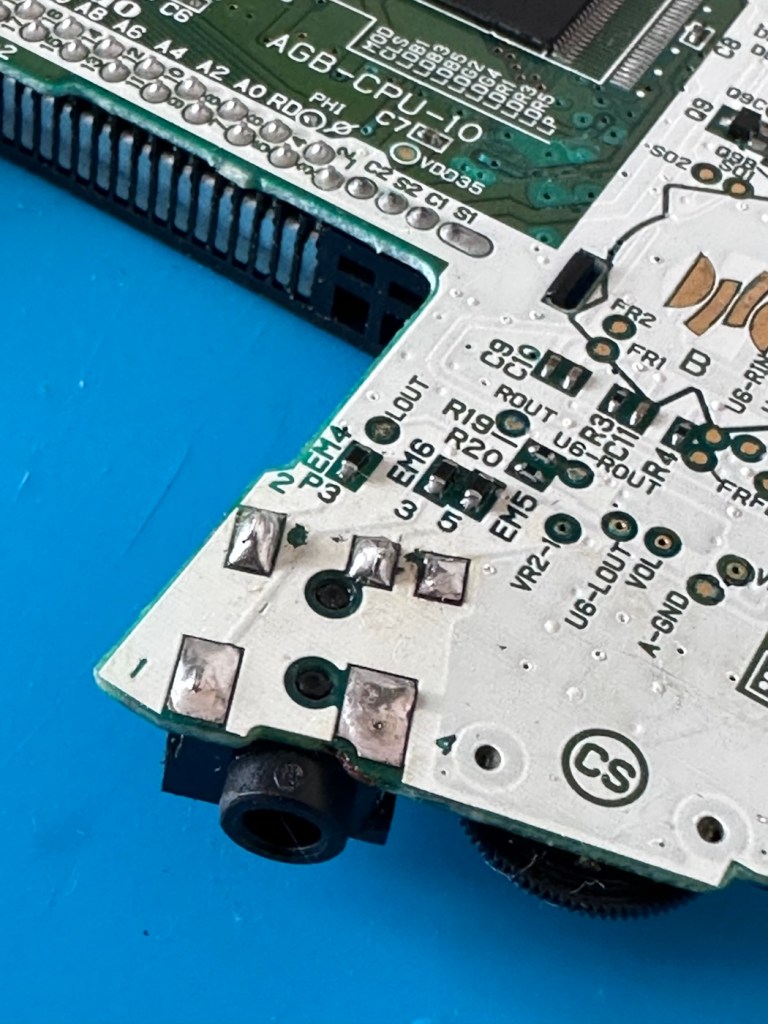
When dry I took the bottle cleaner again, inserted it back into the earphone jack, sprayed quite a bit of electrical contact cleaner back onto it and vigorously scrubbed again for the next few minutes. When dry, I took the multimeter and again checked for continuity across points 4 & 5 and a tone was heard. Continuity had been restored and the earphone contacts were now working. Plugging in a jack and then removing it confirmed that all was working as it should. It’s now time to put this jack back on the board.

Earphone port, back in place

Final touch is to put a tiny pice of clear silicon in place of the missing power light lens on the front of the case. Job done.

Time to reassemble this unit.

Result:

And here we are. The original unit has been thoroughly cleaned, it’s come up ok but is probably a good candidate for a case upgrade and a Capacitor change at some point. That’s just cosmetic though, what really matters is that this unit is now working perfectly, and it sounds just fine.

This unit actually came from a guy who restores these units, I guess he was just having an off day as to be honest, it wasn’t the most difficult issue to diagnose and repair. It honestly took longer to clean this unit than it did to repair it. I’m pleased that I’ve used all the original parts and just been able to do a proper restoration as such.

81 million of these units were produced, so this is just one in that 81 million, that has been saved again from landfill to be enjoyed for many more years to come.

Thanks for passing by. Always most appreciated.

Nintendo Gameboy color console

I’ve purchased a faulty Gameboy Color for my collection. It has no power, so let’s have a look and try to get it working again.

What the listing stated:

Very clean, but doesn’t turn on

EBay

Yep. It’s a Gameboy Colour to me, but as it was sold using the American spelling of “Color” then that’s what it will be addressed as, going forward.

I’ve been after a “Color” to add to my collection for a while now, but it had to fit my very strict quality requirements, in truth it just has to be faulty, and this particular example has met my conditions. I’ve paid £30.00GBP for this example and I’m happy with that, it’s a very fair price.

The good news seems to be that it is in a really good condition, it looks as if the battery door is missing, however they are freely available and this is not an issue should I require one.

These units are known to sustain power failures and the repairs are well documented. By now the unit is close to 30 years old and as time advances components start to fail, these include, but are not limited to:

  • Power switch failure: either a complete failure that requires replacement or quite simply a simple clean to remove years of tarnish and environmental gunk.
  • Fuse failure: there are two fuses F1&F2 that are known to fail, normally due to a short somewhere else on the circuit, but sometimes due to a power surge or incorrect addition of an incorrect power supply.
  • Via failure, small through the board connectors that are known to suffer with corrosion, requiring intervention with the addition of small wires to bypass the issue.
  • Capacitors – known to fail on a regular basis, it’s sometimes good housekeeping just to get these replaced as they are a contributing factor as to why other components such as the fuses also fail.
  • Worst case scenario: major corrosion or main board component failure.

We’ll cross these bridges when and if we need to.

Here’s a little info about the Gameboy Color console:

The Game Boy Color (abbreviated as CGB or GBC) is an 8-bit handheld game console developed by Nintendo. It was released in Japan on October 21, 1998, and in international markets the following month. Compared with the original Game Boy, the Game Boy Color features a color TFT screen instead of monochrome, a CPU running at up to twice the speed, and four times as much memory. It is backward compatible with games developed for its predecessor. The Game Boy Color was released during the fifth generation of video game consoles and competed with Bandai’s Japan-only WonderSwan, SNK’s Neo Geo Pocket Color, and Sega’s North America-only Genesis Nomad.

The handheld is slightly thicker, taller and has a smaller screen than its immediate predecessor, the Game Boy Pocket, but is significantly smaller than the original Game Boy. As with its predecessors, the Game Boy Color has a custom 8-bit processor made by Sharp. The American English spelling of the system’s name, Game Boy Color, remains consistent throughout the world.

Wikipedia

So, for now, let’s not speculate on its quality and issues until it arrives, when we can then carry out a proper assessment of the unit that has been received.

Assessment:

The package has arrived. The battery lid is missing as kind of expected, I will get a replacement sometime, but for the moment I’ll probably print one out on the 3D printer, it’ll be a totally different colour as I don’t have a “Teal” coloured filament to use. The product label on the rear is also damaged but I can easily get one of these as a replacement, however it’s not essential and will only be of cosmetic appeal.

Missing battery cover and old product label

The front fascia is in a good condition with only a minor scratch on the screen, however there are a couple of dents and dinks on the body where it looks as if it’s been dropped or bashed at some point.

Front fascia is good

All ports, switches, buttons and sockets look ok and seem to be operating as such with no resistance or signs of stickiness.

Again, the casing is in general fit to use, and in no way causes any issues with its operation when working. It is purely a cosmetic issue that i can address when the unit is finally working.

I have installed two AA size batteries, switched the unit on and it is most definitely dead. Repeatedly flicking the switch does nothing at all, so it is a situation where the unit will have to be opened up and further investigated. The assessment has not thrown up any other issues not already highlighted in the sales documentation, so in general I am quite happy with the outcome at this stage. let’s get inside and see what we can find.

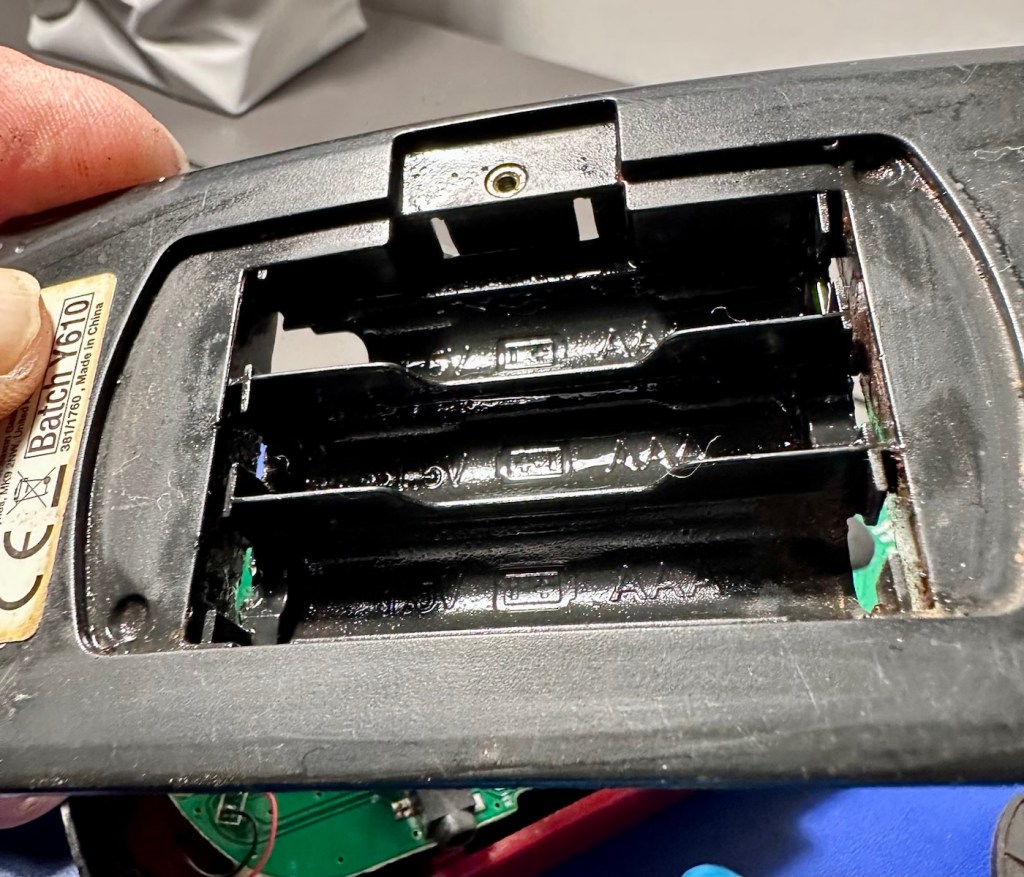
Oops. Wasn’t expecting that. I’ve removed the six “tri” screws and as soon as I’ve separated the two halves, an amount of what looks like battery corrosion “crap” has fallen out as well.

Oops – corrosion is present

With the two halves separated, I then remove the screen ribbon cable, remove three more screws and the main board lifts out.

There’s some good news here. The contamination looks as if it has been completely isolated to within the battery area, there is no sign of any damage to the Vias, or any other components on the main board.

I have obtained the schematic diagram for this circuit board for checking continuity, and i’ve been able to confirm there are no issues with any contamination damaging any traces to the board. We’ve been very lucky here, dodged a bullet, to coin a phrase.

Schematic diagram

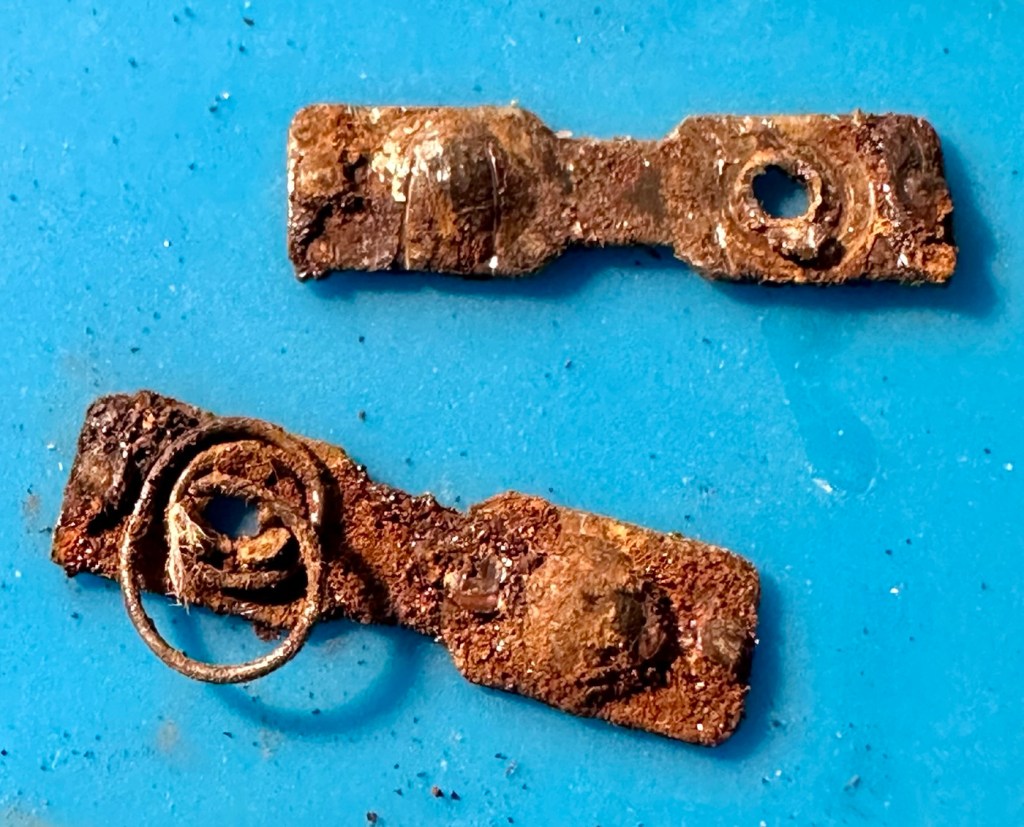
I have removed a set of battery contacts from the battery area, and replaced these with a new set that I have in my spares box. I could clean these, but it’s good to remove all items that were originally contaminated and very possibly contributory to the fault we have today.

I have also cleaned the front and rear of the main board with IPA just to ensure that if there was any issues with contaminants on the board, they’ve now been removed.

The switch has been tested electrically with a multimeter and this is working fine. The three capacitors have been looked over and seem to show no signs of wear or deterioration, they haven’t been properly tested though, so let’s now check fuses F1 & F2.

For reference: Fuse F2 protects the DC jack, whilst F1 protects the battery compartment. Using the continuity mode on the multimeter, a continuity through the fuse should present an audible buzz that let us know the fuse is complete and has not failed in any way.

I start on F2 and get a healthy buzz that tells me F2 is working fine. However fuse F1 is a different story, there is no continuity and there is no sound, I check again and can confirm that this fuse has blown, maybe this is a result of the contamination that was in the battery area?

The two fuses, F1 is dead

I’ve now attached the bench power supply supplying a 3v input to clarify the fault.

A 3v supply proves the fault

Fuse F2 has a 3v supply on each side, however our suspect fuse F1 only has a 3v supply on one side confirming that this fuse has blown. Once this fuse has been replaced I can check the voltage supplies on the remainder of the board, especially on the DC-DC regulator board, that supplies varying voltages from 3v – 13.6v required around the main board. On the main board the voltage regulator can be recognised as U5.

DC-DC voltage regulator U5

A quick check for short circuits doesn’t show anything of concern, maybe when the fuse is replaced it may well open up some other issues, the fuses I will be using are “resettable” fuses. These fuses seem to be the standard now for these units. Most resettable fuses—known as Polymeric Positive Temperature Coefficient (PPTC) or polyswitches—reset automatically and do not have a physical reset button. Once the underlying overcurrent or fault condition is removed, you simply disconnect the power source to allow the fuse to cool down, then you switch on again, if the same issue occurs, there is an obvious issue present that needs investigation, as stated above, once the faulty fuse is replaced I will be able to check other areas on the mainboard for correct voltages.

Just for information the fuse that needs replacing is approximately 4mm in width. You can see the scale in this picture taken alongside a ruler.

The tiny suspect fuse

Let’s get on with the repair.

Repair:

First off I’ve printed a replacement battery door cover. As stated earlier I don’t have any “Teal” filament so I’ve printed it out on a purple filament. For the purposes of practicality (holding the batteries in place) it will serve a purpose whilst carrying out the repairs.

I have a replacement fuse, this work will now have to take place under the microscope as it’s just so tiny, think grain of rice size and you will understand just how small this component is, and it’s amazing that a component so tiny can completely shut down a unit such as this.

The supplied fuse is even smaller than the one on the board. If the original was 4mm then this one is probably around 1-2mm it really is minute. Here’s a comparison of them side by side on the microscope base.

Tiny and teeny tiny….

That said I’ve removed the old fuse, wicked away the old solder and applied some flux and a couple of new dabs of solder. Compared to these new fuses the solder looks massive, I can assure you it isn’t and is greatly magnified.

With the bench power supply providing 3v I’m able to use the multimeter to confirm that the fuses are both working, however there is another issue and I suspect it is something I discussed earlier, but omitted to heed my own advice, about good housekeeping. I’ll come to that in a second.

Power is getting around on the 3v rail and is not an issue. However at the Dc converter I’m not getting the 5v or 13.6v rail, so there is another issue. The new fuse has dropped out again, and this is good as it proves it works. I let it cool for 30 seconds and it is back up and working and I’m able to continue tracing the fault. The big capacitor C32 that sits beside the DC-DC converter appears to be carrying a short, it is probably this that has caused the fuse to previously fail.

And my good advice was to change these capacitors for good housekeeping purposes…..and I didn’t.

Guess what I will be doing next?

There are three Capacitors on the main board and below you can see what their primary functions are:

  • C32 (Main Power / DC-DC Filter)100µF, 6.3V (Filters the incoming voltage; if faulty, the system won’t boot or will repeatedly reset).
  • C35 (LCD Display Filter)22µF, 16V (Stabilises the voltage to the liquid crystal screen; if faulty, it results in a dim or washed-out image).
  • C38 (Audio Amplifier / Sound)100µF, 4V (Powers the speaker and headphone output; a failure here is the leading cause of whisper-quiet audio).

Ok. Fortunately I have plenty of capacitors in my spares box so I was able to replace the three capacitors with no issue.

This done I then decided, prior to any reassembly to see if the power was now being distributed as it should, and I’m pleased to say it is. We have the full range of voltages now coming out of the DC-DC converter.

Now let’s get the unit reassembled, cleaned and then get some tasty pics taken👍

Result:

To finish it off and whilst the 3D printer was still warm, I’ve printed a simple brightly coloured yellow display stand to show it off on.

A new printed display stand

After a good clean the unit is now in a perfectly good working order. The fault appears to have been the faulty capacitors and battery contamination all probably combining to make the power fuse fail, a perfect storm if you like. The fuse and three capacitors have now been replaced to breathe new life into this game console. Cosmetically it’s still tatty and would probably benefit from a new outer shell and some labelling, however it works and to be honest that is all that really matters.

A small video showing the unit working

I wonder how many of these items just get thrown away because they don’t work? This probably took me about three hours in total with diagnostics and repair. Another piece of retro history restored, now joining my original Gameboy classic as part of my collection.

It’s been a pleasing little project, enjoyable and educational and it’s always good to hear the familiar beeps when it springs back into action.

Another one saved from landfill.

Thanks for passing by, as always it’s very much appreciated.

Dell Axim X50V Handheld

A pocket computer from 2004 that needs a little attention. Let’s get it working.

What the listing stated:

Dell Axim X50V Handheld PDA with Windows Mobile 2003 SE. The PDA is in a used working condition and  advertised as for spares or repair due to a faulty battery cover switch, It is also missing its rubber feet and SD slot cover.

The Battery has recently been replaced.

Comes complete with the following.

Desktop Cradle

Power Supply (Damaged lead, please see photo)

Windows Mobile 2003 Second Edition Companion CD

3D Game Pack for Dell AXIM X50V

Please see photos for overall condition.

EBay

Here’s some info regarding these units:

The Dell Axim X50v was a high-end Personal Digital Assistant (PDA) released in late 2004. It was a flagship device in the Axim line, notable for its advanced multimedia capabilities, specifically its VGA screen and dedicated graphics accelerator.

Key Technical Specifications

  • Processor: 624 MHz Intel XScale PXA270.
  • Display: 3.7-inch transflective VGA TFT color display with \(480 \times 640\) resolution.
  • Graphics: Intel 2700G multimedia accelerator with 16MB of dedicated video memory.
  • Memory: 128MB Intel StrataFlash ROM and 64MB SDRAM.
  • Operating System: Originally shipped with Microsoft Windows Mobile 2003 Second Edition.
  • Expansion Slots: Dual slots featuring one CompactFlash (CF) Type II and one Secure Digital (SD/MMC) slot with SDIO support.
  • Connectivity: Integrated 802.11b Wi-Fi, Bluetooth 1.2, and Infrared (IrDA).

Features and Performance

  • Multimedia & Gaming: The Intel 2700G chip allowed for smooth 3D gaming and high-quality video playback, which were advanced for its time.
  • Design: Compared to previous Axim models, the X50 series featured a sleeker design with rounded edges and a curved base.
  • Battery: It uses a user-replaceable 1100 mAh Lithium-Ion battery.
  • Software Upgrades: While an official upgrade to Windows Mobile 5.0 was released, some users found it ran slower than the original OS due to the slow NOR flash memory used in the X50 series.

Multiple on line sources

Let’s await its arrival to see what we have.

Assessment:

The package has arrived, very well packaged. I have enough bubble wrap now to to last for quite some while.

The item turns on, and appears to be doing what it should and then without even touching the back of the unit, an error appears on the screen.

A common fault apparently

On the cable directly from the charger unit there appears to be some damaged cable sheath. I have tested the power output and flexing this area does not cause any interruptions to the power supply, it appears to be that only the external earthing of the cable is exposed, so I am happy that it will be fine to just apply some heat shrink tubing to this portion so that the cabling inside is no longer exposed. It looks as if at sometime someone has probably used a knife instead of the correct tooling to access the unit.

Exposed earthing

There are a couple of rubber feet missing, that just so happen to cover screws that allow access to the unit, further strengthening my suspicions that this unit has been previously accessed internally.

Missing rubber feet

The battery is new, and is holding a good charge of 4.16v at an indicted 100% indication, and it is rated at 3.7v so this appears to be a healthy battery.

Battery holds a good charge

Cosmetically this is a nice unit for its age, it has a stylus pen included, along with a charging cradle and original software that came with the unit. There is a small SD card slot cover that is missing, however this is not an issue as I will probably install a small SD card to fill that void. It can also take CF cards and there is also a blanking plate installed to fill that portion of the top of the unit.

Let’s get repairing…

Repair:

I’ve gone straight in at the charger cable and have chopped the offending portion out. I’ve had to do this to be able to get some suitably sized shrink tubing in place. With the wires exposed I strip them back, tin them with some solder and, then finally connect them back together ensuring they are suitably insulated from each other, and safe and secure. It doesn’t look pretty, but it’s safer than it was.

I’ve tested the output with a multimeter and the output is around 6 volts as stated on the power pack, so no issues there.

With the charging cable all sorted it’s time to look at the error message problem associated with the battery latch.

The Dell Axim X50v battery latch often degrades, triggering a false “battery door open” warning or sudden sleep mode shutdown. If your device is frequently going to sleep on its own or reporting a false “battery door open” error, it is typically caused by a loose, dirty, or misaligned latch switch inside the device.

There are a number of options we can go through to attempt to alleviate this issue:

  • Clean the Contacts: Power down the device, remove the battery, and gently clean the small plastic sensor switch and surrounding contacts inside the battery cavity with a cotton swab dipped in isopropyl alcohol.
  • Mechanical Shim: Over time, the plastic door can warp, failing to press the microswitch down. By placing a tiny, folded piece of paper inside the microswitch channel to force it into the “closed” position. Then snap the battery door into place.
  • Permanent Bypass: For an advanced fix, you can bypass the switch entirely by soldering the connections or using conductive paint to bridge the gap on the motherboard, ensuring the system always thinks the door is closed.
  • Replace the Door or Latch: If the physical latch or door is broken or entirely missing, replacement battery doors can still be sourced from specialty PDA parts sites.

Taking the above suggested remedial actions into consideration I’m going to approach this repair combining two of the above suggestions. Firstly I will clean the contacts as in the first option, this is standard work practice for me. I will probably use a contact cleaner rather than IPA in this instance. I will ignore suggestion number two, as that’s a temporary “Bodge job” fix that should only really be used to test for an issue. The third suggestion of the permanent bypass is what I will use should action number one not be successful, the error is one of those pain in the butt errors that are really unnecessary, and serve no real purpose at all, so let’s permanently disable its ability to reappear. The door itself is in a good order and does not require replacement therefore cancelling out suggestion number four.

So. To recap I will go with suggestions one and three.

Let’s get going then….

Four small star screws are all that need to be removed to get the shell open. Inside everything looks lovely and clean and there sitting at the bottom of the main board is the tiny switch that is causing the issues.

The switch that’s causing the issues

Immediately opposite this switch on the battery panel switch is a small piece of felt that I presume was originally set in place to hold the switch down.

The tiny piece of felt

Well, it had moved and was sitting in the wrong place. I’ve cut a small piece of felt that I use for repairing light seals on cameras, cut this to size and placed it in the correct position. The small switch is like a rocker switch, I have cleaned this with IPA and it is now clean. A quick clean around the main board and now it is time to reassemble.

Now all back together, battery now in place and the unit switches on fine. A little shake of the battery panel cover, and no error message appears. In fact no error message appears until I physically open the battery panel, but once it is put back in place and locked it again, the fault clears. The repair as such has been successful. You can see in the picture below, the battery error at the top of the screen, that results in a restricted use, until it is cleared. A standard fault with these units, now repaired.

Everything is working fine on this unit, it voice records, the stylus is present and I have all the original software. It’s year 2K compliant and is working as good now as it ever has, the only items I have not replaced are the two small rubber pads used as feet. Not really necessary and if I ever find anything suitable, I’ll utilise it.

I’ve given this unit probably the best soak test it could ever be given, a rather long session playing original solitaire with my wife. She’s played for a little over an hour solid now and no error codes or faults have appeared.

I’m happy we have a good working item, resurrected from impending doom in a landfill. Let’s get it cleaned and finished off.

Result:

The unit has cleaned up nicely, and for an item that is 22 years old, pre smartphone technology, it has aged really well.

I just love these items from probably the best tech area there ever was, 90s through to year 2k and just beyond. Technology was developing, it was new and exciting with lots of choice unlike today.

It gives me a chance to now go back and buy the items I’d never be able to afford as a youngster/teenager, even though they may be broken. And that’s the fun of it all, learning, repairing and enjoying a momentary rerun of good times gone by.

I love it. And another item is repaired, saved from landfill and another piece of tech history goes on for others to enjoy for a few more years to come.

Thanks for passing by. It’s always very much appreciated.
Canon EOS 1D MkIV

Two late production Canon EOS1D MkIV cameras, both heavily used ex-syndicate sports photographers cameras. Do they work? Can they be repaired?

I’ve been approached by an old colleague who used to be a syndicated sports photographer, he had a number of items he wanted to “get rid off” as they were just taking up space in his new house. “Would you be interested?” You betcha, so as a result I’m now the owner of a complete Bowens lighting system, two Canon EOS 1D MkIV cameras and a Canon EOS 5D MkII camera.

My days of fussing and farting about with lighting rigs has now long passed, so I know a youngster starting out in the business who is a very talented young fellah, I have donated this equipment to him and he will certainly have a use for this lighting setup. He has been approached and accepted the offer, I think he is quite happy with his new acquisition, here’s hoping his talents continue to flourish.

However the cameras are mine as no one wants this old stuff anymore 😂

Having already in the past, repaired a film version of the EOS 1 here: Canon EOS1 N HS I have now become the owner of two Canon EOS 1D MkIV versions, the digital upgrade of this superb camera. This post covers the assessment of the 1D’s the 5D can be found here: Canon EOS 5D MkII

The two Canon EOS 1D MkIVs

To test these two beauties I’m going to have to invest some money into my equipment store. These cameras take a battery that neither came equipped with, an EP4 battery that currently costs around £19.00GBP per unit. On top of that a charger is required costing approximately £23:00GBP so there will have to be an outlay of approximately £42:00GBP just to get these units tested. Is it worth it? Yes, I think it is, I will then have a spare battery and charger for future use, and if the cameras don’t work? I can then sell them on or use them for spare parts as they have cost me absolutely nothing. When I go through the assessment and repair of these cameras I will refer to them one camera at a time. The camera that has stickers on the top of the camera pentaprism area will be referred to simply as “One” whilst the other will be “Two”. Nice and uncomplicated.

But first here is a little bit of information regarding this camera, the Canon EOS-1D MkIV.

The EOS-1D Mark IV is a professional 16.1 effective megapixels digital single lens reflex camera (DSLR) camera body produced by Canon. The EOS-1D Mark IV is the successor of the Canon EOS-1D Mark III and was announced on 20 October 2009, just four days after Nikon announced the D3s. It used to be the only Canon APS-H format DSLR to feature HD video recording at 1080p resolution.

It was discontinued in mid-2012 with the introduction of the Canon EOS-1D X, which replaced both the EOS-1D Mk IV and the EOS-1Ds Mk III.

It received a Gold Award from Digital Photography Review.

Features:

  • 27.9mm × 18.6mm; 16.1 effective megapixels APS-HCMOS sensor
  • Dual DIGIC 4 image processors
  • Canon EF lens mount (excludes EF-S)
  • New autofocus module (45 AF points with 39 cross-type AF points)
  • Integrated sensor cleaning system
  • 1.3× crop factor
  • 100–12800 ISO speed equivalent (expandable to L: 50, H1: 25600, H2: 51200 or H3: 102400)
  • 30–1/8000 sec. shutter speed and bulb
  • Shutter unit tested to 300,000 cycles
  • Auto Lighting Optimizer
  • Magnesium Alloy weather sealed body
  • Eye-level pentaprism viewfinder with approx. 100% coverage at 0.76× magnification
  • Live preview mode
  • 3.0 in, 920,000 dots Clear View II TFT color, liquid-crystal monitor with 160° viewing angle
  • 10 frames per second continuous shooting (Large JPEG: max. 121 frames, raw: max. 28 frames)
  • Dimensions (W×H×D): 156 × 156.6 × 89.9 mm

Wikipedia

Assessment:

I’ve had to bite the bullet and purchase a battery and charger to be able to test these cameras. Look at it as an investment. As promised the assessments will include exactly the same checks, but they will be done individually.

I want to check shutter counts and firmware versions, but to carry out these tests I really do need power in the units. Clock backup batteries are installed on these cameras and these will need to be checked to see if they are still effective as I’ve no idea how long ago they were changed.

Camera one:

Here are the pictures:

I can pretty much pinpoint the last time this camera was used, as in the CF card slot there was a 16GB card installed and when downloaded there were six photos on the card, below you can see two of these images.

The photos show a football ground, it’s the Queen’s Park rangers ground in London, and you can see the Stanley Bowles stand just to the right. The photographer is in the usual position where you would find sports photographers attending a football match. The exif data in the photo gives the date as 30th August 2022, and if you check records you will see that QPR were Playing Hull City that evening, and QPR were the winners 3-1. We have a date that informs us this camera was last used almost four years ago. Interesting isn’t it?

So of the two cameras this one seems to have had the hardest life, I very much suspect this one is the older camera (it is I have checked the Canon database and it’s construction date is June 2013, the second camera is October 2014) This date may seem contradictory due to the fact the production run officially ceased in 2012, It is very possible for a Canon EOS-1D Mark IV to have a 2014 manufacturing date, even though the camera was officially withdrawn in late 2012. Professional cameras often have long production runs that continue well after their retirement date. Cosmetically it appears the most beaten up and used, with a number of old press pass stickers in the pentaprism area. There are no signs though of deep gouges or cracked and damaged metal so I’m confident this camera has not been dropped. It has had a tough life. It’s a tough camera though.

The CF card and SD card holders are both in a good condition, both accept cards without having to use any force and all pins are in a good condition, I’m confident there are no issues in the memory card area.

The clock battery is accessible at the point where the main battery fits in to place.

The battery is a CR2025 lithium coin cell. When tested the battery has a value of 3.028V. This is a sufficiently good charge for its purpose and is good seeing that this camera has not been used for the last four years.

Holding a good charge

Moving on I’m looking in the lens barrel and the pentaprism and both mirror and viewfinder are extremely clean and clear. The rugged, bruised exterior has protected the delicate, clean and tidy interior. It certainly is a very well constructed camera.

All lovely and clean inside

The next thing I do is test the actual workings of these cameras, however that can’t be done until later today when the battery and charger that I ordered a couple of days ago arrives.

The battery and charger has arrived:

It’s here!

First thing I have done is to put the battery in its uncharged state, into the cameras just to see if there is life and the news is good with both. This Camera, number one has the following information.

Camera one information

It was the most beat up camera and it does have the highest shutter count at 283,976 actuations, the shutter life cycle of these cameras is 300,000 actuations as tested by Canon, so it is a very high count but still has a bit of life in it before it reaches the potential shutter count ceiling.

The good news is that this actual camera does have the latest firmware update of 1.1.5 so at least that doesn’t have to be downloaded and installed.

Battery now fully charged I have finally been able to put this camera through its paces test wise. And hells bells I’m so impressed. It was already set in quick fire mode so when I pushed the shutter button I was shocked to see just how quick this camera responded. It was rattling off shutter actuations at a breath taking 10 frames per second, wow, the sound was amazing!

10fps mode….impressive

It’s not hard to see why you can get such a high shutter count on these cameras with such shutter activity, it absolutely makes sense why these cameras are used in high speed activities such as sport and wildlife photography.

All displays are working as normal, all button actions and dials are doing exactly what they should be doing. This camera is in a good healthy condition.

As an older camera it is packed to the rafters with settings and possibilities, there is so much to learn around its operation, its capabilities and settings. It’s built like a tank, weighs a ton, makes a lot of camera noise that I relate with the good old days and I just absolutely love it.

Even the shutter bumper foam is in good condition and does not require replacing yet.

Camera two:

Here are the pictures:

Camera two is only 16 months younger than camera one, and you can see that difference in cosmetic condition immediately. The wear and tear on this model is considerably less than that found on its counterpart. This camera had no CF card inside so there was no way of putting a last used date on this one.

As with camera one there are no signs of the camera being dropped, no damage to the metal casing being cracked and no sharp dents visible. The Cf card and Sd card holder both take cards without any force having to be applied, and all pins are in a good order. I’m confident there are no issues in the memory card area.

The clock battery reading is a very low 4.5mV it is very dead. I have therefore replaced this with a CR2025 3V lithium coin battery reading a lot healthier 3.30V.

Clock battery reading, before and after

Again as in camera one, the viewfinder and mirror are both very clear and the lens barrel is very clean, having been protected by the rugged camera exterior.

Weird face in the mirror – it’s clean though

With the new battery that had just arrived installed, it kicks into life and I am then able to get the following information from the camera.

Camera two information

This camera in comparison to Camera one has a really low shutter actuation count of 72,186. The tested shutter count by Canon is 300,000 actuations, so this camera still potentially has a lot of life left in it.

The camera firmware will need to be updated to the latest firmware of 1.1.5 as it currently has a slightly older firmware installed of 1.1.0.

Ok, I’ve downloaded the firmware file and extracted it to the CF card I’m using in the camera. Let’s get it installed.

The camera firmware is now updated.

As in camera one, with the newly charged battery installed the immense high speed of the shutter is highly impressive. All buttons, dials and switches function as they should and all displays are clear and sharp in appearance.

All serviceable parts remain in a good condition, even the mirror bumper foam is in a good state and does not require attention yet.

Repair:

I’m now going to condense this section into a mix of both cameras. It’s a bit of an anti climax for anyone wanting to see a meaty repair post as that’s just not going to happen here. Both these cameras, though used and in one case extremely highly used, have both been maintained and looked after during their life. So for me my job has been easy, and going forward I will just maintain them in a similar manner.

A quickly shot image indoors

I see absolutely no point in tampering with them now, they are working just fine and are in a perfectly good condition. Their construction is so solid with their metal weather sealed bodies, that the last thing I want to do is compromise that construction and security just to fill space in a post..

A quickly shot image outdoors

All I’m going to do at this point is polish both cameras. Camera one with its beaten up body and press pass stickers is just going to stay like that, I want that to remain as a constant reminder of its use, and its purpose as a high usage press photographers camera, it’s a work of art in itself and that’s how it will stay. Camera two, again will jut be polished, it’s the more acceptably presentable “Cosmetically” camera and with its lower shutter count and will probably be the unit i will concentrate on using myself.

A few pics from the two of them:

I’m only using very basic test lenses on these units and I must admit, even with basic optics the visual returns are quite impressive. The colours are so rich, and I love that there is also the setting to do some pure black and white shots if you so wish.

This is my new (Old) favourite camera. Why do I just fall in love so easily ❤️

When these cameras first came out they were commanding a price of around £4,000.00GBP and people were more than happy to pay that cost.

Here I am a few years later and I have been gifted two of them for the grand old price of…..Nothing.

I’m a lucky old fellah I’d say.

Result:

I present to you, two wonderfully heavy, cumbersome, noisy and beautifully constructed pieces of photographic history, and both are an absolute joy to behold.

My new long term relationship has just begun (Don’t tell the wife 😂) and I am so looking forward to getting these cameras out to a sports or wildlife watching event. To many, I know they will say, why do you want to carry one of those around, why not go mirrorless? Well, I’ve got that gear as well but I hardly use it. I’m an old 80s-2000s guy who loves the old technology, just like I love old noisy aircraft, I love to hear a camera working, it puts a smile on my face. And the chances of me owning one of these beauties when they first came out was an absolute zero. Now I have two, and I have some serious catching up to do.

Thanks for passing by, as always it’s very much appreciated.

Stay safe.

Minolta 110 zoom Mk1 SLR

The world’s first SLR 110 format film camera. A strange creation that has its issues, from 1976-79. Can it be resurrected and put back to use?

What the listing stated:

The Untested MK1 1970s Minolta 110 Zoom SLR is a vintage film camera that comes with a case and strap, making it easy to transport and store. This compact camera from Minolta features manual focus and is designed for 110 film in a 13x17mm format. The black-coloured body gives it a classic and timeless look, perfect for film photography enthusiasts looking to experiment with older technology.

With its retro charm and unique capabilities, this Minolta 110 Zoom SLR offers a glimpse into the photographic world of the 1970s. Untested

EBay

Yes you did read right, this is a 110 format camera with SLR. Now, I have had this camera sitting amongst my backlog for a few months now, it was purchased towards the end of 2025. I believe I paid the sum of £14:00GBP for it, and considering current prices on the sales sites it’s quite the bargain I think.

The reason I’m looking at this one is because I have been approached by someone to repair their one, now before I look at their issue (a stuck mirror) that seems to be a standard issue with this model, I want to look at my own one that I believe may well have the same issue. It’s best to learn how to deal with the issue on your own unit, before being let loose on someone else’s.

However, saying that, the listing was a little vague with only the standard “Untested” EBay catch all quote meaning it could be anything between a total wreck, to working perfectly.

Here’s some information regarding this camera:

The Minolta 110 Zoom SLR is a 110 format single-lens reflex (SLR) camera produced by Minolta of Japan between 1976 and 1979. It was the first SLR in 110 format. It has an unusual, flattened shape. Other 110 SLRs were shaped like SLRs in larger formats, but the 110 Zoom SLR took the flat format of the typical 110 pocket camera and added a larger lens and prism hump to it. 1979’s replacement, the Minolta 110 Zoom SLR Mark II, has a more conventional shape.

The 110 Zoom SLR provides aperture priority autoexposure; fully manual exposure is not available.  Light metering is with a CdS meter mounted on the front of the camera. An exposure compensation dial allows the photographer to compensate for unusual lighting situations; it also allows the use of film speeds other than the ISO 100 and 400 auto-selected by the cartridge tab, by applying the appropriate compensation factor.

The lens is a fixed 25–50 mm f/4.5-16 manual focus zoom with macro focusing down to 11 in (280 mm). This gives a field of view range approximately equivalent to a 50–100 mm zoom lens on a 35 mmformat camera. There is a built-in, pop out lens shade. The filter thread diameter is 40.5 mm. Minolta sold UV, yellow and 1B filters.

Available shutter speeds are 1/1000 second through 10 seconds, with a 1/150 second X-sync speed and support for bulb exposure. There is no built-in flash, but a hot shoe on the top allows an external flash to be attached. A tripod socket is provided.

Wikipedia

Let’s get the assessment out of the way.

Assessment:

The camera has arrived. And the most annoying thing about it, is that it appears to be working just fine. I have been through every possible combination of settings available, hoping to get the mirror to stick up (as is common with these cameras) but to no avail. Everything appears to be working just fine. Damn that’s annoying as the “untested” EBay get out clause used so often by questionable sellers, has on this occasion gone in my favour. If you refer to the opening paragraphs, you will see I wanted to work on this one to diagnose an issue that a potential customer has asked me about. I may well just send him this working one in exchange for his knackered one, how’s that for service!

Anyway, here is what I received, in a black Minolta case, it has been well looked after and is just a bit dirty and in need of a clean.

Lovers of lomography really rate these cameras, the 110 film cartridge is quite an expensive outlay these days and from what I can see with film costing about £9:00GBP for a roll and then about £18:00GBP for developing and scans only, you are looking at quite an outlay of almost £30:00GBP for the results. I don’t think I will be attempting this unless I come across a less expensive option, as I’m sure there will be one out there….somewhere.

So, with not much more to tell, let’s move on to getting it repaired….or should that be cleaned?

Repair:

Closer inspection of the lens when I’m cleaning shows me that there is a small area on the outer optic of the lens that has a solitary spore of fungus. It’s nothing too much, however a quick clean of the exterior of the optic, confirms the issue is inside. I’ve now got to dismantle the lens barrel to get to it.

The fungus is on the rear, not the front of the outer optic.

The bad news is that on close inspection and using a soft plastic pick, a tiny indentation at the point of the fungus can be felt, this shows that the fungus has eaten into the optic coating and no amount of cleaning will ever eradicate it. Two options here are a new optic, or to get the optic ground down, both totally beyond the value of the camera and to be honest totally unnecessary. The good news is that there is no fungus on the inner optics, and luckily this needs no cleaning or attention.

Inner optics clean and clear

To be totally honest, the negatives in these cameras are so small, and the outer lens magnification is probably sufficient enough to make this aberration appear as nothing more than a slight blur, if it even shows up at all! I’ll give it a good clean to prevent any further growth, and just put it back together again. There is a good possibility that a film will never be run through this camera again, even so I would like it to look as good as possible, and operate as it should, if there is even the remotest chance of a film being used in it, sometime in the distant future.

Result:

The camera has been reassembled and is looking quite nice. It’s a really weird camera. So weird that someone has offered to take it off my hands, as they believe it’s quite a novel item, so as soon as I’ve posted this report it will be winging its way to its new owner.

It’s probably best that I pass this on to someone who will either use it, or at least make a use of it should it become a display item.

A nice little camera, but to be honest it’s more than likely more of a display piece rather than a working camera. It is fully operational though and has been nice to work on. I’m pleased someone else will eventually benefit from it.

Thanks for passing by, always appreciated.

Canon EOS 5D MkII

My second chance at reviving a DSLR from 2008, the Canon EOS 5D MkII. Will I have a little more success with this one?

I’ve been approached by an old colleague who used to be a syndicated sports photographer, he had a number of items he wanted to “get rid off” as they were just taking up space in his new house. “Would you be interested?” You betcha, so as a result I’m now the owner of a complete Bowens lighting system, two Canon EOS 1D MkIV cameras and a Canon EOS 5D MkII camera.

My days of fussing and farting about with lighting rigs has now long passed, so I know a youngster starting out in the world who is a very talented young fellah, I have donated this equipment to him and he will certainly have a use for this lighting setup. He has been approached and accepted the offer, I think he is quite happy with his new acquisition, here’s hoping his talents continue to flourish.

However the cameras are mine as no one wants this old stuff anymore 😂

This post focuses on the repair of the Canon 5D MKII, the repair of the EOS 1D MKIVs can be found here: Canon EOS 1D MkIV There is also a link to my first attempt at a Canon EOS 5D Mk2 and here is the actual assessment of that camera and the issues experienced with it Canon EOS 5D MK2 assessment and repair, I failed with this repair due to it having sensor issues, so sold it on at a small profit, i’m hopeful that this new attempt at the 5D will bring better results.

The Canon EOS 5D MkII

Let’s hope this camera acquisition comes with a better outcome. Whereas the other two 1D cameras i received in this package have required me to to purchase a new battery and charger, I do already have a number of LP-E6 batteries and a charger in my possession, so there is no initial outlay required to test this camera. We are off to a good start here and should be easily able to diagnose any issues fairly quickly.

Anyway, before we assess the camera, here is a little bit about the Canon EOS 5D MkII.

The Canon EOS 5D Mark II is a 21.0 effective megapixel full-frame CMOS digital single-lens reflex camera made by Canon, the first Canon EOS camera to have video recording capabilities. It succeeds the EOS 5D and was announced on 17 September 2008.

On 2 March 2012, Canon announced the camera’s successor, the Canon EOS 5D Mark III. On 24 December 2012, Canon Japan moved the camera to their “Old Products” list, effectively discontinuing the camera.

The Canon EOS 5D Mark II is a full-frame camera and requires Canon EF-mount lenses. It is not compatible with EF-S lenses (which are for APS-C crop sensors).

Features:

  • 21.0 megapixels (5,616 × 3,744 pixels), compared to 12.8 megapixels (4,368 × 2,912 pixels).
  • DIGIC 4 image processor, compared to DIGIC II.
  • 100 to 6400 ISO (expandable to L (50), H1 (12800), H2 (25600)), compared to 100 to 1600 (expandable to L (50), H (3200)).
  • 3.9 frames per second continuous shooting (78 JPEG or 13 Raw in a single burst), compared to 3 frame/s (60 JPEG or 17 Raw).
  • Small Raw modes: sRAW1 mode (10 megapixel/3861 × 2574 pixels), sRAW2 mode (5.2 megapixel/2784 × 1856 pixels).
  • 98% viewfinder coverage with 0.71× magnification, compared to 96% coverage.
  • Larger 3.0-inch (76 mm) LCD with 920,000 pixels, compared to 2.5-inch (64 mm).
  • 1800 mAh LP-E6 battery, compared to 1390 mAh BP-511A.

New features

  • Movie recording full HD at 1920 × 1080 and SDTV at 640 × 480 resolution.
  • Monaural microphone for audio during video recording, speaker for playback and microphone jack for external stereo microphone
  • Live preview with ExpSim LV “exposure simulation” live preview (full exposure preview control utilizing ExpSim LV, a first for video in a DSLR)
  • Live preview with contrast-detect autofocus
  • HDMI video output for live preview or playing clips and images on an external monitor via Type C MiniHDMI port
  • Dust reduction system to perform automatic sensor cleaning
  • Battery management software

Key Lifespan Factors:

  • Shutter Rating: 150,000, though this is considered conservative by users.
  • Real-world usage: Many cameras show failure rates increasing closer to the 100,000–150,000 range, but many exceed it significantly.
  • Longevity: Some, though rare, individual cameras have recorded over 2 million shots.
  • Repairability: The shutter mechanism can be replaced if it fails, which may extend the camera’s life further.
  • Component failure: Other parts, such as the power board or rubber grips, may fail before the shutter. 

Common Issues:

  • Rubber grips: Rubber grips can become loose over time.
  • Button/Dial functionality: Buttons and dials may wear out over long periods of use.
  • Sensor maintenance: Regular sensor cleaning is needed to maintain performance. 

The 5D Mark II is the first camera in the EOS line to provide video recording functions. Still photography during video recording is possible, but the camera suspends recording video until the final still frame is captured.

The lithium-ion battery for the 5D Mark II (LP-E6) has an 1800 mAh capacity. Each battery contains a microchip with a unique identifier for reporting charge status and battery health for display on the camera. The 5D Mark II’s “Battery Info” screen can track battery health and shooting history for up to six LP-E6 batteries.

The camera has native ISO values of 100 multiplied by a power of 2; other ISO values are obtained by a digital exposure push (ISO values that are multiples of 125) or digital exposure pull (ISO values that are multiples of 160). The digital exposure push ISO is 1/3 stop greater than the native ISO, and a digital exposure pull ISO is 1/3 stop less than the native ISO. The digital exposure push ISO settings produce more noise than the native settings with a reduced dynamic range, and the digital exposure pull ISO settings produce less noise than the native settings.

Wikipedia

Assessment:

The camera has arrived and here are my first thoughts. But first some pictures.

Just holding the camera and looking around it, you can see it has been well used over the last eighteen years. There are chips and scuffs, but nothing excessive, and certainly no “hard” dents that would indicate it has been dropped at anytime. The top LCD panel has a scuff on it, but this doesn’t stop any information being read.

The battery contacts are clean and there is just a small rubber cover missing on a connection that is on the base of the camera. All switches and buttons appear to operate as intended, everything is there and the exterior appears to be used, but in a good condition.

The lens barrel appears to be clean, the mirror and focus screen have a little dust and dirt on them however this is an easy clean. The shutter is closed underneath the mirror ensuring the sensor stays isolated from the outside world. I won’t be able to check how this is until I have a battery installed.

Batteries. As I have stated above I do have compatible batteries for this camera. This camera has a battery management system installed that communicates with the original “Canon” batteries that report back on their charge status amongst other information. However my batteries are not Canon originals and are in fact third party ones that don’t have the ability to communicate as original batteries would. That said, they are more than capable and usable. I just know that the very second I put the battery in and turn the camera on, it will show some kind of battery communication error on the rear screen. It’s ok though as we can opt to ignore that warning, click ok, and just get on with things, with no issues to the general operation of the camera.

Let’s do a little digging around. I’ve downloaded a little program that appears to be quite popular, to try and find exactly how many times the camera shutter has been activated in its lifetime, (still photo count – not including video). Here is that count.

243,487 shutter activations…wow!

I guessed the count would be high as it was the previous camera of a syndicated sports photographer, I just wasn’t quite expecting this high. But who am I to complain when I have received this camera for free. if you read the camera specs in the paragraphs above, the expected lifespan of the shutter is around 150,000 actuations, however the photographic community tends to question this figure. Some cameras have gone into the millions with shutter counts, however this one will plod on with me on much lower figures, if I get it working. I don’t know its service history, it’s a rugged built heavy use camera, that will go on for years if looked after properly. And that’s what I intend to do with it.

Another piece of information that can be obtained from the piece of software above is the firmware version. The current installed version is 2.0.7 and that was installed sometime in 2010. The latest and last version is 2.1.2 that was released in 2012. I will attempt to update this cameras version of firmware to the final updated one.

I think I’ve had a good assessment with this camera, I know what needs looking at so let’s get on with giving it a little TLC to ensure it will go on working for a few thousand more shutter actuations, I’ve got to try and get this camera to the 1/4 million mark at least!

Repair:

The first thing I want to do, is to look into why, when you input a date into the camera, the information disappears as soon as the camera is turned off and turned on again? This is a simple issue, easily located and soon rectified. These cameras normally have an additional battery buried somewhere in the camera that acts like a cmos battery in a computer. It simply supplies a small charge that maintains dates and program settings when the camera is an a sleep mode, instantly reinstating the correct information when the camera is switched on again.

And this camera is no different.

A single coin cell CR1616 battery is what does the job in this camera, its life span is usually around five years. So let’s check this one out as I suspect it has failed. It is located on the bottom of the camera on the opposite side of the main battery chamber, below two rubber accessory panels.

The CR1616 battery is a 3v lithium coin cell. Using a multimeter I was able to confirm that this one was well and truly depleted as it was only holding a charge of 99.3mV. The new battery cell was holding a much more acceptable charge of 3.3V.

Old and new battery voltages

With the new coin battery in place, I’ll reset the date values and test that the battery is doing its job, by powering the unit up and down a few times.

That appears to have worked

As you can see in the picture above, I’ve managed to update the settings, and when the unit is shut down and restarted the information remains. Hence the new clock/cmos battery is working fine.

Next let’s try to update the firmware to the latest release. This small video below shows how easy this task can be. This particular file in the video is for an earlier, older update, however the principle is exactly the same for all camera updates with Canon.

Updating firmware on a Canon Eos5D MkII

Following the recommendations in the video above I have downloaded the latest firmware update file and extracted its content to the freshly formatted CF card for the camera.

It’s thinking about it….

The whole process was followed exactly as laid down in the instruction video, and it went as expected. The update was successful.

Firmware update, before and after

The camera is now correctly updated to the most recent firmware. I can now progress to doing some final checks in the lens barrel area prior to moving on and checking the functionality of the camera with a lens in place.

The mirror bumper felt is in good condition and does not need replacement. I have blown out the barrel and inspected the sensor and that is clean and needs no attention.

Final touch is that I have printed off a cover for the hotshoe flash holder.

Printed hotshoe cover

Time to get the battery installed in the camera, along with a formatted CF card, and I’ve also put a stock 28-80 EF lens on the front to test. And here are some of those pictures taken to test, just around my garden.

And I am so damned impressed. It’s only a basic lens but the tonal quality, sharpness and colour has really shone through. The camera has worked perfectly, I’ve used it in auto mode, shutter priority and aperture priority and all works fine. When I use the video mode, all is fine but the basic lens when you telescope, can be heard throughout the video, not really an issue just an observation, hence why people invest in the higher end optics. For testing purposes though, this lens has performed perfectly. I’d be more than happy to venture out for a picture session with this setup.

Every setting on this camera has been tested and it has passed with flying colours. My job here is done.

Result:

A far better result than my last attempt on this specific type of camera. This time around the sensor has performed perfectly and remains in good order, hopefully for quite a time yet. It would be good to see it go through the 250,000 exposures count, and seeing that it’s only about 6,600 exposures away I don’t foresee it being a hard to achieve target. I’m going to get some good use out of this camera, I’m currently looking at taking it to a local nature reserve to see what can be photographed. I’m quite looking forward to that.

A final polish and this project can now be put to bed. Onto the next one.

Many thanks for passing by, it’s always very much appreciated.
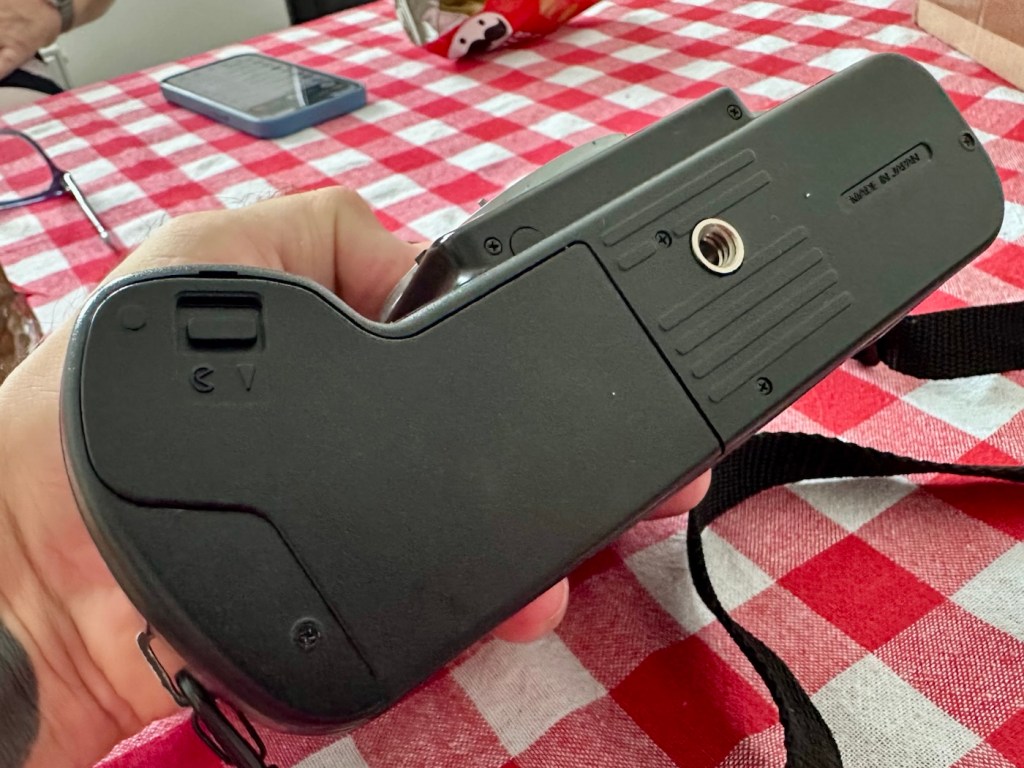
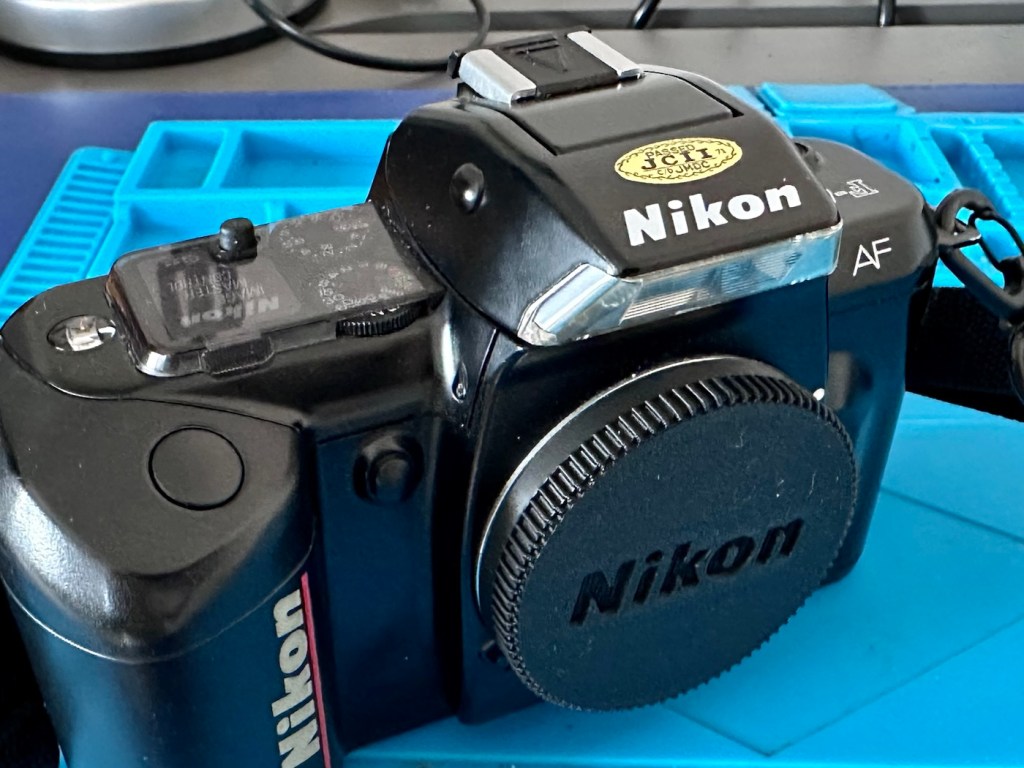
Nikon F90x 35mm SLR Film Camera and MB10 battery grip

This camera influenced the partnership between NIkon and Kodak to produce one of the most expensive prosumer cameras of the 1990s. However this one is a lot less expensive but with some issues. Let’s have a look at it:

What the listing stated:

THIS UNIT IS FAULTY
SUTIBLE FOR SPARES / REPAIRS ONLY
SOLD AS SEEN

FAULTS INCLUDE BUT ARE NOT LIMITED TO,
MIRROR STICKS


COMES WITH EVERYTHING SEEN IN IMAGES

NO WARRANTY PROVIDED

EBay

Just couldn’t let this one go. Whilst browsing the sites for my next challenge last evening, this little bundle of joy just popped from one of my preferred sellers for a quick sale, it was about 11pm and was just posted at a sale price of £30:00GBP, however with a voucher I had, I was able to secure it at £27:00GBP. Considering this is a good quality camera of the mid 90s it also comes with the added bonus of an MB10 battery grip, superb value in my eyes. A lot of camera for a very low price.

Here’s a little bit about this camera:

The Nikon F90x is a 35mm autofocus SLR using Nikon’s F lens mount. It was targeted toward the advanced amateur or prosumer; its feature set is comparable to that of Nikon’s current D100/200/300 SLRs. The name N90s was used for marketing in the United States; everywhere else, the camera was called the F90x. This camera was also used as the base for the Kodak DCS 400 series of digital SLRs.

The N90s/F90x was introduced in 1994 and discontinued in 2001. The camera’s predecessor, the N90/F90, was introduced in 1992 and discontinued in 1994. The successor to the N90s, the F100, was introduced in 1998.

Features & Specifications

Nikon N90s global naming N90S adapted into Kodak’s DCS460, a 6 Mp Digital SLR

  • Bright viewfinder with 92% coverage, .78x magnification
    • Current settings are displayed at the bottom of the finder; information area is automatically backlit in dark conditions
  • Top LCD displays current settings and facilitates changes
    • Backlit for use in dark conditions; the backlight switch is near the left die of the viewfinder
  • Cross-Type Wide Area AF System
    • Choice of wide-area or spot AF
    • One CAM246 AF sensor
    • Continuous AF mode with release priority in addition to standard AF with focus priority
  • 4.1FPS capable with continuous AF; 4.3FPS with standard AF
    • 2FPS mode available
  • 3D Matrix Meter when used with a D or G-type Nikkor lens
    • Center-weighted and spot metering are also available and usuable with AI lenses
  • 3D Multi-Sensor Balanced Fill-Flash capability (with Nikon Speedlights SB-800/80DX/28DX/28/27)
  • Seven Vari-Programs: Portrait, Portrait with Red-Eye Reduction, Hyperfocal, Landscape, Silhouette, Sports, Closeup
    • Explained in detail in the instruction manual
  • Four exposure modes: Program, Shutter-priority, Aperture-priority, Manual
  • Shutter speeds of 1/8000 – 30 seconds + Bulb
  • Flash sync speed of 1/250
    • Flash sync modes: normal, slow, rear, red-eye, FP high-speed
  • Self-timer: 2-30 seconds
  • ISO/ASA Range 6-6400
  • DX-enabled (automatically reads speed information from film canisters)
  • Eyepiece shutter stops excess light from entering the viewfinder and interfering with metering
  • Overall strong build throughout (comparable to Nikon’s current D100/200/300SLRs)
    • Stainless steel lens mount
  • Requires 4 AA Batteries
  • Extensive system compatibility & accessories; see below

Accessories & Compatibility

F90X with MB-10 grip

The N90s/F90x is compatible with nearly all Nikkor F-mount lenses as well as all Nikon SB series speedlights.

Additional, camera-specific accessories available are:

  • MF-26 Multi-Control Back
    • Long Exposures to 100 hours
    • Freeze Focus: triggers the shutter as soon as a subject comes into focus
    • Custom Reset: customizes which settings are affected by the green-button reset
    • Date Imprinting: can also imprint shutter speed and aperture information
    • World Clock
    • Flash exposure compensation
    • Interval timer: up to 100 hours between pictures for 99 frames
    • Limit frame count in continuous shooting mode
    • Multiple exposures
    • Customize which settings are affected by AE-L and AF-L (auto-exposure lock and autofocus lock)
  • MF-25 Data Imprint Back
  • MB-10 Vertical Grip
    • Takes 4AA batteries or, with the MS-11 battery holder, two CR123 lithium batteries
  • Interchangeable focusing screens
    • E screen provides grid lines in the viewfinder

with 28-80mm, 20mm and 80-200mm

Lens Compatibility

  • All functions, including autofocus, work properly with Nikkor AF, AF-I, AF-D, and AF-S lenses.
  • AI and AI-S lenses are usable, with the loss of these functions:
    • Autofocus
    • Shutter-priority exposure mode
    • Programmed exposure mode
    • Vari-program exposure modes
    • 3D Matrix metering (though center-weighted and spot metering remain functional)
  • The camera does not use VR with any lens.
  • G-type lenses (lenses without aperture rings) can be used with the loss of some functionality: only the lens’ smallest aperture can be used in manual or aperture-priority exposure modes.

Camera-wiki.org

Now my experience with this seller is that unless it is absolutely perfect he will not even entertain it. He doesn’t take the time to check and fettle, if it isn’t working from the start he will just get rid of. This attitude of his has meant I’ve had some right bargains in the past with very little wrong with them. I refer you to a recent purchase Canon EOS D60 that had very little wrong with it, but was also a lot of camera for a very low price.

Now I’ve always wanted a Kodak DCS 400 series camera, especially a 460 version as it takes me back to my days when I was working at Kodak in Harrow, I remember when the DCS 400 series came out and back then they were introducing such a new technology that they were commanding a huge price of around $35,000 at the time. These cameras were basically digital versions of the film camera I have purchased above. So whilst I’m on the lookout for a reasonably priced DCS 400 series camera, I guess I will just have to do with the camera that started it all off. And for £27:00GBP I’m not complaining.

I think I may know why this mirror is sticking, and if it is what I believe it to be it could be quite an easy fix. (Famous last words)

So let’s stop all the reminiscing, and wish list writing and get on with this camera’s assessment.

Assessment:

It’s arrived, and as expected it’s a beautiful looking item in an extremely good condition.

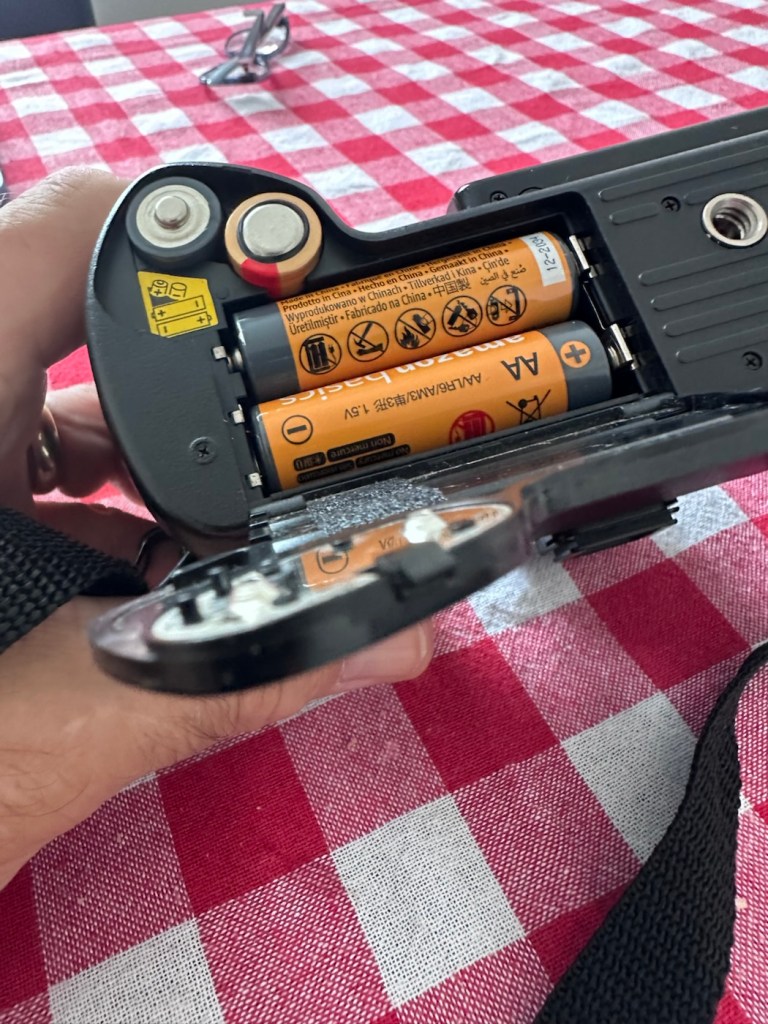
The mirror appears to be in a semi raised position, the battery pack is clean with no signs of contamination and battery leakage, so now seems a good time to put in four AA batteries and slide the battery pack into place and secure it.

Battery pack clean and contamination free

Turn the battery on and the mirror clicks back into its closed position. And here I am, probably 40 or 50 actuations later and I can’t recreate the sellers fault of a sticking mirror. The mode the camera is set in, is indicating long exposure times, maybe this has given the impression of the mirror sticking when in fact it’s just doing what it should relative to the light it is seeing. I need to check in clear daylight, but I’m sure this is part of the issue….if there is one.

With a 28-100 lens added

I have a 28-100 lens mounted that I use for testing, the autofocus is working really well and all seems good.

However, take a look at the picture below. It contains two photos of the LCD screen on the top of the camera. What do you see in the top photo that would make you think there is an error?

Is that an error?

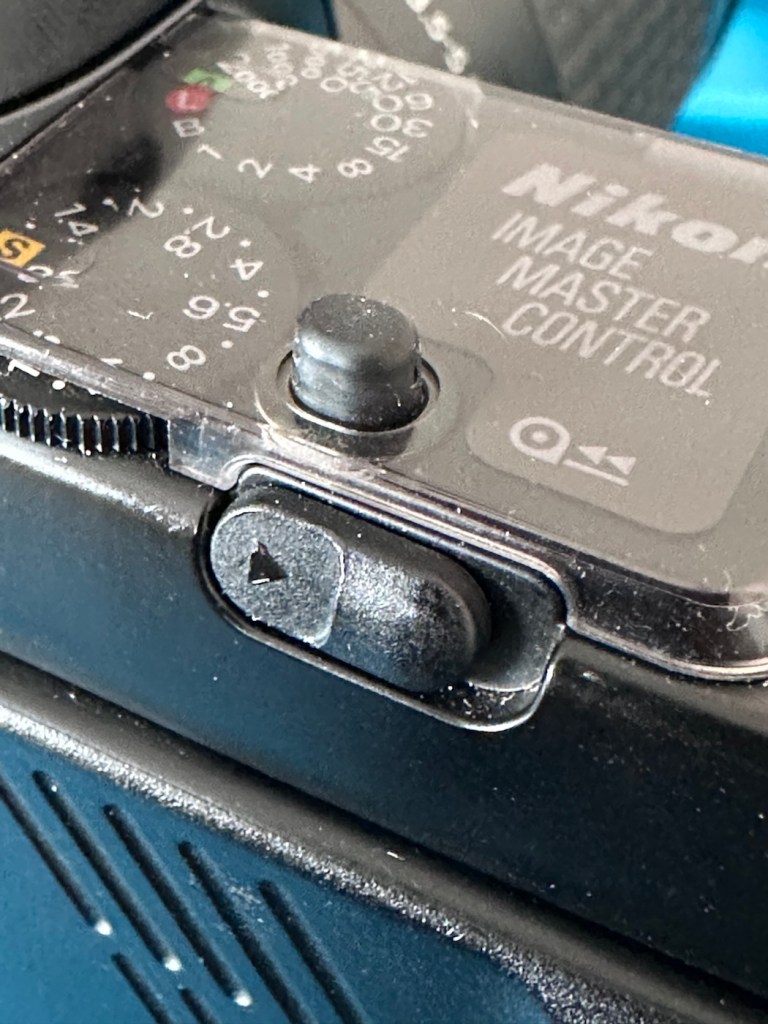
For the un-informed, those who are not familiar with this camera or its operation, you will instantly see the letter “E” that is commonly known as an error indicator, in later models it is shown as “ERR”. I do believe the seller has possibly mistaken this for an error code, but if you refer to the bottom photo where I have now installed a test film, it becomes clear that the “E” on this camera represents the word “empty”. No film installed, a simple and easy to make mistake. The bottom picture indicates a film is installed and that 4 exposures have been taken.

As these cameras have in the past been known to have a mirror sticking issue, I will replace the mirror bumper felt. It is well known that when the felt has deteriorated to such a level, the felt becomes sticky, and the mirror just sticks to the felt when it opens. It’s an age related issue that is easy to repair. Even though I have not experienced it with this unit, I will replace it as it will probably fail at some point. I will also check the light seals and replace them if I deem this necessary.

Repair:

The light seals do not need replacing. In fact there are only two small spots of light seals on this camera and both are in good condition.

However the bumper seal was showing signs of degradation, so this has been replaced.

The old seal peels out but leaves a sticky residue behind, this has to be removed with some IPA prior to cutting new foam to size and reinstalling. Whilst I was in the lens are I also removed the focussing screen to clean it and remove the old ingrained dust and dirt.

The area within the mirror area is now clean and dust free after I have used a small air blower to get the last of the debris out of the barrel area. Mirrors have been cleaned and polished and the body cap has been put back on the front of the camera to ensure no further dirt or contamination gets in there whilst I work on the outside.

I’ve printed a hot shoe flash cover purely for aesthetic reasons, I’ve also printed a sync cable cover, for similar reasons, but generally just to ensure any open and exposed areas are covered up. It does make it look a lot nicer.

The sync cable cover also helps keep the exterior tidy as well as protecting the connector.

All I need to do now is clean the exterior of the camera where there is some light dust and dirt. When this is done I will use my usual car cockpit polish to finish the camera off.

When that’s done I will do a quick fly through of all the settings to check if they are all functioning as they should.

Result:

The camera has cleaned up very well and looks glorious. All settings are functioning as expected, and there have been no issues with a sticky mirror or any other issues. The camera is just working well and doing exactly what it should be doing.

I’m using a G type lens so I’m restricted on the type of photography I can do, it stays on its lowest aperture (F:32) but that’s perfectly fine In bright sunlight conditions. I need to purchase myself another lens for testing to allow me the use of the full spectrum of apertures on this unit. That said, my lens has performed perfectly on this unit.

As I’ve stated before, this seller is one of my favourite suppliers as his cameras are always in a good condition, he doesn’t like anything unless it’s absolutely A1 perfect, so this is where i benefit as every unit I have purchased from him is perfect in my eyes, and in many cases need very little doing to them to bring them back into a working condition. This is one such unit.

So, I have yet another lovely piece of 90s “Big” tech restored and working perfectly. The next thing I need to do is to put some film through it. I’ll let you all know when I’ve done that.

Thank you for passing by, have a wonderful weekend, I really appreciate your being here.

Take care.

Vintage Kodak No. 1 Pocket Folding Camera

A genuine antique, for a ridiculously low cost. But will it work? At 100 years old, can this old camera still do what it was designed to do? Let’s have a closer look.

An antique. A genuine antique. For a ridiculously low cost of £7:90GBP. And this little beauty was purchased for me by an elderly friend as an Easter present. Yep, for the price of an Easter egg in the Uk I’ve been brought an antique piece of photographic memorabilia, how good is that?

Here’s what the listing stated:

Kodak No:1 folding pocket camera

EBay

The listing leaves a lot to be desired, but as these cameras were produced between 1926-29 they are now reaching the 100 year old stage, a real antique, and to be honest at this age, just like most of us approaching a pensionable age, you would be expecting some wear and tear and a little bit of misbehaving. (I speak from experience even though i currently reside at the lower end of the antique spectrum). Around 800,000 of these cameras are estimated to have been produced, so there are a good number still available on the markets, I suspect this is what governs the low cost.

Yep, to be honest I do expect there to be issues, but at first look this camera appears to be in a very good condition, with a couple of parts to it that normally go missing over time, still present, and at the measly price I paid for it, I’m not complaining. The leather appears to be fine, and well looked after, it looks remarkably clean, but we’ll just have to wait and see.

This is an autographic version, this was a system introduced on these early cameras that would allow you to write with a small metal stylus (Stored alongside the lens) through a small aperture in the rear of the camera, allowing you to put picture details onto the specialised, unexposed film below. A really early form of EXIF data if you like. There is also a metallic kick stand bearing the “Kodak” logo, this allows the camera to be stood upright, and this piece is sometimes missing off of these old cameras. Fortunately this example seems to have all these features still in place.

Here’s some info regarding Autographic film and cameras:

Autographic film and cameras, Eastman Kodak products from 1914 onward, allowed the photographer to enter his or her own notes onto the negative, rather like an early data back. Comments are written with a stylus in a window in the camera back, onto the paper backing of the film, which incorporates a carbon-paper. This leaves the backing slightly translucent where the stylus passed. The writing window is then exposed to the daylight and the inscription burned onto the negative. 

The method was invented by Henry Jacques Gaisman, who patented it in several forms, perhaps to prevent similar designs being patented by rivals (see the various patents below), over several years. In the various designs, the inscription is made on the film in several ways:

  • Carbon powder from a carbon paper is transferred to the emulsion side of the film, and casts a shadow when the film is exposed through the lens; the lettering should be dark-on-light, in the finished print, and appear in the picture area.
  • The emulsion itself is compressed against a textured surface, and this changes its response when exposed; the lettering should appear as stippling, either in or outside the picture area, according to different designs.
  • Carbon is transferred to a translucent backing paper, and the writing casts a shadow on the film when exposed to light from behind (after the carbon paper is removed); The lettering should be dark-on-light, and appear outside the picture area.
  • The carbon layer of the carbon paper is disrupted by writing on it, and so allows more light through (the film is exposed from behind, with the carbon paper in place); this is the form of the invention actually made. The lettering is light-on-dark in the finished print (dark-on-light in the negative), and appears outside the picture area.

Camera-Wiki.org

And here is some information regarding the camera itself:

The No. 1 Pocket Kodak was made in USA from 1926 to 1932 (in UK from 1929-1933) and took 6×9cm exposures on 120 roll film. 

In the USA in 1929-31, as well as black it came in four colors: blue, brown, grey and green. These have the Kodar f7.9 111mm lens in a Kodex shutter. All have the Autographic feature. Other lenses were the Kodak Anastigmat f6.3 and Kodak Anastigmat f7.7.

Technical Specifications (1926 Version)

  • Lens: Often an f/6.3 or f/7.9 Kodar/Anastigmat lens.
  • Shutter: Kodex shutter with speeds of 1/25, 1/50, Bulb (B), and Time (T).
  • Focusing: Accomplished via a worm screw or sliding the lens standard on a track, with a distance scale in feet or meters.
  • Viewfinder: A rotating “brilliant” waist-level finder for both portrait and landscape shots. 

Using the Camera Today

  • Film Compatibility: The 1920s No. 1 model is highly desirable because it takes standard 120 roll film, which is still manufactured today. Older models designed for 105 film can often use 120 film with minor modifications or original 105 spools.
  • Autographic Feature: Many models have a small door on the back and a metal stylus. This was originally used with special “Autographic” film (discontinued in 1932) to “write” notes directly onto the negative. Warning: Opening this door with modern film will ruin your photos.
  • Light Leaks: Due to their age, old bellows are prone to pinhole light leaks. Many users tape the red window or the autographic door with black electrical tape to prevent fogging.

Camera-wiki.org / Google

So let’s do a full assessment on this camera.

Assessment:

Here’s just what arrived, and for a one hundred year old camera it is pretty much perfect.

For a camera of this age I expected a number of issues.

  • Aroma – due to old age, cameras normally carry a mustiness due to the way they have been stored. This example has no such aroma and appears to have been stored well, and cared for, it just has an acceptable, leathery aroma.
  • Rust – again due to storage I was expecting some damage here. However this example has no rust issues, again this points to the camera being stored with care.
  • Fungus – to be expected on such an old example, on inspection there appears to be nothing more than some light specks of dust. Unbelievable. The viewfinder is a little misty and dusty but this should clean up quite easily.
  • Bellows holes – due to the construction of these cameras, time and usage usually causes the bellows to wear and small pinholes to appear. I’m yet to fully test the bellows section, but first inspection in a bright light is extremely positive and there appears to be nothing of concern that is noticeable. However I do need to test this properly prior to putting film in the back. From what I have witnessed so far, this camera appears to have been very well looked after, and I very much suspect it has been very lightly used.

Personally, this antique camera is in a far better condition than many that I have, that are a great deal younger than this camera. I’m very optimistic that I will be able to run a roll of 120 film through this camera before too long.

If you look at the pictures above you will see that the camera came with a “wooden” film take up spool. These features were typical in pre war cameras. What is really annoying me at the moment though, is the ridiculous prices some on line sites are charging for this small wooden roll on its own. Who the heck is silly enough to pay these prices? It’s almost 6x the price I paid for the actual camera 🤦‍♂️

On Etsy. Sellers name blacked out to preserve dignity….if they have any in the first place?

The fools.

Anyway, back to reality and this camera. Repair wise there will not be a great deal to do apart from some cleaning and minor adjustments. I’m not going to tamper to be honest, how does the saying go? If it ain’t broke, don’t try to fix it. And that will be the mantra for this camera. A sympathetic restoration is the order of the day with minimal tampering.

Repair:

Let’s start at the front and work our way back. First the bellows.

Both inside and out the bellows have no signs of dryness or bad cracking. With a powerful light both inside and out no light leakage or intrusion can be found, this does not however rule out that there may be a pin prick leak somewhere, however on close inspection of all the bellows and its folds all seems well.

Next the bright viewfinder. Just two screws give access to the glass lenses, both are a bit dirty and clean up quite well, however there are a couple of spots of old age pitting on the glass, this is not bad, considering the age.

The viewfinder cleaned up well, it’s just a reference and not an accurate representation of the view that will be on the negative.

I haven’t touched the lens or leaf aperture as they both appear to be working fine.

Next we move to the inside workings and the rear of the camera, to just give a general clean.

I certainly removed some dirt from the interior area

And after all this cleaning has been done, a final clean with some polish and a good buff up completes the repair.

Result:

So what’s that I’ve found lurking at the back of my little stock of films in the fridge tray? it’s a roll of Rollei RPX 100 B/W, only a couple of years out of date, so this will be the perfect film candidate to test this camera with.

There wasn’t a great deal needing to be done to this camera as I previously stated. For an antiquity it is in a superb condition, and to be quite blunt, you don’t mess too much with such an item. Make it work yes, but keep it real. This is a hundred years old and represents times gone by, it’s aged perfectly and doesn’t need to be tampered with.

After the clean, I now present a number of photos to show what a wonderful piece of photographic history this is.

I have a roll of 120 film that will be shortly used to test it out. It’s been an absolute pleasure to work on such an old camera, and just to appreciate the skill and dedication that went into making such a beautiful hand made work of art. I am proud to own such an item and I’m hoping it will still be used for many years to come.

This is now a very important part of my personal collection, and I hope it will still be around a good time after I have taken my last breath.

Low cost, high personal value and an historic photographic legacy that I hope to pass on.

Thank you all for passing by, it’s always very much appreciated. I will post the pictures taken with this roll shortly.
HP Jornada 540 Series PDA Pocket PC

I have two faulty pocket PC units that I can hopefully combine into a “Frankenstein” unit. Can we get at least one of them working again?

What the listing stated….mostly AI produced I guess?

Untested, no charger, docking station only by Hewlett Packard

32MB Jornada PDA 540 Series Pocket PC Windows & Docking is a highly functional device that comes with some amazing features. This device is perfect for individuals who desire a highly efficient PDA Series. The device is sold as untested and is compatible with the Windows operating system. The brand of this device is HP, which is a well-known brand in the tech industry. The PDA Series is HP Jornada and it comes with an installed memory (RAM) of 16 MB. The display size (pixels) and screen type are unknown, but it has a model number of 540. This device comes with a docking station that allows ease of use for individuals.

EBay

And this is my original old 540 (548) Jornada.

I just know this is going to be a challenge, and to be honest i will have two of these when this one arrives. This is the 16 mb version, released in Mid 2000, currently aged at around 26 years old. I’ve had a dead one sitting in one of my junk drawers for a couple of years now and I though it would be a good challenge to get at least one of them working again, another one of my Frankenstein projects if you must. I have no charger for these, the chargers are priced at a premium with the online pirate community, (Robbing swines!) so I will just have to make do. At least with the docking station that this unit has I have somewhere to start from. I suspect both batteries will be dead so I may have to use some jiggery pokery to get some power into their circuits to see if we can get any signs of life.

But whilst we await the arrival of this unit, here is a little bit about this PDA:

The Jornada was a line of personal digital assistants or PDAs manufactured by Hewlett-Packard. The Jornada was a broad product line that included Palm-Size PCs, Handheld PCs, and Pocket PCs. The first model was the 820, released in 1998, and the last was the 928 model in 2002 when Compaq and HP merged. The Jornada line was then succeeded by the more popular iPAQ model PDAs. All Jornada models ran Microsoft Operating Systems that were based on Windows CE.

Jornada 540 series

The HP Jornada 540 series, including models 545, 547, and 548, was released in July 2000. As one of the original Pocket PC platforms, it featured a 12-bit color display, 32MB RAM, and USB connectivity running Windows CE 3.0.

The Jornada 540 series was one of the original models of Pocket PC, when the platform was first announced. Sharing the Operating System, CPU and memory card slot of the 520 series, it featured a 12-bit display (originally advertised as 16-bit display) and USB connectivity. Two models were made available that were identical except for the amount of RAM. The 545 had 16 MB RAM and the 548 had 32 MB RAM.

Wikipedia

Assessment:

The old one I originally had is in fairly good condition, only displaying age related wear and tear. It has its original touch pencil, and is pretty much all there. Its battery (a 3.7v Li-ion) is very dead though (see pictures above) I have no means at present to see if I can charge the battery.

My original old unit

I have however found a charging alternative that will not break the bank. I have found a chap in Germany called Edgar, that runs a business selling cables and peripherals for older units, as well as more up to date systems, his shop is in Hannover and his company is: systemhauszakaria.com. I have managed to get a USB charging unit called a System-S USB Charging cable, that has the connectors required for this unit, and being a USB cable I can use a suitable plug for the mains supply , if required.

The System-S USB charger cable

The cable includes a data transfer cable that also fits the unit, however my main task is to try and get some power into these units.

Let’s give it a go.

I’ve used the new lead, left the unit on and monitored it for about 90mins, and it does appear to be taking a charge. An Orange light indicates that charging is taking place.

Charging unit

The unit displays as 100% charged with the charging lead in. when disconnected it drops to about 50% but within a couple of seconds it shows as 100% again, this could be a time delay of some sort whilst switching to the battery circuit.

At this point I thought it would be worth getting the back off again, to check the battery charge. If you remember earlier in this post, this old unit that had sat unused in my desk for the last couple of years and when last tested the battery was dead at about 0.5mA. However this is a transformation, as when the battery was now tested its voltage was 4.09v. Now, a 3.7v Li-ion battery such as this should have a max charge voltage of 4.2v, so in theory this battery is in quite good condition considering its age. There may be a little deterioration, however considering this battery is possibly 26 years old it’s held up very well.

Before charge, and after

The unit will be left for a while to see how the charge holds. 10hrs later, untouched and off charge, I can confirm the power is still indicating 100%, this pleases me as it shows the battery is still good and has a good life inside of it. Very pleasing for what is potentially a 26 year old battery.

The new unit has now arrived and I’m surprised it got here after being posted in a couple of old carrier bags, no padding just a couple of old bags. I suspect the seller wanted it off his hands, they probably had little faith in it ever working again.

However, despite this, the actual unit appears to be in quite a good condition. It’s free from dinks and scratches and both the unit and the charging cable appear to be in a good order.

The new unit and charging cradle

Now, the good thing is that both these units have their original touch pencils. This cradle has a cable connected to it and a USB socket, however that USB socket is for data transfer and not charging. To charge, the new System-S USB cable has to be connected in line. The cradle will then charge. And it looks as if it is doing just that.

This time i have connected the new unit and cradle to a Power bank charger to see if this works, and it appears to be doing just that. It drained the power bank quite quickly, it only half charged, I’ll have to put it back on the household power tomorrow to fully charge it and check its battery capacity.

Tomorrow has arrived and the unit has been on charge for a couple of hours and it is indicating as fully charged. Back on the bench with the back off I can confirm the battery charge is reading at 4.08v so it is pretty much the same reading as the other unit.

New unit and cradle with power bank charger

These two units are both of the 540 series however the newer one that came with the cradle has only 16MB of memory (The 545) whereas my older one (The 548) has 32MB of memory. It appears that HP created three variants in the 540 range and I now have two of them. The 545 had 16 MB RAM and the 548 had 32 MB RAM, the one that escapes me, the 547 was also a 32MB variant. (I’m going to have to get one now just to complete the set)

545 on the left, 548 on the right

Repair:

Less of a repair and more of a resurrection to be fair. I said it would be a Frankenstein project, and that’s exactly what it has been. Both units have charged well despite my concerns, they have been charged in a monitored environment and neither are showing signs of overheating, irregularities or any battery swelling or other issues. The battery management system on both batteries seems to be doing its job, and doing it very well.

I’m going to use this section to test some of the functions, to look at the installed program package and at the same time monitor battery usage along the way.

And as with all my projects, a thorough clean of the units is going to be carried out, it’s just got to be done.

But first I’m going to leave these units for a few days to see if the batteries drain.

Three days later

Three days later it’s good to see that when turned on, both units are holding a similar, slightly discharged reading that is to be expected. I’m pleased at this, and it appears that both batteries are holding out well and working very well after a long period of inactivity.

Left again for a couple of more days and both units are now prompting me to accept that the UK has now turned to daylight saving time, (as it has) and this is another good sign that shows that all is working as it should be.

What am going to do with these units? Please don’t ask me that as I just don’t know. I’m probably just going to use them for note taking, maybe for a to do list for my work room, but in reality they will probably just get stored in a sealed bag with some silica bags to keep them dry, until I either move them on or find another use for them.

Good job 👍

The package originally installed on these units consisted of the following:

  • Microsoft Pocket PC Suite: Pocket Outlook (Calendar, Contacts, Tasks, Inbox), Pocket Word, Pocket Excel, Windows Media Player (for audio/video), and Pocket Internet Explorer.
  • HP Productivity Tools: HP Home Menu, HP Task Switcher, HP Image Viewer, HP Backup, and HP Emergency Backup.
  • Third-Party & Utilities: LandWare OmniSolve Calculator, Developer One CodeWallet Pro (for passwords), AvantGo (for offline web browsing), and PeaceMaker (for infrared contact exchange).

One item I wanted to test is the infrared transfer ability between units. I’ve made a small file within the word program, set one unit to transmit on infrared and the other to receive. On sending the file, this task worked fine.

The transfer worked however both units have to be within a very close line of sight to do so, it just shows how much file transferring has moved on within the last 25 years or so. We have been spoilt.

These units are both working fine.

Result:

Full Microsoft CE package
Working as they should be

There are many uses listed for these units online including MP3 players and television controls. However, I think using as a to do list for my workspace is probably the most appropriate usage for me. I need organisation in my life, so what if I’m using technology from quarter of a century ago.

Why not?

Two perfectly good items saved from landfill.

Small victory, and that’s good enough for me.

Many thanks for passing by. It’s always very much appreciated.
Rollei XF 35 35mm Rangefinder Film Camera 

I’ve just purchased an old Rollei 35 XF rangefinder from around 1974. It doesn’t work, so let’s see if we can get it working again.

What the listing stated:

The Rollei XF 35 is a compact vintage 35mm rangefinder film camera made in Germany, known for its classic design and portability.

This camera is being sold as spares or repairs and does not power on. It has not been tested with film and is not in working condition; functionality of the shutter, meter, and other features has not been confirmed.

Cosmetically, the camera shows typical signs of age and use, but no major damage is visible. Please note this item is intended for parts or restoration and is not guaranteed to function.

Accessories included: wrist strap and lens cap.

EBay

I like these little point and shoots. I’ve always wanted one, and ideally I would like an original 35, but in the meantime I’ll settle for this one. Not working, only £17:00GBP, this was a bargain price for an old camera with a lens that has a superb reputation for having good optics. It’s a bargain basement price for a camera that has a lot of potential if I can get it working again. I have purchased from this supplier before and they are a good bunch of guys and girls, so I don’t believe I am being ripped off in any way. This camera dates from from around 1974.

Here’s a little bit about this camera:

The Rollei XF35 is a small 35mm full frame Rangefinder camera released by Rollei in 1974. The same camera can be rarely found under the brand Voigtlander: in this case it’s called VF135. 

This camera provides only a programmed exposition, with a CDS cell powered by a small 1,35v PX 625 mercury battery. A ring around the lens must be set to the right ASA/DIN value.

The shutter is a small Copal central type one, that also works on relative aperture.

The lens is a Carl Zeiss Sonnar-derivation, built under license by Rollei. It’s a 40mm f2.3, with focus from 1 meter of distance. The viewfinder has a small frame that indicates the f-stop and the speed of the shutter that the program will use. At the center, two small yellow and red circles must overly to obtain focus on the subject.

Shutter speeds go from 1/30 to 1/650s, including bulb mode (only at f2.3). Copal shutter closes up to f16, so Rollei reccomends max 400 ISO/ASA films.

There’s a hot-shoe flash slot and the camera also includes a self-timer (circa 10s of delay). Under bulb mode, this timer can fire the shutter to a speed of circa 5 seconds.

Camerapedia

I’m expecting the camera shortly, so in the meantime I’m off to read the manual and to also look for replacement batteries that replace the now defunct PX625 batteries this camera used to have to maintain a sufficient power supply. When it arrives we can carry out a full assessment.

Assessment:

On arrival it’s a nice tidy little camera, with slight signs of use and that slight mustiness of being in storage for a few years, though I have smelt worse.

It needs a little clean, the strap buckle is a little rusted however that is easily replaced.

Inside, the camera is clean, the winder works and the exposure button works, however the shutter doesn’t fire. This could be one of a couple of issues, the battery inside that appears to be an original PX625 Mercury battery could be below power, and if it is an original this could well be the case. However the light meter is working and this is a welcome bonus, so there is a little life still in the battery that should be 1.35v when at full power.

Light meter is functioning

Let’s check this with the multimeter, before purchasing a new battery, and I can confirm the battery power sits at 1.53v?

A fully charged 625A battery

I was mistaken, it’s not an original PX625 it’s actually a 625A alkaline replacement. These alkaline batteries are 1.5v rated against the original that was 1.35v. These batteries are commonly used with these older cameras as a suitable alternative to the original battery. The only issues that are sometimes reported are that the metering can sometimes be off by about +2stops, however some people report no issues at all so it is all a little bit and miss to be honest. I guess it’s all down to trial and error with your own film stock and the camera, B&W film would probably be more forgiving. So, in this case it is not a power issue. We need to then move on to another option.

The other related issue could be sticky blades on the shutter mechanism, and that is more than possible if the camera hasn’t been used in quite a while, the old lubricants dry out over time and the shutter blades get stuck, this means I would have to carry out a service of the shutter mechanism, not a major issue just quite time consuming.

Repair:

I have liberally coated the shutter blades from inside with some isopropyl alcohol as that’s all I had available at the time. This has removed some old black gunk that appears to be old oils of some kind, however the shutter still does not operate when activated, even though all the noises are there to suggest the mechanism is actually working.

I have used a compatible tool to tempt the shutter blades open, this initially worked but they did not fall back into place with any urgency. I suspect there is residue on the opposite side of the shutter blades, so it looks as if this will have to be a full CLA – Clean, lubricate and adjust, requiring a partial disassembly of the camera.

Boy I wasn’t wrong, this is probably the deepest I have gone into a camera for quite a while, this camera really does have to be dismantled. These cameras have always been renowned for having issues deep into the cameras workings, it’s probably what has gained them a poor reputation, somewhat unfairly, but not everyone is prepared to dismantle a camera at these prices, when they can just chuck it and get a new one. However that’s not what I do here.

Let’s stop the chat and get on with it.

So we need to get inside, and the best plan of attack is from the front through the lens turret, so first thing we do is remove a retaining ring on the lens. This allows us access to the insert that controls the ASA, and where the CDS cell is located. Remove with caution as there are small wires present.
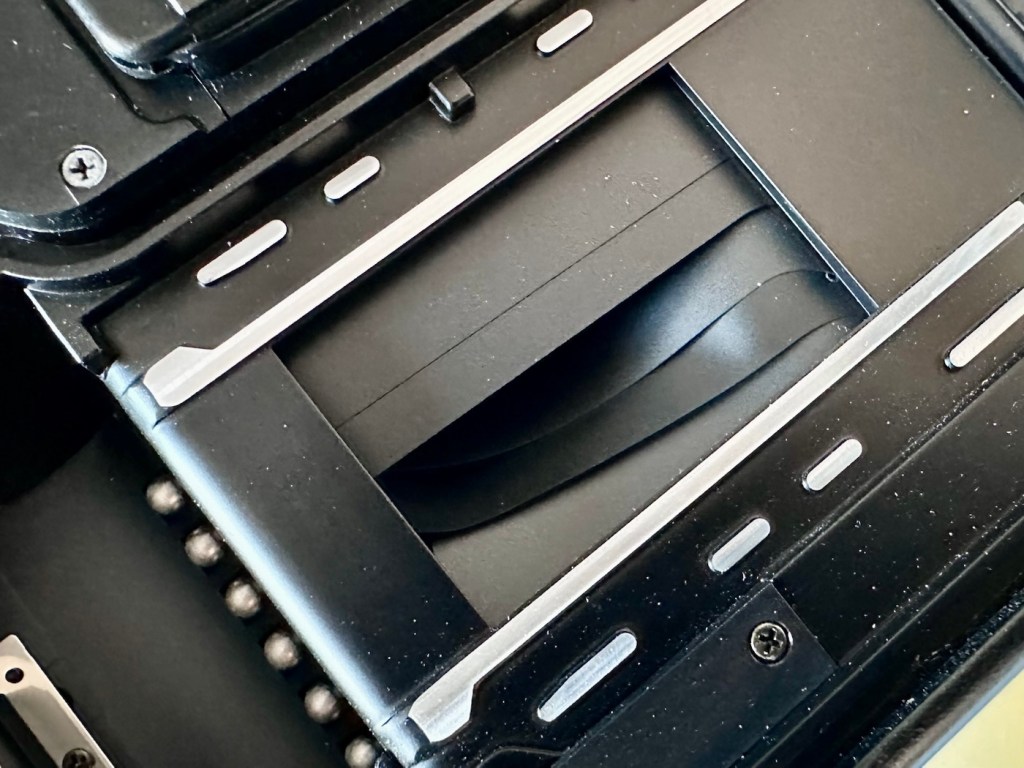
Three screws under the ASA/CDS module then allow you to remove the focus ring where there is a small brass plate. This is removed and then the rest of the barrel loosens, but cannot be removed….strange.

At this point I had to do a little research and source the maintenance manual and refer to it to see what I had to do next.

Maintenance manual courtesy of Rollei

After reviewing the manual it appears there are another four screws requiring removal before we can access any deeper, however these are situated under the camera “Skin” and this needs to be peeled back slightly to access.

With these four screws removed, you now have to remove both the top and bottom parts of the camera, five more screws to allow the front plate and lens to be removed.

Base of camera removed exposing winder workings

With the lens plate now movable, again I carefully move it aside being wary that there are also wires here, and not a lot of room for manoeuvring. A slight twist of the brass aperture control plate and it can then be removed. The plate below this, with the three brass dots, just clips out and exposes the thin shutter blades below.

Just looking at the shutter blades I can see there is a small link missing, this was sitting loosely to one side, it could have come off as I was dismantling the blades, who knows. Carefully put to one side the blades are placed individually in preparation for a clean. Lastly the bottom plate of the shutter mechanism, lifts out and beyond this point is the camera back, we have just a hole as the whole shutter and lens mechanism has now been removed.

All parts removed have now been cleaned with an IPA solution to remove any grease and dirt, and there was quite a lot of both. These have all been put to one side and will be cleaned once more prior to reassembly.

A period of time was spent just watching and observing whilst I continued to prime the camera and fire the mechanism to see if I could see anything obvious that was of concern. After a while I could see the issue, there is a small flywheel that was not moving, and as a result the connected shutter mechanism could not move.

The flywheel controls two parts of this mechanism. Firstly the shutter mechanism to move and work the shutter blades, and secondly there is a small brass pin at the top that also moves relative to the aperture setting, if this is in the wrong position, the shutter fires but will not close, this wheel is where the issue lies.

Using some IPA I get into the gearing from the base area, and give all the gears that I can access a good clean, I activate the camera numerous times to get as much grease and dirt away from the workings as possible.

Then using a very fine camera oil, very sparingly, literally a drop on top of a needle applicator, I place oil onto the cogs paying special attention to the offending fly wheel.

I have three shutter blades that are super thin and delicate that need a final clean, dry and a dry wipe prior to reinstalling. I get this done and then put both links in place, after installing the blades in the correct order.

Shutter blade reinstalled, with both links
A small video showing the shutter working

The re installation of all other parts is just a reverse action of how they were taken out, each part was cleaned as it was put back, so in theory the camera is an awful lot cleaner and free of contamination than it was a while ago. Before I put the lens plate back on the camera I check the shutter’s operation and it is all fine. Just a final calibration of the aperture settings, a check of the focus range, and just ensuring all wires are routed sufficiently, and the lens plate is ready to attach to the rest of the camera. This done, the base and top fascia plates are attached after first cleaning the focus window and light meter window. The camera is now fully assembled, it now just needs the camera “Skin” to be re glued where it was earlier removed for access.

Reassembled and just needs gluing

The skin is now glued into place.

Now I’m outside the camera I’m just going to touch up some of the scuffed areas with some permanent marker, it’s not worth stripping down, priming and repainting, to be honest I’m quite happy just doing a touch up of the scuffed areas and that is what I have done. Once it gets a clean and polish it will appear much improved, compared to when the pen is first applied, it will blend in.

Before and after pen applications

I’ve taken the old strap buckle off as that was rusted, I’ve just used the original strap ring to connect to the camera lug, I think it looks good. I’ve also added a cover for the hot shoe connector that I’ve printed off on the 3D printer.

Original ring

And that completes the repair, the last thing to do is get this camera cleaned and polished.

Result:

With a good clean and polish, this little handheld has come up looking superb.

With all the extra touches, we now have a superb working, resurrected camera that was heading for landfill. This has taken a lot of time and patience, something I don’t have a great deal of if I’m honest, but I was determined to get this project finished. And it is. It looks good, works good and has years of life left in it. Currently sitting at 52 years old, it has a long life ahead of it.

This camera probably rates as one of the most fulfilling and pleasing projects I have ever started upon and completed. It’s been a very delicate and time consuming job, and that I will not deny. It’s only a cheap low cost camera but it’s taught me a great deal. It’s the first complex project I have undertaken, in my new workspace, I don’t think I would have been able to complete it with my old set up. It’s been an achievement, one I am considerably proud of, an occasion when once again, it doesn’t matter how old you are, you can still learn a lot. A big positive for me.
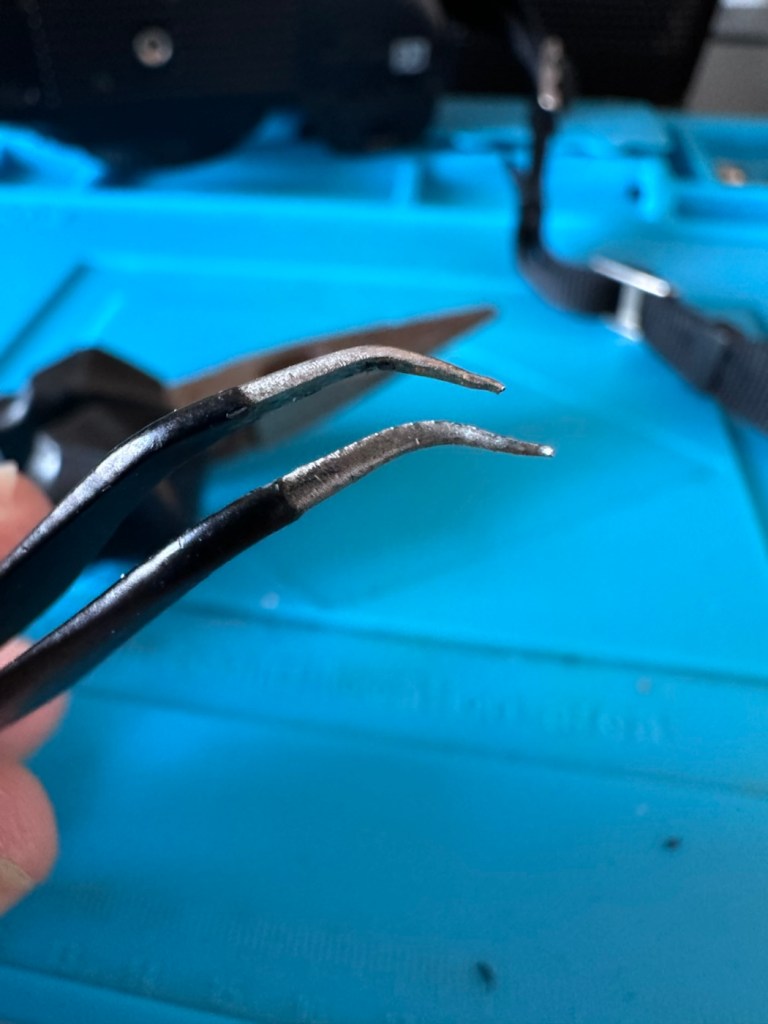
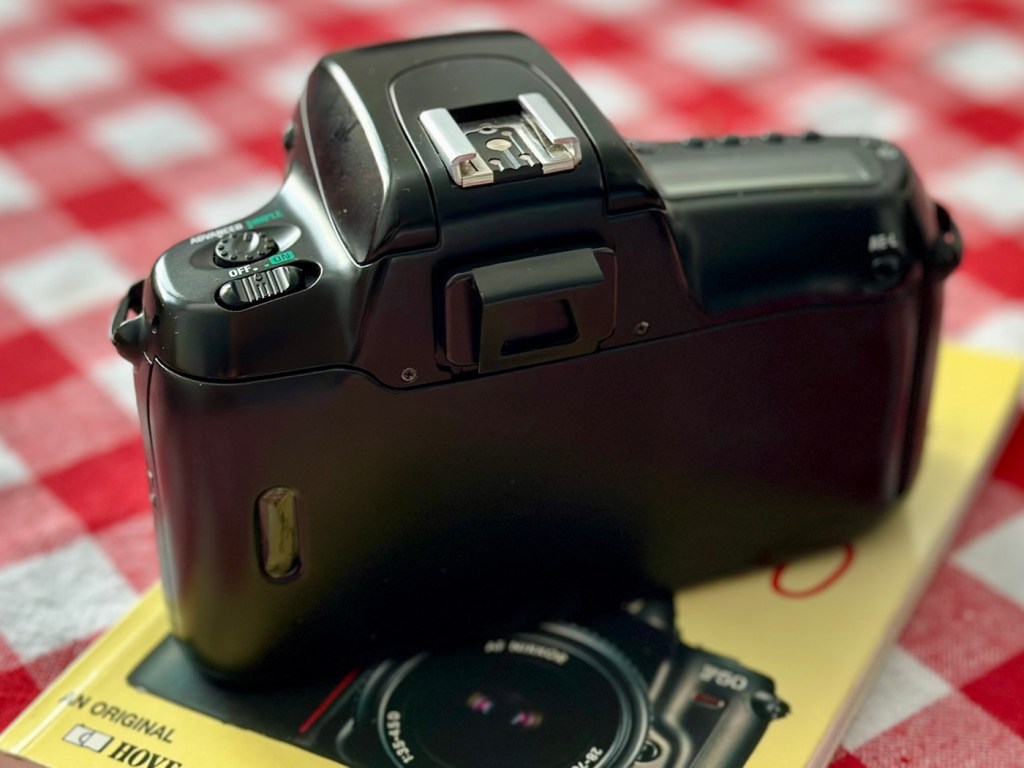
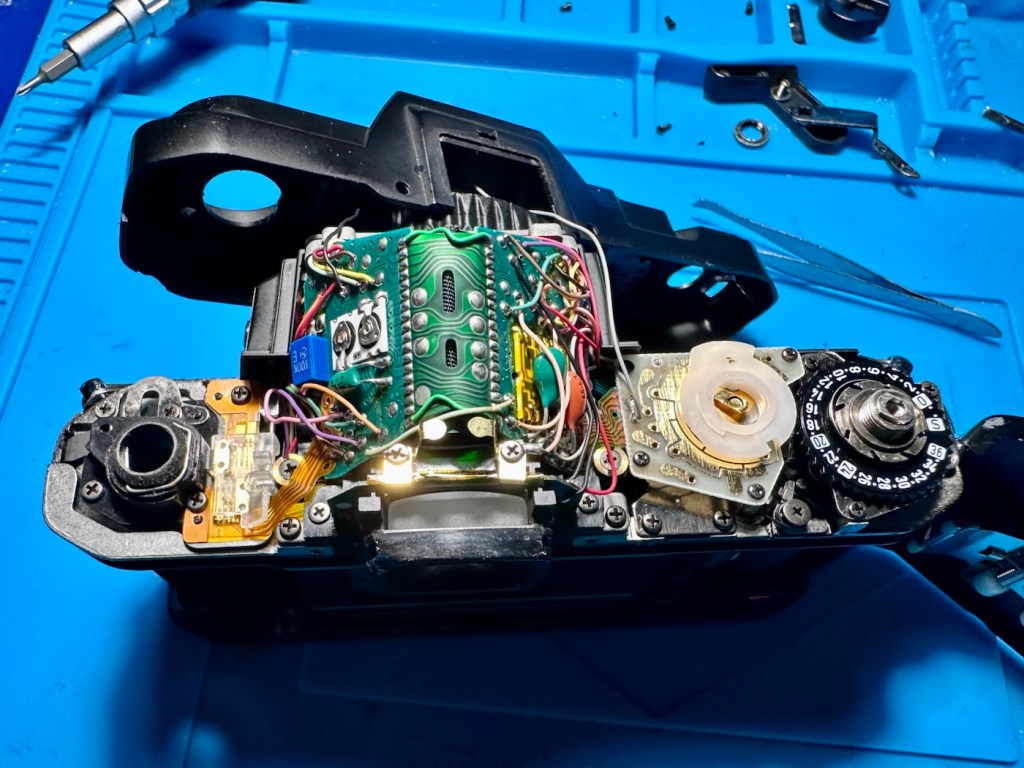
Anyway, enough about me.

Thank you most sincerely for passing by and giving me your time. It really is, very much appreciated.