A learning camera for me, with a fault I’ve never dealt with before. Damaged shutter curtain blades. Can I fix it?
What the listing stated:
NIKON F50 UNTESTED FOR SPARES OR REPAIR. SEE IMAGES. THE REAR SHUTTER RIBBON APPEARS TO BE LOOSE – I AM UNFAMILIAR WITH OLD FILM CAMERAS SO THIS COULD BE A QUICK FIX OR NOT AN ISSUE. ALSO HAVE A FRONT BODY CAP AND STRAP – COULD BE A BARGAIN FOR SOMEONE. SOLD AS SEEN. + The “Complete Users’ Guide: Nikon F50/N50” by John Clements is a comprehensive textbook published in 1994 by Newpro UK LTD. This paperback book, with 140 pages, provides detailed information on the Nikon F50/N50 cameras from the 1990s. Written in English, this guide is a valuable resource for photographers looking to enhance their knowledge and skills in using these specific camera models. The author’s expertise and clear instructions make this book a must-have for Nikon enthusiasts.
EBay
My purchase today
As you may have already gathered, and much to the dislike of my wife, I spend a lot of time trawling the sales for cameras. I don’t particularly look for anything high end, one of my main reasons to purchase is purely for learning purposes. So why not buy a lower end mass produced camera and fix it? That’s what I tend to do. It’s a good way to learn, and if you cause even more irreparable damage it’s no problem, you will still have a selection of usable parts. Damage someone’s pride and joy though and not only do you lose reputation, you would probably be severely out of pocket financially.
So I look for cameras with issues that I have not yet dealt with, and this camera has such a fault. It’s shutter blades have become detached from the frame in which they are set, it can be fixed if conditions are met, and one of those conditions are that the blades should not be creased. And I have my fingers crossed that this is the case. I’ve never fixed this issue before, so for me this is a learning camera. The bonus for me is that I get a body cap, a strap and an informative 140 page book on how the camera operates. And I paid the sum of £7:77 for this complete package.
Here’s a little info about the Nikon F50:
The F50 (or N50 as it is known in North America) is a 35mm film SLR camera which was introduced by Nikon in 1994.It was aimed at the lower end of the amateur autofocus SLR market.
The F50 features autofocus, TTL light metering and various “programs” (ranging from manual operation to a highly automated point and shoot mode). It could not however meter with non-CPU lenses.
It was replaced by the similarly-priced F60 (also known as the N60) in 1998.
The F50 body was made from polycarbonate and metal, and available in both “champagne silver” and black.
Notable omissions include depth-of-field preview and any form of remote shutter release.
Wikipedia
I’m now awaiting the arrival of the camera so I can carry out an in depth assessment. And prior to its arrival I’m reading up, and seeking advice on how to deal with such an issue as this shutter curtain damage.
Assessment:
On arrival it is quite clear that prior to its shutter blade damage this camera has been very well looked after. It has no damage, scratches or signs of wear across the entire camera. It has an original Nikon body cap and narrow strap. There is even a DK-5 viewfinder cap that is a rare thing to see on a second hand unit. Battery contacts are clean and contaminant free.
And the users guide that was also received is an absolute gem of information.
The camera I have received
Testing beyond this is not possible at all, as the last thing I want to do is insert a battery and cause further damage. I will have to try to sort the shutter blades before I can test any further.
So let’s get straight on with trying to sort out that mess in the lens barrel.
Repair:
Whilst awaiting the cameras arrival I’ve been seeking advice on how to approach this issue, as this is my first attempt at such a fault. And after a while, looking around I found this video tutorial that first came out in 2014. I have decided to follow the advice within this video.
Fix old cameras – shutter repair
The first thing I have to do is to modify a pair of tweezers that I will be using for this repair. Firstly I have to bend them at an angle.
Bent accordingly
Secondly I have to put some shrink tubing over the points, heat them so they adapt to the outline of the tweezers, and whilst warm just flatten the tips as this will be the surface that handles the blades.
Shrink tubing added and shaped
And to be honest, once I started it took all of less than 20 seconds. Here’s the proof
It worked, and the camera works
You may well be looking and thinking ooh! That looks dodgy, but believe me it works just fine. It’s been severely beaten up and it fell back into place quite easily. It doesn’t look pretty but I have tested the chamber with a very bright light and the front and the rear curtains are working well with each other and there is, or appears to be no light leakage. I will have to run a film through the camera but I am very confident that there will be no further issues.
With the 2CR5 battery in place I have been able to carry out the tests that were not possible earlier, and I’m pleased to report there are no other issues and this shutter blade fault was the only problem. This camera is now working just fine, all settings, buttons, dials and switches are working as they should, as is the self timer.
With a lens connected all focus indicators in the viewfinder are good, the flash operates as it should and the info screen is clear and readable.
This camera is good to go.
Result:
In the end this turned out to be a twenty second repair, my first of this type and it went exceptionally well. A camera of this quality for just £7:77GBP with a guide book as well. is exceptional value, and I’m sure someone is going to love and cherish this camera for years to come. I’m going to run a film through it first just out of curiosity, however, I am supremely confident that there are no issues with it.
Looking superb, working
Again we have a classic case that shows just how 30 seconds of activity can bring a camera back to life saving it from the scrap heap. And a lovely looking camera it is too. Once I have run a film through I’m going to pass this on, it’s a good beginner’s camera and I’m sure it will get a lot more use, and that’s always a good thing. If Nikon produced in excess of 150,000 of these units, then I wonder how many others have suffered a similar fault and just been tossed into landfill.
Scary thought… though this one has been given a pardon.
Thank you as always for passing by. It is always very much appreciated.
I was a snob back in my teenage years and wouldn’t buy anything without a Canon or Nikon name tag. How wrong was I? I now have one needing some TLC, so let’s get it working again.
What the listing stated:
Chinon CE-4 35mm SLR Film Camera Body – Faulty – See Details
I tried testing the camera with batteries and initially it seemed to function and the camera fired at accurate speeds but after a couple of times firing it, it stopped responding and now I can’t get it to function at all.
Please note batteries aren’t included.
EBay
Chinon CE-4
Here’s a little bit about this camera:
The Chinon CE-4 was the model which transitioned away from the 42mm screw mount used in the Chinon CE-3 to the Pentax K-mount. It’s an automatic 35mm SLR compact camera with aperture priority exposure system (AE).
Maker: Chinon
Dates: circa. 1980
Variants: black, CE-4s
Camera Type: 35mm SLR
Focusing: manual
Lens mount: Chinon Universal Bayonet Mount (Pentax K-mount)
Shutter: Seiko MFC electromagnetic focal plane, vertical, metal from 8s to 1/1000
Exposure meter: TTL, open aperture, center weighted by two silicon blue photo cells. EV -2-19
Exposure modes: aperture priority, manual, Bulb
ASA/ISO range: 25 to 3200 ISO
Finder screen: fixed split-screen
Flash shoe: fixed hot shoe, contact for dedicated flash
A previous seller approached me offering this camera and we settled for a price of £5:00GBP. A fair price for a camera born around 1980 and readily available at nationwide electronic stores around the time. I always avoided them, because as a teenager I had been infected by the snobbery of people around me, if it wasn’t Canon or Nikon it was crap.
I was a snob back then. Now I’ll buy anything, and I like the look of this so I brought it.
My reasoning in a nutshell. If it takes photographs, it’s good. Buy it. Sold!
Let’s await its arrival, and get it assessed.
Assessment:
Cosmetically this camera looks fine, apart from the name plate being detached from the fascia. This is easily remedied with some superglue to hold it in place.
The camera that arrived
As an addition i’ve printed out a body cap on the 3D printer for when i complete the clean, allowing me to protect the mirror, shutter and lens chamber area.
Body cap printed to protect lens chamber
This camera takes three LR44 batteries and with these installed the camera is dead. There is no life, and no indication from the exposure meter in the viewfinder.
The battery holder with its three batteries
The bumper felt in the camera barrel is in excellent condition and does not need replacing. It’s a similar situation with the light proofing around the film chamber, they don’t need replacing just yet.
Mirror bumper feltLight proofing
All buttons, dials and levers appear to be working just fine. There is no meter reading in the viewfinder due to the electrical issue. Let’s get onto that now, as it looks as if there is not really much else wrong with this camera.
Repair:
So generally with electrical issues it’s always best to start with the simple things first before diving in and opening up the camera for dissection.
First things first, are the batteries any good, yep they have all tested as working fine, let’s move on. Is the power getting through to the camera via the battery holder. No it’s not. Let’s check the battery holder.
Severely tarnished Tarnished here also
The battery holder showed no continuity when I used the multimeter probes on it, the whole inside of the holder had bad tarnish, preventing power getting through to where it was needed. A quick clean of the area with a grinding pen and some IPA to clean up, and you can now see your face in it. A quick check with the multimeter and continuity is restored. Whilst I’m in the mood for this kind of cleaning I also clean the contacts in the camera base. These weren’t so bad, however a quick blast with the grinding pen and a clean up does not go amiss.
The three batteries are reinstalled and hey presto, the light meter and all functions now appear. All this camera required was a five minute clean to resurrect it.
Lights workingShutter and light working Light meter operating ok
To test the camera fully I now need a K mount lens to check its functions. I’m looking for a basic one just to use for testing, just as well really as I also have some other K mount cameras coming up shortly. However, I am supremely confident this camera is working fine, so a lens is not the probity at this stage. I will probably move this on to the local hospice that I have dealings with.
A good clean is all that is now needed. I have cleaned the internals and sealed them by putting the body cap in place. Now I need to give attention to the exterior.
Result:
Sorry It’s a boring one, but hey it’s a win. Following a plan of attack starting with the most basic of checks, can be boring and repetitive, but also extremely beneficial as it’s not always the big issues inside the camera, nine times out of ten the issues are a lot more basic.
It just goes to prove that a lot of the items out there deemed as broken, are just in need of a little maintenance. If only people would just take a little time to look after their stuff, there would be less equipment thrown in to landfill.
Here is the camera after a good clean.
Looking beautiful
A little £5:00GBP camera has been given a reprieve and can live on for a few more years yet. As long as there is film being produced, this camera has a purpose. It’s a basic, but superbly capable camera that will keep its new owner happy for a good few years yet.
Let’s hope they have many happy moments capturing wonderful memories for many years to come.
Thanks for passing by. Always very much appreciated.
I recently wrote about a decentralised radio network called Meshtastic. Here I attempt to build my first Mesh node using a kit, and by also printing a 3d case.
I recently posted an article regarding a low power decentralised radio network that you can read about here: Meshtastic
That post was an introduction to the mode, this post is my first attempt to assemble and program the equipment, and to try to create a presence on the Meshtastic network.
I’ve dived in and purchased a basic starter kit, the Heltec V3, and a separate GPS module, it’s my intention to install the GPS module once i get this up and working. The whole kit you see in the picture below is available in the UK and cost me a total of £34:19GBP. Other kits are available for a lower cost if you are prepared to await the delivery from China, however with my impatience on overdrive at the moment I just had to go ahead and buy it. That said i don’t think it’s too bad a price to pay for its combined parts.
The purchased kit
Preempting the kits arrival, I’ve downloaded a case from Makerworld by a designer called: @gux2K3 that I’ve uploaded to my 3D printer, it’s a basic case, but this purchased kit should fit it perfectly. It might not be sufficient for when I get the GPS module, but I’ll cross that bridge when I get to it.
The original case design courtesy of @gux2K3
The GPS kit I’ve purchased
I have purchased the separate GPS module, and I will have to do some soldering to get this working. It will not fit in this case as I have already stated, so that upgrade will be saved for a later post.
I want a basic slightly different colour scheme for my case, and below you can see a combination of pictures showing the original print plans and what the final piece looked like. It’s a three piece case, and I had to print this case on three different runs to get the different colours.
The print preview and finished items
The finished case has been assembled I now just need to await the arrival of the kit for its installation.
The finished case, just awaiting the electronics for inside
For those of you who haven’t referred back to my original post, here’s a very brief description of what Meshtastic is all about, there are also other choices and platforms to operate with using Meshcore and Reticulum as examples, so here goes….
Meshtastic is an open-source project that allows you to build decentralized, off-grid text messaging and GPS tracking networks using small, inexpensive LoRa radios. Operating on license-free frequencies, devices link together as a “mesh,” automatically passing messages from node to node without relying on cell towers or the internet. In the Uk Meshtastic operates on the 868Mhz band.
Because they are walkie-talkie style text networks, they don’t support voice or video, but they are fantastic for hiking, emergency preparedness, or team coordination.
Other Off-Grid Mesh Options:
If Meshtastic doesn’t quite fit your use case, there are several alternative protocols and ecosystems built on the same underlying LoRa radio technology:
MeshCore: A rapidly growing alternative. While Meshtastic acts as an “ad-hoc” network where every device handles forwarding, MeshCore allows administrators to set specific device roles like stationary repeaters or personal companion radios. This reduces network congestion, making it highly reliable for structured urban networks and tactical operations.
Reticulum: A highly advanced, open-source stack built for extreme conditions and censorship resistance. It is more modular than Meshtastic and supports multiple types of underlying hardware (not just LoRa), but it has a much steeper learning curve.
GoTenna: A commercial, plug-and-play solution. Unlike the DIY nature of Meshtastic, GoTenna pairs pre-built, proprietary hardware directly with your smartphone app. It’s easier for beginners but lacks the massive community, range expandability, and customization of open-source projects.
Amateur (Ham) Radio / APRS: If you are willing to get a license, Automatic Packet Reporting System (APRS) operates on designated VHF/UHF frequencies. It allows you to send text messages and GPS beacons over vast distances using commercial handheld radios (like those from Kenwood or Yaesu) via established infrastructure rather than a localized mesh.
Assembly:
Ok. This isn’t that difficult and should be quite straightforward. The thing to remember is that the antenna MUST be attached to the board before power is applied. This is because the unit turns on and starts sending a signal as soon as power is applied, and without the antenna attached these units are renowned for burning out components for such a basically overlooked and simple step in the assembly process.
The whole thing is clicked together in about 5mins flat, the one task that takes the longest is the fastening of the aerial into the case. If you have sausage fingers like me, it can take a little time and a few attempts to ensure you get the screws set up correctly to ensure you don’t double thread the item. Here’s some pictures from unboxing to full assembly.
The box The plastic case can also be used as a basic caseAerial inMain board inBattery attachedBooting upRearFlashingOperational
Once assembled the next thing to do is to flash the board with the correct operating software from the Meshtastic website. I’m not going to go into much detail with this as there are many good instructional videos out there that already have this covered, here’s one that I used to get me started:
Setting up Meshtastic on the Heltec V3
I’ve been using this node for around two weeks now, just testing its capabilities and seeing what the life span of the battery is. Here where I am in my part of the East Midlands, take up and usage at the moment is quite poor and in fact there is only one other node near me in use, and that one is being used infrequently to say the least. So for me, it’s just a waiting game to see if any other nodes appear as word gets out about the system, and basically if any is interested.
I have only made one contact within that time, a node that is about a mile away, and that’s it. There are so few nodes in my area, I believe i am only the third within a two mile range, and one of those is an unmonitored unit. but at least its a contact and proves the unit is working. It’s early days around here and a better mesh needs to be implemented. I’m sure in time as word gets about, and if anyone is interested that things will improve.
The thing of interest about this method of communication is that it’s purely off grid. Should every other form of communication cease for whatever reason then this is looked upon as an alternative for local “Meshed” communication. It’s a bit of a tin foil hat system in my personal view, I’m sure if someone in a position of power or tyranny wanted to shut the system down I’m sure that they could without too much trouble. It’s a good experimental system in keeping with similar practices that the Amateur radio network adhere to, however this system does not require licensing and is free for anyone to experiment with. And that’s the interesting part.
With the battery charged, and the system active my first “listening” session shows the following:
Here is where things become weird, and it’s the point that you realise that others are already stepping away from the true local message usage that was intended to try and make the system a longer range one incorporating the internet as a form of transportation for messages. This makes me scratch my head as surely the internet would be one of the first modes of communication to go down if there was some catastrophic event that took out traditional modes of communication? However, there is this mode that can be accessed called MQTT:
MQTT is a lightweight, publish–subscribe, machine-to-machine network protocol for message queueing/message queuing services. It is designed for connections with remote locations that have devices with resource constraints or limited network bandwidth, such as in the Internet of things (IoT). It must run over a transport protocol that provides ordered, lossless, bi-directional connections—typically, TCP/IP.[1] It is an open OASIS standard and an ISO recommendation (ISO/IEC 20922).
Wikipedia
Anyway, I had this setup, and I’ve now disabled it to ensure two things, that the system is true to its original intentions, and also to get a true idea of battery life using the most basic of setups.
Some things I have noted within the last two weeks are that if you are not in possession of a system with a GPS module, you then have to setup your node with a fixed location. This is absolutely no issue if your node is going to remain in a fixed position. However if you wish to take a node with you and move around, and let’s say you are 200 miles away from home, unless you go into your computer and reset the fixed location then you will always be 200 miles away from home but still showing as being “At home” hence giving false location information and giving anyone local to your new position false hope on them suddenly picking up a very strong signal over a long distance. Pretty much unheard of and impossible considering the power limitations of this system.
So one thing I will now do is attach the GPS module I mentioned towards the top of this post, to get accurate location information whilst mobile. There is a caveat here in that the power drain will be excessive for this battery and the GPS will greatly reduce its capacity.
Currently, with this node sitting in an upstairs bedroom window I am easily getting 24-36hrs from a single charge. Add to that a battery power bank I have with a solar charging capability I’m pretty much getting an almost endless period of usage. Weather has not been what I’d call particularly sunny recently, so I’d suspect capability would be much improved during summer months. I’ll just have to see how well this setup can work with the GPS system installed.
The current case I am using does not have room in it to facilitate the GPS board and antenna. For this purpose I have had to print a new case to house the unit in, and this is the barebones case pictured alongside the original case.
New case versus old
The old case will not be wasted. I intend to use that as a permanent fixed home base that I can use for testing the mobile one, and for building my own personal mesh system at home. The good thing with this system is that as well having public broadcast channels, you can also setup personal private channels for family and friends.
So let’s get the GPS setup.
The GPS board comes as a two part package. One part is the actual main board whilst the other part is the antenna on its own small board with a wire to attach it to the main board.
The GPS unit
Here is where the fun begins as we are going to have to do some soldering of this unit to the actual main “radio” board.
In a nutshell this little video explains exactly what you have to do.
Setting up GPS on the Heltec V3
I’ve had to solder 4 wires that connect the main board to the GPS unit. These are only temporary at this moment, as I need to be able to sit all components comfortably within the casing. I may have to add a switch, however I’m exploring other options at the moment. I’ll get to the reason why in a short while.
The case, the main board and now a GPS module added
The four wires connect power, a ground, a receive pin and a transmit pin, there may yet be a fifth wire, I’m exploring that option as stated above.
The temporary soldered wires
So does this work? I’ve charged the battery up to 100%, I’ve made some changes to the settings within the operating system and have turned the unit on. These system fires up and then a separate blue light on the GPS board flashes indicating that there is power to the GPS board.
All working
And then there is confirmation of 10 satellites being tracked, a height asl, and a longitude and latitude bearing, all seem to be working. But how accurate is the GPS reading? I put these readings into Google maps and the result is spot on. In the picture below the blue dot represents my phone location, and the red dot represents the GPS coordinates from the GPS module. Working perfectly👌. All smiley faces are just disguising the readings, much that I appreciate your reading of my shenanigans, I don’t have enough tea cups to welcome you all in 😂
iPhone position and GPS module position
Previously prior to the addition of the GPS module I did state that I was easily getting 24-36hrs of life out of this battery on a single charge. That is going to change quite significantly as the GPS module is a super power hungry beast. I’ve currently set the GPS module to transmit its position once every hour. To be honest I could probably transmit once every 8-12 hours as i am currently in a fixed position and not moving. If I were in a car, I might even look at transmitting the coordinates every two minutes as this appears to be the default setting for a mobile node, and that would certainly drain the battery in no time. It would probably be best practice in this situation to have the unit running on power as the car is moving.
But I’m sticking with the hourly setting at present, just to do a basic drain test. This battery was on a 100% charge setting at 21:30hrs this evening as you can see in the photo above, I want to see if it will still have power 12hrs from now. No doubt power will deplete a lot quicker with the GPS module in place.
Depending on the results, this will help me decide if an extra wire or component or even both is needed within the circuit, and the reason for this is to be able to disable the GPS signal when not required. This modification in its simplest form can be as simple as putting a switch in the 3v supply wire, or by including a MOSFET (an electronic signal switch) into the circuit to allow the main board to automatically turn the GPS on and off via settings built into the software. I’ll make my decision when i see the results after I rise in the morning, and also depending on having the required components somewhere within my spares boxes.
About 7am the following morning (Approx 10hrs after setup) the power level is sitting at a comfortable 50%. The last GPS broadcast was at 02:37 in the e morning, I don’t know why this was as it’s set at a one hour cycle, I’m not complaining, maybe it didn’t have a successful signal to lock on to? Who knows. I have to take my wife out on an errand at about 07:30 so I’m going to put the GPS signal to a two minute cycle, put the bare bones set up on the parcel shelf of the car and just see if it works.
Barebones in the rear of the car
And it has worked perfectly.
Log of the journey
GPS log
In the GPS log above you can see how it has performed. The received data at 02:37 in the morning was the last on the hourly cycle, and then at 07:08 was the first of the two minute cycle prior to me switching it back onto a one hour cycle again at 07:46. I’m now going to leave it alone until we reach the 12hr mark and I’ll see how this small trial has gone during this period.
We’ve reached the 12hr post, and the power level is 45%. So over the 12 hr monitoring period with the GPS on a one hour cycle we have used 55% of the battery capacity.
If you look at this log of the diagnostics over this period you will see a gradual decrease in battery capacity (Blue line) with the only noticeable disturbance being when I turned the GPS to a two minute cycle at 07:08 this morning when I had to take my wife out.
Device metrics over 12 hrs
Overall it’s a pleasing result but I’d suspect even with a low usage of the GPS module I’d probably only be able to get 18hrs of usage maximum from a single charge using the GPS on a one hourly cycle. Using the 2 min cycle I’d probably struggle to get 12 hrs of use from a charge, maybe even less, compared to the normal battery life of 24-36hrs without the GPS module you can see that the difference in power consumption that is involved. As I have said previously the GPS is quite a power hungry addition.
But do you know what? The figures are pretty good to be honest. If I use the unit at home I will reduce the GPS signal to probably one cycle every 3-6hrs. If I’m out mobile I very much doubt I will be driving more than a few hrs maximum, so I can always switch cycle rates as required.
So. Do I need to add another cable or that MOSFET discussed earlier? Probably not, it’s not essential but sometimes it may be advisable or recommended to maintain anonymity so a switching system would benefit in those situations.
For the meantime I’ve just thrown the bare bones unit into its case with no proper spacing, as I’m going to take the unit out again today on a slightly longer journey for a family gathering. It will be good to see how it performs and to see if we can get any noticeable contacts in an area other than my home location. You never know that Meshtastic may have a greater following or uptake in that area.
And the journey out to the family gathering registered just fine. I’m confident and happy that the GPS addition has been successful.
The route to the family gathering
And guess what. There are even fewer nodes in use to make contact with here. I am, or appear to be the only one, it’s a lonely pastime at the moment.
The journey back home was fine and again the GPS worked as it should. Now to get the GPS power management installed, I’ve decided to go with the “N” type MOSFET option, I’ll get this installed, tidy up the wiring and get the case placement sorted. I’ll then just reflash the software to remove any glitches and then I will rename this node as my mobile option – (MeltonFoxMob – MEFM). I’m then going to get myself a second node to build and install, probably a solar node, that will become my permanent home installation node.
I’ve just purchased a couple of N type AO3400a Mosfets as I don’t have any in my spares box. Putting this in circuit will allow me a greater control of the power consumption via the units firmware.
It’s been tested over approximately 6 weeks now and to be quite honest, I’m not that impressed. There has been one single contact over that period, however the vehicle tracking option is ok (ish) there are some questions about the system turning itself off about half way in to a longish journey, but that could be down to me not having the MOSFET in place.
I personally think it’s a fad thing until it really takes off. I will keep my mobile unit and possibly a home unit in place to see just what happens. There is only one node working in my immediate area and I’m not even sure if that is monitored in any way.
These kind of systems have to start somewhere and they just need a few more people to pop on board and spread the word. If I turn mine off then it’s another potential possibility for the advancement of the technology that will have disappeared. I’m going to be persistent with it for the foreseeable future and hope others come on board. But at the moment I’m not overly impressed. Things can only get better as they say.
Thanks for passing by. It’s always most appreciated.
I’ve purchased a faulty Gameboy Color for my collection. It has no power, so let’s have a look and try to get it working again.
What the listing stated:
Very clean, but doesn’t turn on
EBay
Gameboy Color
Yep. It’s a Gameboy Colour to me, but as it was sold using the American spelling of “Color” then that’s what it will be addressed as, going forward.
I’ve been after a “Color” to add to my collection for a while now, but it had to fit my very strict quality requirements, in truth it just has to be faulty, and this particular example has met my conditions. I’ve paid £30.00GBP for this example and I’m happy with that, it’s a very fair price.
The good news seems to be that it is in a really good condition, it looks as if the battery door is missing, however they are freely available and this is not an issue should I require one.
These units are known to sustain power failures and the repairs are well documented. By now the unit is close to 30 years old and as time advances components start to fail, these include, but are not limited to:
Power switch failure: either a complete failure that requires replacement or quite simply a simple clean to remove years of tarnish and environmental gunk.
Fuse failure: there are two fuses F1&F2 that are known to fail, normally due to a short somewhere else on the circuit, but sometimes due to a power surge or incorrect addition of an incorrect power supply.
Via failure, small through the board connectors that are known to suffer with corrosion, requiring intervention with the addition of small wires to bypass the issue.
Capacitors – known to fail on a regular basis, it’s sometimes good housekeeping just to get these replaced as they are a contributing factor as to why other components such as the fuses also fail.
Worst case scenario: major corrosion or main board component failure.
We’ll cross these bridges when and if we need to.
Here’s a little info about the Gameboy Color console:
The Game Boy Color(abbreviated as CGB or GBC) is an 8-bit handheld game console developed by Nintendo. It was released in Japan on October 21, 1998, and in international markets the following month. Compared with the original Game Boy, the Game Boy Color features a color TFT screen instead of monochrome, a CPU running at up to twice the speed, and four times as much memory. It is backward compatible with games developed for its predecessor. The Game Boy Color was released during the fifth generation of video game consoles and competed with Bandai’s Japan-only WonderSwan, SNK’s Neo Geo Pocket Color, and Sega’s North America-only Genesis Nomad.
The handheld is slightly thicker, taller and has a smaller screen than its immediate predecessor, the Game Boy Pocket, but is significantly smaller than the original Game Boy. As with its predecessors, the Game Boy Color has a custom 8-bit processor made by Sharp. The American English spelling of the system’s name, Game Boy Color, remains consistent throughout the world.
Wikipedia
So, for now, let’s not speculate on its quality and issues until it arrives, when we can then carry out a proper assessment of the unit that has been received.
Assessment:
The package has arrived. The battery lid is missing as kind of expected, I will get a replacement sometime, but for the moment I’ll probably print one out on the 3D printer, it’ll be a totally different colour as I don’t have a “Teal” coloured filament to use. The product label on the rear is also damaged but I can easily get one of these as a replacement, however it’s not essential and will only be of cosmetic appeal.
Missing battery cover and old product label
The front fascia is in a good condition with only a minor scratch on the screen, however there are a couple of dents and dinks on the body where it looks as if it’s been dropped or bashed at some point.
Front fascia is good
All ports, switches, buttons and sockets look ok and seem to be operating as such with no resistance or signs of stickiness.
All ports appear ok, there are a few dents and bashes visible
Again, the casing is in general fit to use, and in no way causes any issues with its operation when working. It is purely a cosmetic issue that i can address when the unit is finally working.
I have installed two AA size batteries, switched the unit on and it is most definitely dead. Repeatedly flicking the switch does nothing at all, so it is a situation where the unit will have to be opened up and further investigated. The assessment has not thrown up any other issues not already highlighted in the sales documentation, so in general I am quite happy with the outcome at this stage. let’s get inside and see what we can find.
Oops. Wasn’t expecting that. I’ve removed the six “tri” screws and as soon as I’ve separated the two halves, an amount of what looks like battery corrosion “crap” has fallen out as well.
Oops – corrosion is present
With the two halves separated, I then remove the screen ribbon cable, remove three more screws and the main board lifts out.
Screen ribbon cable removalInside upper part of the unit
There’s some good news here. The contamination looks as if it has been completely isolated to within the battery area, there is no sign of any damage to the Vias, or any other components on the main board.
Main board on both sides, cleaned with IPA
I have obtained the schematic diagram for this circuit board for checking continuity, and i’ve been able to confirm there are no issues with any contamination damaging any traces to the board. We’ve been very lucky here, dodged a bullet, to coin a phrase.
Schematic diagram
I have removed a set of battery contacts from the battery area, and replaced these with a new set that I have in my spares box. I could clean these, but it’s good to remove all items that were originally contaminated and very possibly contributory to the fault we have today.
Old and new contactsNew contacts in place
I have also cleaned the front and rear of the main board with IPA just to ensure that if there was any issues with contaminants on the board, they’ve now been removed.
The switch has been tested electrically with a multimeter and this is working fine. The three capacitors have been looked over and seem to show no signs of wear or deterioration, they haven’t been properly tested though, so let’s now check fuses F1 & F2.
For reference: Fuse F2 protects the DC jack, whilst F1 protects the battery compartment. Using the continuity mode on the multimeter, a continuity through the fuse should present an audible buzz that let us know the fuse is complete and has not failed in any way.
I start on F2 and get a healthy buzz that tells me F2 is working fine. However fuse F1 is a different story, there is no continuity and there is no sound, I check again and can confirm that this fuse has blown, maybe this is a result of the contamination that was in the battery area?
The two fuses, F1 is dead
I’ve now attached the bench power supply supplying a 3v input to clarify the fault.
A 3v supply proves the fault
Fuse F2 has a 3v supply on each side, however our suspect fuse F1 only has a 3v supply on one side confirming that this fuse has blown. Once this fuse has been replaced I can check the voltage supplies on the remainder of the board, especially on the DC-DC regulator board, that supplies varying voltages from 3v – 13.6v required around the main board. On the main board the voltage regulator can be recognised as U5.
DC-DC voltage regulator U5
A quick check for short circuits doesn’t show anything of concern, maybe when the fuse is replaced it may well open up some other issues, the fuses I will be using are “resettable” fuses. These fuses seem to be the standard now for these units. Most resettable fuses—known as Polymeric Positive Temperature Coefficient (PPTC) or polyswitches—reset automatically and do not have a physical reset button. Once the underlying overcurrent or fault condition is removed, you simply disconnect the power source to allow the fuse to cool down, then you switch on again, if the same issue occurs, there is an obvious issue present that needs investigation, as stated above, once the faulty fuse is replaced I will be able to check other areas on the mainboard for correct voltages.
Just for information the fuse that needs replacing is approximately 4mm in width. You can see the scale in this picture taken alongside a ruler.
The tiny suspect fuse
Let’s get on with the repair.
Repair:
First off I’ve printed a replacement battery door cover. As stated earlier I don’t have any “Teal” filament so I’ve printed it out on a purple filament. For the purposes of practicality (holding the batteries in place) it will serve a purpose whilst carrying out the repairs.
The 3D printed cover in place
I have a replacement fuse, this work will now have to take place under the microscope as it’s just so tiny, think grain of rice size and you will understand just how small this component is, and it’s amazing that a component so tiny can completely shut down a unit such as this.
The supplied fuse is even smaller than the one on the board. If the original was 4mm then this one is probably around 1-2mm it really is minute. Here’s a comparison of them side by side on the microscope base.
Tiny and teeny tiny….
That said I’ve removed the old fuse, wicked away the old solder and applied some flux and a couple of new dabs of solder. Compared to these new fuses the solder looks massive, I can assure you it isn’t and is greatly magnified.
Pads cleanedTwo new blobs of solderNew fuse “B” compared to the size of its original counterpart “20”
With the bench power supply providing 3v I’m able to use the multimeter to confirm that the fuses are both working, however there is another issue and I suspect it is something I discussed earlier, but omitted to heed my own advice, about good housekeeping. I’ll come to that in a second.
Power is getting around on the 3v rail and is not an issue. However at the Dc converter I’m not getting the 5v or 13.6v rail, so there is another issue. The new fuse has dropped out again, and this is good as it proves it works. I let it cool for 30 seconds and it is back up and working and I’m able to continue tracing the fault. The big capacitor C32 that sits beside the DC-DC converter appears to be carrying a short, it is probably this that has caused the fuse to previously fail.
And my good advice was to change these capacitors for good housekeeping purposes…..and I didn’t.
Guess what I will be doing next?
There are three Capacitors on the main board and below you can see what their primary functions are:
C32 (Main Power / DC-DC Filter): 100µF, 6.3V (Filters the incoming voltage; if faulty, the system won’t boot or will repeatedly reset).
C35 (LCD Display Filter): 22µF, 16V (Stabilises the voltage to the liquid crystal screen; if faulty, it results in a dim or washed-out image).
C38 (Audio Amplifier / Sound): 100µF, 4V (Powers the speaker and headphone output; a failure here is the leading cause of whisper-quiet audio).
Ok. Fortunately I have plenty of capacitors in my spares box so I was able to replace the three capacitors with no issue.
Faulty power CapacitorCleaned and readyAll three Capacitors replaced
This done I then decided, prior to any reassembly to see if the power was now being distributed as it should, and I’m pleased to say it is. We have the full range of voltages now coming out of the DC-DC converter.
All expected voltages now present.
Now let’s get the unit reassembled, cleaned and then get some tasty pics taken👍
Result:
To finish it off and whilst the 3D printer was still warm, I’ve printed a simple brightly coloured yellow display stand to show it off on.
A new printed display stand
After a good clean the unit is now in a perfectly good working order. The fault appears to have been the faulty capacitors and battery contamination all probably combining to make the power fuse fail, a perfect storm if you like. The fuse and three capacitors have now been replaced to breathe new life into this game console. Cosmetically it’s still tatty and would probably benefit from a new outer shell and some labelling, however it works and to be honest that is all that really matters.
A small video showing the unit working Looks different but it works, it’s just a patchwork quilt of a project
I wonder how many of these items just get thrown away because they don’t work? This probably took me about three hours in total with diagnostics and repair. Another piece of retro history restored, now joining my original Gameboy classic as part of my collection.
It’s been a pleasing little project, enjoyable and educational and it’s always good to hear the familiar beeps when it springs back into action.
Another one saved from landfill.
Thanks for passing by, as always it’s very much appreciated.
A pocket computer from 2004 that needs a little attention. Let’s get it working.
What the listing stated:
Dell Axim X50V Handheld PDA with Windows Mobile 2003 SE. The PDA is in a used working condition and advertised as for spares or repair due to a faulty battery cover switch, It is also missing its rubber feet and SD slot cover.
The Battery has recently been replaced.
Comes complete with the following.
Desktop Cradle
Power Supply (Damaged lead, please see photo)
Windows Mobile 2003 Second Edition Companion CD
3D Game Pack for Dell AXIM X50V
Please see photos for overall condition.
EBay
The purchased Dell Axim X50V
Here’s some info regarding these units:
The Dell Axim X50v was a high-end Personal Digital Assistant (PDA) released in late 2004. It was a flagship device in the Axim line, notable for its advanced multimedia capabilities, specifically its VGA screen and dedicated graphics accelerator.
Key Technical Specifications
Processor: 624 MHz Intel XScale PXA270.
Display: 3.7-inch transflective VGA TFT color display with \(480 \times 640\) resolution.
Graphics: Intel 2700G multimedia accelerator with 16MB of dedicated video memory.
Memory: 128MB Intel StrataFlash ROM and 64MB SDRAM.
Operating System: Originally shipped with Microsoft Windows Mobile 2003 Second Edition.
Expansion Slots: Dual slots featuring one CompactFlash (CF) Type II and one Secure Digital (SD/MMC) slot with SDIO support.
Connectivity: Integrated 802.11b Wi-Fi, Bluetooth 1.2, and Infrared (IrDA).
Features and Performance
Multimedia & Gaming: The Intel 2700G chip allowed for smooth 3D gaming and high-quality video playback, which were advanced for its time.
Design: Compared to previous Axim models, the X50 series featured a sleeker design with rounded edges and a curved base.
Battery: It uses a user-replaceable 1100 mAh Lithium-Ion battery.
Software Upgrades: While an official upgrade to Windows Mobile 5.0 was released, some users found it ran slower than the original OS due to the slow NOR flash memory used in the X50 series.
Multiple on line sources
Let’s await its arrival to see what we have.
Assessment:
The package has arrived, very well packaged. I have enough bubble wrap now to to last for quite some while.
The item turns on, and appears to be doing what it should and then without even touching the back of the unit, an error appears on the screen.
A common fault apparently
On the cable directly from the charger unit there appears to be some damaged cable sheath. I have tested the power output and flexing this area does not cause any interruptions to the power supply, it appears to be that only the external earthing of the cable is exposed, so I am happy that it will be fine to just apply some heat shrink tubing to this portion so that the cabling inside is no longer exposed. It looks as if at sometime someone has probably used a knife instead of the correct tooling to access the unit.
Exposed earthing
There are a couple of rubber feet missing, that just so happen to cover screws that allow access to the unit, further strengthening my suspicions that this unit has been previously accessed internally.
Missing rubber feet
The battery is new, and is holding a good charge of 4.16v at an indicted 100% indication, and it is rated at 3.7v so this appears to be a healthy battery.
Battery holds a good charge
Cosmetically this is a nice unit for its age, it has a stylus pen included, along with a charging cradle and original software that came with the unit. There is a small SD card slot cover that is missing, however this is not an issue as I will probably install a small SD card to fill that void. It can also take CF cards and there is also a blanking plate installed to fill that portion of the top of the unit.
Let’s get repairing…
Repair:
I’ve gone straight in at the charger cable and have chopped the offending portion out. I’ve had to do this to be able to get some suitably sized shrink tubing in place. With the wires exposed I strip them back, tin them with some solder and, then finally connect them back together ensuring they are suitably insulated from each other, and safe and secure. It doesn’t look pretty, but it’s safer than it was.
Chopped out sectionAll insulated and heat shrunk
I’ve tested the output with a multimeter and the output is around 6 volts as stated on the power pack, so no issues there.
With the charging cable all sorted it’s time to look at the error message problem associated with the battery latch.
The Dell Axim X50v battery latch often degrades, triggering a false “battery door open” warning or sudden sleep mode shutdown. If your device is frequently going to sleep on its own or reporting a false “battery door open” error, it is typically caused by a loose, dirty, or misaligned latch switch inside the device.
There are a number of options we can go through to attempt to alleviate this issue:
Clean the Contacts: Power down the device, remove the battery, and gently clean the small plastic sensor switch and surrounding contacts inside the battery cavity with a cotton swab dipped in isopropyl alcohol.
Mechanical Shim: Over time, the plastic door can warp, failing to press the microswitch down. By placing a tiny, folded piece of paper inside the microswitch channel to force it into the “closed” position. Then snap the battery door into place.
Permanent Bypass: For an advanced fix, you can bypass the switch entirely by soldering the connections or using conductive paint to bridge the gap on the motherboard, ensuring the system always thinks the door is closed.
Replace the Door or Latch: If the physical latch or door is broken or entirely missing, replacement battery doors can still be sourced from specialty PDA parts sites.
Taking the above suggested remedial actions into consideration I’m going to approach this repair combining two of the above suggestions. Firstly I will clean the contacts as in the first option, this is standard work practice for me. I will probably use a contact cleaner rather than IPA in this instance. I will ignore suggestion number two, as that’s a temporary “Bodge job” fix that should only really be used to test for an issue. The third suggestion of the permanent bypass is what I will use should action number one not be successful, the error is one of those pain in the butt errors that are really unnecessary, and serve no real purpose at all, so let’s permanently disable its ability to reappear. The door itself is in a good order and does not require replacement therefore cancelling out suggestion number four.
So. To recap I will go with suggestions one and three.
Let’s get going then….
Four small star screws are all that need to be removed to get the shell open. Inside everything looks lovely and clean and there sitting at the bottom of the main board is the tiny switch that is causing the issues.
The switch that’s causing the issues
Immediately opposite this switch on the battery panel switch is a small piece of felt that I presume was originally set in place to hold the switch down.
The tiny piece of felt
Well, it had moved and was sitting in the wrong place. I’ve cut a small piece of felt that I use for repairing light seals on cameras, cut this to size and placed it in the correct position. The small switch is like a rocker switch, I have cleaned this with IPA and it is now clean. A quick clean around the main board and now it is time to reassemble.
Now all back together, battery now in place and the unit switches on fine. A little shake of the battery panel cover, and no error message appears. In fact no error message appears until I physically open the battery panel, but once it is put back in place and locked it again, the fault clears. The repair as such has been successful. You can see in the picture below, the battery error at the top of the screen, that results in a restricted use, until it is cleared. A standard fault with these units, now repaired.
Fault No fault
Everything is working fine on this unit, it voice records, the stylus is present and I have all the original software. It’s year 2K compliant and is working as good now as it ever has, the only items I have not replaced are the two small rubber pads used as feet. Not really necessary and if I ever find anything suitable, I’ll utilise it.
I’ve given this unit probably the best soak test it could ever be given, a rather long session playing original solitaire with my wife. She’s played for a little over an hour solid now and no error codes or faults have appeared.
The ultimate soak test
I’m happy we have a good working item, resurrected from impending doom in a landfill. Let’s get it cleaned and finished off.
Result:
The unit has cleaned up nicely, and for an item that is 22 years old, pre smartphone technology, it has aged really well.
Looking smart
I just love these items from probably the best tech area there ever was, 90s through to year 2k and just beyond. Technology was developing, it was new and exciting with lots of choice unlike today.
It gives me a chance to now go back and buy the items I’d never be able to afford as a youngster/teenager, even though they may be broken. And that’s the fun of it all, learning, repairing and enjoying a momentary rerun of good times gone by.
I love it. And another item is repaired, saved from landfill and another piece of tech history goes on for others to enjoy for a few more years to come.
Thanks for passing by. It’s always very much appreciated.
A compact Canon 35mm camera from 1982. It doesn’t work, so let’s make it work!
What the listing stated:
In generally good condition but does not power up Sold as spares or repair
EBay
Canon snappy 50
I came across one of these a few weeks back and was just taken by the shape and aesthetics of it. However i wasn’t going to pay a high price demanded by the seller, so i just hung around and waited for others to come on the market. I have just purchased this camera with free postage for a total of £1:13GBP. I’m confused, the seller will basically be paying me to take it off his hands as postage will be at least twice the value of what I have paid today. Let’s wait and see if this sale gets suddenly cancelled, as I suspect it may well do.
Anyway here’s a little bit of its history:
Released in July 1982 and based on a new concept, this is a fully automatic 35mm Lens-Shutter compact camera.
The camera height was reduced by about 30 percent, giving the camera an oblong and unique form.
The camera uses active autofocus with a solid-state near-infrared beam. EE and the aperture are controlled electronically with a program. Metering range is EV 8.6 (f/3.5 at 1/30 sec.) to EV 15 (f/9.5 at 1/350 sec.). The shutter speed is set within a range of 1/20 sec. to 1/500 sec. to suit the film speed.
There is only two film speed settings. ISO/ASA of 100 or 400.
The built-in flash (Guide No. 11 at ISO 100 in m) must be turned on manually with a switch when the camera-shake warning lamp lights in the viewfinder.
Canon
I’ll just wait now to see if it turns up. I don’t know what the problem with it is, it’s just listed as a power up problem.
Well I’m shocked, I’ve received a postage notification so it is definitely on its way. Next stop…Assessment.
Assessment:
Well, it arrived, I’m shocked. It’s got to be one of the best packaged items I’ve ever received, never have I seen so much bubble wrap protecting an item that cost just £1:13GBP.
My Canon snappy 50
On top of that the sender has spent £3:45GBP on postage and charged me nothing. God I feel guilty now, least I can do is give him some glowing feedback.
Wow – And I paid nothing
Right, back to the camera. For a 44 year old camera it really is in beautiful cosmetic condition and needs nothing but a slight dusting to finish it off. But first I put in two AA batteries and can confirm it is dead. No life at all. Also, the film door is flapping about (So there was another issue!). I’m going to have to get inside this unit to see what is wrong. To be honest the unit is such a basic one, I suspect there isn’t a lot that can go wrong with it.
Repair:
The film door issue is a simple one, and if I didn’t have a ton of spare parts spread around the place, I’d be quite annoyed to say the least. It would have been either a case of making a new catch for the door or building some Heath Robinson contraption to secure the door, looking completely out of place. However, I just so happen to have a complete rear door for one of these cameras so hopefully it should be a simple swap out of parts.
Broken door catchReplacement door with catch
But before I do this simple replacement, I need to get the top and bottom off of the camera to check where the electrical issues lie.
Taking the bottom off of the camera, the problem presents itself quite clearly. At the bottom of the battery chamber the negative wire has detached and needs soldering back into place.
Negative wore detached from battery chamber
I put the base back on and put two batteries into the chamber and the rewind motor instantly kicks in. We now have power. The shutter works and the winder motor operates as it should. When the rewind button is depressed the rewind motor kicks in as well, all seems to be good…..until!
The live supply to the flash was detached
I try the flash, and nothing. Not even the usual sound of the flash capacitor charging. Damn, I hope that capacitor isn’t dead! So now I have the top off of the camera and another problem presents itself just as clearly as the first. Not a problem here as I need the top off to replace the rear door.
Rear door hinge removed and replaced
The live supply to the flash had broken loose and this also needed re soldering, in fact I re soldered about eight wires in total as it seemed that the solder joints in these critical areas could possibly be fairly. They may not be failing, but whilst I’m inside why not just do this simple task to prevent anymore premature failings?
Batteries back in, flash turned on (it’s manual on this camera) and the check light illuminates. This camera is now fully operational.
Flash check light now illuminates
Result:
I’ve had a fairly simple repair here with some soldering and luckily, some spare parts available. These cameras are quite tricky to repair due to their compact build. Normally when you detach one part you have tiny springs and other parts that fly out, leaving you with a head scratching puzzle to add to your issues. However having dealt with these cameras in the past and having learned my lesson previously, I was very careful and took my time ensuring nothing occurred that would cause me any issues further along in this fix. I also open these cameras in a box, so if anything does fly out, it doesn’t fall onto a carpet disappearing into the pile, it just falls into the box, saving me the embarrassment of looking for a tiny piece of camera, that could be just about anywhere on the floor of that room. You learn from previous mistakes, I have, and i now have procedures in place to prevent such issues happening again.
All cleaned up and working
And neatly cased
We now have a lovely example of compact 35mm photography, rejuvenated, repaired and ready to get back to doing what it was designed for, creating memories.
And long may that last, another one saved from landfill, repaired, recycled and now with many more years of purpose.
Who would have thought a button the size of a grain of rice could declare this camera defunct and dead. Let’s have a look at it and see if we can get it working again.
What the listing stated:
The Canon EOS D60 DSLR is a digital SLR camera body offered here for parts or repair, ideal for those seeking components or a restoration project.
This digital camera has been tested and does not power on. It is being sold as faulty, for parts or repair only.
Cosmetically, the camera body and battery grip show typical signs of use, such as surface marks and wear. Functionality has not been restored, and no further testing has been performed beyond confirming it does not power up. The battery grip (BG-ED3) is included but requires two batteries for operation; only one battery is supplied. No charger, lens, or additional accessories are included.
Accessories Included: BG-ED3 battery grip, 1x battery (no charger).
EBay
My Canon D60
I’ve purchased this camera kit for the princely sum of £14:24GBP. An absolute bargain, even if it doesn’t work. It’s worth more than that to me, even for spare parts if I can’t get it working, however let’s not go down that route just yet. This camera also comes with a BG-ED3 battery grip that on its own currently retails on the auction platforms for around £20-£30 so before we start I’m on to a winner.
Here’s a little bit about this camera that was released in 2002, don’t get it mixed up with the later EOS 60D that was released in 2010…a different camera entirely:
The Canon EOS D60 is a discontinued 6.3 megapixel digital single lens reflex (DSLR) camera body, announced by Canon on February 22, 2002. It is part of the Canon EOS range, and accepts Canon EF, TS-E and MP-E lenses, but not Canon’s later digital-only EF-S lens range.
The EOS D60 sits in the prosumer (professional-consumer) line of digital SLR cameras. It succeeded the three megapixel EOS D30 and was replaced by the improved, six megapixel EOS 10D.
The EOS D60 features:
22.7 x 15.1 mm CMOS sensor (APS-C)
6.3 megapixel effective (6.3 megapixel total)
Max resolution 3072 x 2048
FOV crop (1.6x)
Canon EF lens mount (excludes EF-S)
3-point auto focus
100, 200, 400, 800, 1000 ISO speed equivalent
30 to 1/4000 s shutter speed and bulb
TTL 35 zone SPC metering: evaluative, center weighted, partial
Exposure compensation -2 EV to +2 EV in 1/3 EV or 1/2 EV steps
Auto White Balance (plus 5 positions & manual preset)
Eye-level pentaprism viewfinder
1.8 in (46 mm) color TFT liquid-crystal monitor
E-TTL flash mode
3 frames per second continuous shooting (max. 8 frames)
Dimensions (WxHxD): 150 x 107 x 75 mm (6.0 x 4.4 x 2.9 in)
Weight (body only): 780 gm
Wikipedia
So, as usual let’s await its arrival so we can carry out a full assessment of the camera and related equipment.
Assessment:
The package has arrived, and wow, this is a lot of camera for a very small price.
A lot of camera for little cost
The condition cosmetically is fantastic, I’d call it almost mint but the seller thinks otherwise, he certainly has some high standards, I’m pleased I know him if it means I can purchase items such as this. The only thing that is missing is a small rubber cap that covers the digital and video out ports, not an issue for me, and definitely not detrimental to the operation of the camera, this can be replaced but it really isn’t worth the bother or the extra expense.
The missing rubber port cover
The camera has come attached to the power winder and has a Canon dust cap over the lens mount/body aperture. There is a single battery and this does have some life still in it.
No damage to the CF card reader pins
There is a good quality camera strap attached, and when the battery grip is taken from the body and checked, all battery connections are clean and free of any contaminants. There is no damage to the CF card reader pins within the CF card port. An added bonus is that the body battery cover is tucked away on the power grip handle, and all connections are good, these little battery cover doors normally end up being thrown away so that you end up paying some pirate on the internet an absolute fortune to replace a battery cover door, that in theory is only worth a few pounds. Yes there are many robbing bandits out there! (That’s the polite, non sweary word version)
Battery chamber minus doorDoor storage on battery gripBattery doorDoor and chamber reunited
The camera listing stated that the camera grip needs two batteries for operation, this is not technically true as one battery will still operate the camera whilst using the grip. The option for two batteries just extends the usage of the camera, hence saving you the aggro of changing out batteries when you have a longer camera session planned.
And that one battery does have life in it as I stated earlier.
I know this, because I plugged it into the camera grip, I turned the operating switch on and hey presto, there is life
It’s alive!
So to further test I have removed the grip, and gone back to using the camera with its original battery cover, and then…it doesn’t operate. How strange!
So I then go back to the power grip and everything works fine!
Back to the original battery cover. Nothing again.
I won’t ruin your reading at this point, as to be totally honest if I tell you what was wrong here, I will have nothing to put in the repair section below. Just read on, I can assure you that you will not be impressed. It really is that mundane and boring, you will probably just roll your eyes and question why I have even called it a repair. But a repair is a repair, no matter how insignificant and minuscule it may be, and if it gets the camera working then we are on to a winner.
Repair:
Thanks for staying with me.
Have a look at the three pictures below.
A lever on the battery cover….Activates a tiny blue button (Circled in red)That tiny blue button (enlarged photo)
The issue was with the tiniest of buttons. It wasn’t working.
A small tab on the inside of the battery door presses this button when you lock the door. If that tab is broken, or if the switch itself is damaged, the camera may act like the battery is dead or not installed.
The tiny blue button (or sometimes black/white) located inside the battery chamber of a Canon EOS camera is a safety micro-switch that detects whether the battery door is properly closed. It ensures the camera has a solid connection to the battery and that the door is closed to prevent damage. It acts as an instant cut-off switch to prevent data corruption (e.g., if the door opens while the camera is writing to the CF card).
If this switch is not engaged, the camera will not turn on.
And this appears to be the problem. The battery cover was not putting enough pressure upon the little blue switch, the switch also appeared to be a little stiff but soon loosened up when it was cleaned with some IPA and activated a number of times using plastic tweezers. It appears that when the grip was installed and fastened into place there was sufficient pressure to operate the switch, hence the issues I experienced when changing from one battery mode to the other, earlier in this post. Now, when either the original battery cover or the power grip is used, power continuity is restored, and the cameras screen and activities all appear to be working as they should be.
However, we need to now install fully charged batteries, a CF card, and need to get a compatible lens on the front to ensure all the dials, and buttons function and do as they should be doing. I know the flash is definitely working, as this popped up and fired when I was testing the battery earlier, I’m fairly confident we have located and dealt with the underlying issue, though it doesn’t hurt to do a full test of the system just to confirm our findings and to ensure that there is nothing else lingering around, just waiting to be found out.
CF card and new battery installed
I’ve now installed a charged battery and a CF card into the camera, no issue here and all systems seem to be operating ok, no error codes or faults showing. I’ve put on one of my test lenses, a Canon EF 28-80 1:3.5 -5.6, and again everything is good, auto focus and manual focus, all works fine and all settings on the function dial are working just as they should. This camera is doing just what it should be. And appears to be working extremely well in all aspects of operation.
Result:
I’ve taken a few pictures in and around the house and everything appears to be working and functioning as expected. I can confidently state that this camera is working perfectly. It’s not the greatest of lenses as it’s just a test one I use for my cameras, but it proves the point though, that the unit is working and communicating well with all points of the camera.
Looking good and now in a working order
This is a fantastic camera, I only paid £14:24 for a lot of camera dating from 2002, less than the cost of a couple of pints of beer or three coffees, and from my point of view it is an absolute bargain. And it was all down to a little button comparative in size to a grain of rice.
Just a few random pics around the house to quickly test
So I am super pleased with how well this repair has gone, such a simple issue that totally killed the functionality of this unit, easily repaired, all it took was a good bit of investigation, probably taking no more than 20 minutes of my time. I must admit it helps to know a little about how these units function. It always amazes me though, that these sellers could make a bigger return on their items if only they had someone to give these units the once over before declaring them dead and fit for spares and repairs only.
However I’m not complaining as i get to add a superb item to my collection for a very reasonable price. Just browsing the sales sites shows that the basic version of this camera without the power grip is commanding a price of between £140-£150.00GBP, I only paid £14:24. I think I’m the winner here.
There are bargains to be struck out there, if you are willing to give a little time and patience into getting them back up and running. Recycling works.
Many thanks for passing by, it is always very much appreciated.
Can I get this classic EOS 7D operational again? It has damaged card reader pins.
I received this camera from a good friend who is a professional photographer, a few weeks back in a bundle of cameras and photographic equipment he no longer uses, he has kindly donated them to me to get working again. You can see that post, and just what was donated here: Cameras…i need more!
Canon EOS 7D
I’m in a situation where I don’t have my repair gear with me at the moment, as it is all packed and in storage awaiting our impending house move. Hence the reason I am racking up a whole load of draft posts that I can’t complete until I have my workspace back in use. Therefore any work I can do is severely restricted to inspection, cleaning and preparation with the only maintenance being attempted on the outside of the camera.
Let’s have a brief history on the Canon EOS 7D:
The Canon EOS 7D is a high-end APS-Cdigital single-lens reflex camera made by Canon. It was announced on 1 September 2009 with a suggested retail price of US$1,699, and was marketed as a semi-professional DSLR camera.
Among its features are an 18.0 effective megapixel CMOS sensor, Full HD video recording, its 8.0 frames per second continuous shooting, new viewfinder which offers 1.0X magnification and 100% coverage, 19-point auto-focus system, movie mode, and built-in Speedlite transmitter.
The EOS 7D remained in Canon’s single-digit APS-C model lineup without replacement for slightly more than five years—the longest product cycle for any EOS digital camera. Its successor was the Canon EOS 7D Mark II, announced on 15 September 2014.
Wikipedia
Structurally and cosmetically this is a beautiful camera in very good condition. However it would not have been donated to me unless it had problems. Let’s now put my detective hat on and go looking for clues.
Assessment:
As stated earlier, cosmetically there is nothing at all wrong with this camera, it even has the plastic screen cover in place. Mirror looks clean and curtain looks fine no issues here. All electrical contacts such as HDMI are in good condition with no visible damage to the ports.
Everything is fine, cosmetically, externally.
One last place to check and I now believe this is where the problem lies. This is the CF card door, and when opened it reveals one possible big issue.
Bent pins
Bent pins on the CF card reader. These pins are quite small and only millimetres in diameter, in a very restricted space about 8 cms deep and 6cm in width, it really is quite a small aperture. There are two options here, one I try to gently coax these pins back into place with a fine point tool, however the pins are minuscule, and brittle and prone to breaking. I can see potentially 7 pins that are out of position, not an easy or expedient option. But I’ll have to give it a go. Option two is to purchase a new CF card reader replacement, this option carries some expense and quite a complex dismantling of the camera to achieve said replacement. Needless to say I will initially attempt the pin bending procedure. Pending on success or failure, i could venture into step two. Read on to see what occurs.
Repair:
With a fine point set of tweezers, I’ve decided to have the first attempt at seeing if I can straighten the pins. Using a bright LED torch I angle the beam slightly so I get a bit of shadow on the pins, and this allows me to see how many are bent. I can see seven pins in total that are bent, and two of these seem as if they have been forced down to about half their height. This is quite normal when people go in a bit heavy with the CF card, if these pins go down too far there is no option but to go inside the camera and push them out from inside, or replace the card reader completely. I kind of hope that I have been able to pull them out far enough for them to work. I won’t know though until I get the CF card and batteries out of storage.
The camera in question
I’ve spent about an hour, bright lights, little subject matter, and now have very tired eyes. I’ve been breathing slowly just like a surgeon heading into a part of an operation that requires the utmost concentration, and precise and very delicate movements. I think I’ve done a good job. Only testing will tell.
LED light and some fine tweezers Pins straightened as best as can be externally
Speaking with my friend Jon, who this camera came from, he has stated that he rather foolishly lent this camera to a ham fisted colleague who hammered the card into the camera, causing the issues that I am dealing with today.
If we have to open up the camera, I will probably be looking at about 3 hours of work, as there is an awful lot of dismantling that has to occur, and I believe there are around 30 screws to remove just to get under the skin of this camera. It’s built like a brick, weighs about the same and is just packed with electronics.
Fingers crossed 🤞 let’s hope option number one has been successful.
Well, today I went to the lock up and dug out a small 2GB CF card and the two Canon batteries and a charger. I came home and Put the batteries in that surprisingly still held a little charge, sufficient to turn the camera on. I gently inserted the CF card only for the following message to appear on the screen, “Card cannot be accessed. Reinsert/change the card or format card with camera.” Aww shucks I thought, it hadn’t worked. I tried to format the card and the format failed, at this point I thought the pin maintenance had not worked. Damn. I was a tad annoyed.
CF card being installed
So I removed the card and checked the pins, they were ok. I reinserted the card and the same fault appeared, however this time when the option came up to format the card it worked. I was so shocked I tried it again and forced another format, again it worked!
Right it was now time to get a lens on the front and test the camera to check to see if it would write to the card, it’s only a stock lens, nothing special but absolutely fine for testing purposes. Just walking around the house I put the unit into auto, the flash popped up and I proceeded to rattle off a few random shots. And it worked, the results all came up on the rear screen.
Random shot 1
Random shot 2
Random shot 3
To say I was pleased at this is an absolute understatement. The work on the pins has worked and I now have a perfectly well working example of quite a top end camera. There’s no doubt that in the future the camera will require a replacement card reader, but for the moment it’s been given a new lease of life, and whilst I remember to be gentle with the removal and placement of the CF card, let’s just enjoy the camera and its capabilities until that time comes. In the meantime here are just a few, “Randoms” taken to test the card and camera in and around my home.
Just a few random test shots. It works.
Result:
You little beauty
A perfectly fine working unit
Time to give this camera a little buff up. (Clean)
This unit only appears to have taken 1,860 pictures. It is completely unused, and in perfect condition. And it now works. To be honest I feel more confident with this camera than I do with the mirrorless Sony that my wife purchased for my birthday. This was going to become my number two camera, however it’s just been promoted to my number one, as long as that card pin issue and repair holds up, and I have no reason to doubt that it should be a long time before any issues arise. I am confident that my repair has longevity as they say.
I want to give it a good test in daylight conditions in all modes rather than auto. I want to get a bigger CF card maybe a couple of 8GB ones, I don’t see the point in going for the bigger cards just in case there is a read/write issue in the future. It’s just an OCD thing for me, you know what I’m like.
So overall I’m really quite happy and satisfied with this camera. Of all the cameras I was gifted by my good friend Jon, all have been repaired apart from one that was beyond economic repair, even that has been broken down into it component parts, every screw recovered and will be used for spare parts. Nothing, and I mean nothing has been disposed of from this collection of cameras and accessories.
That’s what I do, I don’t waste anything. Ask the wife!
Many thanks for passing by, it’s always very much appreciated.
Not one to give up on a project I have looked at a suitable donor camera and believe I have found one as detailed below. Only difference is that I had to buy two cameras as they came as a bundle. Not a problem as I can always do a separate post on the other one, the two have cost me a total of £15:00GBP bartered down from the original price of £30:00GBP. A bargain! So let’s just call it £7:50GBP per camera.
What the listing stated:
mamiya shutter button is stuck. red light on the right comes on. some external corrosion pictured
ricoh no power at all
EBay
The two cameras
Assessment:
The Mamiya is in quite a poor state, and is the Time Memory version that differs very slightly from the version I originally worked on, it’s essentially the same camera as the Mamiya M, but with an added quartz dating mechanism for imprinting time and date information on the film. This model was the last 35mm camera Mamiya produced before focusing solely on medium format. However the back seems to be a bit rusty whereas mine is in excellent condition, so I will be using a mix of the two units to make the one good one.
Repair:
The Mamiya looks good cosmetically until you open the rear and see the rust around the door, not a problem as I won’t be using this part of the camera. The red light does not come on at all and the shutter button is stuck, that’s for sure. The whole camera is dead.
Let’s get into it.
Once opened all looks ok so I decide to have a search around with the multimeter checking the basic operation. Am I getting 3 volts at the top of the battery barrel? No I’m not. It appears that one of the traces on the positive side of the power input board has lost continuity. For some reason the traces has been damaged, this could be either from corrosion or rubbing on something. The area affected is in the photo with the red ring around it.
The board top rightArea of no continuity
I’ve fixed this immediately using some solder to bridge the gap, I have checked continuity and all seems ok. I put some batteries in and the motor squeals like a banshee and then stops. You can hear the screaming motor below in the short video from its first screaming session through to its proper 80s sounding drone.
The screaming motor through to its repair
I don’t think this motor has run for years and it does not run consistently. I have sprayed it with some contact cleaner and let it soak. I have left it overnight and checked the operation in the morning and it seems to have improved.
I’ve used the original fascia, rear door, focussing beam and flash capacitor from the first failed unit, and apart from a few bits of soldering, plenty of contact cleaner and some silicone grease, I’ve revitalised a failing motor and it is now working as it should. I forgot to mention I used some graphite on the shutter leafs to “lubricate” them. All optics cleaned and camera has been tested without film and is working just fine.
View finder indications are good with light meter operational, motor rewind works, flash and exposure is fine, and the motor advances as well.
Result:
I’m really pleased with this little camera and am pleased I didn’t give up on it. It’s taken two broken cameras to make one good one, and I have a good few spare parts left over to be used at a later date.
Re assembly taking place
The unit looks so smart, the only real issue is the battery door that is notoriously flimsy and lots of references to its poor design can be found on line. A temporary way around this is just to put some tape across it to keep it closed.
That flimsy battery door
Beyond that issue, the camera is a really good looking unit that has cleaned up really well.
The completed camera
I can’t wait to run some film through it to see how it performs. I have a few cameras like this to test so I’m looking for some decent priced film to use, as i do need quite a bit.
As soon as I have some photographs availability I will link to this post accordingly.
Many thanks for following the repair, it’s always very much appreciated.
This is a Canon Powershot S5 IS Digital Bridge Camera which is faulty and sold for spares or repair only.
The camera is in excellent cosmetic condition but when switched on there is an error message saying lens error please restart camera (see photo).
It takes 4xAA batteries and SD cards (not supplied)
Canon Powershot S5 IS
A little bit about this camera:
Released in June 2007, the PowerShot S5 IS is the successor to the S3 IS model launched in April 2006, which was well received for its optical image stabilization, high zoom ratio and ample movie-shooting capabilities. Like its predecessor, the high-function, high-performance S5 IS features a 12x optical zoom lens equipped with a lens shift image stabilizer and realizes fast, quiet zoom performance by means of a high-speed Ultrasonic Motor (USM).
Compared with its predecessor, the PowerShot S5 IS delivers improved imaging performance through the incorporation of an 8.0-megapixel CCD sensor-increased from 6.0 megapixels in the S3 IS-and an upgrade to Canon’s high-performance DIGIC III image processor from the earlier model’s DIGIC II. Additionally, the S5 IS employs a 2.5-inch high-resolution (approximately 207,000 dots) vari-angle LCD monitor that offers a wide viewing angle to realize a high level of shooting flexibility, and includes a hot shoe for compatibility with Canon EX-series Speedlite flashes.
The new Canon PowerShot model supports the recording of high-quality movies by enabling users to make use of the camera’s optical zoom and Face Detection AF/AE functions. The S5 IS also offers an LP movie mode, which employs a higher rate of image compression to enable longer recording times for VGA movies, as well as high-quality stereo sound, and seamless transitions between the shooting of still images and movie recording.
Canon
I’ve been watching this one for a little while, it looks very good cosmetically and I’m surprised as I was the only one that bid on it. I’ve paid a total, including postage of £8:81GBP and I think that is an absolute bargain. An issue with these cameras has always been a motor/lens error. These motors within these cameras are an ultrasonic motor (USM) and to be totally honest they can be quite delicate and are known to give up as such, if even a grain of sand was to get stuck in the lens gear mechanism. They are delicate souls that don’t really like hard work 😂
A good clean is sometimes all that is needed to get these cameras working again, however I’m not going to get ahead of myself here, as I just don’t know what kind of pain the previous owner has inflicted on this camera. I just hope they have not been too brutal.
Assessment:
Now this is an absolutely beautiful looking little camera in pristine cosmetic condition. The previous owner has in fact been extremely careful and treated this camera very well.
The elephant in the room
The only issue that I can see is the one that flashes up on the screen, continuously when to turn on the camera. Even moving the telephoto/wide switch when starting up does not clear the fault. I really need to get the lens extended to see what’s going on. If I can do that without getting the screwdriver involved then that is even better.
Repair:
The lens remains stuck in the closed position despite there being movement with the lens iris, all other actions are as expected, just no extension of the lens turret. It does sound as if something is trying to move inside.
I’ve tried resetting and going back to factory defaults with no joy. I have been noticing though that when i put in a time and date, it is resetting every time i turn the camera off and then back on again. This is usually a sign that the small internal memory battery is dead, and as it’s probably been in the camera since 2007 it’s probably a good idea to change it. If I can find it. That is.
Internal memory battery located
Panic over I have found the memory battery (CMOS) it was located in the battery chamber beside the SD card slot. It’s a small CR1220 coin battery and I have one of these in my battery box, so this will be replaced as soon as I get it home, now replaced all is working as it should be.
Time setResets when powered down
Back to the error. The error is more often than not caused by something, even a grain of sand getting in the turret area and catching in the workings, as these cameras are so delicate. We have to somehow get into the turret area to see if we can dislodge whatever is causing the problem.
Lens turret no movement A strip of paper down the turret
I’d advise against using canned air here, as doing so would most probably dislodge the obstruction, however the route down the turret leads directly to the image sensor and you don’t want debris on that. Careful is the buzz word.
A strip of paper down the turret Released, and a clean with an optics cloth
I cut a small strip of paper and feed this down between the tiny gap between the lens and the body. I manoeuvre this around the full circumference of the lens, and as I do I can feel some slight resistance as if something is there. I go around again and that resistance has gone. I turn the camera on and still there is no extension of the turret. At this point I put the mode dial on the camera into video mode and then turn it on. Straight away the turret extends and what looks like some grains of dirt fall from the lens area, at last we have the lens extended and there is an image on the LCD screen.
We have successfully freed the lens turret
I clean the lens turret with an optics cloth and you can see it was very dusty inside, there had definitely been some debris enter this area causing the issue.
I operated the on off button a number of times to ensure the turret motion was smooth, and it was. There are no further obstacles in this area, causing the mechanism to seize.
Test photos
I have taken a number of test photos trying out all modes and features and the camera is just perfect.
The camera is now working
The camera operating as it should
I’ll show a few more photos below, once I have been able to download them.
Result:
This camera is simply a little beauty. It is probably one of the best looking of the later generations of bridge cameras but maybe not the best photo quality wise at 8mp. But who cares though, when you are as good looking as this?
The handsome devil
The camera is pristine in my eyes, and for just over £8GBP this is a bargain. These fixes do not always involve a total dismantling of the item, sometimes it is so simple it’s unbelievable. Here I used a piece of paper and a lens cloth, that’s all. Now a camera destined for an old box in the loft and then the tip has been saved to carry on taking photos for a good few years yet. In fact here are a few photos that I have taken randomly around work, and around my garden.
I’m probably going to use this camera with its pivoting screen to construct videos to display on this site regarding future repairs, I’m going to ensure it gets good usage under my ownership.
Did I tell you how much I love this camera and how handsome it is? Oh, I did, sorry about that, I get really carried away with these older cameras, I just wish everyone else could get as excited as I do, and maybe so many of these wonderful machines wouldn’t then, just get thrown out with the bath water.
Thanks for passing by. It’s always most appreciated.


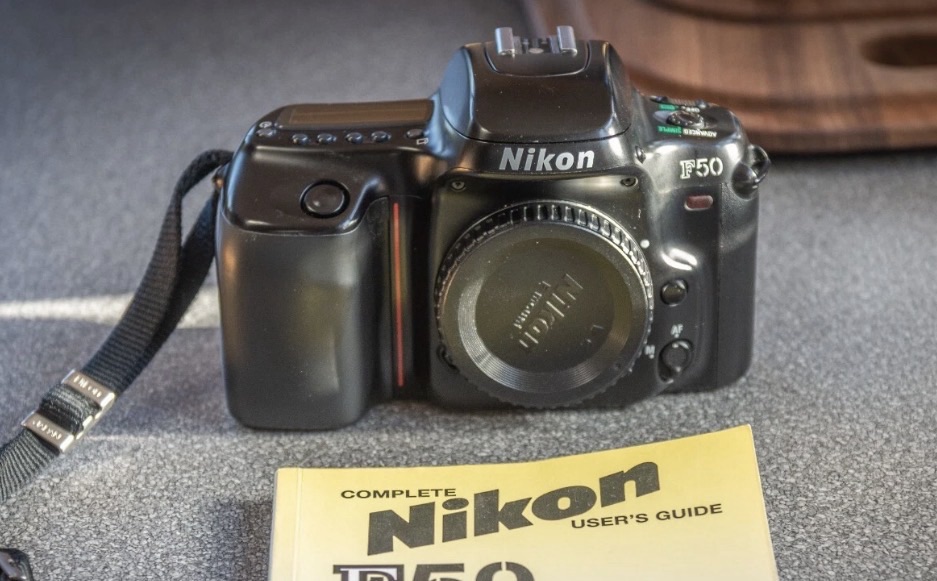
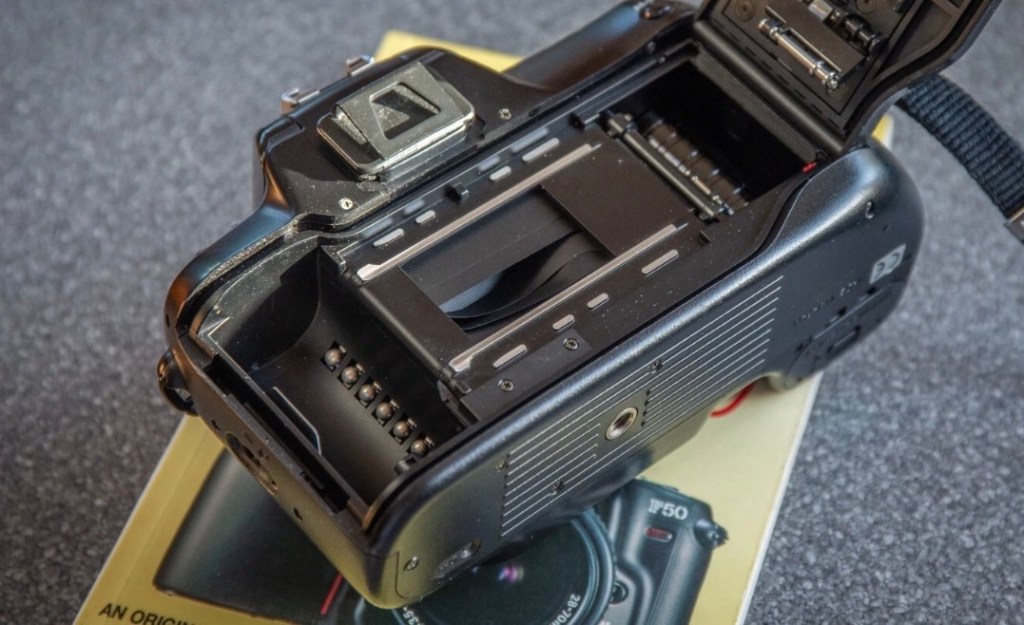
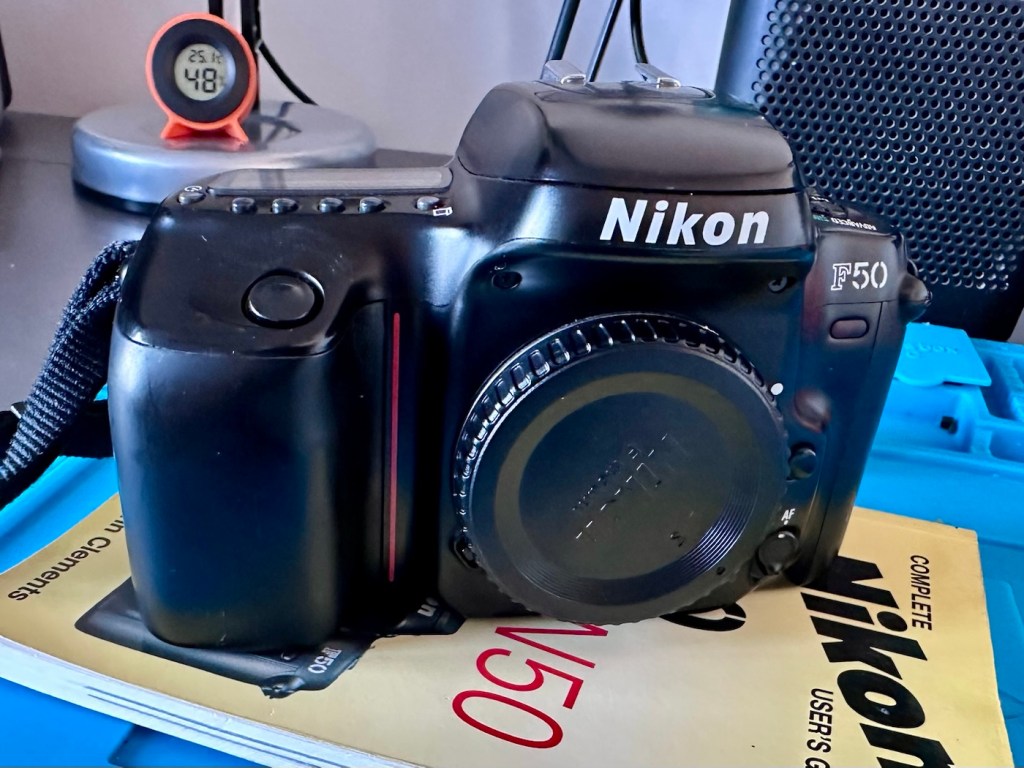
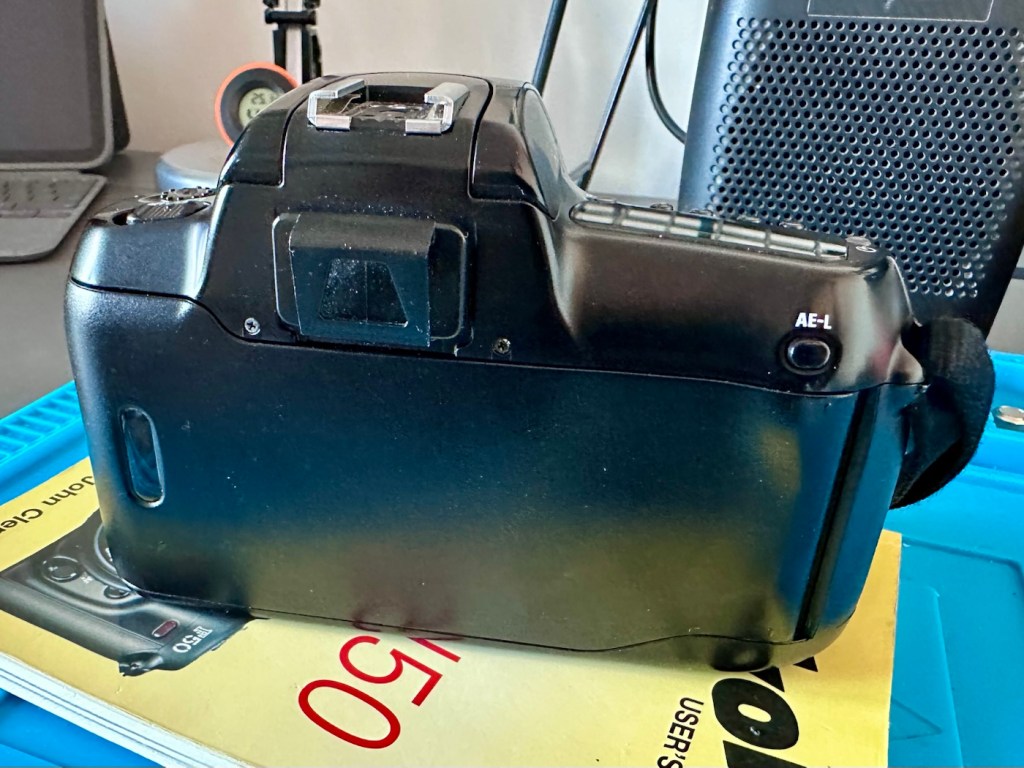
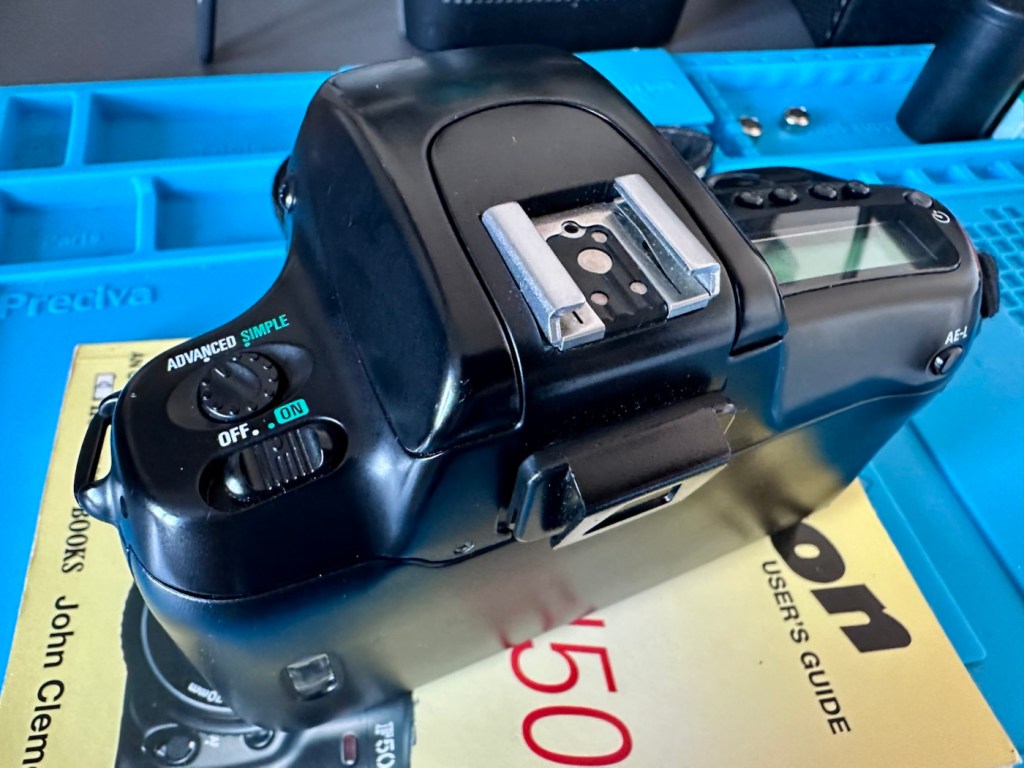
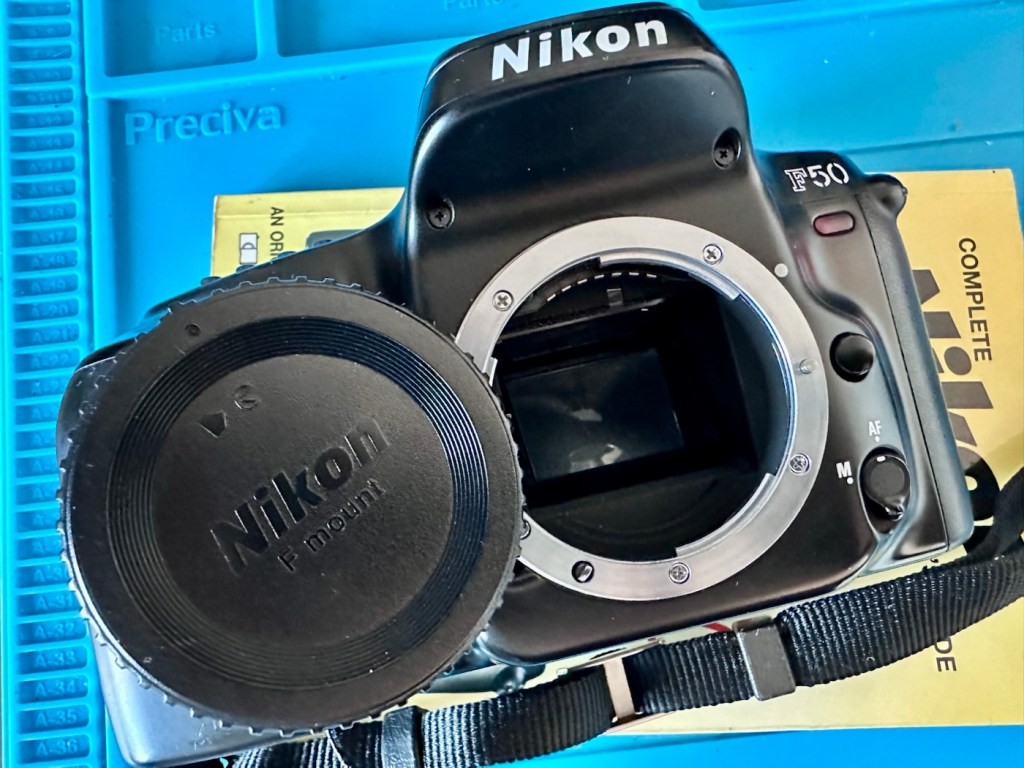
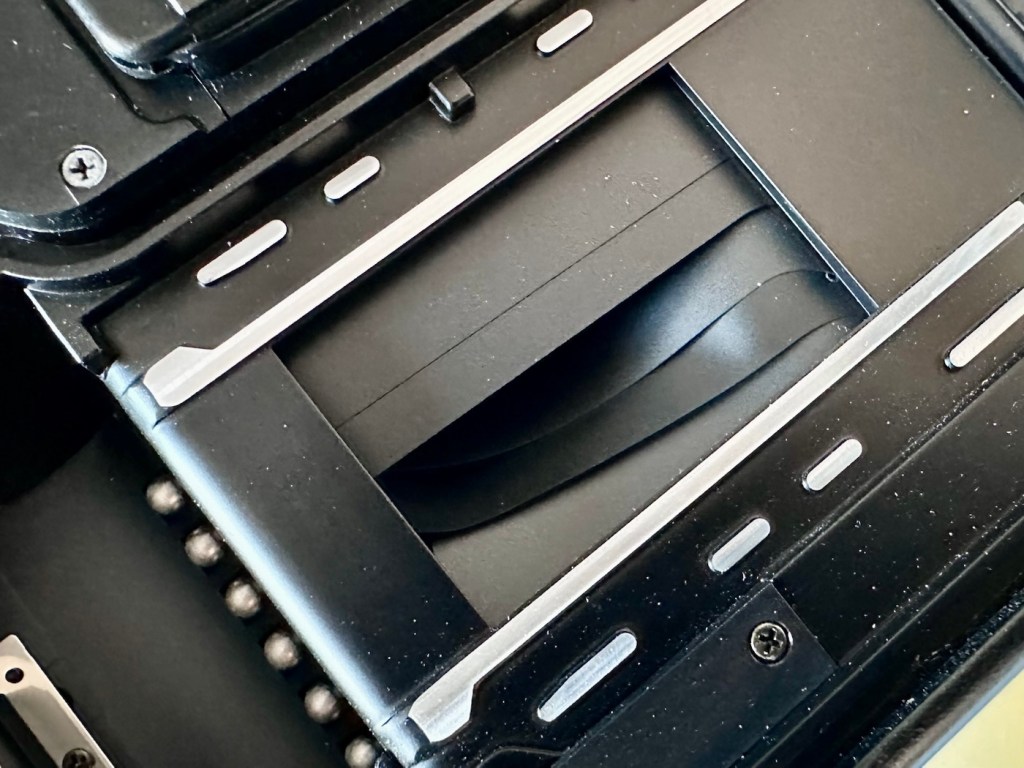
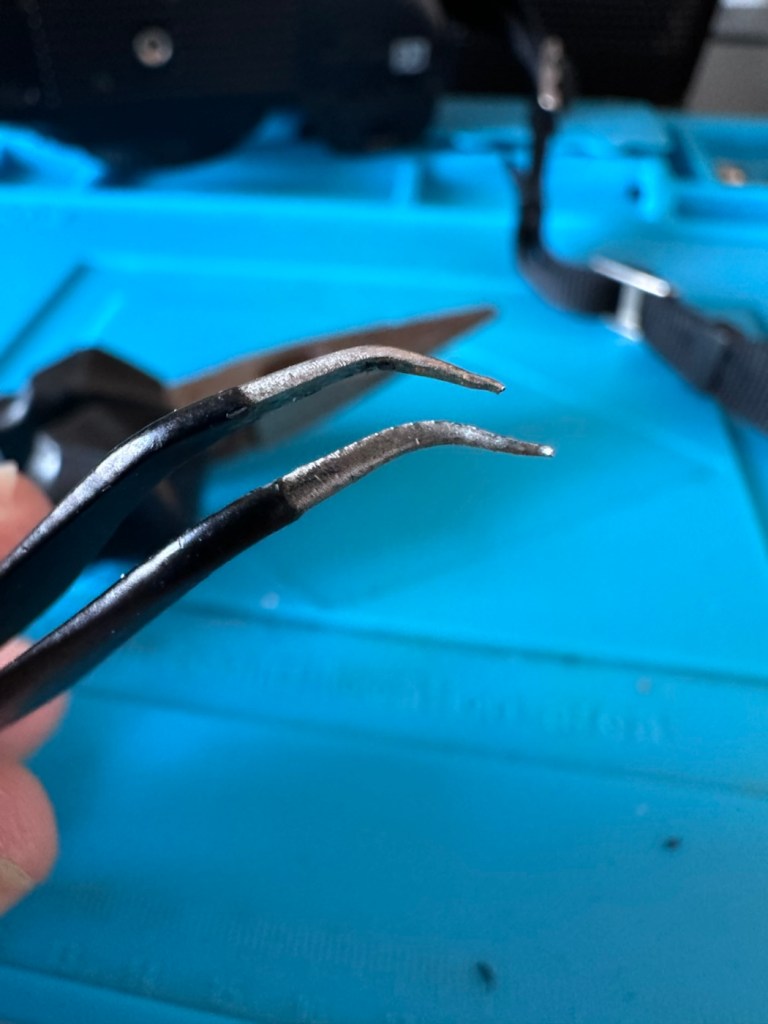
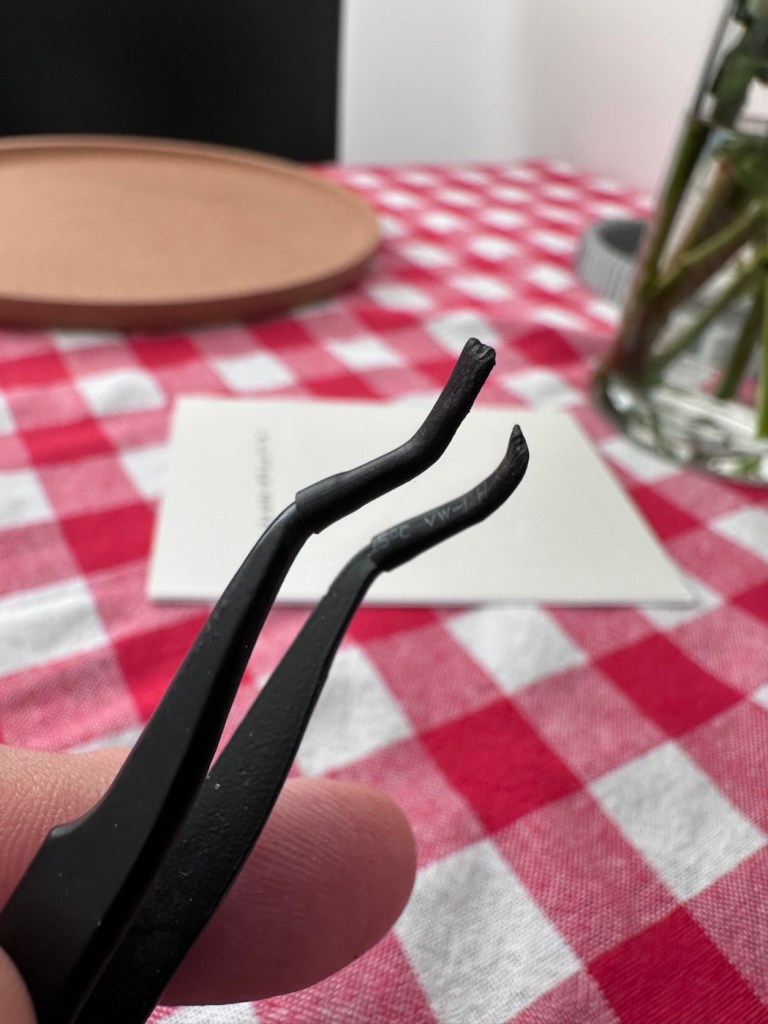
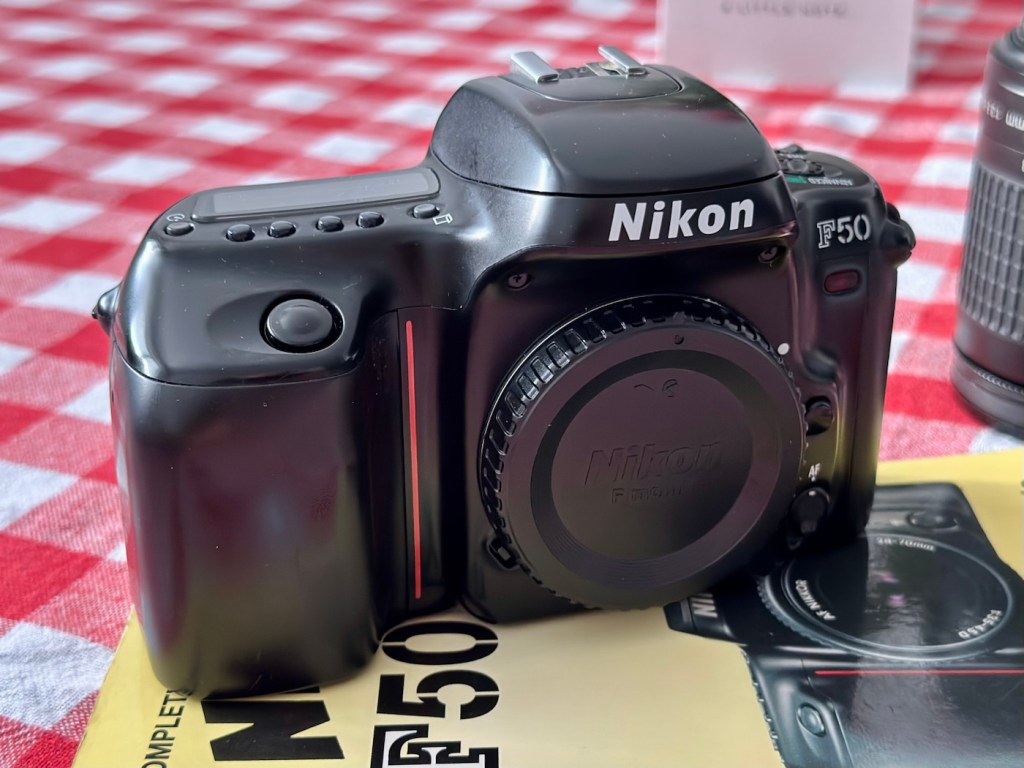
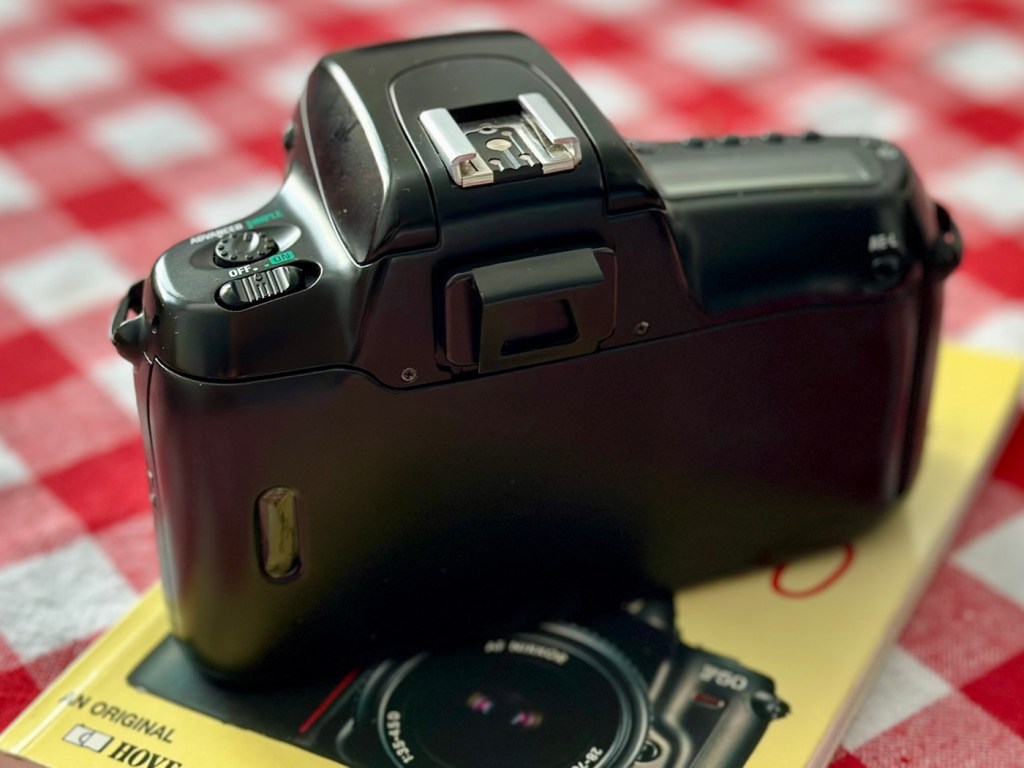
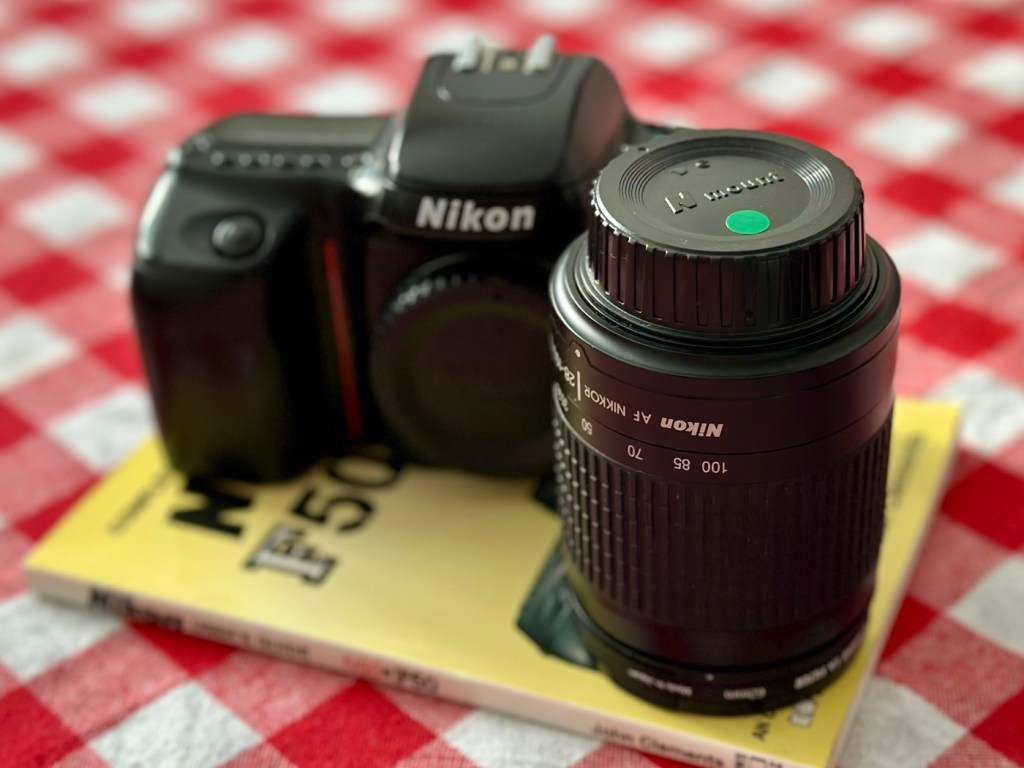
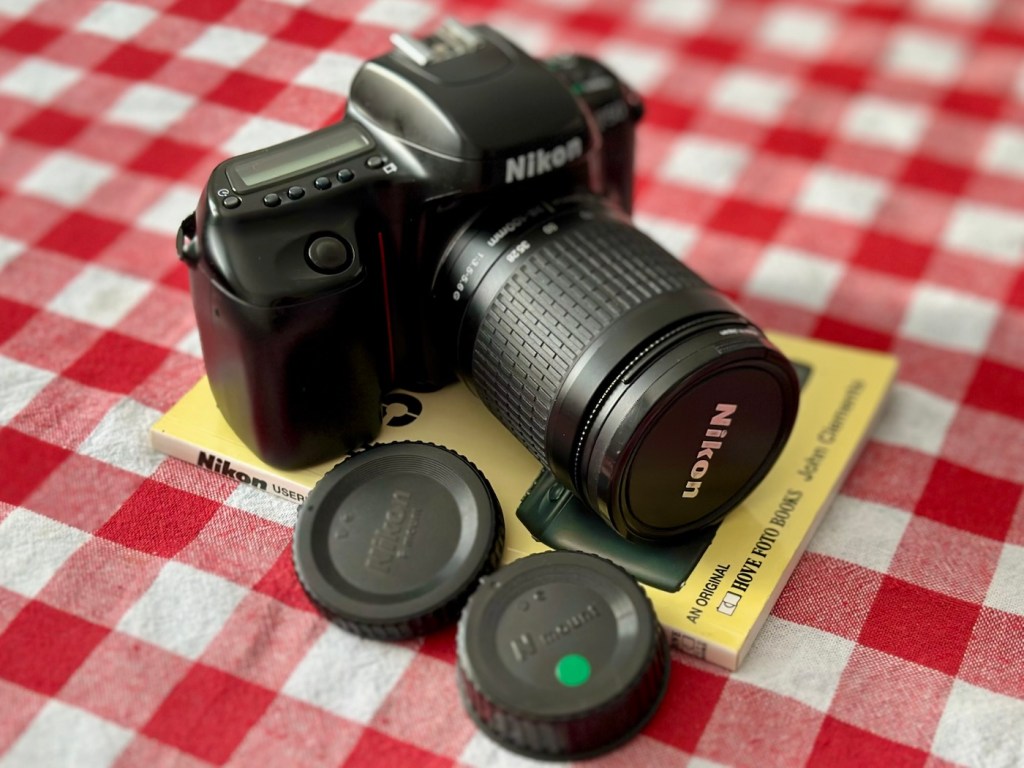


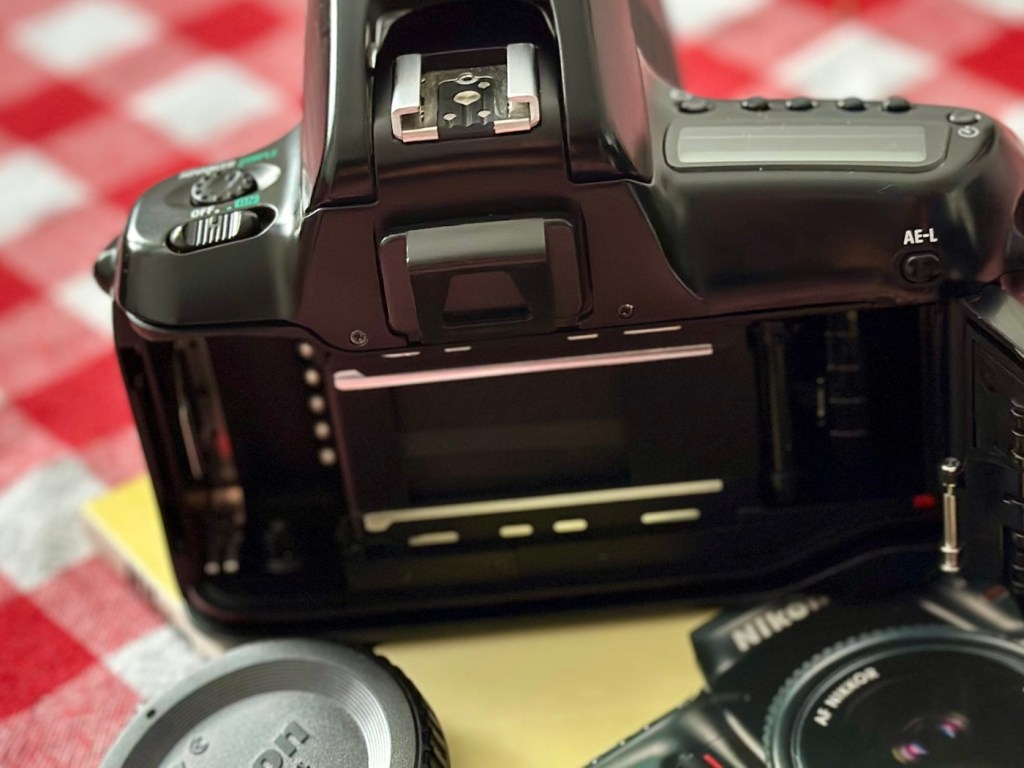
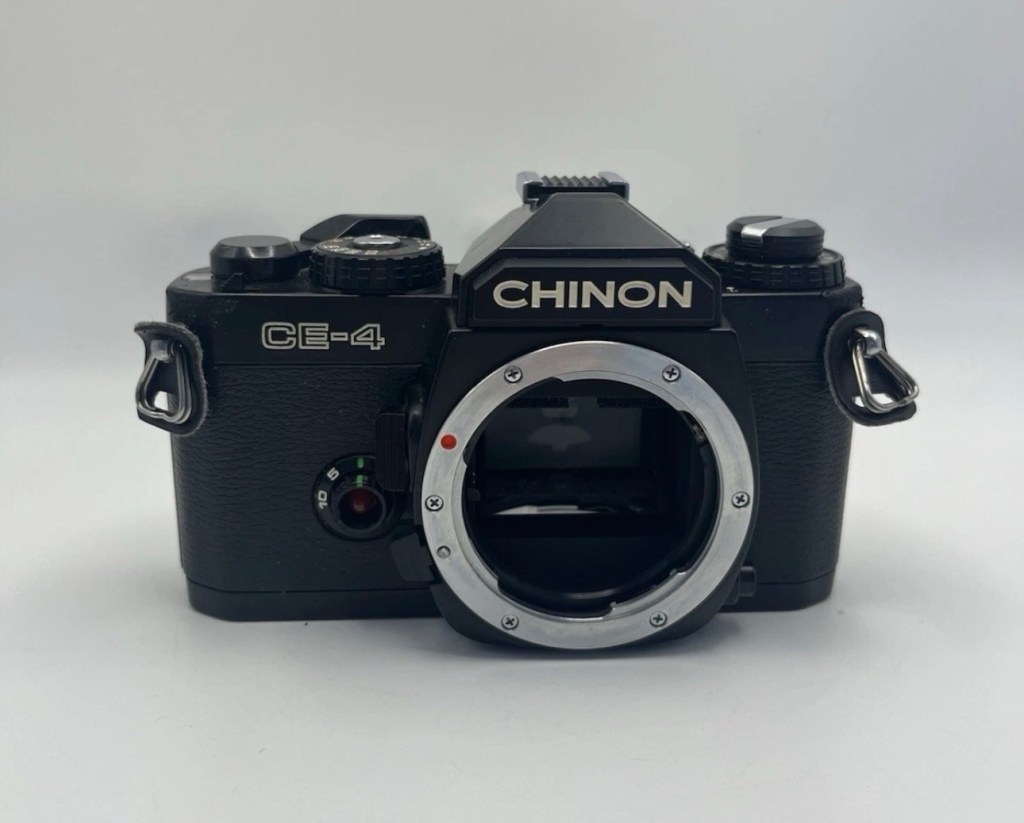
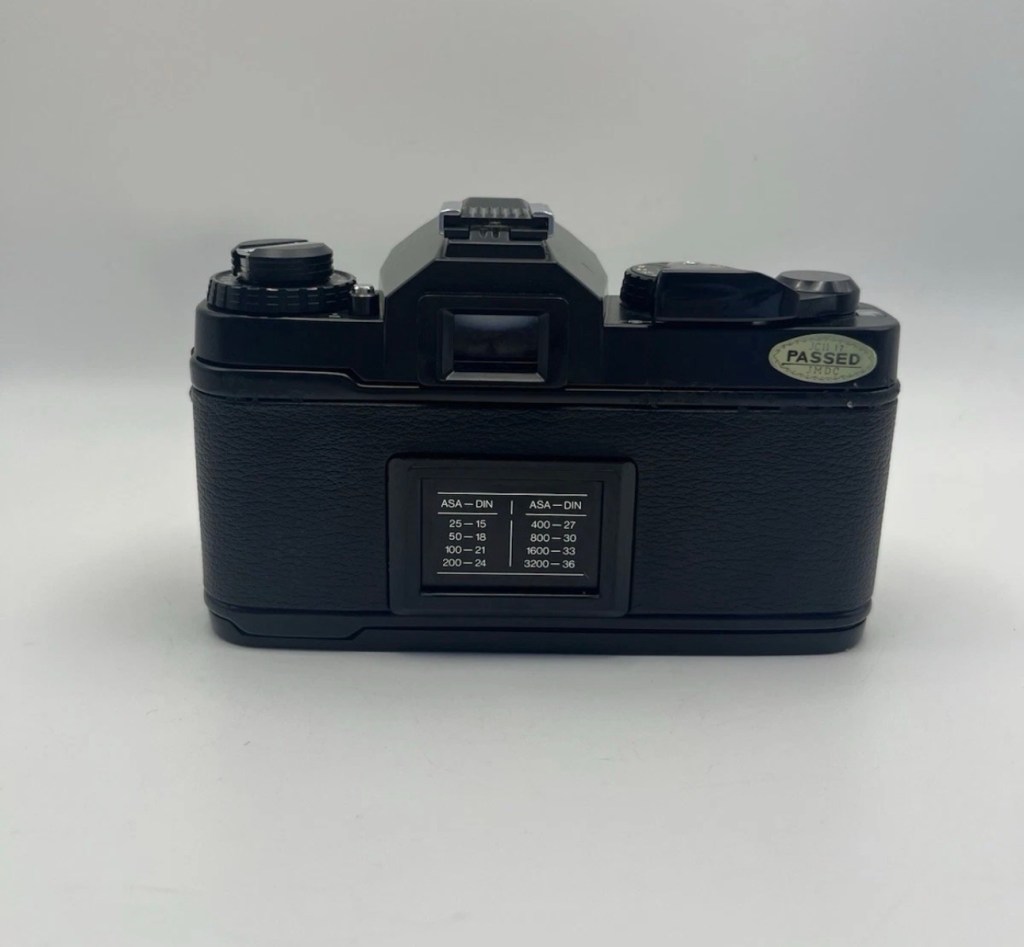
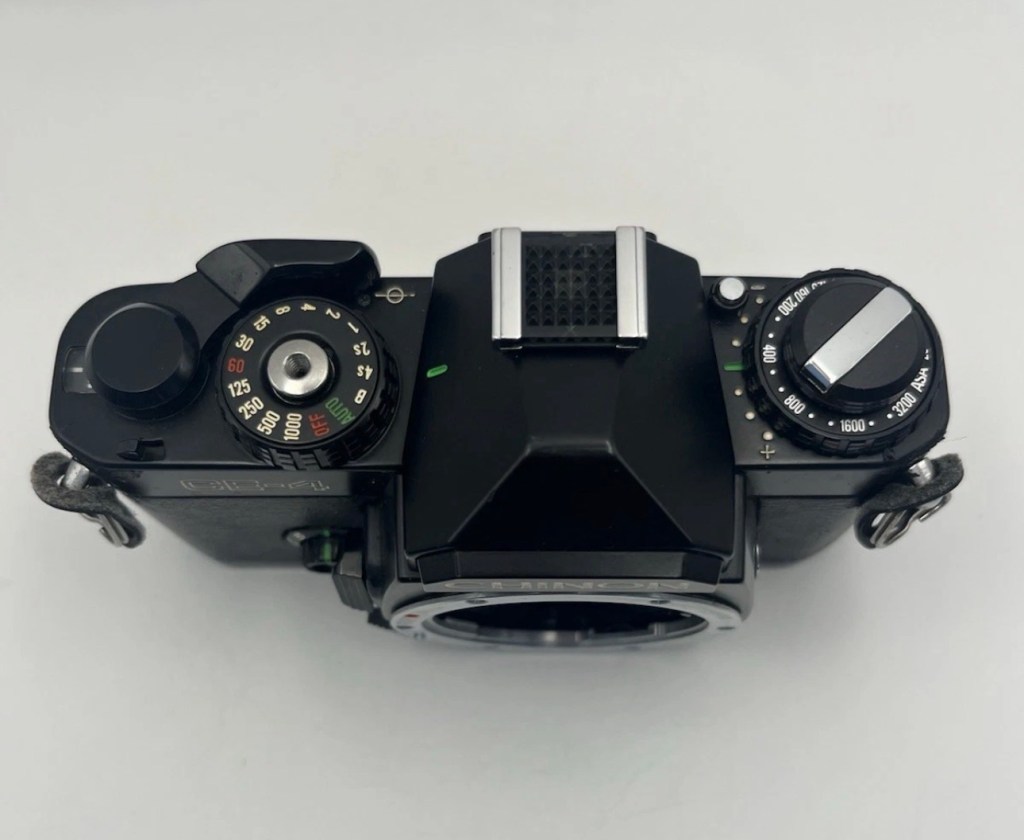
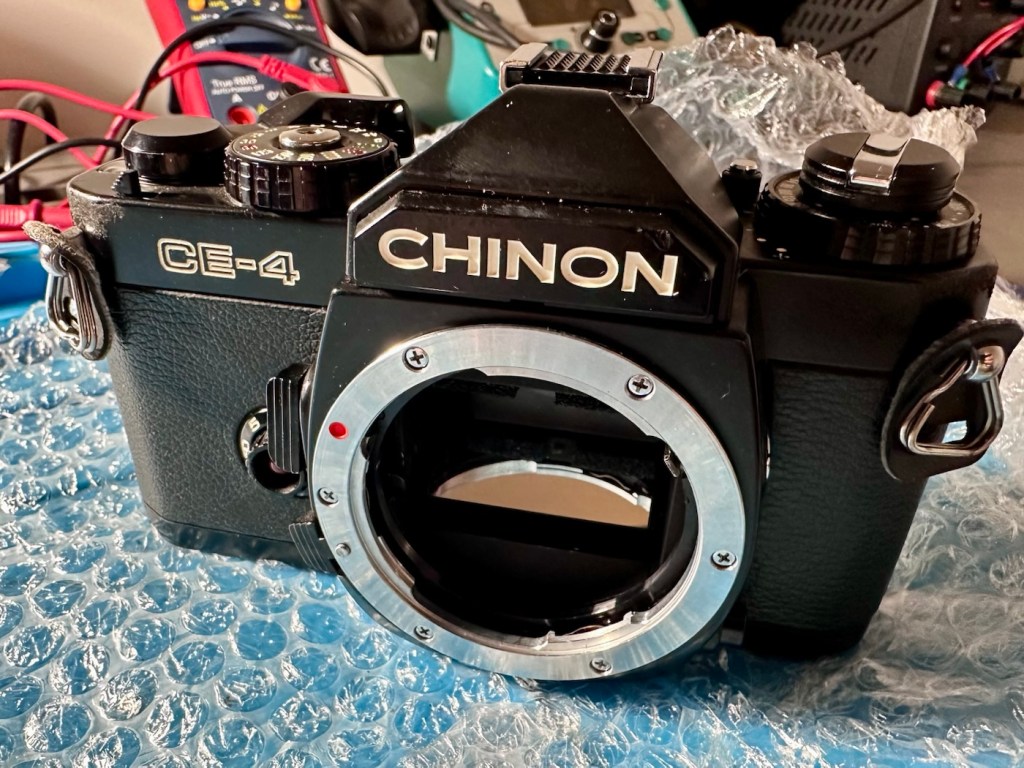
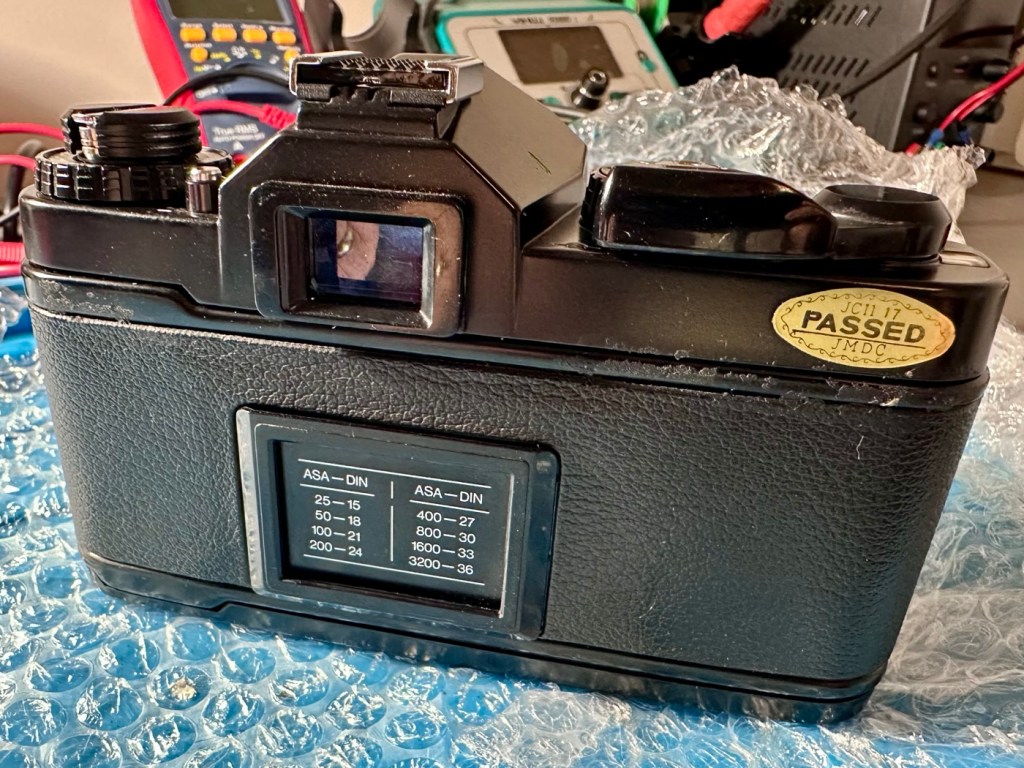
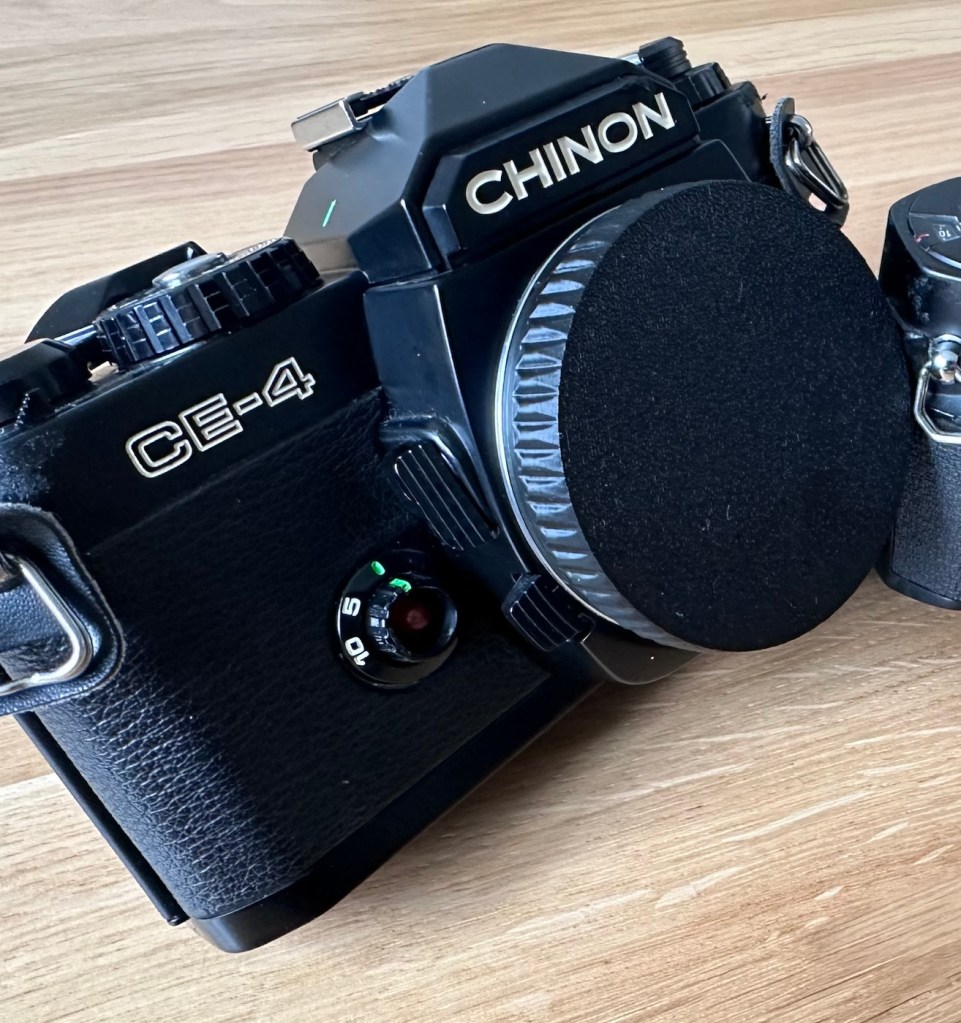
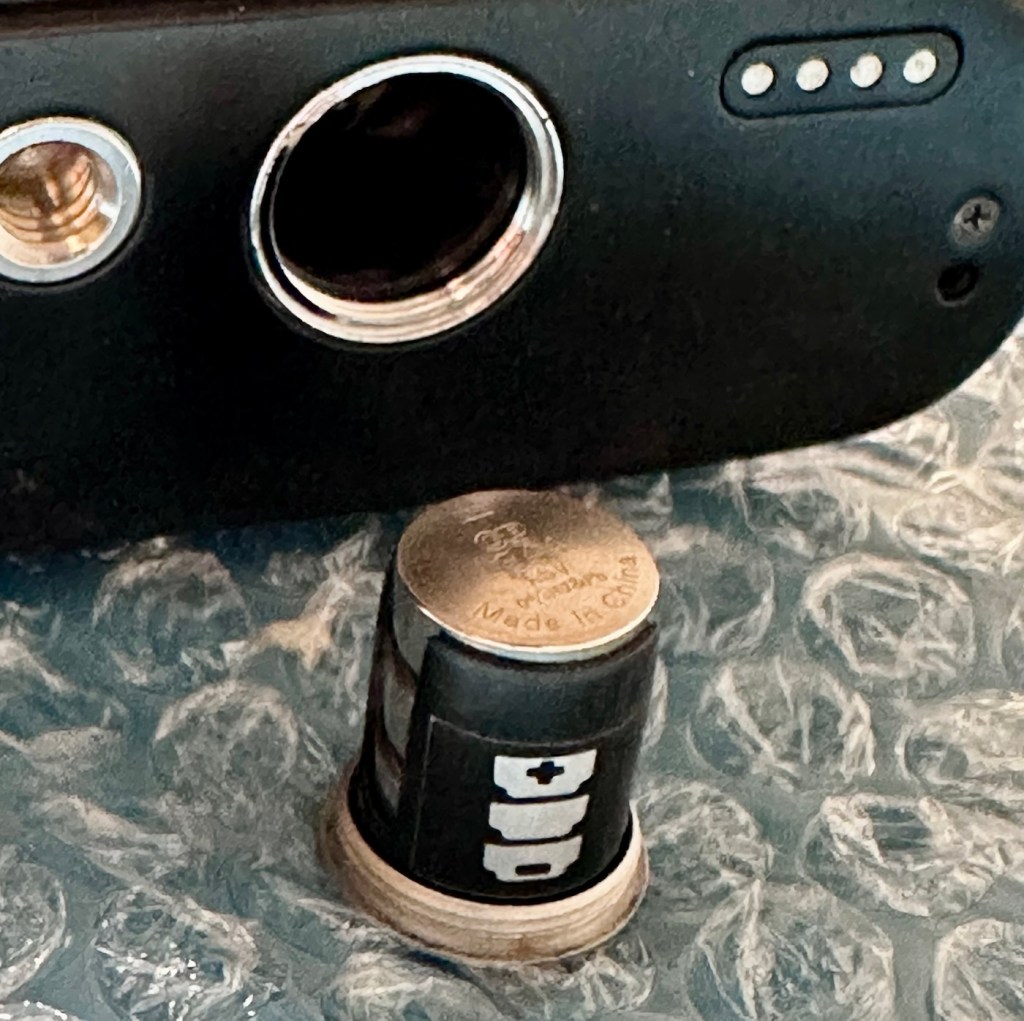
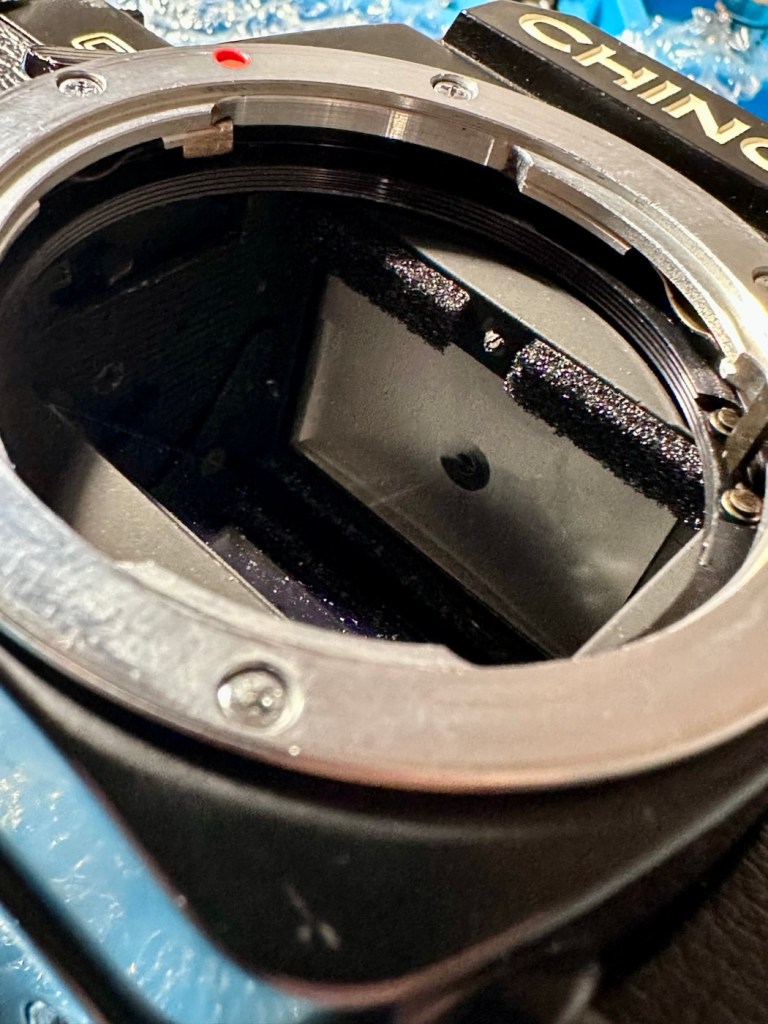
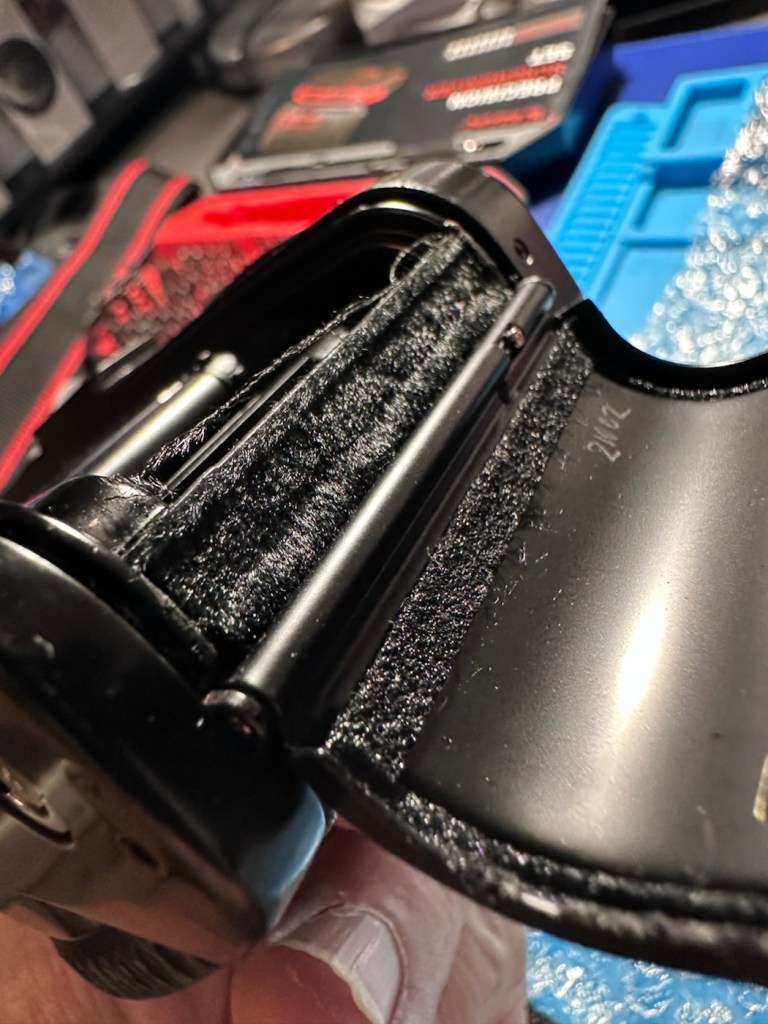
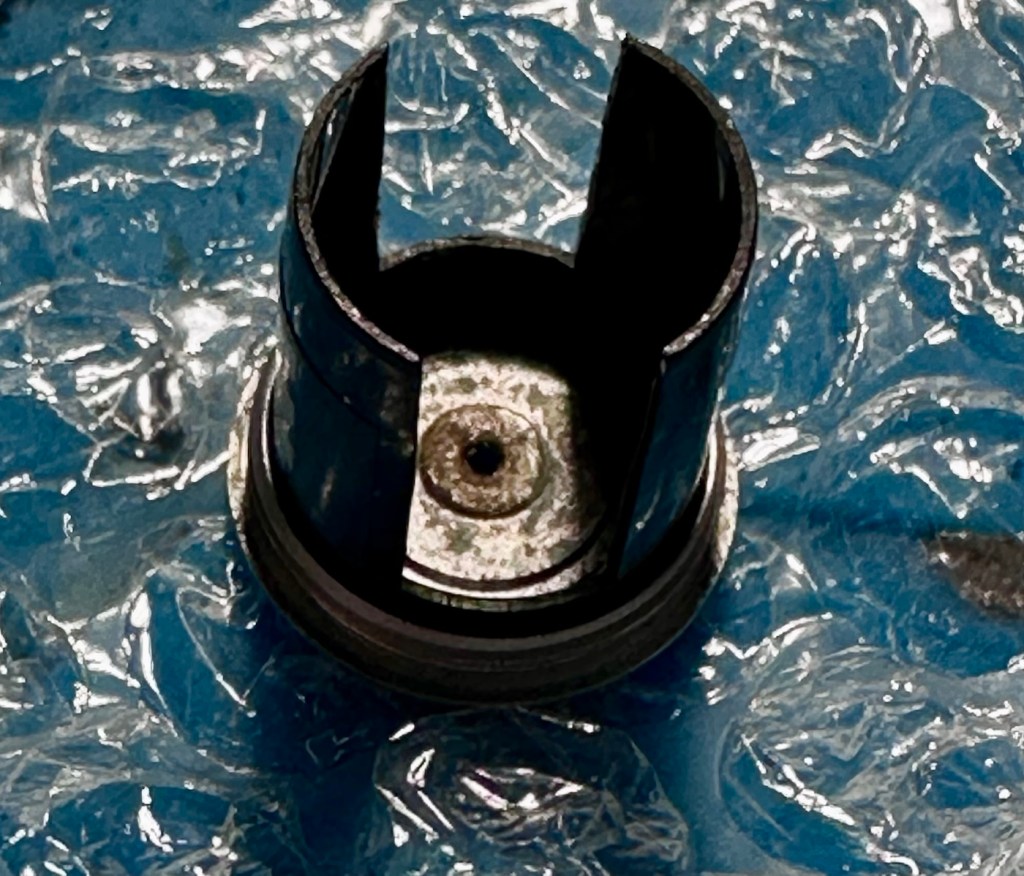
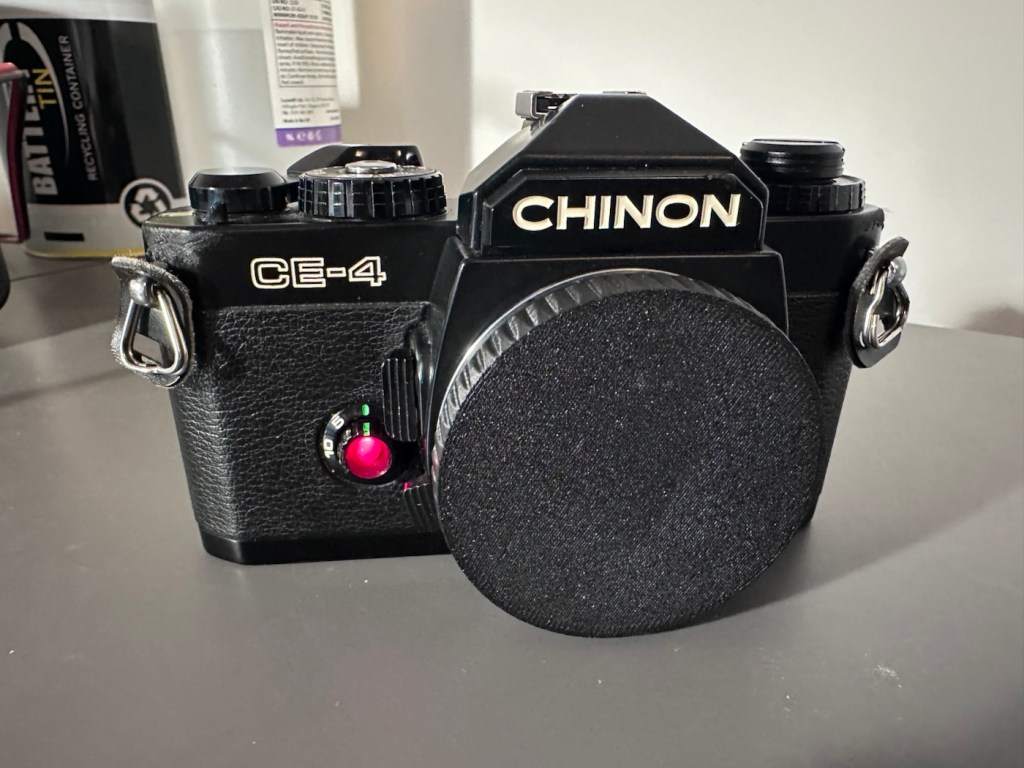
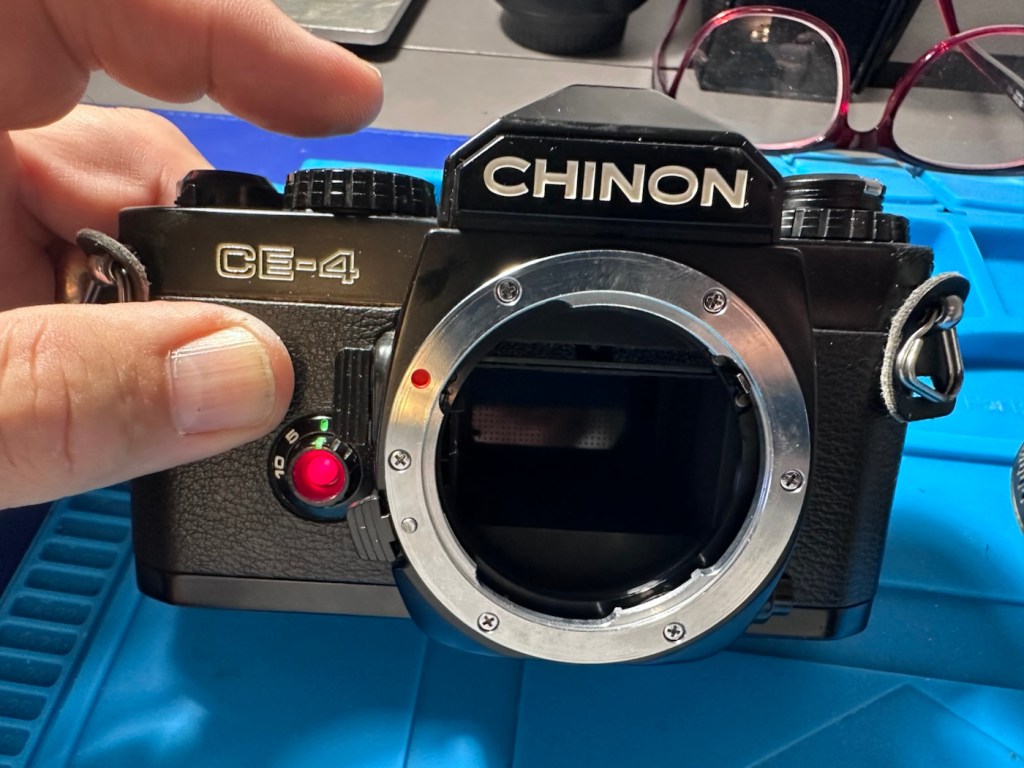
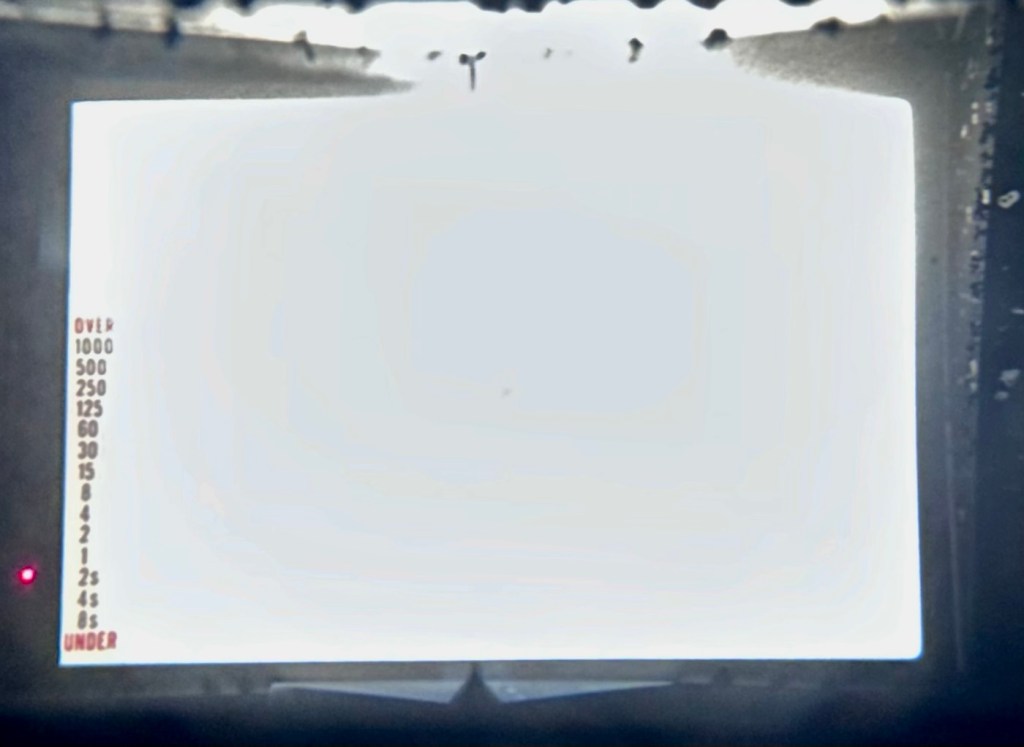

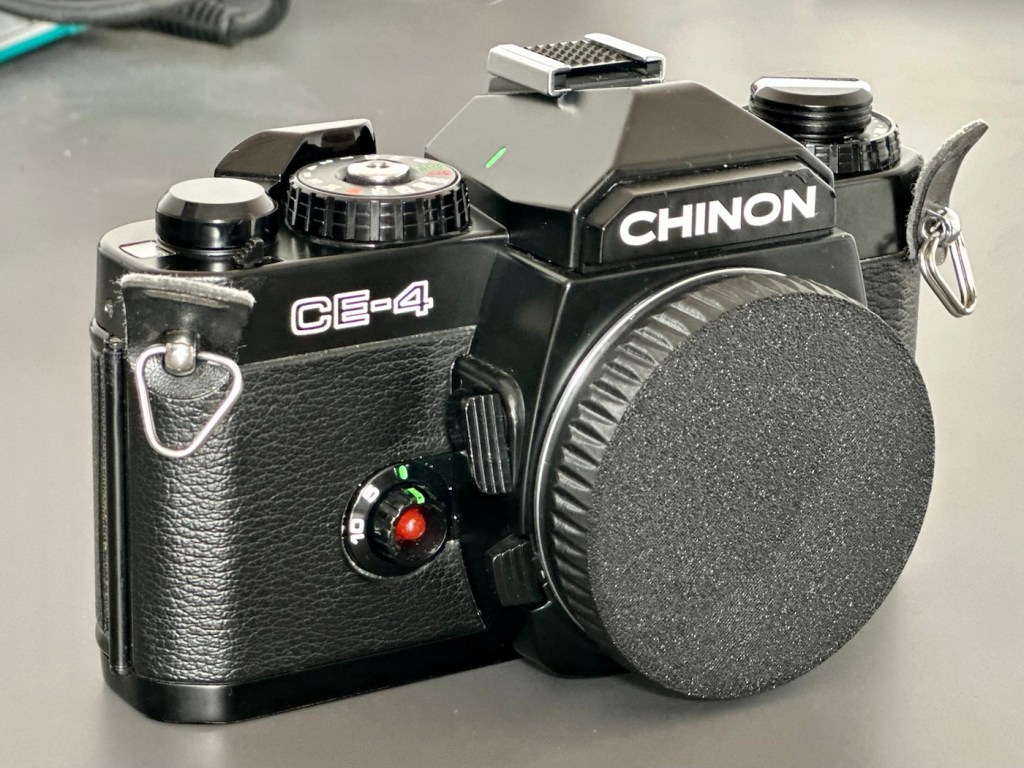
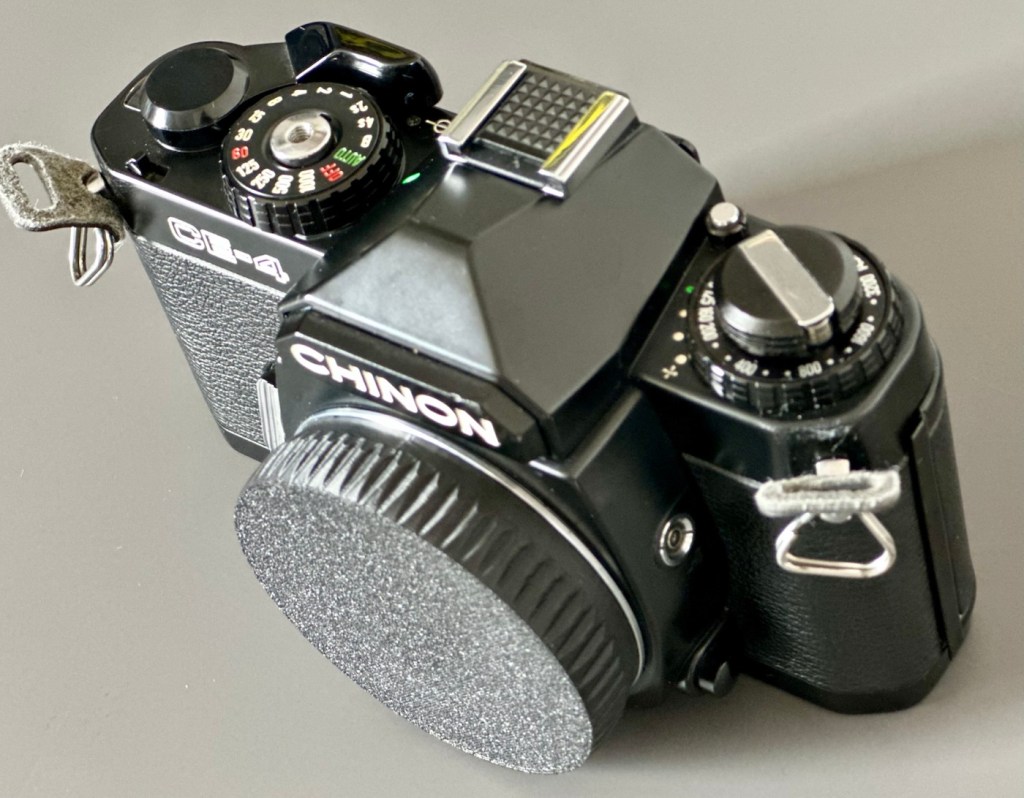
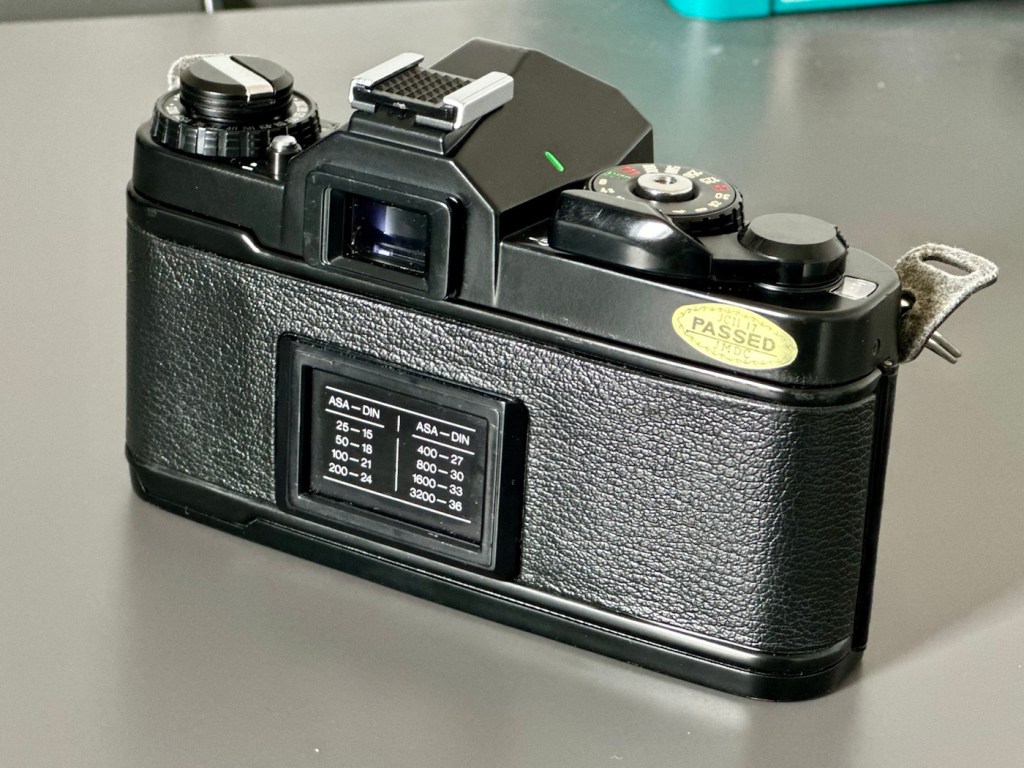
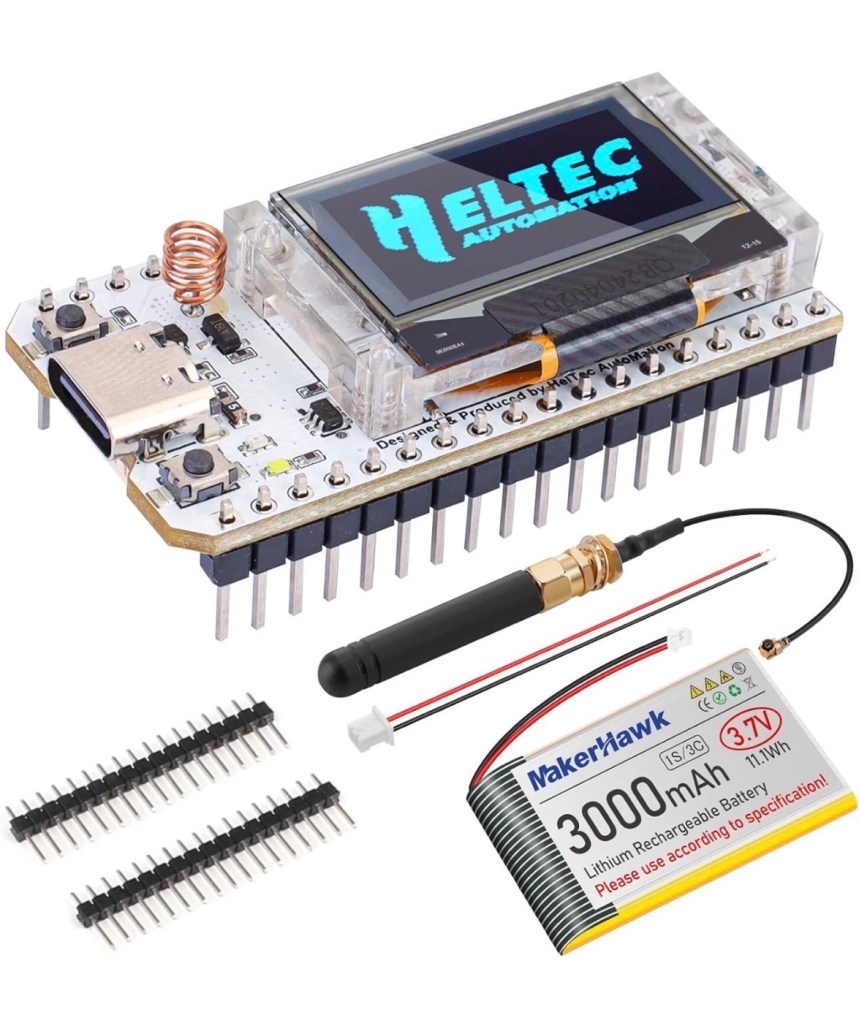
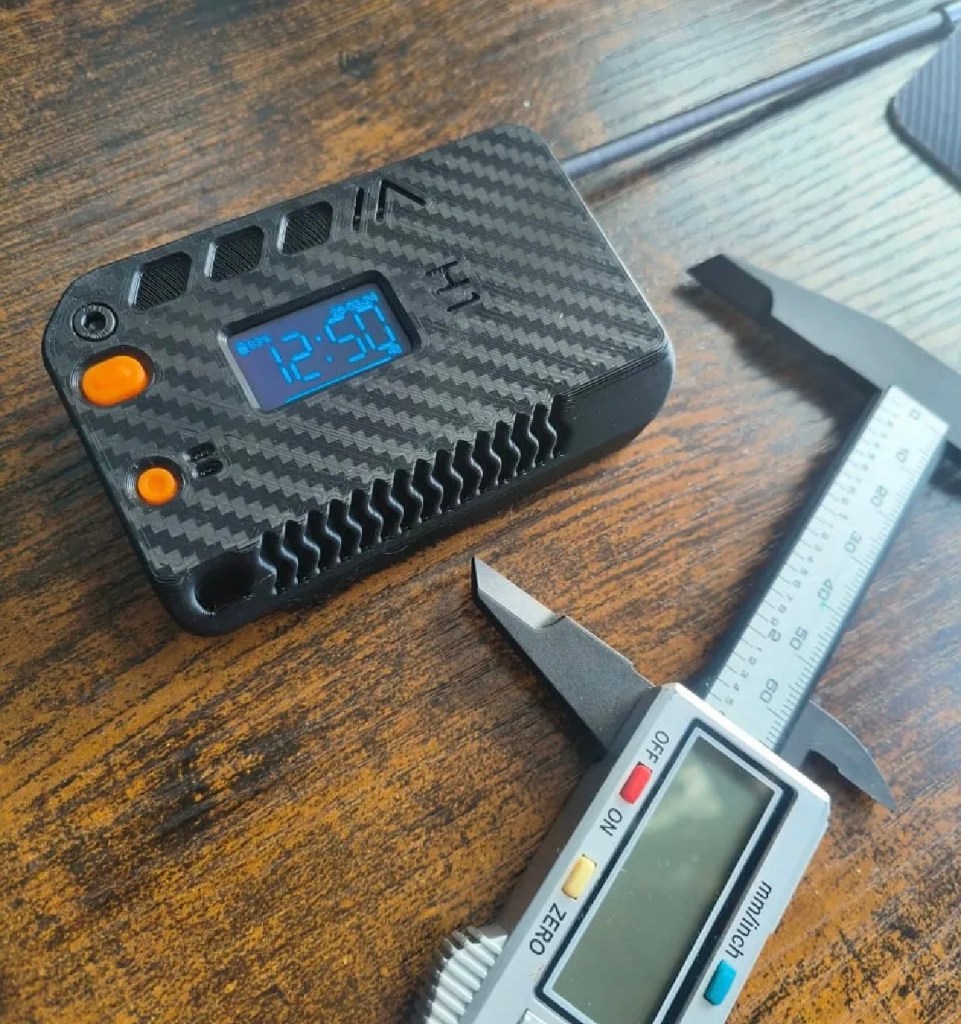
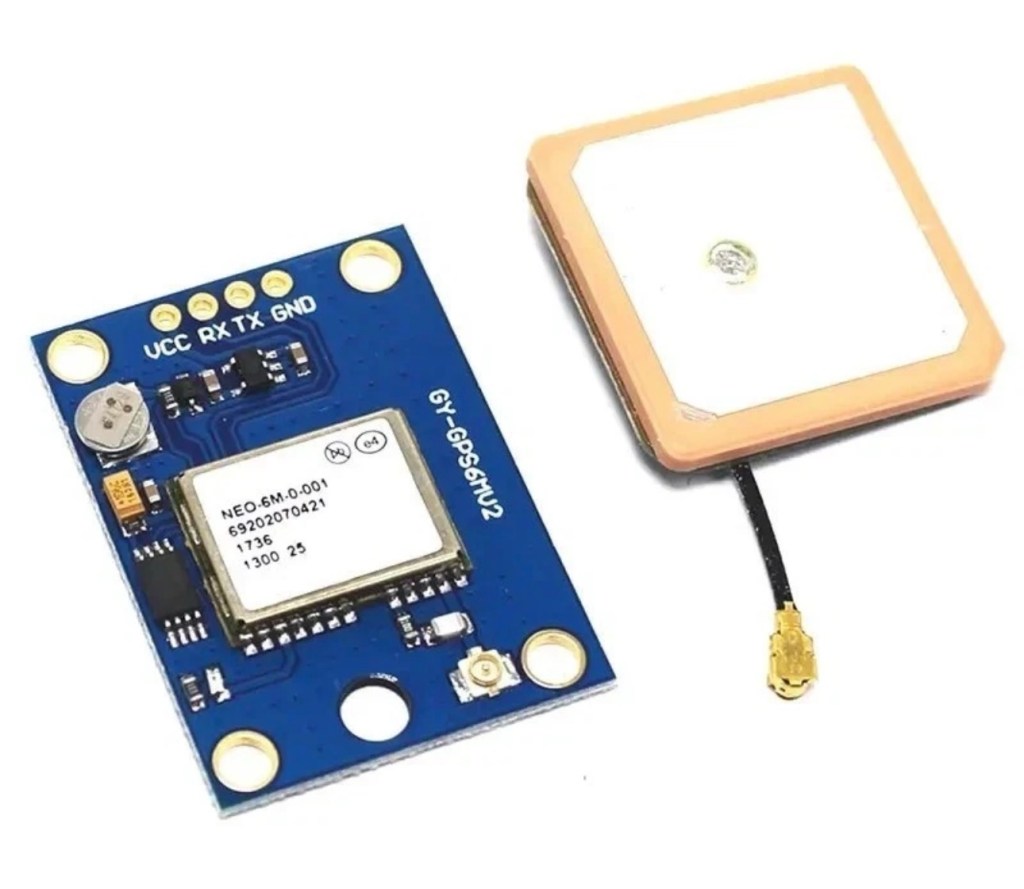
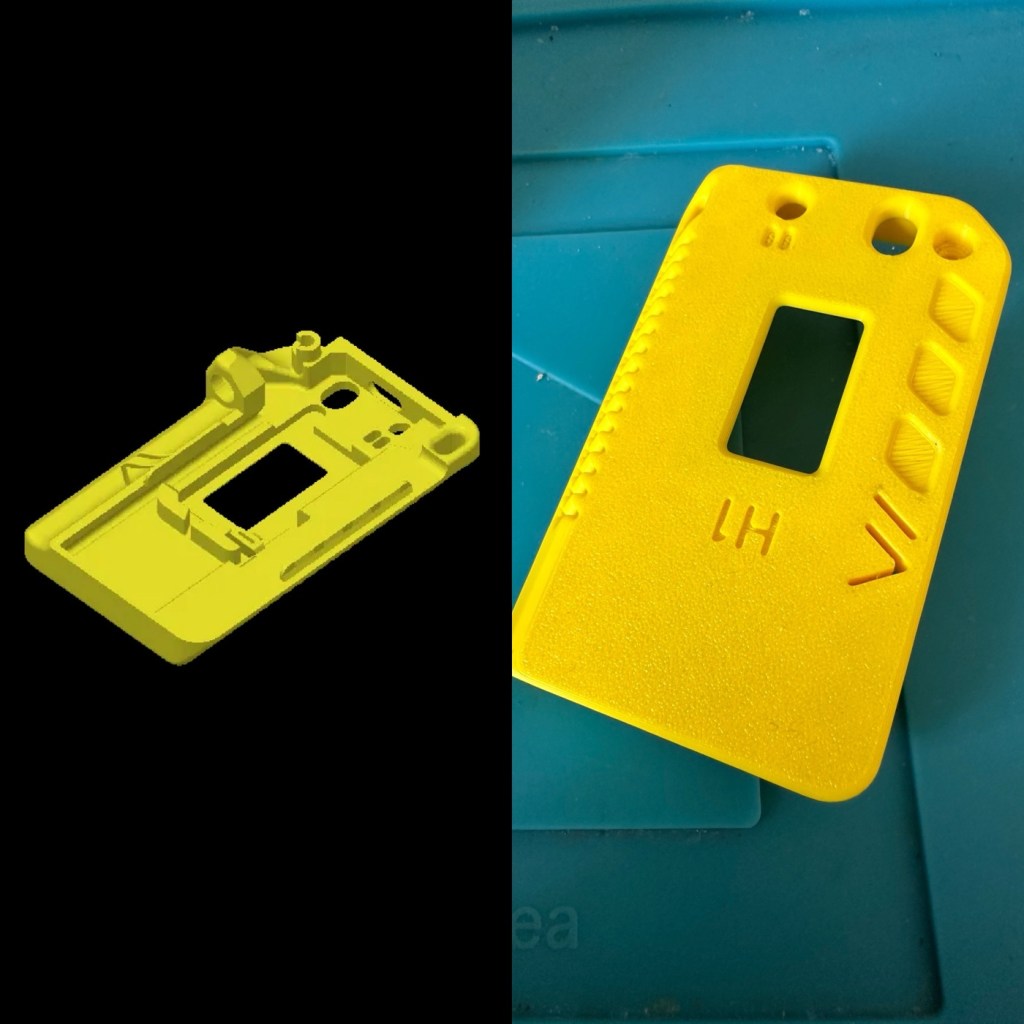
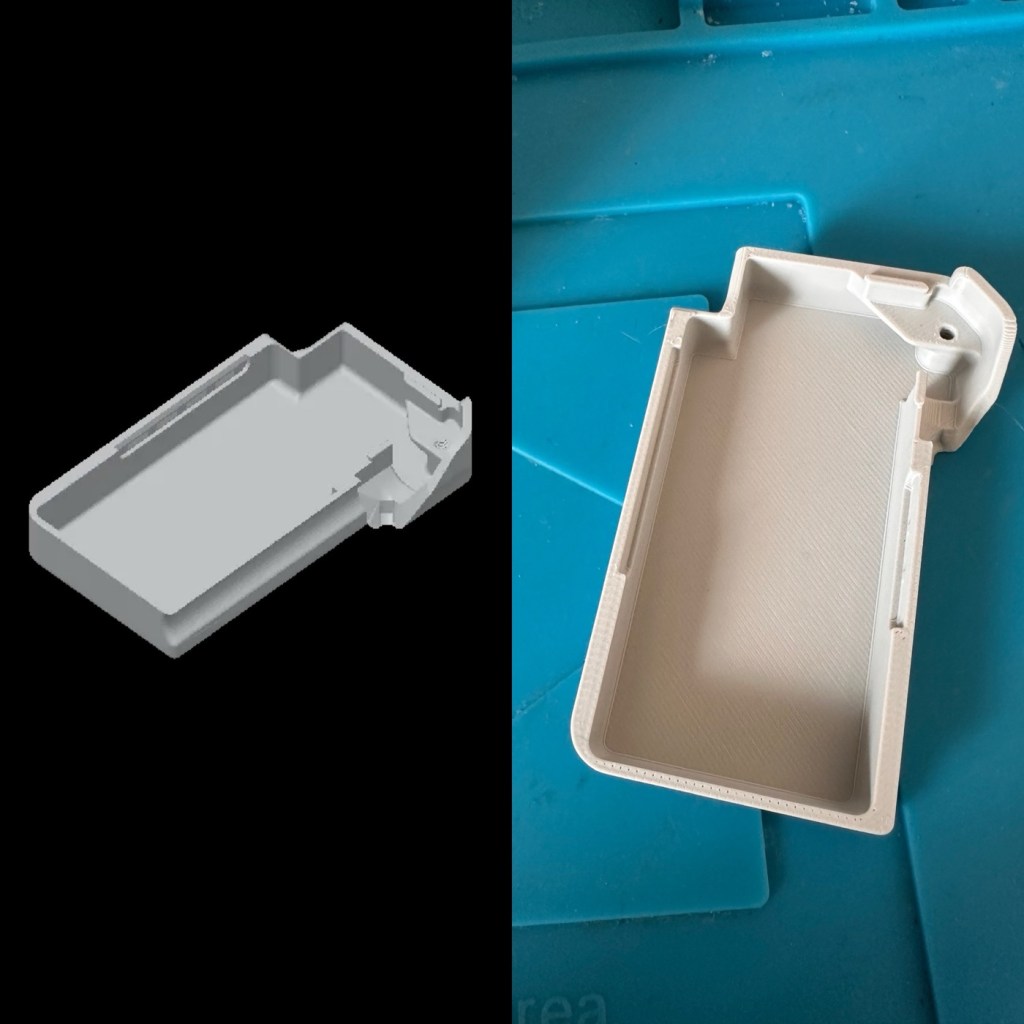
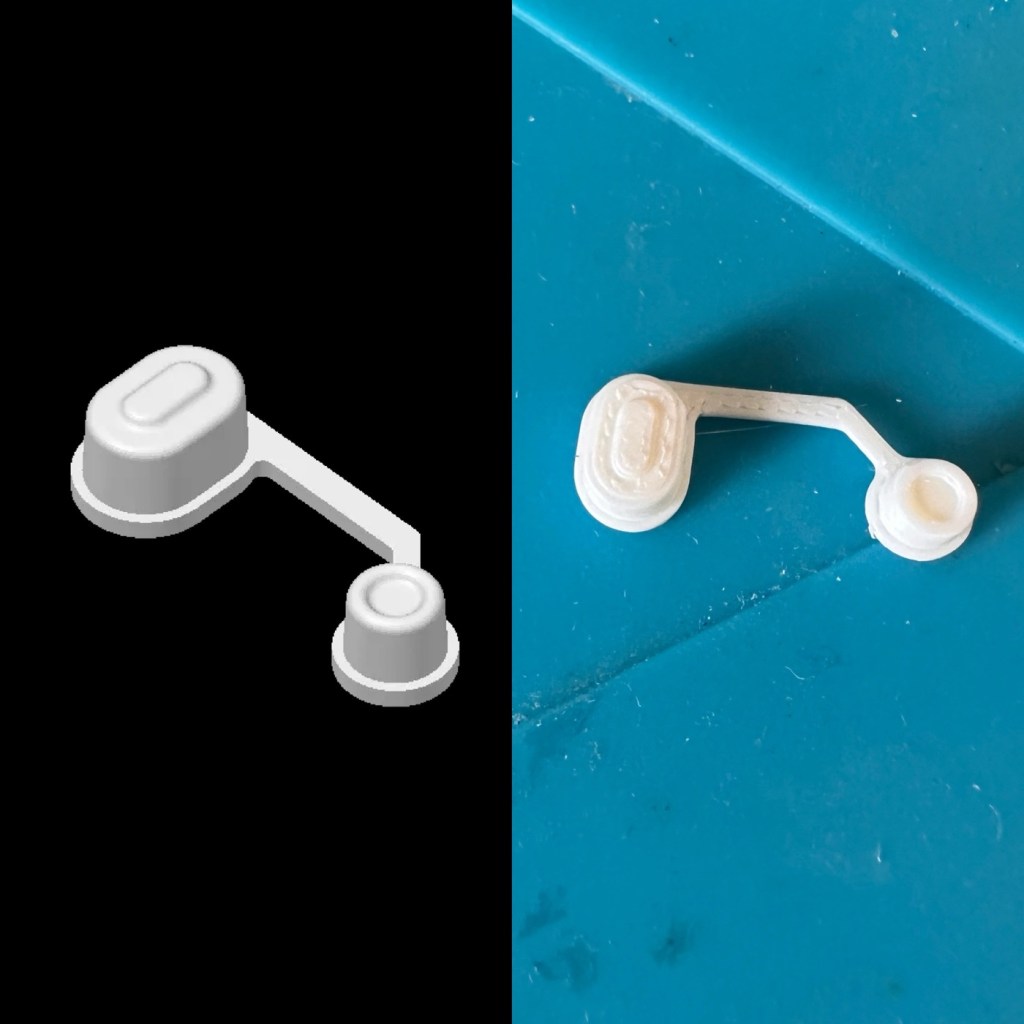
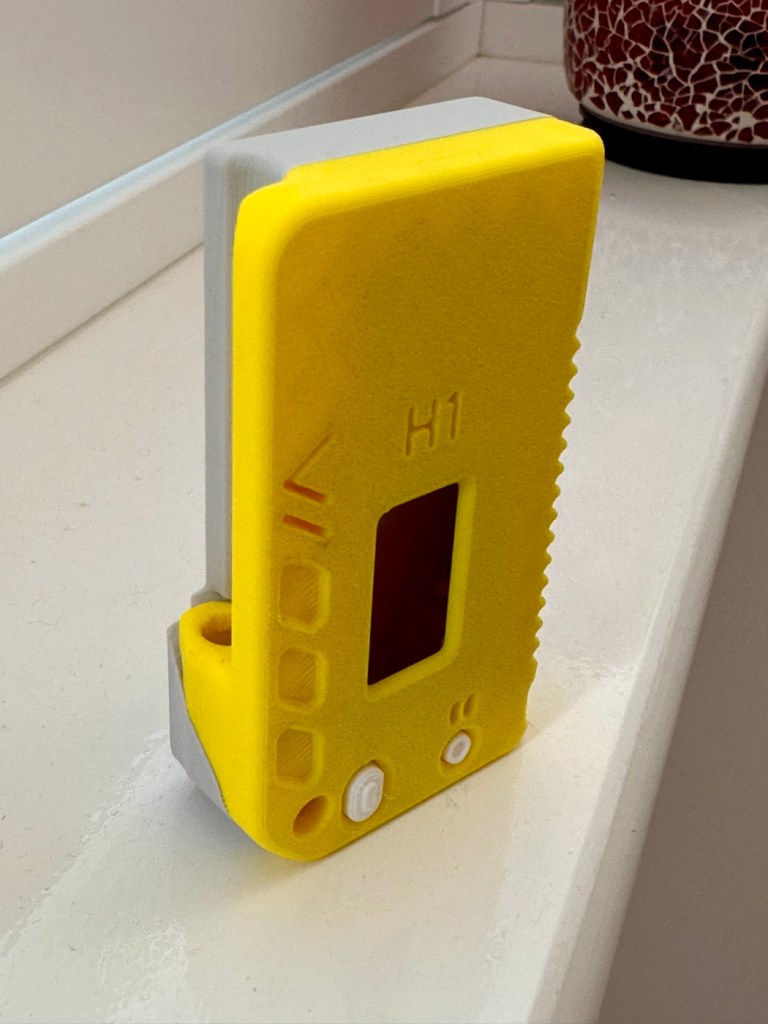
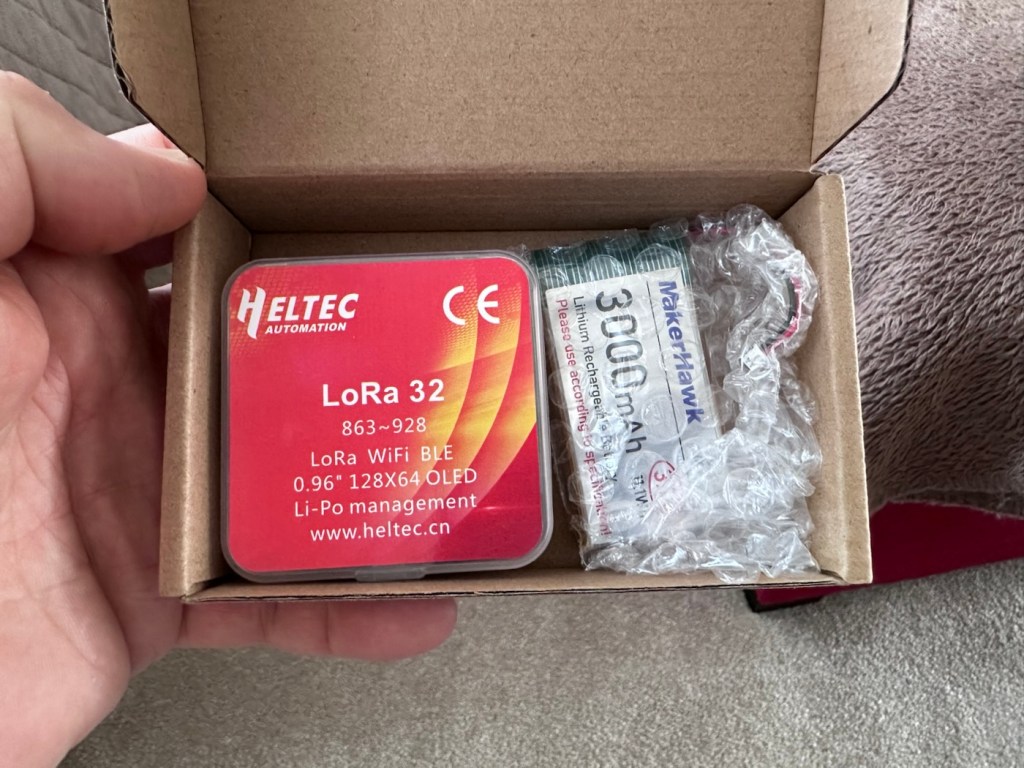
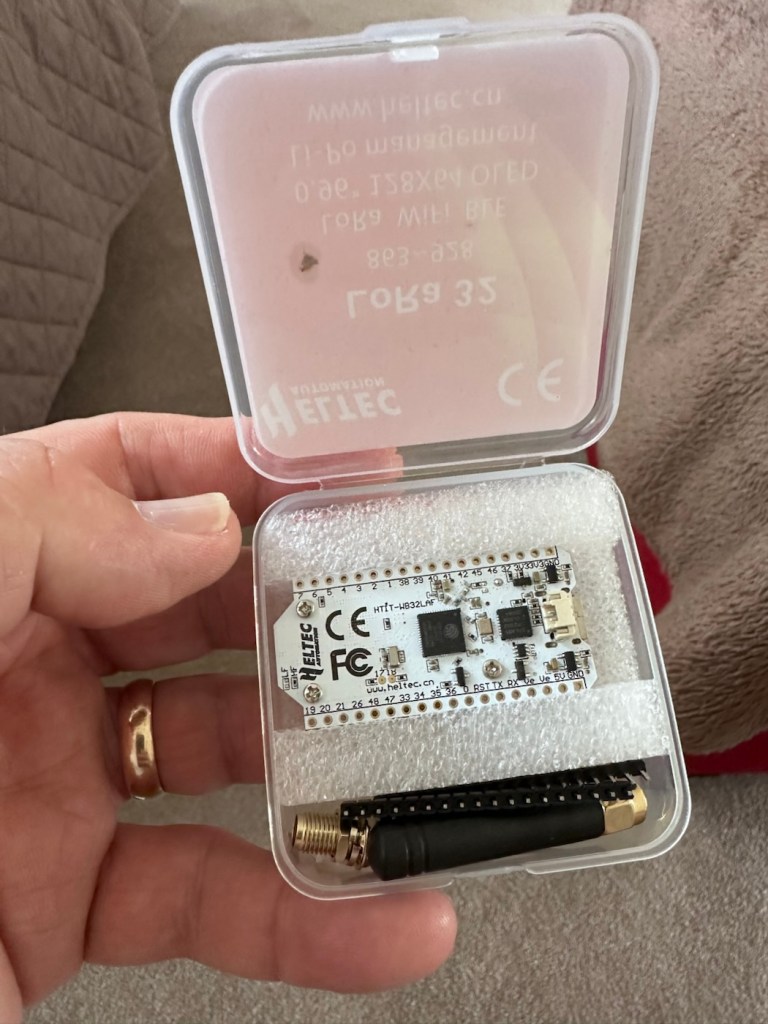
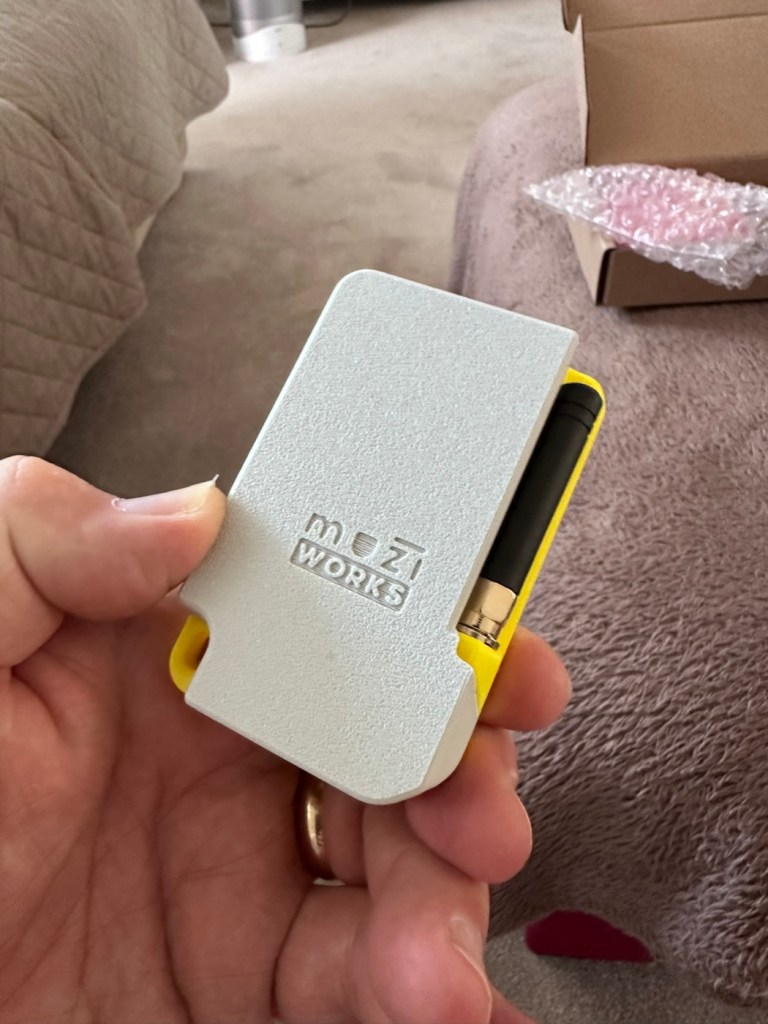
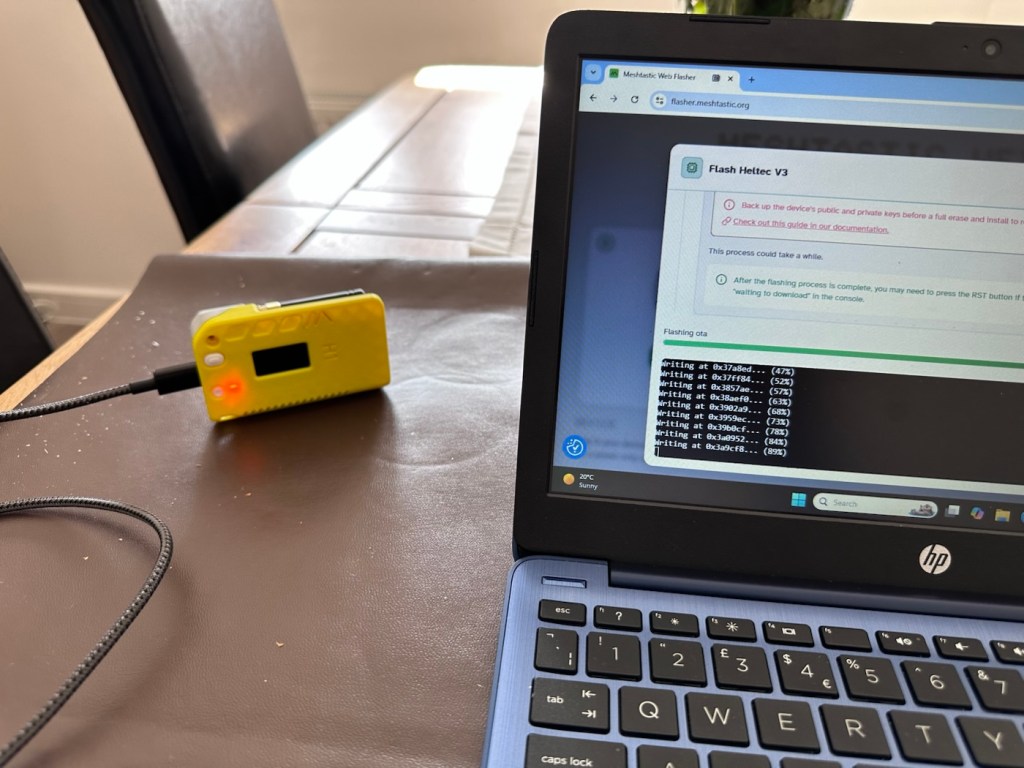
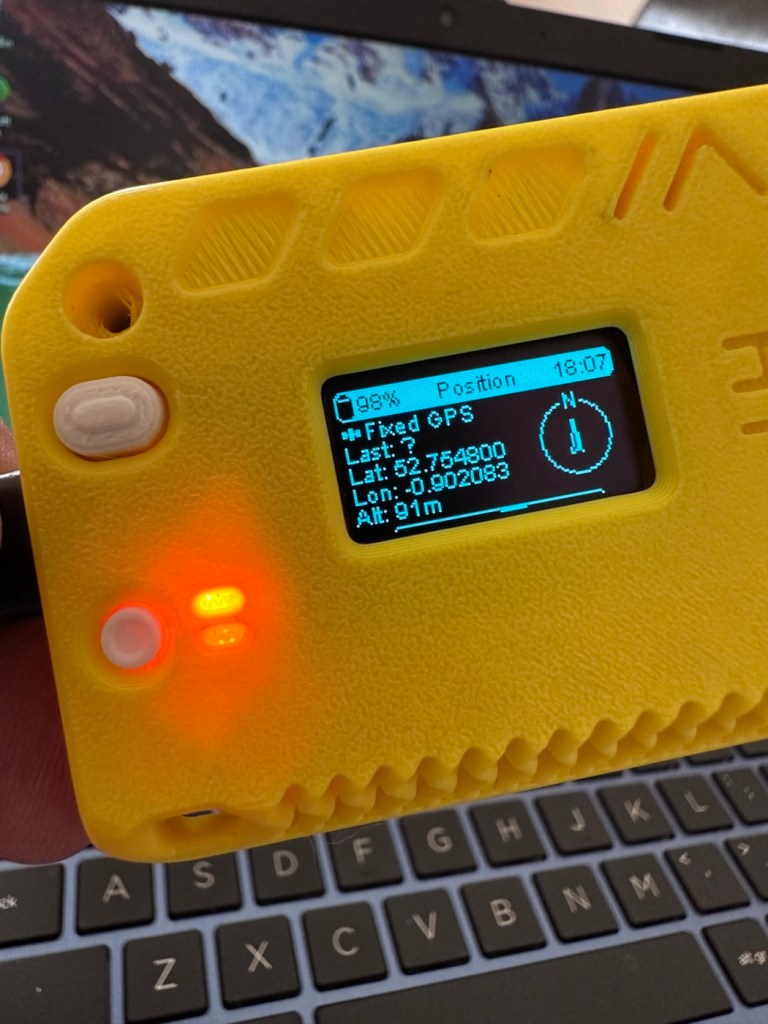
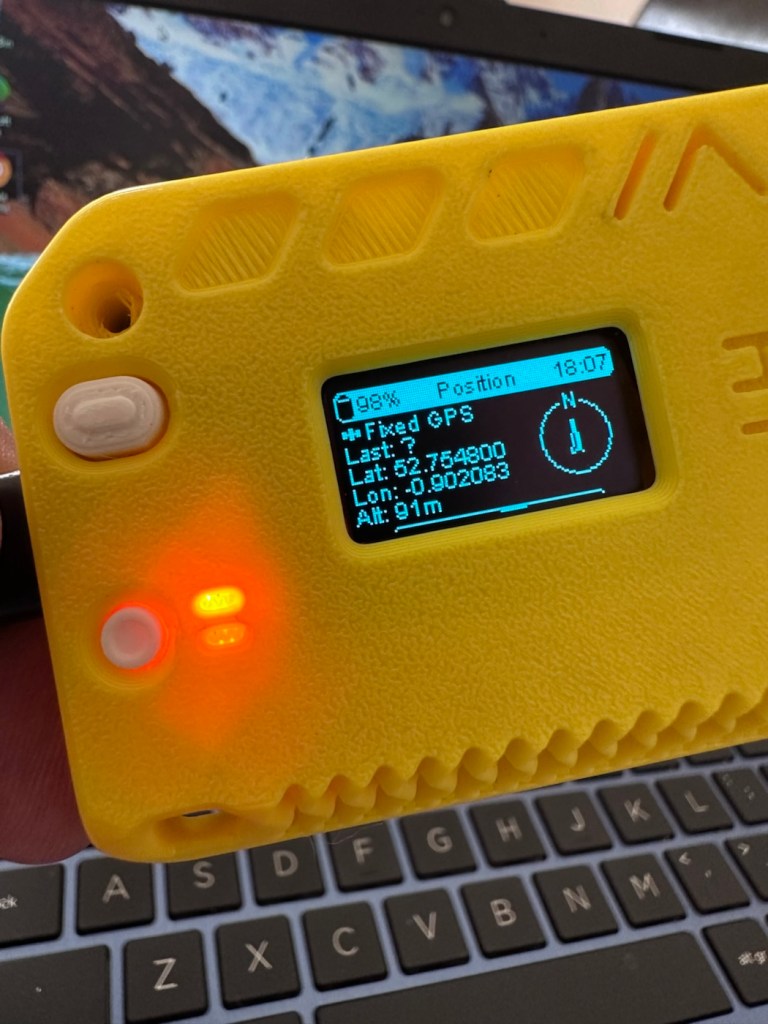
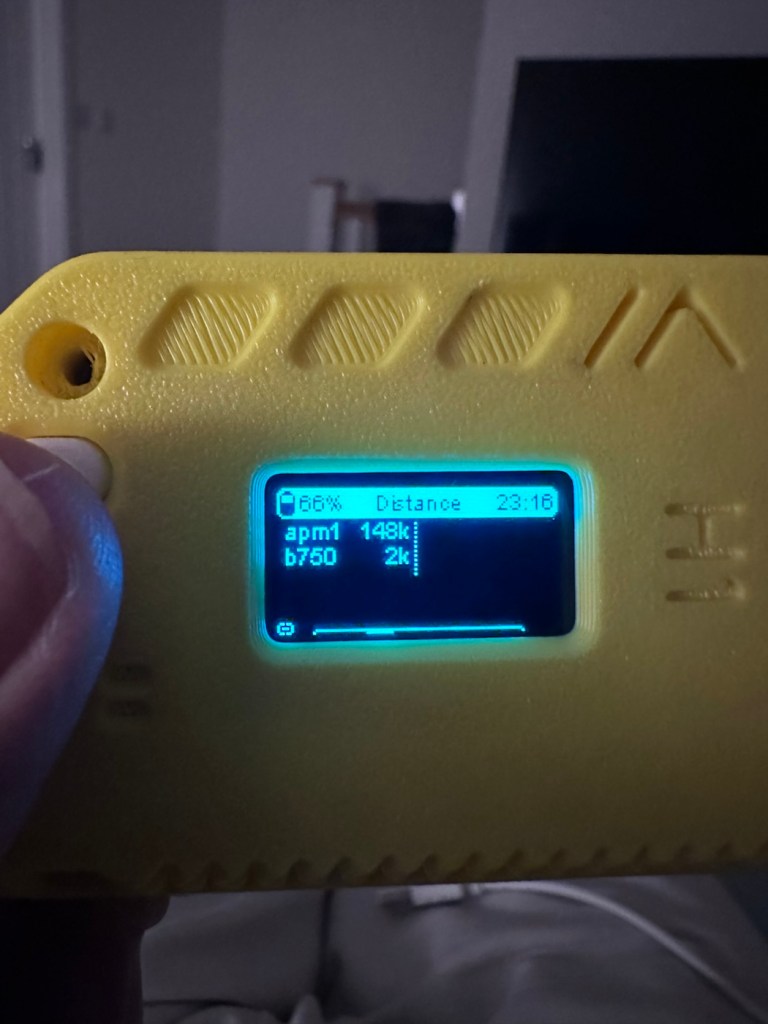
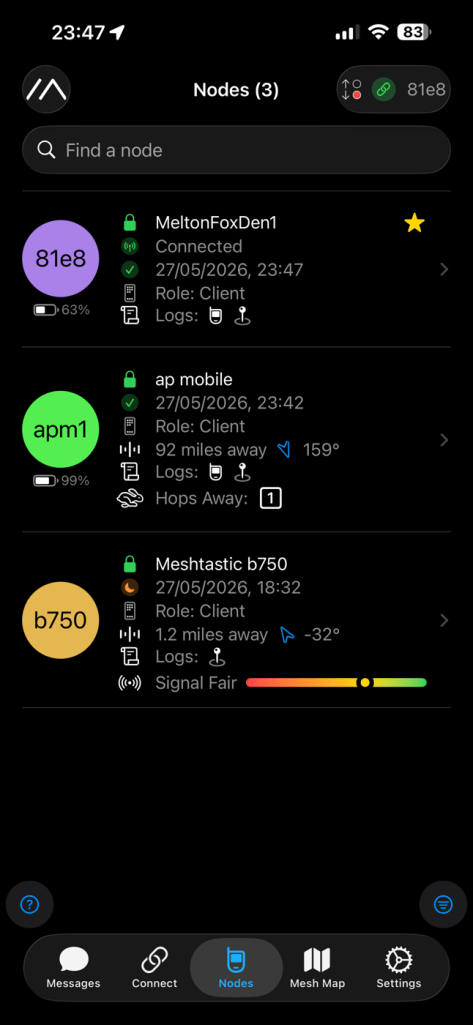
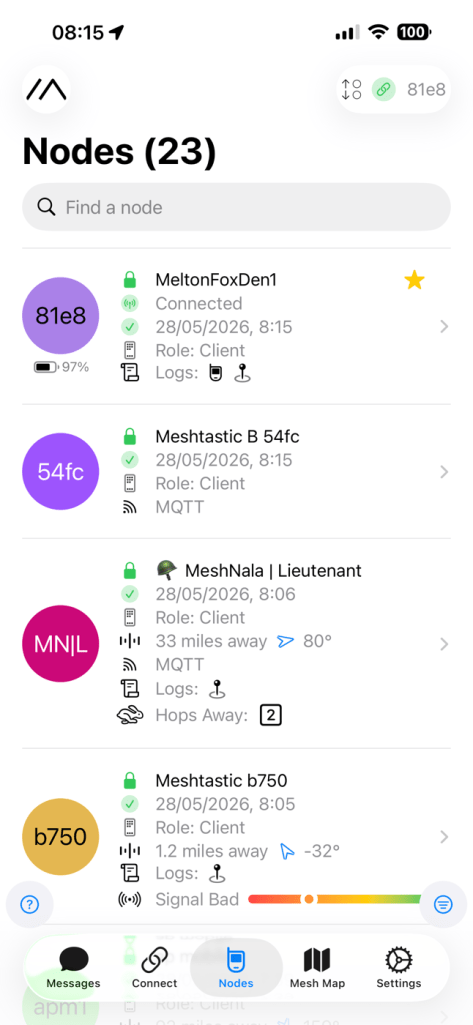
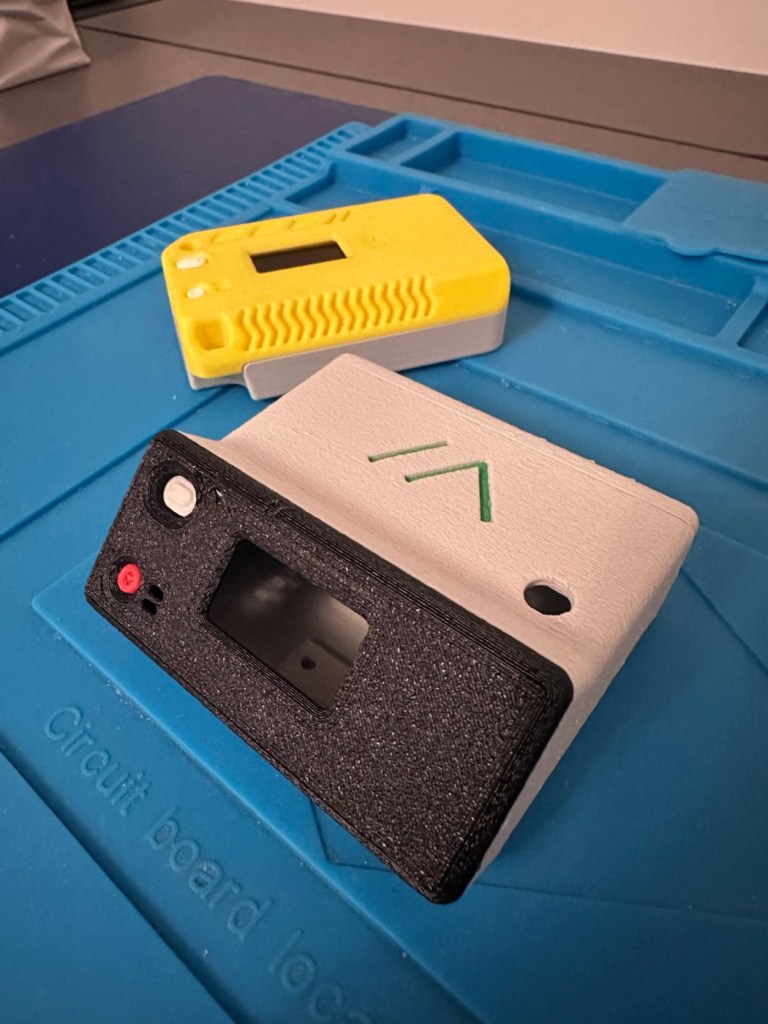
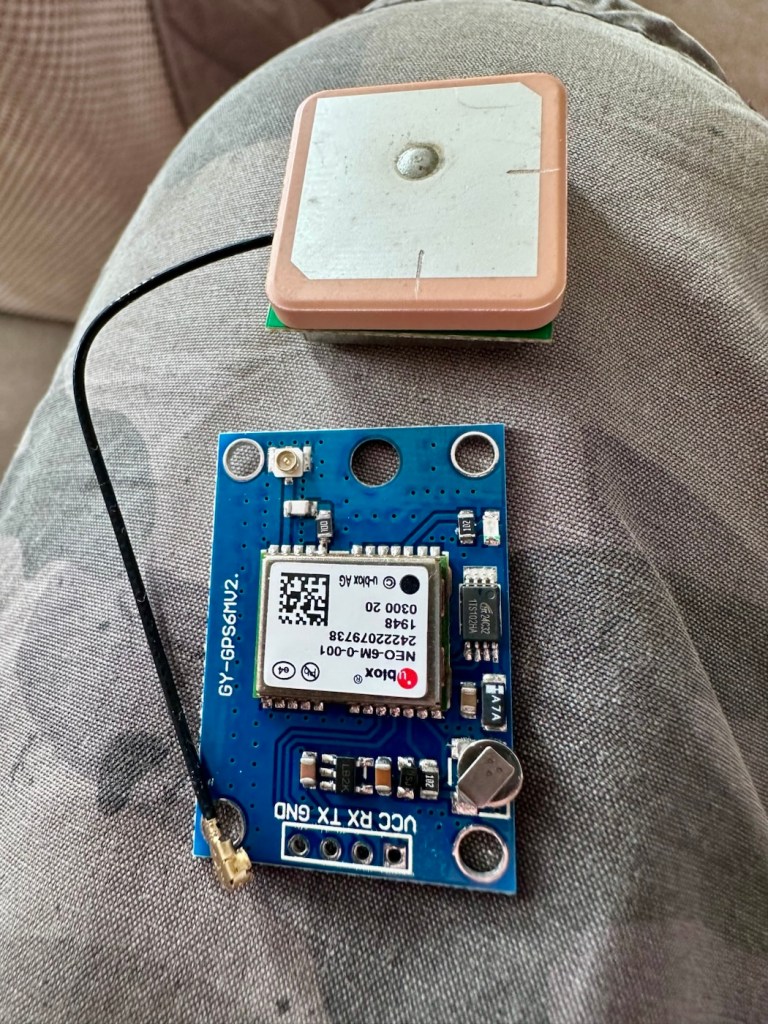
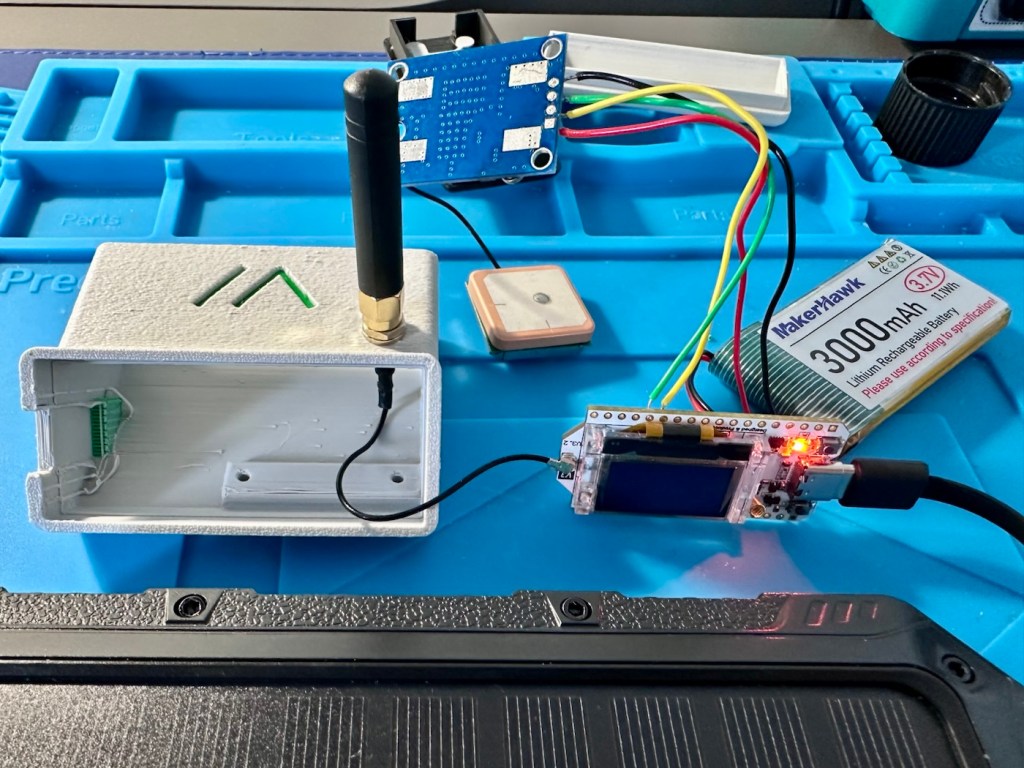
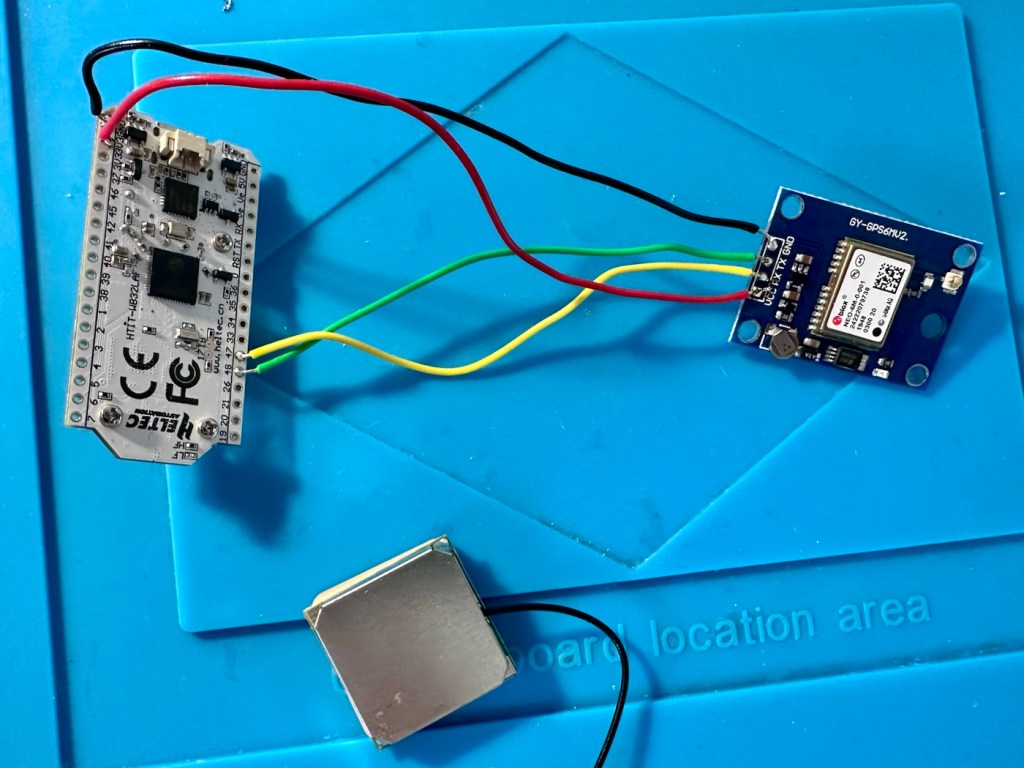
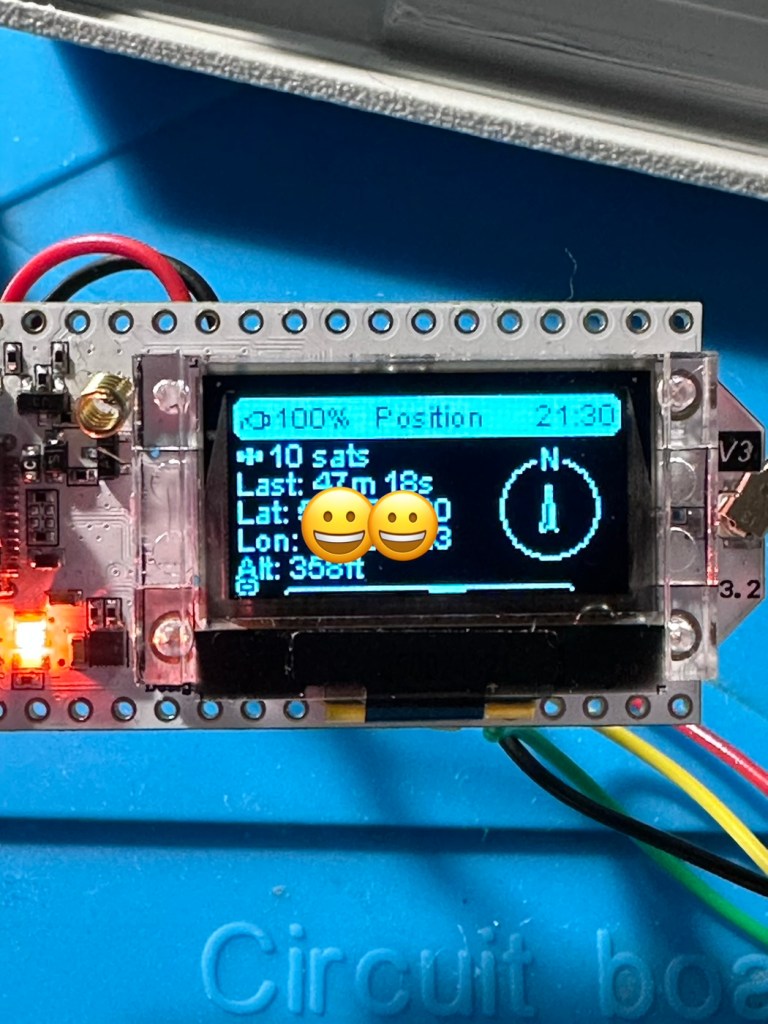
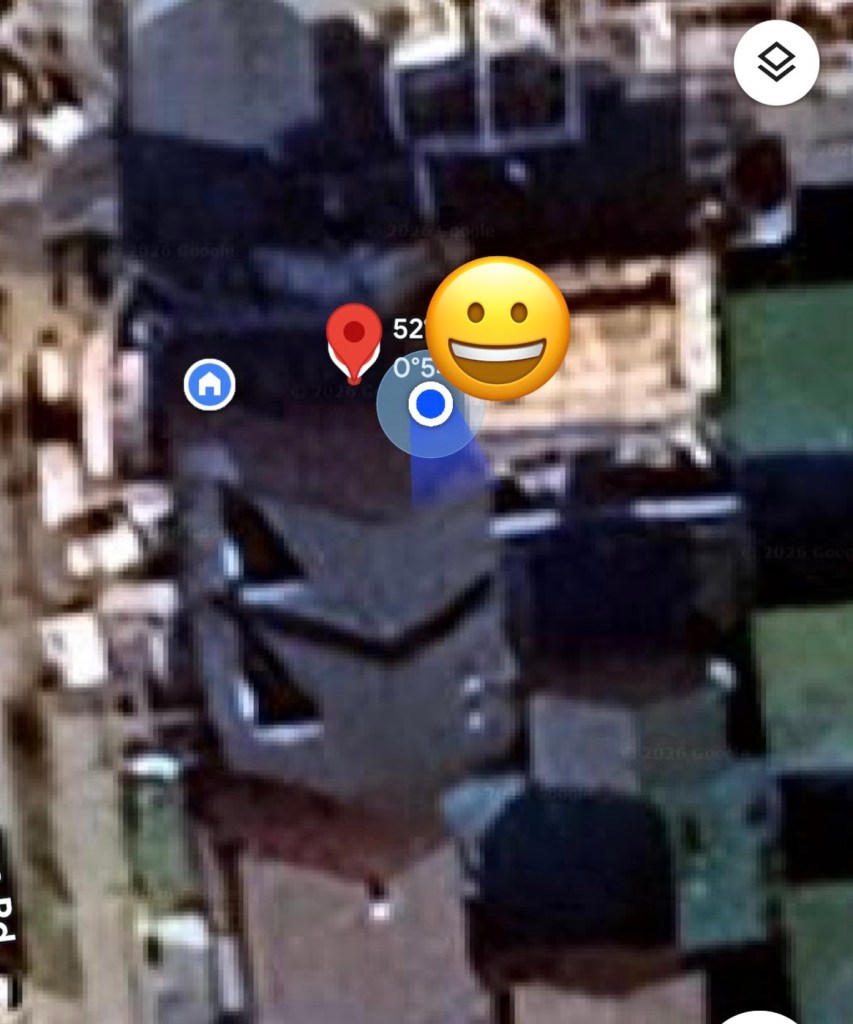
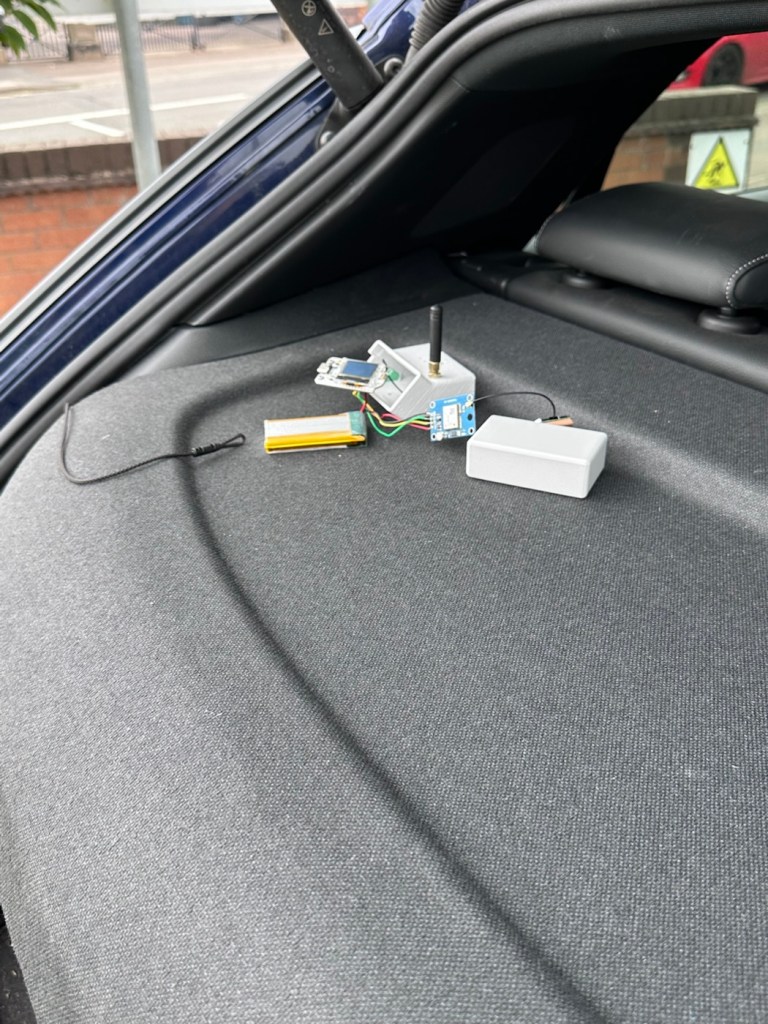
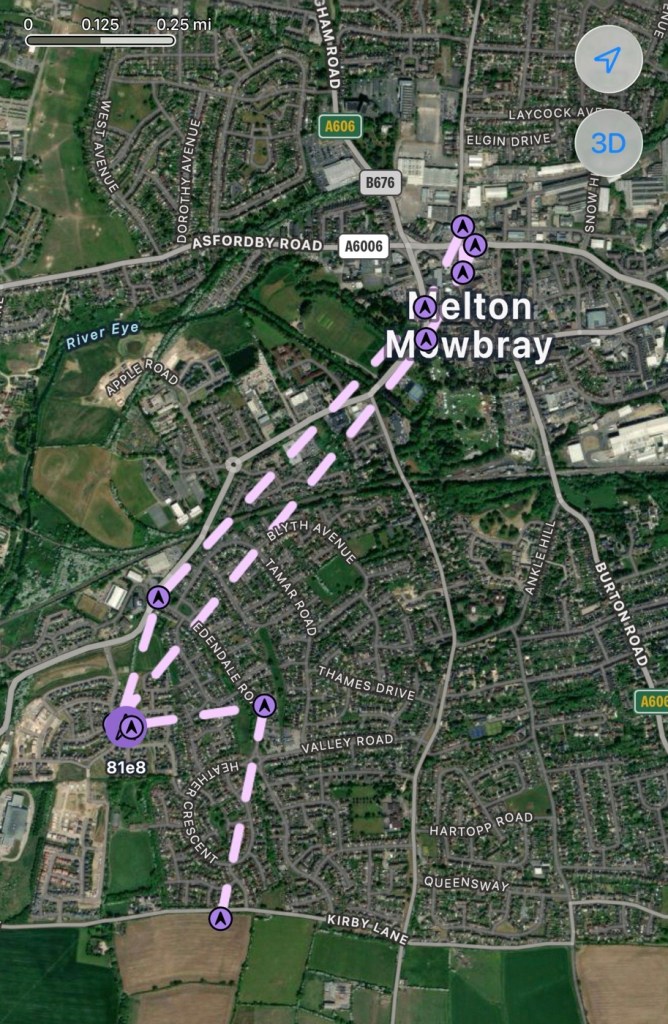
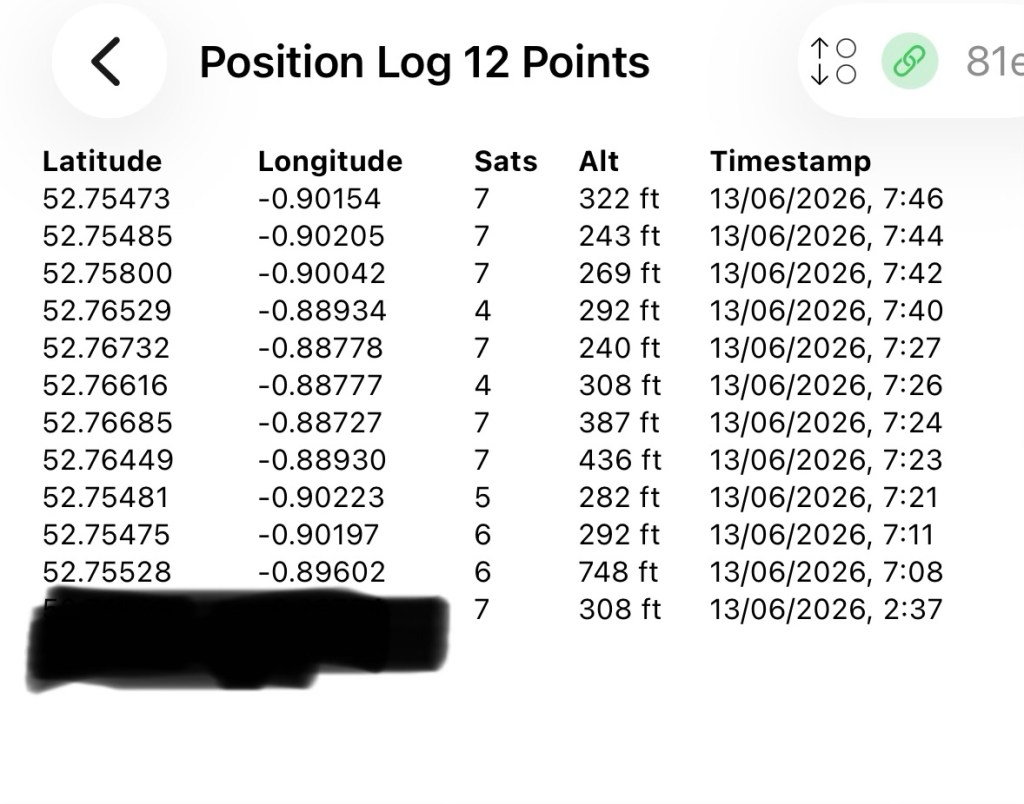
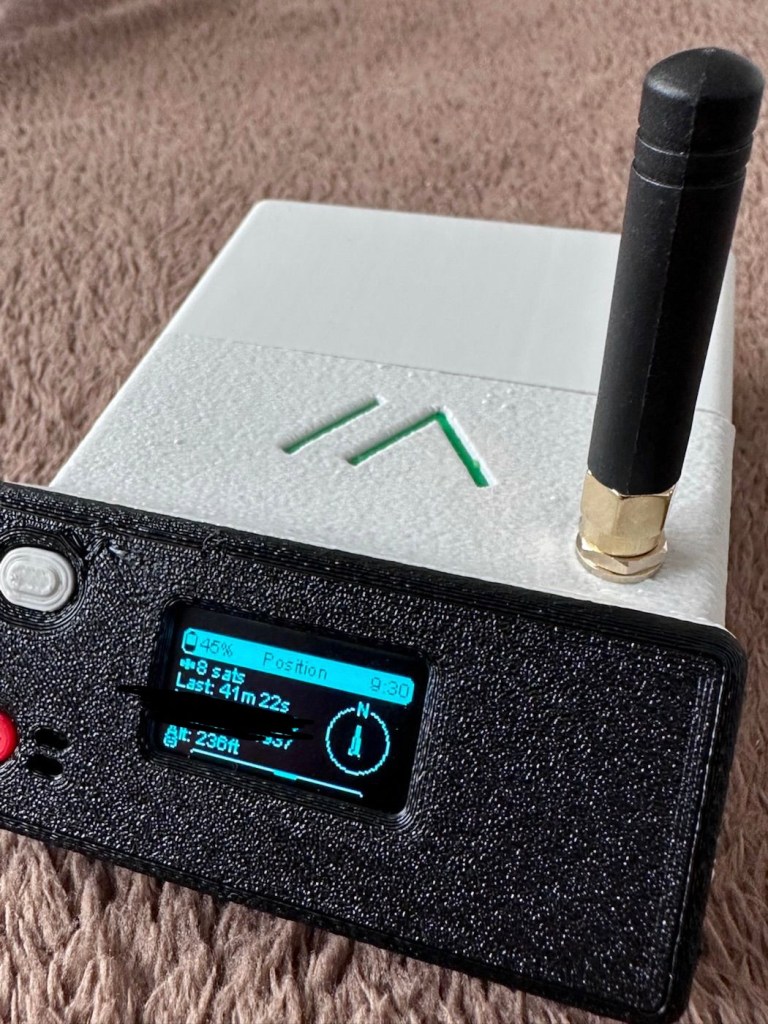
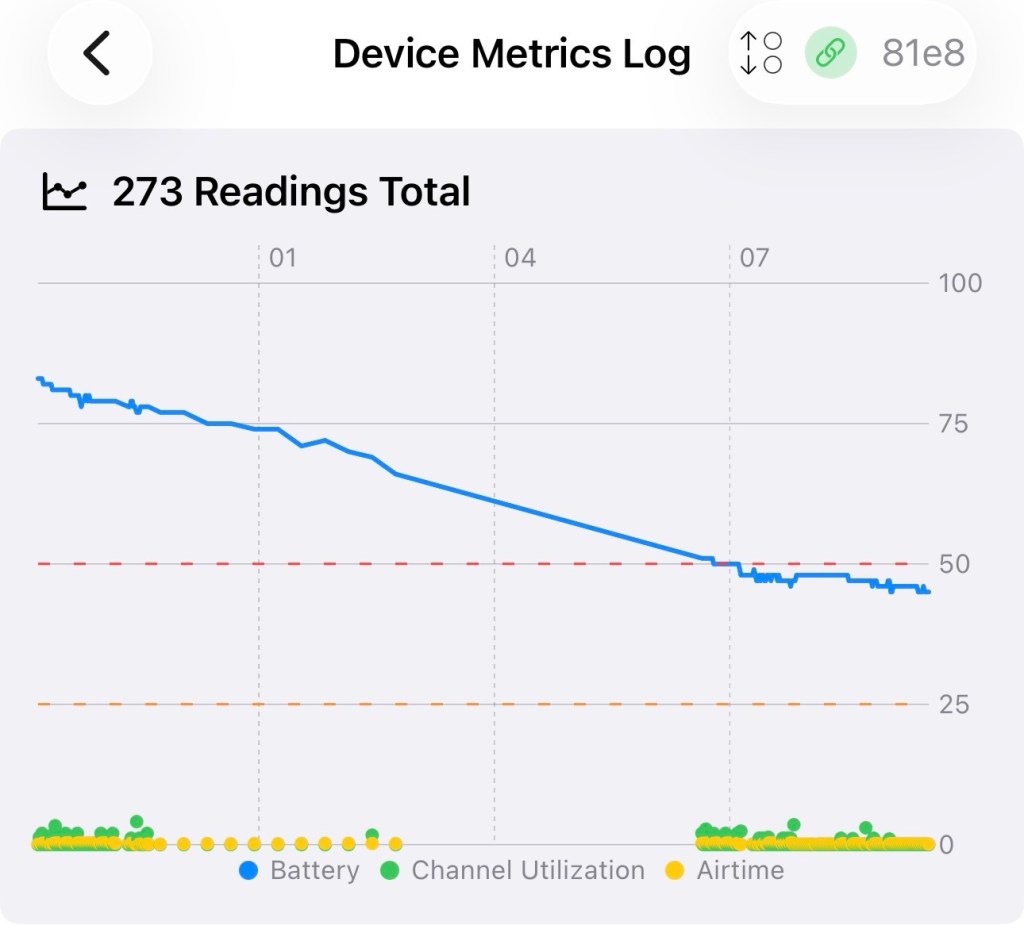
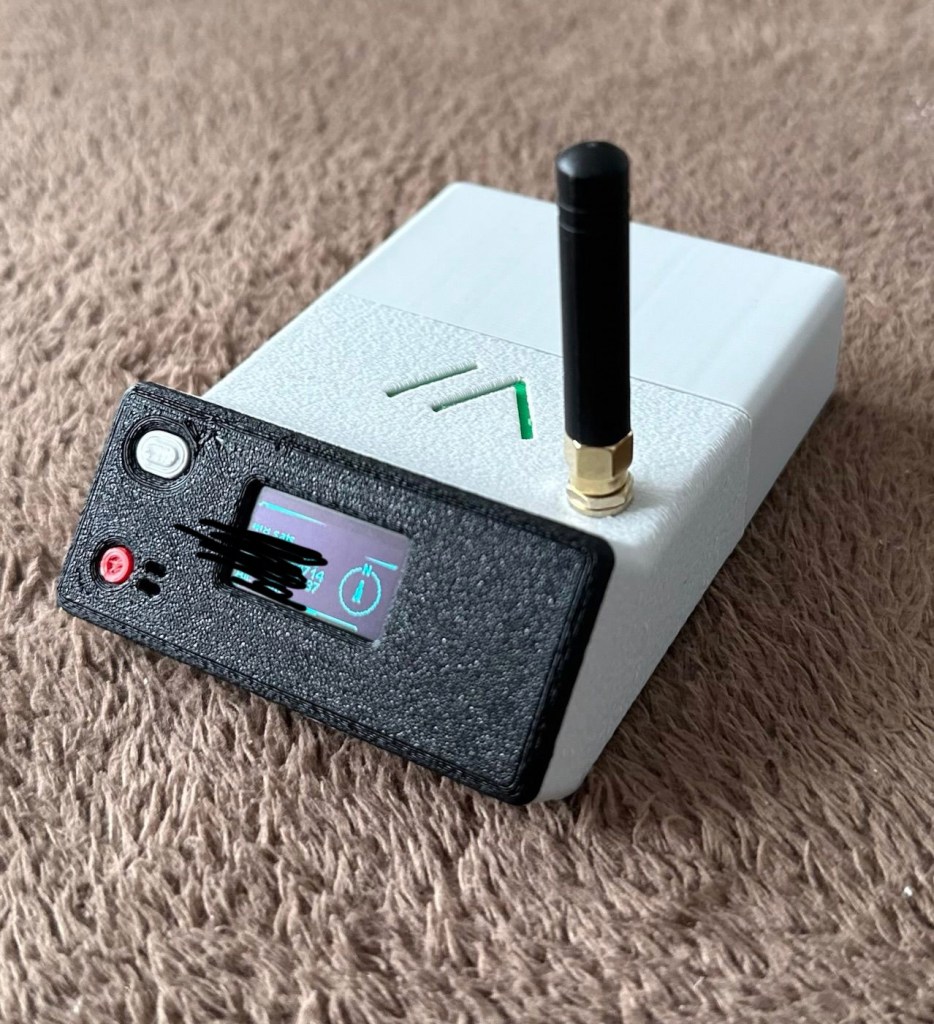

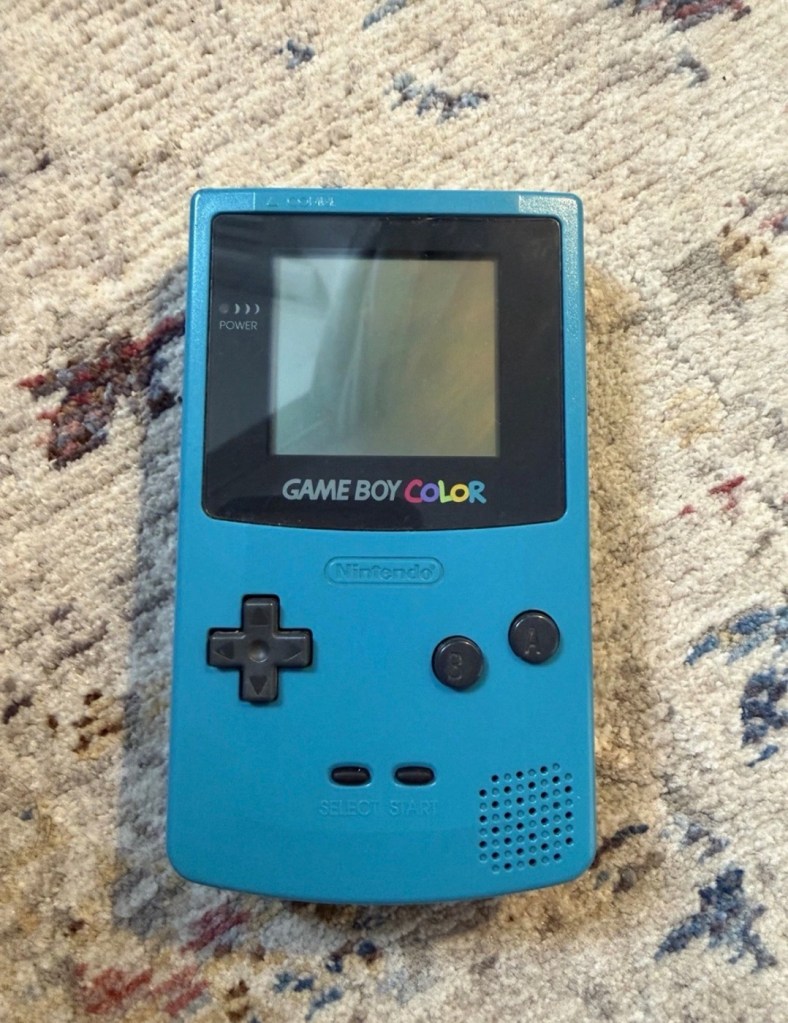
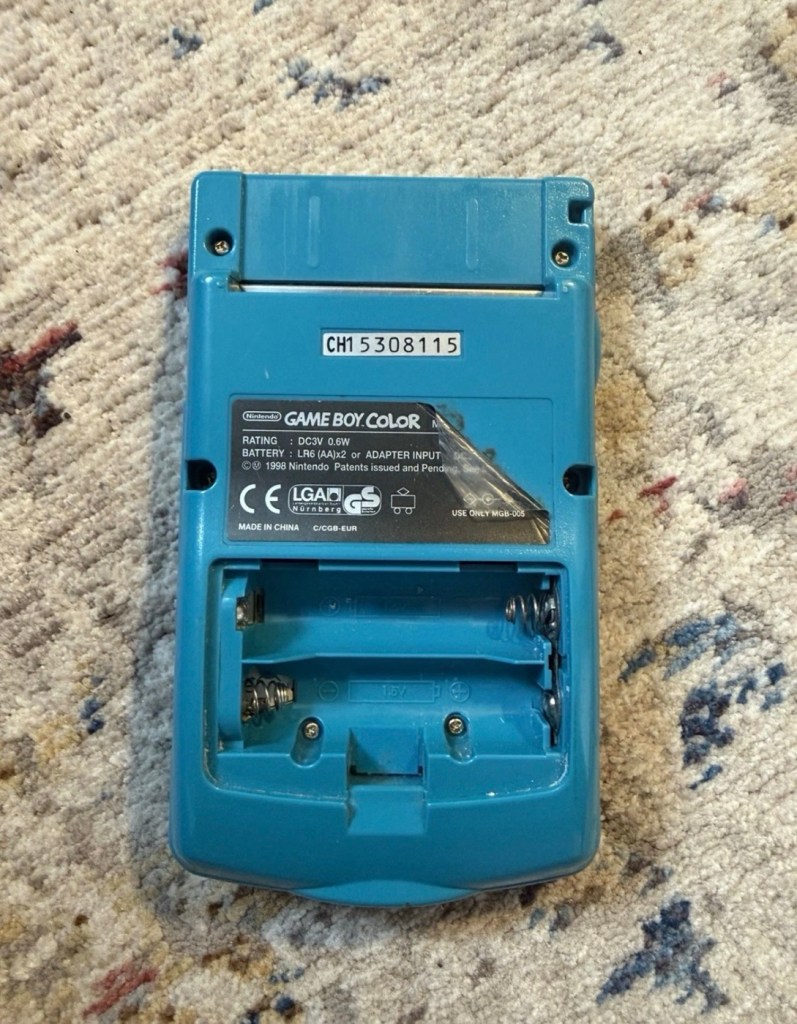
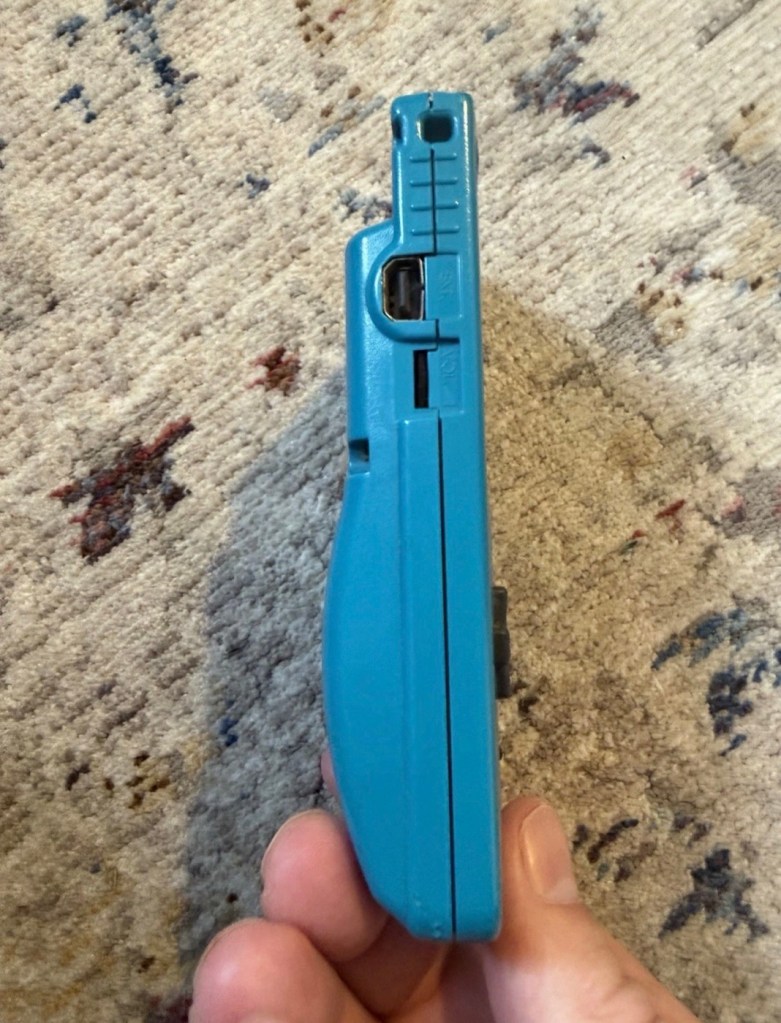
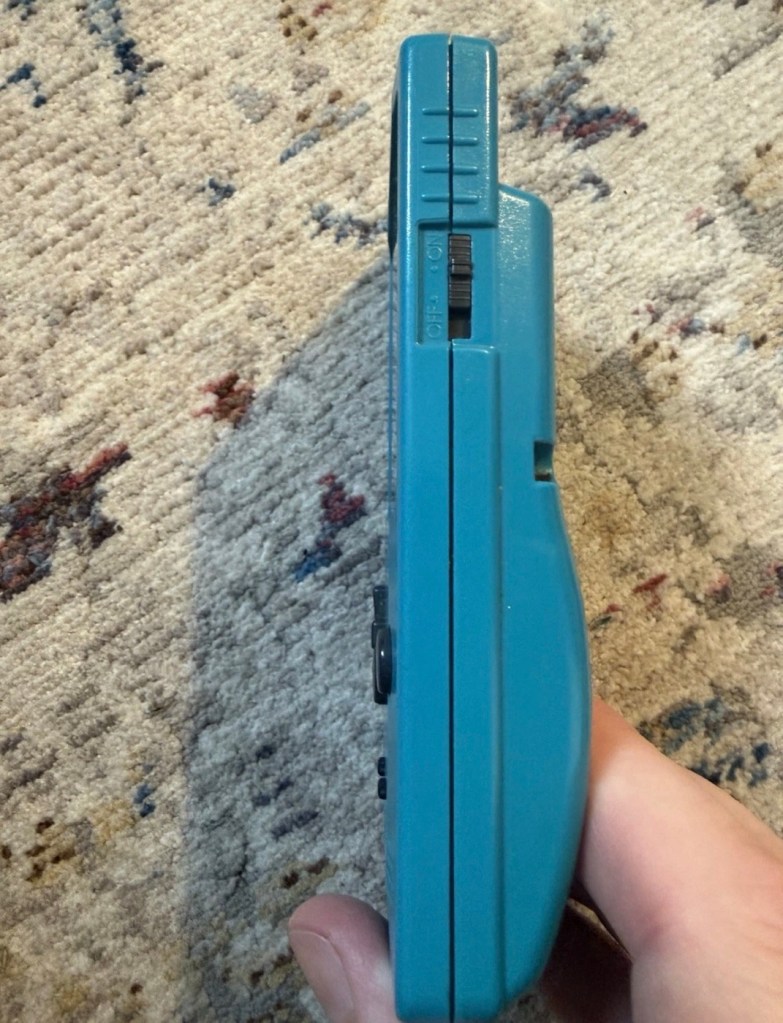
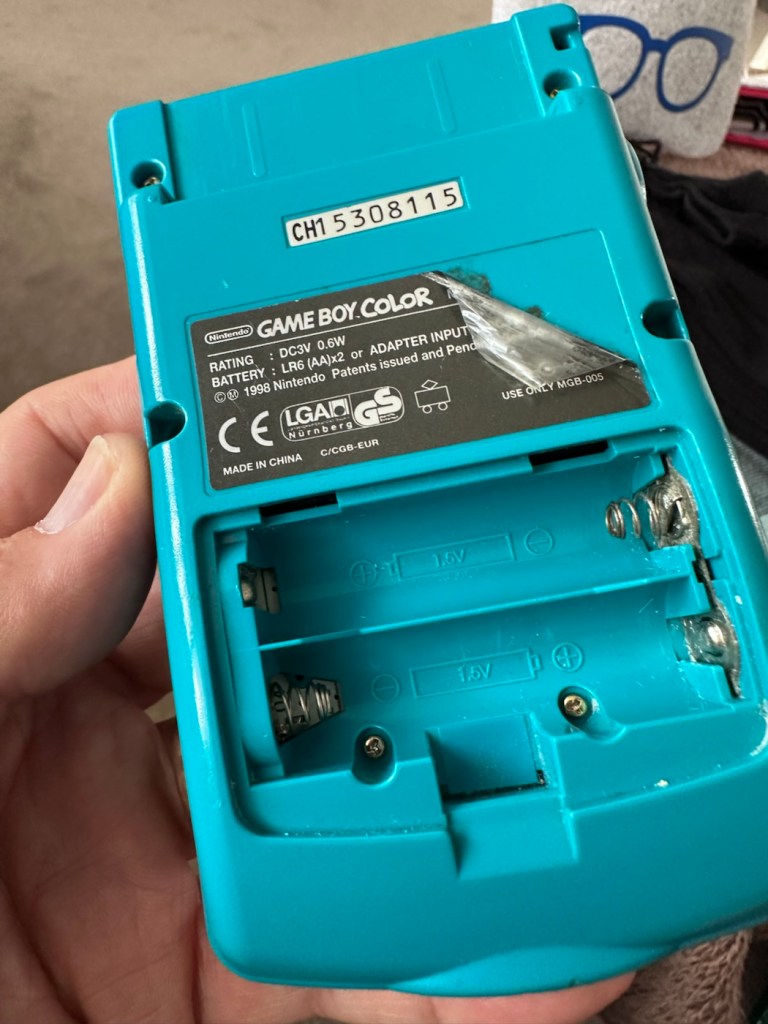
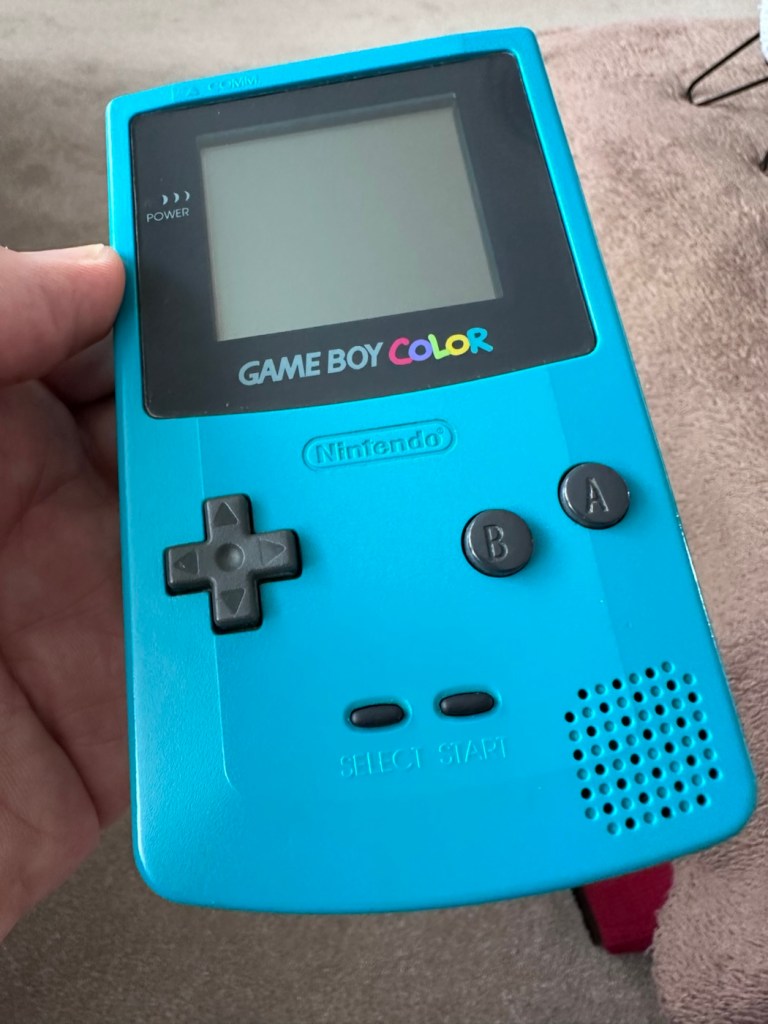
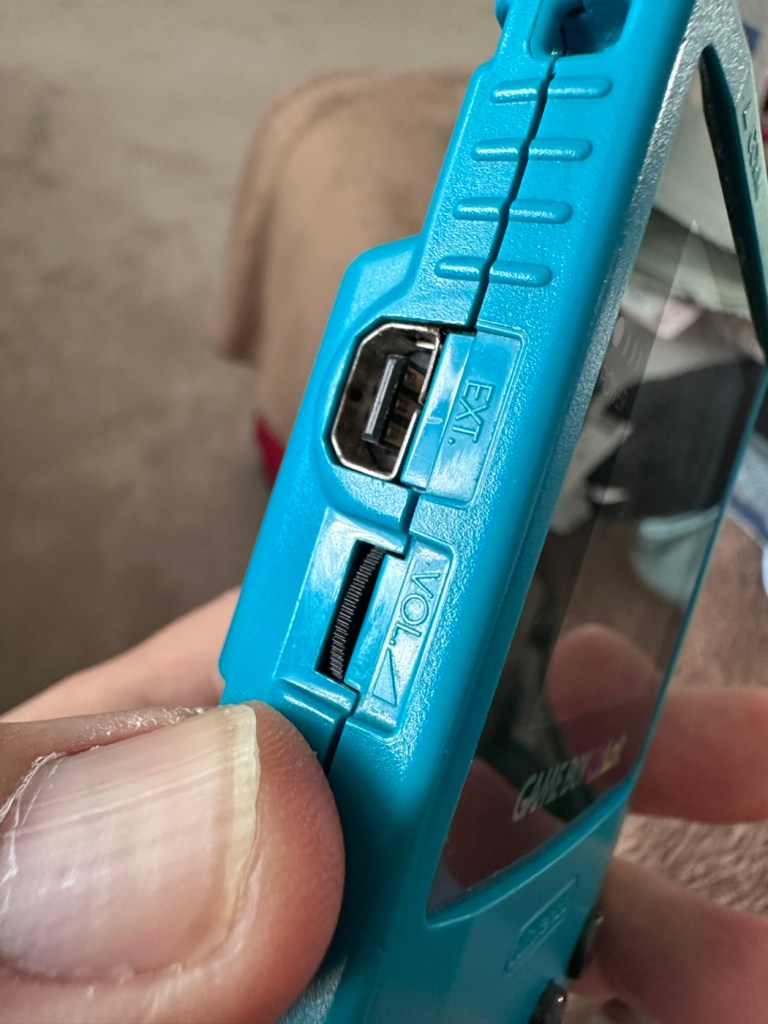
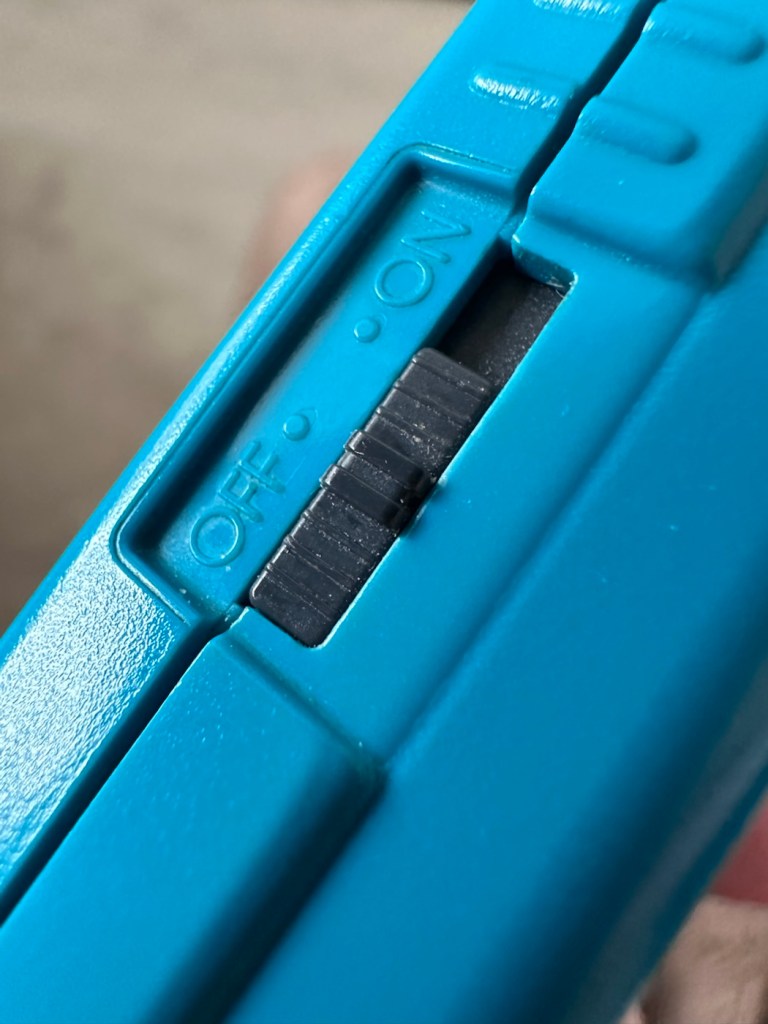
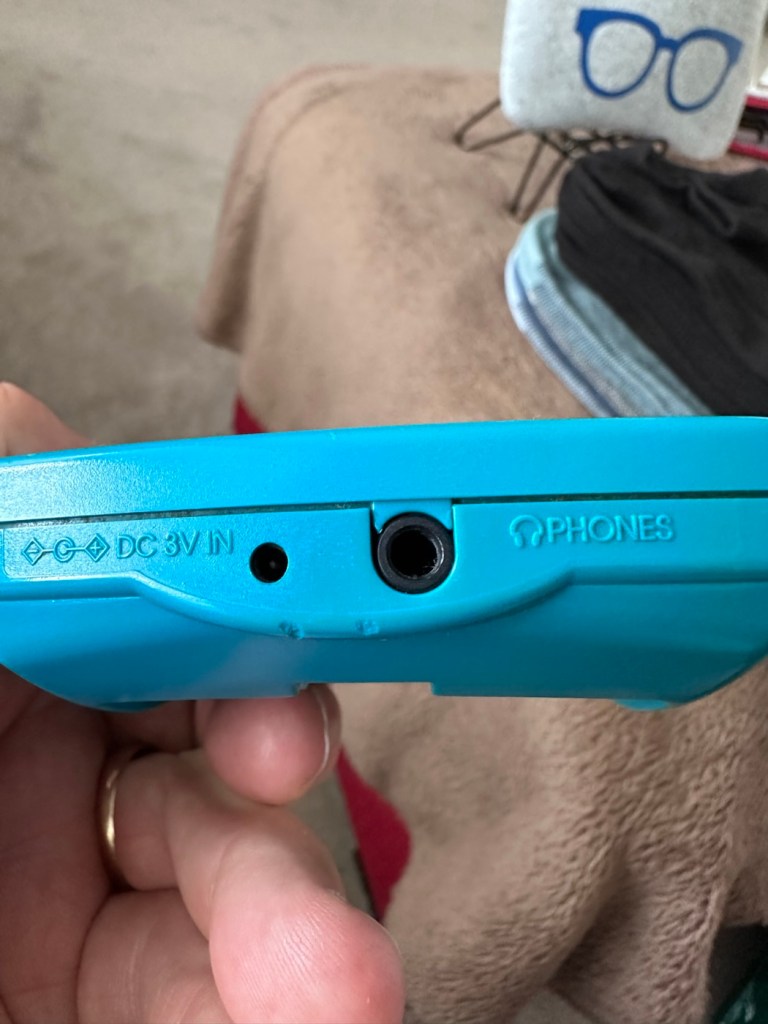
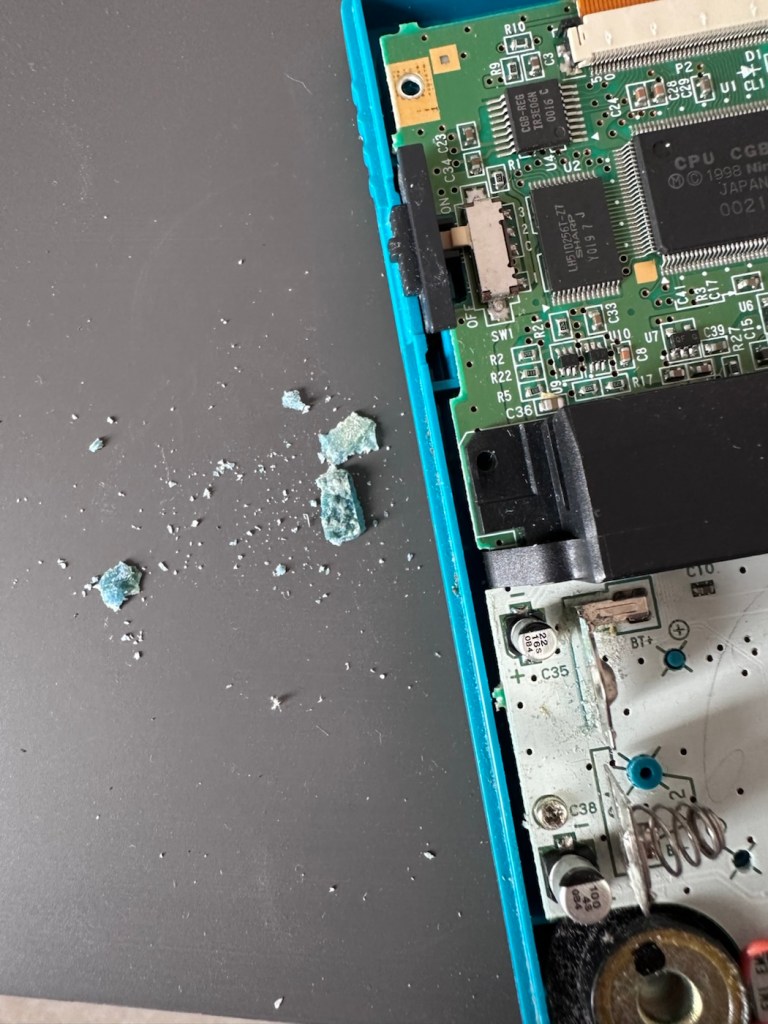
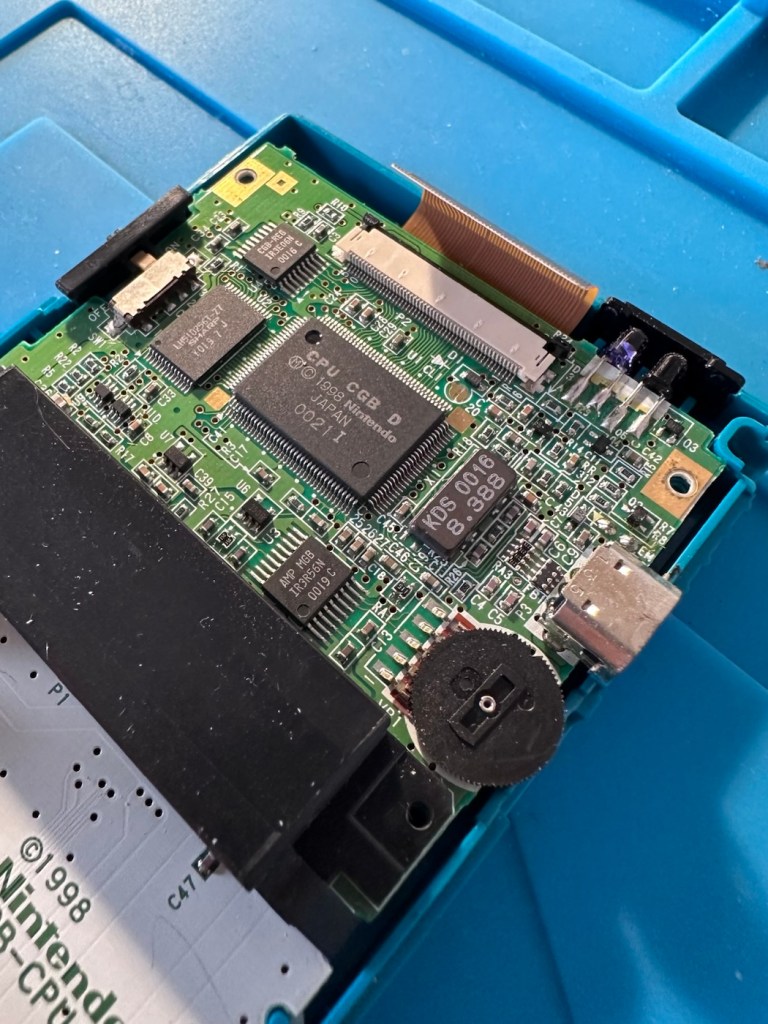
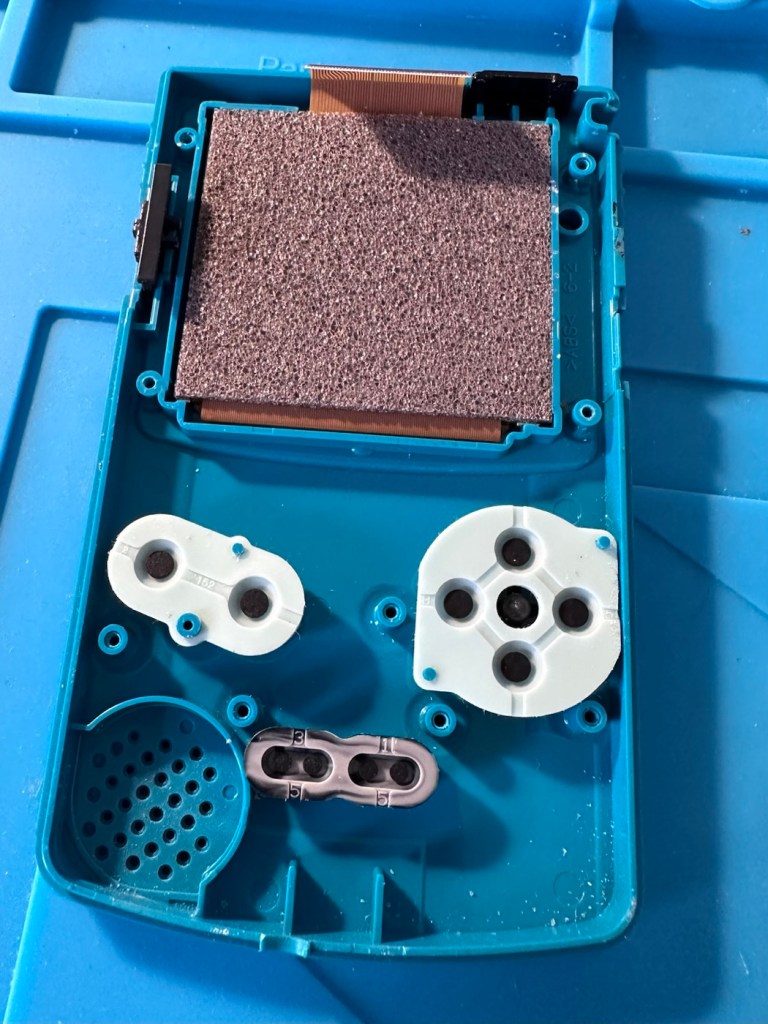
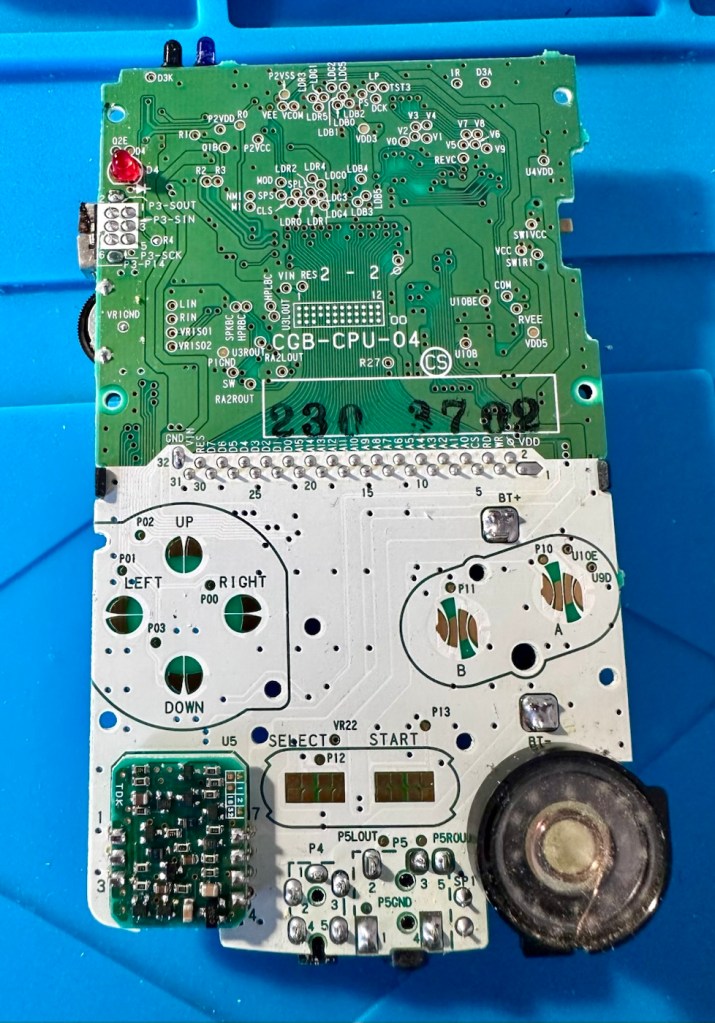
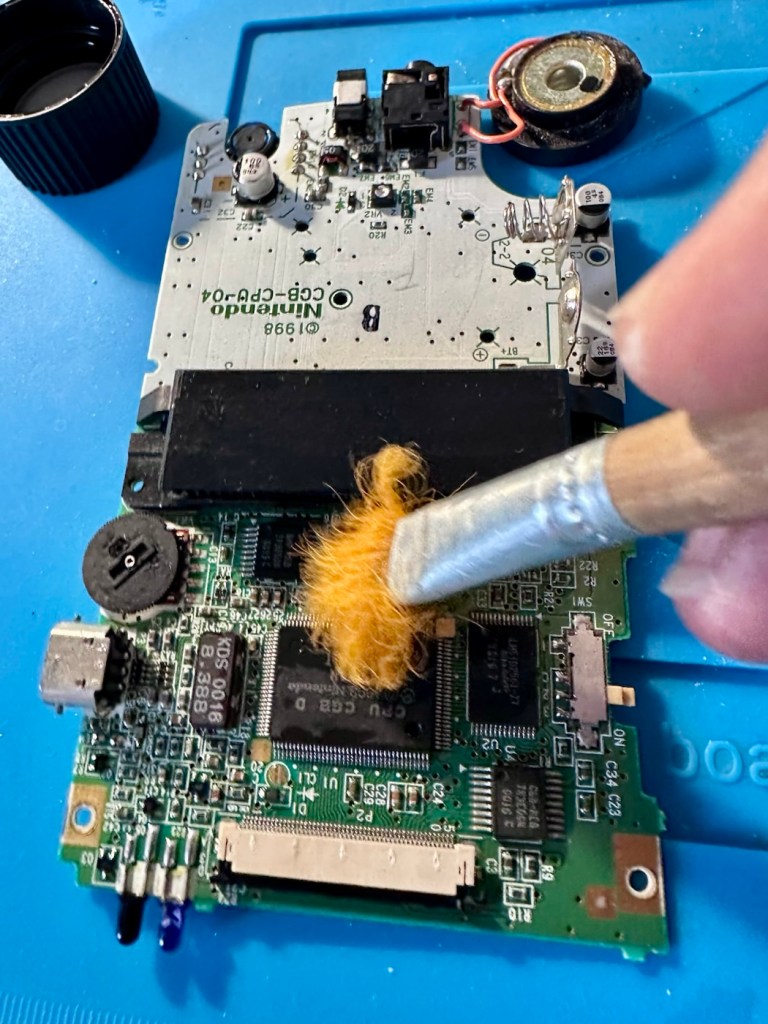
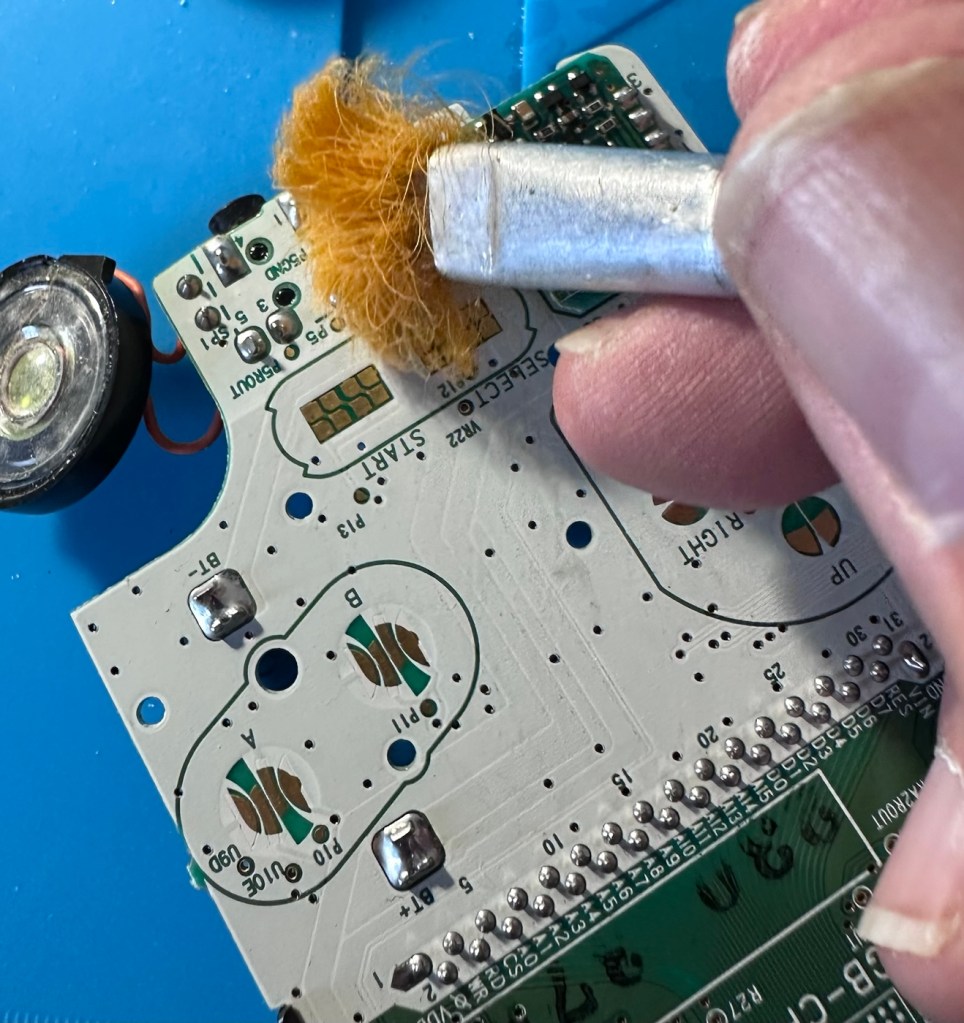
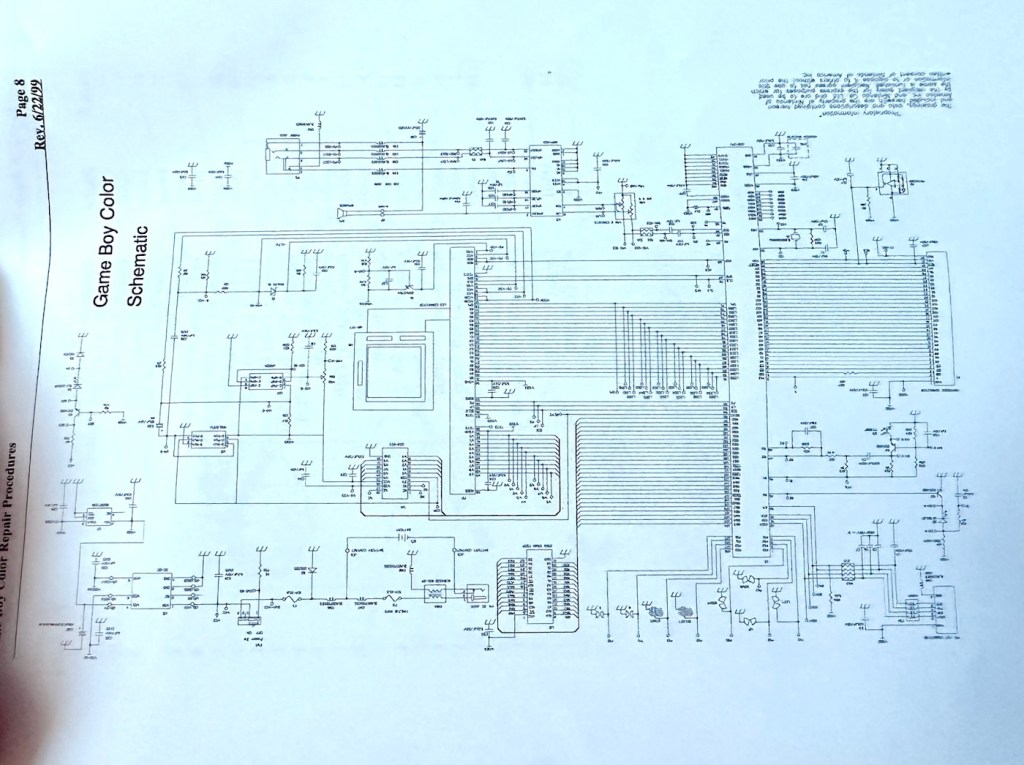
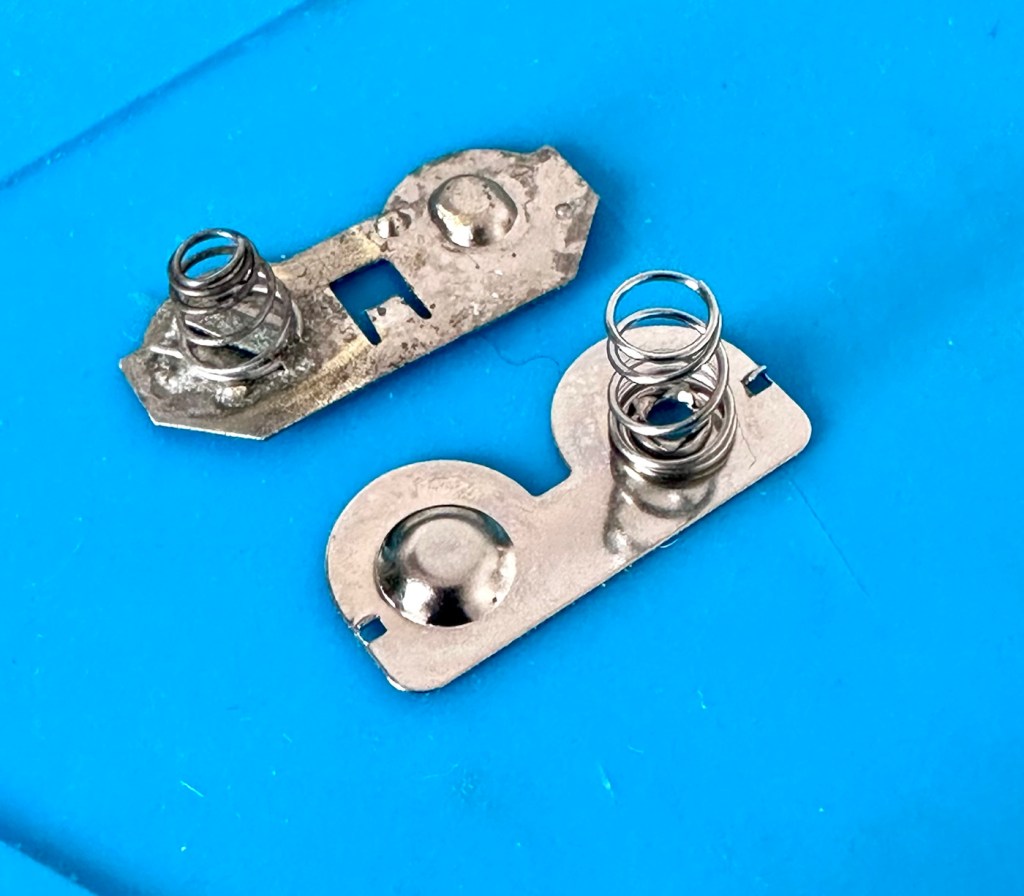
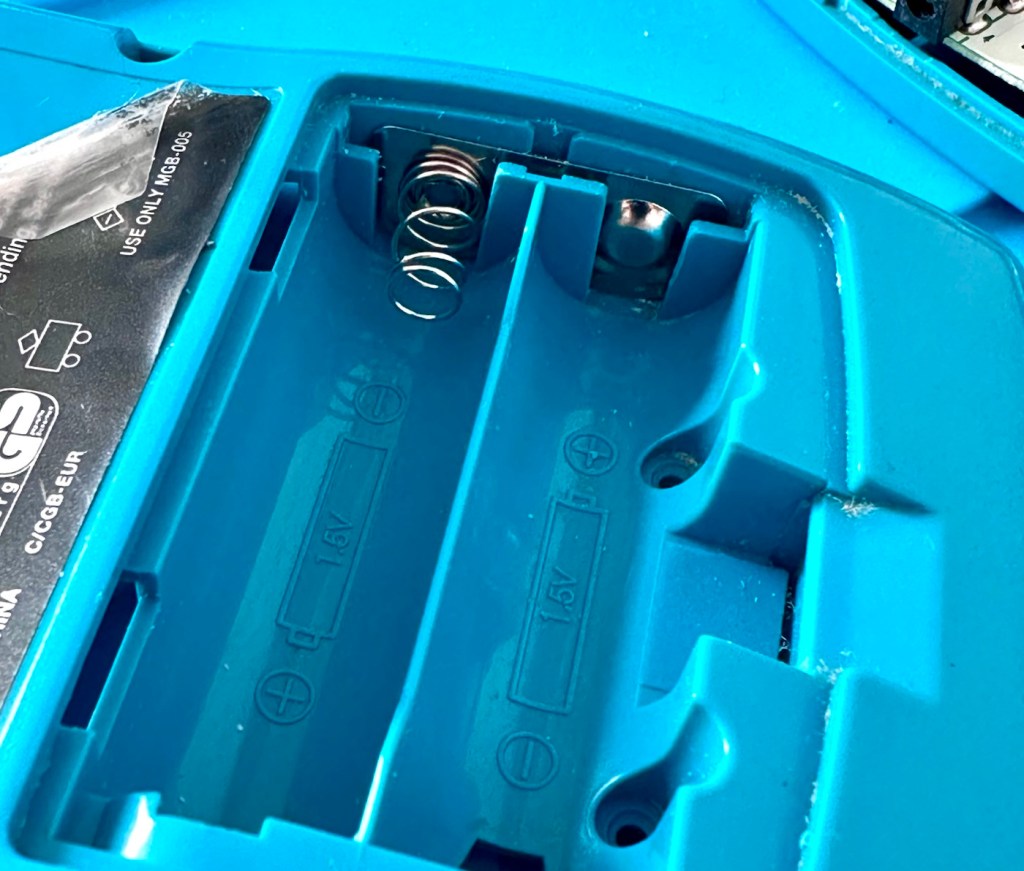
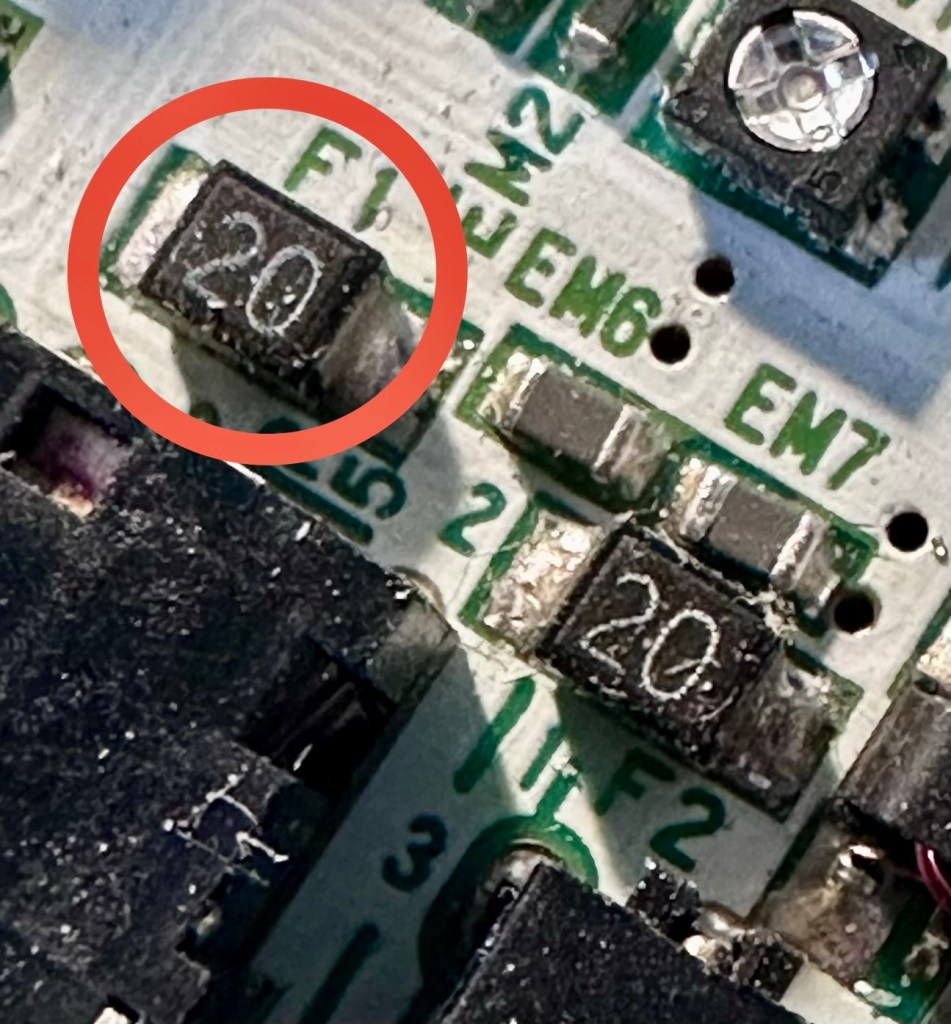
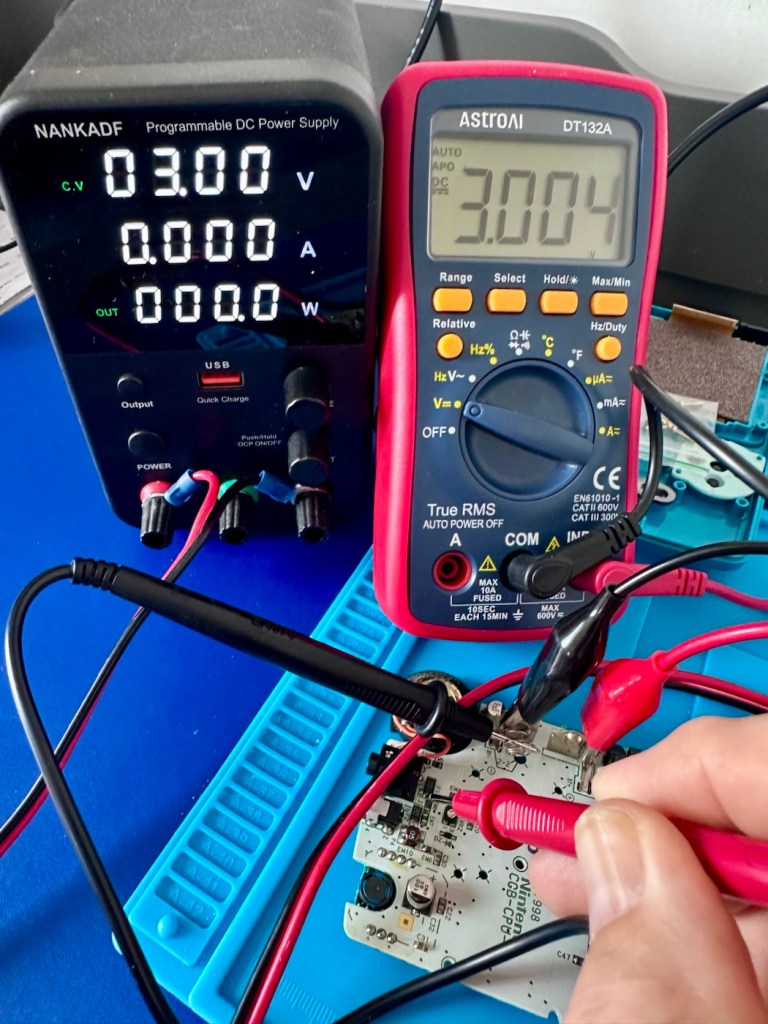
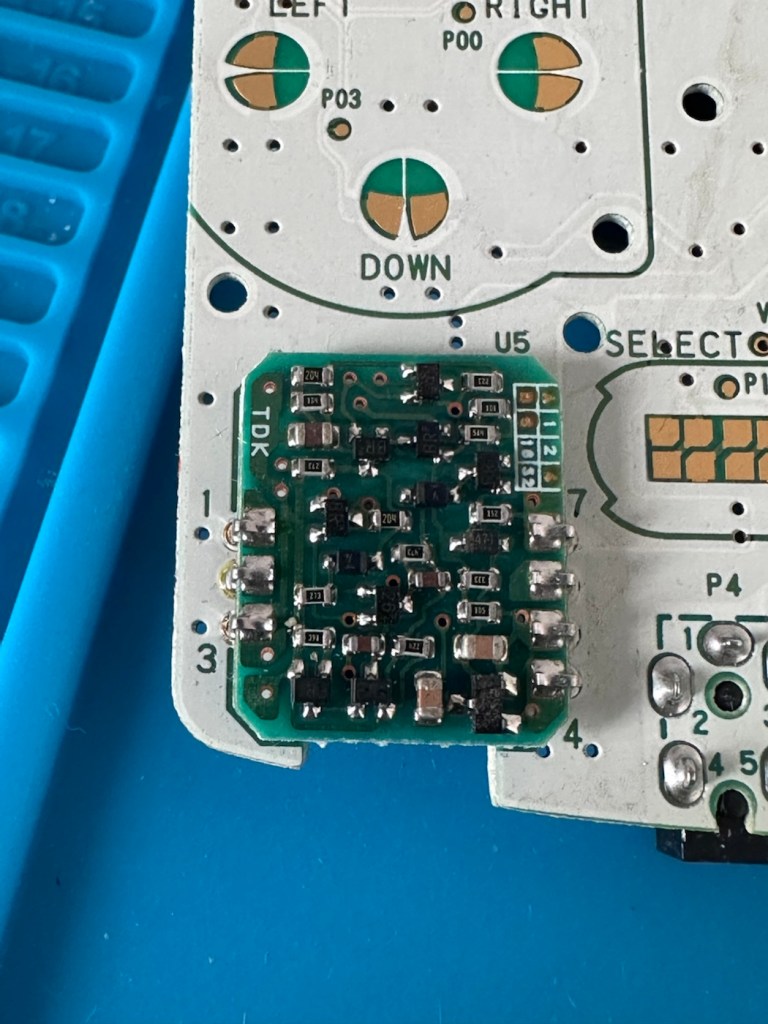
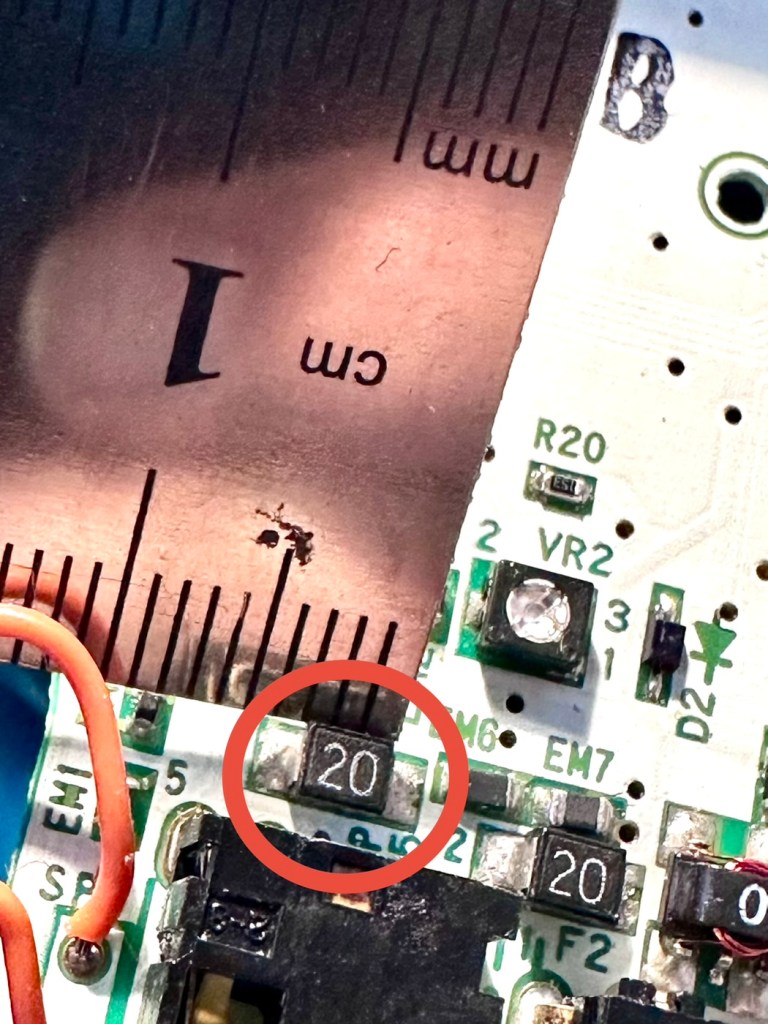
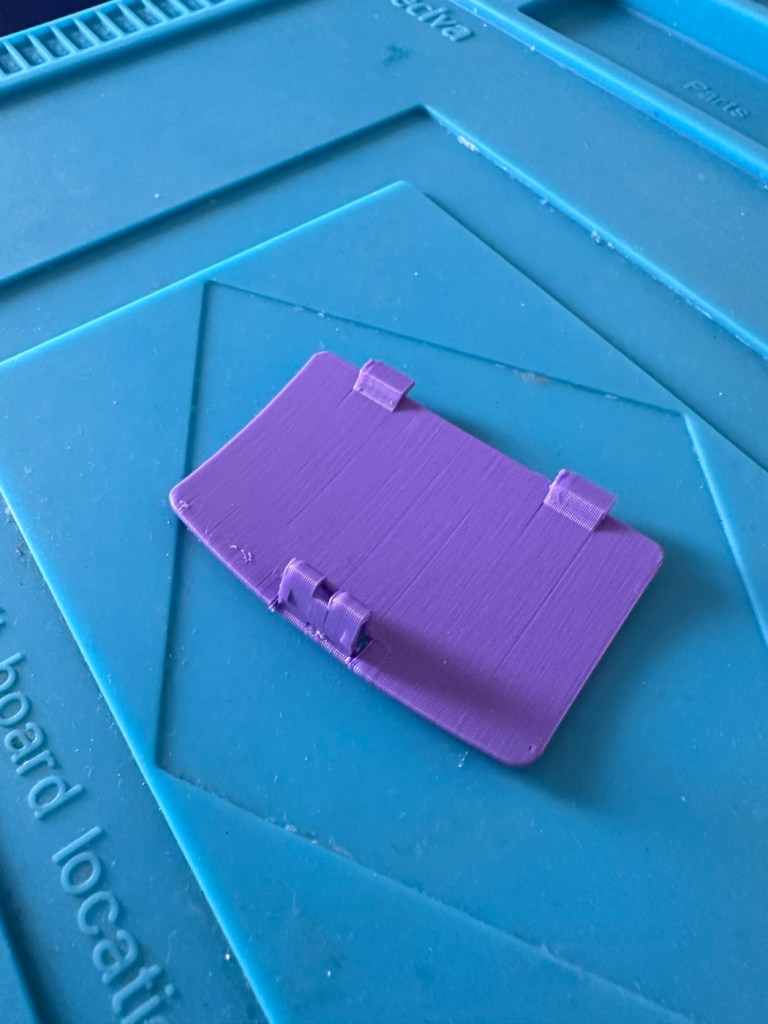
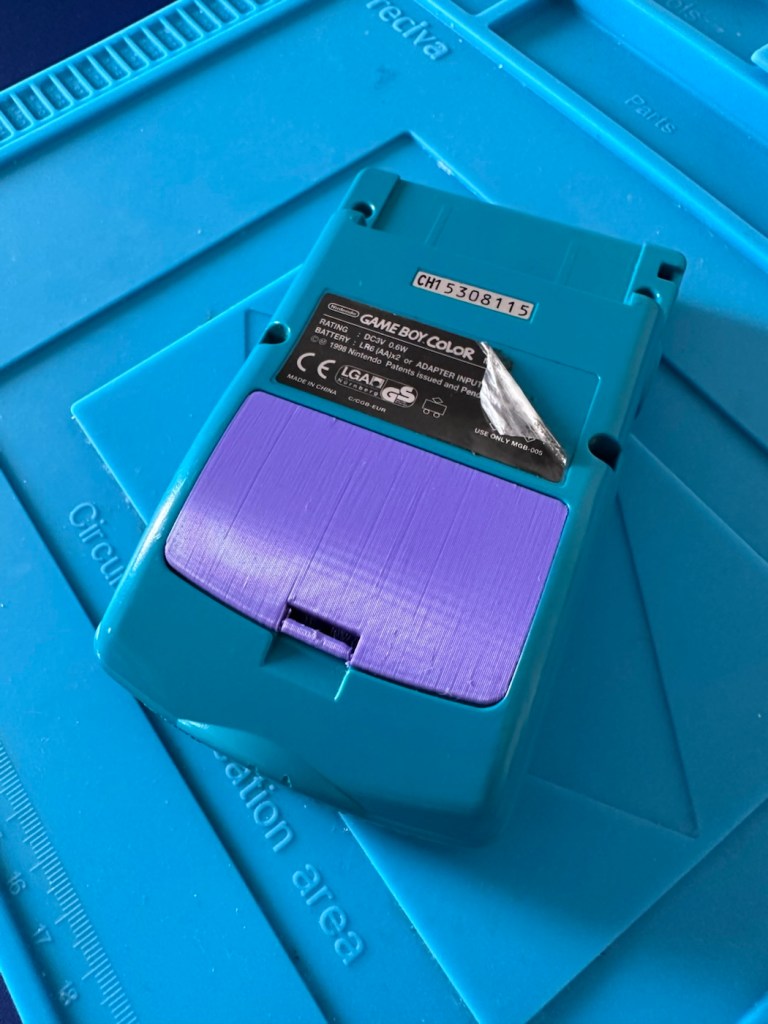
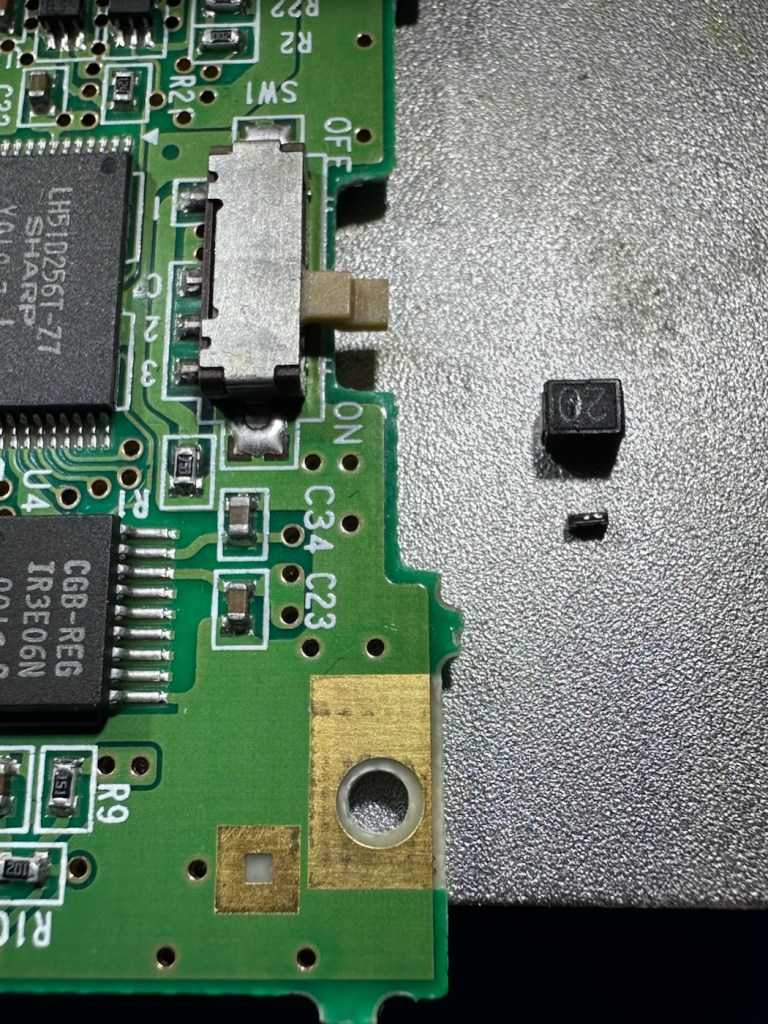
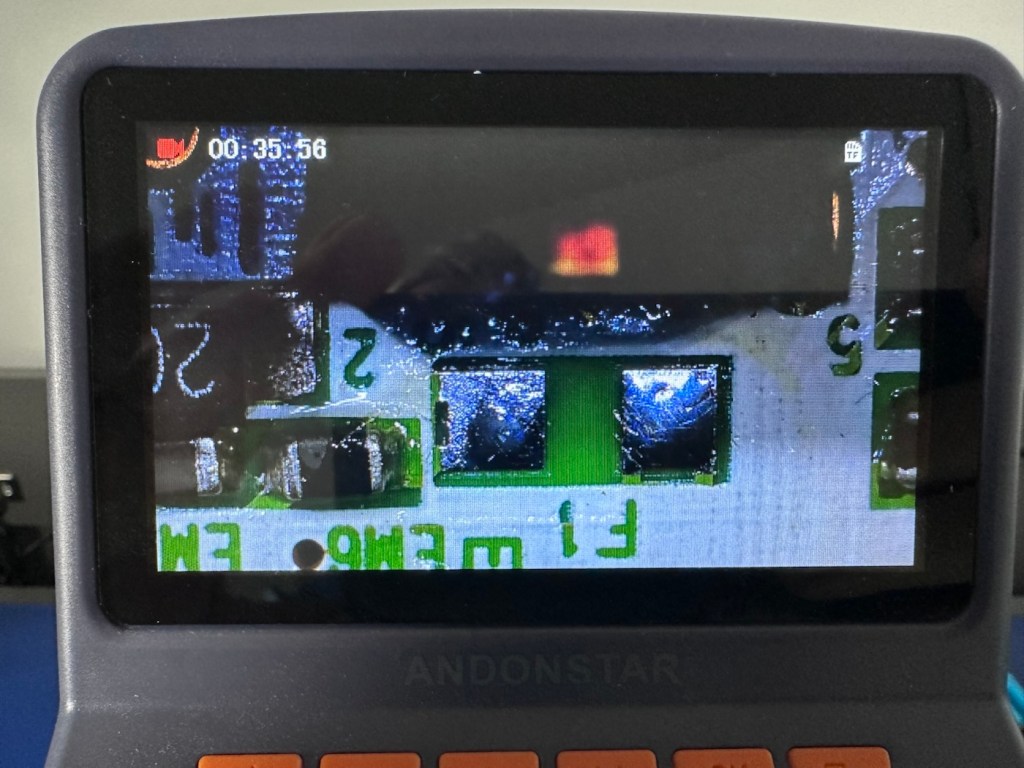
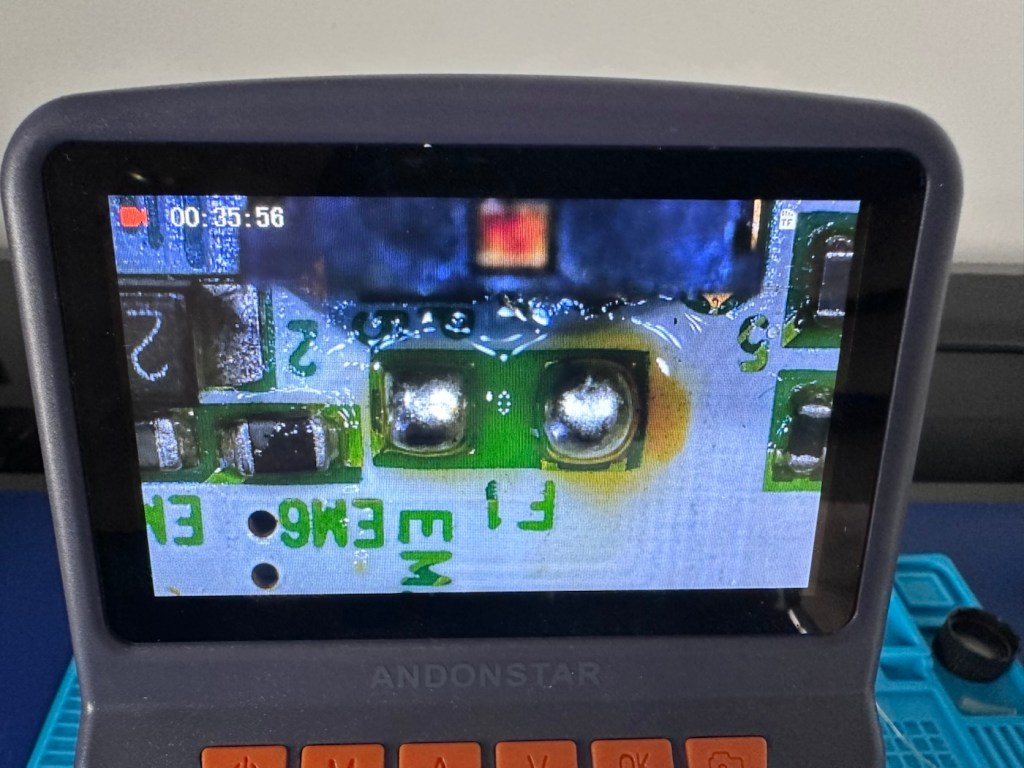
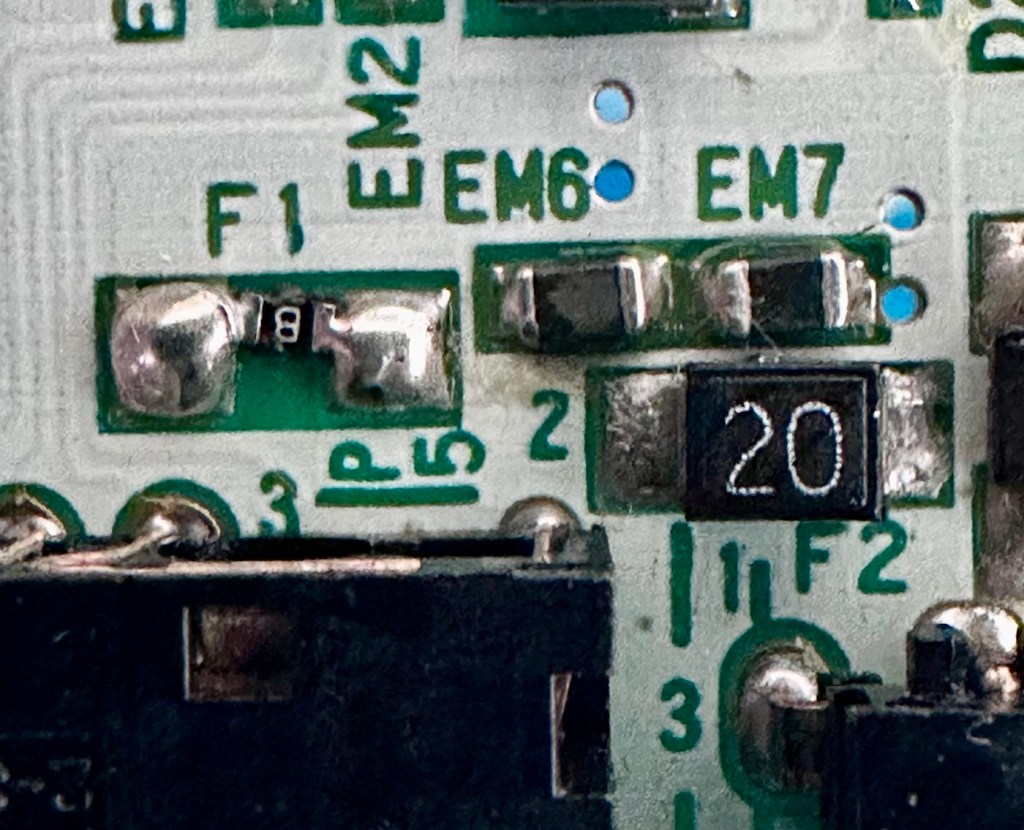
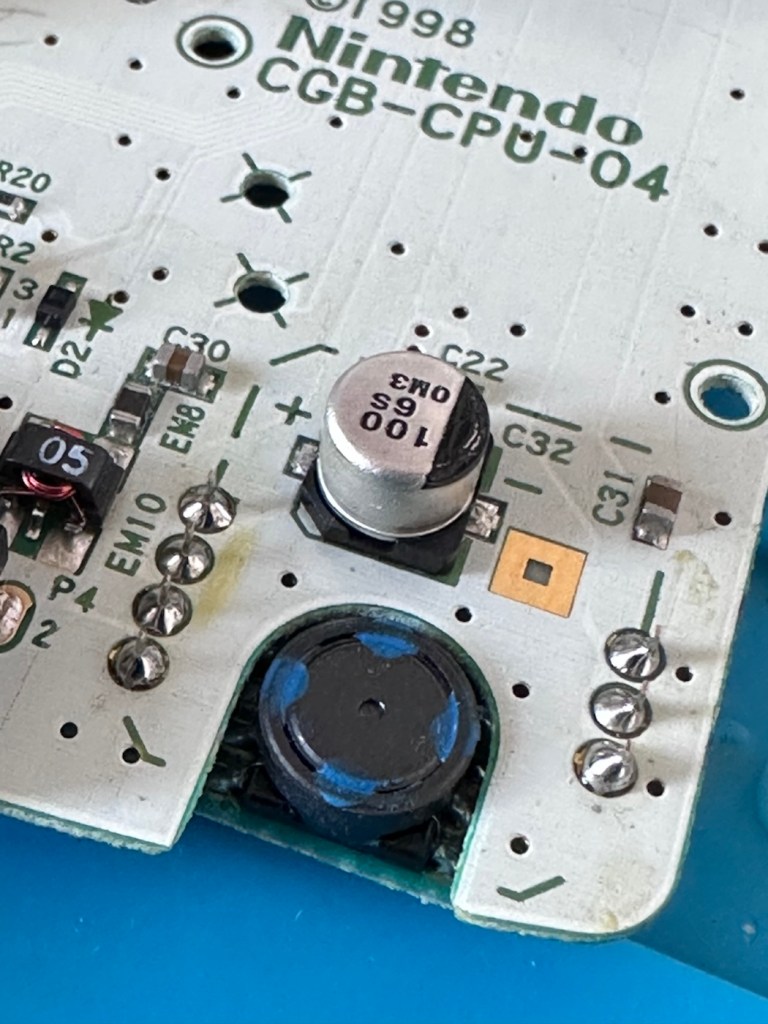
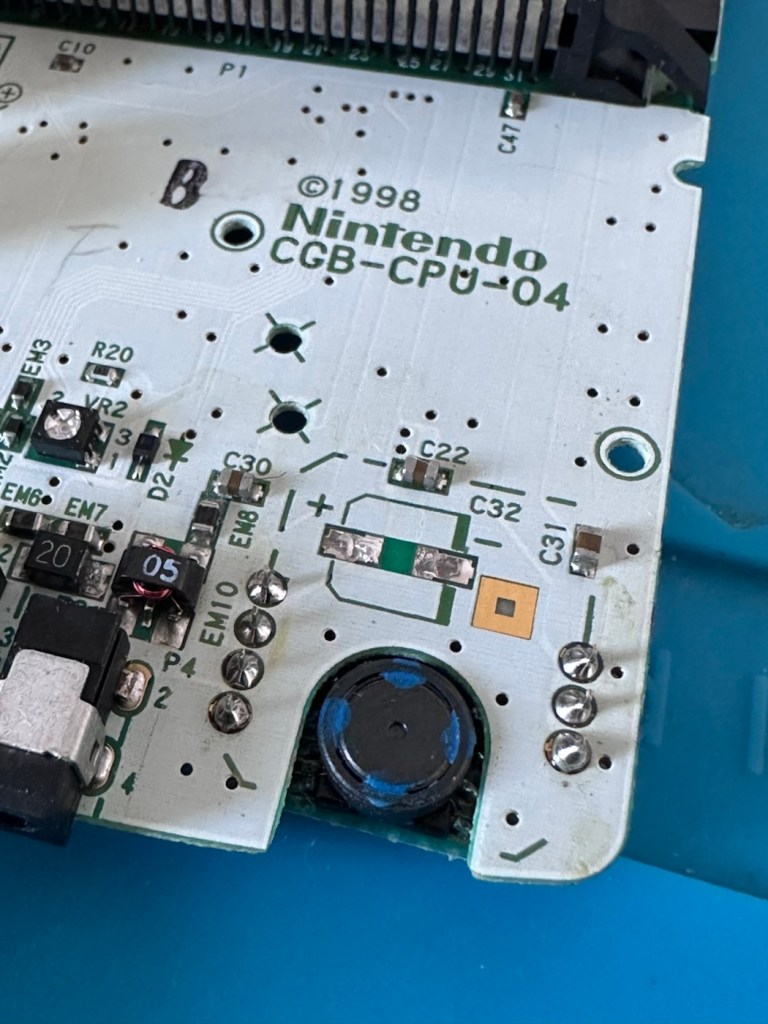
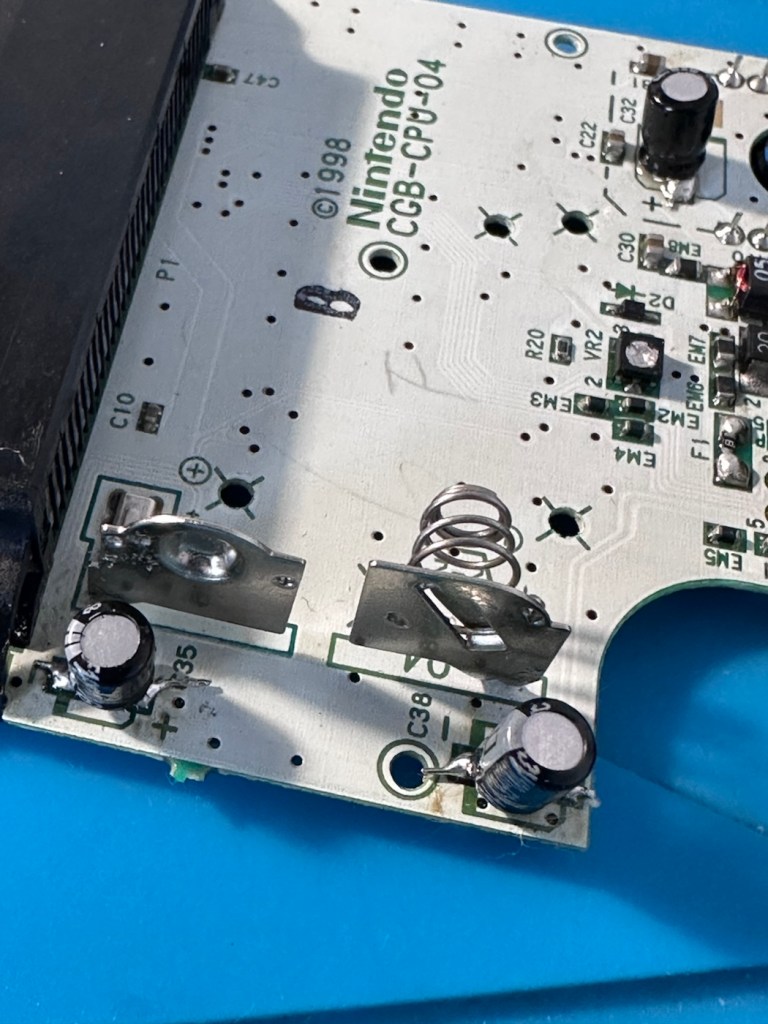
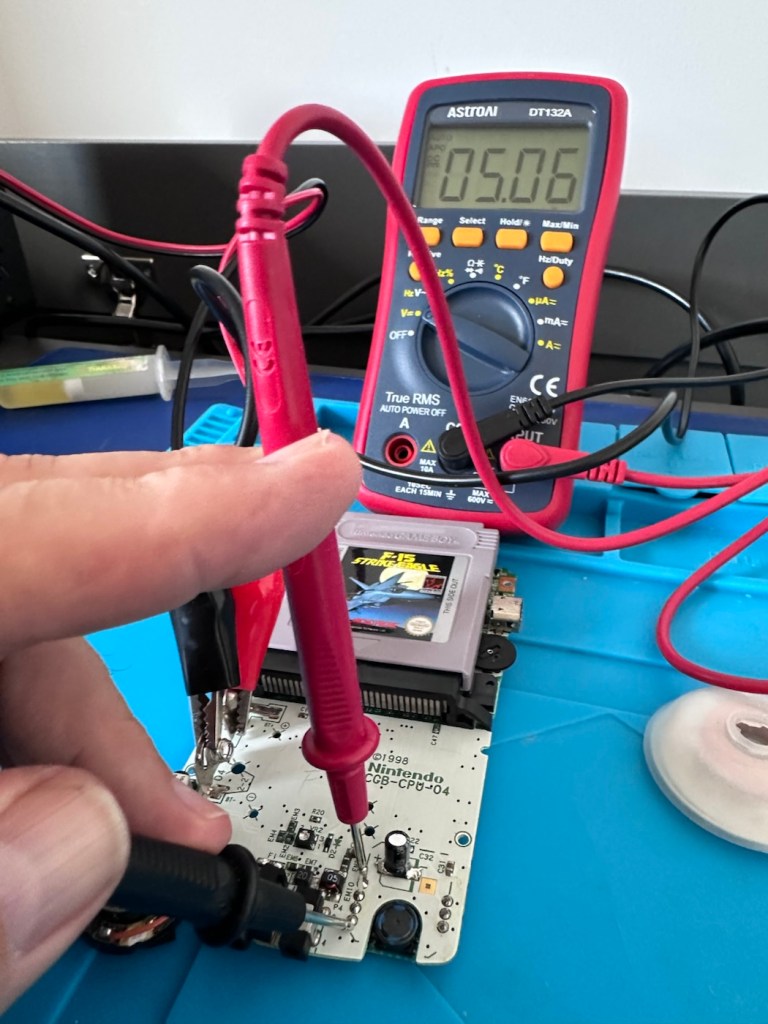
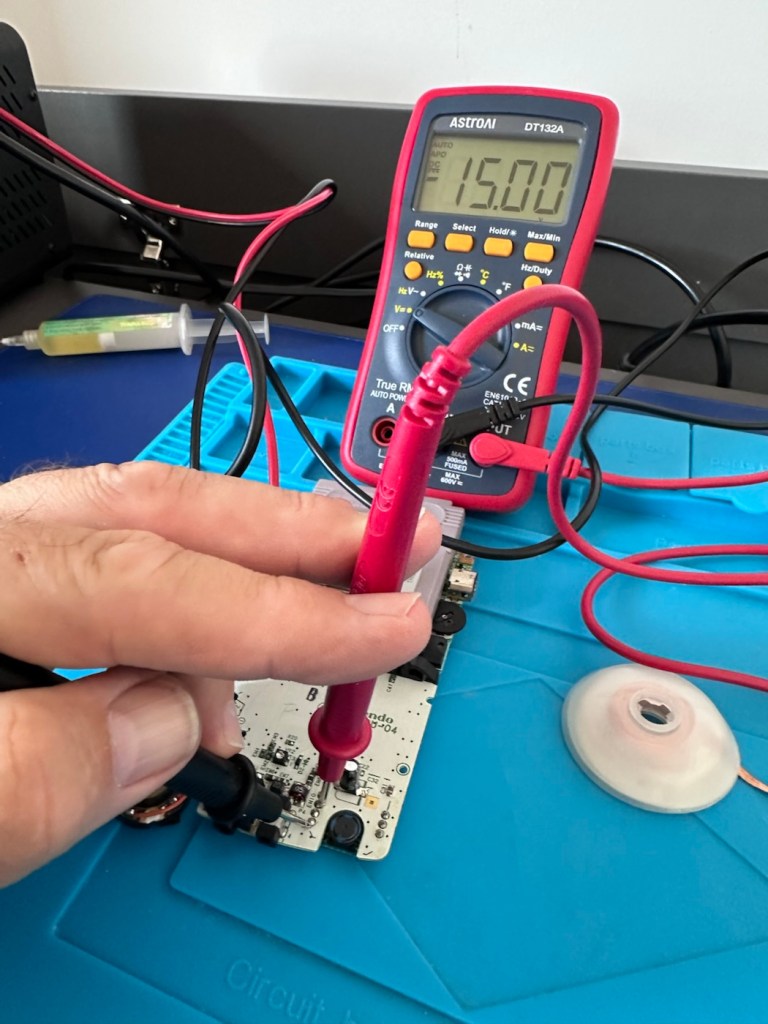
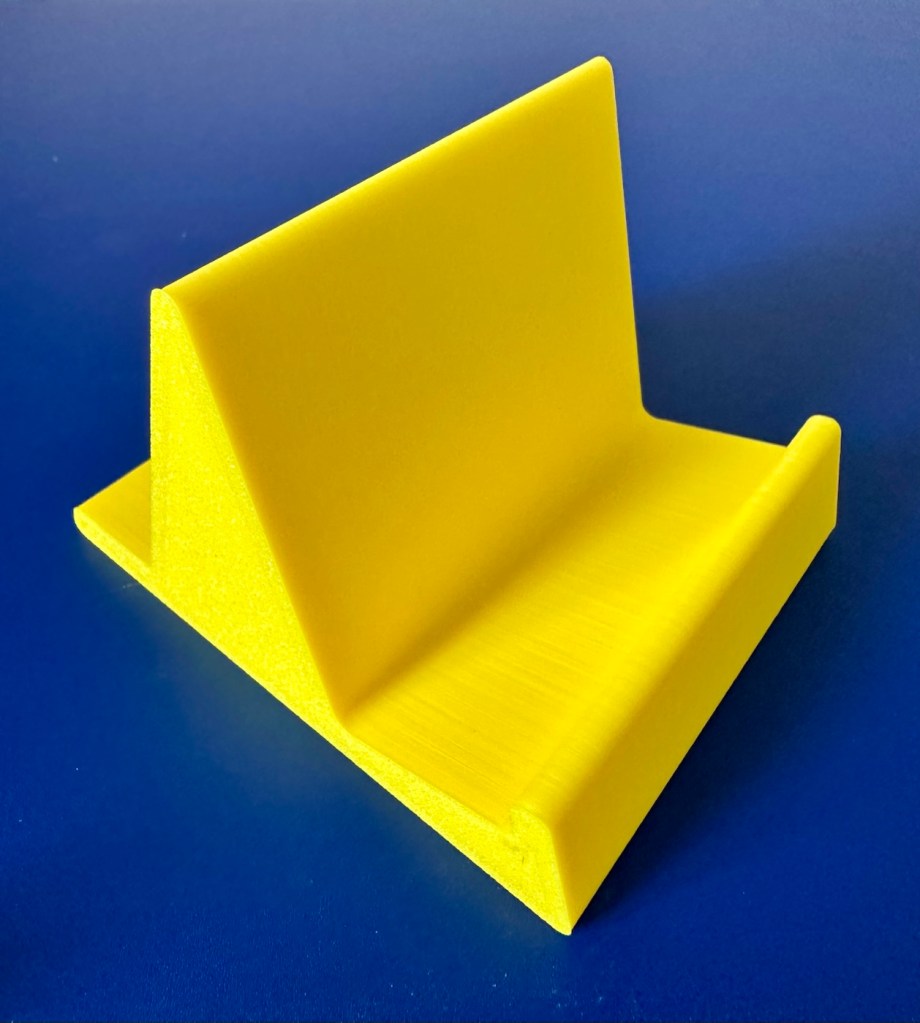
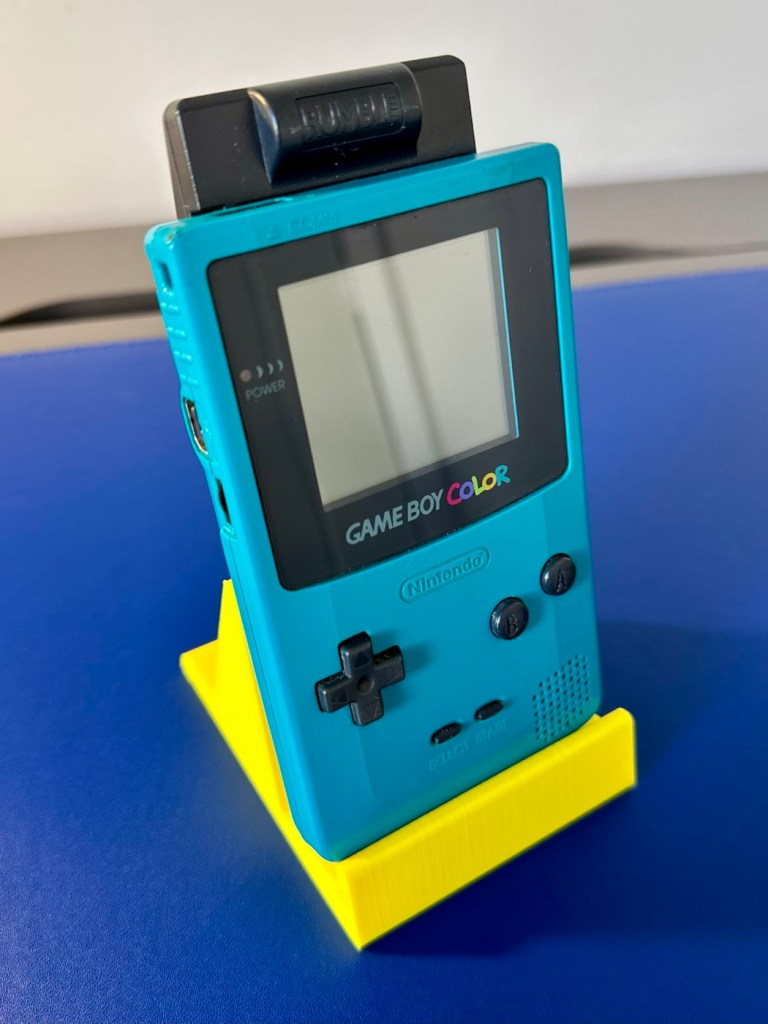
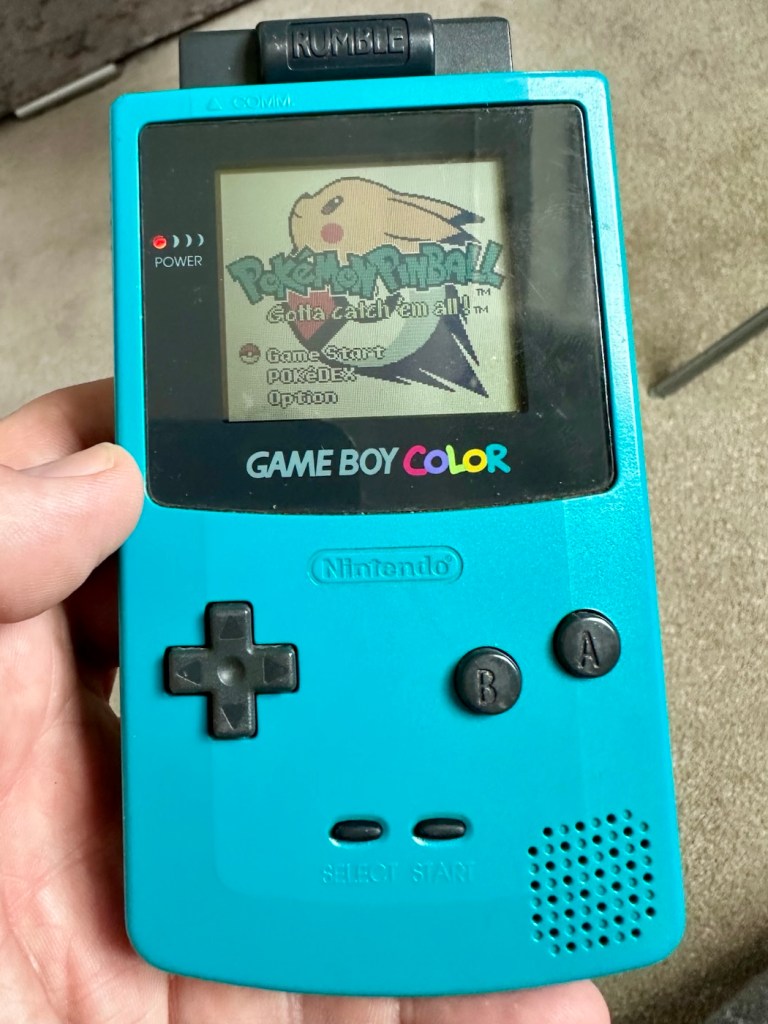
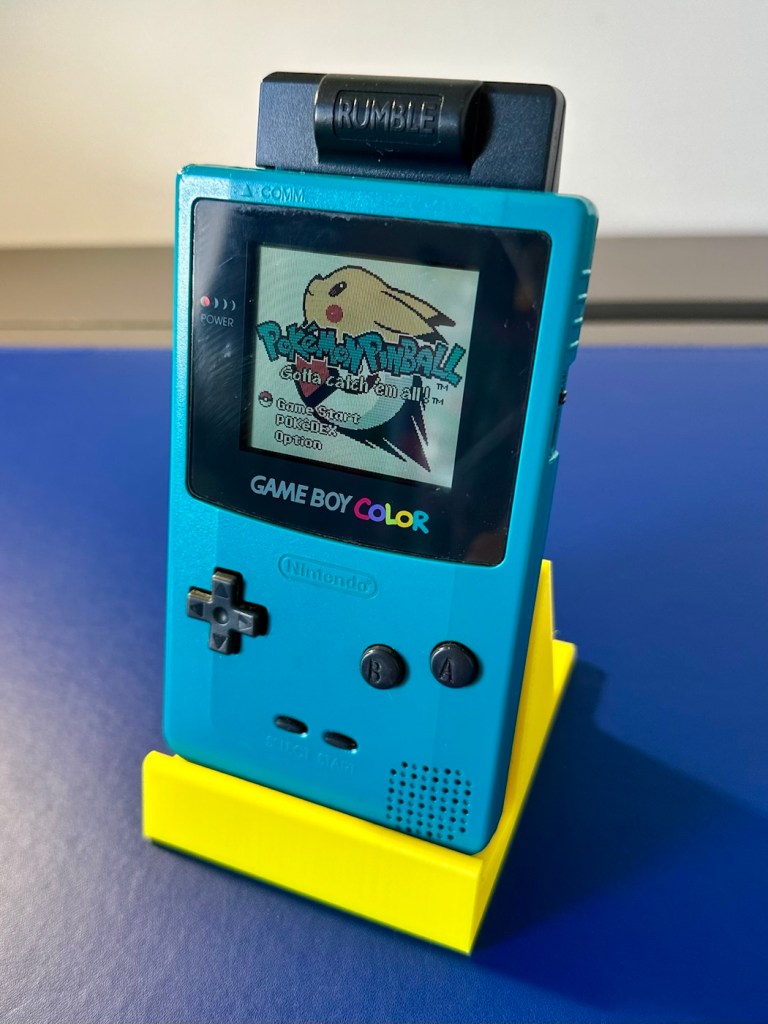
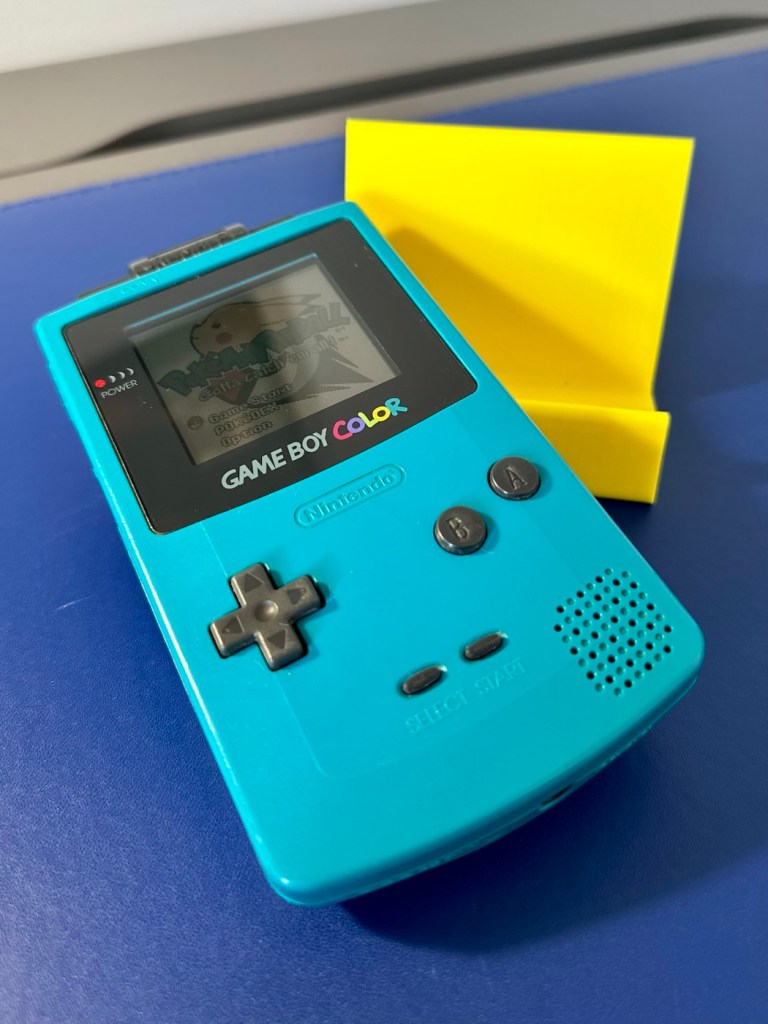
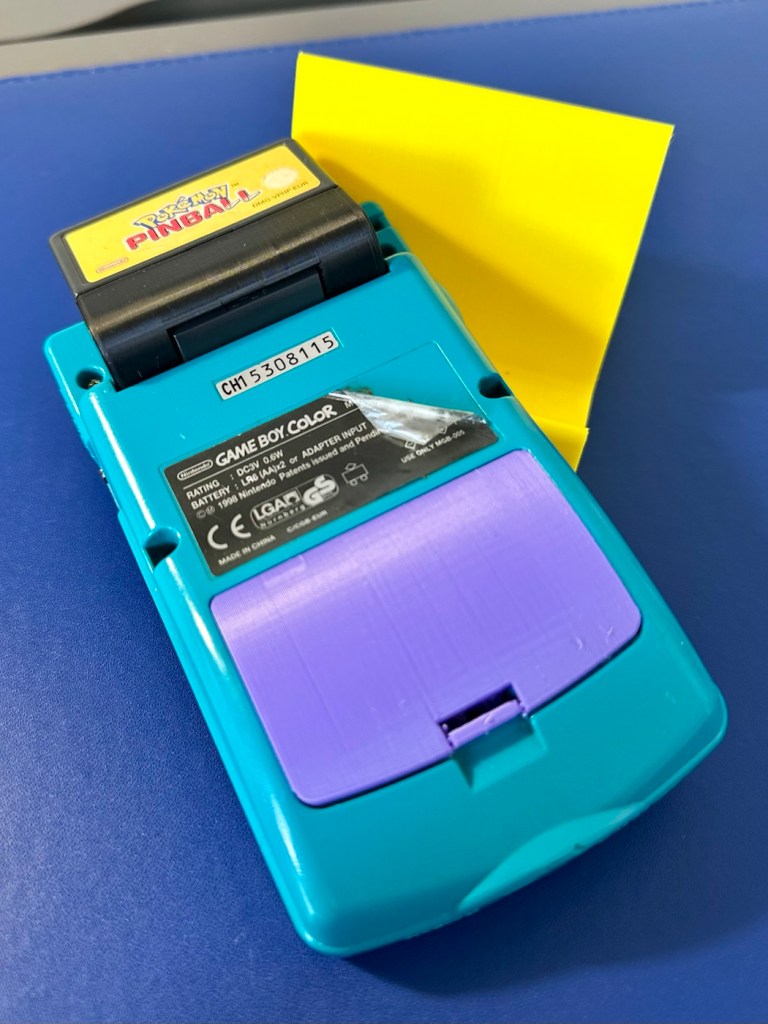
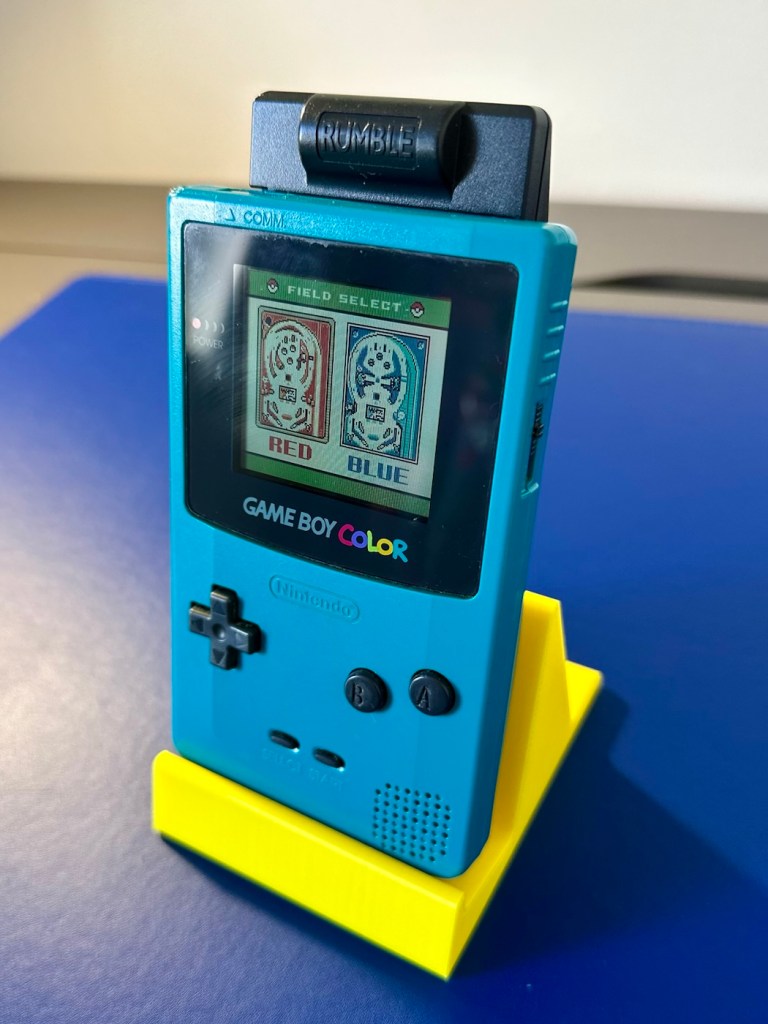
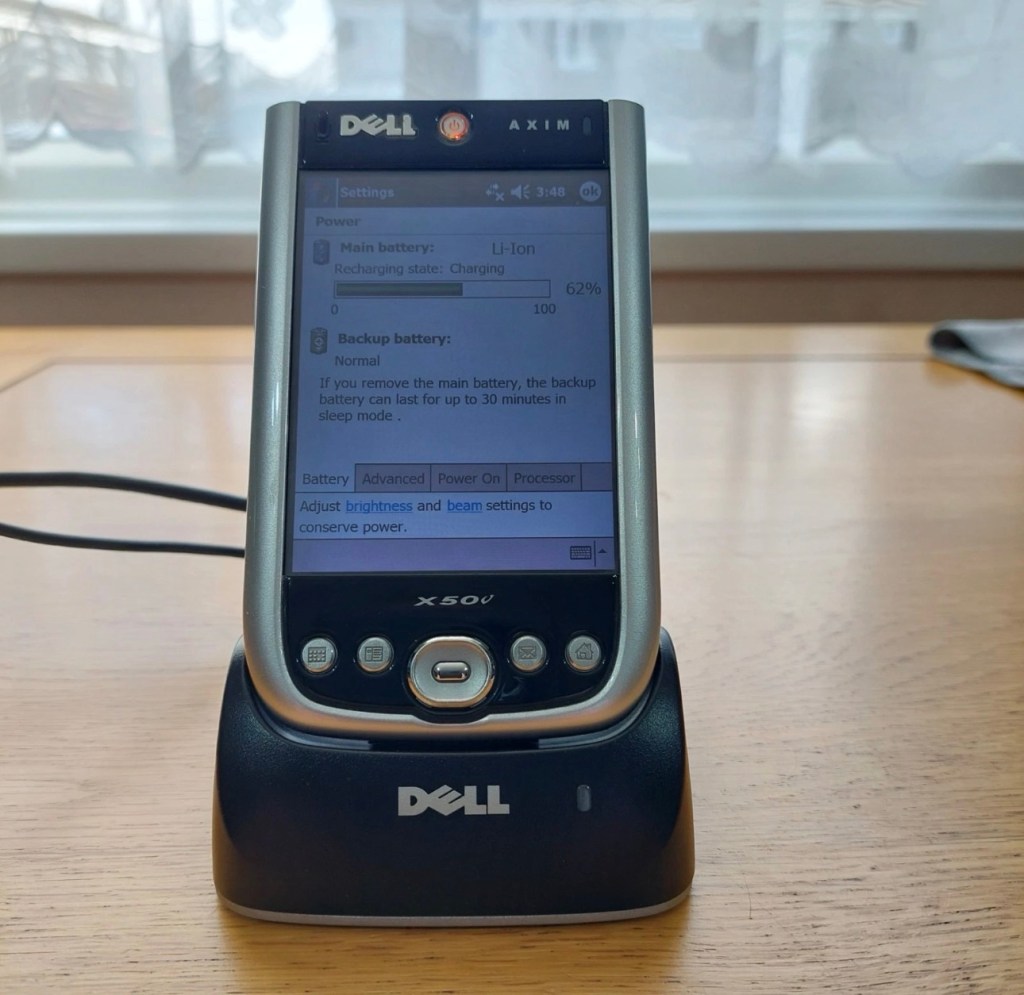
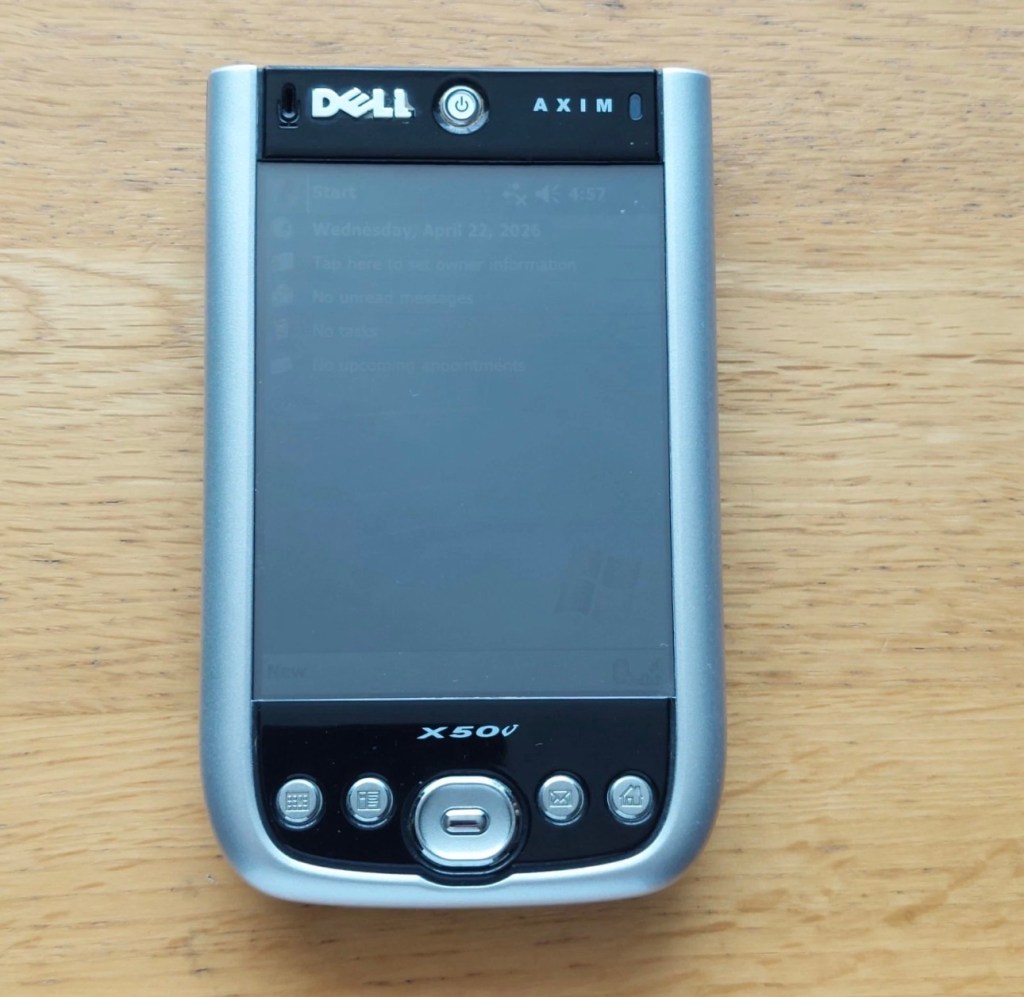
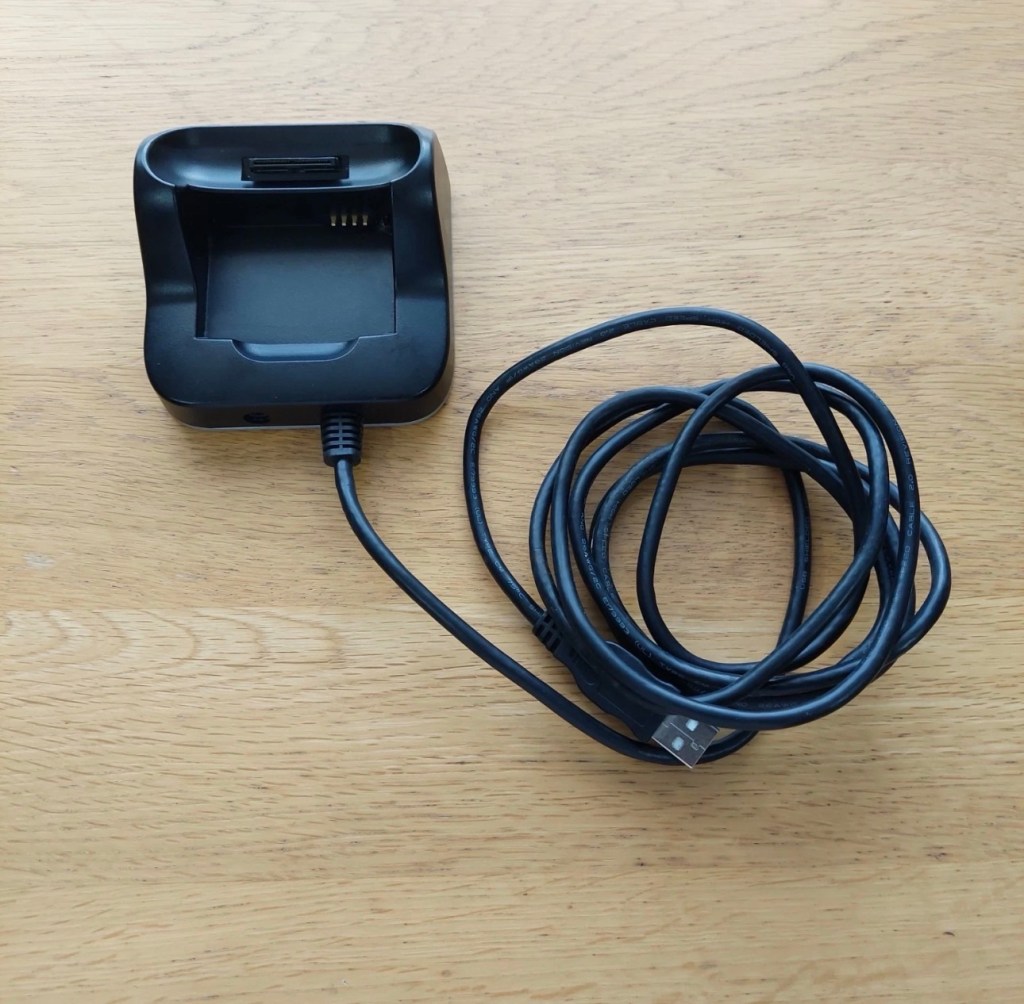
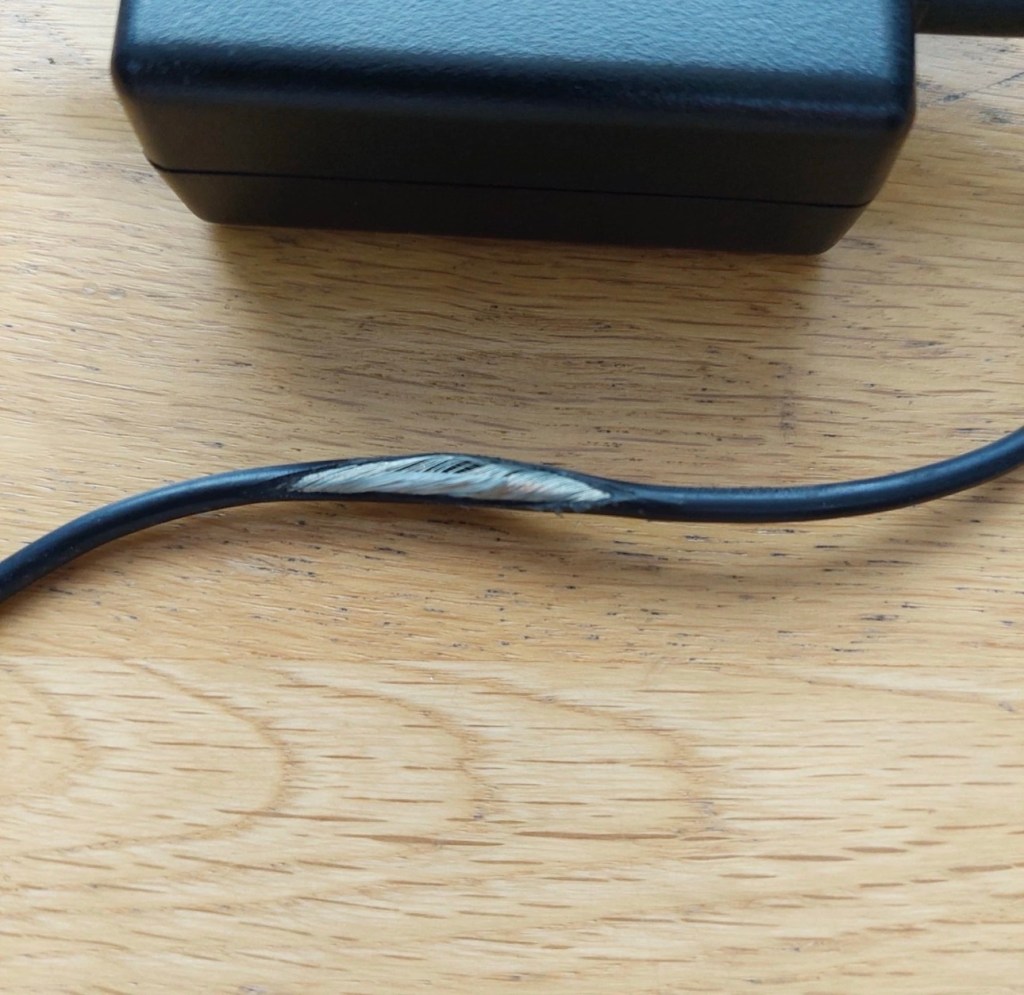
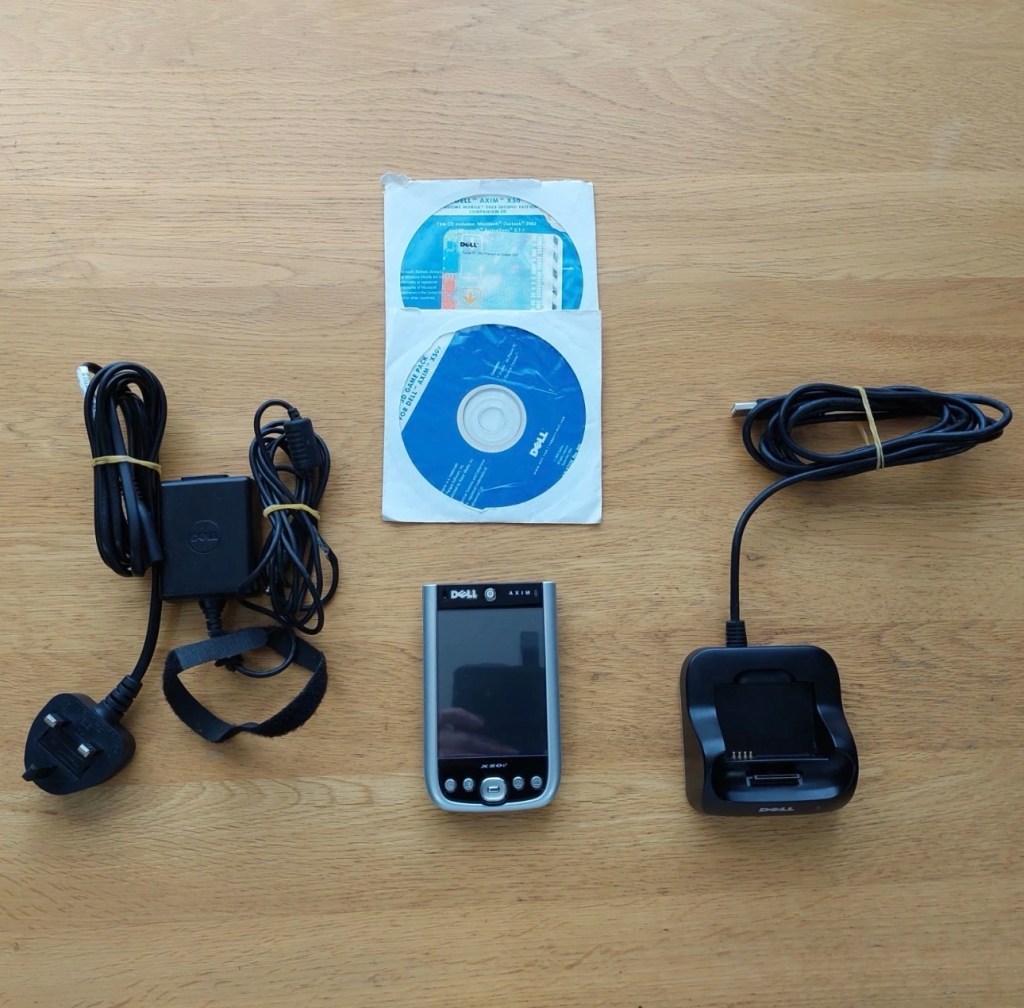
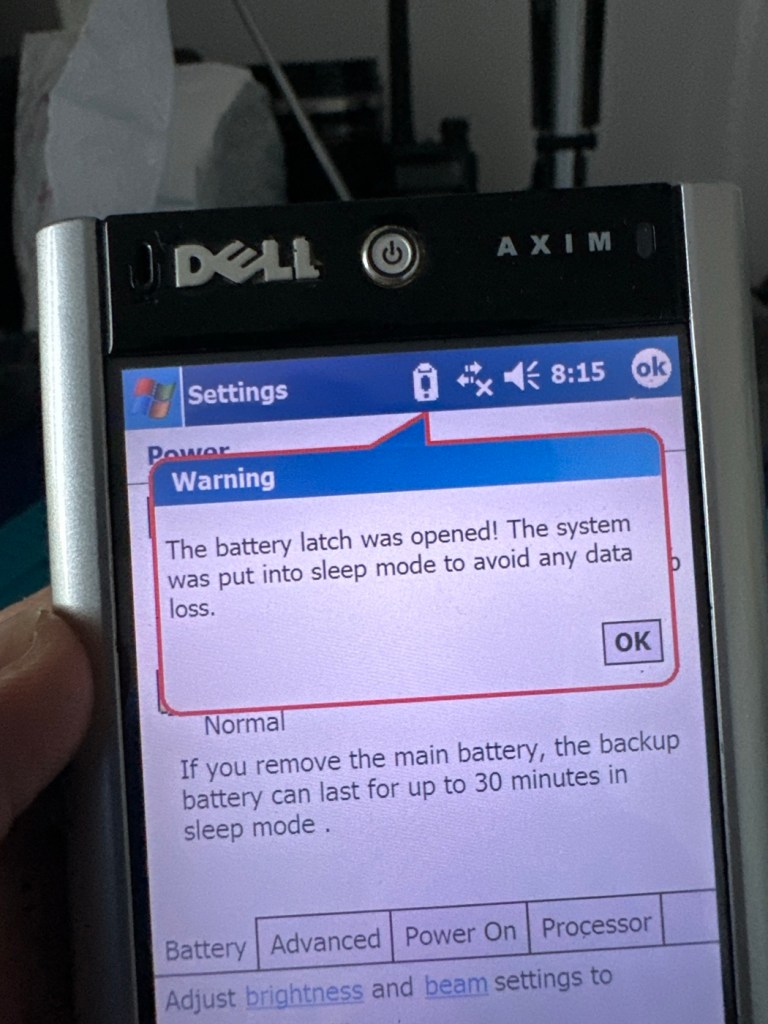
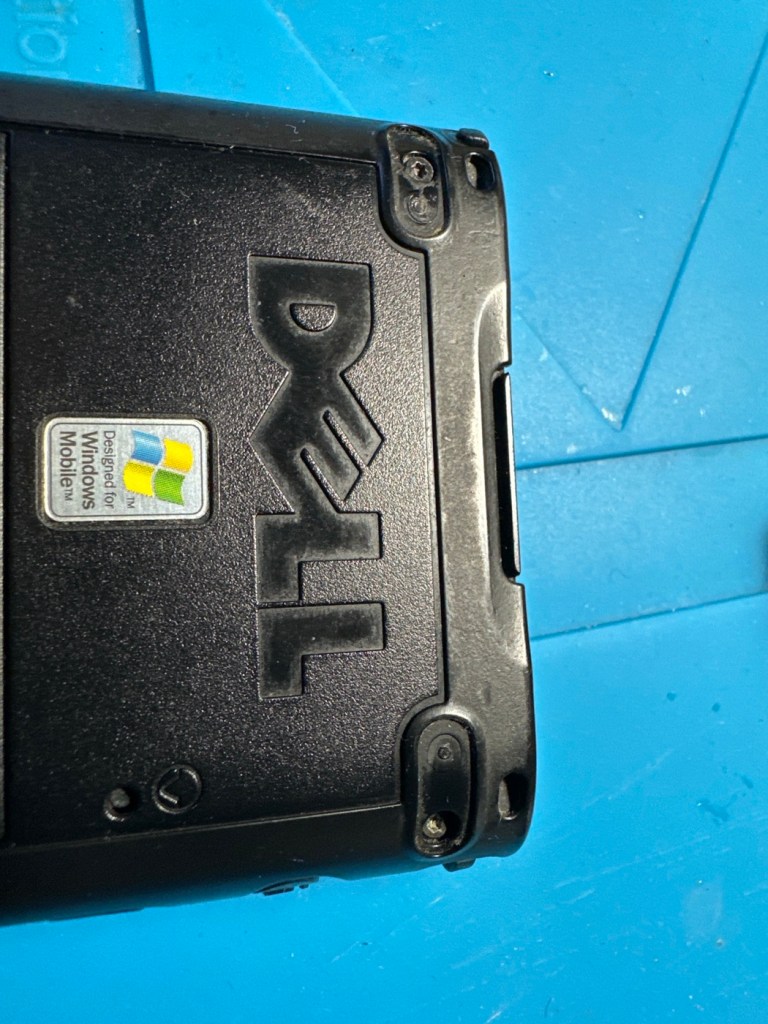
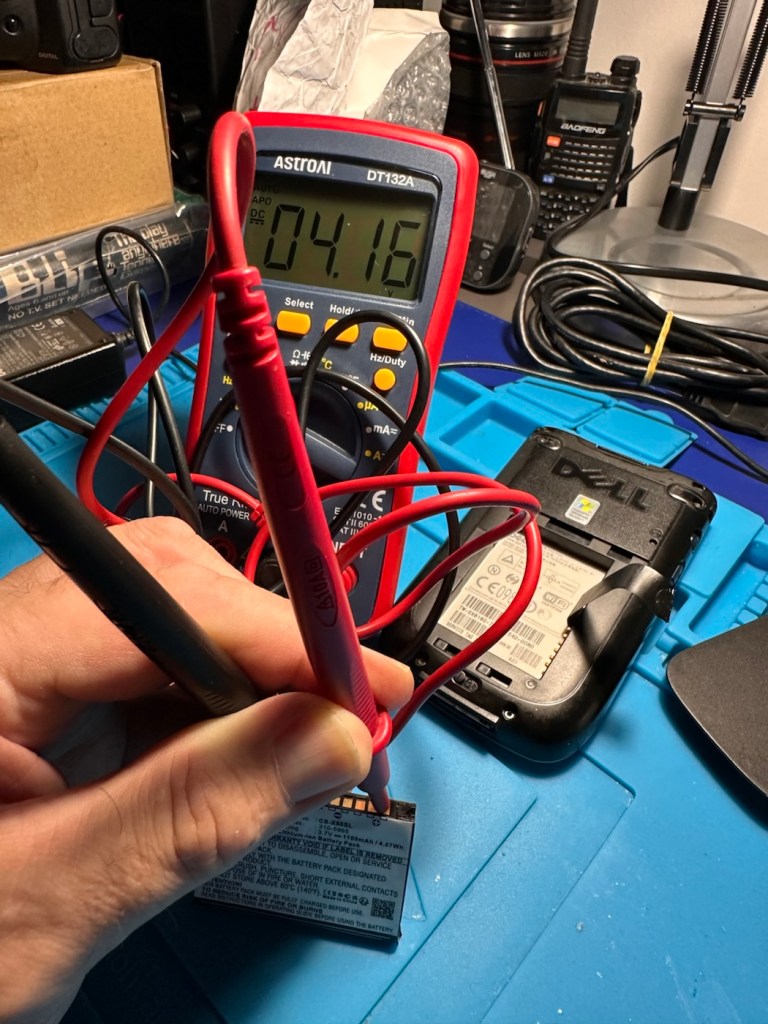
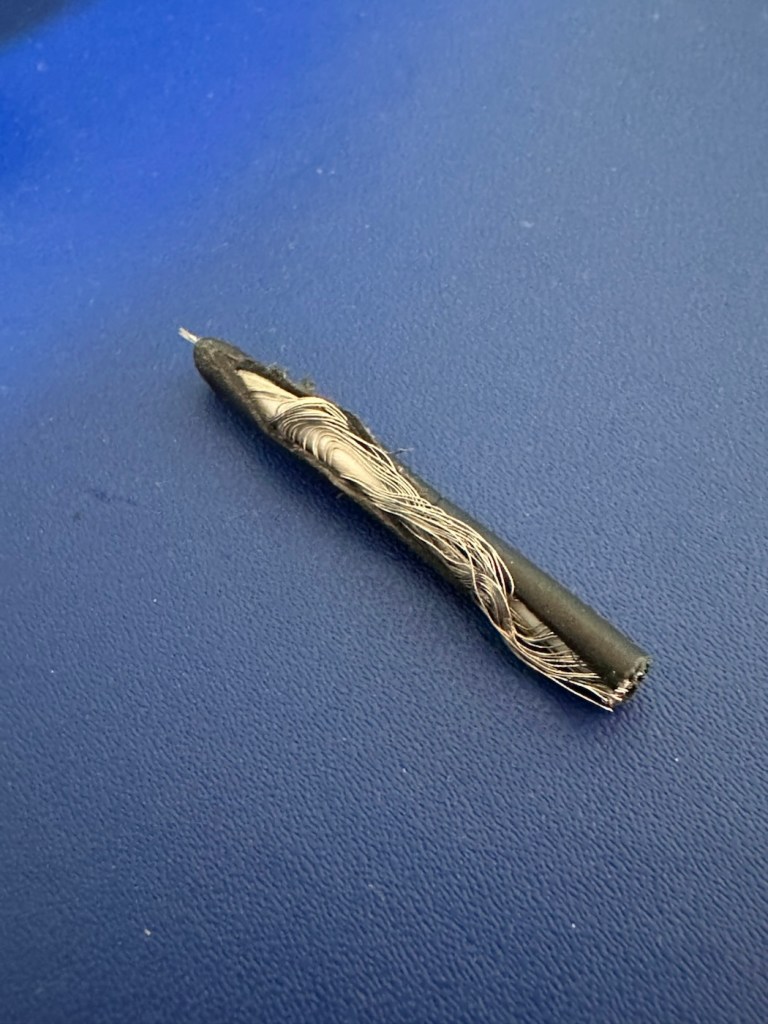
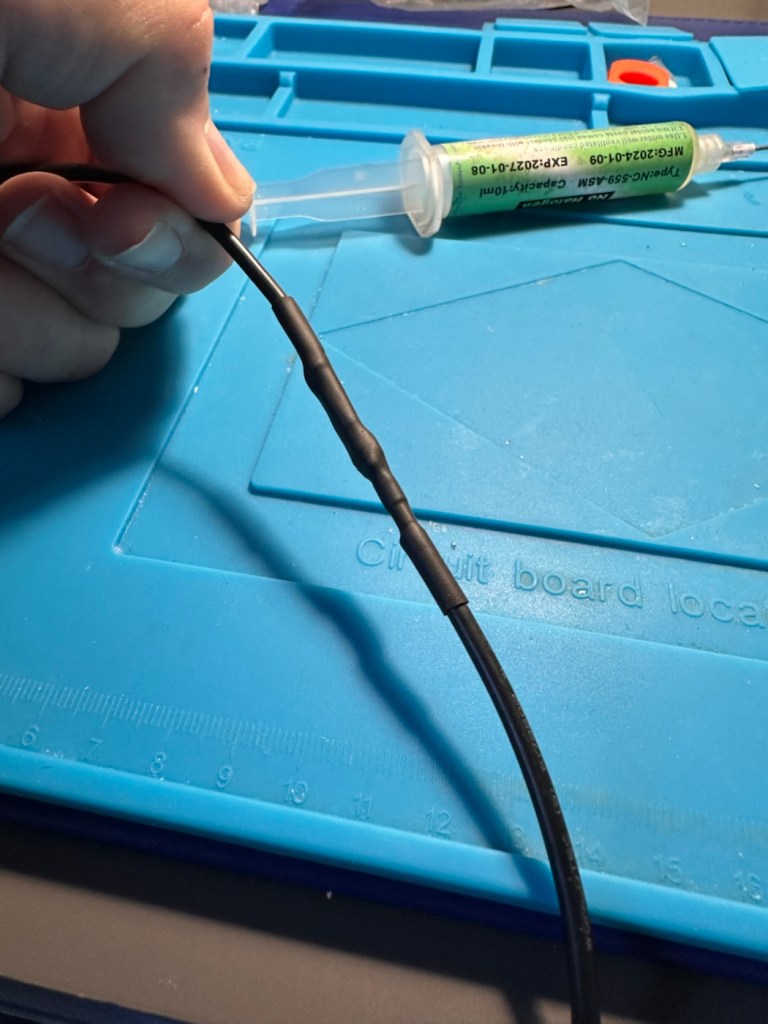
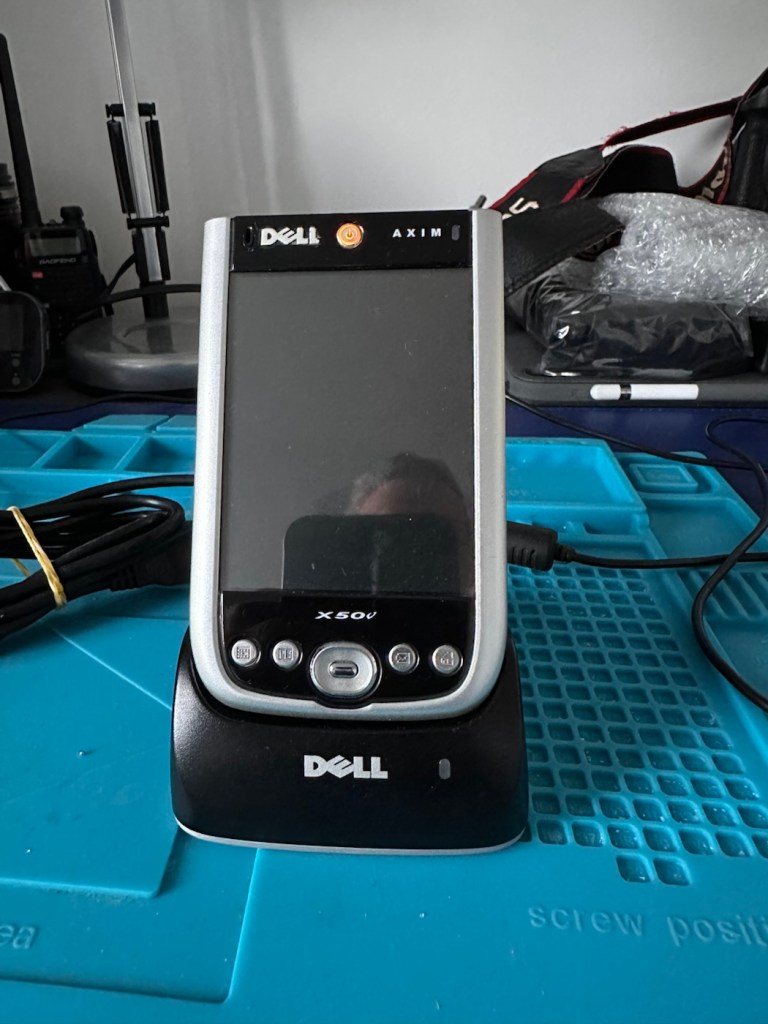
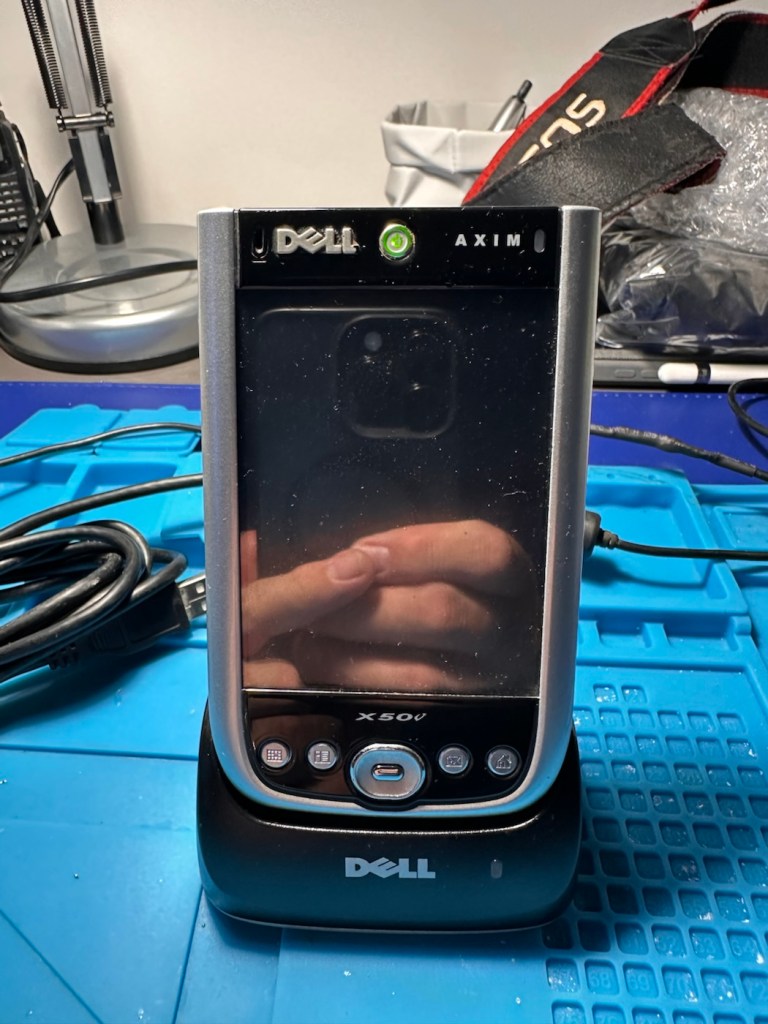
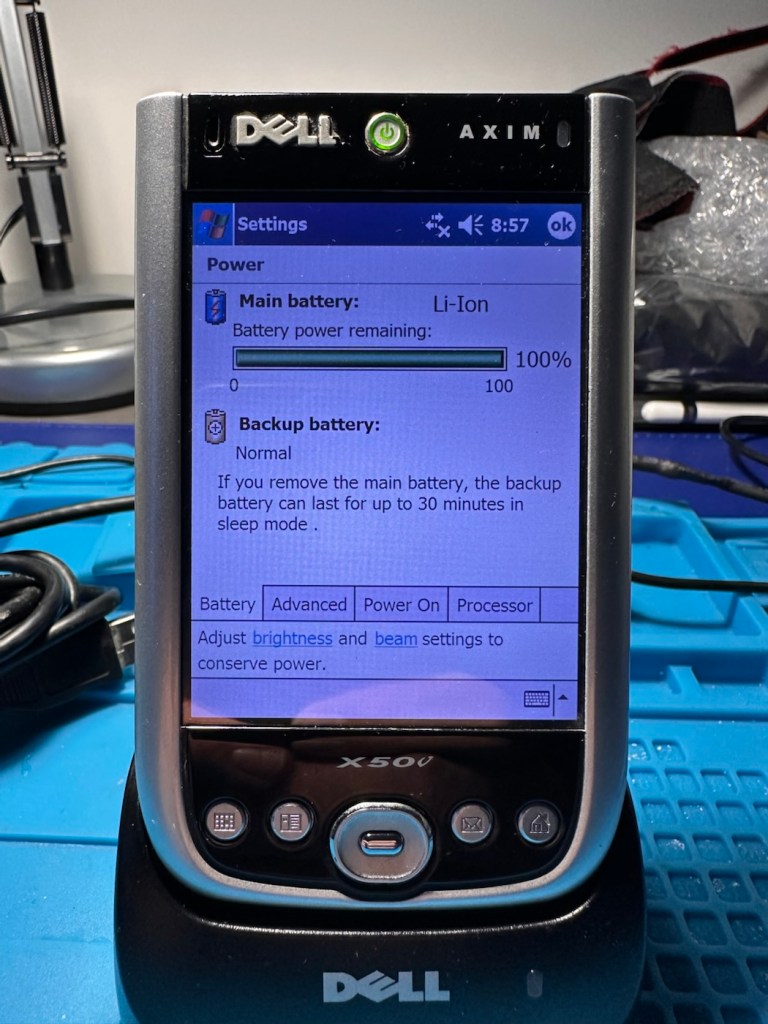
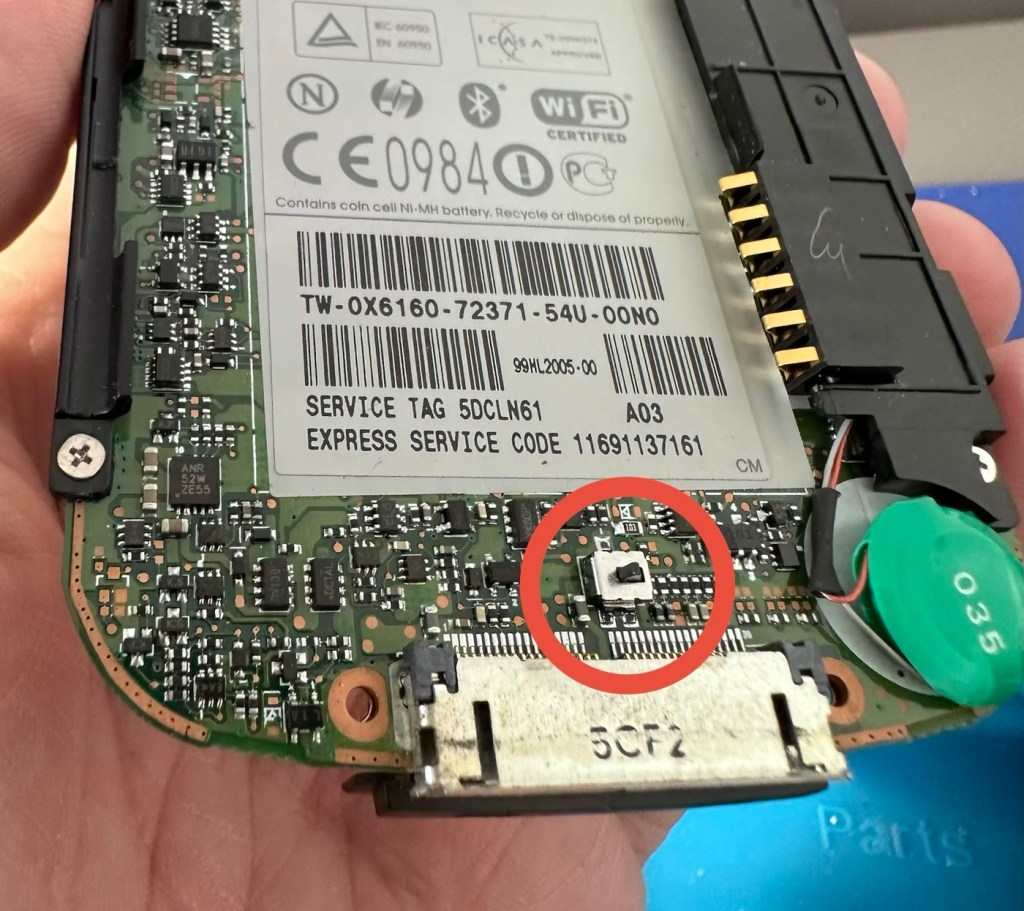
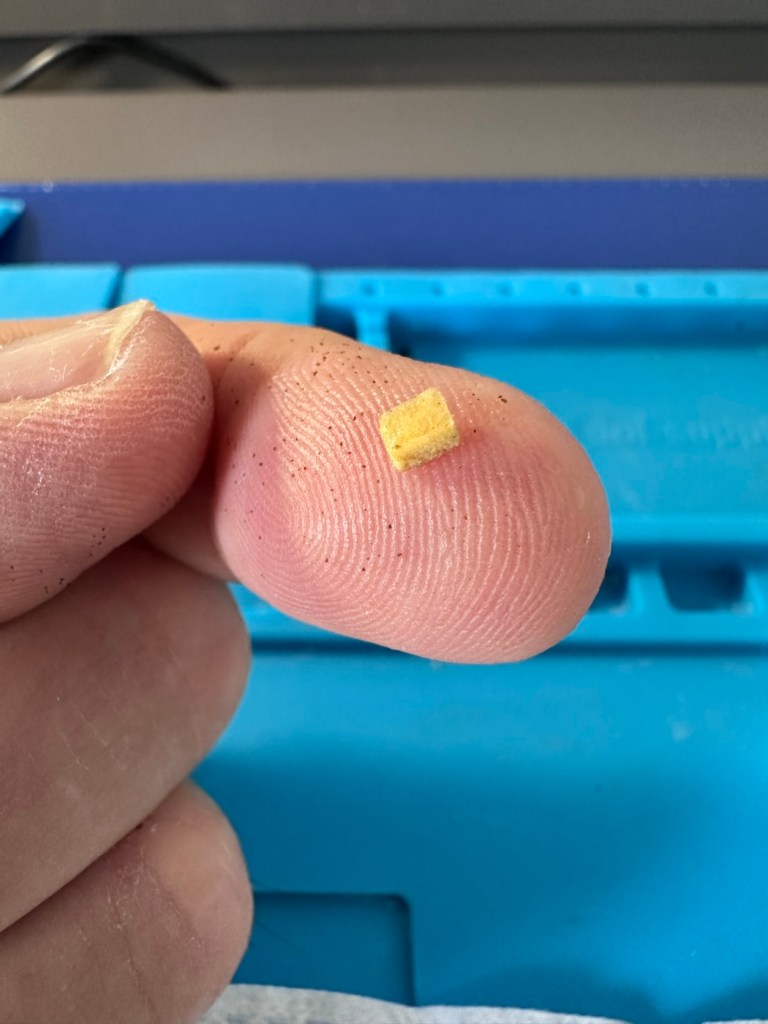
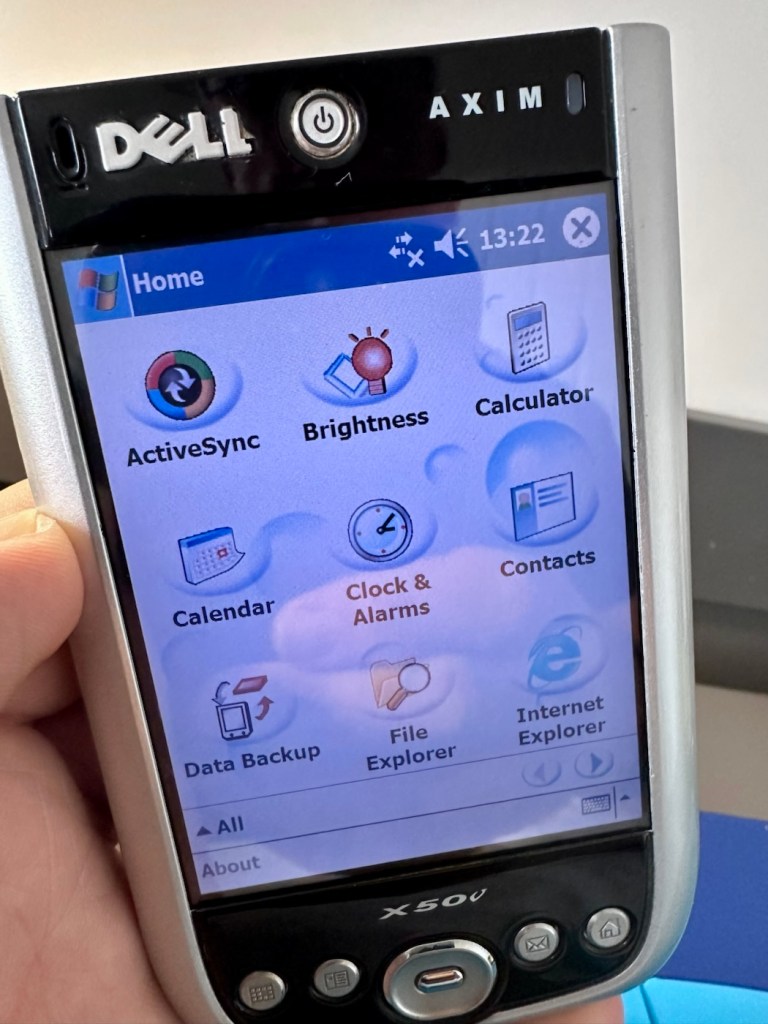
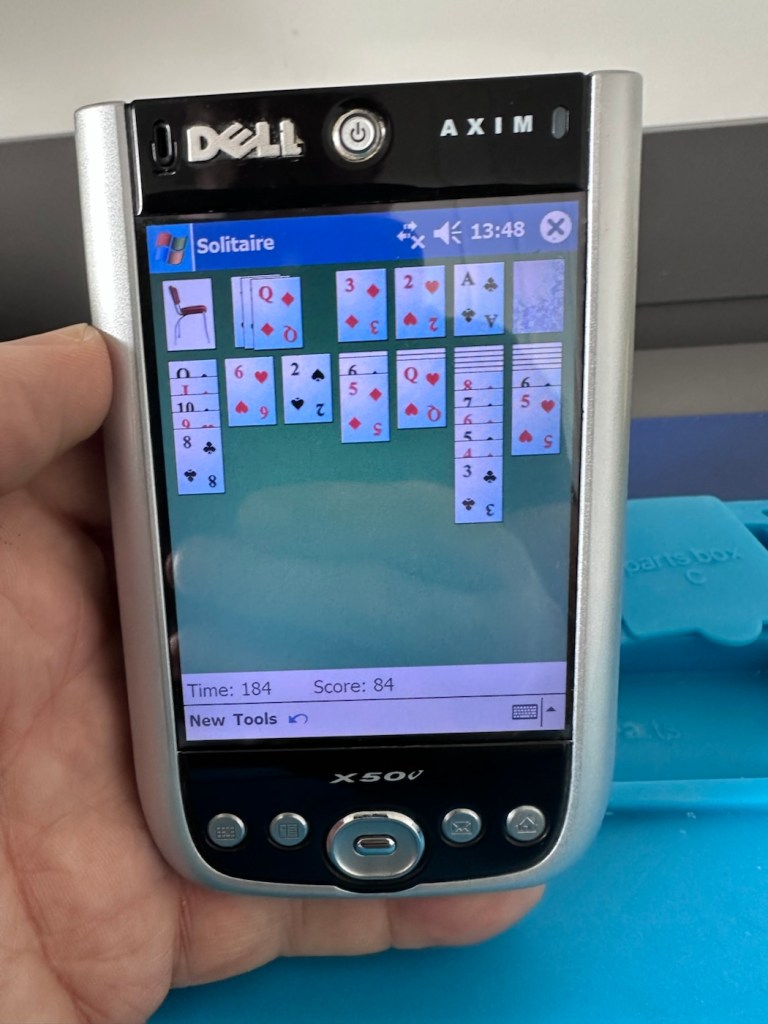
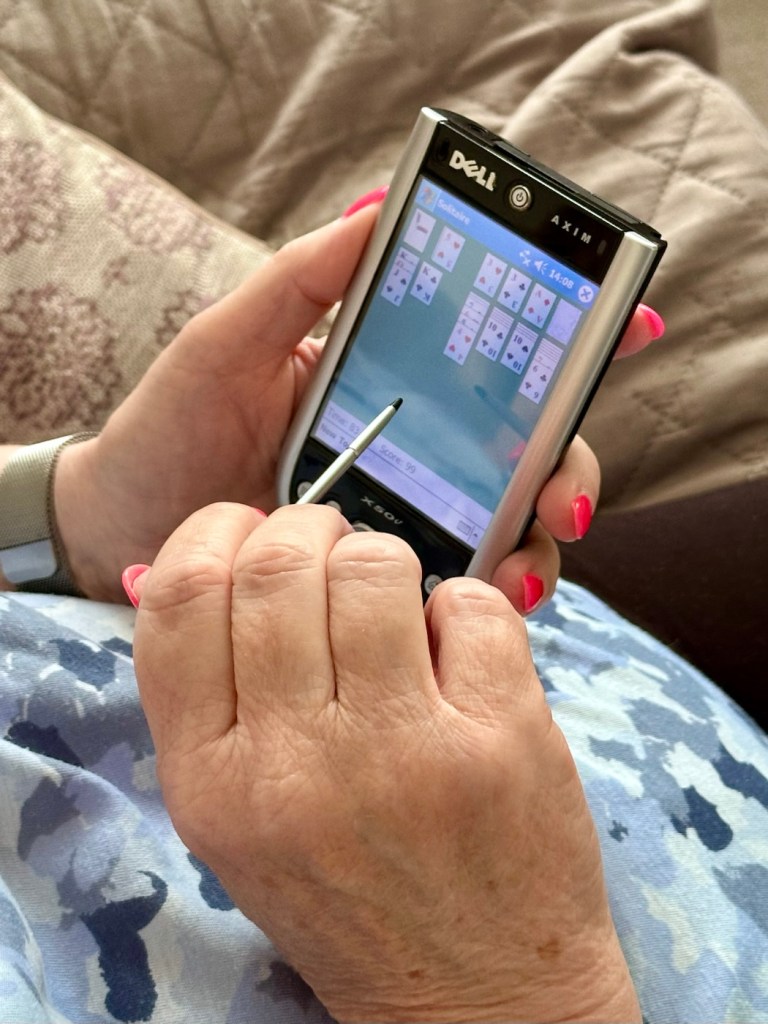
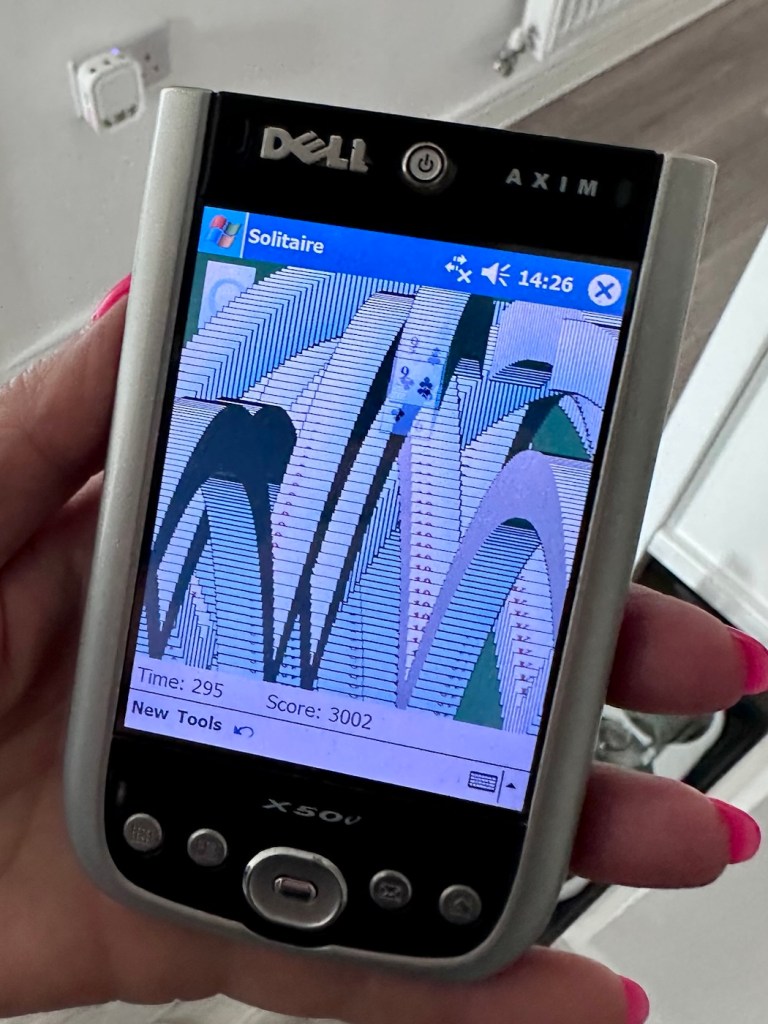
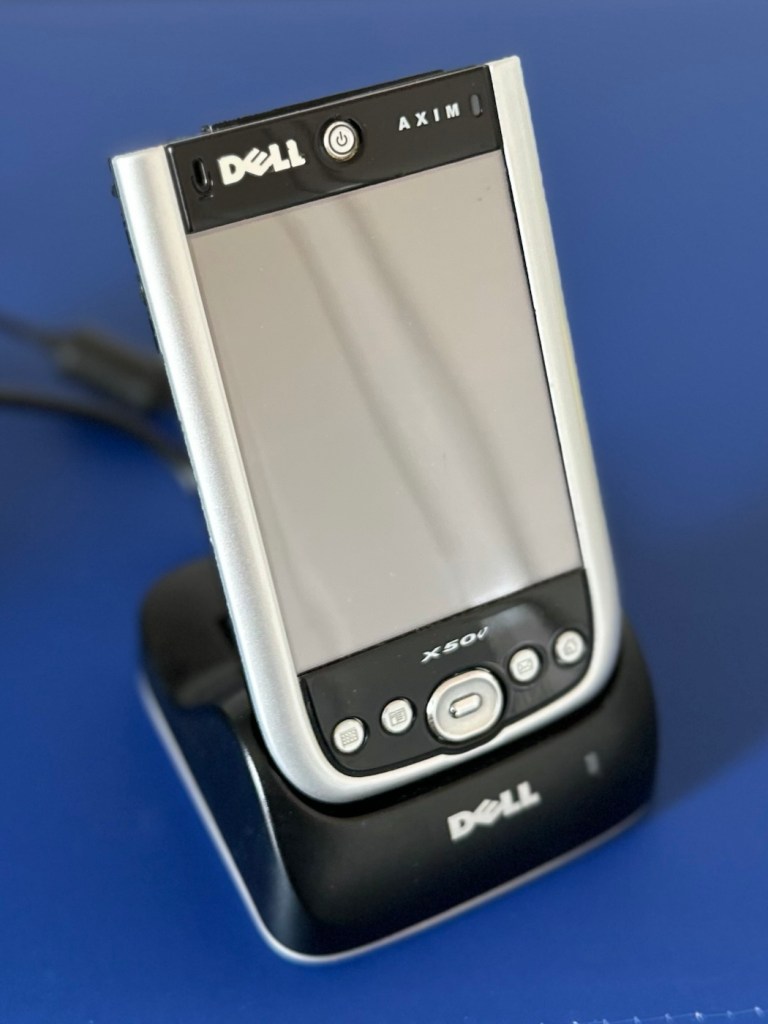
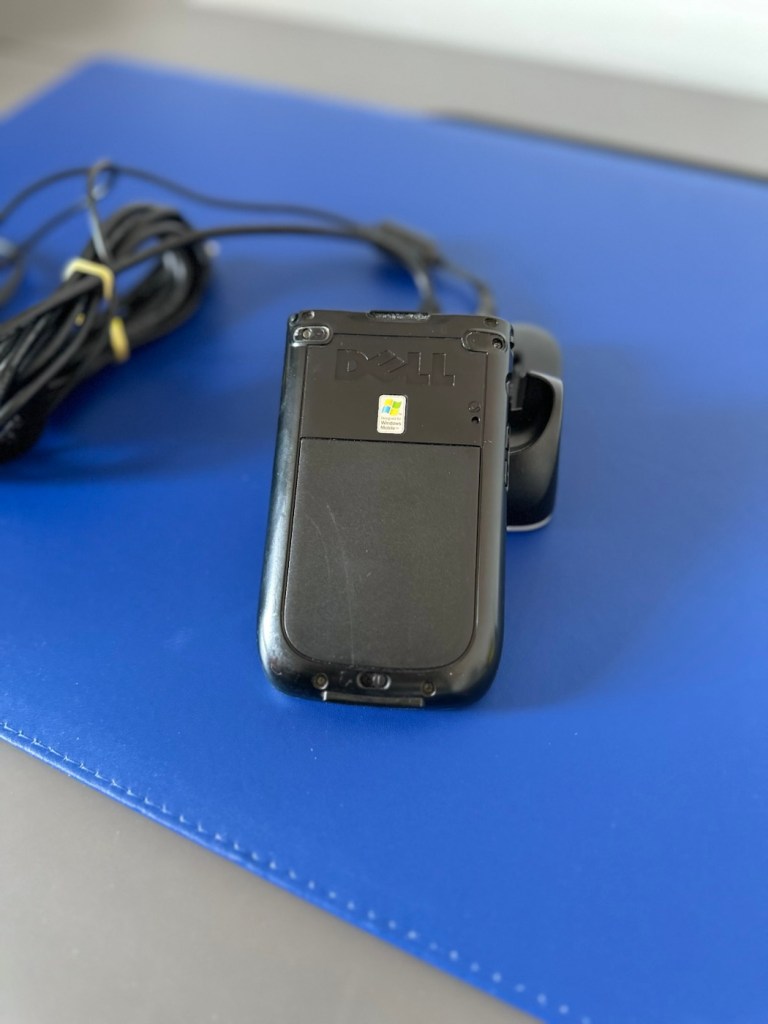
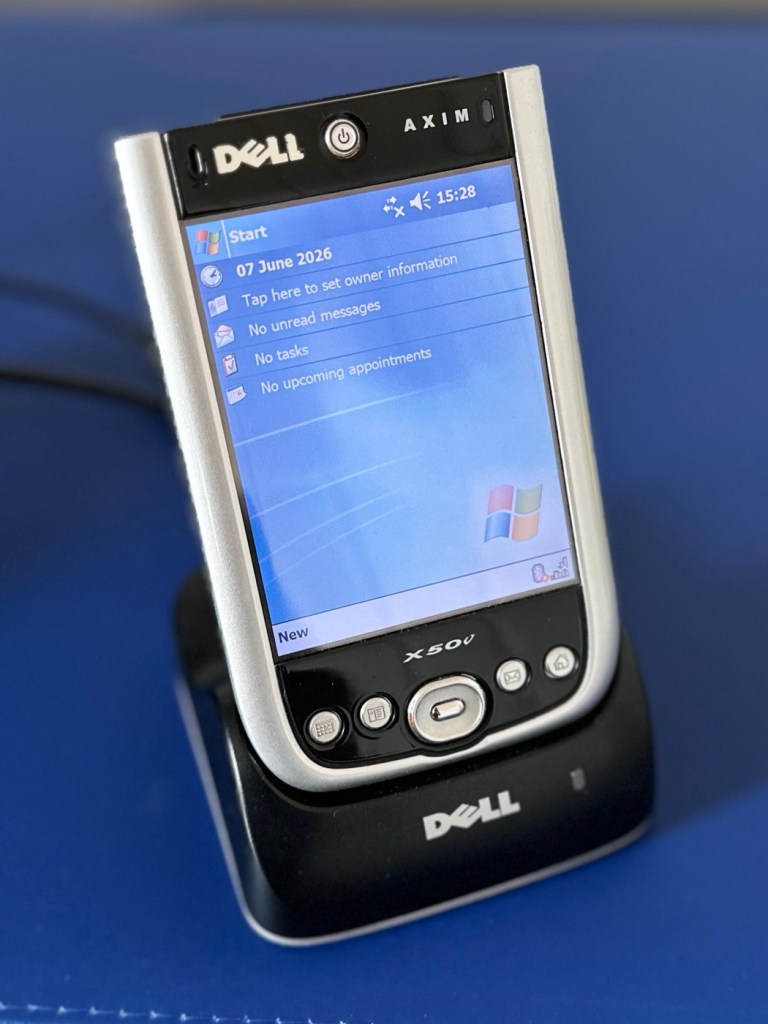
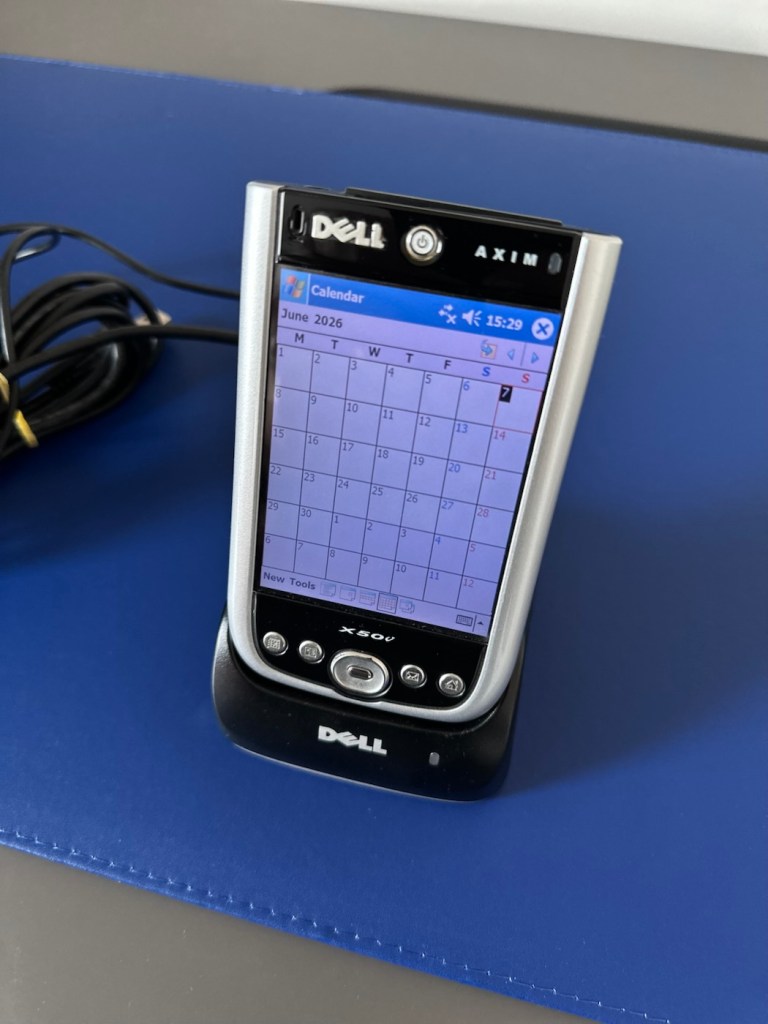
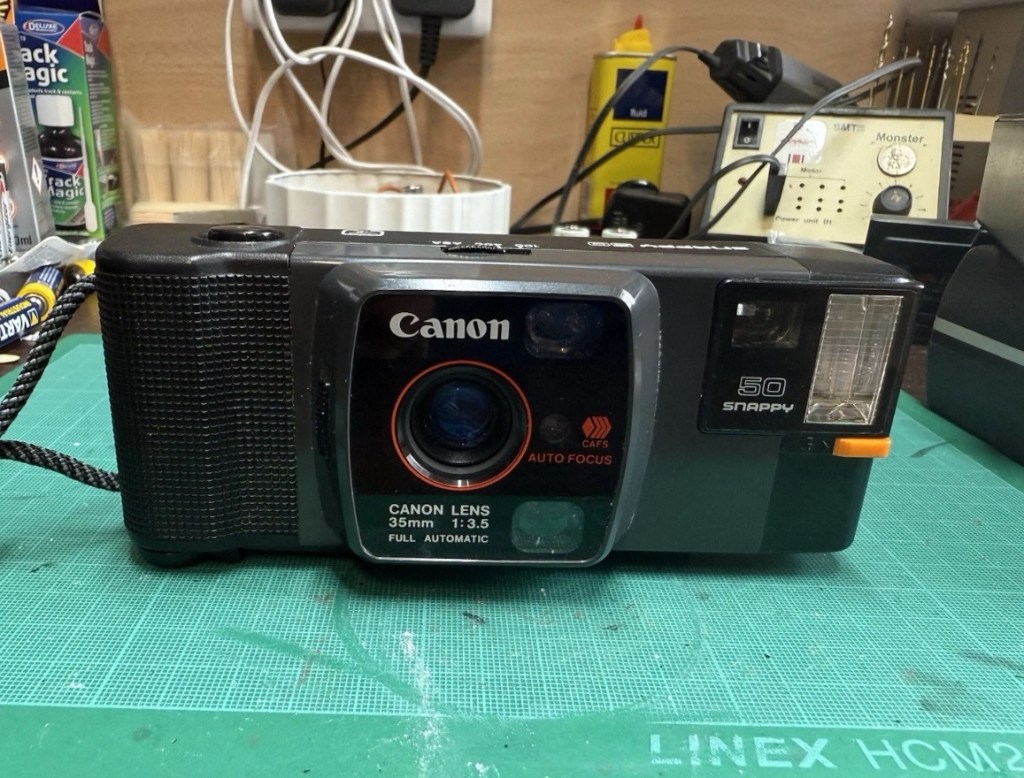
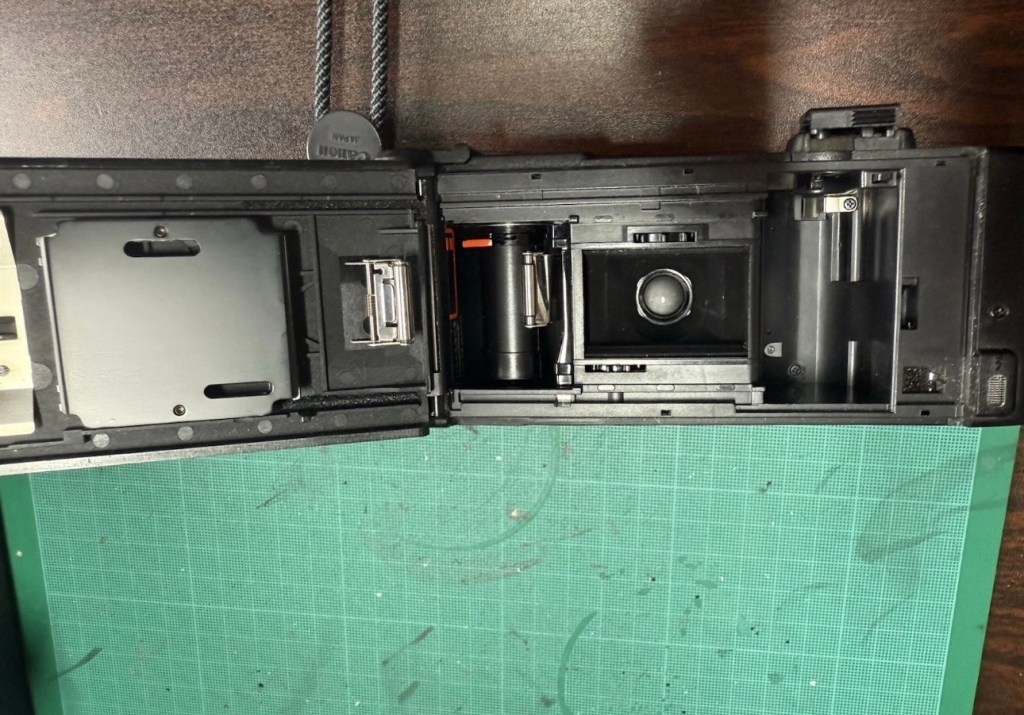
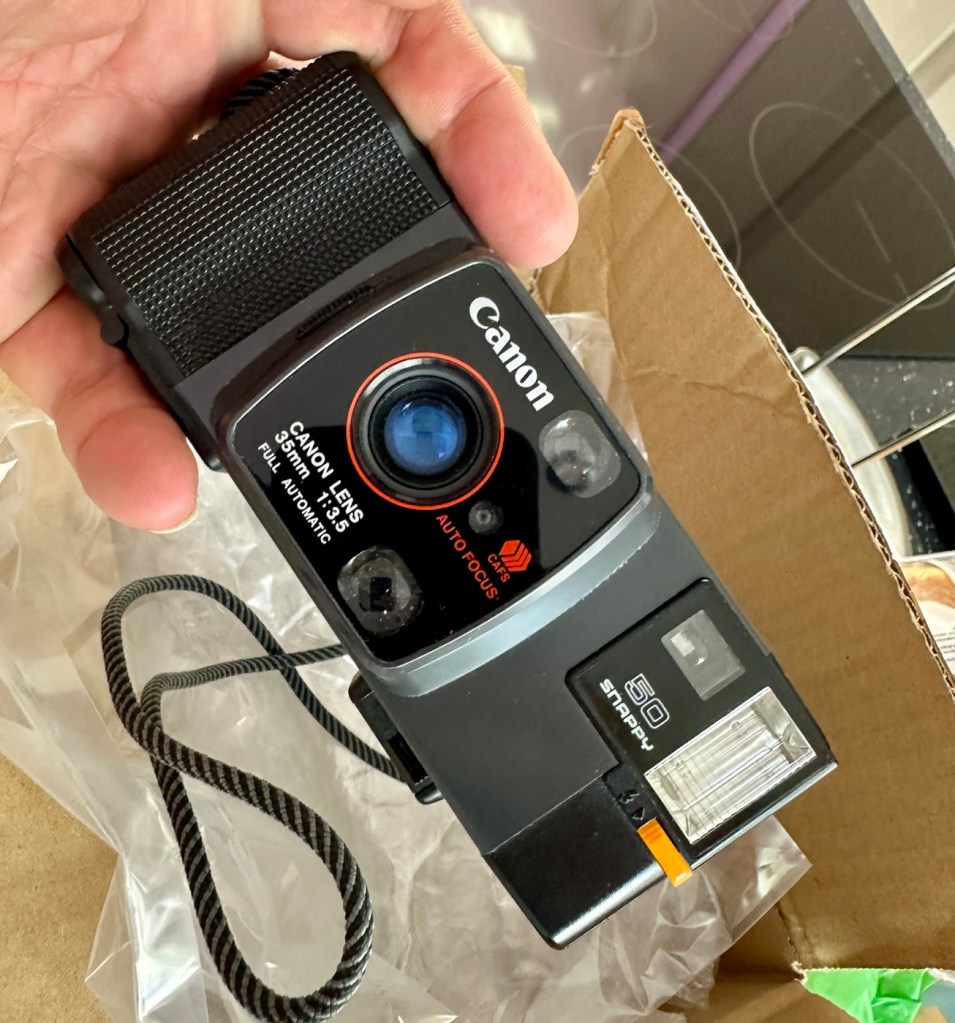
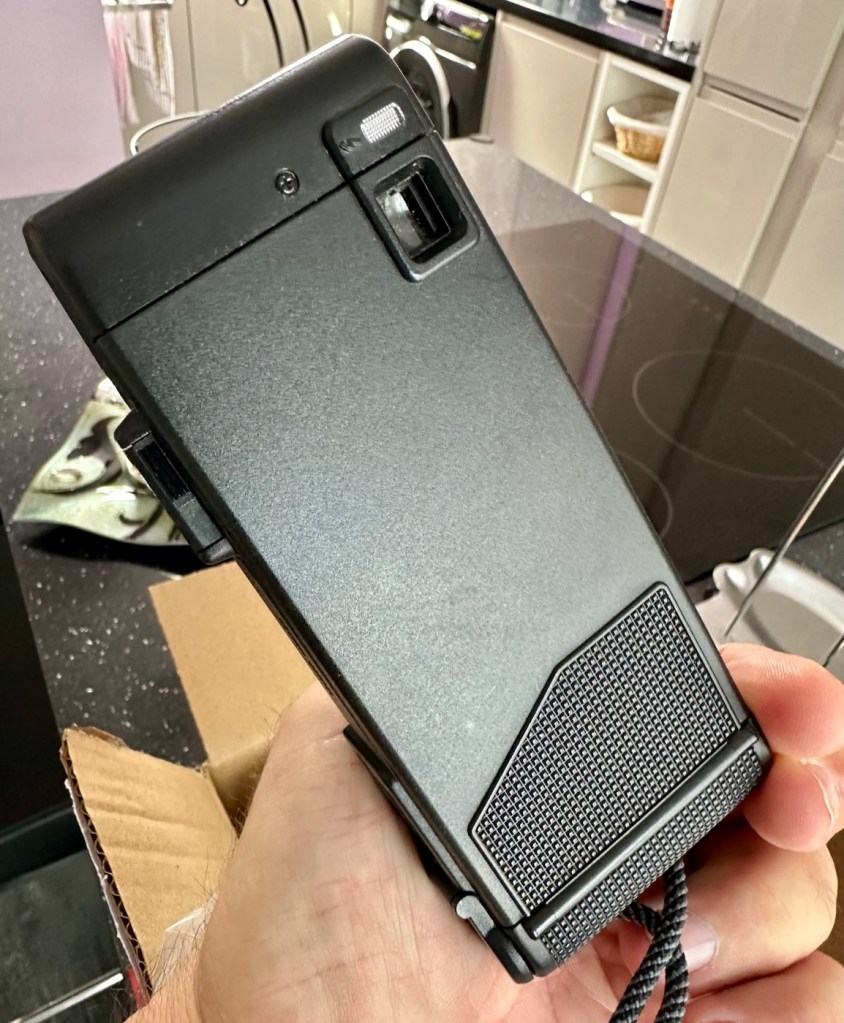
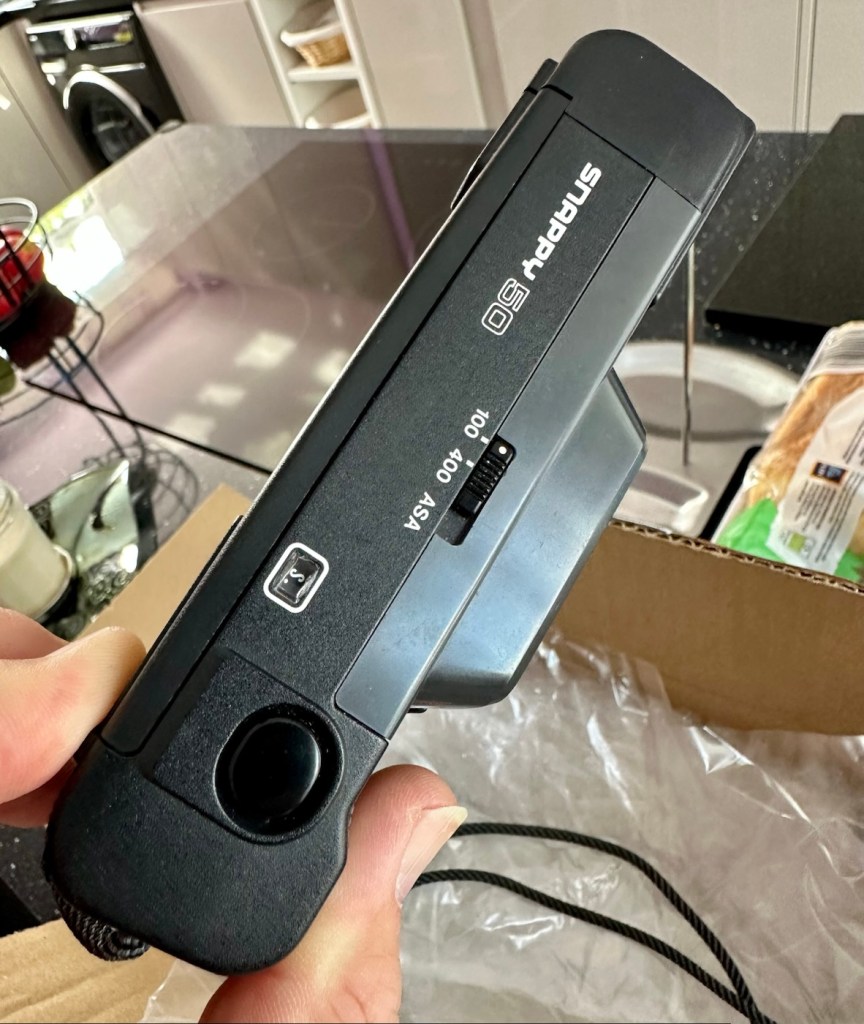
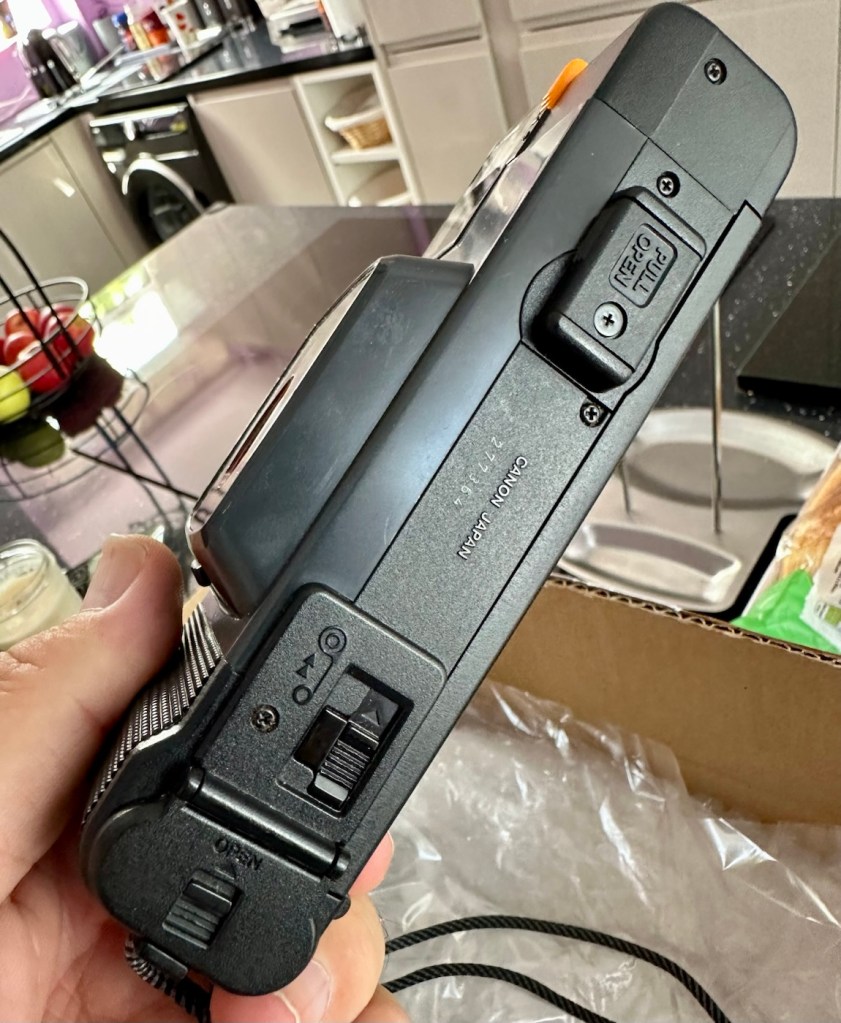

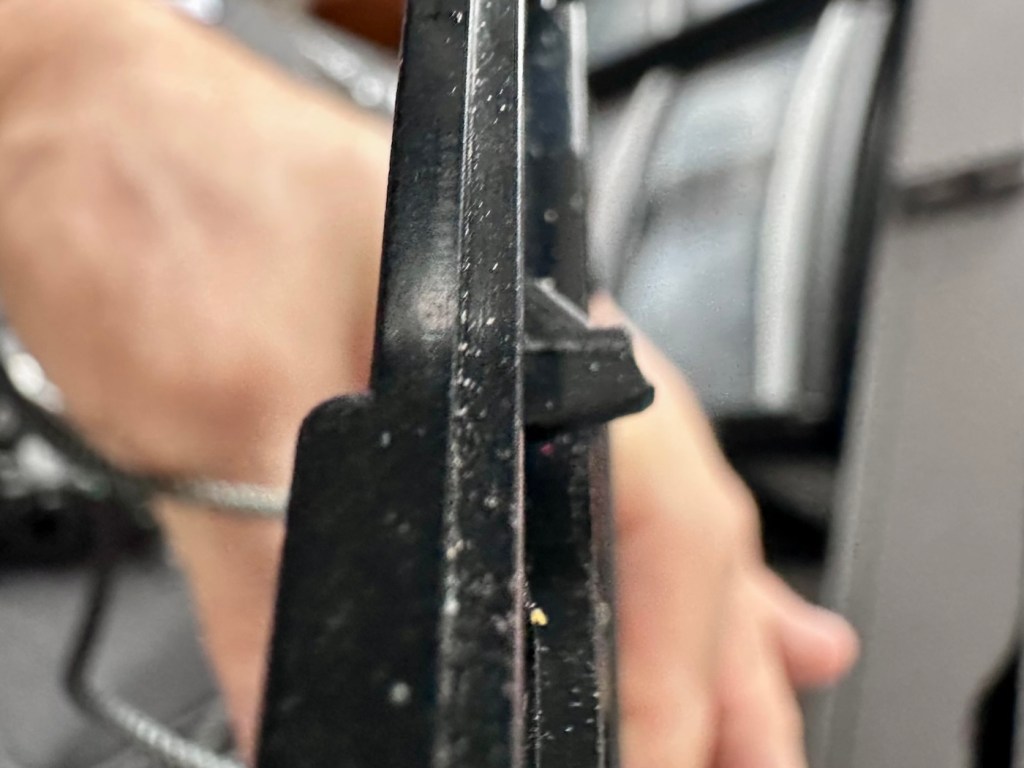
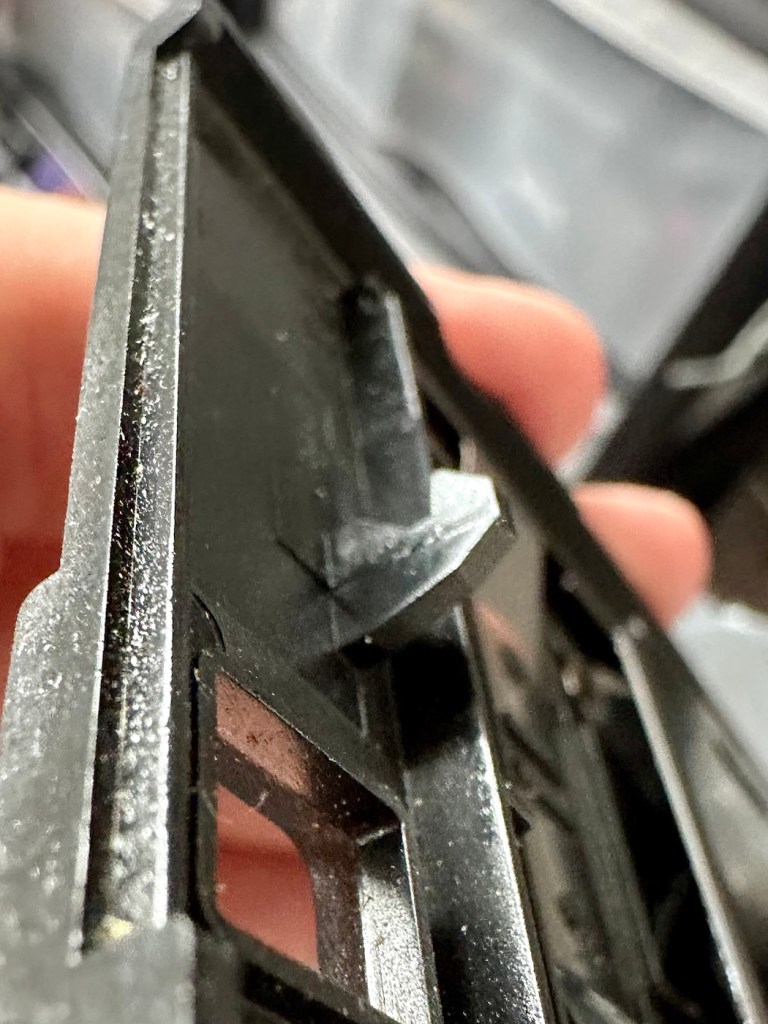
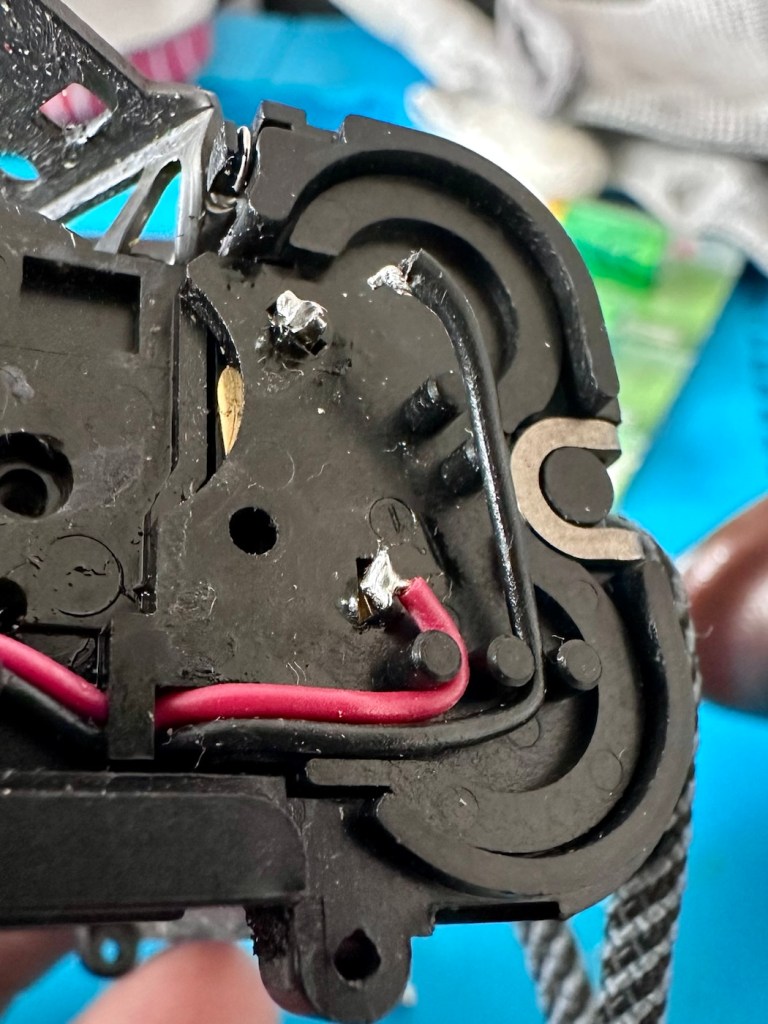
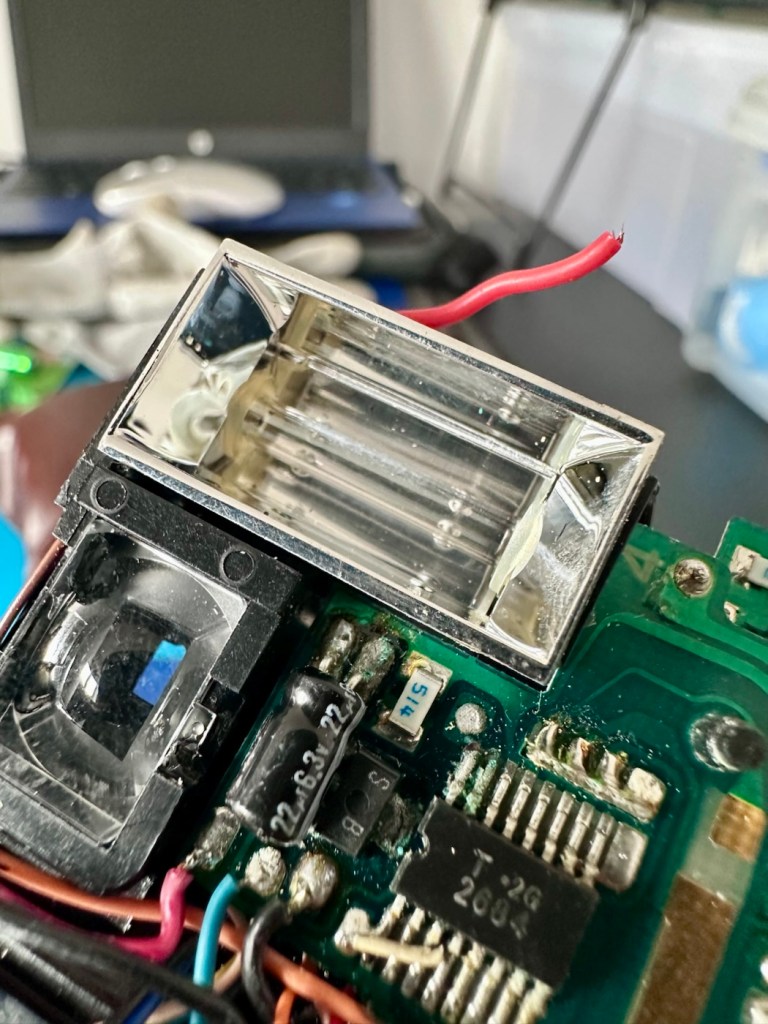
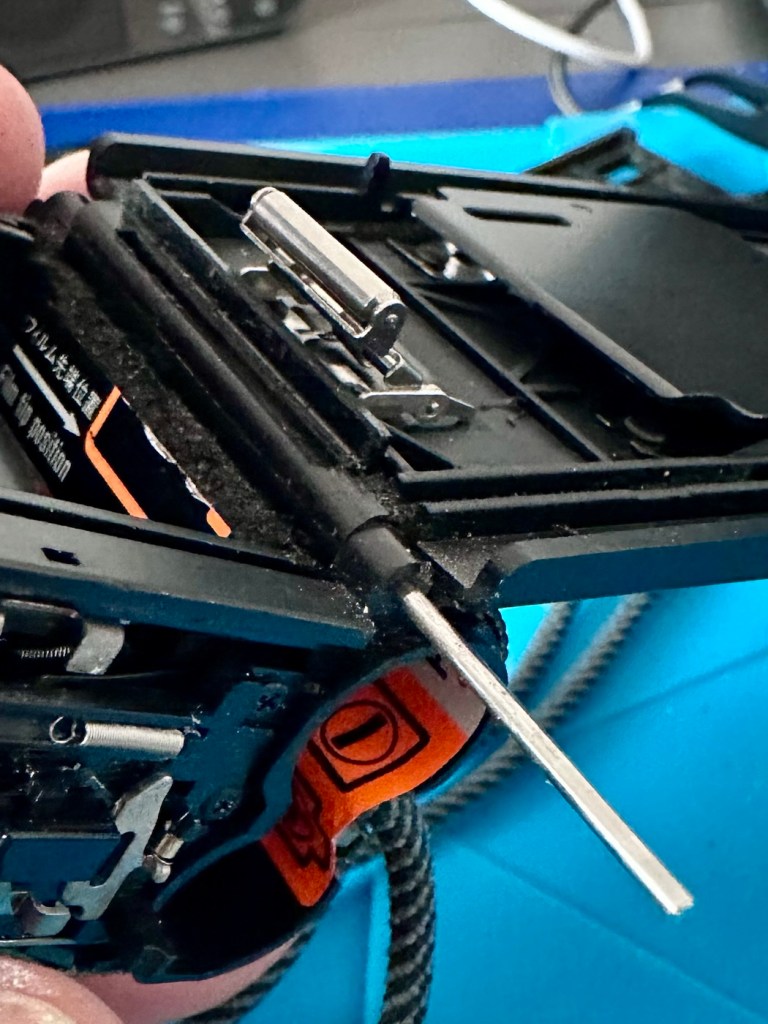
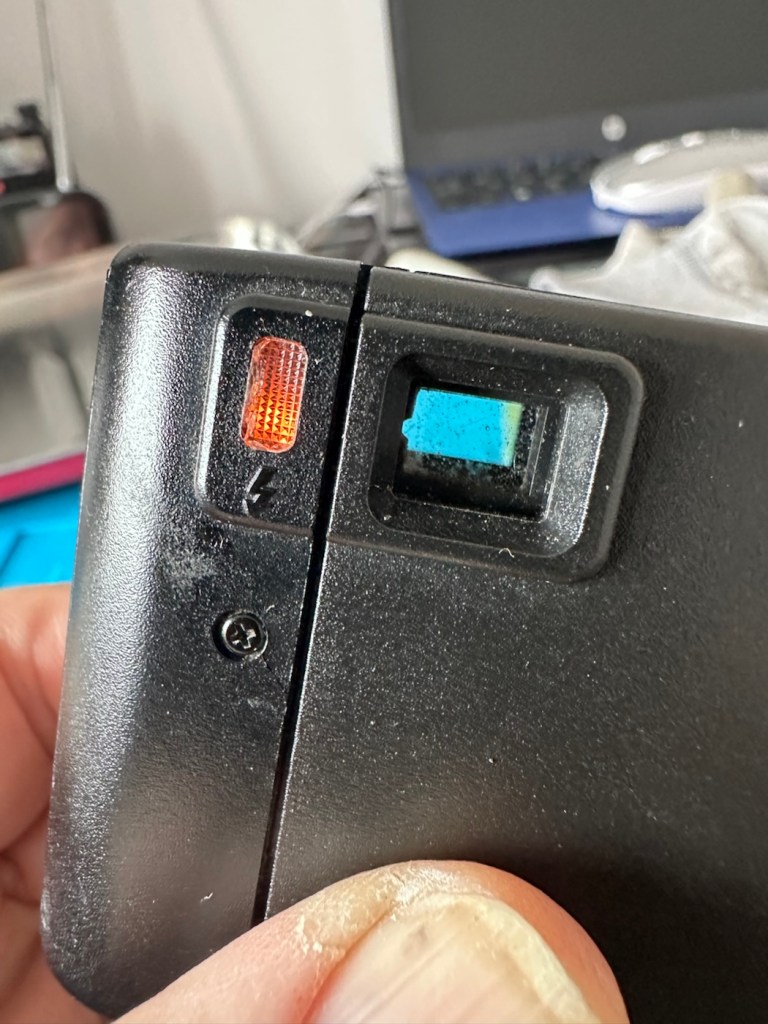
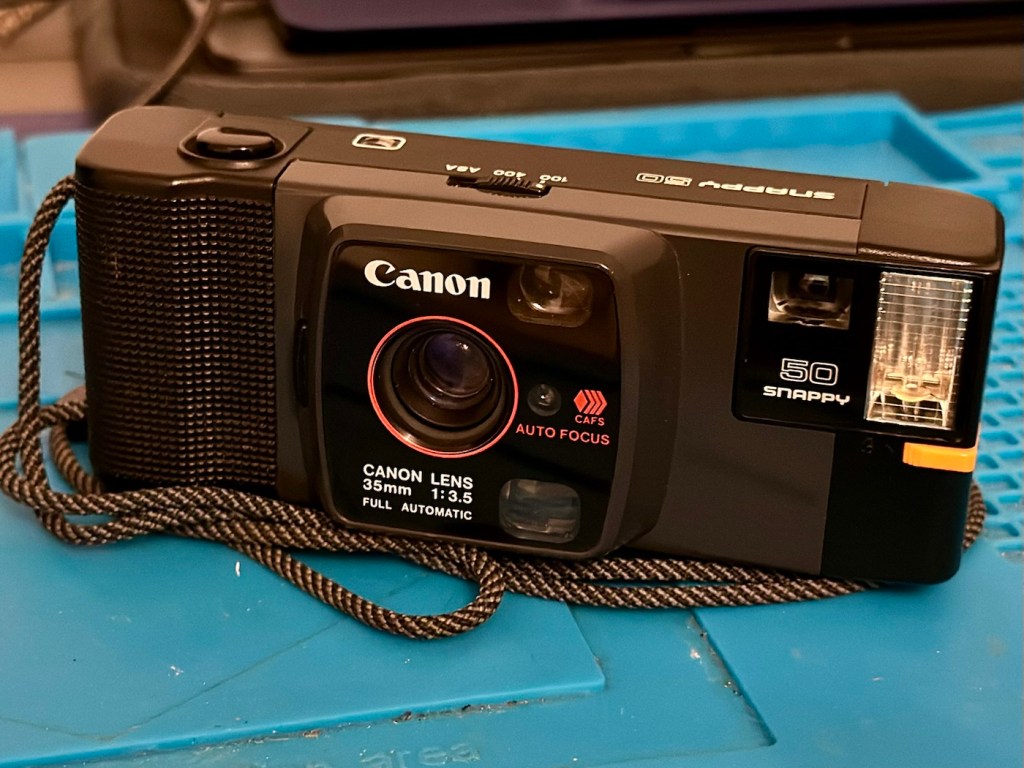


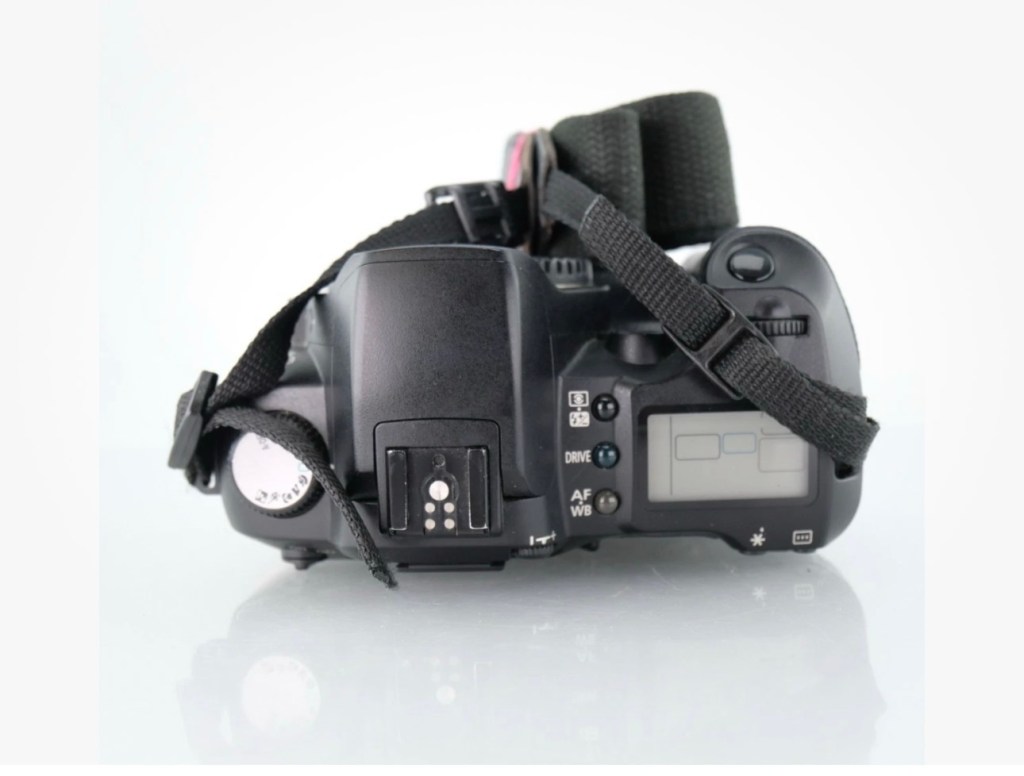


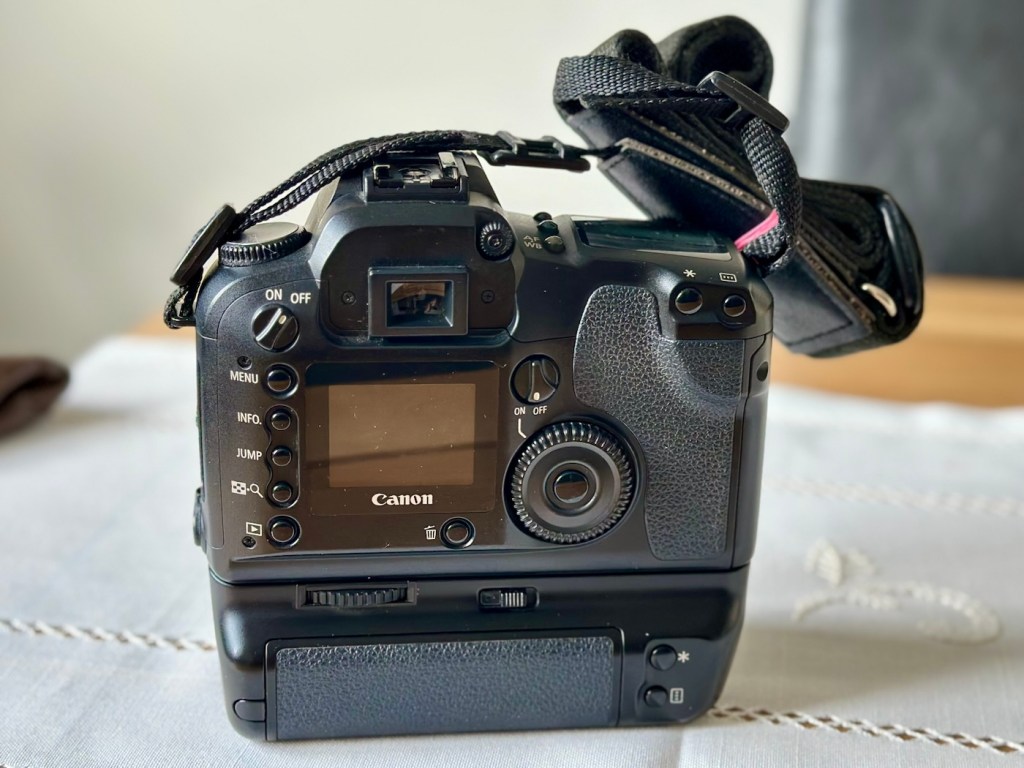
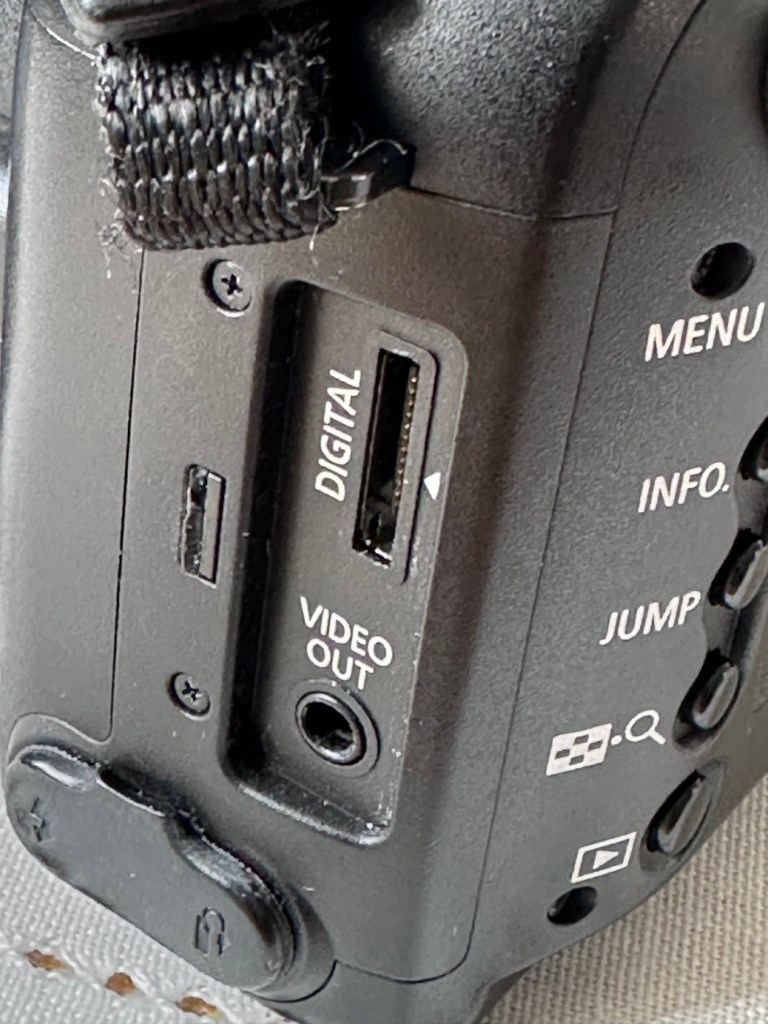
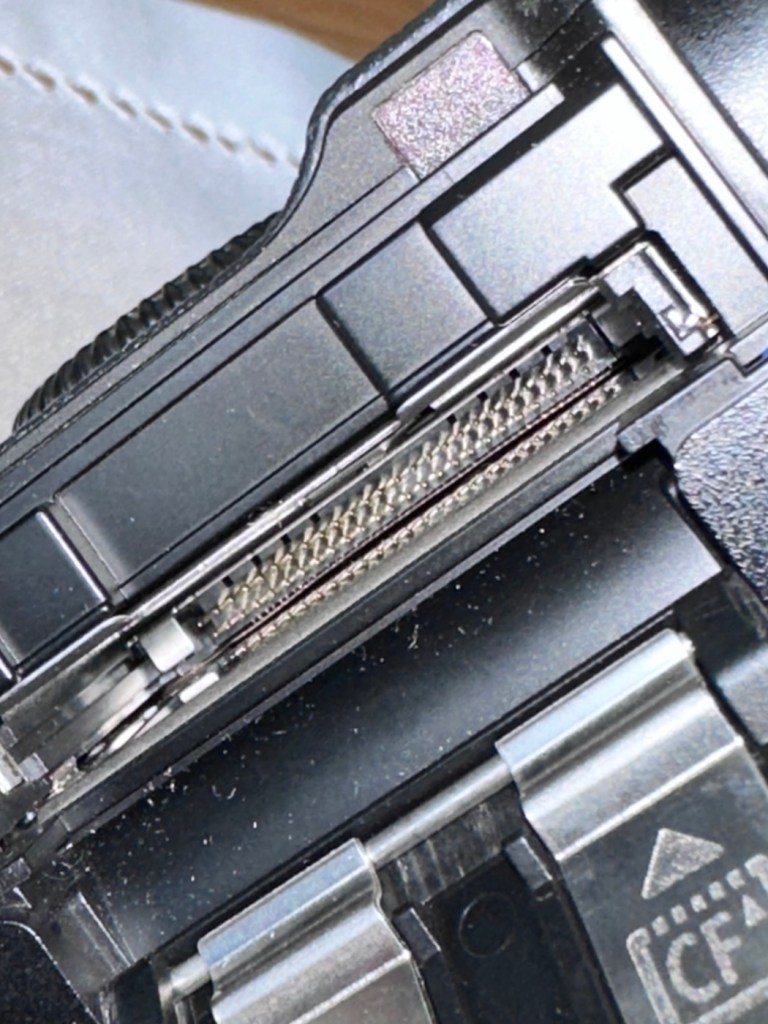
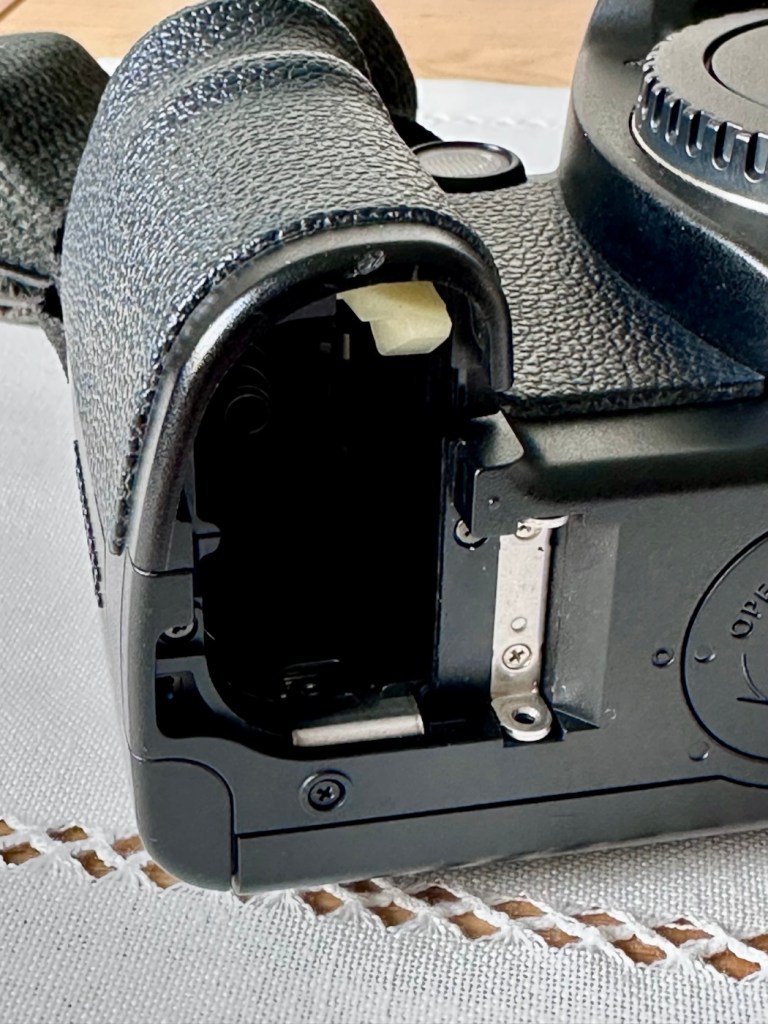
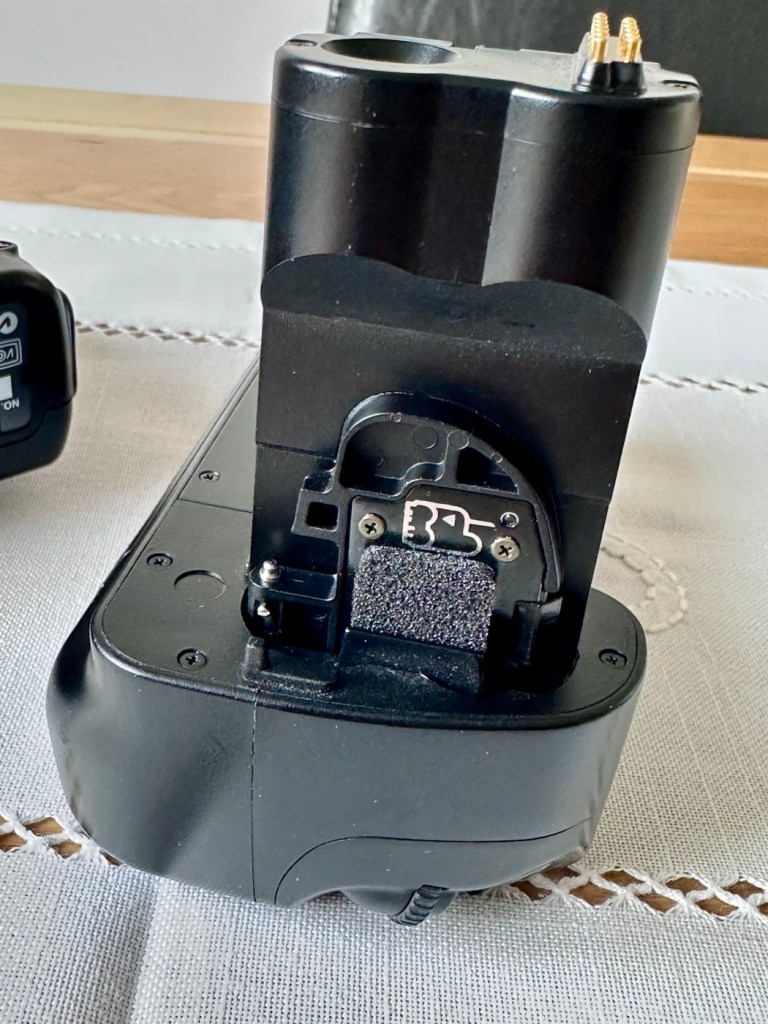
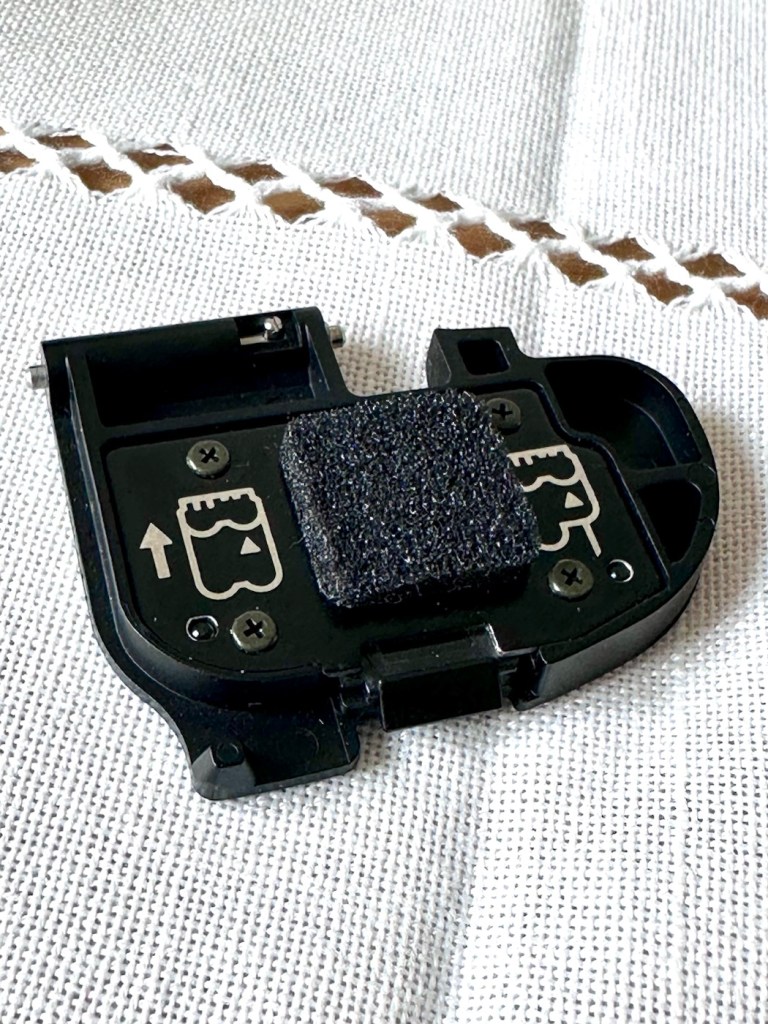
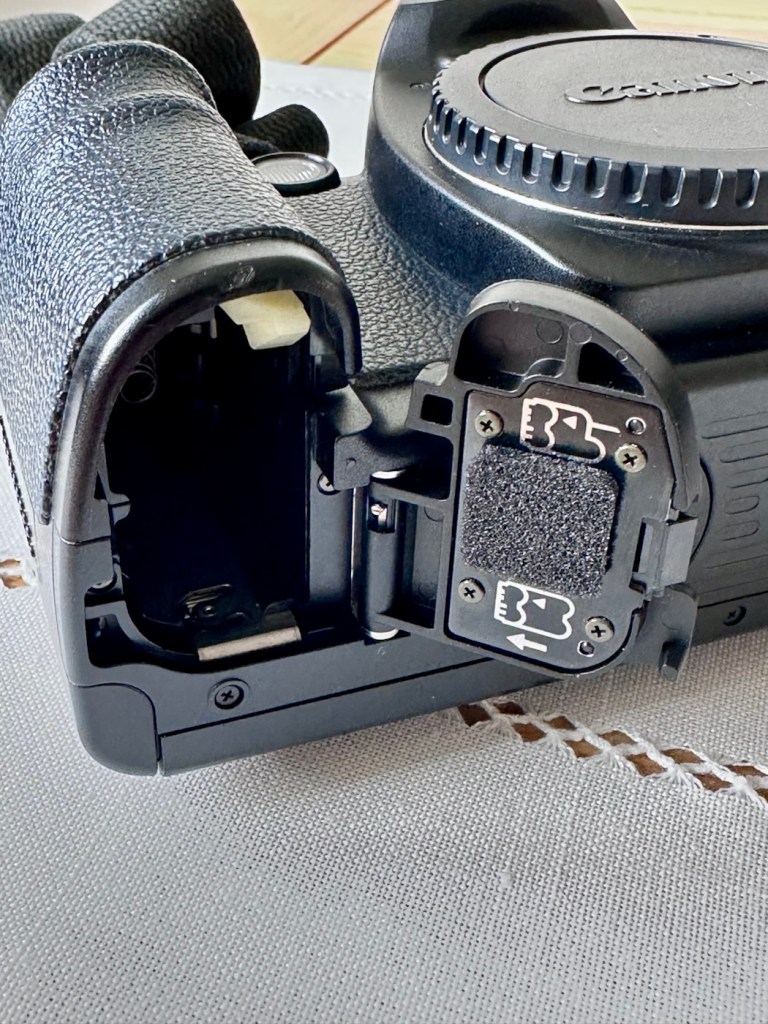
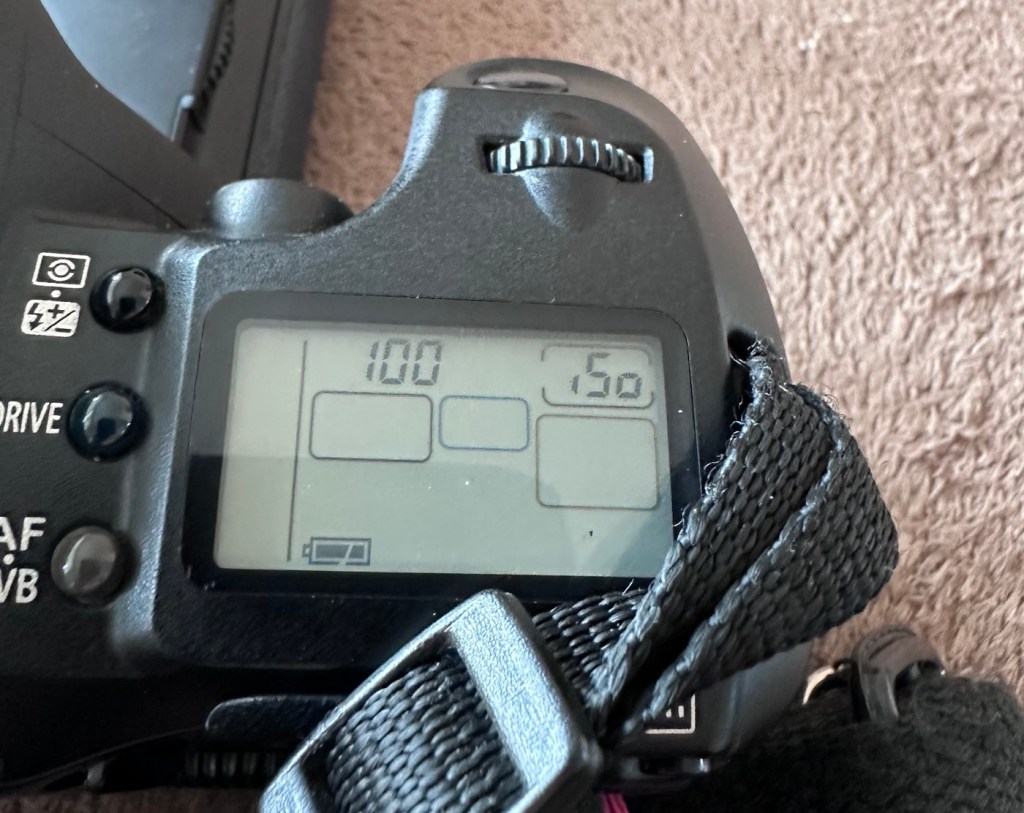
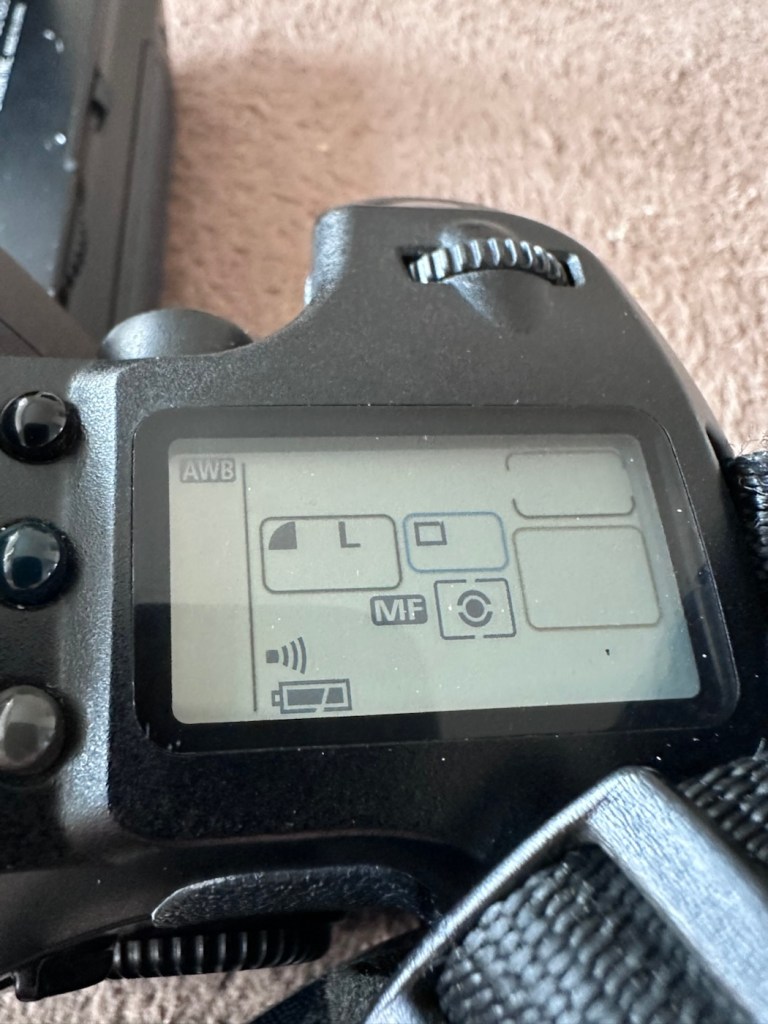
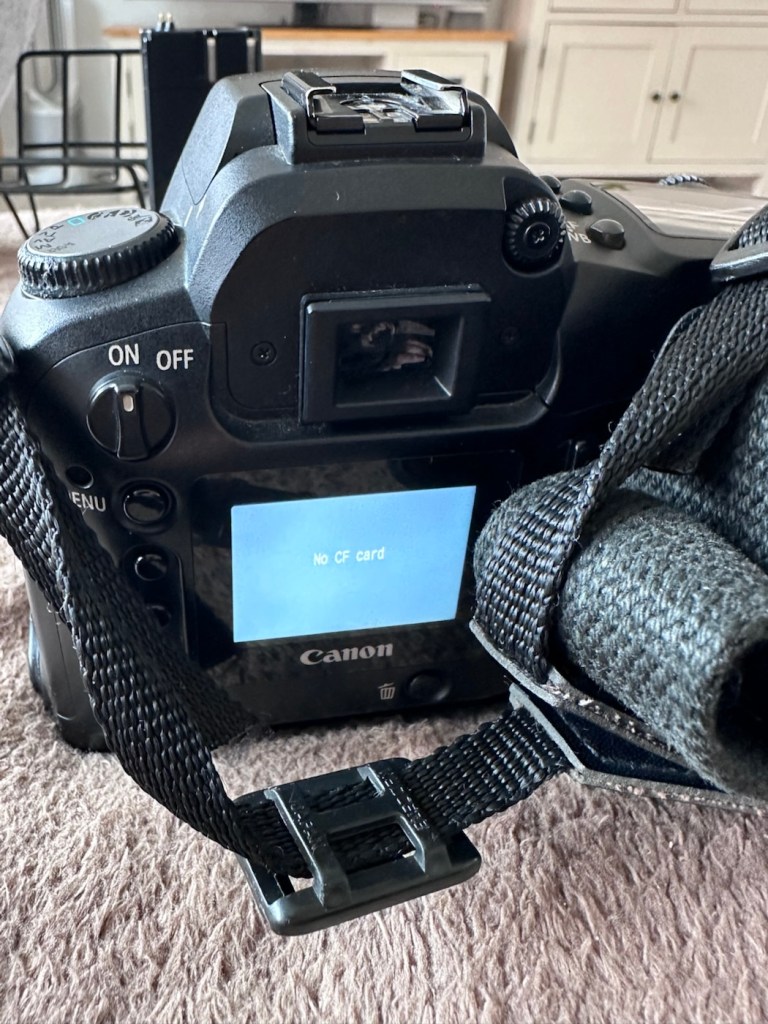
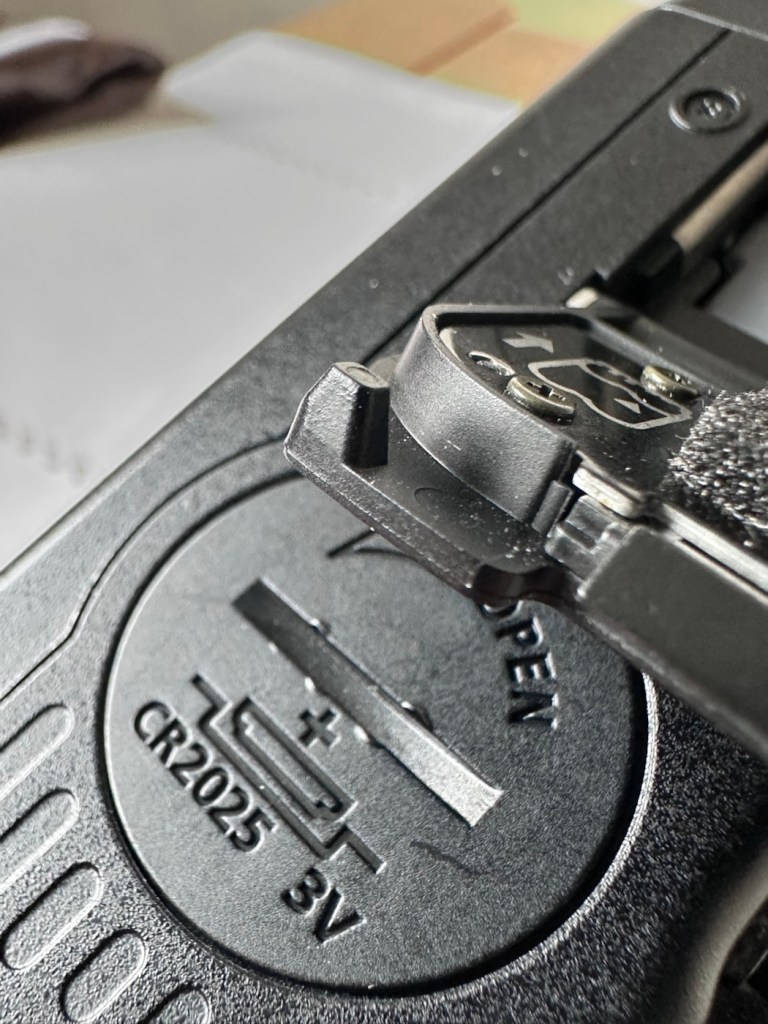
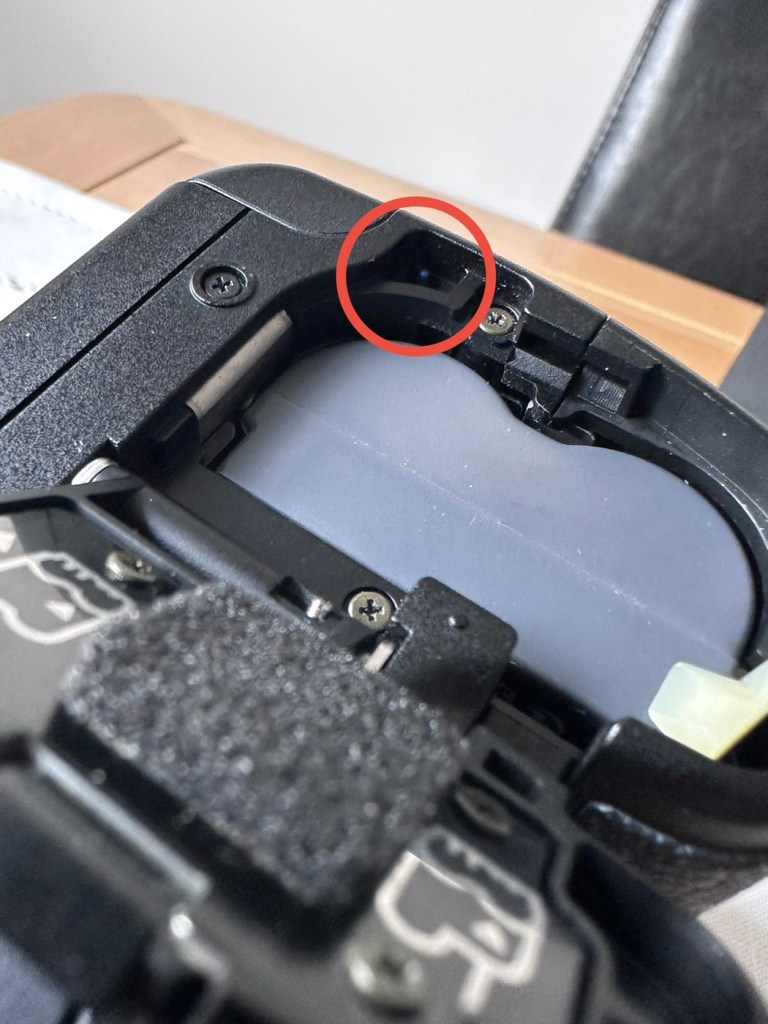
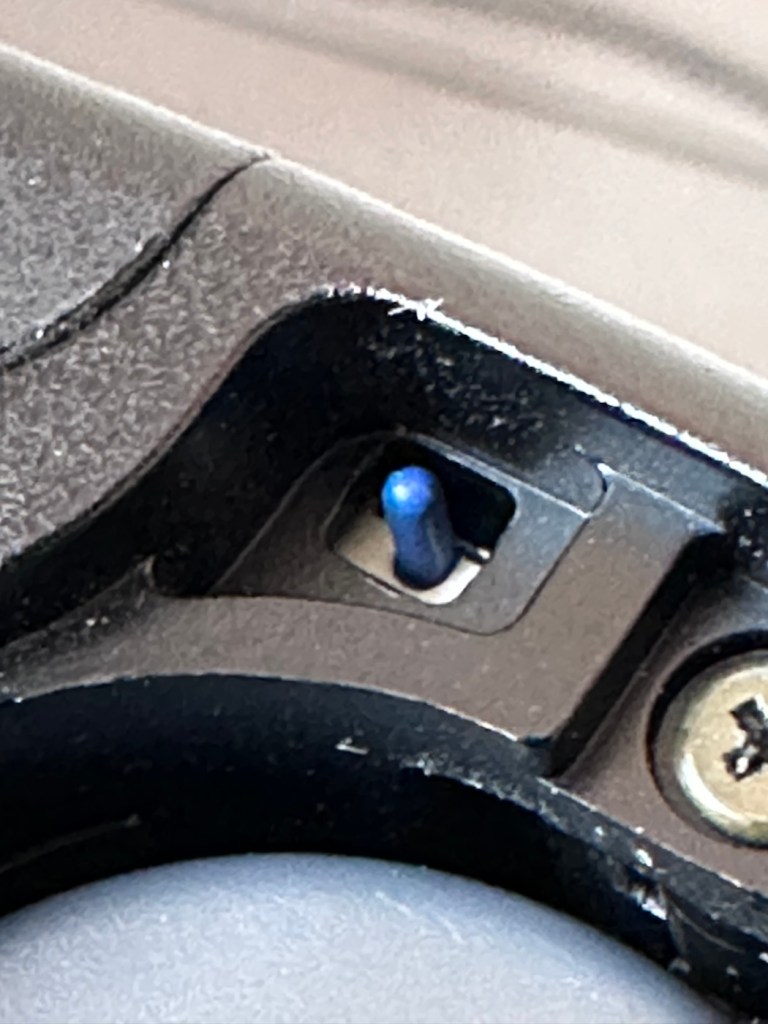
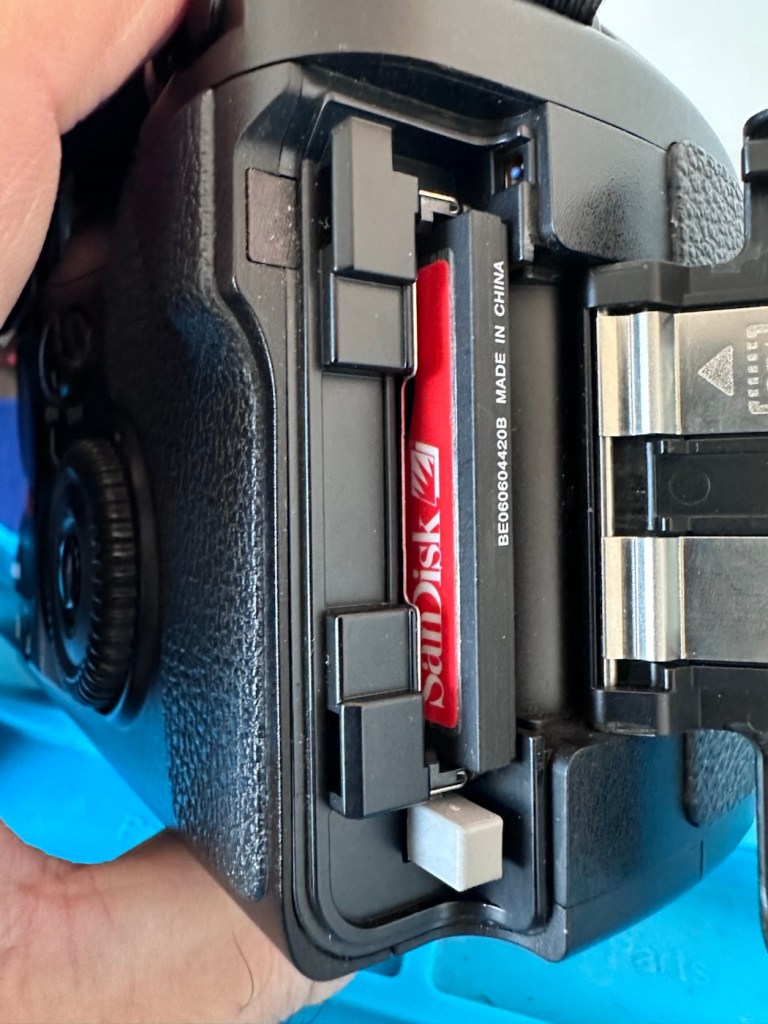
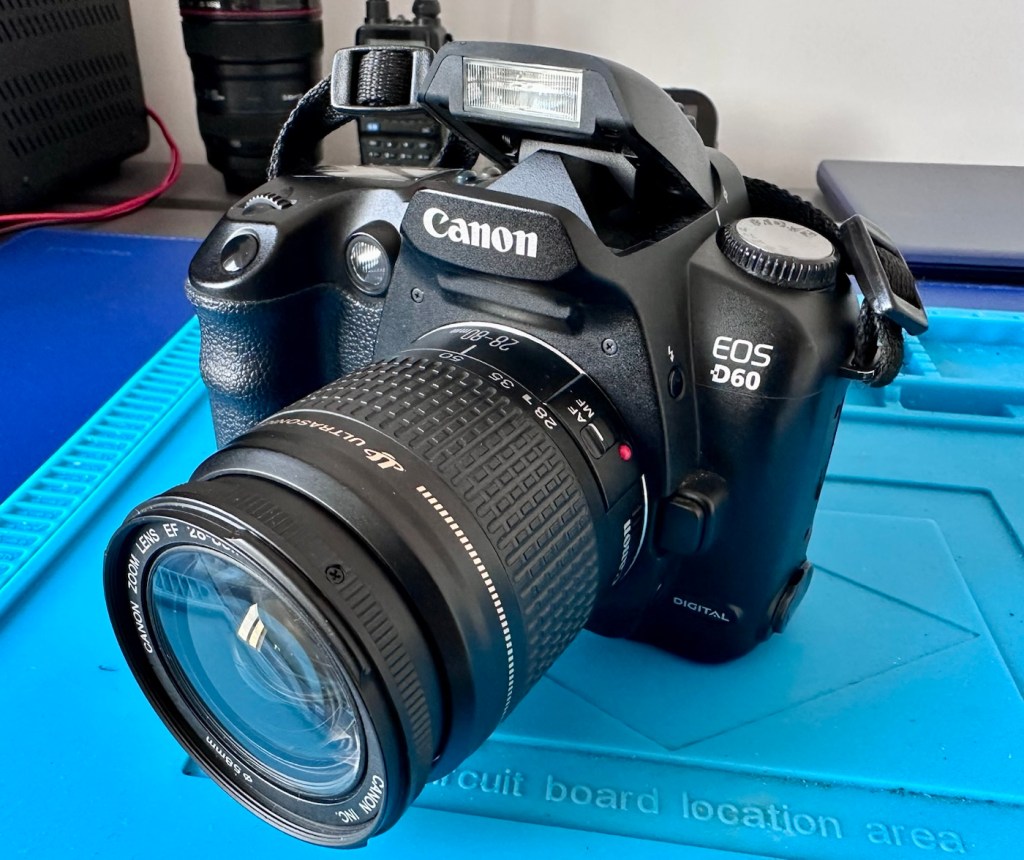
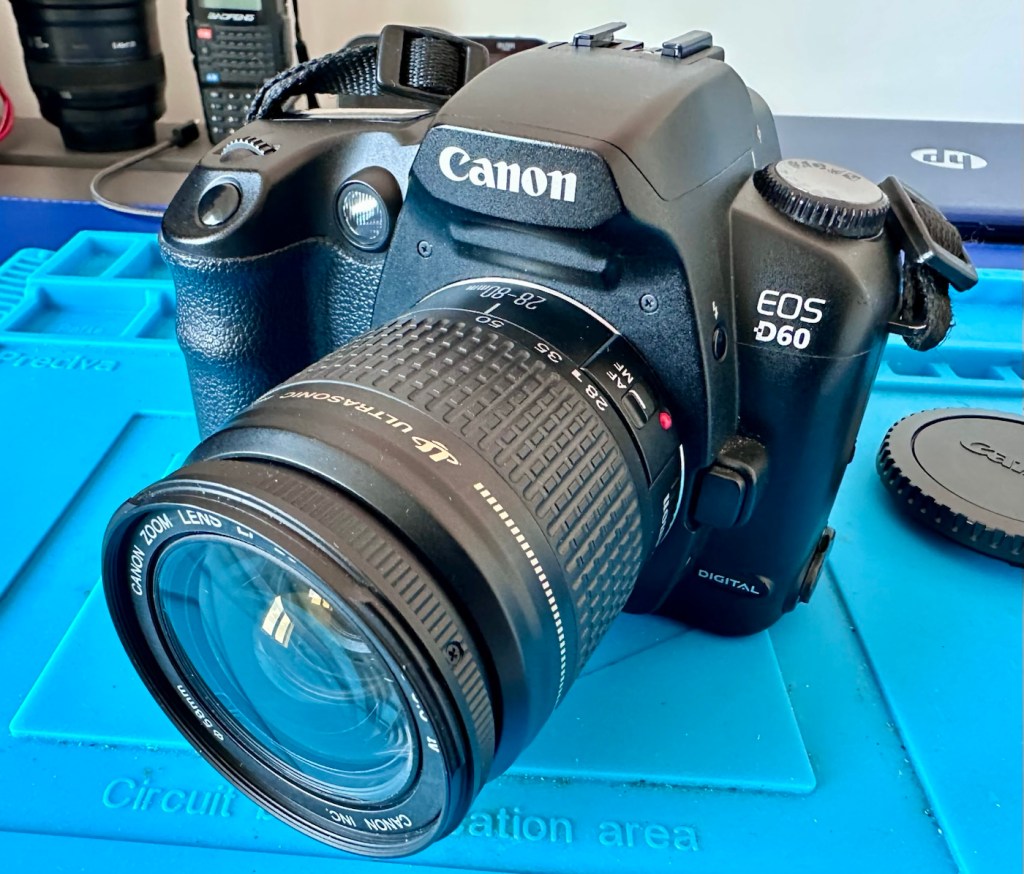
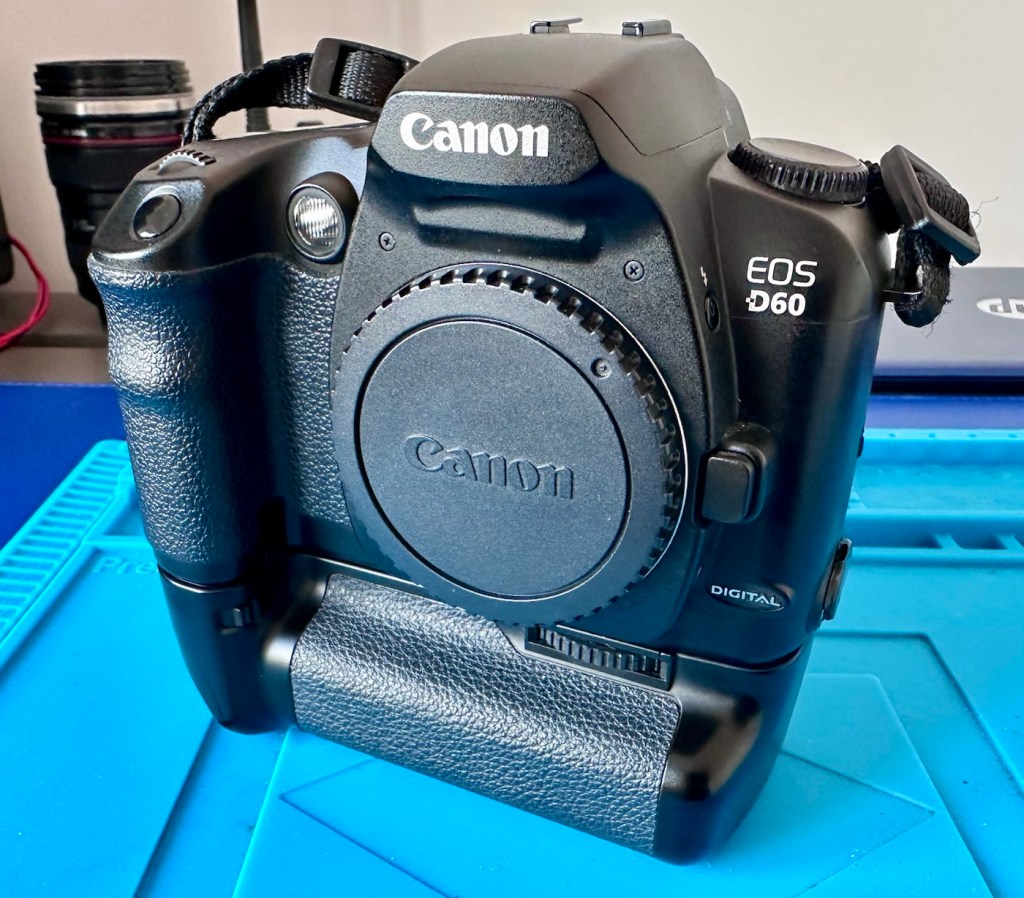

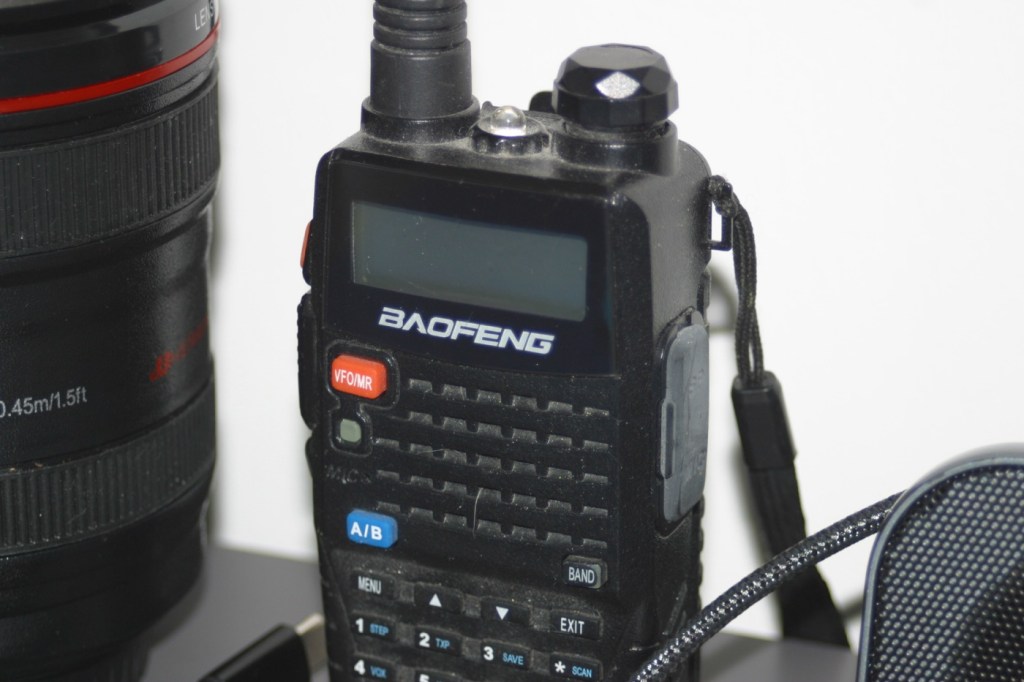
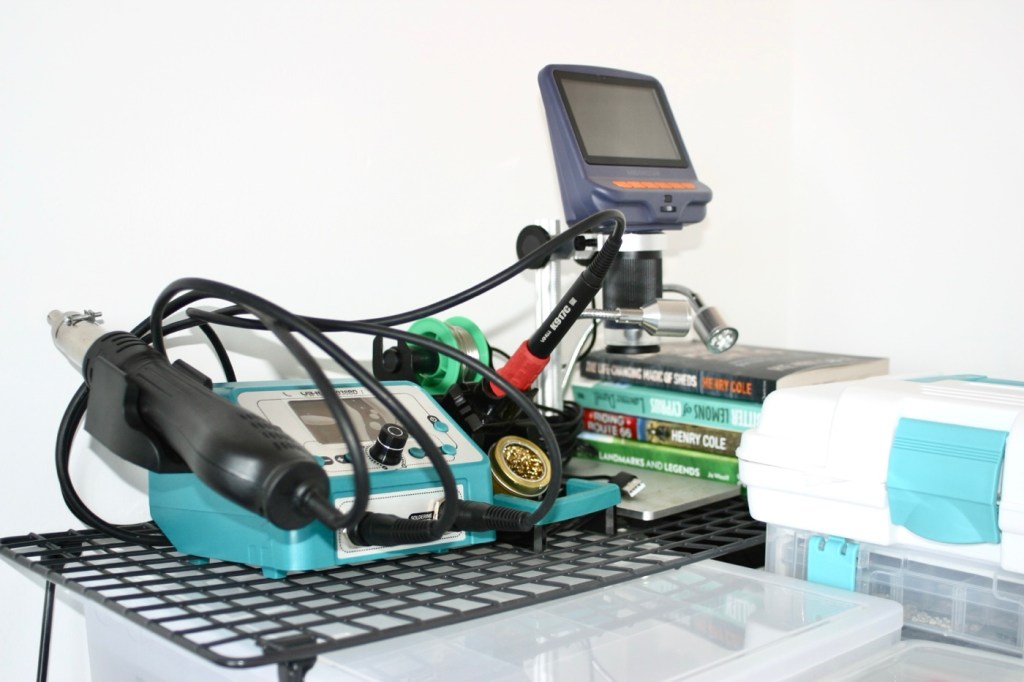


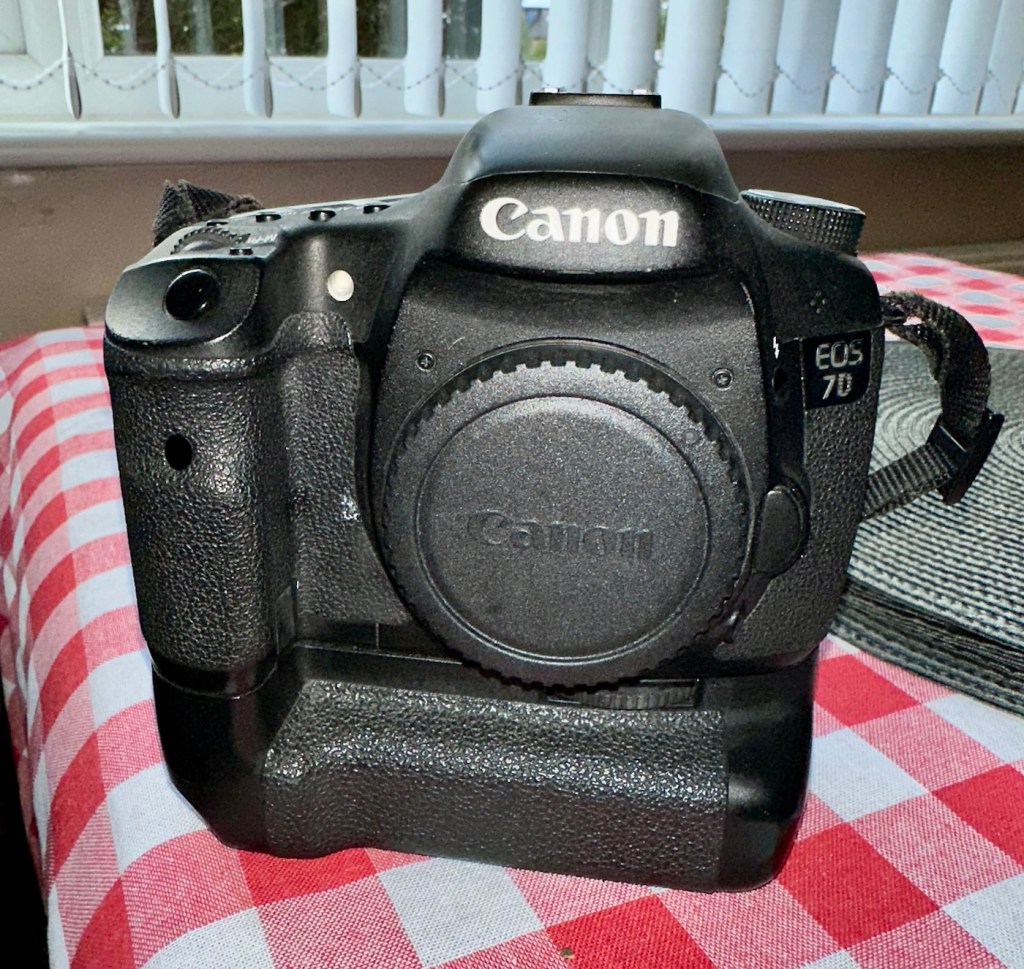


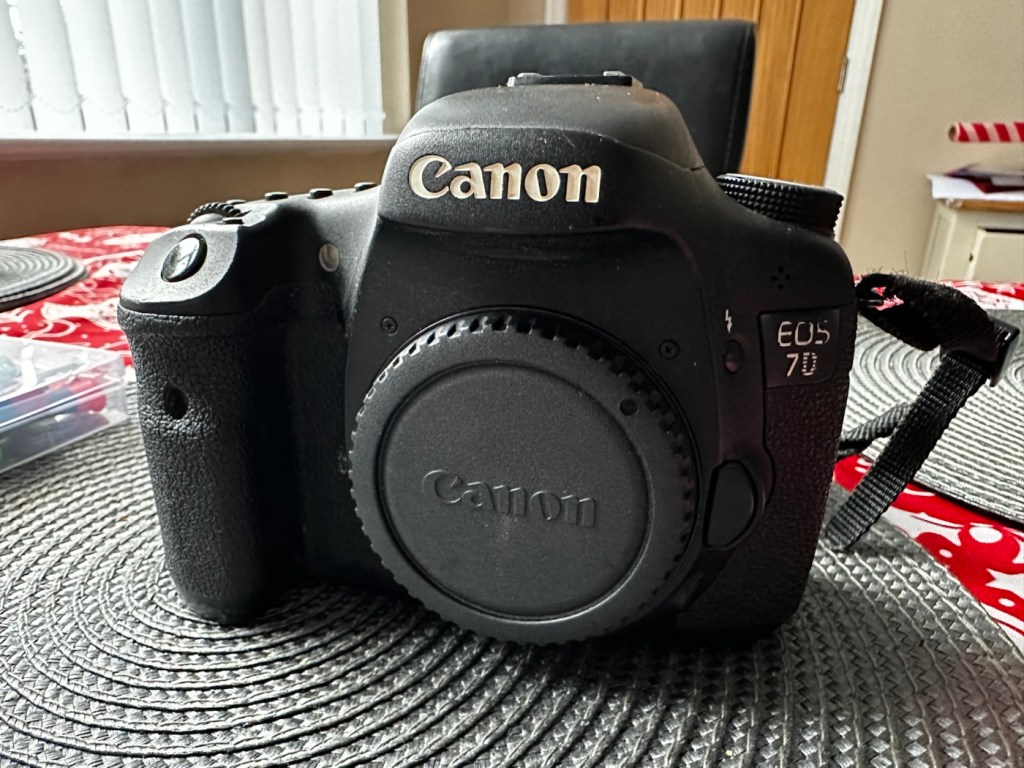









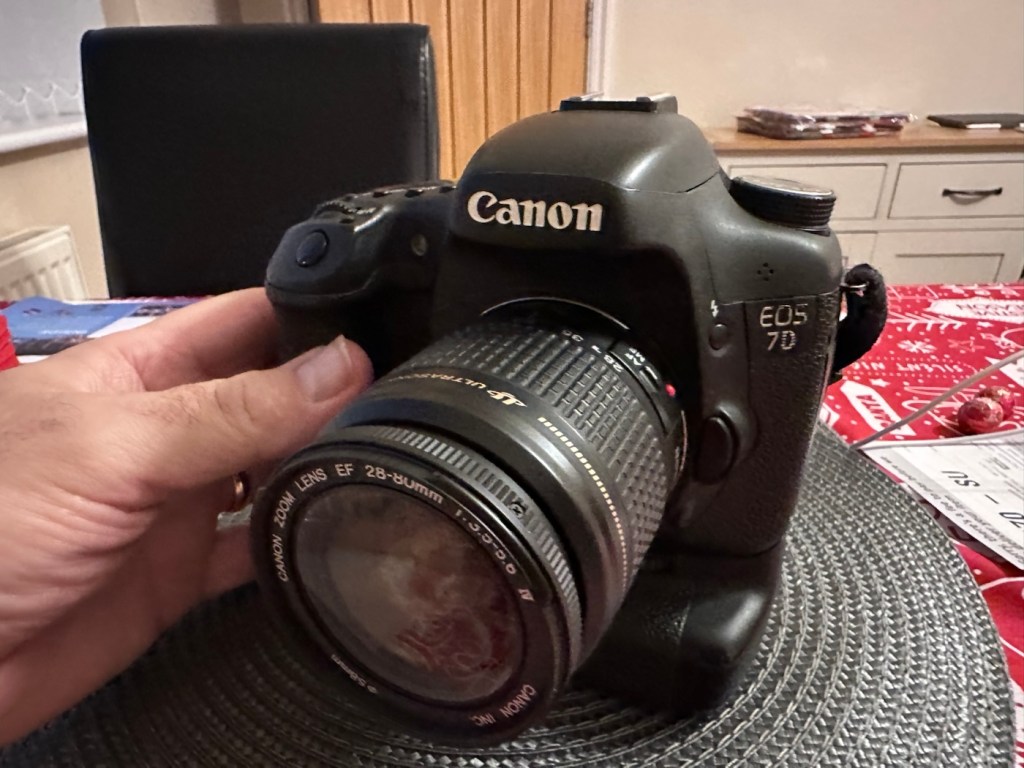

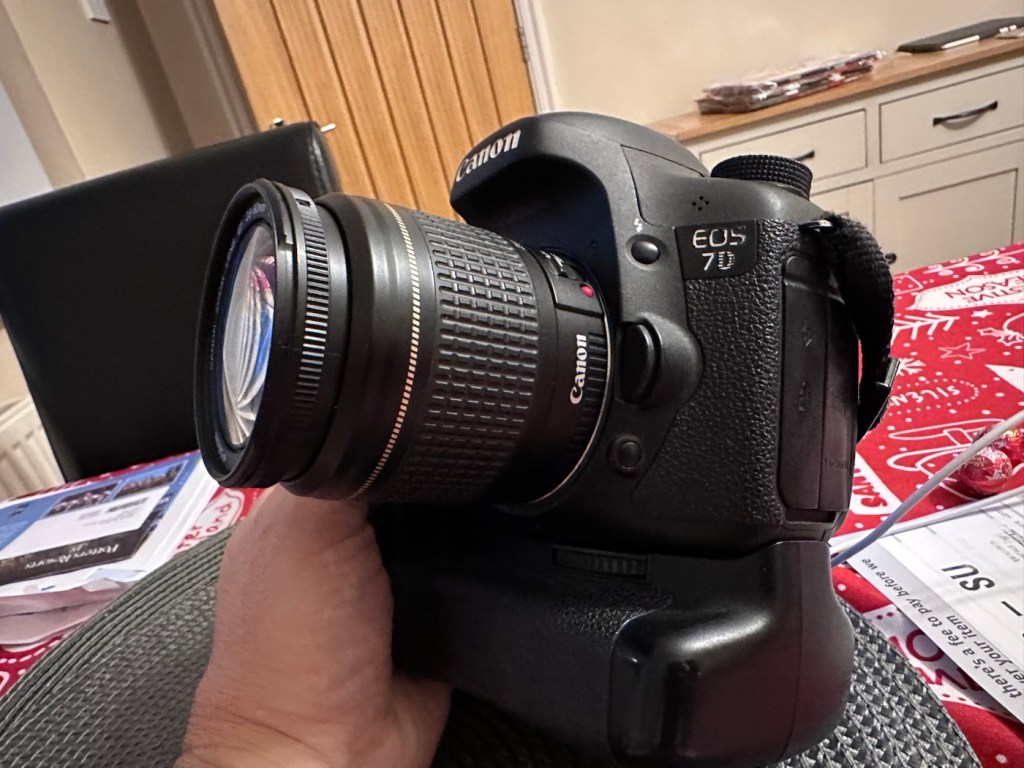


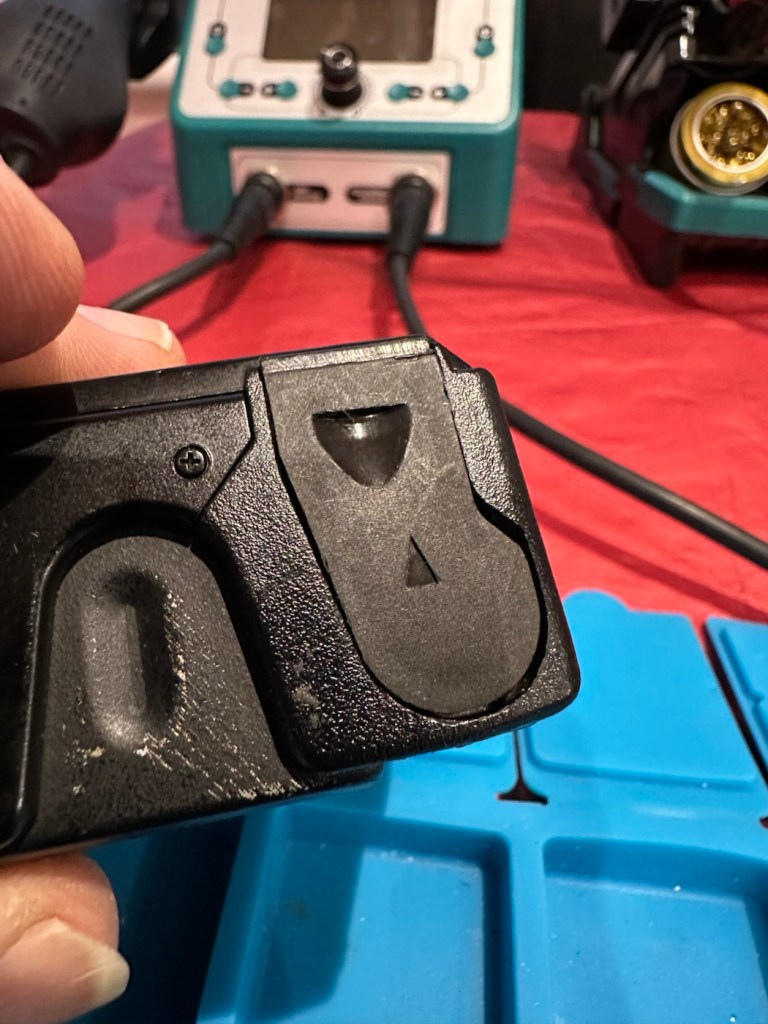
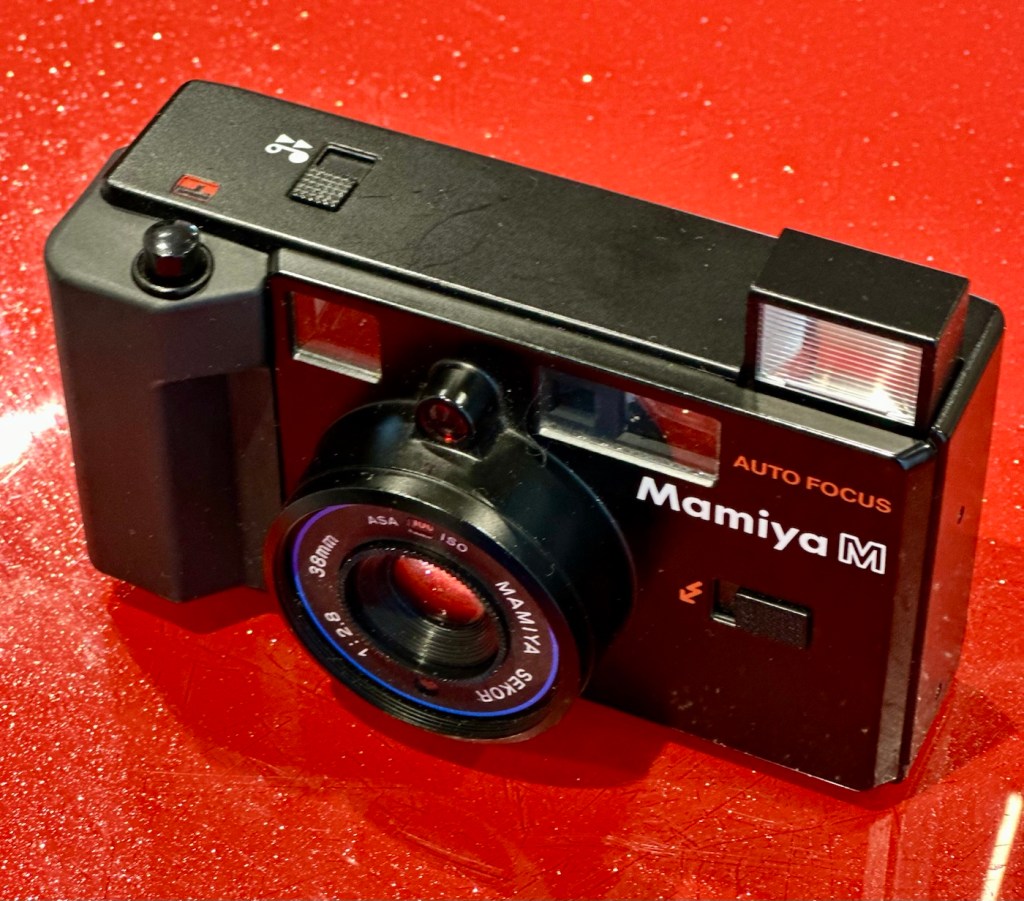
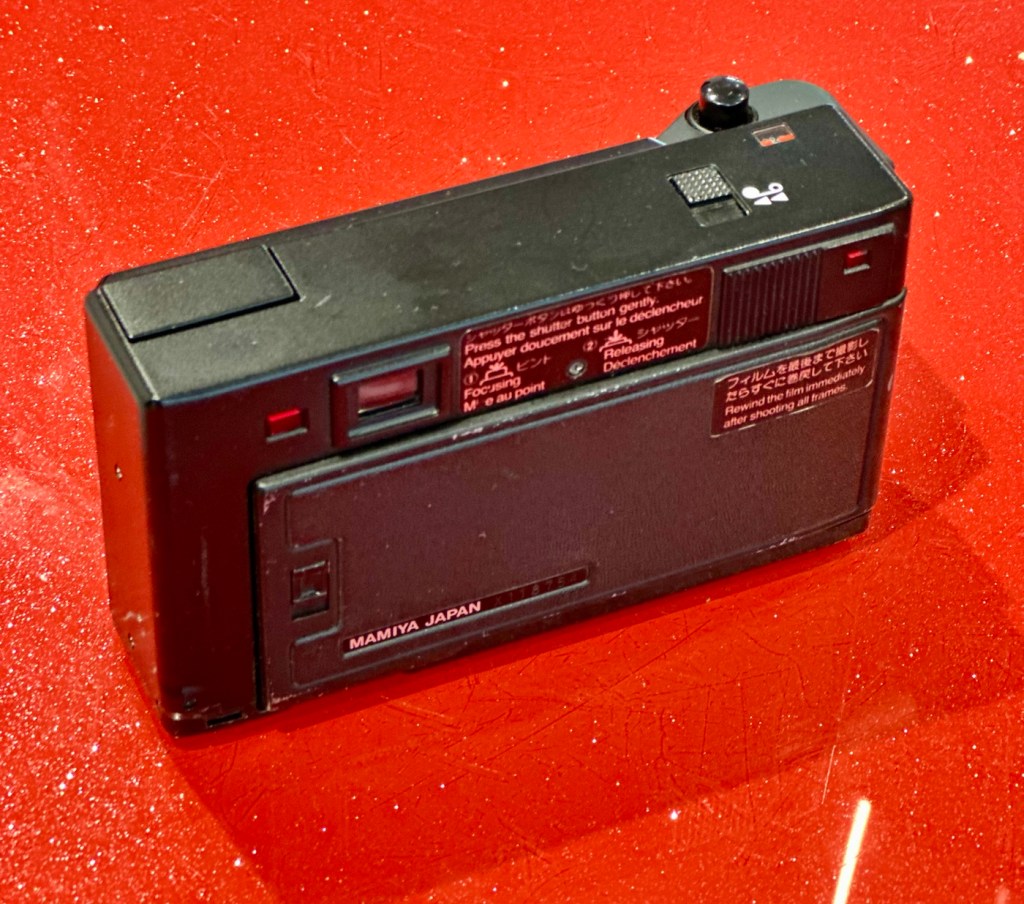


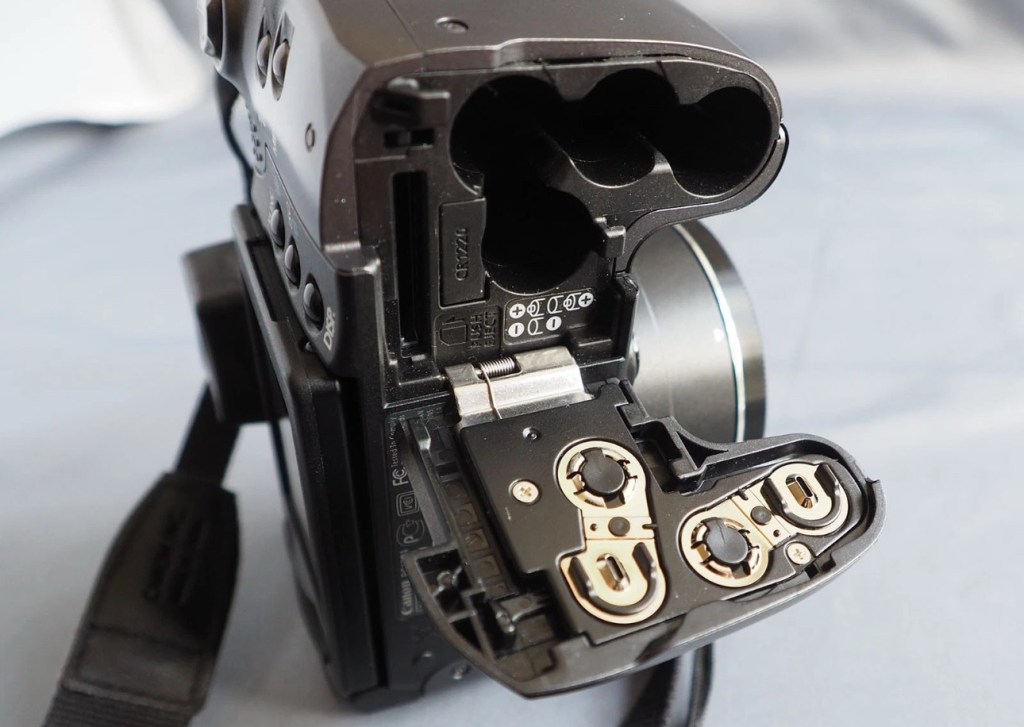
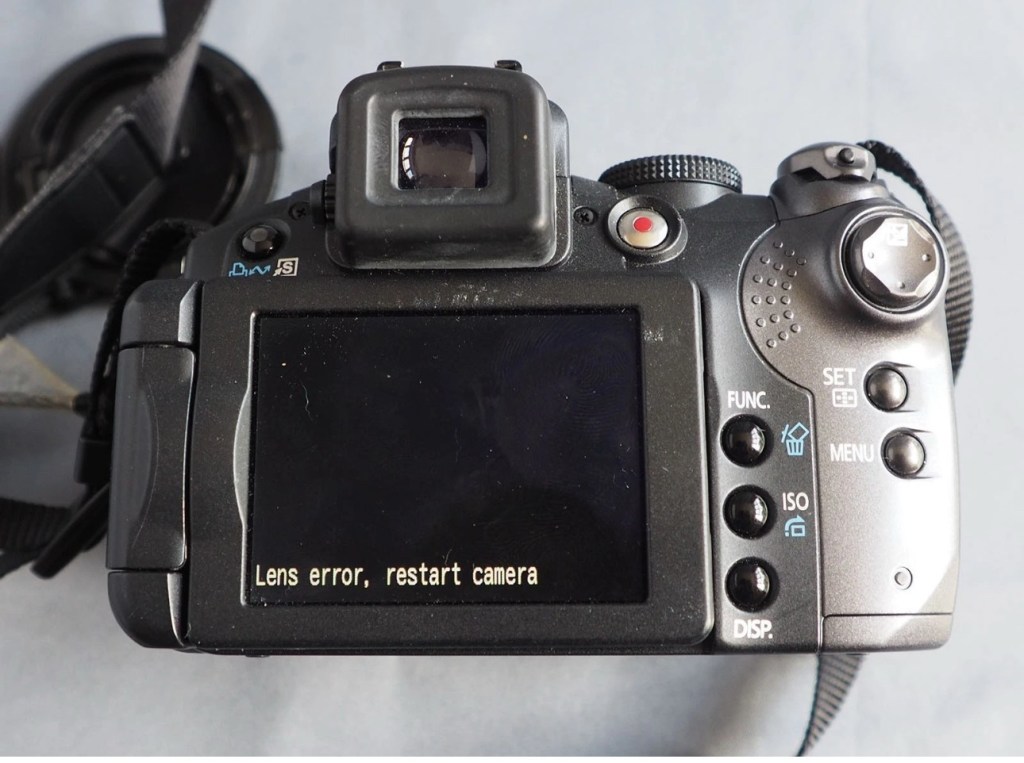
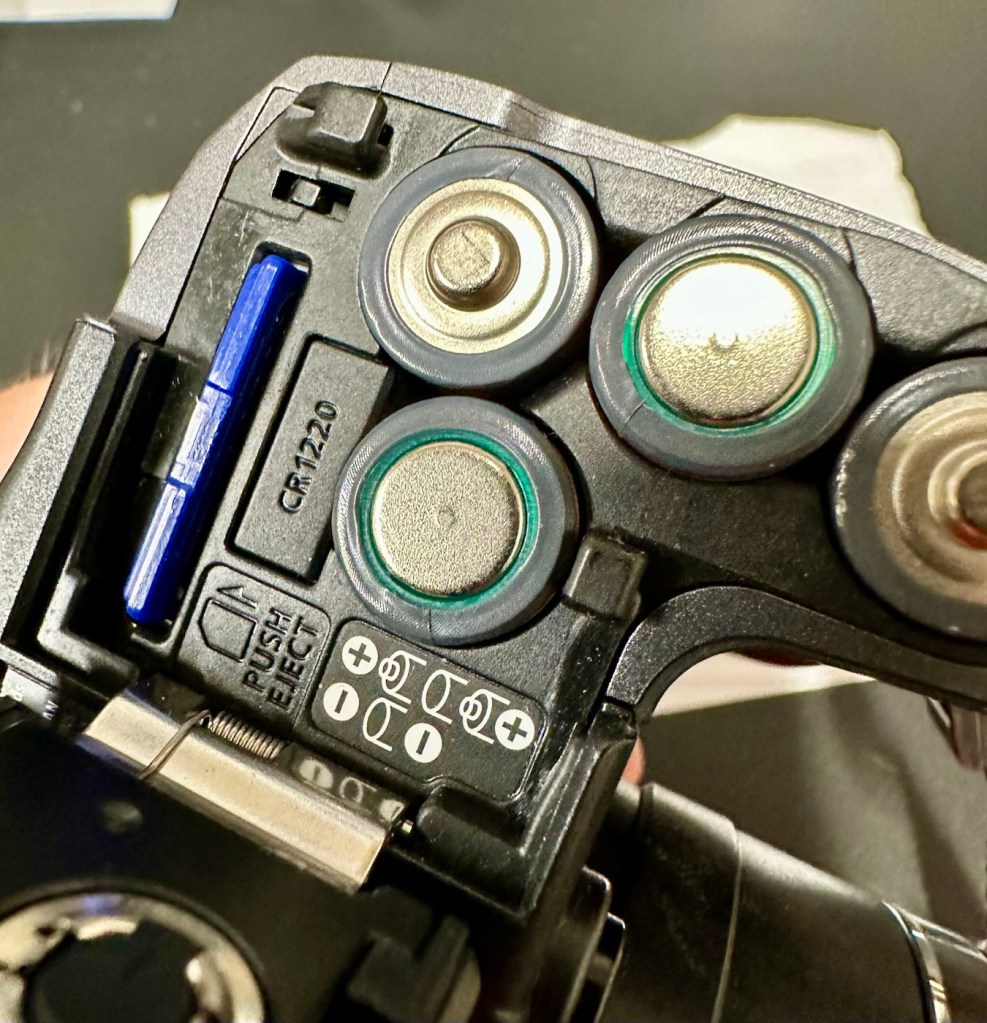
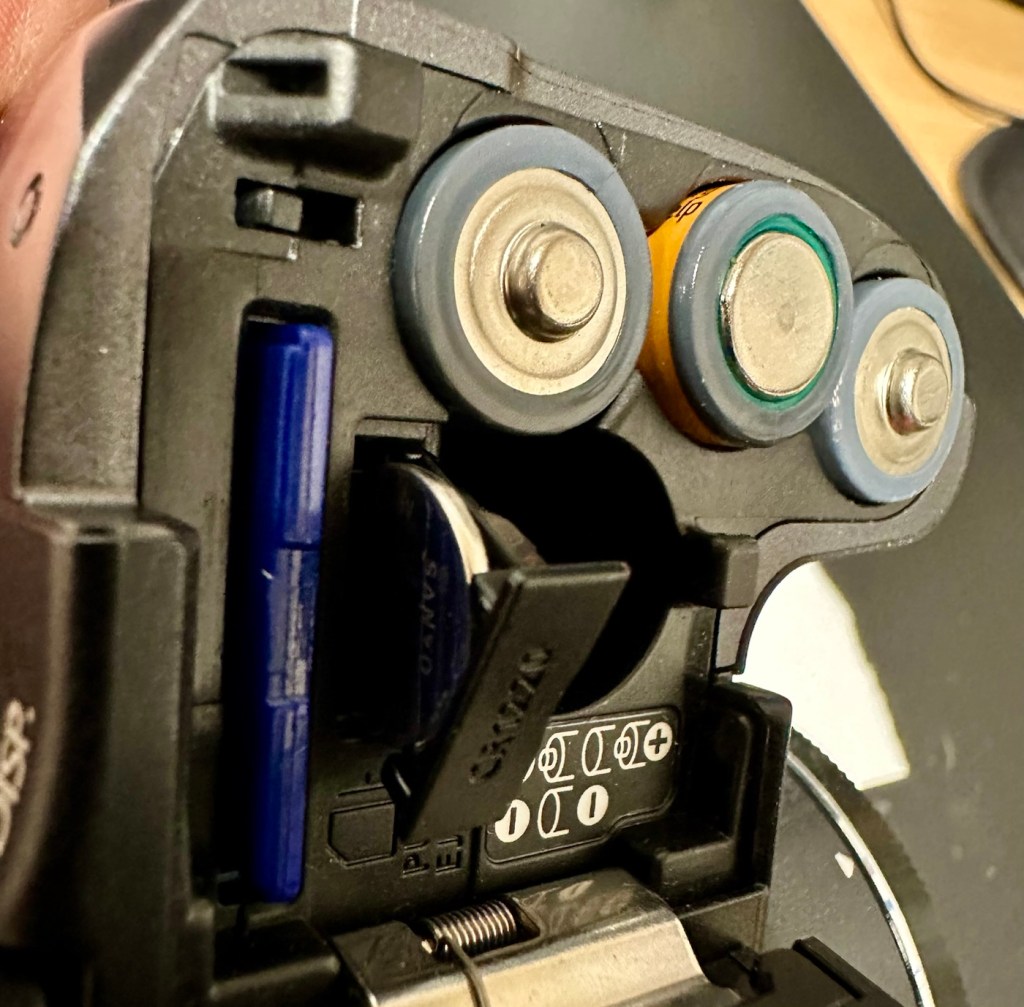




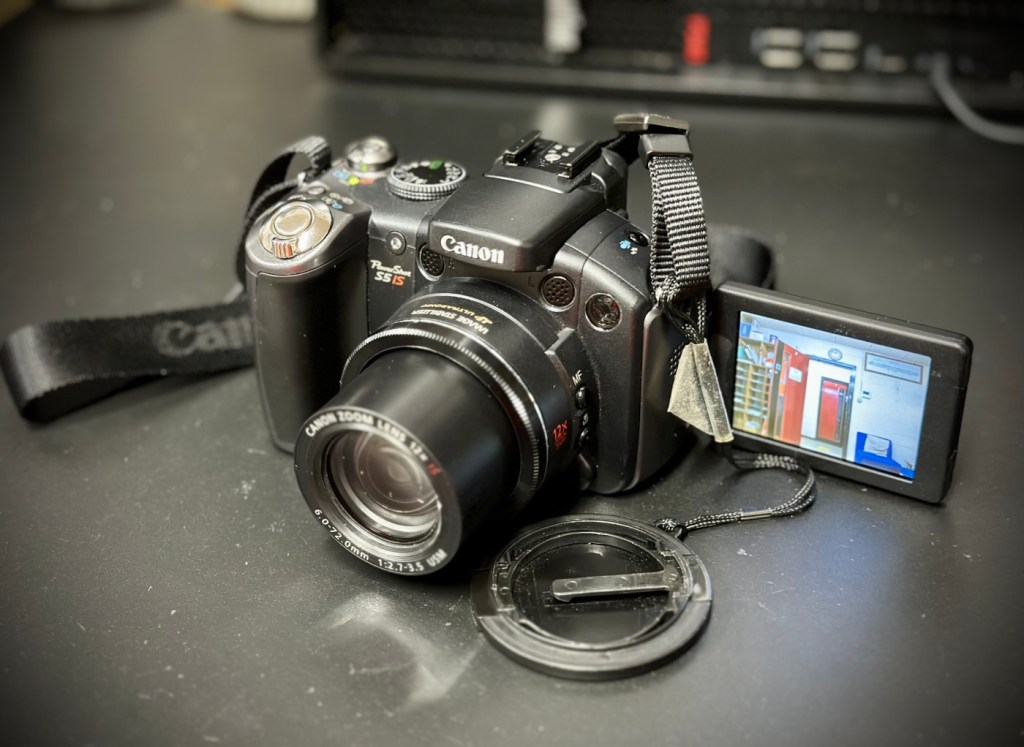



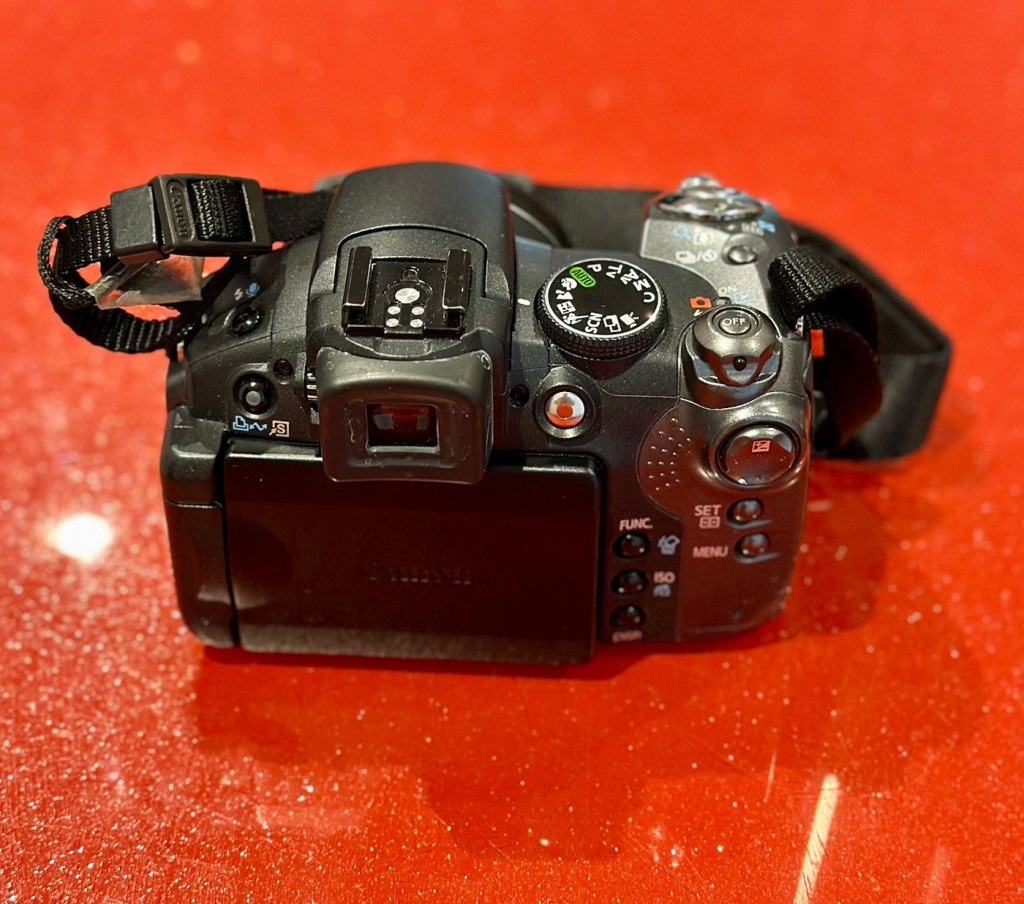













You must be logged in to post a comment.