Kodak, have overtaken Fujifilm in traditional camera film sales. Not surprising seeing Fuji have ceased production….sort of
Once again leading the way
Being an ex employer of Kodak, seeing headlines like this pleases me. Shame they are about 30 years late and Fujifilm have pretty much ceased production of their mainstream analogue films anyway.
Better late than never, things could have been so much different if they’d only moved with the times.
Kodak, directors had never really been that good at making a good high level decision. Just ask any of the thousands of good people laid off within the UK due to their poor mismanagement.
This camera influenced the partnership between NIkon and Kodak to produce one of the most expensive prosumer cameras of the 1990s. However this one is a lot less expensive but with some issues. Let’s have a look at it:
What the listing stated:
THIS UNIT IS FAULTY SUTIBLE FOR SPARES / REPAIRS ONLY SOLD AS SEEN
FAULTS INCLUDE BUT ARE NOT LIMITED TO, MIRROR STICKS
COMES WITH EVERYTHING SEEN IN IMAGES
NO WARRANTY PROVIDED
EBay
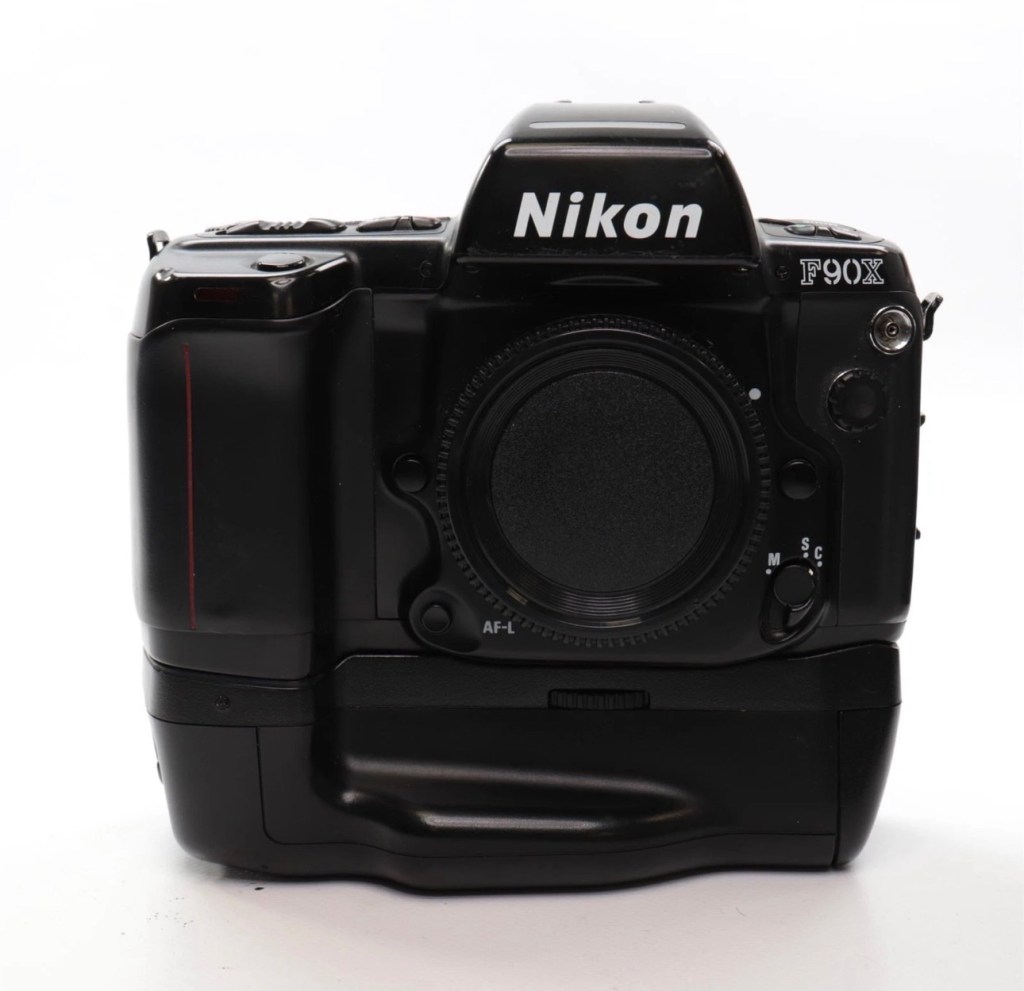
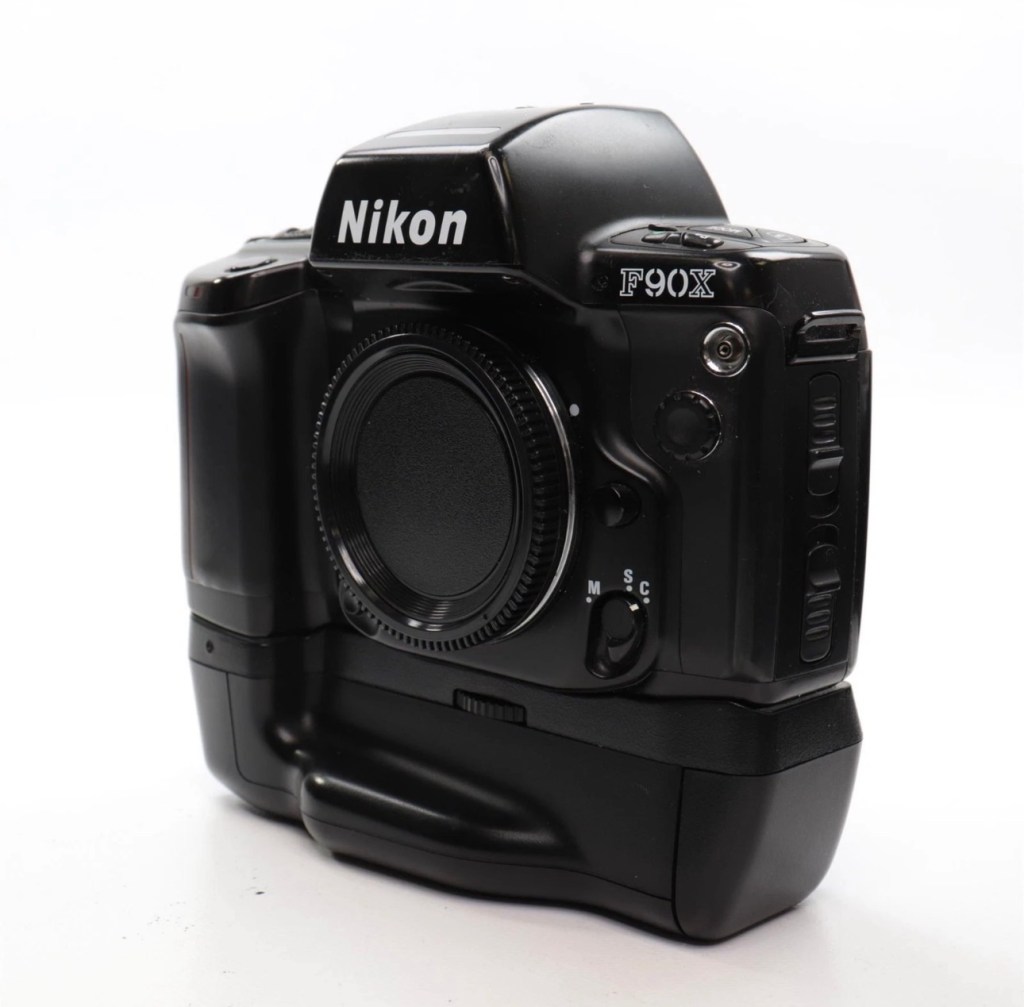
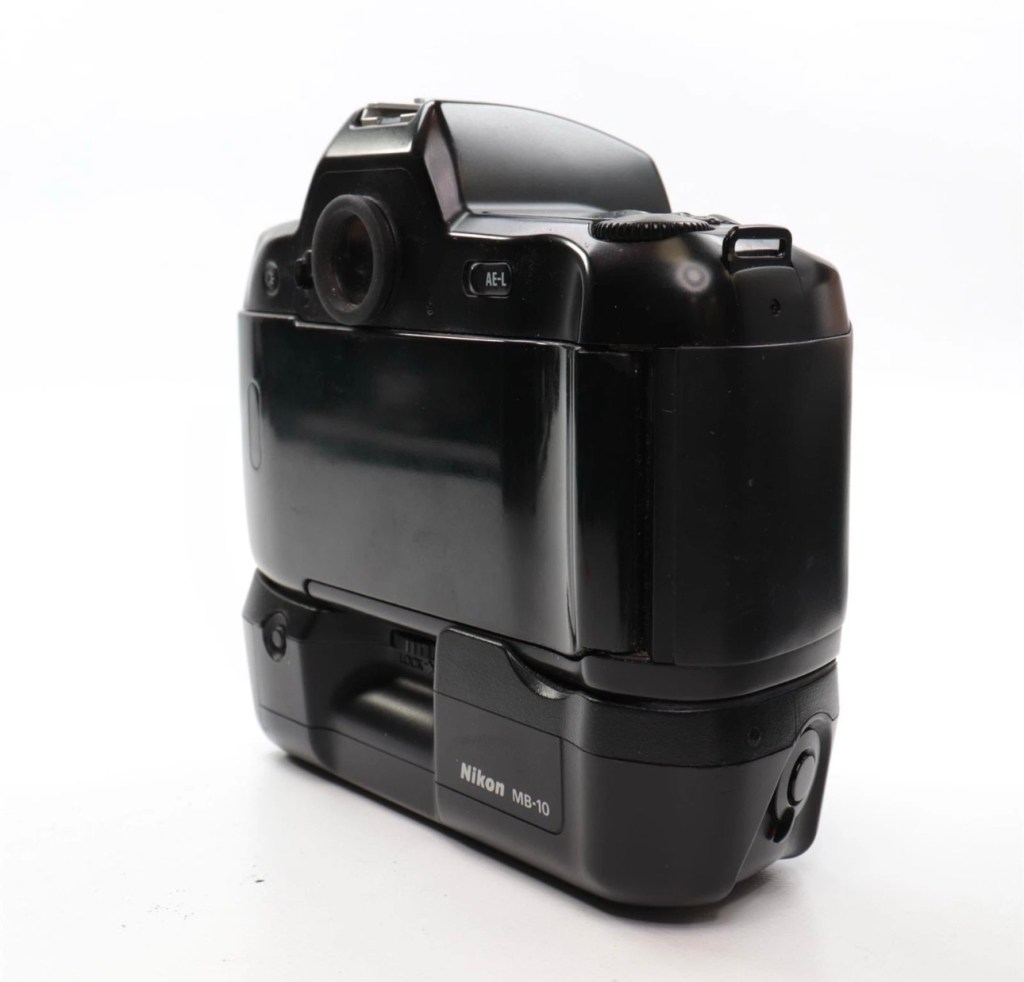
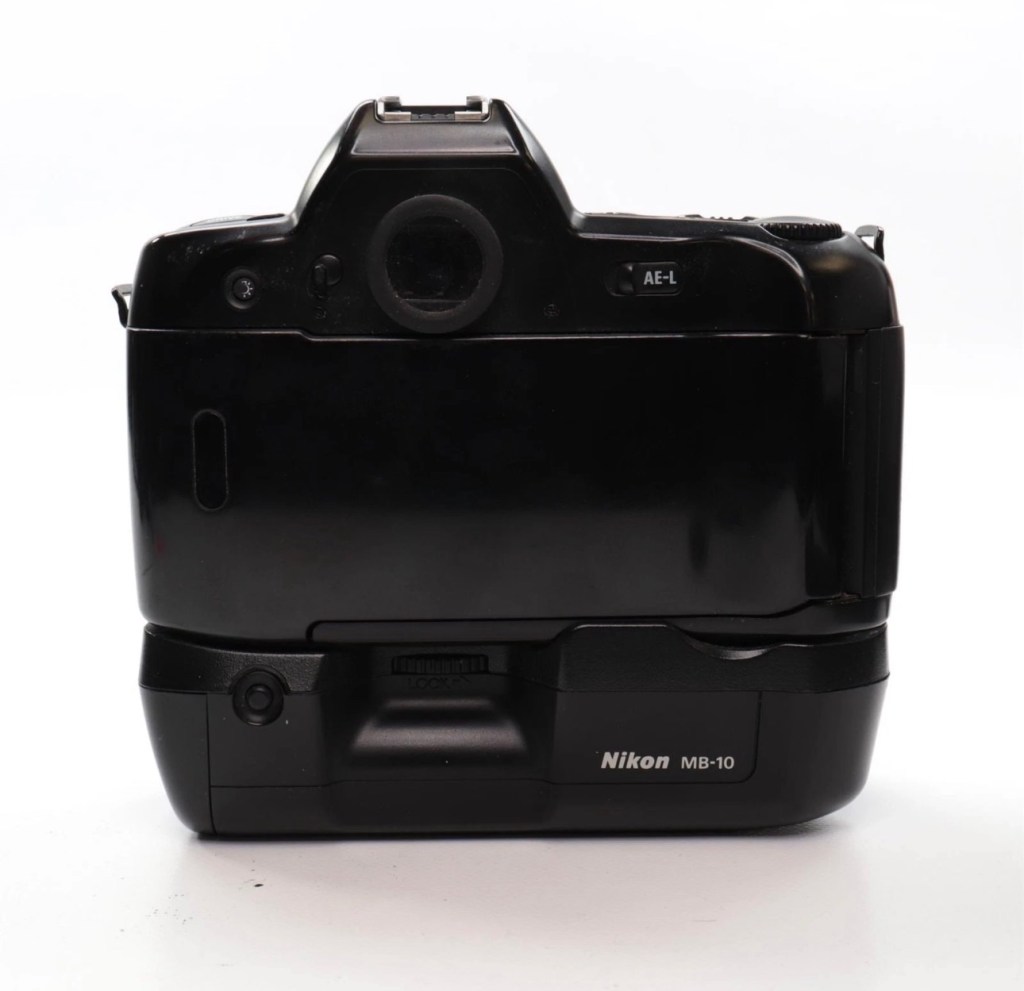
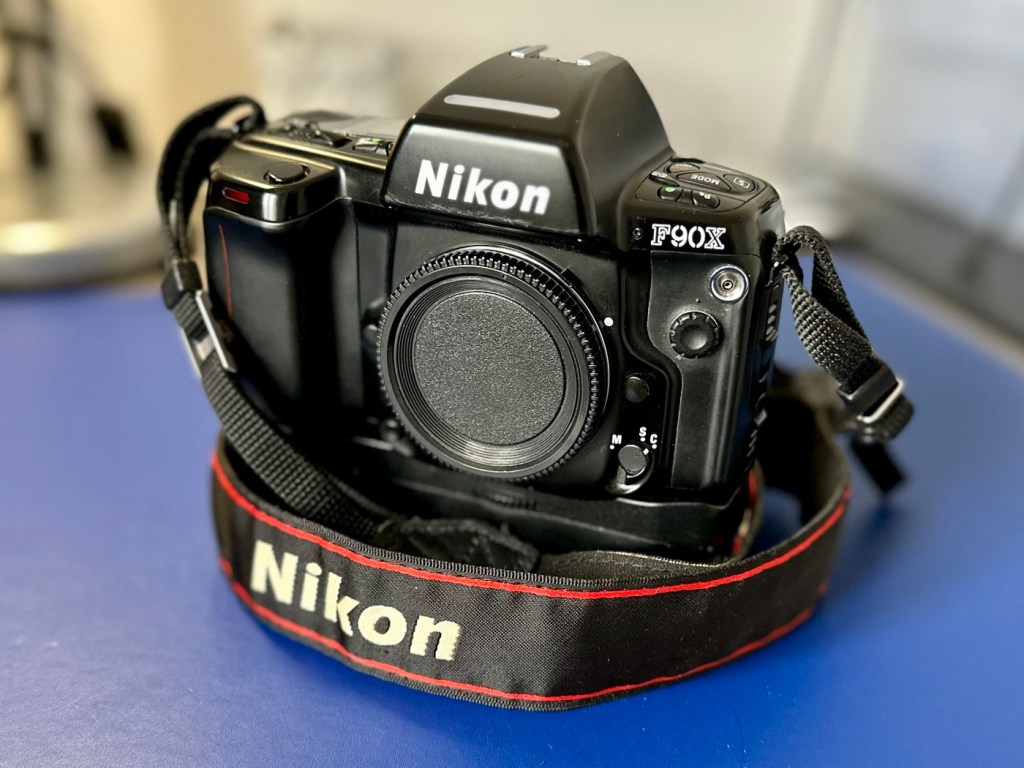
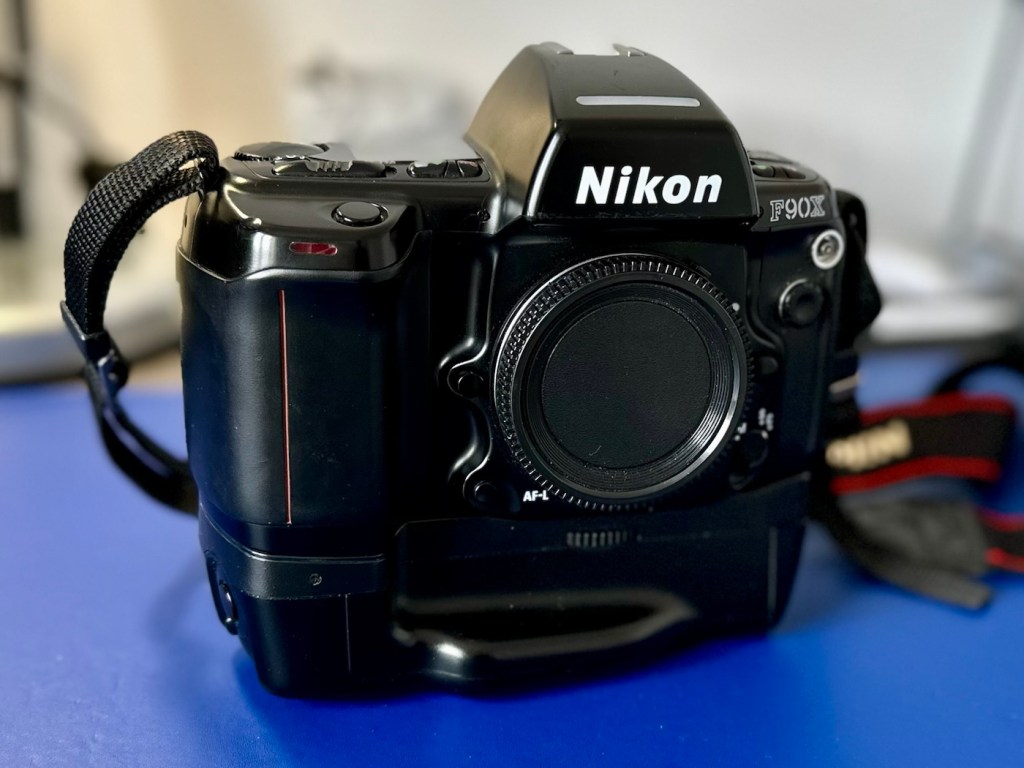
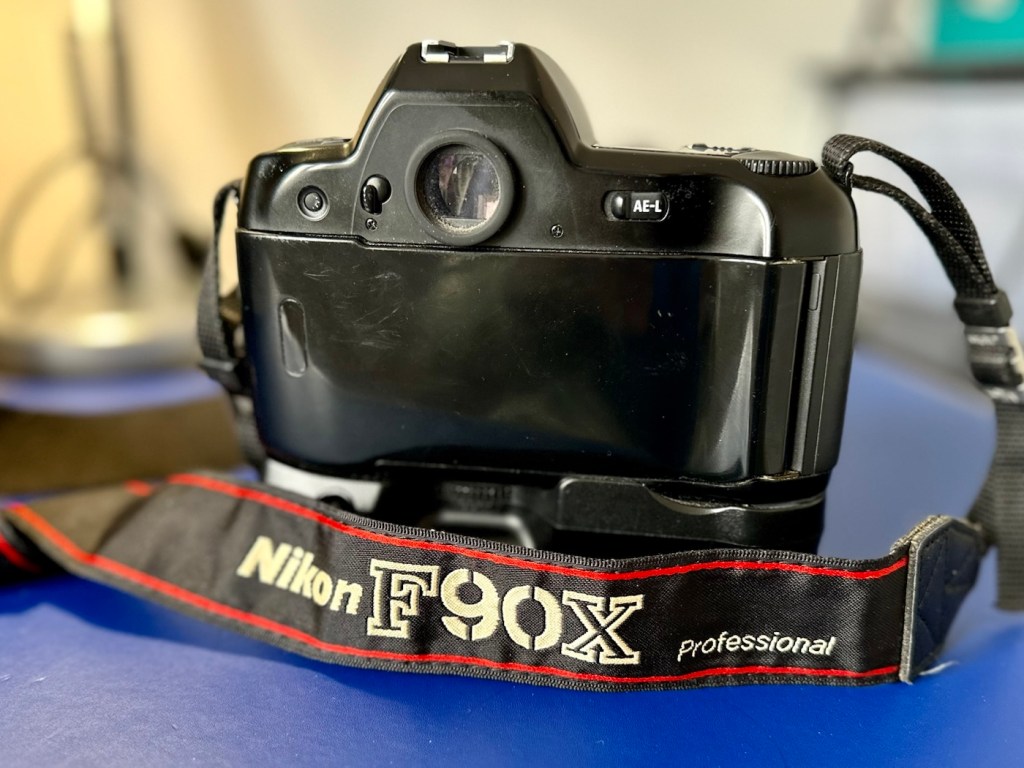
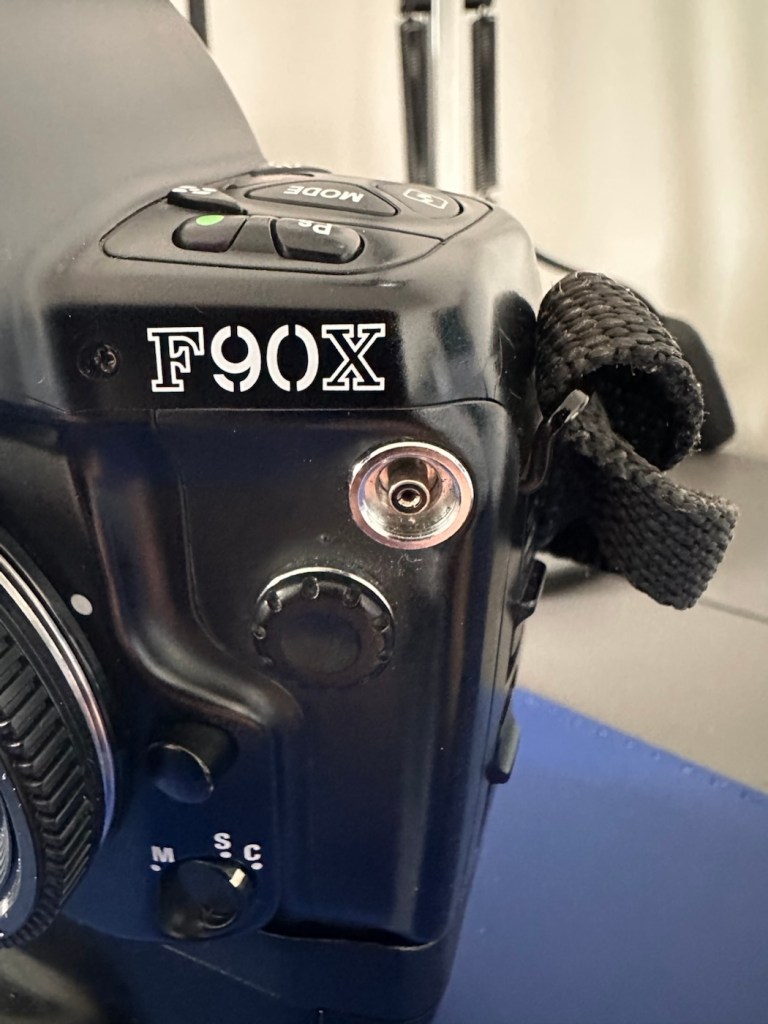
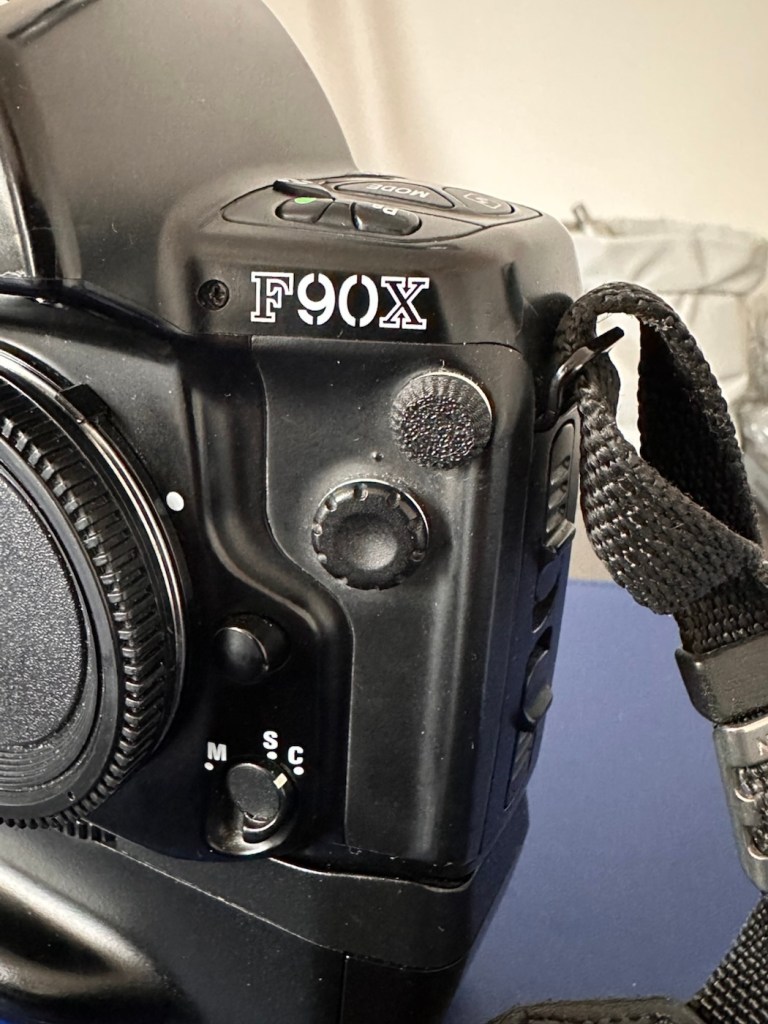
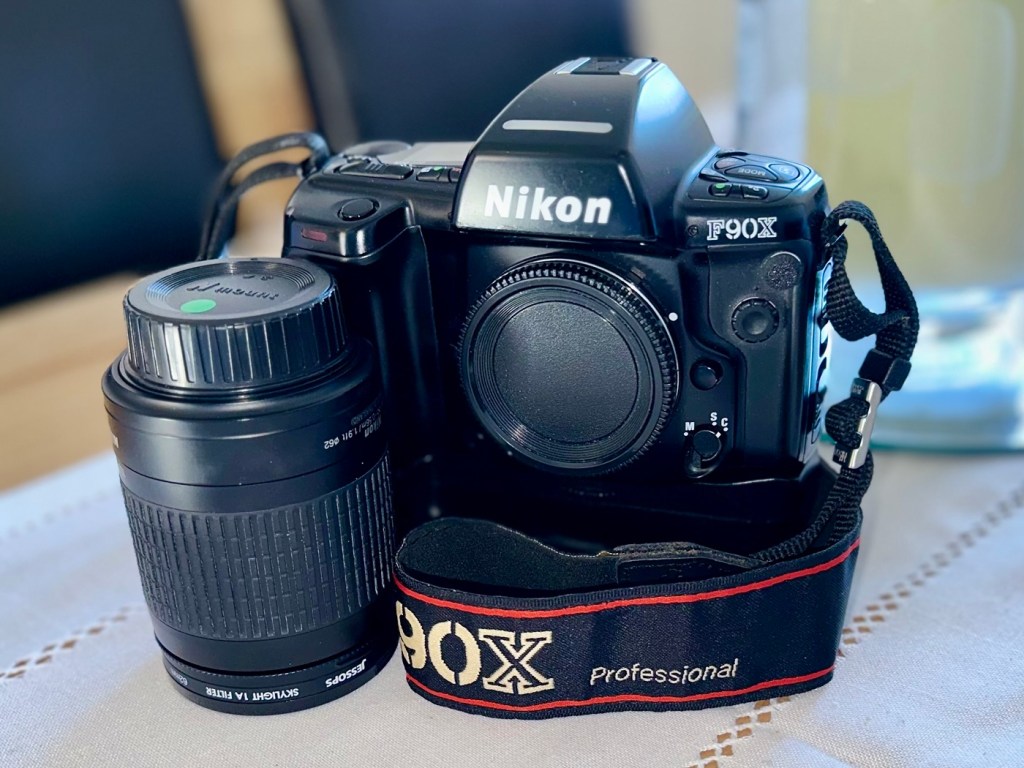
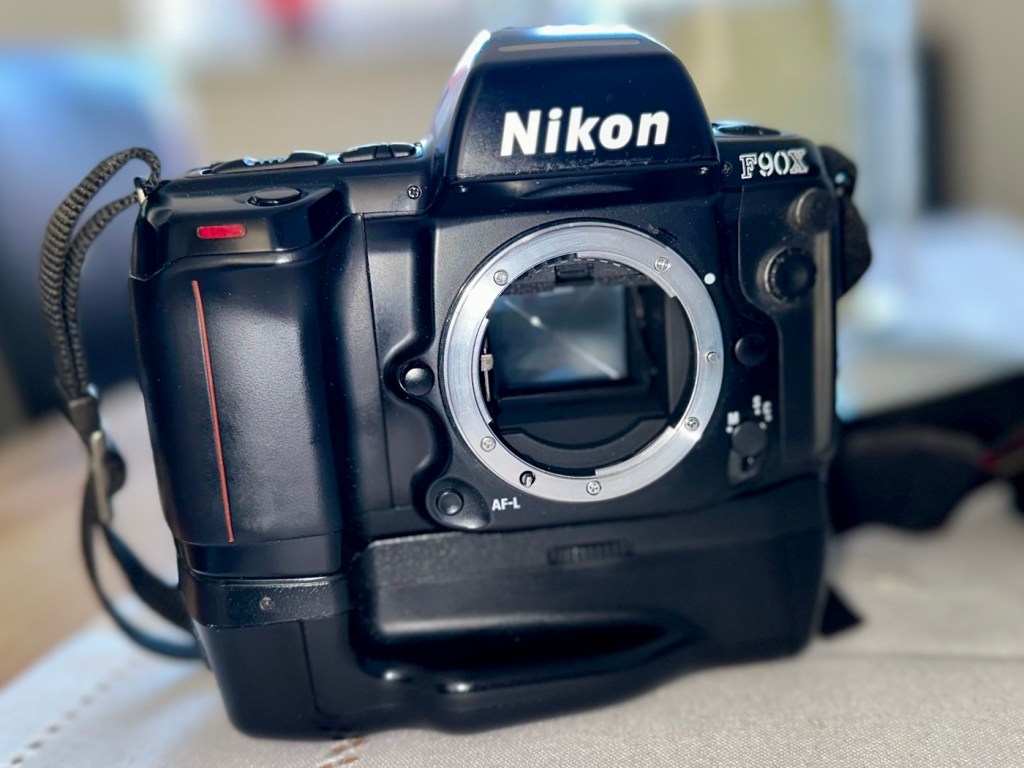
Nikon F90X with MB10 battery grip
Just couldn’t let this one go. Whilst browsing the sites for my next challenge last evening, this little bundle of joy just popped from one of my preferred sellers for a quick sale, it was about 11pm and was just posted at a sale price of £30:00GBP, however with a voucher I had, I was able to secure it at £27:00GBP. Considering this is a good quality camera of the mid 90s it also comes with the added bonus of an MB10 battery grip, superb value in my eyes. A lot of camera for a very low price.
Here’s a little bit about this camera:
The Nikon F90x is a 35mm autofocus SLR using Nikon’s F lens mount. It was targeted toward the advanced amateur or prosumer; its feature set is comparable to that of Nikon’s current D100/200/300 SLRs. The name N90s was used for marketing in the United States; everywhere else, the camera was called the F90x. This camera was also used as the base for the Kodak DCS 400 series of digital SLRs.
The N90s/F90x was introduced in 1994 and discontinued in 2001. The camera’s predecessor, the N90/F90, was introduced in 1992 and discontinued in 1994. The successor to the N90s, the F100, was introduced in 1998.
Features & Specifications
Nikon N90s global naming N90S adapted into Kodak’s DCS460, a 6 Mp Digital SLR
Bright viewfinder with 92% coverage, .78x magnification
Current settings are displayed at the bottom of the finder; information area is automatically backlit in dark conditions
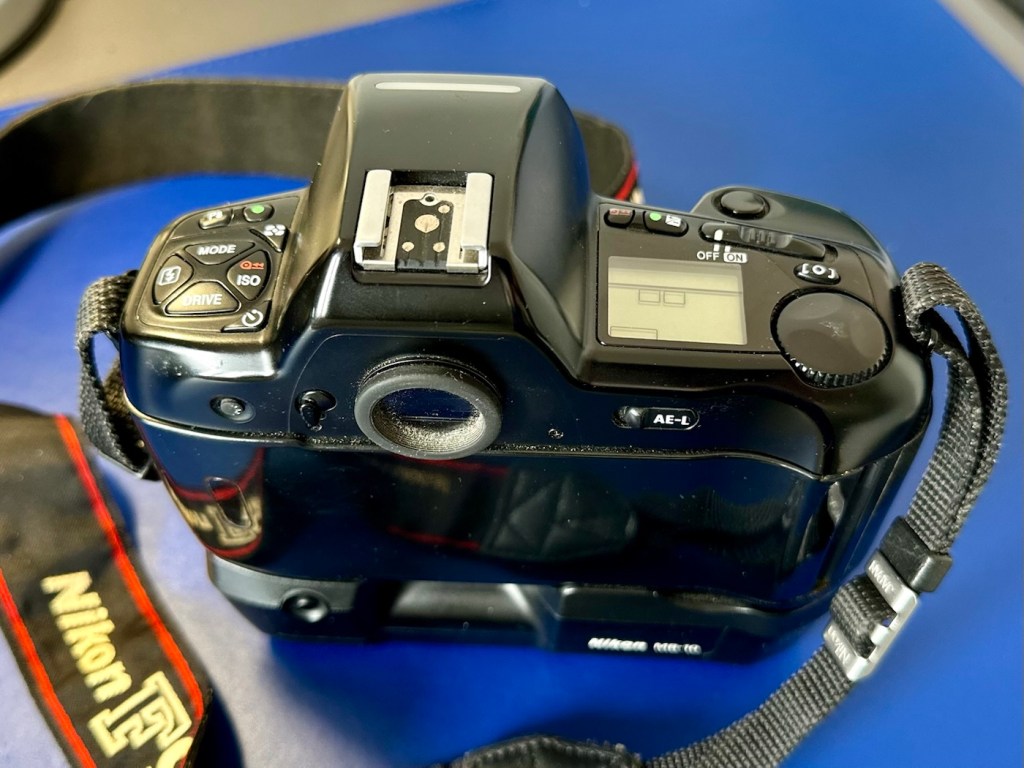
Top LCD displays current settings and facilitates changes
Backlit for use in dark conditions; the backlight switch is near the left die of the viewfinder
Cross-Type Wide Area AF System
Choice of wide-area or spot AF
One CAM246 AF sensor
Continuous AF mode with release priority in addition to standard AF with focus priority
4.1FPS capable with continuous AF; 4.3FPS with standard AF
2FPS mode available
3D Matrix Meter when used with a D or G-type Nikkor lens
Center-weighted and spot metering are also available and usuable with AI lenses
3D Multi-Sensor Balanced Fill-Flash capability (with Nikon Speedlights SB-800/80DX/28DX/28/27)
DX-enabled (automatically reads speed information from film canisters)
Eyepiece shutter stops excess light from entering the viewfinder and interfering with metering
Overall strong build throughout (comparable to Nikon’s current D100/200/300SLRs)
Stainless steel lens mount
Requires 4 AA Batteries
Extensive system compatibility & accessories; see below
Accessories & Compatibility
F90X with MB-10 grip
The N90s/F90x is compatible with nearly all Nikkor F-mount lenses as well as all Nikon SB series speedlights.
Additional, camera-specific accessories available are:
MF-26 Multi-Control Back
Long Exposures to 100 hours
Freeze Focus: triggers the shutter as soon as a subject comes into focus
Custom Reset: customizes which settings are affected by the green-button reset
Date Imprinting: can also imprint shutter speed and aperture information
World Clock
Flash exposure compensation
Interval timer: up to 100 hours between pictures for 99 frames
Limit frame count in continuous shooting mode
Multiple exposures
Customize which settings are affected by AE-L and AF-L (auto-exposure lock and autofocus lock)
MF-25 Data Imprint Back
MB-10 Vertical Grip
Takes 4AA batteries or, with the MS-11 battery holder, two CR123 lithium batteries
Interchangeable focusing screens
E screen provides grid lines in the viewfinder
with 28-80mm, 20mm and 80-200mm
Lens Compatibility
All functions, including autofocus, work properly with Nikkor AF, AF-I, AF-D, and AF-S lenses.
AI and AI-S lenses are usable, with the loss of these functions:
Autofocus
Shutter-priority exposure mode
Programmed exposure mode
Vari-program exposure modes
3D Matrix metering (though center-weighted and spot metering remain functional)
The camera does not use VR with any lens.
G-type lenses (lenses without aperture rings) can be used with the loss of some functionality: only the lens’ smallest aperture can be used in manual or aperture-priority exposure modes.
Camera-wiki.org
Now my experience with this seller is that unless it is absolutely perfect he will not even entertain it. He doesn’t take the time to check and fettle, if it isn’t working from the start he will just get rid of. This attitude of his has meant I’ve had some right bargains in the past with very little wrong with them. I refer you to a recent purchase Canon EOS D60 that had very little wrong with it, but was also a lot of camera for a very low price.
Now I’ve always wanted a Kodak DCS 400 series camera, especially a 460 version as it takes me back to my days when I was working at Kodak in Harrow, I remember when the DCS 400 series came out and back then they were introducing such a new technology that they were commanding a huge price of around $35,000 at the time. These cameras were basically digital versions of the film camera I have purchased above. So whilst I’m on the lookout for a reasonably priced DCS 400 series camera, I guess I will just have to do with the camera that started it all off. And for £27:00GBP I’m not complaining.
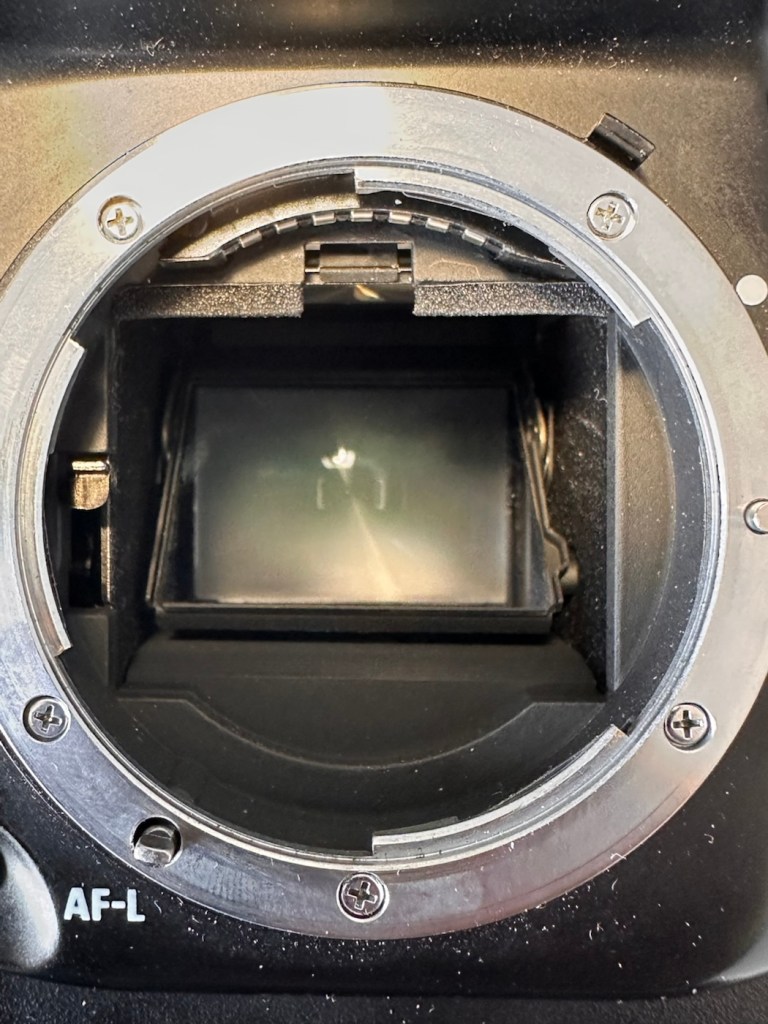
I think I may know why this mirror is sticking, and if it is what I believe it to be it could be quite an easy fix. (Famous last words)
So let’s stop all the reminiscing, and wish list writing and get on with this camera’s assessment.
Assessment:
It’s arrived, and as expected it’s a beautiful looking item in an extremely good condition.
Stunningly good condition
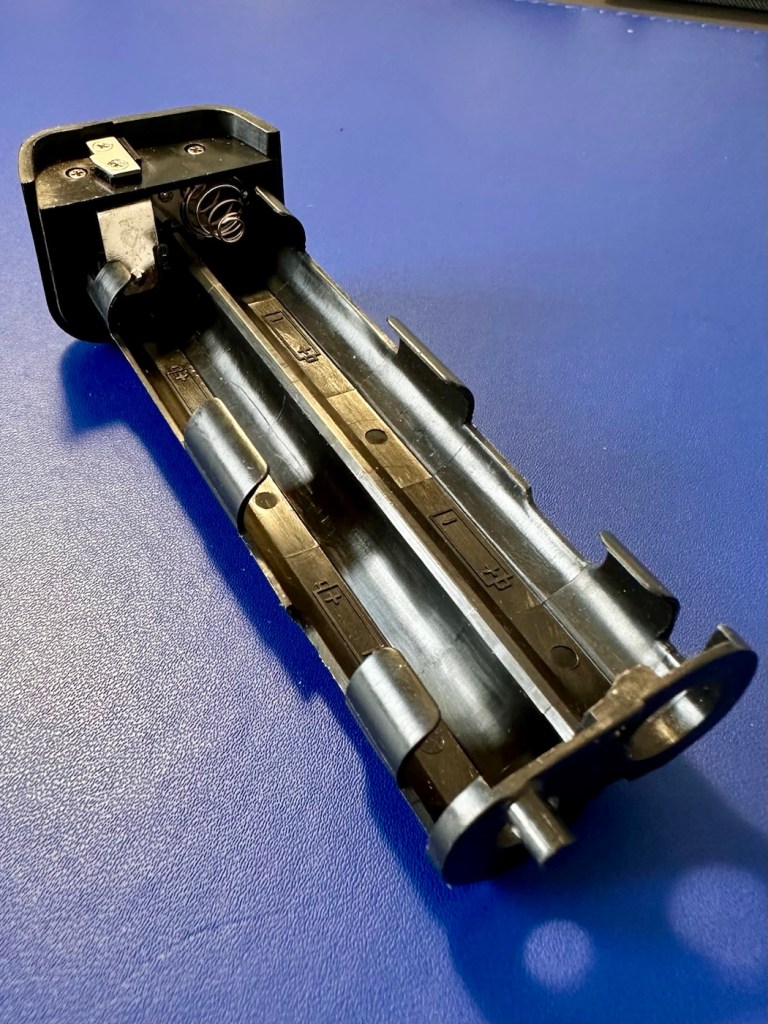
The mirror appears to be in a semi raised position, the battery pack is clean with no signs of contamination and battery leakage, so now seems a good time to put in four AA batteries and slide the battery pack into place and secure it.
Battery pack clean and contamination free
Turn the battery on and the mirror clicks back into its closed position. And here I am, probably 40 or 50 actuations later and I can’t recreate the sellers fault of a sticking mirror. The mode the camera is set in, is indicating long exposure times, maybe this has given the impression of the mirror sticking when in fact it’s just doing what it should relative to the light it is seeing. I need to check in clear daylight, but I’m sure this is part of the issue….if there is one.
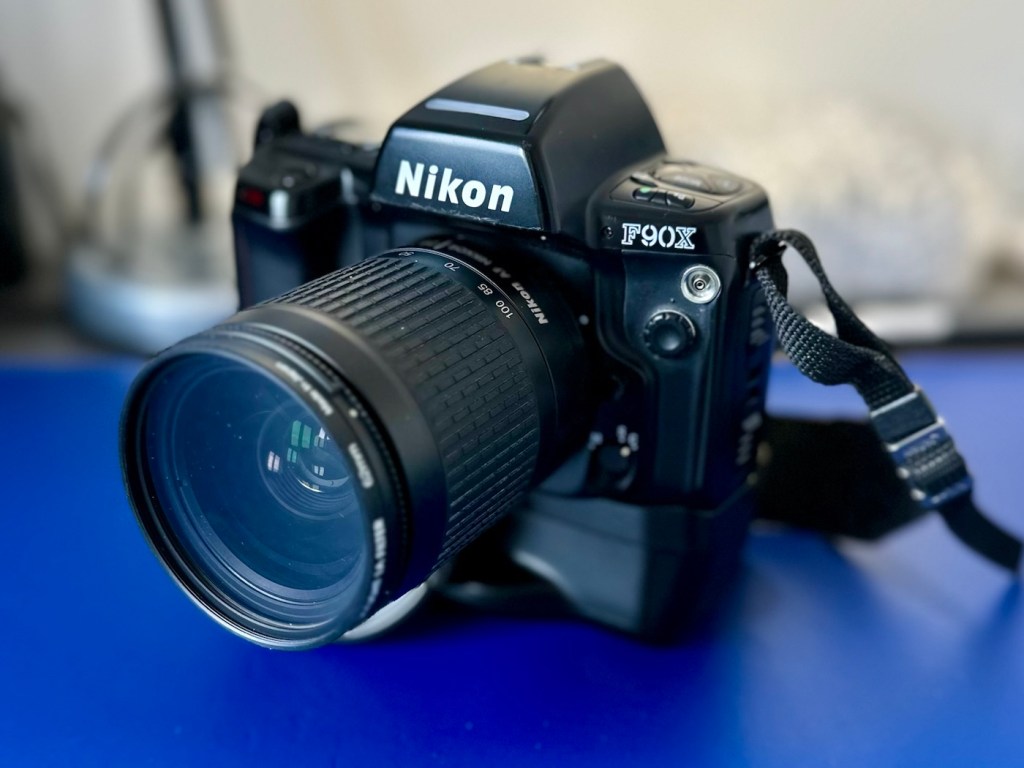
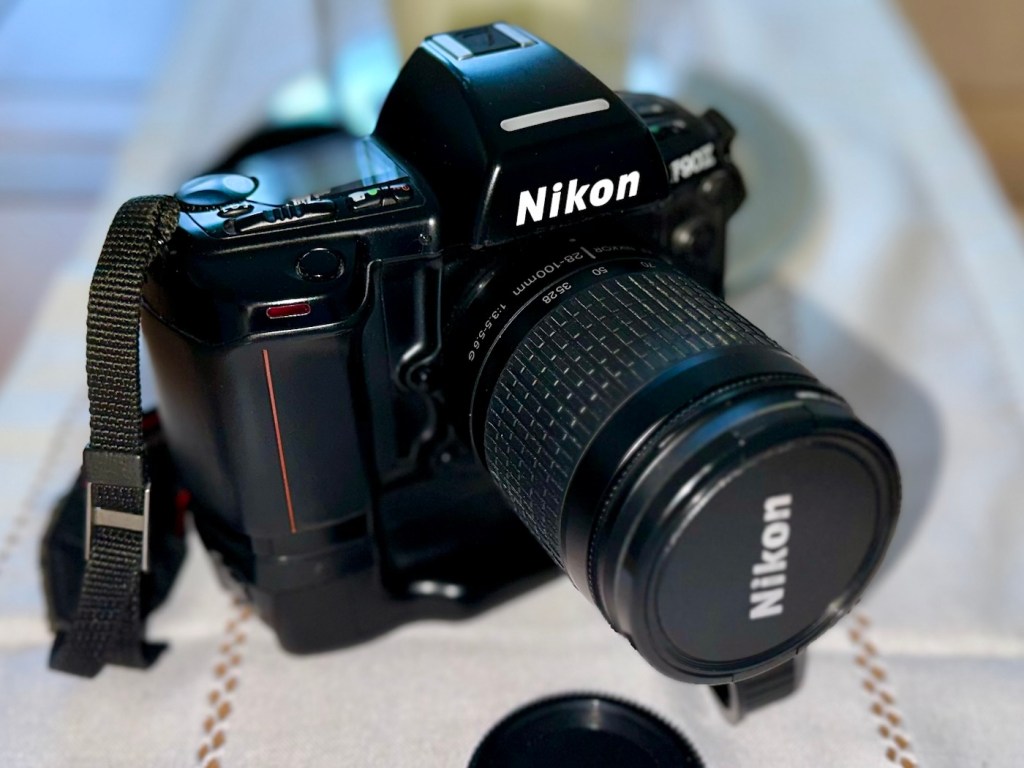
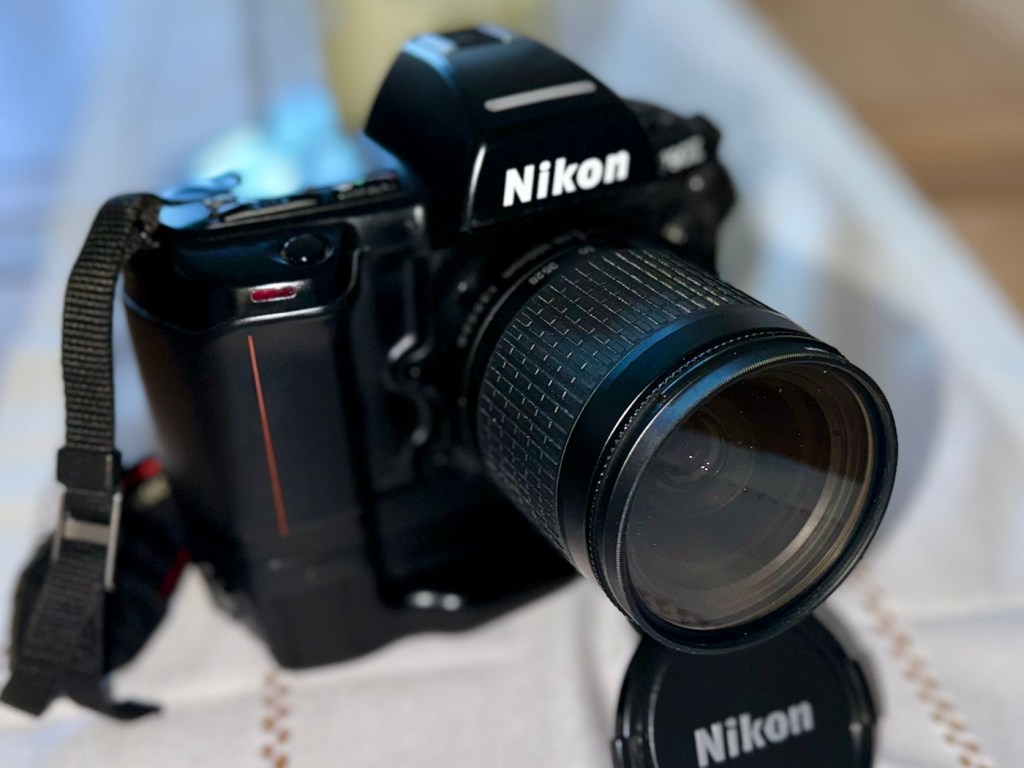
With a 28-100 lens added
I have a 28-100 lens mounted that I use for testing, the autofocus is working really well and all seems good.
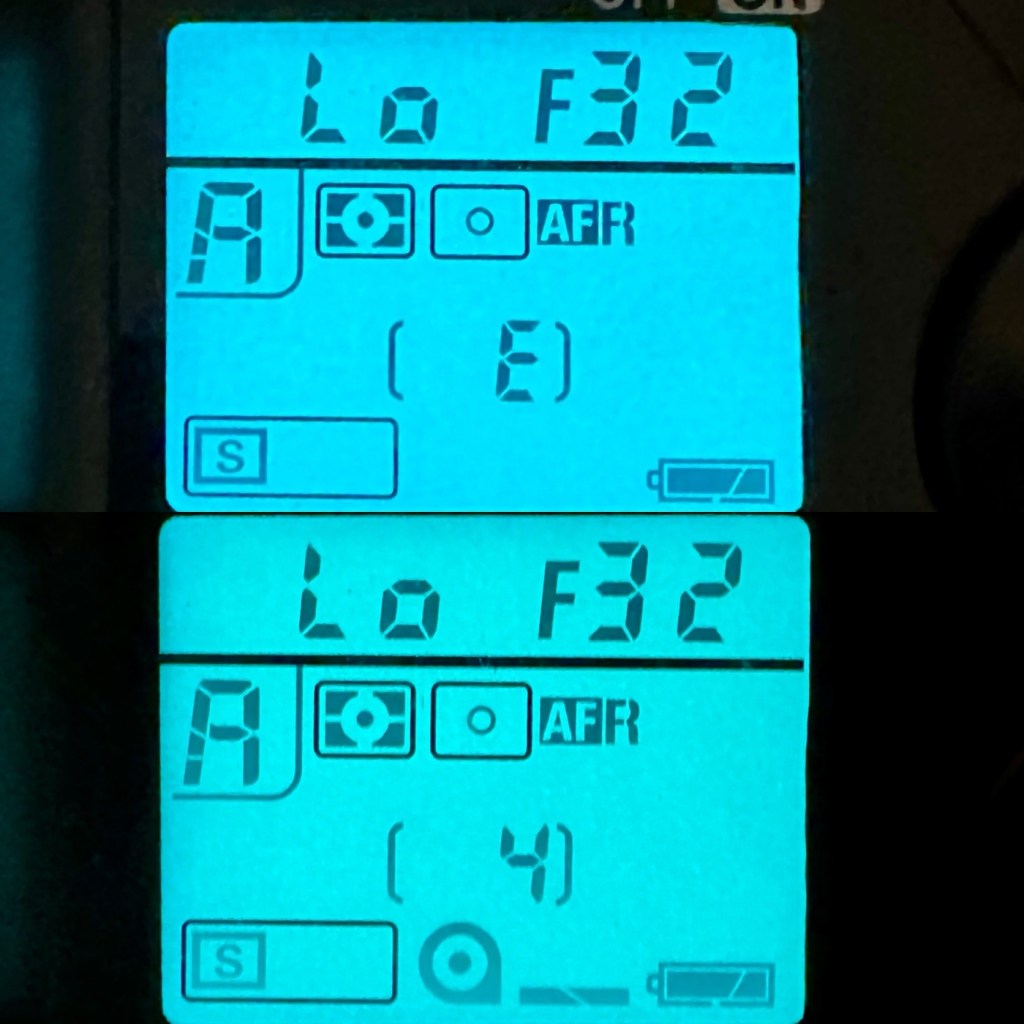
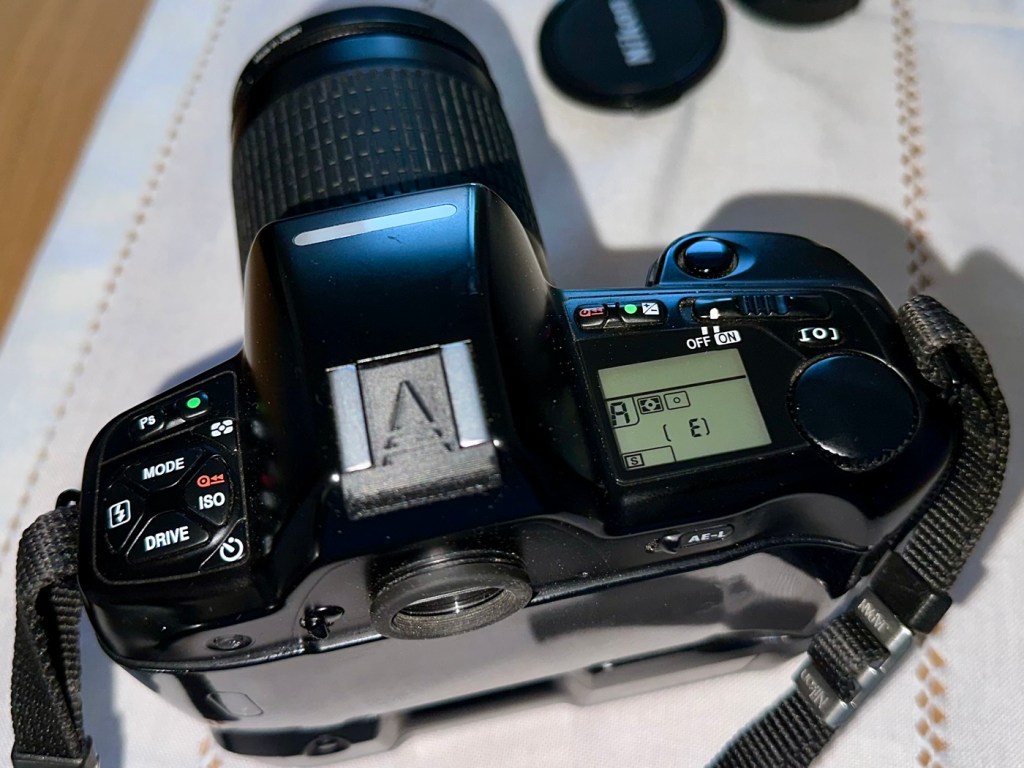
However, take a look at the picture below. It contains two photos of the LCD screen on the top of the camera. What do you see in the top photo that would make you think there is an error?
Is that an error?
For the un-informed, those who are not familiar with this camera or its operation, you will instantly see the letter “E” that is commonly known as an error indicator, in later models it is shown as “ERR”. I do believe the seller has possibly mistaken this for an error code, but if you refer to the bottom photo where I have now installed a test film, it becomes clear that the “E” on this camera represents the word “empty”. No film installed, a simple and easy to make mistake. The bottom picture indicates a film is installed and that 4 exposures have been taken.
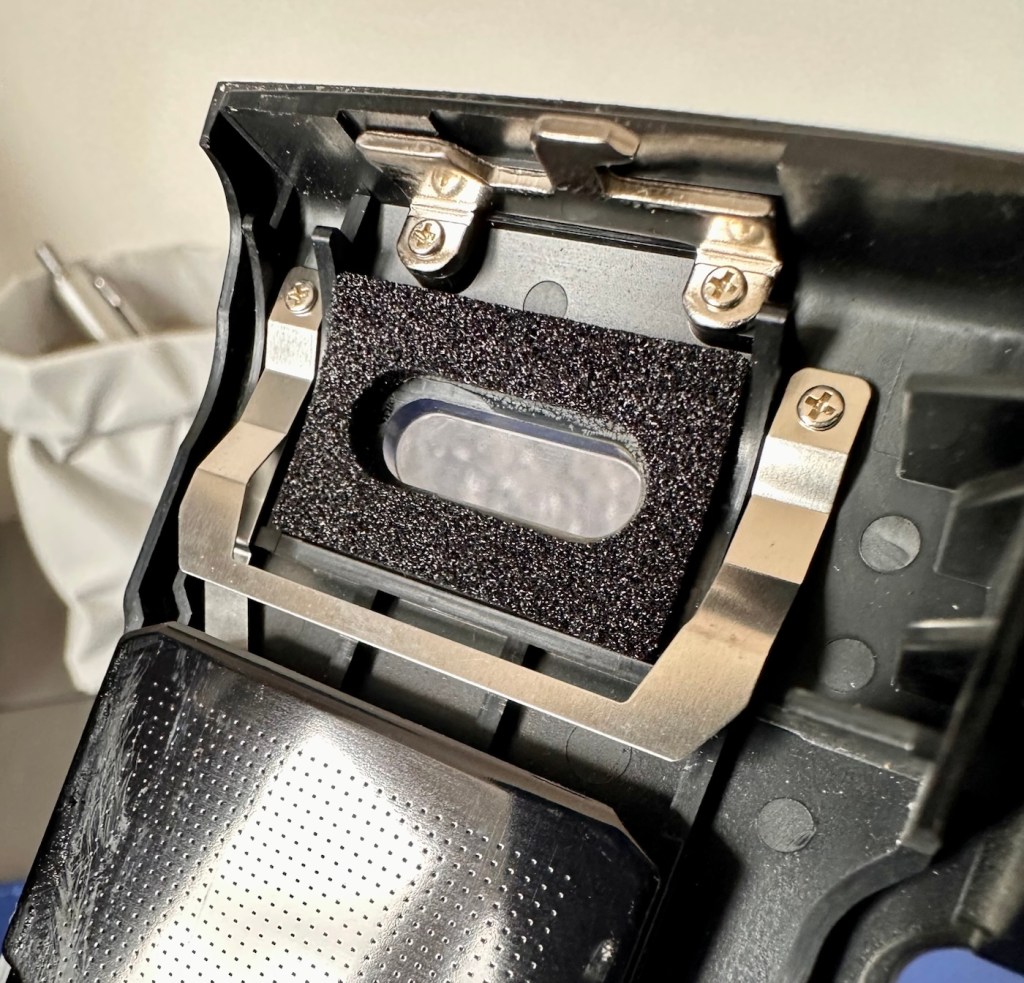
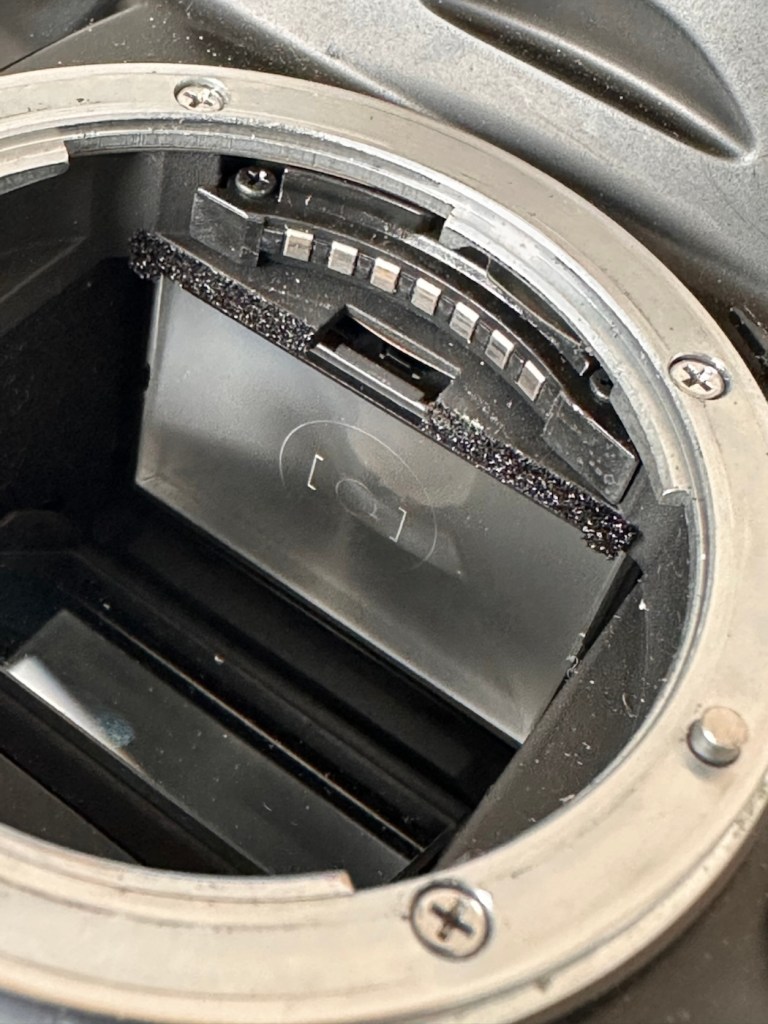
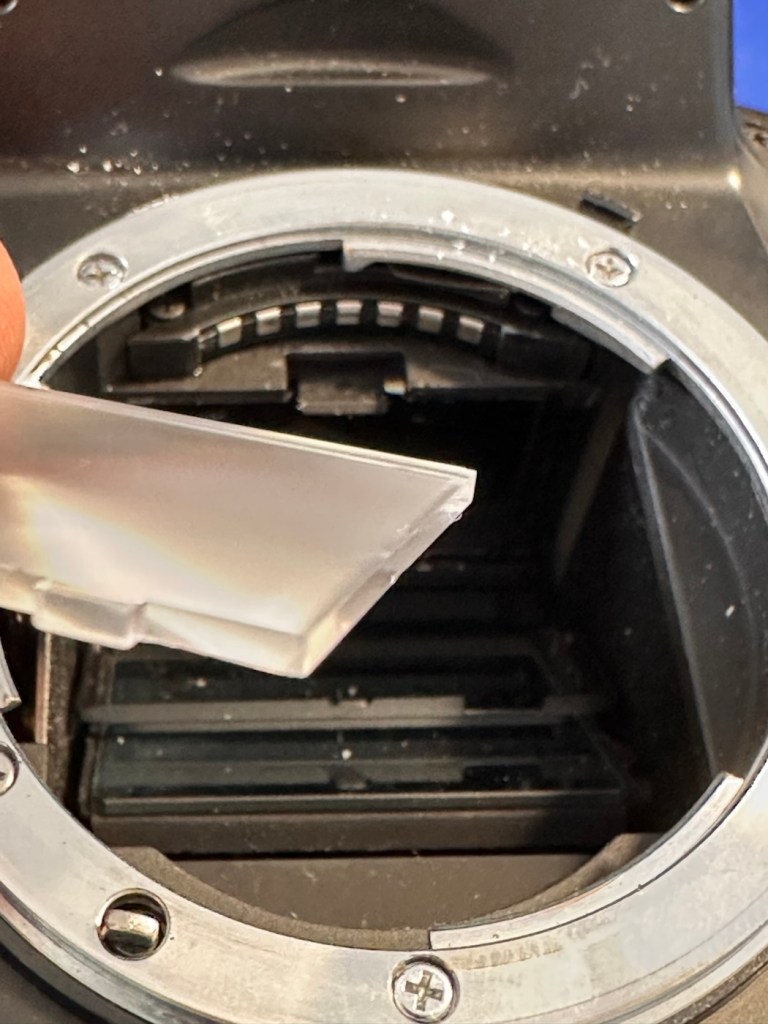
As these cameras have in the past been known to have a mirror sticking issue, I will replace the mirror bumper felt. It is well known that when the felt has deteriorated to such a level, the felt becomes sticky, and the mirror just sticks to the felt when it opens. It’s an age related issue that is easy to repair. Even though I have not experienced it with this unit, I will replace it as it will probably fail at some point. I will also check the light seals and replace them if I deem this necessary.
Repair:
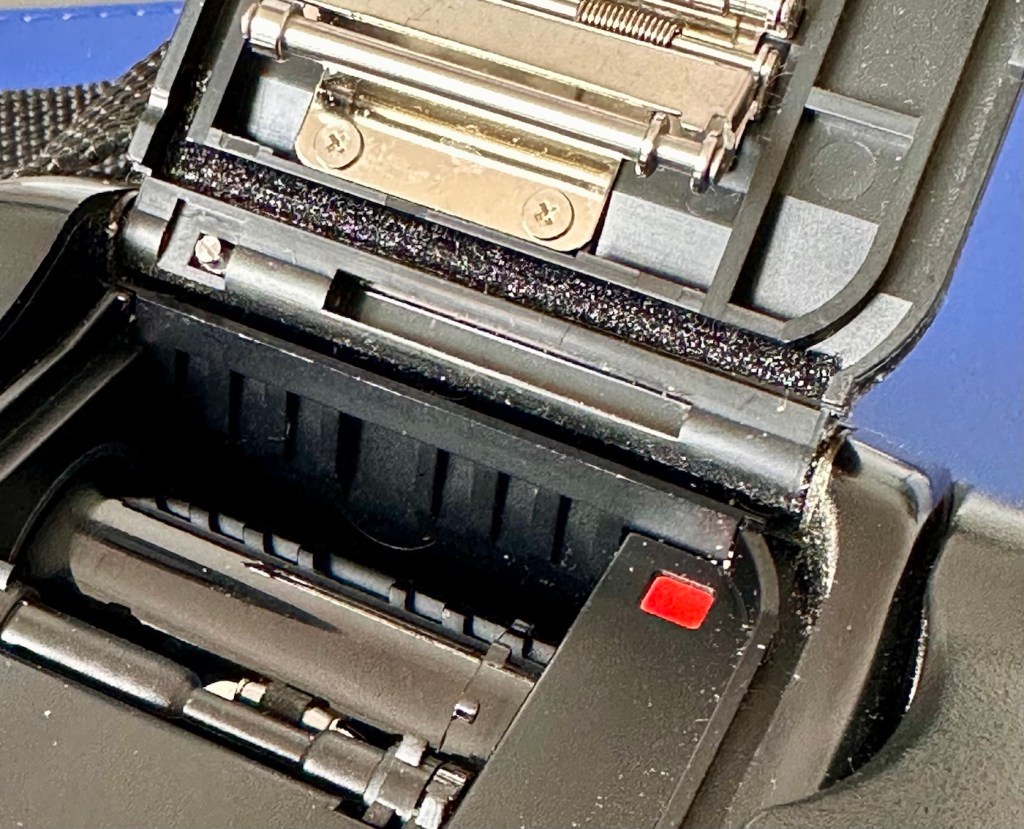
The light seals do not need replacing. In fact there are only two small spots of light seals on this camera and both are in good condition.
The two areas where there is light seal – with no issues
However the bumper seal was showing signs of degradation, so this has been replaced.
Old sealRemoved
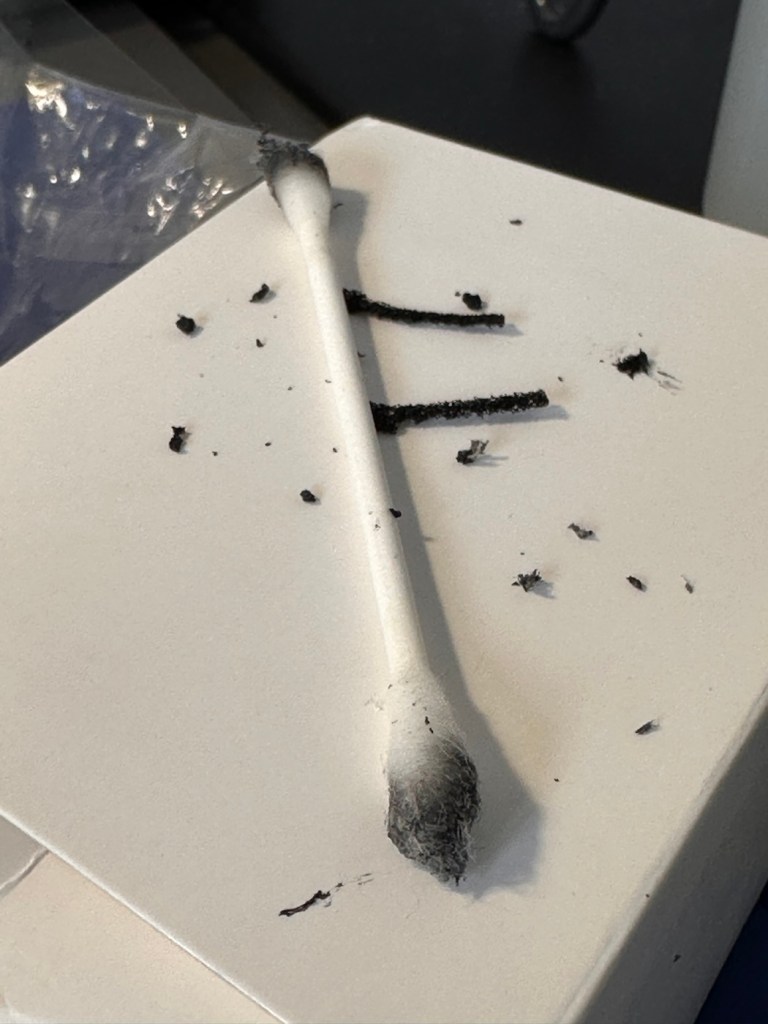
The old seal peels out but leaves a sticky residue behind, this has to be removed with some IPA prior to cutting new foam to size and reinstalling. Whilst I was in the lens are I also removed the focussing screen to clean it and remove the old ingrained dust and dirt.
New bumper foam installed Focus screen removed to cleanSome of the dirt and debris from inside
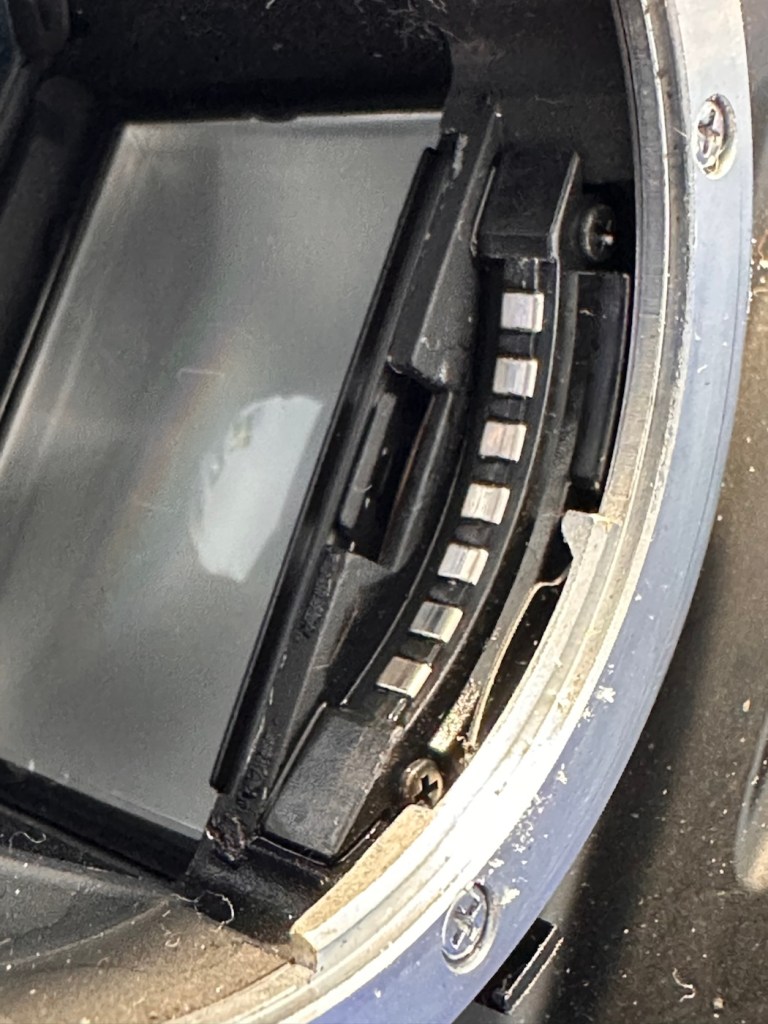
The area within the mirror area is now clean and dust free after I have used a small air blower to get the last of the debris out of the barrel area. Mirrors have been cleaned and polished and the body cap has been put back on the front of the camera to ensure no further dirt or contamination gets in there whilst I work on the outside.
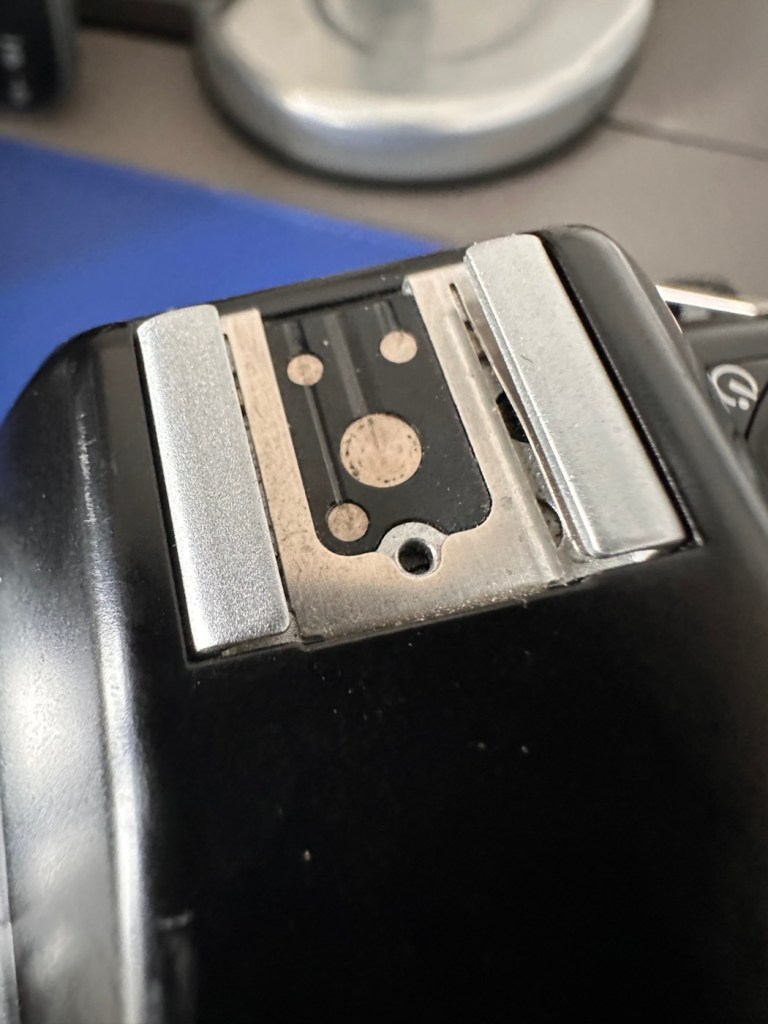
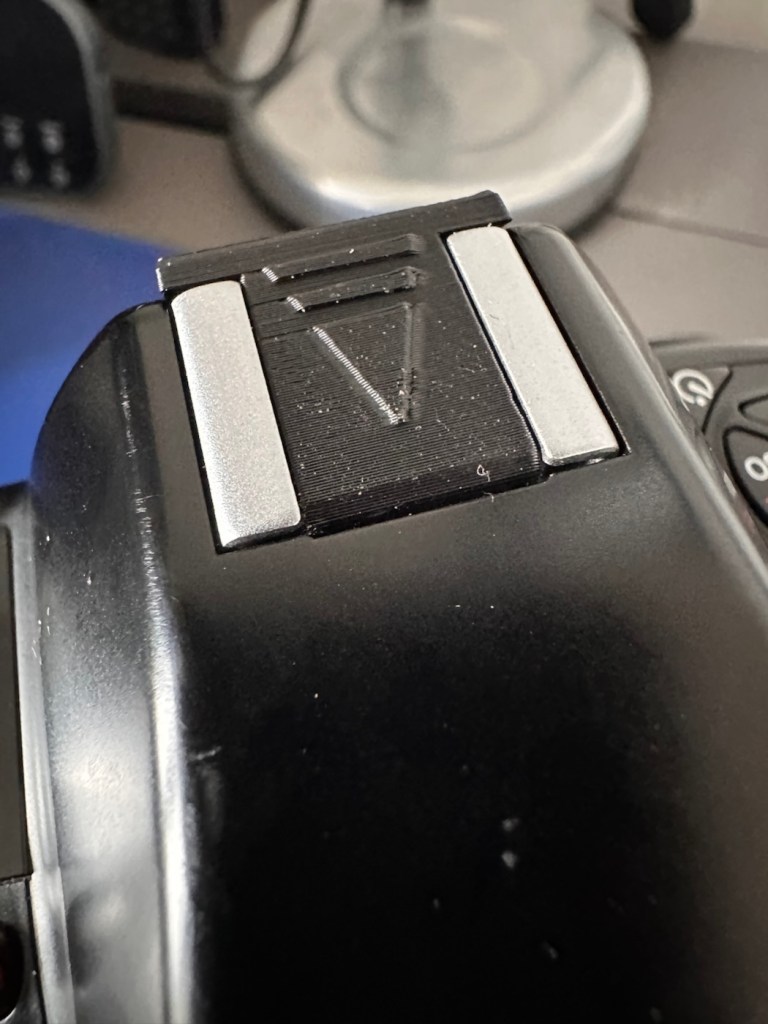
I’ve printed a hot shoe flash cover purely for aesthetic reasons, I’ve also printed a sync cable cover, for similar reasons, but generally just to ensure any open and exposed areas are covered up. It does make it look a lot nicer.
Hotshoe connectorHotshoe cover in place
The sync cable cover also helps keep the exterior tidy as well as protecting the connector.
Without With
All I need to do now is clean the exterior of the camera where there is some light dust and dirt. When this is done I will use my usual car cockpit polish to finish the camera off.
When that’s done I will do a quick fly through of all the settings to check if they are all functioning as they should.
Result:
The camera has cleaned up very well and looks glorious. All settings are functioning as expected, and there have been no issues with a sticky mirror or any other issues. The camera is just working well and doing exactly what it should be doing.
A lovely looking, fully functional camera
I’m using a G type lens so I’m restricted on the type of photography I can do, it stays on its lowest aperture (F:32) but that’s perfectly fine In bright sunlight conditions. I need to purchase myself another lens for testing to allow me the use of the full spectrum of apertures on this unit. That said, my lens has performed perfectly on this unit.
As I’ve stated before, this seller is one of my favourite suppliers as his cameras are always in a good condition, he doesn’t like anything unless it’s absolutely A1 perfect, so this is where i benefit as every unit I have purchased from him is perfect in my eyes, and in many cases need very little doing to them to bring them back into a working condition. This is one such unit.
So, I have yet another lovely piece of 90s “Big” tech restored and working perfectly. The next thing I need to do is to put some film through it. I’ll let you all know when I’ve done that.
Thank you for passing by, have a wonderful weekend, I really appreciate your being here.
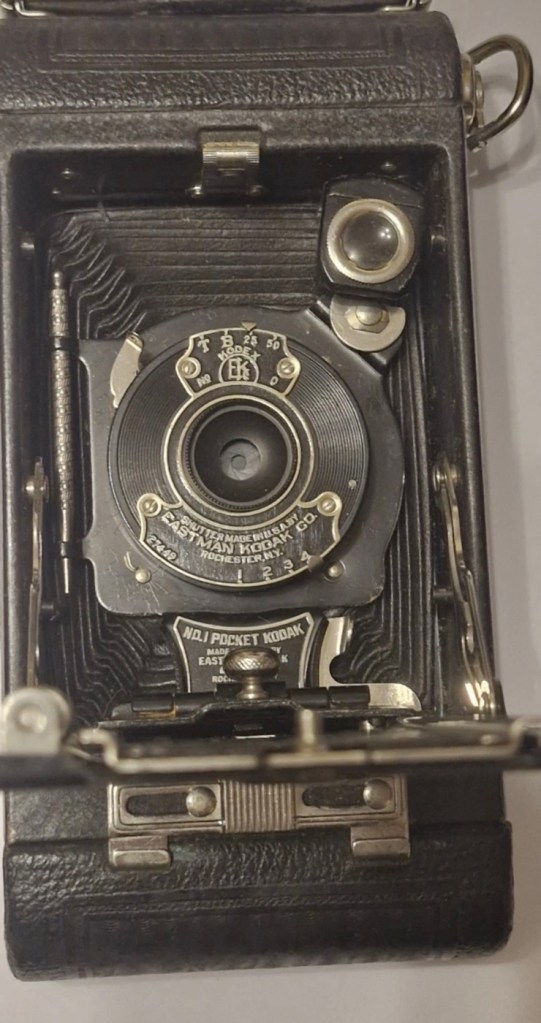
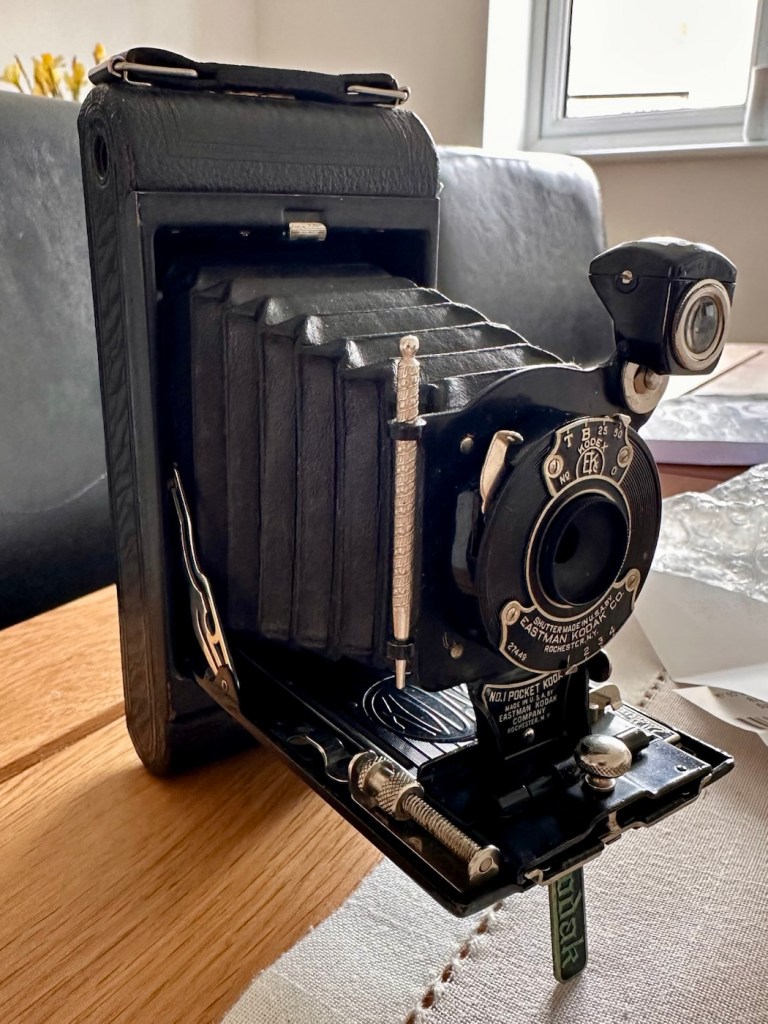
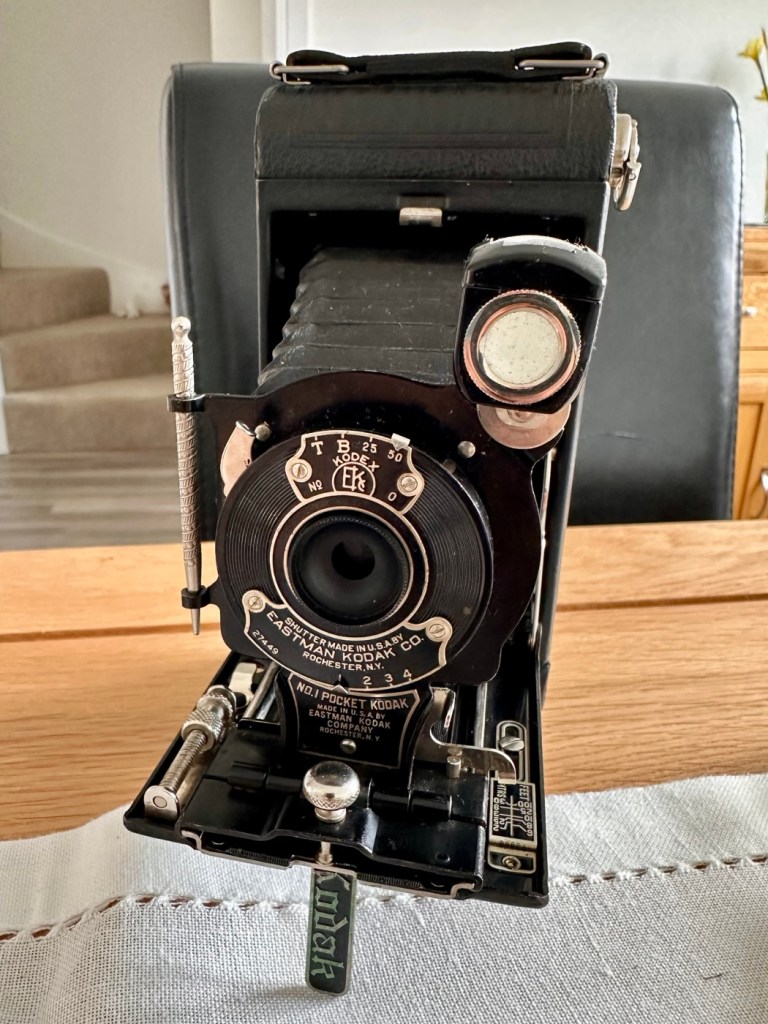
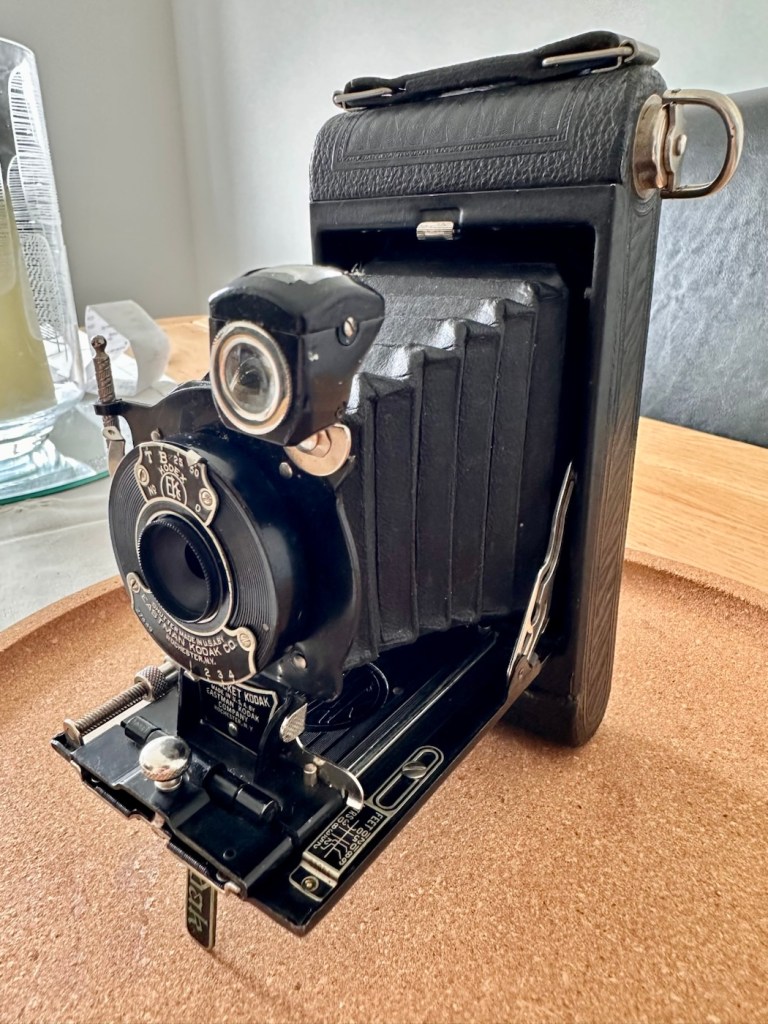
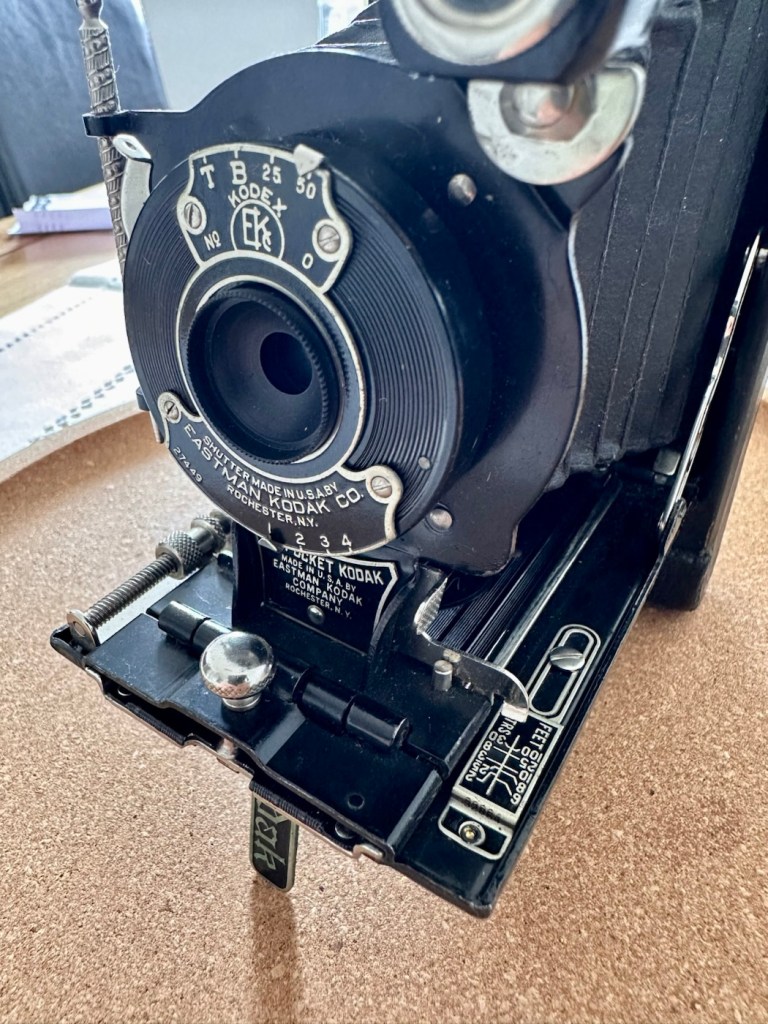
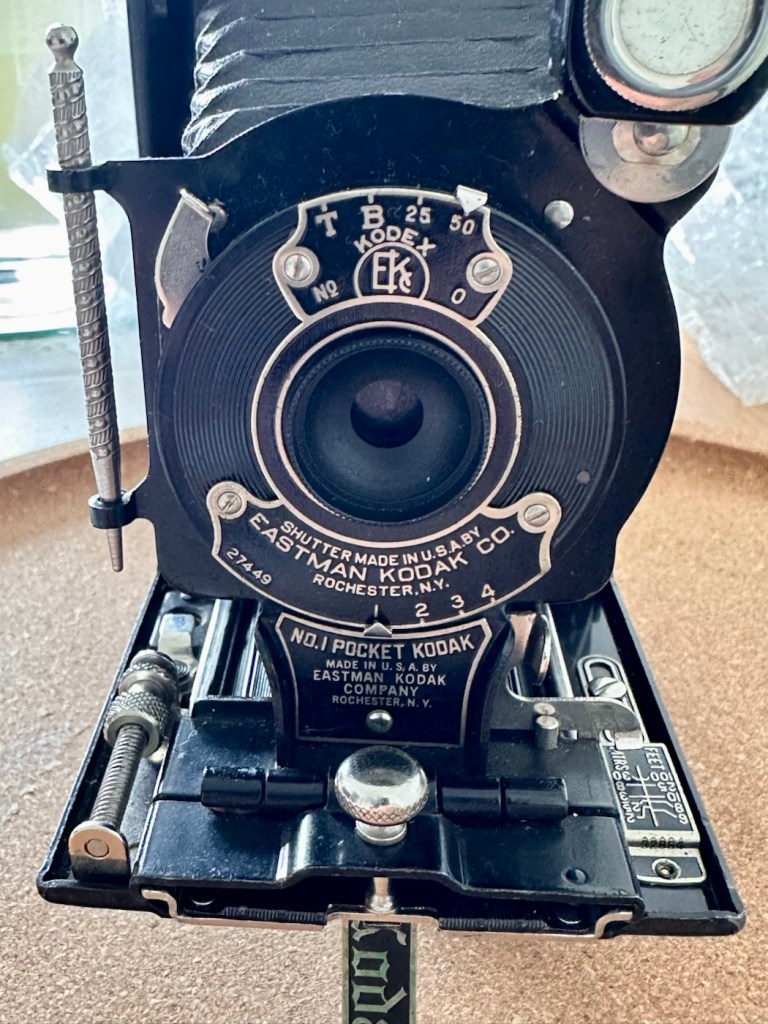
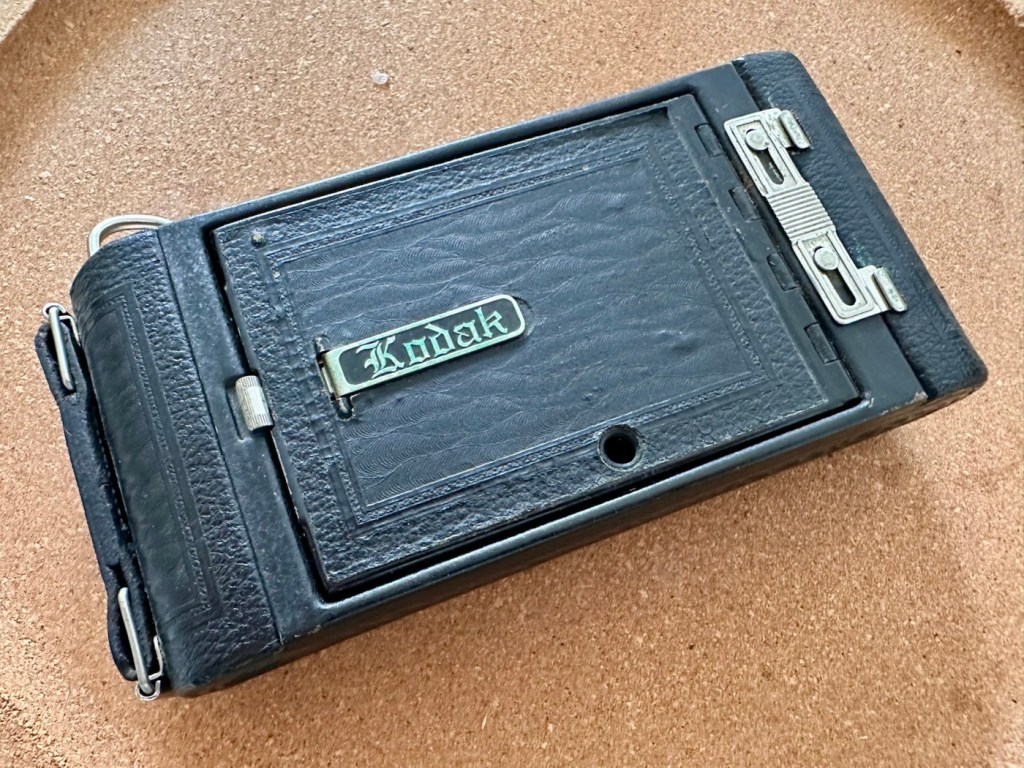
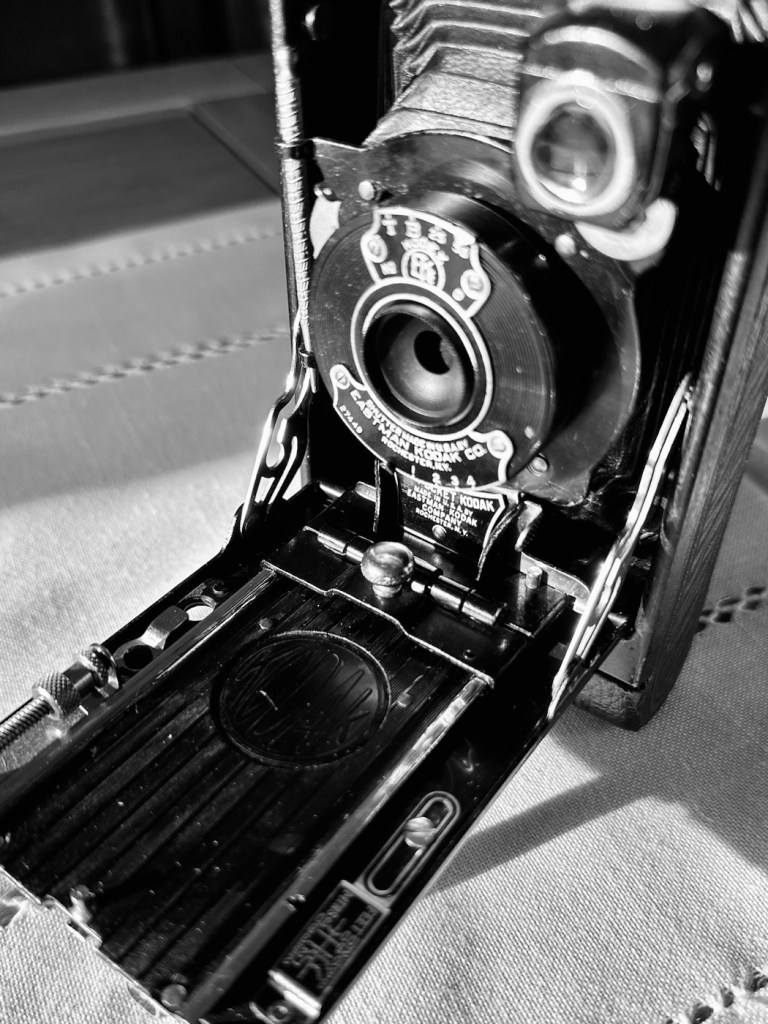
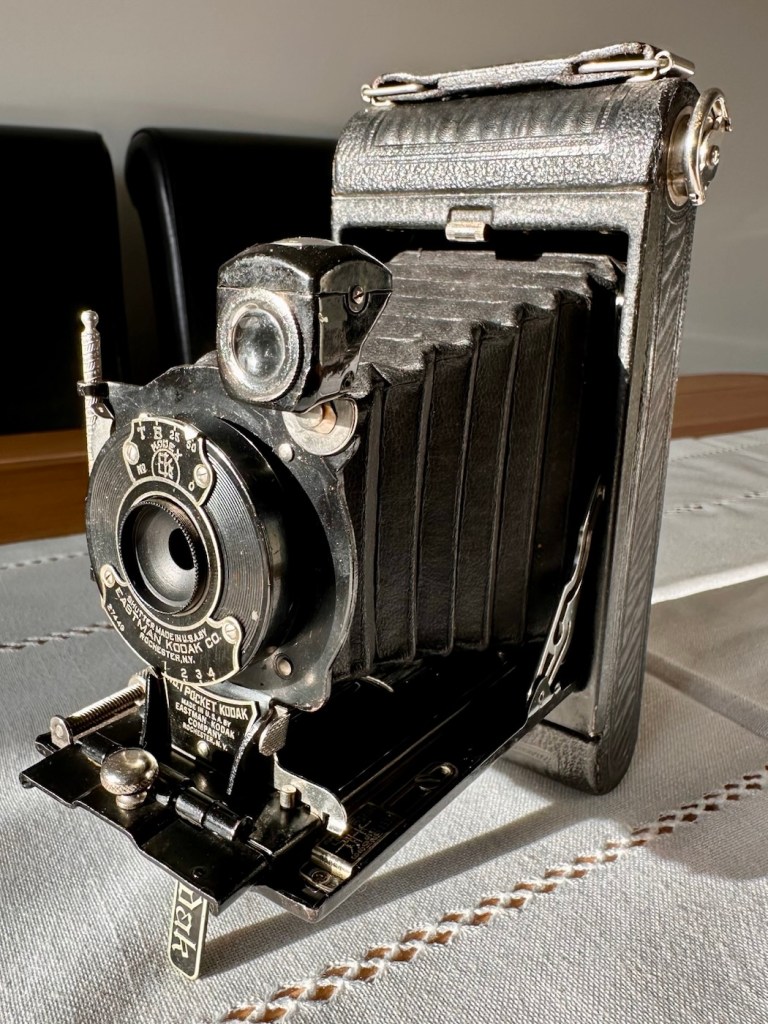
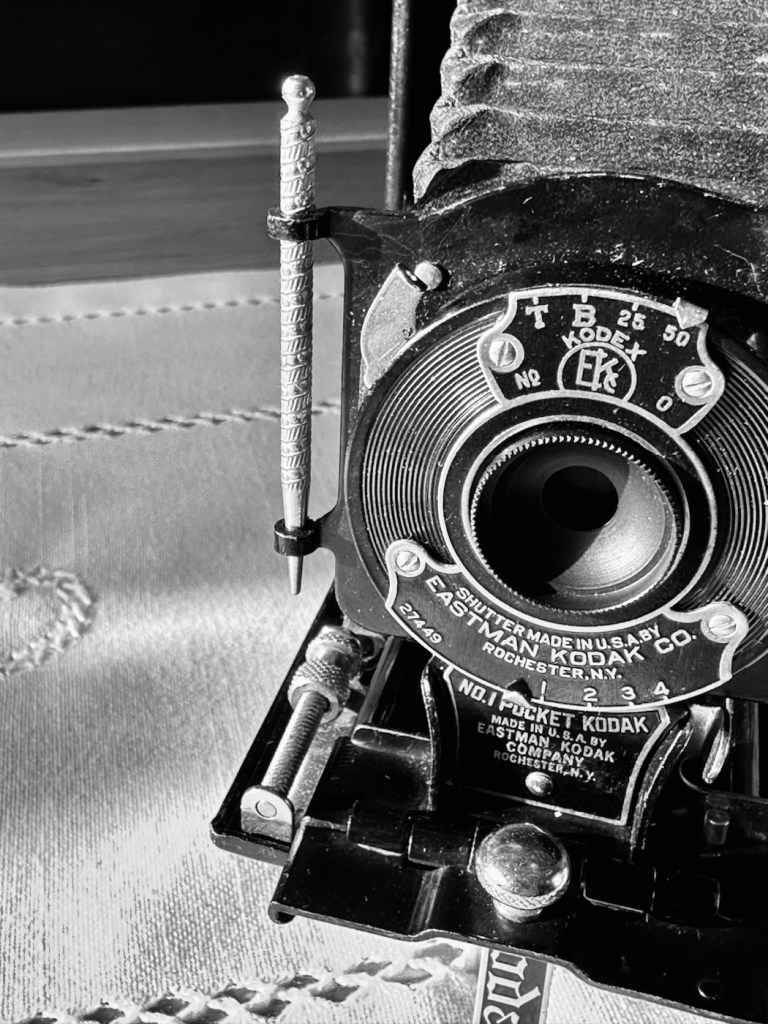
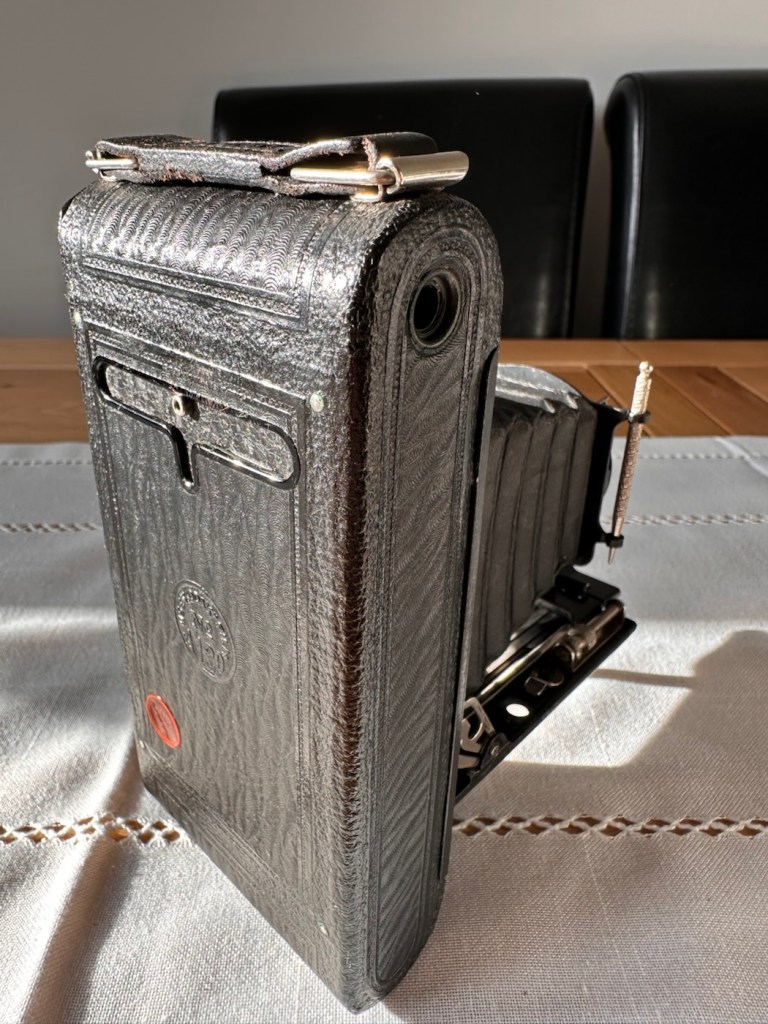
A genuine antique, for a ridiculously low cost. But will it work? At 100 years old, can this old camera still do what it was designed to do? Let’s have a closer look.
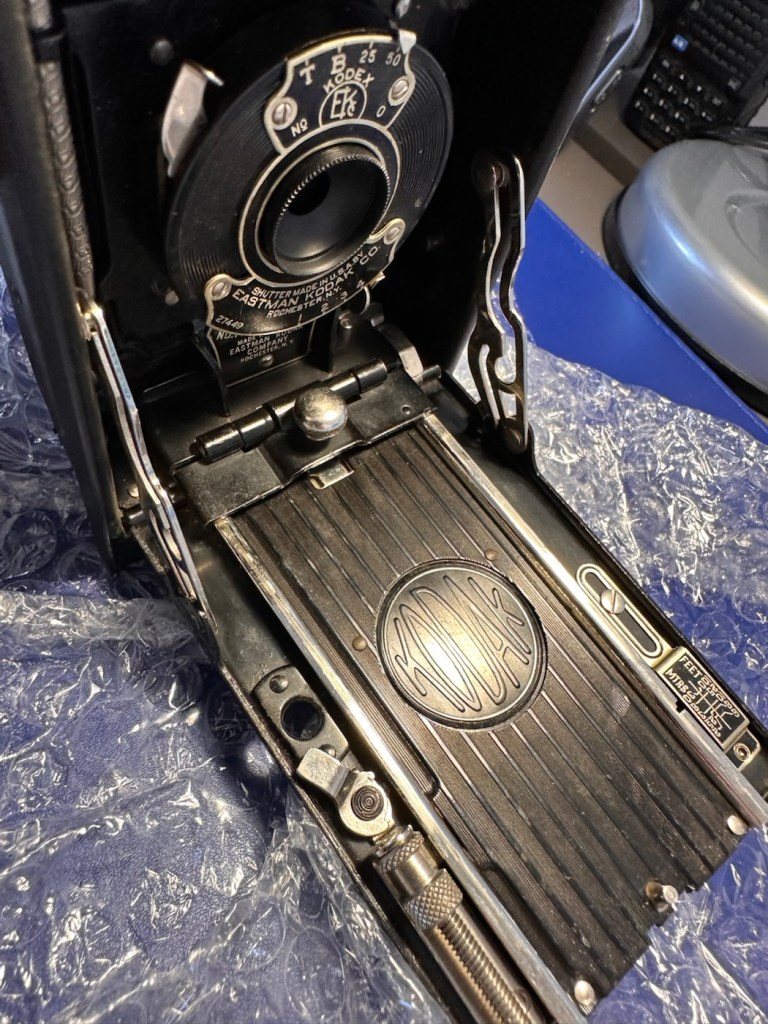
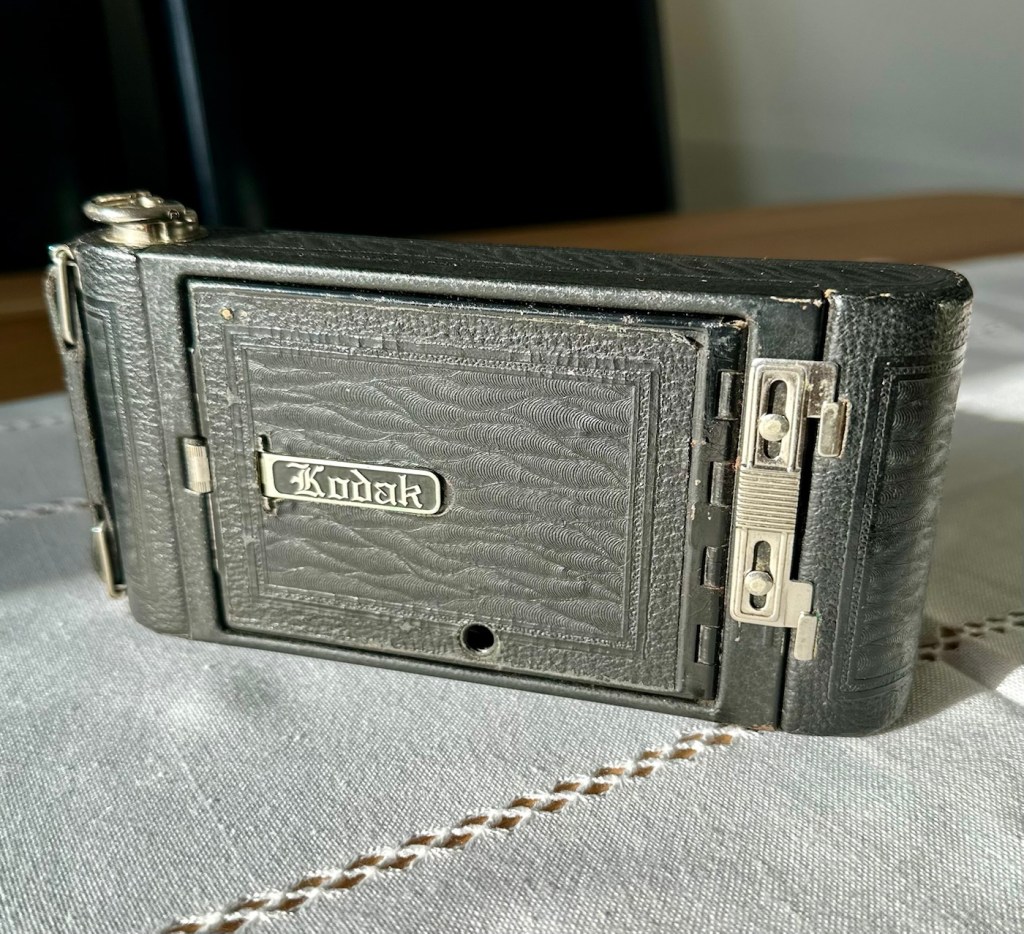
An antique. A genuine antique. For a ridiculously low cost of £7:90GBP. And this little beauty was purchased for me by an elderly friend as an Easter present. Yep, for the price of an Easter egg in the Uk I’ve been brought an antique piece of photographic memorabilia, how good is that?
Here’s what the listing stated:
Kodak No:1 folding pocket camera
EBay
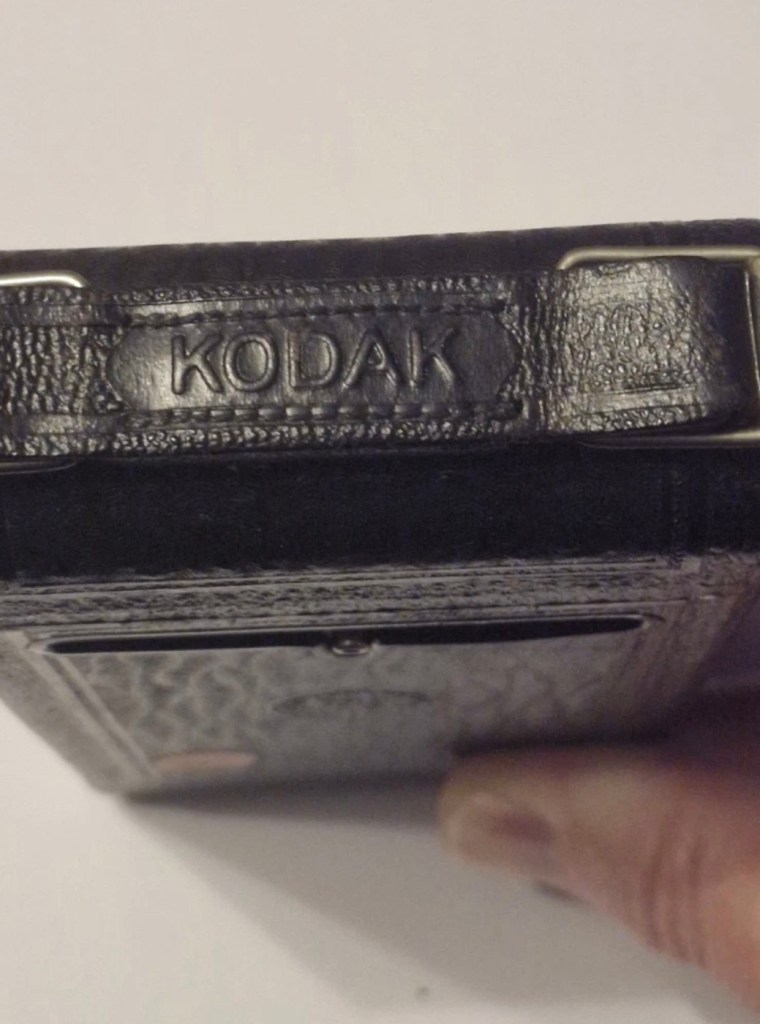
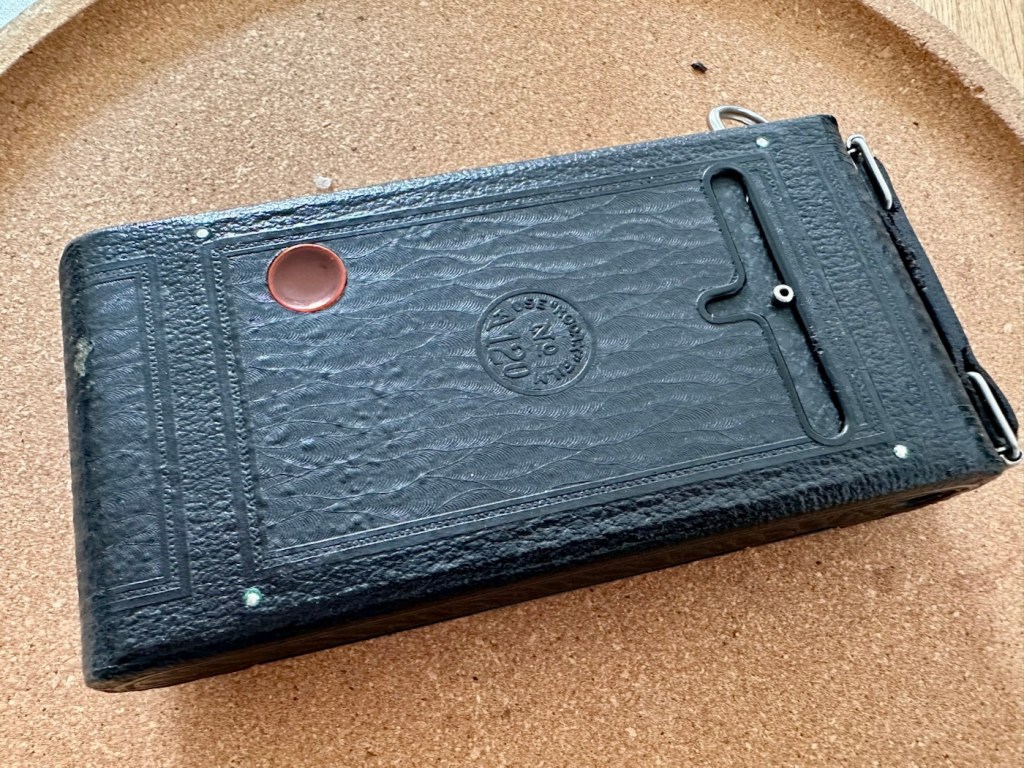
The listing leaves a lot to be desired, but as these cameras were produced between 1926-29 they are now reaching the 100 year old stage, a real antique, and to be honest at this age, just like most of us approaching a pensionable age, you would be expecting some wear and tear and a little bit of misbehaving. (I speak from experience even though i currently reside at the lower end of the antique spectrum). Around 800,000 of these cameras are estimated to have been produced, so there are a good number still available on the markets, I suspect this is what governs the low cost.
A few of the original pictures
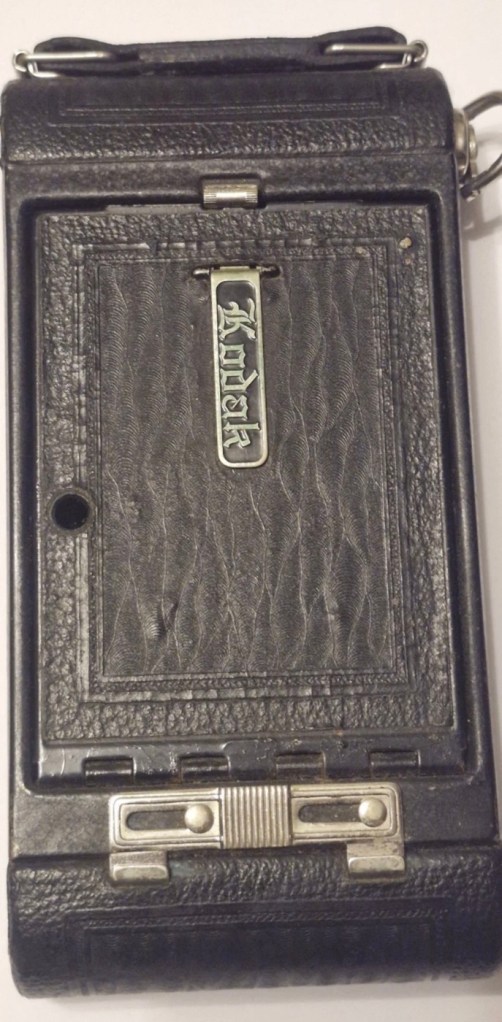
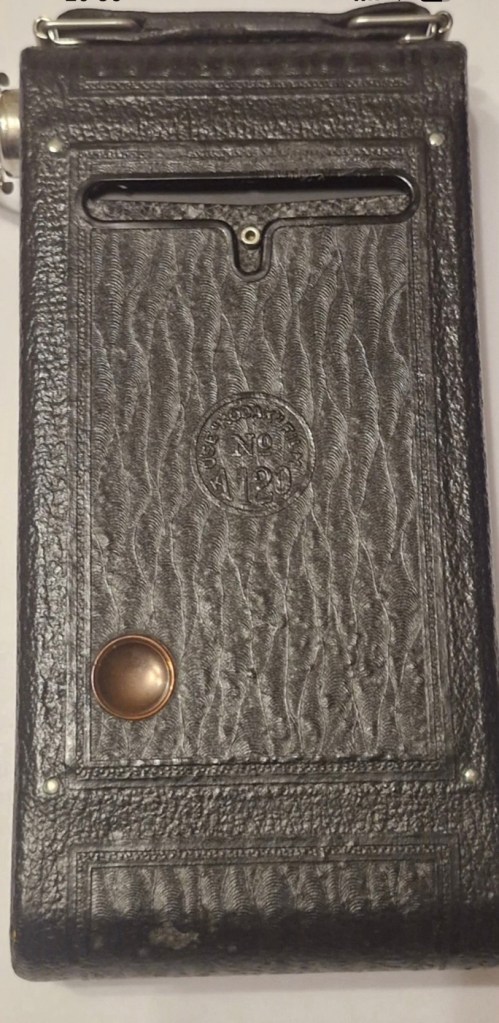
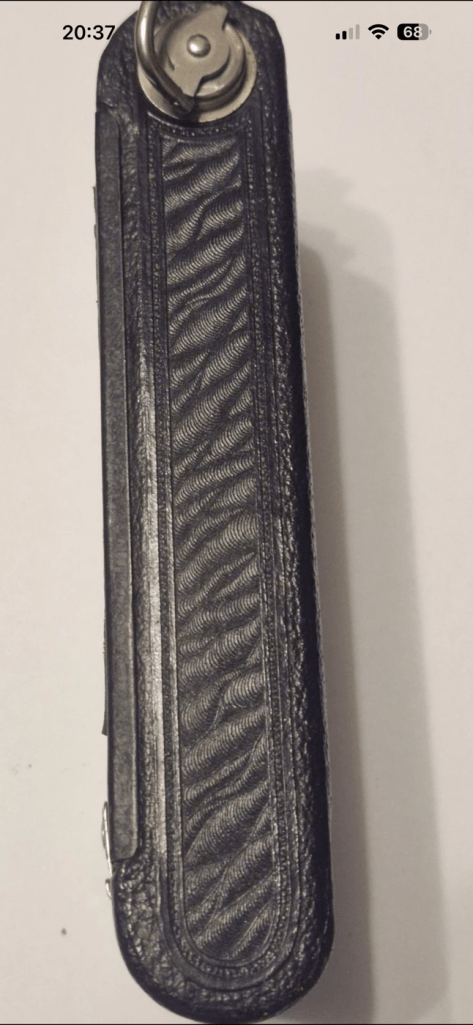
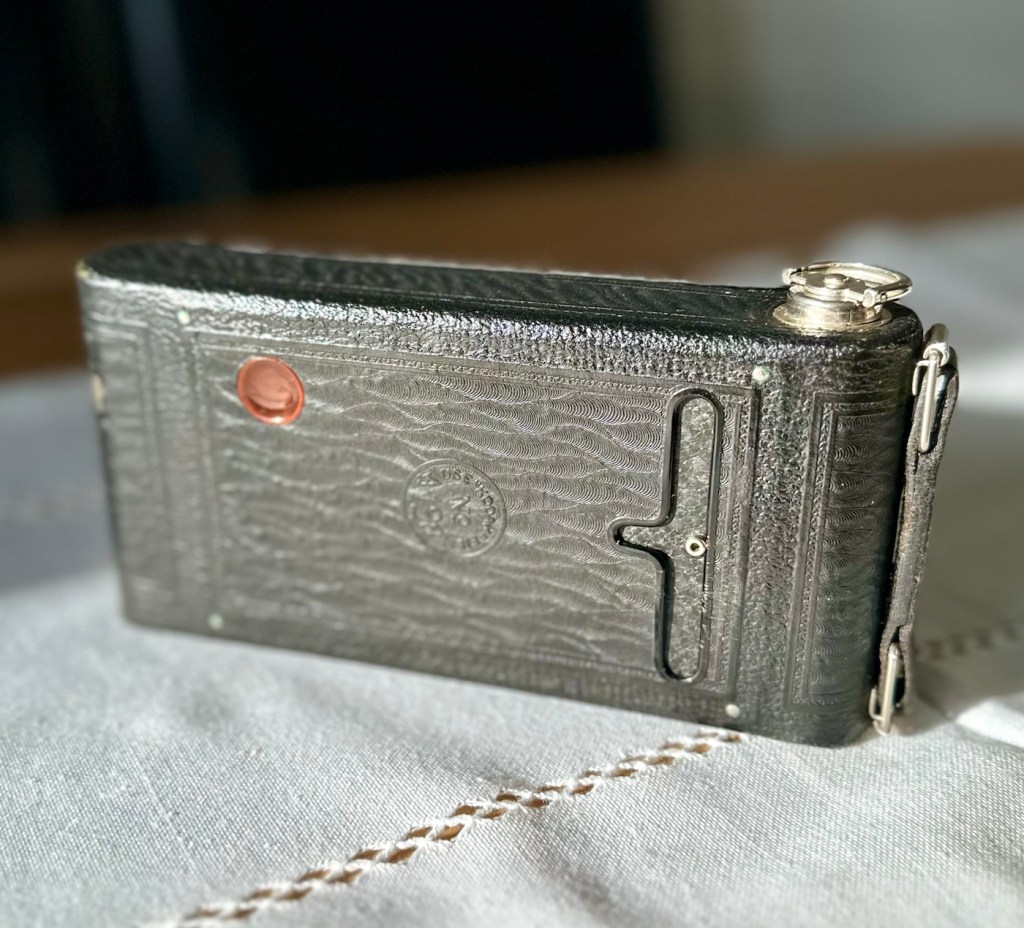
Yep, to be honest I do expect there to be issues, but at first look this camera appears to be in a very good condition, with a couple of parts to it that normally go missing over time, still present, and at the measly price I paid for it, I’m not complaining. The leather appears to be fine, and well looked after, it looks remarkably clean, but we’ll just have to wait and see.
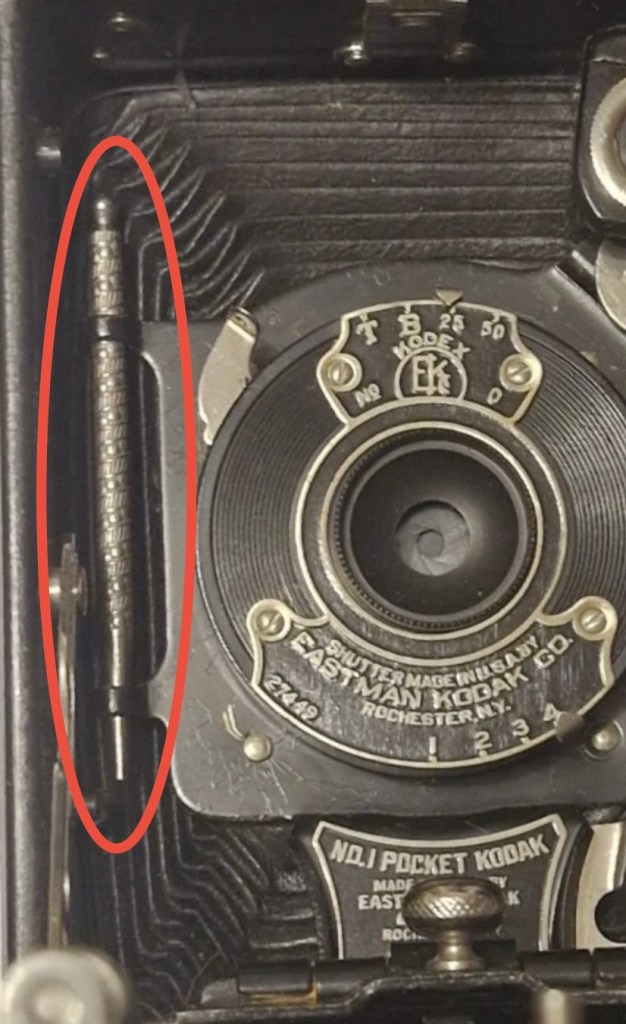
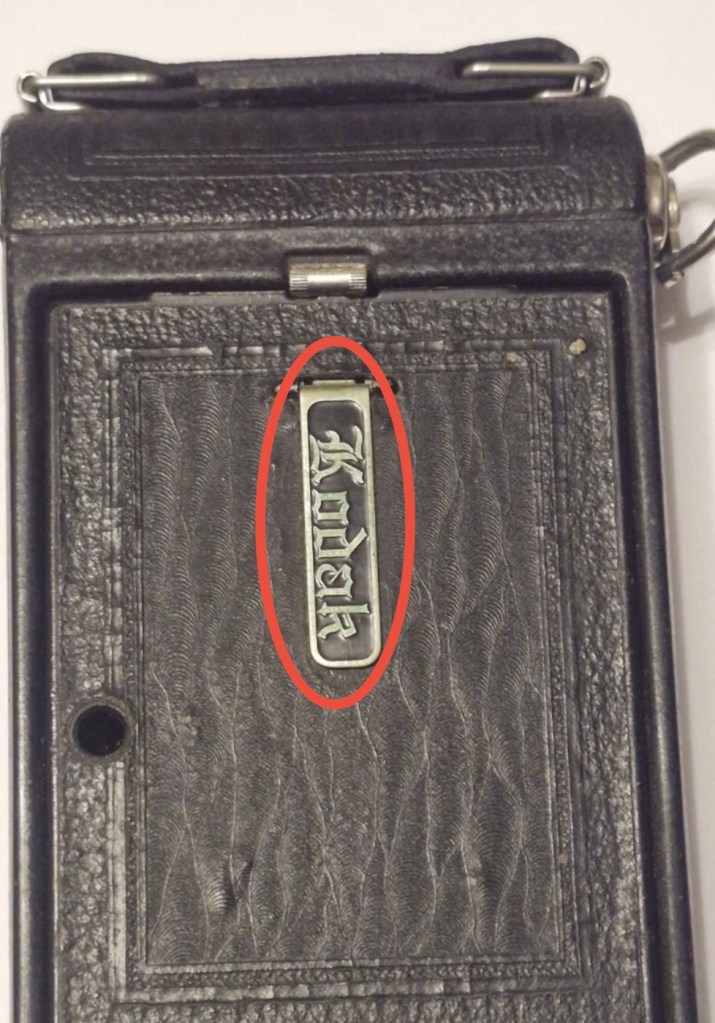
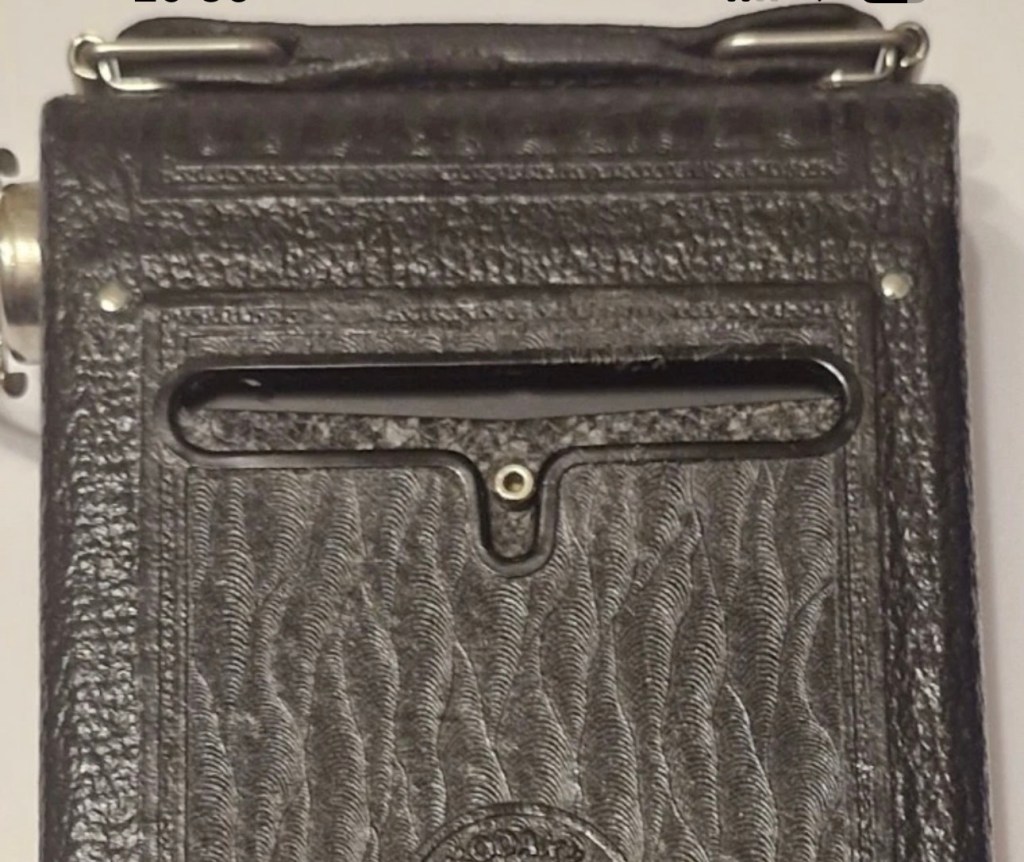
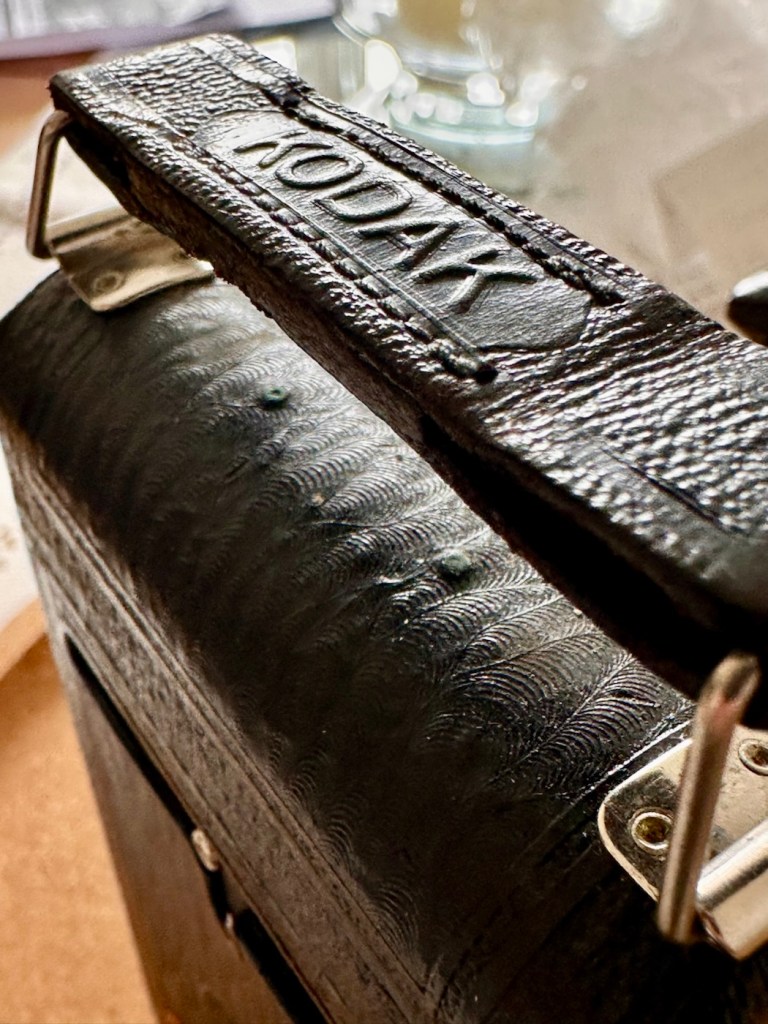
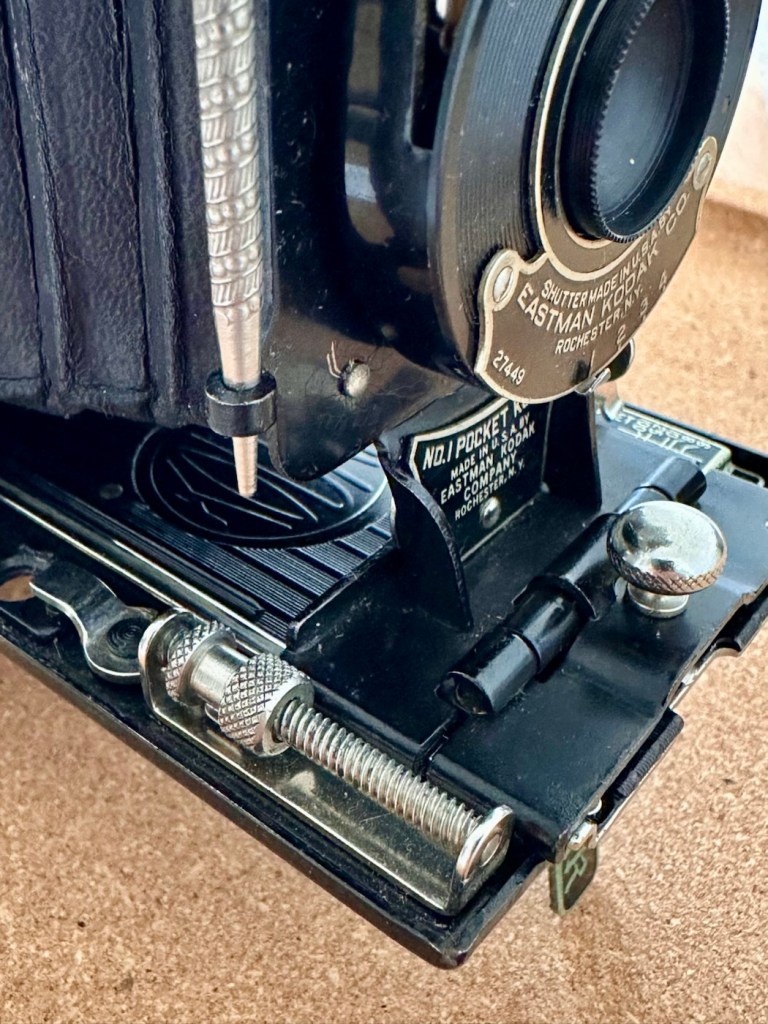
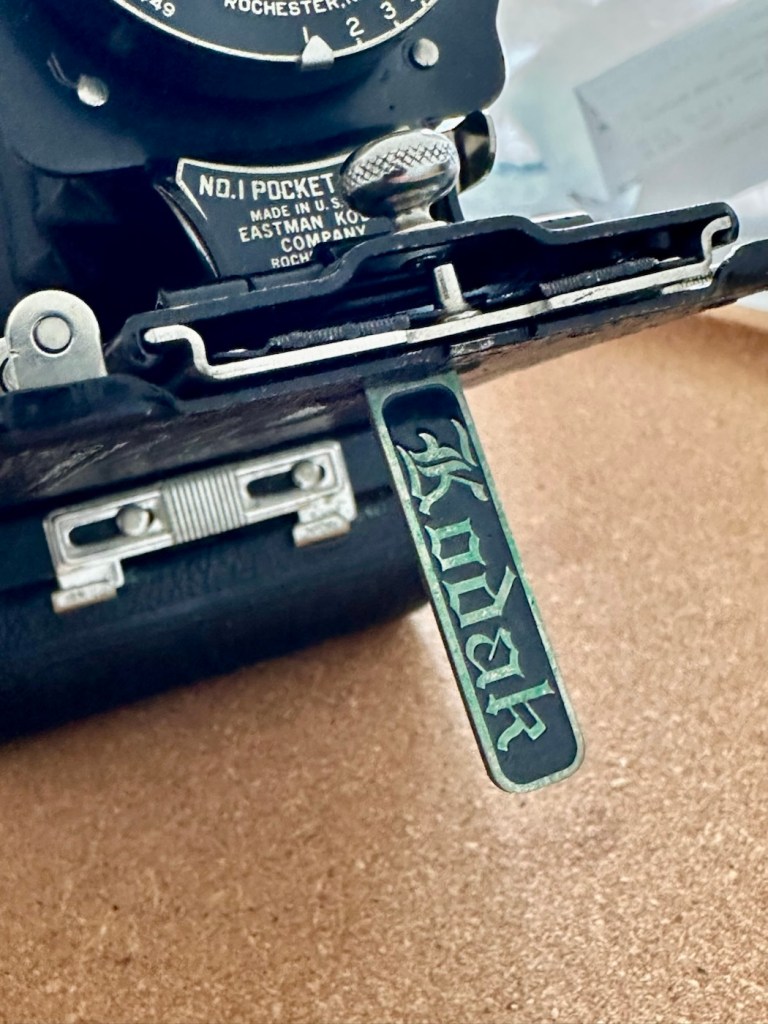
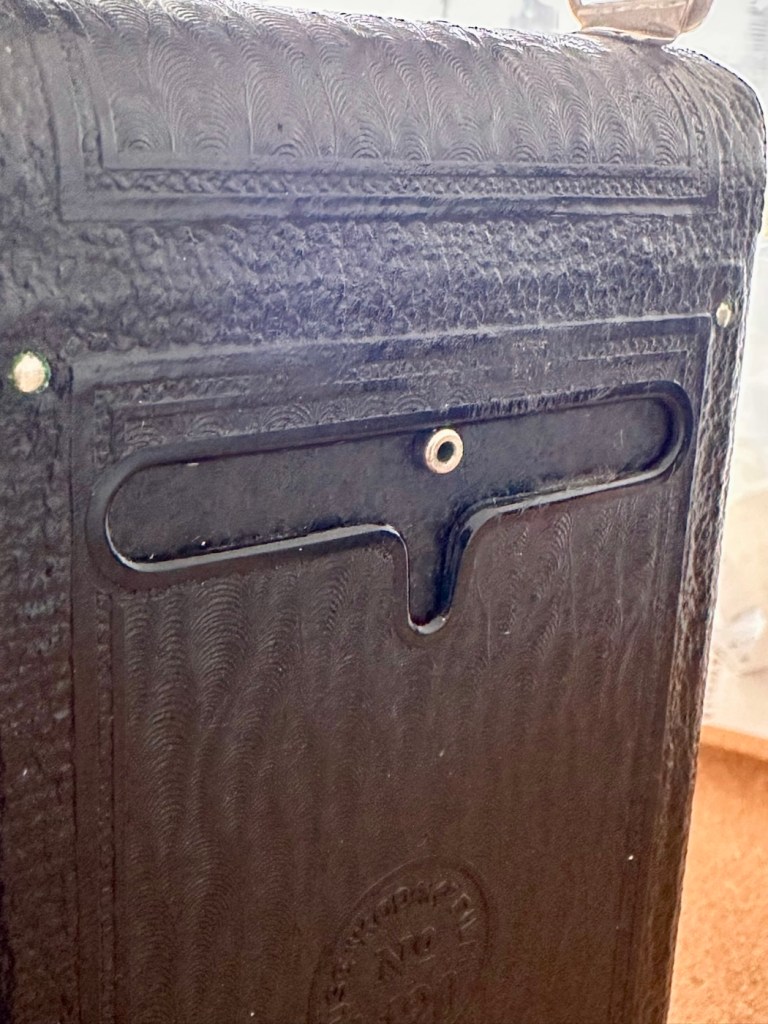
This is an autographic version, this was a system introduced on these early cameras that would allow you to write with a small metal stylus (Stored alongside the lens) through a small aperture in the rear of the camera, allowing you to put picture details onto the specialised, unexposed film below. A really early form of EXIF data if you like. There is also a metallic kick stand bearing the “Kodak” logo, this allows the camera to be stood upright, and this piece is sometimes missing off of these old cameras. Fortunately this example seems to have all these features still in place.
The metal stylusThe kick standThe autographic writing area
Here’s some info regarding Autographic film and cameras:
Autographic film and cameras, Eastman Kodak products from 1914 onward, allowed the photographer to enter his or her own notes onto the negative, rather like an early data back. Comments are written with a stylus in a window in the camera back, onto the paper backing of the film, which incorporates a carbon-paper. This leaves the backing slightly translucent where the stylus passed. The writing window is then exposed to the daylight and the inscription burned onto the negative.
The method was invented by Henry Jacques Gaisman, who patented it in several forms, perhaps to prevent similar designs being patented by rivals (see the various patents below), over several years. In the various designs, the inscription is made on the film in several ways:
Carbon powder from a carbon paper is transferred to the emulsion side of the film, and casts a shadow when the film is exposed through the lens; the lettering should be dark-on-light, in the finished print, and appear in the picture area.
The emulsion itself is compressed against a textured surface, and this changes its response when exposed; the lettering should appear as stippling, either in or outside the picture area, according to different designs.
Carbon is transferred to a translucent backing paper, and the writing casts a shadow on the film when exposed to light from behind (after the carbon paper is removed); The lettering should be dark-on-light, and appear outside the picture area.
The carbon layer of the carbon paper is disrupted by writing on it, and so allows more light through (the film is exposed from behind, with the carbon paper in place); this is the form of the invention actually made. The lettering is light-on-dark in the finished print (dark-on-light in the negative), and appears outside the picture area.
Camera-Wiki.org
And here is some information regarding the camera itself:
The No. 1 Pocket Kodak was made in USA from 1926 to 1932 (in UK from 1929-1933) and took 6×9cm exposures on 120 roll film.
In the USA in 1929-31, as well as black it came in four colors: blue, brown, grey and green. These have the Kodar f7.9 111mm lens in a Kodex shutter. All have the Autographic feature. Other lenses were the Kodak Anastigmat f6.3 and Kodak Anastigmat f7.7.
Technical Specifications (1926 Version)
Lens: Often an f/6.3 or f/7.9 Kodar/Anastigmat lens.
Shutter: Kodex shutter with speeds of 1/25, 1/50, Bulb (B), and Time (T).
Focusing: Accomplished via a worm screw or sliding the lens standard on a track, with a distance scale in feet or meters.
Viewfinder: A rotating “brilliant” waist-level finder for both portrait and landscape shots.
Using the Camera Today
Film Compatibility: The 1920s No. 1 model is highly desirable because it takes standard 120 roll film, which is still manufactured today. Older models designed for 105 film can often use 120 film with minor modifications or original 105 spools.
Autographic Feature: Many models have a small door on the back and a metal stylus. This was originally used with special “Autographic” film (discontinued in 1932) to “write” notes directly onto the negative. Warning: Opening this door with modern film will ruin your photos.
Light Leaks: Due to their age, old bellows are prone to pinhole light leaks. Many users tape the red window or the autographic door with black electrical tape to prevent fogging.
Camera-wiki.org / Google
So let’s do a full assessment on this camera.
Assessment:
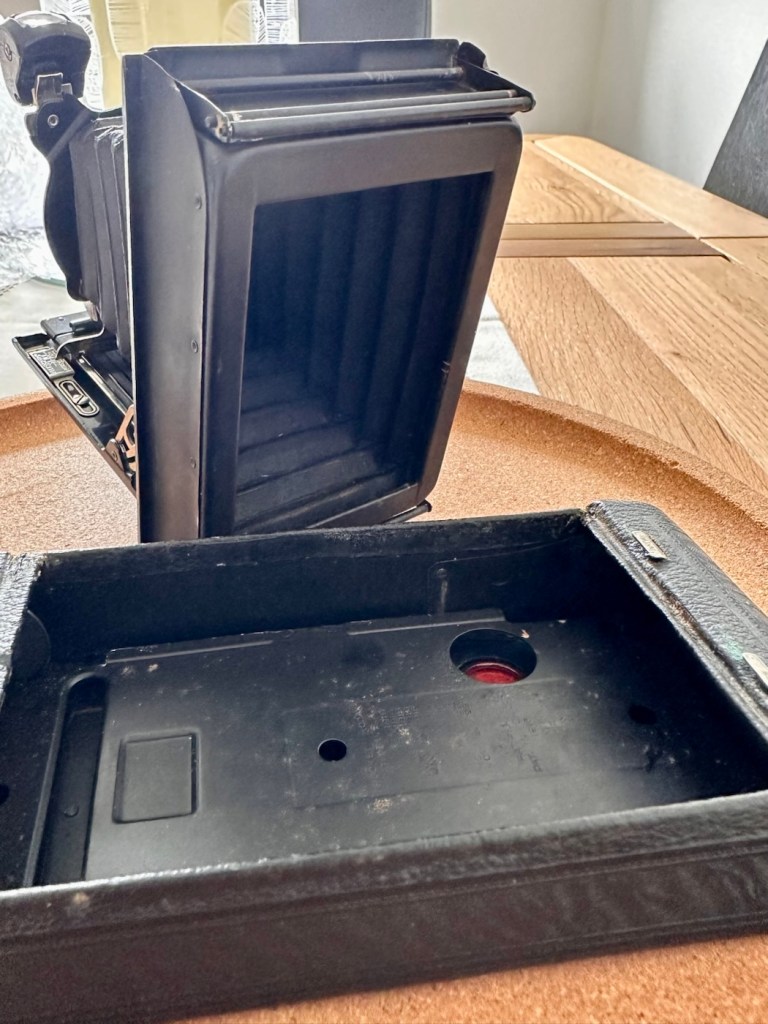
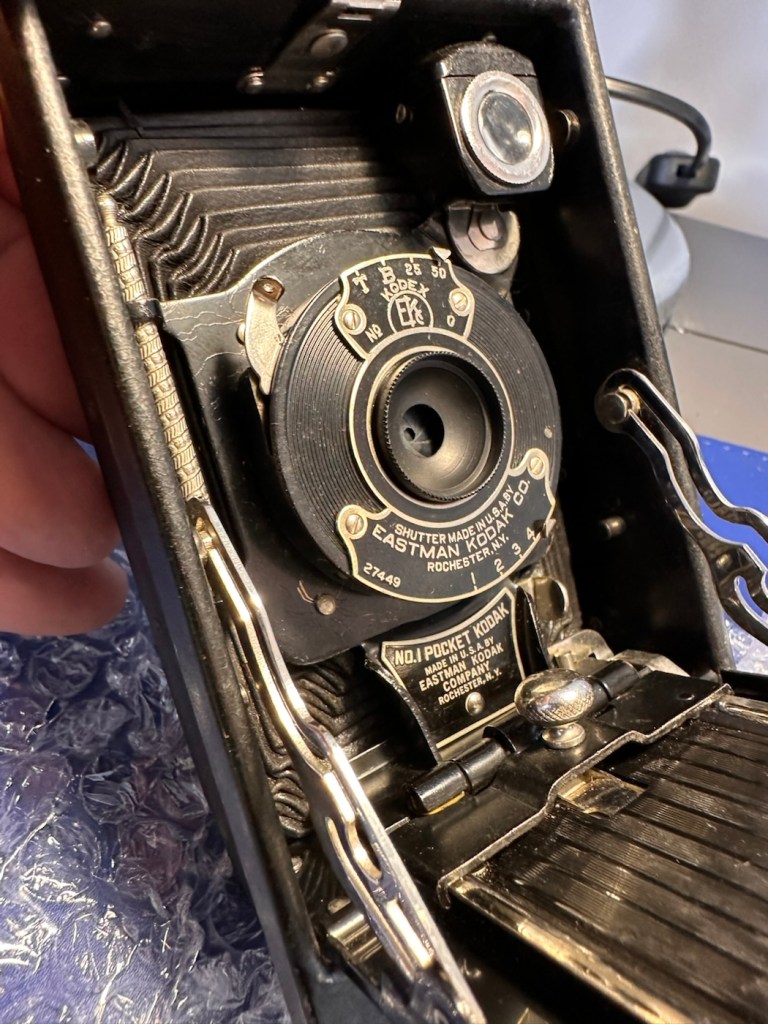
Here’s just what arrived, and for a one hundred year old camera it is pretty much perfect.
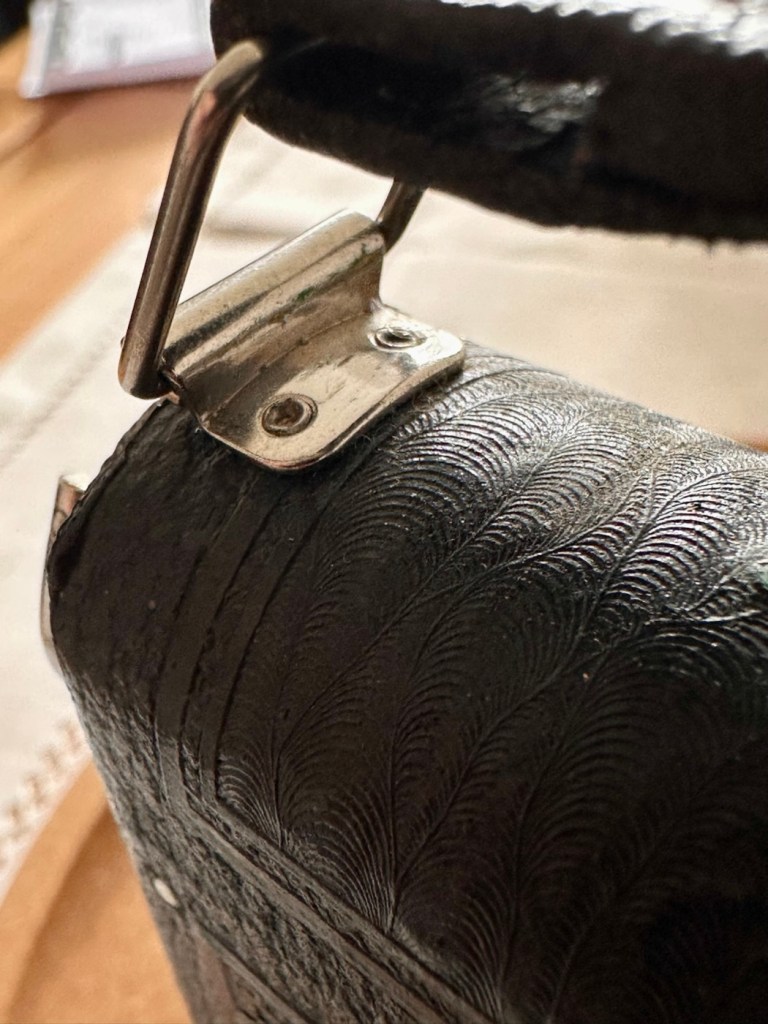
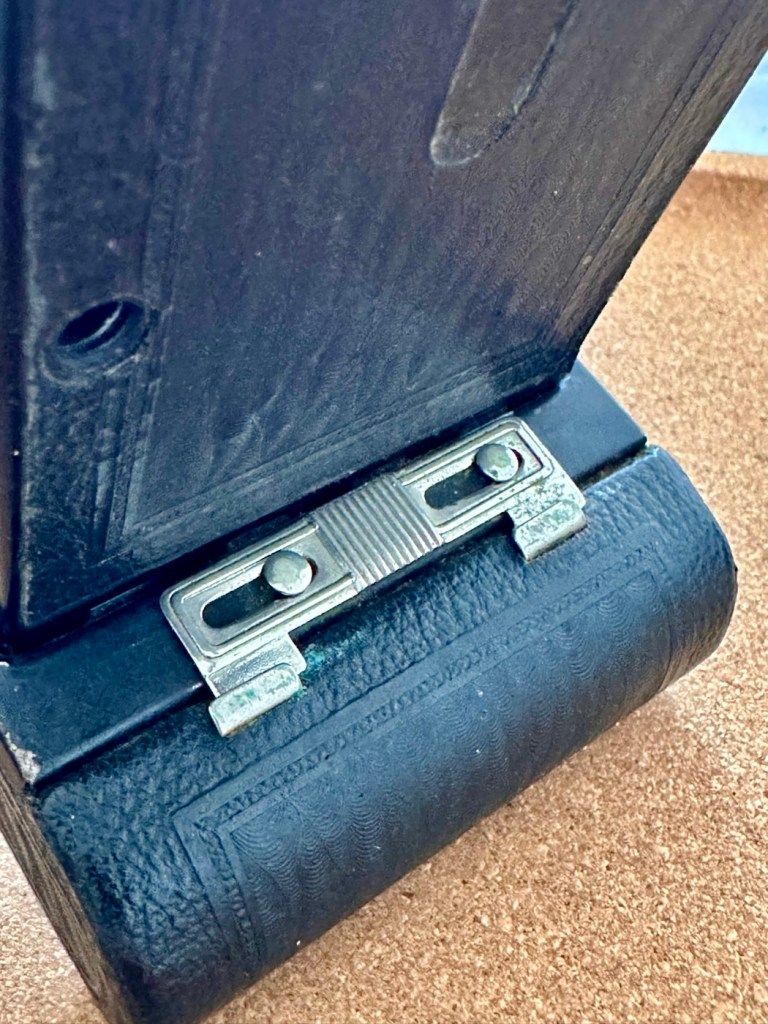
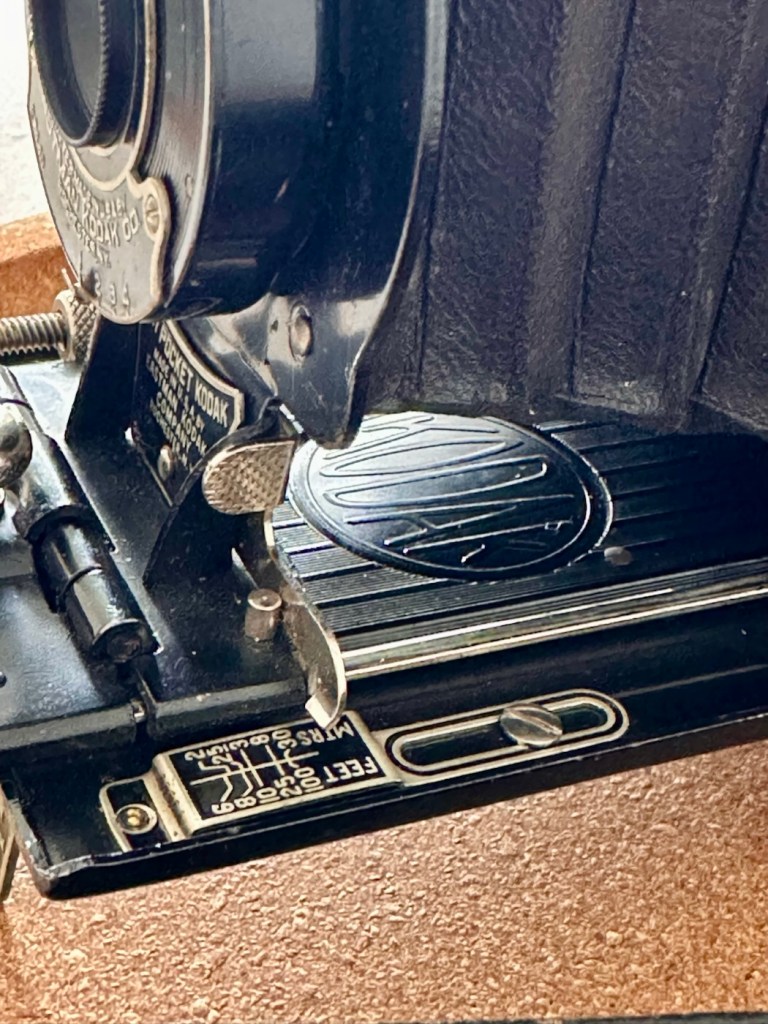
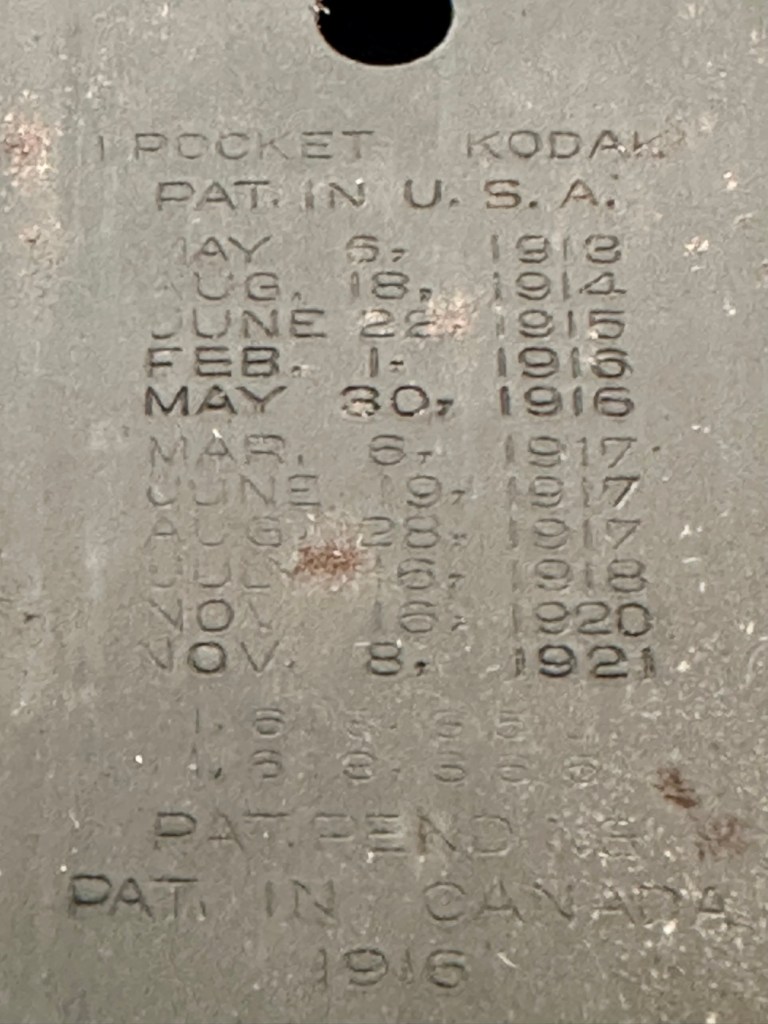
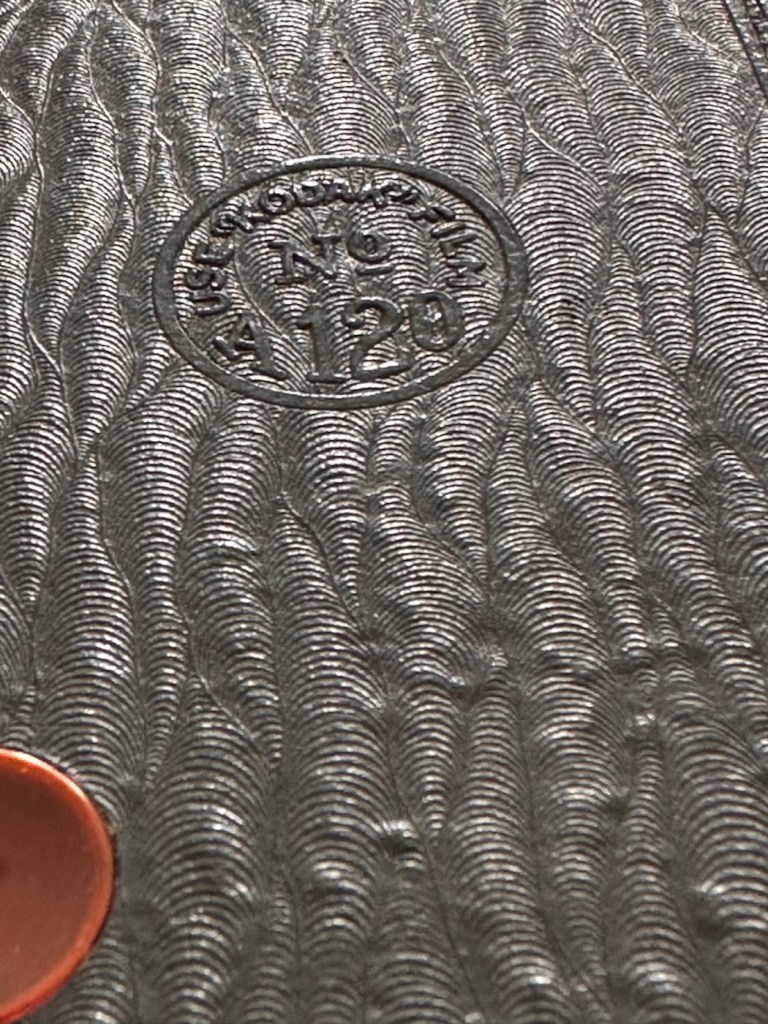
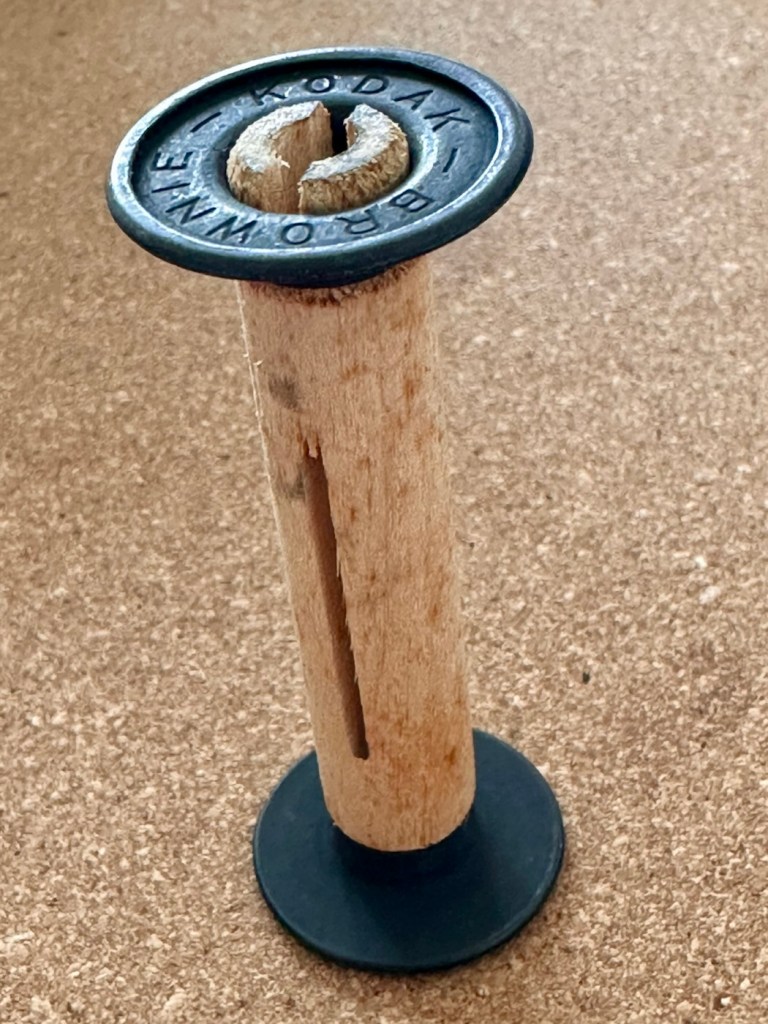
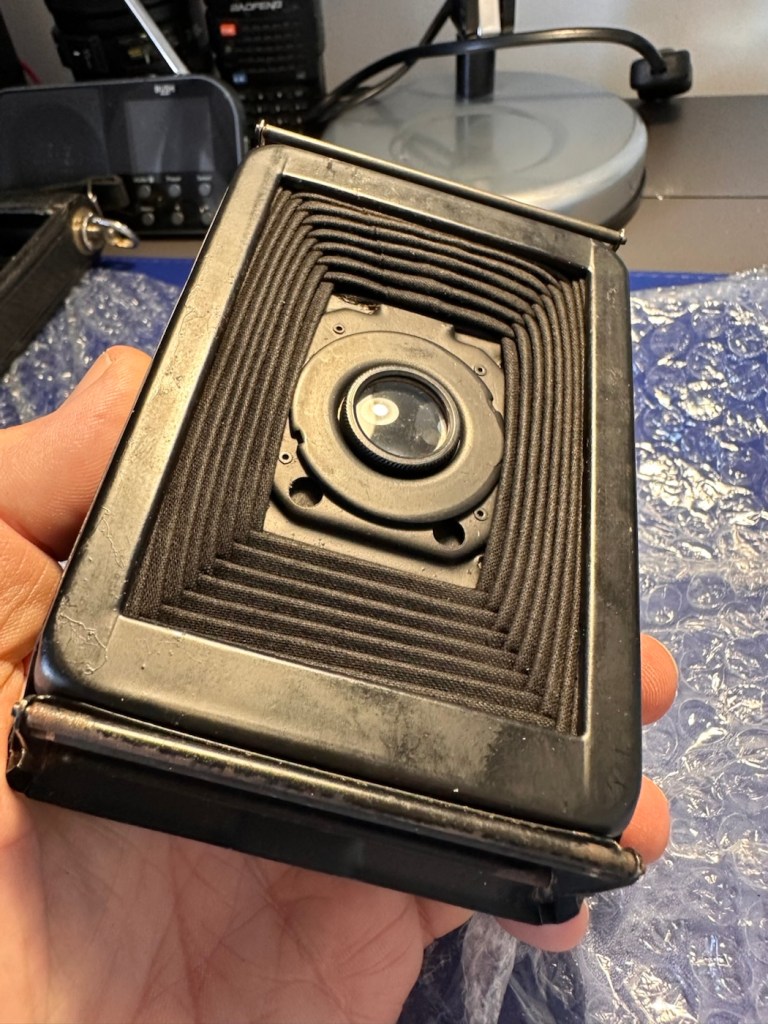
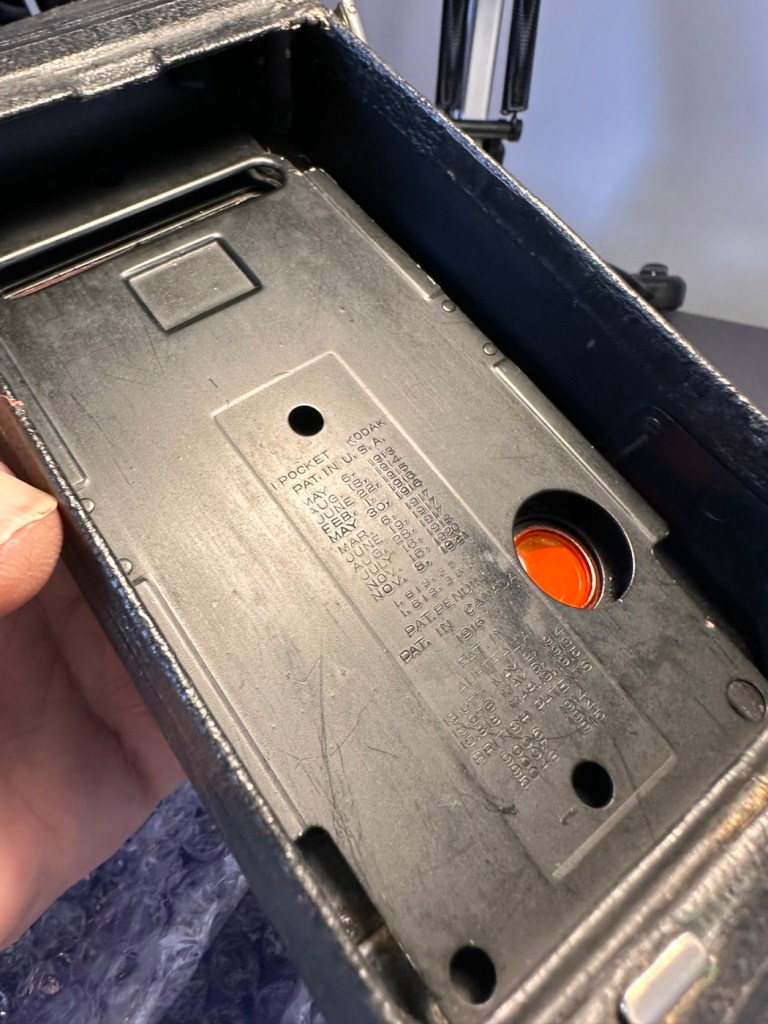
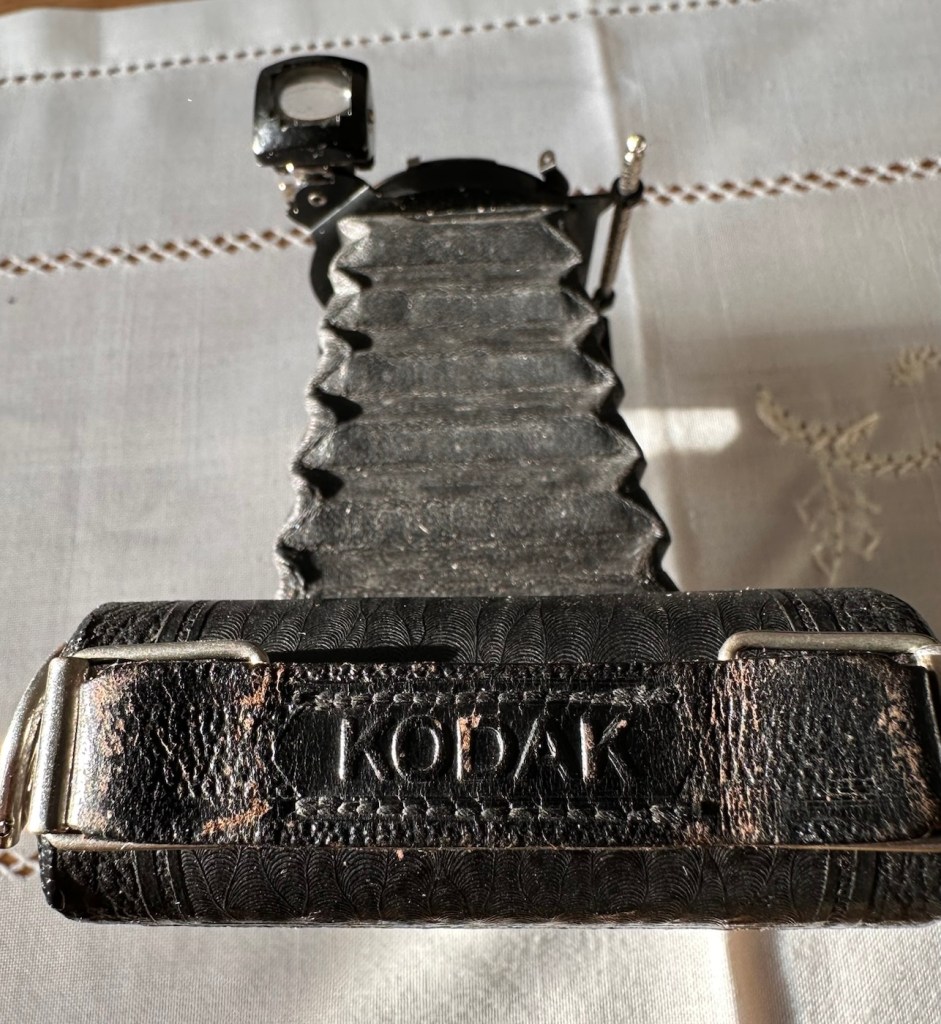
Front side showing stylusFace on metal all rust freeEye piece just needs a cleanFocus track at frontAll branding clearLeather and straps cleanAbsolutely rust freeLook at those bucklesFront stand just needs a polishRear Autographic slot opens freelyAccess to film chamberPaint has no chipsFilm back plate needs a light clean Patent dates inside rear of cameraRear of cameraAn old wooden Brownie take up spoolClosed from front Closed from rear
For a camera of this age I expected a number of issues.
Aroma – due to old age, cameras normally carry a mustiness due to the way they have been stored. This example has no such aroma and appears to have been stored well, and cared for, it just has an acceptable, leathery aroma.
Rust – again due to storage I was expecting some damage here. However this example has no rust issues, again this points to the camera being stored with care.
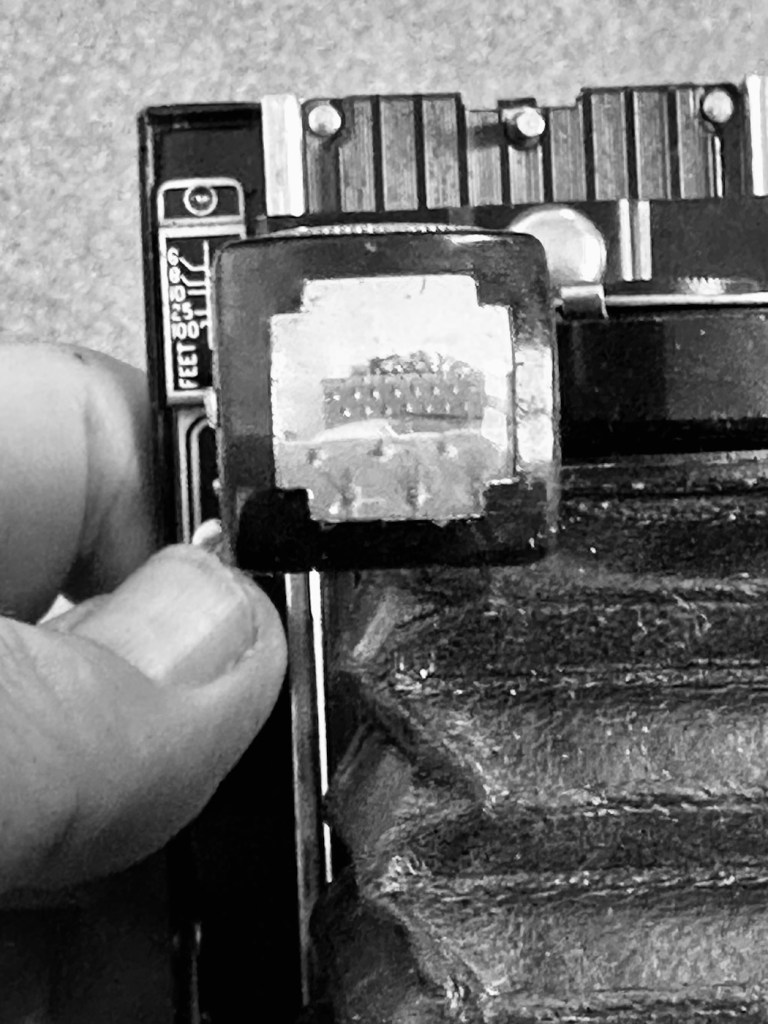
Fungus – to be expected on such an old example, on inspection there appears to be nothing more than some light specks of dust. Unbelievable. The viewfinder is a little misty and dusty but this should clean up quite easily.
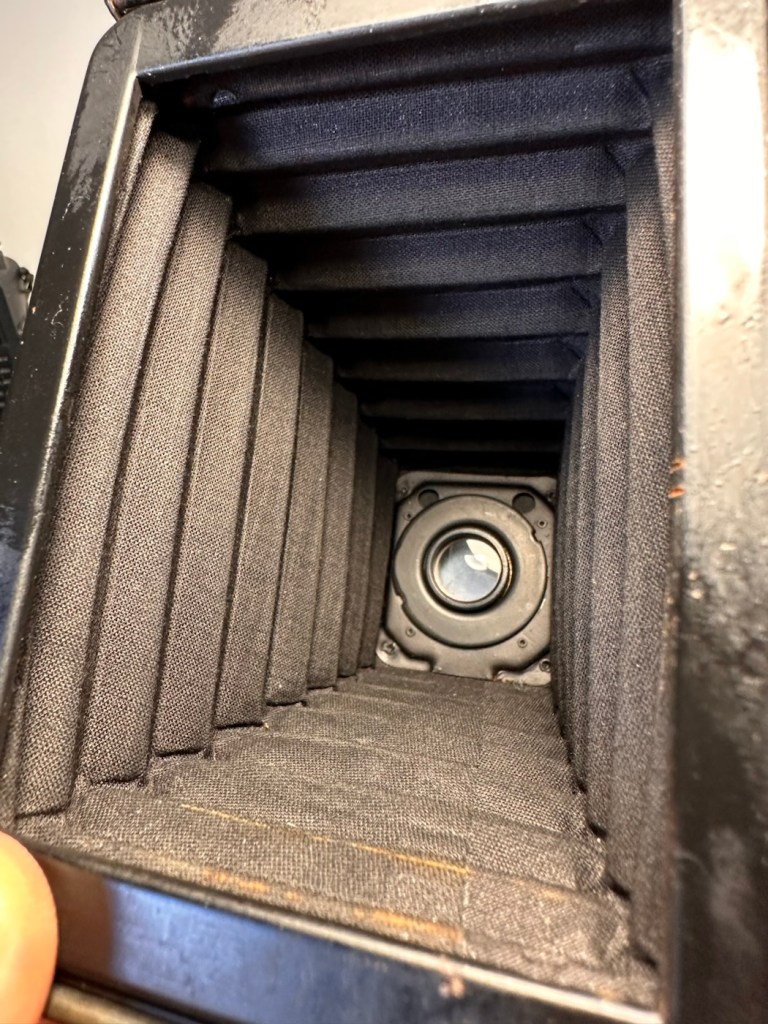
Bellows holes – due to the construction of these cameras, time and usage usually causes the bellows to wear and small pinholes to appear. I’m yet to fully test the bellows section, but first inspection in a bright light is extremely positive and there appears to be nothing of concern that is noticeable. However I do need to test this properly prior to putting film in the back. From what I have witnessed so far, this camera appears to have been very well looked after, and I very much suspect it has been very lightly used.
Personally, this antique camera is in a far better condition than many that I have, that are a great deal younger than this camera. I’m very optimistic that I will be able to run a roll of 120 film through this camera before too long.
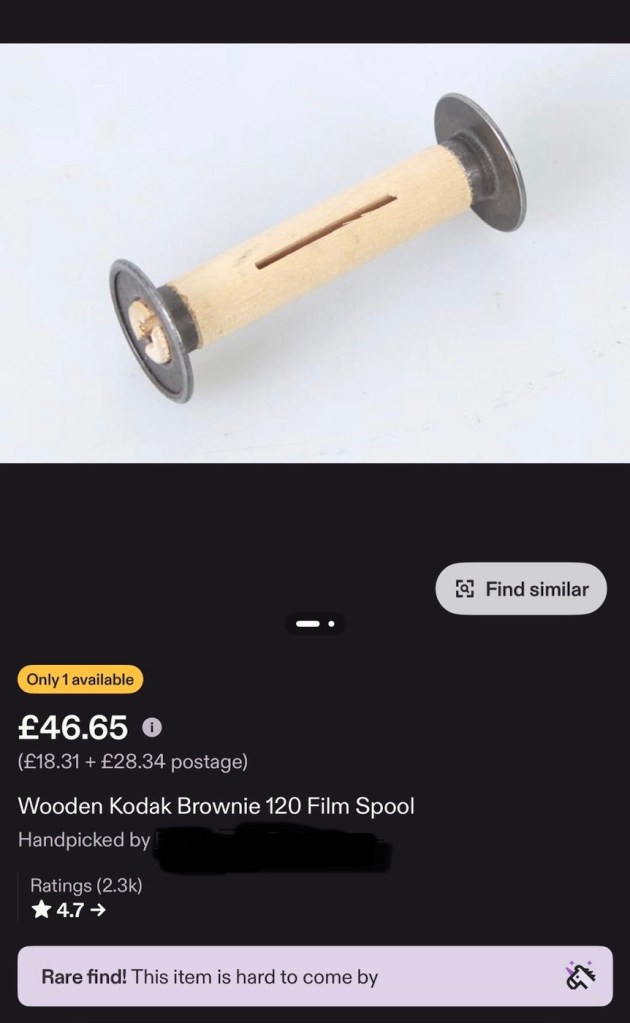
If you look at the pictures above you will see that the camera came with a “wooden” film take up spool. These features were typical in pre war cameras. What is really annoying me at the moment though, is the ridiculous prices some on line sites are charging for this small wooden roll on its own. Who the heck is silly enough to pay these prices? It’s almost 6x the price I paid for the actual camera 🤦♂️
On Etsy. Sellers name blacked out to preserve dignity….if they have any in the first place?
The fools.
Anyway, back to reality and this camera. Repair wise there will not be a great deal to do apart from some cleaning and minor adjustments. I’m not going to tamper to be honest, how does the saying go? If it ain’t broke, don’t try to fix it. And that will be the mantra for this camera. A sympathetic restoration is the order of the day with minimal tampering.
Repair:
Let’s start at the front and work our way back. First the bellows.
Bellows inside and out
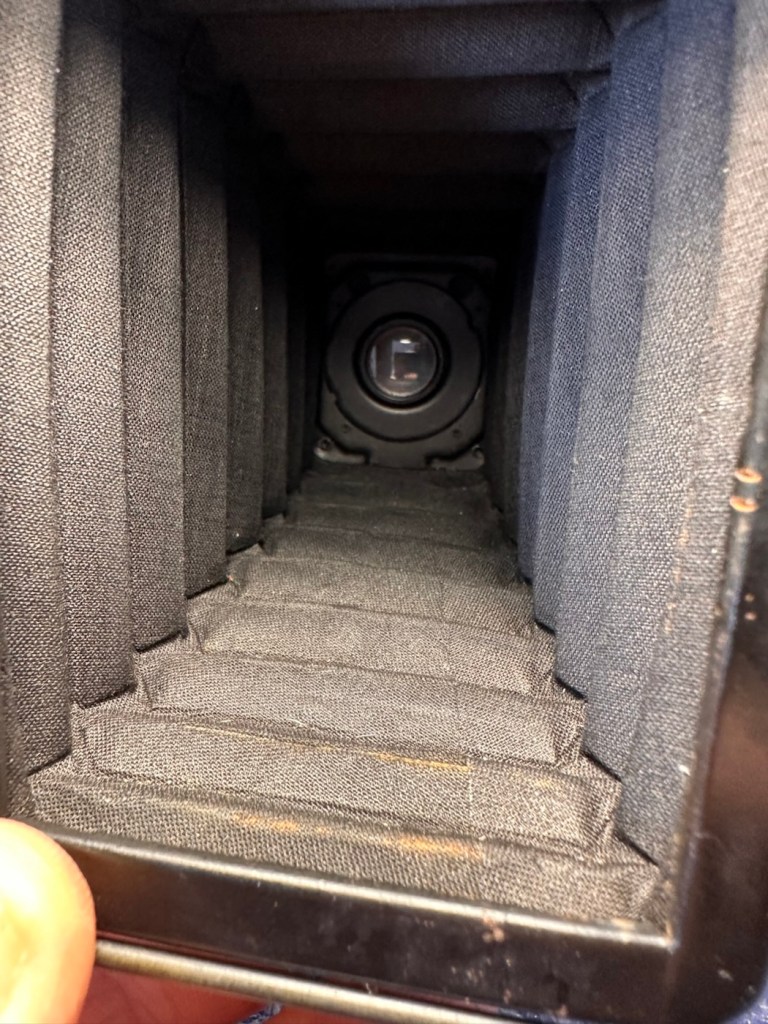
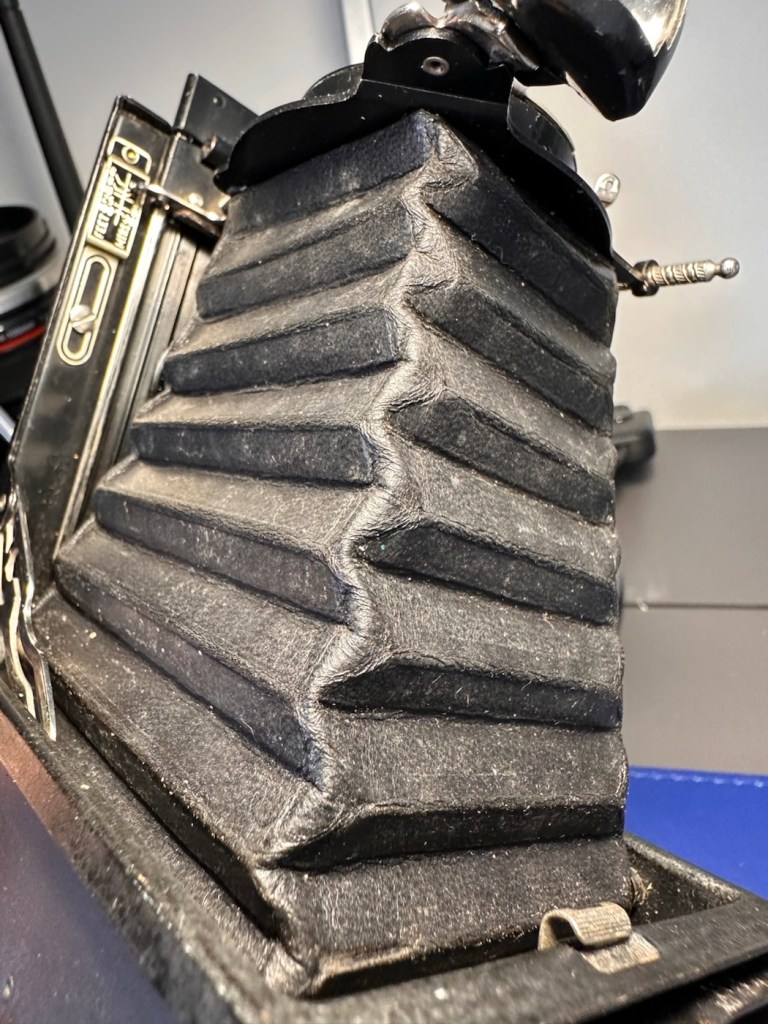
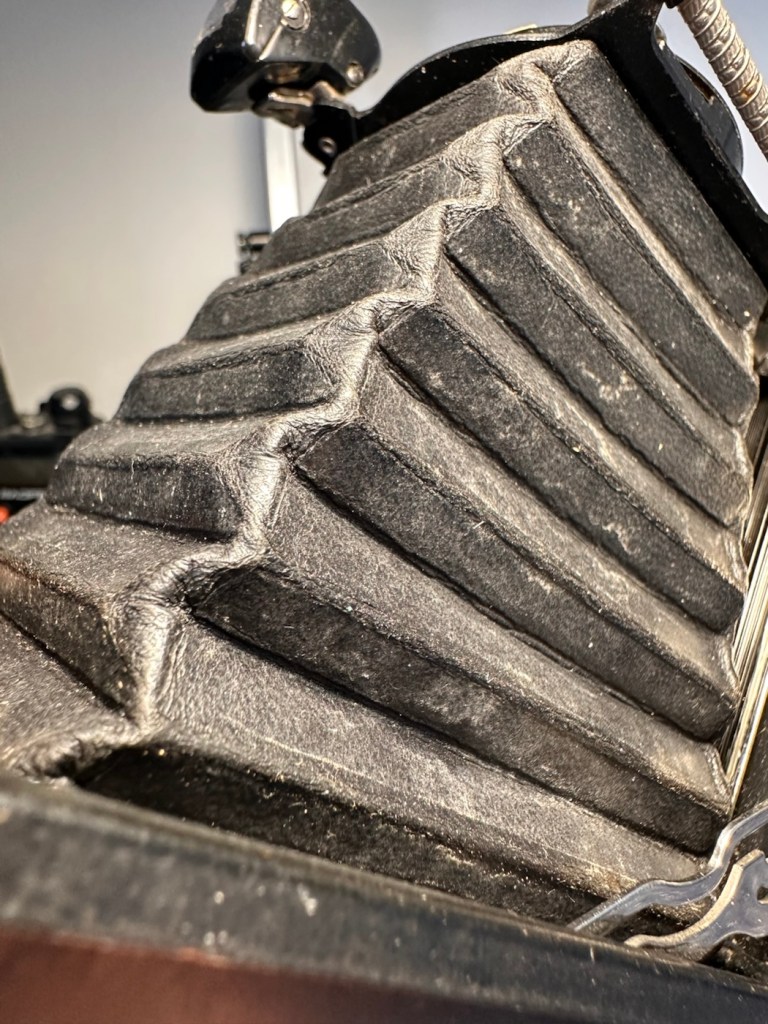
Both inside and out the bellows have no signs of dryness or bad cracking. With a powerful light both inside and out no light leakage or intrusion can be found, this does not however rule out that there may be a pin prick leak somewhere, however on close inspection of all the bellows and its folds all seems well.
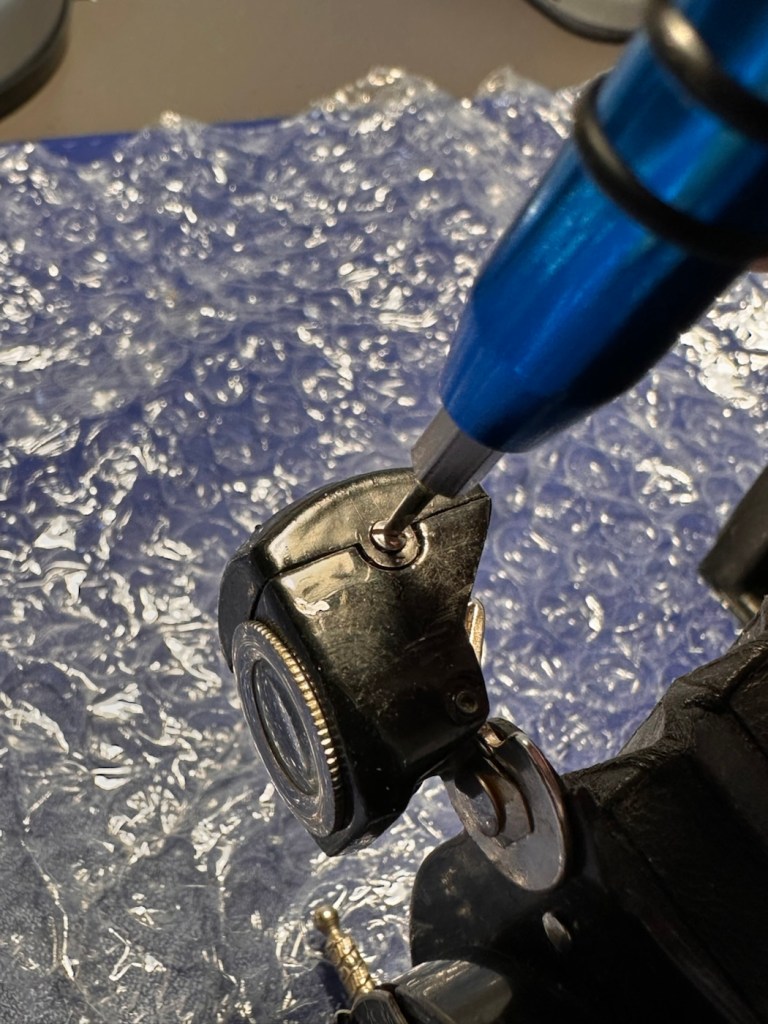
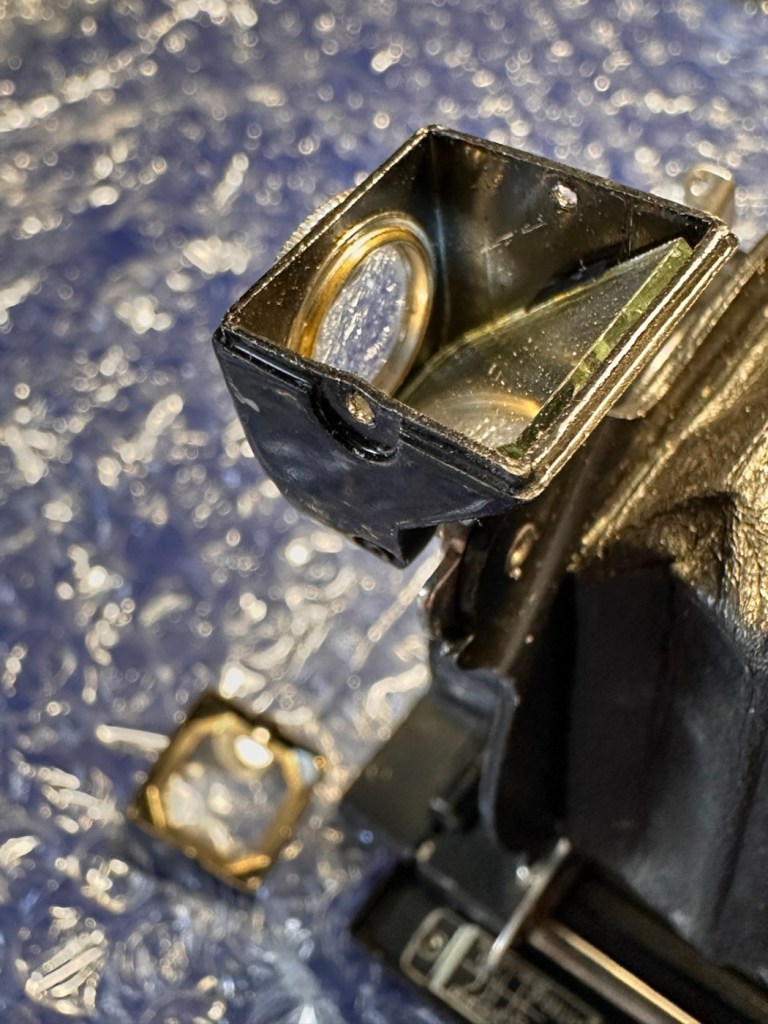
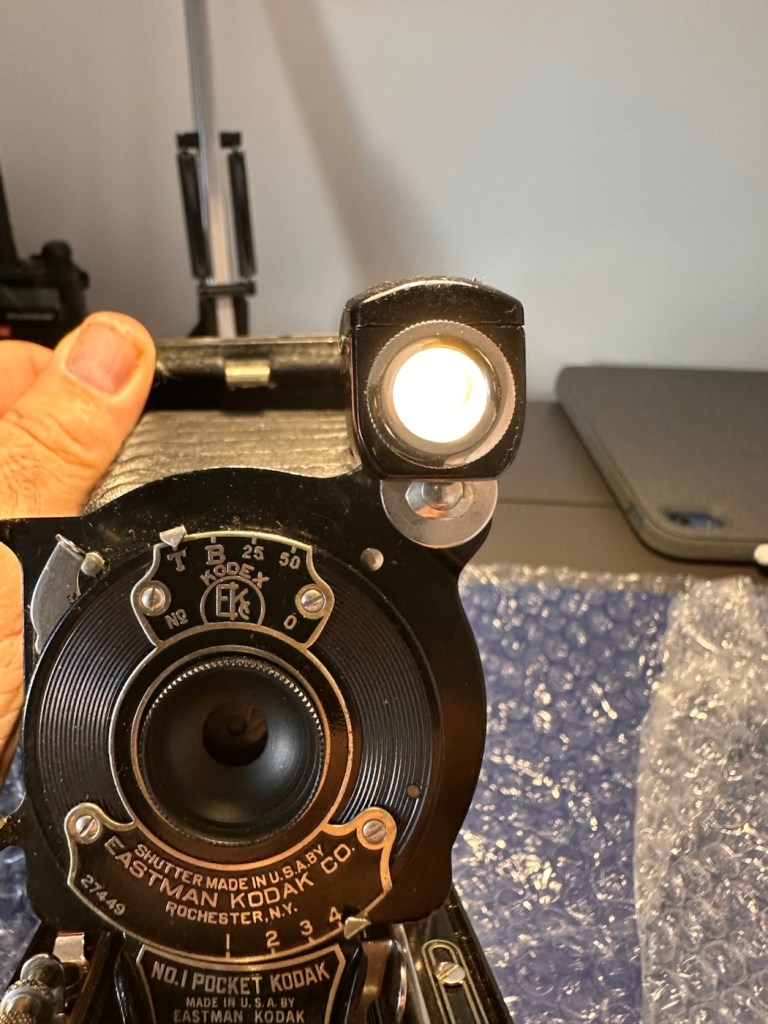
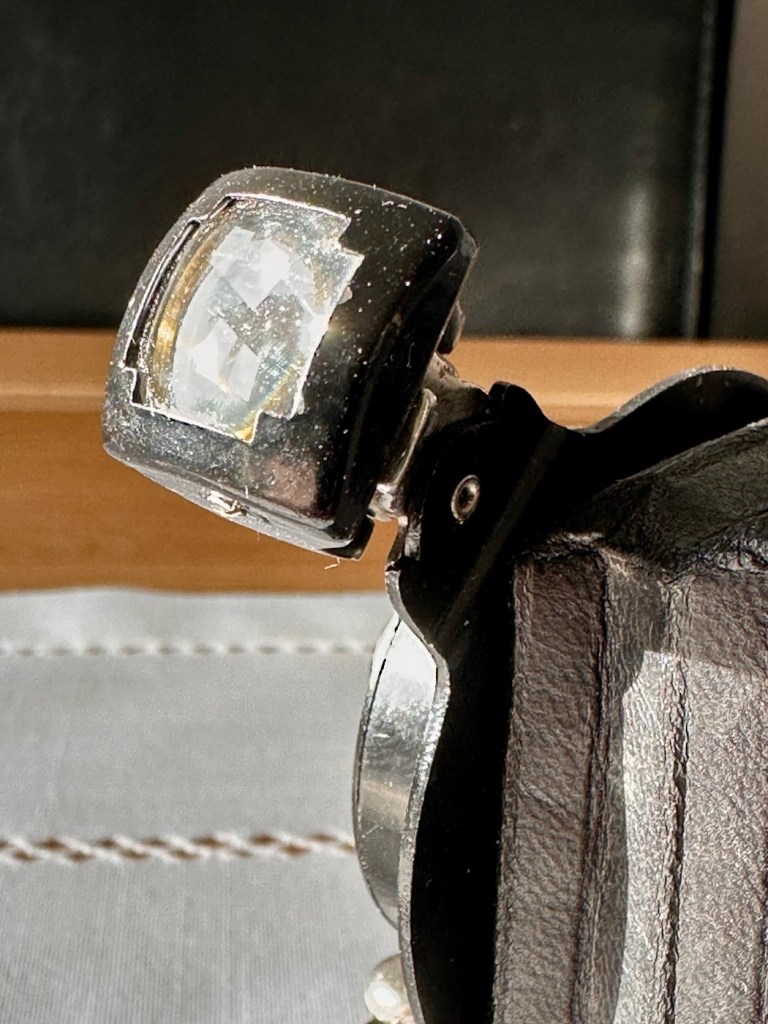
Next the bright viewfinder. Just two screws give access to the glass lenses, both are a bit dirty and clean up quite well, however there are a couple of spots of old age pitting on the glass, this is not bad, considering the age.
The brilliant viewfinder cleaned and working
The viewfinder cleaned up well, it’s just a reference and not an accurate representation of the view that will be on the negative.
I haven’t touched the lens or leaf aperture as they both appear to be working fine.
Next we move to the inside workings and the rear of the camera, to just give a general clean.
A general clean performed
I certainly removed some dirt from the interior area
And after all this cleaning has been done, a final clean with some polish and a good buff up completes the repair.
Result:
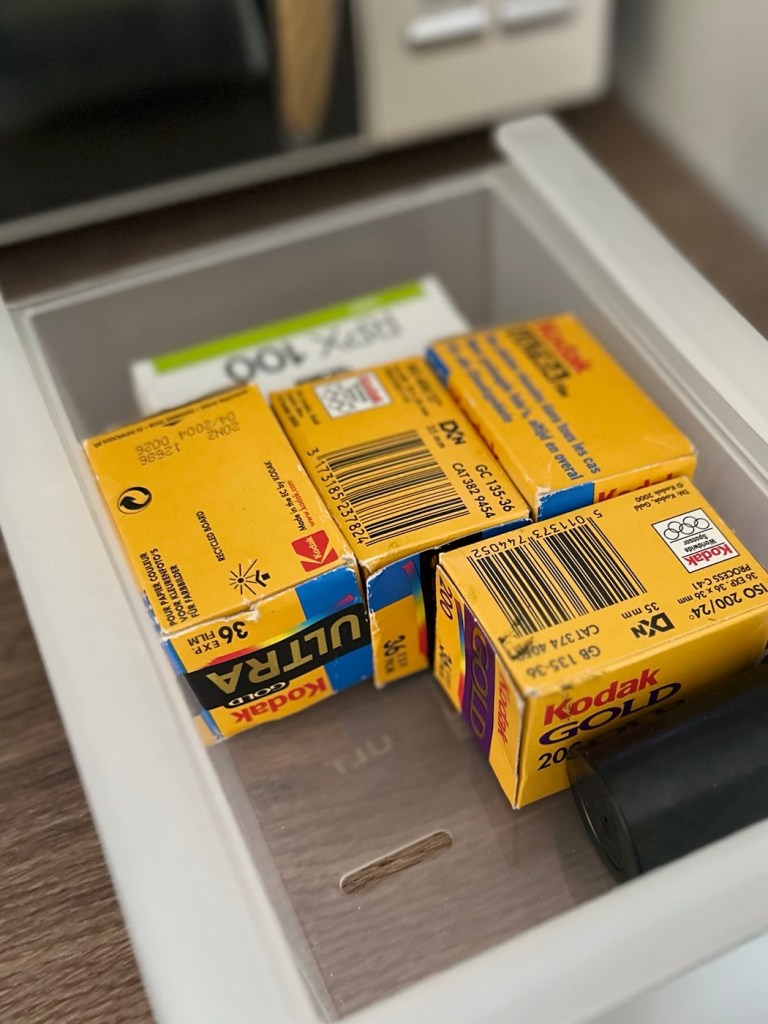
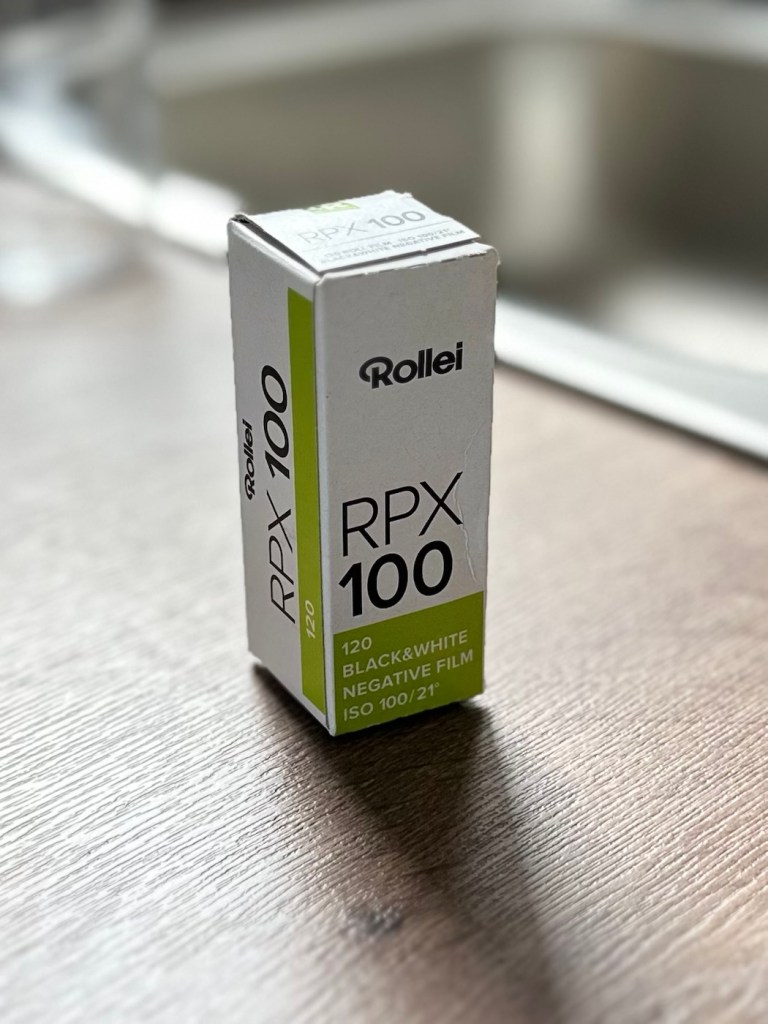
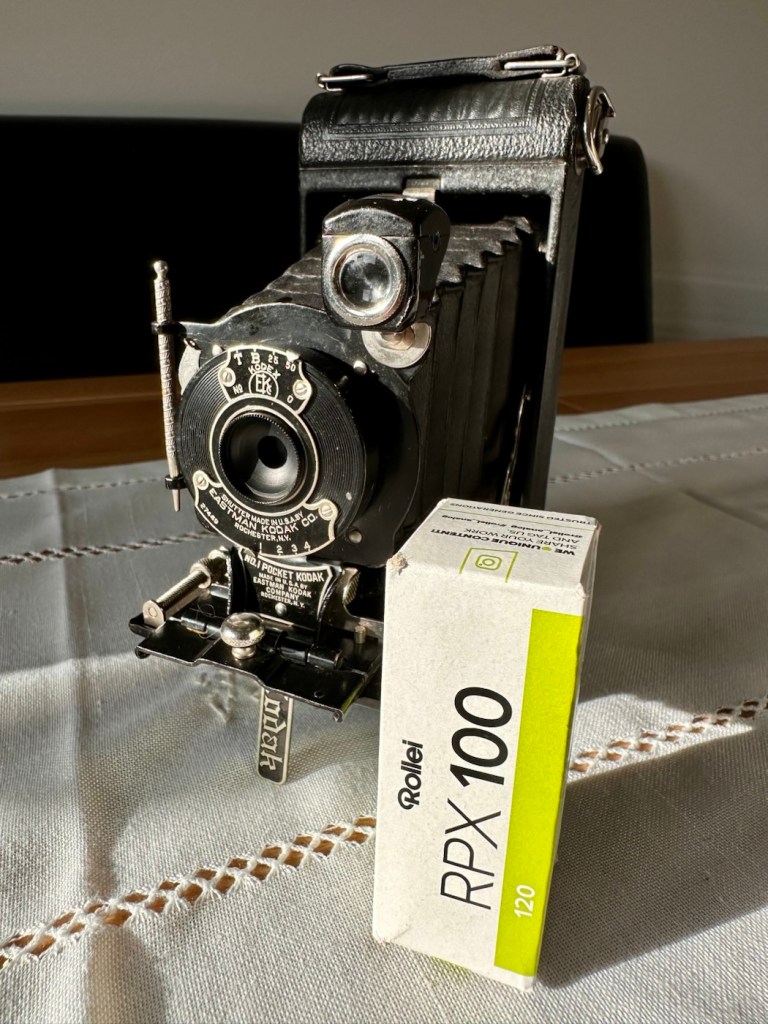
So what’s that I’ve found lurking at the back of my little stock of films in the fridge tray? it’s a roll of Rollei RPX 100 B/W, only a couple of years out of date, so this will be the perfect film candidate to test this camera with.
What’s that lurking at the back?A Roll of B/W 120 film. Expired 2024
There wasn’t a great deal needing to be done to this camera as I previously stated. For an antiquity it is in a superb condition, and to be quite blunt, you don’t mess too much with such an item. Make it work yes, but keep it real. This is a hundred years old and represents times gone by, it’s aged perfectly and doesn’t need to be tampered with.
After the clean, I now present a number of photos to show what a wonderful piece of photographic history this is.
The finished item. With the first roll of film that will have passed through it for many years.
I have a roll of 120 film that will be shortly used to test it out. It’s been an absolute pleasure to work on such an old camera, and just to appreciate the skill and dedication that went into making such a beautiful hand made work of art. I am proud to own such an item and I’m hoping it will still be used for many years to come.
This is now a very important part of my personal collection, and I hope it will still be around a good time after I have taken my last breath.
Low cost, high personal value and an historic photographic legacy that I hope to pass on.
Thank you all for passing by, it’s always very much appreciated. I will post the pictures taken with this roll shortly.
Soon, I will
Post a report I have done of a repair on an old 1972 camera. But first I want to test it with some film that expired 22 years ago.
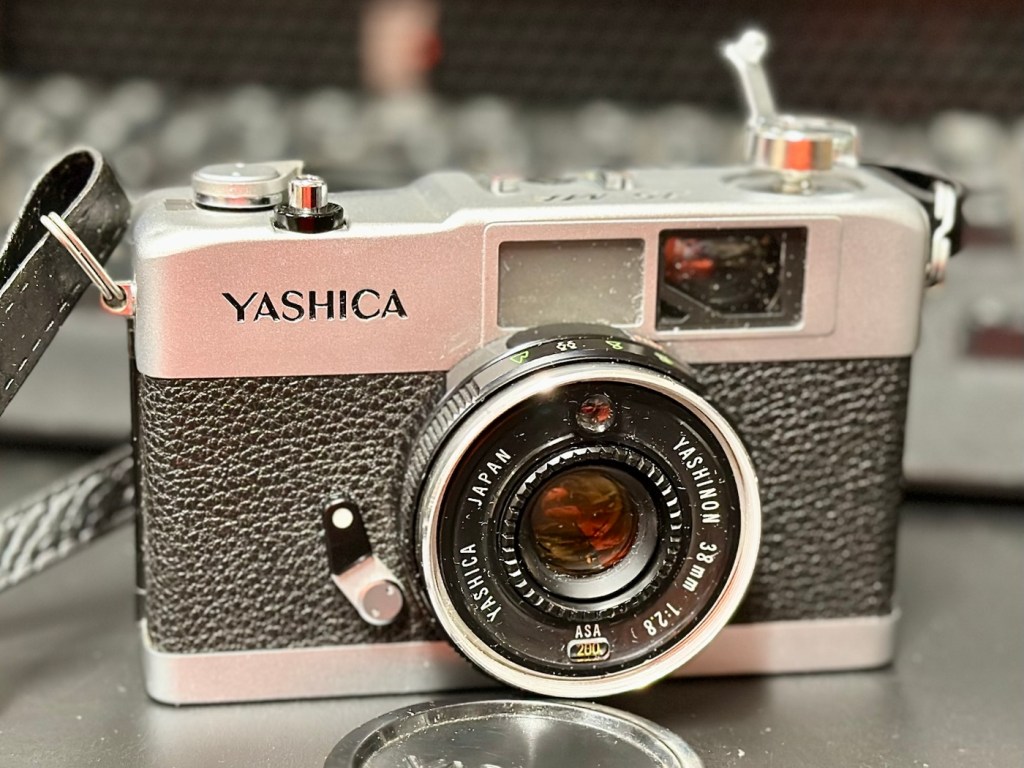
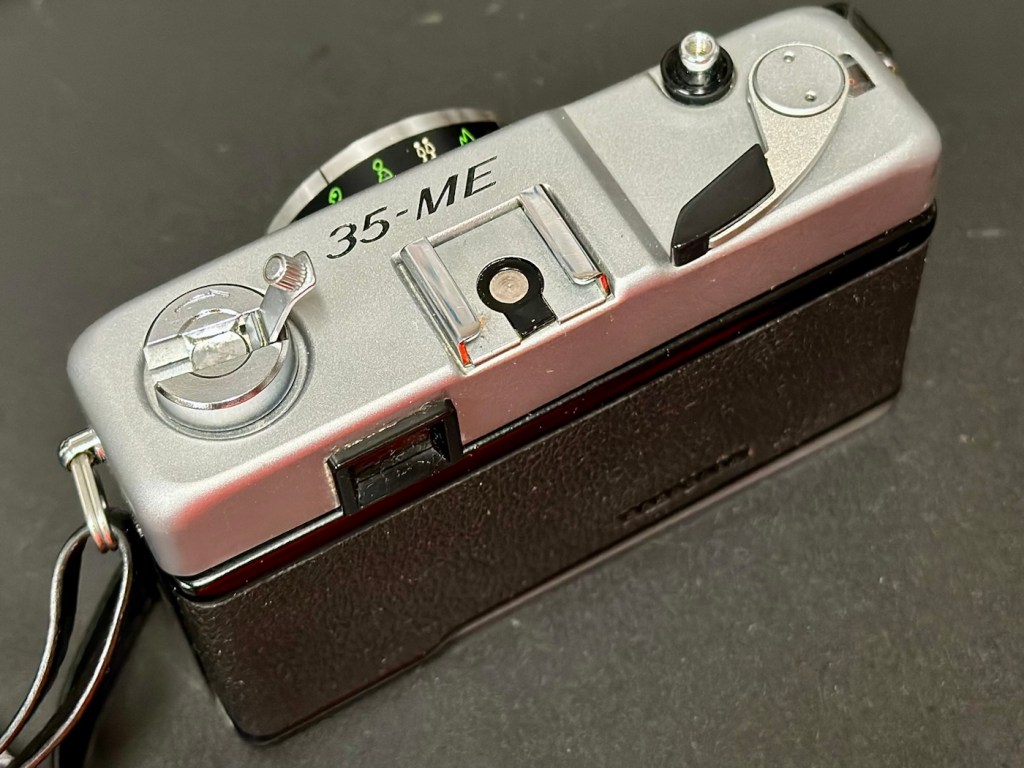
I recently purchased a 1972 Yashica 35ME. It’s an old point and shoot, from back in the day, similar in looks to an Olympus trip, but an Olympus trip it is not. A very basic 35mm camera, with a CdS light meter that was not working, it is now.
Yashica 35ME
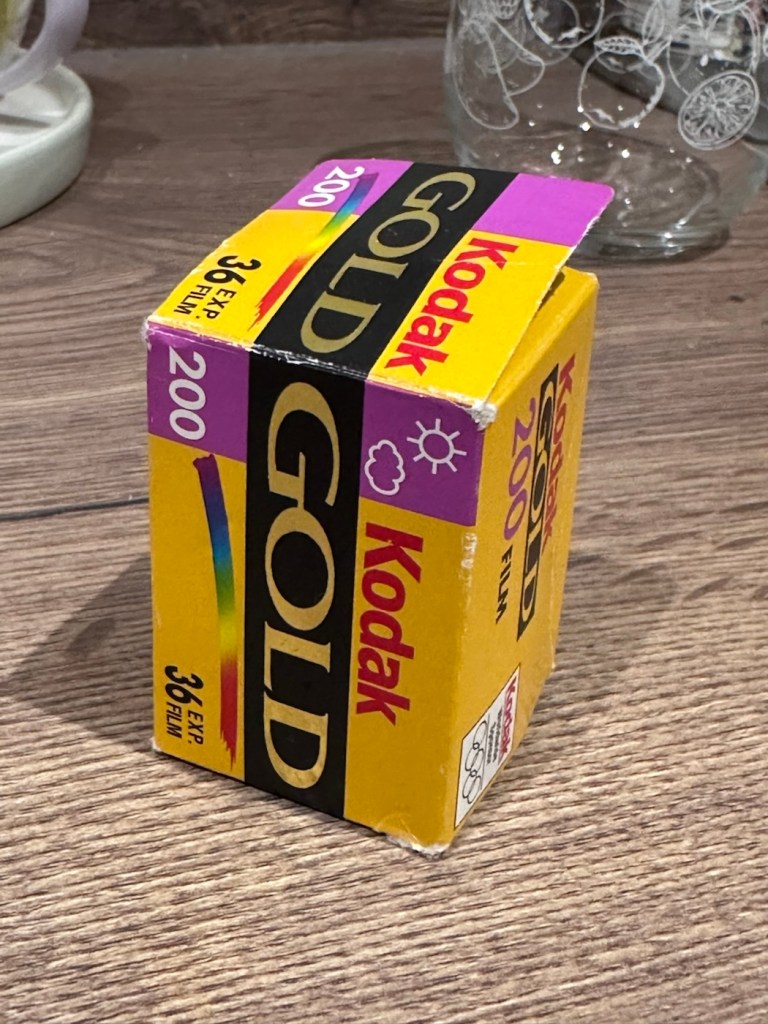
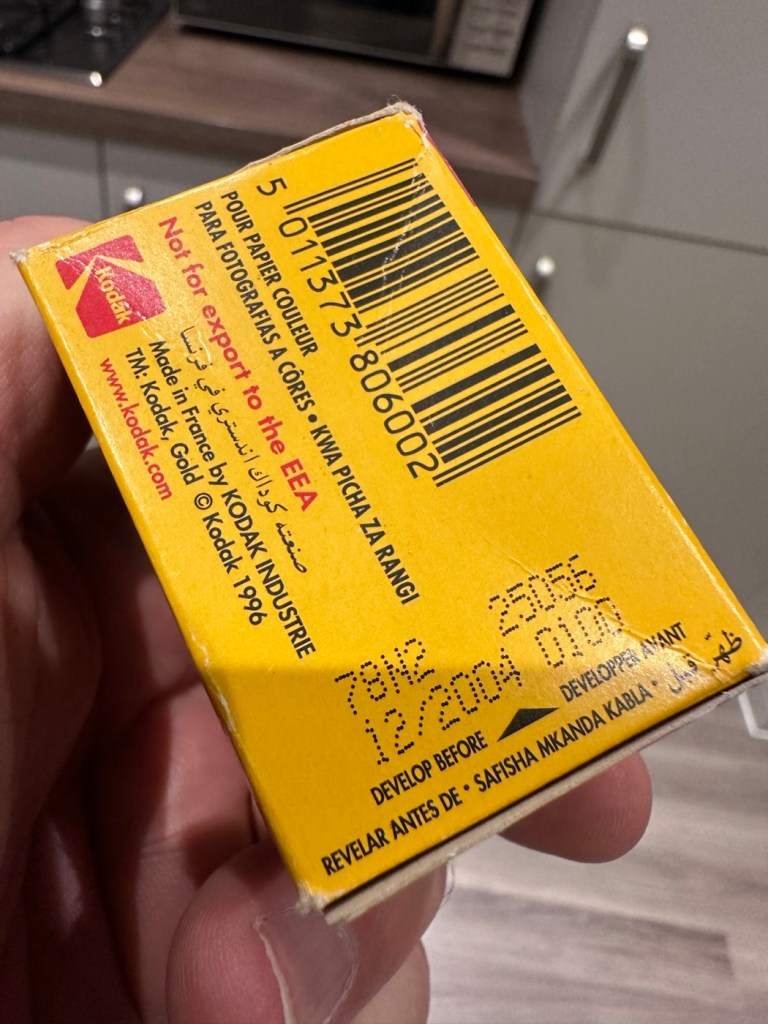
I shall have a post out soon about the camera but the final testing involves running a roll of film through it to test. And all I currently have is a few rolls of old Kodak film that all expired about 22 years ago in 2004. You may recall this post I wrote regarding my last involvement with this film stock a few months ago –20yr old Kodak Gold
As a result of that test you will understand why I am over exposing this film by only 1 stop, even though I’m being told by “Professional dudes” it must be at least 2 stops. I understand their reasoning, but I’ve tested this batch previously and they haven’t, so i’m sticking to my guns on this one. If I’m wrong I’m wrong, but I will have learned. Let me do things my way ok?
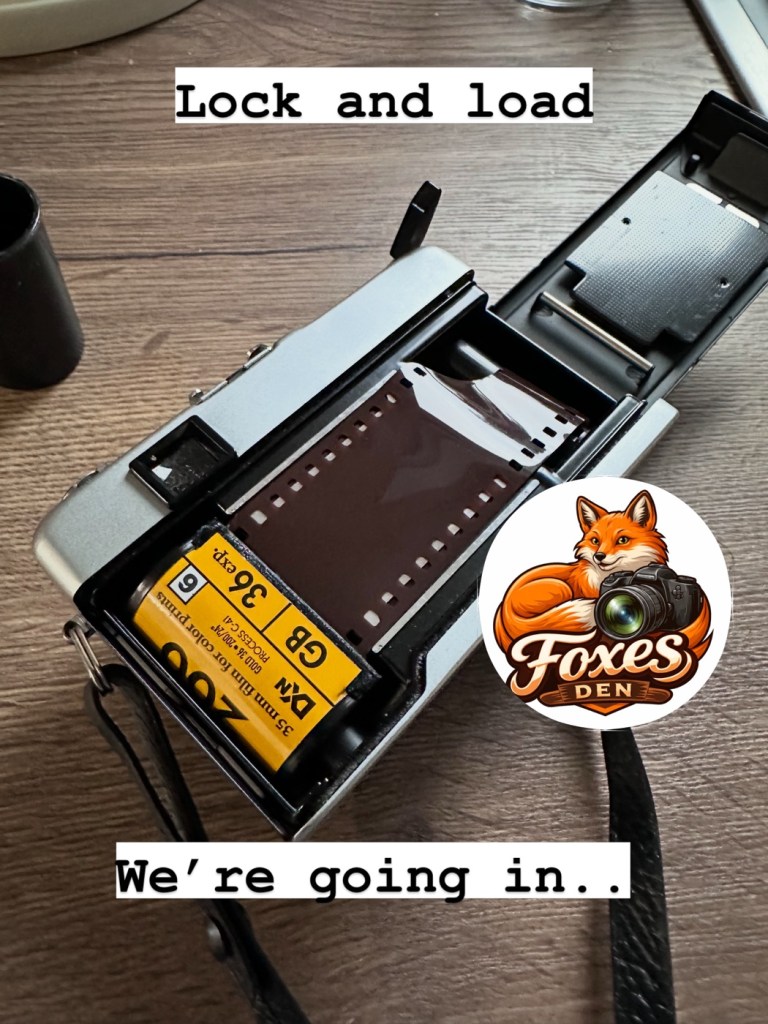
I’ve loaded up with Kodak Gold 200ASA that I will be overexposing at 100ASA, it expired in December 2004.
Old Gold…..literally
I’ve locked and loaded a roll into the camera today, but I’m just waiting for some good light. So I can get out and give the camera a real test taking random pictures, in various locations to give the camera a fair test.
Just awaiting some decent light.
I’ll post the repair on here shortly, hopefully with some pictures once the negatives have been processed and scanned.
But as we are waiting some nice conditions, and this is the East Midlands of the Uk, we could be waiting a little while yet.
The repair and photo results can be found here: Yashica 35 ME
Learnings from testing an old camera with expired film stock
Earlier in November 2025 i repaired a Canon Eos 10 camera from the 1990s and then took it out to test it with a roll of Kodak 400 asa film. You can find the repair here: Canon EOS 10
Canon EOS 10
The caveat is that the film expired in 2005, 20 years ago. As a result I have overexposed it at 200 asa to compensate for the deterioration in sensitivity from such a long storage period. It may work, it may not, previous tests on a 200 asa film showed that a one stop over exposure was quite sufficient. Fingers crossed 🤞 on this one.
I don’t expect anything much, I expect quite a bit of grain and a definite colour hue over the entire roll. Who knows there may be nothing on it at all 🤷♂️
I’ve sent the roll off to our local photo guys in Leicester : Classic Photo Supplies and hopefully something will be on the medium res scans that i have requested. If there are pictures below, then there was some success, if not, enjoy the blackness.
Well, the scans are back and to be quite honest this one is a bit of a disaster. As stated the film is over 20 years out of date and there appears to be two problems here. Underexposure is one issue, I over exposed this by one stop but I don’t even think that is enough. If I’d overexposed at 2 stops though I might have improved the brightness, the already heavy grain would have been even more exaggerated. I think it’s fair to say this 400 asa old film stock I have is passed its time and not really fit for use.
Look at the grain at plus one stop overexposure
Hello what’s that line?
Heavy grain and a magenta cast
That shutter sync problem
Slower speed, shutter ok
So. Though the results were not good and I have now realised that this old stock film is probably best for me to use as test film only. There is heavy grain, a distinct cast over the film and a quite obvious shutter curtains sync issue. These frames above a shutter speed of 500 seem to be the issue, and that is where the shutter speed has not synced the curtain, it’s definitely running slow. The film has been beneficial in identifying an issue in this part of the camera. I will now do a CLA on this camera shutter assembly to try to remedy this issue. I wasn’t using flash here, it was a dull cold English Sunday afternoon.
This is an old camera that has been sitting idle for many years, it may sort itself out after a few more rolls of film, however I can do something about it now. And this is really a lesson to be learned for anyone buying old film cameras, they do need that little bit of tender loving care to get them back into a good working condition.
I’m pleased I’ve highlighted this issue, I will get the work done to improve the shutter sync and then run another roll of film through it.
Maybe now is the time to buy a shutter speed optical tester. That may save me a bit of expense on processing costs and will also allow me to make these checks before committing to film.
How did the old film trial go? Come in and take a peek.
I posted earlier today Well, that was most enjoyable! Regarding popping out for a morning stroll and taking a 48 year old camera with me to shoot a roll of film that had expired 20 years since.
The camera
At 20 years old, the roll was an experiment where i exposed at normal settings, +1 stop overexposed and +2 stops overexposed. I obtained 39 exposures, always possible from a 36 exposure roll, I won’t bother you with them all, just 2 from each exposure range with a brief description. Don’t expect fine art here, it was a snap session to test a number of factors and to see how the film has deteriorated over time.
These pictures have not been retouched apart from having a frame put around them. They are as scanned, for authentic representation.
200ASA
The advertised, original roll ASA rating. Very low expectations and it didn’t disappoint.
Extremely underexposed
Again under exposure, and a brown hint
At 200ASA the shots were certainly under exposed. The pictures have a cast over them and after development there is a lot of curl on the emulsion (Age) and the base of the film also has a darker tone, creating that yellow brown cast.
100ASA (+1 stop overexposed)
The best two exposures represent the first overexposure of one stop from 200ASA to 100ASA.
Pretty nice overall exposure
Again nice exposure and highlights very prominent
At 100ASA everything seems quite acceptable. There is that hue over the film still, and highlights seem quite prominent. Grain is present but not too distracting.
50ASA (+2 stops overexposed)
If you work by the suggested standard of one stop of exposure for every 10 years then this should be the standard. However I’m not so sure.
Nice colour, highlight prominent and quite a bit of a yellow hue, would need adjustment post processing
Could have been taken in the late 70s or early 80s
So with the exposure at 50ASA we have now introduced quite a bit of grain, a yellow hue and quite prominent highlights. I’m sure all of these pictures would post process fine if run through photo shop or light room. But to be quite honest I love that retro look that they have.
For me i’d probably aim at the 100ASA +1 stop of overexposure on the remaining rolls I have, I believe that would be quite enough, however even the 50ASA option is not too bad though you would require a lot of post working and you’d have quite a noticeable size grain.
Horses for courses as they say, but I’m going down the +1 stop overexposure route for the next film.
I found a little local photo store here in Leicestershire called Classic photo supplies, who specialise in all film processing, supply, printing and Sundry items. The owner Brett invited me in and we just chatted classic photography whilst my film was developing. He’s a super guy, and I’m all for supporting small businesses, so this is my new go to lab. The scans were done and over to me by email within an hour, super quick service. I’ll pick the negatives up in the week when I drop off another film to be developed and scanned.
Thanks for passing by. As always I am honoured by your presence.
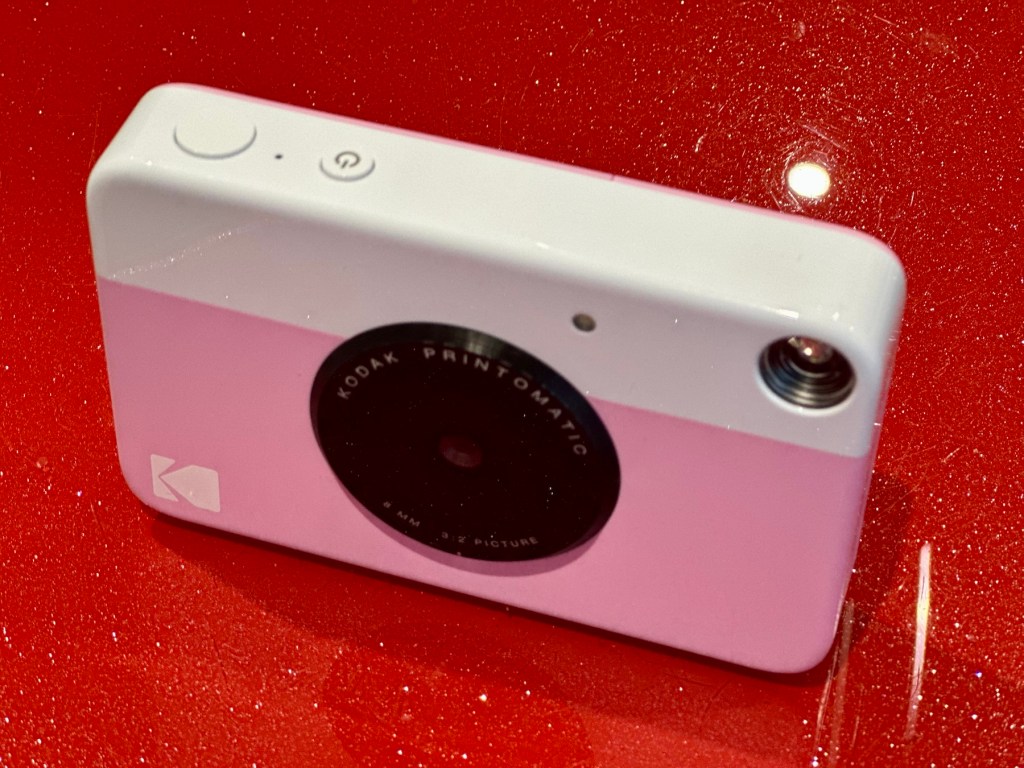
I’ve just purchased three of these cameras for a total of £24:98GBP. All non working of course but when healthy they normally command a price around £35:00GBP each. Here is what the listing said for each one:
Camera one:
Camera one
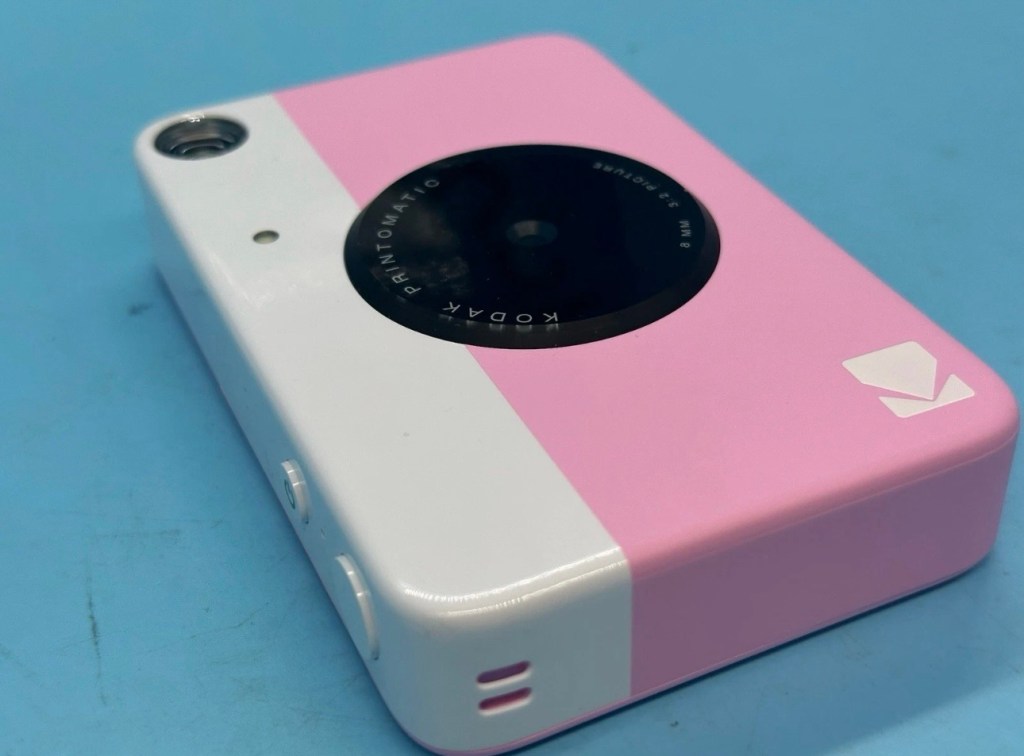
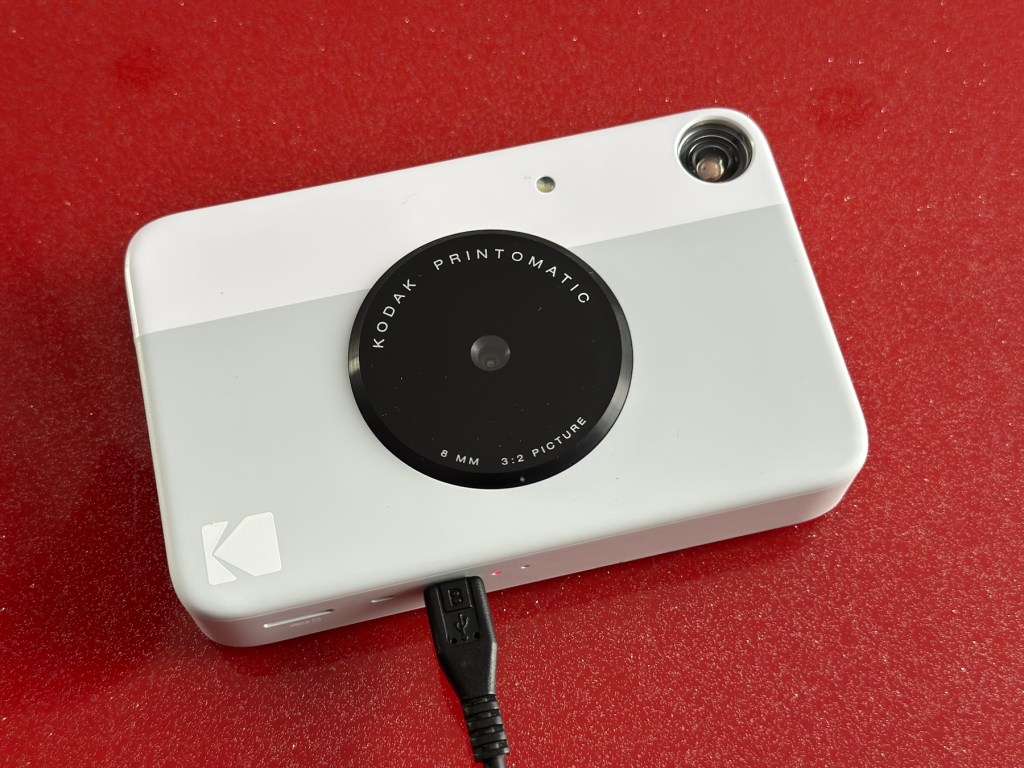
Kodak Printomatic Digital Instant Print Camera
Camera does not print
Can be repaired or used for parts
EBay
Camera two:
Camera two
Camera is in good cosmetic condition.
Camera doesn’t charge. Battery charging light flashes but it doesn’t hold battery.
It hasn’t been tested further.
EBay
Camera three:
Camera three
Please look at the photos carefully, as they make up the majority of the description.
It has two faults
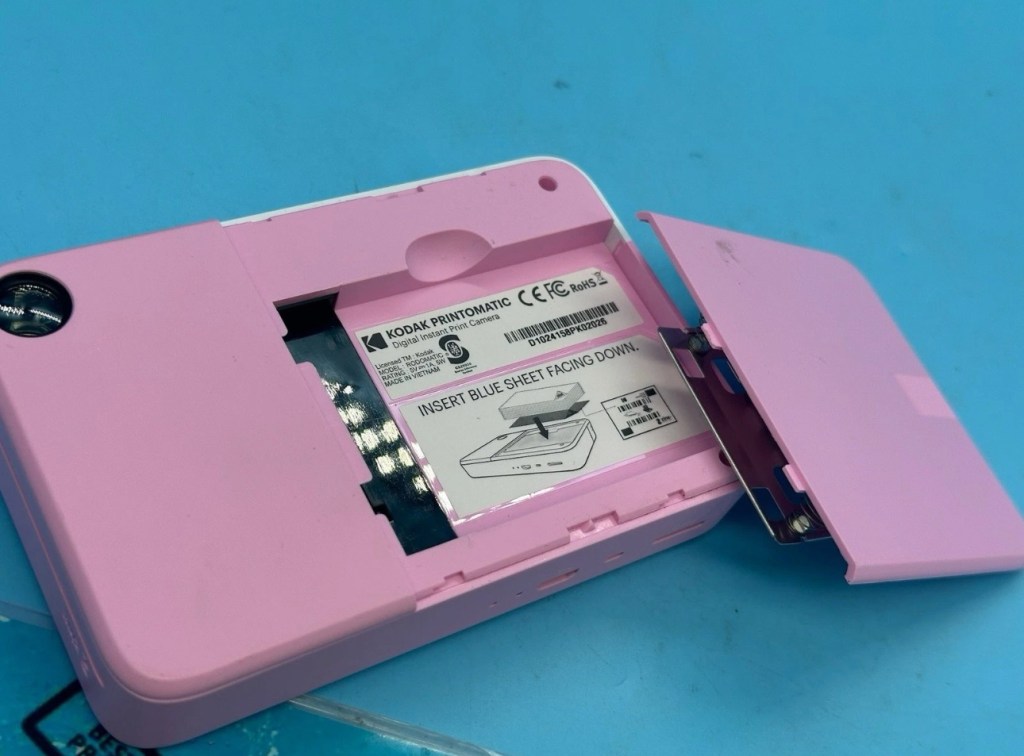
The springs on the back are broken, meaning the rear metal plate is bent , and it often doesn’t push photo paper through correctly.
The shutter button is also depressed.
EBay
This third one might be a longer term repair as I’ve never known a quick fix for a depressed button, that requires a psychiatrist… (That’s me just trying to be humorous, I’ll grab my coat and leave now 😂🤦♂️)
To be honest the issue with the third camera seems to be a regular problem based around the design of this camera. Too much pressure on the button normally results in the switch inside detaching from the main board, it’s poorly positioned at an angle and usually not soldered in place too well. The springs should be an easy fix.
I’ve brought these cameras from three different sellers. if I’m lucky I’ll be able to get all three up and running, worst case scenario is that I use one for spares and have two good working examples.
Anyway I’ll just have to wait for their arrival to assess them all, and decide what repairs are required. In the meantime here’s a little bit about these cameras that are again very similar to the Polaroid “Snap” camera range, that also use zink paper. And seeing what is quoted below, the Polaroid “Snap” and this Kodak Printomatic are in all aspects one and the same camera.
Well, since Kodak doesn’t really make its own consumer cameras anymore, the Printomatic is actually being produced by a company called C+A Global, which is just licensing the Kodak name and branding. C+A also licenses Polaroid, and was behind the two-year-old Snap. Both cameras were designed by Silicon Valley firm Ammunition Group, which confirmed to The Verge that the Printomatic is basically the same camera as the Snap, though simplified and rebadged. (The cherry on top of this corporate synergy sundae is that C+A also works with Zink.)
Released 2017
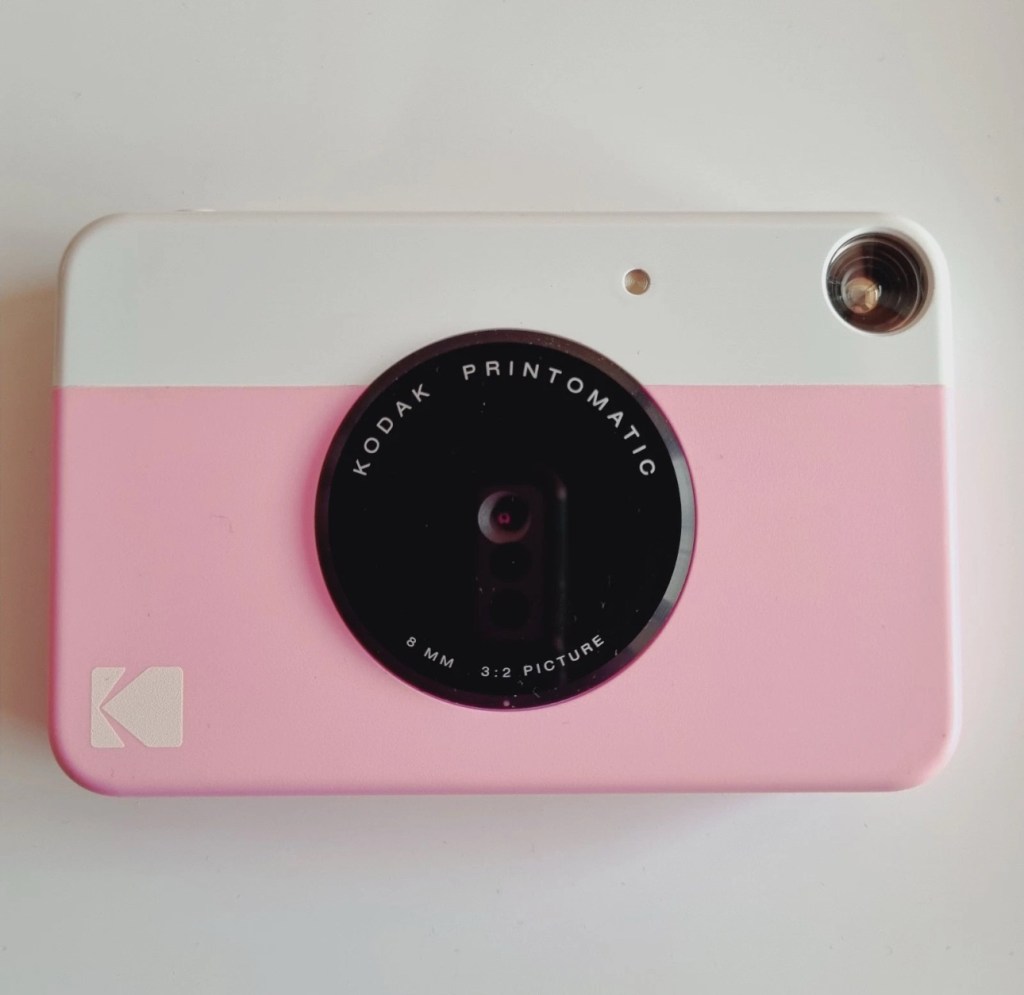
The PRINTOMATIC camera instantly and automatically prints high-quality, full color photos with point-and-shoot ease. It uses KODAK ZINK Photo Paper, so no ink cartridges or toners are needed. The photo prints are durable, water resistant, and adhesive backed for extra fun. The camera’s speed allows you to shoot a new photo while printing the previous shot. The KODAK PRINTOMATIC is fast, fun, and easy to use.
Features
5MP image sensor
Prints automatically when image is captured
Vibrant 2″ x 3″ photo prints are durable, water resistant, and adhesive backed
Built-in flash
Optical viewfinder
microSD™ card slot
Kodak Ltd & The Verge
The reviews all vary, from very good to downright diabolical, I’m not really surprised since Kodak “Hoared” out its brand name to the lowest bidder many years ago. Am I bitter? A little, as I used to work for Kodak in the days when they were a world leader, the mistakes they made, the decisions and leadership were absolutely awful. And the fact that their demise has lowered my pension pot by about 40% due to their financial mismanagement is another axe that I regularly grind. Yes I am bitter, and since I’ve recently repaired and reviewed their competitors cameras I thought I’d give these a try. Will I be impressed or disappointed? Who knows but I do have an inkling on which way this may swing. But for what I’ve paid for three cameras I’m not really that fussed, it’s just pocket money.
Assessment:
Camera one:
Apparently doesn’t print. Well I’ve put a couple of sheets of Zink paper inside and two pictures were produced. The sd card slot is fine, the charging port is in good condition. Transport is working perfectly. It certainly does print. Just needs a bit of a clean. To be totally honest there is nothing wrong with this camera and for an outlay of £8:00GBP in total I have a working bargain. Kerching – a rare EBay win.
Printer works, camera works
Charges fine Looking nice after a light clean – no marking
Nothing more to do on this one. So on to camera two.
Camera two:
It’s a bit grubby cosmetically but nothing that a light clean wouldn’t sort. This particular one cost £8:99GBP all in. It was dead on arrival so I’ve checked that the charging port was ok, and then put it straight on charge.
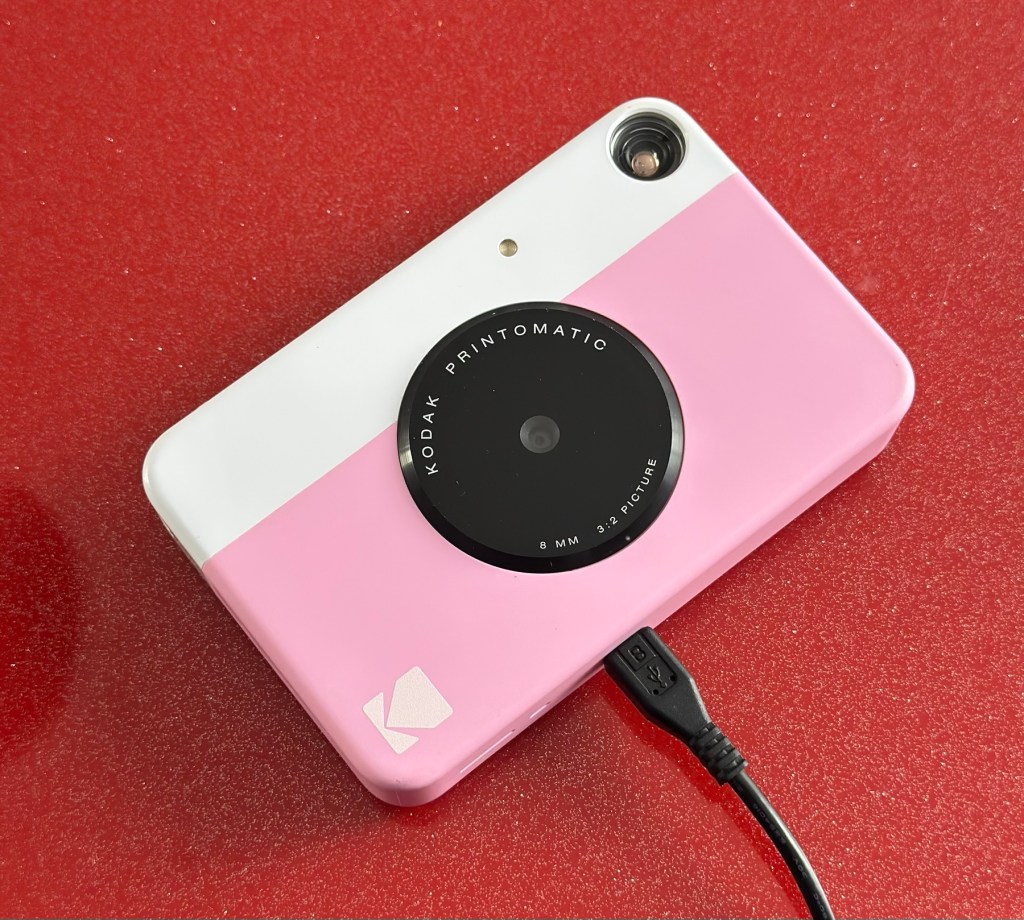
On charge
I’ve also given it a light clean whilst charging and the overall appearance has greatly improved. I must just be patient and wait and see if the unit does take a charge, or the original fault appears.
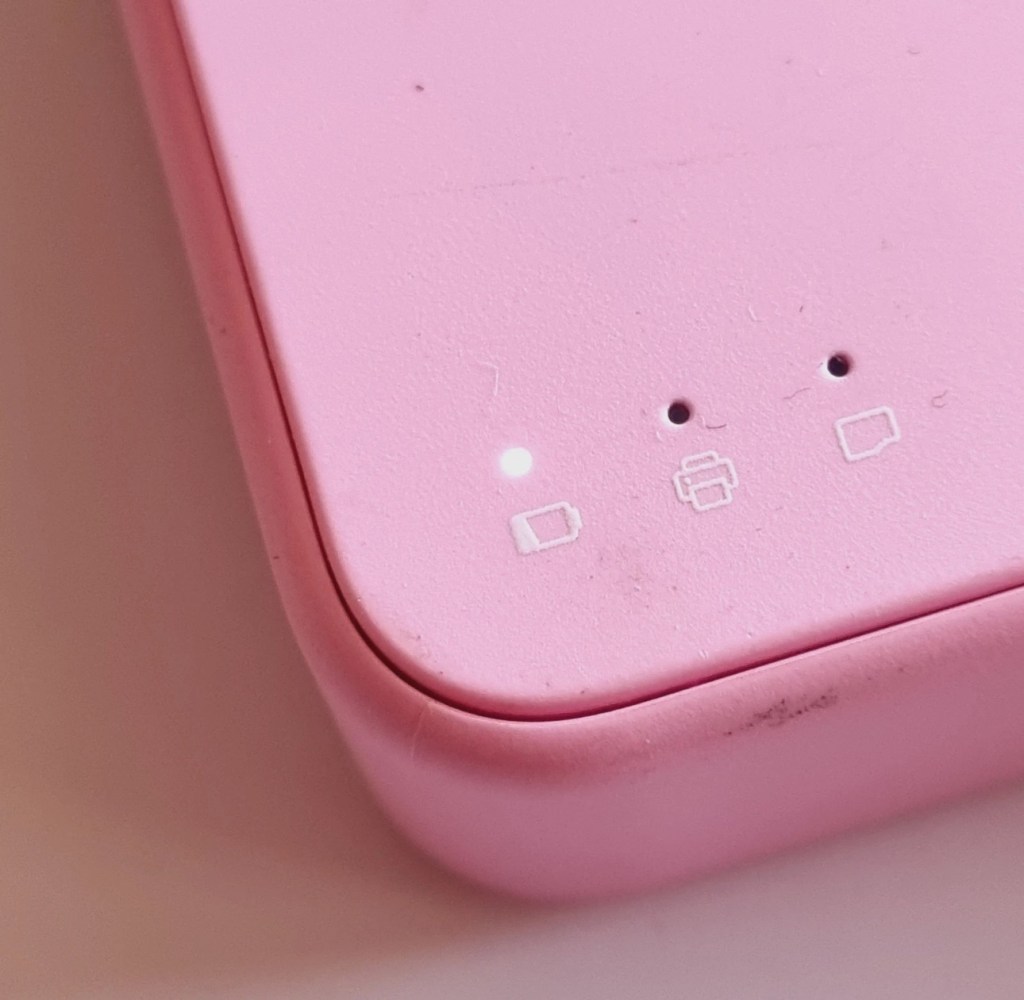
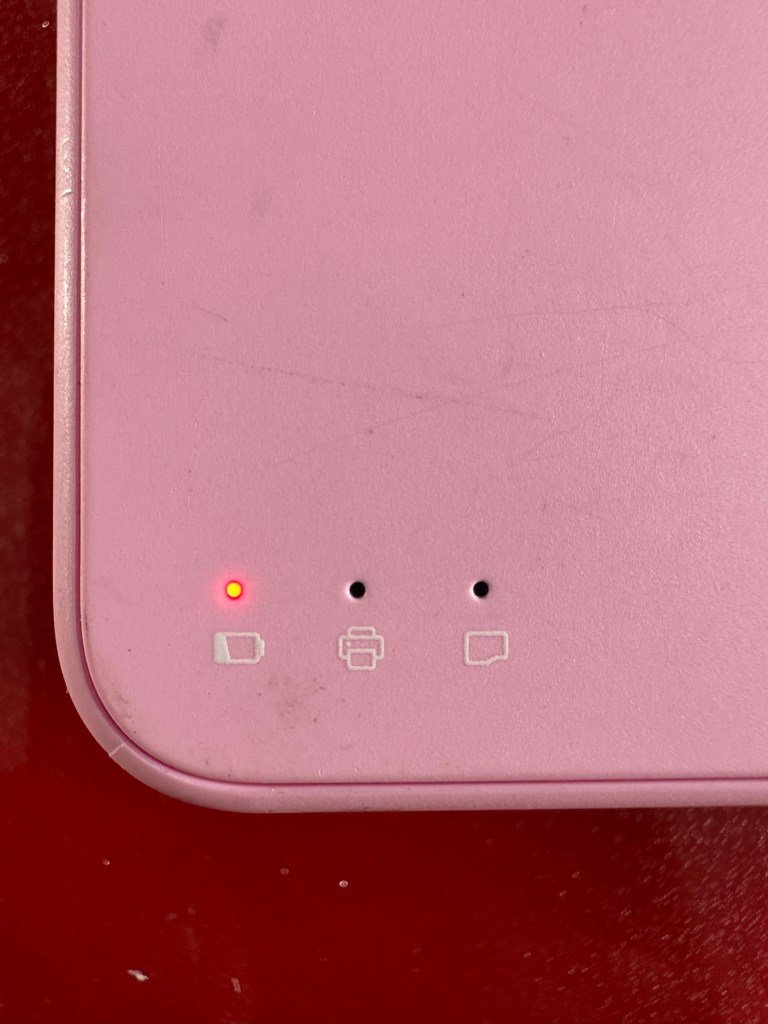
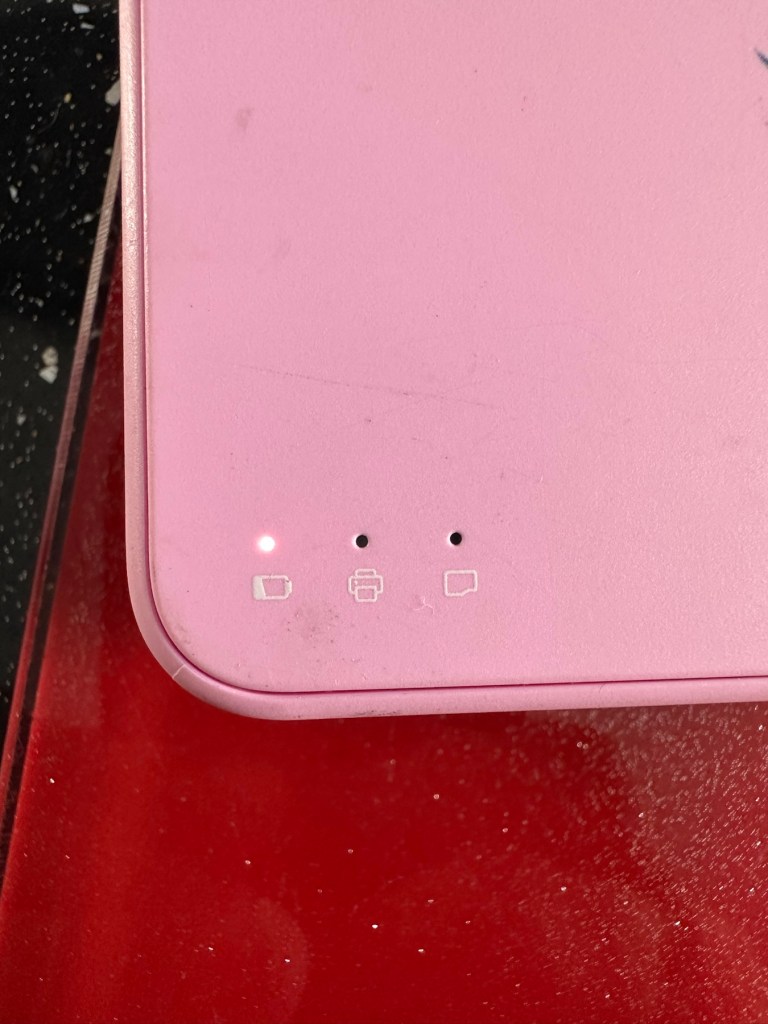
Initial red indicationNow a rapid flashing white indication
Whilst on charge the originally mentioned fault appears. The charging light was showing a steady red, it is now a rapidly flashing white light with the occasional steady red indication for all of a few seconds and then it’s back to the rapid white indication and it then all repeats. I’ll leave it for a while to see if there is an improvement, the battery just might be so dead that the inbuilt battery management system may just well be refusing to cooperate.the on/off button on the front doesn’t work as well, this might be also related to the battery issue.
Camera three:
Looking very nice and cosmetically very clean.
Nice camera
This one cost £7:99GBP all in. This one is reported to have two issues, a damaged paper pressure pad and a button stuck in the depressed position.
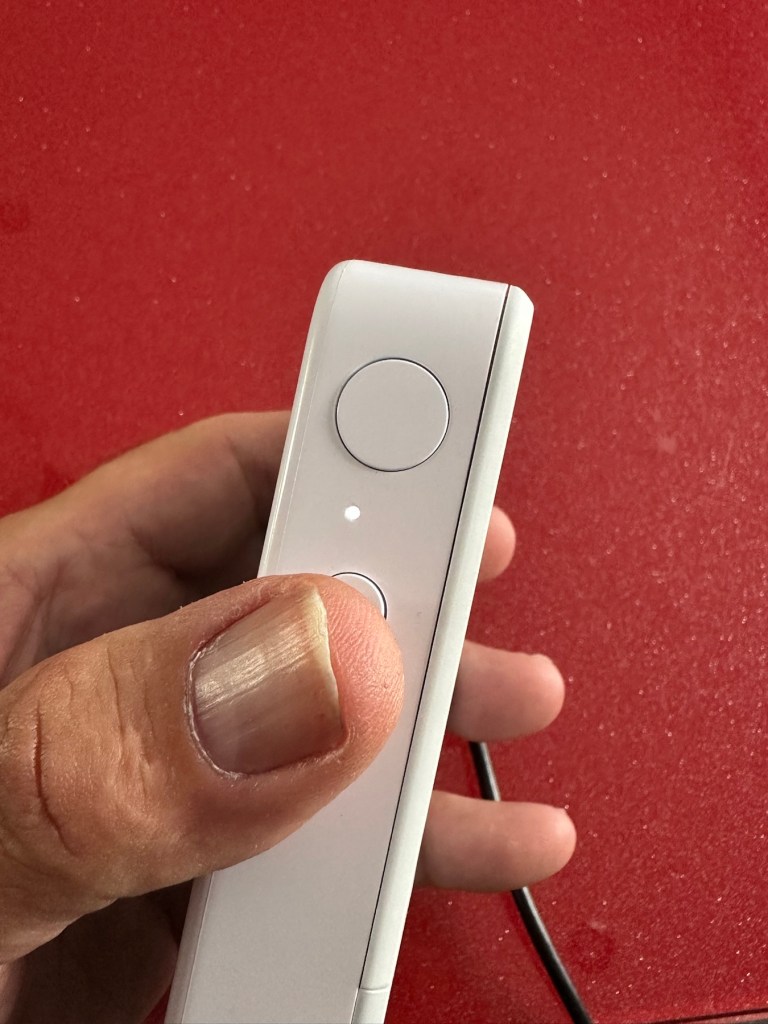
Paper pressure pad is bent and missing two springs Exposure button stuck in, white light flashing as a result
But first I’ve put it on charge to see that it charges, I’m pleased to report that everything is alright in that aspect, and I’m pleased to say it charged fully with the correct lights illuminated. The white light on the top by the exposure button is flashing as a result of the button being stuck in the depressed position, I believe.
Camera has charged fine
This one will need the paper pressure pad repairing as well as the button that is stuck in the depressed position.
Repair:
Camera one:
See above. No repair required. Just a light clean and some TLC. Why did they sell it as damaged? Who knows just what goes on, in the mind of an EBay seller.
Camera two:
This will need to be opened to get near the battery. We may well be able to get the battery to accept a small charge and this may be just enough to fool the battery management system in the camera to take over and continue charging.
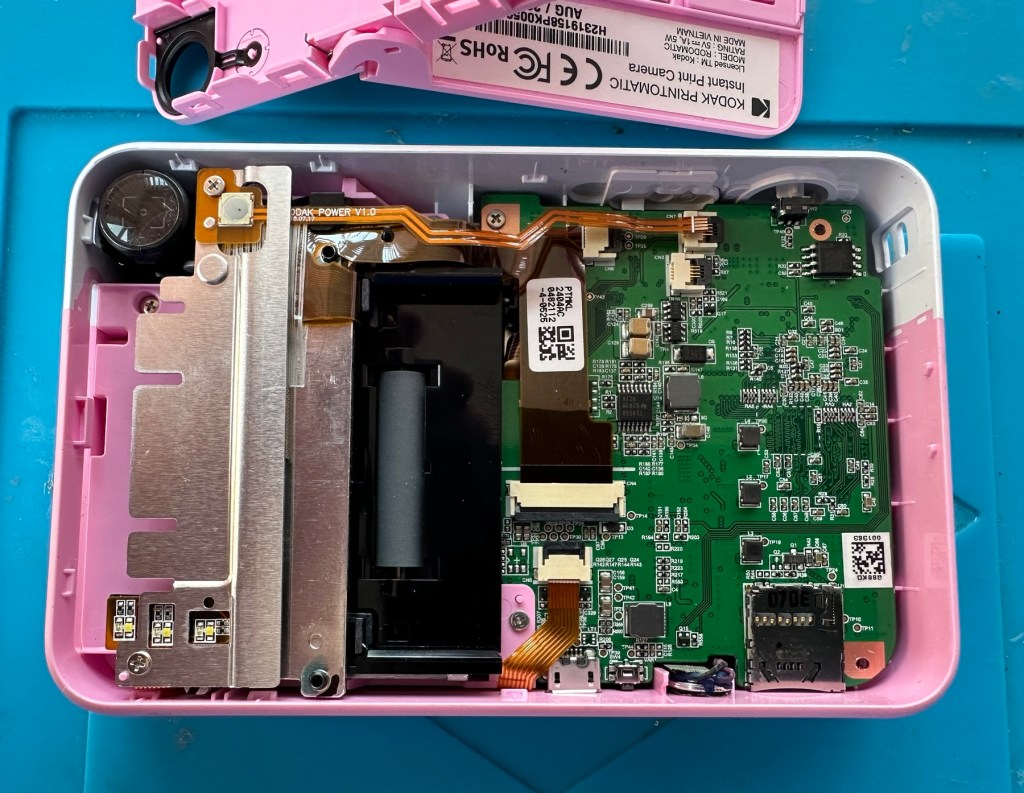
Cover off and the confusing lights
Cover off I’ve checked the battery readings and it’s reading a healthy 6.5v and as it’s a 7.5v rated battery I believe this to be healthy, it holds a steady charge the battery is fine. Looking at the led lights they are capable of two indications, red or white and that’s it. I believe the charging light flashes when it’s charged as it cannot possibly show a green light as there isn’t one. This is confusing as normally a flashing white/red light normally indicates that the battery needs charging. Everything that is happening goes against what the producer has published regarding the led indications. But I am convinced the battery is good despite it not turning on. Hold on, I think I’ve found out the problem here…..
Cable disconnectedCable now connected On off button ribbon connector was not in place
It appears that someone has been here before me or that the on/off button ribbon connector has disconnected itself over time. Either way it’s not where it should be. I’ve put the connector back in place and secured it. I now have power and control of the camera.
All lights working, transport whirring away let’s put some paper in to give it a try.
PrintingDirty print roller
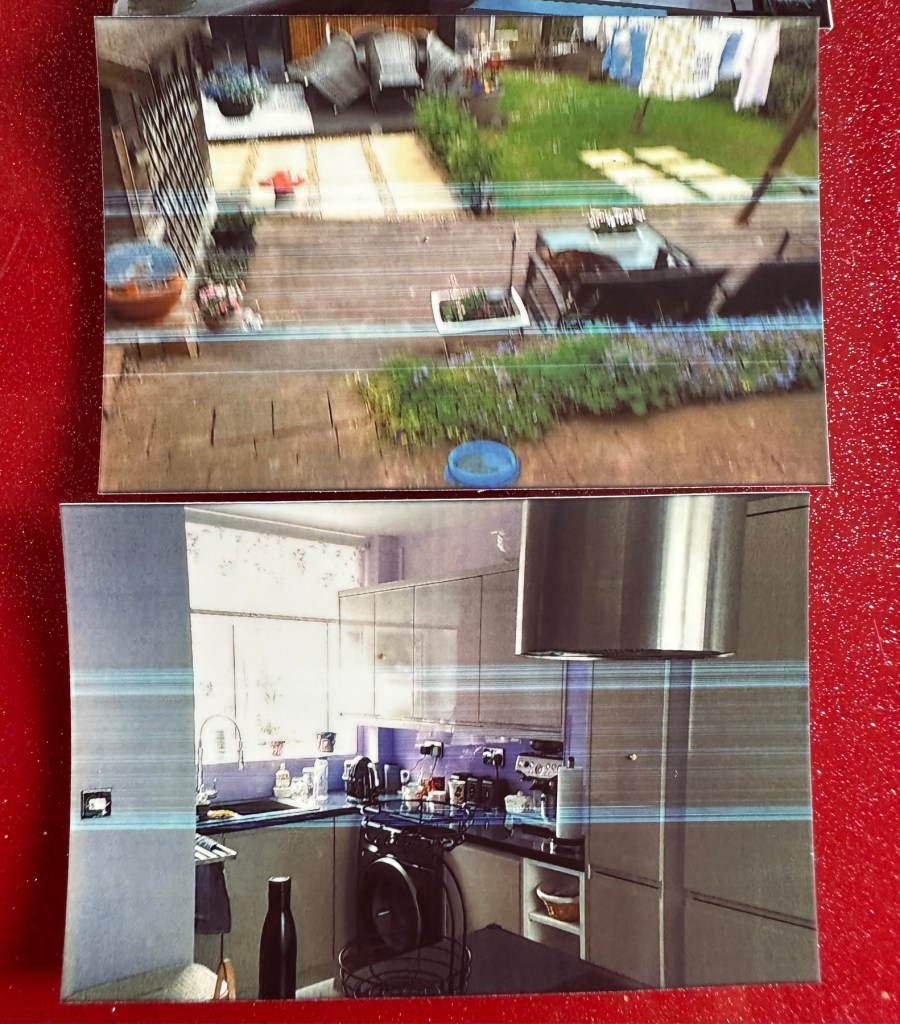
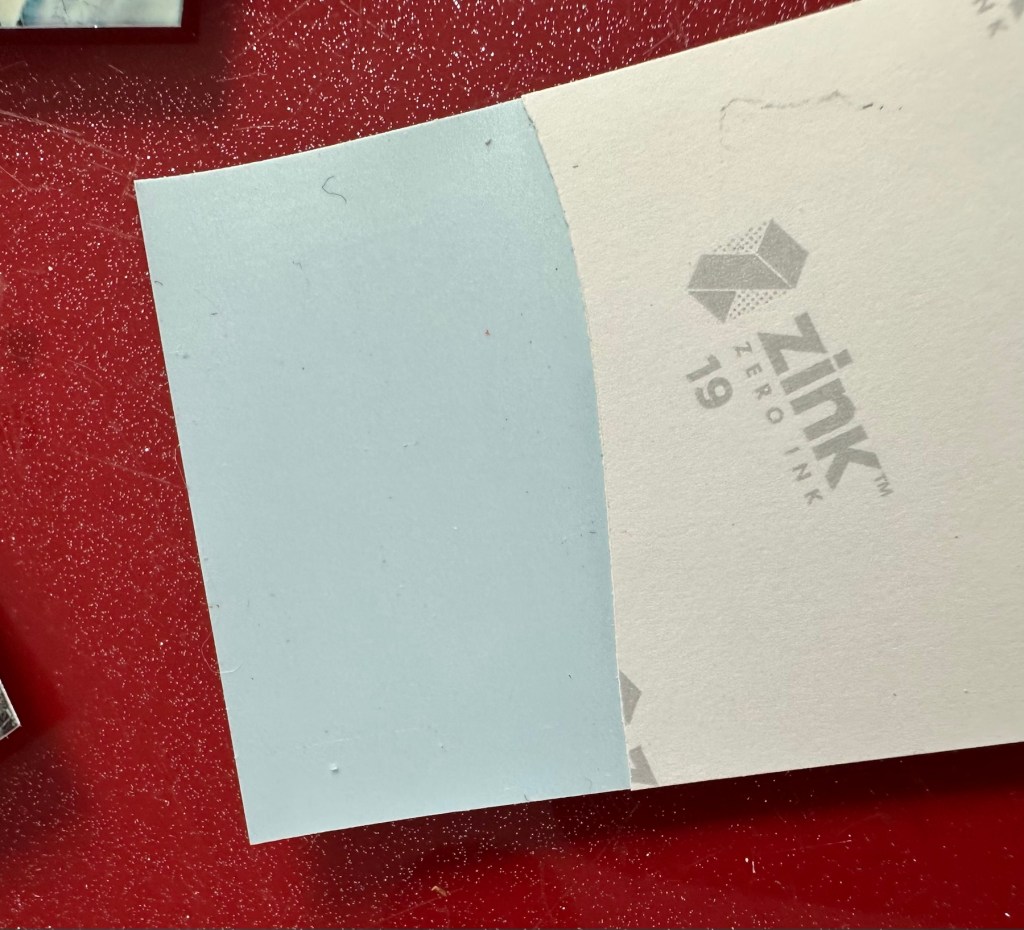
Well it prints ok, all pictures appear to have a “blue tint” to them, however there are big tramlines across the print as you can see, this indicates a dirty roller. What I’m going to do here is peel half the backing of a sheet of Zink paper as the back is adhesive allowing you to stick photos on whatever takes your fancy. By running a half sheet of exposed adhesive, upside down through the camera with the adhesive being the trailing edge, it should allow any debris and dirt to be collected on its way through. I will do this three or four times and even though I will no doubt get error lights appear I can just reset the camera with no further issues.
Zink adhesive exposed
And that worked. The tramlines have gone.
Tramlines on bottom left picture as a reference. All other pictures now clear.
I’ve also tried the black and white mode as you can see above. I’m very confident, in fact I am positive this camera is now working as it should. I have also put an sd card in the base and all pictures are being recorded as expected. A quick clean and we now have a perfectly good working example of this camera. Let’s move on to camera three.
Camera three:
We have to open up the camera to get to the issue with the button.
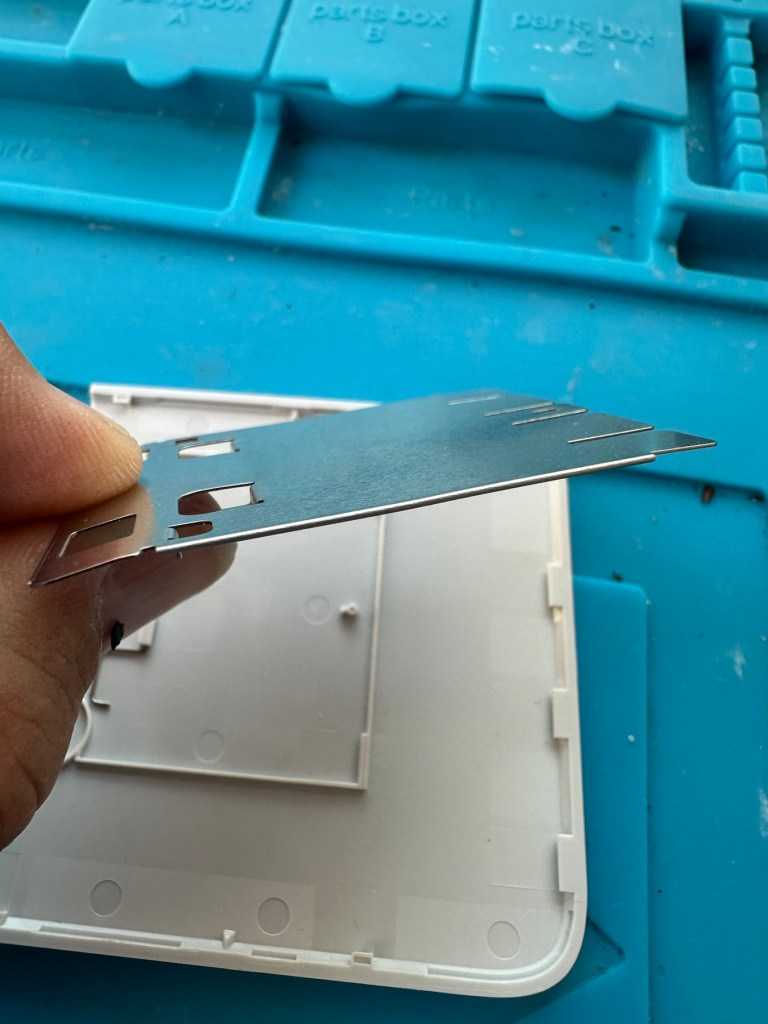
The paper pressure pad needs to be dismantled, straightened up and two compatible springs need to be found to keep the required pressure in place on the paper pad. I’ve dismantled the pressure pad and straightened it out, just needs a couple of springs to complete, I’ll sort these out later.
Bent upStraightened out Back in place just awaiting new springs
On opening the camera it was as clear as day that the depressed button was as I first thought, the three solder points below it had come loose, no longer making contact.
The working switchThe faulty switch that looks like it’s smiling
It’s plain to see in the pictures above that the button that is damaged has all three points of contact broken. these need re soldering to strengthen them. You can see this issue in the microscope pictures I took below.
Top: Before, Bottom: after
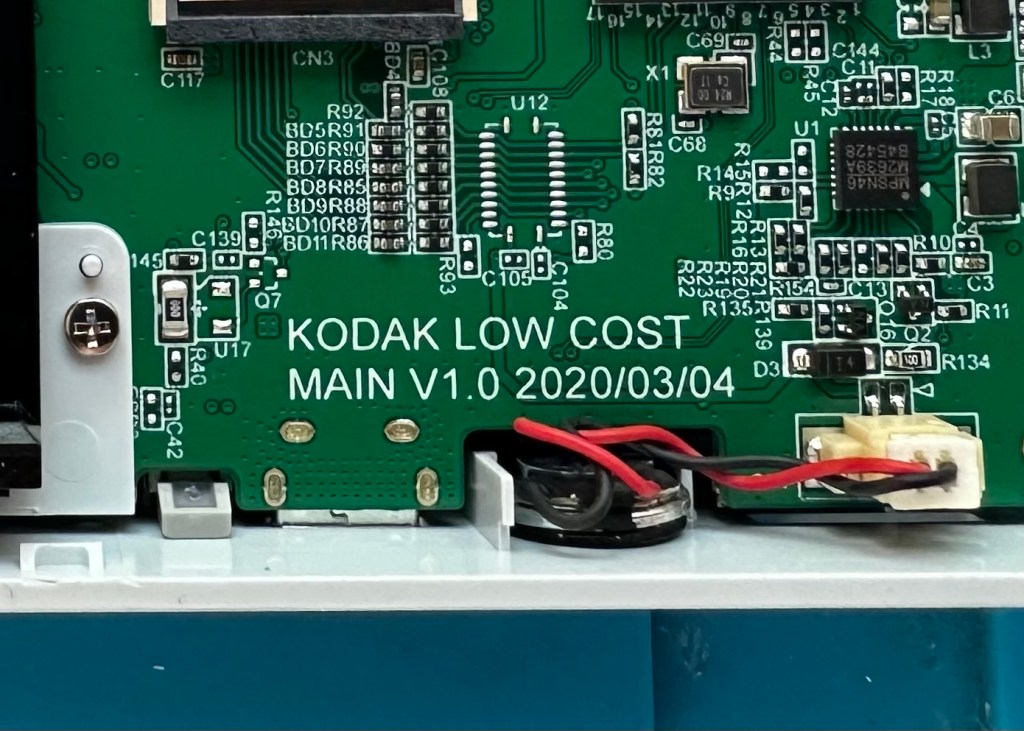
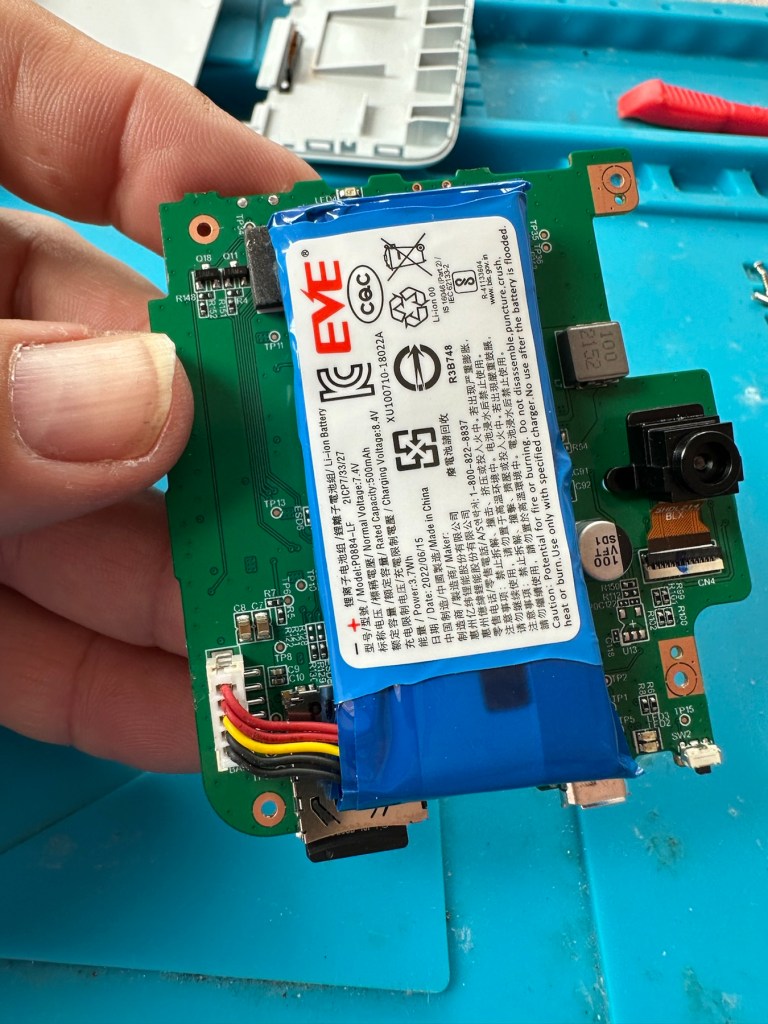
The switch has been tested and it clicks and operates as expected, this is a known weak point with these cameras and a design fault as well, although the manufacturer would probably deny this. It’s a given fact that the manufacturer wants to sell as many as these units cheaply to the throw away consumer, you only have to look at the main board below to see this…
Says it all really….
It really saddens me to see the levels the Kodak name has sunk to, these units are just replicas of the Polaroid touch/snap range, but even at this stage in the repair the Polaroid versions are far superior. Quality control and the cheap design of these Kodak units is borderline awful.
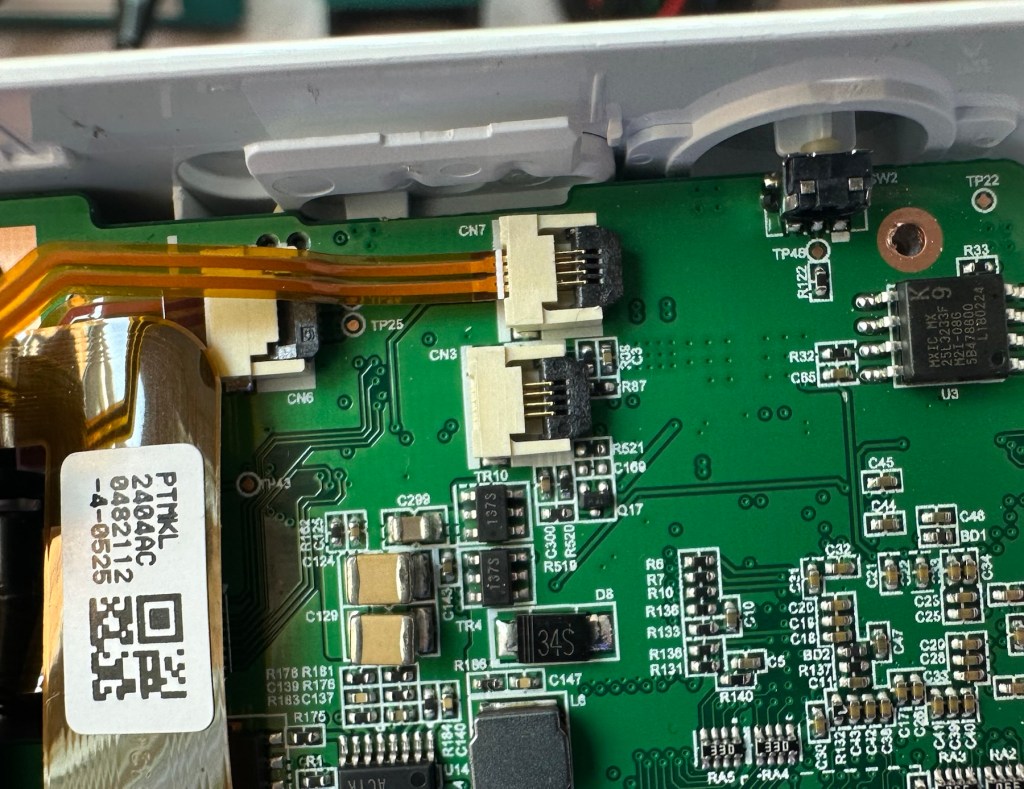
This unit is proving to be a right pain in the ass. The original fault with the exposure button has been repaired and the paper pressure pad is all but repaired, but it seems that being hidden by these two faults is a totally different issue. I have had this camera completely dismantled and have also separated the printer from the motherboard, but this issue of the permanently flashing white light still exists, so the fault is definitely only being carried on the motherboard.
Motherboard under microscope Lens ribbon cable insecureMotherboard separated from printer unit
I’ve checked the motherboard thoroughly using my microscope and there is nothing glaringly obvious at fault. I have checked for shorts on the board of which there are none. The only issue I found was that the lens ribbon cable was sitting off centre, however I corrected this but the flashing light issue still remains.
There are two faults that are connected with this flashing white light. One is that the light occurs whilst printing, this is not the case with this unit as it even occurs as stated with the printer disconnected. The other possibility is that it flashes when doing a firmware update, I have attempted to update with the latest firmware and the only difference is that I cannot turn the lights or camera off at all, I have to crash it by removing the battery.
It’s looking as if this could be the issue. The previous owner has probably bricked the unit by interrupting a firmware update and it has corrupted the system. I’m going to have one more attempt at updating the camera with a clean unused sd card to see if there is any possibility of recovery. If this cannot be done then this unit will become a spares unit that to be honest I’d rather not have as I don’t really want to purchase any more of these cameras. But you never know, someone may want one repairing.
Result:
Well in the wise old words of Meatloaf, I guess “Two out of three ain’t bad”. The grey one is bricked, as after numerous attempts of updating the firmware it just isn’t having it. It is just a brick. However there are numerous spare parts that can be used including a good battery, lens mechanism and a number of other pieces. I just didn’t want that though as i don’t really see myself going out of the way to obtain another one, they are as cheap and nasty as you could possibly find. The Polaroid versions are of a far better quality in my opinion, and they are hardly high class.
2 out of 3 ain’t bad
The positive here is that 3 cameras, quite obviously built for the throwaway generation have been saved from landfill and can be used again. What I’m going to do with the two I have is probably put them both back on to eBay to recover my out goings. If not, I will pass them onto our local hospice to sell on.
Been an interesting fix, but I’m not venturing back to these Kodak models anytime soon.
This picture was painted on an iPad. I did this one back in 2012, I’d just received notification that my pension pot with Kodak had almost halved due to them declaring bankruptcy and moving production back to the USA. Sod everyone else who worked for them worldwide.
We lost out big time and that’s why I had a rant in this obscure painting I did at the time.
I read this post from Hackaday. I thought you might like it, as it rang true to me because i was working for Kodak at the time of its inception. I was producing graphics art film at their factory in Harrow just outside of London. In my eyes the company went downhill from this point, as they became totally engrossed in the dying traditional silver halide process and totally ignored the advance to digital that floored them in in the late 90s early 2000s – I was made redundant as a result of their “ignorance”.
Having a penchant for cheap second-hand cameras can lead to all manner of interesting equipment. You never know what the next second-hand store will …

























You must be logged in to post a comment.