Canon EF lens 28-90mm

As the listing stated:

Canon EF 28-90mm Lens Working Then Produces Err99. Reduced to sell at a bargain price will be easy fix

EBay
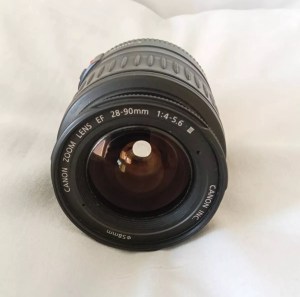
Canon EF lens 28-90mm

The dreaded err99. It’s a general error code that seems to annoy many Canon owners, and can be a simple fix or a tedious one. I wonder what it will be for me? I’ve seen a good article on Improve Photography’s website that explains some of the steps that can be taken to remedy this error, you can read that article HERE.

I now have the lens in front of me so here is what I can see. Overall the lens is in good order for its age and mounts to the camera ok. All manual focus and zoom works and the lens is clean with no sign of fungus or haze so I’m happy with that. I’m still waiting for the camera battery to arrive so I can’t really comment yet on the error code. I’m not cleaning anything just yet as I want to see for myself if the error shows on one of my cameras, if it does then i’ll start the process of cleaning the contacts which is what I would of attempted first off.

The battery has now arrived and I have now commenced further testing. I have placed it into auto mode and all seems well. I have tried the lens in 4 different camera bodies and have had no sign of the Err99 error code. The only issue I have noticed that may not be contributed to the lens is that when connected to an Eos5 body there is a fair drop in battery power. Again this has been noted in the past as something than can be connected to dirty contacts on the lens, so as a precautionary measure I shall be using some IPA and a fibre glass scratch pen to clean those up.
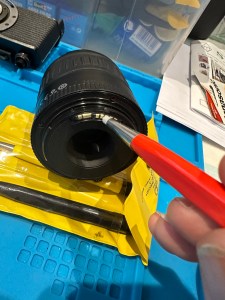
Using a fibre glass scratch pen

I’m unable to recreate the advertised fault as everything about this lens is working fine as far as I can see. I’m going to wrap this one up as complete now.

I’ve really enjoyed working on these two cheap damaged lenses that I originally purchased just to test my old SLR kit. They are now both working fine and i believe the invested effort shows in the end result.

I am extremely happy.

Thanks for passing by.

Something to be getting on with..

The batch of cameras I purchased the other day, all old SLRs / DSLRs have now arrived… with a bonus.

I was expecting 10 cameras but I’ve trumped that with 12 and a lot of spares as well. The guy I purchased the Nikons from has thrown in two more D70 as spares, with loads more spare parts. He was having a clear out so I guess he’s funneled that stock my way…thanks old chap.

So I have received today

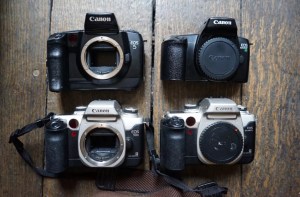
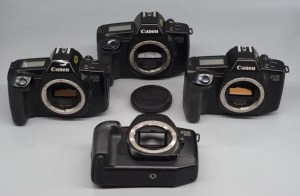
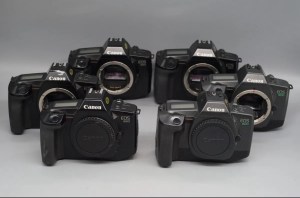
  • One Canon 5 SLR – stuck mirror, missing some small Connection covers and like a lot of these old cameras has a sticky rubber covering that was well known back In the day.
  • One Canon EOS 50E – damaged curtain, faulty lock and again sticky.
  • One Canon EOS 1000F – cosmetically sound no other visible issues.
  • One Canon EOS Elan 2 – cosmetically sound, just sticky.
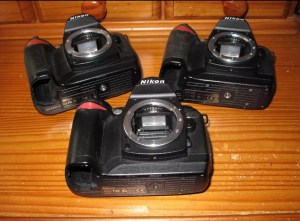
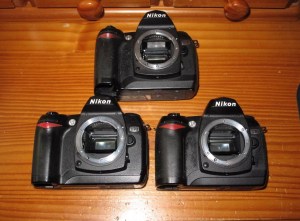
  • Two Nikon D70S DSLR – missing battery covers and some other small accessory covers, both sticky.
  • Six Nikon D70 DSLR – all missing battery covers, or other accessory covers, one missing a CF card reader and all sticky.
  • And two sizeable bags of D70/D70s spares
And then there were 12

I’ll be starting with a good clean to get rid of that stickiness and then I’ll power each up individually to see what other issues lie in wait. I’m hopeful I can get most of them up and running, I’m confident that the majority of the DSLRs will be repairable.

I’ll feature the repairs once I’m in a position to donate the time to them. I’m a busy boy at the moment what with work and the wife’s growing list of things that need doing around the house.

Canon EOS 5D Mk2

The assessment and repair of this camera can be found here: Canon EOS 5D MK2 assessment and repair

As the listing stated:

Canon 5D Mark II DSLR Camera – Body Only – Spares or Repairs

We have tested this camera and found the following fault:

The camera powers up, however the sensor is damaged and images are recorded either blank or unusable, and so we are describing this item as FAULTY / SPARES / REPAIRS.

Shutter Count: 69,970

EBay
90% off. What have I brought?

I noticed this 5D on sale earlier for £109 Gbp. It’s from a supplier who has a good reputation who I have used before, however he suddenly drops the price by 90% and I snap his arm off for this. It has sensor issues and that’s at least a £70 price just for that part. Considering how much these cameras usually retail for it’s a price I could absorb…but I think something else must have come to light for him to change his pricing. The body is pretty beaten up, again I’m not too bothered with that, the usb port might be damaged by the looks of it and again that’s something I can sort.

I guess I’ll just have to await its imminent arrival. In any case for a total of £9.99 GBP I’ll make more from this just for spare parts.

See the assessment and repair blog post here: Canon EOS 5D MK2 assessment and repair

Canon EF lens 35-80mm

As the listing stated:

Needs opening cleaning and fixing sounds like something loose so selling as a repair project cheap.

EBay
Canon EF lens 35-80mm

No error code so in theory this should be an easier fix, however the fact that something is moving about inside tells me there could be more wrong with it than expected.

I now have the lens in front of me so here is what I can see.

Shake rattle and roll

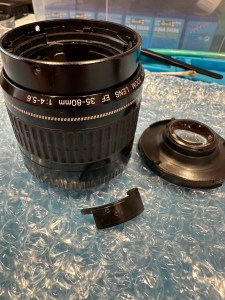
Well, it certainly does rattle, something quite significant is moving about inside. When Connected to a camera you can’t focus or zoom so something in there is restricting movement. There is also fungus on the lens so this one will need to be carefully dismantled and cleaned throughout.

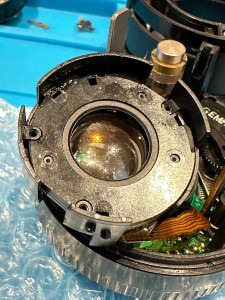
About 10 small screws later I am into the internal parts of the lens and the cause of all the rattling becomes apparent. A piece of the internal zoom mechanism has broken off stopping the zoom from smoothly operating through its range.

The piece that was broken

The part of the barrel that the item had snapped off was broken due to forceful action with the previous owner. There are two options here, junk the lens or see if it can be saved, I went for the latter. I mixed some epoxy resin and fixed the piece back into place also gluing it to a part of the mechanism that was not liable to hinder future movements. I left this for a couple of hours to cure.

Whilst waiting for the glue to cure I used a mixture of water and hydrogen peroxide to clean all the lens elements. I thoroughly dried them and gave a quick polish and reassembled them into the casing. The glue was dry now so I was careful to reassemble the lens not damaging any ribbon cables or contacts along the way. The lens looks lovely and clear of any fungus now.

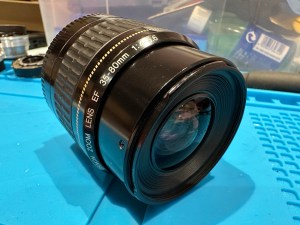
I’ve put the lens onto a test camera and it’s fantastic. I couldn’t get focus when I unpacked the lens but now I have the full range of action and a lovely clean working lens for very little outlay and probably just 2 to 3 hrs of maintenance. Well worth it in my opinion. I wanted a good cheap lens to test my old stock and I now have one that I can easily sell on at some point, on top of that I’ve learnt a lot from working on one of these lenses. I’m certainly going to attempt working on more in the future.

Perfectly good working lens

Thanks for passing by. Always appreciated.

More stock

I’ve spent the grand total of £91 GBP on more damaged/faulty stock today, I now have enough stuff to be working on to keep me busy for months.

On top of the 6 Canon cameras I purchased last week I now have a further 4 Canon film cameras ( Eos Elan 2, 50E, 1000fn and an Eos 5) I’ve also got two faulty EF lenses to test the old Canons with, these will also get the repair treatment.

I’ve also purchased four Nikon D70 and 2 Nikon D70S units all needing the repair treatment, I’ve even blagged some spare parts here as well so overall it’s been quite a good days shopping.

More cameras to keep me busy

Did I overpay?

I have just purchased 6 untested ( probably the polite way to say totally useless) cameras from the late 80s.

I ended paying out the equivalent of £6:17(GBP) per unit. That’s inclusive of delivery and costs as well, not too bad really and if I can repair (if needed) I should still be able to move them on at a small profit. But I may also be passing these onto a local charity that teaches photography to youngsters and disadvantaged people in Leicestershire.

Canon Eos SLR bundle

I have purchased a job lot of Canon Eos 650/600 cameras from quite a reputable seller who specialises in old film cameras.

Canon Eos 600

I have 2 Canon Eos 600 units that date from 1989. These have motorised film advance and rewind, and are able to reach 5fps in one shot Af mode. Shutter speeds range from 30 sec to 1/2000 sec, with B mode. X-sync is at 1/125 sec. Powered by 1x6v 2CR5 lithium battery.

Canon Eos 650

I also have 4 Eos 650 units.

The Eos 650 is the camera responsible for the first photograph used on the World Wide Web when a photo of the band “Les Horribles Cernettes” was taken on 18th July 1992 by photographer Silvano de Cennaro.

This camera was produced in 1987 and was the first of Canons Eos (Electro-Optical System) ushering in a new era for Canon cameras. The shutter is electronic, vertical metal focal plane capable of 30 sec to 1/2000 sec exposures as well as having 1/125 sec exposure with a flash. Also powered by 1x6v 2CR5 lithium battery rated for up to 100 36 exp rolls.

Both types use the Canon EF mount.

I’m happy from the pictures and knowing the sellers reputation that these units are cosmetically tidy, fingers crossed they don’t need a great deal doing on them but you never know. When they arrive I will do an assessment of both cameras and create a post accordingly.

Until then stay happy, stay safe and take care.

Werra 1

A piece of art-deco / Boho styling from 1966

These cameras were produced from the mid 50s until the late 60s. I’ve done some research on this particular one and the lens number and case number tie it to the year 1966.

Werra 1 front

I tend to buy cameras I like the look of, I just wish that I’d read into them a little deeper to find out the issues. This camera was so good looking when up against the boxy cameras of the 60s, it was a trailblazer in that the winder for the film was incorporated into the lens. A quick flick of the wrist on the inner lens ring and the film was advanced. Impressive….when it worked and didn’t jam!

You can find out more about this camera by visiting Camera Wiki.org by clicking HERE

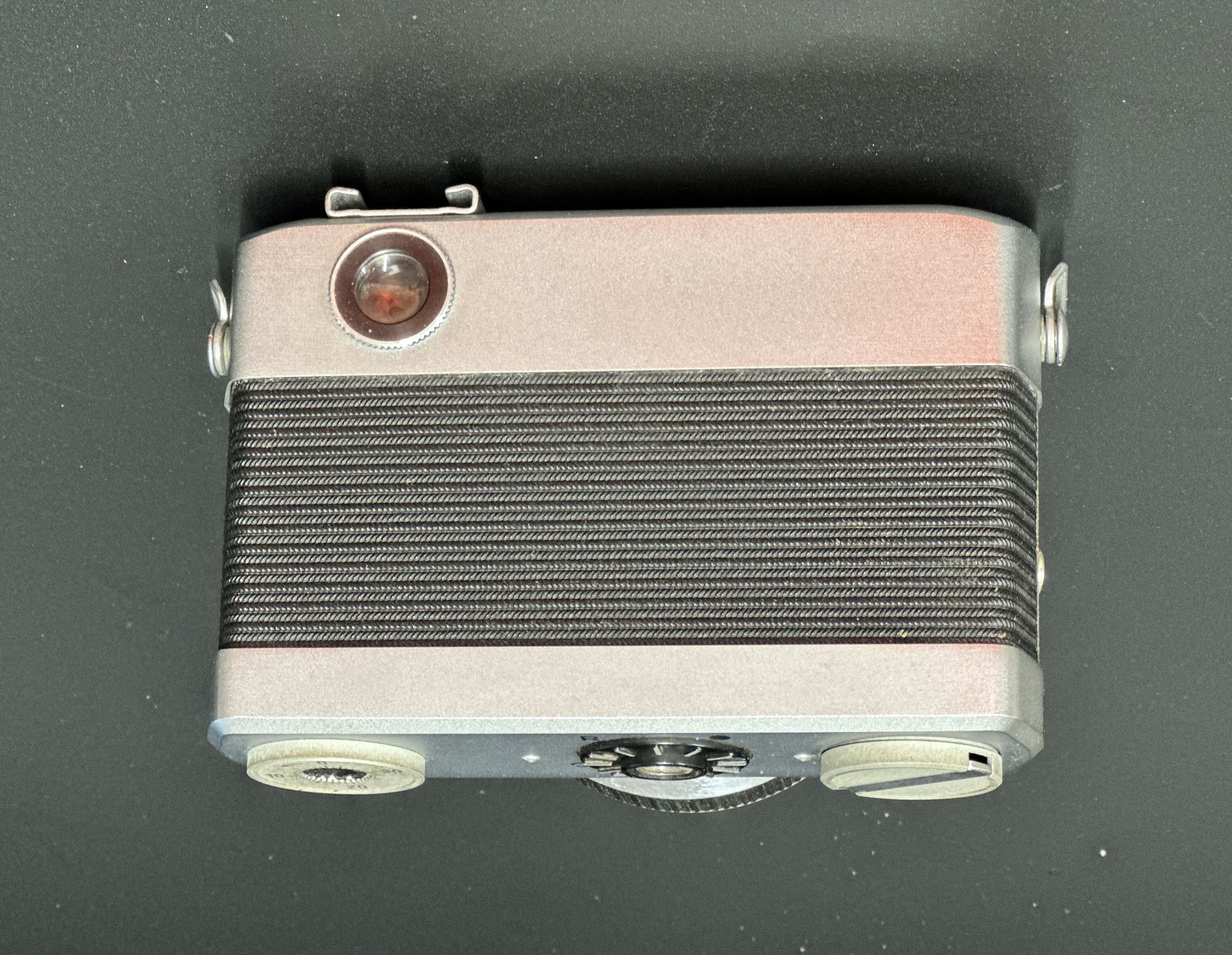
This unit is in great cosmetic condition apart from a little age related tarnishing. It has some rattles, the lens needs cleaning and the view finder needs attention. The lens rings are stiff so a little lubrication may be required.

When cleaned I will run a film through it to give a test, I may even reskin the camera to really bring some attention to it.

Please keep an eye out for updates as I will be commencing work on this really smart little antique very soon. It’ll give me a break from working on pesky Sony Discman players 🤦‍♂️

Be happy, be wise. Stay safe

Halina A1 Reflex…it’s a wrap

I have tonight added a new gallery to complete the Halina A1 Reflex renovation I completed in August of 2023. The gallery can be found by using the links in the margin or by clicking HERE.

As I don’t have the correct mask for my scanner I have had to go about getting the photos on the site in a peculiar way. Firstly I take pictures on my phone and then invert them to get a positive image, an action that I discussed in a previous article that was posted HERE.

Please don’t expect anything too fantastic, it was a test roll and mistakes were made, but a lot of enjoyment was had getting the results.

And that’s this project put to bed.

Thanks for passing by.
Neat little trick – Viewing negatives on a smartphone.

Following on from yesterdays post regarding fogging on negatives. If you remember I’ve lost the mask for my scanner so I’m currently unable to utilise this service.

However I had some time and took to the internet to find out if there was a way to view in the short term until I found the mask for the scanner. It appears the phone you have in your hand can more than likely do the deed without having to down load any apps.

Now I have an iPhone, however the same is also available on Android but I’ll stick to the iPhone route. It’s all about inverting colours

Firstly venture to settings, Accessibility, Accessibility shortcut and then choose classic invert. A tick will appear by your choice and then just come back out to the Home Screen. Now every time you triple click on the side home button the screen colours will invert.

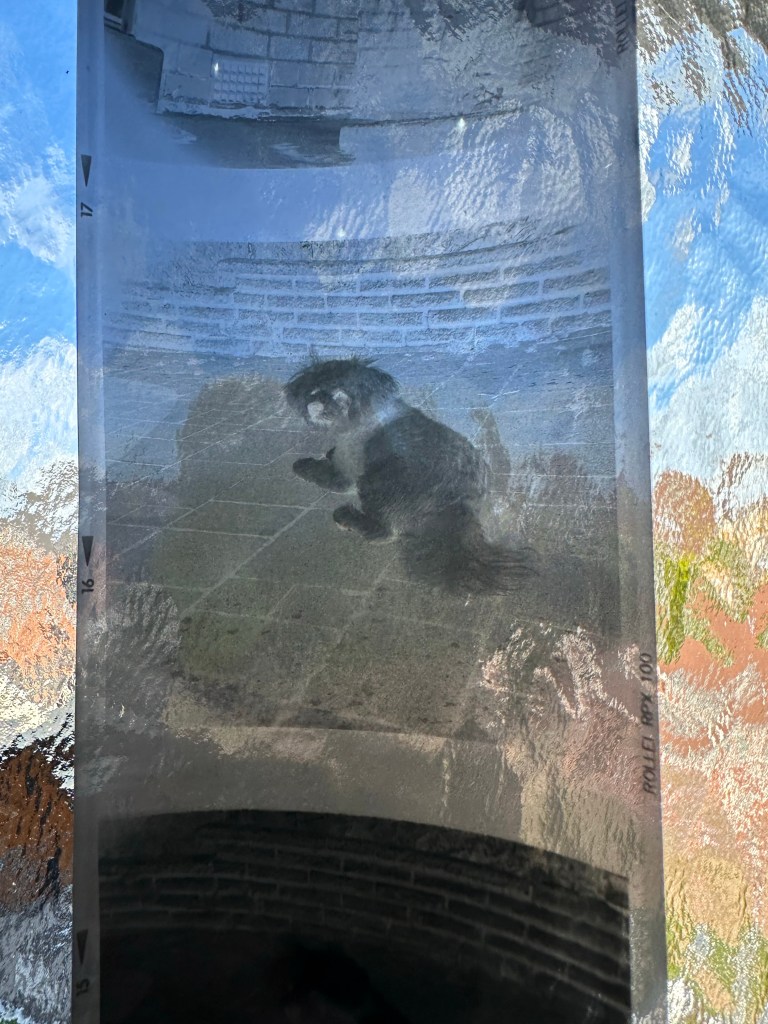
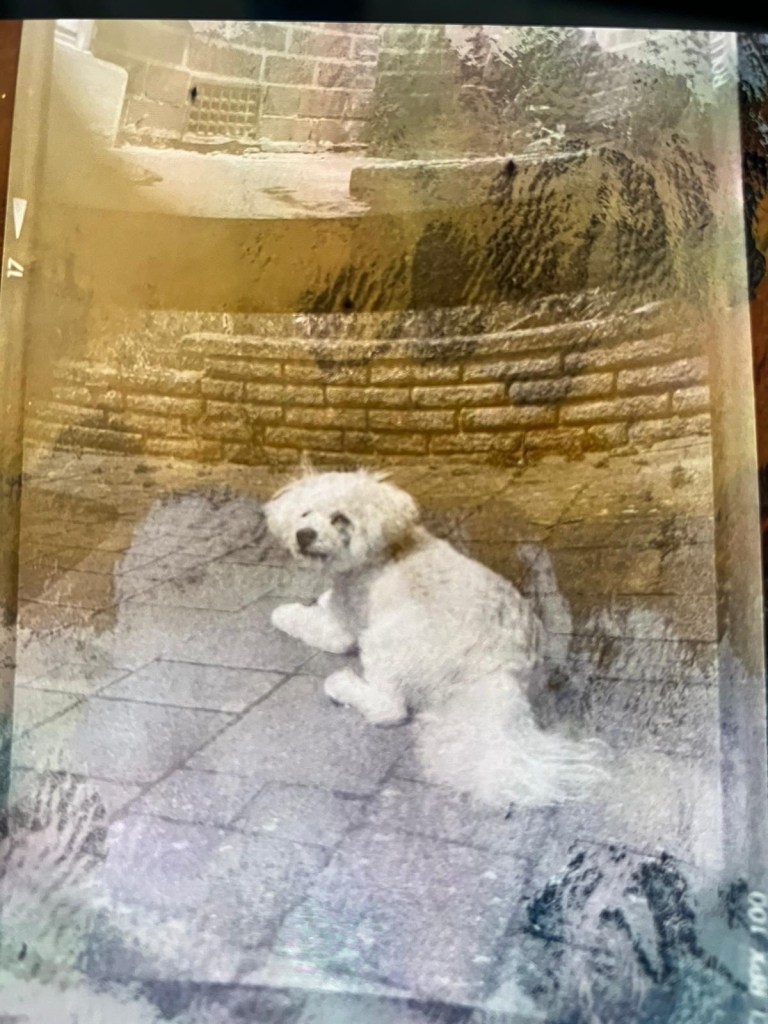
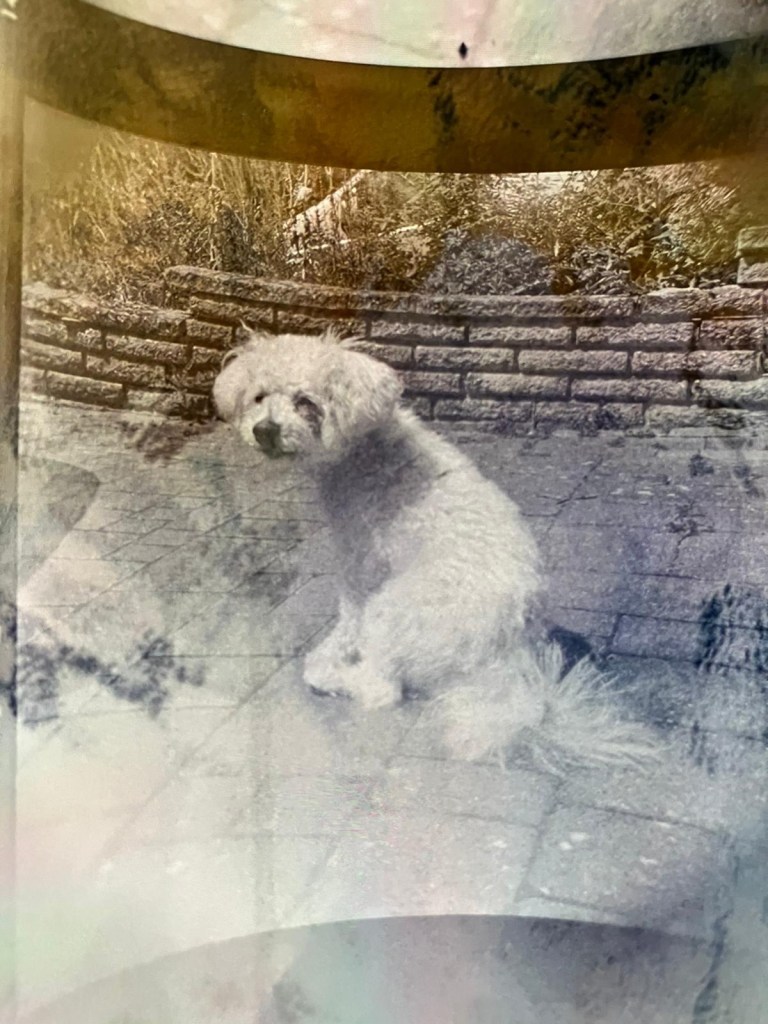
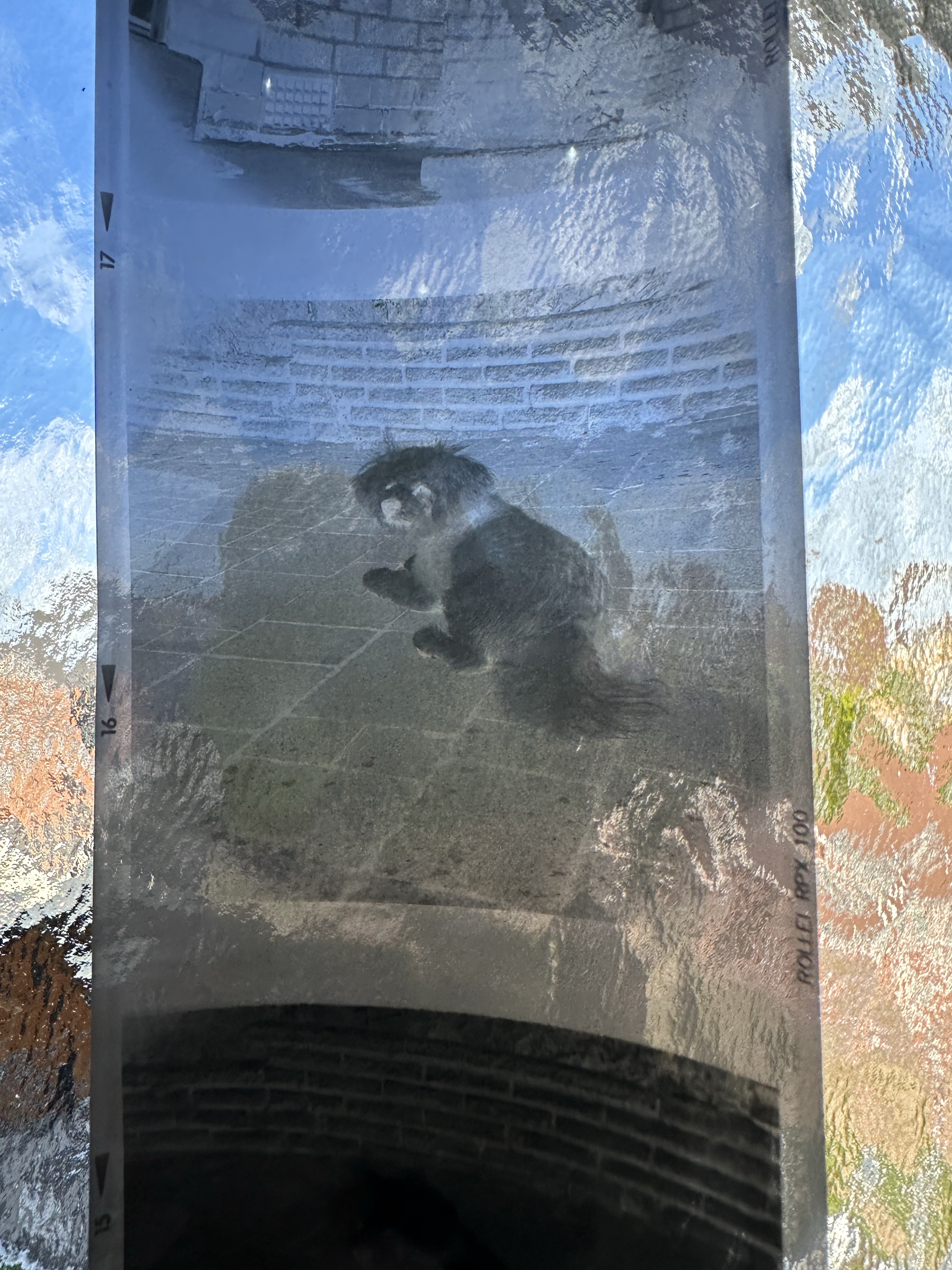
Now if off you triple click again the colours go back to standard. Well I’ve tried this on the same negatives above from yesterday and it gives you a good idea of what you are going to get. These pictures are direct inverts of the negatives at the top of this post with no cropping or adjustments, I just wanted you to see the possibilities you have available to you in your hand. If you use a light box and some glass I’m sure you’d get quite acceptable results.

Great little tool for those old negatives you have laying around that you were thinking of getting printed but weren’t quite sure.

Have a lovely day, thanks for passing by.
Halina A1 Reflex – Test roll, it’s foggy out !

Hey hey, I’m back. Well, after my previous rant I thought it best to get back to normal or as normal as can be achieved so here we go.

If you remember a few posts back I took on an old Halina A1 Reflex cheapo camera from the 60s. It was in a bit of a state and had seen better days. It had a full refurbishment with lens fungus removed, shutter mechanism repaired and a new leatherette finish put in place to tart it up. It looked quite nice and I was quite pleased with the outcome.

Halina A1 Reflex and exposed 120 film

However that is all well if you want to use it as display piece or a bookend, but I wanted to see it work.

Over the last few weeks I’ve had a roll of 120 B/W film (Rollei 100 RPX) sitting in it using it once in a while whenever the weather was right, and light conditions sufficed. Seeing that I’d replaced the light seals I wanted to check whether there were any issues there and as a result of todays development of the roll this could be an issue.

Paterson tank

When exposing I’ve forgotten to wind on a couple of times, but in general i seem to have got it right. The wind on is ok and the displays in the window are visible. Barring some double exposures the settings on the lens seem to have done their job, I seem to have set both lenses up correctly so I’m happy with that.

The film has an over all visible darkness that points to fogging. I think I might be responsible for this to be honest, I was a bit too impatient to get the roll loaded into the Paterson tank, I had a duvet over my head but the strong summer light was evident for the first time in ages in the East Midlands, and I shouldn’t be able to see the developer spiral….but I did briefly. Not good.
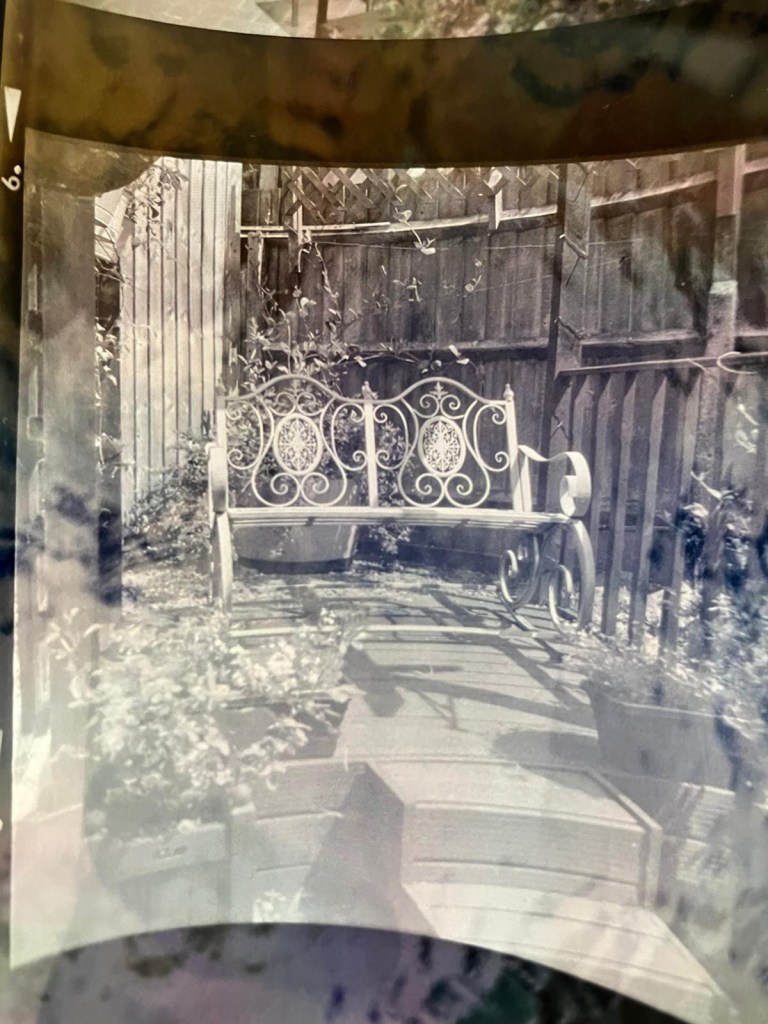
That being a problem I really do need to run another film through the camera to 100% check the light seals and then develop in the appropriate conditions.

I was silly here but another lesson learned. Be patient, don’t rush things and just do things properly.

I’m pleased the camera works, I’ll be able to get some pictures off the negatives and what I can see through a Lupe looks promising.

My 120 mask on my scanner has gone missing, so the pictures might be a little while before they make an appearance. I have another roll of film though so I’ll get that in the camera this week and get busy, and when it’s dark I’ll develop the film….properly

Have a wonderful day everyone thank you for passing by, stay safe and smile it uses less muscles than a frown 😂