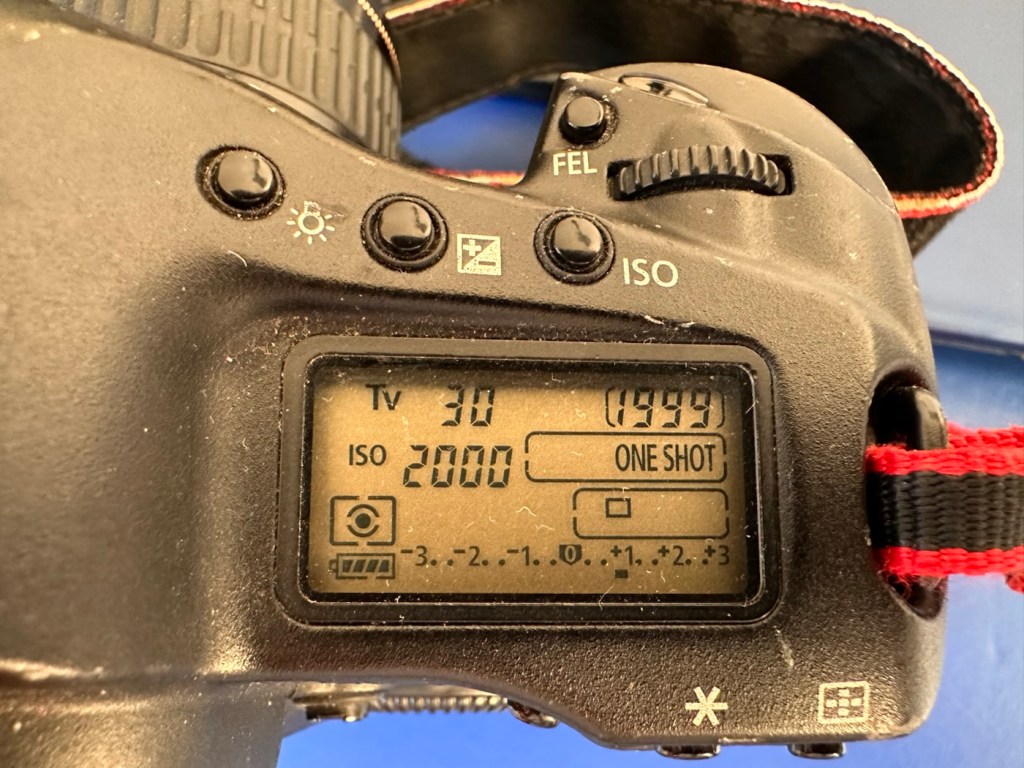
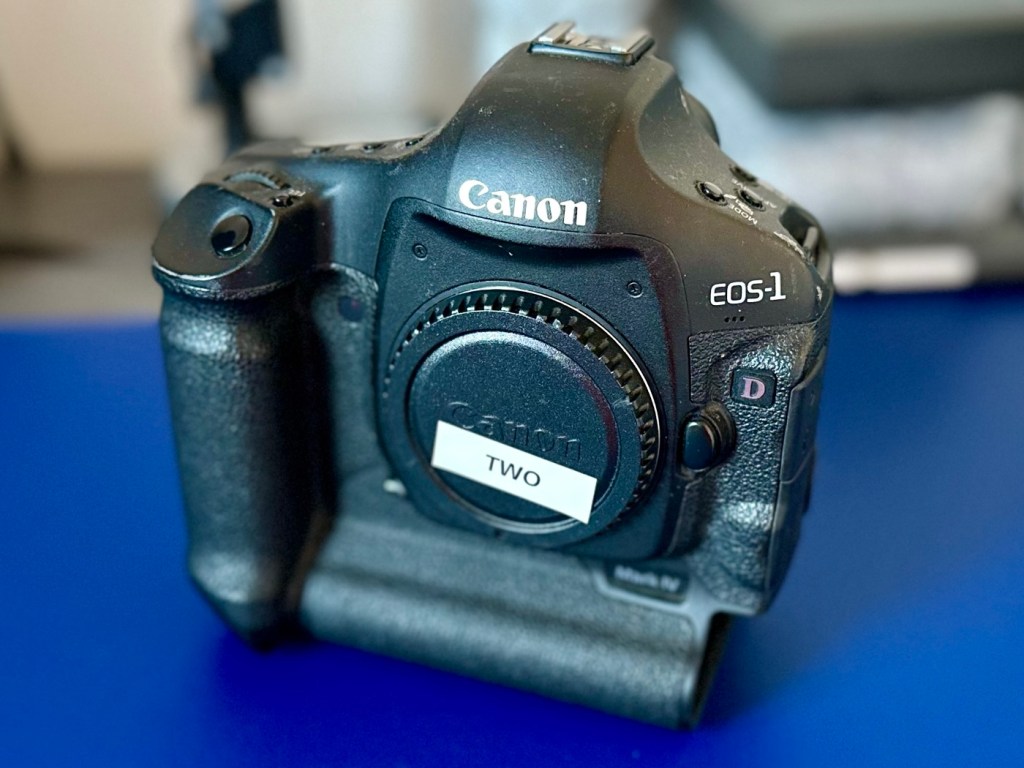
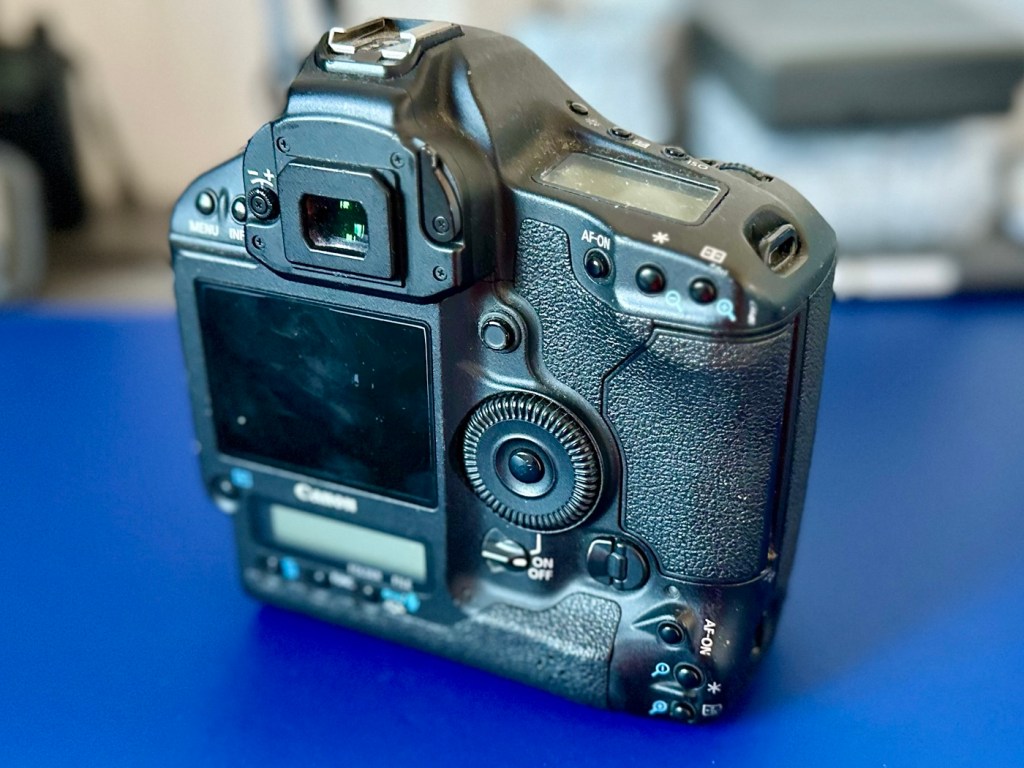
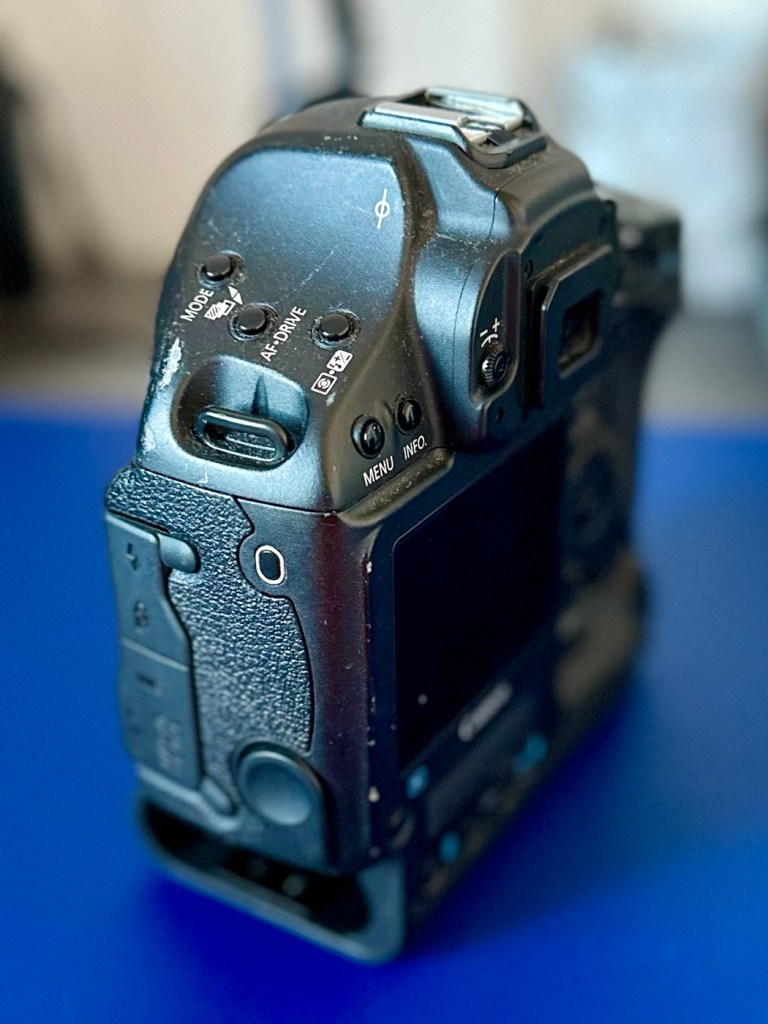
Canon EOS 1D MkIV

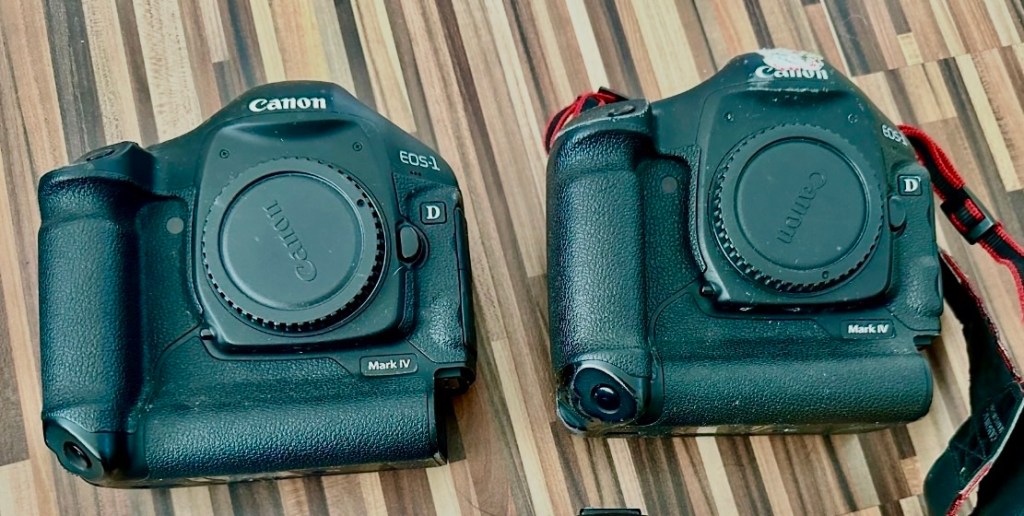
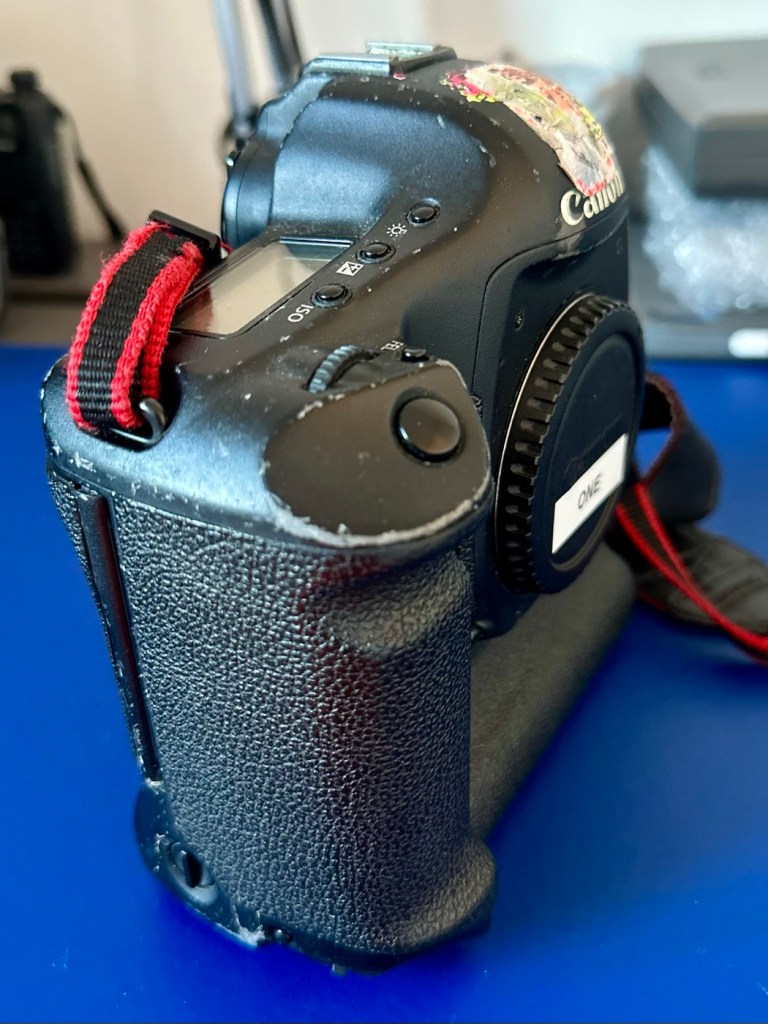
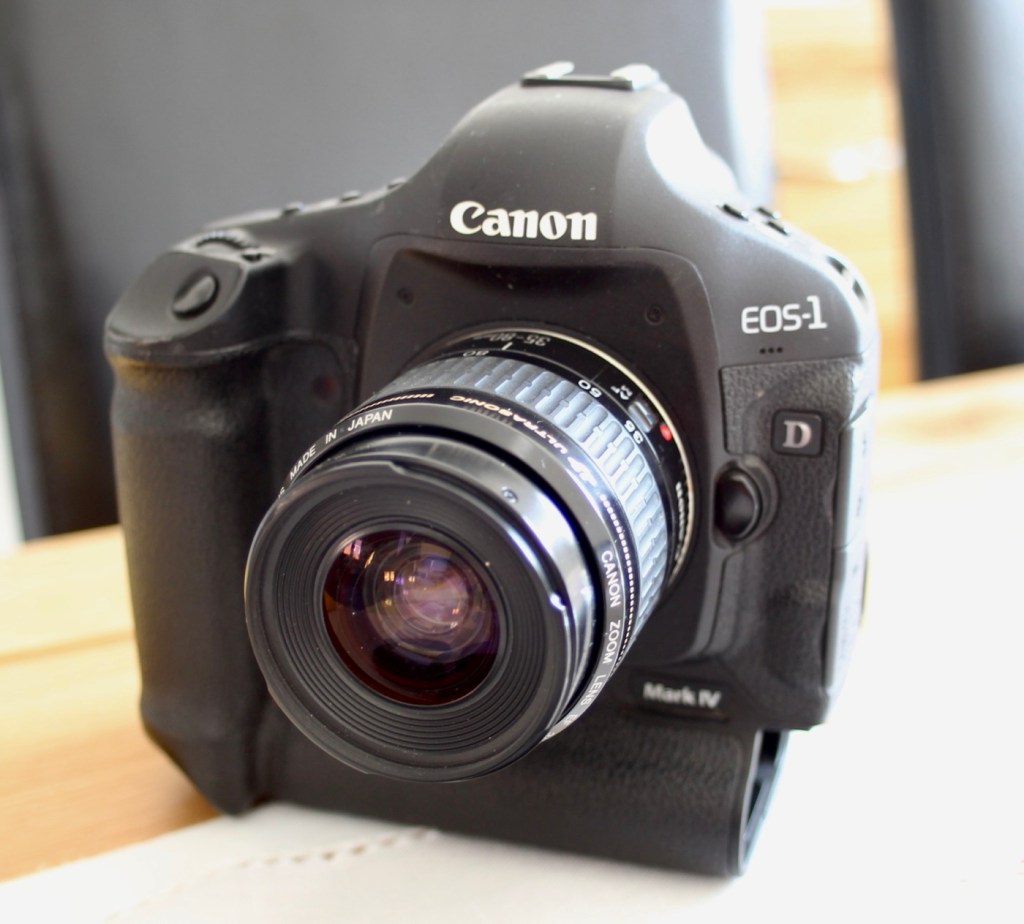
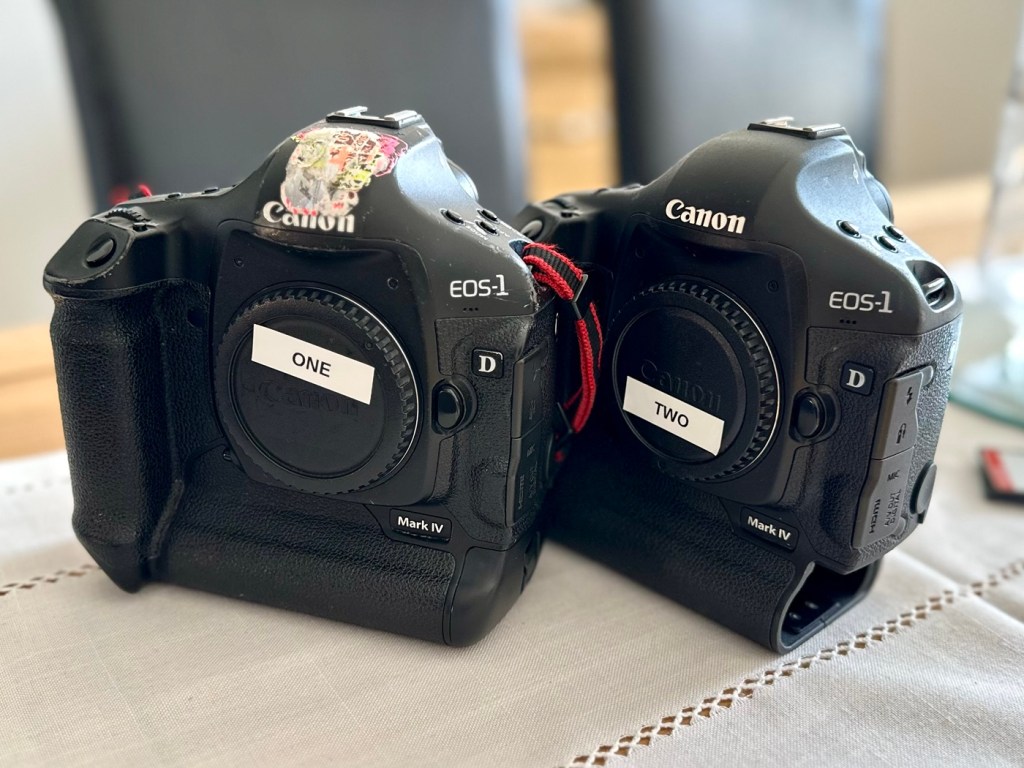
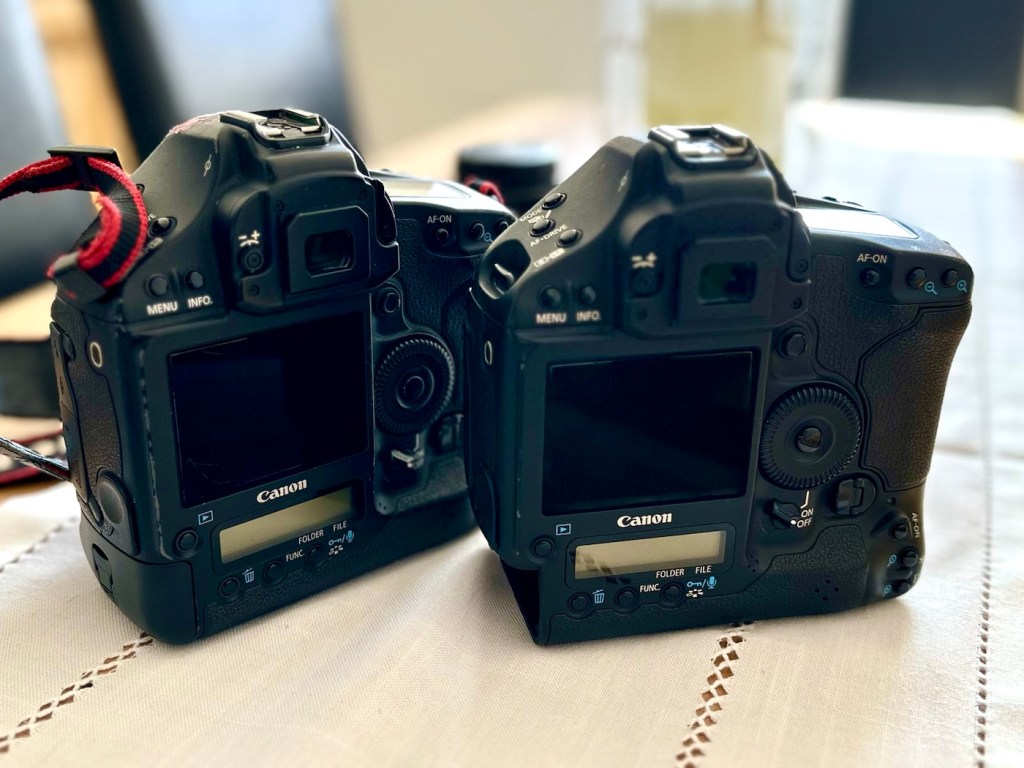
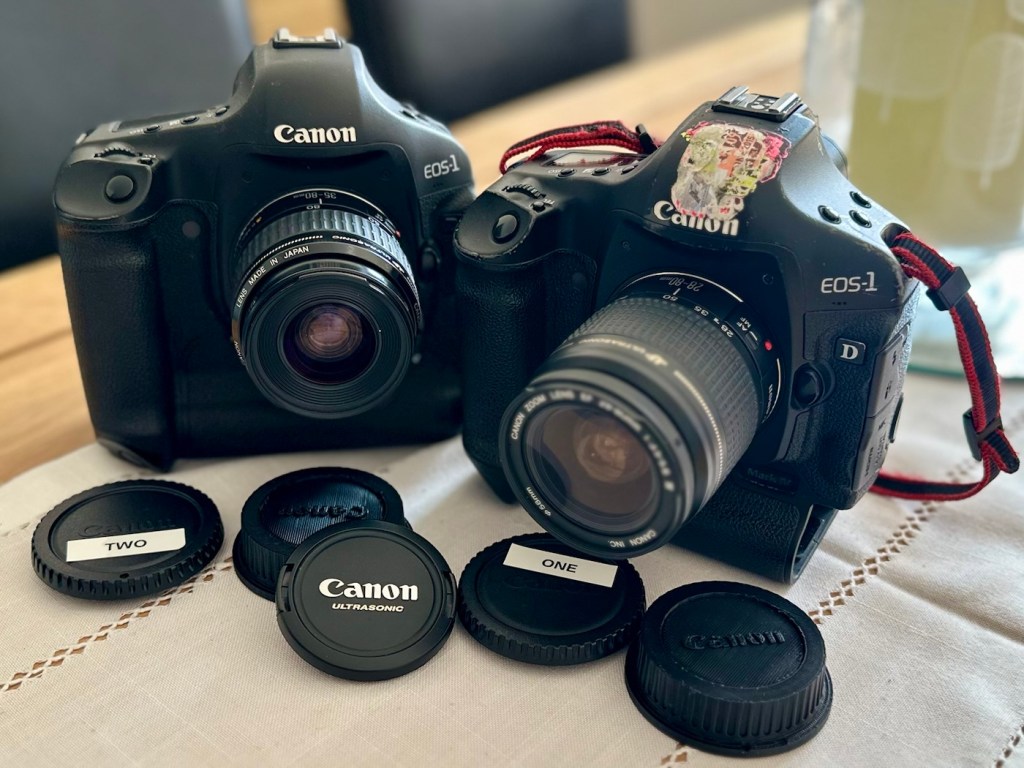
Two late production Canon EOS1D MkIV cameras, both heavily used ex-syndicate sports photographers cameras. Do they work? Can they be repaired?

I’ve been approached by an old colleague who used to be a syndicated sports photographer, he had a number of items he wanted to “get rid off” as they were just taking up space in his new house. “Would you be interested?” You betcha, so as a result I’m now the owner of a complete Bowens lighting system, two Canon EOS 1D MkIV cameras and a Canon EOS 5D MkII camera.
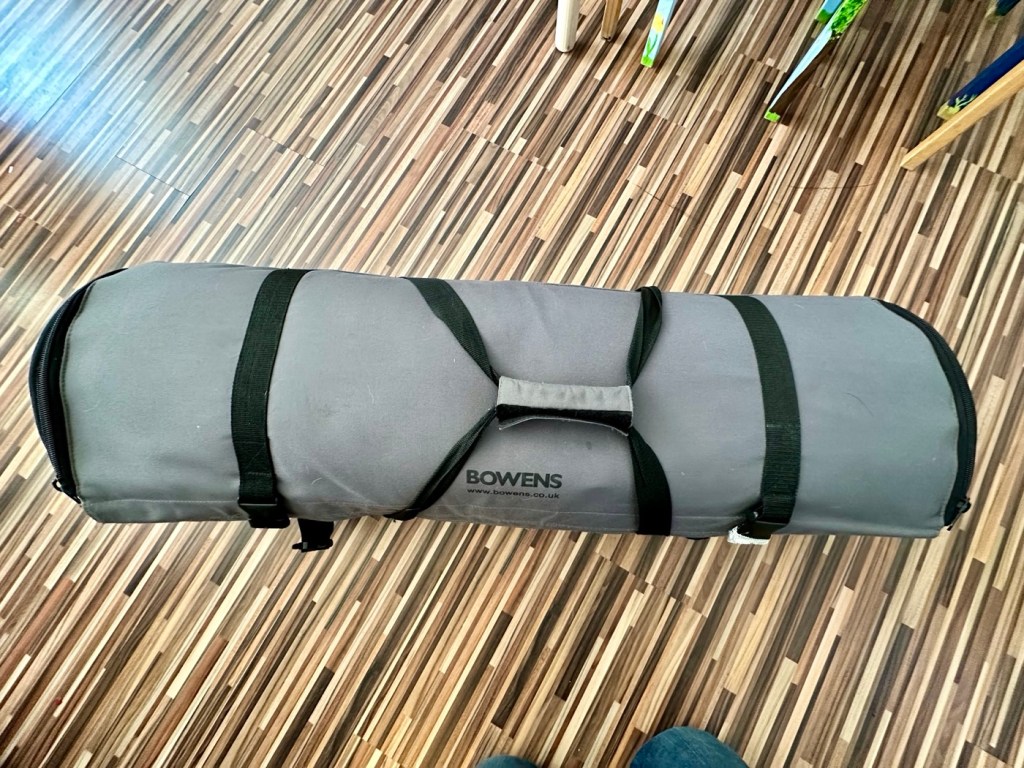
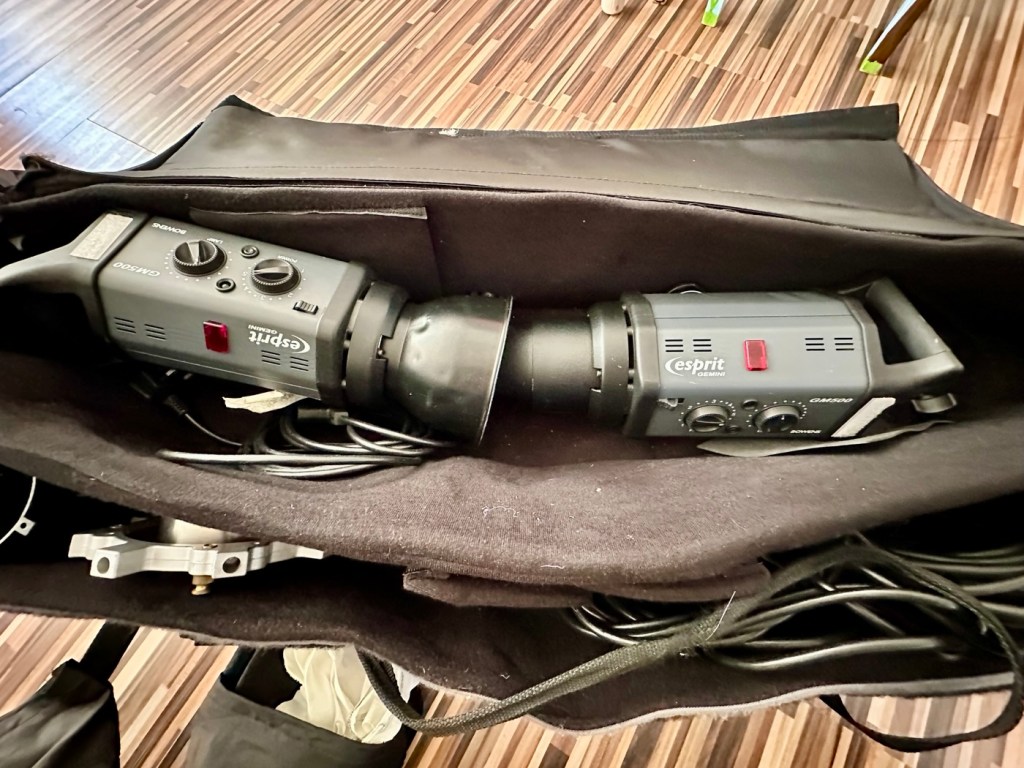
My days of fussing and farting about with lighting rigs has now long passed, so I know a youngster starting out in the business who is a very talented young fellah, I have donated this equipment to him and he will certainly have a use for this lighting setup. He has been approached and accepted the offer, I think he is quite happy with his new acquisition, here’s hoping his talents continue to flourish.

However the cameras are mine as no one wants this old stuff anymore 😂

Having already in the past, repaired a film version of the EOS 1 here: Canon EOS1 N HS I have now become the owner of two Canon EOS 1D MkIV versions, the digital upgrade of this superb camera. This post covers the assessment of the 1D’s the 5D can be found here: Canon EOS 5D MkII

The two Canon EOS 1D MkIVs

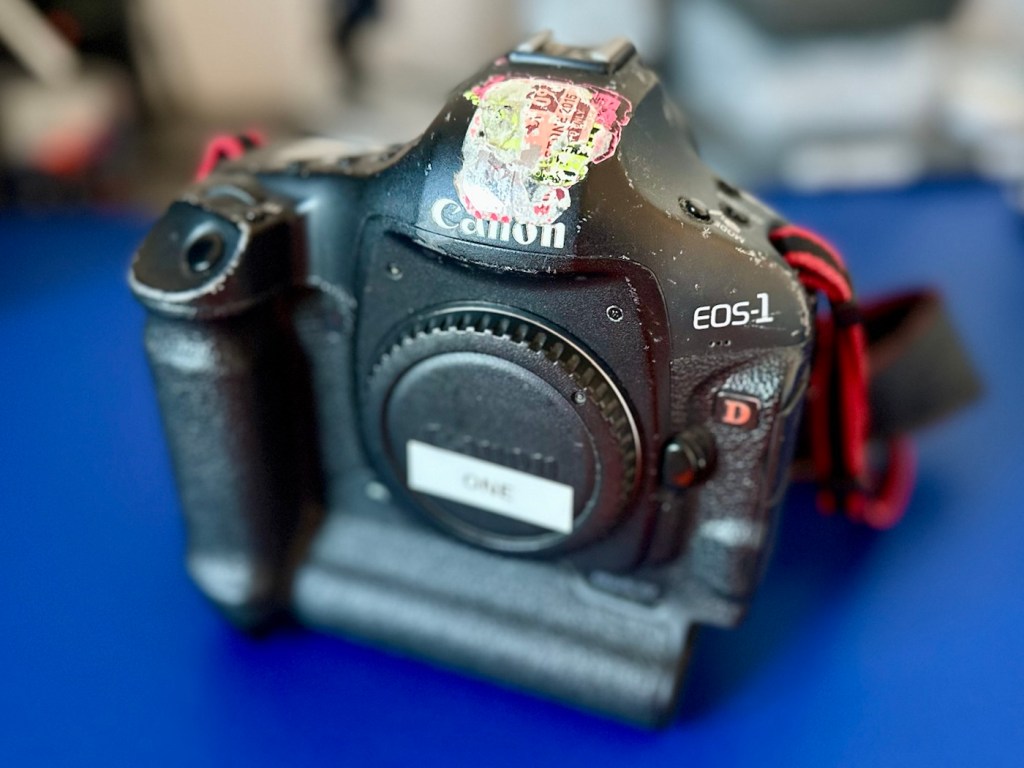
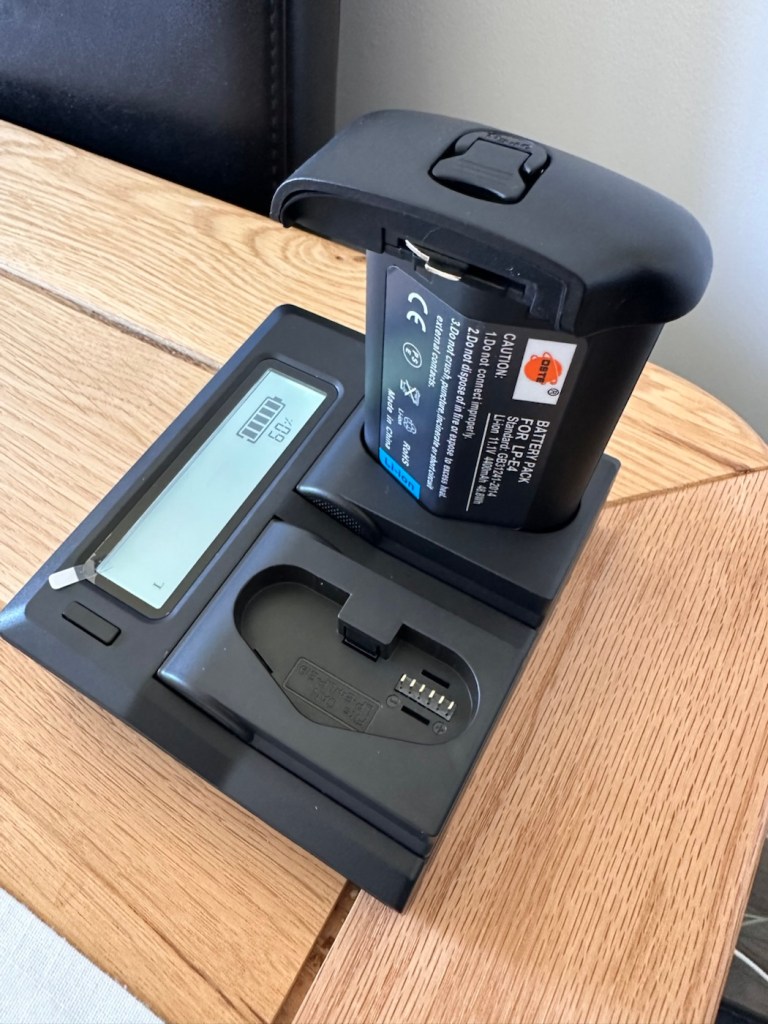
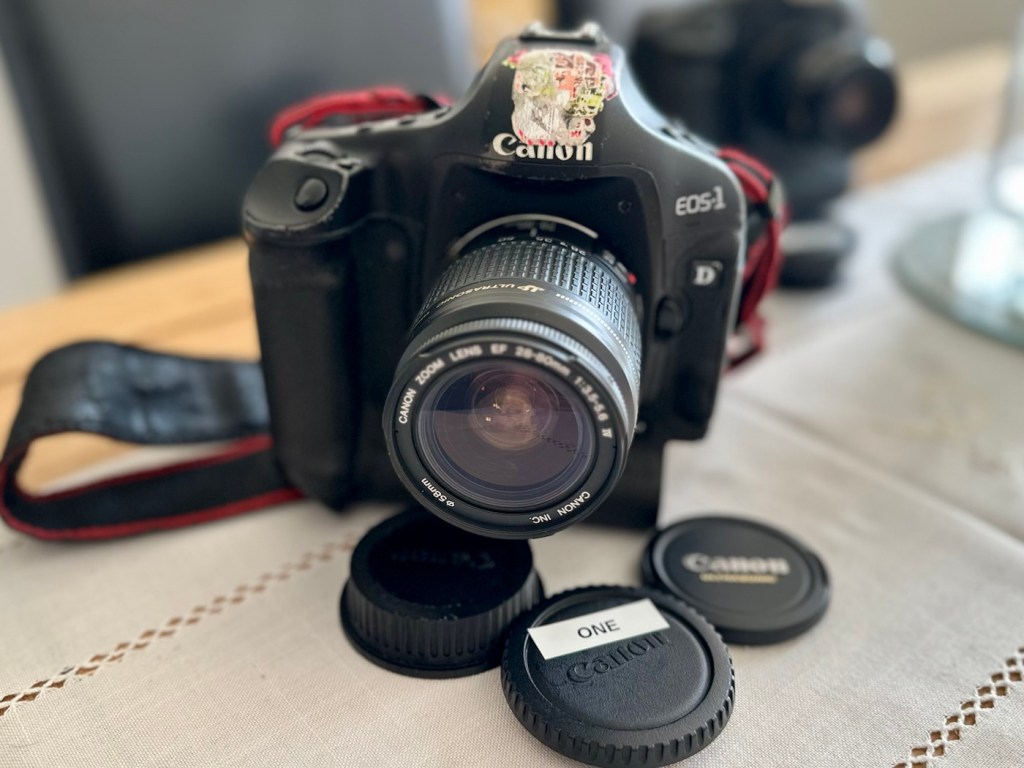
To test these two beauties I’m going to have to invest some money into my equipment store. These cameras take a battery that neither came equipped with, an EP4 battery that currently costs around £19.00GBP per unit. On top of that a charger is required costing approximately £23:00GBP so there will have to be an outlay of approximately £42:00GBP just to get these units tested. Is it worth it? Yes, I think it is, I will then have a spare battery and charger for future use, and if the cameras don’t work? I can then sell them on or use them for spare parts as they have cost me absolutely nothing. When I go through the assessment and repair of these cameras I will refer to them one camera at a time. The camera that has stickers on the top of the camera pentaprism area will be referred to simply as “One” whilst the other will be “Two”. Nice and uncomplicated.

But first here is a little bit of information regarding this camera, the Canon EOS-1D MkIV.

The EOS-1D Mark IV is a professional 16.1 effective megapixels digital single lens reflex camera (DSLR) camera body produced by Canon. The EOS-1D Mark IV is the successor of the Canon EOS-1D Mark III and was announced on 20 October 2009, just four days after Nikon announced the D3s. It used to be the only Canon APS-H format DSLR to feature HD video recording at 1080p resolution.

It was discontinued in mid-2012 with the introduction of the Canon EOS-1D X, which replaced both the EOS-1D Mk IV and the EOS-1Ds Mk III.

It received a Gold Award from Digital Photography Review.

Features:

  • 27.9mm × 18.6mm; 16.1 effective megapixels APS-HCMOS sensor
  • Dual DIGIC 4 image processors
  • Canon EF lens mount (excludes EF-S)
  • New autofocus module (45 AF points with 39 cross-type AF points)
  • Integrated sensor cleaning system
  • 1.3× crop factor
  • 100–12800 ISO speed equivalent (expandable to L: 50, H1: 25600, H2: 51200 or H3: 102400)
  • 30–1/8000 sec. shutter speed and bulb
  • Shutter unit tested to 300,000 cycles
  • Auto Lighting Optimizer
  • Magnesium Alloy weather sealed body
  • Eye-level pentaprism viewfinder with approx. 100% coverage at 0.76× magnification
  • Live preview mode
  • 3.0 in, 920,000 dots Clear View II TFT color, liquid-crystal monitor with 160° viewing angle
  • 10 frames per second continuous shooting (Large JPEG: max. 121 frames, raw: max. 28 frames)
  • Dimensions (W×H×D): 156 × 156.6 × 89.9 mm

Wikipedia

Assessment:

I’ve had to bite the bullet and purchase a battery and charger to be able to test these cameras. Look at it as an investment. As promised the assessments will include exactly the same checks, but they will be done individually.

I want to check shutter counts and firmware versions, but to carry out these tests I really do need power in the units. Clock backup batteries are installed on these cameras and these will need to be checked to see if they are still effective as I’ve no idea how long ago they were changed.

Camera one:

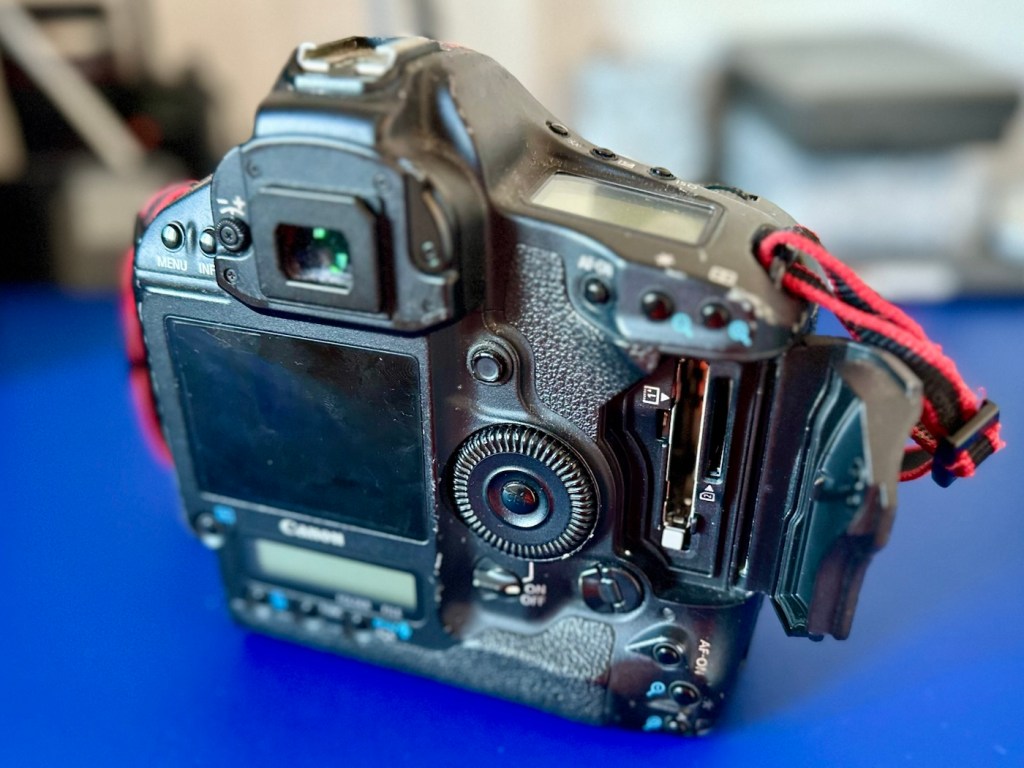
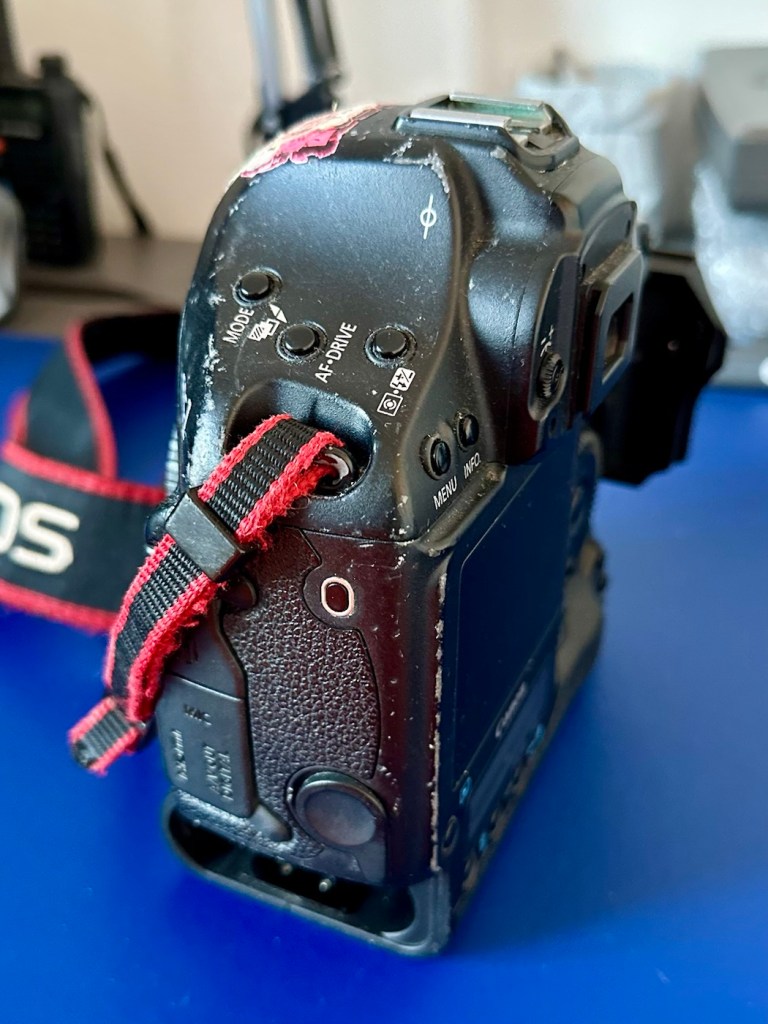
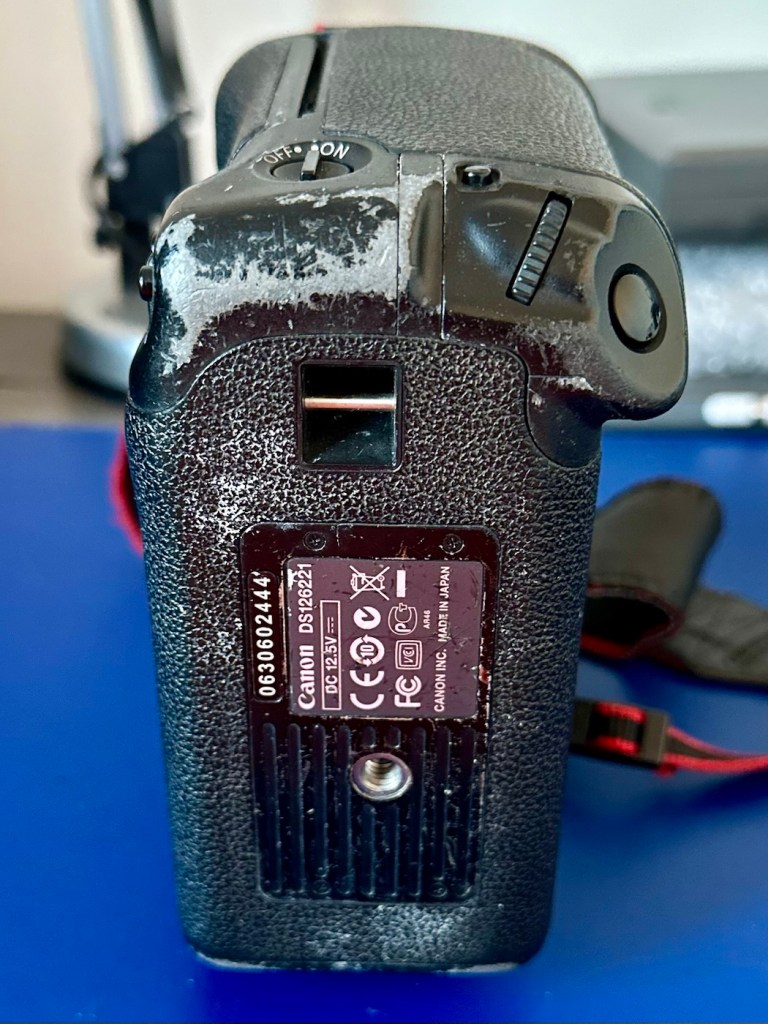
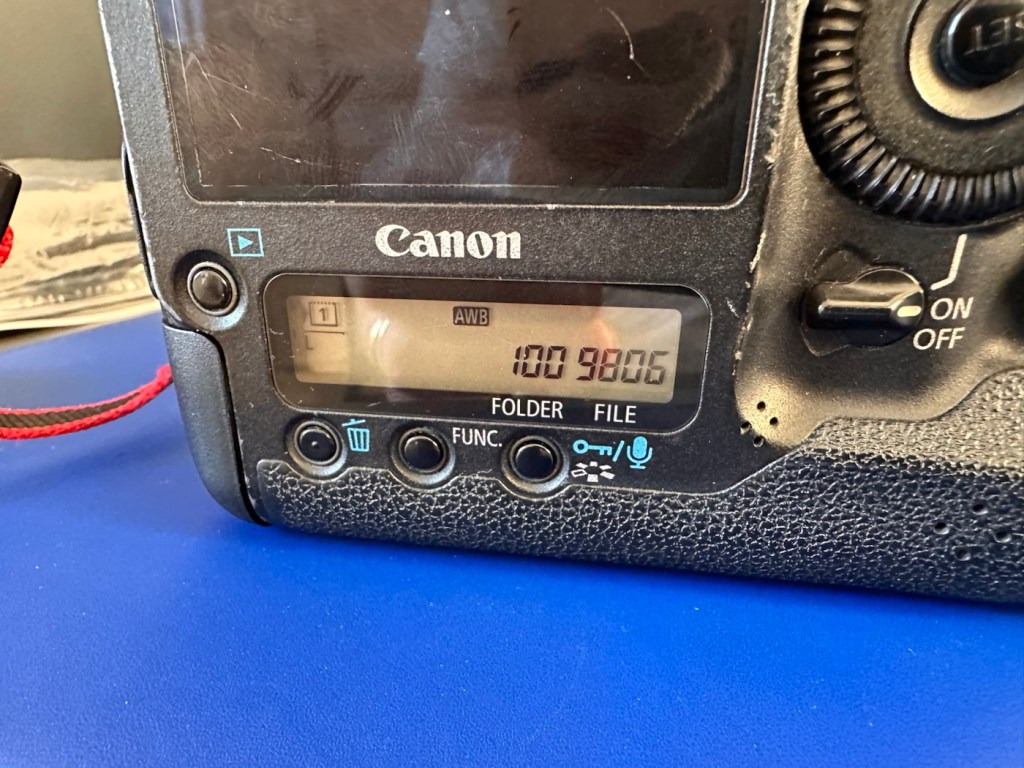
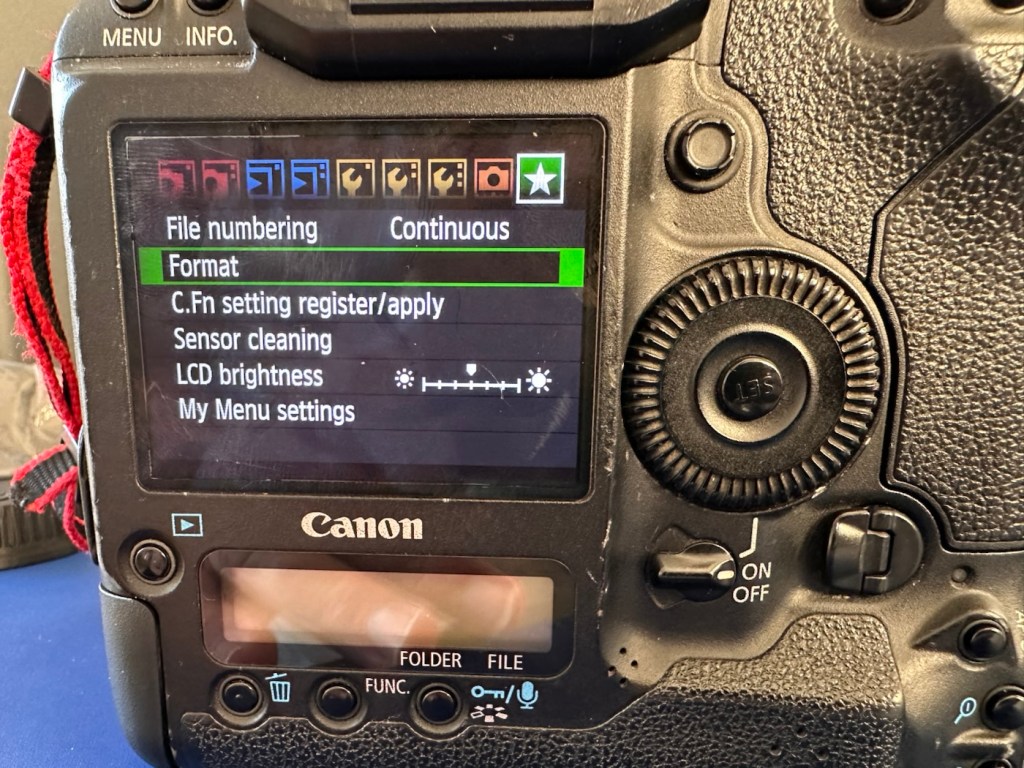
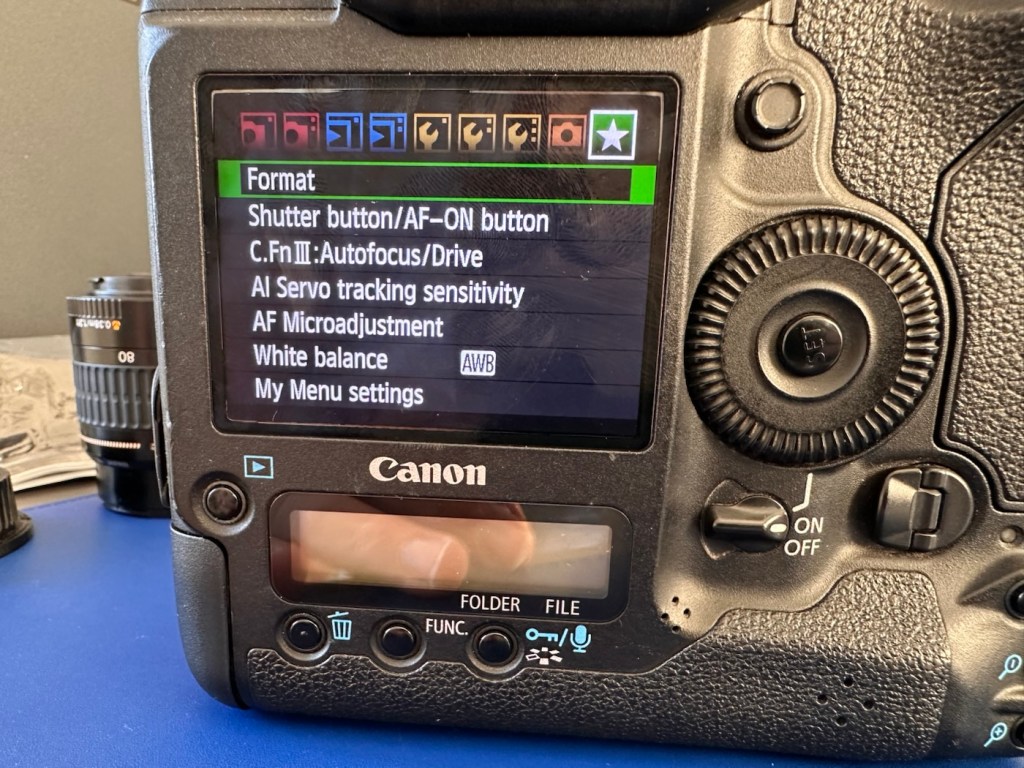
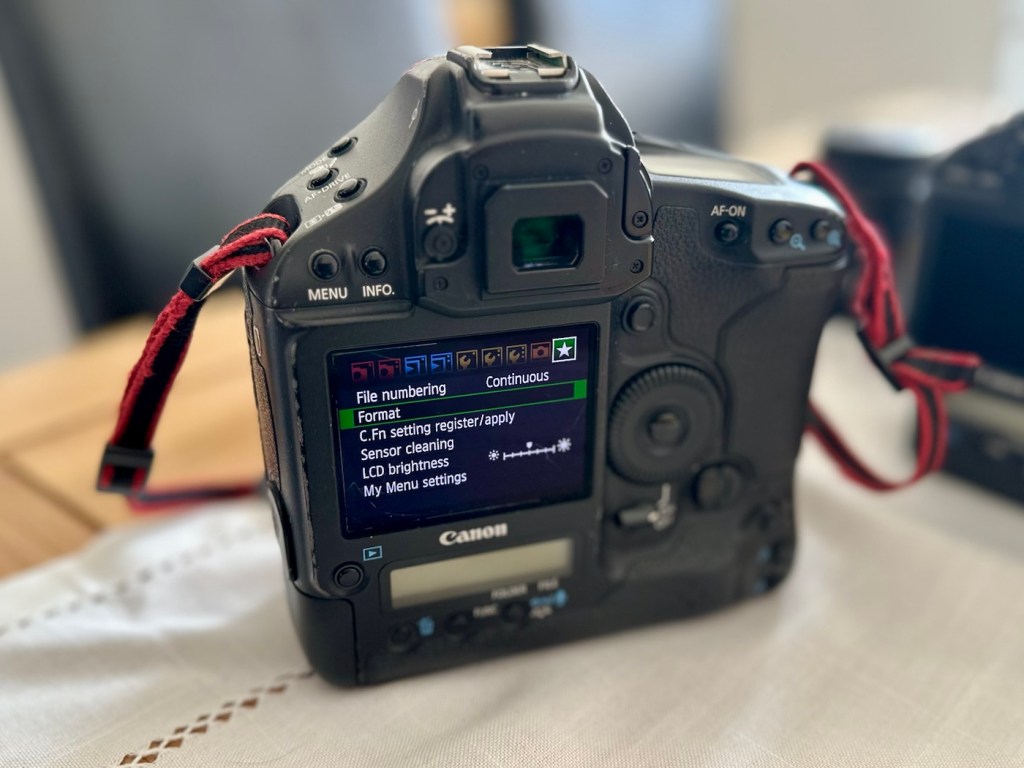
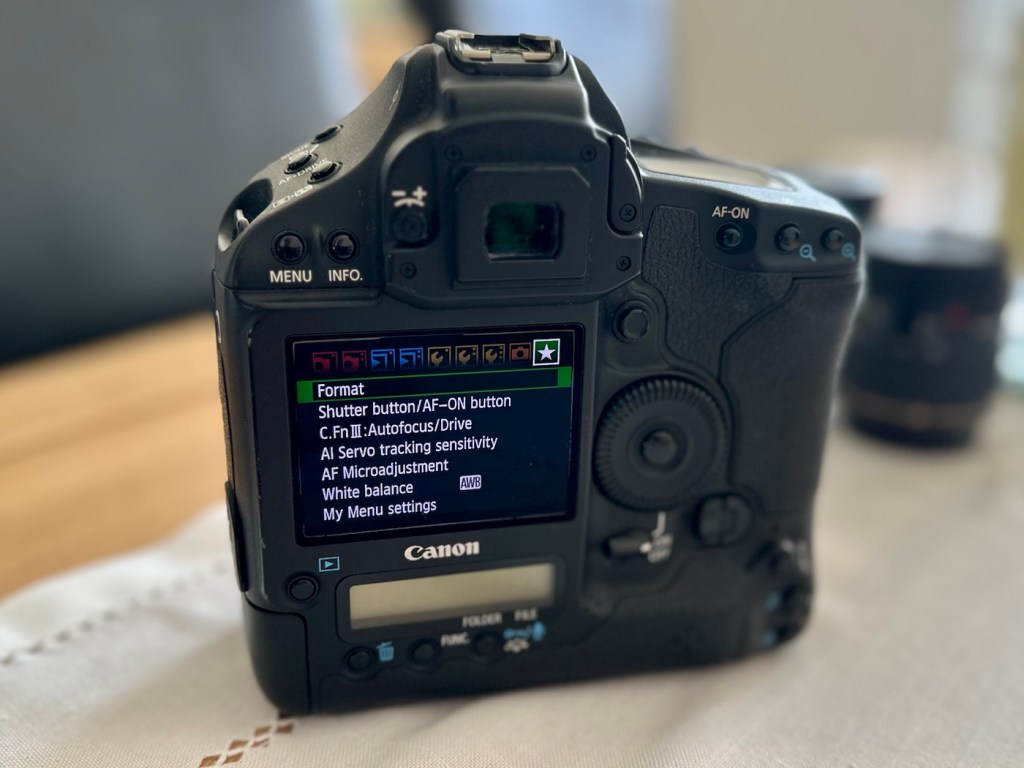
Here are the pictures:

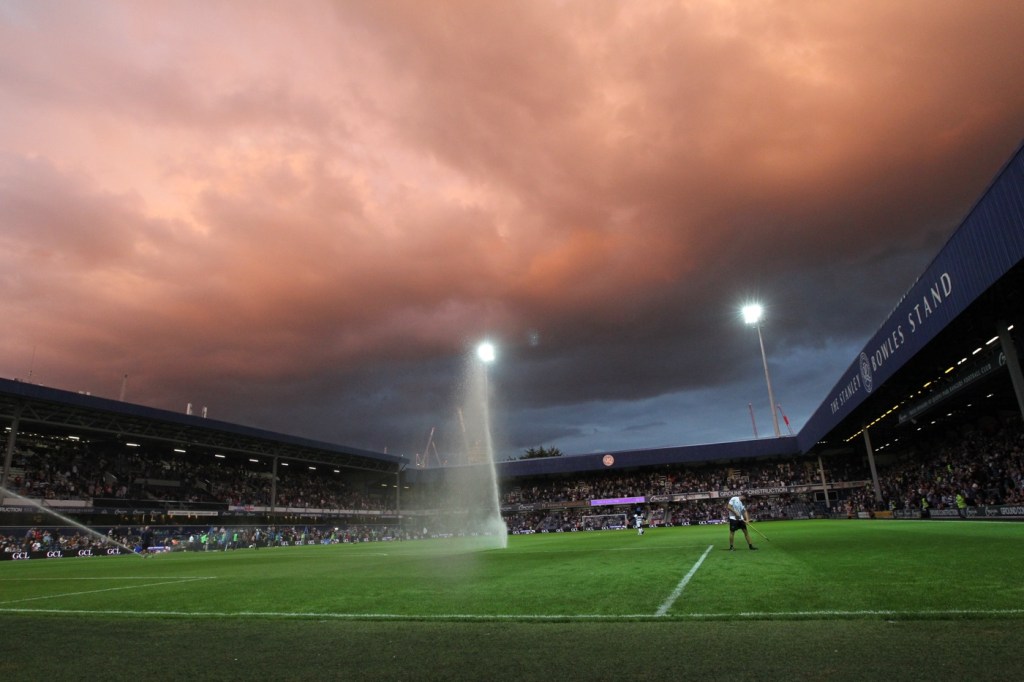
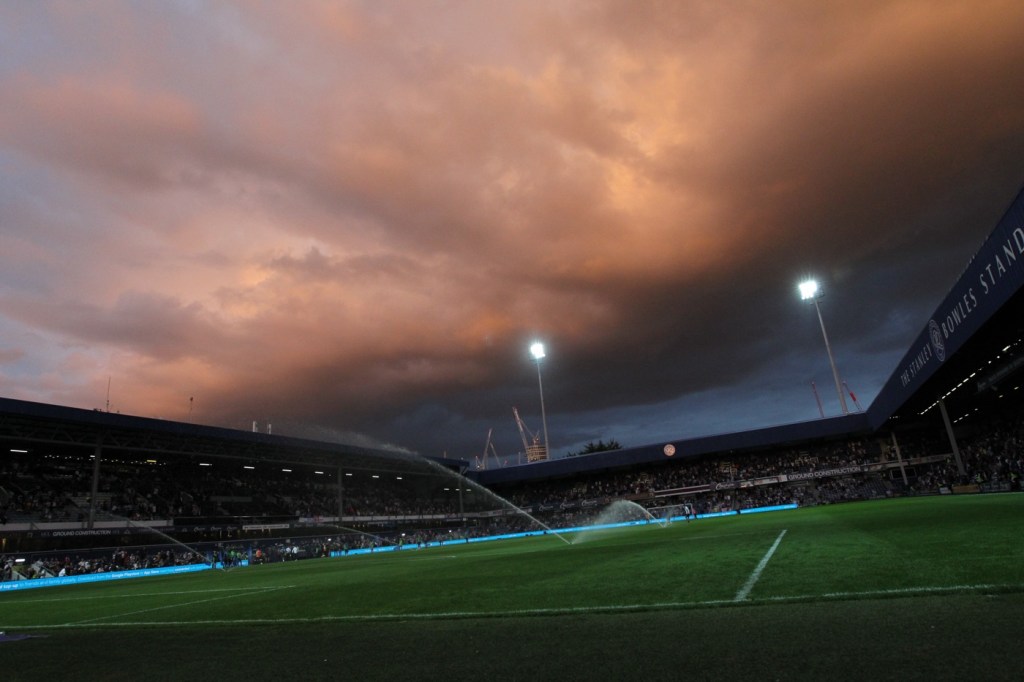
I can pretty much pinpoint the last time this camera was used, as in the CF card slot there was a 16GB card installed and when downloaded there were six photos on the card, below you can see two of these images.

The photos show a football ground, it’s the Queen’s Park rangers ground in London, and you can see the Stanley Bowles stand just to the right. The photographer is in the usual position where you would find sports photographers attending a football match. The exif data in the photo gives the date as 30th August 2022, and if you check records you will see that QPR were Playing Hull City that evening, and QPR were the winners 3-1. We have a date that informs us this camera was last used almost four years ago. Interesting isn’t it?

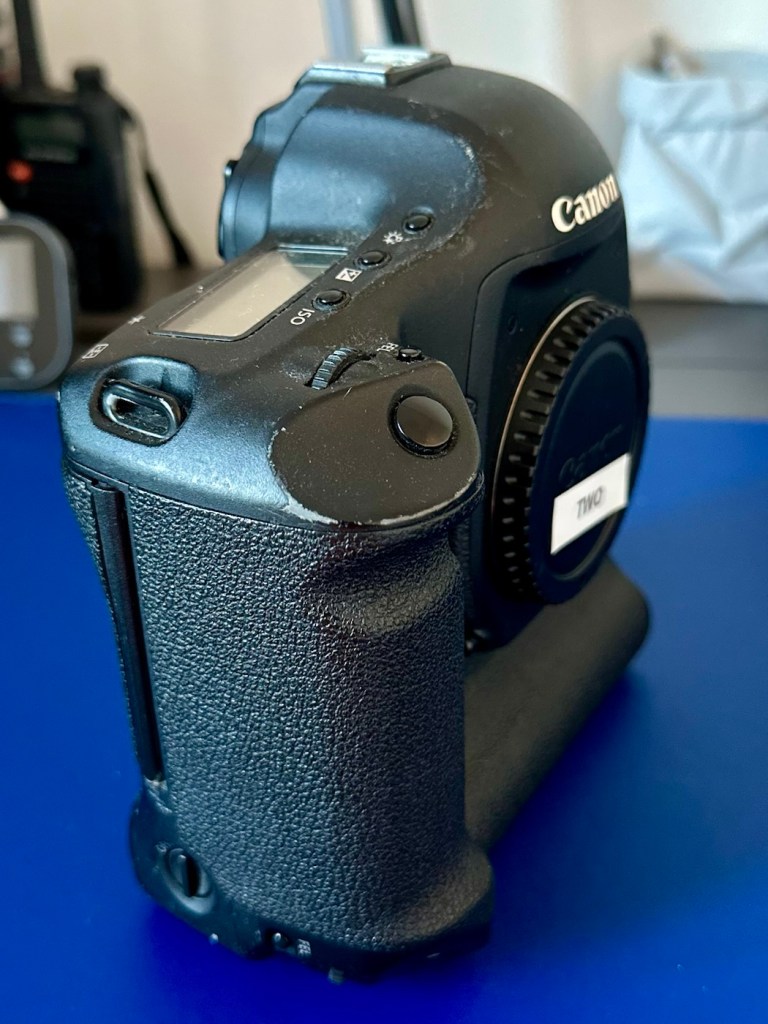
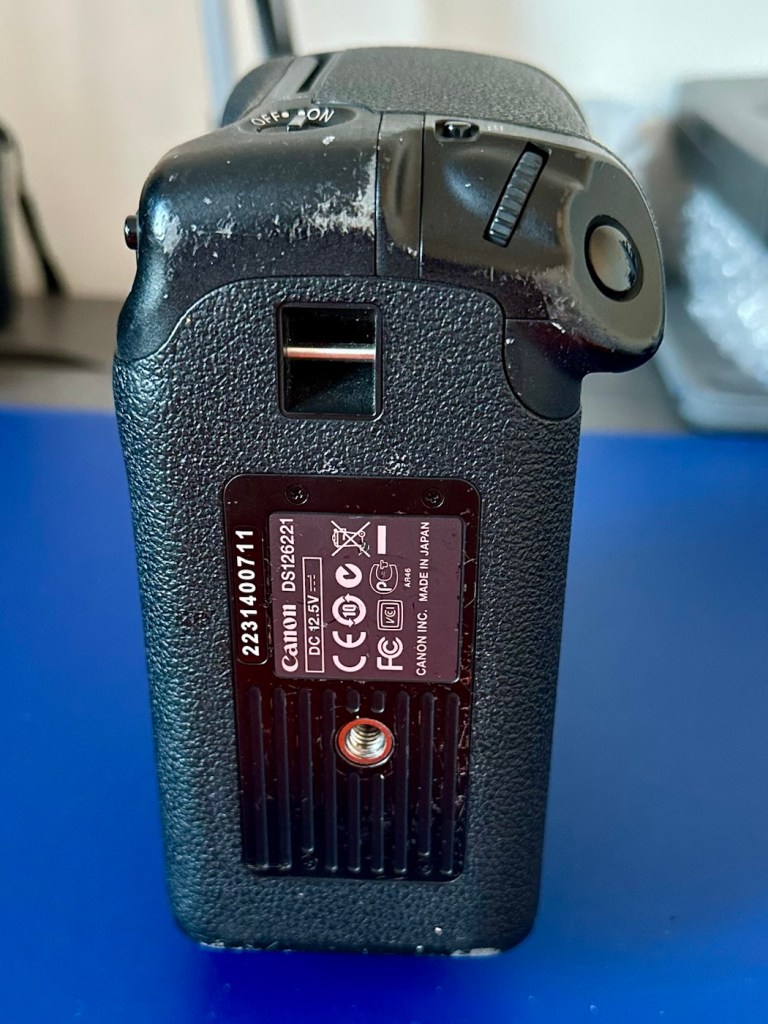
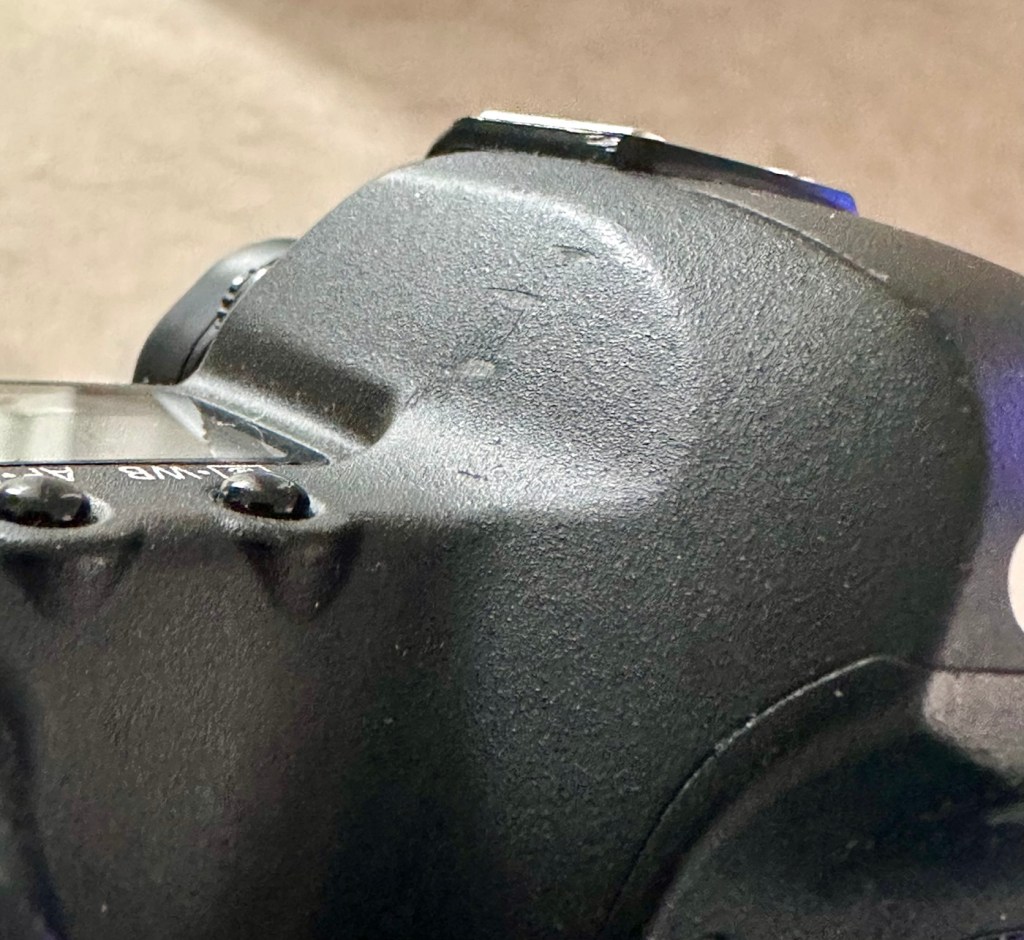
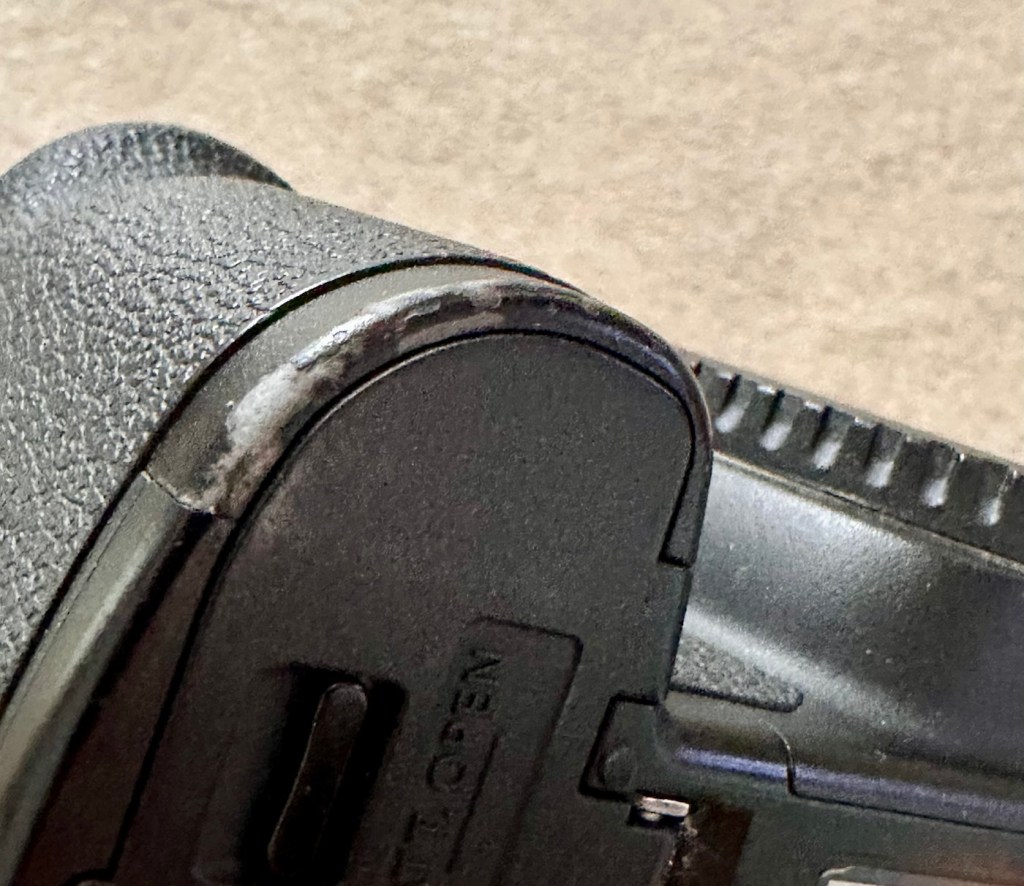
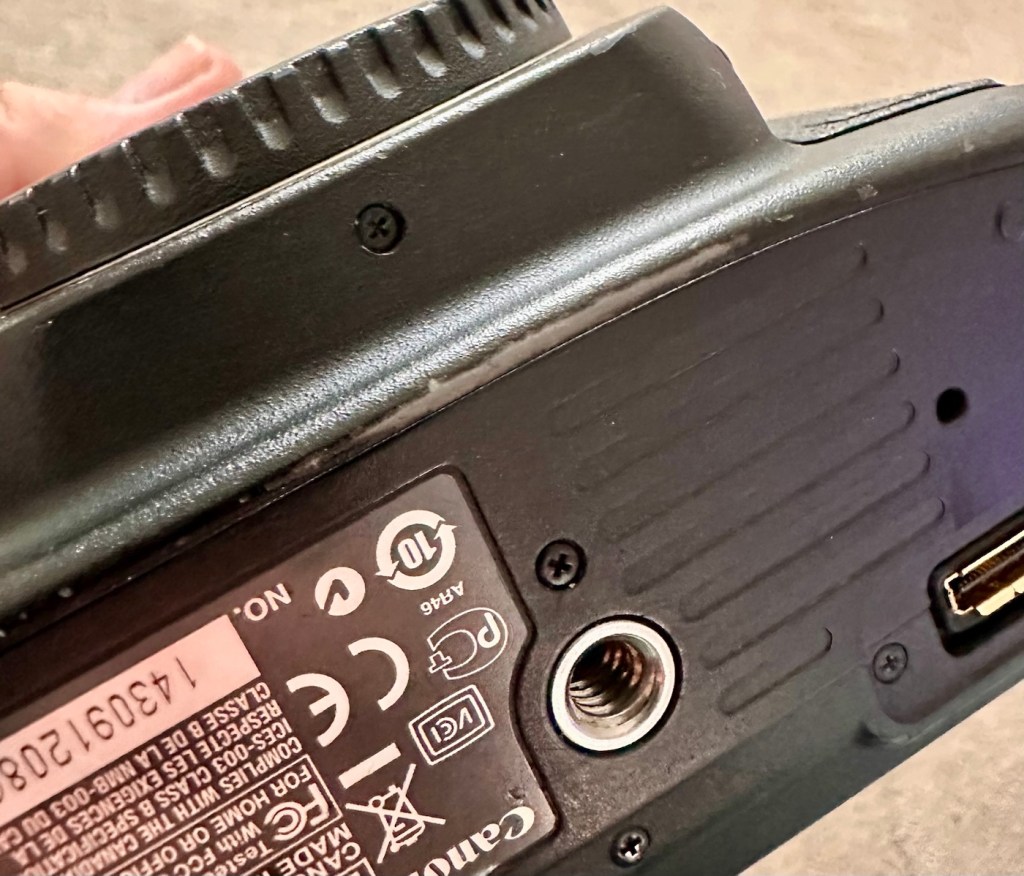
So of the two cameras this one seems to have had the hardest life, I very much suspect this one is the older camera (it is I have checked the Canon database and it’s construction date is June 2013, the second camera is October 2014) This date may seem contradictory due to the fact the production run officially ceased in 2012, It is very possible for a Canon EOS-1D Mark IV to have a 2014 manufacturing date, even though the camera was officially withdrawn in late 2012. Professional cameras often have long production runs that continue well after their retirement date. Cosmetically it appears the most beaten up and used, with a number of old press pass stickers in the pentaprism area. There are no signs though of deep gouges or cracked and damaged metal so I’m confident this camera has not been dropped. It has had a tough life. It’s a tough camera though.

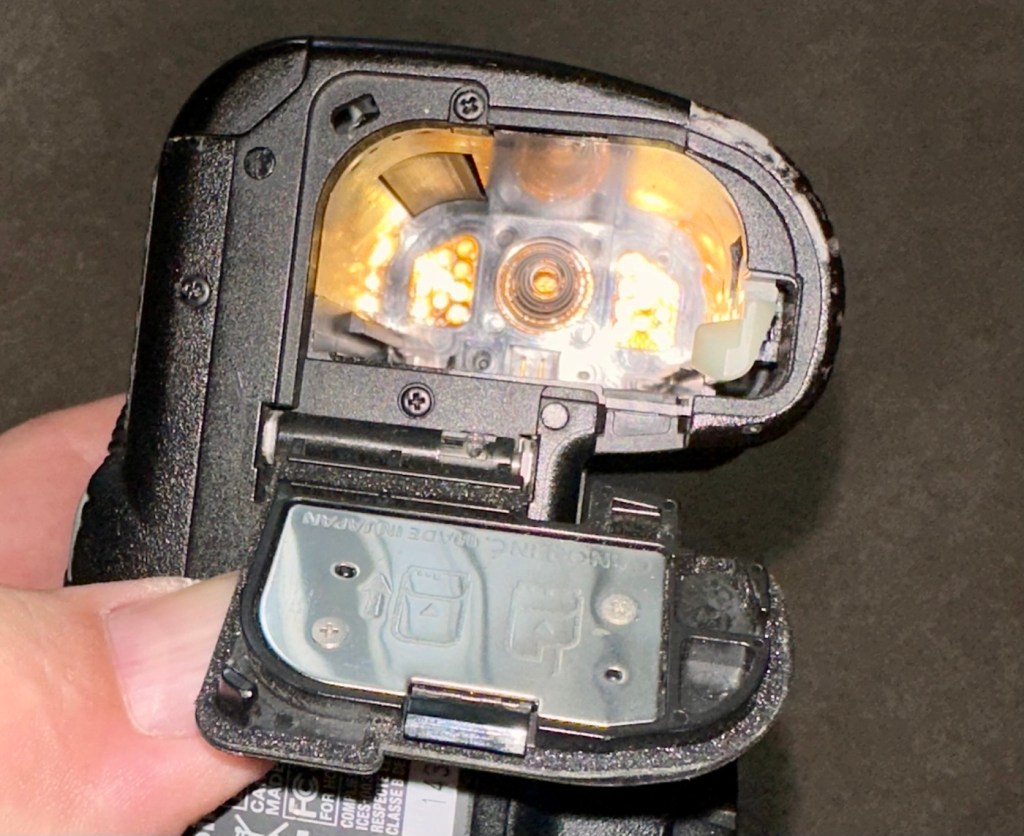
The CF card and SD card holders are both in a good condition, both accept cards without having to use any force and all pins are in a good condition, I’m confident there are no issues in the memory card area.

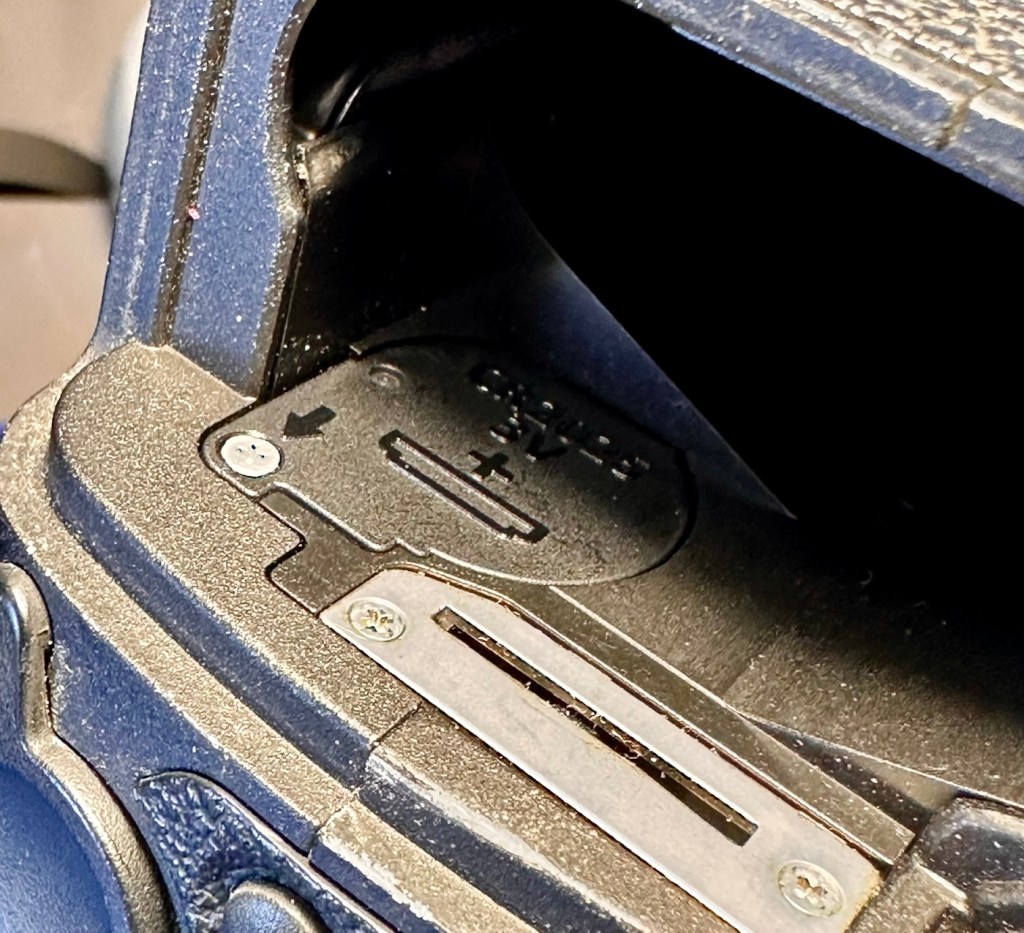
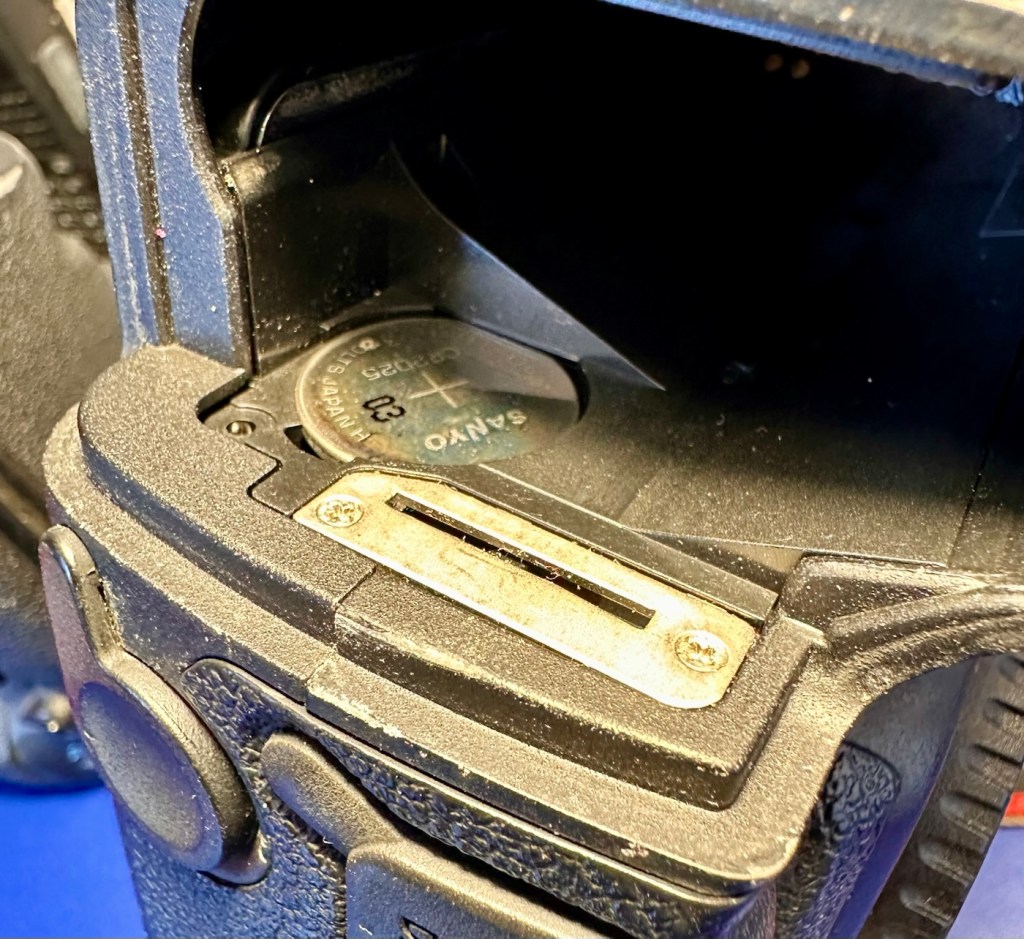
The clock battery is accessible at the point where the main battery fits in to place.

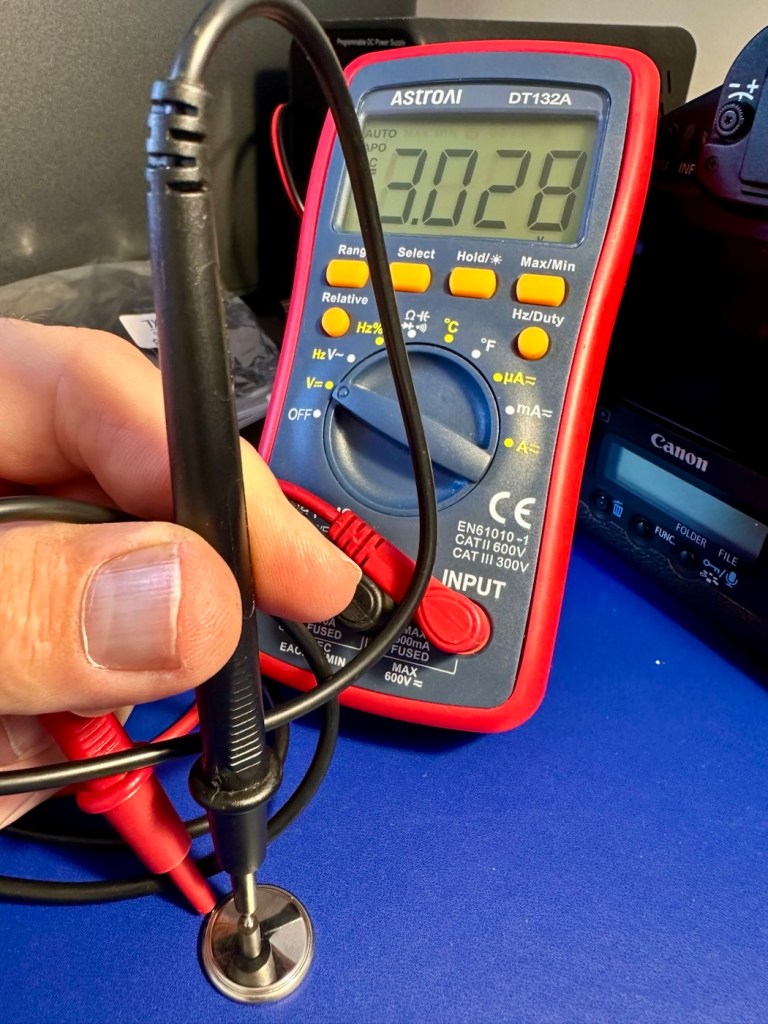
The battery is a CR2025 lithium coin cell. When tested the battery has a value of 3.028V. This is a sufficiently good charge for its purpose and is good seeing that this camera has not been used for the last four years.

Holding a good charge

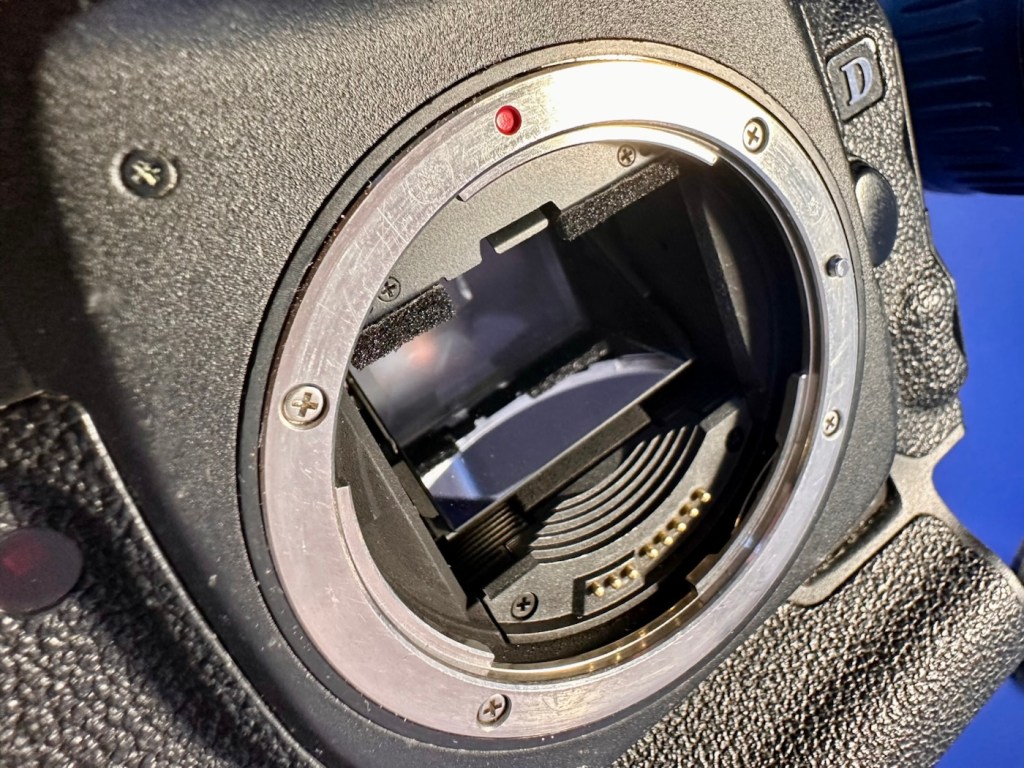
Moving on I’m looking in the lens barrel and the pentaprism and both mirror and viewfinder are extremely clean and clear. The rugged, bruised exterior has protected the delicate, clean and tidy interior. It certainly is a very well constructed camera.

All lovely and clean inside

The next thing I do is test the actual workings of these cameras, however that can’t be done until later today when the battery and charger that I ordered a couple of days ago arrives.

The battery and charger has arrived:

It’s here!

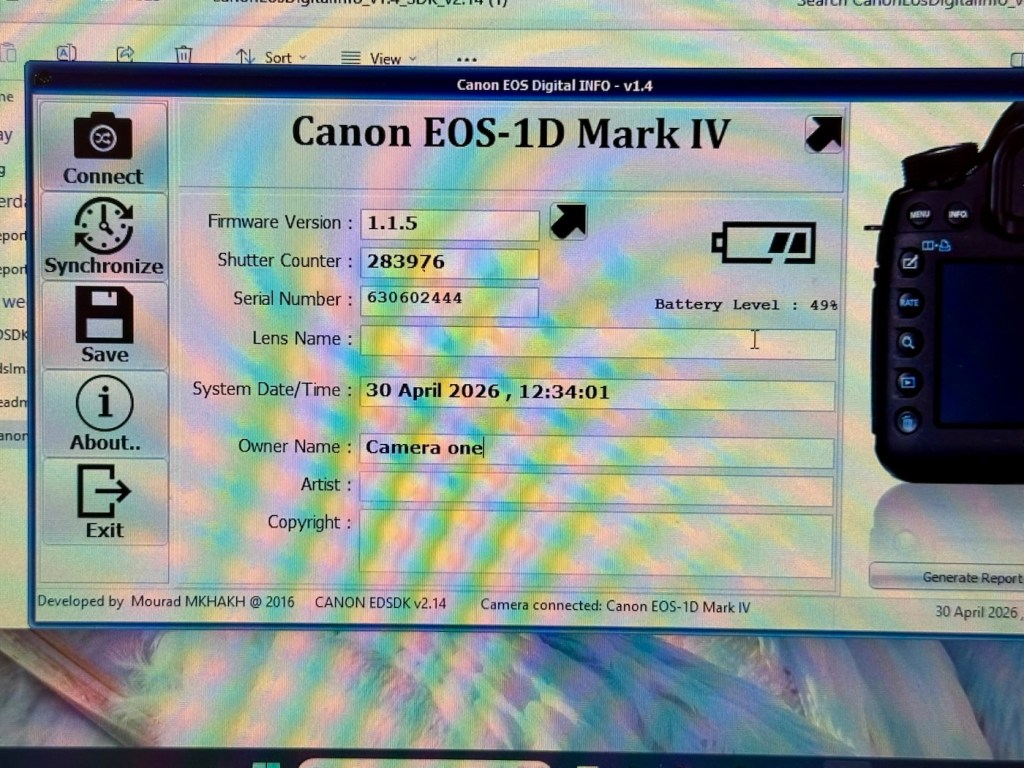
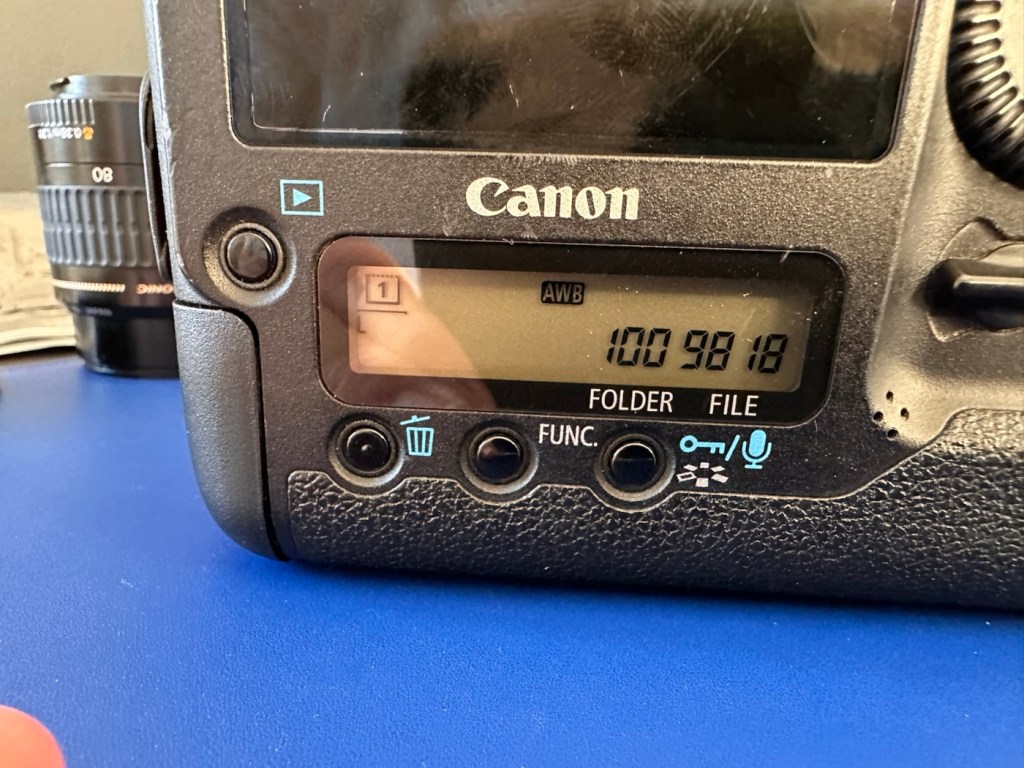
First thing I have done is to put the battery in its uncharged state, into the cameras just to see if there is life and the news is good with both. This Camera, number one has the following information.

Camera one information

It was the most beat up camera and it does have the highest shutter count at 283,976 actuations, the shutter life cycle of these cameras is 300,000 actuations as tested by Canon, so it is a very high count but still has a bit of life in it before it reaches the potential shutter count ceiling.

The good news is that this actual camera does have the latest firmware update of 1.1.5 so at least that doesn’t have to be downloaded and installed.

Battery now fully charged I have finally been able to put this camera through its paces test wise. And hells bells I’m so impressed. It was already set in quick fire mode so when I pushed the shutter button I was shocked to see just how quick this camera responded. It was rattling off shutter actuations at a breath taking 10 frames per second, wow, the sound was amazing!

10fps mode….impressive

It’s not hard to see why you can get such a high shutter count on these cameras with such shutter activity, it absolutely makes sense why these cameras are used in high speed activities such as sport and wildlife photography.

All displays are working as normal, all button actions and dials are doing exactly what they should be doing. This camera is in a good healthy condition.

As an older camera it is packed to the rafters with settings and possibilities, there is so much to learn around its operation, its capabilities and settings. It’s built like a tank, weighs a ton, makes a lot of camera noise that I relate with the good old days and I just absolutely love it.

Even the shutter bumper foam is in good condition and does not require replacing yet.

Camera two:

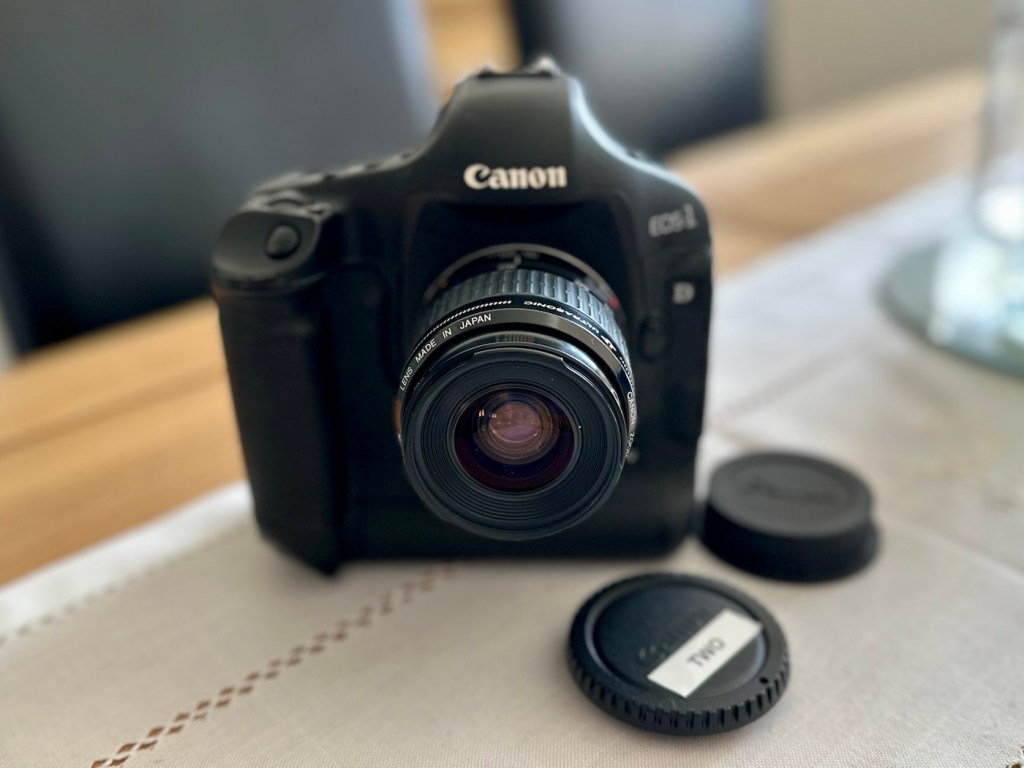
Here are the pictures:

Camera two is only 16 months younger than camera one, and you can see that difference in cosmetic condition immediately. The wear and tear on this model is considerably less than that found on its counterpart. This camera had no CF card inside so there was no way of putting a last used date on this one.

As with camera one there are no signs of the camera being dropped, no damage to the metal casing being cracked and no sharp dents visible. The Cf card and Sd card holder both take cards without any force having to be applied, and all pins are in a good order. I’m confident there are no issues in the memory card area.

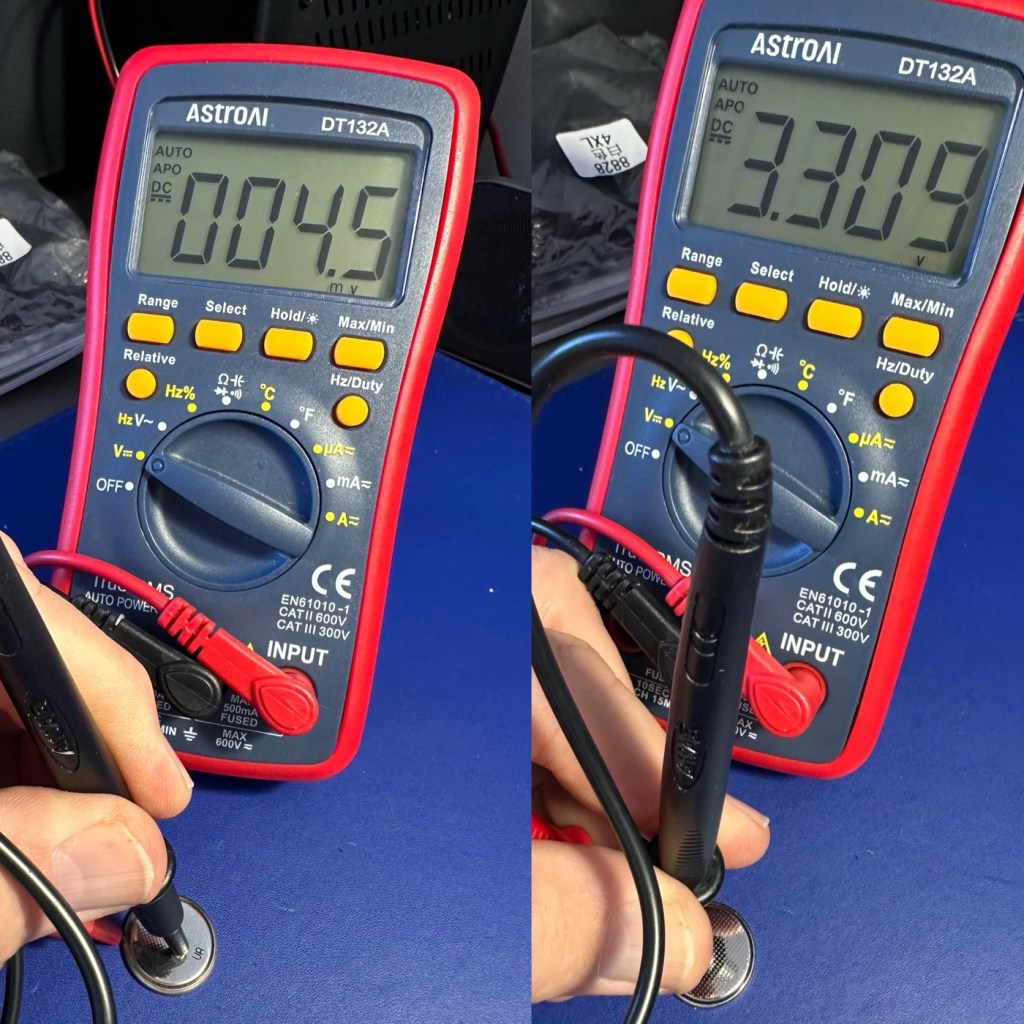
The clock battery reading is a very low 4.5mV it is very dead. I have therefore replaced this with a CR2025 3V lithium coin battery reading a lot healthier 3.30V.

Clock battery reading, before and after

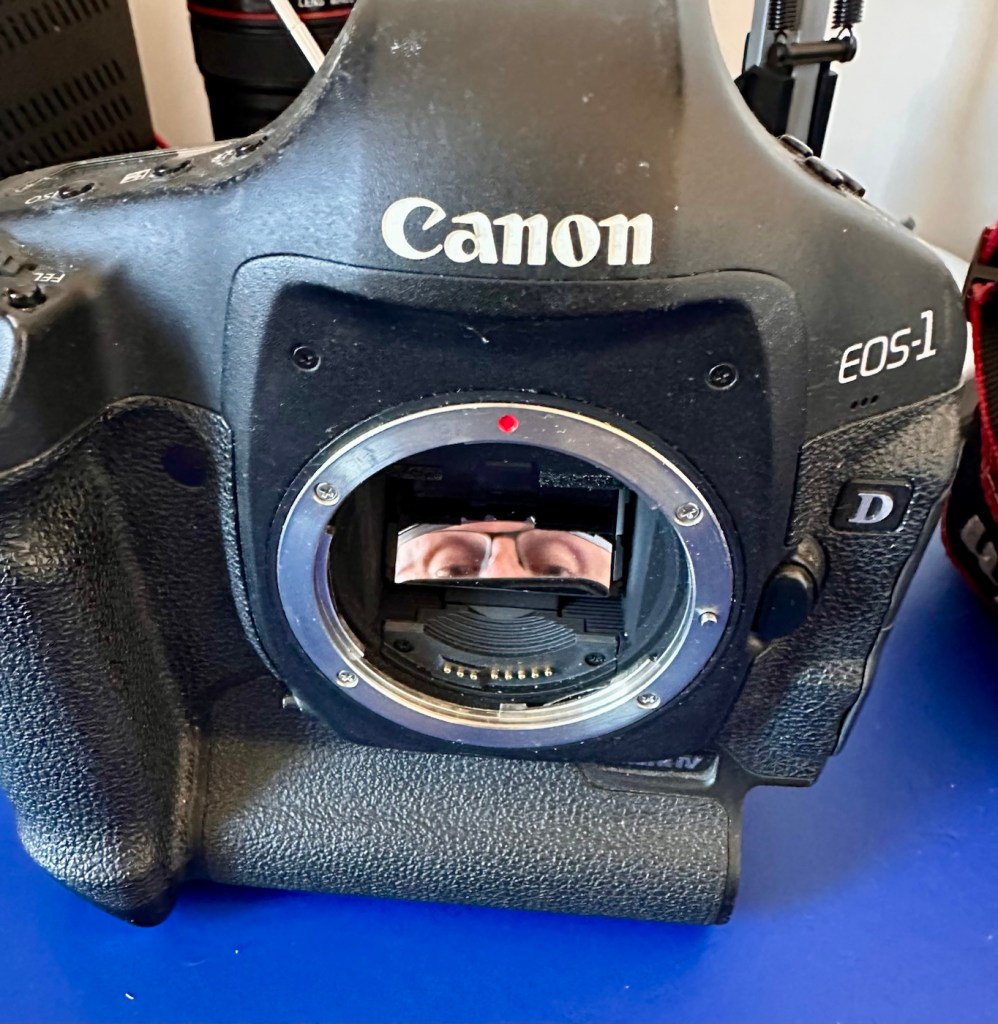
Again as in camera one, the viewfinder and mirror are both very clear and the lens barrel is very clean, having been protected by the rugged camera exterior.

Weird face in the mirror – it’s clean though

With the new battery that had just arrived installed, it kicks into life and I am then able to get the following information from the camera.

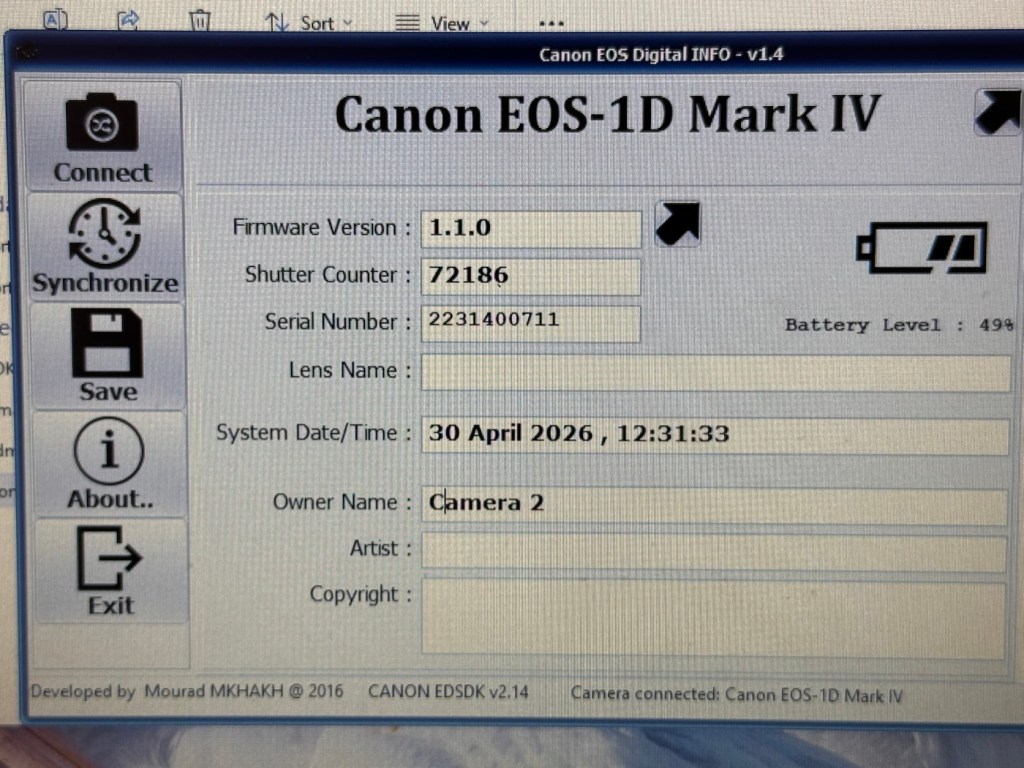
Camera two information

This camera in comparison to Camera one has a really low shutter actuation count of 72,186. The tested shutter count by Canon is 300,000 actuations, so this camera still potentially has a lot of life left in it.

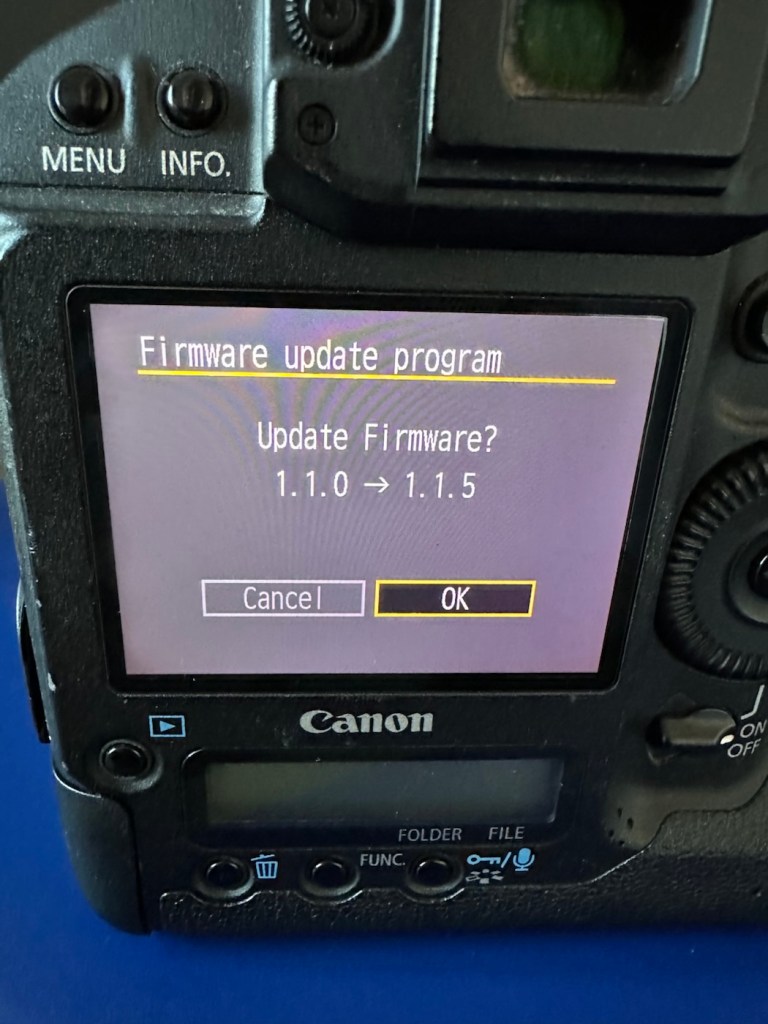
The camera firmware will need to be updated to the latest firmware of 1.1.5 as it currently has a slightly older firmware installed of 1.1.0.

Ok, I’ve downloaded the firmware file and extracted it to the CF card I’m using in the camera. Let’s get it installed.

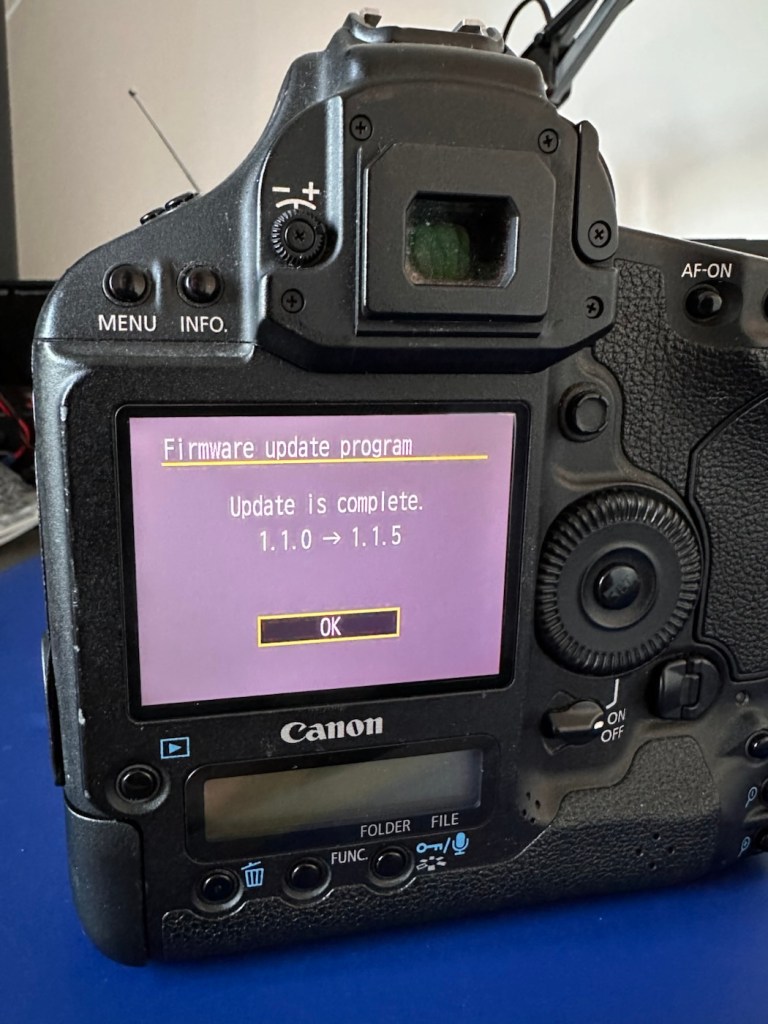
The camera firmware is now updated.

As in camera one, with the newly charged battery installed the immense high speed of the shutter is highly impressive. All buttons, dials and switches function as they should and all displays are clear and sharp in appearance.

All serviceable parts remain in a good condition, even the mirror bumper foam is in a good state and does not require attention yet.

Repair:

I’m now going to condense this section into a mix of both cameras. It’s a bit of an anti climax for anyone wanting to see a meaty repair post as that’s just not going to happen here. Both these cameras, though used and in one case extremely highly used, have both been maintained and looked after during their life. So for me my job has been easy, and going forward I will just maintain them in a similar manner.

A quickly shot image indoors

I see absolutely no point in tampering with them now, they are working just fine and are in a perfectly good condition. Their construction is so solid with their metal weather sealed bodies, that the last thing I want to do is compromise that construction and security just to fill space in a post..

A quickly shot image outdoors

All I’m going to do at this point is polish both cameras. Camera one with its beaten up body and press pass stickers is just going to stay like that, I want that to remain as a constant reminder of its use, and its purpose as a high usage press photographers camera, it’s a work of art in itself and that’s how it will stay. Camera two, again will jut be polished, it’s the more acceptably presentable “Cosmetically” camera and with its lower shutter count and will probably be the unit i will concentrate on using myself.

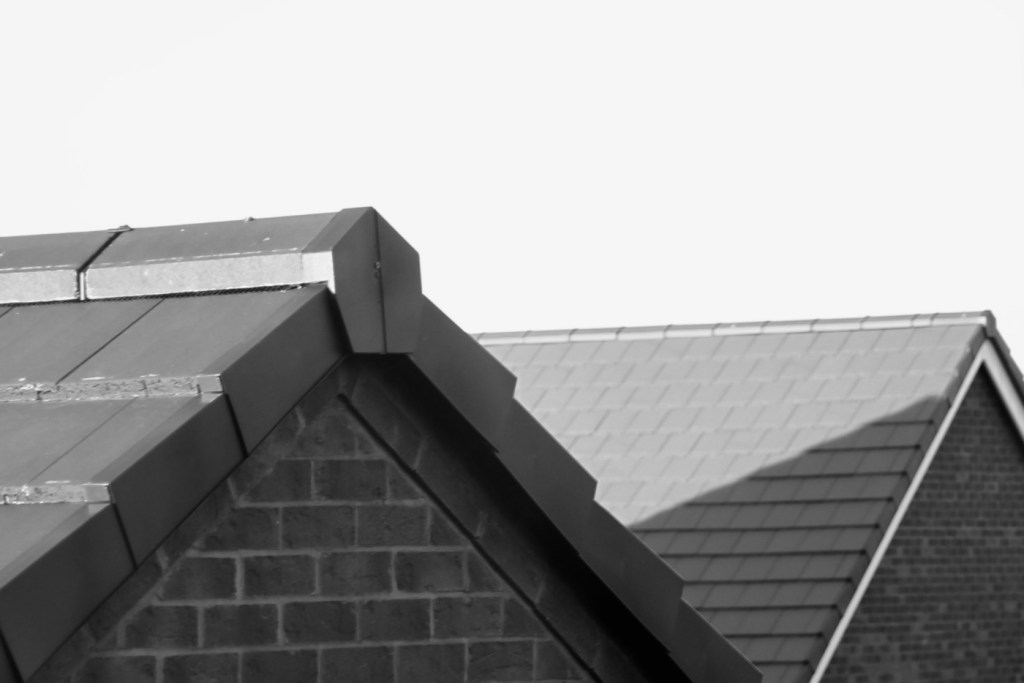
A few pics from the two of them:

I’m only using very basic test lenses on these units and I must admit, even with basic optics the visual returns are quite impressive. The colours are so rich, and I love that there is also the setting to do some pure black and white shots if you so wish.

This is my new (Old) favourite camera. Why do I just fall in love so easily ❤️

When these cameras first came out they were commanding a price of around £4,000.00GBP and people were more than happy to pay that cost.

Here I am a few years later and I have been gifted two of them for the grand old price of…..Nothing.

I’m a lucky old fellah I’d say.

Result:

I present to you, two wonderfully heavy, cumbersome, noisy and beautifully constructed pieces of photographic history, and both are an absolute joy to behold.

My new long term relationship has just begun (Don’t tell the wife 😂) and I am so looking forward to getting these cameras out to a sports or wildlife watching event. To many, I know they will say, why do you want to carry one of those around, why not go mirrorless? Well, I’ve got that gear as well but I hardly use it. I’m an old 80s-2000s guy who loves the old technology, just like I love old noisy aircraft, I love to hear a camera working, it puts a smile on my face. And the chances of me owning one of these beauties when they first came out was an absolute zero. Now I have two, and I have some serious catching up to do.

Thanks for passing by, as always it’s very much appreciated.

Stay safe.

Canon EOS 5D MkII

My second chance at reviving a DSLR from 2008, the Canon EOS 5D MkII. Will I have a little more success with this one?

I’ve been approached by an old colleague who used to be a syndicated sports photographer, he had a number of items he wanted to “get rid off” as they were just taking up space in his new house. “Would you be interested?” You betcha, so as a result I’m now the owner of a complete Bowens lighting system, two Canon EOS 1D MkIV cameras and a Canon EOS 5D MkII camera.
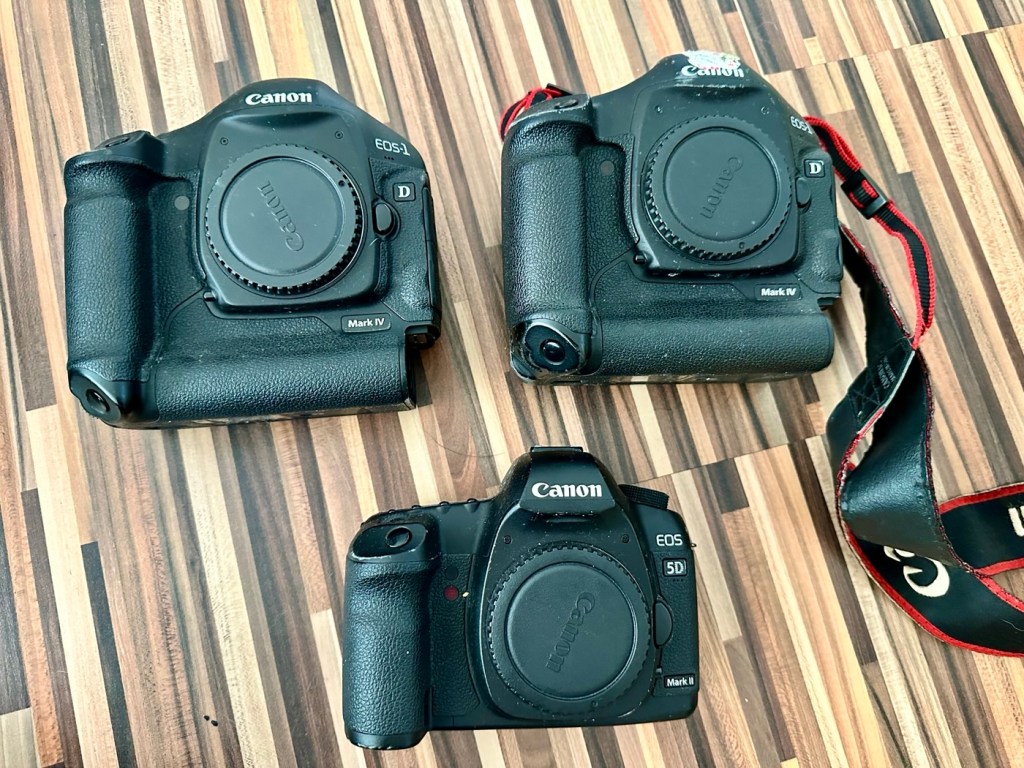
My days of fussing and farting about with lighting rigs has now long passed, so I know a youngster starting out in the world who is a very talented young fellah, I have donated this equipment to him and he will certainly have a use for this lighting setup. He has been approached and accepted the offer, I think he is quite happy with his new acquisition, here’s hoping his talents continue to flourish.

However the cameras are mine as no one wants this old stuff anymore 😂

This post focuses on the repair of the Canon 5D MKII, the repair of the EOS 1D MKIVs can be found here: Canon EOS 1D MkIV There is also a link to my first attempt at a Canon EOS 5D Mk2 and here is the actual assessment of that camera and the issues experienced with it Canon EOS 5D MK2 assessment and repair, I failed with this repair due to it having sensor issues, so sold it on at a small profit, i’m hopeful that this new attempt at the 5D will bring better results.

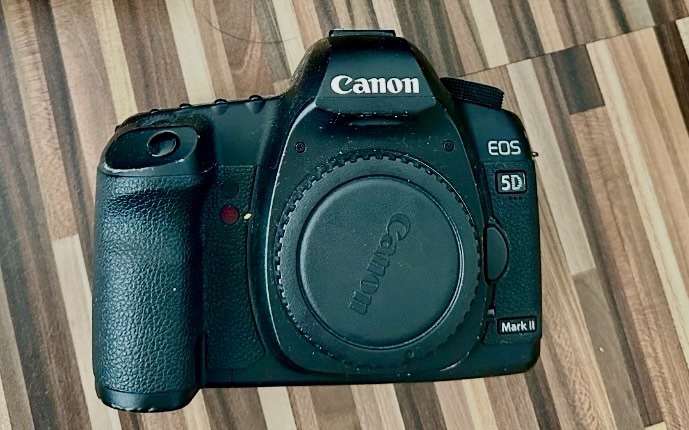
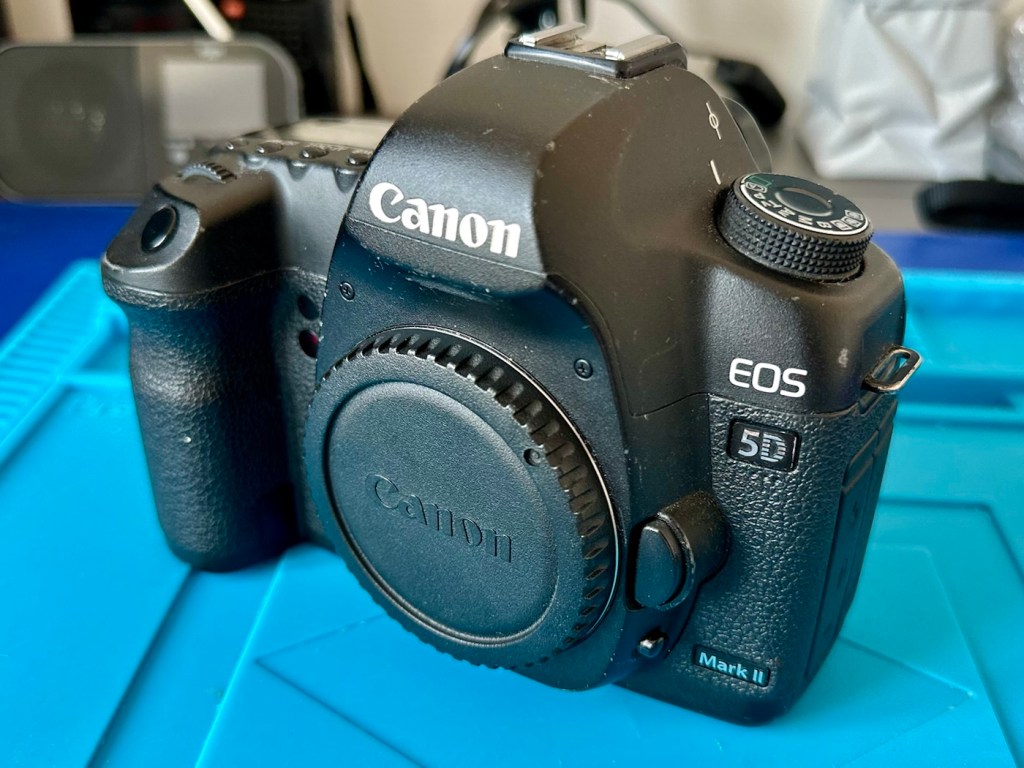
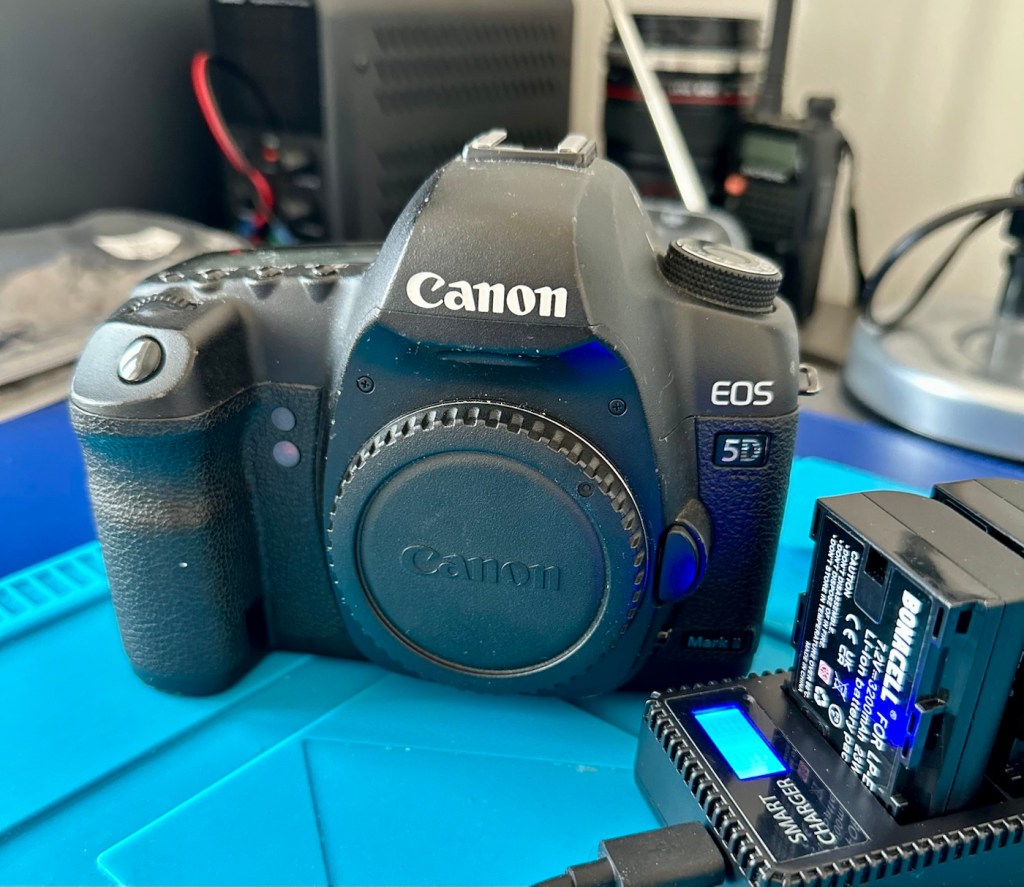
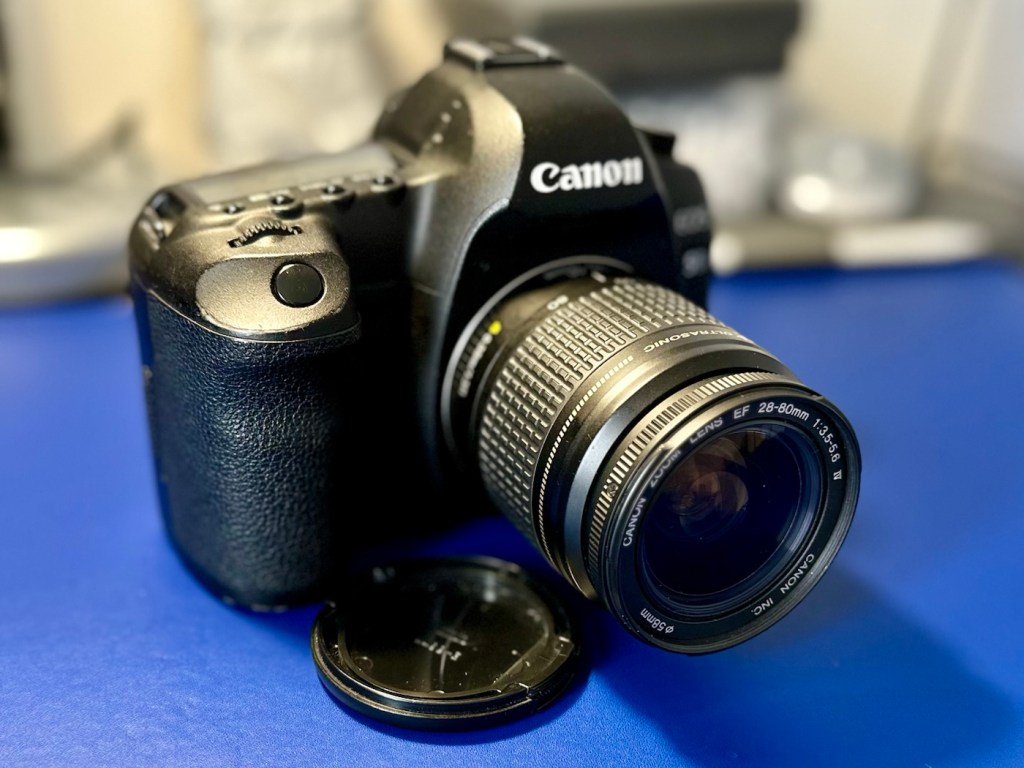
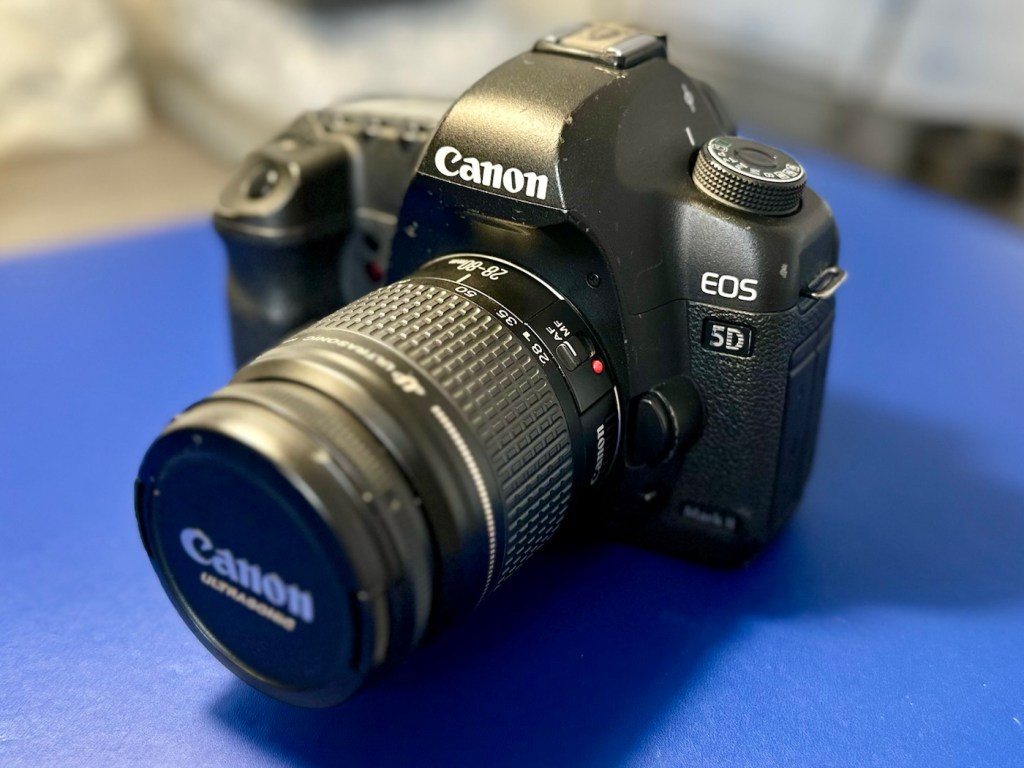
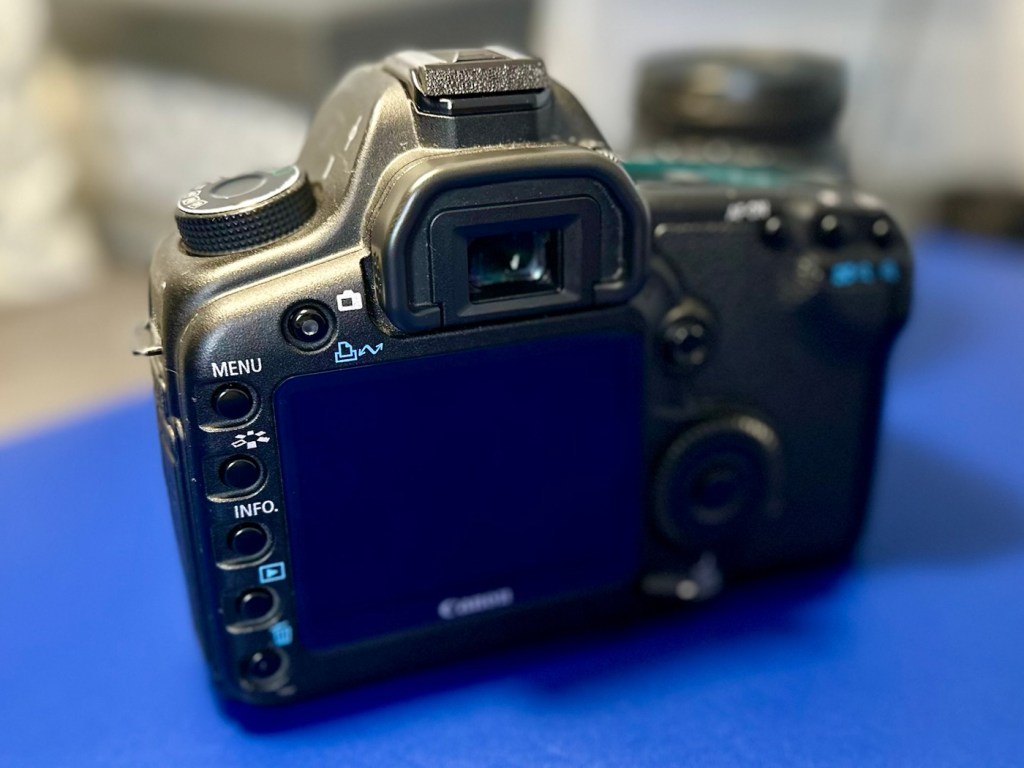
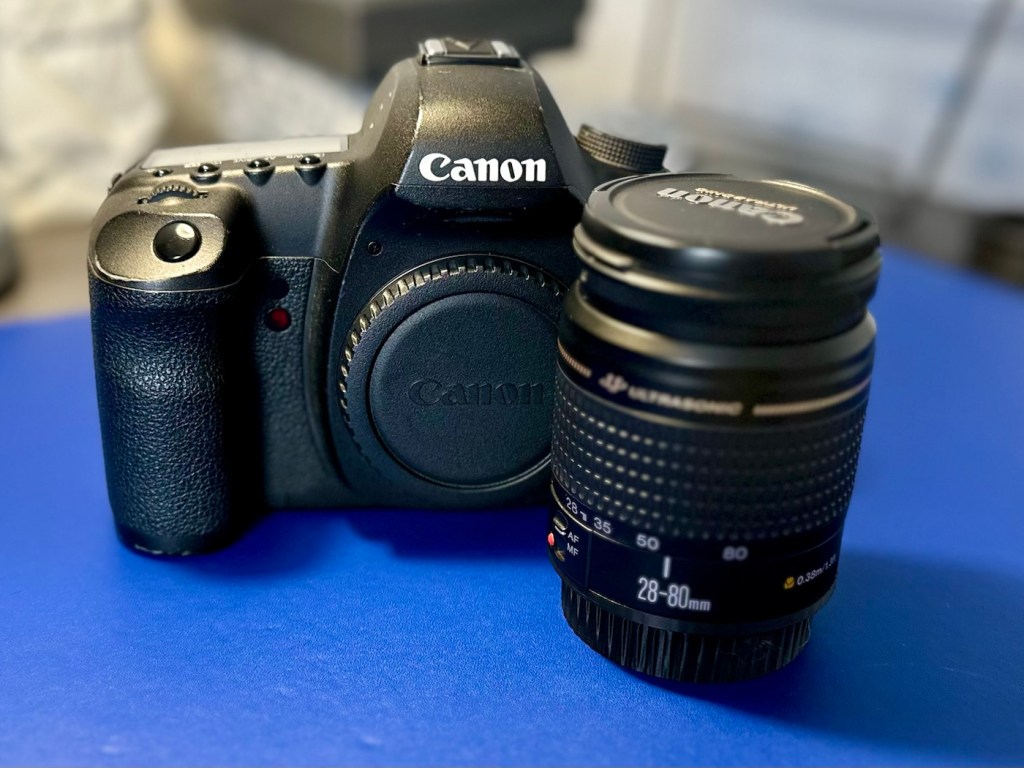
The Canon EOS 5D MkII

Let’s hope this camera acquisition comes with a better outcome. Whereas the other two 1D cameras i received in this package have required me to to purchase a new battery and charger, I do already have a number of LP-E6 batteries and a charger in my possession, so there is no initial outlay required to test this camera. We are off to a good start here and should be easily able to diagnose any issues fairly quickly.
Anyway, before we assess the camera, here is a little bit about the Canon EOS 5D MkII.

The Canon EOS 5D Mark II is a 21.0 effective megapixel full-frame CMOS digital single-lens reflex camera made by Canon, the first Canon EOS camera to have video recording capabilities. It succeeds the EOS 5D and was announced on 17 September 2008.

On 2 March 2012, Canon announced the camera’s successor, the Canon EOS 5D Mark III. On 24 December 2012, Canon Japan moved the camera to their “Old Products” list, effectively discontinuing the camera.

The Canon EOS 5D Mark II is a full-frame camera and requires Canon EF-mount lenses. It is not compatible with EF-S lenses (which are for APS-C crop sensors).

Features:

  • 21.0 megapixels (5,616 × 3,744 pixels), compared to 12.8 megapixels (4,368 × 2,912 pixels).
  • DIGIC 4 image processor, compared to DIGIC II.
  • 100 to 6400 ISO (expandable to L (50), H1 (12800), H2 (25600)), compared to 100 to 1600 (expandable to L (50), H (3200)).
  • 3.9 frames per second continuous shooting (78 JPEG or 13 Raw in a single burst), compared to 3 frame/s (60 JPEG or 17 Raw).
  • Small Raw modes: sRAW1 mode (10 megapixel/3861 × 2574 pixels), sRAW2 mode (5.2 megapixel/2784 × 1856 pixels).
  • 98% viewfinder coverage with 0.71× magnification, compared to 96% coverage.
  • Larger 3.0-inch (76 mm) LCD with 920,000 pixels, compared to 2.5-inch (64 mm).
  • 1800 mAh LP-E6 battery, compared to 1390 mAh BP-511A.

New features

  • Movie recording full HD at 1920 × 1080 and SDTV at 640 × 480 resolution.
  • Monaural microphone for audio during video recording, speaker for playback and microphone jack for external stereo microphone
  • Live preview with ExpSim LV “exposure simulation” live preview (full exposure preview control utilizing ExpSim LV, a first for video in a DSLR)
  • Live preview with contrast-detect autofocus
  • HDMI video output for live preview or playing clips and images on an external monitor via Type C MiniHDMI port
  • Dust reduction system to perform automatic sensor cleaning
  • Battery management software

Key Lifespan Factors:

  • Shutter Rating: 150,000, though this is considered conservative by users.
  • Real-world usage: Many cameras show failure rates increasing closer to the 100,000–150,000 range, but many exceed it significantly.
  • Longevity: Some, though rare, individual cameras have recorded over 2 million shots.
  • Repairability: The shutter mechanism can be replaced if it fails, which may extend the camera’s life further.
  • Component failure: Other parts, such as the power board or rubber grips, may fail before the shutter. 

Common Issues:

  • Rubber grips: Rubber grips can become loose over time.
  • Button/Dial functionality: Buttons and dials may wear out over long periods of use.
  • Sensor maintenance: Regular sensor cleaning is needed to maintain performance. 

The 5D Mark II is the first camera in the EOS line to provide video recording functions. Still photography during video recording is possible, but the camera suspends recording video until the final still frame is captured.

The lithium-ion battery for the 5D Mark II (LP-E6) has an 1800 mAh capacity. Each battery contains a microchip with a unique identifier for reporting charge status and battery health for display on the camera. The 5D Mark II’s “Battery Info” screen can track battery health and shooting history for up to six LP-E6 batteries.

The camera has native ISO values of 100 multiplied by a power of 2; other ISO values are obtained by a digital exposure push (ISO values that are multiples of 125) or digital exposure pull (ISO values that are multiples of 160). The digital exposure push ISO is 1/3 stop greater than the native ISO, and a digital exposure pull ISO is 1/3 stop less than the native ISO. The digital exposure push ISO settings produce more noise than the native settings with a reduced dynamic range, and the digital exposure pull ISO settings produce less noise than the native settings.

Wikipedia

Assessment:

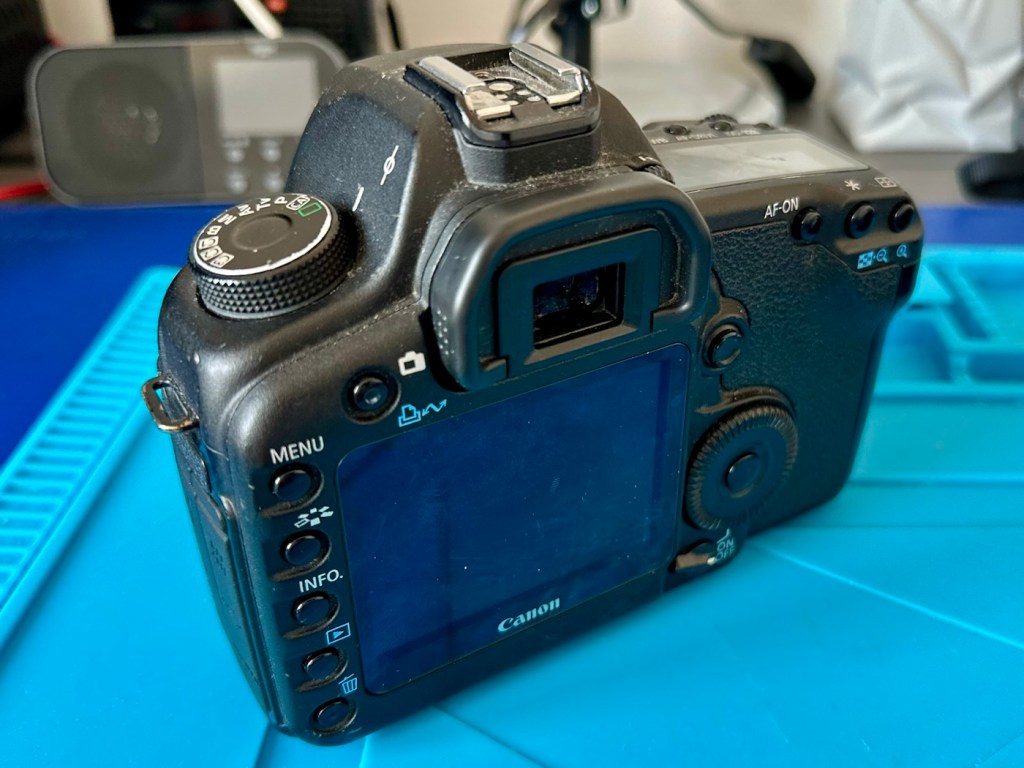
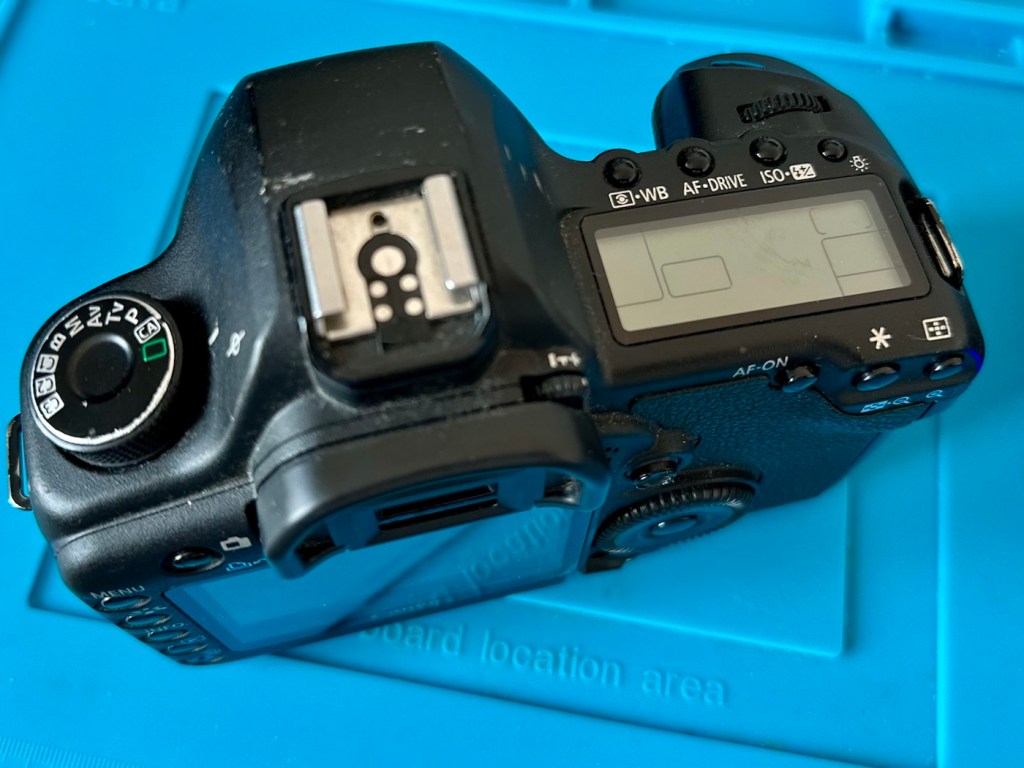
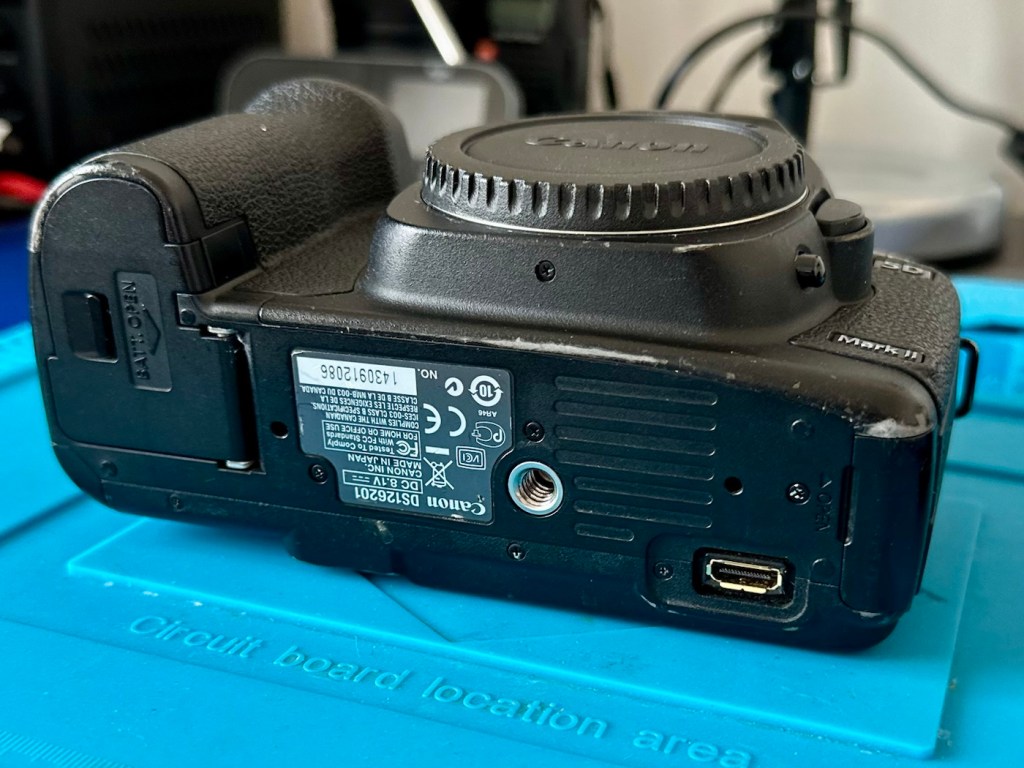
The camera has arrived and here are my first thoughts. But first some pictures.

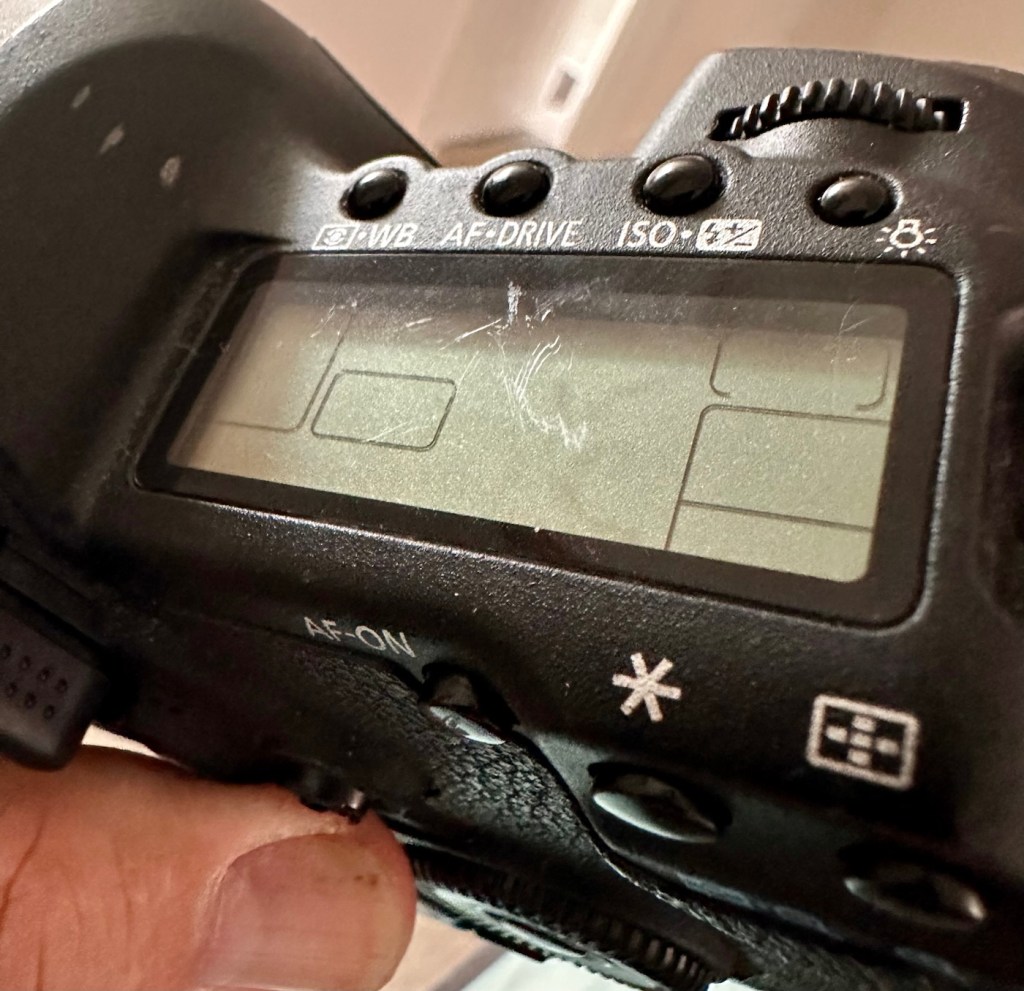
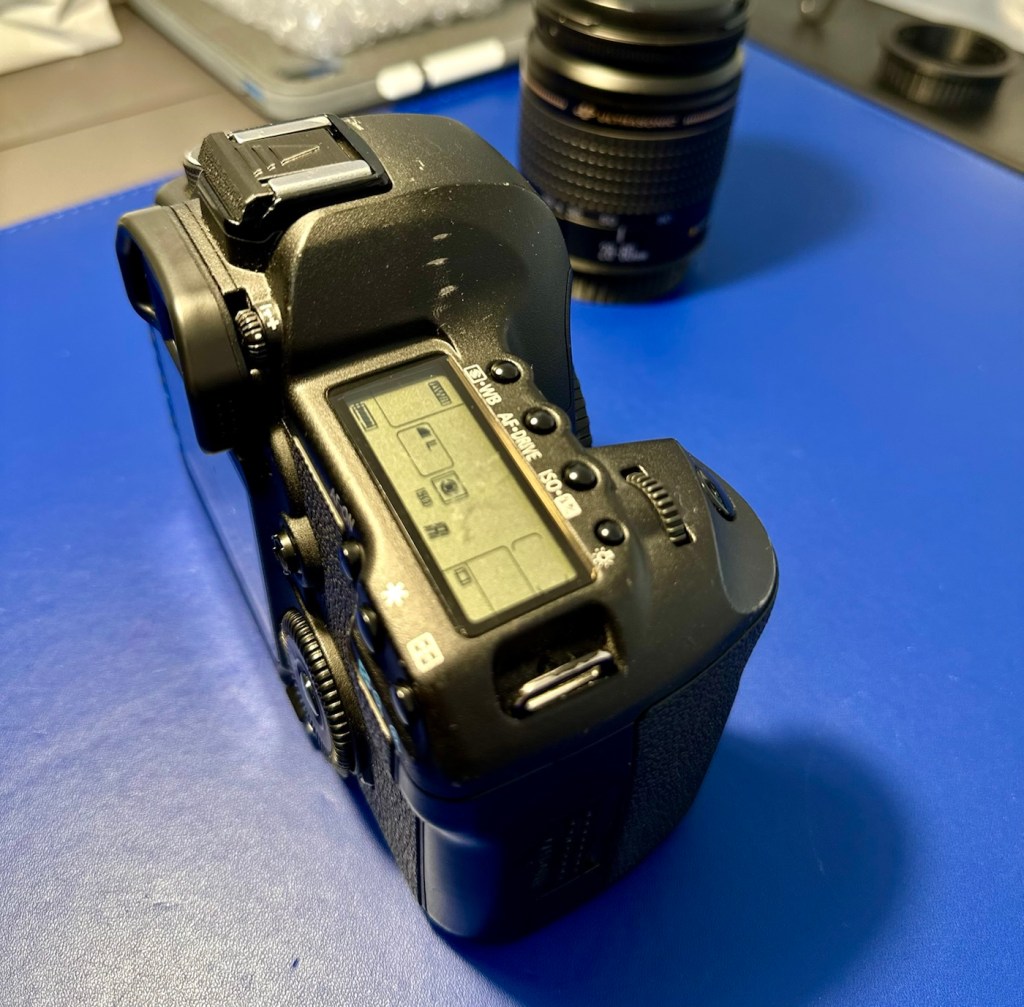
Just holding the camera and looking around it, you can see it has been well used over the last eighteen years. There are chips and scuffs, but nothing excessive, and certainly no “hard” dents that would indicate it has been dropped at anytime. The top LCD panel has a scuff on it, but this doesn’t stop any information being read.

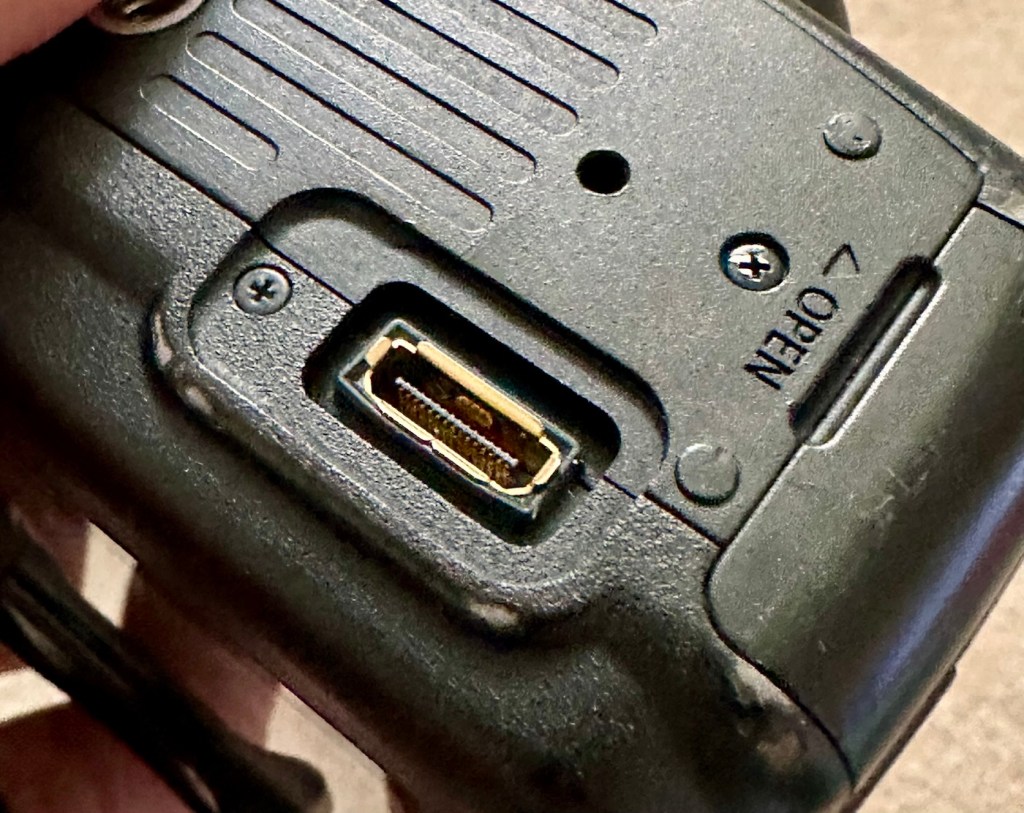
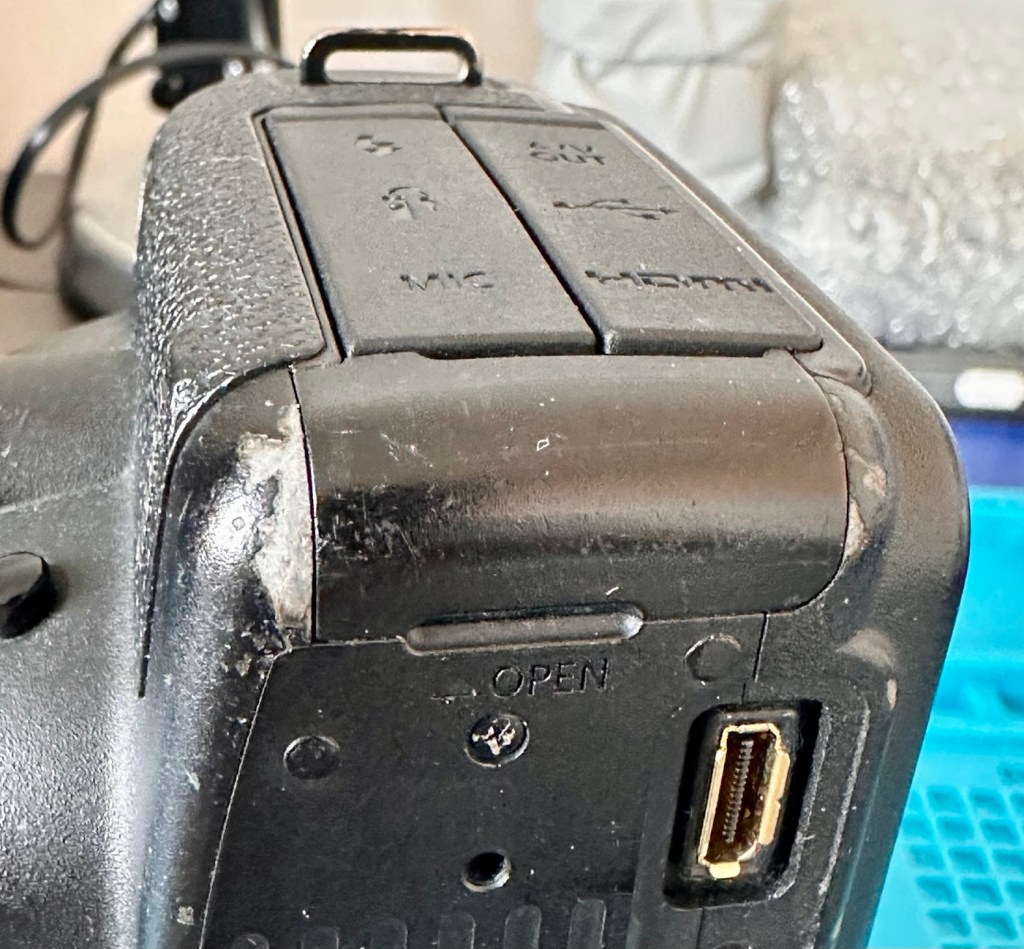
The battery contacts are clean and there is just a small rubber cover missing on a connection that is on the base of the camera. All switches and buttons appear to operate as intended, everything is there and the exterior appears to be used, but in a good condition.

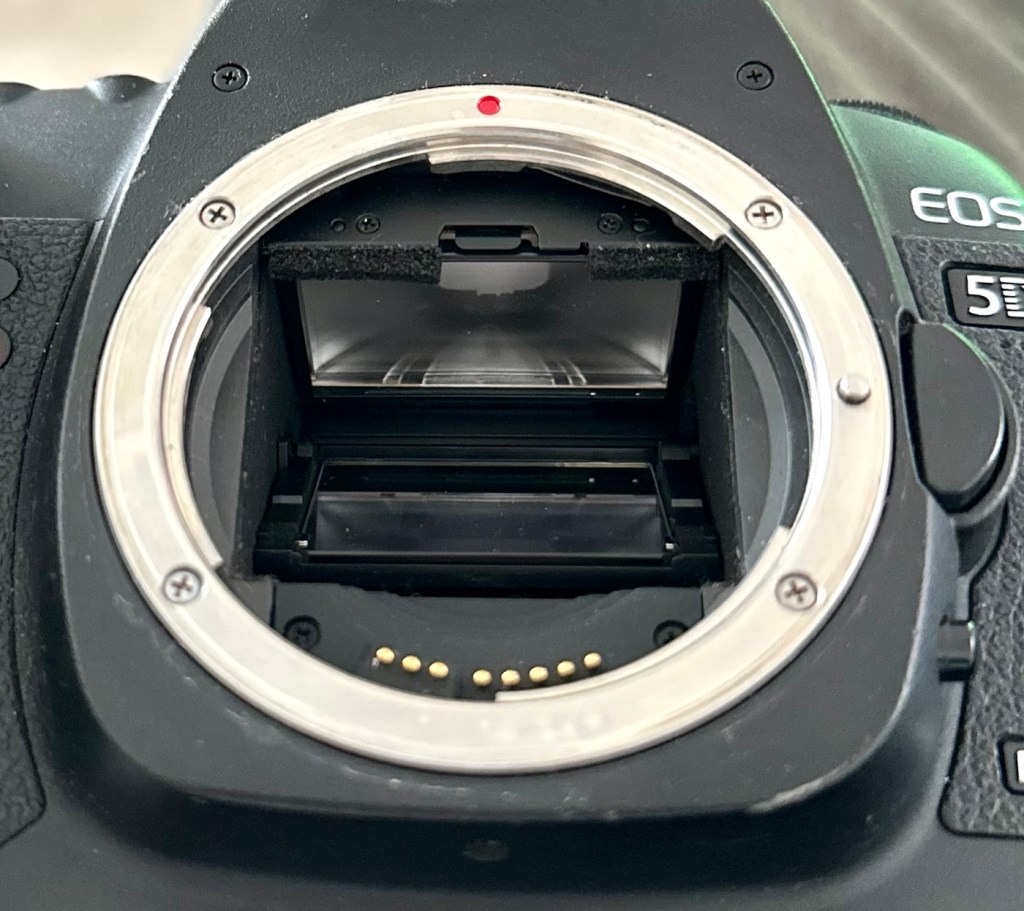
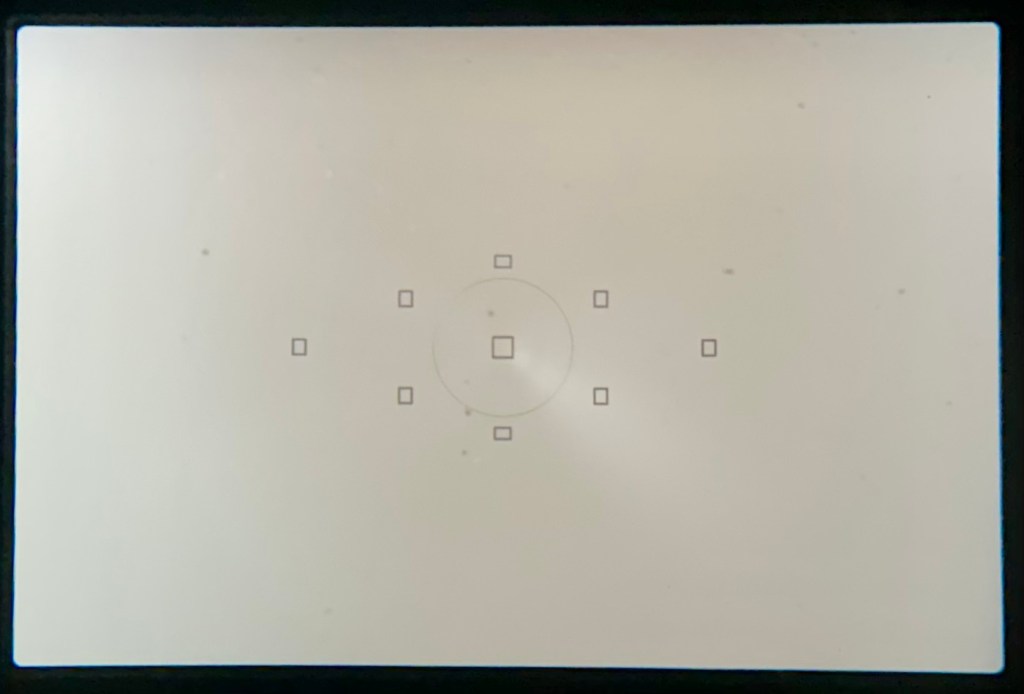
The lens barrel appears to be clean, the mirror and focus screen have a little dust and dirt on them however this is an easy clean. The shutter is closed underneath the mirror ensuring the sensor stays isolated from the outside world. I won’t be able to check how this is until I have a battery installed.

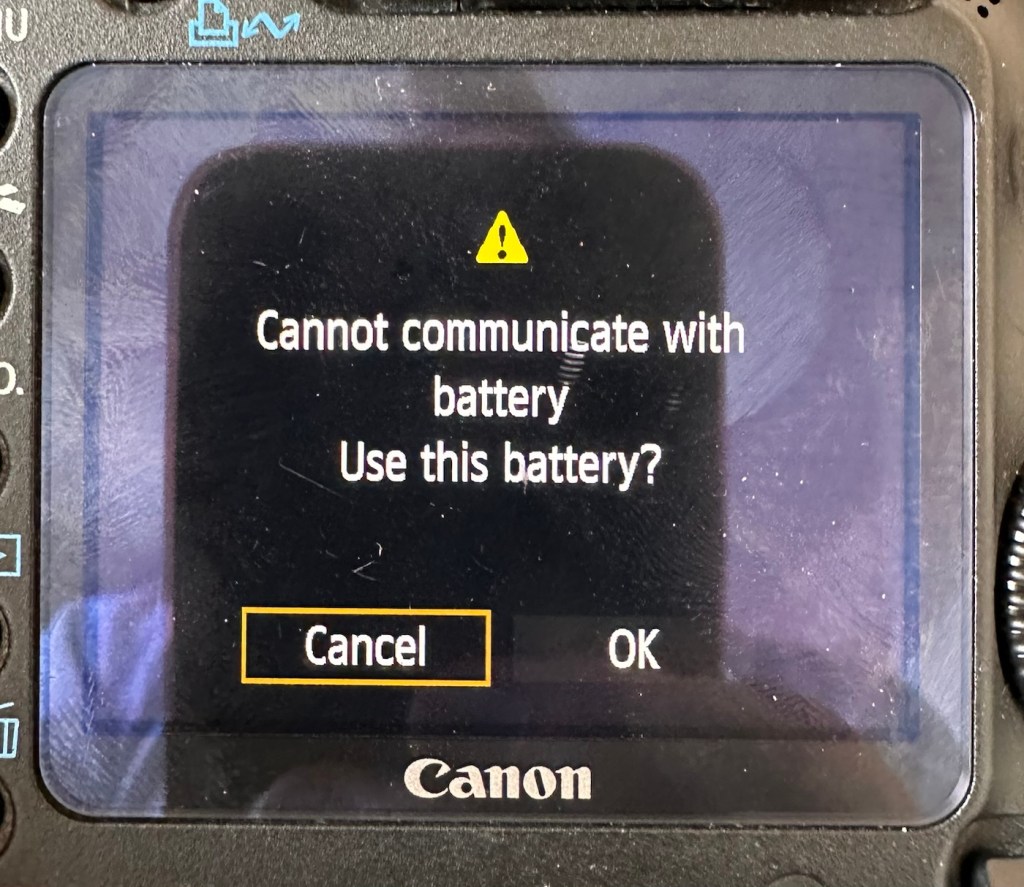
Batteries. As I have stated above I do have compatible batteries for this camera. This camera has a battery management system installed that communicates with the original “Canon” batteries that report back on their charge status amongst other information. However my batteries are not Canon originals and are in fact third party ones that don’t have the ability to communicate as original batteries would. That said, they are more than capable and usable. I just know that the very second I put the battery in and turn the camera on, it will show some kind of battery communication error on the rear screen. It’s ok though as we can opt to ignore that warning, click ok, and just get on with things, with no issues to the general operation of the camera.

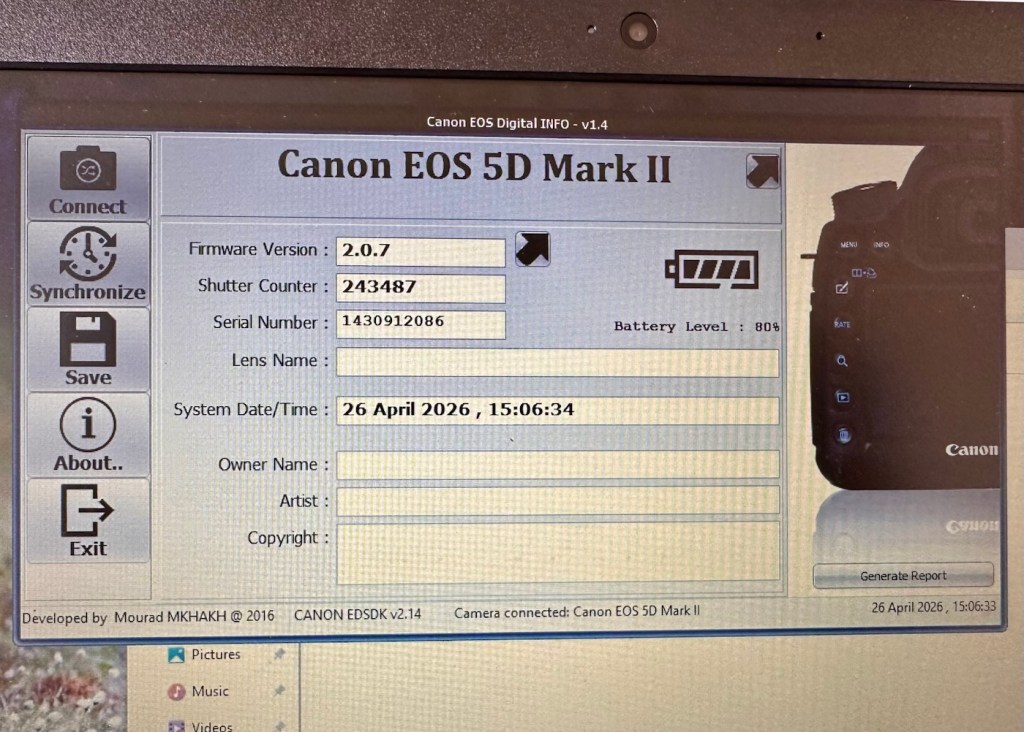
Let’s do a little digging around. I’ve downloaded a little program that appears to be quite popular, to try and find exactly how many times the camera shutter has been activated in its lifetime, (still photo count – not including video). Here is that count.

243,487 shutter activations…wow!

I guessed the count would be high as it was the previous camera of a syndicated sports photographer, I just wasn’t quite expecting this high. But who am I to complain when I have received this camera for free. if you read the camera specs in the paragraphs above, the expected lifespan of the shutter is around 150,000 actuations, however the photographic community tends to question this figure. Some cameras have gone into the millions with shutter counts, however this one will plod on with me on much lower figures, if I get it working. I don’t know its service history, it’s a rugged built heavy use camera, that will go on for years if looked after properly. And that’s what I intend to do with it.

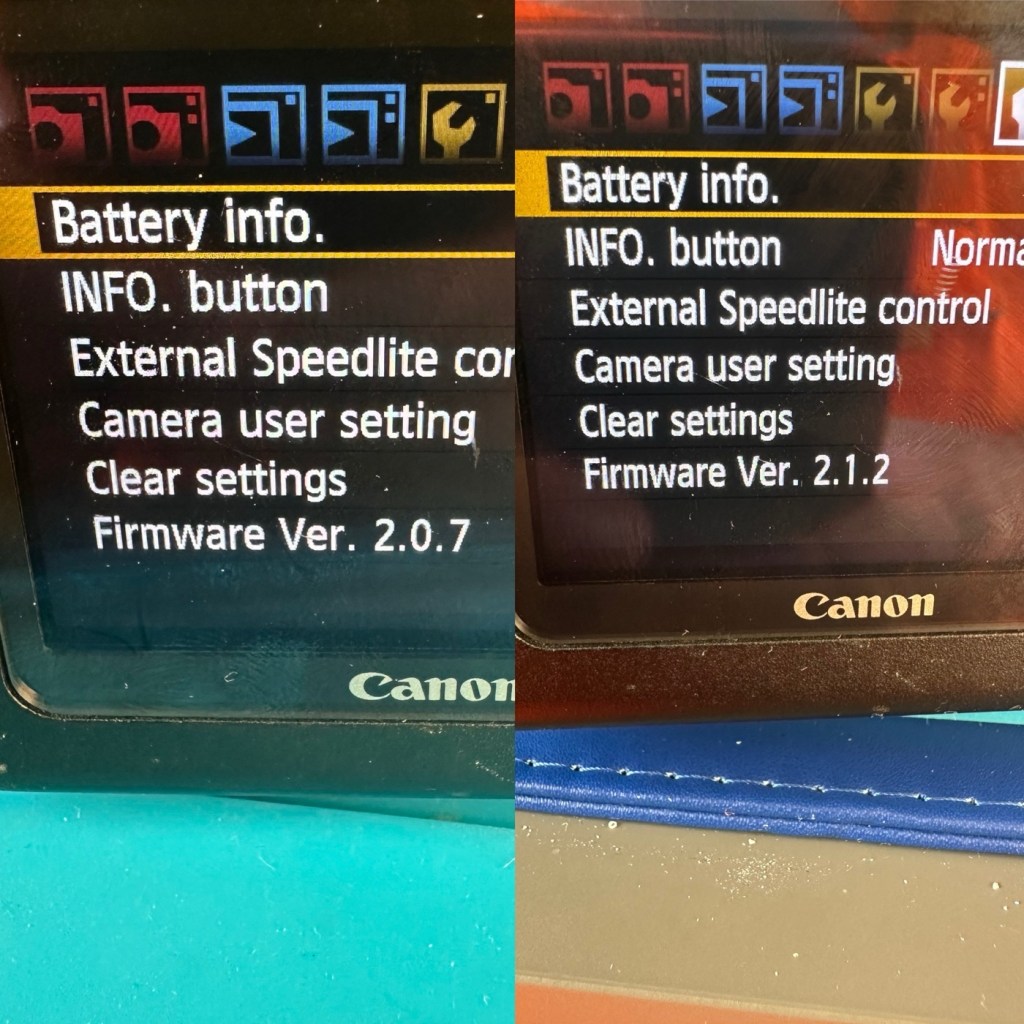
Another piece of information that can be obtained from the piece of software above is the firmware version. The current installed version is 2.0.7 and that was installed sometime in 2010. The latest and last version is 2.1.2 that was released in 2012. I will attempt to update this cameras version of firmware to the final updated one.

I think I’ve had a good assessment with this camera, I know what needs looking at so let’s get on with giving it a little TLC to ensure it will go on working for a few thousand more shutter actuations, I’ve got to try and get this camera to the 1/4 million mark at least!

Repair:

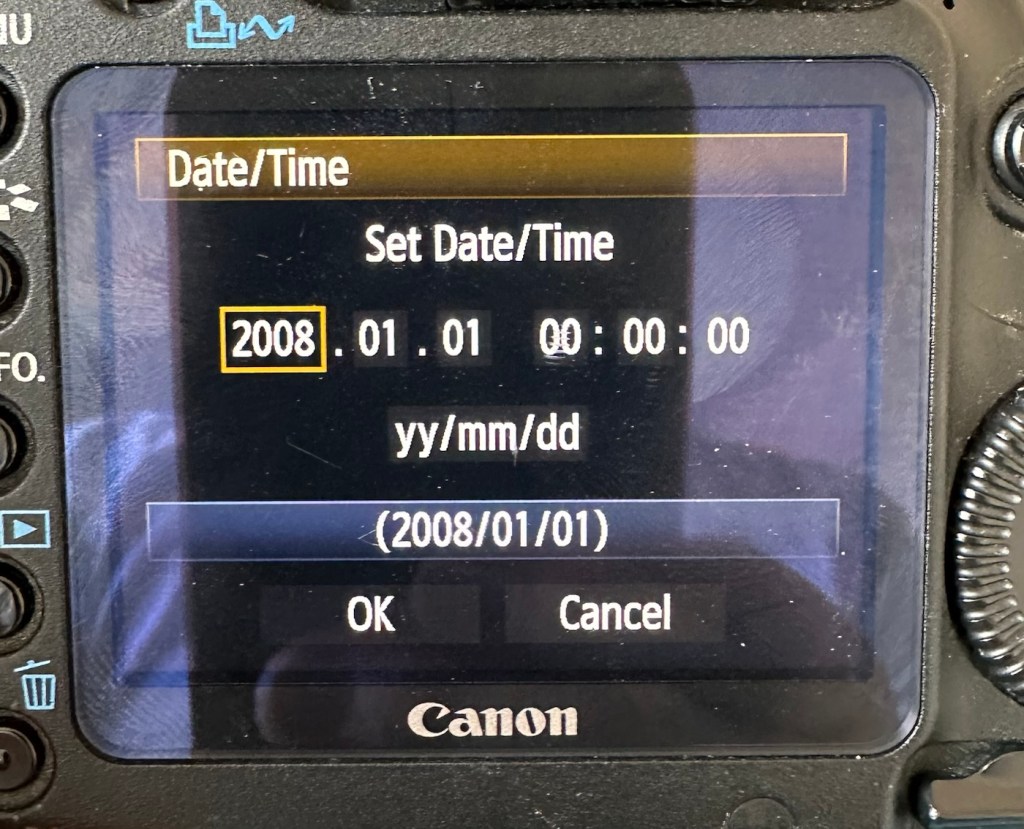
The first thing I want to do, is to look into why, when you input a date into the camera, the information disappears as soon as the camera is turned off and turned on again? This is a simple issue, easily located and soon rectified. These cameras normally have an additional battery buried somewhere in the camera that acts like a cmos battery in a computer. It simply supplies a small charge that maintains dates and program settings when the camera is an a sleep mode, instantly reinstating the correct information when the camera is switched on again.

And this camera is no different.

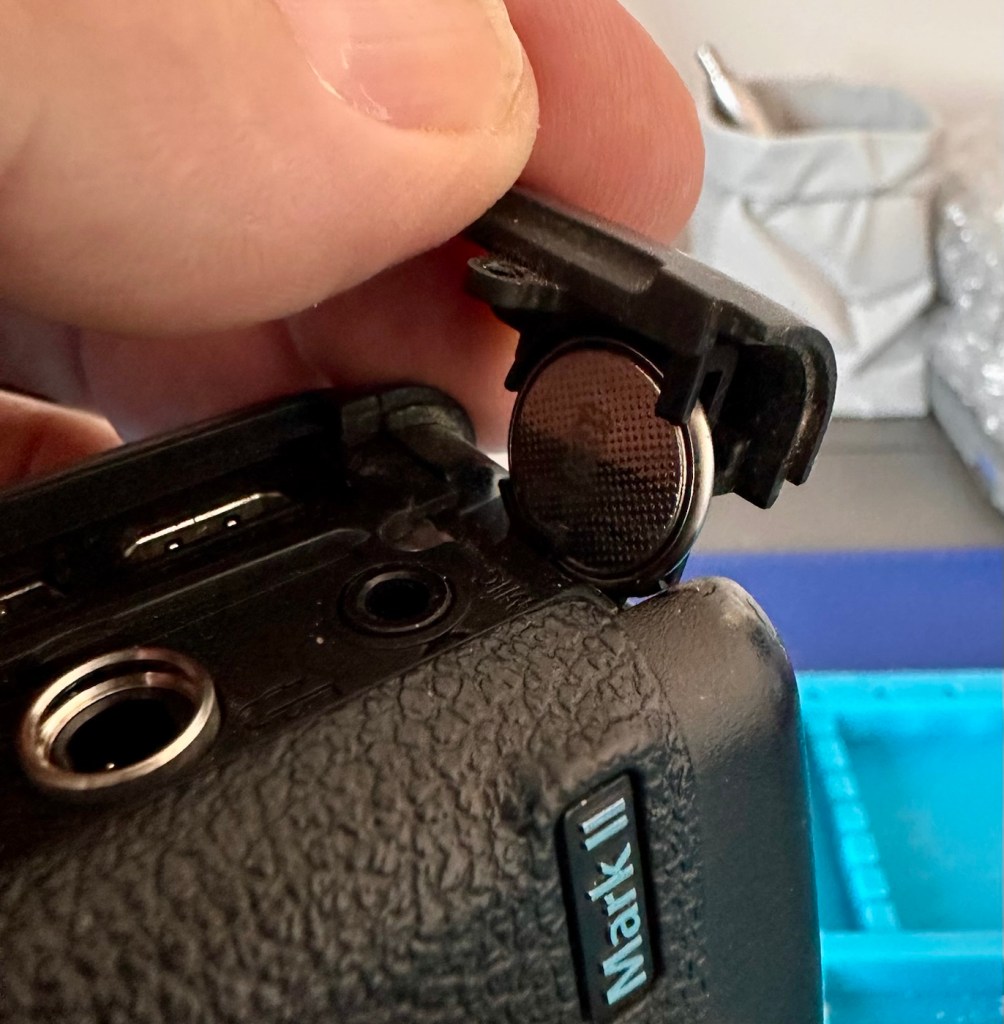
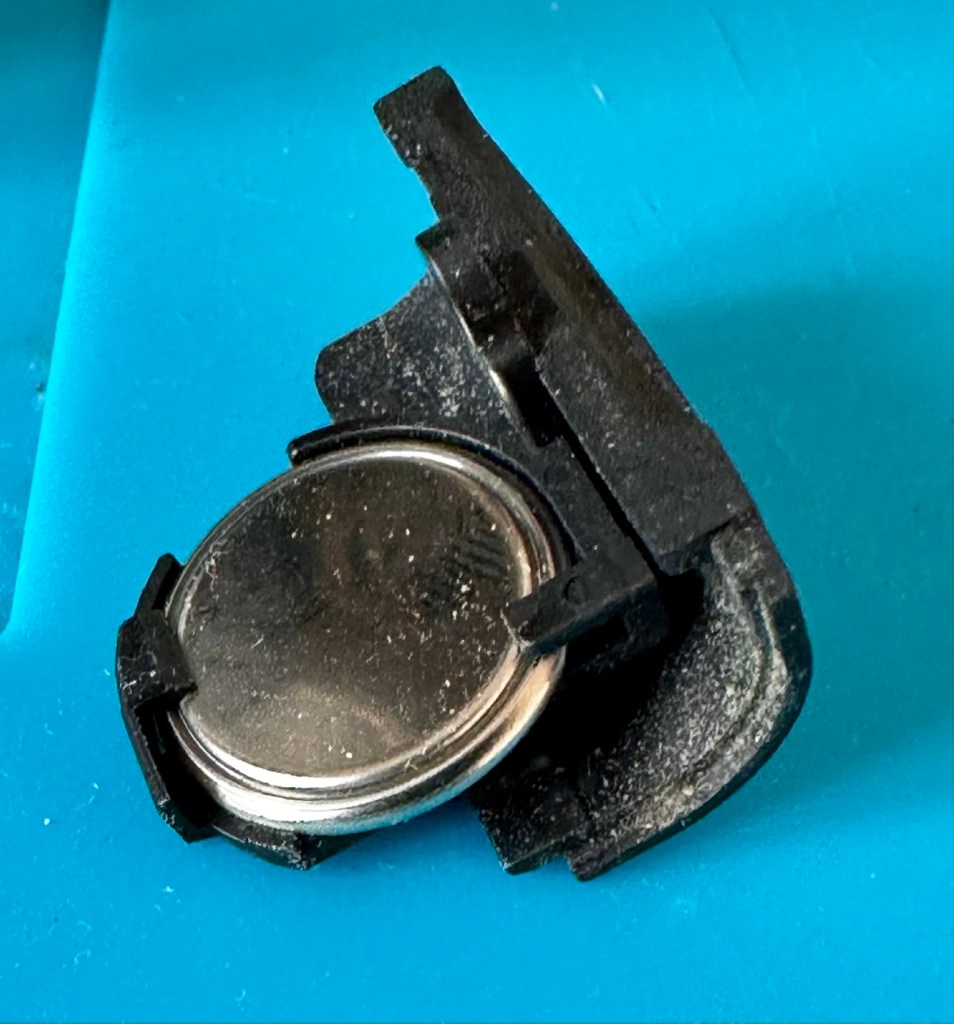
A single coin cell CR1616 battery is what does the job in this camera, its life span is usually around five years. So let’s check this one out as I suspect it has failed. It is located on the bottom of the camera on the opposite side of the main battery chamber, below two rubber accessory panels.

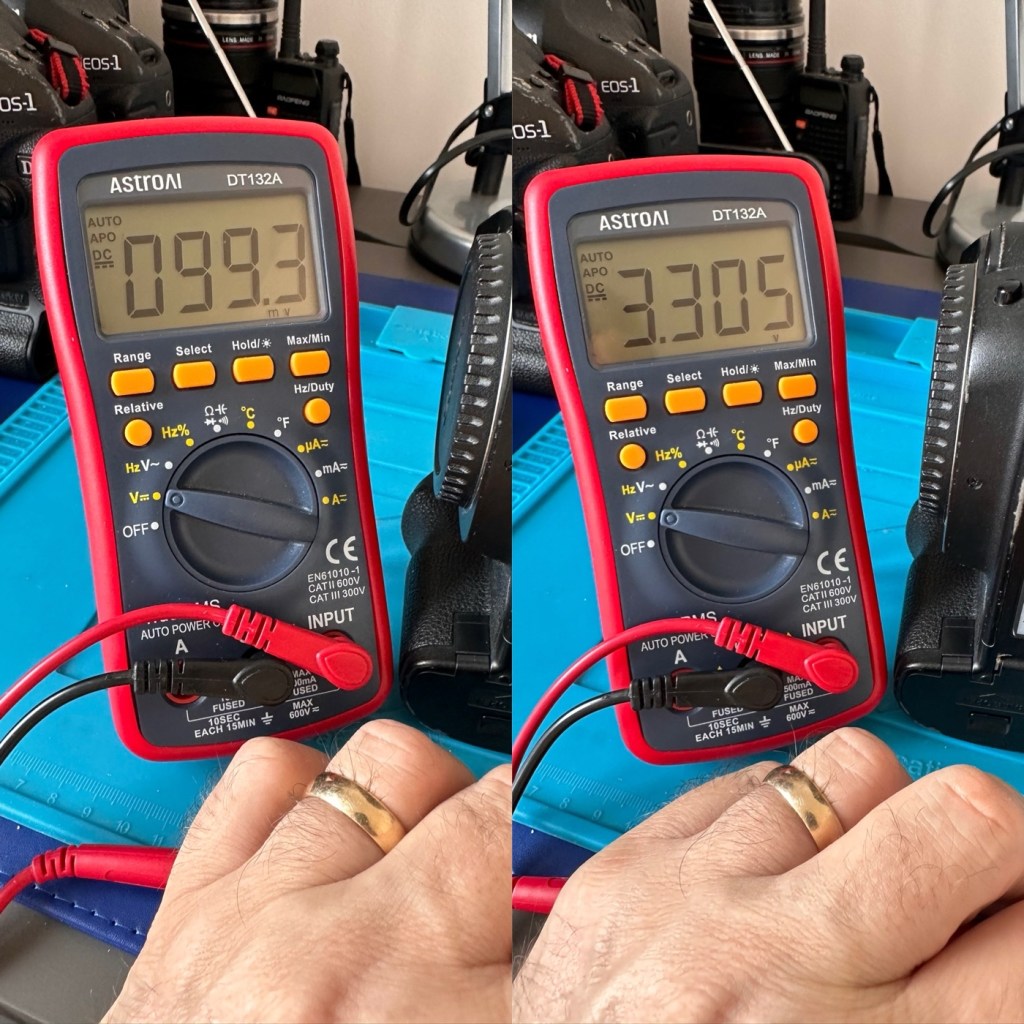
The CR1616 battery is a 3v lithium coin cell. Using a multimeter I was able to confirm that this one was well and truly depleted as it was only holding a charge of 99.3mV. The new battery cell was holding a much more acceptable charge of 3.3V.

Old and new battery voltages

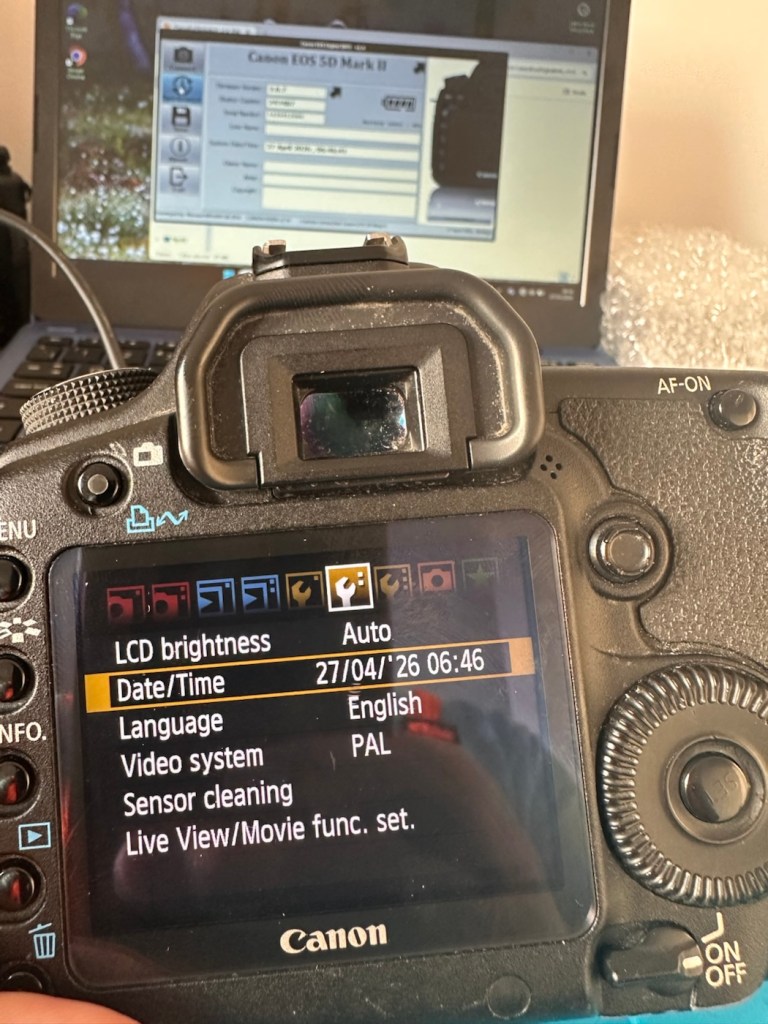
With the new coin battery in place, I’ll reset the date values and test that the battery is doing its job, by powering the unit up and down a few times.

That appears to have worked

As you can see in the picture above, I’ve managed to update the settings, and when the unit is shut down and restarted the information remains. Hence the new clock/cmos battery is working fine.

Next let’s try to update the firmware to the latest release. This small video below shows how easy this task can be. This particular file in the video is for an earlier, older update, however the principle is exactly the same for all camera updates with Canon.

Updating firmware on a Canon Eos5D MkII

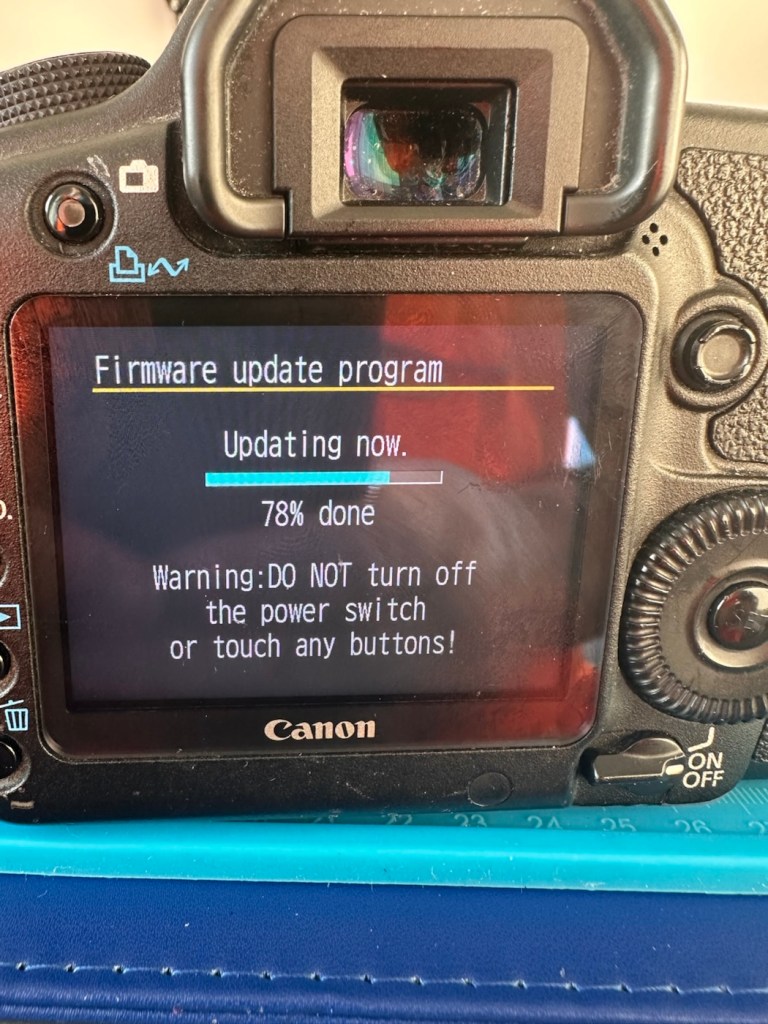
Following the recommendations in the video above I have downloaded the latest firmware update file and extracted its content to the freshly formatted CF card for the camera.

It’s thinking about it….

The whole process was followed exactly as laid down in the instruction video, and it went as expected. The update was successful.

Firmware update, before and after

The camera is now correctly updated to the most recent firmware. I can now progress to doing some final checks in the lens barrel area prior to moving on and checking the functionality of the camera with a lens in place.

The mirror bumper felt is in good condition and does not need replacement. I have blown out the barrel and inspected the sensor and that is clean and needs no attention.

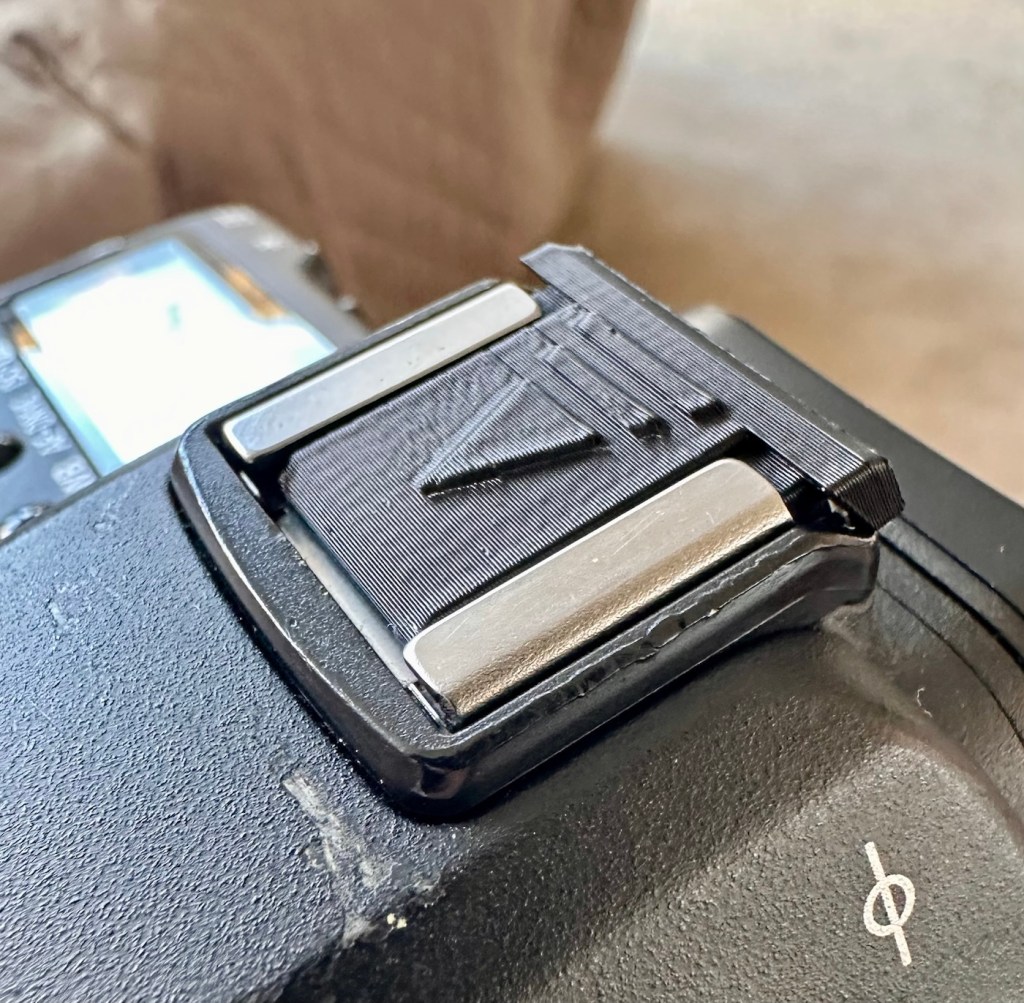
Final touch is that I have printed off a cover for the hotshoe flash holder.

Printed hotshoe cover

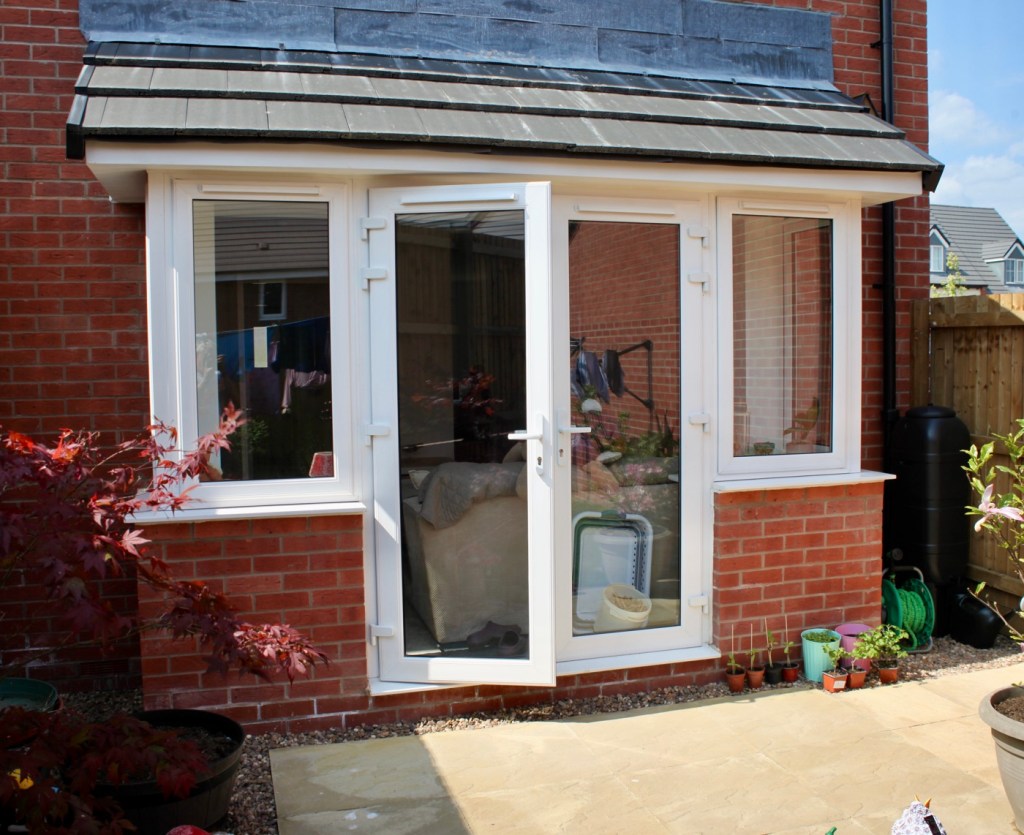
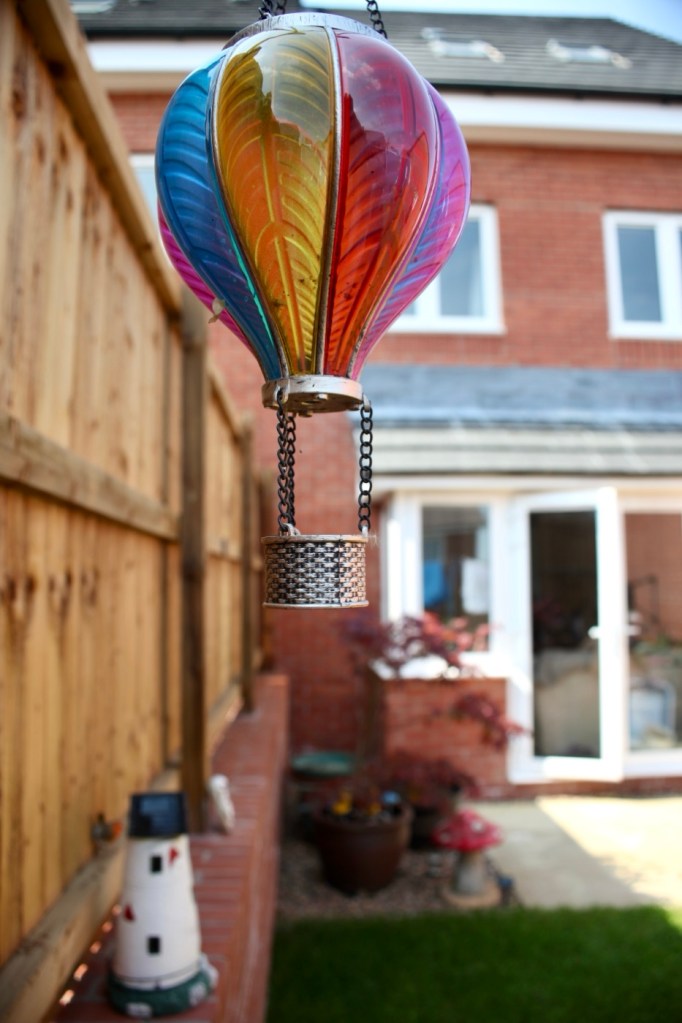
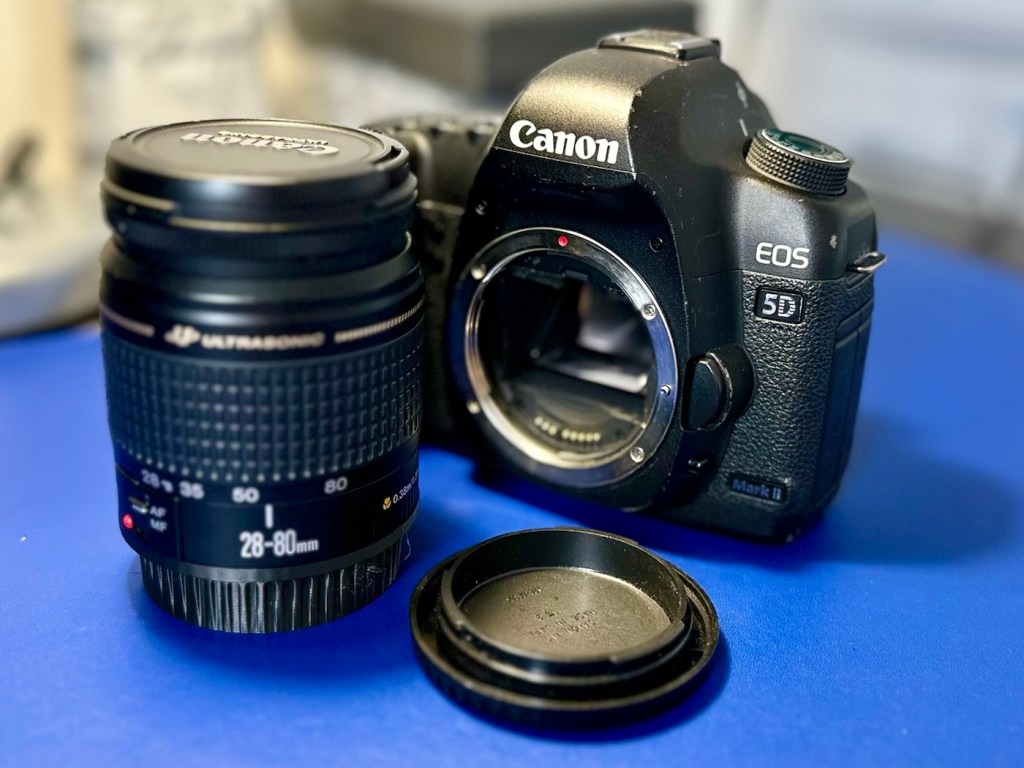
Time to get the battery installed in the camera, along with a formatted CF card, and I’ve also put a stock 28-80 EF lens on the front to test. And here are some of those pictures taken to test, just around my garden.

And I am so damned impressed. It’s only a basic lens but the tonal quality, sharpness and colour has really shone through. The camera has worked perfectly, I’ve used it in auto mode, shutter priority and aperture priority and all works fine. When I use the video mode, all is fine but the basic lens when you telescope, can be heard throughout the video, not really an issue just an observation, hence why people invest in the higher end optics. For testing purposes though, this lens has performed perfectly. I’d be more than happy to venture out for a picture session with this setup.

Every setting on this camera has been tested and it has passed with flying colours. My job here is done.

Result:

A far better result than my last attempt on this specific type of camera. This time around the sensor has performed perfectly and remains in good order, hopefully for quite a time yet. It would be good to see it go through the 250,000 exposures count, and seeing that it’s only about 6,600 exposures away I don’t foresee it being a hard to achieve target. I’m going to get some good use out of this camera, I’m currently looking at taking it to a local nature reserve to see what can be photographed. I’m quite looking forward to that.

A final polish and this project can now be put to bed. Onto the next one.

Many thanks for passing by, it’s always very much appreciated.

Canon EOS 7D

Can I get this classic EOS 7D operational again? It has damaged card reader pins.

I received this camera from a good friend who is a professional photographer, a few weeks back in a bundle of cameras and photographic equipment he no longer uses, he has kindly donated them to me to get working again. You can see that post, and just what was donated here: Cameras…i need more!

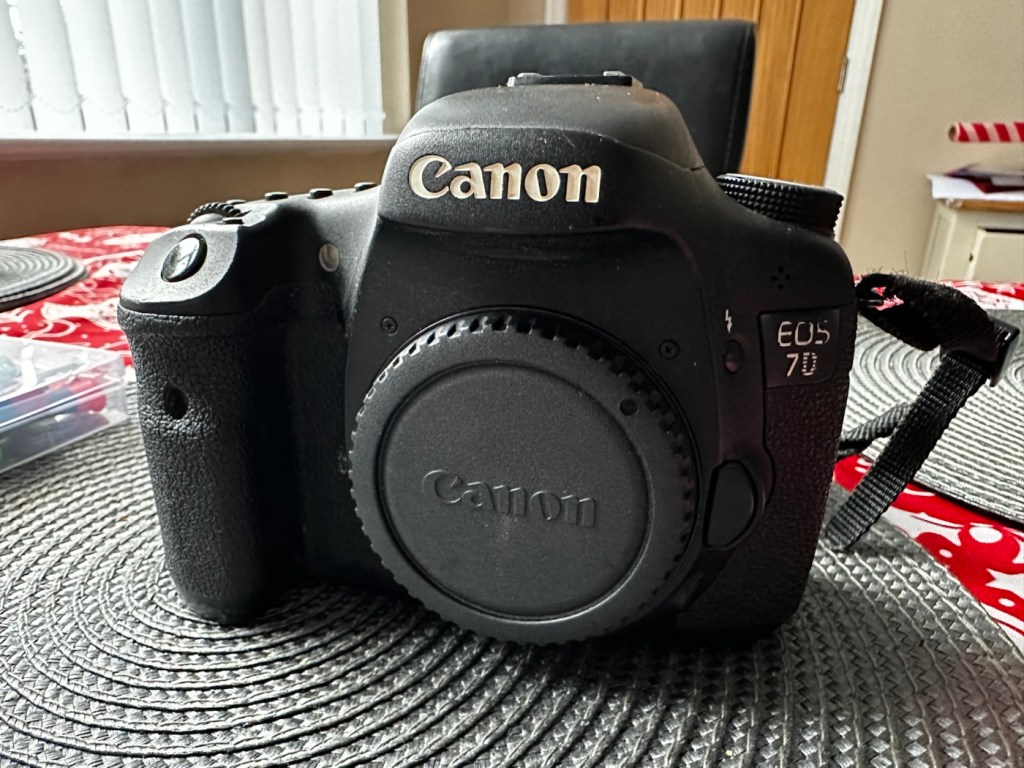
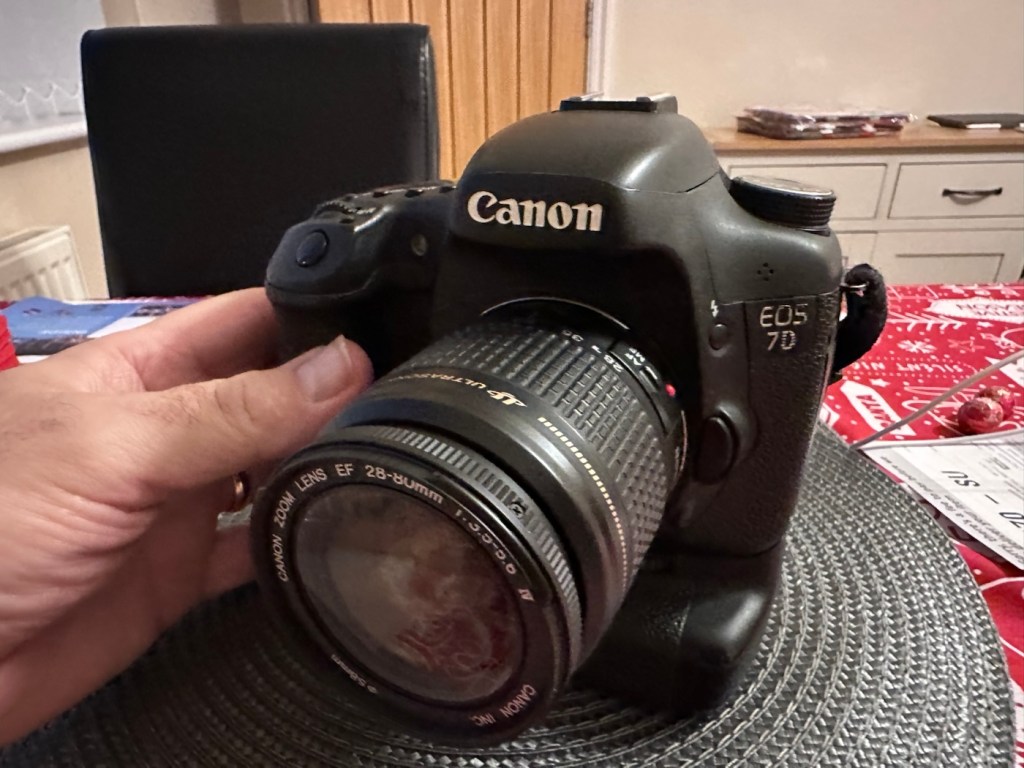
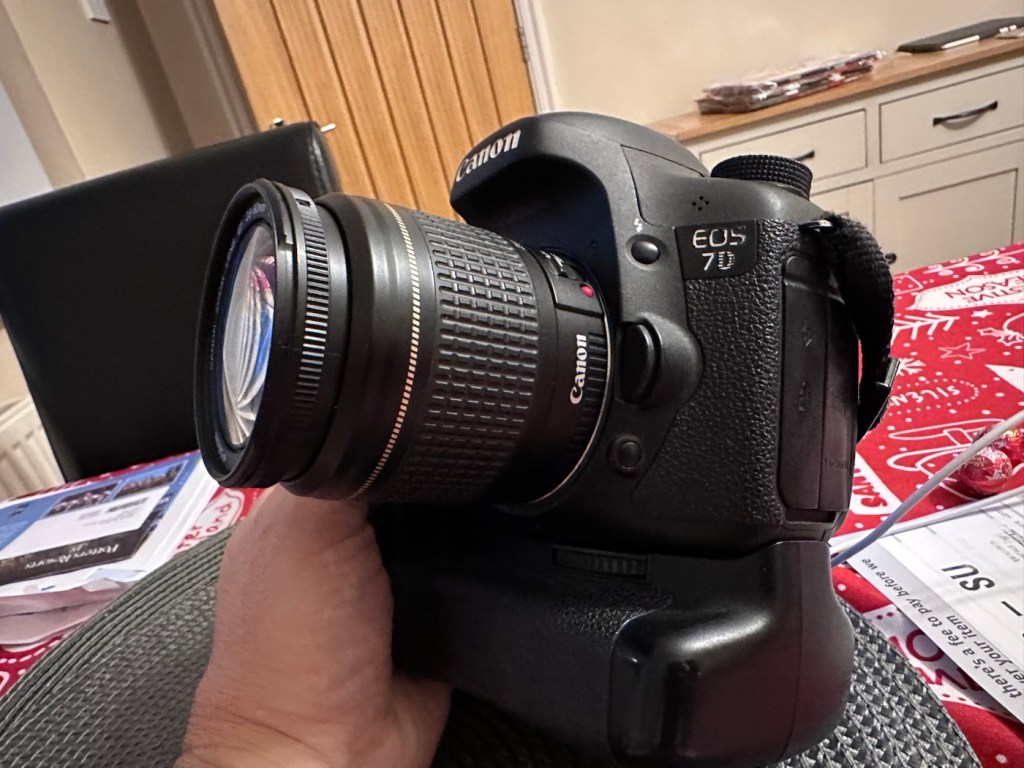
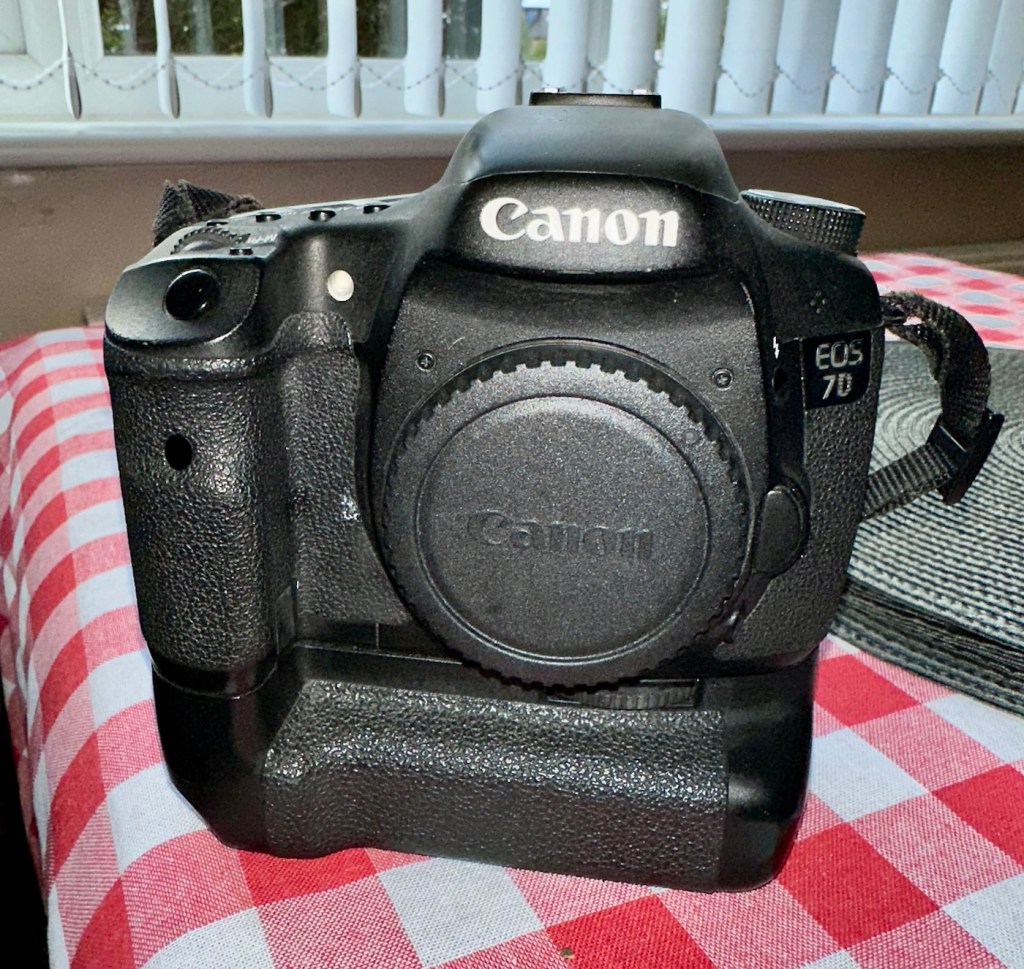
Canon EOS 7D

I’m in a situation where I don’t have my repair gear with me at the moment, as it is all packed and in storage awaiting our impending house move. Hence the reason I am racking up a whole load of draft posts that I can’t complete until I have my workspace back in use. Therefore any work I can do is severely restricted to inspection, cleaning and preparation with the only maintenance being attempted on the outside of the camera.

Let’s have a brief history on the Canon EOS 7D:

The Canon EOS 7D is a high-end APS-Cdigital single-lens reflex camera made by Canon. It was announced on 1 September 2009 with a suggested retail price of US$1,699, and was marketed as a semi-professional DSLR camera.

Among its features are an 18.0 effective megapixel CMOS sensor, Full HD video recording, its 8.0 frames per second continuous shooting, new viewfinder which offers 1.0X magnification and 100% coverage, 19-point auto-focus system, movie mode, and built-in Speedlite transmitter.

The EOS 7D remained in Canon’s single-digit APS-C model lineup without replacement for slightly more than five years—the longest product cycle for any EOS digital camera. Its successor was the Canon EOS 7D Mark II, announced on 15 September 2014.

Wikipedia

Structurally and cosmetically this is a beautiful camera in very good condition. However it would not have been donated to me unless it had problems. Let’s now put my detective hat on and go looking for clues.

Assessment:

As stated earlier, cosmetically there is nothing at all wrong with this camera, it even has the plastic screen cover in place. Mirror looks clean and curtain looks fine no issues here. All electrical contacts such as HDMI are in good condition with no visible damage to the ports.

One last place to check and I now believe this is where the problem lies. This is the CF card door, and when opened it reveals one possible big issue.

Bent pins

Bent pins on the CF card reader. These pins are quite small and only millimetres in diameter, in a very restricted space about 8 cms deep and 6cm in width, it really is quite a small aperture. There are two options here, one I try to gently coax these pins back into place with a fine point tool, however the pins are minuscule, and brittle and prone to breaking. I can see potentially 7 pins that are out of position, not an easy or expedient option. But I’ll have to give it a go. Option two is to purchase a new CF card reader replacement, this option carries some expense and quite a complex dismantling of the camera to achieve said replacement. Needless to say I will initially attempt the pin bending procedure. Pending on success or failure, i could venture into step two. Read on to see what occurs.

Repair:

With a fine point set of tweezers, I’ve decided to have the first attempt at seeing if I can straighten the pins. Using a bright LED torch I angle the beam slightly so I get a bit of shadow on the pins, and this allows me to see how many are bent. I can see seven pins in total that are bent, and two of these seem as if they have been forced down to about half their height. This is quite normal when people go in a bit heavy with the CF card, if these pins go down too far there is no option but to go inside the camera and push them out from inside, or replace the card reader completely. I kind of hope that I have been able to pull them out far enough for them to work. I won’t know though until I get the CF card and batteries out of storage.

The camera in question

I’ve spent about an hour, bright lights, little subject matter, and now have very tired eyes. I’ve been breathing slowly just like a surgeon heading into a part of an operation that requires the utmost concentration, and precise and very delicate movements. I think I’ve done a good job. Only testing will tell.

Speaking with my friend Jon, who this camera came from, he has stated that he rather foolishly lent this camera to a ham fisted colleague who hammered the card into the camera, causing the issues that I am dealing with today.

If we have to open up the camera, I will probably be looking at about 3 hours of work, as there is an awful lot of dismantling that has to occur, and I believe there are around 30 screws to remove just to get under the skin of this camera. It’s built like a brick, weighs about the same and is just packed with electronics.

Fingers crossed 🤞 let’s hope option number one has been successful.

Well, today I went to the lock up and dug out a small 2GB CF card and the two Canon batteries and a charger. I came home and Put the batteries in that surprisingly still held a little charge, sufficient to turn the camera on. I gently inserted the CF card only for the following message to appear on the screen, “Card cannot be accessed. Reinsert/change the card or format card with camera.” Aww shucks I thought, it hadn’t worked. I tried to format the card and the format failed, at this point I thought the pin maintenance had not worked. Damn. I was a tad annoyed.

CF card being installed

So I removed the card and checked the pins, they were ok. I reinserted the card and the same fault appeared, however this time when the option came up to format the card it worked. I was so shocked I tried it again and forced another format, again it worked!

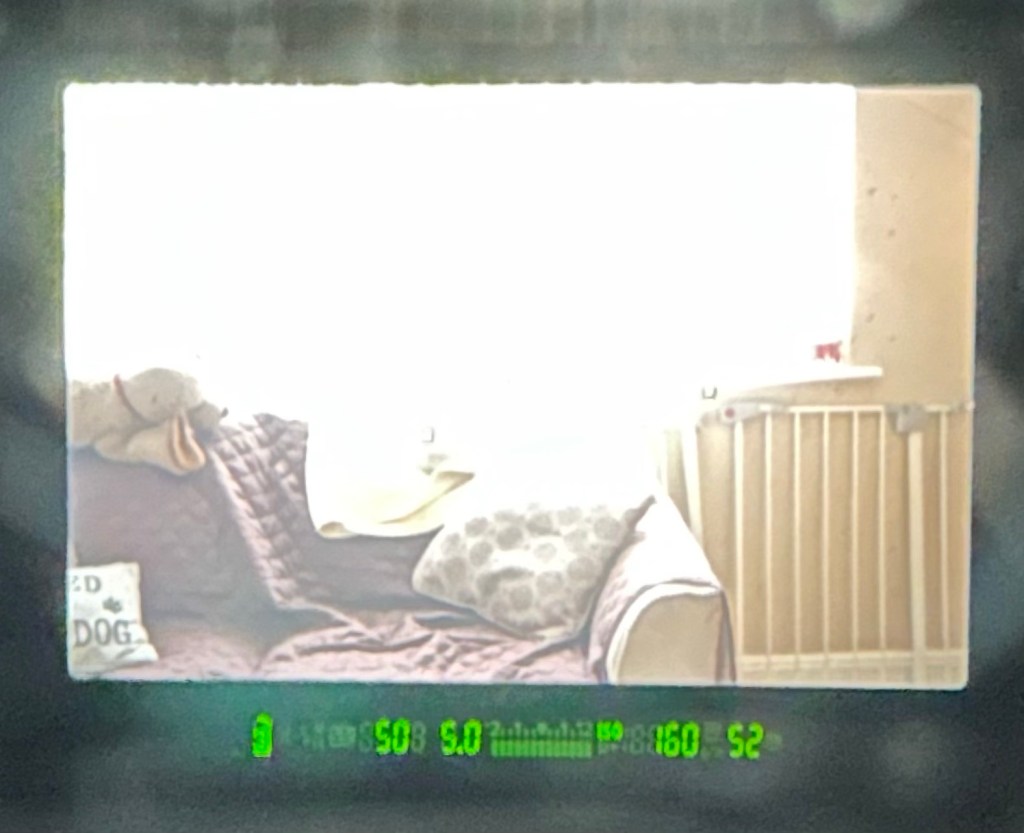
Right it was now time to get a lens on the front and test the camera to check to see if it would write to the card, it’s only a stock lens, nothing special but absolutely fine for testing purposes. Just walking around the house I put the unit into auto, the flash popped up and I proceeded to rattle off a few random shots. And it worked, the results all came up on the rear screen.

Random shot 1
Random shot 2
Random shot 3

To say I was pleased at this is an absolute understatement. The work on the pins has worked and I now have a perfectly well working example of quite a top end camera. There’s no doubt that in the future the camera will require a replacement card reader, but for the moment it’s been given a new lease of life, and whilst I remember to be gentle with the removal and placement of the CF card, let’s just enjoy the camera and its capabilities until that time comes. In the meantime here are just a few, “Randoms” taken to test the card and camera in and around my home.

Result:

You little beauty

Time to give this camera a little buff up. (Clean)

This unit only appears to have taken 1,860 pictures. It is completely unused, and in perfect condition. And it now works. To be honest I feel more confident with this camera than I do with the mirrorless Sony that my wife purchased for my birthday. This was going to become my number two camera, however it’s just been promoted to my number one, as long as that card pin issue and repair holds up, and I have no reason to doubt that it should be a long time before any issues arise. I am confident that my repair has longevity as they say.

I want to give it a good test in daylight conditions in all modes rather than auto. I want to get a bigger CF card maybe a couple of 8GB ones, I don’t see the point in going for the bigger cards just in case there is a read/write issue in the future. It’s just an OCD thing for me, you know what I’m like.

So overall I’m really quite happy and satisfied with this camera. Of all the cameras I was gifted by my good friend Jon, all have been repaired apart from one that was beyond economic repair, even that has been broken down into it component parts, every screw recovered and will be used for spare parts. Nothing, and I mean nothing has been disposed of from this collection of cameras and accessories.

That’s what I do, I don’t waste anything. Ask the wife!

Many thanks for passing by, it’s always very much appreciated.

Canon EOS 5D MK2 assessment and repair

Last Updated: 25/4/24

This will be a running repair with regular updates. There is quite a bit going on.

The bargain basement DSLR has arrived (See original blog post here: Canon EOS 5D Mk2) and I’ve been able to give it a quick once over. It’s not had an easy life and has taken some bangs and knocks. Other than that it’s about 16 years old and has had about 69000 actuations, I don’t think it looks too bad personally. I’ve spent a good hour just giving it a good clean up and it was filthy, all knobs and buttons are working fine, the shutter isn’t locked and when a lens is attached, manually it all focuses just fine and the screen looks clean. There is no evidence of damage to the curtain however I can’t test this further until the battery and charger arrives.

To be honest if I can get this working it will be going into my own personal collection. As long as I can get some nice results I’m not that worried about how it looks cosmetically. The body can be touched up or I can add a skin, we’ll see how it goes.

Update: 6/4/24

I’ve now received a couple of bits consisting of two new batteries and a charger as well as a new battery door cover. Once powered up all indications, buttons, sensors are working and TTL indications are displaying as they should.

All lenses are working and moving and focusing as they should. The real good news is that the shutter fires at all speeds and is not stuck, and the sensor cleaner appears to be working.

I’m really happy with what I have found so far, I need to get a CF card to check the original issues that were reported with the suspect sensor. If that is the only issue I will get one ordered and install that at a later date. I have cleared all settings and the firmware is up to date. I’ve downloaded a raft of Canon software so I will be able to test this all once I get that CF card that should be here in a few days.

23/4/24

The CF card adapter has arrived from China. I’ve purchased this type as this particular adapter allows an SD card to be utilised in CF form. I have ample SD cards in use all around so this makes sense for me, I have nothing apart from this camera that uses CF cards so for a relatively low outlay this is the best option for me.

CF SD adapter

Now I have Every thing in place to test the camera. I’m using basic settings and an old test lens so I’m not looking for any spectacular photos as that’s not going to happen here. I just want to see what’s going on.

What happens most of the time

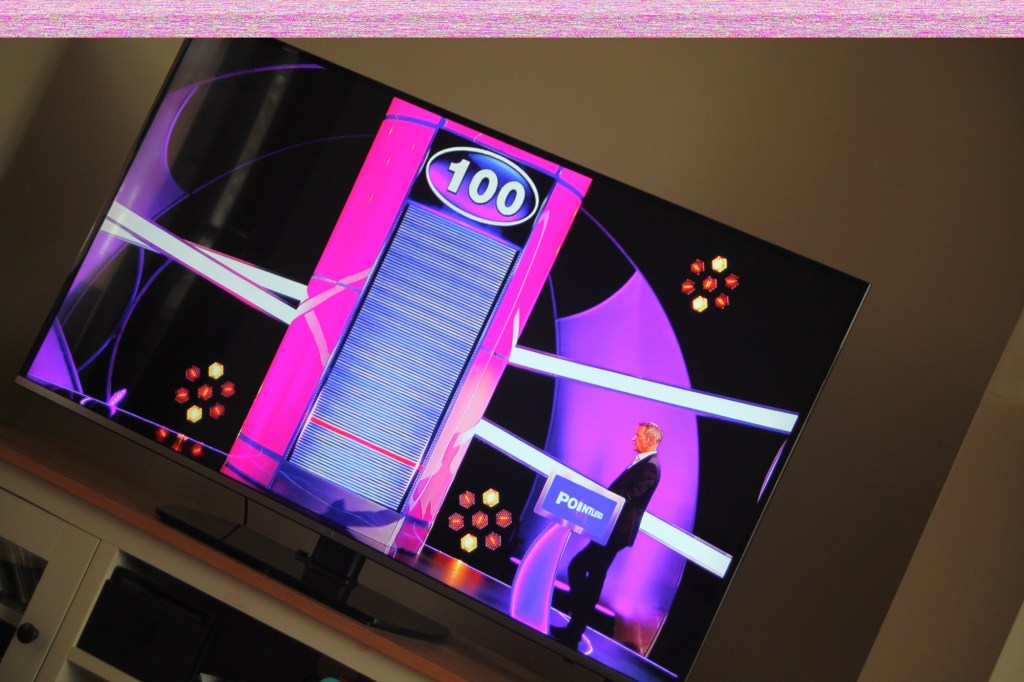
When I’m taking a shot everything lights up ok. Indications are all good, the shutter fires but all I see is a pinkish screen as demonstrated in the small video above. However every now and again I do get a “proper” photo, usually only the one then you have to turn the camera off then on again to get another and that’s not always guaranteed. As you will see in the two photos below you can get one photo and then the next has a pink band appearing from above.

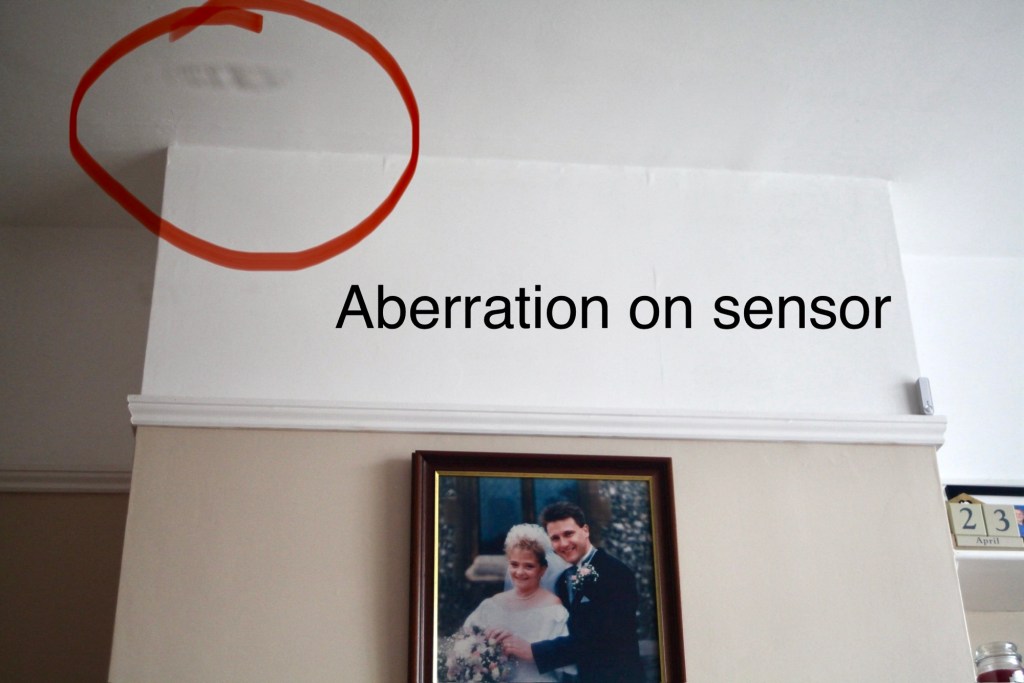
Whilst taking a random photo looking at our ceiling, I became aware of what looked like a water leak by the chimney stack. This gave me some concern but I needn’t have been worried as it appears in other photos and is more than likely an Abberation mark on the sensor. The two pictures below show that mark on the sensor in the same area.

Occasionally the pink line that appears at the top of the photo also takes on a pixelated test card look. The weird thing is that if you put the camera into video mode the image is clear with good sound and no playback issues. Strange 🤷‍♂️

It really is looking as if the issue is around the sensor that in this camera is a CMOS sensor. But before I make any decisions on what action I’m taking I’m exhausting all the obvious issues if I can. I have looked at several forums on line and there are a multitude of tasks I could try but it all seems to filter down to two in general. A full camera reset and a reinstall of the last issued firmware.

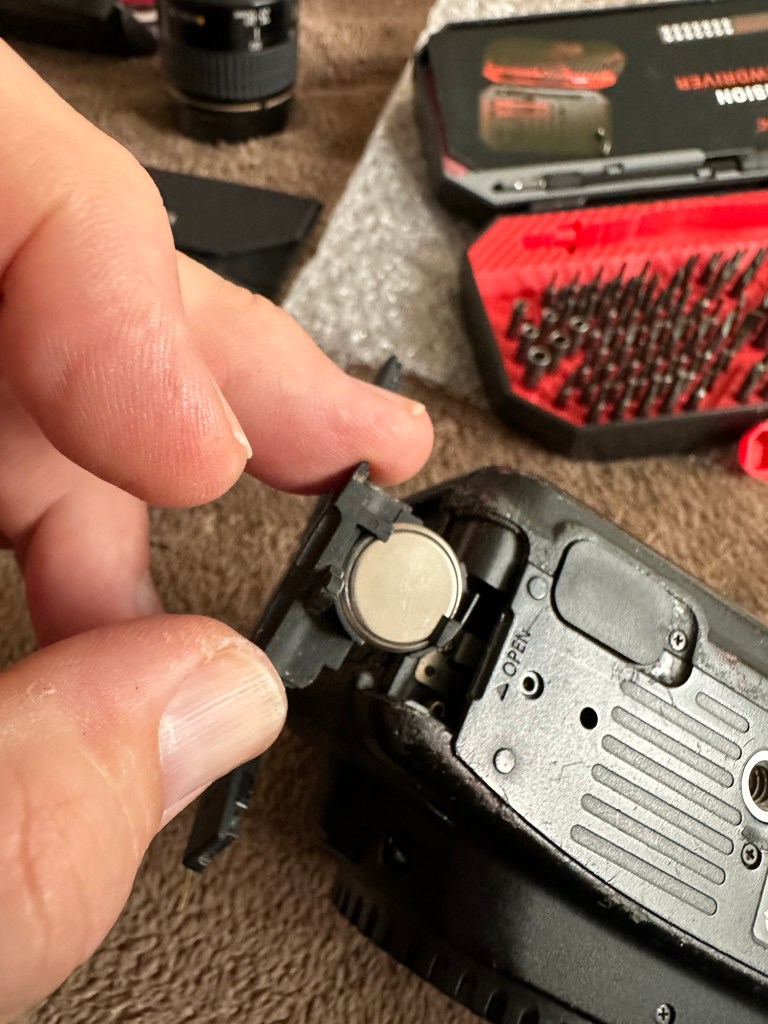
Now I have completed the full reset and on top of this I’m going to install a new CR1616 CMOS cell, as I just don’t know when this was last done.

Replacing the cmos battery

The CMOS deterioration rate is about 3% of the battery value per year, now if this camera was purchased around 2008 when they first came out then it dosen’t take a mathematical genius to work out that the cell could be sufficiently depleted. In fact I don’t know why I haven’t used the multi meter to test it🤦‍♂️

I’ll get on to that and will report back. It kind of makes sense seeing the sensor on this camera is a Cmos sensor. All tested, battery was at 2.3v, I have now replaced the battery but everything is still the same. I don’t know if updating the firmware will assist in any way, but I’m just following a procedure that most who have been in this position before have also done. it’s just a process of elimination before doing a full tear down of the camera. And if I can do anything to avoid that I certainly will.

I’ve finished all the testing and it is certainly looking like the Cmos sensor needs replacing. I’ve done all I can here, but I’m reluctant to order the new sensor from China as I’m not 100% confident of having the facilities or time to do the work required. Will I gain anything after the outlay? I very much doubt it. I’m going to move this camera on now with all my findings and hopefully I can find someone who will be able to take this project on to a successful completion.

I know parts wise I can make a good profit on the original outlay so maybe that is the route to take.

So I’ve failed on this renovation, but nothing is going to waste, it just needs to go to some who is somewhat more experienced with these type of upgrades than me. Hopefully I can gain some experience along the cheaper more available stock route.

I have learned some interesting things about this camera and it’s operating. So in many ways that’s a win, knowledge is everything.

More Camera statistics

Back in March 2023 in the early days of this site I threw some figures out there regarding the amount of cameras on the planet up to and including 2022, you can read that post here: Vintage Camera figures

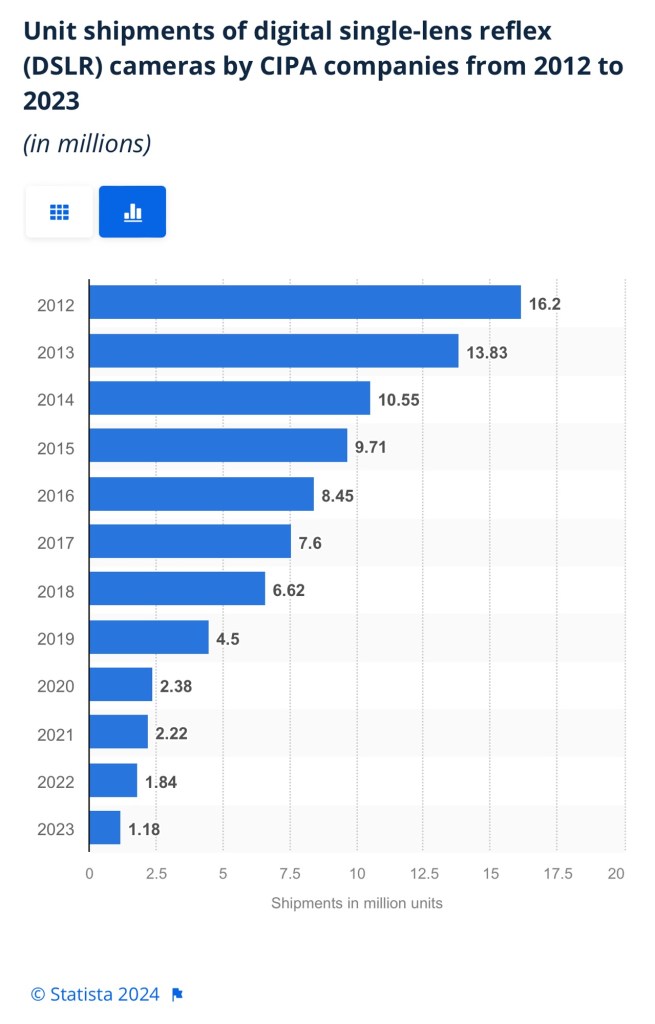
In this post I’m going show a graph and some figures regarding the decline of DSLR ( Digital Single Lens Reflex ) in the last 12 yrs.

It’s becoming obvious that people are ditching the traditional camera frame for the mobile phone and tablet approach and the figures you see in decline for traditional cameras have probably gone in the total reverse and multiplied many times over for the latter. It hurts the brain to realise the total amount of picture capture devices out there, as well as the waste that this produces as a result of what has become a throwaway society in which we all must share some guilt.

I can honestly state that in the last 12 months I have purchased close to 60 Cameras, 18 radios about 14 portable cd and tape players and not one of them has been disposed of much to my wife’s displeasure. (To be honest she’s very supportive of what I do as it keeps me out of mischief.)

Anyway I’m starting to drift a bit, so in my last post back in 23 I think I stated that there were estimated in 2022 to be something like 45 Billion photo capture devices on the planet, enough for 5.5 units per person that inhabits this Ball floating in space, a phenomenal number. And now there are probably even more.

The traditional camera is being ditched though and as you can see in this graph supplied by Statista It is a seriously declining part of the consumer market.

DSLR decline courtesy of Statista

The number of digital single-lens reflex (DSLR) camera shipments worldwide has been on a downhill ride since 2012. In 2023, a total of around 1.18 million DSLR cameras were shipped by *CIPA companies all over the world. Despite the decline in shipments, the average price of digital cameras per unit has continued to remain stable.

In eleven years the annual sales of a DSLR has dropped by almost 16 million units in 2012 to a paltry 1.18 million in 2023, as I’ve stated the sales of mobile devices have probably quadrupled and risen in the opposite direction.

The question is, are traditional cameras going to be more of an antiquity in the near future or will there always be a demand? There are so many out there that I can’t see them commanding any good price through rarity as there are just so many out there.

I learnt my trade in photography back in the late 70s early 80s. Back then we did everything by hand from mixing the chemicals, manually printing using enlargers and various types of papers, dryers and drums. Dodging and shading, manually touching up any defects as work was produced. We even made dupe trans, did letrasetting and made the boss man tea. A computer does it all now….apart from the tea but I bet that’s on the horizon.

The chemicals we mixed were in 100 litre batches and were pure poison. E6 Colour developer contained Hydroquinone, and the final bath (Stabiliser) all this chemical was pure formaldehyde, we never had masks or gloves back then and after mixing a batch of these chemicals you were out in the yard for a good half hour coughing your guts up. There were many other chemicals involving ammonia and powdered citric acid and these were just a few of what we used. If you could only imaging the shear hell we went through for you to get your photographs.

Probably why I have such bad Bronchitis and Asthma nearly 45 years on.

What I’m saying is the digital world of today is immense progression and removes all that danger away from the business. It’s killed the business as much as any other big business out there. But it’s probably not as much fun or as much pleasure as doing the whole process by hand using traditional skills. Heck I bet that will kick start a conversation between the traditionalists and modernists.

Whatever way we look at things, time moves on, progression is always going to occur and we must (Even though we don’t always want to) adapt to change. And it’s going to change for everyone big time in the next decade or so.

Even though it’s like saying goodbye for a final time to a dear old friend. I enjoyed my role I played in it.

Supplementary notes

*CIPA stands for “Camera & Imaging Products Association”, which is the trade association of the Japanese photo industry.

The section “digital cameras” includes the following producers: Olympus, Casio, Canon, Kodak, Sanyo Electric, Sigma, Seiko Epson, Sony, Tomy, Nikon, Panasonic, Fujifilm, Hoya, Ricoh.

Something to be getting on with..

The batch of cameras I purchased the other day, all old SLRs / DSLRs have now arrived… with a bonus.

I was expecting 10 cameras but I’ve trumped that with 12 and a lot of spares as well. The guy I purchased the Nikons from has thrown in two more D70 as spares, with loads more spare parts. He was having a clear out so I guess he’s funneled that stock my way…thanks old chap.

So I have received today

  • One Canon 5 SLR – stuck mirror, missing some small Connection covers and like a lot of these old cameras has a sticky rubber covering that was well known back In the day.
  • One Canon EOS 50E – damaged curtain, faulty lock and again sticky.
  • One Canon EOS 1000F – cosmetically sound no other visible issues.
  • One Canon EOS Elan 2 – cosmetically sound, just sticky.
  • Two Nikon D70S DSLR – missing battery covers and some other small accessory covers, both sticky.
  • Six Nikon D70 DSLR – all missing battery covers, or other accessory covers, one missing a CF card reader and all sticky.
  • And two sizeable bags of D70/D70s spares
And then there were 12

I’ll be starting with a good clean to get rid of that stickiness and then I’ll power each up individually to see what other issues lie in wait. I’m hopeful I can get most of them up and running, I’m confident that the majority of the DSLRs will be repairable.

I’ll feature the repairs once I’m in a position to donate the time to them. I’m a busy boy at the moment what with work and the wife’s growing list of things that need doing around the house.

Canon EOS 5D Mk2

The assessment and repair of this camera can be found here: Canon EOS 5D MK2 assessment and repair

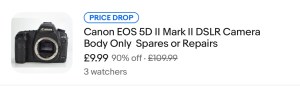
As the listing stated:

Canon 5D Mark II DSLR Camera – Body Only – Spares or Repairs

We have tested this camera and found the following fault:

The camera powers up, however the sensor is damaged and images are recorded either blank or unusable, and so we are describing this item as FAULTY / SPARES / REPAIRS.

Shutter Count: 69,970

EBay
90% off. What have I brought?

I noticed this 5D on sale earlier for £109 Gbp. It’s from a supplier who has a good reputation who I have used before, however he suddenly drops the price by 90% and I snap his arm off for this. It has sensor issues and that’s at least a £70 price just for that part. Considering how much these cameras usually retail for it’s a price I could absorb…but I think something else must have come to light for him to change his pricing. The body is pretty beaten up, again I’m not too bothered with that, the usb port might be damaged by the looks of it and again that’s something I can sort.

I guess I’ll just have to await its imminent arrival. In any case for a total of £9.99 GBP I’ll make more from this just for spare parts.

See the assessment and repair blog post here: Canon EOS 5D MK2 assessment and repair