Canon EOS 3000

Another entry level camera, unloved, made good

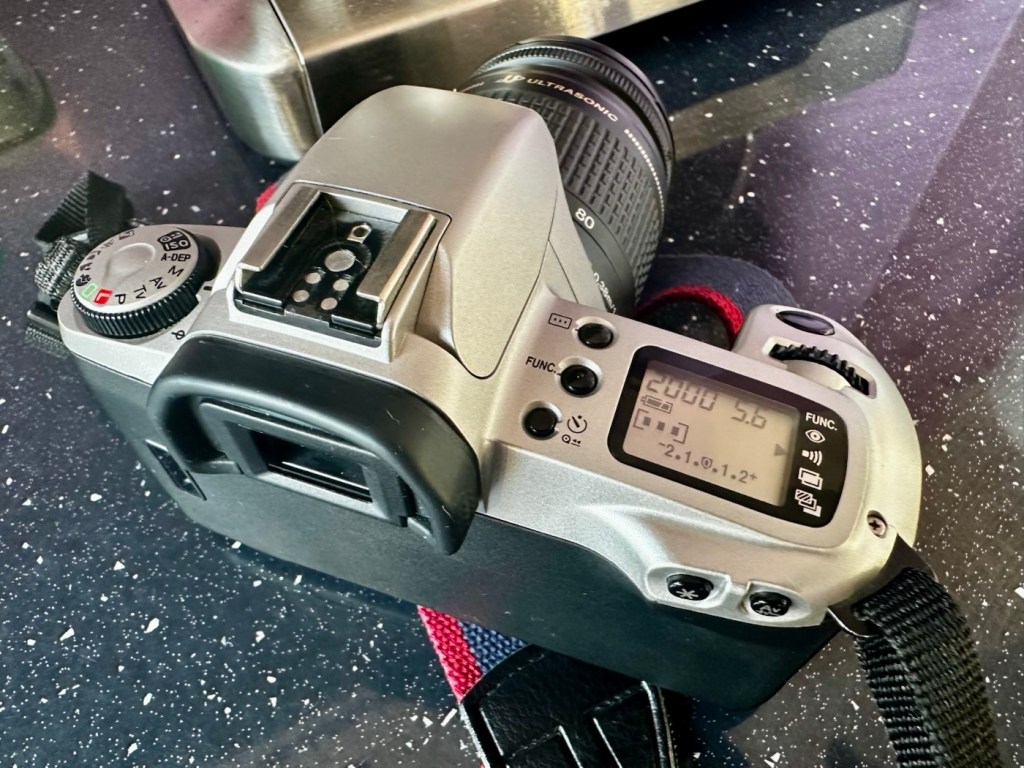
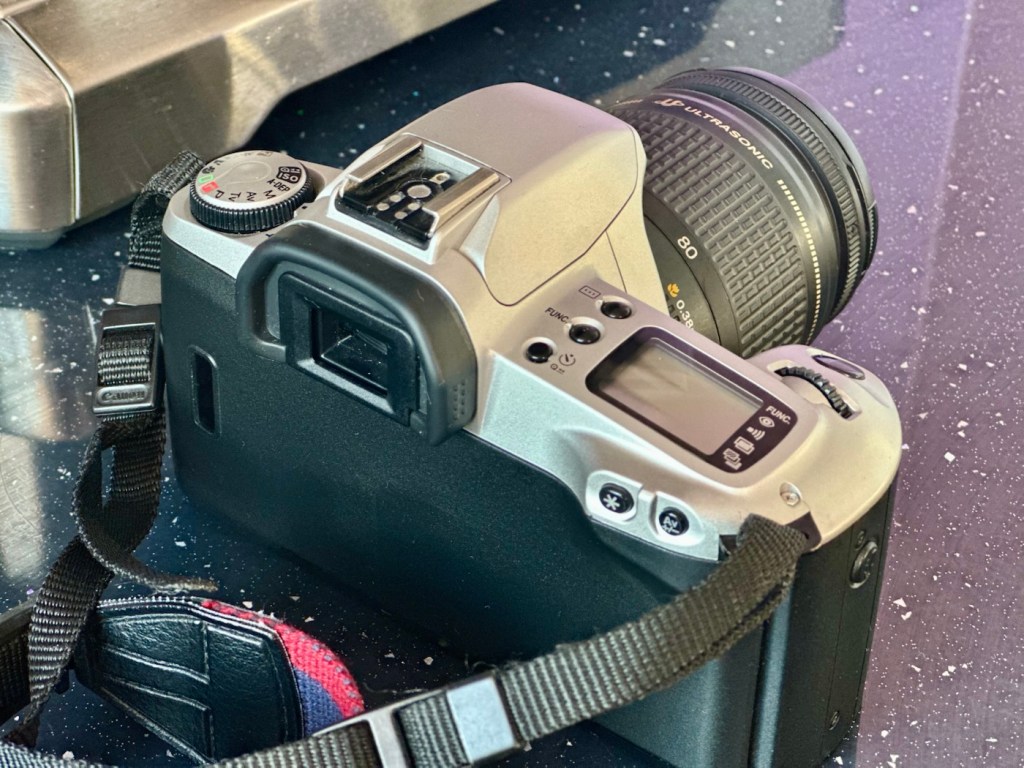
Here I have another basic, entry level camera made by Canon. Produced around 1999? this camera is probably around 26 years old. These cameras don’t have the traditional identification number printed within the film spool holder that the older cameras had, hence the precise manufacturing date is difficult to confirm.

Canon EOS 3000

This is a camera passed onto me by a good friend and professional photographer, Jon, as can be seen in this post: Cameras…i need more!

Here’s a little information about this camera:

The EOS 3000 is an autofocus SLR for 35mm film introduced by Canon in 1999. It was sold as the EOS 88 in Asia. (It was not sold in the US.) The pentamirror viewfinder and manually-activated popup flash helped keep this a lower-cost model; but a full range of autoexposure modes were included, including off-the-film flash exposure setting. Film transport is motorized and the camera requires two 3-volt CR123 lithium batteries to operate.

A compact, lightweight, low-priced SLR camera. Successor to the EOS5000, but with greatly expanded basic functions. The camera incorporates the Mode Dial and most other basic features of the EOS Kiss/EOS REBEL XS/EOS500 and includes six-zone evaluative metering linked to three focusing points. In addition, the flash is linked to the measurement point so that during shooting the flash out-put level is constantly adjusted for optimum exposure control. For reasons of cost, the flash unit is manual pop-up/retractable head type. The EOS3000 is compatible with system accessories for the Kiss and New Kiss. The high-quality design has a feel of genuine elegance.

Canon/ Camera-wiki.org

This camera was pitched at a low cost to attract people into photography, and to encourage those who were just hobbyists to upgrade to something more than the traditional point and shoots/disposables available at the time.

There is not a lot wrong with this camera as far as I can see, let’s have a look and do some tests.

Assessment:

It has a grip that’s starting to develop the sticky issue so that will need cleaning. The mirror and prism are dusty and will need a cleaning.

Sticky grip and dusty internals

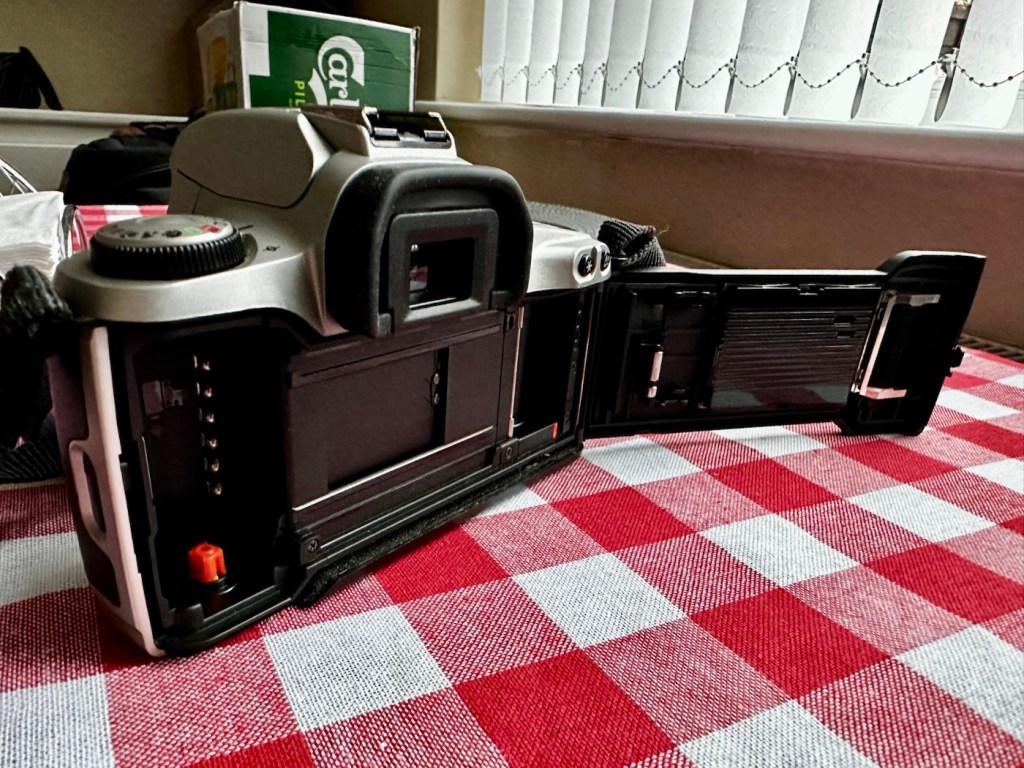
Overall the condition is very good, again this was a training camera, and seems to have had a quite low usage, as there is no scratches or marks. And only one dink as such. That dink happens to be the right hand strap holder that has been bent down to a point where the rear case does not open completely, it restricts its full movement.
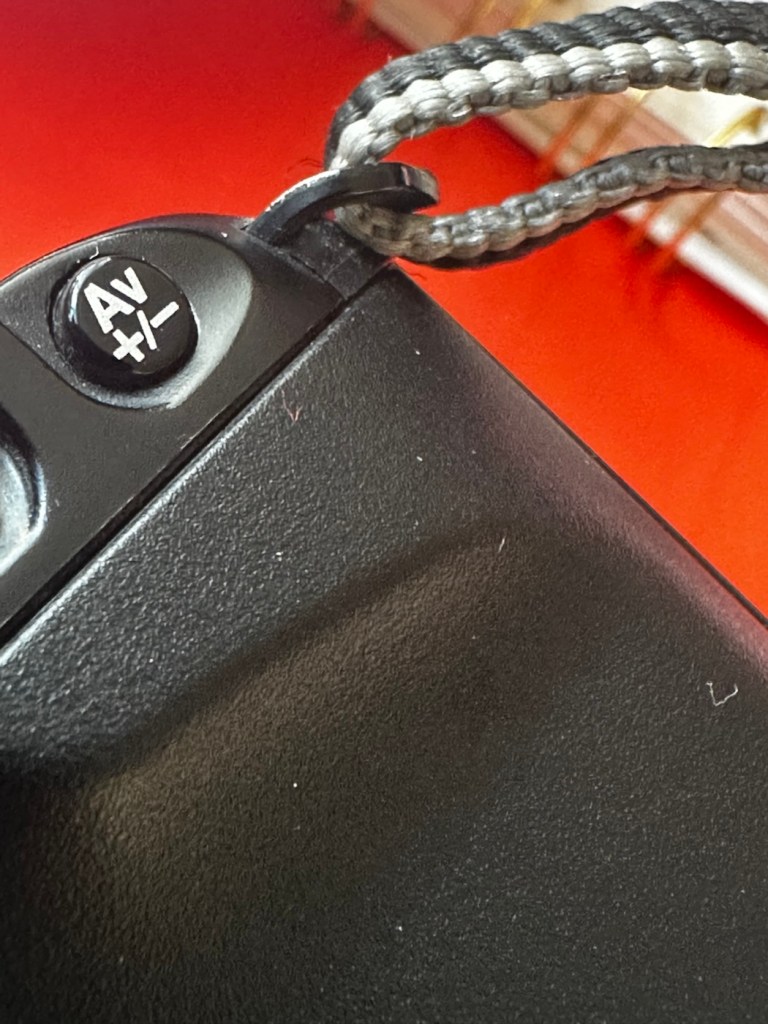
Strap holder bent, restricting door opening
Door doesn’t open fully

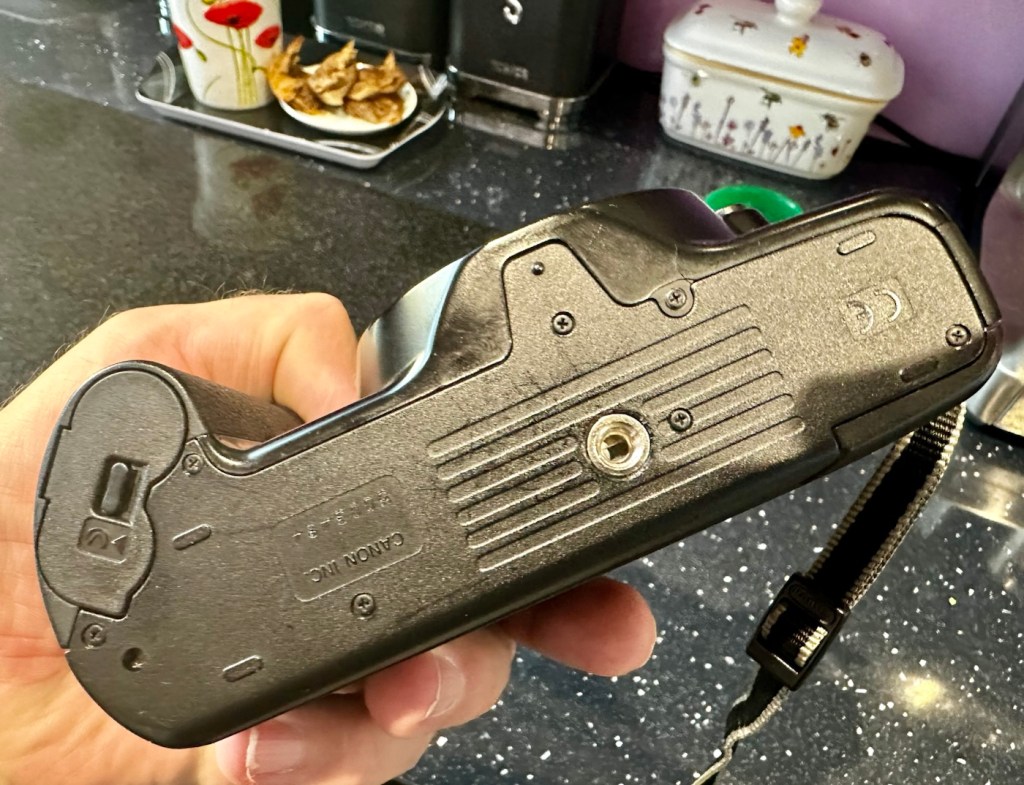
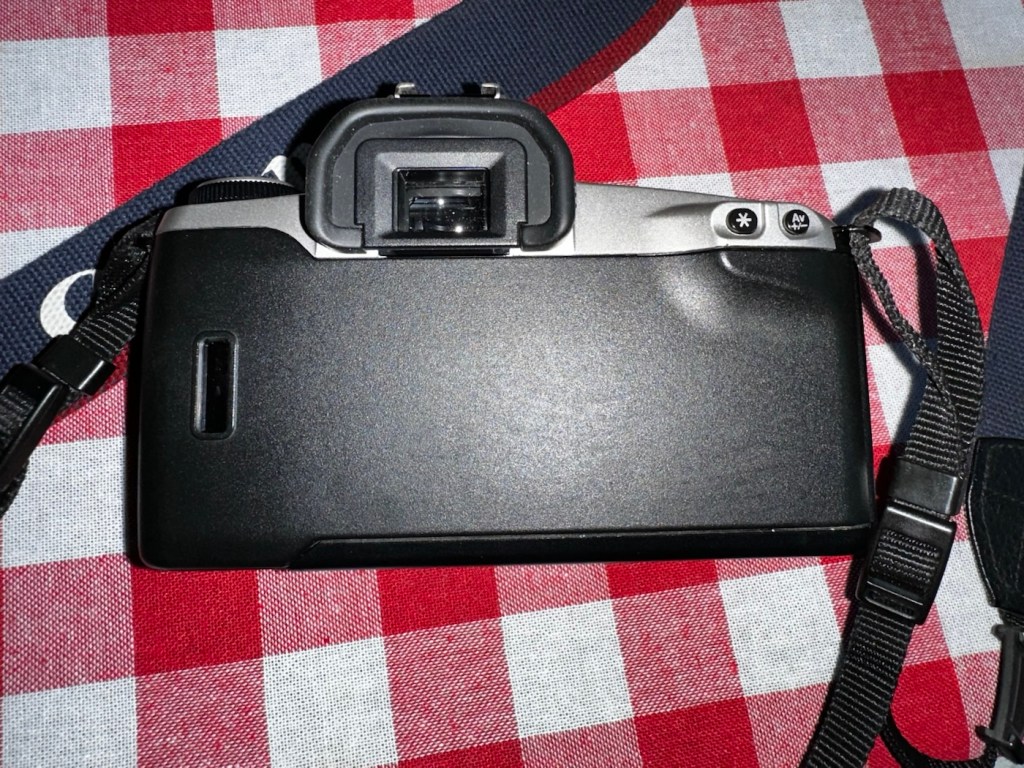
Top and bottom of camera look fine, no bleed on the LCD screen that is always a good sign

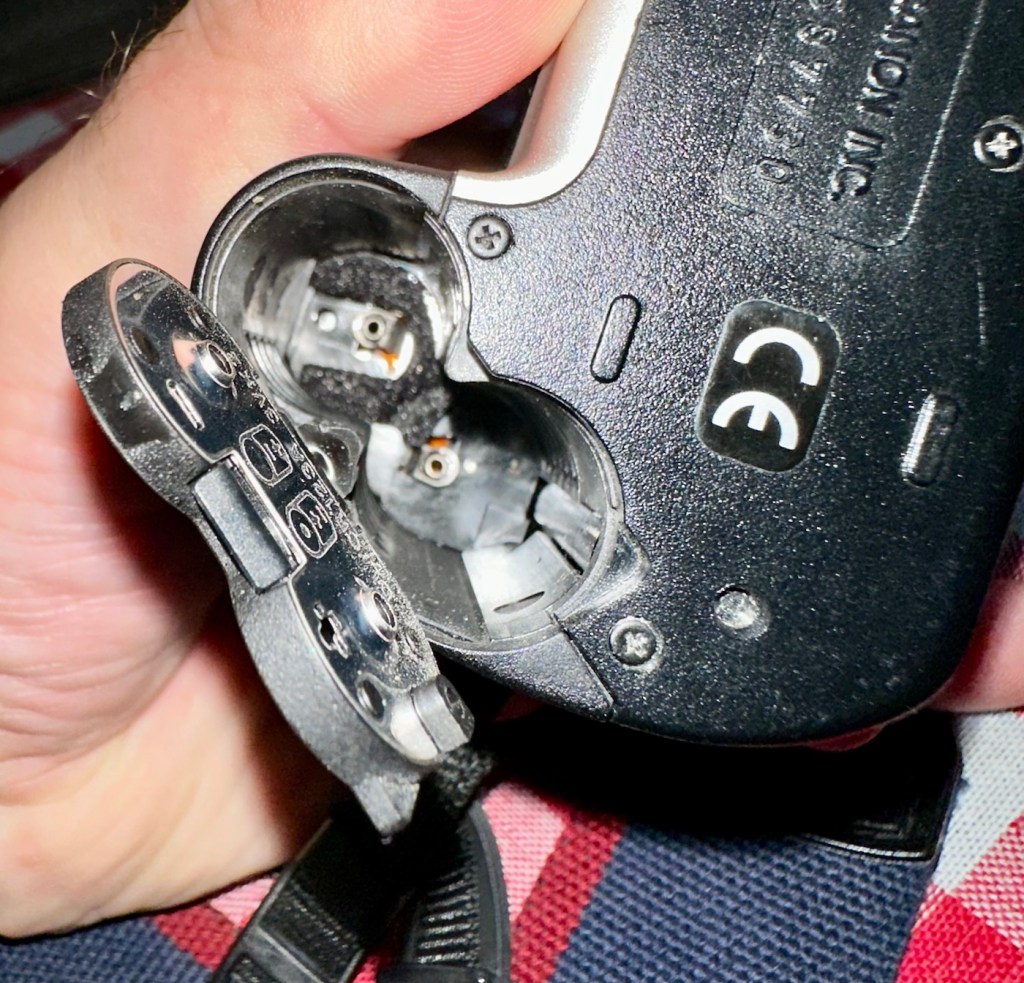
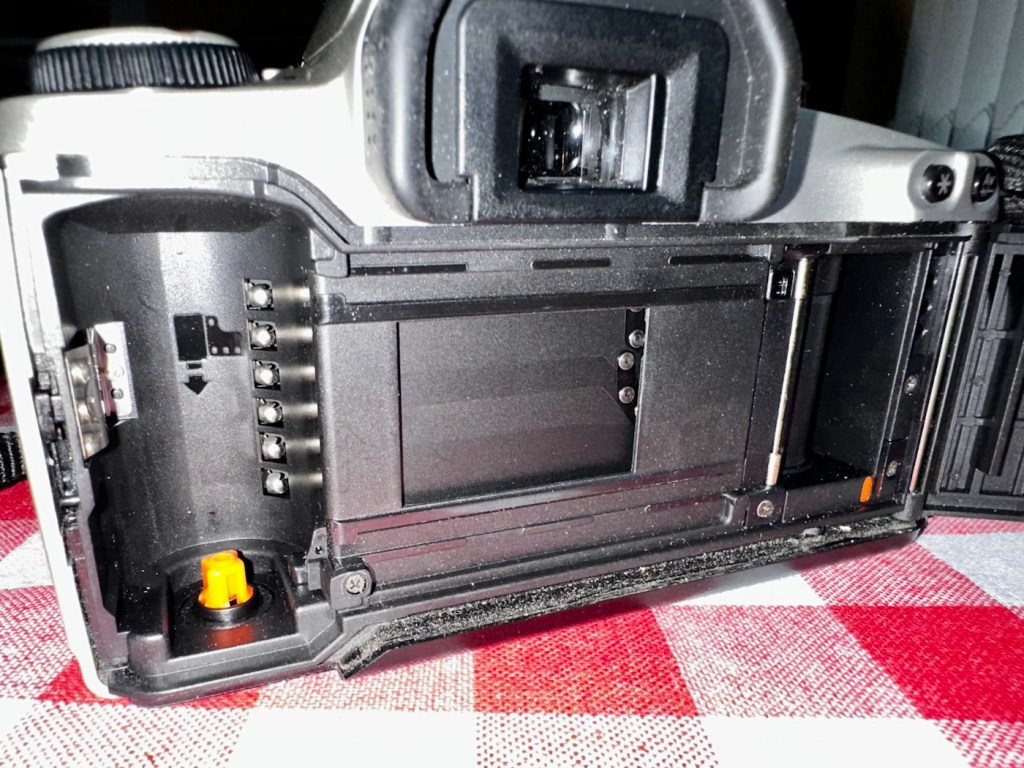
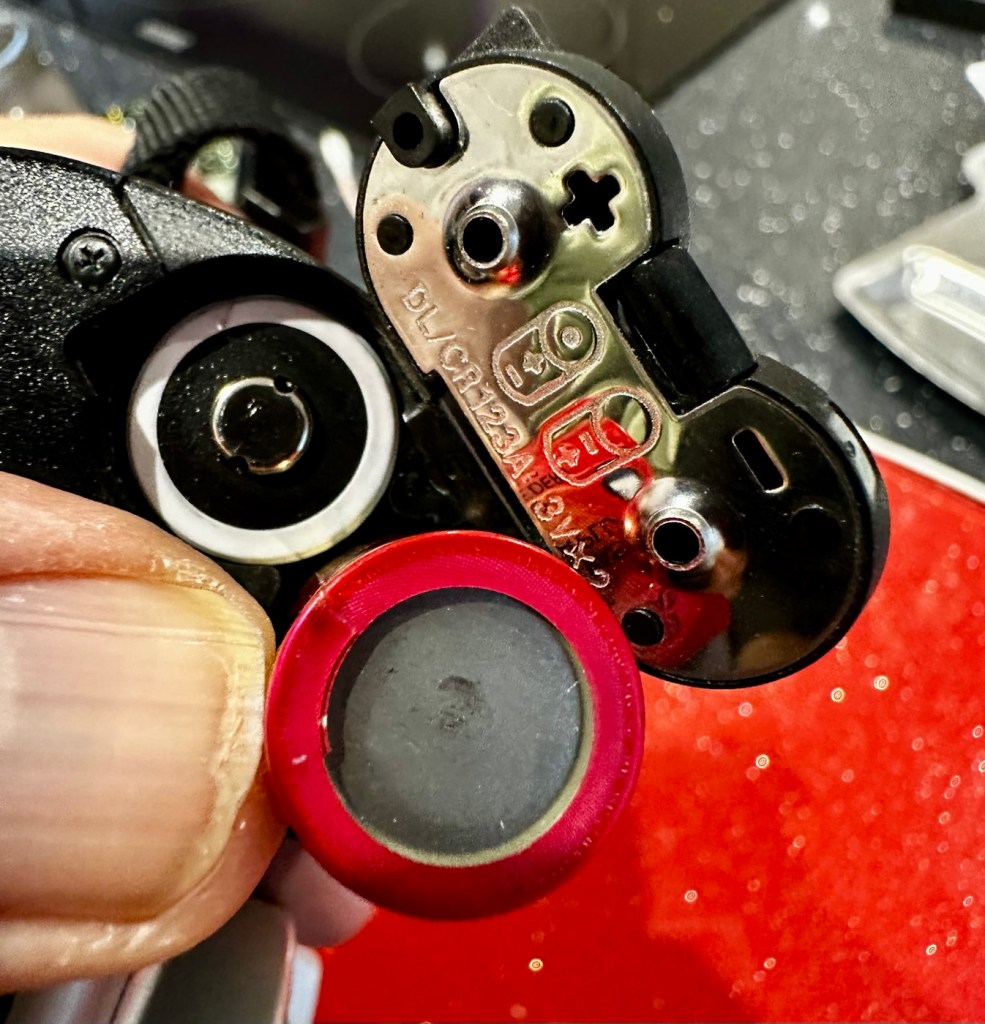
Battery chamber is clean and there is no contamination. This camera takes two 3v Lithium CR123A batteries. Let’s put two in to see if we have any life.

With the batteries installed we have a good display on the screen with no pixelation and it’s nice and clear. I install a roll of test film to see what happens. This camera winds the whole film onto the take up spool and winds back one exposure at a time. The take up when the door is closed works perfectly.

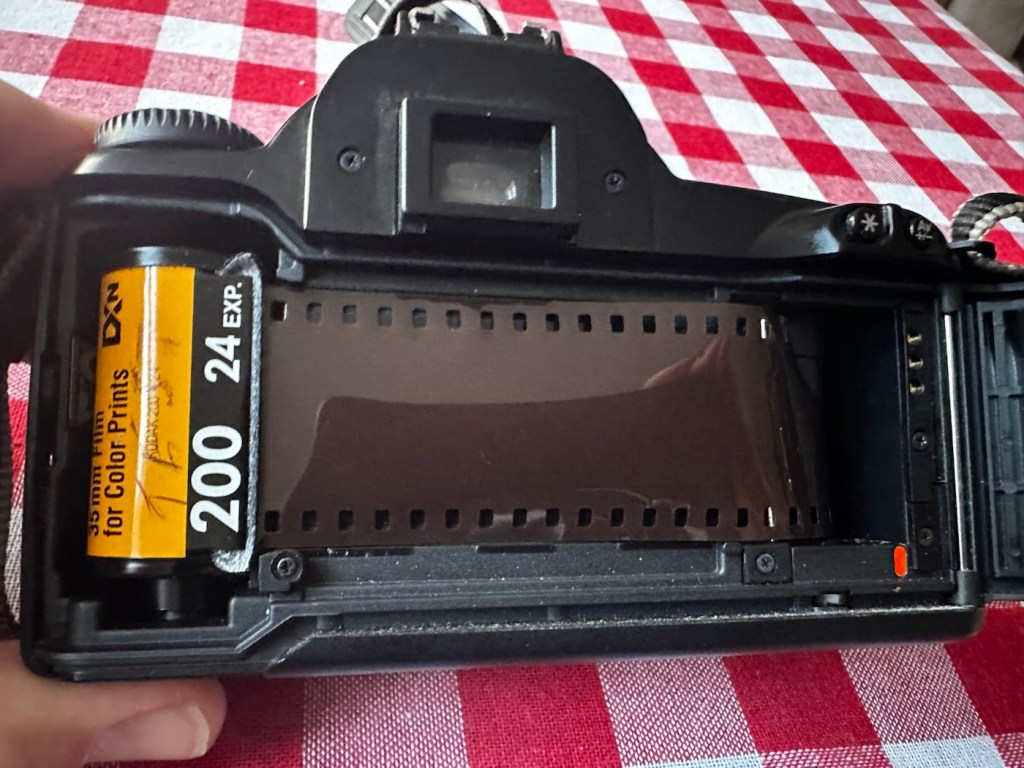
I then operate the shutter, to fire off the 14 exposures, all viewfinder indicators are good, with my 28-90 EF lens attached it focuses well and fires well. When the last exposure has been taken the film rewinds as expected with no issues. In reality the camera is working very well with no internal issues.

Repair:

First the dirty stuff. Let’s get that goo off of the sticky grip. I use my IPA and lint free cloth method that I posted about in a previous post here: Sticky, Rubber camera grips. This one is actually worse than I thought and has taken four applications to remove the deterioration on the grip. It feels a lot more pleasant though now that it is done.
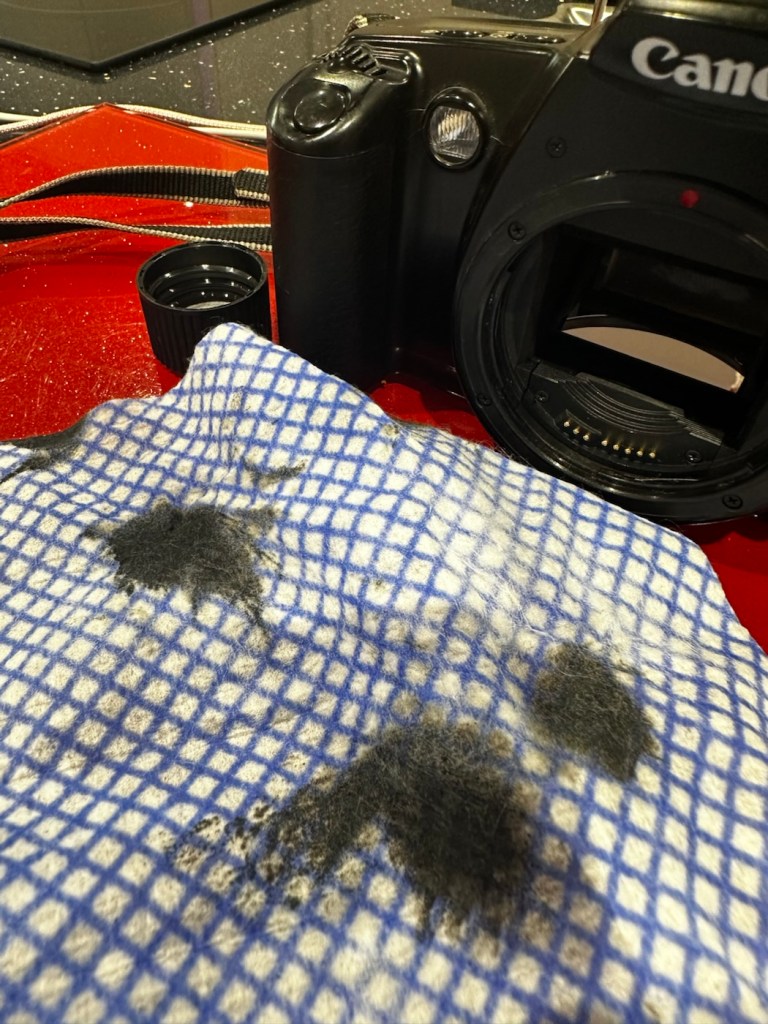
The dirt from this grip can be seen on the cloth. Each black blob is one application

The issue with the strap lug restricting the door movement. Quite simply, a gentle movement with a pair of pliers was all that was required. Gently does it as these parts are brittle and easily broken. Don’t over do it, give up when it looks right.
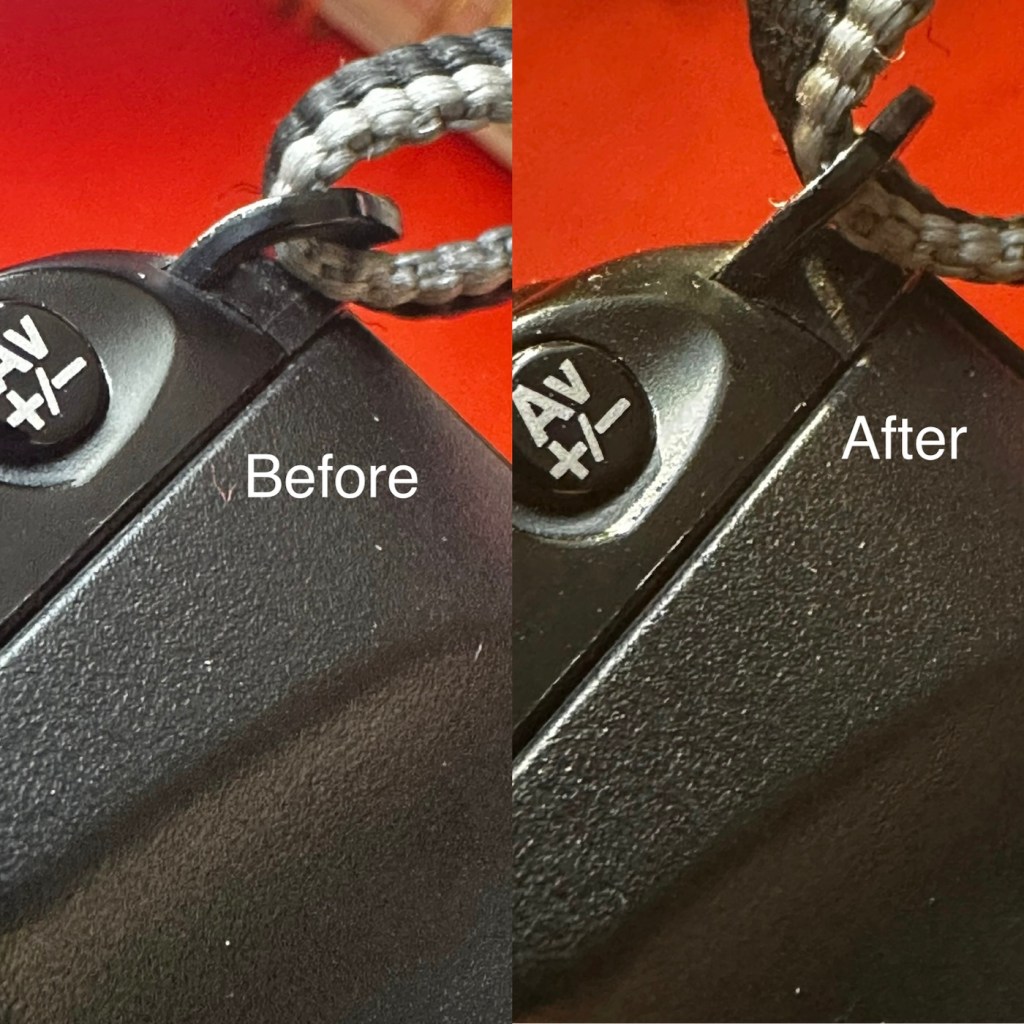
A little gentle coaxing was all that was required

I’ve checked the film pressure pad and this is fine, there are no sharp ridges and the light seals are good. I don’t expect them to be bad as in theory they are not that old, they are in a good healthy condition.

I have cleaned the prism and the mirror with a swab and they are now fine. Using a B setting I have opened the mirror and curtain and used some compressed air to clean throughout. A brush blower was used with the curtain closed to clean around the film spool area and back plate. A quick final blow of the mirror and the aperture is then sealed with a cap to insure no further dirt and dust gets into the internal parts of the camera.

The final action is to use some cockpit polish to finish off the exterior of the camera.

Result:

I’ve cleaned the exterior and used some ceramic cockpit polish to finish it off, I must admit it’s looking very good.
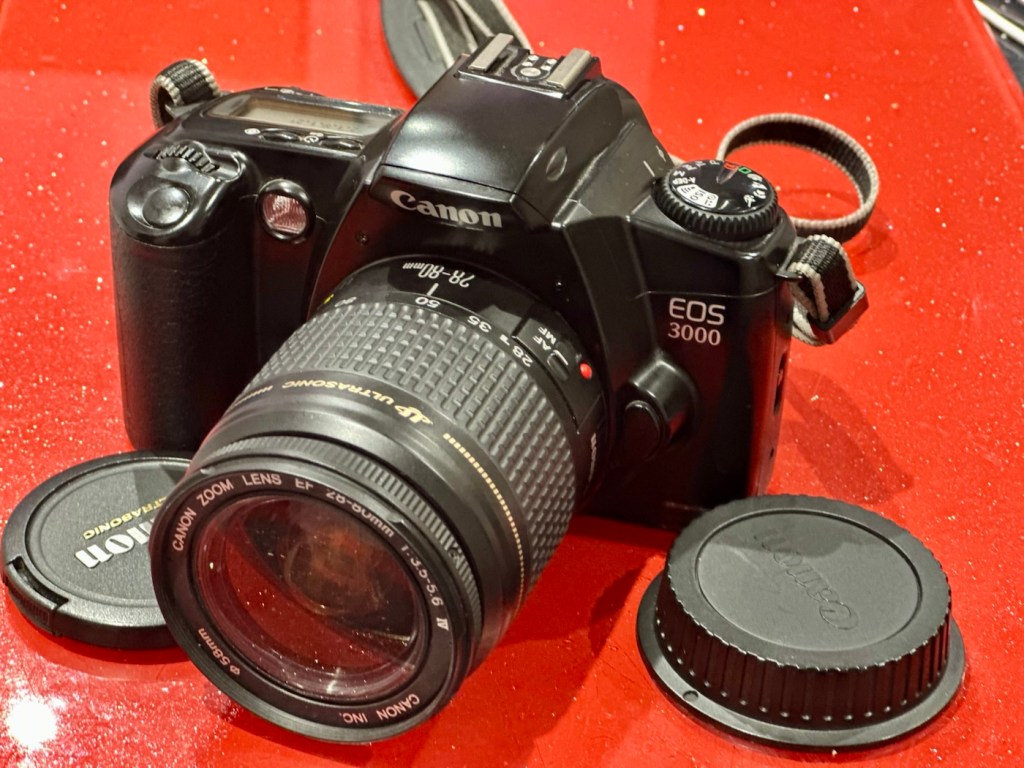
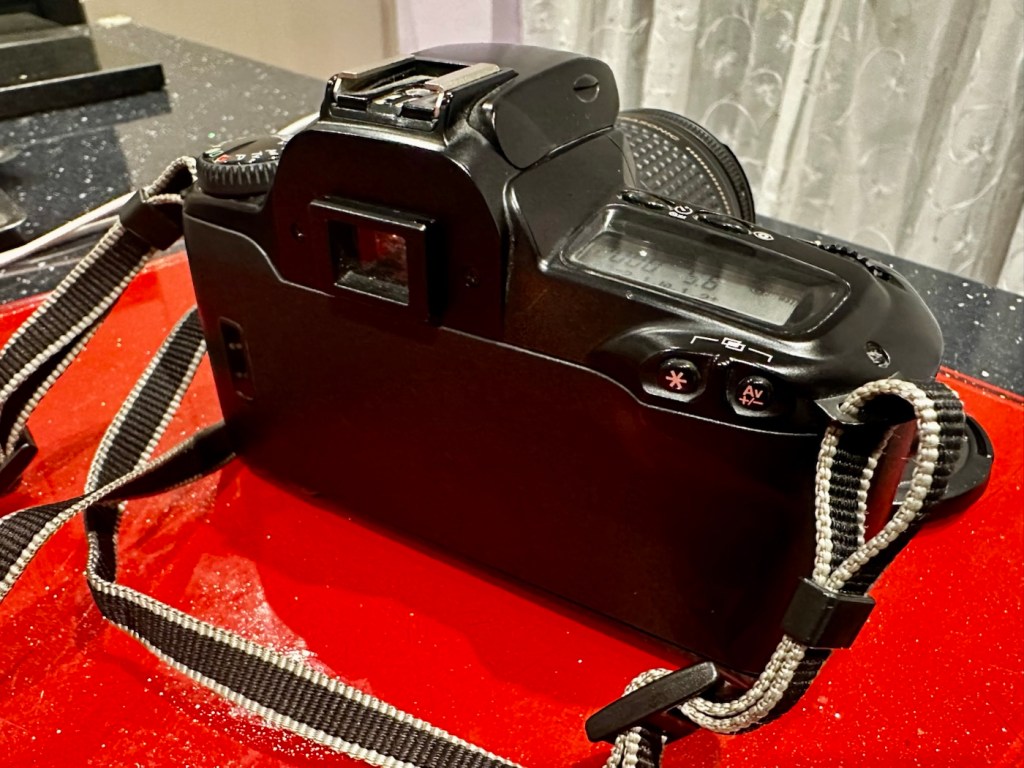
Cleaned up lovely

Here I have yet another nice little camera packed with features that will make a great camera for someone to learn the basics of traditional photography with. However, it’s remaining in my collection for the while.

It’s yet another camera that I need to test, another one that needs to have a film put through it for its final test, however I am 100% confident of it’s capabilities and the fact that it operates just fine and all its settings, buttons and controls are doing exactly what they should. When I do get to put a film through, I will link to it here.

Another successful restoration and return to use of another old camera that had been put to one side. Not that this one really required a lot of attention, just a bit of servicing and tlc.

Thanks for passing by. It’s always very much appreciated

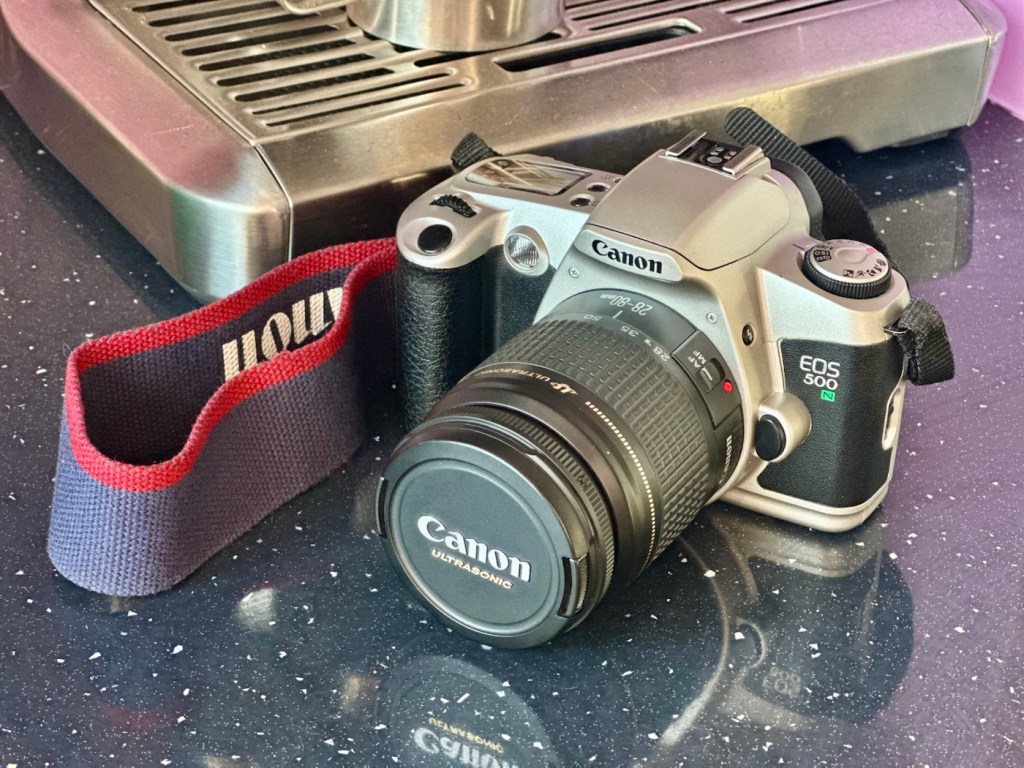
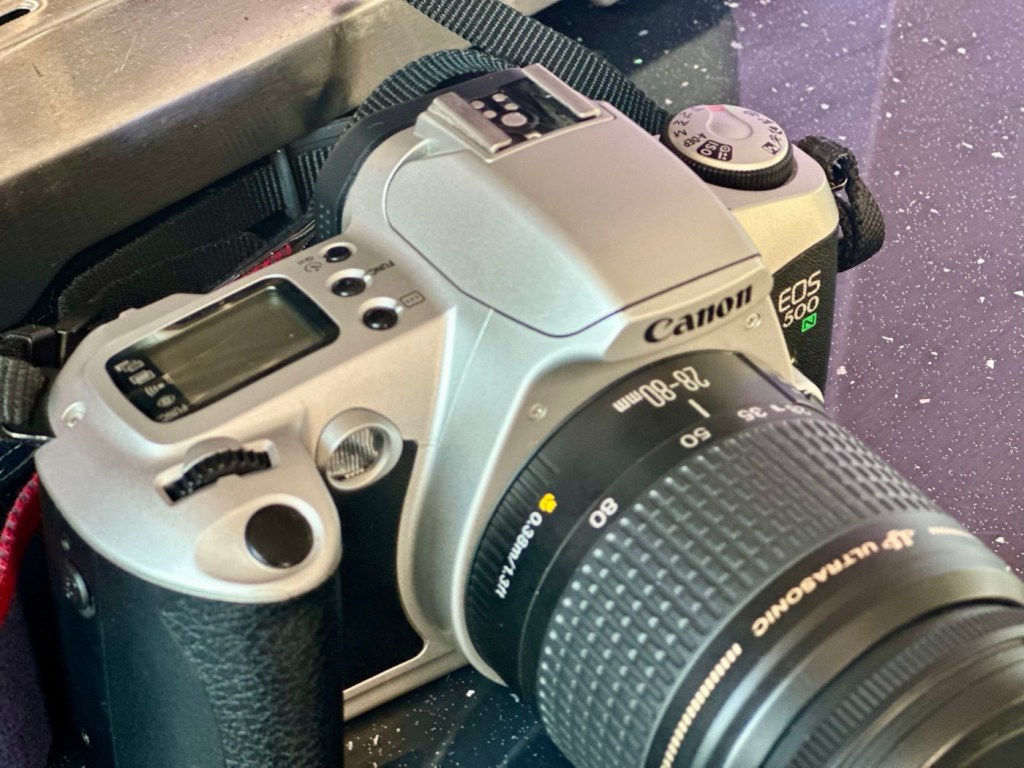
Canon EOS 500N

A nice entry level camera, from the mid 90s, now back in working order

Here I have a very basic, entry level camera made by Canon. Produced between 1996-9 this camera is currently between 26 – 29 years old. These cameras don’t have the traditional identification number printed within the film spool holder that the older cameras had, hence the precise manufacturing date is difficult to confirm.

Canon EOS 500N

This is a camera passed onto me by a good friend and professional photographer, Jon, as can be seen in this post: Cameras…i need more!

I believe this camera was previously used by a large photographic organisation, to teach staff and students wishing to learn traditional 35mm film photography techniques. It was a training camera, at entry level specs.

It is a very good example of this model of camera, and despite its simplicity, low cost appearance and feel, it is in a very good condition cosmetically.

Here’s a little information about this camera:

The Canon EOS 500N is also known as the EOS Rebel G in the Americas or the New EOS Kiss in Japan. Sometimes it’s referred to as the EOS Kiss 2 as it followed the release of the EOS Kiss in Japan. This camera was released in 1996 and replaced the EOS 500. The Japanese version of the camera had the date back as standard. Its successor was the EOS-300 / REBEL2000 / Kiss III, released in 1999.

The body of the Rebel G is plastic, weighing 370 g (13 oz). The only colors available were black or a mix of silver and black. The Rebel G has an EF lens mount making it compatible with any EF lens. The viewfinder offers a 0.7x magnification, 90% coverage, center auto focus, wide auto focus and many more. The Rebel G shooting modes consisted of 6 basic modes, full auto, portrait, landscape, macro, sports and night scene. It also has 5 advanced modes, P, Av, Tv, M, A-DEP. These modes would continue on in the Rebel G series. The camera features a built in flash, and can shoot at 1 fps. The fastest shutter speed with flash was measured at 1/90 of a second.

A few new features include compatibility with ETTL type flash. It still has the same 1/90 of a sec sync speed of the previous model, but when equipped with a Canon Speedlight such as the 380EX, 220EX it can be used at 1/2000 of a sec. Focus has improved a bit as as a AF assist light is now available. Auto Exposure Bracketing (AEB) can be use from -2 to ++2 in 1/2 stop increments. The command dial now has an easier to access night scene mode. The body is able to use the BP-8 vertical grip that can also accept four AA batteries.

Camera-Wiki.org / Wikipedia

Assessment:

As Stated, this camera is in a good cosmetic condition with no sign of dents, dinks or wear. Considering this was a camera used in training I can only presume the students were extremely careful and respectful, or it was lightly used. Having worked with some of these students myself, i very much suspect, it’s more than likely going to be the latter option.

There is another such unit I have of this very same camera however that is damaged with a faulty screen that requires replacement and that will be dealt with in a future post. Meanwhile, let’s get back to this one.

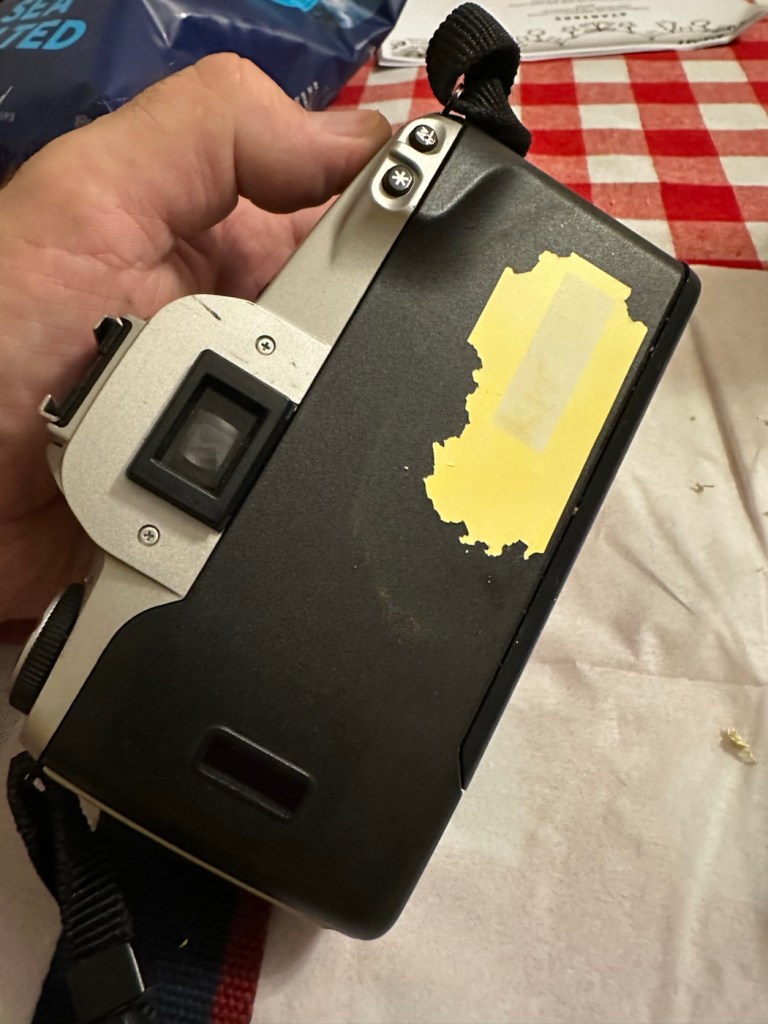
A sticker on the rear

There is an old ownership sticker on the rear and this is one of those old vinyl type ones that will be able to be removed, but just may take a little while, as they are brittle and break off into lots of little pieces that go everywhere.

The battery chamber is clean and there are no signs of contamination. The screen is clear and does not show any bleed, though I haven’t powered it up just yet.

The film chamber, back pressure plate and shutter curtain all appear to be in good order. Again I will further test this when I put some batteries in and run a dummy film to check transport.

The unit is quite grubby and dusty, the mirror is dirty and the prism is as well. initially all looks good. Batteries, and the dummy film might tell us something different.

Repair:

Let’s get that sticker off the rear, a little soak in IPA to soften things up, and then using a small plastic modelling spatula to gently get under the label, I was able to remove the sticker relatively easily. If I’d used the metallic option I may well have scratched the casing. I’m happy that this option has worked well for me. A final clean at the end with some car cockpit cleaner should bring the detail out nicely.

Sticker now removed

Let’s get some power in, and fire this unit up. It takes two CR123A 3v lithium batteries.

CR123A batteries
We have power

Batteries in, and everything lights up, all menus function and as stated earlier their is no bleed from the LCD screen.

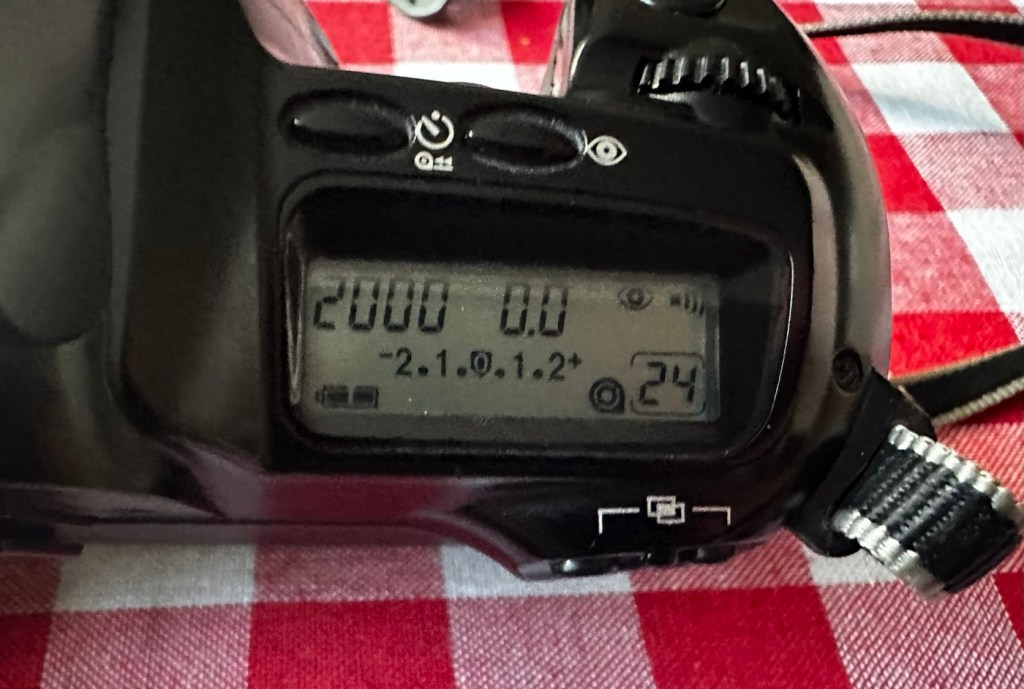
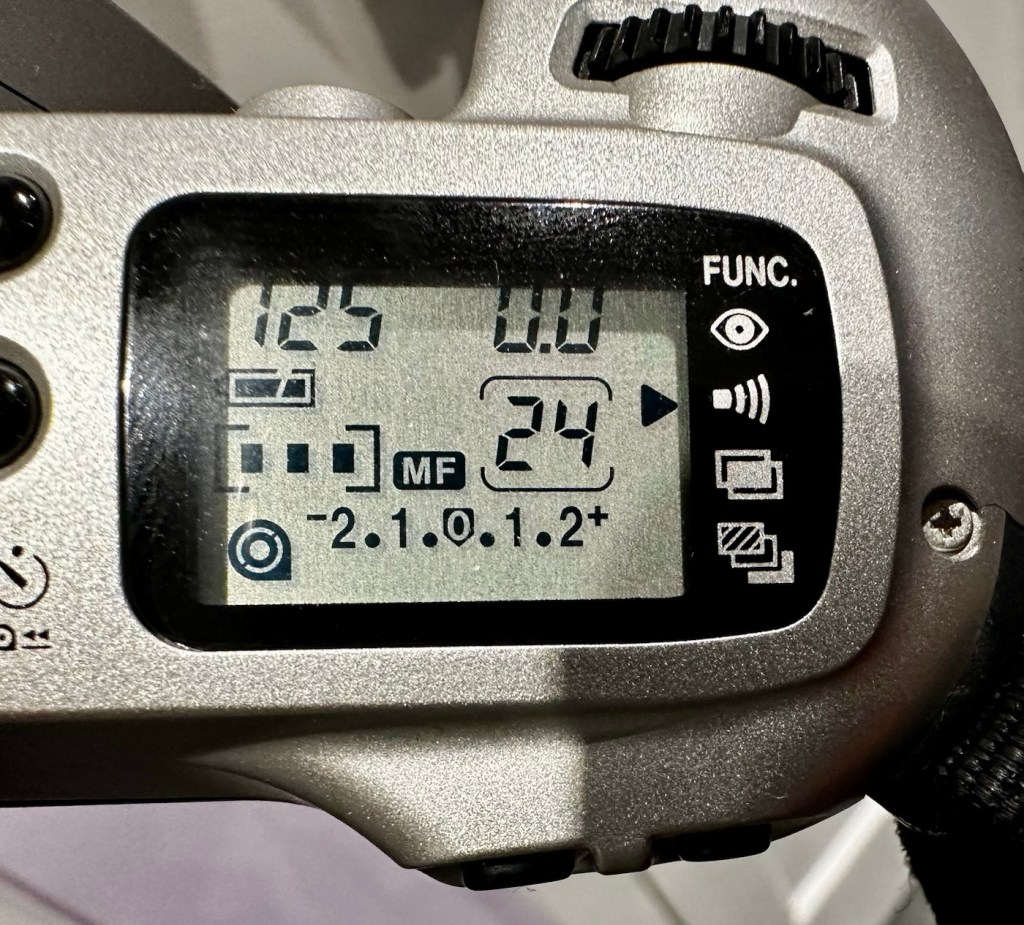
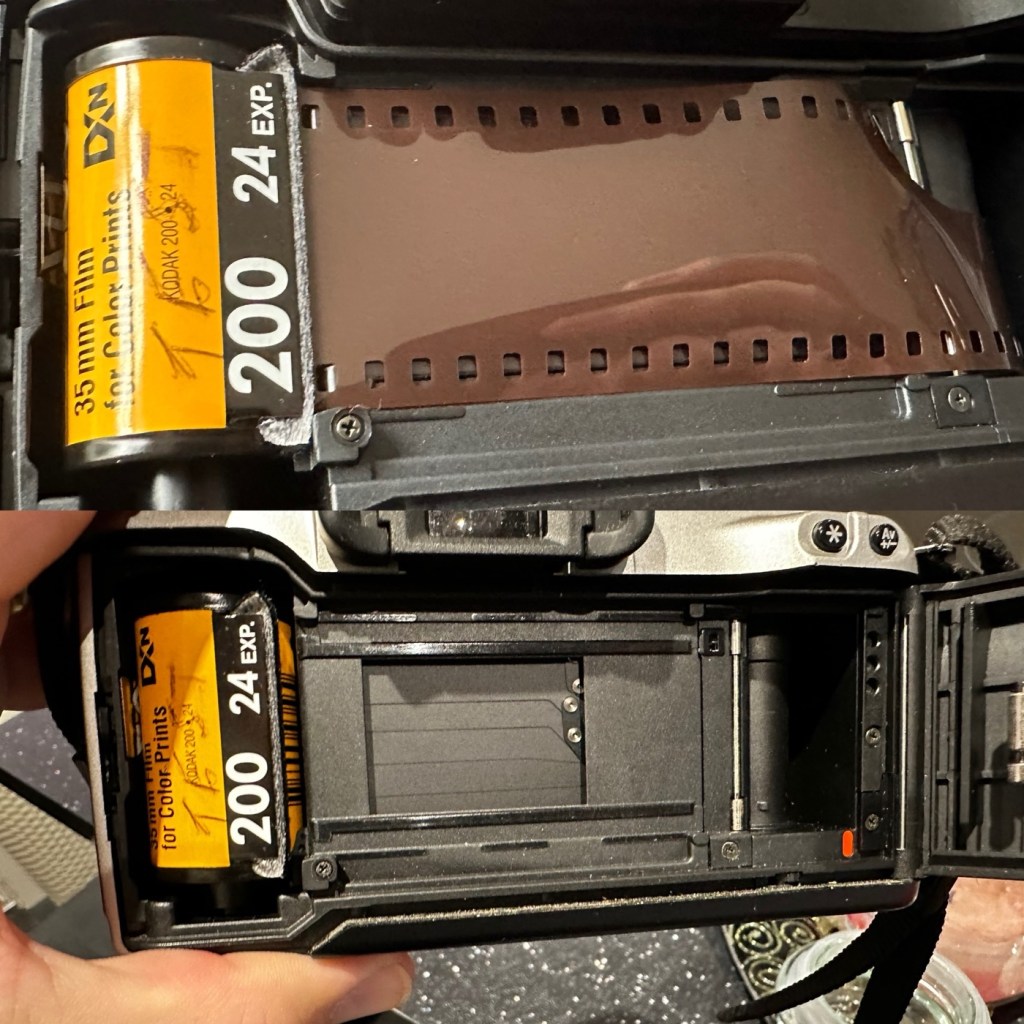
I load the film in and it instantly winds the whole film on to the take up spool. Here on the display, you can see that this roll is 24 exp and it has wound fully on to the take up spool. I fire off these 24 exposures to check the shutter and that fires fine, film transport also works well and the final rewind of the film at the end also works. In a nutshell, this camera works!

Film in and film out

I clean the prism and the mirror with a soft swab and you can just see the dust and dirt lift. A final brush over with a bulb blower completes this task. The internals are now clean.

It just needs a very thorough exterior clean and polish.

Result:

I’ve cleaned the exterior and used some ceramic cockpit polish to finish it off, I must admit it’s looking very good.
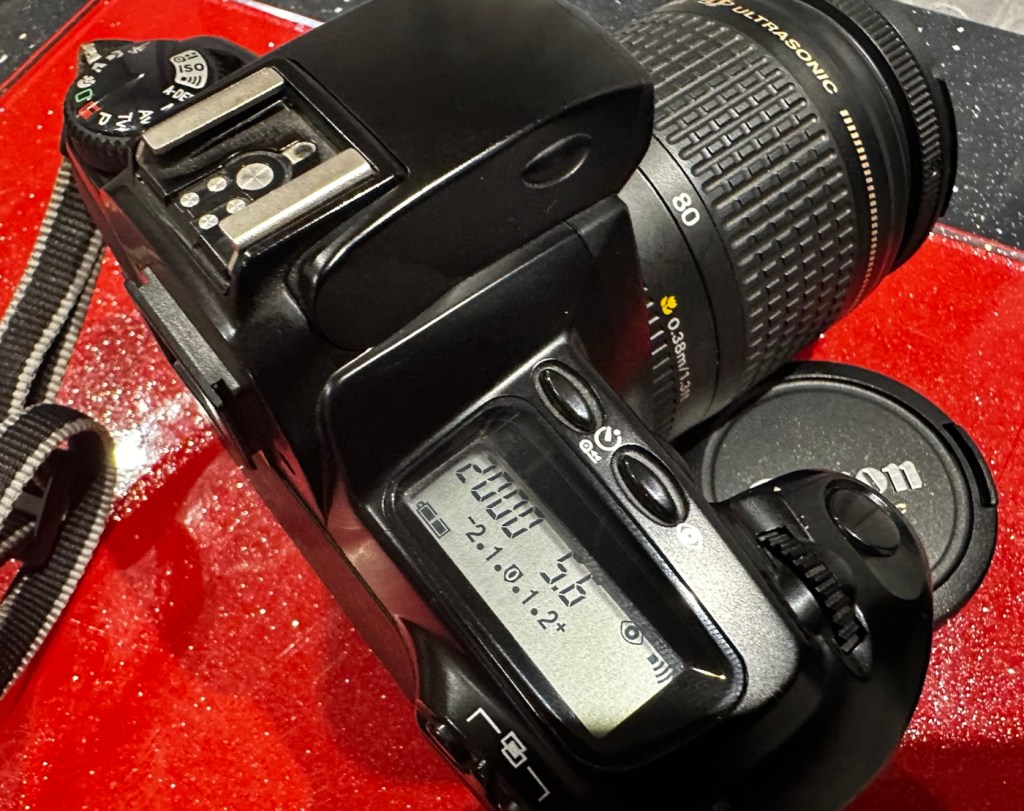
Here I have a nice little camera packed with features that will make a great camera for someone to learn the basics of traditional photography with. However, it’s remaining in my collection for the while.

Looking clean and presentable

I’ve cleaned the camera throughout and used compressed air to finish the clean prior to sealing it from the elements. It’s yet another camera that I need to test, another one that needs to have a film put through it for its final test, however I am 100% confident of it’s capabilities and the fact that it operates just fine and all its settings, buttons and controls are doing exactly what they should. When I do get to put a film through, I will link to it here.

Another successful restoration and return to use of another old camera that had been put to one side. Not that this one really required a lot of attention, just a bit of servicing and tlc.

Thanks for passing by. It’s always very much appreciated.

Fujifilm Instax 100 instant film camera

What the listing stated:

Fujifilm Instax 100 Instant Film Camera – Faulty Untested See Lens Shutter

Otherwise clean, 

battery compartment is clean, 

unable to test so selling for spares or repair considering the lens shutter 

EBay

I’m a tad annoyed at myself here as I had arranged a good price with the seller but because I was too eager I pushed the wrong button and purchased at the original advertised price. The seller must think I am a right plum, and I’d be inclined to agree with him. That said I’ve secured this for a good all in price, and it will be a nice addition to my collection. It’s a 26 year old camera, and i’ve been looking for one of these particular cameras that use the wider format of Instax film for quite a while, but even the damaged ones command hefty prices. I’ve paid an all in price of £28:55GBP here when I should have paid £23:55GBP. Never mind, lesson learned and don’t be so hasty in the future. They can command a good price as can be seen in the photo below:

Some recent sale prices

Here’s some info about this camera:

The Fujifilm Instax 100 was released on May 1st, 1999. It has been replaced by the newer Instax 200, which is very similar except the flash is on one side rather than directly above the lens.

Technical Specifications

  • Type: Instant camera
  • Film: Fujifilm Instant Color Film instax
  • Picture Size: 62x99mm (based on the golden ratio, closer to the naked eye)
  • Lens: Move in/out type Fujinon Lens 2 components, 2 elements, 95mm
  • Aperture: f/14
  • Shutter: Programmed electronic shutter 1/64 ~ 1/200
  • Viewfinder: Real image viewfinder 0.45x
  • Focusing: Motor-driven 2-range switching (0.9 to 3m/3m to infinity)
  • Power supply: 4 LR6/AA-size 1.5V alkaline batteries for around 10 film packs.
  • Dimensions: 171.5 x 91.5 x 119.5 mm
  • Weight: 650 gr (without batteries, strap and film pack).

Camera-wiki.org

Now this one is being sold with what looks like only one fault that the seller is concerned with and that being a shutter problem. From experience and as can be seen in this recent post of mine: Another Fujifilm Instax mini 8 I know that this is not a “Lens” issue it is in fact an issue with the iris that protects the lens, and is probably as a result of a small spring being disturbed in that area. It’s quite a simple fix and if it is the only fault then that would be quite some result. However, this is EBay that we are talking about and there could be a number of further faults we haven’t been informed of. Now I will just have to be patient until it arrives, there is no other choice.

Assessment:

It’s a big one. Compared to the other Instax mini cameras this one is very big. It’s probably 1.5 times bigger than your standard SLR. It’s big. And weighty!

It’s clean…ish. And there seems to be a strip of plastic, a gate as such missing from the top of the camera near the exit slot. This wasn’t mentioned and I’m quite annoyed about that. When batteries are put inside it makes all the noises, but the action isn’t smooth in the lens extension range. This probably ties in with the advertised issue of the lens iris operation. I’m thinking I paid well over the odds for this particular camera, I’ve been conned here, lesson learned.

There could well be multiple problems here, and if that missing piece on the top is anything to do with light proofing, then we could have an issue. Anyway we will cross that bridge when we come to it. Initially I’m going to stick with the original fault, so let’s attack that and worry about any other issues if and when they crop up.

Repair:

The more I get into this camera the more I find wrong with it. The main issue of the faulty lens iris is a fiddly one. You prise off the last section of the lens turret and the iris mechanism comes away fairly easy.

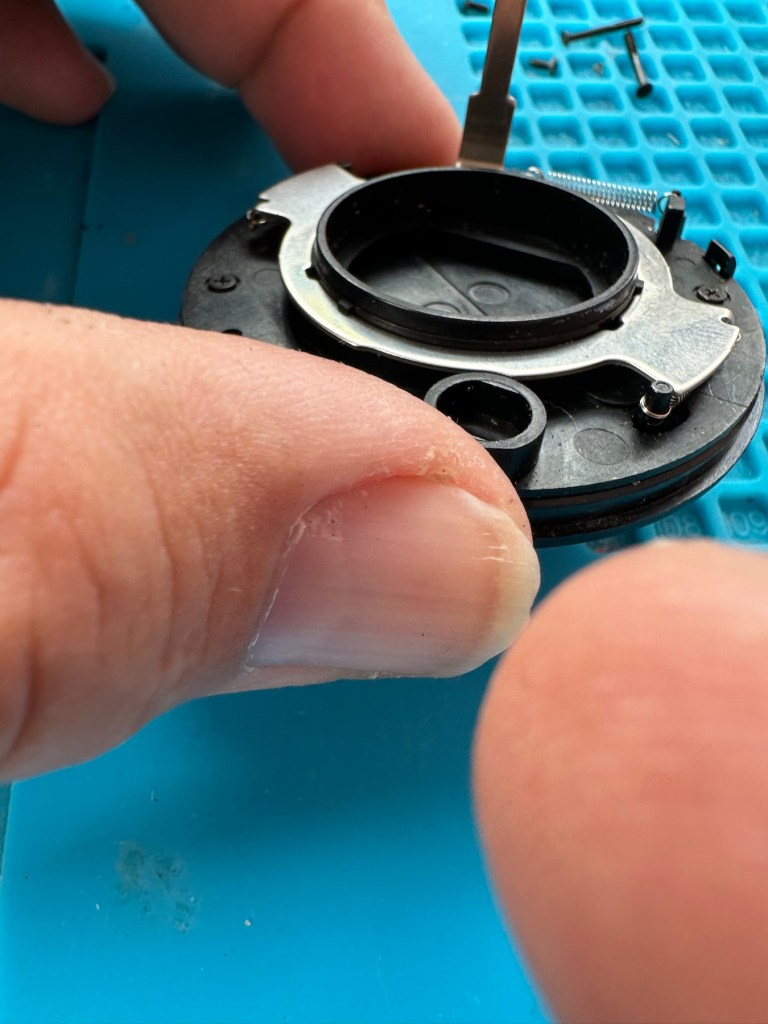
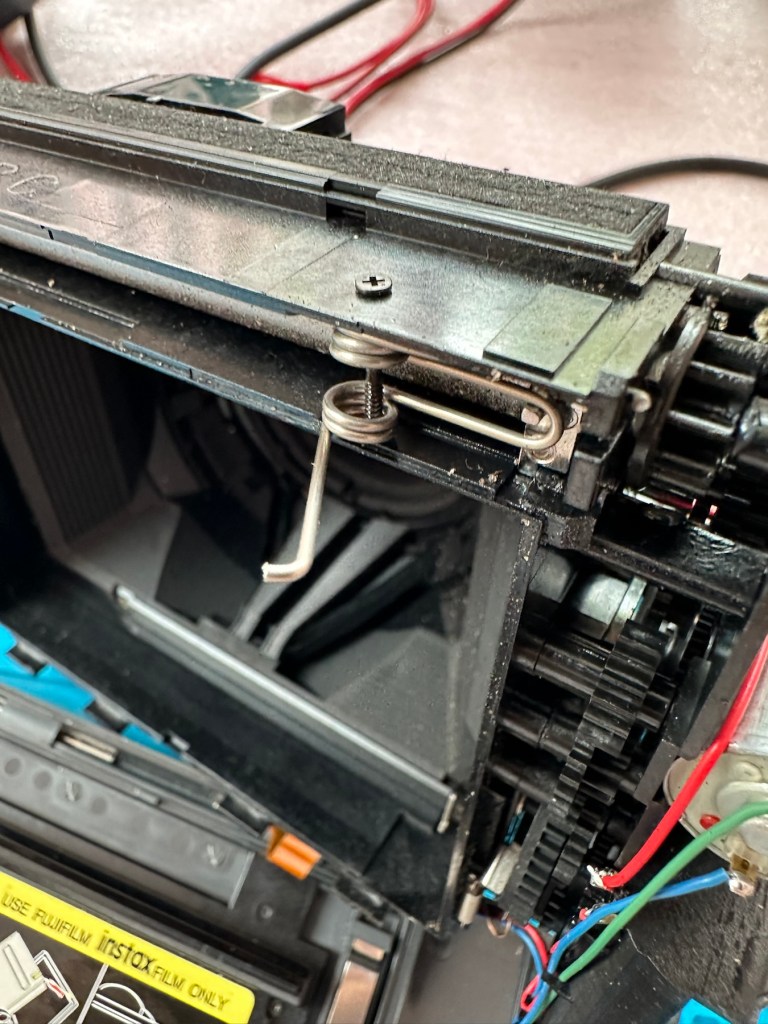
But then three tiny springs just fall out and this is why the iris didn’t work. Trying to get them in place is a puzzle itself, as no sooner do you have one connected then another drops off. It’s a fine balancing act to get them all back into place. When they are all reconnected it’s a very delicate operation to get them back into place. And even then you have to go to the inside of the camera to ensure that the lever inside that operates the iris, is aligned to the iris mechanism that is being installed back in the lens turret. It’s a fiddly time consuming job.

Iris now working

At this point the rear fascia and associated ribbon cable need to be removed to facilitate this repair. That’s when a piece of broken plastic falls out, it just so happens that one of the posts putting tension on the print rollers has broken. Great. Another problem. I’ve quickly fixed this by using some wire to act as a retention point. Bodge? Yes, but there really is nothing else that can be done here as the plastic case is thin and brittle. I have used some silicone grease to lubricate the cogs and the whole movement is now a lot smoother. It Will work. of that I am confident.
Result:

Well it works but it remains one of my most disappointing fixes due to the dishonesty of the seller. I know, if you buy off auctions it’s Caveat Emptor as they say, I preach it enough but this time I was caught off guard. Lesson learned. But I remain disappointed. Multiple faults, sold as just the one when in fact it also had bits missing that were not declared, very misleading in my opinion. Maybe in future I need to look deeply into these purchases before I give any feedback, i need to change my operation as I was truly shafted here.

It does everything that it should, the motor and transport system work, the iris now works, shutter is good, and flash operates. I’m confident that the camera is working fine but I haven’t tried any film through it yet as it uses a bigger format film and is quite expensive, and I’m not forking out for any just yet. Maybe when I get another wider format model to look at I will pay out. Just not yet though. When I do get some film through it I will amend this post accordingly.

I’m off to calm down a bit now, thanks for passing by, I really do appreciate it. Have a great day.

Psion organiser II LZ64

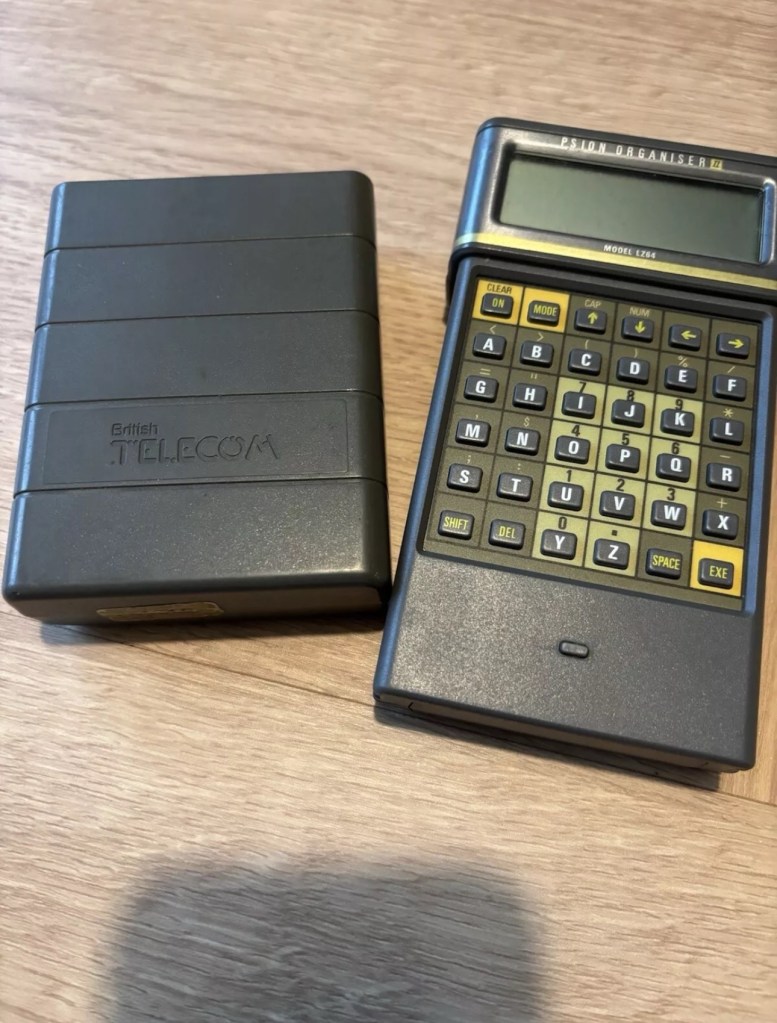
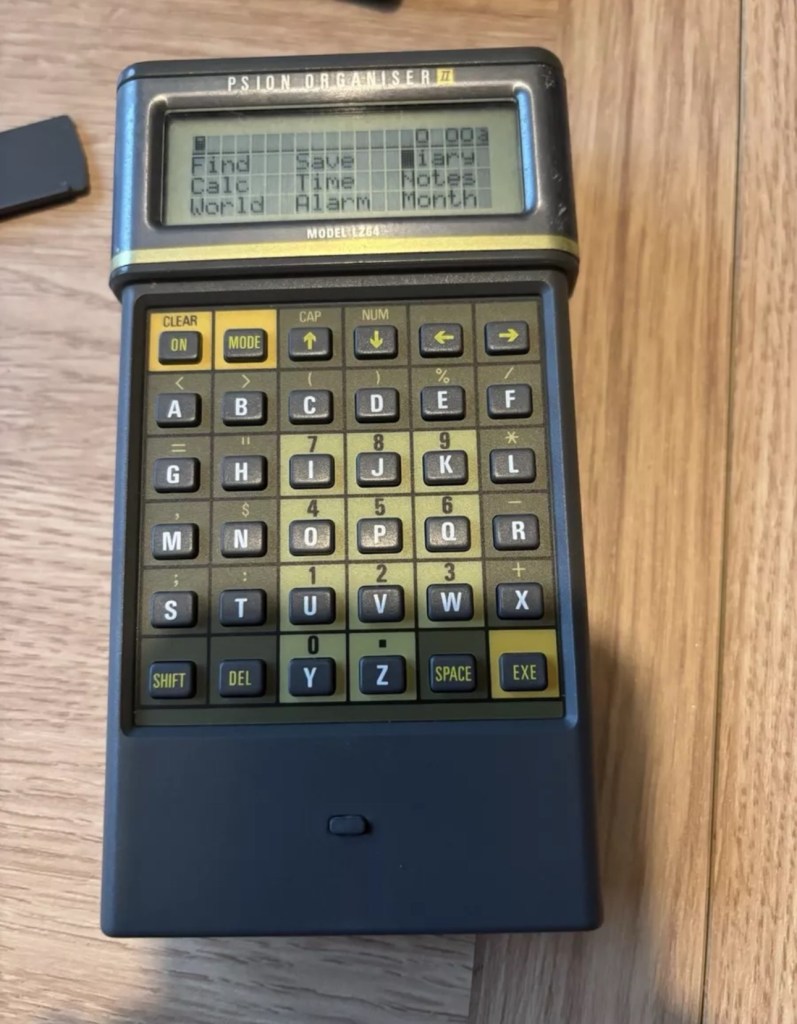
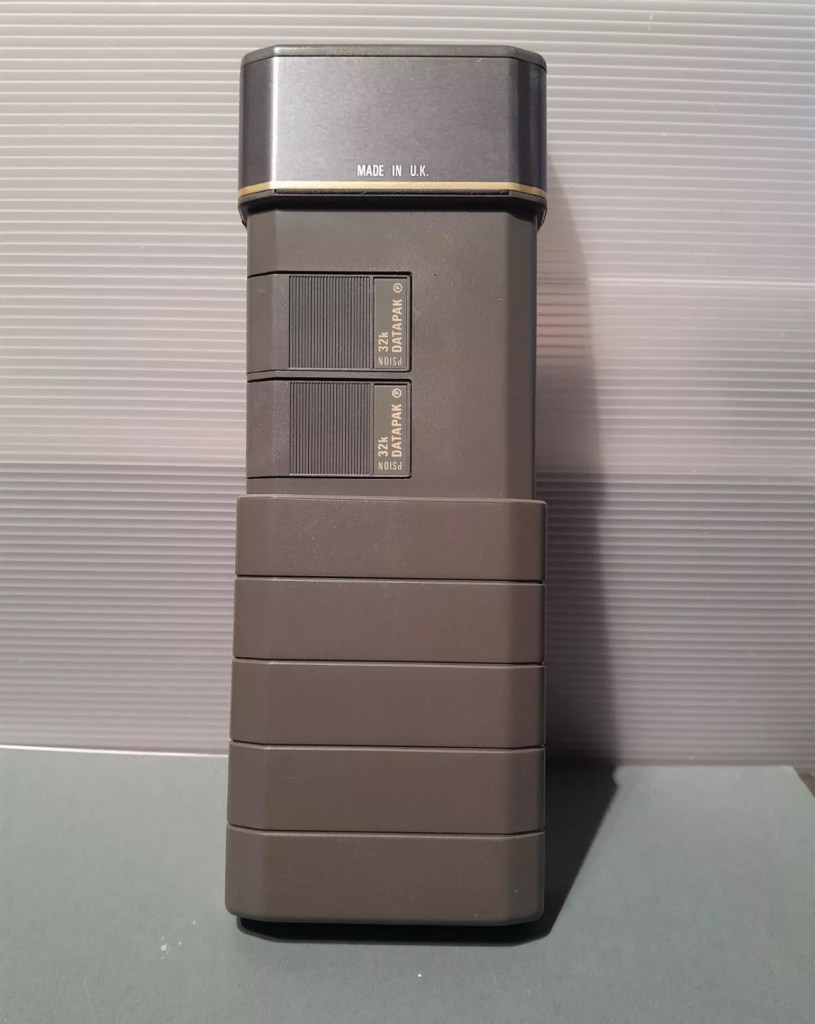
I am now in possession of my fourth Psion II organiser, in an attempt to complete my collection of these devices. This one is the LZ64 model from 1989. All my examples are of a good quality with only some slight markings on the device. They all work as they should do with no issues. This particular example comes with a British Telecom branded holder, as a number of different companies branded their own units like this back in the late 80s early 90’s. It has 64KB Ram and a 64KB Rom that is expandable.

My units marked with an asterisk
The LZ range

Here is some information from Psion regarding this model.

The Psion Organiser II Models LZ and LZ64 come with a powerful set of utilities including:

  • A database which allows you to store items of information and retrieve them again instantly.
  • A diary to keep track of personal appointments.
  • Alarms to remind you of your diary entries, or to use as an alarm clock.
  • A sophisticated calculator, for simple or complex calculations involving mathematical functions.
  • A clock, with a stopwatch and timer.
  • Notepads with calculation, for information such as things- to-do or expenses lists.
  • International time and dialling codes.
  • A month-at-a-view calendar.
  • Password protection.
  • A multi-file database.
  • A choice of European languages.

The Organiser also has its own built-in programming language called OPL. The language is designed to exploit all the machine’s facilities to the full and to let you tailor the Organiser to your own specific needs.

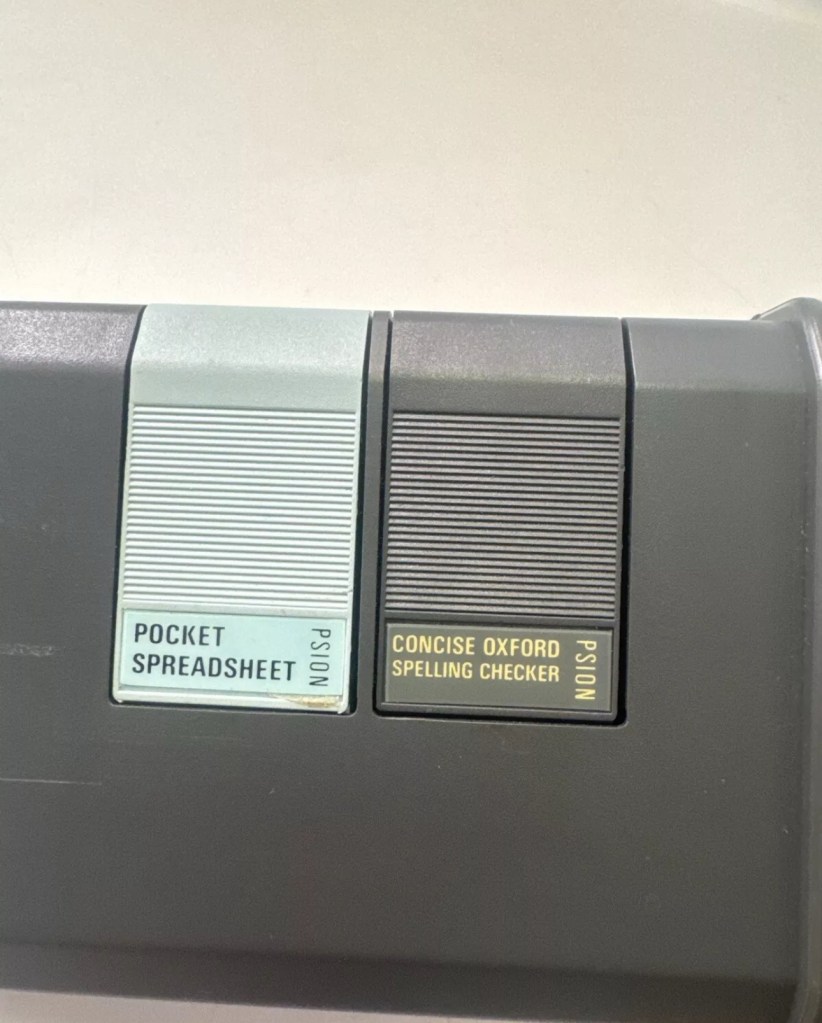
The Organiser has an internal memory and two external devices which are the equivalent of disc drives on a desk-top computer. Each one can hold a Datapak for you to store information on, or a program pack containing a program such as the Pocket Spreadsheet.

The internal memory of the Model LZ64 holds around 64,000 characters. In addition, one or more Datapaks can boost the storage capacity considerably – by up to 128,000 characters per DatapaK.

Courtesy of Psion PLC1989

As I’ve stated before I will be using these units to learn the OPL programming language and to try and get these units connected to other retro units that I have if this age group. I am also looking at getting these units to connect via usb to a computer. It can be done and that is a project for me at a later date.

Thanks for passing by 👋

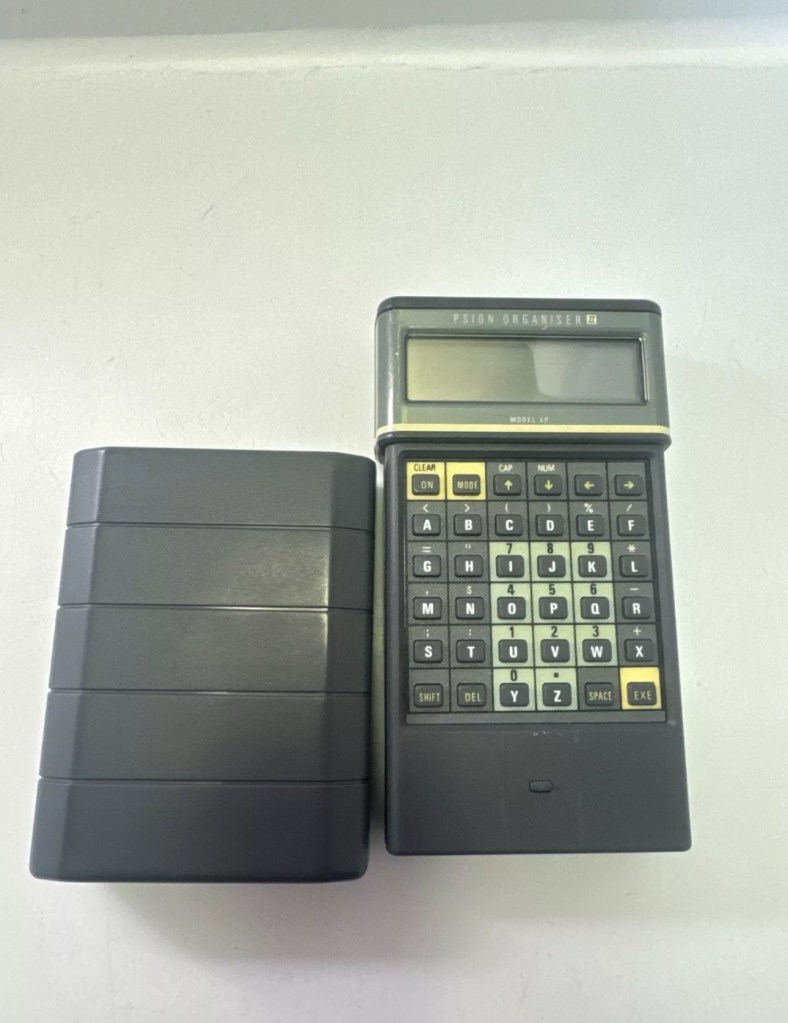
Psion organiser II XP

I’m so impressed with these Psion organisers from the 80s that I’ve now decided to go ahead and try to obtain some good examples of all the MkII models. I’ve recently posted about my CM version here: Psion organiser II CM but today I have obtained the next model from 1986 the XP version. You can find out more about the Psions I own on the main menu in the margin of this site.

80’s tech in 2021

Above is a good video, using the XP in 2021

I’ve paid less than £20Gbp all in for this item and I think it’s a bargain personally. I’ve also obtained two programs that I’ll either keep or move on. There are some slight marks on the bezel but nothing too bad. I may be able to replace these parts with donations from some damaged sets I’m looking at. That’s a medium term plan, so there really is no urgency here. Let’s just make sure it’s running as well as it should do first.

I will be using these units to further learn the OPL programming language that they use.

As with the earlier CM model this unit also had the Y2K issue so I will have to run the TIMEINST program to ensure it updates the calendar accordingly.

The differences between these two units are very slight and it is basically around the available memory. Comparisons below.

  • The Cm – year 1986- Ram 8Kb- Rom 32Kb- Max datapack 64Kb
  • The XP – year 1986- Ram 16Kb- Rom 32Kb- Max datapack 2048Kb

CPU speed, clock speed and display are both exactly the same. It really is just an improvement in memory availability. Hence Spreadsheet programs could run with less of an issue on the XP units but not so on the CM units.

The Psion Organiser II XP model has a 6303 microprocessor with two-line LCD, two slots for memory cartridges and a connector for expansion. The keyboard is calculator-like with the keys arranged alphabetically, not in the Qwerty keyboard style. There is no off key the so the machine was switched off by a menu command. The case is also styled like a calculator, but it has a handy slide-on cover to keep the keyboard safe when the machine is not in use. 

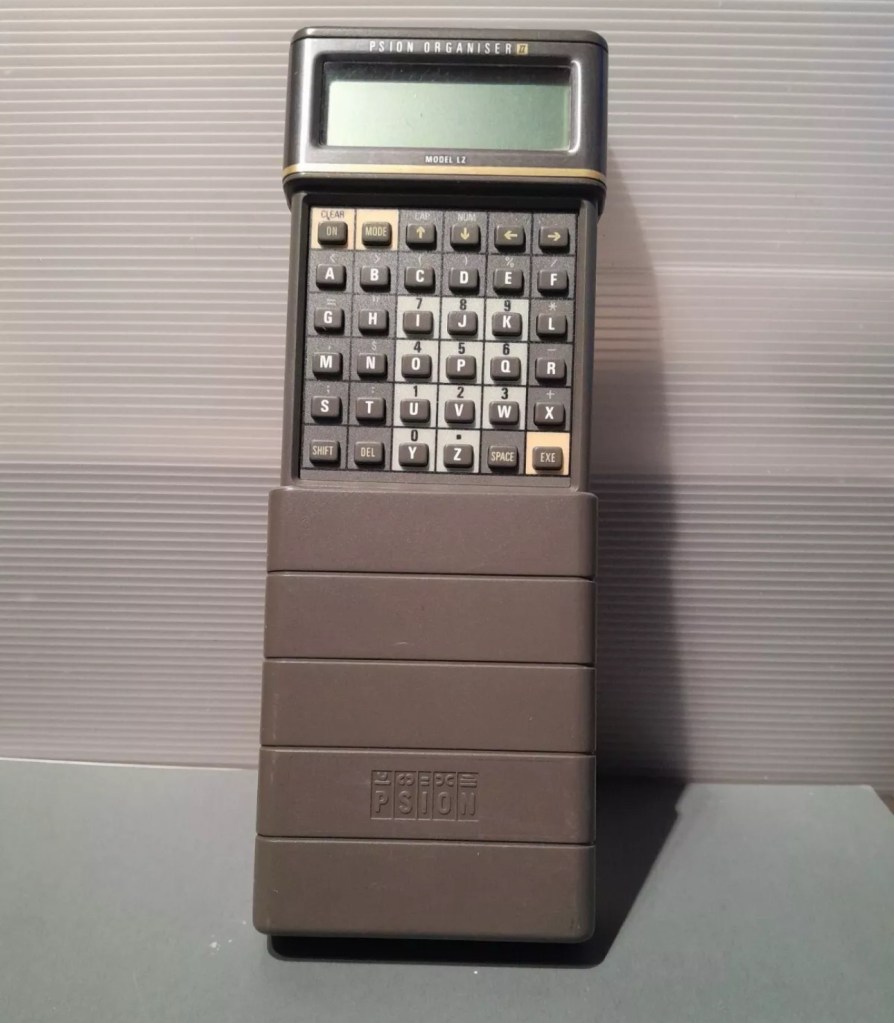
Psion organiser II LZ

I am now in possession of my third Psion organiser II. You can view any of my posts on them by viewing the menus listings of this site. This one is the LZ version and is a great clean example. This one cost me a little more than the other two £30Gbp all in. However we have progressed in technology and it is now 1989, this unit has grown up considerably since its siblings were produced three years earlier.

These units have a four line display compared to the earlier two line displays of the older versions. The screen size is larger on the LZ, it is 4 lines of 20 characters compared to the earlier two line screens that were 2 lines of 16 characters. 

Here is a great review of the capabilities of this unit.

Psion LZ review

Unlike the previous versions I have, this particular unit does not suffer with the Y2K issue.

Below I have included a section from the operating manual for this unit.

The Psion Organiser II Models LZ and LZ64 come with a powerful set of utilities including:

  • A database which allows you to store items of information and retrieve them again instantly.
  • A diary to keep track of personal appointments.
  • Alarms to remind you of your diary entries, or to use as an alarm clock.
  • A sophisticated calculator, for simple or complex calculations involving mathematical functions.
  • A clock, with a stopwatch and timer.
  • Notepads with calculation, for information such as things- to-do or expenses lists.
  • International time and dialling codes.
  • A month-at-a-view calendar.
  • Password protection.
  • A multi-file database.
  • A choice of European languages.

The Organiser also has its own built-in programming language called OPL. The language is designed to exploit all the machine’s facilities to the full and to let you tailor the Organiser to your own specific needs.

The Organiser has an internal memory and two external devices which are the equivalent of disc drives on a desk-top computer. Each one can hold a Datapak for you to store information on, or a program pack containing a program such as the Pocket Spreadsheet.

The internal memory of the Model LZ holds around 32000 characters and that of the LZ64 around 64000 characters. In addition, one or more Datapaks can boost the storage capacity considerably – by up to 128000 characters per Datapak.

Courtesy of Psion PLC1989

I’m going to use all the organisers I currently own to look into learning the OPL operating language that all these units use. I have already programmed in a couple of basic routines that just perform actions such as a clock routine that shows up when you turn the unit on – see picture below.

Simple clock routine.

This simple routine consists of no more than about six lines of code, it really is simple but allows you to adapt it to just how you want it, there are a number of options you can use to incorporate it into other routines or have it just running on its own as I have here.The routine above stops whenever you press any button. Simple.

That was the appeal of PDA units such as these in the 80’s in that you could develop and write programs that you wanted that suited you and your requirements. I like this as it takes me back to the days when I purchased my first computer the ZX81 back in the early 80’s when you had to learn BASIC programming just to get it working.

I know I’m probably 40 years behind everyone else and the whole programming scene has moved on in leaps and bounds to a point where it is super technical and advanced, however I love the slow pace and infancy of it all. And I’m not doing anyone any harm, so I’ll just plod on at my pace. It keeps me occupied, and I’m constantly learning. And at my time of life that is no bad thing.

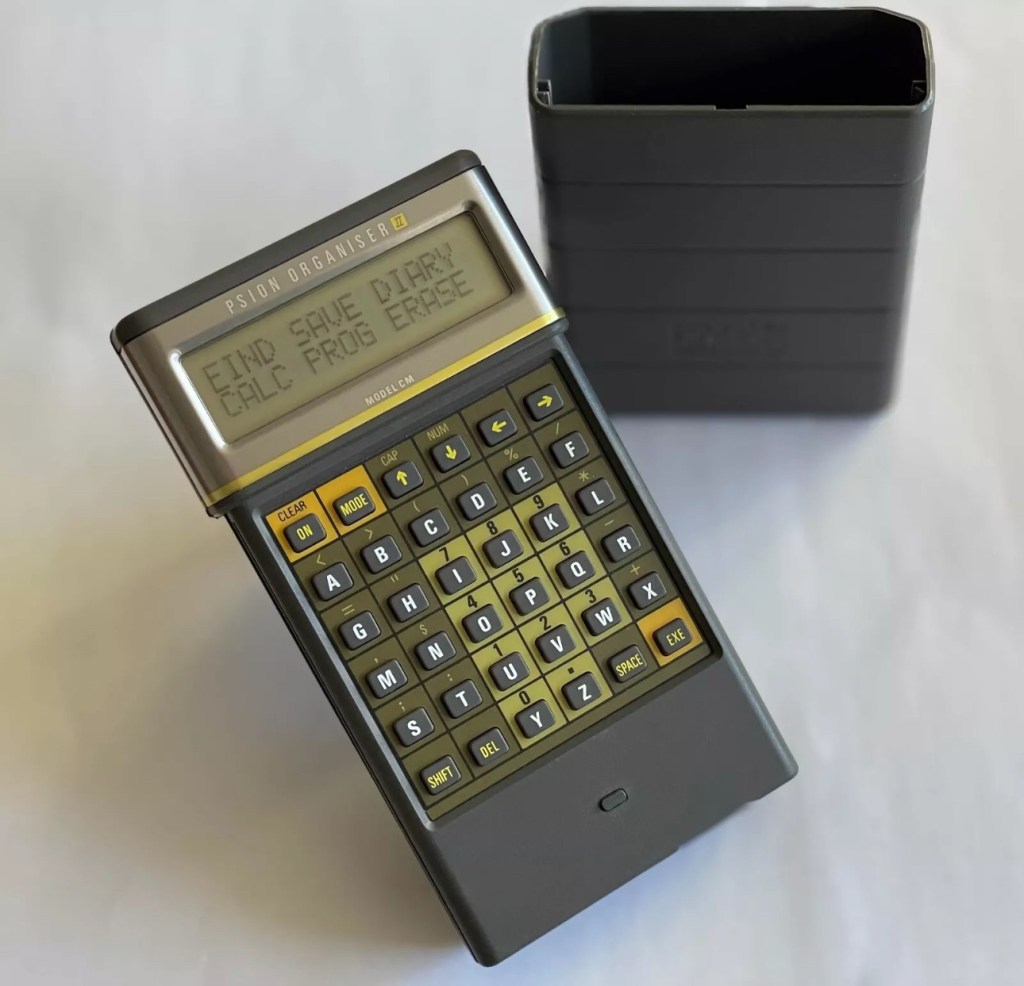
Psion organiser II CM

I have a Psion organiser II Cm from around 1986, a lovely blast from the past piece of technology that for a period of time, put the UK ahead of the world in electronic storage and retrieval technology. For an item that is thirty nine years old it was way ahead of its nearest rivals in both looks and capabilities. Let’s be honest the biggest selling data retrieval system prior to this coming along would have been the good old fashioned Filofax. It really was a game changer.

My personal organiser is in good condition. I’ve had it for about a year now. It has no known faults so I’ve not done this post to show a repair, I have created this post to highlight, just like us all, that the older we get the more care we have to take of ourselves, the same goes for this machine. There is a whole online community still committed to this equipment and the amount of knowledge available to anyone looking at getting one of these items is absolutely immense. Just look here: Psion Organiser II forum

My organiser is a CM version. It has a memory of 8 KB. Data packs can be added, mine has a 16 and a 32k pack so I have a whopping 48k of available additional memory. Extra storage is available between 16-128k again dependant on the limits of your unit.

This version, the CM was a victim of the Y2K bug that you will be more than aware of, if you are of a certain age and possessed a computer on the run up to the year 2000. Panic reigned supreme around this time, the world was about to end. It was a crazy time. For some it was just that, plain crazy and nothing noteworthy occurred, for others they will say it was a whole different story. However it wasn’t all that bad as we are all still here today. That said some units were rendered useless as their date ranges didn’t exceed beyond the year 1999, and that is where this particular model of the Psion organiser slots in to place.

It has that very issue as does the XP version, later editions such as the LZ did not have the issue.

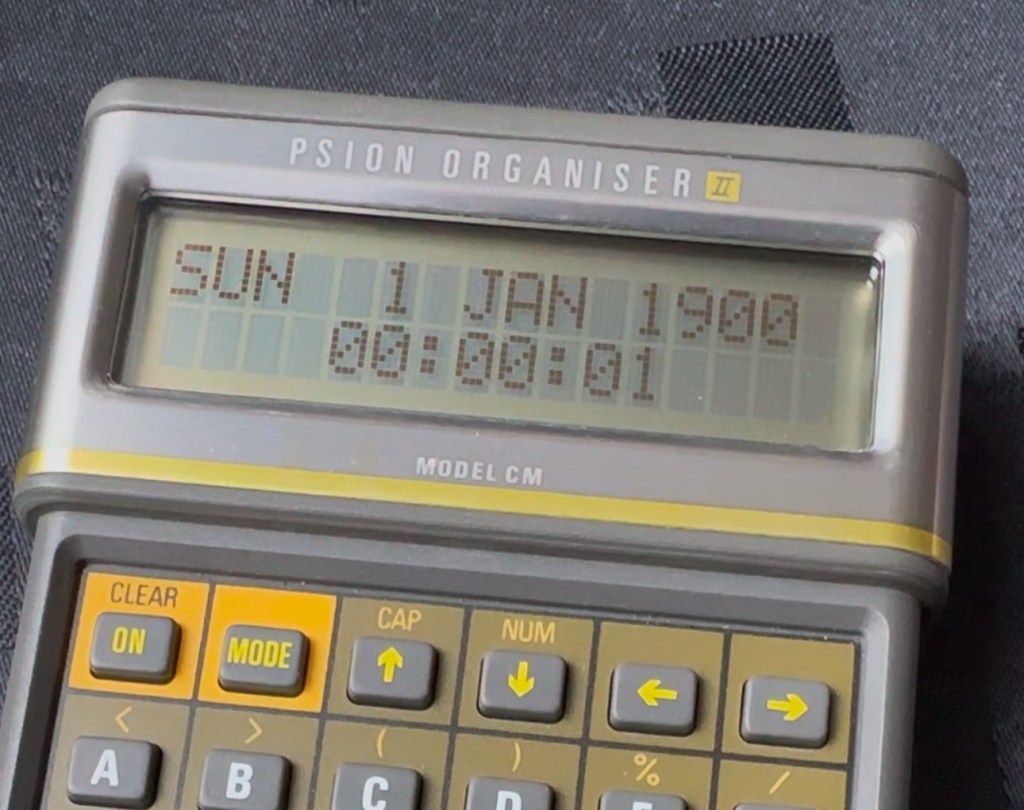
I’ve created a very small video here that replicates exactly what occurred when midnight on the 31st December 1999 finally arrived.

My Psion, replicating the Y2K bug

In a nutshell it resorted back to the year 1900. Some computers freaked out, others that had been attended to had fixes deployed that added extra years to the internal data streams. And we can also do that with this unit today.

All we have to do is visit the site of Jaap Scherphuis who has provided the download to enable users to now extend the date range by another 84 years to 2083. My time on this planet will be done by then so I’m not that worried about what happens beyond this time period. I have quoted exactly what this little fix achieves, below.

When it is installed the main menu item TIME is redirected to the memory resident routine. This routine is identical to the normal one in ROM, except that it adds 84 to the year, making the range of the available years 1984 to 2083 instead of 1900 to 1999. This new range is chosen because these years have the same weekdays.

Jaap Scherphuis

To achieve this fix there are three ways that it can be achieved, either as a direct entry set of commands via a serial cable link to the top of the unit via a computer, direct entry via the unit programming mode, or by using a programmed data pack. I do not have the link, and I possess “Sausage fingers“ so I don’t trust myself to type the detail in correctly, so I will be using the latter option, i am cheating with one of these.

A vendor used to sell these on eBay. They are data packs that contain the very Y2K patch I need, as well as a few other little nuggets of interest all on a preloaded pack. There is an aside to this particular fix. As it is stored in the local memory, should the battery die, or be taken out to be replaced you will lose this fix and it will need to be reinstalled. With Psion, any hard data you wish to keep, has to be saved to one of the data packs, if you don’t you will simply lose your data, no auto save ability here.

So if the battery does die or get removed, with this pack it can be quickly restored to normal use in a couple of minutes with no need to involve other computers or peripherals.

Before fix installed Y2K issue remains
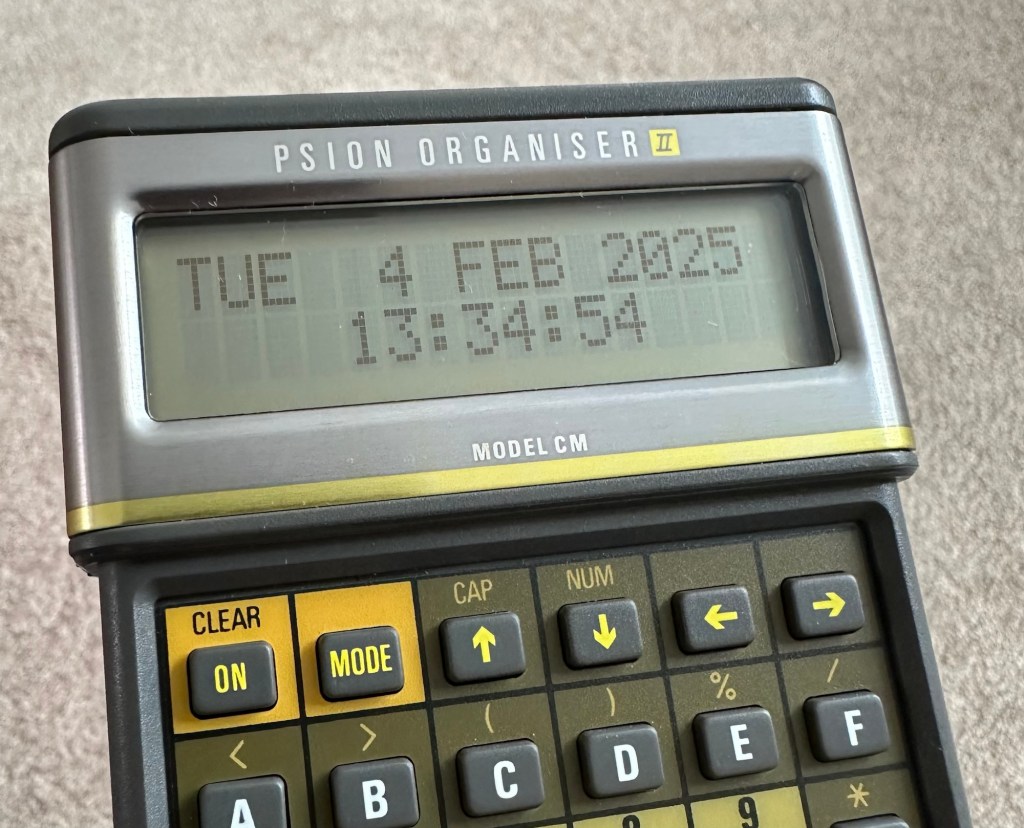
No Y2K issue now

I have now installed the new TIMEINST routine that adds the extra years into the the units memory and it is now usable for the next 78 years (For someone, not me though, as I won’t be around!)

So this is my Psion up and running. I don’t claim to know much about the technical side but I’m learning. If I can assist anyone in any way, whether that is by directing you to someone who knows, or by taking you through what I have done here, then please make contact. I will assist you however I can.

Thanks for passing by.