

What the listing stated….mostly AI produced I guess?
Untested, no charger, docking station only by Hewlett Packard
32MB Jornada PDA 540 Series Pocket PC Windows & Docking is a highly functional device that comes with some amazing features. This device is perfect for individuals who desire a highly efficient PDA Series. The device is sold as untested and is compatible with the Windows operating system. The brand of this device is HP, which is a well-known brand in the tech industry. The PDA Series is HP Jornada and it comes with an installed memory (RAM) of 16 MB. The display size (pixels) and screen type are unknown, but it has a model number of 540. This device comes with a docking station that allows ease of use for individuals.
EBay
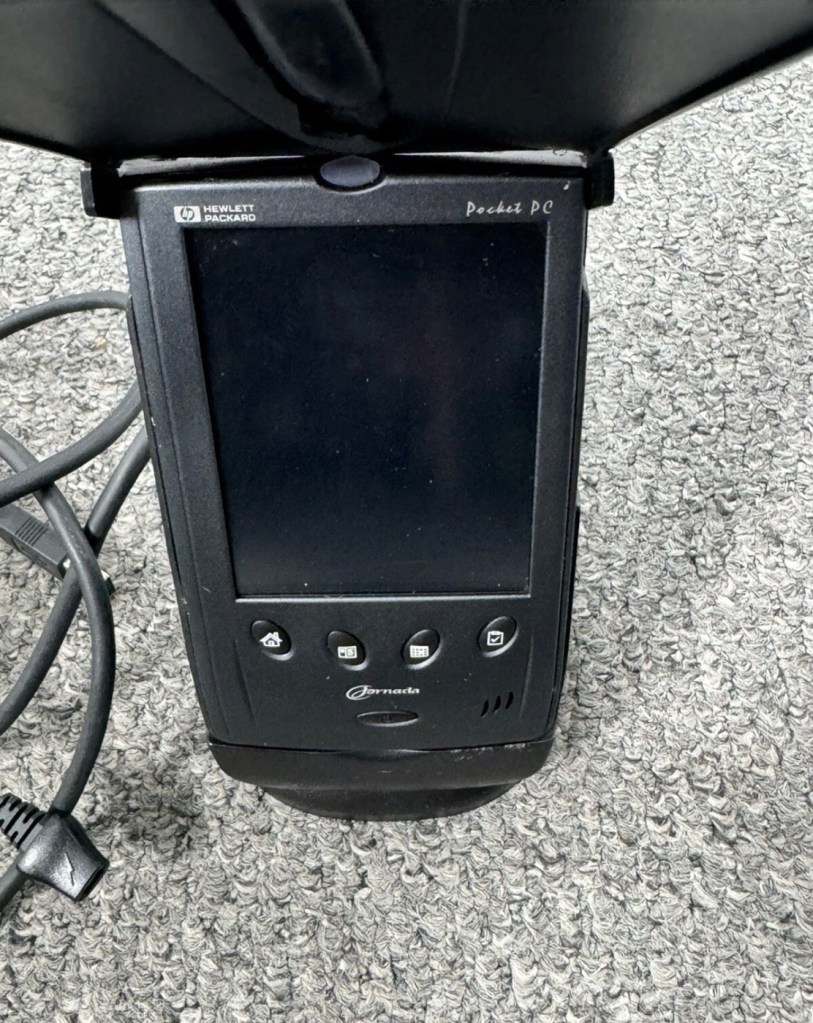
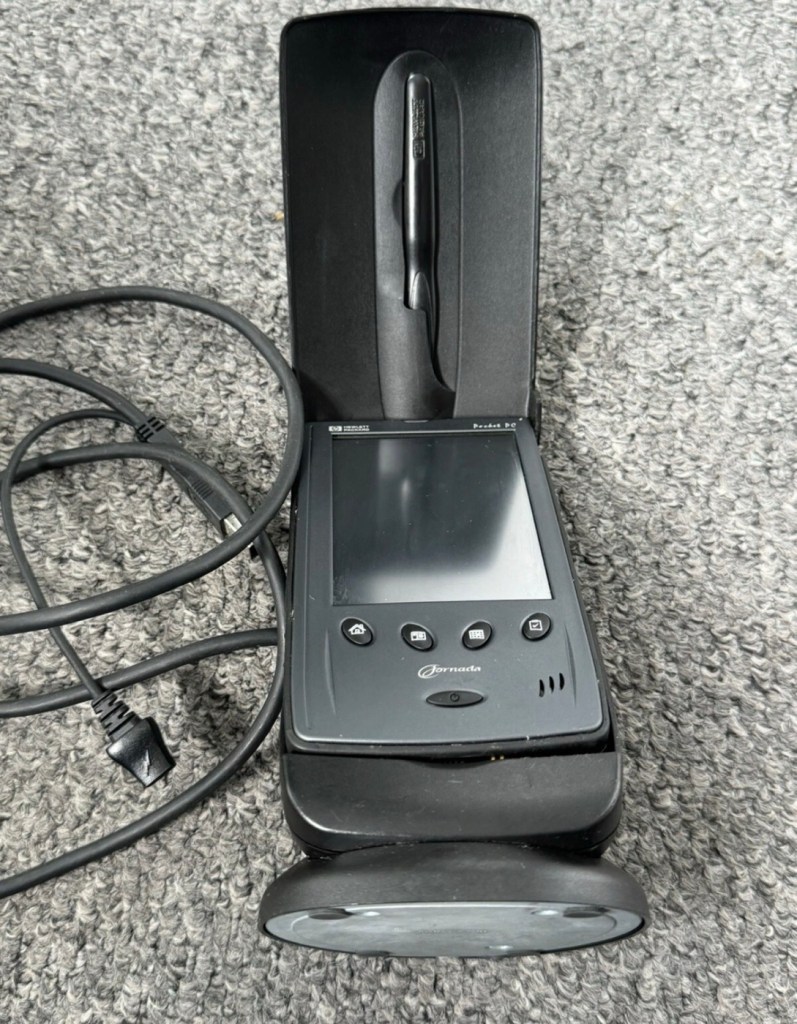
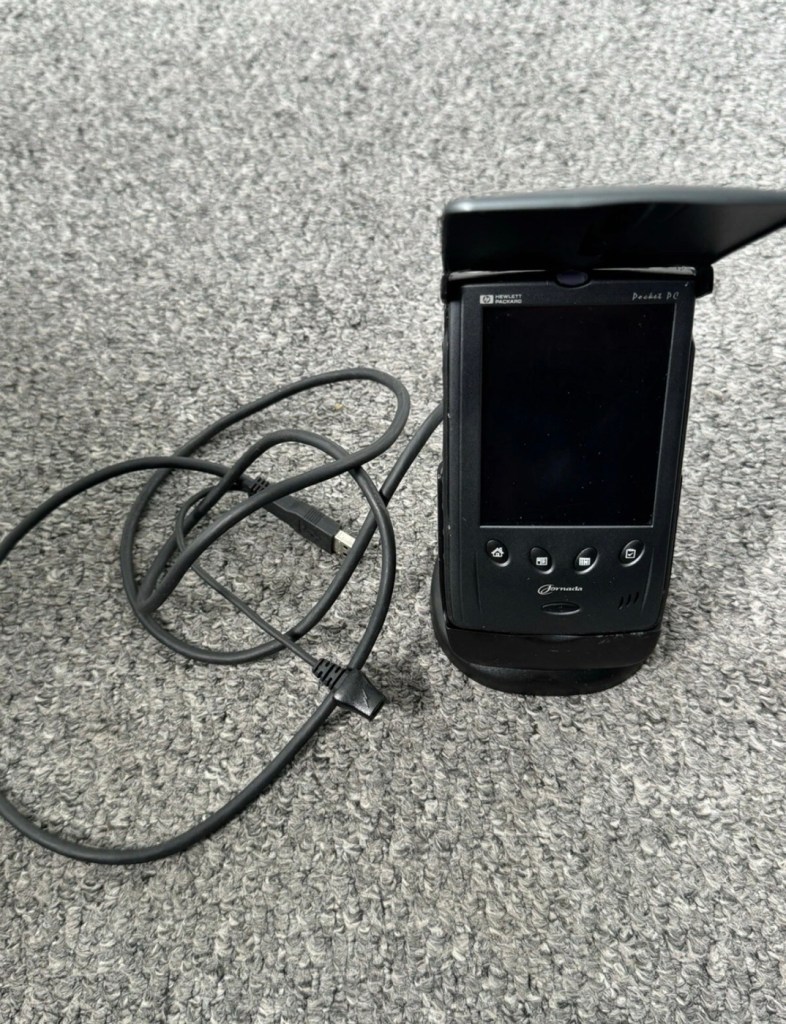
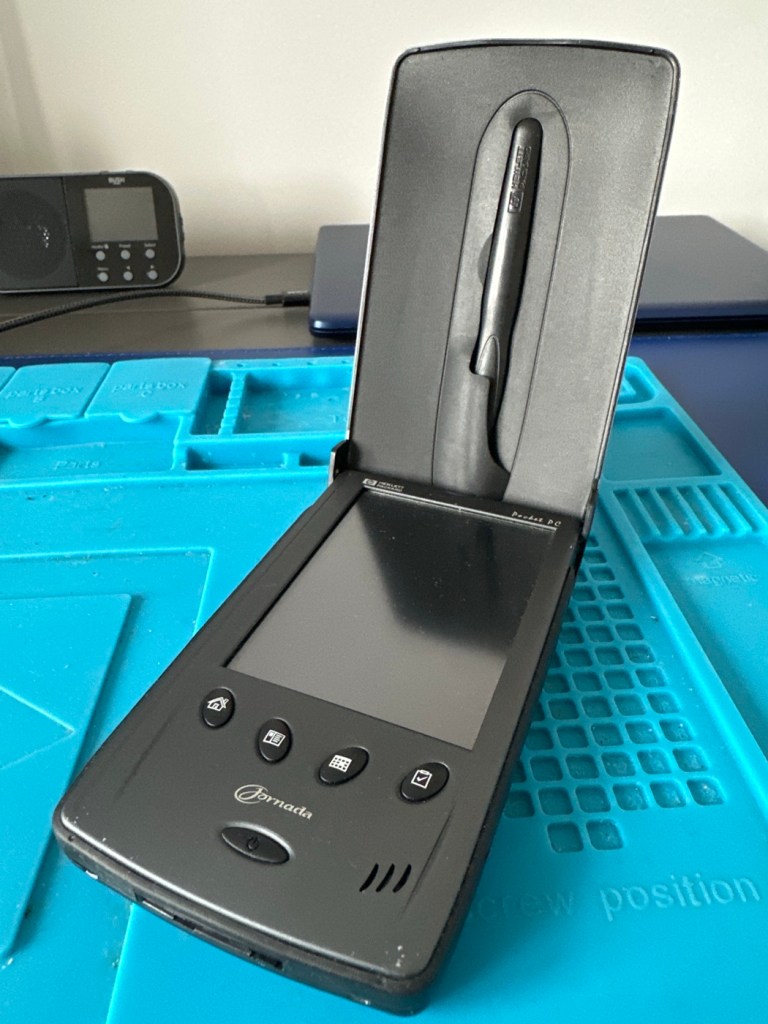
I just know this is going to be a challenge, and to be honest i will have two of these when this one arrives. This is the 16 mb version, released in Mid 2000, currently aged at around 26 years old. I’ve had a dead one sitting in one of my junk drawers for a couple of years now and I though it would be a good challenge to get at least one of them working again, another one of my Frankenstein projects if you must. I have no charger for these, the chargers are priced at a premium with the online pirate community, (Robbing swines!) so I will just have to make do. At least with the docking station that this unit has I have somewhere to start from. I suspect both batteries will be dead so I may have to use some jiggery pokery to get some power into their circuits to see if we can get any signs of life.
But whilst we await the arrival of this unit, here is a little bit about this PDA:
The Jornada was a line of personal digital assistants or PDAs manufactured by Hewlett-Packard. The Jornada was a broad product line that included Palm-Size PCs, Handheld PCs, and Pocket PCs. The first model was the 820, released in 1998, and the last was the 928 model in 2002 when Compaq and HP merged. The Jornada line was then succeeded by the more popular iPAQ model PDAs. All Jornada models ran Microsoft Operating Systems that were based on Windows CE.
Jornada 540 series
The HP Jornada 540 series, including models 545, 547, and 548, was released in July 2000. As one of the original Pocket PC platforms, it featured a 12-bit color display, 32MB RAM, and USB connectivity running Windows CE 3.0.
The Jornada 540 series was one of the original models of Pocket PC, when the platform was first announced. Sharing the Operating System, CPU and memory card slot of the 520 series, it featured a 12-bit display (originally advertised as 16-bit display) and USB connectivity. Two models were made available that were identical except for the amount of RAM. The 545 had 16 MB RAM and the 548 had 32 MB RAM.
Wikipedia
Assessment:
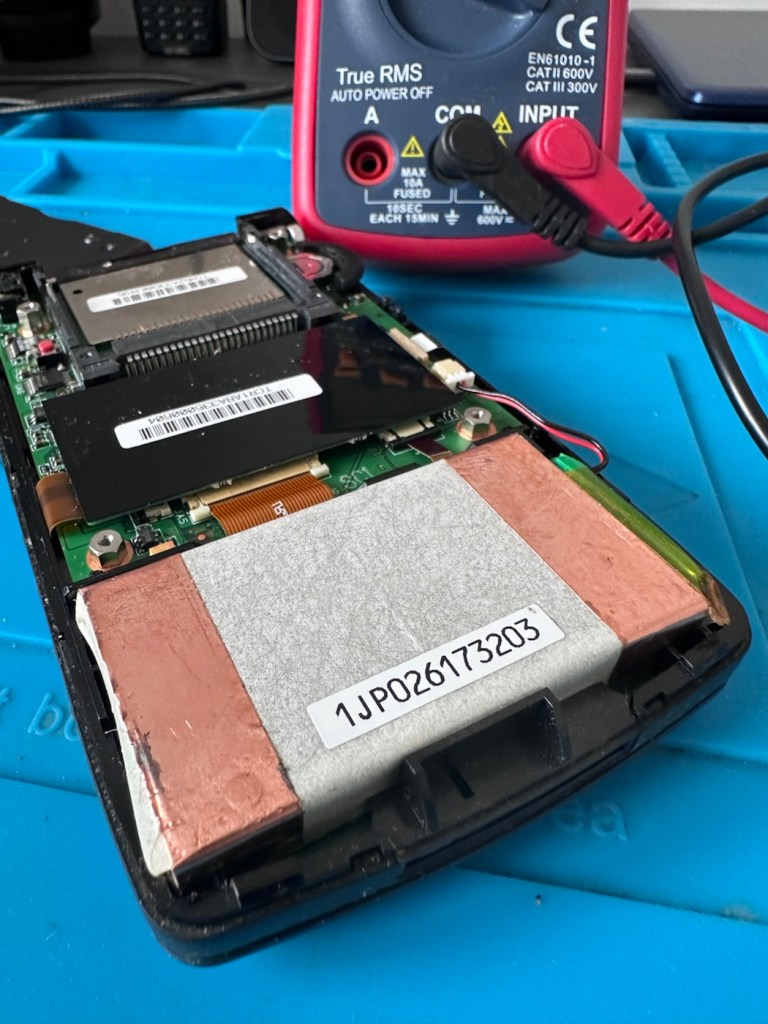
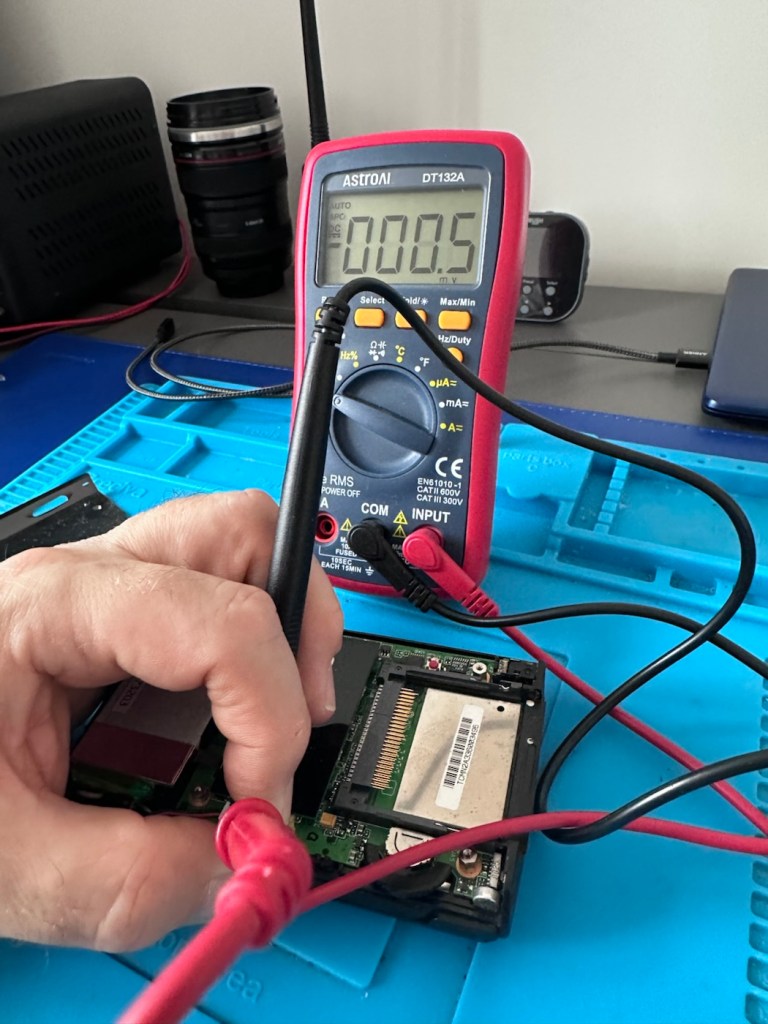
The old one I originally had is in fairly good condition, only displaying age related wear and tear. It has its original touch pencil, and is pretty much all there. Its battery (a 3.7v Li-ion) is very dead though (see pictures above) I have no means at present to see if I can charge the battery.
I have however found a charging alternative that will not break the bank. I have found a chap in Germany called Edgar, that runs a business selling cables and peripherals for older units, as well as more up to date systems, his shop is in Hannover and his company is: systemhauszakaria.com. I have managed to get a USB charging unit called a System-S USB Charging cable, that has the connectors required for this unit, and being a USB cable I can use a suitable plug for the mains supply , if required.
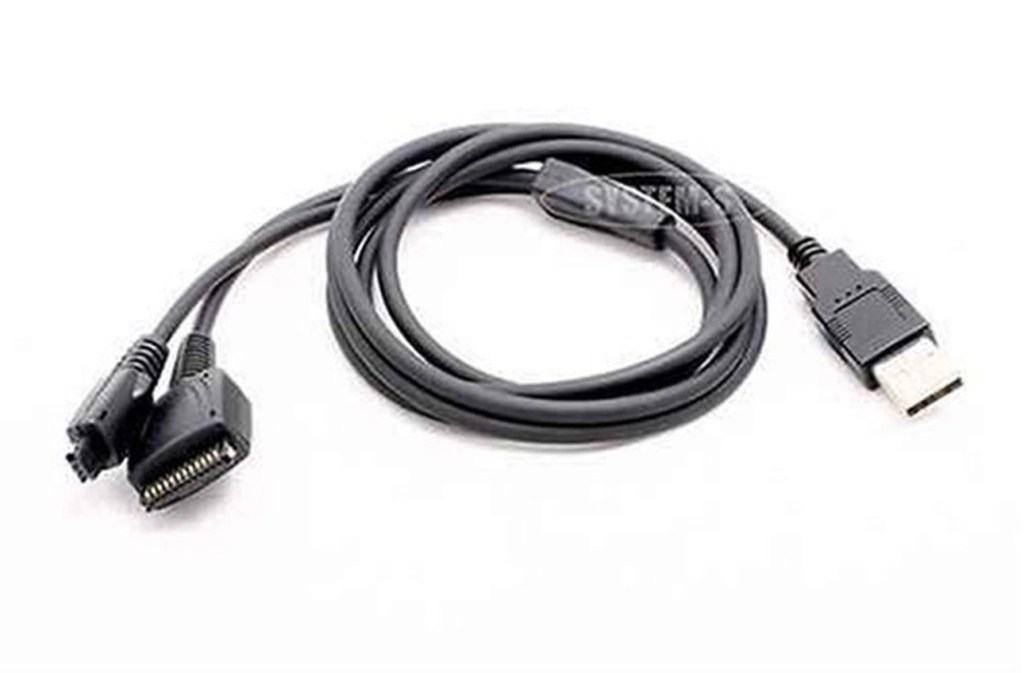
The cable includes a data transfer cable that also fits the unit, however my main task is to try and get some power into these units.
Let’s give it a go.
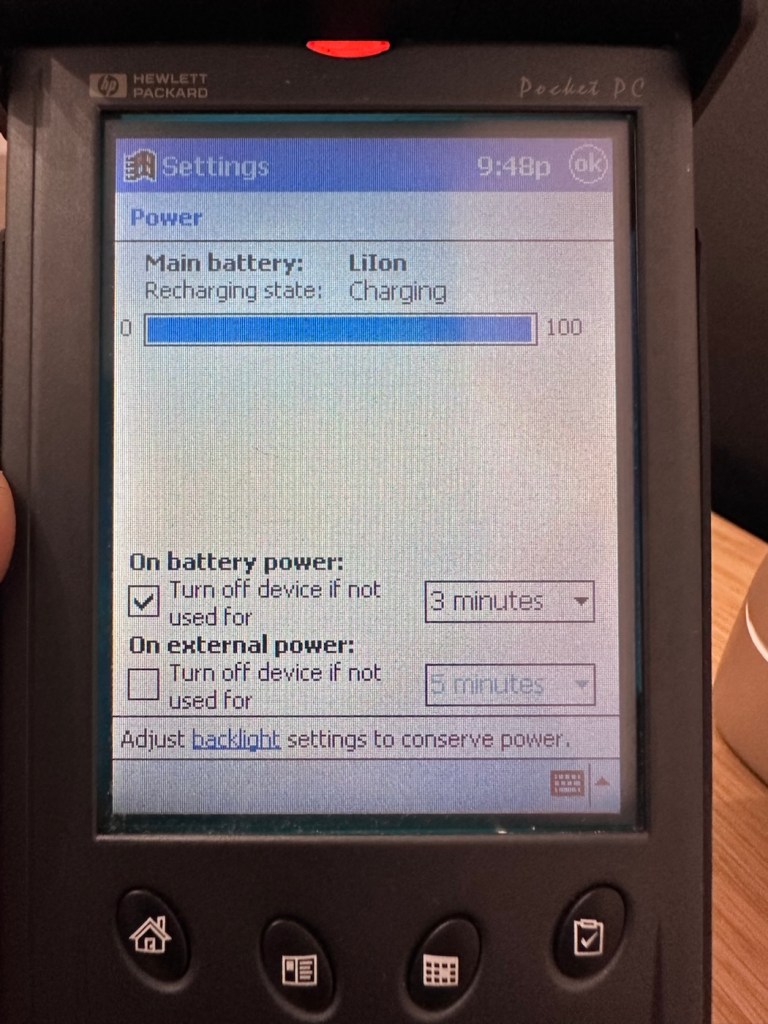
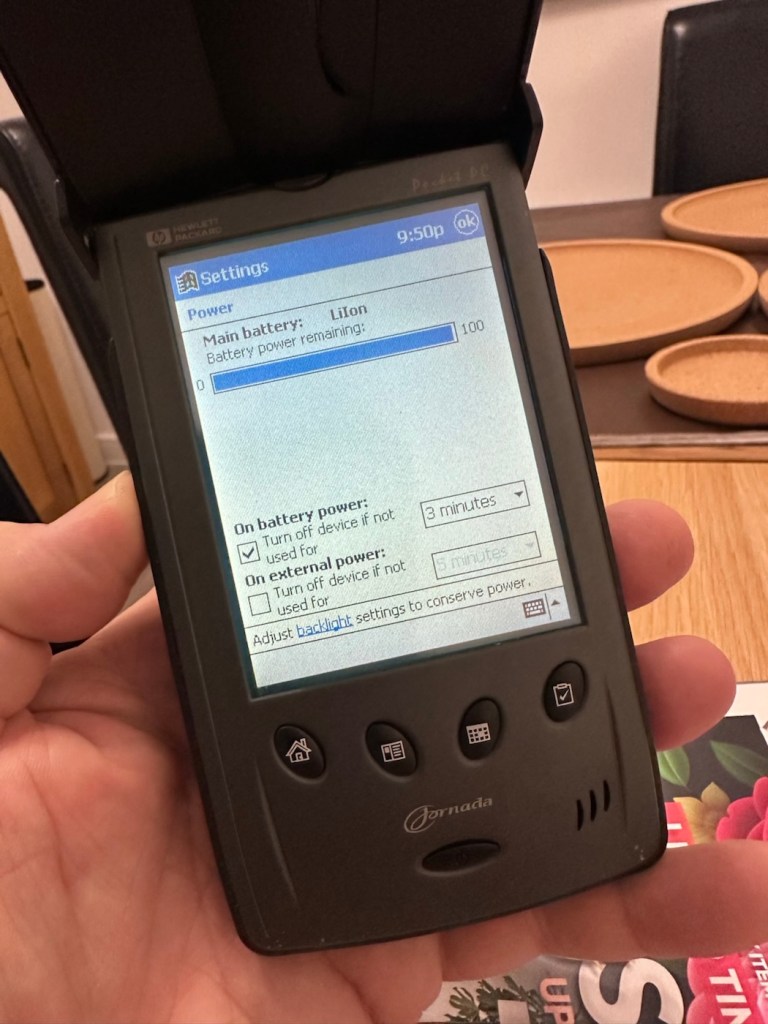
I’ve used the new lead, left the unit on and monitored it for about 90mins, and it does appear to be taking a charge. An Orange light indicates that charging is taking place.
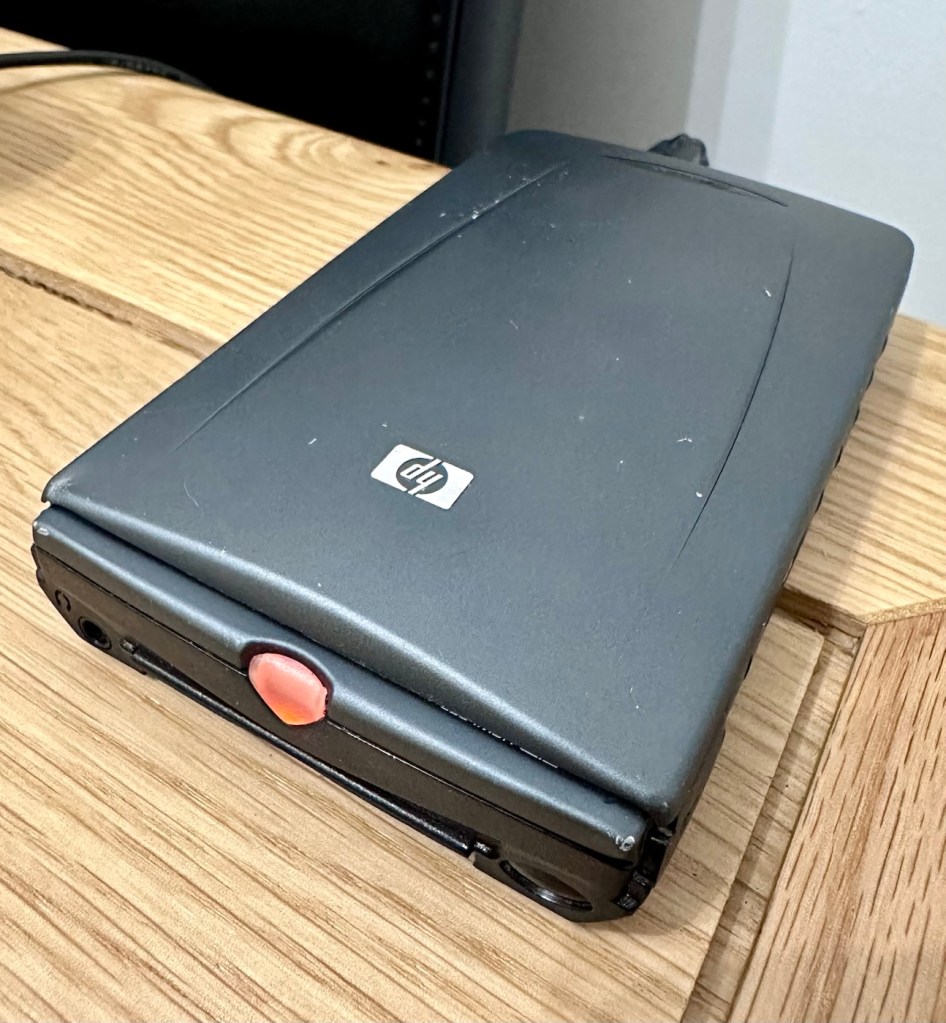
The unit displays as 100% charged with the charging lead in. when disconnected it drops to about 50% but within a couple of seconds it shows as 100% again, this could be a time delay of some sort whilst switching to the battery circuit.
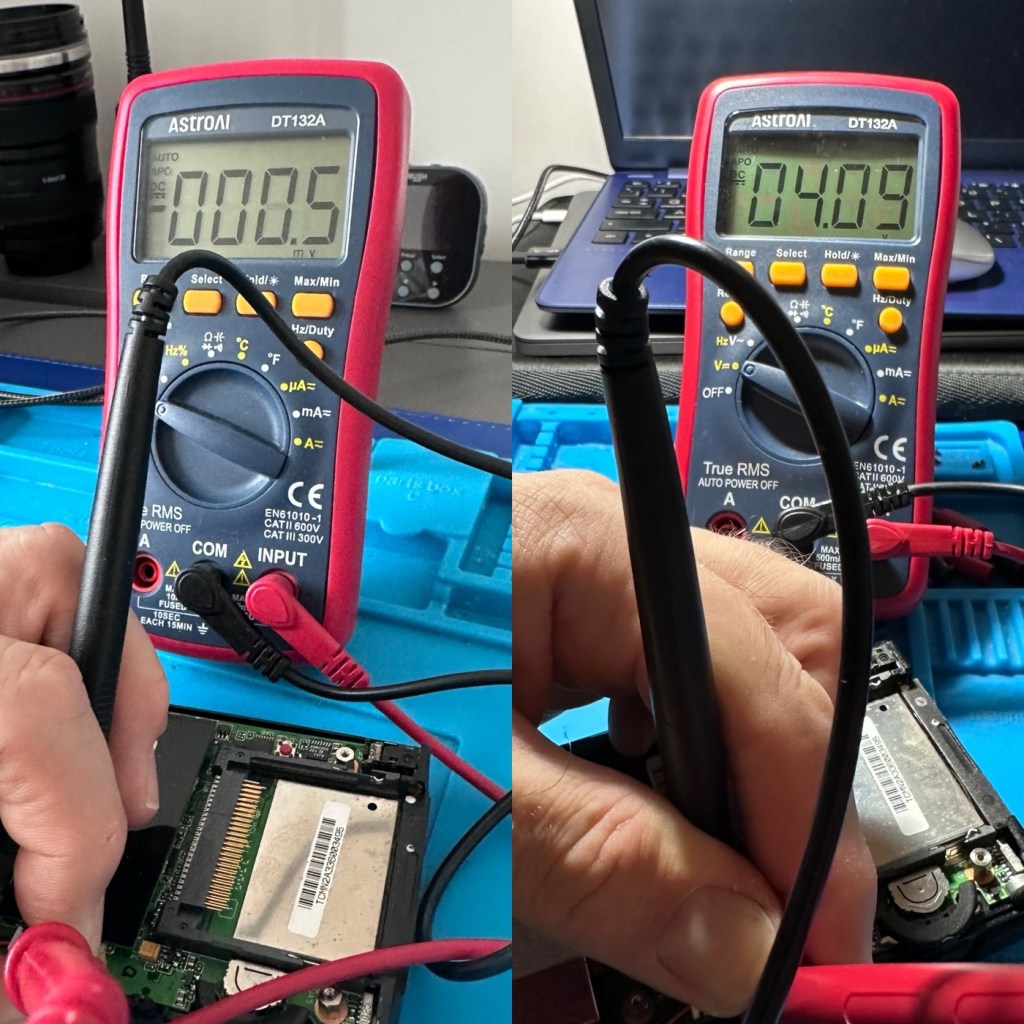
At this point I thought it would be worth getting the back off again, to check the battery charge. If you remember earlier in this post, this old unit that had sat unused in my desk for the last couple of years and when last tested the battery was dead at about 0.5mA. However this is a transformation, as when the battery was now tested its voltage was 4.09v. Now, a 3.7v Li-ion battery such as this should have a max charge voltage of 4.2v, so in theory this battery is in quite good condition considering its age. There may be a little deterioration, however considering this battery is possibly 26 years old it’s held up very well.
The unit will be left for a while to see how the charge holds. 10hrs later, untouched and off charge, I can confirm the power is still indicating 100%, this pleases me as it shows the battery is still good and has a good life inside of it. Very pleasing for what is potentially a 26 year old battery.
The new unit has now arrived and I’m surprised it got here after being posted in a couple of old carrier bags, no padding just a couple of old bags. I suspect the seller wanted it off his hands, they probably had little faith in it ever working again.

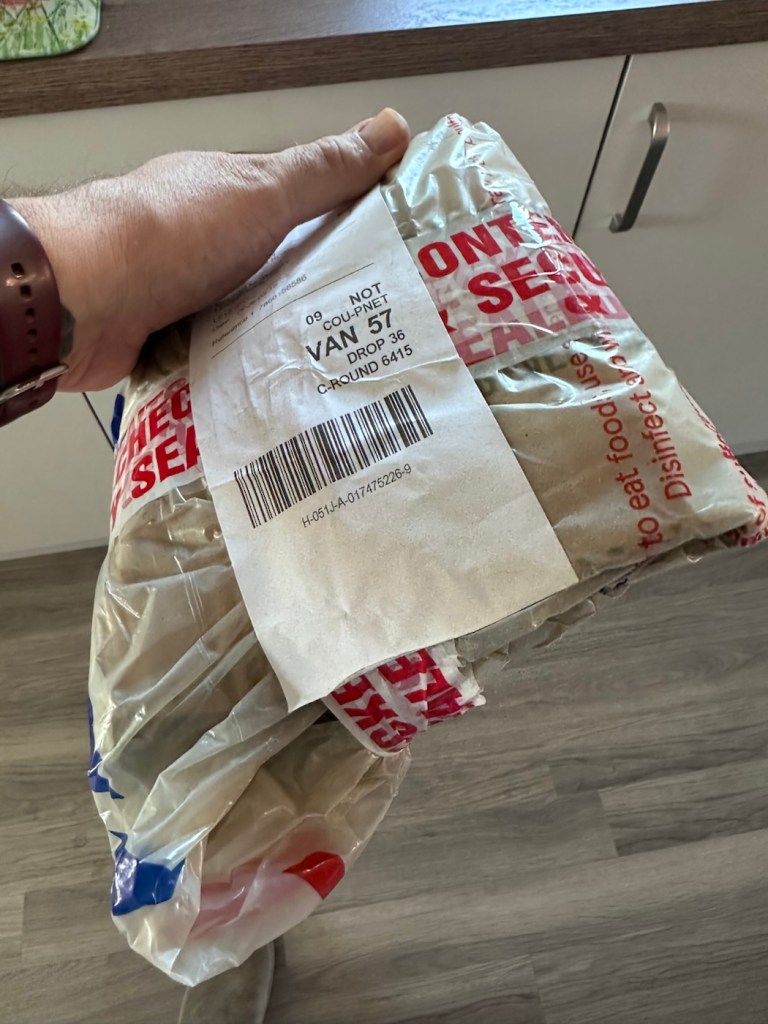
However, despite this, the actual unit appears to be in quite a good condition. It’s free from dinks and scratches and both the unit and the charging cable appear to be in a good order.
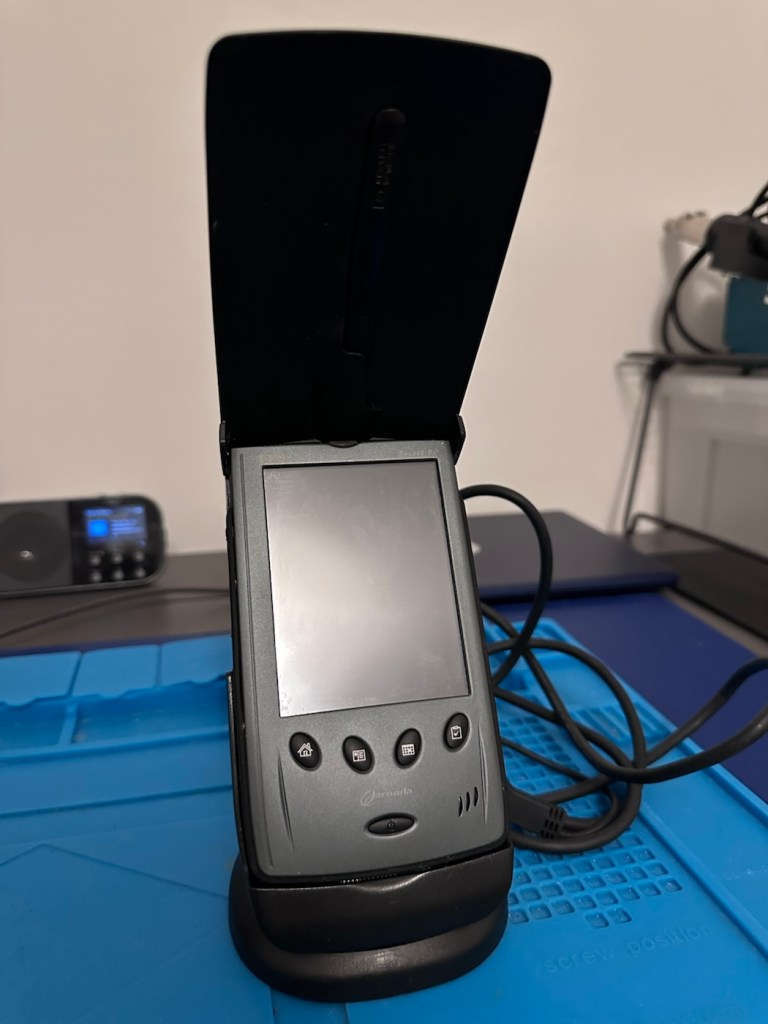
Now, the good thing is that both these units have their original touch pencils. This cradle has a cable connected to it and a USB socket, however that USB socket is for data transfer and not charging. To charge, the new System-S USB cable has to be connected in line. The cradle will then charge. And it looks as if it is doing just that.
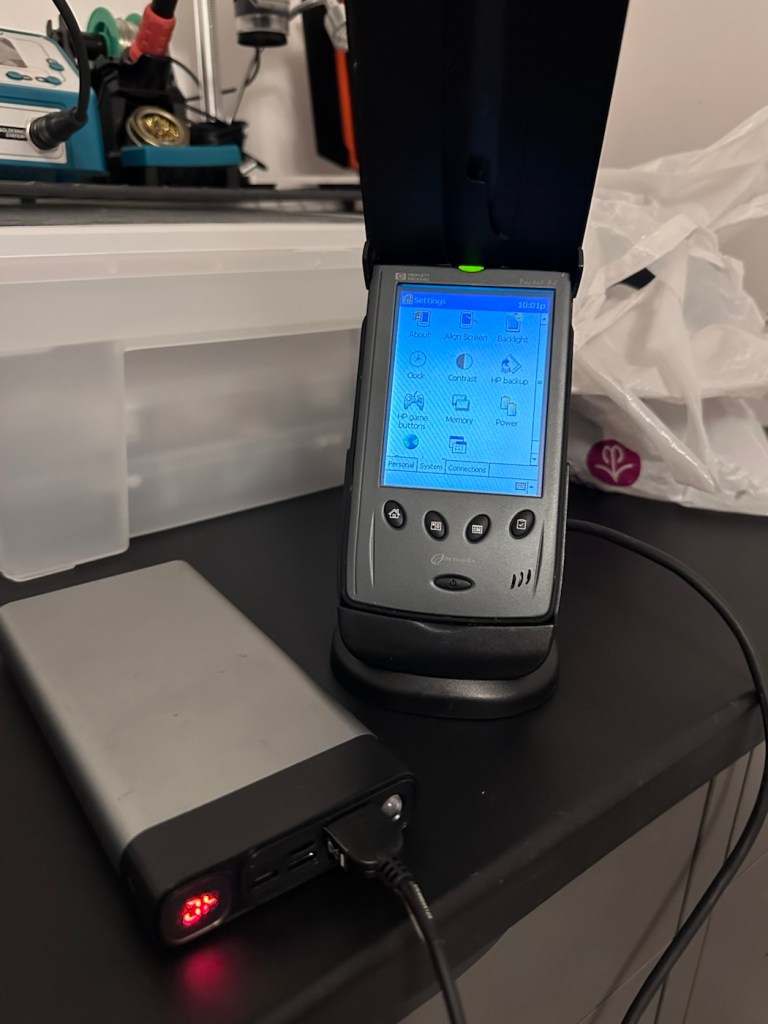
This time i have connected the new unit and cradle to a Power bank charger to see if this works, and it appears to be doing just that. It drained the power bank quite quickly, it only half charged, I’ll have to put it back on the household power tomorrow to fully charge it and check its battery capacity.
Tomorrow has arrived and the unit has been on charge for a couple of hours and it is indicating as fully charged. Back on the bench with the back off I can confirm the battery charge is reading at 4.08v so it is pretty much the same reading as the other unit.
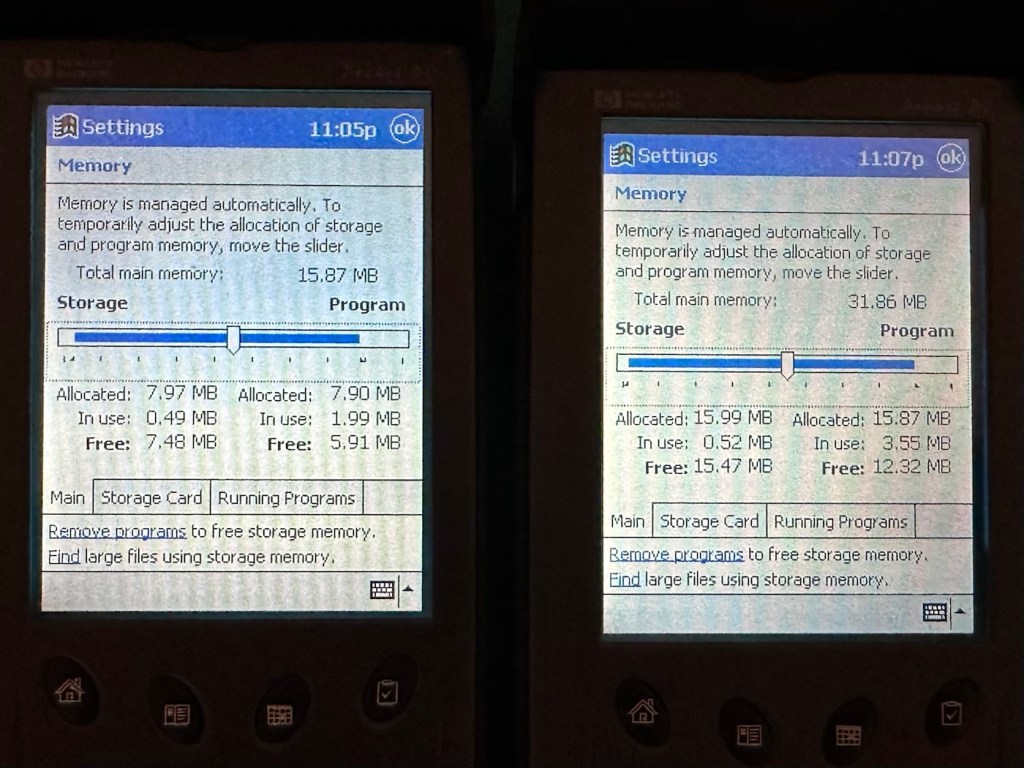
These two units are both of the 540 series however the newer one that came with the cradle has only 16MB of memory (The 545) whereas my older one (The 548) has 32MB of memory. It appears that HP created three variants in the 540 range and I now have two of them. The 545 had 16 MB RAM and the 548 had 32 MB RAM, the one that escapes me, the 547 was also a 32MB variant. (I’m going to have to get one now just to complete the set)
Repair:
Less of a repair and more of a resurrection to be fair. I said it would be a Frankenstein project, and that’s exactly what it has been. Both units have charged well despite my concerns, they have been charged in a monitored environment and neither are showing signs of overheating, irregularities or any battery swelling or other issues. The battery management system on both batteries seems to be doing its job, and doing it very well.
I’m going to use this section to test some of the functions, to look at the installed program package and at the same time monitor battery usage along the way.
And as with all my projects, a thorough clean of the units is going to be carried out, it’s just got to be done.
But first I’m going to leave these units for a few days to see if the batteries drain.
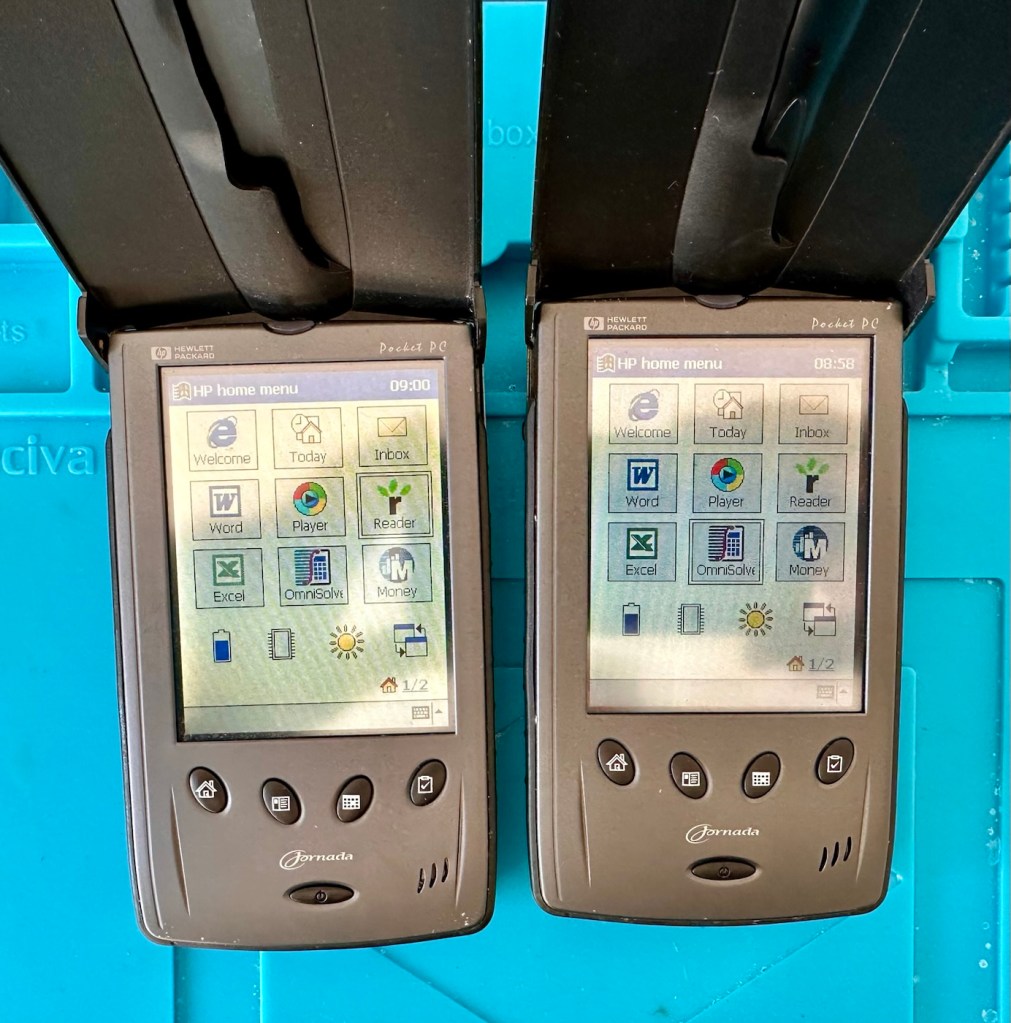
Three days later it’s good to see that when turned on, both units are holding a similar, slightly discharged reading that is to be expected. I’m pleased at this, and it appears that both batteries are holding out well and working very well after a long period of inactivity.
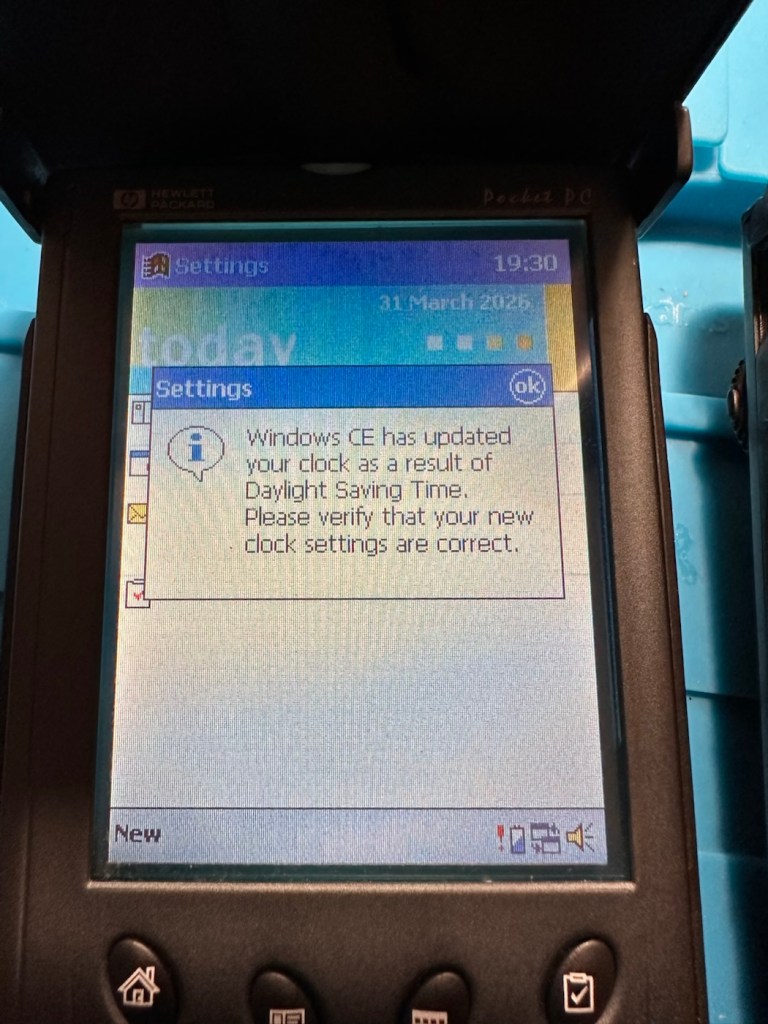
Left again for a couple of more days and both units are now prompting me to accept that the UK has now turned to daylight saving time, (as it has) and this is another good sign that shows that all is working as it should be.
What am going to do with these units? Please don’t ask me that as I just don’t know. I’m probably just going to use them for note taking, maybe for a to do list for my work room, but in reality they will probably just get stored in a sealed bag with some silica bags to keep them dry, until I either move them on or find another use for them.
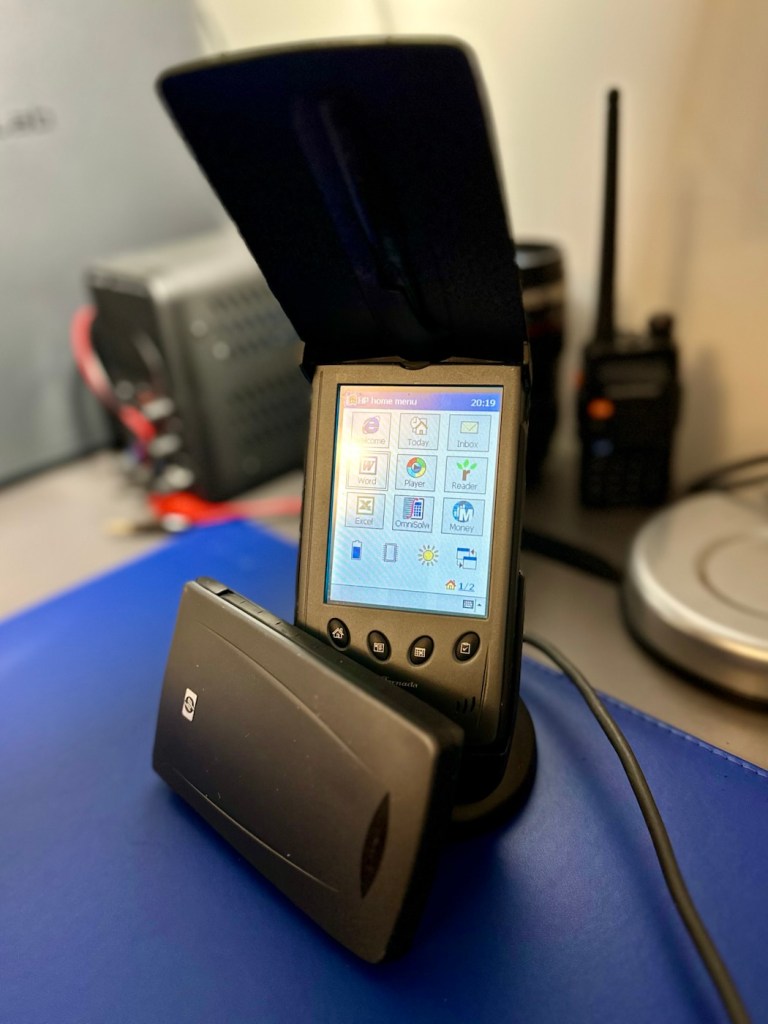
The package originally installed on these units consisted of the following:
- Microsoft Pocket PC Suite: Pocket Outlook (Calendar, Contacts, Tasks, Inbox), Pocket Word, Pocket Excel, Windows Media Player (for audio/video), and Pocket Internet Explorer.
- HP Productivity Tools: HP Home Menu, HP Task Switcher, HP Image Viewer, HP Backup, and HP Emergency Backup.
- Third-Party & Utilities: LandWare OmniSolve Calculator, Developer One CodeWallet Pro (for passwords), AvantGo (for offline web browsing), and PeaceMaker (for infrared contact exchange).
One item I wanted to test is the infrared transfer ability between units. I’ve made a small file within the word program, set one unit to transmit on infrared and the other to receive. On sending the file, this task worked fine.
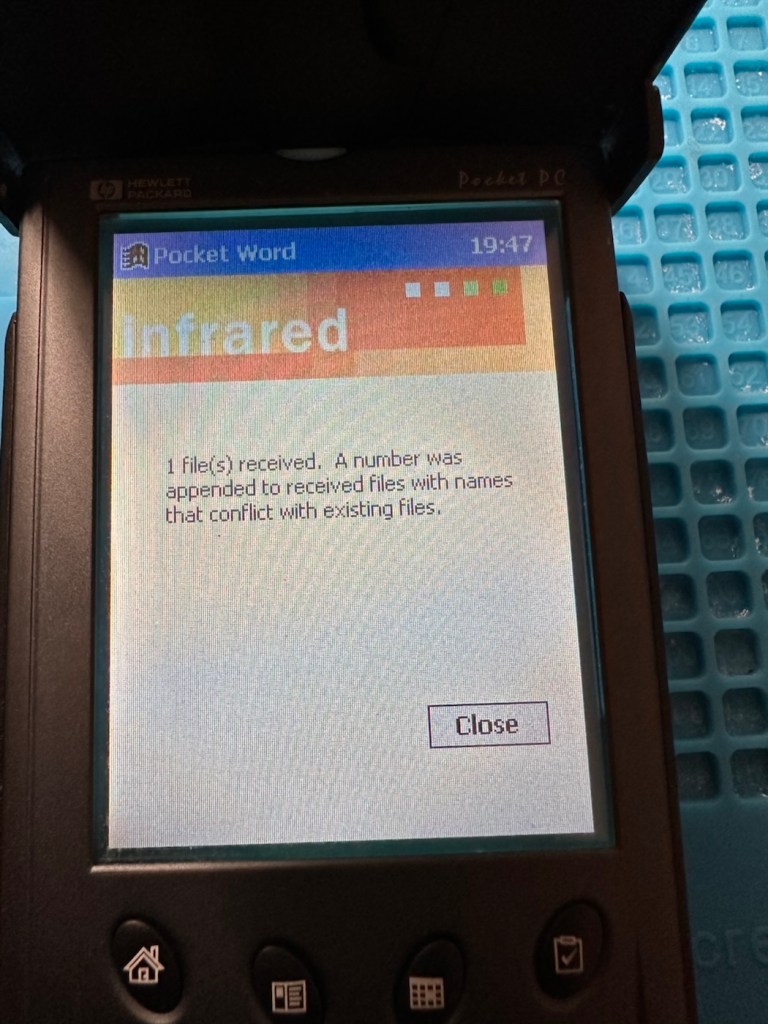
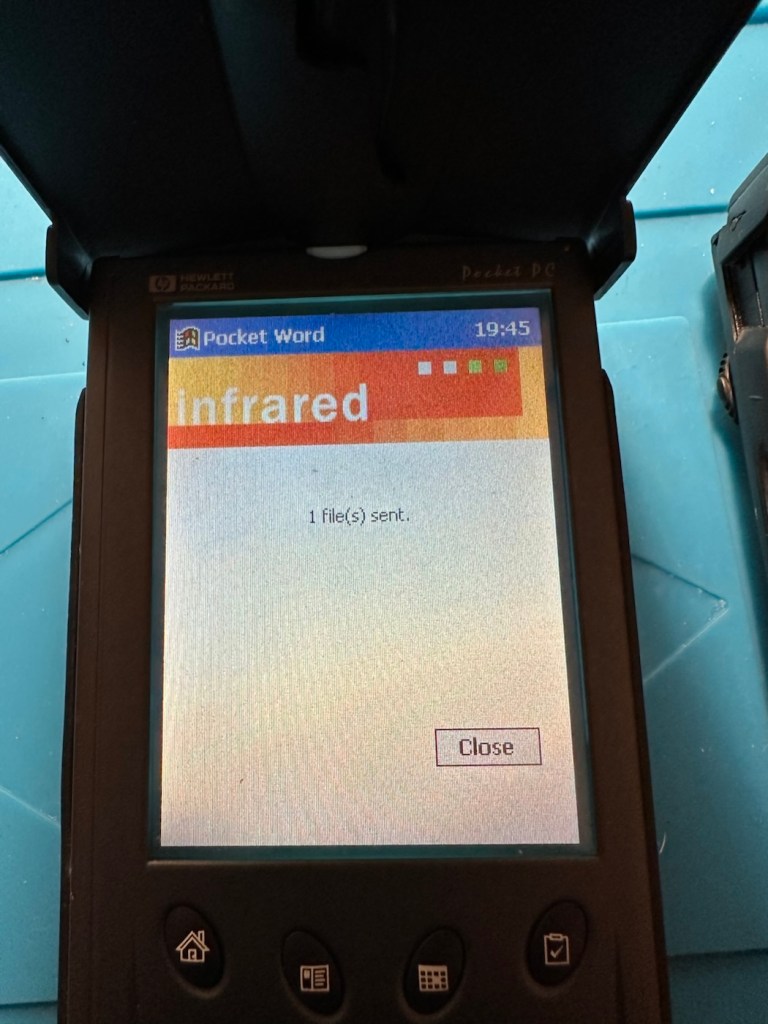
The transfer worked however both units have to be within a very close line of sight to do so, it just shows how much file transferring has moved on within the last 25 years or so. We have been spoilt.
These units are both working fine.
Result:
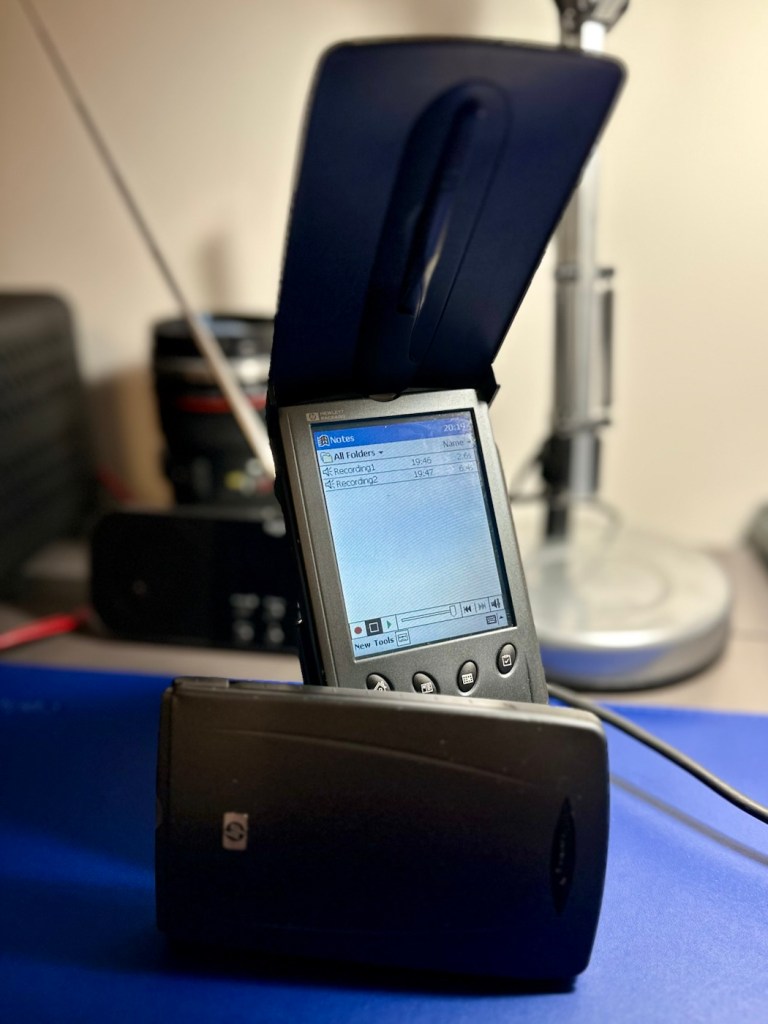
There are many uses listed for these units online including MP3 players and television controls. However, I think using as a to do list for my workspace is probably the most appropriate usage for me. I need organisation in my life, so what if I’m using technology from quarter of a century ago.
Why not?
Two perfectly good items saved from landfill.
Small victory, and that’s good enough for me.
Many thanks for passing by. It’s always very much appreciated.

 Foxes Den
That software is probably better than what you get with Win11.
LikeLiked by 1 person