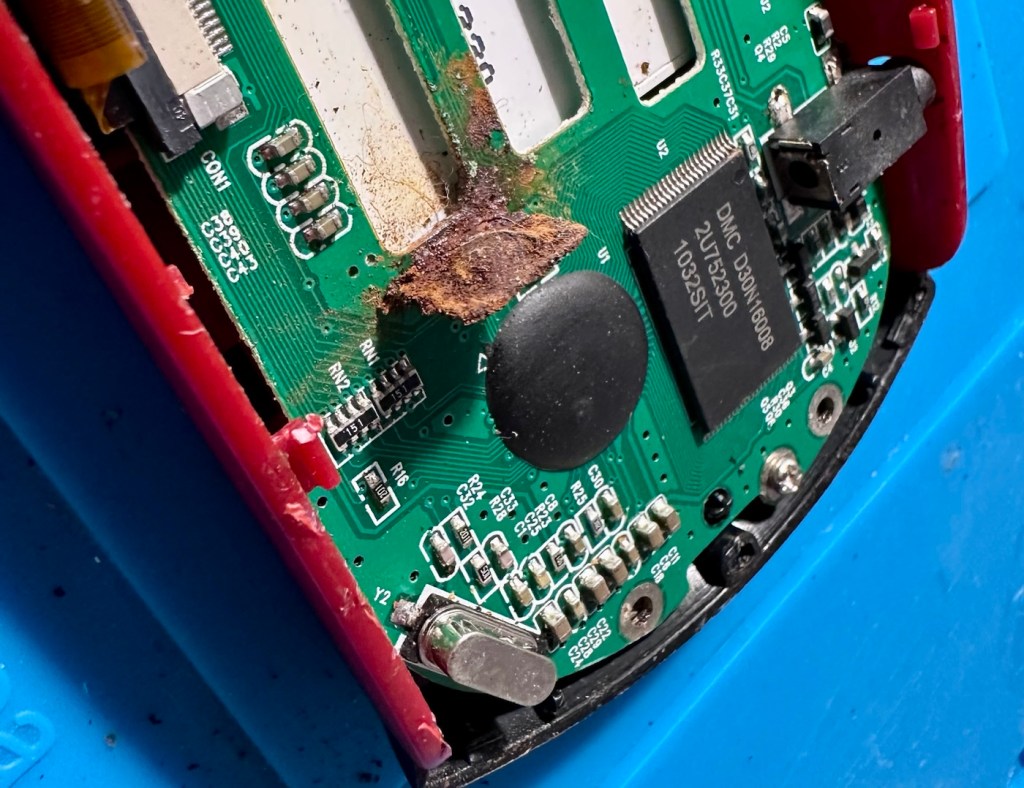
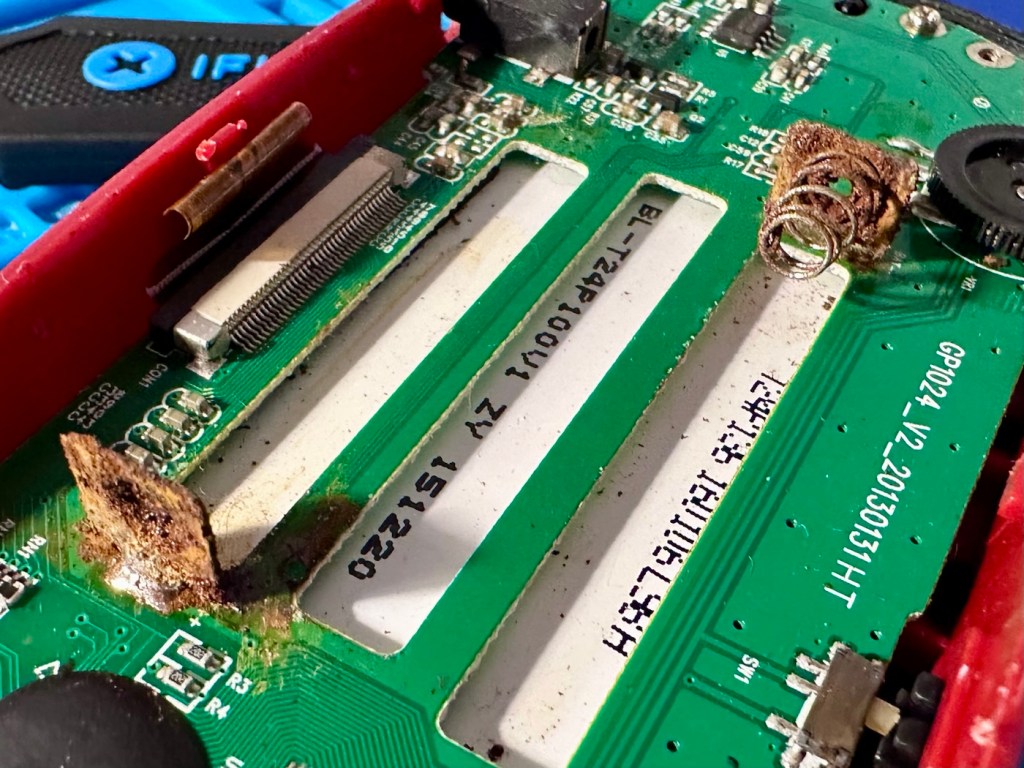
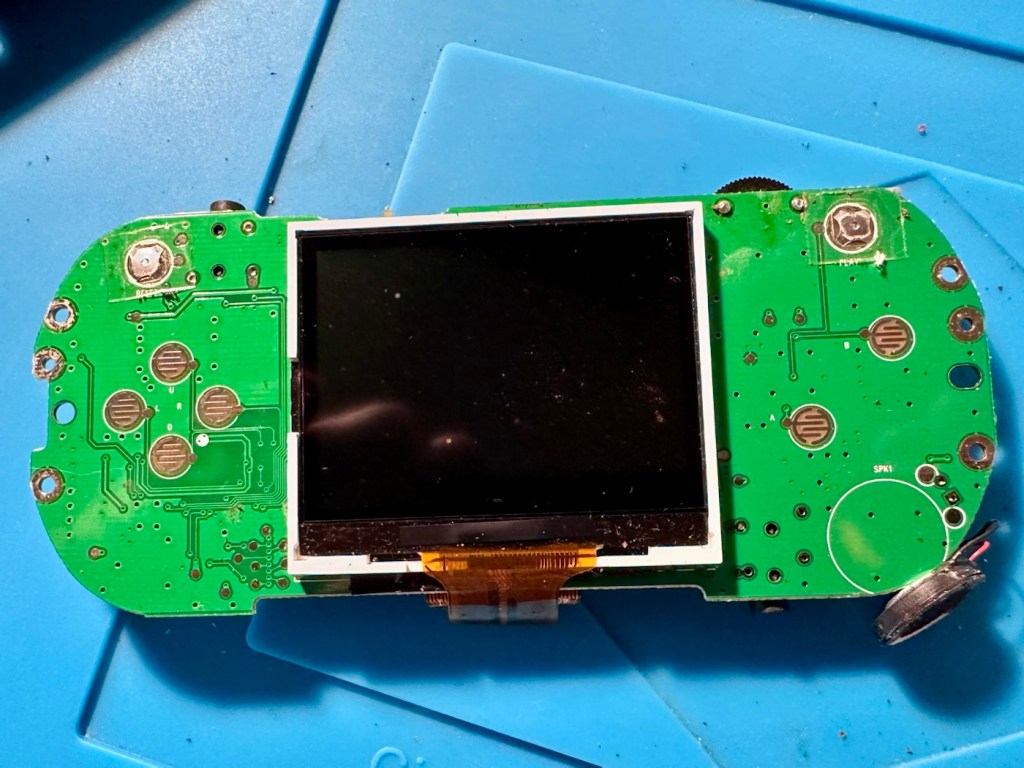
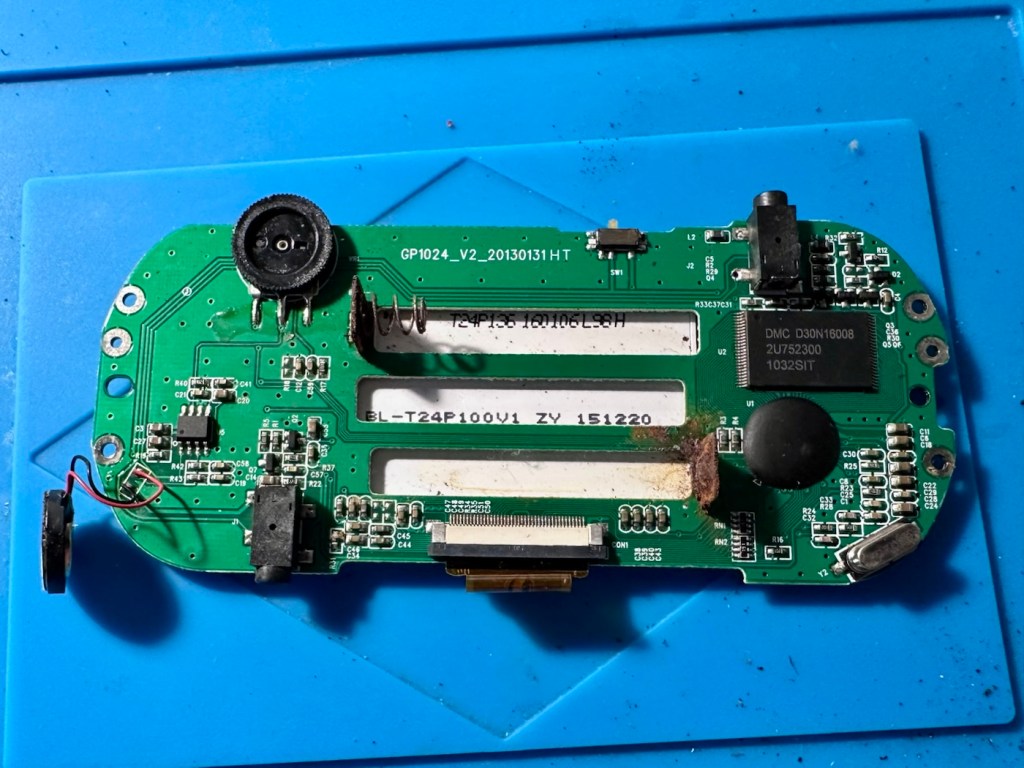
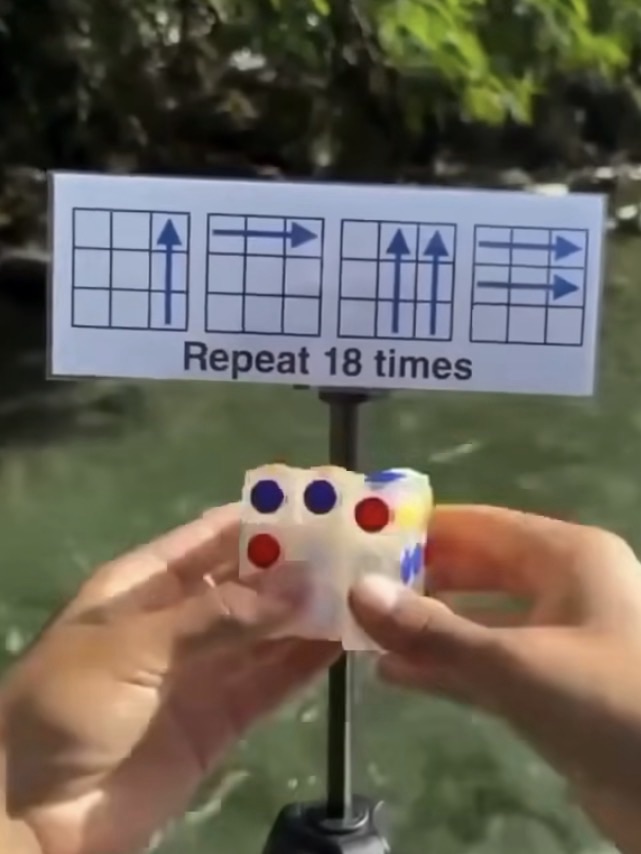
Apparently the puzzle can be completed in 18 moves. Well, can it?
I remember this fad coming into school the first time around. I never had one, never particularly wanted one either, probably as my attention span was never that concentrated and I’d probably have ended up throwing it at a wall.
However, as I get older my attention span has expanded slightly, but not to the point that I actually want one. But I have been triggered by a small video I’m seeing online apparently showing how to solve a Rubik’s cube in 18 moves!
But does it really work?
Courtesy of t’internet
If anyone out there actually has one I’d be interested to know your thoughts. Apparently if you repeat the moves shown in the photo above, eighteen times you will have the answer.
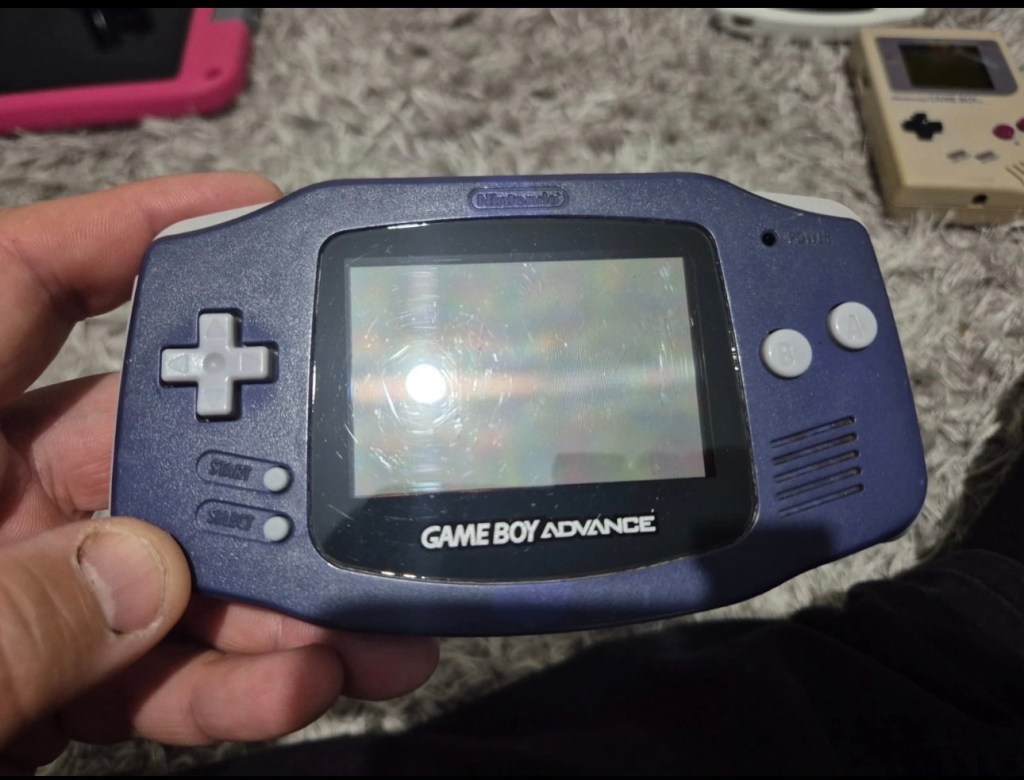
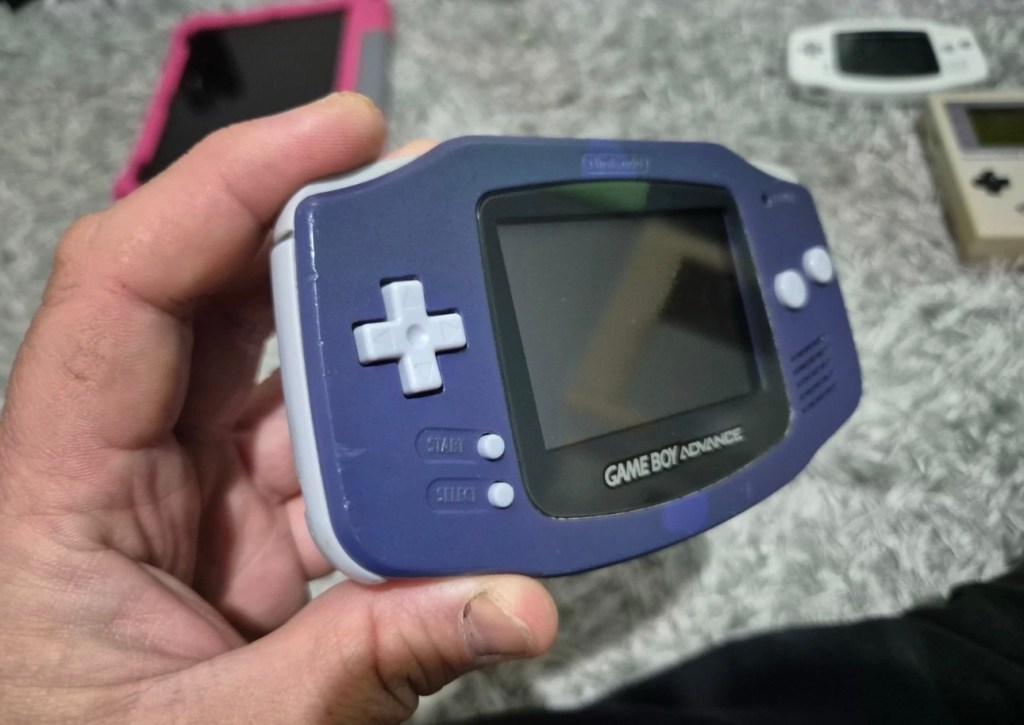
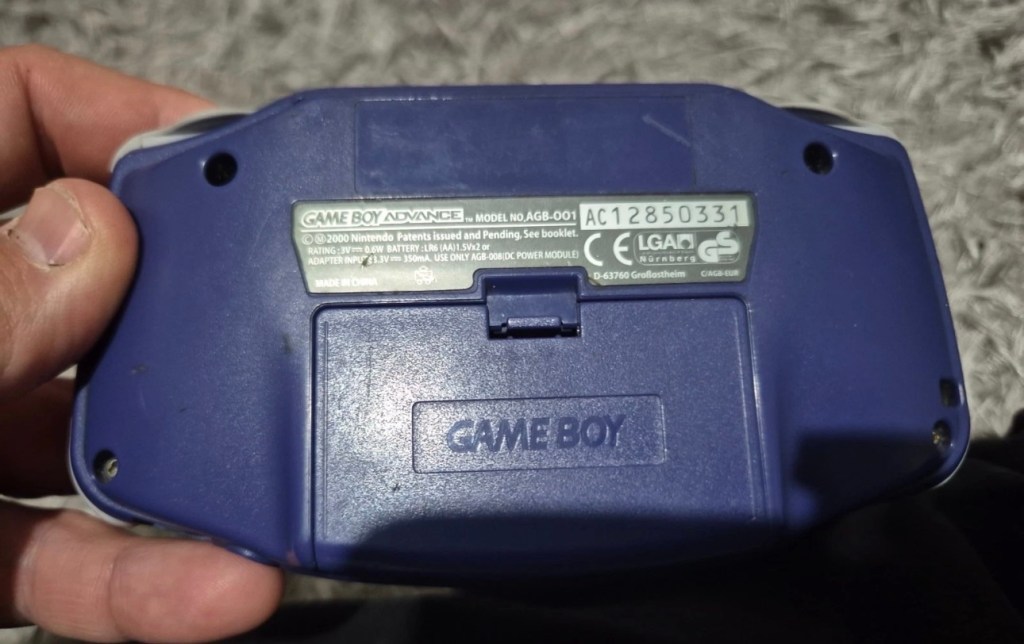
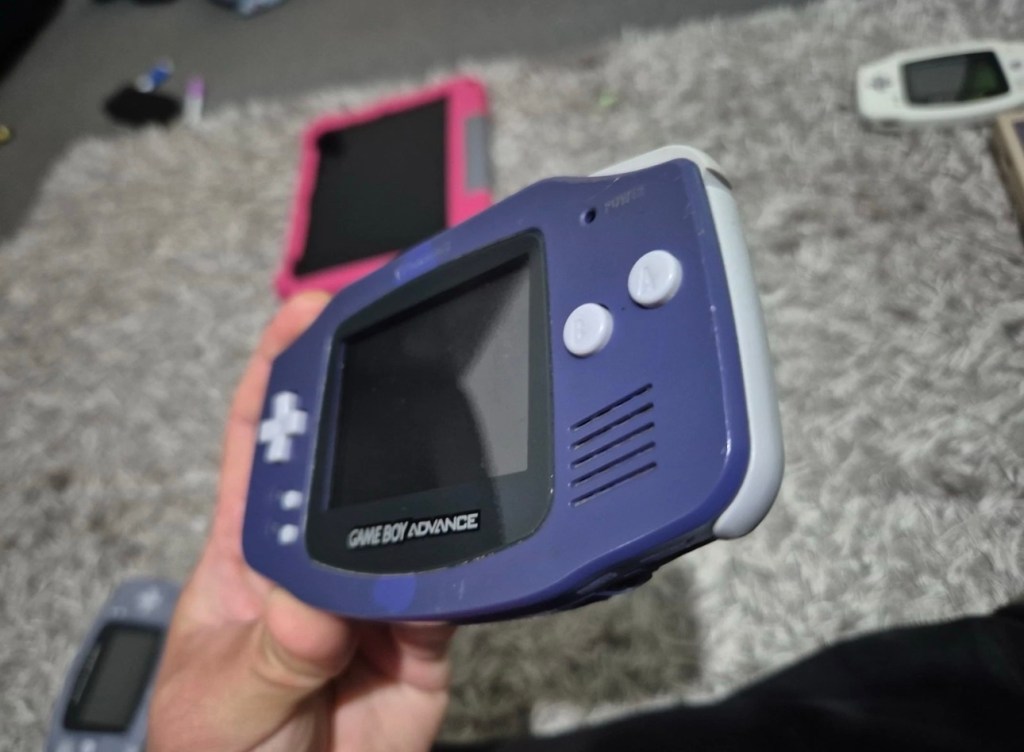
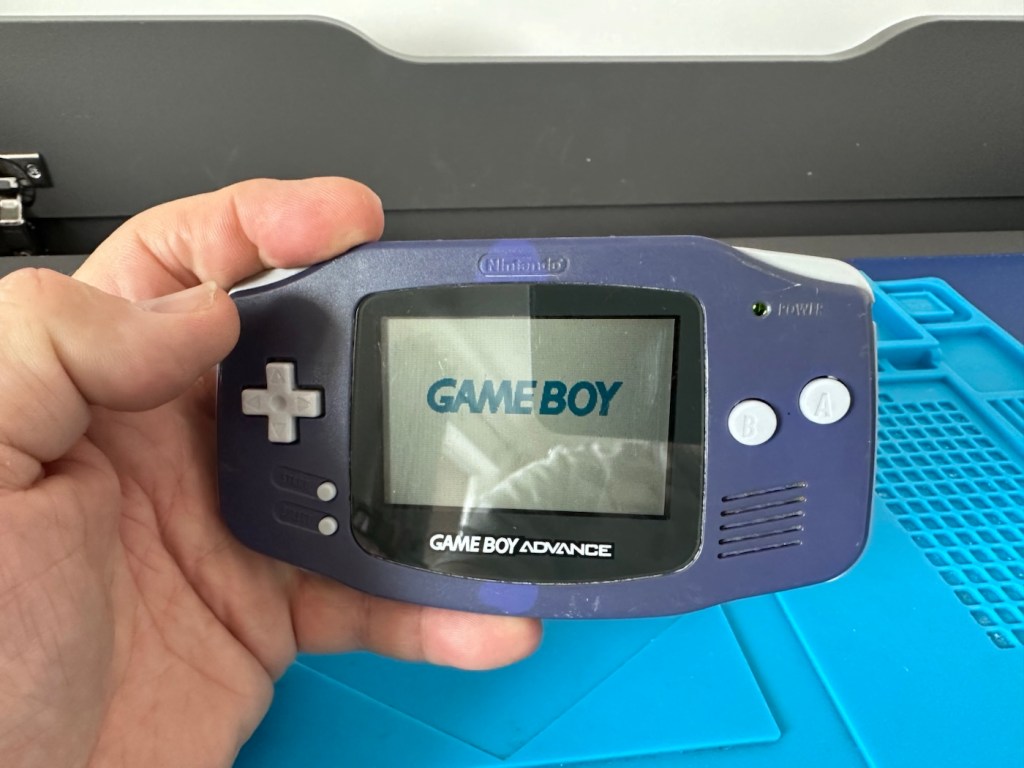
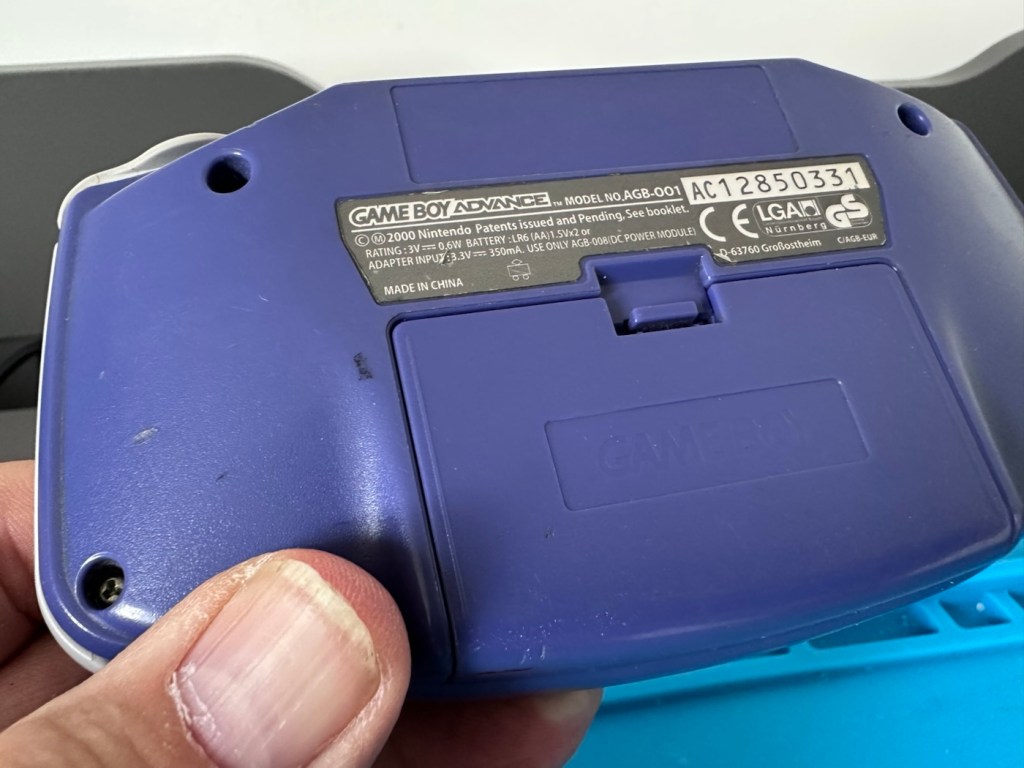
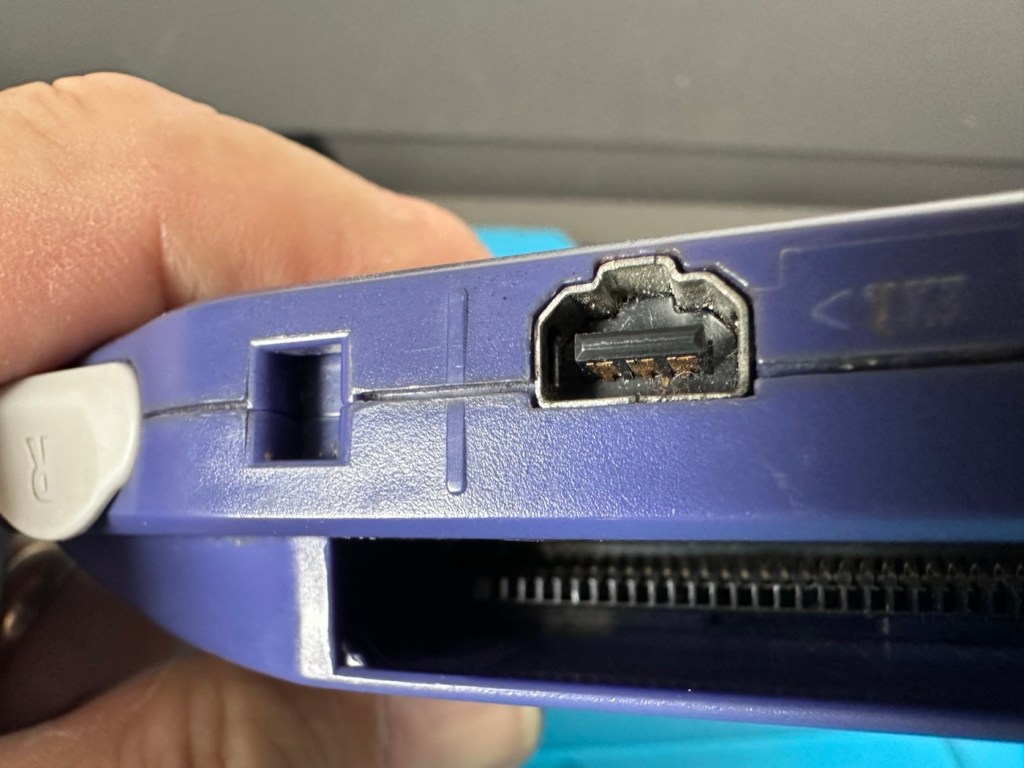
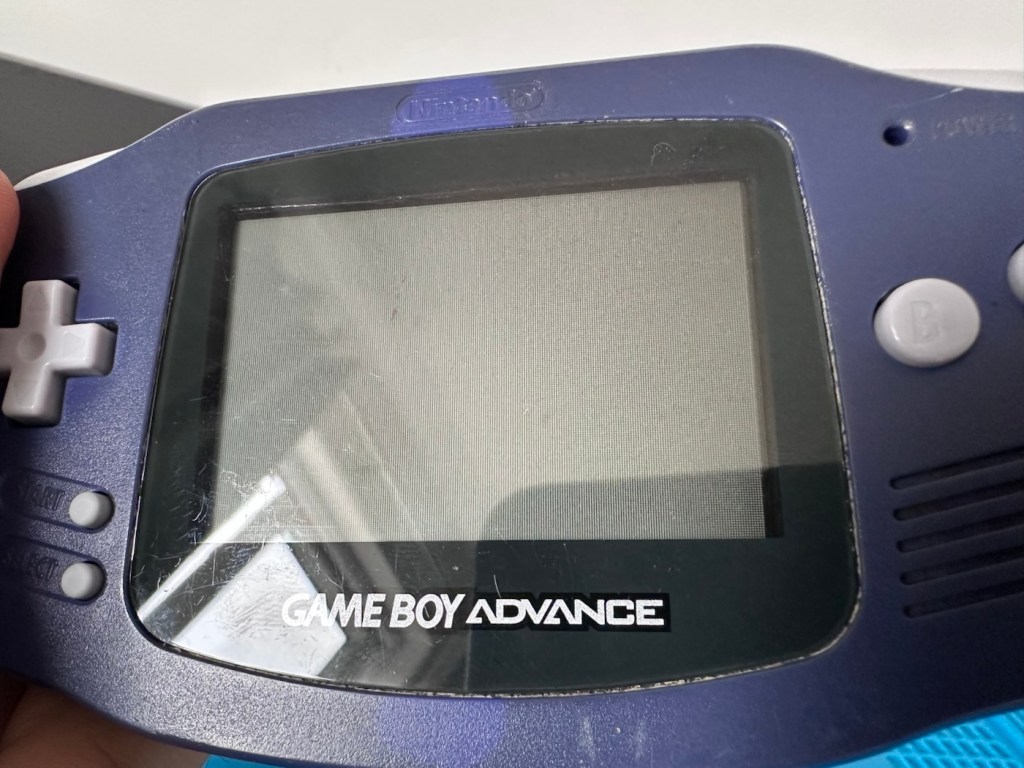
Another one of Nintendos mass produced hand held gaming systems has arrived, with audio issues. It’s a Gameboy Advance, with no sound,so let’s try to fix it.
Here’s what the listing stated:
Gameboy advance console, complete with battery cover, all buttons works and powers on but no sound, has marks on screen and a few marks on shell and scuffs/indentations.
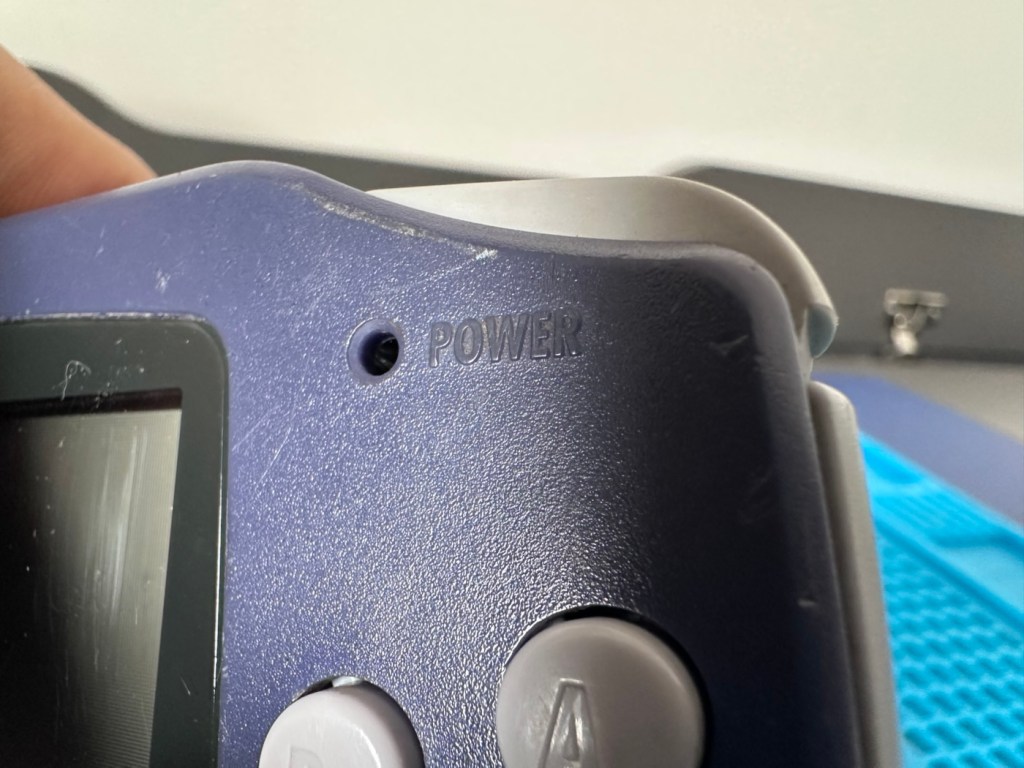
Photos of exact item you will recieve, FAULTY Uk buyers only. Has cover missing that the power light shines through on
EBay
The unit I have purchased
I’ve purchased this as another addition to my collection of handheld retro gaming consoles. As usual it dosen’t work, and that sometimes keeps the cost down a little. This one has cost me £24:00GBP and I’m happy that that is a fair price for one of these units. Here’s a little about the GBA:
The Game Boy Advance(GBA) is a 32-bit handheld game console, manufactured by Nintendo, which was released in Japan on March 21, 2001, and to international markets that June. It was later released in mainland China in 2004, under the name iQue Game Boy Advance. Compared to the Game Boy Color it succeeded, the console offered a significantly more powerful ARM7 processor and improved graphics, while retaining backward compatibility with games initially developed for its predecessor.
The GBA is part of the sixth generation of video game consoles, competing against Nokia’s N-Gageand Bandai’s Japan-only WonderSwan. The original model was followed in 2003 by the Game Boy Advance SP, a redesigned model with a frontlitscreen and clamshell form factor. A newer revisionof the SP with a backlit screen was released in 2005. A miniaturized redesign, the Game Boy Micro, was released in September 2005.
By June 2010, the Game Boy Advance series including revisions, had sold 81.51 million units worldwide, massively outselling its competitors. Its successor, the Nintendo DS, launched in November 2004, was backward compatible with GBA games. GBA sales ended by 2010 after over nine years.
In 2008, the GBA was still Nintendo’s predominant handheld console in terms of market presence and global installed base. It was only in late October 2008 that Nintendo announced that the Nintendo DS had officially surpassed the GBA worldwide in sales. This milestone consolidated the definitive global leadership transition between generations,[13]although in specific markets, such as the United States, the GBA was only surpassed by the Nintendo DS in sales in late 2009.
Wikipedia
Now just to reiterate. These units are now 25 years old, there were in excess of 81 Million of these units produced and they still command a good price today. Just consider how many of those units have been sent back into landfill, the figure is probably immense. But then again we produce many items en masse, and we have been just chucking stuff away for years. The figures must be mad.
Except for this one. It will be repaired, cherished and reused. And displayed for all to see.
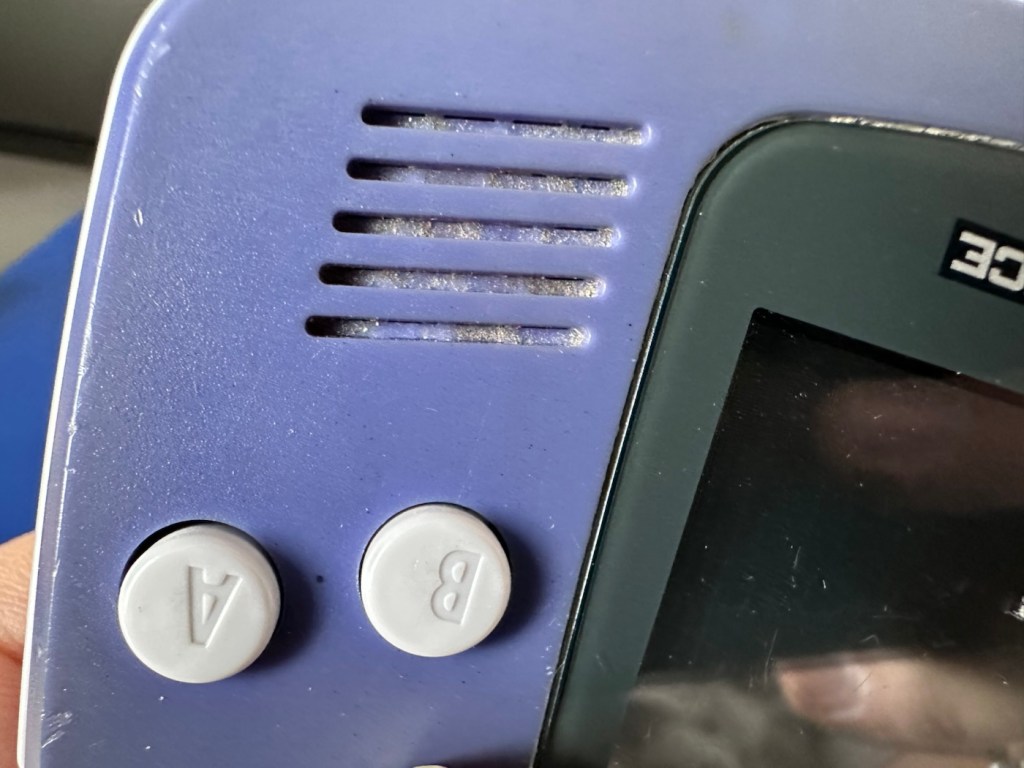
This one has been advertised as having no sound. Just from viewing the sellers photos you can see there is an awful lot of staining around the speaker grill area, maybe some liquid has been spilled here and the speaker is damaged, or maybe the audio capacitor inside has blown. These are usually the two main culprits, but you never know it could be for some other totally different reason. Let’s not make assumptions, let’s see what turns up.
Assessment:
The unit has arrived all in one piece. The battery cover is in place, a little loose at the clip but I might be able to strengthen by heating and gently manipulating it.
It works but no soundBattery cover Clean contactsClean but a bit grubbyConnection ok, needs a cleanNo sound, dirtyNo light lensLight scratches
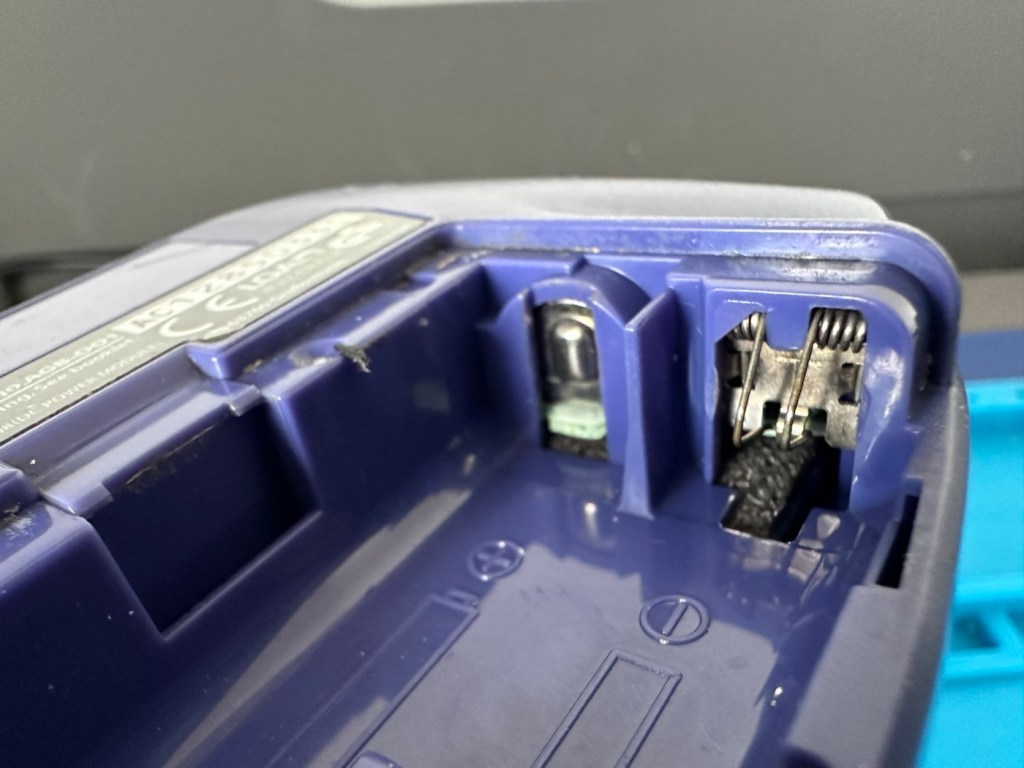
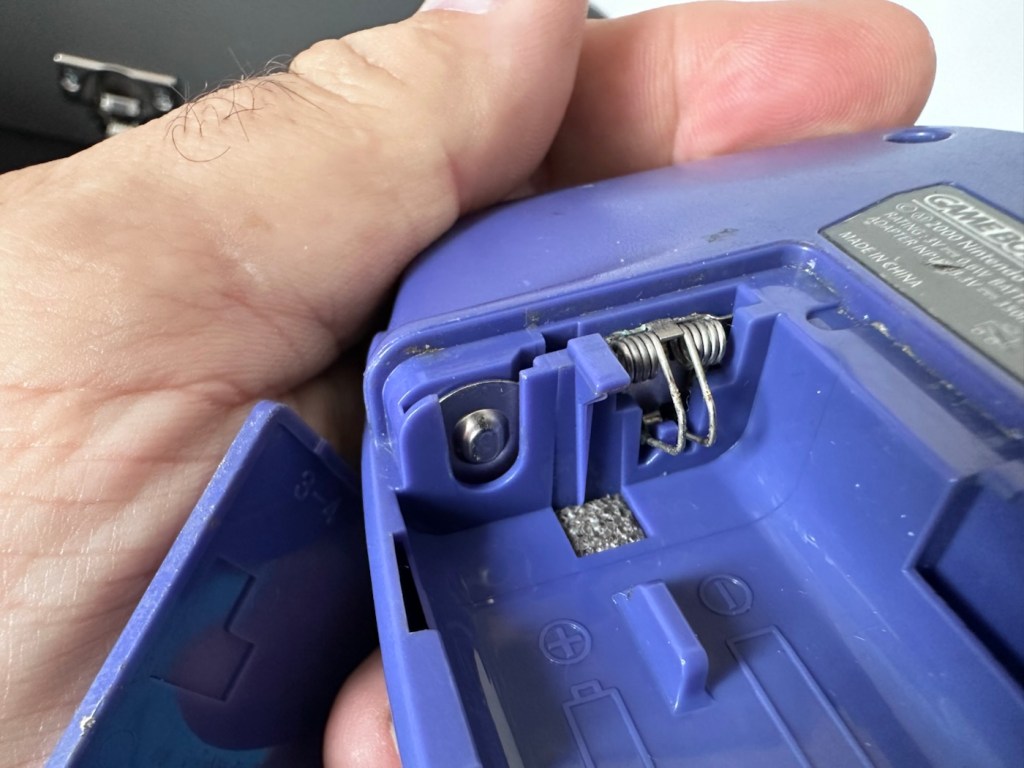
Battery contacts show no sign of corrosion but are a little grubby. There are signs of good use but nothing really bad to be honest, all connectors and buttons appear to be doing what they should. The unit is in good need of a thorough clean, as it does look a little worn in that aspect. Screen has very minor scratches, nothing that will cause any issues. The little acrylic lens by the power light is missing and there is as stated, no sound even though we do have a picture and are able to play the games. In all aspects the unit is functioning, just with no audio.
This is a fair unit, it will clean up and if we can get the audio working we have a potentially very good unit.
It is dirty though, and a good clean will make an immense difference.
Repair:
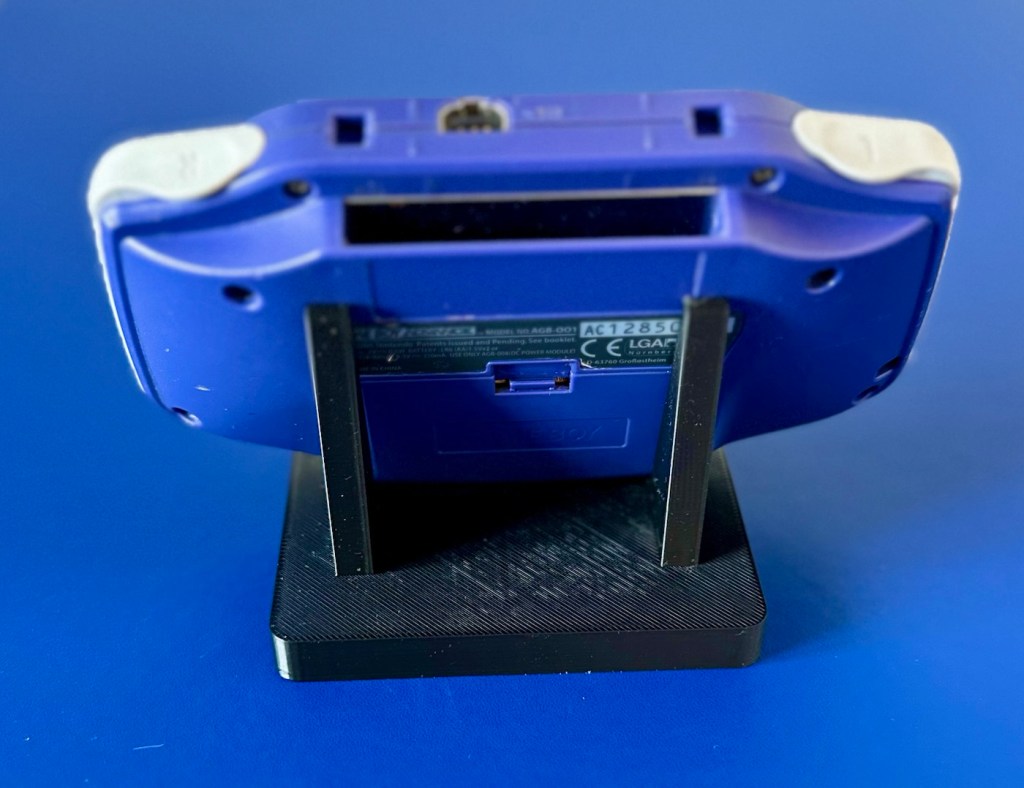
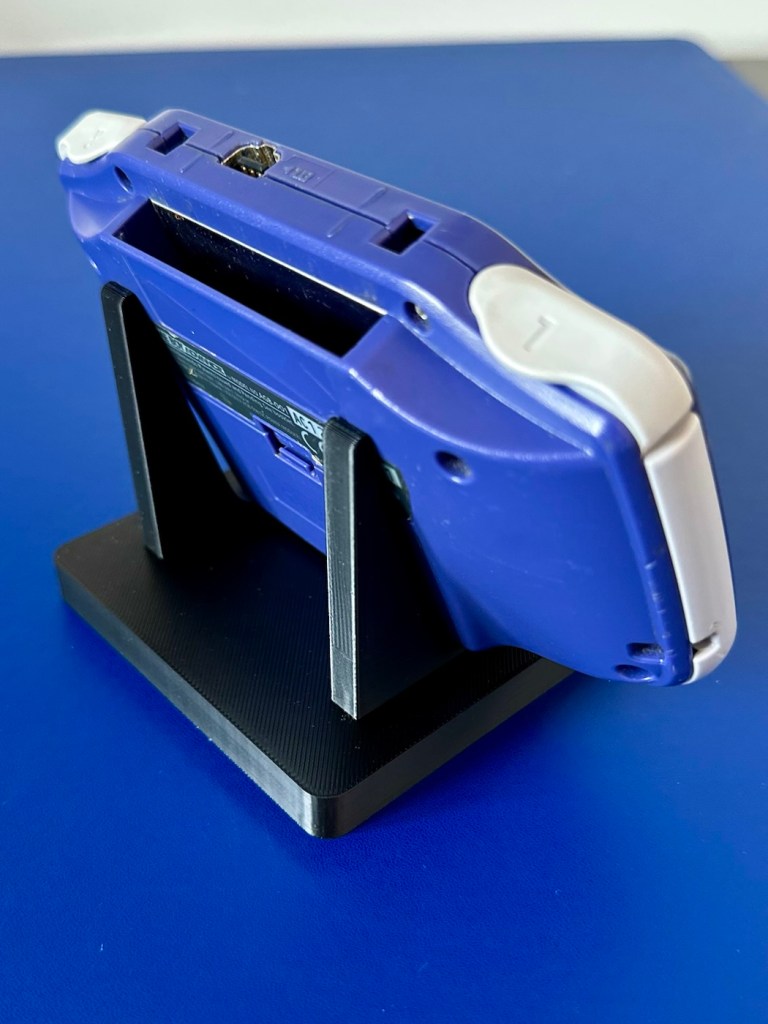
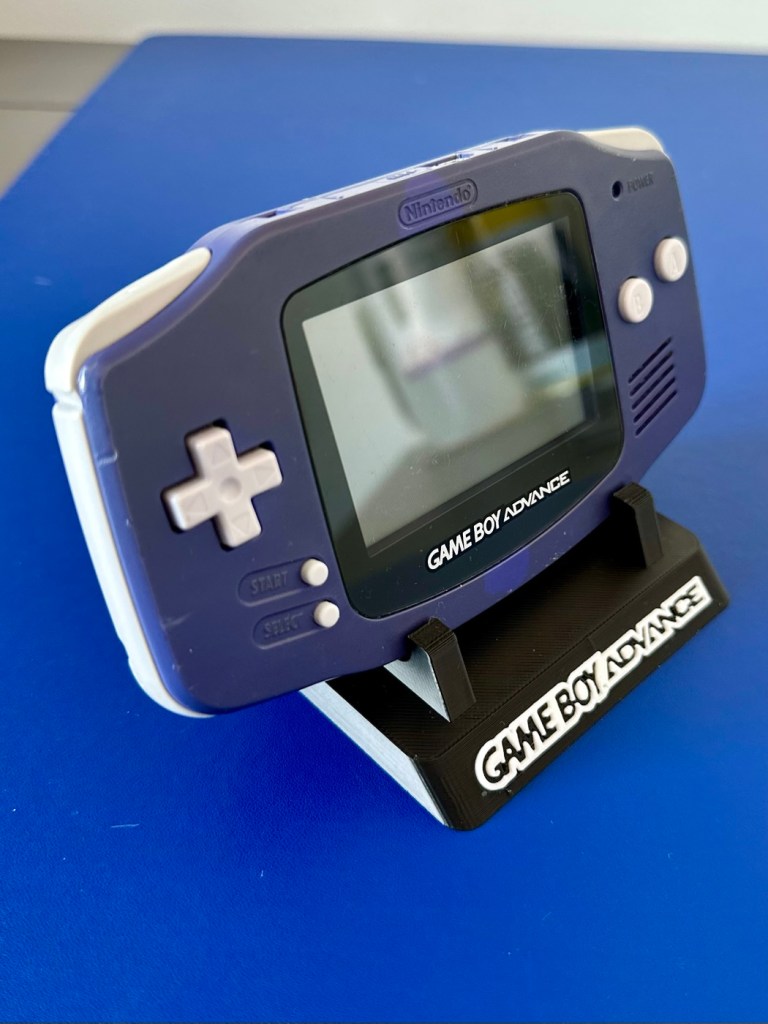
The printer is on and warmed up so before we get repairing, let’s print a suitable display stand for this unit.
Display stand printing
Now let’s open up the unit and see what we have inside.
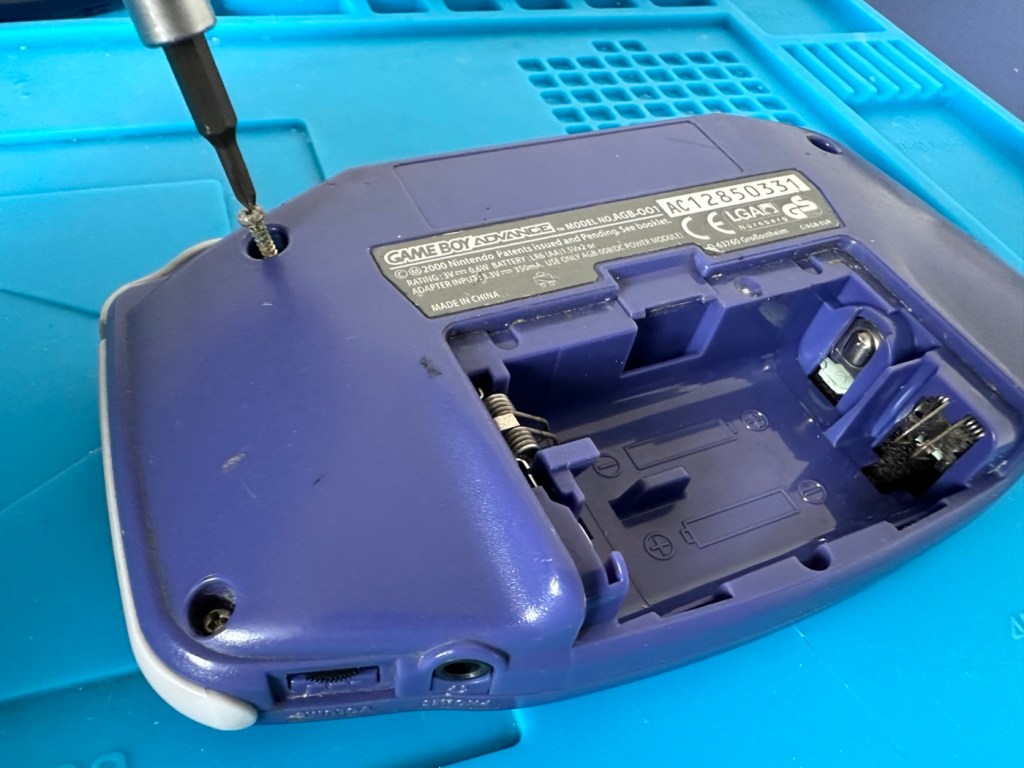
First there are seven tri wing screws securing the shell. Remove these and the rear of the unit just lifts off.
Seven screwsRear removed. Board missing two screws
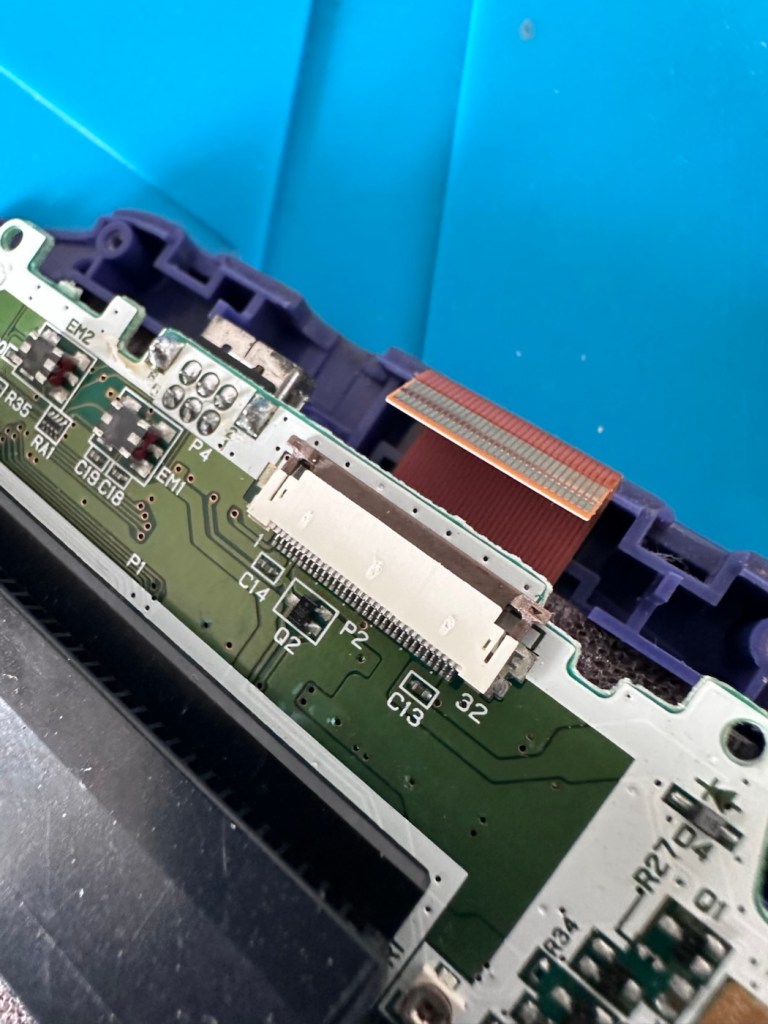
Next there should be three screws to remove the mainboard but there is only one. Someone has previously been in this unit and has left two screws out. Next we remove the ribbon cable that secures the screen to the mainboard.
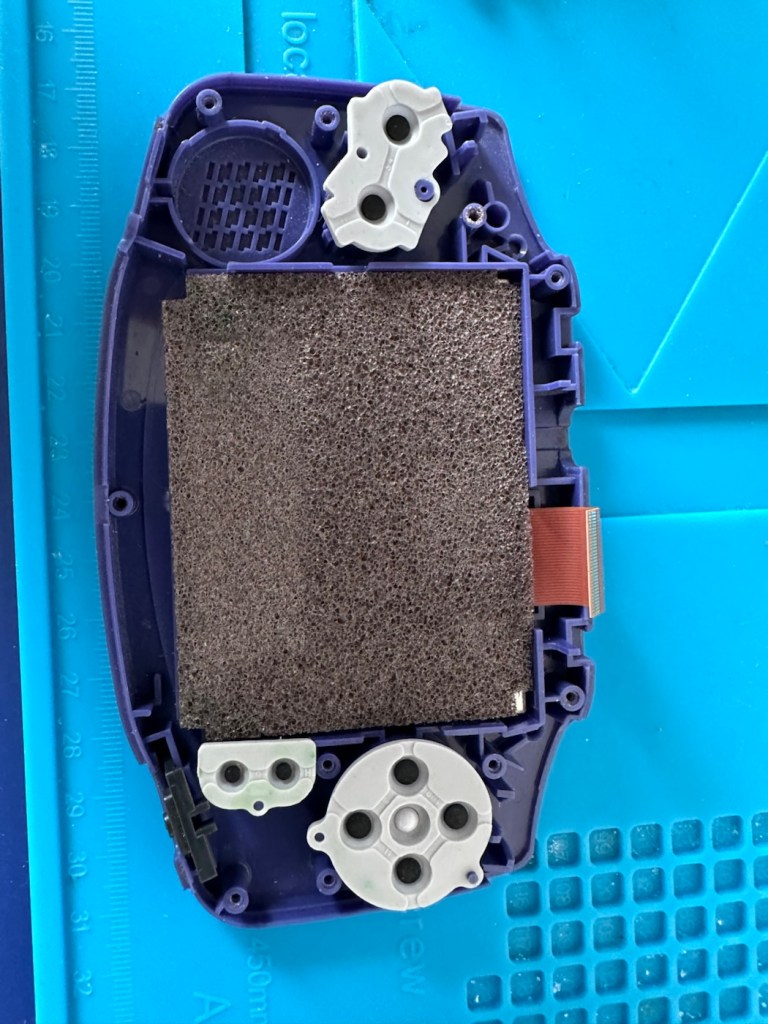
Remove ribbon cableScreen and front of the casing put to one side
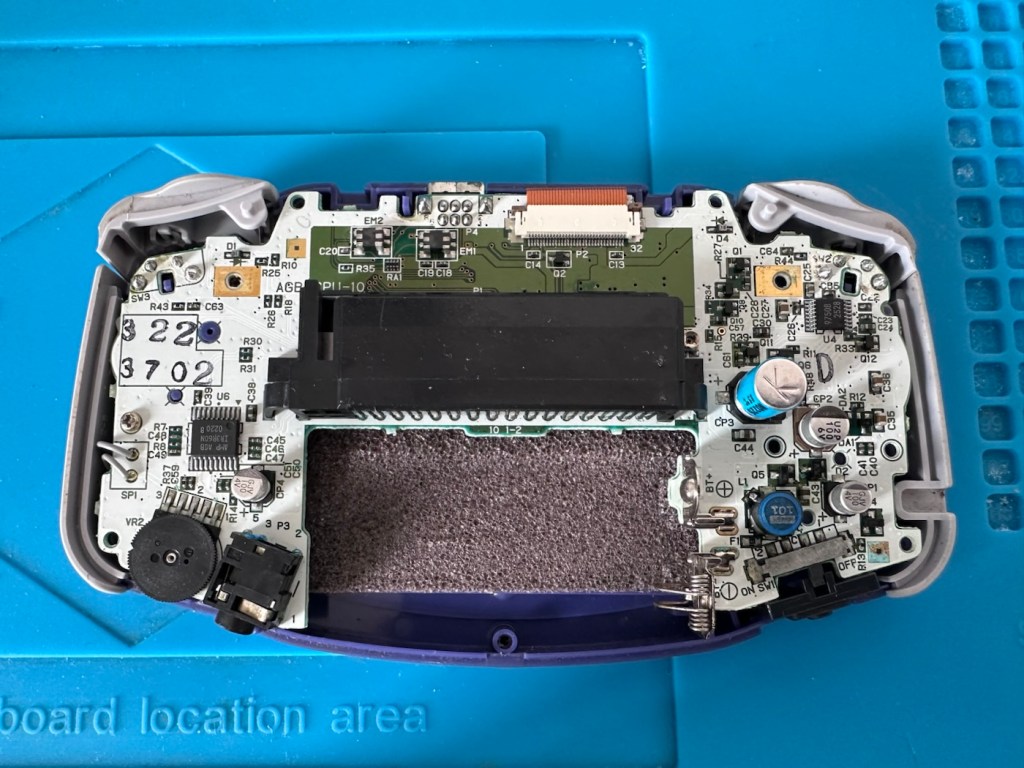
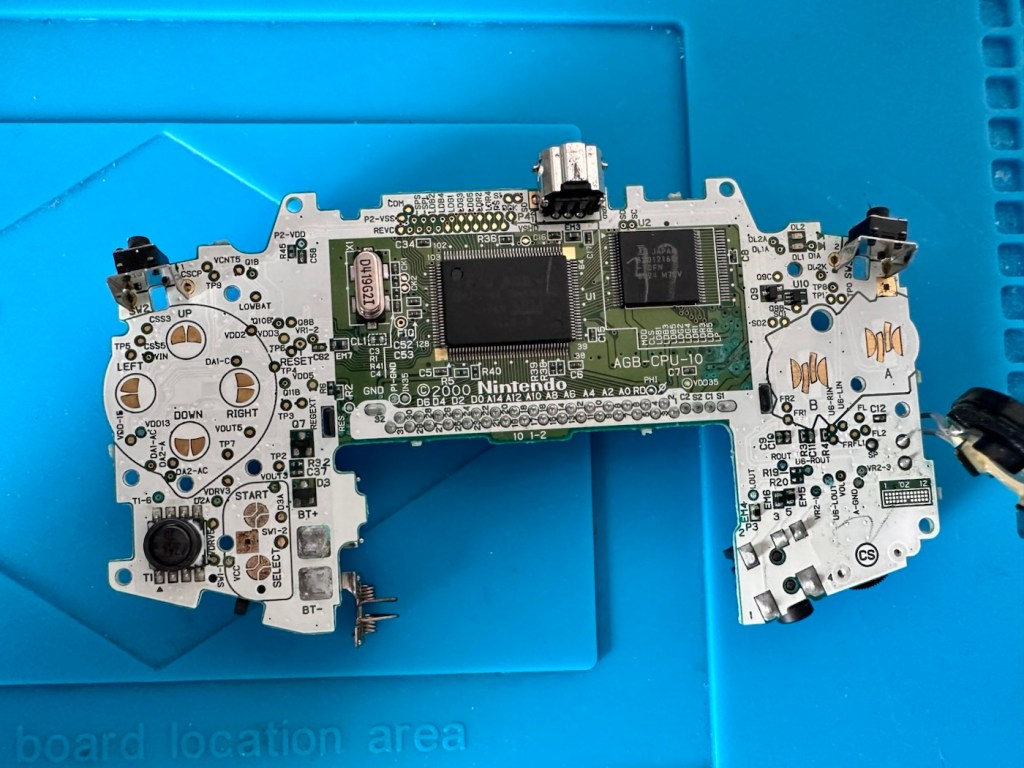
We now have free access to both sides of the board and can put everything else to one side to start our fault finding process.
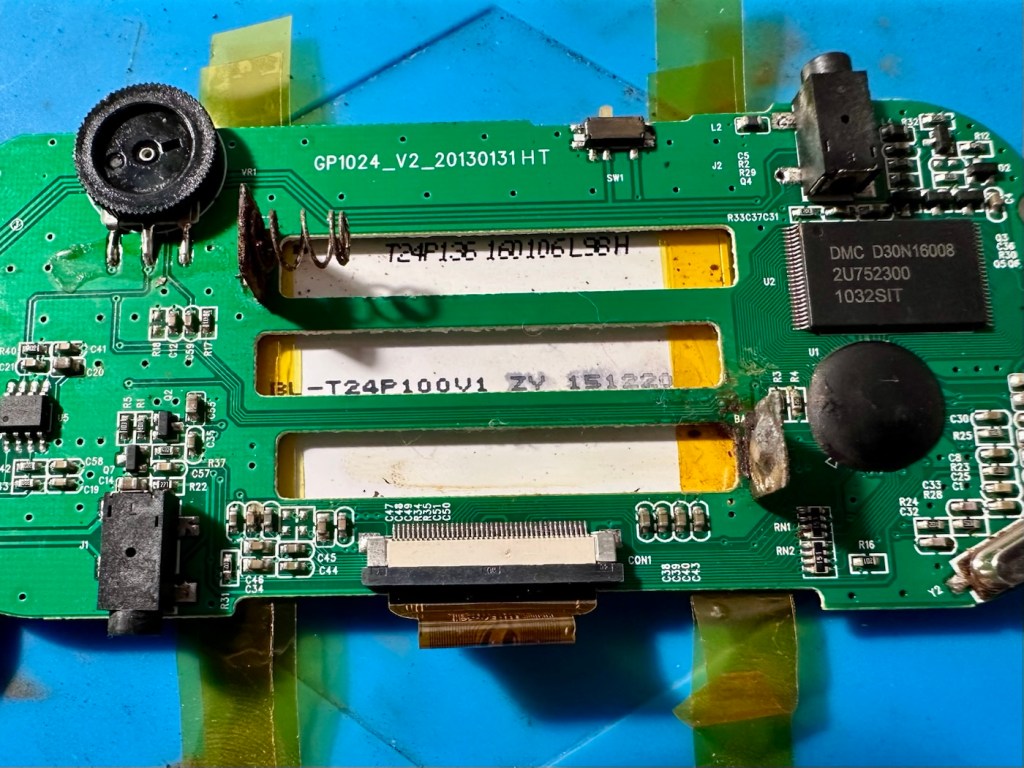
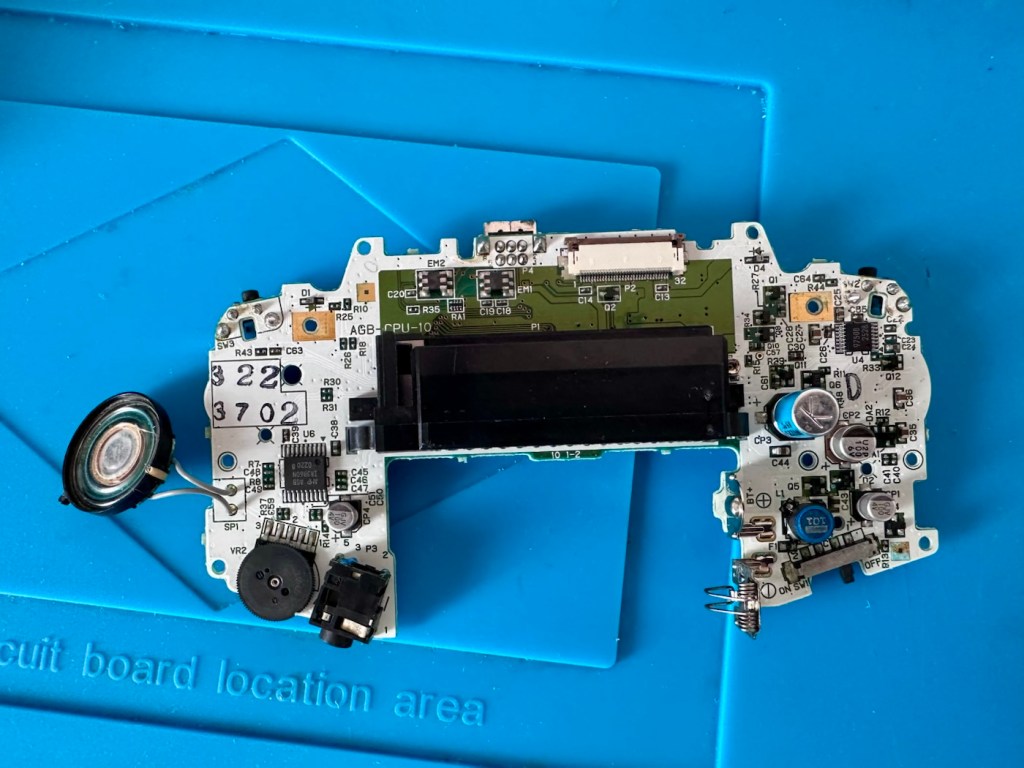
Rear of boardFront of board
First things first, let’s check the speaker. With the multimeter it’s showing 8 Ohms so I’m happy that the speaker is ok. A quick check for shorts and not one capacitor shows a short, I plug in a set of headphones and I can hear sound, but as soon as they are unplugged there is no sound again. My attention is now at the earphone socket.
ContaminationHeadphones plugged in
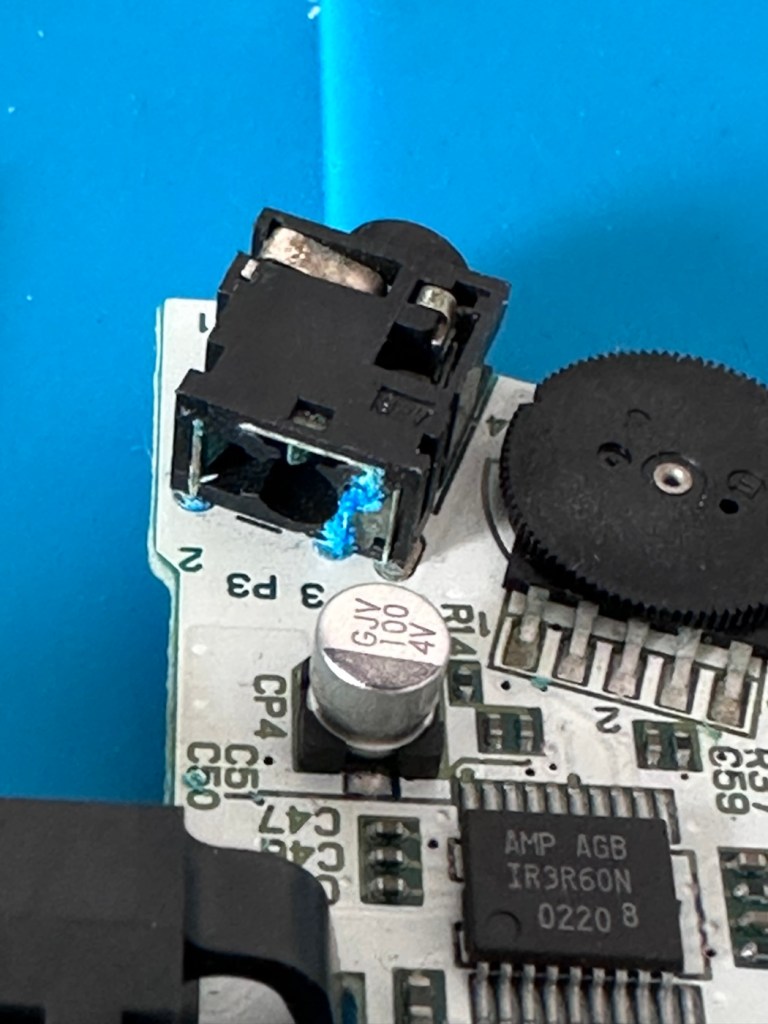
On close examination other is a considerable amount of battery acid contamination in the earphone module. This is strange as there is none evident in the battery contact area. A close look around shows some spots of contamination, however these are easily cleaned with some IPA. I have a feeling this may have been a previous issue and the person in here prior to me, has cleaned up, but given up on the repair.
I remove the earphone module, and clean the surrounding area.
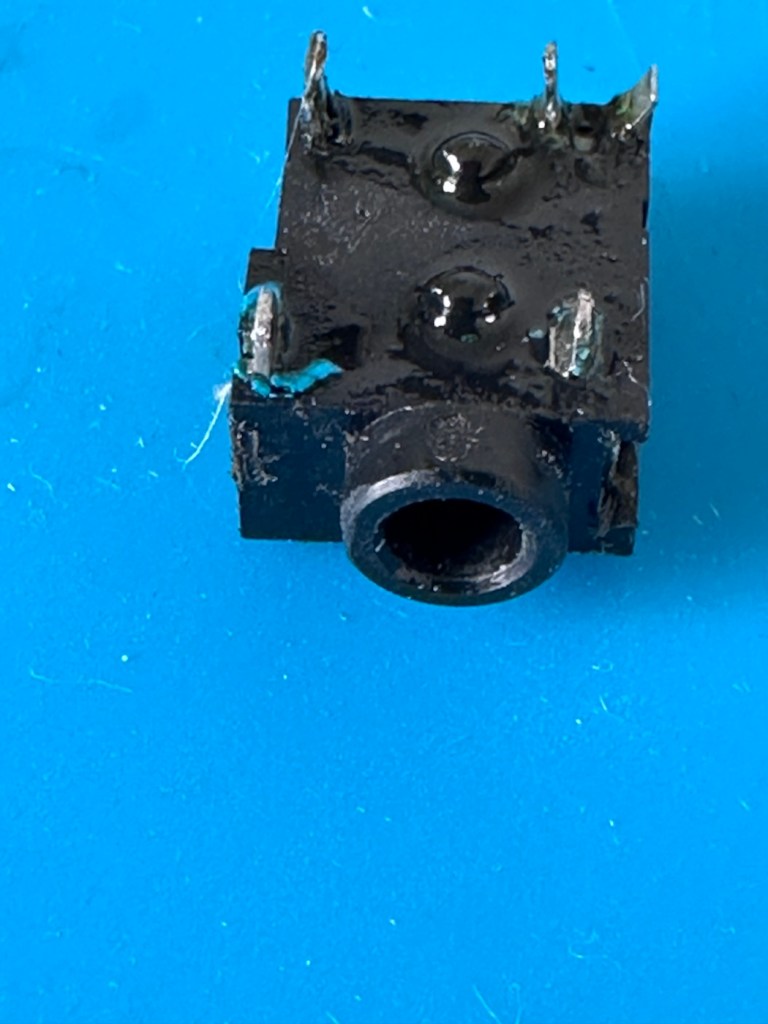
Front Rear Contaminated See the blue contaminants
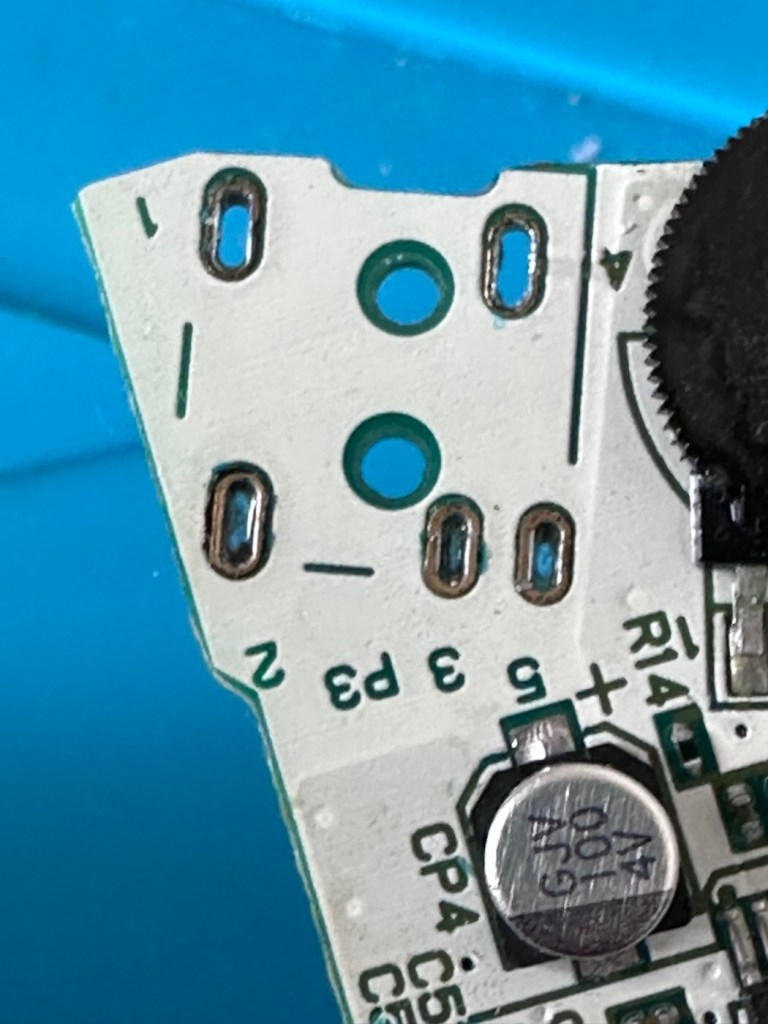
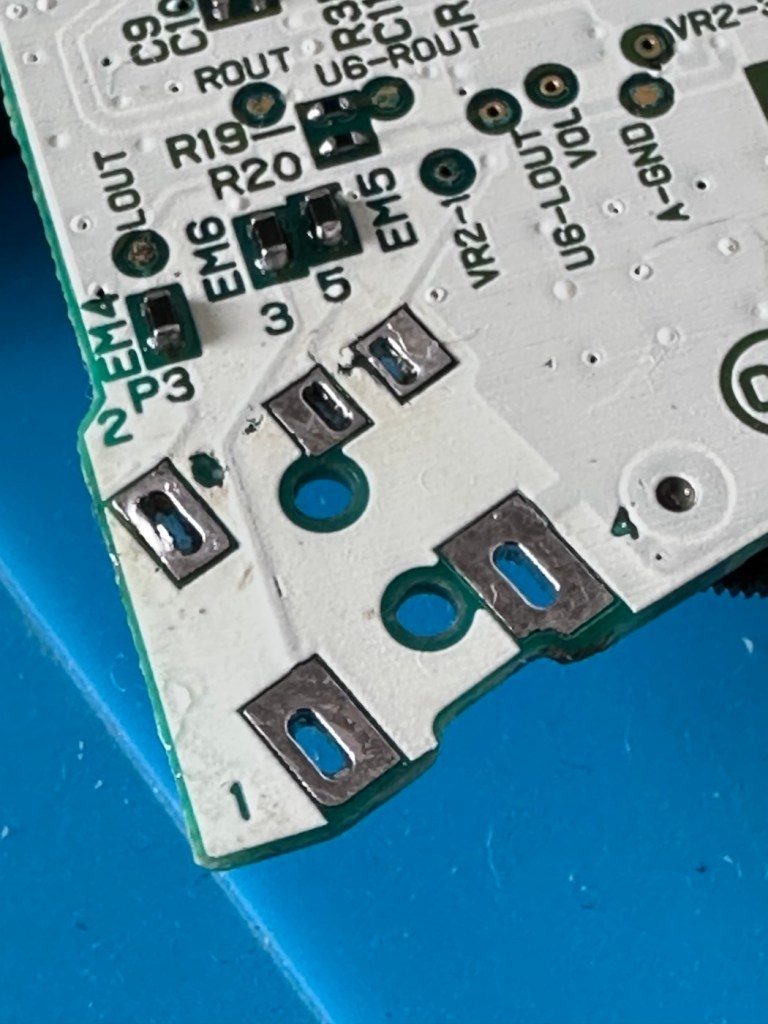
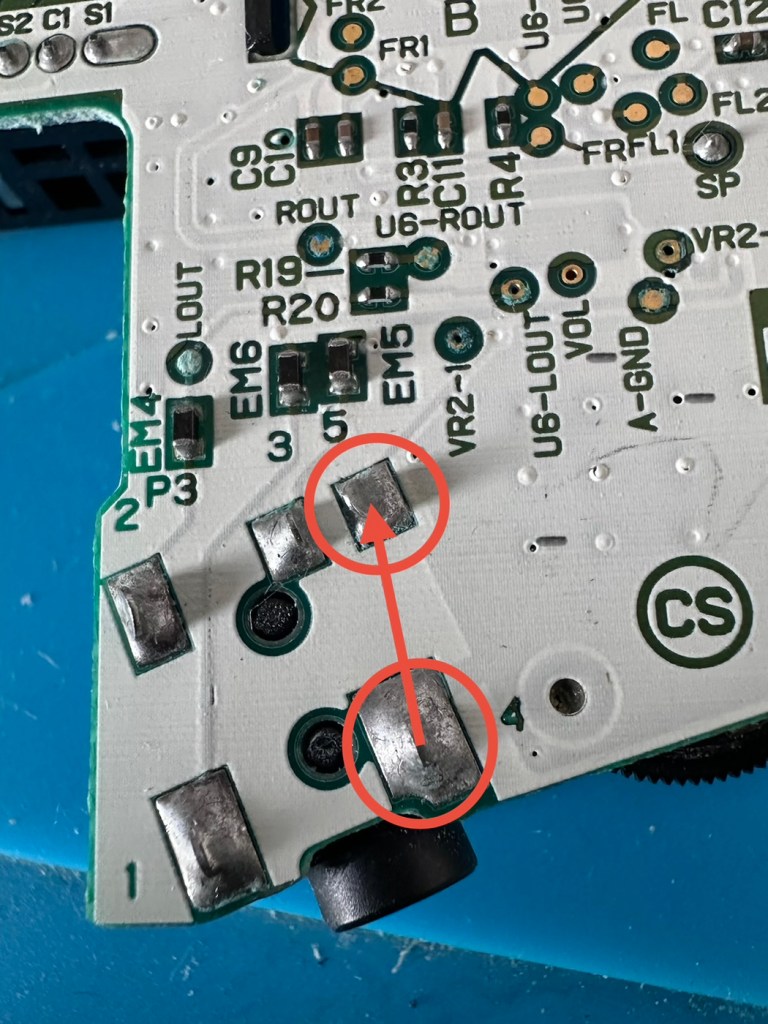
A simple check here is to see if there is any continuity between the two tabs that occupied positions 4 & 5 as marked on the mainboard. This check is carried out on the actual module. If you have continuity between these two pins, then in theory the circuit is good, and the speaker should be working. My results here were negative as there was no continuity on this module between those points.
The way the earphone works is thus. Plug the earphone jack in, it opens up the contacts and by passes the external speaker. Remove the earphone jack and the contacts close, opening up the main speaker. If there are contaminants on the contacts, this can prevent continuity and hence there is no sound on the main speaker.
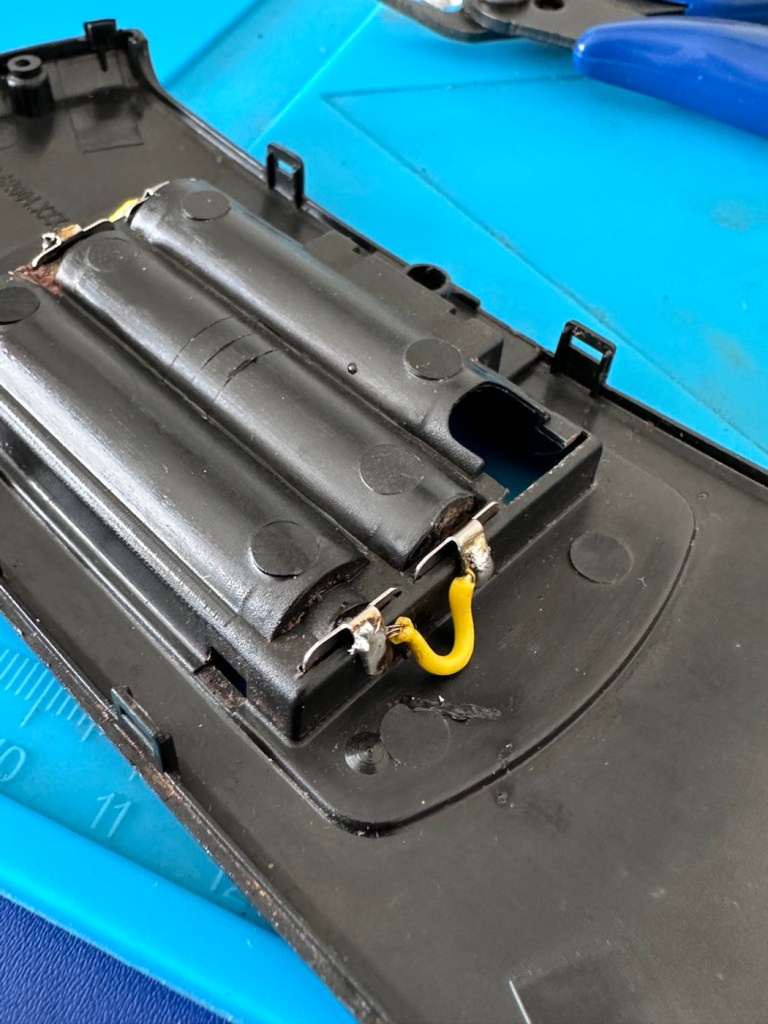
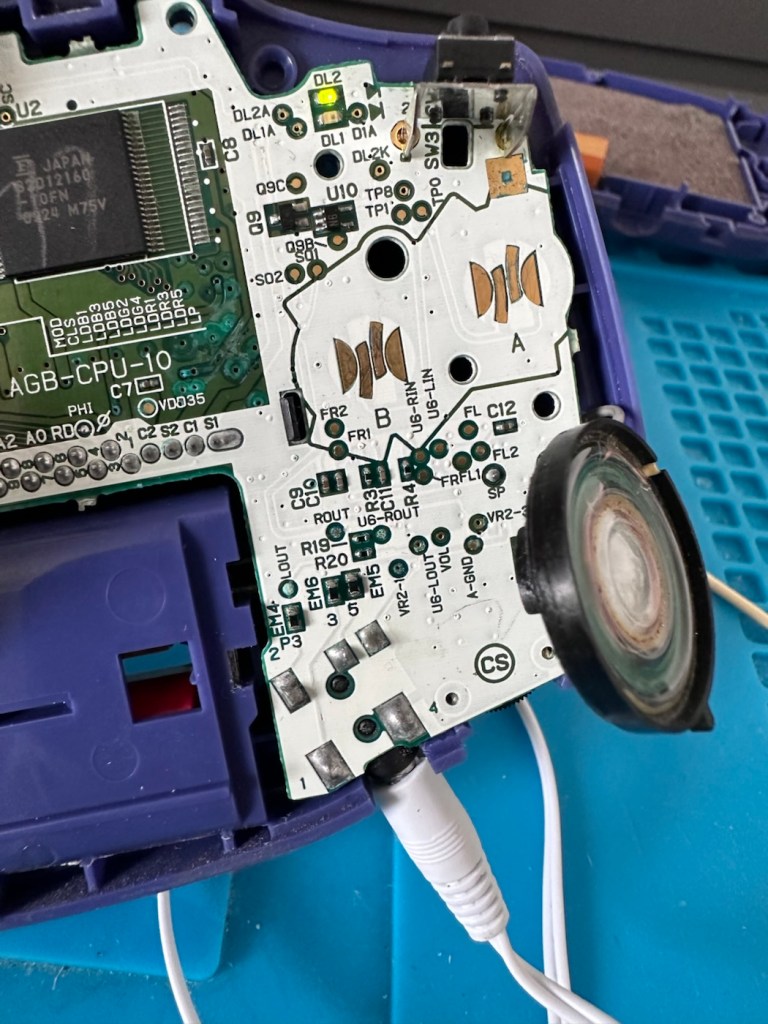
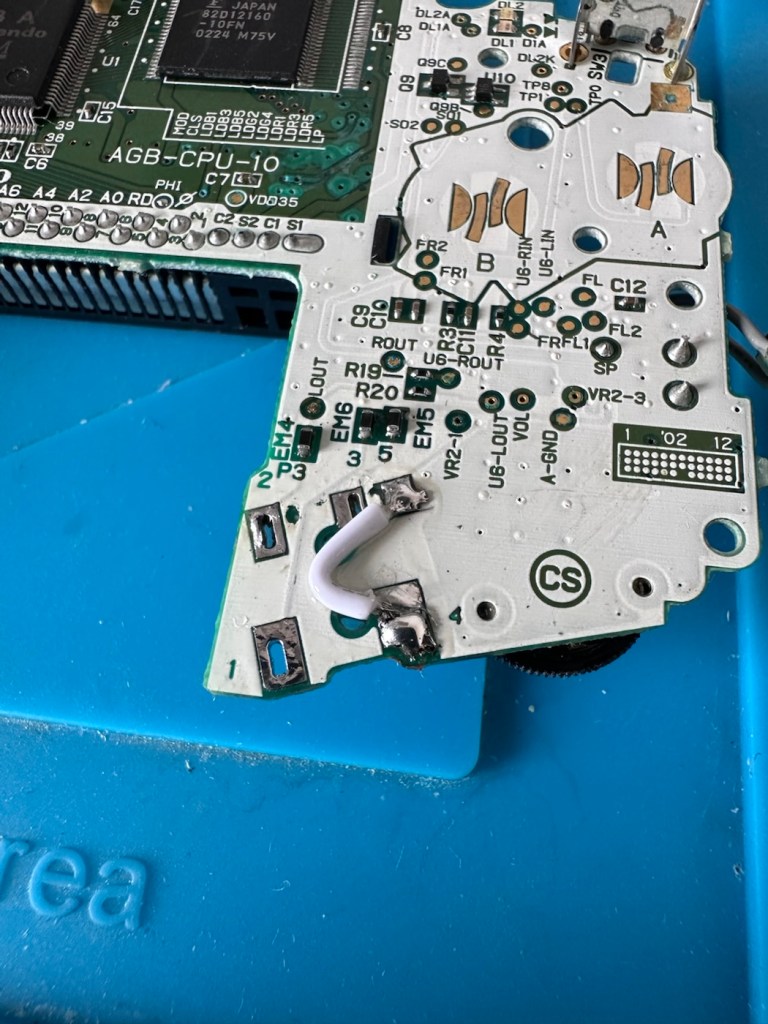
You can double check that this is the issue by soldering a small wire between points 4 & 5 on the mainboard in theory by passing the earphone circuit leaving the speaker circuit open and accessible.
Short these two pointsShorted with a small wire
And my suspicions were correct, this small video below was the result of bypassing this part of the circuit.
We have sound in the speaker
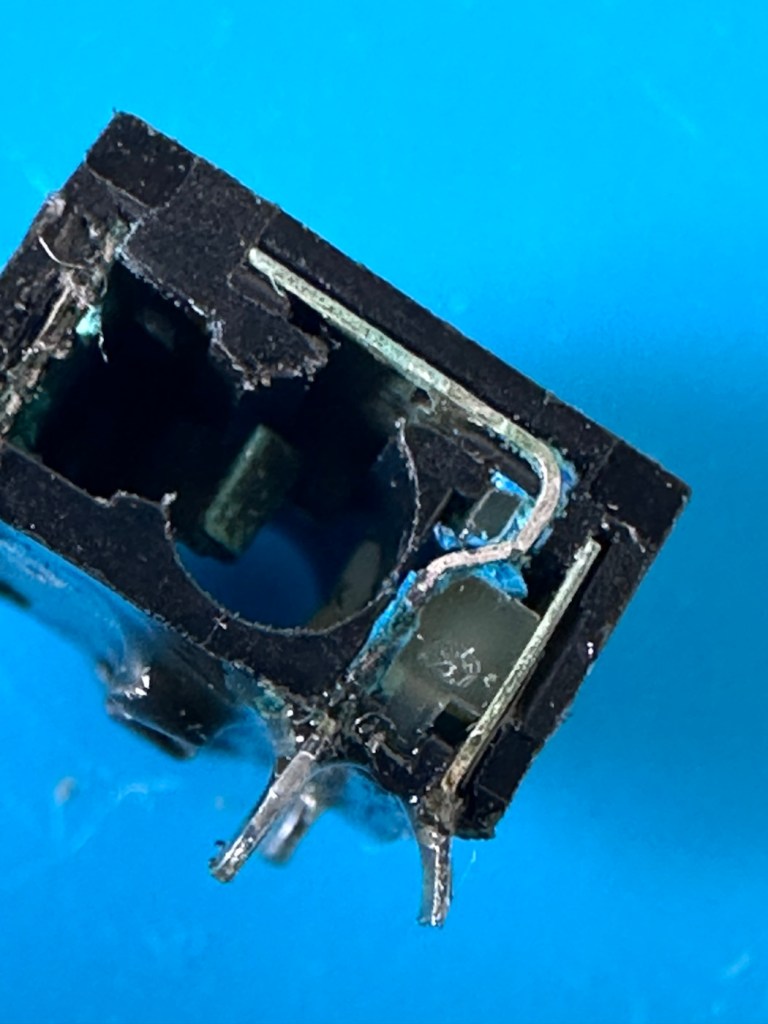
Looking inside the earphone socket it was easy to see this piece had a solid lump of contamination exactly where I was expecting to see it. I have no spares of these and to obtain one off of the auction sites is an absolute ripoff. I can order one from our friends in China but I’m looking at a four week turnaround here, and I’m inpatient and not willing to wait that long. I’m going to try and repair it.
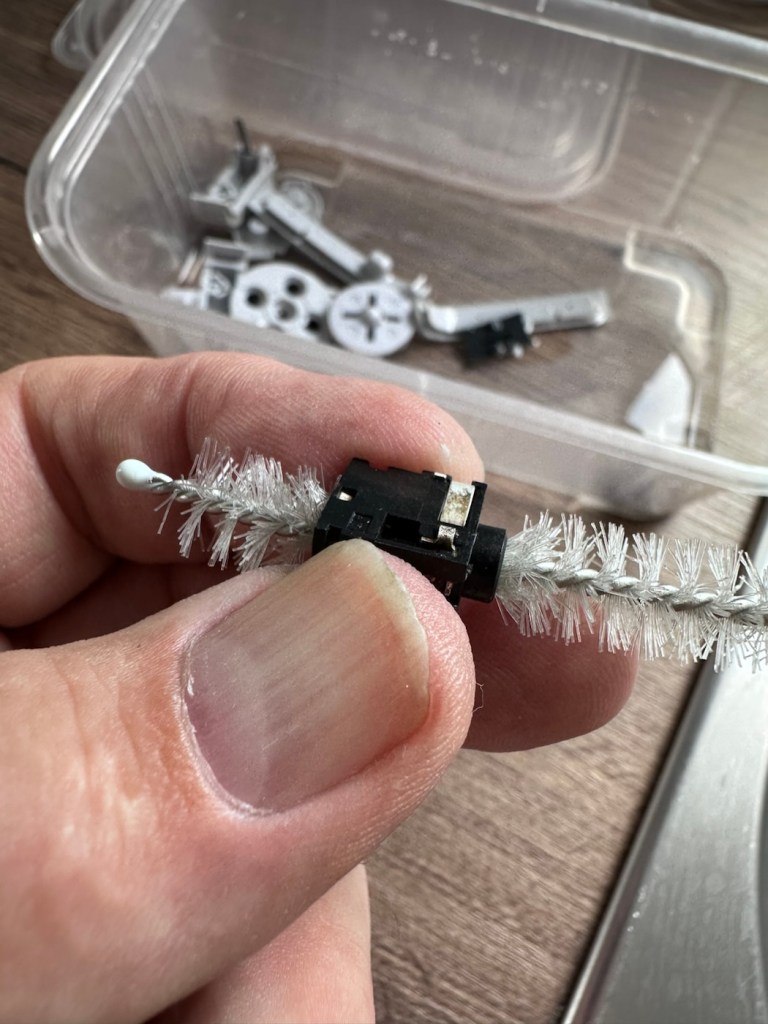
I’ve gathered everything up that needs cleaning, buttons, connectors, screws, pads and the suspect connector, and dropped the lot into a small dish of white vinegar. White vinegar is great for removing contaminants and you can actually watch it fizzing away and working. I left these items bathing for about 30 minutes before giving them all a good scrub clean. On the earphone jack I “borrowed” a small bottle cleaner from the wife, it fits right through one side and out the other allowing you to get a really good scrub inside.
White vinegar and a bottle scrubber
I also cleaned the outside thoroughly removing all signs of contamination, the tabs were gleaming when I finished. I then put everything I’d just cleaned in between two sheets of kitchen roll and put them in a cooling oven to dry off.
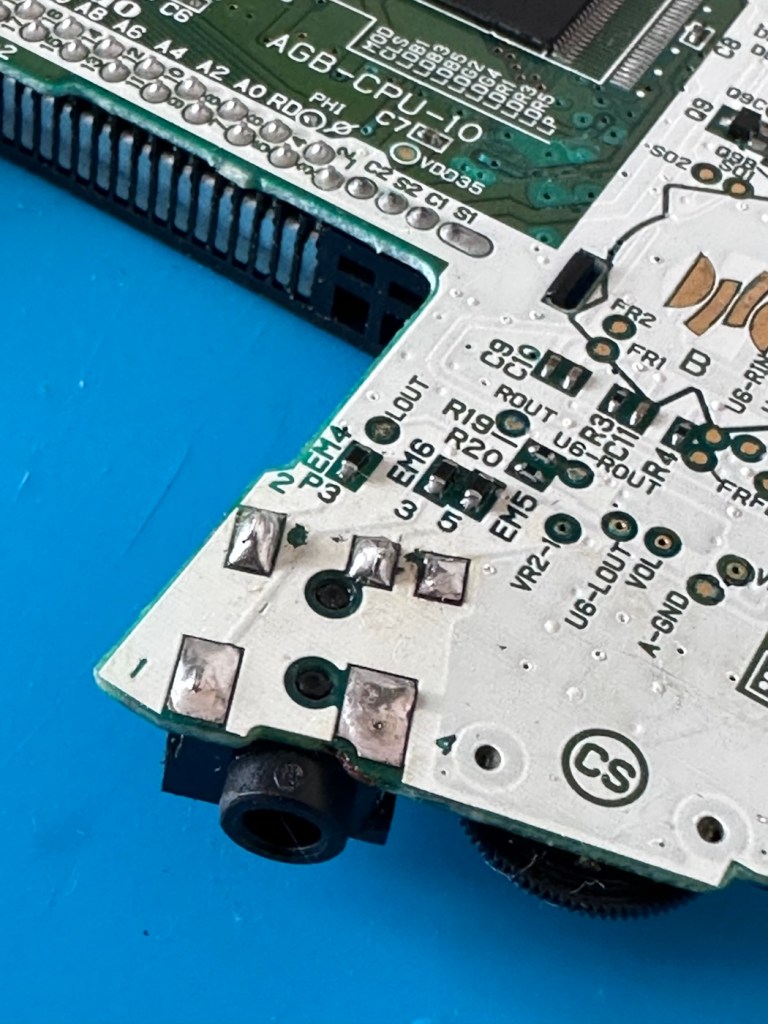
When dry I took the bottle cleaner again, inserted it back into the earphone jack, sprayed quite a bit of electrical contact cleaner back onto it and vigorously scrubbed again for the next few minutes. When dry, I took the multimeter and again checked for continuity across points 4 & 5 and a tone was heard. Continuity had been restored and the earphone contacts were now working. Plugging in a jack and then removing it confirmed that all was working as it should. It’s now time to put this jack back on the board.
Earphone port, back in place
Final touch is to put a tiny pice of clear silicon in place of the missing power light lens on the front of the case. Job done.
Time to reassemble this unit.
Result:
And here we are. The original unit has been thoroughly cleaned, it’s come up ok but is probably a good candidate for a case upgrade and a Capacitor change at some point. That’s just cosmetic though, what really matters is that this unit is now working perfectly, and it sounds just fine.
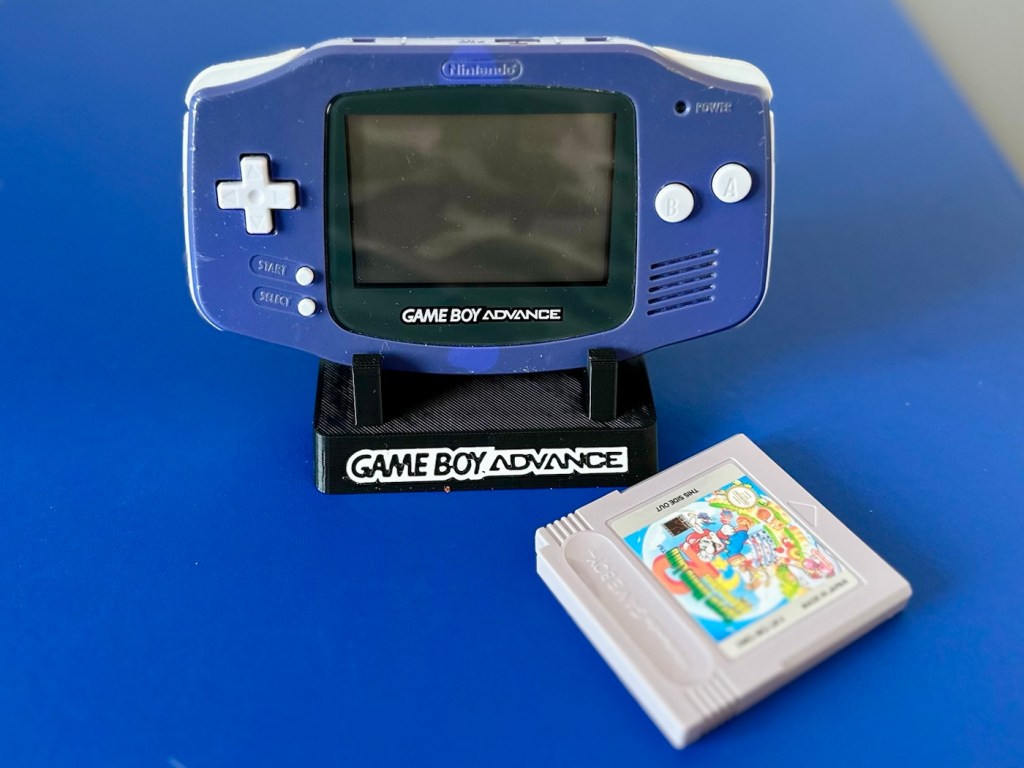
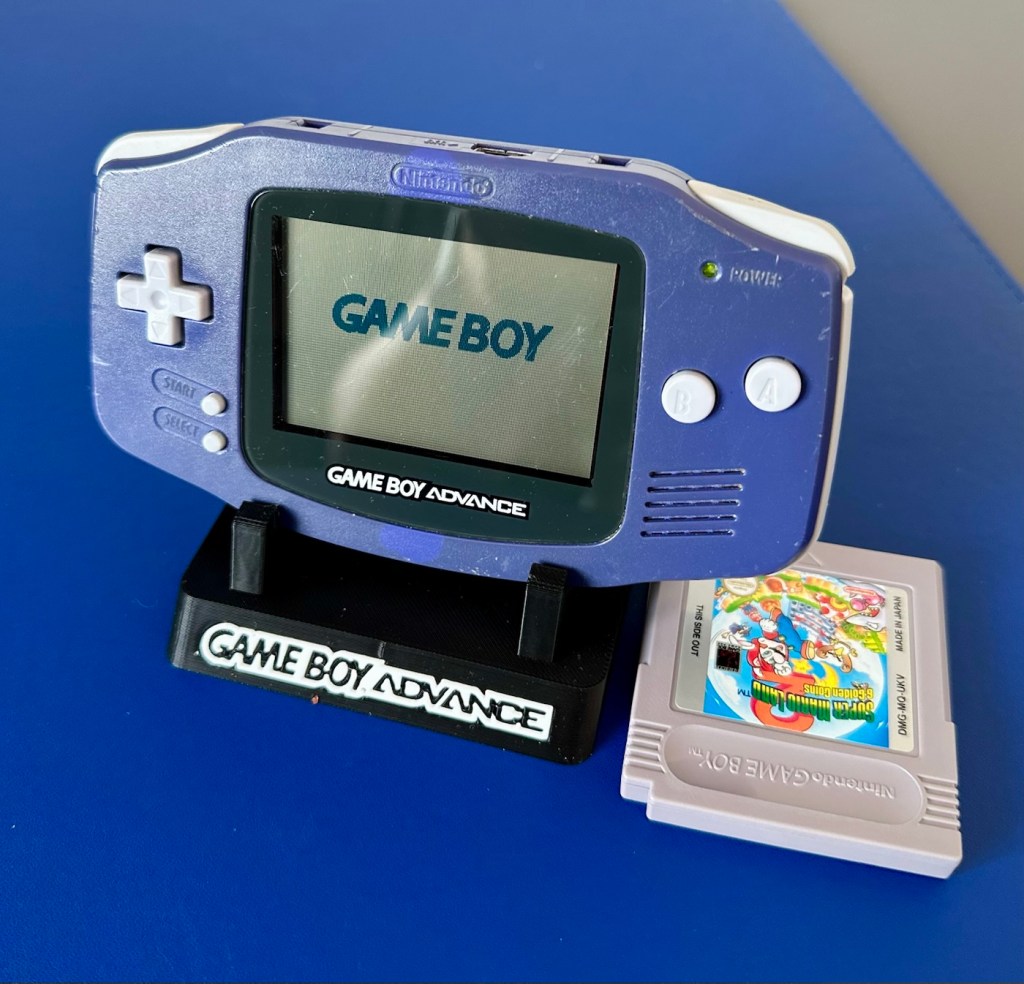
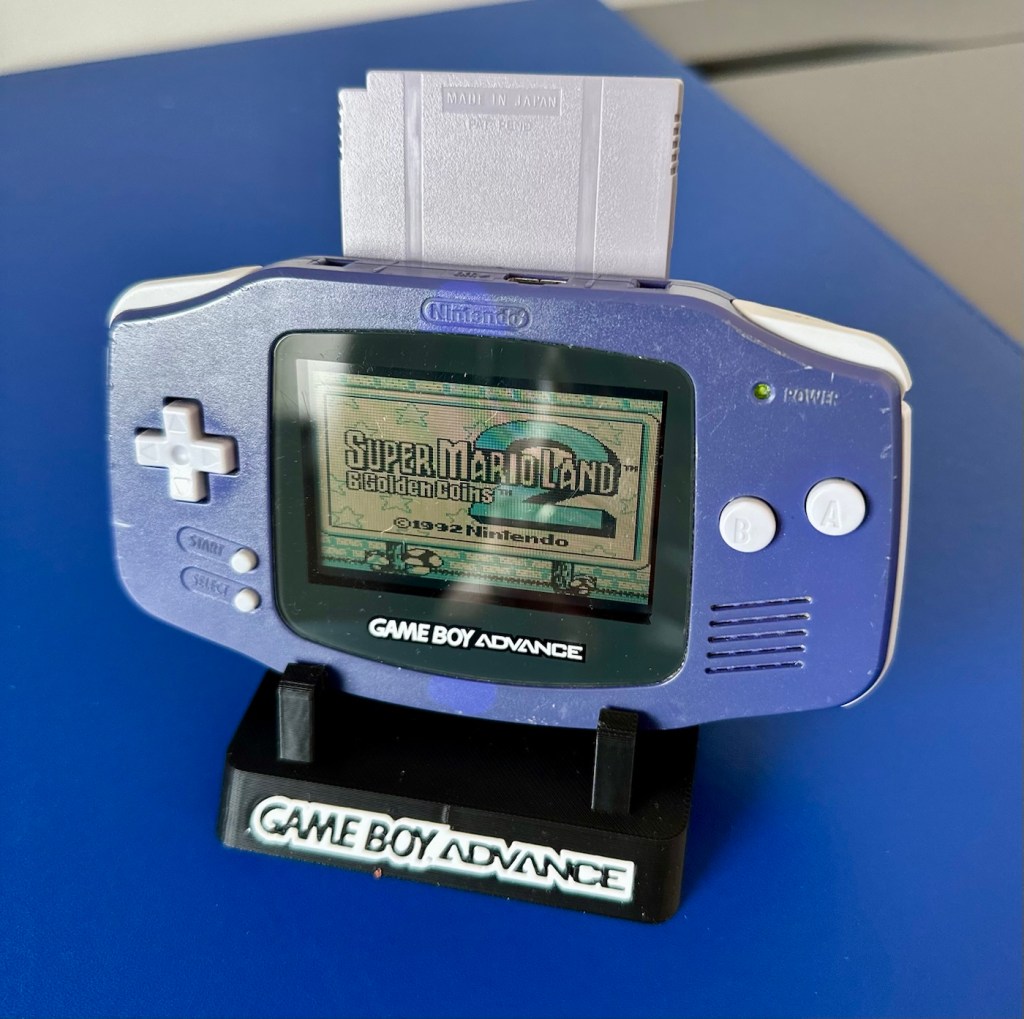
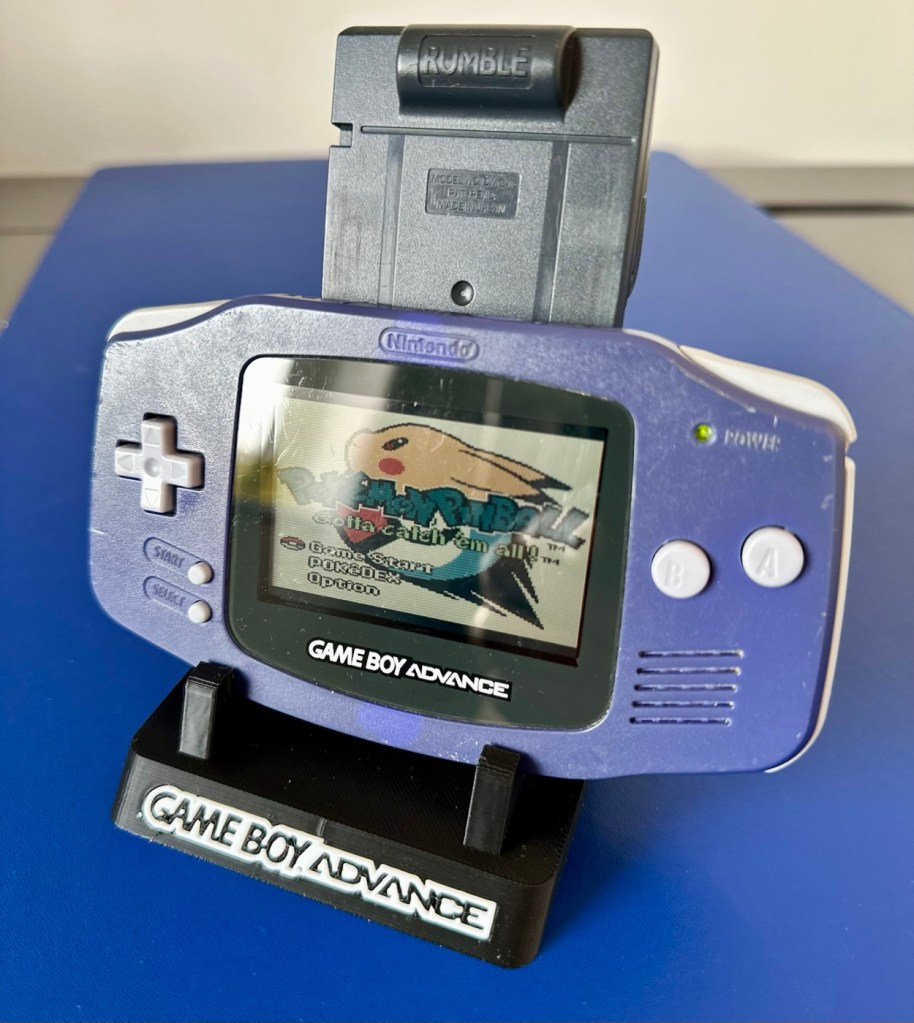
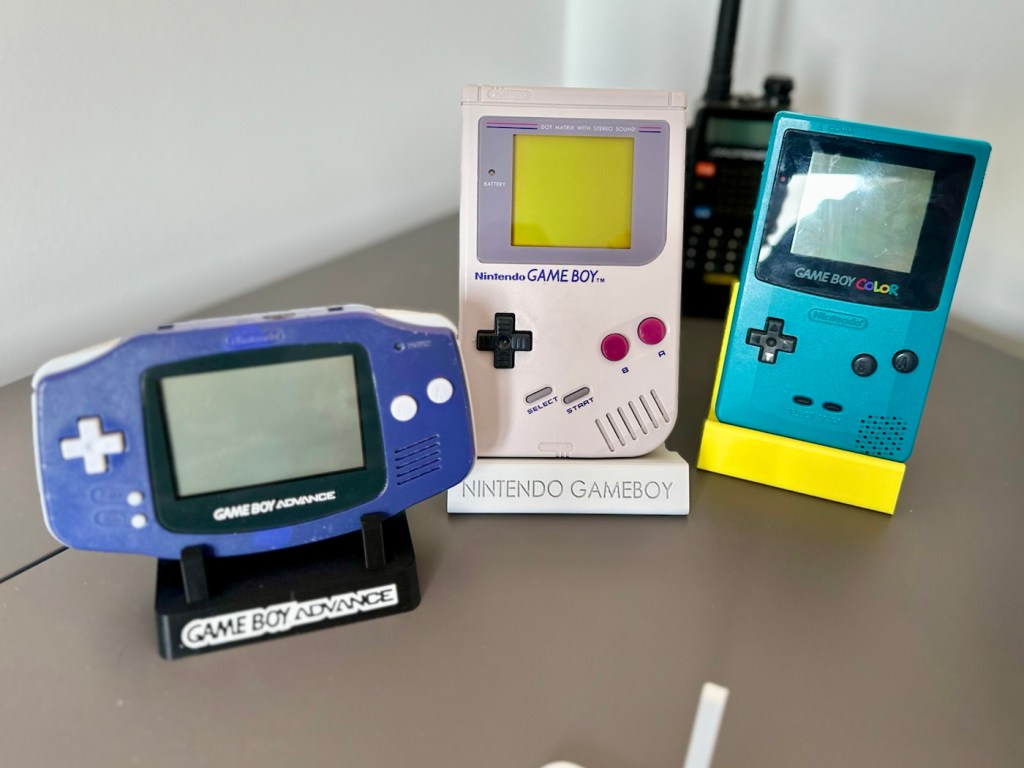
Fixed, cleaned, on its new stand with its fellow Gameboy counterparts
This unit actually came from a guy who restores these units, I guess he was just having an off day as to be honest, it wasn’t the most difficult issue to diagnose and repair. It honestly took longer to clean this unit than it did to repair it. I’m pleased that I’ve used all the original parts and just been able to do a proper restoration as such.
81 million of these units were produced, so this is just one in that 81 million, that has been saved again from landfill to be enjoyed for many more years to come.
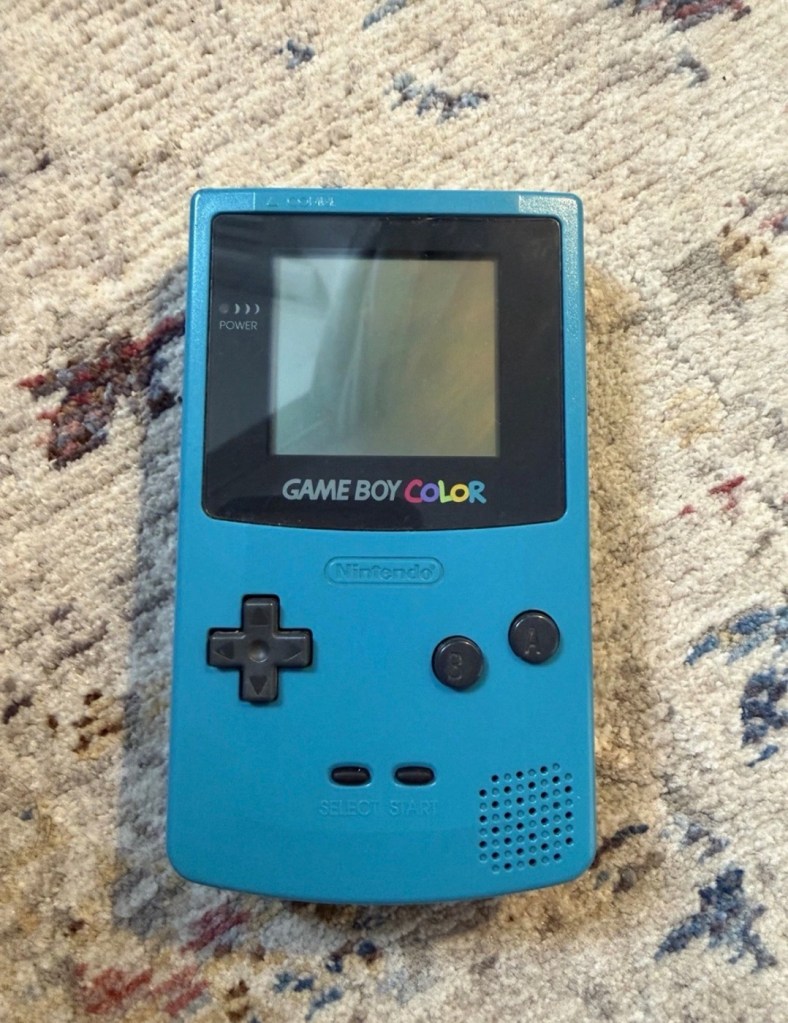
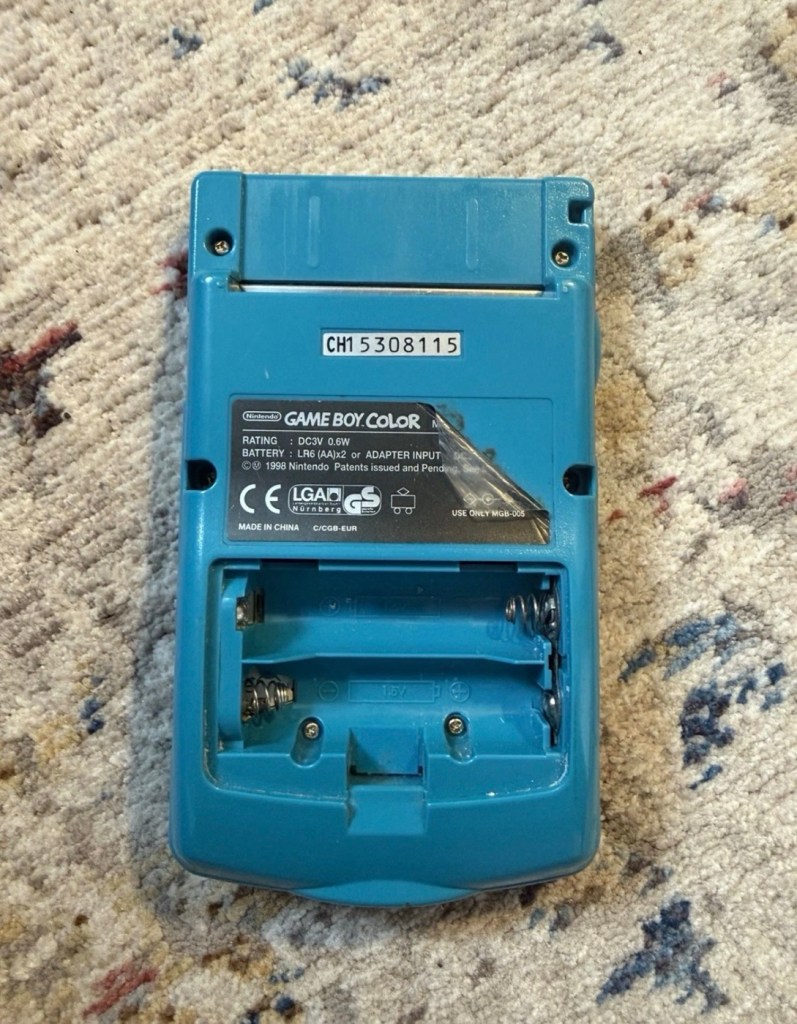
I’ve purchased a faulty Gameboy Color for my collection. It has no power, so let’s have a look and try to get it working again.
What the listing stated:
Very clean, but doesn’t turn on
EBay
Gameboy Color
Yep. It’s a Gameboy Colour to me, but as it was sold using the American spelling of “Color” then that’s what it will be addressed as, going forward.
I’ve been after a “Color” to add to my collection for a while now, but it had to fit my very strict quality requirements, in truth it just has to be faulty, and this particular example has met my conditions. I’ve paid £30.00GBP for this example and I’m happy with that, it’s a very fair price.
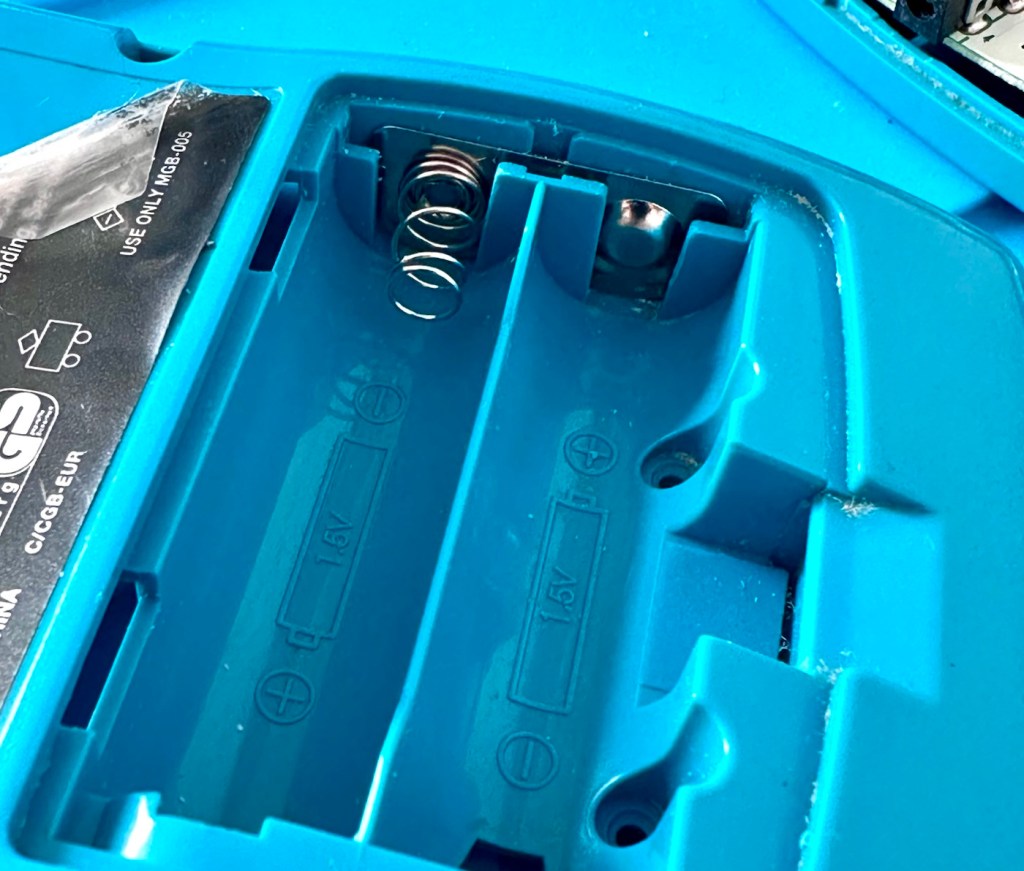
The good news seems to be that it is in a really good condition, it looks as if the battery door is missing, however they are freely available and this is not an issue should I require one.
These units are known to sustain power failures and the repairs are well documented. By now the unit is close to 30 years old and as time advances components start to fail, these include, but are not limited to:
Power switch failure: either a complete failure that requires replacement or quite simply a simple clean to remove years of tarnish and environmental gunk.
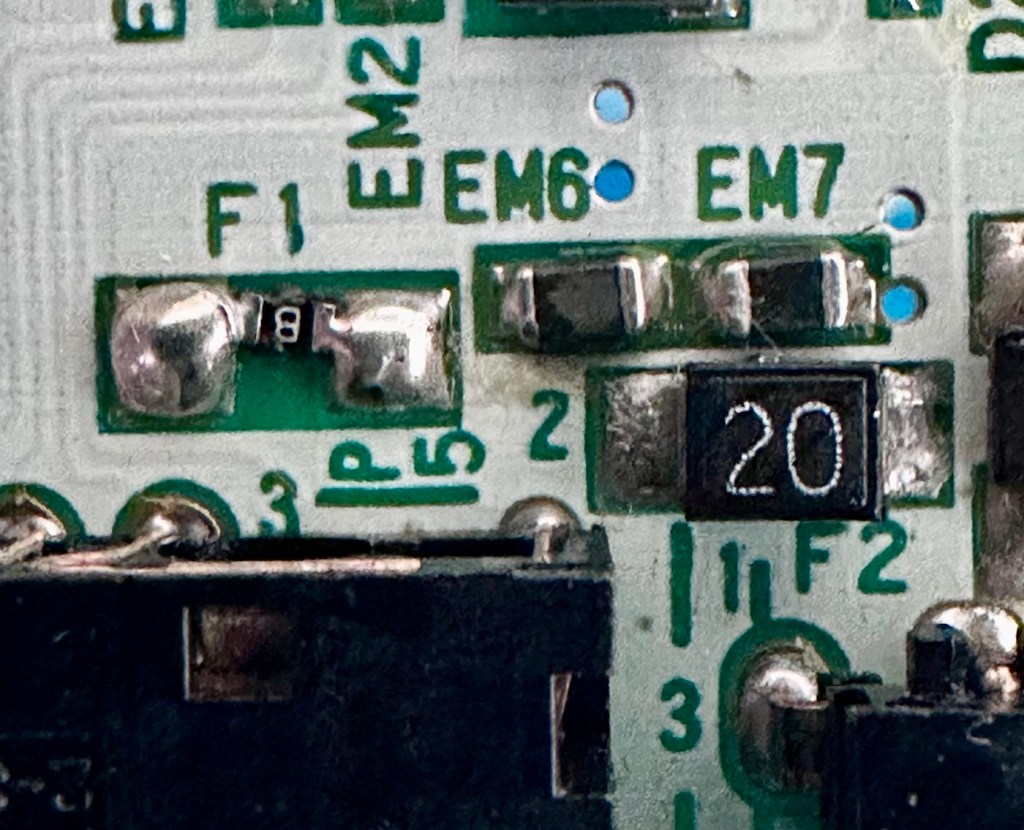
Fuse failure: there are two fuses F1&F2 that are known to fail, normally due to a short somewhere else on the circuit, but sometimes due to a power surge or incorrect addition of an incorrect power supply.
Via failure, small through the board connectors that are known to suffer with corrosion, requiring intervention with the addition of small wires to bypass the issue.
Capacitors – known to fail on a regular basis, it’s sometimes good housekeeping just to get these replaced as they are a contributing factor as to why other components such as the fuses also fail.
Worst case scenario: major corrosion or main board component failure.
We’ll cross these bridges when and if we need to.
Here’s a little info about the Gameboy Color console:
The Game Boy Color(abbreviated as CGB or GBC) is an 8-bit handheld game console developed by Nintendo. It was released in Japan on October 21, 1998, and in international markets the following month. Compared with the original Game Boy, the Game Boy Color features a color TFT screen instead of monochrome, a CPU running at up to twice the speed, and four times as much memory. It is backward compatible with games developed for its predecessor. The Game Boy Color was released during the fifth generation of video game consoles and competed with Bandai’s Japan-only WonderSwan, SNK’s Neo Geo Pocket Color, and Sega’s North America-only Genesis Nomad.
The handheld is slightly thicker, taller and has a smaller screen than its immediate predecessor, the Game Boy Pocket, but is significantly smaller than the original Game Boy. As with its predecessors, the Game Boy Color has a custom 8-bit processor made by Sharp. The American English spelling of the system’s name, Game Boy Color, remains consistent throughout the world.
Wikipedia
So, for now, let’s not speculate on its quality and issues until it arrives, when we can then carry out a proper assessment of the unit that has been received.
Assessment:
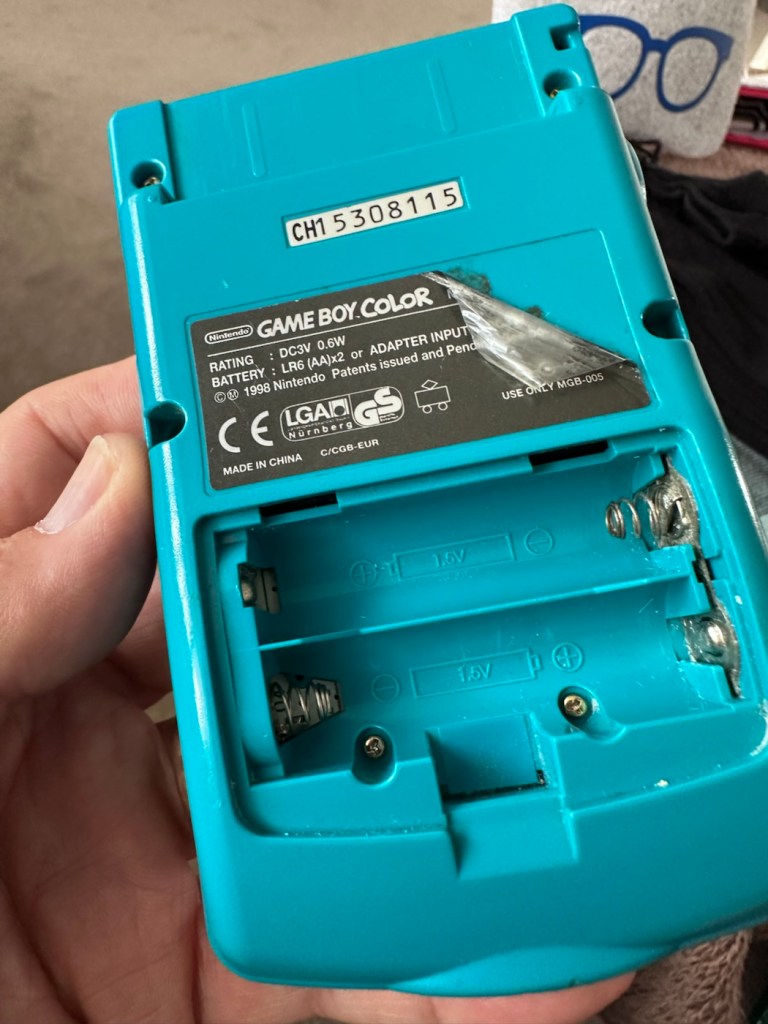
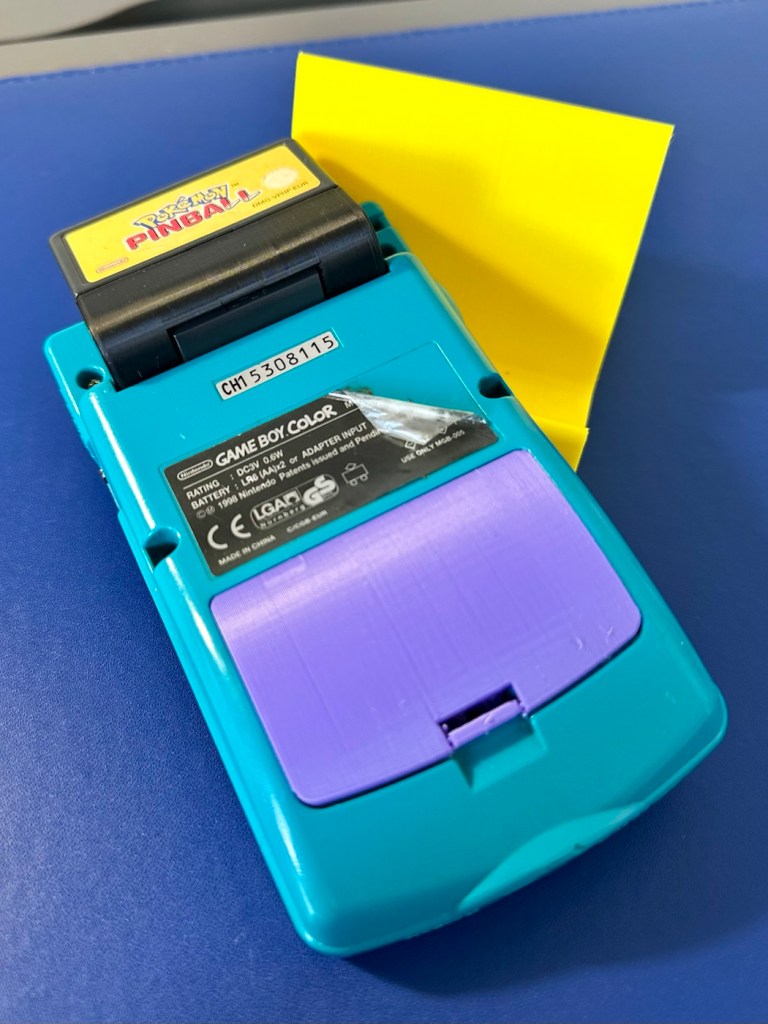
The package has arrived. The battery lid is missing as kind of expected, I will get a replacement sometime, but for the moment I’ll probably print one out on the 3D printer, it’ll be a totally different colour as I don’t have a “Teal” coloured filament to use. The product label on the rear is also damaged but I can easily get one of these as a replacement, however it’s not essential and will only be of cosmetic appeal.
Missing battery cover and old product label
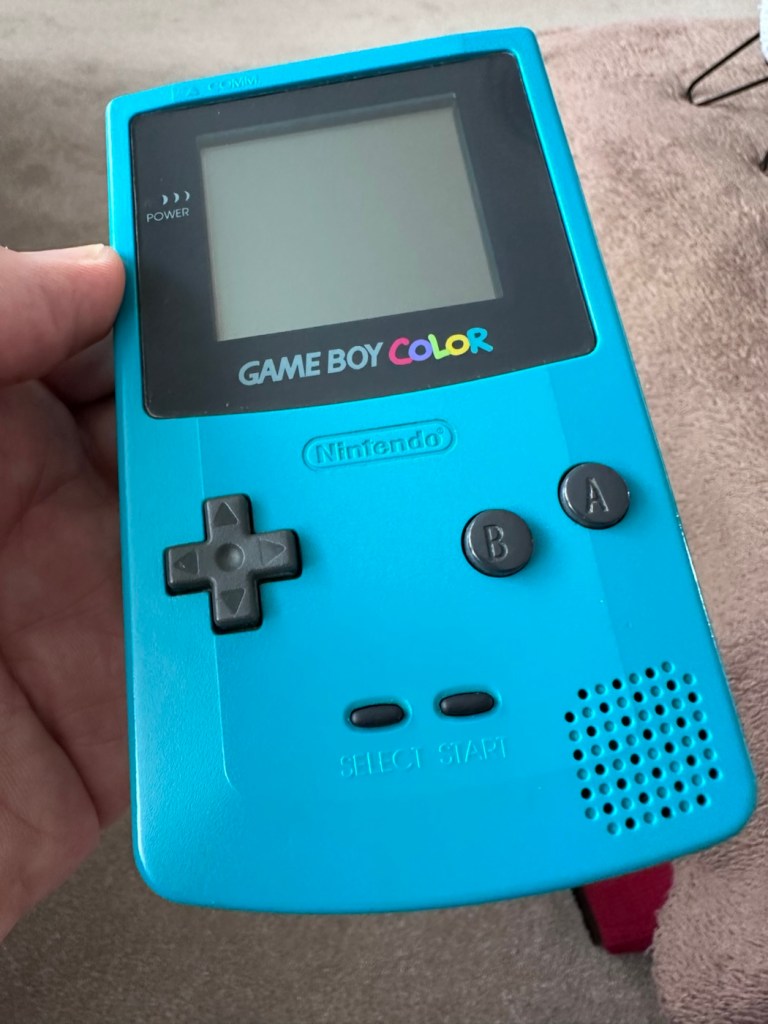
The front fascia is in a good condition with only a minor scratch on the screen, however there are a couple of dents and dinks on the body where it looks as if it’s been dropped or bashed at some point.
Front fascia is good
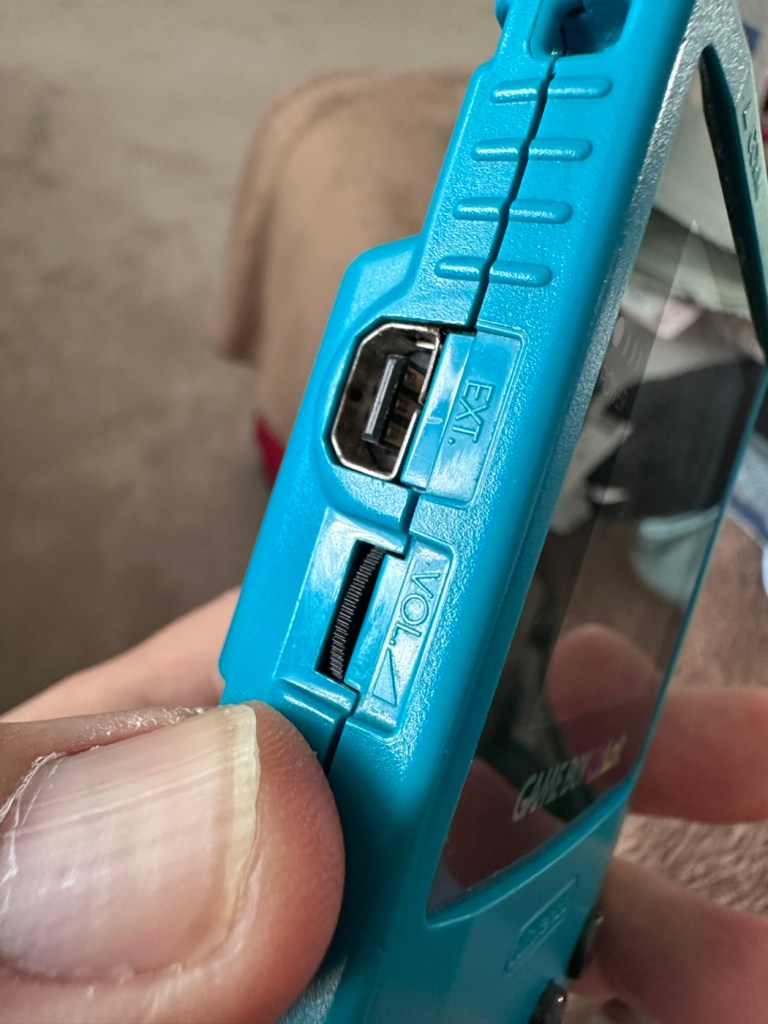
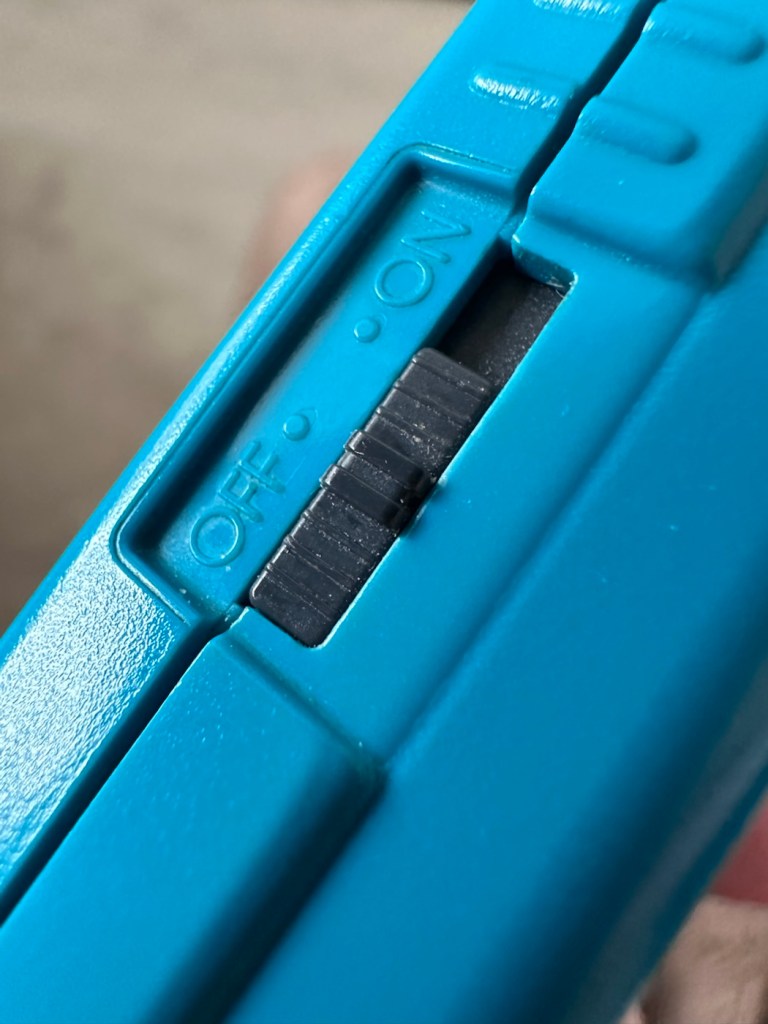
All ports, switches, buttons and sockets look ok and seem to be operating as such with no resistance or signs of stickiness.
All ports appear ok, there are a few dents and bashes visible
Again, the casing is in general fit to use, and in no way causes any issues with its operation when working. It is purely a cosmetic issue that i can address when the unit is finally working.
I have installed two AA size batteries, switched the unit on and it is most definitely dead. Repeatedly flicking the switch does nothing at all, so it is a situation where the unit will have to be opened up and further investigated. The assessment has not thrown up any other issues not already highlighted in the sales documentation, so in general I am quite happy with the outcome at this stage. let’s get inside and see what we can find.
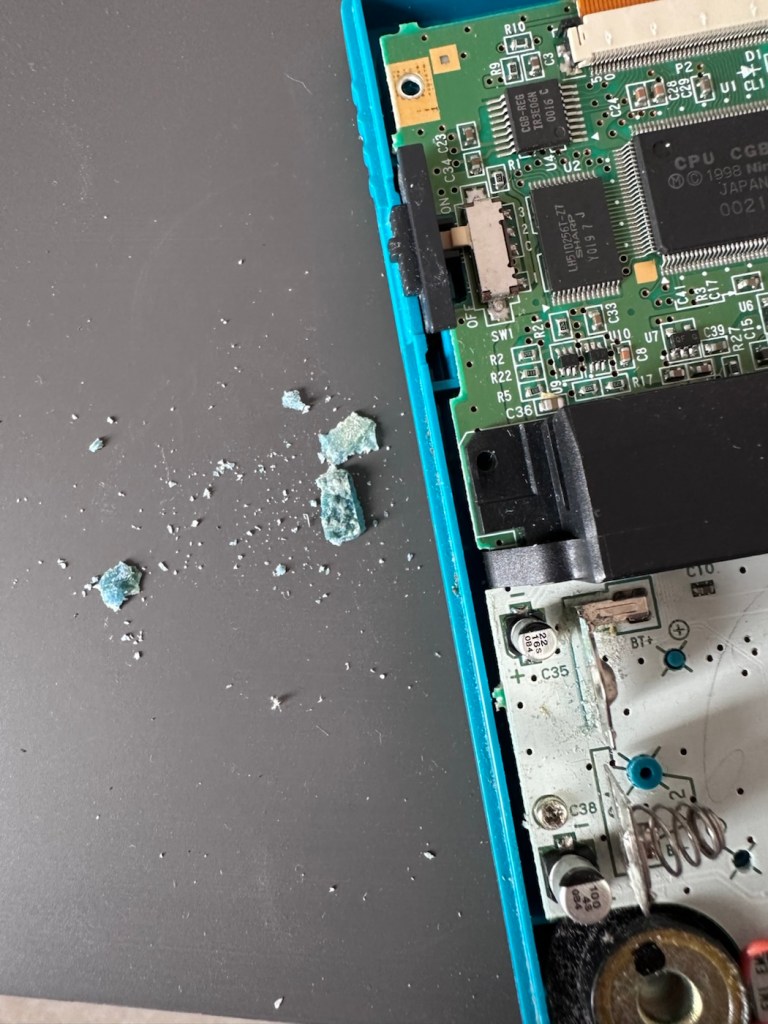
Oops. Wasn’t expecting that. I’ve removed the six “tri” screws and as soon as I’ve separated the two halves, an amount of what looks like battery corrosion “crap” has fallen out as well.
Oops – corrosion is present
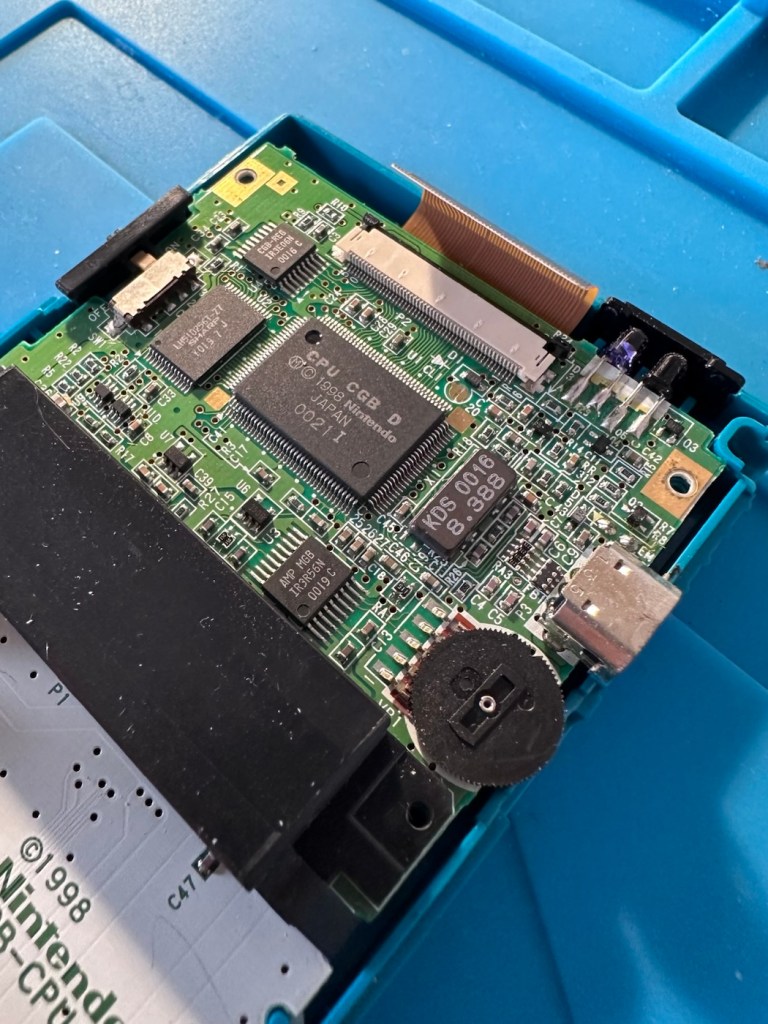
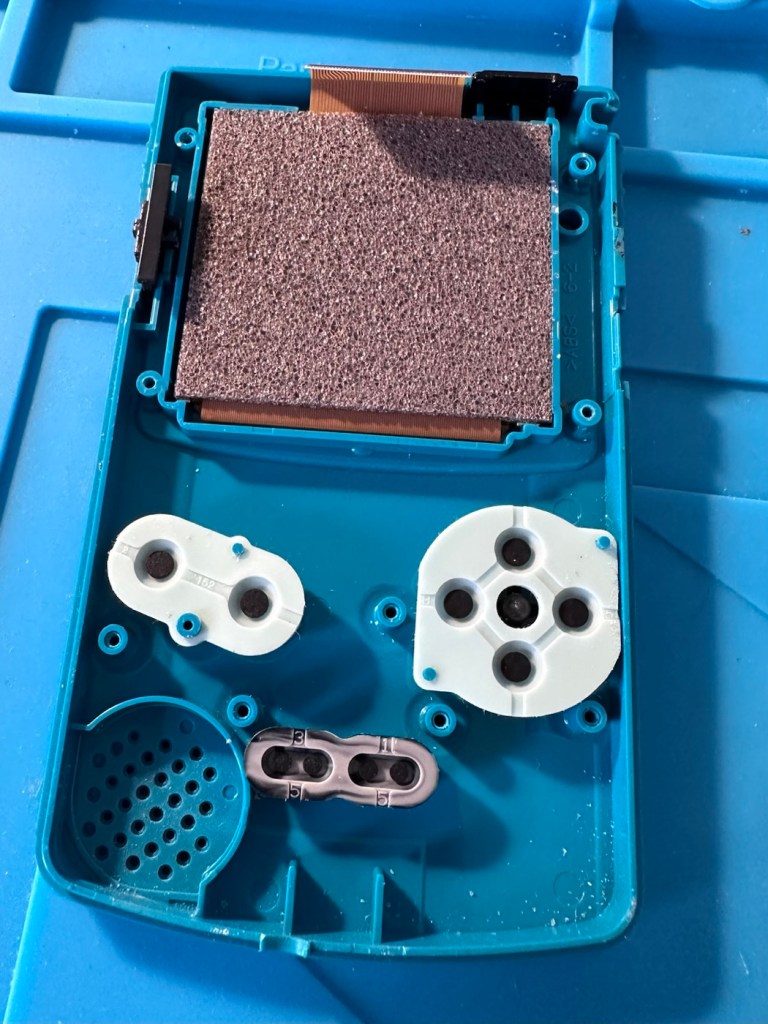
With the two halves separated, I then remove the screen ribbon cable, remove three more screws and the main board lifts out.
Screen ribbon cable removalInside upper part of the unit
There’s some good news here. The contamination looks as if it has been completely isolated to within the battery area, there is no sign of any damage to the Vias, or any other components on the main board.
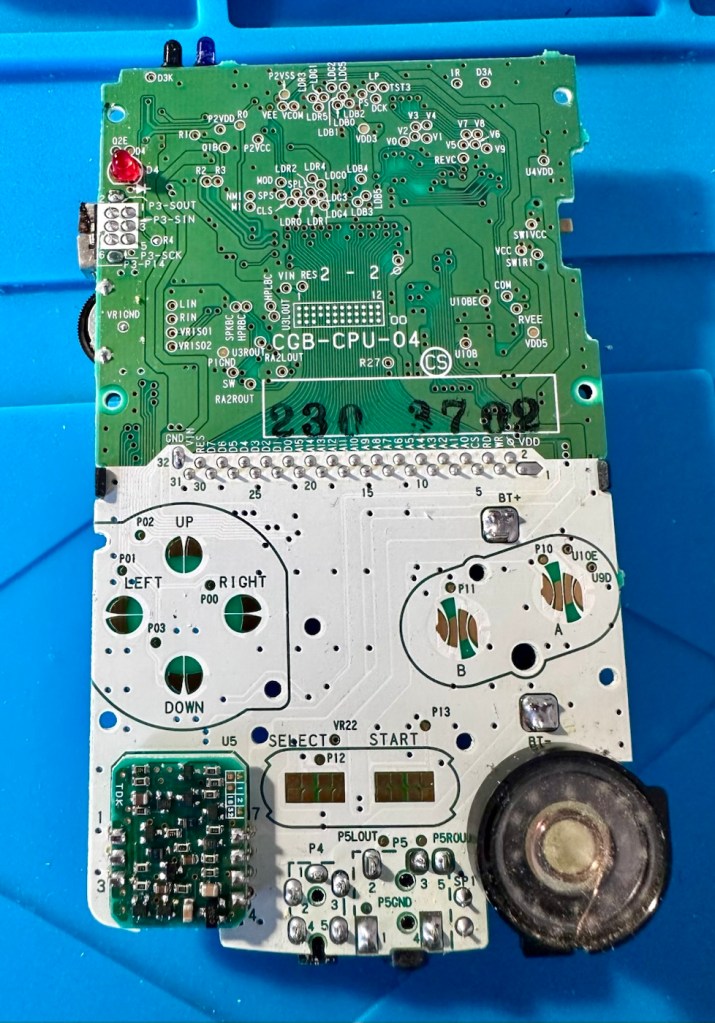
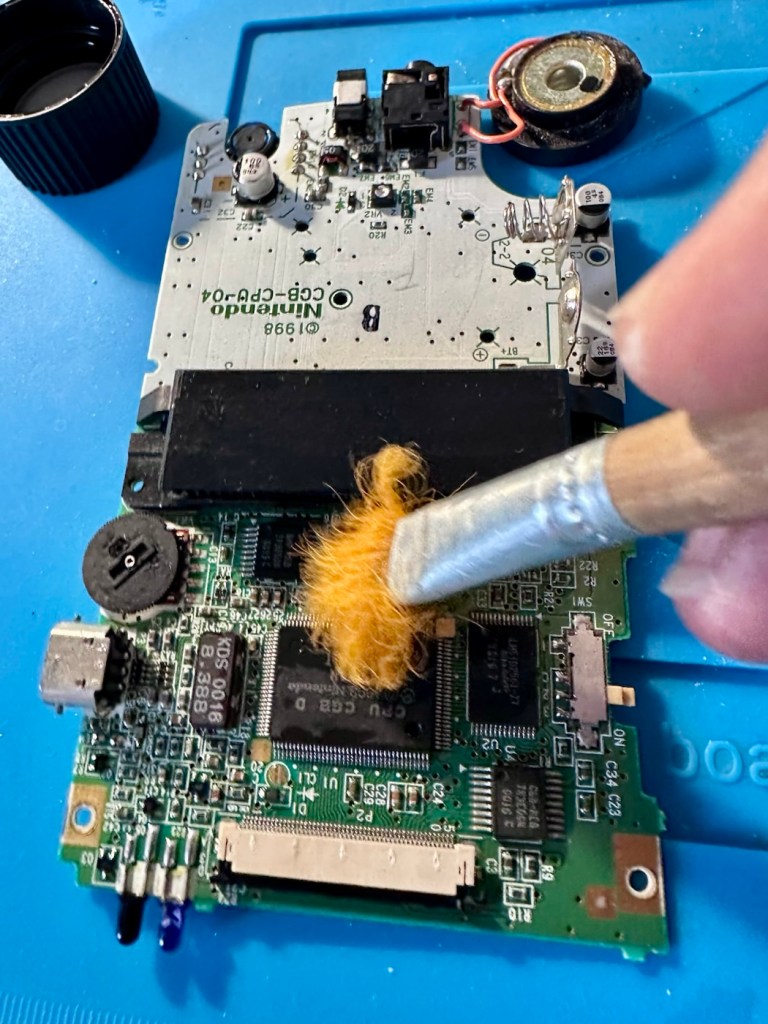
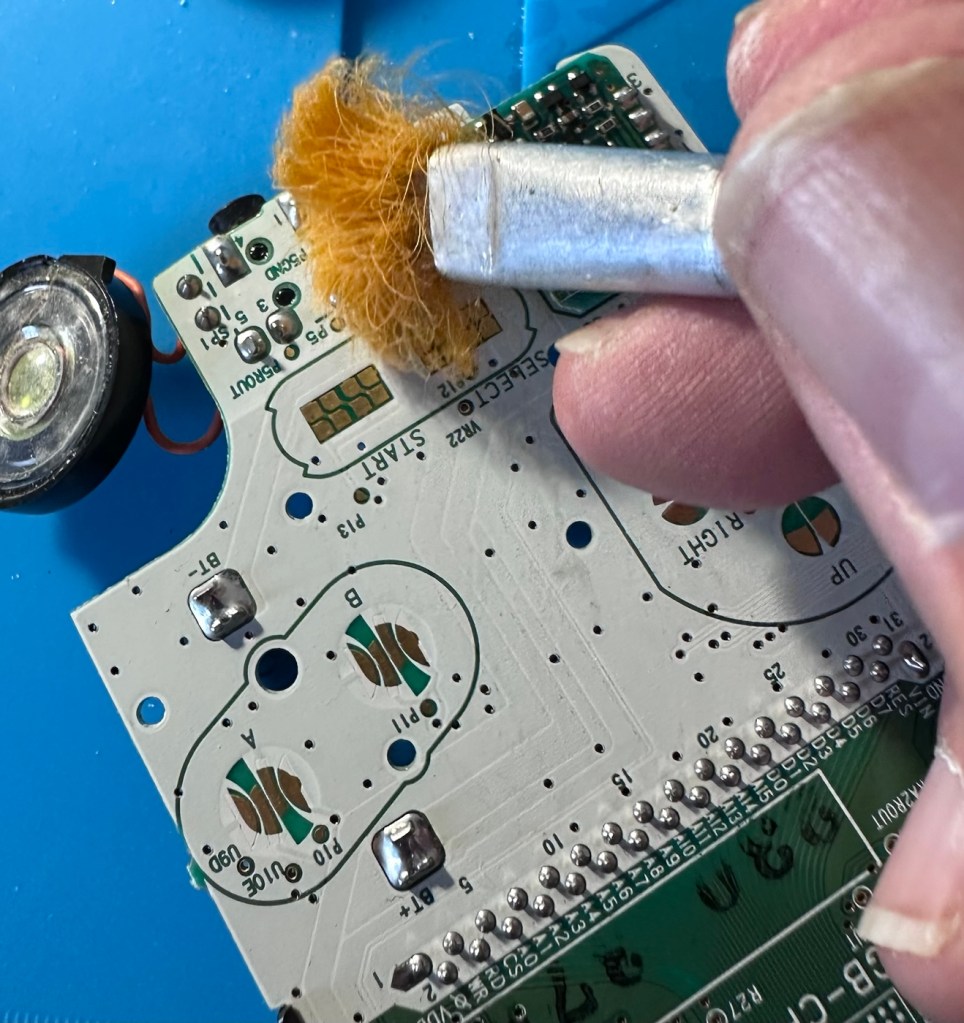
Main board on both sides, cleaned with IPA
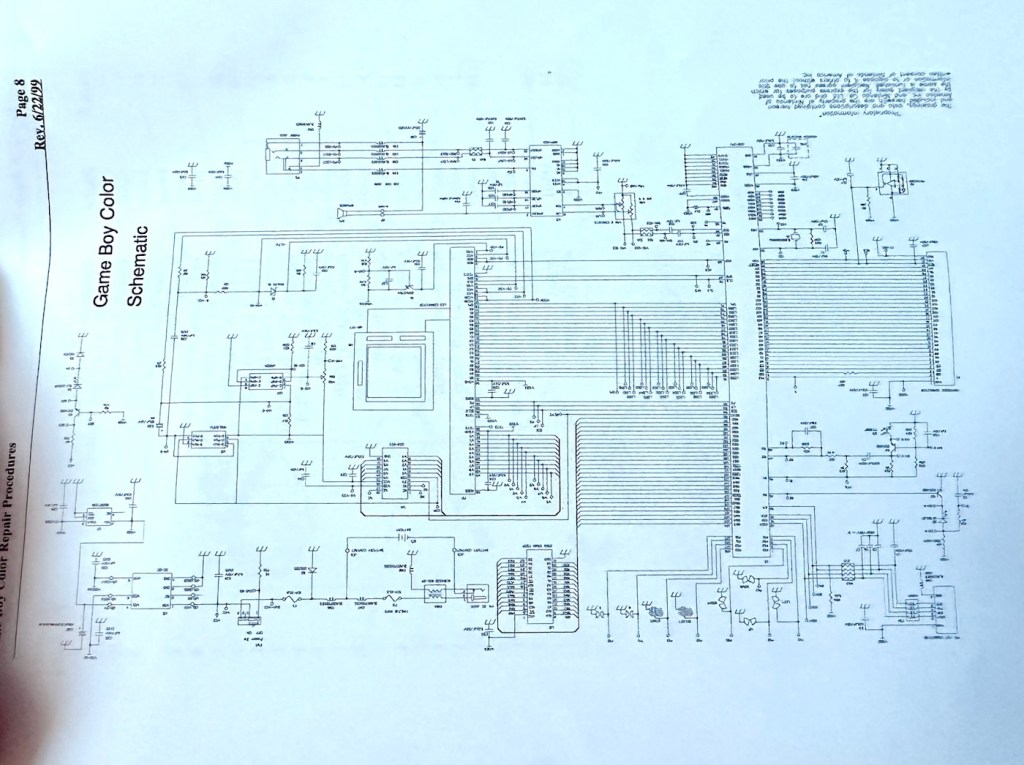
I have obtained the schematic diagram for this circuit board for checking continuity, and i’ve been able to confirm there are no issues with any contamination damaging any traces to the board. We’ve been very lucky here, dodged a bullet, to coin a phrase.
Schematic diagram
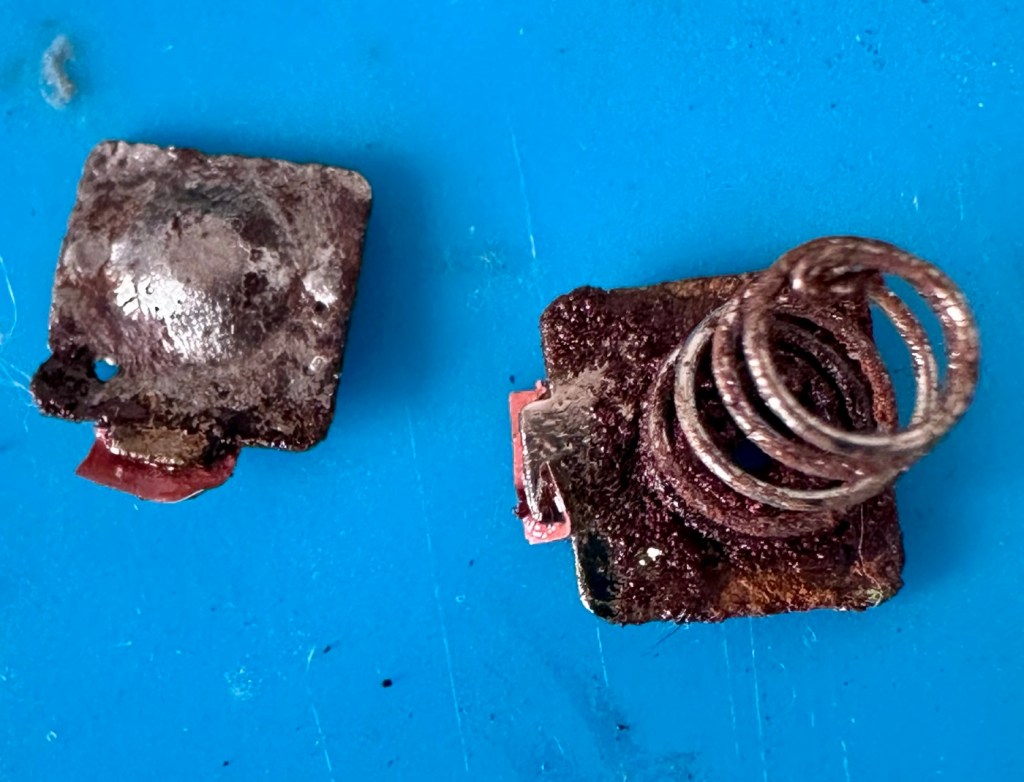
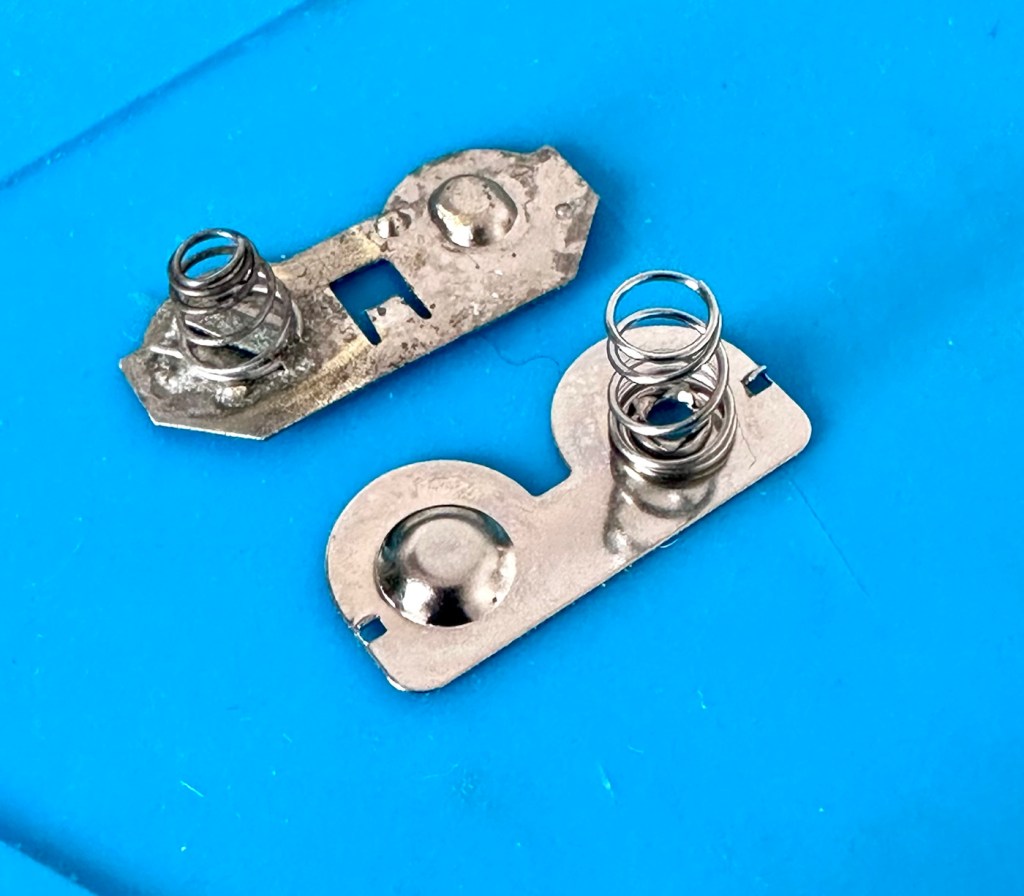
I have removed a set of battery contacts from the battery area, and replaced these with a new set that I have in my spares box. I could clean these, but it’s good to remove all items that were originally contaminated and very possibly contributory to the fault we have today.
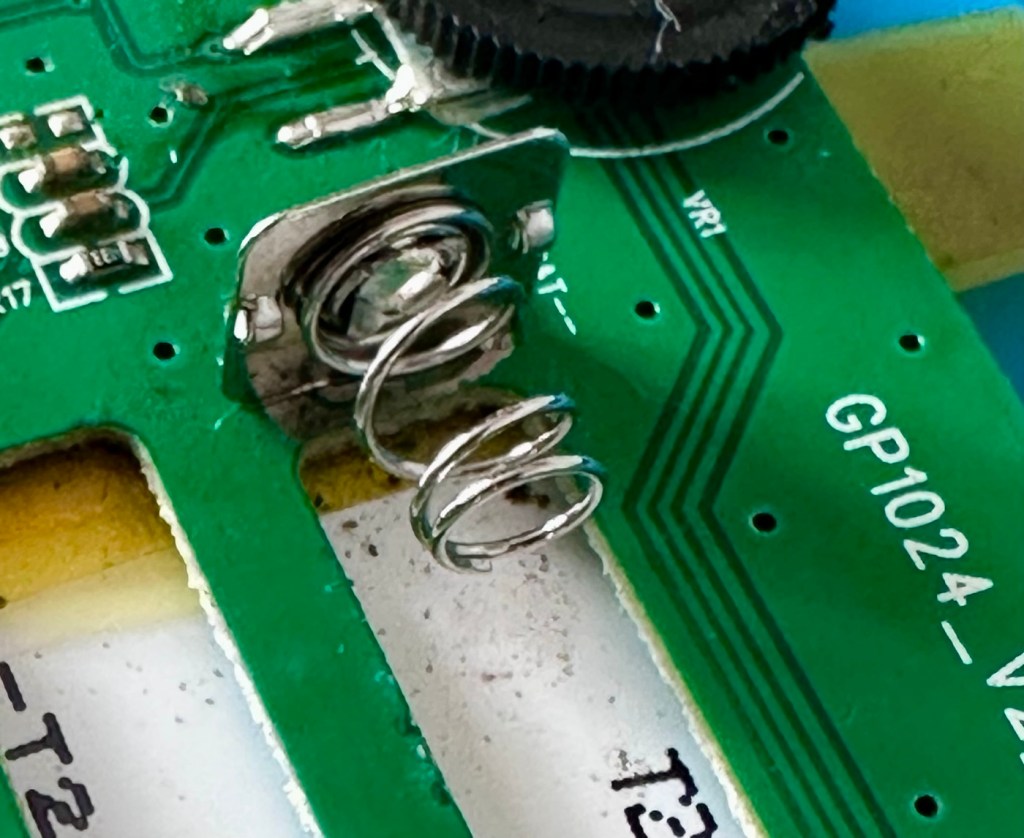
Old and new contactsNew contacts in place
I have also cleaned the front and rear of the main board with IPA just to ensure that if there was any issues with contaminants on the board, they’ve now been removed.
The switch has been tested electrically with a multimeter and this is working fine. The three capacitors have been looked over and seem to show no signs of wear or deterioration, they haven’t been properly tested though, so let’s now check fuses F1 & F2.
For reference: Fuse F2 protects the DC jack, whilst F1 protects the battery compartment. Using the continuity mode on the multimeter, a continuity through the fuse should present an audible buzz that let us know the fuse is complete and has not failed in any way.
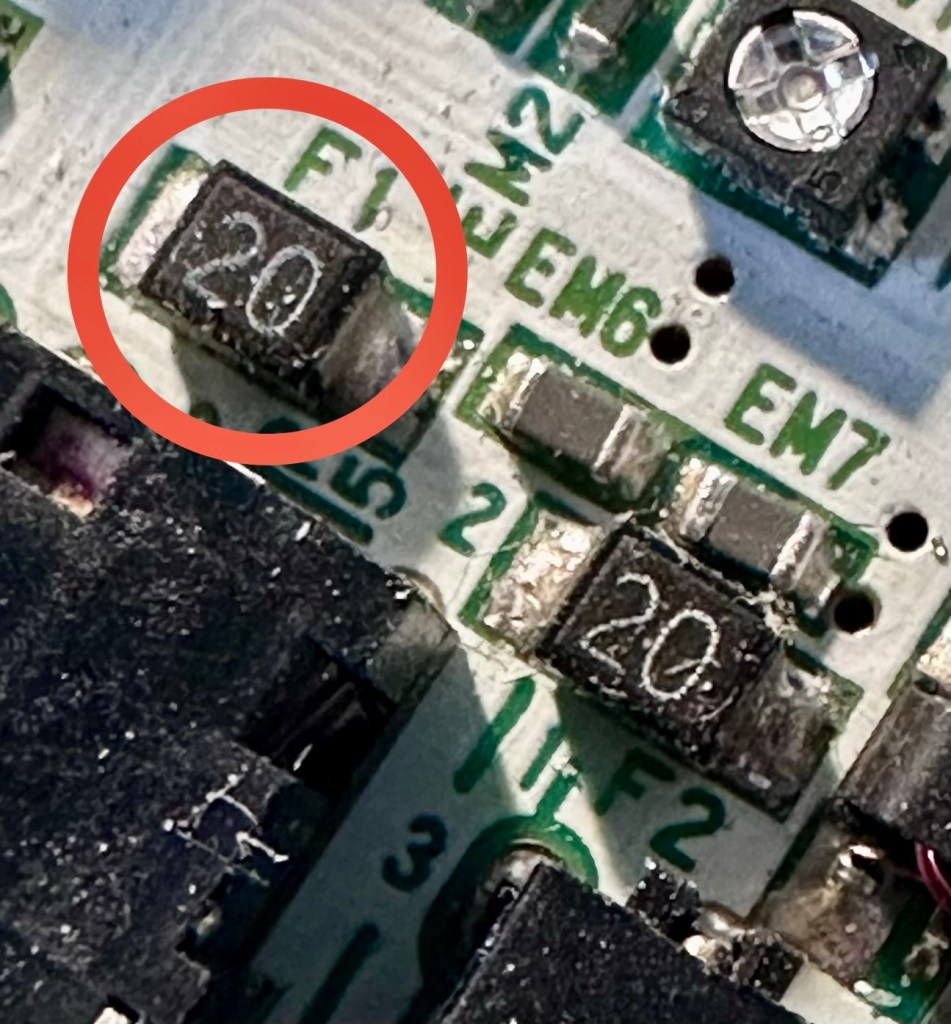
I start on F2 and get a healthy buzz that tells me F2 is working fine. However fuse F1 is a different story, there is no continuity and there is no sound, I check again and can confirm that this fuse has blown, maybe this is a result of the contamination that was in the battery area?
The two fuses, F1 is dead
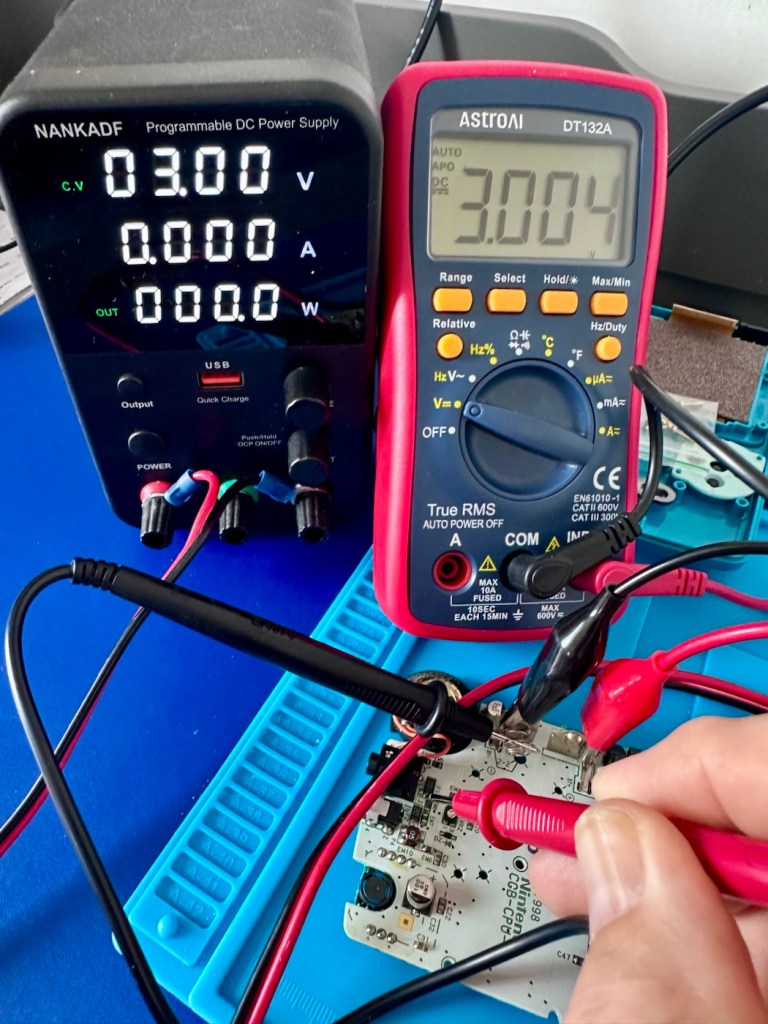
I’ve now attached the bench power supply supplying a 3v input to clarify the fault.
A 3v supply proves the fault
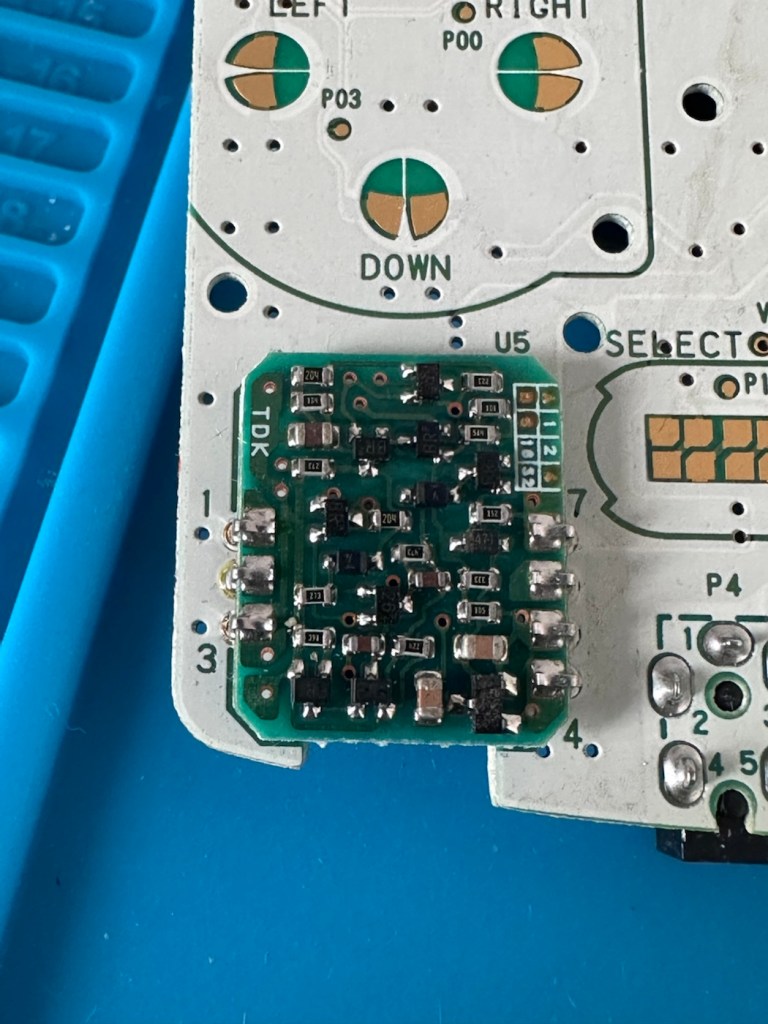
Fuse F2 has a 3v supply on each side, however our suspect fuse F1 only has a 3v supply on one side confirming that this fuse has blown. Once this fuse has been replaced I can check the voltage supplies on the remainder of the board, especially on the DC-DC regulator board, that supplies varying voltages from 3v – 13.6v required around the main board. On the main board the voltage regulator can be recognised as U5.
DC-DC voltage regulator U5
A quick check for short circuits doesn’t show anything of concern, maybe when the fuse is replaced it may well open up some other issues, the fuses I will be using are “resettable” fuses. These fuses seem to be the standard now for these units. Most resettable fuses—known as Polymeric Positive Temperature Coefficient (PPTC) or polyswitches—reset automatically and do not have a physical reset button. Once the underlying overcurrent or fault condition is removed, you simply disconnect the power source to allow the fuse to cool down, then you switch on again, if the same issue occurs, there is an obvious issue present that needs investigation, as stated above, once the faulty fuse is replaced I will be able to check other areas on the mainboard for correct voltages.
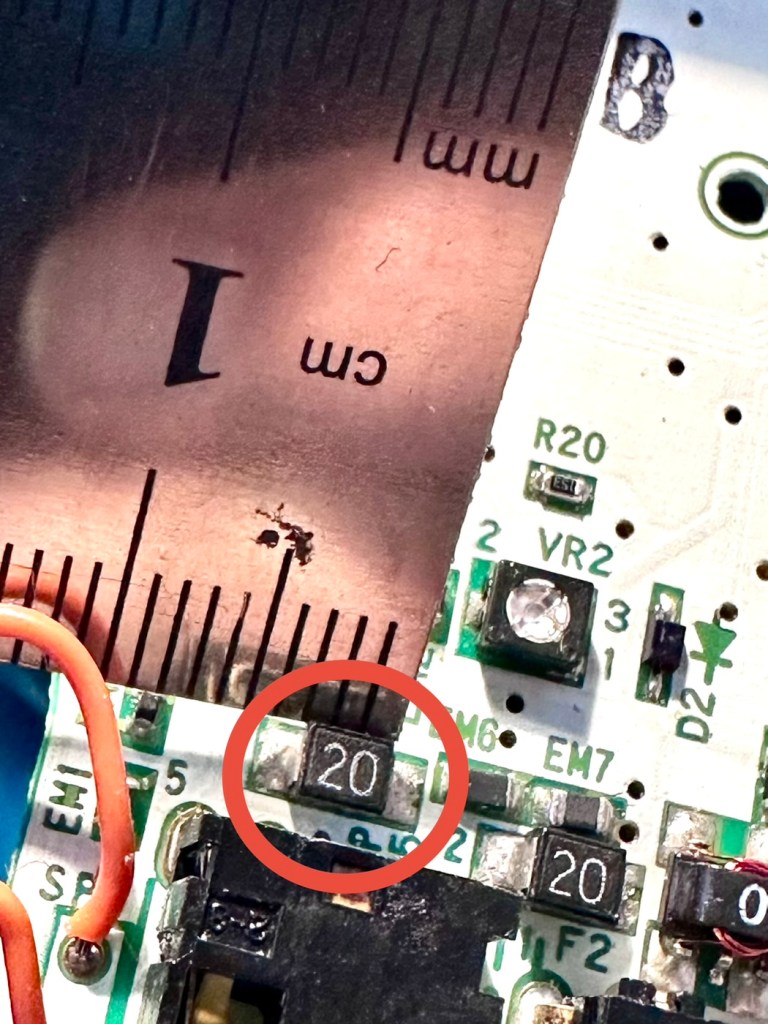
Just for information the fuse that needs replacing is approximately 4mm in width. You can see the scale in this picture taken alongside a ruler.
The tiny suspect fuse
Let’s get on with the repair.
Repair:
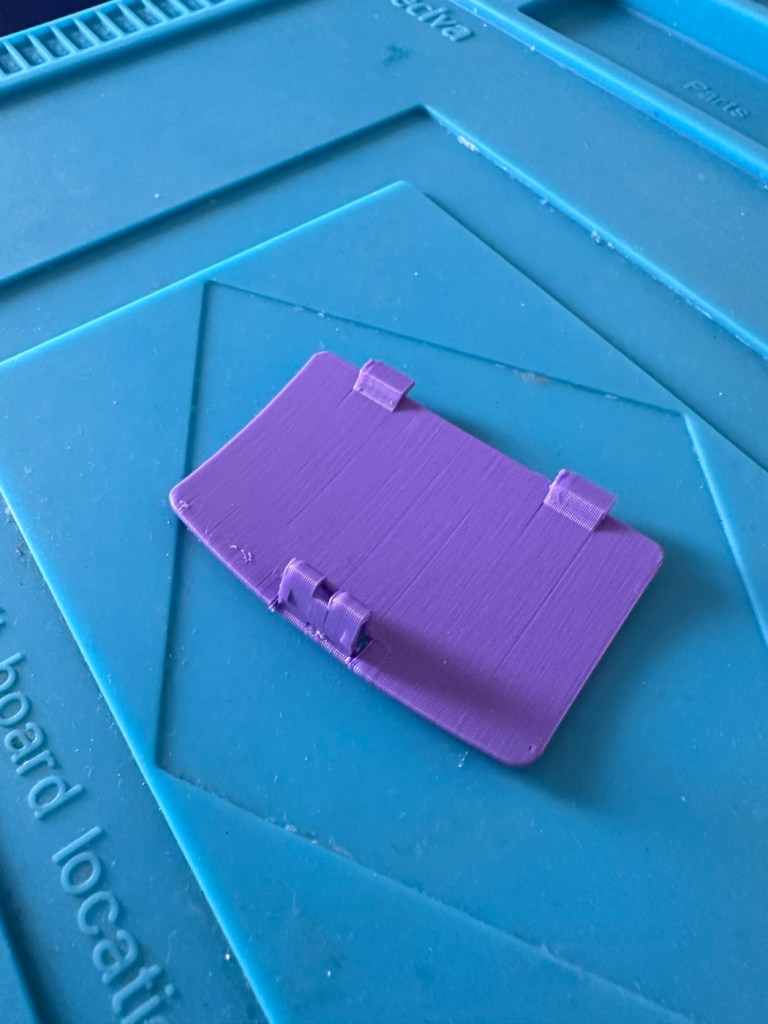
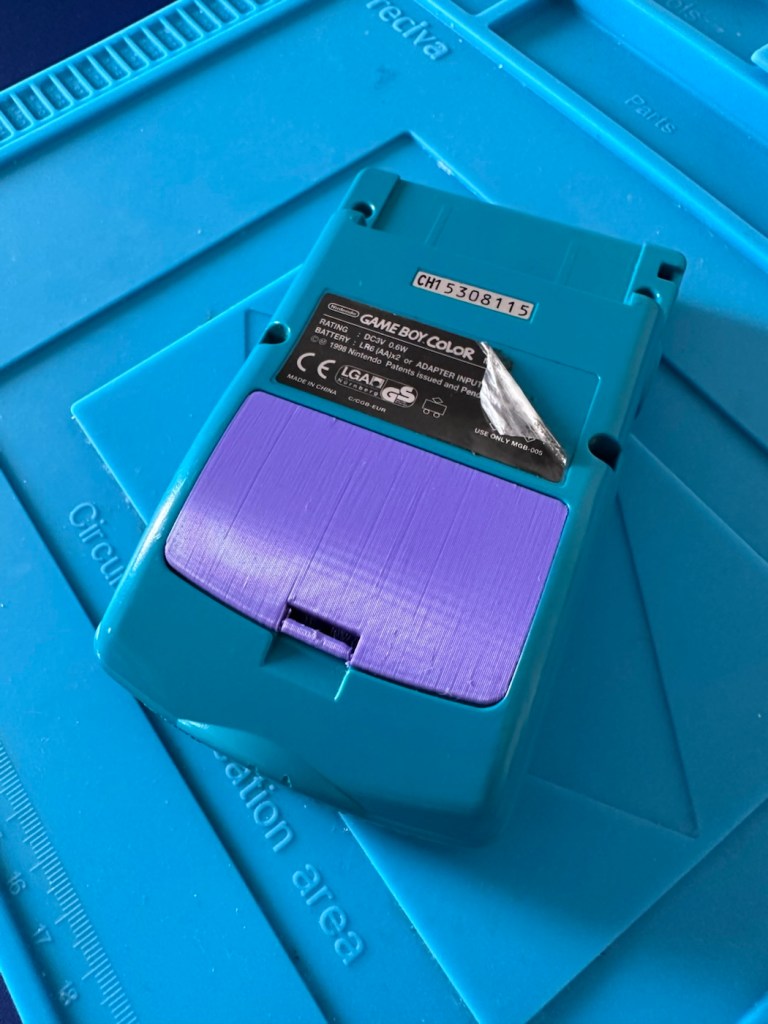
First off I’ve printed a replacement battery door cover. As stated earlier I don’t have any “Teal” filament so I’ve printed it out on a purple filament. For the purposes of practicality (holding the batteries in place) it will serve a purpose whilst carrying out the repairs.
The 3D printed cover in place
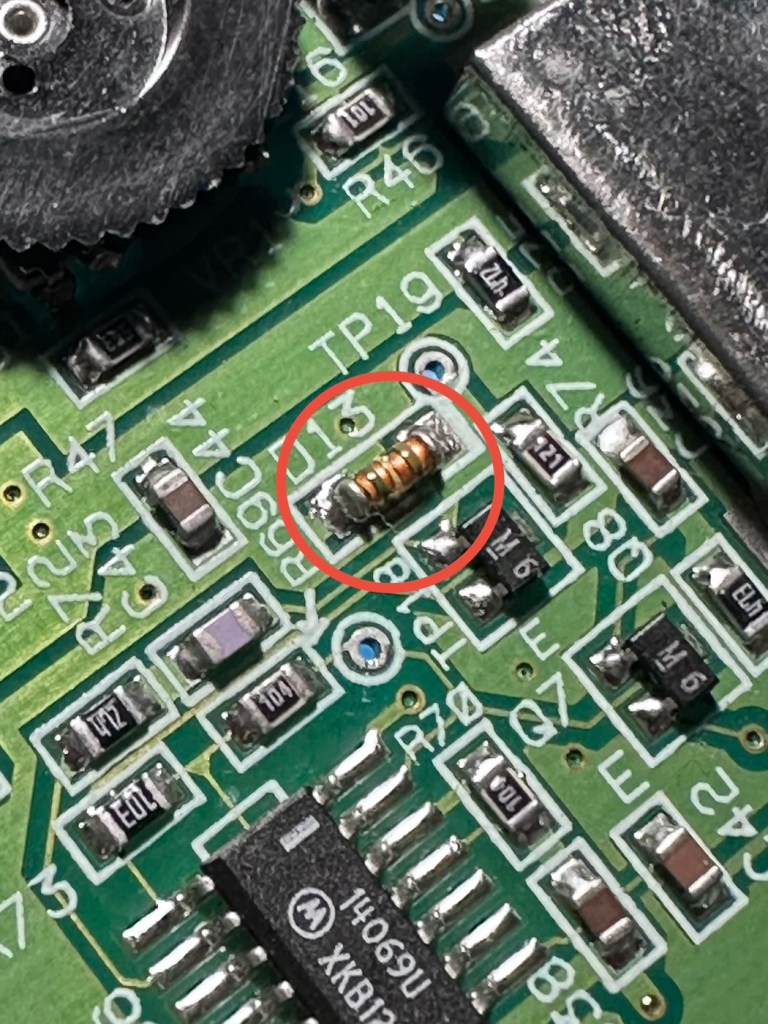
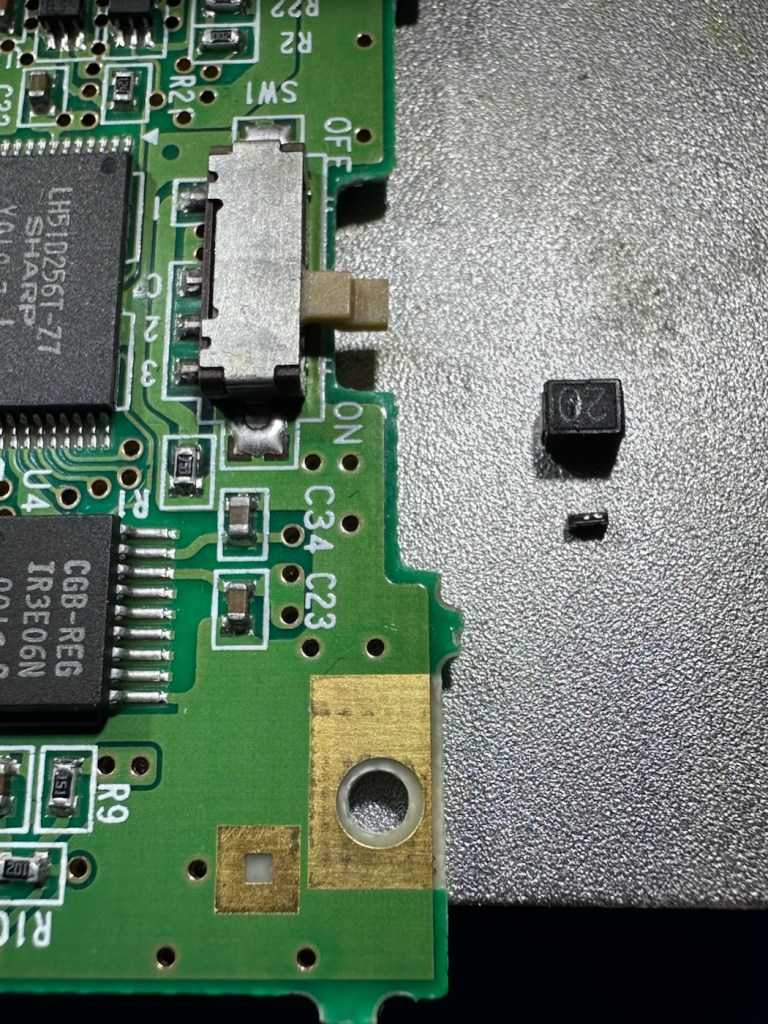
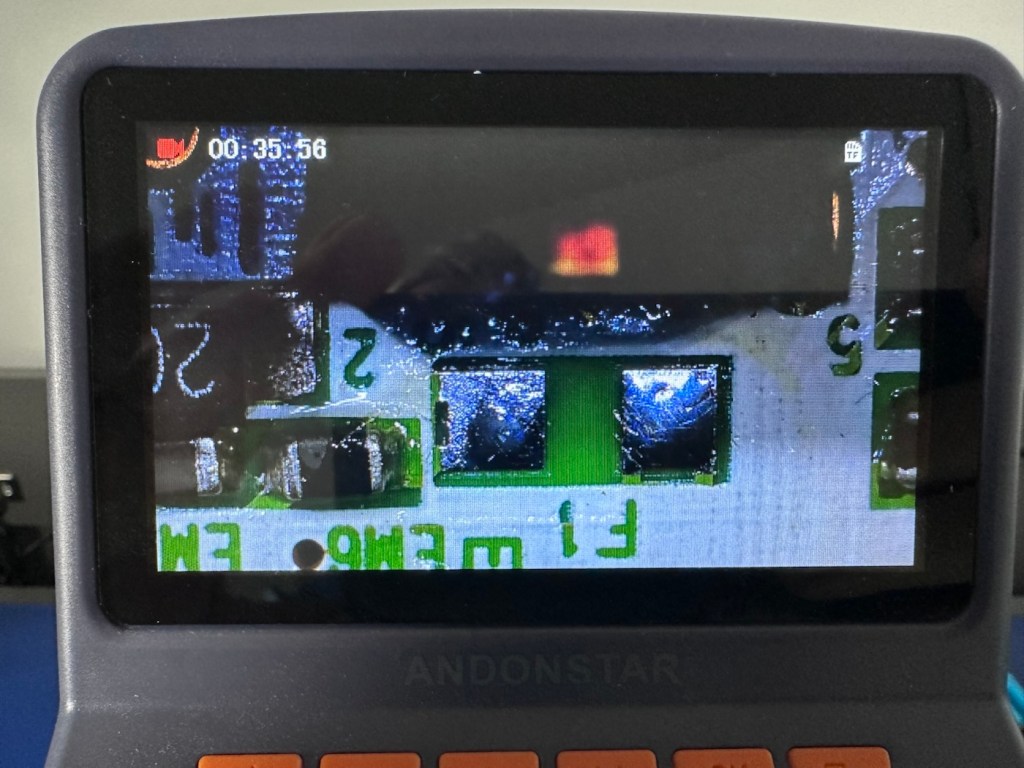
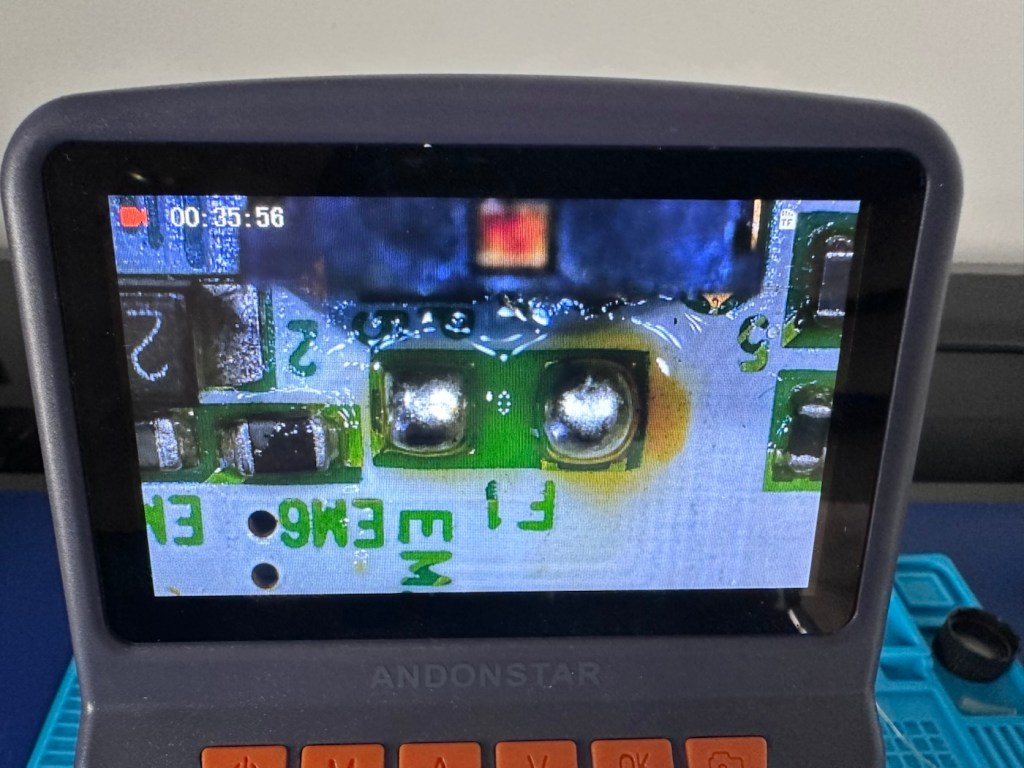
I have a replacement fuse, this work will now have to take place under the microscope as it’s just so tiny, think grain of rice size and you will understand just how small this component is, and it’s amazing that a component so tiny can completely shut down a unit such as this.
The supplied fuse is even smaller than the one on the board. If the original was 4mm then this one is probably around 1-2mm it really is minute. Here’s a comparison of them side by side on the microscope base.
Tiny and teeny tiny….
That said I’ve removed the old fuse, wicked away the old solder and applied some flux and a couple of new dabs of solder. Compared to these new fuses the solder looks massive, I can assure you it isn’t and is greatly magnified.
Pads cleanedTwo new blobs of solderNew fuse “B” compared to the size of its original counterpart “20”
With the bench power supply providing 3v I’m able to use the multimeter to confirm that the fuses are both working, however there is another issue and I suspect it is something I discussed earlier, but omitted to heed my own advice, about good housekeeping. I’ll come to that in a second.
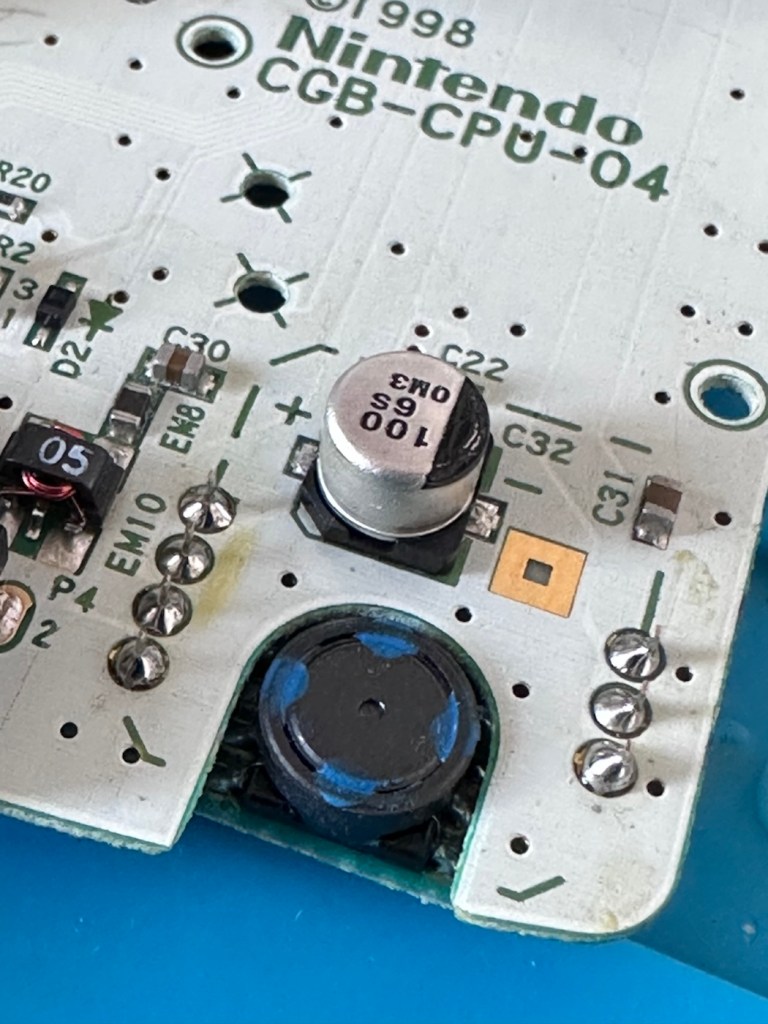
Power is getting around on the 3v rail and is not an issue. However at the Dc converter I’m not getting the 5v or 13.6v rail, so there is another issue. The new fuse has dropped out again, and this is good as it proves it works. I let it cool for 30 seconds and it is back up and working and I’m able to continue tracing the fault. The big capacitor C32 that sits beside the DC-DC converter appears to be carrying a short, it is probably this that has caused the fuse to previously fail.
And my good advice was to change these capacitors for good housekeeping purposes…..and I didn’t.
Guess what I will be doing next?
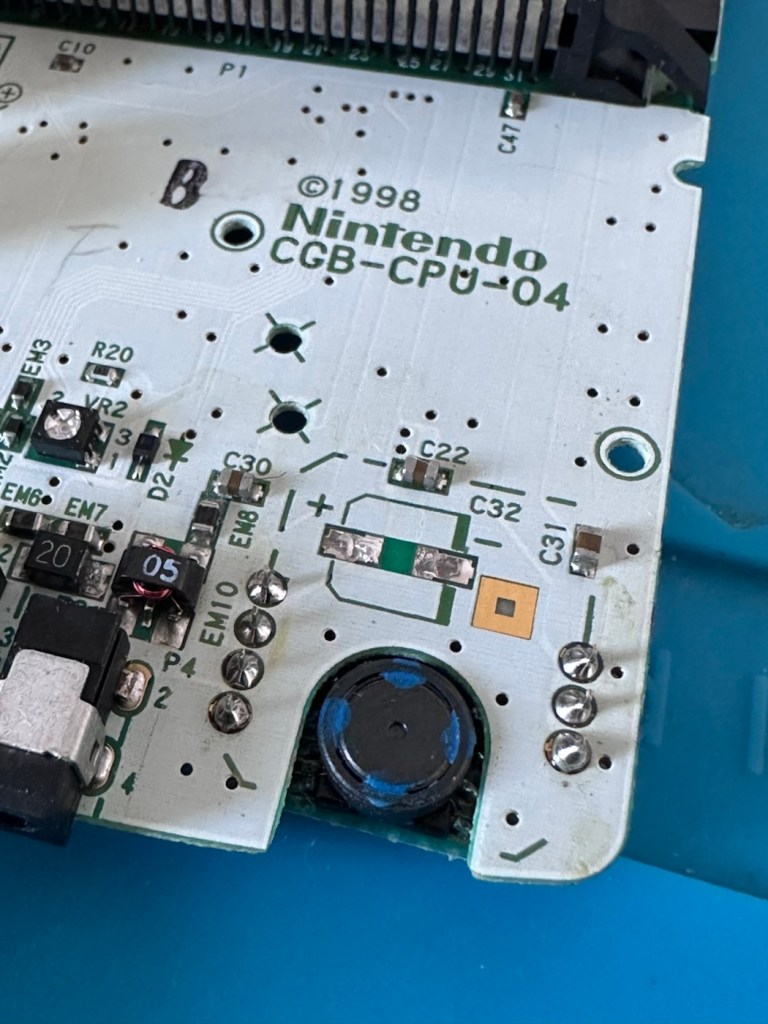
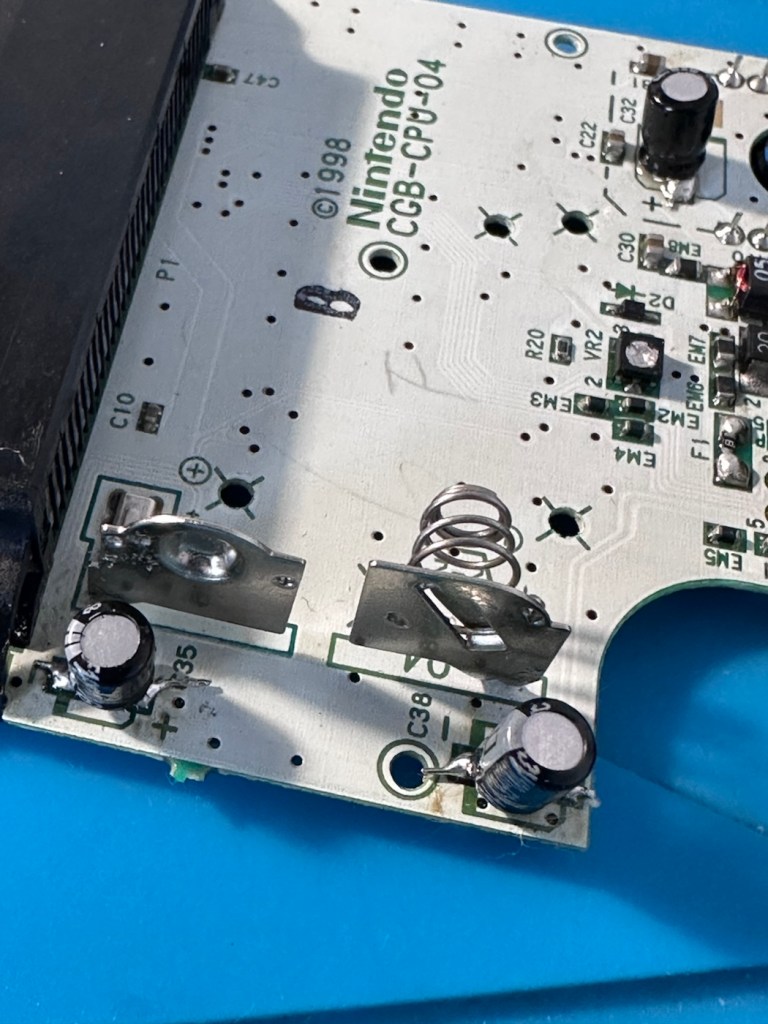
There are three Capacitors on the main board and below you can see what their primary functions are:
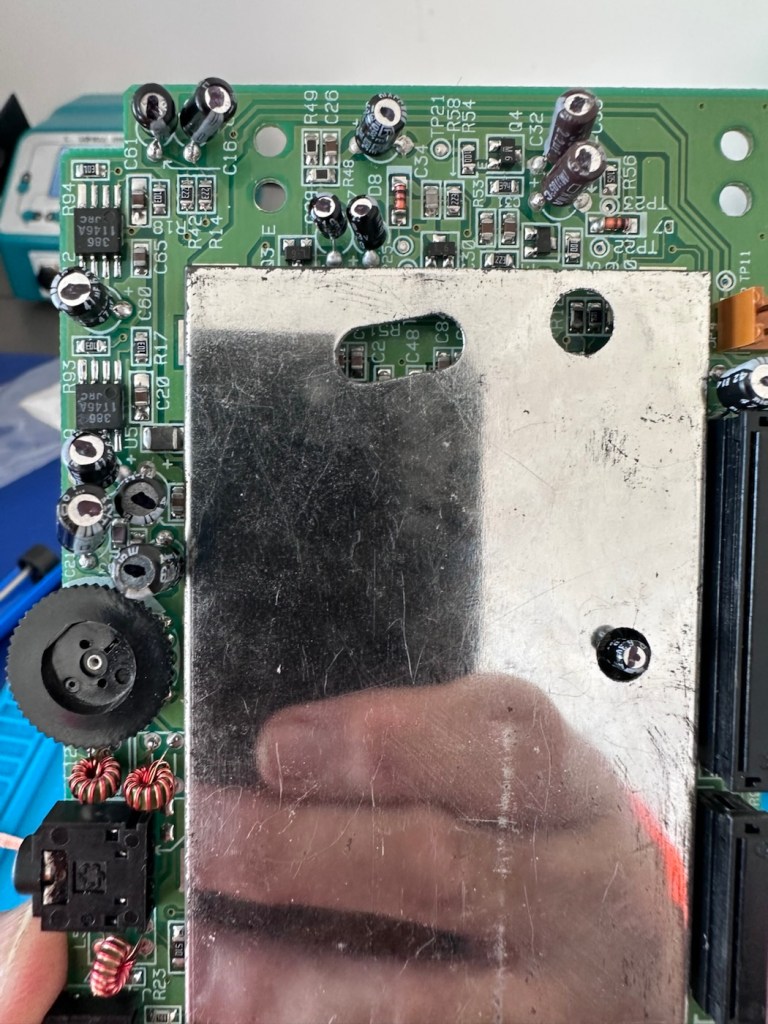
C32 (Main Power / DC-DC Filter): 100µF, 6.3V (Filters the incoming voltage; if faulty, the system won’t boot or will repeatedly reset).
C35 (LCD Display Filter): 22µF, 16V (Stabilises the voltage to the liquid crystal screen; if faulty, it results in a dim or washed-out image).
C38 (Audio Amplifier / Sound): 100µF, 4V (Powers the speaker and headphone output; a failure here is the leading cause of whisper-quiet audio).
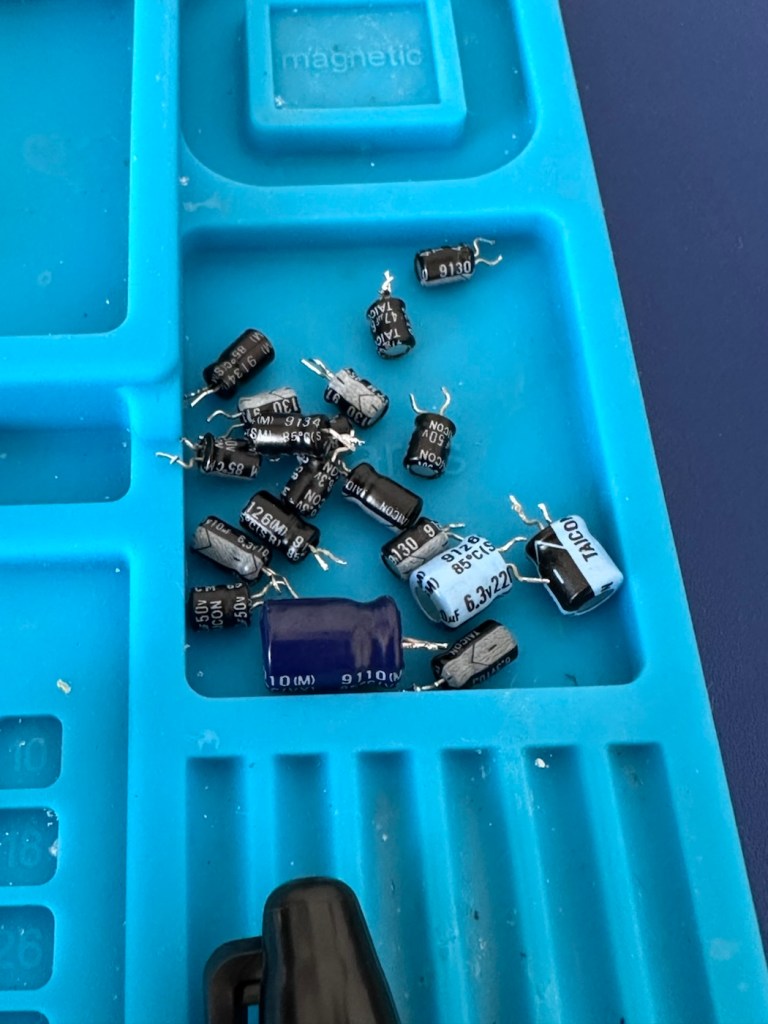
Ok. Fortunately I have plenty of capacitors in my spares box so I was able to replace the three capacitors with no issue.
Faulty power CapacitorCleaned and readyAll three Capacitors replaced
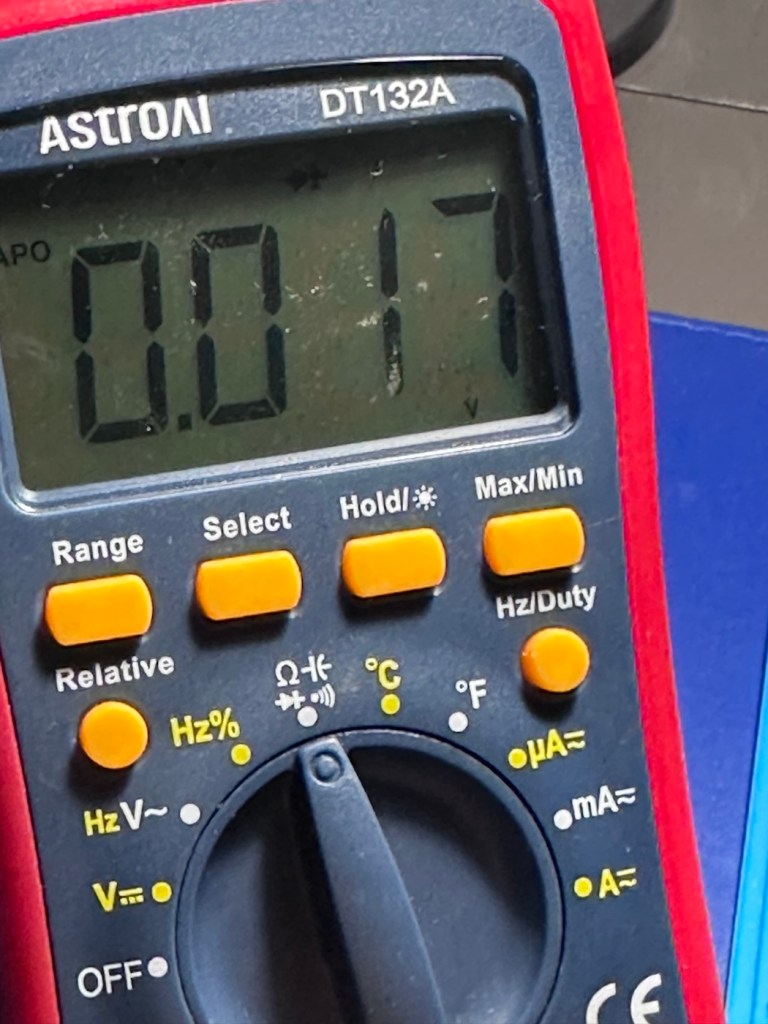
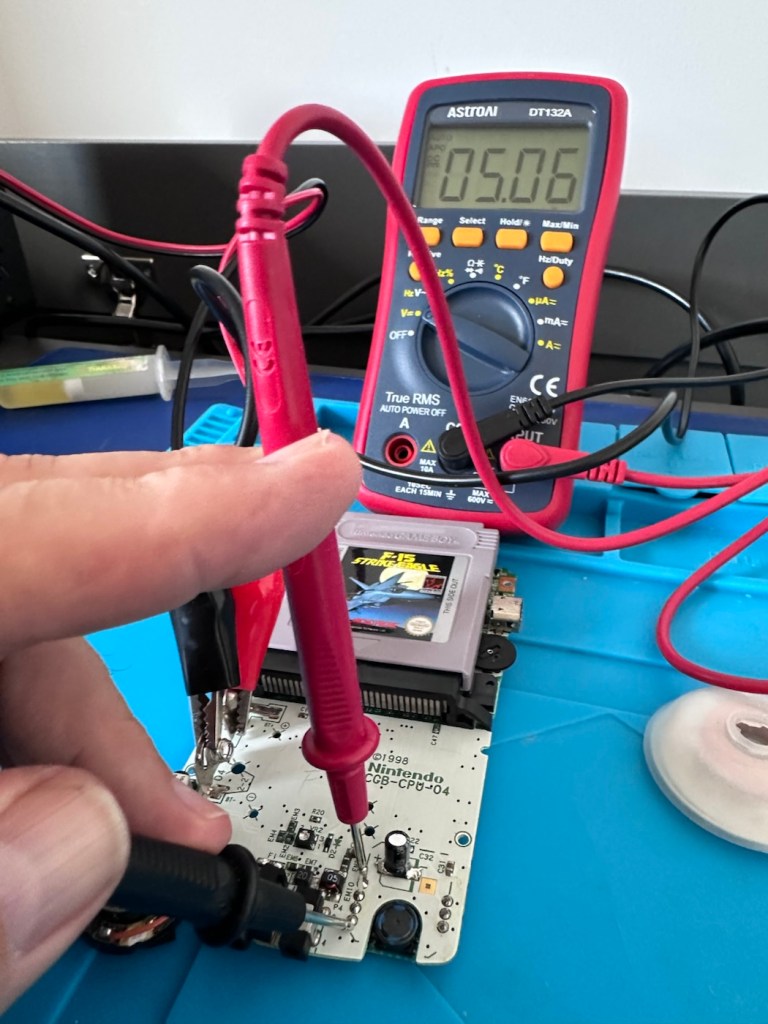
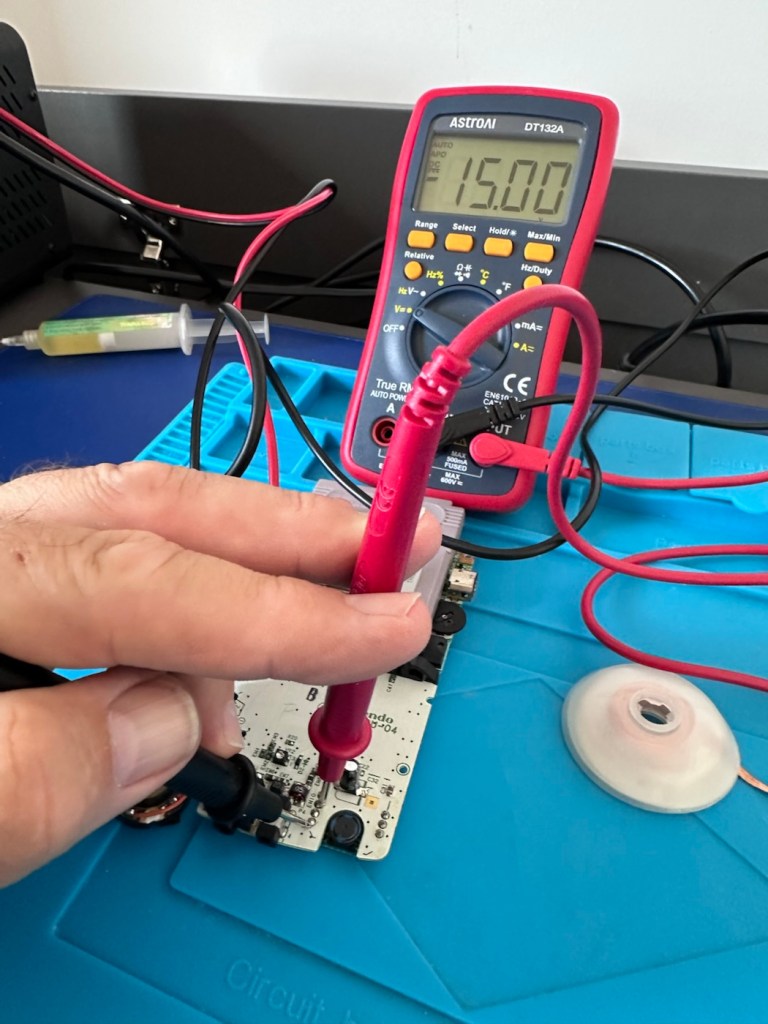
This done I then decided, prior to any reassembly to see if the power was now being distributed as it should, and I’m pleased to say it is. We have the full range of voltages now coming out of the DC-DC converter.
All expected voltages now present.
Now let’s get the unit reassembled, cleaned and then get some tasty pics taken👍
Result:
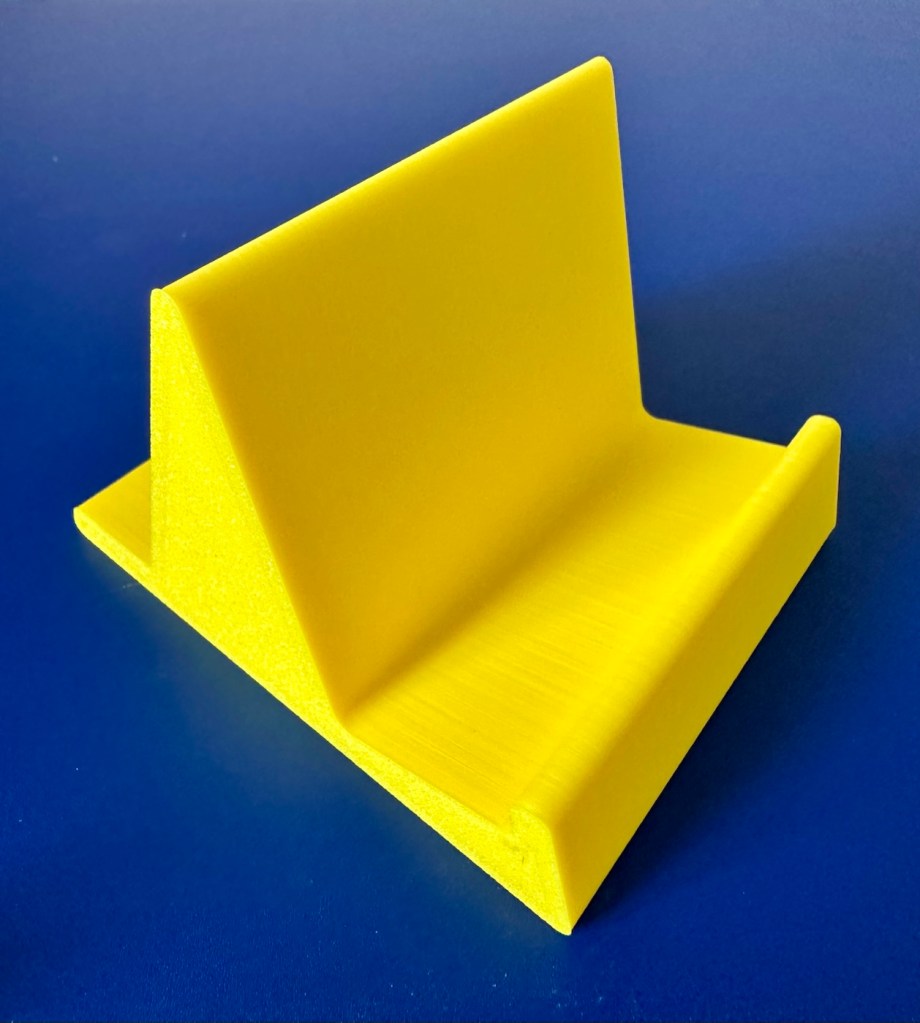
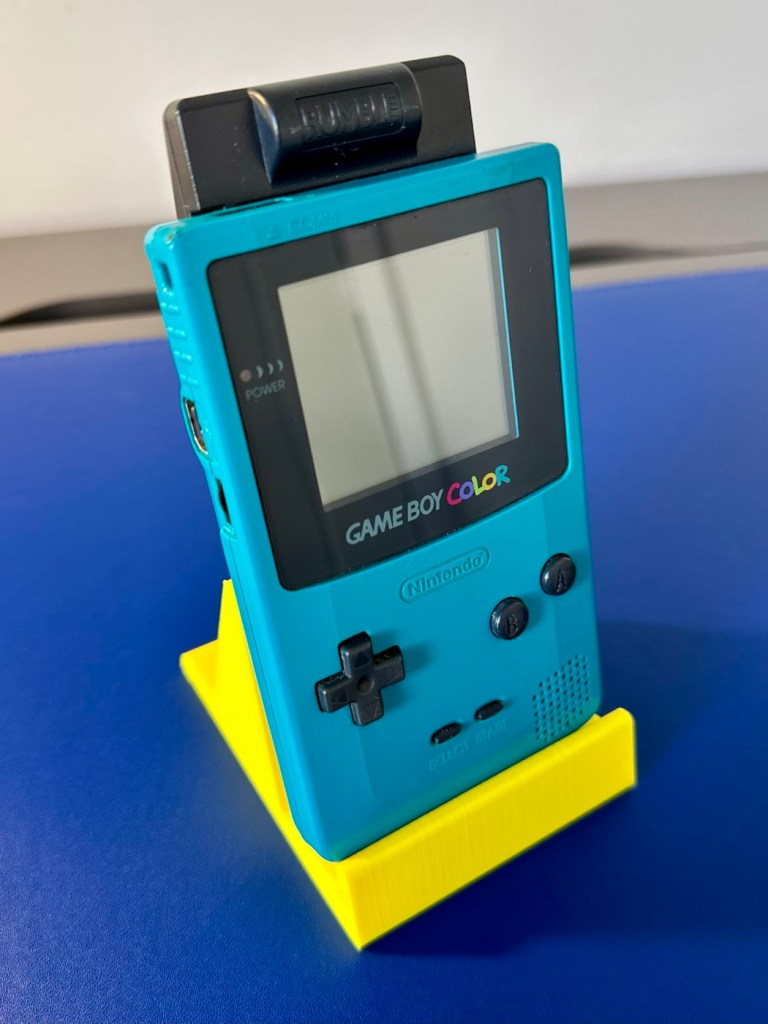
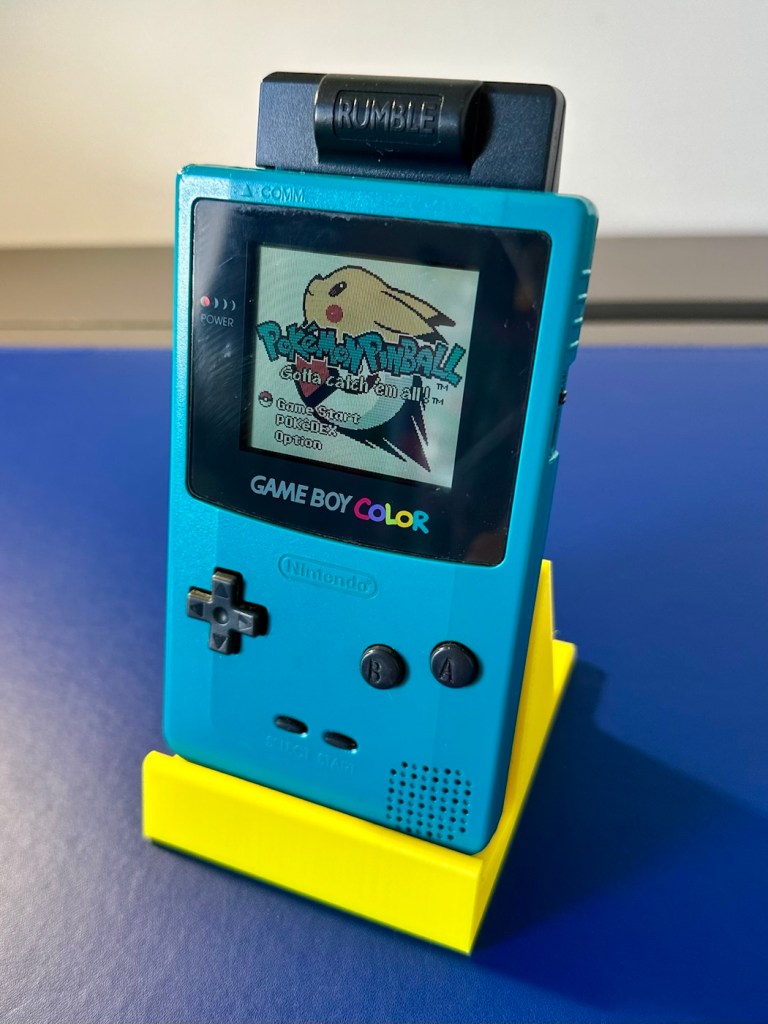
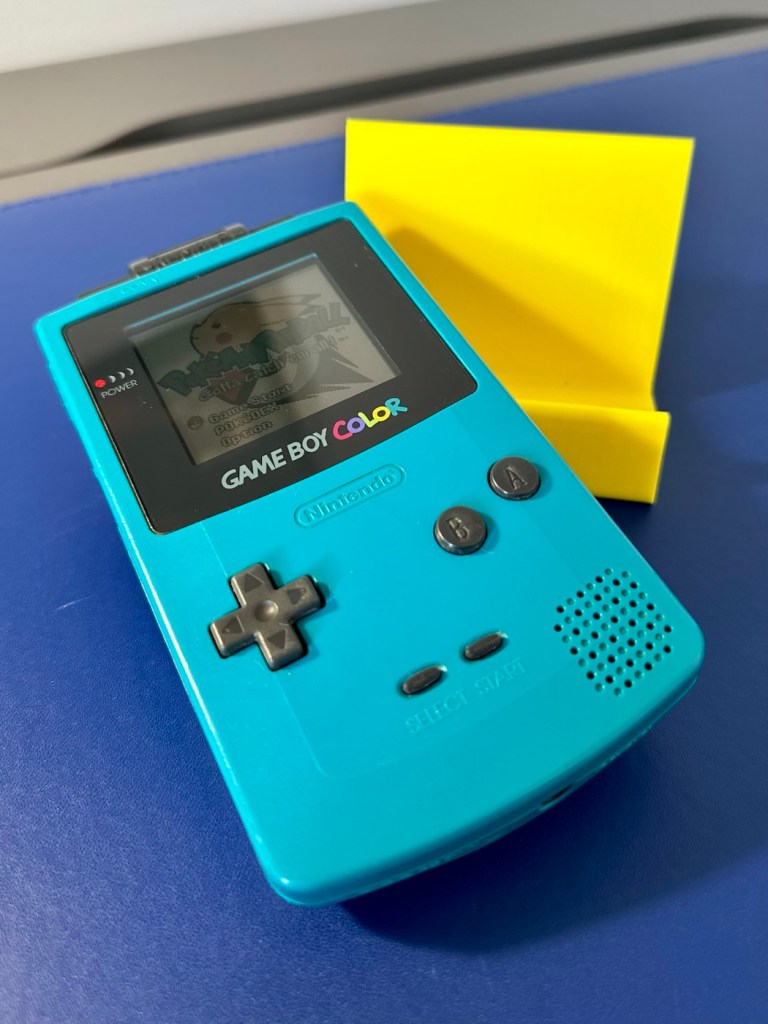
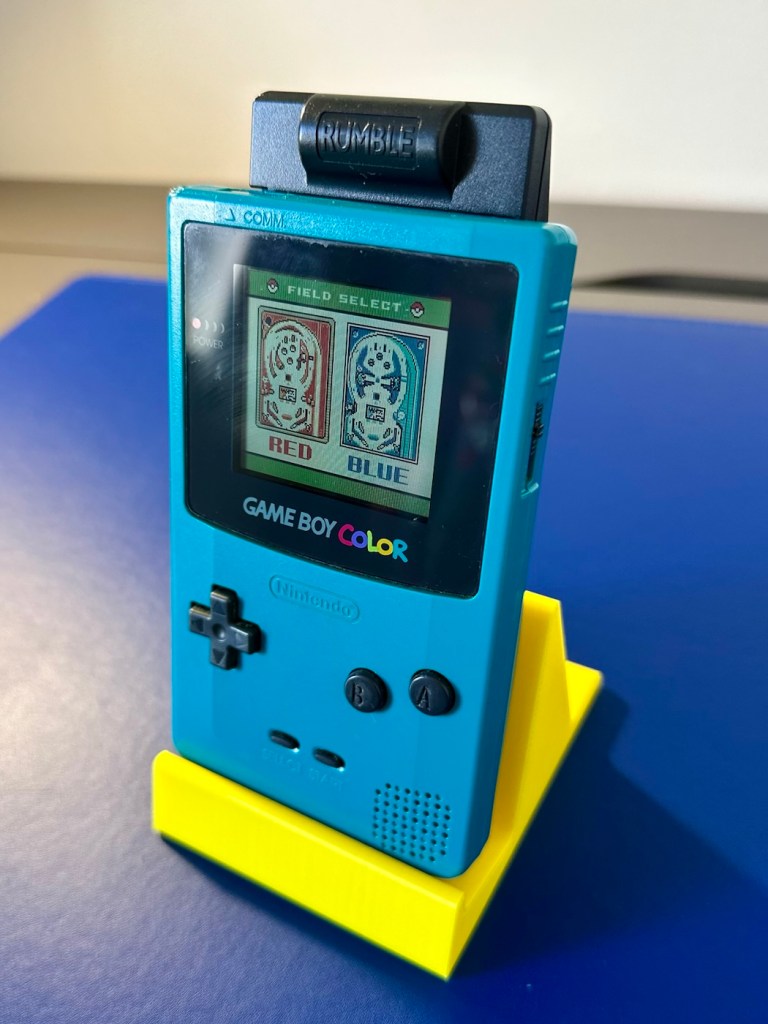
To finish it off and whilst the 3D printer was still warm, I’ve printed a simple brightly coloured yellow display stand to show it off on.
A new printed display stand
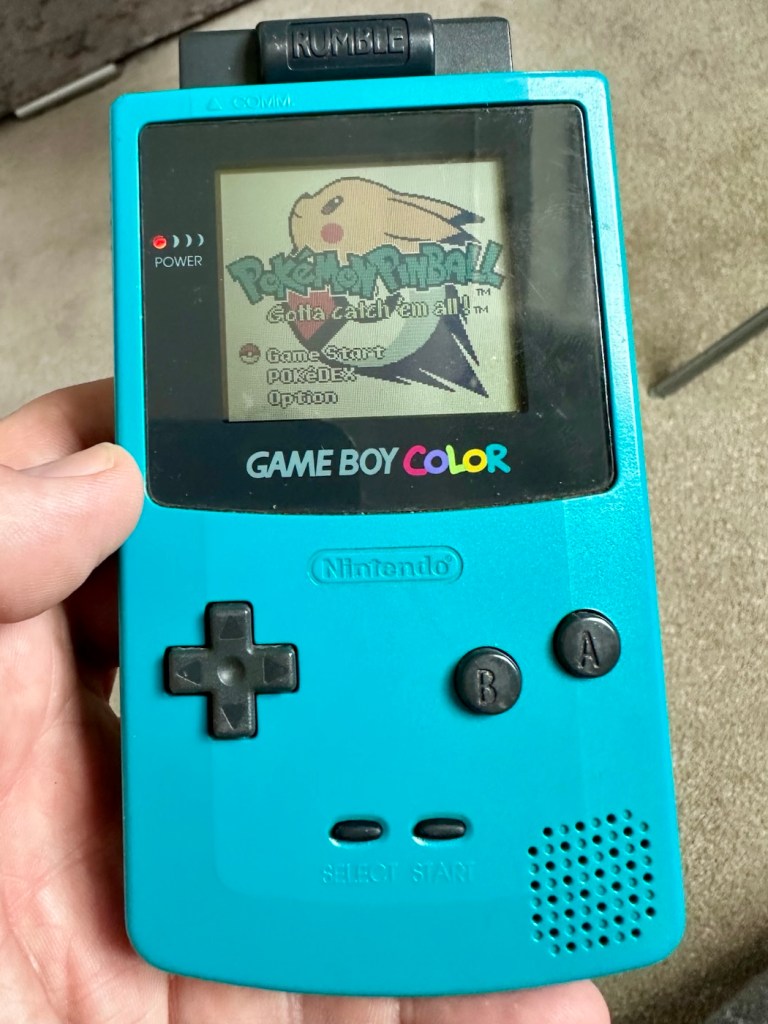
After a good clean the unit is now in a perfectly good working order. The fault appears to have been the faulty capacitors and battery contamination all probably combining to make the power fuse fail, a perfect storm if you like. The fuse and three capacitors have now been replaced to breathe new life into this game console. Cosmetically it’s still tatty and would probably benefit from a new outer shell and some labelling, however it works and to be honest that is all that really matters.
A small video showing the unit working Looks different but it works, it’s just a patchwork quilt of a project
I wonder how many of these items just get thrown away because they don’t work? This probably took me about three hours in total with diagnostics and repair. Another piece of retro history restored, now joining my original Gameboy classic as part of my collection.
It’s been a pleasing little project, enjoyable and educational and it’s always good to hear the familiar beeps when it springs back into action.
Another one saved from landfill.
Thanks for passing by, as always it’s very much appreciated.
When the youngsters of the clan, drop surprise repairs on you at family gatherings.
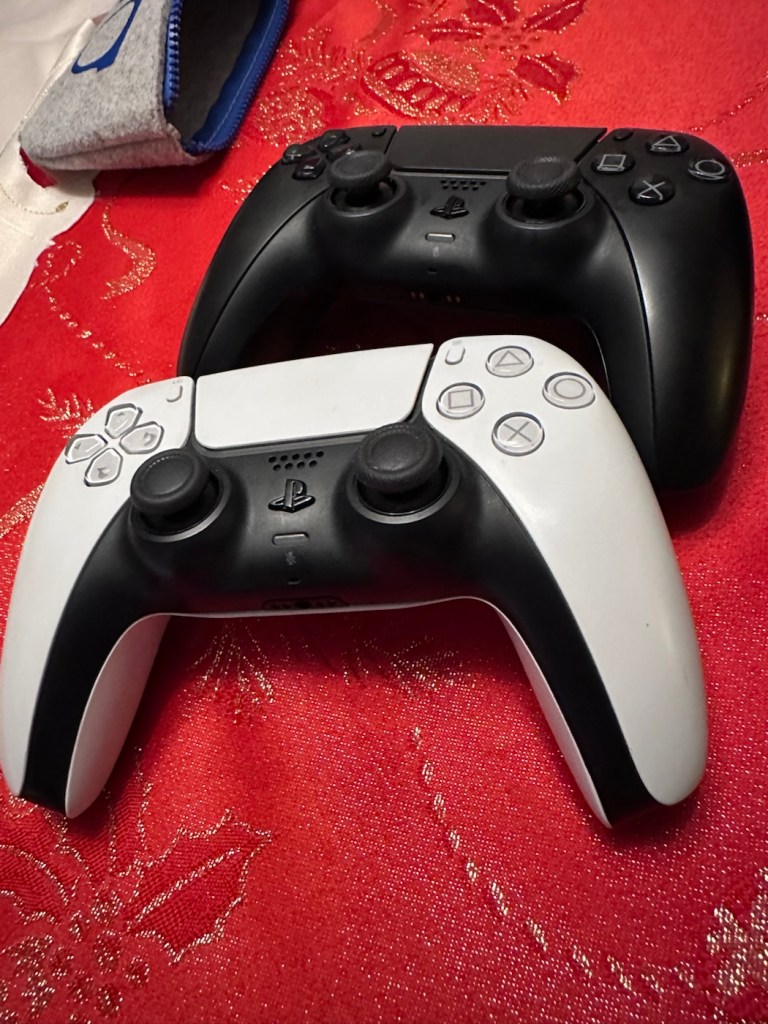
It’s great when one of the youngsters of the clan come up to you at a family gathering and greet you thus, “Oi, uncle Dave, have a look at this for us will you?” and then they just disappear into the crowd as I’m now holding a couple of items I’ve never been exposed to before, in this instance a pair of Playstation 5 Dual sense controllers. (I had to google to find out what they were!)
Here you go “Uncle Dave”
Apparently they don’t work, or are having difficulties, and it’s now down to me to find out what’s wrong.
Now I’m not a gamer in the true sense of the word. I like, and have repaired and own a good few hand held devices that have been featured within these blog pages, but I do not own a console, I never have. However I’m lucky in that I know a few people who do have these consoles, who I can go to and test how they are behaving, but the good thing is that these controllers can also be tested without a games console and just require a computer with a USB port, and I do have one of them, a clever move by the manufacturer me thinks.
First thing I did here was to plug them in to a USB supply to charge the onboard battery. Each one has a 3.7v rechargeable battery that should give between 6-12 hrs of activity depending on how vigorously the unit is being used. When charging it glows on and off orange until it is charged and then the glowing just stops. Both these units took about 2.5 hrs to fully charge, and they seem to both be holding a good charge seeing one of them, the black version has not been used for some time.
Let’s get them connected up to a PC.
A simple good quality USB cable is the communication method between the controller and the PC. Next, you go to the address: https://dualshock-tools.github.ioand here is where you will be doing those checks on the controller that sits in your hand. Seeing I don’t really know what’s wrong with the controllers I have been trusted with, I think this is the best place for me to start my investigation as the site does do some good, and thorough testing.
I have two controllers to check so I start by plugging in the Black controller, clicking connect on the screen gets access into the memory of your controller and all the firmware detail and build date is displayed in front of you. Cool!
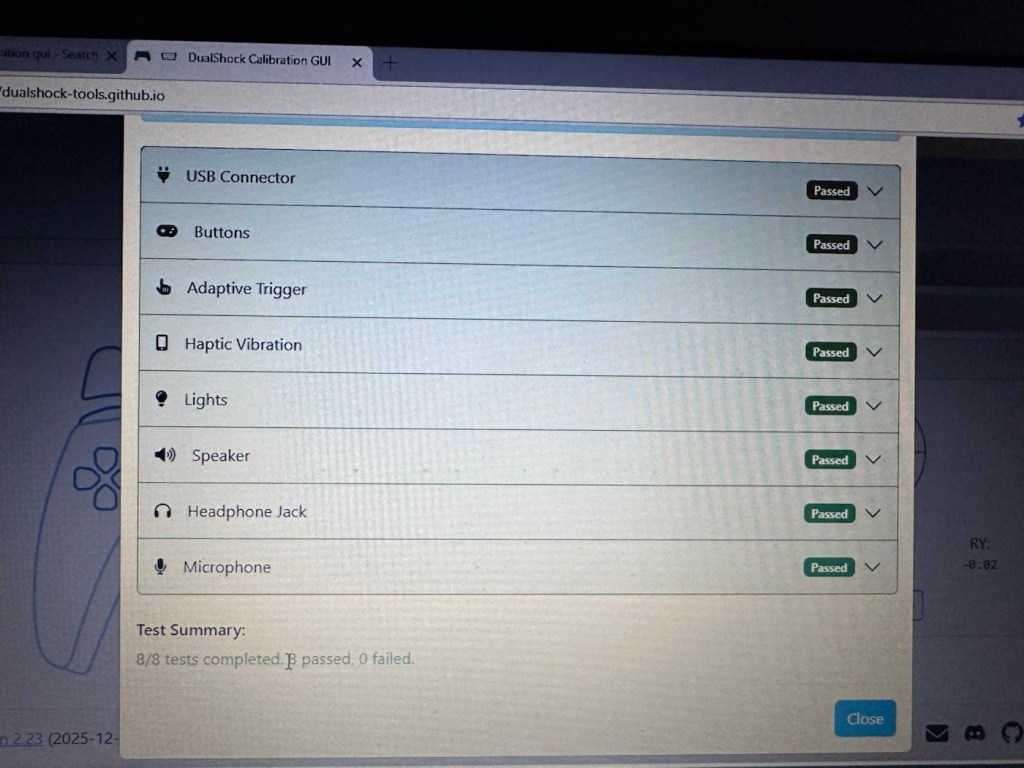
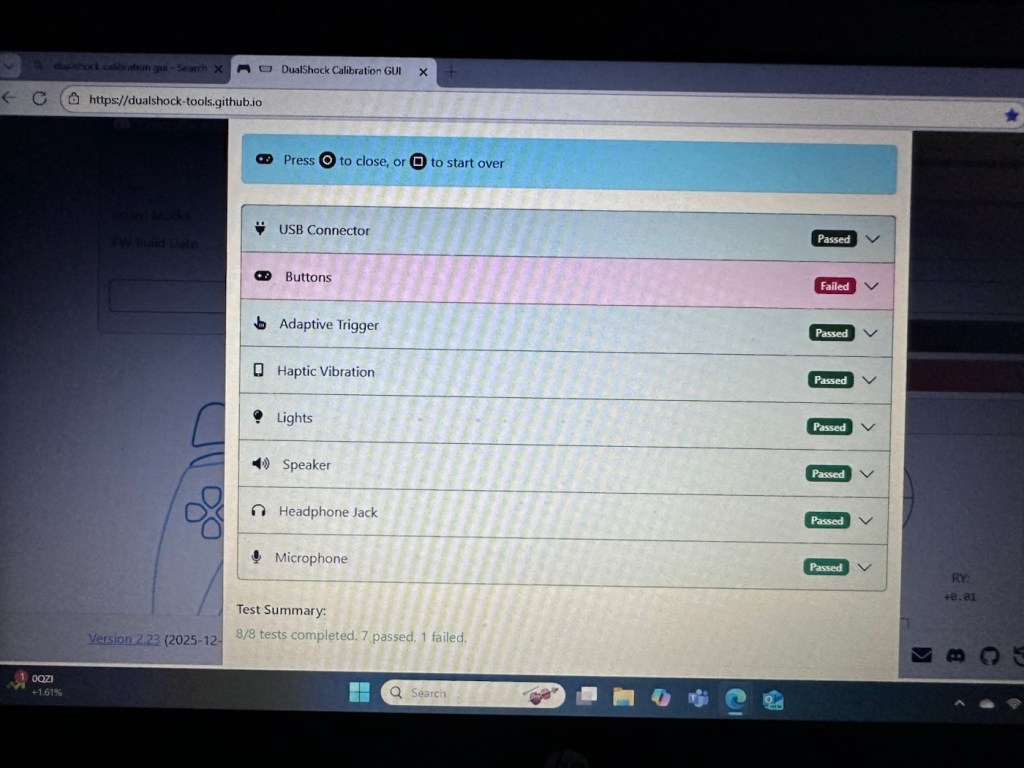
Just under where this information is displayed we enter the first series of tests, a bank of 8 basic function tests that check all bells and whistles (as such) are operating as they should. This Black controller passed all these tests with flying colours.
All 8 checks passed
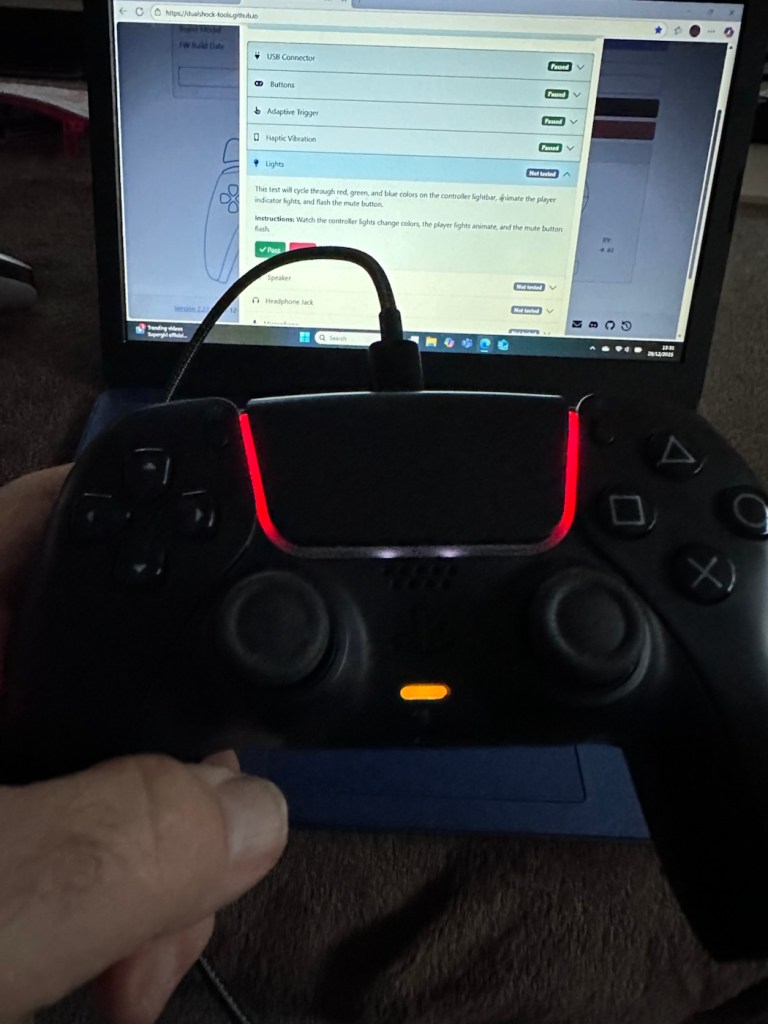
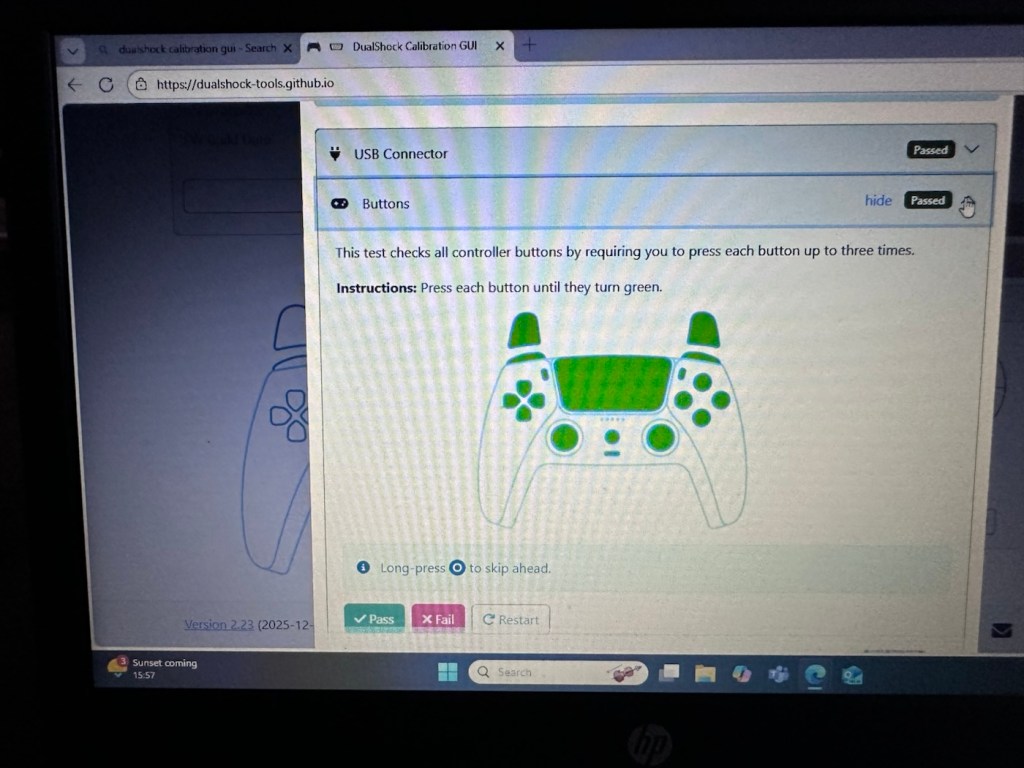
Light checks all passedAll buttons and switches working
The checks are thus:
USB controller: here the connection is tested a simple pass or fail
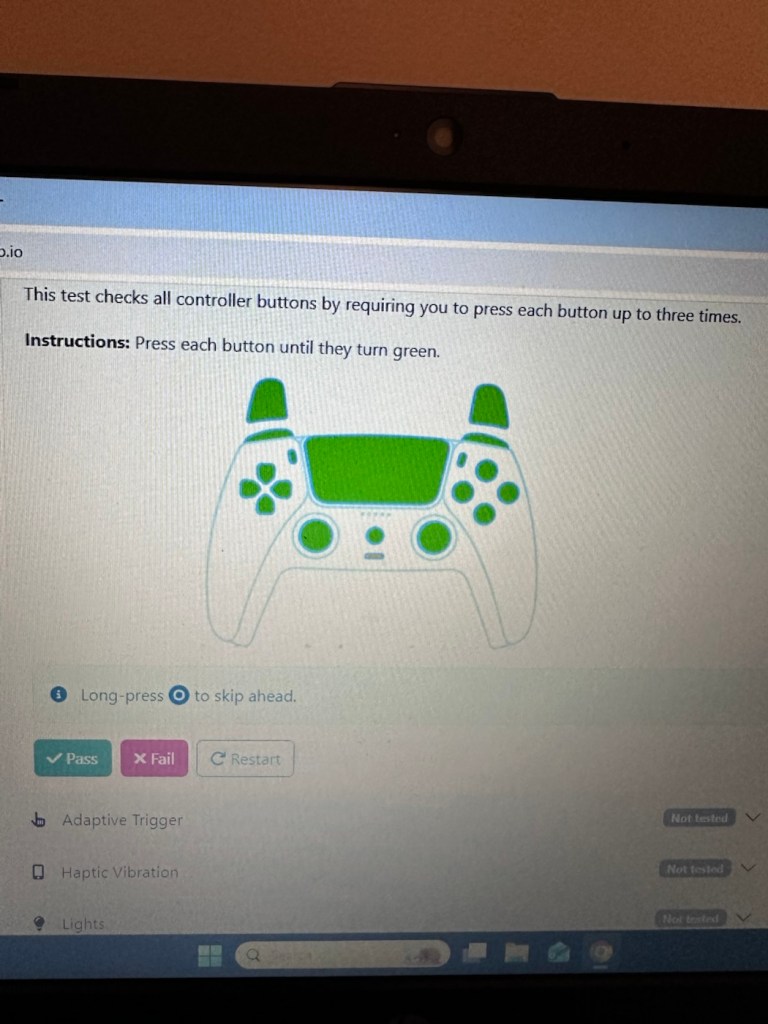
Buttons: all buttons have to be continually pressed until they turn green on the screen, a simple pass or fail
Adaptive trigger: the system puts a resistance on the two triggers representing various triggers on guns and switches experienced in various games, if there is suitable resistance here the result is a pass.
Haptic Vibration: this tests the vibration motors in the controller, if it’s working then it’s a pass
Lights: all lights on the controller are cycled through displaying the whole range. Simple pass or fail
Speaker: a tone is played through the built in speaker, a simple pass or fail.
Headphone jack: a simple test of the plugin headphone jack – pass or fail
Microphone: a simple test by blowing in the on board microphone checks if it’s working, a simple pass or fail.
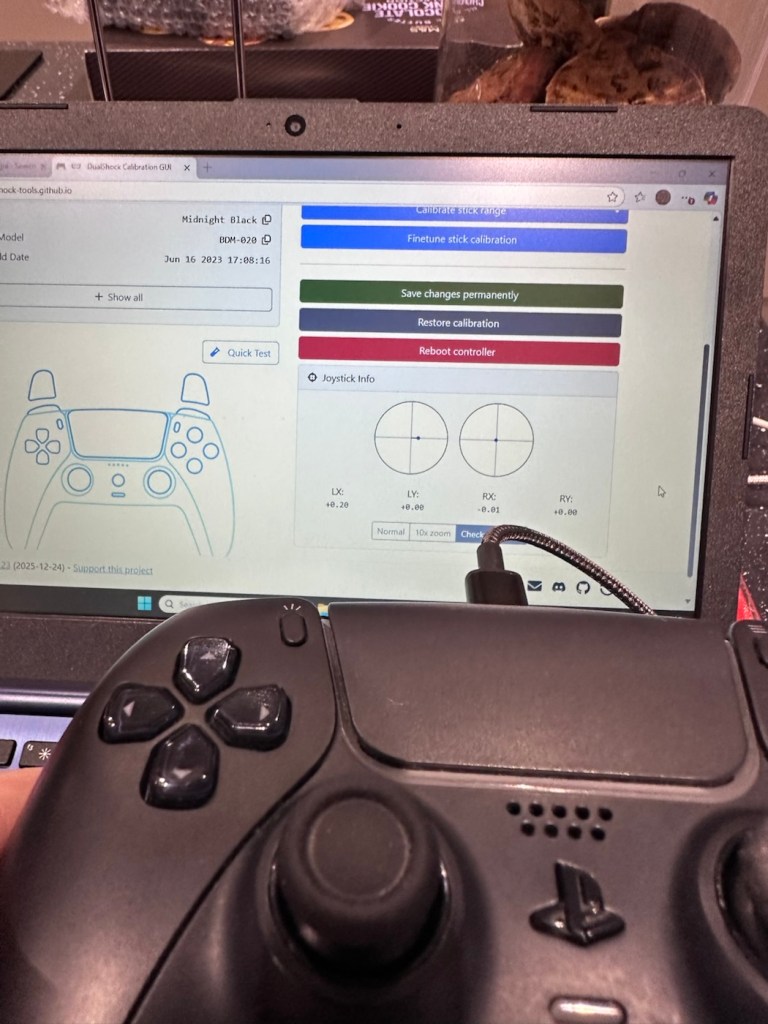
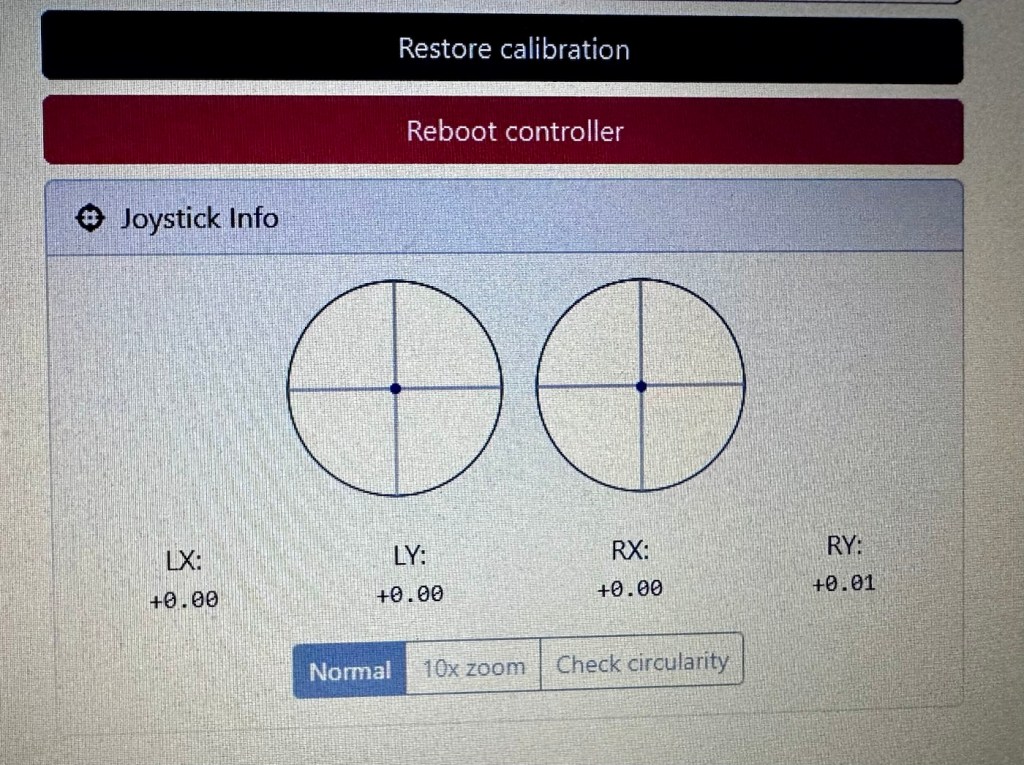
And as stated the first controller, the black one has passed all of these tests. Impressive. The next tests are all centred around the two thumb pads, their return to centre position and their all around circular motion and their calibration.
Left pad off centreCalibratedBefore and after calibration
The left pad was showing slightly off centre and I was able to make some minor adjustments via the program interface to correct this issue. The good news was that it is not a constant stick drift, and the mechanism does not require replacement, it is easily adjusted. With settings saved, disconnect the controller, reinstall it and re check the calibration and it should all be good. And it was. With minor adjustments made to this controller I am pleased to say it is working as it should, it is now repaired and will be heading back to its owner.
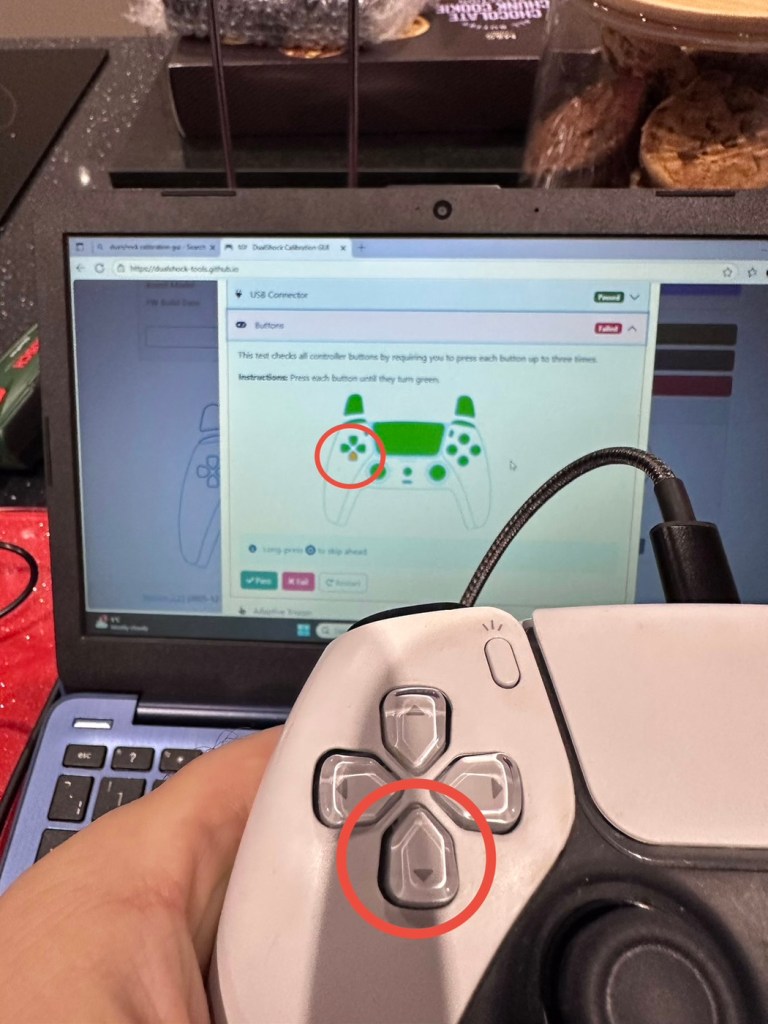
Now onto the second item, the white controller. I put this controller through the exact same testing protocol as the first one, all was going well until we got to the buttons section where this one failed. The down button on the left hand side of the controller is unresponsive, you can see this in the photos below
Failed test in the button section
Failed button highlighted on Controller and screen
All other tests on this controller were fine. Again there was a little drift on the sticks that I was able to adjust and they are now both as central as they can be, operating well through their whole range. I will go through the repair and retesting of this pad in the section below the YouTube video that I have highlighted below.
A while ago, if your game pad was playing up, there wasn’t really a great deal you could do apart from replace the thumb controllers if you were experiencing issues such as a little stick drift (when a controller is moving on its own accord). A bad case of stick drift would require you to change the controller mechanism. However, some very intelligent people within the gaming community have put together a number of packages to test your game controllers, but the one mentioned in the video below has been a game changer as such, as it also allows adjustments to be made and saved and thus extending the life span of the components within, thus reducing the need to replace and dispose of those components prematurely. Have a look, it explains the testing protocols and checks them against other programs.
The whole testing procedure checked and compared with other testing programs
Repair and retest
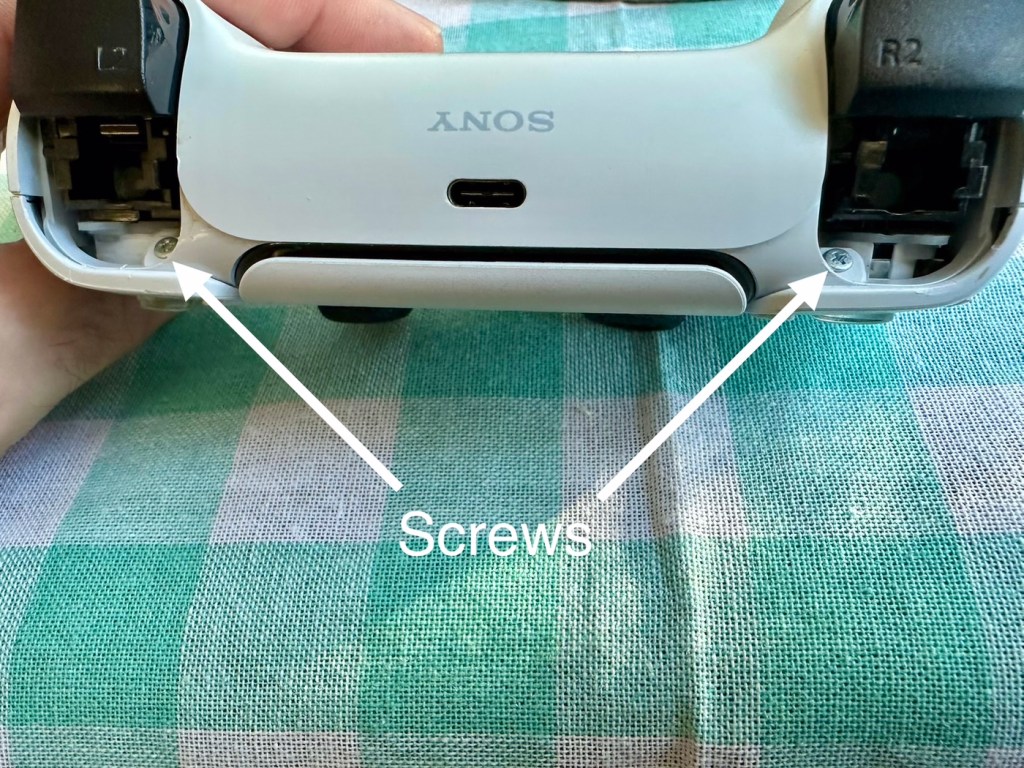
It’s a simple enough activity to get inside of the controller, some clips, and four screws get you inside the package, getting beyond this though to the controller buttons where we need to be is a little bit more in depth. So here we go…
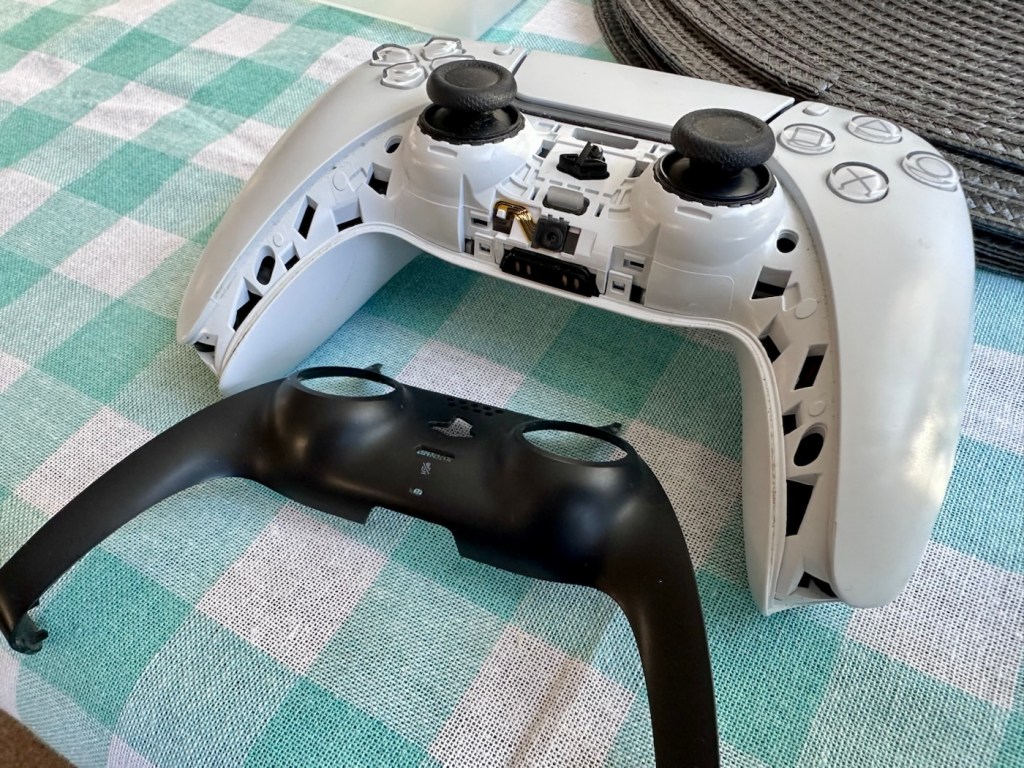
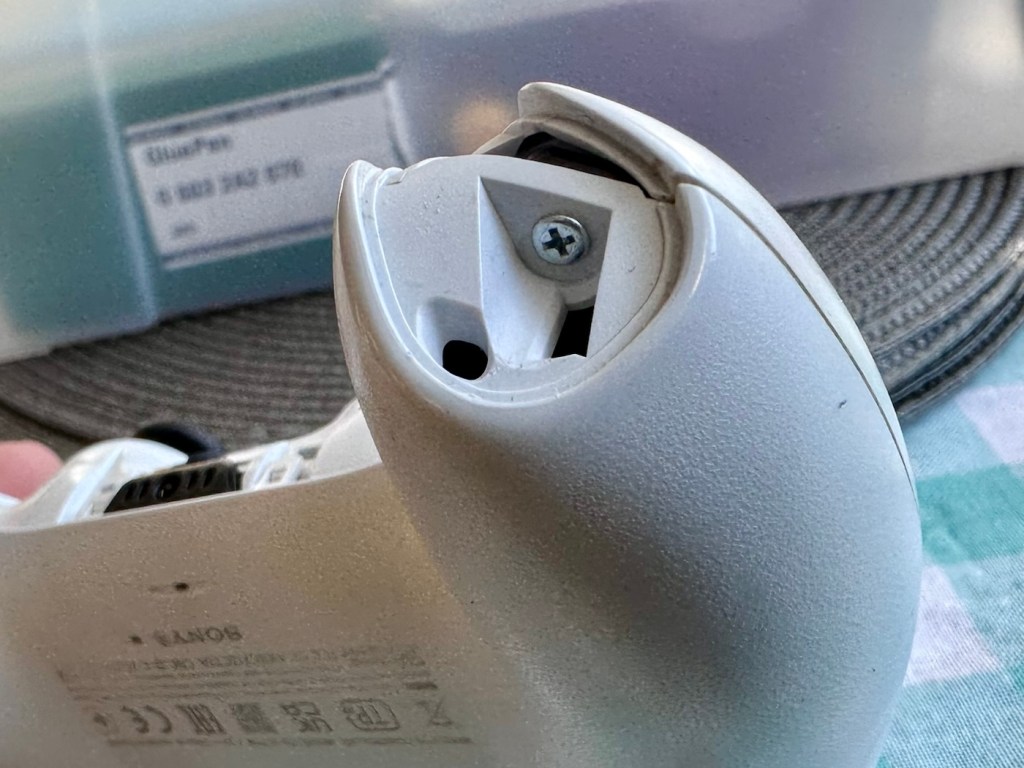
I’ve dismantled the controller as I said I would, initially the process requires four screws removing, after you first gently prise off the black decorative plastic surround as in the pictures below.
Black surroundScrew on each handleScrew under each button
When you remove these screws the next task is to gently prise the two shells apart that then reveal the base of the controller
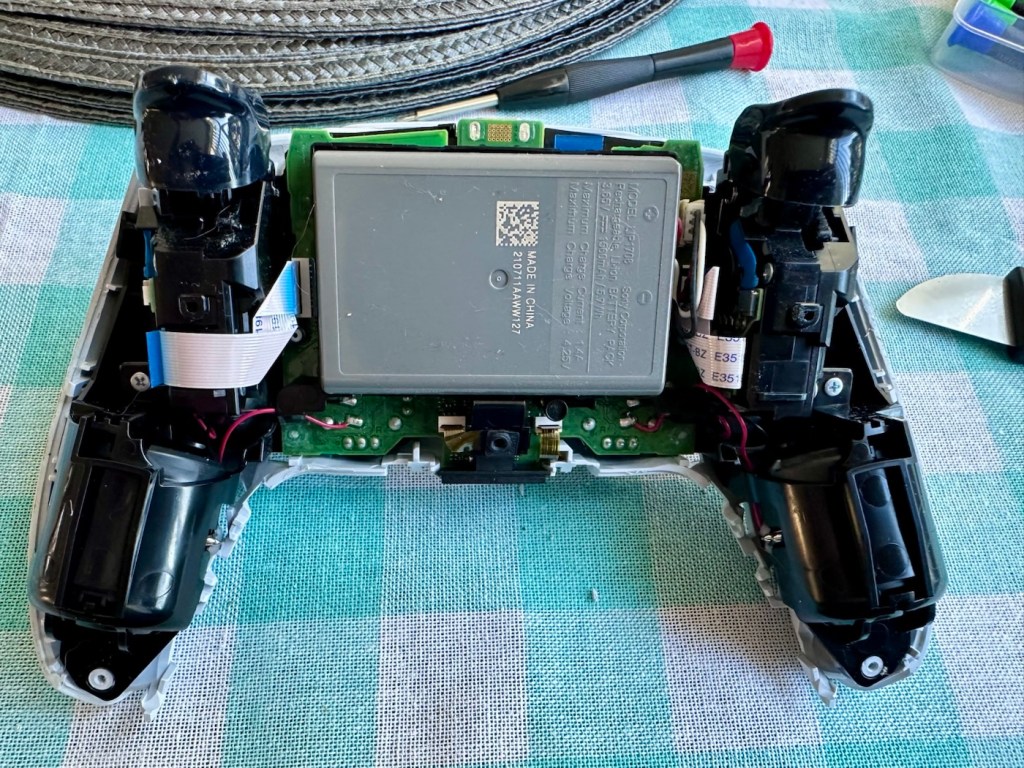
Shell successfully removed
At this point the battery needs to be removed and that is a simple plug disconnection, the battery plate has a single screw in it that needs removing. Before you remove the battery plate there are four ribbon cables that need removing, if you don’t do these then you will probably tear them and need to replace them. Believe me, I have done this in the past and ruined the tiny microphone ribbon at the very front. It’s not expensive to repair, just an unnecessary expense. Don’t rush it. Another 3 screws removed and we can now take off the top cover and get to where we need to be.
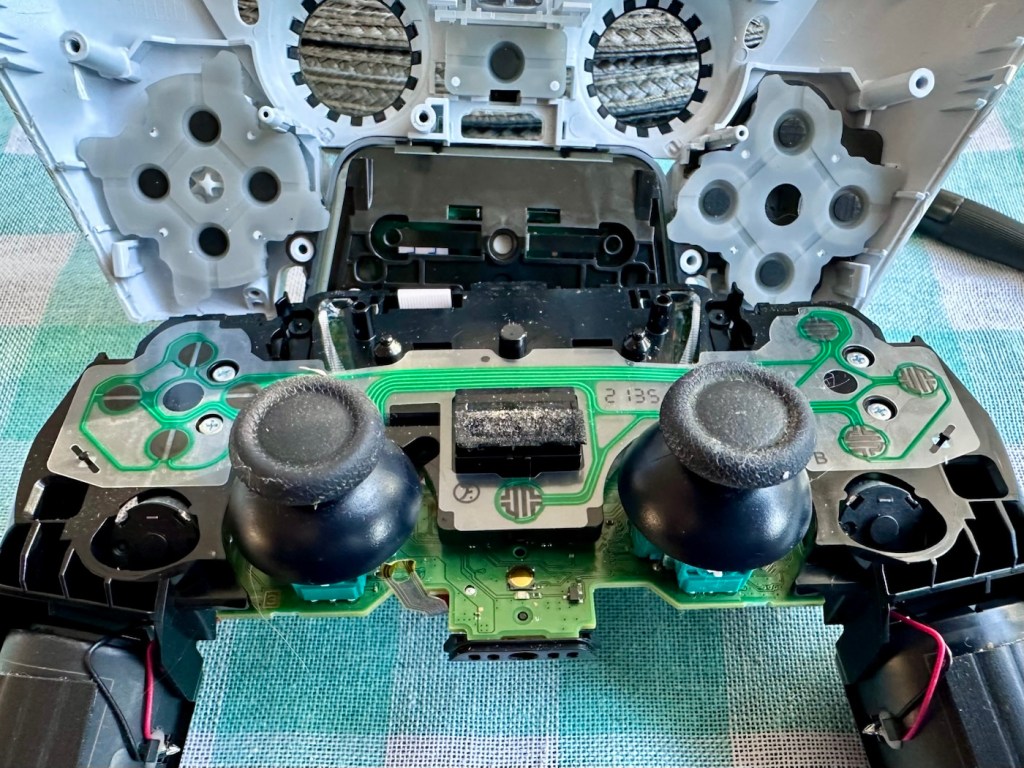
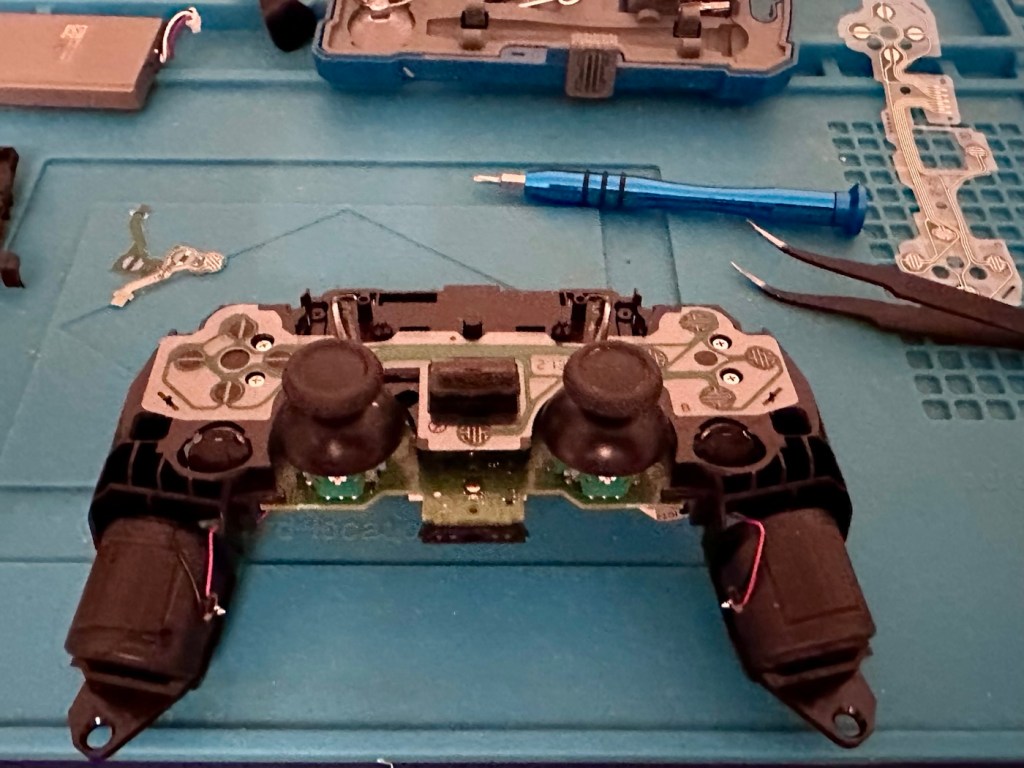
Top removed exposing fault pad area to the left
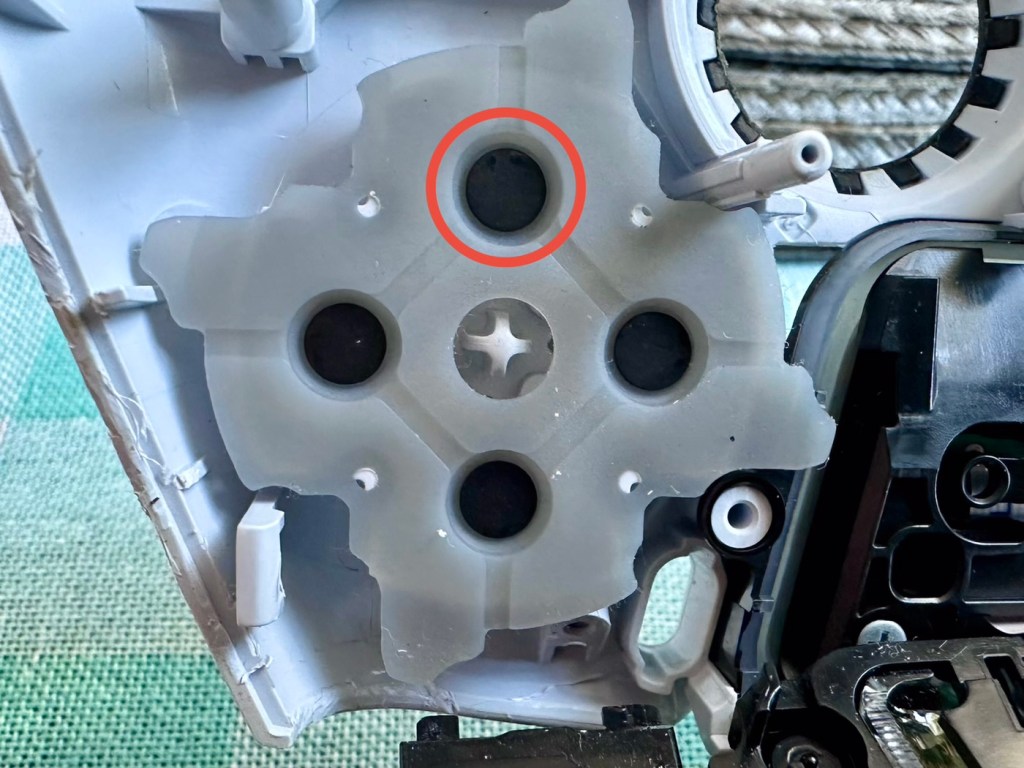
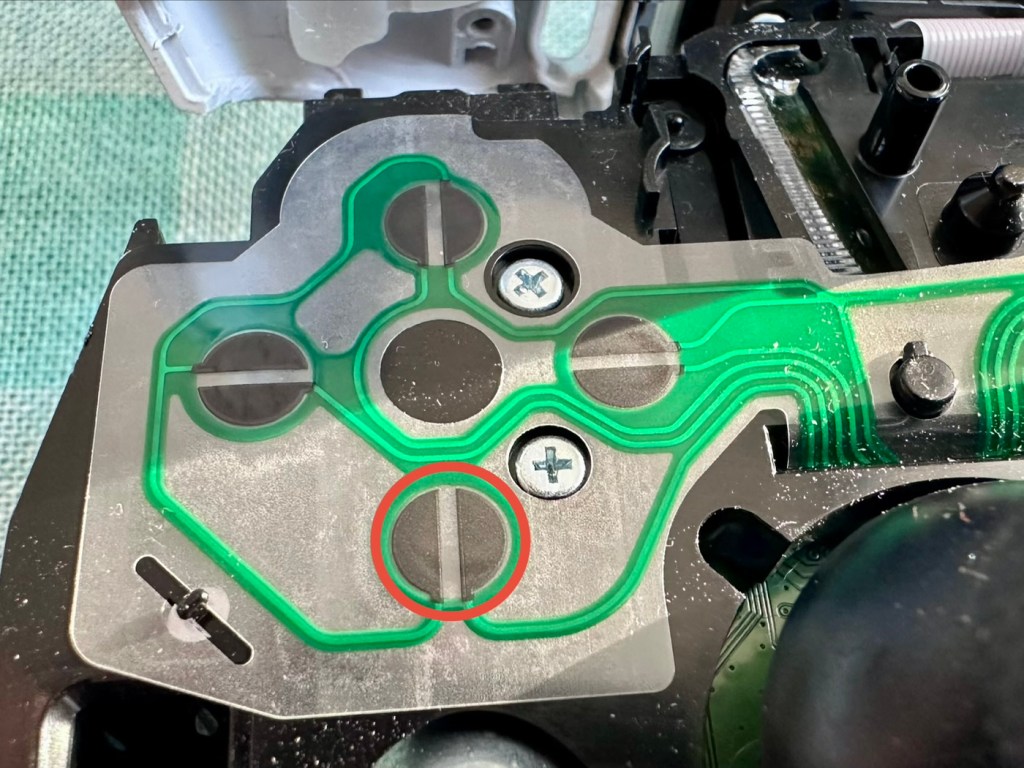
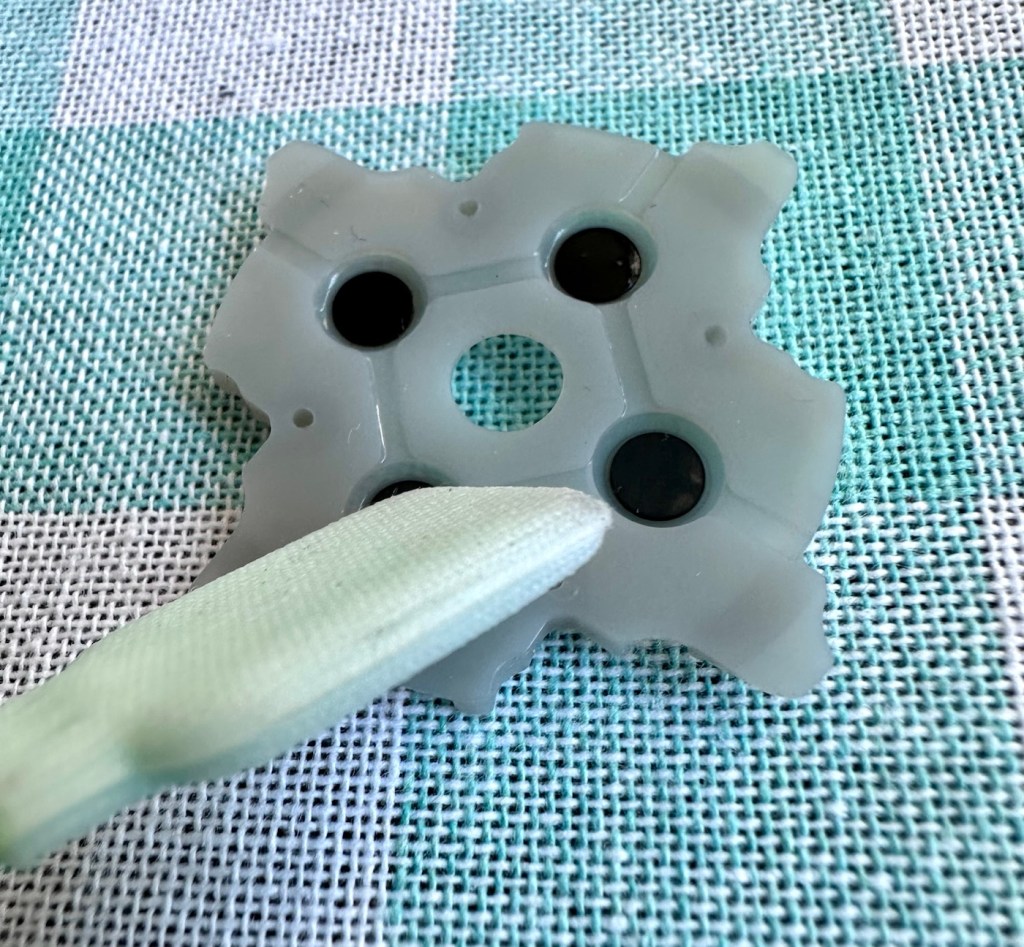
As soon as the top was removed I could see the potential issue with the controller direction pads. The pads are a rubber base with a carbon pad that makes contact with the circuit board below. Sometimes a simple clean of these pads can be sufficient to regain a connection between the two, but in this case it was plain to see that the pads on both sides were both well worn and to be honest they both required replacement.
The two contact points ringed in red that were sufficiently worn
Normally a good clean with IPA will work
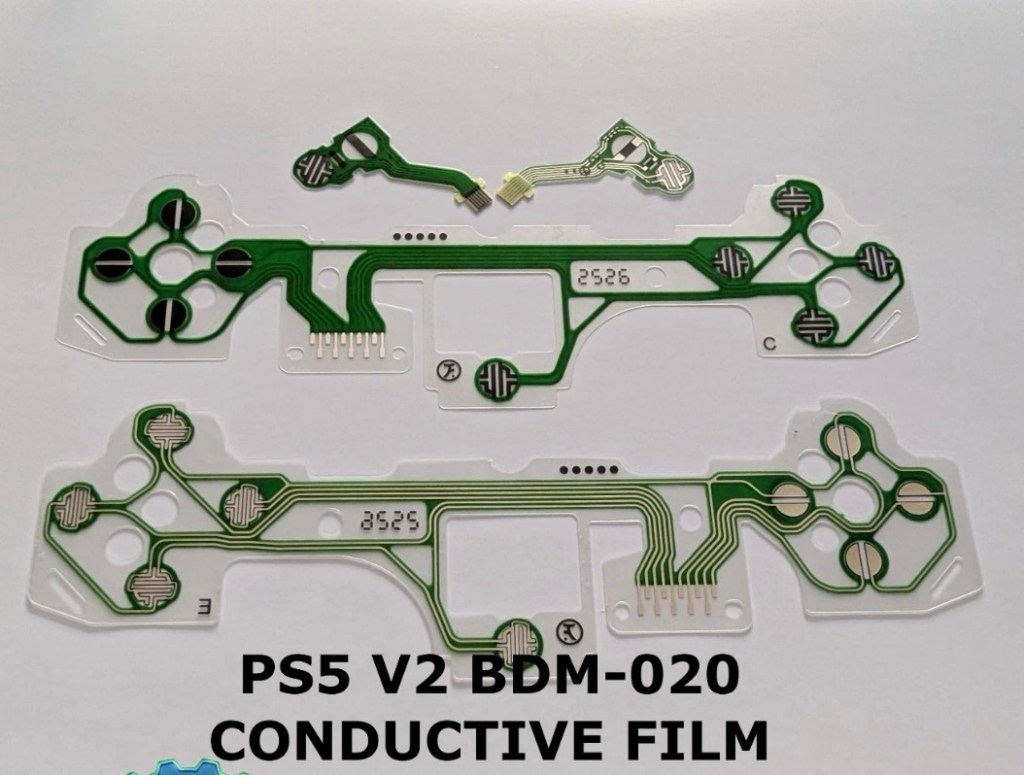
As stated I did give a clean to all contact points with a solution of IPA, reassembled and tested again with no change in performance, the fault remained. I will now need to purchase a new pad assembly and replace the film circuit board below them. Fortunately these are freely available and will cost no more than £6:60GBP to replace. And considering a new controller would cost at least £60:00GBP it’s worth the small investment to restore it.
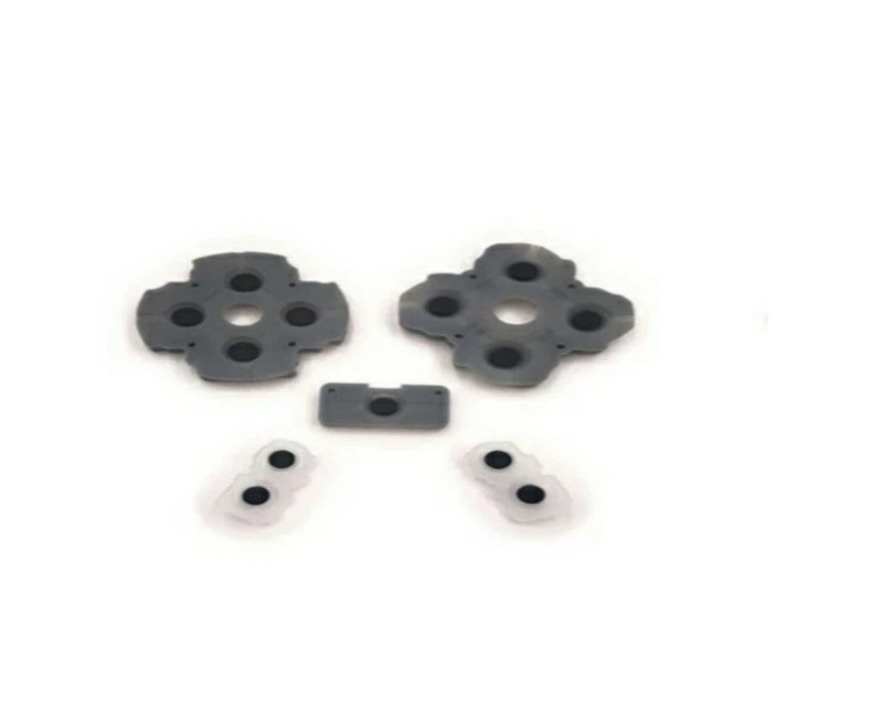
My shopping list of spares
I now just have to wait to receive these items and get them installed.
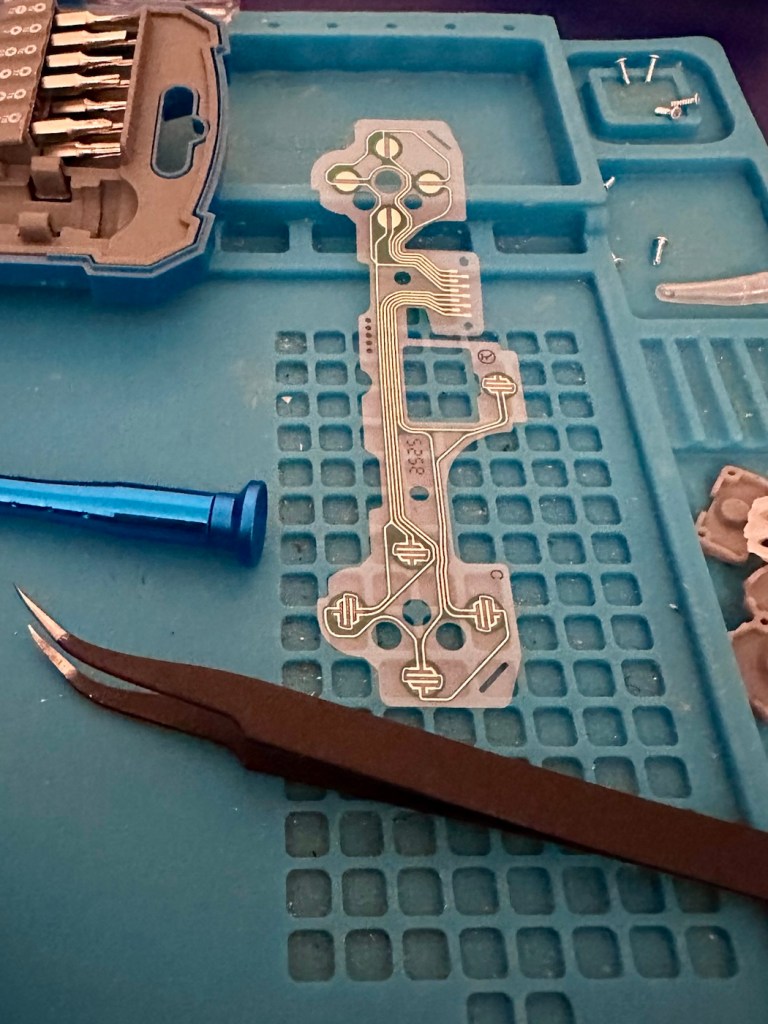
The items arrived just as in the photos above, and following the previous instructions to dismantle the unit, I have removed the old conductive film sheet and replaced this with the new one. I have also removed the silicone pads with the carbon inserts and these have also been replaced.
New conductive film Now reinstalled
Now all I have to do once I have connected the ribbon cables is to get the outer shell back on the controller. Once this is done, I can log in and start the testing process once again, connect the controller to it and then commence a full test of its functionality.
Before repair After repair
And as you can see in the above photographs, this has been a successful outcome. Where the left hand side lower button had failed, the new conductive film has addressed the issue and this handset now has full functionality and is working as it should be.
Next I’m just going to do a re-calibration, to check that the sticks haven’t drifted in anyway. If we are in a good position, we can then class this repair as successful and then it can then be passed back to my nephew to carry on shooting aliens, and he can then continue his mission to save the world.
Result:
Two controllers have now been serviced and are both working well and within tolerance. They are about to be returned their owner so he can get them back into use, killing aliens and saving the world from a zombie apocalypse (or whatever he does with them)
Not having a lot of experience prior to receiving these two controllers, I was a little doubtful about where to start and what to check. However after reading up on them, and their operation, I was able to pick up a lot of advice and information regarding their manufacture and serviceability. I like to think that I’m well clued up on these items now as I can disassemble one in minutes, replace parts and reassemble without having any screws or parts left over ( Always a good sign 👍)
And to round things off I have now been given one of his friends controllers to repair as well, so I must be doing something right!
Thanks for passing by, as always it’s always very much appreciated.
The workspace is starting to take shape. Normal service to resume soon. Maybe I can catch up with this backlog now.
I’d pretty much closed down my workspace, when we sold our old house back in August last year. Everything I used the most was pretty much moved into storage as we prepared to make the move to our new home. All I was left with was a few screwdrivers, so needless to say, content on this site dwindled, whilst purchasing continued, hence I currently have 29 posts, in draft, awaiting completion as I don’t have a suitable workspace or the equipment available at the moment to complete any of them. I even purchased a 3D printer in November of last year for my birthday, it has been in storage all this time, I have now brought it home and have now made my first 3D print, that post can be found here: My First 3D print attempt
Things are about to change.
We pretty much have every room in the house now up and running. We are settled now and the final boxes have been attended to within the house, and we are finally getting to the point where regular recycling visits to the tip to get rid of the old cardboard boxes are finally coming to an end.
The next stage in my wife’s own words are, “ we can now get Dave’s room sorted.” The words I’d been waiting for.
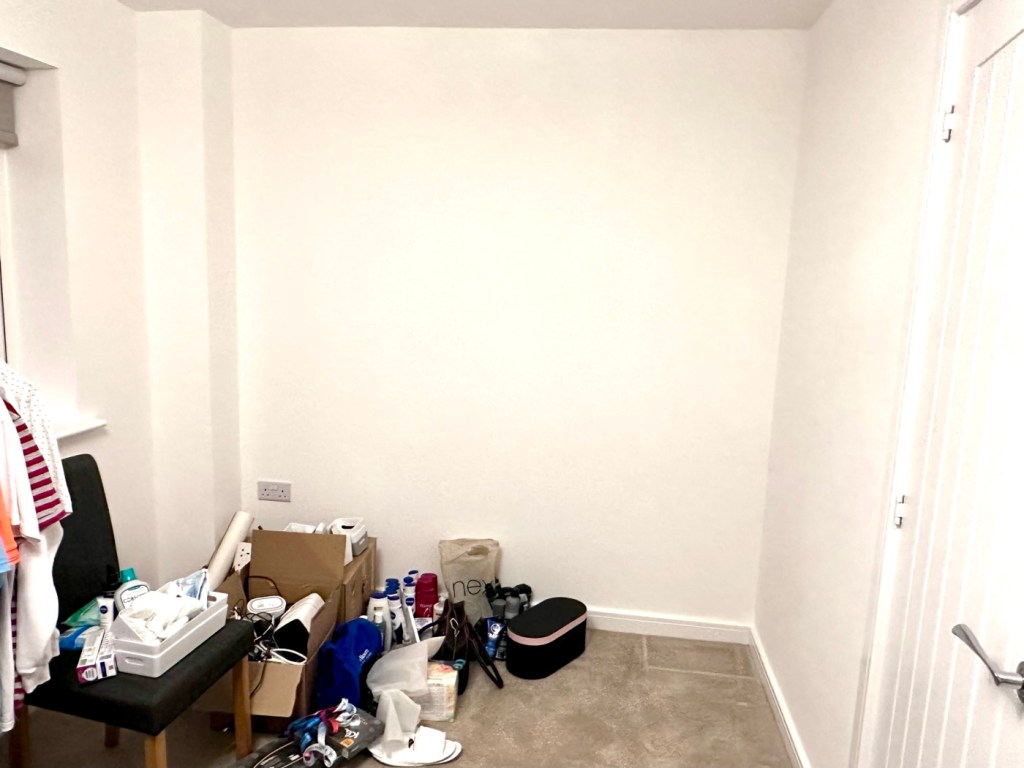
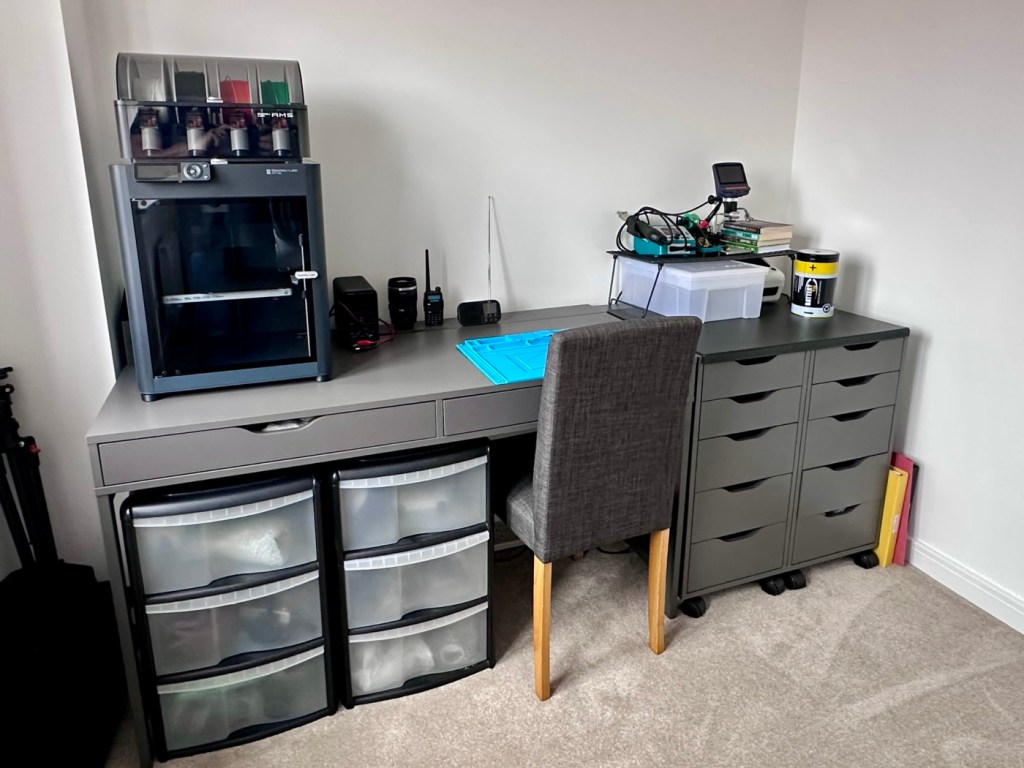
My workspace – a wall in a guest bedroom
I’m calling it my room but in theory it’s not a whole room. It’s part of the third bedroom where I am probably just occupying one wall at the end of a guest bedroom, it’s all I need, I have a Garage to do all the blokey stuff in, this space is purely to work upon all my cameras and other more delicate items of work.
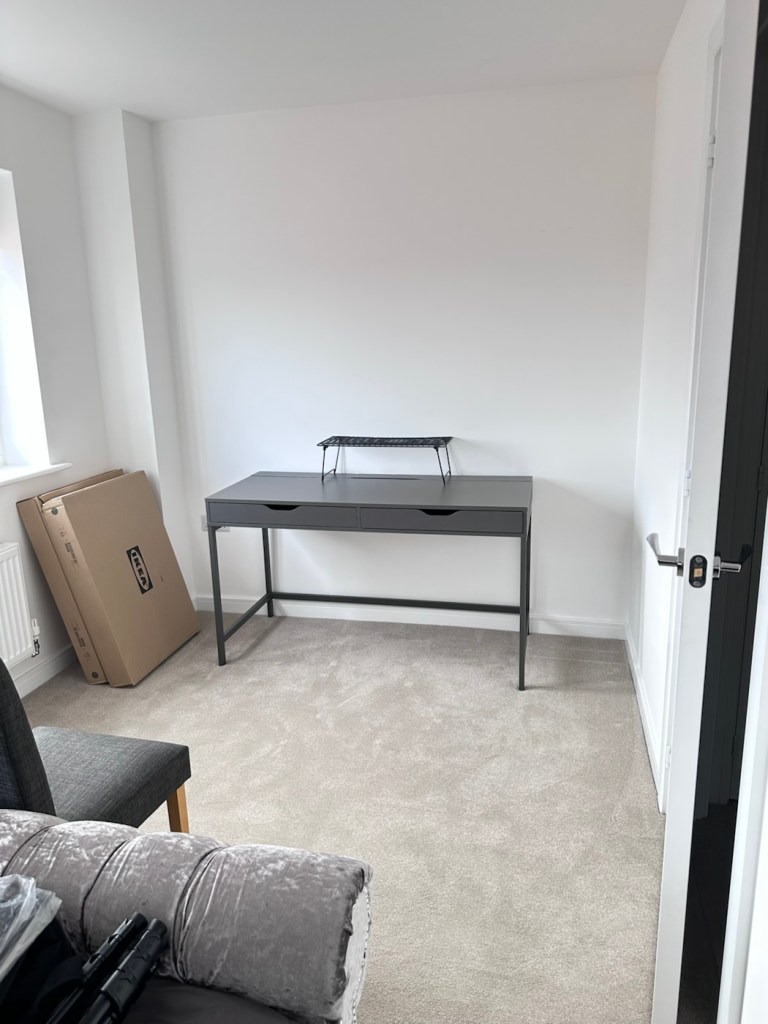
Whilst visiting a certain Scandinavian furniture store i have purchased a basic setup for me to begin working on. The good thing about these furniture systems is that you can start with a basic layout and just expand upon it, and that’s the plan.
I have a desk and drawer system arriving today, and quite a bit of construction to do, once this is in place then I can start getting my gear from storage and get it back into place. It will be nice to have all my equipment in a permanent placement, without having to take it all apart and storing everything back in boxes after I have used it. I’m looking forward to this as to be honest, I’ve really missed it. However I have been pre occupied around the house and there has been an awful lot to keep me busy, there’s been no rest really, I must be very wicked 😂
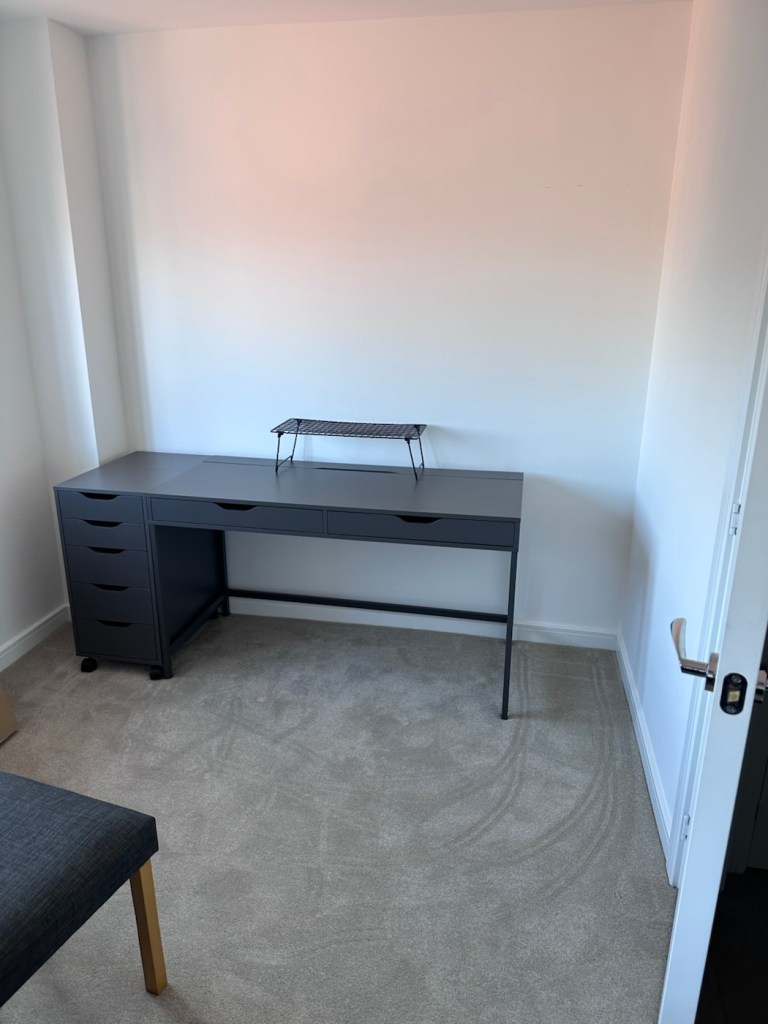
The workspace starting to come together
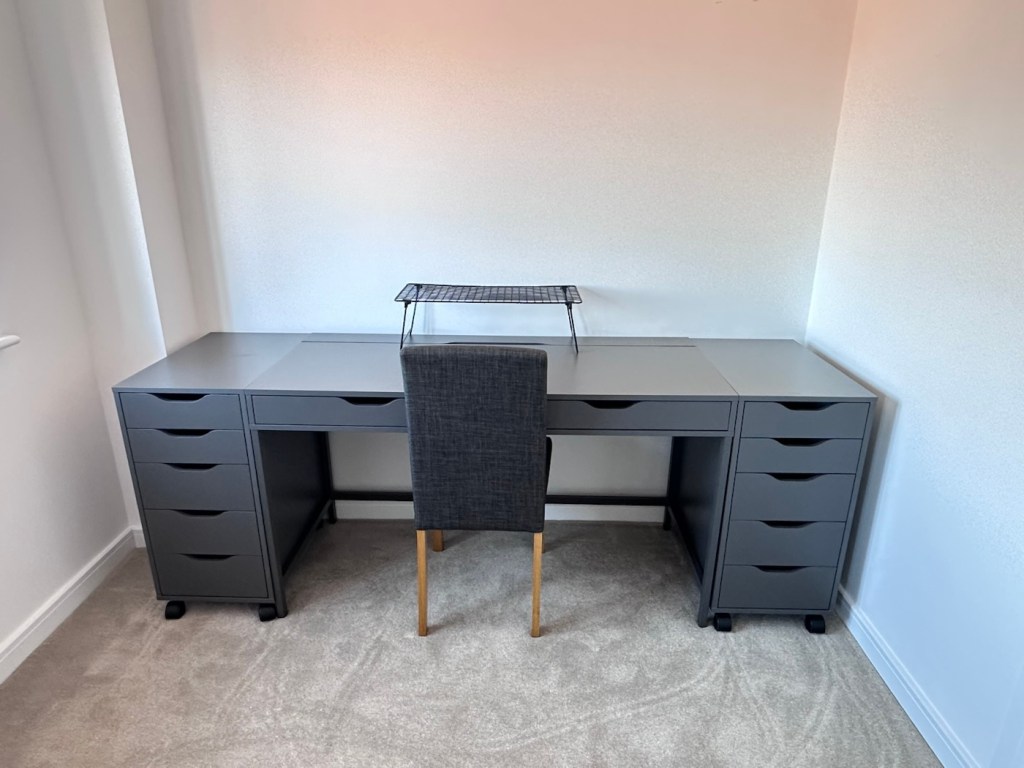
So as of 10th March, I’m quite pleased to say that my workspace is now ready to use. It’s still a way from being complete as I still have stock to bring from storage along with the last few tools and boxes of components. There are still shelves and storage to put in place, but at long last I can now sit down and finally start to play catch up with my ever expanding backlog.
The workspace….liable to be moved about yet again
I must admit I’ve moved things about, and I’m probably liable to move things about again over the coming days and weeks, even months as I can’t quite decide how the setup should look. It’s probably going to be a few sessions of me not being able to find tools, parts and cameras that will help me decide just what, should be where. In the meantime, it’s good that a kind of normality has been restored, and I can now start to resume where I left off all those months ago.
Embark on a journey down memory lane with the vintage Master Challenge Computer Electronic Quiz Game by Peter Pan. This handheld electronic game offers a test of knowledge and skill, making it a splendid addition to any game’s collection. Ideal for enthusiasts of retro gaming, it provides hours of entertainment as you tackle a variety of questions and challenges.
As a sought-after piece amongst collectors, this game is a testament to the era of classic toys and games. Whether you’re looking to complete your set of electronic games or seeking a unique gift for a vintage game aficionado, the Master Challenge game promises to be a talking point at any gathering.
This item is sold as spares and repairs as not working. Please send offers or ask any questions.
EBay
The seller here has obviously used the wonderful AI assistant to write this post as it is so false. The unit is incomplete, it is probably not sought after, as it was not that well received back in the day, and in its current state is probably only fit to be disposed of, also an important part of it is missing. However I’m not for disposing of items such as this and will endeavour to get it back into a working state, it’s just going to take a little time and patience.
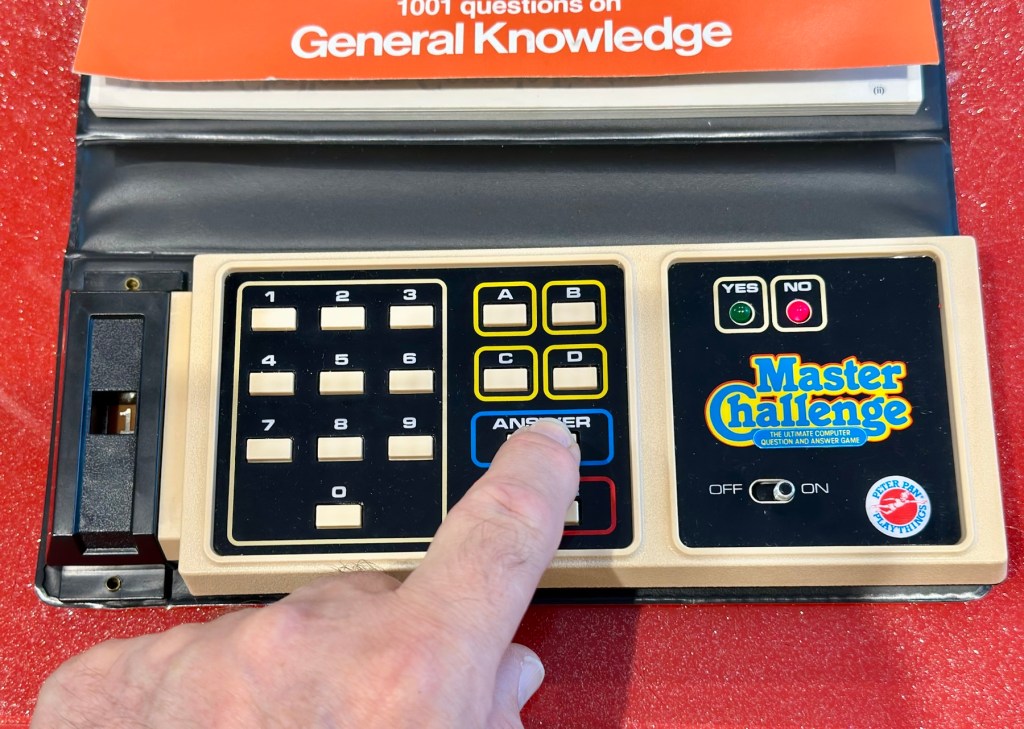
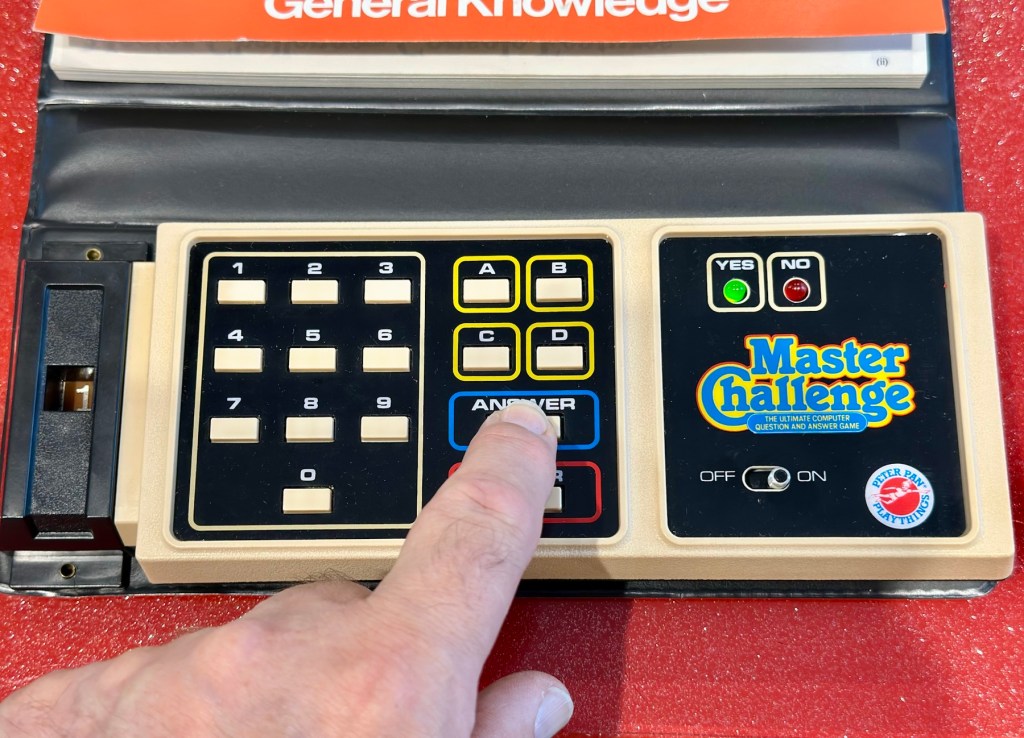
I’m missing a fair bit, and it doesn’t work
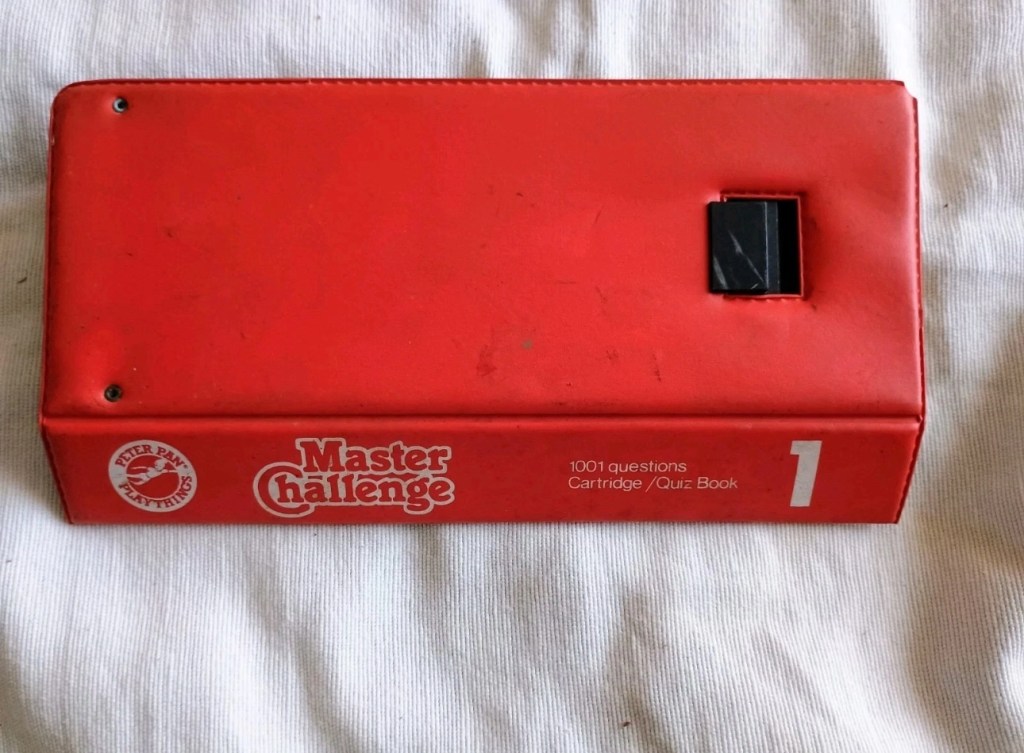
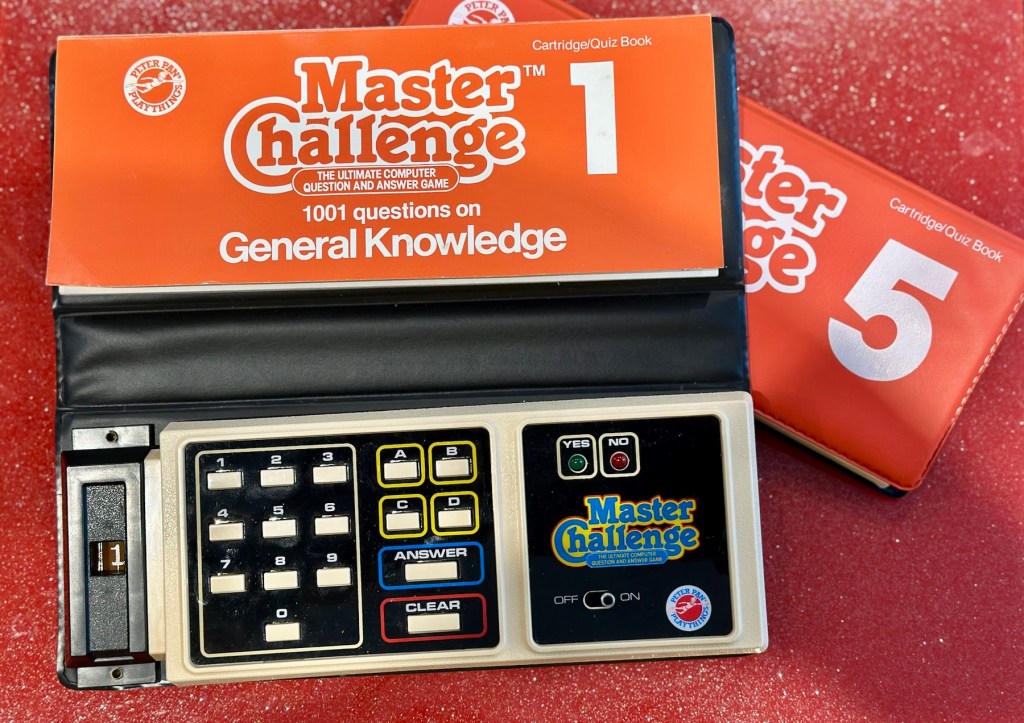
What my unit looks like
What the unit should look like
Some history:
Peter Pan Playthings Ltd was a British toy company founded in 1963. It bought Salter Science and other assets from the receivers of Thomas Salter Ltd. In 1972 the company reported a £80,000 profit. The following year it was acquired by Berwick Timpo.
The company was sold on to Bluebird Toys in 1987, which continued to use the Peter Pan Playthings brand for several years.
Produced around 1980, the Master Challenge system was licensed from Coleco (Coleco’s Quiz Wiz system), this was released in the U.K. by Peter Pan Playthings. There were 30 different cartridges for Coleco’s version. The unit comes with a question book and the system is used to answer those questions. It is currently unknown how many cartridges were made for the UK version.
T’internet
So for some unknown reason I have purchased this 45yr old piece of retro nonsense because I just can’t keep my bidding finger still. That’ll teach me a lesson. I’ve paid the grand total including postage of £5:69GBP, and I think it is missing the most important part, the book of questions that go with the cartridge, usually attached to the binder that encompasses the unit. It’s also broken, so it needs fixing anyway, and I believe extra cartridges can be purchased, so if I can get it working, and I can obtain further cartridges then no problem. If I can’t, then there is a problem. The battery cover is also missing. I’m a fool, honestly I am.
Whereas the Coleco Wiz system had 30 different cartridges available I believe the Uk version only had the 6 as listed below:
1 – General knowledge
2 – World of sport
3 – Music
4 – The bible
5 – BBC quizzes
6 – BBCs Top of the form
And back in the 1980 these additional cartridges and quiz books could be purchased for £6:99 GBP and 50 pence postage! Quite pricey for the time.
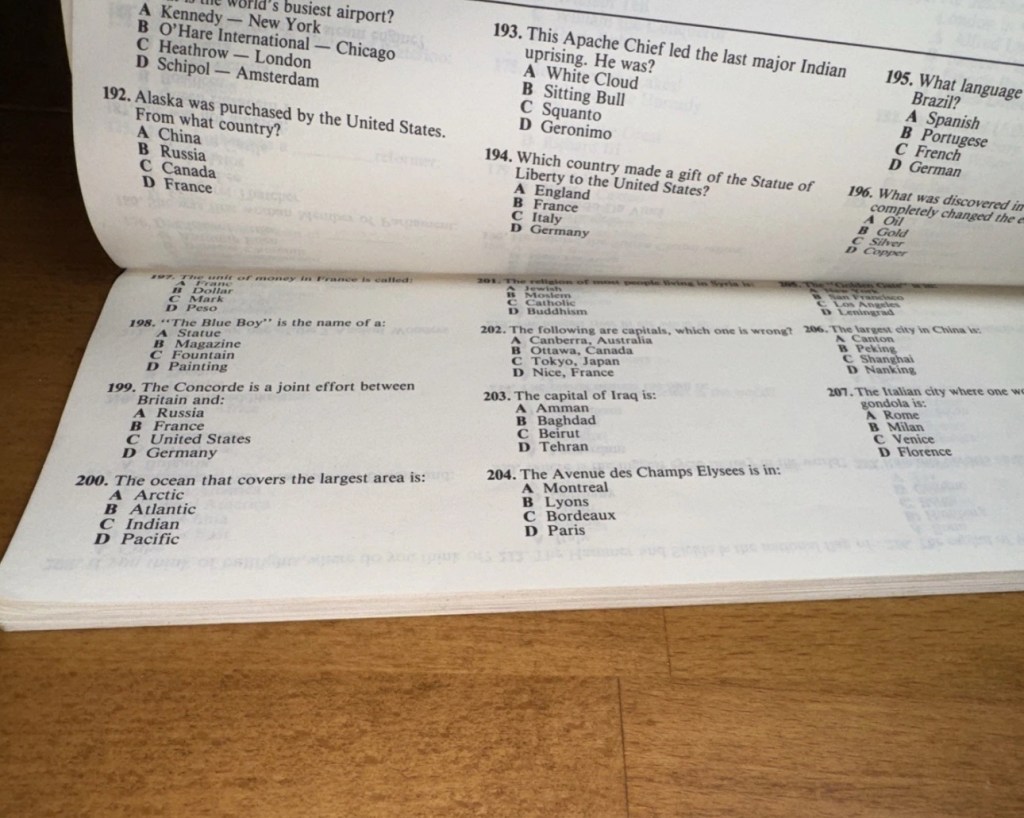
On this particular cartridge or what remains of it are the pre programmed answers to 1001 questions that I’m not in possession of. How novel. I have managed to find a photo on line that has some questions showing on it, these would have been in the original book that would normally be attached to the binder of this unit, so this should be sufficient to at least test the game in its current form.
Some questions to test the unit.
The game works in such a way that you choose a question from the book, you then use the unit to give your answers. If the answer is wrong you hear a corresponding low pitched sound and get a red light. If you are right you hear a high pitch sound and see a green light.
Score sheets in the back of the booklet
So basic in its operation, many thought it was totally pointless back in the day. However this was computerised technology in its earliest and most basic form and was at the dawn of a new era of personal entertainment. It deserves to be preserved.
To cover my apparent foolishness I have found another cartridge that I’m going to purchase to make this unit complete.
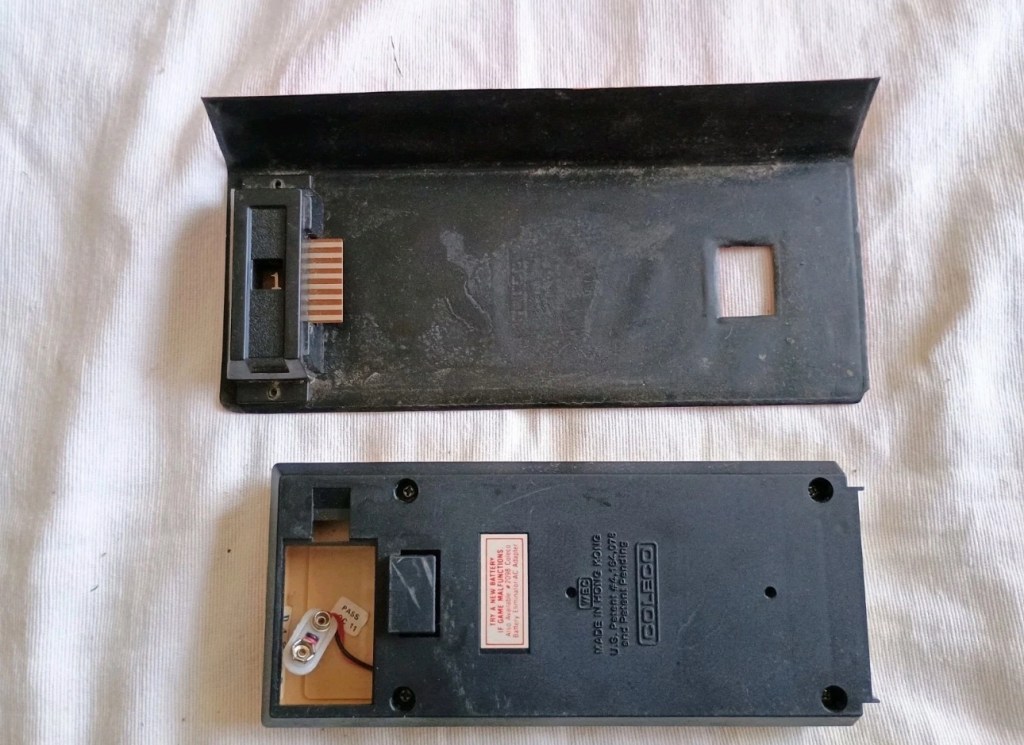
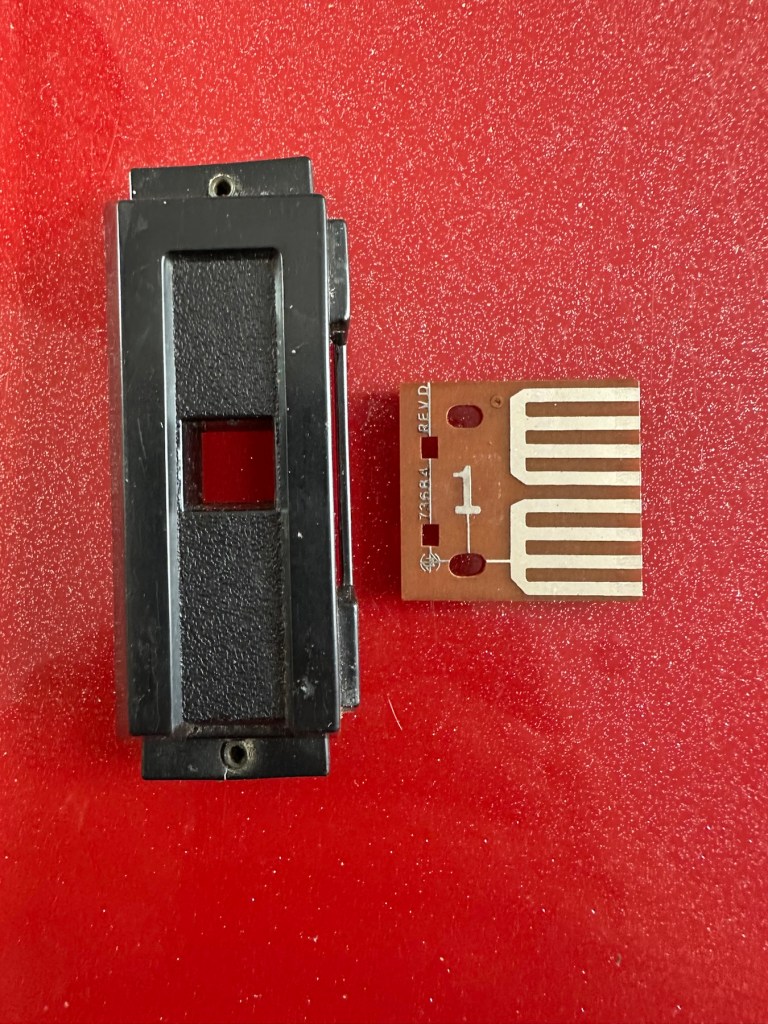
These plug in units come in a binder format with the brains of the game situated in an enclosed plastic block on the base of the binder, i suspect it is something along the lines of an integrated circuit. I can’t open this one as it is sealed, however when the old one arrives i will open it up as that one doesn’t have a quiz book with it. It will be good to see just what is inside. This little unit contains all the answers to the 1001 questions that are provided in the attached quiz book that slots into the top of the binder. The number inside the block indicates the quiz book reference.
Challenge quiz book and questions
The “Brains” and the quiz book reference number
The faulty computer unit I am awaiting, then slots into the binder and block by the pins you see in the photo above. The computer then simply has to decide whether your answer choices are right or wrong. And that’s the crux of the game in a nutshell.
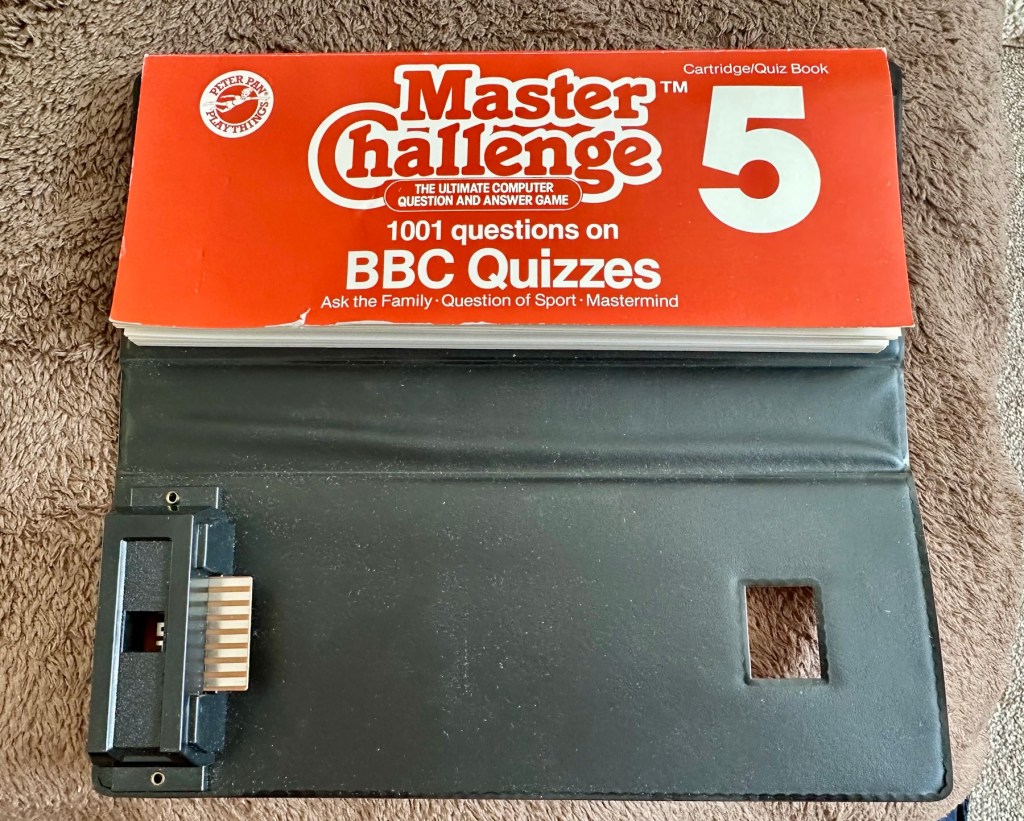
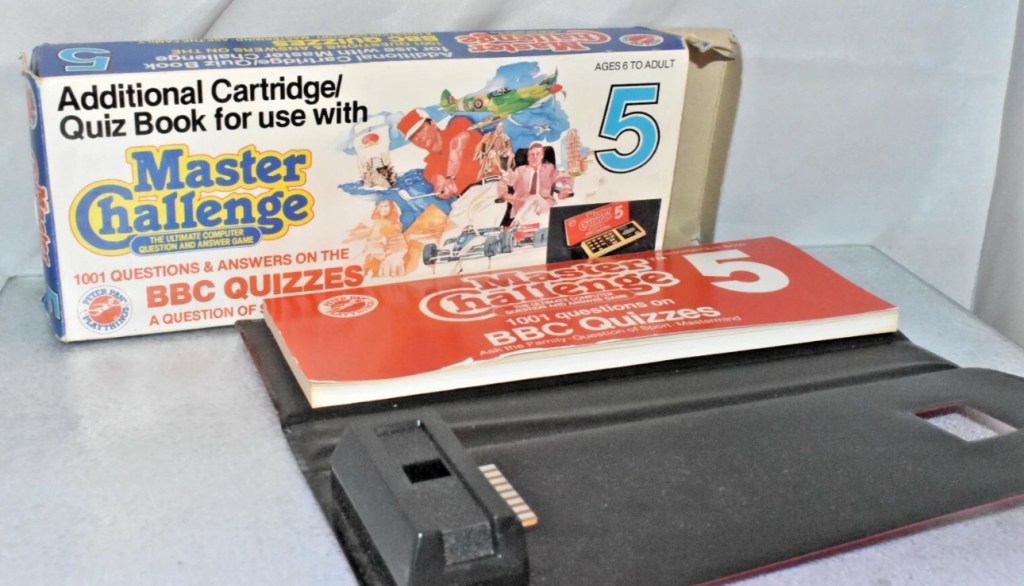
Whilst awaiting this broken units arrival, I’ve purchased the additional set of plug in questions seen in the pictures above. This is an additional 1001 questions set, based on all the old BBC quizzes. It’s complete with answer book and the complete surrounding binder. It has arrived ahead of the faulty unit and is in an exceptionally good condition considering its age. None of the mustiness you’d expect from an item that is 45 years old. It must have been stored with great consideration. It’s cost me more than the broken unit, this cost a total of £8:15GBP, so that makes a running total of £13:84. I do have another game cartridge on order that I picked up for another £7:83GBP but I’m quite happy with this. It will be a nice addition to the games box that comes out when the family or guests come around, and everyone loves an old retro style game. It will certainly be a talking point, that’s for sure.
My additional plug in cartridge
Assessment:
I’ve not even received the unit yet and I’m getting a bit ahead of myself wondering just what could be wrong with it. Its operation is so basic, think it could only be one of five things possibly be at fault.
Pins that read the cartridge are dirty/damaged
Contamination in the battery area
Loose wires
Faulty switch
Cold solder joints
I guess we will just have to await its arrival when we can make an accurate assessment.
The unit has arrived and it’s a tatty looking piece. Dirty, and only the remains of the binder that used to accompany it.
What has arrived
I’ve put in some batteries and there is very dead. There is the occasional buzz when the switch is slowly moved but nothing else. It could be a faulty switch, it could be the contacts. I’m going to have to open it up and get down to board level.
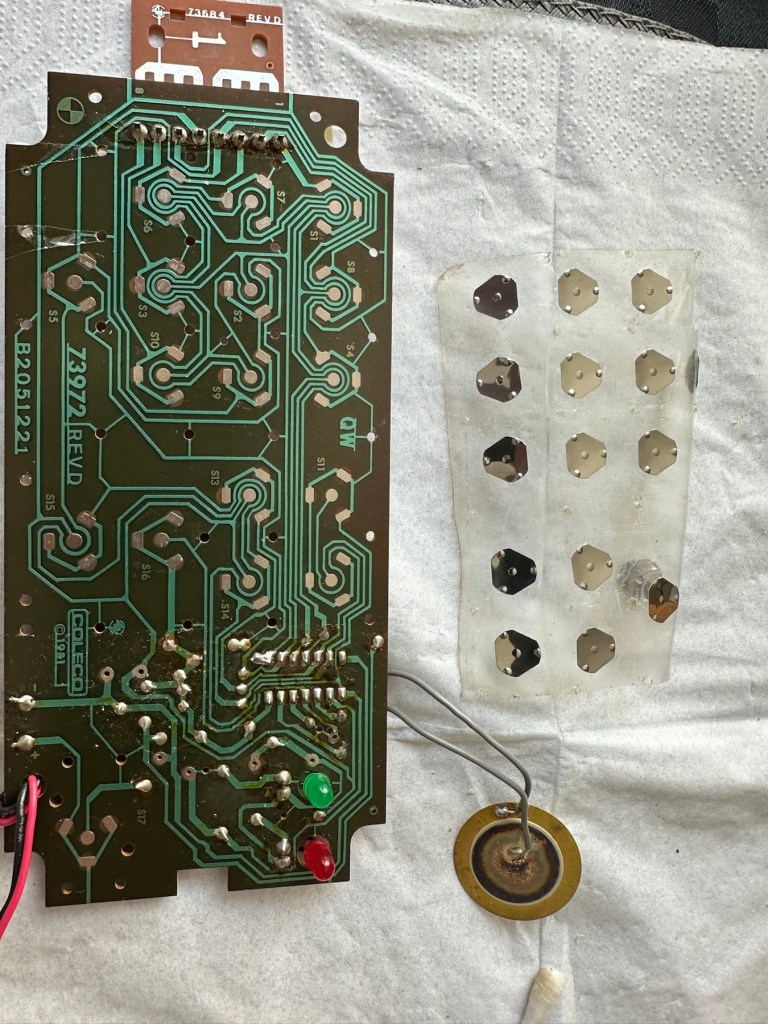
Inside – all posts welded
The problem here is that inside there are no screws attached to the inside support posts. The whole unit has been welded, all plastic posts have had heat applied to moulding the post tops. I’m going to have to break these off and try to re-weld them when we’ve got it all working again….if we can.
In the meantime I’m going to open up the the plug in module that’s attached to what is left of the old binder, i might as well sacrifice that piece as it’s of no use to me and it’s in the name of research.
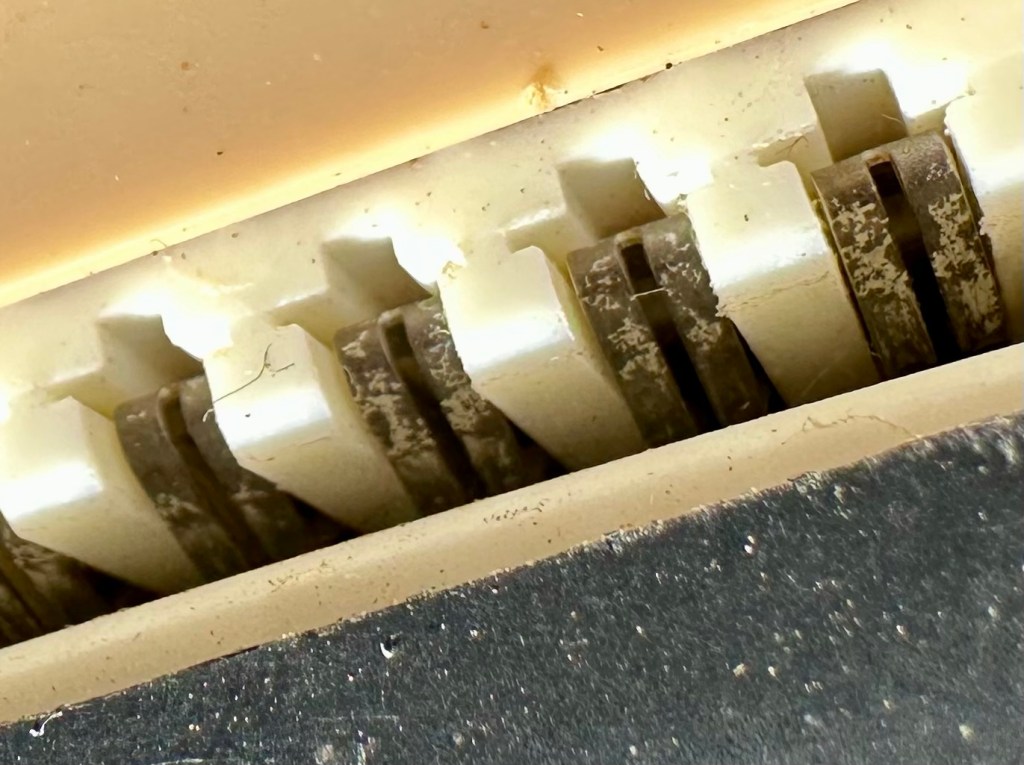
How the unopened board looksBoard removed front viewBoard removed rear view
Now I thought they’d be some kind of integrated circuit in here but there is not. It appears to be just a board with two sets of comb like traces that would appear to just short together in the unit. Makes you wonder if the questions in the book follow some simple kind of algorithm that the unit just adheres to. Maybe every so many questions, they all have the same answer, there must be some simple and basic way that the unit knows the preprogrammed answers. Maybe I’ll find out more when I look inside the actual “Computer” unit.
Repair:
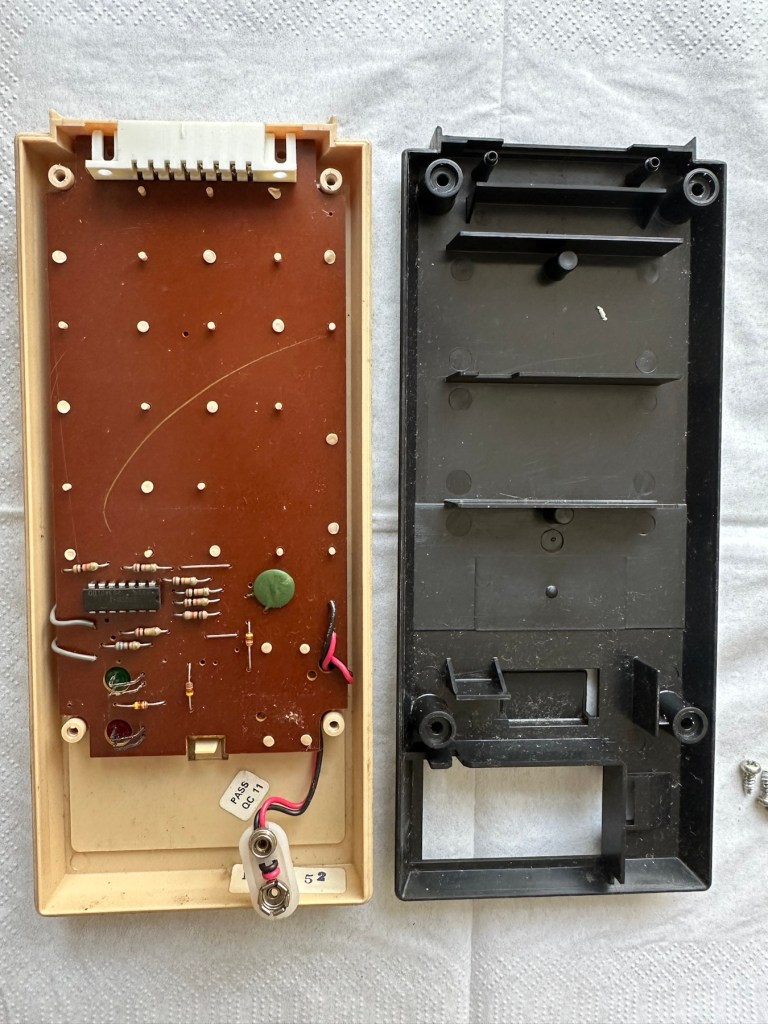
Inside the unit there is not a great deal of components apart from a single IC a capacitor and a number of diodes and resistors.
I’ve used a very fine emery board I borrowed off of my wife (don’t tell her) to try to get in and clean these contacts, as I believe this is what is causing the issue.
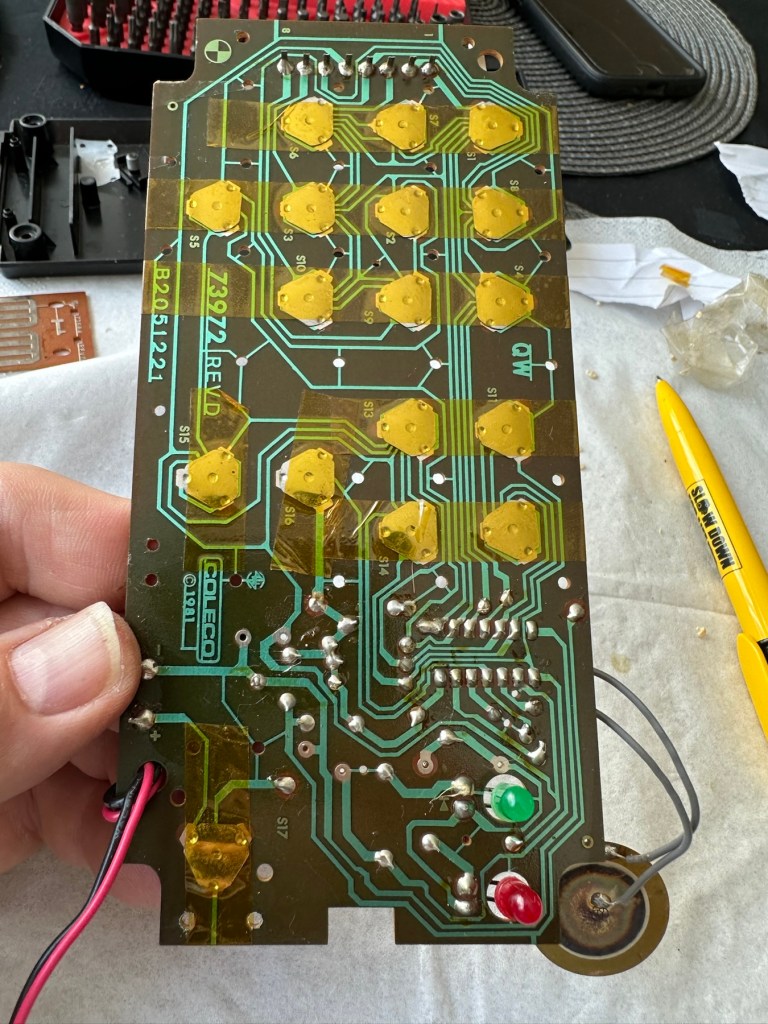
All buttons under a sheet of tape
All buttons are under a sheet of tape. I have removed this tape, cleaned all the contacts with IPA and repositioned them and re taped them using Kapton tape. They are a lot cleaner and are clicking nicely.
Button removalAll buttons removedAll cleaned and sealed down with Kapton tape
The contacts where the game cartridge is inserted are quite contaminated so these also have to be cleaned.
Contacts are contaminated
I’ve used an emery board to clean the contacts up on the unit, and when the cartridge is inserted we have a result. The first ten questions I have input have had correct answers only and no duplicates, so it really does really look as if the contacts were contaminated causing some kind of issue with the two parts of the game communicating.
Result:
It’s had a good clean both inside and out and a few of the old items inside replaced and given a new lease of life. The unit is now fully working and can be seen doing so in the little video below.
A little test example
I’ve since purchased a new binder for question set 1, so I now have that along with question set number 5. I’ll keep an eye on the auction sites to see if any of the other sets become available, and who knows I may try to get a full set. Now that would be quite rare I’d imagine.
A nice clean and working unit
I love digging around in these 80s units and just wonder at how basic the technology was back then, it’s just amazingly simple and so well put together. Anyway, this one is now working and good to go for a few more years yet. Saved from landfill we have another successful repair under the belt.
Thanks as usual for popping by. It’s most appreciated.
The item has previously been owned before and unfortunately the batteries were left inside to corrode. When tested the computer part does not work.The pieces are a complete set for playing without the computer. Please see photos.
EBay
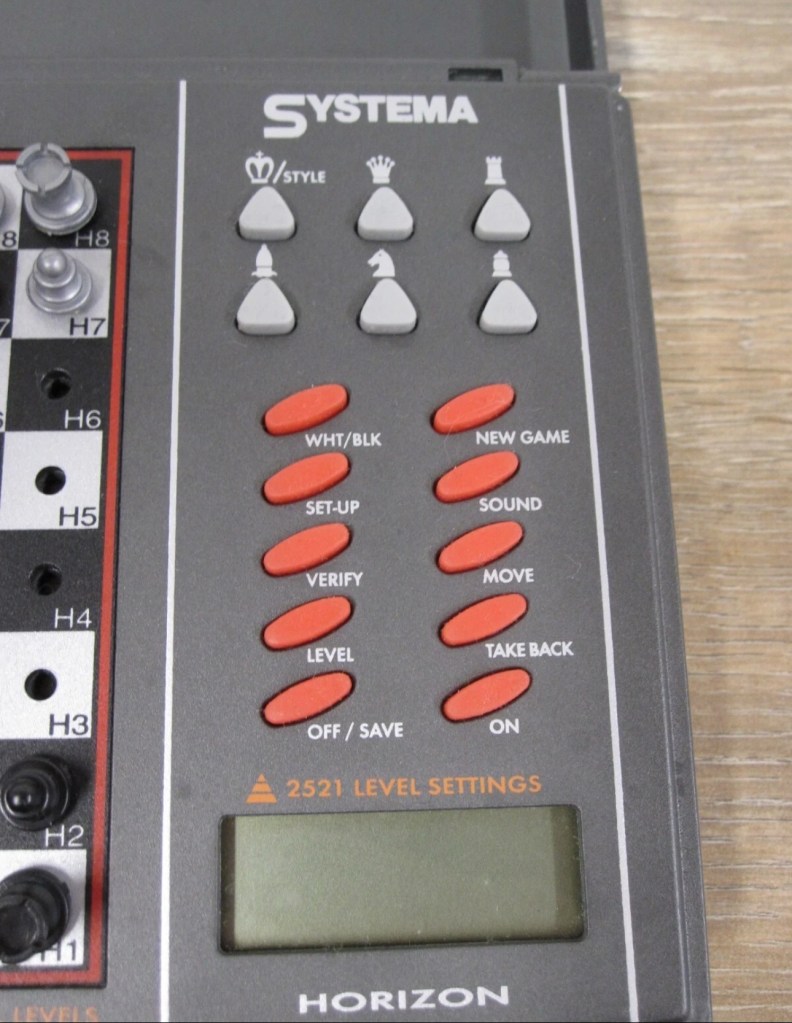
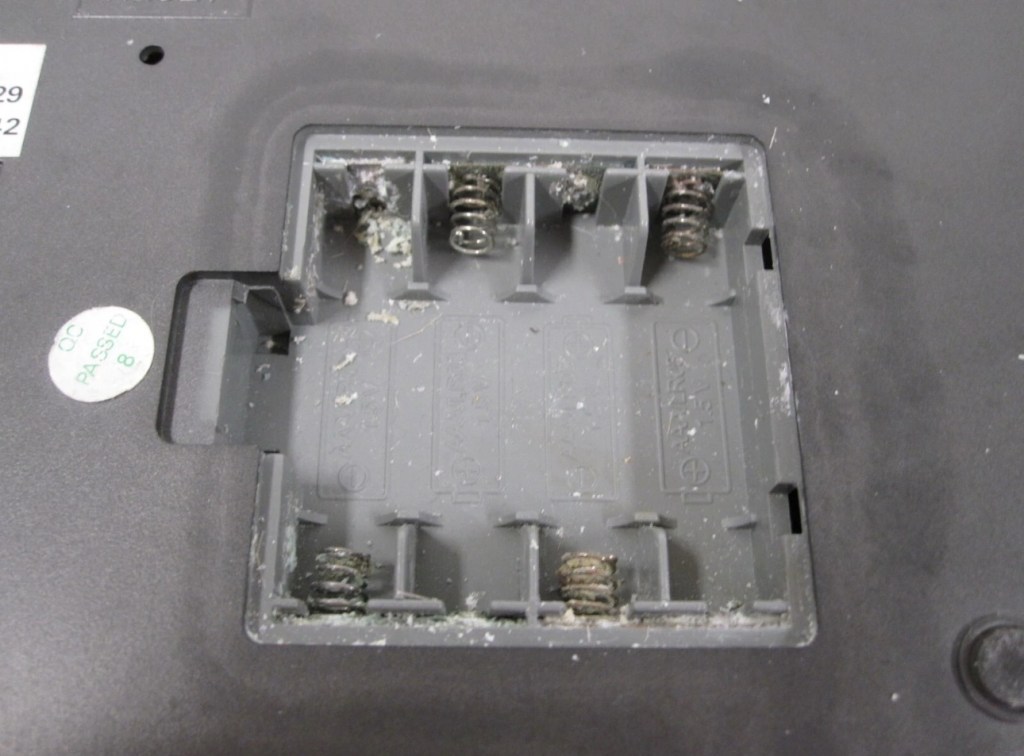
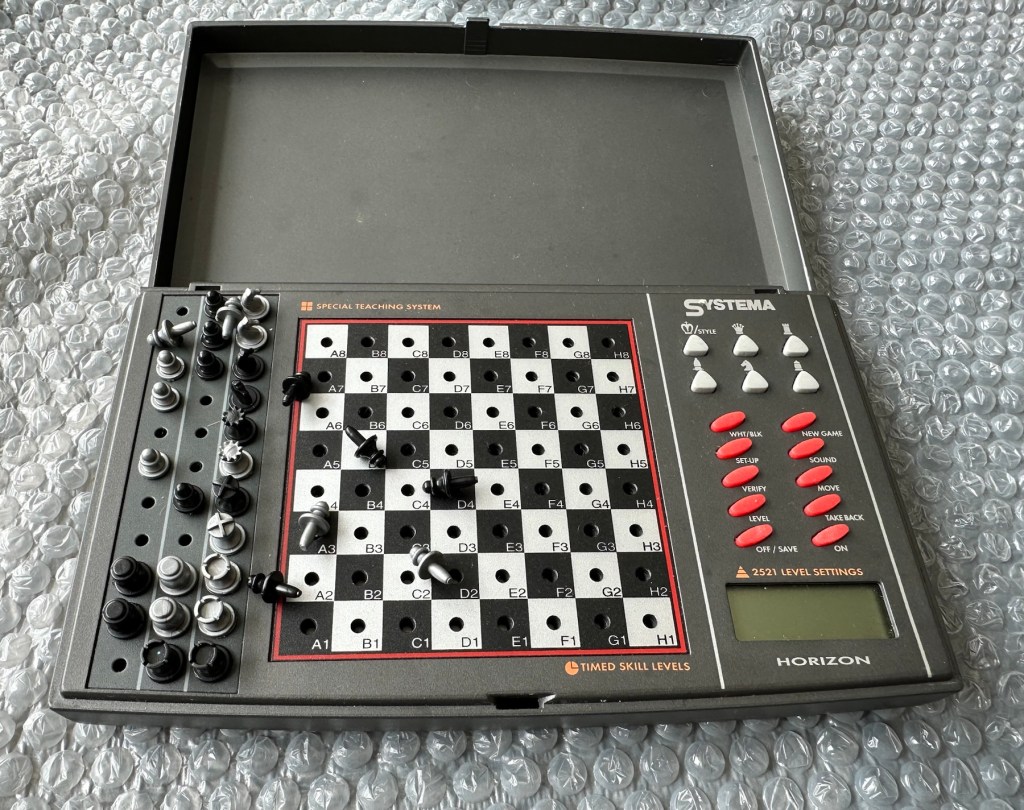
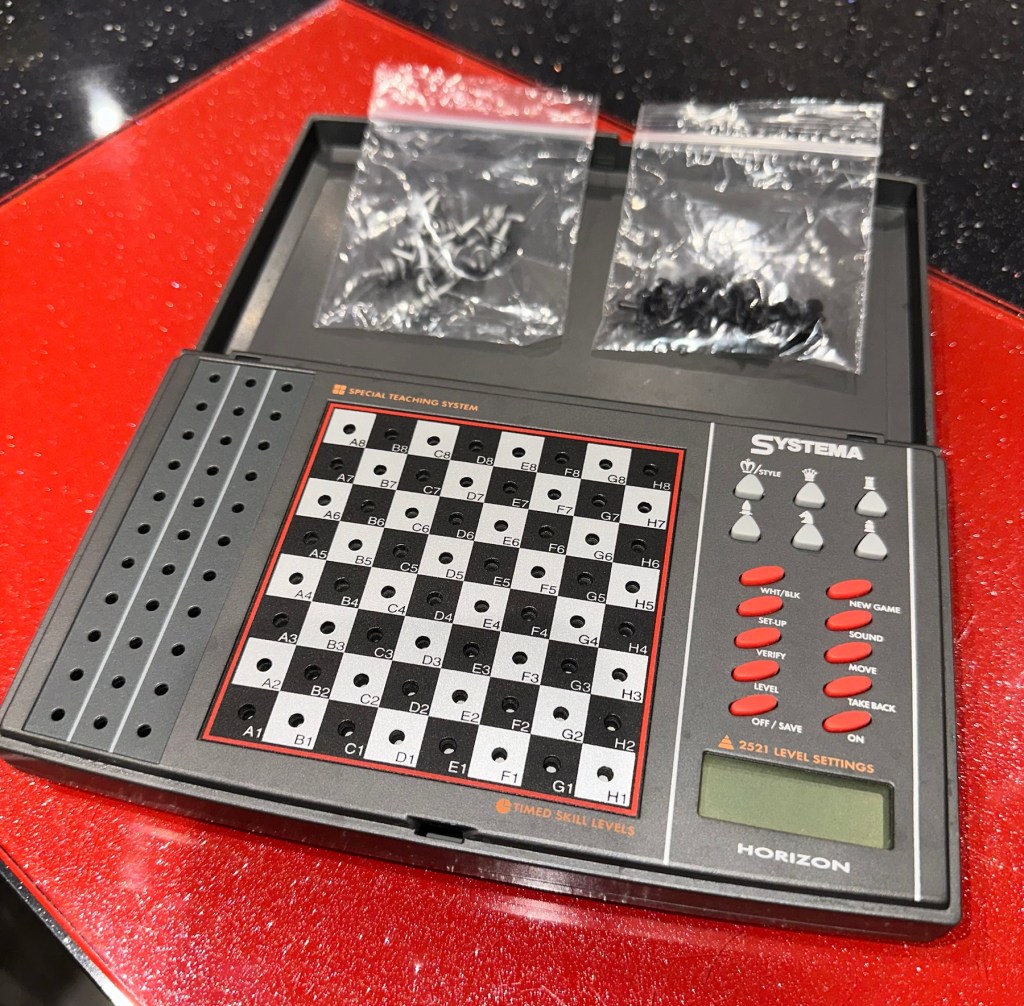
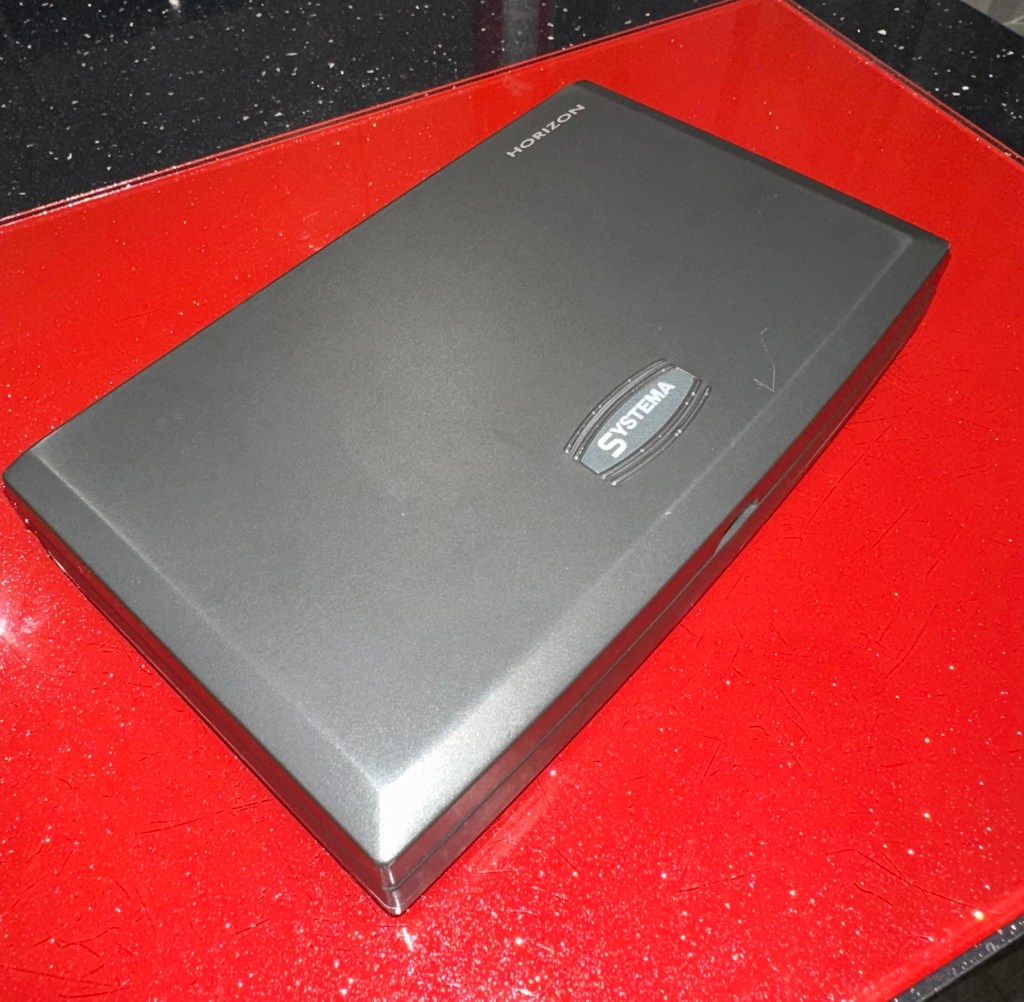
Systema Horizon Computerised Battery corrosion
The unit looks clean cosmetically, and all the pieces are present. The computer side is not working probably as a result of the corrosion that is present in the battery compartment.
So I’ve paid a grand total of £11:49GBP for this unit which is probably slightly above its value. However it was from the St.Helena Hospice in Colchester, so I do not have an issue with this. In fact if I can get it working it will be donated straight back to a hospice I support here in Leicester – LOROS hospice. So all around, everyone benefits. I don’t play chess so it will not be used by me, I believe this unit was originally released circa 1996, so it is roughly 29 years old.
A really simple video, regarding how this unit works
Not much in the form of instructions online, however I have managed to get hold of some pictures of a quick start guide that should suffice for the moment. I’ll try and get full instructions from somewhere. In the meantime, the video above shows how easy it is to setup and use.
Let’s wait for its arrival to make an assessment.
Assessment:
The item has arrived and cosmetically it’s not too bad. There is some writing ink on the lid, and some staining on the base. but nothing that a good clean wouldn’t see to.
Outside goodInside bad
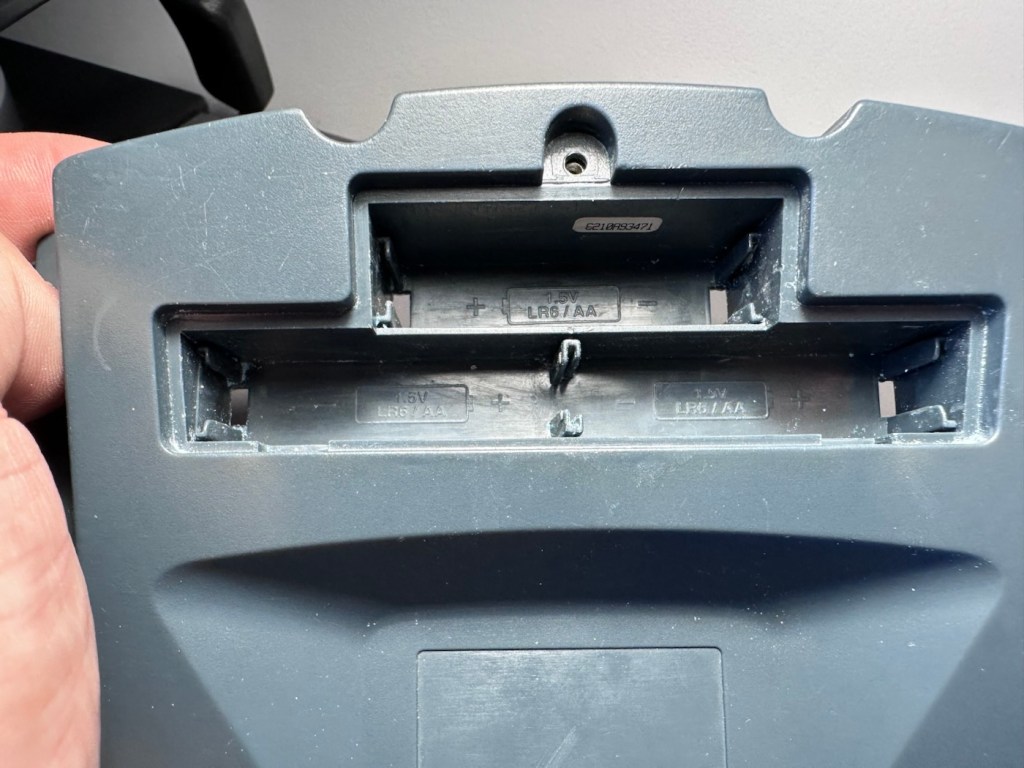
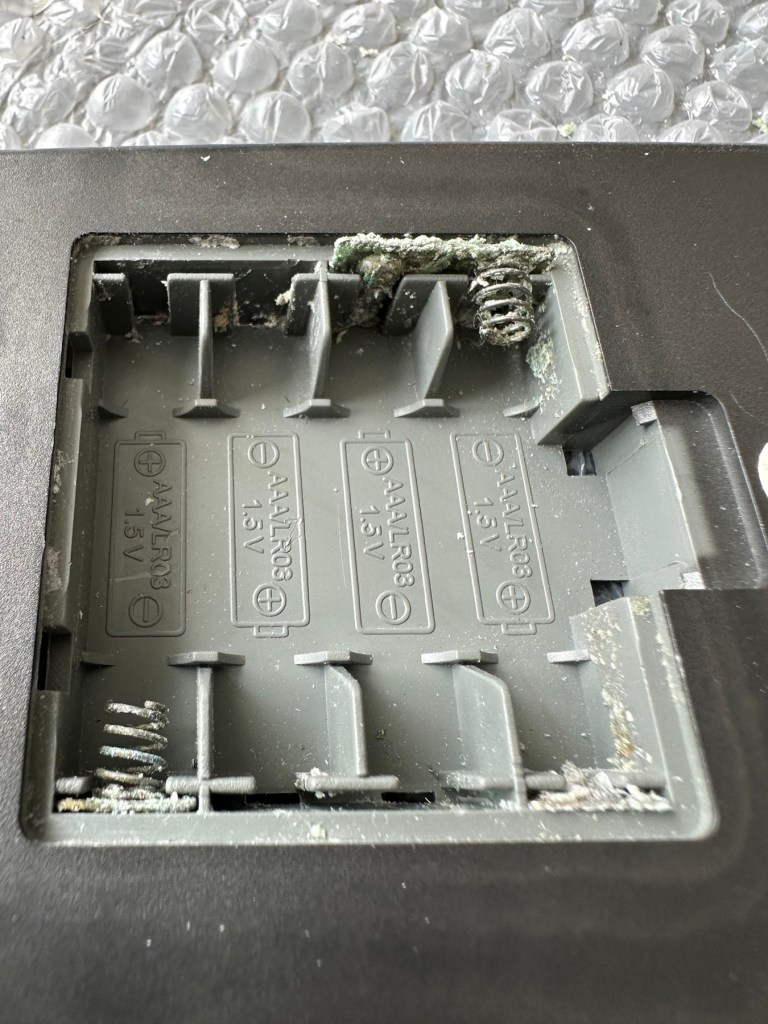
Open the battery compartment and all contacts are in serious need of a good clean or replacement. Battery corrosion is bad. All playing pieces are included and that’s always a bonus. I do believe that the issue here is purely to do with the acid corrosion, as when tested with a multimeter there is no continuity through the contacts. If the corrosion hasn’t gone too deep this should not be too much of a problematic repair.
Repair:
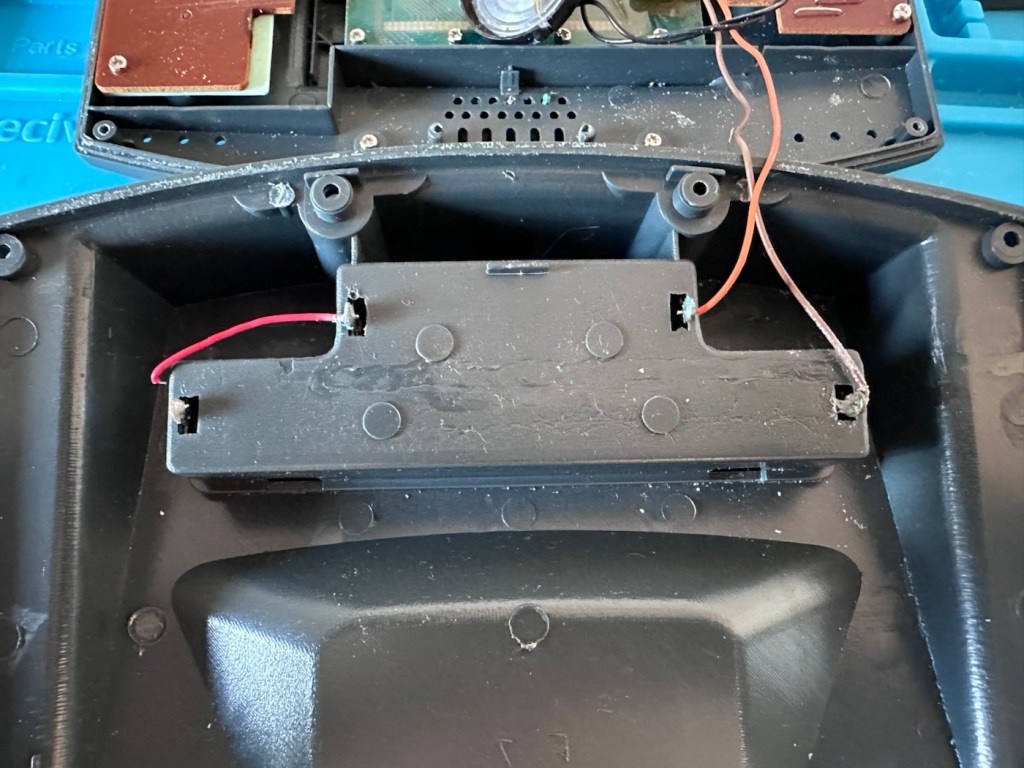
Now inside of the unit we can see the extent of the corrosion and thankfully it hasn’t reached the circuit board as the battery compartment sits just to the side of it.
Circuit board has no visible issuesYou can see the contamination on the rear of the battery compartment
I’ve disconnected the wires from the battery compartment so i can it take it away and concentrate on removing the contacts and cleaning them, or completely replacing them.
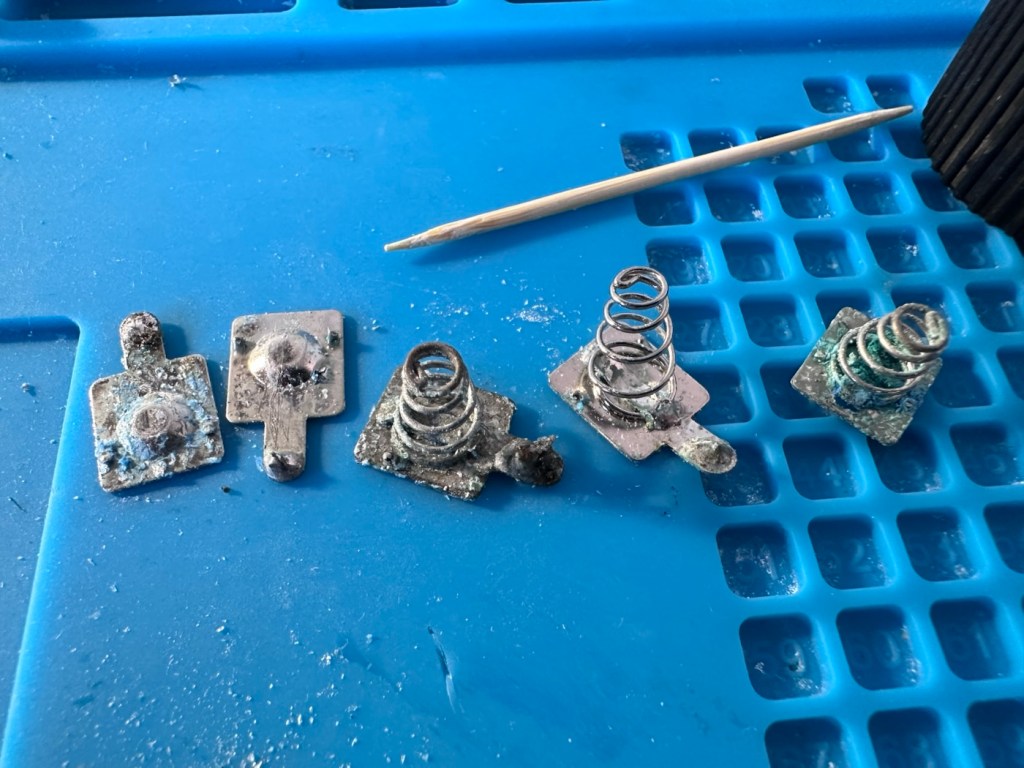
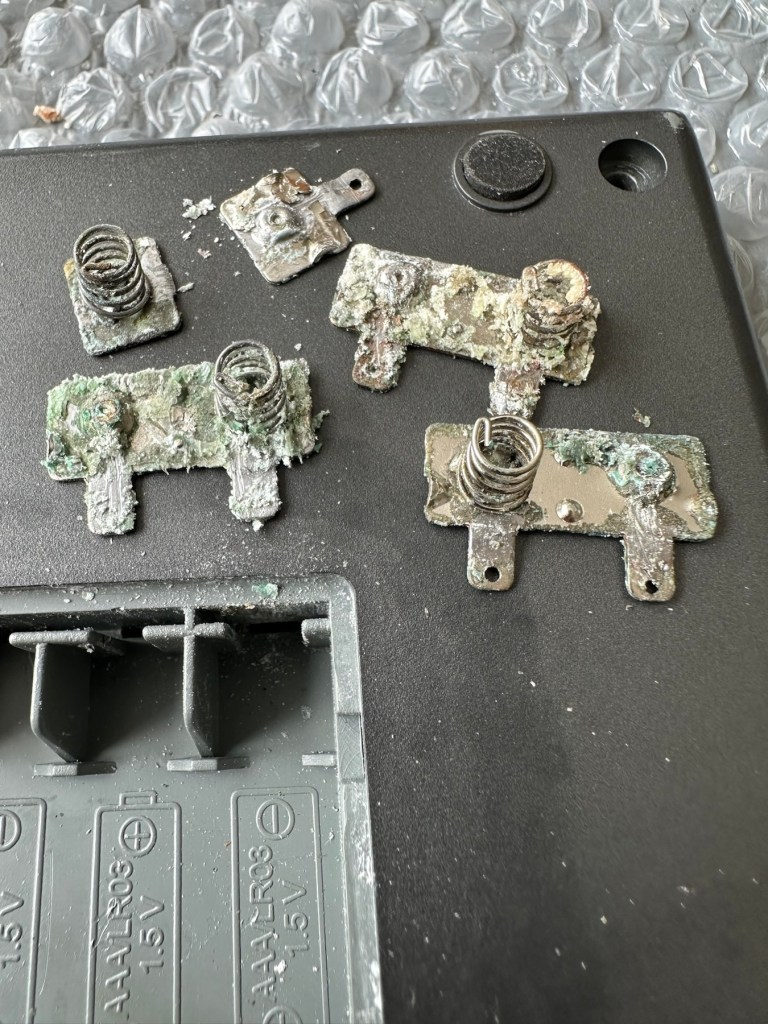
Removal of the contaminated battery contacts
The contacts are in such a poor state and so far beyond recovery that I have decided to replace them all. I need two single and three double AAA size contacts. Luckily I do have plenty of these in my current stock.
Prior to fitting the new contacts I will give the entire battery compartment a good clean with some IPA to remove the residual contamination. I will then dry the unit and just use some furniture polish to buff it all up and make sure it’s as clean as the day it left the factory. Once this is done the new battery contacts can be put in place. I can then re-solder the two internal battery wires back into place.
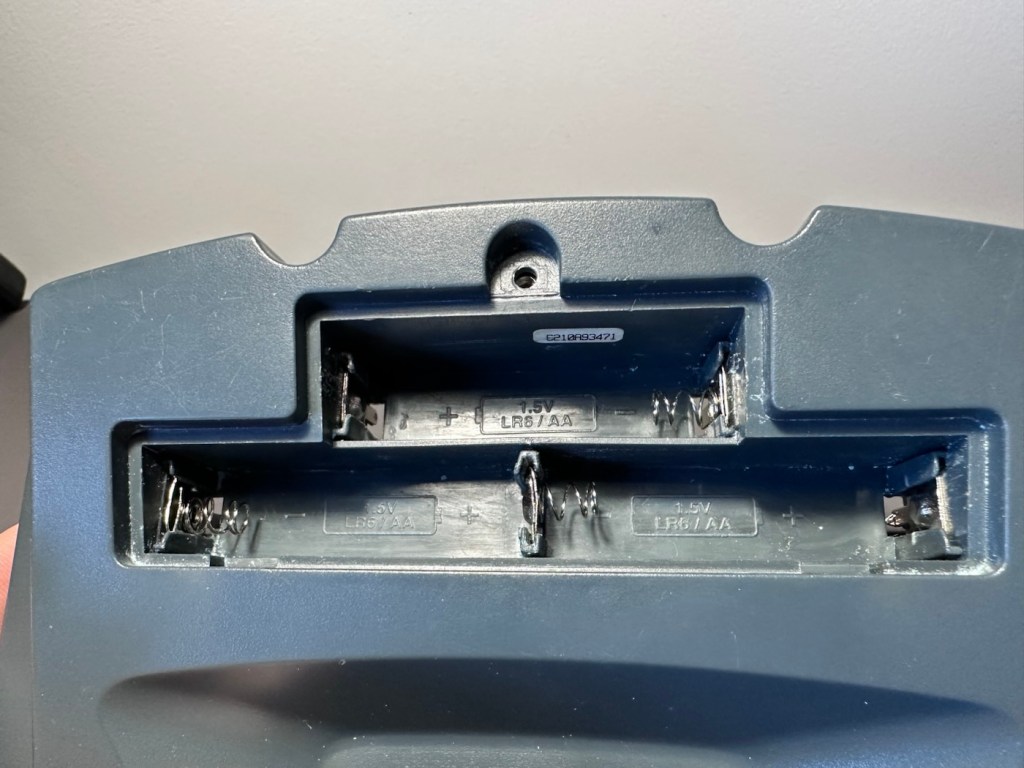
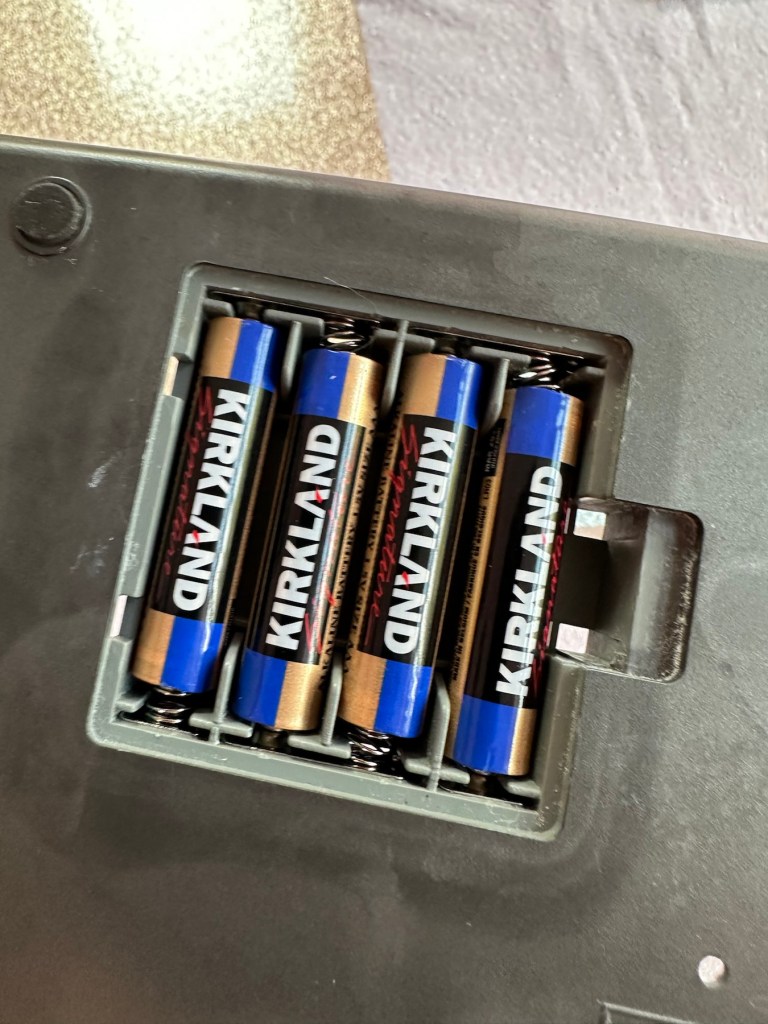
New contacts installed Batteries fit ok
Contacts checked to see power is a available
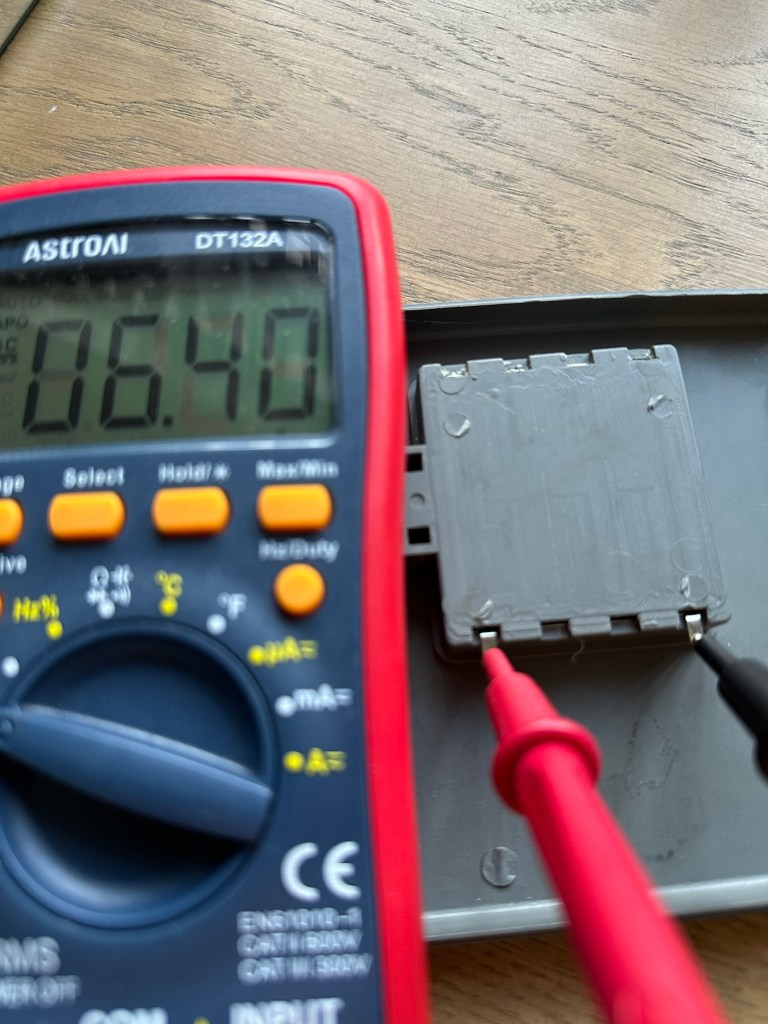
New AAA battery contacts in place I just put in the batteries, to confirm continuity with the multimeter. A good 6.4v indicates this part of the repair is good and that the contacts are all working.
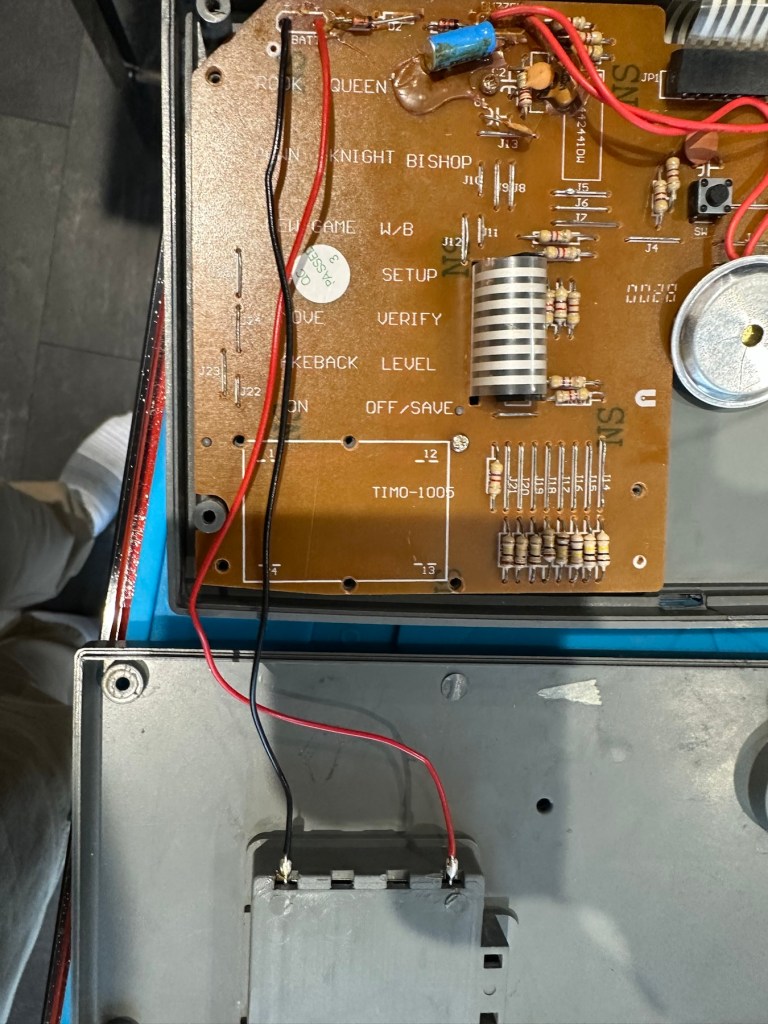
Next I’ve decided to replace the two wires from the battery compartment to the circuit board, as the wires, especially the negative one appears very brittle, probably a combination of age and the battery acid contamination.
Two new power wires
I’ve tidied the wire run up by using some Kapton tape to secure it to the shell so there is no chance of a wire pinch.
Before closing the shell up, I use some hot glue to put the speaker back into place.
A bit of hot glue to secure
Now we can get the last four screws in place to secure everything together.
Then switch on…does it work? You betcha, it does everything that it’s meant to, and even though I don’t really know how to play, I do manage to challenge the computer for a good ten minutes. It’s been a great test run and even though I’m not that clued up it is working how it should and is now back in a perfect working order. I’ve created this little video below.
It’s working
Now just a little spit and polish and we can bring this repair to a close.
Result:
It’s polished up well apart from a bit of age staining on the rear, this makes no difference as it’s only the hidden part of the case and every game related part of the unit looks fantastic and it works just fine.
Good working unit, looking superb
Really pleased with this especially as it’s going straight to our local hospice for them to sell on. It was brought from a hospice, and is going back to another, what better way to generate funds for them. I can’t play chess so this unit is wasted on me. Might as well pass it on to someone who’d appreciate it whilst giving some much needed financial support to a most worthy cause.
Another one saved from landfill. Win win all around.
Thanks for passing by and reading this post. It’s always very much appreciated.
The product is a vintage Scrabble game titled “Monty Plays Scrabble,” released in 1984. It is a rare find and comes in its original boxed packaging. The game is a portable computer console version of the classic Scrabble game, making it unique and collectible. Please note that the functionality of the game is untested.
EBay
Why did i buy? I don’t know, maybe because its from 1984 and fits my modus operandi. To be truthful i looked at it, saw the wear and tear on it and thought to myself that i can make it look better. It also states it’s a rare find….its not. In good old EBay style its “Untested” which probably means they have put some batteries in, it doesn’t work, so let us use the get out clause of selling it as untested. I could however be very wrong, and just be using unnecessary sarcastic commentary, i suspect it’s very much the latter.
And it has a battery cover. Splendid
Here’s a little history:
Manufactured by Ritam Corp, under licence from J.W Spear and sons PLC 1984
A portable electronic device that plays a competent game of Scrabble. Up to three players may challenge the device. Each player enters one’s own name and subsequently the turn order in which they will play. The players can decide to draw their own tiles or let the device do the randomizing. If the device assigns the tiles, the players may ask the device to suggest a play by using the “Hint” option.
Players keep track of the gameboard using the paper pad provided or use their own gameboard. The device has a LCD readout that is only eight characters by four characters and cannot display the entire board. Players use the arrow keys of the membrane keyboard to scroll around.
All standard Scrabble rules apply. The device will challenge any word played that is not in its 12,000 word vocabulary. The human player is final arbiter however.
The device is powered by four “C” batteries or an AC adapter. Two Advanced Vocabulary Modules were available. Each module added 16,000 words to the machine’s vocabulary to bring the total to 44,000.
Boardgamesgeek.com
And I’m fortunate to have those two advanced vocabulary modules already installed, so this unit has the full vocabulary range of 44000 words. Lucky me. Apparently the unit is able to do 2 million calculations a second, but can take up to 3 minutes to make a move! With a vocabulary built in of 12,000 words that must mean it does a lot of questioning of itself prior to making a decision. I love a computer system that constantly doubts itself, it’s such a human trait.
Anyway, what’s arrived and how does it look. And is it working?
Assessment:
The parcel has arrived and been unpacked.
Fully boxed All original packaging The unit in its boxFront of unitRear of unit
On taking the unit from the box there is no damage cosmetically, the keyboard is a bit dirty and the silver lettering and edging has worn a little.
Silver lettering and edging worn away
Great news is that the battery contacts are in a perfectly clean condition with no sign of corrosion
Super clean and the two extra vocabulary modulesBatteries added
With no corrosion visible, I put some batteries in. I switch the unit on and it makes sound, great. Looking from directly above it looks as if there is some writing on the screen but this doesn’t become visible until you move to about 60 degrees away, a bit closer to the base of the unit.
When viewed from aboveWhen views at about 60 degrees away
So the pleasing thing is that it works. In general it is in a very good condition, coming with instructions and playing sheets. As always with items such as this from this time period, there is the expected smell of age induced mustiness, and there isn’t a great deal I can do about this. But I do seem to have a working unit that just requires a little maintenance and cleaning.
Repair:
I’ve had a quick clean of the front keypad and it was quite dirty.
Bit dirty just after a very brief clean of the keyboard
I’m not sure but I might open up the unit and give it a proper wash, I’ve got to have a look at the screen inside as I suspect the screen quality might be improved by replacing some old electrolytic capacitors that I suspect may be around that area. I could however be wrong. Let’s get it opened up then.
The board looks really clean on both sides, all capacitors (and there were only three of note) look good.
FrontRear
I have taken all three capacitors in the immediate screen area off, I’ve measured them out of circuit and they are all within the 10% tolerance of their indicated ratings so in my eyes there is no issues here. They are working fine.
All capacitors tested and within tolerance
On the rear of the board behind the display is a small variable capacitor. I turned this slightly to the left whilst under power and the screen quality has improved sufficiently be able to view the display from a more natural position. It can’t be adjusted any more though so it is now at its limits, probably a result of its age and limits of performance being reached for that particular component.
The variable capacitor Improved display performance
To be honest I’m satisfied everything inside the unit is fine, and the slight improvement to the display is more than adequate, I’m now going to close the unit back up and will concentrate on the exterior.
I’ve given the exterior a good polish, and then in my art box I have a silver permanent marker that will be great for touching up the worn out lettering and surrounds, so I will use this just to make the unit look a little more aesthetically pleasing.
Silver penAll lettering retouchedManufacturers name now visibleFinished unit
And boy has that made it look better
BeforeAfter
Looking good as new, and with that result we can say the repair is complete.
Result:
We now have a good looking fully restored and fully working unit. It looks as good as the day it was sold and still does what it was made to do. The screen is at its limits but should last a good while yet. A smart looking 41 year old unit that has been saved from the scrap heap and will be around for a good time yet.
All clean, look at the restored lettering
Here we have a small video of its basic operation
Easy to operate even without instructions
All in all another satisfying repair, and yet another item saved from landfill. If it’s damaged, 9 times out of ten it can be repaired and reused. We don’t need to be so wasteful.
Thanks for following the repair, it’s always very much appreciated.
Item is for spares repair only. Powers on but appears to be stuck on game.
Please view photos for details of listing
Any questions please message me
EBay
R36S game console. Boxed. Good condition externally
Here’s the info:
Whether you missed out on the gaming golden age of the 2000s or want to introduce your kids to those unforgettable classics, the R36S Retro Handheld Video Game Console supports 15,000 iconic games, making it your gateway to reliving the magic. It’s the perfect way to take a nostalgic trip back and rediscover the joy of childhood favorites.
Revisit your childhood memories with the R36S. Whether you’re rediscovering the excitement of Super Mario, the thrill of Pokémon, or the challenge of Zelda, the R36S brings your favorite games back to life.
Perfect for those who want to experience the magic of the 80s and 90s games all over again.
Equipped with dual joysticks, L/R bumpers, and a vibrant 3.5″ HD IPS display at 640×480 resolution, the R36S Retro Handheld Video Game Console delivers precise control over gameplay mechanics and stunning visual clarity. Enjoy enhanced color accuracy and fine details for a gaming experience that perfectly blends nostalgia with modern innovation.
r36s.co.uk
I’ve managed to secure this item for an all in price of £16:25GBP and thats including the postage. The seller had a number of these selling, I suspect they are customer returns as they still have screen protection, they are in original boxes with stickers on them, and that makes me suspect they are returns.
I think I may have paid over the odds for this unit.
The fact that as soon as this batch were purchased, another set had taken their place on the selling platform confirms this. On the r36s.co.uk site, these consoles retail at around £65:00GBP, you can get similar items from other Chinese outlets that are considerably cheaper. This is an emulator unit that runs via the Linux operating system, and is supplied ready installed with around 15,000 games already on the unit utilising a number of gaming system platforms. As the operating system is open source, you can also add additional games should you wish to do so. The one I have purchased is stuck on just the one particular game i believe. I think I have some work to do.
I very much suspect the issues with this unit lays solely with the software and are not in anyway hardware related. I could however be very wrong. My knowledge on these systems is very limited so I’m going to be very reliant on information and tutorials that i can find on line.
And i may as well download some operating instructions prior to its arrival, just to be a step ahead and furnished with the most basic knowledge of its operation, maybe then i won’t come across as a totally clueless clown.
Assessment:
It’s arrived and cosmetically it’s fine. It just doesn’t work. It doesn’t even do what is stated in the listing. More EBay untruths.
Looks nice. Just doesn’t work
Powers on, charges ok and that’s about it. Box looks nice. Finding it hard to talk of anything else positive. Oh, and it’s not an original it’s a clone machine… cheapo copy. Any way, let’s have a look at getting it to work.
Repair:
So first thing was to download a new OS for the unit, unzip it, and download it to the removable sd card, easier said than done. I think I’ve probably lost all the games that were installed, but without a system to run it all, what’s the point. I can always download games later, I have however backed up a number of files as suggested so let’s just wait and see.
Trying to prepare the new volumes on the drive
The first operating system downloaded did not work, because now I’ve been informed that this machine is one of many clones out there, it’s not original. Lovely. Not a problem, we can still get another operating system, it’s just going to take a bit more of my time to do so, and god knows how long it will take to download the games. This is the biggest pain in the ass with these systems, the sourcing of the programs to ensure the system runs smoothly.
But it will be repaired. And I’m in no rush. I’m off out for a while.
I have had to download an alternative operating system ArKos_K36_v2.0 to my computer. It then has to be run through a disc imager programme to prepare the disc and install the correct partitions and system information, onto the micro SD card used by the unit.
That all done, time to plug the card into the unit and see if it turns on.
Hallelujah! It works.
The operating system successfully installed
Having to format the original card obviously erased all the games that were originally on the card. There were around 15000 games on this unit, but let’s be honest most of them would have been games that were either inferior, similar to others, or just used to bloat the card out. I’m now in a position where I can be choosy about the games I load on the system, and this will allow me to not have it so cluttered.
This is where it gets a little more tricky.
There are a number of people and sites I have spoken with or looked to, to find out the information required to carry out these tasks. And for someone who hasn’t messed about with computer and program files and structures for many a year it is quite daunting to say the least.
I have downloaded a file that is recommended and contains many of the 15000 games originally on the card but with a lot of the bloatware removed to make it a more structurally pleasing and easier to handle package. It’s called the Tiny best set go package and is downloaded from GitHub.
These games are broken down into Rom packages and have to be removed from the download and placed into the easyrom folder on your operating system, it’s a little more complex that that but that is the crux of the task. I won’t go into finite detail as it will bore your asses off and there is plenty of information on how to do it already out there.
I will recommend this one guy as having a superb little site regarding hand held consoles such as this and their issues: Handheld database
Anyway the task has been completed. I’m probably not going to get involved with such time consuming repairs as this again. It’s been a learning curve, but just too time consuming for me. I’ll leave these issues for the younger generation.
Result:
It works. It’s been saved from landfill and there is no better outcome than that. To be honest it’s unbelievable that so many games and so much information can be held on such a small memory card.
Space invaders….im now content
In general the game quality is really good, only let down sometimes by the way that the emulator software interprets the program in question. There is more than enough on here to keep anyone occupied during some downtime. There are many classic old school games on here that will also keep the old farts like me amused as well.
Overall it’s been a tough repair, I pretty much knew from the start what the issue would be and went into this repair totally blinkered. I have learned a lot from it, but will I be working on these again? I doubt it unless one of the younger members wants one then I might have another go. But until then it’s job done, another bit of throwaway hardware saved from the scrap heap.
Edit: I couldn’t keep away could i? I found a chap local to me who works on these units, and he has kindly offered to assist me if I should ever need anything clearing up. Well I couldn’t resist that offer and in two emails he has shown me just how to get these games downloaded, it’s simple when you know how.
19939 games now. Blimey.
So simple that rather than download a few games I’ve gone a tad over the top and now have 19939 of them. That should see me right beyond my natural existence and into the afterlife. What a lovely fellow. There are still lots of nice and helpful souls around.
Listing for a FAULTY Nintendo Gameboy printer unit.
The printer is FAULTY, it has a lot of battery leakage in the battery compartment, so doesn’t currently power up. Some of the terminals look like they should clean up pretty well, but i cannot guarantee.
As it doesn’t power up, i haven’t been able to test it. So can’t guarantee thats the only issue.
The casing has some discolouration, marks and other imperfections here and there.
I haven’t attempted any repairs and cannot guarantee it is fixable.
SOLD AS FAULTY/spares/repairs.
EBay
Here are the supplied pictures:
Serious yellowing, good candidate for RetrobrightingSome serious battery leakage contamination
I think I’ve got my work cut out with this one. It’s another piece of unloved technology from 1998 looking for a new life. I’ve paid a total of £19:89GBP including postage for this item, probably at the higher end of what I’m comfortable with for an item in this condition. It has some serious corrosion issues that could go a lot deeper than just the battery contacts. There is a definite issue with discolouration, however I’m happy with that as it will be my guinea pig for my first attempt at retrobrighting, this process i discussed in this post a few days back: Retr0bright – What’s that then?
My plan of attack for this unit is to completely dismantle it, give it a thorough clean, retrobright the casing and then attend to the electrical / component issues.
Here’s some history about the printer unit:
The Game Boy Printer, known as the Pocket Printer in Japan, is a thermal printer accessory released by Nintendo in 1998 which ceased production in early 2003. The Game Boy Printer is compatible with all the Game Boy systems except the Game Boy Micro and is designed to be used in conjunction with the Game Boy Camera. It also prints images from compatible late-generation Game Boy and Game Boy Color games. It runs on six AA batteries and uses a proprietary 38mm wide thermal paper with adhesive backing, originally sold in white, red, yellow and blue colors. In Japan, a bright yellow Pokémon version of the Game Boy Printer was released, featuring a feed button in the style of a Poké Ball.
Wikipedia
If I manage to get this into a working state it will be added to my GameBoy collection.
I just need a suitable lead to connect between the console and the printer, and a small roll of 38mm wide thermal paper. I’m currently sourcing these.
Assessment:
Well it certainly has the yellowing issues and I will cover that in a separate post where I will have my first attempt at Retrobrighting the unit. With batteries in place, the unit is very dead and no matter how many times the switch is operated, it remains dead. Battery terminals are a mess and there is a lot of evidence of battery leakage and corrosion.
Serious yellowing over the years visible at all anglesSerious corrosion across battery terminals
The board inside hasn’t been that badly affected by the corrosion, however one track from the battery terminal was showing signs of decay and will need attention. There are parts of the board that will need reflowing as there are some dodgy looking solder joints.
The main boardMotor removedSigns of corrosion by the battery terminal
I’m happy that all the issues have been identified and I do actually have the items to carry out the repair. I will focus on the external issues such as the yellowing before dealing with the contacts and main board issues. Stay with me now, the repair begins.
Needless to say the results are fantastic and I shall look at incorporating this method into more of my future projects. I have since given the case a second treatment and it is pretty much perfect with no sign of discolouration.
As you can see in the pictures above, the battery compartment suffered from some severe acid contamination. Using a grinding pen and a lot of cleaning solution, three of the five contacts were saved but two were beyond repair and I had to replace these with new contacts.
Replaced contactsGrinded and cleaned.Battery contacts were so poor only three of the five could be saved with the other two requiring new replacements
I then loaded the battery compartment with new batteries and then checked the two terminal ends to assure continuity, this was confirmed and continuity exists throughout. As a result the battery issues and power supply have now been resolved.
I mentioned that one of the tracks on the main board was showing signs of corrosion. I filed this down, cleaned it, and then brushed the board down with IPA and checked the continuity and this was fine. All suspect solder joints have also been reflowed, they are all looking good and new.
Track issue in the top left area by the battery contact. All corrosion ground off and cleaned with IPAArea of concern highlighted on the left side picture. All attended to and cleaned and recoated with some solder mask to prevent any further decay
I had previously removed the motor from the board to assist with cleaning, as i didn’t wish to damage any of the ribbon cables. I then reconnected the cleaned and freshly repaired board, to the restored battery compartment to see if anything lit up. It sure did.
We have a light
This was pleasing as it now showed that we had continuity from the battery compartment to the board. I then added the motor back in and we also had some movement.
Movement restored
This again was very pleasing as everything we have done so far seems to be working. However it proves nothing yet until I can get the correct cable and some correct sized thermal paper to see that it actually does print, or even advance the paper. Those items are being sourced, and I don’t want to jump ahead of myself just yet as there could still be a number of yet to be addressed issues that may arise. It’s very much a fingers crossed period until we can test the unit properly.
Let’s clean all the other plastics whilst we await all the other items to be attended to.
All washed and drying out
Now we will commence reassembly.
Before After with light visible
All restored, working and looking pristine
Now all assembled the motor moves into position when turned on, the feed button also works. The paper rolls for these units are at the moment extortionate and selling for about £10GBP for the tiniest of rolls, and I’m not paying that. I have a thermal printer at home and I have cut some of this paper to size to test the transport, and this works just fine. Just awaiting the cable to connect the GameBoy to the printer. Fingers still firmly crossed.
Result:
I’ve just found out that if you hold the feed button whilst turning on the unit you get a test message. I’ve done this and I’m pleased to say the unit is fully working.
It’s working perfectly
I’ve also connected it to my game boy and the game – Pokemon pinball, and was able to print off the high scores. It truly works.
High scores
I’m just so pleased how this project has gone. It has been a complete refurbishment, clean, and I have even managed to reuse the original stickers. The unit looks pristine and really is a nice piece of kit. This goes into my GameBoy collection and has many more years of good use left in it.
Clean and tidyTotal refurbishment
And to think this would have probably ended up in landfill. Scandalous. The cost of repair to me has been less than £2GBP and the majority of that was for the peroxide solution to do the Retrobrighting.
Great result. Very happy with this.
I can now uncross those fingers. All is fine.
Thanks for passing by, as always most appreciated.
You must be logged in to post a comment.