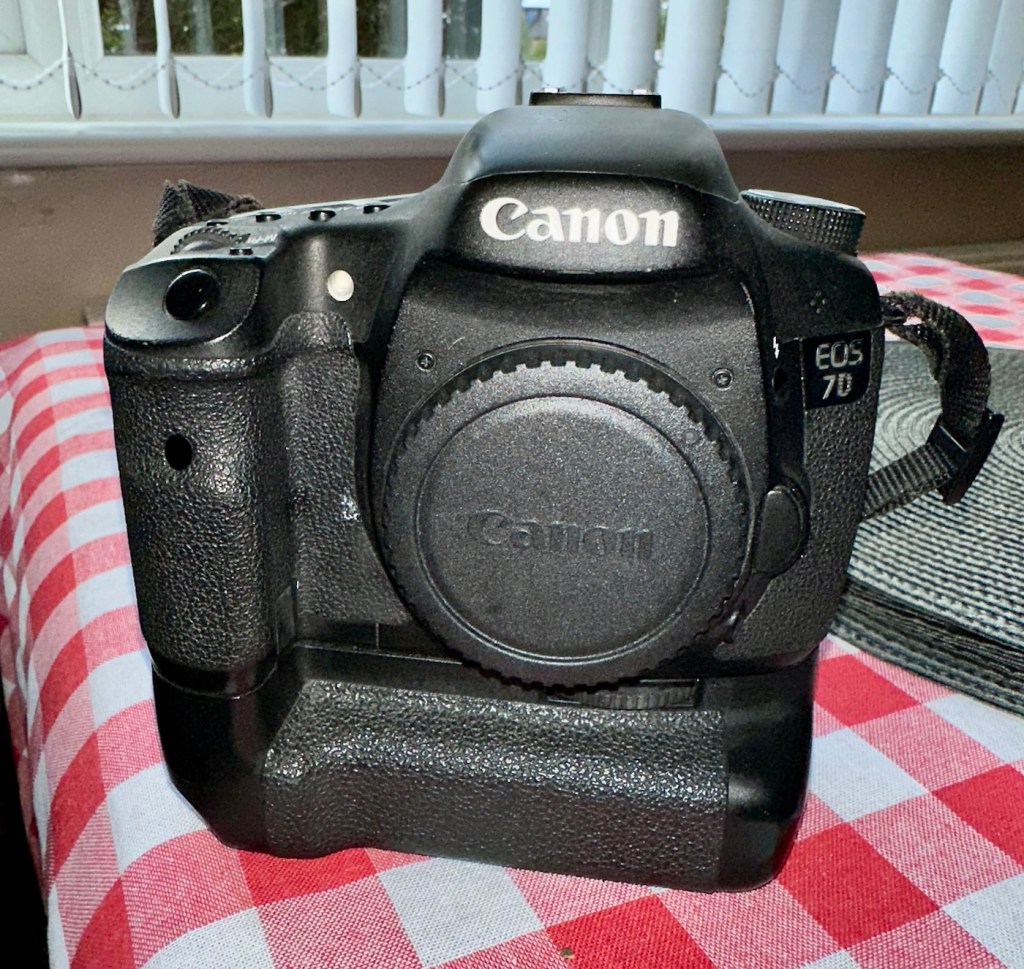
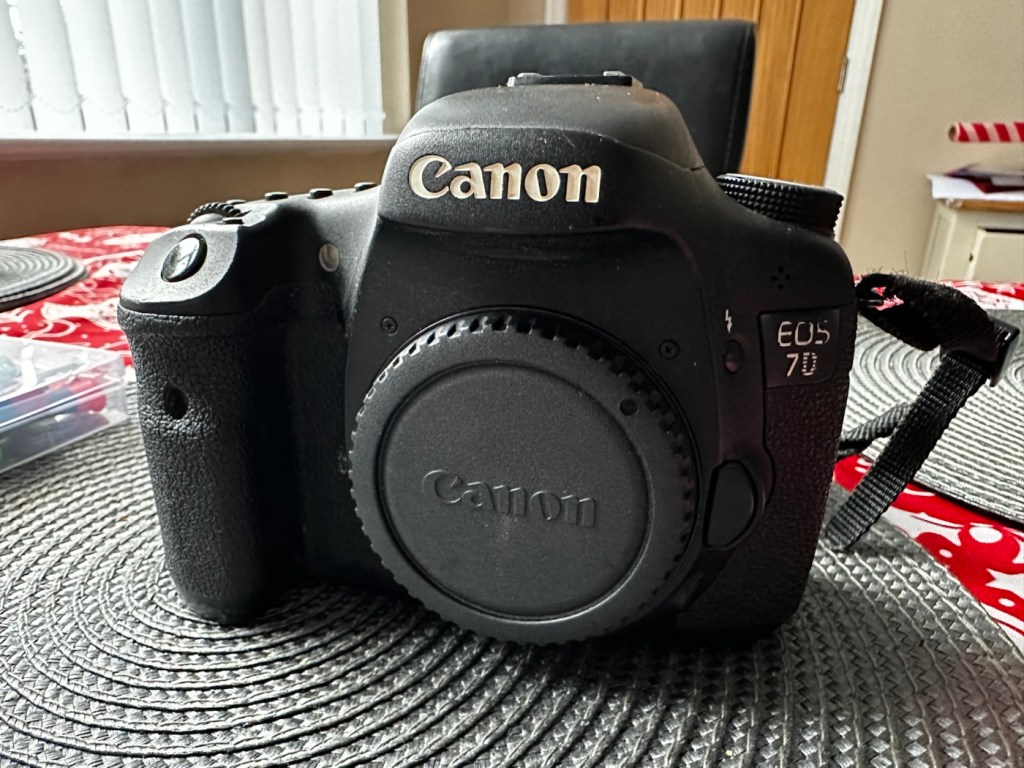
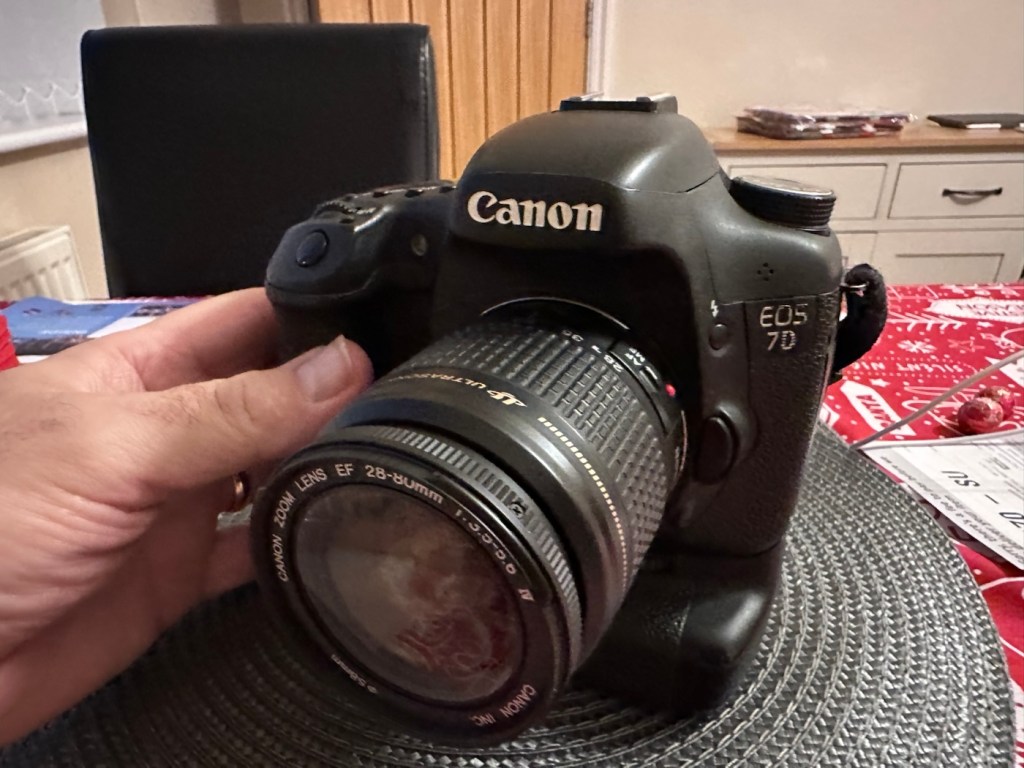
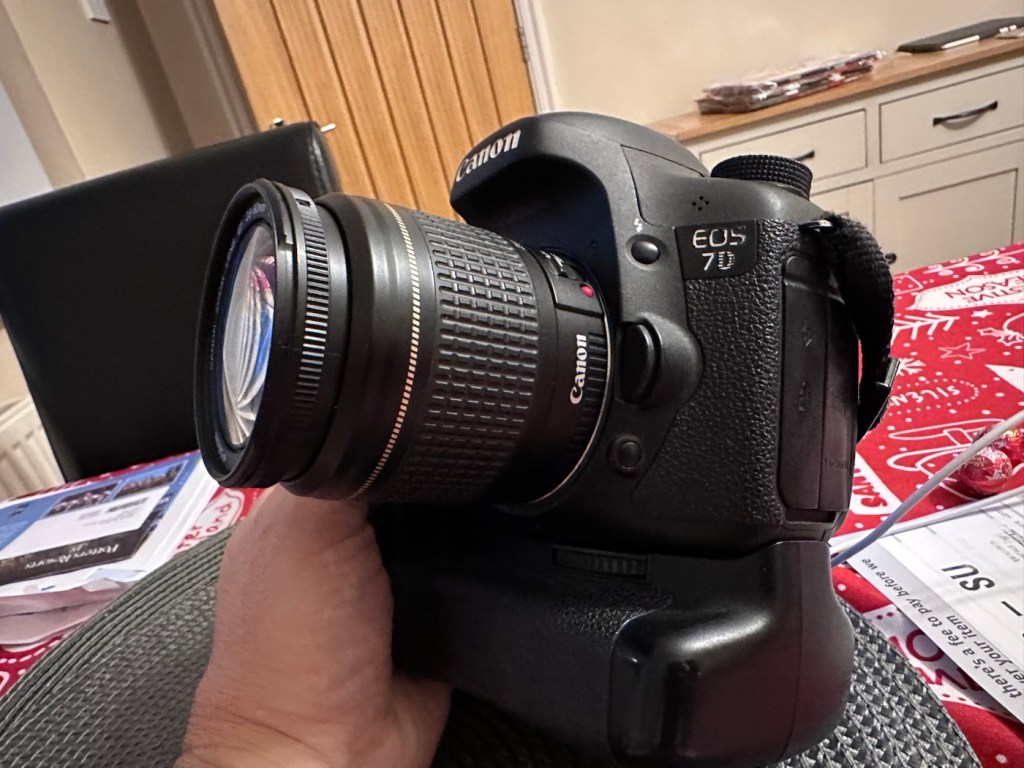
Canon EOS 7D

Can I get this classic EOS 7D operational again? It has damaged card reader pins.

I received this camera from a good friend who is a professional photographer, a few weeks back in a bundle of cameras and photographic equipment he no longer uses, he has kindly donated them to me to get working again. You can see that post, and just what was donated here: Cameras…i need more!

Canon EOS 7D

I’m in a situation where I don’t have my repair gear with me at the moment, as it is all packed and in storage awaiting our impending house move. Hence the reason I am racking up a whole load of draft posts that I can’t complete until I have my workspace back in use. Therefore any work I can do is severely restricted to inspection, cleaning and preparation with the only maintenance being attempted on the outside of the camera.

Let’s have a brief history on the Canon EOS 7D:

The Canon EOS 7D is a high-end APS-Cdigital single-lens reflex camera made by Canon. It was announced on 1 September 2009 with a suggested retail price of US$1,699, and was marketed as a semi-professional DSLR camera.

Among its features are an 18.0 effective megapixel CMOS sensor, Full HD video recording, its 8.0 frames per second continuous shooting, new viewfinder which offers 1.0X magnification and 100% coverage, 19-point auto-focus system, movie mode, and built-in Speedlite transmitter.

The EOS 7D remained in Canon’s single-digit APS-C model lineup without replacement for slightly more than five years—the longest product cycle for any EOS digital camera. Its successor was the Canon EOS 7D Mark II, announced on 15 September 2014.

Wikipedia

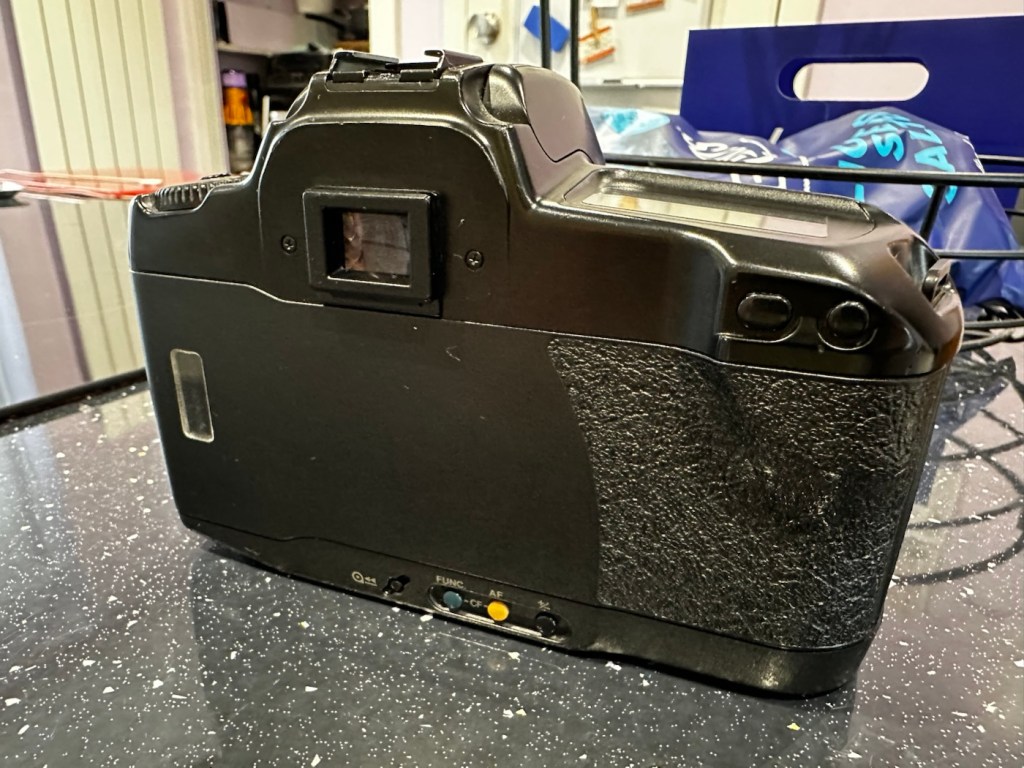
Structurally and cosmetically this is a beautiful camera in very good condition. However it would not have been donated to me unless it had problems. Let’s now put my detective hat on and go looking for clues.

Assessment:

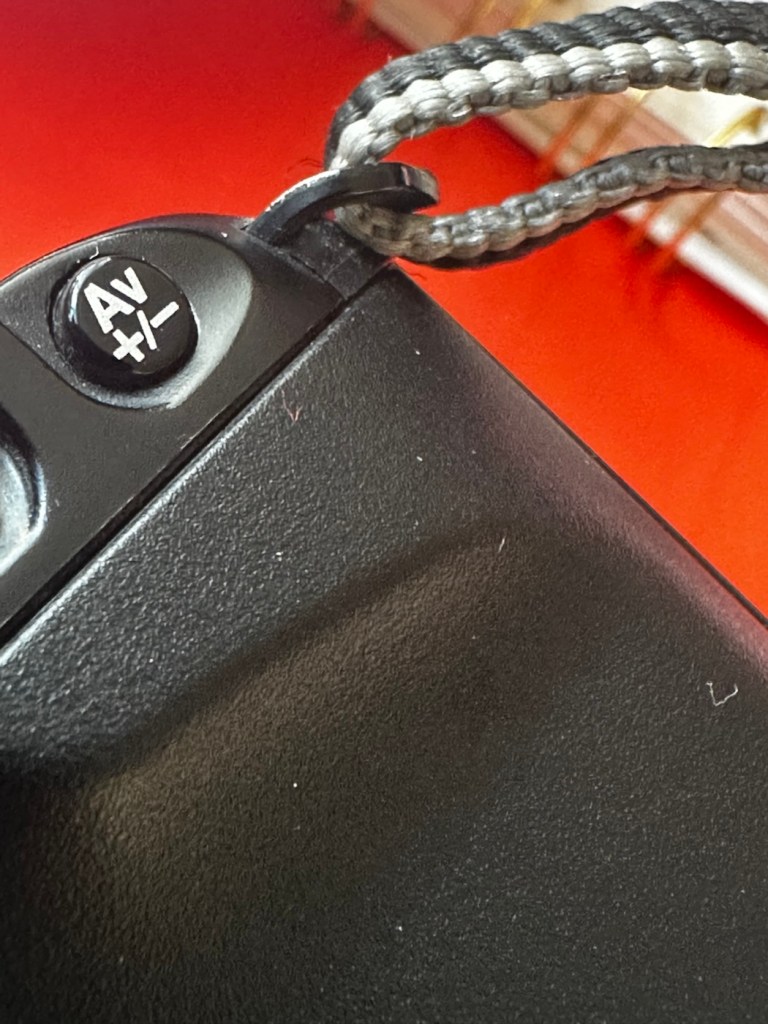
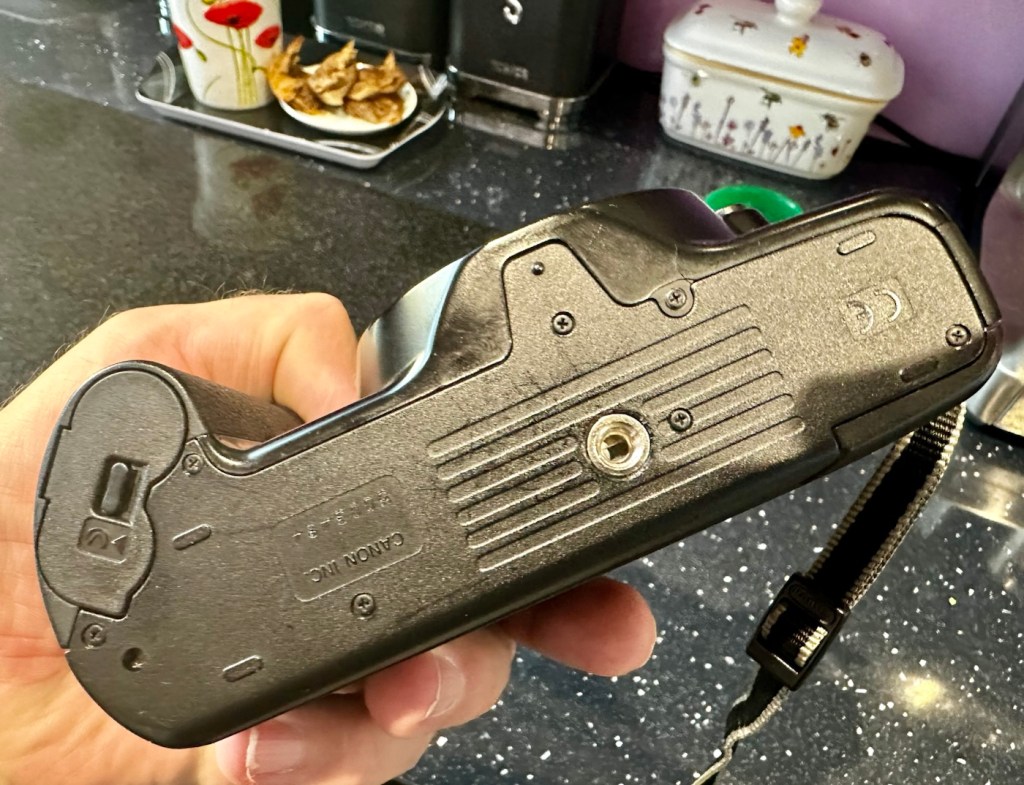
As stated earlier, cosmetically there is nothing at all wrong with this camera, it even has the plastic screen cover in place. Mirror looks clean and curtain looks fine no issues here. All electrical contacts such as HDMI are in good condition with no visible damage to the ports.

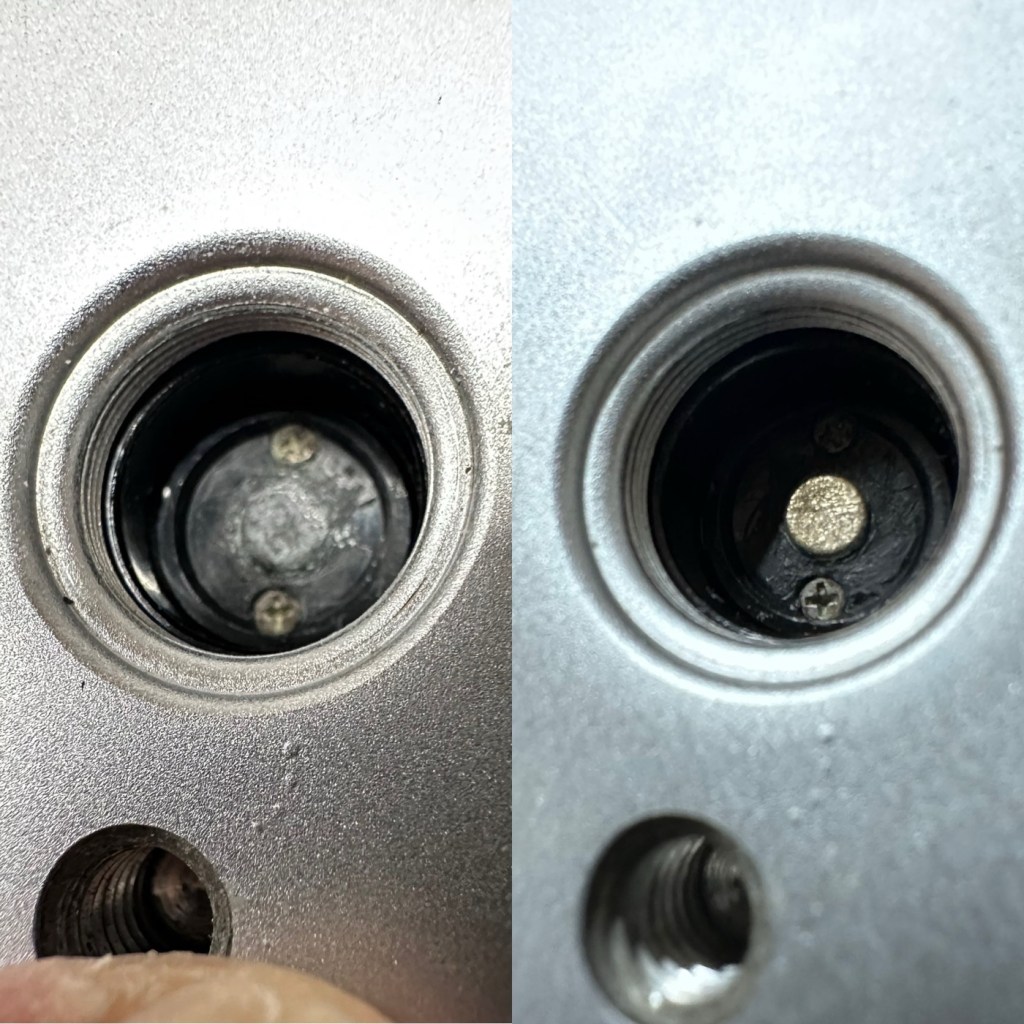
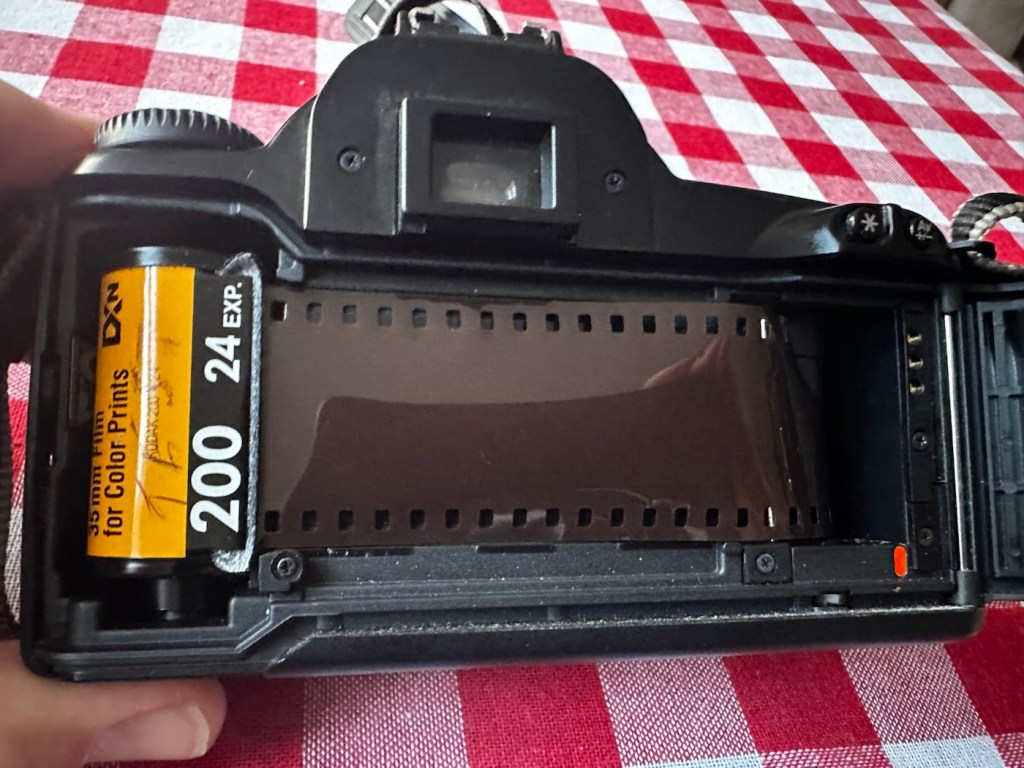
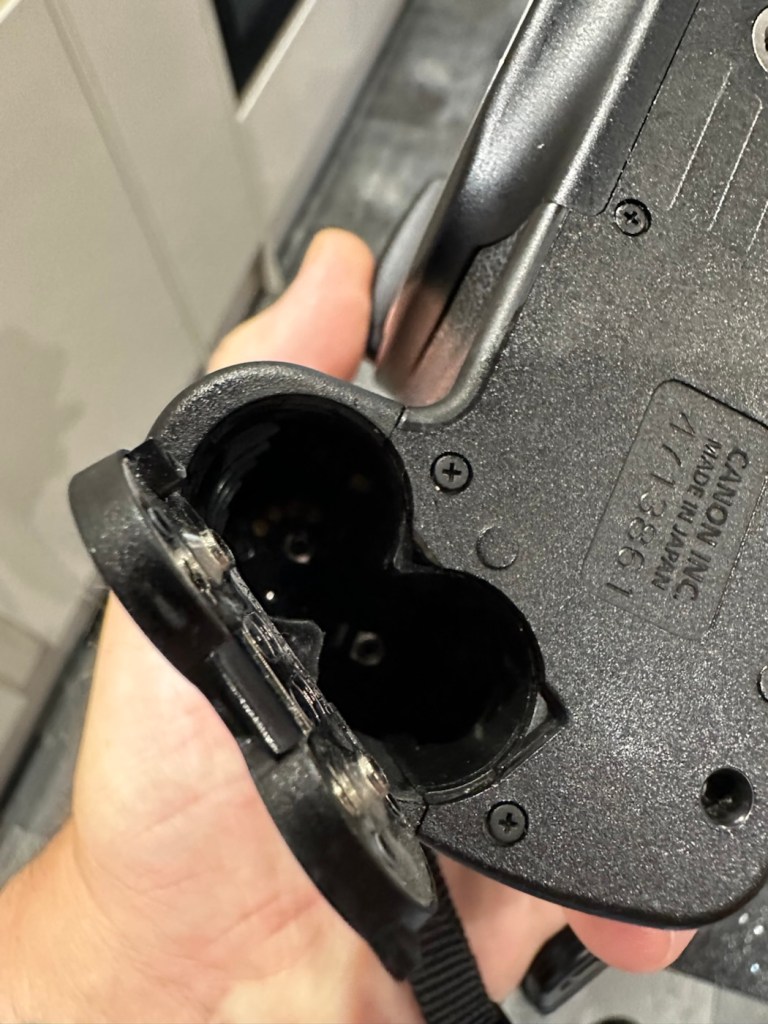
One last place to check and I now believe this is where the problem lies. This is the CF card door, and when opened it reveals one possible big issue.

Bent pins

Bent pins on the CF card reader. These pins are quite small and only millimetres in diameter, in a very restricted space about 8 cms deep and 6cm in width, it really is quite a small aperture. There are two options here, one I try to gently coax these pins back into place with a fine point tool, however the pins are minuscule, and brittle and prone to breaking. I can see potentially 7 pins that are out of position, not an easy or expedient option. But I’ll have to give it a go. Option two is to purchase a new CF card reader replacement, this option carries some expense and quite a complex dismantling of the camera to achieve said replacement. Needless to say I will initially attempt the pin bending procedure. Pending on success or failure, i could venture into step two. Read on to see what occurs.

Repair:

With a fine point set of tweezers, I’ve decided to have the first attempt at seeing if I can straighten the pins. Using a bright LED torch I angle the beam slightly so I get a bit of shadow on the pins, and this allows me to see how many are bent. I can see seven pins in total that are bent, and two of these seem as if they have been forced down to about half their height. This is quite normal when people go in a bit heavy with the CF card, if these pins go down too far there is no option but to go inside the camera and push them out from inside, or replace the card reader completely. I kind of hope that I have been able to pull them out far enough for them to work. I won’t know though until I get the CF card and batteries out of storage.

The camera in question

I’ve spent about an hour, bright lights, little subject matter, and now have very tired eyes. I’ve been breathing slowly just like a surgeon heading into a part of an operation that requires the utmost concentration, and precise and very delicate movements. I think I’ve done a good job. Only testing will tell.

Speaking with my friend Jon, who this camera came from, he has stated that he rather foolishly lent this camera to a ham fisted colleague who hammered the card into the camera, causing the issues that I am dealing with today.

If we have to open up the camera, I will probably be looking at about 3 hours of work, as there is an awful lot of dismantling that has to occur, and I believe there are around 30 screws to remove just to get under the skin of this camera. It’s built like a brick, weighs about the same and is just packed with electronics.

Fingers crossed 🤞 let’s hope option number one has been successful.

Well, today I went to the lock up and dug out a small 2GB CF card and the two Canon batteries and a charger. I came home and Put the batteries in that surprisingly still held a little charge, sufficient to turn the camera on. I gently inserted the CF card only for the following message to appear on the screen, “Card cannot be accessed. Reinsert/change the card or format card with camera.” Aww shucks I thought, it hadn’t worked. I tried to format the card and the format failed, at this point I thought the pin maintenance had not worked. Damn. I was a tad annoyed.

CF card being installed

So I removed the card and checked the pins, they were ok. I reinserted the card and the same fault appeared, however this time when the option came up to format the card it worked. I was so shocked I tried it again and forced another format, again it worked!

Right it was now time to get a lens on the front and test the camera to check to see if it would write to the card, it’s only a stock lens, nothing special but absolutely fine for testing purposes. Just walking around the house I put the unit into auto, the flash popped up and I proceeded to rattle off a few random shots. And it worked, the results all came up on the rear screen.

Random shot 1
Random shot 2
Random shot 3

To say I was pleased at this is an absolute understatement. The work on the pins has worked and I now have a perfectly well working example of quite a top end camera. There’s no doubt that in the future the camera will require a replacement card reader, but for the moment it’s been given a new lease of life, and whilst I remember to be gentle with the removal and placement of the CF card, let’s just enjoy the camera and its capabilities until that time comes. In the meantime here are just a few, “Randoms” taken to test the card and camera in and around my home.

Result:

You little beauty

Time to give this camera a little buff up. (Clean)

This unit only appears to have taken 1,860 pictures. It is completely unused, and in perfect condition. And it now works. To be honest I feel more confident with this camera than I do with the mirrorless Sony that my wife purchased for my birthday. This was going to become my number two camera, however it’s just been promoted to my number one, as long as that card pin issue and repair holds up, and I have no reason to doubt that it should be a long time before any issues arise. I am confident that my repair has longevity as they say.

I want to give it a good test in daylight conditions in all modes rather than auto. I want to get a bigger CF card maybe a couple of 8GB ones, I don’t see the point in going for the bigger cards just in case there is a read/write issue in the future. It’s just an OCD thing for me, you know what I’m like.

So overall I’m really quite happy and satisfied with this camera. Of all the cameras I was gifted by my good friend Jon, all have been repaired apart from one that was beyond economic repair, even that has been broken down into it component parts, every screw recovered and will be used for spare parts. Nothing, and I mean nothing has been disposed of from this collection of cameras and accessories.

That’s what I do, I don’t waste anything. Ask the wife!

Many thanks for passing by, it’s always very much appreciated.

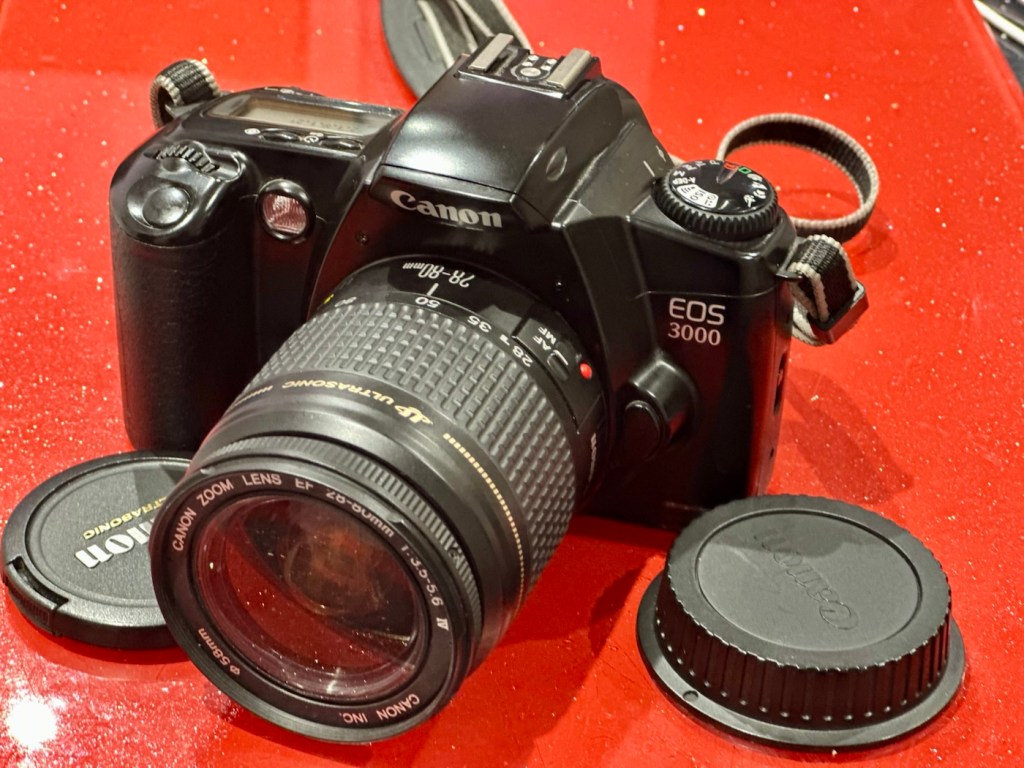
Canon EOS 3000

Another entry level camera, unloved, made good

Here I have another basic, entry level camera made by Canon. Produced around 1999? this camera is probably around 26 years old. These cameras don’t have the traditional identification number printed within the film spool holder that the older cameras had, hence the precise manufacturing date is difficult to confirm.

Canon EOS 3000

This is a camera passed onto me by a good friend and professional photographer, Jon, as can be seen in this post: Cameras…i need more!

Here’s a little information about this camera:

The EOS 3000 is an autofocus SLR for 35mm film introduced by Canon in 1999. It was sold as the EOS 88 in Asia. (It was not sold in the US.) The pentamirror viewfinder and manually-activated popup flash helped keep this a lower-cost model; but a full range of autoexposure modes were included, including off-the-film flash exposure setting. Film transport is motorized and the camera requires two 3-volt CR123 lithium batteries to operate.

A compact, lightweight, low-priced SLR camera. Successor to the EOS5000, but with greatly expanded basic functions. The camera incorporates the Mode Dial and most other basic features of the EOS Kiss/EOS REBEL XS/EOS500 and includes six-zone evaluative metering linked to three focusing points. In addition, the flash is linked to the measurement point so that during shooting the flash out-put level is constantly adjusted for optimum exposure control. For reasons of cost, the flash unit is manual pop-up/retractable head type. The EOS3000 is compatible with system accessories for the Kiss and New Kiss. The high-quality design has a feel of genuine elegance.

Canon/ Camera-wiki.org

This camera was pitched at a low cost to attract people into photography, and to encourage those who were just hobbyists to upgrade to something more than the traditional point and shoots/disposables available at the time.

There is not a lot wrong with this camera as far as I can see, let’s have a look and do some tests.

Assessment:

It has a grip that’s starting to develop the sticky issue so that will need cleaning. The mirror and prism are dusty and will need a cleaning.

Sticky grip and dusty internals

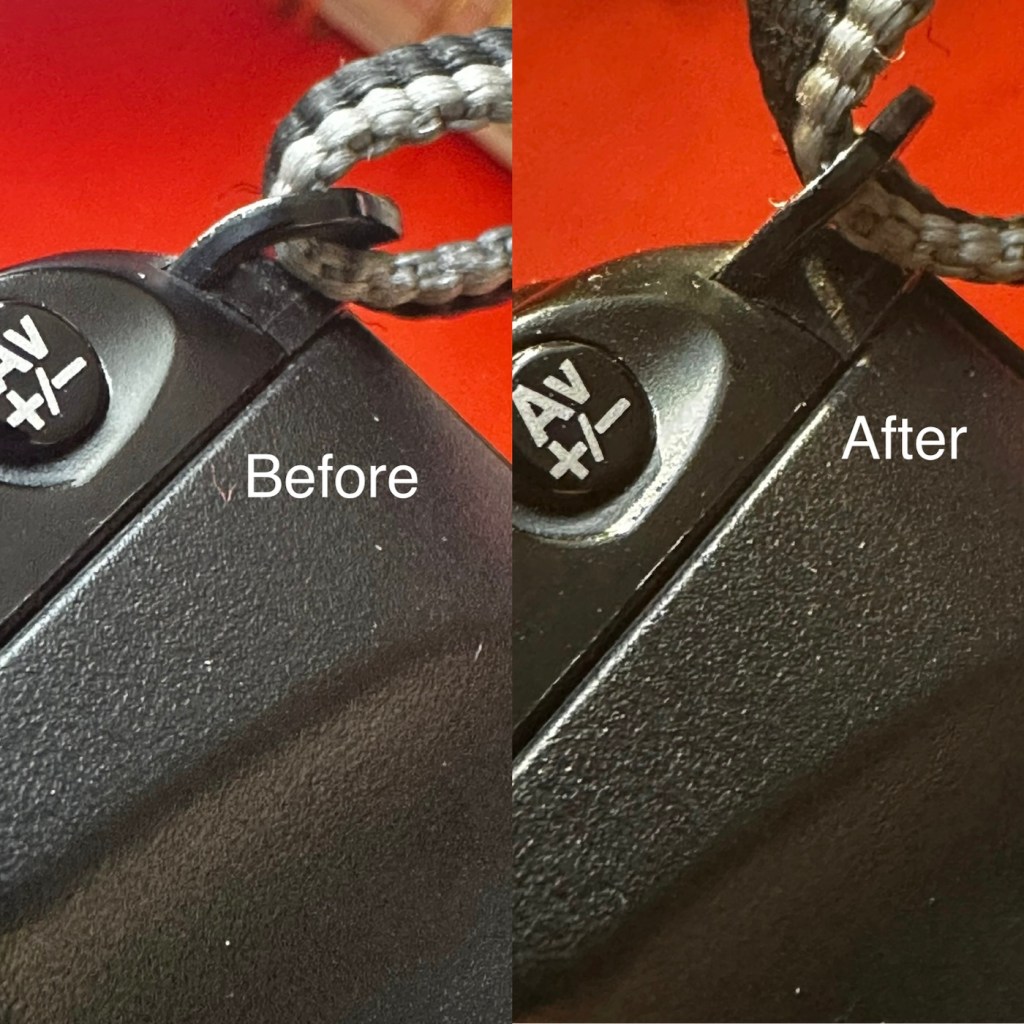
Overall the condition is very good, again this was a training camera, and seems to have had a quite low usage, as there is no scratches or marks. And only one dink as such. That dink happens to be the right hand strap holder that has been bent down to a point where the rear case does not open completely, it restricts its full movement.

Strap holder bent, restricting door opening
Door doesn’t open fully

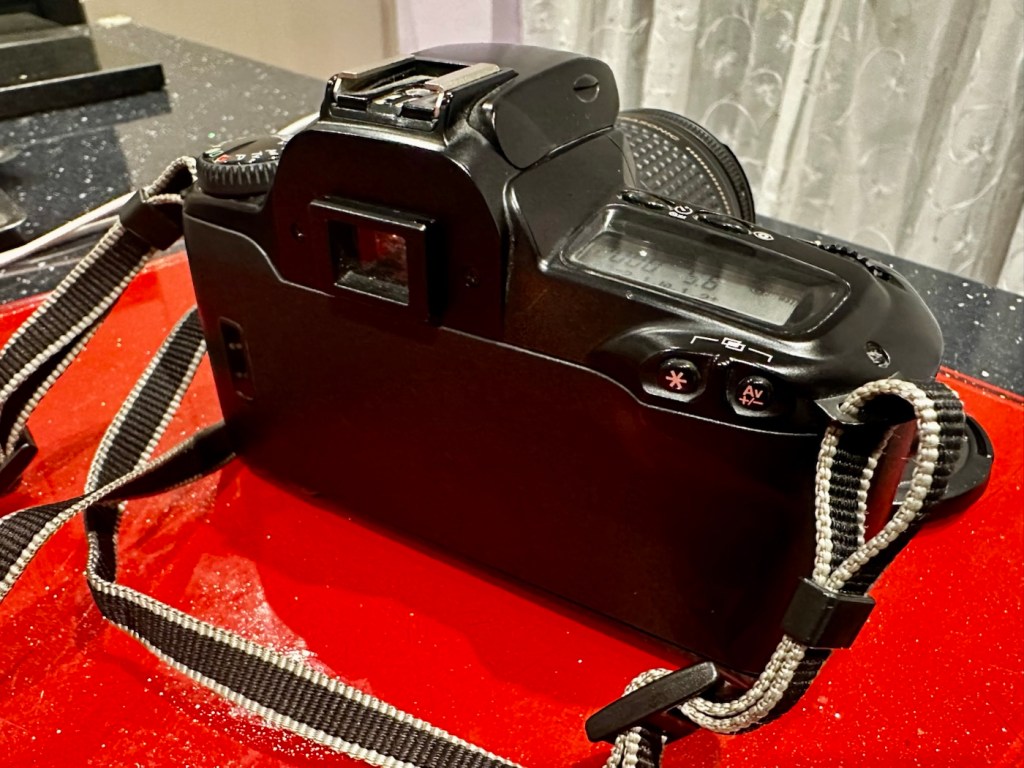
Top and bottom of camera look fine, no bleed on the LCD screen that is always a good sign

Battery chamber is clean and there is no contamination. This camera takes two 3v Lithium CR123A batteries. Let’s put two in to see if we have any life.

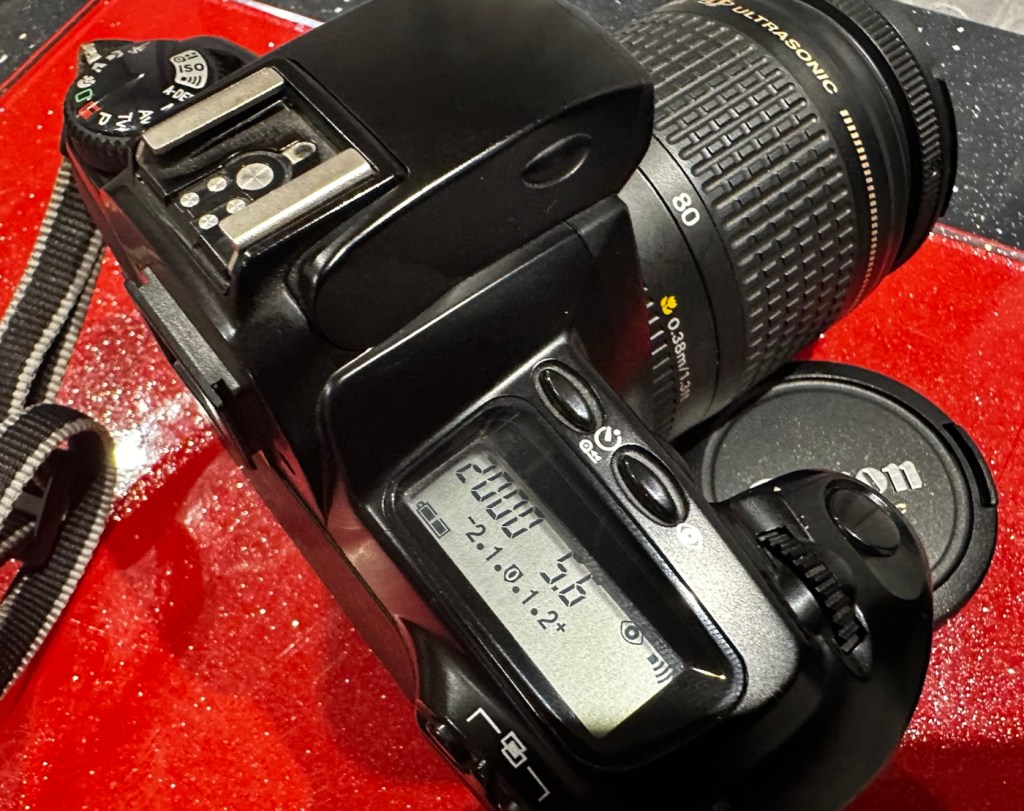
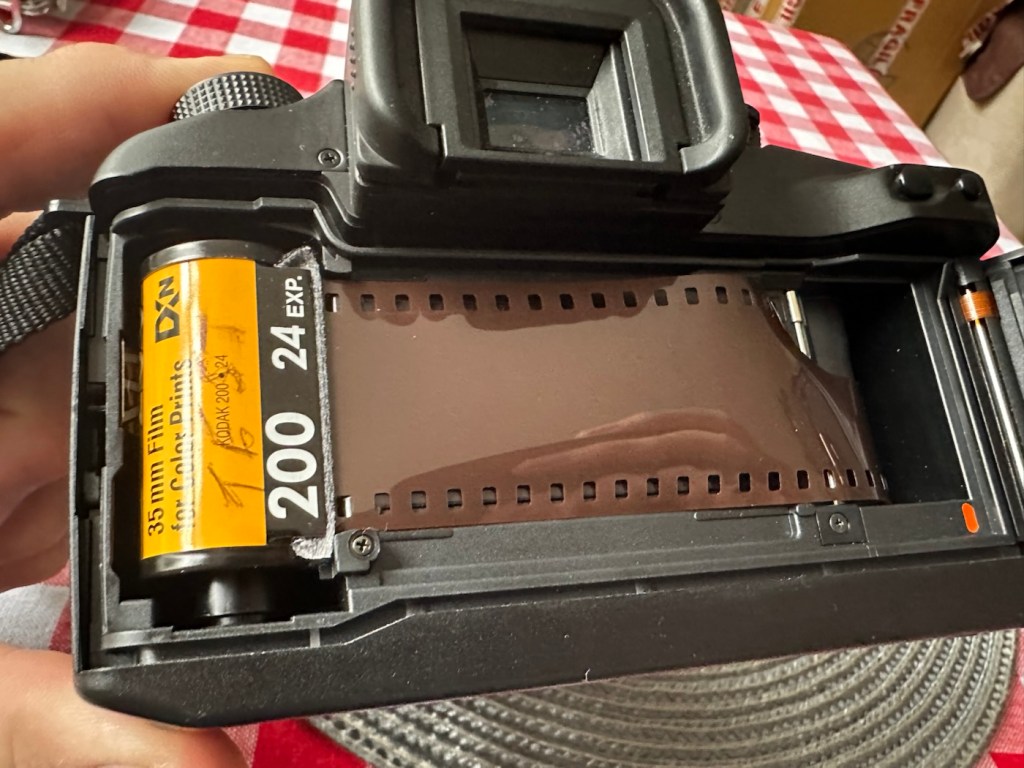
With the batteries installed we have a good display on the screen with no pixelation and it’s nice and clear. I install a roll of test film to see what happens. This camera winds the whole film onto the take up spool and winds back one exposure at a time. The take up when the door is closed works perfectly.

I then operate the shutter, to fire off the 14 exposures, all viewfinder indicators are good, with my 28-90 EF lens attached it focuses well and fires well. When the last exposure has been taken the film rewinds as expected with no issues. In reality the camera is working very well with no internal issues.

Repair:

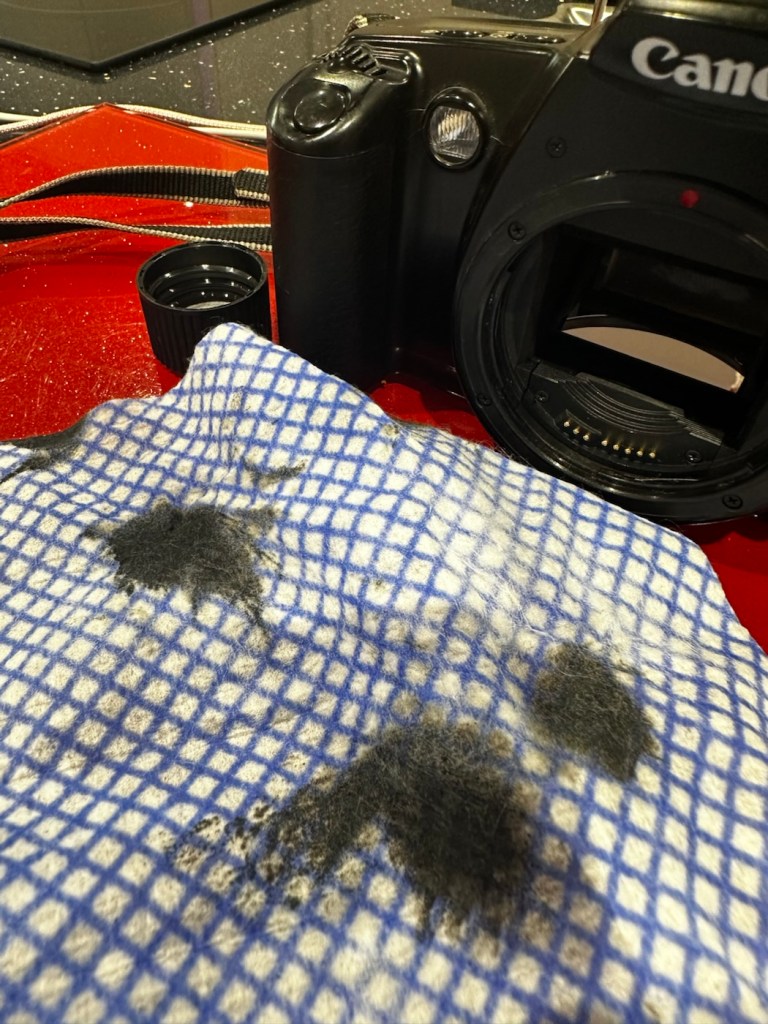
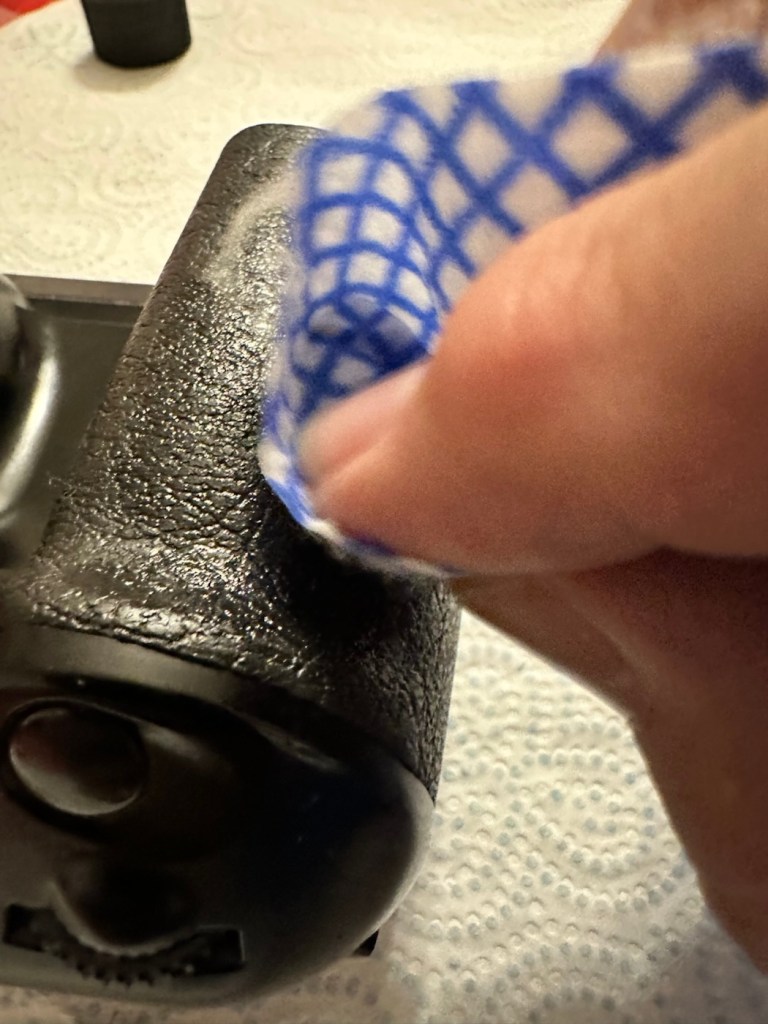
First the dirty stuff. Let’s get that goo off of the sticky grip. I use my IPA and lint free cloth method that I posted about in a previous post here: Sticky, Rubber camera grips. This one is actually worse than I thought and has taken four applications to remove the deterioration on the grip. It feels a lot more pleasant though now that it is done.

The dirt from this grip can be seen on the cloth. Each black blob is one application

The issue with the strap lug restricting the door movement. Quite simply, a gentle movement with a pair of pliers was all that was required. Gently does it as these parts are brittle and easily broken. Don’t over do it, give up when it looks right.

A little gentle coaxing was all that was required

I’ve checked the film pressure pad and this is fine, there are no sharp ridges and the light seals are good. I don’t expect them to be bad as in theory they are not that old, they are in a good healthy condition.

I have cleaned the prism and the mirror with a swab and they are now fine. Using a B setting I have opened the mirror and curtain and used some compressed air to clean throughout. A brush blower was used with the curtain closed to clean around the film spool area and back plate. A quick final blow of the mirror and the aperture is then sealed with a cap to insure no further dirt and dust gets into the internal parts of the camera.

The final action is to use some cockpit polish to finish off the exterior of the camera.

Result:

I’ve cleaned the exterior and used some ceramic cockpit polish to finish it off, I must admit it’s looking very good.

Cleaned up lovely

Here I have yet another nice little camera packed with features that will make a great camera for someone to learn the basics of traditional photography with. However, it’s remaining in my collection for the while.

It’s yet another camera that I need to test, another one that needs to have a film put through it for its final test, however I am 100% confident of it’s capabilities and the fact that it operates just fine and all its settings, buttons and controls are doing exactly what they should. When I do get to put a film through, I will link to it here.

Another successful restoration and return to use of another old camera that had been put to one side. Not that this one really required a lot of attention, just a bit of servicing and tlc.

Thanks for passing by. It’s always very much appreciated

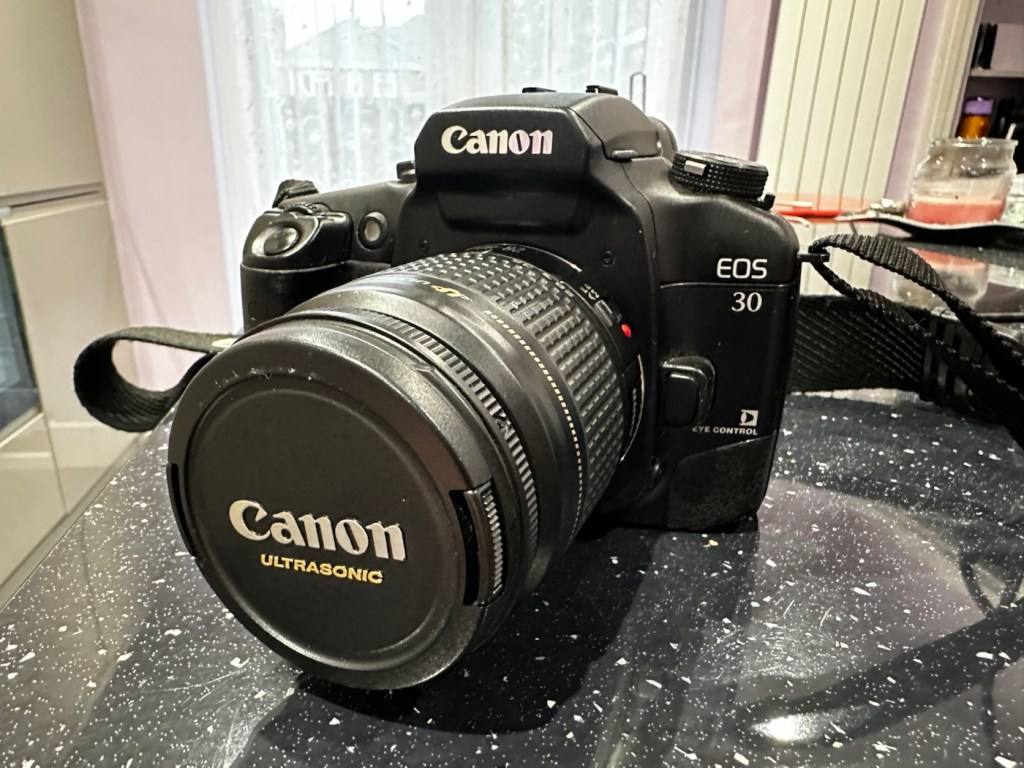
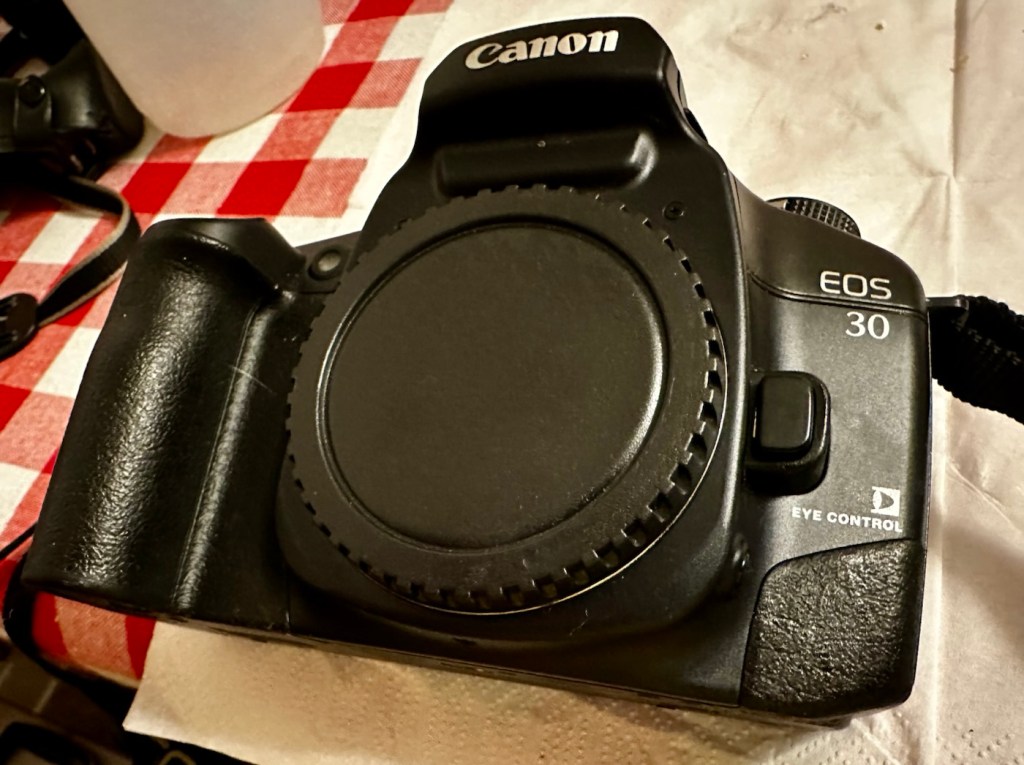
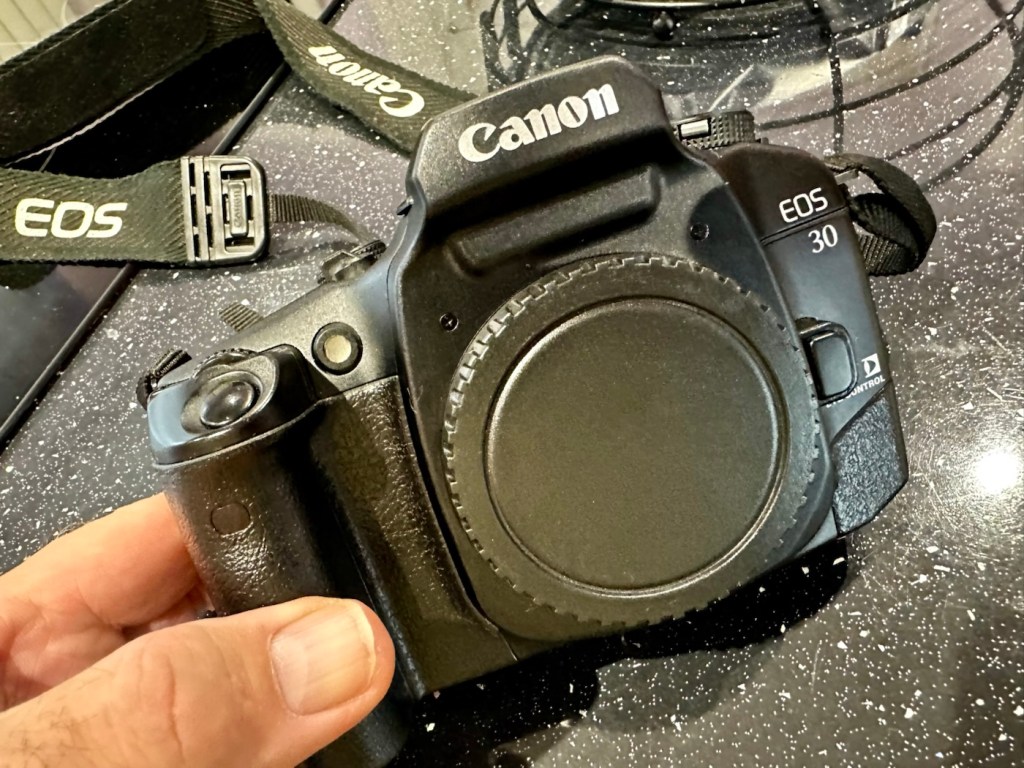
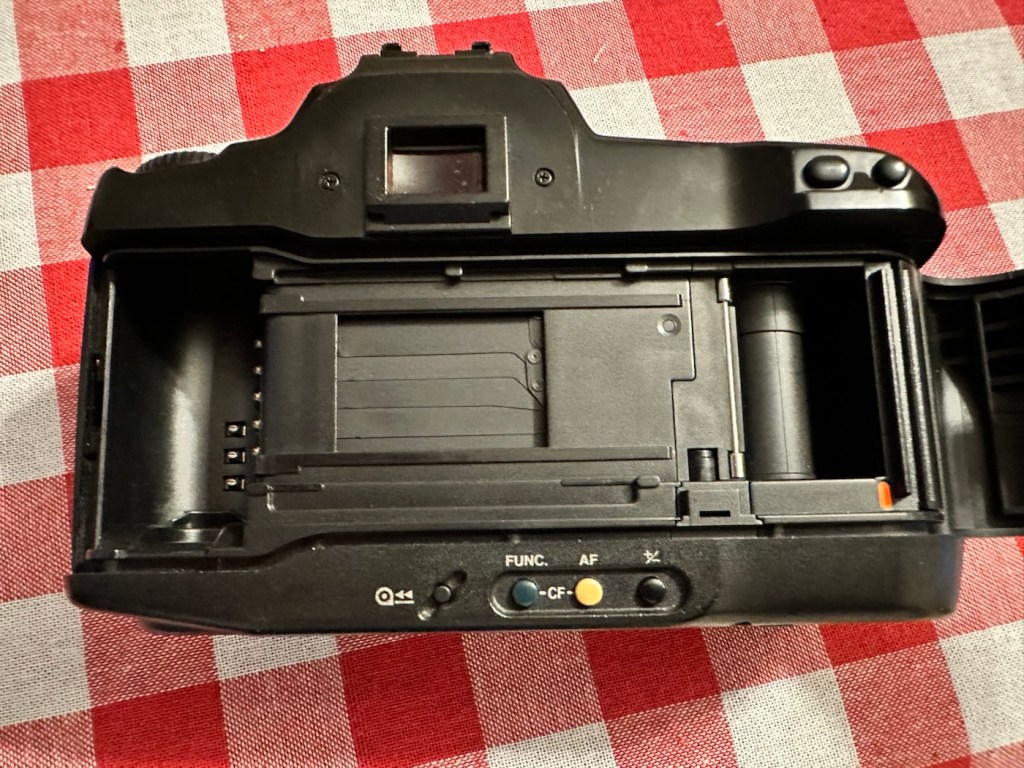
Canon EOS 30

Cleaning, repair and maintenance of an old Canon EOS 30 35mm SLR

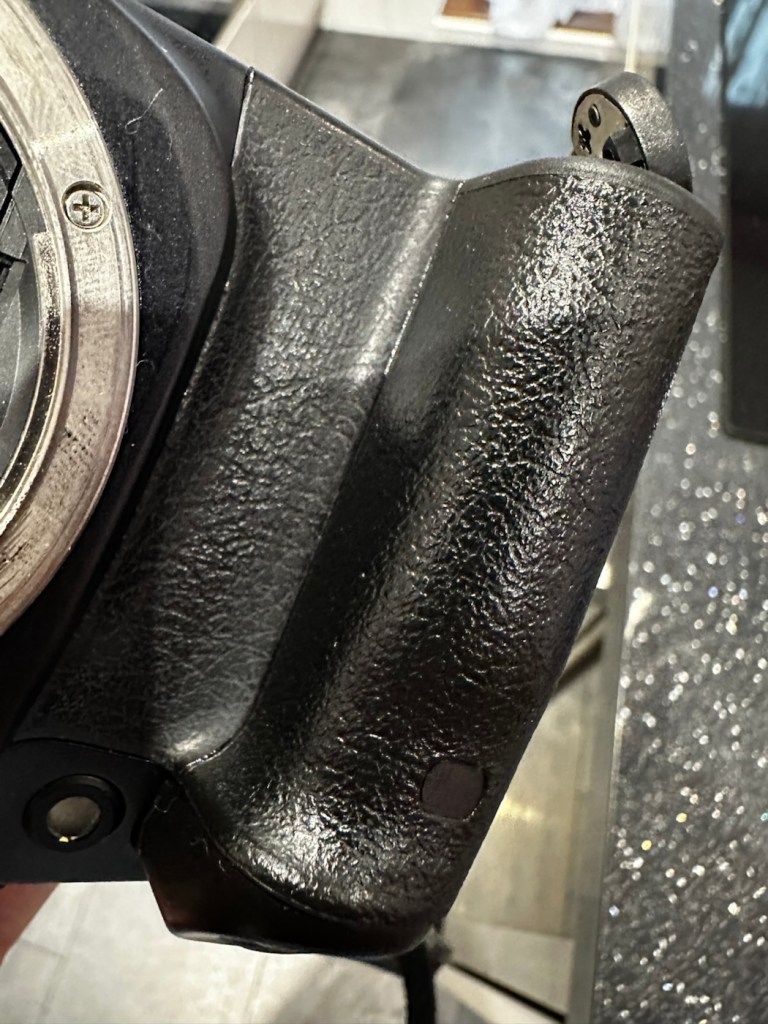
I’m calling this camera my EOS Dirty, it really is suffering a bad case of the sticky rubber syndrome that was widely experienced on cameras of this era, where the Vulcanised rubber used in its construction, had a falling out with its own internal polymers, and they then decided to part company. Creating a sticky mess. This camera is currently 25 years old, originally manufactured in the year 2000.

My hand, simply after handling this camera for no more than a minute.

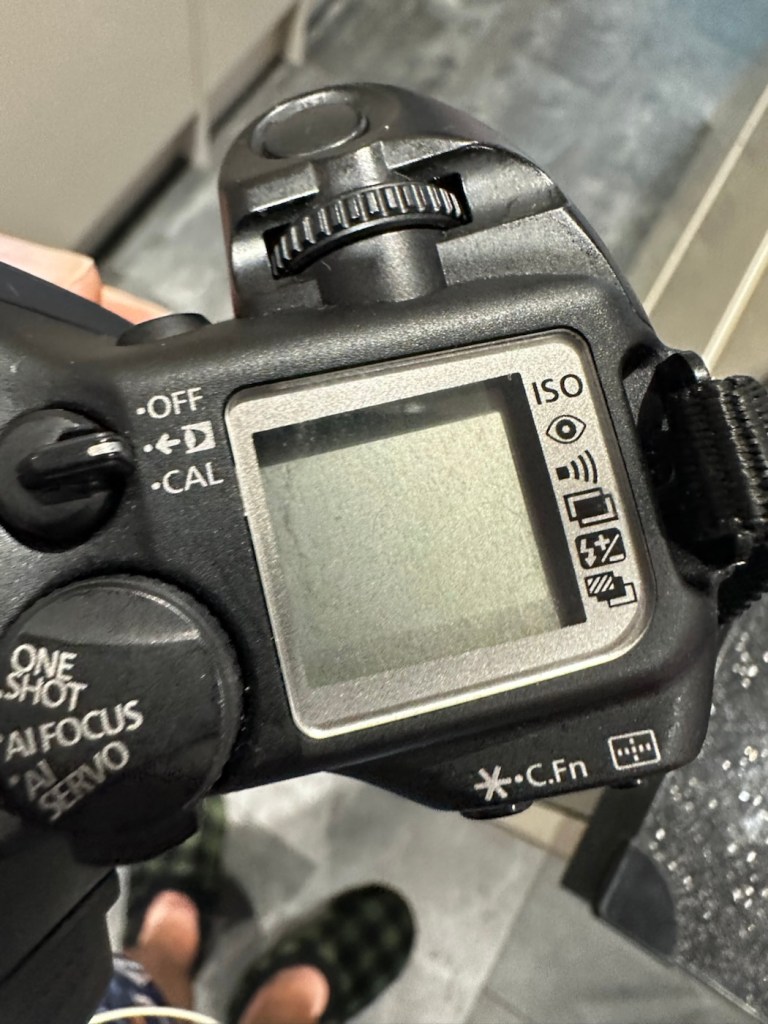
That said, it’s a lovely camera with a lot of features, this was pretty much one of the last 35mm cameras that Canon produced, and they threw a lot of R&D into these units prior to producing its “D” Digital offering, hence it was packed with lots of pre “D” technology. It has “Eye” control, the Eye Control focusing feature makes selective focusing quicker for many. It uses IR to detect eye movements to determine focusing areas. Up to 5 eye presets can be stored for different users. I wonder if that still works?

This dirty sticky pup, needs some heavy cleaning

Here is some information, about this camera:

The EOS 30 (or Elan 7 / Elan 7e / EOS 7 / EOS 33 in different global markets) is a Canon autofocus 35mm SLR camera that uses the Canon EF lens mount. The camera was introduced in 2000.

There are three main auto focusing modes. Automatic, manual selection focusing, and Eye Control (EOS 30, EOS Elan 7E). It was given the 7 name because it has 7 auto focus points in manual selection mode. The Eye Control focusing feature makes selective focusing quicker for many. It uses IR to detect eye movements to determine focusing areas. Up to 5 eye presets can be stored for different users. Some users with corrective lenses may experience problems using this feature. The shutter speed ranges from 30 sec. to 1/4000 sec. in 1/2-stop increments with bulb. X-sync at 1/125 sec.

Metering modes use a TTL max. aperture metering with a 35-zone silicon photocell. The included modes are evaluative, partial and center-weighted averaging metering. The measurement range is from 1 to 20 EV (at 20-degree with 50mm f/1.4 lens, at ISO 100). The ISO can be set automatically with DX-coded film at ISO 25 to 5000. Exposure compensation can be adjusted from +/-2 stops in 1/2-steps.

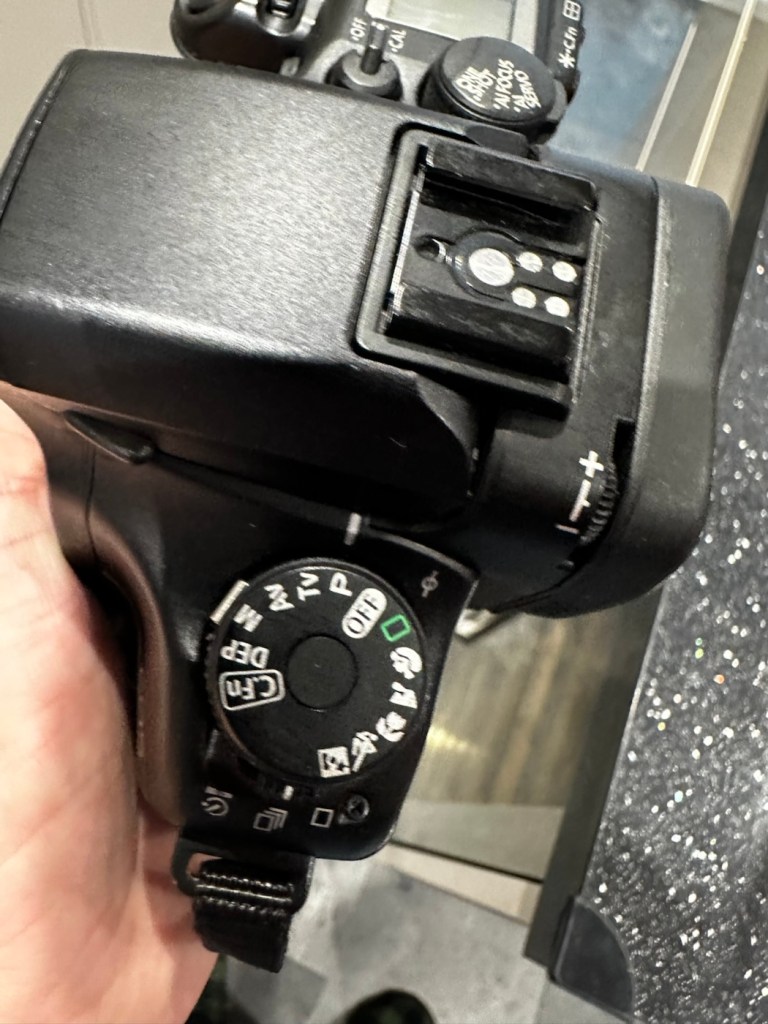
Exposure modes available include Program mode, shutter priority, aperture priority, Depth-of-field, Auto, scene modes with (Portrait, Landscape, Close-up, Sports, Night Scene), manual exposure and bulb mode. Flash exposure includes modes for E-TTL, A-TTL and TTL program flash modes. The motor drive is capable of up to 4 fps. The finder has dioptre adjustments built-in with settings from -2.5 to +0.5 dpt. Two CR123A batteries power the camera.

If equipped, the QD (Quartz Date) / Date back require the use of one CR2025 coin type battery. Imprint display modes include M/D/Y, D/M/Y, Y/M/D, D/H/M and off. The last date the unit can imprint is Dec. 31, 2019

Camera wiki.org

Assessment:

As stated in the sections above, the biggest problem with this camera is its stickiness, and to be honest that is not really a problem. I have cleaned many of these in the past and this one will be no different. Here’s a post I wrote a while back about sticky camera bodies: Sticky, Rubber camera grips

This really does feel like a lot of camera. You can see the digital “thought” that the development guys introduced into this camera in preparation for the arrival of its “Digital” brothers and sisters, I’m going to have to do a bit more reading up on its full operation and capabilities. This camera is in very good condition, no dinks, dents and very few scuffs, all doors are functional and when a battery is installed (a 2CR5 – 6v lithium) everything lights up, and appears to do what it should. I will check this thoroughly though later.

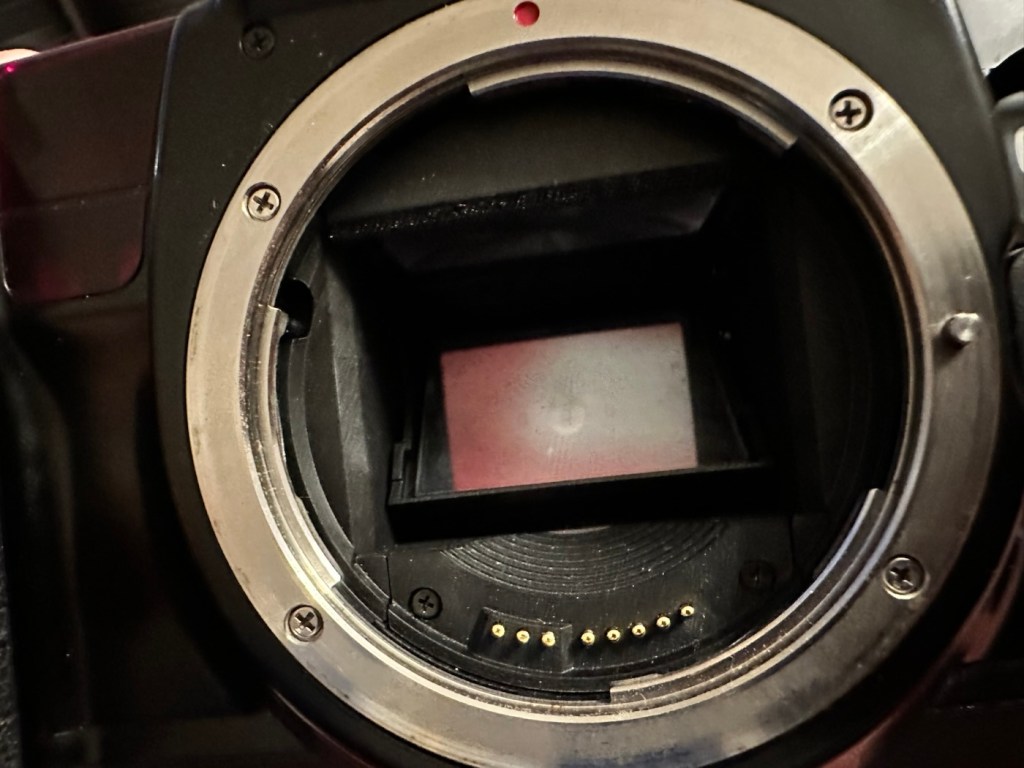
The battery chamber is clear of any contamination, and looks nice, the mirror will need cleaning and the area within it will need a blow through, the shutter curtain seems to be working well at this stage. I will test it more after the clean.

So. Let’s get on with the repair and maintenance.

Repair:

I’ve started the clean of the rubber and it is filthy. The amount of black that came off on the first clean has required me to get another cloth as it really is that bad. Another two applications and the cloth is a lot cleaner, it has removed a massive amount of goo and dirt and feels a lot better to the touch, and my hands are staying clean and that’s a good sign. I will give a final clean with the car cockpit polish that should finish it off nicely.

I’ve cleaned the mirror and prism above using a swab and the effect is instantaneous, there was a lot of dust here. Opening the curtain in a “B” setting I gave the whole interior a good blast with compressed air that has left the chamber as free of dust and contaminants as I can get it. With the curtain back down, a bulb blower and brush is all that was needed to complete the task. A lens mount cover is now in place to prevent anymore dirt getting in.

Transport tested

I’ve put in one of my old test films to check the camera’s function, and it’s transport & rewind, and I’m pleased to say this works just fine. At a shutter speed of 4000 I’ve never heard such a sweet sounding camera. This really feels like a lovely camera that I can’t wait to take out and run a film through.

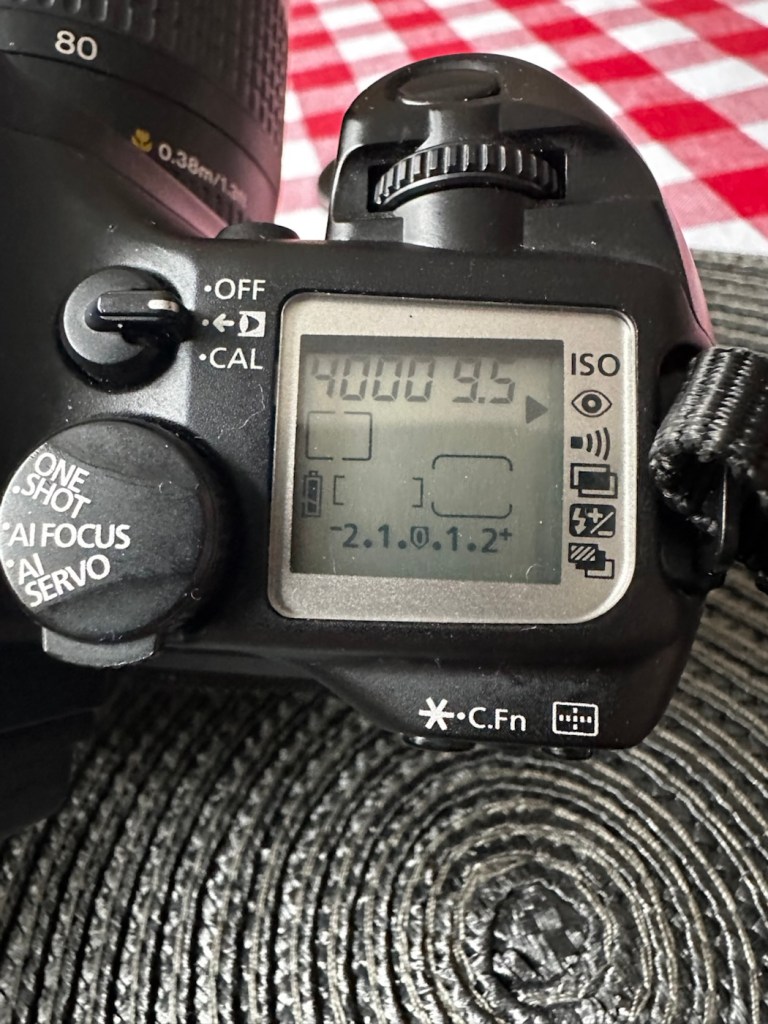
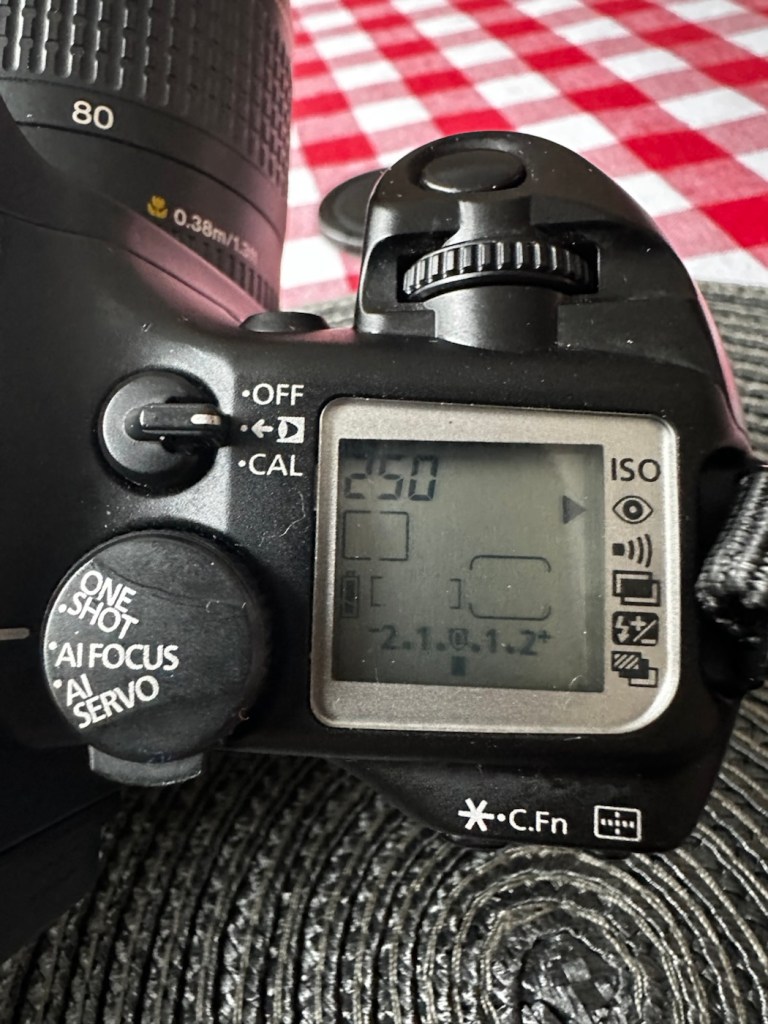
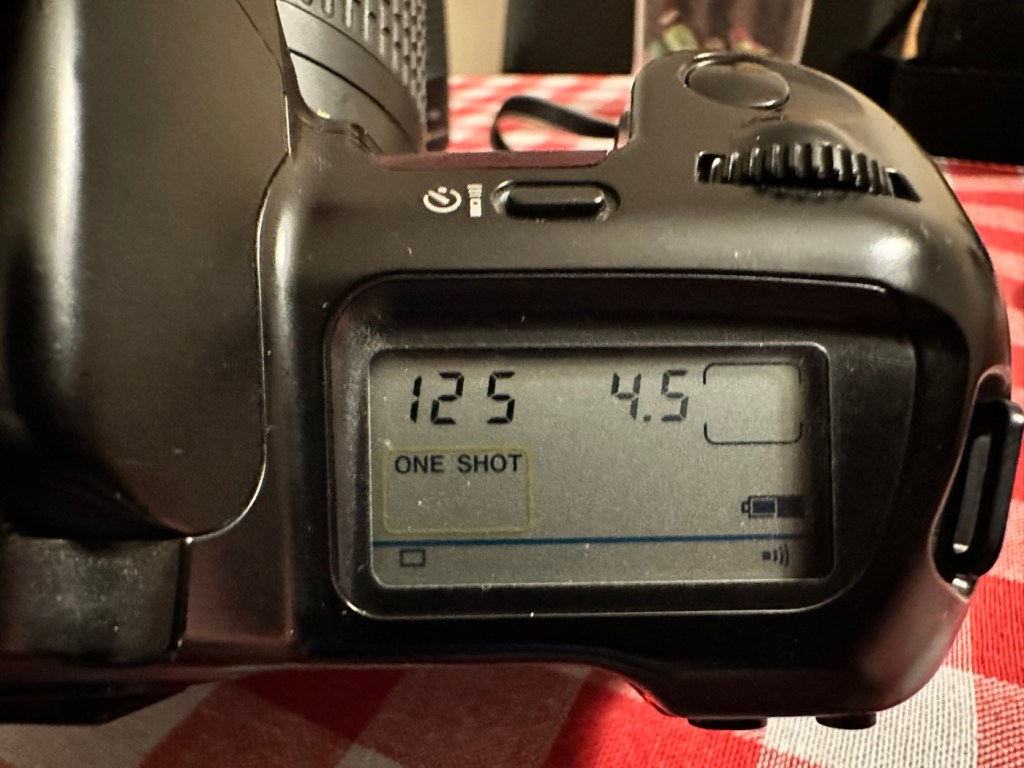
Going through the function screen, there are no bad pixels and all options are available. I have tested the eye control function and programmed my own profile into the camera, it does seem to be working, it might be a little hit and miss, I programmed it very quickly so maybe I just have to read up on it more, just to tweak its use as such.

All rear sub menus working, and buttons operable

All sub menus on the rear of the camera are operable and all buttons and dials are doing what they should. This camera is ready to go, and is in a perfect working order.

Result:

She’s a beauty

This camera was probably discarded to one side when the sticky grip problem started to rear its ugly head. It really is a shame that this happens, it’s such a simple problem to eradicate. This is an absolutely superb camera and packed with technology that would eventually have gone on to be incorporated into the soon to appear professional digital offerings from Canon. For 35mm photography this was a perfect swan song, 35mm photography had peaked with this range of cameras and Canon had perfectly produced cameras that in effect had pushed this theme of photography to its highest level. It was the best of the rest at the time.

This camera deserves some respect, it feels superb in the hand, looks good, sounds terrific and performs exceptionally well. There will always be the haters out there, there always will be. But as you will have gathered, I don’t really report badly of any of my cameras as I truly love them all. They are superb items of modern and semi modern technology that have captured history. They just deserve to be preserved and protected and most of all enjoyed.

I will shortly be posting some pictures from this camera that can be found here:

Thank you for passing by, as always it is very much appreciated.

Canon EOS 10

An old EOS 10 was in need of attention. And I was able to lend a helping hand

Here I have a Canon EOS 10, a quite superb little camera. The date code within the film barrel is HE1213, indicating that this camera was manufactured in December 1990. At the time of manufacture this camera sat firmly at the top of Canons camera tree only surpassed by the EOS1 professional camera that had been released the year earlier in 1989.

My EOS 10 35mm SLR

This camera was amongst a selection of cameras and equipment passed on to me by a good friend and professional photographer as can be seen here: Cameras…i need more!

Here is a little history regarding the EOS 10

The Canon EOS 10 is an autofocus 35mm SLR introduced in 1990. The model name was EOS 10S in the Americas, and EOS 10QD in Japan. There was a commemorative metallic-silver version introduced in 1991 to mark Canon’s 60 millionth 35mm camera sold.

The improvements over the original EOS cameras are a newly improved autofocus sensor. Focus modes include One-Shot AF for non moving subjects and AI Servo AF for moving subjects. It is able to detect and switch automatically between the autofocus modes. Shutter ranges from 30 sec. to 1/4000 sec., with B. X-sync at 1/125 sec. Similar to the EOS 750, is has a built-in flash with a guide number 12 (at ISO 100). It uses one 2CR5 lithium battery and weighs approx 625g for the body without battery.

Camera wiki.org

Assessment:

One of the nuances introduced on this camera was the barcode option. Introduced at a time where barcodes were starting to creep into our life, in a knock at Minolta and their use of specific expansion cards for specific scene settings, Canon thought it would be good to utilise barcodes that you could scan, to automatically set your camera with these options without expansion cards. Needless to say it didn’t take off and was soon dropped from later camera production. It was a sign that the development teams were looking for advancement opportunities.

That barcode mode – soon forgotten

These cameras are available at fairly reasonable prices now partly due to the dreaded sticky rubber grip issue that tends to send buyers running for the hills, god knows why, it’s an easily remedied issue that just takes a little time and patience. I did a previous post about cleaning these cameras here: Sticky, Rubber camera grips it’s all down to the polymers in the Vulcanised rubber breaking down and reacting with hand sweat and other stuff. Have a read, and never throw away a camera just because it’s sticky.

This camera has some stickiness but it is not an advanced case. It will still be cleaned in the same manner, to prevent it developing any further.

The camera is just a bit dusty and in need of a good clean. The mirror is dusty and needs cleaning, a blow out of the interior should suffice as the shutter blades are opening and closing with no issue.

The battery is a lithium 2CR5 cell. The battery chamber is clean with no signs of battery contamination, this is a very good sign. When placed into the camera the screen comes on, is clear with no damage. A lens put on the front confirms that auto focus can be achieved and the camera fires and winds as expected.

To be quite honest, there doesn’t seem to be a lot wrong with the camera. It really seems to be just a clean and maintenance issue. I’m going to give the camera a thorough look over, dust and clean, a thorough clean of the external rubber and finish it all of with a good exterior body treatment. I will then run a roll of used film through to check the DX reader is working, as well as the transport system. Fingers crossed nothing major raises its head during the repair process.

Repair:

Straight in and at the cleaning, and to be honest the rubber wasn’t too bad. I only used two applications and not a lot of dirt came off on either. After it has dried, it does feel a great deal better.

Heavy cleaning, wasn’t that heavy

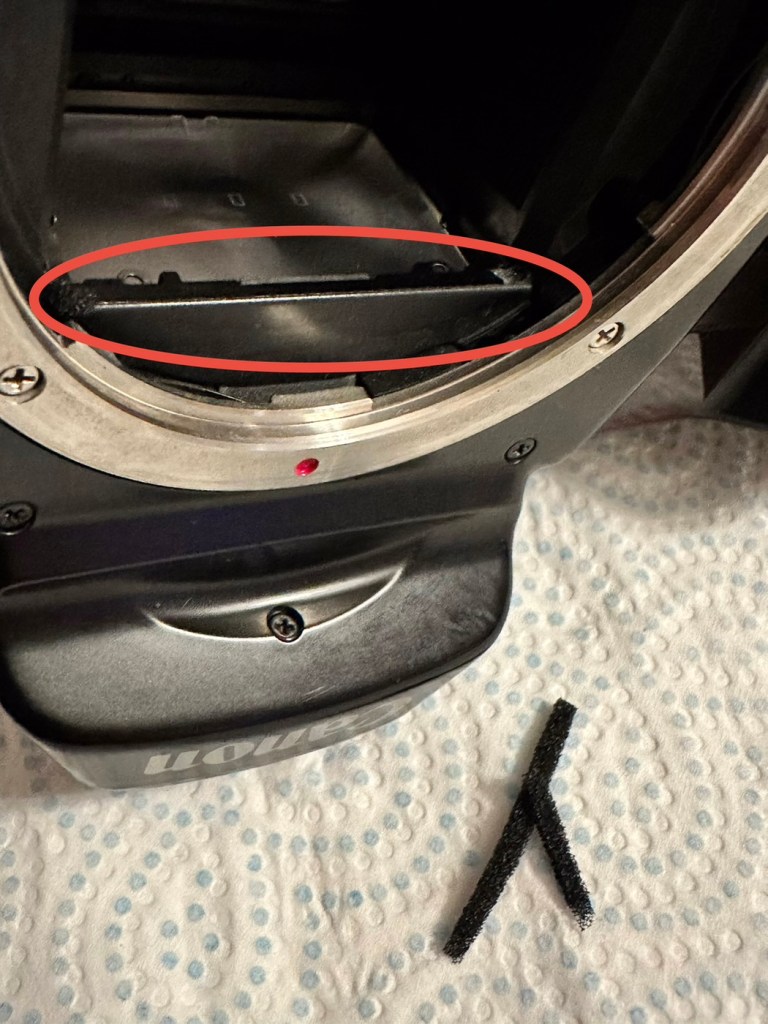
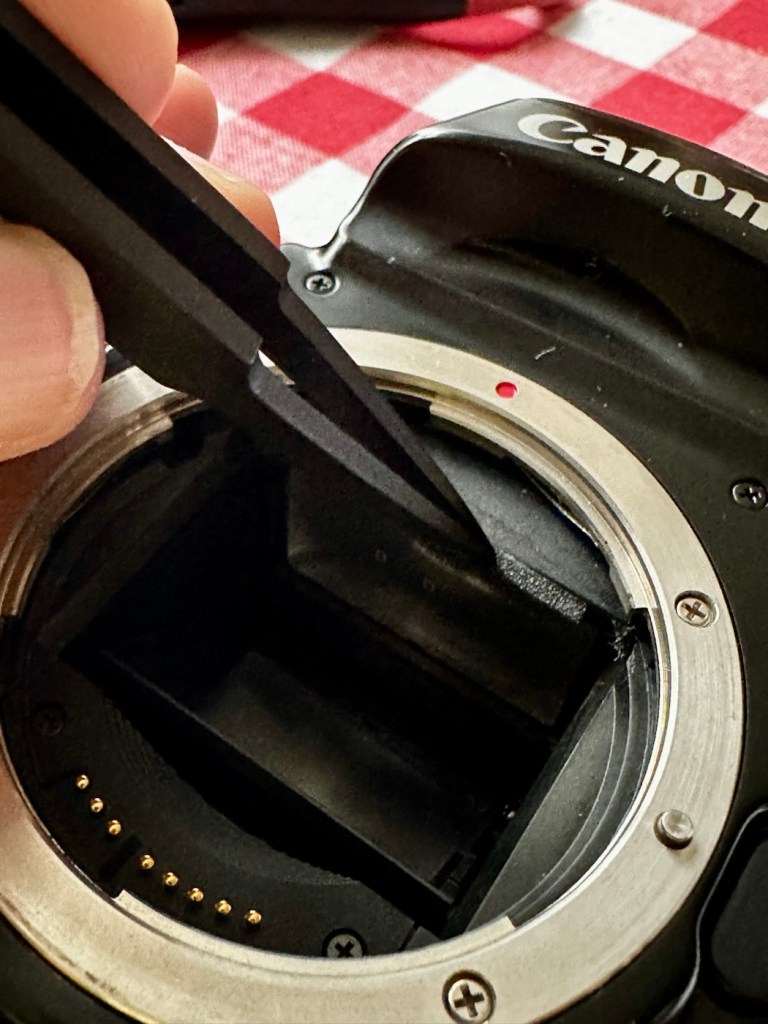
The mirror has cleaned up nicely, so has the prism above it, however whilst in there I noticed that the mirror damper felt was failing, so this I have now removed and will have to replace prior to using as I don’t want to cause any further damage.

The missing damper felt area, highlighted in red

I’ve had to order some new material that will hopefully be here shortly, as my supply, as is always the problem lately, is in storage with all my other gear pending this house move that will probably never occur. it’s a real pain in the butt not being able to access your most required kit. Hey ho.

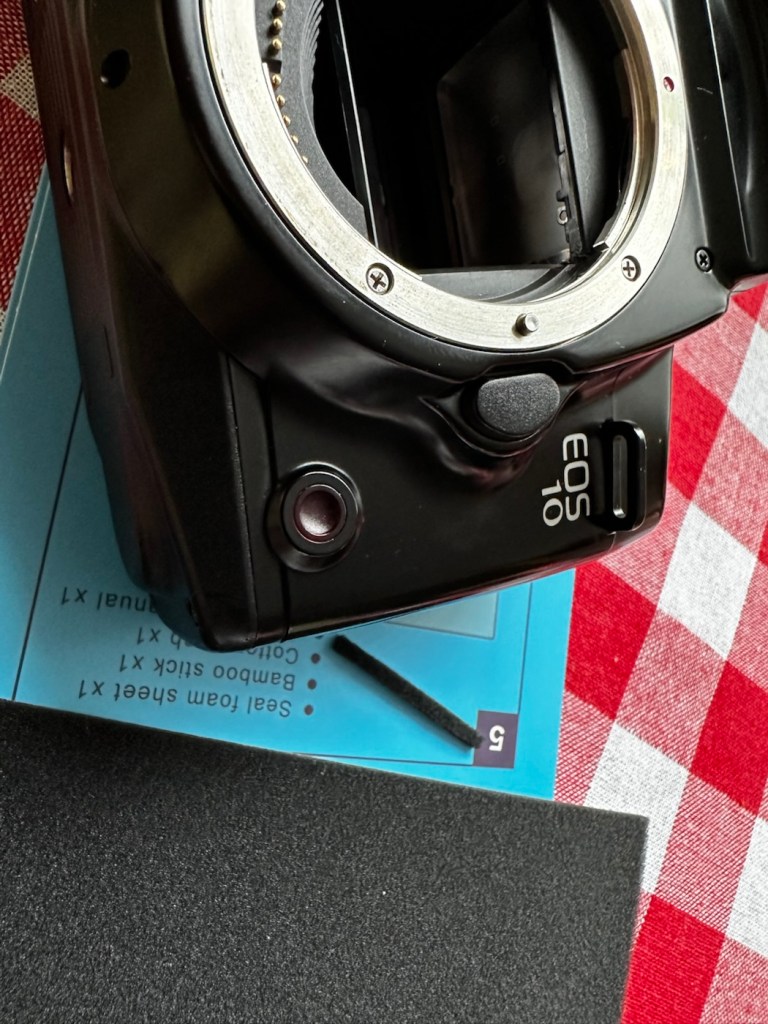
The light seal has arrived, and so I start by getting the damper felt put in place. First I cut it to size, remove the sticky back paper and just wipe the sticky bit with some water, this allows me a little more time to reposition it before the adhesive does its work.

Below is a very small video with me putting the camera into manual mode on a single exposure setting to test the actual worth of the damper foam.

All working fine

I’m happy with what has been done so far.

Strap cleaned and restored

I’ve even given the neck strap a good buff up, the rubber on it was almost white rather than black, a bit of a clean and a polish and it’s now been restored to it’s original glory.

With the new damper in place it’s now time to run a film through it, I have an old test film I use for this purpose, I’m going to set the camera to its highest shutter setting and just run the whole roll through in quick succession to check the transport and rewind.

And here is that test, it went super fine and the full roll rewound at the end.

Transport works just fine

I’ve tested all settings, shutter speeds and functions including the flash and all is as it should be. I’m happy to say that this camera appears to be in full working order.

Now for the final clean and presentation.

Result:

Well, a little bit of car cockpit cleaner has done wonders. It looks beautiful and has a nice aromatic smell as well. I know I’m biased when it comes to cameras but I think this is an absolute beauty.

All polished and looking fine

I’m really pleased with this camera, I’m heading out later today to watch a relative play football and I’m going to take this along to grab some snaps with an expired film from 20 years ago. It will be a good final test of the capabilities of this camera, and should finalise its renovation. It’s been a great camera to work on and is yet another worthy addition to my collection. I will post the photos here when they are finalised. Canon Eos 10 test shots

Thank you all for passing by, it’s always most appreciated.

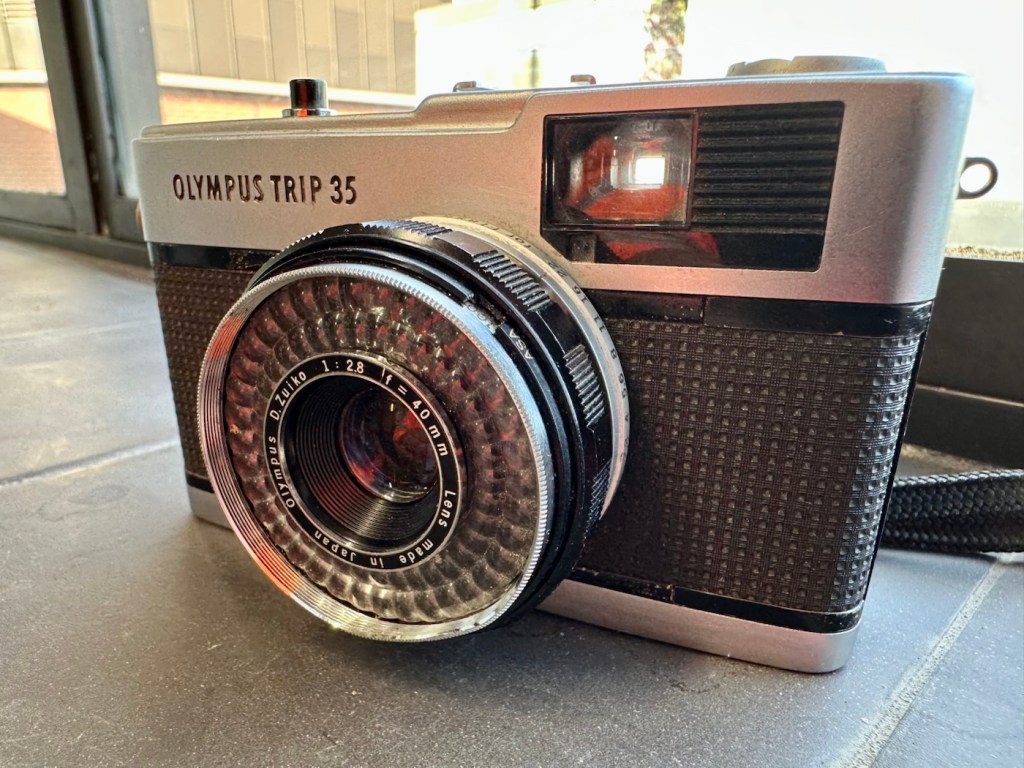
Olympus Trip 35

What the listing stated:

This lot is being sold for PARTS / REPAIRS, it is currently NOT in a working condition

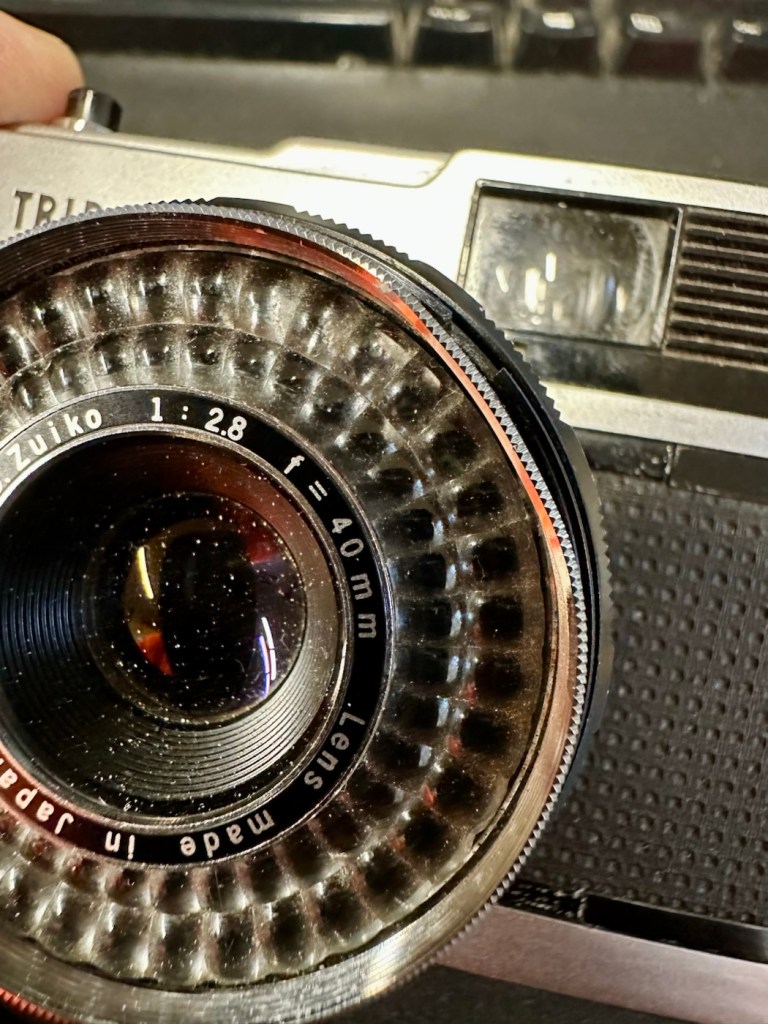
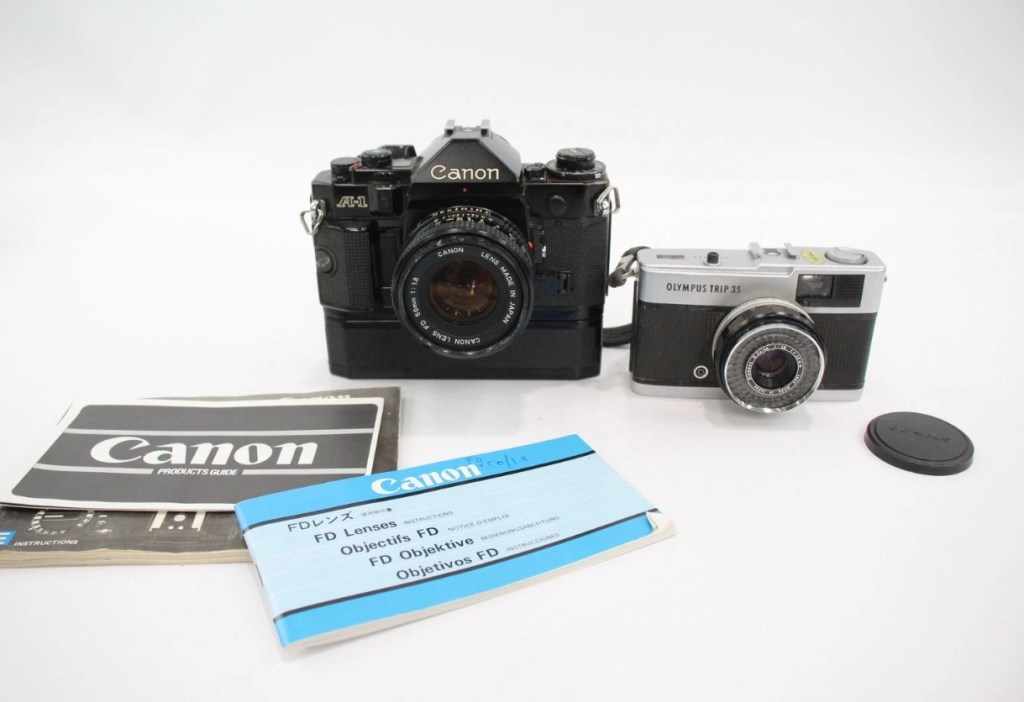
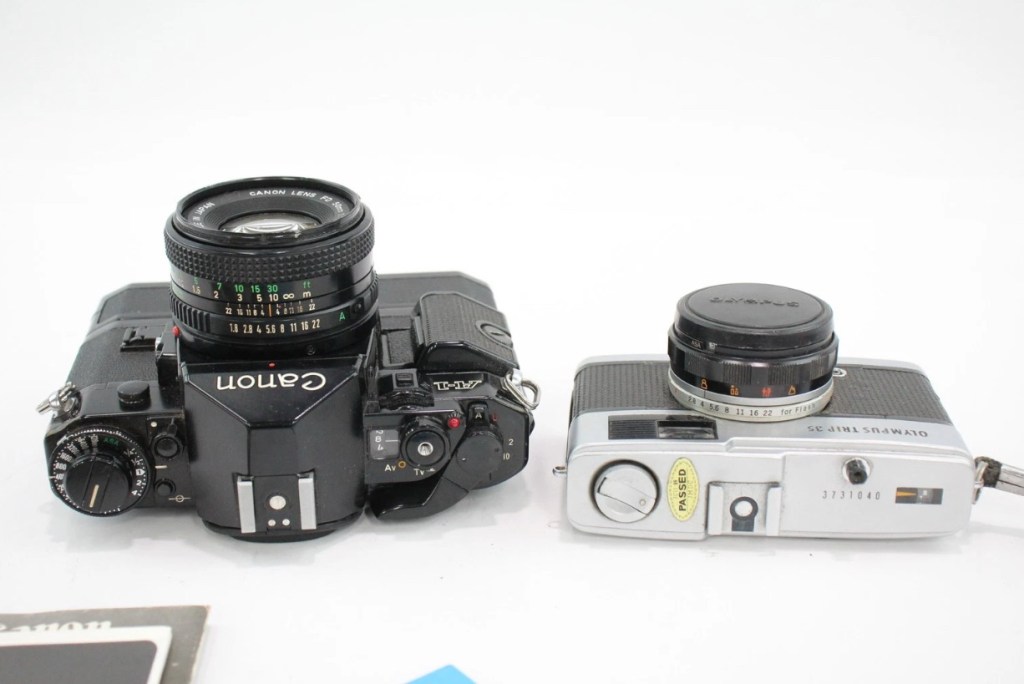
Olympus Trip 35 w/ D. Zuiko 40mm F/2.8 Lens
& Original Lens Cap

EBay

I brought this item along with a Canon A1 as a job lot. The full detail of what was in the auction and how it progressed can be found here: Not the lottery, but for me – just as good

The page regarding the repair of the A1 can be found here: (Still in draft – coming soon)

Meanwhile here is a little history about the Olympus trip:

The Olympus Trip 35 is a 35mmcompact camera, manufactured by Olympus. It was introduced in 1967 and discontinued, after a lengthy production run, in 1984. The Trip name is a reference to its intended market—people who wanted a compact, functional camera for holidays. During the 1970s, it was the subject of an advertising campaign that featured popular British photographer David Bailey. Over ten million units were sold.

The Trip 35 was a point and shoot model with a 40 mm ƒ/2.8 lens, solar-powered selenium light meter, and just two shutter speeds. In ‘A’ mode, the camera operates as a Program automatic, choosing either 1/40 s or 1/200 s. The camera could also sync with flash, and has a range of aperture settings, from ƒ/2.8 to ƒ/22. In flash sync mode, the shutter is set at 1/40 s. Apart from a simple four-position zone focus system, and an ISO setting from 25 to 400,[2]the camera has no other photographic controls. The camera has a Prontor-Compur sync connector and a hot shoe. Its lens was a coated Zuiko 40 mm ƒ/2.8, with four elements in three groups.

The camera has an ISO range of 25–400, as films faster than 400 were uncommon at the time and delivered reduced image quality. 25 speed allowed the use of Kodachrome, while 400 speed allowed use of Kodak Tri-X and similar fast materials under low light. Earlier models, from the first few years of production, have a maximum ISO speed of 200.

The use of a selenium photocell to select the shutter speeds and aperture let novices use the camera as a “point & shoot”. No batteries are needed to power the camera.

The lack of more than two shutter speeds was not a problem. At 1/200 s and ƒ/22 with 400-speed film, the camera could deliver correct exposure in full sunlight, while at 1/40 s and ƒ/2.8, correct exposure could be obtained under bright fluorescent light, without a flash.

Wikipedia

And who could ever forget the series of star studded television adverts, featuring the photographer David Bailey, put together to promote this camera.

David Bailey

I never really got to use one, I admired one from a distance instead. My brother in law, Jim had one around about the mid to late 70s and he took some fantastic snaps with it. I wasn’t into photography at that time as I was still more interested in LEGO and Tonka trucks. However he did let me try it a couple of times, it really was that easy to use.

I’m not really sure what the problem is with this one, as the listing was not really clear on its issues. I just really wish sellers would just take a few seconds to describe the problems, it really could be an instant decision for the buyer – is it repairable or not? I’ll just have to wait until it’s arrived, and then i can do an assessment of its condition.

Assessment:

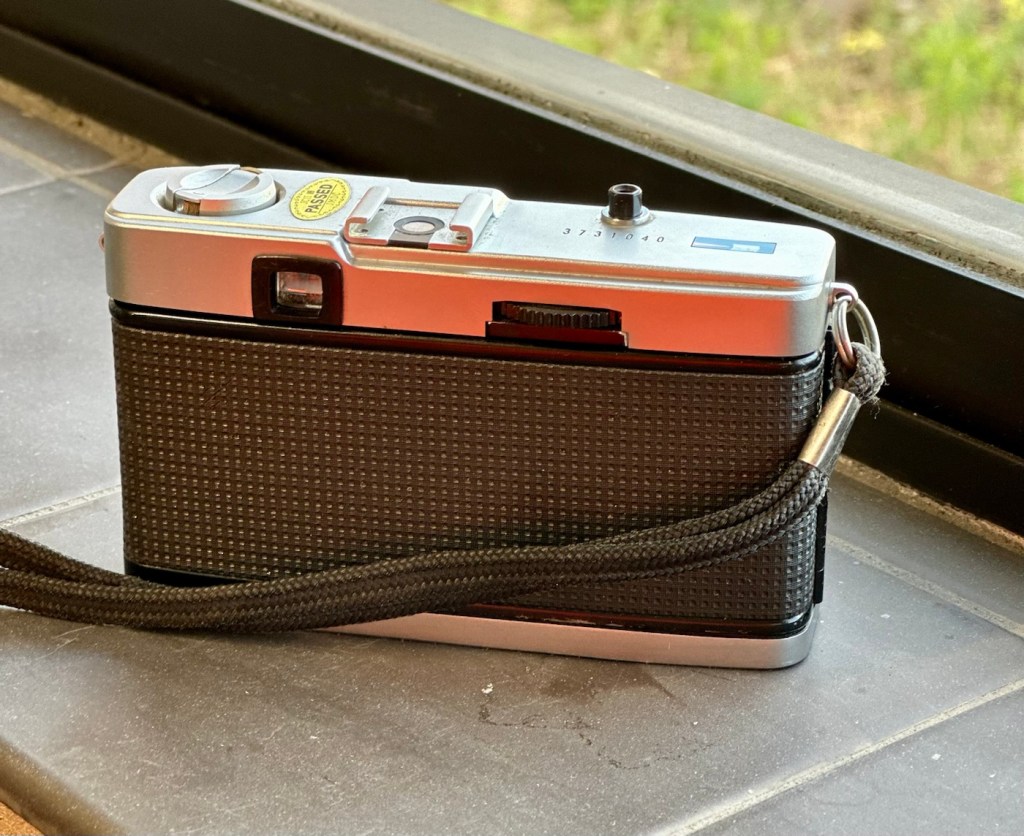
Well, it’s arrived and cosmetically it looks fine. However, zoom in a tad and the issues become apparent. It’s been dropped at some time, the lens has a little bit of wobble and you can see the outer ring of the lens has an obvious dent in it.

Drop damage

It does wind so that’s a bonus. The exposure button works and it clicks as it should, and the old selenium exposure meter appears to be responding, the red flag appears in low light and thus the exposure button will not depress. This is good.

Exposure indicator in viewfinder

When you half press the exposure button you would expect to see the relevant shutter leaf aperture close down, to the corresponding f- stop reading, this occasionally happens. If you move the lens barrel slightly it does have an effect, but it looks as if there is also some contamination on one of the shutter leafs, all of this is probably as a result of that tumble that has occurred sometime in the past.

Obvious lens wobble

I will definitely have to remove the whole lens housing from the camera to see if I can do anything regarding that wobble. This is going to be quite some task, and I’m not confident I will succeed, but who knows.

Let’s attempt to get inside.

Repair:

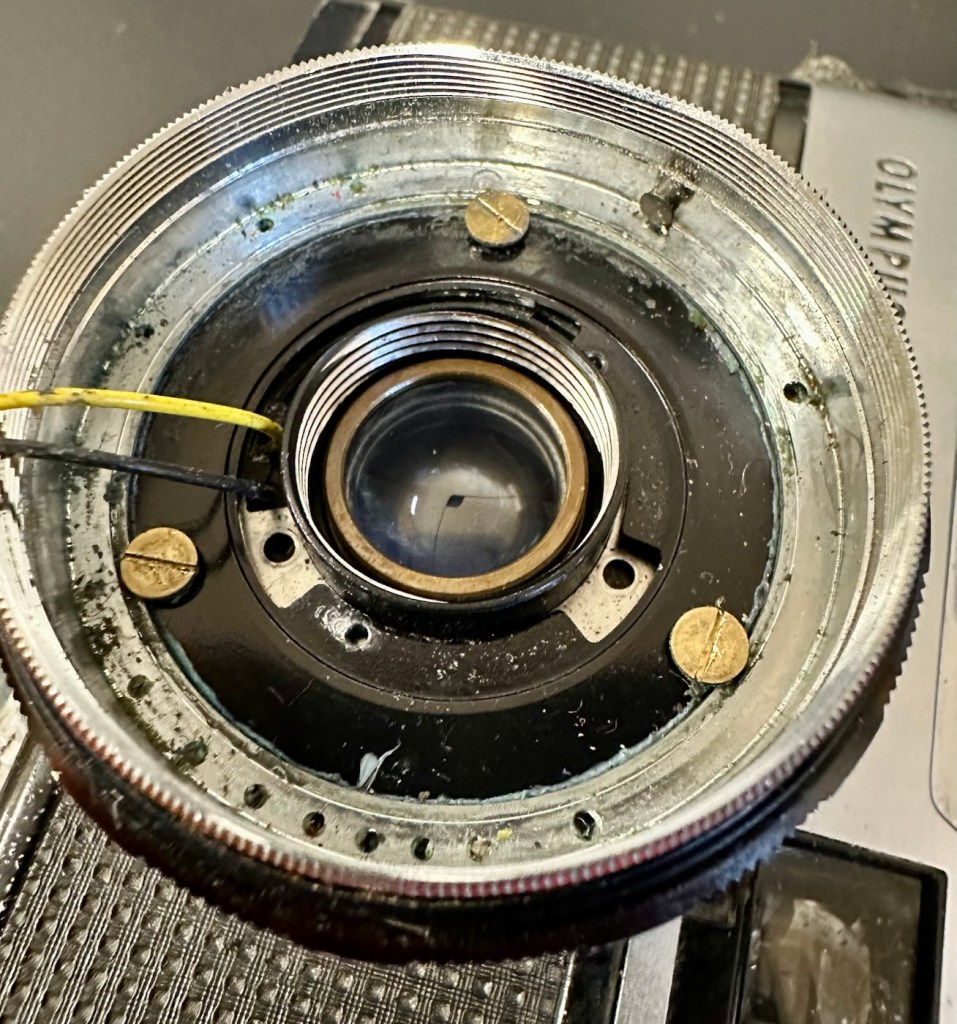
To get into the lens there are three tiny screws on the inner turret bezel that have to be removed that sit around the edge of it. This then pulls out and the lens optics can then be unscrewed.

Here are then two more screws that allow you to remove the selenium light sensor. Below this are three brass screws that hold the body to the lens. One of these screws were loose, hence the wobbly lens, this must have occurred when it was dropped.

I’ve pretty much had a cleanup here, applied a tiny drop of camera grease to the ring mechanisms, and tightened all these screws, and now the turret is nice and tight. I’ve just given the shutter blades a wipe with a soft brush and that is all it really needs. I’ve reassessed the camera, and tested its operation and it’s all good, working just as expected.

Result:

The dent in the ring remains as it’s causing no issues and is a subtle reminder of its past. The lens issue and its movement has been repaired and this in turn has cured the issue with the sticky aperture blades.

I haven’t touched the inner workings in the top of the camera such as the light metering, as it’s working fine and what’s the point in fixing what’s not damaged?

I’ve still to run a film through it, and this will be done shortly as I have quite a backlog of film cameras to be tested. As soon as I have photos available I will link through this posting.

Really pleased with how this has gone, a nice easy fix but I can’t believe just how small those screws are around the lens bezel. I need my eyes testing that’s for sure.

Thanks for passing by, as always it’s very much appreciated.

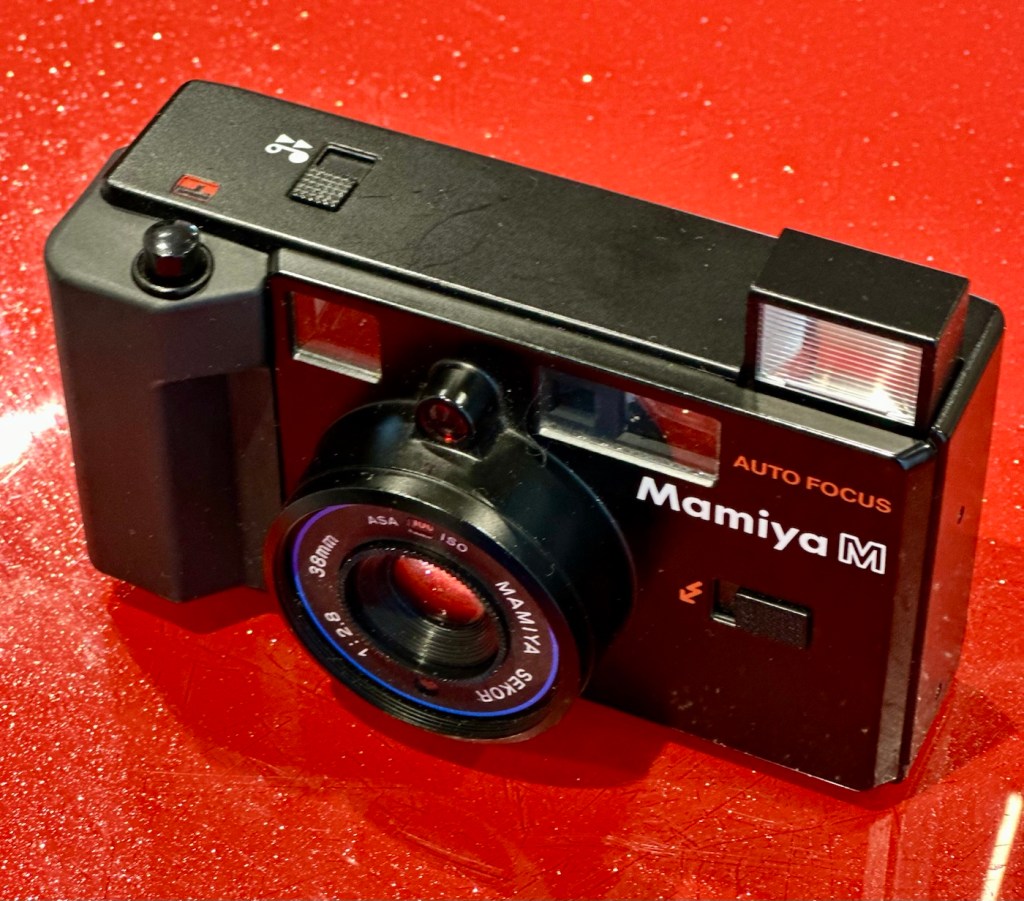
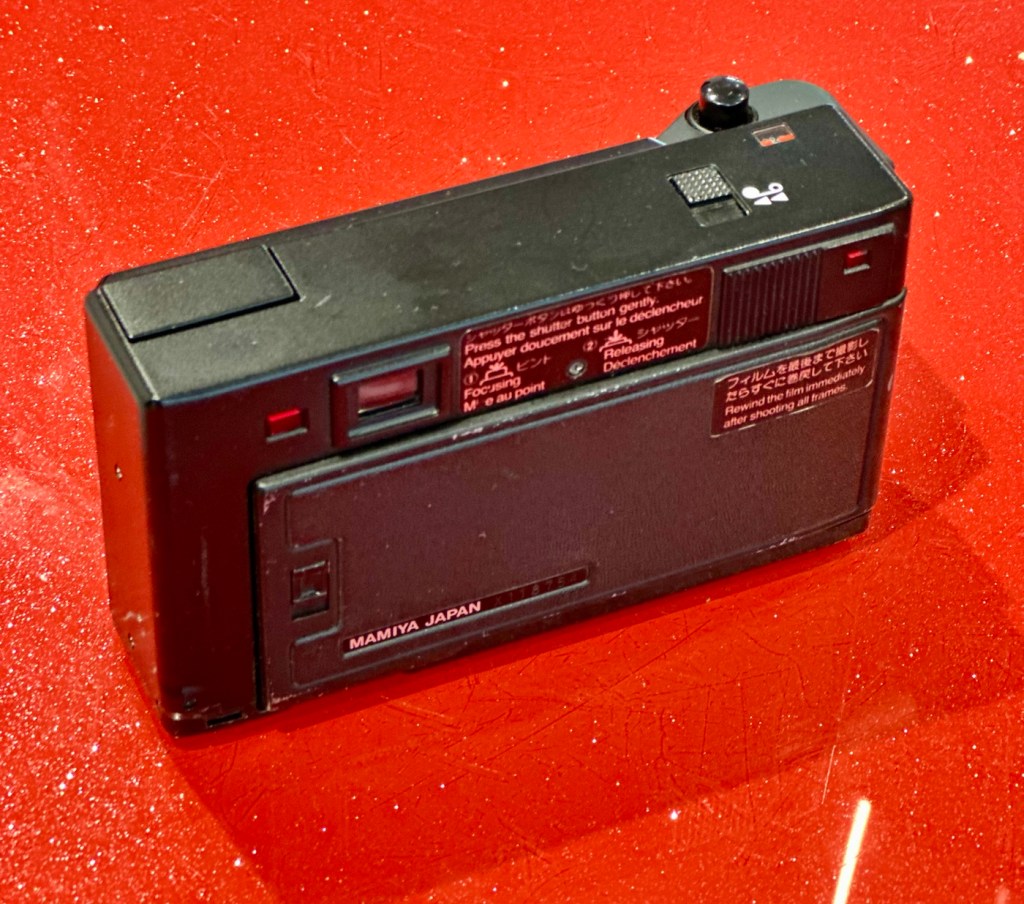
Mamiya M Autofocus – 35mm point and shoot camera – Part two

Here we are again. I recently wrote of my failed attempt to get this 80s camera operating here: Mamiya M Autofocus – 35mm point and shoot camera.

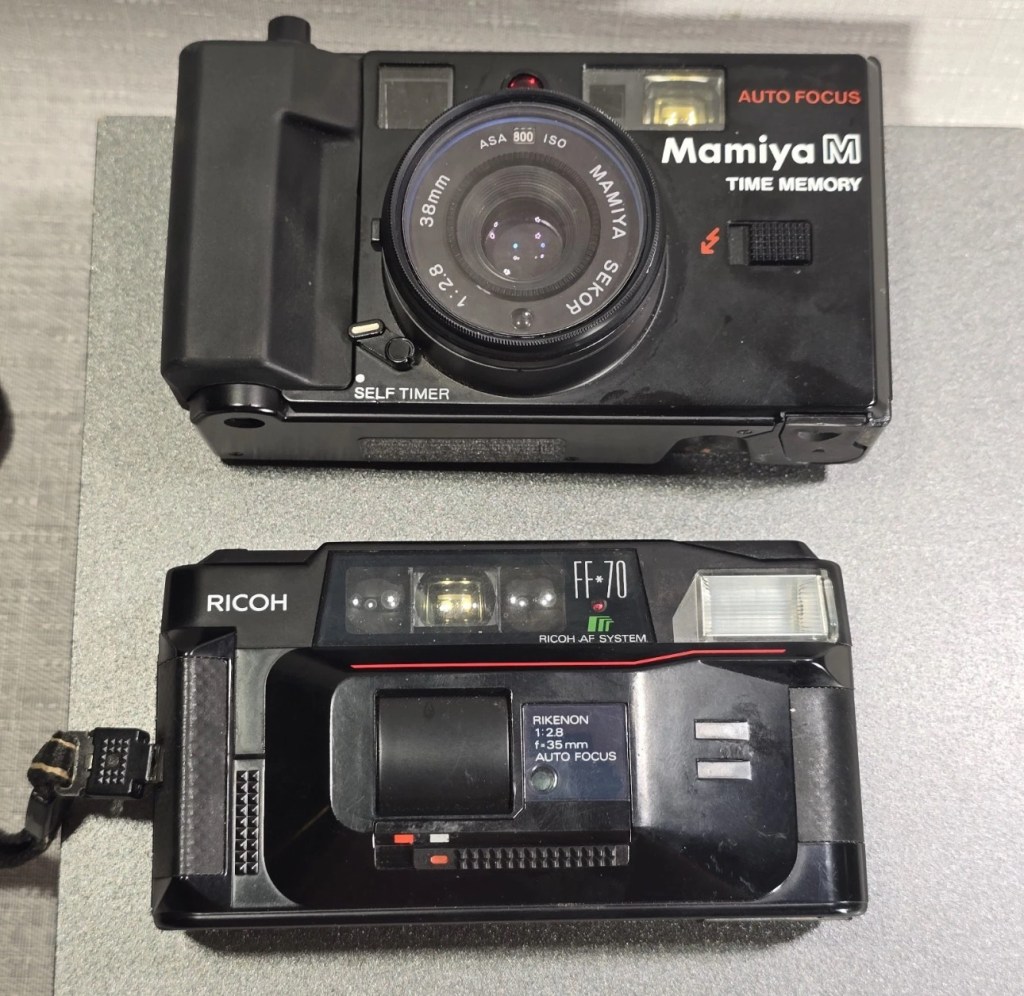
Not one to give up on a project I have looked at a suitable donor camera and believe I have found one as detailed below. Only difference is that I had to buy two cameras as they came as a bundle. Not a problem as I can always do a separate post on the other one, the two have cost me a total of £15:00GBP bartered down from the original price of £30:00GBP. A bargain! So let’s just call it £7:50GBP per camera.

What the listing stated:

mamiya shutter button is stuck. red light on the right comes on. some external corrosion pictured

ricoh no power at all

EBay

Assessment:

The Mamiya is in quite a poor state, and is the Time Memory version that differs very slightly from the version I originally worked on, it’s essentially the same camera as the Mamiya M, but with an added quartz dating mechanism for imprinting time and date information on the film. This model was the last 35mm camera Mamiya produced before focusing solely on medium format. However the back seems to be a bit rusty whereas mine is in excellent condition, so I will be using a mix of the two units to make the one good one.

Repair:

The Mamiya looks good cosmetically until you open the rear and see the rust around the door, not a problem as I won’t be using this part of the camera. The red light does not come on at all and the shutter button is stuck, that’s for sure. The whole camera is dead.

Let’s get into it.

Once opened all looks ok so I decide to have a search around with the multimeter checking the basic operation. Am I getting 3 volts at the top of the battery barrel? No I’m not. It appears that one of the traces on the positive side of the power input board has lost continuity. For some reason the traces has been damaged, this could be either from corrosion or rubbing on something. The area affected is in the photo with the red ring around it.

I’ve fixed this immediately using some solder to bridge the gap, I have checked continuity and all seems ok. I put some batteries in and the motor squeals like a banshee and then stops. You can hear the screaming motor below in the short video from its first screaming session through to its proper 80s sounding drone.

The screaming motor through to its repair

I don’t think this motor has run for years and it does not run consistently. I have sprayed it with some contact cleaner and let it soak. I have left it overnight and checked the operation in the morning and it seems to have improved.

I’ve used the original fascia, rear door, focussing beam and flash capacitor from the first failed unit, and apart from a few bits of soldering, plenty of contact cleaner and some silicone grease, I’ve revitalised a failing motor and it is now working as it should. I forgot to mention I used some graphite on the shutter leafs to “lubricate” them. All optics cleaned and camera has been tested without film and is working just fine.

View finder indications are good with light meter operational, motor rewind works, flash and exposure is fine, and the motor advances as well.

Result:

I’m really pleased with this little camera and am pleased I didn’t give up on it. It’s taken two broken cameras to make one good one, and I have a good few spare parts left over to be used at a later date.

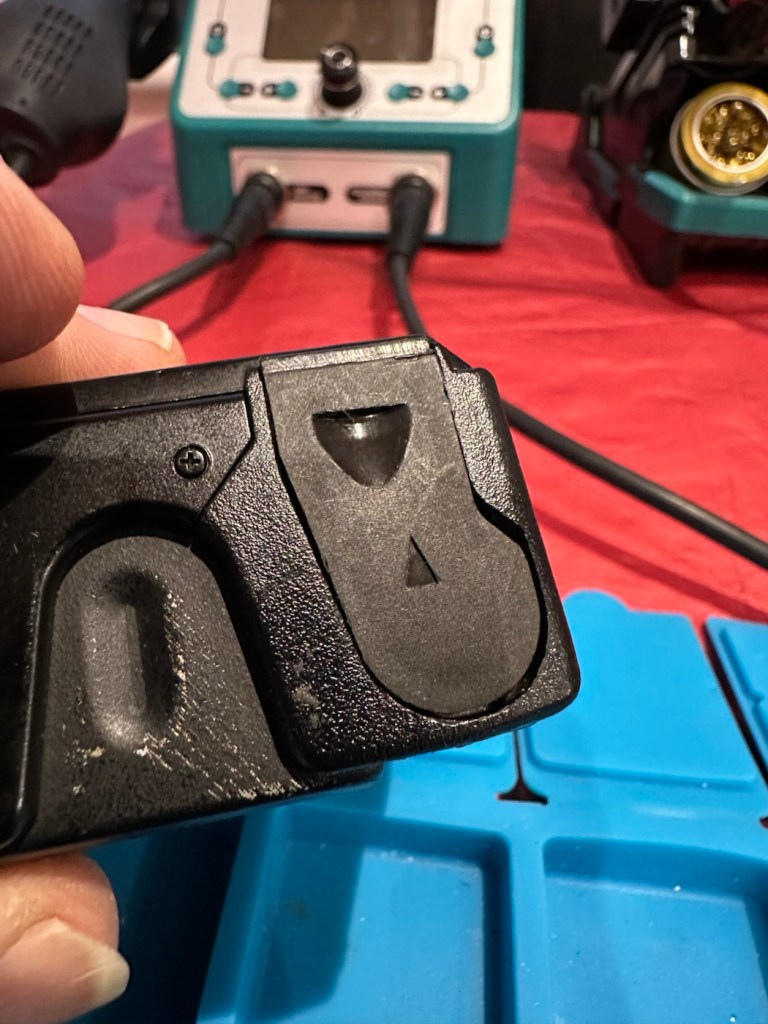
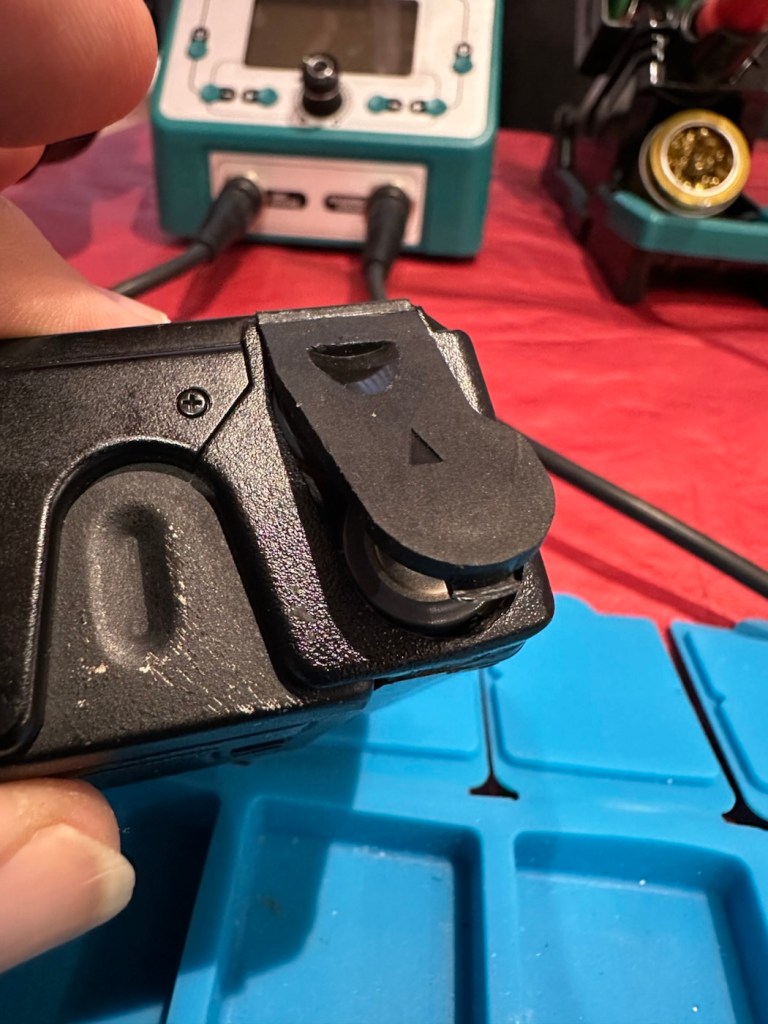
The unit looks so smart, the only real issue is the battery door that is notoriously flimsy and lots of references to its poor design can be found on line. A temporary way around this is just to put some tape across it to keep it closed.

Beyond that issue, the camera is a really good looking unit that has cleaned up really well.

I can’t wait to run some film through it to see how it performs. I have a few cameras like this to test so I’m looking for some decent priced film to use, as i do need quite a bit.

As soon as I have some photographs availability I will link to this post accordingly.

Many thanks for following the repair, it’s always very much appreciated.

Not the lottery, but for me – just as good

I’ve been after a couple of cameras for quite a while now that hold a great deal of sentimental meaning to me. This will become apparent when i publish the individual posts for them, but for now i just want to share the result of an auction i participated in on the 31st July 2025.

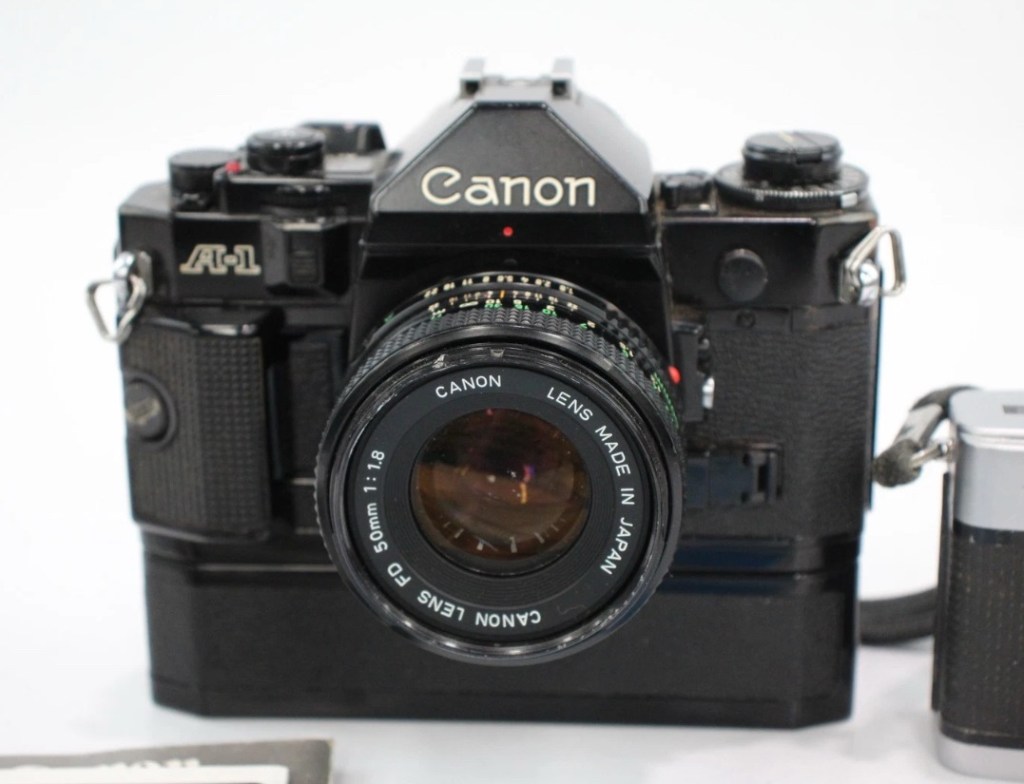
Today I’ve probably made the best purchase off of an auction site that I have ever made previous. I’ve been following a number of Canon A1s lately and they have all been going in the £120+GBP bracket, some even higher than that. Today I have lost out on two that sold for £93 for a damaged body and one for £121 that was just a body but of a much better quality. This particular auction I was watching was for an untested duo of cameras, a Canon A1 as well as an Olympus Trip 35mm. The Olympus alone normally commands the high £80GBP range and both of these were in this particular auction. I was just watching as this was going to sky rocket in my opinion, two good cameras from a respected seller who I have used before. Two minutes from the auction end, bidding was sat at £39GBP and I thought that any second now the price was going to go crazy, especially in the last 30 seconds. I put in a max bid of £55GBP for the lot, as I pretty much knew it would sail past that amount and go for a price in the £150-£200 price range. I hit the bid button with 20 seconds left on the auction….

You have won – congratulations!

I thought you’re having a laugh, no way. And then it came up with the winning bid being £39:00GBP no one else was bidding, crazy.

The A1 camera consists of the body, a winder, an FD 50 1:1.8 lens, a camera manual as well as a lens manual.

Postage was the grand total of £4:99 so my total for these two cameras was £43:99GBP. That is nuts, and to say I’m pleased about this is the understatement of the century. I have two of the cameras I wish for the most, and I have just landed the bargain of the day, I was in the right place at the right time. Wow. It’s unusual to catch other auction bidders sleeping, it will probably never happen again for me, it’s a very rare occurrence. Two cameras of this magnitude for £22:00GBP each! That’s unheard of.

I don’t know for what reason they are not working, as they both appear to be quite tidy examples. I have used this seller before and the posting above could also be worded such as to imply that the units may well not have been tested. But, that’s what this site is about, repairing old cameras and getting them working again. There’s no fun in talking about a good functional camera, that’s boring. We want the meat and potatoes as they say, we want to see things being fixed, or broken further….you never know with me.

Thanks for sharing my excitement at this purchase. It will all make sense once i’ve assessed the cameras and carried out any repairs.

Thank you for passing by. It’s always appreciated.

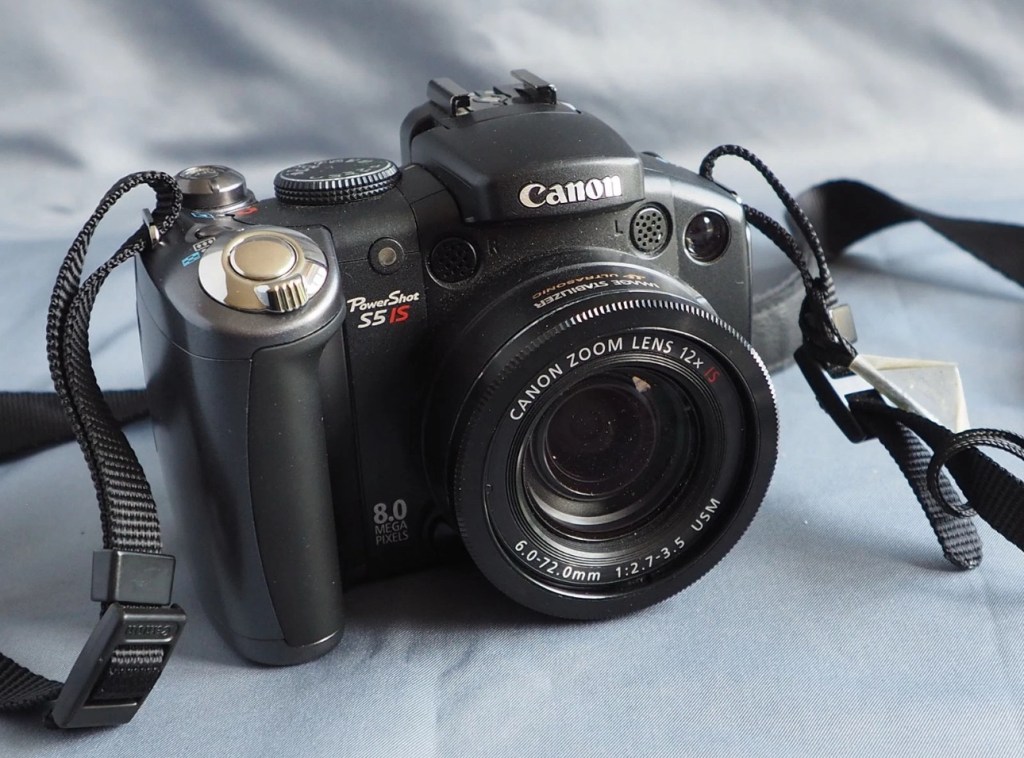
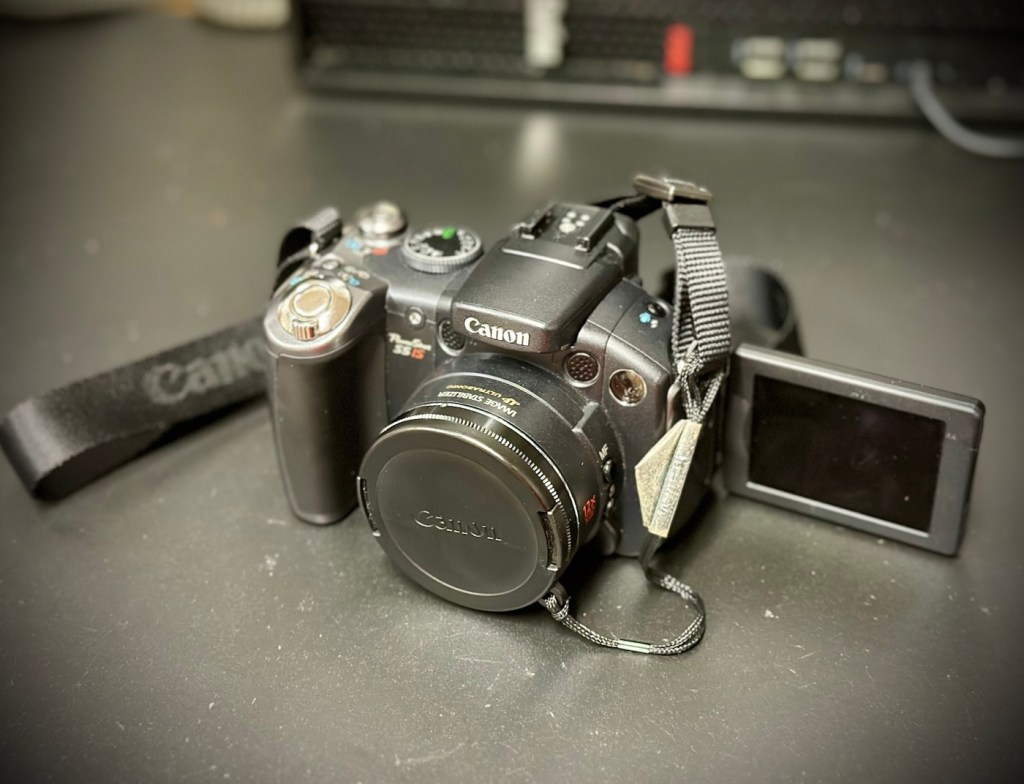
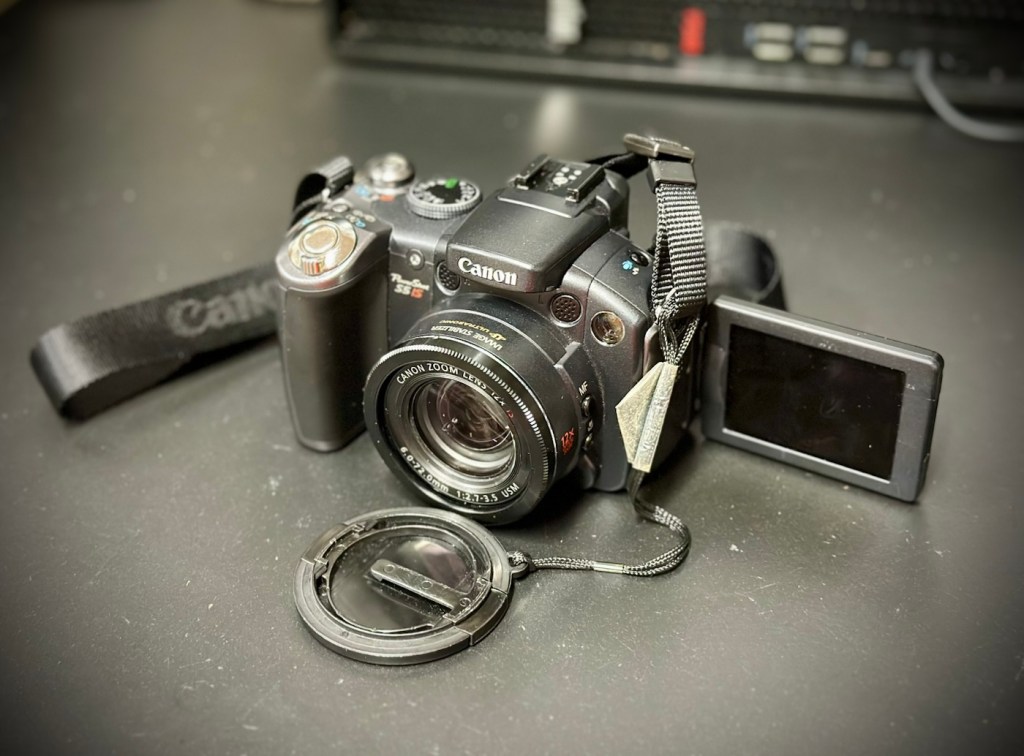
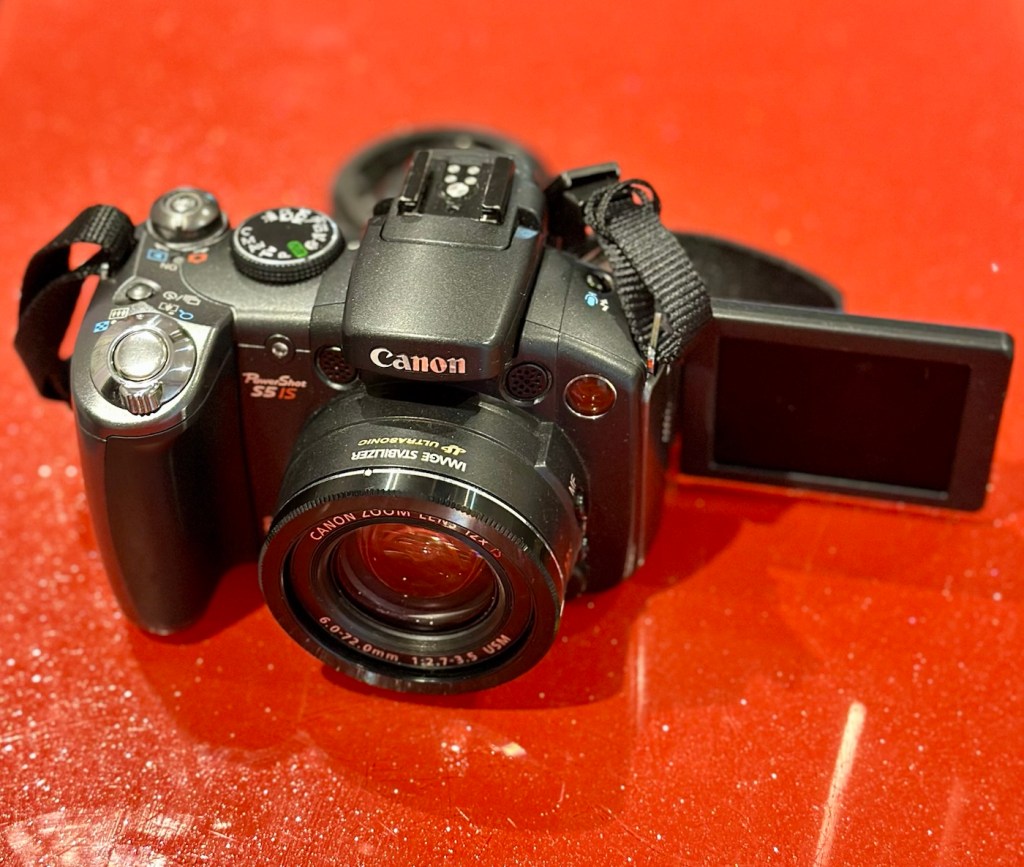
Canon Powershot S5 IS

What the listing stated:

This is a Canon Powershot S5 IS Digital Bridge Camera which is faulty and sold for spares or repair only.

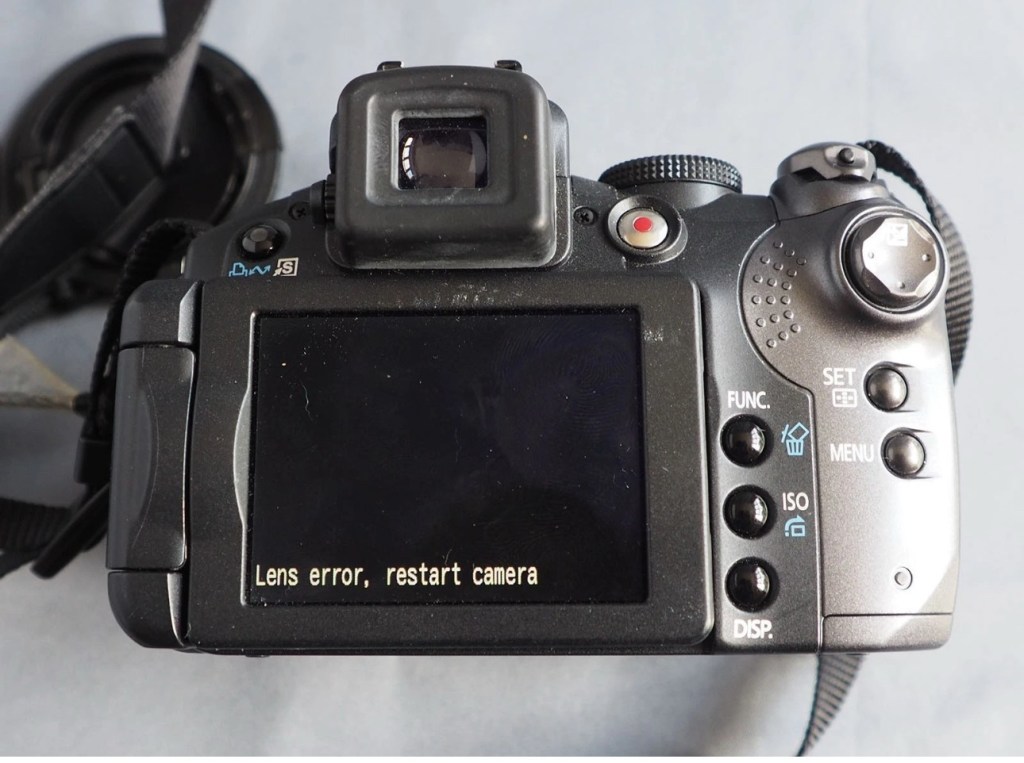
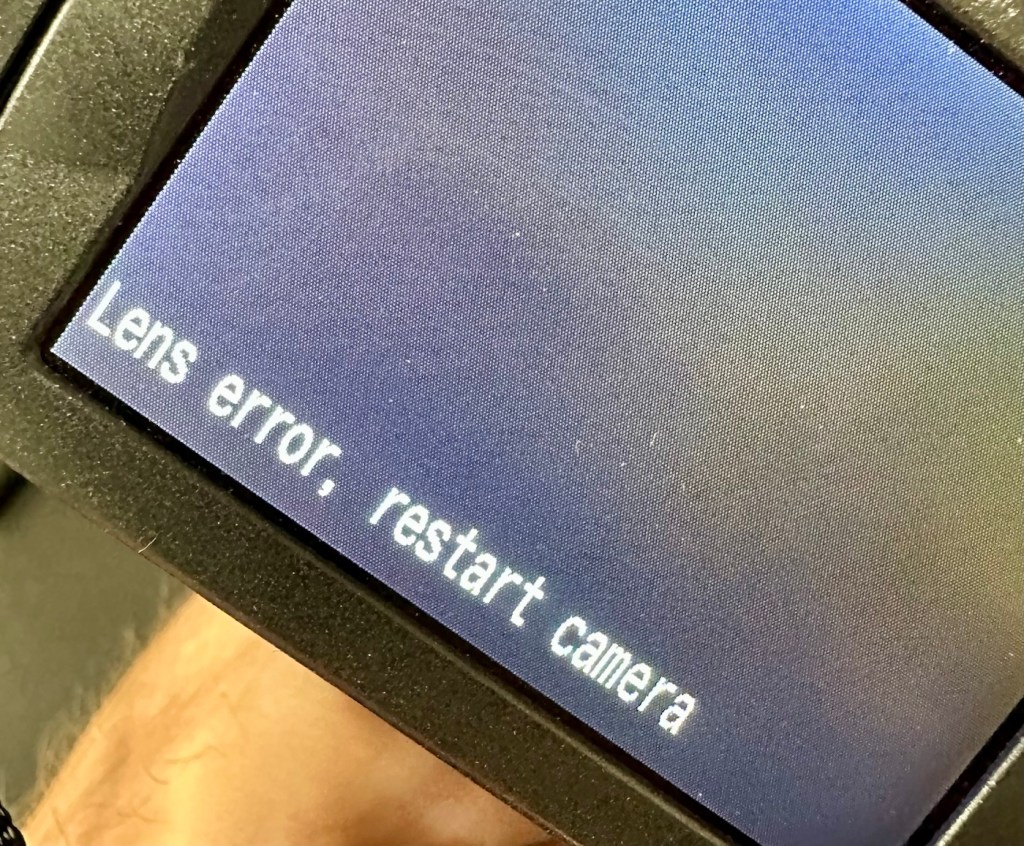
The camera is in excellent cosmetic condition but when switched on there is an error message saying lens error please restart camera (see photo).

It takes 4xAA batteries and SD cards (not supplied)

A little bit about this camera:

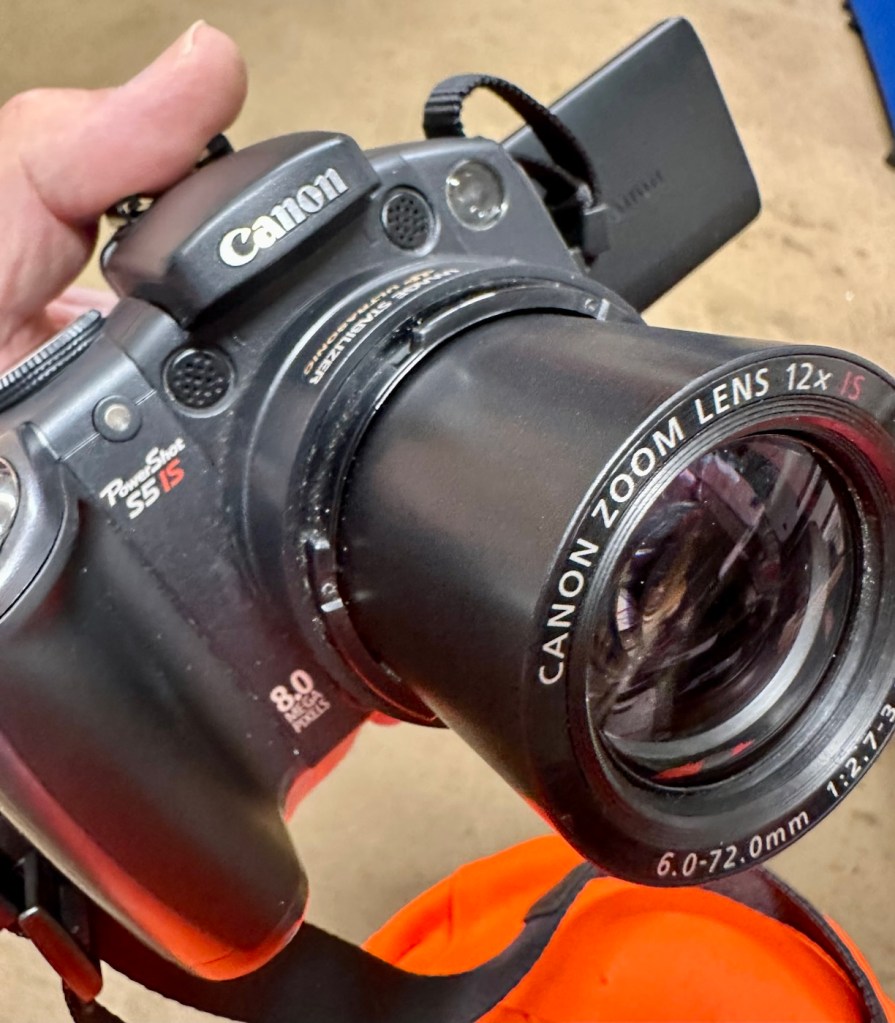
Released in June 2007, the PowerShot S5 IS is the successor to the S3 IS model launched in April 2006, which was well received for its optical image stabilization, high zoom ratio and ample movie-shooting capabilities. Like its predecessor, the high-function, high-performance S5 IS features a 12x optical zoom lens equipped with a lens shift image stabilizer and realizes fast, quiet zoom performance by means of a high-speed Ultrasonic Motor (USM).

Compared with its predecessor, the PowerShot S5 IS delivers improved imaging performance through the incorporation of an 8.0-megapixel CCD sensor-increased from 6.0 megapixels in the S3 IS-and an upgrade to Canon’s high-performance DIGIC III image processor from the earlier model’s DIGIC II. Additionally, the S5 IS employs a 2.5-inch high-resolution (approximately 207,000 dots) vari-angle LCD monitor that offers a wide viewing angle to realize a high level of shooting flexibility, and includes a hot shoe for compatibility with Canon EX-series Speedlite flashes.

The new Canon PowerShot model supports the recording of high-quality movies by enabling users to make use of the camera’s optical zoom and Face Detection AF/AE functions. The S5 IS also offers an LP movie mode, which employs a higher rate of image compression to enable longer recording times for VGA movies, as well as high-quality stereo sound, and seamless transitions between the shooting of still images and movie recording.

Canon

I’ve been watching this one for a little while, it looks very good cosmetically and I’m surprised as I was the only one that bid on it. I’ve paid a total, including postage of £8:81GBP and I think that is an absolute bargain. An issue with these cameras has always been a motor/lens error. These motors within these cameras are an ultrasonic motor (USM) and to be totally honest they can be quite delicate and are known to give up as such, if even a grain of sand was to get stuck in the lens gear mechanism. They are delicate souls that don’t really like hard work 😂

A good clean is sometimes all that is needed to get these cameras working again, however I’m not going to get ahead of myself here, as I just don’t know what kind of pain the previous owner has inflicted on this camera. I just hope they have not been too brutal.

Assessment:

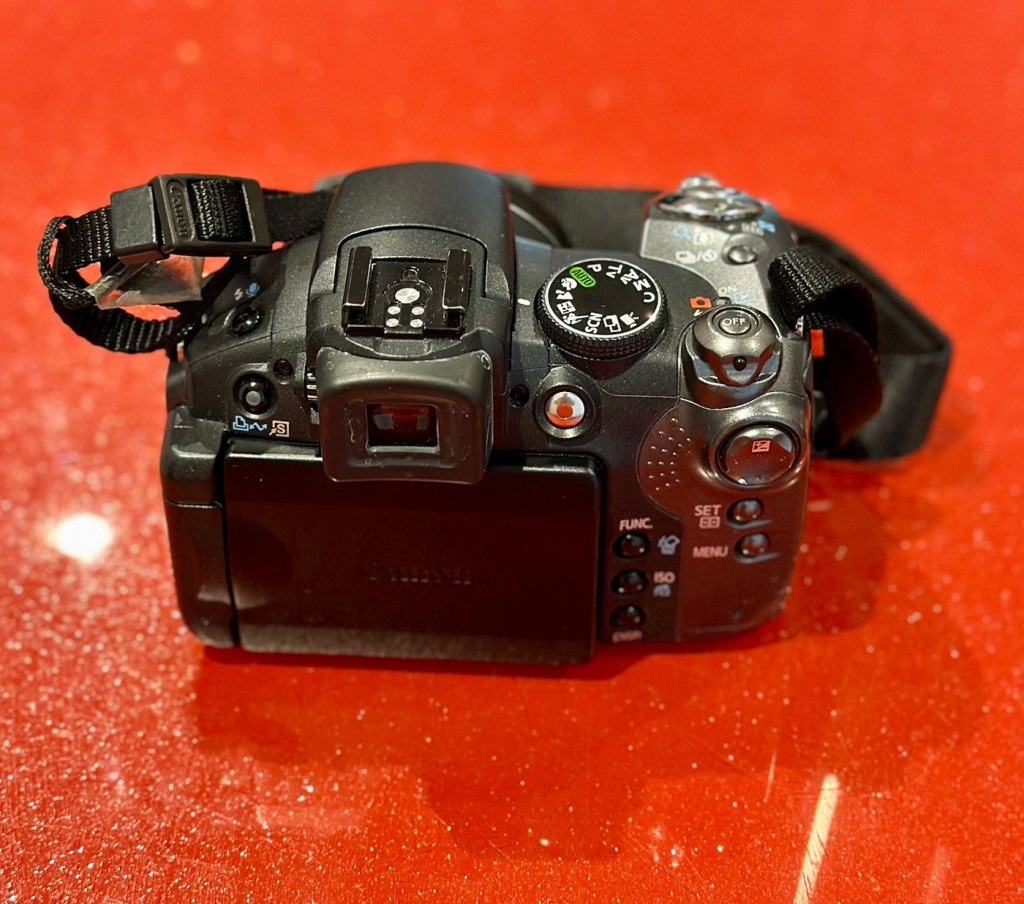
Now this is an absolutely beautiful looking little camera in pristine cosmetic condition. The previous owner has in fact been extremely careful and treated this camera very well.

The elephant in the room

The only issue that I can see is the one that flashes up on the screen, continuously when to turn on the camera. Even moving the telephoto/wide switch when starting up does not clear the fault. I really need to get the lens extended to see what’s going on. If I can do that without getting the screwdriver involved then that is even better.

Repair:

The lens remains stuck in the closed position despite there being movement with the lens iris, all other actions are as expected, just no extension of the lens turret. It does sound as if something is trying to move inside.

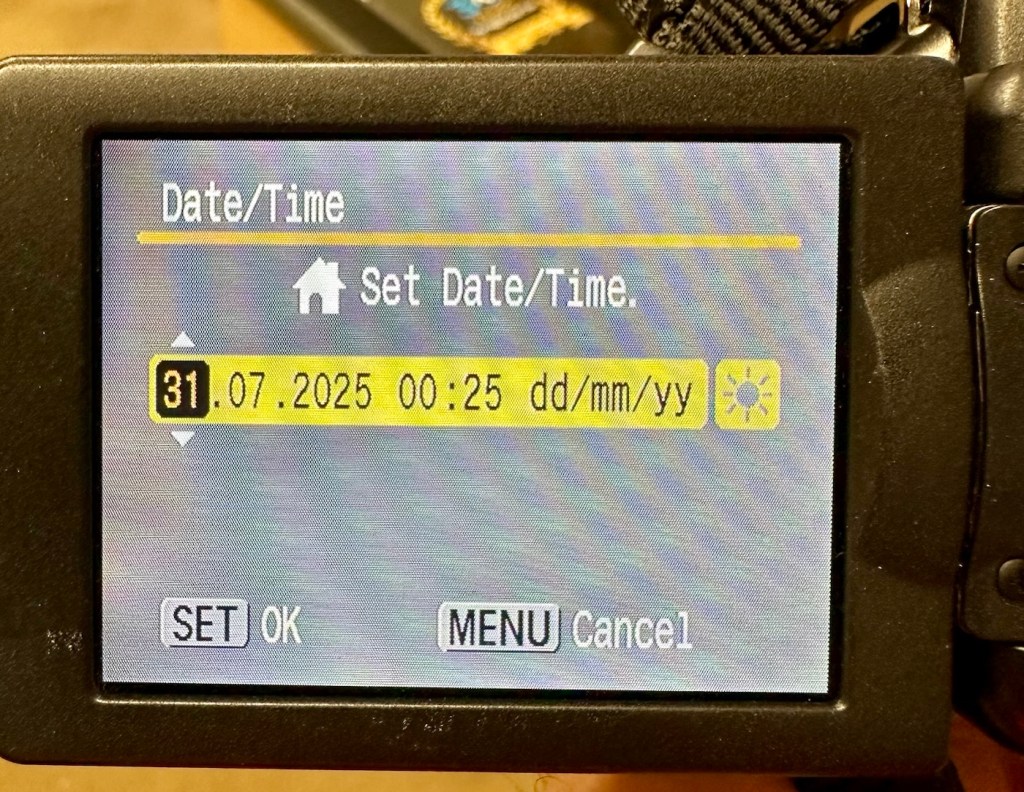
I’ve tried resetting and going back to factory defaults with no joy. I have been noticing though that when i put in a time and date, it is resetting every time i turn the camera off and then back on again. This is usually a sign that the small internal memory battery is dead, and as it’s probably been in the camera since 2007 it’s probably a good idea to change it. If I can find it. That is.

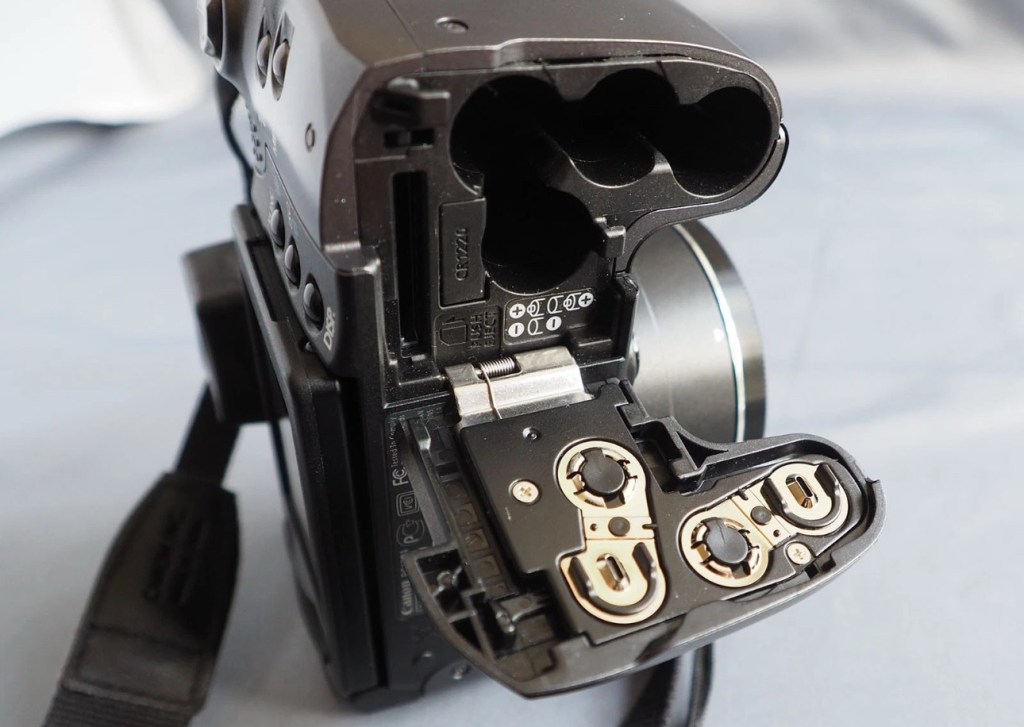
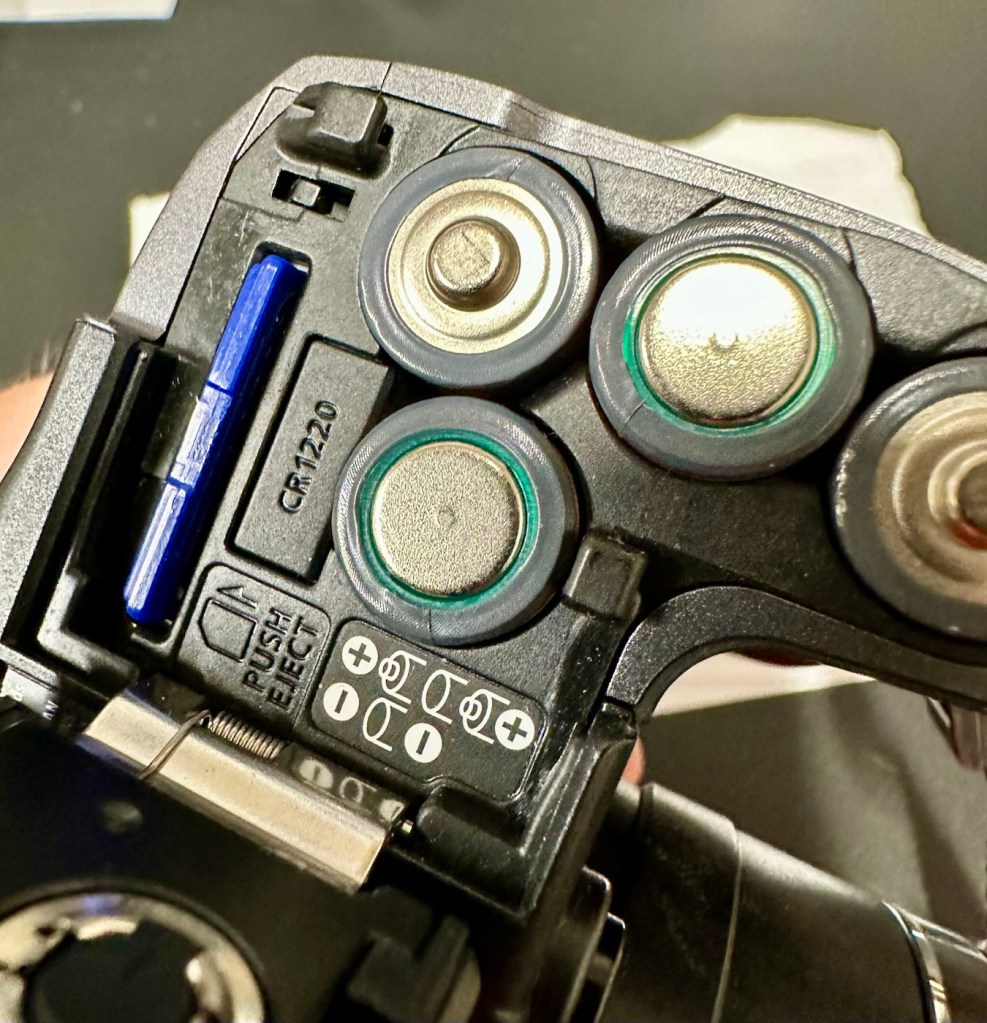
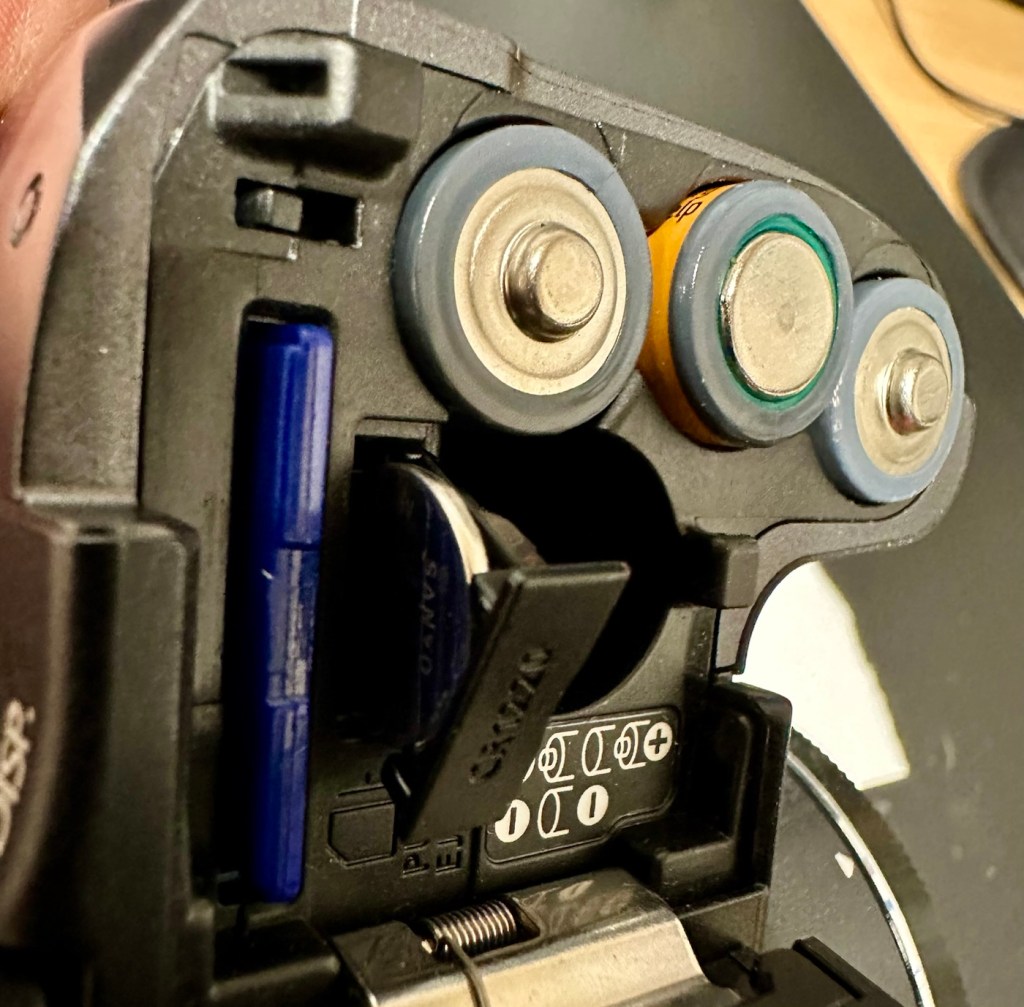
Panic over I have found the memory battery (CMOS) it was located in the battery chamber beside the SD card slot. It’s a small CR1220 coin battery and I have one of these in my battery box, so this will be replaced as soon as I get it home, now replaced all is working as it should be.

Back to the error. The error is more often than not caused by something, even a grain of sand getting in the turret area and catching in the workings, as these cameras are so delicate. We have to somehow get into the turret area to see if we can dislodge whatever is causing the problem.

I’d advise against using canned air here, as doing so would most probably dislodge the obstruction, however the route down the turret leads directly to the image sensor and you don’t want debris on that. Careful is the buzz word.

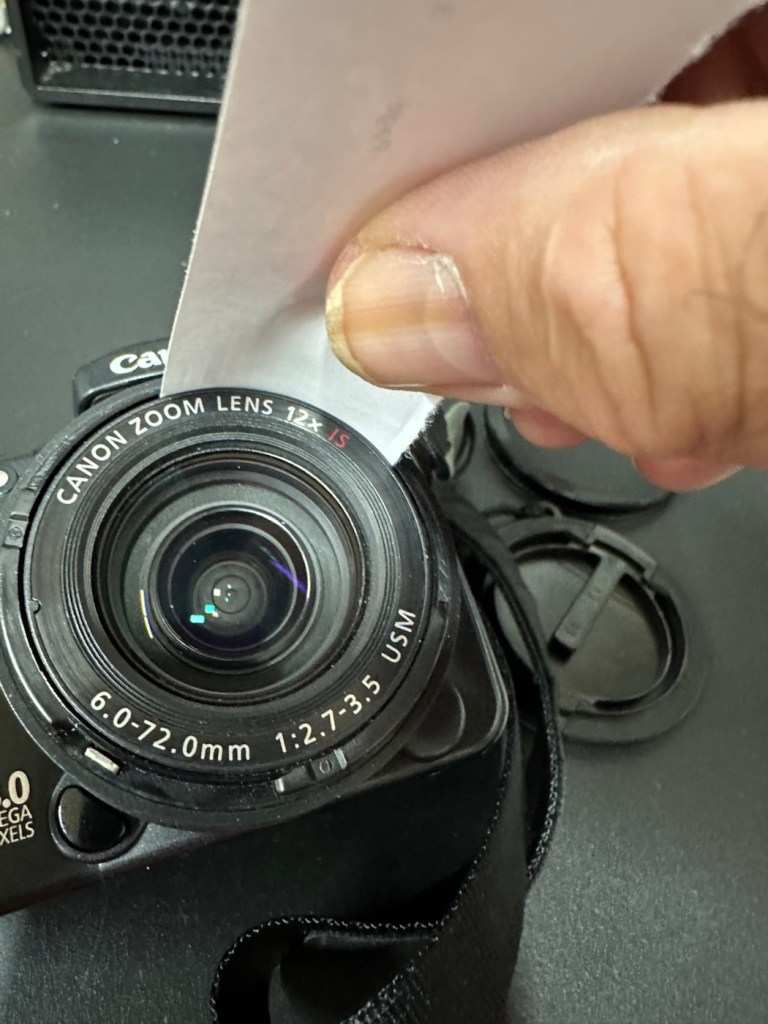
I cut a small strip of paper and feed this down between the tiny gap between the lens and the body. I manoeuvre this around the full circumference of the lens, and as I do I can feel some slight resistance as if something is there. I go around again and that resistance has gone. I turn the camera on and still there is no extension of the turret. At this point I put the mode dial on the camera into video mode and then turn it on. Straight away the turret extends and what looks like some grains of dirt fall from the lens area, at last we have the lens extended and there is an image on the LCD screen.

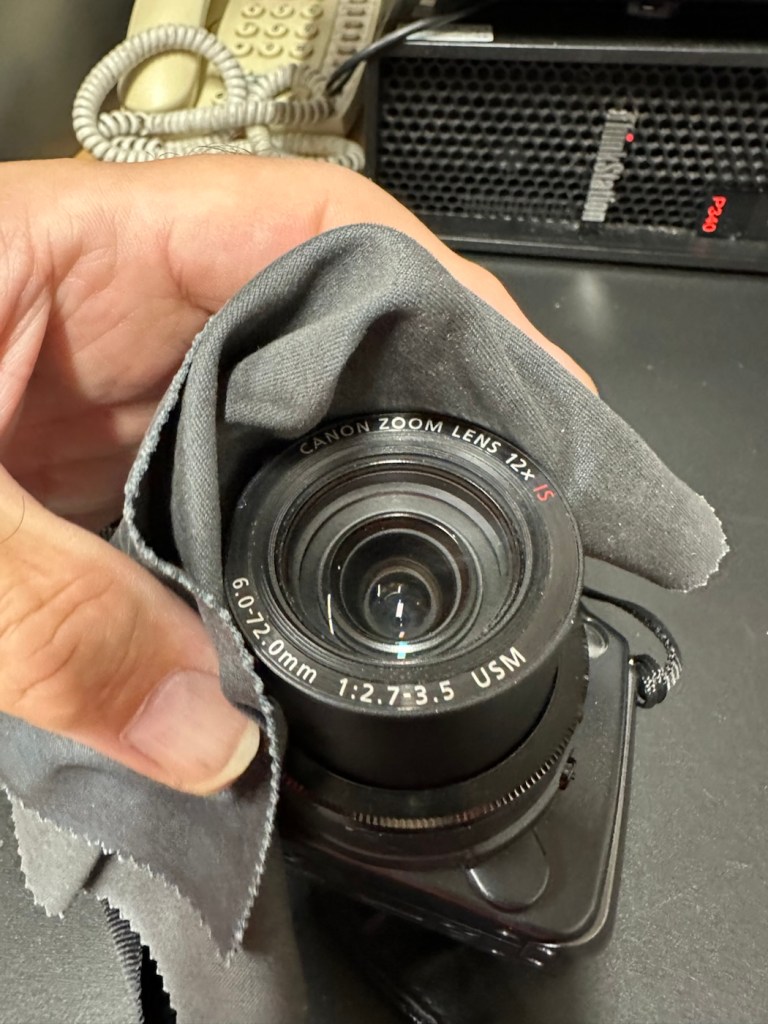
I clean the lens turret with an optics cloth and you can see it was very dusty inside, there had definitely been some debris enter this area causing the issue.

I operated the on off button a number of times to ensure the turret motion was smooth, and it was. There are no further obstacles in this area, causing the mechanism to seize.

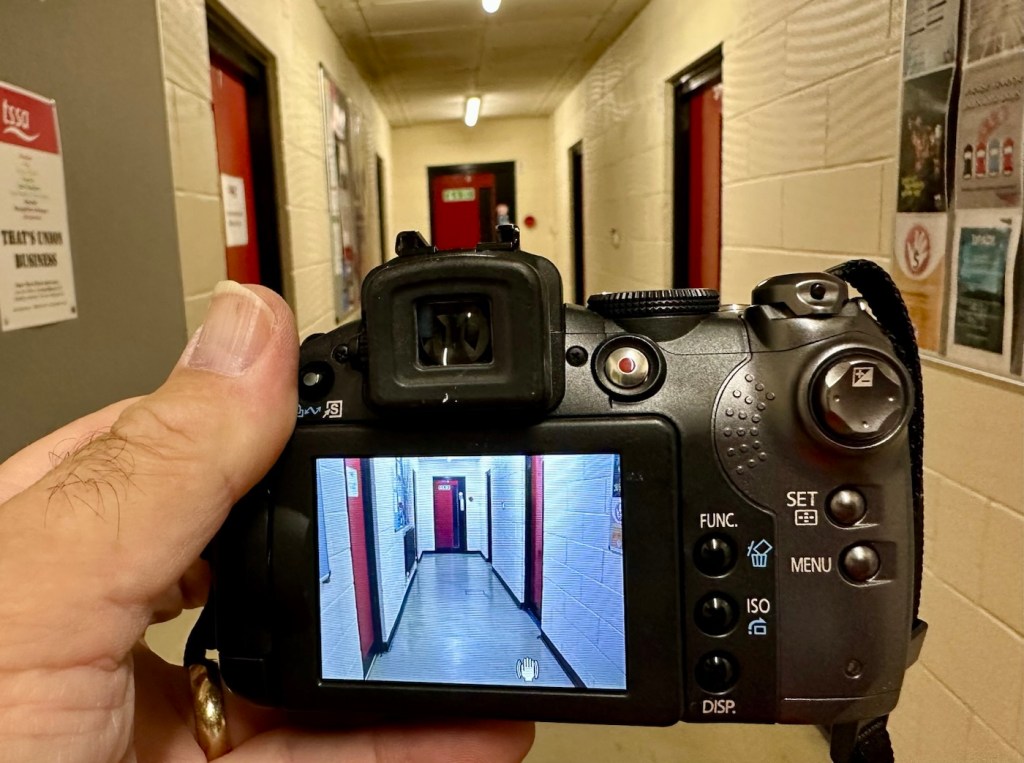
I have taken a number of test photos trying out all modes and features and the camera is just perfect.

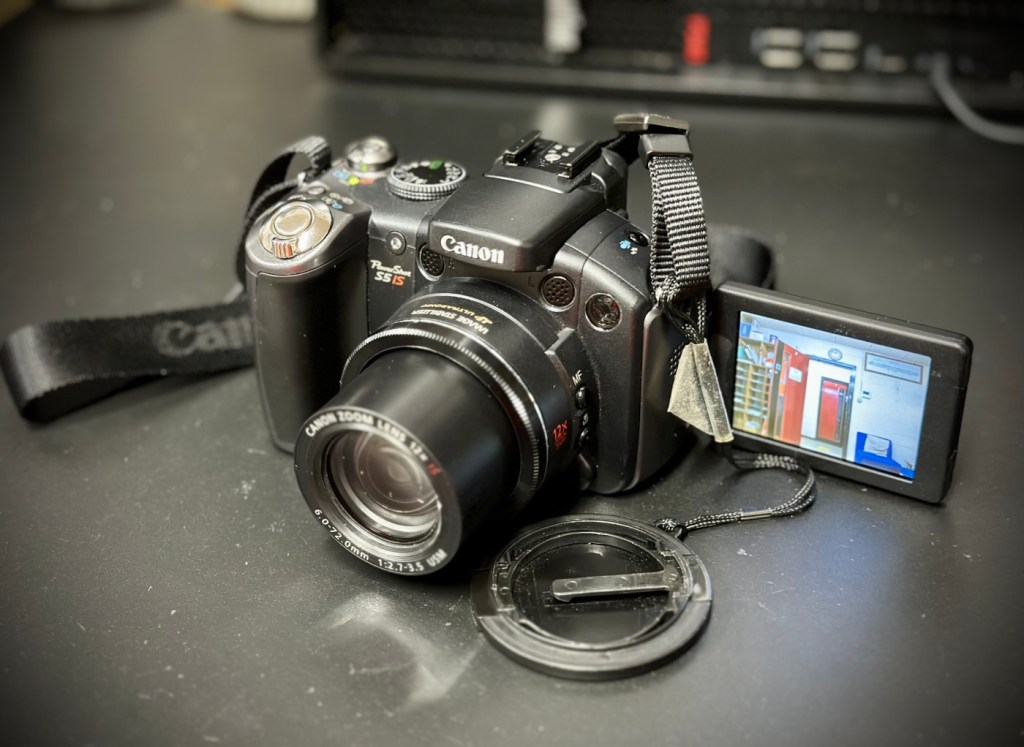
The camera operating as it should

I’ll show a few more photos below, once I have been able to download them.

Result:

This camera is simply a little beauty. It is probably one of the best looking of the later generations of bridge cameras but maybe not the best photo quality wise at 8mp. But who cares though, when you are as good looking as this?

The camera is pristine in my eyes, and for just over £8GBP this is a bargain. These fixes do not always involve a total dismantling of the item, sometimes it is so simple it’s unbelievable. Here I used a piece of paper and a lens cloth, that’s all. Now a camera destined for an old box in the loft and then the tip has been saved to carry on taking photos for a good few years yet. In fact here are a few photos that I have taken randomly around work, and around my garden.

I’m probably going to use this camera with its pivoting screen to construct videos to display on this site regarding future repairs, I’m going to ensure it gets good usage under my ownership.

Did I tell you how much I love this camera and how handsome it is? Oh, I did, sorry about that, I get really carried away with these older cameras, I just wish everyone else could get as excited as I do, and maybe so many of these wonderful machines wouldn’t then, just get thrown out with the bath water.

Thanks for passing by. It’s always most appreciated.

Nikon 28-100mm AF Zoom Nikkor Lens G AF-D

What the listing stated:

Nikon Nikkor 28-100mm Zoom Auto Focus Lens F3.5-5.6 G 

It will autofocus with: Df-D1-D1x-D1H-D2-D2x-D2xs-D3-D3x-D3S-D50-D70-D70s-D80-D90-D7000-D100-D200-D300-D300s-D600-D610-D700-D750-D780-D800-D810-D850-D7000-D7100-D7200-D7500 & Fuji S1, S2, S3,S5

This lens will not autofocus with : D40-D40x-D60-D3000-D3100-D3200-D3300-D3500-D3600-D5000-D5100-D5200-D5300-D5500-D5600 as these cameras do not have integrated autofocus motors in their bodies, but it will still work with manual focus and auto exposure as it has a “chip” mount. 

It will also work Nikon 35mm AF film cameras:  F80, F90/90x, F75, F70, F65, F60, F55, F50, F80, F90/90x, F101, F100, F401.

Comes with front / rear lens caps

EBay

Anyone that has followed my recent repair of the camera: Fujifilm Finepix S2 Pro will be aware that I purchased a lens as a test lens for working on some stock that required a Nikon mount. I went cheap and purchased a lens that was so badly affected with lens fungus that it will require a deep clean and some TLC. Anyway, it allowed me to test electrical contacts and all the menus, and that was about it, it served a purpose there, but taking a picture was like looking into a deep fog, it was hopeless. Anyway that lens is now set aside and will become one of those projects to dig into on a long winter evening…or two, or three.

As I have a number of Nikon based cameras needing assessment on the horizon, some with sensor issues, i have made the decision to pay a little more for some quality, from a company called AP photographic who specialise in quality used equipment, a company that is based close to where i used to live down in the south. This Lens has cost me £58:95GBP including postage, a fair but good price for some peace of mind. This post will not be a repair post as there is nothing wrong with this lens, it will be more of an assessment of the lens when used with the Fuji S2 pro i featured in a previous post.


Nikon Nikkor 28-100mm Zoom Auto Focus Lens F3.5-5.6 

I’ve put this post up to show the difference in the pictures taken on the S2 with both the old lens as well as this lens. I think the results will show quite a noticeable contrast and confirm just how restrictive a lens is when it is infected with a fungus problem.

Assessment:

The lens arrived within a couple of days and is in perfect condition. It has a lens cap and bayonet cap so is perfectly protected against dust dirt and damage from foreign objects. And when the lens cover is removed there is another little surprise, a post it note saying “Filter is a free gift” that just happens to be attached to a daylight filter. Nice little touch 👌

Lens is a perfect fit, no aperture ring on it as it is fully automatic, full autofocus. I’m not sure how the flash will work with this lens though when I use the Fuji S2 Pro, as that body works best with a fully closed lens aperture, but I’m sure I’ll be able to work it all out and get it functioning as it should. And I did, i played with the Aperture settings in “A” mode and it works just fine. It’s faultless.

That said on the S2 it not only looks good, it takes good pictures. Compared to the lens I last used this one is crystal clear, not a bit of fungus no aberrations and not a speck of dirt. This is a good lens and will serve me well for the purpose of testing other equipment I have awaiting attention. I think I’ve purchased a good example here.

Result:

I can confirm that the Fuji S2 Pro does not have a thing wrong with it and is working perfectly. All modes, all conditions are performed just as they should be. This lens is gorgeous as it is so clear and has been so well looked after. I believe this whole unit will be the one I wander about with when i go out on my walks. I can’t wait to take some serious photos to post.

A quick comparison fungus lens v clear lens as seen on the camera LCD screen

I took some pictures just randomly around the home setting with the old lens to show how foggy things were with the lens fungus. I have tried to take some more photos of the same locations with the new lens as well to just show how they compare and these can be seen in the pictures grouped below.

Before and after pictures, what a difference the fungus has had on the results.

All these pictures are on an old CF card so it is a bit of a palaver to get them on to new technology, but it is doable, it just takes a little time, and this gadget allows me to load numerous card types even the CF cards direct to my iPhone via a lightning connector. It also has a USB-C connector for other phones. It works really well as you can see in all the pictures in this post.

Multiple media cards direct to my iPhone

And below are a few random photos taken on the S2, it has a good black and white mode but is quite heavy on contrast. Post editing would probably be recommended, but to be honest I really love its moody appearance.

4 random photos in and around the house. And Tabs the feral cat popped by

This camera and this lens have proved fantastic. I know you can get far superior picture sizes and quality on a basic mobile phone, but where the heck is the fun in that? This camera cost me £8:00GBP. Just £8:00. And it is a superb camera that will be going on many trips with me as I just love it and how it looks. I now know it intimately after reading up on it and testing it, and cannot wait to put that knowledge to use.

Cameras are better than mobile phones. Old ones like this are fun, and an absolute privilege to use. It’s not all about the Megapixels, just remember these old cameras were the ones taking high quality professional pictures back in their day. Just because time moves on, and just like an elderly old lady or gentleman, they should not be discarded because they no longer serve a purpose. Respect the older technology, learn from it and you will ultimately become a wiser person yourself. Oldies rule! Never forget it. 👊

Thank you so much for passing by. It’s always very much appreciated.

Fujifilm Finepix S8000fd

What the listing stated:

ALL ITEMS IN THIS LISTING ARE FAULTY 
FAULTS MAY VARY BETWEENS ITEMS

SOLD AS IS

NO RETURNS

EBay

I’ve purchased three cameras as a job lot in an auction. All of them have issues but the issues have not been clarified. This is very much a “Suck it and see” auction where I get what I’m given. I’ve paid £24:22GBP for all three and that includes free postage. I’ve purchased from this seller before who is a bonafide Camera business based in South Wales. He has no time for faulty items though, quick in and out is his way of working, no time to fix stuff. I’ve got three good cameras in this bundle and this works out at just about £8:00GBP per camera. And where can you get cameras like this for those prices nowadays.

I really don’t know what the specific issues are with this camera, only that it appears to have the mode selector dial missing from its top. I guess we will just have to wait it’s arrival for a full assessment. In the meantime here is a little bit about it.

With the release of the FinePix S8000fd, Fujifilm brings to market a smart-looking digicam with an 8-megapixel imager, one of the longest zoom lenses in the market plus a compact, and relatively light, camera body. The cheapest of three similarly featured long zoom cameras in the current market (see table below for a feature comparison), the S8000fd has the distinction of being able to use both xD-Picture Card and SD cards (including SHDC), which are fitted in a single dual-format slot. Release date July 2007.

Photo review newsletter

Assessment:

Well, to be honest, for potentially the worst camera in the box of the three that were purchased, it works just fine. Apart from that missing mode selector dial on the top of the camera. You have to use a pair of tweezers to get each mode to appear, but they are all there and the zoom and flash all work and it takes pictures fine, just as it should.

Apart from the issue with the dial, all that is really needed is a little clean up, and even that isn’t that bad.

It does not justify being used as spares and is far too good to just be disposed of. I’m going to try and repair this.

What a bonus!

A little bonus was that there was a 1Gb SD card in the memory slot that works. There were also 4 rechargeable batteries in the camera that after a while on my charger, have fully recharged, and this makes the deal an even better one and quite a bargain to be honest with you.

Repair:

I’ve tested all systems, menus and functions on this camera and there really is nothing else wrong with it. It’s far too good to be used as a spares camera and deserves to be repaired.

Missing mode selector dial

I have two options here, either buy the mode selector dial on its own from our friends in China, or buy another donor camera in a far worse state and available for about the same price as getting the dial from China. I just have to wait for that donor camera to first become available. I’ll give it a couple of weeks and if nothing comes up then China it is.

In preparation for whatever route I decide to take, I’ve decided to do some prep on the old camera and get the old selector dial mechanism taken out ready for the new dial to be put in place.

I’ve dismantled the camera unit to be able to access what is left of the mode dial switch.

This wasn’t too awkward to dismantle, half a dozen screws and a small plastic prise tool was all that was required to reach this point. There was some protectorate covering the metal frame of the switch housing that was contained by four tiny screws. Once this was loosened the housing came away and I was able to remove what was left of the old mode dial that had originally been in place. There wasn’t a lot left.

Remains of previous dial

The camera now sits in this position of being dismantled whilst I source a new dial to replace. As stated I have two options of buying a new dial either from China, or by getting a damaged camera as a spares source, and I’m currently looking at the latter as this could be purchased for about the same price as the dial from China, and would allow me a few more spares.

I’ve purchased another unit as a donor. The unit in question has a damaged LCD screen. I’m going to use that camera as a donor for the mode dial I require.

The donor camera has arrived. And to be honest it looks ok. It has been dropped at some time as the lens has a scratch on it, and the Rear LCD screen is damaged. That’s about it.

I’ve taken some pictures with this unit and the camera is working fine, as you can still view pictures you have taken through the viewfinder. It works ok, but I need this mode switch to fix another camera, so i’ll probably just use what remains as spare parts due to that scratch on the lens.

Let’s get the donor camera disassembled to harvest that mode switch.

There are only about six screws to get the back of the camera taken from the body, you just have to be careful not to damage the ribbon cable that is connected to the mode dial assembly that we are going to use today.

I did all the disassembly of the original camera to save time, and it took about 5 minutes to get the donor camera stripped down. Once inside there is some insulating material covering the switch assembly, this has to be removed but cannot be reused as it has lost its adhesion. When reassembled I have used electrical Kapton tape to replace the original insulation. This has worked just fine.

New Kapton tape insulation

Assembly involves checking that the button settings relate to the markings on the camera body, this is important at this stage as the last thing you want to do is reassemble the camera to find out that you have the dial in the wrong setup. Do it now and save time and reduce the possibility of damaging the connectors and body clips.

Before and after

Result:

We have a beautifully restored and working and fully functional bridge camera that takes good snapshot photos. It’s not high end, it’s very much a learner camera but good at documenting what’s going on around you. Its mode dial that was missing is now working fine. A little polish and it has come up looking lovely cosmetically. it’s a good little unit.

Here are a selection of snapshots from around the home just to prove it’s working as it should. Nothing special, it just does what it was always built to do. Take snap shots.

It works. I’m happy. And another camera has been saved from landfill.

Thank you for passing by, as always it’s most appreciated.