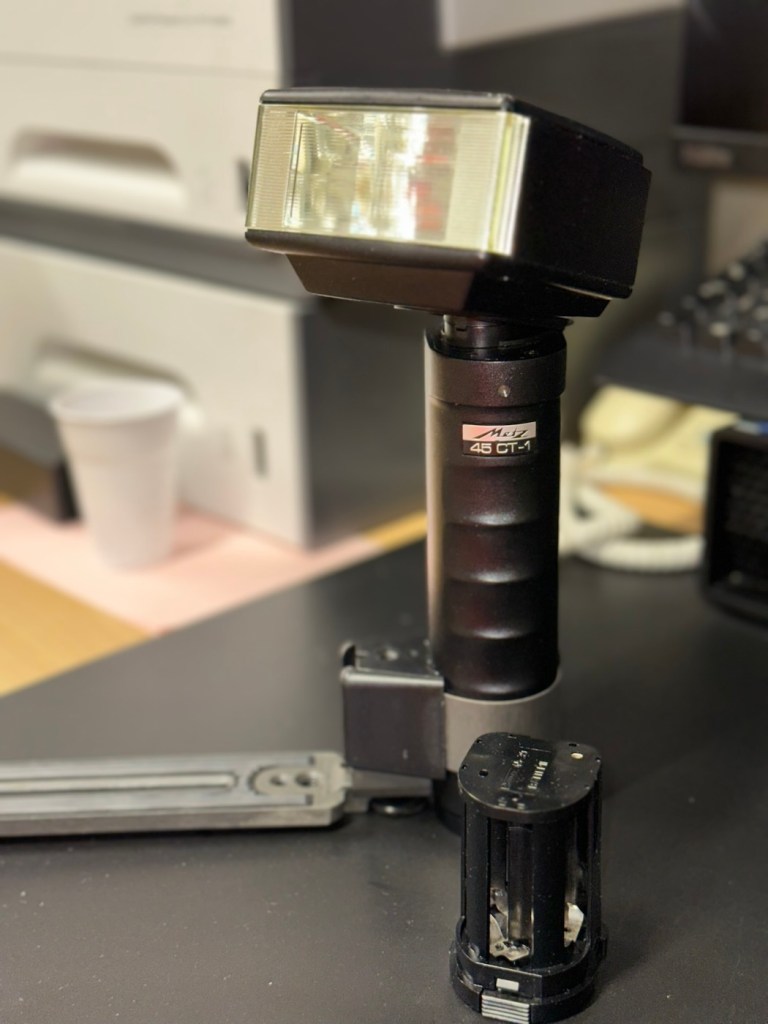
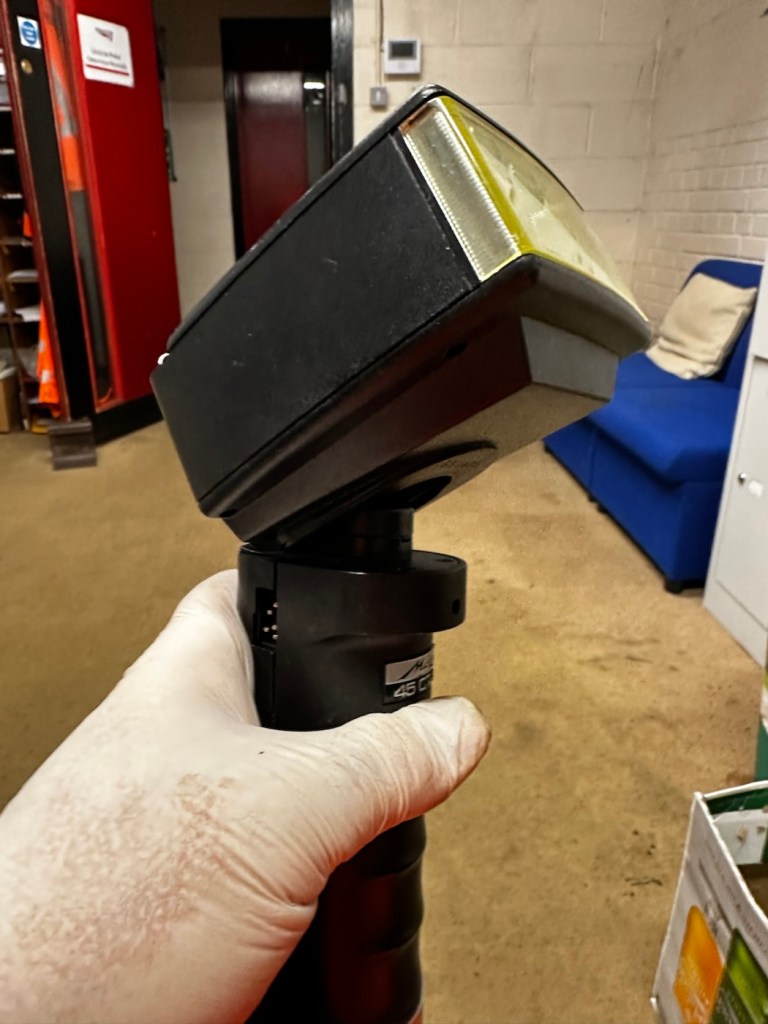
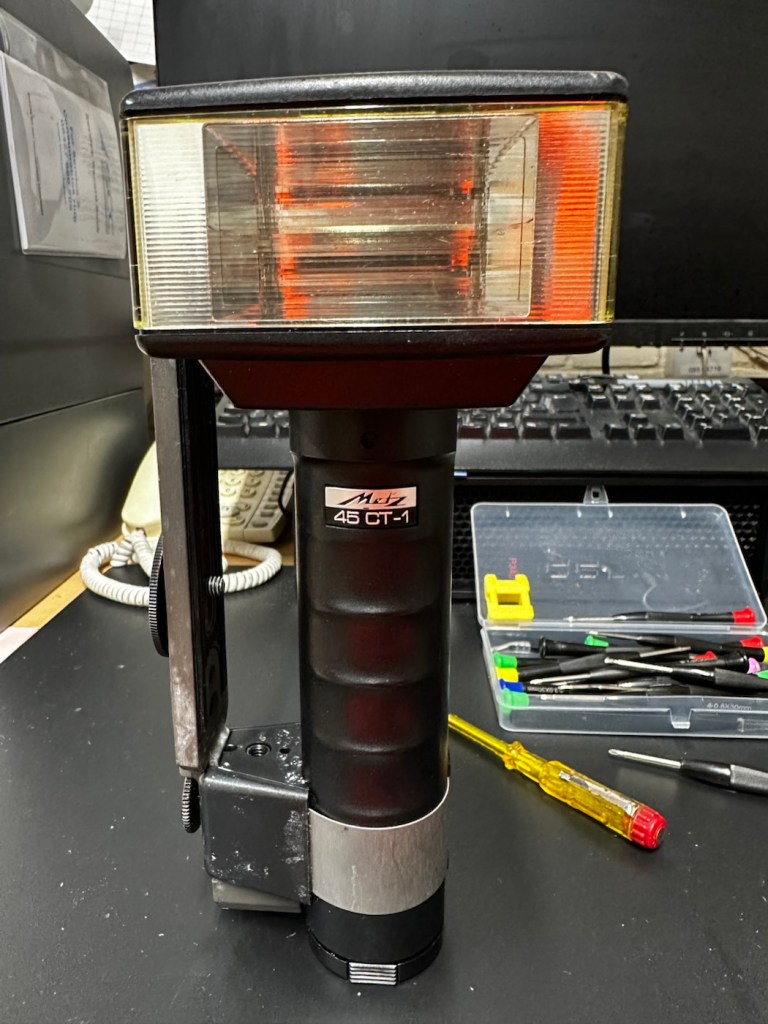
Metz 45 CT-1 Flash gun

I was given a professional flashgun with a number of issues. Let’s get it fixed.

I love working with flashguns, but believe me they are highly dangerous and potentially deadly pieces of kit, once you get under the skin otherwise known as its protective casing. I inherited this one from a good friend of mine who is a professional photographer, the post regarding what he passed on to me can be found here: Cameras…i need more!

Now please do not go delving into the back of these things unless you know what you are doing. Yes they might only be powered by 6-9v of power from your batteries, however in the process of getting to the point where they unleash a lightning flash for your photographic opportunity, they have passed through a component called a capacitor, that greatly amplifies the voltage from that measly 6-9v from your batteries up to what is now between 3-400v for the flash. Yes, you read right, 400 VOLTS.

That can kill, and if it doesn’t, you have been very fortunate, but will probably bear an entry and exit burn where you made contact with that very component. You have been warned – take heed!

Here’s a little about this flashgun. They were manufactured circa 1979.

The Metz 45 CT-1 is a classic, powerful handle-mount flash gun known for its “hammerhead” design, high light output, and versatile features like a swivel and tilt head. It was a popular and durable accessory for professional photographers. 

Key Features

  • Guide Number: The flash has a high guide number of 45 metres at ISO 100, indicating powerful light output.
  • Exposure Control: It features an analog control display and offers five different “tele-computer” automatic aperture settings, allowing for easy exposure control in automatic mode.
  • Versatility: The flash head can swivel and tilt, allowing for bounce flash techniques to achieve softer, more flattering light. It also includes a built-in wide-angle diffuser.
  • Compatibility: The 45 CT-1 is a non-dedicated flash with a standard sync cable connection, making it universally compatible with many cameras, both film and digital (with caveats).
  • Power Source: It typically uses a rechargeable NiCad battery pack or a holder for 6x AA batteries.
  • Durability: Known for its robust, professional construction. 

Google

Assessment:

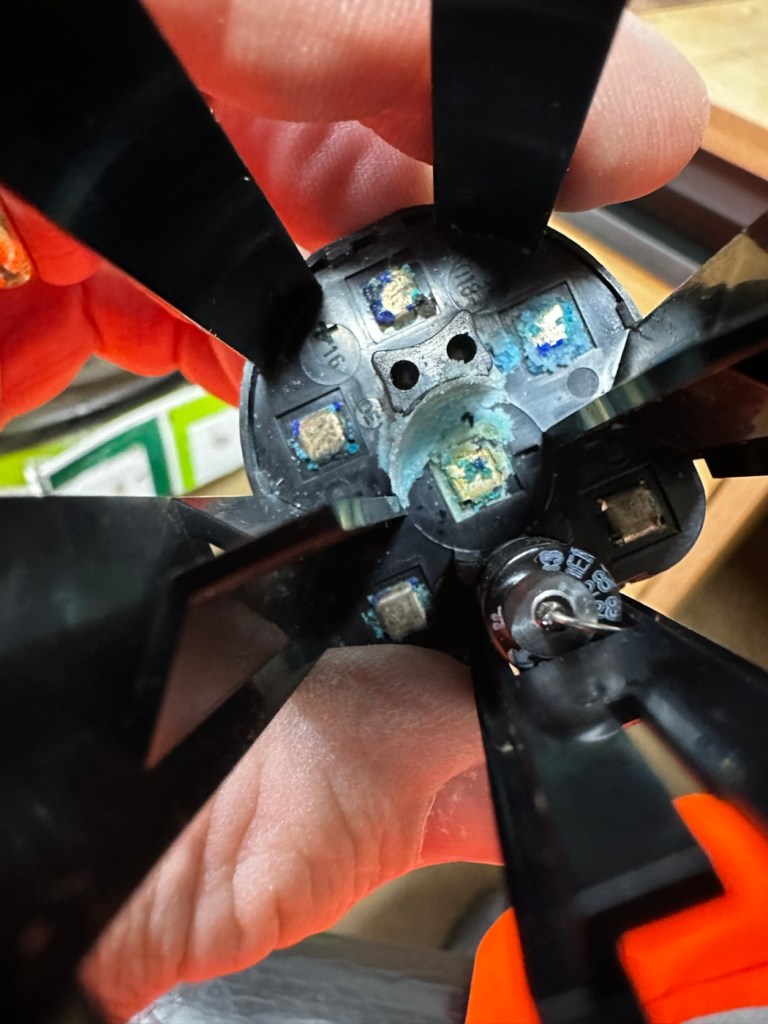
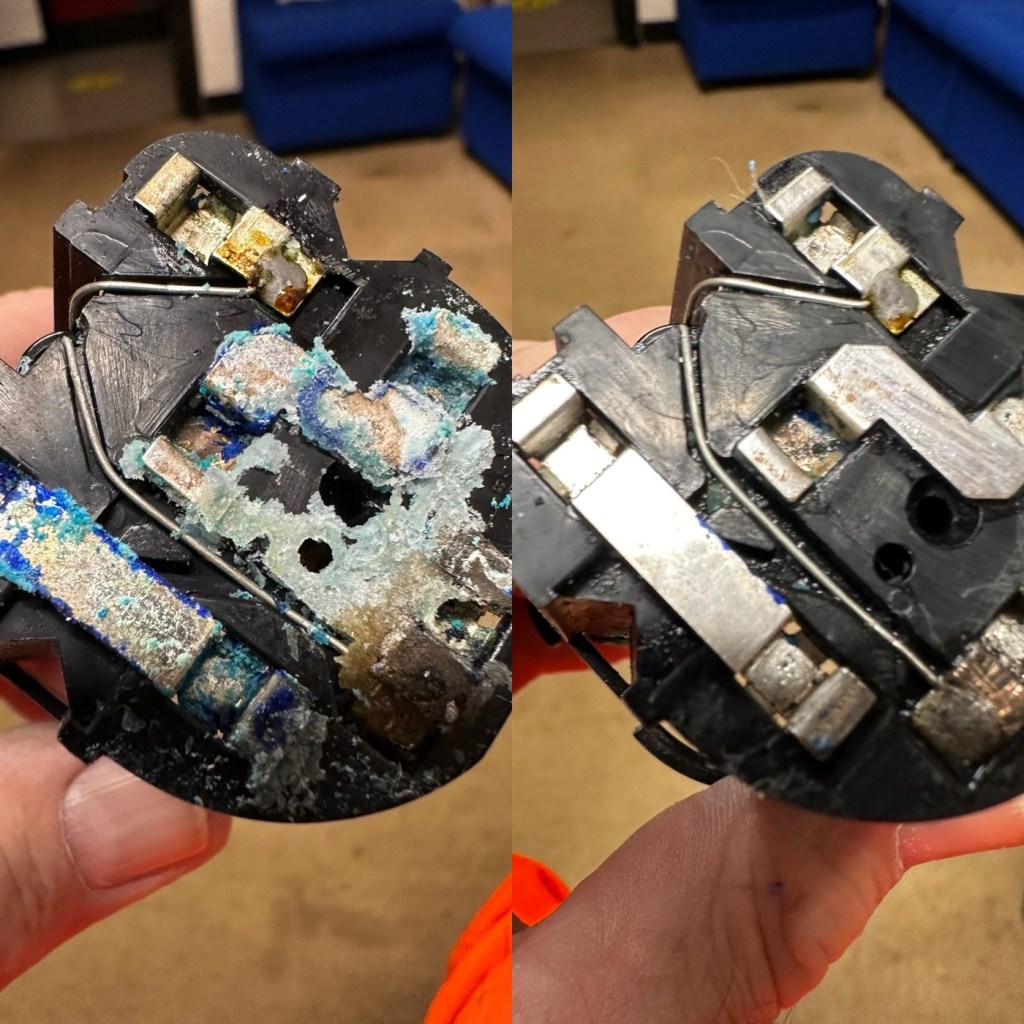
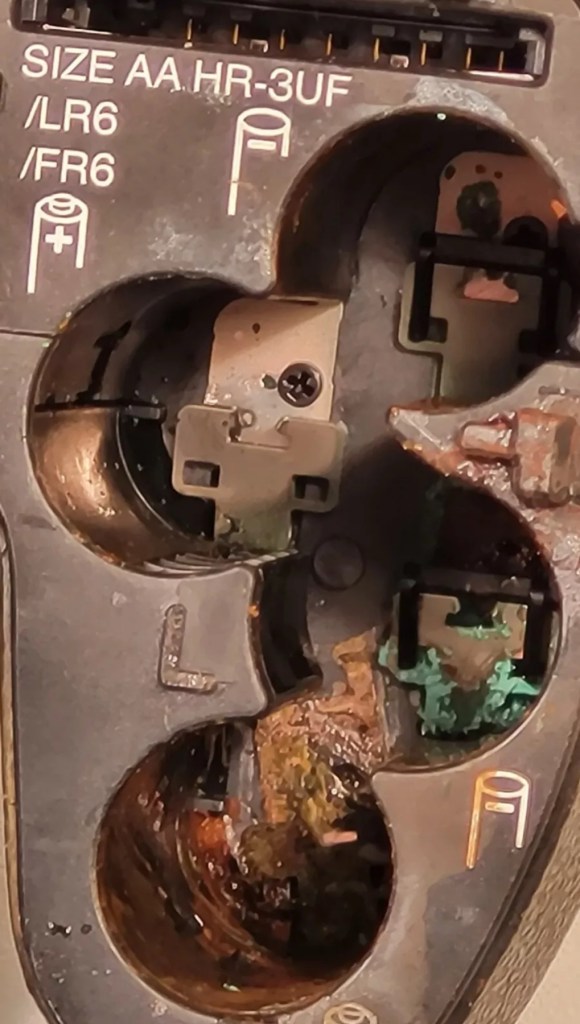
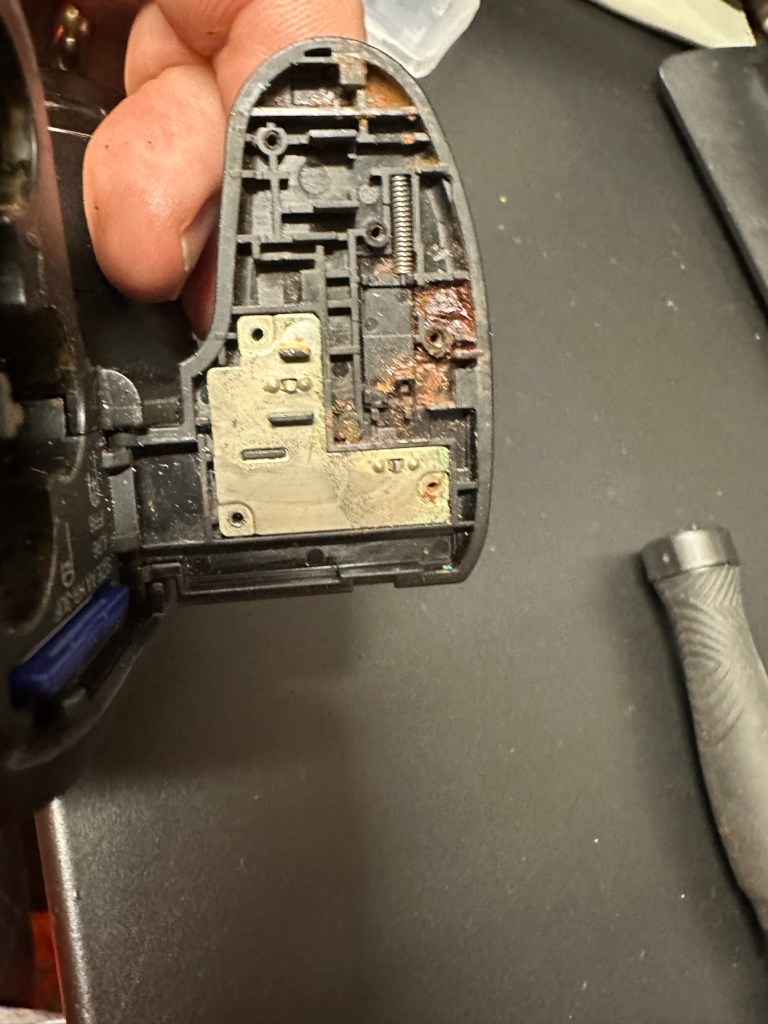
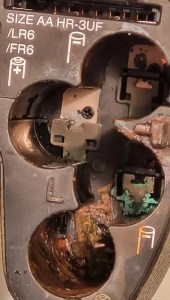
To be honest on first receiving this unit, you didn’t know what was coming, but you could certainly smell it. Within the box the smell of battery corrosion was heavy. It’s a hard smell to describe but once you have dealt with it you know what’s coming, and this smelt really heavy.

The smell was coming from two battery pods that play in to the base of the flashgun arm. Thankfully they had been kept separately, and their spread of “Corrosion” was not able to get to the main unit.

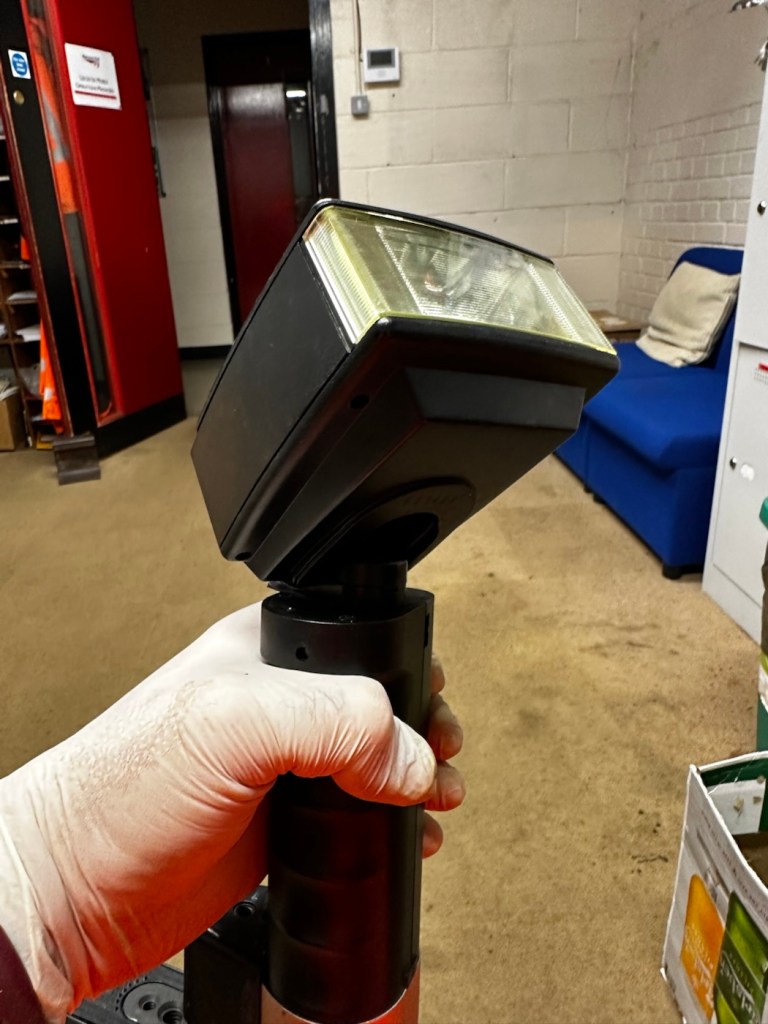
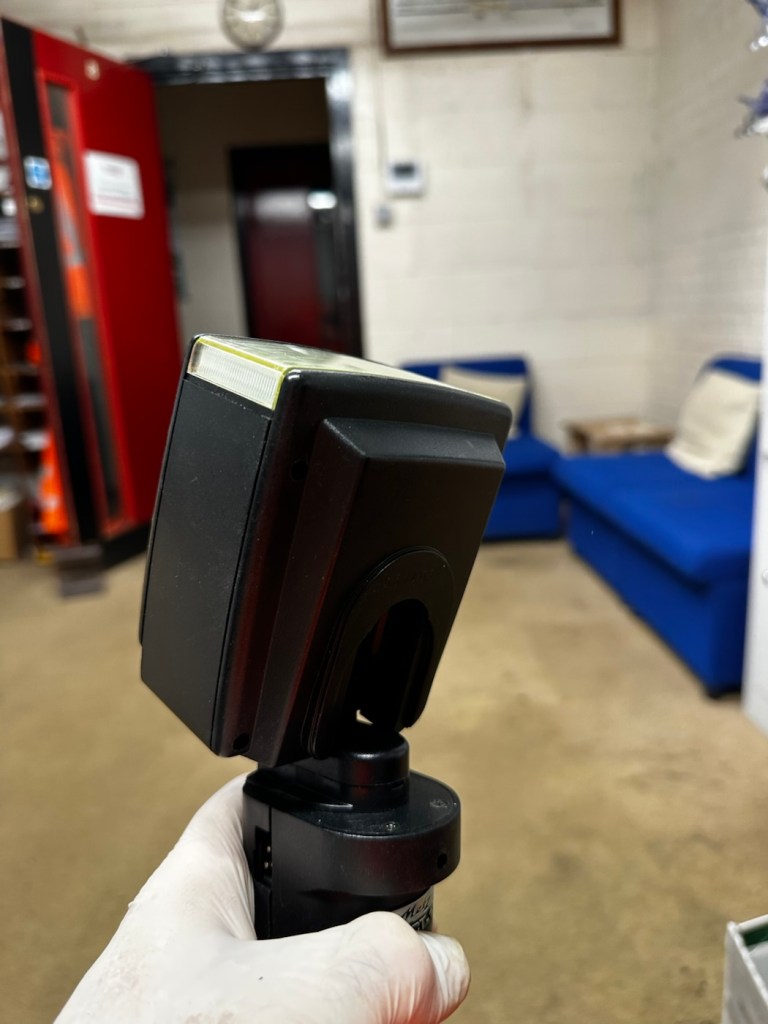
The main unit itself had a problem in that the head was floppy, unable to be at any other angle than straight up or, flat down and nothing in between, and something was rattling about inside of it.

So bearing in mind my sermon at the start of this post, I gloved up, armed myself with my capacitor discharge probe and cracked the unit open.

Repair:

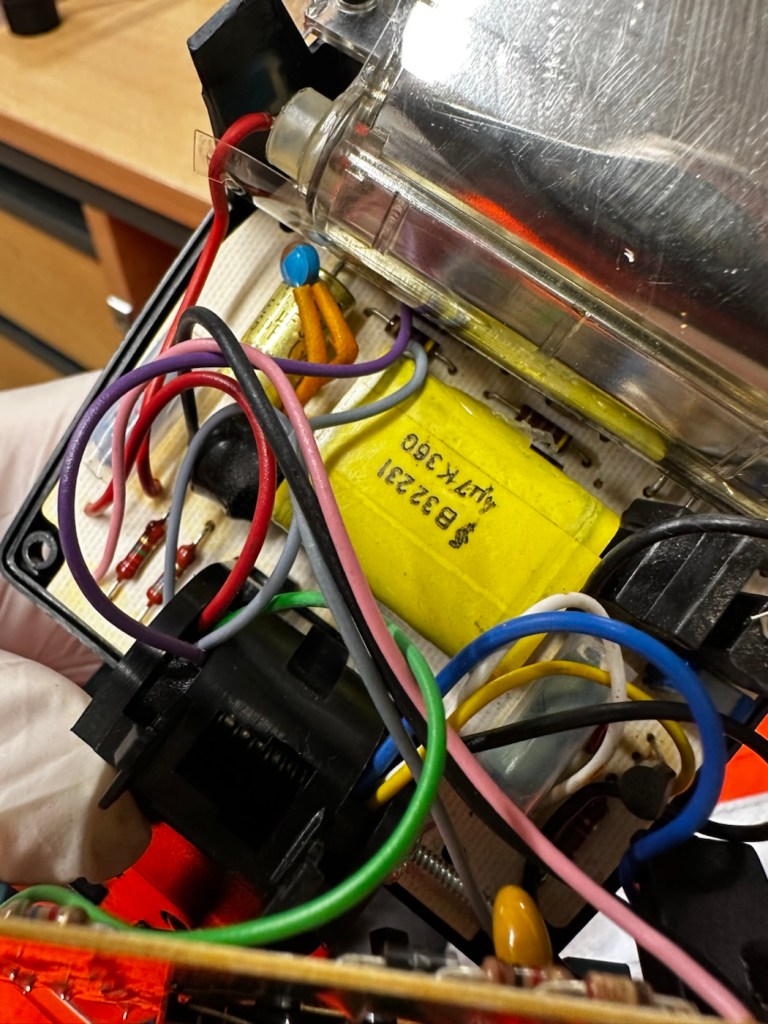
Straight in at the head of the unit and I went in search of my nemesis. The charge capacitor. And it wasn’t that hard to find. Sitting there all inoffensive and bright yellow, it was rated at 360 volts. As I had put a small load on it earlier to test its operation it was sitting there still holding a charge of 260 volts, needless to say I made sure this was discharged before I commenced any work in the area.

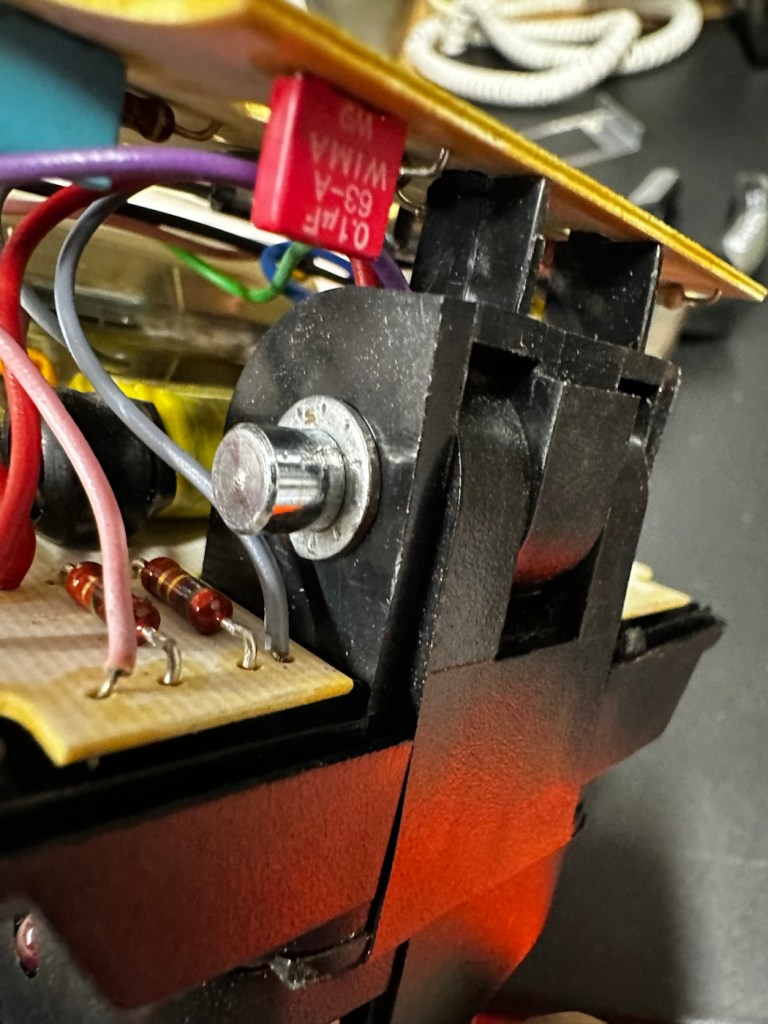
The “Knuckle” that the head pivots on is just behind the capacitor, so it made sense to discharge it.

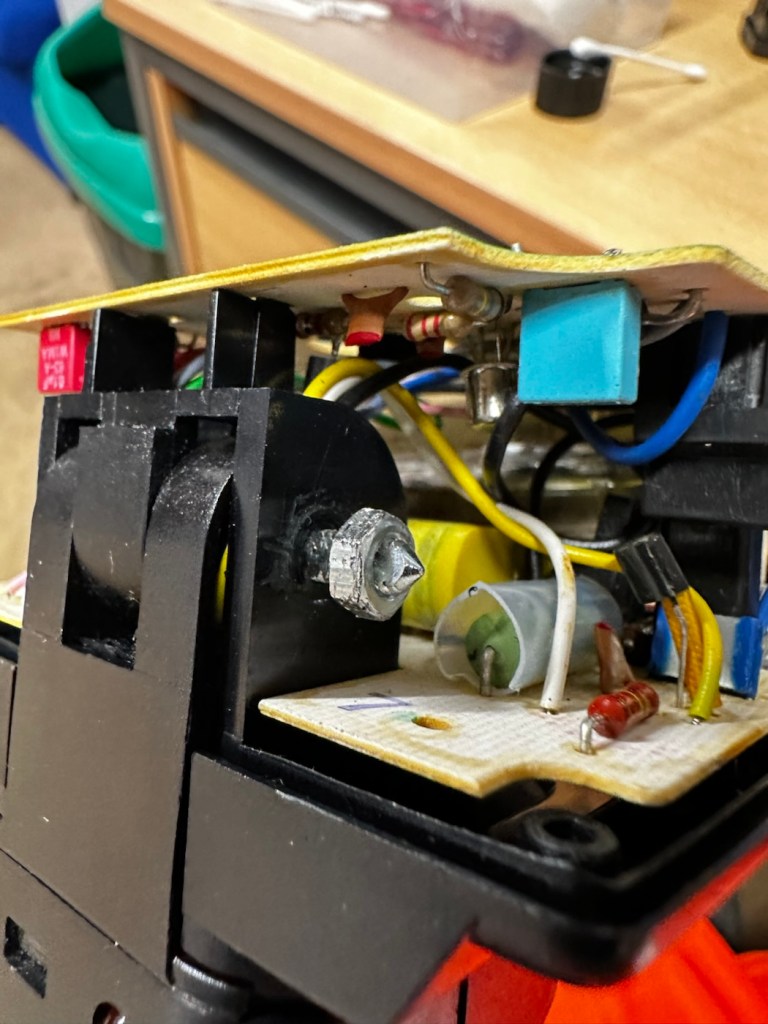
The piece that was rattling about was relevant to the reason the head wasn’t able to pivot, it was once part of a rectangular washer that had a serrated side that would mesh up against the head that was also serrated to create a clicking action to angle the head at any point between zero and ninety degrees.

The broken mesh washer

As parts for these had ceased production years back it was time to improvise.

Here is the setup as it was originally.

Original setup

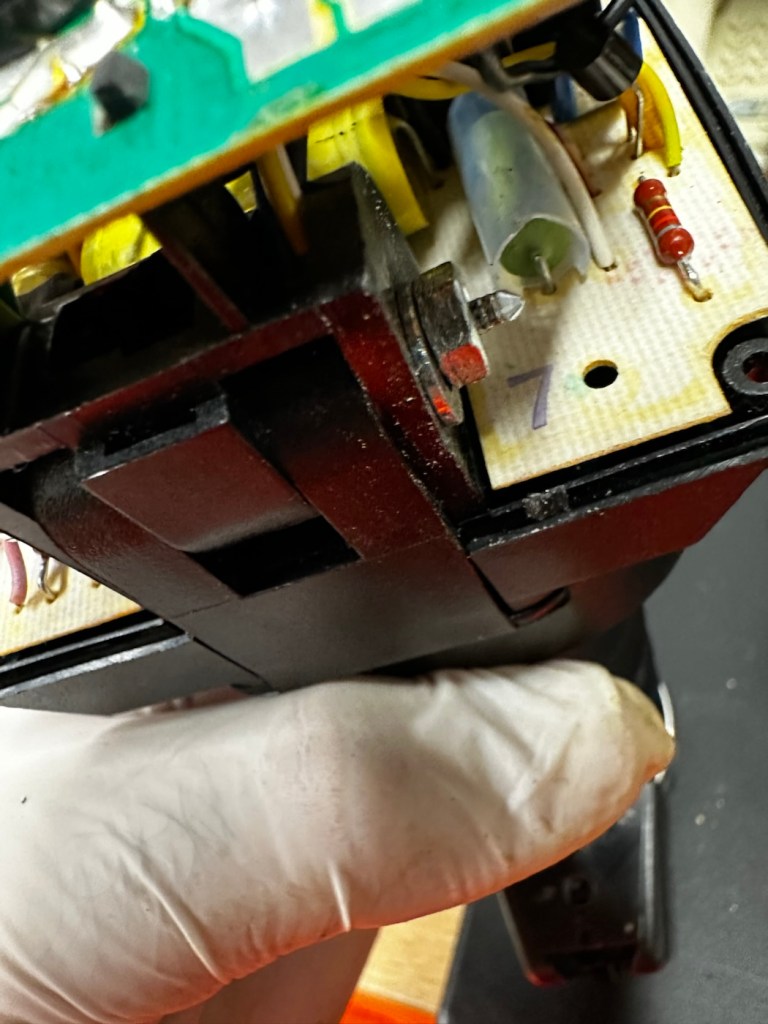
You will see a chrome bolt, that has a spring along its length that would have applied pressure on the mesh washer that is now broken, allowing the head to click into varying angles. To make up for this I have now added a washer on either end so the spring no longer gets depressed, and where the old mesh washer used to be I have now added two small “crinkle” washers that should now take over where the mesh washer was originally placed. the washer at the other end prevents too much compromise, allowing more pressure to be added at the securing end with out damage to the plastic frame.

I’ve tried moving the head and although there isn’t the clicking now, the head does remain in position, whatever angle it is placed in. There is free movement around all axis, and the head stays where it is placed. I’m happy this has been repaired in that sense. Let’s get the casing back on.

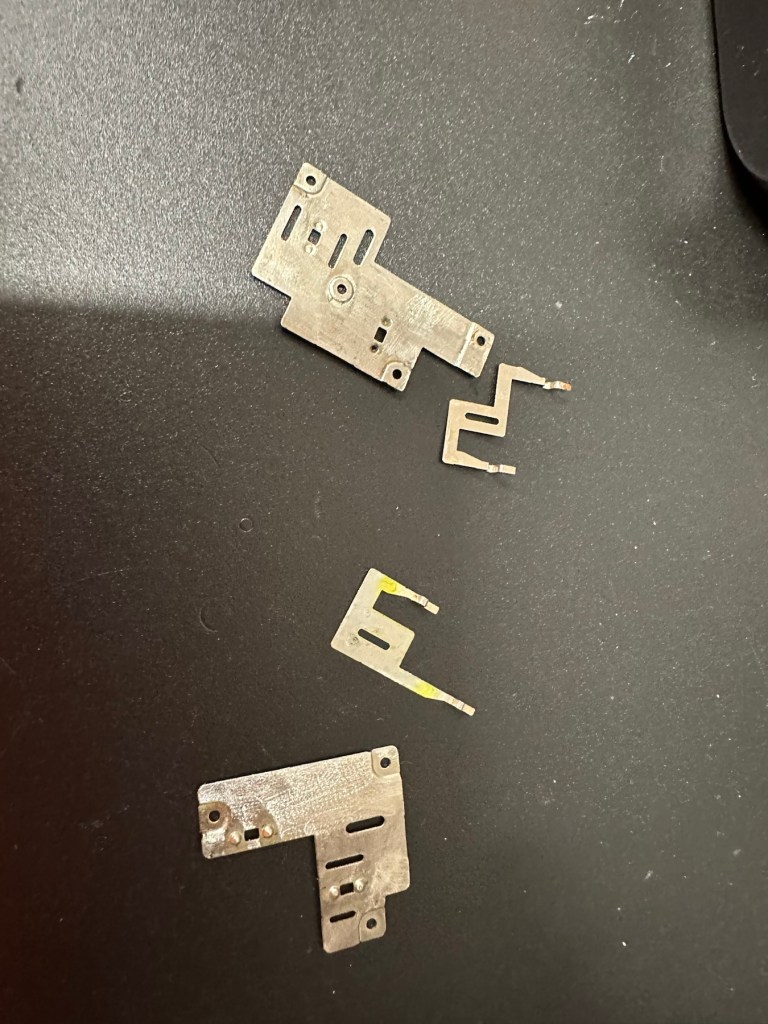
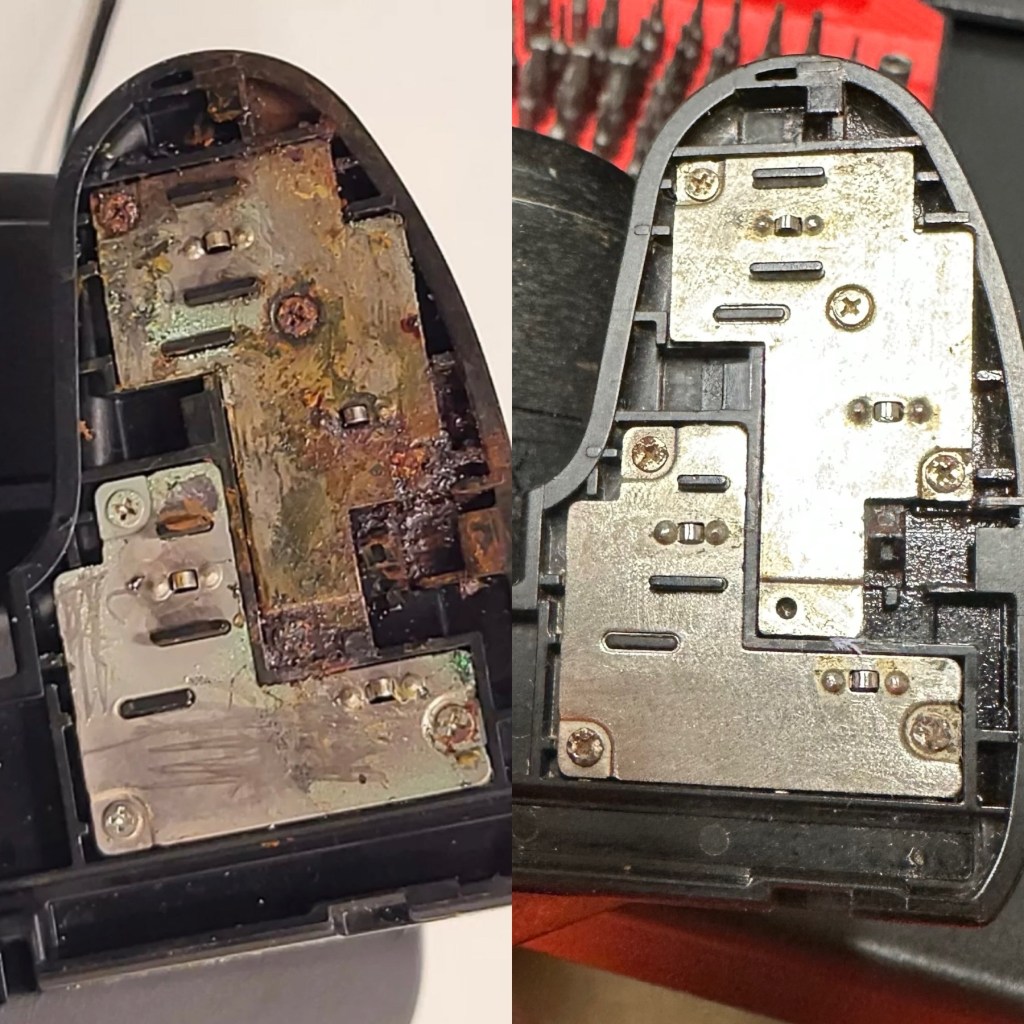
The next issue is the corrosion issue. Below you will see before and after photos, all that was used here was an old tooth brush, cotton buds, tooth picks and isopropyl alcohol. And a lot of time and patience

Once these were cleaned, I used a multimeter to check their continuity and all seemed fine. A final clean with some antibacterial cleaner has left them looking and smelling a lot sweeter than when they first arrived.

Reassembled, polished and smelling fine

A very brief video showing its operation.

One minute of unadulterated flashing

And with that, apart from a good old polish I think we are done here.

Result:

Look at me

And doesn’t she look gorgeous after a good Polish?

This flash was really destined for the dump, and has now been given a new lease of life. Perfectly usable, in a very good condition and a lovely piece of photographic history. I’m so pleased with how this project has gone and so proud of myself for saving yet another classic item from landfill.

Thank you so much for passing by, as always you know it is very much appreciated.

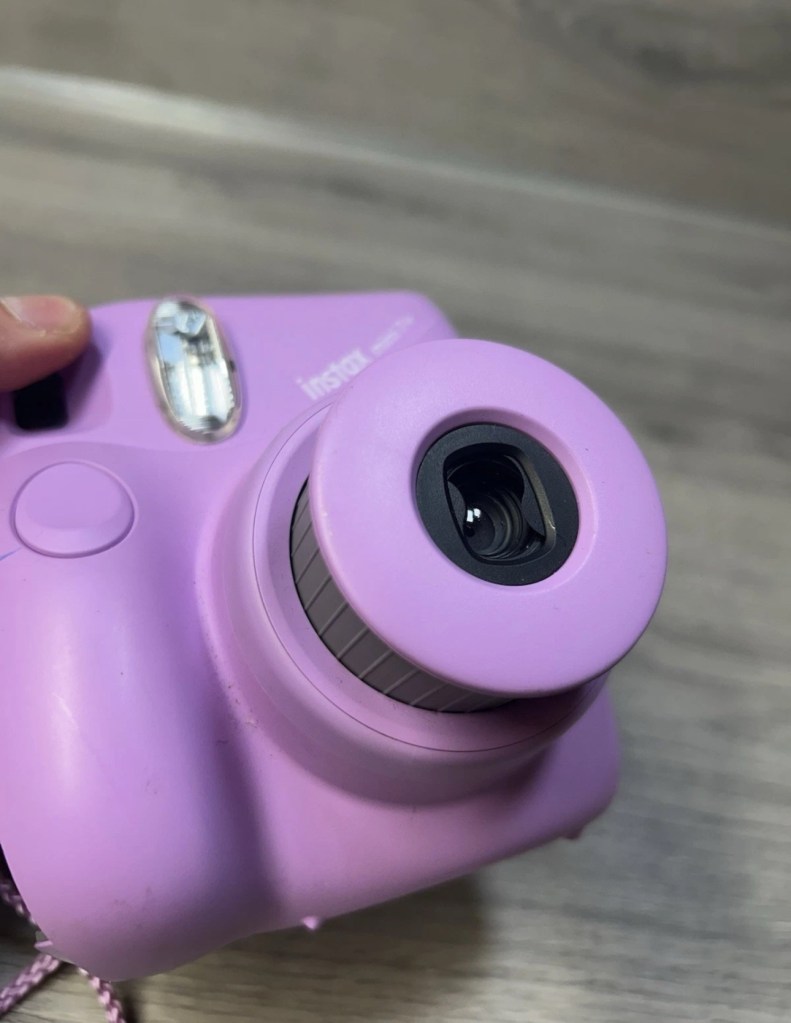
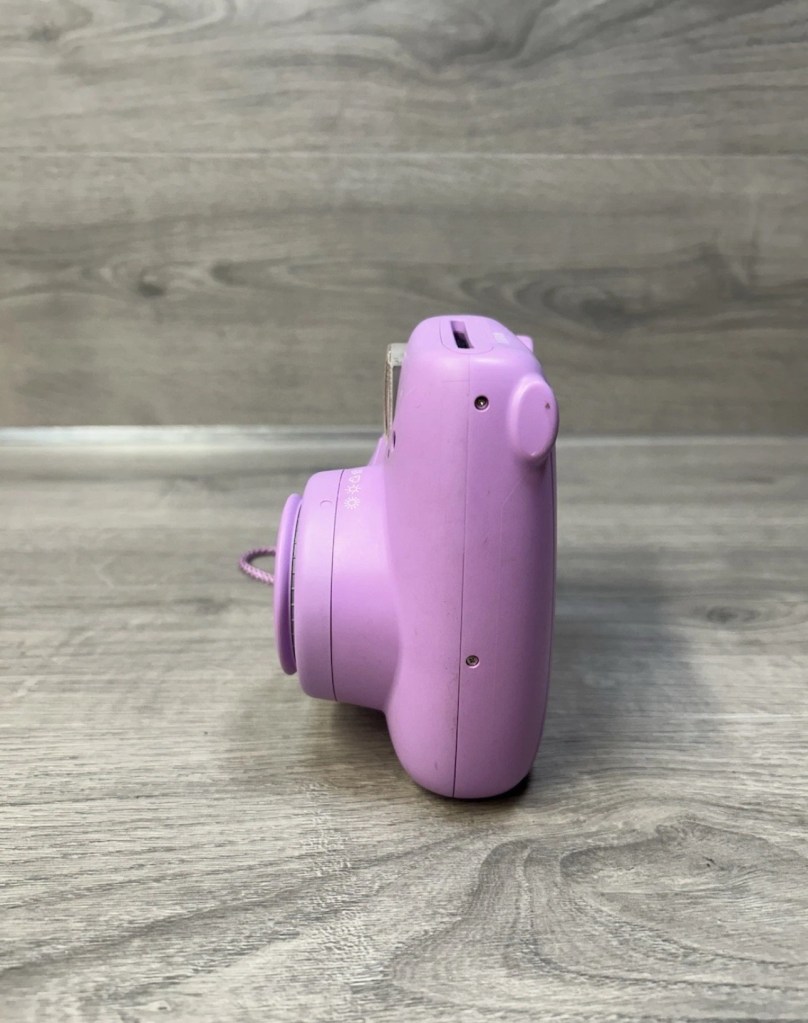
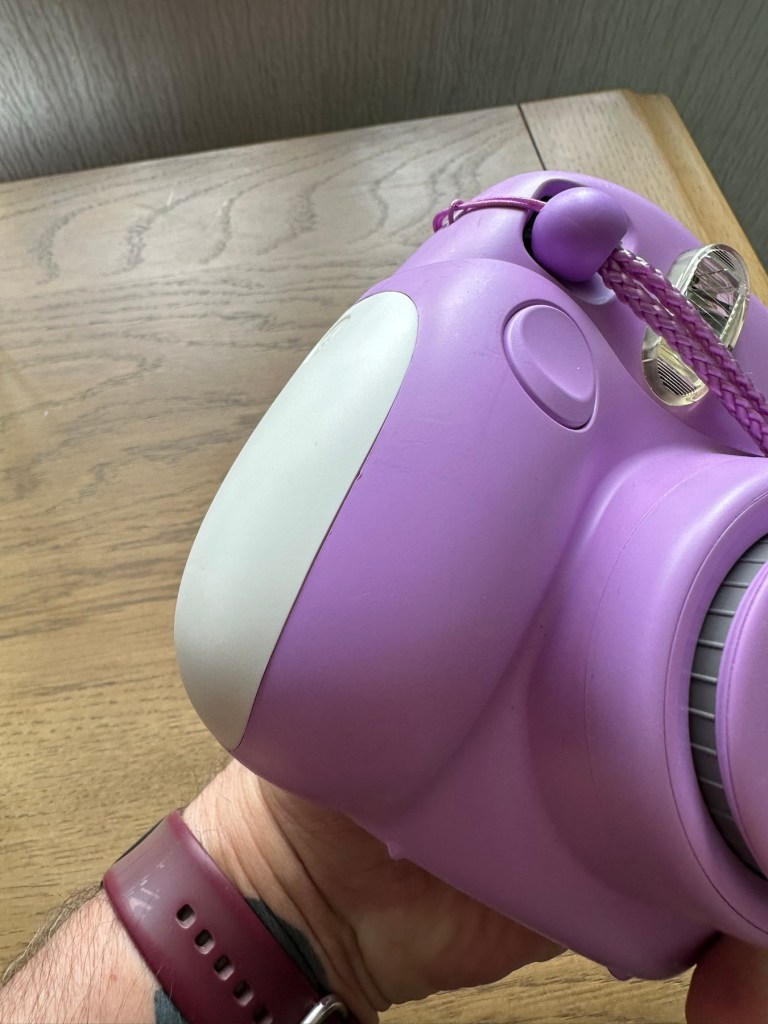
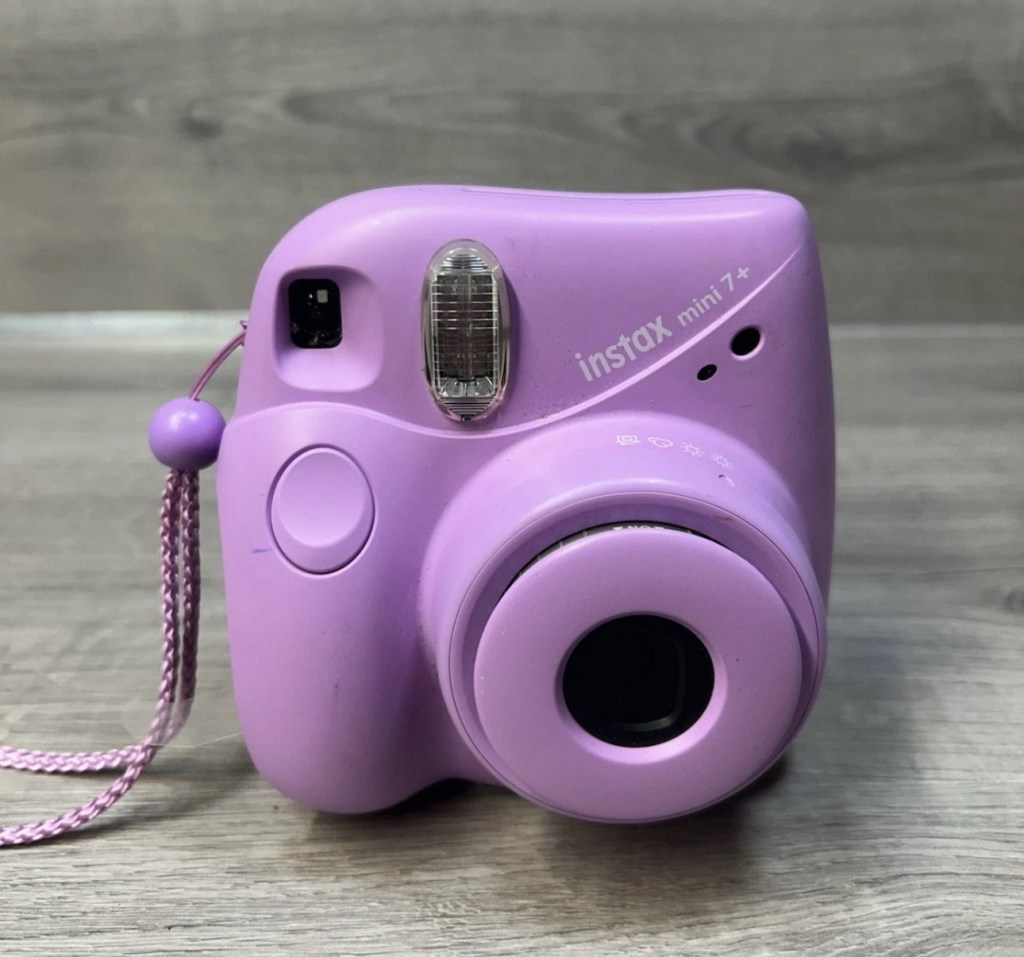
Fujifilm Instax Mini 7+

What the listing stated:

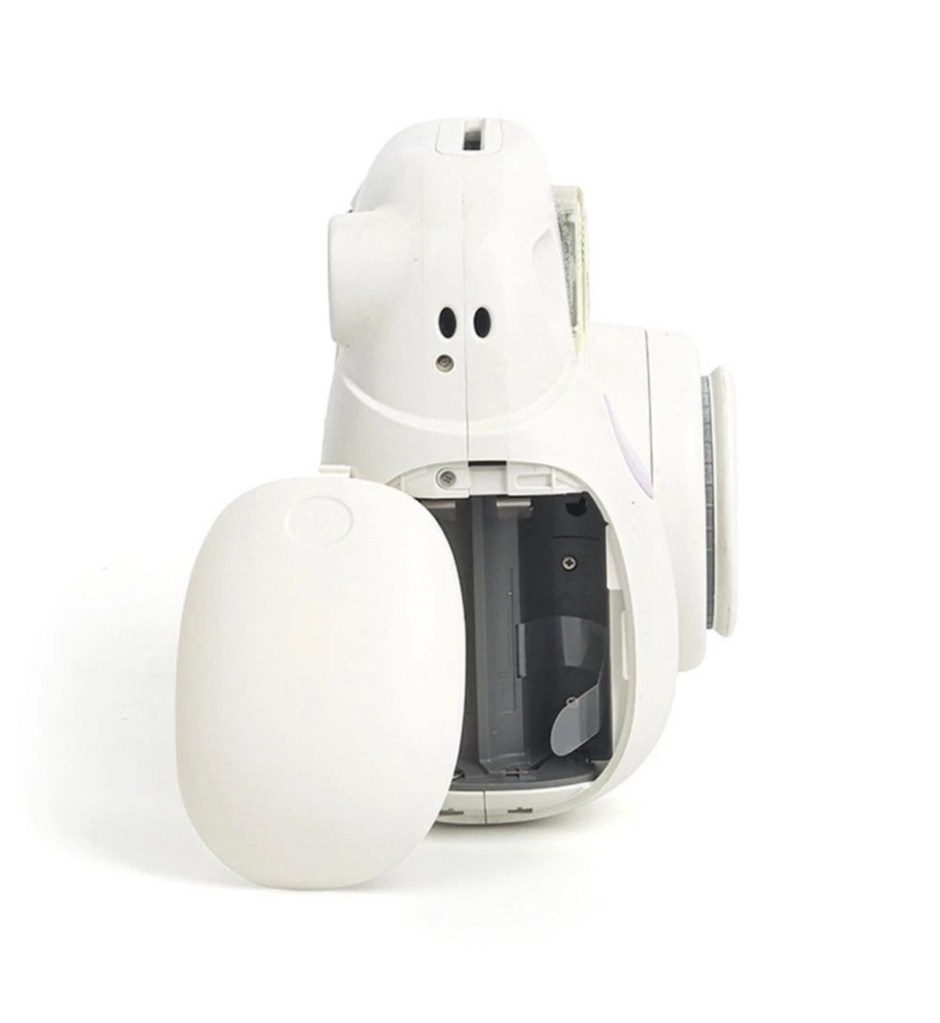
Fujifilm Instax Mini 7+ Instant Film Camera Not Working Spare/Parts. When batteries are inserted into the machine, lots of clicking noises can be heard from the battery compartment. The camera button functions do not work and therefore I am selling this as spares and repairs.

EBay

I enjoyed my last repair on one of these cameras so much that I just had to buy another. You can read about that repair and the issues I encountered here: Instax Mini 8

Here’s a little about this camera:

With its LED-indicating exposure meter manual exposure controls and automatic flash adjustments the MINI 7+ produces well-lit pocket-sized photographs. Easily shoot in-focus snapshots using the 0.37x real image viewfinder with target spot controls and a 60mm lens with a selfie mirror for in-frame portraits. With a shooting range of 23.6 and beyond the MINI 7+ is ideal for close-up portraits and close environments.

T’internet

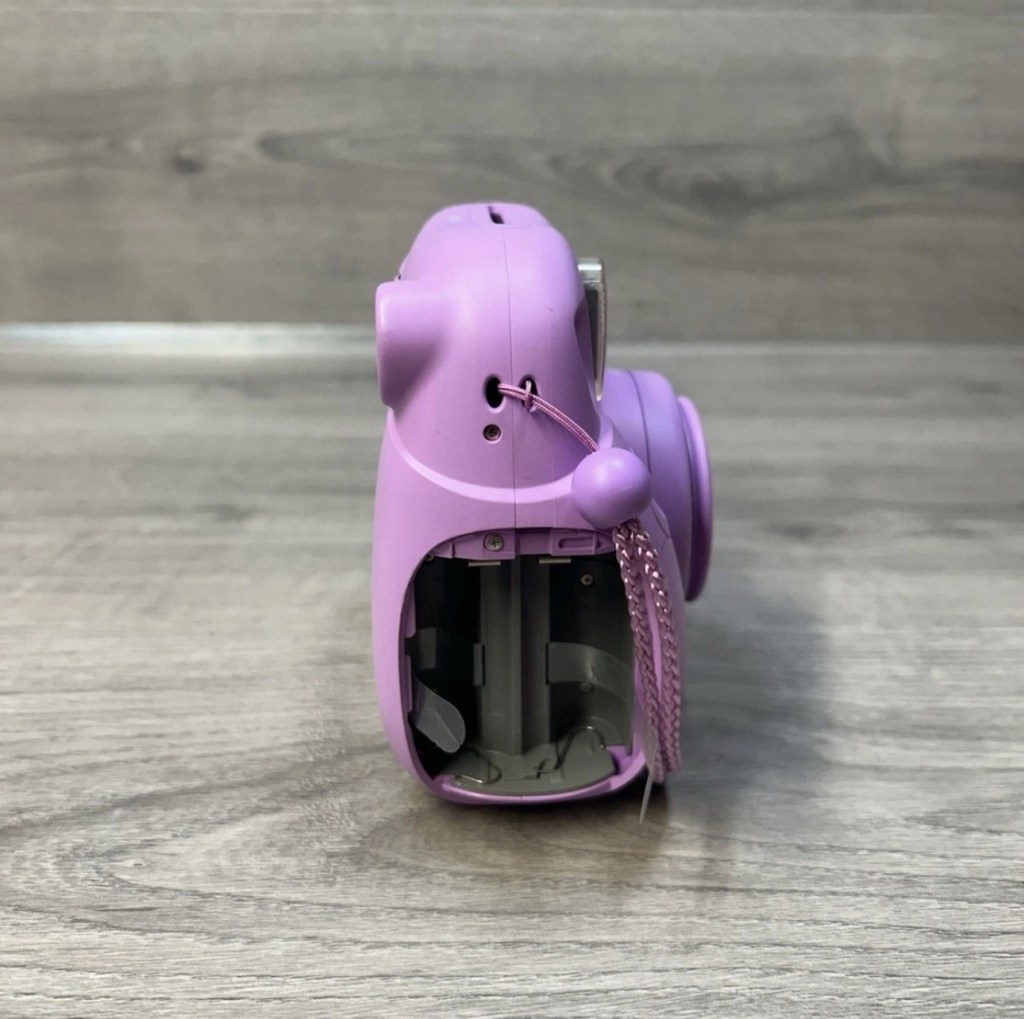
I believe this camera was released around 2020 so it’s not that old. This particular unit is also missing the battery cover which is a bit of a pain in the Ass, however cheap replacements are available but not matching the cameras colour. Am I bothered? Of course I’m not, as long as it works I’ll be happy. I could even paint it up, that might be interesting.

This unit has cost me the grand total of £8:69GBP my Mini 8 project cost me £11:45GBP so I’m very happy with this price. The value may rise slightly as I will have to purchase a new battery cover.

Anyway, let’s wait for its arrival.

Assessment:

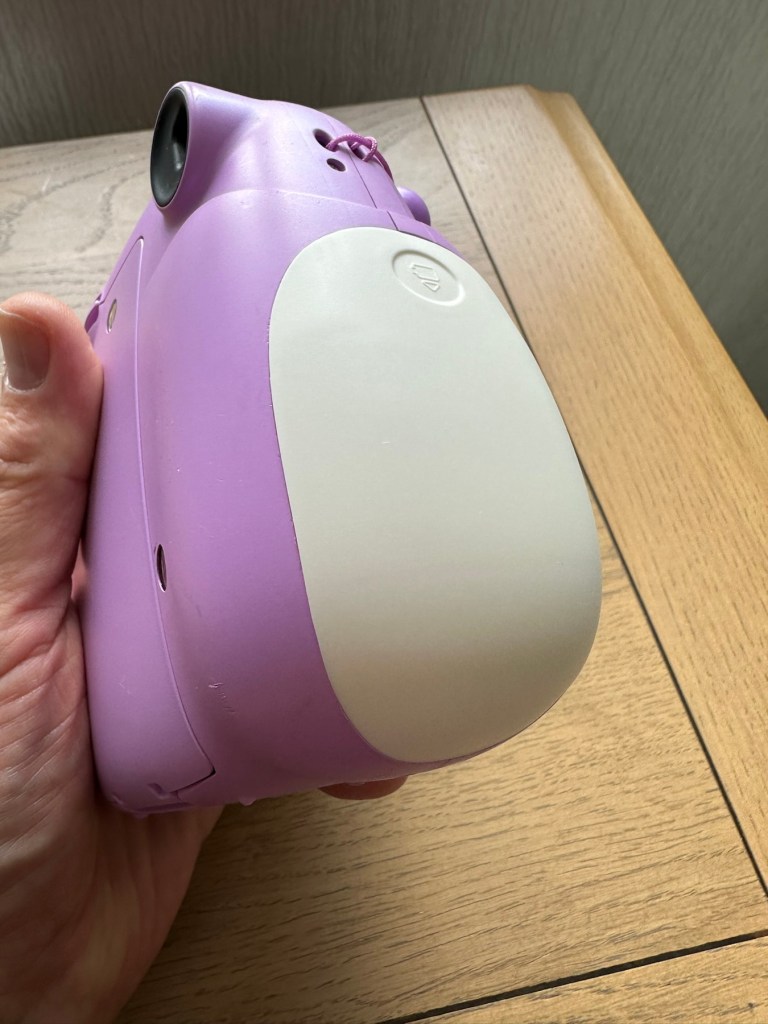
The camera has arrived and it is in good overall cosmetic condition. A bit of dirt on the back near the film counter, but this should clean off ok. There is a gaping hole where the battery cover should be, a pain yes, but I can always source a new one from somewhere.

The good news is that there is no contamination on the battery contacts, they are absolutely fine. When batteries are inserted the transport runs, but it runs too long, and then a red light shows at the end of it’s movement, and no buttons work, in theory it’s dead at this point.

A little movement of the camera and you can tell that something is rattling around inside, so something has definitely come loose or broken from within.

Let’s get it open and have a look.

Repair:

I’ve sourced a replacement battery cover however it’s in China and I’m probably not going to see it any time soon, maybe not even until next month. I’m not going to order just yet until I know if this unit is repairable. But as soon as I get an inkling that it might be repairable I’ll order it.

The replacement cover. It’s white. My camera is purple. Time to get creative.

Next I’m going to open the camera up to see what the source of the ratting sound is.

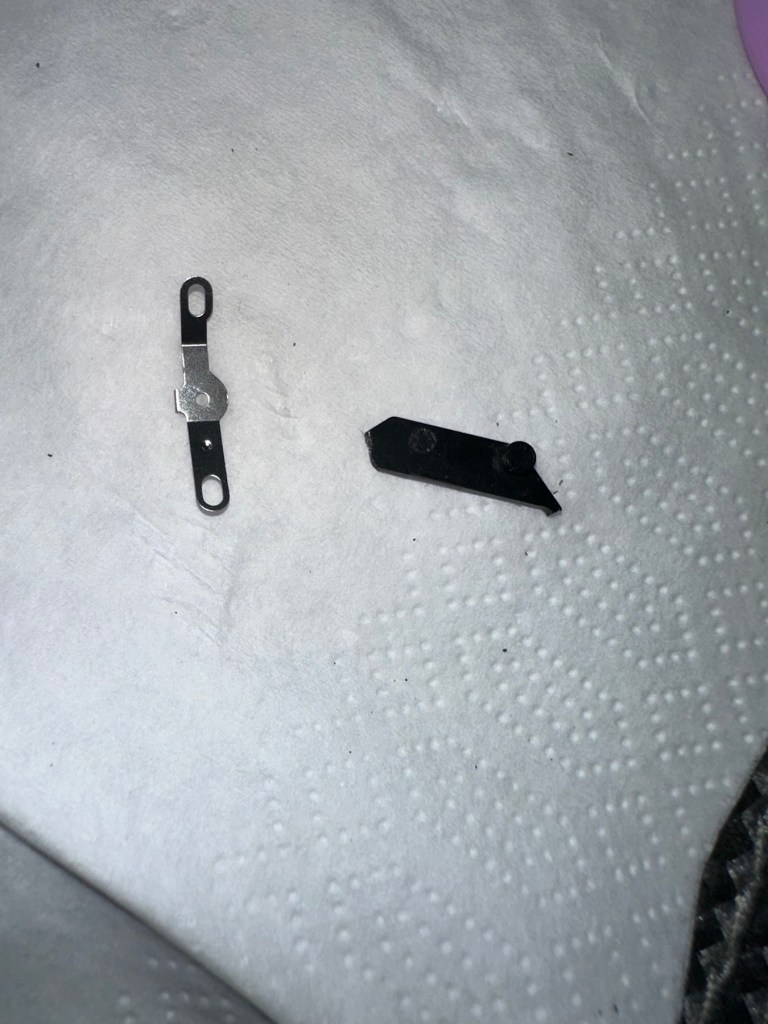
These are the items that are rattling inside once I have opened up.

The rattling suspects

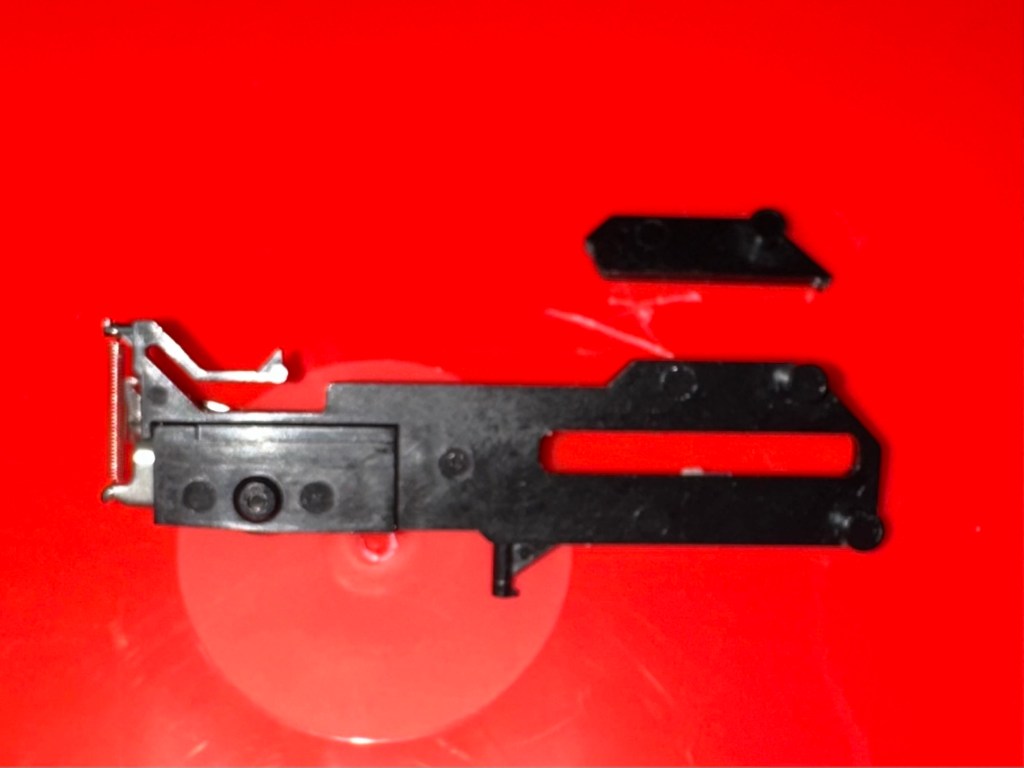
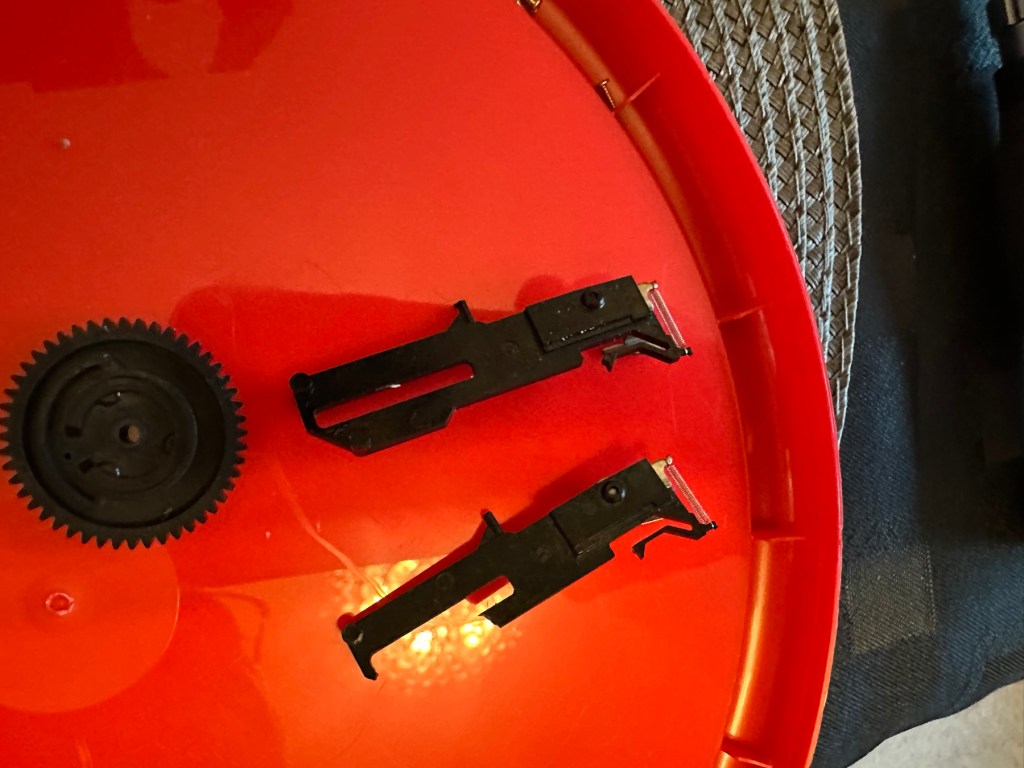
One of the items i recognise is the spring that comes from the operating button, the other part is broken off of something, i will have to look through the mechanism of a donor camera i have to see if i can find a part that matches. And I’ve found it. It appears to be a film transport mechanism buried deep in the workings that had broken and become jammed.

The part is a right pain in the ass to replace, as it has to be in the absolute perfect position within all the cogs, and there is no reference to how the cogs sit. You have to reassemble most of the camera to test, then open it up again to make fine adjustments.

So far I have done this about four times, and I still have to open it and do it again. Once again I’ve managed to twice make contact with the flash charging circuit giving myself a right quick electric wallop.

A nice impression of the two flash test probe points I seem to keep touching

I have learned my lesson though and am now employing capacitor discharge probes every time i remove the batteries, as I say in the website intro pages, don’t do as I do. I’m an idiot. These capacitors maintain about 300v to power the flash, believe me it’s a very quick jolt, but it’s a painful one. You certainly know it has happened, be safe, don’t be like me.

Capacitor discharge probes – use them!

I’m holding back on ordering the battery cover at this moment until I can confirm that the cogs and transport system are working in harmony with each other.

On my sixth attempt at lining up the cogs and transport system I believe I have it set correctly. I’ve compared the transport with another similar camera and it duplicates its workings perfectly. It operates well and there are no fault lights showing. The movement is free and unobstructed. I’m happy that the camera is now repaired so I will now go ahead and order the battery cover. The cover has cost a total of £3:12GBP including postage and that puts the total cost of this project up to £11:81GBP compared to my previous project cost for the Instax 8 of £11:45GBP, so I’m pleased with that, as costs are very similar. Oh, and I best get some more film to test it out as well. It isn’t classed as working in my eyes until I see some photographic proof.

Result:

This is my second repair of a camera in the Instax range and the most challenging to date. It’s been great to work on and as usual I have learned a lot about how these cameras work inside. I’m glad I had an old camera to call on for spares as that has proved invaluable in this case. In the past I think I just would have given up on a full repair and junked the camera as many people seem to do, however these cameras are very repairable, desired by the younger folk, and worth designating some time to as they can be saved. There are a lot of non working examples available out there at a fraction of the cost you’d pay for a new working unit. (Money to be made in my own personal point of view)

The unit has polished up very well and looks lovely.

And it works….

And it works just fine
Pictures as expected

I’m so pleased with this camera, it’s taken a lot of time and head scratching but we got there in the end, and it is as good as new. I’m still awaiting the battery cover, and we have guests coming around today so I’m going to use this for some random photos. Just got to make sure I don’t let the batteries fall out. Once again we’ve saved another unit from landfill and that is the big win here.

Three weeks later the battery cover has arrived from China. Perfect fit.

Many thanks to my lovely missus for allowing me to take photos. Rare because she hates having photos taken.

Thanks for passing by, as always it is very much appreciated.
Fuji Finepix S1500

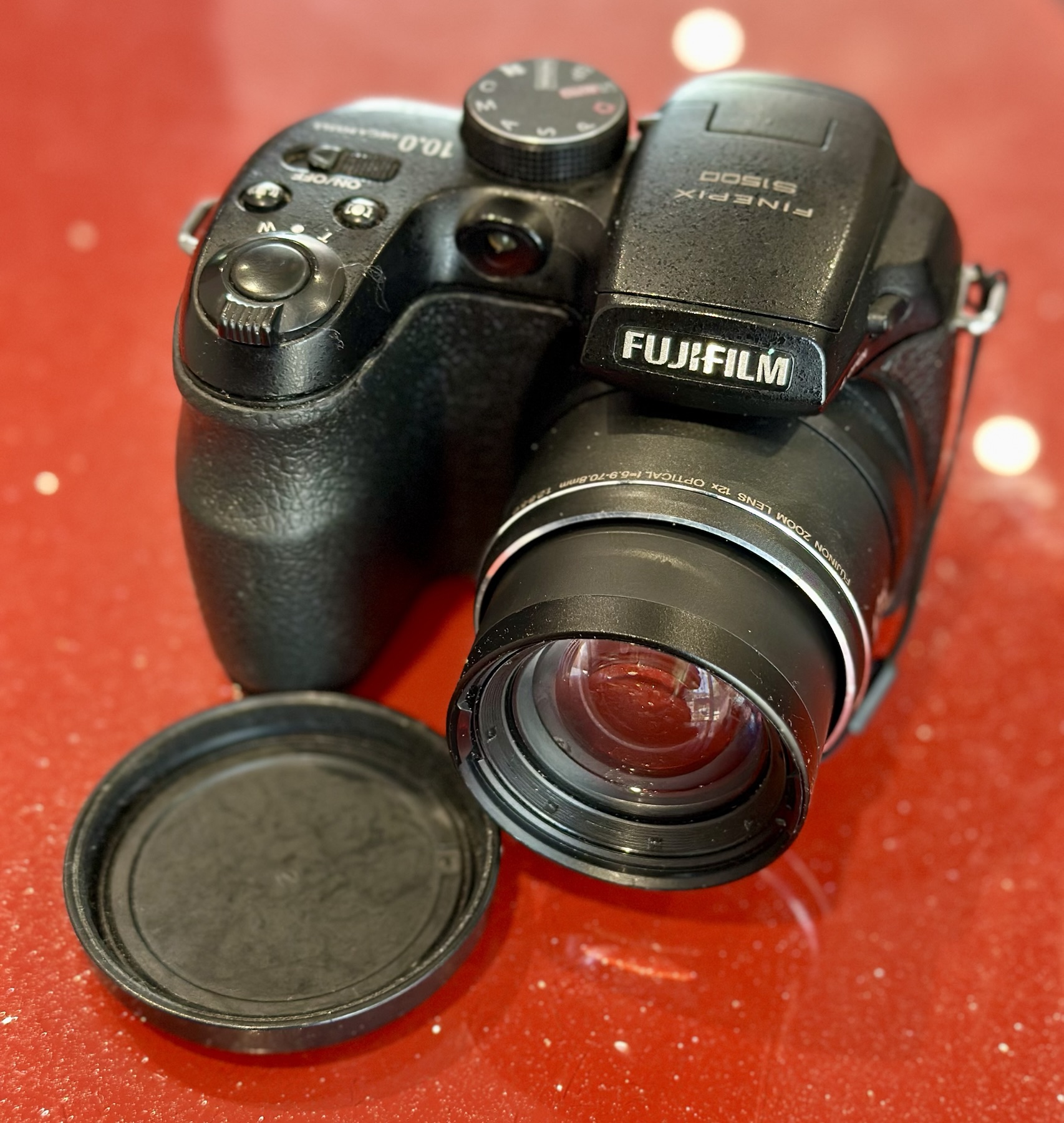
I purchased this item from EBay in April 2024 and have only just got around to finishing what had been a draft post put together all that time ago. I had written about it briefly in this earlier post Fuji Finepix S1500

A little bit about this digital “Bridge” camera

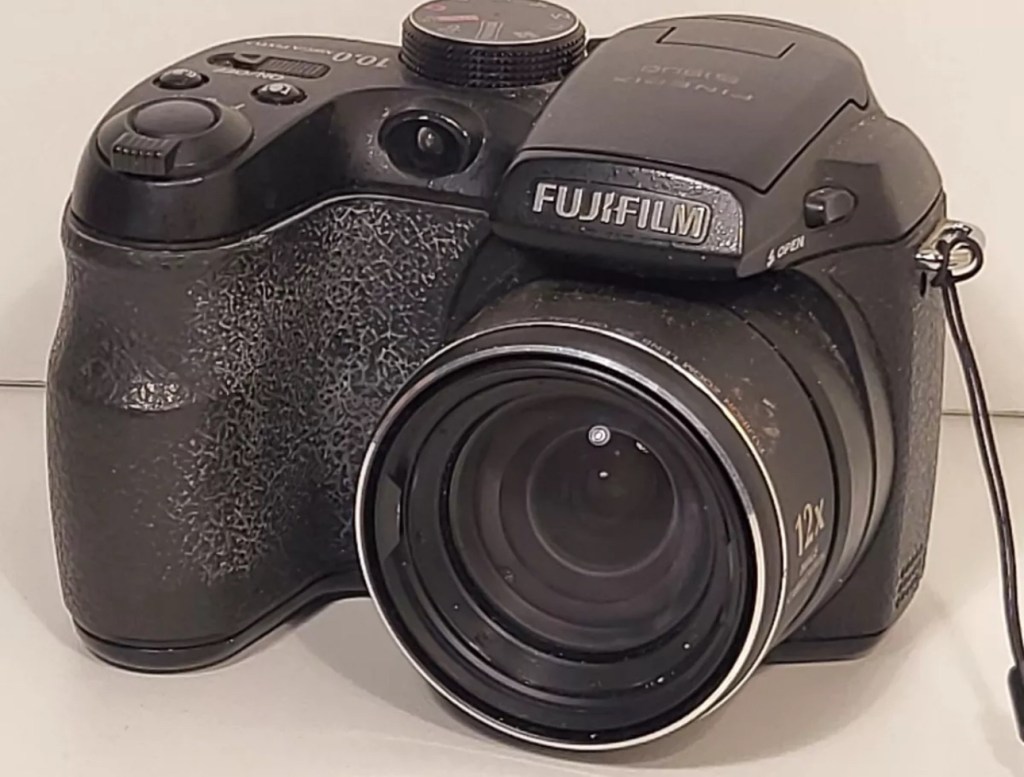
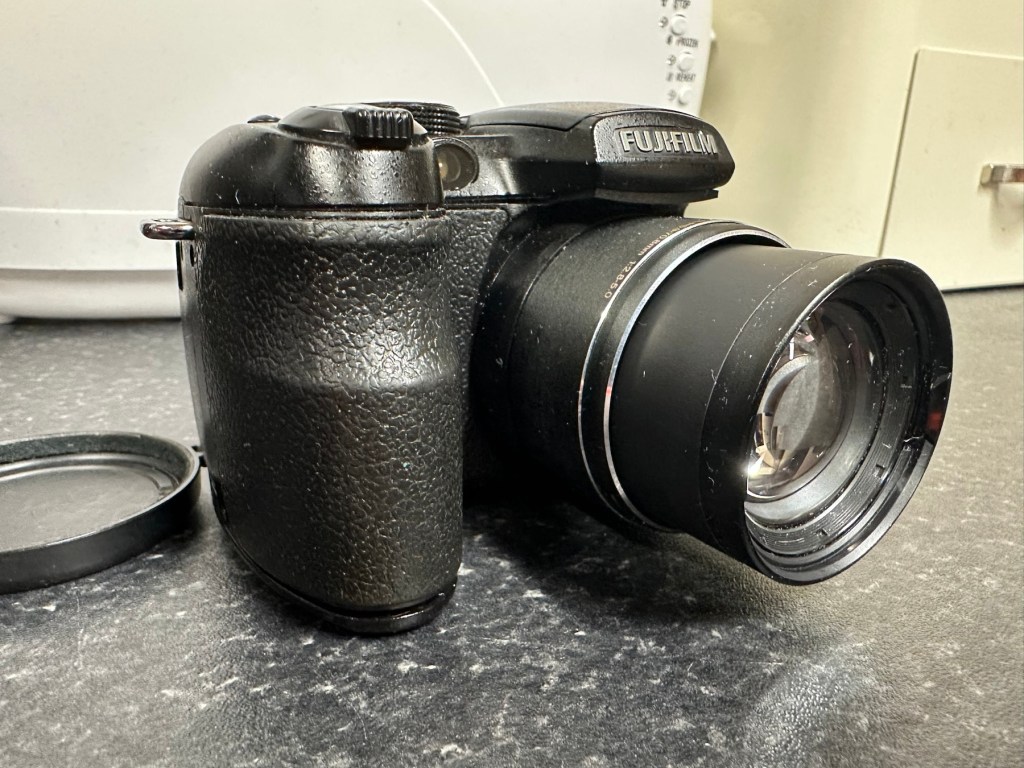
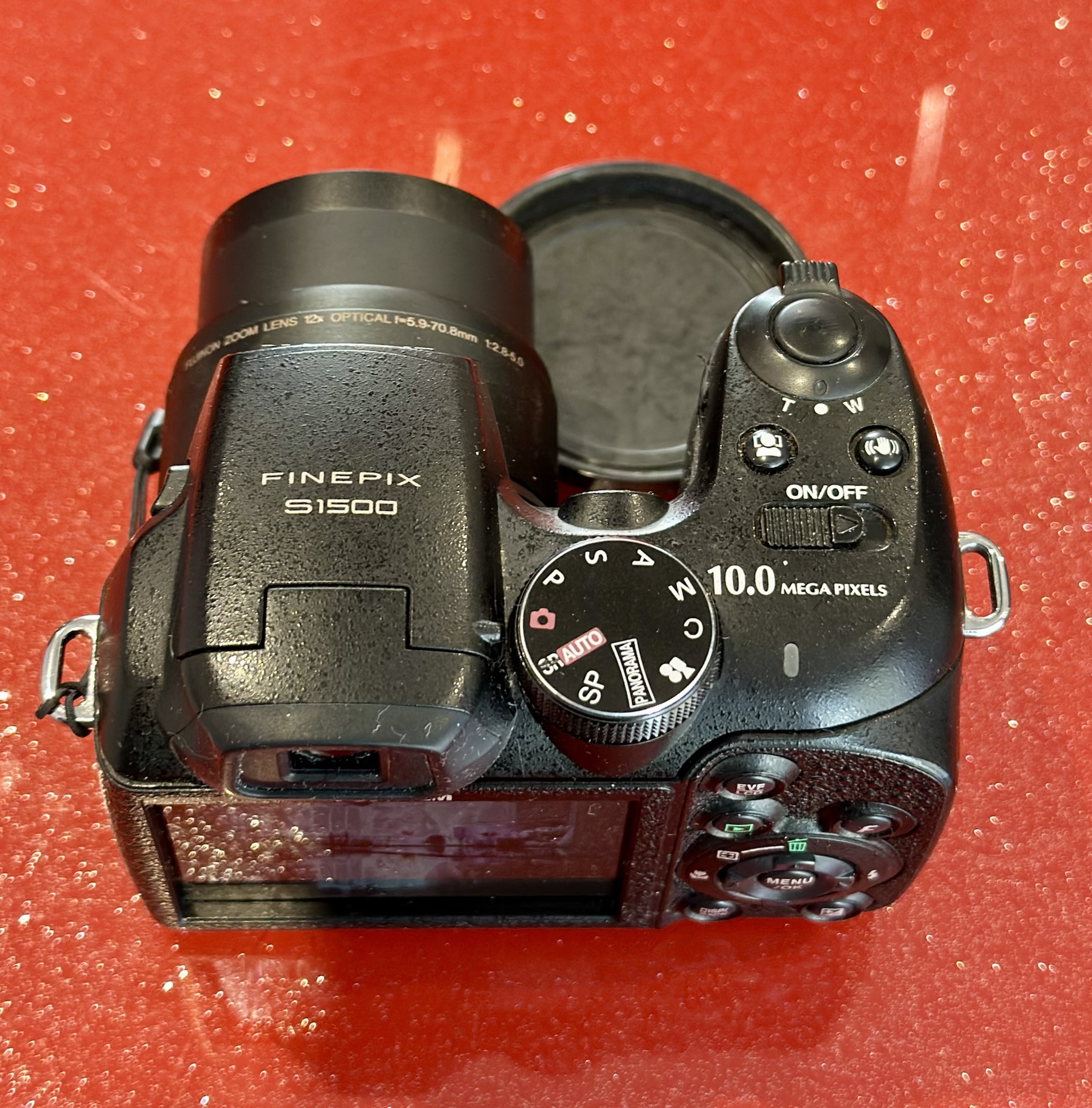
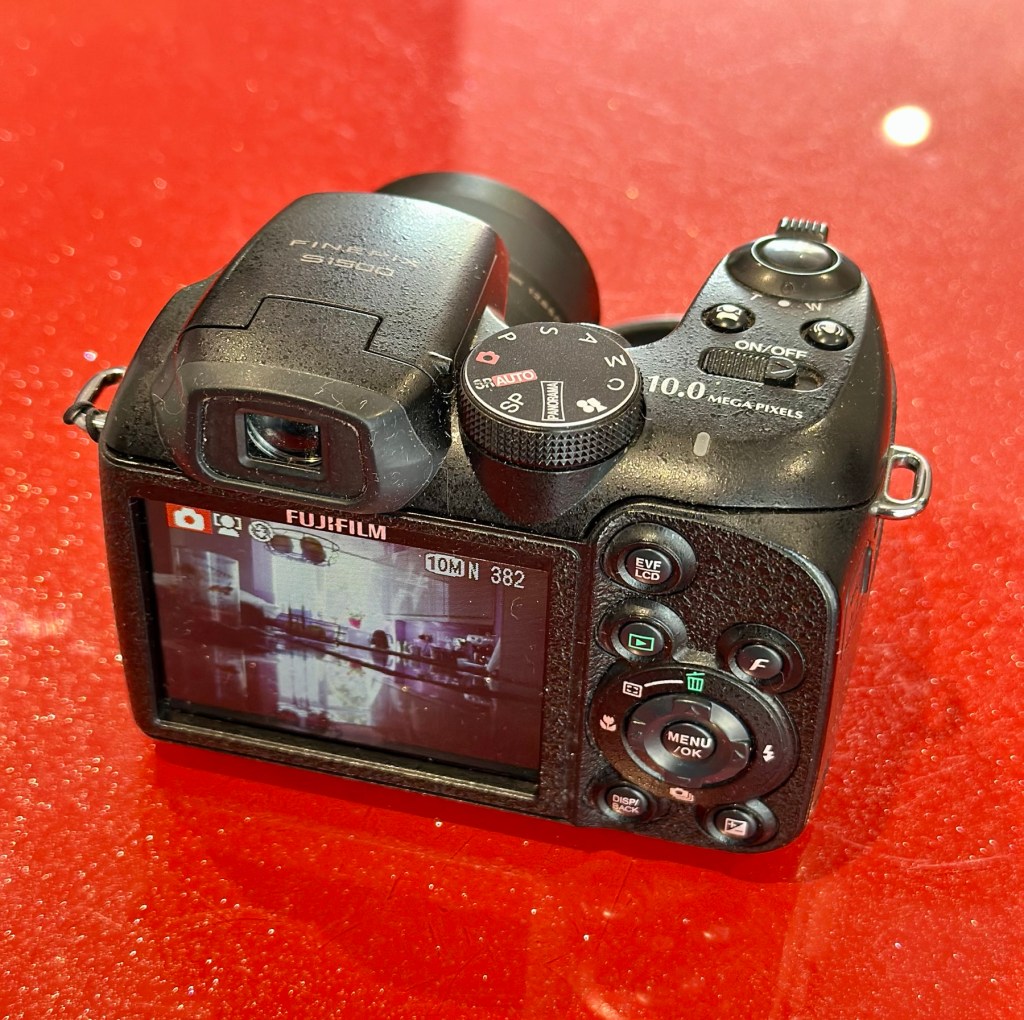
Successor to the S1000FD (at the time the world’s smallest 12x zoom camera), the FinePix S1500 is the latest in a long line of very compact SLR-styled big zoom cameras designed to appeal to those wanting a lot of lens on a tight budget. The big change is the inclusion of optical (CCD shift) image stabilization, making the long zoom a lot more usable in less than perfect light, and for the money you’re getting a lot of features – including full photographic controls and a 7.5fps burst mode (at reduced resolution) – in a lightweight package. Price on the market back in 2009 was £219:00GBP

DP Review

Assessment:

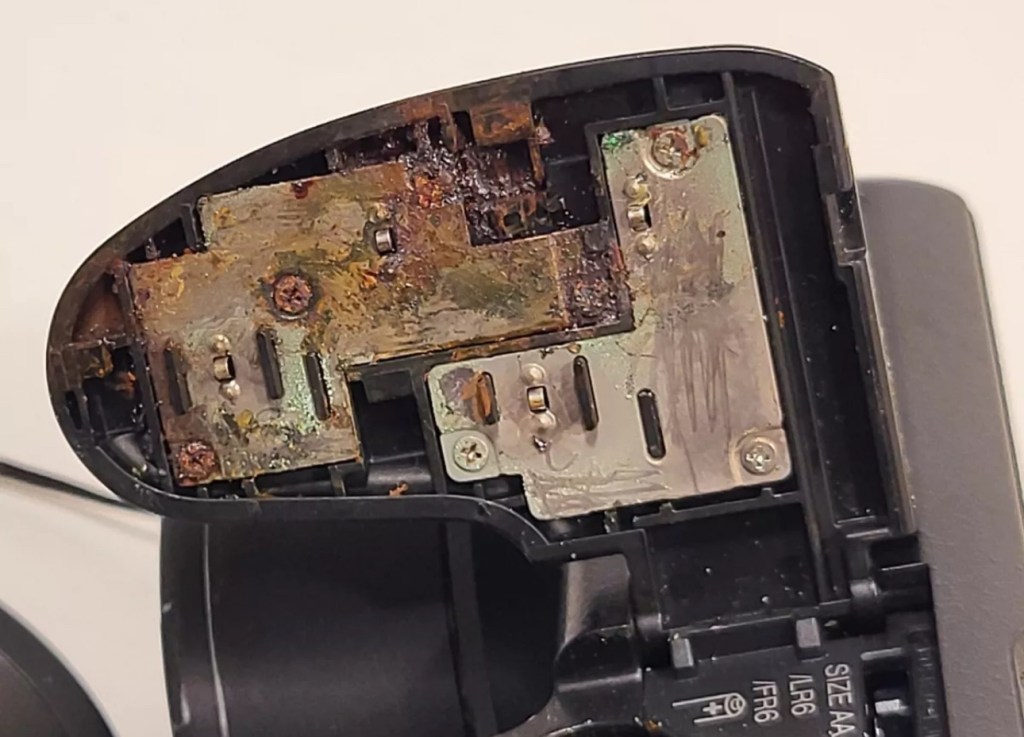
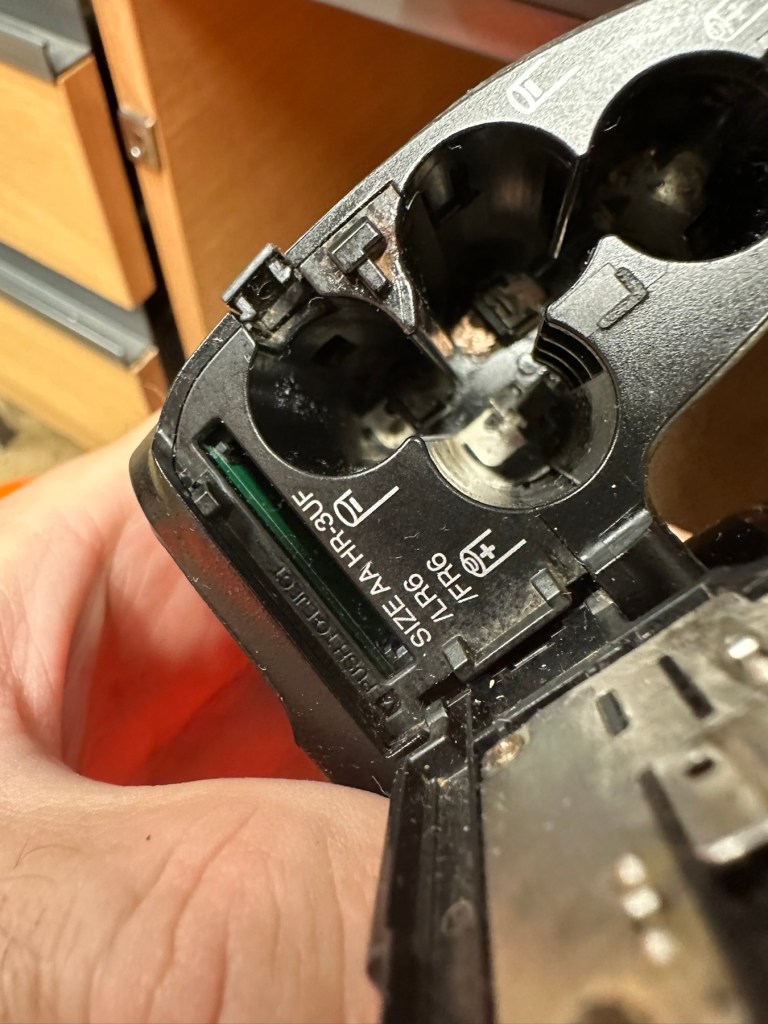
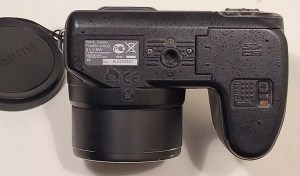
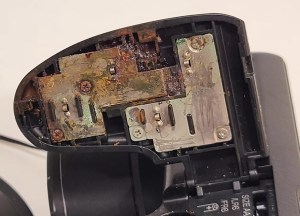
This camera was launched in 2009. The unit has arrived and is cosmetically tidy, however when you open the battery door the issue is obvious, two of the contacts are badly corroded and despite some initial cleaning there is no continuity and no power present. The unit is very much dead and not working.

A tatty and unloved camera

The issue with these units is that the power chambers are hard to access and to get to the point where the battery connectors are, you have to remove the powerboard assembly and this involves de soldering a number of points. There does not however appear to be any major signs of corrosion on the visible side of the board, when it’s removed it may reveal a darker issue hidden below.

Power board assembly

It’s going to be no easy task but I may look at running six volts from the bench power supply to a point on the power board assembly to see if I can breathe life into this camera. I don’t want to waste time in the battery terminal area if there are issues elsewhere on the unit.

Repair:

Looking at the boards again I am not going to pay them any further attention. The contamination has not reached under them and is isolated to the battery chamber so that’s where I will concentrate on.

I’ve started with the contacts on the battery door, as you can see above, they are particularly bad and have no continuity through them.

When reassembled the door section looks good, it will just need a good clean at the end.

Before and after

Rather than dismantle the whole camera, and because I know there is no contamination on the main board I was able to get down into the battery chambers with a steel braid pen that I have, that allows me to gradually scrape off the contamination. Followed off with a good chamber clean of Isopropyl alcohol, I was able to get the remaining acid contamination out of the camera.

Attacking the contamination in the battery chamber

Result:

Once I did all of this I paid some more attention to the exterior using some car cockpit polish, this removed those horrid white sweat marks you see on the faux leather coverings of these older cameras, and it came up quite well and had a lovely vanilla smell to it .

Polished

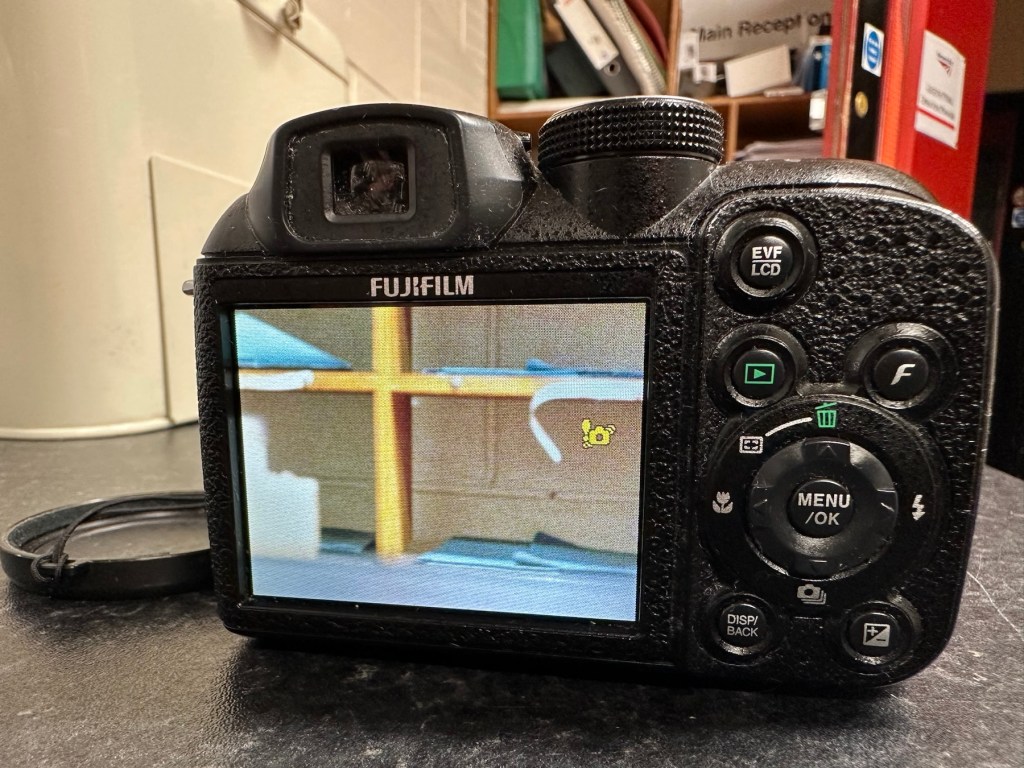
I have turned it on and hey presto we have life. Everything is working as it should. It’s a 10 Megapixel camera and I have a 1Gb Sd card installed and it is taking pictures as expected.

Nothing more really to say about it, it cost me about £6:00GBP spares and repairs as it was totally dead, thankfully we’ve managed to get it working instead of breaking it up for spares that would more than likely never be used anyway.

This unit is of no real use to me, so I will get it up to our local Hospice shop for them to sell on.

Even if they only get a few pounds for it, it will benefit someone who needs the help and assistance.

So another item saved from the scrap heap. Might be of use to someone.

Thanks for passing by.

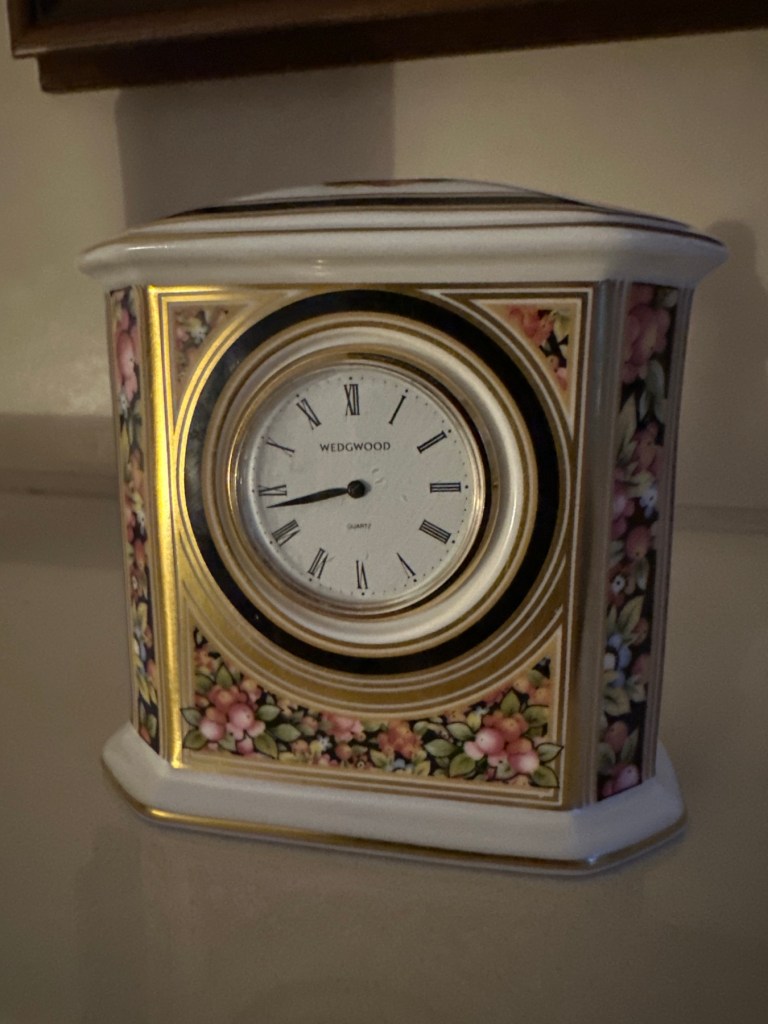
Wedgwood Clio ceramic clock

What the listing stated:

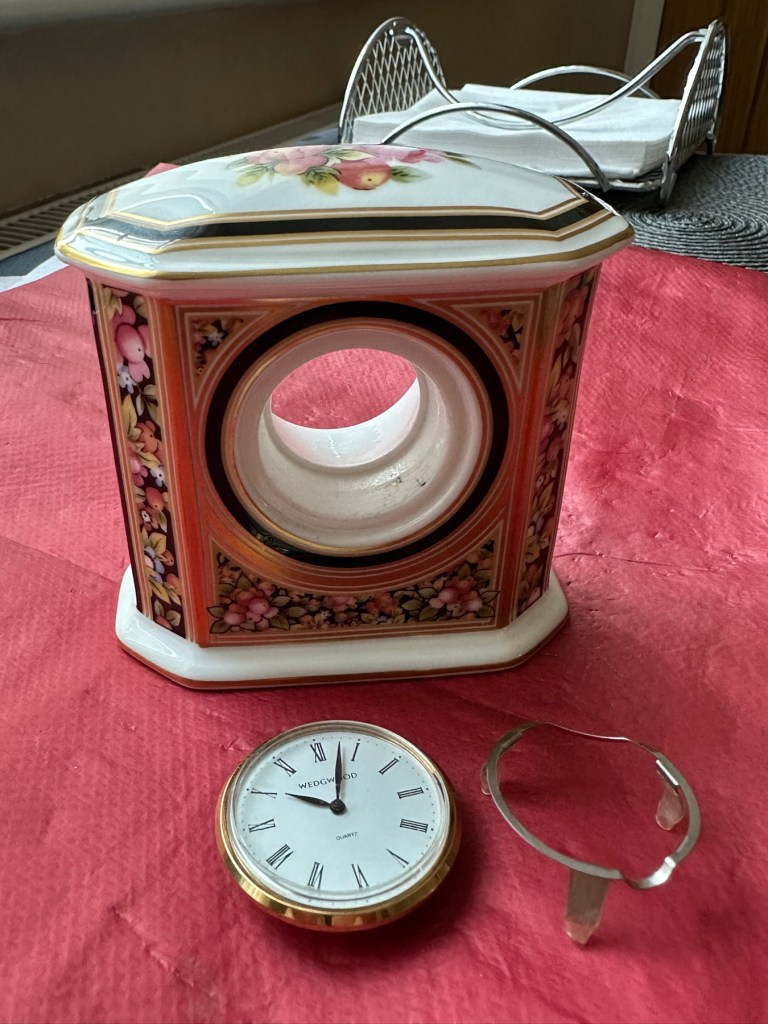
Wedgwood Clio style Ceramic Clock Casing – Clock not working. Attractive casing showing fruit and berries. About 20 years old. Unfortunately, the clock is not working and has battery corrosion making it uneconomic to repair.

One of the photos shows the casing with the clock inserted and I will include this clock for information purposes. The casing is 90mm high and 90mm wide with a depth of 50mm.

EBay

This had just been listed and had a really low buy now price so I took it. With postage and all costs it’s cost a total of £8:32GBP, and I think that’s a good price for late issue mass produced Wedgwood piece. I’ve always fancied having a go at fixing a timepiece so I’m happy to trawl around at the low price end to give it a go. This will my second piece I have attempted, the first one being even cheaper and very tacky that i passed on to my older sister, and she just loves it : Rock & Roll clock

The Wedgwood Clio style was introduced in 1992 and ceased production in 2005. The fact that the seller dates this clock as around twenty years old would tie in nicely with this piece being part of the last production run of this range.

You can buy replacement Clio design clock inserts from Wedgwood direct at about £27GBP per item, but that’s not the purpose of this site, so I will attempt to make the repair. If all else fails and it is actually beyond repair, then I will source something similar to replace it with. This is a 36mm fitting clock insert.

Anyway, let’s await its arrival so we can fully assess things.

Assessment:

A lovely piece of my favourite pottery in just as good condition as described in the listing.

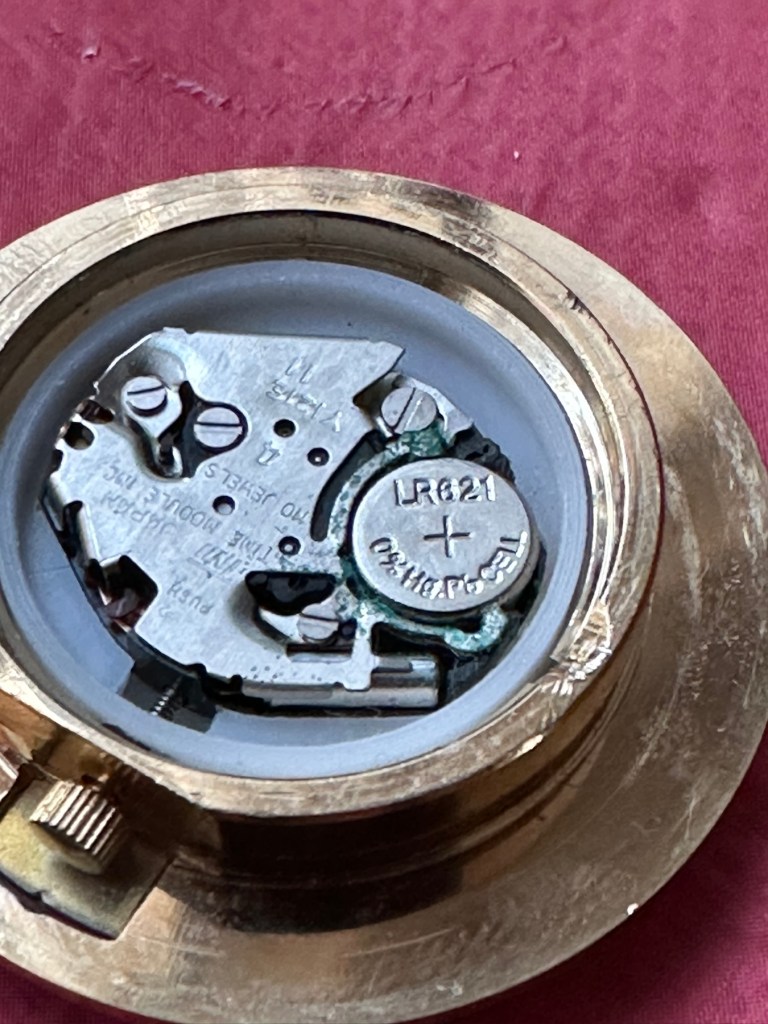
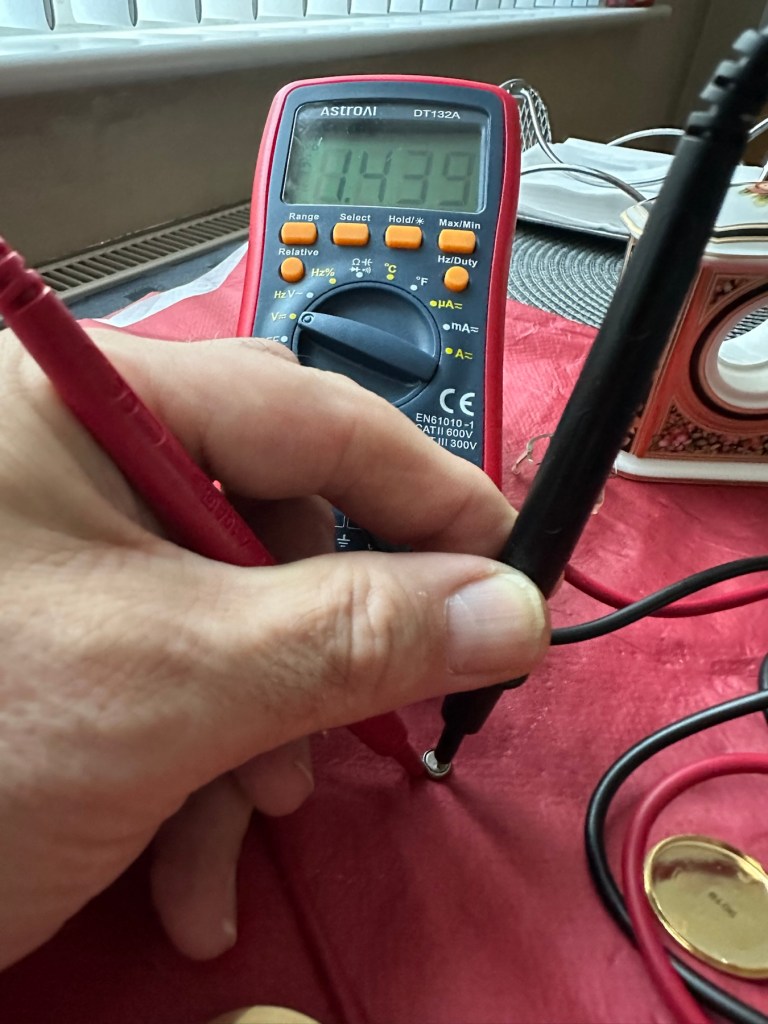
If you remove the timepiece and crack the back open there is definitely signs of battery corrosion around the battery connectors. Measuring the battery voltage it is registering 1.4v, I may well replace this as I don’t know if this is the one that caused the issue or whether it is depleting under load, and I wouldn’t expect that load to be too excessive. But you never know so I will source a fresh battery.

Battery registering 1.4 volts

Repair:

The internals are contaminated with green/blue corrosion from an old battery, using my magnifier and a small grinding pen I am able to remove all the visible corrosion.

After I’d used the grinding pen, I cleaned the timepiece with some compressed air and then cleaned the workings with some Isopropyl Alcohol to remove any residual contamination.

With the unit now reassembled, i can confirm the unit is ticking along quite nicely.

It’s just gone 8pm and keeping good time
20’minutes later still going well. You’ll just have to take my word for it.

Result:

It amazes me that someone sells a unit as lovely as this stating that it’s “Beyond economical repair”. What nonsense, this has cost me the grand total of “Zero” to get fixed. At the very most it’s taken 15 minutes of my time. I love easy repairs such as this, the fact that I purchased such a charming little timepiece at pretty much no cost at all makes it all the more satisfying. An item such as this needs to be looked at as it’s too nice to just be stuffed in the back of a cupboard until it’s thrown out with the junk.

Still quietly ticking away after being repaired

Again, some things are just so easy to repair if you just commit some time and patience to it. This clock now has many years of good use ahead of it. On display, right where it belongs.

Another item saved from waste.

A positive outcome in my personal point of view.

Thanks for passing by. It’s always very much appreciated.
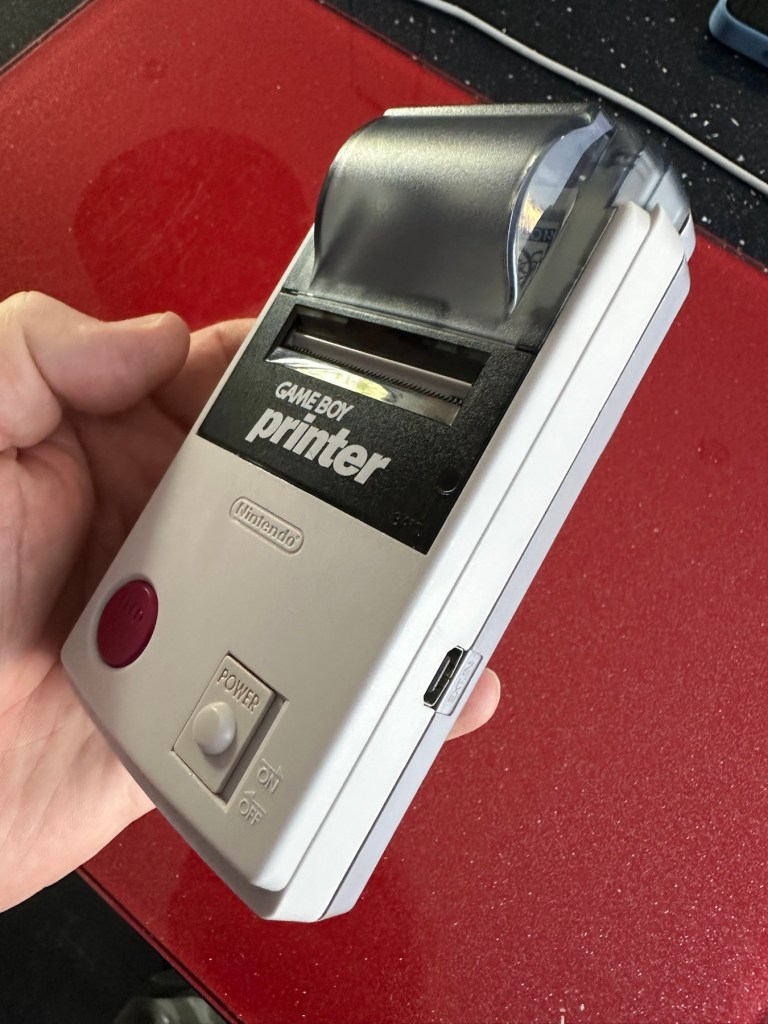
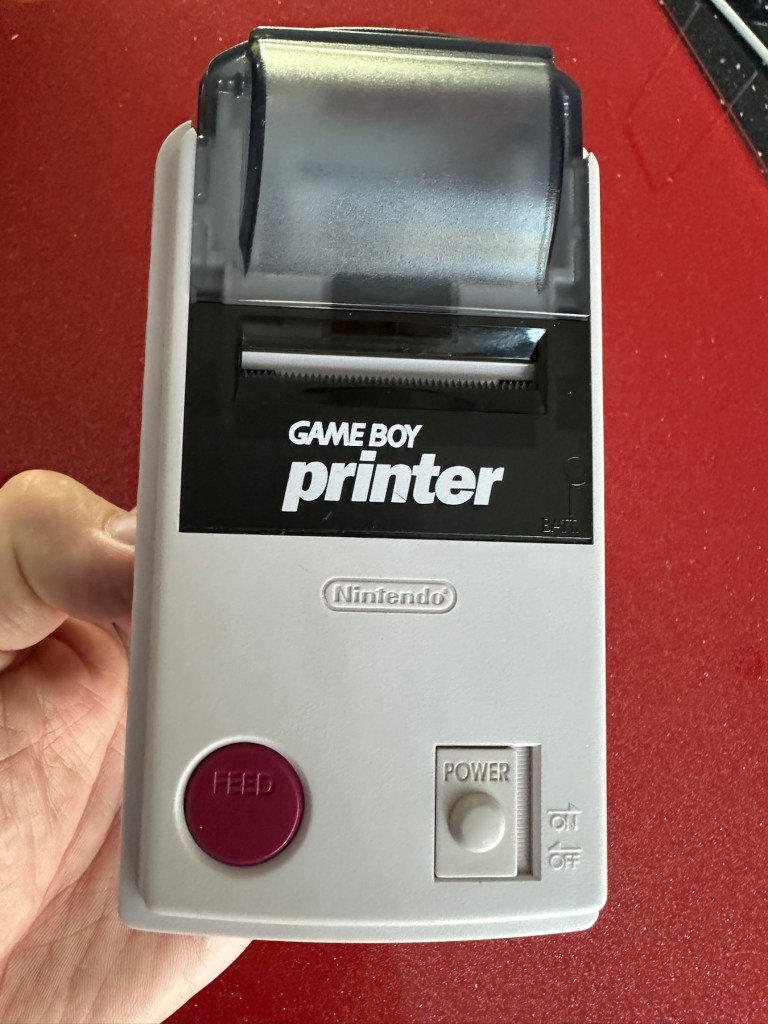
Nintendo Gameboy Printer

What the listing stated:

Listing for a FAULTY Nintendo Gameboy printer unit.

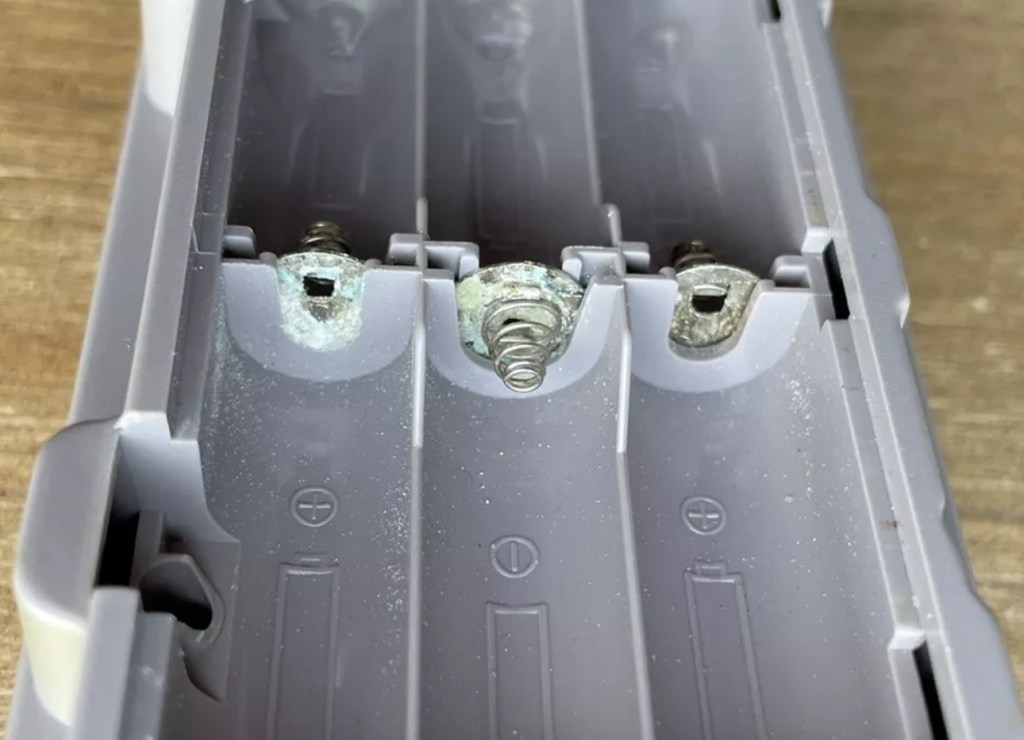
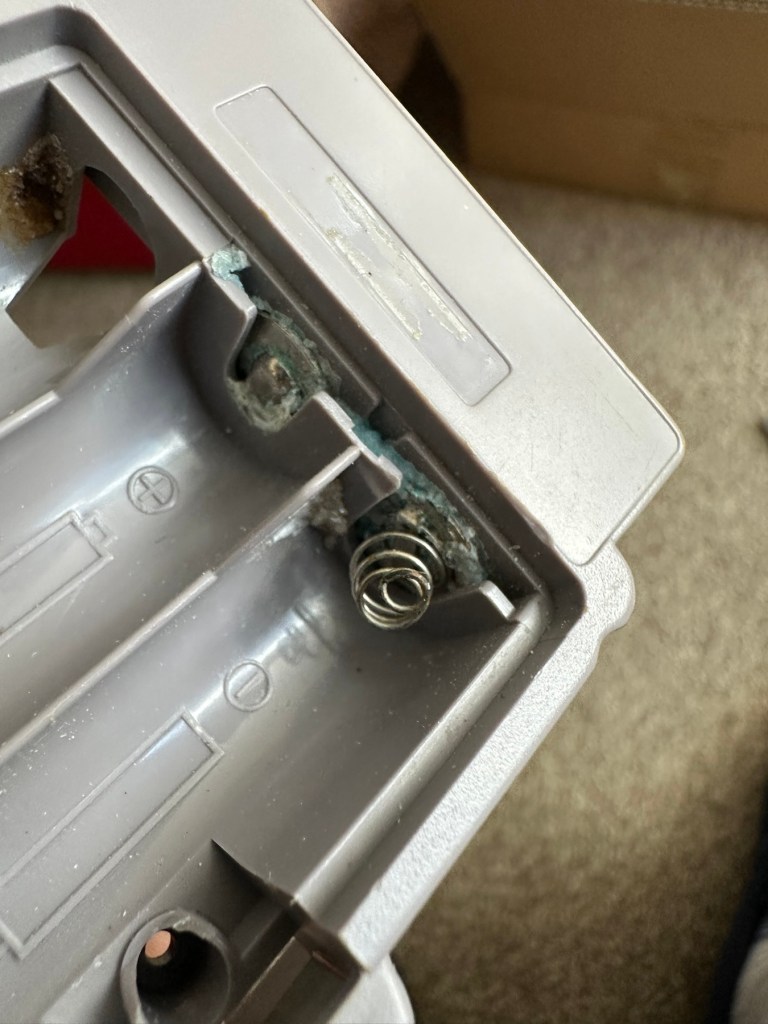
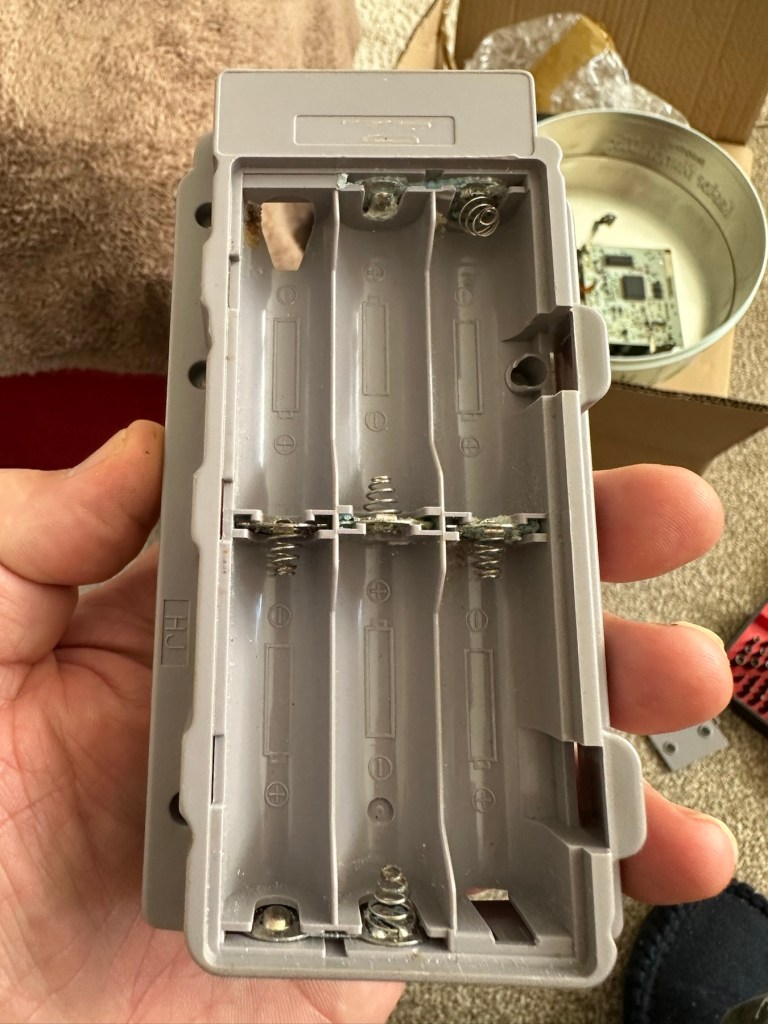
The printer is FAULTY, it has a lot of battery leakage in the battery compartment, so doesn’t currently power up. Some of the terminals look like they should clean up pretty well, but i cannot guarantee. 

As it doesn’t power up, i haven’t been able to test it. So can’t guarantee thats the only issue.

The casing has some discolouration, marks and other imperfections here and there.

I haven’t attempted any repairs and cannot guarantee it is fixable. 

SOLD AS FAULTY/spares/repairs.

EBay

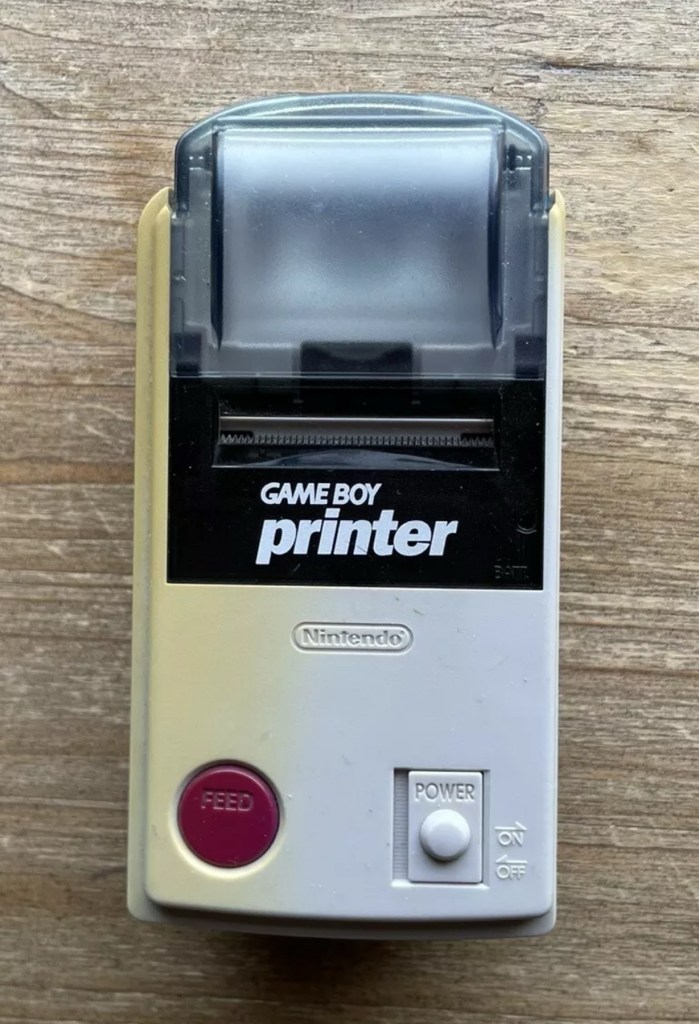
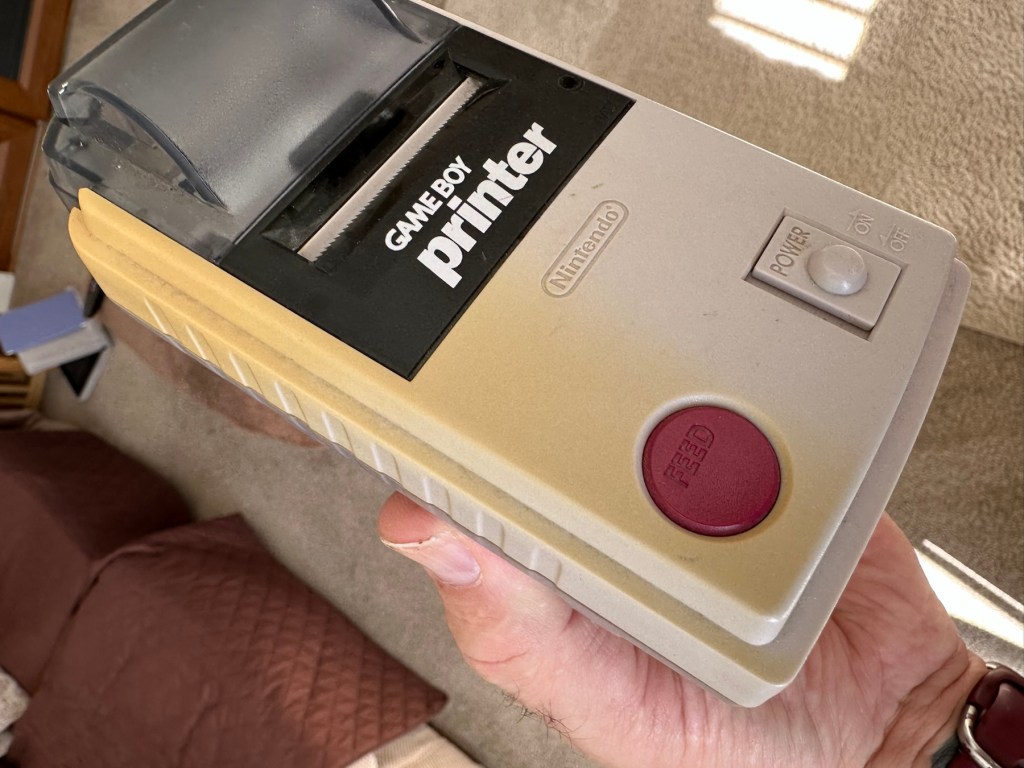
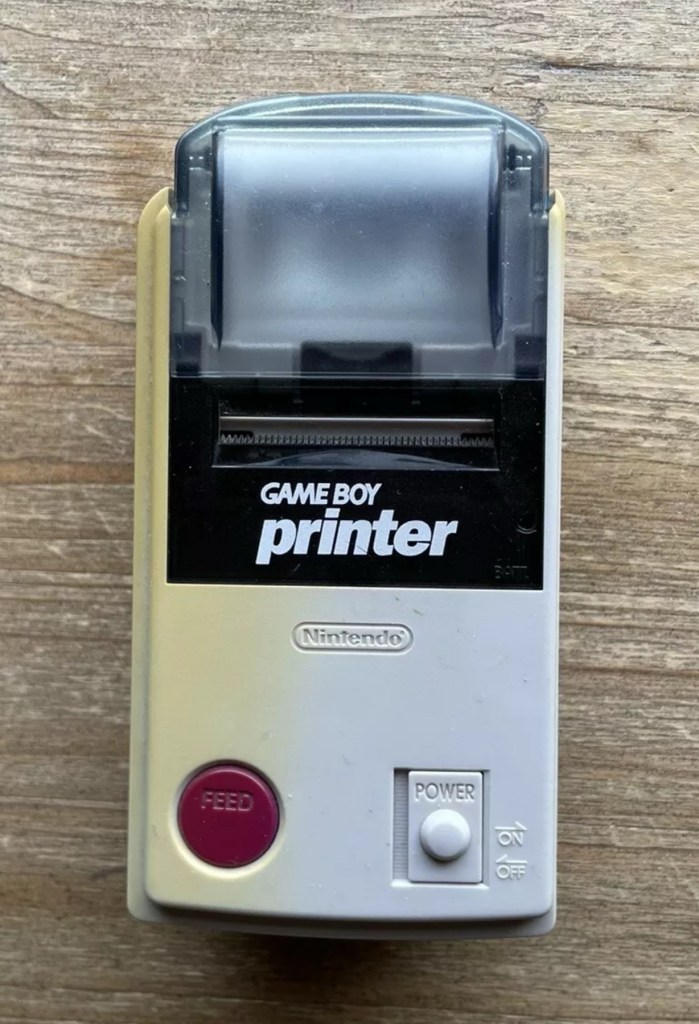
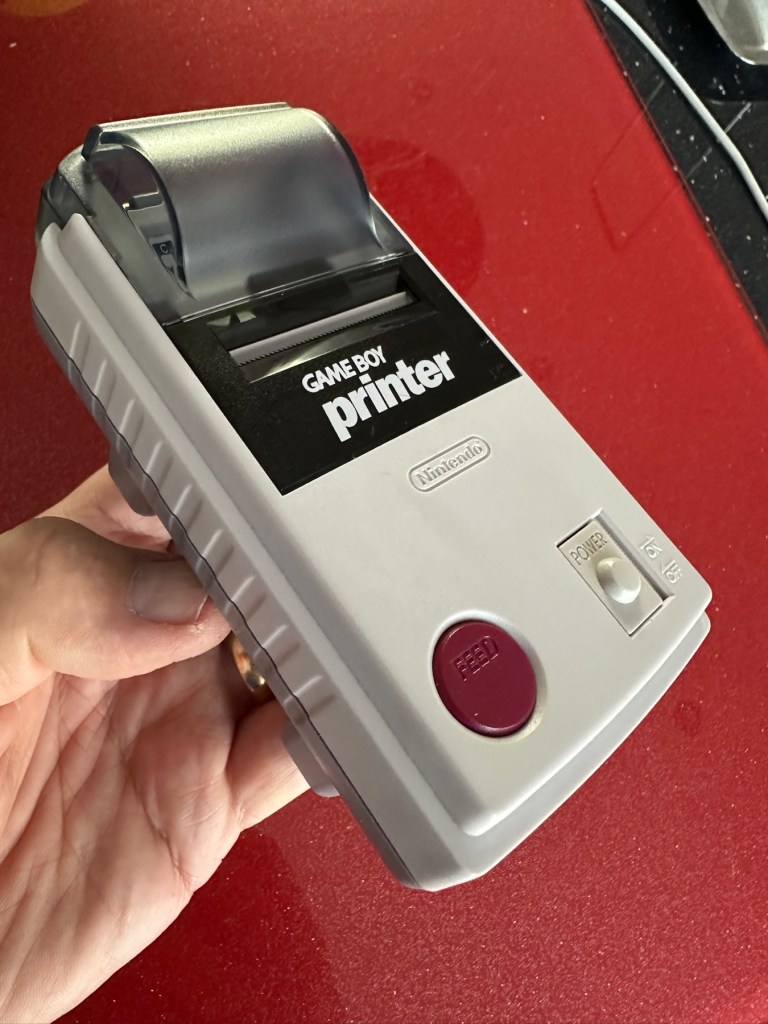
Here are the supplied pictures:

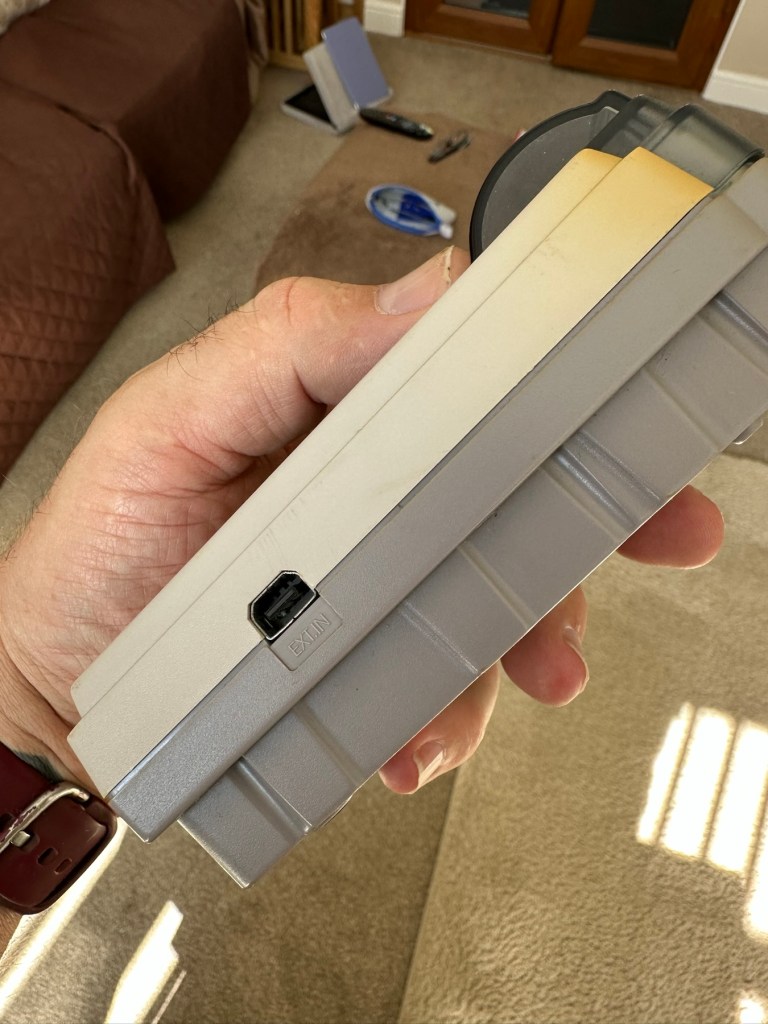
I think I’ve got my work cut out with this one. It’s another piece of unloved technology from 1998 looking for a new life. I’ve paid a total of £19:89GBP including postage for this item, probably at the higher end of what I’m comfortable with for an item in this condition. It has some serious corrosion issues that could go a lot deeper than just the battery contacts. There is a definite issue with discolouration, however I’m happy with that as it will be my guinea pig for my first attempt at retrobrighting, this process i discussed in this post a few days back: Retr0bright – What’s that then?

My plan of attack for this unit is to completely dismantle it, give it a thorough clean, retrobright the casing and then attend to the electrical / component issues.

Here’s some history about the printer unit:

The Game Boy Printer, known as the Pocket Printer in Japan, is a thermal printer accessory released by Nintendo in 1998 which ceased production in early 2003. The Game Boy Printer is compatible with all the Game Boy systems except the Game Boy Micro and is designed to be used in conjunction with the Game Boy Camera. It also prints images from compatible late-generation Game Boy and Game Boy Color games. It runs on six AA batteries and uses a proprietary 38mm wide thermal paper with adhesive backing, originally sold in white, red, yellow and blue colors. In Japan, a bright yellow Pokémon version of the Game Boy Printer was released, featuring a feed button in the style of a Poké Ball.

Wikipedia

If I manage to get this into a working state it will be added to my GameBoy collection.

I just need a suitable lead to connect between the console and the printer, and a small roll of 38mm wide thermal paper. I’m currently sourcing these.

Assessment:

Well it certainly has the yellowing issues and I will cover that in a separate post where I will have my first attempt at Retrobrighting the unit. With batteries in place, the unit is very dead and no matter how many times the switch is operated, it remains dead. Battery terminals are a mess and there is a lot of evidence of battery leakage and corrosion.

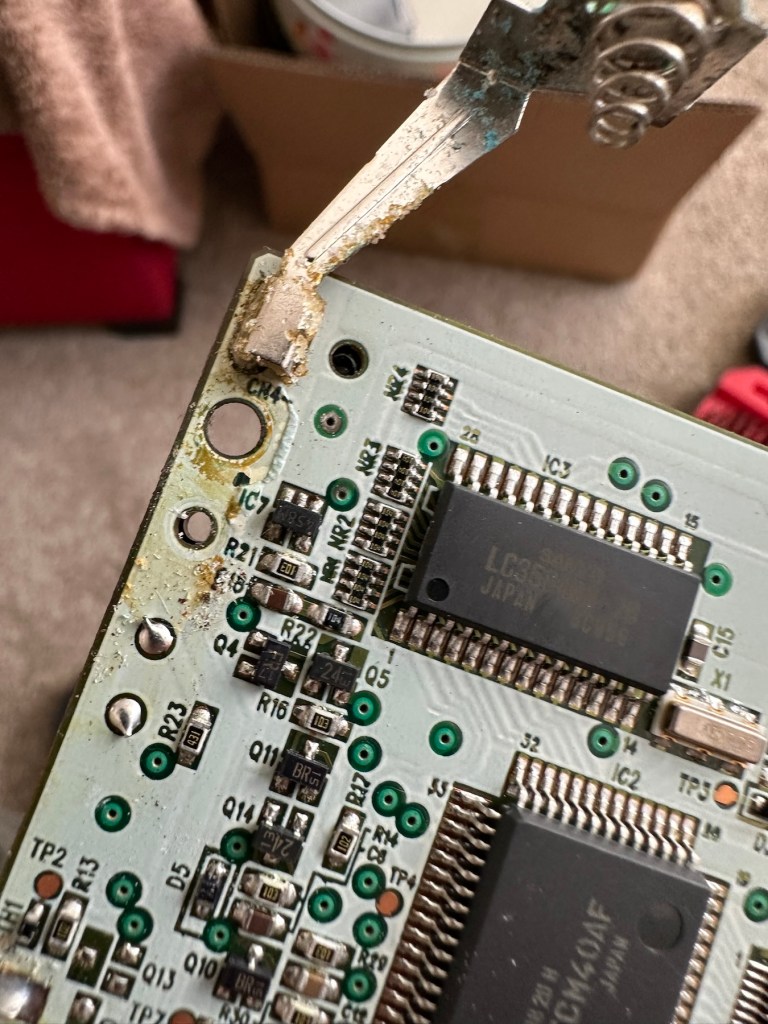
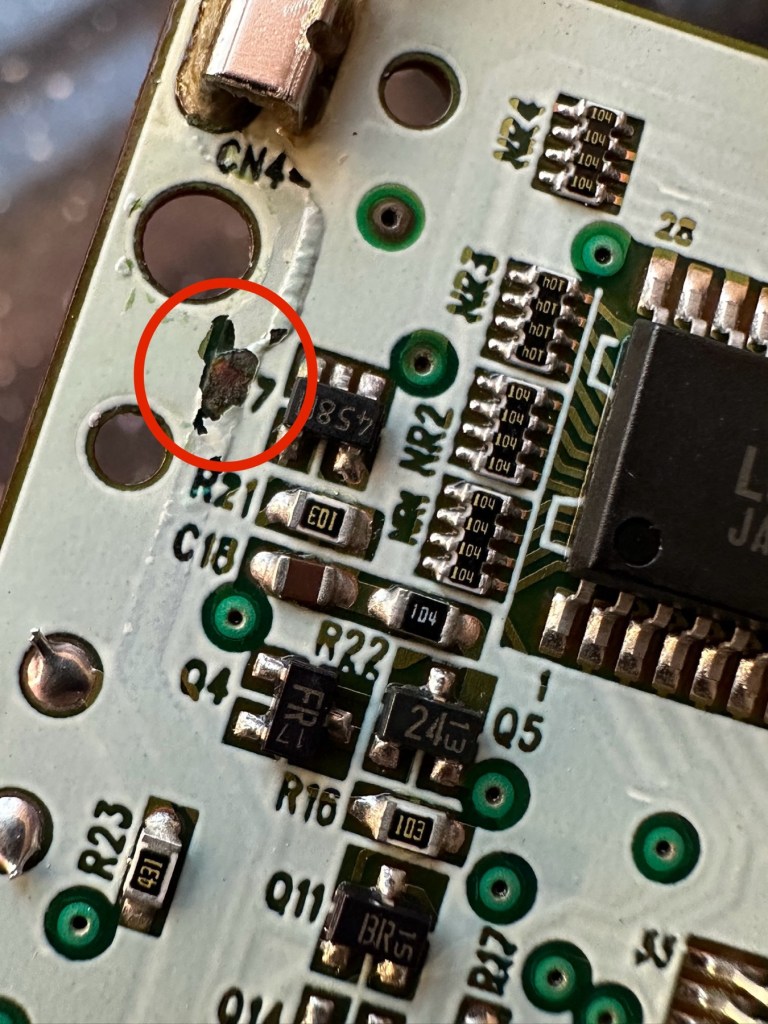
The board inside hasn’t been that badly affected by the corrosion, however one track from the battery terminal was showing signs of decay and will need attention. There are parts of the board that will need reflowing as there are some dodgy looking solder joints.

I’m happy that all the issues have been identified and I do actually have the items to carry out the repair. I will focus on the external issues such as the yellowing before dealing with the contacts and main board issues. Stay with me now, the repair begins.

Repair:

The Retrobrighting process for the shell assembly can be found in a separate post here: First attempt at Retrobrighting.

Wow

Needless to say the results are fantastic and I shall look at incorporating this method into more of my future projects. I have since given the case a second treatment and it is pretty much perfect with no sign of discolouration.

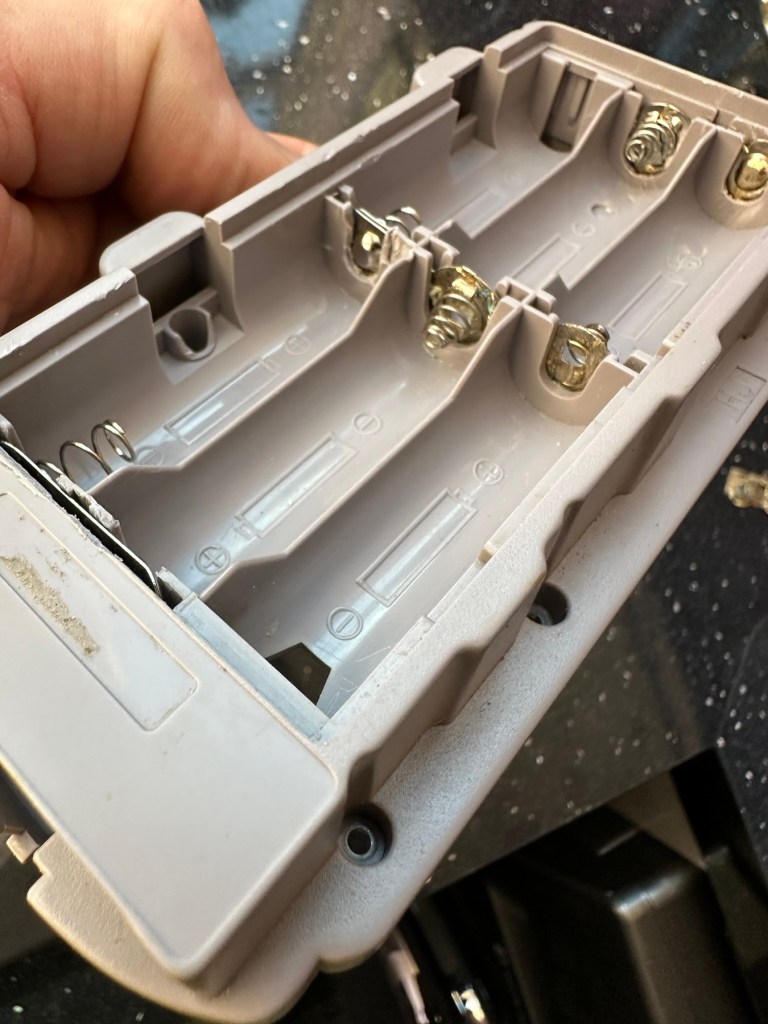
As you can see in the pictures above, the battery compartment suffered from some severe acid contamination. Using a grinding pen and a lot of cleaning solution, three of the five contacts were saved but two were beyond repair and I had to replace these with new contacts.

I then loaded the battery compartment with new batteries and then checked the two terminal ends to assure continuity, this was confirmed and continuity exists throughout. As a result the battery issues and power supply have now been resolved.

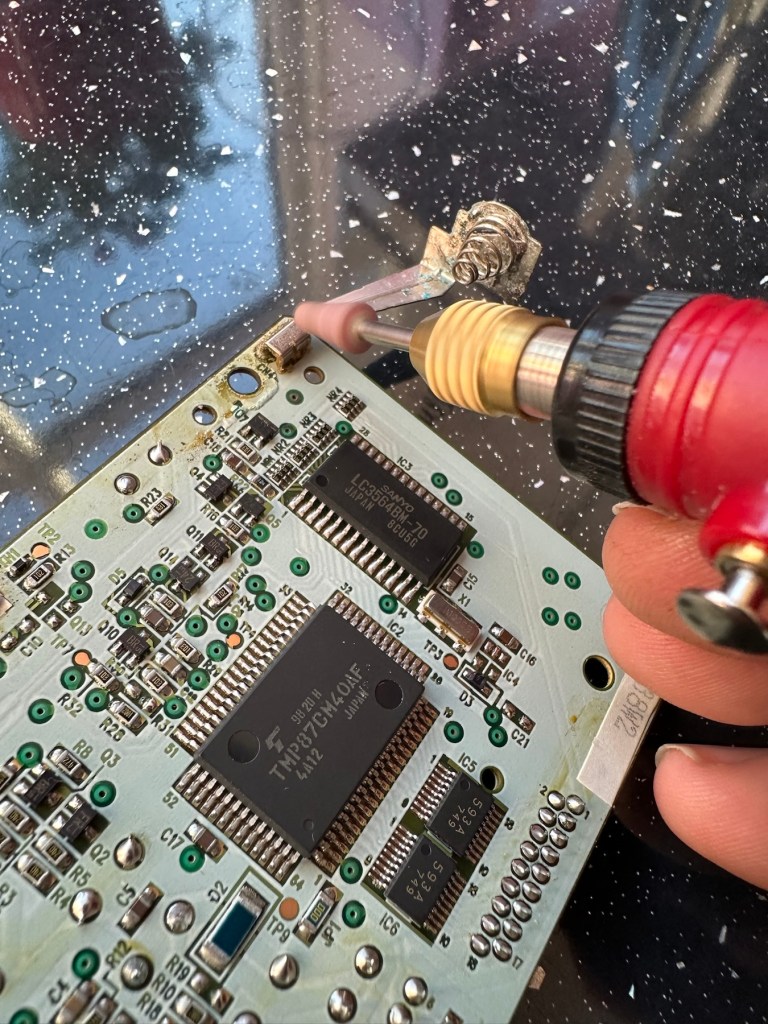
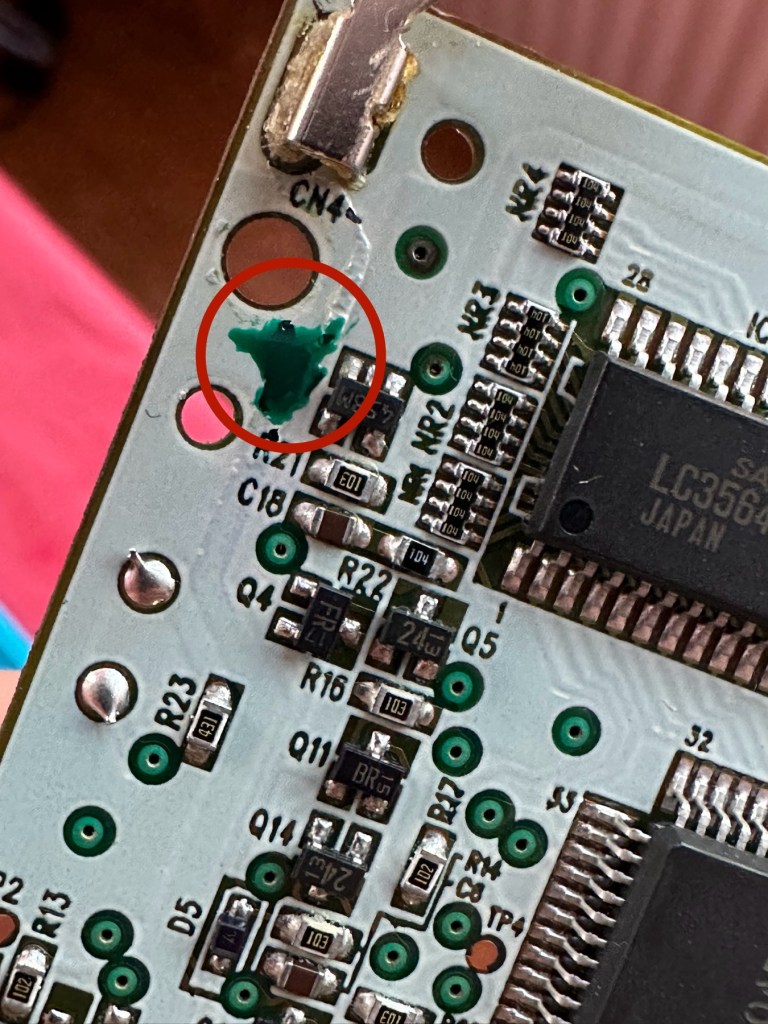
I mentioned that one of the tracks on the main board was showing signs of corrosion. I filed this down, cleaned it, and then brushed the board down with IPA and checked the continuity and this was fine. All suspect solder joints have also been reflowed, they are all looking good and new.

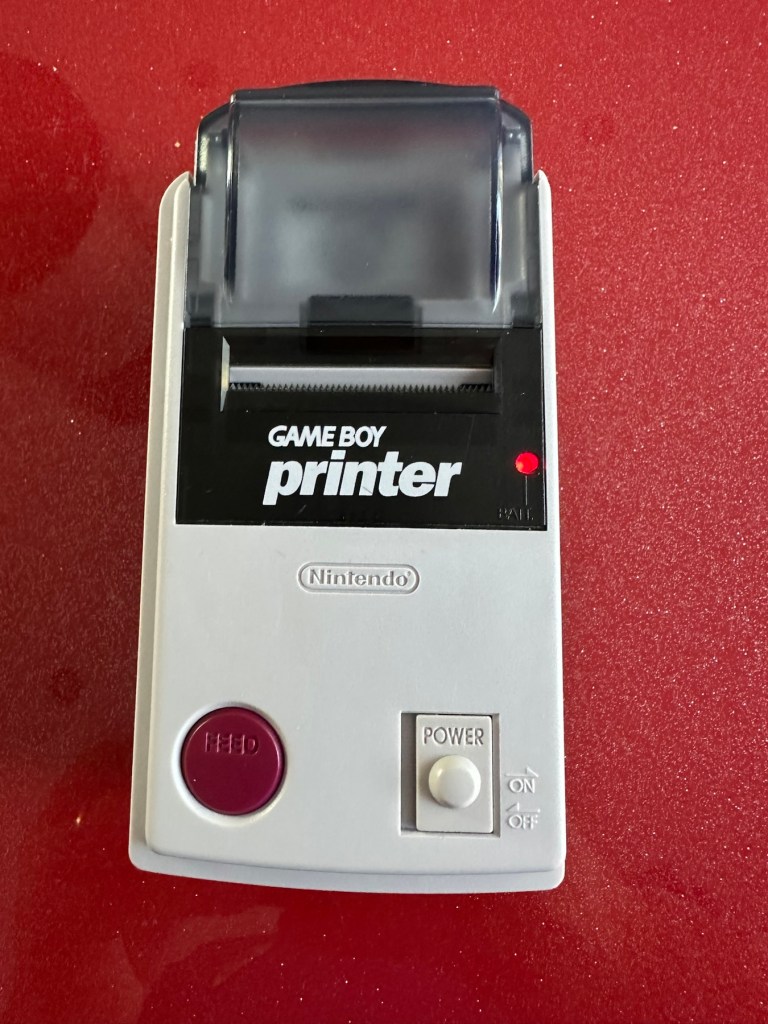
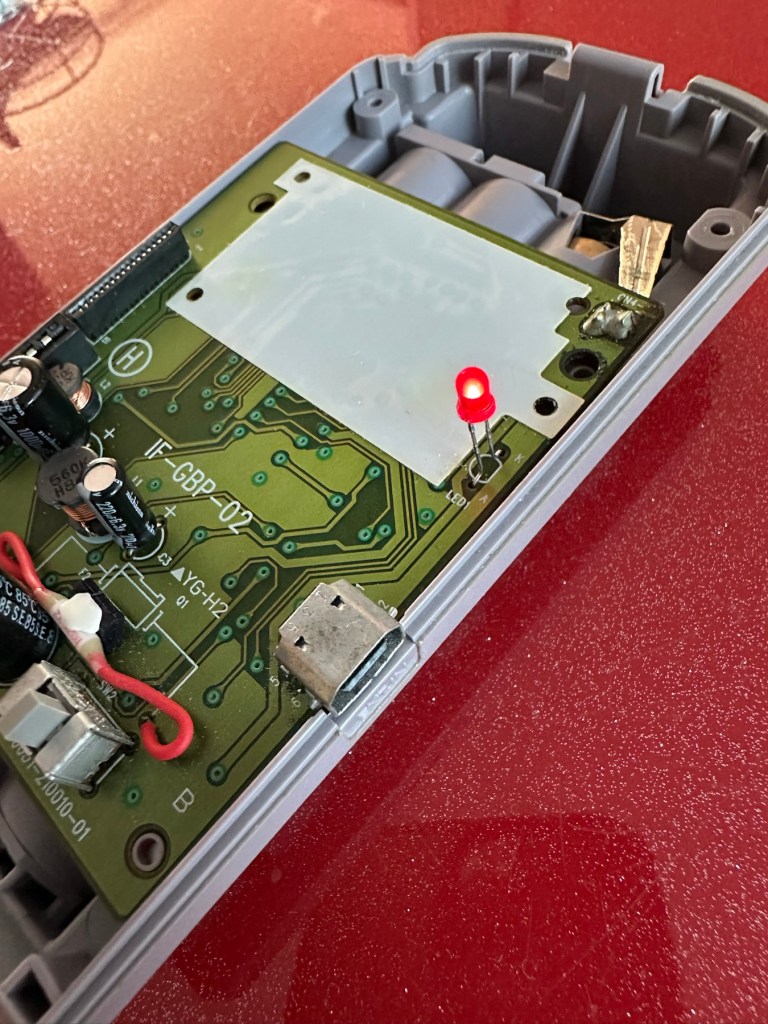
I had previously removed the motor from the board to assist with cleaning, as i didn’t wish to damage any of the ribbon cables. I then reconnected the cleaned and freshly repaired board, to the restored battery compartment to see if anything lit up. It sure did.

We have a light

This was pleasing as it now showed that we had continuity from the battery compartment to the board. I then added the motor back in and we also had some movement.

Movement restored

This again was very pleasing as everything we have done so far seems to be working. However it proves nothing yet until I can get the correct cable and some correct sized thermal paper to see that it actually does print, or even advance the paper. Those items are being sourced, and I don’t want to jump ahead of myself just yet as there could still be a number of yet to be addressed issues that may arise. It’s very much a fingers crossed period until we can test the unit properly.

Let’s clean all the other plastics whilst we await all the other items to be attended to.

All washed and drying out

Now we will commence reassembly.

All restored, working and looking pristine

Now all assembled the motor moves into position when turned on, the feed button also works. The paper rolls for these units are at the moment extortionate and selling for about £10GBP for the tiniest of rolls, and I’m not paying that. I have a thermal printer at home and I have cut some of this paper to size to test the transport, and this works just fine. Just awaiting the cable to connect the GameBoy to the printer. Fingers still firmly crossed.

Result:

I’ve just found out that if you hold the feed button whilst turning on the unit you get a test message. I’ve done this and I’m pleased to say the unit is fully working.

It’s working perfectly

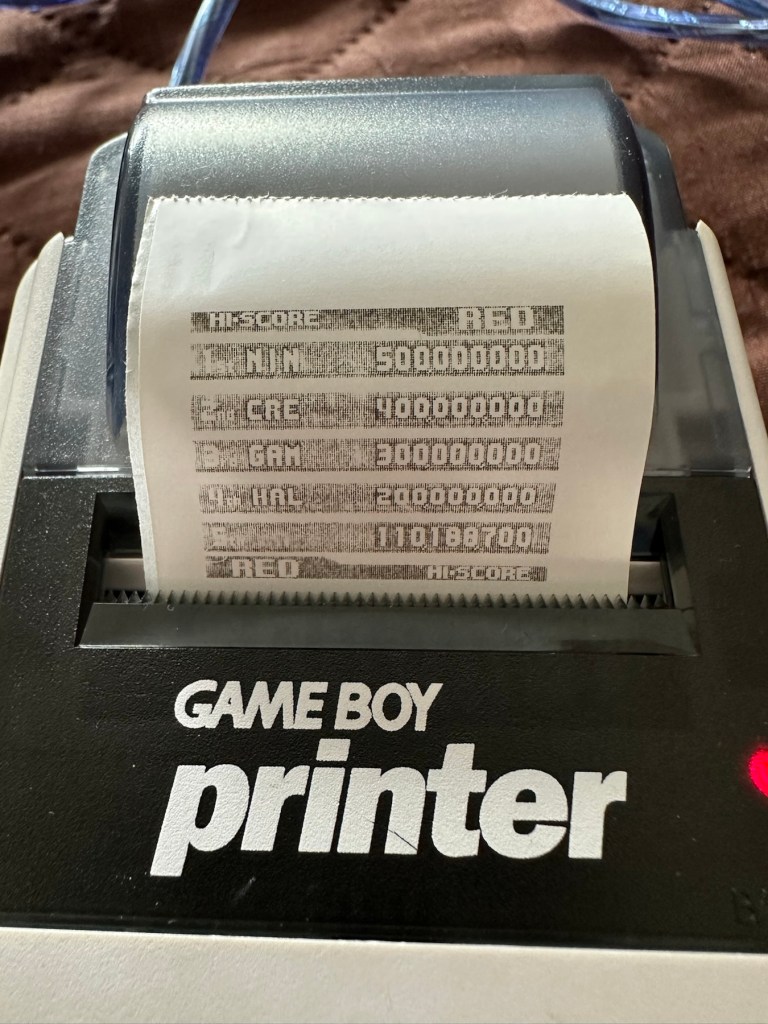
I’ve also connected it to my game boy and the game – Pokemon pinball, and was able to print off the high scores. It truly works.

High scores

I’m just so pleased how this project has gone. It has been a complete refurbishment, clean, and I have even managed to reuse the original stickers. The unit looks pristine and really is a nice piece of kit. This goes into my GameBoy collection and has many more years of good use left in it.

And to think this would have probably ended up in landfill. Scandalous. The cost of repair to me has been less than £2GBP and the majority of that was for the peroxide solution to do the Retrobrighting.

Great result. Very happy with this.

I can now uncross those fingers. All is fine.

Thanks for passing by, as always most appreciated.

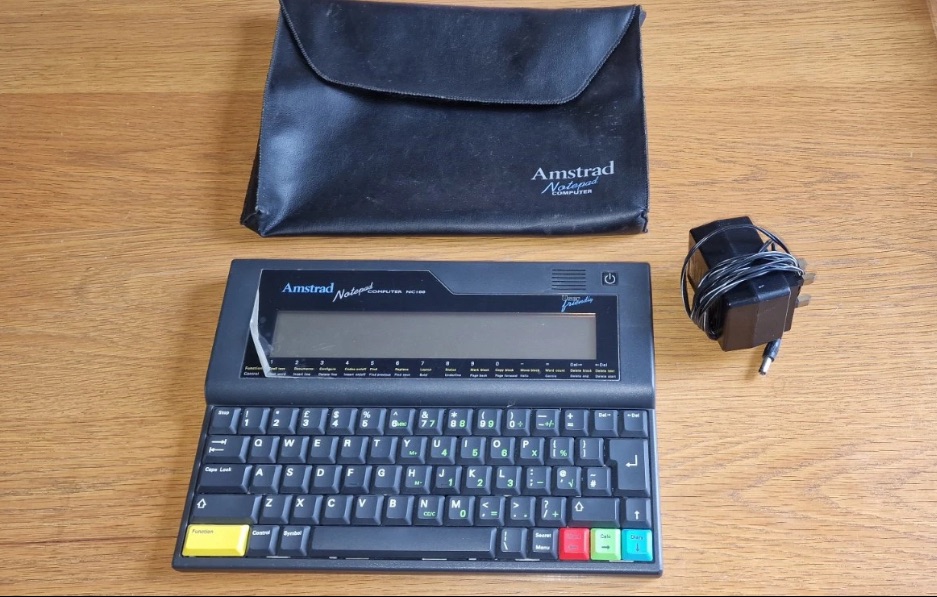
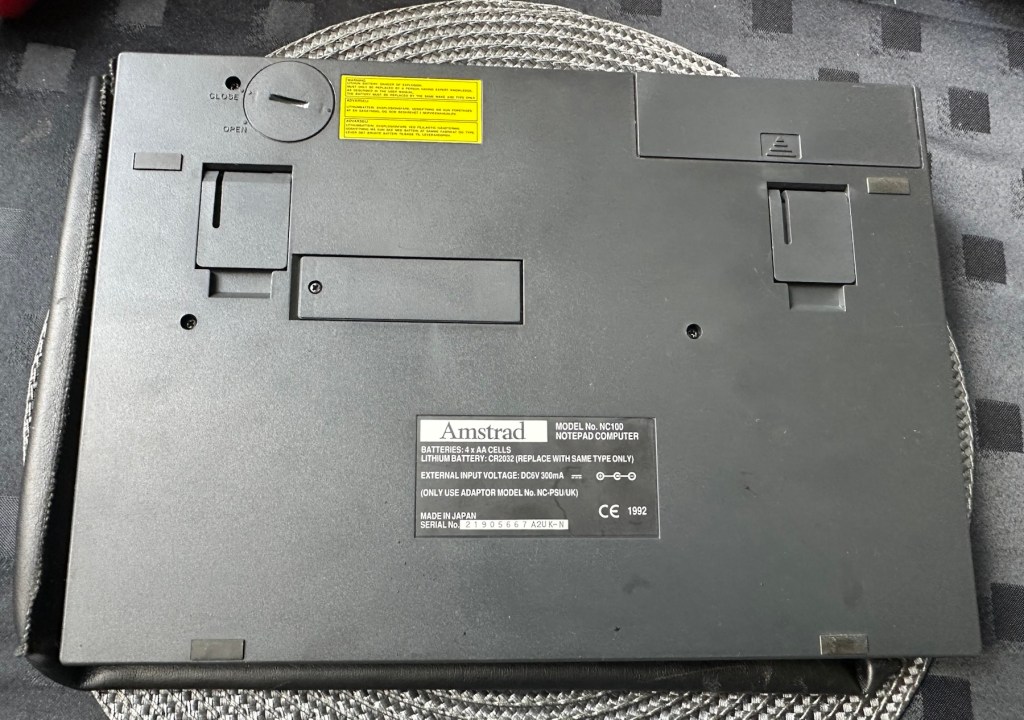
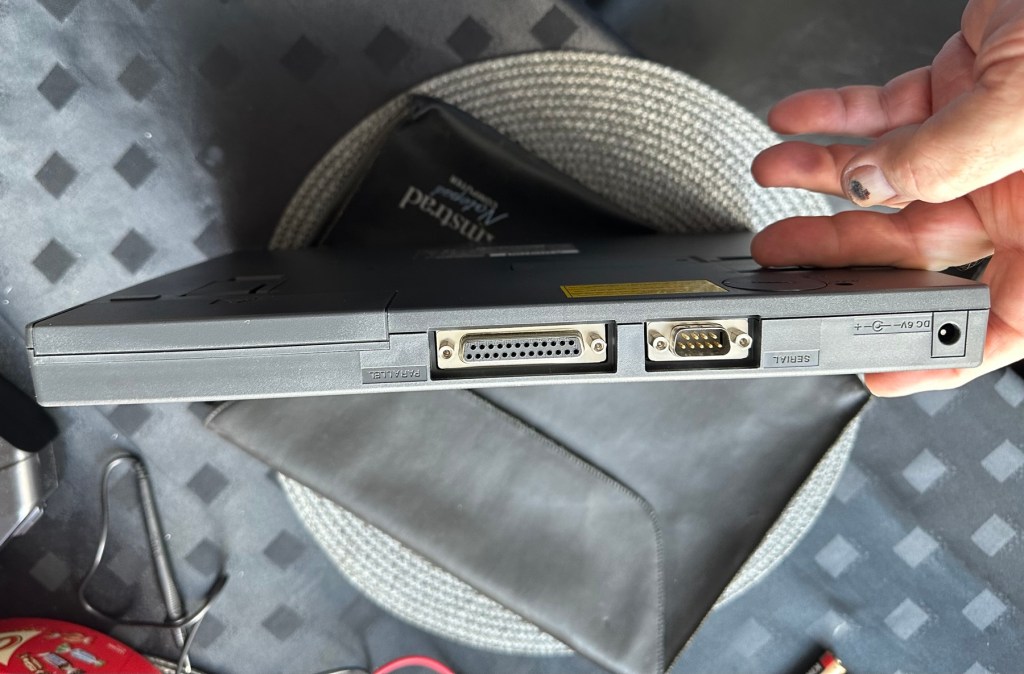
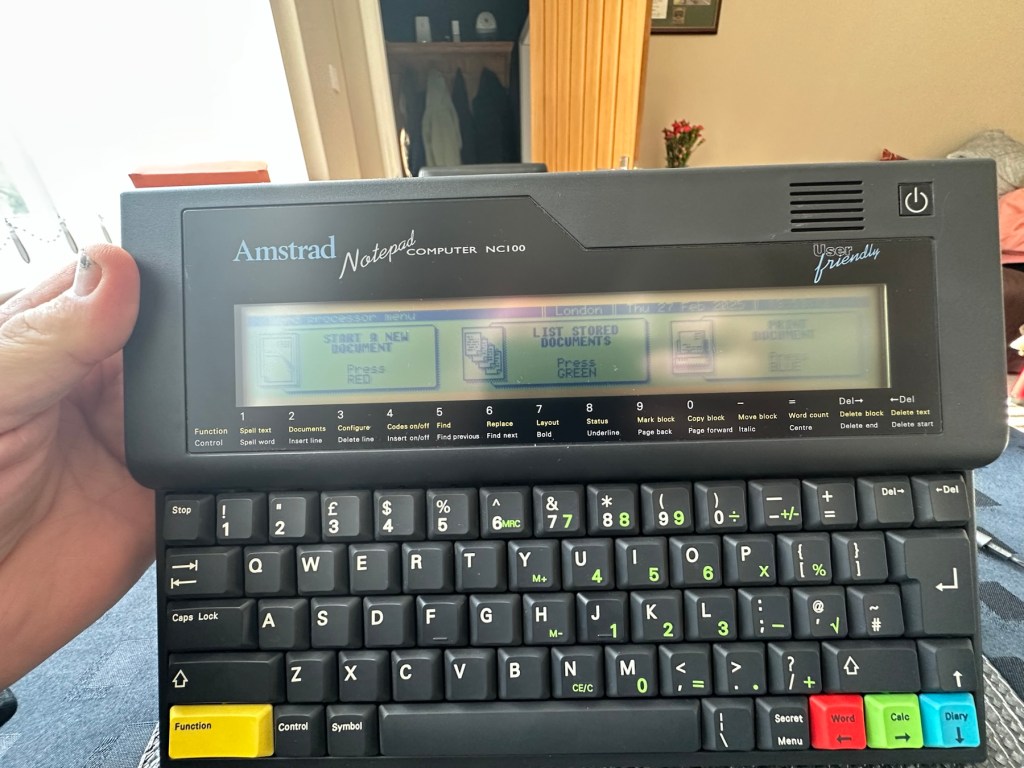
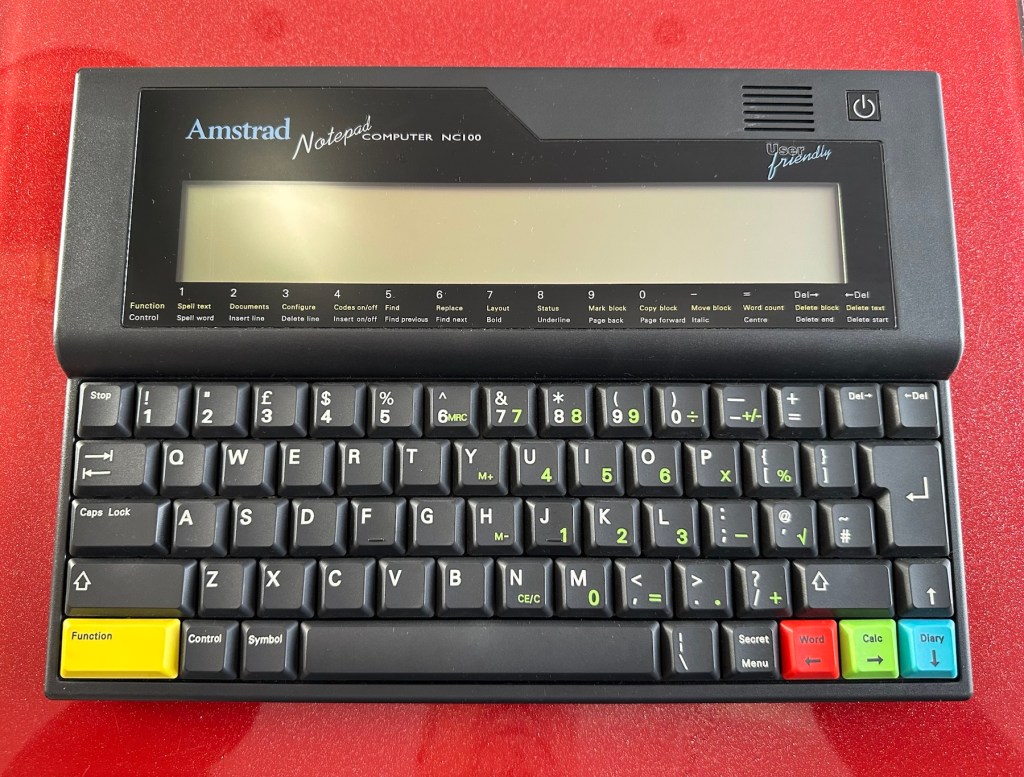
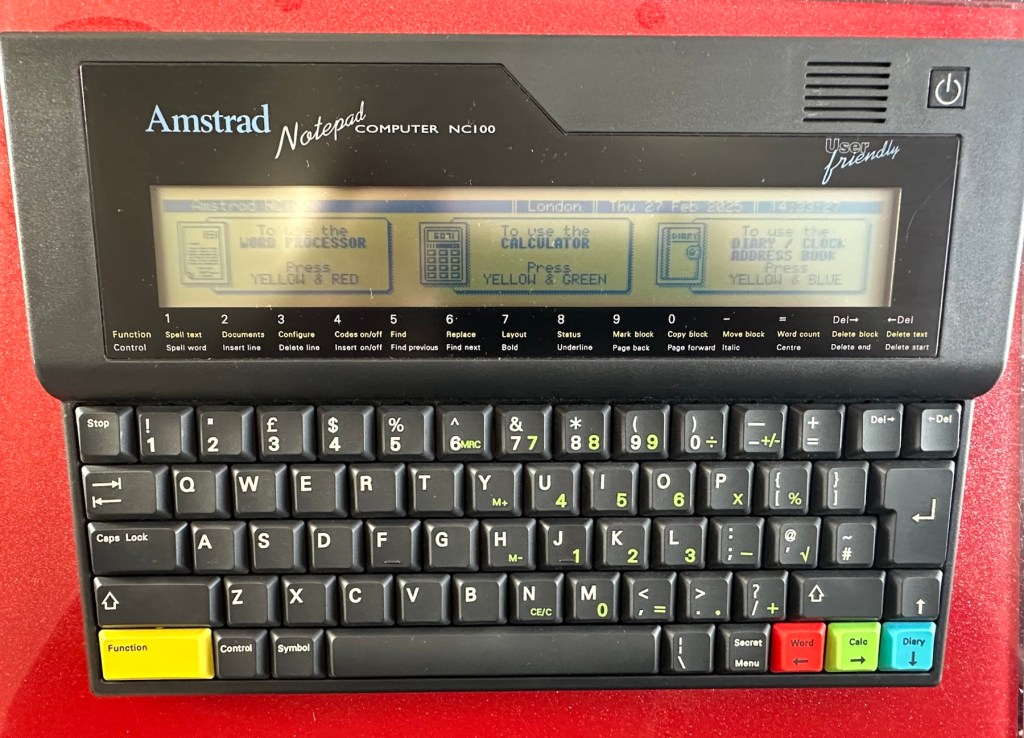
Amstrad Notepad NC100

What the listing said:

Amstrad Notepad NC100+ Vinyl Case 

Not working not powering on, the vinyl case has some marks and scratches.

EBay

I’ve been after one of these for a little while, I’ve just been awaiting one at a good price and this one became available, post included at £30GBP, they retailed for £199Gbp back in 1992. It says it is not working but that’s good in my eyes as it makes these posts more appealing, as it gives me something to repair. I don’t know what the issue is off hand as the post didn’t state that, but I do know these items have suffered with capacitor problems over time, but that is not necessarily the case here. We will just have to wait until we do the assessment on its arrival. And as it comes from around the early 90s it fits right in with my modus operandi. And this little cutie dates from 1992.

Here’s a little history behind this unit courtesy of Wikipedia:

The Amstrad NC100 Notepad is an A4-size, portable Z80-based notebook computer, released by Amstrad in July 1992. It featured 64 KB of RAM, 256KB of Rom, the Protextword processor, various organiser-like facilities (diary, address book and time manager), a simple calculator, and a version of the BBC BASIC interpreter. The computer’s design, evocative of the TRS-80 Model 100, features a screen with 80 character columns by eight rows, and not backlit, but this let the NC100 run for up to 20 hours on four standard AA cellbatteries. There was an RS-232serial port, a parallel port for connecting a printer, and a PC card socket, by means of which the computer’s memory could be expanded up to 1 MB.

Assessment

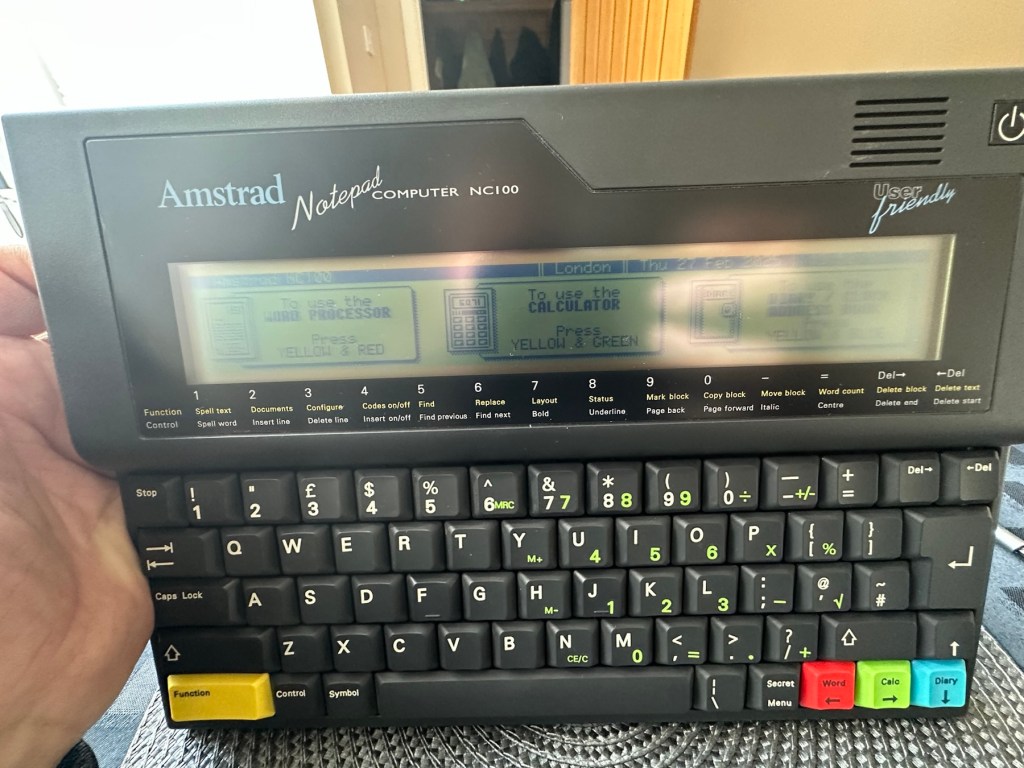
The unit has arrived and cosmetically it is in very good condition apart from the peeling plastic screen cover. A little bit of dust and grime, all keys in good order and no dinks or dents. the vinyl bag is a little tatty but that’s not a problem, it’s obviously done it’s job over the years due to the good condition of the unit.

So down to testing. First thing I’ve done is check the power supply is giving a 6.5 v output and this is ok.

Power supply doing what it should.

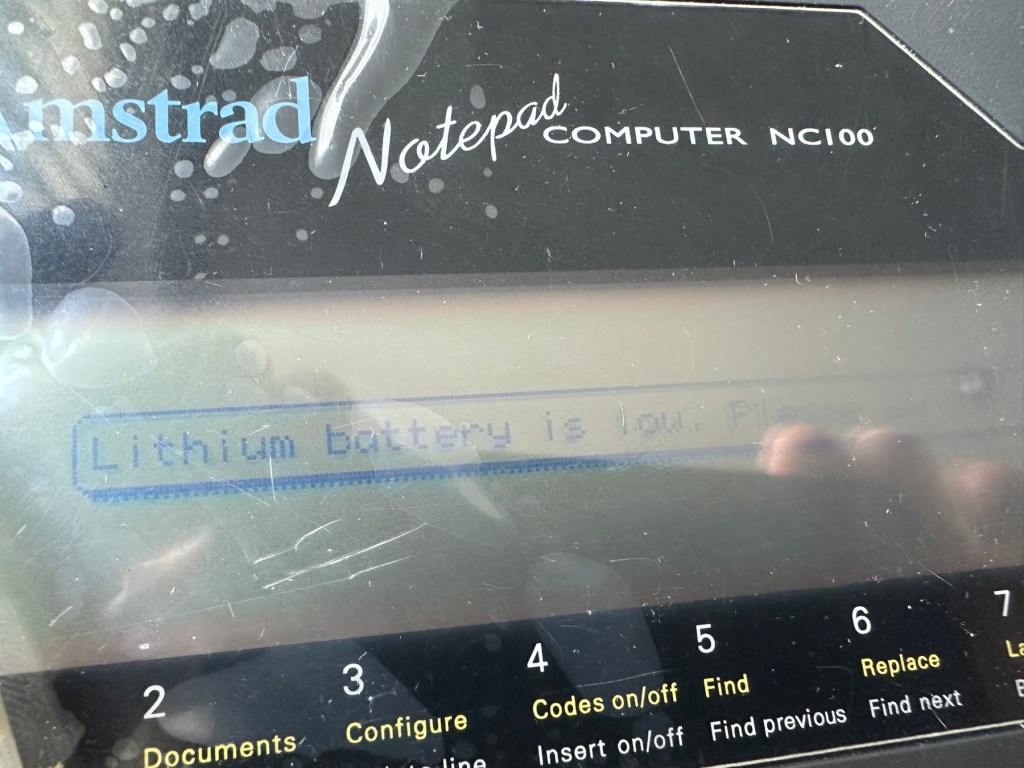
Secondly I’ve put 4 AA batteries in place and turned the unit on but then it abruptly stops, displaying a lithium battery issue.

Lithium battery warning

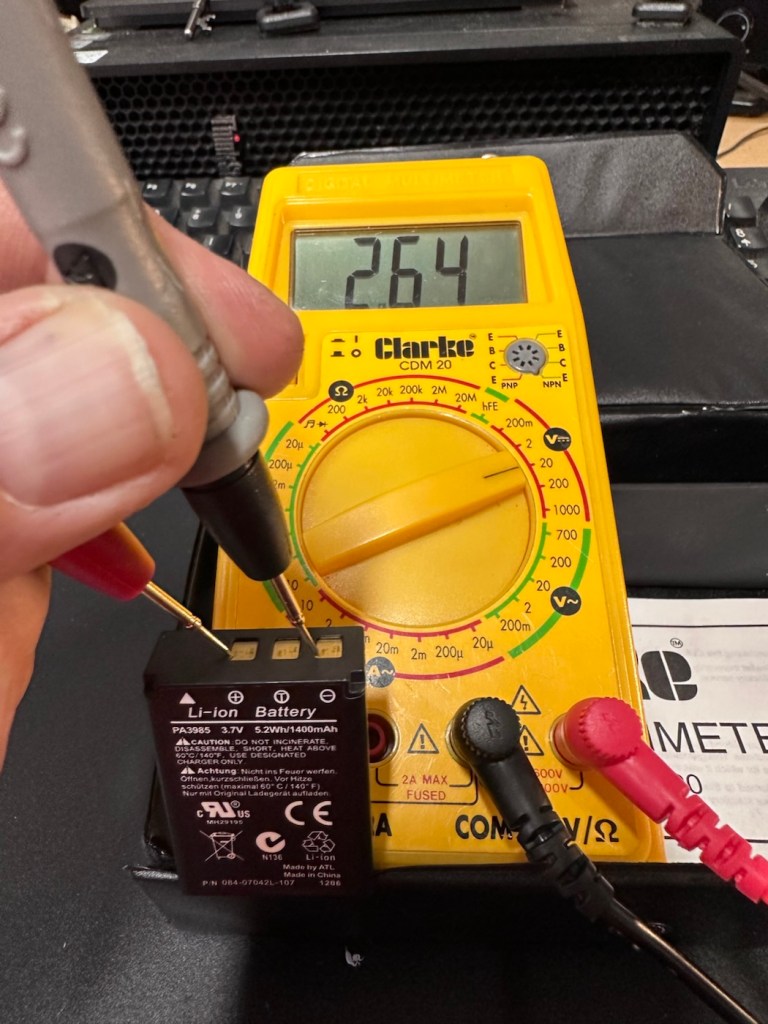
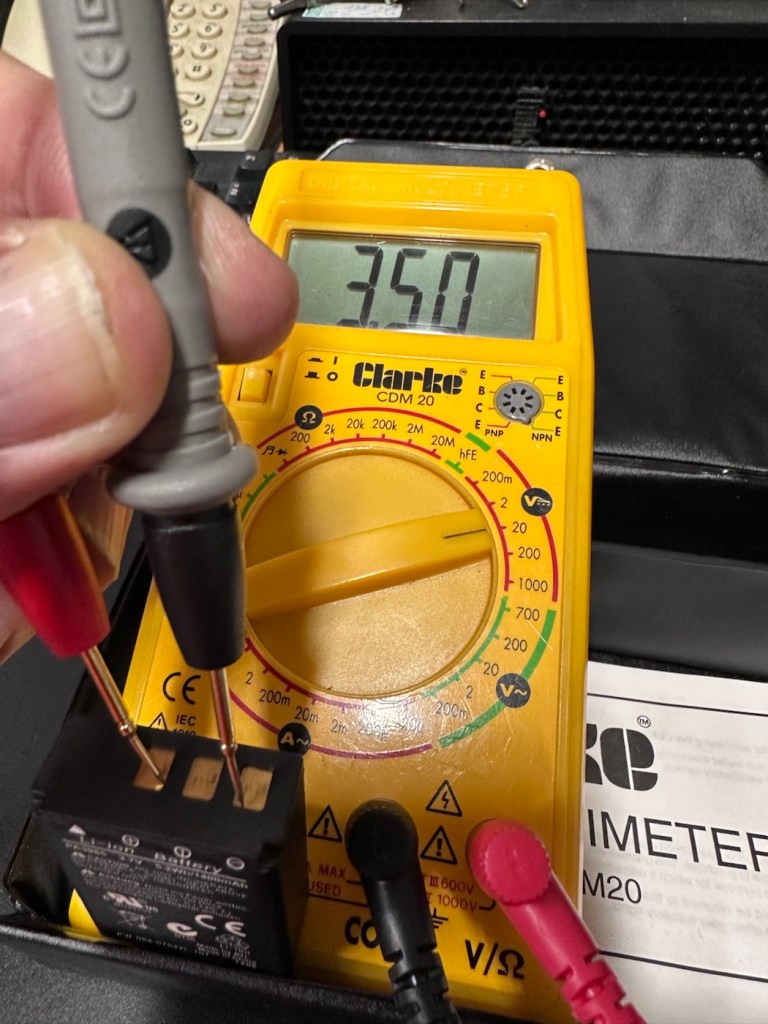
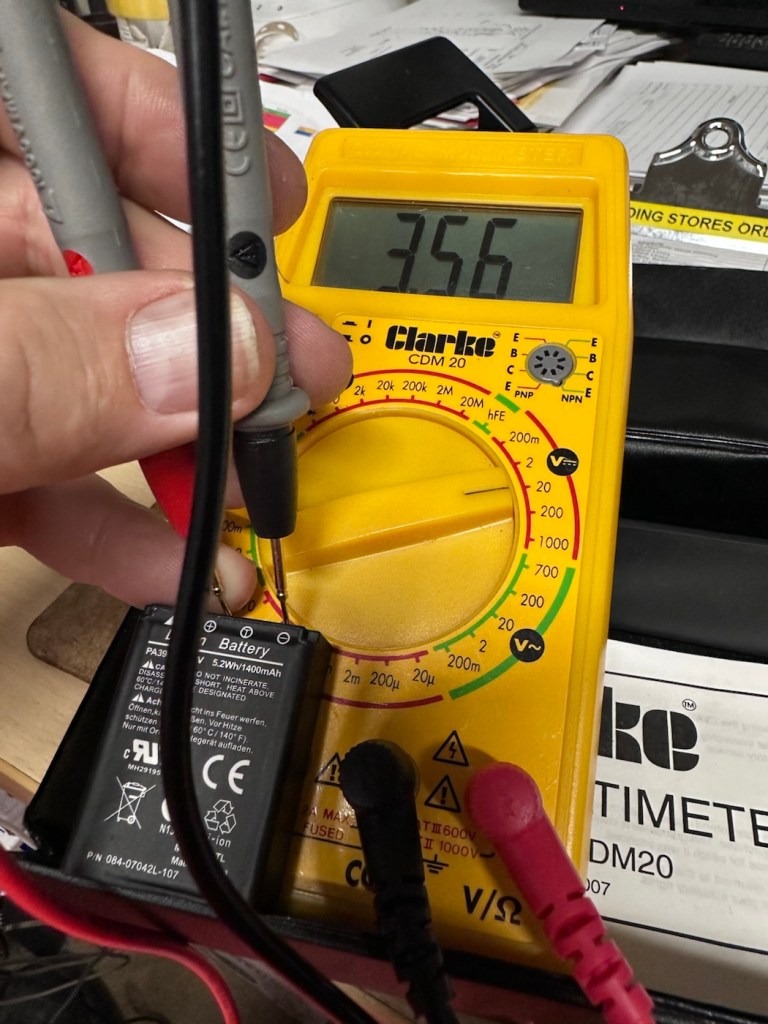
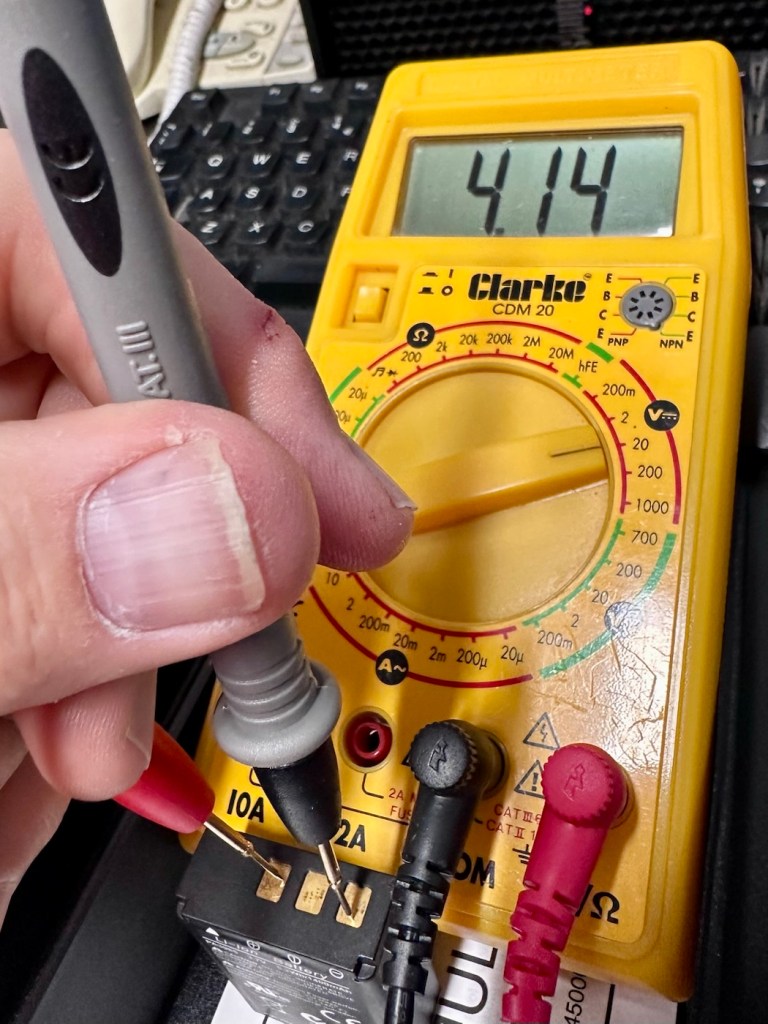
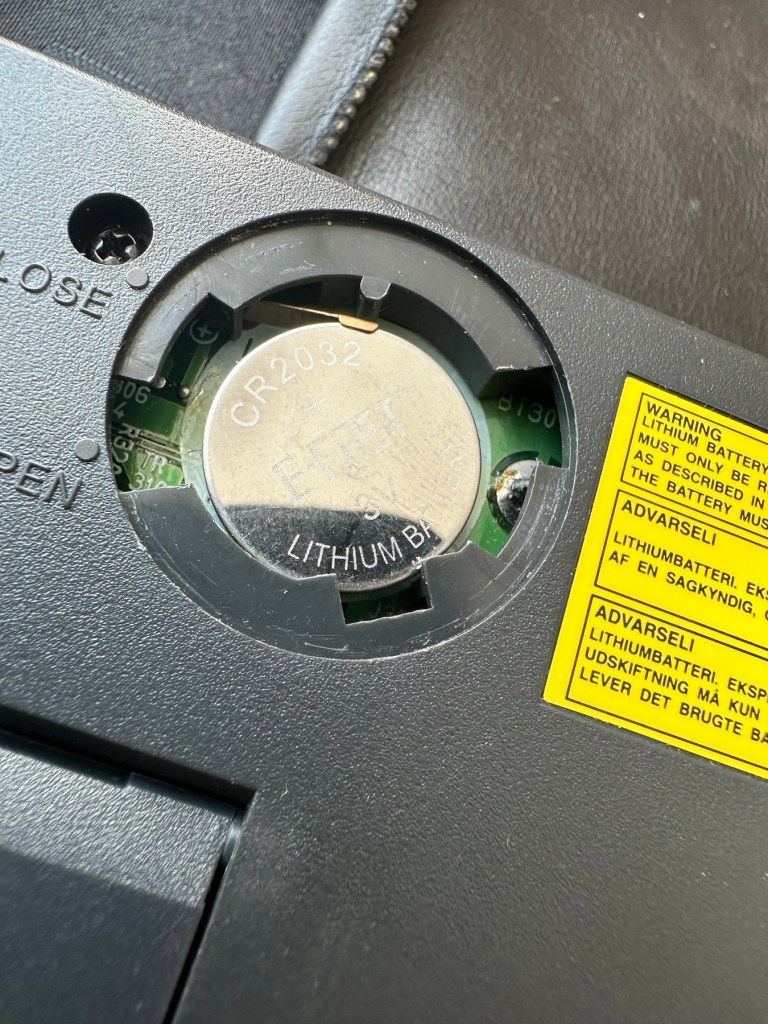
The lithium battery is an old CMOS type battery, a CR2032 coin battery. This is the battery that keeps the info in the system when you turn it off. I thought I’d run this through the multimeter and was surprised with the voltage I saw, the battery seemed fine to me at 2.8v, so I replaced it with a new one measuring 3.4v. And the issue came up again…..head scratching time!

Looking on line it seems there is an issue with the lithium cell battery contacts on these units when they are being resurrected to modern day usage, time has not been good to them. The coin contacts have now been cleaned and slightly bent to ensure a better contact and hey presto it’s operational with no further issues.

Battery contacts needed cleaning and repositioning

The main AA battery contacts are fine and the external supply is doing what it should. Now let’s look at sorting that screen issue.

Quite simply there were two options, use a bit of heat to try and stick the plastic down, but I decided against this as it would not lay flat, it had too many kinks in it. So the only other option was to remove it and this is what I did, it peeled off with no issues. In time I will see if I can get a suitable replacement but to be honest it isn’t really required as I’m not going to be using it that often.

Let’s get that screen cover off

I’ve tried every function and keystroke of the board and all is good there are no issues and I now have a perfectly acceptable unit for my collection. It looks like i have had a second win against the “Untested” brigade who sell on EBay. This was the simplest of repairs and the issues are readily available to research on line. There is no excuse for not looking into the issues, when a good unit like this can now sell for up to three times the amount that I paid for it.

Your loss my win. Another one kept from landfill.

I’ve given the unit a good polish and I think you’ll agree that the project has come up good.

Now to just go and read the user manual on line to see if I’ve missed anything. Thanks for passing by, as always it’s most appreciated.
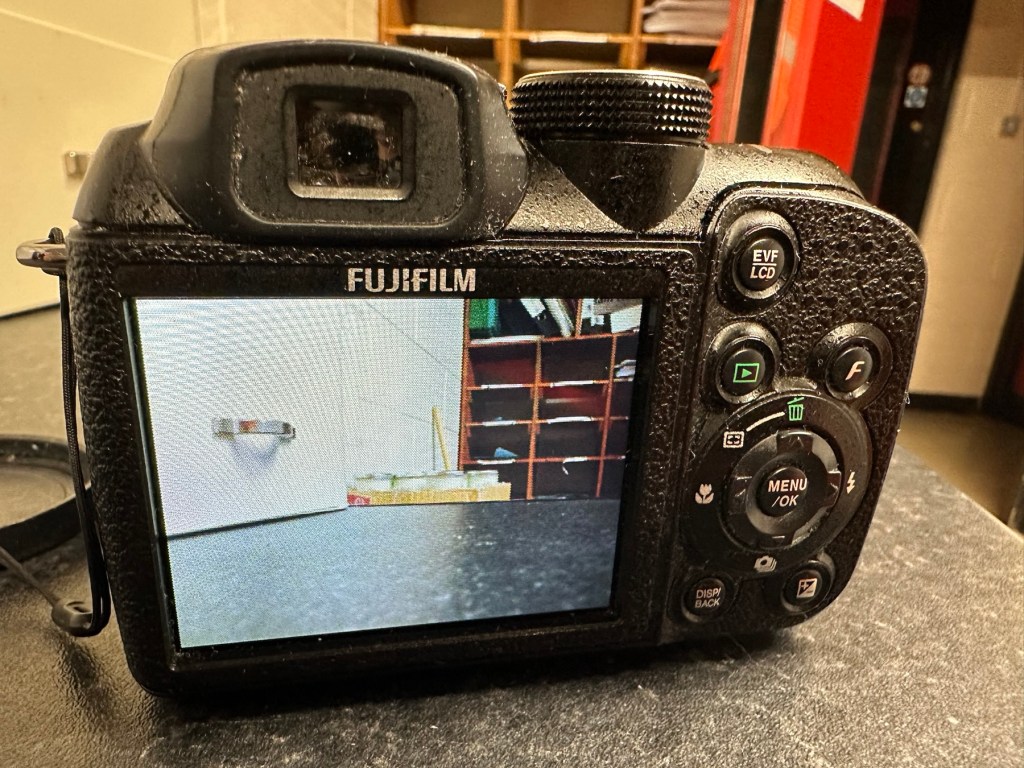
Fuji Finepix S1500

Why do I do it?

Serious battery damage

EBay listing

I like a challenge like most people. But this listing note above should have put me off, but no, I have the equipment, I have the time but do I have the patience to see this repair through. The guy wanted more than I was prepared to pay for such a camera, I got him down to less than a quarter of his original asking price paying just £6 gbp for this camera. Hopefully if it all goes bottoms up I’ll at least have some spares that can be used, if the corrosion has got to the circuitry it might be a different story.

Fuji Finepix S1500

On the market in 2009 this camera was amongst the digital assault from the far east that earned the title of being a “Bridge Camera”. Unfortunately this was not one of the better versions but however was well received by the casual snap shot photographer. I had one back in the day and that was my introduction to digital photography. This particular camera will go to a young family member who is getting into photography, if I can get it working.

The plan with this one is to get it open and do a full review on just how deep the “serious battery damage” goes. I’m not too hopeful, but sometimes luck does go your way.

Keep an eye out for updates when it is received and the work I will be doing to restore it to working order.

Thanks for passing by.

Bardic Lamp…A railway classic

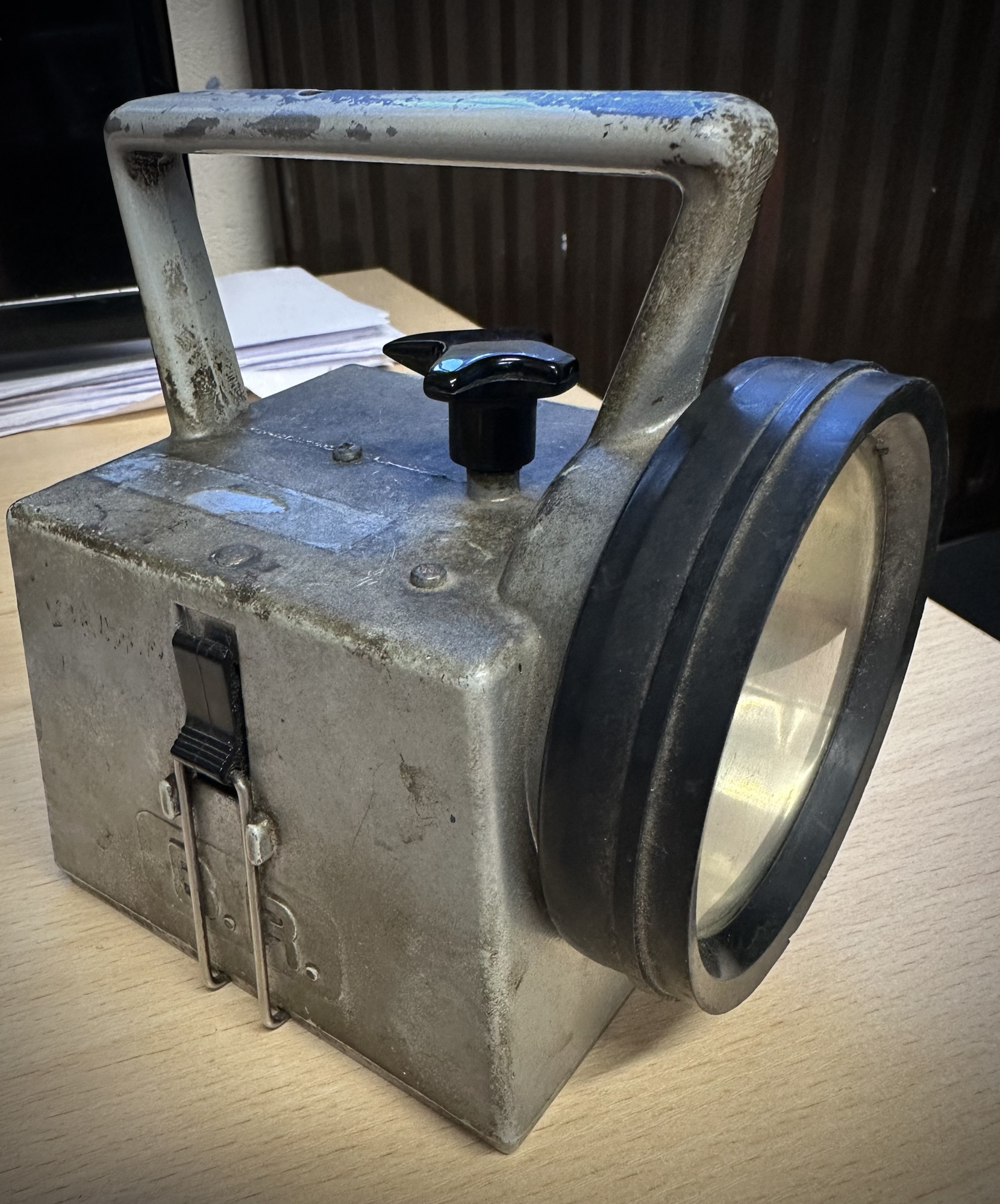
The Bardic lamp was introduced into the British railway system by the Bardic company of Southampton sometime around 1962. Just about everyone who has worked on the railway since then in a trackside role was given one as a personal issue.

Fast forward to today and new plastic LED lamps are being issued, however they don’t have the appeal of the old lamps, they break easy and the lens colours are not true Red, Green and Amber that they should be. The old style Bardic lamp is still in use many of which are still being used today. I still have the original one issued to me back in 1992.

This post is going to cover a basic power conversion for these lamps that will hopefully result in them being used for many more years.

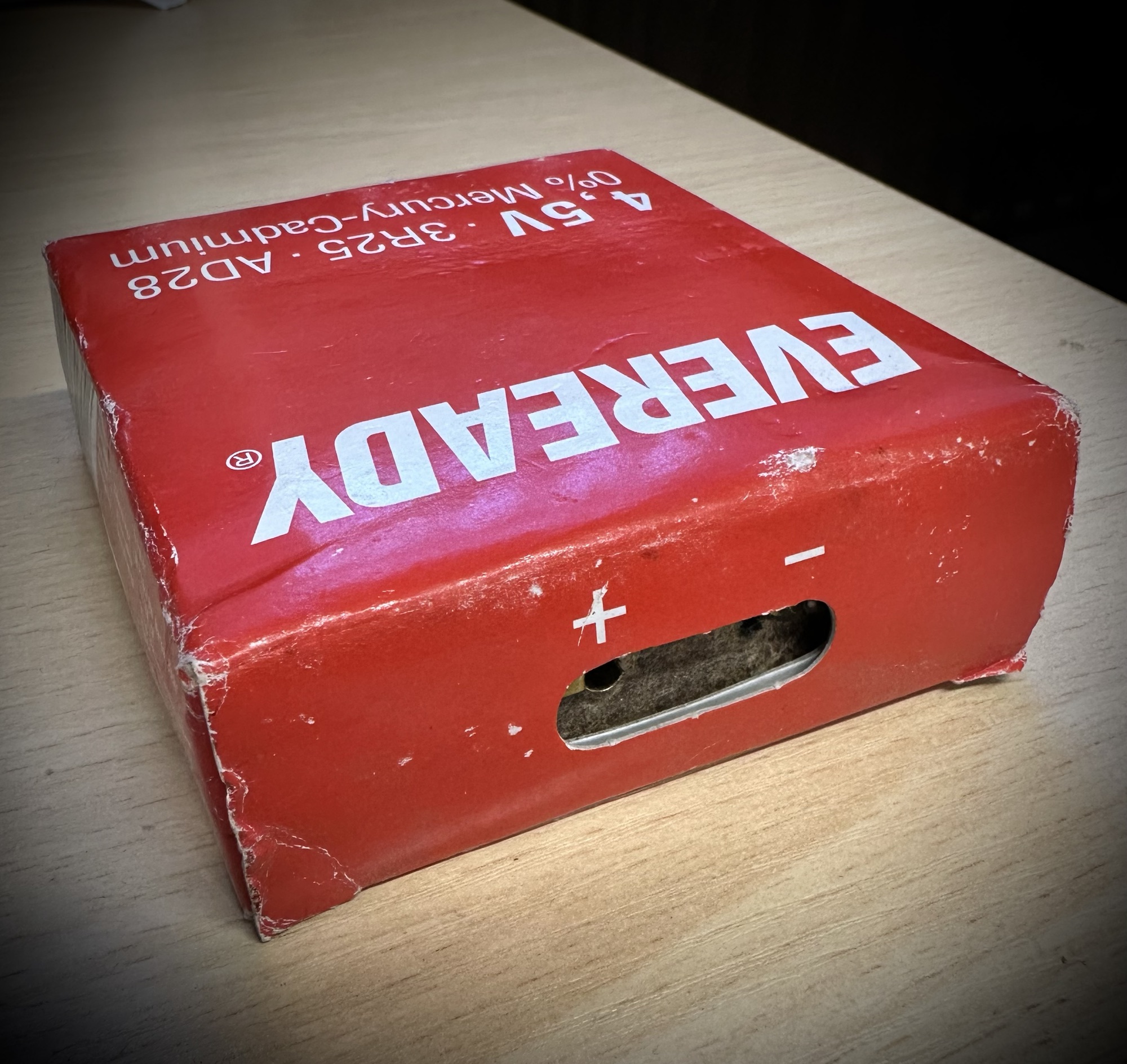
The fundamental issue with these lamps is that they use an old Mercury cadmium battery that accepts two pins that insert into the top of the cell. Even though these batteries used to be available for a reasonable amount of money, nowadays it is unethical to purchase these batteries due to their construction they have in theory been banned, so they are no longer manufactured. They can though still be purchased via the web at extremely inflated prices, however they can’t guarantee that they would still work – so you take your chances.

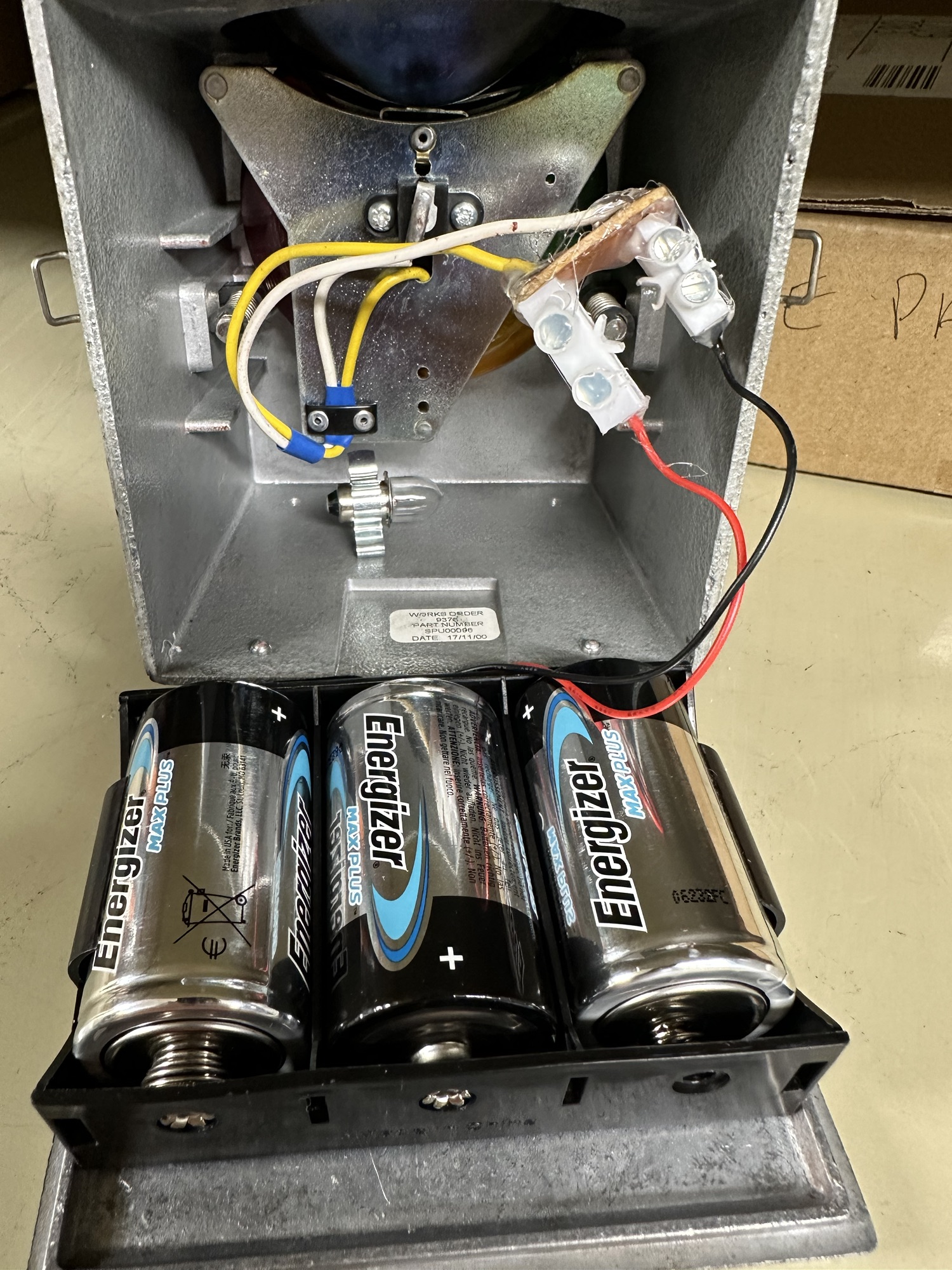
With this simple conversion we can extend the life of this unit and save it from being cast aside as waste. The conversion is very cheap, uses std “D” cell batteries and can be converted by anyone – even me. Kits to do this can be purchased for around £10 (GBP) on line, but this one should not cost more than £2 (GBP) even less if you have the parts as spares.
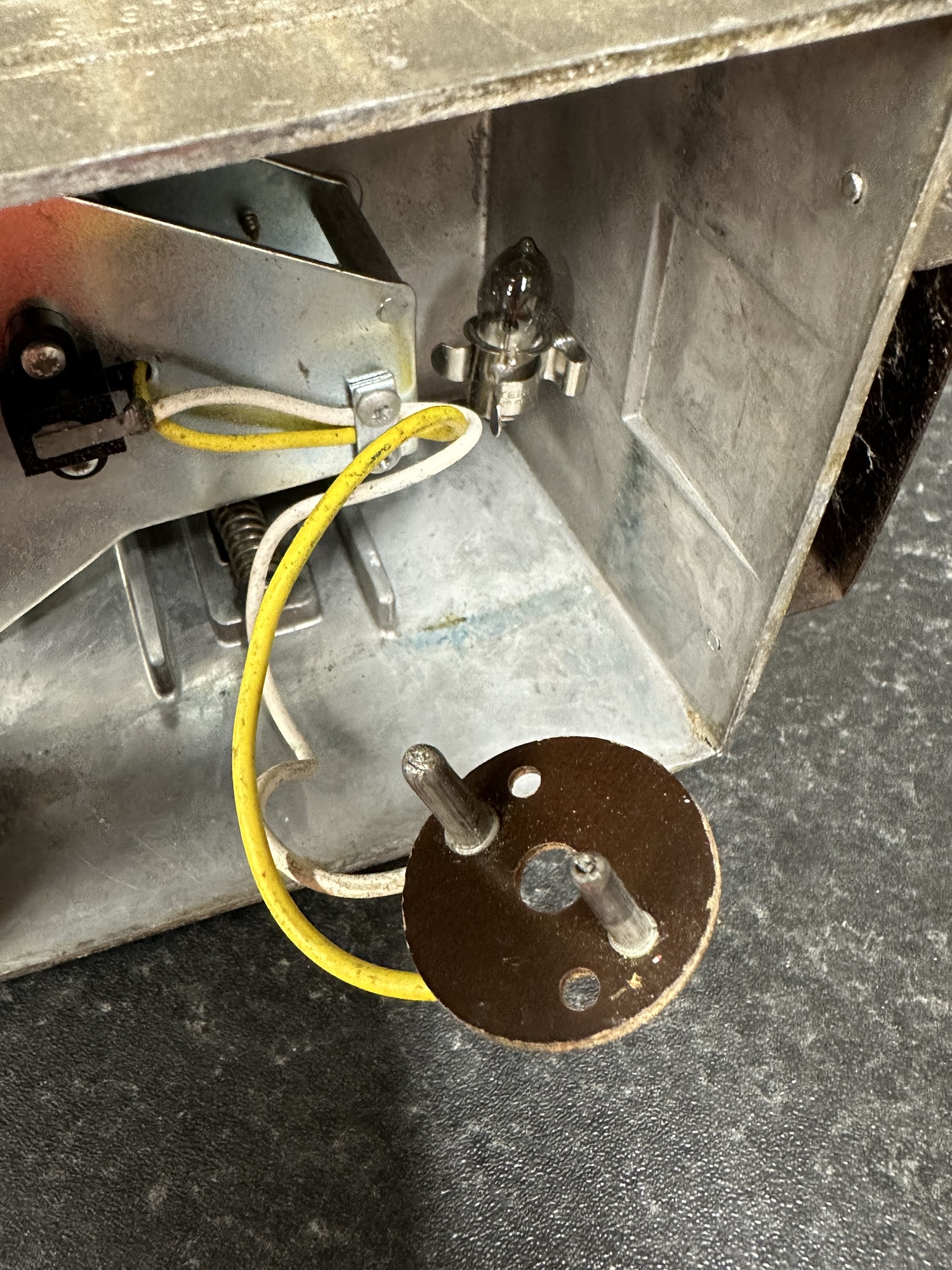
There are two ways of doing this conversion, the way the kit works is to use a couple of electrical “Choc bloc” adaptors to connect to the male pins of the AD28 connector (I’ve used that example on this page). The cheaper option is simply to have a 3 cell “D” type battery holder, cut the old AD28 connector off, solder the two wires together and use some heat shrink to cover the solder joints. Simple.

This really is a ten minute job that increases the lifespan by years.

The conversion is completed with the D cell battery holder being stuck to the base with some hot glue. I’ve also put some on the chocolate bloc connectors for some extra strength and protection from the damp.

We recycle these batteries at work with a company that we have connections with, I also take spent batteries to the local supermarket that also recycles. The old AD28 batteries go to a specialist company for recycling/disposal.

Pretty basic and I now have a constant supply of these coming into us from our locations throughout the East Midlands awaiting conversion. We now do the basic simple conversion with our own stock and I think we have the conversion cost down to about £1.80 GBP per unit. A very cost effective simple conversion that will keep a 50+ year old lamp going for a few more years.