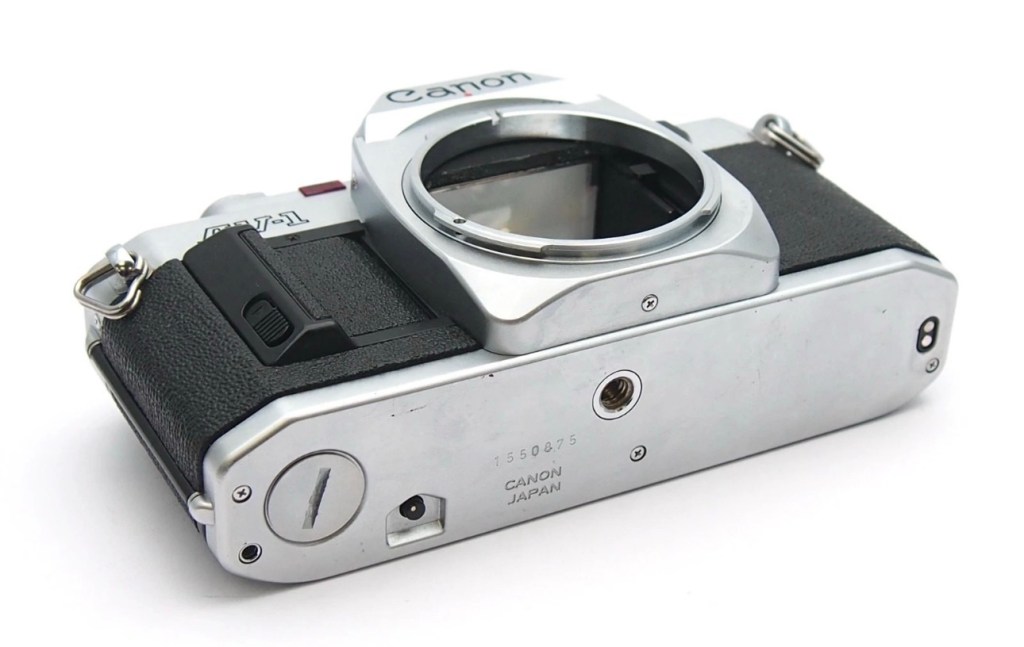
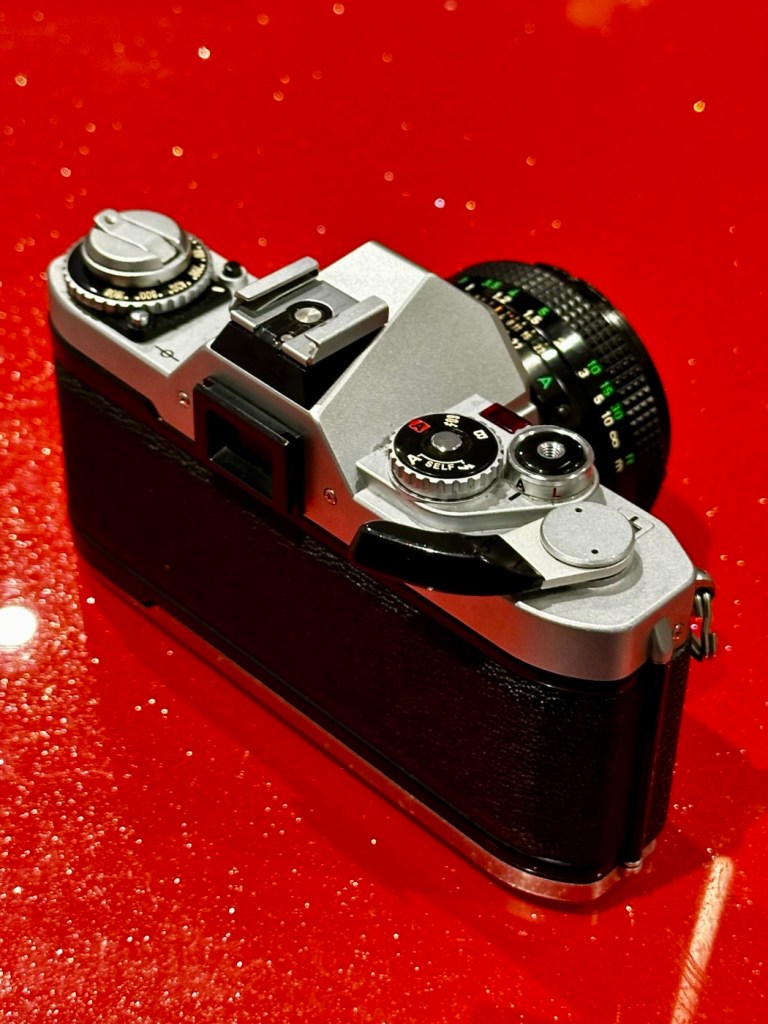
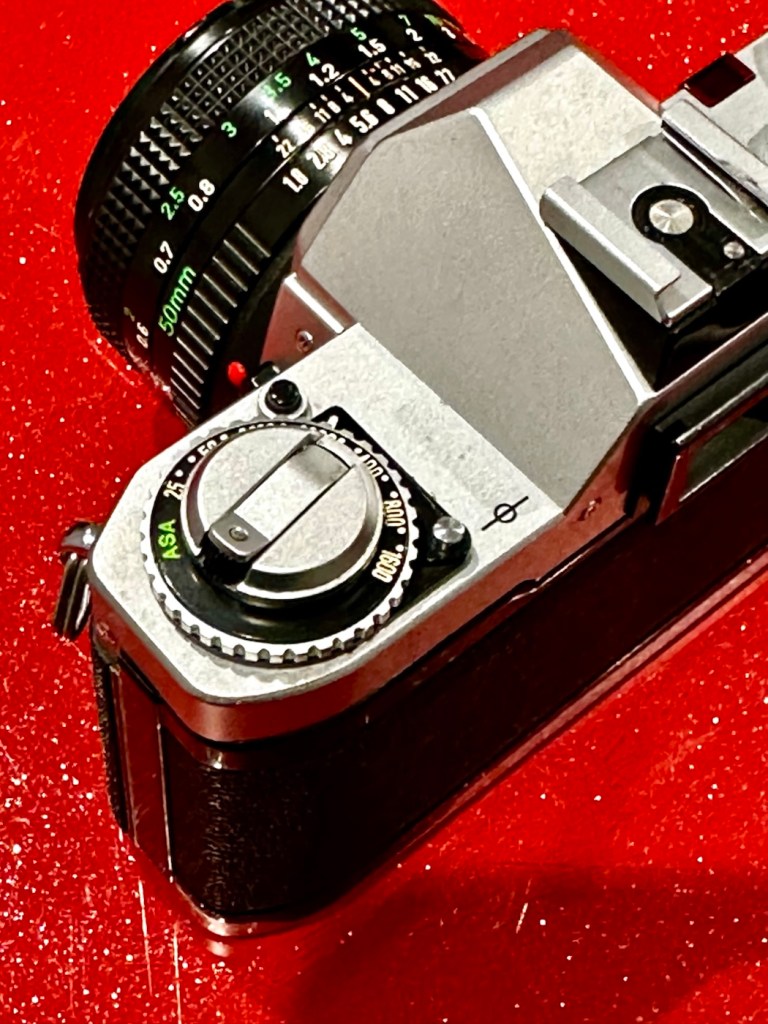
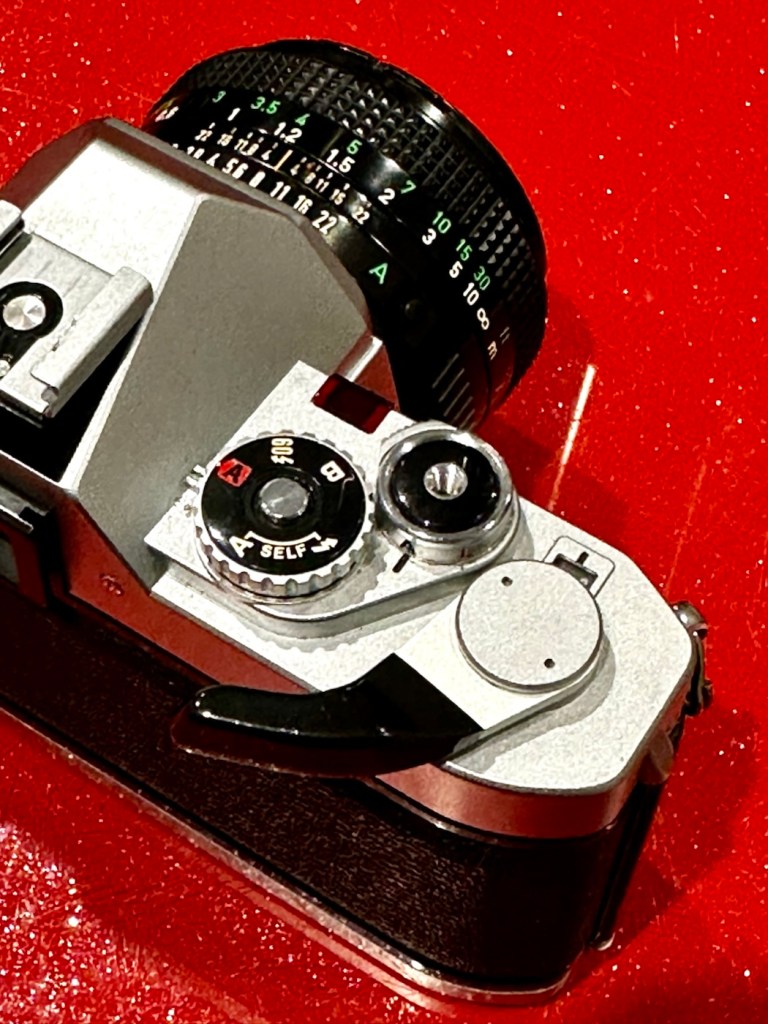
Canon AV1

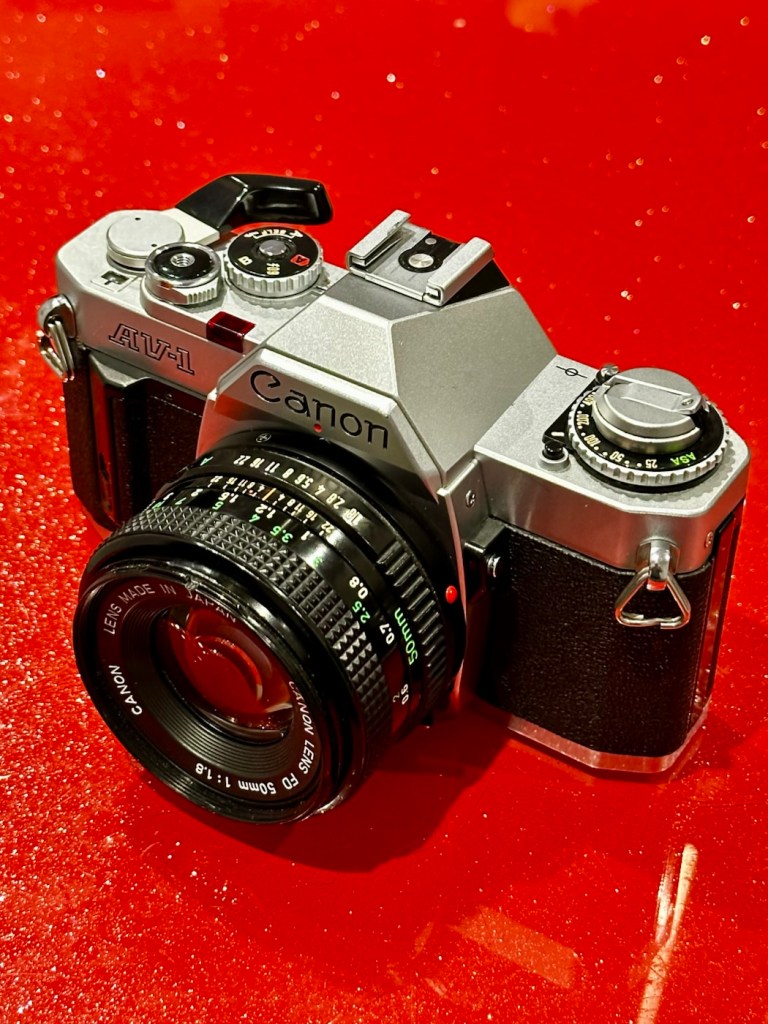
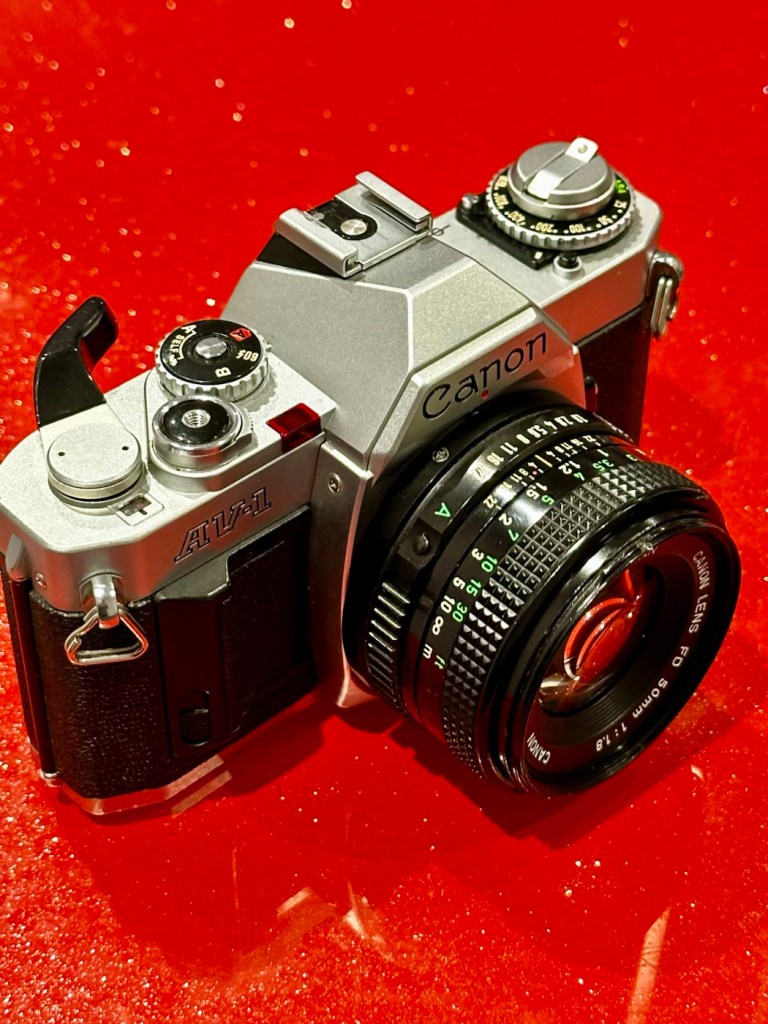
I now have a Canon AV1 with a shutter problem. Can I fix it? I’ll have a good go…

What the listing stated:

This camera is in very good overall condition. Some light signs of use but this is generally minor. The light meter is responsive when you press the shutter button down. However, the shutter will not fire. Spares or repairs only.

EBay

I’ve just paid £8:98GBP for this camera, and I believe this is a great price for a piece of camera history. The AV was introduced due to there being a demand for aperture priority at the time, whereas its Sibling, the AE1 was purely shutter priority. Later cameras would come to incorporate both systems. This one has a known problem with a stuck mirror – it won’t fire and I think I can easily sort this problem. Well I hope I can.
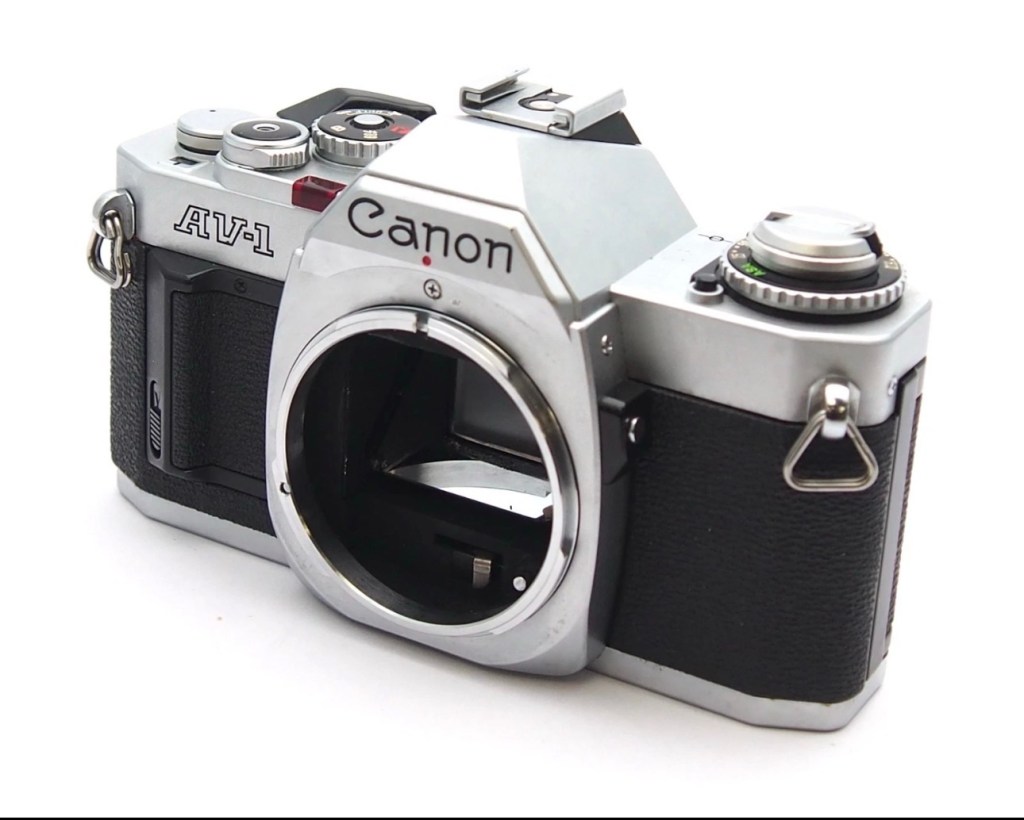
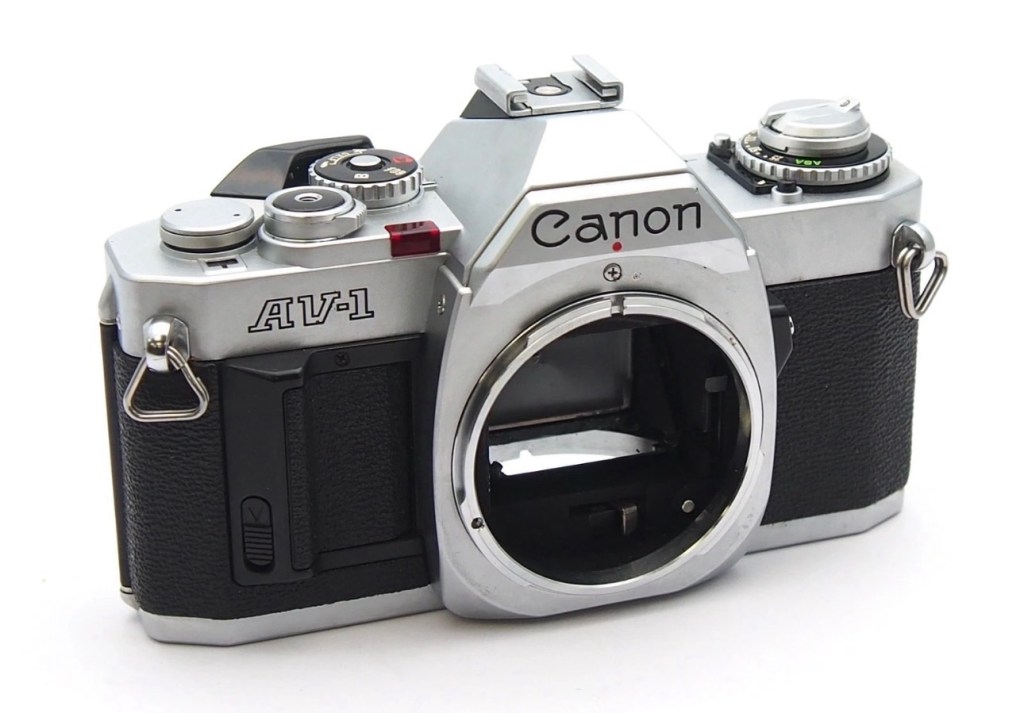
Here’s a little information about this camera:

The Canon AV-1 is a 35 mm single-lens reflex camera with an FD lens mount, introduced by Canon Inc. in 1979.

The AV-1 is very similar to the 1976 AE-1 but provides aperture priority autoexposure rather than the AE-1’s shutter speed priority AE. The camera is not capable of fully manual exposure. Canon’s international distributors, particularly in the United States, had clamored for such a camera because competing brands offered mostly aperture-priority cameras and some preferred it. The AV in the name referred to the type of autoexposure; Av (Aperture Value) is a common abbreviation for aperture priority.

When this camera appeared, a new range of FD lenses was introduced, with instant mounting/unmounting of the lens. This is called the New FD mount and does away with the older type of mounting ring which was fitted on to the rear of the lens and was awkward to use and needed two hands, to a newer, easier system whereby the user lined up the red dot on the lens, with the red dot on the camera and simply turned the whole lens clockwise until it clicked into place.

All the other AE-1 accessories fit the AV-1.

Wikipedia

I’ve decided to collect all of the Canon “A”Series of cameras, and this adds to my current collection that consists of an A1 and an AE1. There were I believe, six cameras in this range and this current camera will be my fourth. Here’s a list of the “A” range of cameras below. I have highlighted with an asterisk all that I currently have at the date of this blog post being published:

Assessment:

The original listing description does not match the issues that I have found. It originally stated that the light meter is responsive, it isn’t. It also stated that the shutter does not fire, it does when a battery is installed. The battery level indicator in the viewfinder does work when the check button on the camera is depressed. However when you focus the camera and half depress the exposure button to get a meter reading, the needle in the viewfinder doesn’t respond, this is the only real issue I can see, I guess the seller must have been looking at another camera as he wrote the listing for this camera.

Battery level reading in the viewfinder

All settings appear to be working as they should, the “B”setting allows me to scroll through the “f” stop settings to see the aperture leaves working as they should. All “f” stop settings appear to work on the auto setting.
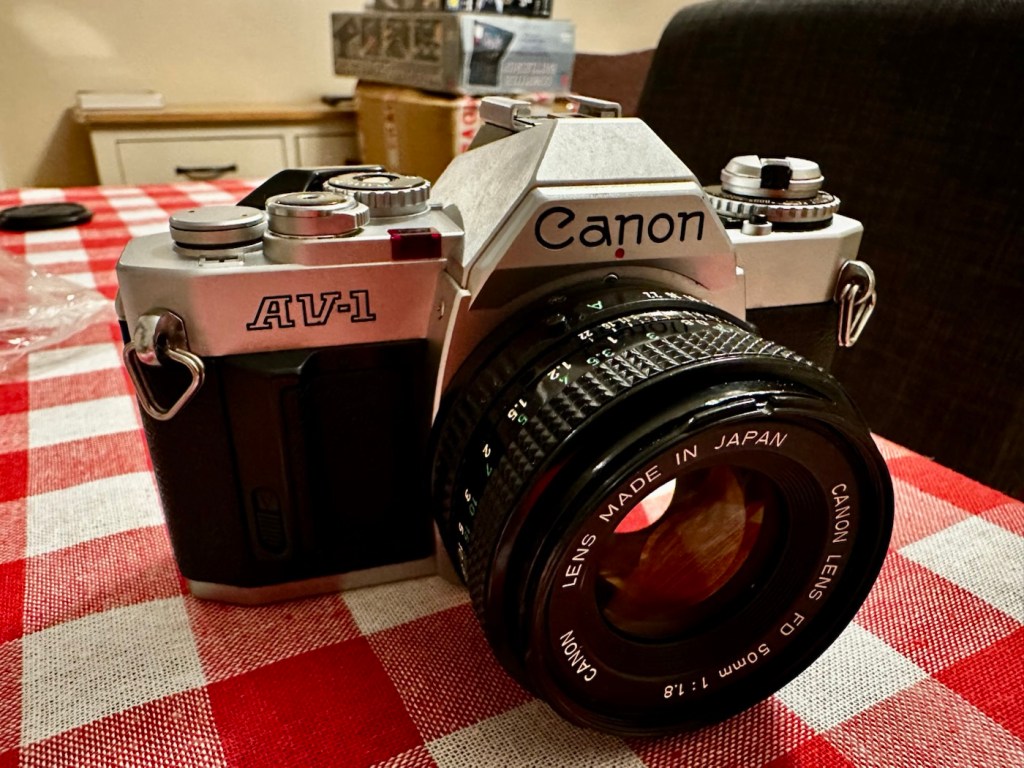
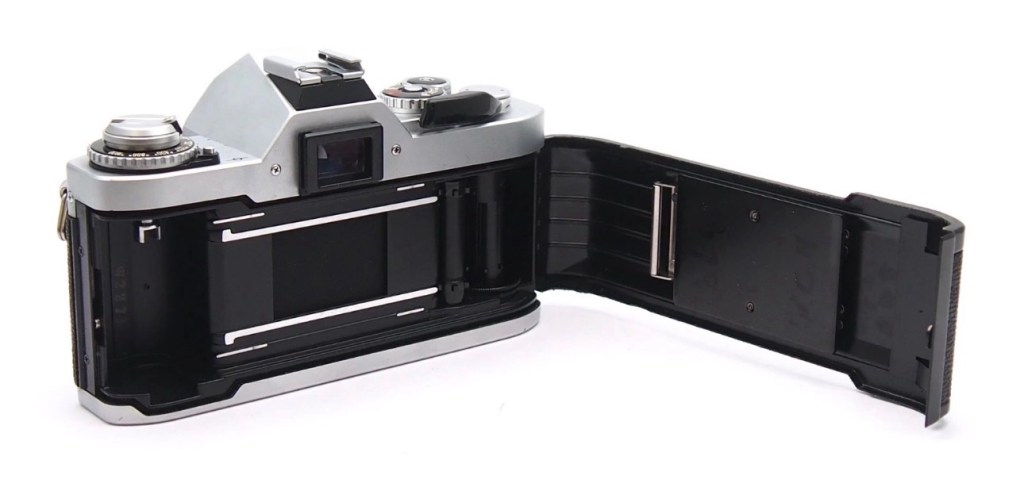
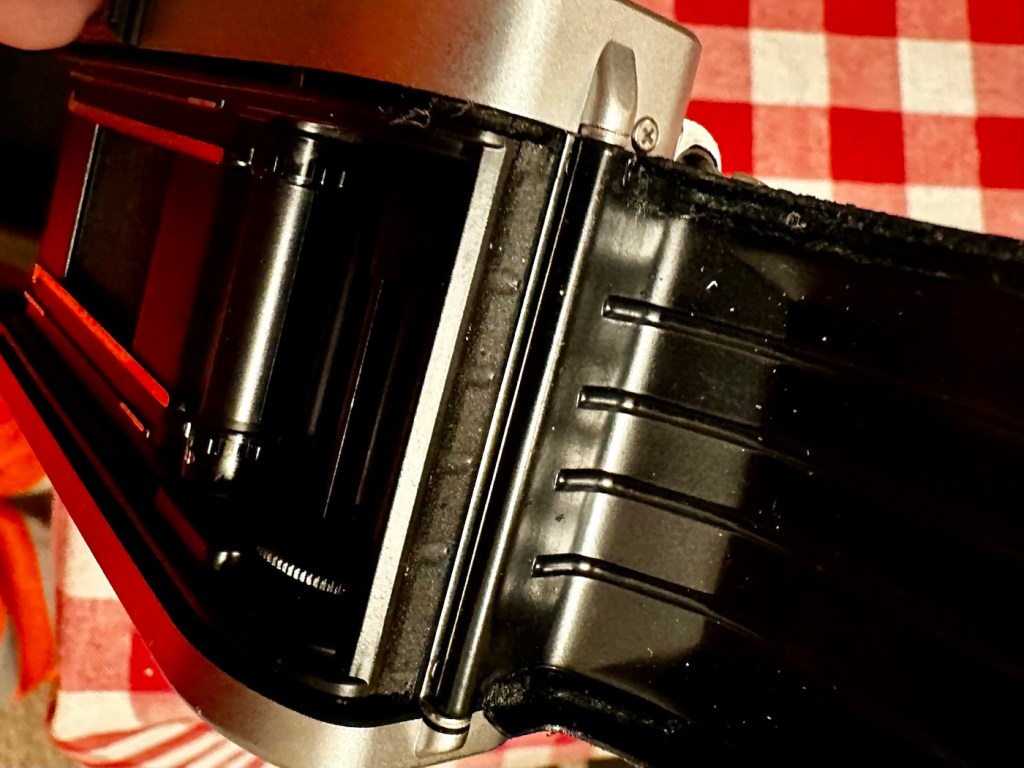
It’s a smart little camera, this a tidy example of this version with no dents, dinks and just some very fine scrapes on the base as you’d expect from a camera fast approaching 46 years old (1979-2025). It’s a bit dirty and needs a good clean inside and out, the light seals are in a good state and not requiring replacement or repair just yet, however the mirror bumper has deteriorated and this will need replacement.

Mirror bumper needs replacement

The shutter curtain is in a good and untouched condition.

I’m going to research issues with the exposure indication, and I will incorporate my findings within the repair section.

Repair:

I thought, perhaps the camera is suffering from lack of use? It certainly is probably some considerable time since this camera was last used. Firstly I’ll try exercising all the controls that affect the exposure reading, including the mode dial, film speed dial, aperture ring, etc. I’ll work them backwards and forwards a few times to see if this helps to clean the variable resistor tracks inside from any surface contamination. When the FD lens is attached you must be mindful that the “A” setting on the lens is not used and that the f stop settings are used in a manual manner, lens auto is not a function on this camera.
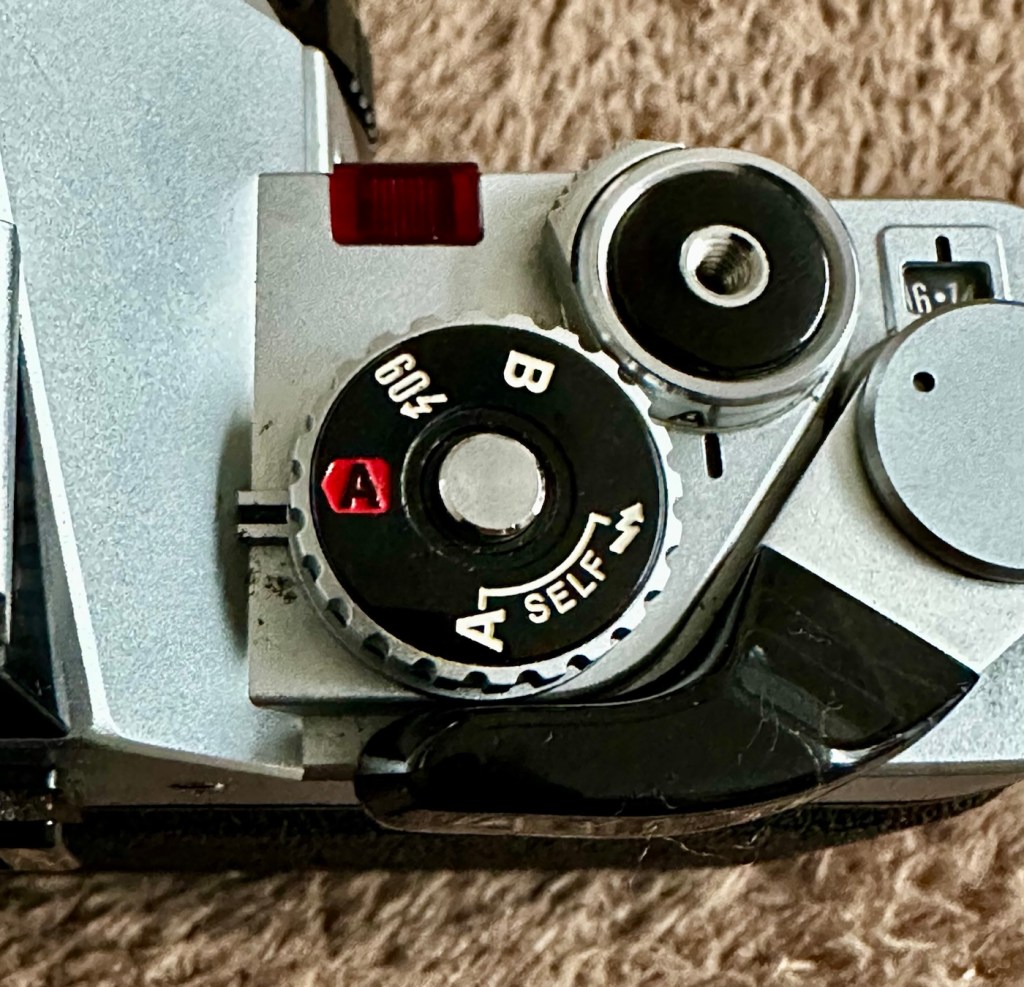
To be honest, this did seem to work sort of. The needle has moved off the bottom a bit. The ASA setting was on 100, so I put it up to 1600 as it is quite a dark day and the sensitivity of the light sensor would be reflected better at this setting. It moved a bit but I wasn’t totally convinced that this indication in the viewfinder reflected the true light situation.
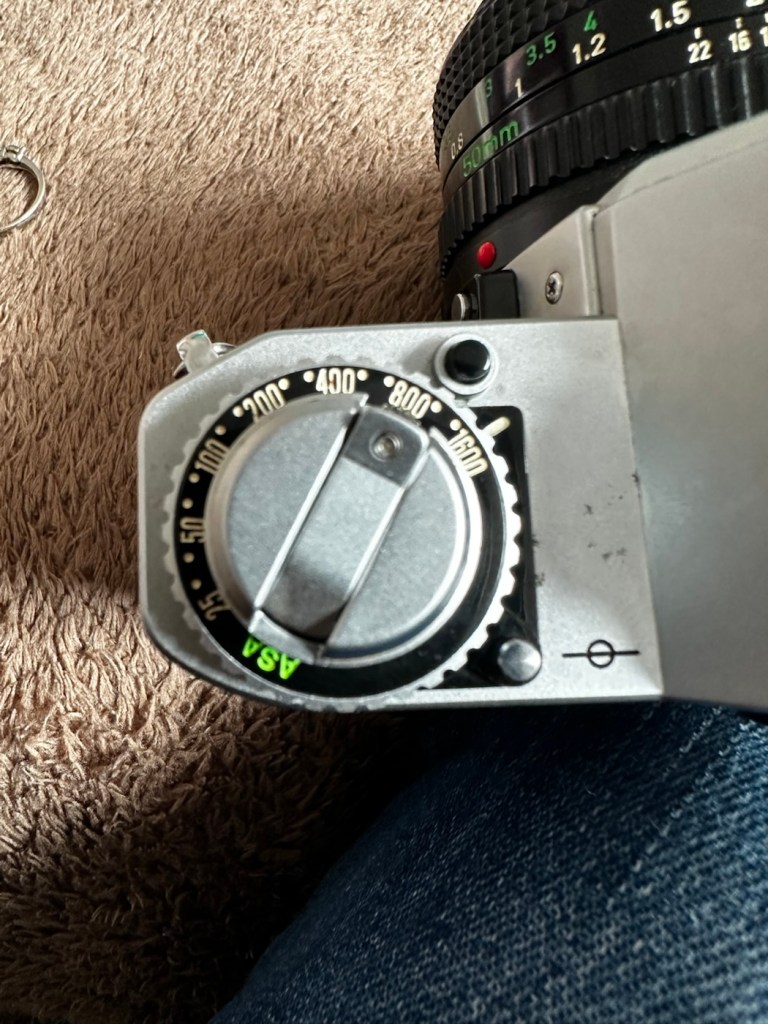
I set a higher ASA for testing

There’s also a small, silver push-button just inside the lens mount at about the 4-5 o’clock position. If you press this in and release it a few times for the same reason, as exercising the dials as I did above, it is just like exercising a body part and keeping it supple. Leave items like this, designed for high usage redundant for a while and they soon seize up. it has also been known to assist with getting the needle indication working after a long lay off.
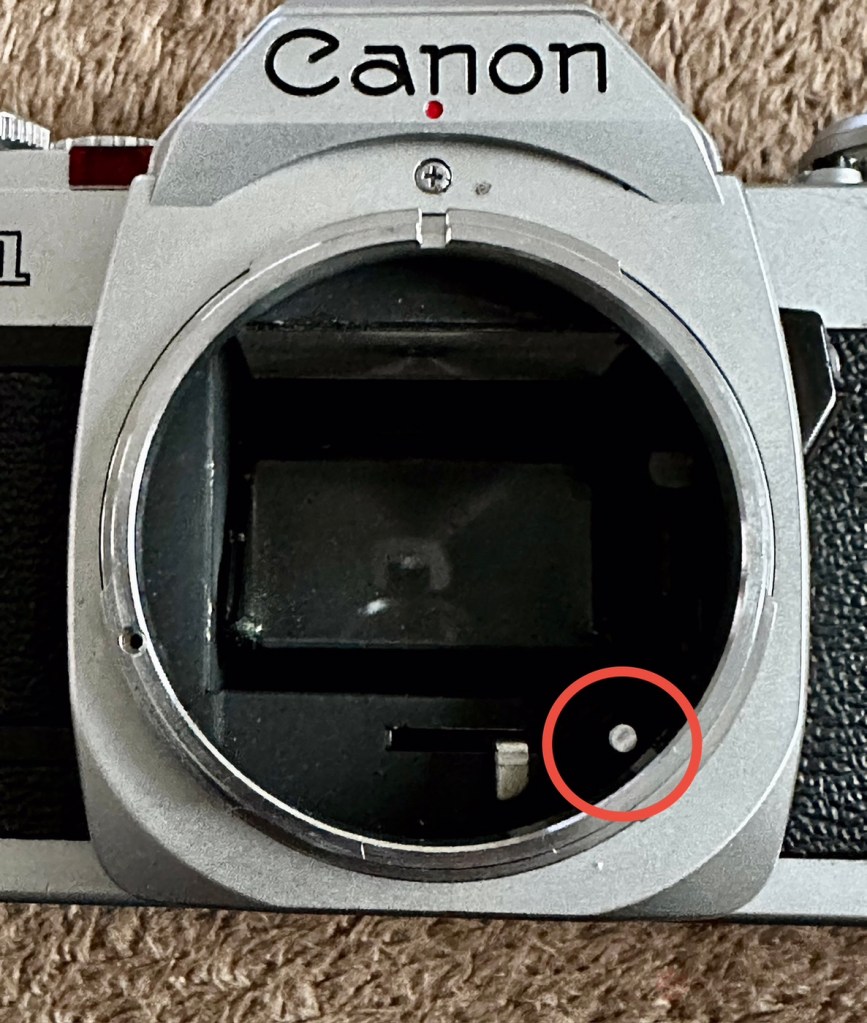
That silver button, highlighted

(A little bit of trivia here – this button is normally used for the lens to inform the body of the lens’s maximum aperture. This information isn’t needed on the AV-1, but Canon included it anyway for some reason, and it doesn’t affect the exposure.)

And combining these actions, moving the settings dial and the button inside the lens mount seems to have revitalised the light meter and I’m now quite confident that it is working as intended. It was just lazy due to low use and needed a bit of non invasive intervention to get it working again. And non invasive intervention is always a good thing. So with the setting back to 200ASA I was able to show the meter working in this very short and basic video below.

A brief video showing the meter needle moving

I’m confident that the metering issue is now sorted so let’s get that new mirror damper installed.

A lot of dirt came off of the area where the replacement damper had to go, it had completely deteriorated and took quite a bit of cleaning.

Now in place it has silenced the mirror movement somewhat, and will provide some longevity as it moves into the twilight of its years. It will be good for many more rolls of film yet. Whilst in the lens area I have cleaned the mirror and prism, and given the area a good blow through and put the lens back in place to seal it all up. It is now clean internally. I have a couple of body caps on order that will assist with storage when the lens is removed.

Just a final clean with some cockpit cleaner, and this camera has come up lovely, I’ve tested it on a Power winder “A” as well and it sounds just so good and “retro”. It’s perfect.

Result:

Well. I now have another lovely example of one of the Canon “A” range of cameras to add to my collection. This brings my current total to four out of the six available, two of which are still currently under repair. For less than £10:00GBP it is so easy to own a piece of photographic history. I have been lucky here that the work that had to be done was non intrusive, and to be quite honest was just basic everyday maintenance. The only real work of sorts was installing some mirror damper felt, of which I have plenty of stock. Cleaning was quite intensive but the overall result is amazing.
I will eventually run a roll of film through for a final quality check, however I have such a backlog it will take me a while. When I do however run that test roll I will post a link here:

Really pleased with this repair, and the fact that another lovely old camera has been saved from the scrap heap and been given a new lease of life.

Thanks as always for passing by. It is as always, very much appreciated.
Well, that was most enjoyable!

An enjoyable stroll with a 48 year old camera

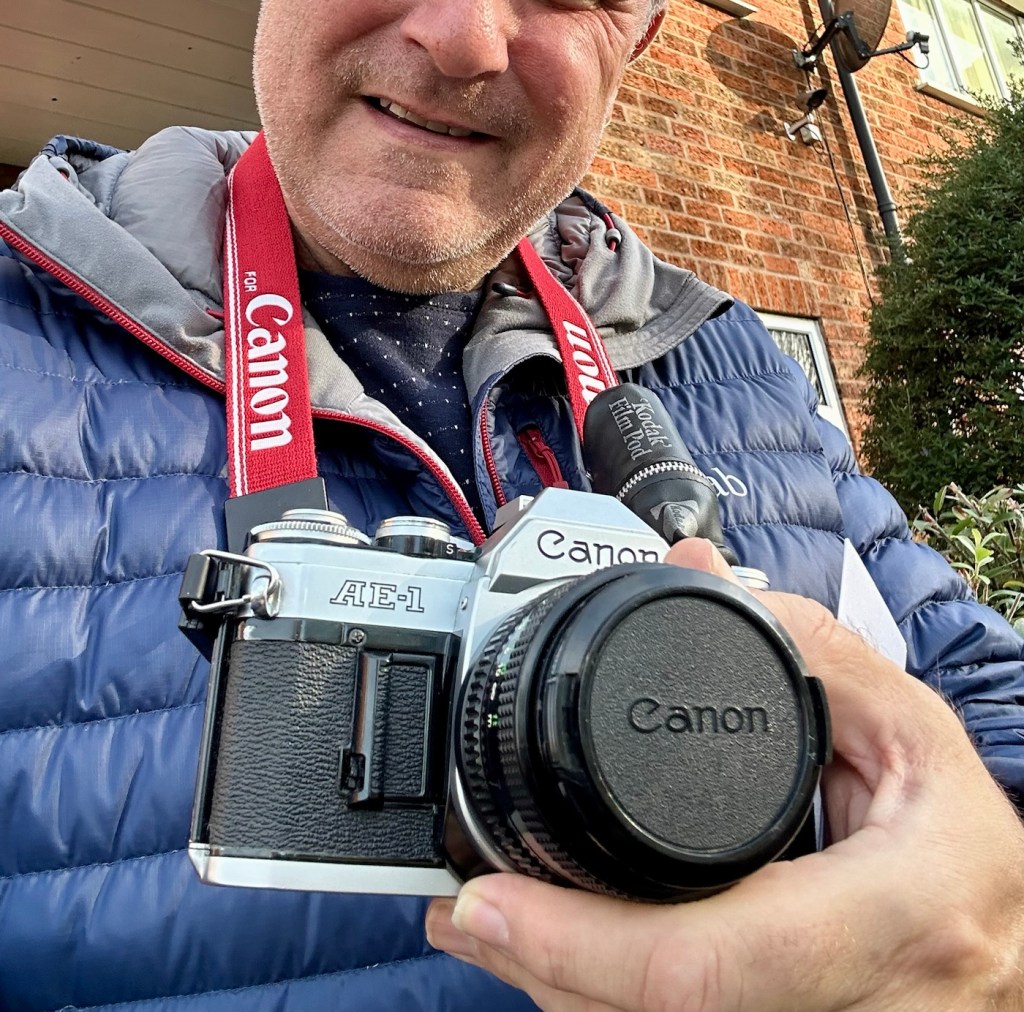
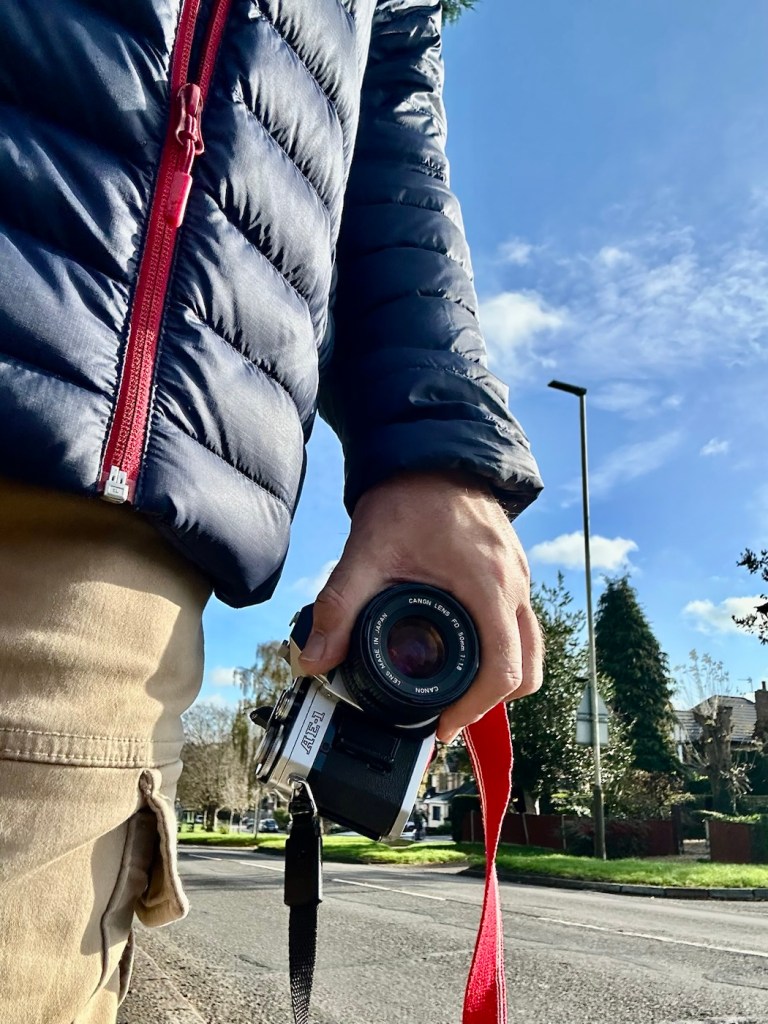
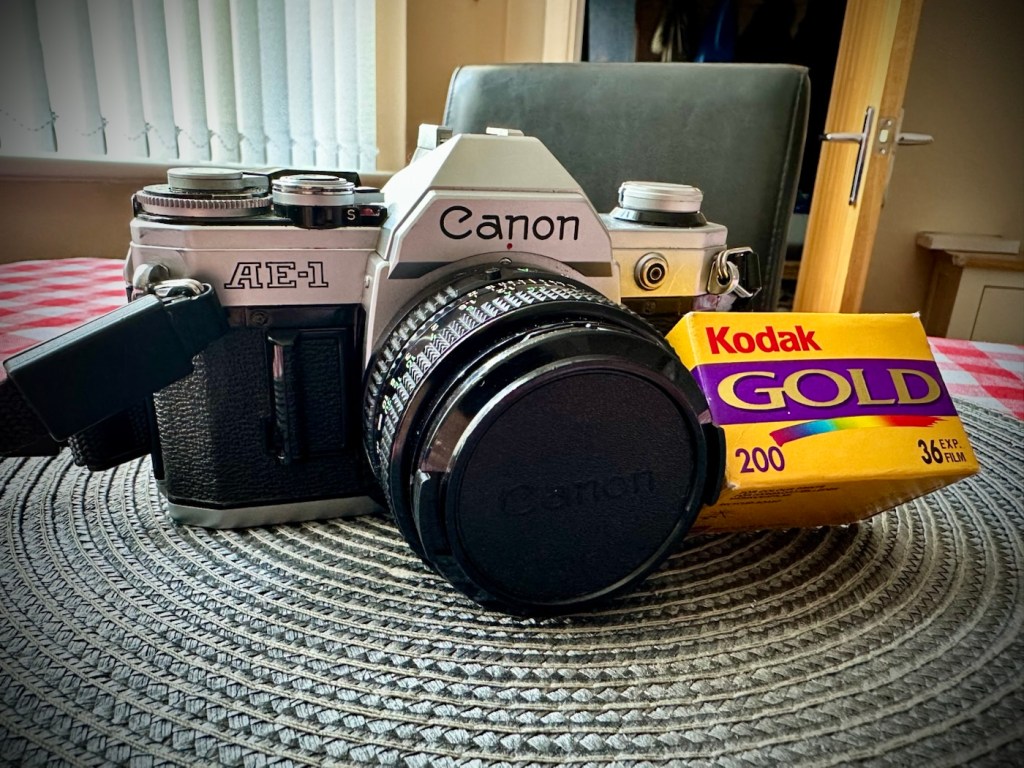
The wife told me this morning that she was going out shopping with her sister. Nothing sinister in that, in fact it means two things really. One, I’m going to be a bit lighter in pocket and two, I’m going to have to occupy myself for a while. I have work later this afternoon, so with a couple of hours spare what better time to get out for a walk and to take a 48 year old camera with you that needs testing. This one to be precise: Canon AE1 35mm SLR

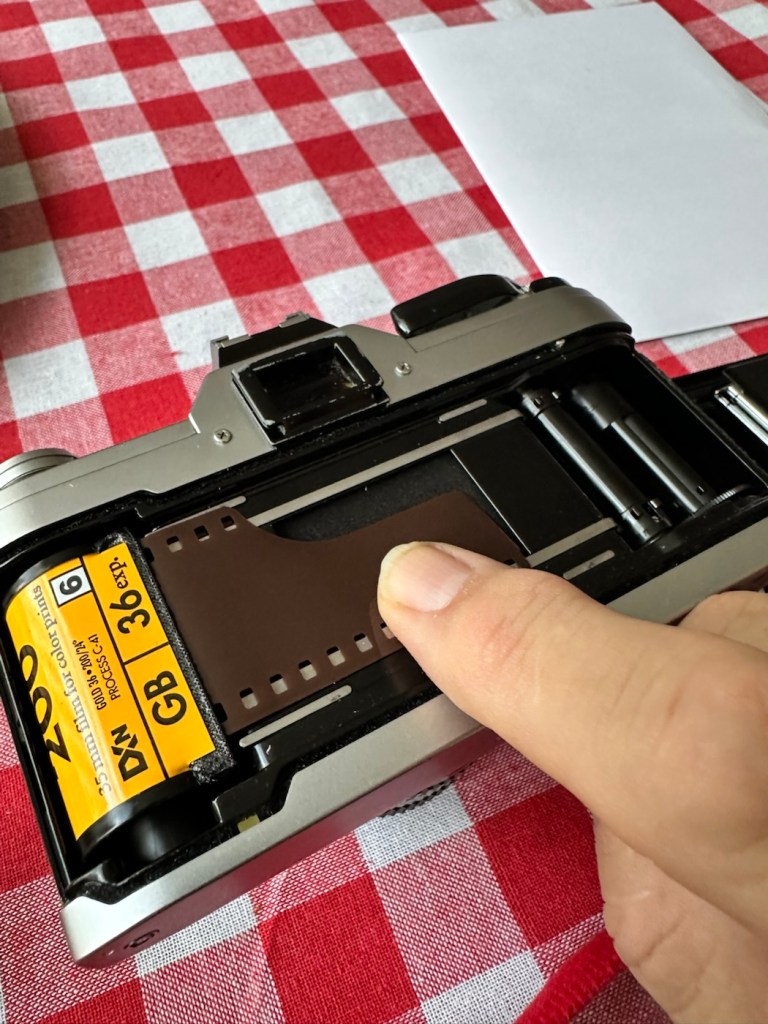
I dashed down to take a film out of the fridge, left it sitting for an hour and loaded the camera up, stage one achieved and everything as expected.

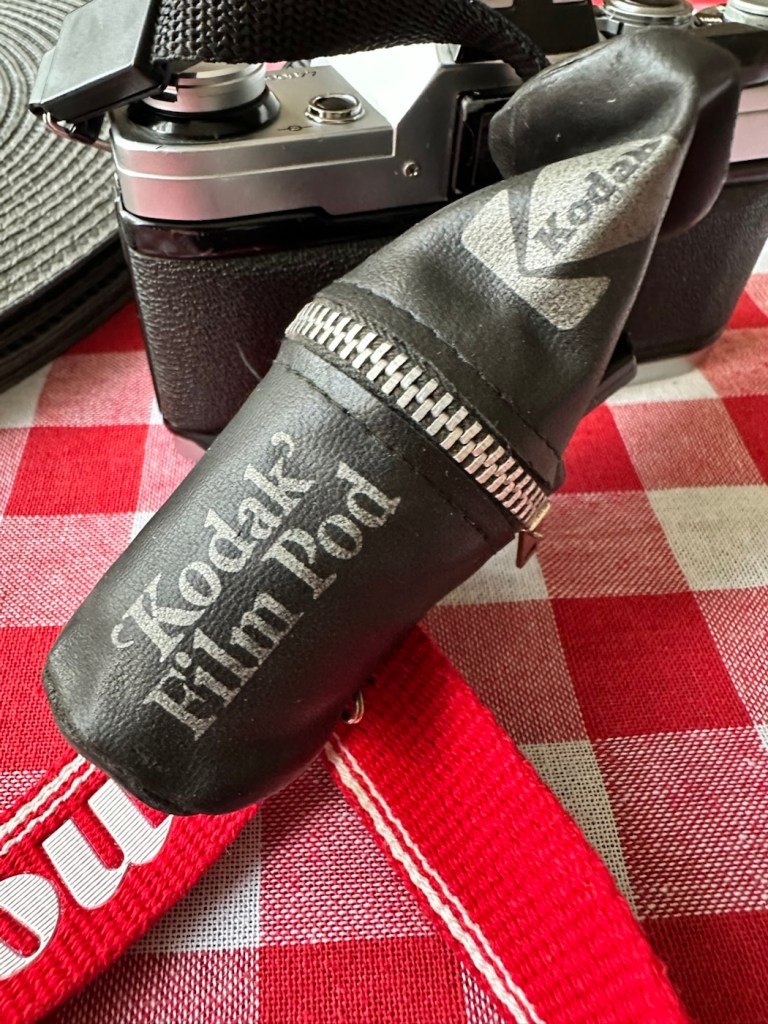
Today’s walking companion

Now the film I have been given is one of 8 rolls I have been gifted that are all out of date. This one is a mere 20 years out of date expiring in 2005. This roll of film is older than 21.8% of the Uk population according to the office of national statistics 2024. It’s that old.

Today’s film is a Kodak Gold 200ASA film. There is a general rule of thumb out there that for every ten years the film is out of date you should over expose the film by one stop. So on this film, as it is a further 10 years past that, and if I follow that recommendation then I have to over expose this film by 2 stops. This means in theory that this 200ASA film should be exposed at 50ASA that equates to two stops of overexposure.

I’m not going to do that, I’m going to experiment here. I don’t know how this film has been stored over the years, I don’t even know that it will work at all, it could be fogged or just so deteriorated that it just doesn’t work.

It’s a 36 exposure film so here’s the plan. Exposures 1-12 at std setting of 200ASA. Exposures 13-24 at 100ASA setting and finally the last 12 exposures at 50ASA. Here I cover all bases and should hopefully get a reference roll for the other seven that I have in cold storage at present.

Needless to say I’m not going to be too fussy with what I photograph, scenery, shades, over and under exposure and bright colours, everything that can be used as a reference to check saturation, contrast, grain and film deterioration.

Let’s go.

So as stated, I’ve exposed and over exposed equally throughout the roll, so this should cover all bases.

12 exposures of each

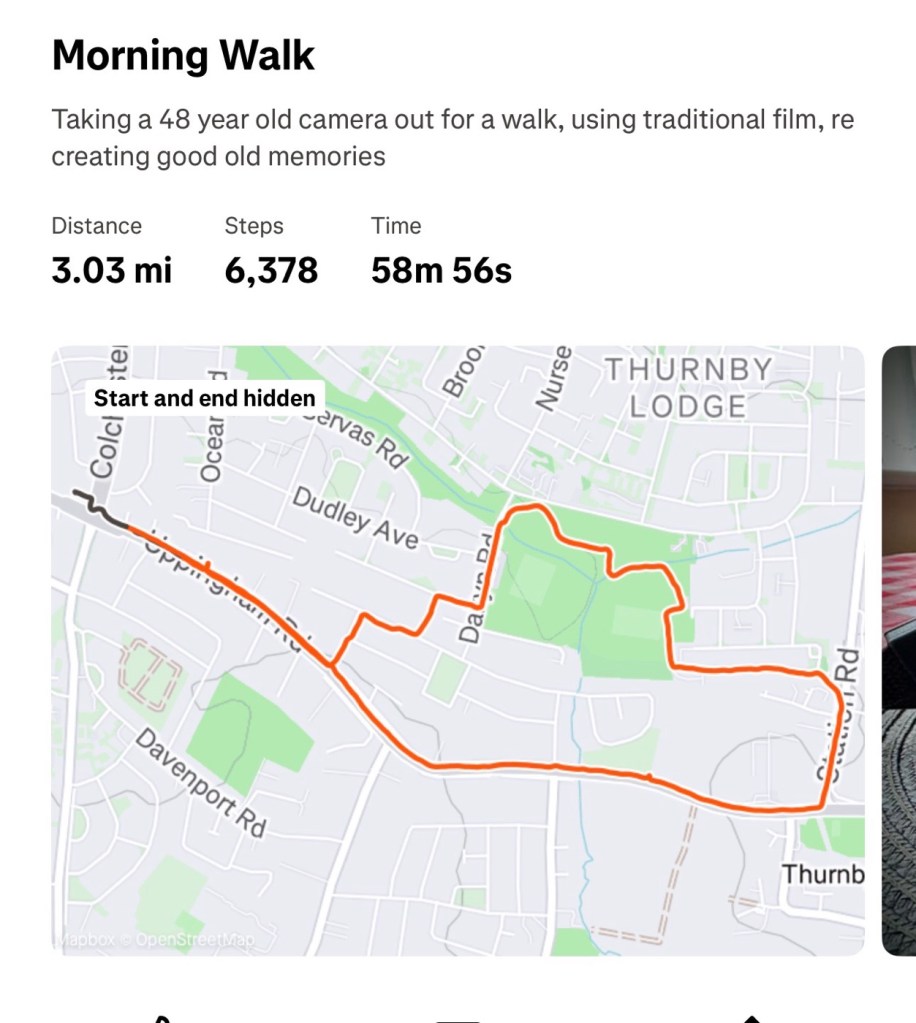
Right from the start I have thoroughly enjoyed this little exercise, I spoke to two elder gents who were quite excited at what I was doing and shared their own experiences with traditional film with me, it was lovely, i was even offered an old camera but i politely declined as the wife wouldn’t have been happy with that. I walked 3 miles, I went through some of the less salubrious areas, but these areas had some of the best subject matter.

3 joyous miles of walking

When you are using an old camera, you seem to scan the area more intensely, you see stuff you haven’t seen or noticed before, it’s amazing what you pass and ignore. I think you are less selective with phones and digital media, with film, you are limited so have to be picky.

I bloody loved it. I’d forgot just how good it is to get out there and use good old fashioned equipment.

And that camera behaved just beautifully, everything worked as it should, it is as good as it has ever been, I’m so pleased with how it has behaved so far. See the results here: 20yr old Kodak Gold

I guess the proof is in the pudding as they say. Time to get it processed and to check the results. Needless to say I will feed that back on this blog as soon as it becomes available.

Don’t give up on the past, there is a lot of good tunes played on an old fiddle.

Thanks for passing by, always appreciated.

Canon EOS1 N HS

The EOS1 N with the well documented BC fault. Can I repair it?

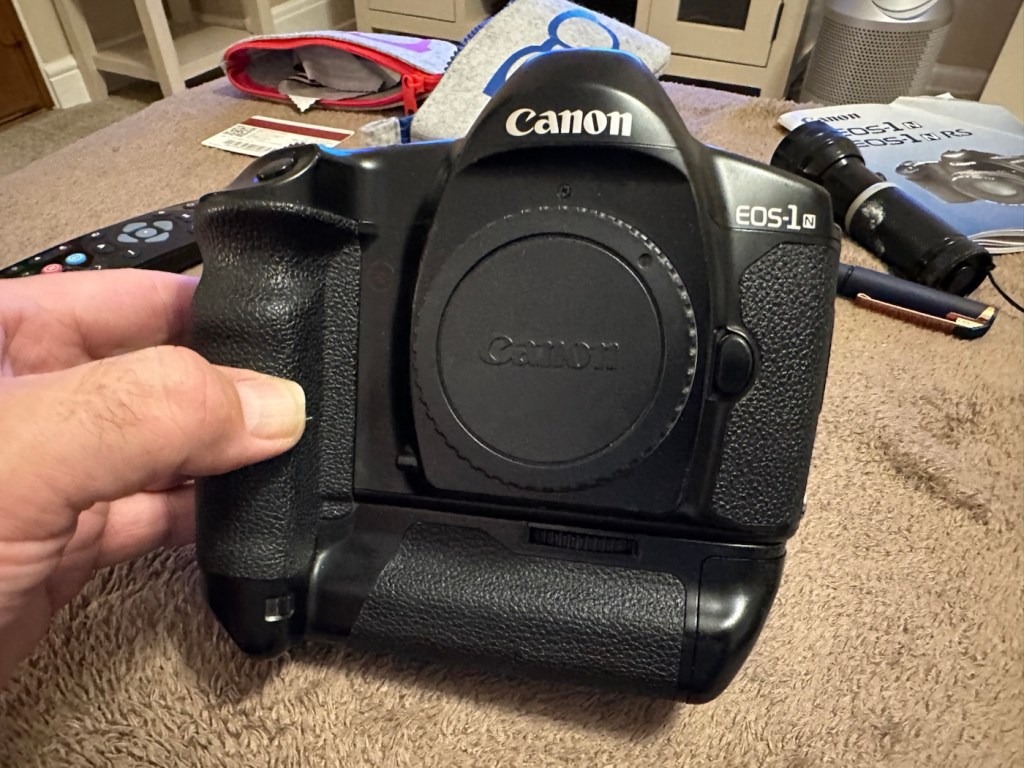
The EOS1 N was a professional 35mm camera from 1994, it is currently 31 years old. This model is basically the EOS1 N with the E1 drive booster/winder earning it the HS suffix.

Canon EOS1 N HS

These are beautiful analogue cameras and over the years I’ve had a fair few of these pass through my hands, I have not however owned one with the E1 booster/winder before. I’ve recently had a number of cameras passed on to me by a good friend and that post can be found here: Cameras…i need more!

This is one of those cameras that he passed onto me and it carries the well known BC fault. We’ll come on to that later, in the meantime here is a little history lesson, of the evolution of this camera.

The EOS-1N is a 35mm single lens reflex (SLR) camera body produced by Canon. It was announced by Canon in 1994, and was the professional model in the range, superseding the original Canon EOS-1.The camera was itself superseded by the EOS-1V in 2000.

The original EOS-1 had been launched in 1989, two years after the company had introduced their new EOS autofocus system. It was the company’s first professional-level EOS camera and was aimed at the same photographers who had used Canon’s highly regarded, manual focus professional FD mount SLRs, such as the Canon New F-1 and the Canon T90. On a physical level the EOS-1 resembled the T90, which had been designed for Canon by Luigi Colani. The EOS-1N was a revision of the EOS-1, with five autofocus points spread across the frame rather than a single centrally mounted autofocus point, plus more effective weather sealing, a wider exposure range, and numerous other improvements. In common with the EOS-1, the 1N used Canon’s A-TTL automatic flash system, and does not support the more modern E-TTL.

Assessment:

Right, let’s get on to the problem. The BC fault is a blanket fault, covering a multitude of issues, predominantly electrical, even addressed in the accompanying instruction manual as a potential battery issue. However the issue that it is more associated with the fault is the failing shutter mirror magnets. See the video below.

BC error repair

The video above gives a very good insight to the issues, and what to look for and how to get the shutter operational again. It’s not a permanent fix, sometimes the magnets haven’t been used for such a long time that they just seize up. They can be de magnetised, they can just be dirty, either way it’s worth having a look at, to try and restore what is in all aspects a very good camera. It seems to be an issue that an open or close signal is sent, however the magnets for some reason do not react, dirt can be a contributing factor. Below I have put together a very short video of my own camera, the early part shows me trying to get it working and showing the BC indication, the second part shows the mirror “sort of” working after I have tapped in the area just above the top screw on the left side of the lens mount under which the magnets are situated.

My own EOS1 N showing the BC fault

It still doesn’t work properly though and is extremely intermittent, but it’s a start, it proves the fault. I have also used a strong magnet to fool the internal magnets, this works for a couple of firings but that’s it. This also adds credibility to confirm the magnet issue.

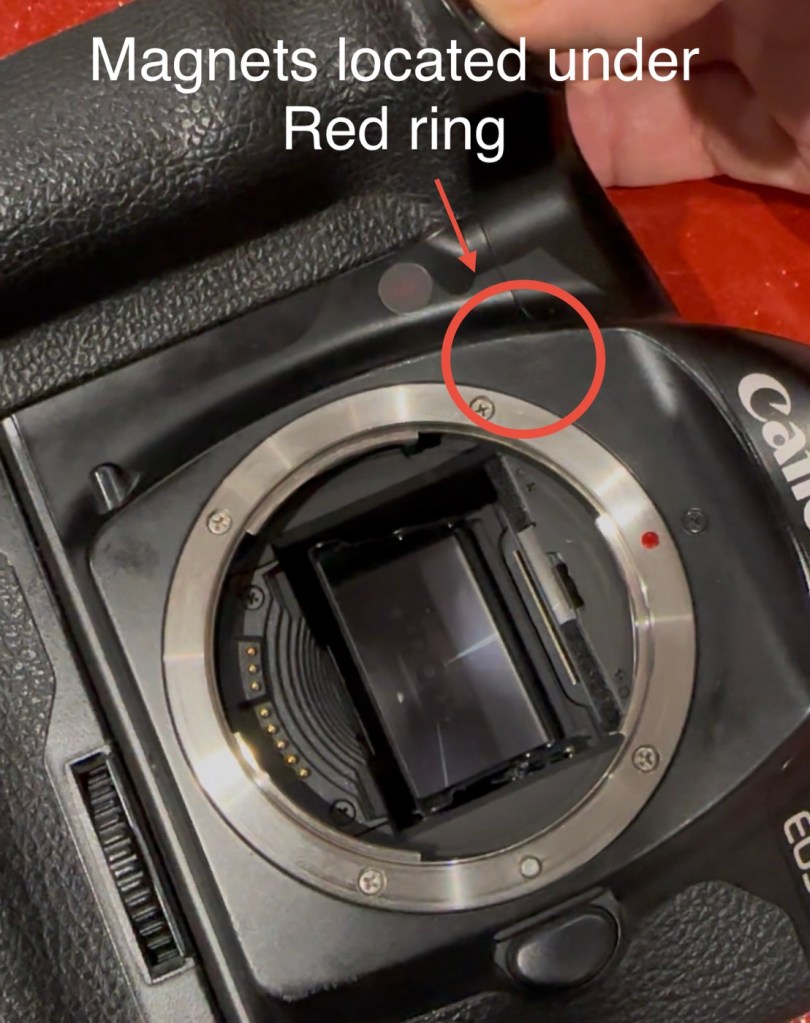
I haven’t yet taken the fascia off to access the magnets, I’ve just tapped in their general area, or probed with a strong magnet, this was enough to allow the shutter to intermittently fire, and it is now quite apparent that this is the issue I have with this unit.

You can see exactly where the magnets are located under the fascia

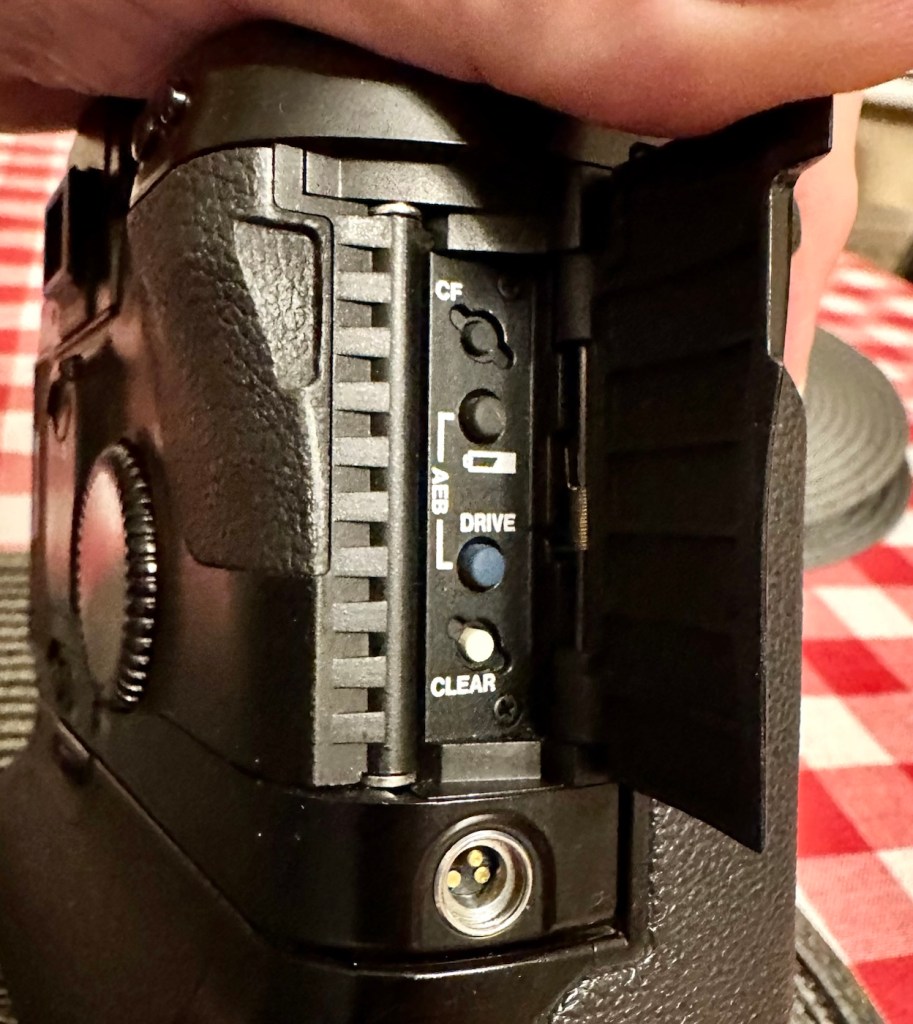
I’ve done some further checks to confirm the fault. If you turn the camera on and open the small door to the right on the rear of the camera, there are a number of buttons inside that allow you to check battery levels and to do resets, and so forth.

The battery check button

By pushing both the clear button and the battery check button together, you can get a fault code to appear on the screen on the top of the camera.

Battery full and Fault code 6

Here as you can see, I have fault code number 6. If you look at the chart below supplied by Canon you will see it refers to a mirror fault, more specifically the mirror is up, but didn’t switch back to on from off, as I mentioned in the above paragraph.

Fault codes

As you can also see above, fault codes 6,7 & 9 refer to the mirror operation issue.

I’ve done all I can really on the outside of the unit, and I think I have conclusively proved the area of the fault. Before we look at replacement of the part, I am going to give it a good clean to see if that will clear the issue. I’ll worry about spare parts later if required. Let’s get the fascia off and have a closer look.

Repair:

I’ve been a right stubborn sod with this one. I really didn’t want to dismantle this camera at all. Something inside was telling me it was unnecessary so I decided to persist with what I had been doing earlier. If only I could get the magnets to fire for a few exposures at a time, it would be just like a coughing car engine clearing out its system and kicking in to life, once it bites you can accelerate it a little more until it starts ticking over. Old motors and cameras are a strange but similar comparison, the longer they are left unused the more inclined they become to not partake in doing what they were made to do, whether powering a car or taking photos. Stop using them and they do just that. Stop.

Well, that’s what I think anyway, My world is as simple as that. And I think it might just work.

So I have persisted….

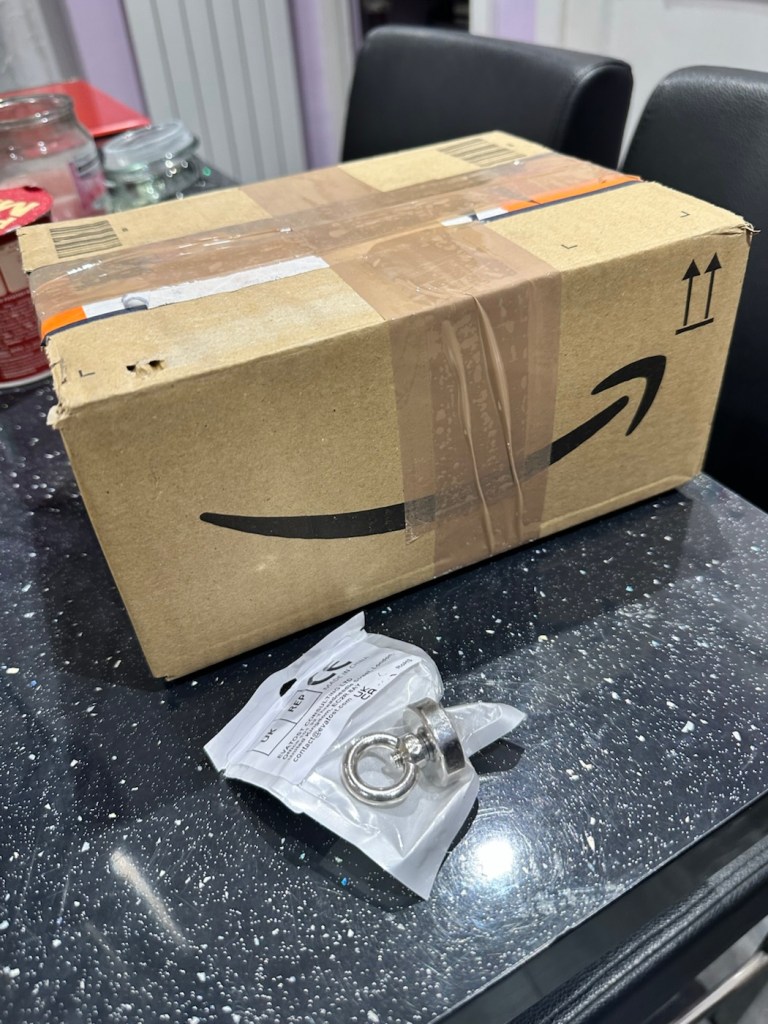
And purchased a much stronger magnet a “Rare earth” one to be precise. These are the sort of magnets they use for magnet fishing, however this one is small and despite having credentials behind it saying it has 19kg of pulling power I’d suggest that is a lie. Probably a maximum of 3kg if you’re lucky, but either way more than sufficient for me wanting to kick start a tiny electro magnet in a camera.

The most surprising issue around this magnet is the absolute ridiculous size of the packaging that it came in.

This tiny magnet, came in this massive box. Good old Amazon

So I persisted with the magnet, around the lens ring. I reset again and again. Nothing. I used my knuckle to tap the area near the magnet, a single cough, good. More resets, single coughs, more taps two coughs….this is good. I set the camera to high speed wind, kept the exposure button depressed and continued tapping, five or six coughs then stop. It’s an improvement. The magnet is starting to pick up. More tapping then I’m getting about 20 coughs with an obvious delay on one or two activations… we are now getting somewhere.

I put the rare earth magnets near the camera magnet and then switch off and reset. I turn back on again and then get a good 15 seconds or so of rapid fire, the internal magnets are clearing. I remove the rare earth magnet, reset again and the old girl fires into life for about 30 seconds continuously with only the occasional “misfire” the internal magnets are sparking back into life.

You get the idea.

Once you get these magnets operational, the best thing you can do is continually fire them, until they fire smoothly. This camera has not fired up for years, and these components inside are made to be used, and just like someone trying to keep fit, similar to a muscle, if you don’t use it you’ll lose it, it’s the same with these cameras, they need to be used on a fairly regular basis.

I did a 3 minute firing and I’m pleased to say she is now chugging away beautifully with no coughs and splutters. I’m sure glad I persisted with my hunch. I was right. And believe it or not. The battery levels are still good.

I’ve put together a little video here showing it working before and after.

My EOS 1N shutter magnet issue

Well what more can I say. It appears to be working.

Result:

To say I’m chuffed with this repair is an understatement. Sometimes you don’t have to dive in and start dismantling to get results. Do your research and make your own plan of attack with the information you have at your disposal. You will find equal amounts of good and bad advice out there, you’ll soon become aware of the differences, just follow your feelings and do what you think is right, if it’s wrong, well you’ve learned a lesson.

She’s ready to go – what a beauty

I am so looking forward to getting a day out with this camera and really letting her loose. I just love the sound of these clunking old machines, I don’t understand why anyone dislikes them. I loved visiting air shows when you had the big old really noisy aircraft that shook your soul from head to toe, they then sanitised that with super quiet aircraft…so boring. They’ve done that to cameras as well that nowadays make no noise. I love these old cameras, every click, clunk and whir brings back superb memories to me. I just love old cameras. I like to think I’m helping a few last just a little bit longer.

Many thanks for passing by, it’s always very much appreciated.

Peace to all.

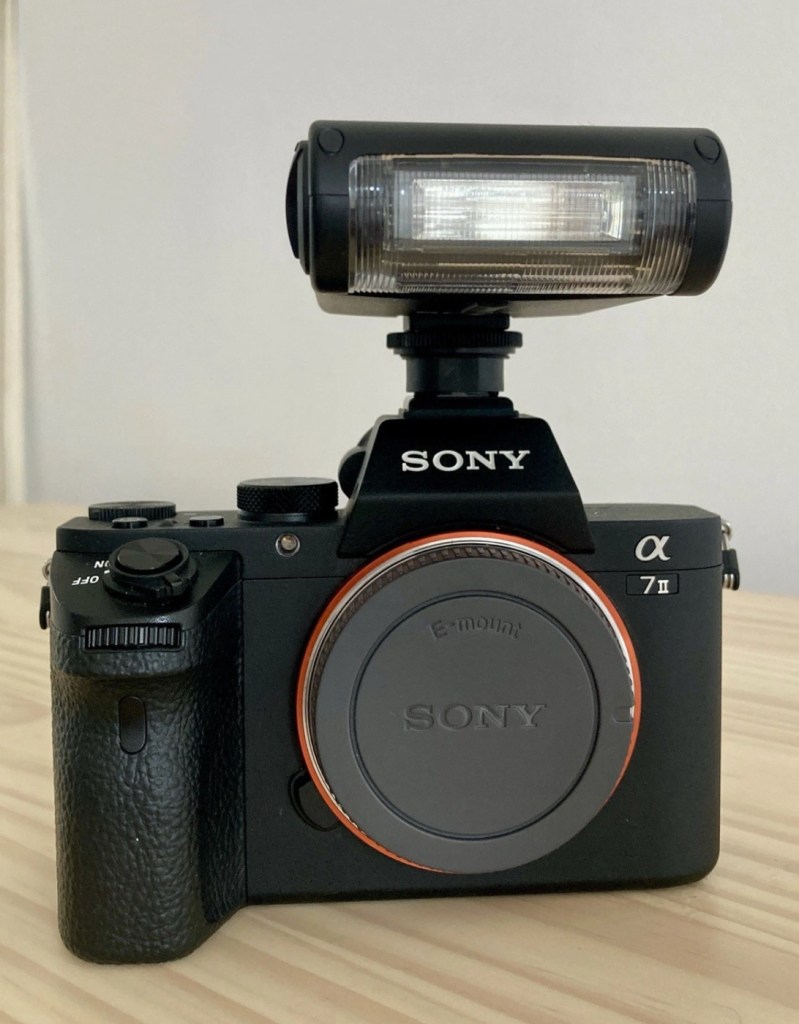
Sony A7II Mirrorless camera

Wow. I’m a lucky cuss as Captain Sensible once sung.

The camera

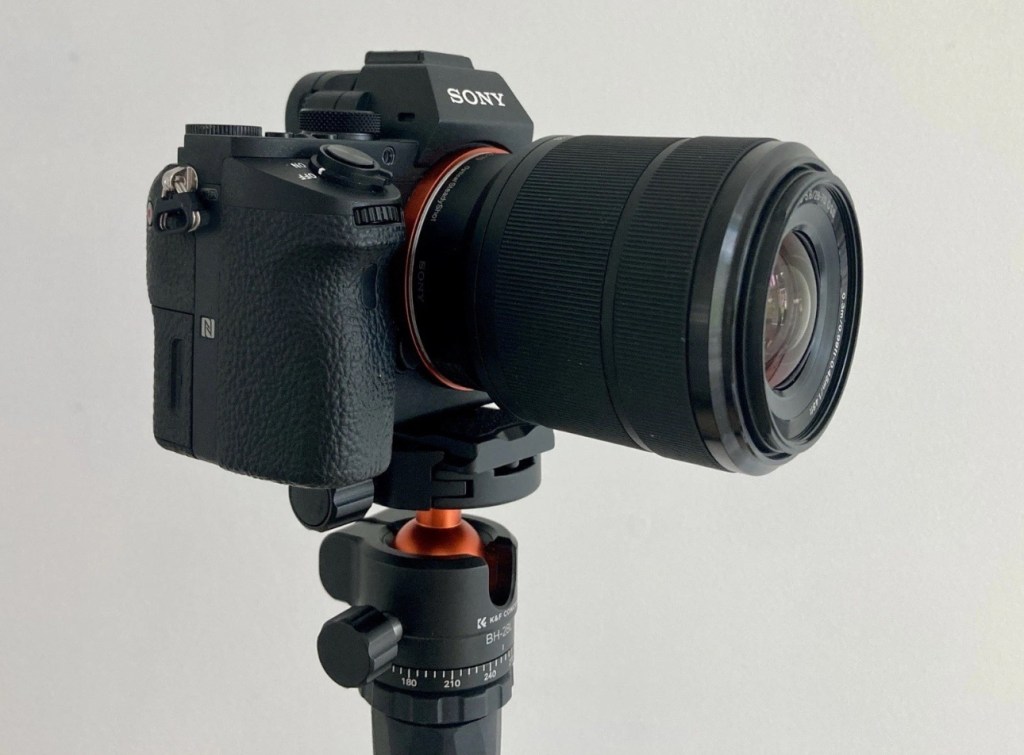
Never really transitioning to digital photography properly, my dear lady wife took it upon herself to arrange an early birthday present for me after discussing technicalities with a photographer friend of ours. As I’m still stuck very much in the past with all my cameras (and anything else to be honest) they have decided to fully bring me over to the dark side and she has purchased me a full, mirrorless camera kit, yes the whole lot as a package apparently from someone similar to me, stuck in the past and not being able to master it. She’s brought me it as in her own words, “it was a bloody bargain, and I’d have been foolish to turn it down” so she thought of me and that was it. It’s a special birthday this year and she wanted to buy something special and this is it. She wanted me to have it now, as there is just too much of it to hide.

It’s going to be a cracking setup allowing me to fully explore the large void I have regarding digital photography properly.

Here is what is included, an extract from the email between her and the seller:

A complete photography essentials bundle built around the superb Sony A7 II. 
Ideal for anyone seeking a high-quality full-frame mirrorless setup, whether upgrading or starting fresh, with everything needed to shoot immediately.
All items were purchased new in 2023, barely used, and are in mint condition throughout. No scratches, scuffs, or marks. Everything has been stored with great care and is fully functioning.
Included in the Bundle:
– Sony A7 II Full-Frame Mirrorless Camera Body:
Renowned for its incredible image quality, excellent dynamic range, and in-body stabilisation, the A7 II is perfect for serious photographers seeking a reliable, high-performance full-frame camera. 
✅ Mint condition.
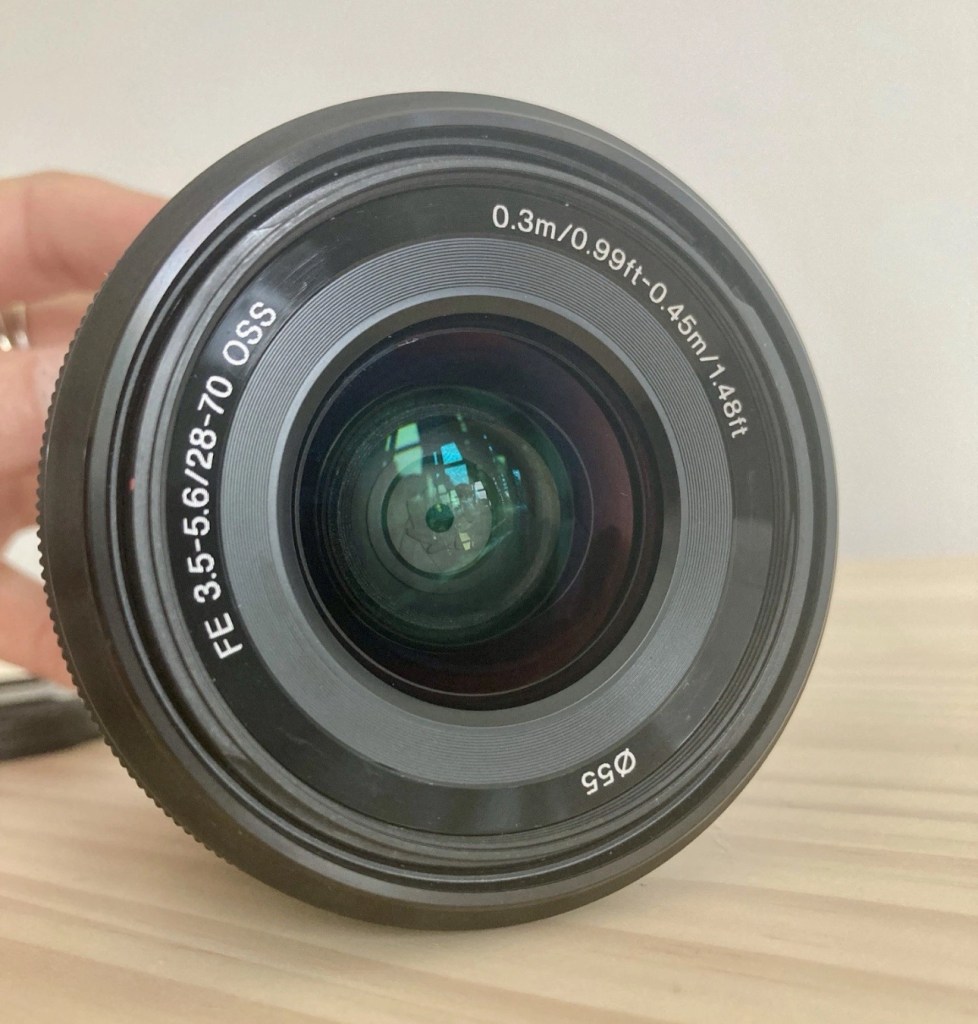
– Sony OSS FE 28-70mm f/3.5-5.6 Zoom Lens:
A versatile all-rounder lens, ideal for landscapes, portraits, and everyday photography. Equipped with Sony’s Optical SteadyShot stabilisation for sharper handheld shots.
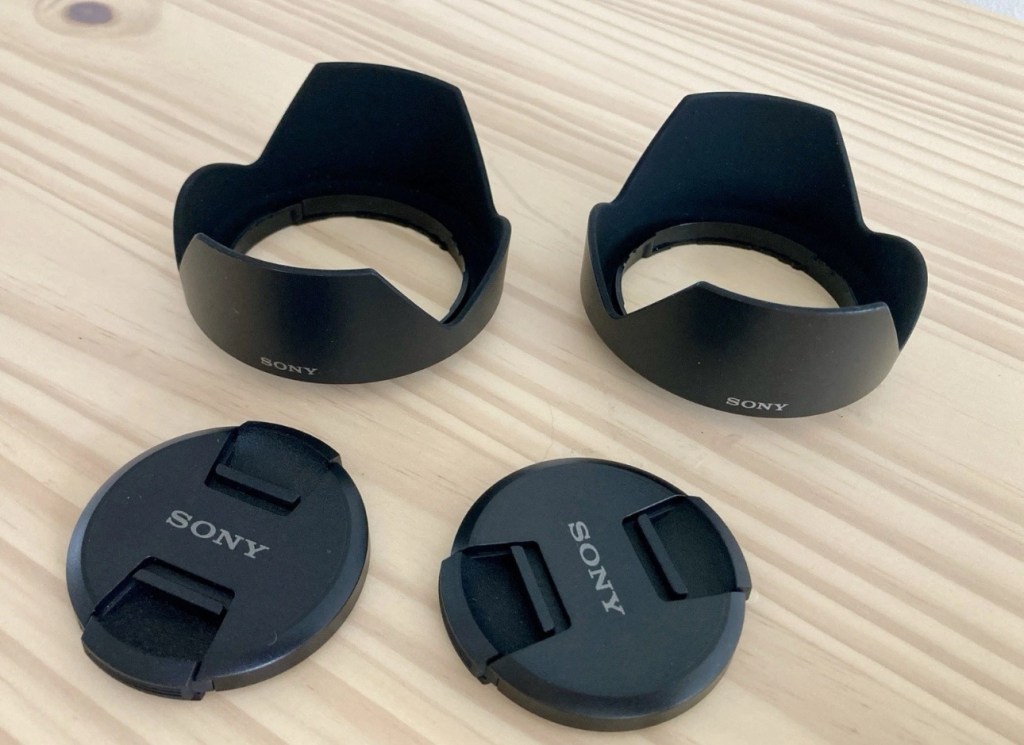
Includes Original lens cap and lens hood plus Spare lens cap and spare lens hood.
✅ Mint condition.
– Samyang AF 35mm f/1.8 FE Prime Lens:
A fast, sharp, and lightweight prime lens, perfect for portraits, street photography, and creative work in lower light thanks to its wide f/1.8 aperture.
Includes:
• Lens cap
• Lens hood
• Lens shell (protective sleeve)
✅ Mint condition.
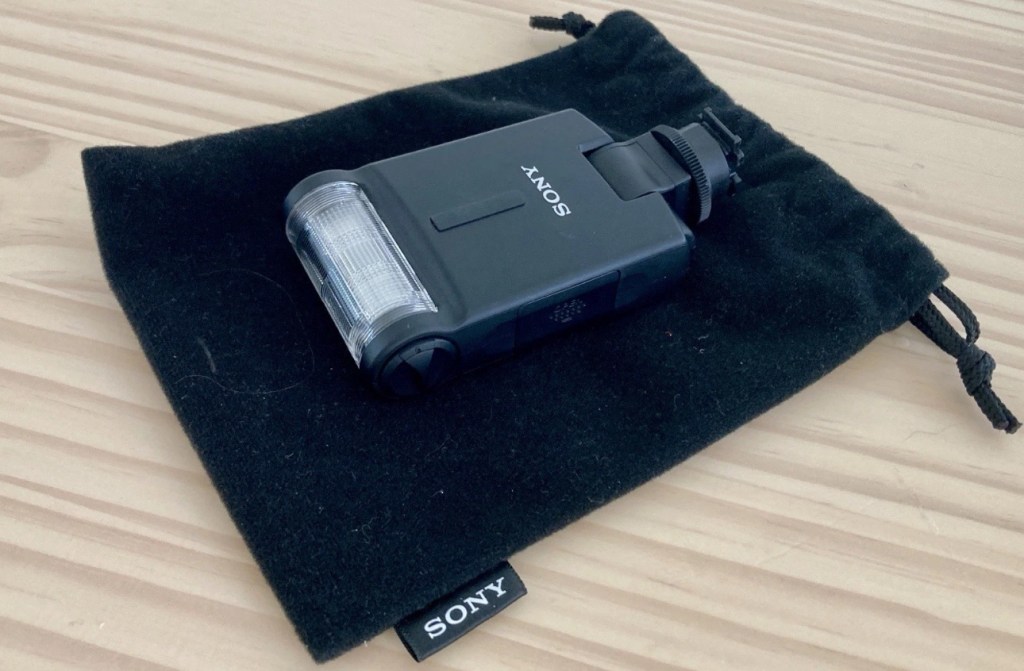
– Sony F20M Detachable Flash Gun:
Compact and effective external flash gun to elevate your low-light photography.
Includes Sony velvet drawstring storage pouch and Two AAA batteries. 
Note: The only minor point is the missing hot shoe cover on the Sony F20M flash gun — this does not affect performance. The flash can be stored safely either attached to the camera or in the provided Sony velvet pouch.
✅ near mint condition.
– Cleaning Essentials:
• Giottos Rocket Dust Blower — perfect for safely removing dust from lenses and camera sensors.
• A handful of lens wipes for easy on-the-go cleaning.
– Aodelan Wireless Remote Shutter Release Kit:
Ideal for tripod work, long exposures, or remote shooting without touching the camera. Reliable wireless connection. Ideal for starry sky photography and taking solo selfies on a mountaintop! 
– K&F Concept 64-Inch Aluminium Ball Head Adjustable Tripod:
Durable tripod with adjustable height and ball head for precise positioning. Suitable for travel and studio work. Angle and height of legs are adjustable independently of each other which is ideal when resting it on rocky or uneven terrain. It can also be used “upside down” to shoot handsfree at ground level. 
✅ mint condition, never used.
– Vanguard Camera Kit Case:
Sturdy, protective camera bag with organised compartments for carrying and storing your equipment securely. Compartments are adjustable with velcro edges. 
✅ excellent condition
– Sony Alpha Soft Carry Case:
Original Sony-branded protective soft case for carrying and storing the A7 II R camera. This has a velcro lens hammock fitted inside so the camera with lens attached can be carried safely. 
✅ near mint condition
SD card NOT included.
Additional Information:
I paid £**** in total for these items. 
Happy to provide further details or additional photographs on request. Also more than happy to share images I have taken with this kit. 
Serious buyers only, please.

I apologise in advance if I start to show more photos on these pages, but fear not. It is and will always be a site dedicated to traditional photography, its equipment and repair, and that will never change.

I believe my wife is fed up with me carrying around old equipment and wishes for me to just “Get with it”

There is a definite method in her madness, bless her. Such a wonderful and thoughtful gift. As if I could love her anymore ❤️

Have a wonderful day.

Fuji Finepix S9500 test pics

I purchased this camera for just £8:00GBP, damaged a few weeks back. It’s a 9mp camera from back in 2005. It was the simplest of repairs and that post can be found here: Fujifilm Finepix S9500. It’s a lovely little camera, and today we took my 11 year old nephew to Liverpool for the day, to celebrate his birthday and to do a stadium tour of his favourite team. And i took the Finepix S9500 to see if it worked, and I’m pleased with the results. I got some looks of sympathy when I pulled this one out of the rucksack, but who cares, I fixed this, and it works. Yes your big flash fandango cameras are lovely, but to be honest I’m just interested in enjoying my time out with family and getting some snaps. Here’s a selection from today. Nothing special, as I said just snaps.

And that proves it works.

Have a great day.

Olympus Trip 35

What the listing stated:

This lot is being sold for PARTS / REPAIRS, it is currently NOT in a working condition

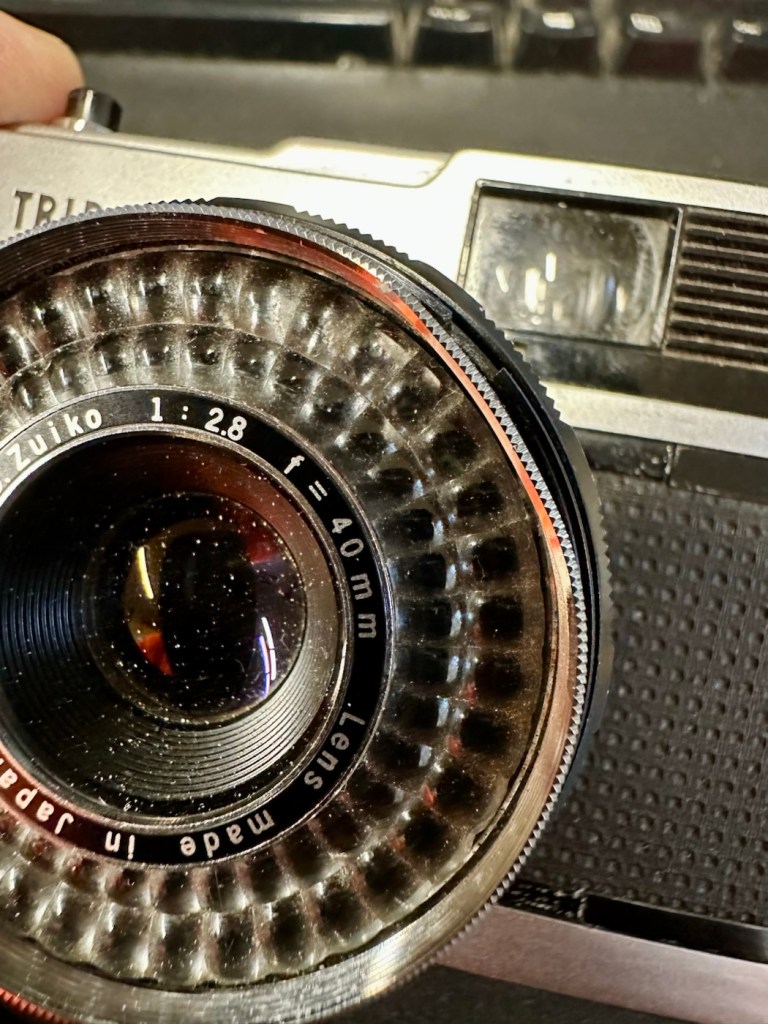
Olympus Trip 35 w/ D. Zuiko 40mm F/2.8 Lens
& Original Lens Cap

EBay

I brought this item along with a Canon A1 as a job lot. The full detail of what was in the auction and how it progressed can be found here: Not the lottery, but for me – just as good

The page regarding the repair of the A1 can be found here: (Still in draft – coming soon)

Meanwhile here is a little history about the Olympus trip:

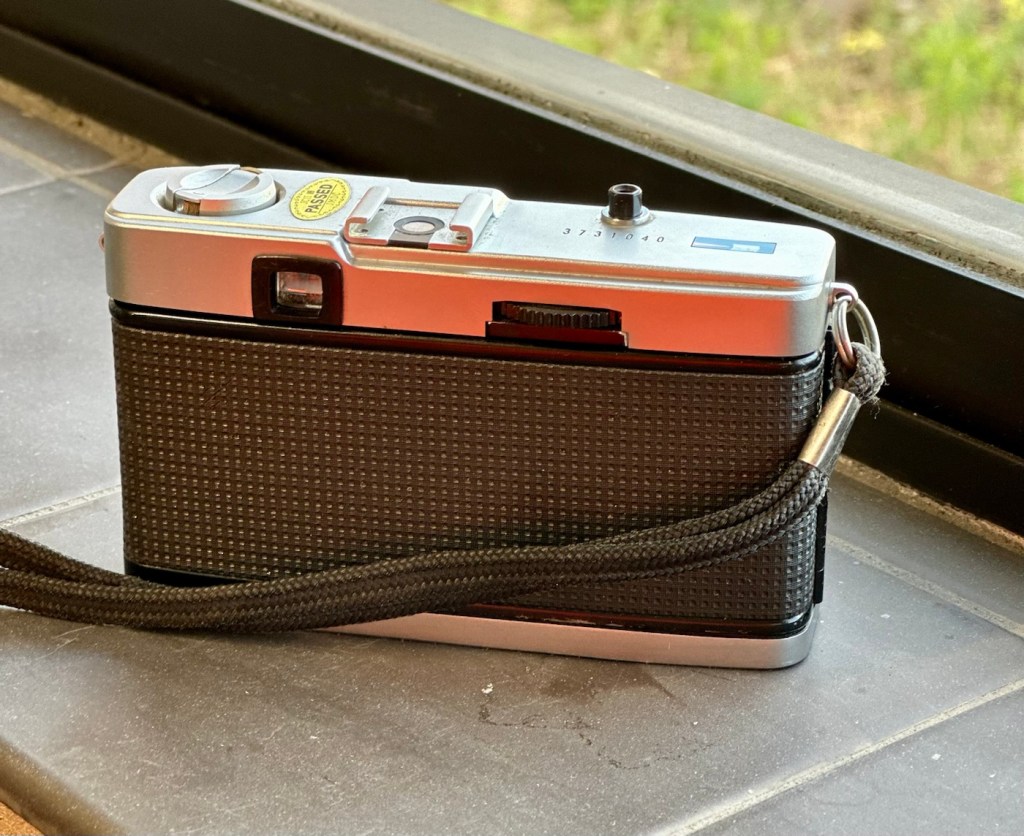
The Olympus Trip 35 is a 35mmcompact camera, manufactured by Olympus. It was introduced in 1967 and discontinued, after a lengthy production run, in 1984. The Trip name is a reference to its intended market—people who wanted a compact, functional camera for holidays. During the 1970s, it was the subject of an advertising campaign that featured popular British photographer David Bailey. Over ten million units were sold.

The Trip 35 was a point and shoot model with a 40 mm ƒ/2.8 lens, solar-powered selenium light meter, and just two shutter speeds. In ‘A’ mode, the camera operates as a Program automatic, choosing either 1/40 s or 1/200 s. The camera could also sync with flash, and has a range of aperture settings, from ƒ/2.8 to ƒ/22. In flash sync mode, the shutter is set at 1/40 s. Apart from a simple four-position zone focus system, and an ISO setting from 25 to 400,[2]the camera has no other photographic controls. The camera has a Prontor-Compur sync connector and a hot shoe. Its lens was a coated Zuiko 40 mm ƒ/2.8, with four elements in three groups.

The camera has an ISO range of 25–400, as films faster than 400 were uncommon at the time and delivered reduced image quality. 25 speed allowed the use of Kodachrome, while 400 speed allowed use of Kodak Tri-X and similar fast materials under low light. Earlier models, from the first few years of production, have a maximum ISO speed of 200.

The use of a selenium photocell to select the shutter speeds and aperture let novices use the camera as a “point & shoot”. No batteries are needed to power the camera.

The lack of more than two shutter speeds was not a problem. At 1/200 s and ƒ/22 with 400-speed film, the camera could deliver correct exposure in full sunlight, while at 1/40 s and ƒ/2.8, correct exposure could be obtained under bright fluorescent light, without a flash.

Wikipedia

And who could ever forget the series of star studded television adverts, featuring the photographer David Bailey, put together to promote this camera.

David Bailey

I never really got to use one, I admired one from a distance instead. My brother in law, Jim had one around about the mid to late 70s and he took some fantastic snaps with it. I wasn’t into photography at that time as I was still more interested in LEGO and Tonka trucks. However he did let me try it a couple of times, it really was that easy to use.

I’m not really sure what the problem is with this one, as the listing was not really clear on its issues. I just really wish sellers would just take a few seconds to describe the problems, it really could be an instant decision for the buyer – is it repairable or not? I’ll just have to wait until it’s arrived, and then i can do an assessment of its condition.

Assessment:

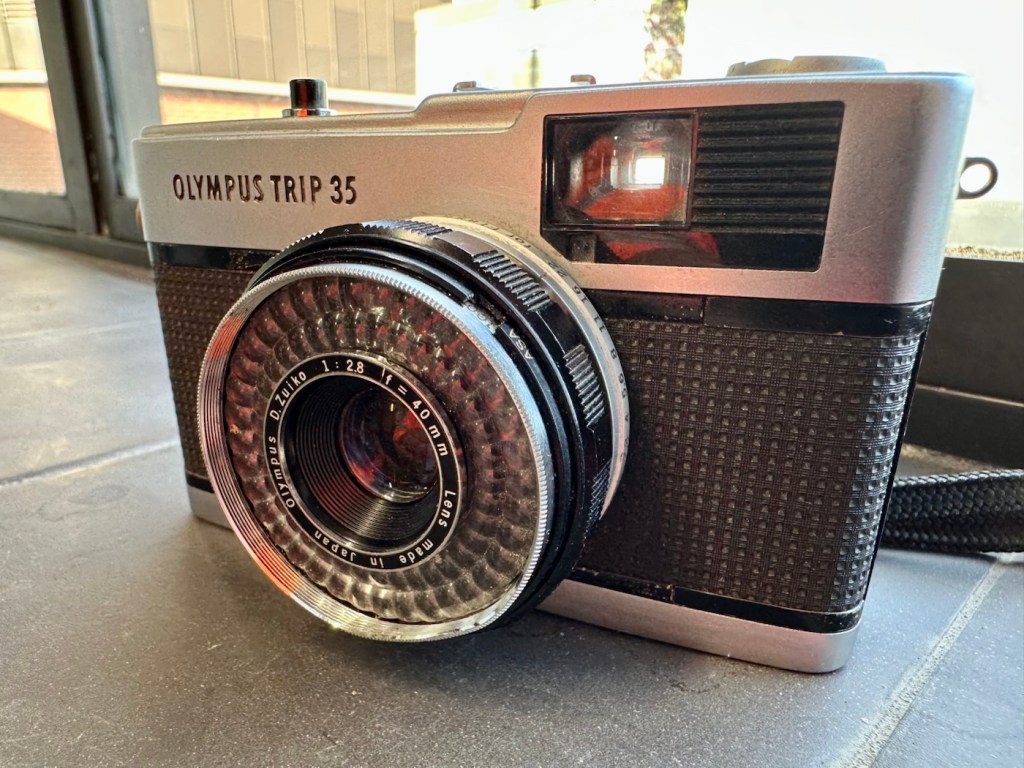
Well, it’s arrived and cosmetically it looks fine. However, zoom in a tad and the issues become apparent. It’s been dropped at some time, the lens has a little bit of wobble and you can see the outer ring of the lens has an obvious dent in it.

Drop damage

It does wind so that’s a bonus. The exposure button works and it clicks as it should, and the old selenium exposure meter appears to be responding, the red flag appears in low light and thus the exposure button will not depress. This is good.

Exposure indicator in viewfinder

When you half press the exposure button you would expect to see the relevant shutter leaf aperture close down, to the corresponding f- stop reading, this occasionally happens. If you move the lens barrel slightly it does have an effect, but it looks as if there is also some contamination on one of the shutter leafs, all of this is probably as a result of that tumble that has occurred sometime in the past.

Obvious lens wobble

I will definitely have to remove the whole lens housing from the camera to see if I can do anything regarding that wobble. This is going to be quite some task, and I’m not confident I will succeed, but who knows.

Let’s attempt to get inside.

Repair:

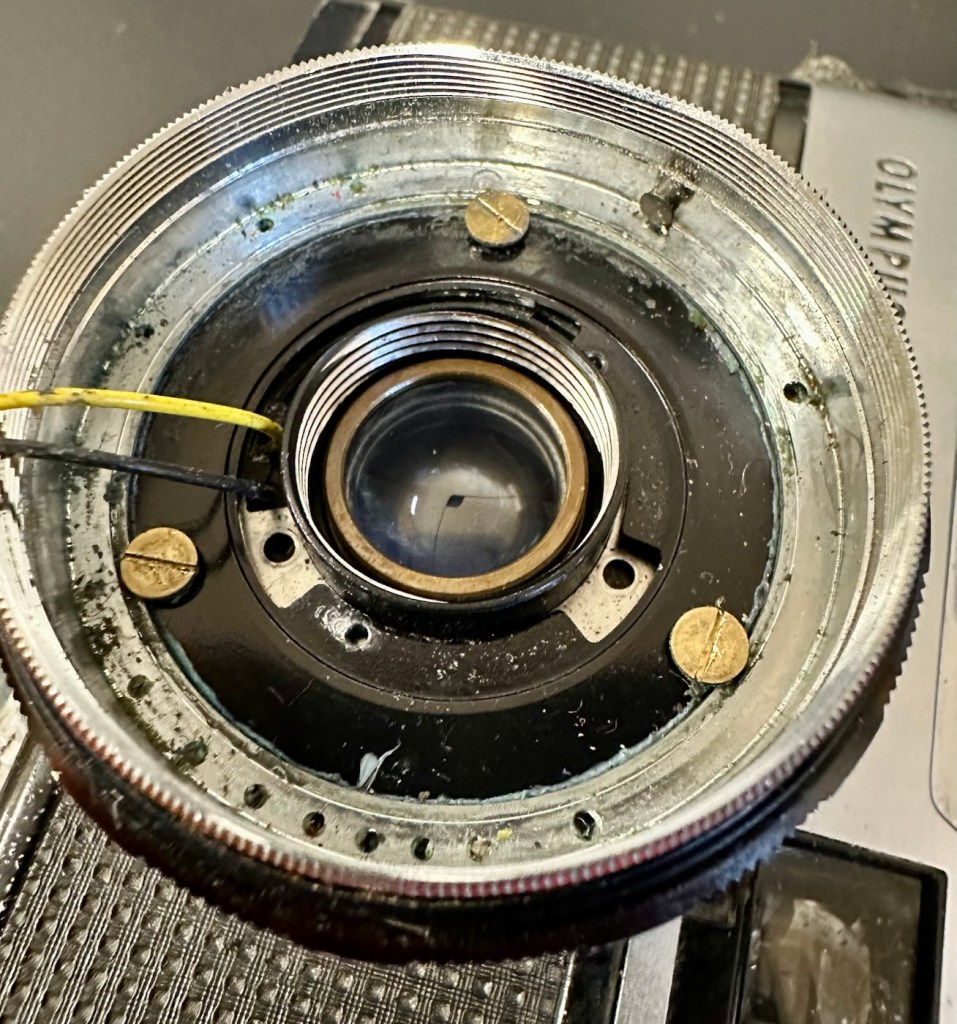
To get into the lens there are three tiny screws on the inner turret bezel that have to be removed that sit around the edge of it. This then pulls out and the lens optics can then be unscrewed.

Here are then two more screws that allow you to remove the selenium light sensor. Below this are three brass screws that hold the body to the lens. One of these screws were loose, hence the wobbly lens, this must have occurred when it was dropped.

I’ve pretty much had a cleanup here, applied a tiny drop of camera grease to the ring mechanisms, and tightened all these screws, and now the turret is nice and tight. I’ve just given the shutter blades a wipe with a soft brush and that is all it really needs. I’ve reassessed the camera, and tested its operation and it’s all good, working just as expected.

Result:

The dent in the ring remains as it’s causing no issues and is a subtle reminder of its past. The lens issue and its movement has been repaired and this in turn has cured the issue with the sticky aperture blades.

I haven’t touched the inner workings in the top of the camera such as the light metering, as it’s working fine and what’s the point in fixing what’s not damaged?

I’ve still to run a film through it, and this will be done shortly as I have quite a backlog of film cameras to be tested. As soon as I have photos available I will link through this posting.

Really pleased with how this has gone, a nice easy fix but I can’t believe just how small those screws are around the lens bezel. I need my eyes testing that’s for sure.

Thanks for passing by, as always it’s very much appreciated.

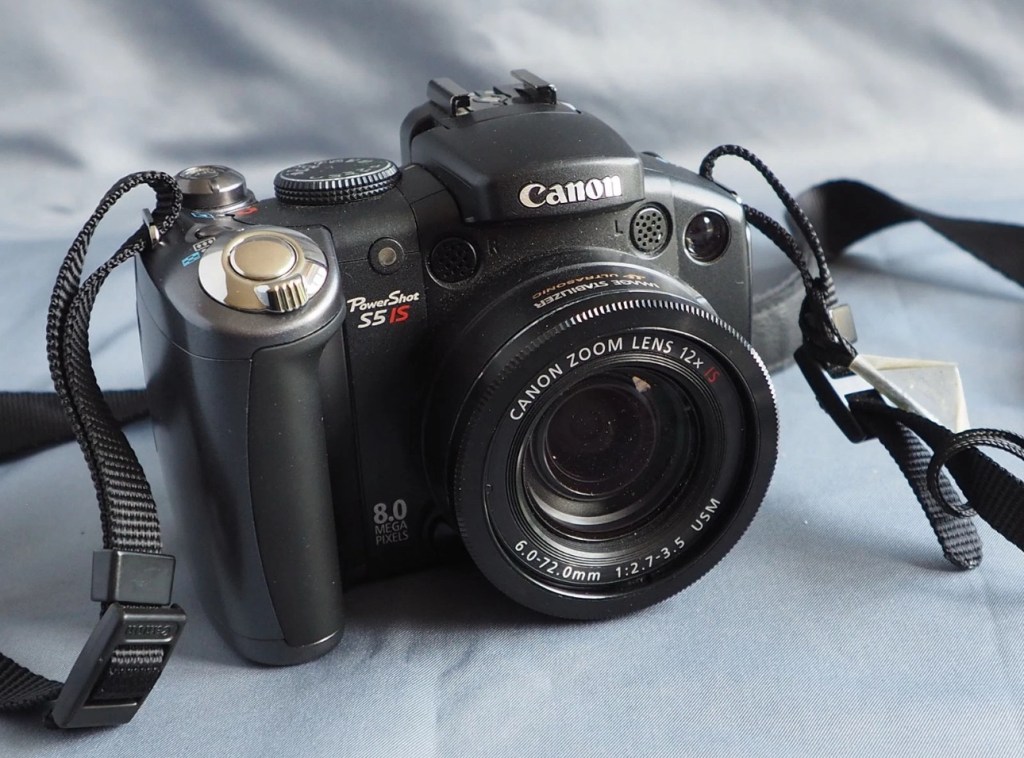
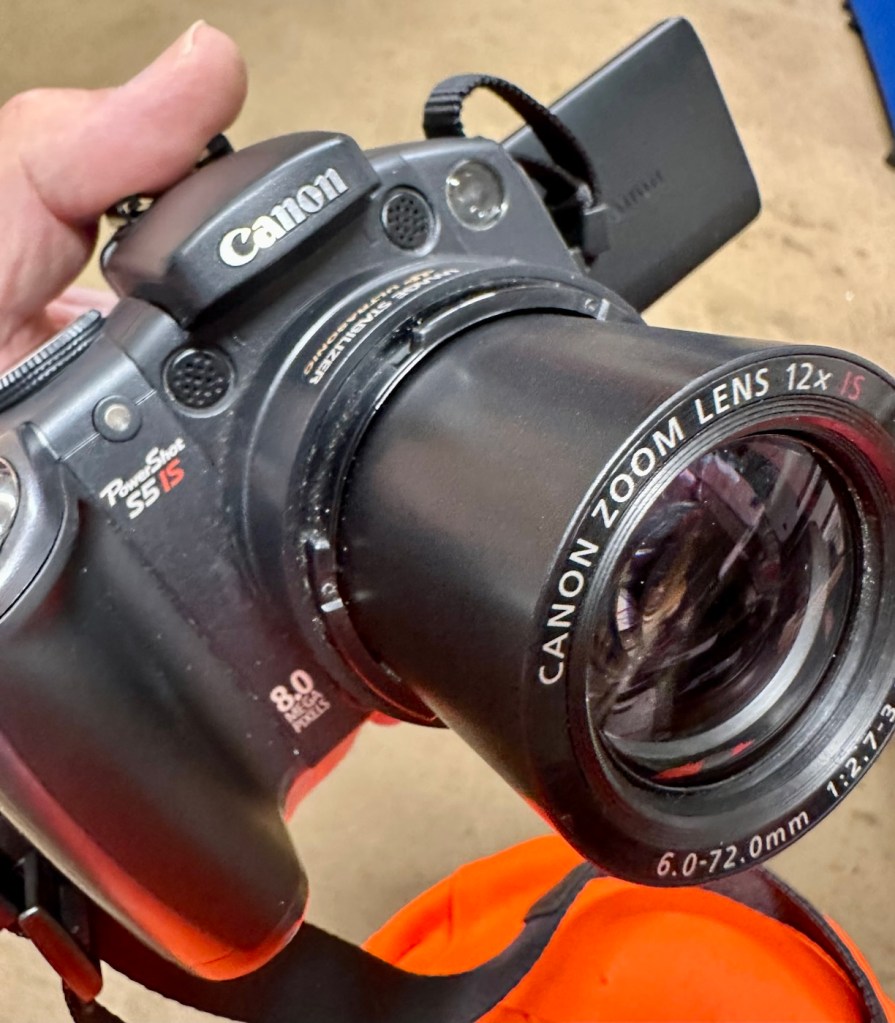
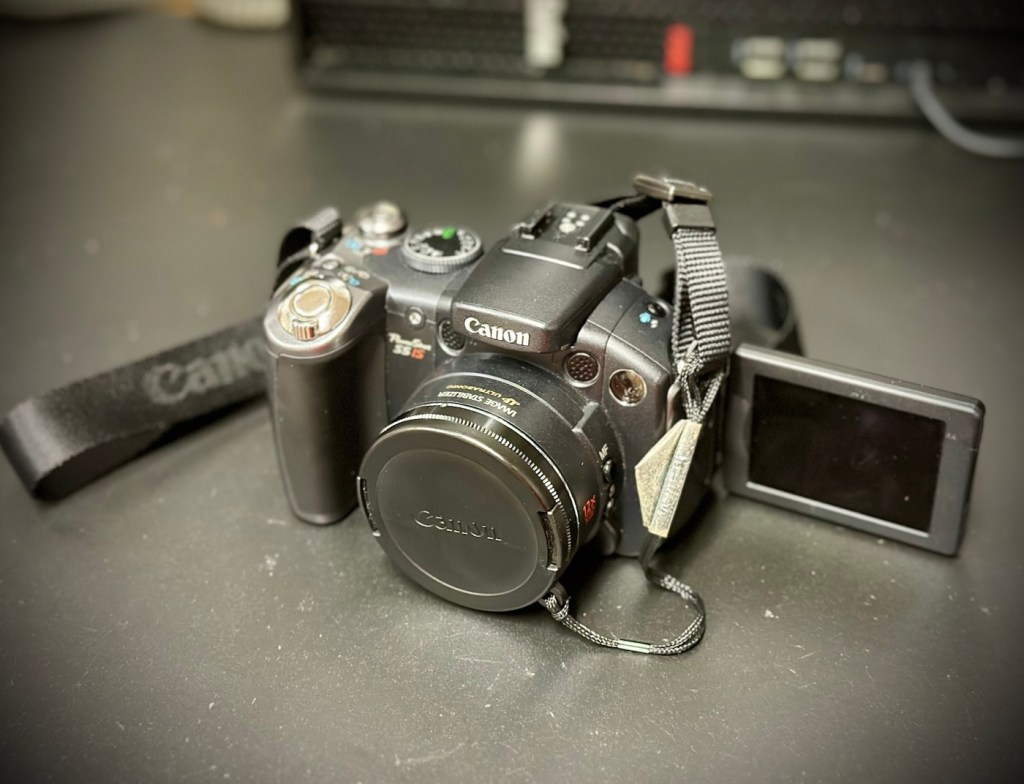
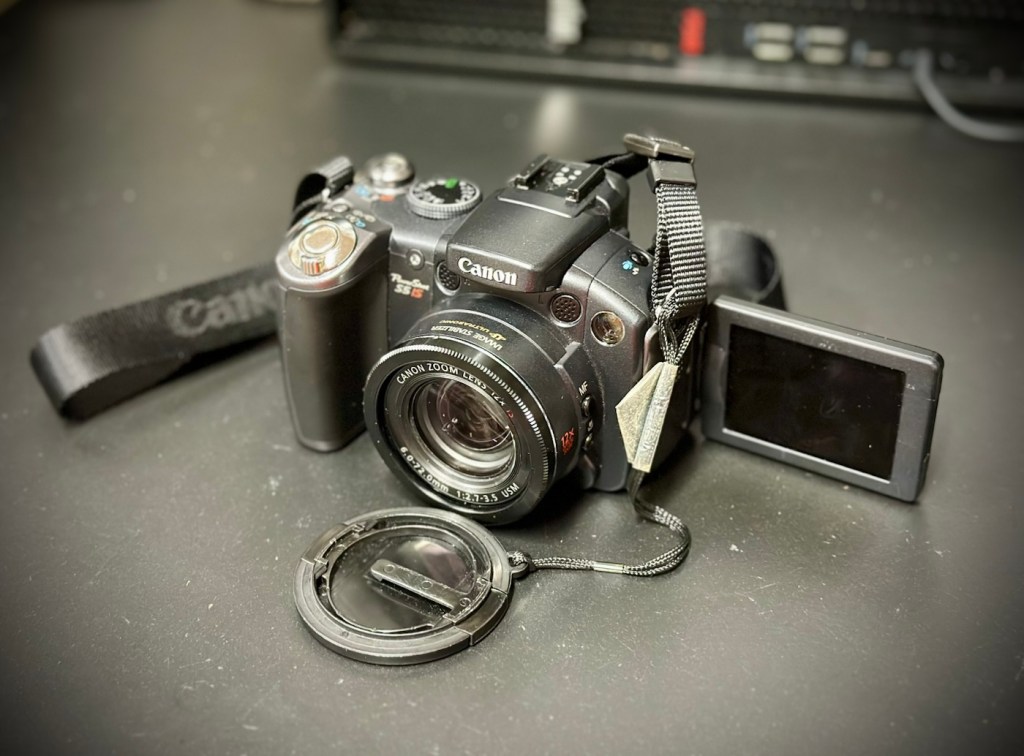
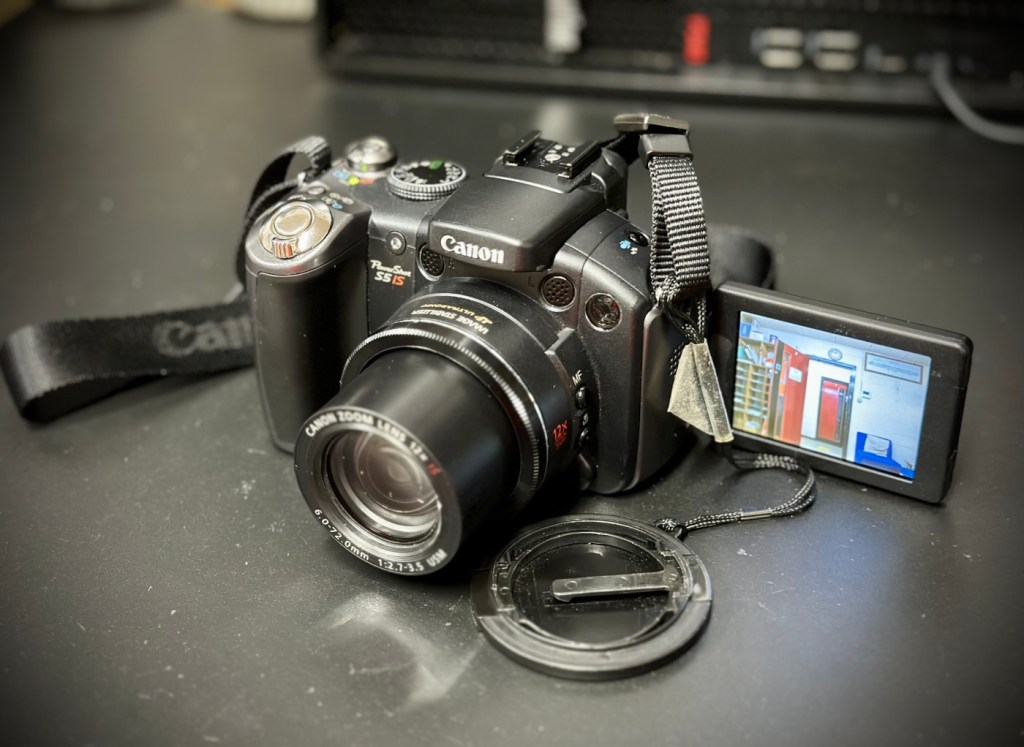
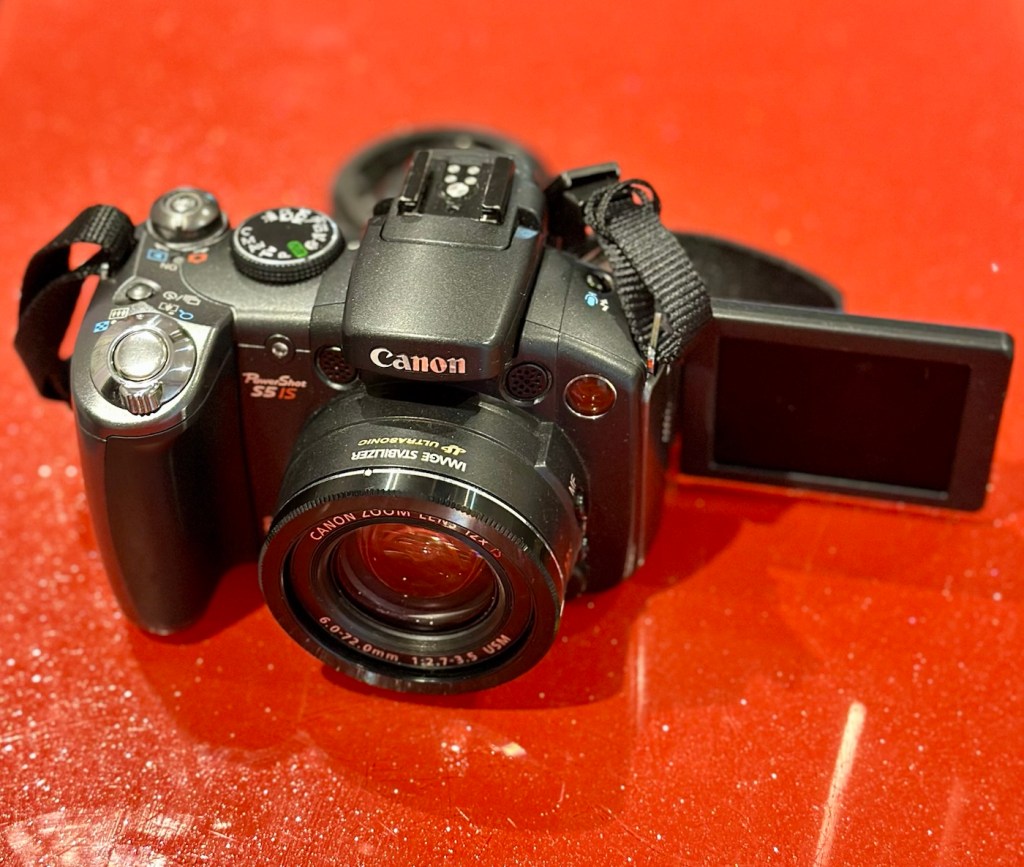
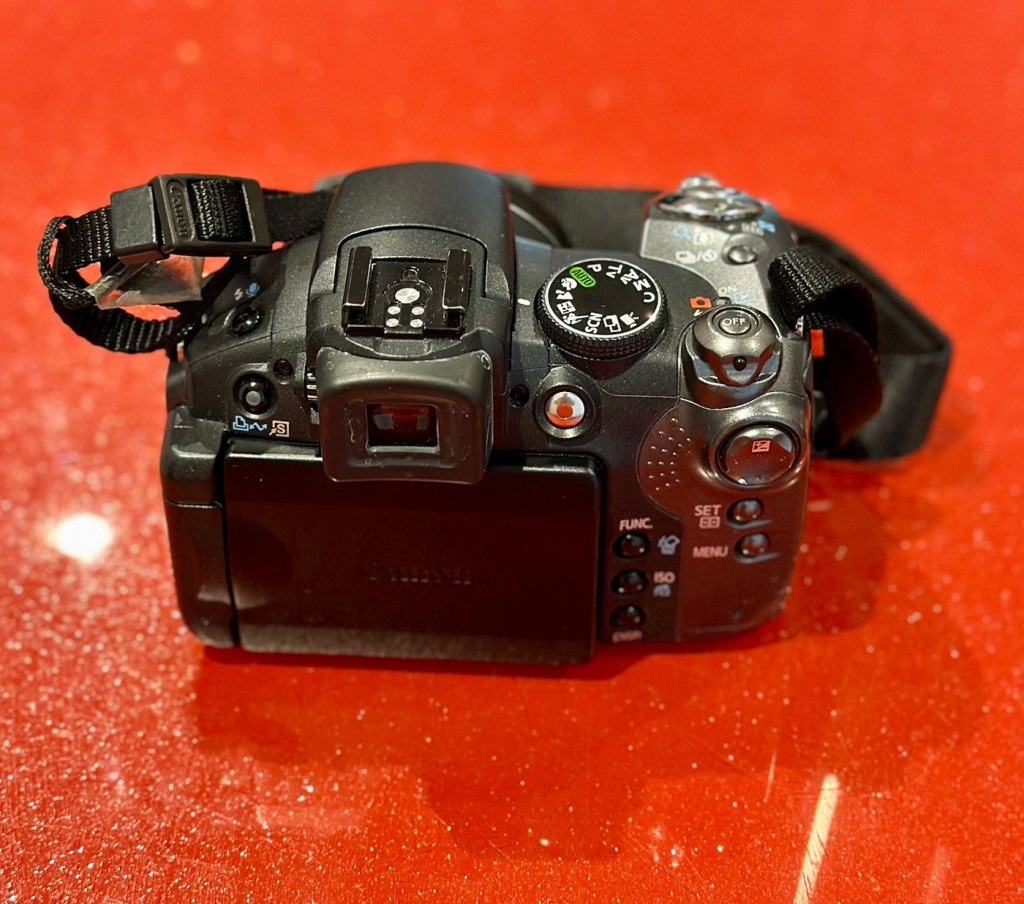
Canon Powershot S5 IS

What the listing stated:

This is a Canon Powershot S5 IS Digital Bridge Camera which is faulty and sold for spares or repair only.

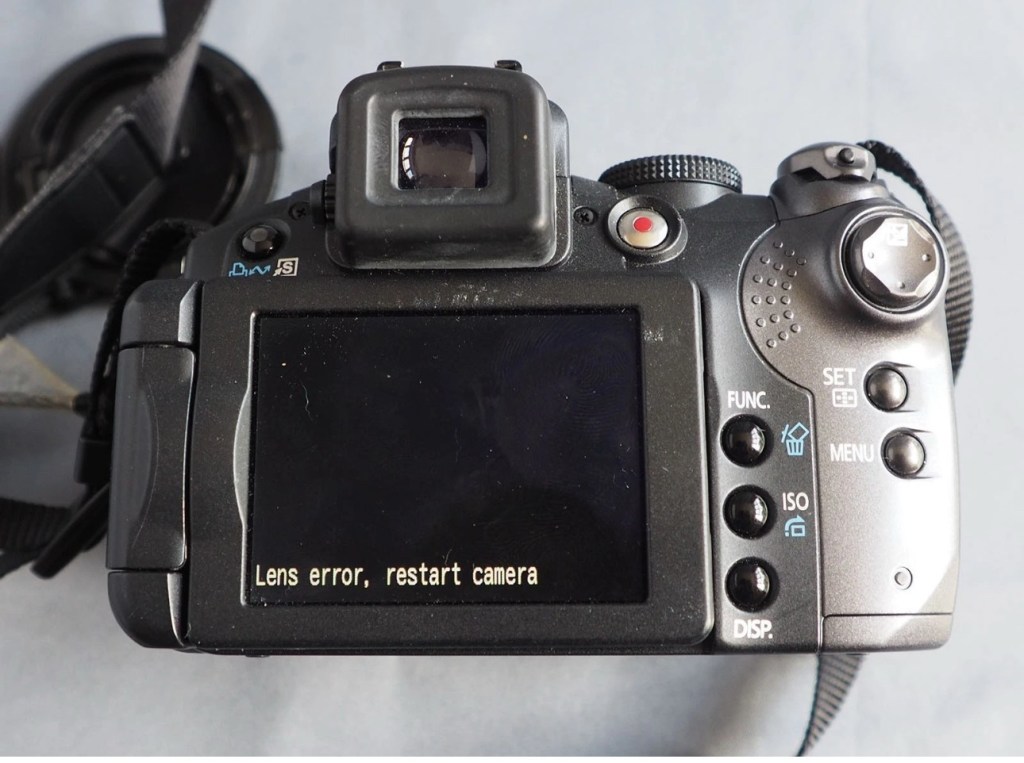
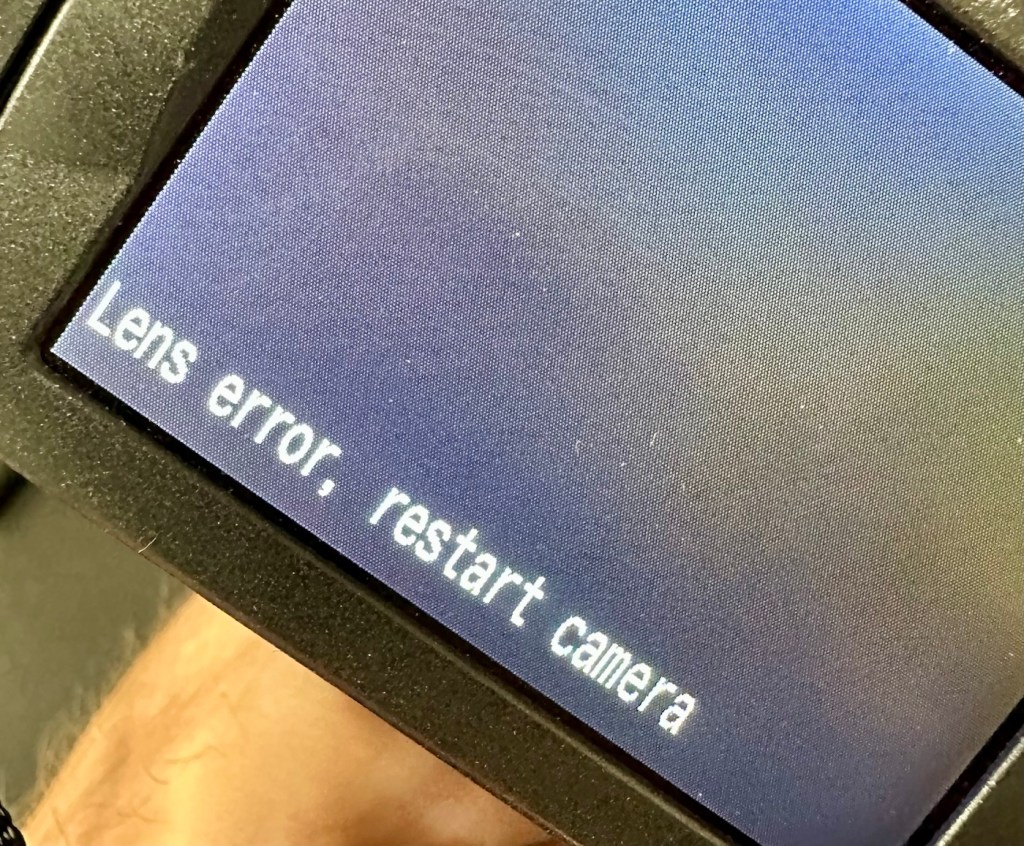
The camera is in excellent cosmetic condition but when switched on there is an error message saying lens error please restart camera (see photo).

It takes 4xAA batteries and SD cards (not supplied)

A little bit about this camera:

Released in June 2007, the PowerShot S5 IS is the successor to the S3 IS model launched in April 2006, which was well received for its optical image stabilization, high zoom ratio and ample movie-shooting capabilities. Like its predecessor, the high-function, high-performance S5 IS features a 12x optical zoom lens equipped with a lens shift image stabilizer and realizes fast, quiet zoom performance by means of a high-speed Ultrasonic Motor (USM).

Compared with its predecessor, the PowerShot S5 IS delivers improved imaging performance through the incorporation of an 8.0-megapixel CCD sensor-increased from 6.0 megapixels in the S3 IS-and an upgrade to Canon’s high-performance DIGIC III image processor from the earlier model’s DIGIC II. Additionally, the S5 IS employs a 2.5-inch high-resolution (approximately 207,000 dots) vari-angle LCD monitor that offers a wide viewing angle to realize a high level of shooting flexibility, and includes a hot shoe for compatibility with Canon EX-series Speedlite flashes.

The new Canon PowerShot model supports the recording of high-quality movies by enabling users to make use of the camera’s optical zoom and Face Detection AF/AE functions. The S5 IS also offers an LP movie mode, which employs a higher rate of image compression to enable longer recording times for VGA movies, as well as high-quality stereo sound, and seamless transitions between the shooting of still images and movie recording.

Canon

I’ve been watching this one for a little while, it looks very good cosmetically and I’m surprised as I was the only one that bid on it. I’ve paid a total, including postage of £8:81GBP and I think that is an absolute bargain. An issue with these cameras has always been a motor/lens error. These motors within these cameras are an ultrasonic motor (USM) and to be totally honest they can be quite delicate and are known to give up as such, if even a grain of sand was to get stuck in the lens gear mechanism. They are delicate souls that don’t really like hard work 😂

A good clean is sometimes all that is needed to get these cameras working again, however I’m not going to get ahead of myself here, as I just don’t know what kind of pain the previous owner has inflicted on this camera. I just hope they have not been too brutal.

Assessment:

Now this is an absolutely beautiful looking little camera in pristine cosmetic condition. The previous owner has in fact been extremely careful and treated this camera very well.

The elephant in the room

The only issue that I can see is the one that flashes up on the screen, continuously when to turn on the camera. Even moving the telephoto/wide switch when starting up does not clear the fault. I really need to get the lens extended to see what’s going on. If I can do that without getting the screwdriver involved then that is even better.

Repair:

The lens remains stuck in the closed position despite there being movement with the lens iris, all other actions are as expected, just no extension of the lens turret. It does sound as if something is trying to move inside.

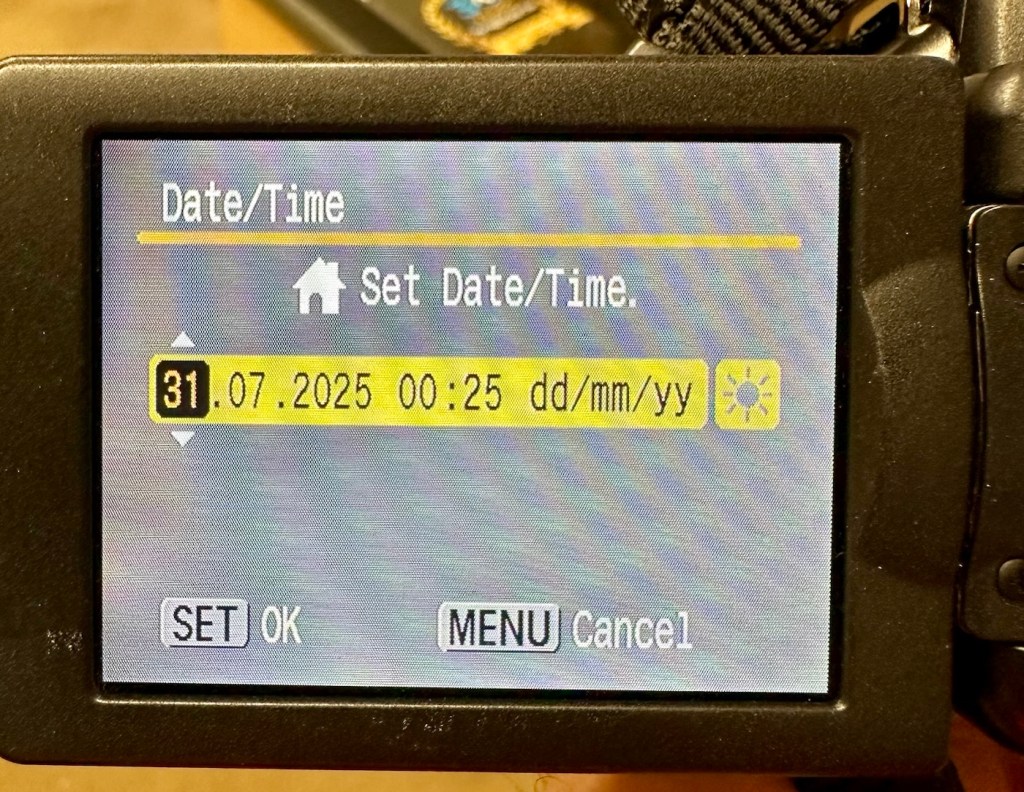
I’ve tried resetting and going back to factory defaults with no joy. I have been noticing though that when i put in a time and date, it is resetting every time i turn the camera off and then back on again. This is usually a sign that the small internal memory battery is dead, and as it’s probably been in the camera since 2007 it’s probably a good idea to change it. If I can find it. That is.

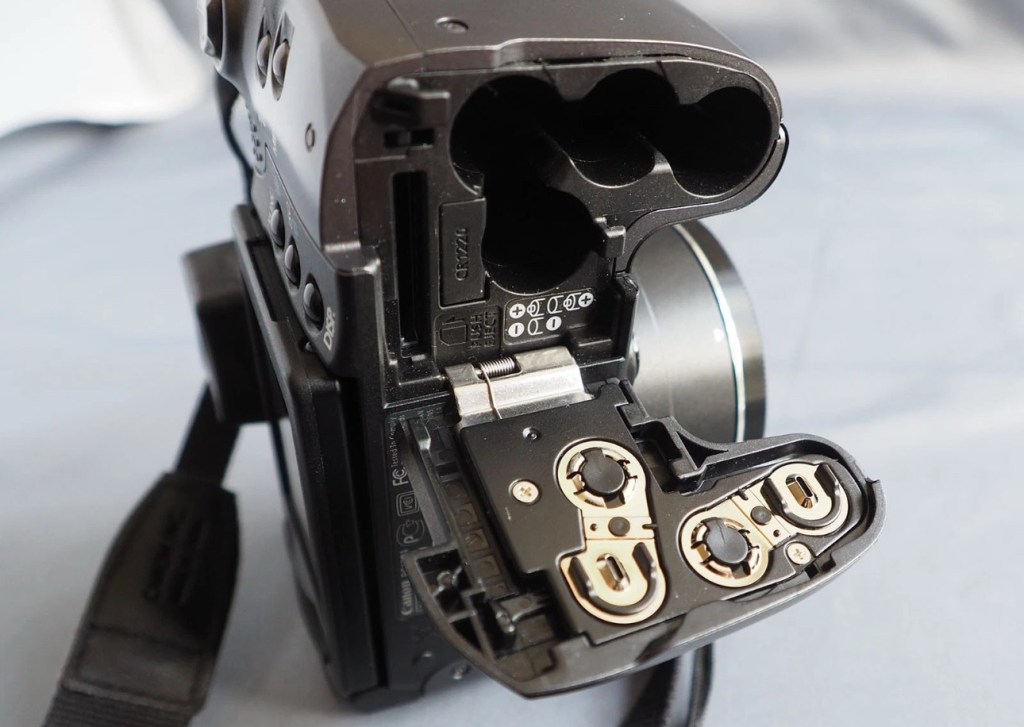
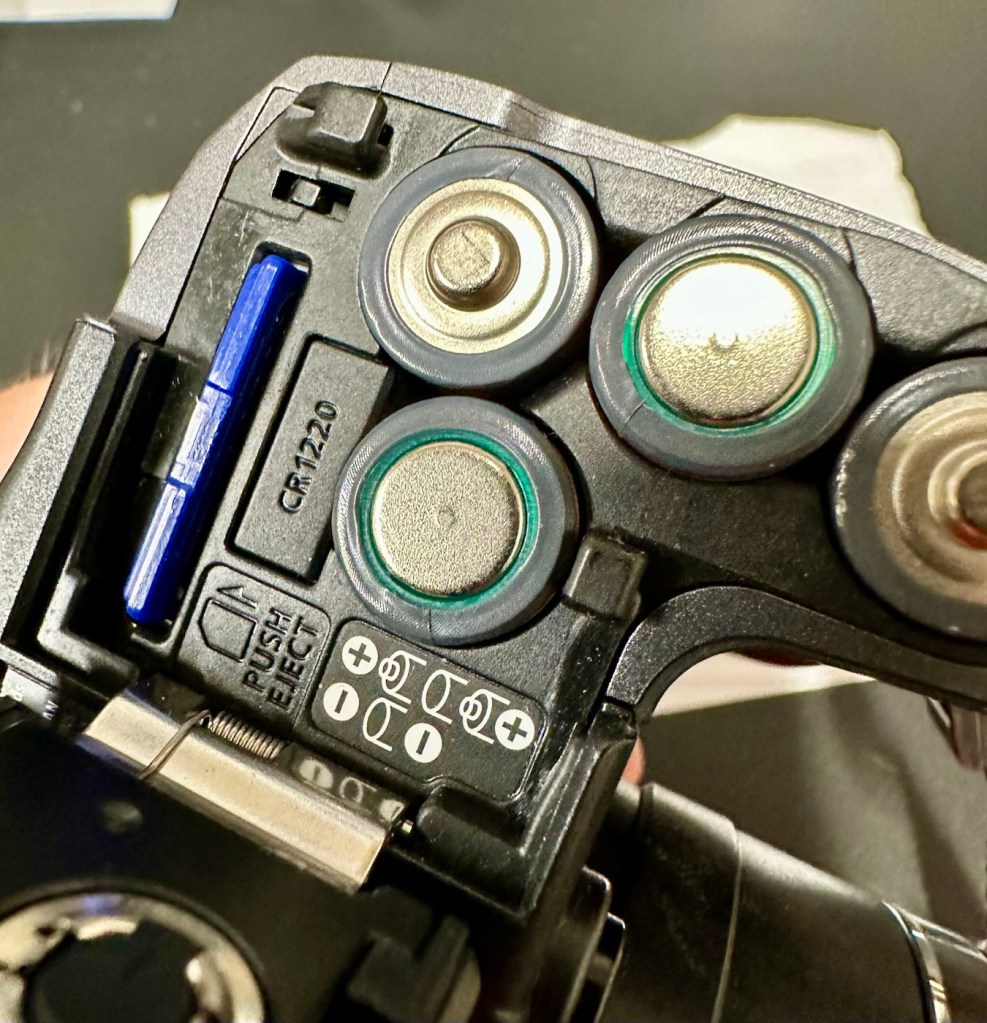
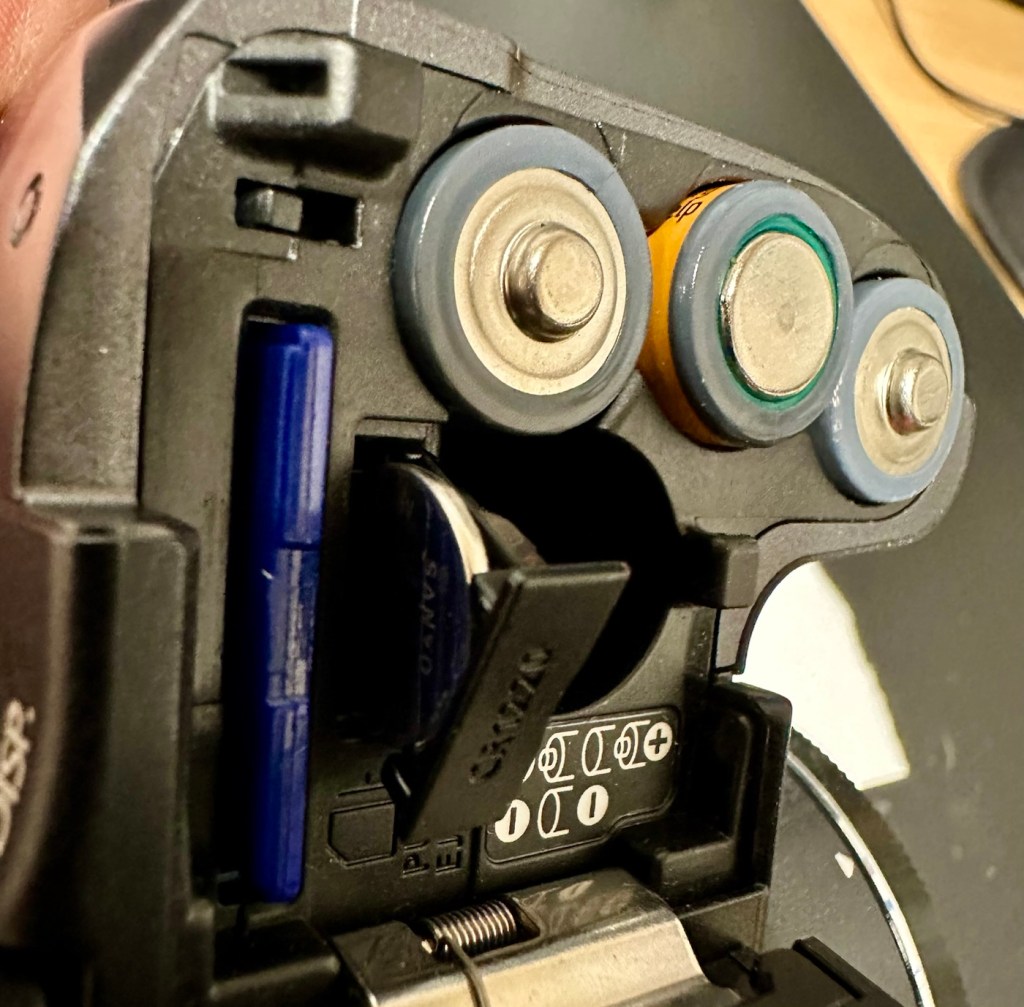
Panic over I have found the memory battery (CMOS) it was located in the battery chamber beside the SD card slot. It’s a small CR1220 coin battery and I have one of these in my battery box, so this will be replaced as soon as I get it home, now replaced all is working as it should be.

Back to the error. The error is more often than not caused by something, even a grain of sand getting in the turret area and catching in the workings, as these cameras are so delicate. We have to somehow get into the turret area to see if we can dislodge whatever is causing the problem.

I’d advise against using canned air here, as doing so would most probably dislodge the obstruction, however the route down the turret leads directly to the image sensor and you don’t want debris on that. Careful is the buzz word.

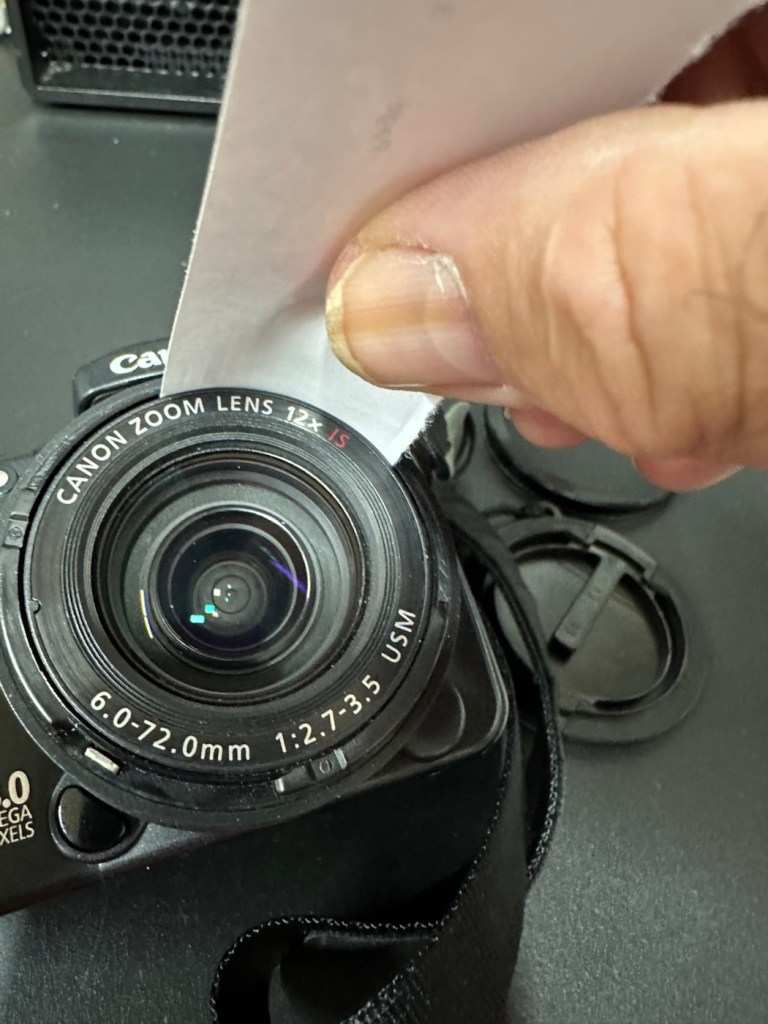
I cut a small strip of paper and feed this down between the tiny gap between the lens and the body. I manoeuvre this around the full circumference of the lens, and as I do I can feel some slight resistance as if something is there. I go around again and that resistance has gone. I turn the camera on and still there is no extension of the turret. At this point I put the mode dial on the camera into video mode and then turn it on. Straight away the turret extends and what looks like some grains of dirt fall from the lens area, at last we have the lens extended and there is an image on the LCD screen.

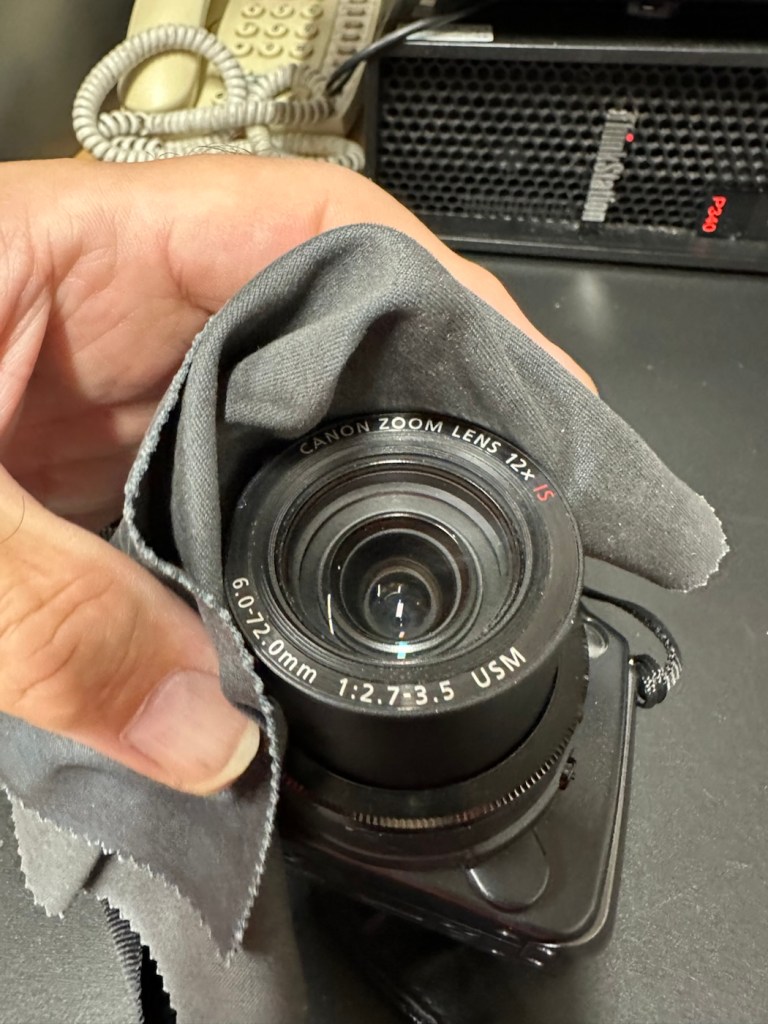
I clean the lens turret with an optics cloth and you can see it was very dusty inside, there had definitely been some debris enter this area causing the issue.

I operated the on off button a number of times to ensure the turret motion was smooth, and it was. There are no further obstacles in this area, causing the mechanism to seize.

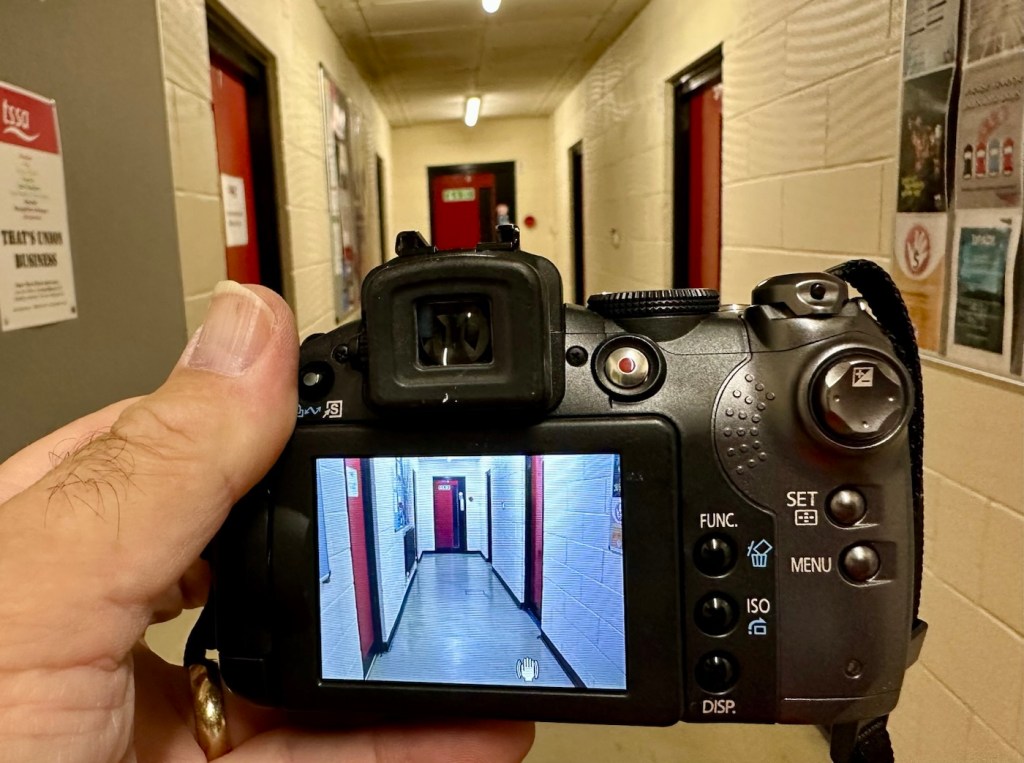
I have taken a number of test photos trying out all modes and features and the camera is just perfect.

The camera operating as it should

I’ll show a few more photos below, once I have been able to download them.

Result:

This camera is simply a little beauty. It is probably one of the best looking of the later generations of bridge cameras but maybe not the best photo quality wise at 8mp. But who cares though, when you are as good looking as this?

The camera is pristine in my eyes, and for just over £8GBP this is a bargain. These fixes do not always involve a total dismantling of the item, sometimes it is so simple it’s unbelievable. Here I used a piece of paper and a lens cloth, that’s all. Now a camera destined for an old box in the loft and then the tip has been saved to carry on taking photos for a good few years yet. In fact here are a few photos that I have taken randomly around work, and around my garden.

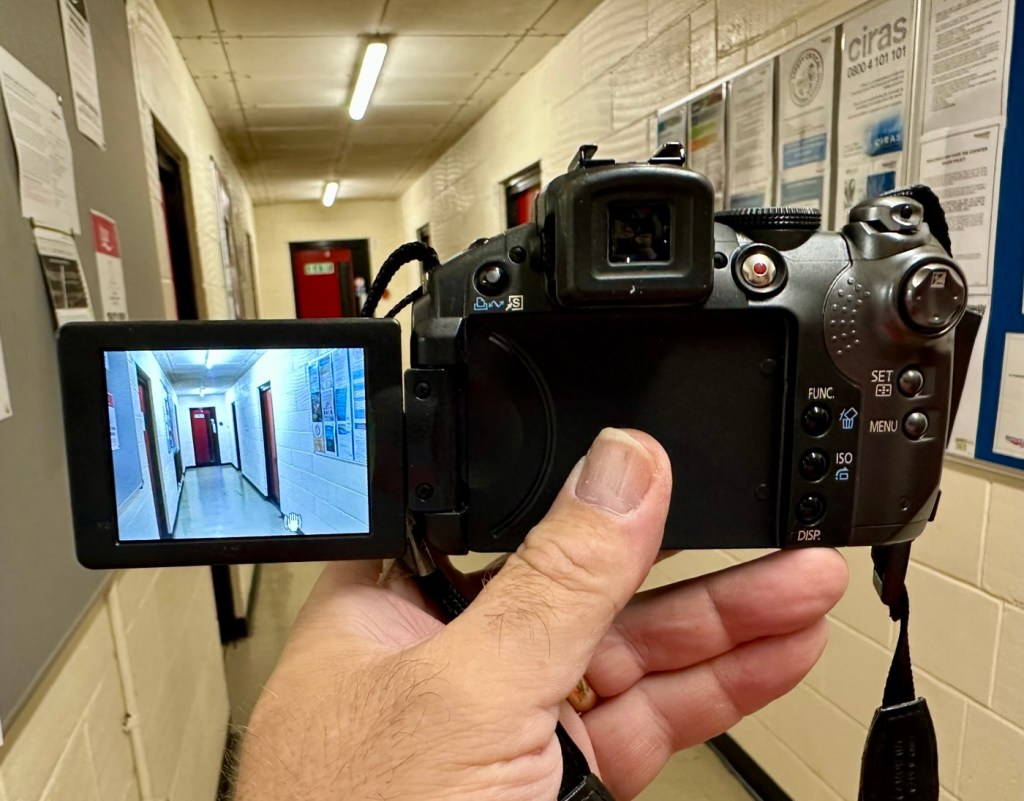
I’m probably going to use this camera with its pivoting screen to construct videos to display on this site regarding future repairs, I’m going to ensure it gets good usage under my ownership.

Did I tell you how much I love this camera and how handsome it is? Oh, I did, sorry about that, I get really carried away with these older cameras, I just wish everyone else could get as excited as I do, and maybe so many of these wonderful machines wouldn’t then, just get thrown out with the bath water.

Thanks for passing by. It’s always most appreciated.

Sticky, Rubber camera grips

Anyone who has had an 80s/90s/00s camera through their hands would have experienced this at some point. During this time period many if not all camera manufacturers went through the phase of putting rubber hand grips on their cameras. Aesthetically pleasing, and ensuring a good grip of your new “Expensive” toy. I guess, they thought they had got it right. But as with all these good ideas they often come back and bite you right on the bum at a later date.

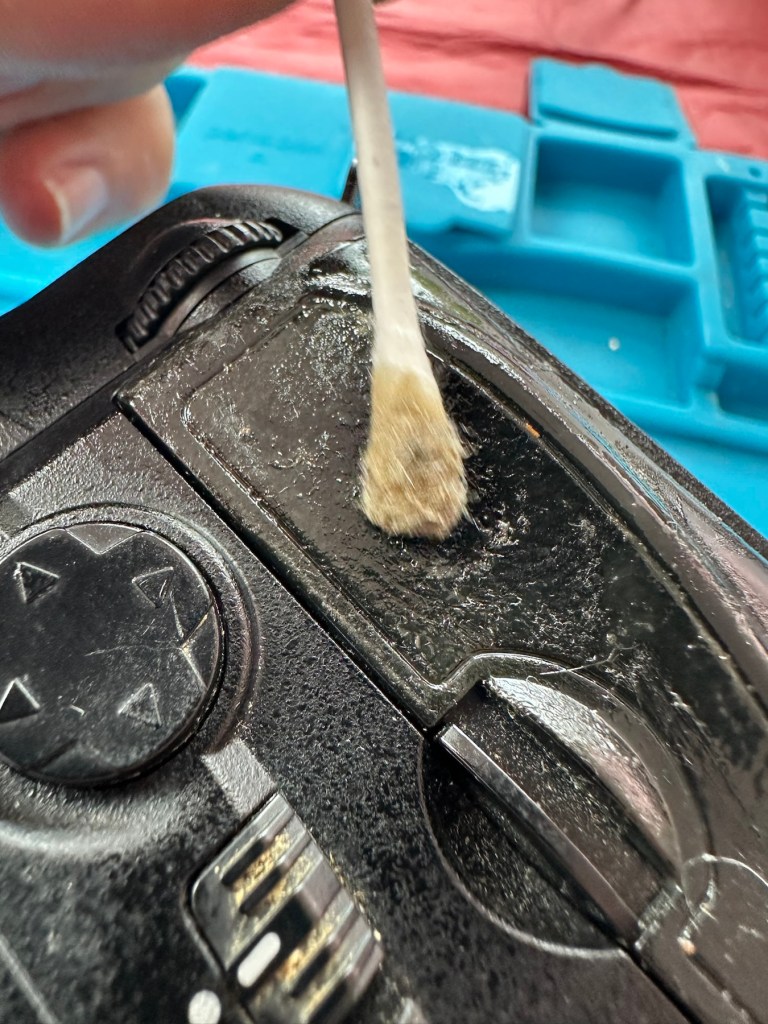
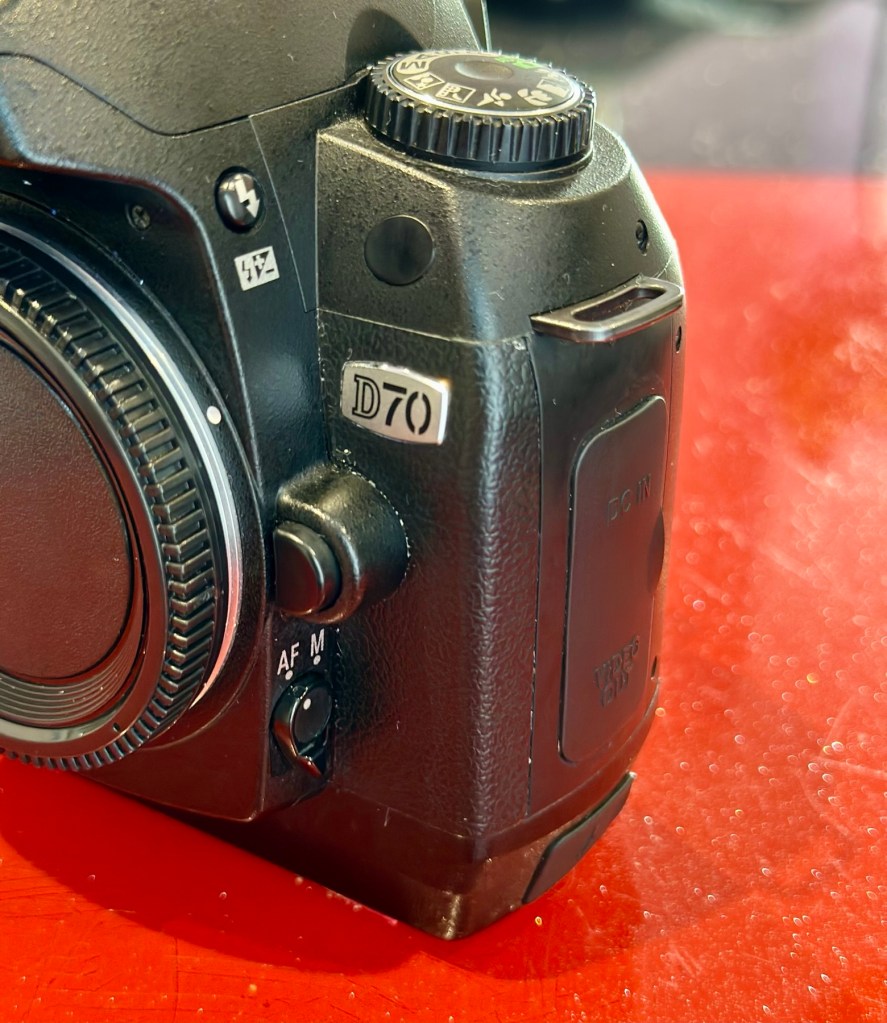
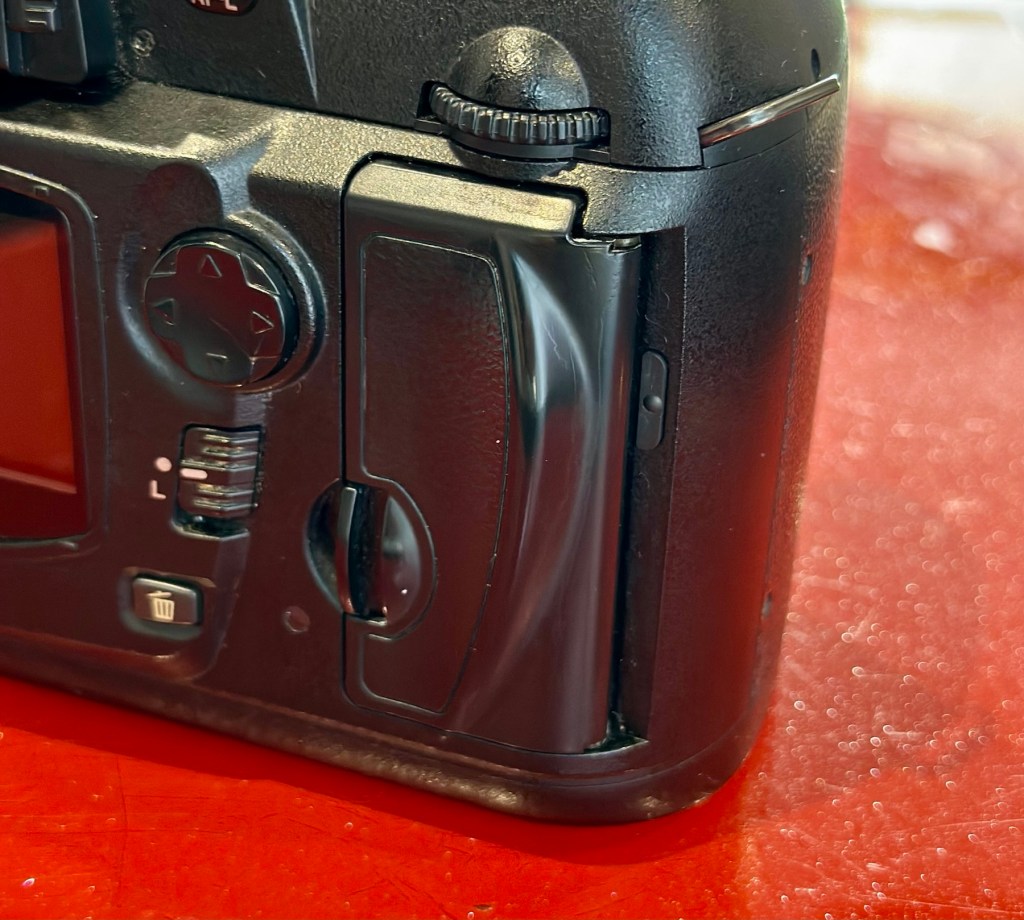
My particularly sticky Nikon D70

Ok there were probably no recalls regarding this issue, it’s just affected the price of these goods on the second hand after market, and more than likely a perfectly good unit has most probably gone to landfill for no other reason than “Feeling sticky”

Let’s look into the reasons why this occurs.

It’s pretty much down to a process called Vulcanisation. Vulcanisation is a chemical process that hardens rubber by cross-linking polymer chains, making it more durable and elastic. This process, often using sulfur, heat, and other additives, transforms natural or synthetic rubber into a material with improved properties like resistance to heat, cold, and deformation. 

However after many years, the process begins to break down, this causes the rubber to become sticky and in some cases the rubber just breaks down causing traces of rubber dust all over the place. Add to that the normal oils from fingers and palms and the stickiness then becomes highly noticeable, and makes for a very unpleasant experience.

We can’t stop the progress of the degradation, we can however do something about the sticky state, maintain good quality and make the use of the item as pleasurable an experience, just as it was when first purchased. Many believe the stickiness is down to the way the item is stored, and it not being used on a regular basis, as there is plenty of evidence out there of similar aged cameras not suffering from the issue at all, as they are used daily, namely by professional types where these cameras are tools of their trade.

It involves some work, and patience. I am writing this post as I have 8 cameras that i am currently working on, all Nikon D70/D70S and they all have this problem, and they date from 2004.

A load of very sticky Nikons

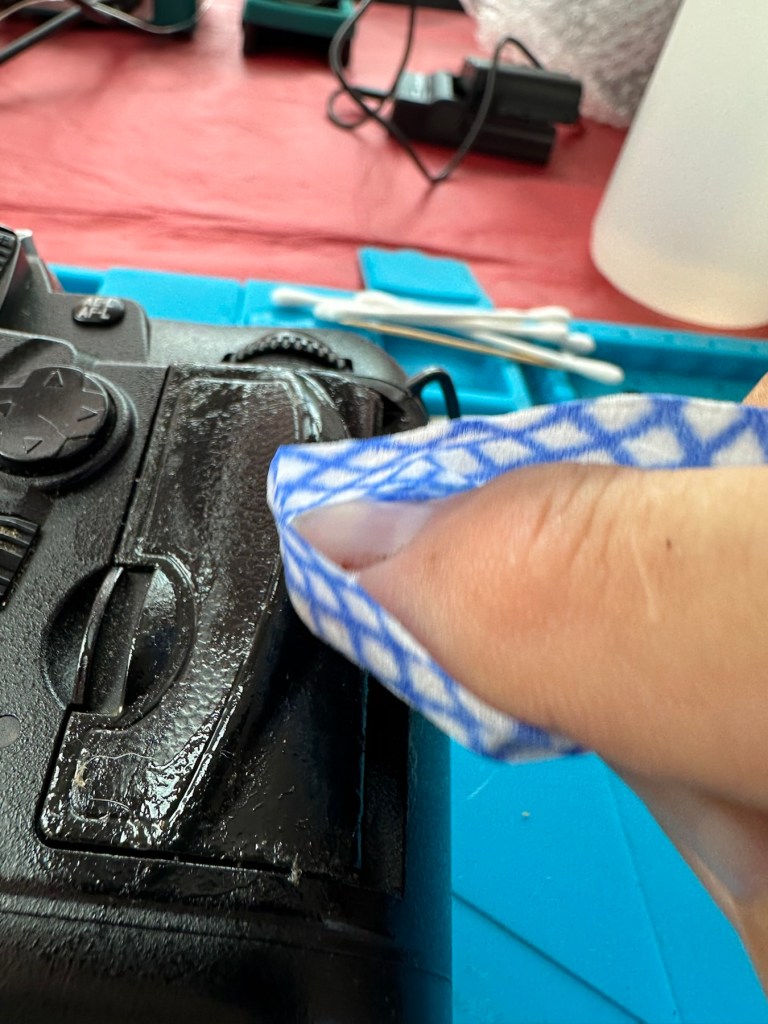
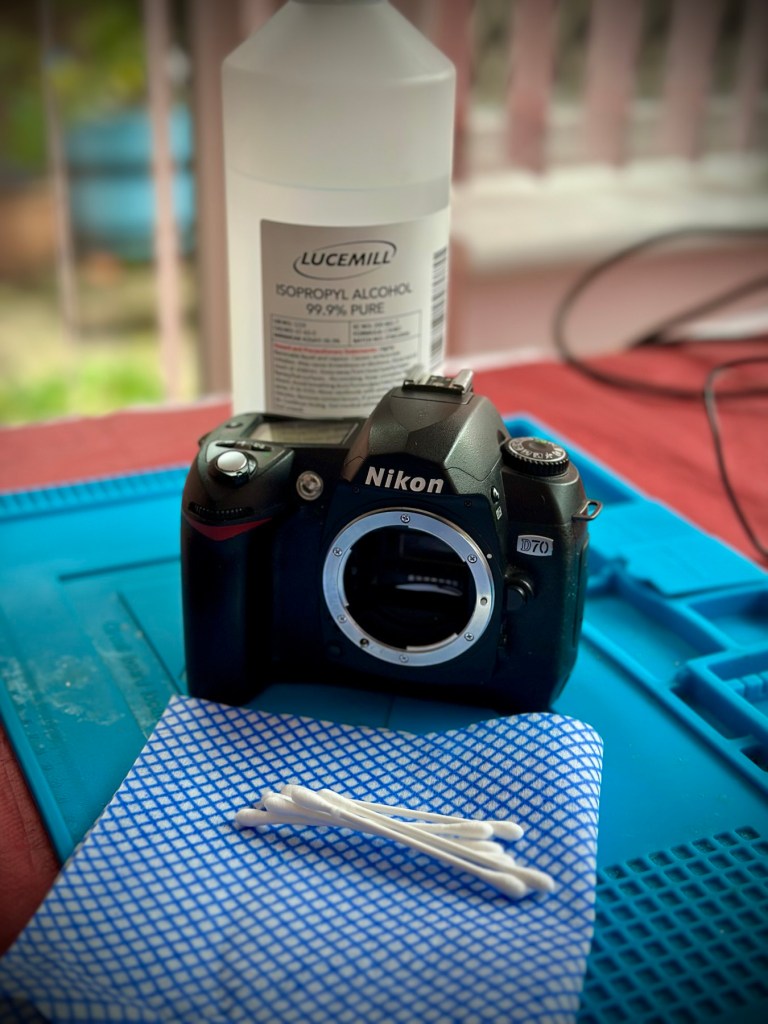
I use a process that you will easily find on line, the most simple process and it involves using a substance called Isopropyl Alcohol, my one is 99% pure, (also known as rubbing alcohol) I don’t think the purity of 99% is essential but i use it as i have plenty of it around, what with all the circuit board work i do, and the cleaning they also require.

Some people have had results just using a dry cloth and no chemicals, patiently rubbing and rubbing, some for a few hours at a time, until all the mess is removed. If that’s the way you wish to go then fine, i haven’t got the time for all that, i’ll be talking you through the way i do it below, with a chemical.

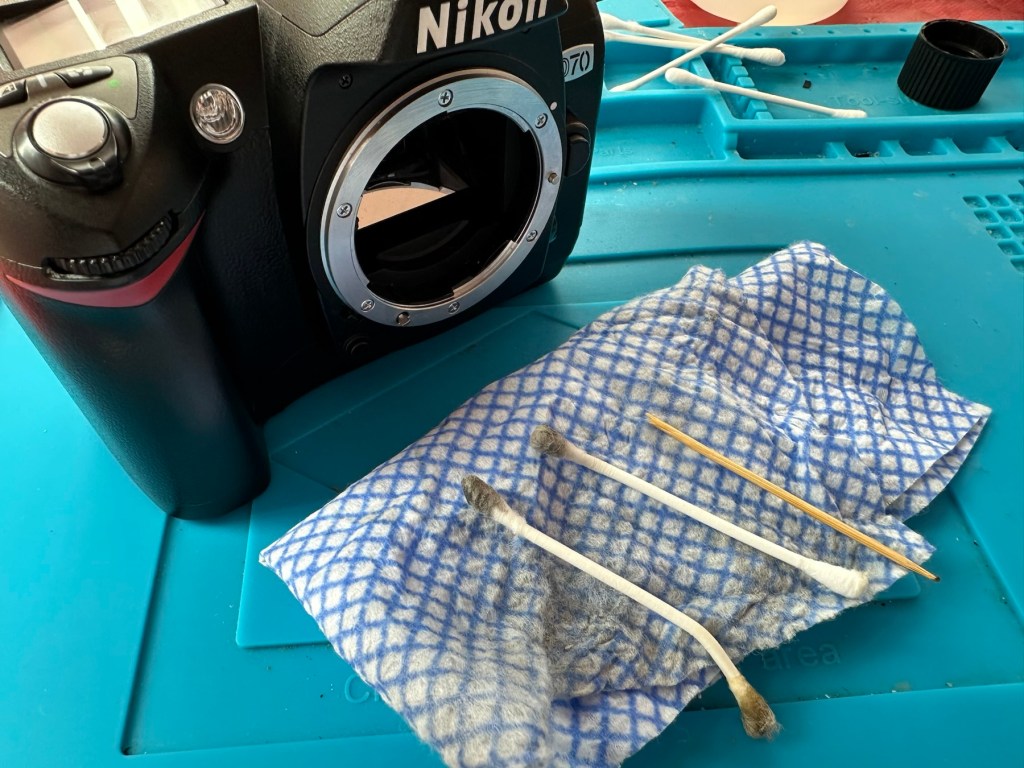
My technique is simple, lint free cloth and some cotton buds are all that i use, along with a tissue wipe (Such as armoral, or a car cockpit cleaner solution with a dry cloth) and a cocktail stick to finish. The reason for the wipe will become clear at the end.

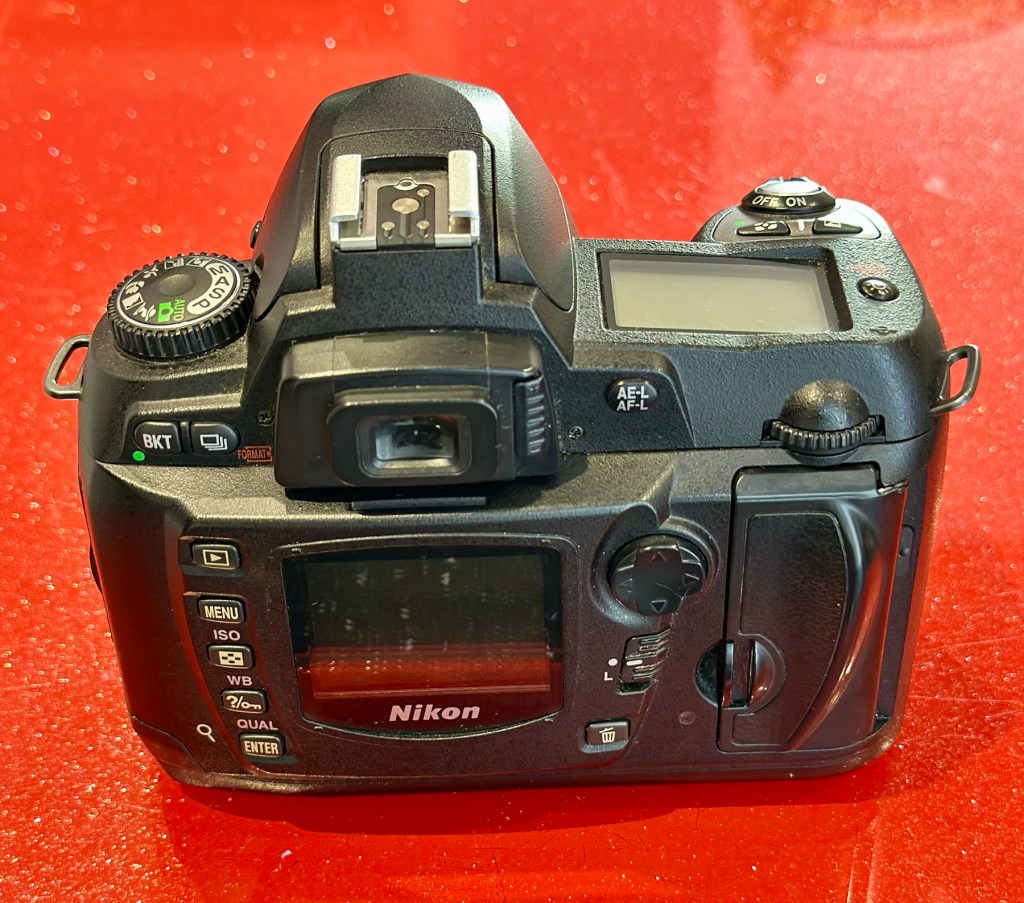
My Guinea pig for today is a Nikon D70 I have requiring repair. It is a particularly “Sticky” individual and will be a good candidate on how to deal with this sticky situation. This is the process I use on all my equipment that has rubber such as this as part of its structure. It’s worked for me for many years, some people say that it will need doing again after a short while, that’s never been the case for me, and there are a number of documented cases on line where six years after this treatment has been done, there is no repeat of the initial problem. The rubber remains good.

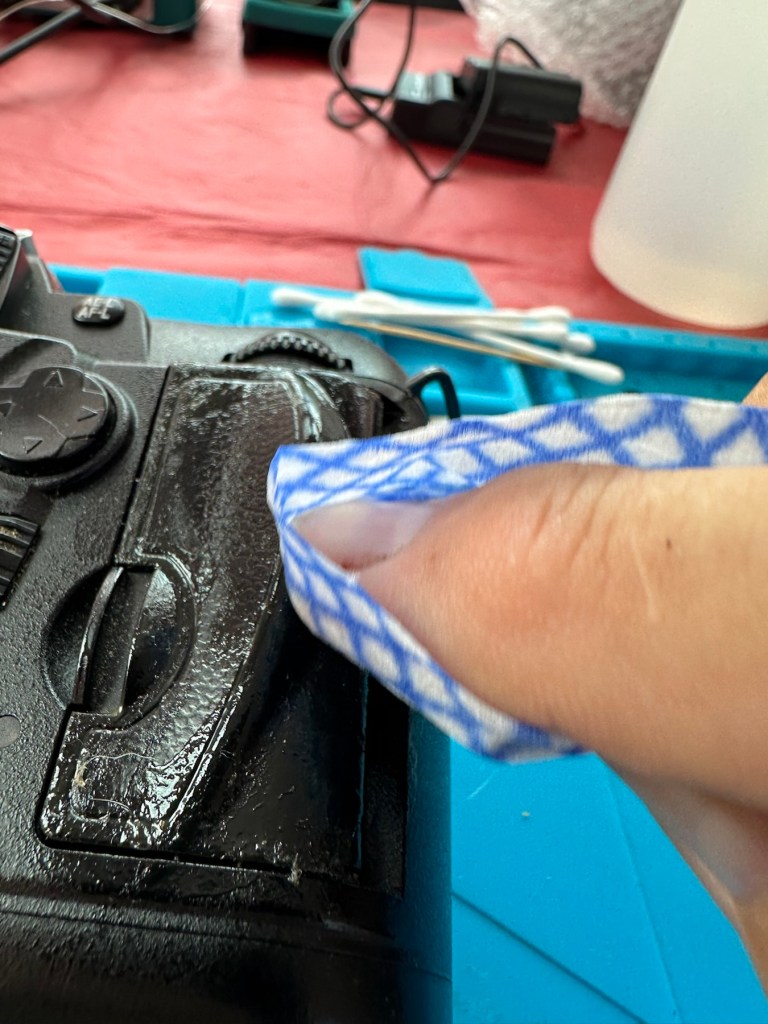
Using a small amount of IPA on a lint free cloth gently wipe the area of concern and you will see the stickiness start to lift, it looks like a glue.

Make your way around the whole camera paying particular attention to those really sticky areas. The IPA evaporates really quickly so you get to see results really quickly. If after one try the stickiness remains then try another application. A good indicator is that when you use a fresh part of the cloth, you see less dirt come off with each application. When you put an application on and come away with a clean cloth, your job is done.

The cotton buds are used for getting into those inaccessible crevices you can’t get into with the cloth. As before as they stay cleaner and pick up less dirt your work is done. All this cleaning and moving about of dirt sometimes transfers the dirt into creases and joins between the rubber and the camera body, this is what the cocktail stick is for, to get into those small gaps and scoop the dirt and debris out. Complete with a final application of IPA in this area and the dirty work is now done.

Now earlier I mentioned about using Amorall wipes or a car cockpit cleaner. Sometimes this process can dull rubber, as you have just removed the layer that was providing the gleaming glory back in the day. You can’t have it all your own way but a good quality interior dashboard cockpit cleaner really does add some shine and life to that old camera and really does do a good job of restoring it. I use Auto Glym interior shampoo on a lint free cloth and apply this by gently applying all over the exterior of the camera. It is now exceptionally clean. A quick rub over with a dry cloth once this is dried and what more can I say? This is a different camera, looks stunning and has lost all trace of stickiness and dirt. Now it has that extra layer of protection as well, it’s now a pleasure to behold.

The finishing touch.

This little task probably took just over 20 minutes to achieve and gives so much satisfaction to me as you can see a cameras appearance change in front of your very eyes, and anyone can do it. No camera deserves to go to landfill just because it has this sticky exterior, it’s simple to do and can revitalise an old and much loved camera.

I hope this has helped with dealing with the stickiness issue, if you ever experience it. I have even heard reports that a good quality window cleaner can also give similar results, but I’ve never tried it, so there really is no excuse if you have a camera in your ownership needing similar attention.

Many thanks for passing by. You legend👍

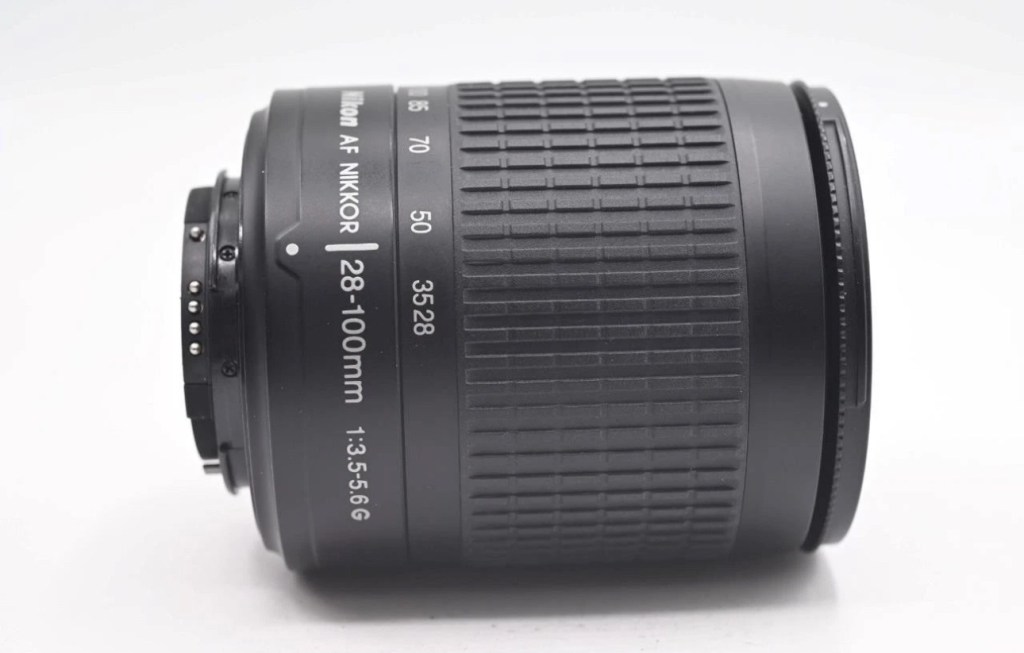
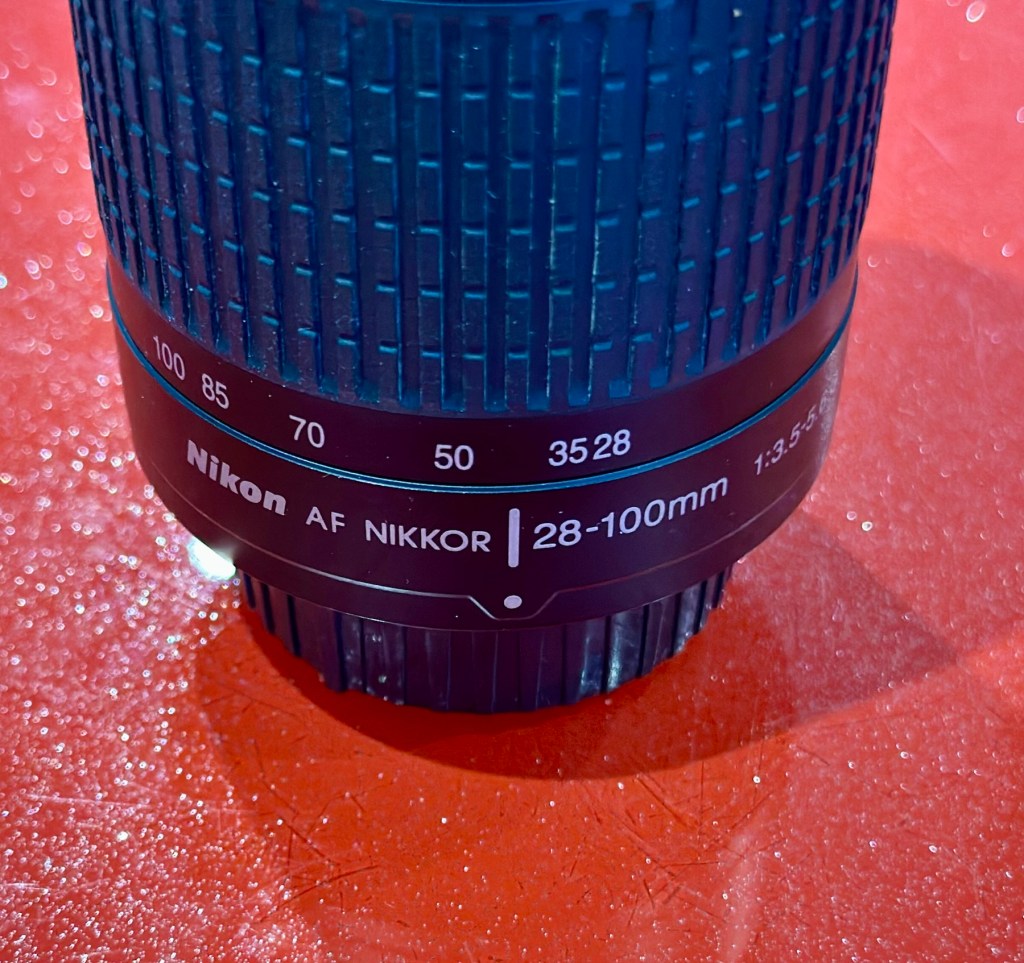
Nikon 28-100mm AF Zoom Nikkor Lens G AF-D

What the listing stated:

Nikon Nikkor 28-100mm Zoom Auto Focus Lens F3.5-5.6 G 

It will autofocus with: Df-D1-D1x-D1H-D2-D2x-D2xs-D3-D3x-D3S-D50-D70-D70s-D80-D90-D7000-D100-D200-D300-D300s-D600-D610-D700-D750-D780-D800-D810-D850-D7000-D7100-D7200-D7500 & Fuji S1, S2, S3,S5

This lens will not autofocus with : D40-D40x-D60-D3000-D3100-D3200-D3300-D3500-D3600-D5000-D5100-D5200-D5300-D5500-D5600 as these cameras do not have integrated autofocus motors in their bodies, but it will still work with manual focus and auto exposure as it has a “chip” mount. 

It will also work Nikon 35mm AF film cameras:  F80, F90/90x, F75, F70, F65, F60, F55, F50, F80, F90/90x, F101, F100, F401.

Comes with front / rear lens caps

EBay

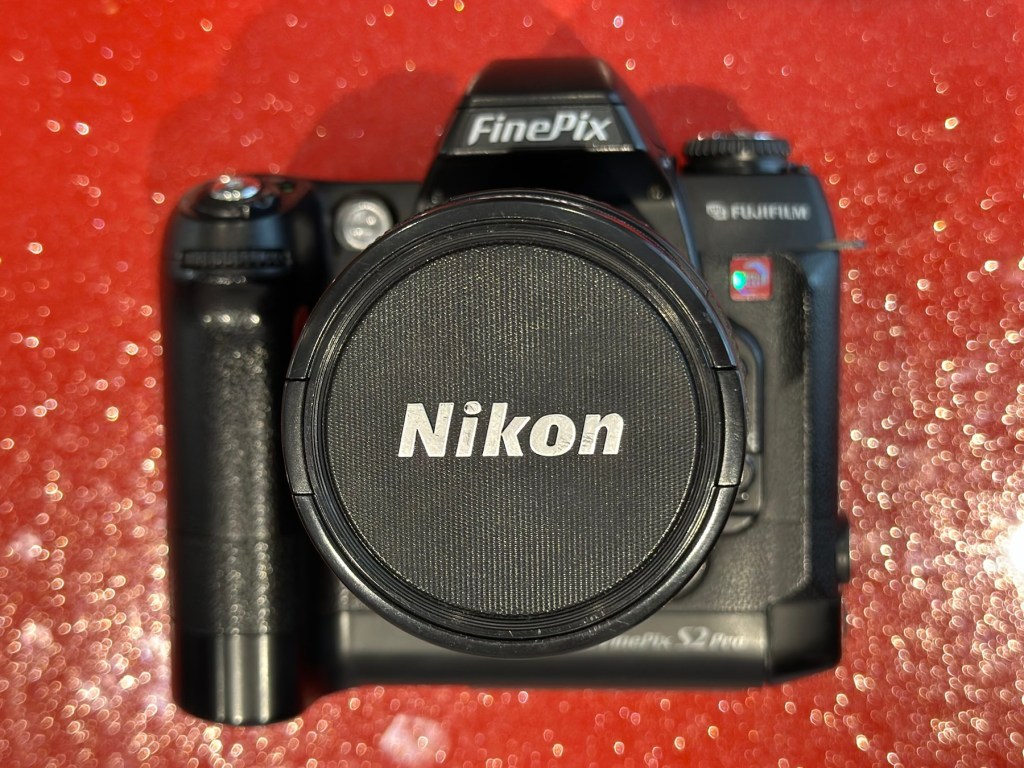
Anyone that has followed my recent repair of the camera: Fujifilm Finepix S2 Pro will be aware that I purchased a lens as a test lens for working on some stock that required a Nikon mount. I went cheap and purchased a lens that was so badly affected with lens fungus that it will require a deep clean and some TLC. Anyway, it allowed me to test electrical contacts and all the menus, and that was about it, it served a purpose there, but taking a picture was like looking into a deep fog, it was hopeless. Anyway that lens is now set aside and will become one of those projects to dig into on a long winter evening…or two, or three.

As I have a number of Nikon based cameras needing assessment on the horizon, some with sensor issues, i have made the decision to pay a little more for some quality, from a company called AP photographic who specialise in quality used equipment, a company that is based close to where i used to live down in the south. This Lens has cost me £58:95GBP including postage, a fair but good price for some peace of mind. This post will not be a repair post as there is nothing wrong with this lens, it will be more of an assessment of the lens when used with the Fuji S2 pro i featured in a previous post.


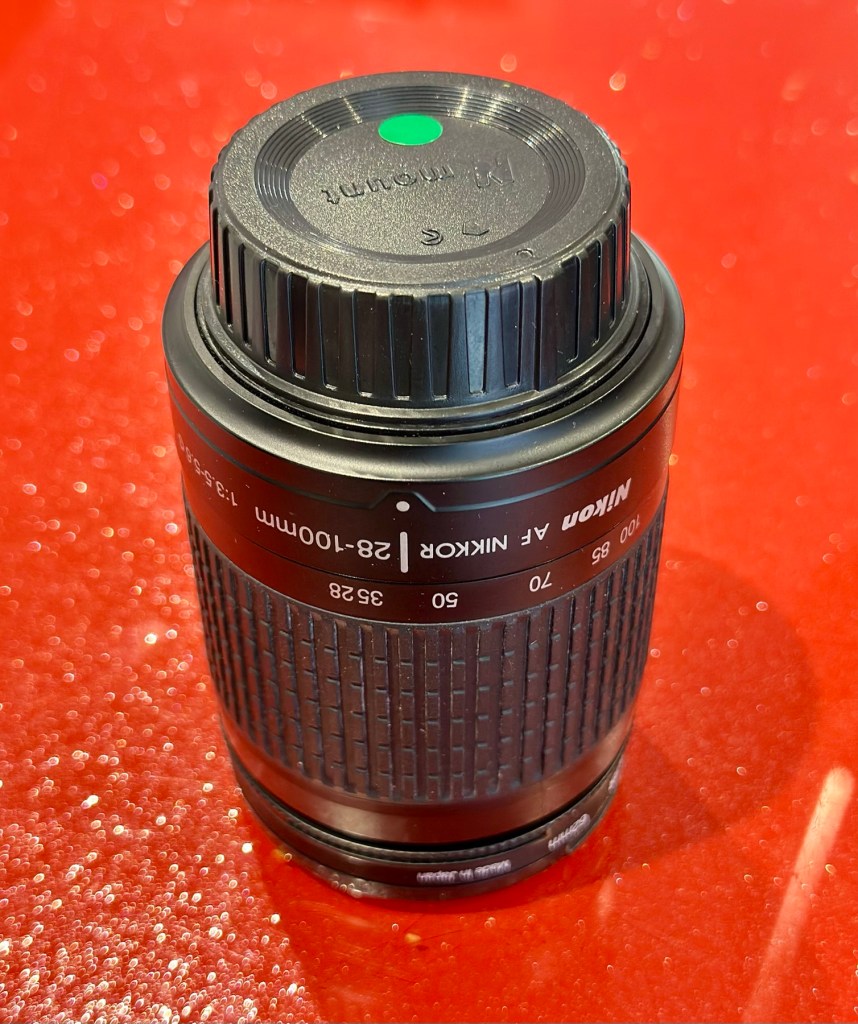
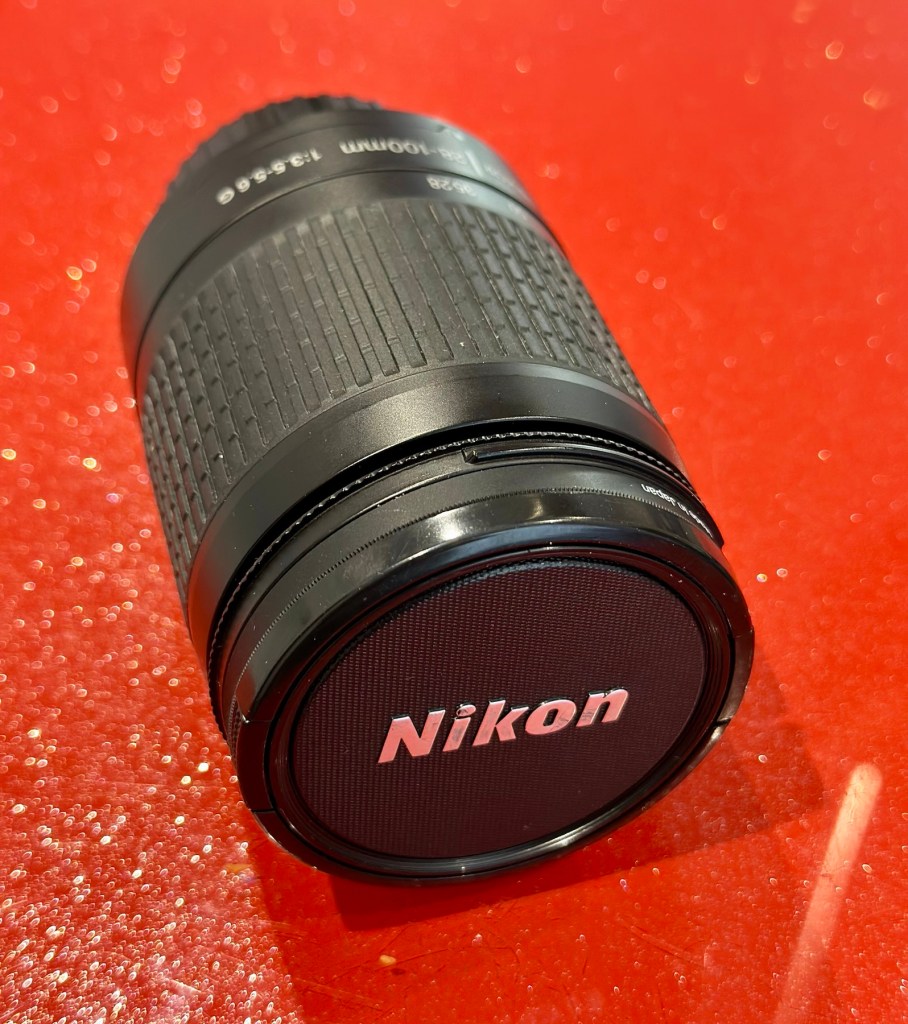
Nikon Nikkor 28-100mm Zoom Auto Focus Lens F3.5-5.6 

I’ve put this post up to show the difference in the pictures taken on the S2 with both the old lens as well as this lens. I think the results will show quite a noticeable contrast and confirm just how restrictive a lens is when it is infected with a fungus problem.

Assessment:

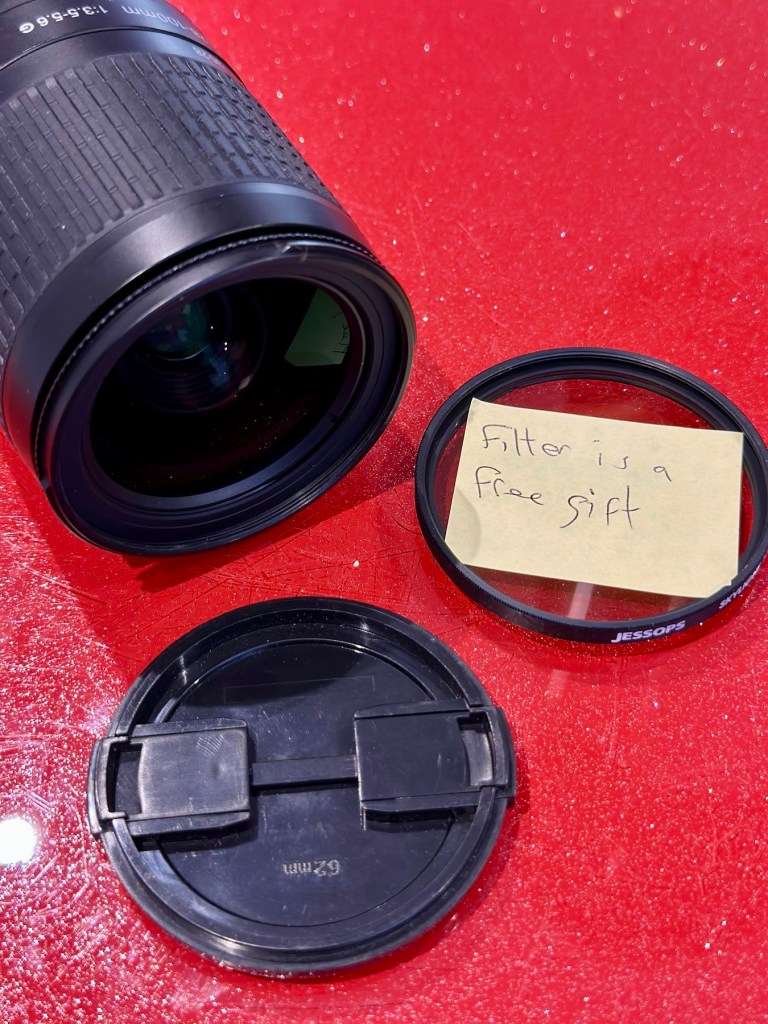
The lens arrived within a couple of days and is in perfect condition. It has a lens cap and bayonet cap so is perfectly protected against dust dirt and damage from foreign objects. And when the lens cover is removed there is another little surprise, a post it note saying “Filter is a free gift” that just happens to be attached to a daylight filter. Nice little touch 👌

Lens is a perfect fit, no aperture ring on it as it is fully automatic, full autofocus. I’m not sure how the flash will work with this lens though when I use the Fuji S2 Pro, as that body works best with a fully closed lens aperture, but I’m sure I’ll be able to work it all out and get it functioning as it should. And I did, i played with the Aperture settings in “A” mode and it works just fine. It’s faultless.

That said on the S2 it not only looks good, it takes good pictures. Compared to the lens I last used this one is crystal clear, not a bit of fungus no aberrations and not a speck of dirt. This is a good lens and will serve me well for the purpose of testing other equipment I have awaiting attention. I think I’ve purchased a good example here.

Result:

I can confirm that the Fuji S2 Pro does not have a thing wrong with it and is working perfectly. All modes, all conditions are performed just as they should be. This lens is gorgeous as it is so clear and has been so well looked after. I believe this whole unit will be the one I wander about with when i go out on my walks. I can’t wait to take some serious photos to post.

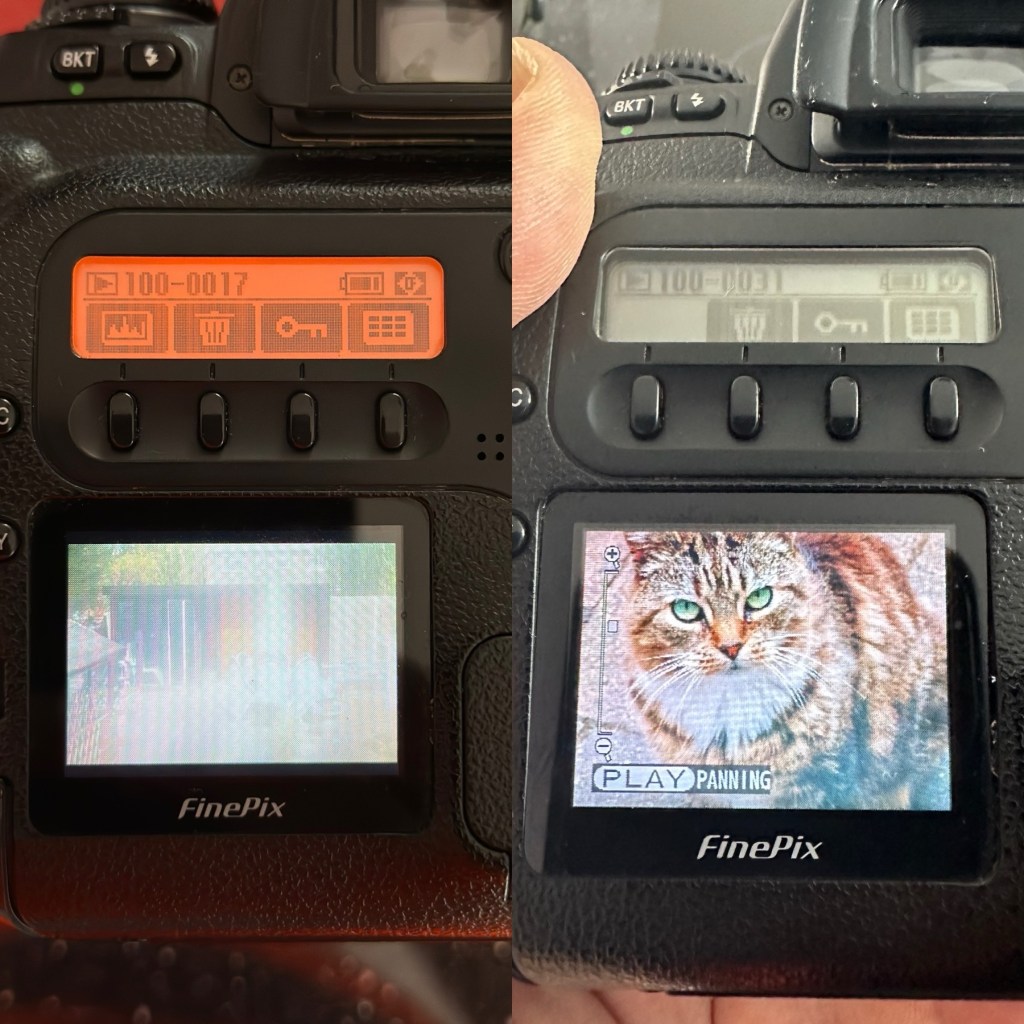
A quick comparison fungus lens v clear lens as seen on the camera LCD screen

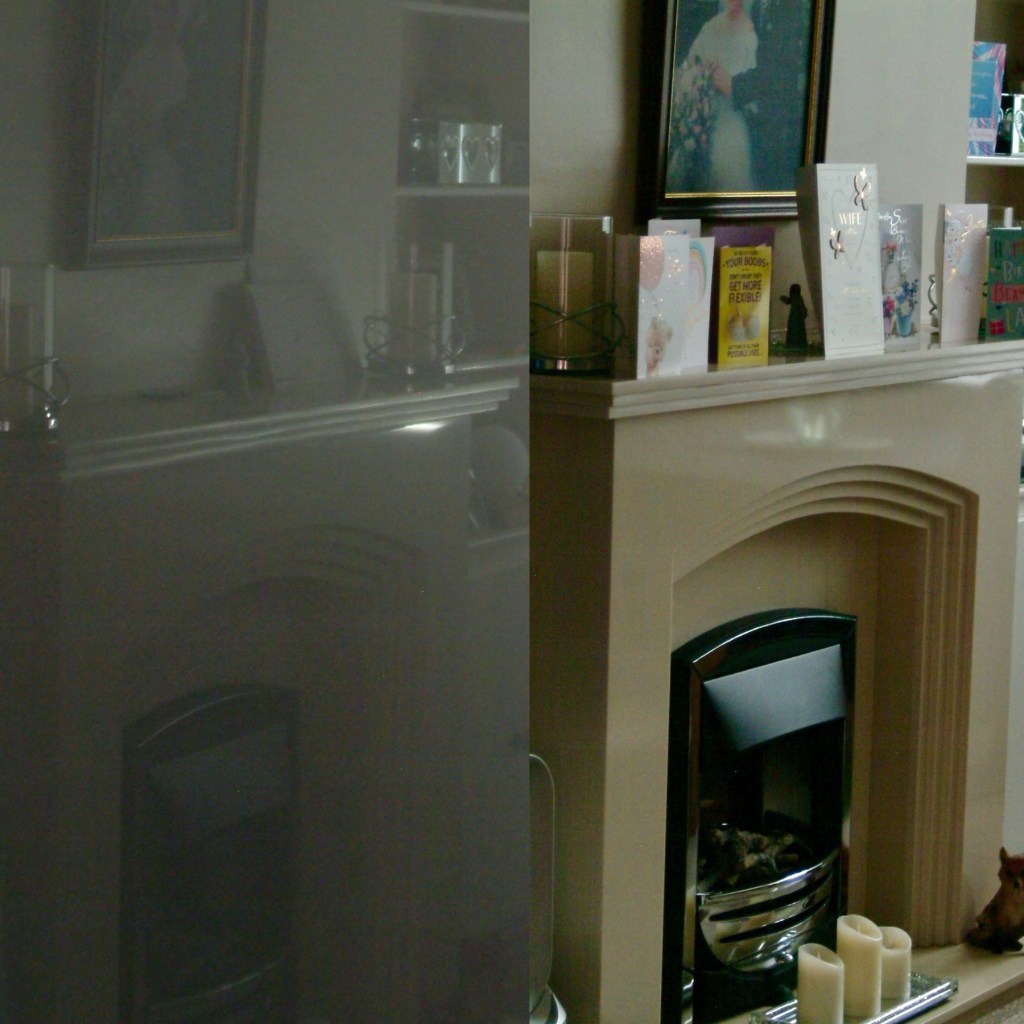
I took some pictures just randomly around the home setting with the old lens to show how foggy things were with the lens fungus. I have tried to take some more photos of the same locations with the new lens as well to just show how they compare and these can be seen in the pictures grouped below.

Before and after pictures, what a difference the fungus has had on the results.

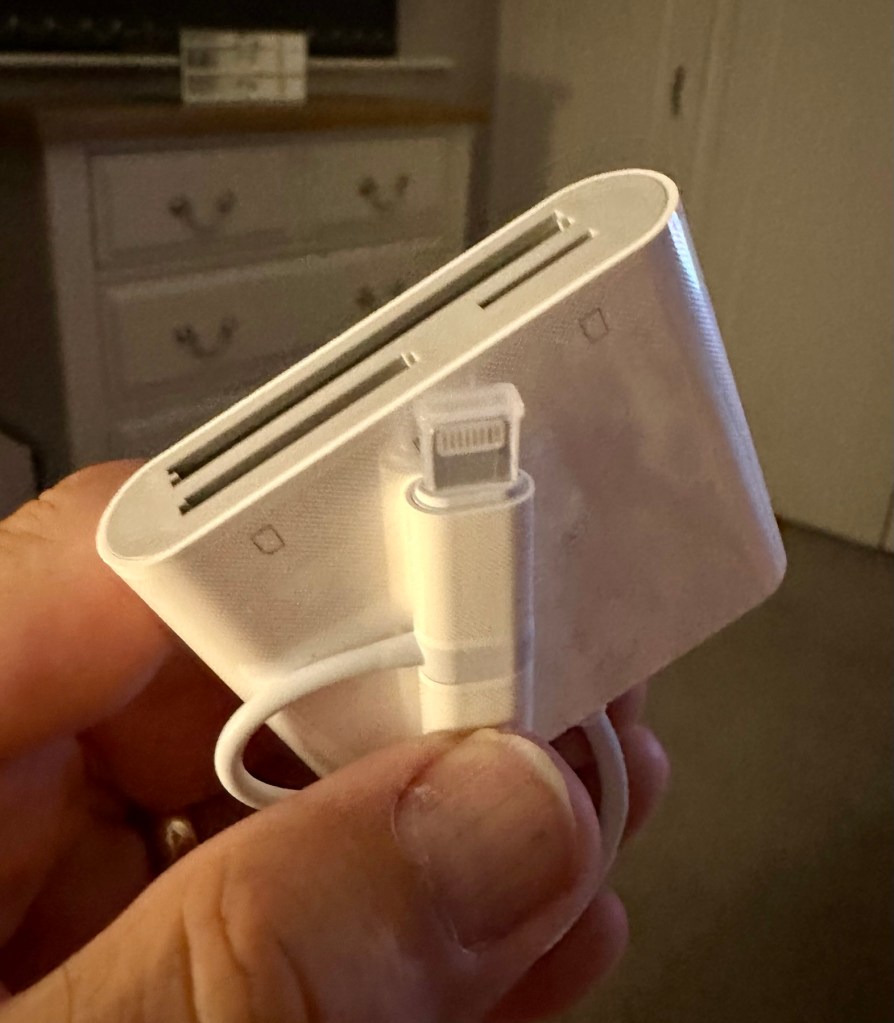
All these pictures are on an old CF card so it is a bit of a palaver to get them on to new technology, but it is doable, it just takes a little time, and this gadget allows me to load numerous card types even the CF cards direct to my iPhone via a lightning connector. It also has a USB-C connector for other phones. It works really well as you can see in all the pictures in this post.

Multiple media cards direct to my iPhone

And below are a few random photos taken on the S2, it has a good black and white mode but is quite heavy on contrast. Post editing would probably be recommended, but to be honest I really love its moody appearance.

4 random photos in and around the house. And Tabs the feral cat popped by

This camera and this lens have proved fantastic. I know you can get far superior picture sizes and quality on a basic mobile phone, but where the heck is the fun in that? This camera cost me £8:00GBP. Just £8:00. And it is a superb camera that will be going on many trips with me as I just love it and how it looks. I now know it intimately after reading up on it and testing it, and cannot wait to put that knowledge to use.

Cameras are better than mobile phones. Old ones like this are fun, and an absolute privilege to use. It’s not all about the Megapixels, just remember these old cameras were the ones taking high quality professional pictures back in their day. Just because time moves on, and just like an elderly old lady or gentleman, they should not be discarded because they no longer serve a purpose. Respect the older technology, learn from it and you will ultimately become a wiser person yourself. Oldies rule! Never forget it. 👊

Thank you so much for passing by. It’s always very much appreciated.
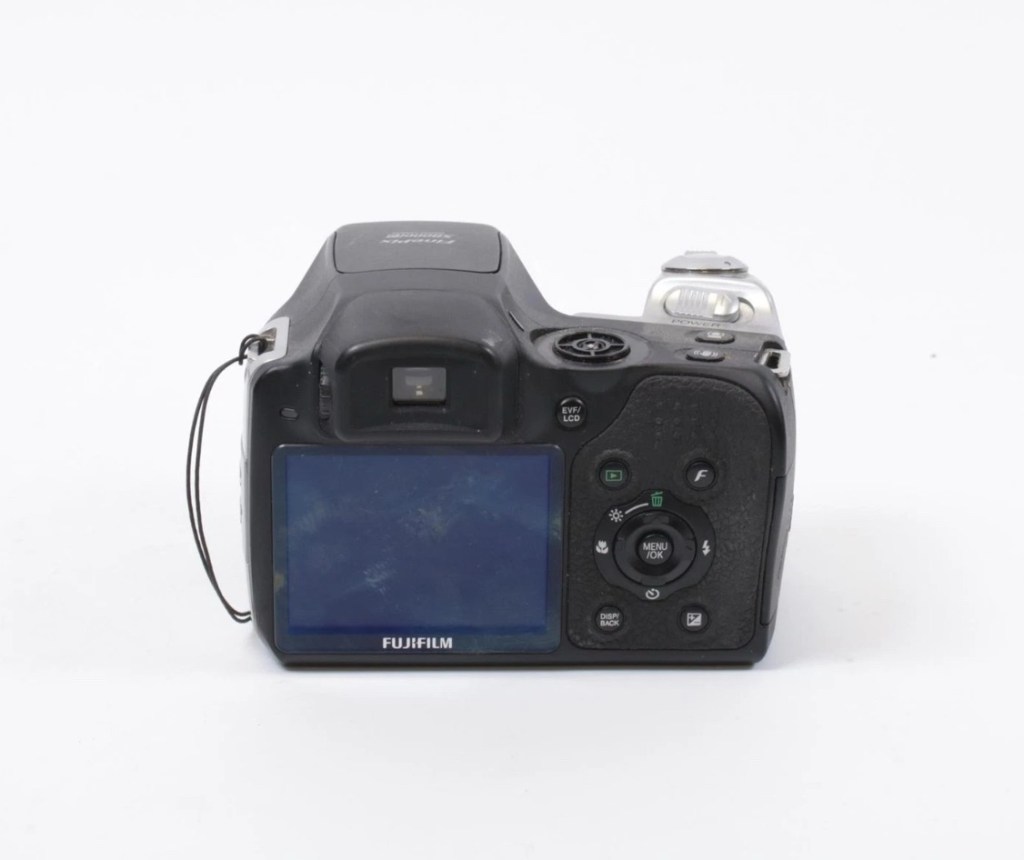
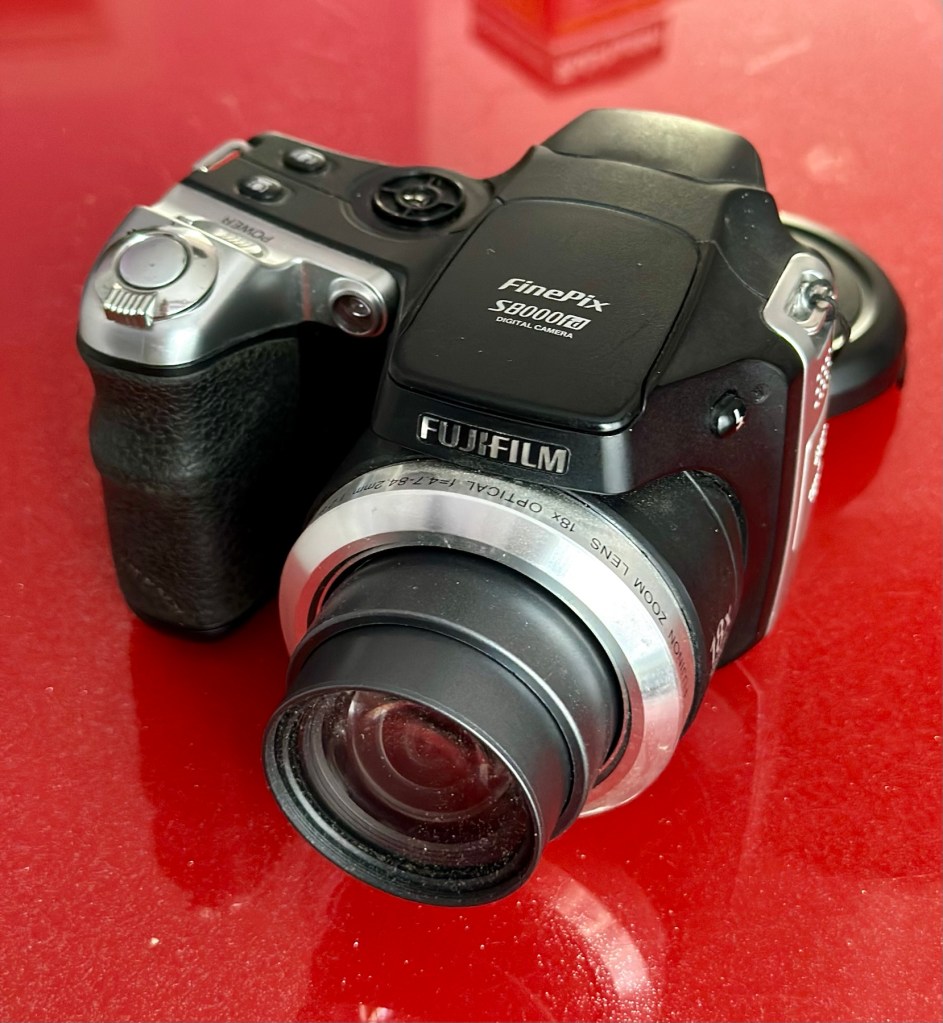
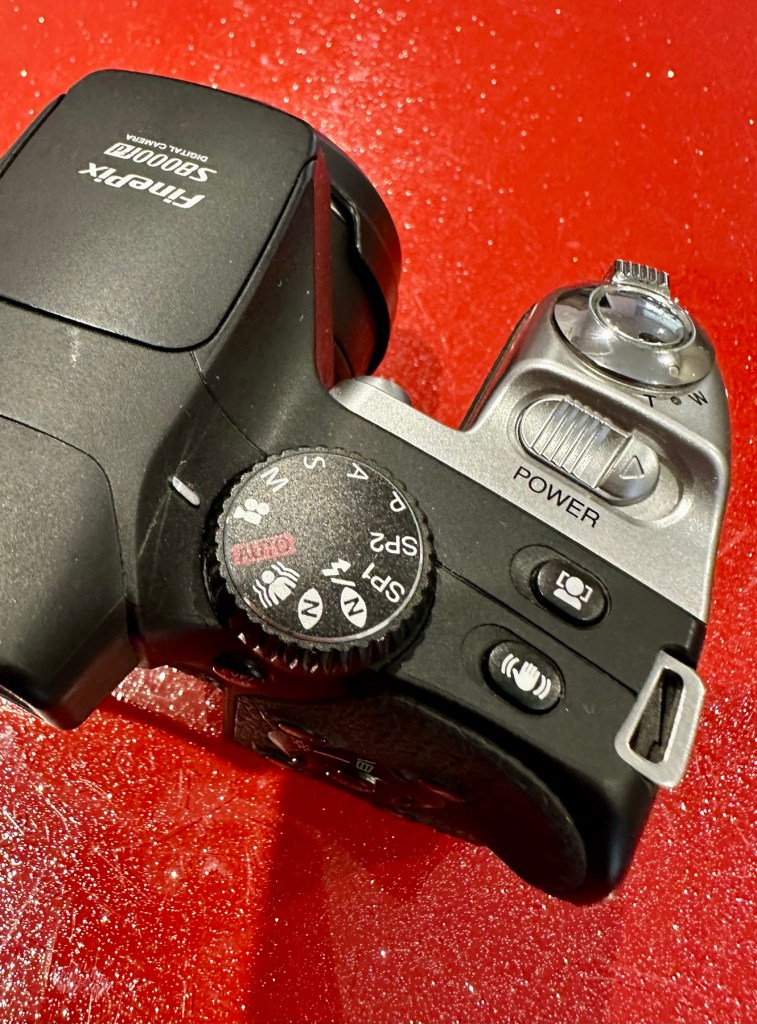
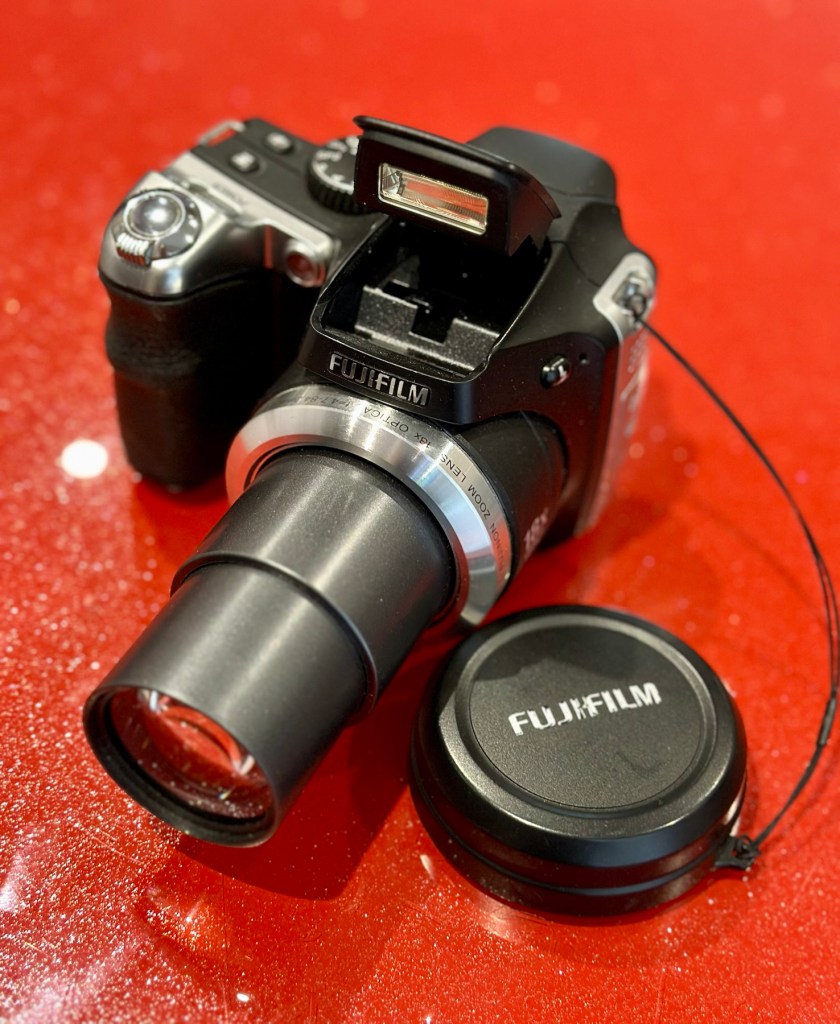
Fujifilm Finepix S8000fd

What the listing stated:

ALL ITEMS IN THIS LISTING ARE FAULTY 
FAULTS MAY VARY BETWEENS ITEMS

SOLD AS IS

NO RETURNS

EBay

I’ve purchased three cameras as a job lot in an auction. All of them have issues but the issues have not been clarified. This is very much a “Suck it and see” auction where I get what I’m given. I’ve paid £24:22GBP for all three and that includes free postage. I’ve purchased from this seller before who is a bonafide Camera business based in South Wales. He has no time for faulty items though, quick in and out is his way of working, no time to fix stuff. I’ve got three good cameras in this bundle and this works out at just about £8:00GBP per camera. And where can you get cameras like this for those prices nowadays.

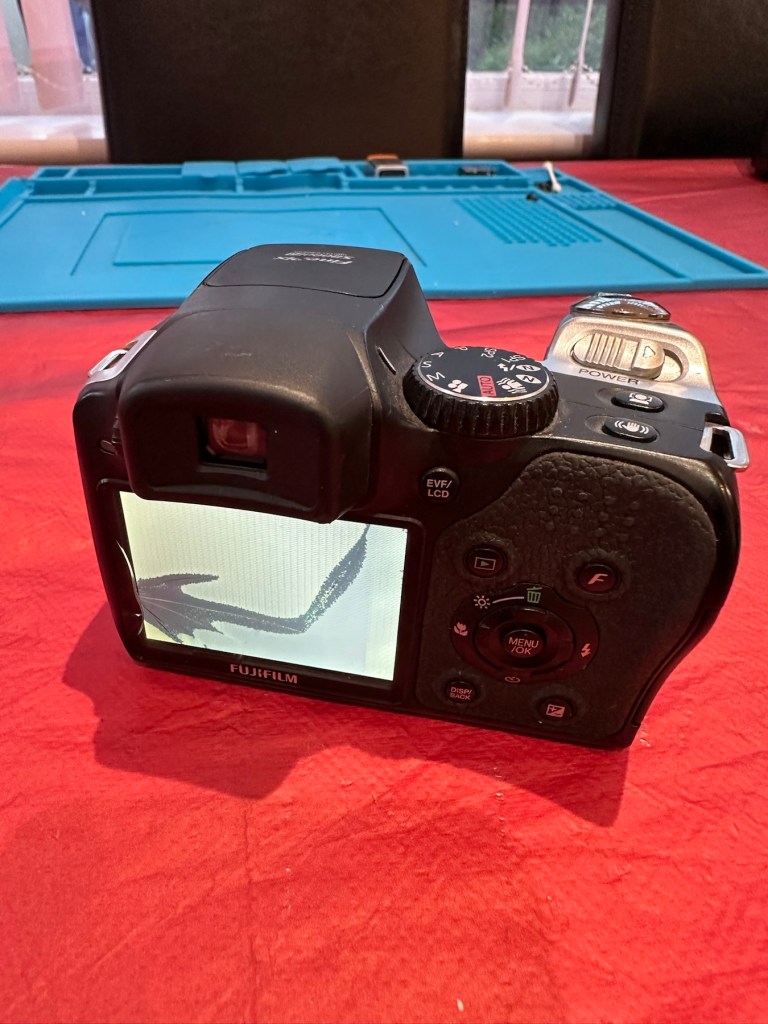
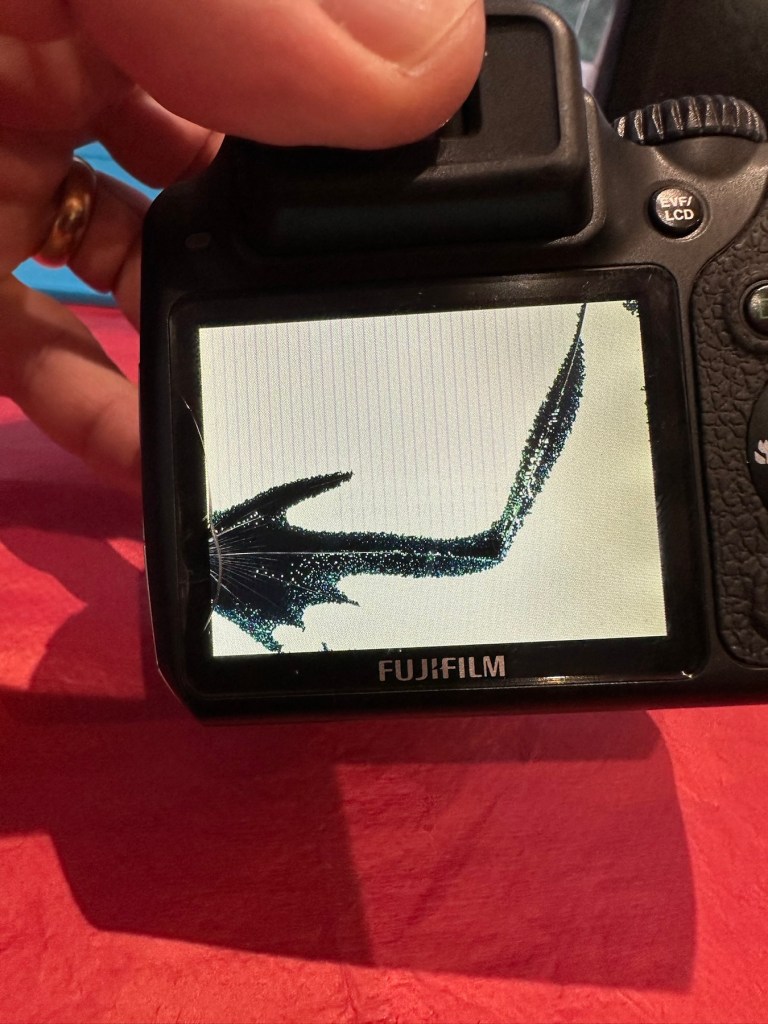
I really don’t know what the specific issues are with this camera, only that it appears to have the mode selector dial missing from its top. I guess we will just have to wait it’s arrival for a full assessment. In the meantime here is a little bit about it.

With the release of the FinePix S8000fd, Fujifilm brings to market a smart-looking digicam with an 8-megapixel imager, one of the longest zoom lenses in the market plus a compact, and relatively light, camera body. The cheapest of three similarly featured long zoom cameras in the current market (see table below for a feature comparison), the S8000fd has the distinction of being able to use both xD-Picture Card and SD cards (including SHDC), which are fitted in a single dual-format slot. Release date July 2007.

Photo review newsletter

Assessment:

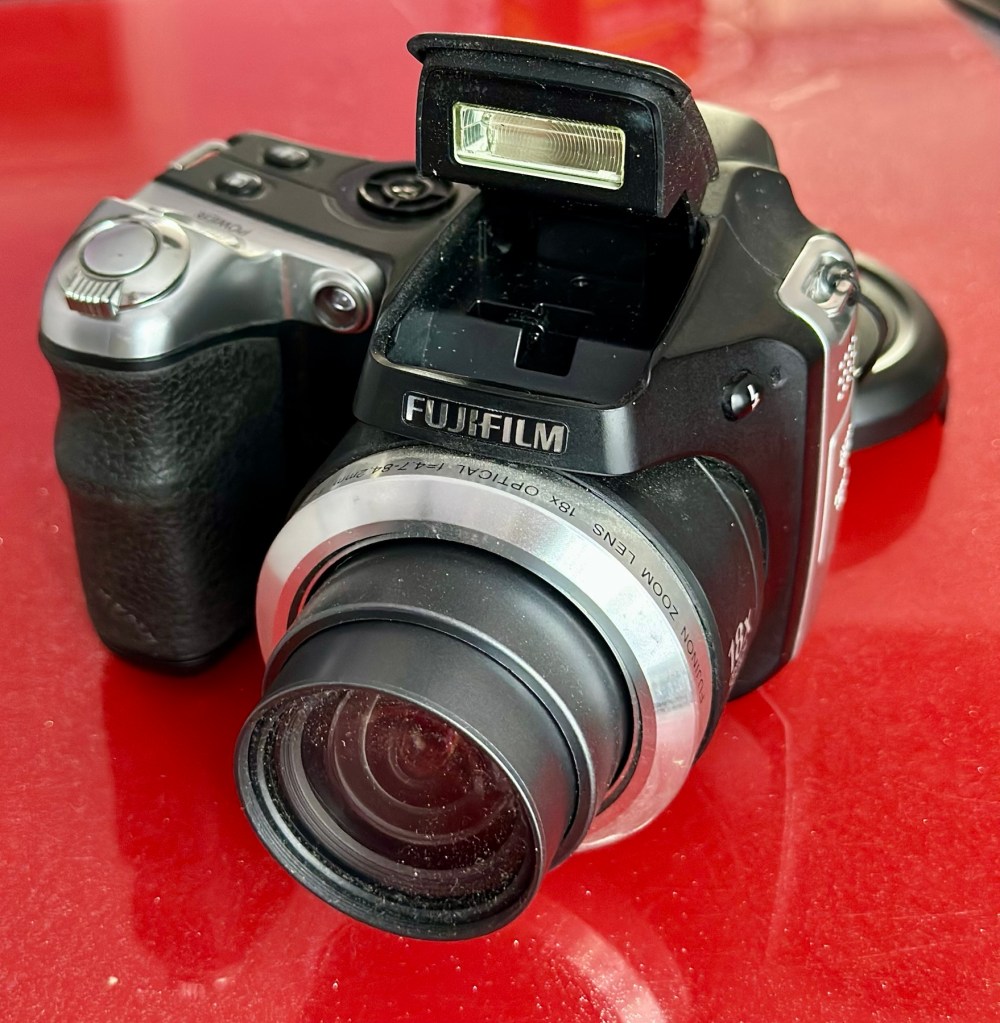
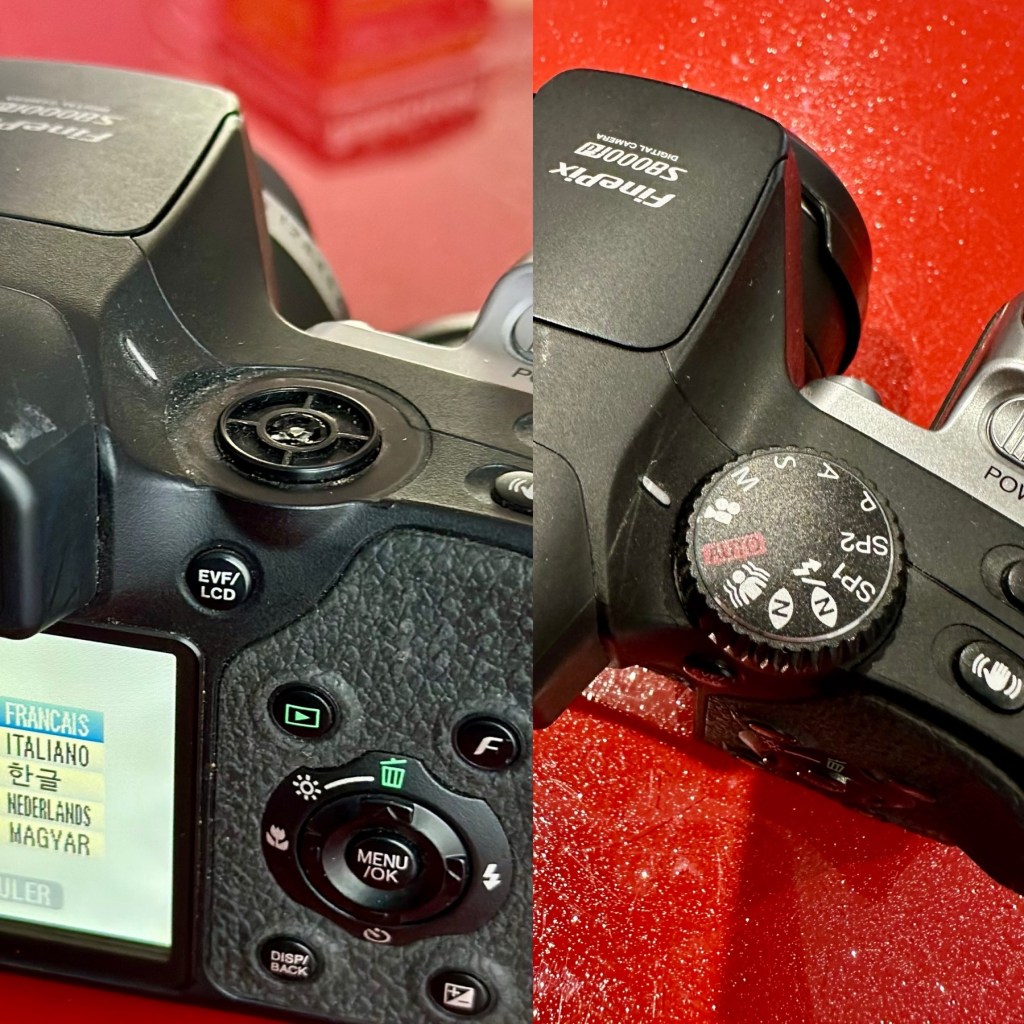
Well, to be honest, for potentially the worst camera in the box of the three that were purchased, it works just fine. Apart from that missing mode selector dial on the top of the camera. You have to use a pair of tweezers to get each mode to appear, but they are all there and the zoom and flash all work and it takes pictures fine, just as it should.

Apart from the issue with the dial, all that is really needed is a little clean up, and even that isn’t that bad.

It does not justify being used as spares and is far too good to just be disposed of. I’m going to try and repair this.

What a bonus!

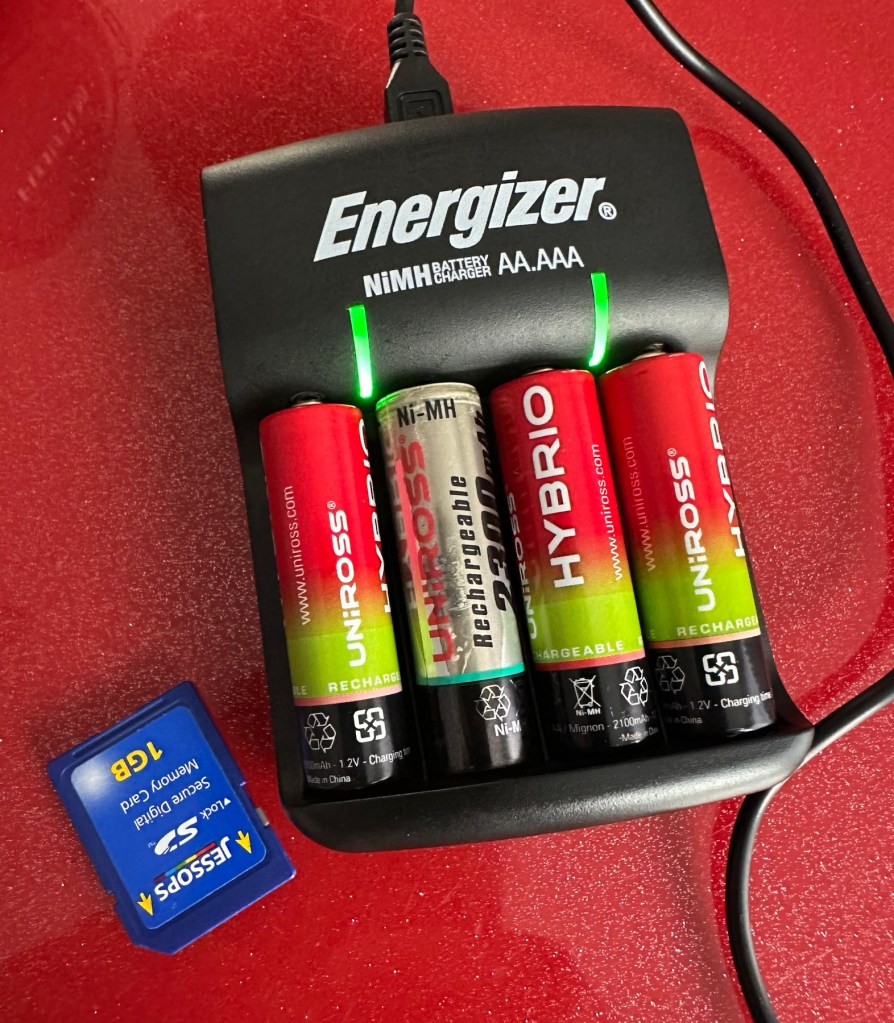
A little bonus was that there was a 1Gb SD card in the memory slot that works. There were also 4 rechargeable batteries in the camera that after a while on my charger, have fully recharged, and this makes the deal an even better one and quite a bargain to be honest with you.

Repair:

I’ve tested all systems, menus and functions on this camera and there really is nothing else wrong with it. It’s far too good to be used as a spares camera and deserves to be repaired.
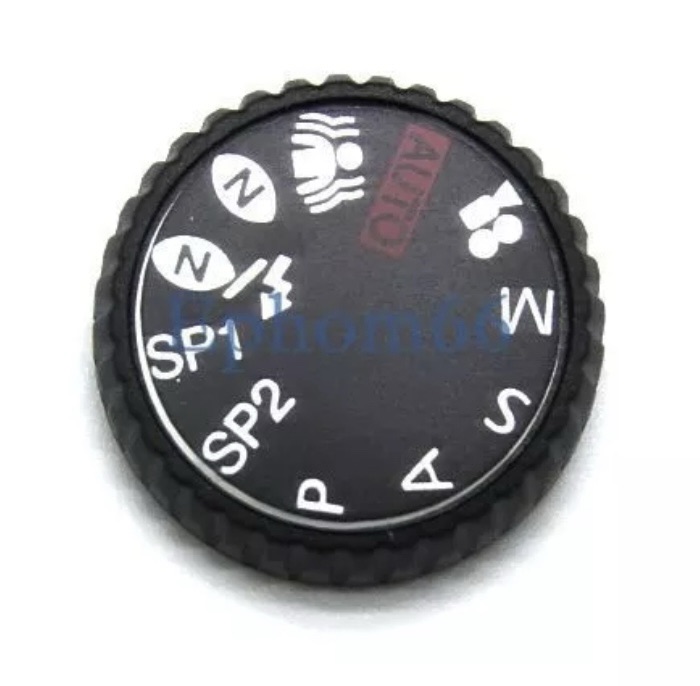
Missing mode selector dial

I have two options here, either buy the mode selector dial on its own from our friends in China, or buy another donor camera in a far worse state and available for about the same price as getting the dial from China. I just have to wait for that donor camera to first become available. I’ll give it a couple of weeks and if nothing comes up then China it is.

In preparation for whatever route I decide to take, I’ve decided to do some prep on the old camera and get the old selector dial mechanism taken out ready for the new dial to be put in place.

I’ve dismantled the camera unit to be able to access what is left of the mode dial switch.

This wasn’t too awkward to dismantle, half a dozen screws and a small plastic prise tool was all that was required to reach this point. There was some protectorate covering the metal frame of the switch housing that was contained by four tiny screws. Once this was loosened the housing came away and I was able to remove what was left of the old mode dial that had originally been in place. There wasn’t a lot left.

Remains of previous dial

The camera now sits in this position of being dismantled whilst I source a new dial to replace. As stated I have two options of buying a new dial either from China, or by getting a damaged camera as a spares source, and I’m currently looking at the latter as this could be purchased for about the same price as the dial from China, and would allow me a few more spares.

I’ve purchased another unit as a donor. The unit in question has a damaged LCD screen. I’m going to use that camera as a donor for the mode dial I require.

The donor camera has arrived. And to be honest it looks ok. It has been dropped at some time as the lens has a scratch on it, and the Rear LCD screen is damaged. That’s about it.

I’ve taken some pictures with this unit and the camera is working fine, as you can still view pictures you have taken through the viewfinder. It works ok, but I need this mode switch to fix another camera, so i’ll probably just use what remains as spare parts due to that scratch on the lens.

Let’s get the donor camera disassembled to harvest that mode switch.

There are only about six screws to get the back of the camera taken from the body, you just have to be careful not to damage the ribbon cable that is connected to the mode dial assembly that we are going to use today.

I did all the disassembly of the original camera to save time, and it took about 5 minutes to get the donor camera stripped down. Once inside there is some insulating material covering the switch assembly, this has to be removed but cannot be reused as it has lost its adhesion. When reassembled I have used electrical Kapton tape to replace the original insulation. This has worked just fine.

New Kapton tape insulation

Assembly involves checking that the button settings relate to the markings on the camera body, this is important at this stage as the last thing you want to do is reassemble the camera to find out that you have the dial in the wrong setup. Do it now and save time and reduce the possibility of damaging the connectors and body clips.

Before and after

Result:

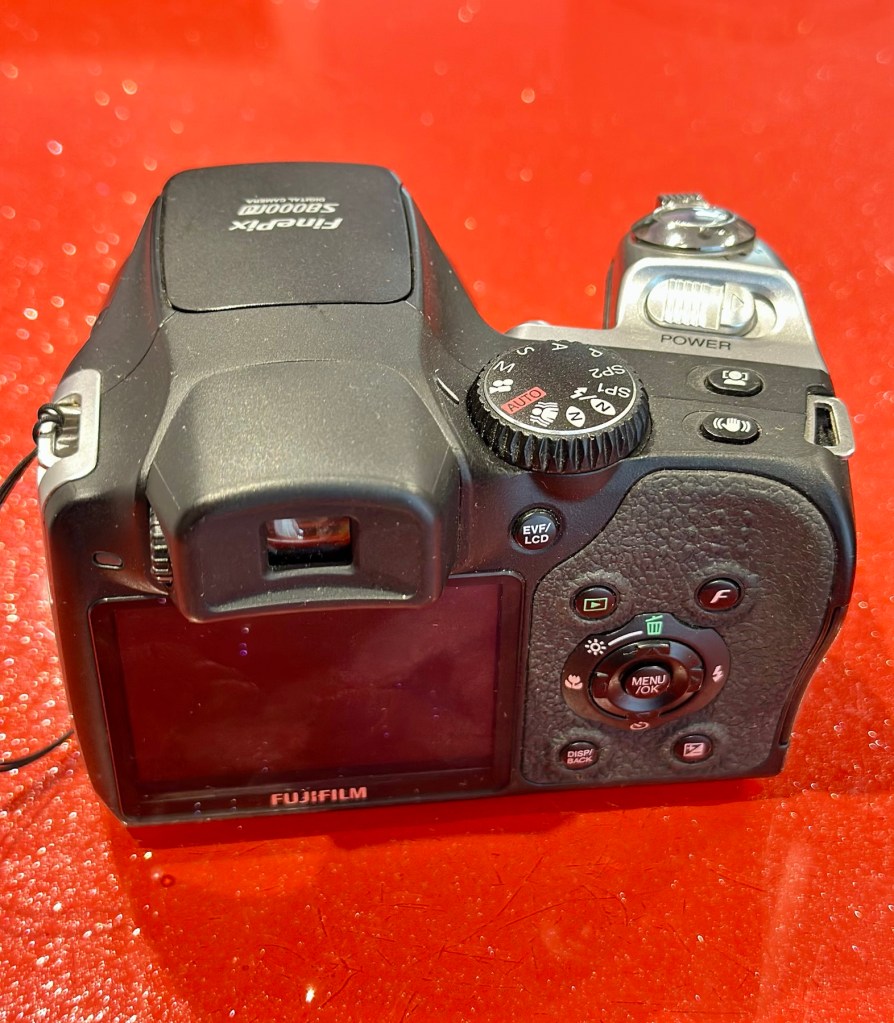
We have a beautifully restored and working and fully functional bridge camera that takes good snapshot photos. It’s not high end, it’s very much a learner camera but good at documenting what’s going on around you. Its mode dial that was missing is now working fine. A little polish and it has come up looking lovely cosmetically. it’s a good little unit.

Here are a selection of snapshots from around the home just to prove it’s working as it should. Nothing special, it just does what it was always built to do. Take snap shots.

It works. I’m happy. And another camera has been saved from landfill.

Thank you for passing by, as always it’s most appreciated.