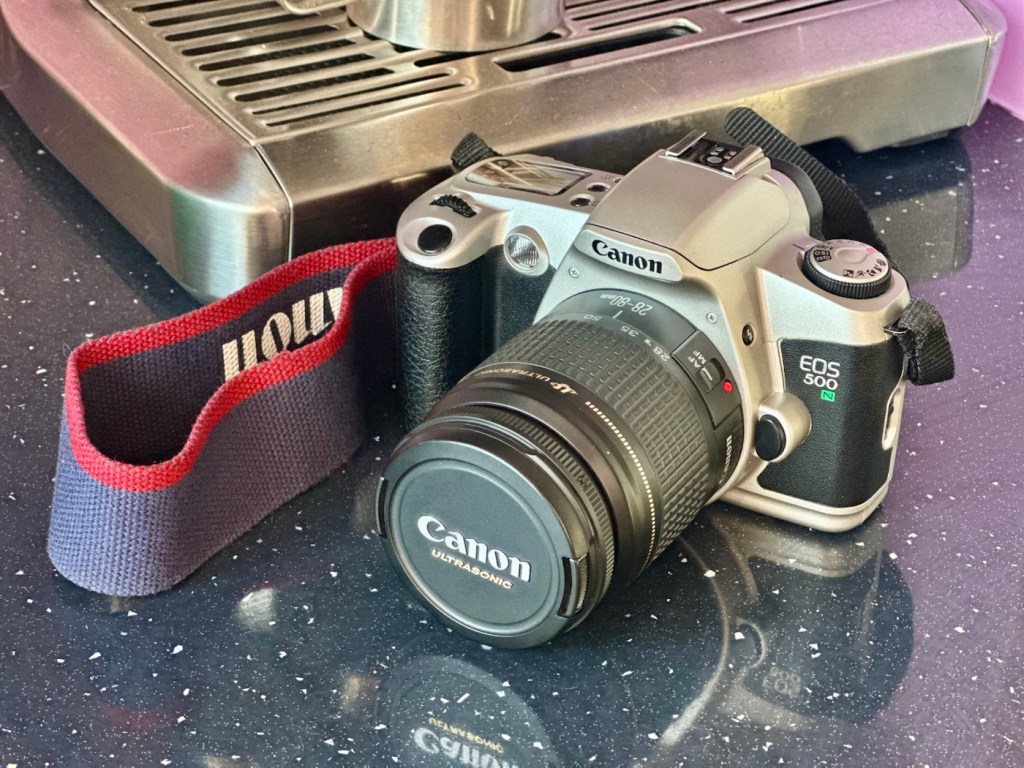
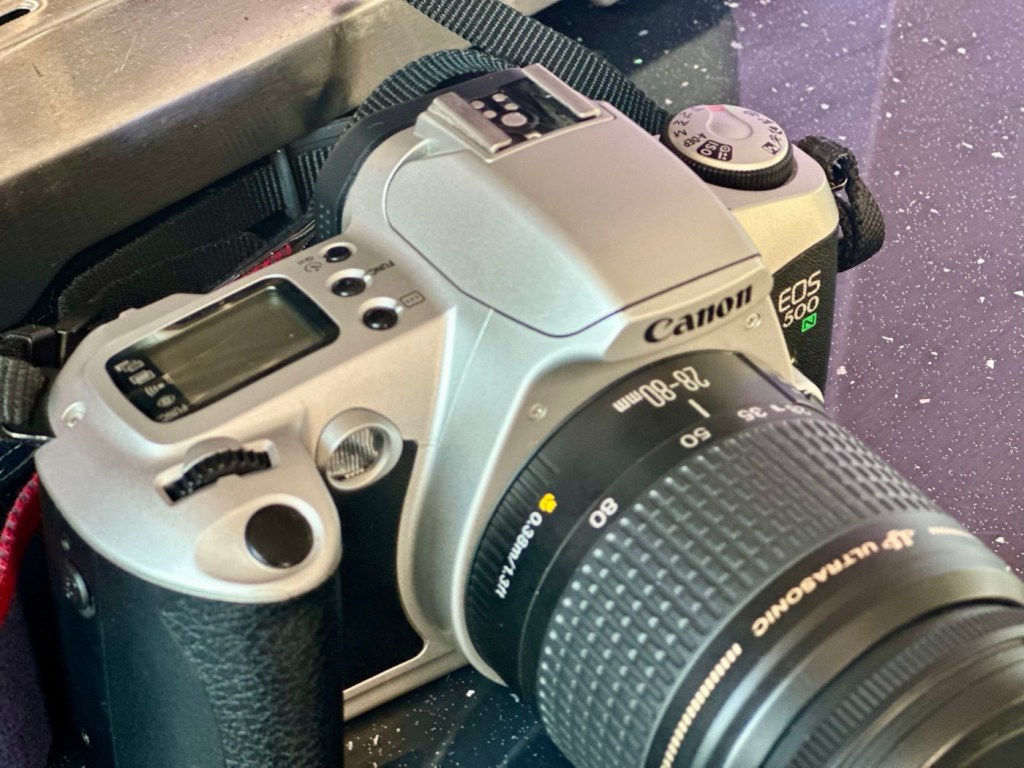
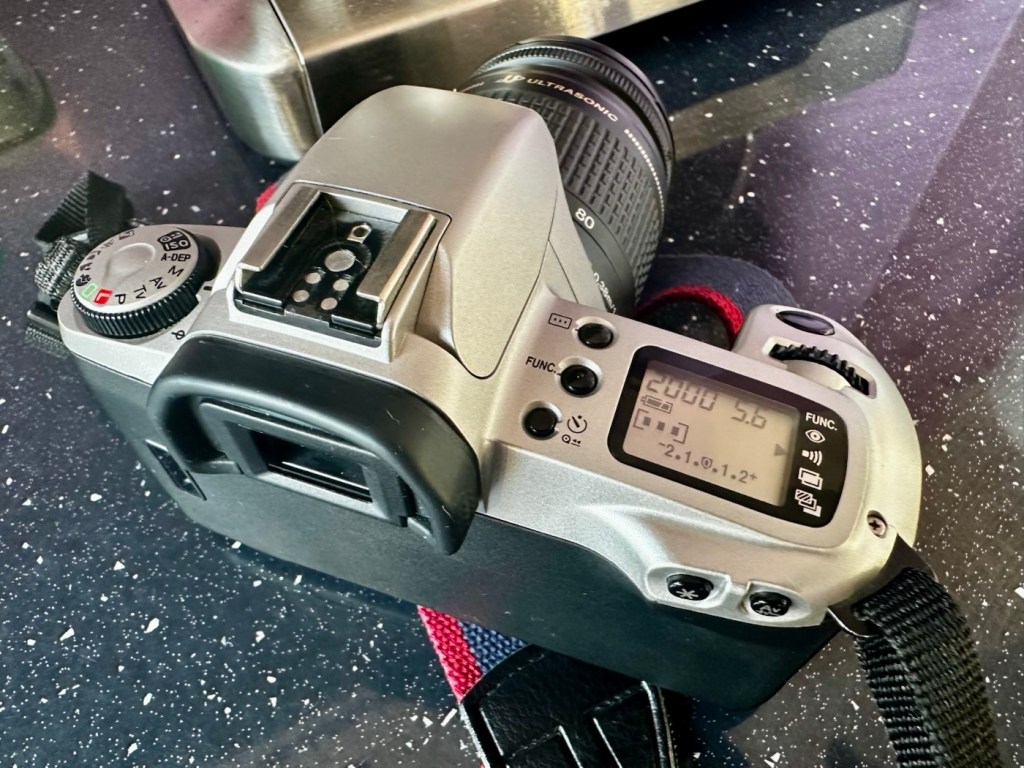
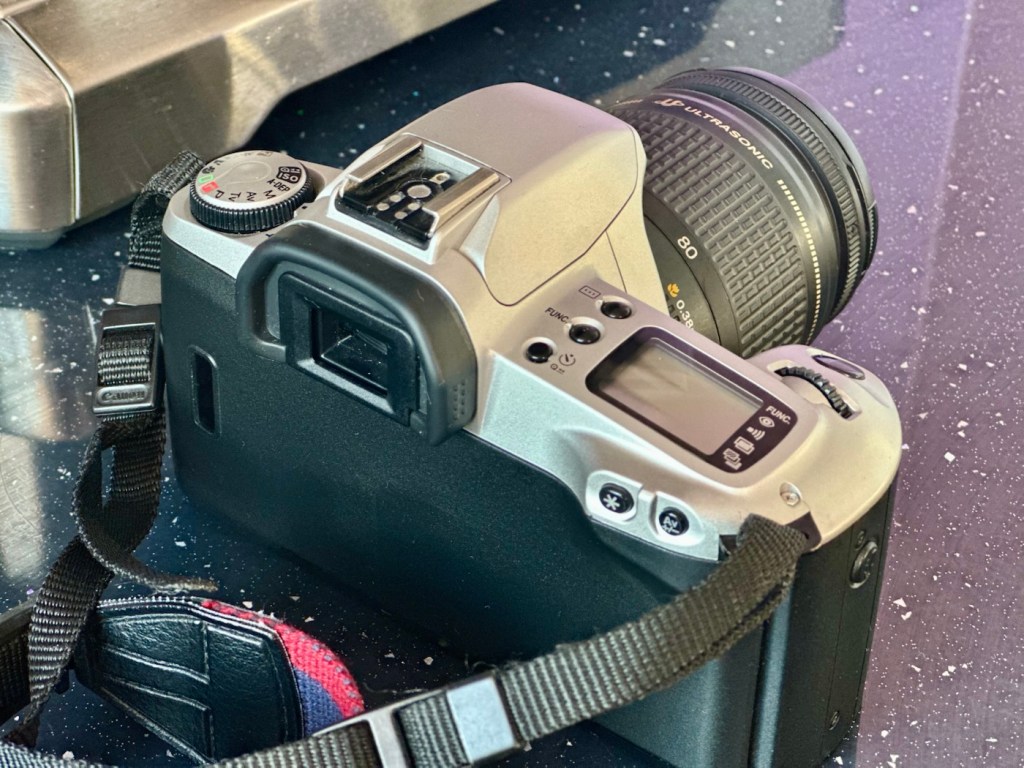
Canon EOS 10

An old EOS 10 was in need of attention. And I was able to lend a helping hand

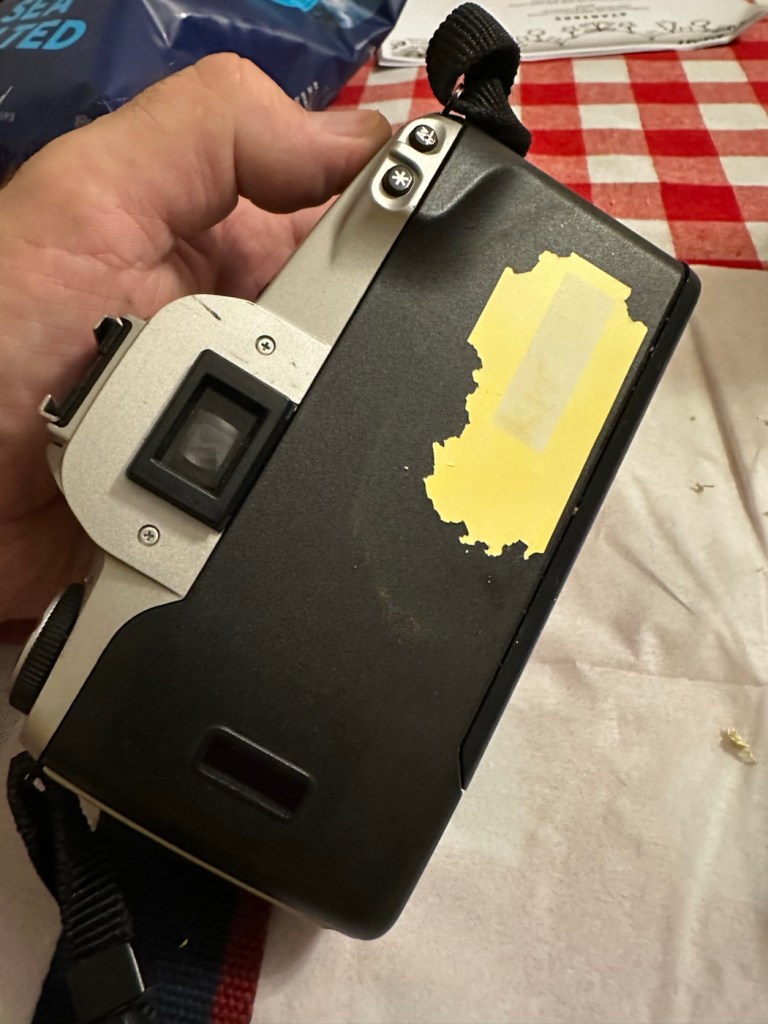
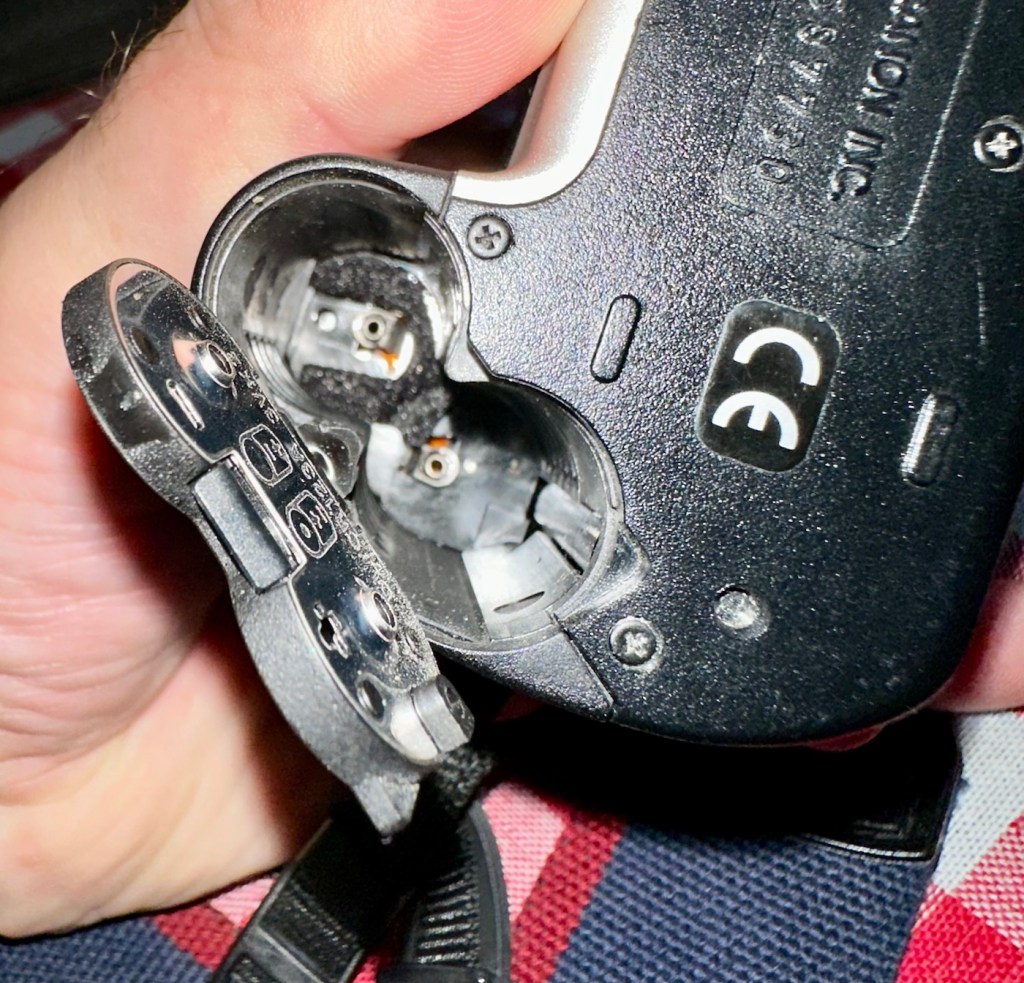
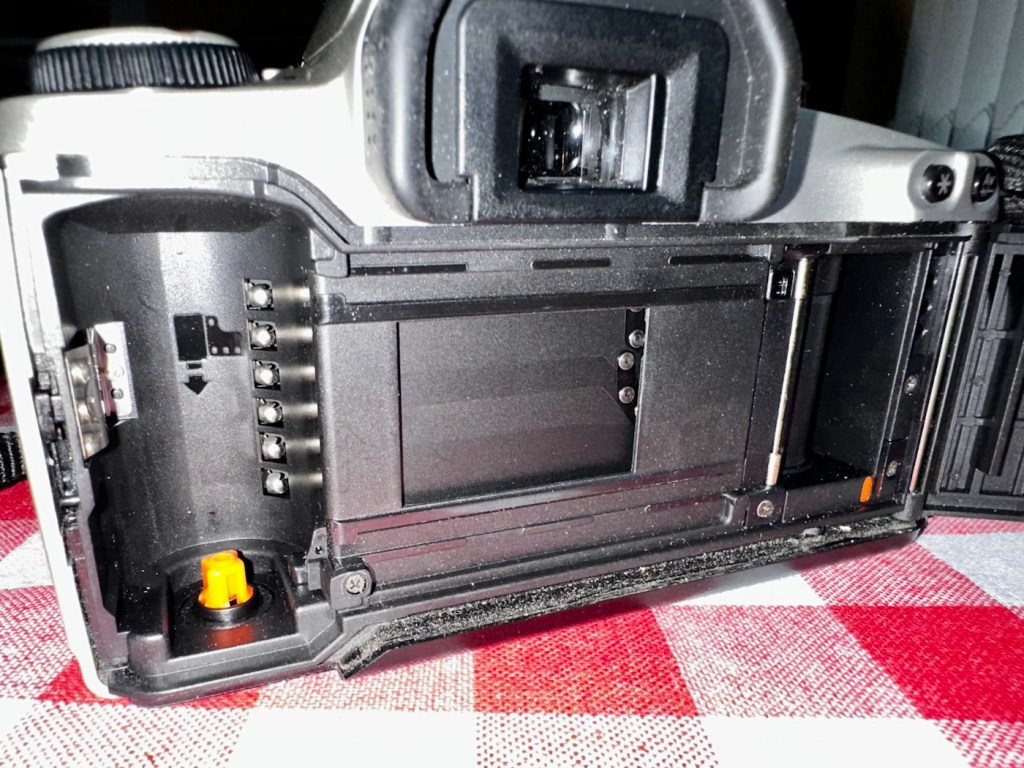
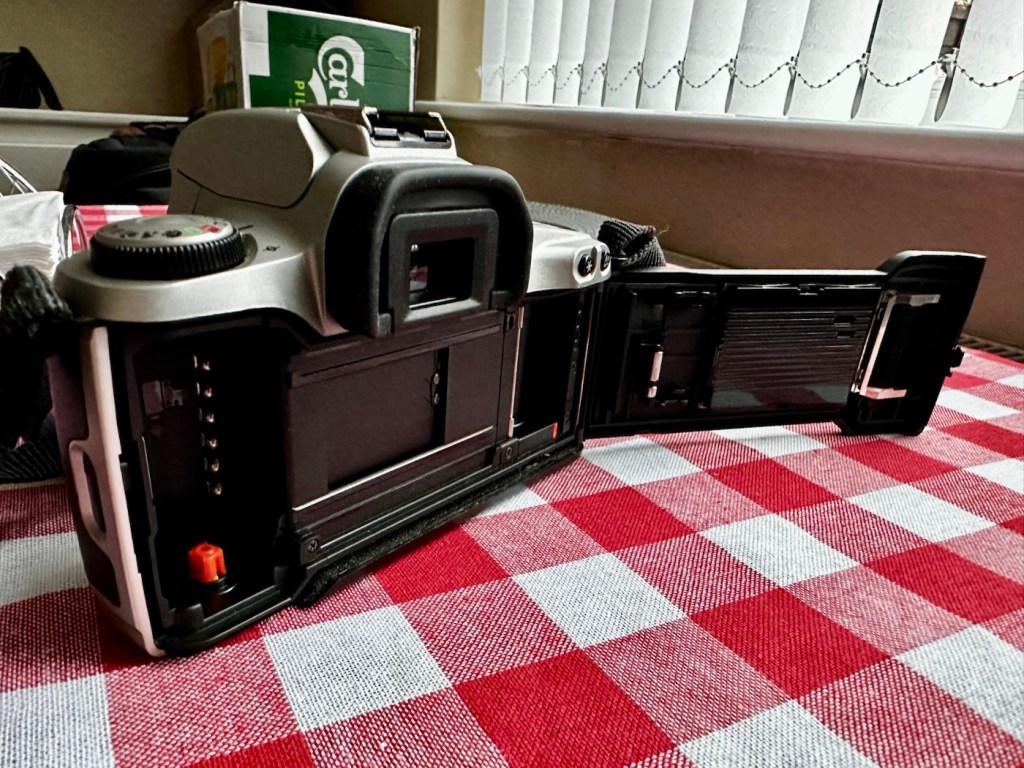
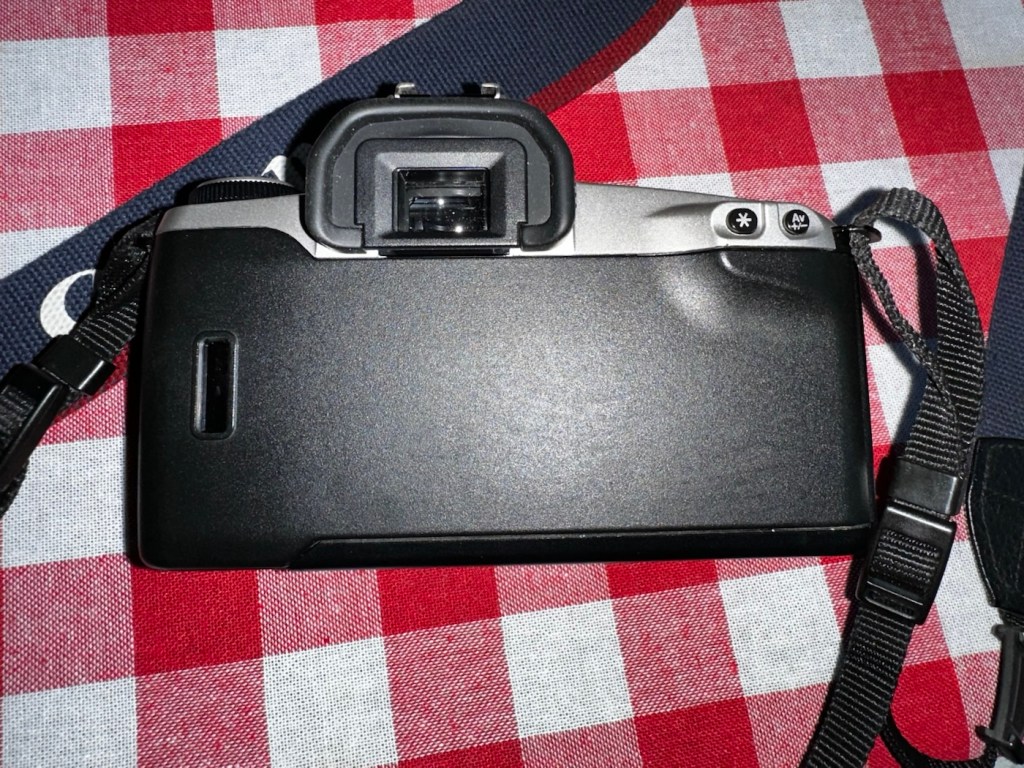
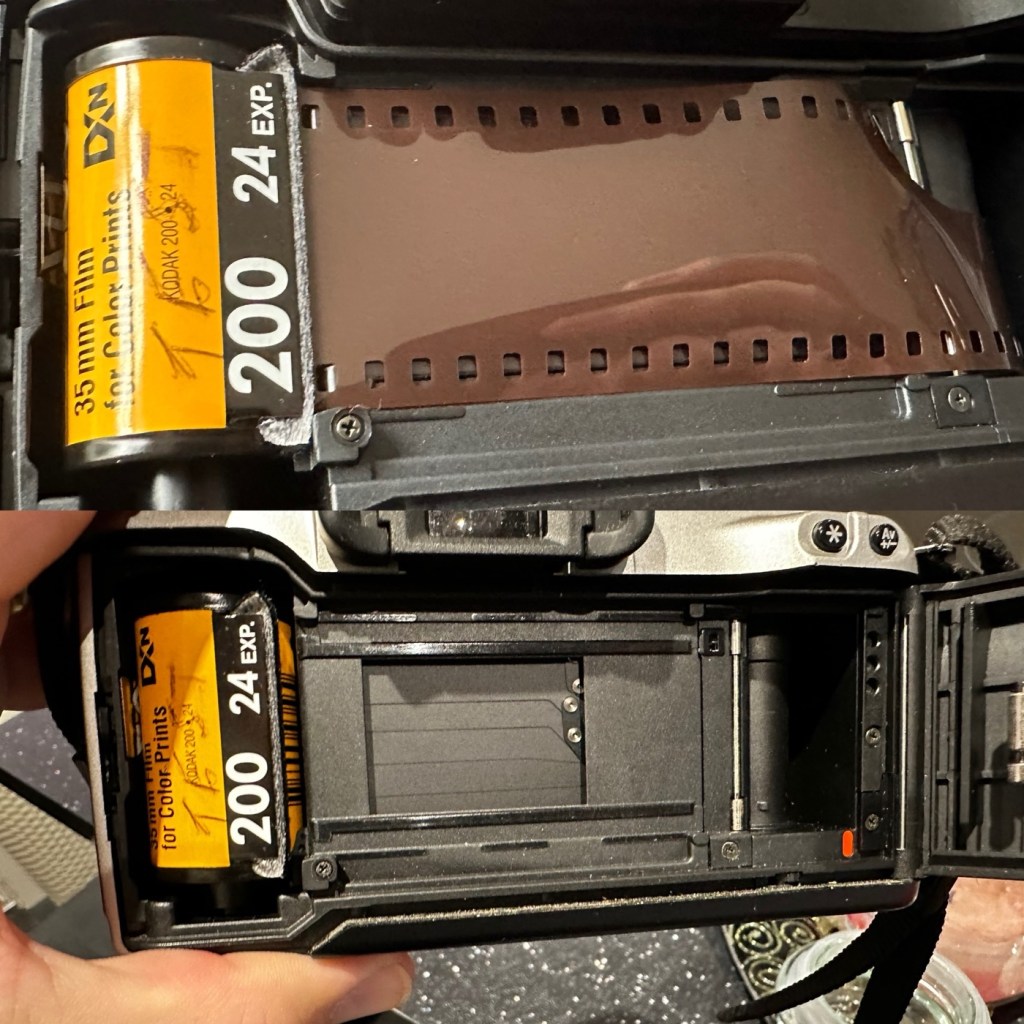
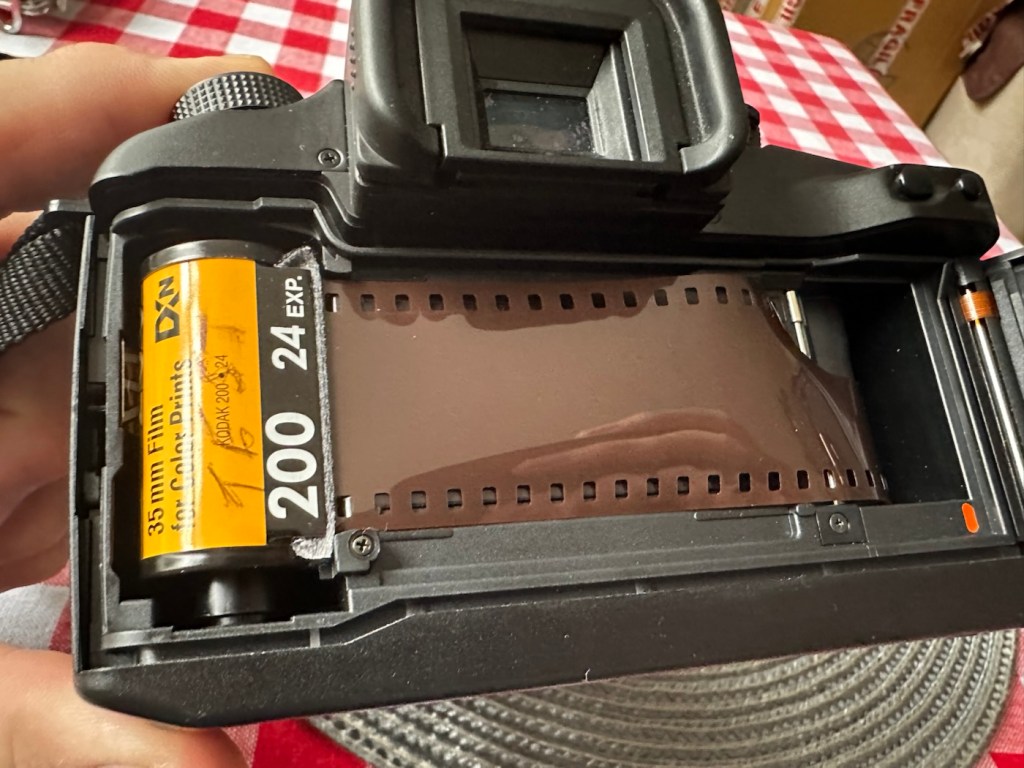
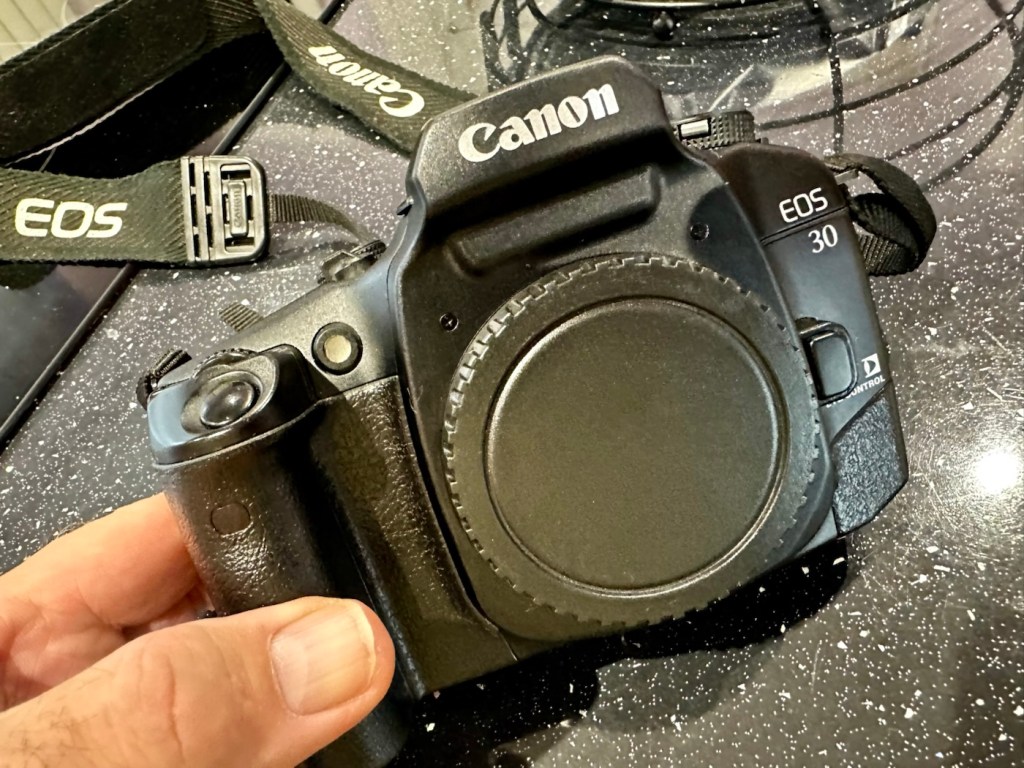
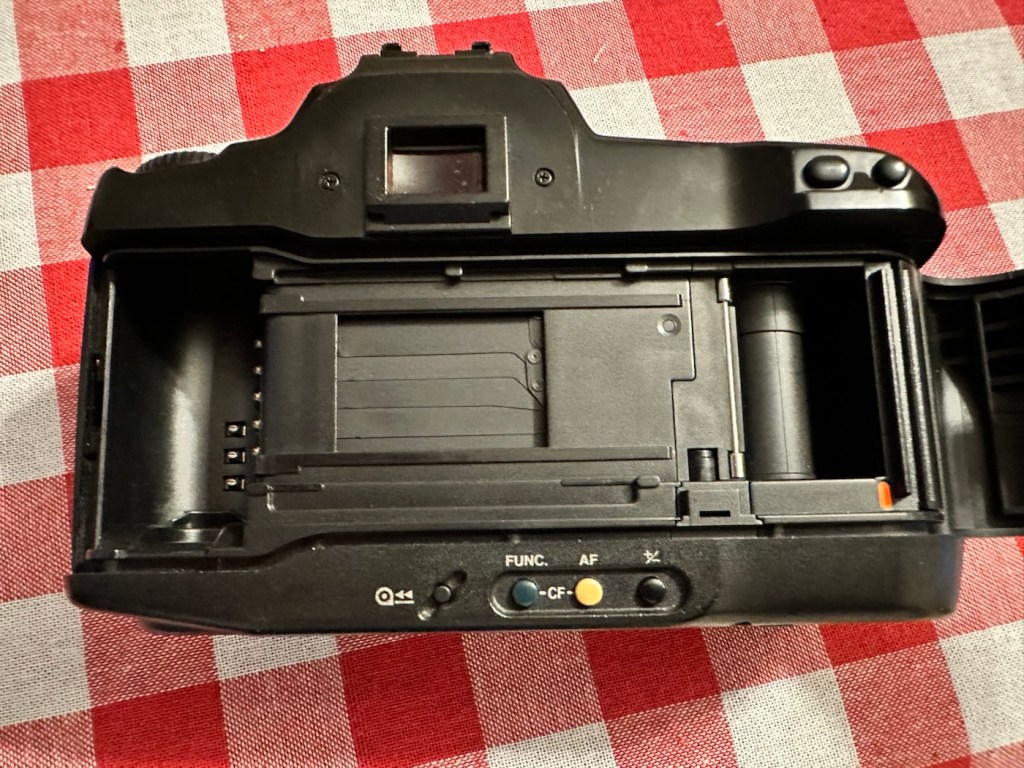
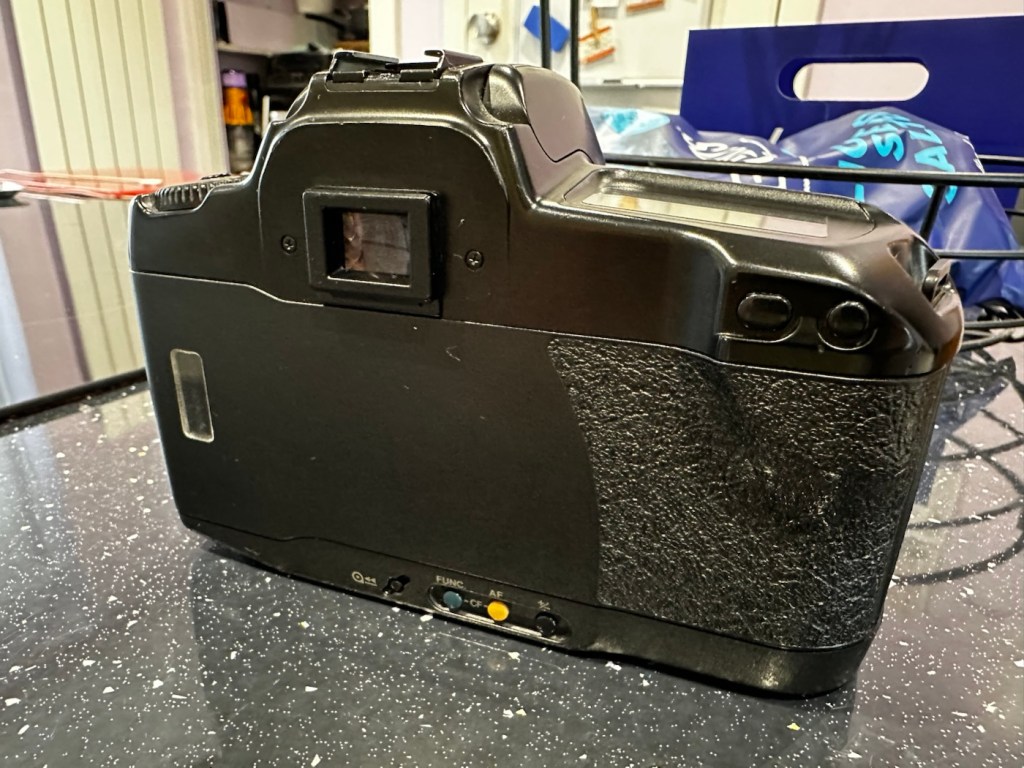
Here I have a Canon EOS 10, a quite superb little camera. The date code within the film barrel is HE1213, indicating that this camera was manufactured in December 1990. At the time of manufacture this camera sat firmly at the top of Canons camera tree only surpassed by the EOS1 professional camera that had been released the year earlier in 1989.

My EOS 10 35mm SLR

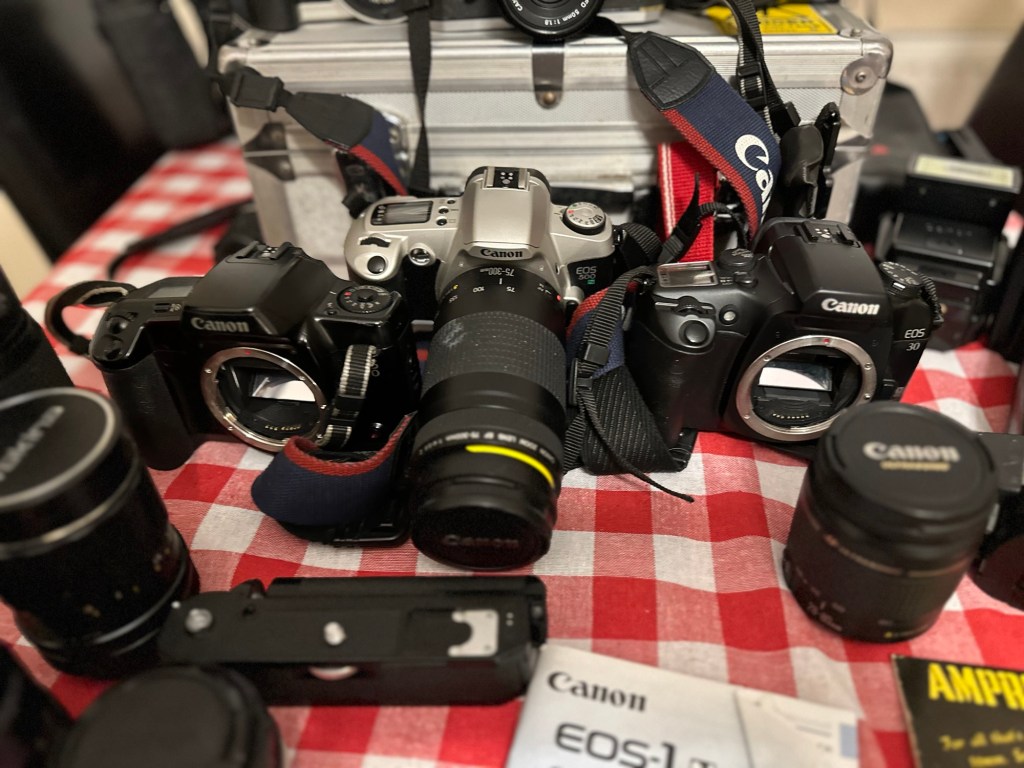
This camera was amongst a selection of cameras and equipment passed on to me by a good friend and professional photographer as can be seen here: Cameras…i need more!

Here is a little history regarding the EOS 10

The Canon EOS 10 is an autofocus 35mm SLR introduced in 1990. The model name was EOS 10S in the Americas, and EOS 10QD in Japan. There was a commemorative metallic-silver version introduced in 1991 to mark Canon’s 60 millionth 35mm camera sold.

The improvements over the original EOS cameras are a newly improved autofocus sensor. Focus modes include One-Shot AF for non moving subjects and AI Servo AF for moving subjects. It is able to detect and switch automatically between the autofocus modes. Shutter ranges from 30 sec. to 1/4000 sec., with B. X-sync at 1/125 sec. Similar to the EOS 750, is has a built-in flash with a guide number 12 (at ISO 100). It uses one 2CR5 lithium battery and weighs approx 625g for the body without battery.

Camera wiki.org

Assessment:

One of the nuances introduced on this camera was the barcode option. Introduced at a time where barcodes were starting to creep into our life, in a knock at Minolta and their use of specific expansion cards for specific scene settings, Canon thought it would be good to utilise barcodes that you could scan, to automatically set your camera with these options without expansion cards. Needless to say it didn’t take off and was soon dropped from later camera production. It was a sign that the development teams were looking for advancement opportunities.

That barcode mode – soon forgotten

These cameras are available at fairly reasonable prices now partly due to the dreaded sticky rubber grip issue that tends to send buyers running for the hills, god knows why, it’s an easily remedied issue that just takes a little time and patience. I did a previous post about cleaning these cameras here: Sticky, Rubber camera grips it’s all down to the polymers in the Vulcanised rubber breaking down and reacting with hand sweat and other stuff. Have a read, and never throw away a camera just because it’s sticky.

This camera has some stickiness but it is not an advanced case. It will still be cleaned in the same manner, to prevent it developing any further.

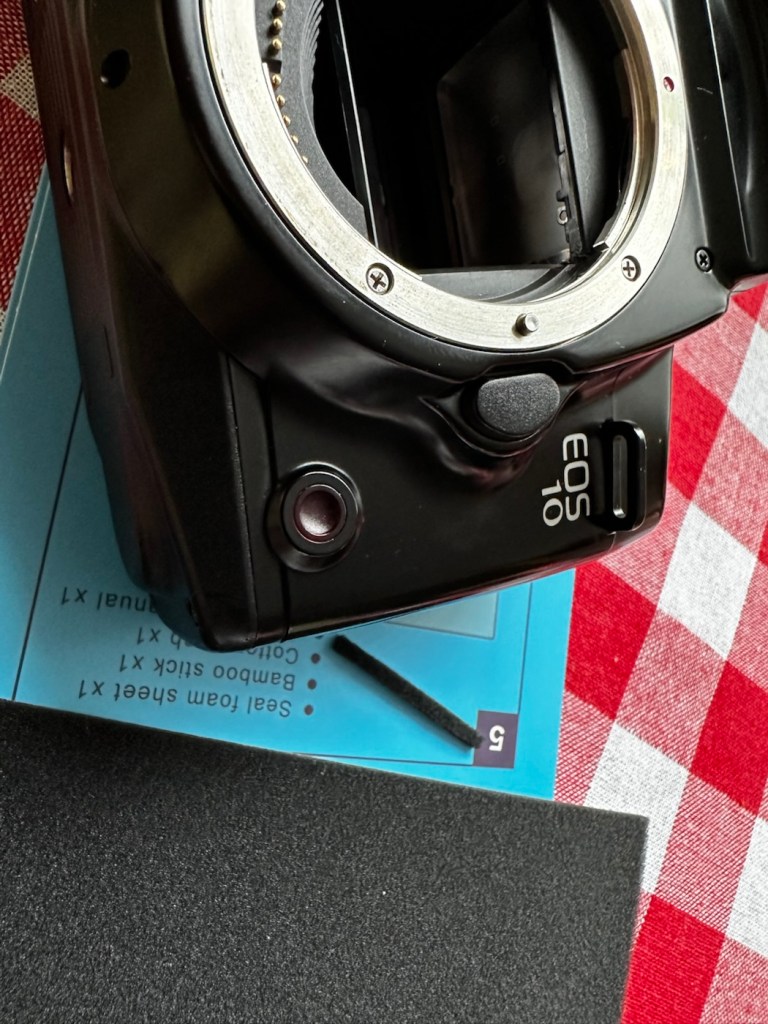
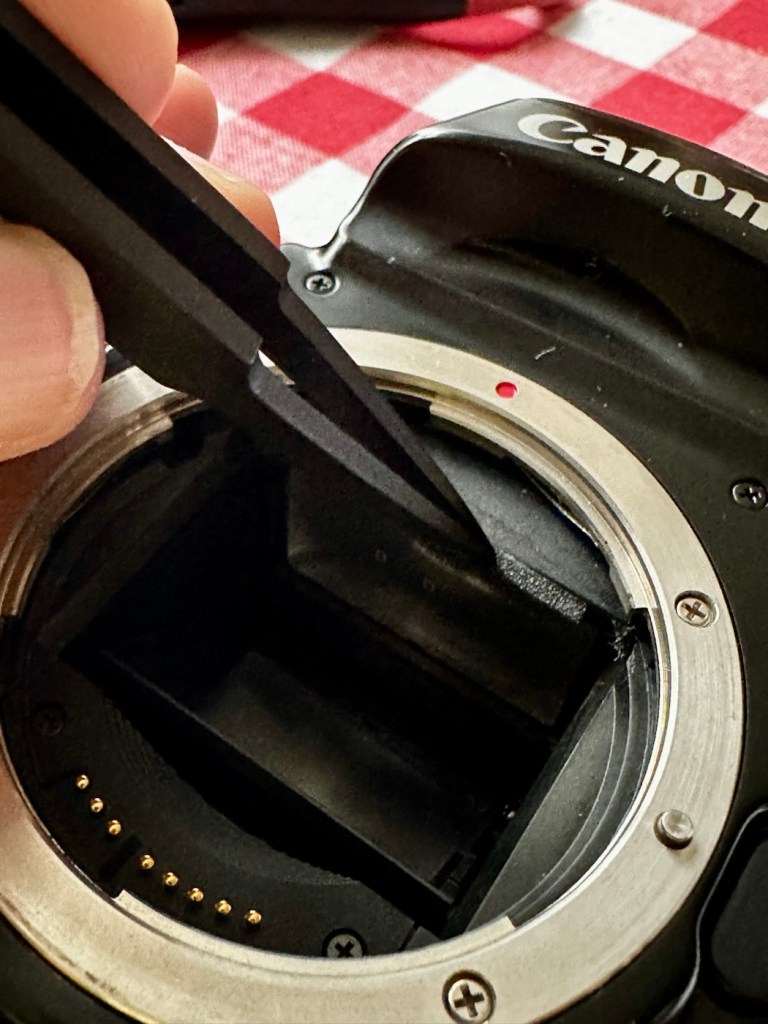
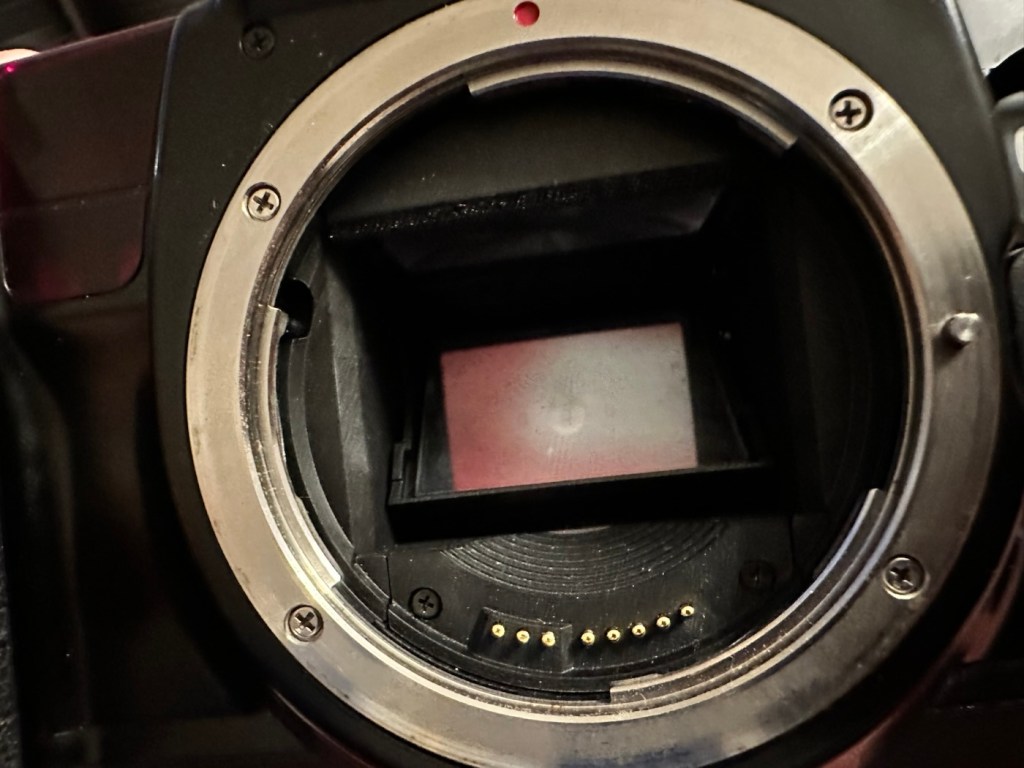
The camera is just a bit dusty and in need of a good clean. The mirror is dusty and needs cleaning, a blow out of the interior should suffice as the shutter blades are opening and closing with no issue.

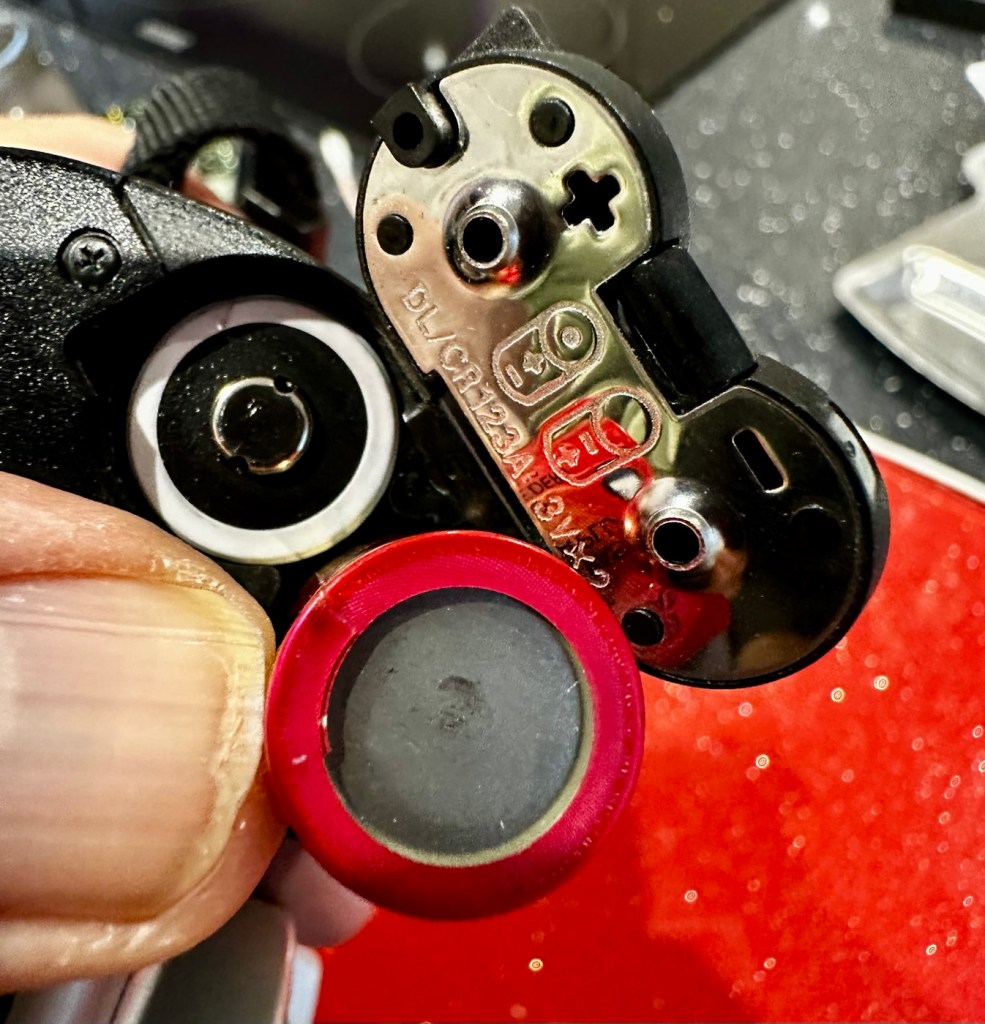
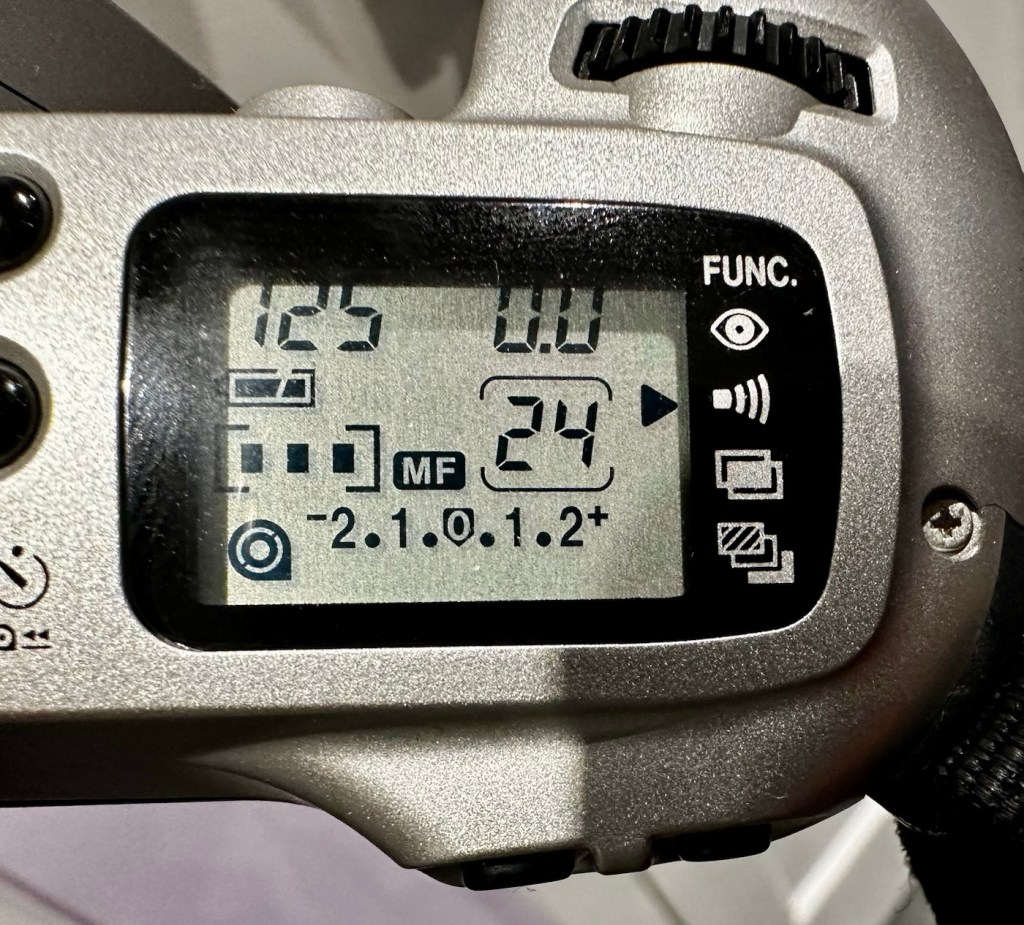
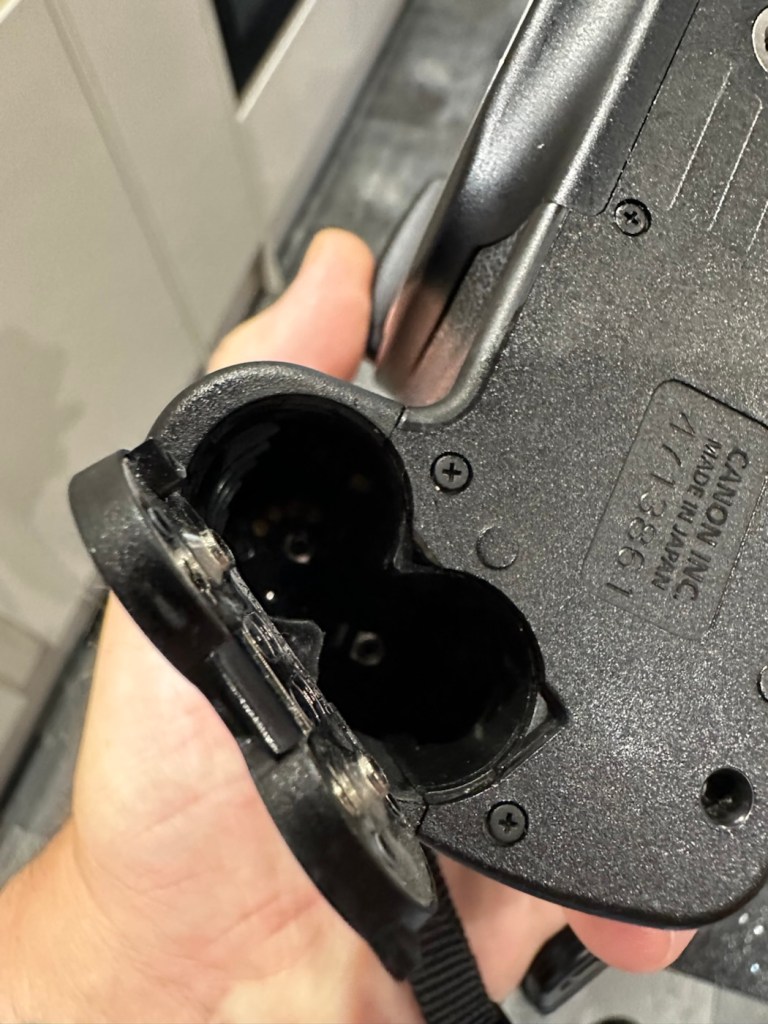
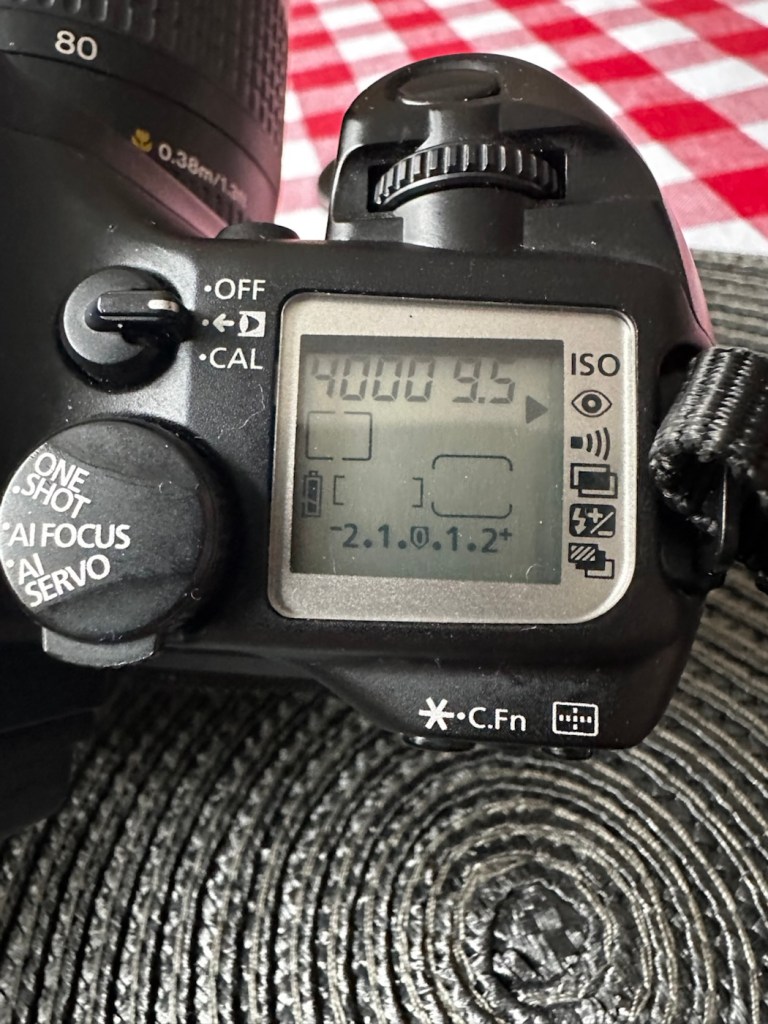
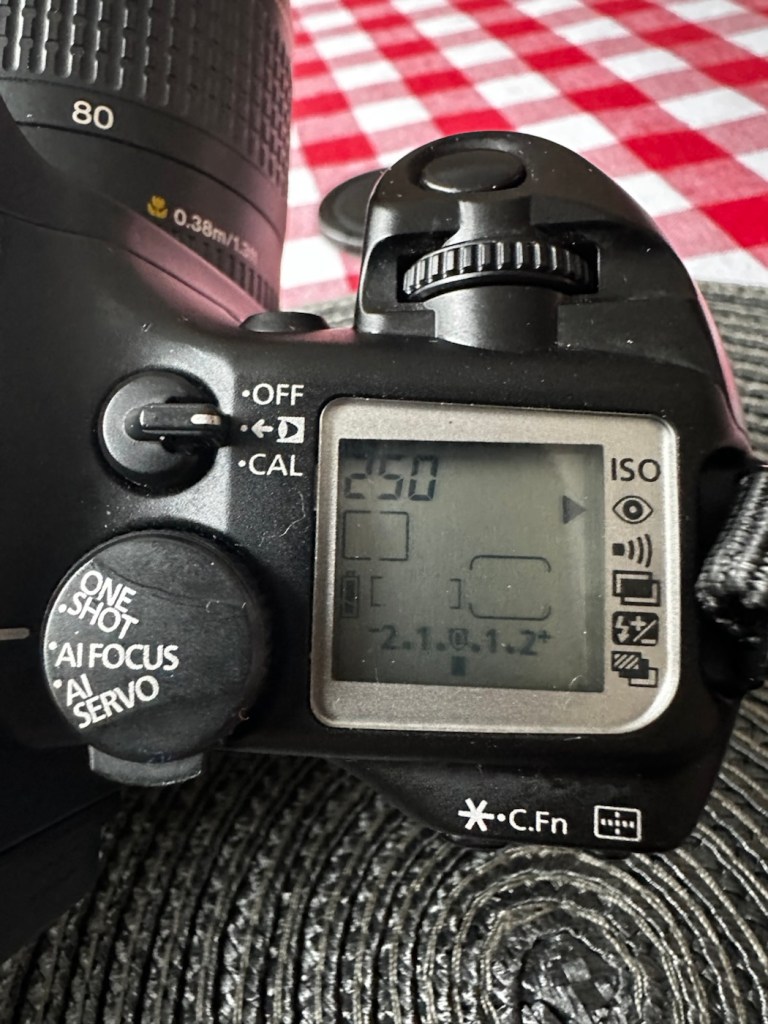
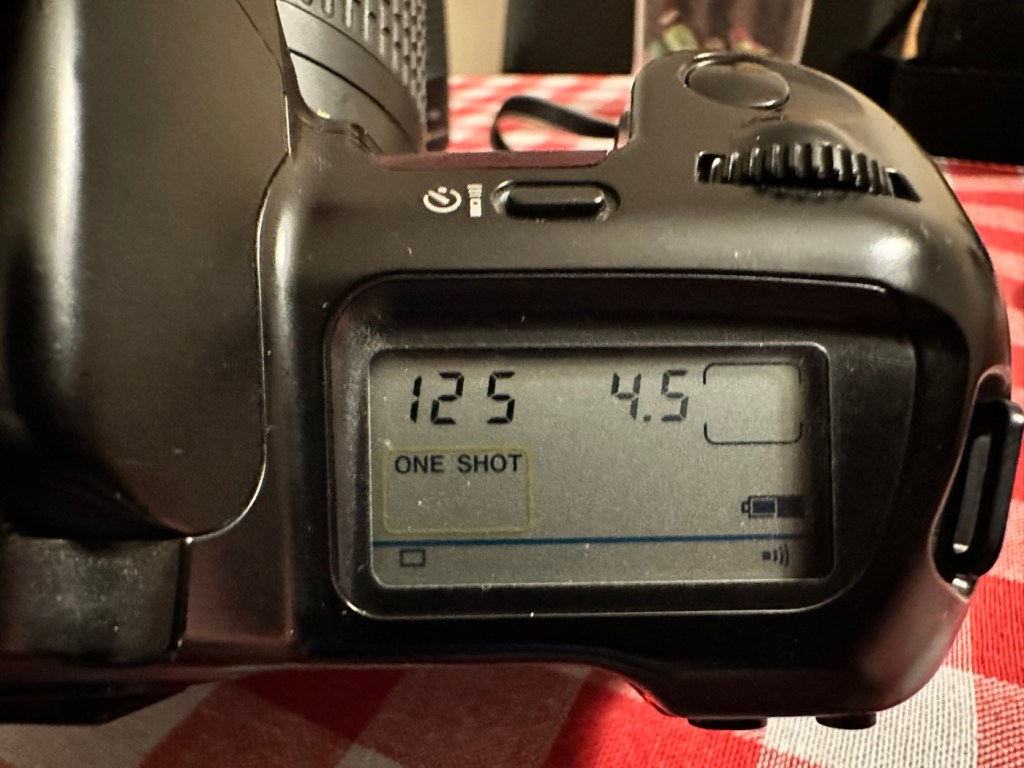
The battery is a lithium 2CR5 cell. The battery chamber is clean with no signs of battery contamination, this is a very good sign. When placed into the camera the screen comes on, is clear with no damage. A lens put on the front confirms that auto focus can be achieved and the camera fires and winds as expected.

To be quite honest, there doesn’t seem to be a lot wrong with the camera. It really seems to be just a clean and maintenance issue. I’m going to give the camera a thorough look over, dust and clean, a thorough clean of the external rubber and finish it all of with a good exterior body treatment. I will then run a roll of used film through to check the DX reader is working, as well as the transport system. Fingers crossed nothing major raises its head during the repair process.

Repair:

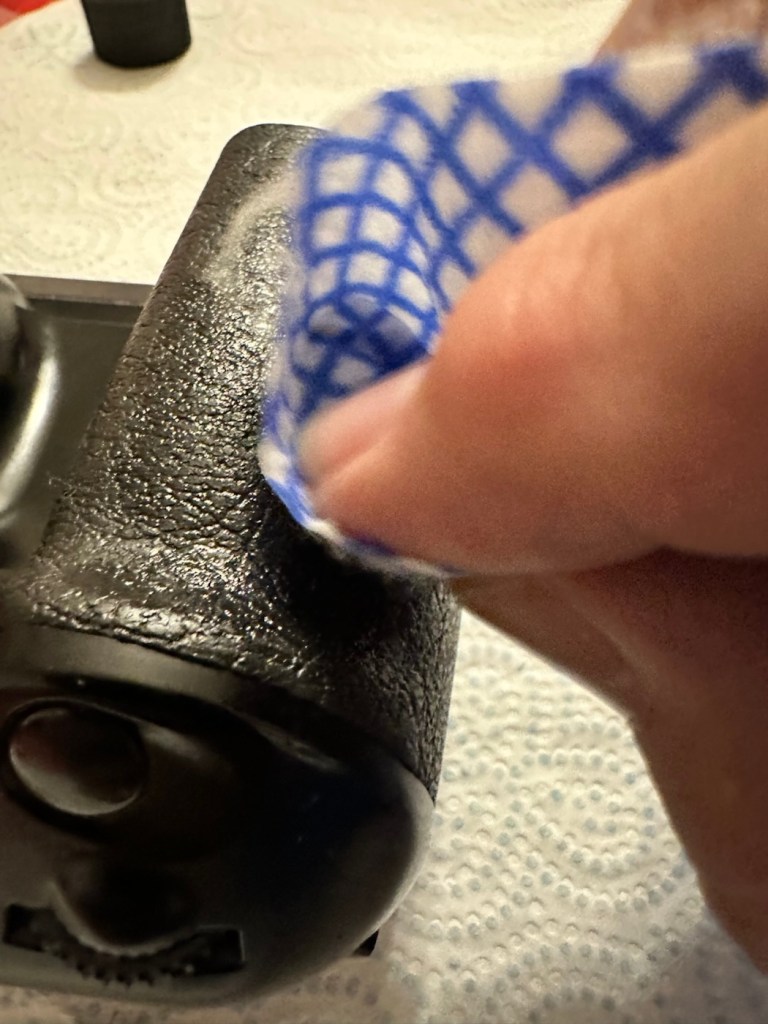
Straight in and at the cleaning, and to be honest the rubber wasn’t too bad. I only used two applications and not a lot of dirt came off on either. After it has dried, it does feel a great deal better.

Heavy cleaning, wasn’t that heavy

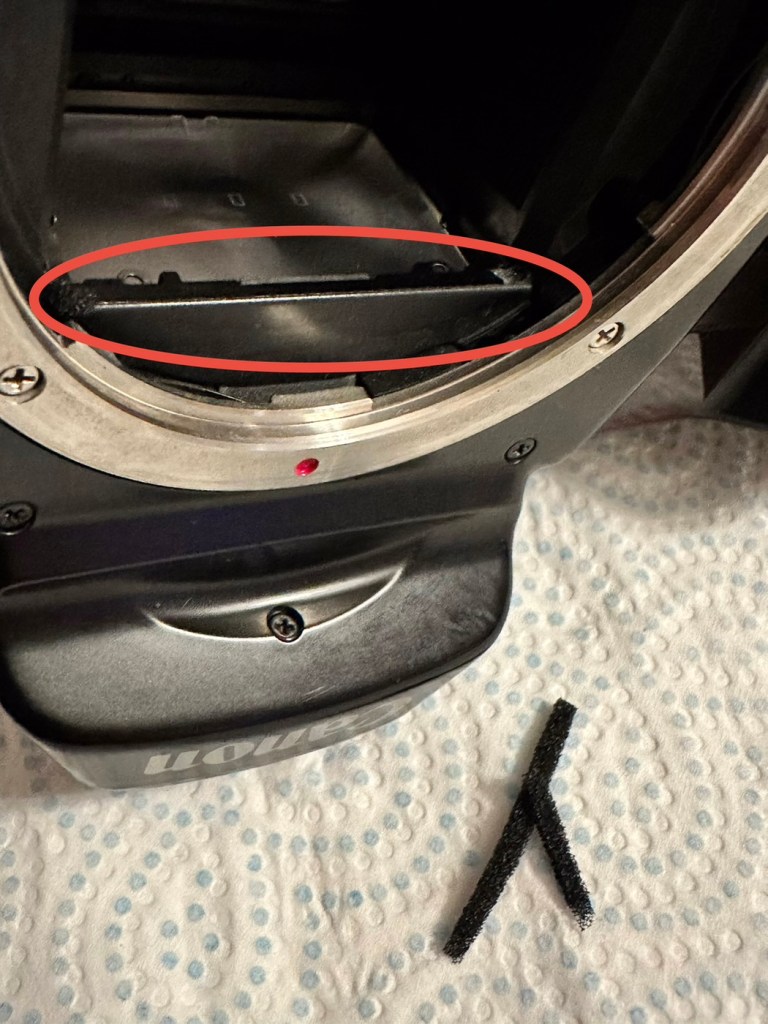
The mirror has cleaned up nicely, so has the prism above it, however whilst in there I noticed that the mirror damper felt was failing, so this I have now removed and will have to replace prior to using as I don’t want to cause any further damage.

The missing damper felt area, highlighted in red

I’ve had to order some new material that will hopefully be here shortly, as my supply, as is always the problem lately, is in storage with all my other gear pending this house move that will probably never occur. it’s a real pain in the butt not being able to access your most required kit. Hey ho.

The light seal has arrived, and so I start by getting the damper felt put in place. First I cut it to size, remove the sticky back paper and just wipe the sticky bit with some water, this allows me a little more time to reposition it before the adhesive does its work.

Below is a very small video with me putting the camera into manual mode on a single exposure setting to test the actual worth of the damper foam.

All working fine

I’m happy with what has been done so far.

Strap cleaned and restored

I’ve even given the neck strap a good buff up, the rubber on it was almost white rather than black, a bit of a clean and a polish and it’s now been restored to it’s original glory.

With the new damper in place it’s now time to run a film through it, I have an old test film I use for this purpose, I’m going to set the camera to its highest shutter setting and just run the whole roll through in quick succession to check the transport and rewind.

And here is that test, it went super fine and the full roll rewound at the end.

Transport works just fine

I’ve tested all settings, shutter speeds and functions including the flash and all is as it should be. I’m happy to say that this camera appears to be in full working order.

Now for the final clean and presentation.

Result:

Well, a little bit of car cockpit cleaner has done wonders. It looks beautiful and has a nice aromatic smell as well. I know I’m biased when it comes to cameras but I think this is an absolute beauty.

All polished and looking fine

I’m really pleased with this camera, I’m heading out later today to watch a relative play football and I’m going to take this along to grab some snaps with an expired film from 20 years ago. It will be a good final test of the capabilities of this camera, and should finalise its renovation. It’s been a great camera to work on and is yet another worthy addition to my collection. I will post the photos here when they are finalised. Canon Eos 10 test shots

Thank you all for passing by, it’s always most appreciated.

Well, that was most enjoyable!

An enjoyable stroll with a 48 year old camera

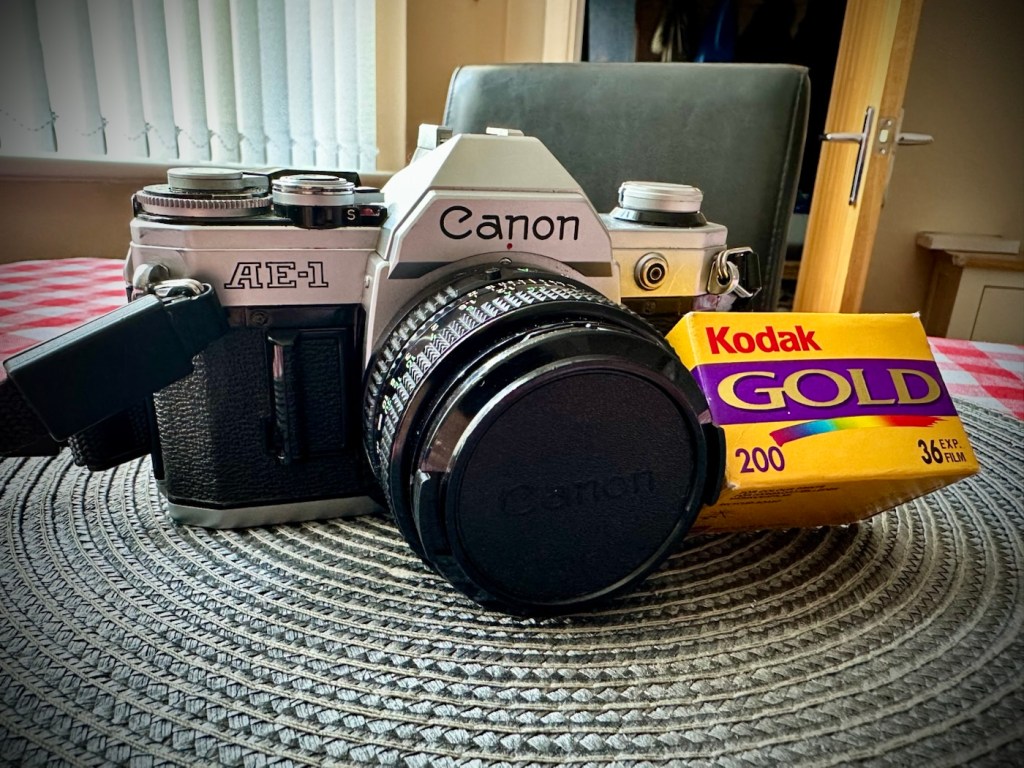
The wife told me this morning that she was going out shopping with her sister. Nothing sinister in that, in fact it means two things really. One, I’m going to be a bit lighter in pocket and two, I’m going to have to occupy myself for a while. I have work later this afternoon, so with a couple of hours spare what better time to get out for a walk and to take a 48 year old camera with you that needs testing. This one to be precise: Canon AE1 35mm SLR

I dashed down to take a film out of the fridge, left it sitting for an hour and loaded the camera up, stage one achieved and everything as expected.

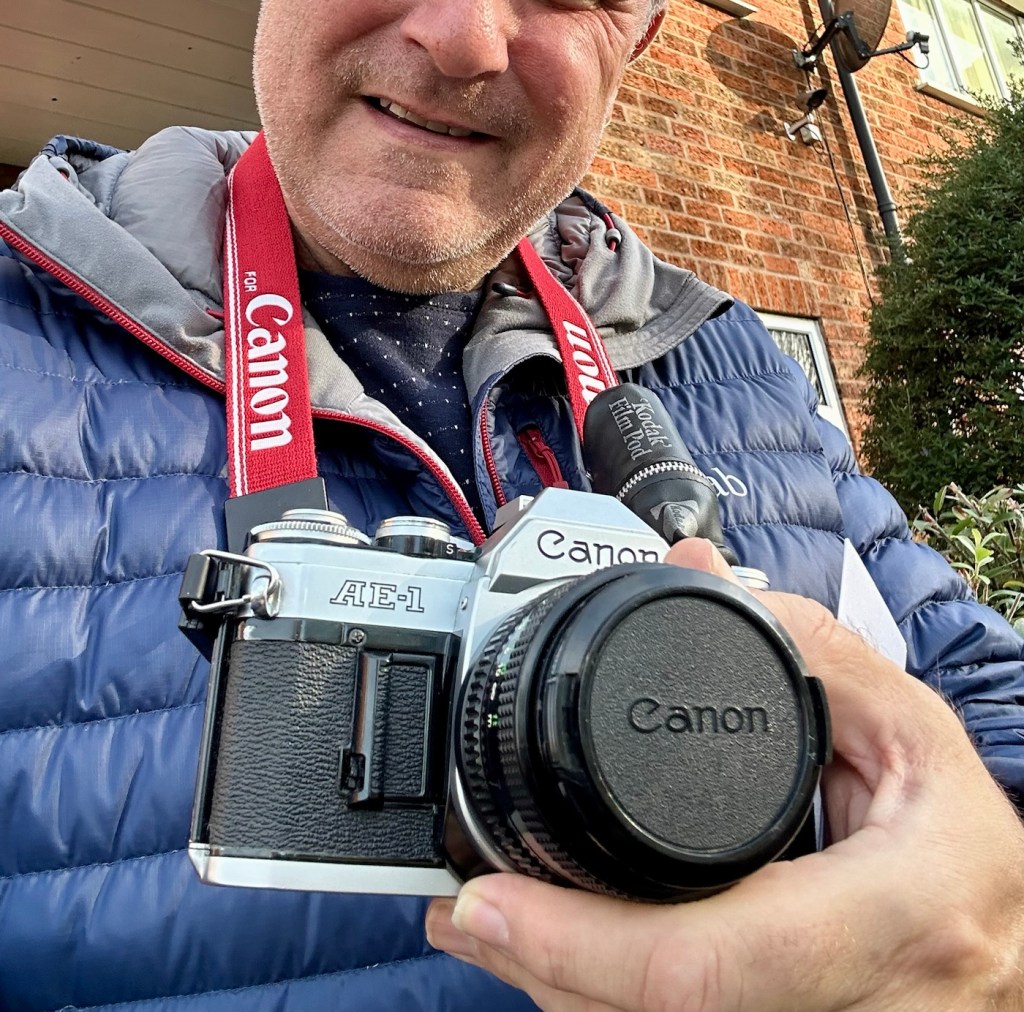
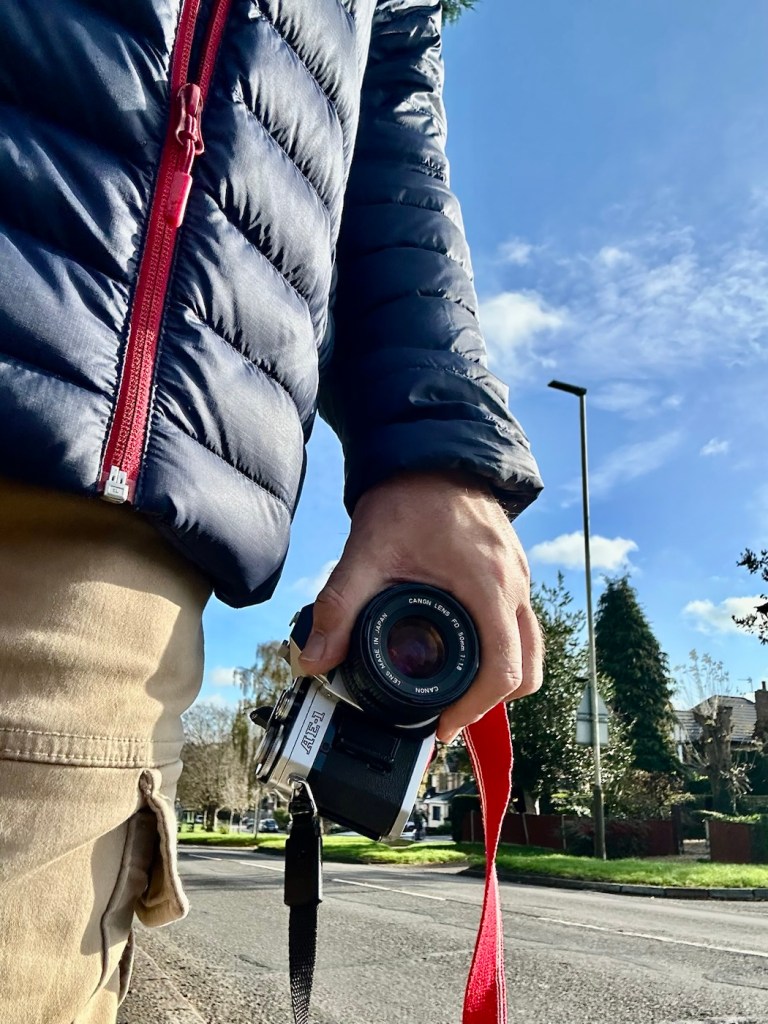
Today’s walking companion

Now the film I have been given is one of 8 rolls I have been gifted that are all out of date. This one is a mere 20 years out of date expiring in 2005. This roll of film is older than 21.8% of the Uk population according to the office of national statistics 2024. It’s that old.

Today’s film is a Kodak Gold 200ASA film. There is a general rule of thumb out there that for every ten years the film is out of date you should over expose the film by one stop. So on this film, as it is a further 10 years past that, and if I follow that recommendation then I have to over expose this film by 2 stops. This means in theory that this 200ASA film should be exposed at 50ASA that equates to two stops of overexposure.

I’m not going to do that, I’m going to experiment here. I don’t know how this film has been stored over the years, I don’t even know that it will work at all, it could be fogged or just so deteriorated that it just doesn’t work.

It’s a 36 exposure film so here’s the plan. Exposures 1-12 at std setting of 200ASA. Exposures 13-24 at 100ASA setting and finally the last 12 exposures at 50ASA. Here I cover all bases and should hopefully get a reference roll for the other seven that I have in cold storage at present.

Needless to say I’m not going to be too fussy with what I photograph, scenery, shades, over and under exposure and bright colours, everything that can be used as a reference to check saturation, contrast, grain and film deterioration.

Let’s go.

So as stated, I’ve exposed and over exposed equally throughout the roll, so this should cover all bases.

12 exposures of each

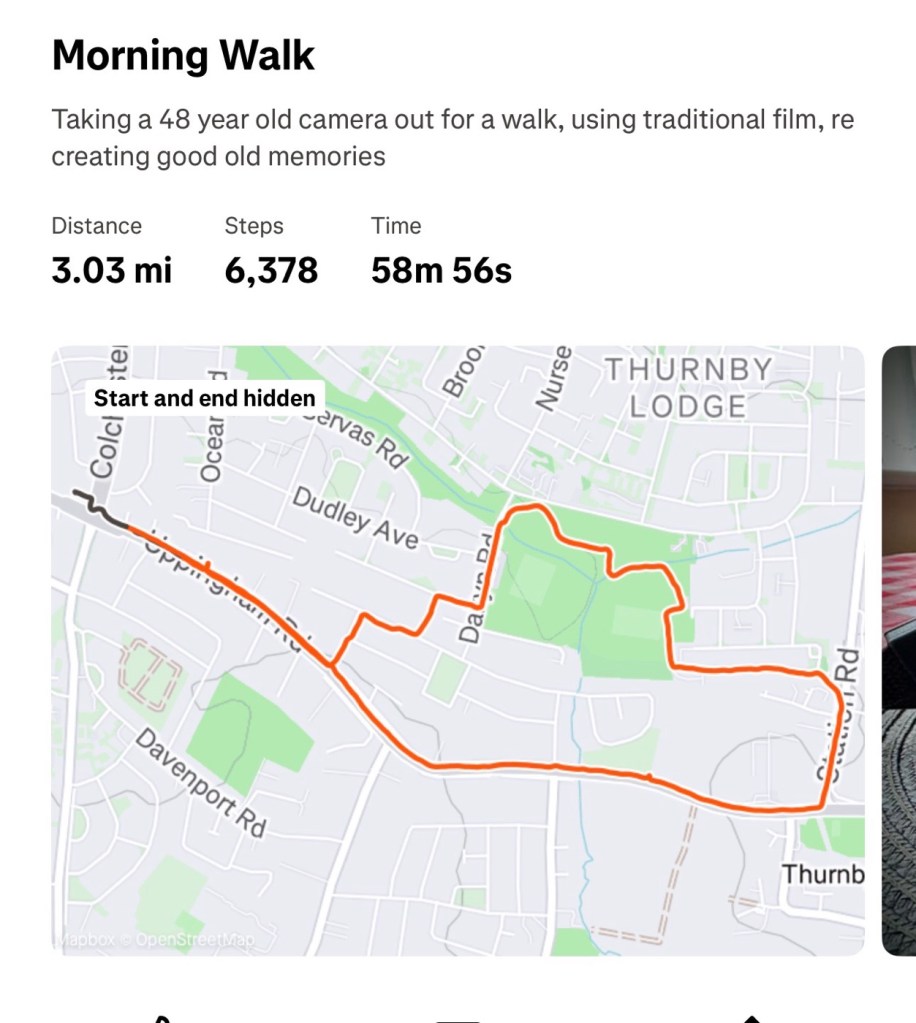
Right from the start I have thoroughly enjoyed this little exercise, I spoke to two elder gents who were quite excited at what I was doing and shared their own experiences with traditional film with me, it was lovely, i was even offered an old camera but i politely declined as the wife wouldn’t have been happy with that. I walked 3 miles, I went through some of the less salubrious areas, but these areas had some of the best subject matter.

3 joyous miles of walking

When you are using an old camera, you seem to scan the area more intensely, you see stuff you haven’t seen or noticed before, it’s amazing what you pass and ignore. I think you are less selective with phones and digital media, with film, you are limited so have to be picky.

I bloody loved it. I’d forgot just how good it is to get out there and use good old fashioned equipment.

And that camera behaved just beautifully, everything worked as it should, it is as good as it has ever been, I’m so pleased with how it has behaved so far. See the results here: 20yr old Kodak Gold

I guess the proof is in the pudding as they say. Time to get it processed and to check the results. Needless to say I will feed that back on this blog as soon as it becomes available.

Don’t give up on the past, there is a lot of good tunes played on an old fiddle.

Thanks for passing by, always appreciated.

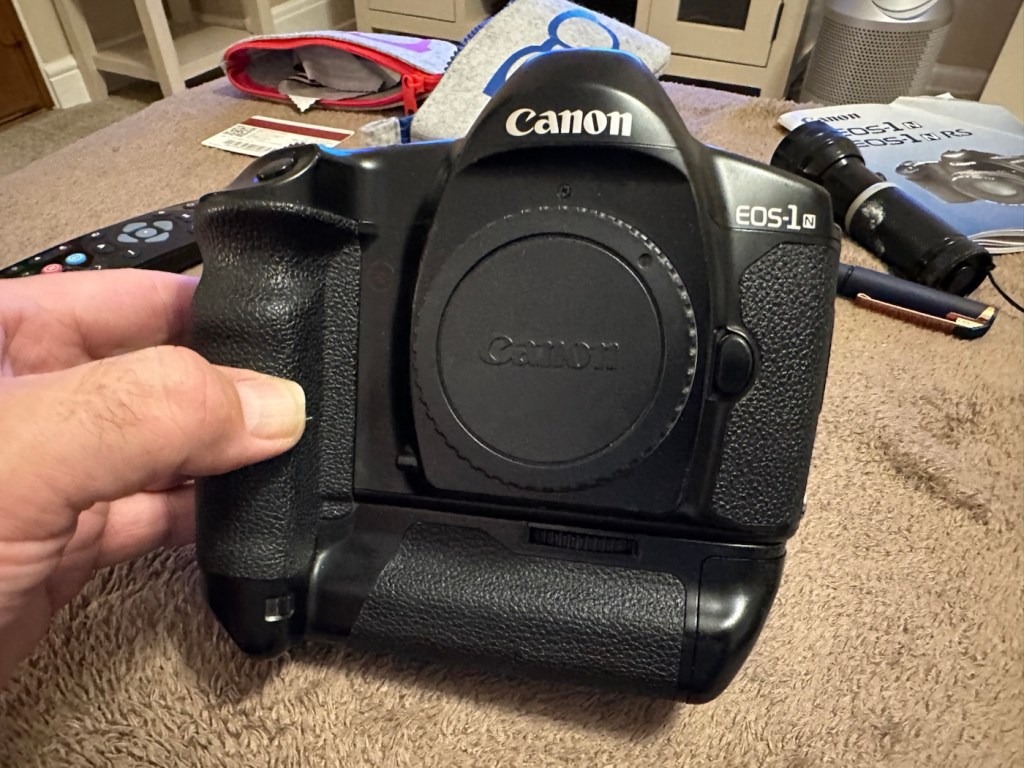
Canon EOS1 N HS

The EOS1 N with the well documented BC fault. Can I repair it?

The EOS1 N was a professional 35mm camera from 1994, it is currently 31 years old. This model is basically the EOS1 N with the E1 drive booster/winder earning it the HS suffix.

Canon EOS1 N HS

These are beautiful analogue cameras and over the years I’ve had a fair few of these pass through my hands, I have not however owned one with the E1 booster/winder before. I’ve recently had a number of cameras passed on to me by a good friend and that post can be found here: Cameras…i need more!

This is one of those cameras that he passed onto me and it carries the well known BC fault. We’ll come on to that later, in the meantime here is a little history lesson, of the evolution of this camera.

The EOS-1N is a 35mm single lens reflex (SLR) camera body produced by Canon. It was announced by Canon in 1994, and was the professional model in the range, superseding the original Canon EOS-1.The camera was itself superseded by the EOS-1V in 2000.

The original EOS-1 had been launched in 1989, two years after the company had introduced their new EOS autofocus system. It was the company’s first professional-level EOS camera and was aimed at the same photographers who had used Canon’s highly regarded, manual focus professional FD mount SLRs, such as the Canon New F-1 and the Canon T90. On a physical level the EOS-1 resembled the T90, which had been designed for Canon by Luigi Colani. The EOS-1N was a revision of the EOS-1, with five autofocus points spread across the frame rather than a single centrally mounted autofocus point, plus more effective weather sealing, a wider exposure range, and numerous other improvements. In common with the EOS-1, the 1N used Canon’s A-TTL automatic flash system, and does not support the more modern E-TTL.

Assessment:

Right, let’s get on to the problem. The BC fault is a blanket fault, covering a multitude of issues, predominantly electrical, even addressed in the accompanying instruction manual as a potential battery issue. However the issue that it is more associated with the fault is the failing shutter mirror magnets. See the video below.

BC error repair

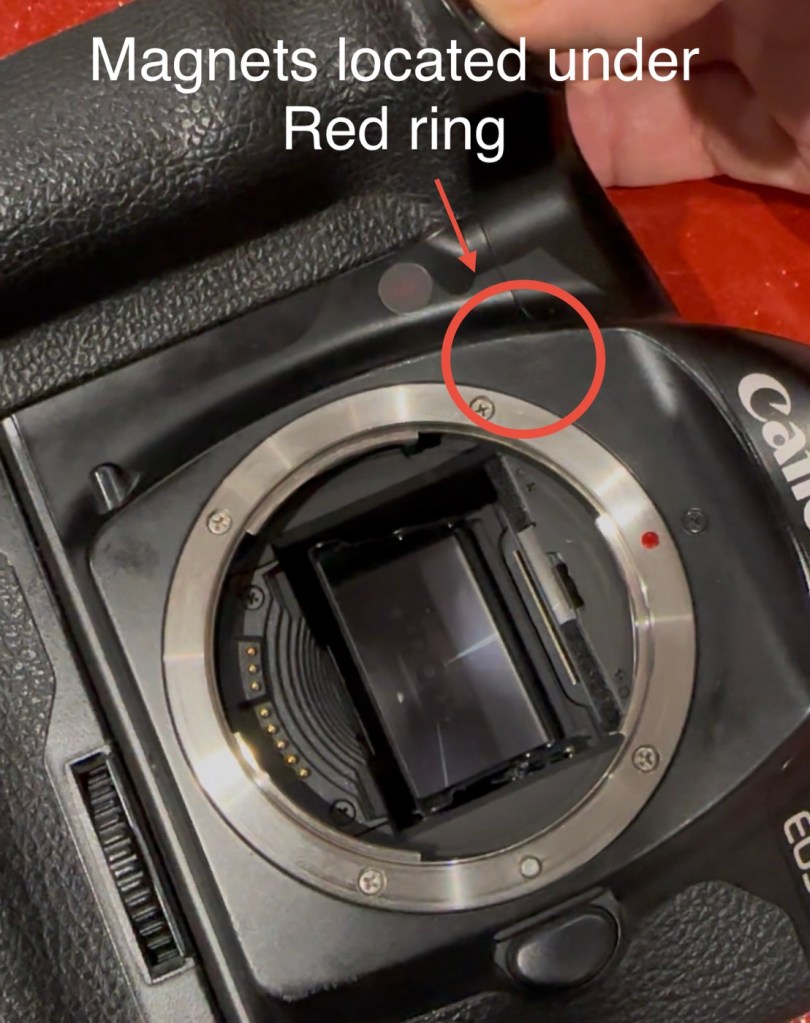
The video above gives a very good insight to the issues, and what to look for and how to get the shutter operational again. It’s not a permanent fix, sometimes the magnets haven’t been used for such a long time that they just seize up. They can be de magnetised, they can just be dirty, either way it’s worth having a look at, to try and restore what is in all aspects a very good camera. It seems to be an issue that an open or close signal is sent, however the magnets for some reason do not react, dirt can be a contributing factor. Below I have put together a very short video of my own camera, the early part shows me trying to get it working and showing the BC indication, the second part shows the mirror “sort of” working after I have tapped in the area just above the top screw on the left side of the lens mount under which the magnets are situated.

My own EOS1 N showing the BC fault

It still doesn’t work properly though and is extremely intermittent, but it’s a start, it proves the fault. I have also used a strong magnet to fool the internal magnets, this works for a couple of firings but that’s it. This also adds credibility to confirm the magnet issue.

I haven’t yet taken the fascia off to access the magnets, I’ve just tapped in their general area, or probed with a strong magnet, this was enough to allow the shutter to intermittently fire, and it is now quite apparent that this is the issue I have with this unit.

You can see exactly where the magnets are located under the fascia

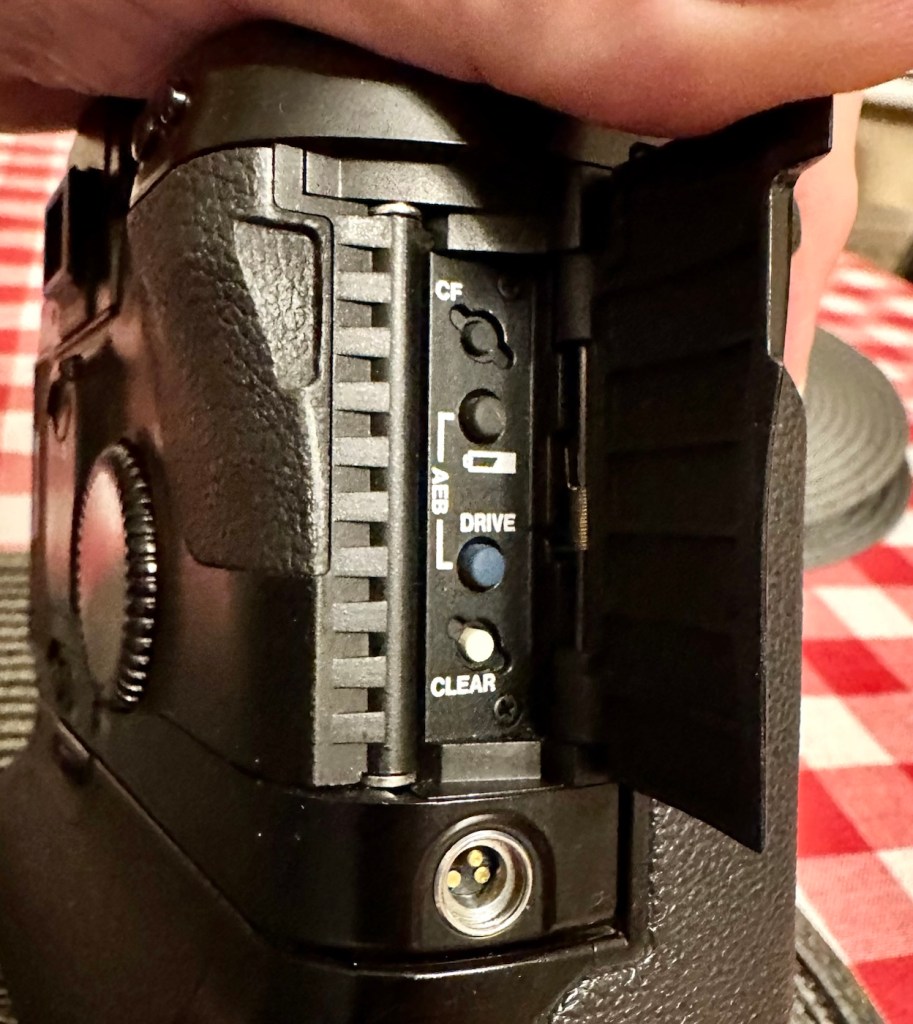
I’ve done some further checks to confirm the fault. If you turn the camera on and open the small door to the right on the rear of the camera, there are a number of buttons inside that allow you to check battery levels and to do resets, and so forth.

The battery check button

By pushing both the clear button and the battery check button together, you can get a fault code to appear on the screen on the top of the camera.

Battery full and Fault code 6

Here as you can see, I have fault code number 6. If you look at the chart below supplied by Canon you will see it refers to a mirror fault, more specifically the mirror is up, but didn’t switch back to on from off, as I mentioned in the above paragraph.

Fault codes

As you can also see above, fault codes 6,7 & 9 refer to the mirror operation issue.

I’ve done all I can really on the outside of the unit, and I think I have conclusively proved the area of the fault. Before we look at replacement of the part, I am going to give it a good clean to see if that will clear the issue. I’ll worry about spare parts later if required. Let’s get the fascia off and have a closer look.

Repair:

I’ve been a right stubborn sod with this one. I really didn’t want to dismantle this camera at all. Something inside was telling me it was unnecessary so I decided to persist with what I had been doing earlier. If only I could get the magnets to fire for a few exposures at a time, it would be just like a coughing car engine clearing out its system and kicking in to life, once it bites you can accelerate it a little more until it starts ticking over. Old motors and cameras are a strange but similar comparison, the longer they are left unused the more inclined they become to not partake in doing what they were made to do, whether powering a car or taking photos. Stop using them and they do just that. Stop.

Well, that’s what I think anyway, My world is as simple as that. And I think it might just work.

So I have persisted….

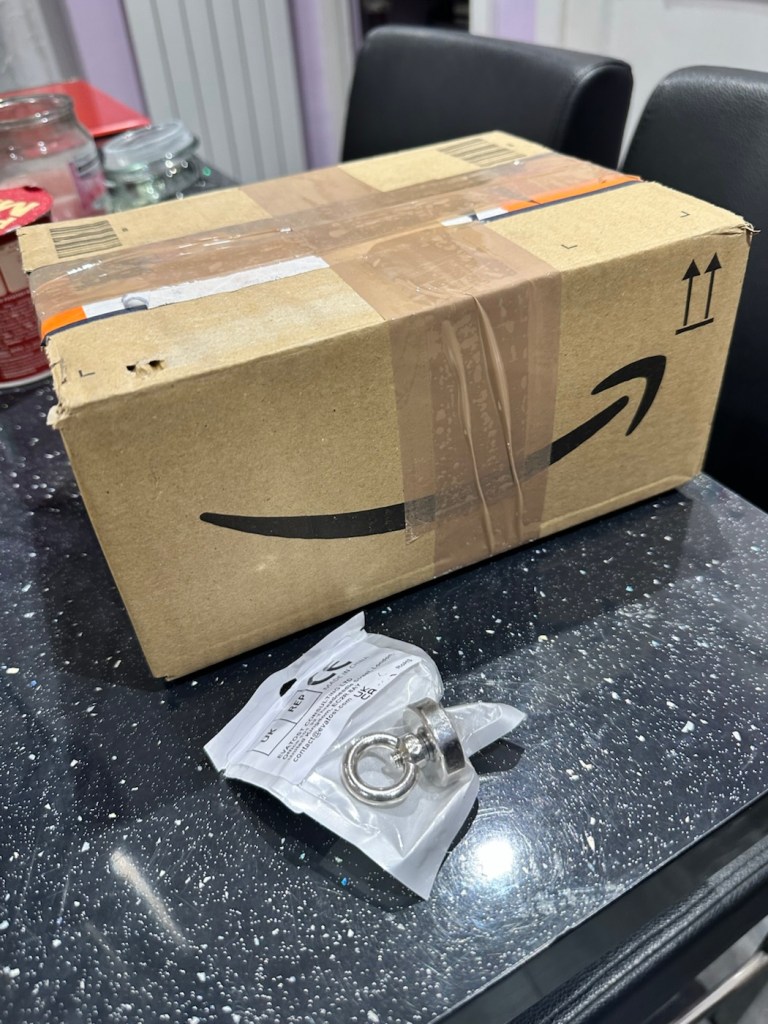
And purchased a much stronger magnet a “Rare earth” one to be precise. These are the sort of magnets they use for magnet fishing, however this one is small and despite having credentials behind it saying it has 19kg of pulling power I’d suggest that is a lie. Probably a maximum of 3kg if you’re lucky, but either way more than sufficient for me wanting to kick start a tiny electro magnet in a camera.

The most surprising issue around this magnet is the absolute ridiculous size of the packaging that it came in.

This tiny magnet, came in this massive box. Good old Amazon

So I persisted with the magnet, around the lens ring. I reset again and again. Nothing. I used my knuckle to tap the area near the magnet, a single cough, good. More resets, single coughs, more taps two coughs….this is good. I set the camera to high speed wind, kept the exposure button depressed and continued tapping, five or six coughs then stop. It’s an improvement. The magnet is starting to pick up. More tapping then I’m getting about 20 coughs with an obvious delay on one or two activations… we are now getting somewhere.

I put the rare earth magnets near the camera magnet and then switch off and reset. I turn back on again and then get a good 15 seconds or so of rapid fire, the internal magnets are clearing. I remove the rare earth magnet, reset again and the old girl fires into life for about 30 seconds continuously with only the occasional “misfire” the internal magnets are sparking back into life.

You get the idea.

Once you get these magnets operational, the best thing you can do is continually fire them, until they fire smoothly. This camera has not fired up for years, and these components inside are made to be used, and just like someone trying to keep fit, similar to a muscle, if you don’t use it you’ll lose it, it’s the same with these cameras, they need to be used on a fairly regular basis.

I did a 3 minute firing and I’m pleased to say she is now chugging away beautifully with no coughs and splutters. I’m sure glad I persisted with my hunch. I was right. And believe it or not. The battery levels are still good.

I’ve put together a little video here showing it working before and after.

My EOS 1N shutter magnet issue

Well what more can I say. It appears to be working.

Result:

To say I’m chuffed with this repair is an understatement. Sometimes you don’t have to dive in and start dismantling to get results. Do your research and make your own plan of attack with the information you have at your disposal. You will find equal amounts of good and bad advice out there, you’ll soon become aware of the differences, just follow your feelings and do what you think is right, if it’s wrong, well you’ve learned a lesson.

She’s ready to go – what a beauty

I am so looking forward to getting a day out with this camera and really letting her loose. I just love the sound of these clunking old machines, I don’t understand why anyone dislikes them. I loved visiting air shows when you had the big old really noisy aircraft that shook your soul from head to toe, they then sanitised that with super quiet aircraft…so boring. They’ve done that to cameras as well that nowadays make no noise. I love these old cameras, every click, clunk and whir brings back superb memories to me. I just love old cameras. I like to think I’m helping a few last just a little bit longer.

Many thanks for passing by, it’s always very much appreciated.

Peace to all.

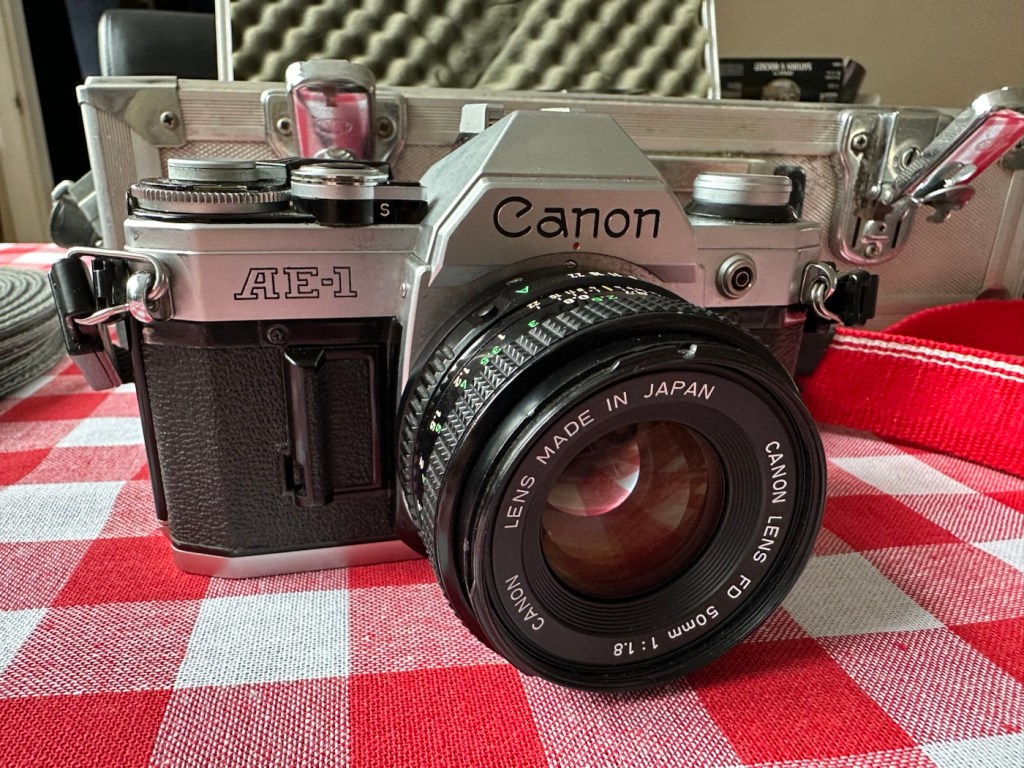
Canon AE1 35mm SLR

A sympathetic restoration of a 70s classic camera.

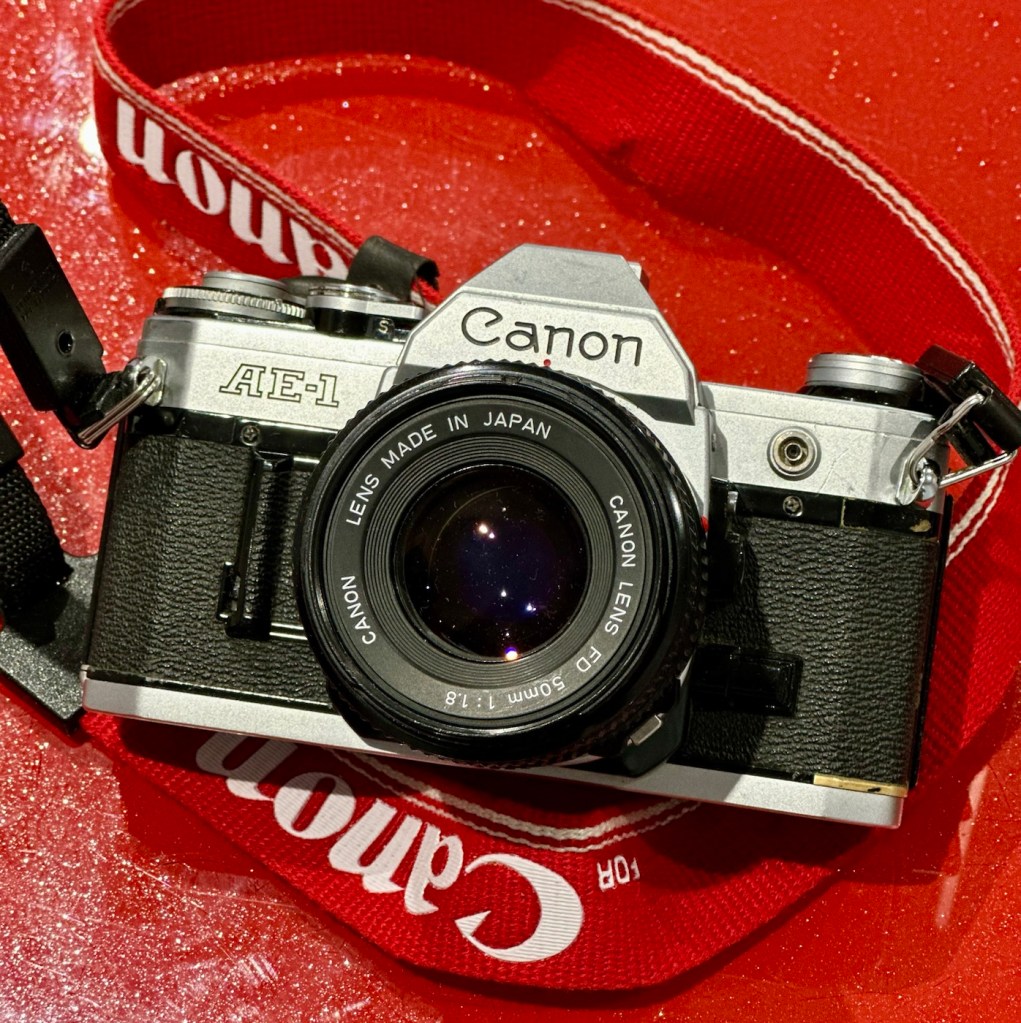
This is a Canon AE1 that was produced around May 1977. I know this because of the date code within the spool area where the film sits. Seeing these units were produced between 1976 – 1984 this particular unit is quite an early one. It is currently 48 years old and looking very good.

Canon AE-1

This camera is part of a batch of cameras recently received from a good friend of mine Jon, who has been in the photography business for more years than he cares to remember… it’s a big number and that’s all I’m saying. I did discuss his very kind donation here: Cameras…i need more!

How did you date this camera?

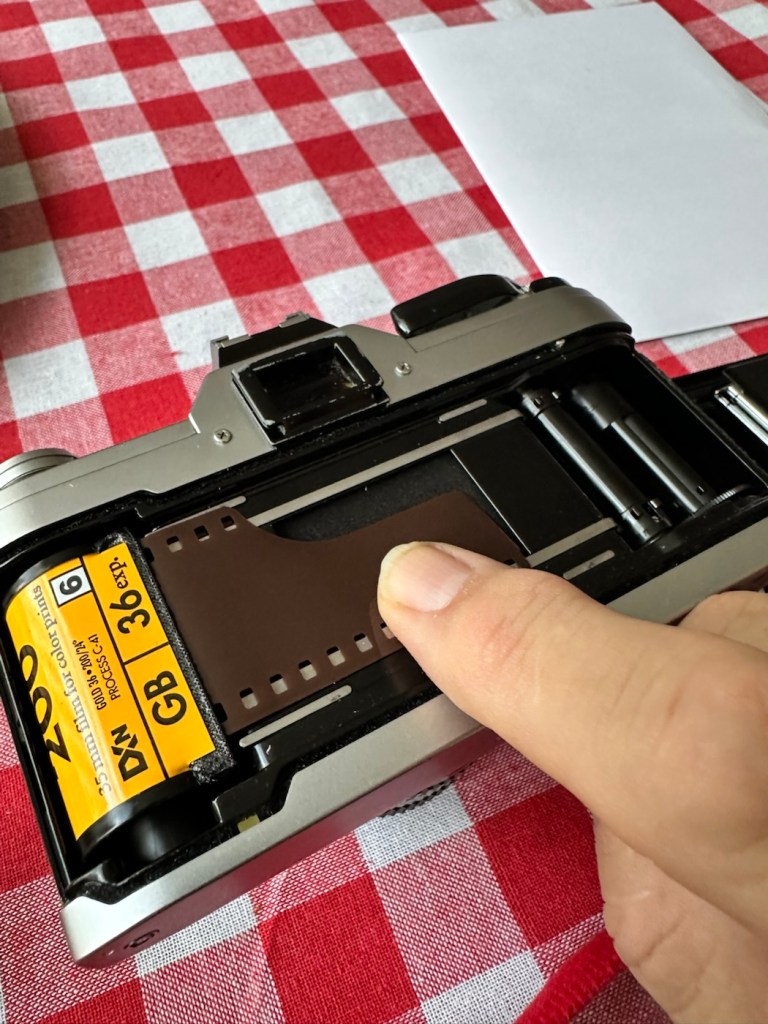
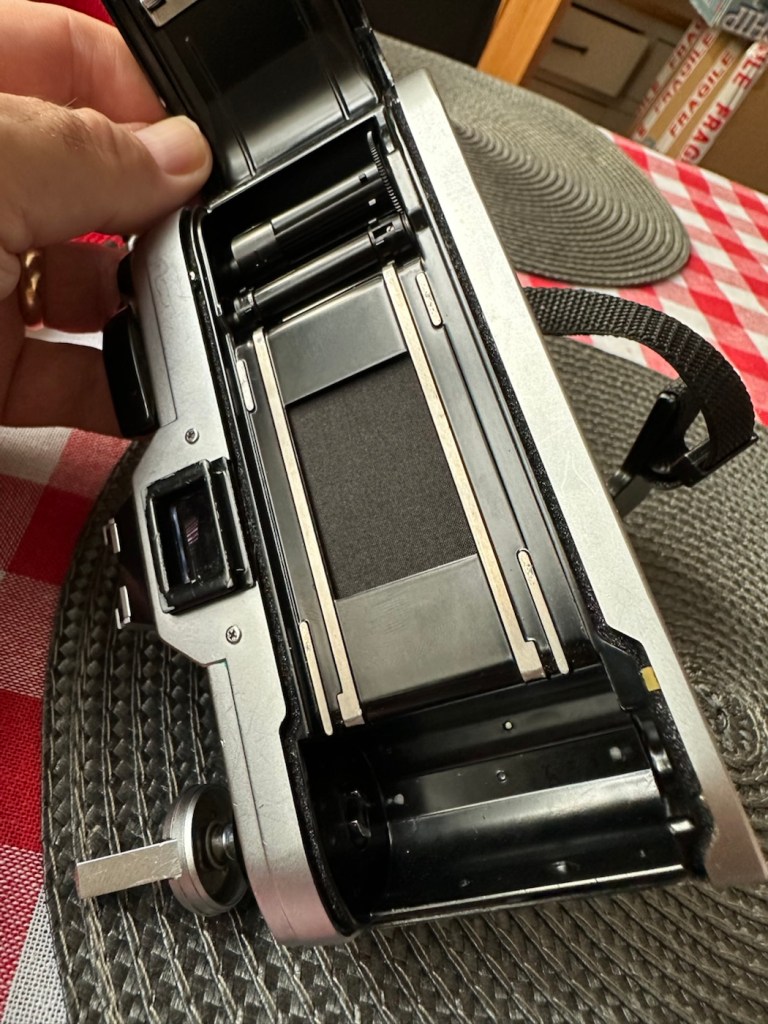
Surprisingly quite easy. There is a number on most Canon cameras externally, and contrary to belief this is not the ID number, the id number we require is inside the camera, printed in the film spool bay in a very dark ink. You have to position it in the light to view it properly.

The number can consist of 4 or more digits. In my case the number is R519. If you go to this site by a guy called Bob Atkinson he has a chart here that explains how to source the date of your Canon Camera or lens: Bob Atkins Photography- Date codes

So using Bobs code the letter “R” refers to the year of manufacture and in this case represents 1977 or 2003 (the dates were recycled when they reached the end of the alphabet) seeing this camera’s production run was between 1976 – 1984, “R” in this case represents 1977. The next two digits represent the month of manufacture, and occasionally in months 1-9 the preceding zero was omitted. In my case considering the number 51 does not represent a Month, the zero was omitted in my case therefore making the month of manufacture “05” hence month 5 – May. So this unit was more than likely produced in May 1977. Occasionally there would be a final letter such as an “F” that would represent the factory it was made in. “F “ would have been the factory in Fukushima. See, that’s how I dated this unit. Check Bob’s site out and date your Canon equipment.

Anyway, here’s a little history about this superb little camera:

The Canon AE-1 is a 35 mm single-lens reflex (SLR) film camera for use with interchangeable lenses, manufactured by Canon Camera K. K. (today Canon Incorporated) in Japan from April 1976 to 1984. It uses an electromagnetically controlled, horizontal cloth focal plane shutter, with a speed range of 2 to 1/1000 second plus Bulb and flashX-sync of 1/60 second. The camera body is 87 mm tall, 141 mm wide, and 48 mm deep; it weighs 590 g. Most are silver, with black grip and chrome trim, but some are black with chrome trim.

Its name refers to the fact that it is an electronic camera using aperture control for automatic exposure. The AE-1 is the first SLR containing a digital integrated circuit, which allowed Canon to integrate more functionality while making the camera smaller. Both the digitally-controlled automatic exposure and the small size helped to make the camera a success: backed by a major advertising campaign, the AE-1 sold over 5.7 million units, which made it an unprecedented success in the SLR market.

Wikipedia

So there is a lot of them about, but it’s rarer now to find one in a good condition. I think I have one that is in a good condition, has very slight signs of ageing (Patina) and shouldn’t take too much effort to get it working again.

Let’s have a closer look at my inherited camera.

Assessment:

It’s been in storage within a foam lined metal box for a few years and this appears to have assisted in maintaining its overall good quality. There are a few slight signs of wear that are present as you would expect with a camera that has been well used but cared for, but there are no major dinks or signs of bits being broken. It has been loved.

Looking at the shell all the buttons are doing what they should, it’s a bit dusty and grubby and looking through the viewfinder you can see a lot of dust in the view, but I believe this is just dust on the mirror, or at least I hope so.

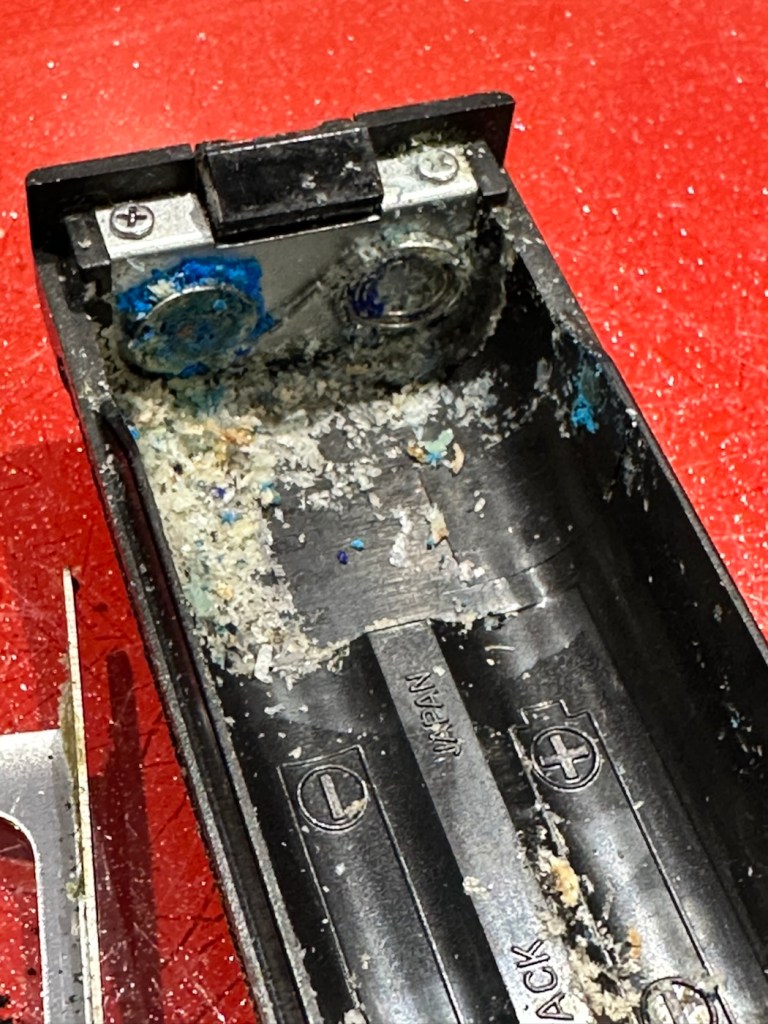
The camera has attached to it a Canon power winder “A” and this does not work, it has serious corrosion that I suspect that has gone behind the contacts and will need dismantling, cleaning and rebuilding. I will cover this activity in a separate post, whilst this one covers the camera and is a separate activity.

Anyway back to the camera. The wind lever seems to be locked, it can’t be cocked. The shutter doesn’t fire but there does seem to be movement in the exposure meter in the viewfinder but it seems erratic, not quite as it should be. I have a feeling and in fact I’m quite confident it is an electrical issue, as with the Canon A1, a bad power source would render the entire camera useless.

Repair:

With my suspicions about the electrical element on this camera the first thing I did was to do a battery check in the camera. This camera has one cell in it, mounted on the front face just to the right hand side of the lens in a small chamber. It is a 6v lithium battery. I suspect this one has been in place many years.

Battery check button

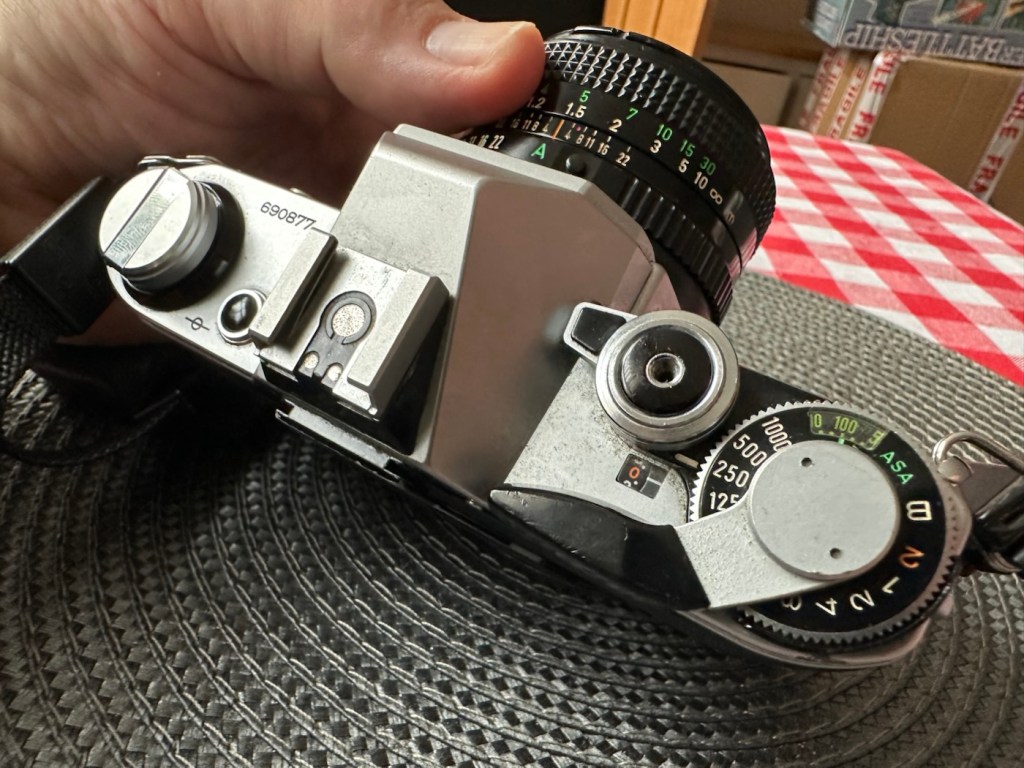
To check the battery power you look through the viewfinder at the light meter to the right of your field of view and depress the little black button on the top left of the viewfinder on top of the camera.

This. Battery is dead

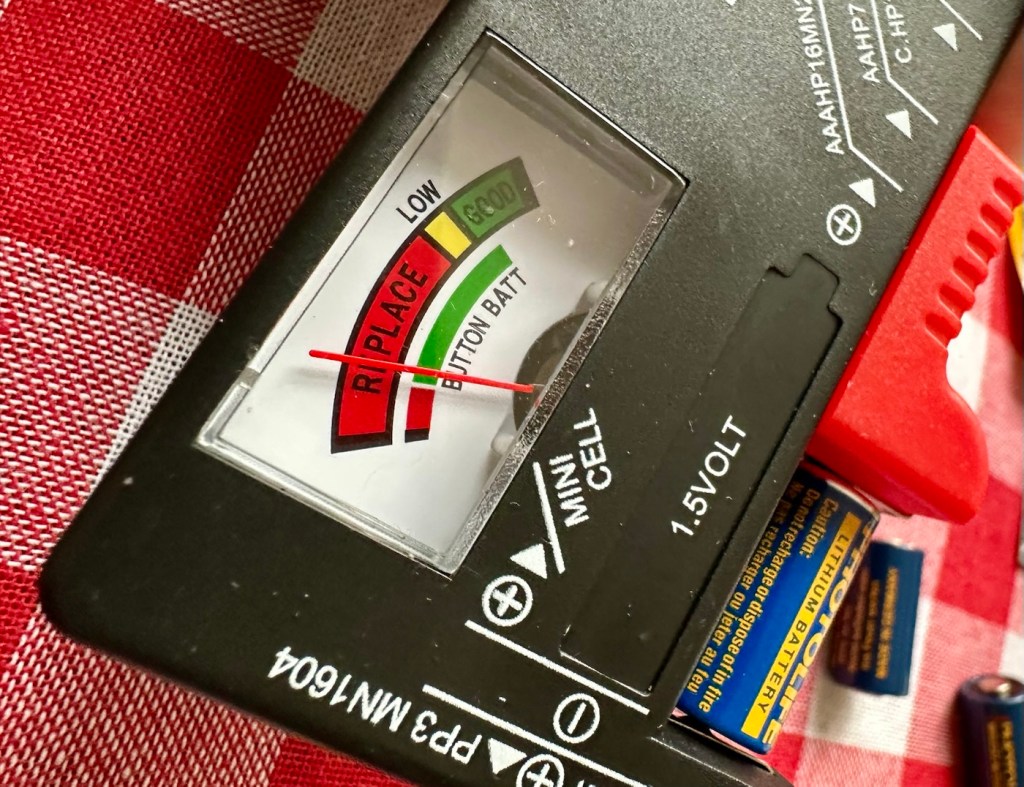
As you can see above, when you push the little battery check button the needle on the exposure meter moves. It may settle, it may move about, but the battery should be indicating below the 5.6 level to prove it has life, this battery is indicating dead. Let’s confirm that on an external battery checker for confirmation.

Yep. It’s dead

And I think that confirms things for us that this old battery is dead. Fortunately I have plenty of replacements available so I just put a new one in to see what happens.

New battery

The new battery is in place and now you can see the indication has dipped well below 5.6 indicating a healthy battery supply. I push the shutter button and it fires perfectly. Power has been restored.

The lens on this camera is pretty much the stock issue FD 50mm. I have removed it and exposed it to high lighting levels to see if there are any imperfections and I’m pleased to say there are none. No Mould or fungus build up, I must admit my friend who passed this on to me has stored it perfectly. Apart from a little dust build up, I was able to use a lens cloth on both the lens and mirror and the issue was sorted in minutes, not that it was ever an issue really.

I’ve used a dummy film and the carriage works fine, the lens apertures all react smoothly, and the shutter speed’s respond as they should. There is no shutter scream or lag, and everything seems just right. After spending a good few hours going through the instruction manual and checking all its functions I am happy it is doing just what it should. It is very rare to find such a good condition of camera that requires very little maintenance. It’s a credit to the previous owner.

This is a sympathetic restoration. I’m leaving it looking as it is. I’m not fixing something that isn’t broken, and I will attend to it with lubrication and maintenance as and when it is needed. I will very soon run a roll of film through and see just what comes back as a result. I have a number of films here that are now 20 years out of date so there could be some interesting results.

Result:

A beautiful camera

The camera has cleaned up beautifully after a good deep clean and polish. I have a superb little example of a well loved and well used retro superstar of the late 70s. In perfect working order and ready once again to be used for what it was designed for. Taking great photographs.

As stated I’m going to run a film through and I will post the results on here whenever I get the time to do so. See the test results here: 20yr old Kodak Gold

My plan is to have this displayed in a case in my workroom alongside my Canon A1 when I have completed its repair. I took up photography in the period of time that these cameras were produced, and they hold great memories and sentimentality for me. They come from a time when cameras had style and innovation, before they all started to look the same, quality and style, it’s what’s missing today.

For someone like me that loves old cameras, I think these are superb and will always hold a place in my heart.

Thank you for passing by, it’s always very much appreciated.
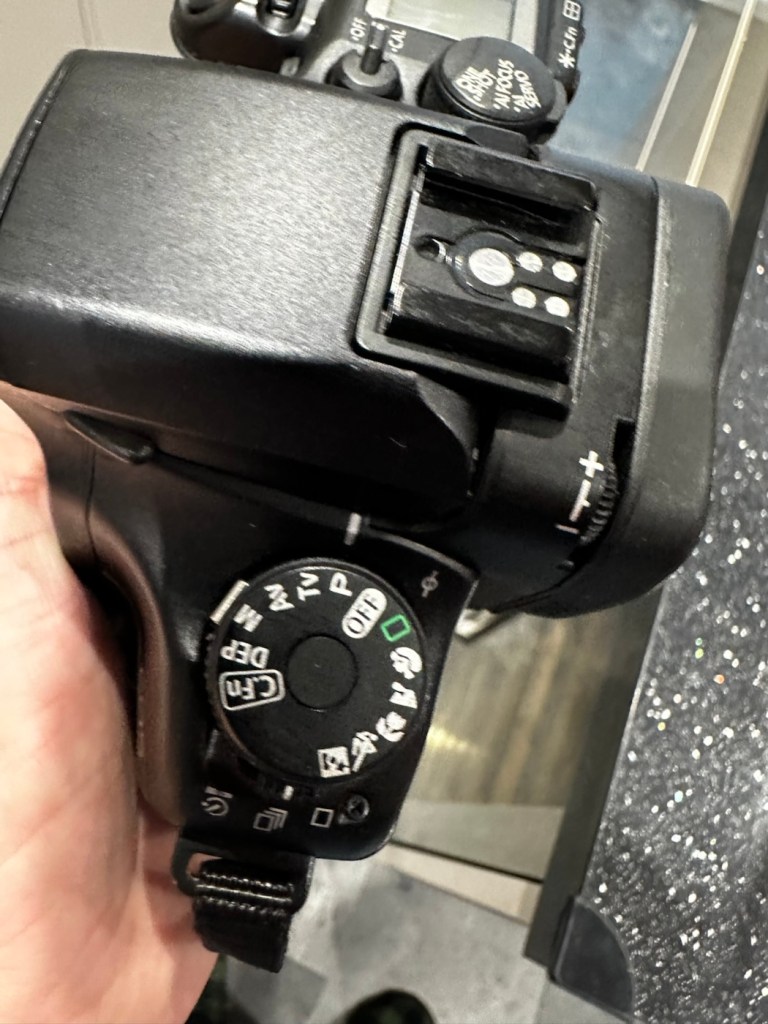
Cameras…i need more!

I say more cameras, my wife begs to differ.. my friends agree with me.

Well, my wife would probably disagree with the above comment.

However, i have some very good friends who are quite happy to ignore my wife and her protestations. Some would say they are very brave…others would even say they are foolish. Time will tell.

A couple of beauties – you wouldn’t understand

Jon, is a friend and former work colleague that i have known for many years. We both worked at the same Kodak plant in Harrow, me on the graphics art film production track and Jon was in the training and development area. We rarely met there as the plant was so huge that our paths crossed quite infrequently. However Jon has also been the mainstay and life blood of a local football team since the early 70s, and it’s true to say he is a local legend and pillar of the community. This is how i really met Jon, and we have always discussed issues of photography, he is very much involved with promoting the armed forces and has been fortunate in the subject matter he has been asked to photograph. Needless to say, he has a lot of redundant equipment, and when he became aware of my blog site and the repairs i attempt to do, he very kindly donated a number of items for me to write posts about, and to be quite honest it will keep me busy for quite a long time.

The majority of the items probably just need a little service and a test session, a couple have some battery corrosion issues, but in general cosmetically, they are in good condition. We have a number of old lenses, but as you’d expect from someone who looks after their equipment, there isn’t a sign of haze or fungus in them. They just need a clean up, and very little else.

Here’s a list of what i have received, and observed after a very quick look at the items.

8 cameras:

  • 1 Canon AE1 film camera and user manual, mirror was stuck, now freed up and firing ok but requiring a check over.
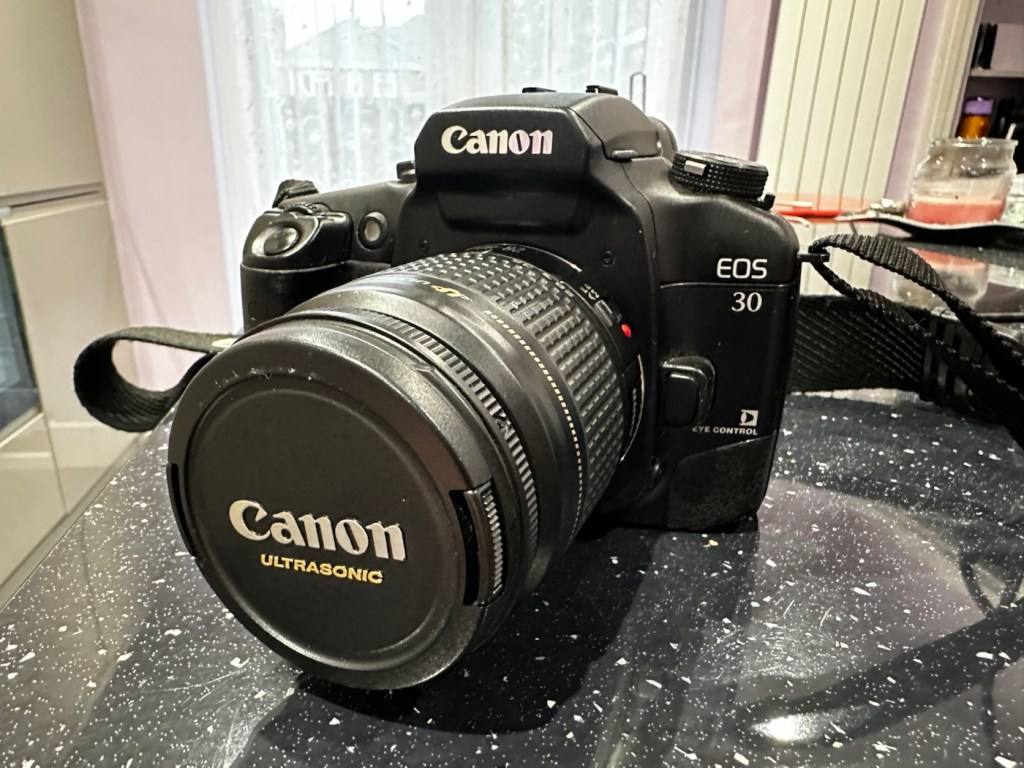
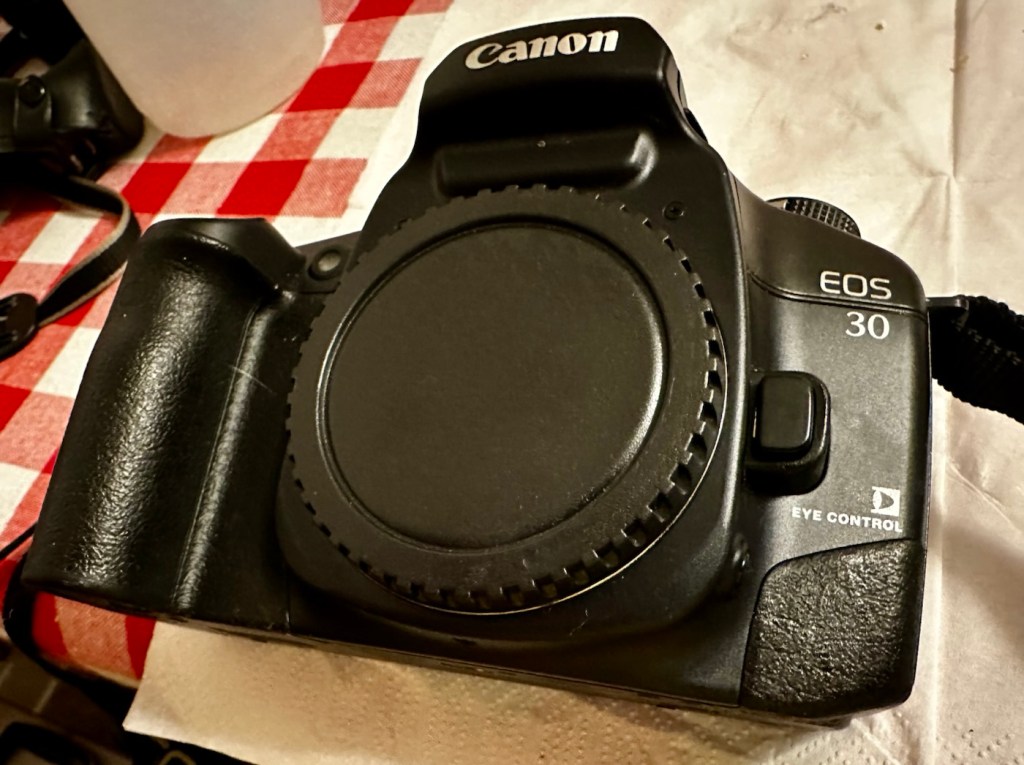
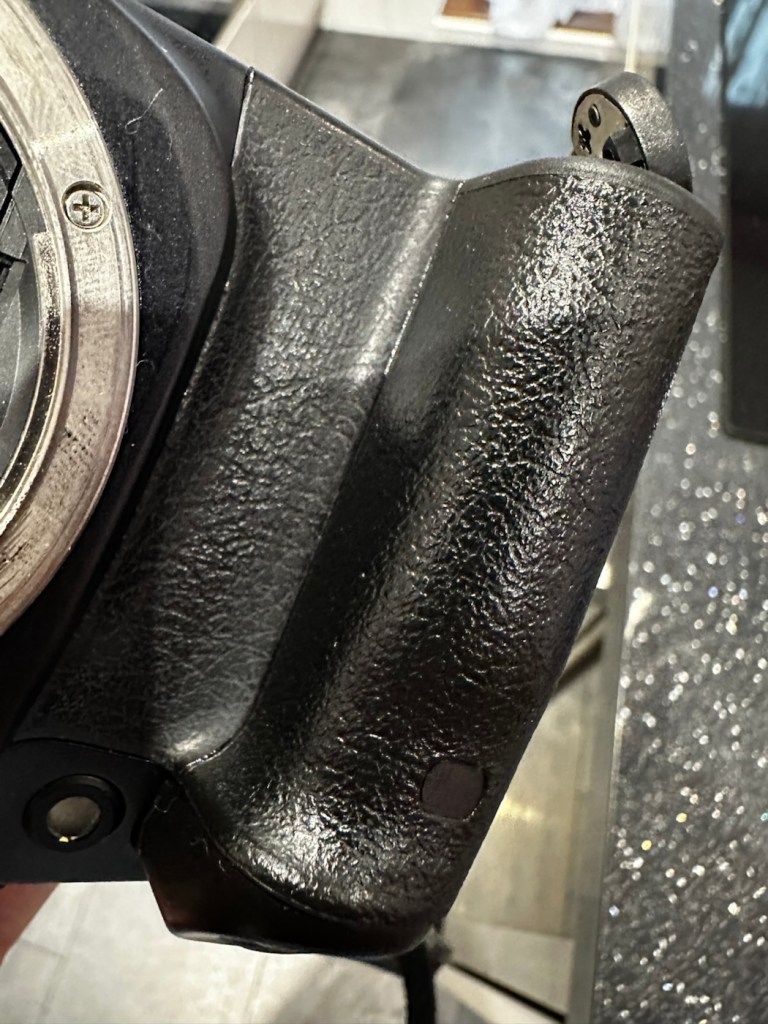
  • 1 Canon EOS 30 film camera, a bad case of sticky body.
  • 1 Canon EOS 10 film camera, issues unknown
  • 2 Canon EOS 500N film cameras, issues unknown
  • 1 Canon EOS 3000 film camera, issues unknown
  • Canon EOS 1N film cameras with E1 power drive, beautiful camera, issues unknown.
  • Canon EOS 7D digital camera with BG-E7 battery grip, stunning camera, issues unknown.

7 lenses: all Canon fit

  • 2 x Canon FD 50mm 1:1.8
  • Tokina 300mm 1:5.6
  • Tokina 135mm 1:2.8
  • Tokina 35mm 1:2.8
  • Canon 75-300mm 1:4-5.6
  • Canon 28-80mm 1:3.5-5.6

There is a separate lens that i have been asked to look at and repair for him as it’s his third go to lens, that is a Canon EF 28-200 1:3.5-5.6 USM lens. It doesn’t focus in auto, i notice it has lens wobble and a lens washer appears to be exposed in the zoom section of the lens. It needs investigation.

Other items:

  • Canon Power winder-A. Part of the AE1 camera, you can smell its issue as you hold it, battery corrosion. Batteries inside have seriously corroded, however i believe the issue is salvageable.
  • Canon speedlite 199A flash gun, untested.
  • Metz 45 CT-1 flash, again there is corrosion in the battery pack, you can smell it. Again this should be salvageable.
  • Sangamo Euro master light meter and invercone. In excellent condition, could be that the selenium light cell is dead. Needs investigating.
  • 8 rolls of film, expiry date 2005, may still work..who knows.
  • 3 x 6v lithium batteries, all tested and working.

Add to that the two camera bags and a hard case that they all came in and I’m sure that you will agree that it was a pretty nice package to receive.

I’m extremely confident i can get these all into a good working condition, any cameras that i will not be keeping will either be sold on to benefit charities supported by Jon or donated to local charities for their benefit. Either way nothing will be heading to waste, that is a promise i have made to Jon and thats just how it will be, i do not break promises.

Thanks for passing by, and i will be posting articles on all these products in the coming months. As I already have 13 projects already in draft awaiting a time when i can back to repairing them, you can plainly see I’m going to be very busy for quite a while and should be able to supply quite a regular feed to this blog.

Have a super day. stay safe.

Not the lottery, but for me – just as good

I’ve been after a couple of cameras for quite a while now that hold a great deal of sentimental meaning to me. This will become apparent when i publish the individual posts for them, but for now i just want to share the result of an auction i participated in on the 31st July 2025.

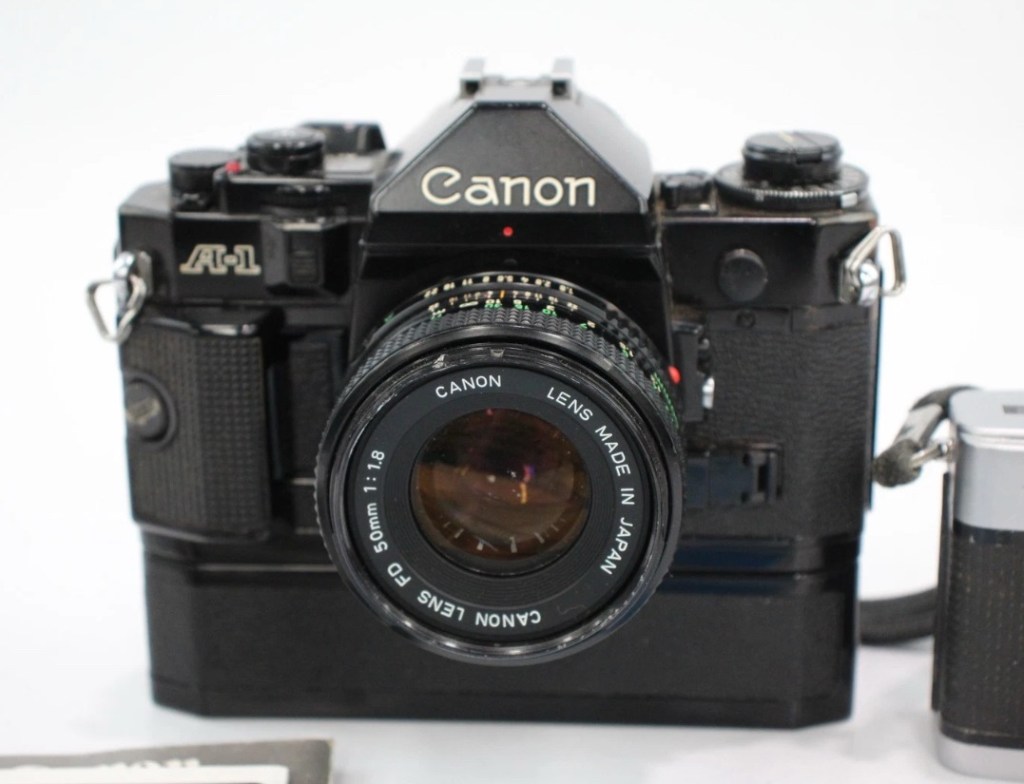
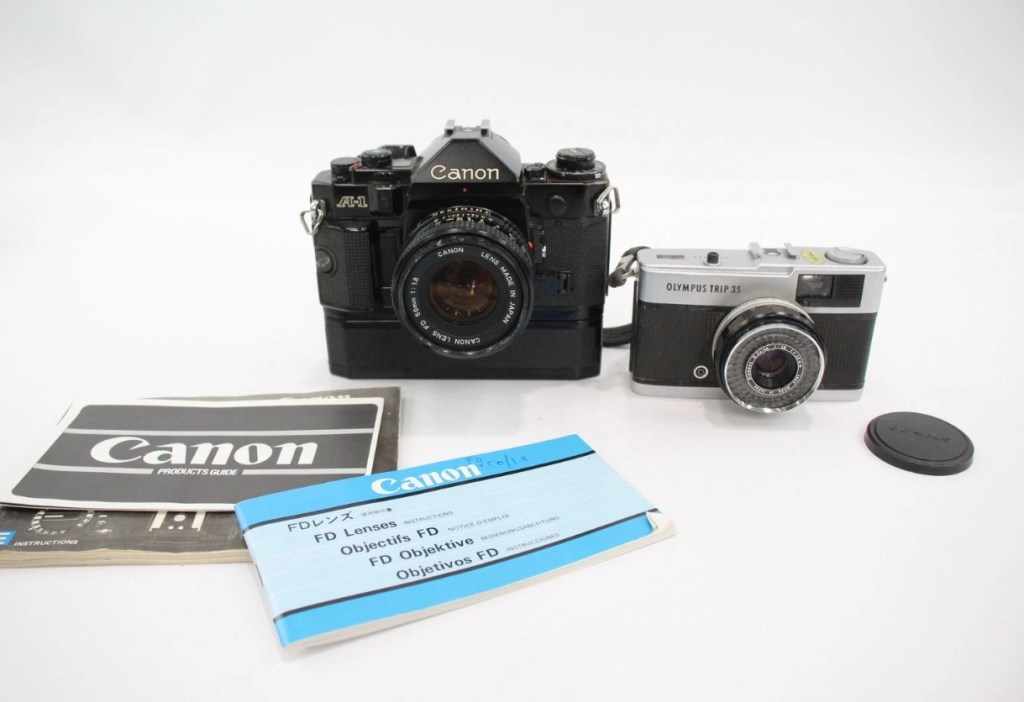
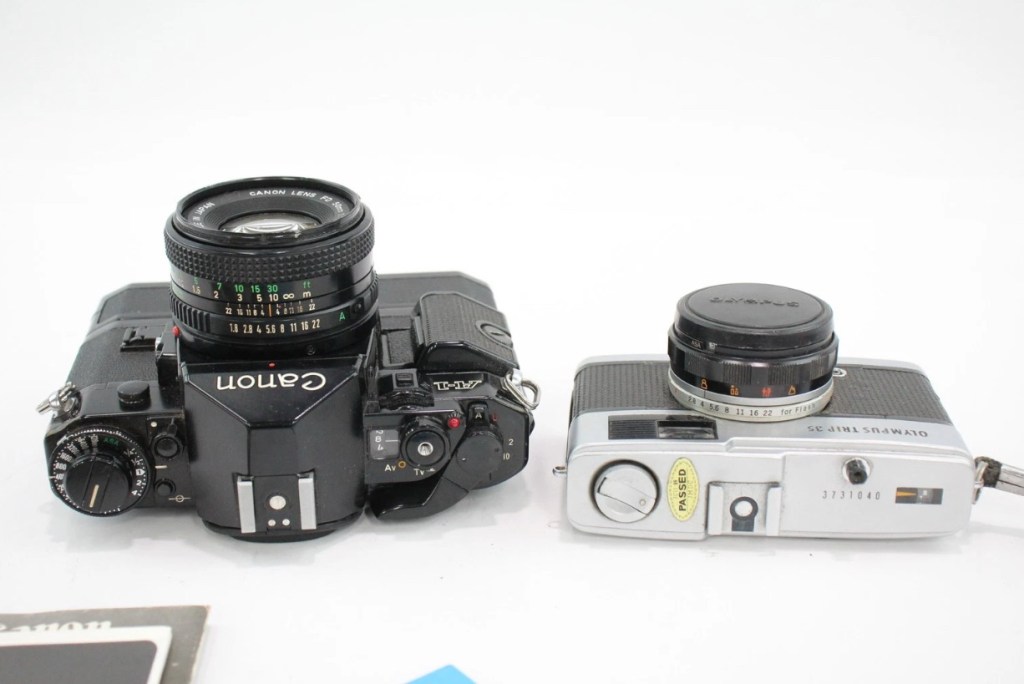
Today I’ve probably made the best purchase off of an auction site that I have ever made previous. I’ve been following a number of Canon A1s lately and they have all been going in the £120+GBP bracket, some even higher than that. Today I have lost out on two that sold for £93 for a damaged body and one for £121 that was just a body but of a much better quality. This particular auction I was watching was for an untested duo of cameras, a Canon A1 as well as an Olympus Trip 35mm. The Olympus alone normally commands the high £80GBP range and both of these were in this particular auction. I was just watching as this was going to sky rocket in my opinion, two good cameras from a respected seller who I have used before. Two minutes from the auction end, bidding was sat at £39GBP and I thought that any second now the price was going to go crazy, especially in the last 30 seconds. I put in a max bid of £55GBP for the lot, as I pretty much knew it would sail past that amount and go for a price in the £150-£200 price range. I hit the bid button with 20 seconds left on the auction….

You have won – congratulations!

I thought you’re having a laugh, no way. And then it came up with the winning bid being £39:00GBP no one else was bidding, crazy.

The A1 camera consists of the body, a winder, an FD 50 1:1.8 lens, a camera manual as well as a lens manual.

Postage was the grand total of £4:99 so my total for these two cameras was £43:99GBP. That is nuts, and to say I’m pleased about this is the understatement of the century. I have two of the cameras I wish for the most, and I have just landed the bargain of the day, I was in the right place at the right time. Wow. It’s unusual to catch other auction bidders sleeping, it will probably never happen again for me, it’s a very rare occurrence. Two cameras of this magnitude for £22:00GBP each! That’s unheard of.

I don’t know for what reason they are not working, as they both appear to be quite tidy examples. I have used this seller before and the posting above could also be worded such as to imply that the units may well not have been tested. But, that’s what this site is about, repairing old cameras and getting them working again. There’s no fun in talking about a good functional camera, that’s boring. We want the meat and potatoes as they say, we want to see things being fixed, or broken further….you never know with me.

Thanks for sharing my excitement at this purchase. It will all make sense once i’ve assessed the cameras and carried out any repairs.

Thank you for passing by. It’s always appreciated.
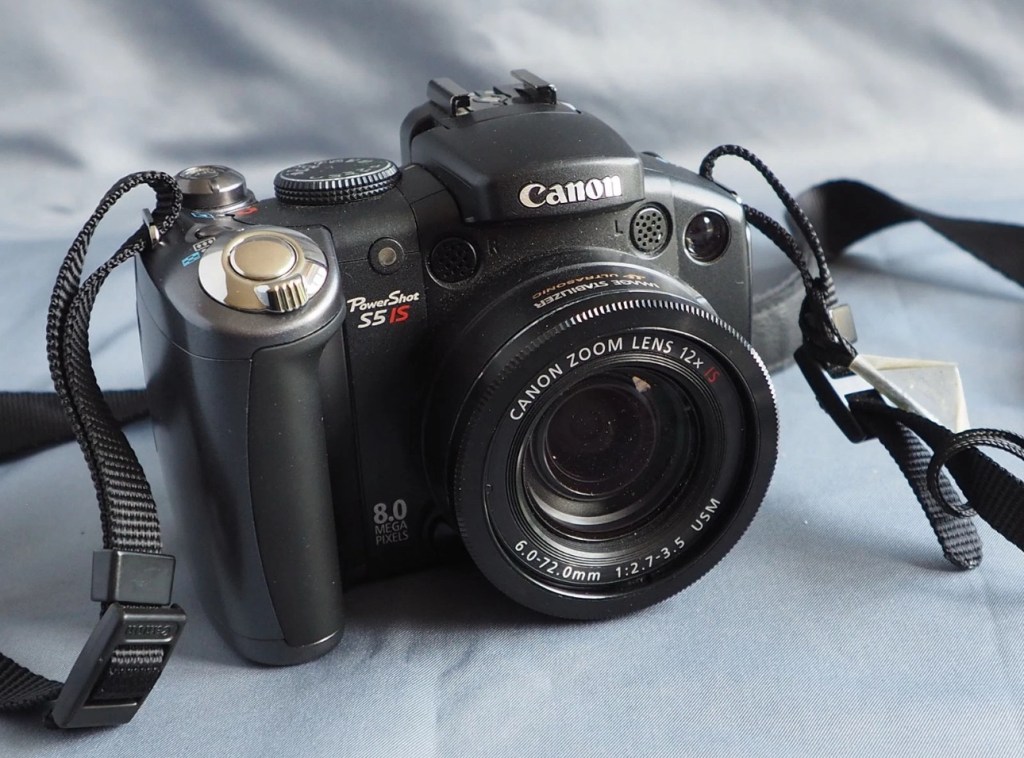
Canon Powershot S5 IS

What the listing stated:

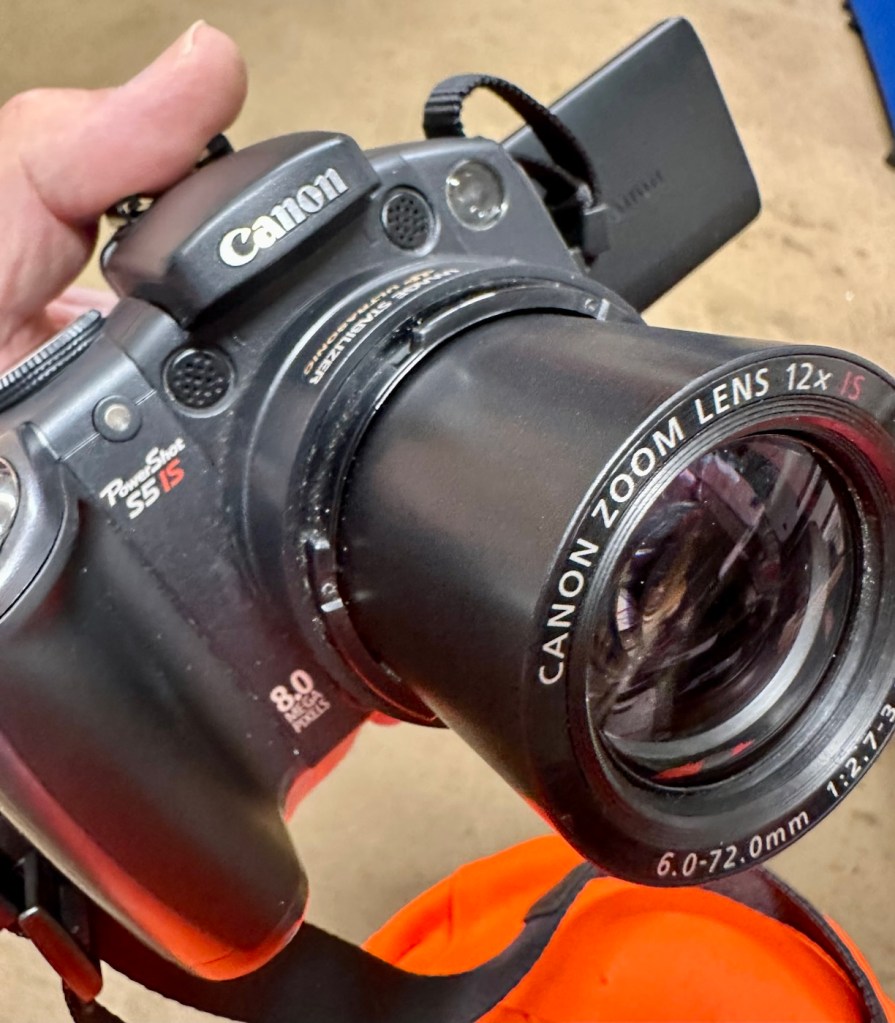
This is a Canon Powershot S5 IS Digital Bridge Camera which is faulty and sold for spares or repair only.

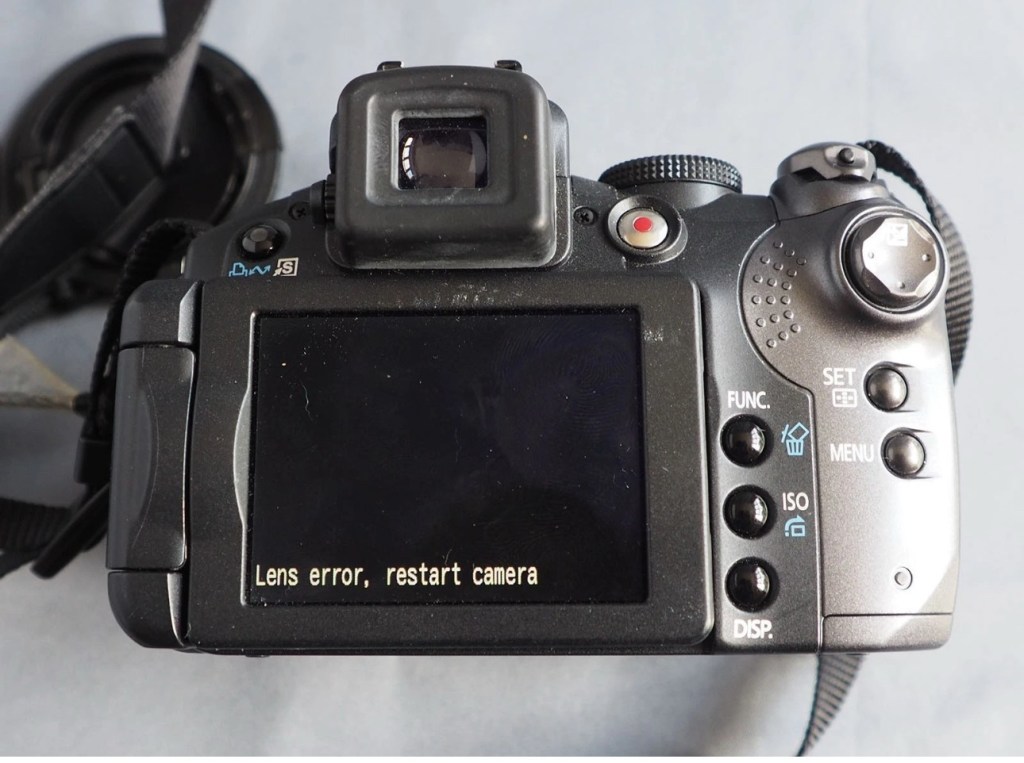
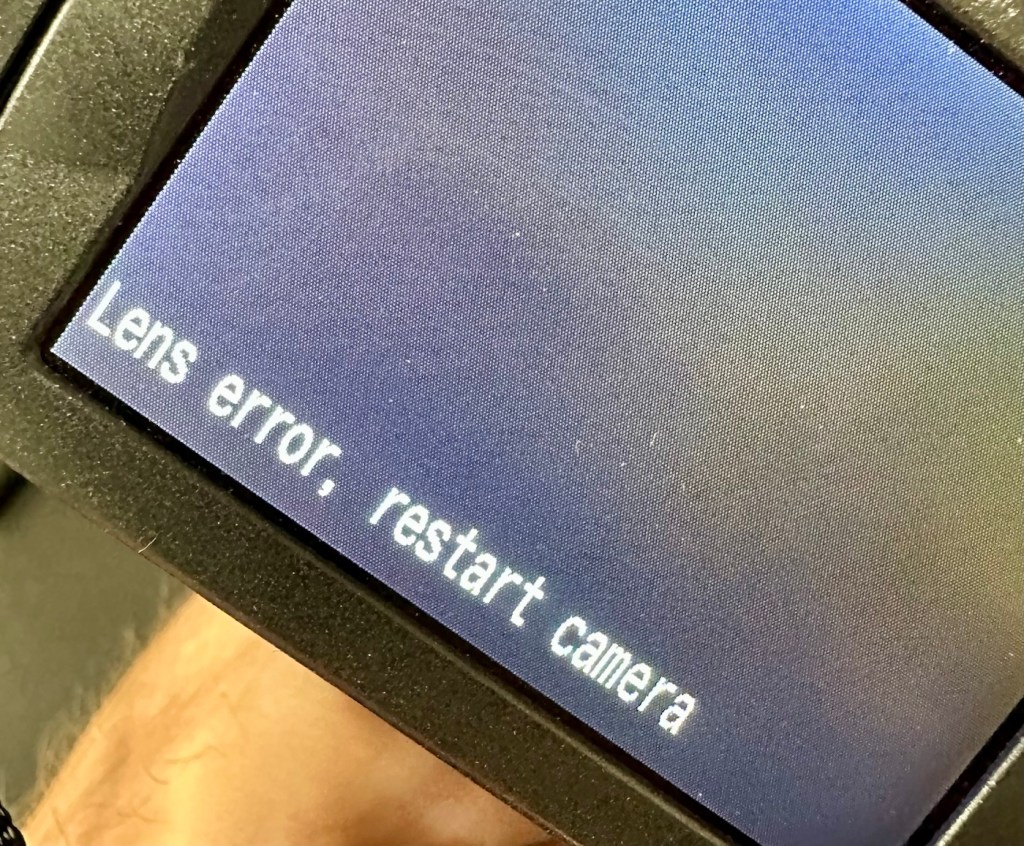
The camera is in excellent cosmetic condition but when switched on there is an error message saying lens error please restart camera (see photo).

It takes 4xAA batteries and SD cards (not supplied)

A little bit about this camera:

Released in June 2007, the PowerShot S5 IS is the successor to the S3 IS model launched in April 2006, which was well received for its optical image stabilization, high zoom ratio and ample movie-shooting capabilities. Like its predecessor, the high-function, high-performance S5 IS features a 12x optical zoom lens equipped with a lens shift image stabilizer and realizes fast, quiet zoom performance by means of a high-speed Ultrasonic Motor (USM).

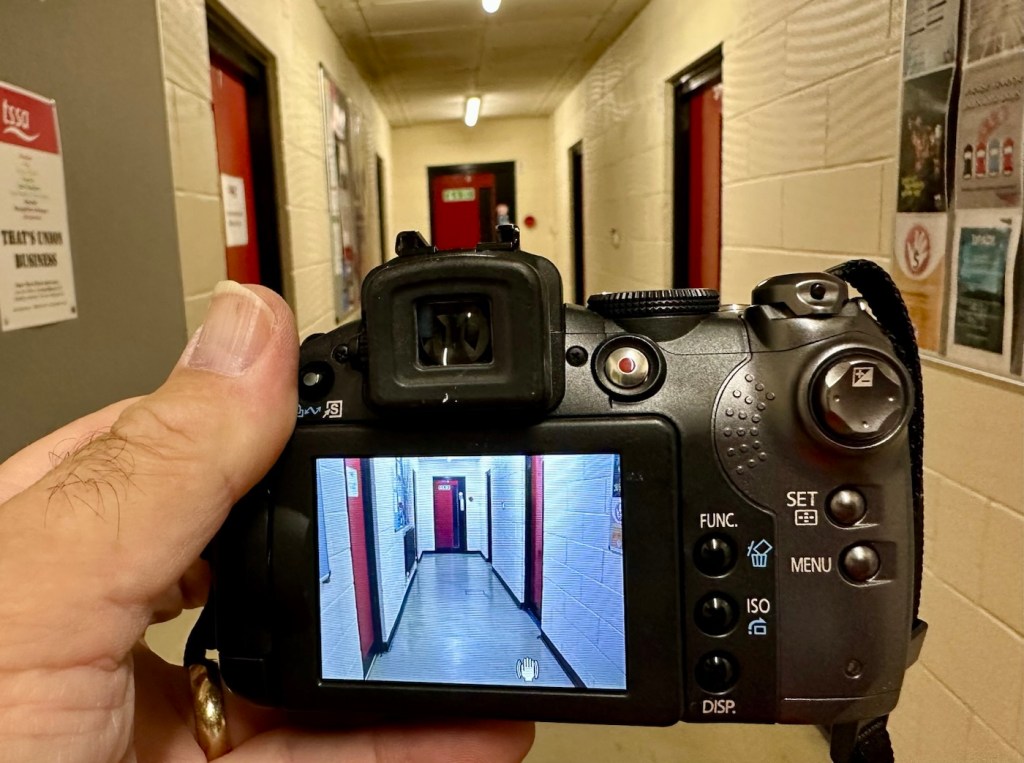
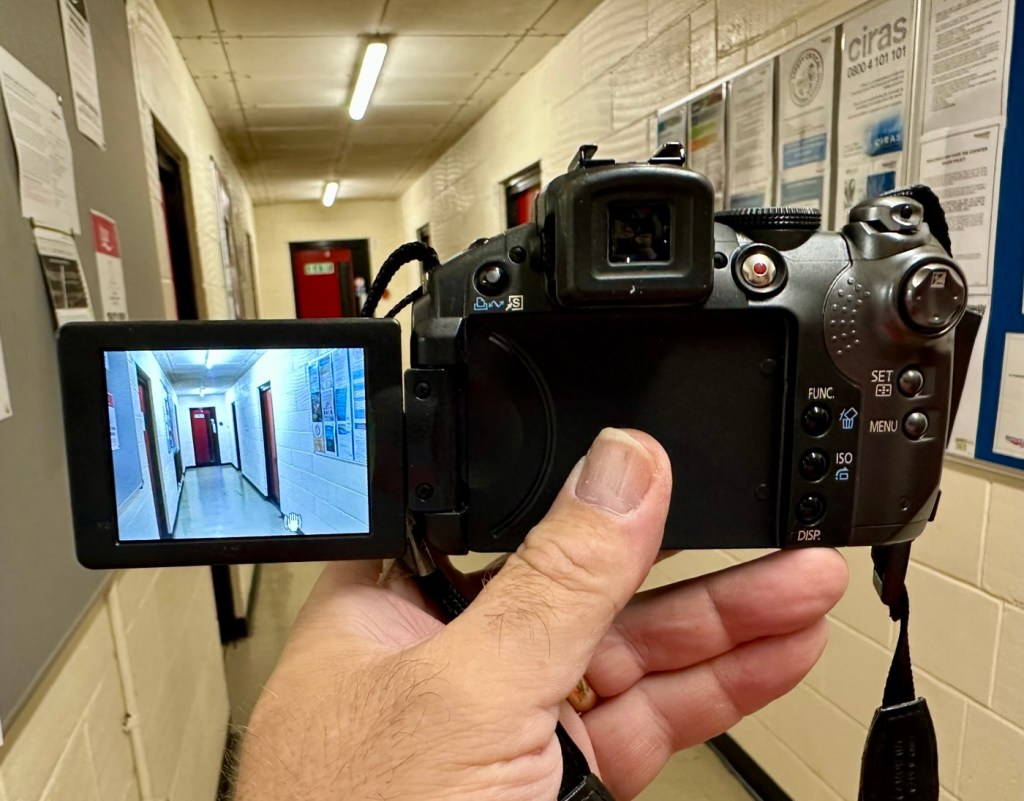
Compared with its predecessor, the PowerShot S5 IS delivers improved imaging performance through the incorporation of an 8.0-megapixel CCD sensor-increased from 6.0 megapixels in the S3 IS-and an upgrade to Canon’s high-performance DIGIC III image processor from the earlier model’s DIGIC II. Additionally, the S5 IS employs a 2.5-inch high-resolution (approximately 207,000 dots) vari-angle LCD monitor that offers a wide viewing angle to realize a high level of shooting flexibility, and includes a hot shoe for compatibility with Canon EX-series Speedlite flashes.

The new Canon PowerShot model supports the recording of high-quality movies by enabling users to make use of the camera’s optical zoom and Face Detection AF/AE functions. The S5 IS also offers an LP movie mode, which employs a higher rate of image compression to enable longer recording times for VGA movies, as well as high-quality stereo sound, and seamless transitions between the shooting of still images and movie recording.

Canon

I’ve been watching this one for a little while, it looks very good cosmetically and I’m surprised as I was the only one that bid on it. I’ve paid a total, including postage of £8:81GBP and I think that is an absolute bargain. An issue with these cameras has always been a motor/lens error. These motors within these cameras are an ultrasonic motor (USM) and to be totally honest they can be quite delicate and are known to give up as such, if even a grain of sand was to get stuck in the lens gear mechanism. They are delicate souls that don’t really like hard work 😂

A good clean is sometimes all that is needed to get these cameras working again, however I’m not going to get ahead of myself here, as I just don’t know what kind of pain the previous owner has inflicted on this camera. I just hope they have not been too brutal.

Assessment:

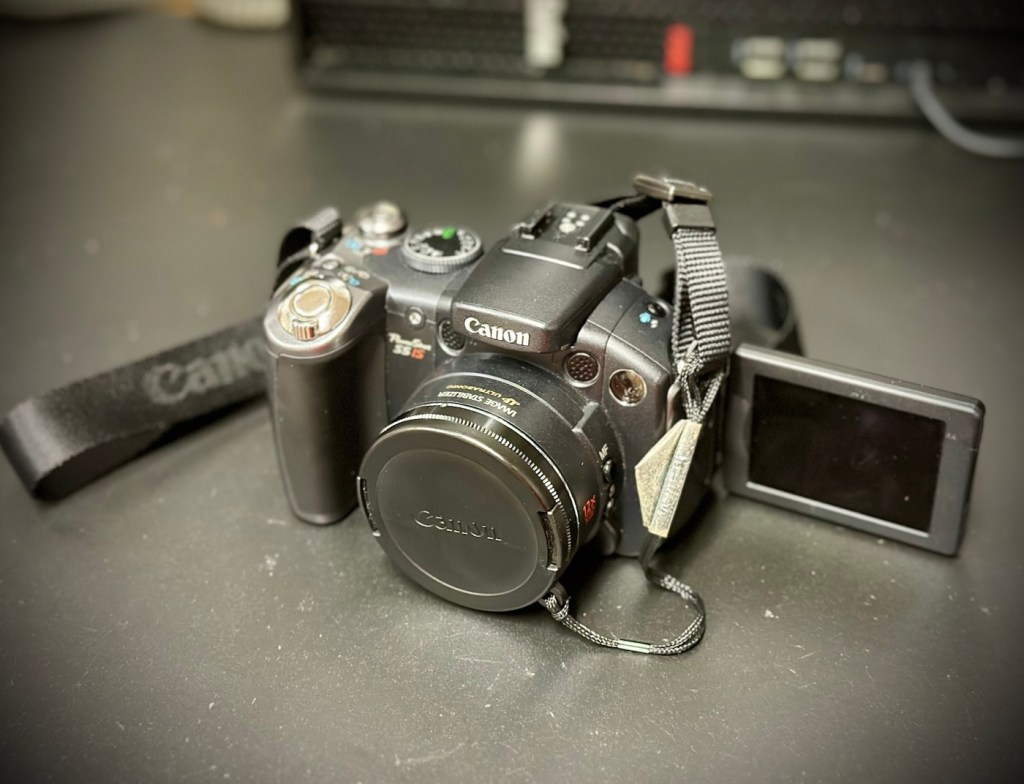
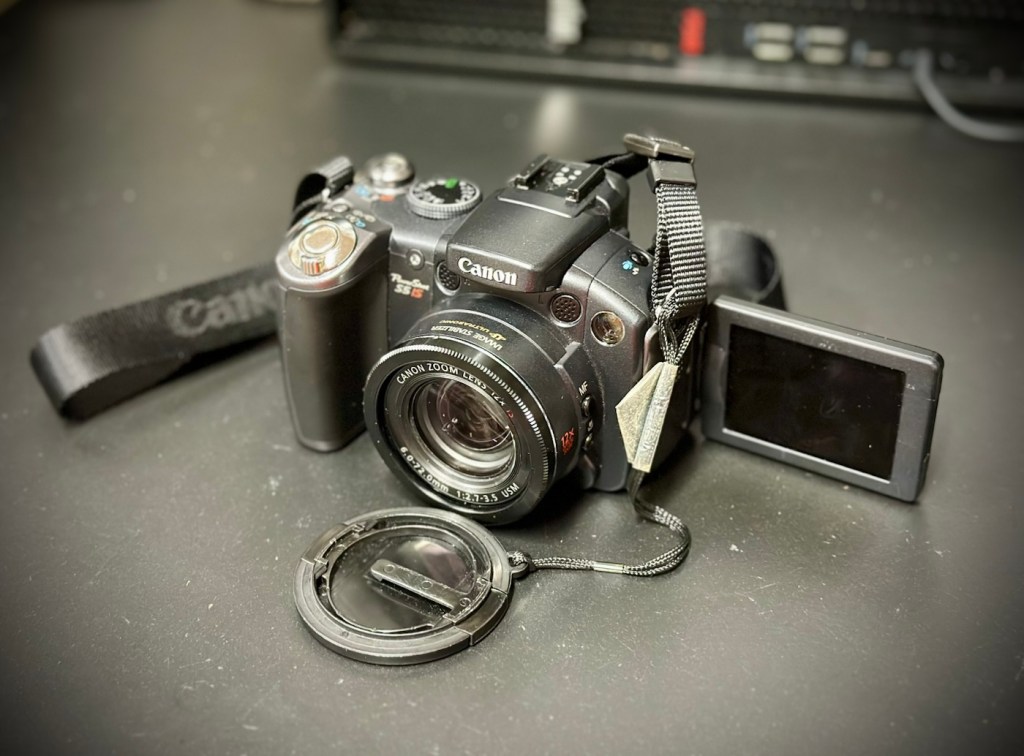
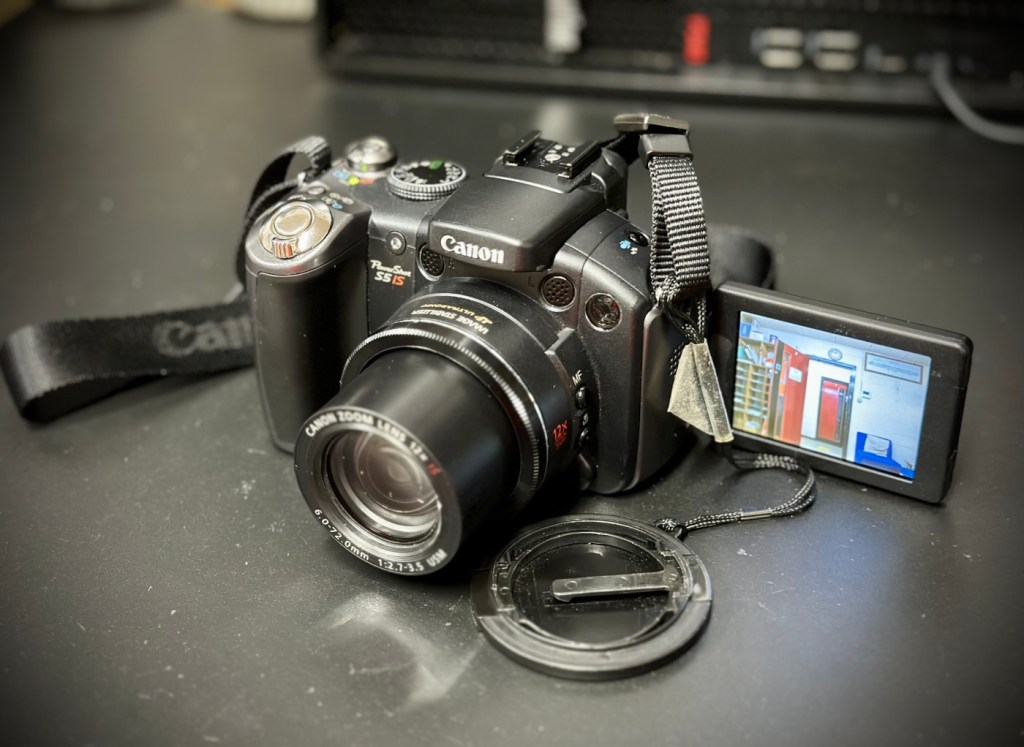
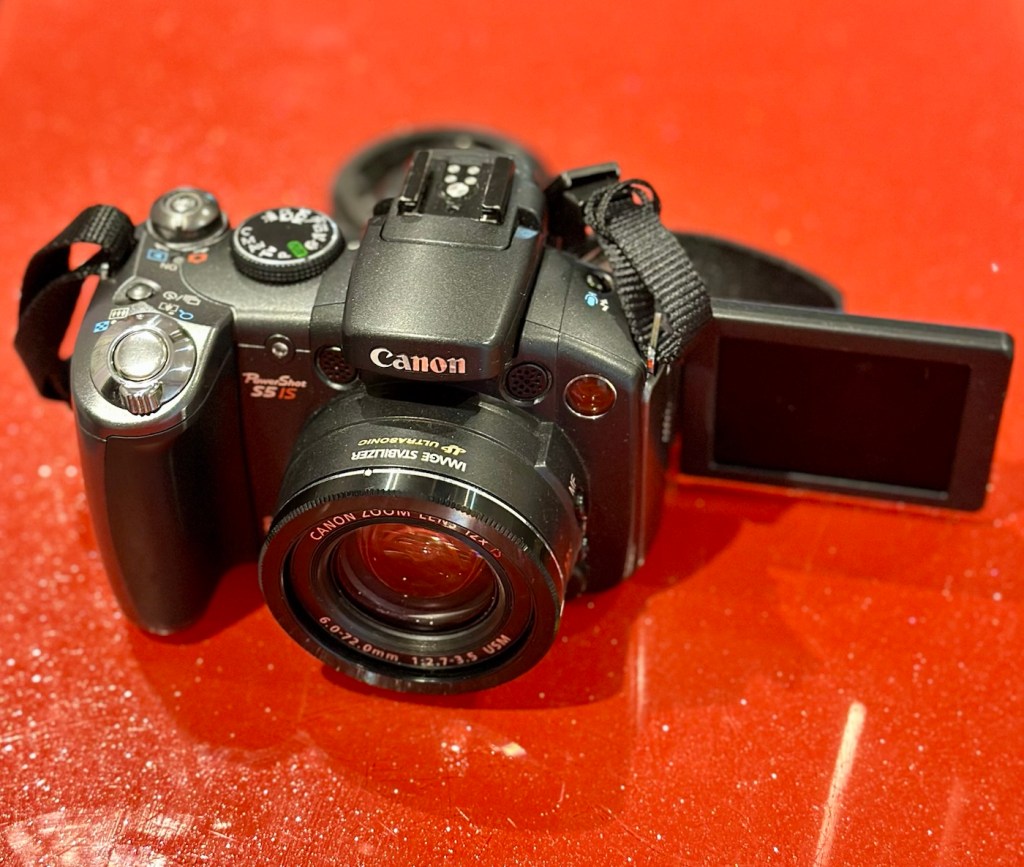
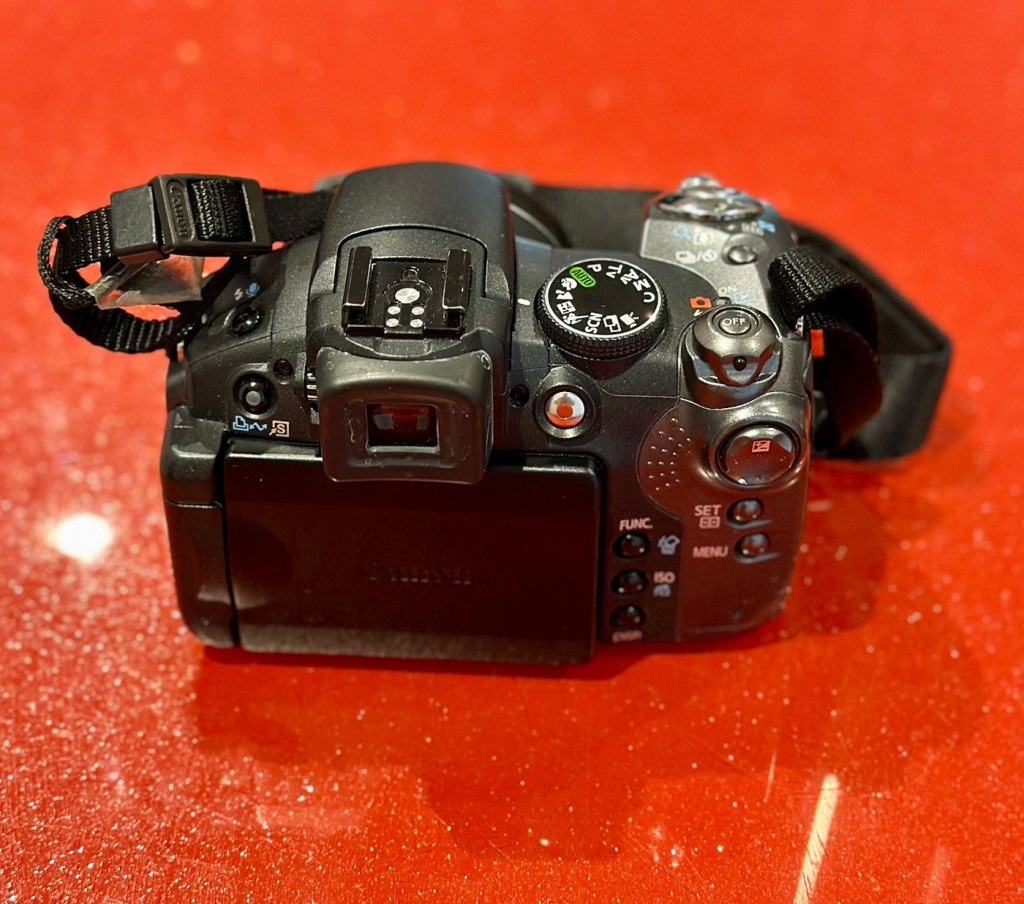
Now this is an absolutely beautiful looking little camera in pristine cosmetic condition. The previous owner has in fact been extremely careful and treated this camera very well.

The elephant in the room

The only issue that I can see is the one that flashes up on the screen, continuously when to turn on the camera. Even moving the telephoto/wide switch when starting up does not clear the fault. I really need to get the lens extended to see what’s going on. If I can do that without getting the screwdriver involved then that is even better.

Repair:

The lens remains stuck in the closed position despite there being movement with the lens iris, all other actions are as expected, just no extension of the lens turret. It does sound as if something is trying to move inside.

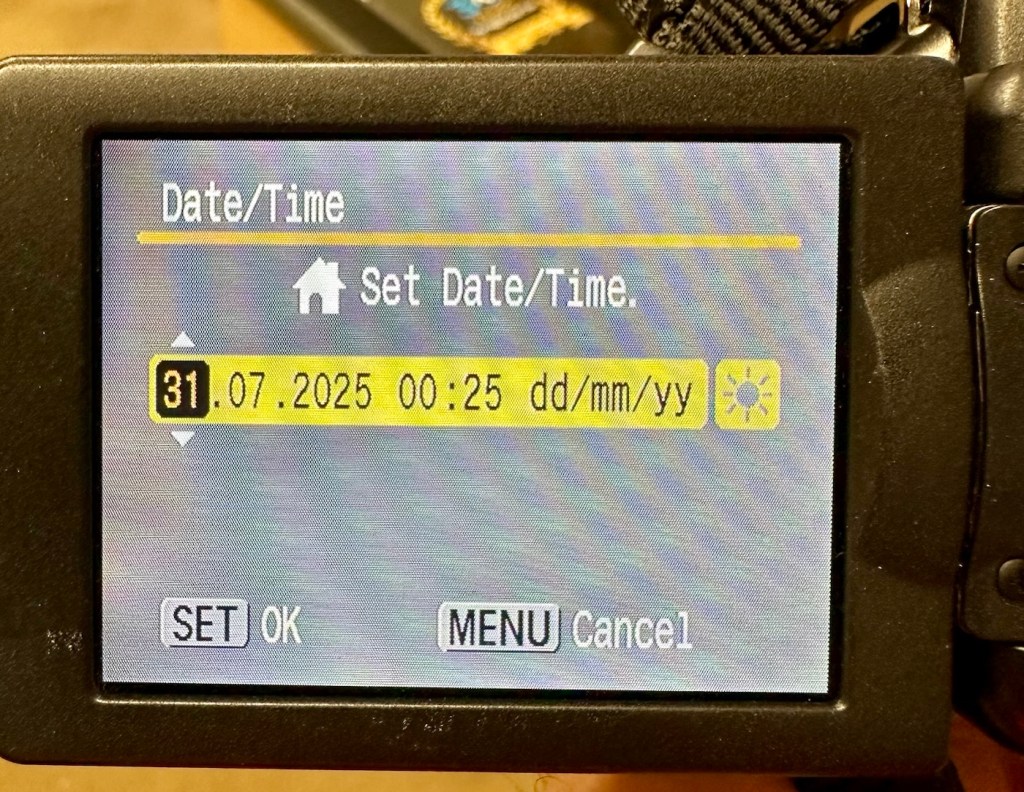
I’ve tried resetting and going back to factory defaults with no joy. I have been noticing though that when i put in a time and date, it is resetting every time i turn the camera off and then back on again. This is usually a sign that the small internal memory battery is dead, and as it’s probably been in the camera since 2007 it’s probably a good idea to change it. If I can find it. That is.

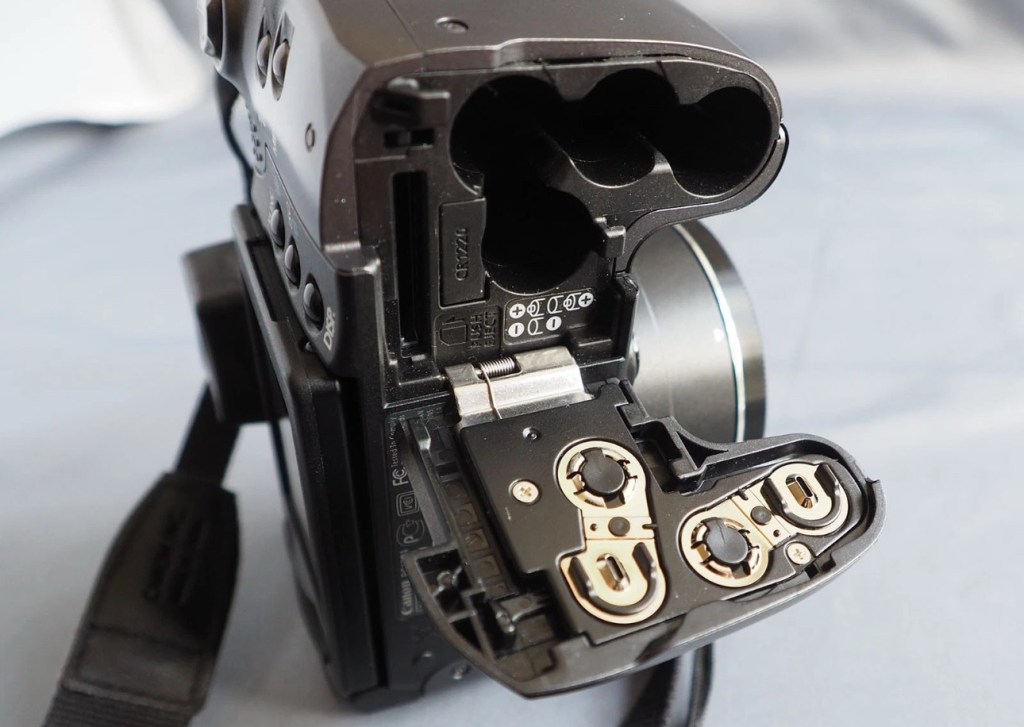
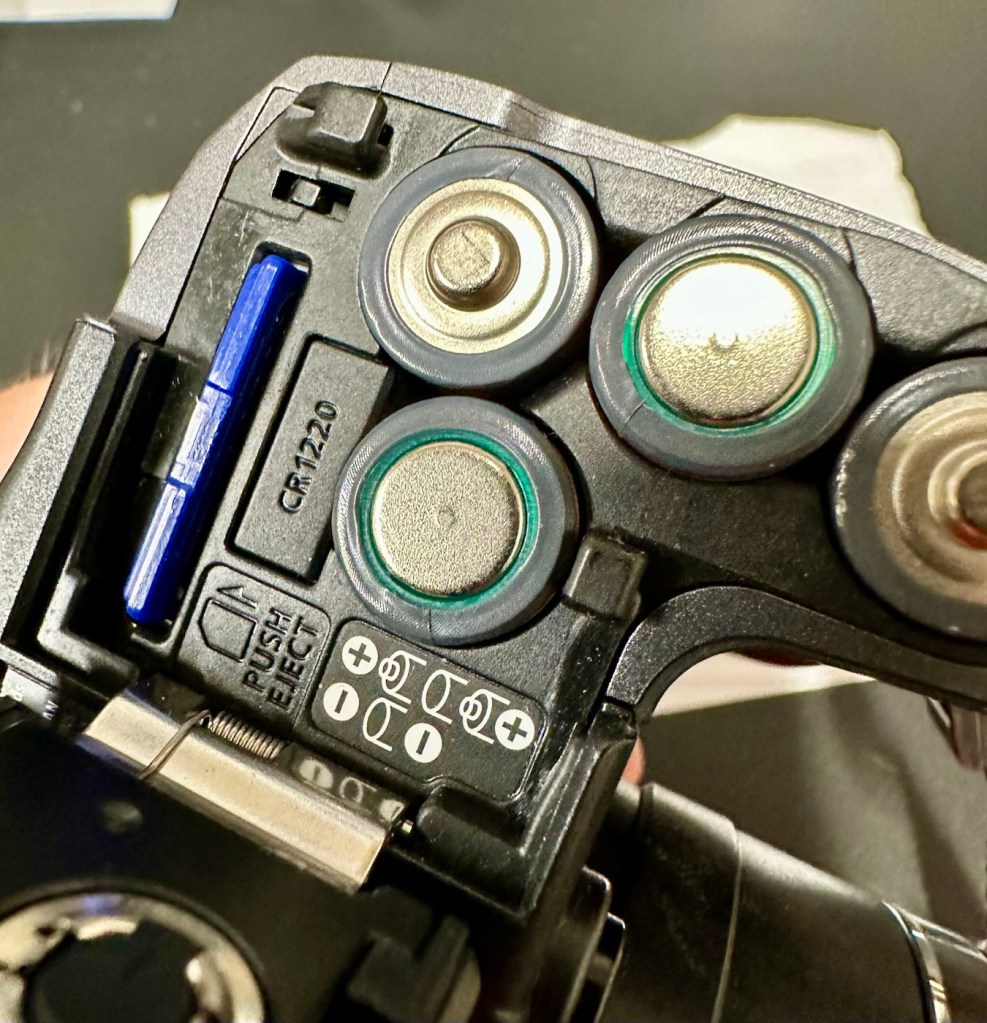
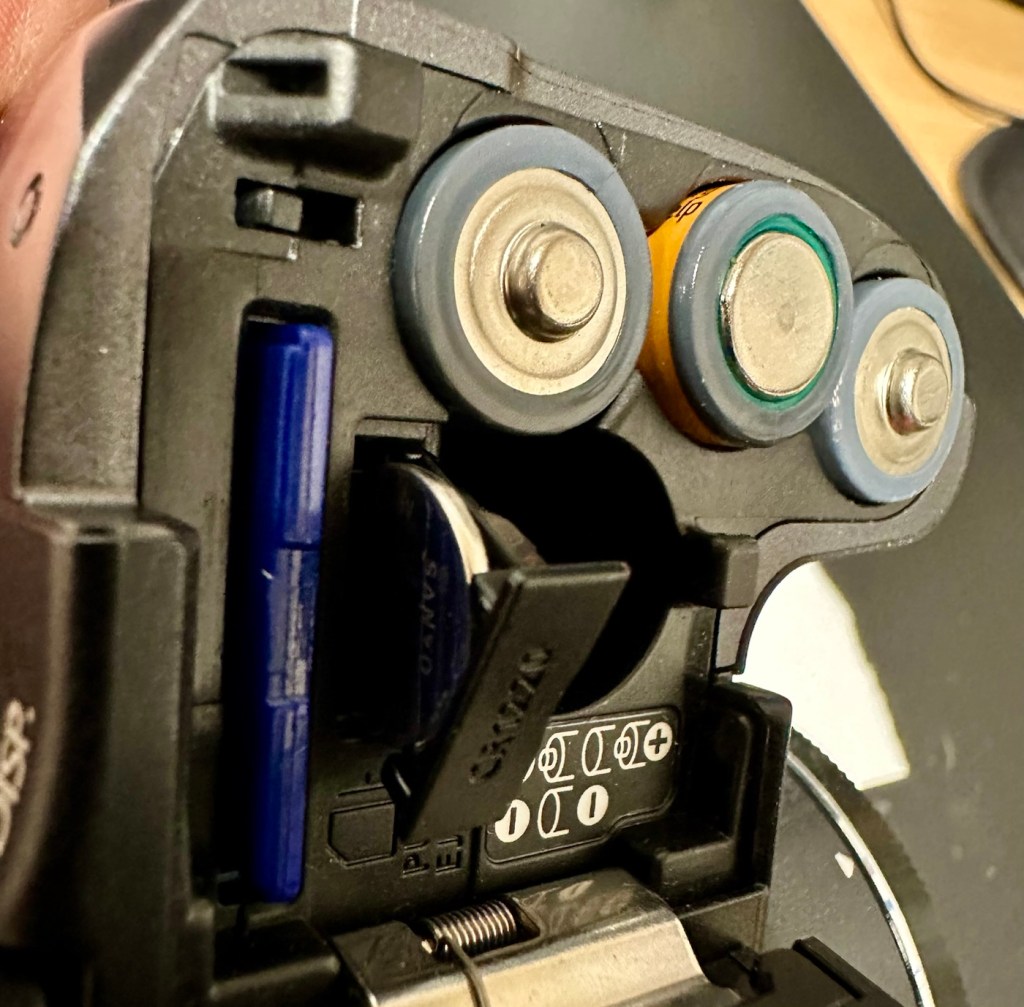
Panic over I have found the memory battery (CMOS) it was located in the battery chamber beside the SD card slot. It’s a small CR1220 coin battery and I have one of these in my battery box, so this will be replaced as soon as I get it home, now replaced all is working as it should be.

Back to the error. The error is more often than not caused by something, even a grain of sand getting in the turret area and catching in the workings, as these cameras are so delicate. We have to somehow get into the turret area to see if we can dislodge whatever is causing the problem.

I’d advise against using canned air here, as doing so would most probably dislodge the obstruction, however the route down the turret leads directly to the image sensor and you don’t want debris on that. Careful is the buzz word.

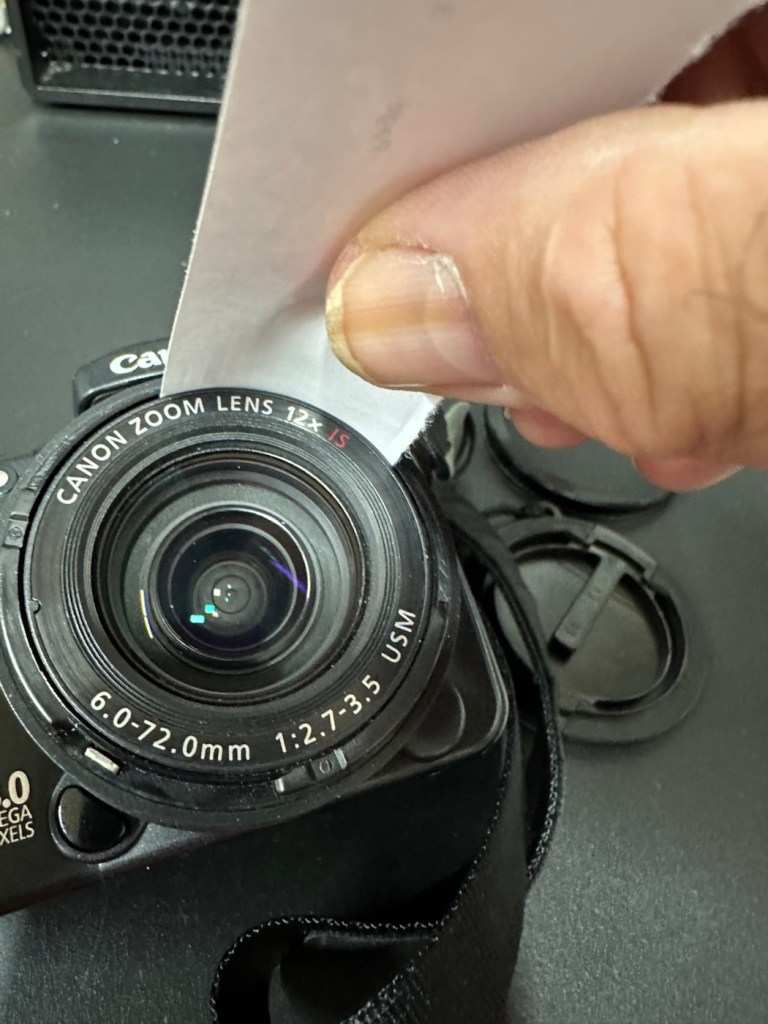
I cut a small strip of paper and feed this down between the tiny gap between the lens and the body. I manoeuvre this around the full circumference of the lens, and as I do I can feel some slight resistance as if something is there. I go around again and that resistance has gone. I turn the camera on and still there is no extension of the turret. At this point I put the mode dial on the camera into video mode and then turn it on. Straight away the turret extends and what looks like some grains of dirt fall from the lens area, at last we have the lens extended and there is an image on the LCD screen.

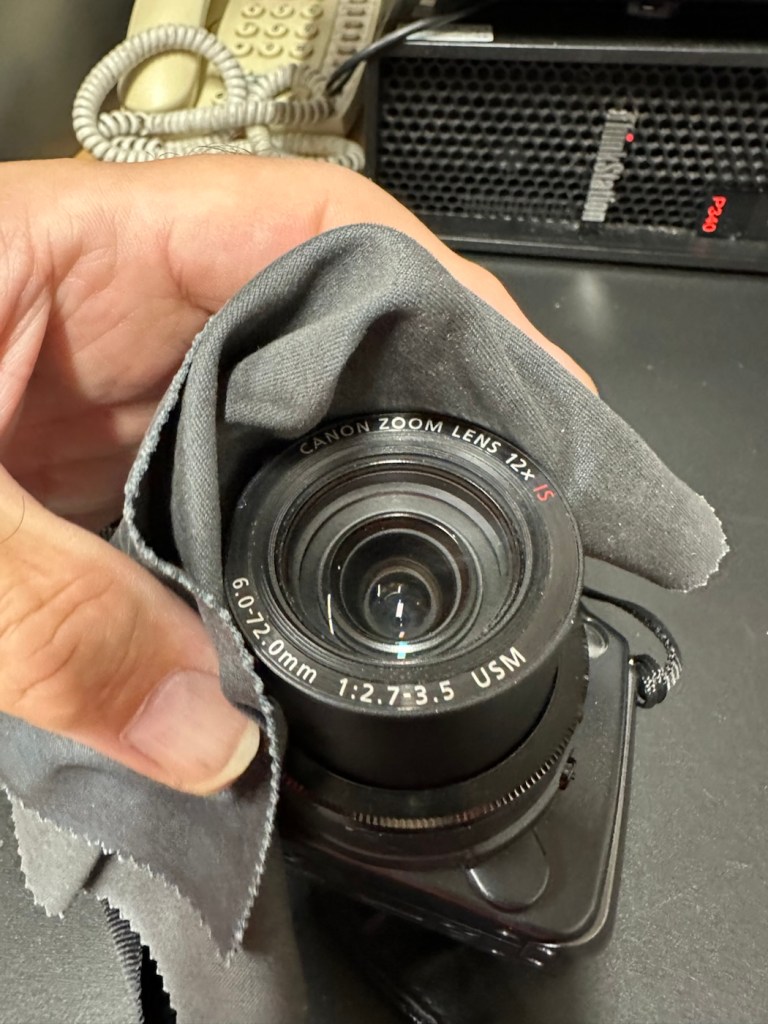
I clean the lens turret with an optics cloth and you can see it was very dusty inside, there had definitely been some debris enter this area causing the issue.

I operated the on off button a number of times to ensure the turret motion was smooth, and it was. There are no further obstacles in this area, causing the mechanism to seize.

I have taken a number of test photos trying out all modes and features and the camera is just perfect.

The camera operating as it should

I’ll show a few more photos below, once I have been able to download them.

Result:

This camera is simply a little beauty. It is probably one of the best looking of the later generations of bridge cameras but maybe not the best photo quality wise at 8mp. But who cares though, when you are as good looking as this?

The camera is pristine in my eyes, and for just over £8GBP this is a bargain. These fixes do not always involve a total dismantling of the item, sometimes it is so simple it’s unbelievable. Here I used a piece of paper and a lens cloth, that’s all. Now a camera destined for an old box in the loft and then the tip has been saved to carry on taking photos for a good few years yet. In fact here are a few photos that I have taken randomly around work, and around my garden.

I’m probably going to use this camera with its pivoting screen to construct videos to display on this site regarding future repairs, I’m going to ensure it gets good usage under my ownership.

Did I tell you how much I love this camera and how handsome it is? Oh, I did, sorry about that, I get really carried away with these older cameras, I just wish everyone else could get as excited as I do, and maybe so many of these wonderful machines wouldn’t then, just get thrown out with the bath water.

Thanks for passing by. It’s always most appreciated.
A Deep Dive Into Canon Autofocus Lenses

Although taken for granted these days, autofocus (AF) used to be a premium feature on film- and digital cameras, with taking us through an …

A Deep Dive Into Canon Autofocus Lenses

Canon EOS 5D MK2 assessment and repair

Last Updated: 25/4/24

This will be a running repair with regular updates. There is quite a bit going on.

The bargain basement DSLR has arrived (See original blog post here: Canon EOS 5D Mk2) and I’ve been able to give it a quick once over. It’s not had an easy life and has taken some bangs and knocks. Other than that it’s about 16 years old and has had about 69000 actuations, I don’t think it looks too bad personally. I’ve spent a good hour just giving it a good clean up and it was filthy, all knobs and buttons are working fine, the shutter isn’t locked and when a lens is attached, manually it all focuses just fine and the screen looks clean. There is no evidence of damage to the curtain however I can’t test this further until the battery and charger arrives.

To be honest if I can get this working it will be going into my own personal collection. As long as I can get some nice results I’m not that worried about how it looks cosmetically. The body can be touched up or I can add a skin, we’ll see how it goes.

Update: 6/4/24

I’ve now received a couple of bits consisting of two new batteries and a charger as well as a new battery door cover. Once powered up all indications, buttons, sensors are working and TTL indications are displaying as they should.

All lenses are working and moving and focusing as they should. The real good news is that the shutter fires at all speeds and is not stuck, and the sensor cleaner appears to be working.

I’m really happy with what I have found so far, I need to get a CF card to check the original issues that were reported with the suspect sensor. If that is the only issue I will get one ordered and install that at a later date. I have cleared all settings and the firmware is up to date. I’ve downloaded a raft of Canon software so I will be able to test this all once I get that CF card that should be here in a few days.

23/4/24

The CF card adapter has arrived from China. I’ve purchased this type as this particular adapter allows an SD card to be utilised in CF form. I have ample SD cards in use all around so this makes sense for me, I have nothing apart from this camera that uses CF cards so for a relatively low outlay this is the best option for me.

CF SD adapter

Now I have Every thing in place to test the camera. I’m using basic settings and an old test lens so I’m not looking for any spectacular photos as that’s not going to happen here. I just want to see what’s going on.

What happens most of the time

When I’m taking a shot everything lights up ok. Indications are all good, the shutter fires but all I see is a pinkish screen as demonstrated in the small video above. However every now and again I do get a “proper” photo, usually only the one then you have to turn the camera off then on again to get another and that’s not always guaranteed. As you will see in the two photos below you can get one photo and then the next has a pink band appearing from above.

Whilst taking a random photo looking at our ceiling, I became aware of what looked like a water leak by the chimney stack. This gave me some concern but I needn’t have been worried as it appears in other photos and is more than likely an Abberation mark on the sensor. The two pictures below show that mark on the sensor in the same area.

Occasionally the pink line that appears at the top of the photo also takes on a pixelated test card look. The weird thing is that if you put the camera into video mode the image is clear with good sound and no playback issues. Strange 🤷‍♂️

It really is looking as if the issue is around the sensor that in this camera is a CMOS sensor. But before I make any decisions on what action I’m taking I’m exhausting all the obvious issues if I can. I have looked at several forums on line and there are a multitude of tasks I could try but it all seems to filter down to two in general. A full camera reset and a reinstall of the last issued firmware.

Now I have completed the full reset and on top of this I’m going to install a new CR1616 CMOS cell, as I just don’t know when this was last done.

Replacing the cmos battery

The CMOS deterioration rate is about 3% of the battery value per year, now if this camera was purchased around 2008 when they first came out then it dosen’t take a mathematical genius to work out that the cell could be sufficiently depleted. In fact I don’t know why I haven’t used the multi meter to test it🤦‍♂️

I’ll get on to that and will report back. It kind of makes sense seeing the sensor on this camera is a Cmos sensor. All tested, battery was at 2.3v, I have now replaced the battery but everything is still the same. I don’t know if updating the firmware will assist in any way, but I’m just following a procedure that most who have been in this position before have also done. it’s just a process of elimination before doing a full tear down of the camera. And if I can do anything to avoid that I certainly will.

I’ve finished all the testing and it is certainly looking like the Cmos sensor needs replacing. I’ve done all I can here, but I’m reluctant to order the new sensor from China as I’m not 100% confident of having the facilities or time to do the work required. Will I gain anything after the outlay? I very much doubt it. I’m going to move this camera on now with all my findings and hopefully I can find someone who will be able to take this project on to a successful completion.
I know parts wise I can make a good profit on the original outlay so maybe that is the route to take.

So I’ve failed on this renovation, but nothing is going to waste, it just needs to go to some who is somewhat more experienced with these type of upgrades than me. Hopefully I can gain some experience along the cheaper more available stock route.

I have learned some interesting things about this camera and it’s operating. So in many ways that’s a win, knowledge is everything.

Canon EF lens 28-90mm

As the listing stated:

Canon EF 28-90mm Lens Working Then Produces Err99. Reduced to sell at a bargain price will be easy fix

EBay
Canon EF lens 28-90mm

The dreaded err99. It’s a general error code that seems to annoy many Canon owners, and can be a simple fix or a tedious one. I wonder what it will be for me? I’ve seen a good article on Improve Photography’s website that explains some of the steps that can be taken to remedy this error, you can read that article HERE.

I now have the lens in front of me so here is what I can see. Overall the lens is in good order for its age and mounts to the camera ok. All manual focus and zoom works and the lens is clean with no sign of fungus or haze so I’m happy with that. I’m still waiting for the camera battery to arrive so I can’t really comment yet on the error code. I’m not cleaning anything just yet as I want to see for myself if the error shows on one of my cameras, if it does then i’ll start the process of cleaning the contacts which is what I would of attempted first off.

The battery has now arrived and I have now commenced further testing. I have placed it into auto mode and all seems well. I have tried the lens in 4 different camera bodies and have had no sign of the Err99 error code. The only issue I have noticed that may not be contributed to the lens is that when connected to an Eos5 body there is a fair drop in battery power. Again this has been noted in the past as something than can be connected to dirty contacts on the lens, so as a precautionary measure I shall be using some IPA and a fibre glass scratch pen to clean those up.

Using a fibre glass scratch pen

I’m unable to recreate the advertised fault as everything about this lens is working fine as far as I can see. I’m going to wrap this one up as complete now.

I’ve really enjoyed working on these two cheap damaged lenses that I originally purchased just to test my old SLR kit. They are now both working fine and i believe the invested effort shows in the end result.

I am extremely happy.

Thanks for passing by.