

I’ve been approached by an old colleague who used to be a syndicated sports photographer, he had a number of items he wanted to “get rid off” as they were just taking up space in his new house. “Would you be interested?” You betcha, so as a result I’m now the owner of a complete Bowens lighting system, two Canon EOS 1D MkIV cameras and a Canon EOS 5D MkII camera.
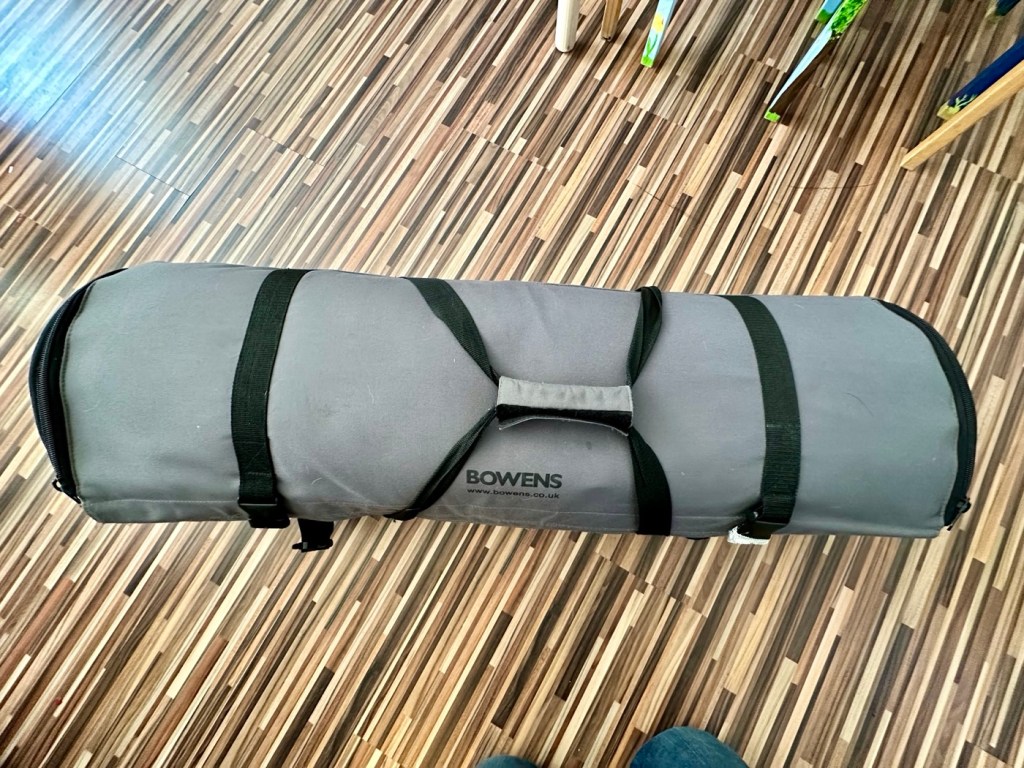
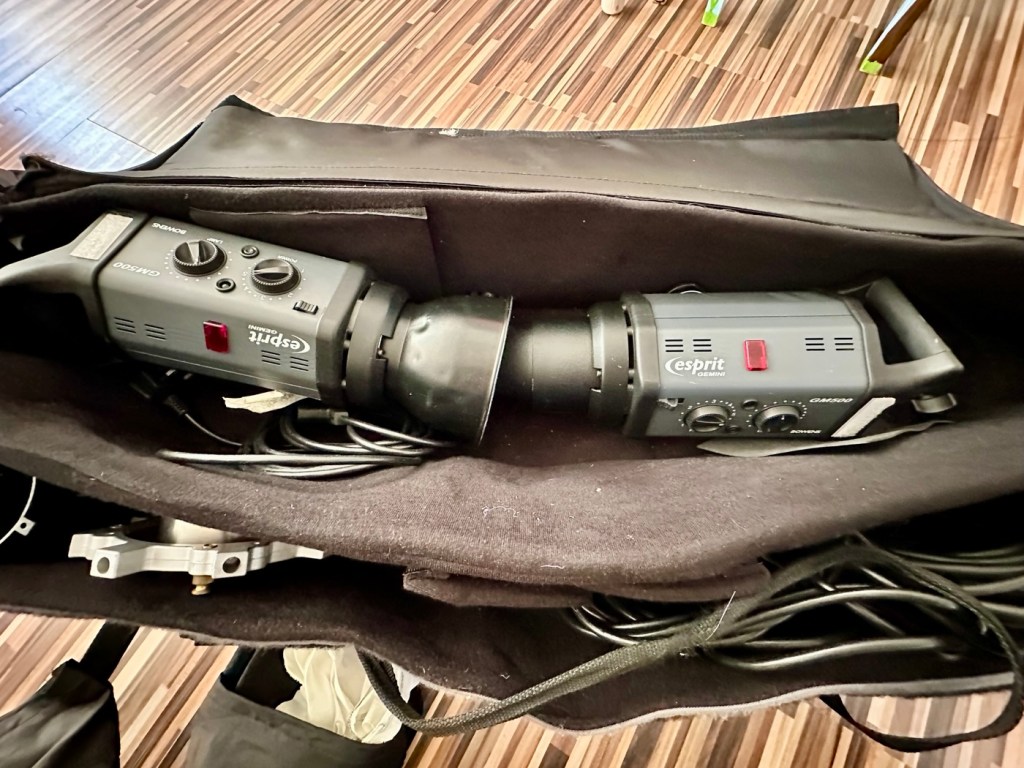
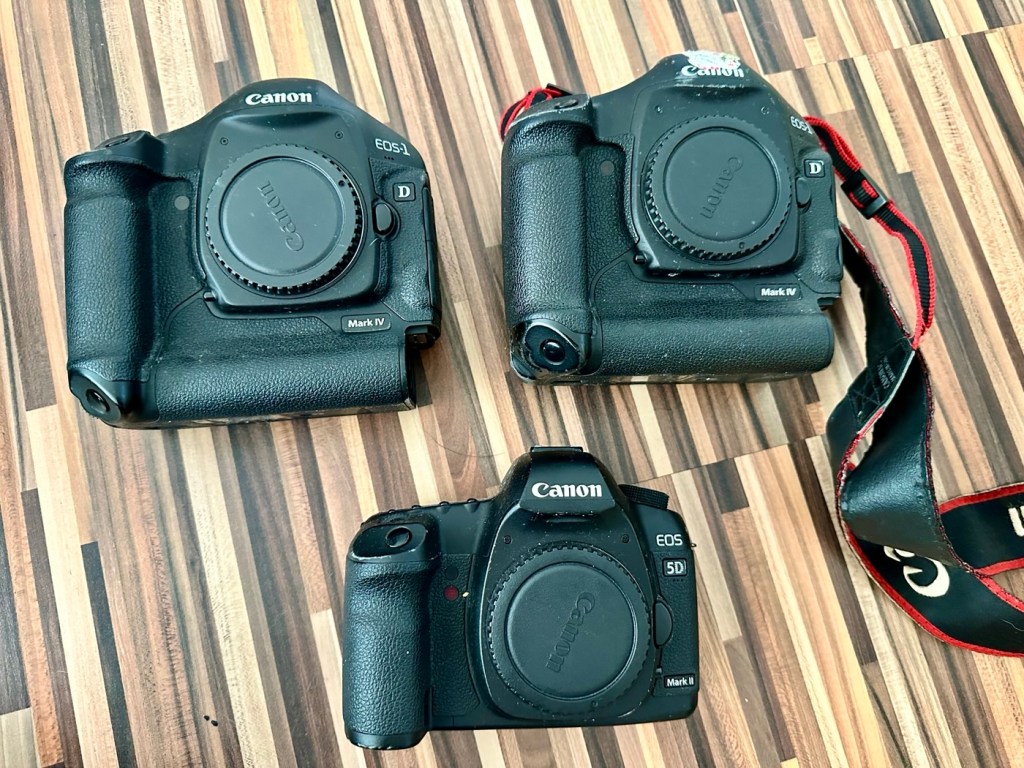
My days of fussing and farting about with lighting rigs has now long passed, so I know a youngster starting out in the world who is a very talented young fellah, I have donated this equipment to him and he will certainly have a use for this lighting setup. He has been approached and accepted the offer, I think he is quite happy with his new acquisition, here’s hoping his talents continue to flourish.
However the cameras are mine as no one wants this old stuff anymore 😂
This post focuses on the repair of the Canon 5D MKII, the repair of the EOS 1D MKIVs can be found here: Canon EOS 1D MkIV There is also a link to my first attempt at a Canon EOS 5D Mk2 and here is the actual assessment of that camera and the issues experienced with it Canon EOS 5D MK2 assessment and repair, I failed with this repair due to it having sensor issues, so sold it on at a small profit, i’m hopeful that this new attempt at the 5D will bring better results.
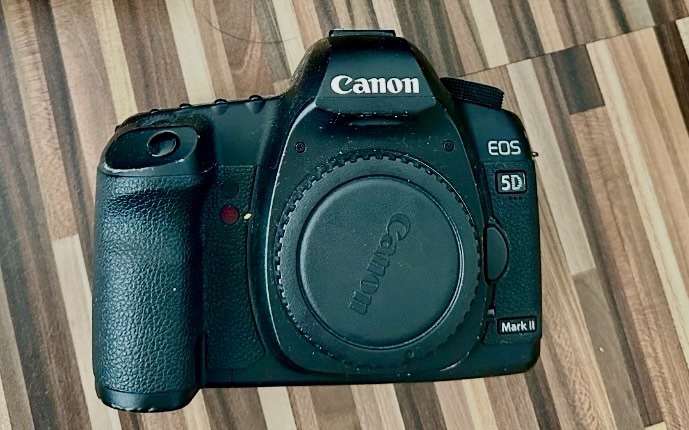
Let’s hope this camera acquisition comes with a better outcome. Whereas the other two 1D cameras i received in this package have required me to to purchase a new battery and charger, I do already have a number of LP-E6 batteries and a charger in my possession, so there is no initial outlay required to test this camera. We are off to a good start here and should be easily able to diagnose any issues fairly quickly.
Anyway, before we assess the camera, here is a little bit about the Canon EOS 5D MkII.
The Canon EOS 5D Mark II is a 21.0 effective megapixel full-frame CMOS digital single-lens reflex camera made by Canon, the first Canon EOS camera to have video recording capabilities. It succeeds the EOS 5D and was announced on 17 September 2008.
On 2 March 2012, Canon announced the camera’s successor, the Canon EOS 5D Mark III. On 24 December 2012, Canon Japan moved the camera to their “Old Products” list, effectively discontinuing the camera.
The Canon EOS 5D Mark II is a full-frame camera and requires Canon EF-mount lenses. It is not compatible with EF-S lenses (which are for APS-C crop sensors).
Features:
- 21.0 megapixels (5,616 × 3,744 pixels), compared to 12.8 megapixels (4,368 × 2,912 pixels).
- DIGIC 4 image processor, compared to DIGIC II.
- 100 to 6400 ISO (expandable to L (50), H1 (12800), H2 (25600)), compared to 100 to 1600 (expandable to L (50), H (3200)).
- 3.9 frames per second continuous shooting (78 JPEG or 13 Raw in a single burst), compared to 3 frame/s (60 JPEG or 17 Raw).
- Small Raw modes: sRAW1 mode (10 megapixel/3861 × 2574 pixels), sRAW2 mode (5.2 megapixel/2784 × 1856 pixels).
- 98% viewfinder coverage with 0.71× magnification, compared to 96% coverage.
- Larger 3.0-inch (76 mm) LCD with 920,000 pixels, compared to 2.5-inch (64 mm).
- 1800 mAh LP-E6 battery, compared to 1390 mAh BP-511A.
New features
- Movie recording full HD at 1920 × 1080 and SDTV at 640 × 480 resolution.
- Monaural microphone for audio during video recording, speaker for playback and microphone jack for external stereo microphone
- Live preview with ExpSim LV “exposure simulation” live preview (full exposure preview control utilizing ExpSim LV, a first for video in a DSLR)
- Live preview with contrast-detect autofocus
- HDMI video output for live preview or playing clips and images on an external monitor via Type C MiniHDMI port
- Dust reduction system to perform automatic sensor cleaning
- Battery management software
Key Lifespan Factors:
- Shutter Rating: 150,000, though this is considered conservative by users.
- Real-world usage: Many cameras show failure rates increasing closer to the 100,000–150,000 range, but many exceed it significantly.
- Longevity: Some, though rare, individual cameras have recorded over 2 million shots.
- Repairability: The shutter mechanism can be replaced if it fails, which may extend the camera’s life further.
- Component failure: Other parts, such as the power board or rubber grips, may fail before the shutter.
Common Issues:
- Rubber grips: Rubber grips can become loose over time.
- Button/Dial functionality: Buttons and dials may wear out over long periods of use.
- Sensor maintenance: Regular sensor cleaning is needed to maintain performance.
The 5D Mark II is the first camera in the EOS line to provide video recording functions. Still photography during video recording is possible, but the camera suspends recording video until the final still frame is captured.
The lithium-ion battery for the 5D Mark II (LP-E6) has an 1800 mAh capacity. Each battery contains a microchip with a unique identifier for reporting charge status and battery health for display on the camera. The 5D Mark II’s “Battery Info” screen can track battery health and shooting history for up to six LP-E6 batteries.
The camera has native ISO values of 100 multiplied by a power of 2; other ISO values are obtained by a digital exposure push (ISO values that are multiples of 125) or digital exposure pull (ISO values that are multiples of 160). The digital exposure push ISO is 1/3 stop greater than the native ISO, and a digital exposure pull ISO is 1/3 stop less than the native ISO. The digital exposure push ISO settings produce more noise than the native settings with a reduced dynamic range, and the digital exposure pull ISO settings produce less noise than the native settings.
Wikipedia
Assessment:
The camera has arrived and here are my first thoughts. But first some pictures.
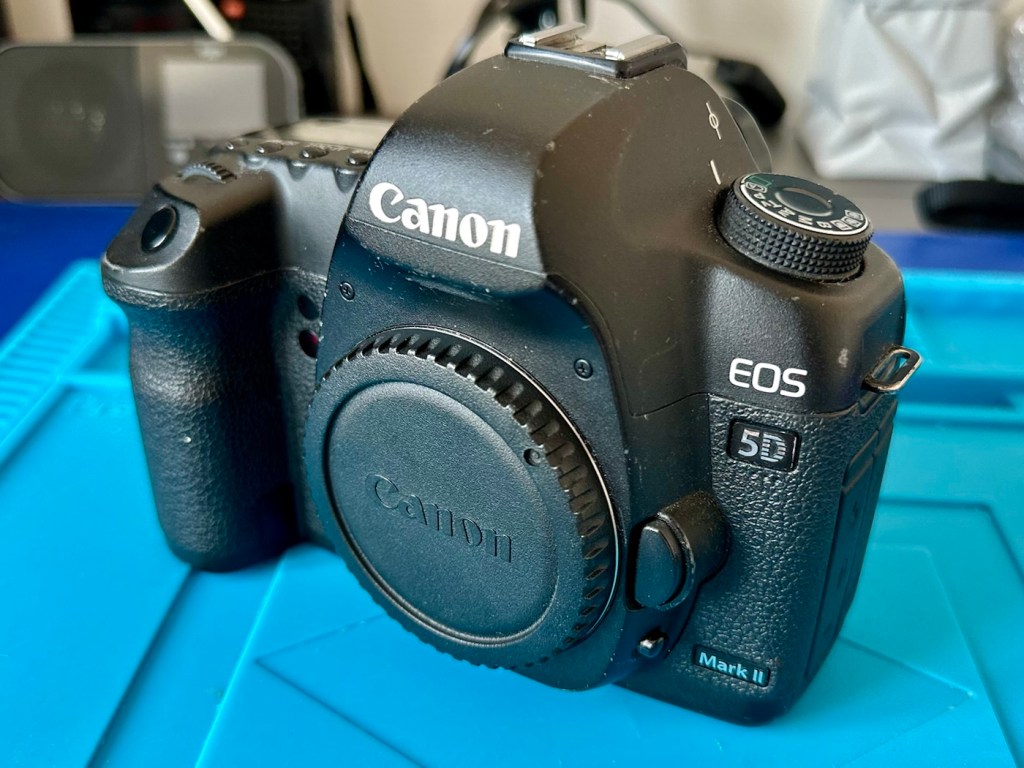
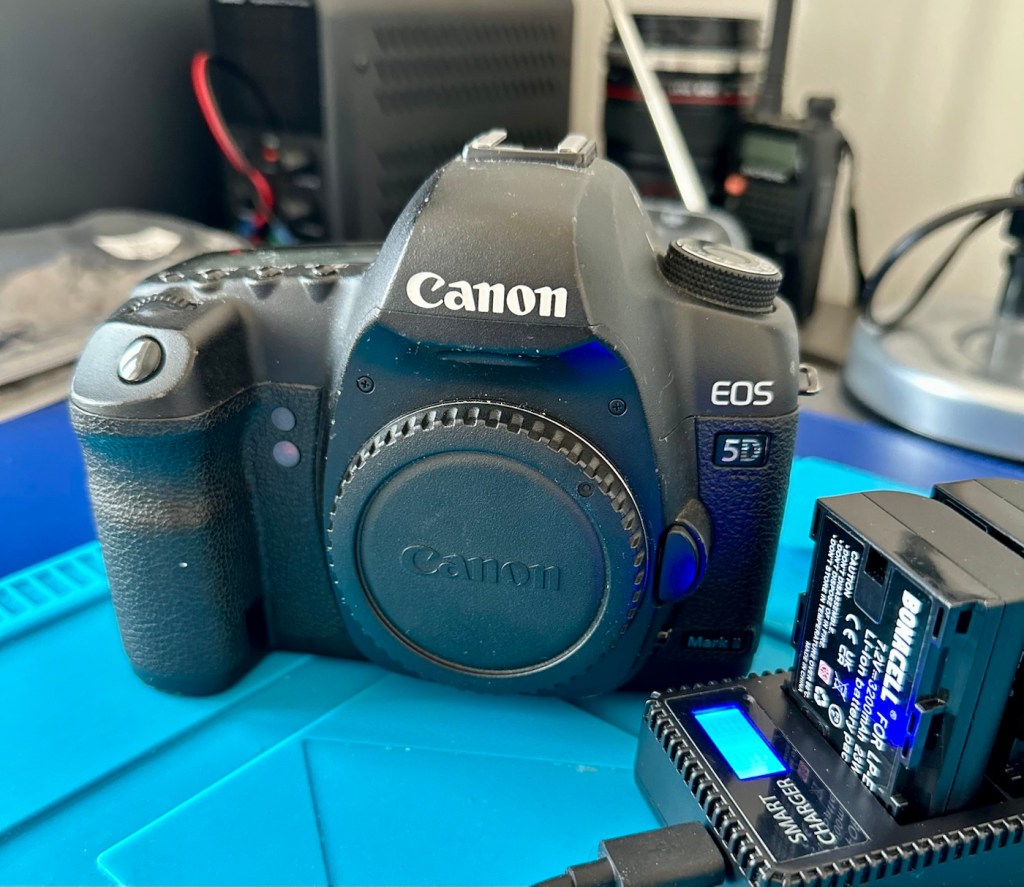
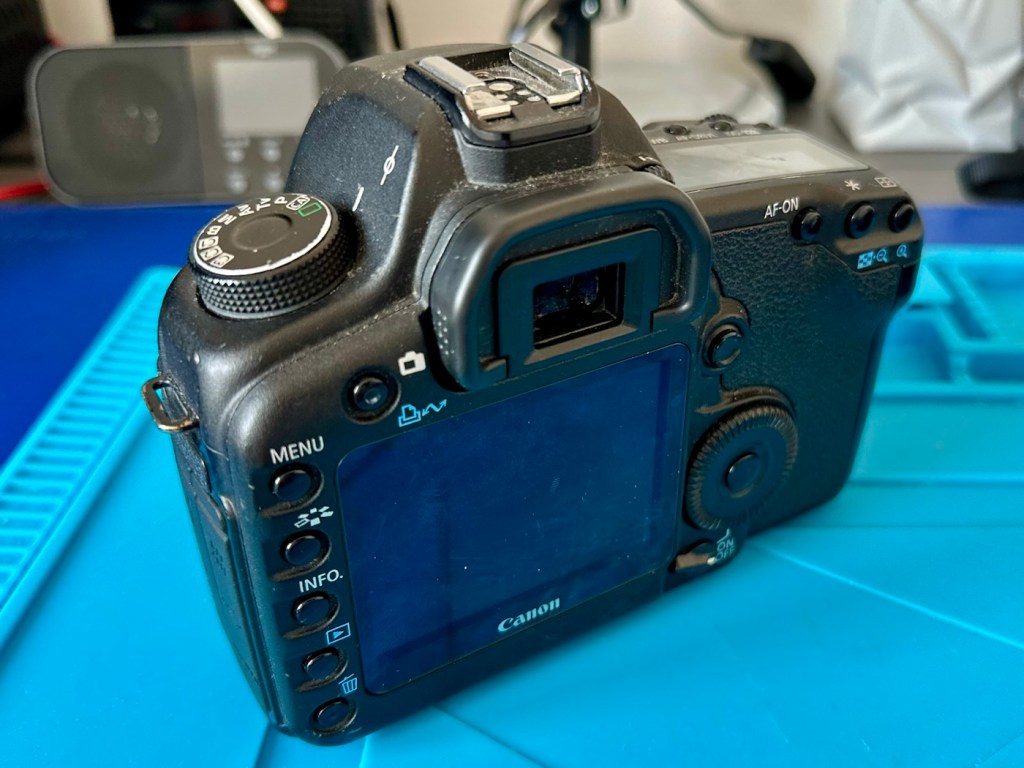
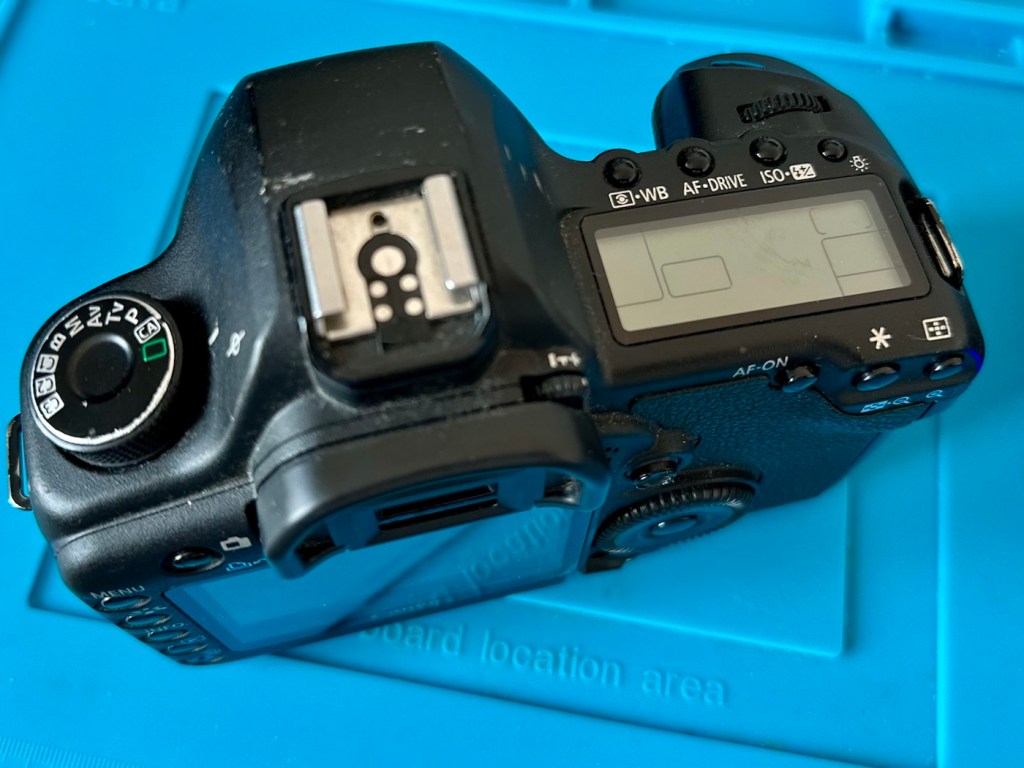
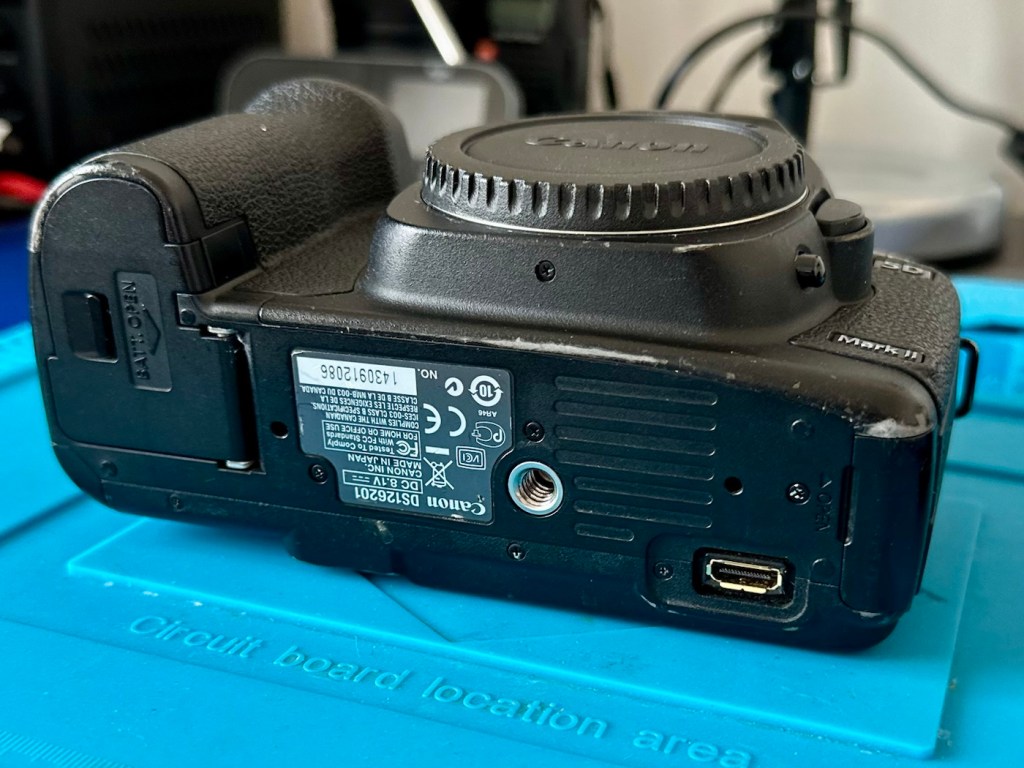
Just holding the camera and looking around it, you can see it has been well used over the last eighteen years. There are chips and scuffs, but nothing excessive, and certainly no “hard” dents that would indicate it has been dropped at anytime. The top LCD panel has a scuff on it, but this doesn’t stop any information being read.
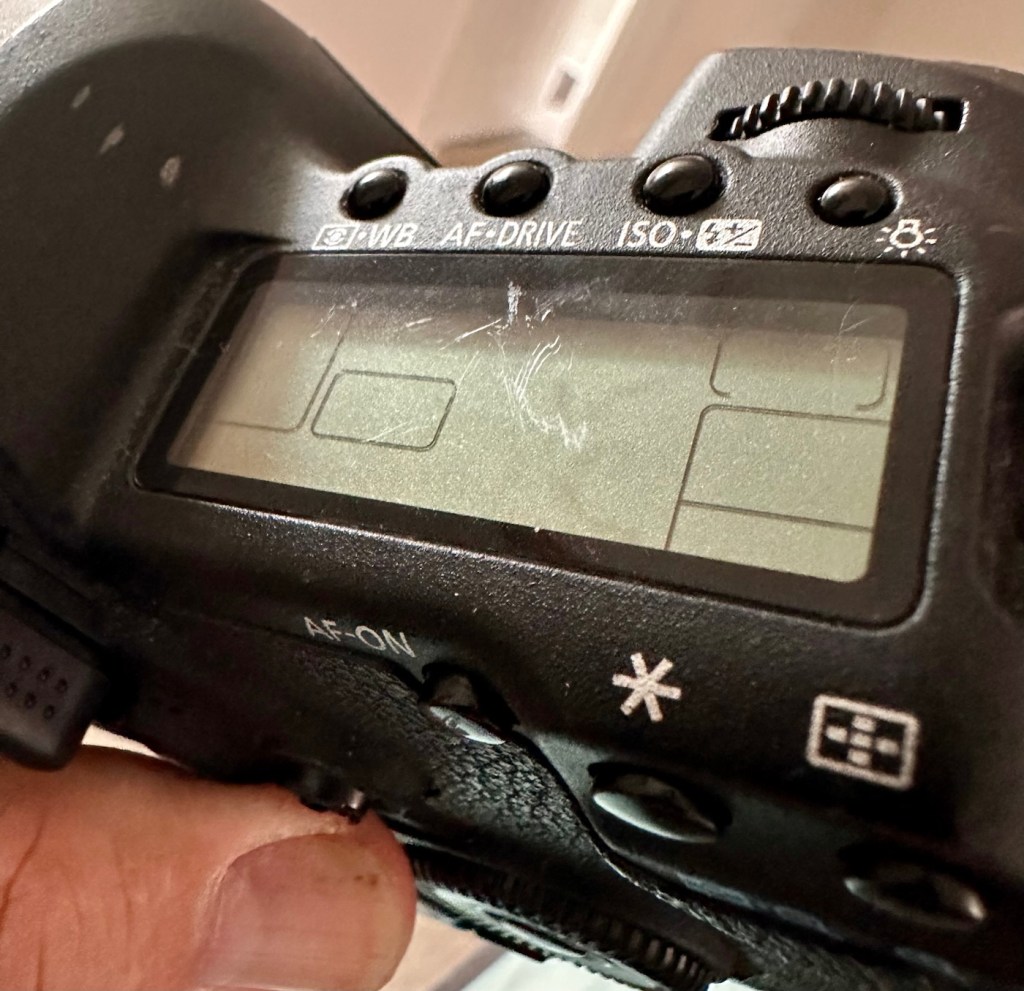
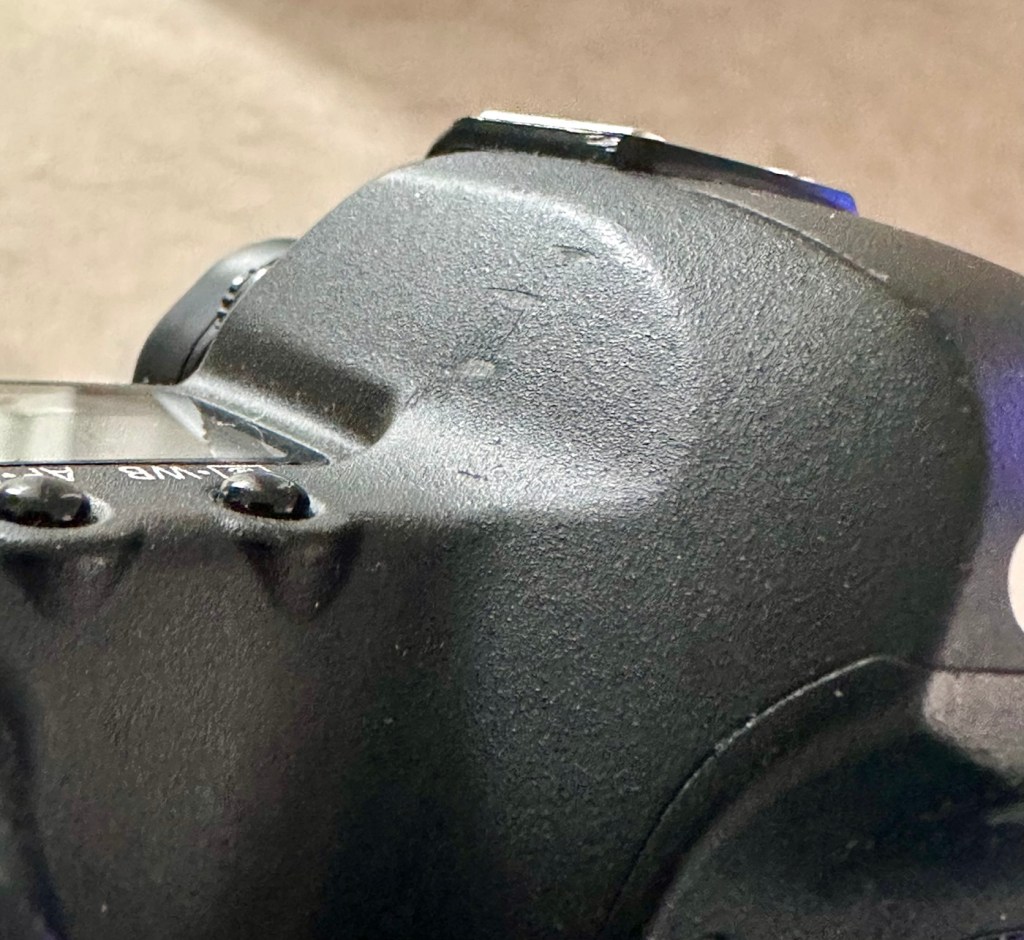
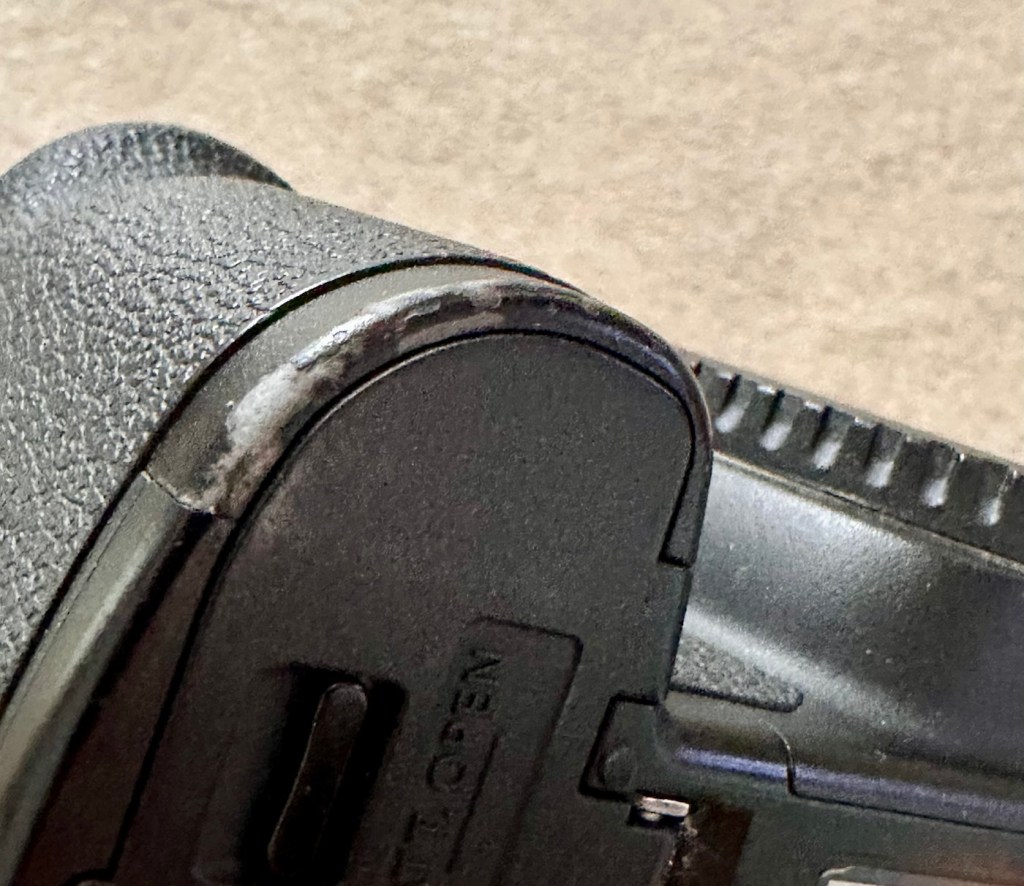
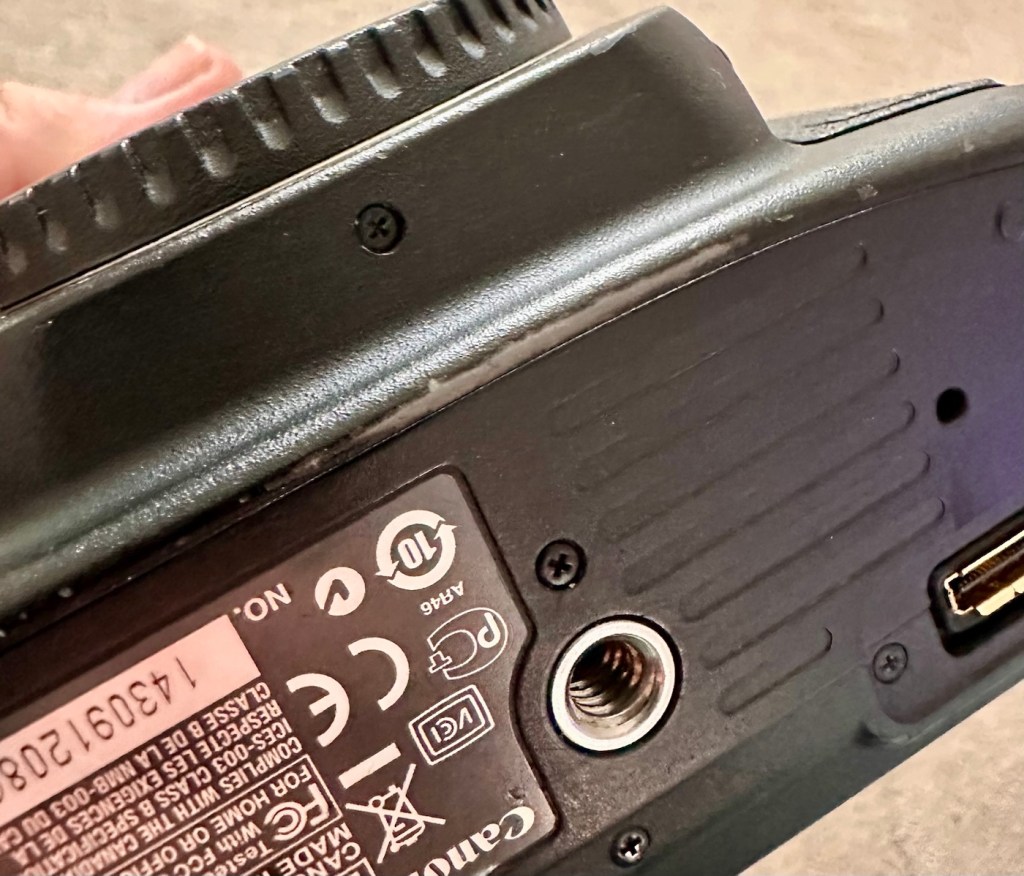
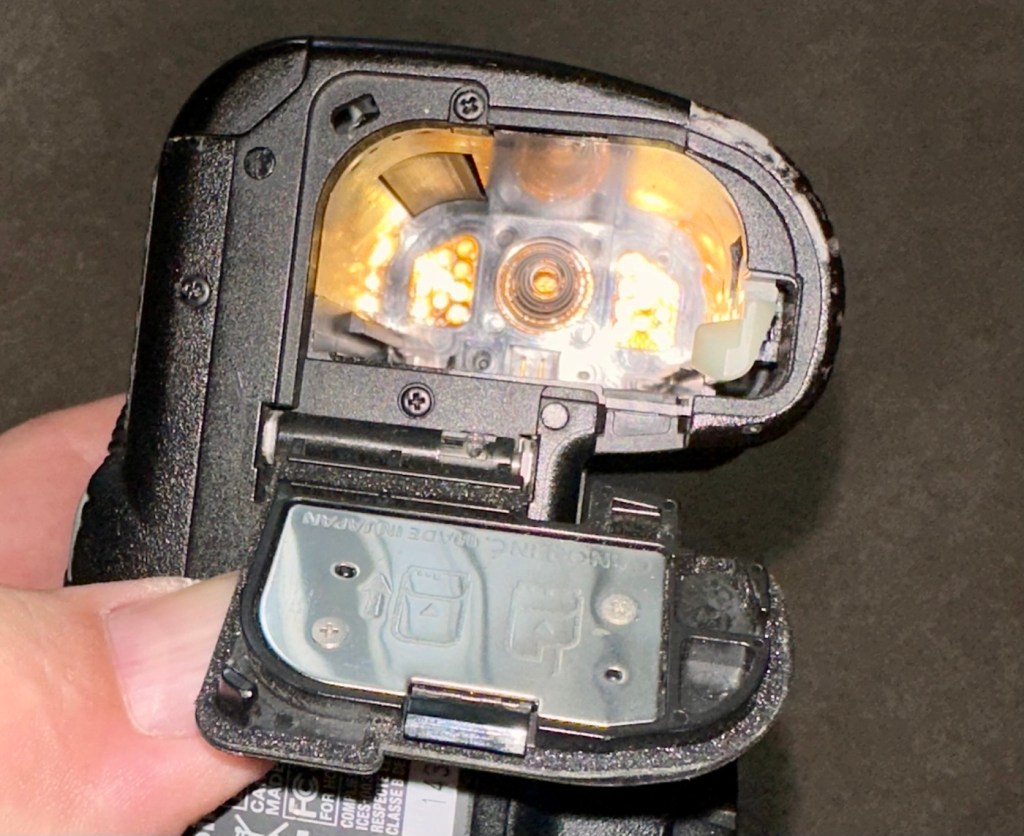
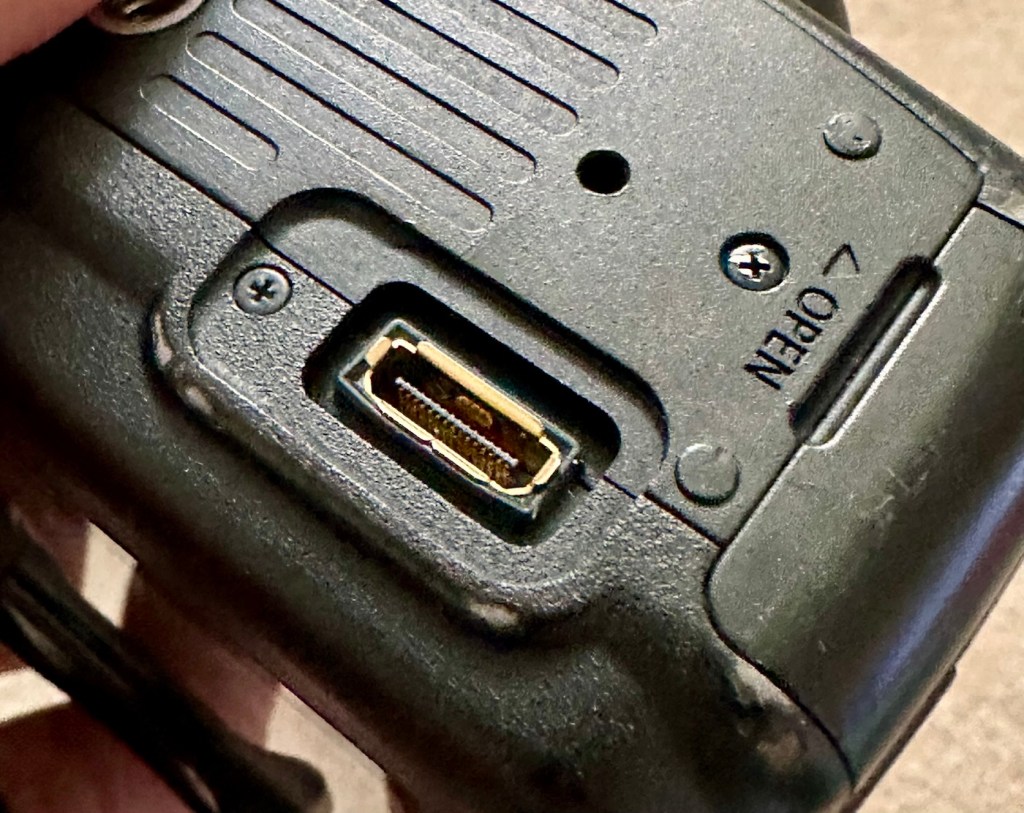
The battery contacts are clean and there is just a small rubber cover missing on a connection that is on the base of the camera. All switches and buttons appear to operate as intended, everything is there and the exterior appears to be used, but in a good condition.
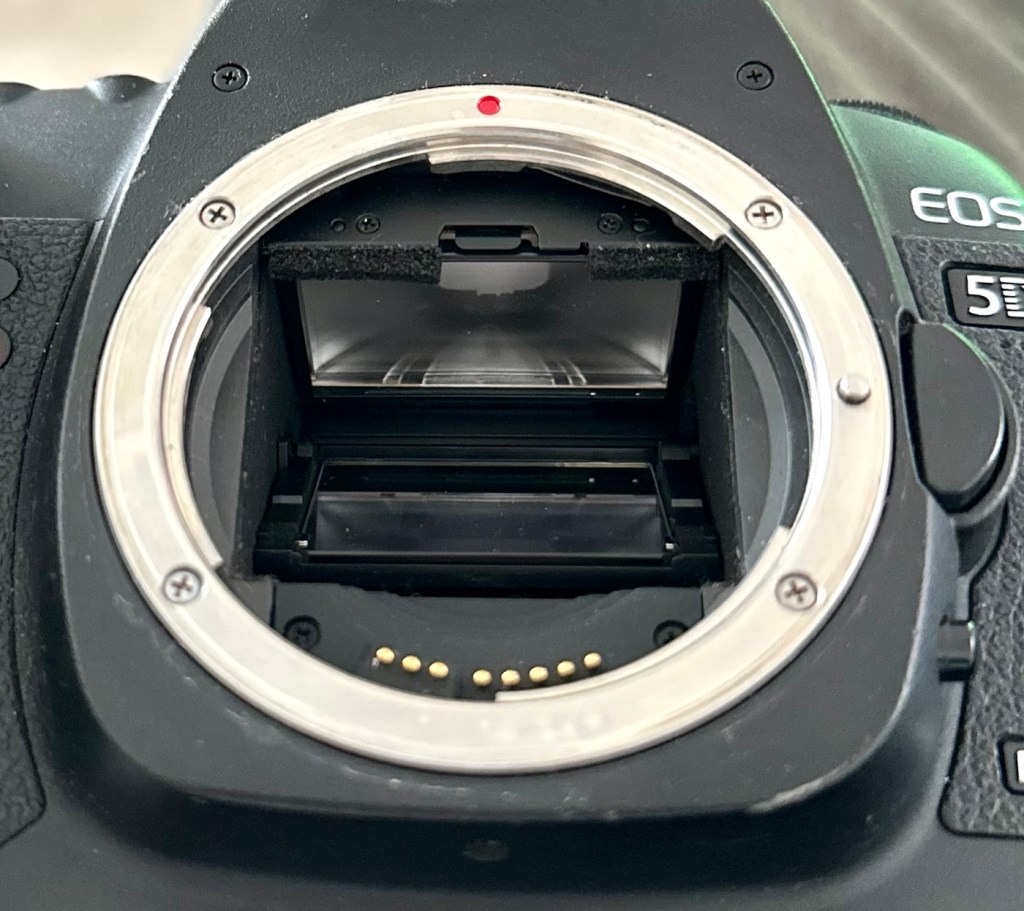
The lens barrel appears to be clean, the mirror and focus screen have a little dust and dirt on them however this is an easy clean. The shutter is closed underneath the mirror ensuring the sensor stays isolated from the outside world. I won’t be able to check how this is until I have a battery installed.
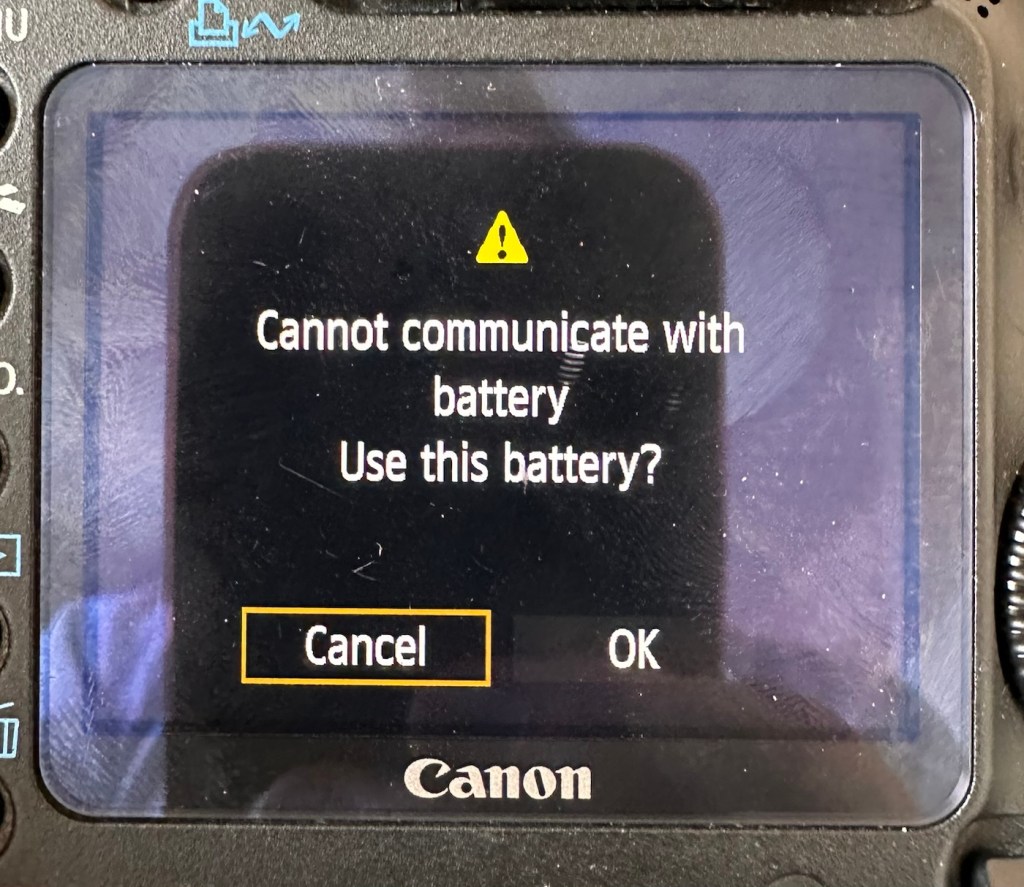
Batteries. As I have stated above I do have compatible batteries for this camera. This camera has a battery management system installed that communicates with the original “Canon” batteries that report back on their charge status amongst other information. However my batteries are not Canon originals and are in fact third party ones that don’t have the ability to communicate as original batteries would. That said, they are more than capable and usable. I just know that the very second I put the battery in and turn the camera on, it will show some kind of battery communication error on the rear screen. It’s ok though as we can opt to ignore that warning, click ok, and just get on with things, with no issues to the general operation of the camera.
Let’s do a little digging around. I’ve downloaded a little program that appears to be quite popular, to try and find exactly how many times the camera shutter has been activated in its lifetime, (still photo count – not including video). Here is that count.
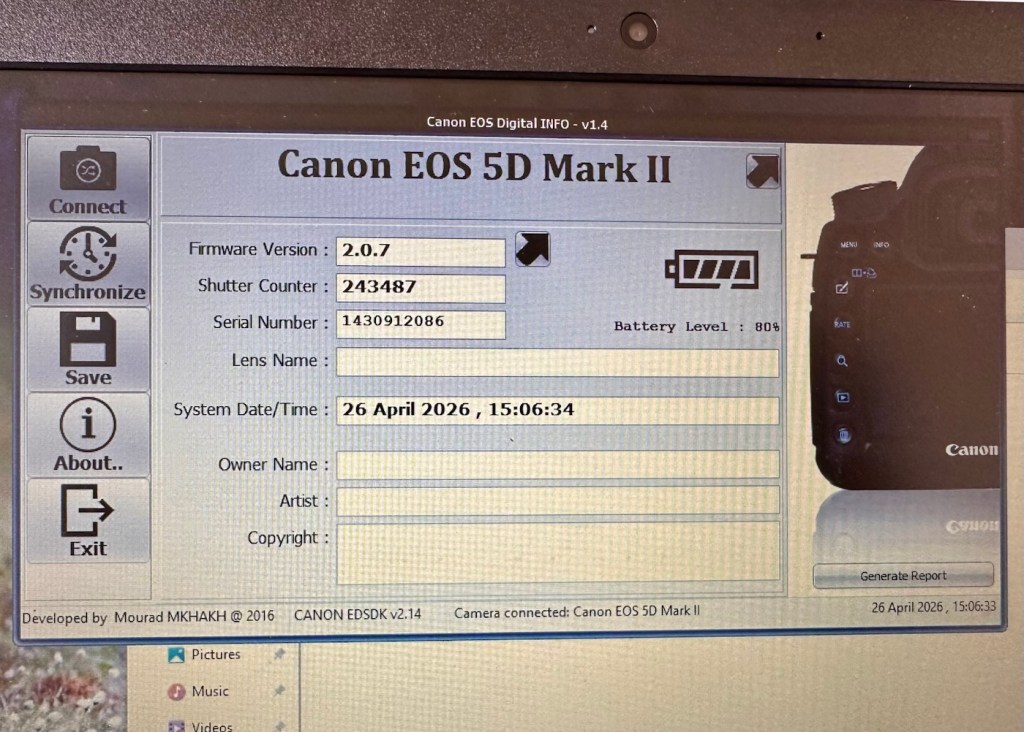
I guessed the count would be high as it was the previous camera of a syndicated sports photographer, I just wasn’t quite expecting this high. But who am I to complain when I have received this camera for free. if you read the camera specs in the paragraphs above, the expected lifespan of the shutter is around 150,000 actuations, however the photographic community tends to question this figure. Some cameras have gone into the millions with shutter counts, however this one will plod on with me on much lower figures, if I get it working. I don’t know its service history, it’s a rugged built heavy use camera, that will go on for years if looked after properly. And that’s what I intend to do with it.
Another piece of information that can be obtained from the piece of software above is the firmware version. The current installed version is 2.0.7 and that was installed sometime in 2010. The latest and last version is 2.1.2 that was released in 2012. I will attempt to update this cameras version of firmware to the final updated one.
I think I’ve had a good assessment with this camera, I know what needs looking at so let’s get on with giving it a little TLC to ensure it will go on working for a few thousand more shutter actuations, I’ve got to try and get this camera to the 1/4 million mark at least!
Repair:
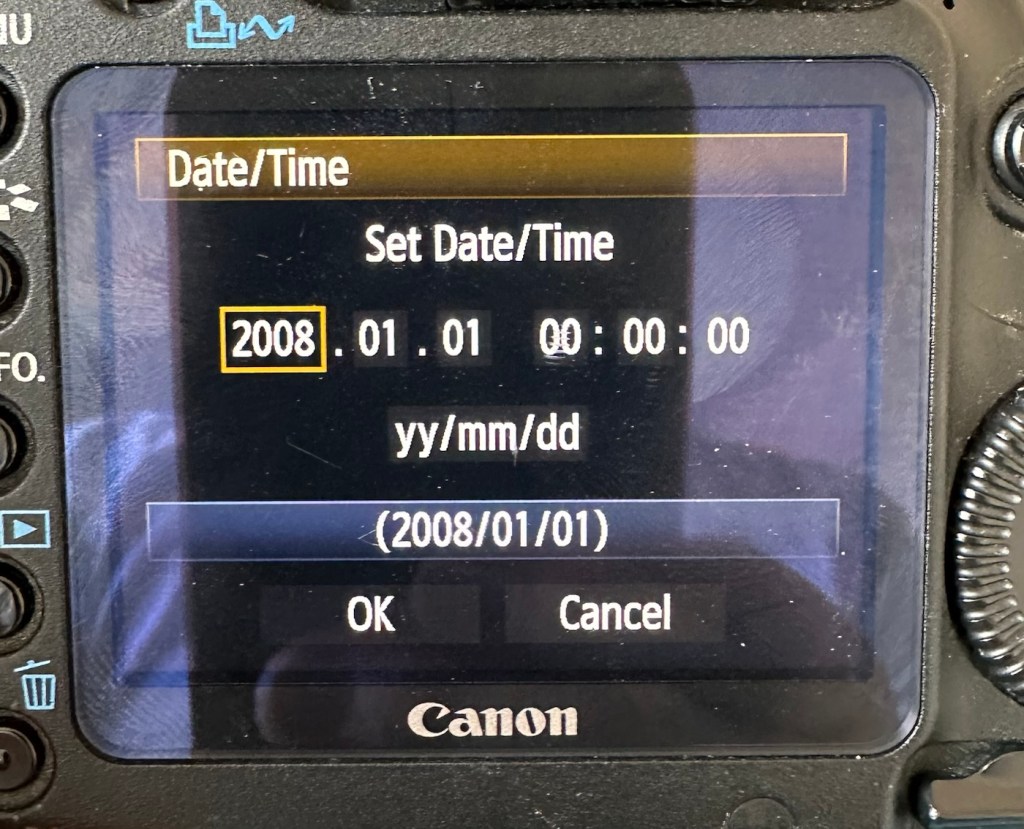
The first thing I want to do, is to look into why, when you input a date into the camera, the information disappears as soon as the camera is turned off and turned on again? This is a simple issue, easily located and soon rectified. These cameras normally have an additional battery buried somewhere in the camera that acts like a cmos battery in a computer. It simply supplies a small charge that maintains dates and program settings when the camera is an a sleep mode, instantly reinstating the correct information when the camera is switched on again.
And this camera is no different.
A single coin cell CR1616 battery is what does the job in this camera, its life span is usually around five years. So let’s check this one out as I suspect it has failed. It is located on the bottom of the camera on the opposite side of the main battery chamber, below two rubber accessory panels.
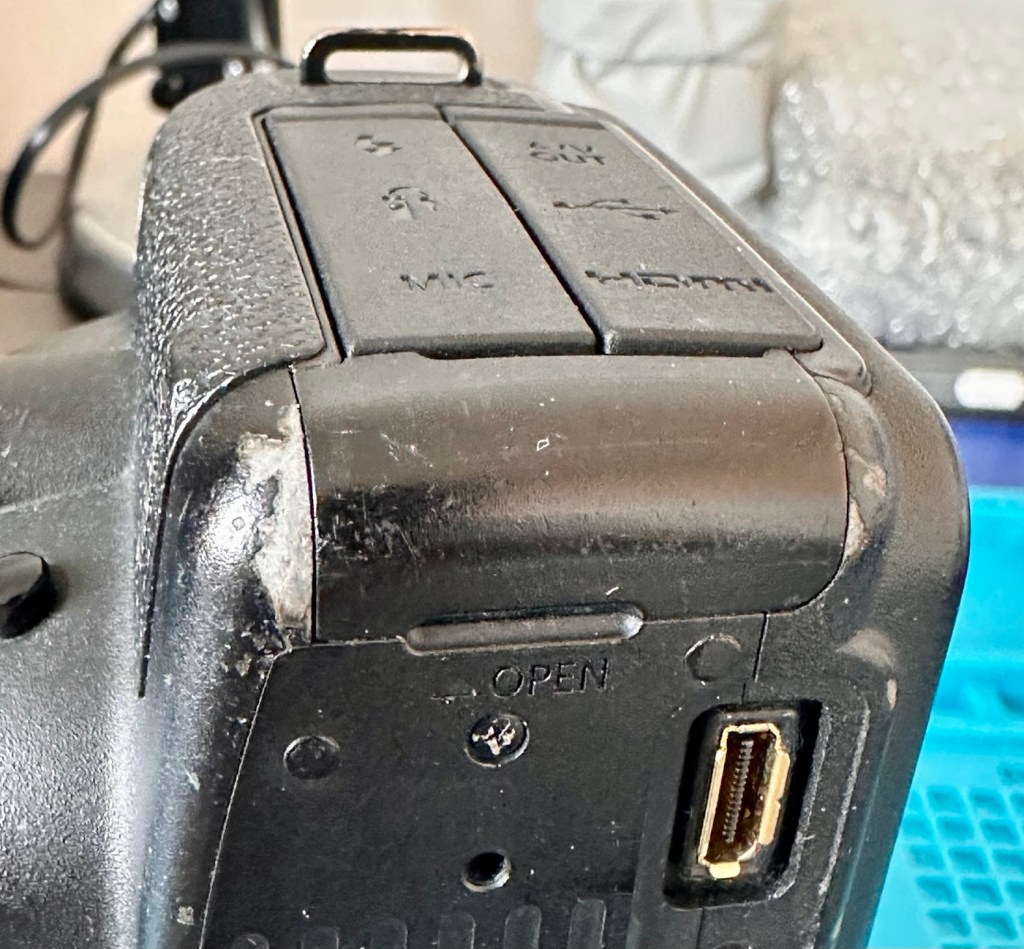
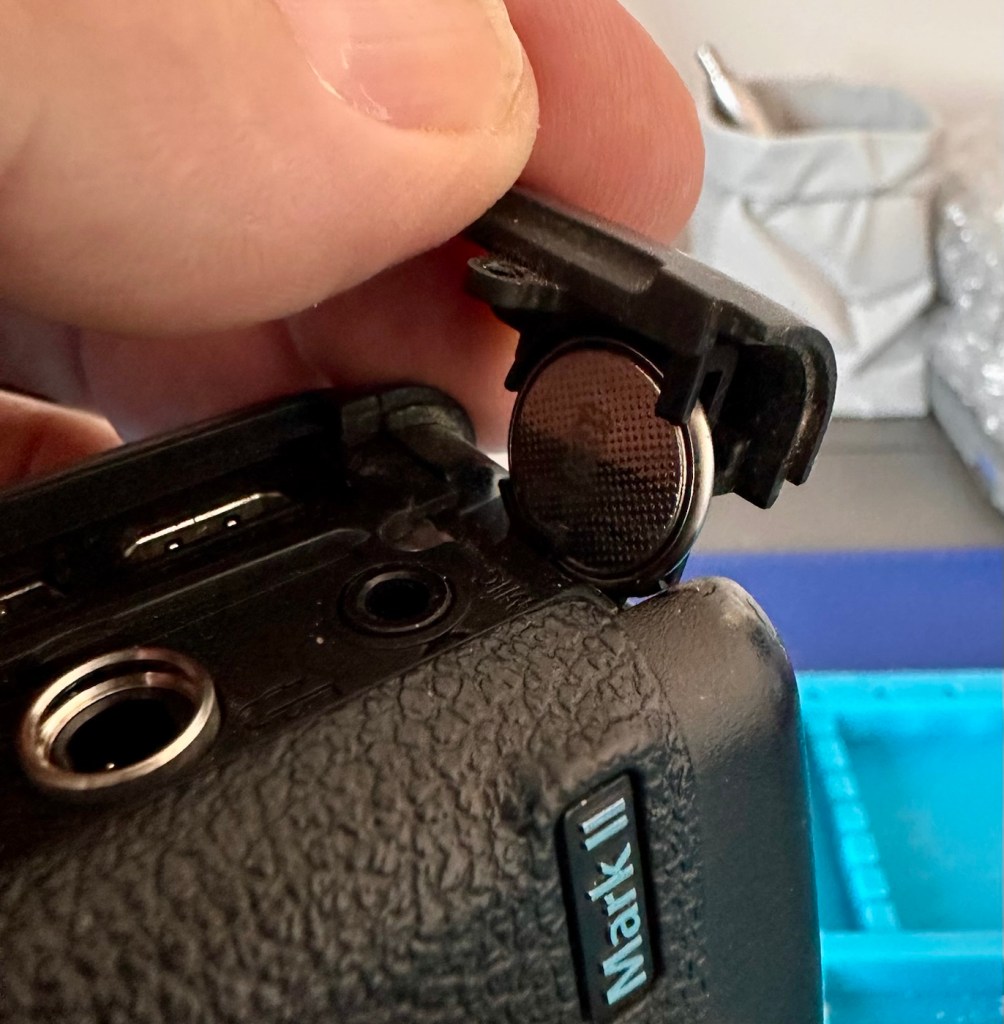
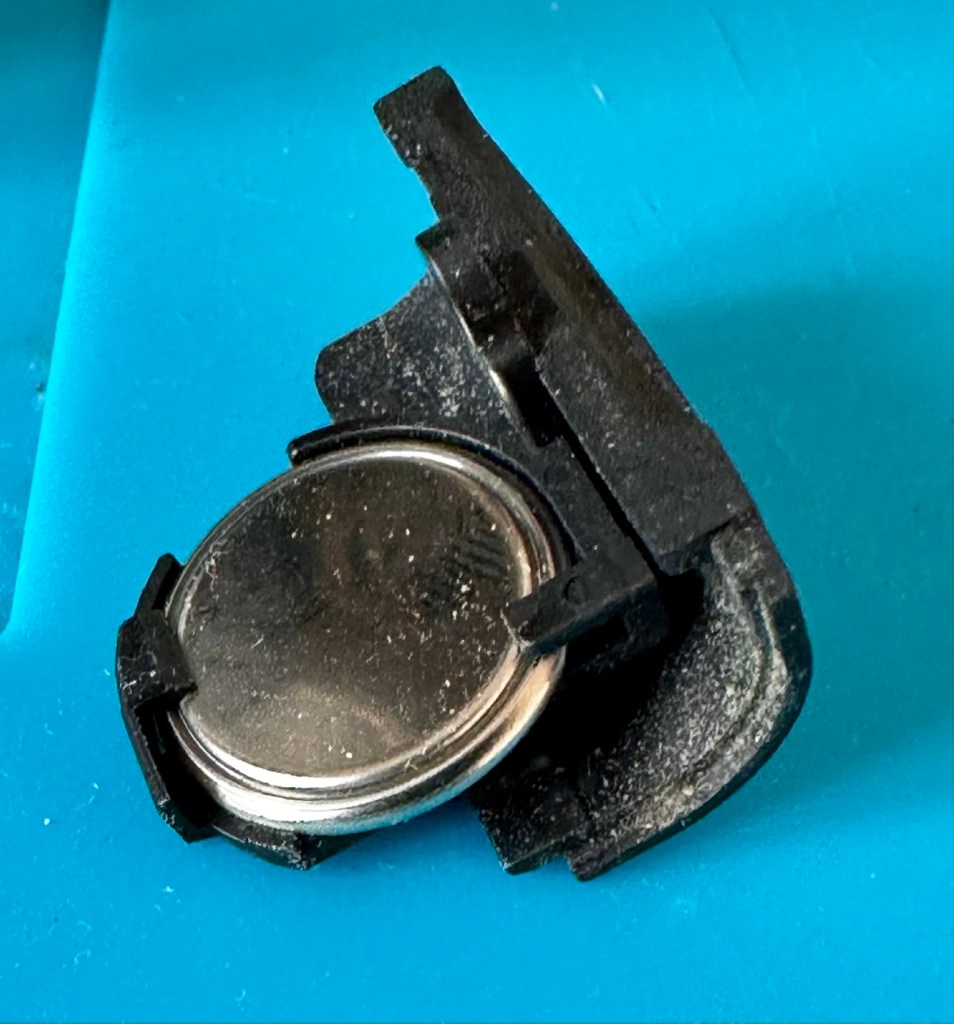
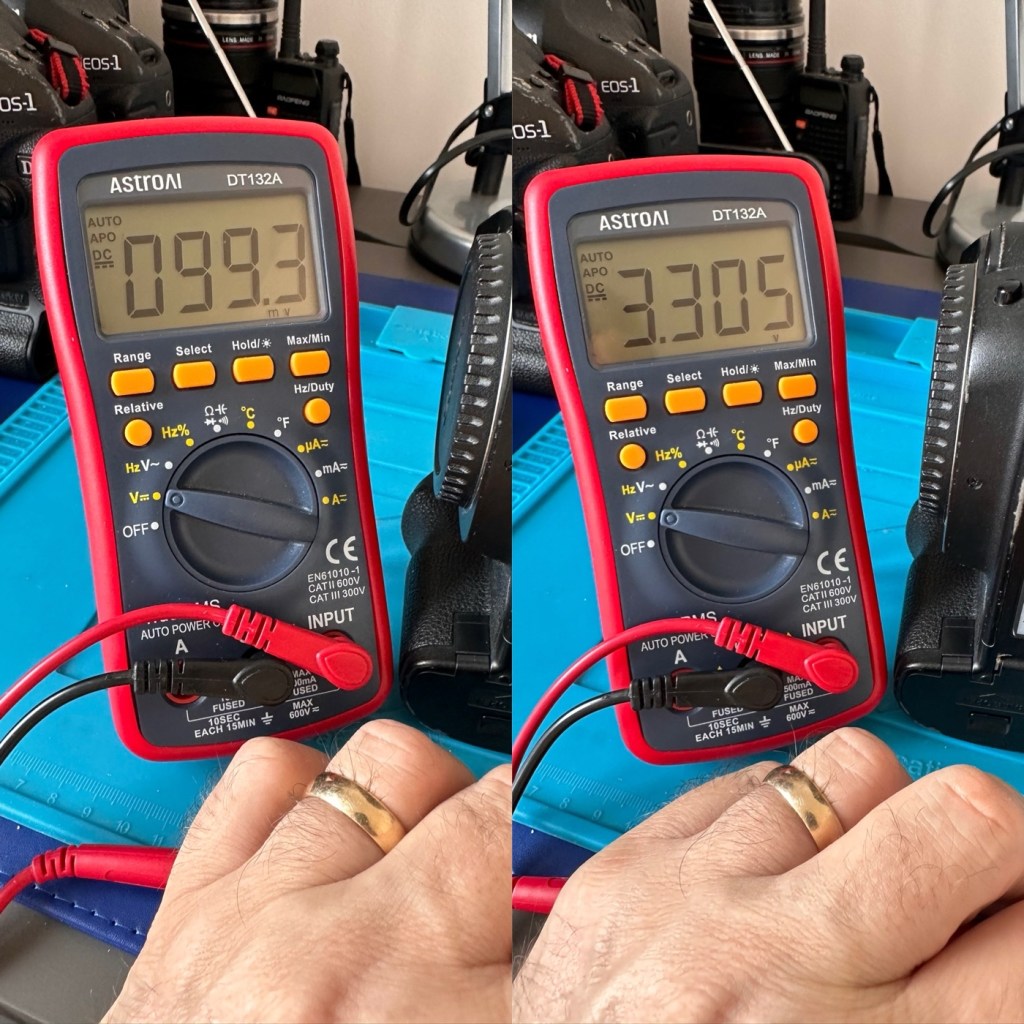
The CR1616 battery is a 3v lithium coin cell. Using a multimeter I was able to confirm that this one was well and truly depleted as it was only holding a charge of 99.3mV. The new battery cell was holding a much more acceptable charge of 3.3V.
With the new coin battery in place, I’ll reset the date values and test that the battery is doing its job, by powering the unit up and down a few times.
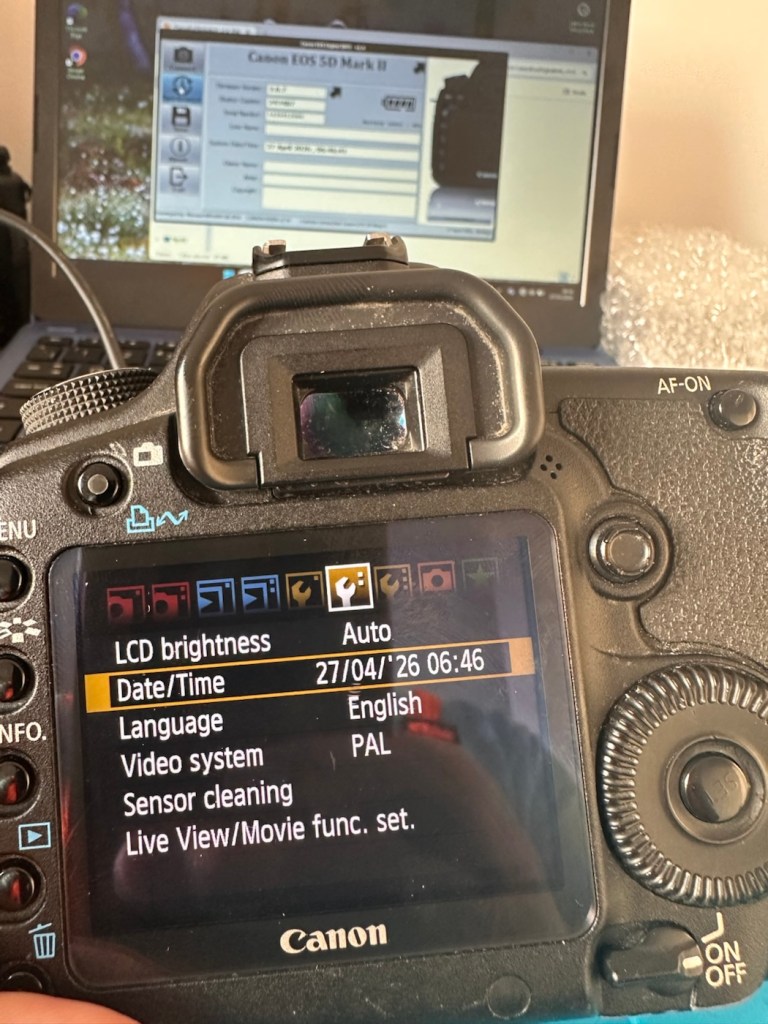
As you can see in the picture above, I’ve managed to update the settings, and when the unit is shut down and restarted the information remains. Hence the new clock/cmos battery is working fine.
Next let’s try to update the firmware to the latest release. This small video below shows how easy this task can be. This particular file in the video is for an earlier, older update, however the principle is exactly the same for all camera updates with Canon.
Following the recommendations in the video above I have downloaded the latest firmware update file and extracted its content to the freshly formatted CF card for the camera.
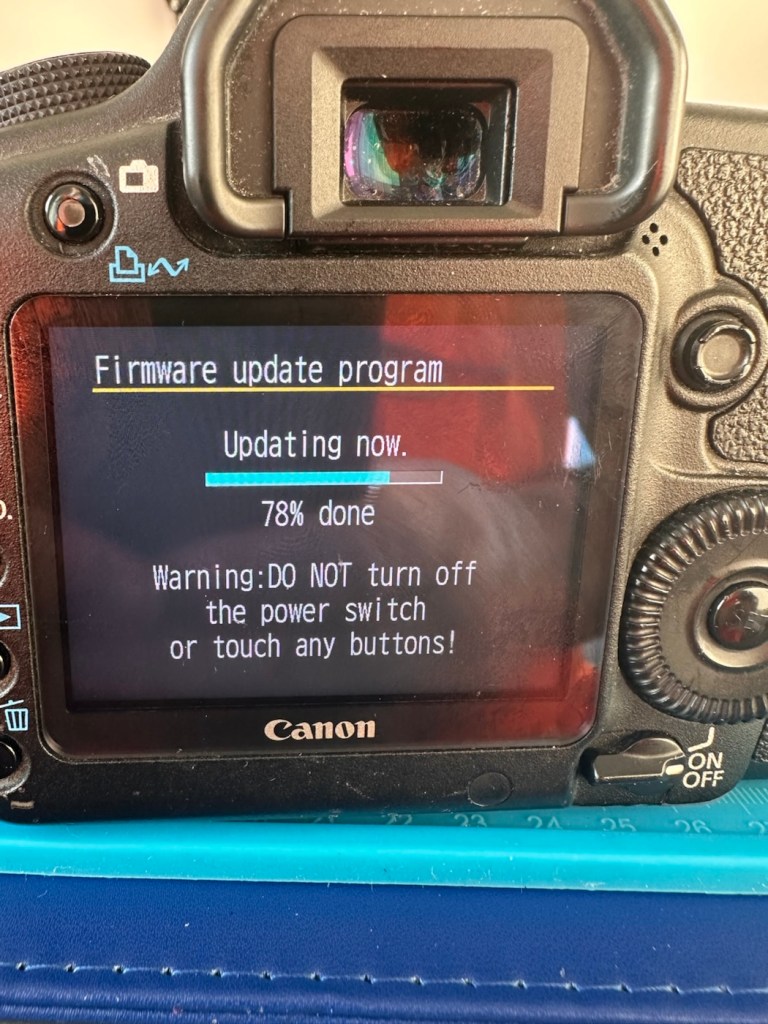
The whole process was followed exactly as laid down in the instruction video, and it went as expected. The update was successful.
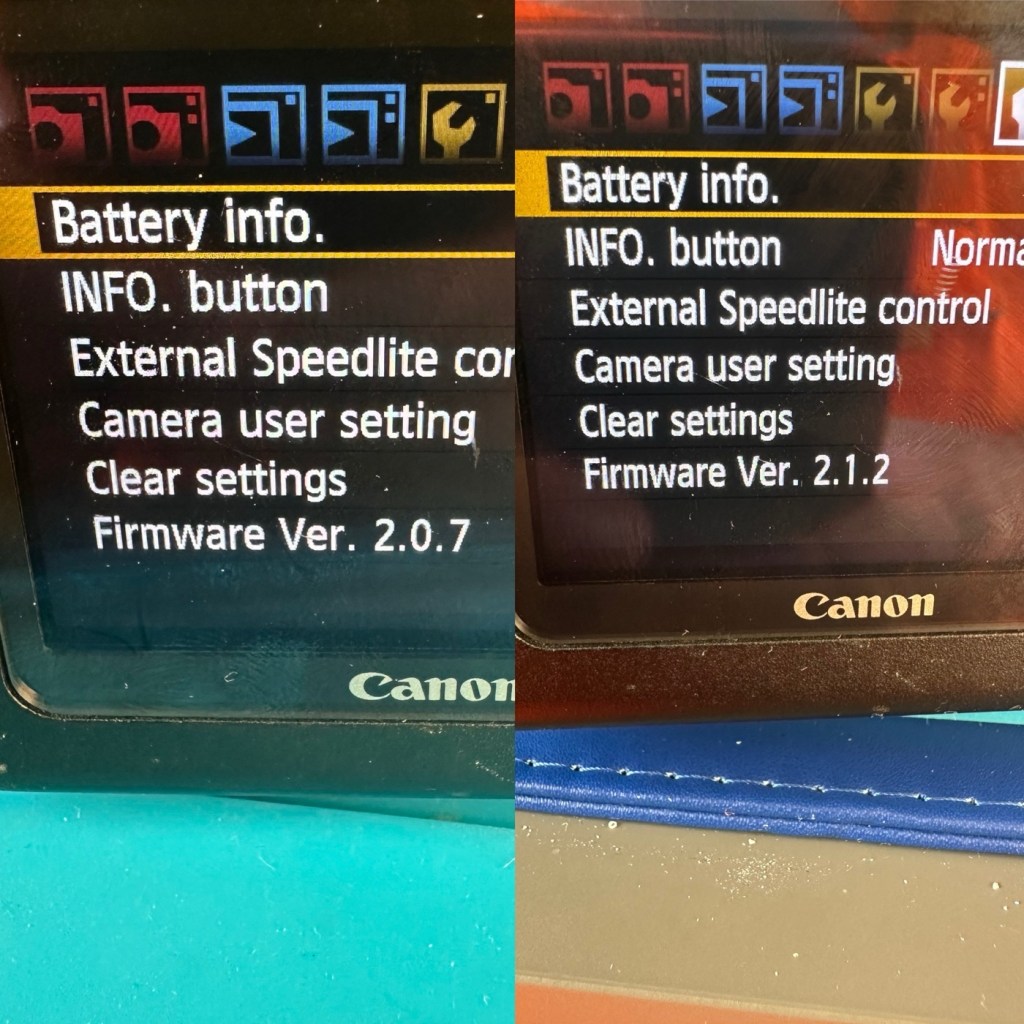
The camera is now correctly updated to the most recent firmware. I can now progress to doing some final checks in the lens barrel area prior to moving on and checking the functionality of the camera with a lens in place.
The mirror bumper felt is in good condition and does not need replacement. I have blown out the barrel and inspected the sensor and that is clean and needs no attention.
Final touch is that I have printed off a cover for the hotshoe flash holder.
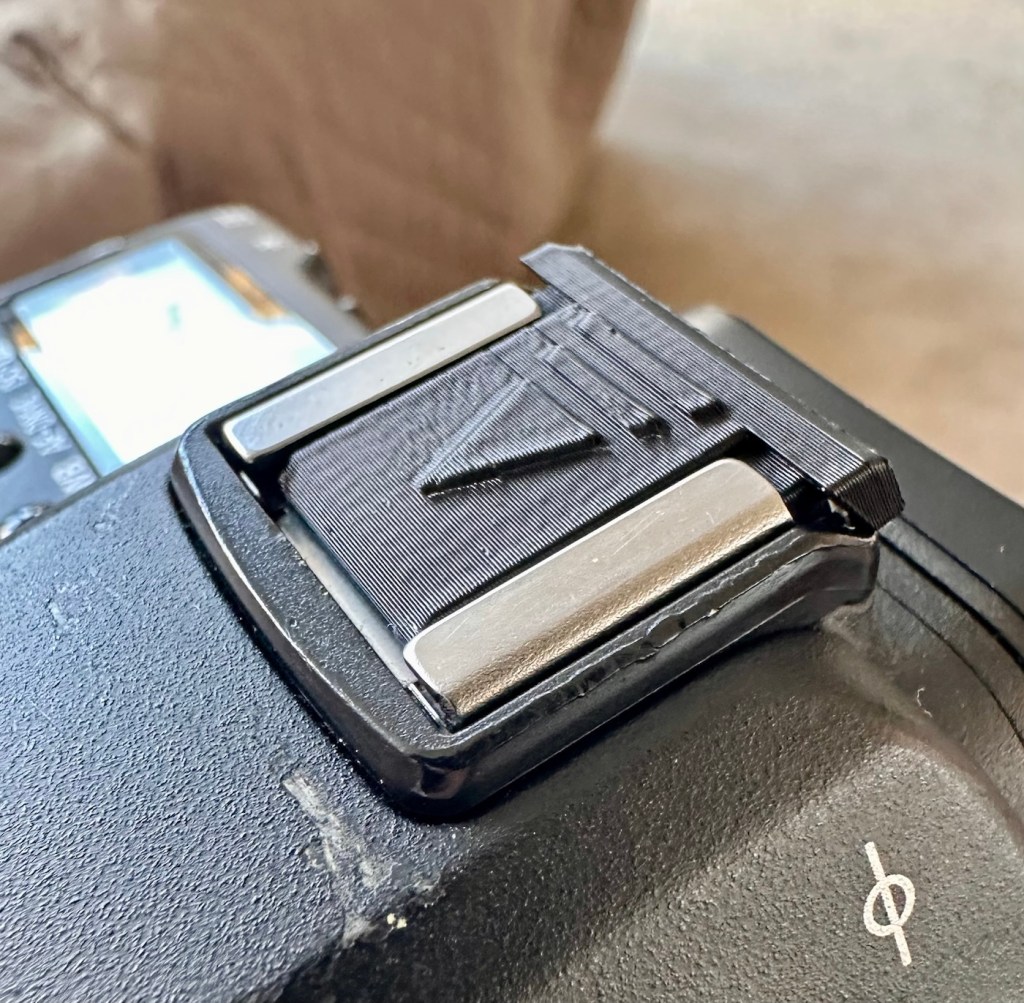
Time to get the battery installed in the camera, along with a formatted CF card, and I’ve also put a stock 28-80 EF lens on the front to test. And here are some of those pictures taken to test, just around my garden.


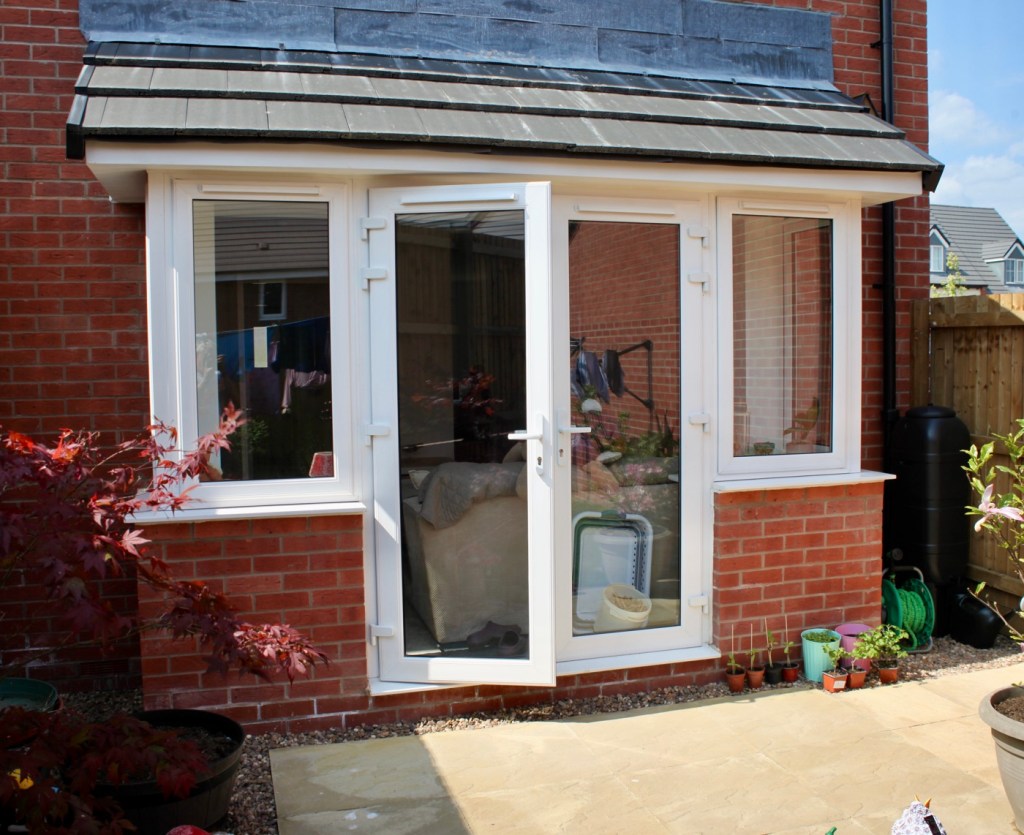
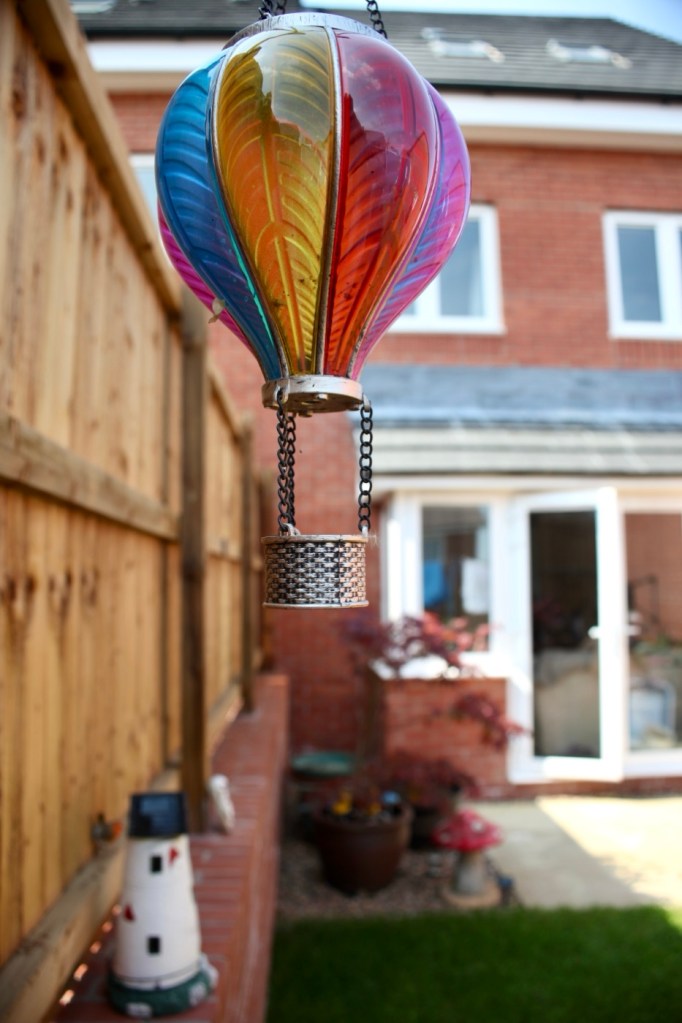


And I am so damned impressed. It’s only a basic lens but the tonal quality, sharpness and colour has really shone through. The camera has worked perfectly, I’ve used it in auto mode, shutter priority and aperture priority and all works fine. When I use the video mode, all is fine but the basic lens when you telescope, can be heard throughout the video, not really an issue just an observation, hence why people invest in the higher end optics. For testing purposes though, this lens has performed perfectly. I’d be more than happy to venture out for a picture session with this setup.
Every setting on this camera has been tested and it has passed with flying colours. My job here is done.
Result:
A far better result than my last attempt on this specific type of camera. This time around the sensor has performed perfectly and remains in good order, hopefully for quite a time yet. It would be good to see it go through the 250,000 exposures count, and seeing that it’s only about 6,600 exposures away I don’t foresee it being a hard to achieve target. I’m going to get some good use out of this camera, I’m currently looking at taking it to a local nature reserve to see what can be photographed. I’m quite looking forward to that.
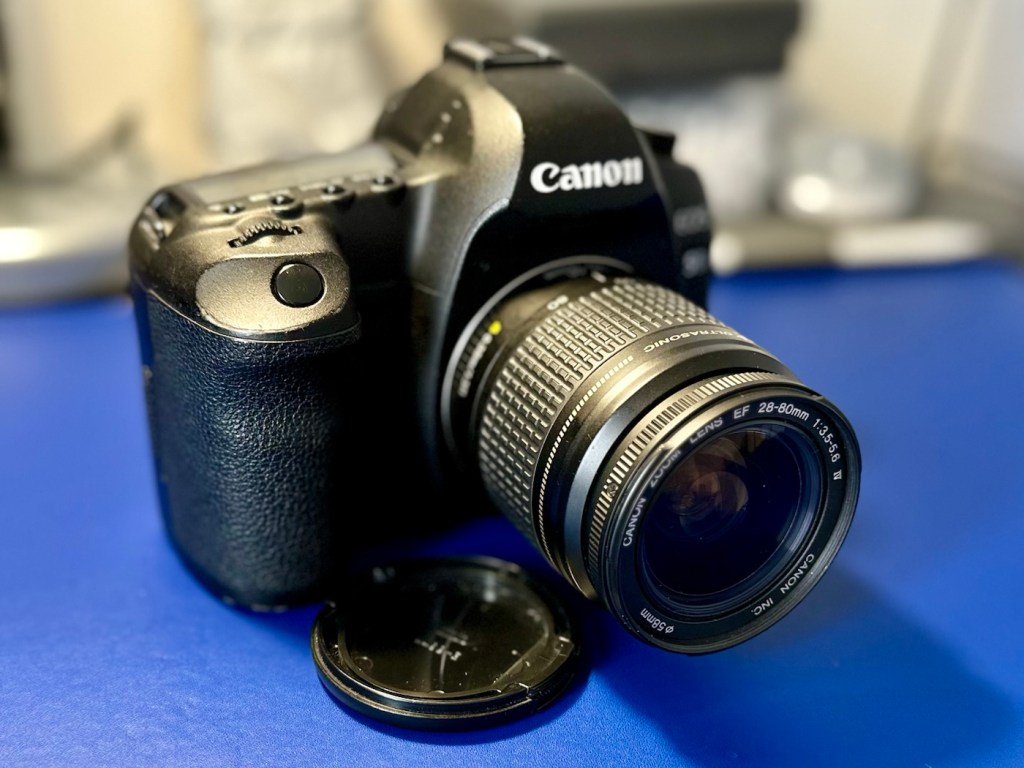
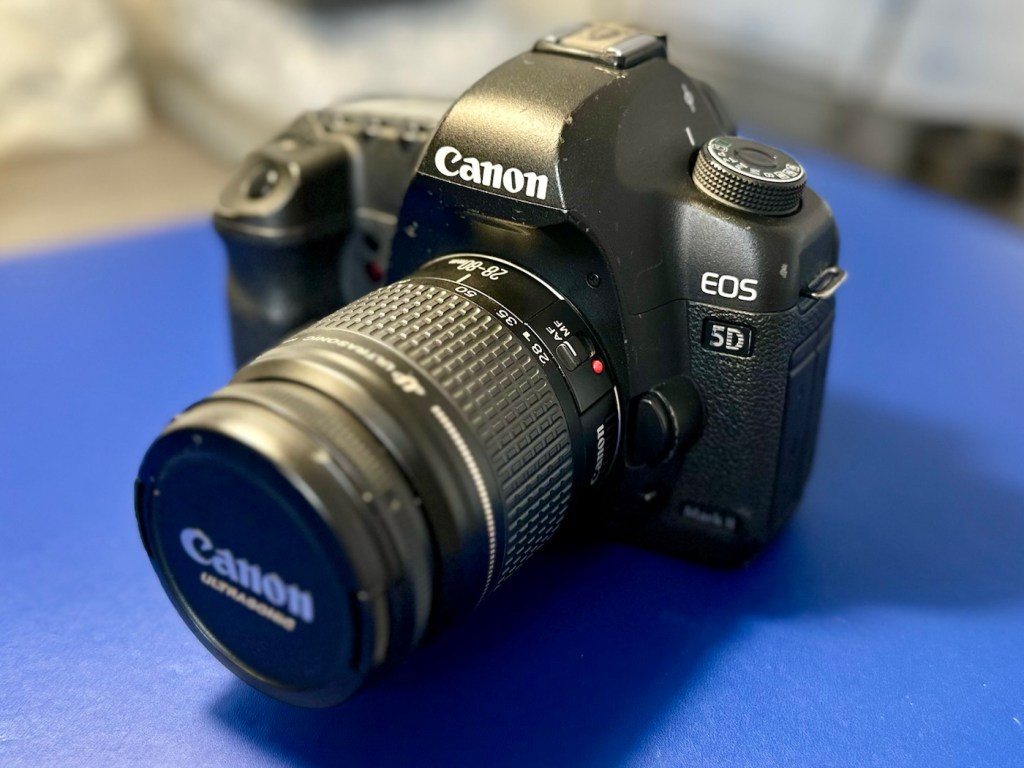
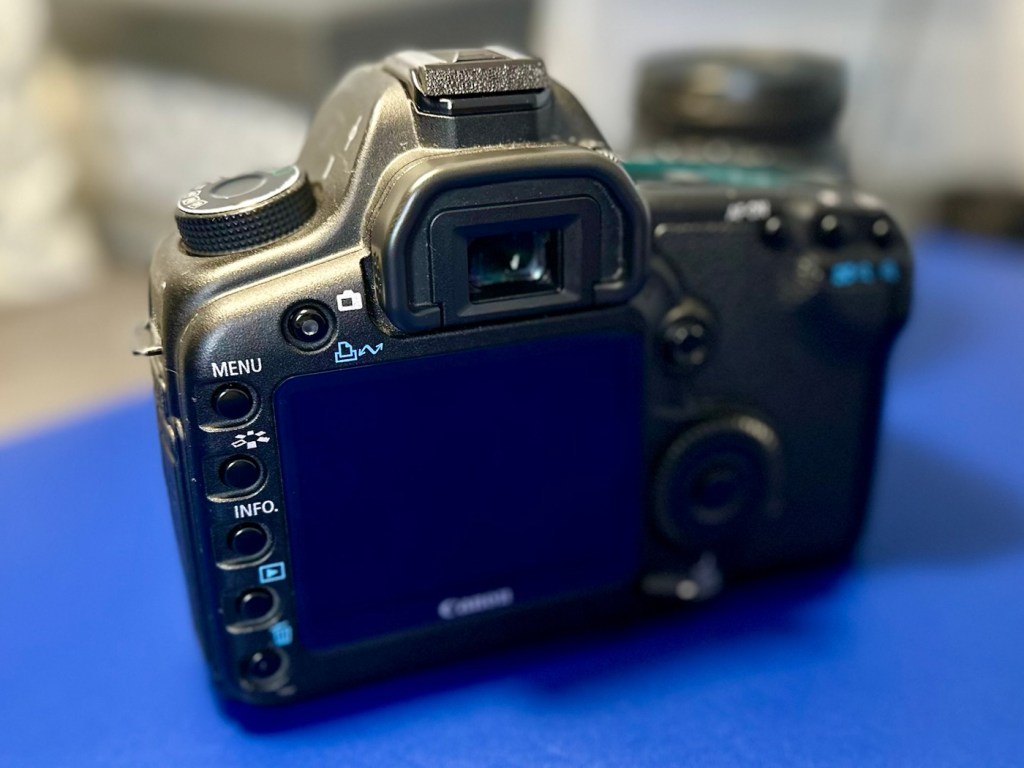
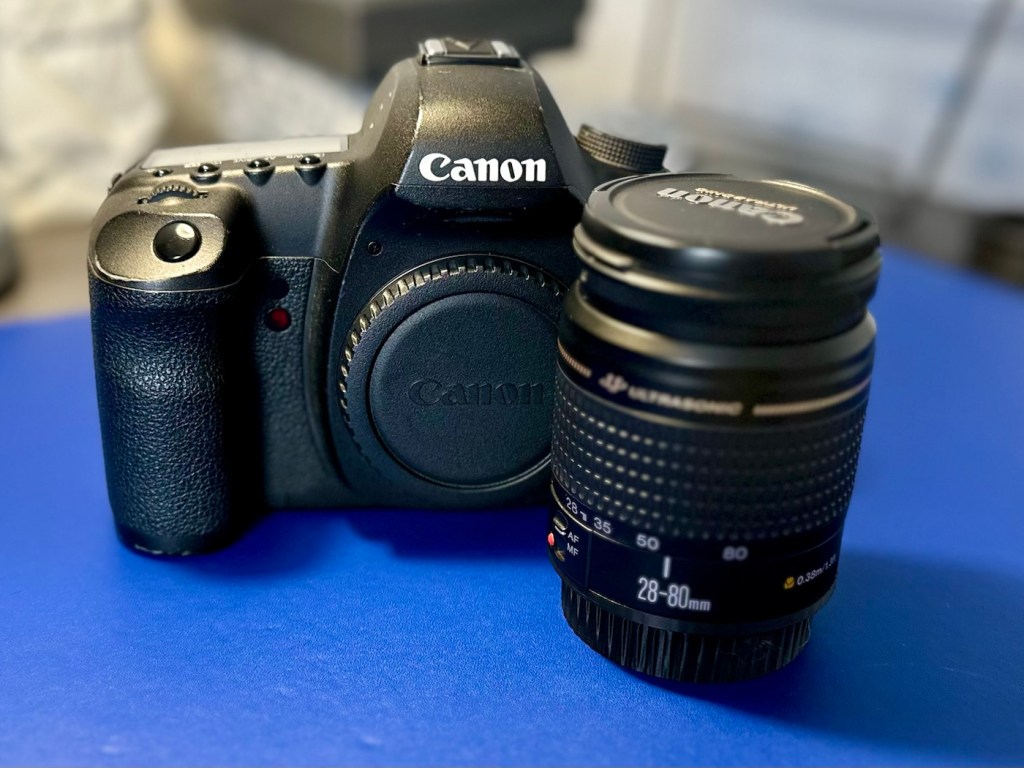
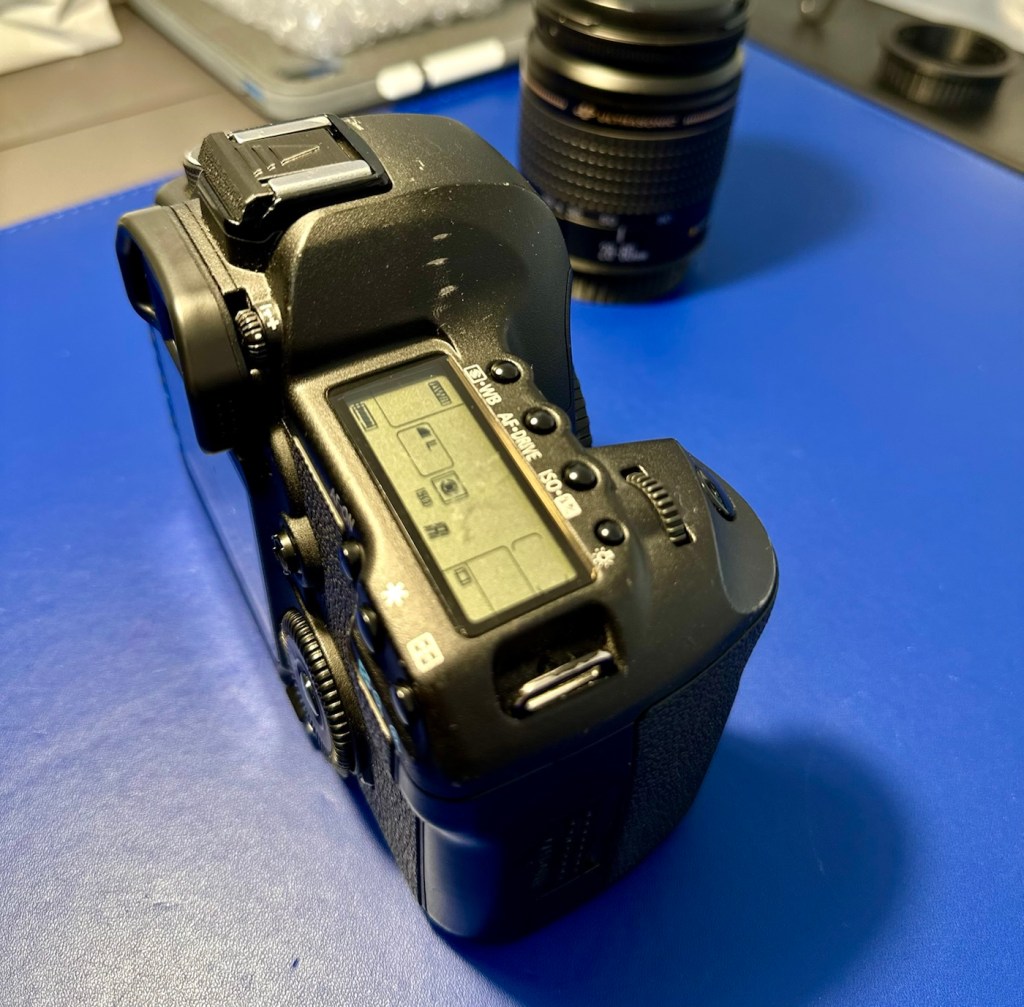
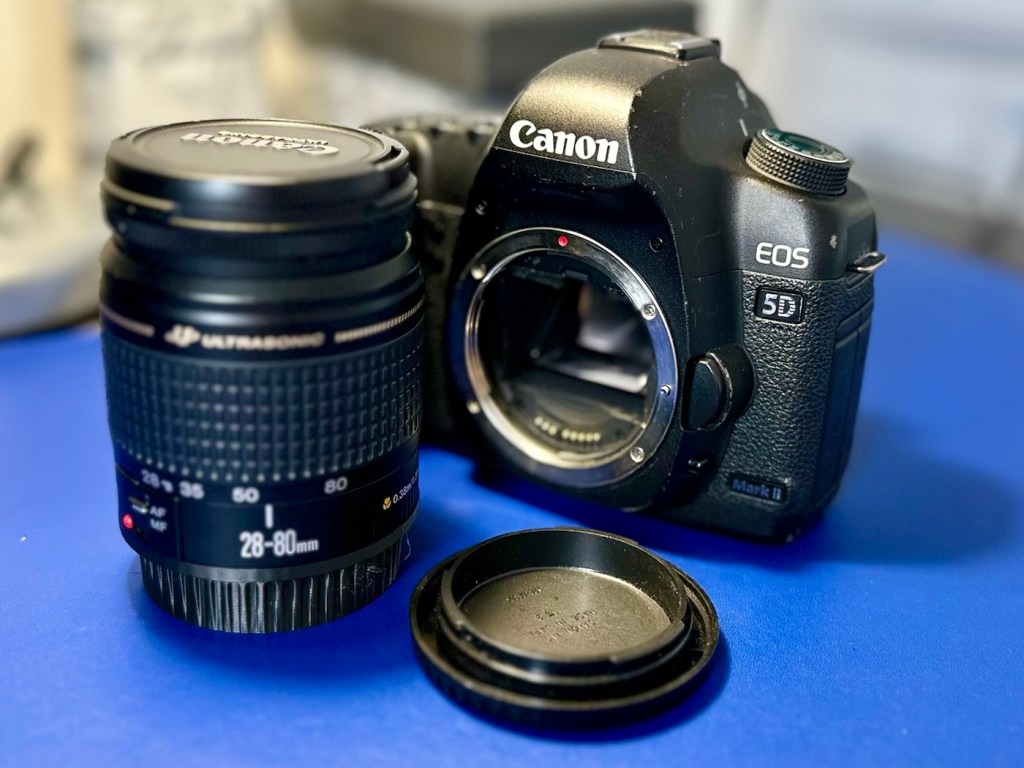
A final polish and this project can now be put to bed. Onto the next one.
Many thanks for passing by, it’s always very much appreciated.


oh my gosh congrats! that canon 5d mark ii is gonna be a megablast for you to shoot photos with. thanks for sharing the pics – they were a joy to look at! Mike
LikeLiked by 1 person
Thank you Mike, hope you are well 👍
LikeLiked by 1 person
That shutter count is impressive. 100 times what the Nikon I just bought has on it, giving me hope the latter may last.
I had a Canon 1Ds which was monstrously heavy, but an excellent camera and perfect for certain kinds of photography. You just wouldn’t want to spend a day with it slung around your neck.
LikeLiked by 2 people
I have two equally high usage EOS1D MKIV on the bench awaiting repair. That’ll be posted on soon. Thanks Marc, hope you are well 👍
LikeLike