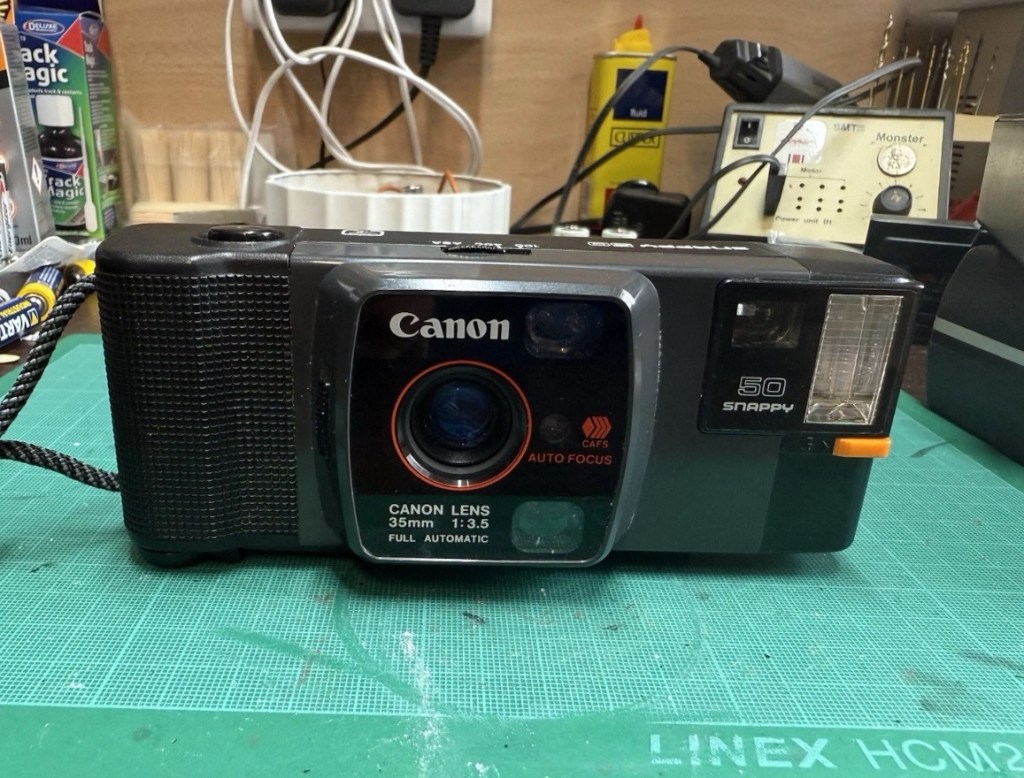
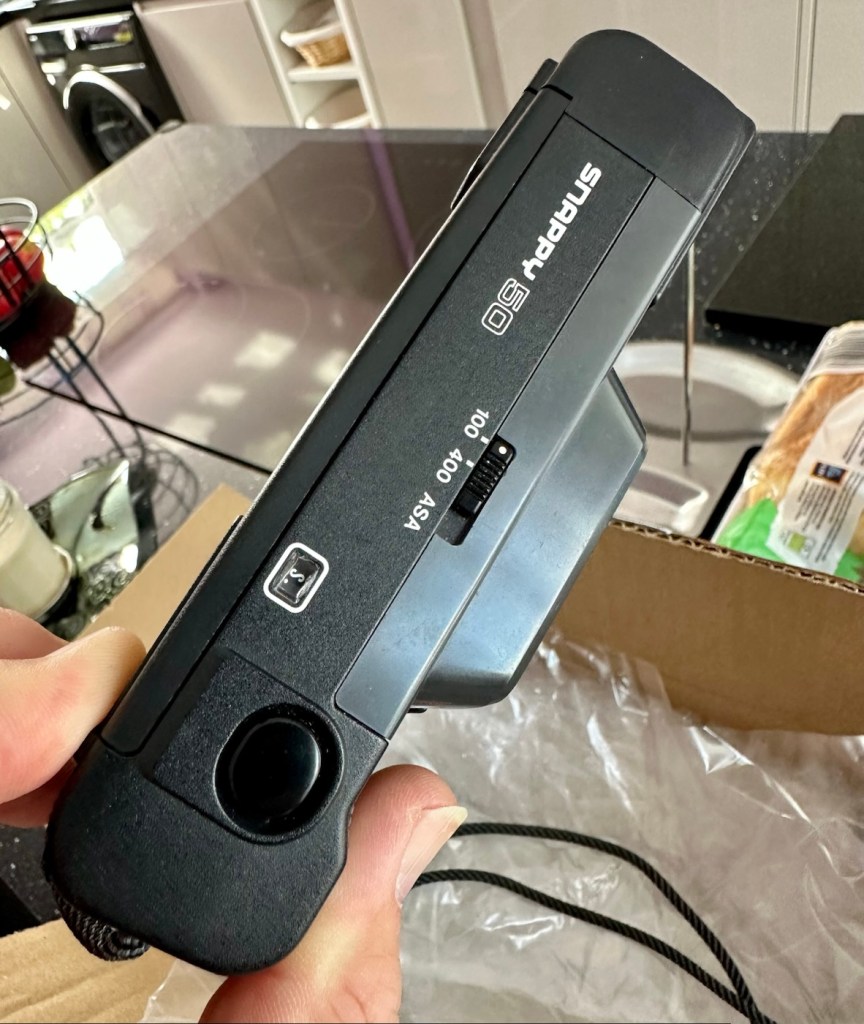
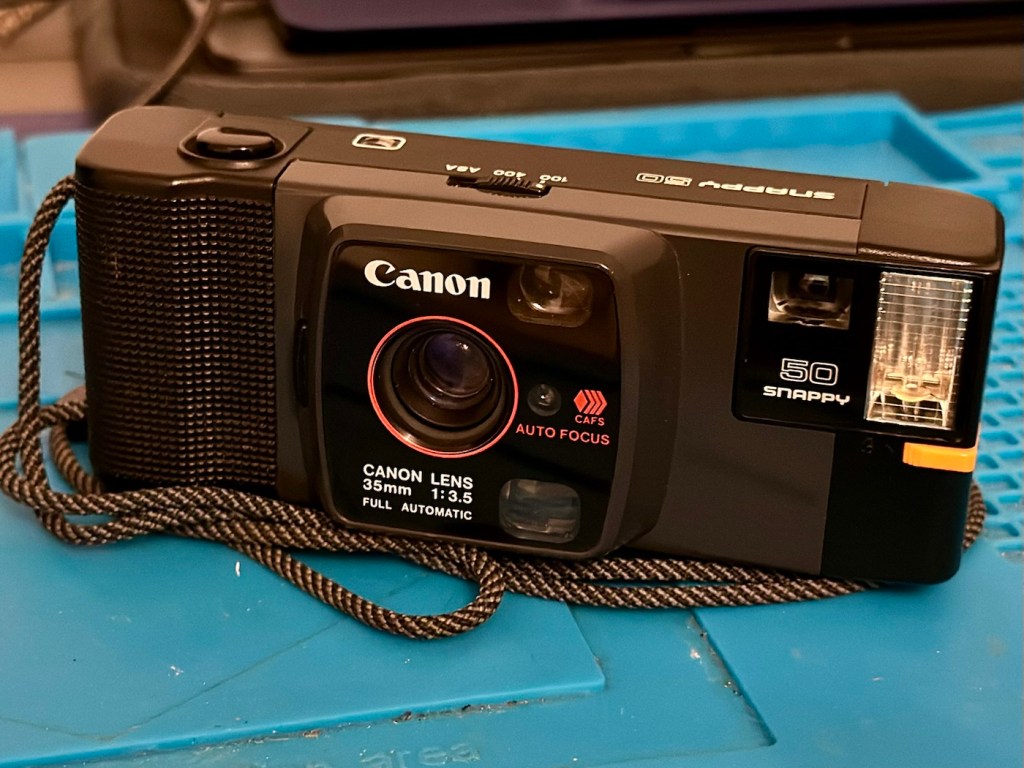
A compact Canon 35mm camera from 1982. It doesn’t work, so let’s make it work!
What the listing stated:
In generally good condition but does not power up Sold as spares or repair
EBay
Canon snappy 50
I came across one of these a few weeks back and was just taken by the shape and aesthetics of it. However i wasn’t going to pay a high price demanded by the seller, so i just hung around and waited for others to come on the market. I have just purchased this camera with free postage for a total of £1:13GBP. I’m confused, the seller will basically be paying me to take it off his hands as postage will be at least twice the value of what I have paid today. Let’s wait and see if this sale gets suddenly cancelled, as I suspect it may well do.
Anyway here’s a little bit of its history:
Released in July 1982 and based on a new concept, this is a fully automatic 35mm Lens-Shutter compact camera.
The camera height was reduced by about 30 percent, giving the camera an oblong and unique form.
The camera uses active autofocus with a solid-state near-infrared beam. EE and the aperture are controlled electronically with a program. Metering range is EV 8.6 (f/3.5 at 1/30 sec.) to EV 15 (f/9.5 at 1/350 sec.). The shutter speed is set within a range of 1/20 sec. to 1/500 sec. to suit the film speed.
There is only two film speed settings. ISO/ASA of 100 or 400.
The built-in flash (Guide No. 11 at ISO 100 in m) must be turned on manually with a switch when the camera-shake warning lamp lights in the viewfinder.
Canon
I’ll just wait now to see if it turns up. I don’t know what the problem with it is, it’s just listed as a power up problem.
Well I’m shocked, I’ve received a postage notification so it is definitely on its way. Next stop…Assessment.
Assessment:
Well, it arrived, I’m shocked. It’s got to be one of the best packaged items I’ve ever received, never have I seen so much bubble wrap protecting an item that cost just £1:13GBP.
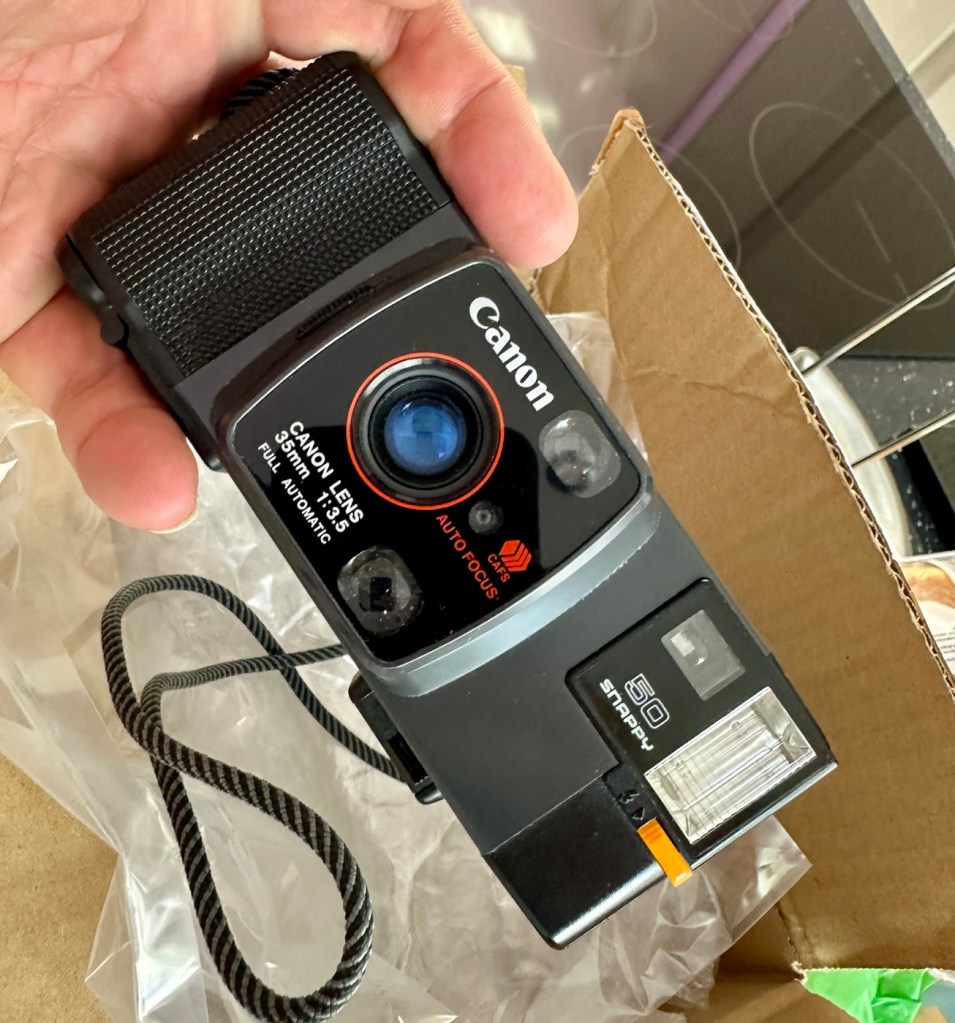
My Canon snappy 50
On top of that the sender has spent £3:45GBP on postage and charged me nothing. God I feel guilty now, least I can do is give him some glowing feedback.
Wow – And I paid nothing
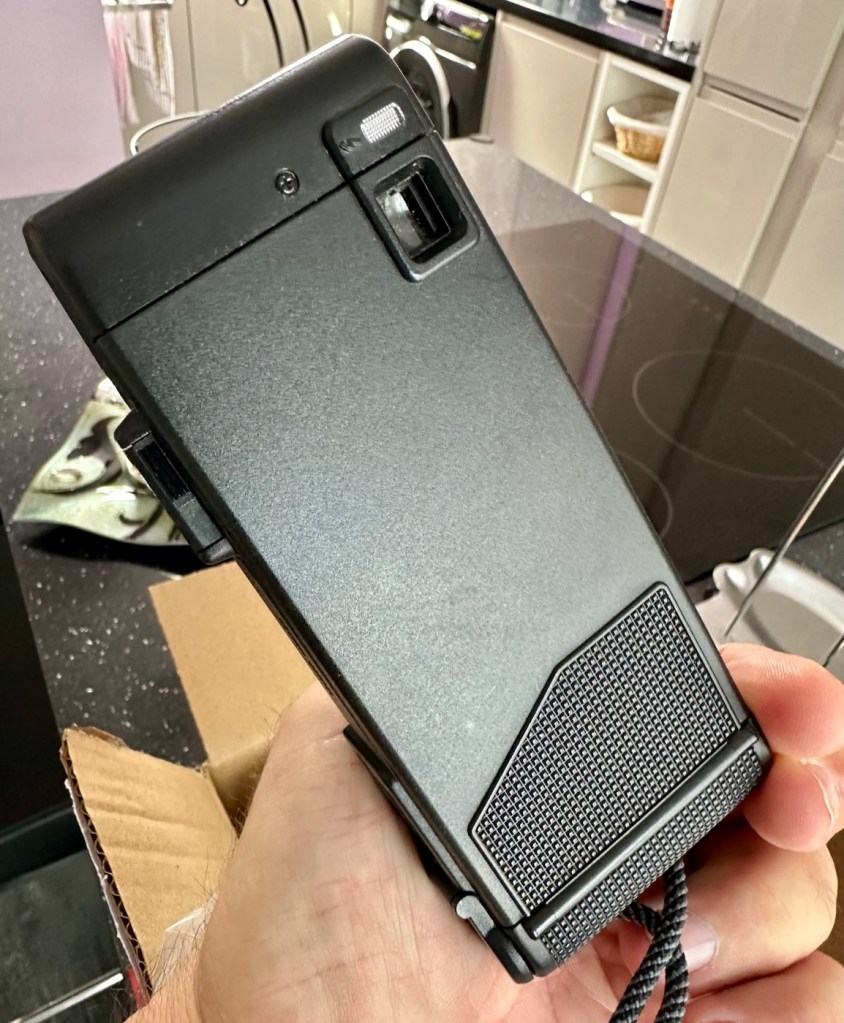
Right, back to the camera. For a 44 year old camera it really is in beautiful cosmetic condition and needs nothing but a slight dusting to finish it off. But first I put in two AA batteries and can confirm it is dead. No life at all. Also, the film door is flapping about (So there was another issue!). I’m going to have to get inside this unit to see what is wrong. To be honest the unit is such a basic one, I suspect there isn’t a lot that can go wrong with it.
Repair:
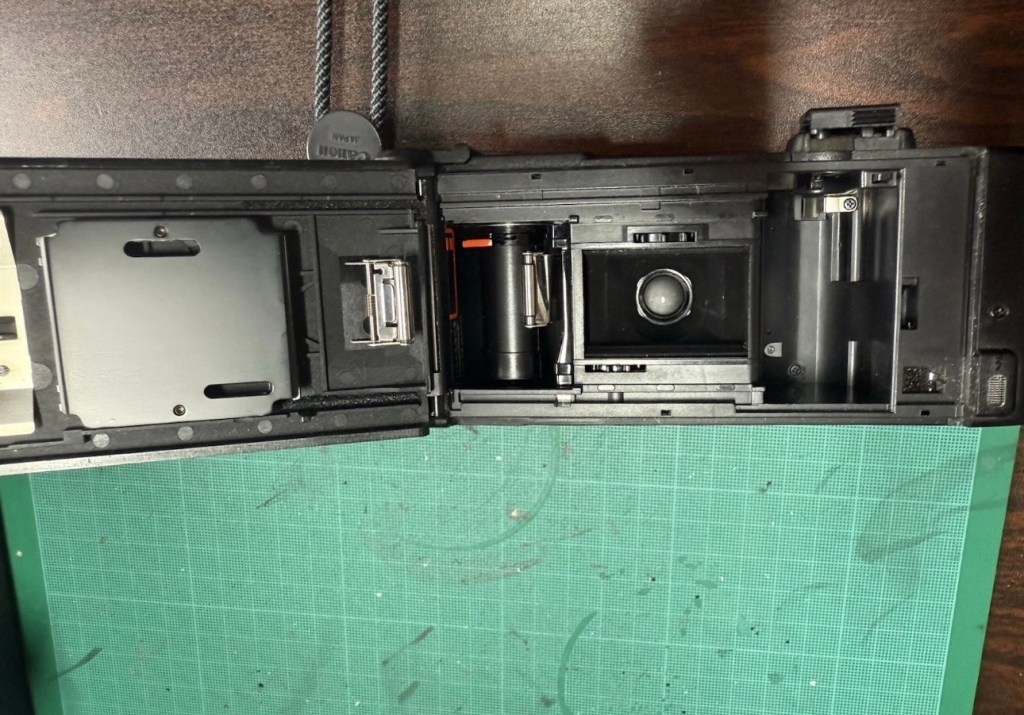
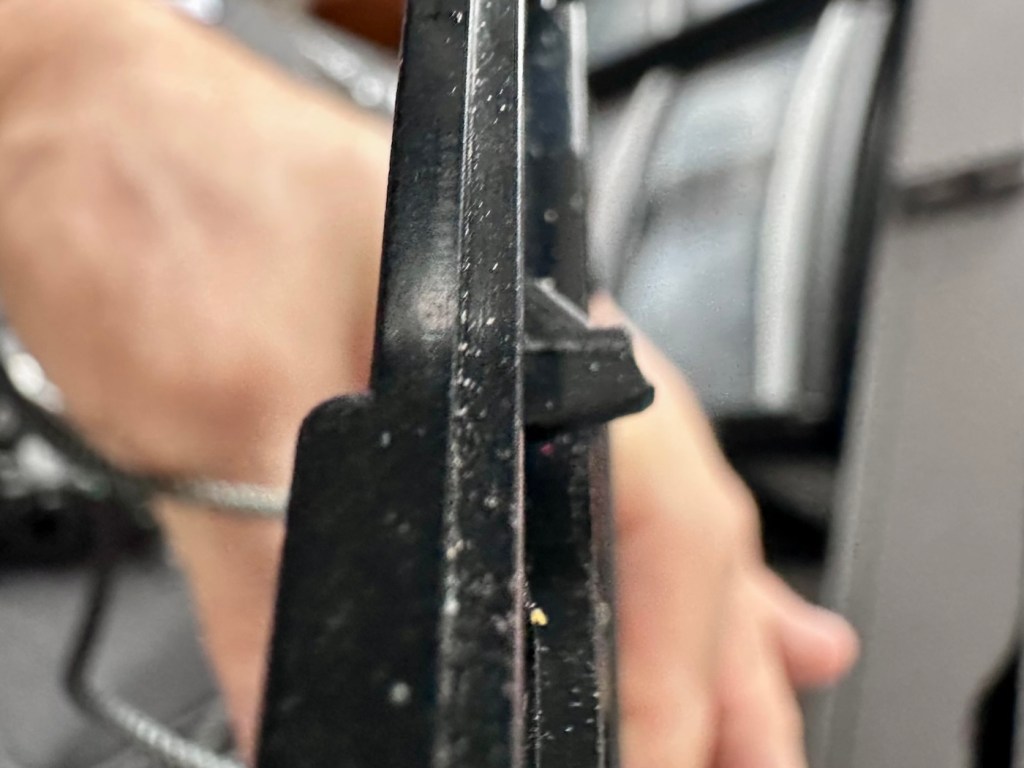
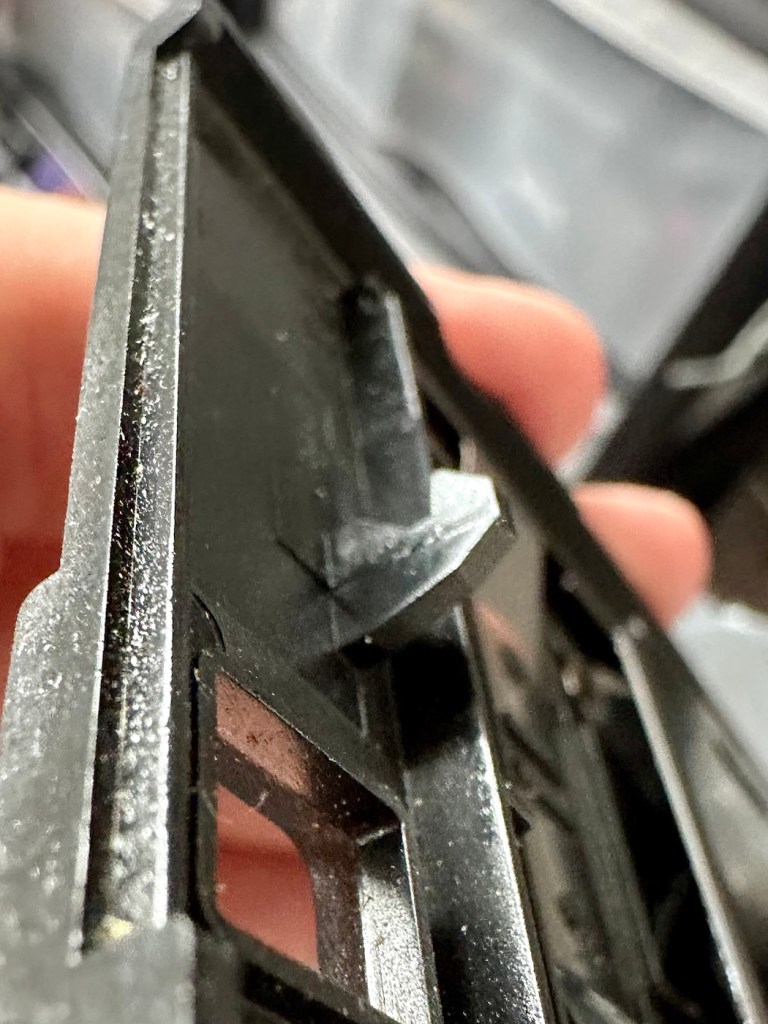
The film door issue is a simple one, and if I didn’t have a ton of spare parts spread around the place, I’d be quite annoyed to say the least. It would have been either a case of making a new catch for the door or building some Heath Robinson contraption to secure the door, looking completely out of place. However, I just so happen to have a complete rear door for one of these cameras so hopefully it should be a simple swap out of parts.
Broken door catchReplacement door with catch
But before I do this simple replacement, I need to get the top and bottom off of the camera to check where the electrical issues lie.
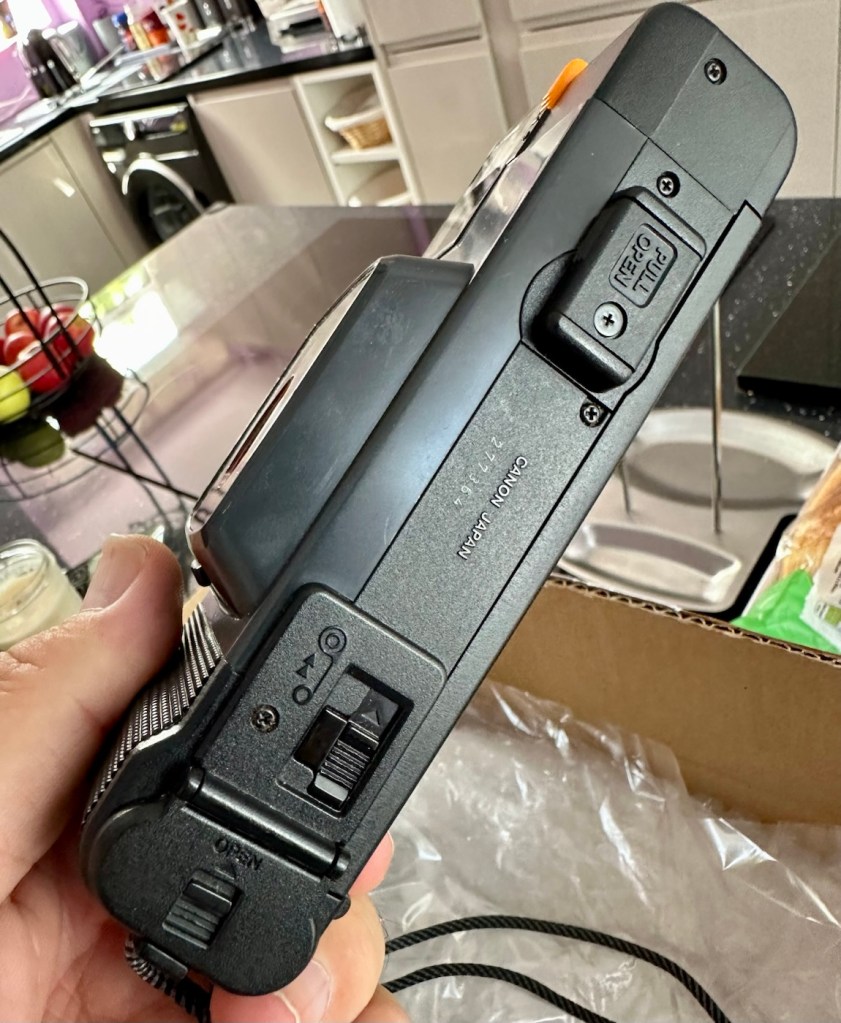
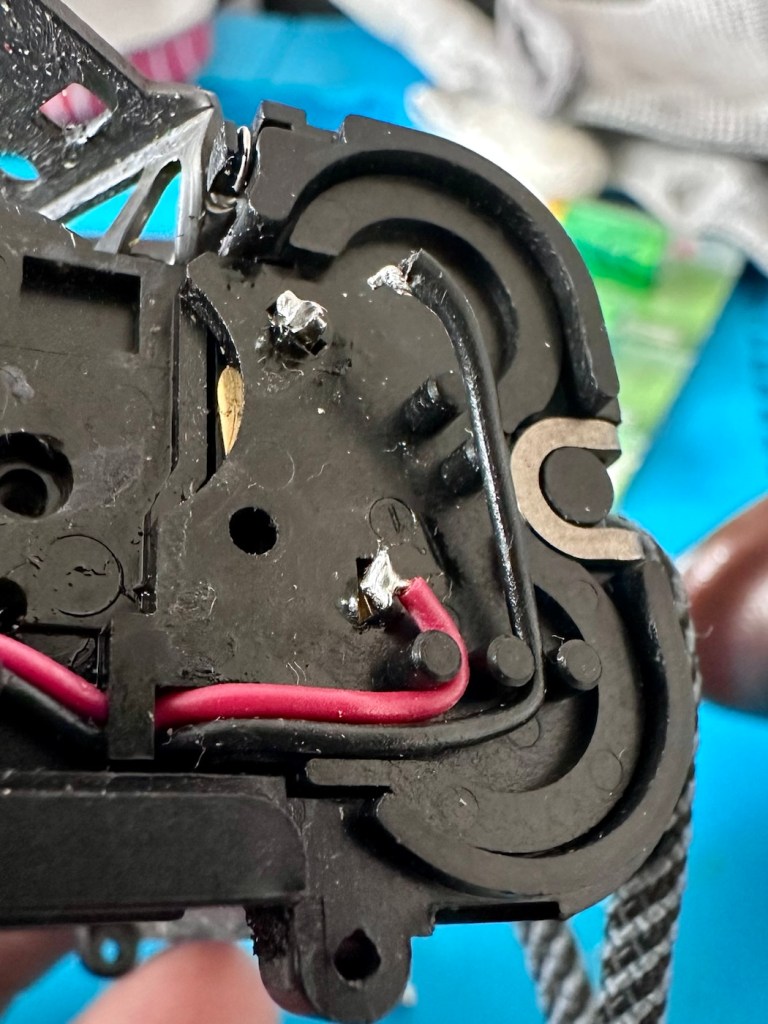
Taking the bottom off of the camera, the problem presents itself quite clearly. At the bottom of the battery chamber the negative wire has detached and needs soldering back into place.
Negative wore detached from battery chamber
I put the base back on and put two batteries into the chamber and the rewind motor instantly kicks in. We now have power. The shutter works and the winder motor operates as it should. When the rewind button is depressed the rewind motor kicks in as well, all seems to be good…..until!
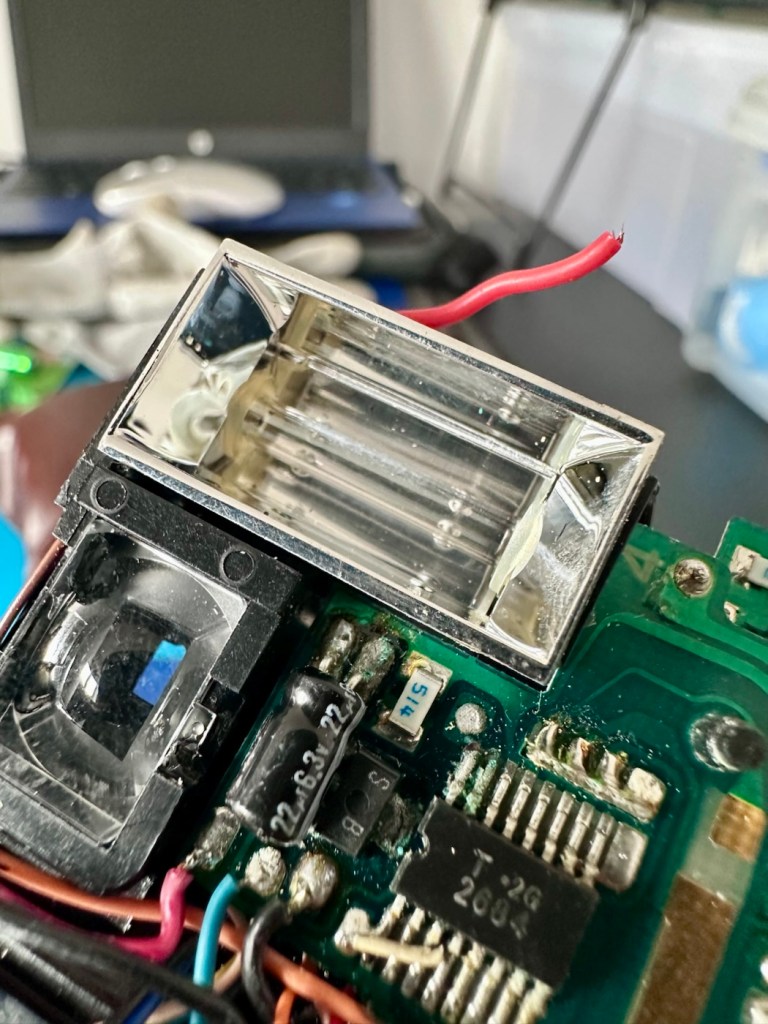
The live supply to the flash was detached
I try the flash, and nothing. Not even the usual sound of the flash capacitor charging. Damn, I hope that capacitor isn’t dead! So now I have the top off of the camera and another problem presents itself just as clearly as the first. Not a problem here as I need the top off to replace the rear door.
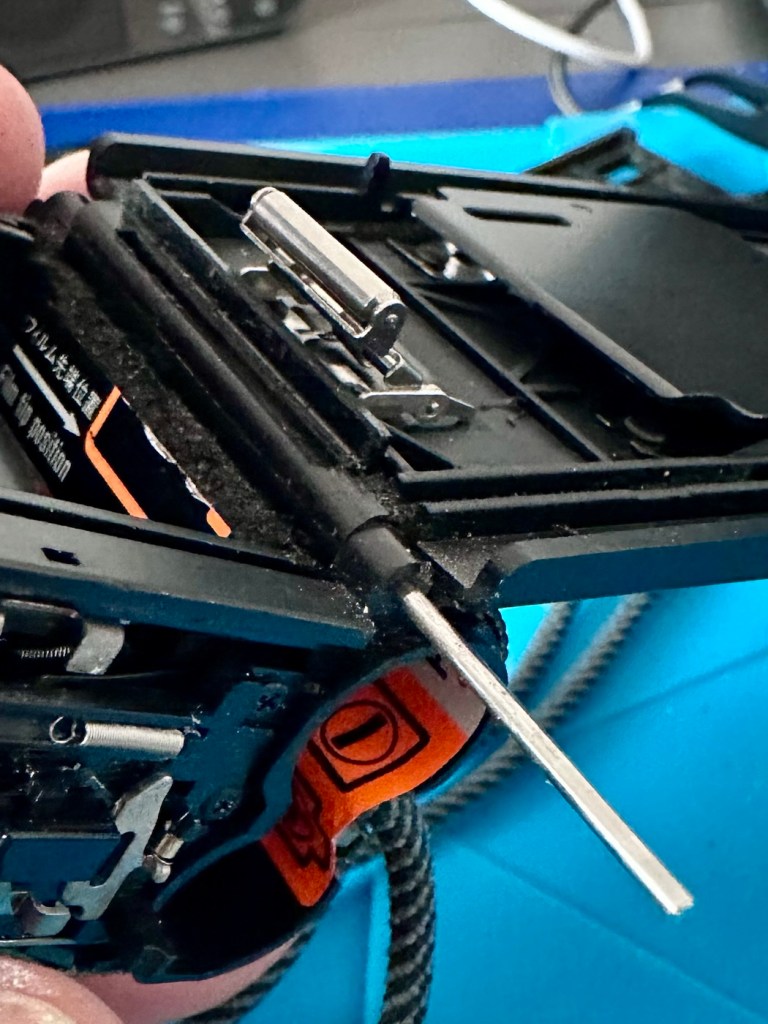
Rear door hinge removed and replaced
The live supply to the flash had broken loose and this also needed re soldering, in fact I re soldered about eight wires in total as it seemed that the solder joints in these critical areas could possibly be fairly. They may not be failing, but whilst I’m inside why not just do this simple task to prevent anymore premature failings?
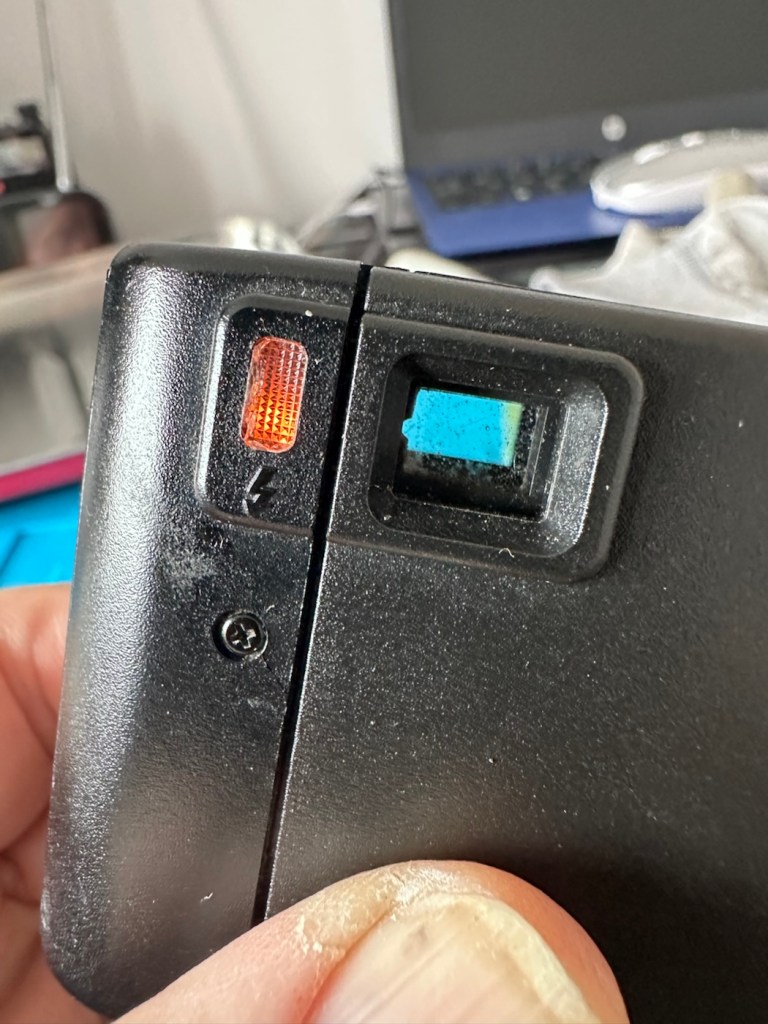
Batteries back in, flash turned on (it’s manual on this camera) and the check light illuminates. This camera is now fully operational.
Flash check light now illuminates
Result:
I’ve had a fairly simple repair here with some soldering and luckily, some spare parts available. These cameras are quite tricky to repair due to their compact build. Normally when you detach one part you have tiny springs and other parts that fly out, leaving you with a head scratching puzzle to add to your issues. However having dealt with these cameras in the past and having learned my lesson previously, I was very careful and took my time ensuring nothing occurred that would cause me any issues further along in this fix. I also open these cameras in a box, so if anything does fly out, it doesn’t fall onto a carpet disappearing into the pile, it just falls into the box, saving me the embarrassment of looking for a tiny piece of camera, that could be just about anywhere on the floor of that room. You learn from previous mistakes, I have, and i now have procedures in place to prevent such issues happening again.
All cleaned up and working
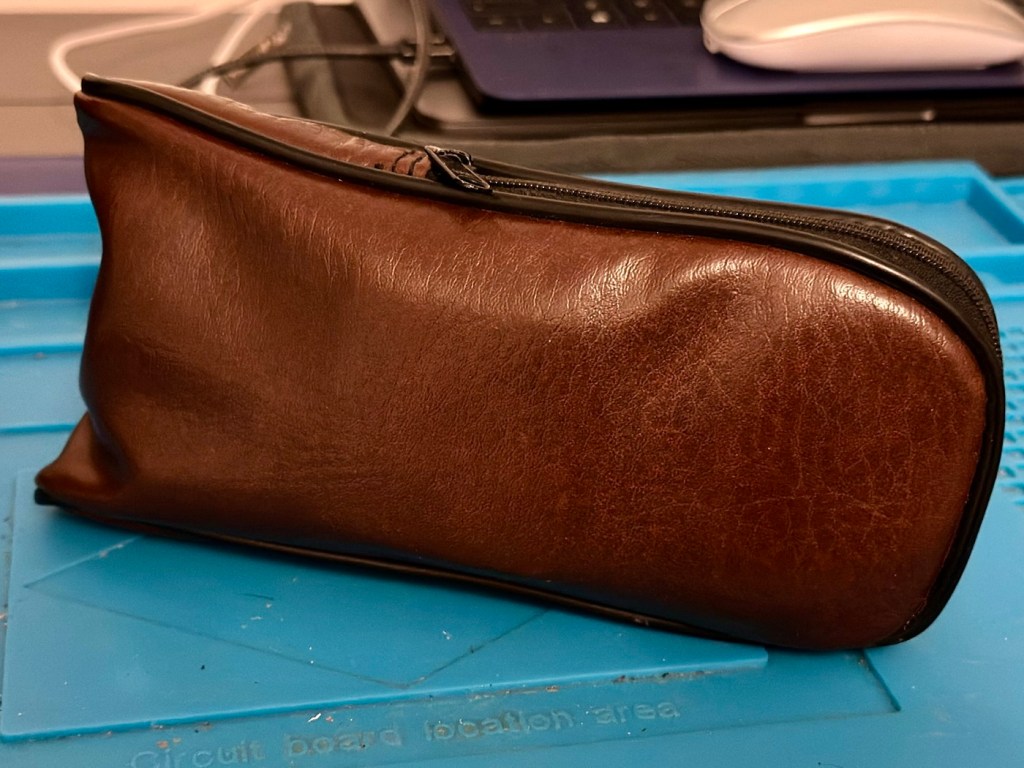
And neatly cased
We now have a lovely example of compact 35mm photography, rejuvenated, repaired and ready to get back to doing what it was designed for, creating memories.
And long may that last, another one saved from landfill, repaired, recycled and now with many more years of purpose.
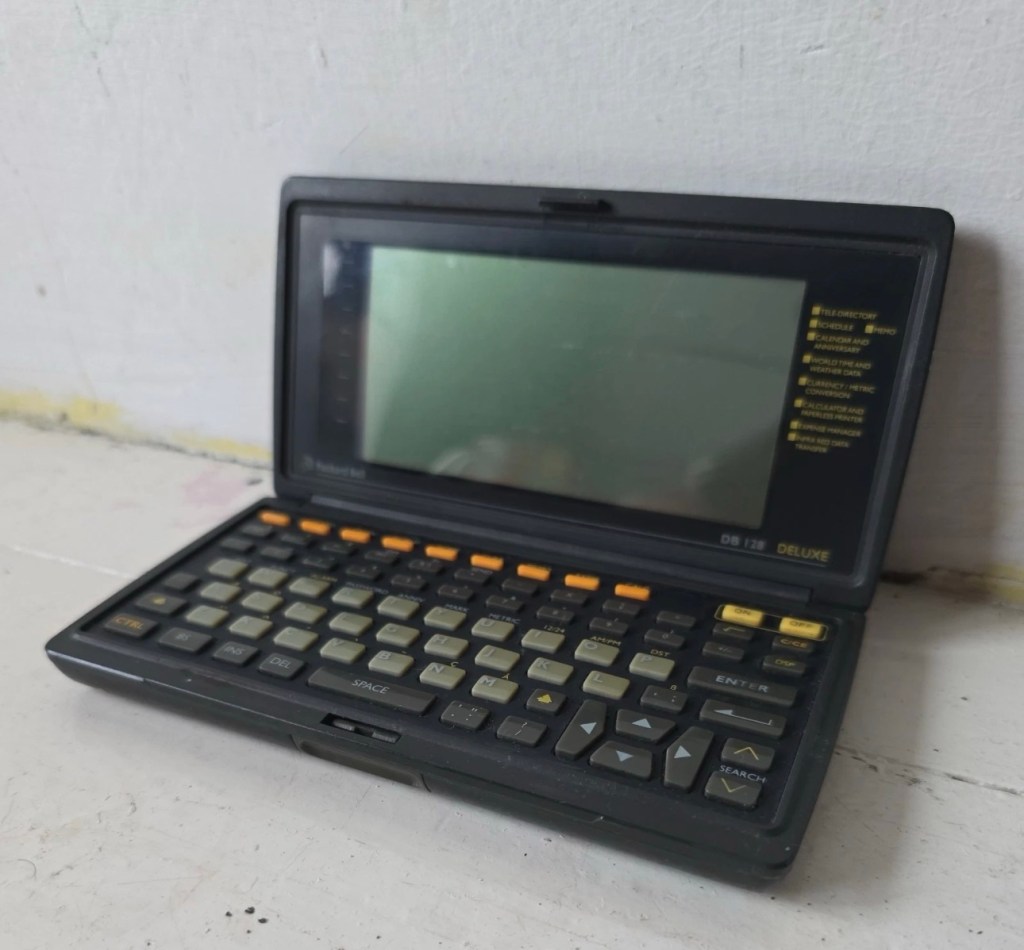
Another personal organiser / PDA from 1992. The Packard Bell DB128. Does it work? Is it just needing new batteries? Who knows? Let’s have a look.
What the listing stated:
The Vintage Packard Bell DB128 Deluxe PDA Personal Organiser from 1992 is a charming piece of retro computing history. Manufactured by Packard Bell in China, this personal organiser is a single unit that serves as a reminder of the technology of the early 90s. With its vintage appeal, this item is ideal for collectors of vintage computing devices or those who appreciate the nostalgia of older electronics. The Packard Bell DB128 Deluxe PDA is a unique and rare find for those curious about the evolution of personal digital assistants. Needs new batteries at the very least. For repair or spares only
EBay
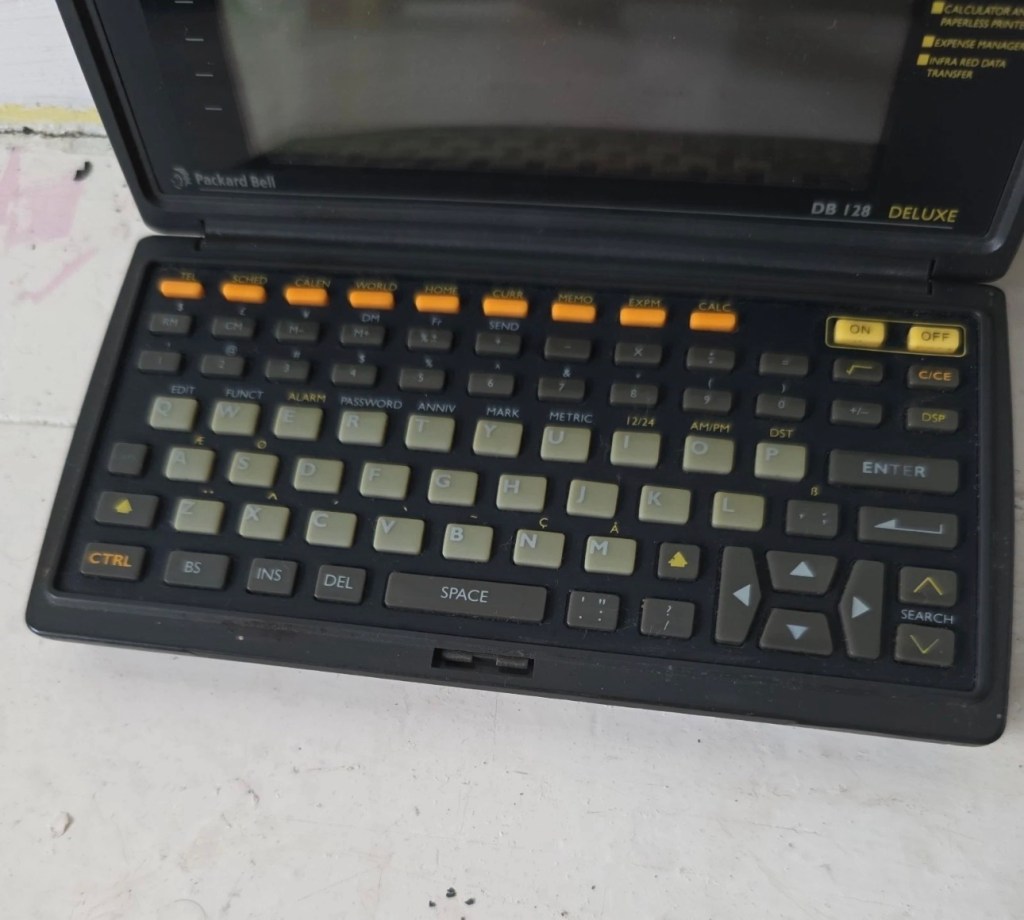
Packed Bell DB128 personal organiser
I love these postings on the selling sites, no actual real description of the state and condition of the unit you are purchasing, only a potted history of the item with the standard EBay get out excuse of “For repairs or spares only” I know, I can hear you saying, “ Well don’t buy it then – fool” and I agree with you wholeheartedly, I am a fool and I’ve brought it. But, it only cost me £3:30GBP so I’m happy with that, a good price for a bit of retro tech from 1992.
There is a good chance that this unit does only need some power, wouldn’t that be good? However it wouldn’t make very good copy on a site that looks at fixing other peoples castoffs, but I can happily go with the odd quick fix once in a while.
I love these old PDA devices from the 90s, and lots of people do, I guess some of us are still stuck in a period where technology was so wonderfully new and interestingly different. Whereas today everything is pretty much the same and controlled by a few massive organisations, when back in the 90s there were lots of different companies for you to choose your wears from.
I’ve certainly worked on a few on this site, just check the links on the home page to see what I have worked with.
If you are interested in the 90s PDA technology, may I suggest you look at this guys YouTube site. His name is Hugh and his channel is called Handheld Computing and he is a very interesting chap, and the technology is superb. Give him a visit.
Ok. Let’s read a little bit more about this unit:
The Packard Bell DB128 (also known as the DB-128 or DB 1280 IR) is a vintage handheld personal organiser released in 1992. Also known as the Oregon Scientific DB-388P. It was designed as a compact digital databank to store contacts, manage schedules, and perform basic calculations.
Technical Specifications
The device features the following hardware details:
Memory: 128 KB total memory, with a user-available area of 131,070 bytes.
Display: An 8-line by 32-character dot-matrix screen.
Power: Operates on two or three CR-2025 or CR2032 button cell batteries, often with an additional battery for memory backup.
Physical Dimensions: Approximately 15.8 x 8.2 x 2.3 cm, weighing about 252g.
Connectivity: Data can be synchronised with a PC via a serial cable or infrared (IR) LEDs.
Core Functions
The DB128 includes several built-in applications for daily organisation:
Phone Book: Stores multiple contact categories including names, fax, mobile, and email addresses.
Scheduler: Features a calendar and appointment system with start/end times and audible or silent alarms.
Utility Tools: Includes a 12-digit calculator, home and world clocks, currency/metric converters, and a memo/expense tracker.
Security: Offers a password protection feature for sensitive data.
Google
I just have to wait for its arrival now and I’m looking forward to that, I won’t speculate anymore about what might be, I best just wait for its arrival to carry out a suitable assessment.
Assessment:
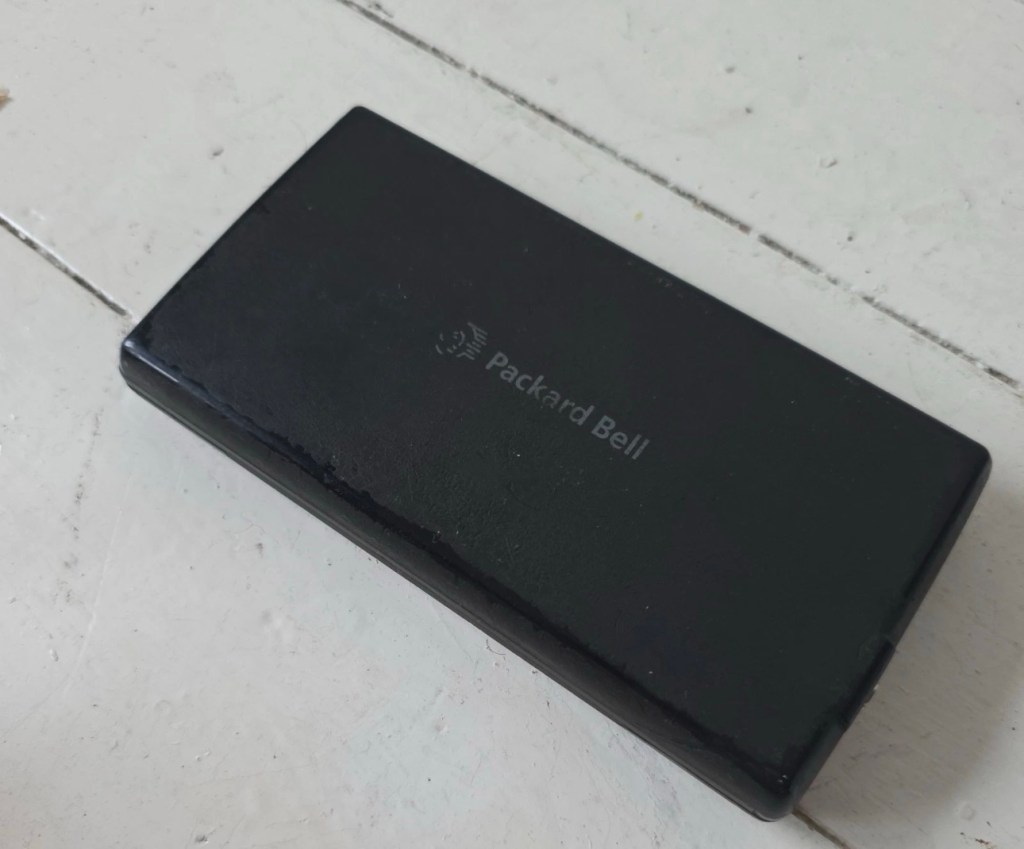
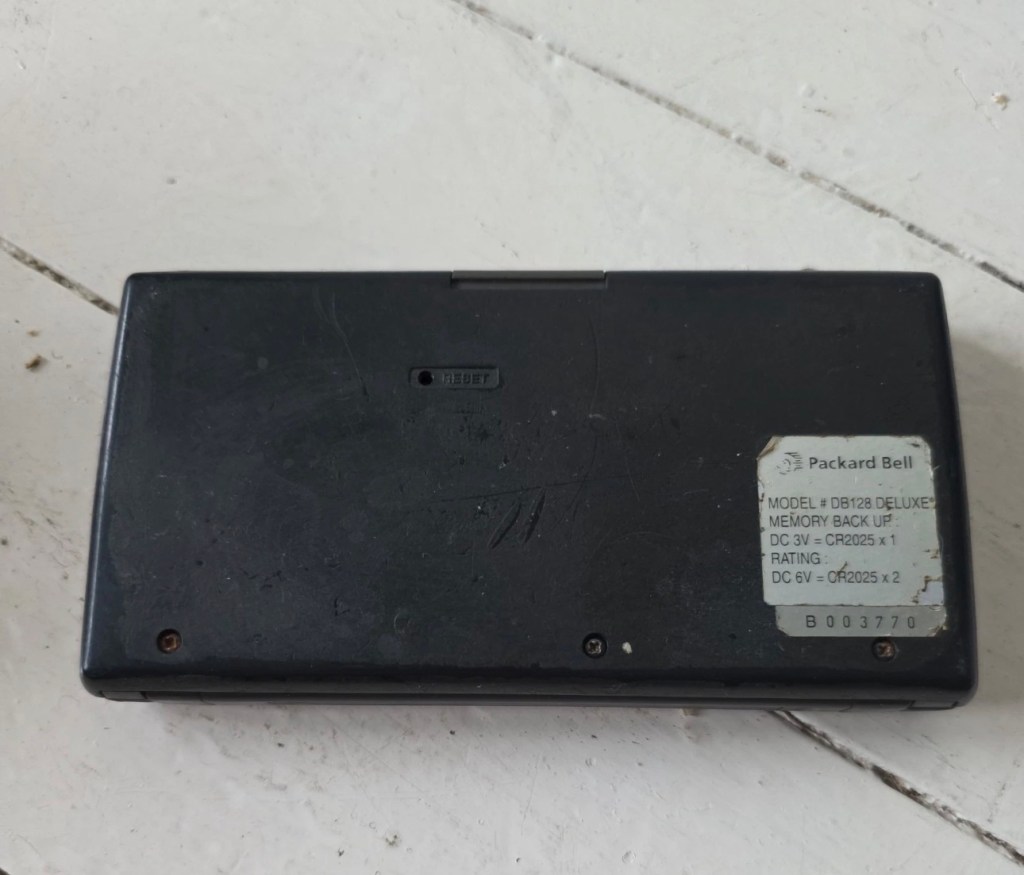
It’s arrived and good god, it looks as if it’s been stored in a vacuum cleaner bag 🤦♂️ it’s utterly filthy, funny how none of the original photos showed this isn’t it? I don’t believe this is the same unit as was in the original posting.
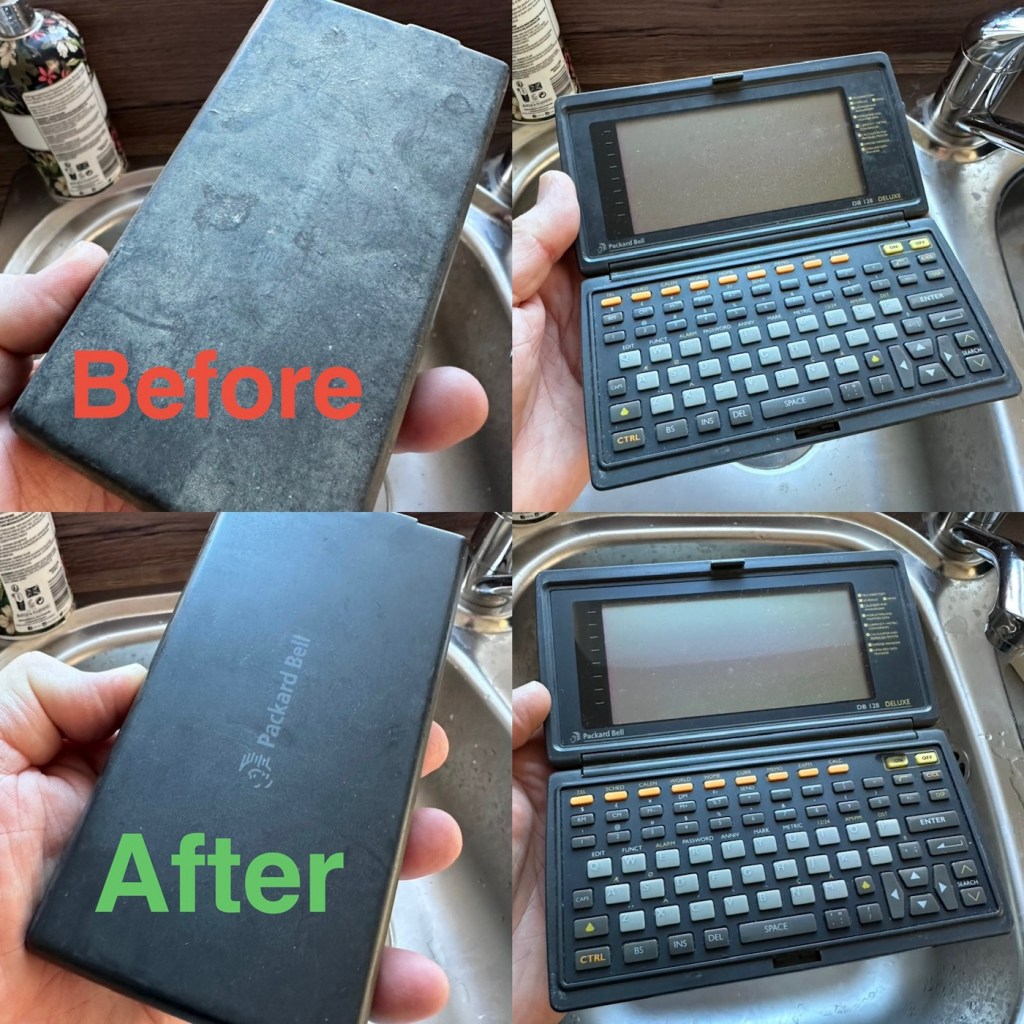
If I’d have taken this into the house with the wife present, i think she’d have murdered me, or at least severely injured me one way or another… So that is why you will see that these pictures were taken at the kitchen sink, the first thing this unit received was a clean with a cloth and warm water. After that it’s had a good polish and it is now nice and clean. Now it can come further into the house, into my domain!
Before and after over the kitchen sink
Now the unit is tidy, everything is as it should be, and the screen is in a good condition barring a few minor age related scuffs. It’s dead, and that’s to be expected, I’m just hoping there are no major surprises awaiting me when I get the back off to have a check inside.
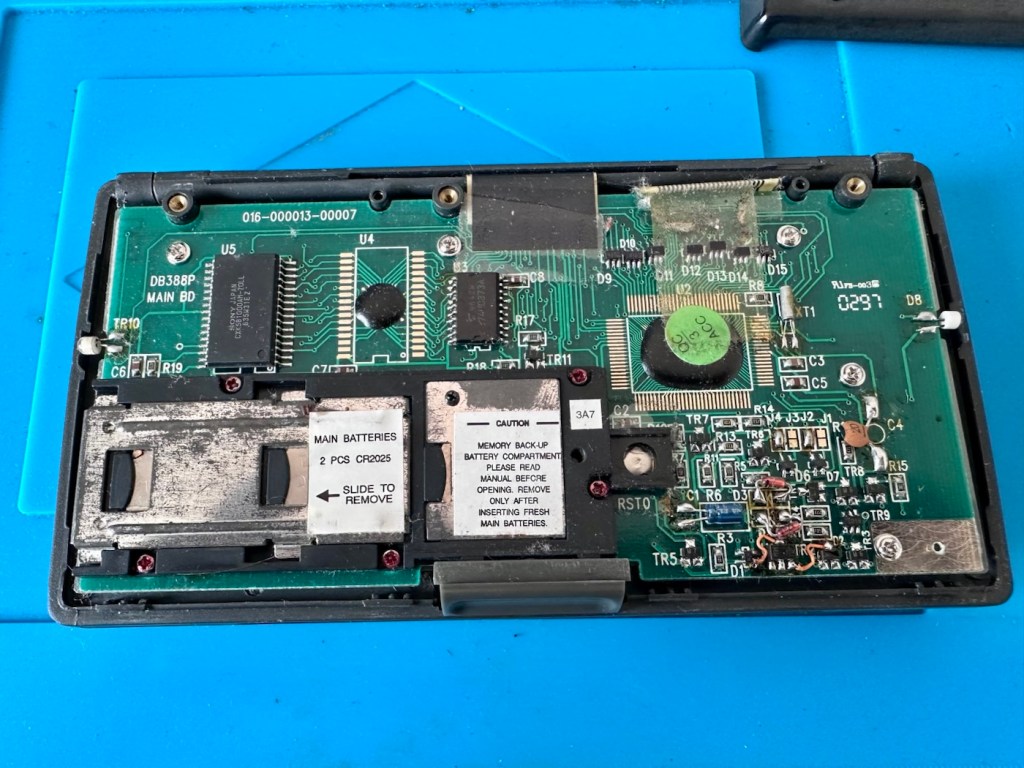
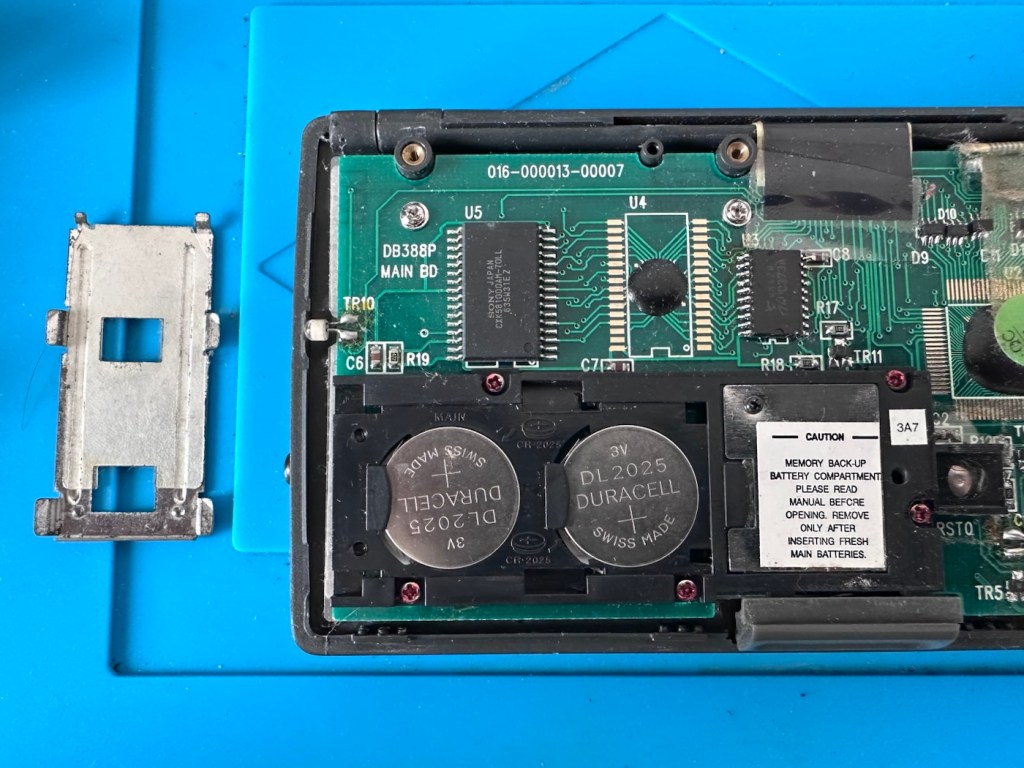
Three screws later and the back is off. All three batteries are still in place, all very dead but fortunately there is no corrosion or battery leakage. All that is visible is some age related tarnishing of the battery enclosure, this however has no effect on the board or electronics and will tidy up with a little brush over with some relevant cleaning solution.
Case off Battery cover removed
With these little database units you were always supposed to change the two main batteries and get them in place before even considering removal of the single back up battery. This was purely to ensure that saved data was not erased from the memory bank, however as all these batteries are dead, it’s no real issue here. The backup battery is protected with a single screw that needs to be removed to allow access. This unit was able to transmit and receive data using infrared technology. If you look at the picture above with the case off, on the left and the right of the chassis you will see a white diode component, these are the infrared transmitter and receiver parts of the data transfer circuit.
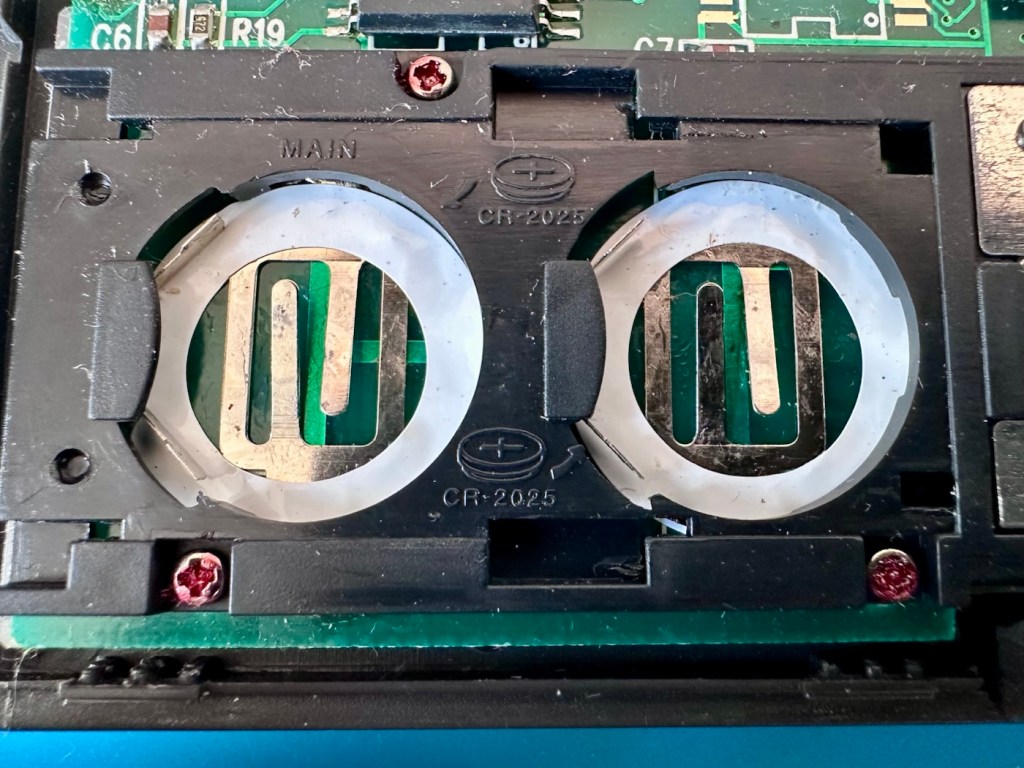
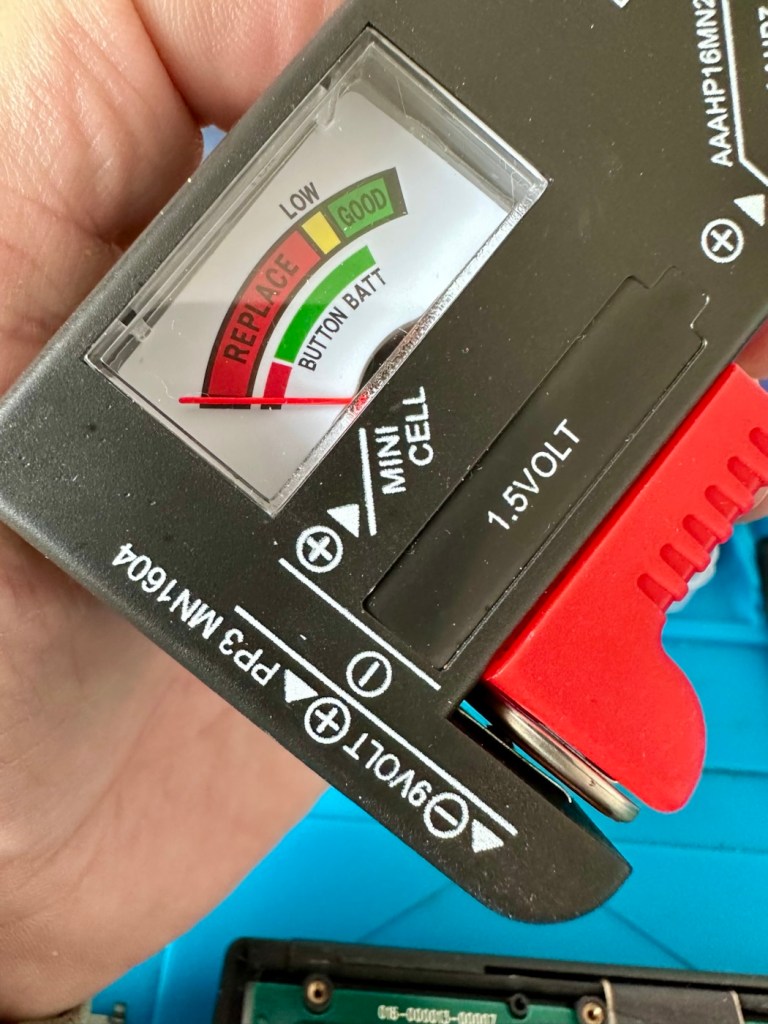
Clean battery contactsBatteries very dead
The batteries needed within this unit are CR2025 mini cell batteries, I currently only have CR2032 batteries, they look the same but just what is the difference? Thanks for asking, i will now explain.
The letter “C” refers to the batteries chemical compound, “Lithium” or to be absolutely precise “Lithium Manganese Dioxide”.
The letter “R” refers to the battery shape, in this case its “Round”.
The numbers “20” refer to its diameter in millimetres in this case “20mm”.
The numbers “25 or 32” refer to the “Height or Thickness” of the battery in millimetres “2.5 or 3.2”
And there endeth the lesson for today. So, in all aspects the batteries are exactly the same, 3 volts, but there is just a slight variation of 7/10 of a mm in thickness. In some cases this is not an issue where there might be that slight bit of space for you to use an alternative cell, however in the case where tolerances are tight such as in watch mechanisms, that tiny difference in size may not allow you to reassemble the backplate to the watch. I hope that clears up the difference between the two coin cell letter and number allocations.
I can use CR2032 batteries in this unit as there is the space. I have some CR2025 batteries on order, so I will comply with the original standard when they arrive. But for the purpose of testing further, the CR2032 batteries will suffice.
Repair:
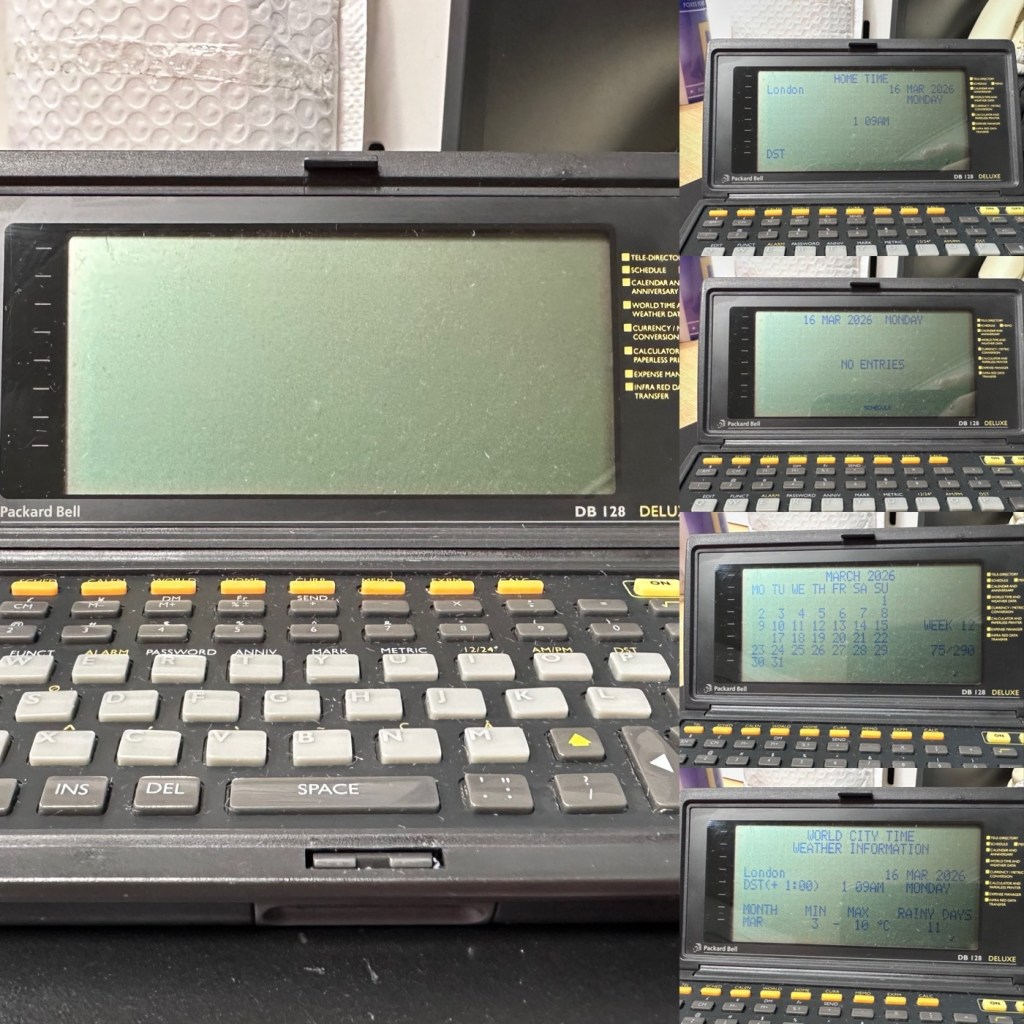
What repair, to be honest it’s been more of a clean, I’ve cleaned the inside circuit board with some IPA and a brush and cleaned all the crevices with a pick and finished off the outer case with a good coat of antiseptic cleaner and polish. I have inserted the three required batteries and switched the unit on.
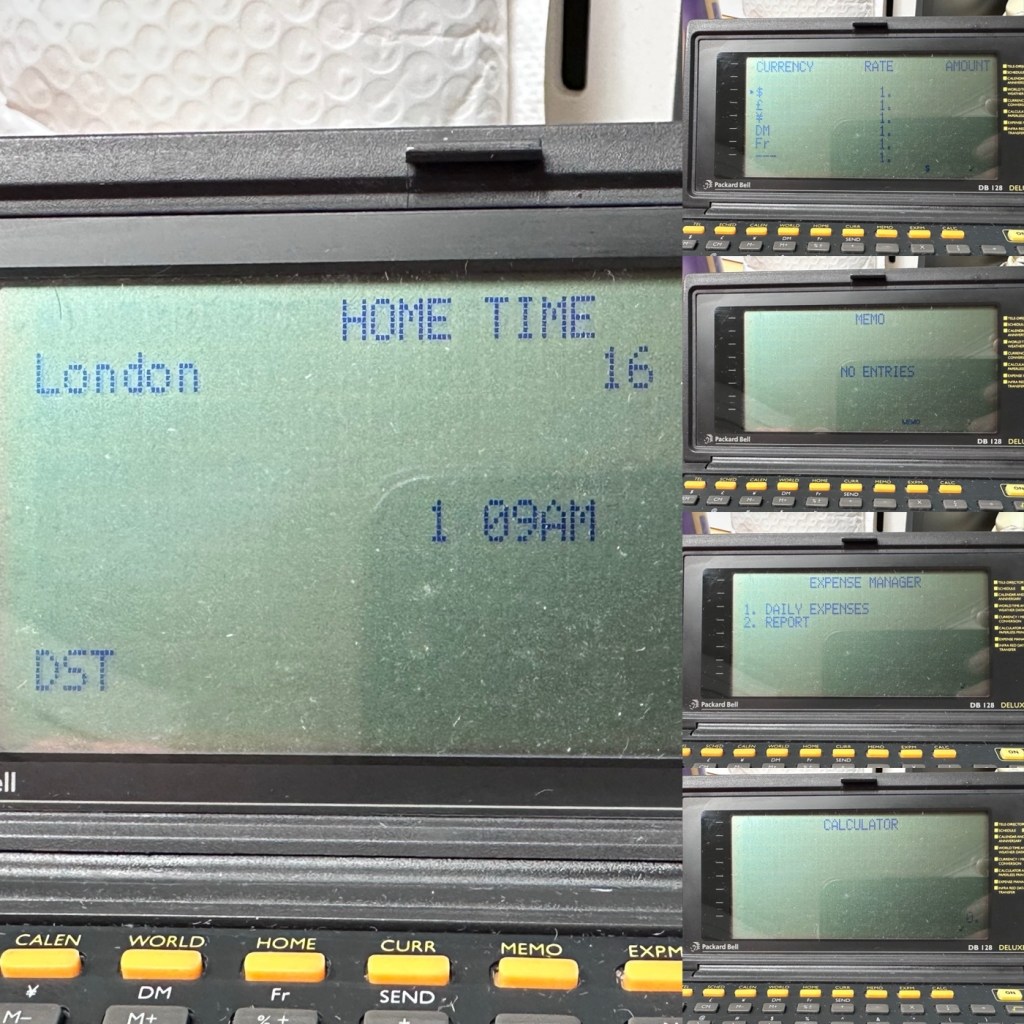
All working, all features functional
Not a great deal more I can say. It’s clean, in fact it’s very clean, and fully functional.
Result:
It’s 34 years old, it’s been discarded, put aside for disposal, given one last chance in its chequered life and I purchased it for £3:30GBP. It’s now revitalised, cleaned inside and out and been given a new lease of life. One of those very simple clean and repairs that anyone can do. And another item is saved from landfill.
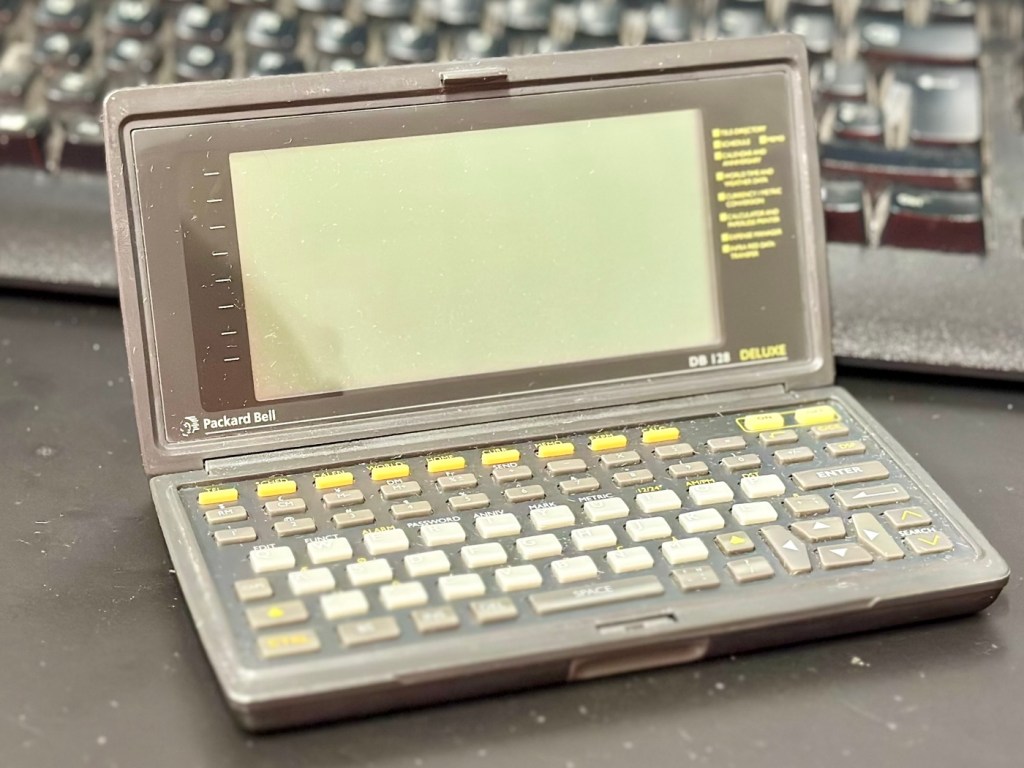
When turned off
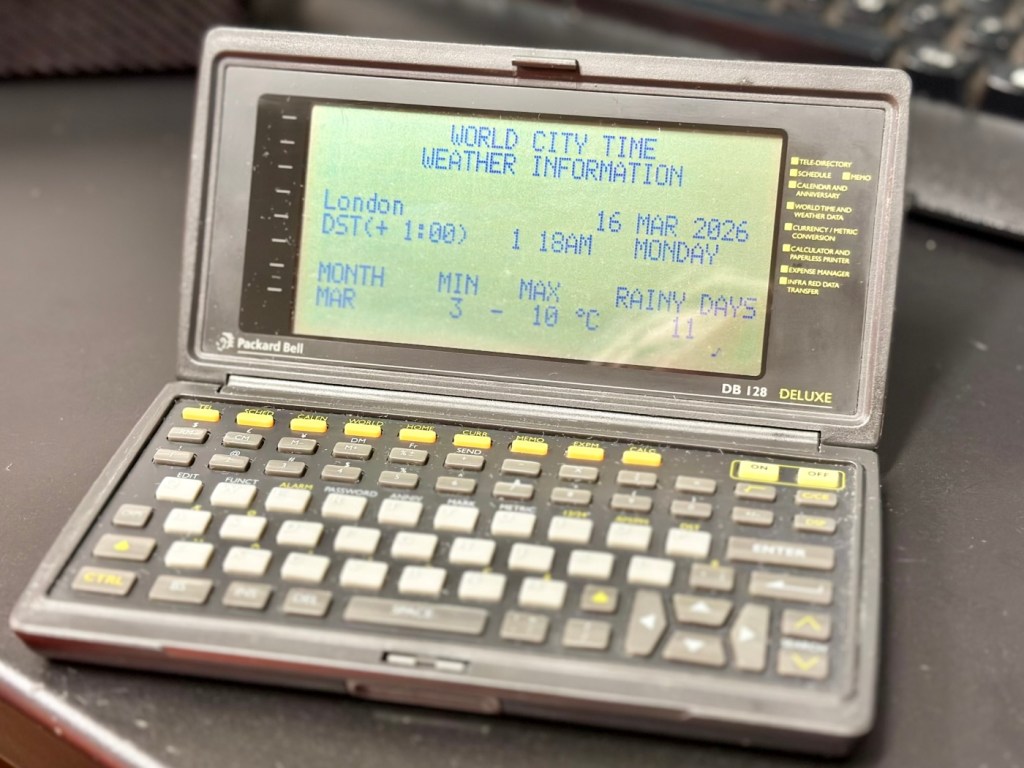
When turned on
This will now be added to my ever growing collection of old PDA equipment from the 90s, a collection that is starting to grow at quite a considerable rate. I have a few more little projects similar to this in the pipeline, quite similar to this one but requiring quite a bit more attention. Please keep passing by to keep up to date with these “mini” projects.
Once again, thank you for passing by, it is always very much appreciated.
Who would have thought a button the size of a grain of rice could declare this camera defunct and dead. Let’s have a look at it and see if we can get it working again.
What the listing stated:
The Canon EOS D60 DSLR is a digital SLR camera body offered here for parts or repair, ideal for those seeking components or a restoration project.
This digital camera has been tested and does not power on. It is being sold as faulty, for parts or repair only.
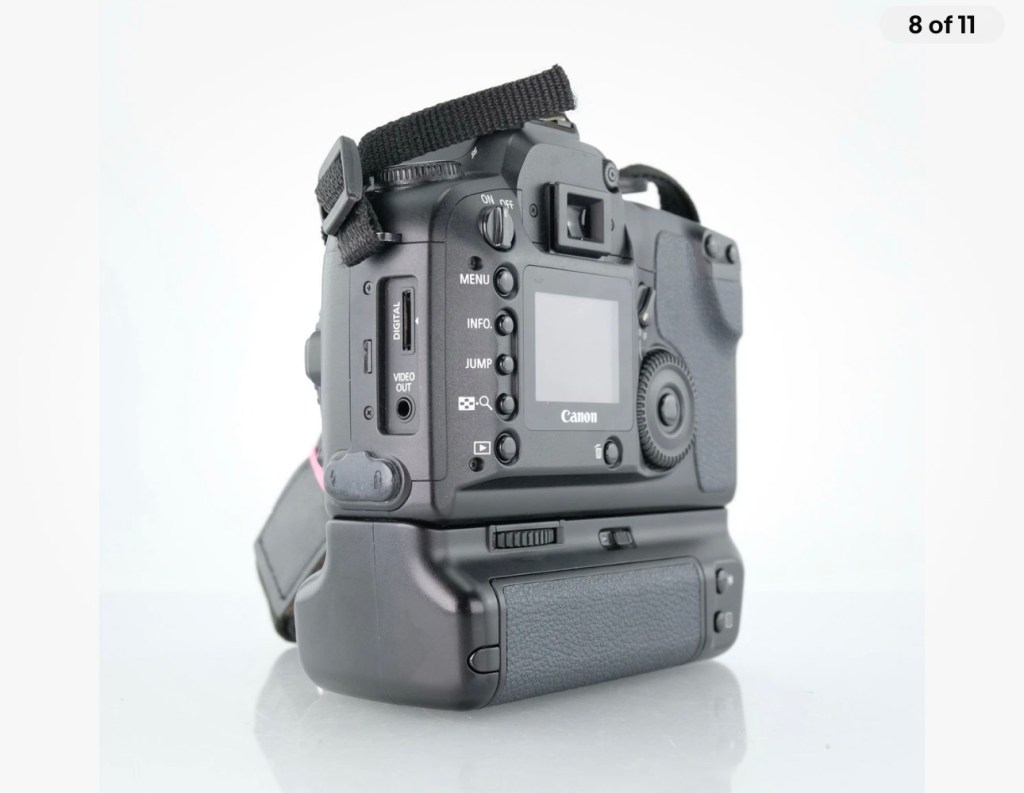
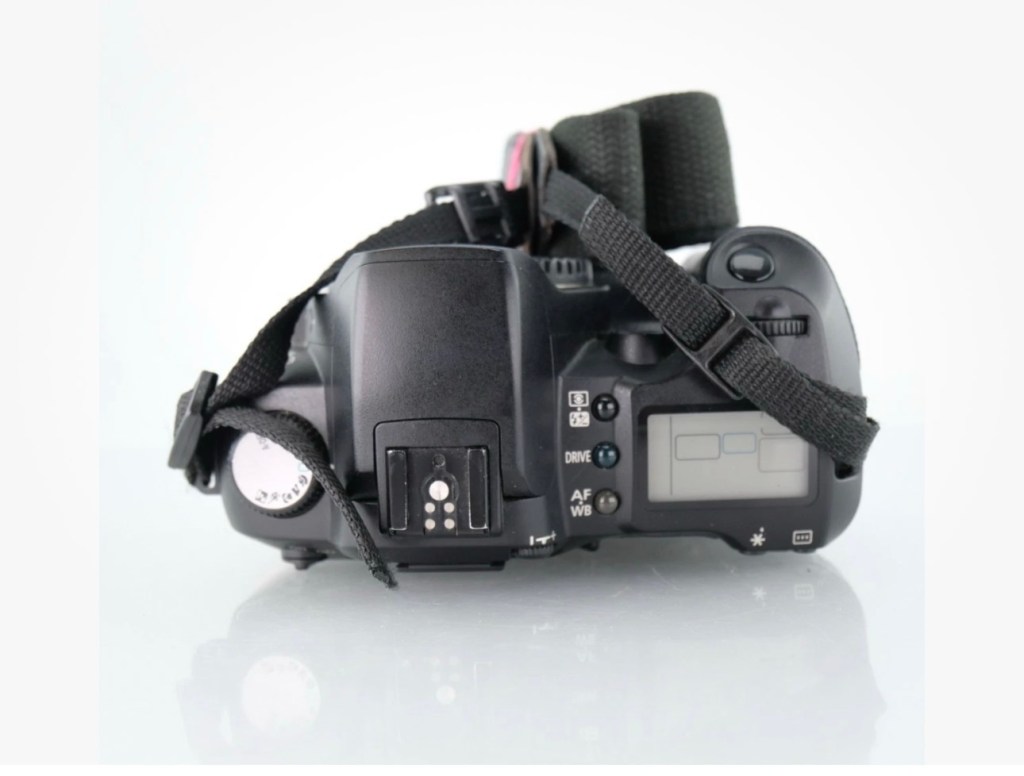
Cosmetically, the camera body and battery grip show typical signs of use, such as surface marks and wear. Functionality has not been restored, and no further testing has been performed beyond confirming it does not power up. The battery grip (BG-ED3) is included but requires two batteries for operation; only one battery is supplied. No charger, lens, or additional accessories are included.
Accessories Included: BG-ED3 battery grip, 1x battery (no charger).
EBay
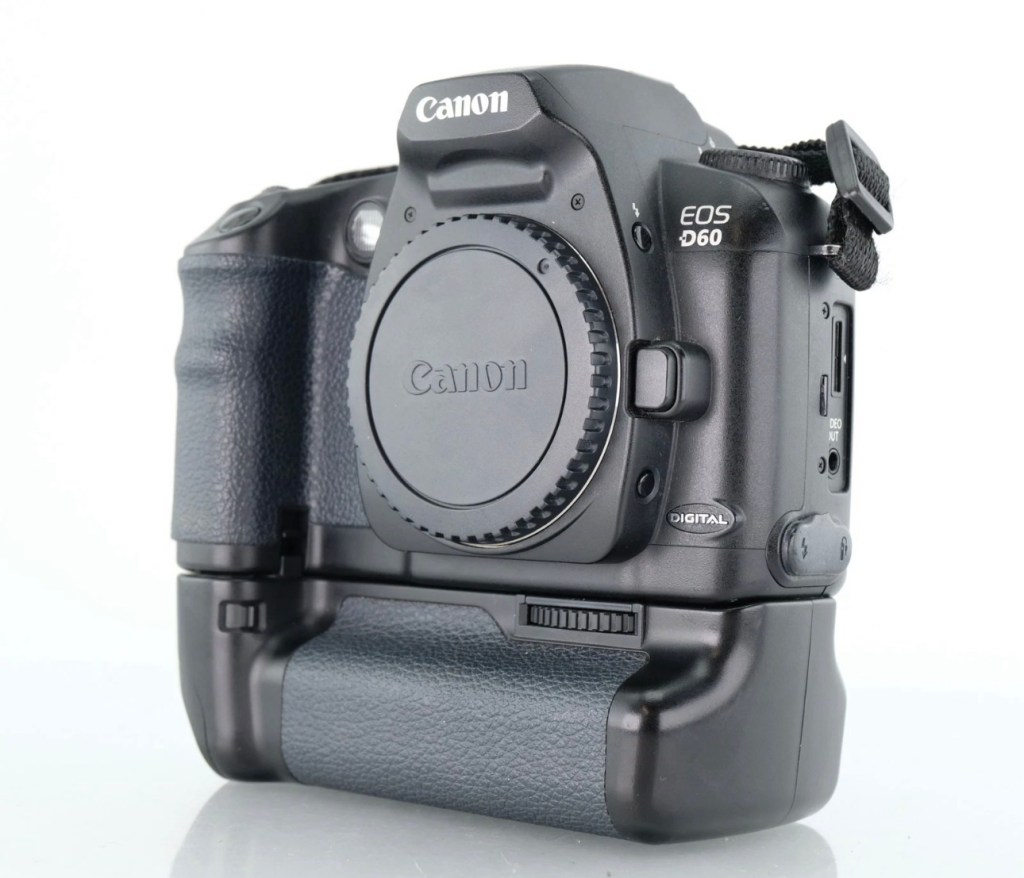
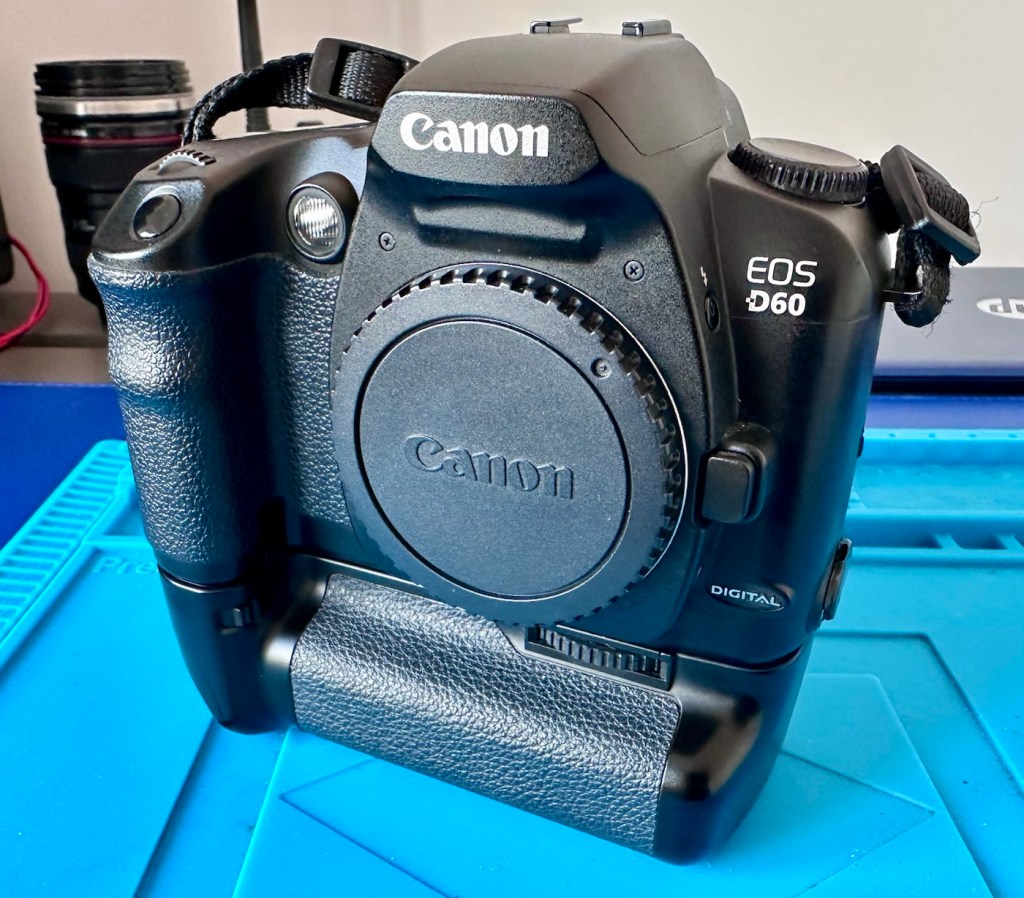
My Canon D60
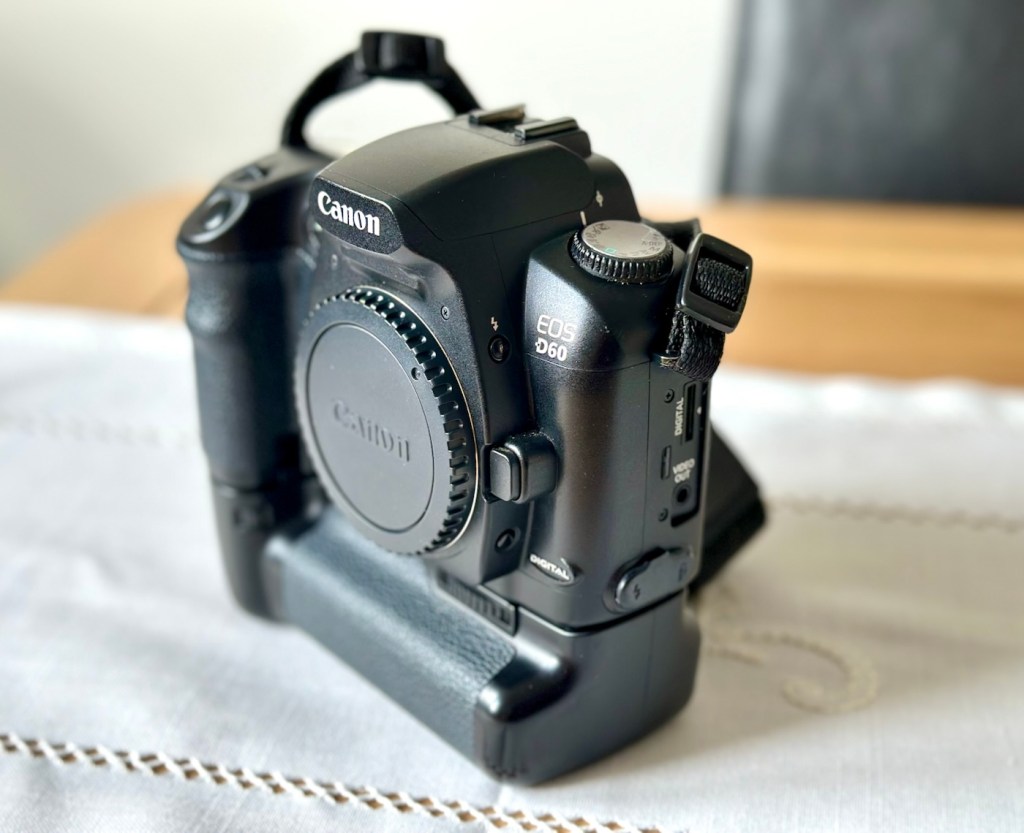
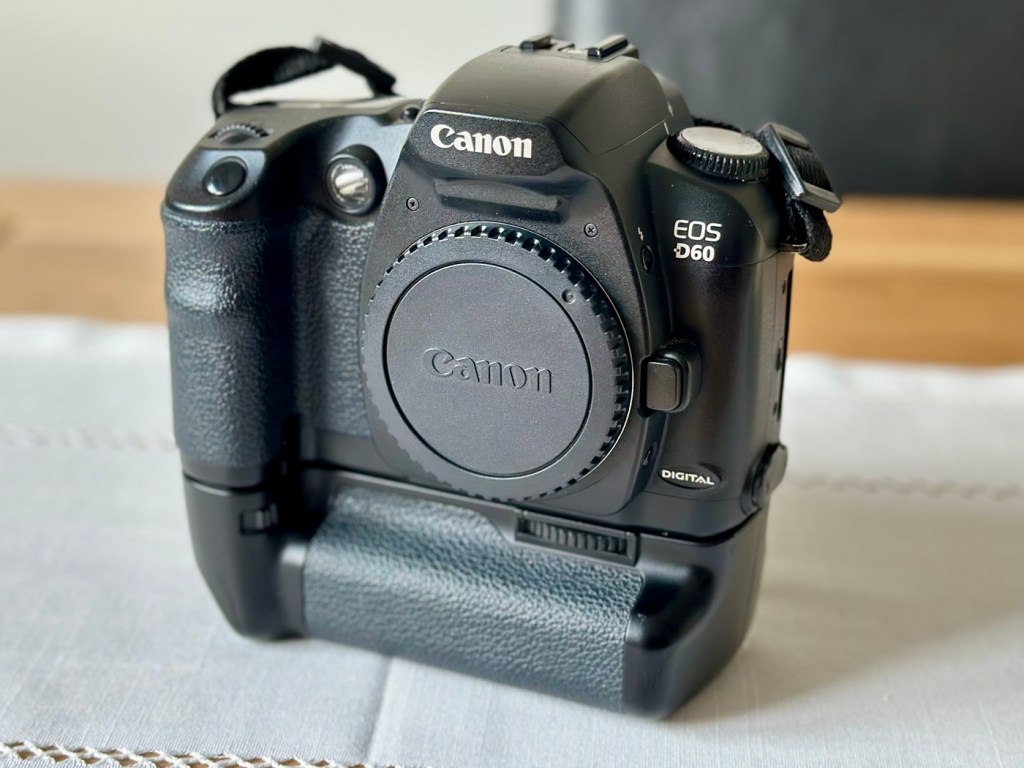
I’ve purchased this camera kit for the princely sum of £14:24GBP. An absolute bargain, even if it doesn’t work. It’s worth more than that to me, even for spare parts if I can’t get it working, however let’s not go down that route just yet. This camera also comes with a BG-ED3 battery grip that on its own currently retails on the auction platforms for around £20-£30 so before we start I’m on to a winner.
Here’s a little bit about this camera that was released in 2002, don’t get it mixed up with the later EOS 60D that was released in 2010…a different camera entirely:
The Canon EOS D60 is a discontinued 6.3 megapixel digital single lens reflex (DSLR) camera body, announced by Canon on February 22, 2002. It is part of the Canon EOS range, and accepts Canon EF, TS-E and MP-E lenses, but not Canon’s later digital-only EF-S lens range.
The EOS D60 sits in the prosumer (professional-consumer) line of digital SLR cameras. It succeeded the three megapixel EOS D30 and was replaced by the improved, six megapixel EOS 10D.
The EOS D60 features:
22.7 x 15.1 mm CMOS sensor (APS-C)
6.3 megapixel effective (6.3 megapixel total)
Max resolution 3072 x 2048
FOV crop (1.6x)
Canon EF lens mount (excludes EF-S)
3-point auto focus
100, 200, 400, 800, 1000 ISO speed equivalent
30 to 1/4000 s shutter speed and bulb
TTL 35 zone SPC metering: evaluative, center weighted, partial
Exposure compensation -2 EV to +2 EV in 1/3 EV or 1/2 EV steps
Auto White Balance (plus 5 positions & manual preset)
Eye-level pentaprism viewfinder
1.8 in (46 mm) color TFT liquid-crystal monitor
E-TTL flash mode
3 frames per second continuous shooting (max. 8 frames)
Dimensions (WxHxD): 150 x 107 x 75 mm (6.0 x 4.4 x 2.9 in)
Weight (body only): 780 gm
Wikipedia
So, as usual let’s await its arrival so we can carry out a full assessment of the camera and related equipment.
Assessment:
The package has arrived, and wow, this is a lot of camera for a very small price.
A lot of camera for little cost
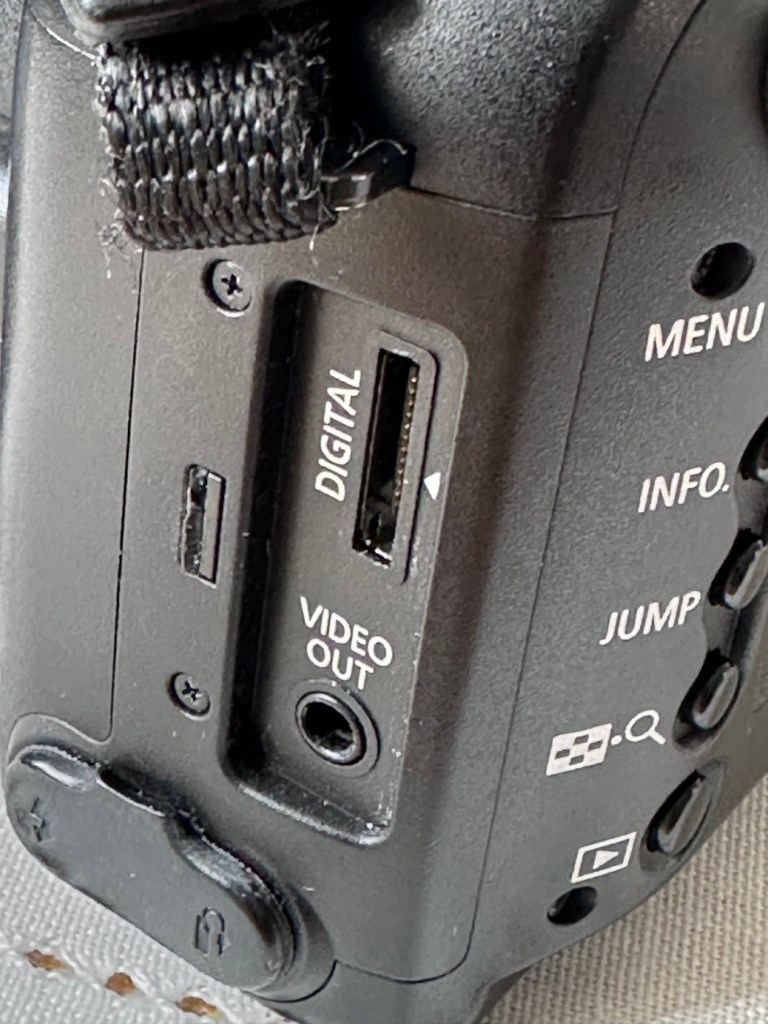
The condition cosmetically is fantastic, I’d call it almost mint but the seller thinks otherwise, he certainly has some high standards, I’m pleased I know him if it means I can purchase items such as this. The only thing that is missing is a small rubber cap that covers the digital and video out ports, not an issue for me, and definitely not detrimental to the operation of the camera, this can be replaced but it really isn’t worth the bother or the extra expense.
The missing rubber port cover
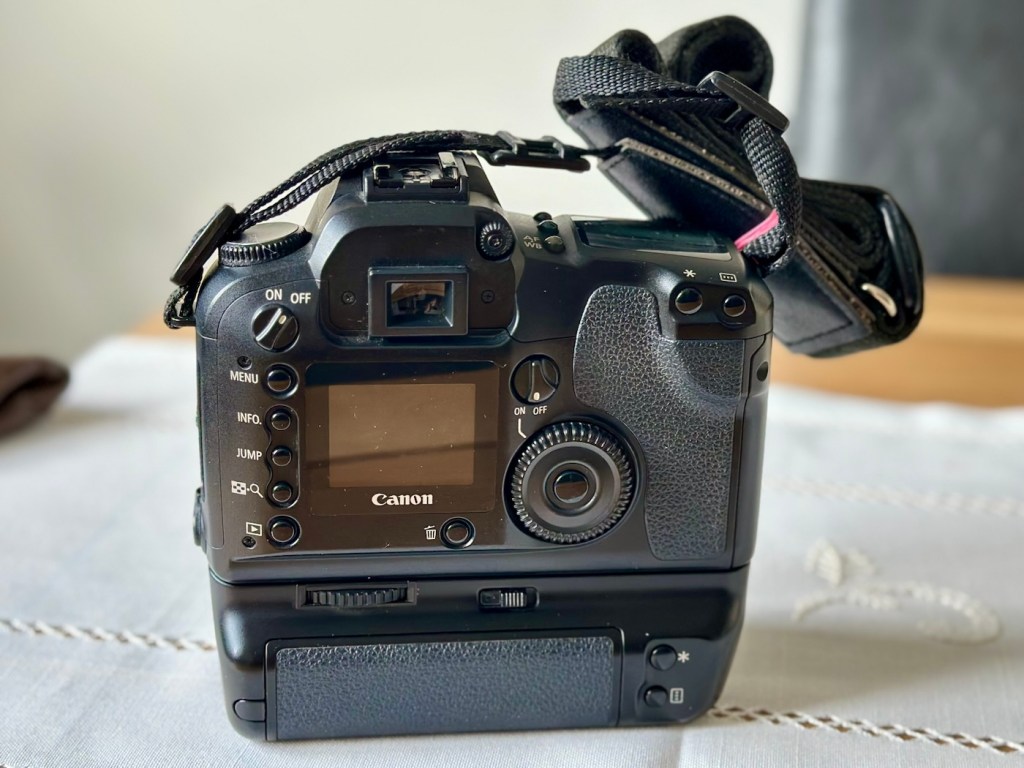
The camera has come attached to the power winder and has a Canon dust cap over the lens mount/body aperture. There is a single battery and this does have some life still in it.
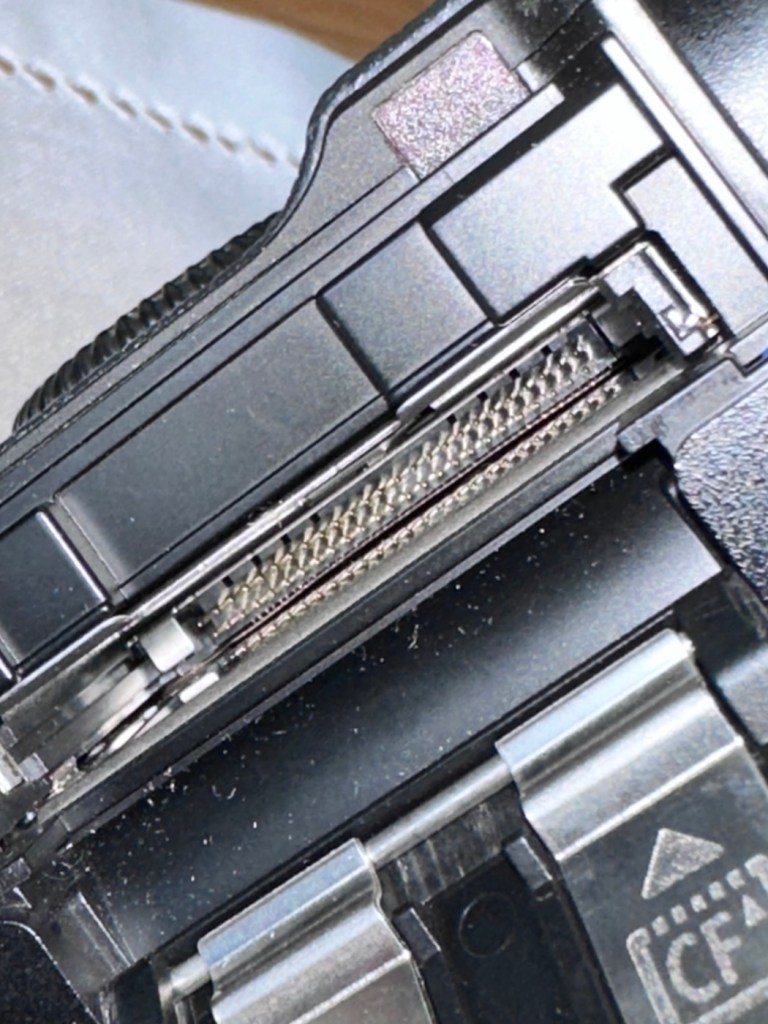
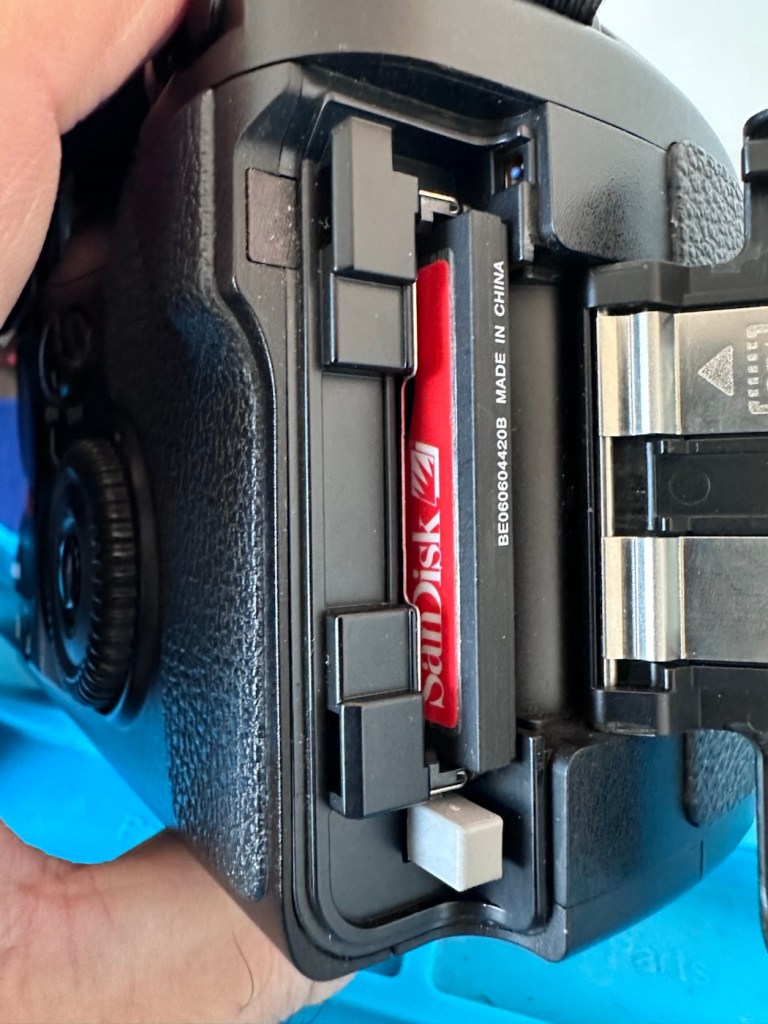
No damage to the CF card reader pins
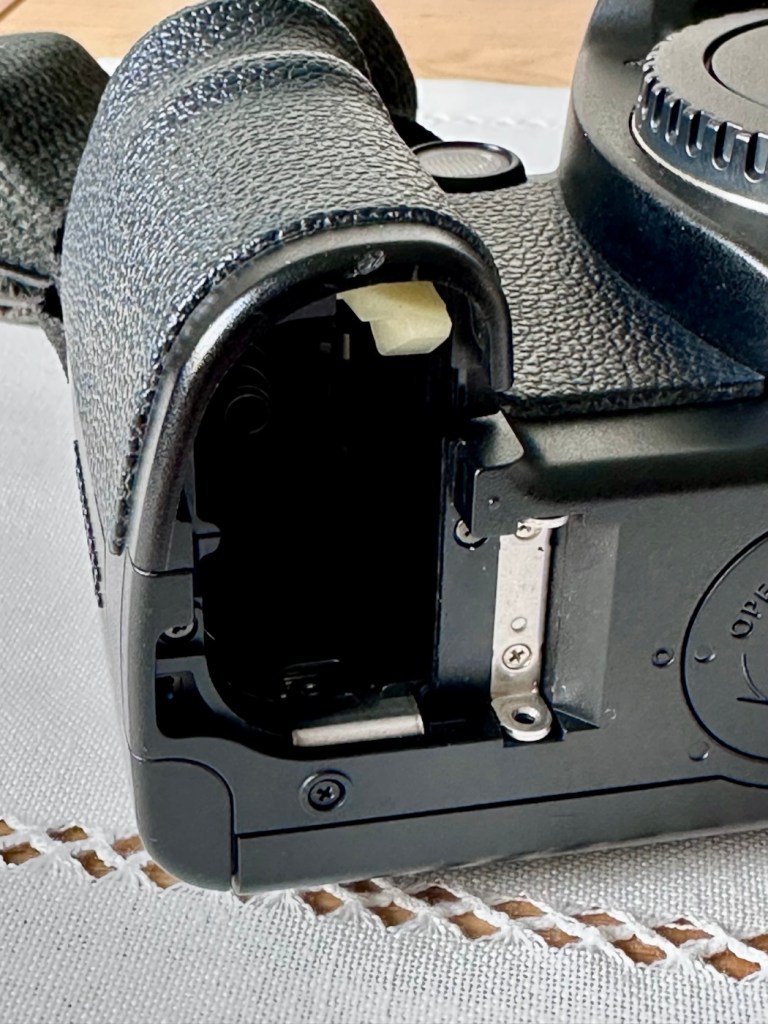
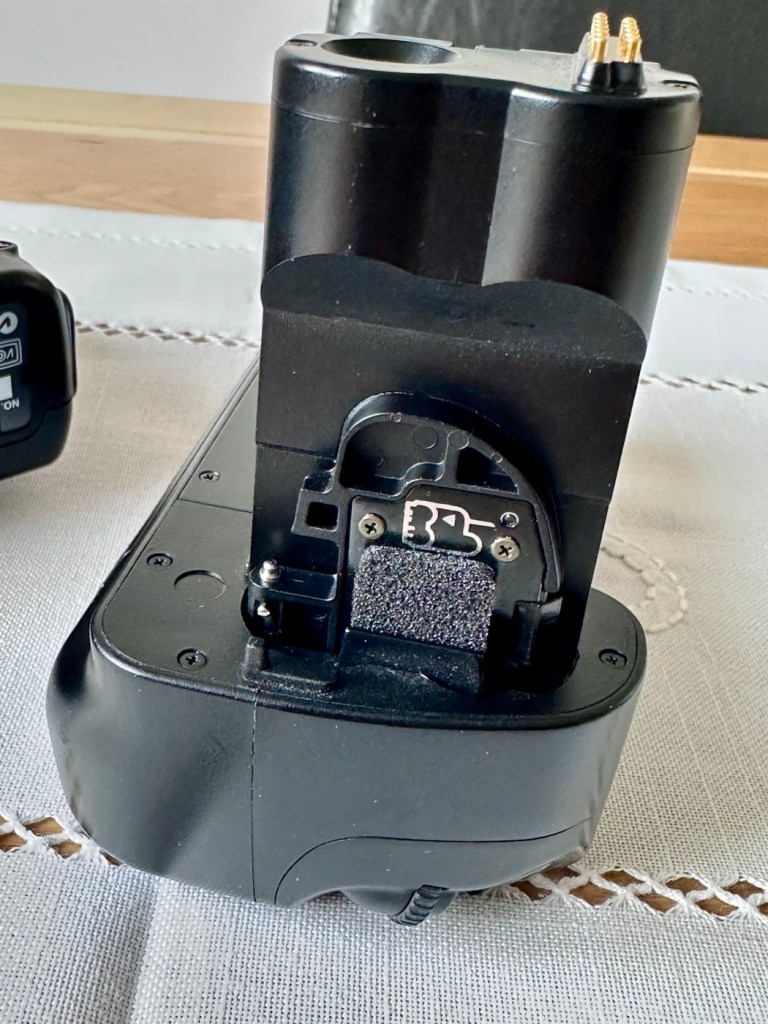
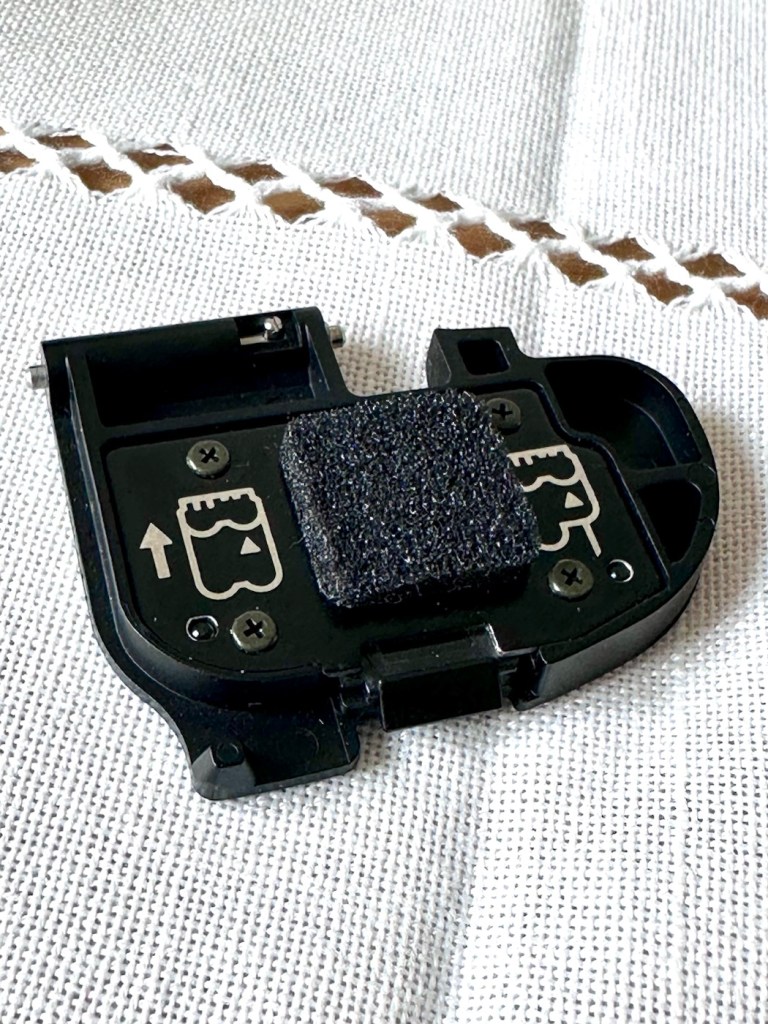
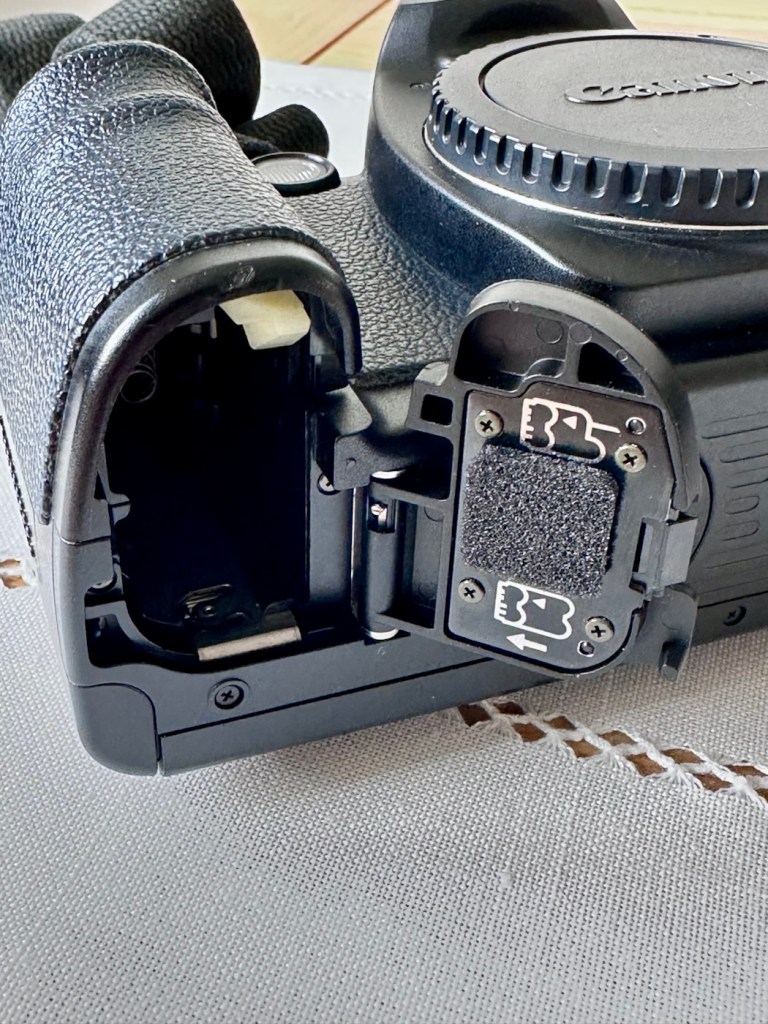
There is a good quality camera strap attached, and when the battery grip is taken from the body and checked, all battery connections are clean and free of any contaminants. There is no damage to the CF card reader pins within the CF card port. An added bonus is that the body battery cover is tucked away on the power grip handle, and all connections are good, these little battery cover doors normally end up being thrown away so that you end up paying some pirate on the internet an absolute fortune to replace a battery cover door, that in theory is only worth a few pounds. Yes there are many robbing bandits out there! (That’s the polite, non sweary word version)
Battery chamber minus doorDoor storage on battery gripBattery doorDoor and chamber reunited
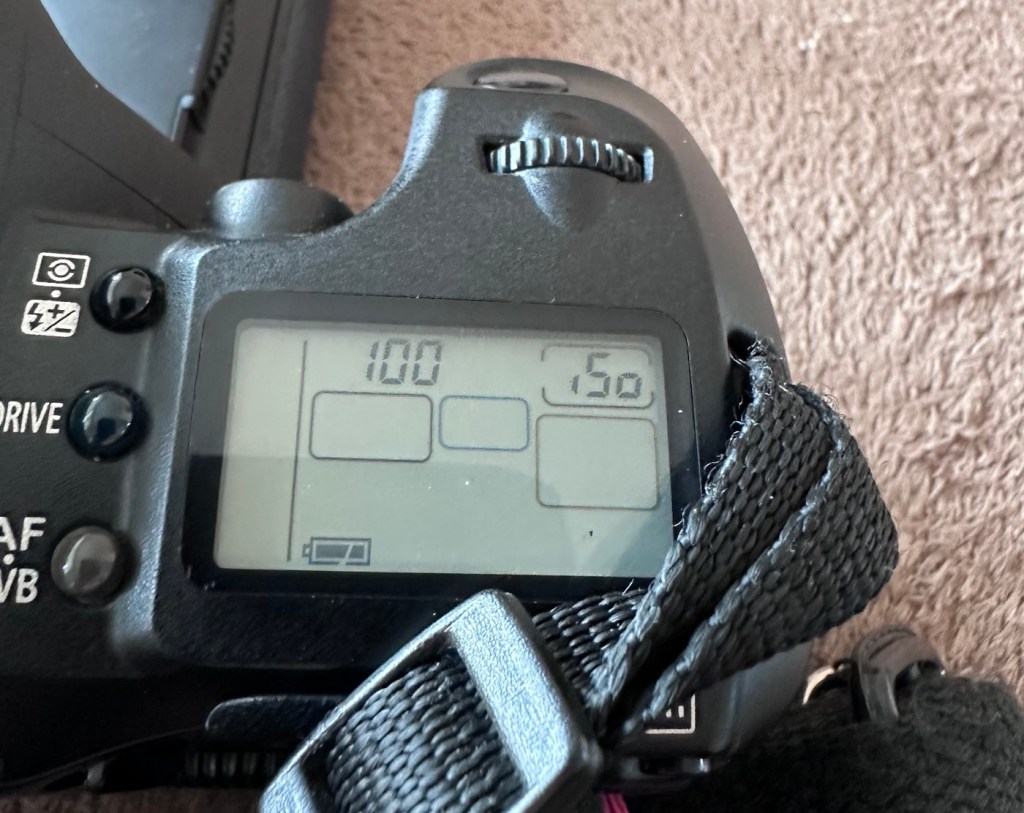
The camera listing stated that the camera grip needs two batteries for operation, this is not technically true as one battery will still operate the camera whilst using the grip. The option for two batteries just extends the usage of the camera, hence saving you the aggro of changing out batteries when you have a longer camera session planned.
And that one battery does have life in it as I stated earlier.
I know this, because I plugged it into the camera grip, I turned the operating switch on and hey presto, there is life
It’s alive!
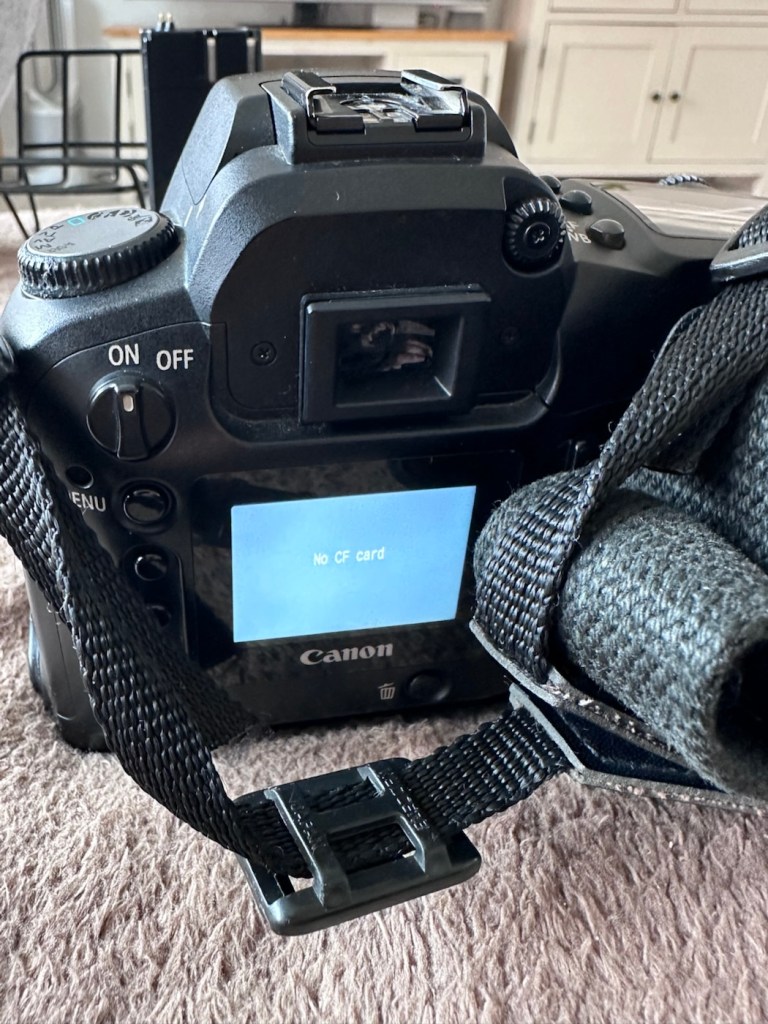
So to further test I have removed the grip, and gone back to using the camera with its original battery cover, and then…it doesn’t operate. How strange!
So I then go back to the power grip and everything works fine!
Back to the original battery cover. Nothing again.
I won’t ruin your reading at this point, as to be totally honest if I tell you what was wrong here, I will have nothing to put in the repair section below. Just read on, I can assure you that you will not be impressed. It really is that mundane and boring, you will probably just roll your eyes and question why I have even called it a repair. But a repair is a repair, no matter how insignificant and minuscule it may be, and if it gets the camera working then we are on to a winner.
Repair:
Thanks for staying with me.
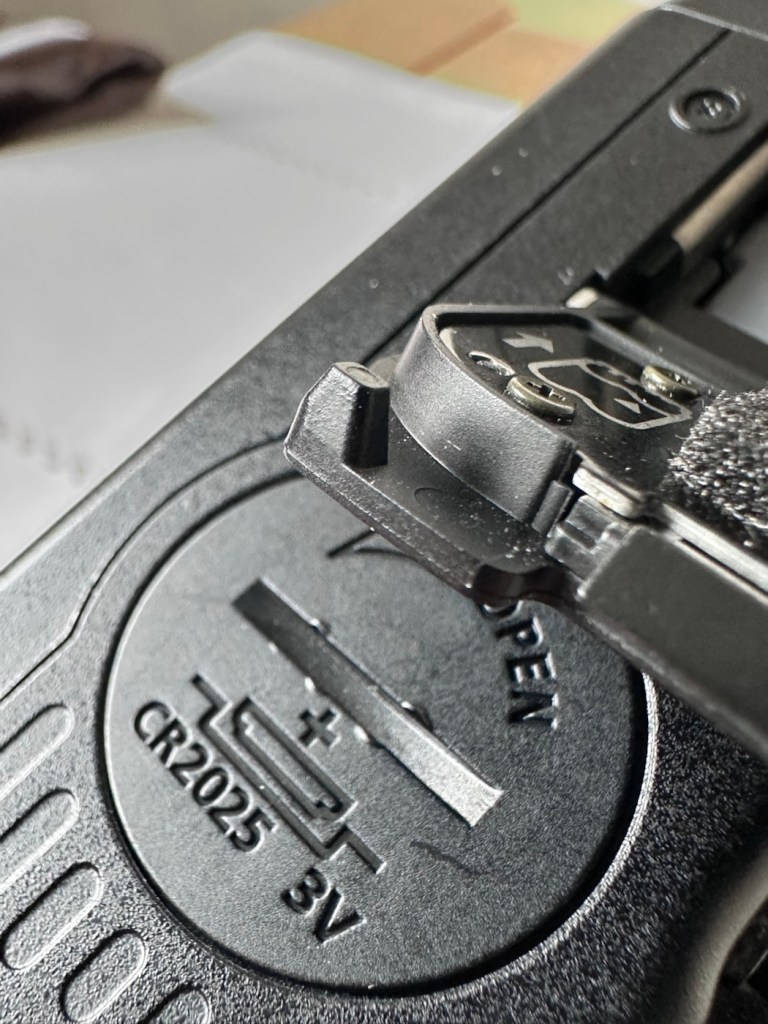
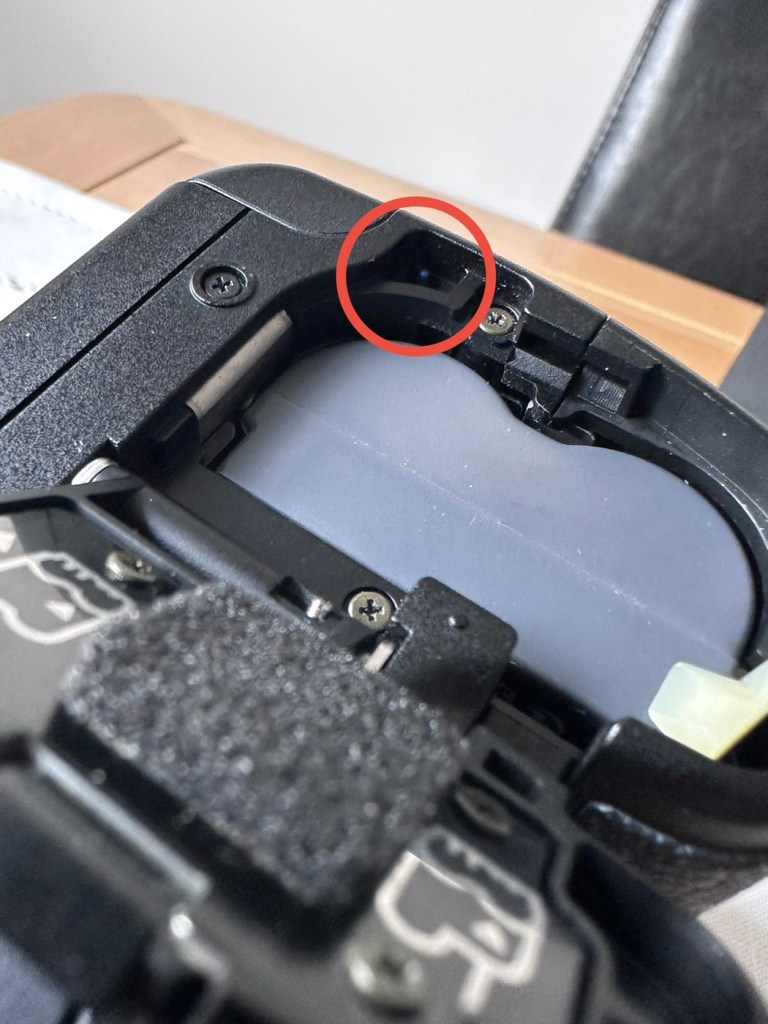
Have a look at the three pictures below.
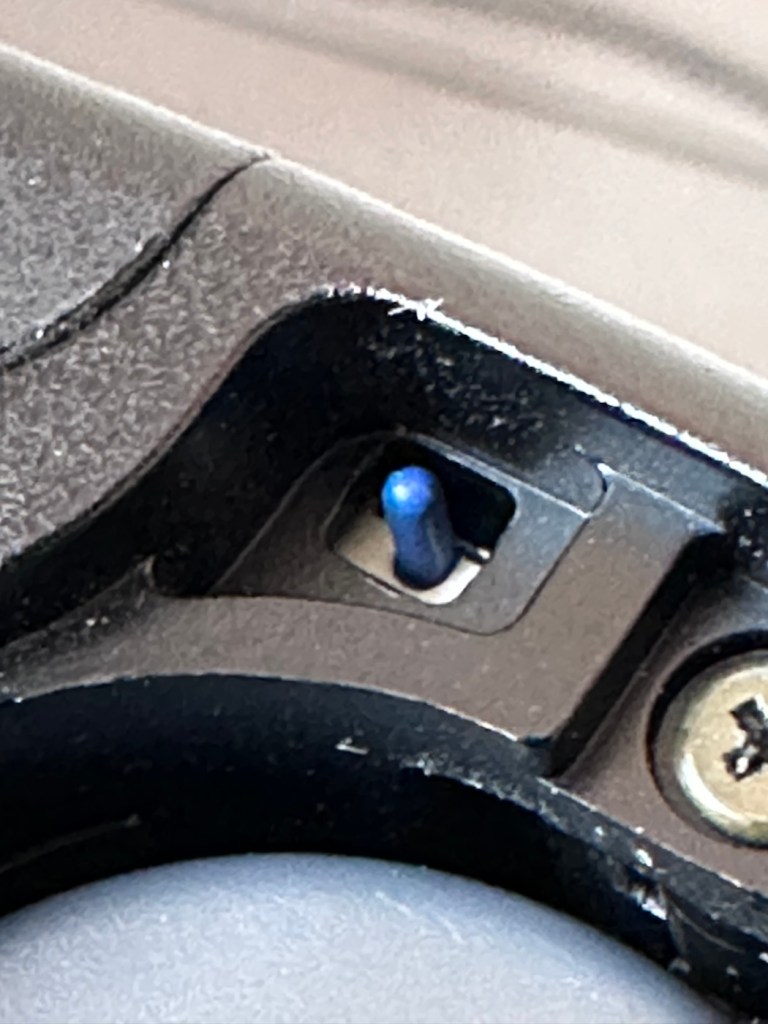
A lever on the battery cover….Activates a tiny blue button (Circled in red)That tiny blue button (enlarged photo)
The issue was with the tiniest of buttons. It wasn’t working.
A small tab on the inside of the battery door presses this button when you lock the door. If that tab is broken, or if the switch itself is damaged, the camera may act like the battery is dead or not installed.
The tiny blue button (or sometimes black/white) located inside the battery chamber of a Canon EOS camera is a safety micro-switch that detects whether the battery door is properly closed. It ensures the camera has a solid connection to the battery and that the door is closed to prevent damage. It acts as an instant cut-off switch to prevent data corruption (e.g., if the door opens while the camera is writing to the CF card).
If this switch is not engaged, the camera will not turn on.
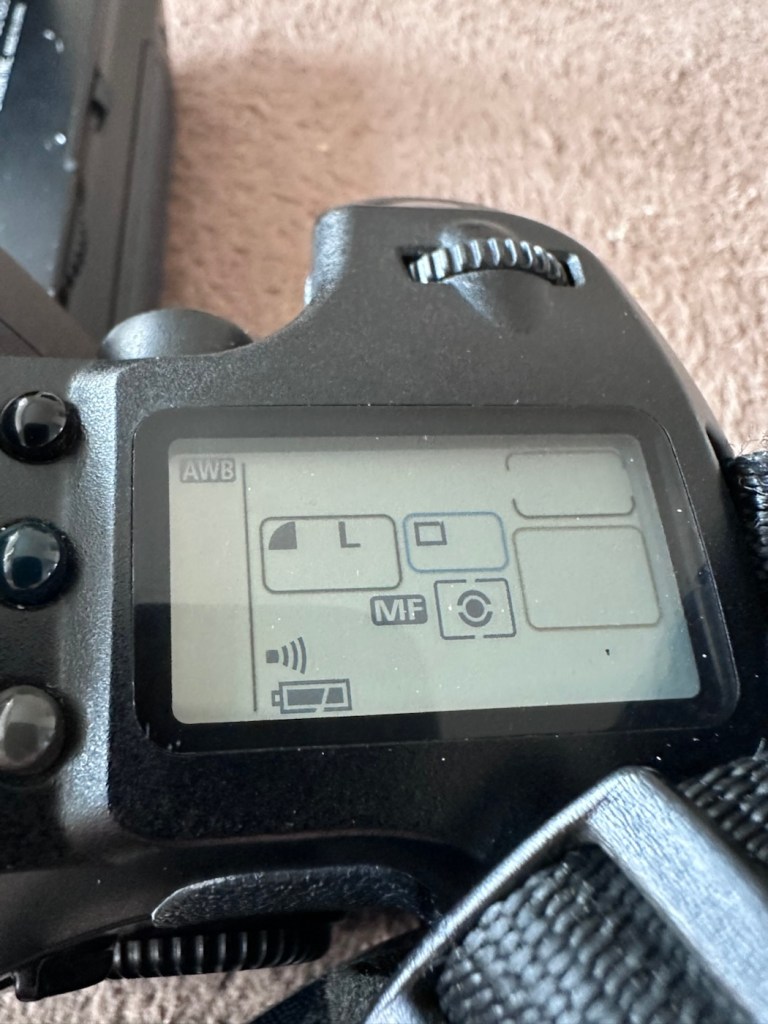
And this appears to be the problem. The battery cover was not putting enough pressure upon the little blue switch, the switch also appeared to be a little stiff but soon loosened up when it was cleaned with some IPA and activated a number of times using plastic tweezers. It appears that when the grip was installed and fastened into place there was sufficient pressure to operate the switch, hence the issues I experienced when changing from one battery mode to the other, earlier in this post. Now, when either the original battery cover or the power grip is used, power continuity is restored, and the cameras screen and activities all appear to be working as they should be.
However, we need to now install fully charged batteries, a CF card, and need to get a compatible lens on the front to ensure all the dials, and buttons function and do as they should be doing. I know the flash is definitely working, as this popped up and fired when I was testing the battery earlier, I’m fairly confident we have located and dealt with the underlying issue, though it doesn’t hurt to do a full test of the system just to confirm our findings and to ensure that there is nothing else lingering around, just waiting to be found out.
CF card and new battery installed
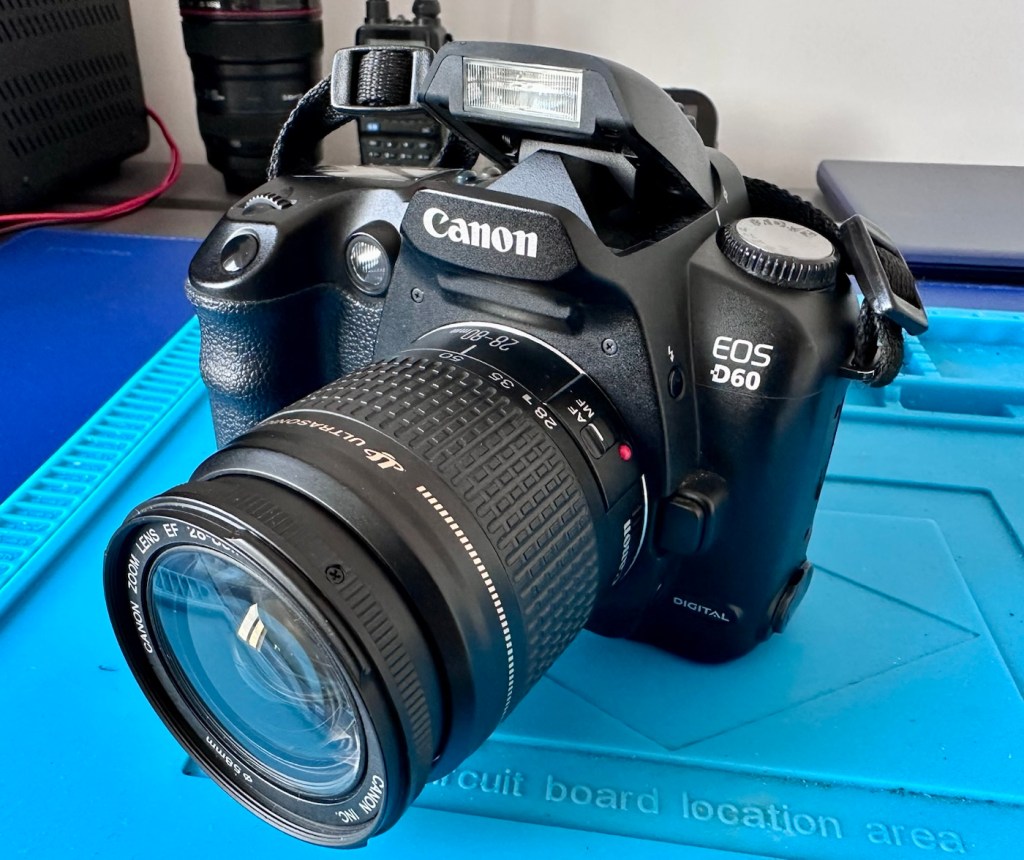
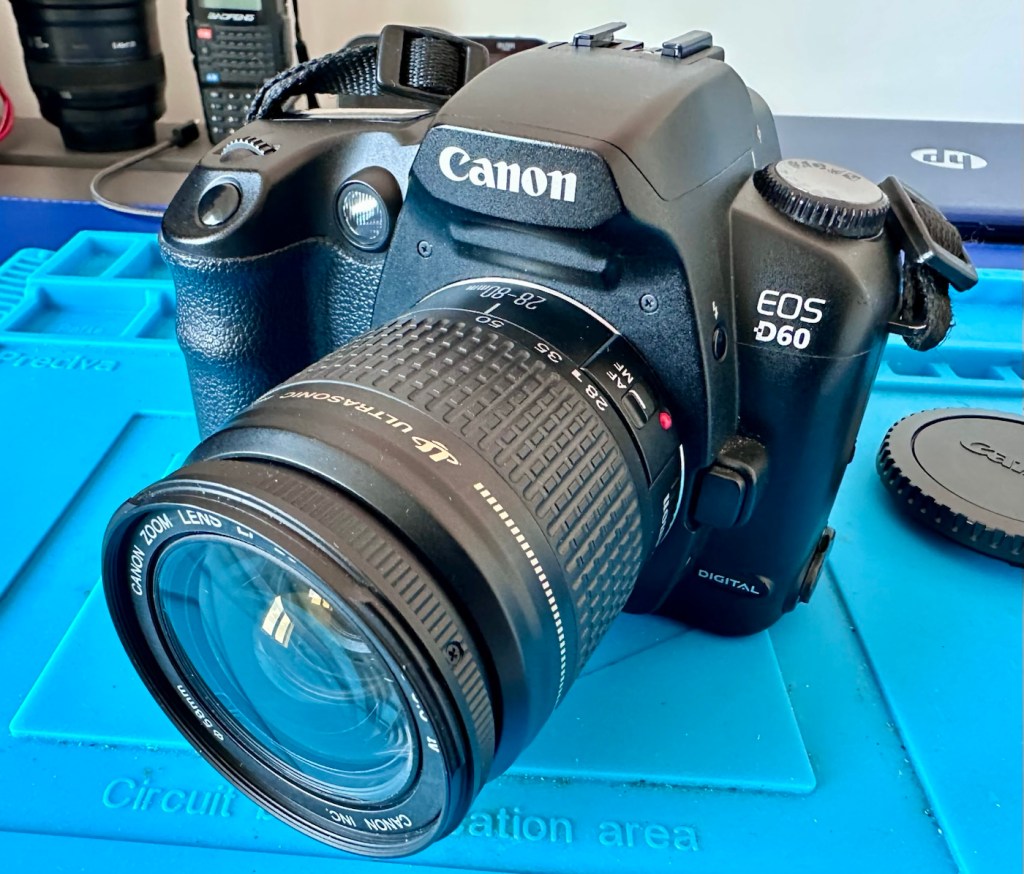
I’ve now installed a charged battery and a CF card into the camera, no issue here and all systems seem to be operating ok, no error codes or faults showing. I’ve put on one of my test lenses, a Canon EF 28-80 1:3.5 -5.6, and again everything is good, auto focus and manual focus, all works fine and all settings on the function dial are working just as they should. This camera is doing just what it should be. And appears to be working extremely well in all aspects of operation.
Result:
I’ve taken a few pictures in and around the house and everything appears to be working and functioning as expected. I can confidently state that this camera is working perfectly. It’s not the greatest of lenses as it’s just a test one I use for my cameras, but it proves the point though, that the unit is working and communicating well with all points of the camera.
Looking good and now in a working order
This is a fantastic camera, I only paid £14:24 for a lot of camera dating from 2002, less than the cost of a couple of pints of beer or three coffees, and from my point of view it is an absolute bargain. And it was all down to a little button comparative in size to a grain of rice.
Just a few random pics around the house to quickly test
So I am super pleased with how well this repair has gone, such a simple issue that totally killed the functionality of this unit, easily repaired, all it took was a good bit of investigation, probably taking no more than 20 minutes of my time. I must admit it helps to know a little about how these units function. It always amazes me though, that these sellers could make a bigger return on their items if only they had someone to give these units the once over before declaring them dead and fit for spares and repairs only.
However I’m not complaining as i get to add a superb item to my collection for a very reasonable price. Just browsing the sales sites shows that the basic version of this camera without the power grip is commanding a price of between £140-£150.00GBP, I only paid £14:24. I think I’m the winner here.
There are bargains to be struck out there, if you are willing to give a little time and patience into getting them back up and running. Recycling works.
Many thanks for passing by, it is always very much appreciated.
An old Yashica camera from 1972 with a non functioning light meter. Time to get it back into a working condition.
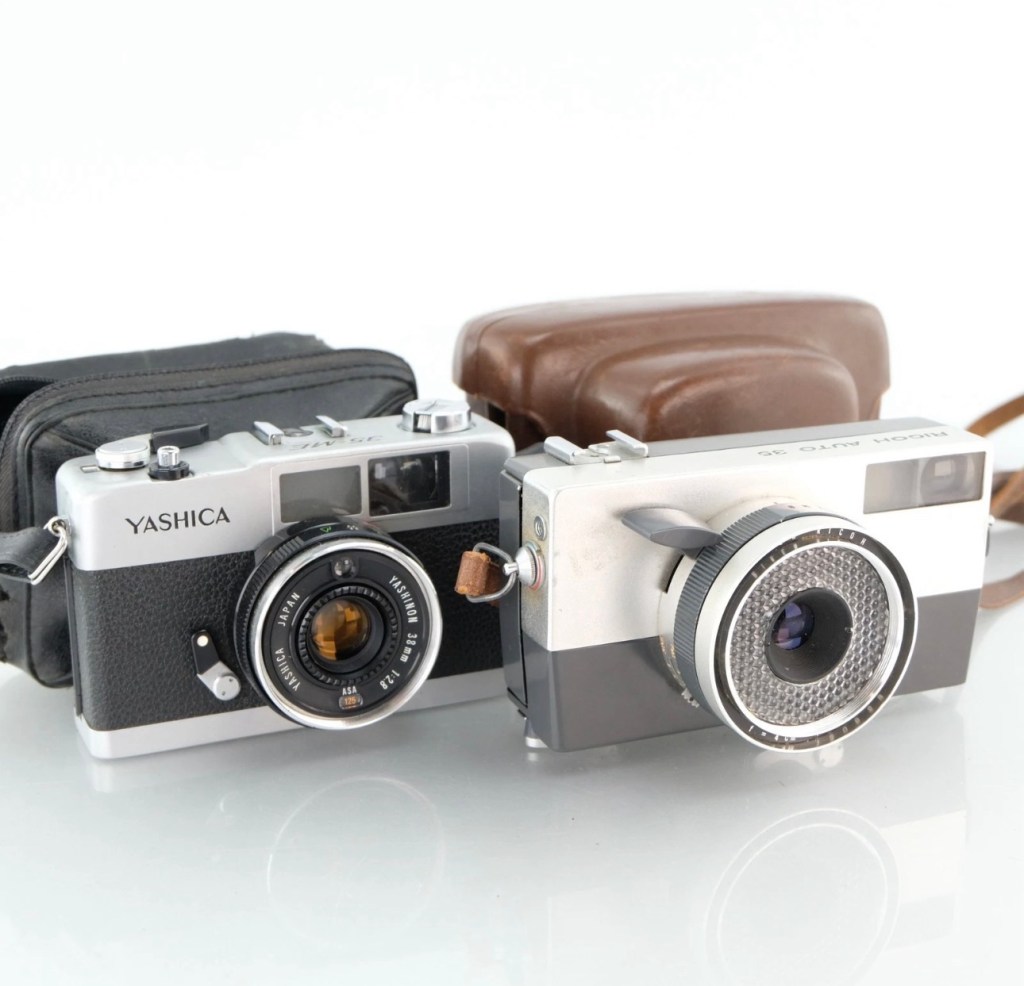
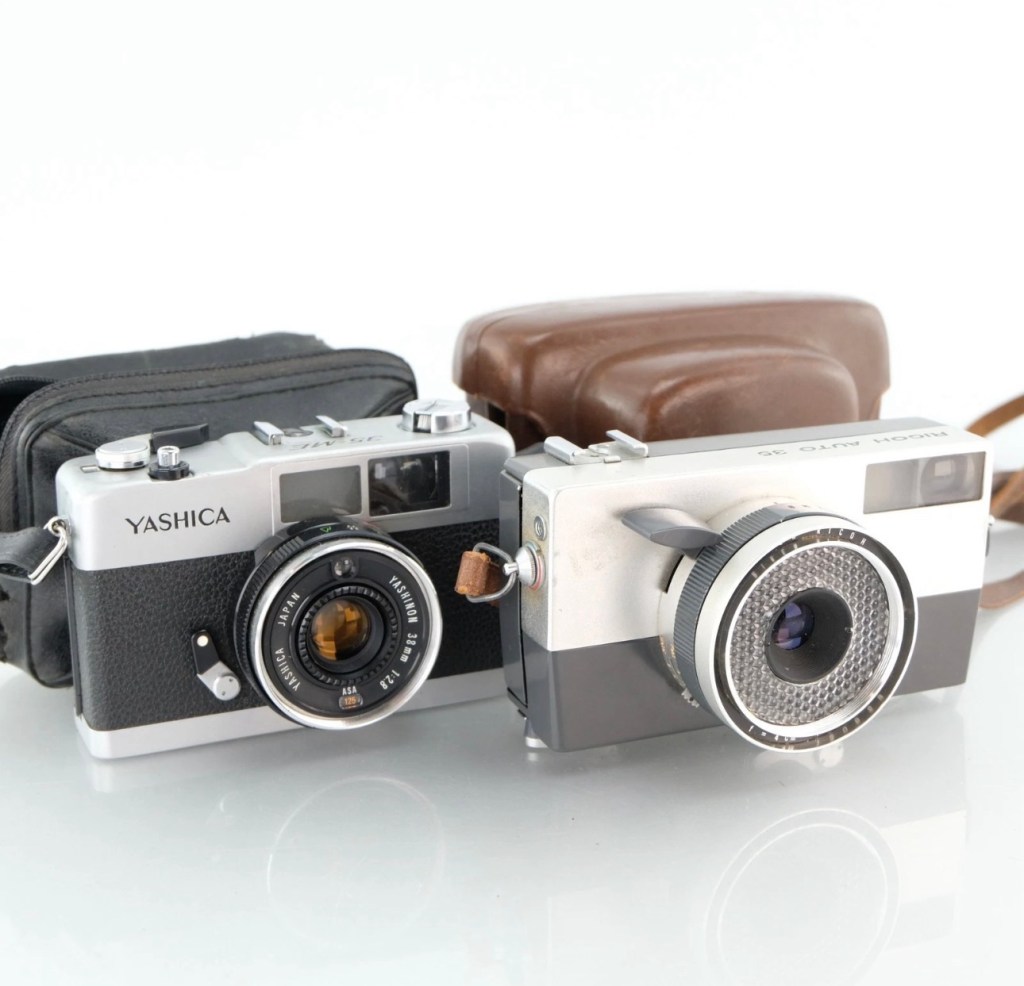
I purchased two vintage point and shoot cameras, and this post is related to the Yashica 35 ME. Both cameras were purchased for the princely sum of £4:99GBP and that equates to roughly £2:50GBP each. Both cameras were sold with the following sales statement:
This bundle includes a Yashica 35 ME and Ricoh Auto 35, two vintage 35mm film cameras ideal for collectors or those seeking parts for repair projects.
These cameras are being sold as faulty and for parts or repair only. They have not been tested for functionality and may have issues with their mechanical or electronic components.
Cosmetically, both cameras may show signs of wear consistent with age and previous use, such as scuffs, scratches, or dust. No accessories, batteries, or additional items are included, only the two cameras as pictured.
EBay
Having purchased from this seller before, I suspect the cameras themselves are in perfect working order mechanically, but as one camera – the Ricoh, is from 1960 and now in its 66th year of existence, I very much suspect the issue would be with it’s Selenium light cell that is more than likely now very dead. The Yashica however is from 1972 and has a CdS light cell that could also be an issue, more than likely related to the old Mercury 1.3v battery that used to supply it. Either way, even without the light sensors both cameras are very capable of doing what they were built for, however you’d just have to use a separate light meter or use the “Sunny 16” rule. Let’s wait their arrival so we can asses the issue. You can read more regarding the types of light metering used on these two cameras by reading a recent post of mine regarding their differences Photographic light sensors in older point and shoot cameras
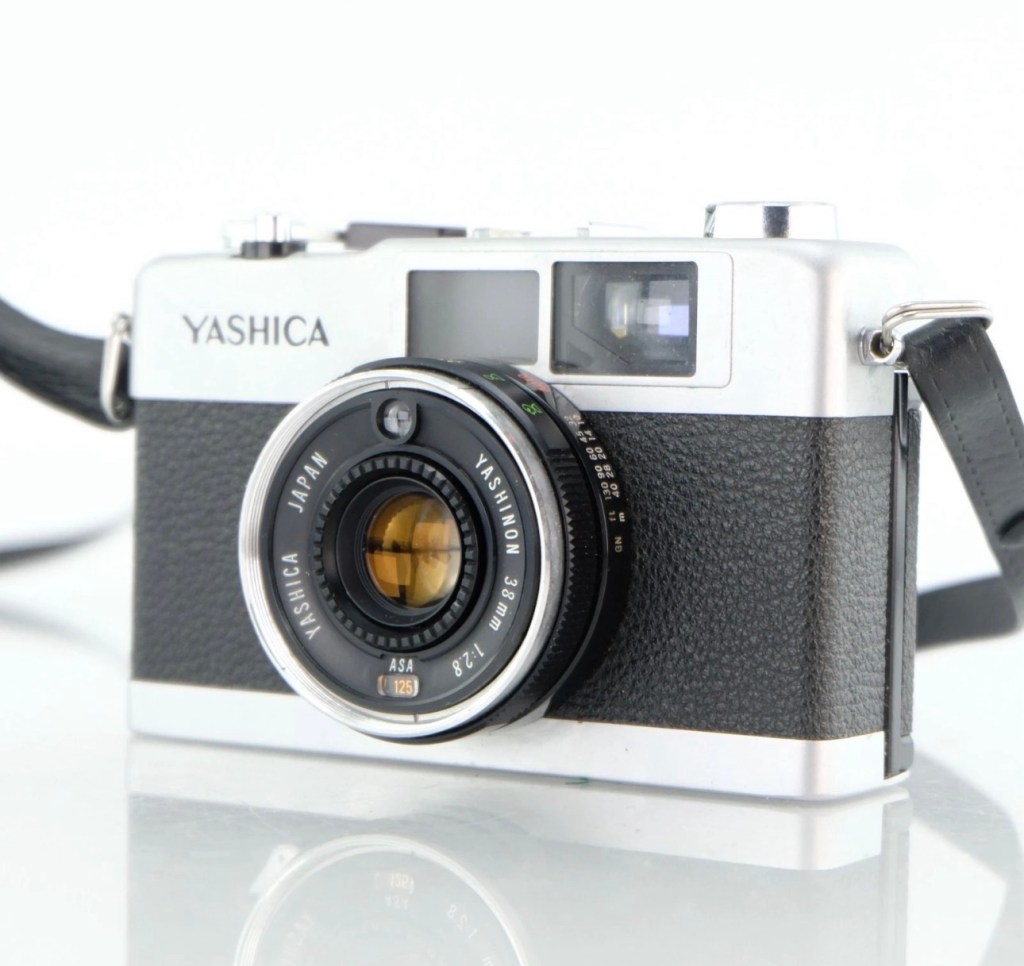
Both camerasYashica 35 ME
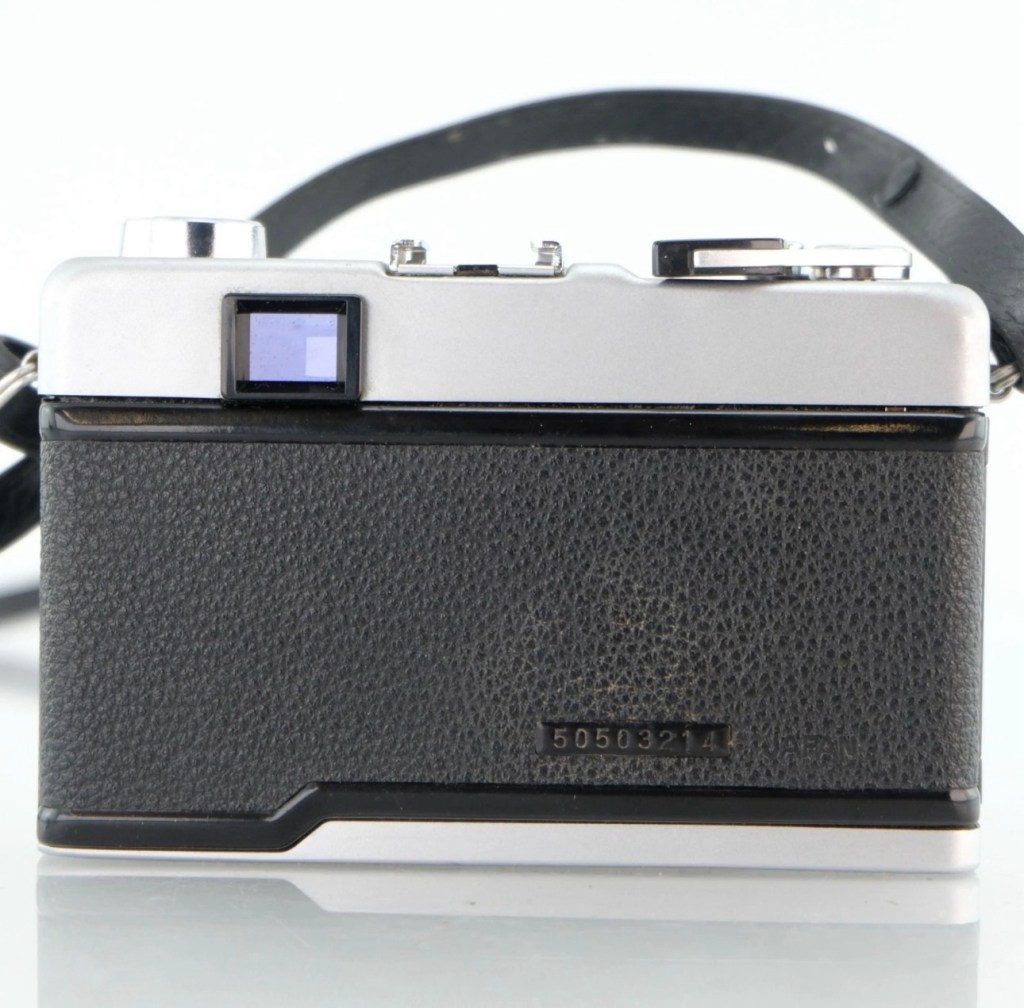
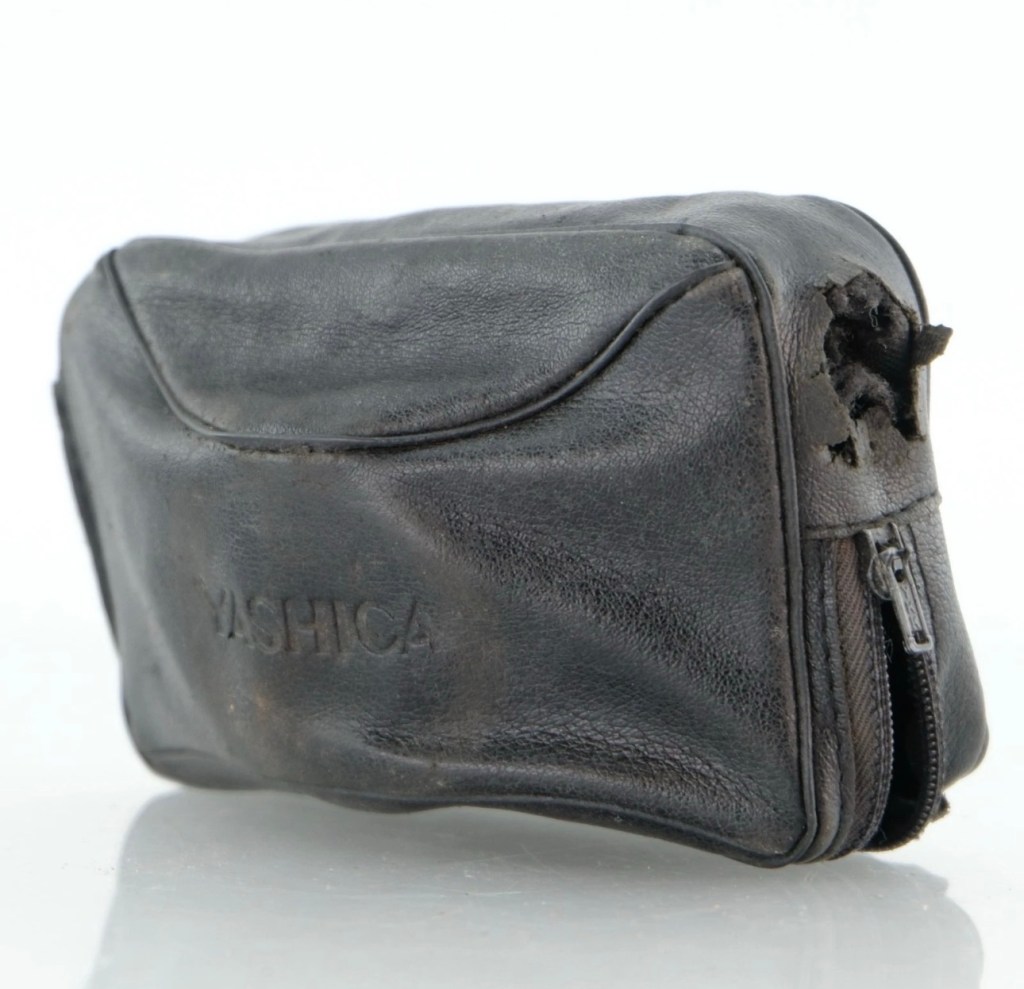
Some more photos from the seller:
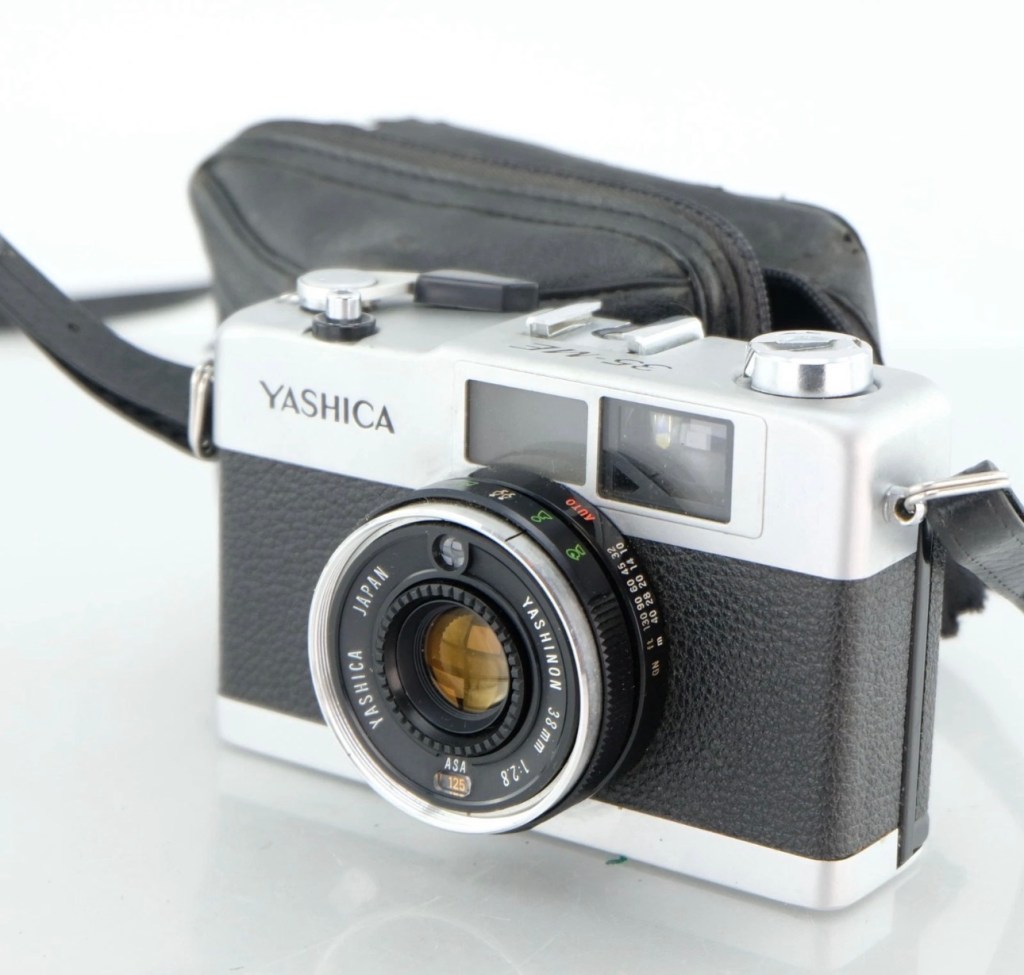
Yashica 35 ME
Whilst we await their arrival here is a little bit about the Yashica 35 ME:
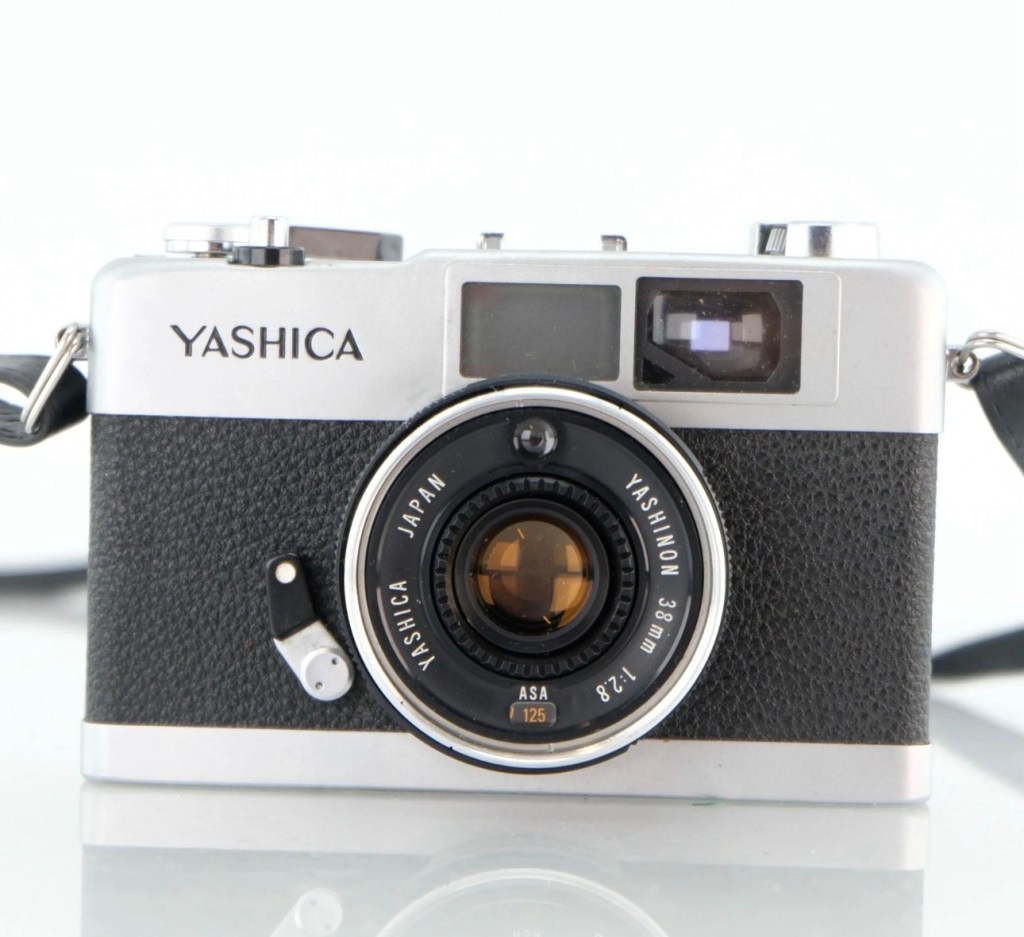
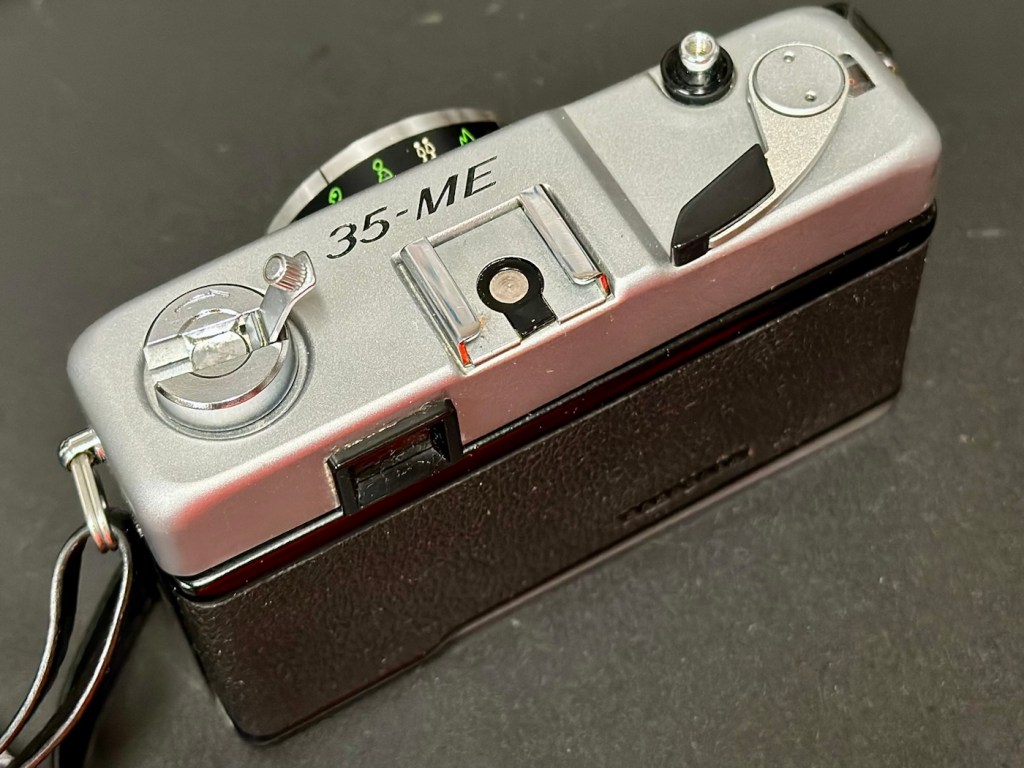
The Yashica 35-ME is a small, compact 35mm viewfinder camerawith auto exposure, made in Japan by Yashica, introduced c. March 1972.
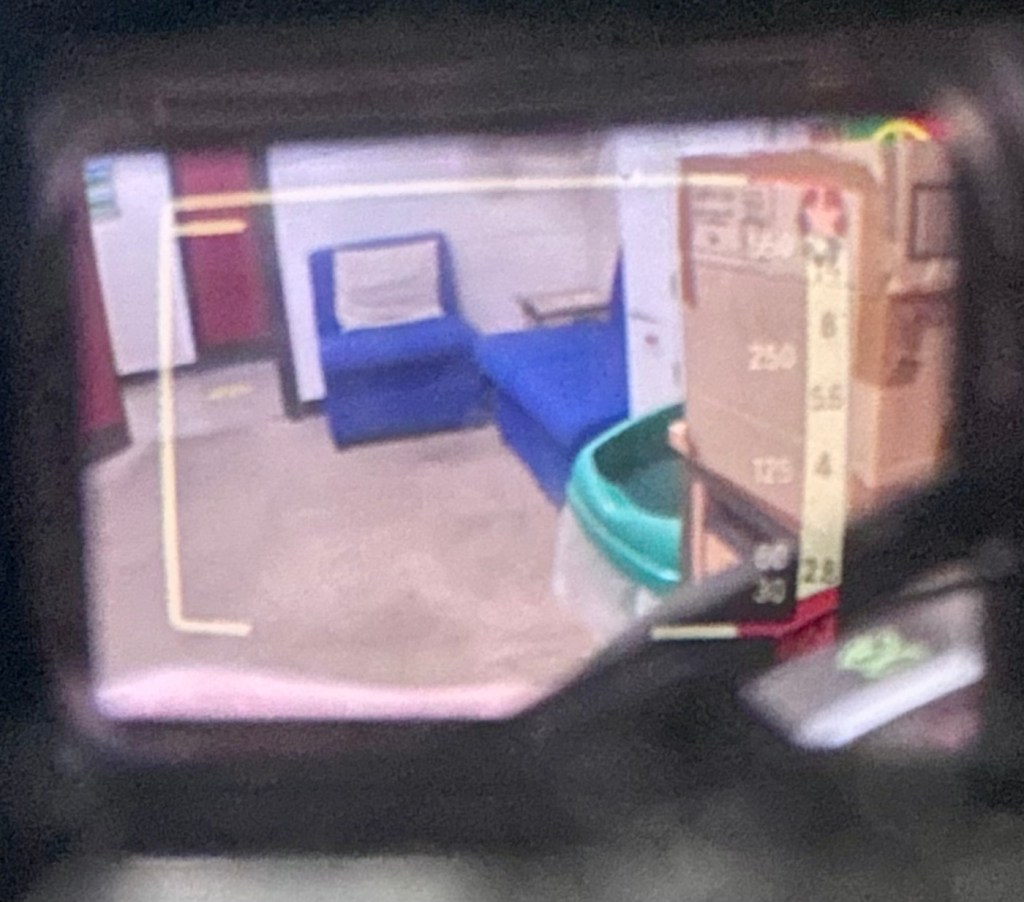
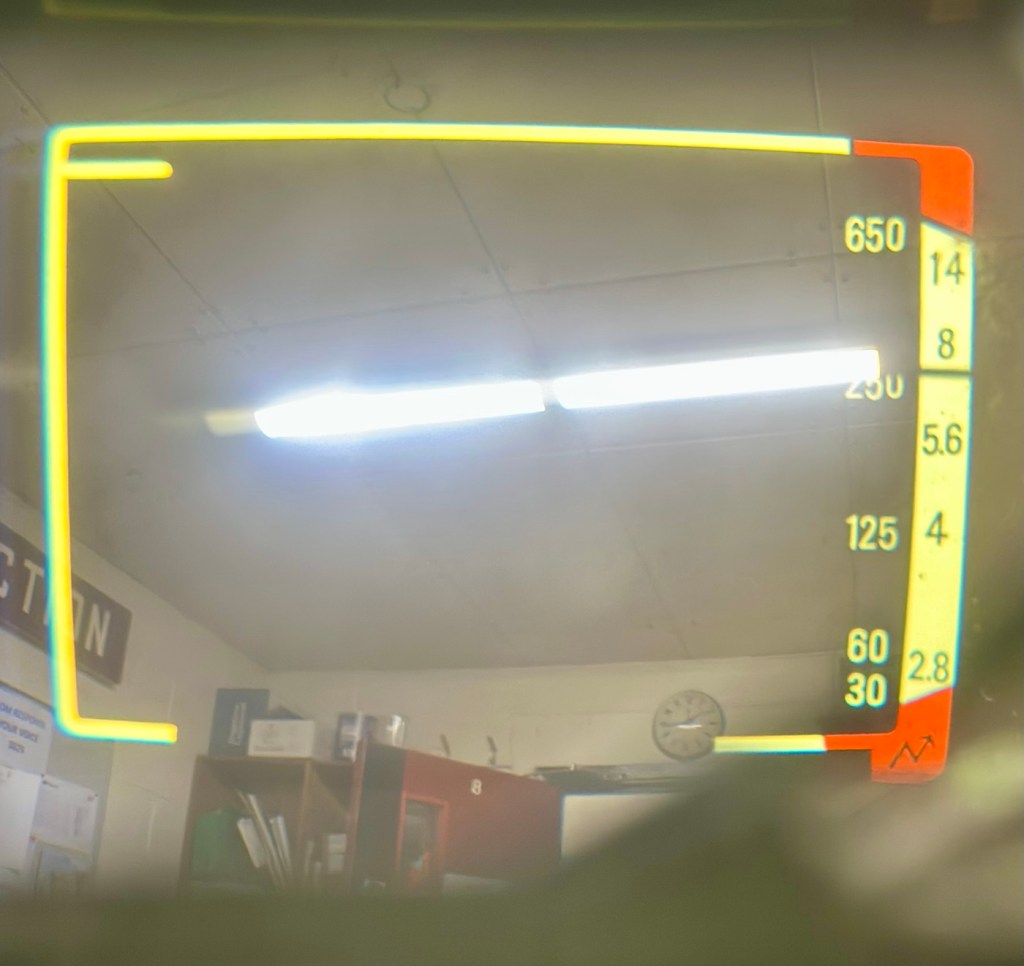
It uses a 38mm f/2.8 lens made of 4 elements in 3 groups with a screw-in filter size of 46mm. The film speedis set using a ring around the lens, with the setting window on the bottom face of the lens. The metering system uses a CdS sensor with a sensitivity of 8 to 17 EV. The viewfinder has bright line frames with parallax correction marks for focus distance of 1.5 meters or closer. The shutter display scale is on the right of the finder has speed markings 1/30, 1/60, 1/125, 1/250 and 1/650 of second. Aperture scale is also displayed at 2.8, 4, 5.6, 8 and 14. The setting for the meter uses a pointer type indicator. Correct exposure is assured when the pointer is in the yellow areas of the scales. Also in the finder scale is over exposure, under exposure zones along with symbols of the selected zone focusing settings. The top plate carries the shutter release, hot shoe and frame counter.
Specifications
Lens: Yashica 38mm f2.8; zone and feet/metres scales
Shutter: Copal auto, speed set by metering, 1/30-1/650 sec.
Meter: CdS sensor
Film speed: 25 to 400 ASA
Flash: hot shoe, flash sync 1/25 of a sec.
Power: 1.3v mercury
Camera-wiki.org
It’s arrived, it has that familiar aroma of age old mustiness, but looks a nice item, in good condition for a camera that is now 50+ years old.
Assessment:
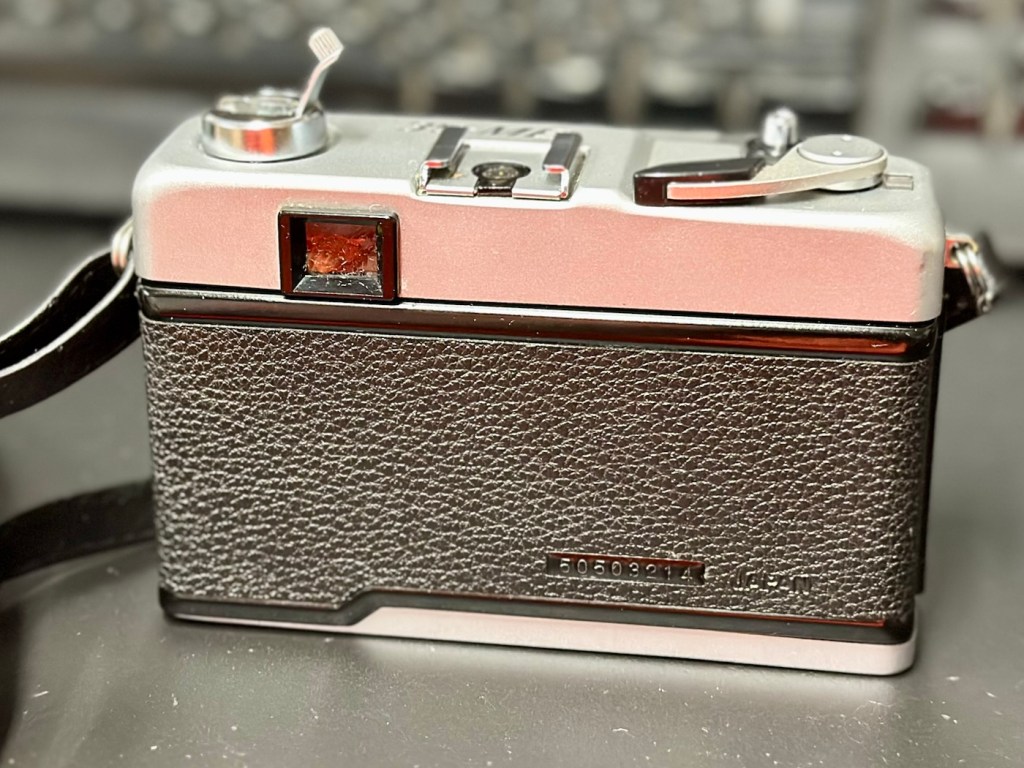
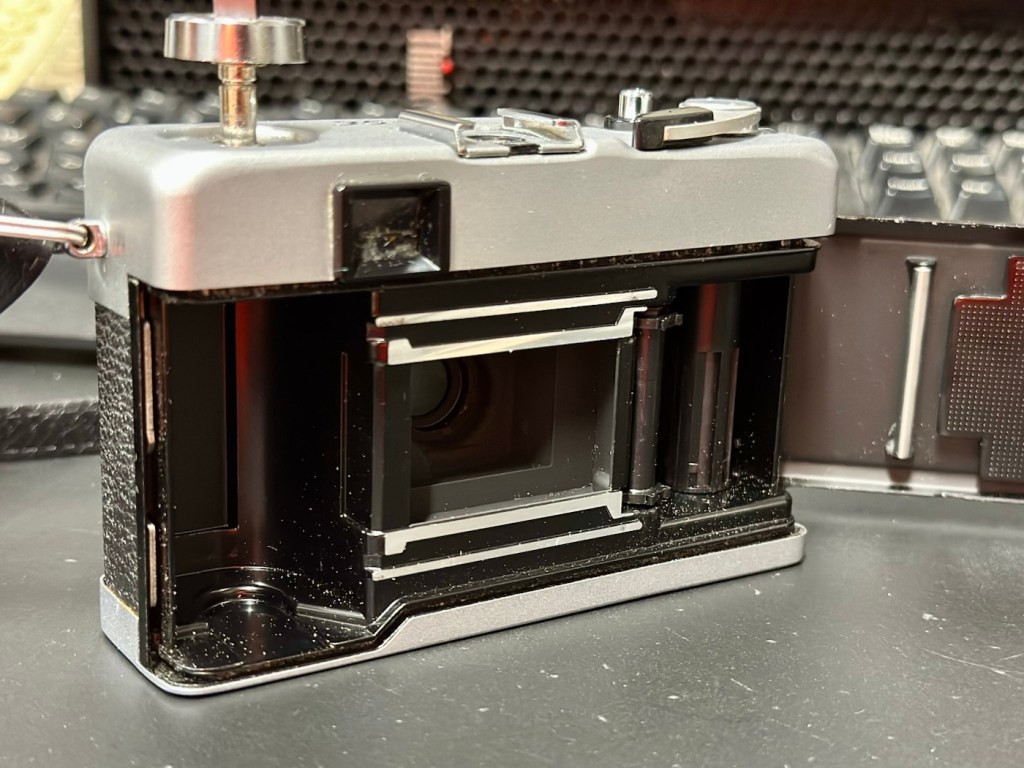
The case is quite tatty, but it does the job. The body is dusty but free of any dinks dents or scars. Inside the rear of the camera all is good, it’s clean and the light seals are ok. They will need replacing at some point, but currently they appear to be ok.
Camera looks nice
The winder works fine, the shutter fires and there is no sticking of the shutter leafs.
When you look through the viewfinder it’s a fairly clear view, however the exposure reading needle on the right is sitting firmly on the bottom of the scale. Moving the camera from light to dark makes no difference, the meter is not responsive. Let’s check the battery.
Meter reading does not move
Repair:
The battery that was used is an LR44 cell rather than the old Mercury 1.3v cells that used to be installed on these cameras. They are hard to come by nowadays and people tend to go with the more modern LR44 cells that have a slightly higher voltage of 1.5v. They work, however some have stated that they notice a slight overexposure of about one stop, personally I haven’t really had issues when I have made these battery changes in the past. Each to their own as they say.
The battery currently in place was dead so I tried a new battery to no avail. When I opened the battery chamber again I then noticed some oxidation of the contacts, so a quick clean with some contact cleaner and they looked a lot different.
Before and after battery contacts
A new battery back in place, and hey presto the light meter is now working.
Light meter now working
I’ve given a good disinfectant clean. Buffed up the case to make the best of a bad thing, and it all looks good. The only thing I can do now is run some film through it to give it a final test. I have some old out of date colour film at home, so I will use one of these to run a test roll. As I stated at the beginning there is not really a lot that can go wrong with these point and shoots, and I’m confident that the only issue was with the exposure meter as everything else seems to be fine. let’s get that film run through the camera to check things out.
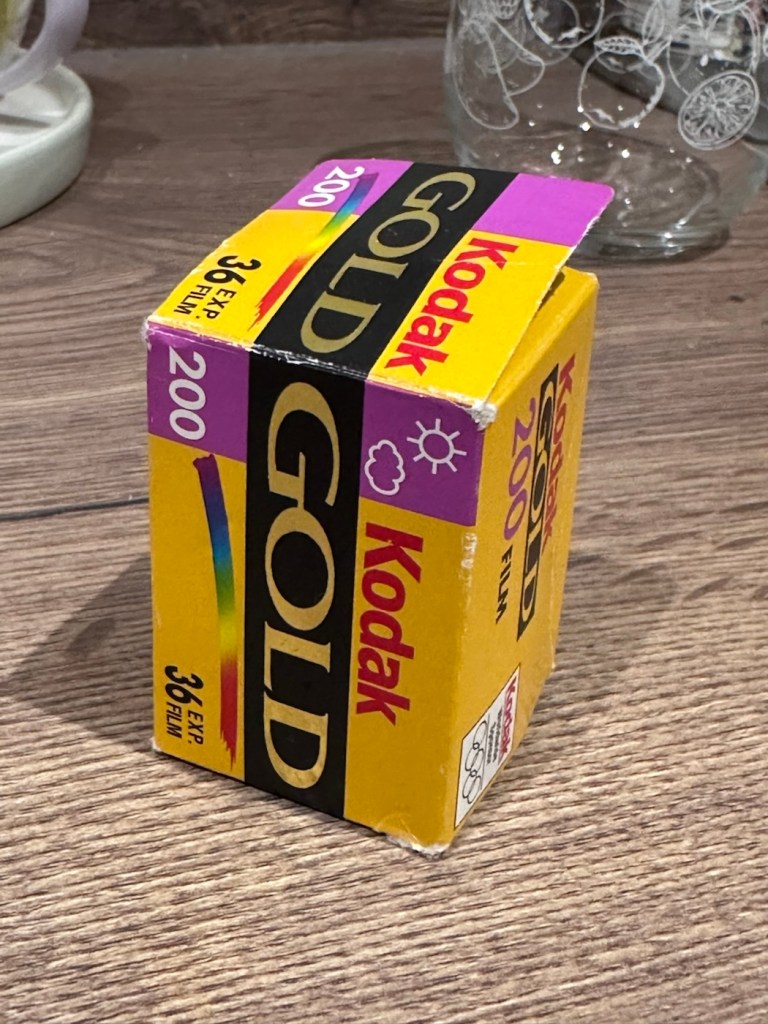
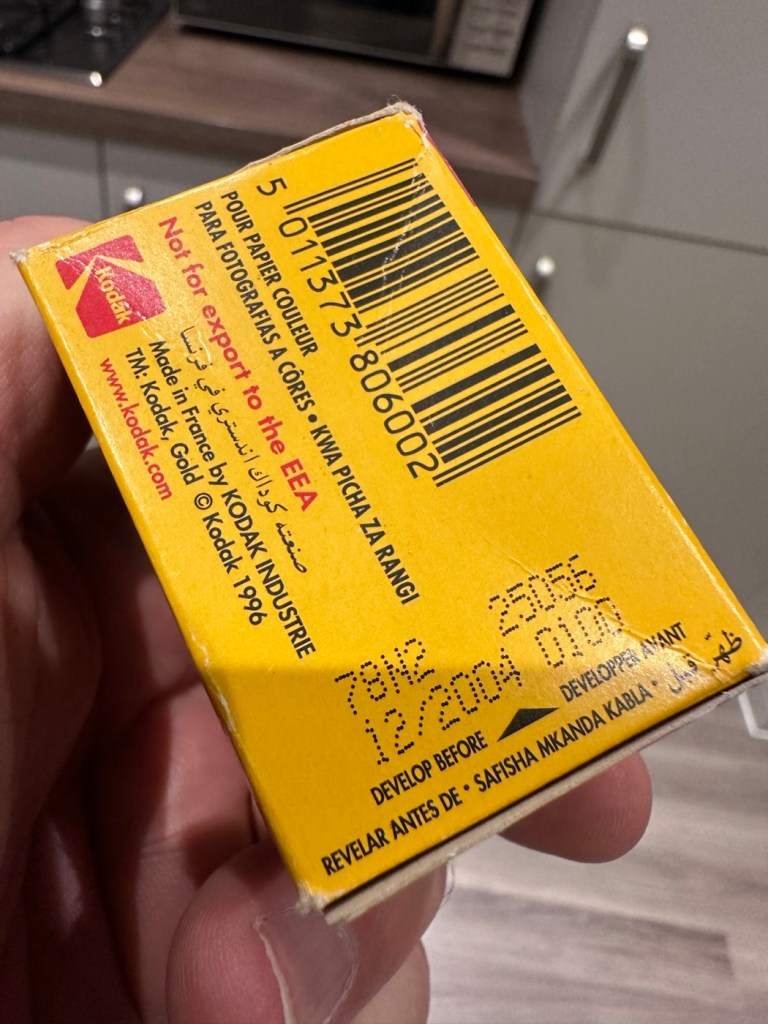
I’ve taken the film out of the fridge. It’s a roll of Kodak Gold 200ASA film, and it’s only 20 years out of date. I’ve tested a roll of this before, you can see that post here: 20yr old Kodak Gold.
Expired in December……2004
The results won’t be anything spectacular, it will be grainy, it will have a colour cast and in fact might not even work at all. After this period of time the sensitively Will have dropped so I’m going to over expose this roll by one stop to attempt to compensate a bit. This 200ASA film will be exposed on this occasion at 100ASA. When I’ve exposed this it will be off to a local film developer- Classic photo supplies– for them to do the developing and scanning. Read this post regarding my rationale behind using this film: 3..2..1 – 20yrs out of date.
Result:
Well, the scans of the developed film have arrived back and it has proven a couple of things, one that the camera does actually work and two, that the film has definitely reached its limits, as the negatives show immense grain, and a colour cast due to the chemical structure of the film breaking down. I’m glad I only overexposed by one stop, I know that the recommended +2 stops would have been too much for this film. Below I have displayed a selection of pictures from this film, you can see the age related “colour cast” along with grain size if you zoom in. These aren’t the high quality pictures as the originals came back at about 30mpx each, and that would be far too high a resolution to show on this site, and I’d probably use up all of my photo allowance as well. So here are the greatly reduced results of those scans.
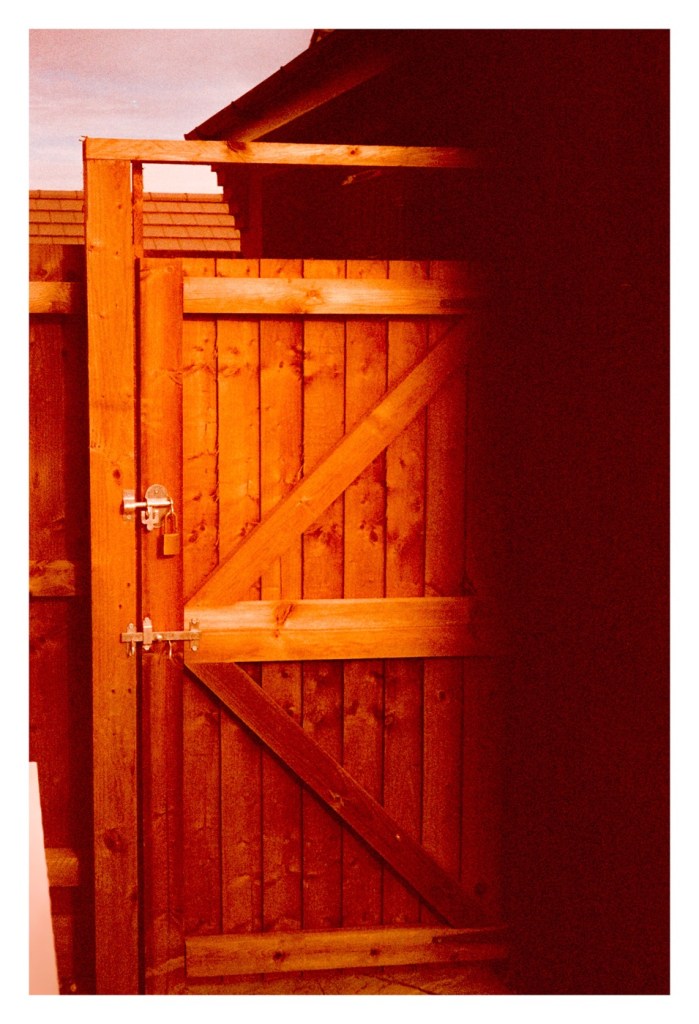
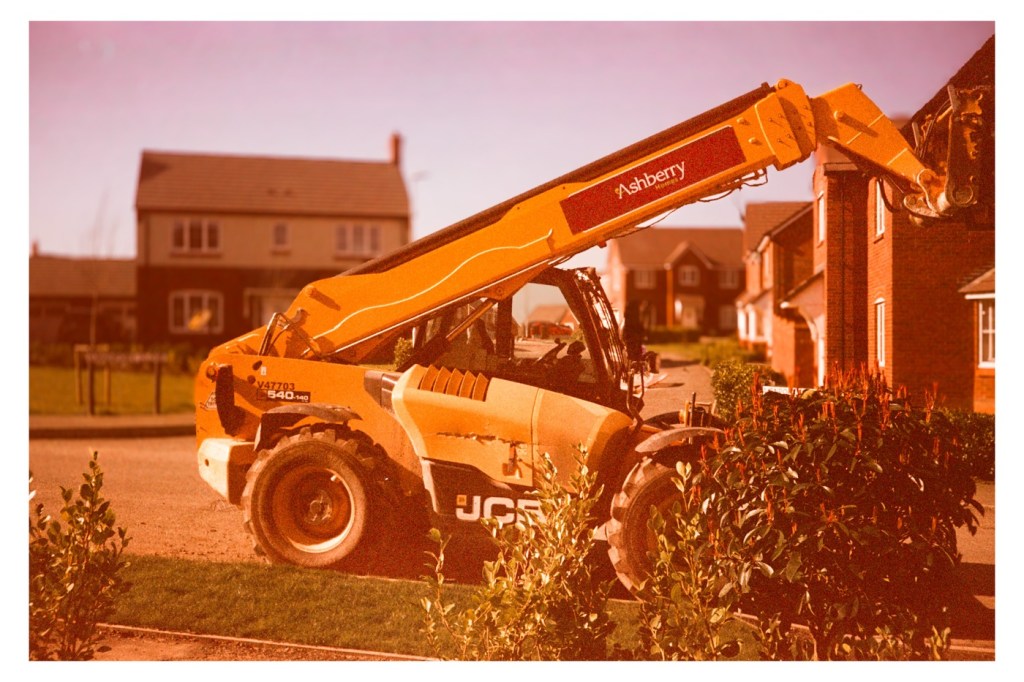
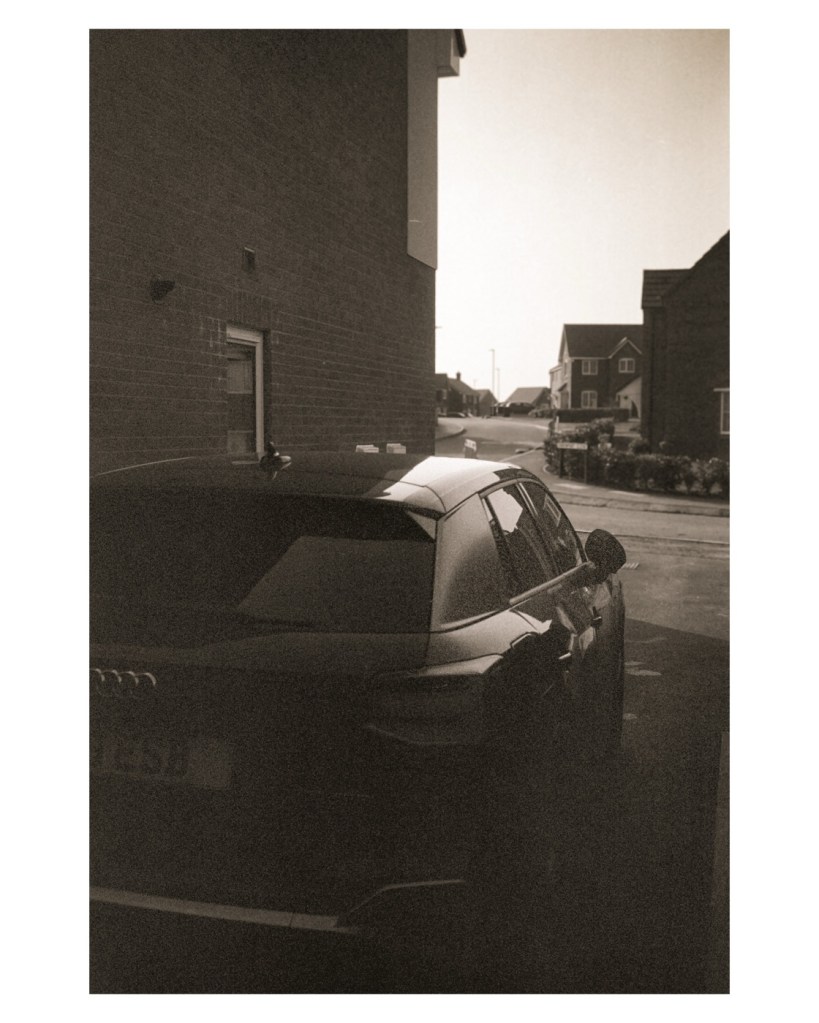
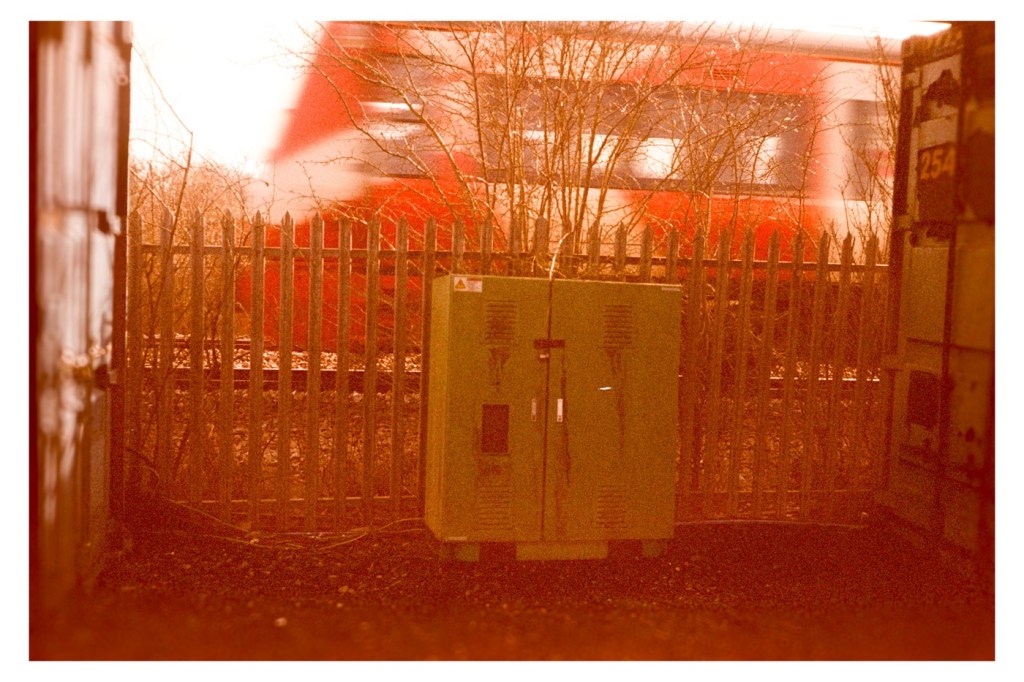
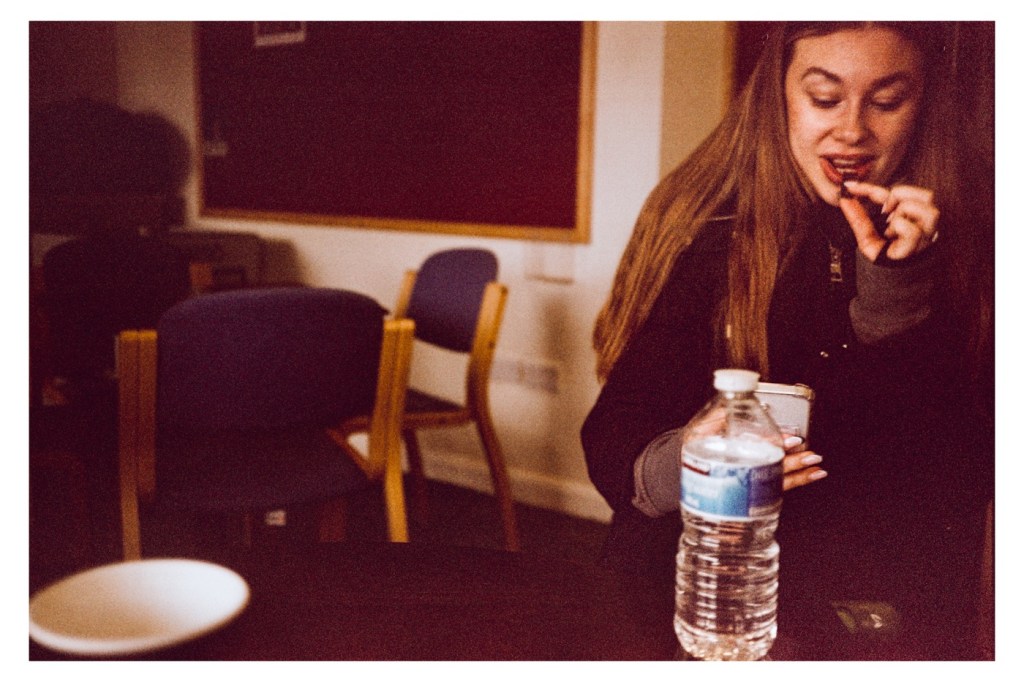
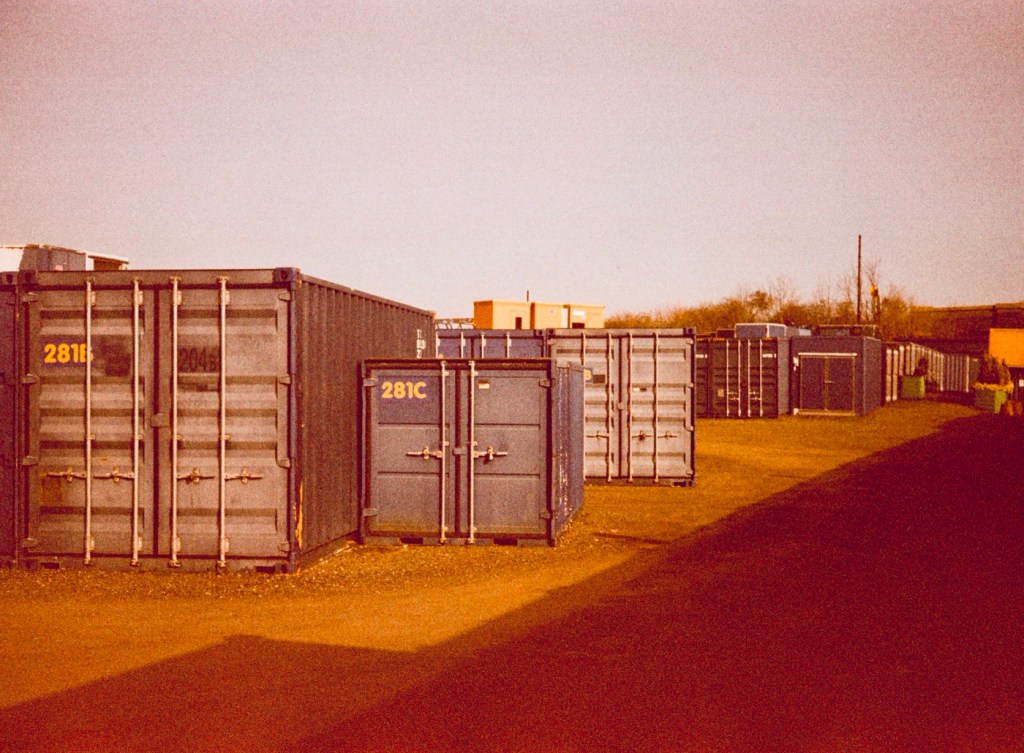
Back gate Forklift A house viewDrivewayTrain passingFootball shelterBut if double exposure Broken fenceRefreshments ChatGraffiti Storage
To be totally honest if you switch to B/W in editing mode, all the pictures come out fine and are completely presentable and maybe that’s the way to go with the next batch, don’t bother trying to get a good colour balance as that will never be achievable, just display in good old black and white, you can’t go wrong.
So the camera works, and this one will now be put aside until I decide how I’m going to move it on. It’s such a basic camera, the distance selections are questionable, but that’s just a remnant of the 70s technology behind it. It’s a good little point and shoot, but I do believe the likes of the Olympus trip totally outshone all other competitors in the point and shoot category.
Job done. Another old camera saved from the scrap heap, and given a new lease of life, and it probably took no more than 10 minutes to get it back in working order.
Thanks for passing by, it’s very much appreciated.
Soon, I will
Post a report I have done of a repair on an old 1972 camera. But first I want to test it with some film that expired 22 years ago.
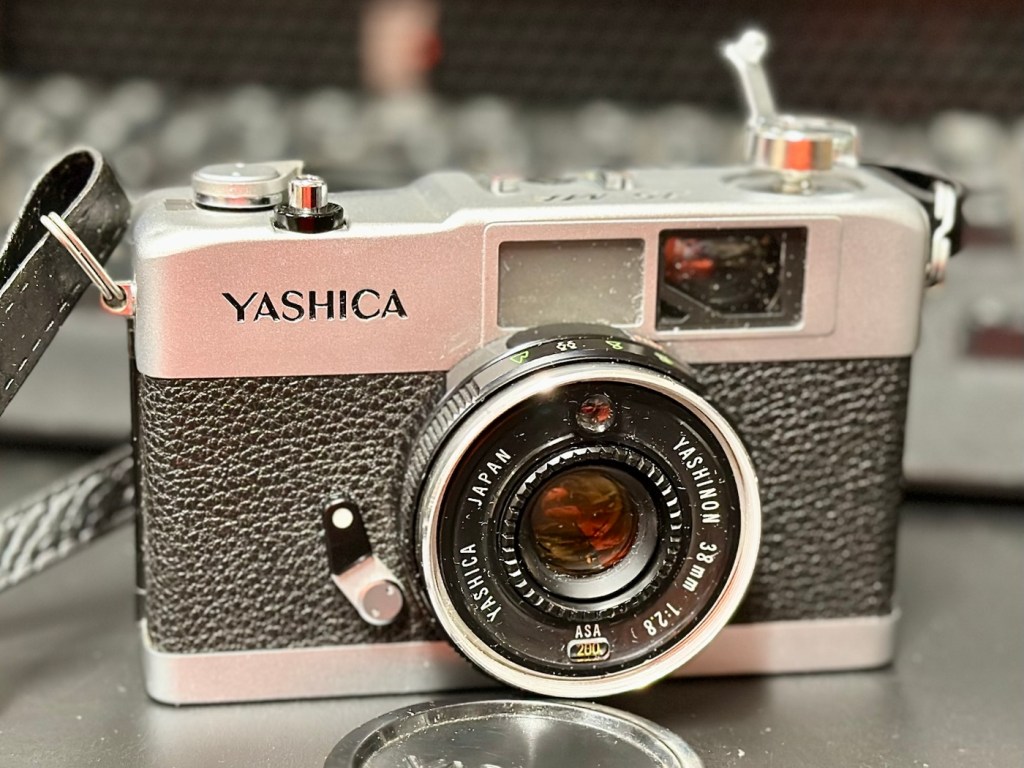
I recently purchased a 1972 Yashica 35ME. It’s an old point and shoot, from back in the day, similar in looks to an Olympus trip, but an Olympus trip it is not. A very basic 35mm camera, with a CdS light meter that was not working, it is now.
Yashica 35ME
I shall have a post out soon about the camera but the final testing involves running a roll of film through it to test. And all I currently have is a few rolls of old Kodak film that all expired about 22 years ago in 2004. You may recall this post I wrote regarding my last involvement with this film stock a few months ago –20yr old Kodak Gold
As a result of that test you will understand why I am over exposing this film by only 1 stop, even though I’m being told by “Professional dudes” it must be at least 2 stops. I understand their reasoning, but I’ve tested this batch previously and they haven’t, so i’m sticking to my guns on this one. If I’m wrong I’m wrong, but I will have learned. Let me do things my way ok?
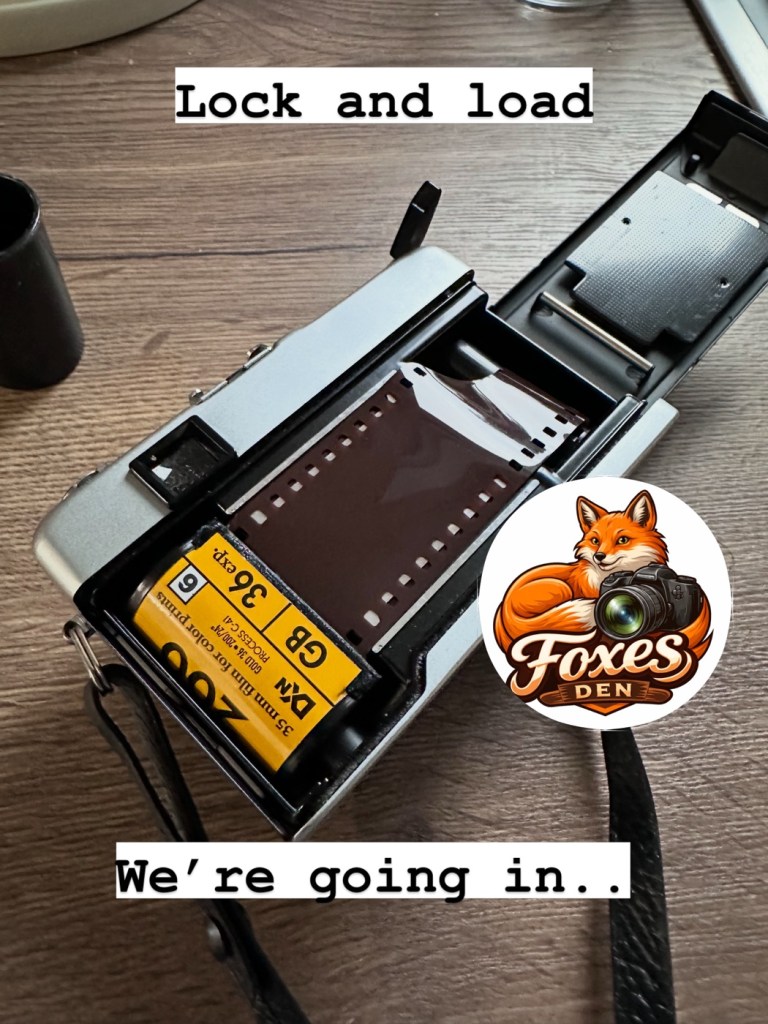
I’ve loaded up with Kodak Gold 200ASA that I will be overexposing at 100ASA, it expired in December 2004.
Old Gold…..literally
I’ve locked and loaded a roll into the camera today, but I’m just waiting for some good light. So I can get out and give the camera a real test taking random pictures, in various locations to give the camera a fair test.
Just awaiting some decent light.
I’ll post the repair on here shortly, hopefully with some pictures once the negatives have been processed and scanned.
But as we are waiting some nice conditions, and this is the East Midlands of the Uk, we could be waiting a little while yet.
The repair and photo results can be found here: Yashica 35 ME
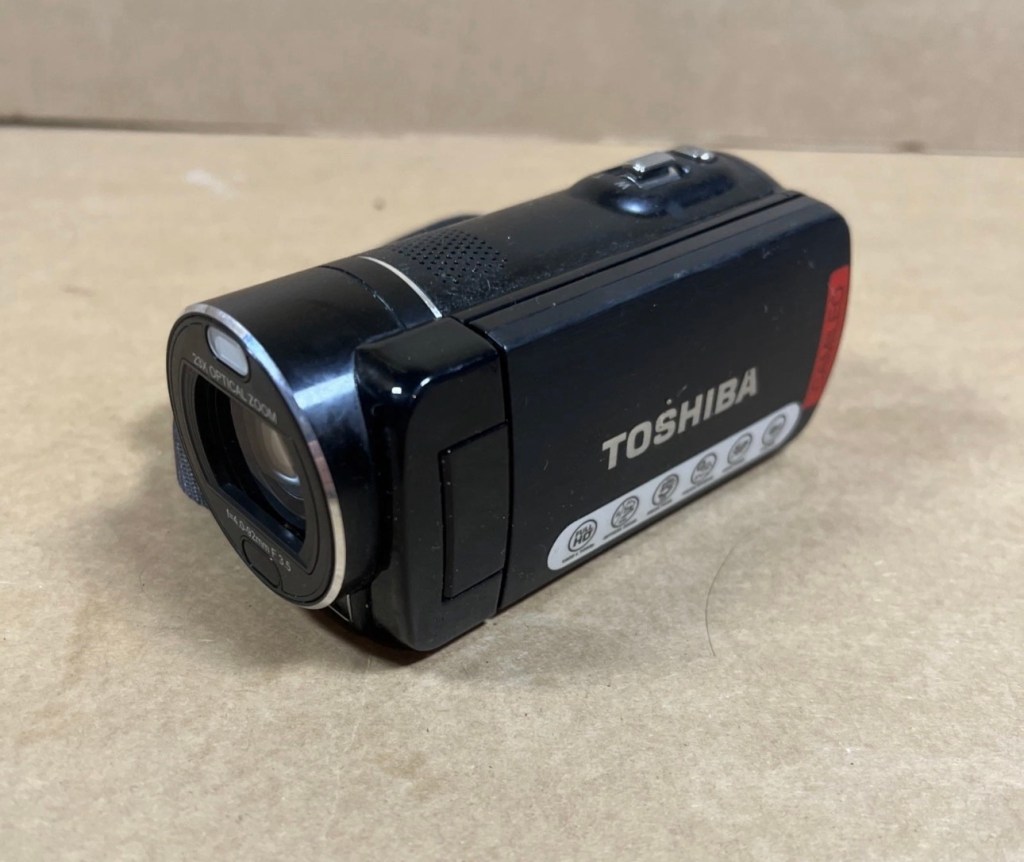
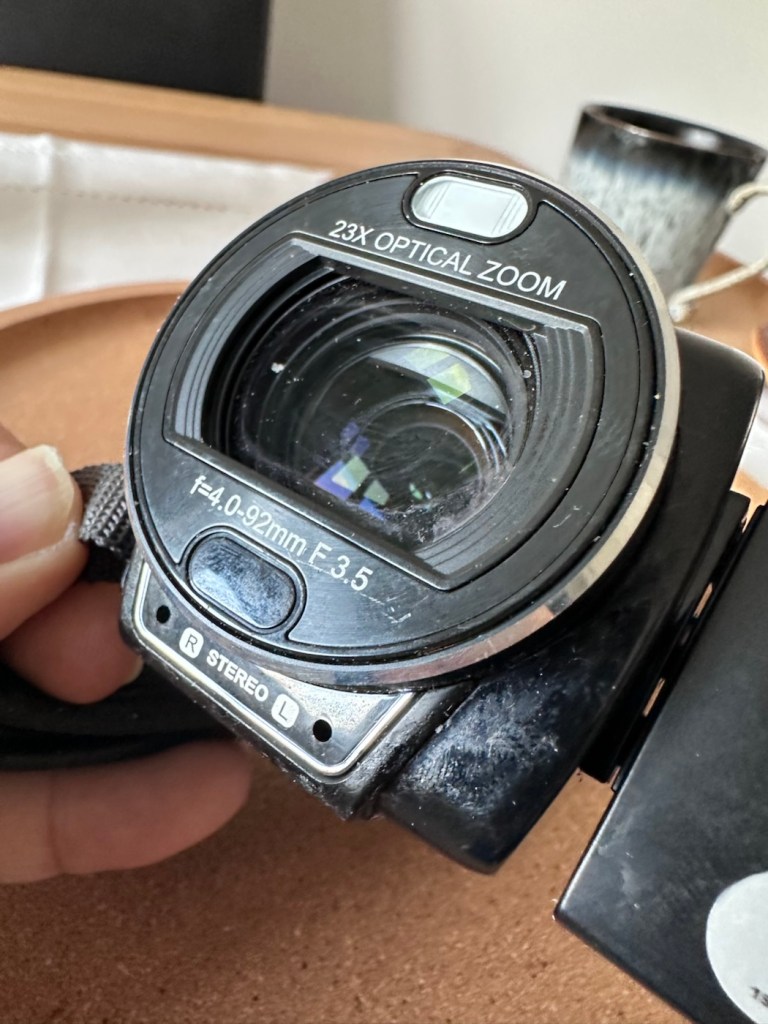
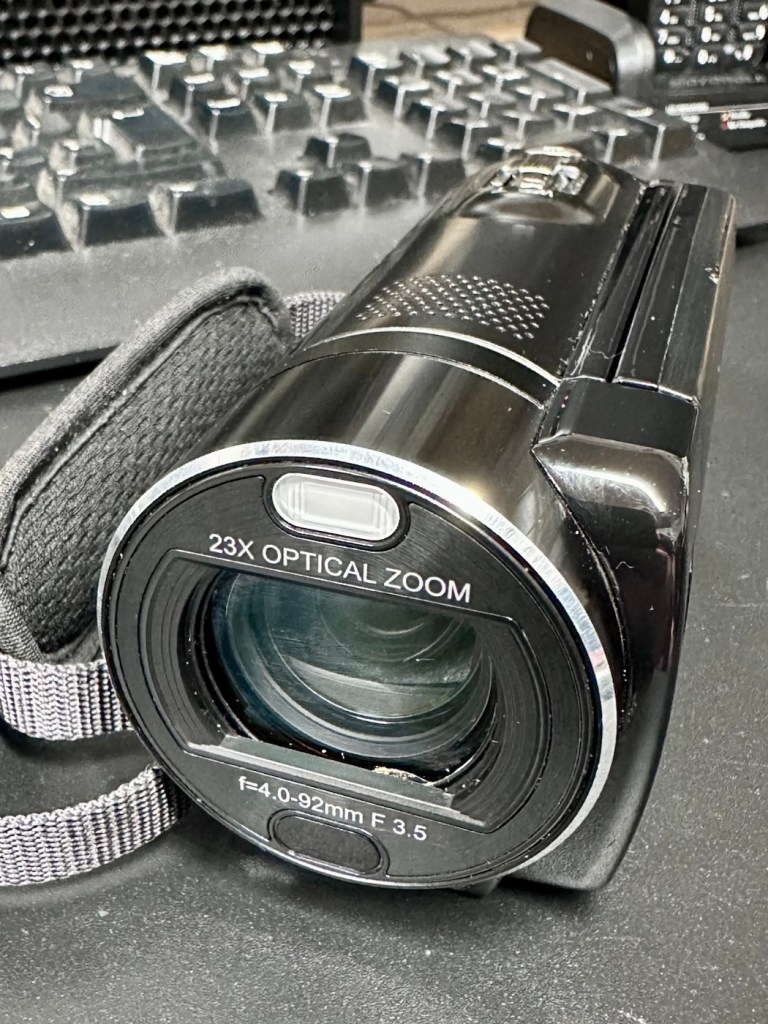
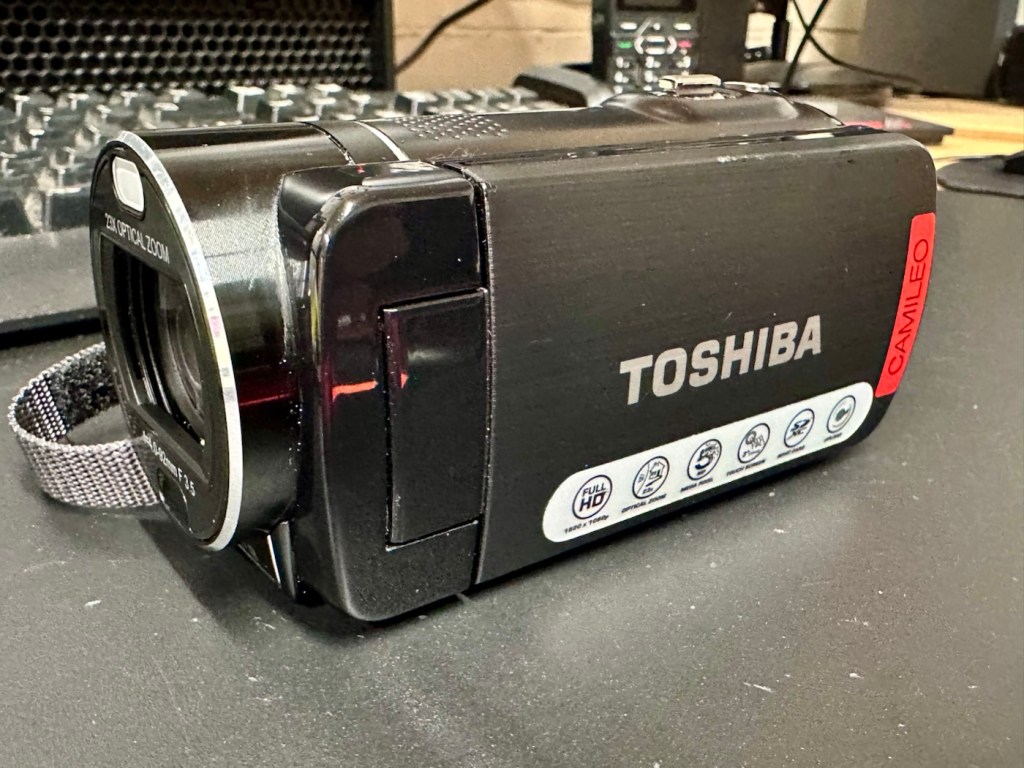
Let’s have a look at a non functional Camcorder from 2011 that appears to have bathed in molasses as it’s so sticky. Can I get it working once more? Why not?
What the listing stated:
It has not been tested but outside case is sticky. Would recommend for spares and repairs only
EBay
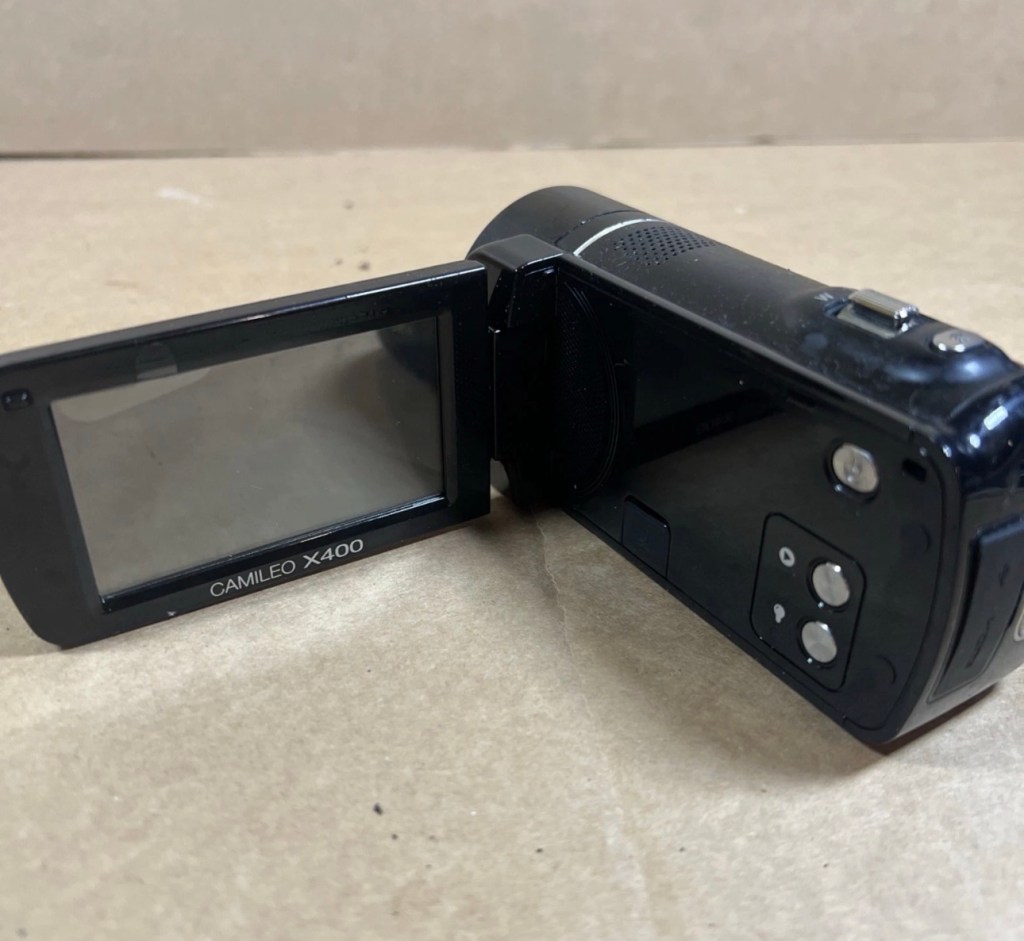
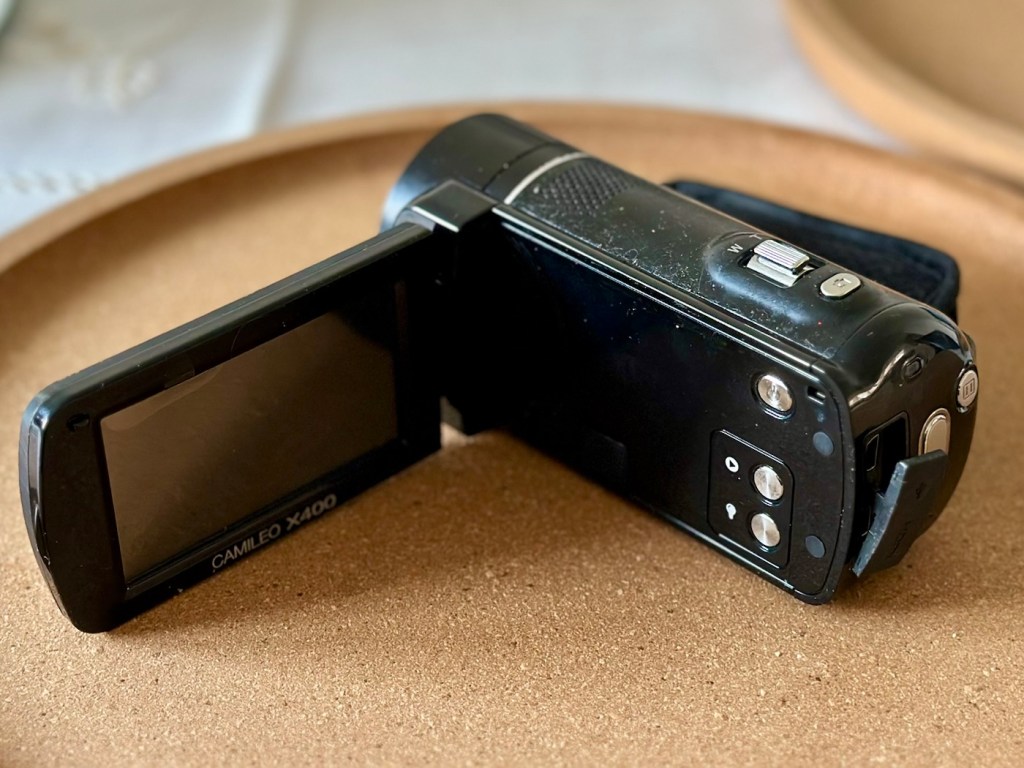
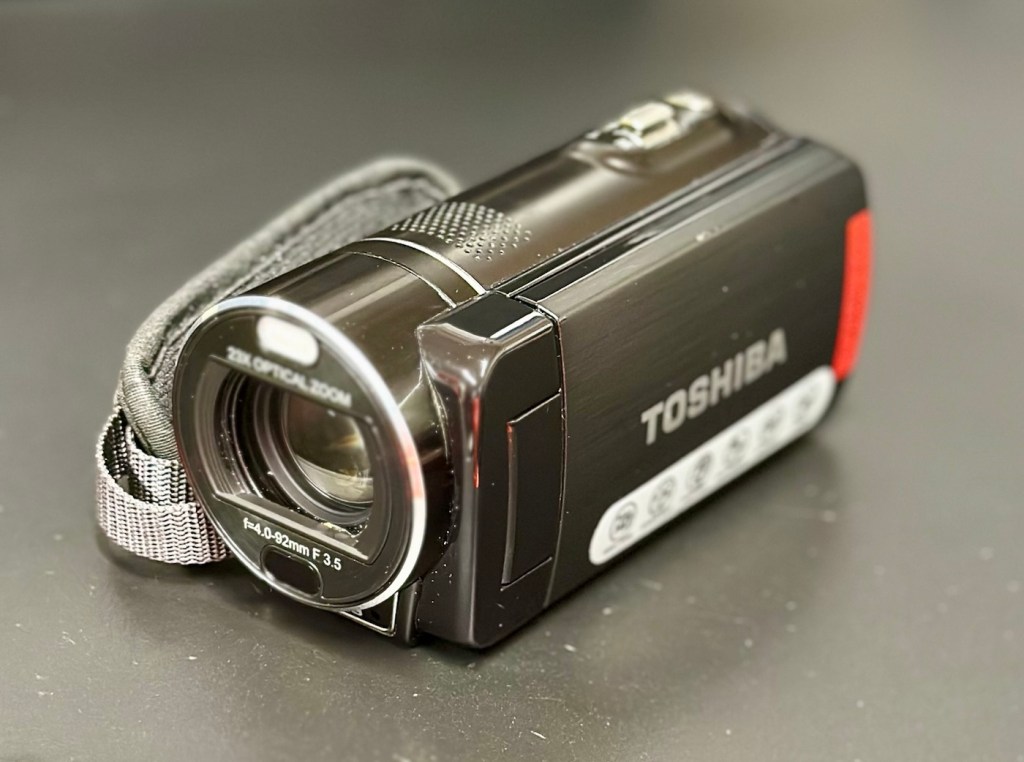
Toshiba Camileo X400 Camcorder
Not one of the finest quality camcorder cameras out there, but for £7.00GBP, I’m not really complaining. This camera appears to have a battery included, it has no charging equipment or anything else included, but I’m hopeful there’s not too much badly wrong with it. However as this is a platform for repairing old knackered equipment, hopeful there is something that we can get our teeth into that is sufficiently suited to this platform. All I can currently gather from the listing is that this a bit sticky, and those of you who follow this site will know that stickiness, especially on cameras is not an issue that has caused me any problems previously. Hopefully the issue is a little more than just stickiness, and as this listing has the classic EBay “Get out of jail free – seller not tested” claim, then there could be absolutely anything and everything wrong with it, we will just have to wait and see.
Here’s a little bit of background for this camcorder.
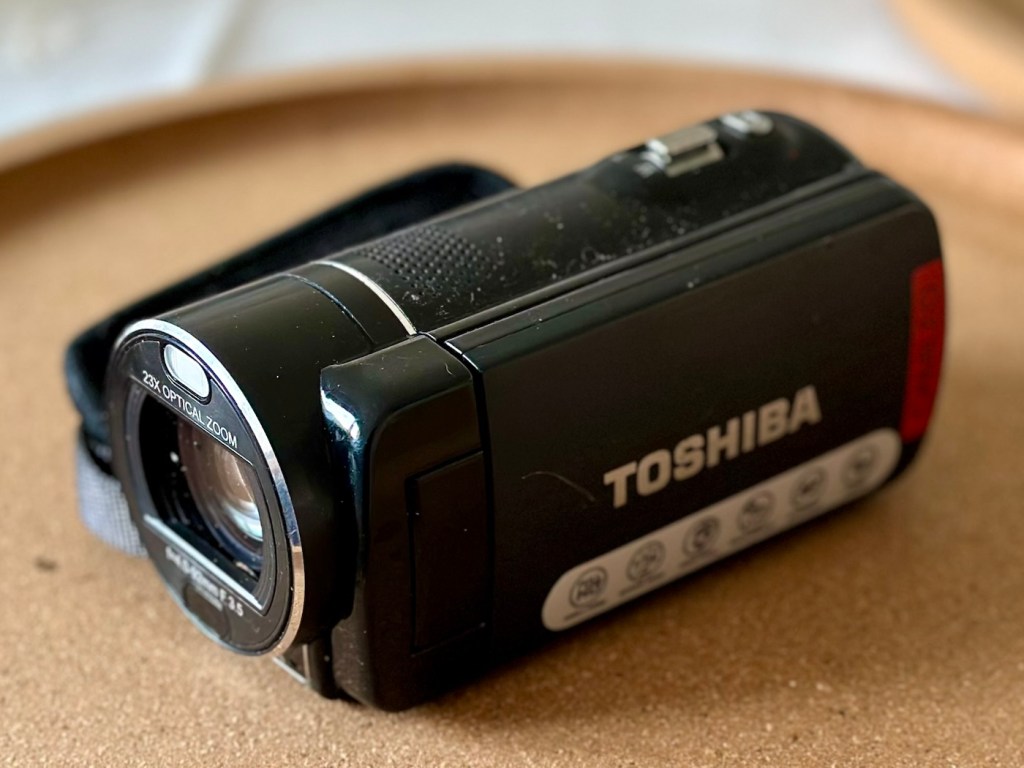
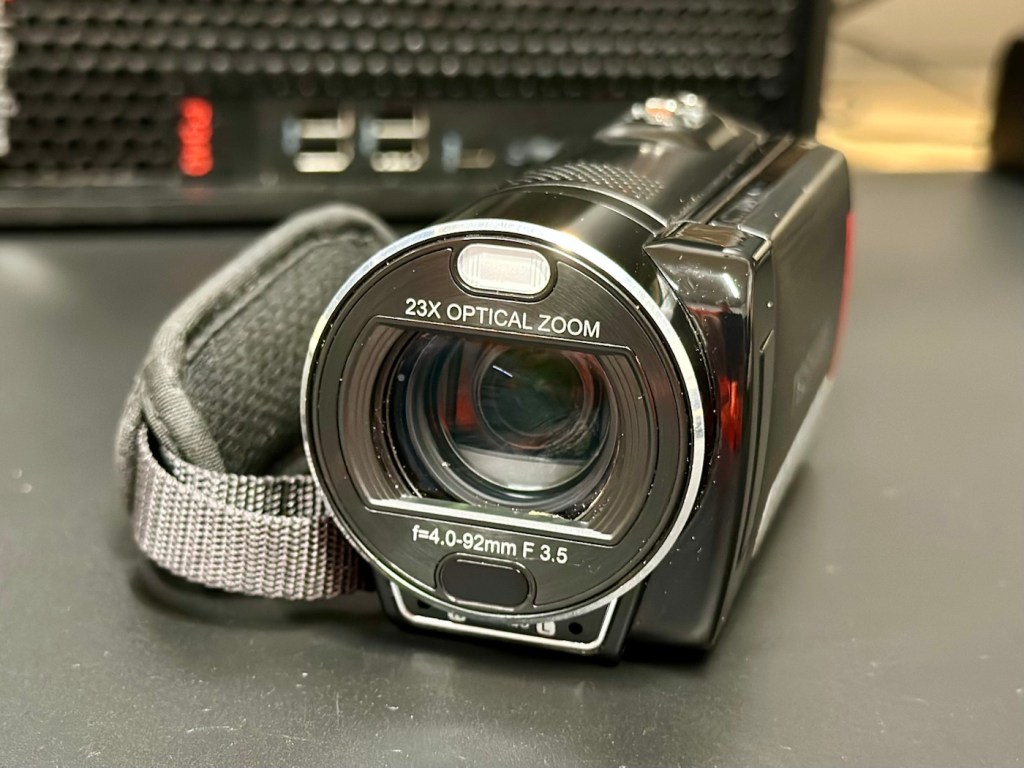
Toshiba’s CAMILEO X400 Full HD camcorder offers 1920 x 1080p video capabilities, 23X optical zoom, and other great features for taking great video and making great memories.
No matter what you’re looking at, the CAMILEO X400 Full HD camcorder takes jaw-dropping video in 1920 x 1080p resolution. You’ll be able to capture all the color and clamor of that Fourth of July parade, or your daughter’s first soccer goal. And with the 23X optical zoom, you’ll see the big smile on her face, too.
Want to follow your baby as she takes her first steps? Follow your friends as they head up that mountain trail? Record your Jeep ride across Africa’s Serengeti plain? Go for it. The image stabilization capabilities on the CAMILEO X400 Full HD camcorder ensure your ensuing creation will be hunky-dory, not herky-jerky.
Video trimming on the CAMILEO X400 Full HD camcorder makes editing easier by letting you cut out a section of the video from the front, back or both–plus start and end the video at any point you wish. What’s more, with a built-in pause button, you can stop wasting storage space and reduce file clutter by recording multiple scenes into a single file.
Your son just learned to surf and caught a nice point break for a good long ride. Want to freeze the frame for pictures you can share in an album, email or hand out to friends? Do it without interrupting the video. Simply press the Photo button* on your CAMILEO X400 Full HD camcorder and your surf dude will be immortalized forever.
Features:
1920x1080p Full HD resolution video
23x Optical zoom
3″ swiveling LCD monitor
5MP CMOS sensor
4.7 x 2.1 x 2.4 inches
Weight 300g
Toshiba
Well, to be honest that has to be one of the worst background write ups I’ve read, and in reality the tone of it doesn’t fill me with confidence, all that talk of “Dudes” and “Hunky dory and Herky Jerky” my god, who do they let write this stuff? This camera didn’t stand a chance to be honest right from its release date in late 2011.
So, let’s forget the awful promotional write up, and just like true “Dudes” try to find out what is actually wrong with the damned thing.
Assessment:
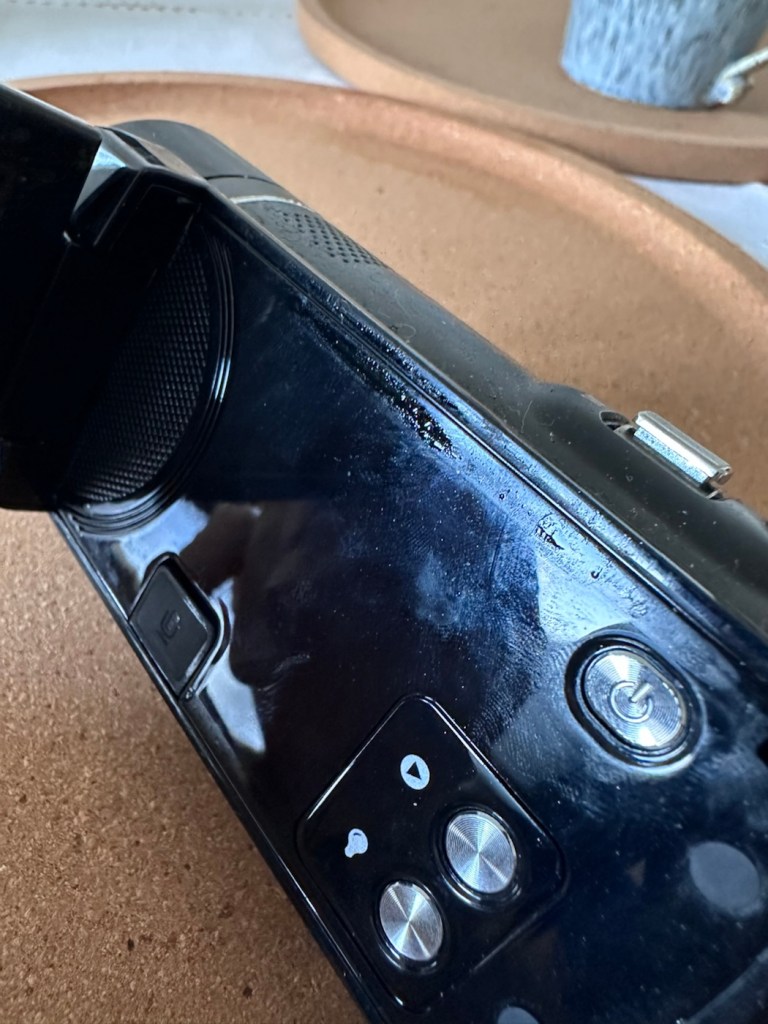
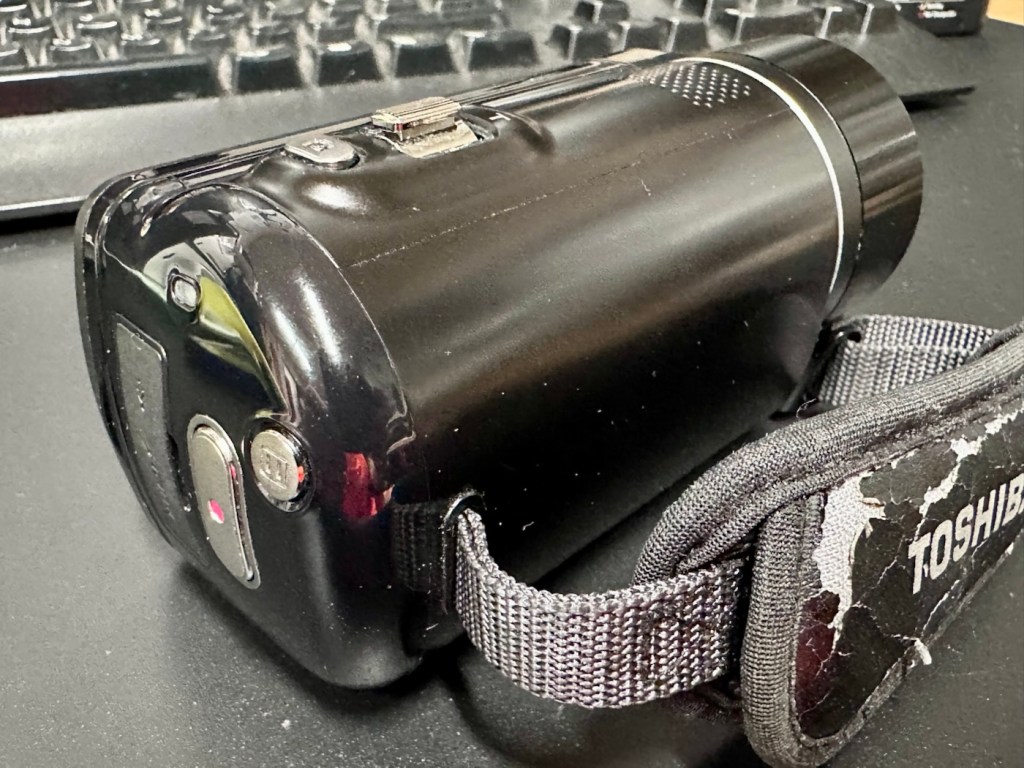
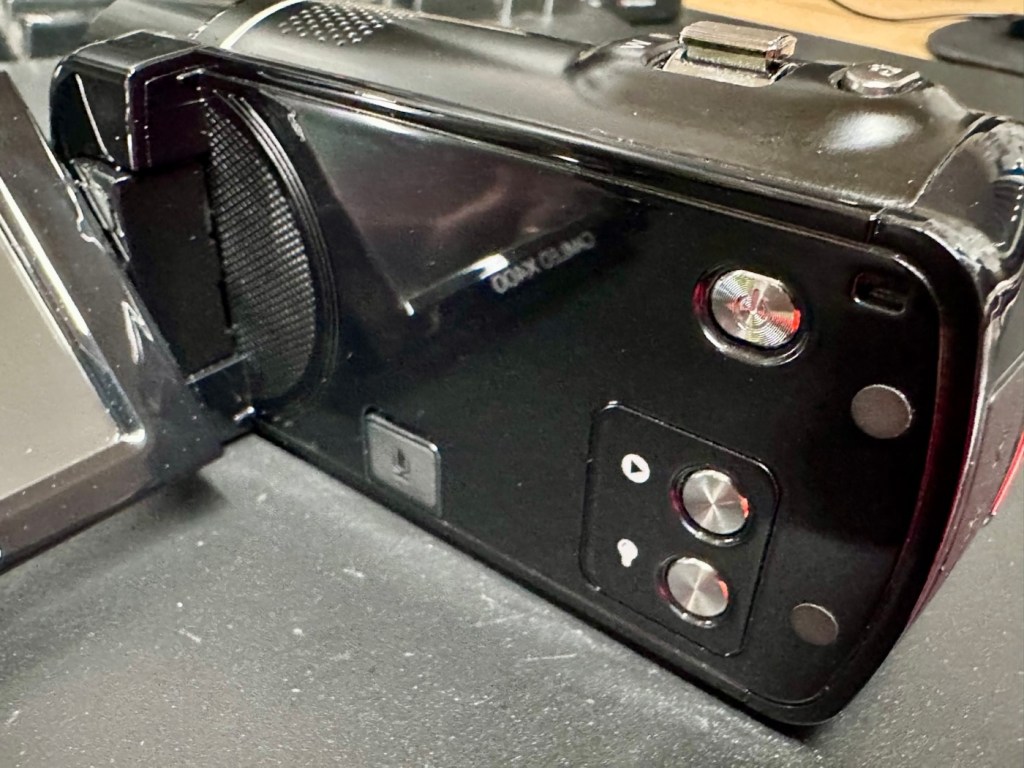
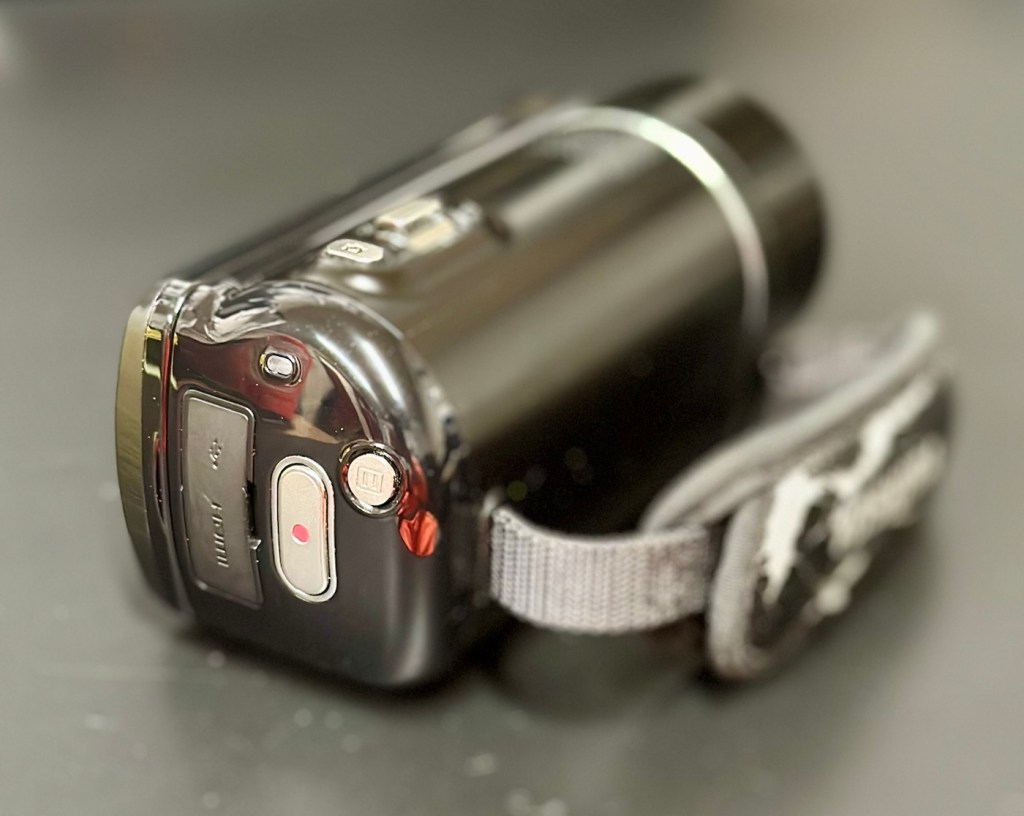
It’s arrived and to be totally honest, it’s in a right poor condition cosmetically. Very poorly packaged, I suspect the seller couldn’t wait to get it out of the door. Here are two of the better looking pictures.
The good…
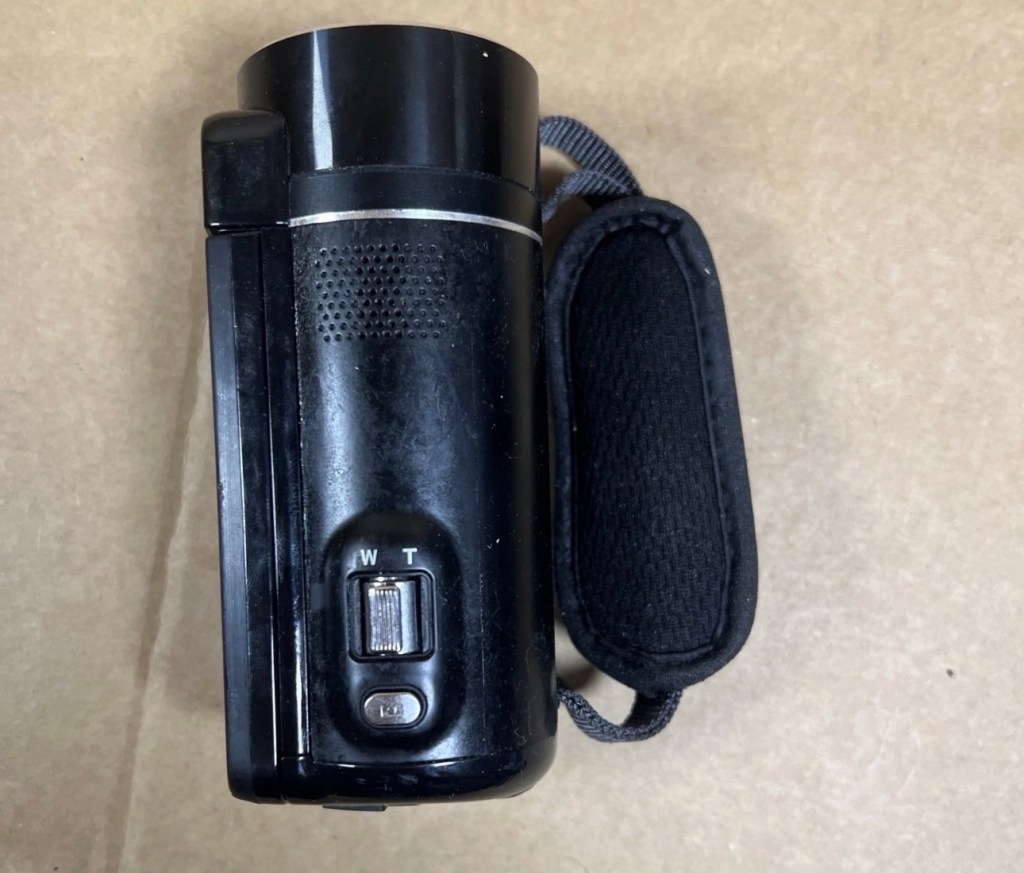
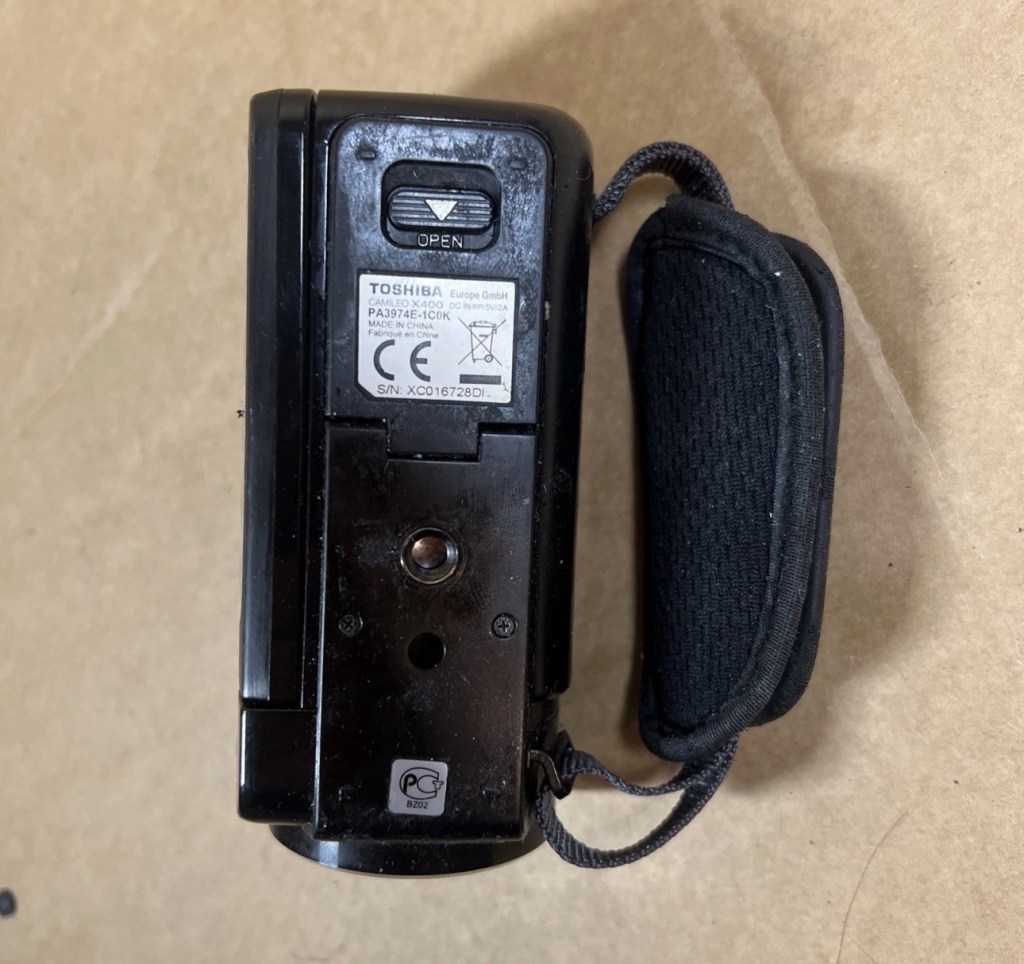
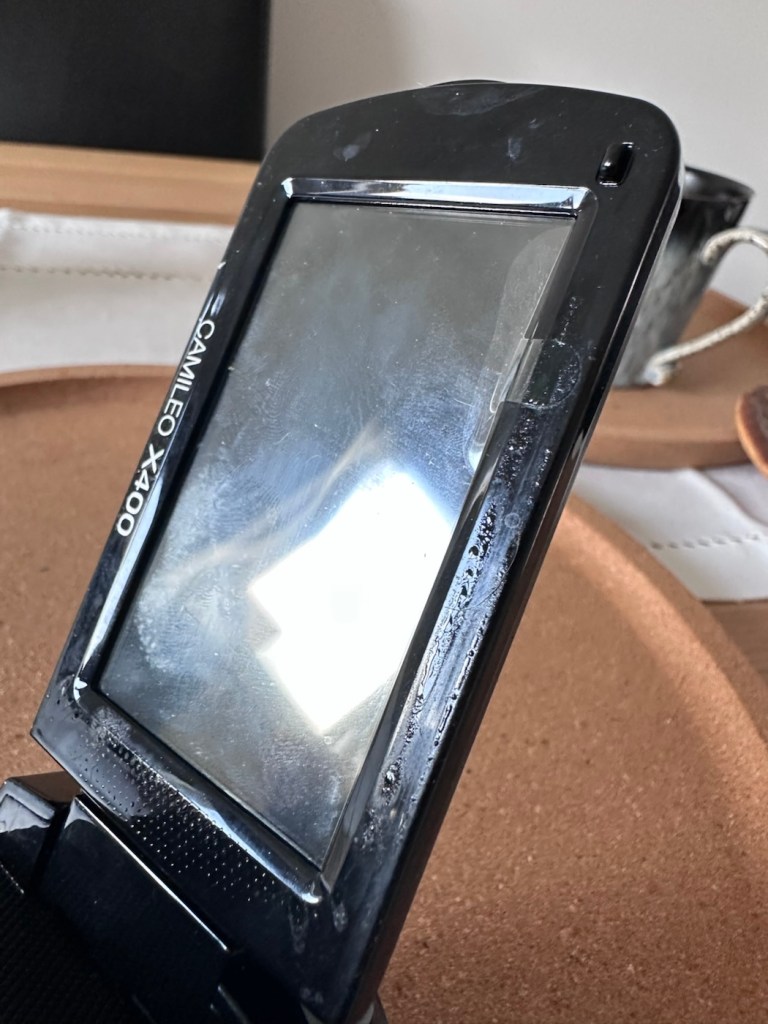
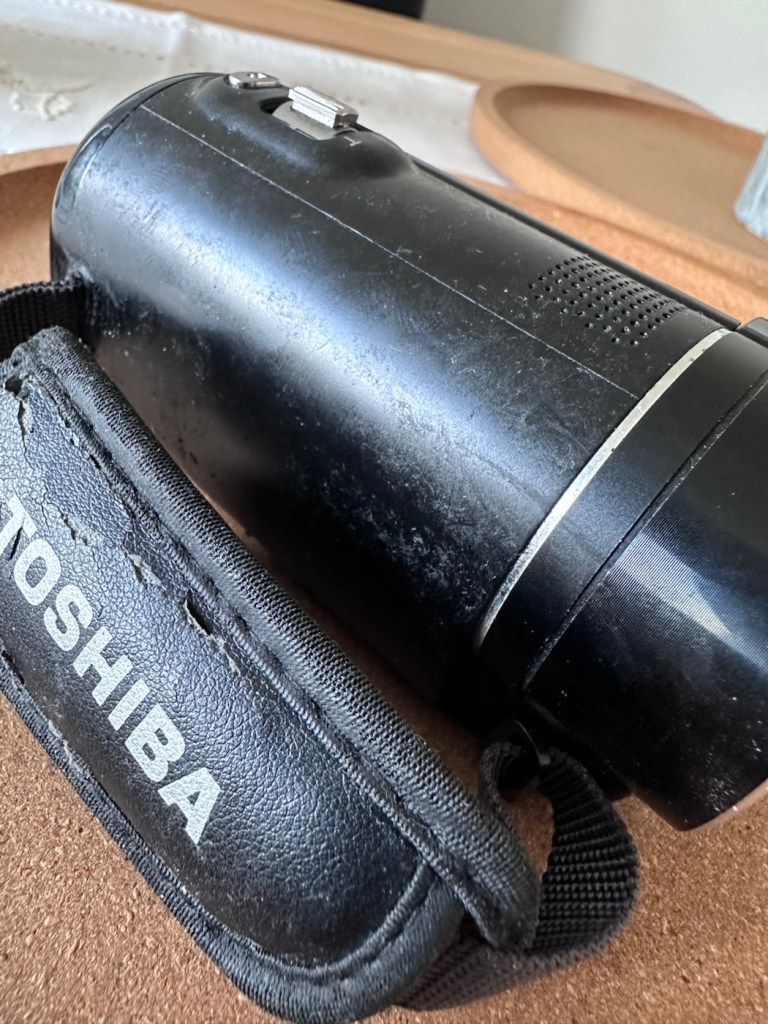
As soon as you pick the unit up, the stickiness the seller wrote about becomes obvious. It’s as if this camera has been immersed in a vat of molasses, it’s super sticky and if you review the close up pictures below you will see this unit has obviously been involved in some sticky situation, in places it is still wet, with liquid clearly visible, however that liquid is in a super sticky state of suspension.
Sticky LiquidWet, with protective film still in placeDirt and stickiness Just plain filth …The bad, and the very ugly
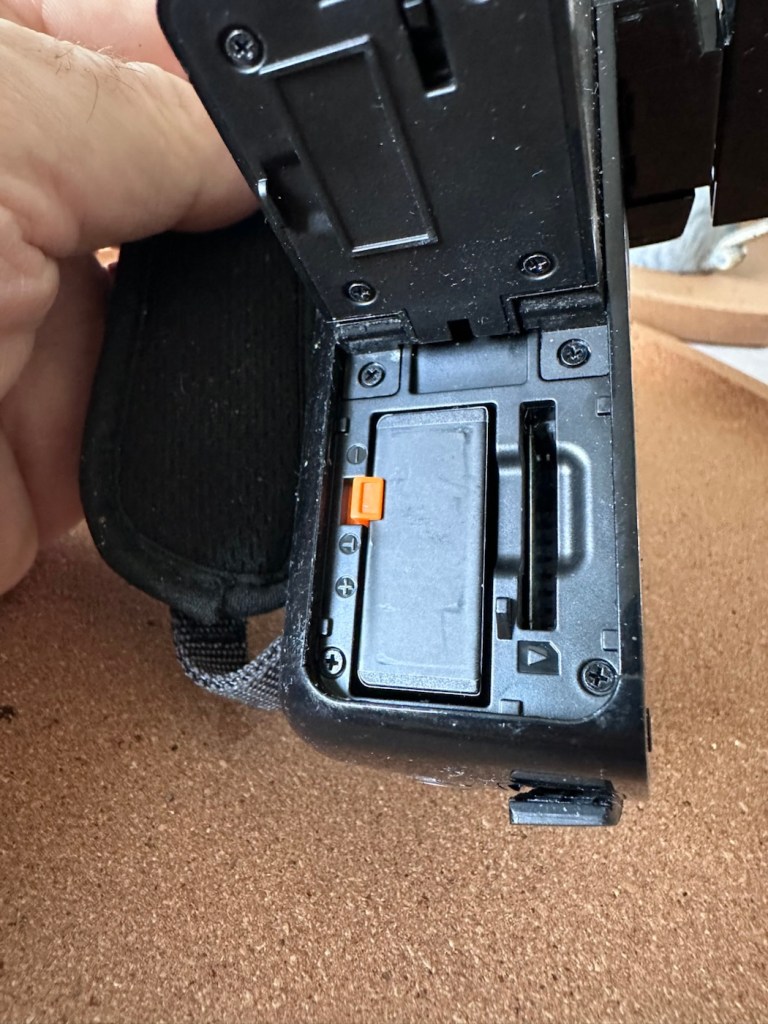
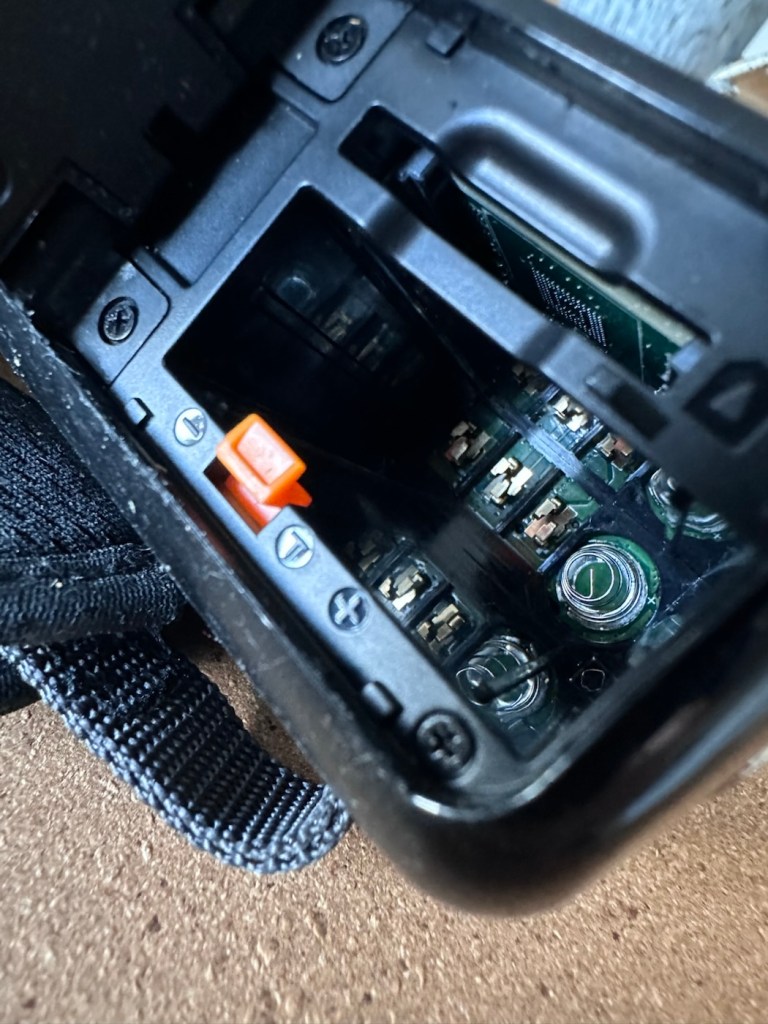
The battery is in place, I suspect it is dead but it will need to be tested, thankfully the battery contacts are clean and luckily it appears that no liquid has managed to reach these areas.
Battery – possibly deadBattery contacts all cleanSomewhere clean..hallelujah!
Before I even start to look at anything with this camcorder, a very thorough clean is the order of the day. It’s not going anywhere, and I’m not doing anything with it, until it is in a more presentable and workable condition.
I like to use a disinfectant spray when taking on a job like this, in fact I use it on most of my old cameras especially those that have an old musty aroma. The disinfectant has cleaned this unit up very well removing all of the old stickiness and residue. I finish off with some polish and a cloth and the beast has now been cleaned and is now in a much better condition to start looking at where the problem may lie.
A good clean and it looks like a different unit
Well, to be totally honest the unit is kind of dead. There is a minimal voltage in the battery and when I find a suitable charging cable and install it, there is not a great deal else occurring. There are some lights, but they are not doing what they should be doing, I’m expecting lights to flash whilst charging, and a solid light when charged. However this isn’t happening, so let’s move on to what we are going to do to try and resolve this issue.
Repair:
For the moment I’m going to focus on the battery. We need power, so we do really have to start here, we can’t diagnose or do anything without some power. It’s a 3.7v Li-ion cell, and the camera can charge via a 5v USB supply. I’ve managed to locate a suitable charging cable from that drawer of collected cables that “may come in useful one day”, that we all seem to have stashed in our homes. When the cable is plugged in you should get some intro music from the camera, and I do. This should then be followed by a flashing light that should remain lit until the battery has sufficiently charged. However I manage to get about two flashes from an amber light and then that’s it… nothing else. So far it’s positive that we have seen some life, however we need to see if we can encourage this battery to take a little more charge.
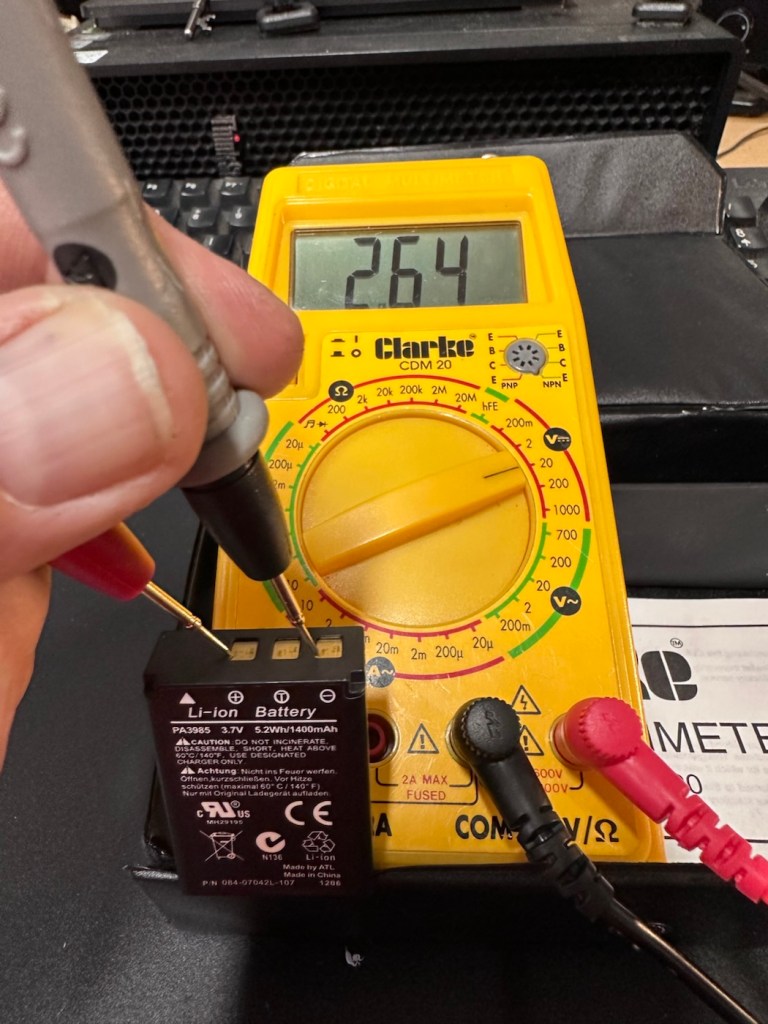
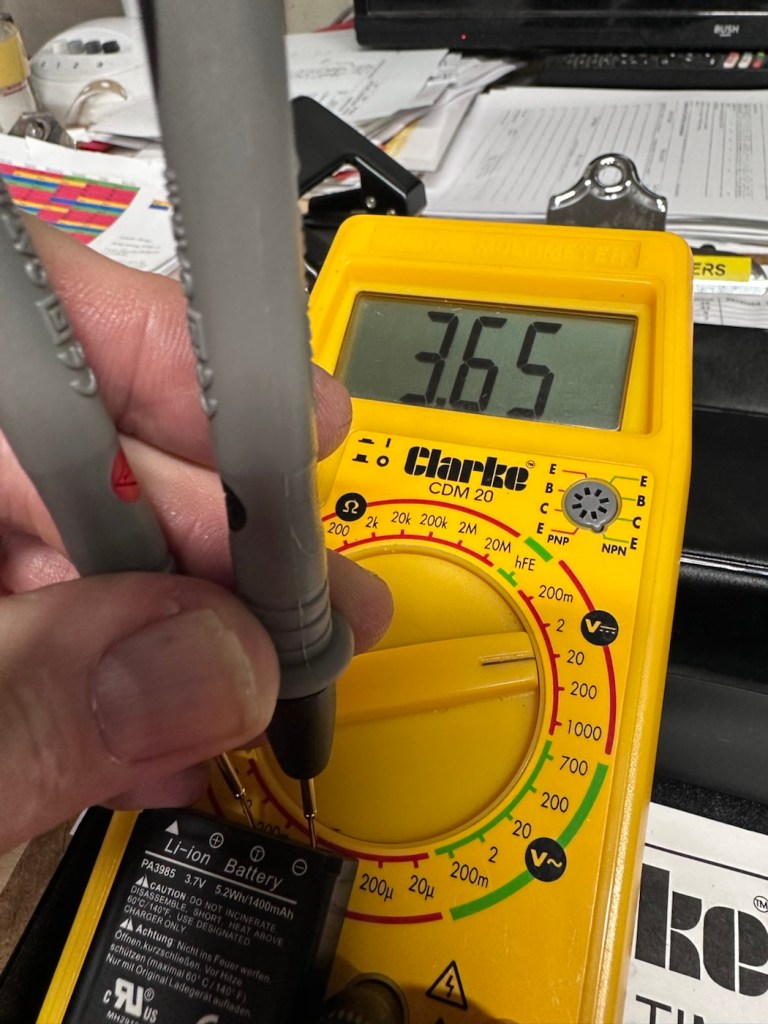
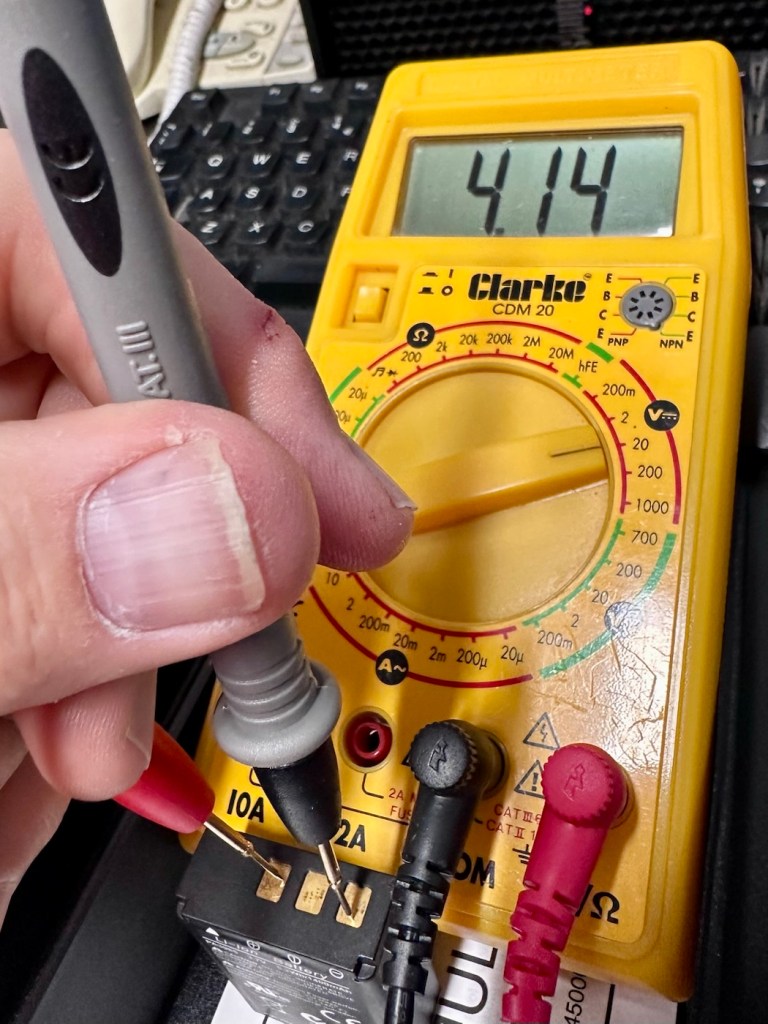
These batteries though rated at 3.7v usually charge up to 4.2v at full capacity. I’ve just measured this one with a multimeter and it currently sits at 2.64v. In the world of batteries this is severely depleted and to be totally honest looks as if this battery is dead.
A fully charged 3.7V nominal battery typically reads 4.2V, with 3.7V-3.8V being the average voltage during discharge. A 3.7V Li-ion battery is considered “dead” or fully discharged when its voltage drops to 3.0V to 3.2V.
While many protection circuits cut off at 2.5V to 2.75V to prevent damage, discharging below 3.OV frequently will significantly reduce the battery’s lifespan.
2.64v This battery is more than likely dead
And it looks as if this may have occurred here. It’s looking as if the battery is a dead one.
However, I’m going to see if I can rejuvenate this battery by putting a trickle charge through it, just charging it in the camera from a USB 5v power supply. I will monitor regularly for changes in temperature or other issues. I don’t have a spare around at the moment so if I want to do some basic checks on the unit I’ll just have to give it a try.
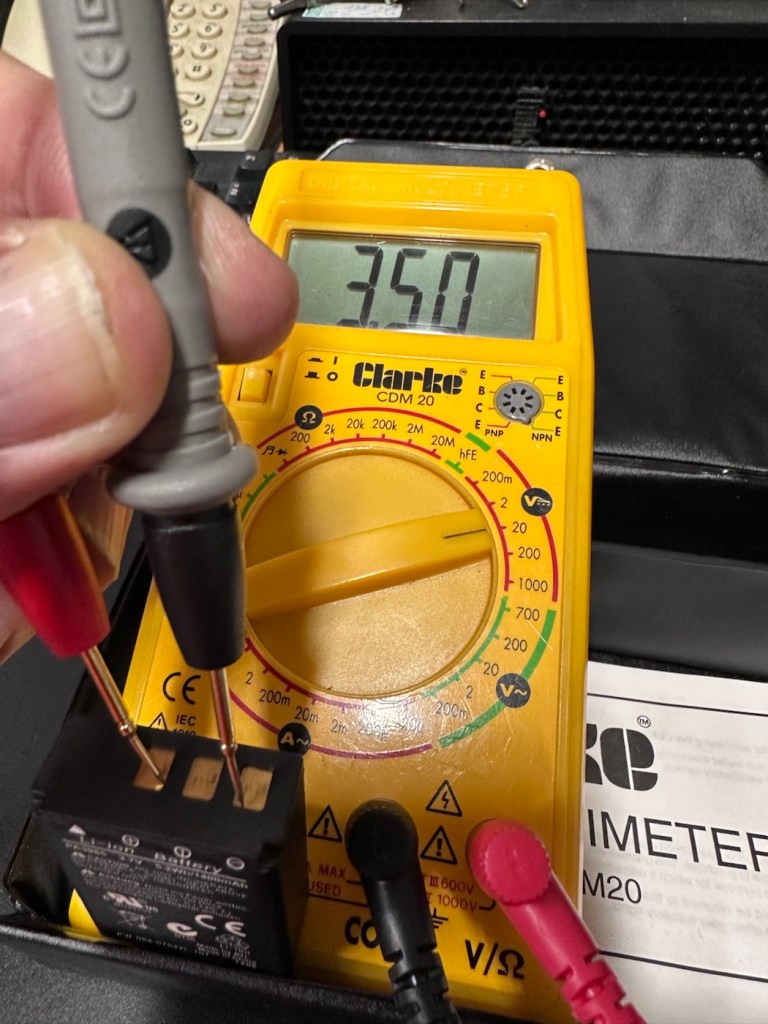
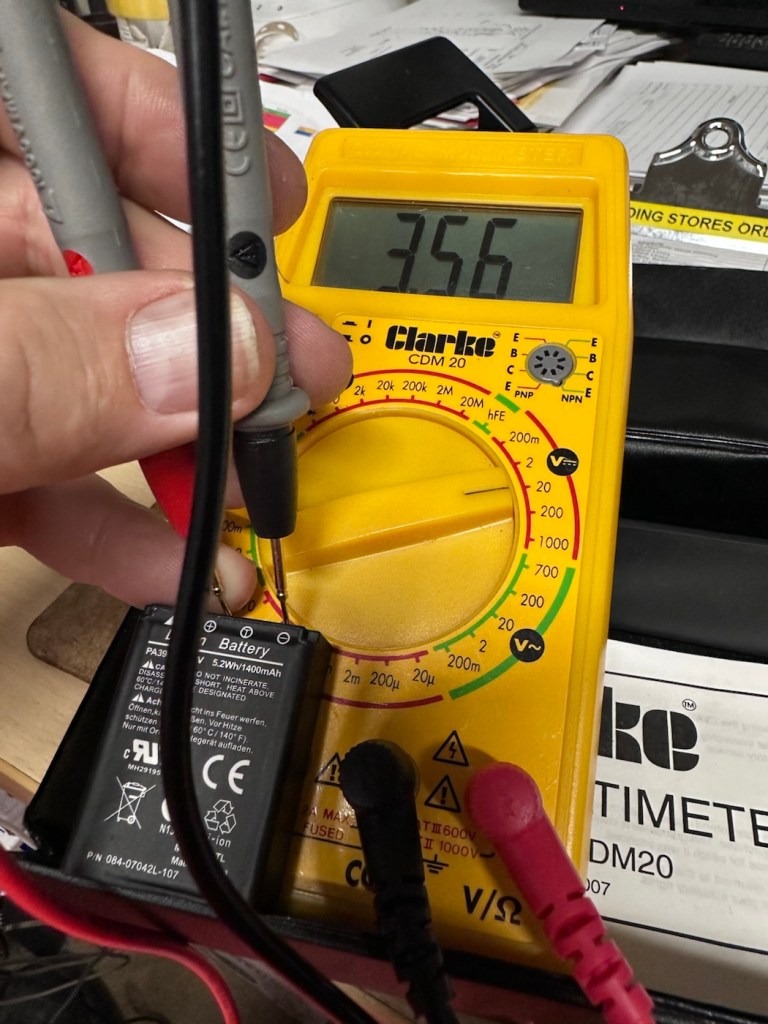
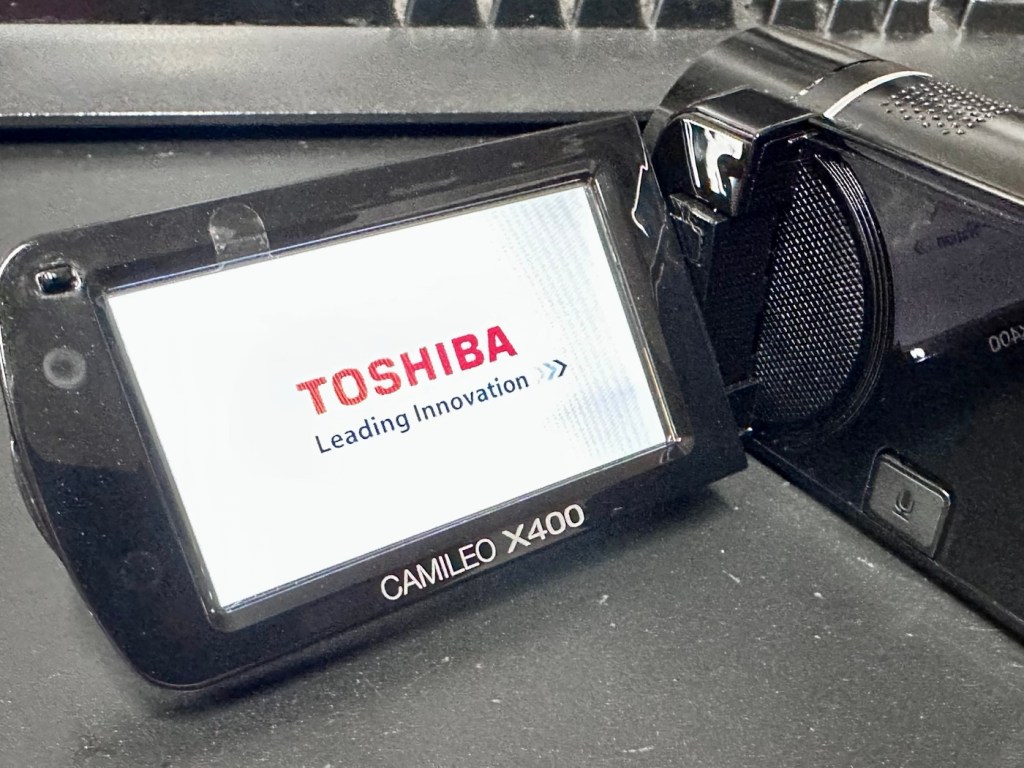
Dead at 2.6v After an hour we have 3.5vAfter 2 hrs it’s now 3.56vAfter 3 hrs it’s now 3.6vSlow work
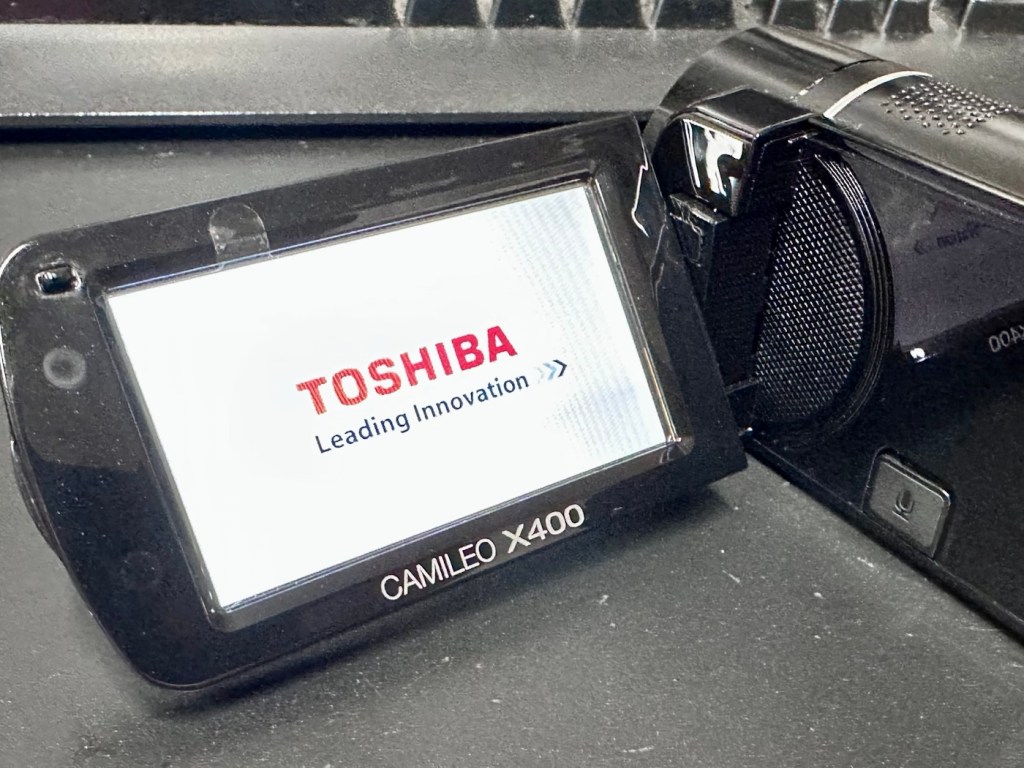
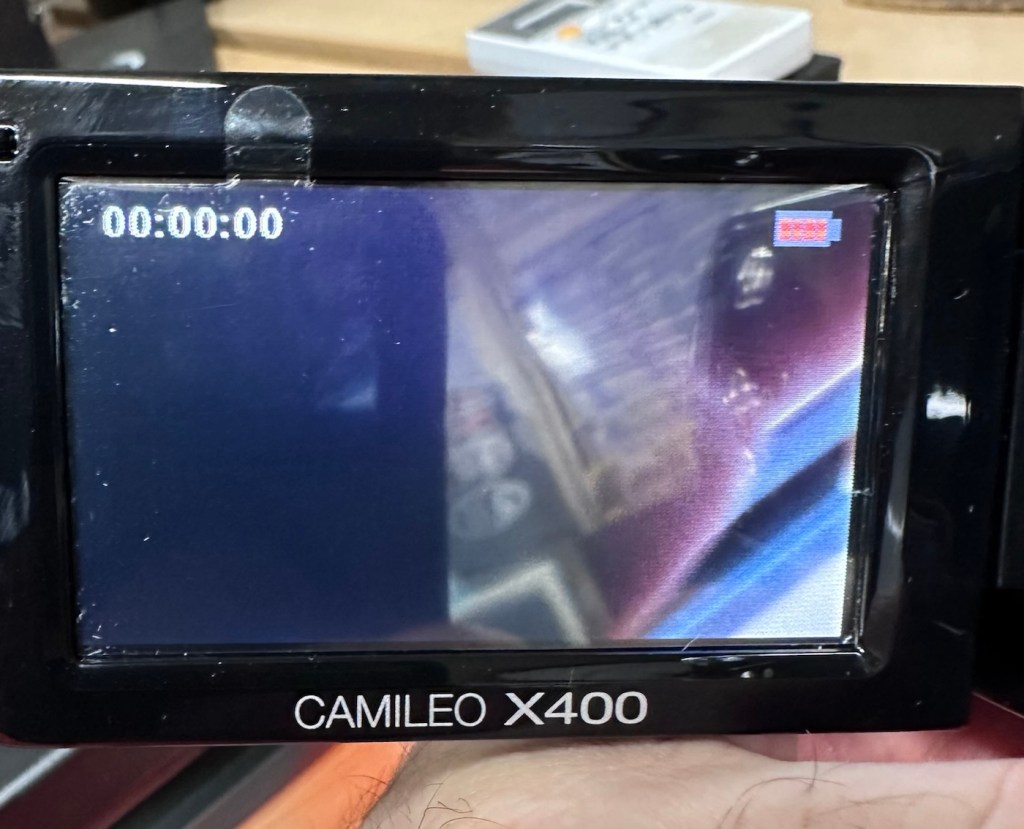
So after 3 hrs we’ve only been able to get about another 1v of energy into this battery, and as you can see we are only just into the battery depletion range. We have sufficient power to start the unit up and see a welcome screen, the zoom works. It’s clearly visible that there is a low battery indication on the screen and then it all shuts down again.
Welcome screen Battery indicators all red
There is just not enough life in this battery to sustain a 30 second video, the battery is just so worn down that I believe it is beyond resurrection. I may have to purchase a new battery to finish off this section of the post. It’s good though that we have tried, rather than just give up, and this has also allowed us to review what we have found out about the process, and the good news is that at this point it, is looking as if it is purely an issue with this battery.
The camera has cleaned up lovely and really looks like a nice piece of kit. For the moment I will put this post on pause whilst I await a replacement battery.
But…. Me being me, and not wanting to spend too much money at this point, I have persisted with leaving this battery on trickle charge. It has been consistently monitored to keep an eye on it, and I must admit neither the battery itself or the charger has been hot or even warm throughout this entire process, that is good.
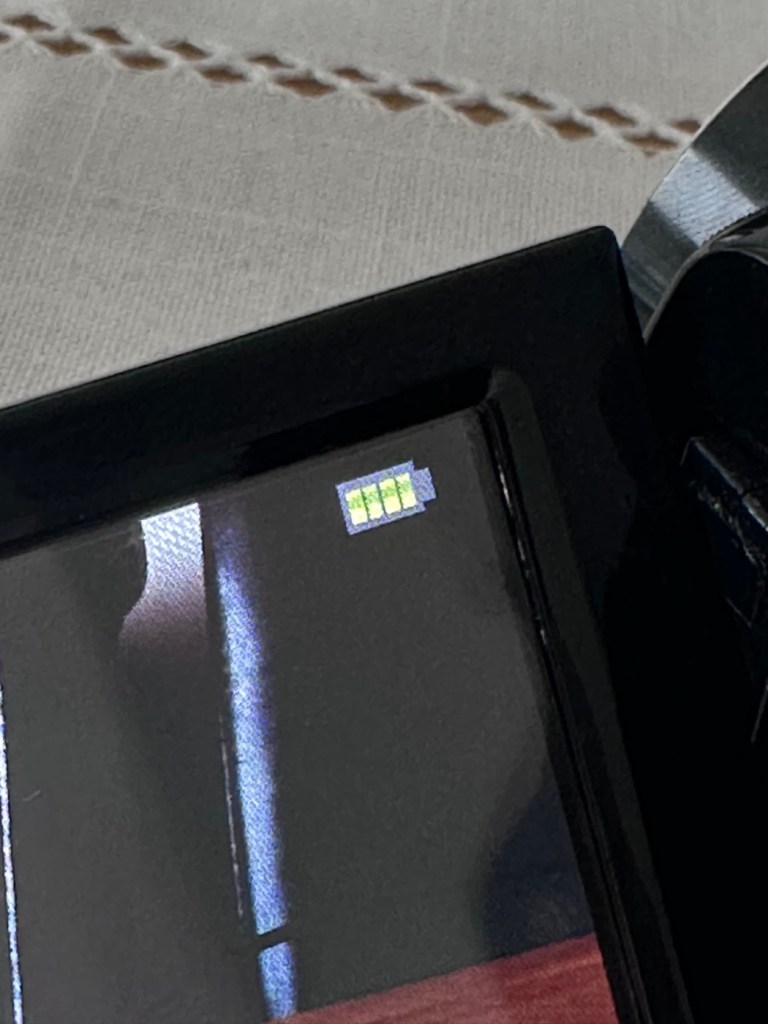
Four green lights – Fully charged?
Seeing that about 4 hrs ago the battery indicator on the screen was only showing two green bars, it is now showing four bars and that indicates it is now fully charged. Let’s get the multimeter back on, and check to see what the current battery charge is and see if that gives us an indicator to show if the nominal charge has now been achieved, I’m quite excited at this – I’m easily pleased and excitable in equal proportions – I have a feeling that with patience and persistence we may have well just cracked the issue. So what is the current voltage of this battery? Well, here it is….
4.14v
Full charge achieved
Well, I’m very pleased with that, not only has it charged fully it appears to have reached pretty much full charge beyond the nominal charge. I’ve probably saved this battery from the trash heap, but I guess it will be more of a backup battery for me as I will probably purchase a new one, for my main battery, now though, there is no rush as it looks as if this one has been rejuvenated.
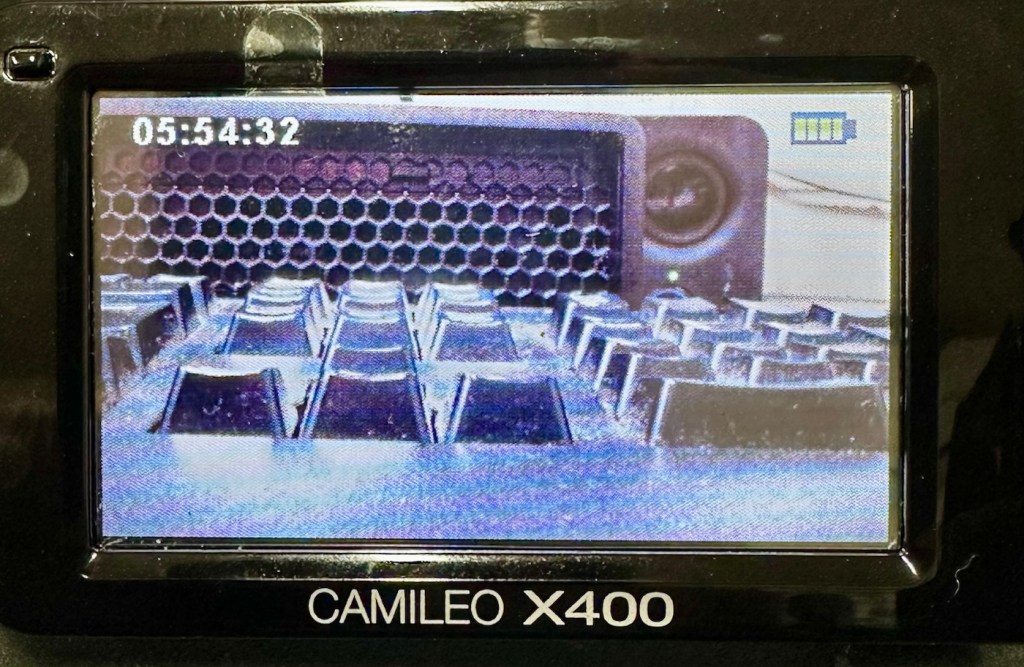
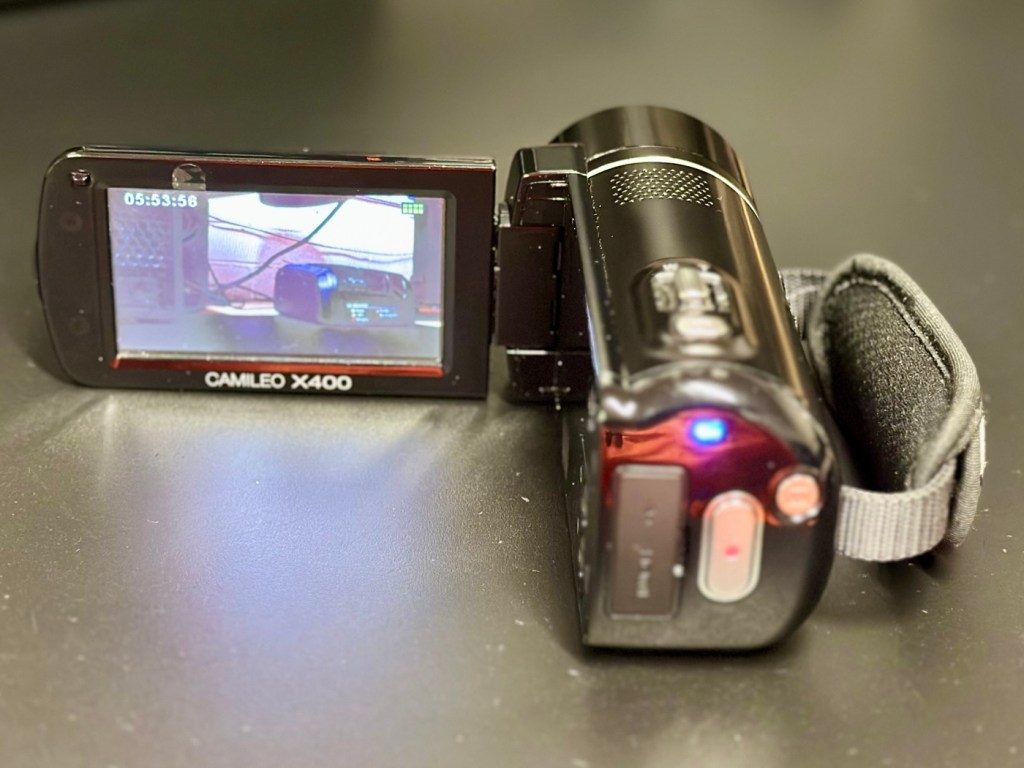
I’ve put a 32Gb SD card in and the screen is indicating 5 hours and 54 minutes of recording time, however on a full battery and using the minimum of activity (Not using Zoom and other effects) you can normally squeeze two hours of recording from the battery. But I’m never going to be filming war and peace, and I’m probably never going to get that kind of usage from this battery. My best bet with this battery is to not let it deplete totally, and try to keep it in a charge cycle were it doesn’t dip below about 25% of its capacity if I can help it.
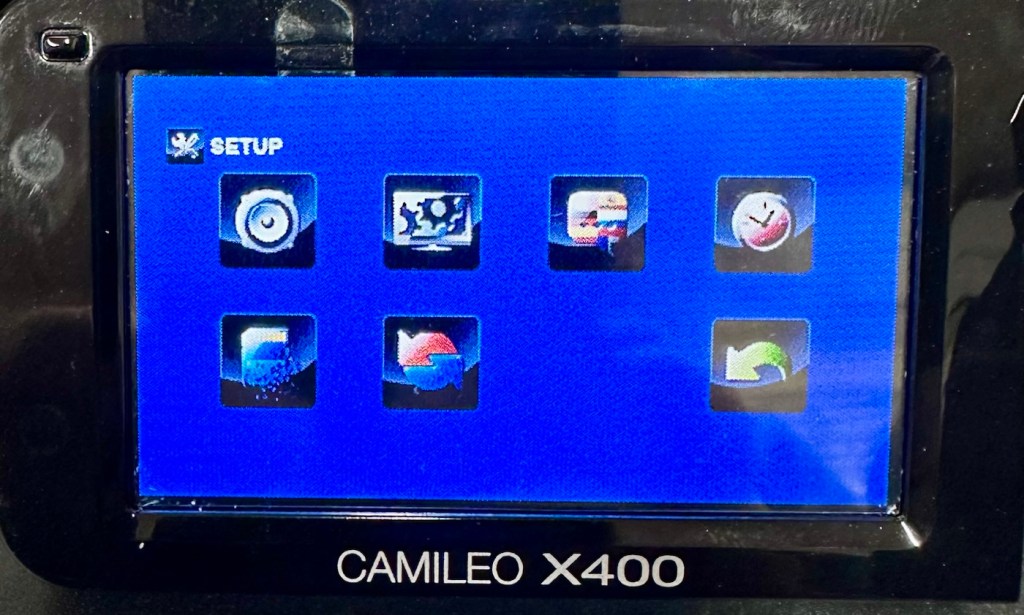
I’ve tested all settings and everything is just fine. The touch screen is responsive and all setting and special effects can be easily accessed. There is nothing else wrong with this camcorder.
Available recording capacity Touch screen working well
At this point I am now happy that this camcorder is a fully working and very capable little unit, that should serve me well as I use it to make videos for my YouTube channel and WordPress site. Repair is complete and successful.
Result:
This little camera cost me £7.00GBP and it’s been a fantastic restoration as such as it has not cost me a penny more than what I have paid for it. All I have done is invest time, done a lot of reading up about the intricacies of Li-ion power supplies, and done an awful lot of cleaning as this unit was probably one of the filthiest pieces of kit I think I’ve ever worked on.
A video, of me, videoing a video of me videoing
The camcorder is now a totally different looking camera from that which I received in such a sorry state just a few days back.
A nice camcorder, clean and restored
I’m going to use this camera myself for little items that I will be publishing here as well as on YouTube. It is so wonderful to see old unused and unloved items, repurposed and given a new lease of life.
Another one saved from landfill.
Thanks for passing by, as always it is very much appreciated.
A little explanation of the differences between the light sensors of two vintage point and shoot cameras produced 12 years apart
I’ve recently purchased two old point and shoot cameras as a lot. One was from 1960 and the other one was from 1972 only 12 years apart, but a world away in technology regarding light sensing ability and technology.
Yashica 35 ME & Ricoh Auto 35
These two cameras only cost me £4:99 In total, they were sold as spare parts, and I suspect the issues could be around the light metering, as to be honest there isn’t a great deal else that could go wrong with them. Here’s a quick breakdown of the metering methods on each camera, followed by a more complex explanation around just what each method of metering involves.
Ricoh Auto 35 – Circa 1960
The older camera, the Ricoh, dates from 1960 and just by looking at it, you can see its light sensing system is built around the face of the lens barrel, it’s that glass honeycomb concoction that is so typical of a number of cameras and light meters of this period. Here is a post I previously made regarding Selenium light meters – (Sangamo Weston Master V light meter) The meters were known as selenium meters, there was no electrical components such as batteries, it was a little bit of scientific magic, here we go with a little explanation….
How the Selenium Cell Works in This Camera:
A selenium light cell operates on the photovoltaic effect (similar principle to modern solar panels):
The cell contains a thin layer of selenium coated onto a metal base. A very thin transparent conductive layer (often gold or another metal) is placed on top. When light hits the selenium, it generates a small electrical current. That current directly drives a tiny moving-coil meter needle.
The honeycomb ring is the selenium cell, light hitting it generates a small electrical current of approximately 0.5v. That current directly moves a needle inside the camera, the needle mechanically links to the exposure system. On the Auto 35, the meter is coupled to the shutter/aperture system, meaning that in “Auto” mode, it helps set exposure automatically. In manual mode, you match the indicator.
No battery is used — it is entirely self-powered by light.
Expected life span:
The Ricoh’s selenium cell is now about 60+ years old, so condition varies.
Typical selenium lifespan:
Originally: ~20–30 years
Many survive 40+ years
After 60 years: often weak or dead, this one probably is
Common Conditions Today:
✅ Still accurate (rare but possible)
⚠️ Works but underexposes 1–2 stops
❌ Needle barely moves or is dead
They usually fade gradually rather than fail suddenly.
So that gives an idea of how 1960s light metering works, and to be quite honest it probably means that as this camera is now over 60 years old the metering cell is long dead. It does not mean the camera is useless though, it can be used manually using a third party light meter or you can always use the “Sunny 16” rule.
Yashica 35 ME – Circa 1972
Now moving on 12 years to 1972 and the selenium meters have now gone only to be replaced by the CdS system- Cadmium Sulfide sensor, otherwise known as an electrical photocell. The sensor can be seen at the top of the lens ring, a little glass bubble. The downside with these sensors are that they contained Cadmium which is a toxin, replacements are no longer available so modern cameras use photo diodes instead. Here’s the explanation of CdS technology:
Unlike selenium (which generates electricity), CdS works by changing resistance:
In bright light → resistance drops
In dim light → resistance rises
The camera contains:
A CdS photoresistor, A battery, A small electronic circuit, A meter or automatic exposure mechanism
The battery sends current through the CdS cell.
Light changes the resistance, which changes the current.
That signal controls the exposure system, and a 1.3v battery cell is required to power the meter.
Why CdS Was an Improvement:
Compared to selenium cells, the CdS photocell was much better in low light, it was smaller, more accurate and required a battery that could be replaced to extend life whereas the selenium cell in time would naturally just die away.
CdS cells generally last a very long time — often decades — and usually outlast selenium meters.
Hopefully this gives an explanation regarding the two types of metering sensors that were present between the 60s and 70s. It is always worth considering when purchasing such cameras that the light meters may not, and will probably never work again, the camera itself is probably fine, you’ll just have to find other ways to ensure your lighting conditions are sufficient, and that really is no big issue, it’s easy and second nature to most camera users. As stated earlier just use the “Sunny 16” rule. Just enjoy your photography, experimentation is half the fun.
Reviews on these cameras will be following soon.
Thank you for passing by, it’s always appreciated.
Describe an item you were incredibly attached to as a youth. What became of it?
It was around 1984 that the Raleigh bicycle company in the UK released the Raleigh Record Sprint entry level racing bicycle. I would have been around 18-19 years of age at the time and I would have been working in central London, temping as a photographic technician at the time. I would have been working between Edgware Road and Farringdon, and would be cycling in from Bushey in Hertfordshire every day, about 25 miles each way at the time. I was quite fit back then.
The Raleigh Record Sprint
My mum at the time had one of those catalogues where you could purchase items over a period of time otherwise known in the UK as on the, “Never Never”. I loved this bike as this particular model had a lot of Gold coloured attributes, gold handle bars and levers as well as a gold chain set and mudguards. This bike really looked like, “The mutts nuts” as they say.
It was a pleasure to ride however the pot holed roads of London were not the ideal surface for a road racing bike with pencil thin tyres and narrow rimmed wheels. It gradually got to the stage where I was spending more time in maintaining the bike at the roadside, and being late for work, that I made the decision to transfer to public transportation.
I worked with a lad at the time who was mad on biking and he turned up to work one day on what I believe was one of the first mountain bikes I had ever seen. I was very sceptical at the time joking that there were, “No mountains in London” however he was the one cycling the roads of London daily with no issues with punctured tyres or breakdowns.
It turned out that Mountain bikes were the way forward on the mean pot holed roads of central London. Though, it would be a few years before I could afford one of my own.
I’ve seen many old Raleigh Record Sprint bikes since and have always considered getting another. But to be honest they command such a strong price now that to be realistic, it just wouldn’t be worth it as I’m probably never going to actually ride one again.
It was a lovely bike, it served a purpose but was killed by the potholes that were strewn across London in the mid eighties. The roads haven’t improved much since, but the bikes have, hence the amount of them you see if you ever venture that way.
A very corroded Canon power winder “A” from the 70s
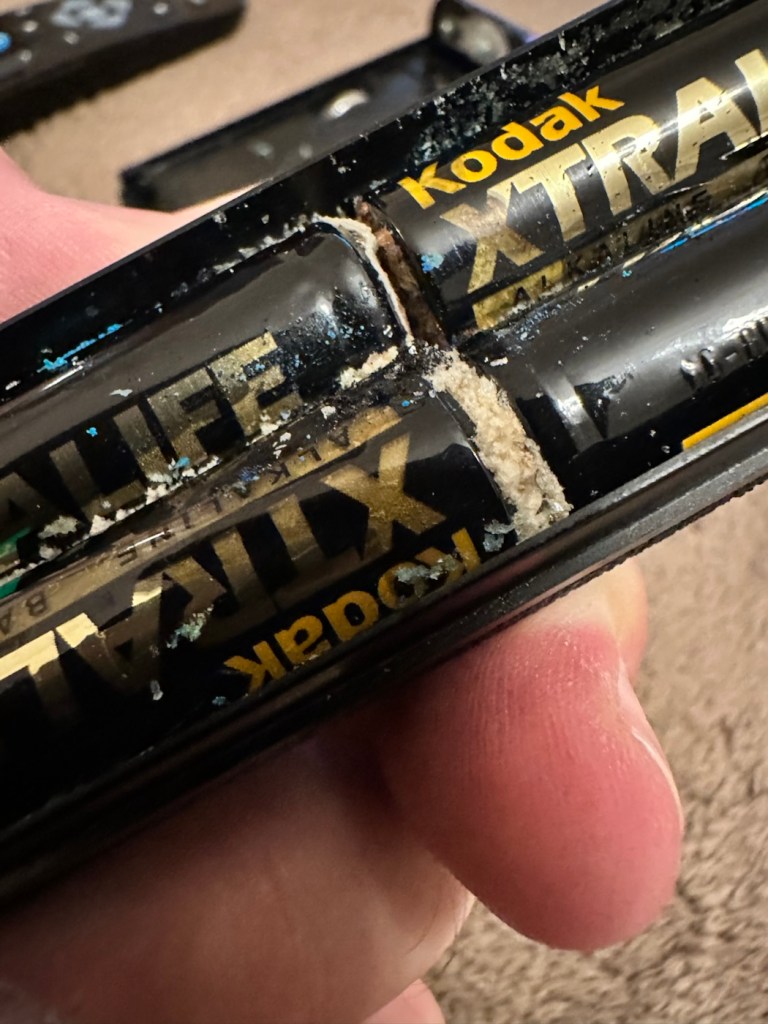
This is what it looks like externally, looks fine, but as this post goes on, you will notice a very marked deterioration in quality. It’s a horror story of battery acid contamination.
Looks nice
This unit is part of a bundle that was donated to me by my good friend Jon, see here: Cameras…i need more!
It was part of a Canon AE1 combo, the Camera i have previously posted about here: Canon AE1 35mm SLR, however the batteries within it had been left for such a long time that they had started to dissolve into the unit, leaving quite a restoration project behind. Here’s some history about this unit:
The Canon Power Winder A was originally introduced with the Canon AE-1 camera in 1975 but it also can be used with all the A series models (in fact, it is applicable to use the Winder A with the professional class Canon F-1(n) system SLR camera but without power rewind feature). It is an automatic film winder which greatly increases the automation and mobility of these manual focus cameras. Its exceptional versatility, due to its compact design provided by the principal control circuit built into the electronic circuitry with most of the electronic models such as AE-1, A-1 or AE-1 Program etc, and allows it to be attached to any models mentioned earlier and provides for its use without any special adjustments.
Winding Speed: Approximately 0.5 seconds. Operation: When the shutter button on the AE-1 is pressed, the winder will function. Shutter Speed Coupling Range: 1/50 to 1/1000 second for continuous photography. “B”, or 2 to 1/1000 second for single frame photography. (When the winder is set at “B”, AE photography cannot be performed). Film Counting: Is performed by the frame counter on the AE-1. Automatic Cut off Circuit: When the film roll is completely wound up or if the batteries should run out, the winder will automatically stop and the warning lamp (LED) will light up. Power Source: Use 4 size AA batteries. (In normal temperatures they can take more than twenty rolls of 36-exposure film). Attachment: Take off the winder coupler cover on the bottom of the camera, and mount the power winder using the tripod socket. Size: 141 x 42 x 34mm (5-9/16″ x 1-5/8″ x 1-5/16″) Weight: 3009 (including batteries) (10.9/16 ozs.)
Mir.com
I already have one of these winders on my A1 that I am currently repairing, however that’s away in storage at the moment until I get get my workspace back up and running when we eventually move home.
Im aware that these winders can take a max of two exposures per second if the lighting and conditions are right, meaning you could crack out a 36 exposure roll of film in under 20 seconds! They don’t do auto rewind either, you still have to do it manually, it would be a couple of years yet before that option became available. The red light on the case indicates one of two things, the battery is low, or the end of the roll has been reached, time to rewind!
They are quite reasonably priced if I wanted to buy one, but why would I do that? The purpose of this site is to repair and recycle, so that’s what I will attempt to do. It will be quite a task with this one I think.
Assessment:
As stated above, and from the outside, all looks well.
Outside, cosmetically, no signs of a problem
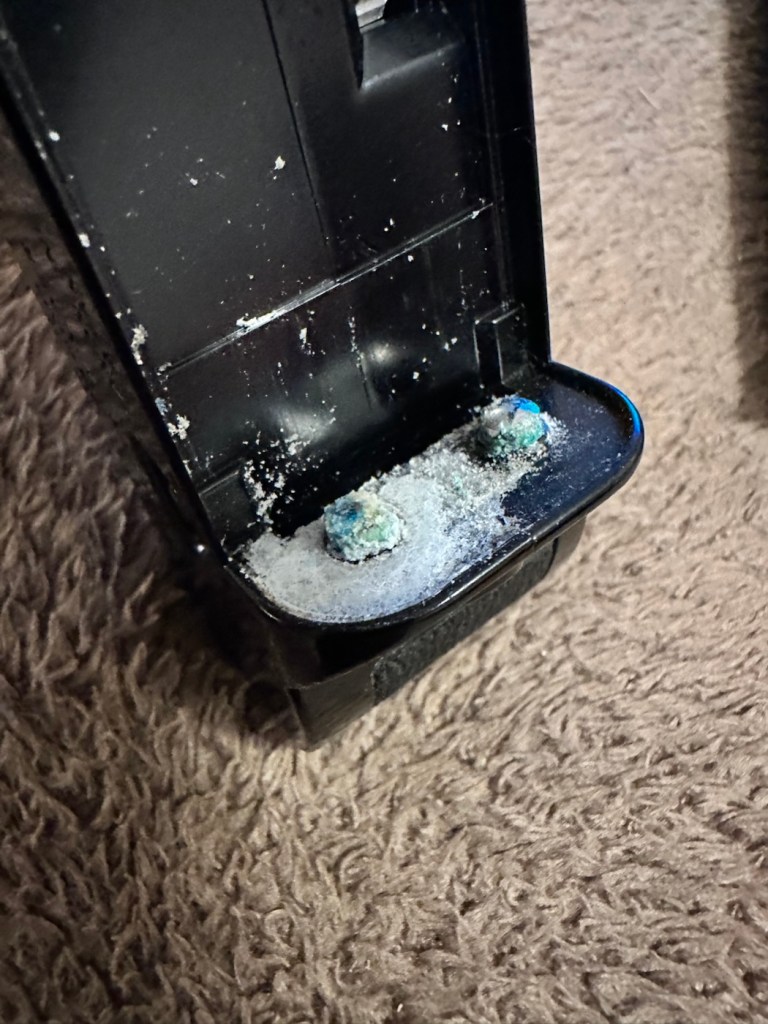
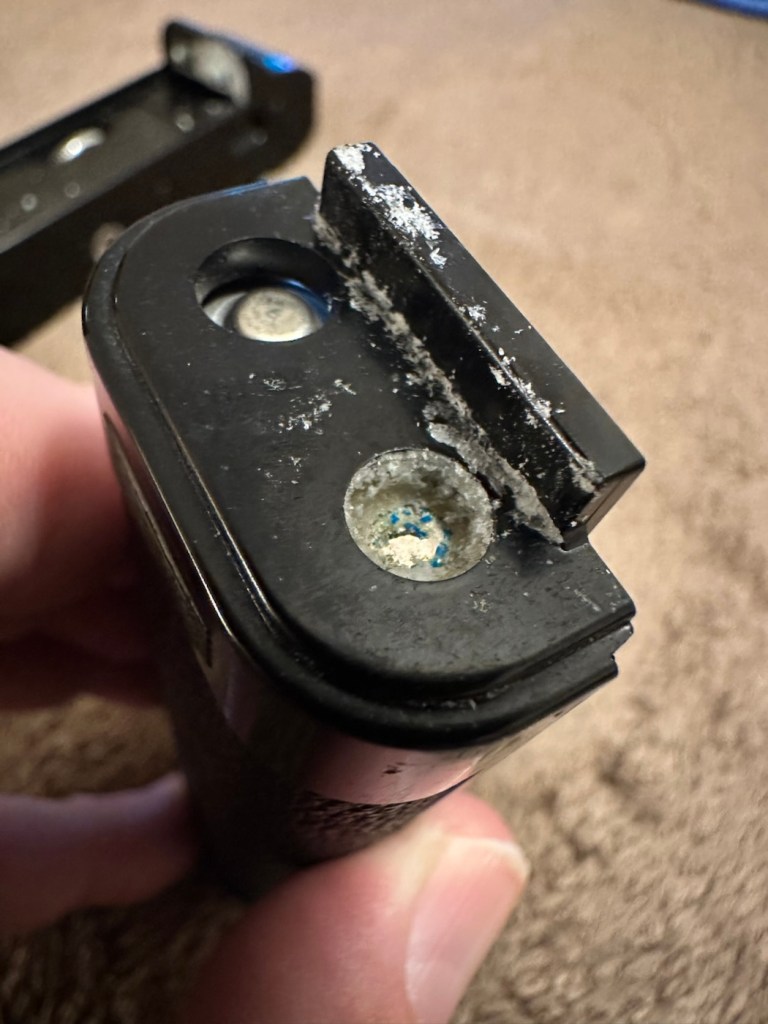
However there are a couple of giveaways that alert you to the immediate issue. Firstly there is an aroma, a kind of metallic musty smell that instantly alerts you to “Corrosion”. Secondly near the switch there are some “blue” granular stains that confirm corrosion.
We start to open up and find signs that all is not wellThe old corroded batteriesThe contacts, and the battery bay
It’s pointless even putting batteries in here yet as they will not work, the damage is too extensive for the batteries to work. To be honest we now need to do a good clean and decontamination before we can even start to look at the extent of the contamination.
Repair:
First we have no choice but to get rid of the corrosion, this will involve brushes, a pencil grinder, and copious amounts of isopropyl alcohol. Let’s get started.
Using a sonic brush and IPA
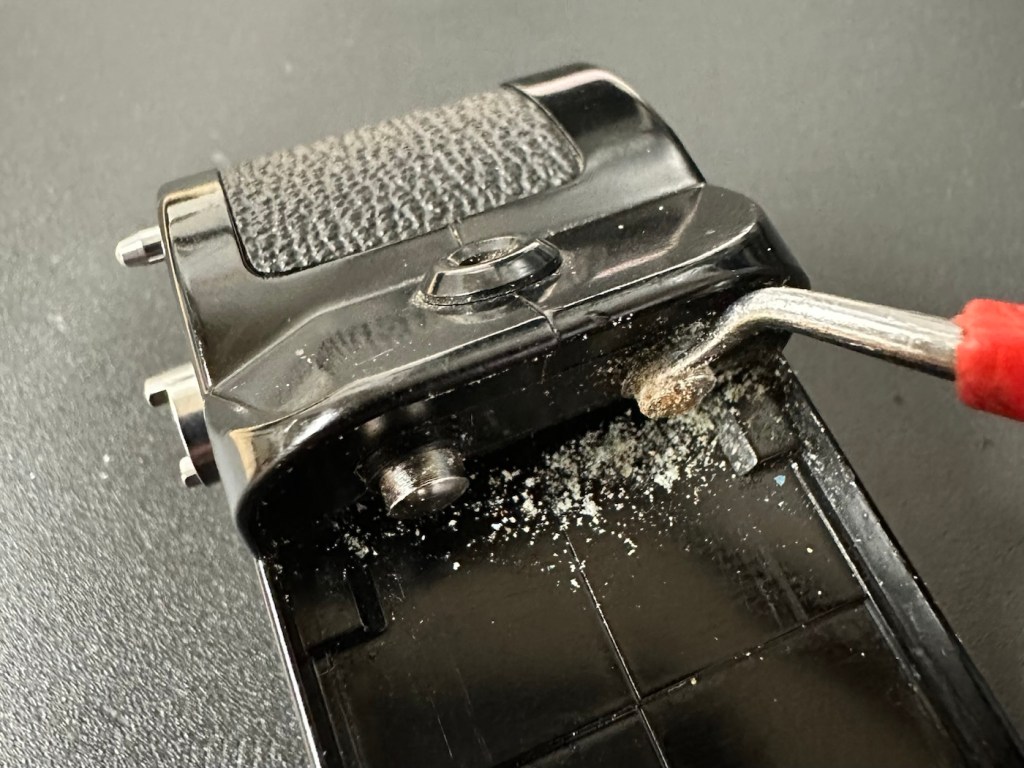
I attack the contact end of the winder with a sonic brush and some IPA. After about 10 minutes and multiple applications, using a small scraping tool i was able to remove the corrosion that had started to eat away at the chrome on the contacts, a small rub with some fine sanding paper restored the metal as best I could. I’m not going too over the top here as the corrosion could have well gone past this point into the internal workings, I’ll tidy up once I can get it working as it should.
Before AfterThe battery compartment
The battery compartment was cleaned using a similar process. However the contact end that used to have springs mounted for the batteries, have all rotted and the springs have had to be removed. I will replace the springs later, it’s not required for testing purposes just yet. All this contamination and blue staining has to be removed completely, if you leave contamination behind, it can start to attack the unit again at a later date, take your time and ensure you get as much off as you can. Clean, clean and clean again. It’s a boring part of the process but essential for long term results.
With everything cleaned and left to dry, I put some power across the winder power contacts and nothing happens. No noise, not any sign of clicking or of any movement at all. Just as previously feared i think the corrosion has gone further. Let’s get it opened.
Leatherette removed to access internally
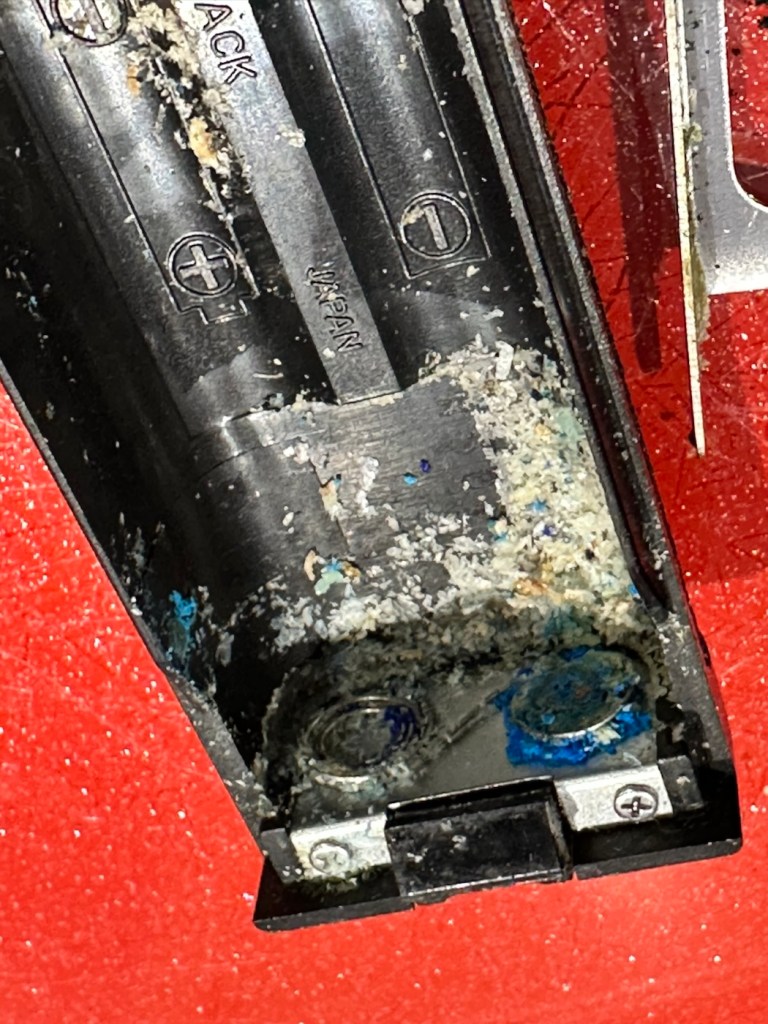
Corrosion has made it inside
And as expected the corrosion has made its way inside, the picture above shows a wire at the contact point rotted due to corrosion, in fact the second wire fell off just after removal, the contamination has eaten the cables and is rotting the connections. The good news is that it seems that the issue hasn’t gone beyond these contacts.
I’ve now cleaned and polished the contacts at the rear in preparation for being re soldered, the issue here is that I may have to extend the cables slightly as they are quite short. This may aid my testing of the unit prior to reassembly, let’s wait and see.
I have now soldered both contacts back into position, without any extra wire, hell, it was really fiddly and I doubt it would be able to be opened again without these wires being extended a bit further. I have also thoroughly cleaned throughout the internal workings removing all signs of contamination. I have reassembled the unit and it now sits in one piece. I have taken a dentist tool to further scrape down the contact point within the battery barrel area.
Further cleaning of the contact in the battery barrel area
Using a little wire wool and IPA to clean the area I now have two good points of contact. Using the multimeter confirms we have continuity over the contacts that we didn’t have previously.
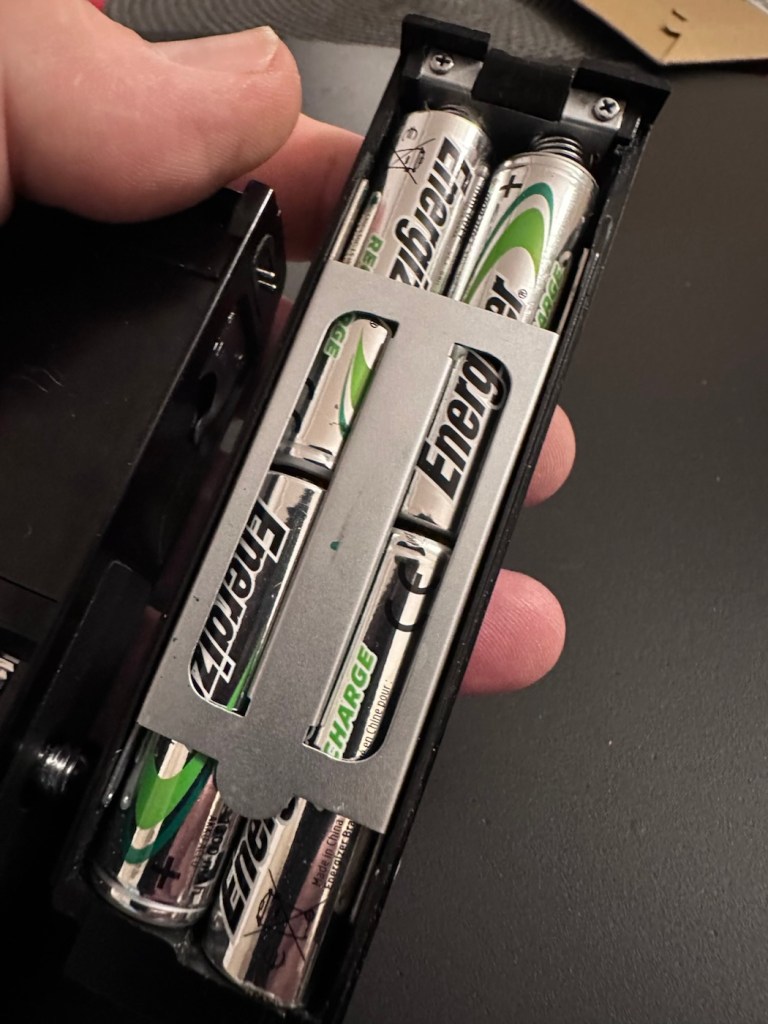
Reading the section above, you will remember that I had to remove the two springs on the battery case as they had totally corroded and broken away. I have some new ones but they are in storage, so for now I will just have to compromise until I can get to the new ones and solder them in place. Here I just obtained an old spring from a waste metal box, split it in two, added a small washer one end for the positive contact and just left the other as it was. Both springs were put in place, just being held there by the four AA batteries. As I stated this is purely for testing purposes and will be corrected once I have confirmed the unit works.
Temporary springsHeld in place by batteries
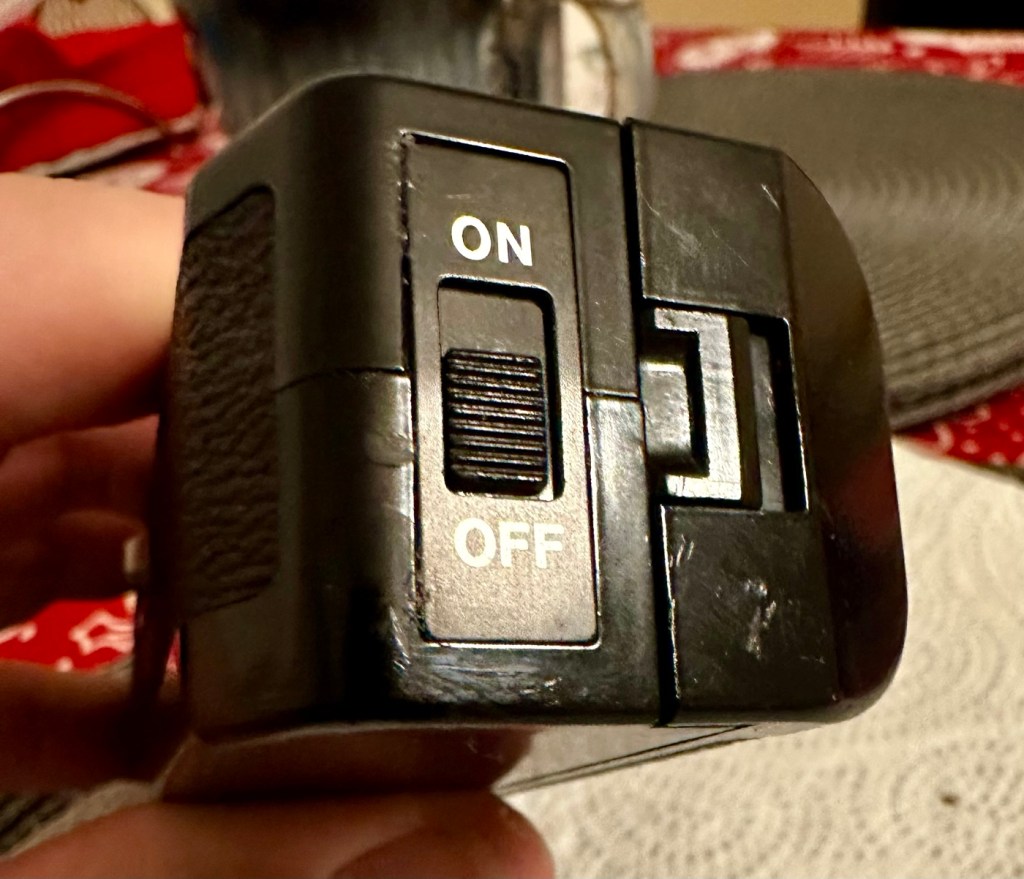
The battery holder was attached and then switched on. Nothing. Then I remembered I have to simulate the signal from the camera and this can be done by putting a metal short across the two raised pins at the power switch end. This worked, and the motor did its quick burst as expected. See the small video below.
The winder, now working. And shorting the pins to simulate the cameras signal
I’m pleased with this, as all the work I have done has been worthwhile. I just need to get the new springs soldered in place, give the whole unit a thorough final clean, ensure the leatherette that was removed is stuck back down and that the on off indicator is stuck back into place. And then we can put it onto the Canon AE1 to see if it works as it should.
Leatherette now glued back in to place
On / Off switch plate glued back in place
Today I have taken out the battery spring connector and I am about to put the new spring contacts in place. I’ve found even more corrosion behind this plate so this will need to be cleaned before reassembly.
More corrosion found behind the battery spring contact plate
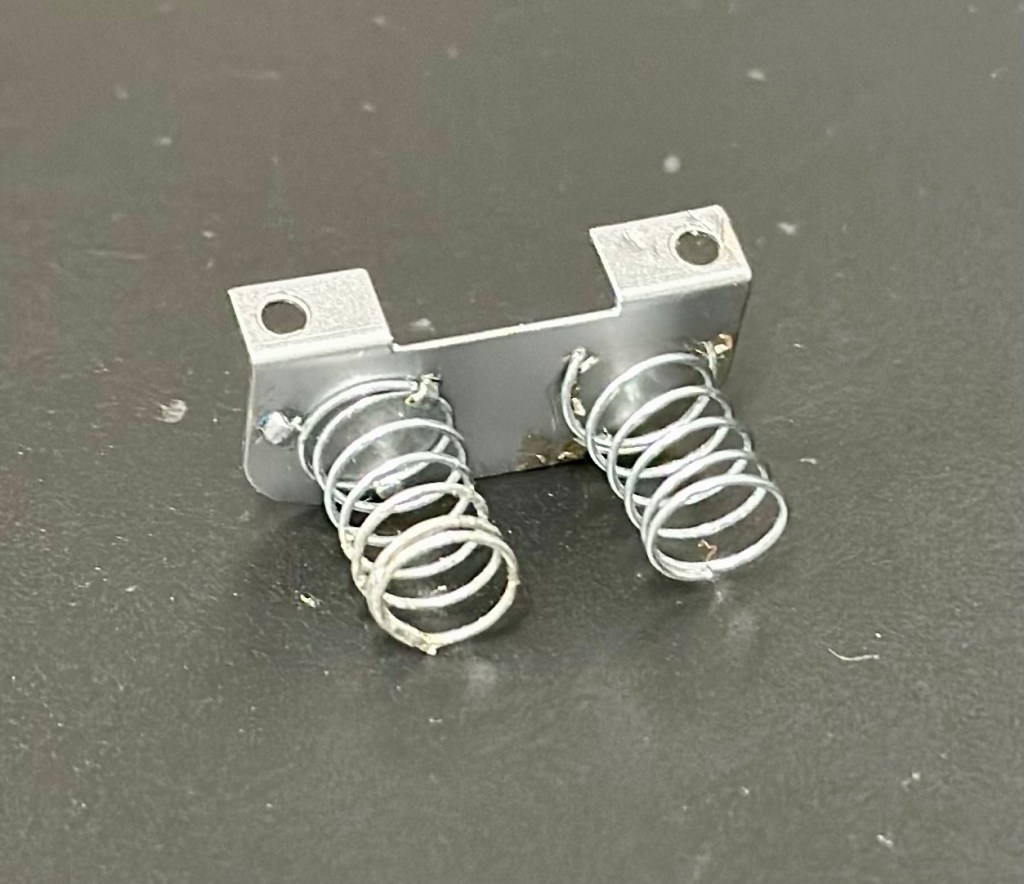
I’ve now fixed the new permanent springs in place, they wouldn’t solder so I’ve had to use a combination of using the old clips that were originally there and weaving the spring though the holes where some clips used to be but had corroded away. Either way it has worked well and both springs are quite solid, and don’t look out of place at all, they probably look better than the originals.
New springs attached to a clean plate
With the battery pack contamination removed I can now reinstall the battery contact back into place.
All cleanedReinstalled Batteries in place
I know that the pack works, and now the final touches have been added, this winder is now back into a good working order, and fit to go back to work doing what it was originally designed to do.
Result:
This is an item you can readily buy on the auction sites at a very reasonable, some would say even very cheap price.
The complete, cleaned and reassembled, working winder
Is it worth the repair you say? Well yes, it is. The trouble is, it is so easy to throw stuff away these days, that in reality, can be given an extended life and purpose for pretty much no cost apart from your time and patience. On top of that, getting these items apart and reassembling them is a great learning circle, and you can never stop Learning. You are preserving the past, and that’s always a good thing.
A very brief video showing it working
As you can see above in this small video I have taken today, here I have my Canon AT-1 with the winder attached, doing what it is meant to do and sounding so retro with that motorised winding sound. Don’t you just love it? I most certainly do.
Thanks for passing by. It’s always very much appreciated.
Another bunch of photographic waifs and strays have arrived at my door. Can they be saved or are they beyond redemption?
What the listing stated:
Job lot of 5 slr film camera bodies
Canon ae-1 program, Olympus om10 x 2, Pentax me super, Fujica stx-1
Sold as spares and repairs only, all have some sort of fault
Please see photos for condition
EBay
I’ve just purchased a job lot of old cameras all requiring repair, god knows what the real issue with them is, however they all do seem to have all knobs and buttons available which in many cases is quite a rarity. I’ve paid a grand total of £40:00GBP so if you break it down to a total of £8:00GBP per camera then I’m quite happy with that. Even at this price, i get some good spares, should that be all they are useful for.
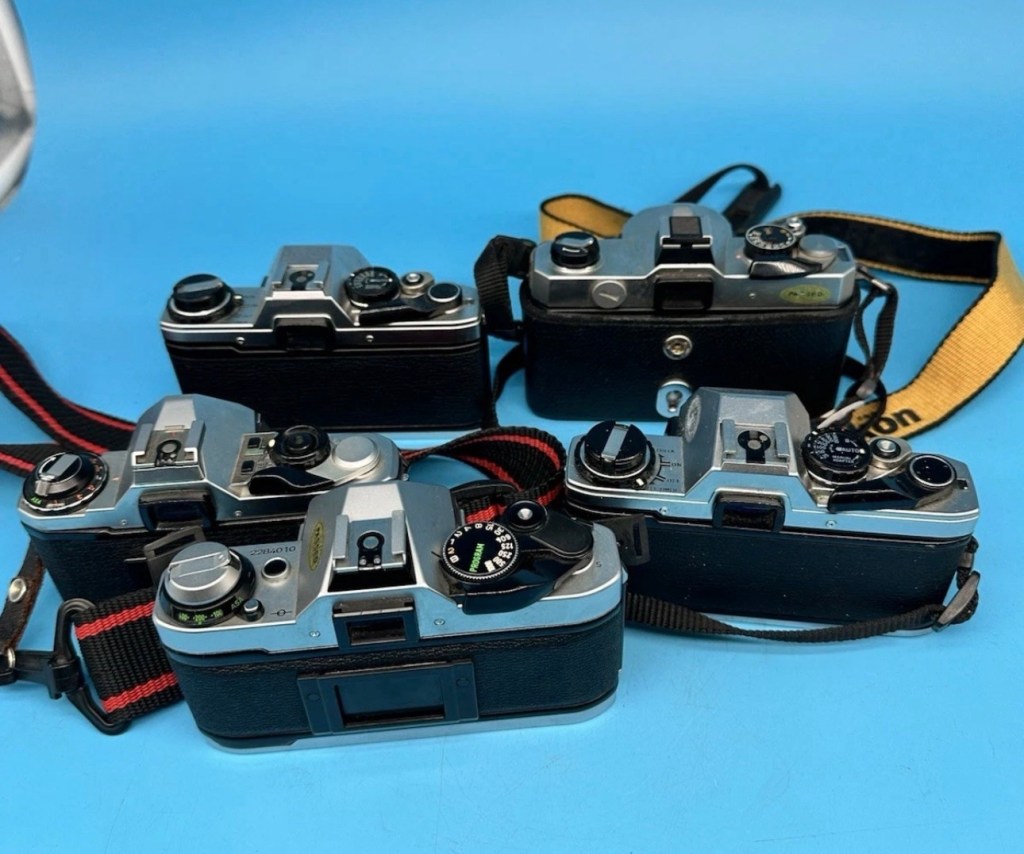
The collective purchase
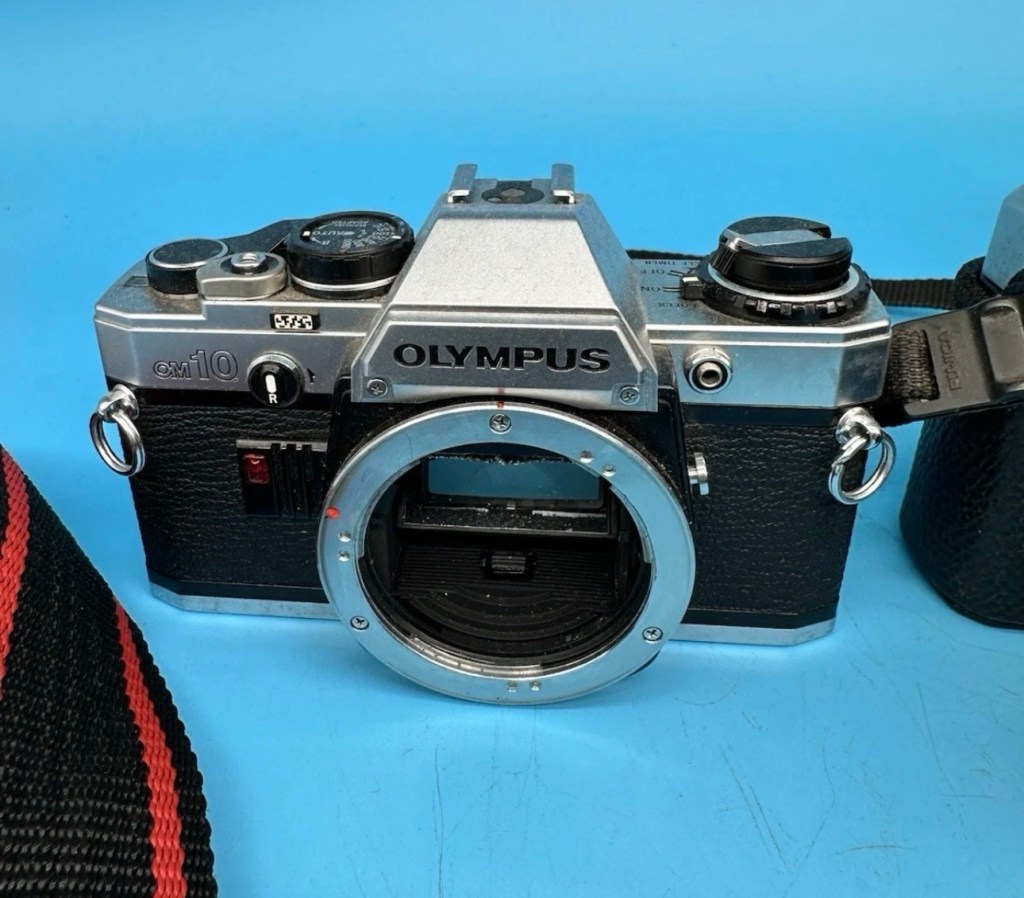
Canon AE-1 programPentax ME- SuperOlympus OM-10 No:1Olympus OM-10 No:2Fujica STX-1All with external buttons and dials
My intentions here are thus. The AE1 program is the only Canon camera I need to complete my “A” series collection so my main focus will be on that. The two Olympus OM10s I will be looking at repairing then selling on as I already have a good example of this camera. The Fujica and the Pentax I will possibly look at adding to my collection as I do not have either of these.
I have my fingers crossed that there’s nothing seriously wrong with this purchase, and i will be featuring their respective repairs over the coming weeks. Firstly I’m going to carry out a very basic assessment on their arrival, just to see whether or not I have purchased a collection of proverbial Christmas Turkeys.
Quick assessment:
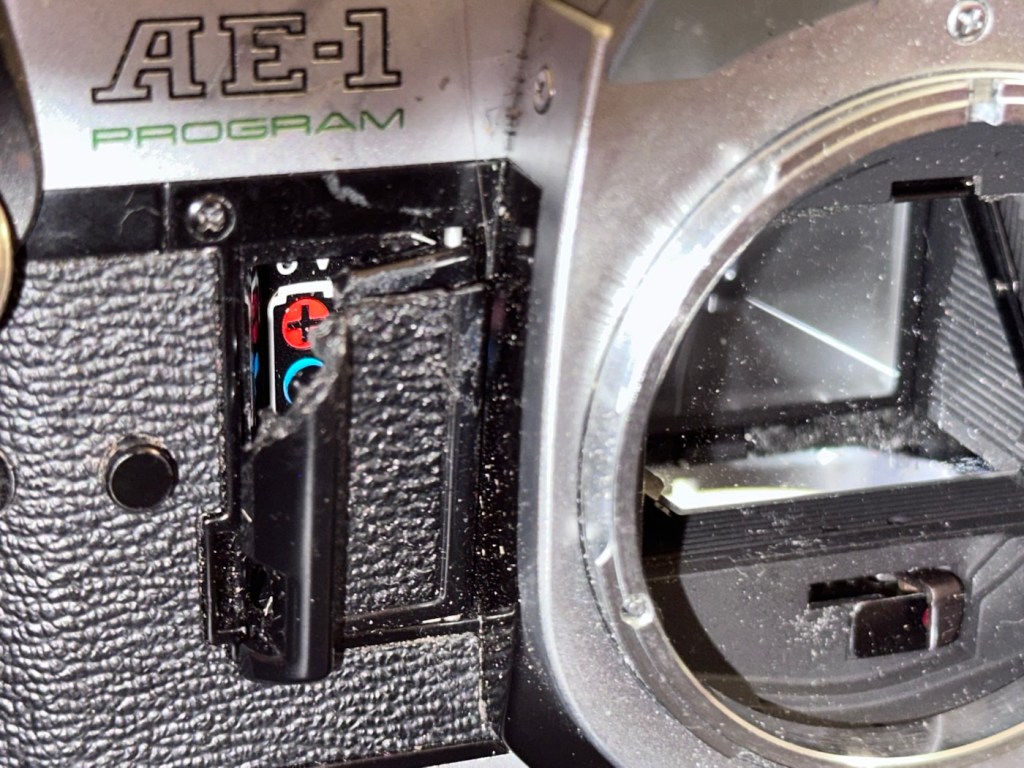
Canon AE1- Program:
Canon AE-1 program
This is the one I’m most excited about as it could possibly be my last piece of the puzzle for my Canon “A” series collection. Cosmetically it’s ok, it’s grubby, it has a broken battery door and a missing winder cover from the base. All dials, buttons and levers are working as they should, and when a battery is installed everything is as it should be. The battery check audio is fine, all indications in the viewfinder illuminate as they should, the camera fires (with a little camera cough) but other than that all seems well. The mirror and prism need cleaning and there is possibly some ingrained marks on the prism but this will not affect picture quality. All light seals need replacing and a good CLA is required.
Is it a Turkey 🦃 no it isn’t. I’m convinced this camera will soon be back in good working order.
Olympus OM10 – No:1:
Olympus OM10 No:1
In really good condition, battery terminals have a slight corrosion due to old batteries being in place. However new batteries work fine and shutter fires and viewfinder is clean. To be honest, this camera is in a better cosmetic condition than the one I currently have. This is an excellent camera that requires little attention.
Is it a Turkey 🦃 ? Most definitely not.
Olympus OM10- No:2:
Olympus OM10 No:2
As with the first OM10 this is cosmetically a nice camera just a little more grubby, and missing the battery cover on the base. But it has a nice Nikon neck strap – strange. The battery chamber looks as if it has had some minor battery leakage but nothing too serious. Using the battery cover from No: 1 camera I’m able to test all the electricals, and there is no issues here, with the camera displaying the exposure in the viewfinder correctly, and the self timer and battery check all as they should be. Again a good CLA of the camera should have it back and working in no time at all.
Is it a Turkey 🦃 it most definitely isn’t. This is a good camera just needing some TLC.
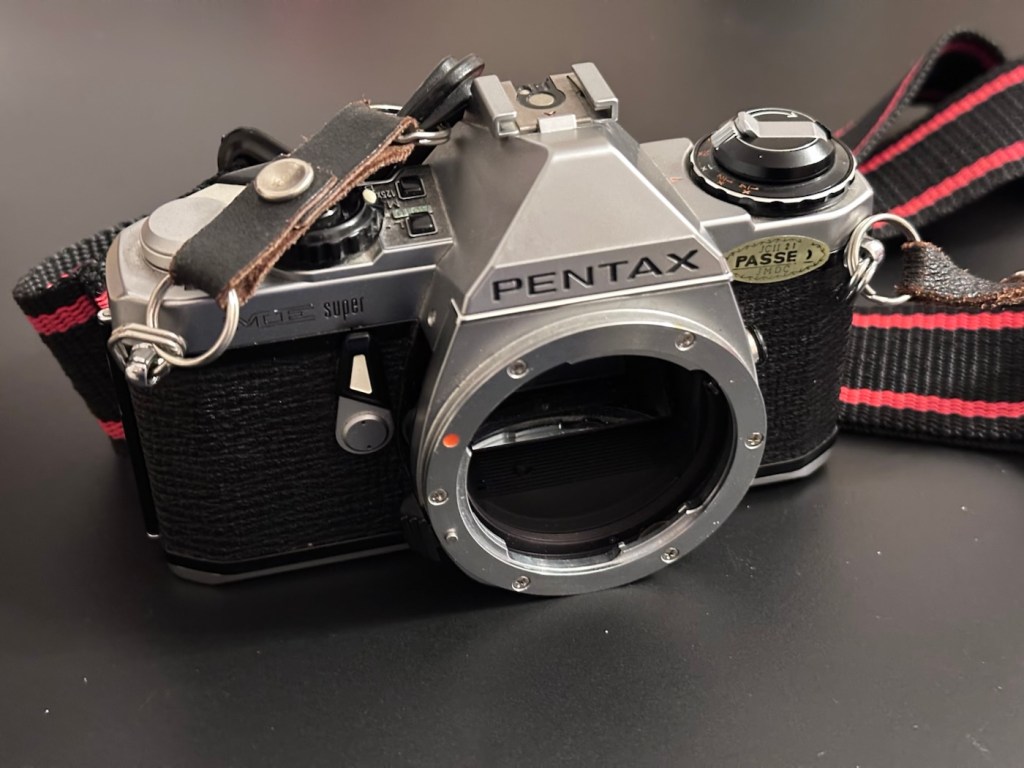
Pentax ME-Super:
Pentax ME-Super
Again, cosmetically in good condition but missing the battery cover on the base. I was able to overcome this and load some batteries and had movement in the metering via the viewfinder. It’s quite dirty and the function dial on the top is jammed, I couldn’t get the shutter to fire. I suspect it needs a good CLA, and will make a good little project .
Is it a Turkey 🦃 ? I’d say not at this stage. It needs attention on the bench. It’s promising.
Fujica STX-1:
Fujica STX-1
The batteries were dead but the chamber was free of any contaminants. New batteries in place and the light meter in the viewfinder is working fine. Everything works, the shutter fires and winder operates without issue. This camera is in a good but grubby condition. Will require new light seals and a good CLA, but nothing beyond that.
Is it a Turkey 🦃? Absolutely not, this is a good sturdy camera just itching to get back to taking photographs again.
Conclusion:
So out of five cameras, I’m exceptionally pleased that every single one of them can be brought back to a working condition, with very little intervention. every single one of them will need a Clean, lubrication and adjustment (CLA) and also new light seals as the majority of them have turned to a dusty residue that gets everywhere. I need to buy some replacement parts, so I will get on with sourcing those items, and then I will also get some body caps to protect the cameras when I’m finished.
I will create individual posts to cover these repairs, and they will be delivered here on this site over the coming month or two. I’m in no real rush and to be honest, time is a rare commodity at the moment as I will be working as one of the “Orange army” (It’s a railway term) over the Christmas and New year periods, and on top of that we may also still be moving home, fingers crossed 🤞 in early January 2026.


































 Foxes Den
You must be logged in to post a comment.