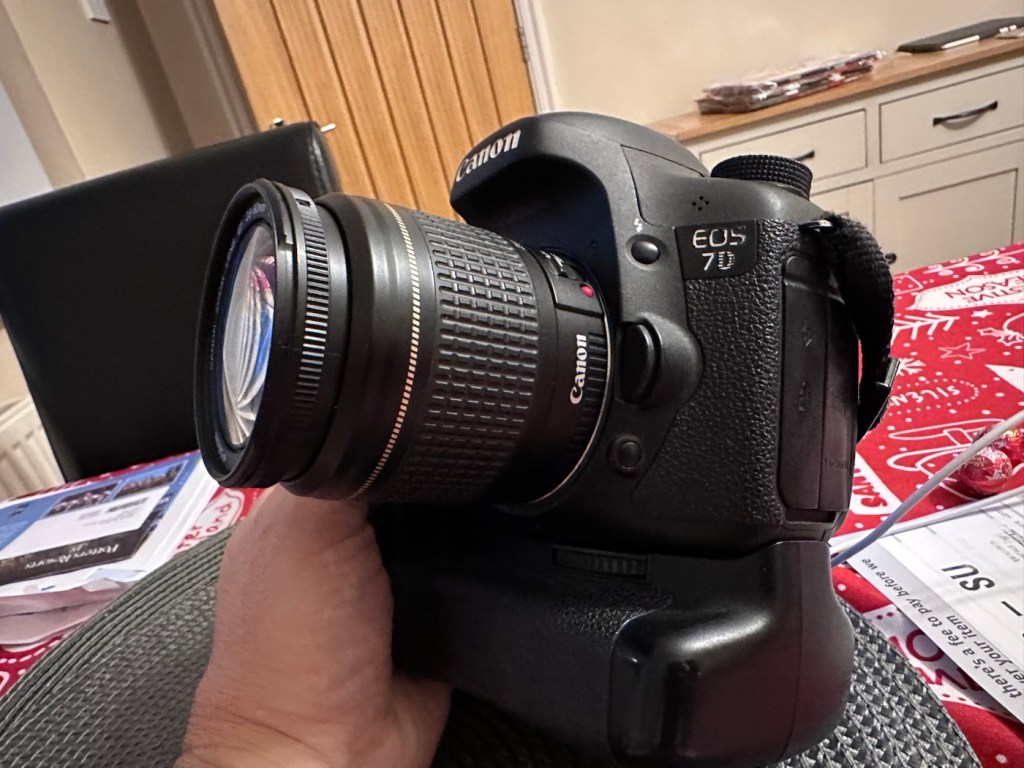
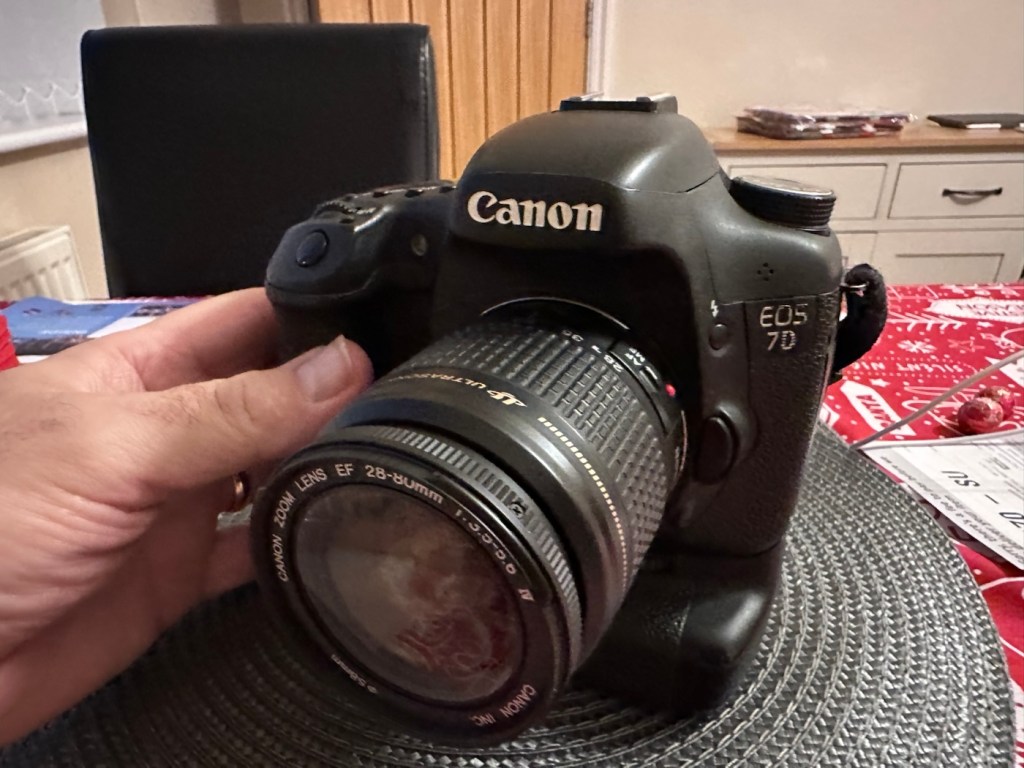
Canon EOS 7D

Can I get this classic EOS 7D operational again? It has damaged card reader pins.

I received this camera from a good friend who is a professional photographer, a few weeks back in a bundle of cameras and photographic equipment he no longer uses, he has kindly donated them to me to get working again. You can see that post, and just what was donated here: Cameras…i need more!
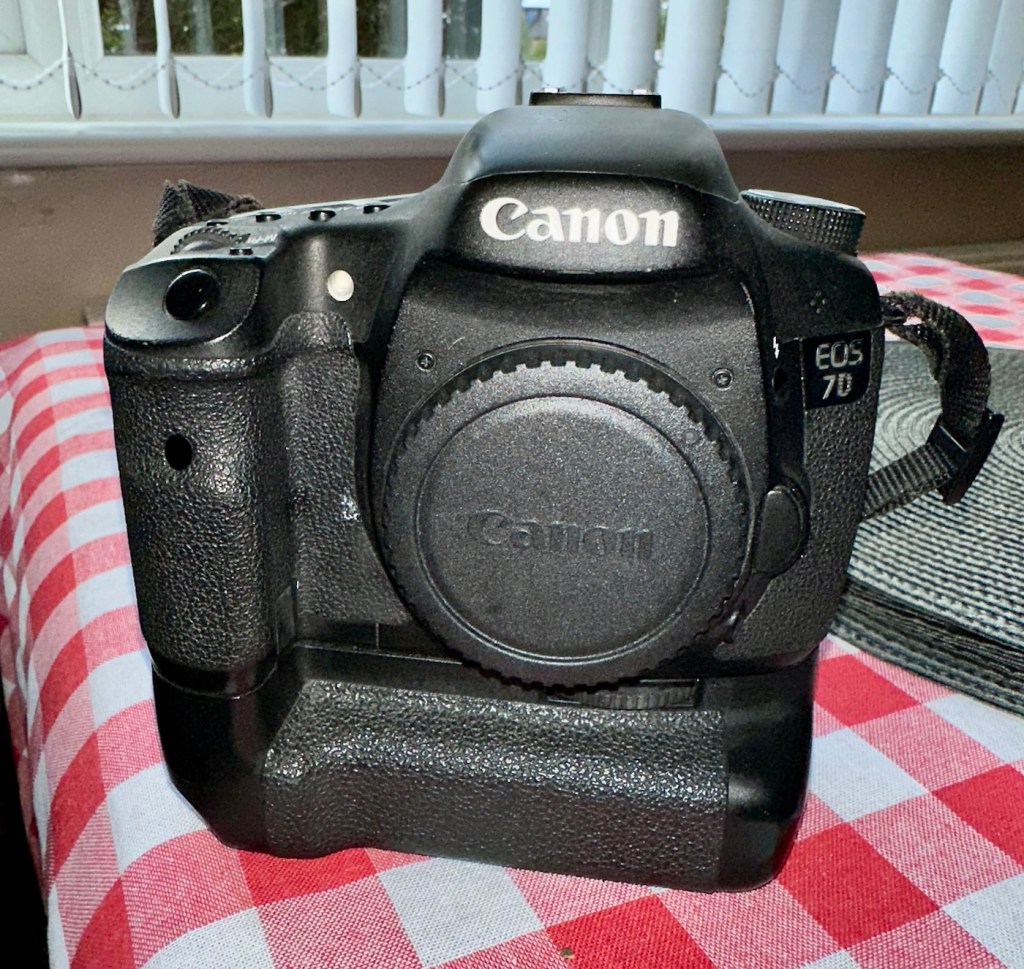
Canon EOS 7D

I’m in a situation where I don’t have my repair gear with me at the moment, as it is all packed and in storage awaiting our impending house move. Hence the reason I am racking up a whole load of draft posts that I can’t complete until I have my workspace back in use. Therefore any work I can do is severely restricted to inspection, cleaning and preparation with the only maintenance being attempted on the outside of the camera.

Let’s have a brief history on the Canon EOS 7D:

The Canon EOS 7D is a high-end APS-Cdigital single-lens reflex camera made by Canon. It was announced on 1 September 2009 with a suggested retail price of US$1,699, and was marketed as a semi-professional DSLR camera.

Among its features are an 18.0 effective megapixel CMOS sensor, Full HD video recording, its 8.0 frames per second continuous shooting, new viewfinder which offers 1.0X magnification and 100% coverage, 19-point auto-focus system, movie mode, and built-in Speedlite transmitter.

The EOS 7D remained in Canon’s single-digit APS-C model lineup without replacement for slightly more than five years—the longest product cycle for any EOS digital camera. Its successor was the Canon EOS 7D Mark II, announced on 15 September 2014.

Wikipedia

Structurally and cosmetically this is a beautiful camera in very good condition. However it would not have been donated to me unless it had problems. Let’s now put my detective hat on and go looking for clues.

Assessment:

As stated earlier, cosmetically there is nothing at all wrong with this camera, it even has the plastic screen cover in place. Mirror looks clean and curtain looks fine no issues here. All electrical contacts such as HDMI are in good condition with no visible damage to the ports.

One last place to check and I now believe this is where the problem lies. This is the CF card door, and when opened it reveals one possible big issue.

Bent pins

Bent pins on the CF card reader. These pins are quite small and only millimetres in diameter, in a very restricted space about 8 cms deep and 6cm in width, it really is quite a small aperture. There are two options here, one I try to gently coax these pins back into place with a fine point tool, however the pins are minuscule, and brittle and prone to breaking. I can see potentially 7 pins that are out of position, not an easy or expedient option. But I’ll have to give it a go. Option two is to purchase a new CF card reader replacement, this option carries some expense and quite a complex dismantling of the camera to achieve said replacement. Needless to say I will initially attempt the pin bending procedure. Pending on success or failure, i could venture into step two. Read on to see what occurs.

Repair:

With a fine point set of tweezers, I’ve decided to have the first attempt at seeing if I can straighten the pins. Using a bright LED torch I angle the beam slightly so I get a bit of shadow on the pins, and this allows me to see how many are bent. I can see seven pins in total that are bent, and two of these seem as if they have been forced down to about half their height. This is quite normal when people go in a bit heavy with the CF card, if these pins go down too far there is no option but to go inside the camera and push them out from inside, or replace the card reader completely. I kind of hope that I have been able to pull them out far enough for them to work. I won’t know though until I get the CF card and batteries out of storage.
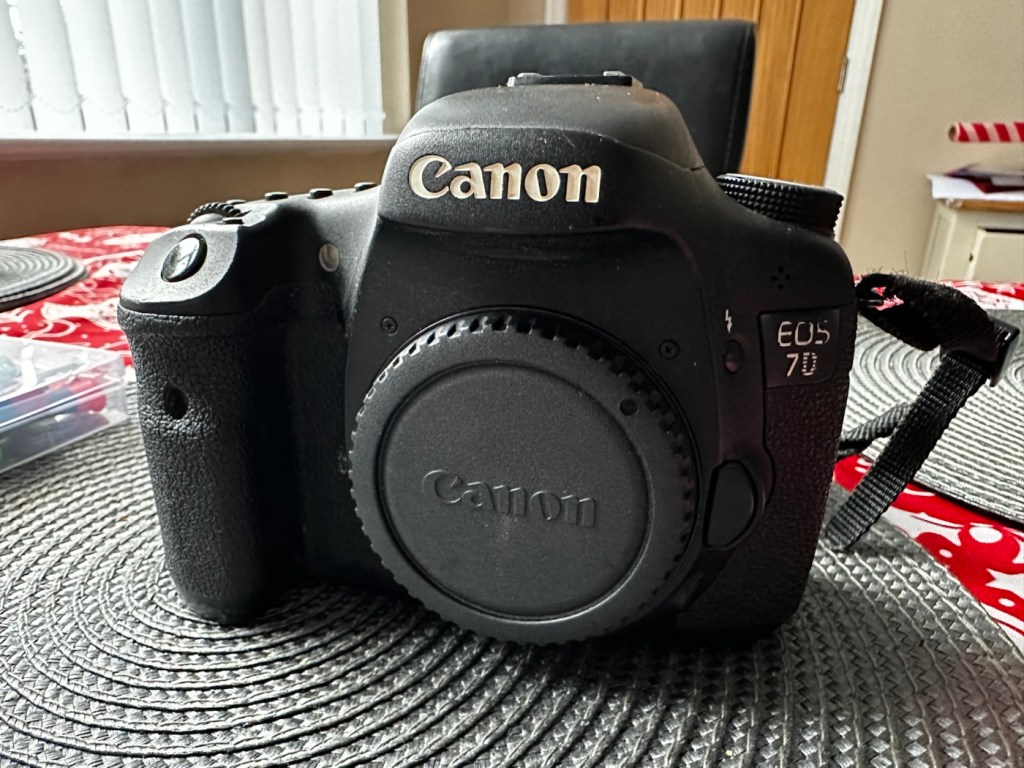
The camera in question

I’ve spent about an hour, bright lights, little subject matter, and now have very tired eyes. I’ve been breathing slowly just like a surgeon heading into a part of an operation that requires the utmost concentration, and precise and very delicate movements. I think I’ve done a good job. Only testing will tell.

Speaking with my friend Jon, who this camera came from, he has stated that he rather foolishly lent this camera to a ham fisted colleague who hammered the card into the camera, causing the issues that I am dealing with today.

If we have to open up the camera, I will probably be looking at about 3 hours of work, as there is an awful lot of dismantling that has to occur, and I believe there are around 30 screws to remove just to get under the skin of this camera. It’s built like a brick, weighs about the same and is just packed with electronics.

Fingers crossed 🤞 let’s hope option number one has been successful.

Well, today I went to the lock up and dug out a small 2GB CF card and the two Canon batteries and a charger. I came home and Put the batteries in that surprisingly still held a little charge, sufficient to turn the camera on. I gently inserted the CF card only for the following message to appear on the screen, “Card cannot be accessed. Reinsert/change the card or format card with camera.” Aww shucks I thought, it hadn’t worked. I tried to format the card and the format failed, at this point I thought the pin maintenance had not worked. Damn. I was a tad annoyed.

CF card being installed

So I removed the card and checked the pins, they were ok. I reinserted the card and the same fault appeared, however this time when the option came up to format the card it worked. I was so shocked I tried it again and forced another format, again it worked!

Right it was now time to get a lens on the front and test the camera to check to see if it would write to the card, it’s only a stock lens, nothing special but absolutely fine for testing purposes. Just walking around the house I put the unit into auto, the flash popped up and I proceeded to rattle off a few random shots. And it worked, the results all came up on the rear screen.

Random shot 1
Random shot 2
Random shot 3

To say I was pleased at this is an absolute understatement. The work on the pins has worked and I now have a perfectly well working example of quite a top end camera. There’s no doubt that in the future the camera will require a replacement card reader, but for the moment it’s been given a new lease of life, and whilst I remember to be gentle with the removal and placement of the CF card, let’s just enjoy the camera and its capabilities until that time comes. In the meantime here are just a few, “Randoms” taken to test the card and camera in and around my home.

Result:
You little beauty

Time to give this camera a little buff up. (Clean)

This unit only appears to have taken 1,860 pictures. It is completely unused, and in perfect condition. And it now works. To be honest I feel more confident with this camera than I do with the mirrorless Sony that my wife purchased for my birthday. This was going to become my number two camera, however it’s just been promoted to my number one, as long as that card pin issue and repair holds up, and I have no reason to doubt that it should be a long time before any issues arise. I am confident that my repair has longevity as they say.

I want to give it a good test in daylight conditions in all modes rather than auto. I want to get a bigger CF card maybe a couple of 8GB ones, I don’t see the point in going for the bigger cards just in case there is a read/write issue in the future. It’s just an OCD thing for me, you know what I’m like.

So overall I’m really quite happy and satisfied with this camera. Of all the cameras I was gifted by my good friend Jon, all have been repaired apart from one that was beyond economic repair, even that has been broken down into it component parts, every screw recovered and will be used for spare parts. Nothing, and I mean nothing has been disposed of from this collection of cameras and accessories.

That’s what I do, I don’t waste anything. Ask the wife!

Many thanks for passing by, it’s always very much appreciated.

Fujifilm Instax 100 instant film camera

What the listing stated:

Fujifilm Instax 100 Instant Film Camera – Faulty Untested See Lens Shutter

Otherwise clean, 

battery compartment is clean, 

unable to test so selling for spares or repair considering the lens shutter 

EBay

I’m a tad annoyed at myself here as I had arranged a good price with the seller but because I was too eager I pushed the wrong button and purchased at the original advertised price. The seller must think I am a right plum, and I’d be inclined to agree with him. That said I’ve secured this for a good all in price, and it will be a nice addition to my collection. It’s a 26 year old camera, and i’ve been looking for one of these particular cameras that use the wider format of Instax film for quite a while, but even the damaged ones command hefty prices. I’ve paid an all in price of £28:55GBP here when I should have paid £23:55GBP. Never mind, lesson learned and don’t be so hasty in the future. They can command a good price as can be seen in the photo below:

Some recent sale prices

Here’s some info about this camera:

The Fujifilm Instax 100 was released on May 1st, 1999. It has been replaced by the newer Instax 200, which is very similar except the flash is on one side rather than directly above the lens.

Technical Specifications

  • Type: Instant camera
  • Film: Fujifilm Instant Color Film instax
  • Picture Size: 62x99mm (based on the golden ratio, closer to the naked eye)
  • Lens: Move in/out type Fujinon Lens 2 components, 2 elements, 95mm
  • Aperture: f/14
  • Shutter: Programmed electronic shutter 1/64 ~ 1/200
  • Viewfinder: Real image viewfinder 0.45x
  • Focusing: Motor-driven 2-range switching (0.9 to 3m/3m to infinity)
  • Power supply: 4 LR6/AA-size 1.5V alkaline batteries for around 10 film packs.
  • Dimensions: 171.5 x 91.5 x 119.5 mm
  • Weight: 650 gr (without batteries, strap and film pack).

Camera-wiki.org

Now this one is being sold with what looks like only one fault that the seller is concerned with and that being a shutter problem. From experience and as can be seen in this recent post of mine: Another Fujifilm Instax mini 8 I know that this is not a “Lens” issue it is in fact an issue with the iris that protects the lens, and is probably as a result of a small spring being disturbed in that area. It’s quite a simple fix and if it is the only fault then that would be quite some result. However, this is EBay that we are talking about and there could be a number of further faults we haven’t been informed of. Now I will just have to be patient until it arrives, there is no other choice.

Assessment:

It’s a big one. Compared to the other Instax mini cameras this one is very big. It’s probably 1.5 times bigger than your standard SLR. It’s big. And weighty!

It’s clean…ish. And there seems to be a strip of plastic, a gate as such missing from the top of the camera near the exit slot. This wasn’t mentioned and I’m quite annoyed about that. When batteries are put inside it makes all the noises, but the action isn’t smooth in the lens extension range. This probably ties in with the advertised issue of the lens iris operation. I’m thinking I paid well over the odds for this particular camera, I’ve been conned here, lesson learned.

There could well be multiple problems here, and if that missing piece on the top is anything to do with light proofing, then we could have an issue. Anyway we will cross that bridge when we come to it. Initially I’m going to stick with the original fault, so let’s attack that and worry about any other issues if and when they crop up.

Repair:

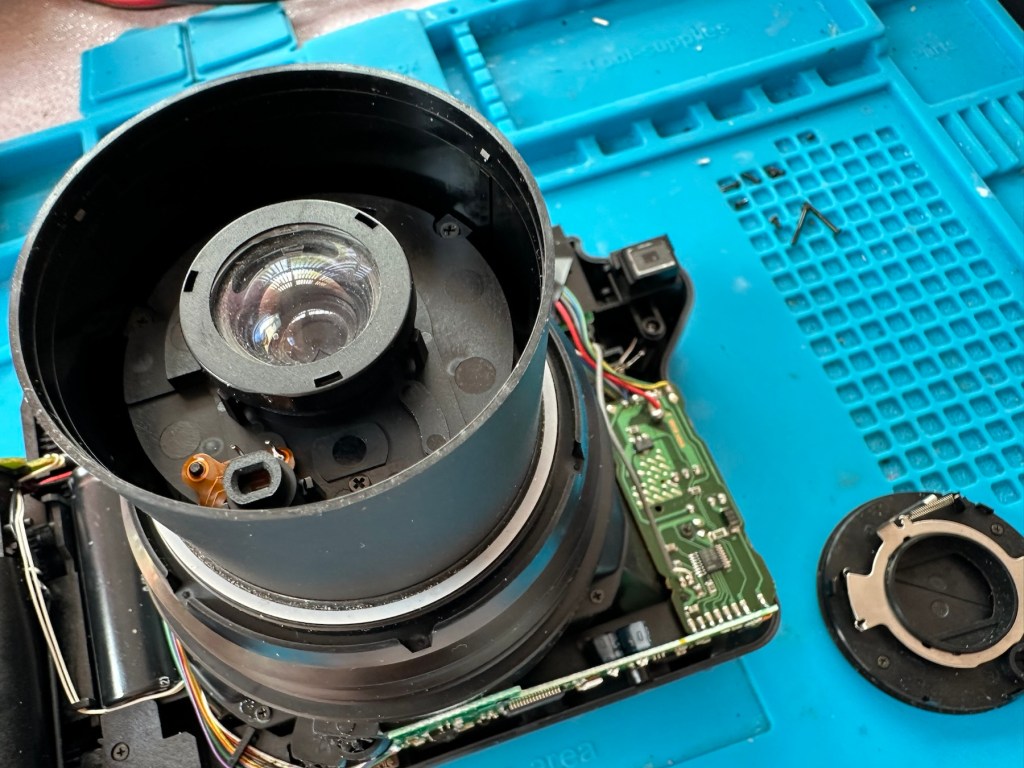
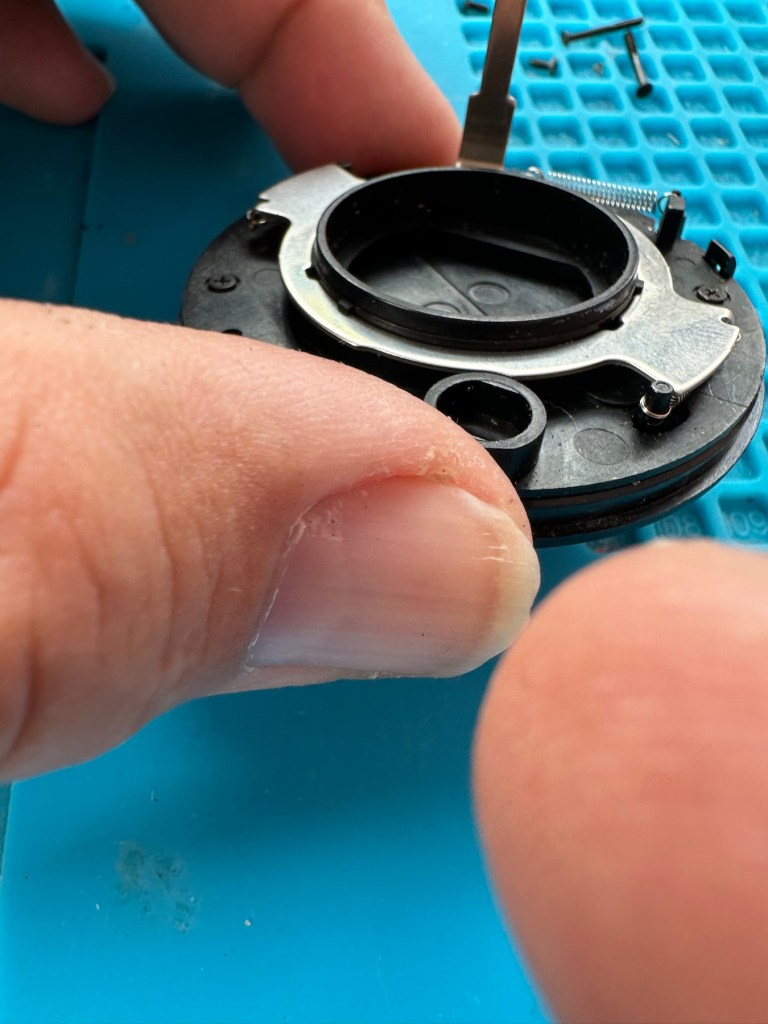
The more I get into this camera the more I find wrong with it. The main issue of the faulty lens iris is a fiddly one. You prise off the last section of the lens turret and the iris mechanism comes away fairly easy.

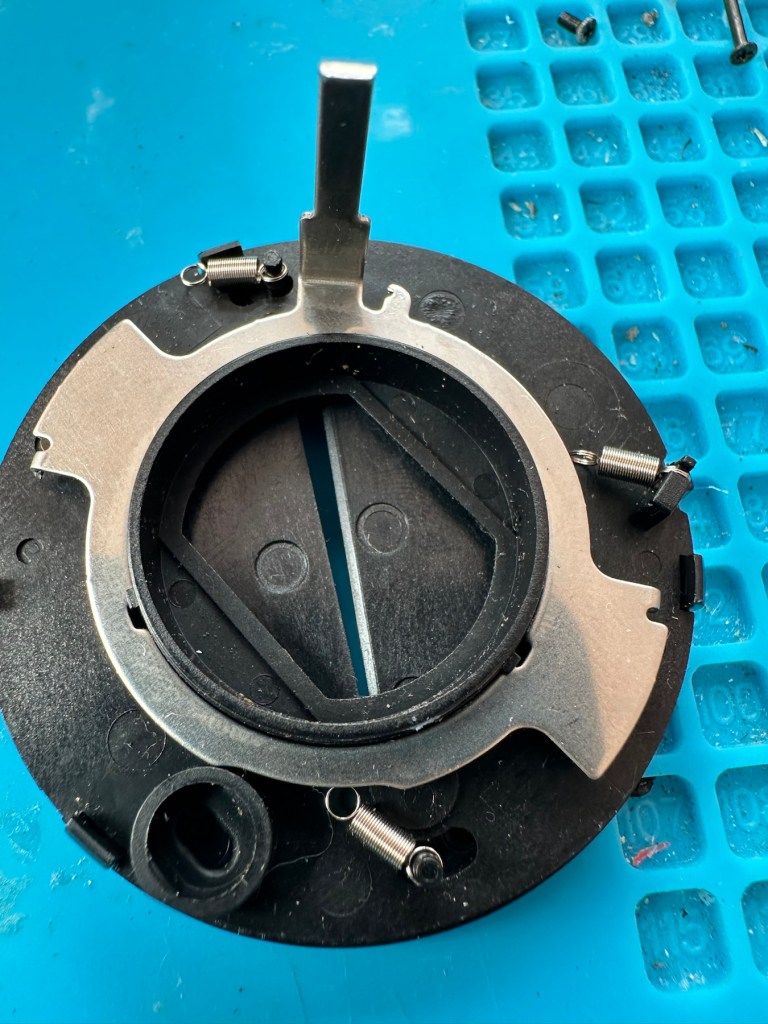
But then three tiny springs just fall out and this is why the iris didn’t work. Trying to get them in place is a puzzle itself, as no sooner do you have one connected then another drops off. It’s a fine balancing act to get them all back into place. When they are all reconnected it’s a very delicate operation to get them back into place. And even then you have to go to the inside of the camera to ensure that the lever inside that operates the iris, is aligned to the iris mechanism that is being installed back in the lens turret. It’s a fiddly time consuming job.

Iris now working

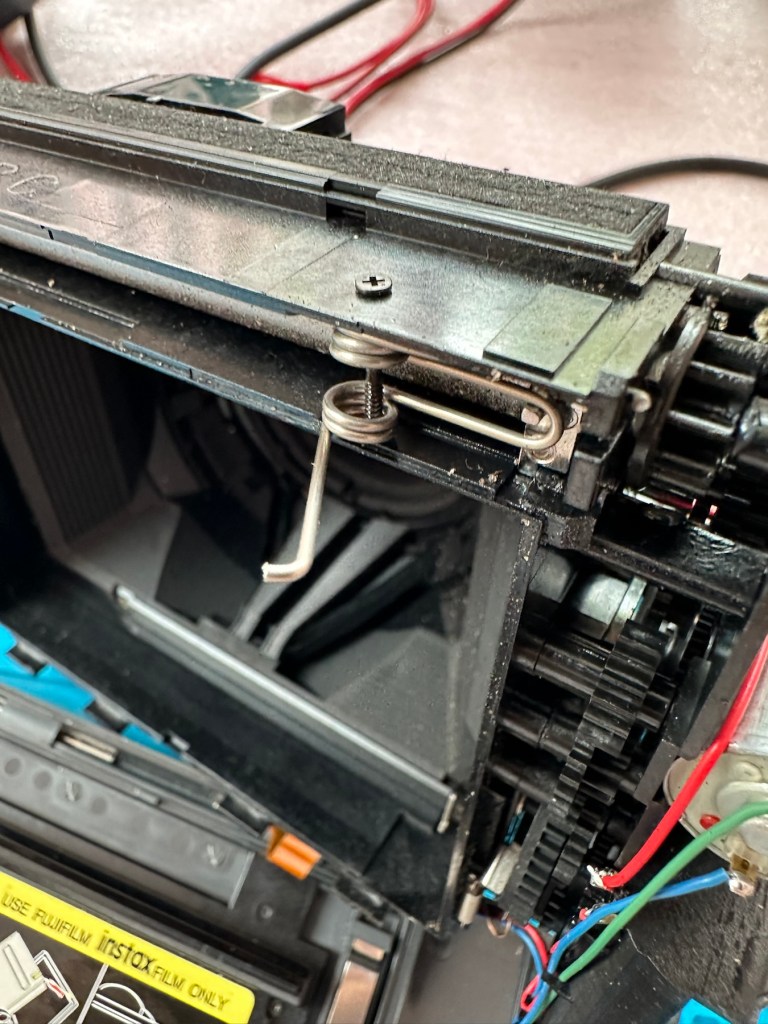
At this point the rear fascia and associated ribbon cable need to be removed to facilitate this repair. That’s when a piece of broken plastic falls out, it just so happens that one of the posts putting tension on the print rollers has broken. Great. Another problem. I’ve quickly fixed this by using some wire to act as a retention point. Bodge? Yes, but there really is nothing else that can be done here as the plastic case is thin and brittle. I have used some silicone grease to lubricate the cogs and the whole movement is now a lot smoother. It Will work. of that I am confident.

Result:

Well it works but it remains one of my most disappointing fixes due to the dishonesty of the seller. I know, if you buy off auctions it’s Caveat Emptor as they say, I preach it enough but this time I was caught off guard. Lesson learned. But I remain disappointed. Multiple faults, sold as just the one when in fact it also had bits missing that were not declared, very misleading in my opinion. Maybe in future I need to look deeply into these purchases before I give any feedback, i need to change my operation as I was truly shafted here.

It does everything that it should, the motor and transport system work, the iris now works, shutter is good, and flash operates. I’m confident that the camera is working fine but I haven’t tried any film through it yet as it uses a bigger format film and is quite expensive, and I’m not forking out for any just yet. Maybe when I get another wider format model to look at I will pay out. Just not yet though. When I do get some film through it I will amend this post accordingly.

I’m off to calm down a bit now, thanks for passing by, I really do appreciate it. Have a great day.

Nintendo Gameboy Printer

What the listing stated:

Listing for a FAULTY Nintendo Gameboy printer unit.

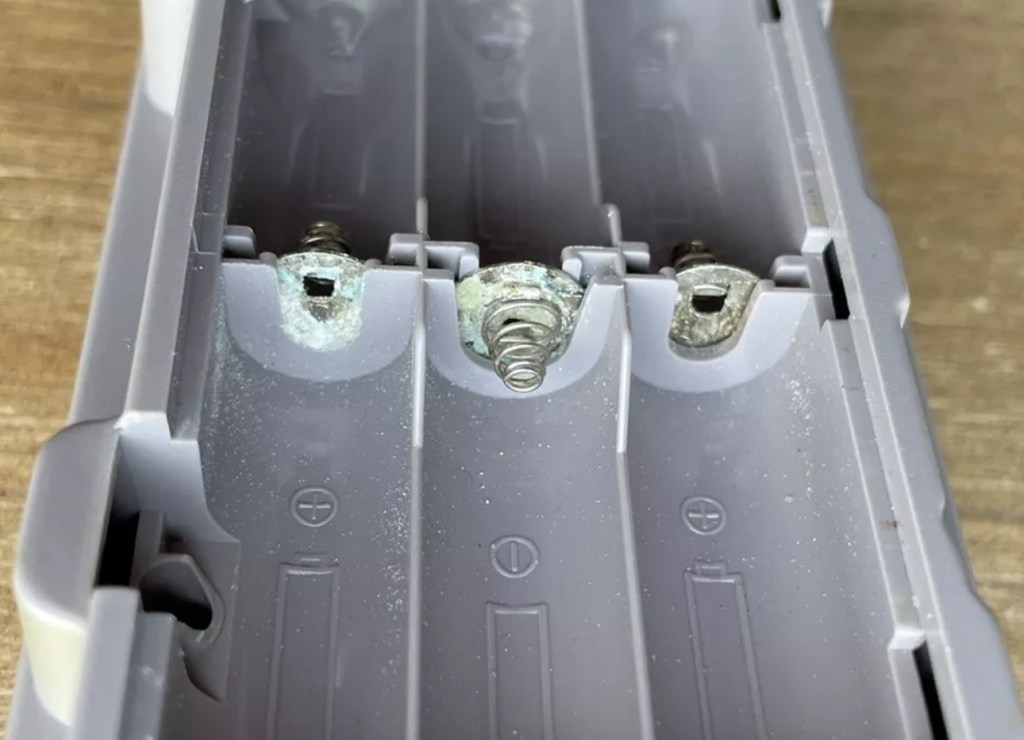
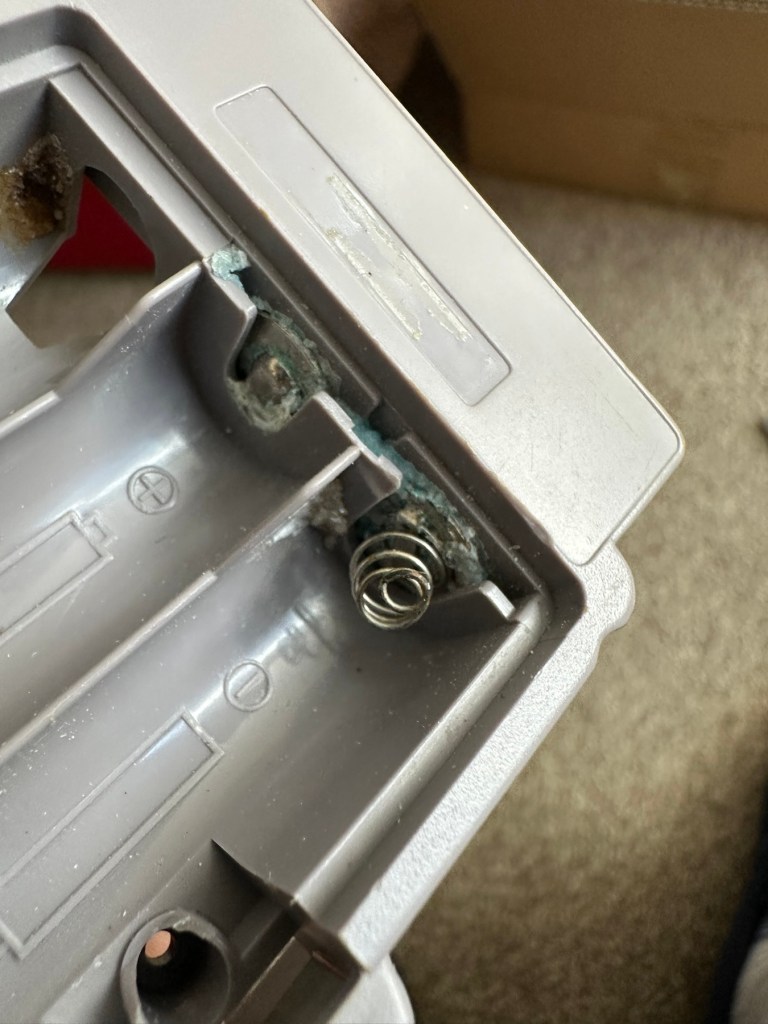
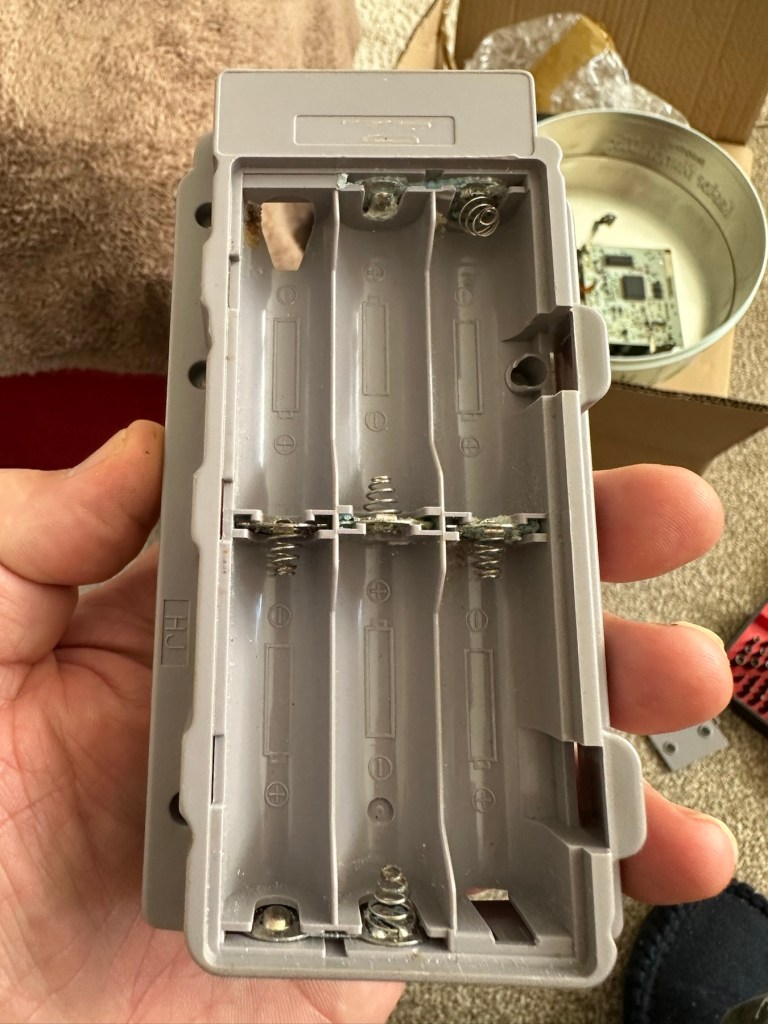
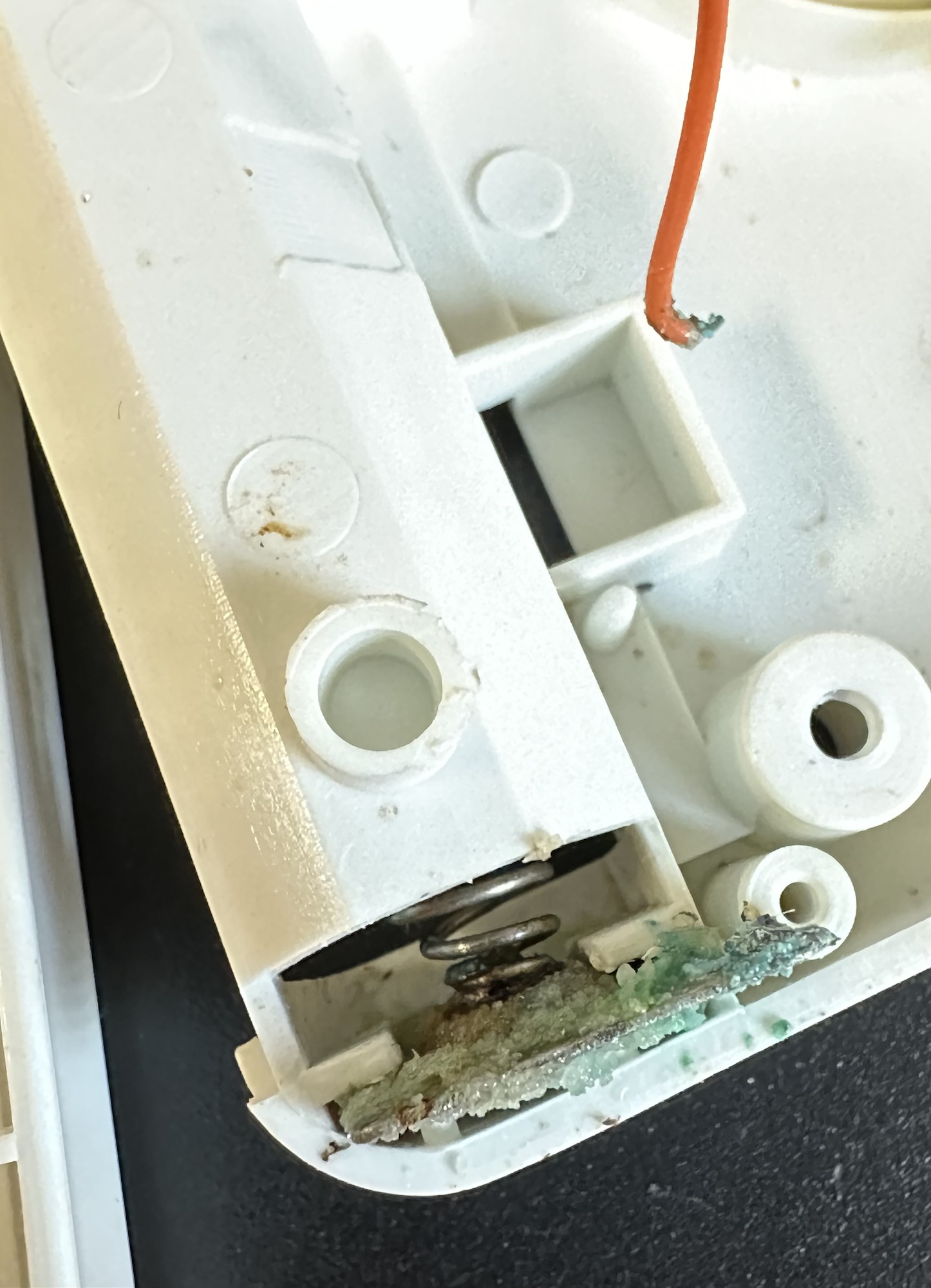
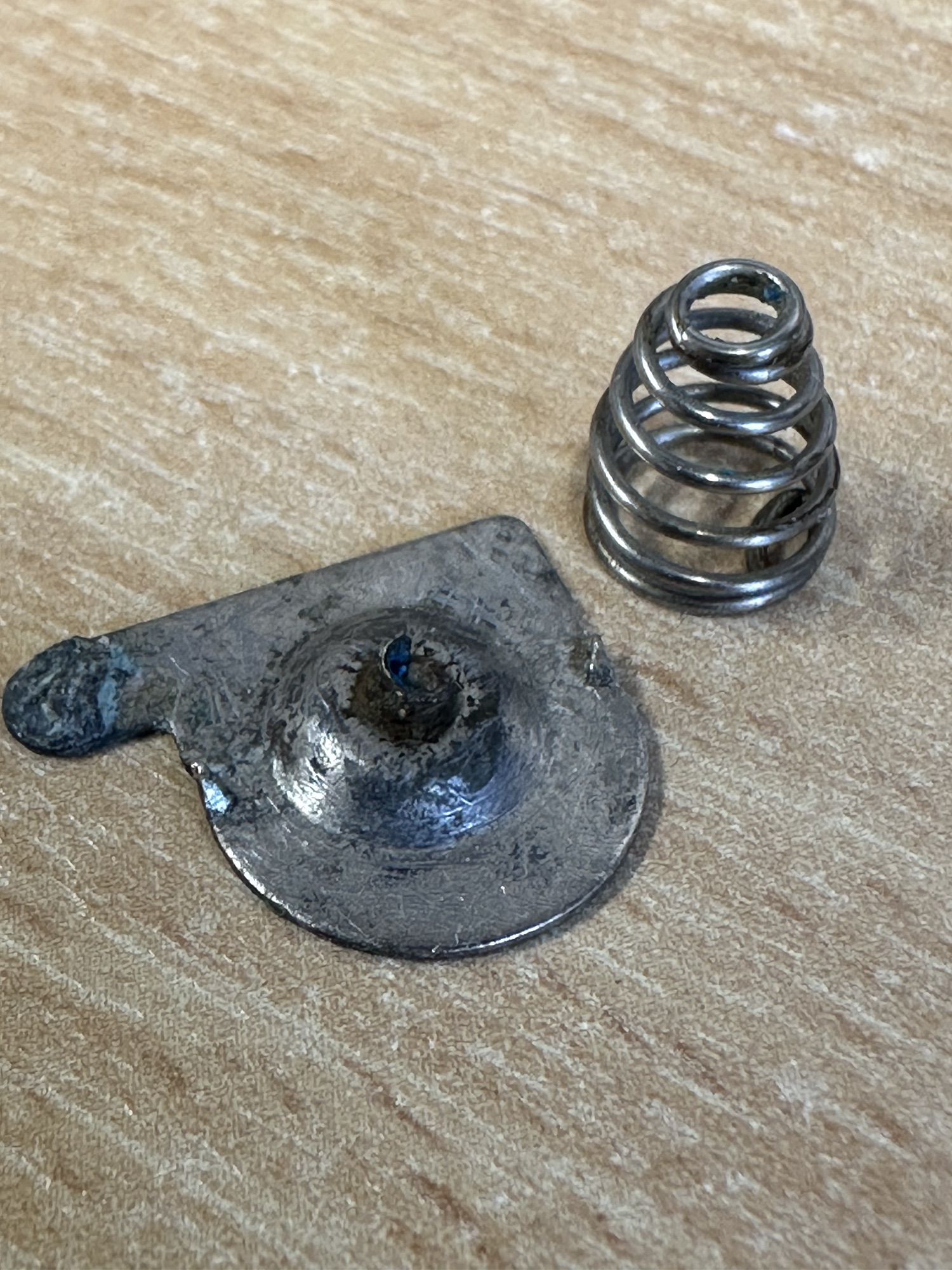
The printer is FAULTY, it has a lot of battery leakage in the battery compartment, so doesn’t currently power up. Some of the terminals look like they should clean up pretty well, but i cannot guarantee. 

As it doesn’t power up, i haven’t been able to test it. So can’t guarantee thats the only issue.

The casing has some discolouration, marks and other imperfections here and there.

I haven’t attempted any repairs and cannot guarantee it is fixable. 

SOLD AS FAULTY/spares/repairs.

EBay

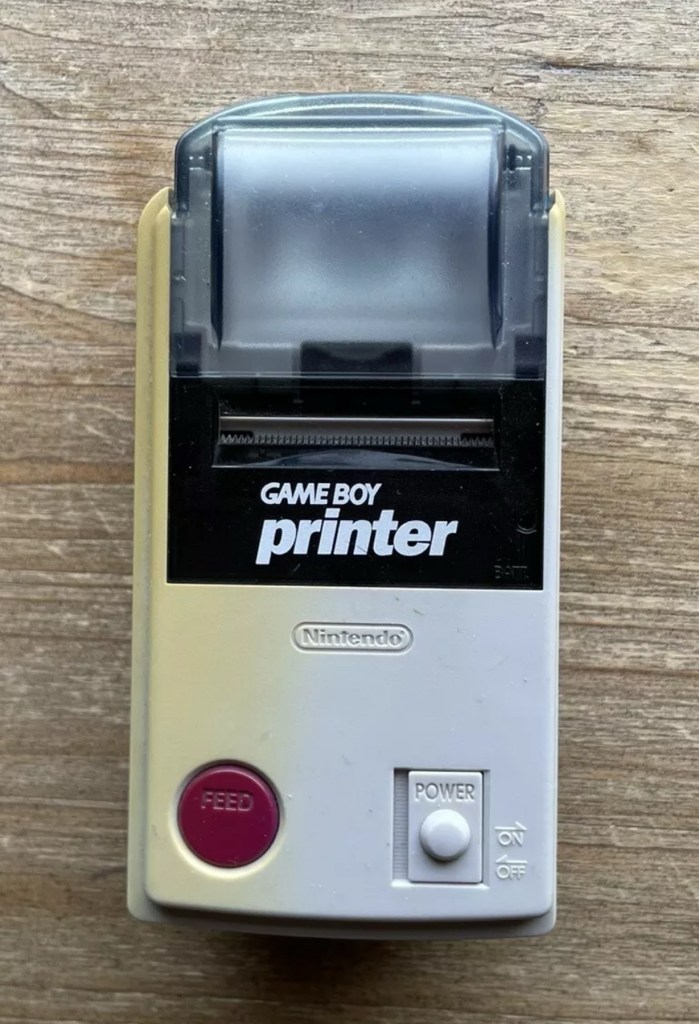
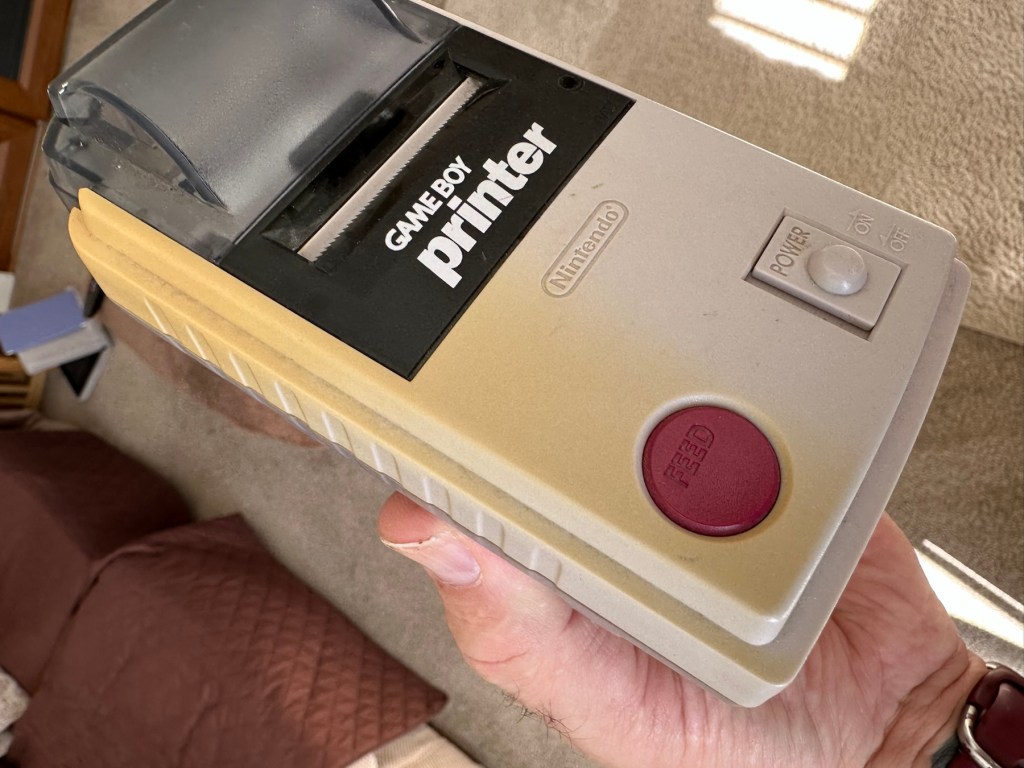
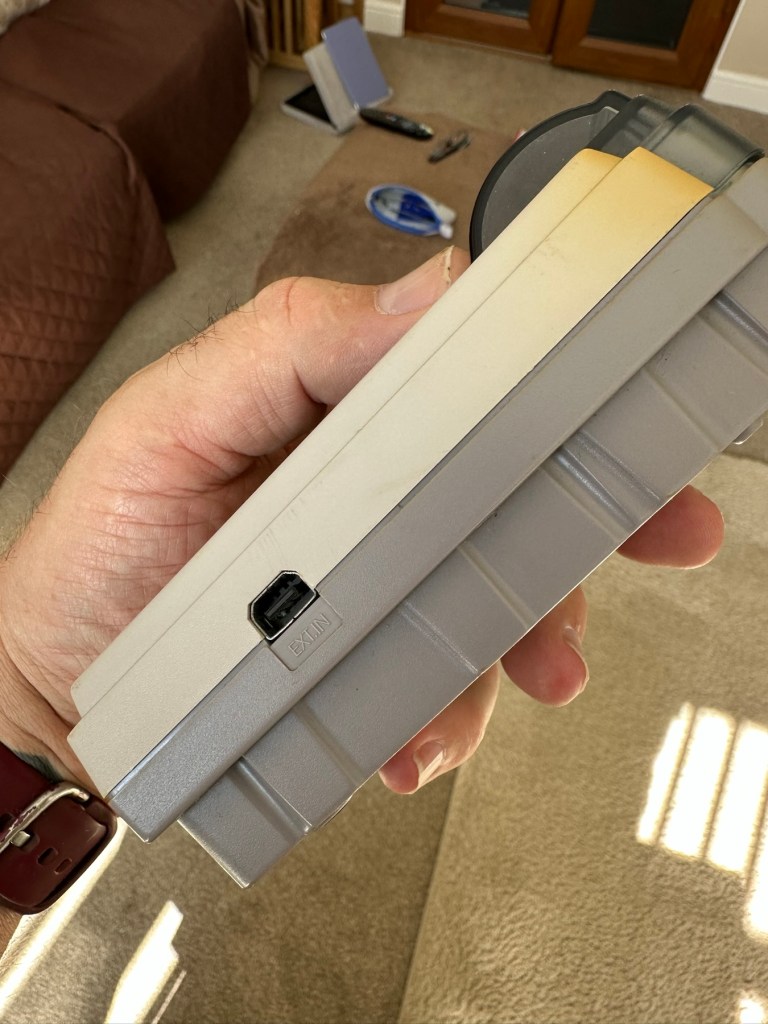
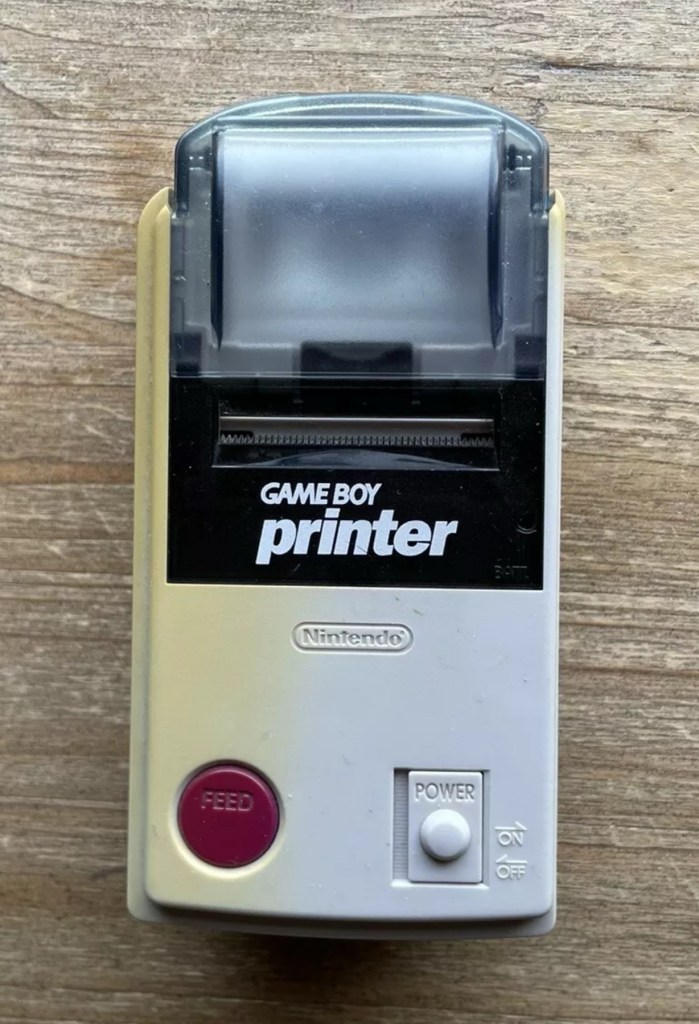
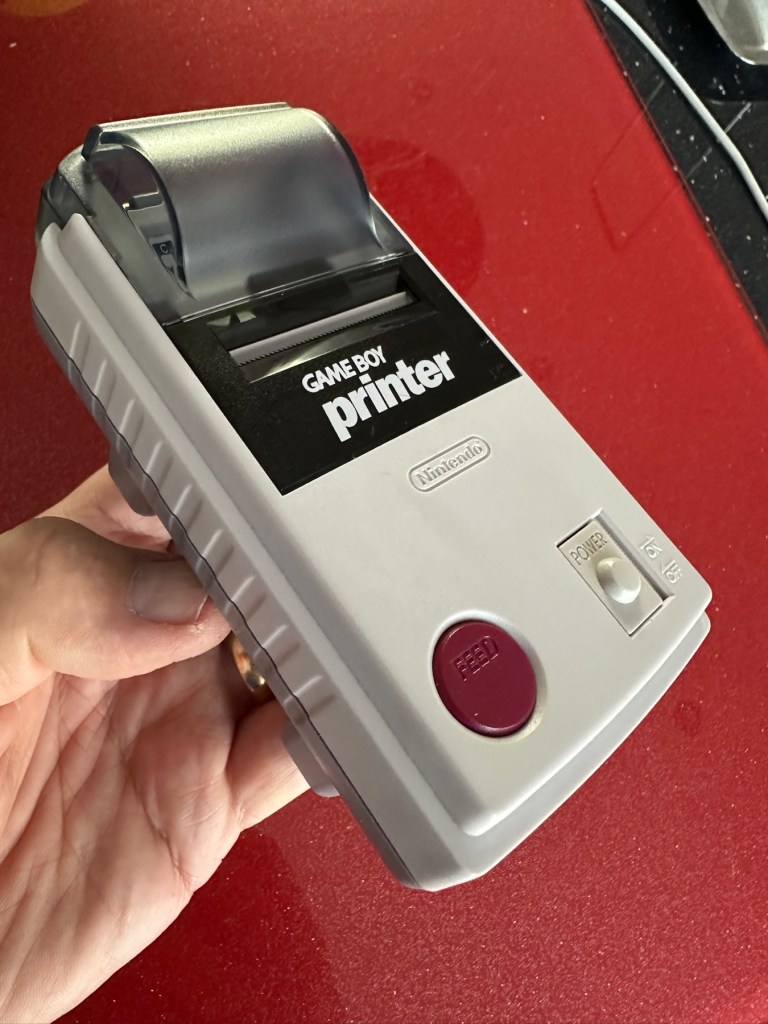
Here are the supplied pictures:

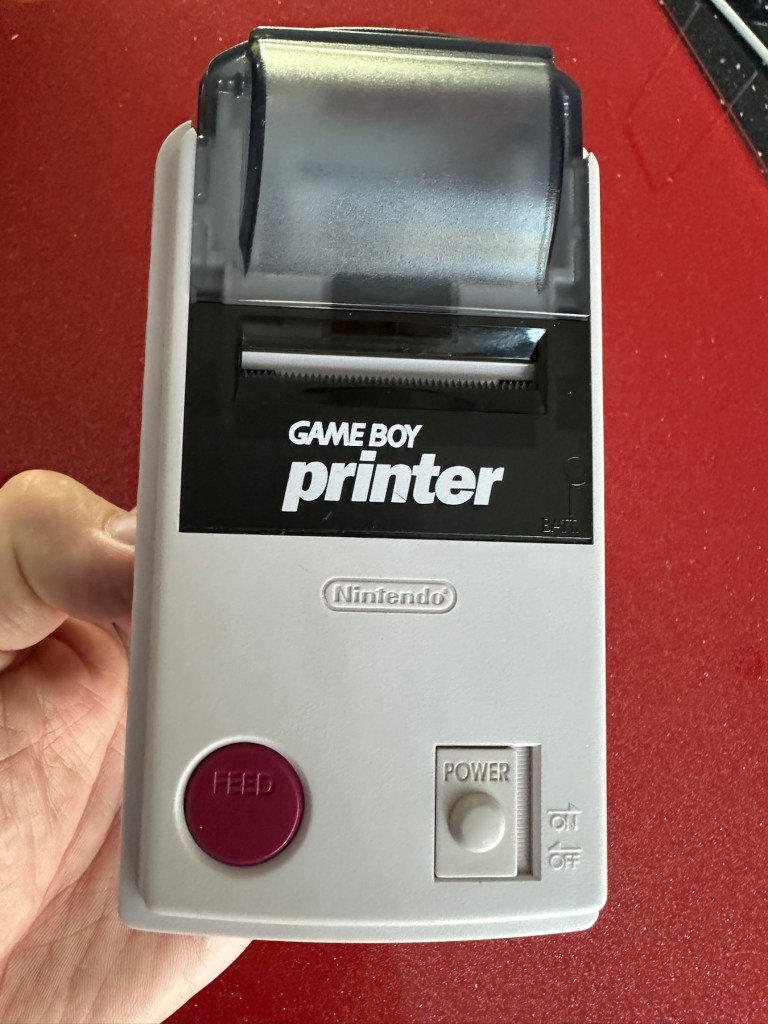
I think I’ve got my work cut out with this one. It’s another piece of unloved technology from 1998 looking for a new life. I’ve paid a total of £19:89GBP including postage for this item, probably at the higher end of what I’m comfortable with for an item in this condition. It has some serious corrosion issues that could go a lot deeper than just the battery contacts. There is a definite issue with discolouration, however I’m happy with that as it will be my guinea pig for my first attempt at retrobrighting, this process i discussed in this post a few days back: Retr0bright – What’s that then?

My plan of attack for this unit is to completely dismantle it, give it a thorough clean, retrobright the casing and then attend to the electrical / component issues.

Here’s some history about the printer unit:

The Game Boy Printer, known as the Pocket Printer in Japan, is a thermal printer accessory released by Nintendo in 1998 which ceased production in early 2003. The Game Boy Printer is compatible with all the Game Boy systems except the Game Boy Micro and is designed to be used in conjunction with the Game Boy Camera. It also prints images from compatible late-generation Game Boy and Game Boy Color games. It runs on six AA batteries and uses a proprietary 38mm wide thermal paper with adhesive backing, originally sold in white, red, yellow and blue colors. In Japan, a bright yellow Pokémon version of the Game Boy Printer was released, featuring a feed button in the style of a Poké Ball.

Wikipedia

If I manage to get this into a working state it will be added to my GameBoy collection.

I just need a suitable lead to connect between the console and the printer, and a small roll of 38mm wide thermal paper. I’m currently sourcing these.

Assessment:

Well it certainly has the yellowing issues and I will cover that in a separate post where I will have my first attempt at Retrobrighting the unit. With batteries in place, the unit is very dead and no matter how many times the switch is operated, it remains dead. Battery terminals are a mess and there is a lot of evidence of battery leakage and corrosion.

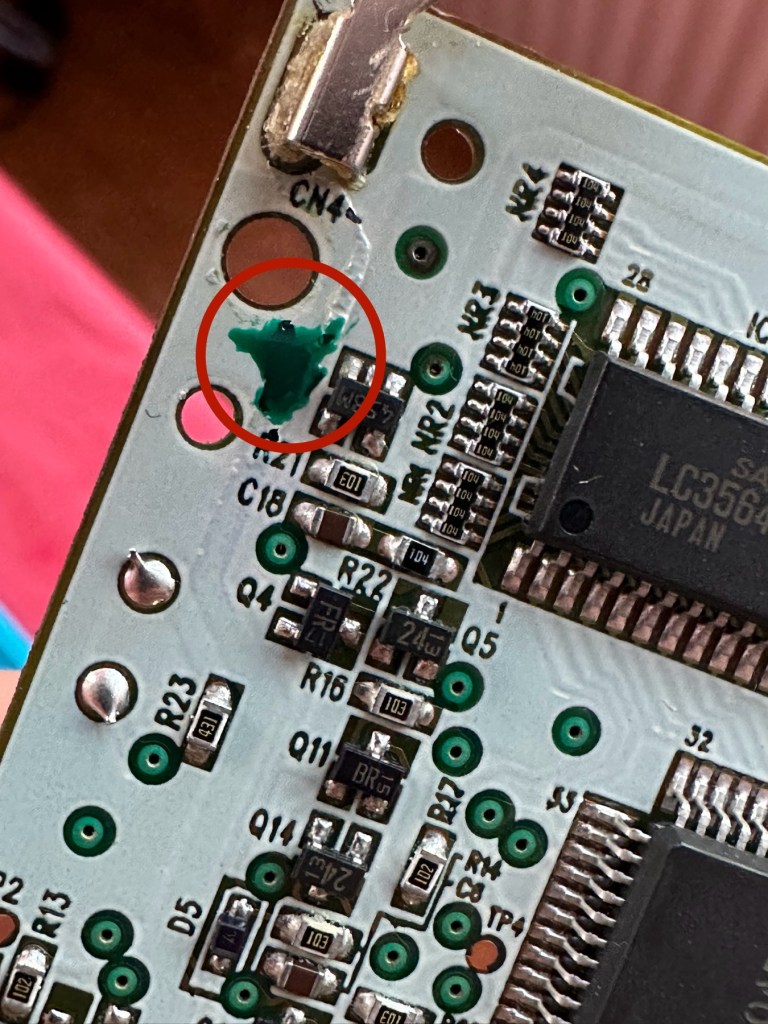
The board inside hasn’t been that badly affected by the corrosion, however one track from the battery terminal was showing signs of decay and will need attention. There are parts of the board that will need reflowing as there are some dodgy looking solder joints.

I’m happy that all the issues have been identified and I do actually have the items to carry out the repair. I will focus on the external issues such as the yellowing before dealing with the contacts and main board issues. Stay with me now, the repair begins.

Repair:

The Retrobrighting process for the shell assembly can be found in a separate post here: First attempt at Retrobrighting.

Wow

Needless to say the results are fantastic and I shall look at incorporating this method into more of my future projects. I have since given the case a second treatment and it is pretty much perfect with no sign of discolouration.

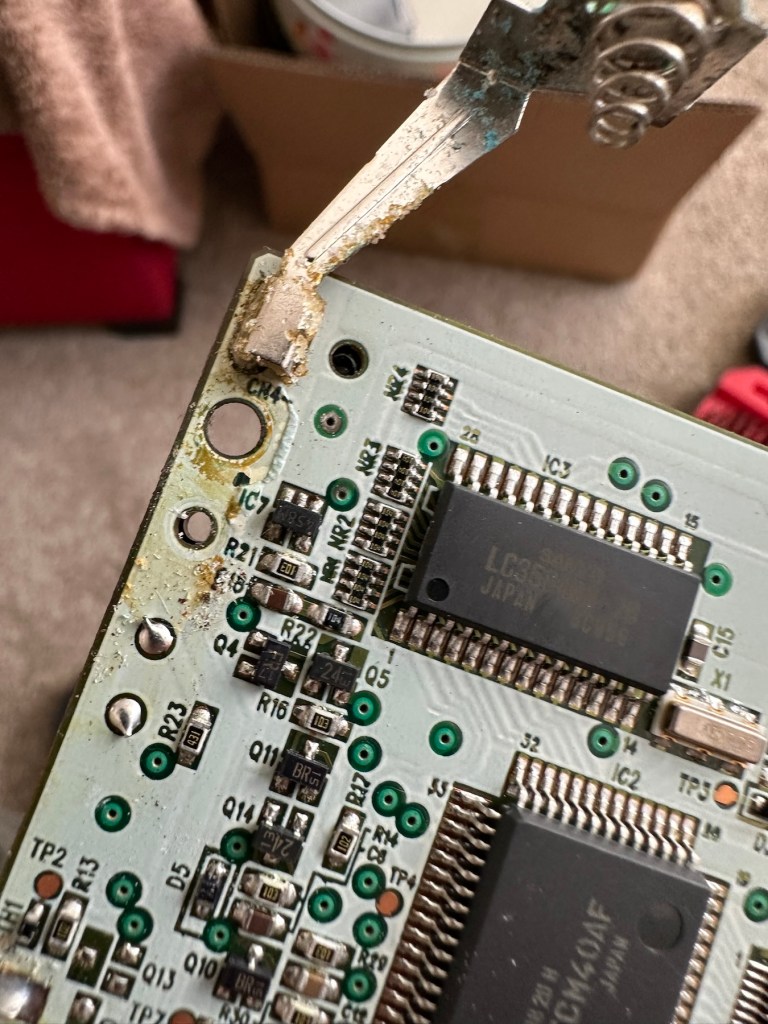
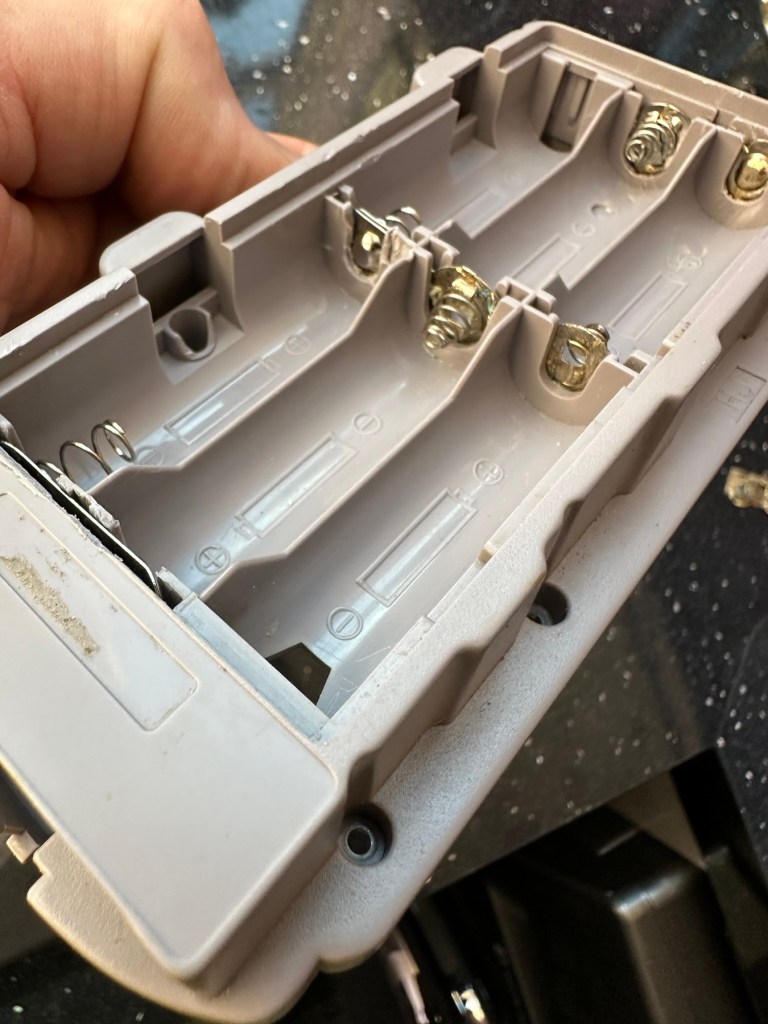
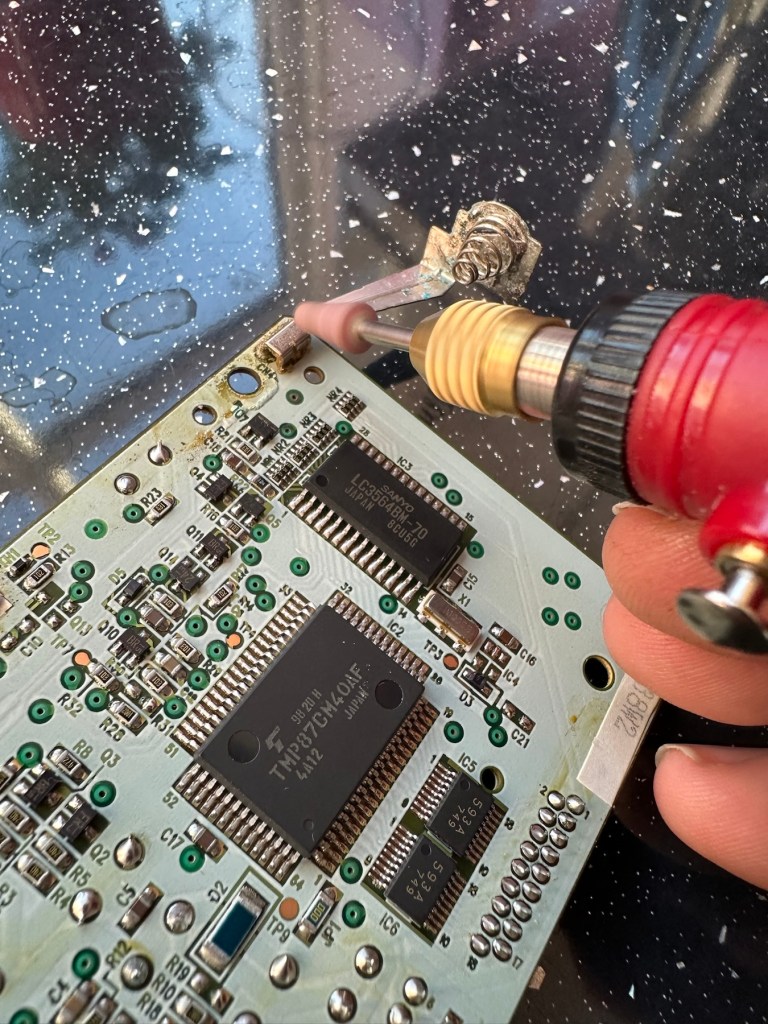
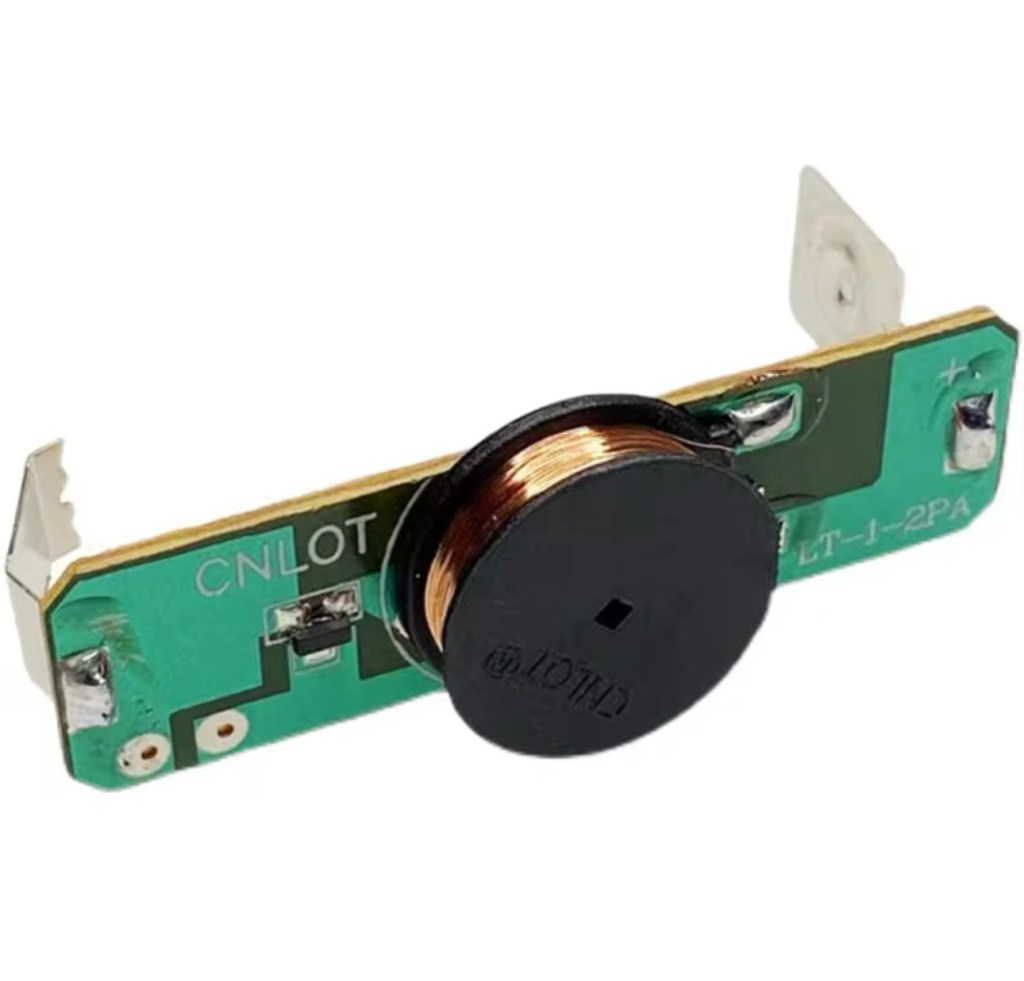
As you can see in the pictures above, the battery compartment suffered from some severe acid contamination. Using a grinding pen and a lot of cleaning solution, three of the five contacts were saved but two were beyond repair and I had to replace these with new contacts.

I then loaded the battery compartment with new batteries and then checked the two terminal ends to assure continuity, this was confirmed and continuity exists throughout. As a result the battery issues and power supply have now been resolved.

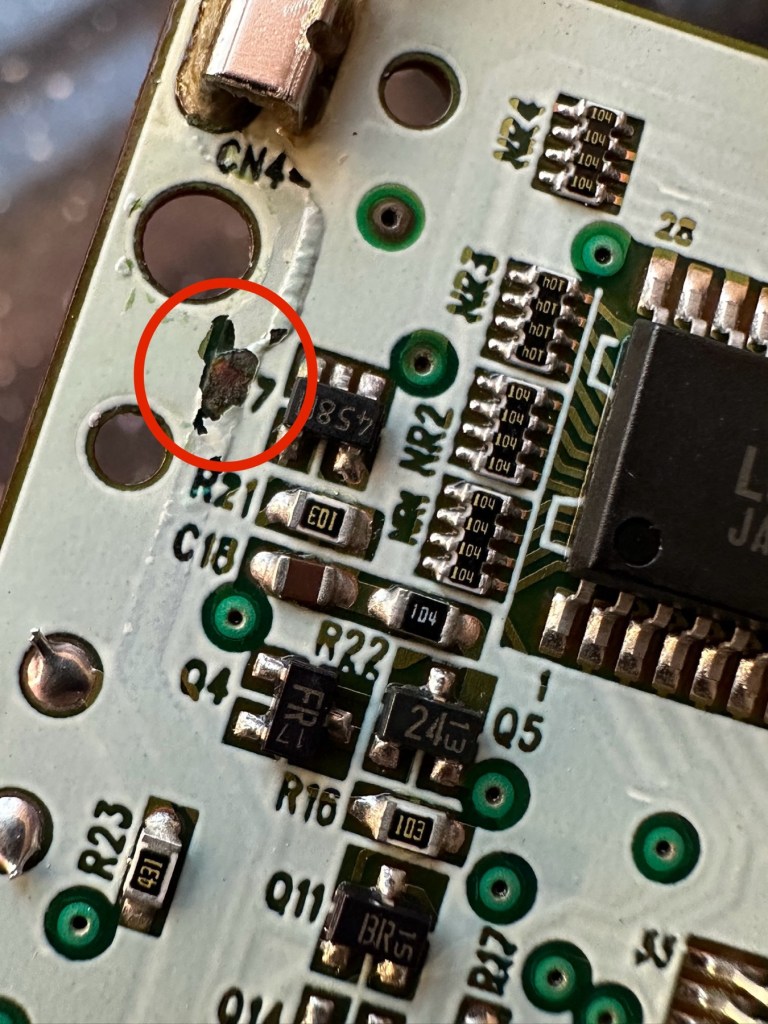
I mentioned that one of the tracks on the main board was showing signs of corrosion. I filed this down, cleaned it, and then brushed the board down with IPA and checked the continuity and this was fine. All suspect solder joints have also been reflowed, they are all looking good and new.

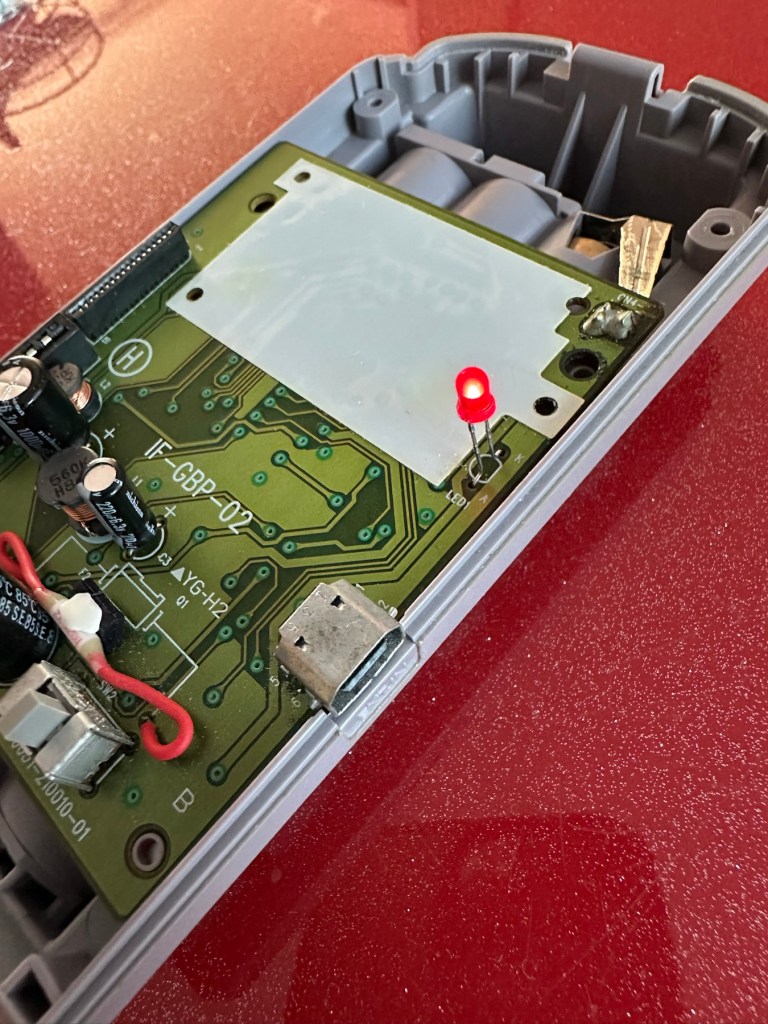
I had previously removed the motor from the board to assist with cleaning, as i didn’t wish to damage any of the ribbon cables. I then reconnected the cleaned and freshly repaired board, to the restored battery compartment to see if anything lit up. It sure did.

We have a light

This was pleasing as it now showed that we had continuity from the battery compartment to the board. I then added the motor back in and we also had some movement.

Movement restored

This again was very pleasing as everything we have done so far seems to be working. However it proves nothing yet until I can get the correct cable and some correct sized thermal paper to see that it actually does print, or even advance the paper. Those items are being sourced, and I don’t want to jump ahead of myself just yet as there could still be a number of yet to be addressed issues that may arise. It’s very much a fingers crossed period until we can test the unit properly.

Let’s clean all the other plastics whilst we await all the other items to be attended to.

All washed and drying out

Now we will commence reassembly.

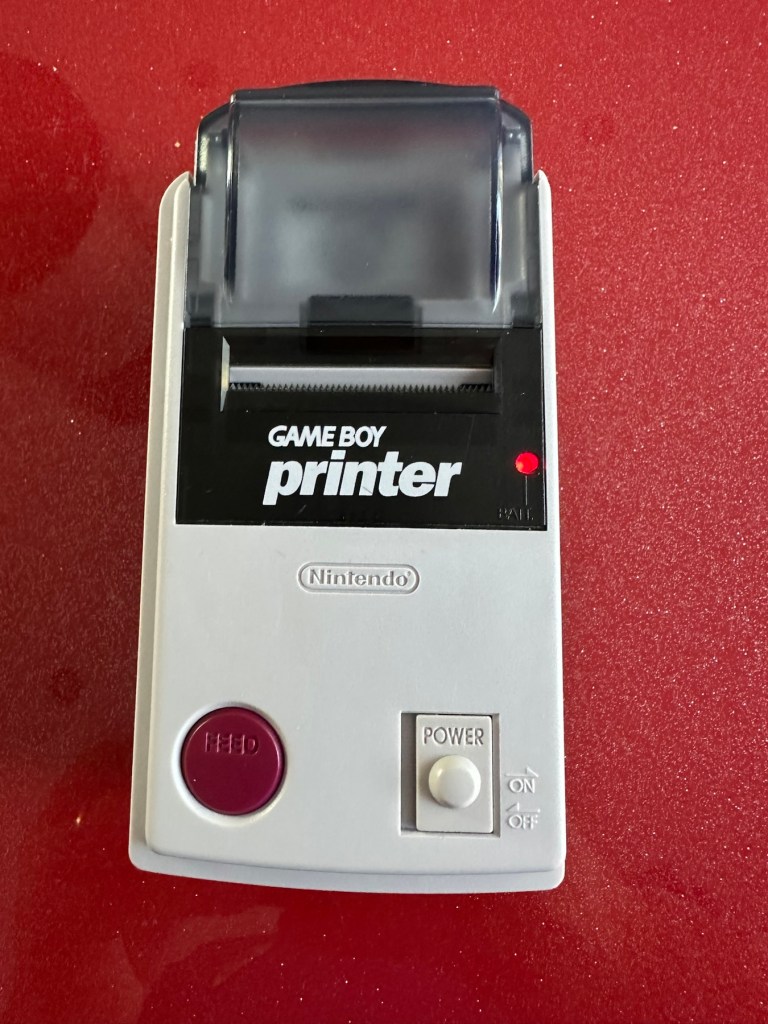
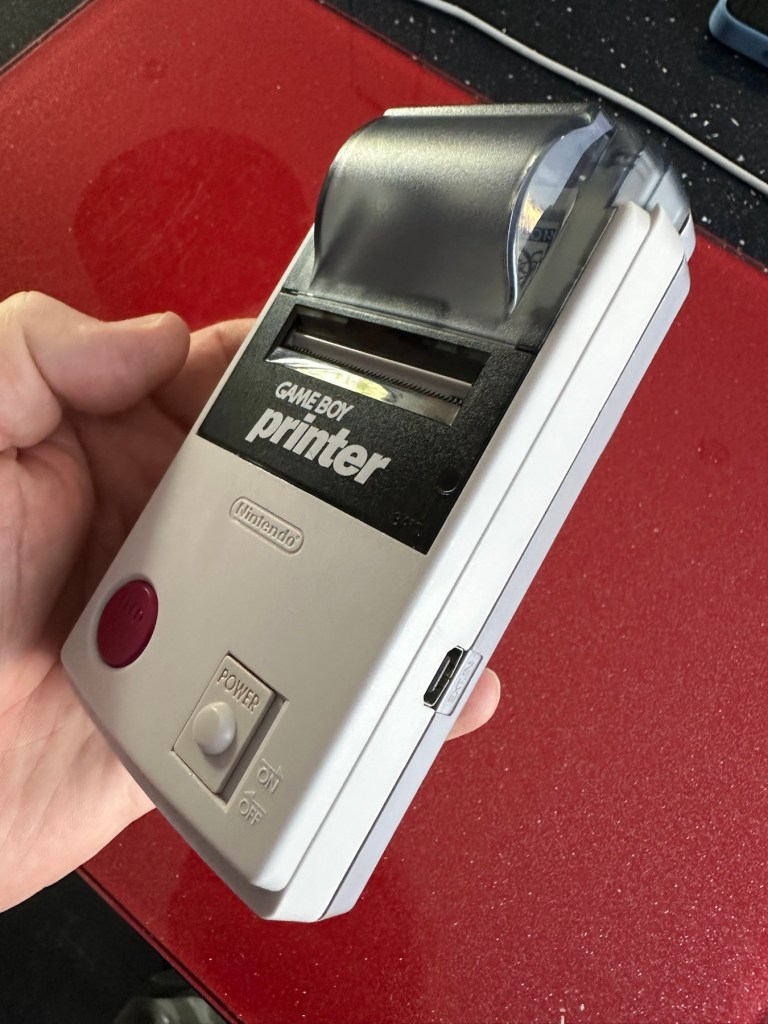
All restored, working and looking pristine

Now all assembled the motor moves into position when turned on, the feed button also works. The paper rolls for these units are at the moment extortionate and selling for about £10GBP for the tiniest of rolls, and I’m not paying that. I have a thermal printer at home and I have cut some of this paper to size to test the transport, and this works just fine. Just awaiting the cable to connect the GameBoy to the printer. Fingers still firmly crossed.

Result:

I’ve just found out that if you hold the feed button whilst turning on the unit you get a test message. I’ve done this and I’m pleased to say the unit is fully working.

It’s working perfectly

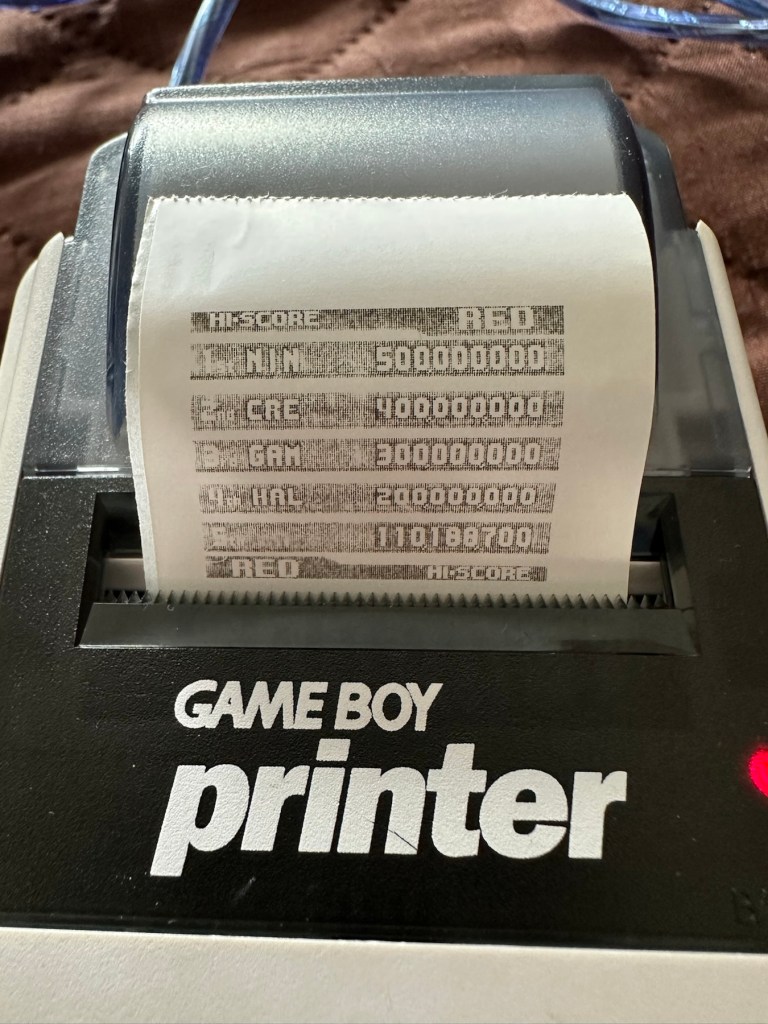
I’ve also connected it to my game boy and the game – Pokemon pinball, and was able to print off the high scores. It truly works.

High scores

I’m just so pleased how this project has gone. It has been a complete refurbishment, clean, and I have even managed to reuse the original stickers. The unit looks pristine and really is a nice piece of kit. This goes into my GameBoy collection and has many more years of good use left in it.

And to think this would have probably ended up in landfill. Scandalous. The cost of repair to me has been less than £2GBP and the majority of that was for the peroxide solution to do the Retrobrighting.

Great result. Very happy with this.

I can now uncross those fingers. All is fine.

Thanks for passing by, as always most appreciated.

Rock & Roll clock

Here’s what the listing stated:

The clock features a swinging pendulum and is a great addition to any music memorabilia collection. However, please note that the clock mechanism is currently faulty and may require repair or replacement.

It’s been a while since I’ve been tempted to fix something totally outside my comfort zone, so here it is a novelty “Elvis Presley” Rock & Roll clock. I quite fancy learning how to repair clocks, perhaps this is the best place to start with nothing too complex.

From what I can gather the clock is a fairly std mechanism with a separate mech that operates the pendulum “legs”. I know the wife won’t entertain this in the house, however my elder sister is a massive Elvis fan so I may even shove it in her general direction… if I can fix it.

No assumptions as to what is going to arrive at the moment as you never know what you will end up with from auction sites, so let’s just await the mail man’s knock on the door.

All good on arrival, as expected

The clock has arrived and apart from having to just straighten the hands, a battery has been put in and the clock is ticking well and keeping good time. However Elvis isn’t shaking his hips as he should be even with a separate battery in place so there is an obvious issue there.

No hip shaking Elvis?

Well the issue is a bit of a pain in the ass one. The pendulum effect comes from a small electromagnet that opposes a magnet on the pendulum, hence when working the pendulum continuously swings. However this one has two of the wires from the coil broken. These wires are just about the width of a hair and had to be coaxed back into place using my microscope. I’ve tacked the wires back into place and the clock is currently working.

Electro magnet

However, apparently these wires are known to break even if a butterfly farts in the vicinity of them, they don’t hold up to repair that well, so I’m going to order a new electromagnet replacement. Cheap as chips.

Elvis shaking those hips

So I’m happy a fix has been possible, I’ll just wait for the replacement magnet until I move it on to my sister. In the meantime the wife has to put up with it shaking its stuff in the conservatory.

Edit: New magnet 🧲 has arrived, Elvis really going for it now and shaking his booty like a mad man 😂

Shaking like a mad man.

Now he’s off to my sister. can’t stand that much activity around me.

Another item saved from landfill. Result.

Happy days 👍

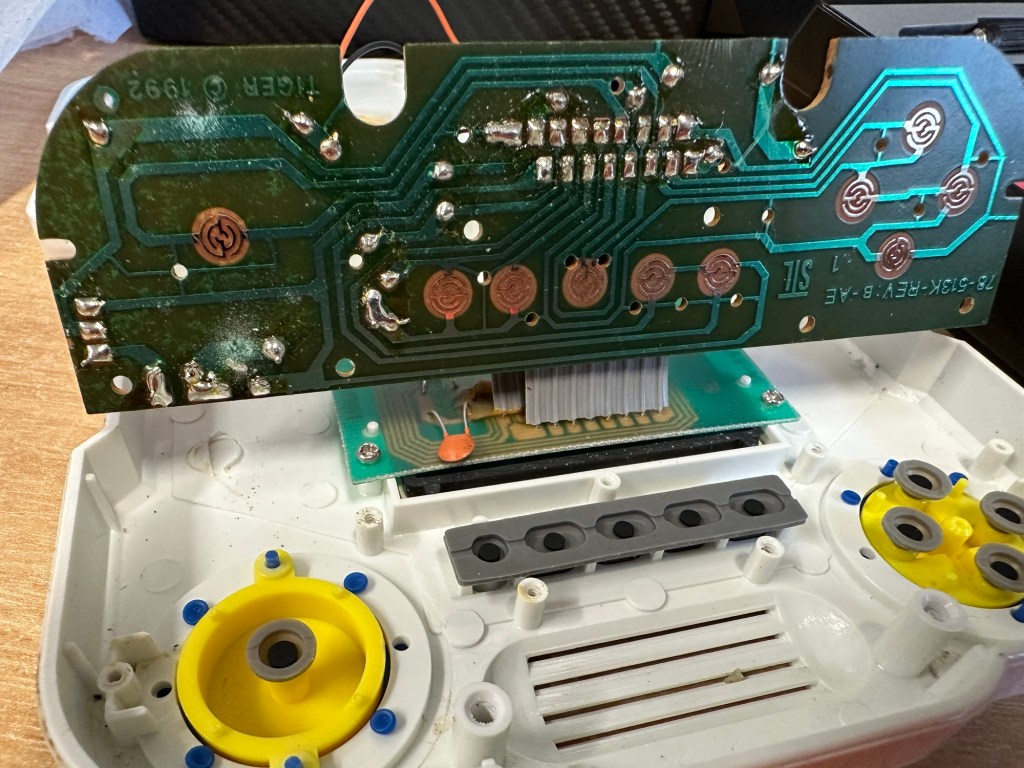
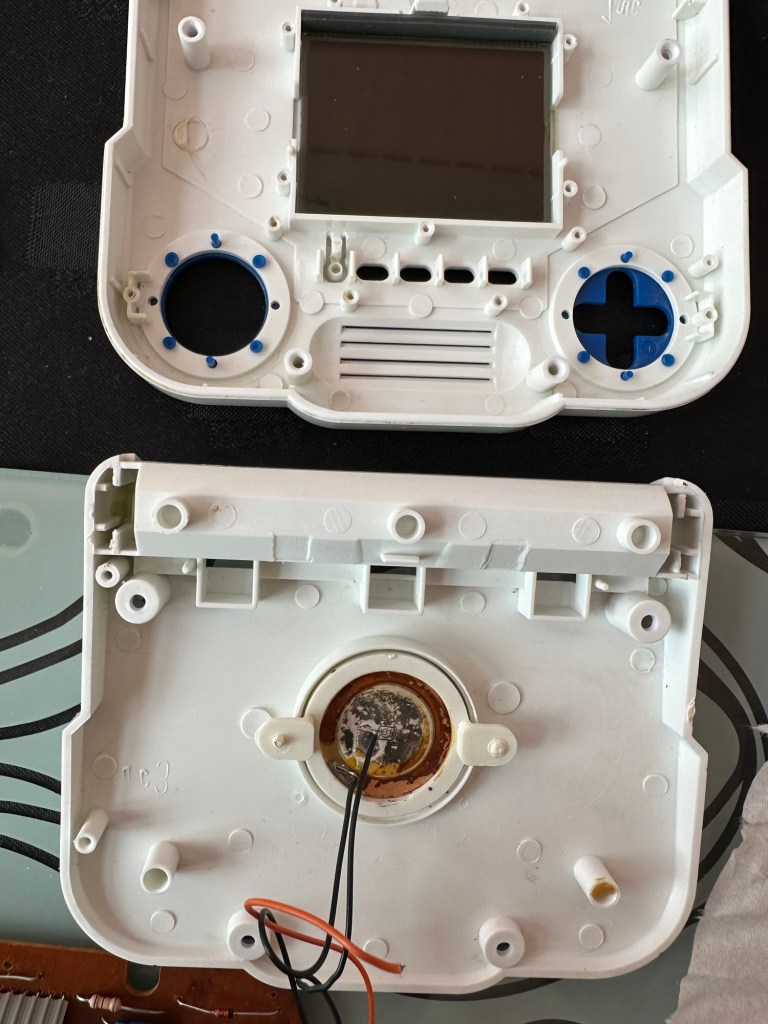
Tiger “Sonic the Hedgehog” handheld console

What the listing said:

Console is sold as nonworking, shows no sign of life. Item is in good physical condition but there is a lot of corrosion in the battery compartment

Ebay

I’ve decide to look into what seems to be the “New Antique” sector of retro gaming. The prices being commanded for 1980s/90s old school gaming is crazy with many small handheld items that would have cost a couple of pounds being sold into the hundreds. Absolutely nuts!

Sonic – Tiger console

My decision making process on this was simple. I love hedgehogs, we have plenty of hedgehog visitors to our garden, so what better game than “Sonic the Hedgehog?”

Anyway, at the cheaper end I managed to bag this for £9 GBP. If I get it working, those units are selling between £20 – £45 so I should at least get my original outlay back, pending on what work needs doing.

So here we go….

Well, it’s arrived and cosmetically it looks fine.

Looks good cosmetically

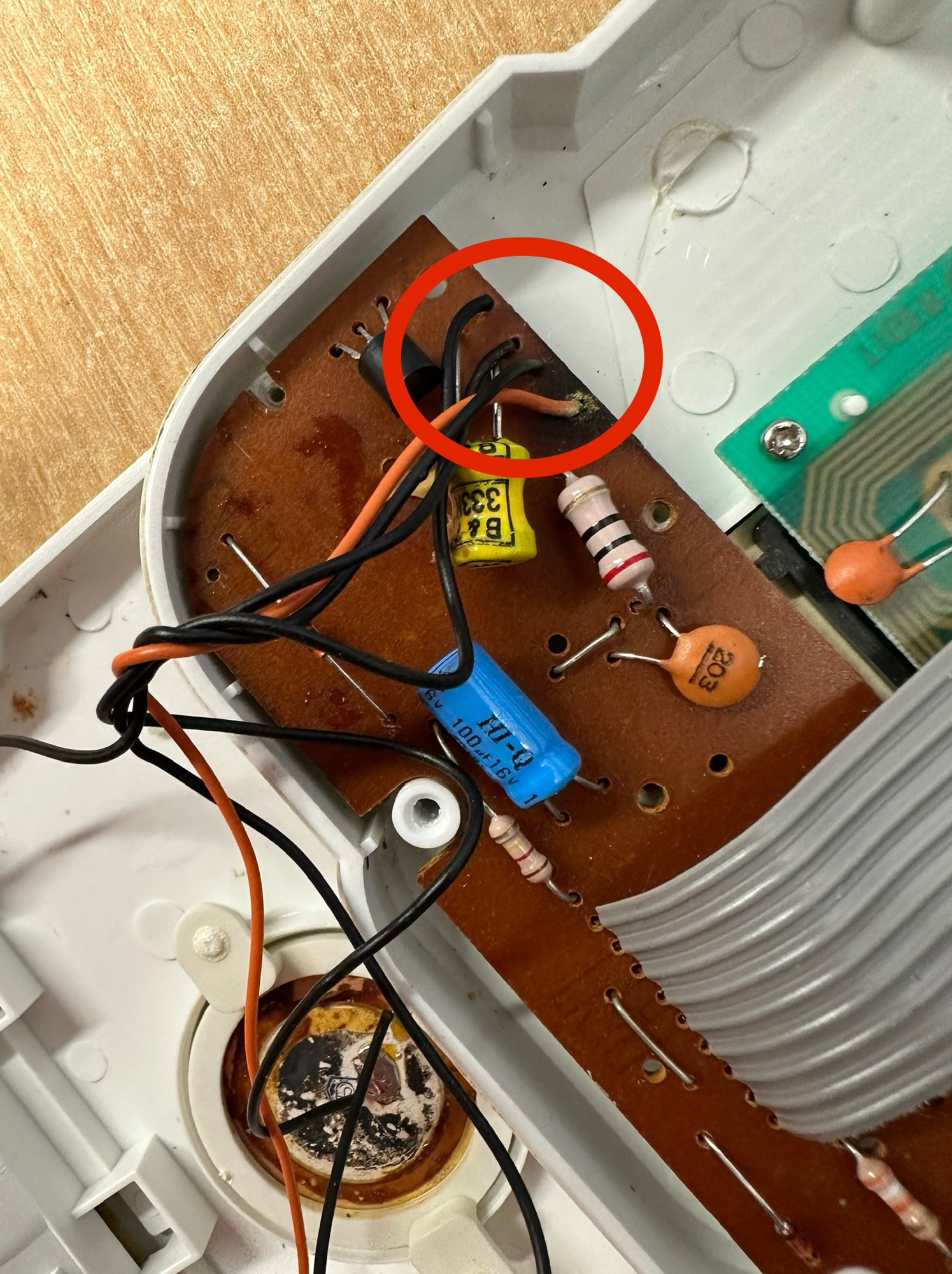
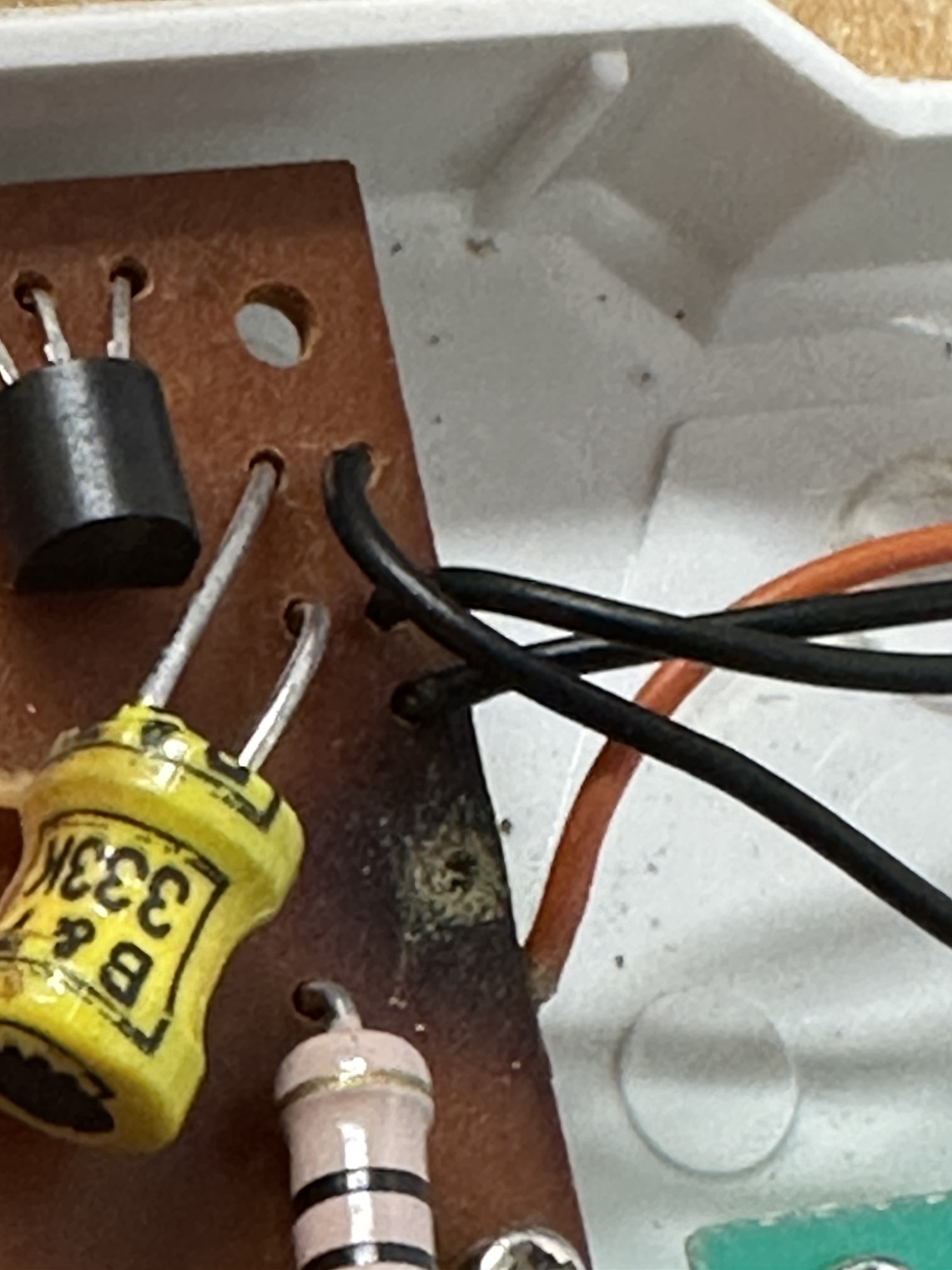
Now I opened the battery compartment and could see no corrosion, on opening further I noticed some of the screws had been threaded so I guess someone has been in here before me. And I was right. The corrosion can be quite clearly seen on opening the unit.

Where the corrosion is on the negative terminal, a wire is also disconnected, hooray I thought, an easy fix. Hold on tiger, it’s not that simple. it appears the corrosion has leaked down the wire to where the negative wire joins the circuit board, in fact all four wires at this point are holding on by threads of wire. These will need re soldering.

This game appears to be from 1992 according to the stamp on the main board.

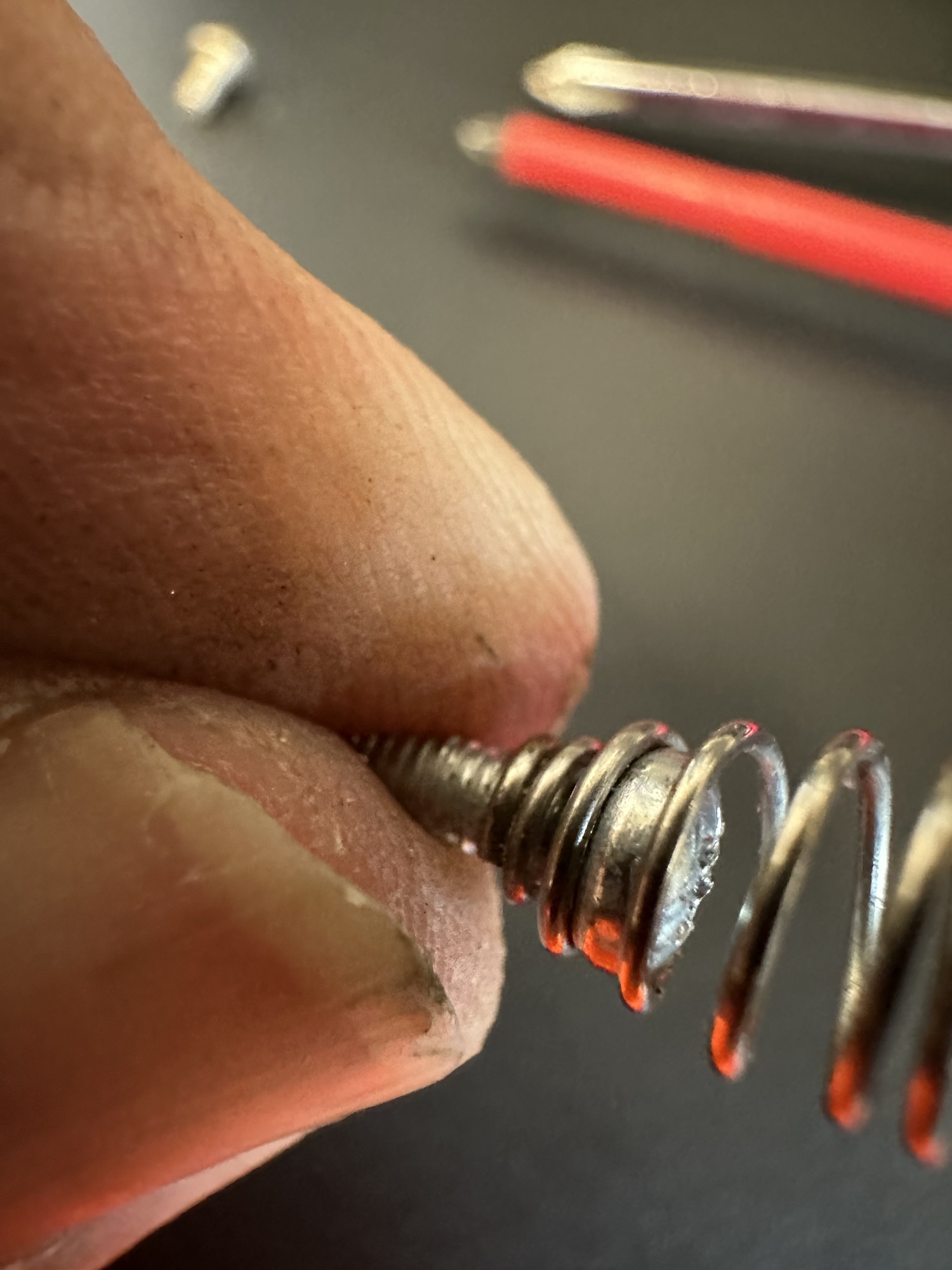
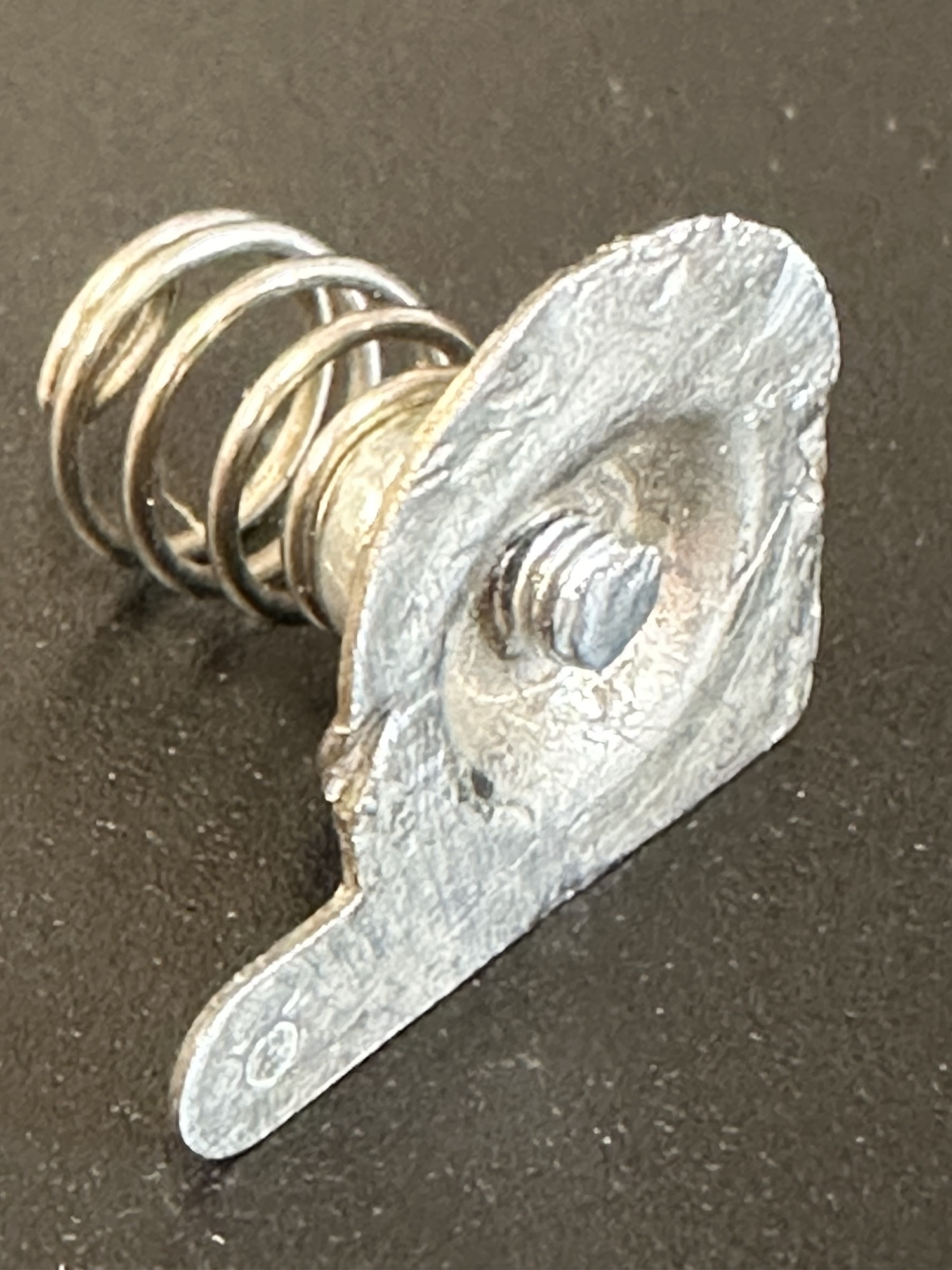
The negative terminal connector is broken, i have some replacements on order but I’m going to repair this one.

I’ve taken the corroded rivet out that held the spring. I’ve found a small screw and have used this to connect to the plate. I’ve cleaned the whole lot with wire wool and have cut off the excess screw and filed it all down. It now looks as good as new and no cost involved. I will finish it off with a dab of solder on the back to ensure good contact is maintained.

Peering underneath at the board it all looks ok, needing just a good clean with IPA. However, I’m not really going to be able to confirm this until I’ve re soldered and checked continuity from the batteries.

Signs of light corrosion under board

There could be some damaged tracks, again I’ll know that when all the basic setup and tests have been done. There is also a possibility the speaker could be damaged as the corrosion has reached there. I’ll test with the multimeter in the meantime. That all checked out ok and the speaker is fine.

I’ve given a good overall clean with some IPA and the entire unit inside and out looks as good as new.

I’ve replaced both the power cables from the battery unit as one had fallen off and the negative one had looked as if it had been crushed. I was changing so it made no odds to change the other.

New power cables

I ran some checks with the multimeter and everything is fine, all tracks are good and it looks as if the corrosion was localised, this unit has dodged a bullet.

Batteries in and it’s now working well, see this video short:

When you don’t know what you’re doing

However, as I’m not a gamer I have absolutely no idea what I’m doing, it makes a lot of noise and appears to work but god knows what I do. It certainly does a lot more than it did when I received it.

Another one saved from landfill.

Big Trak CE3962 restoration

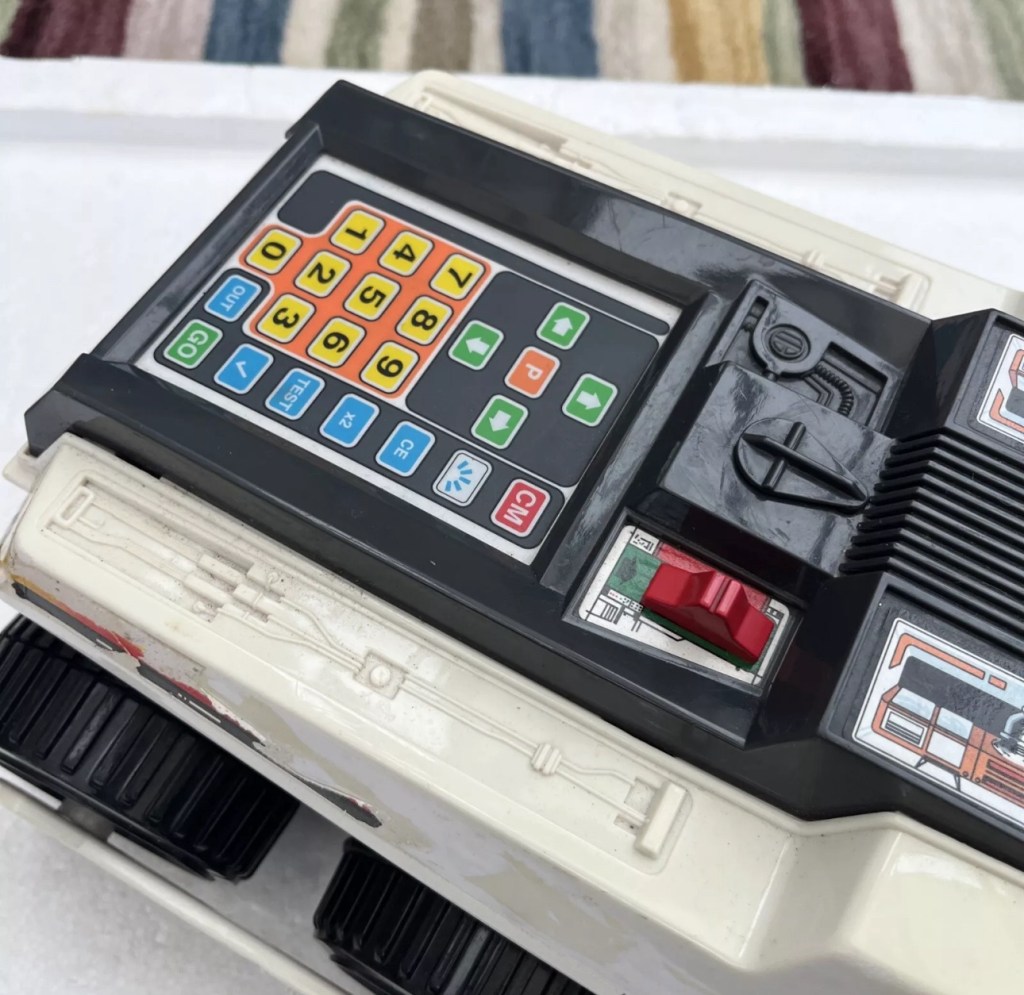
Big Trak CE3962

I refer you to the post I wrote earlier in June 24: Teenage jealousies revisited

Here I purchased the toy I most wanted back in my teenage years. Unfortunately I wasn’t available to get the original MB version produced in 1979 so I had to settle for the latter “improved” version made by Zeon Ltd that was made in 2010.

It’s arrived and to be honest dosen’t look too shabby, needs a bit of a clean up and maybe some new transfers applying but we’ll get to that at another time, for now we need to try and get the machine up and running.

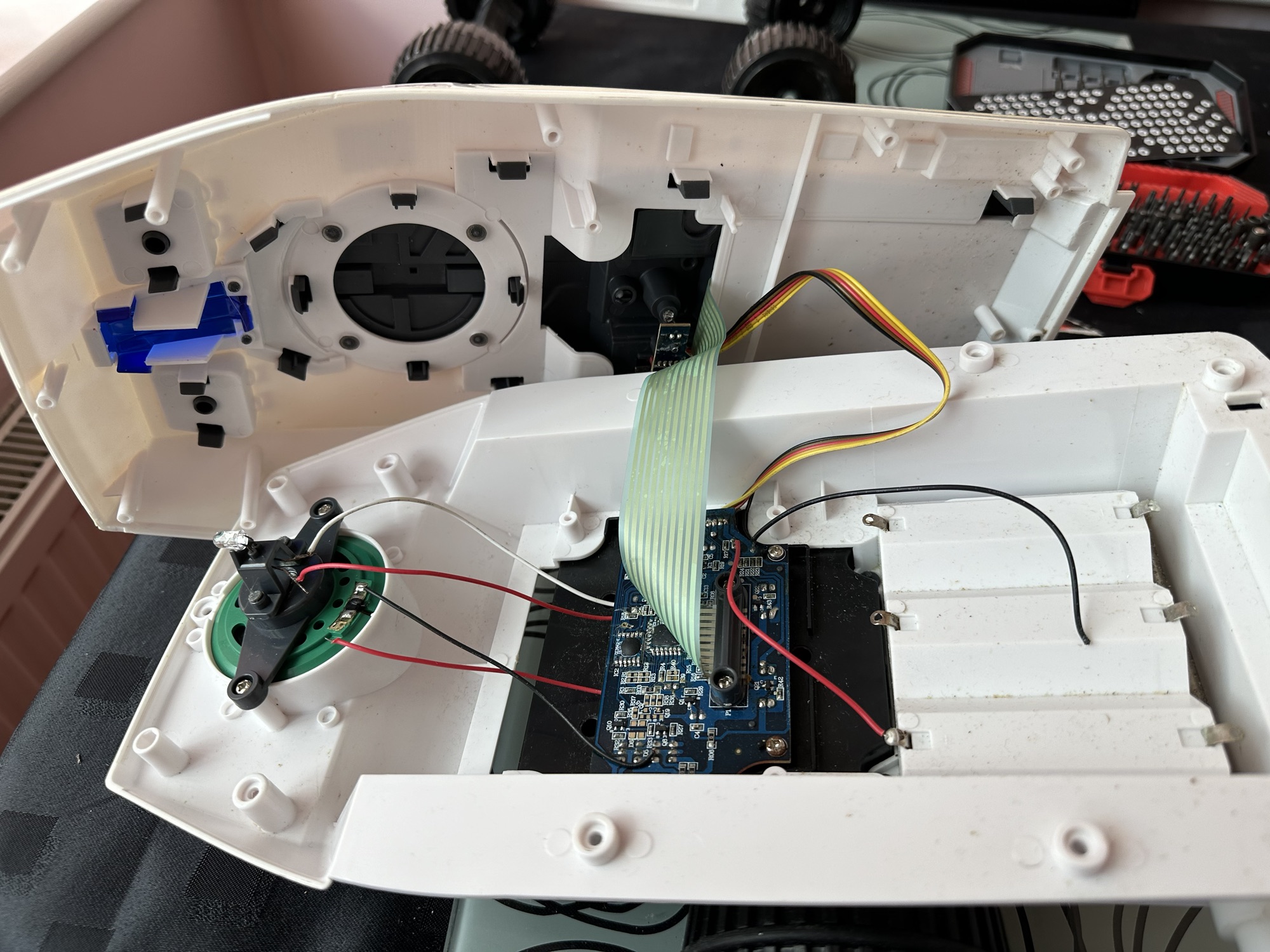
I’ve eventually managed to get the lid off. This unit was built to ensure that it was difficult to get into so repairs couldn’t be carried out. Some of the screws are buried under fascia dressings, and if you aren’t careful you could end up snapping some of the body shell.

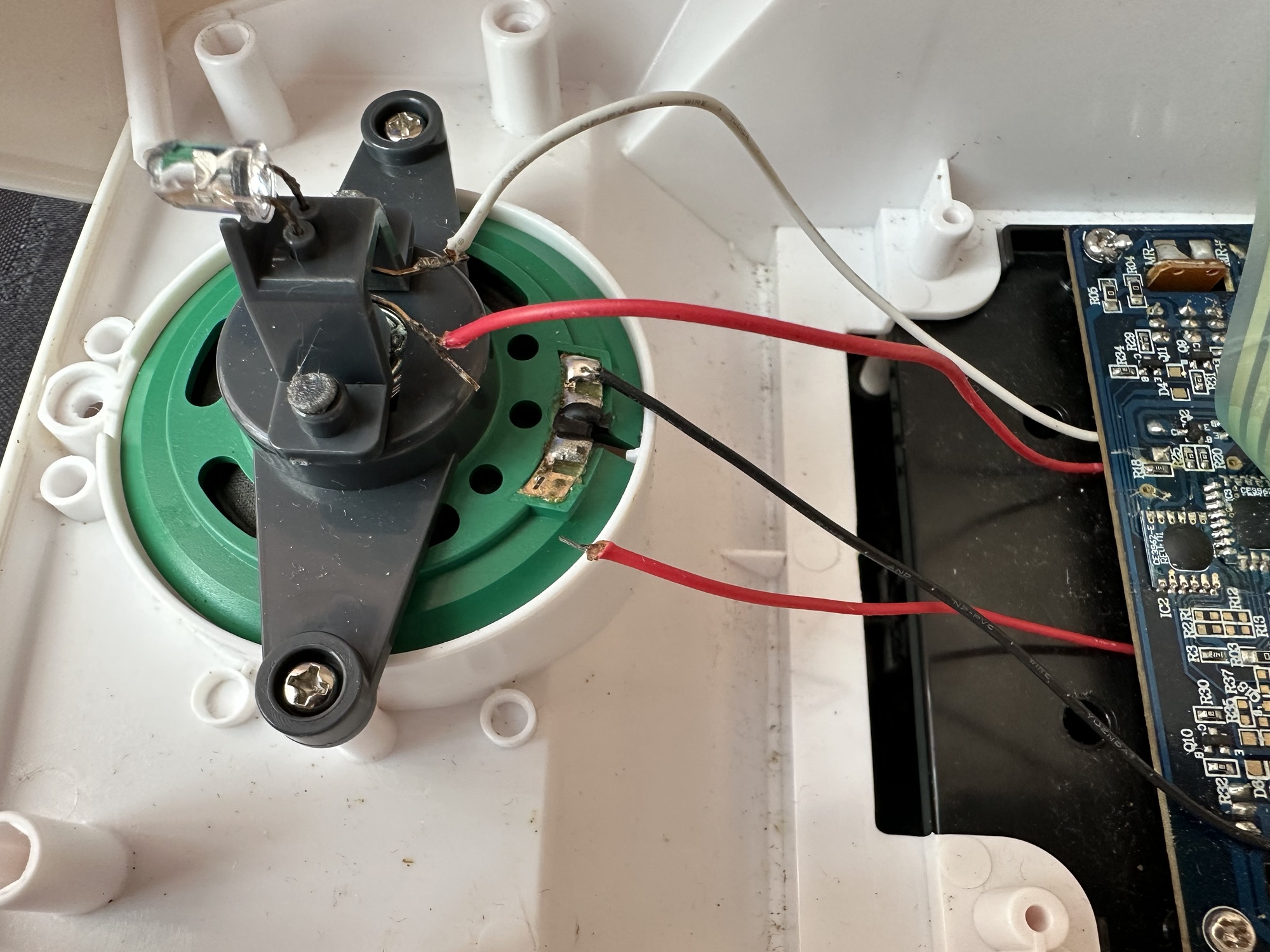
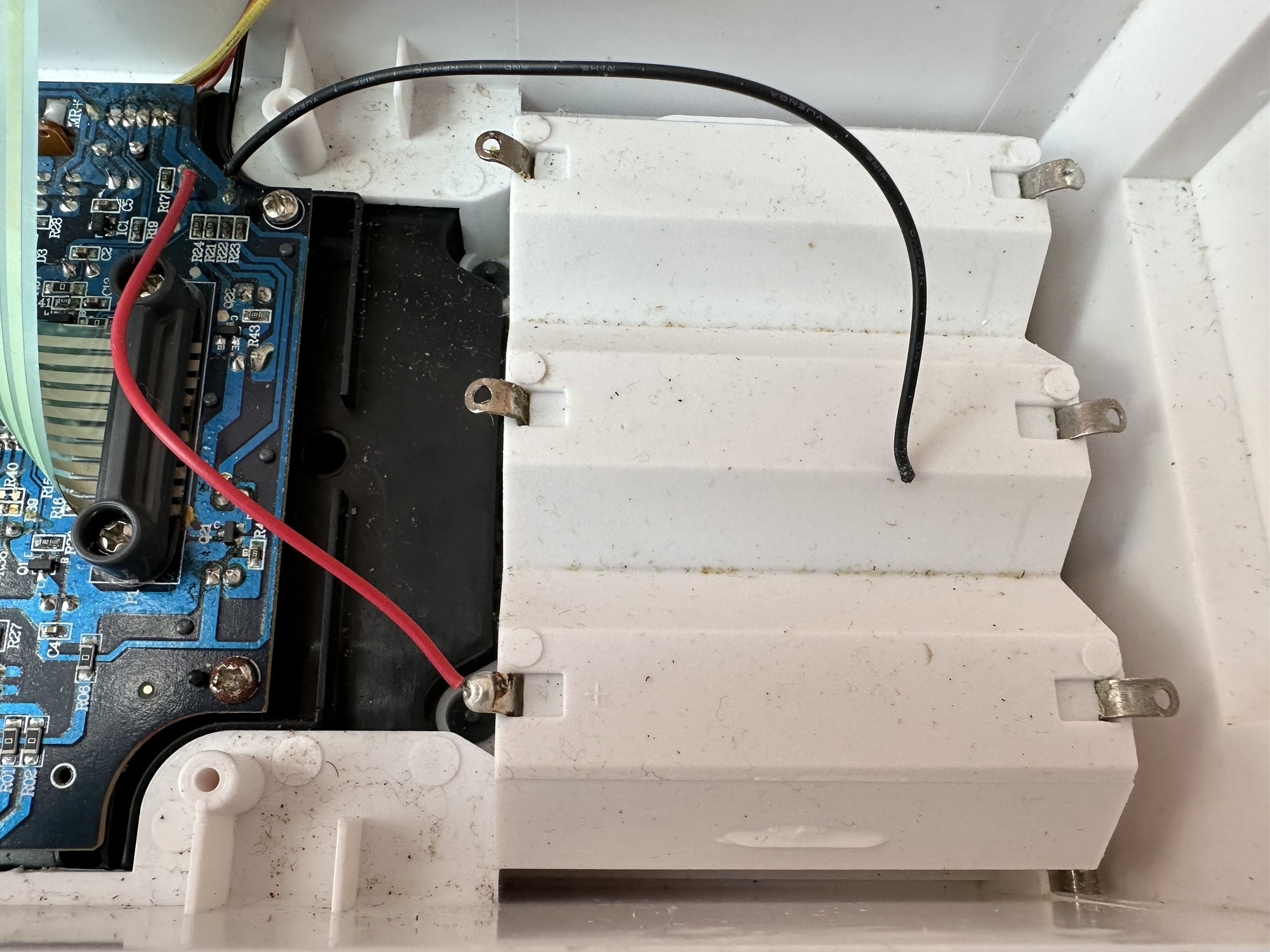
With the two halves of the body shell detached it’s obvious there are some detached wires. One was a battery wire, one was a speaker wire. Oh if this was the issue wouldn’t it be great? But it wasn’t. I soldered these wires back into place, put the three D types in place and it was still dead.

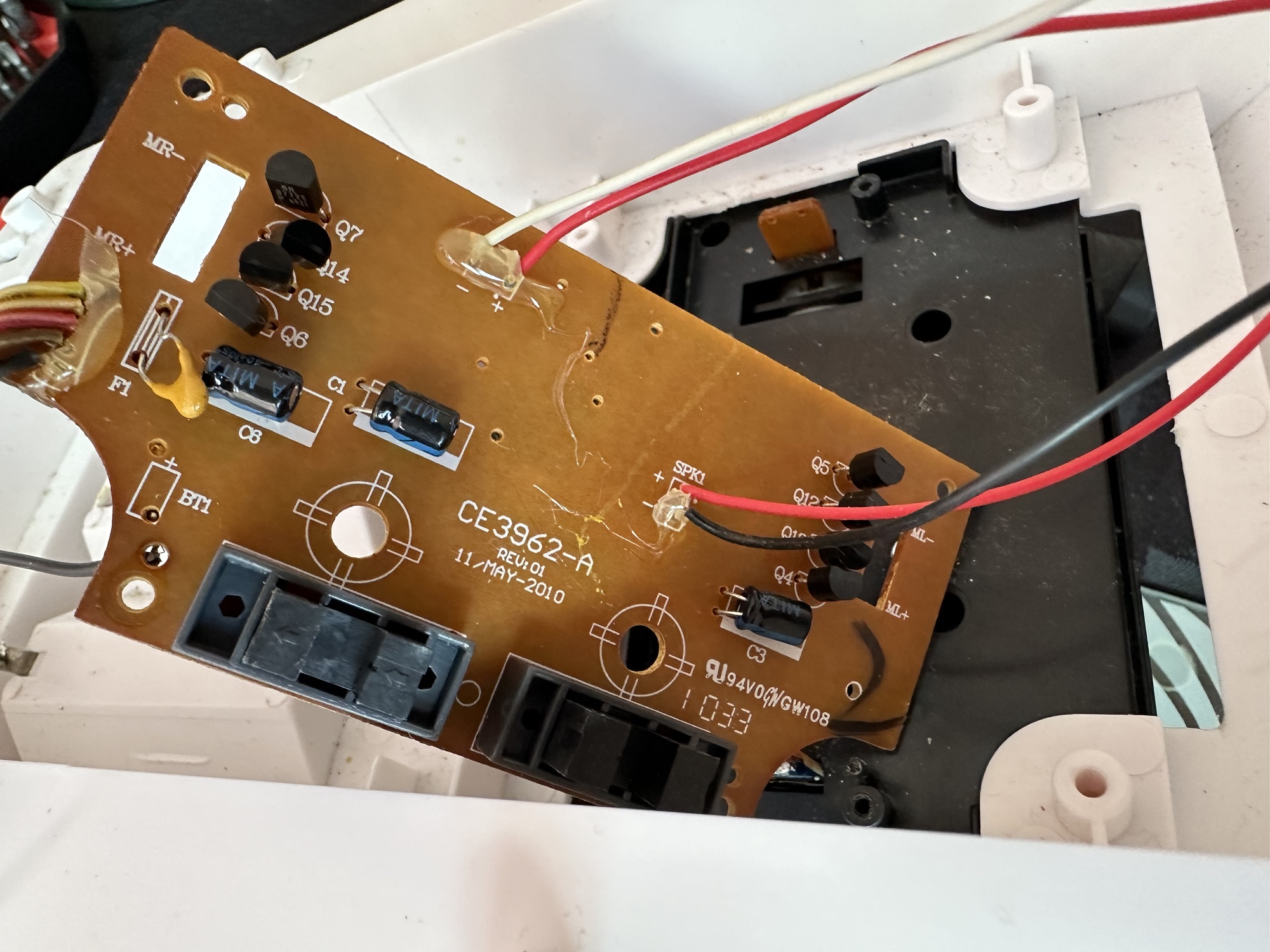
I’ve now desoldered all connections from the circuit board to assist in carrying out checks for continuity and tracing voltage. I can also check the board under the microscope. I may change all the capacitors for SMD ones.

I started checking continuity and tracing voltages and was doing really well until I got to a large section of the main board where everything seemed dead and unresponsive. What the heck was going on here? And then I noticed the wire had detached from the positive probe of my multimeter thus ending any further testing for today. I need to order some new probes. Well, I’ve ordered some nice new probes and croc clip connectors as well, so as soon as they arrive I’ll get back on with the testing. They arrived and were damaged on arrival, so back to the drawing board.

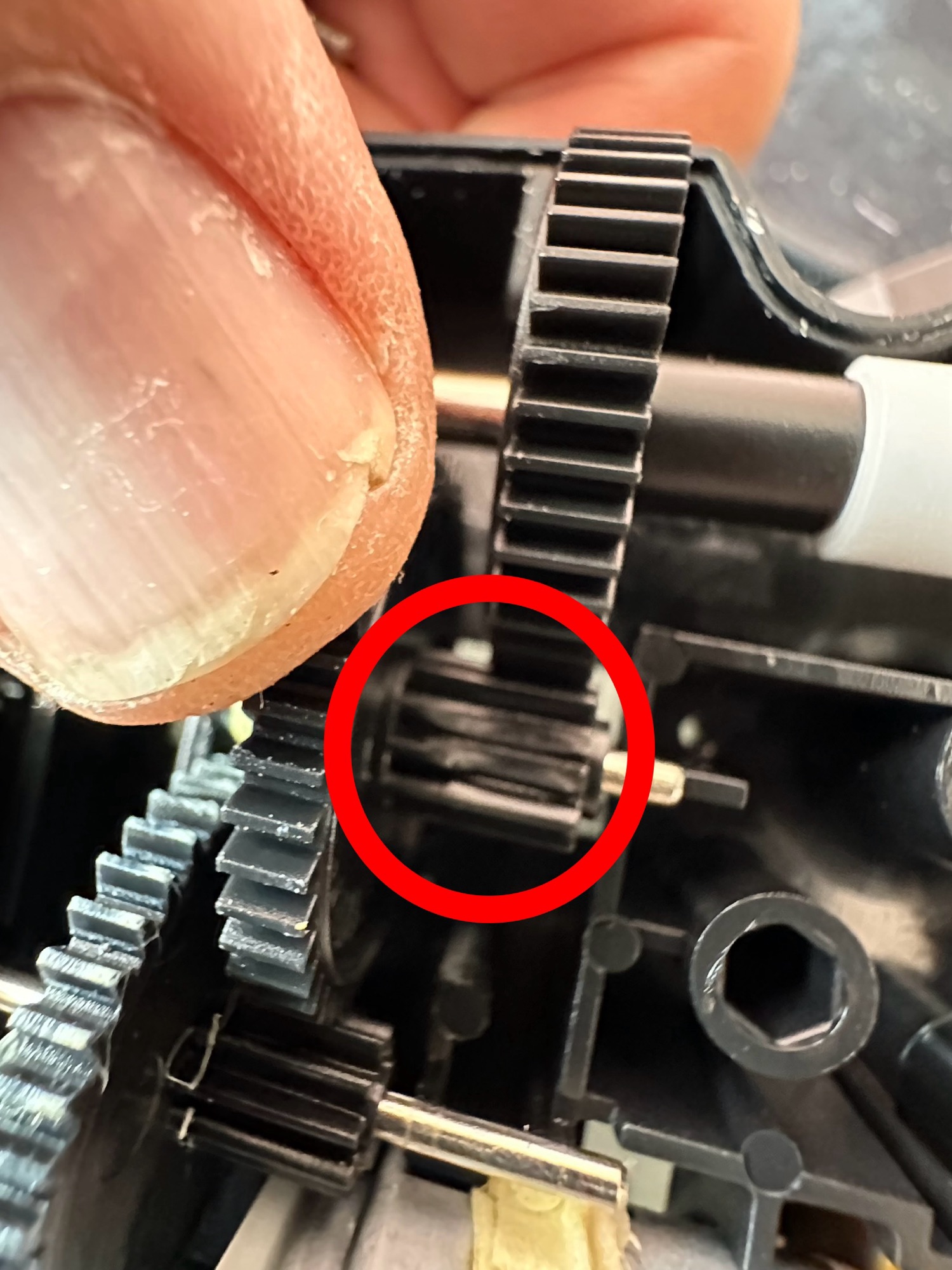
I took the drive train to pieces and here it became apparent that a number of the cogs are damaged. I believe there is also some issues with the motion detector but I can’t confirm that until I get some power into the motors. I can’t find spare cogs online so I have ordered myself a second damaged unit to use as salvage. To be honest this new unit has all the transfers in place so I will probably use that shell and the guts of my original unit to form one complete Big Trak.

New donor Big Trak – better than my original one

The donor unit has arrived and boy I’m impressed. It’s in far better condition than my original one, so as expected this one will become the working unit and my original one will be come the donor. Any parts left over will be sold on as spares or even used on another damaged one if I can source it.

My new Bigtrak

If you look at the video above you will see the new Big Trak going through the motions. However the one thing it dosen’t do is turn. Could be a wheel sensor issue who knows. Good thing is that the cogs haven’t broken as the drive wheels are both solid and not free wheeling.

There are only two real issues with the donor here. Firstly it will not do the turn command and secondly, one of the drive wheels is damaged. Luckily I have a spare wheel so this was swapped over, some decals were missing but I coaxed these off my old truck with a hot air gun and reapplied them with no issues.

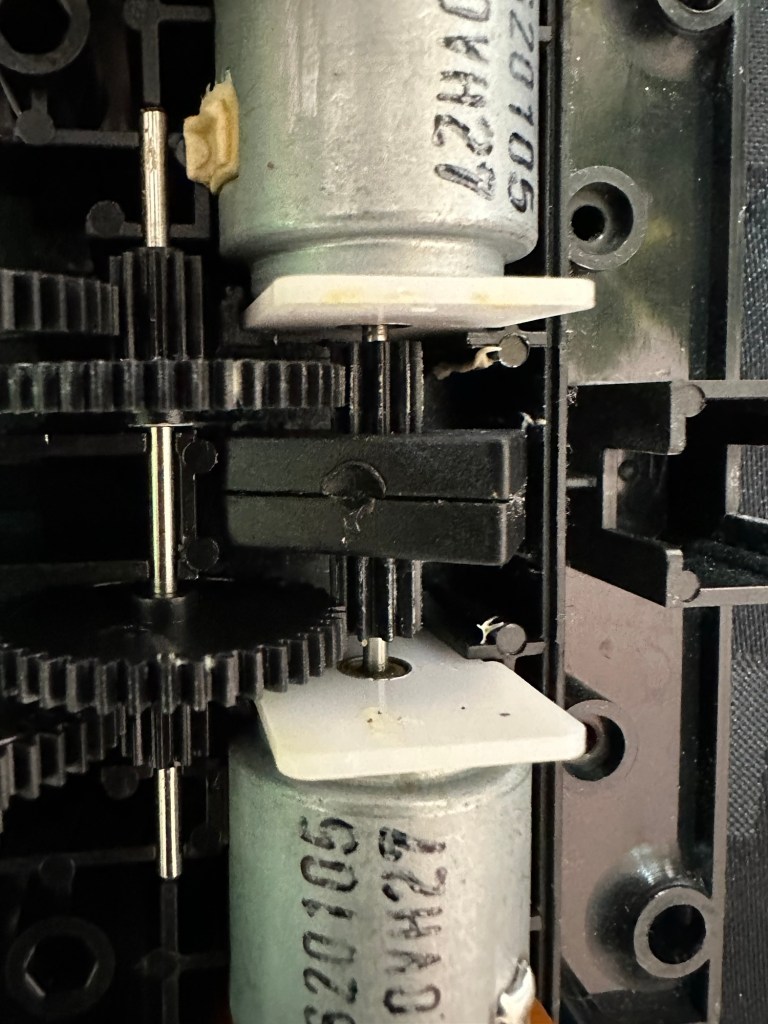
Looking into the drive issue meant opening the gear box. In here we have two magnetic independent gear controls that should have a gap between them, these two were stuck together thus rendering independent motor operations of the turning control useless.

I removed the two motors and repositioned them and the cogs holding the magnetic gear, this gave a gap of about 3mm that now allows the wheels to turn in opposite directions allowing the unit to turn.

Now the Magnetic sensors are adjusted….it turns

Whilst in this gear box I was able to confirm the issue with my old gear box and it really is all down to two damaged drive cogs that I need to obtain. I’m pleased with that as I could now get two good working units for just a small outlay once I can source some cogs. I will have to repair the wheel I removed to replace the one on my new unit however I have an idea how I’m going to remedy this and again it’s a low cost option. But that’s a job for another day.

2:18 of rebuild magic

So if you look at the video above, it’s the full fix that I posted on YouTube. Really pleased with this fix, again I’ve learned quite a bit about these units and I’m going to have immense fun programming it. My wife dosen’t understand my excitement over this toy, but all my old buddies and colleagues understand it as they grew up in the same era. Maybe it’s the male menopause, reliving the past and all that.

But hey, it keeps me occupied and out of mischief so who should worry about that

This one is going on my shelf so when the kids visit I can show them the joys of basic programming we experienced back in the day.

Job done.

Teenage jealousies revisited

I’ve just brought one of these, it’s a toy and I’m heading for the senior end of adulthood:

BIG TRAK / bigtrak is a programmable toy electric vehicle created by Milton Bradley in 1979, resembling a futuristic Sci-Fi tank / utility vehicle. The original Big Trak was a six-wheeled (two-wheel drive) tank with a front-mounted blue “photon beam” headlamp, and a keypad on top. The toy could remember up to 16 commands, which it then executed in sequence. There also was an optional cargo trailer accessory, with the UK version being white to match its colour scheme; once hooked to the Bigtrak, this trailer could be programmed to dump its payload.

WikipediA

Here’s what the original listing said:

Item probably does not work. I recall attempting to fix corroded terminals years ago and it’s still not working. I do not have D cell batteries to test now.

EBay

I was just browsing around as I do and this popped up on my timeline, the wife is going to disown me for bringing such junk into the house, however for a split second 14 year old me was in the house and a flood of memories, not all good came back to me. These toys came out in 1979 when I was aged 14. My friend over the way from me was brought one of these for Christmas and I experienced one of my first ever episodes of Jealousy. Back in 1979 I believe they retailed for approximately £39 Gbp, and my parents weren’t about to part with hard earned cash to invest in developing technology like computing – “It’ll never last, it’s just a fad” (Famous last words).

I made every excuse possible to go around his house to play and even offered to look after it for him when he went on holiday, he never let me though and I believe at that moment my friend realised what the term obsessive meant, as he was experiencing it big time with me.

Now I own one, however this is the later version from 2010, it only cost me £9.99 Gbp and its probably a wreck, but I’m really going to treat this like a proper full sized car restoration and I want this to work, crikey I’ve even found out I can buy the original decals from Australia, so it’s patently obvious the obsession is still there.

I can’t say I have genuinely looked so forward to a parcel arriving as much as this one. I sincerely hope I have no regrets…. And I have all fingers crossed.

This is going to be a labour of love and I can’t wait.

I will keep you updated.
Head over to the repair page here: Big Trak CE3962 restoration it was a pleasurable experience

Canon EOS 5D MK2 assessment and repair

Last Updated: 25/4/24

This will be a running repair with regular updates. There is quite a bit going on.

The bargain basement DSLR has arrived (See original blog post here: Canon EOS 5D Mk2) and I’ve been able to give it a quick once over. It’s not had an easy life and has taken some bangs and knocks. Other than that it’s about 16 years old and has had about 69000 actuations, I don’t think it looks too bad personally. I’ve spent a good hour just giving it a good clean up and it was filthy, all knobs and buttons are working fine, the shutter isn’t locked and when a lens is attached, manually it all focuses just fine and the screen looks clean. There is no evidence of damage to the curtain however I can’t test this further until the battery and charger arrives.

To be honest if I can get this working it will be going into my own personal collection. As long as I can get some nice results I’m not that worried about how it looks cosmetically. The body can be touched up or I can add a skin, we’ll see how it goes.

Update: 6/4/24

I’ve now received a couple of bits consisting of two new batteries and a charger as well as a new battery door cover. Once powered up all indications, buttons, sensors are working and TTL indications are displaying as they should.

All lenses are working and moving and focusing as they should. The real good news is that the shutter fires at all speeds and is not stuck, and the sensor cleaner appears to be working.

I’m really happy with what I have found so far, I need to get a CF card to check the original issues that were reported with the suspect sensor. If that is the only issue I will get one ordered and install that at a later date. I have cleared all settings and the firmware is up to date. I’ve downloaded a raft of Canon software so I will be able to test this all once I get that CF card that should be here in a few days.

23/4/24

The CF card adapter has arrived from China. I’ve purchased this type as this particular adapter allows an SD card to be utilised in CF form. I have ample SD cards in use all around so this makes sense for me, I have nothing apart from this camera that uses CF cards so for a relatively low outlay this is the best option for me.

CF SD adapter

Now I have Every thing in place to test the camera. I’m using basic settings and an old test lens so I’m not looking for any spectacular photos as that’s not going to happen here. I just want to see what’s going on.

What happens most of the time

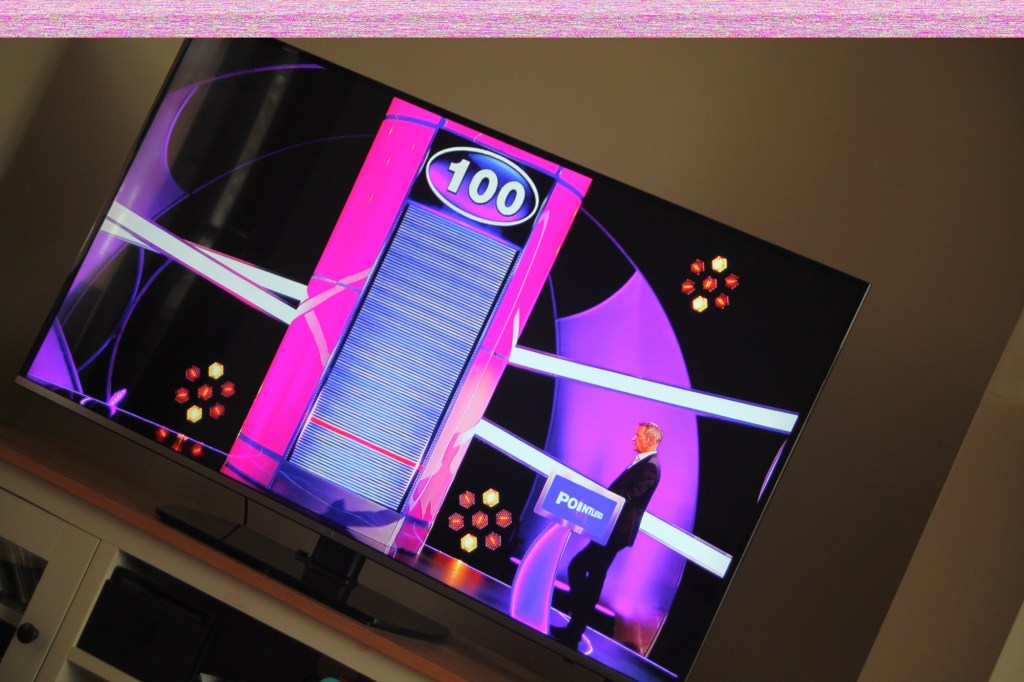
When I’m taking a shot everything lights up ok. Indications are all good, the shutter fires but all I see is a pinkish screen as demonstrated in the small video above. However every now and again I do get a “proper” photo, usually only the one then you have to turn the camera off then on again to get another and that’s not always guaranteed. As you will see in the two photos below you can get one photo and then the next has a pink band appearing from above.

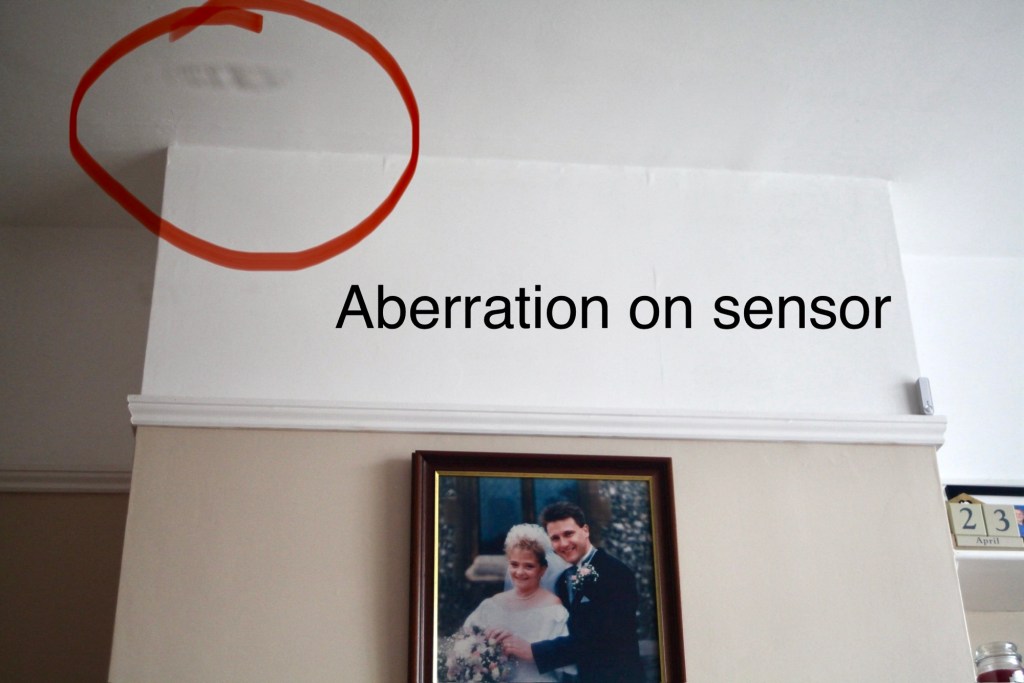
Whilst taking a random photo looking at our ceiling, I became aware of what looked like a water leak by the chimney stack. This gave me some concern but I needn’t have been worried as it appears in other photos and is more than likely an Abberation mark on the sensor. The two pictures below show that mark on the sensor in the same area.

Occasionally the pink line that appears at the top of the photo also takes on a pixelated test card look. The weird thing is that if you put the camera into video mode the image is clear with good sound and no playback issues. Strange 🤷‍♂️

It really is looking as if the issue is around the sensor that in this camera is a CMOS sensor. But before I make any decisions on what action I’m taking I’m exhausting all the obvious issues if I can. I have looked at several forums on line and there are a multitude of tasks I could try but it all seems to filter down to two in general. A full camera reset and a reinstall of the last issued firmware.

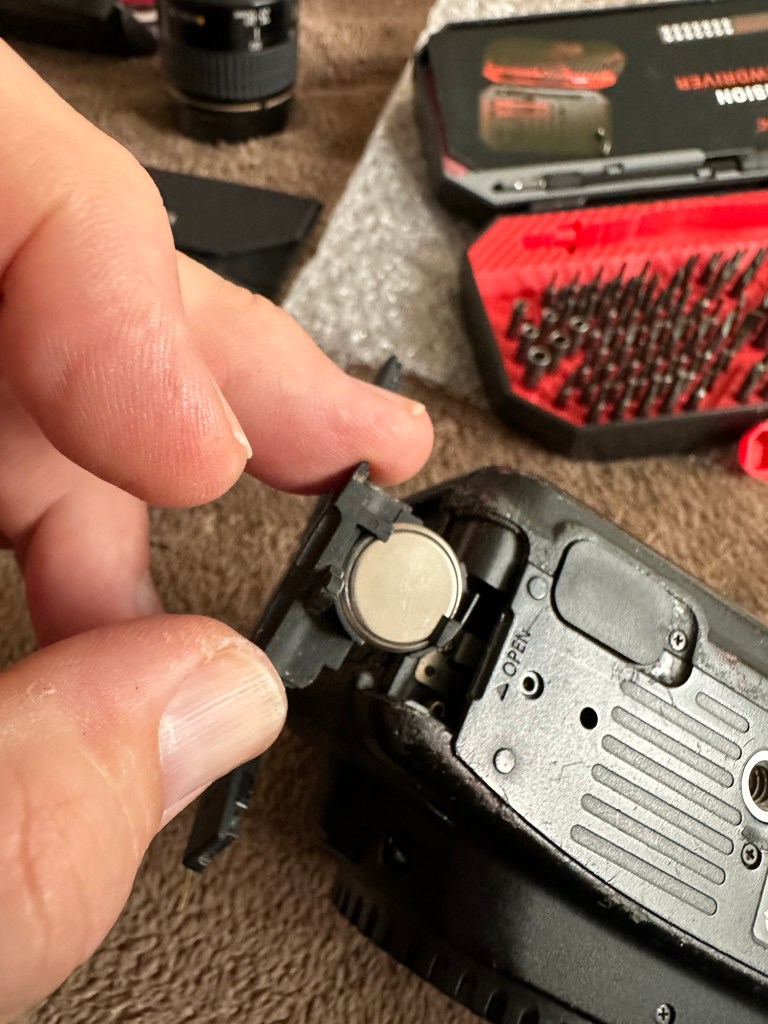
Now I have completed the full reset and on top of this I’m going to install a new CR1616 CMOS cell, as I just don’t know when this was last done.

Replacing the cmos battery

The CMOS deterioration rate is about 3% of the battery value per year, now if this camera was purchased around 2008 when they first came out then it dosen’t take a mathematical genius to work out that the cell could be sufficiently depleted. In fact I don’t know why I haven’t used the multi meter to test it🤦‍♂️

I’ll get on to that and will report back. It kind of makes sense seeing the sensor on this camera is a Cmos sensor. All tested, battery was at 2.3v, I have now replaced the battery but everything is still the same. I don’t know if updating the firmware will assist in any way, but I’m just following a procedure that most who have been in this position before have also done. it’s just a process of elimination before doing a full tear down of the camera. And if I can do anything to avoid that I certainly will.

I’ve finished all the testing and it is certainly looking like the Cmos sensor needs replacing. I’ve done all I can here, but I’m reluctant to order the new sensor from China as I’m not 100% confident of having the facilities or time to do the work required. Will I gain anything after the outlay? I very much doubt it. I’m going to move this camera on now with all my findings and hopefully I can find someone who will be able to take this project on to a successful completion.
I know parts wise I can make a good profit on the original outlay so maybe that is the route to take.

So I’ve failed on this renovation, but nothing is going to waste, it just needs to go to some who is somewhat more experienced with these type of upgrades than me. Hopefully I can gain some experience along the cheaper more available stock route.

I have learned some interesting things about this camera and it’s operating. So in many ways that’s a win, knowledge is everything.

Sony Digital Radio Cassette Walkman WM FX-20

I’ve just purchased this item from EBay. Here’s the listing:

This is being sold as spares as sounds like the belt has gone so don’t play tape has some battery leaking marks but radio plays fine.

Please study the pictures as this makes up some of the description thanks for looking and please check out our other great bargains 👍

Ebay
Sony Walkman

Just a sucker for a bit of retro me. I’ve worked on the discman, blog post here: Sony Discman D-121 Pt:2 as well as on a few others spread over this site.

This one dates between 1991-93 as these were the years that these particular units were manufactured between. I knocked the price down a bit but ended up paying about £18GBP in total.

It looks to be in good cosmetic condition with light usage as you can still see all the numbers on the rubber pads quite clearly. For a unit that’s potentially into its 33rd year that’s no mean feat. Anyway we will just have to await its arrival and not get too excited.

I preferred the tape Walkmans to be honest and I’m hoping this one will be a simple fix so I can play all those old REM tapes I have sitting in the cabinet at home. But it probably won’t be a simple fix. And it has corrosion , how quaint!
The assessment and repair post can be found here: Sony Digital Radio Cassette Walkman WM FX-20 assessment and repair

Canon EOS 5D Mk2

The assessment and repair of this camera can be found here: Canon EOS 5D MK2 assessment and repair

As the listing stated:

Canon 5D Mark II DSLR Camera – Body Only – Spares or Repairs

We have tested this camera and found the following fault:

The camera powers up, however the sensor is damaged and images are recorded either blank or unusable, and so we are describing this item as FAULTY / SPARES / REPAIRS.

Shutter Count: 69,970

EBay
90% off. What have I brought?

I noticed this 5D on sale earlier for £109 Gbp. It’s from a supplier who has a good reputation who I have used before, however he suddenly drops the price by 90% and I snap his arm off for this. It has sensor issues and that’s at least a £70 price just for that part. Considering how much these cameras usually retail for it’s a price I could absorb…but I think something else must have come to light for him to change his pricing. The body is pretty beaten up, again I’m not too bothered with that, the usb port might be damaged by the looks of it and again that’s something I can sort.

I guess I’ll just have to await its imminent arrival. In any case for a total of £9.99 GBP I’ll make more from this just for spare parts.

See the assessment and repair blog post here: Canon EOS 5D MK2 assessment and repair