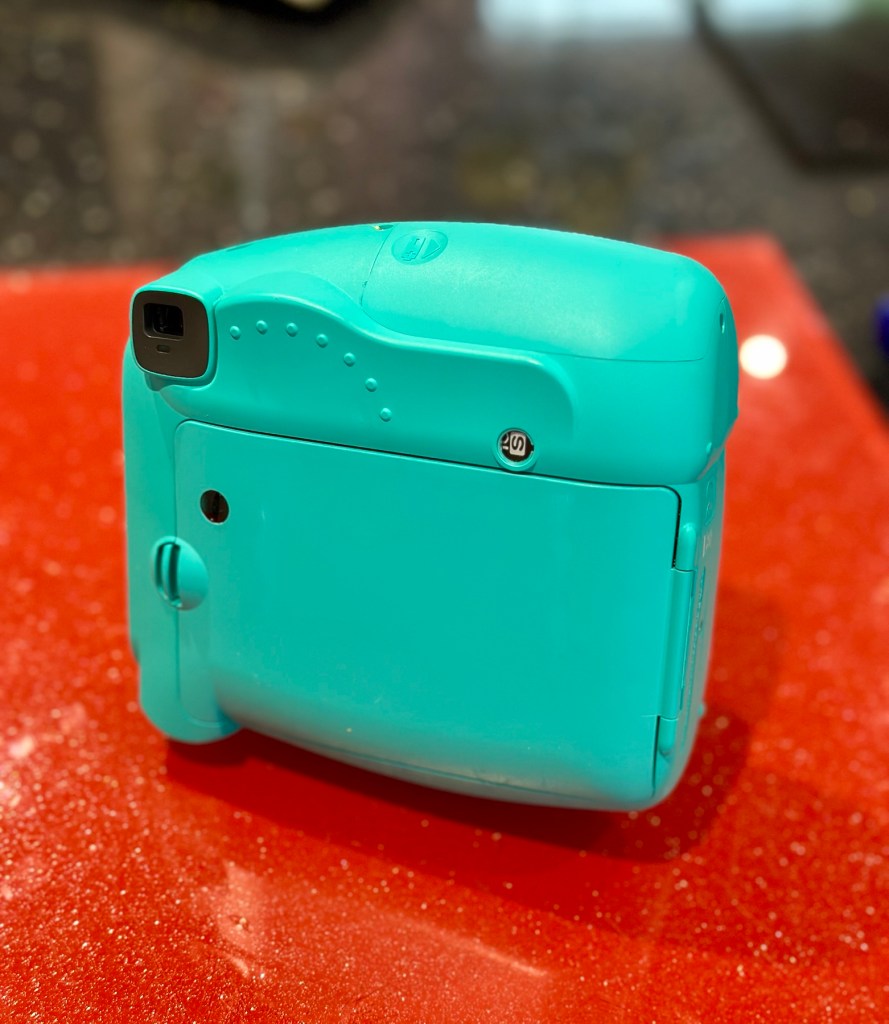
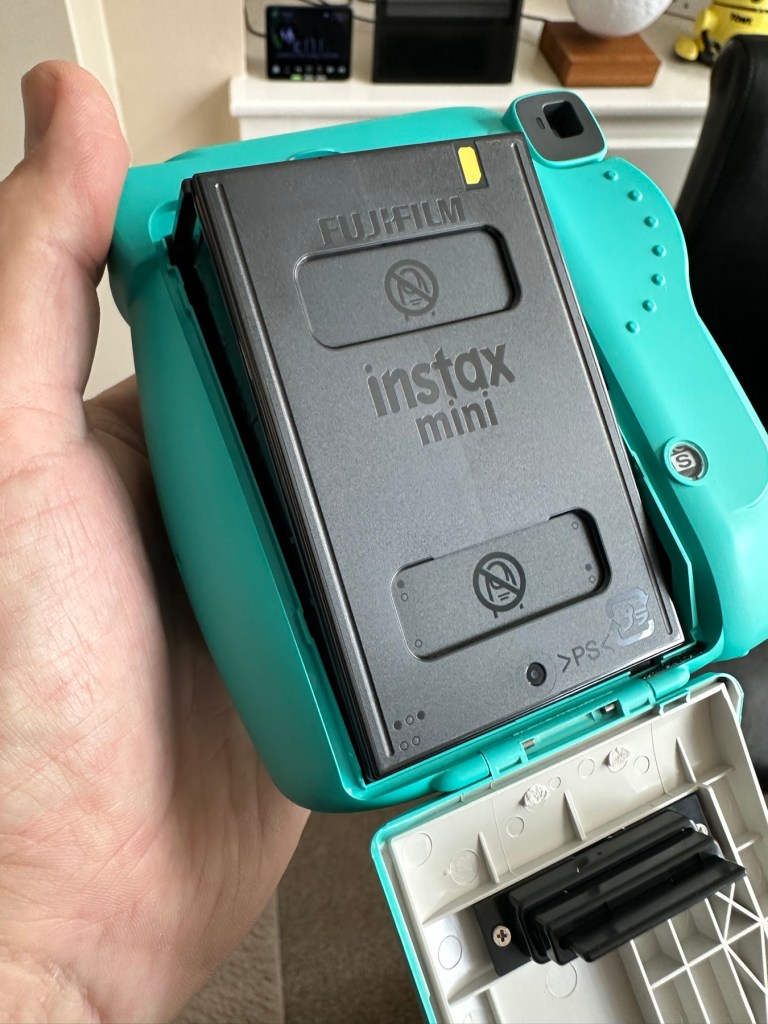
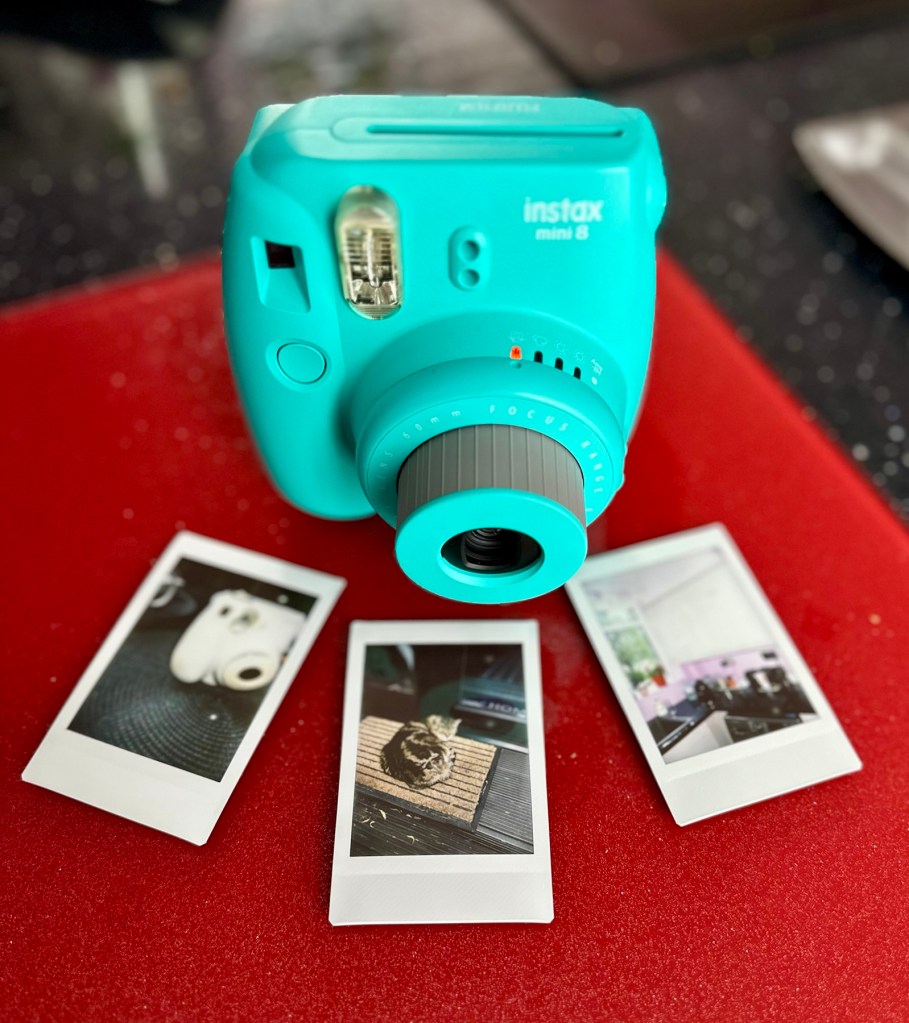
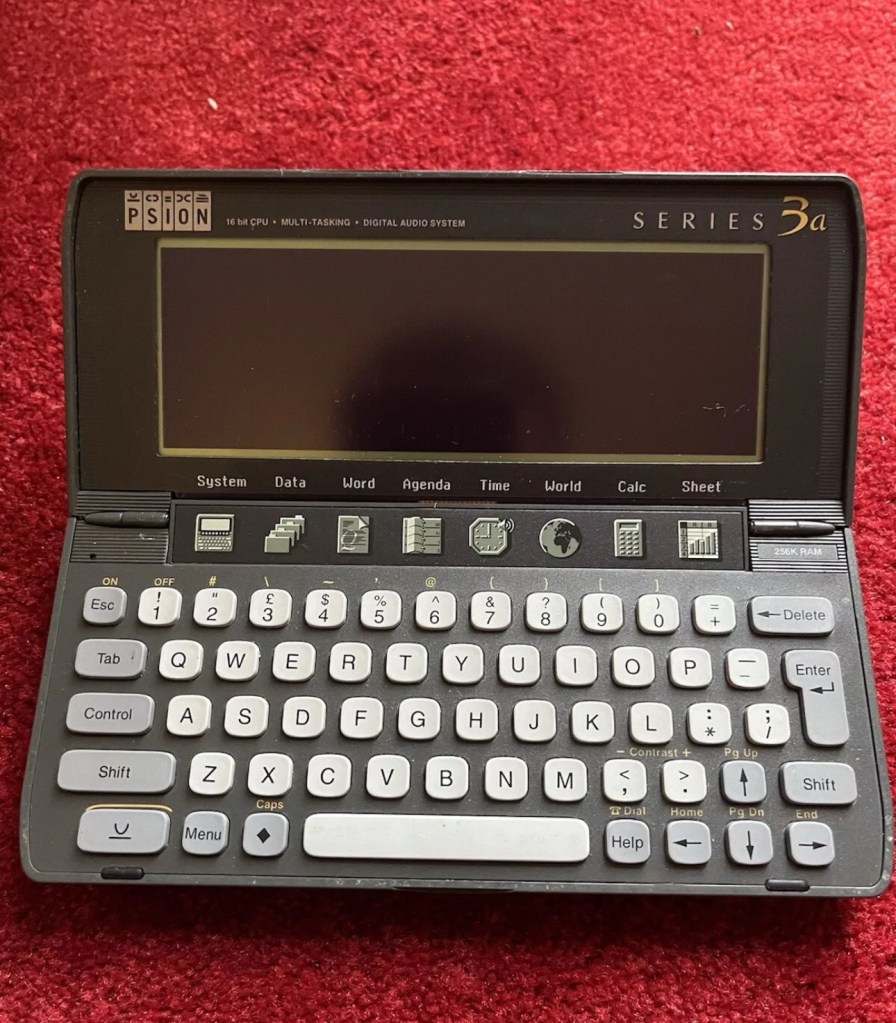
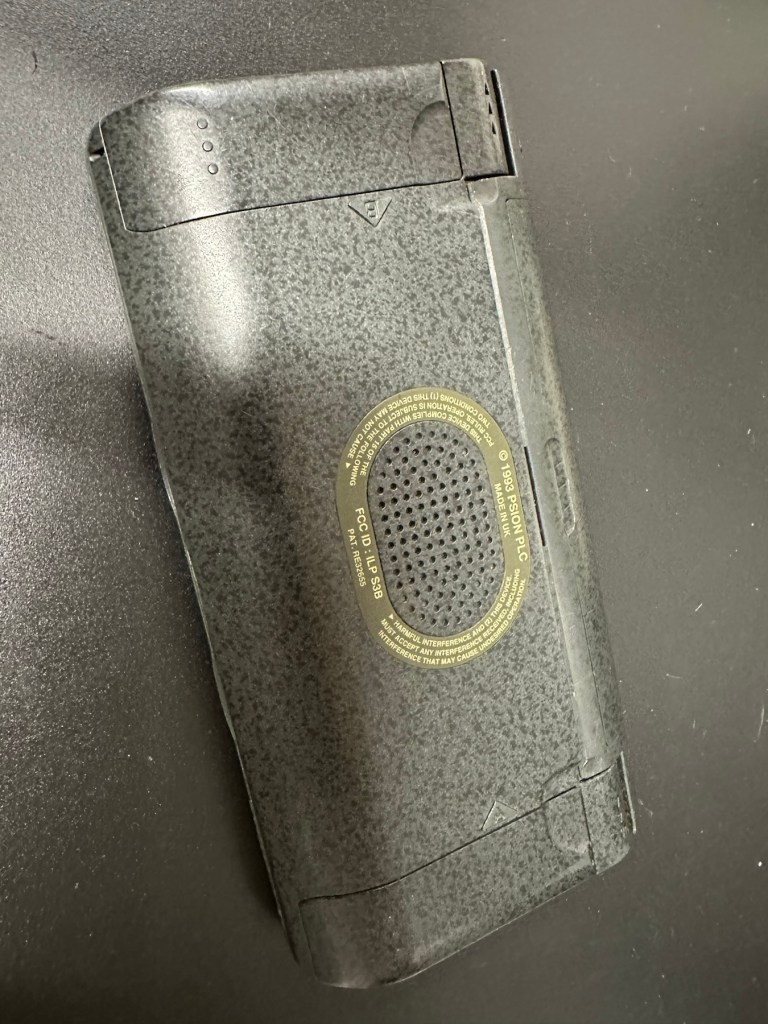
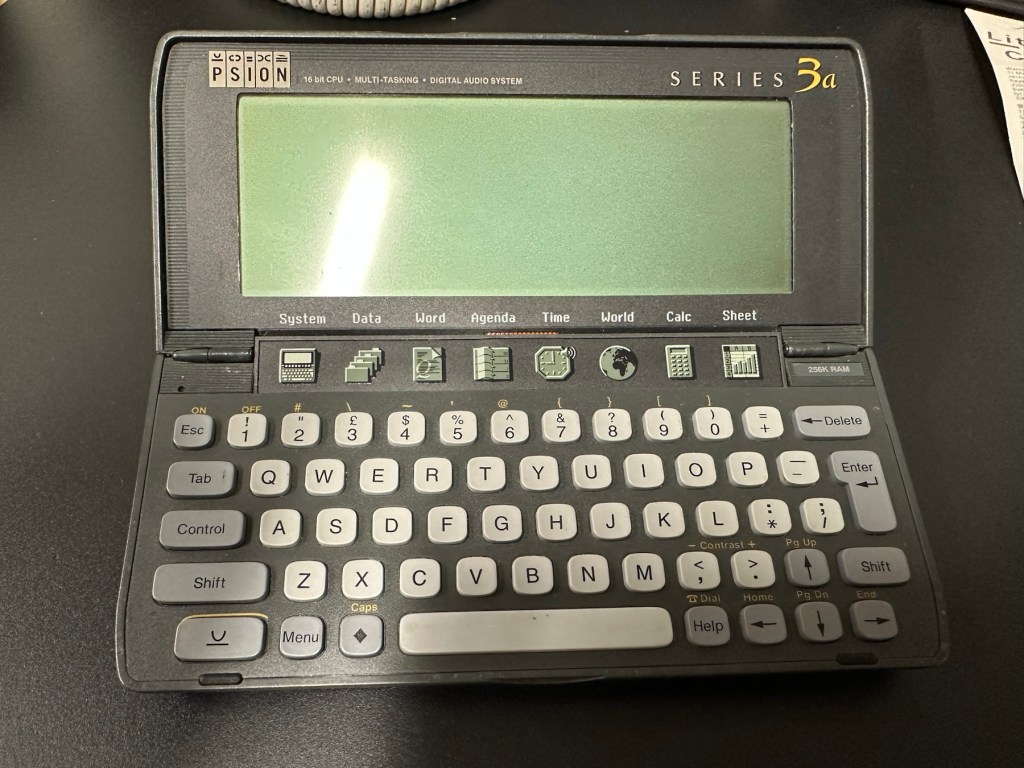
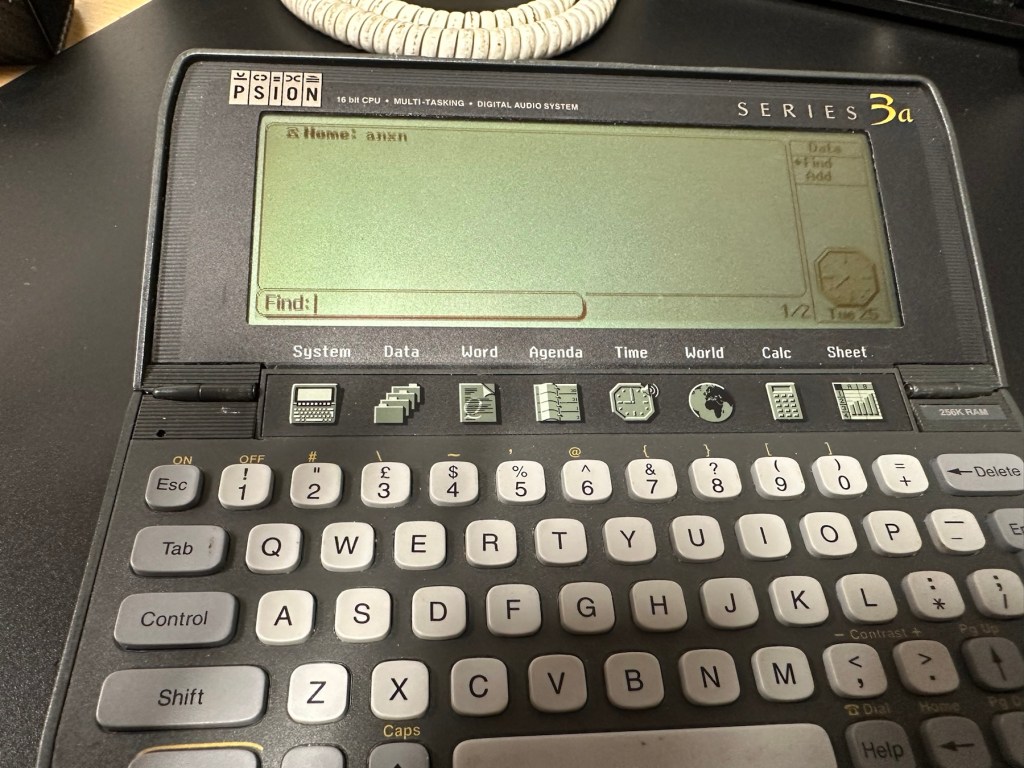
Psion organiser series 3a

What the listing stated:

It fires up and turns on, then get a black screen. Every time I press a key on the keyboard it makes a beeping sound, so it is registering something.

EBay

From a distance, and in my opinion, the fault could be a simple one such as adjusting the contrast by using the Psion key and either of the <> keys. This was often an issue when first turning on the Psion II, you had to turn the contrast wheel. However it could be a terminal one requiring a donor unit. In layman’s terms it could be knackered, (to coin a phrase). But hey, what do I know 🤦‍♂️

Psion 3a – Faulty

Fingers crossed 🤞 as usual.

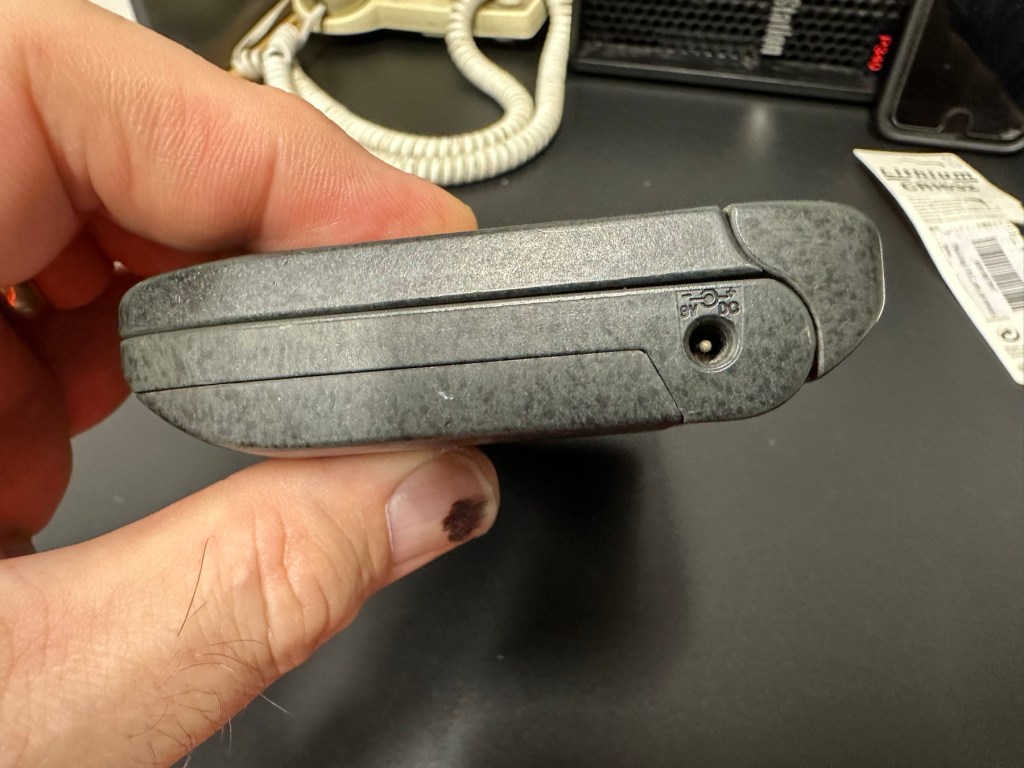
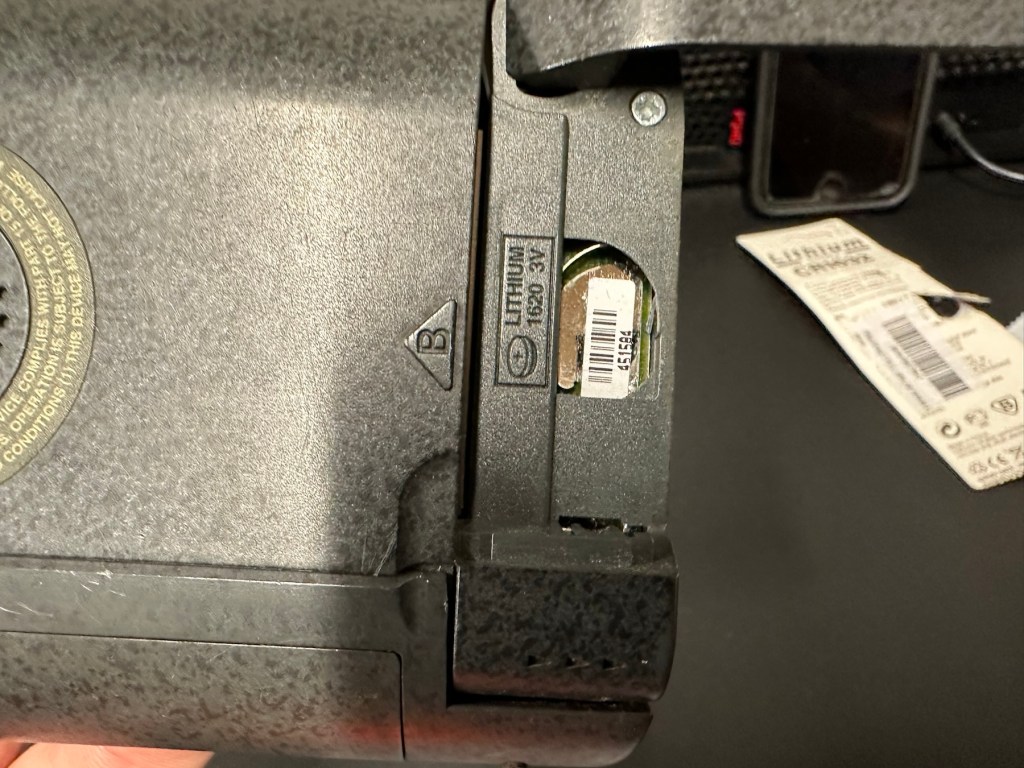
I have a what looks like a nice tidy little unit here obtained for a very reasonable price £17:69Gbp including postage. These units retailed between £179-£249 when they first appeared back in 1993. However, there is only the one picture in the advert so the rear, sides and hinges could be wrecked. “Caveat emptor” as they say. It does have a problem that will need some investigation. It runs off of two AA batteries and a CR1620 coin battery as a backup, and these will be the first items to be changed, I’ll also check the voltage of that coin battery and replace that if necessary. This is an early version with 256KB of internal Ram. 3a versions from 1995 either had 1Mb or 2Mb of ram. You can also use an external power supply if required, but the batteries in these units have an excellent long life span, so external power is rarely necessary. I’m looking forward to this project. I’ll make a more detailed analysis when the unit arrives shortly.

The Psion Series 3 range of personal digital assistants were made by Psion PLC. The four main variants are the Psion Series 3 (1991), the Psion Series 3a (1993), the Psion Series 3c (1996), and the Psion Series 3mx (1998), all sized 165 by 85 by 22 millimetres (6.50 in × 3.35 in × 0.87 in). Further, a Psion Series 3a variant with factory installed software for the Russian language was called a Psion Series 3aR, and Acorn Computers sold renamed versions of the Psion Series 3 and 3a marketed as the Acorn Pocket Book and Acorn Pocket Book II.

Wikipedia

A little history:

This particular unit dates from 1993 and was the next in the series of Psion organisers that succeeded the extremely successful Series 2 models. It was a massive step forward in design as the whole PDA market was kicking in big time in the early to mid nineties. More info regarding the series 3 organisers can be found here: Psion series 3

And the strange fact for today is this:

Manufacture of Psion 3s was discontinued in 1998 shortly after the launch of the Psion Series 5 (a Psion Series 4 does not exist, due to Psion’s concern of Tetraphobia in their Asian markets)

Wikipedia

What is Tetraphobia?

The fear of the number four: Tetraphobia is mainly suffered in China, Vietnam, Korea, Japan, because the word for the number four is similar to the word for death in their languages. Tetraphobia results in many people avoiding referring to 4 in phone numbers and so on.

Cambridge dictionary

There you go, question answered and that was why there was no Psion 4.

Onwards…

What has arrived, and what’s the diagnosis?

The unit has arrived and despite my suspicions it is in an excellent cosmetic condition. Just some very light signs of usage, needs a light clean, all hinges are in place and solid. Everything is as it was all those years ago and all the warranty labels are in place, this unit has never been opened.

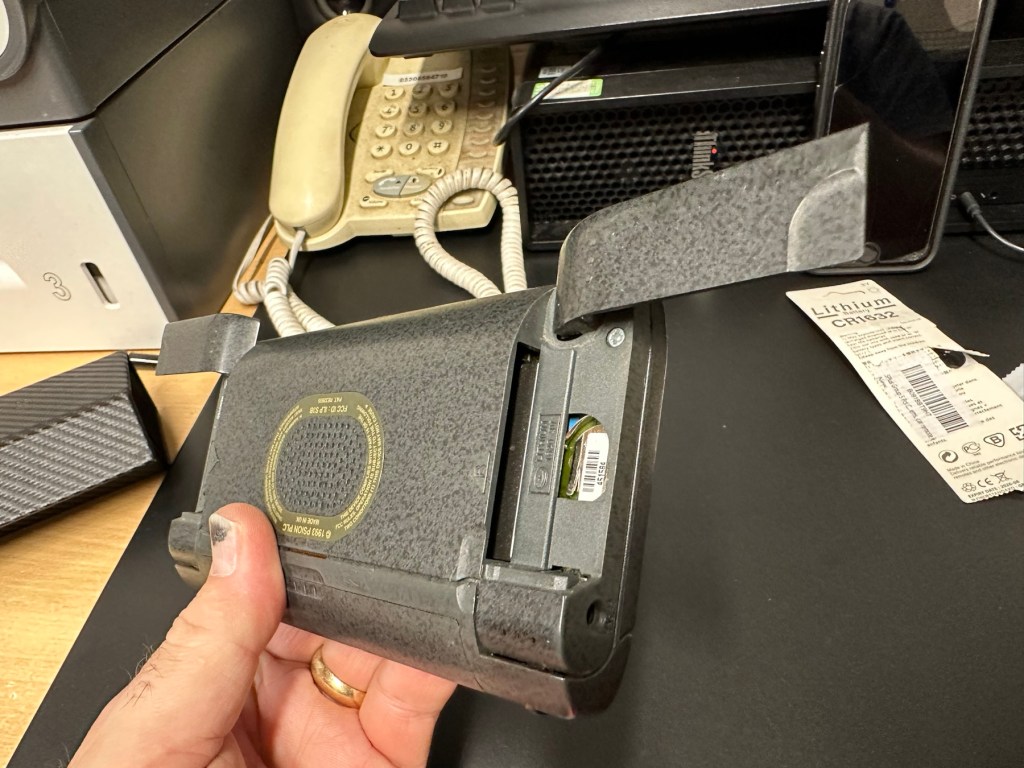
I placed the new AA batteries in and it came up with the black screen as the seller had stated. Using the contrast adjustment at this stage had no effect but the buttons were sounding so something was happening. Whilst looking in the memory card doors I could see one glaring issue, there was no backup CR1620 battery, so I dropped one in place . When I started the unit up again the screen went from black to clear, over a few seconds and then I operated the contrast buttons, and hey presto it worked. Watch this little video to see what happens.

We have life

I can only surmise that not having the correct batteries in for god knows how long, and then livening up the circuitry must just be like giving Frankenstein a fresh transfusion of blood. “It’s alive!” Well, that’s all I can think it would be.

I’ve run every function on the unit and it all works fine apart from the voice recorder function that seems to have a lot of feedback on the recording. I suspect this might be as I’m using the already full internal memory. It’s not a real problem, I’m just going to have to read up on it, as I could be doing it all wrong. (I have since done a hard reset and deleted old files from the system and this has cured the feedback issue, the voice recorder works fine). However it would still probably work better using an additional drive in the unit, and not the low internal memory.

Just as you could on the Psion II you can write your own programs using OPL language. And it is a lot easier on this unit as you have a full Qwerty keyboard and a much bigger display. There are more applications on this unit than the series II, including word, spreadsheets, DTMF dialler, calculator and others that can be purchased as plug in additions.

I’m really happy with this, if the seller would have just taken a little time to run the unit and have some patience he’d have realised there really is nothing wrong with this unit. Big negative for him, big bonus for me. He could have charged more than double the price for this item, or more, considering current prices on the selling platforms.

Another strange thing i have noticed is that when I’ve left it overnight and started it up the following day it takes a minute or so for the screen icons to appear, just like putting on an old valve radio. So it maybe that a repair is necessary, I’ll have to ask around and see if any else has had this issue.

Valve powered Psion3A

Edit: A few days later and I’ve looked into this a little more. For some unknown reason, probably my rank stupidity, I’ve checked the coin battery and I’ve installed a CR2032 instead of the required CR1620 and have tonight corrected this and installed the CR1620 coin battery. I don’t know if, or why this would have an effect, but after putting the correct battery in place the unit started up in a couple of seconds even after sitting unused for at least a couple of days, instead of the usual 2 minutes as per the video. I can only think it must be something more related to the capacity rather than the size, unless for some reason the contacts were not sitting true. (There is a slight difference of 4mm in width) I remain puzzled as I thought the battery was just for backup purposes, maybe it does perform more as a computer CMOS battery does, but I’m pleased it’s now operating as it should. I can now stop monitoring the sale sites for units to use as spares.

Sometimes your suspicions pay off, and on this occasion I was spot on. EBay untested items can swing either way and most of the time the sellers use it as an easy get out for not accepting any responsibility. But this time I win, and that makes me happy as I have a very good item for my retro collection.

Thanks for passing by.

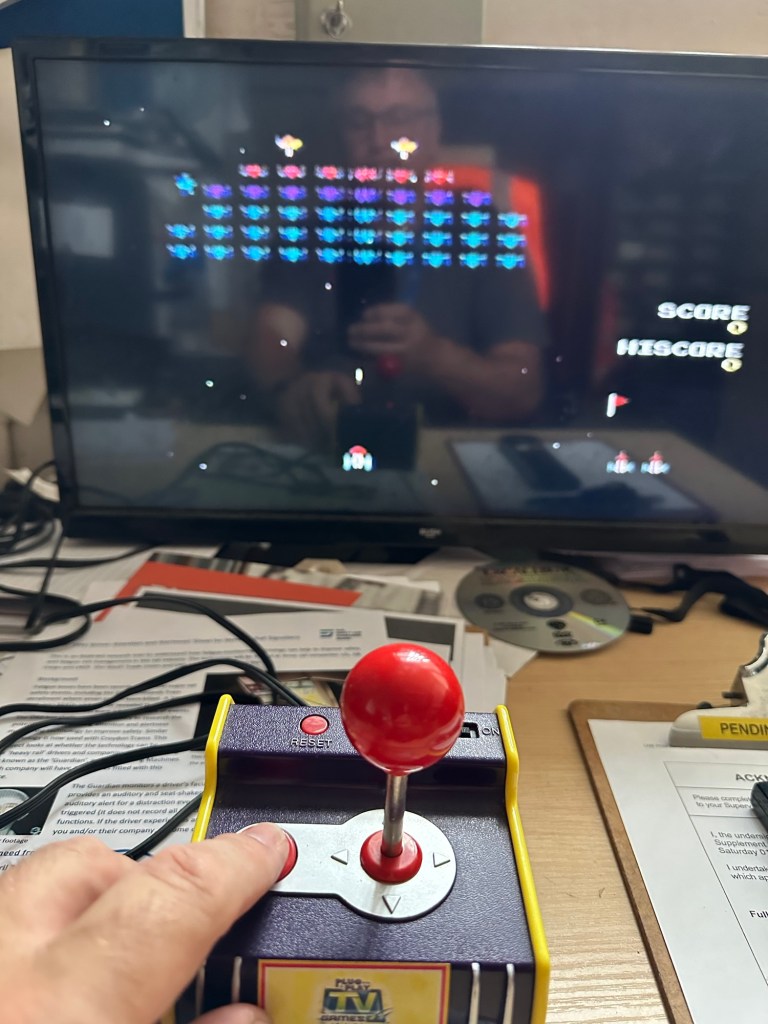
Namco arcade classics tv plug and play games joystick

Here’s what the listing stated:

FAULTY no power, NOT WORKING for Spare Parts or Repair. 

TEST NOTES: Does not power up, no further testing, unable to check any functions. Battery leakage with corrosion in and around battery compartment.

Ebay

Another low priced item that I fancy getting working. And as is standard with me it has corrosion. This item is from 2003, it is a self contained game arcade system that plugs into the tv. It has five games installed including classics such as Galaxian and PAC Man, so compared to some items I’ve purchased of late, at 21 years old this one is a relative baby.

Well, we now await its arrival where we can give it a good look over and assessment. Hurry along now delivery person…..

It’s arrived.

It’s in pretty much perfect condition, all stickers are in place and it hasn’t been previously opened.

I’ve put in 4 new batteries, and damn it. It powers on. It’s working.

It switches on

I’ve plugged it into the back of a television and it also plays.

Damn, it works

Yes there is a little corrosion on the battery springs but I’ve seen a lot worse. I’ll give these a little clean just so I can say I’ve done something.

It’s quite rare these days to get a bargain off of EBay, and for the seller to be truthful in his description, in fact he’s been exceptionally honest, just writing it off without testing. A big bonus to me.

As the saying goes, if it ain’t broken, don’t try to fix it.

Makes a boring post though, sorry about that. A bargain, yes, and another one kept from the tip and will be used at home in the garden pub, the wife will love this as she’s a big Pac-Man fan.

Result!

Big Trak CE3962 restoration

Big Trak CE3962

I refer you to the post I wrote earlier in June 24: Teenage jealousies revisited

Here I purchased the toy I most wanted back in my teenage years. Unfortunately I wasn’t available to get the original MB version produced in 1979 so I had to settle for the latter “improved” version made by Zeon Ltd that was made in 2010.

It’s arrived and to be honest dosen’t look too shabby, needs a bit of a clean up and maybe some new transfers applying but we’ll get to that at another time, for now we need to try and get the machine up and running.

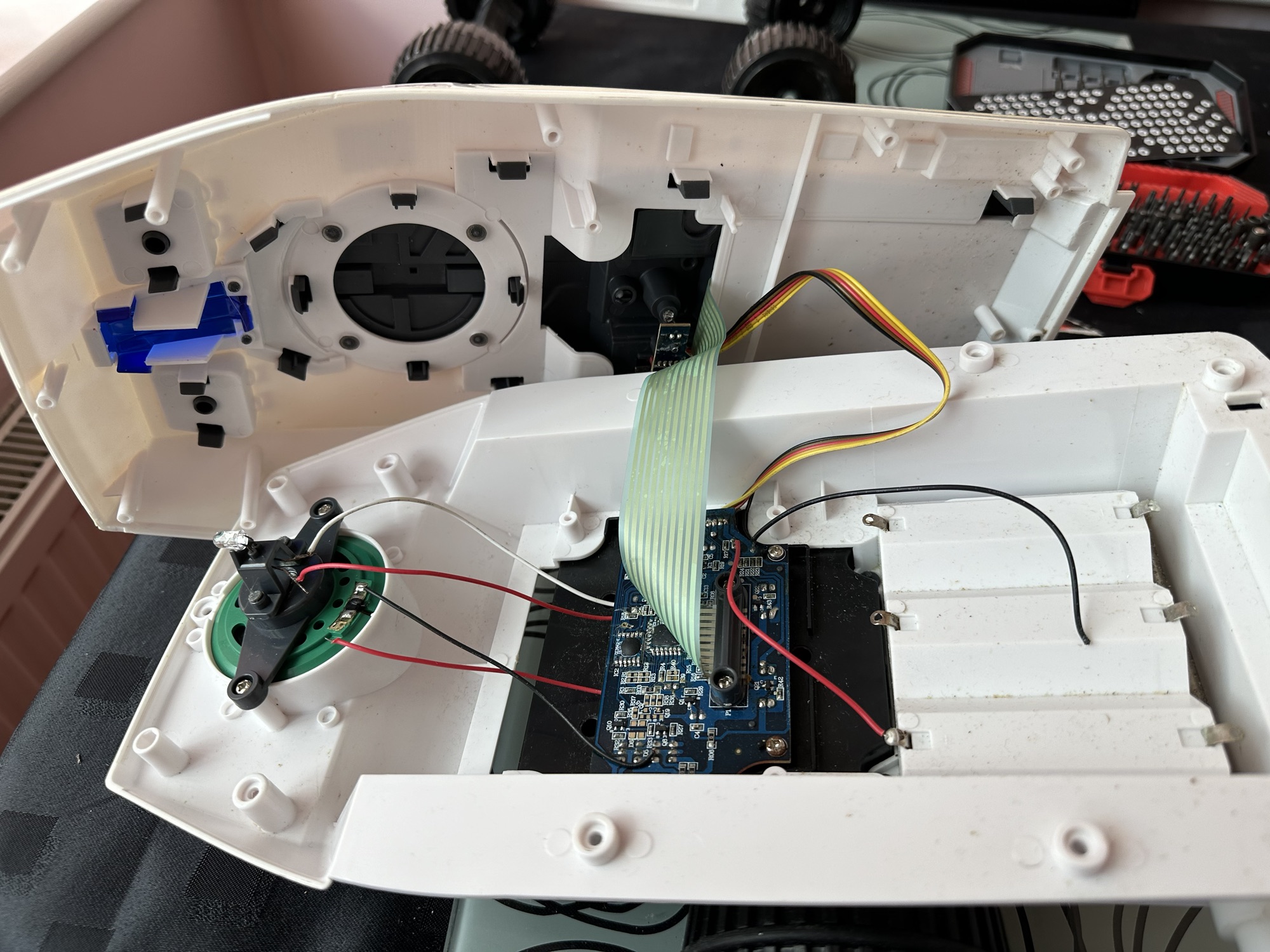
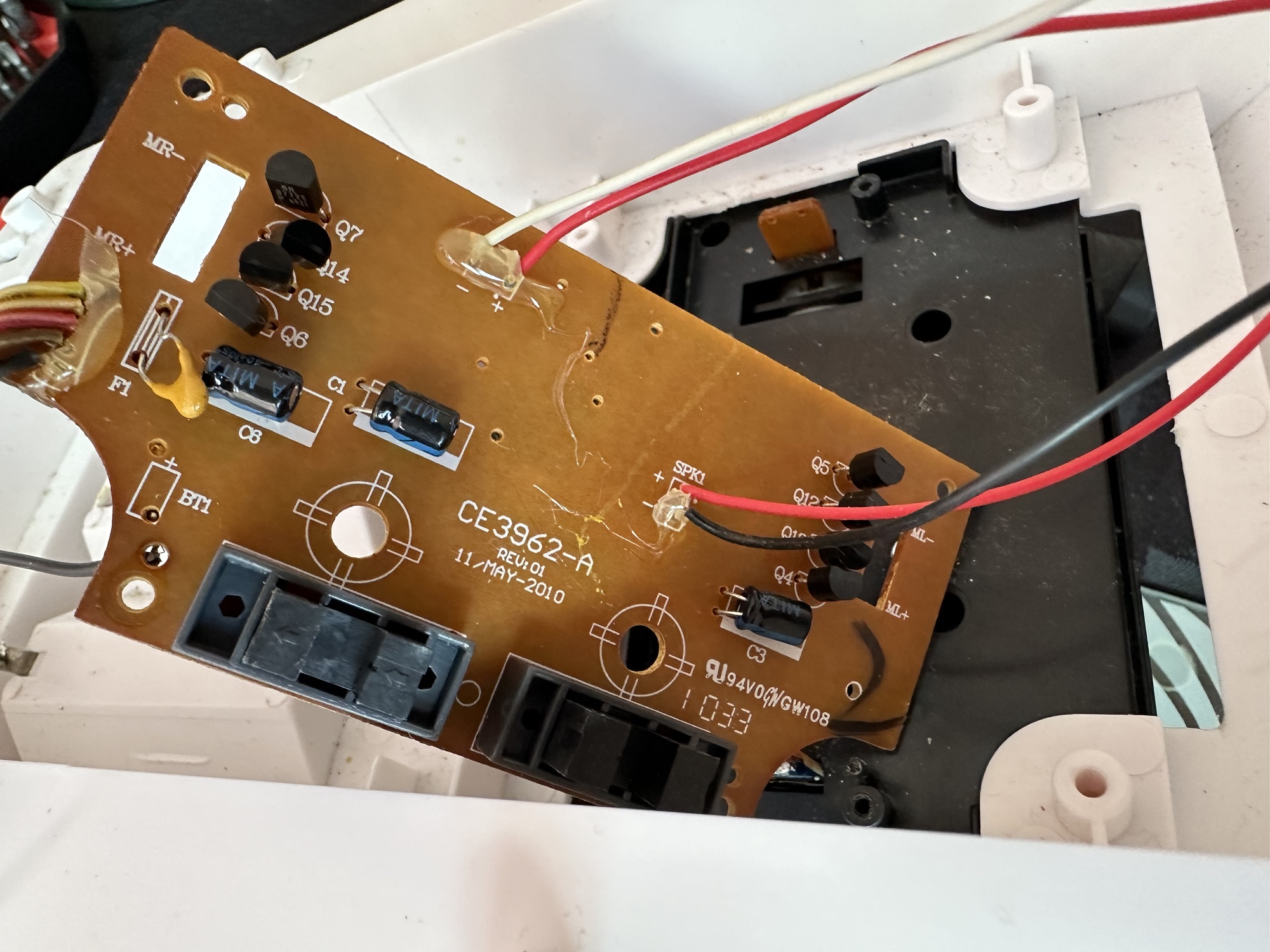
I’ve eventually managed to get the lid off. This unit was built to ensure that it was difficult to get into so repairs couldn’t be carried out. Some of the screws are buried under fascia dressings, and if you aren’t careful you could end up snapping some of the body shell.

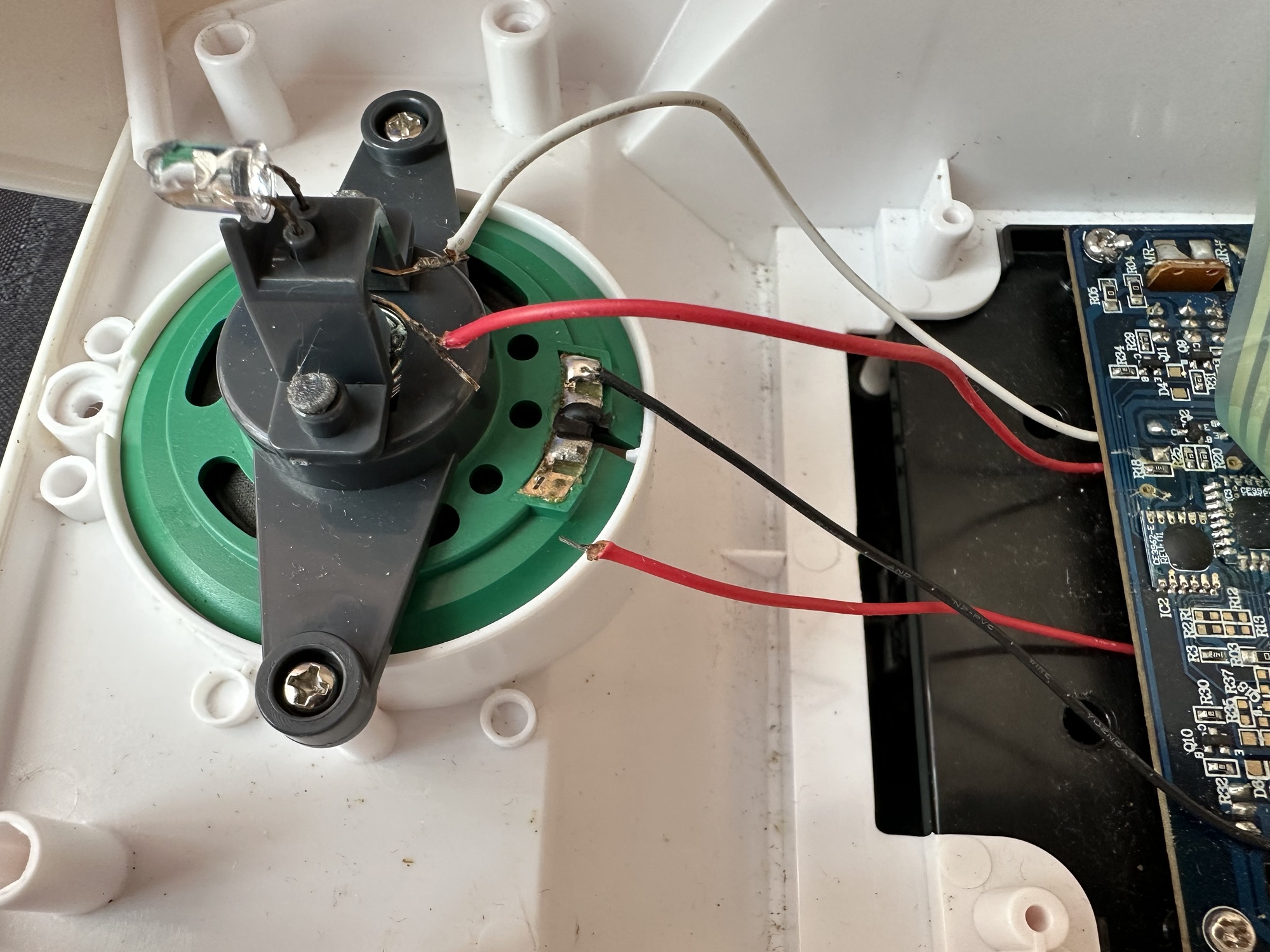
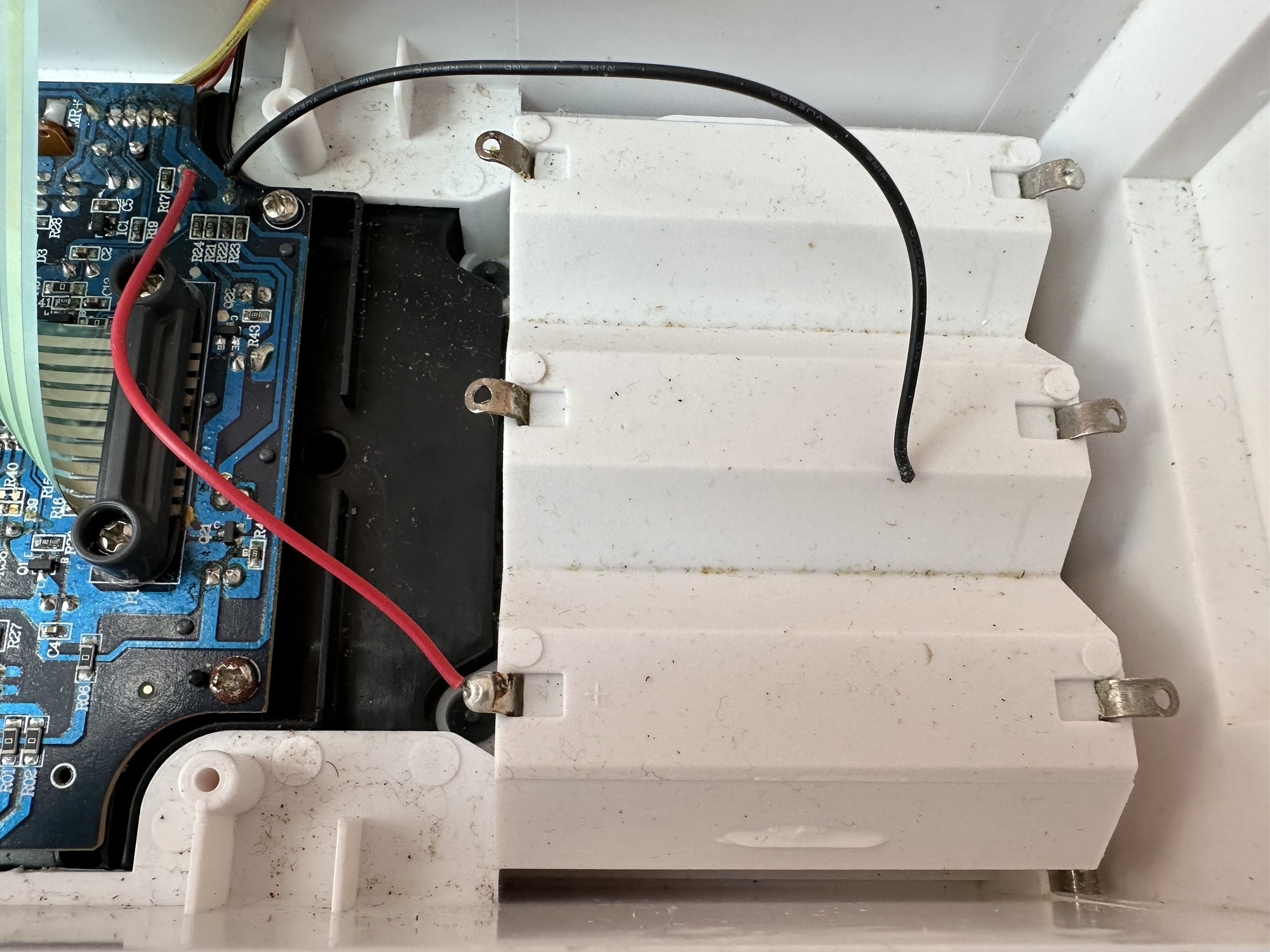
With the two halves of the body shell detached it’s obvious there are some detached wires. One was a battery wire, one was a speaker wire. Oh if this was the issue wouldn’t it be great? But it wasn’t. I soldered these wires back into place, put the three D types in place and it was still dead.

I’ve now desoldered all connections from the circuit board to assist in carrying out checks for continuity and tracing voltage. I can also check the board under the microscope. I may change all the capacitors for SMD ones.

I started checking continuity and tracing voltages and was doing really well until I got to a large section of the main board where everything seemed dead and unresponsive. What the heck was going on here? And then I noticed the wire had detached from the positive probe of my multimeter thus ending any further testing for today. I need to order some new probes. Well, I’ve ordered some nice new probes and croc clip connectors as well, so as soon as they arrive I’ll get back on with the testing. They arrived and were damaged on arrival, so back to the drawing board.

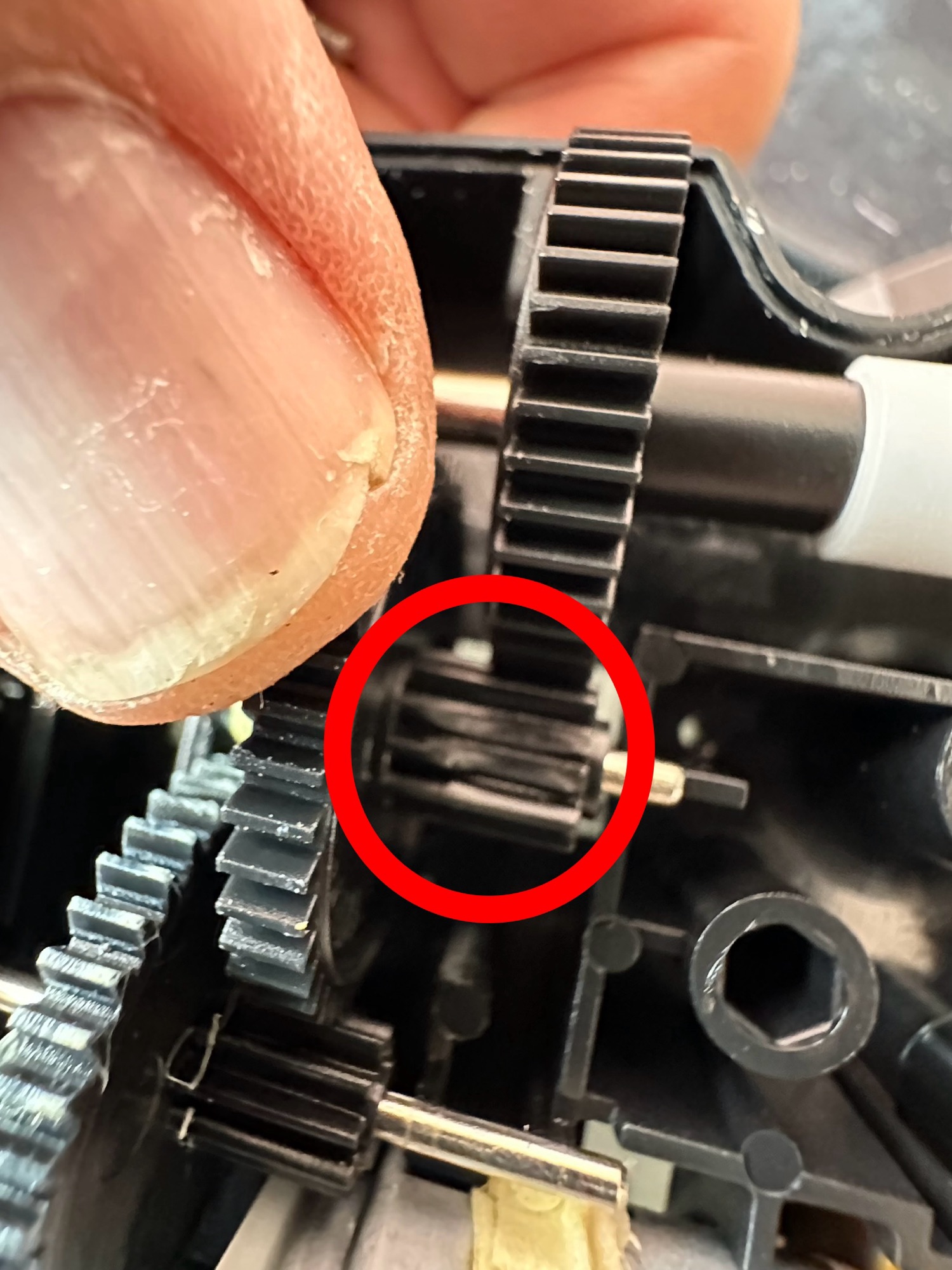
I took the drive train to pieces and here it became apparent that a number of the cogs are damaged. I believe there is also some issues with the motion detector but I can’t confirm that until I get some power into the motors. I can’t find spare cogs online so I have ordered myself a second damaged unit to use as salvage. To be honest this new unit has all the transfers in place so I will probably use that shell and the guts of my original unit to form one complete Big Trak.

New donor Big Trak – better than my original one

The donor unit has arrived and boy I’m impressed. It’s in far better condition than my original one, so as expected this one will become the working unit and my original one will be come the donor. Any parts left over will be sold on as spares or even used on another damaged one if I can source it.

My new Bigtrak

If you look at the video above you will see the new Big Trak going through the motions. However the one thing it dosen’t do is turn. Could be a wheel sensor issue who knows. Good thing is that the cogs haven’t broken as the drive wheels are both solid and not free wheeling.

There are only two real issues with the donor here. Firstly it will not do the turn command and secondly, one of the drive wheels is damaged. Luckily I have a spare wheel so this was swapped over, some decals were missing but I coaxed these off my old truck with a hot air gun and reapplied them with no issues.

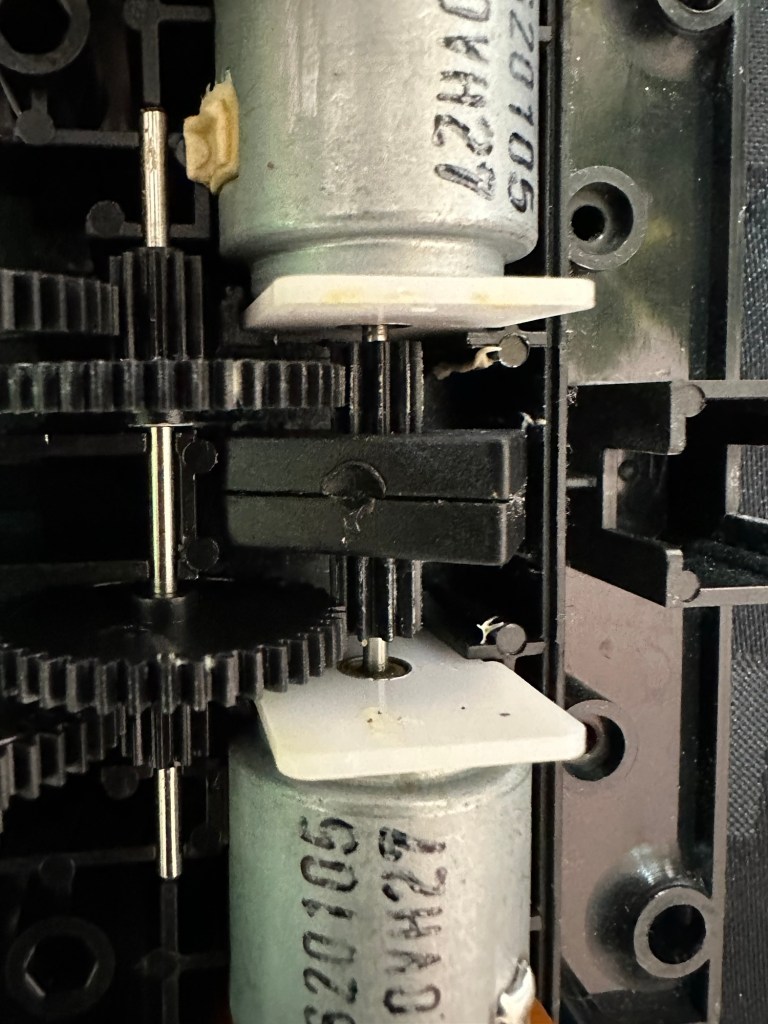
Looking into the drive issue meant opening the gear box. In here we have two magnetic independent gear controls that should have a gap between them, these two were stuck together thus rendering independent motor operations of the turning control useless.

I removed the two motors and repositioned them and the cogs holding the magnetic gear, this gave a gap of about 3mm that now allows the wheels to turn in opposite directions allowing the unit to turn.

Now the Magnetic sensors are adjusted….it turns

Whilst in this gear box I was able to confirm the issue with my old gear box and it really is all down to two damaged drive cogs that I need to obtain. I’m pleased with that as I could now get two good working units for just a small outlay once I can source some cogs. I will have to repair the wheel I removed to replace the one on my new unit however I have an idea how I’m going to remedy this and again it’s a low cost option. But that’s a job for another day.

2:18 of rebuild magic

So if you look at the video above, it’s the full fix that I posted on YouTube. Really pleased with this fix, again I’ve learned quite a bit about these units and I’m going to have immense fun programming it. My wife dosen’t understand my excitement over this toy, but all my old buddies and colleagues understand it as they grew up in the same era. Maybe it’s the male menopause, reliving the past and all that.

But hey, it keeps me occupied and out of mischief so who should worry about that

This one is going on my shelf so when the kids visit I can show them the joys of basic programming we experienced back in the day.

Job done.

Canon EOS 5D MK2 assessment and repair

Last Updated: 25/4/24

This will be a running repair with regular updates. There is quite a bit going on.

The bargain basement DSLR has arrived (See original blog post here: Canon EOS 5D Mk2) and I’ve been able to give it a quick once over. It’s not had an easy life and has taken some bangs and knocks. Other than that it’s about 16 years old and has had about 69000 actuations, I don’t think it looks too bad personally. I’ve spent a good hour just giving it a good clean up and it was filthy, all knobs and buttons are working fine, the shutter isn’t locked and when a lens is attached, manually it all focuses just fine and the screen looks clean. There is no evidence of damage to the curtain however I can’t test this further until the battery and charger arrives.

To be honest if I can get this working it will be going into my own personal collection. As long as I can get some nice results I’m not that worried about how it looks cosmetically. The body can be touched up or I can add a skin, we’ll see how it goes.

Update: 6/4/24

I’ve now received a couple of bits consisting of two new batteries and a charger as well as a new battery door cover. Once powered up all indications, buttons, sensors are working and TTL indications are displaying as they should.

All lenses are working and moving and focusing as they should. The real good news is that the shutter fires at all speeds and is not stuck, and the sensor cleaner appears to be working.

I’m really happy with what I have found so far, I need to get a CF card to check the original issues that were reported with the suspect sensor. If that is the only issue I will get one ordered and install that at a later date. I have cleared all settings and the firmware is up to date. I’ve downloaded a raft of Canon software so I will be able to test this all once I get that CF card that should be here in a few days.

23/4/24

The CF card adapter has arrived from China. I’ve purchased this type as this particular adapter allows an SD card to be utilised in CF form. I have ample SD cards in use all around so this makes sense for me, I have nothing apart from this camera that uses CF cards so for a relatively low outlay this is the best option for me.

CF SD adapter

Now I have Every thing in place to test the camera. I’m using basic settings and an old test lens so I’m not looking for any spectacular photos as that’s not going to happen here. I just want to see what’s going on.

What happens most of the time

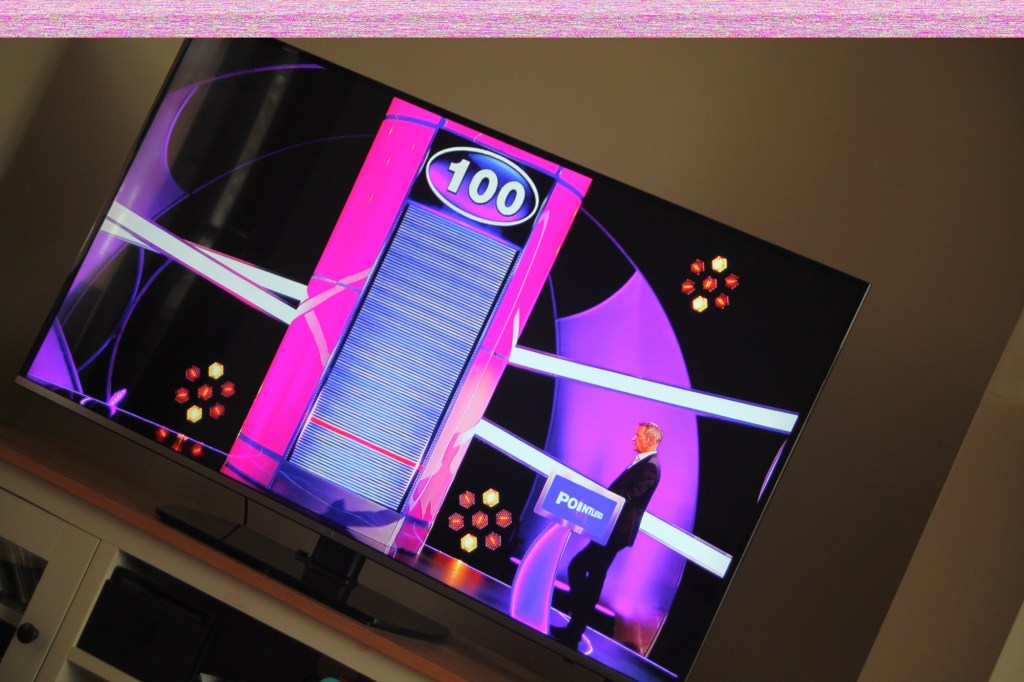
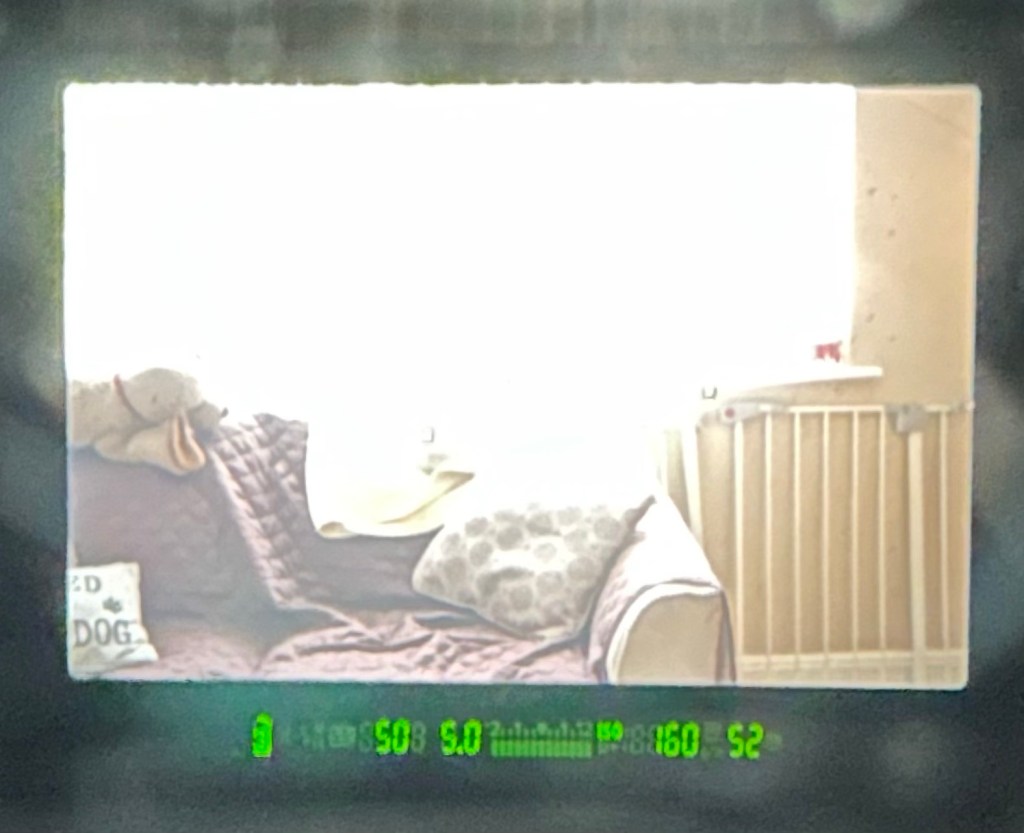
When I’m taking a shot everything lights up ok. Indications are all good, the shutter fires but all I see is a pinkish screen as demonstrated in the small video above. However every now and again I do get a “proper” photo, usually only the one then you have to turn the camera off then on again to get another and that’s not always guaranteed. As you will see in the two photos below you can get one photo and then the next has a pink band appearing from above.

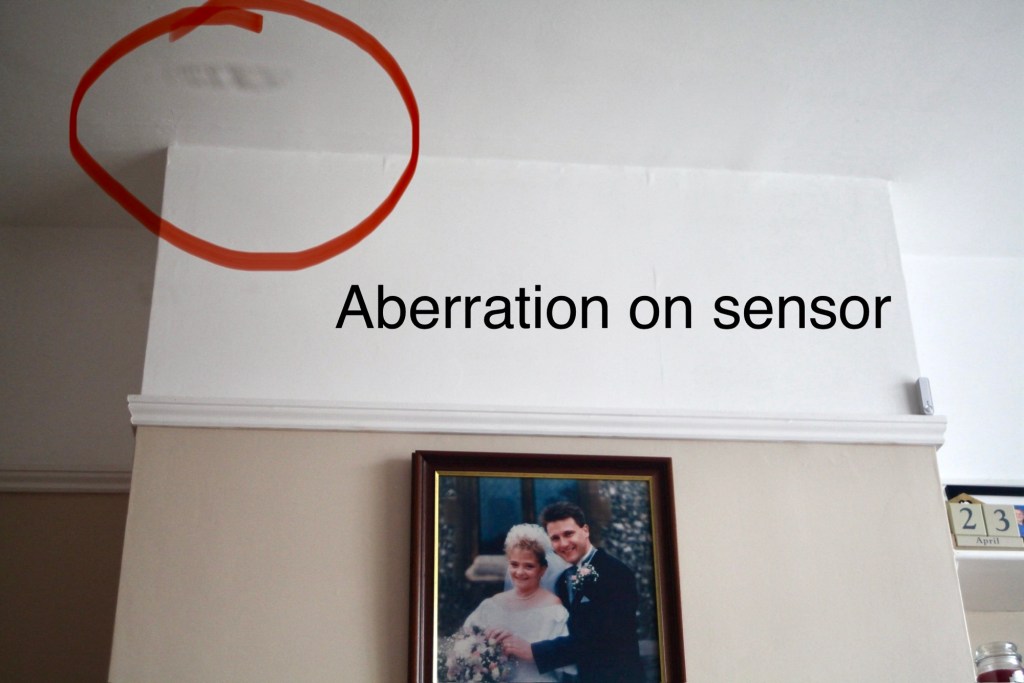
Whilst taking a random photo looking at our ceiling, I became aware of what looked like a water leak by the chimney stack. This gave me some concern but I needn’t have been worried as it appears in other photos and is more than likely an Abberation mark on the sensor. The two pictures below show that mark on the sensor in the same area.

Occasionally the pink line that appears at the top of the photo also takes on a pixelated test card look. The weird thing is that if you put the camera into video mode the image is clear with good sound and no playback issues. Strange 🤷‍♂️

It really is looking as if the issue is around the sensor that in this camera is a CMOS sensor. But before I make any decisions on what action I’m taking I’m exhausting all the obvious issues if I can. I have looked at several forums on line and there are a multitude of tasks I could try but it all seems to filter down to two in general. A full camera reset and a reinstall of the last issued firmware.

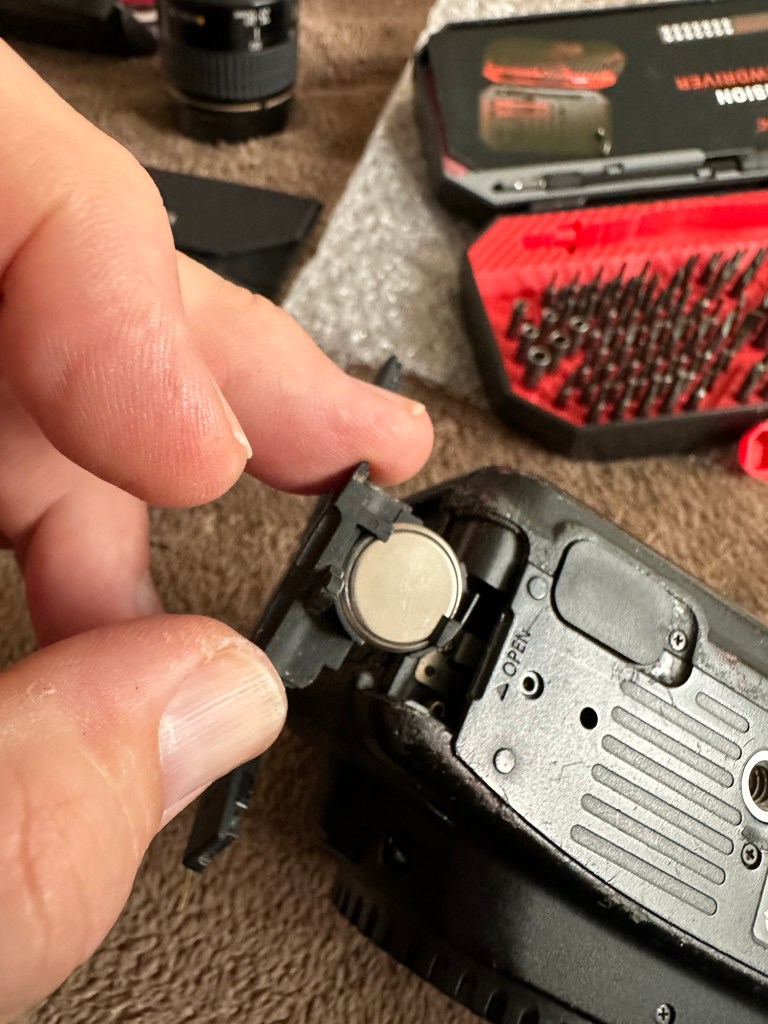
Now I have completed the full reset and on top of this I’m going to install a new CR1616 CMOS cell, as I just don’t know when this was last done.

Replacing the cmos battery

The CMOS deterioration rate is about 3% of the battery value per year, now if this camera was purchased around 2008 when they first came out then it dosen’t take a mathematical genius to work out that the cell could be sufficiently depleted. In fact I don’t know why I haven’t used the multi meter to test it🤦‍♂️

I’ll get on to that and will report back. It kind of makes sense seeing the sensor on this camera is a Cmos sensor. All tested, battery was at 2.3v, I have now replaced the battery but everything is still the same. I don’t know if updating the firmware will assist in any way, but I’m just following a procedure that most who have been in this position before have also done. it’s just a process of elimination before doing a full tear down of the camera. And if I can do anything to avoid that I certainly will.

I’ve finished all the testing and it is certainly looking like the Cmos sensor needs replacing. I’ve done all I can here, but I’m reluctant to order the new sensor from China as I’m not 100% confident of having the facilities or time to do the work required. Will I gain anything after the outlay? I very much doubt it. I’m going to move this camera on now with all my findings and hopefully I can find someone who will be able to take this project on to a successful completion.

I know parts wise I can make a good profit on the original outlay so maybe that is the route to take.

So I’ve failed on this renovation, but nothing is going to waste, it just needs to go to some who is somewhat more experienced with these type of upgrades than me. Hopefully I can gain some experience along the cheaper more available stock route.

I have learned some interesting things about this camera and it’s operating. So in many ways that’s a win, knowledge is everything.

Blaupunkt BPHF-1R Dab CD radio assessment and repair

I have today received this item that I recently purchased on EBay, the original blog post can be found here: Blaupunkt Dab CD radio

Blaupunkt CD Radio

Did you know that Blaupunkt translates as Blue point or Blue dot from German to English? This relates to the blue dot that quality control used to paint on their headphones that were being produced. In fact all their products now have that blue dot as part of the logo on all of their range.
I think I mentioned that this might be an easy repair, it’s probably not going to be anything too technical, but it will need a bit of deconstructing to get to where I need to be, due to the way this item is assembled.

The unit is cosmetically sound, radio in both FM and DAB works perfectly, Bluetooth and USB also work perfectly, in fact the whole unit works perfectly apart from two obvious issues.

The CD was reported as an issue however the actual fault wasn’t clear. It appears that when the unit is turned on the cd drawer opens no matter what mode the set is in. You can close the door and it opens again about 10 seconds later. It won’t stay shut and it dosen’t recognise any media.

CD drawer opens constantly

The second and what is an unlisted issue is that the unit has inherited a knocking from inside that I suspect has probably occurred in transit. On opening the unit one of the speakers has broken loose as a securing catch on the speaker grill has broken. I will need to fix this, it’s really nothing major.

Who’s knocking?
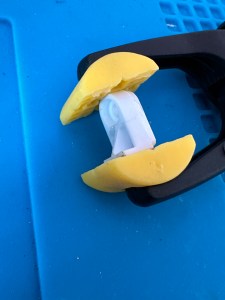
Broken speaker bracket

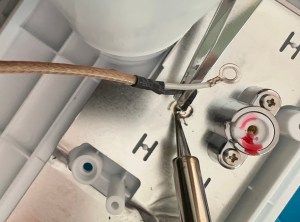
To get to the front of the unit you first have to go in through the back. When the back panel is removed you have to unsolder the aerial to be able to get into the box and unscrew the front unit, this then allows you to extricate everything through the front of the unit.

Aerial wire removal

Reading about similar issues on line it appears there could be a number of issues here from loose belts, dry drivetrains, loose cogs, sensors needing cleaning, lasers needing cleaning right through to total replacement of the cd unit. I will wait and see what presents itself when I can spend some time on this in the next couple of days. It really is a nice little unit and it would be good to get it back working fully.

The mains circuit contains a big capacitor that needs bleeding before I get anywhere near it. This is done and work begins.

I’ve fixed the broken speaker securing clip by using some Araldite 2 part adhesive and a small clamp. I’ve left this for a few hours until it set hard. It’s now back in position and doing the job it was designed to do. Both speakers are now secure.

I found out why the Cd drawer kept opening. There was a previously installed and damaged disc sitting under the carriage. As soon as that was removed the Opening/Closing scenario is no more.

I reassembled the unit and it all appeared to go well until….no disc error 🤦‍♂️

Sort one issue and another arises

Damn, I checked the drives they’re ok, I’ve cleaned the lens and reassembled yet again. Same issue.

I’ve opened it up yet again and checked the output power of the Laser and that is at .03 ohms. Small adjustments on the diode show no improvement in either direction so it is looking as if the damage is within the laser itself. I don’t hold out much hope of getting the cd working as it’s not really a replaceable unit as it wasn’t designed that way. So unless I can find some way of getting around this issue I might just have to accept that the unit will just be used in Dab, FM, USB and Bluetooth modes.

It works. So I guess it’s a job done. Sort of.

Anyway who uses CDs these days?

I do 🙋‍♂️

Blaupunkt BPHF-1R Dab CD radio

Just brought this. Here’s the listing on EBay

Excellent sound quality on Blaupunkt DAB radio with built in speakers NOTE CD player mechanism is not working 

(possibly an easy repair job)

Radio & remote OK.

RRP £99.00

EBay

I ended up paying the grand total £21:22 GBP for this item and that included postage. I may have got quite a good deal, however as usual I will have to await its arrival as you can’t always trust EBay listings. Hopefully the issue with the cd mechanism is a relatively easy fix 🤞

Blaupunkt Dab Cd radio

Looking forward to getting busy on this one, back to the end of the ever growing list of items to work on you go.

Check here to see how the repair went : Blaupunkt BPHF-1R Dab CD radio assessment and repair

Canon EOS 5D Mk2

The assessment and repair of this camera can be found here: Canon EOS 5D MK2 assessment and repair

As the listing stated:

Canon 5D Mark II DSLR Camera – Body Only – Spares or Repairs

We have tested this camera and found the following fault:

The camera powers up, however the sensor is damaged and images are recorded either blank or unusable, and so we are describing this item as FAULTY / SPARES / REPAIRS.

Shutter Count: 69,970

EBay
90% off. What have I brought?

I noticed this 5D on sale earlier for £109 Gbp. It’s from a supplier who has a good reputation who I have used before, however he suddenly drops the price by 90% and I snap his arm off for this. It has sensor issues and that’s at least a £70 price just for that part. Considering how much these cameras usually retail for it’s a price I could absorb…but I think something else must have come to light for him to change his pricing. The body is pretty beaten up, again I’m not too bothered with that, the usb port might be damaged by the looks of it and again that’s something I can sort.

I guess I’ll just have to await its imminent arrival. In any case for a total of £9.99 GBP I’ll make more from this just for spare parts.

See the assessment and repair blog post here: Canon EOS 5D MK2 assessment and repair

Sony Discman D-141

Assessment and fault finding….will it work ?

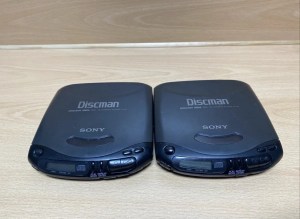
Double trouble here as I’ve purchased two of them.

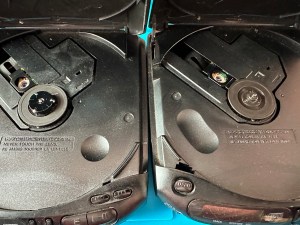
Sony Discman D-141 – double trouble

These variants are from 1994 just around the height of the capacitor plague problem. As I’ve already dealt with a D-121 version this week that was riddled with the issues and being only a year older, I’m not too hopeful that these two will be any different. They both have the same issue being that they turn off after about 10 seconds, this could be due to a number of issues, let’s get them unpacked and get an initial inspection done.

On initial inspection they both appear to be quite tidy considering they are 30 years old. One is missing a disc capstan however i do have a replacement from the old D-121 that was added to the spare parts box earlier this week.

Both start up, spin and then stop, sometimes showing a no disc error, sometimes not. The good news is there is no sign of corrosion on either unit.

Time to open them up….

I used the old donor D-121 from earlier in the week to replace the missing capstan on one of the units.

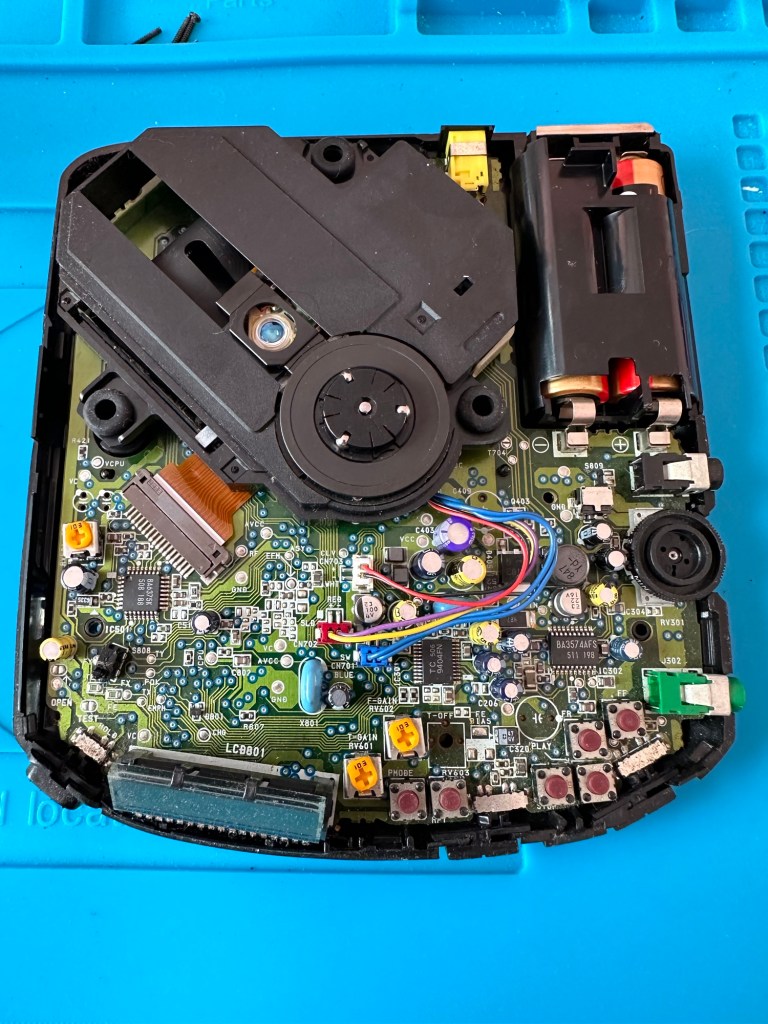
On opening of the cases the boards looked ok. No signs of corrosion or plague damage, this was a good sign and it was now time to look a little deeper.

Looking at the board

I did the standard clean of the lenses with IPA, I re greased the worm gears and rails but none of this alleviated the issue of the discs stopping just after start up. I did some continuity checks and component checks, all seemed ok. All buttons worked, all switches worked, something just wasn’t right. I decided to check the output of the laser adjustment pot and this was extremely low. I spent a good hour on the first unit and a similar time on the second trying to adjust the range up and down before realising that after 30 yrs both lasers seemed to be at fault. No adjustments improved the output.

Faulty laser assembly removed and replaced

I was facing the fact that I’d now have two more failed units to go with the D-121 earlier this week. Then I thought why not try the laser out of that failed unit?

It worked. The D-121 donor unit was compatible with the D-141 and after a few minutes adjusting the laser we were able to play an audio Cd.

We have life

This week I have looked at 4 faulty units and managed to get 2 fully working with a third one needing a replacement laser sled when one becomes available. I have one spare redundant unit that has been indispensable for the repair of the other units, in theory i potentially have 3 out of the four available.

All dressed up

I won’t be wasting anymore time on Discmans in the foreseeable future. They had their time and digital sound has obviously pushed this medium in to the dark distant past. The units are becoming life extinct and it’s like performing knee surgery on an elderly individual, you are improving their quality of life for the moment until the ravages of old age take over. Bit of a crude analogy I know, what I’m saying is steer clear of these as they are going to be trouble, people seem to think they are worth a fortune and are charging ridiculously high prices for something that just about works.

It’s been fun though and I have learned a lot from it so it can’t all be bad.

Good people, stay safe. Thanks for passing by.

Roberts Blutune T2 breakdown and fault finding

The radio has been received see here: Not just Dead….Fully dead and if I can’t get it going, I have at least brought a very tidy storage box.

What surprised me when first opening up this radio was the immense amount of boards and circuitry inside, I must admit I took a gulp at this and questioned my reasoning for purchasing the item. However it’s all a learning curve and I have to start somewhere, gone are the days of simple circuits on traditional radios (with big components).

I arrived home from work and sat myself down in the conservatory surrounded by test devices for about 4 hrs until I totally overloaded my self with information, creating more questions than answers, i decided to give up for the day and further research the potential faults for this unit via other sources.

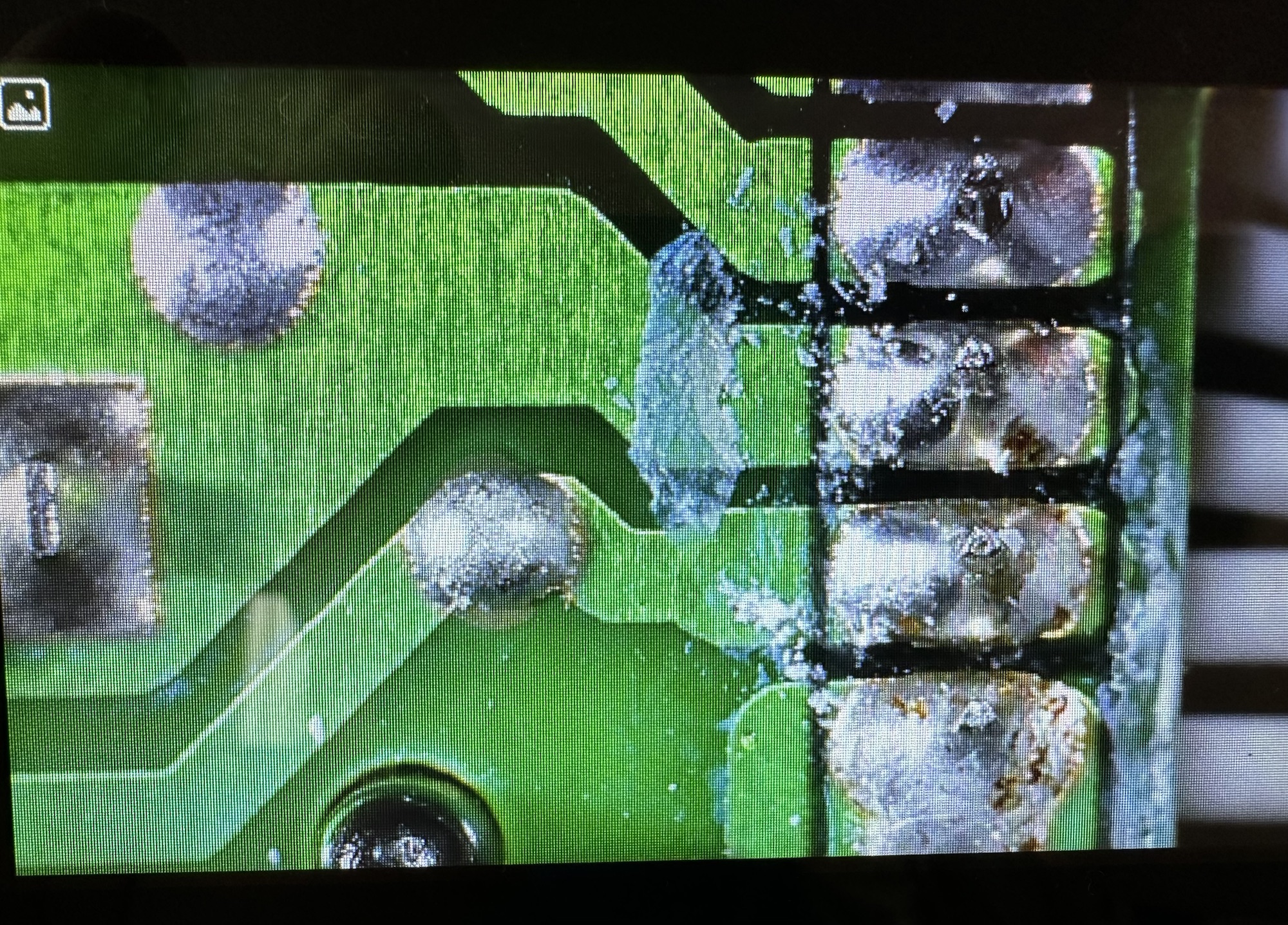
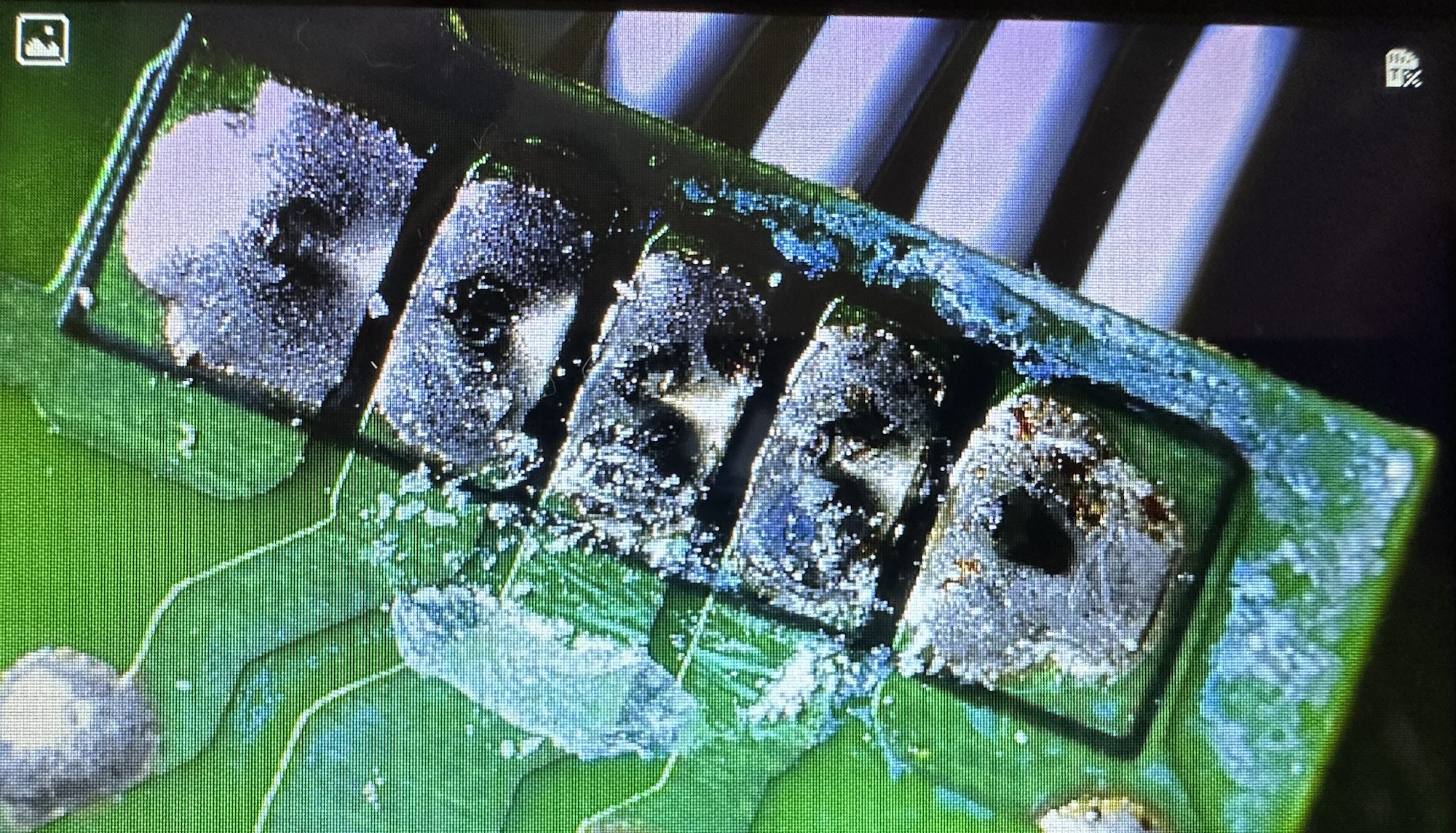
To me the power board seems fine, power is going where it should, there appears to be no short circuits or component damage however in places there does seem to be some signs of leakage so I may have some components that need replacing or maybe it’s just remnants of flux and stuff left behind after initial construction.

None of this can be seen by the naked eye but it becomes apparent after being placed under my new toy an Andonstar microscope viewer. It’s at the entry end of the range but it is already becoming a game changer for me, due to my failing eyesight.

Andonstar AD106S

Copyright Andonstar

Further investigation appears to highlight an inherent issue with this range of radios when they just seem to stop working (probably why Roberts ceased production).

Generally the power board isn’t an issue, it all focuses around the display board where a controller to the screen has failed or the amplifier chip has failed, hooray I say! And then I find out both components are about the size of a grain of rice… Boo I say.

I have no experience at all in components this minuscule in size, but if I can’t get to the root cause and eliminate all other possibilities I will give it a go. In the meantime fault finding will go on between other jobs and this will continue to be a job in progress that will be revisited and updated as time goes by.

The plan short term is that I’m going to borrow a thermal camera and check if there are any hotspots under electrical load. You never know I might just find something.

I shall comeback to this project at a later date.

Thanks for passing by. Stay safe, be superb. You’re a star 🌟