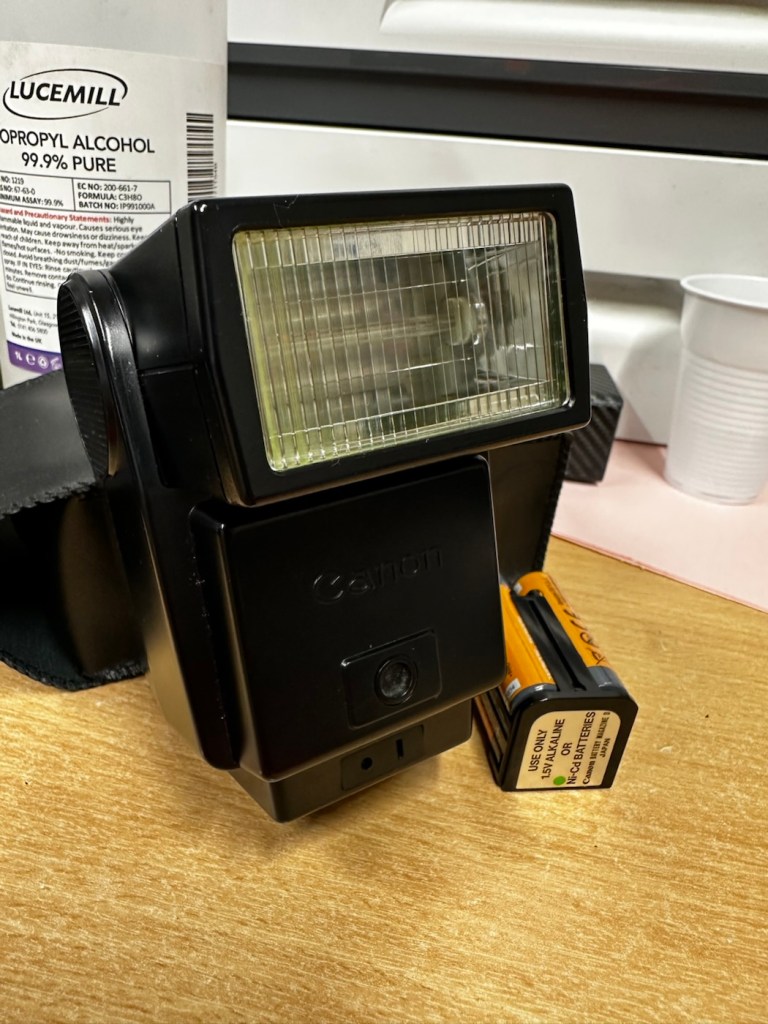
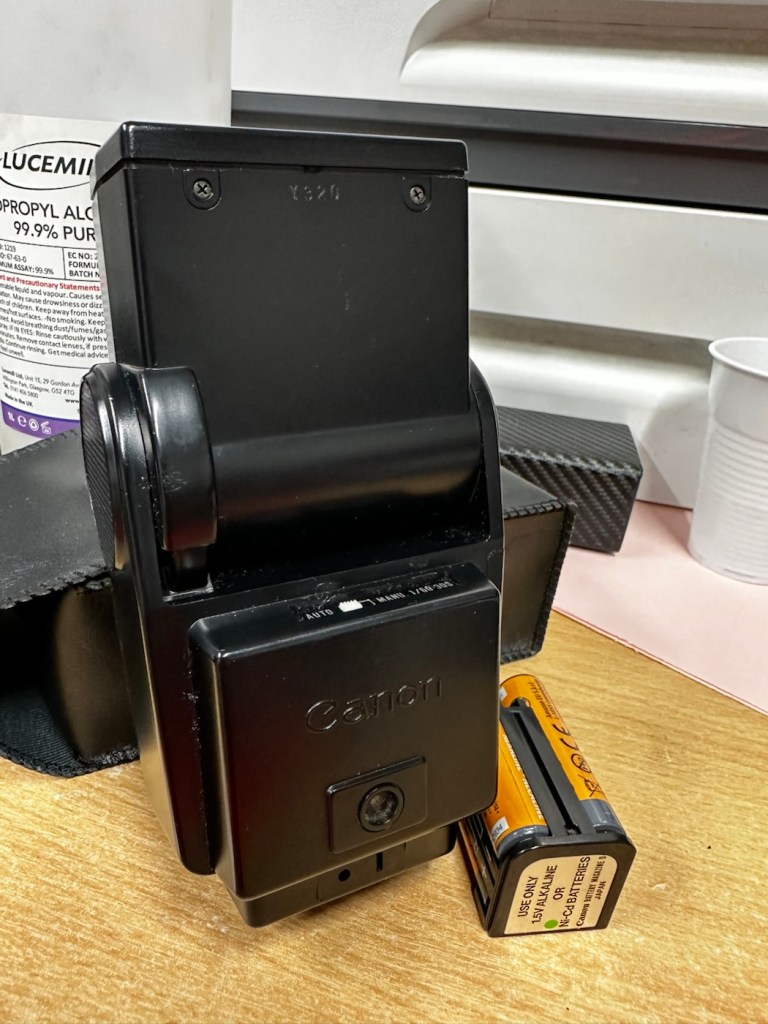
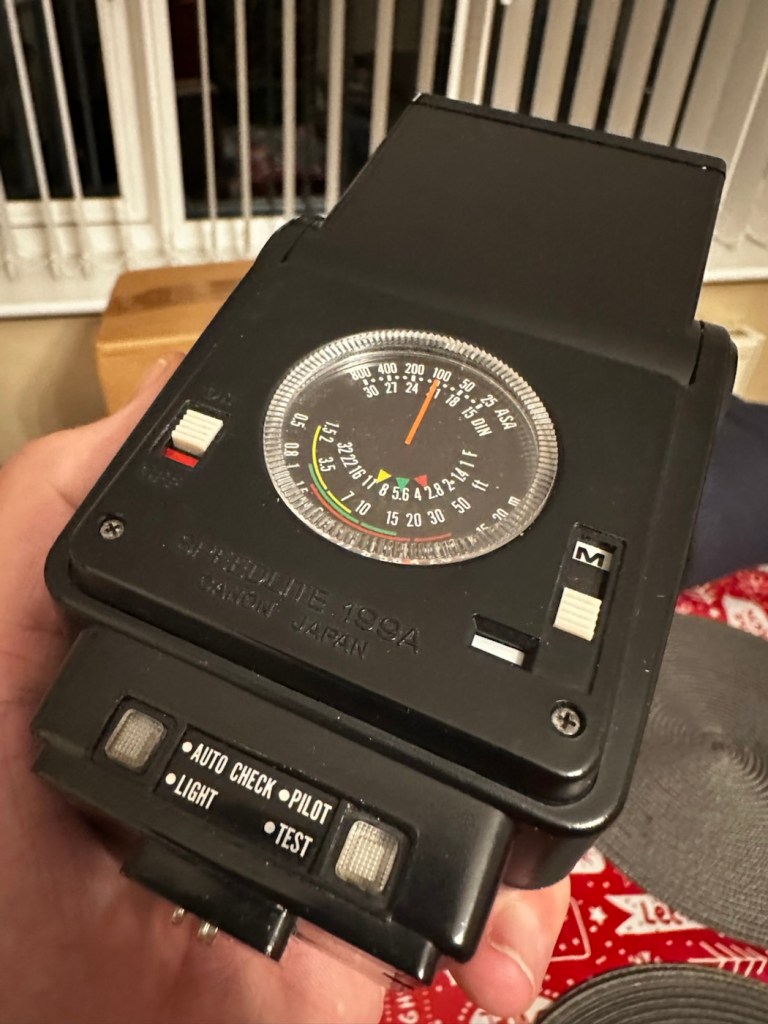
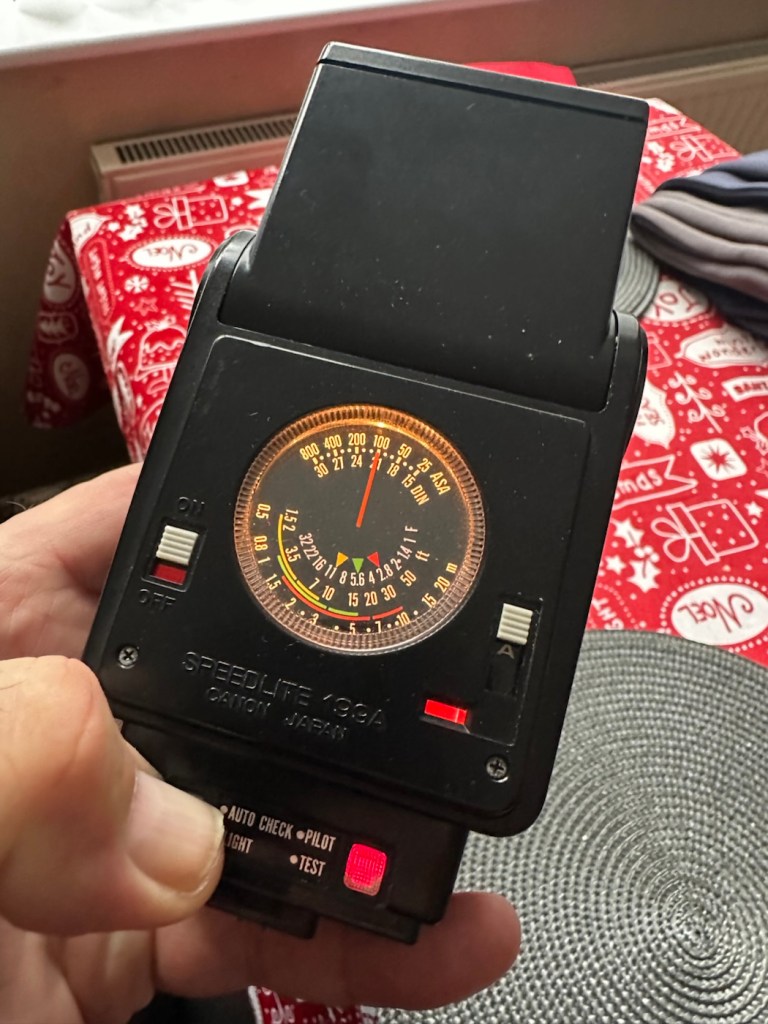
Canon Speedlite 199A flashgun

Can I bring a dead Canon 199a flashgun back to life? You betcha!

I love working with flashguns, but believe me they are highly dangerous and potentially deadly pieces of kit, once you get under the skin otherwise known as its protective casing. I inherited this one from a good friend of mine who is a professional photographer, the post regarding what he passed on to me can be found here: Cameras…i need more!

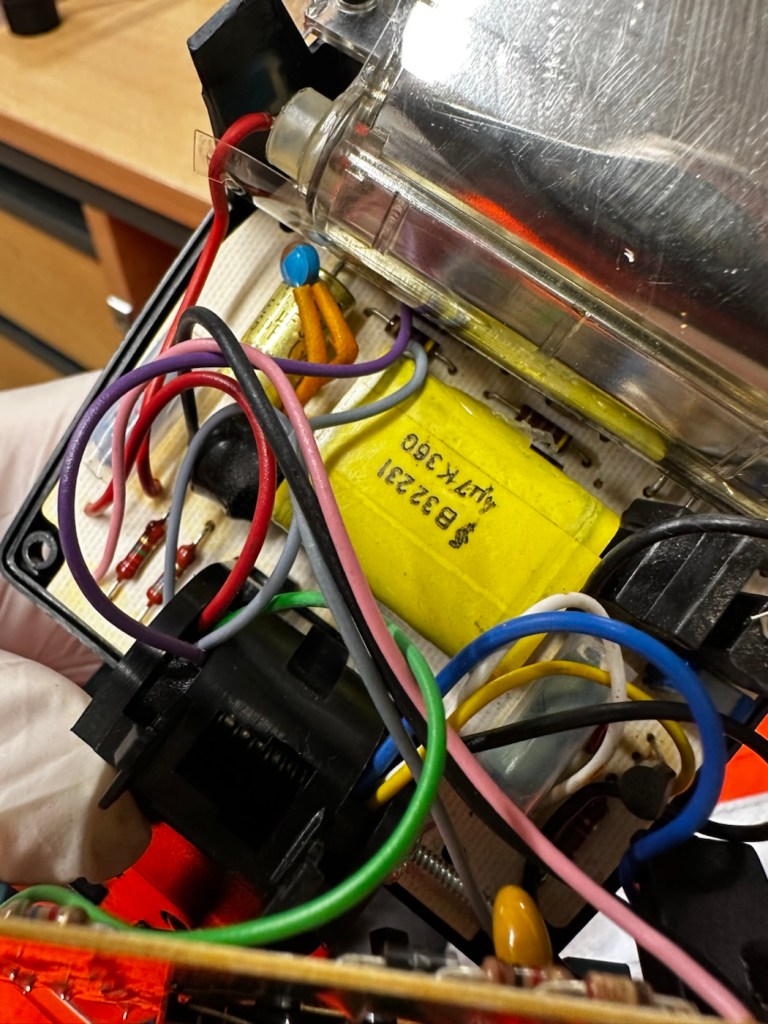
Now please do not go delving into the back of these things unless you know what you are doing. Yes they might only be powered by 6-9v of power from your batteries, however in the process of getting to the point where they unleash a lightning flash for your photographic opportunity, they have passed through a component called a flash capacitor, this component greatly amplifies the voltage from that measly 6-9v from your batteries up to what is now between 3-400v for the flash. Yes, you read right right, 400 VOLTS.

That can kill, and if it doesn’t, you have been very fortunate, but you will probably bear an entry and exit burn where you made contact with that very component. If it goes across both hands it’s probably going to go right through that pump in your chest that keeps you alive – your heart, and that can be fatal. You have been warned – take heed!

I must admit I’ve done something here I don’t usually do, and that is clean before searching for the problem. This unit had two or three old company stickers on it that I have now removed. I then gave it a quick clean and a buff and I must admit it has come up very well. I will give it another clean when i have finished, as well as a final polish with some cockpit cleaner.

Production of this flash unit commenced in 1978 for use with the Canon “A” range of cameras that were being produced around this time. It can also be used with some other camera ranges. Before we get into exactly what is wrong with this specific unit, let’s look at some information regarding the spec of this flashgun:

The Canon Speedlite 199A is a dedicated, thyristorized flash unit designed for operation with Canon “A” series cameras. The Speedlite 199A features a high Guide Number of 98 with ISO 100 film, three automatic flash ranges plus Manual and automatic bounce flash capability. The most powerful shoe-mount Speedlite in the Canon line, the 199A is recommended for use with the Canon A-1 or any “A” series camera with motor drive or Power Winder A due to its high power and very rapid recycling time.

Technical Specification: –

Type: High-powered shoe-mount flash; automatic, thyristor type
Guide Number: 98 (ISO 100, feet), 60 w/wide adaptor
Recycling Time: 10 seconds with Alkaline-Manganese batteries 6 seconds w/Ni-Cd batteries
Number of Flashes: 100- 1000 w/Alkaline-Manganese batteries 50-500 w/Ni-Cd batteries
Auto Flash Ranges: 3
Auto Apertures: (ISO 100) Red-f/2.8 Green-f/5.6 Yellow-f/11
Bounce:Yes
Flash Coverage: For 35 mm format, covers angle of view of 35 mm lens; covers 24 mm w/adaptor
Color Temperature: Daylight
Power Source: 4 “AV size Alkaline or Ni-Cd batteries
Dimensions: 3-1/8 x 3-1/4 x 4-1/2 in.
Weight: 1 lb., 1-5/16 oz.

Mir.com

Asssesment:

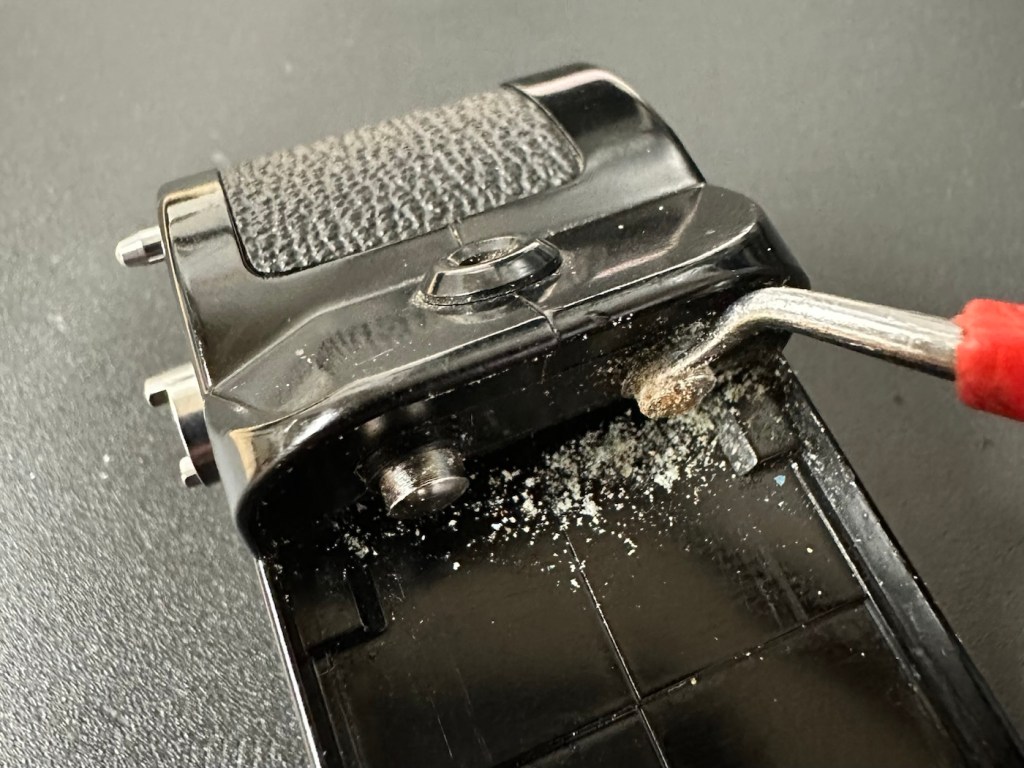
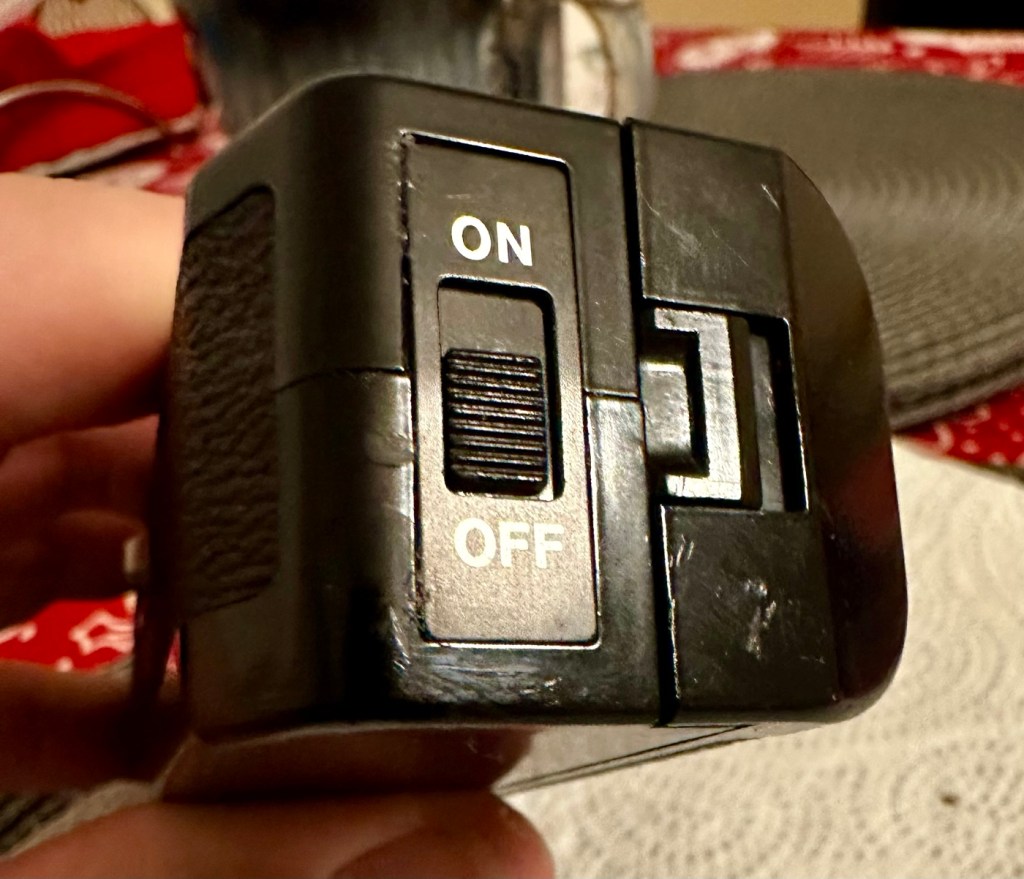
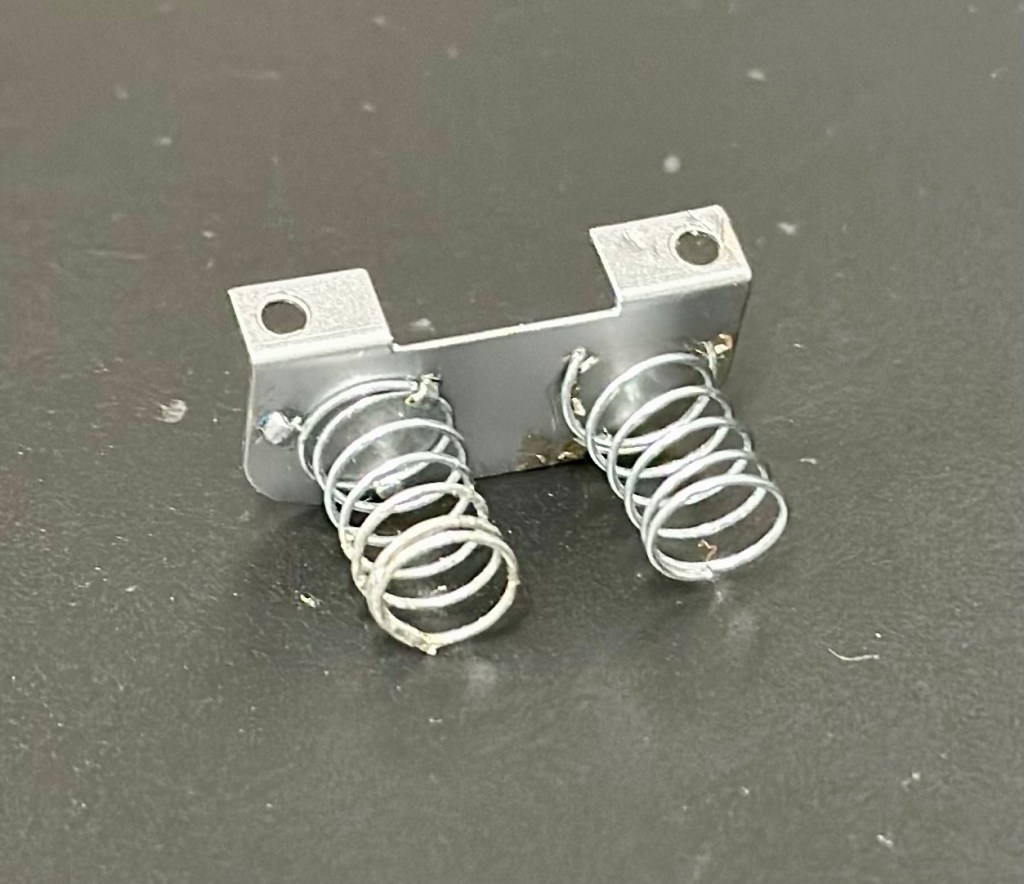
As you can see in the photos above, and as I stated at the beginning, I’ve gone arse about face on this one and cleaned it prior to diagnosing what the actual issue is. Please forgive me as I was in a cleaning mood at the time, and if I’m in that mood everything gets cleaned.

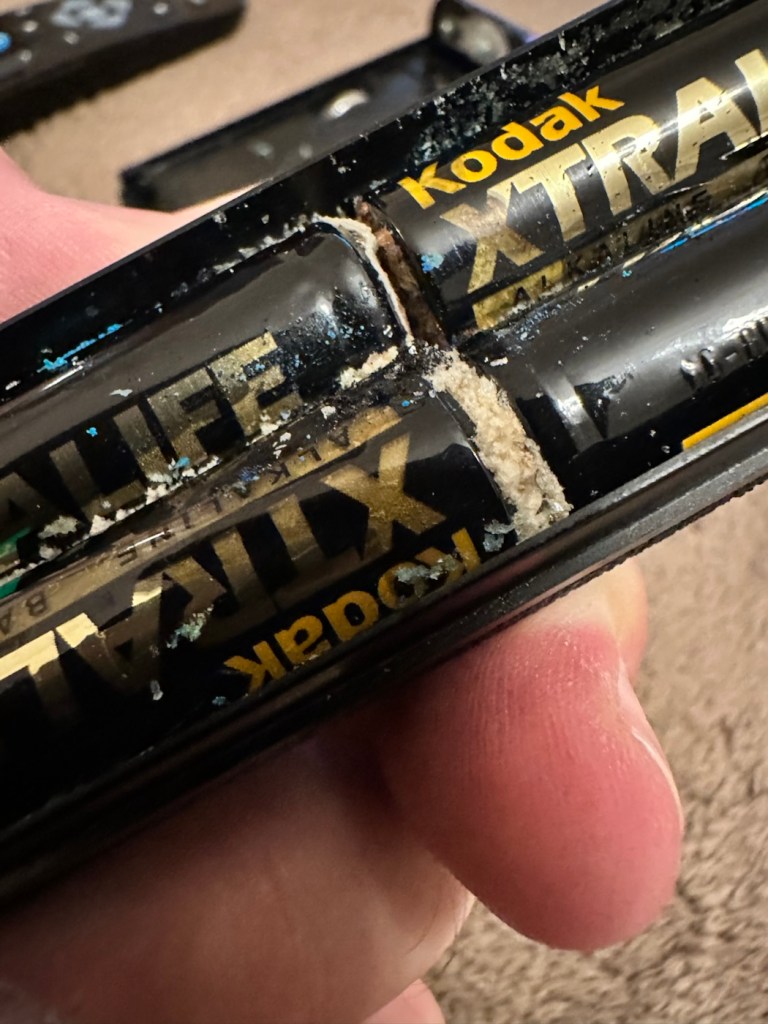
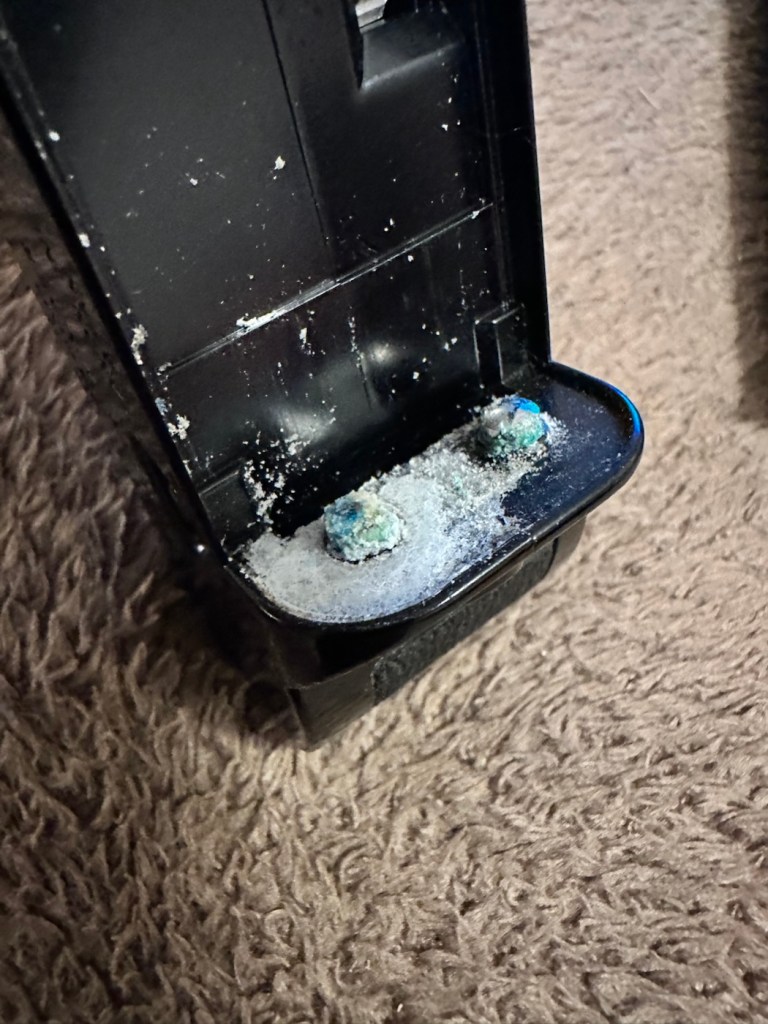
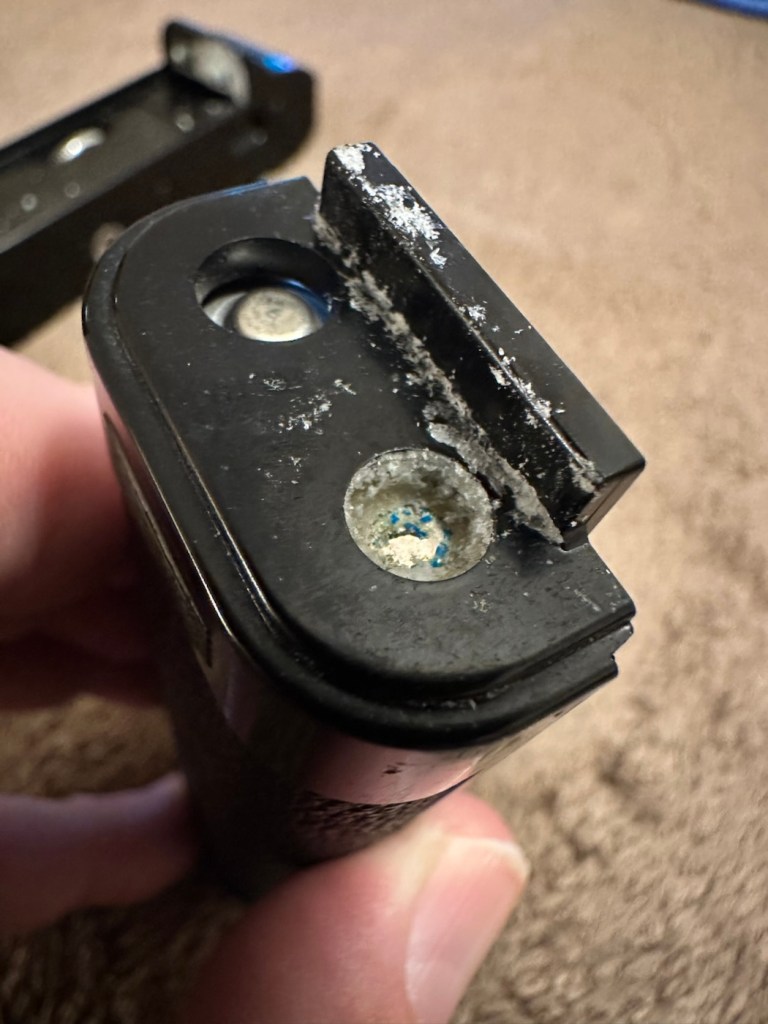
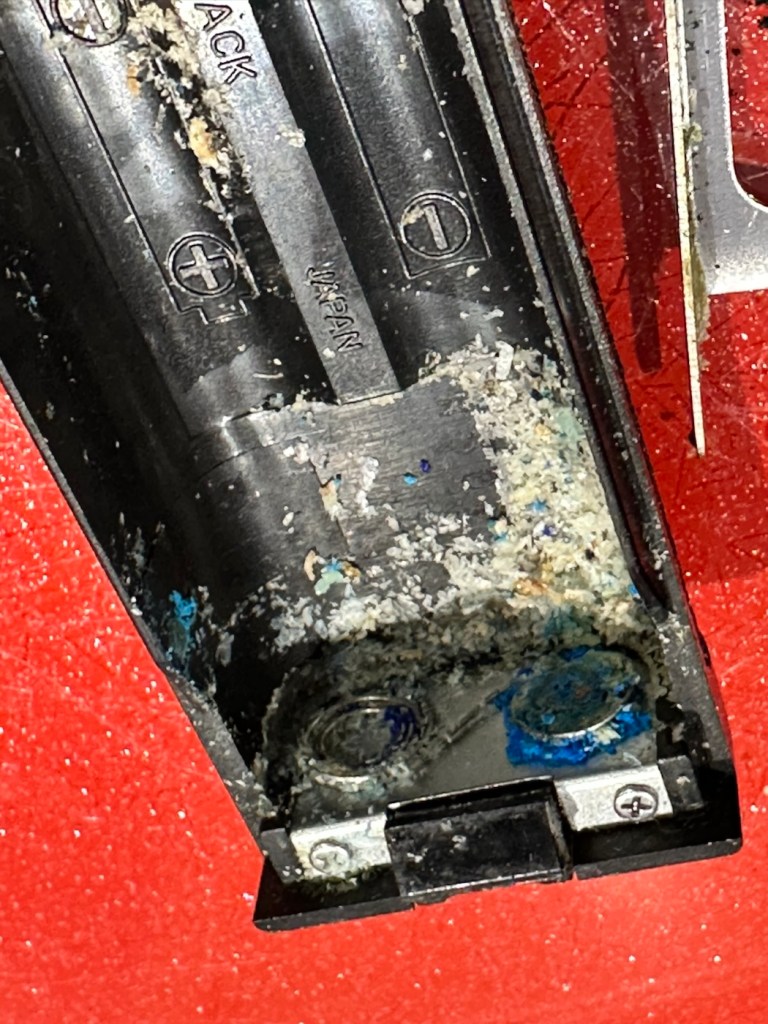
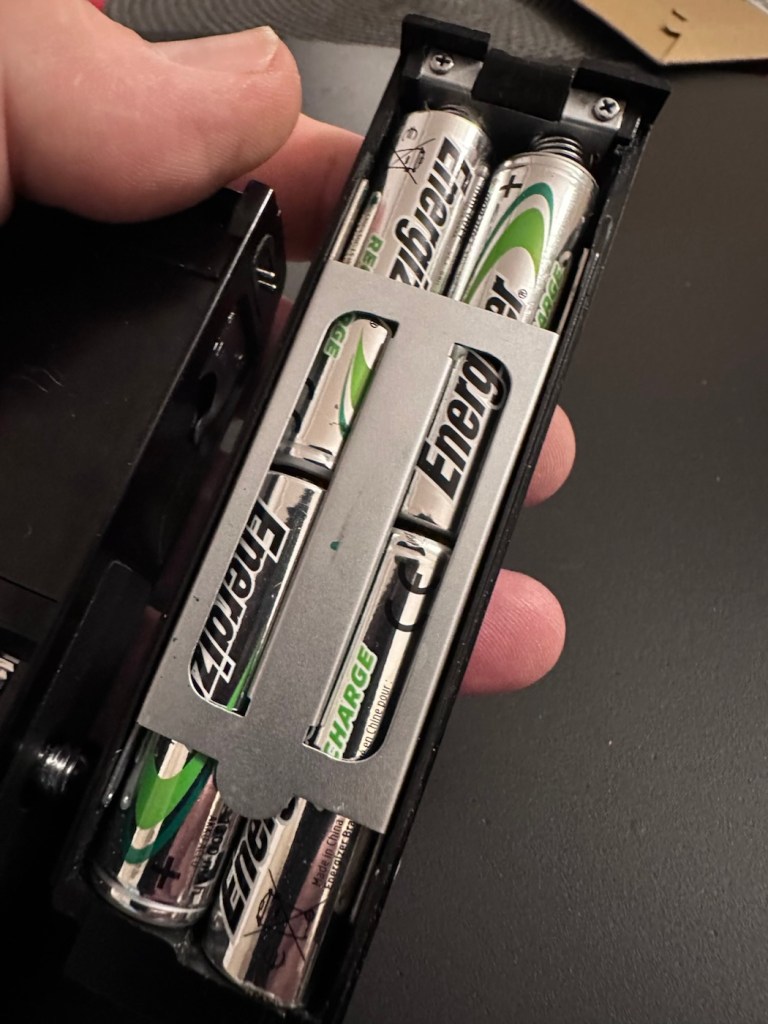
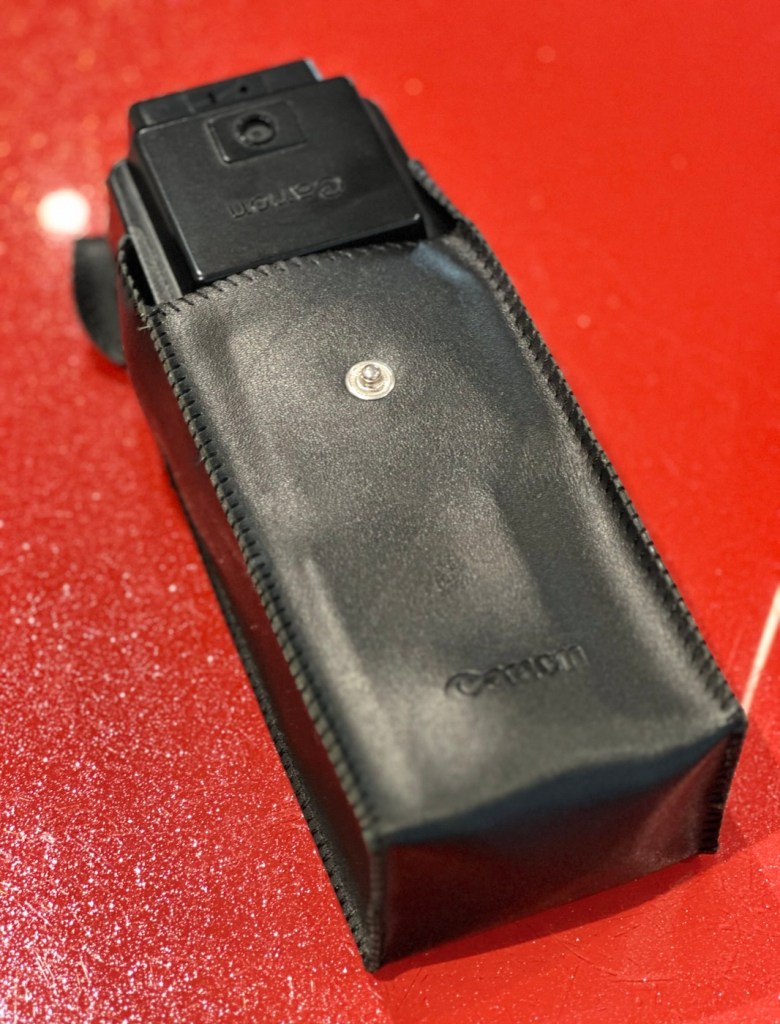
It runs off of four AA type batteries that fit in to a cassette that sits in the side of the unit. All contacts are clean and there is no sign of any battery leakage. You can see the cartridge in the photos above. The flash unit comes in a Canon branded leatherette pouch that is in absolutely perfect condition. Inside the pouch is a diffuser / wide angle lens that slides over the actual flash head. The whole unit looks fantastically clean and tidy, with no signs at all of any damage or wear.

Put the batteries in though, and turn on the switch. And nothing. It’s dead. Kaput.

With these old flash units you were always used to hearing that family high pitched whistle when you turned it on. That was the system telling you that the capacitor inside was taking a charge and getting ready for business. Over time, the capacitor can loose its effectiveness, it semi retires if you like, and on occasions it retires fully, it dies a death. I very much suspect this is what could possibly have happened here, I just hope ours is in a deep sleep and can be woken up.

So as we move on to what we are going to do, the only issue here is that it’s simply not accepting a charge, and we will then discuss the two options on how we may now breathe life into this geriatric flash gun.

One thing that always annoys me when I search for possible ways of approaching the repair, is the attitude of people who have grown use to us all being consumer driven, the attitude stinks. These units can be purchased for very small amounts now and they loudly advise,”Just buy a cheap replacement and throw that one away!” This annoys me as you well know, because that’s not what this site is about, if I can repair something, no matter how inexpensive it is, I will. There is no need for this continuous throw away attitude. It’s a good way to learn just how things work.

Rant over, let’s move on….

Repair:

One of the easiest and least invasive, and therefore safest ways to start investigations, to look for a remedy, is to first get a nice fresh batch of alkaline batteries. With these in place within the unit, turn the flash power switch on and just leave it like that for anywhere between 2-8 hours. It has been known in the past, to act like a trickle charge as that flash capacitor has not been active for god knows how many years, it kind of revives it. It sometimes works, more often than not it doesn’t. But it’s worth giving it a try. So here goes. If this doesn’t work then our only other option is to get the unit opened up and to replace that beast of a flash capacitor.

I’m just coming off of a night shift and will shortly be heading off to bed, what better time to try this method out. So I’ll see you in a few hours 👋

And so the wait begins. Fresh batteries in place and turned on at 06:20….

I’ve arisen from my pit about five hours later, and what do you know….

Well, it’s only gone and bloody well worked hasn’t it?

And 5 hours later….it actually works

Sometimes it’s the simplest of procedures that can bring old equipment back to life, and when the fix is non invasive, going no where near those dangerous internal components, it can only be a good thing can’t it? And to think this was just placed in a box for disposal. Well it’s got a new lease of life now.

It really is working

I’m really pleased with this so let’s move on to the final stages and get this little beauty polished and presented.

Result:

And yes it is a result, a result of patience and perseverance and thinking outside of the box as they say, in office inspired corporate management speak.

In a number of these “repairs” it’s best to exhaust all other options prior to getting the screwdrivers out, just like a surgeon explores all options prior to getting the knives out. I’m in no way comparing myself to a surgeon, you wouldn’t want me anywhere near you with a scalpel! I’m just using it as a pretty poor comparison, so I guess it’s best I shut up now and just get on with whatever I’m supposed to be doing.

So that’s another little repair put to bed, and another piece of electrical detritus pulled from the arms of the scrap man. I always feel a great sense of accomplishment when I mange to get these old bits of kit working again. It frightens me to think just how much salvageable tech equipment gets discarded when it could quite easily have its life extended with the minimal amount of intervention.

My plan is to add this flash to my Canon “A” series collection as that is what it was originally designed for. And I may well add a link here, when I get to use it whilst testing any new “A” series cameras that just happen to come my way, as they invariably do, that require my attention.

As always, thanks for passing by. It’s always most appreciated.

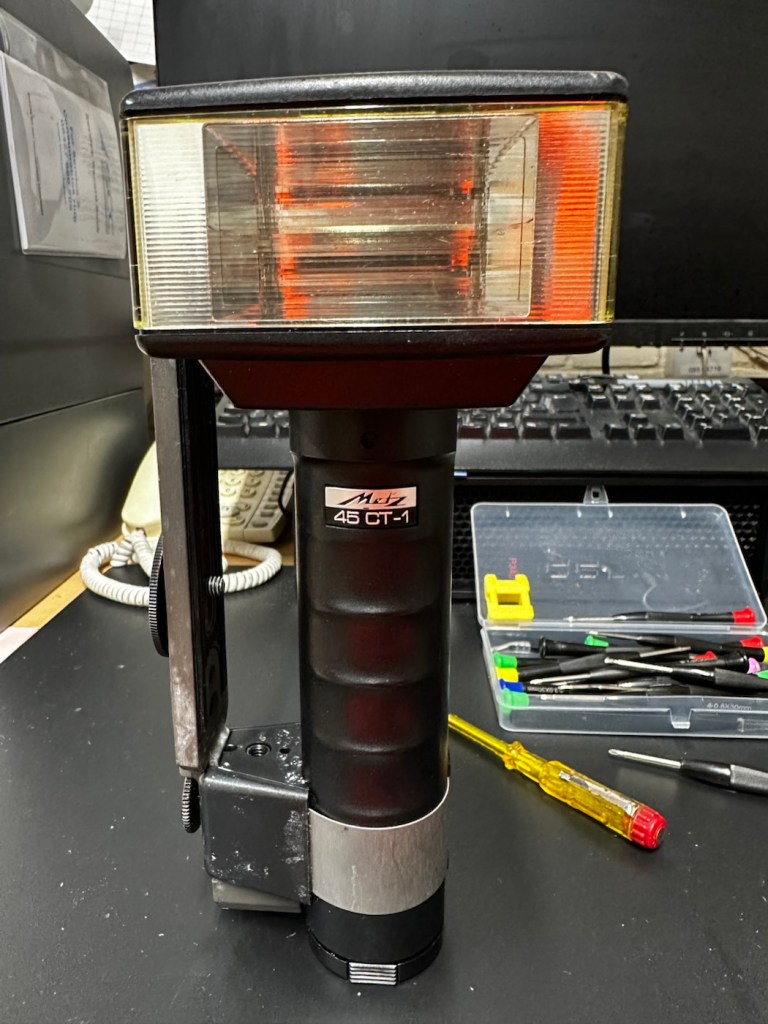
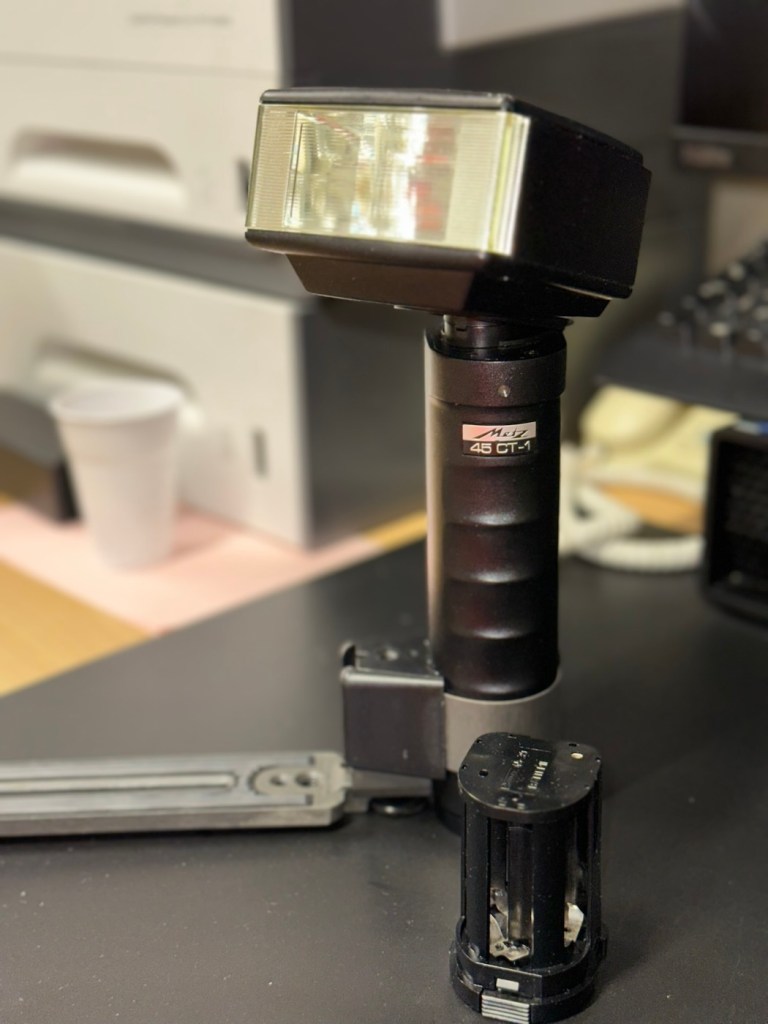
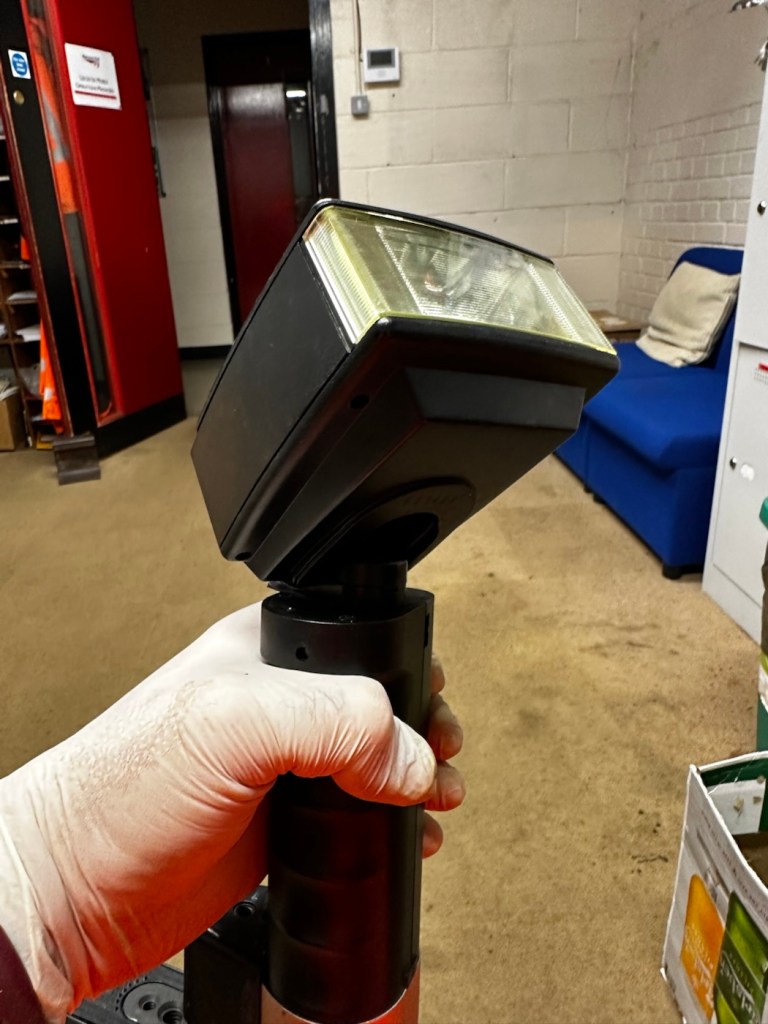
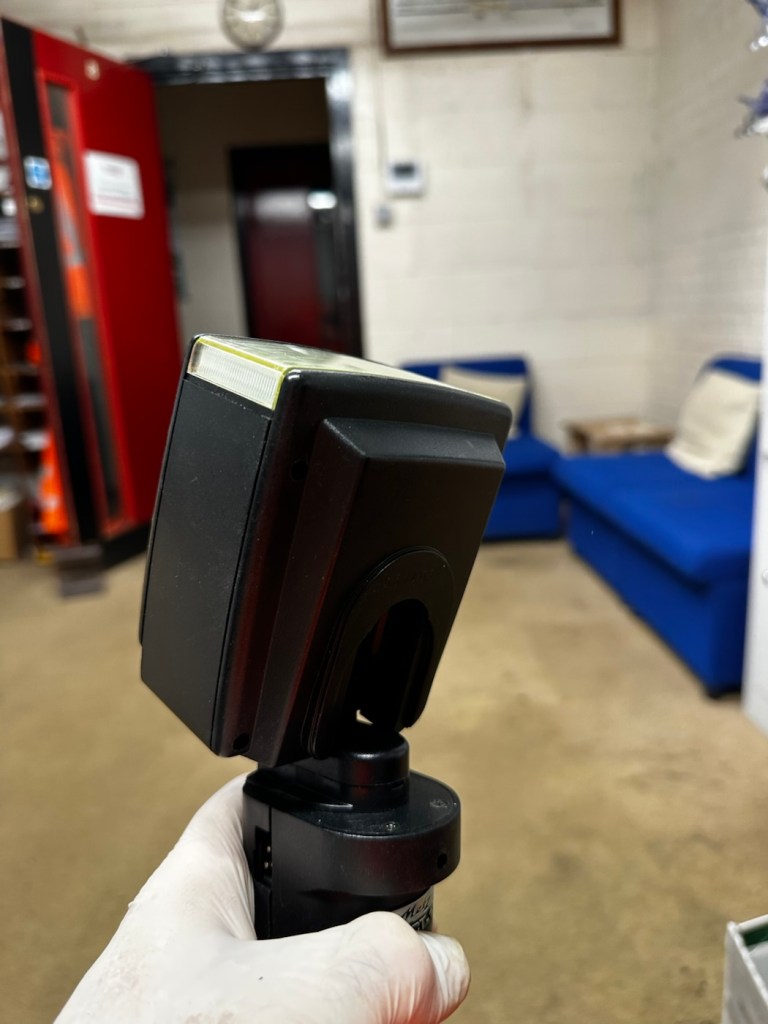
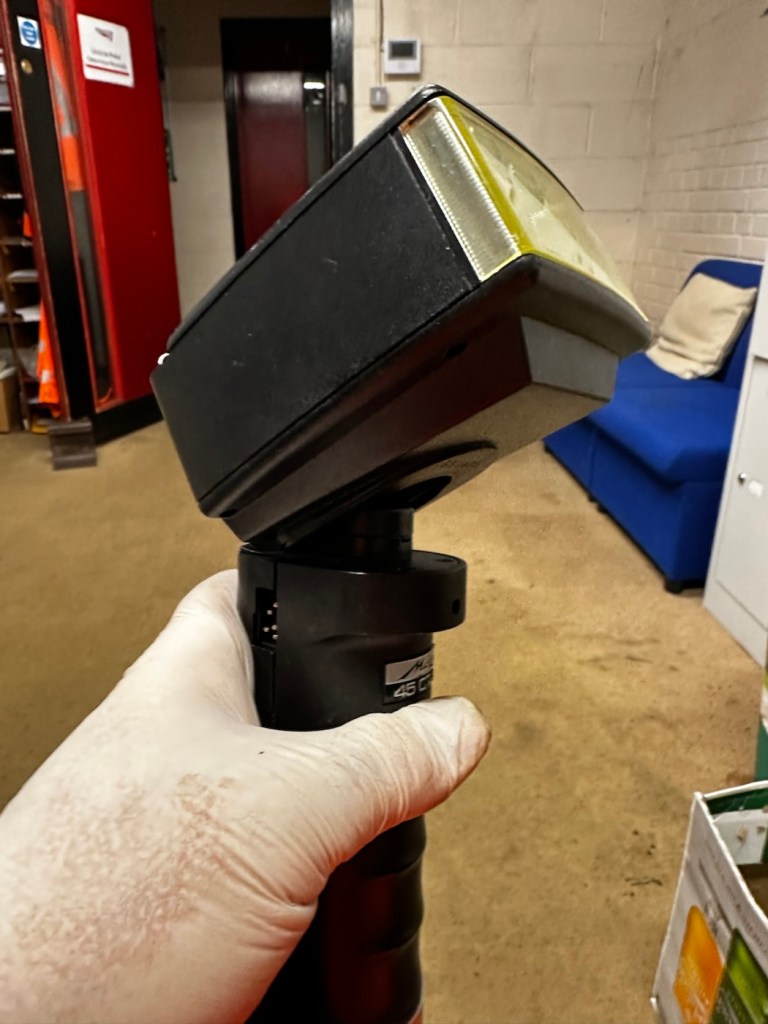
Metz 45 CT-1 Flash gun

I was given a professional flashgun with a number of issues. Let’s get it fixed.

I love working with flashguns, but believe me they are highly dangerous and potentially deadly pieces of kit, once you get under the skin otherwise known as its protective casing. I inherited this one from a good friend of mine who is a professional photographer, the post regarding what he passed on to me can be found here: Cameras…i need more!

Now please do not go delving into the back of these things unless you know what you are doing. Yes they might only be powered by 6-9v of power from your batteries, however in the process of getting to the point where they unleash a lightning flash for your photographic opportunity, they have passed through a component called a capacitor, that greatly amplifies the voltage from that measly 6-9v from your batteries up to what is now between 3-400v for the flash. Yes, you read right, 400 VOLTS.

That can kill, and if it doesn’t, you have been very fortunate, but will probably bear an entry and exit burn where you made contact with that very component. You have been warned – take heed!

Here’s a little about this flashgun. They were manufactured circa 1979.

The Metz 45 CT-1 is a classic, powerful handle-mount flash gun known for its “hammerhead” design, high light output, and versatile features like a swivel and tilt head. It was a popular and durable accessory for professional photographers. 

Key Features

  • Guide Number: The flash has a high guide number of 45 metres at ISO 100, indicating powerful light output.
  • Exposure Control: It features an analog control display and offers five different “tele-computer” automatic aperture settings, allowing for easy exposure control in automatic mode.
  • Versatility: The flash head can swivel and tilt, allowing for bounce flash techniques to achieve softer, more flattering light. It also includes a built-in wide-angle diffuser.
  • Compatibility: The 45 CT-1 is a non-dedicated flash with a standard sync cable connection, making it universally compatible with many cameras, both film and digital (with caveats).
  • Power Source: It typically uses a rechargeable NiCad battery pack or a holder for 6x AA batteries.
  • Durability: Known for its robust, professional construction. 

Google

Assessment:

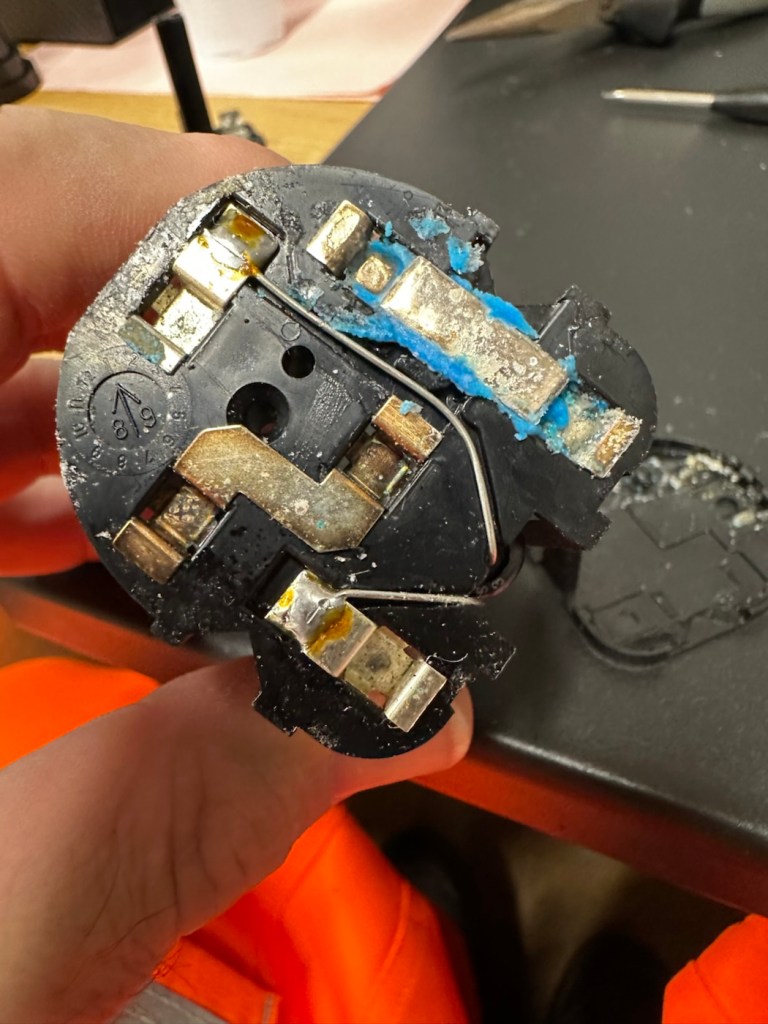
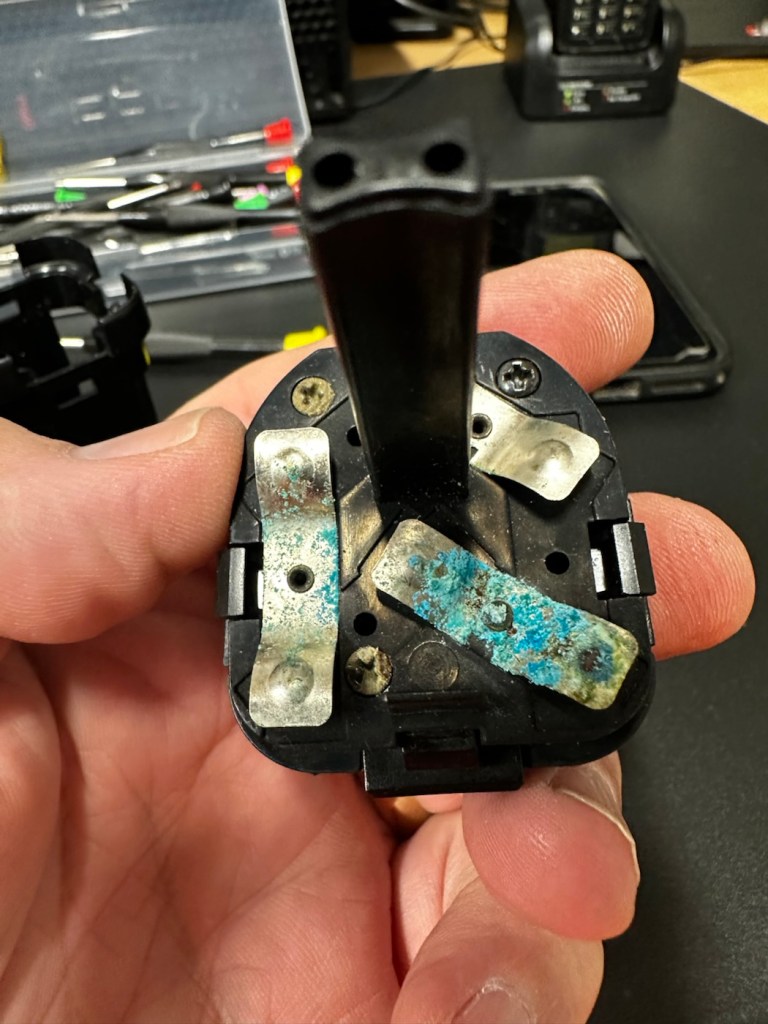
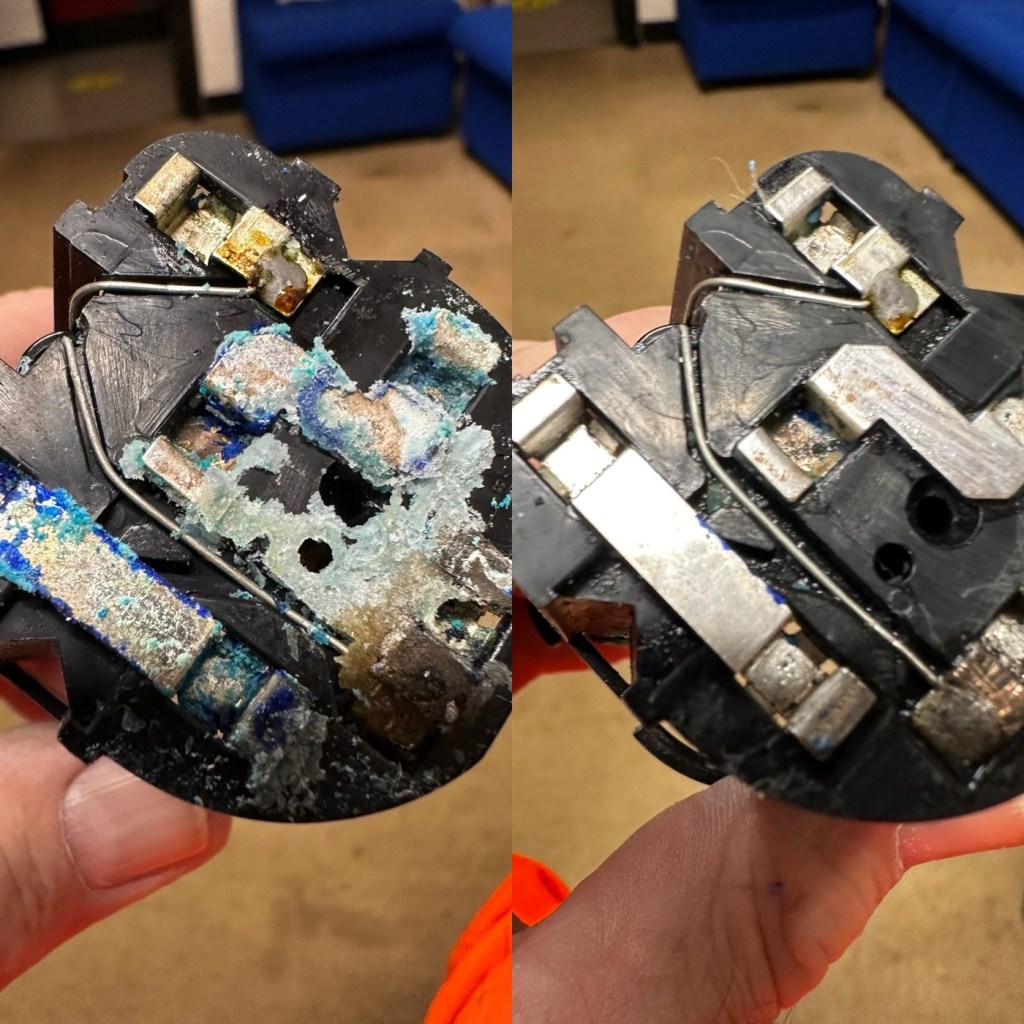
To be honest on first receiving this unit, you didn’t know what was coming, but you could certainly smell it. Within the box the smell of battery corrosion was heavy. It’s a hard smell to describe but once you have dealt with it you know what’s coming, and this smelt really heavy.

The smell was coming from two battery pods that play in to the base of the flashgun arm. Thankfully they had been kept separately, and their spread of “Corrosion” was not able to get to the main unit.

The main unit itself had a problem in that the head was floppy, unable to be at any other angle than straight up or, flat down and nothing in between, and something was rattling about inside of it.

So bearing in mind my sermon at the start of this post, I gloved up, armed myself with my capacitor discharge probe and cracked the unit open.

Repair:

Straight in at the head of the unit and I went in search of my nemesis. The charge capacitor. And it wasn’t that hard to find. Sitting there all inoffensive and bright yellow, it was rated at 360 volts. As I had put a small load on it earlier to test its operation it was sitting there still holding a charge of 260 volts, needless to say I made sure this was discharged before I commenced any work in the area.

The “Knuckle” that the head pivots on is just behind the capacitor, so it made sense to discharge it.

The piece that was rattling about was relevant to the reason the head wasn’t able to pivot, it was once part of a rectangular washer that had a serrated side that would mesh up against the head that was also serrated to create a clicking action to angle the head at any point between zero and ninety degrees.

The broken mesh washer

As parts for these had ceased production years back it was time to improvise.

Here is the setup as it was originally.

Original setup

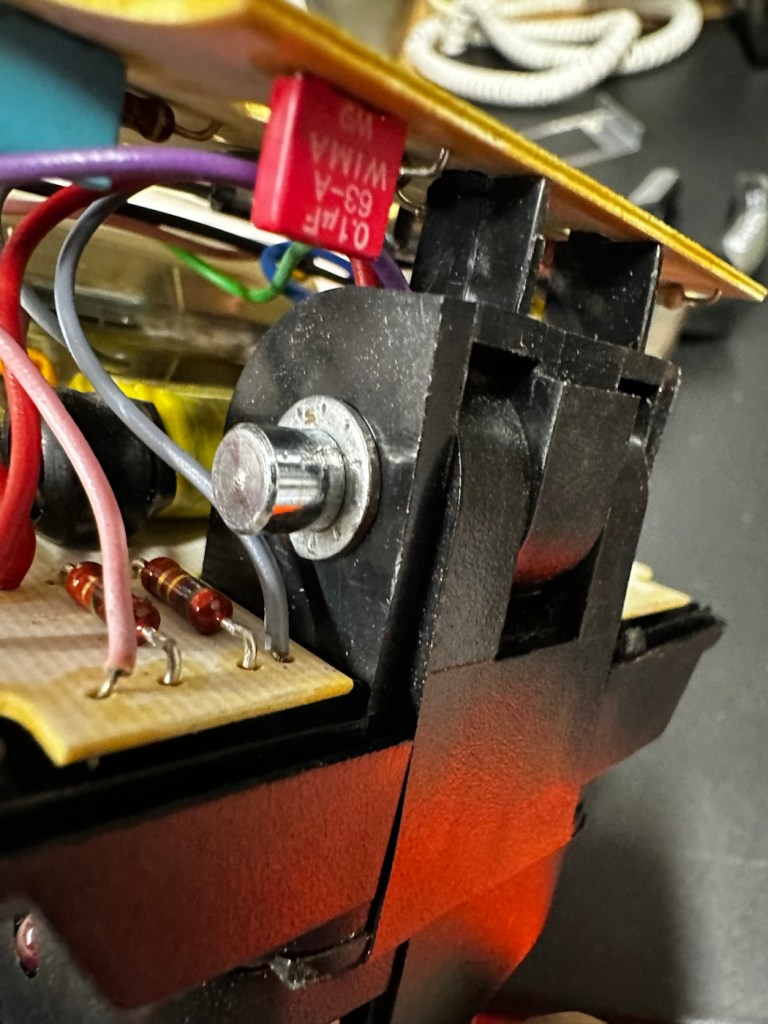
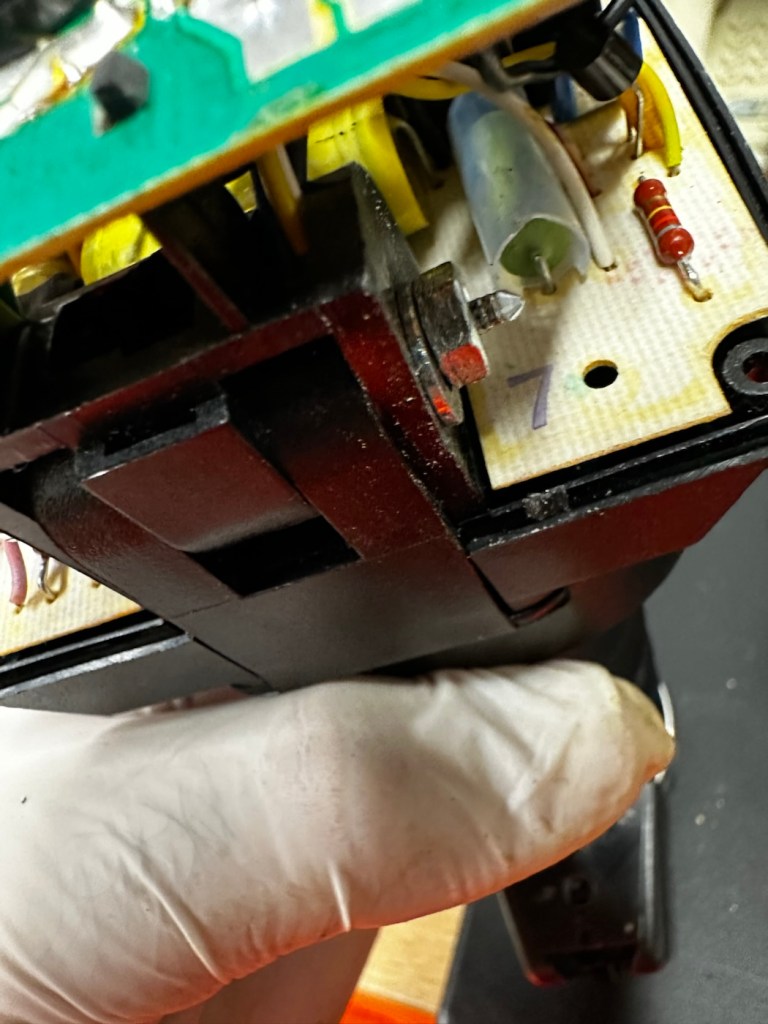
You will see a chrome bolt, that has a spring along its length that would have applied pressure on the mesh washer that is now broken, allowing the head to click into varying angles. To make up for this I have now added a washer on either end so the spring no longer gets depressed, and where the old mesh washer used to be I have now added two small “crinkle” washers that should now take over where the mesh washer was originally placed. the washer at the other end prevents too much compromise, allowing more pressure to be added at the securing end with out damage to the plastic frame.

I’ve tried moving the head and although there isn’t the clicking now, the head does remain in position, whatever angle it is placed in. There is free movement around all axis, and the head stays where it is placed. I’m happy this has been repaired in that sense. Let’s get the casing back on.

The next issue is the corrosion issue. Below you will see before and after photos, all that was used here was an old tooth brush, cotton buds, tooth picks and isopropyl alcohol. And a lot of time and patience

Once these were cleaned, I used a multimeter to check their continuity and all seemed fine. A final clean with some antibacterial cleaner has left them looking and smelling a lot sweeter than when they first arrived.

Reassembled, polished and smelling fine

A very brief video showing its operation.

One minute of unadulterated flashing

And with that, apart from a good old polish I think we are done here.

Result:

Look at me

And doesn’t she look gorgeous after a good Polish?

This flash was really destined for the dump, and has now been given a new lease of life. Perfectly usable, in a very good condition and a lovely piece of photographic history. I’m so pleased with how this project has gone and so proud of myself for saving yet another classic item from landfill.

Thank you so much for passing by, as always you know it is very much appreciated.

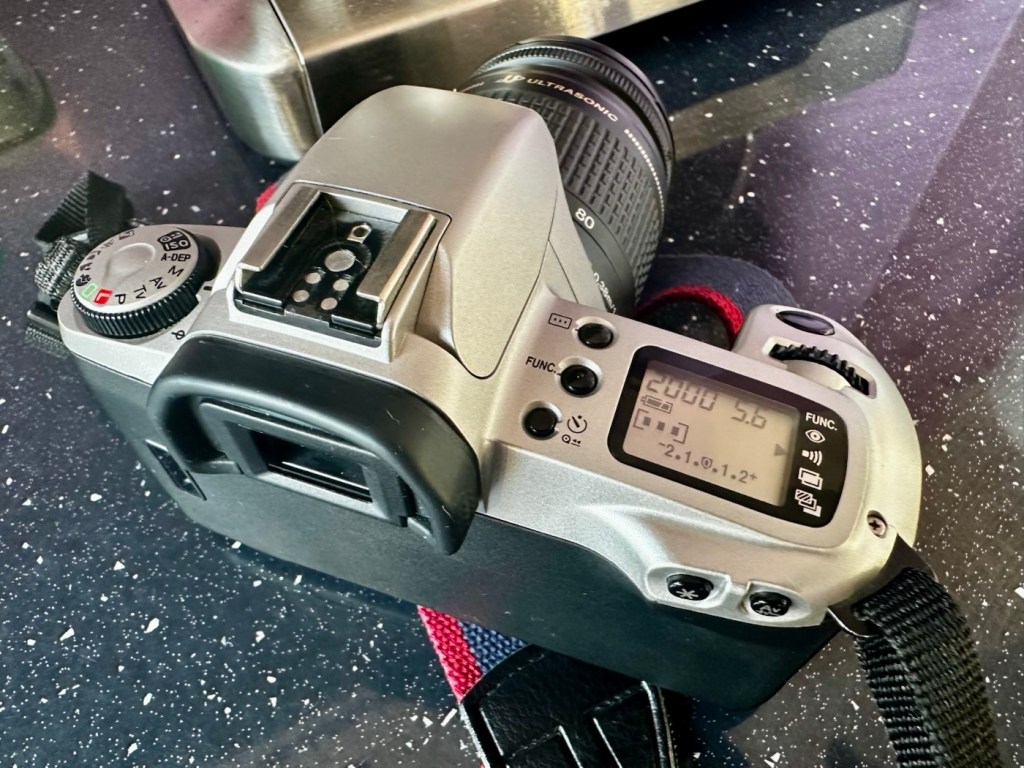
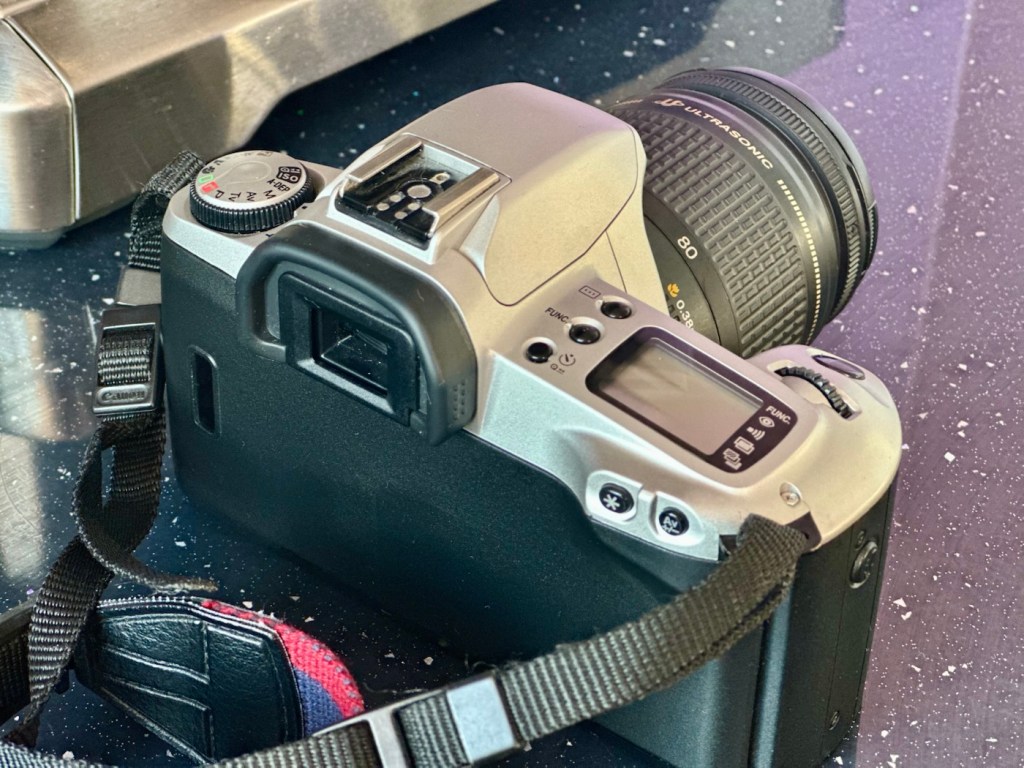
Canon EOS 500N

A nice entry level camera, from the mid 90s, now back in working order

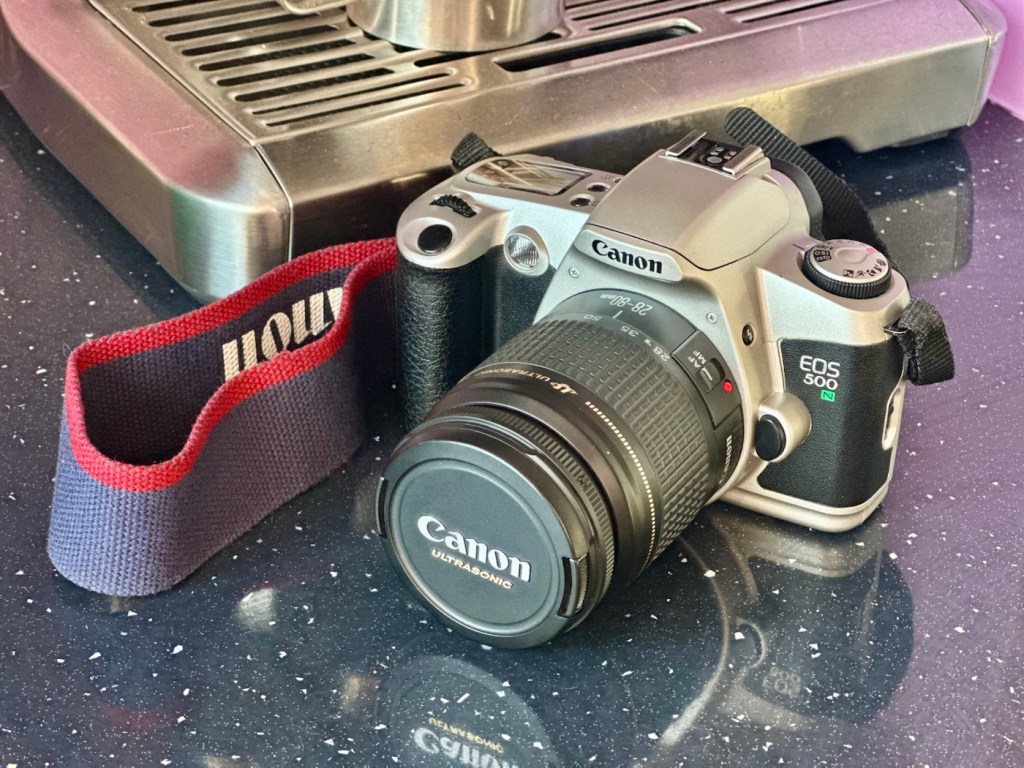
Here I have a very basic, entry level camera made by Canon. Produced between 1996-9 this camera is currently between 26 – 29 years old. These cameras don’t have the traditional identification number printed within the film spool holder that the older cameras had, hence the precise manufacturing date is difficult to confirm.

Canon EOS 500N

This is a camera passed onto me by a good friend and professional photographer, Jon, as can be seen in this post: Cameras…i need more!

I believe this camera was previously used by a large photographic organisation, to teach staff and students wishing to learn traditional 35mm film photography techniques. It was a training camera, at entry level specs.

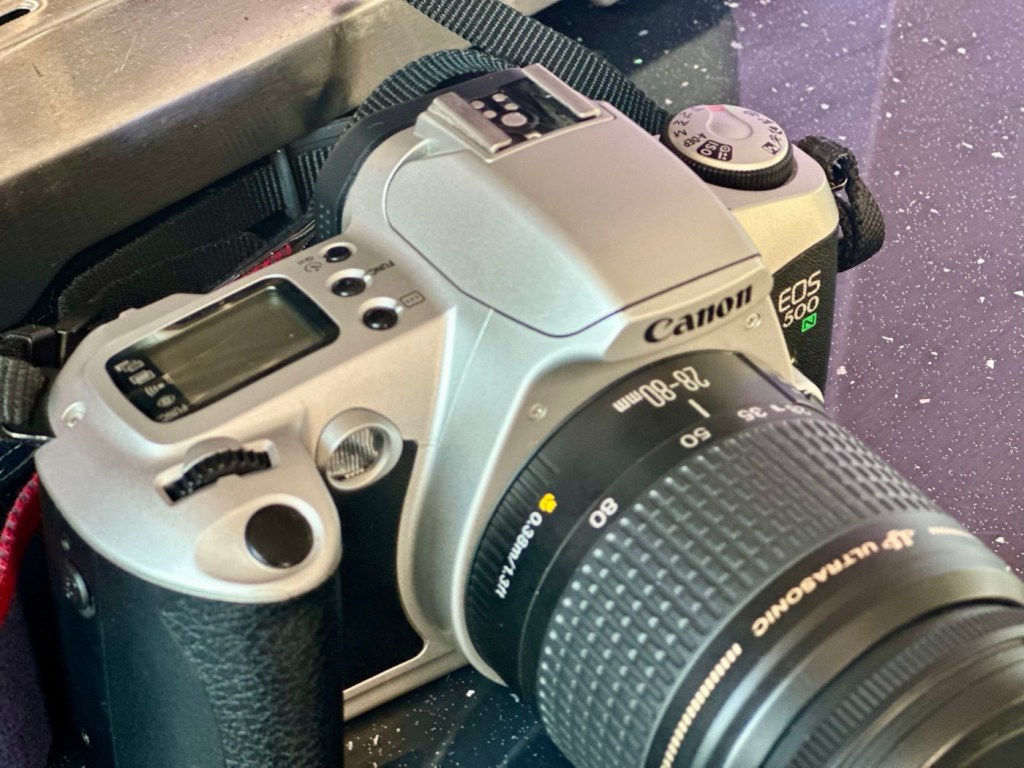
It is a very good example of this model of camera, and despite its simplicity, low cost appearance and feel, it is in a very good condition cosmetically.

Here’s a little information about this camera:

The Canon EOS 500N is also known as the EOS Rebel G in the Americas or the New EOS Kiss in Japan. Sometimes it’s referred to as the EOS Kiss 2 as it followed the release of the EOS Kiss in Japan. This camera was released in 1996 and replaced the EOS 500. The Japanese version of the camera had the date back as standard. Its successor was the EOS-300 / REBEL2000 / Kiss III, released in 1999.

The body of the Rebel G is plastic, weighing 370 g (13 oz). The only colors available were black or a mix of silver and black. The Rebel G has an EF lens mount making it compatible with any EF lens. The viewfinder offers a 0.7x magnification, 90% coverage, center auto focus, wide auto focus and many more. The Rebel G shooting modes consisted of 6 basic modes, full auto, portrait, landscape, macro, sports and night scene. It also has 5 advanced modes, P, Av, Tv, M, A-DEP. These modes would continue on in the Rebel G series. The camera features a built in flash, and can shoot at 1 fps. The fastest shutter speed with flash was measured at 1/90 of a second.

A few new features include compatibility with ETTL type flash. It still has the same 1/90 of a sec sync speed of the previous model, but when equipped with a Canon Speedlight such as the 380EX, 220EX it can be used at 1/2000 of a sec. Focus has improved a bit as as a AF assist light is now available. Auto Exposure Bracketing (AEB) can be use from -2 to ++2 in 1/2 stop increments. The command dial now has an easier to access night scene mode. The body is able to use the BP-8 vertical grip that can also accept four AA batteries.

Camera-Wiki.org / Wikipedia

Assessment:

As Stated, this camera is in a good cosmetic condition with no sign of dents, dinks or wear. Considering this was a camera used in training I can only presume the students were extremely careful and respectful, or it was lightly used. Having worked with some of these students myself, i very much suspect, it’s more than likely going to be the latter option.

There is another such unit I have of this very same camera however that is damaged with a faulty screen that requires replacement and that will be dealt with in a future post. Meanwhile, let’s get back to this one.

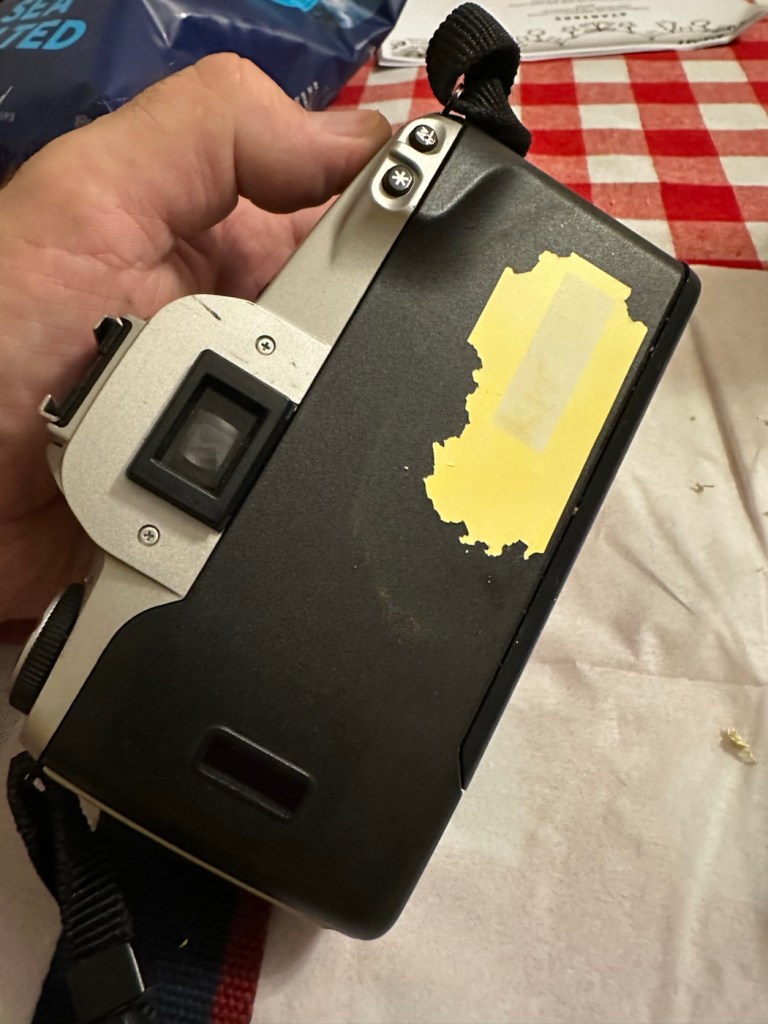
A sticker on the rear

There is an old ownership sticker on the rear and this is one of those old vinyl type ones that will be able to be removed, but just may take a little while, as they are brittle and break off into lots of little pieces that go everywhere.

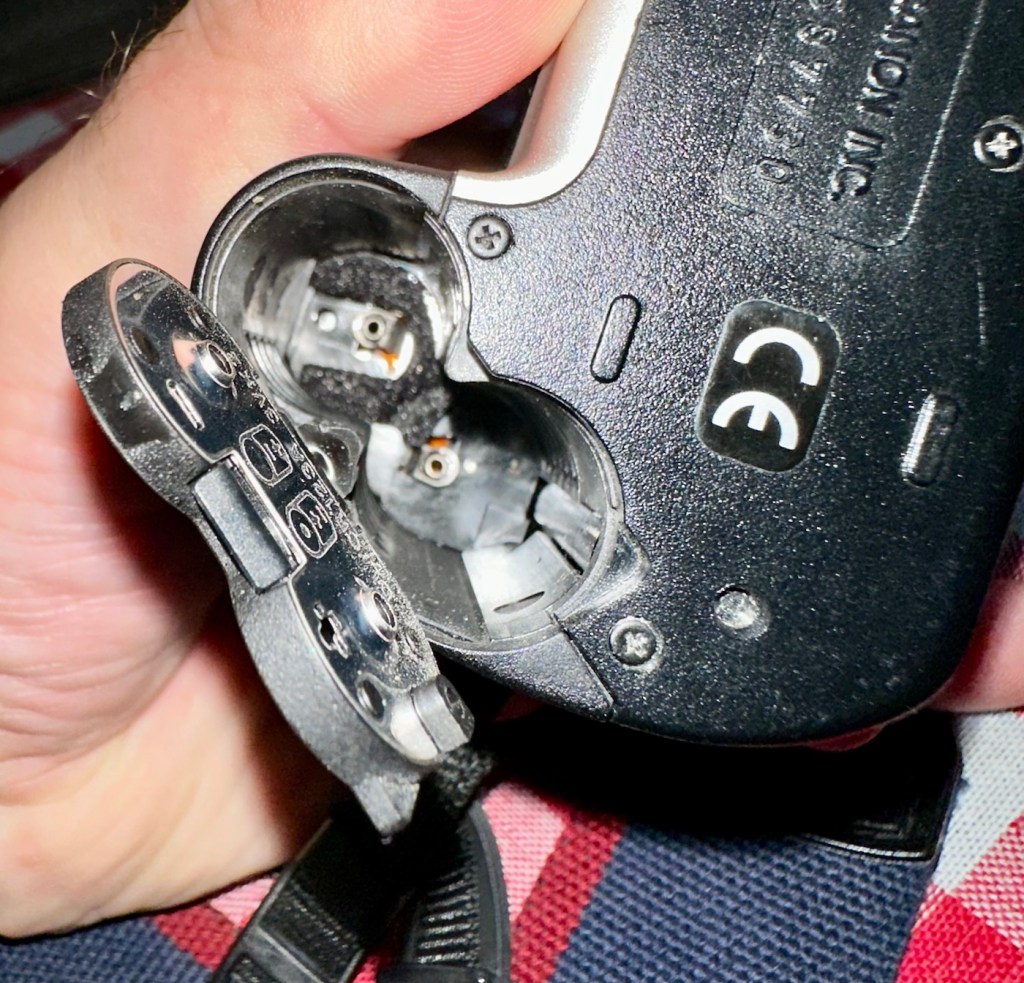
The battery chamber is clean and there are no signs of contamination. The screen is clear and does not show any bleed, though I haven’t powered it up just yet.

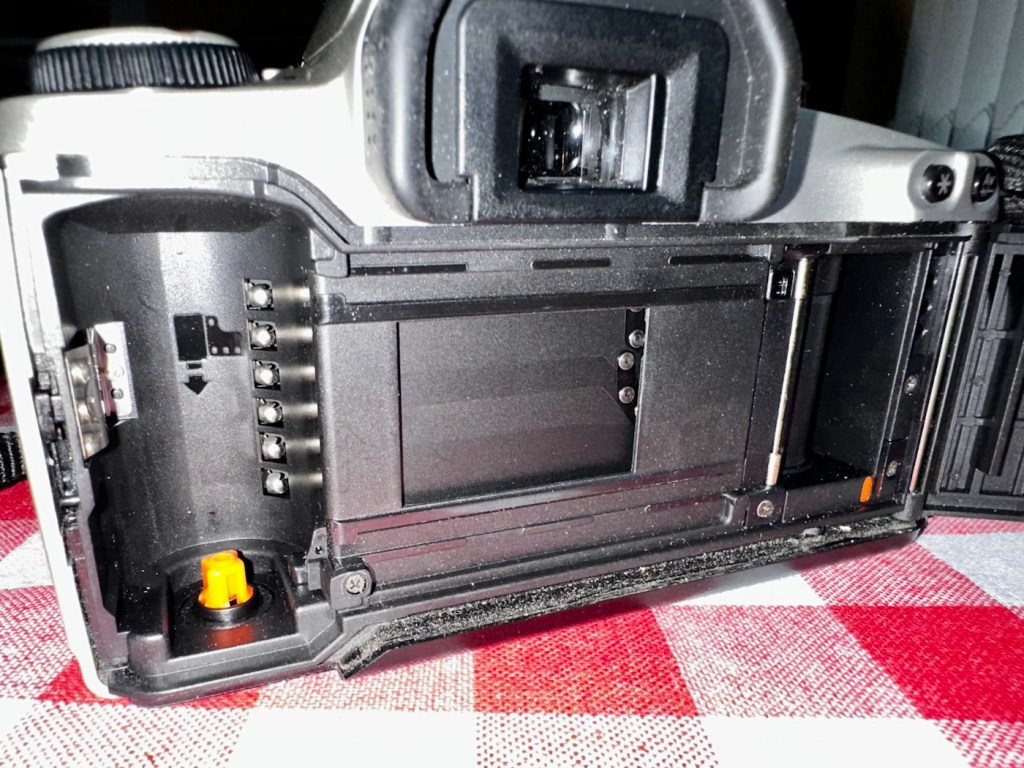
The film chamber, back pressure plate and shutter curtain all appear to be in good order. Again I will further test this when I put some batteries in and run a dummy film to check transport.

The unit is quite grubby and dusty, the mirror is dirty and the prism is as well. initially all looks good. Batteries, and the dummy film might tell us something different.

Repair:

Let’s get that sticker off the rear, a little soak in IPA to soften things up, and then using a small plastic modelling spatula to gently get under the label, I was able to remove the sticker relatively easily. If I’d used the metallic option I may well have scratched the casing. I’m happy that this option has worked well for me. A final clean at the end with some car cockpit cleaner should bring the detail out nicely.

Sticker now removed

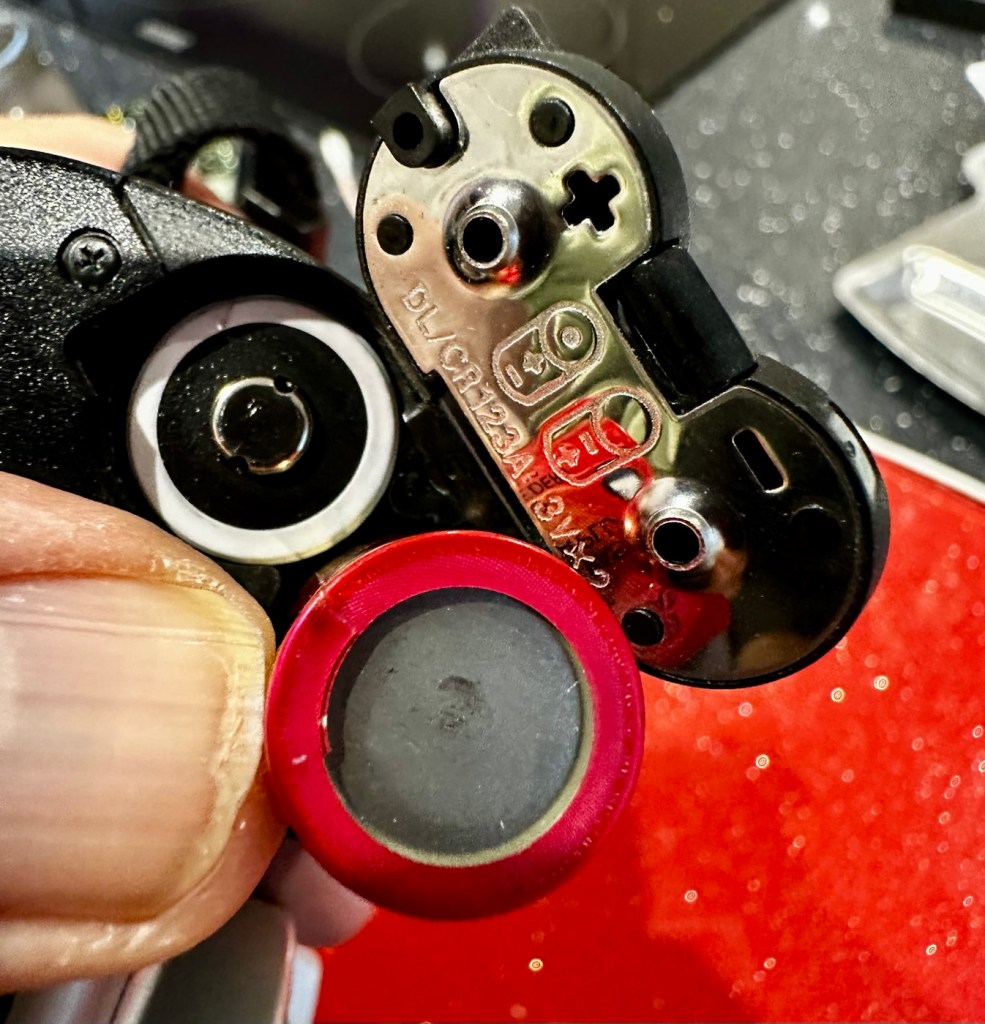
Let’s get some power in, and fire this unit up. It takes two CR123A 3v lithium batteries.

CR123A batteries
We have power

Batteries in, and everything lights up, all menus function and as stated earlier their is no bleed from the LCD screen.

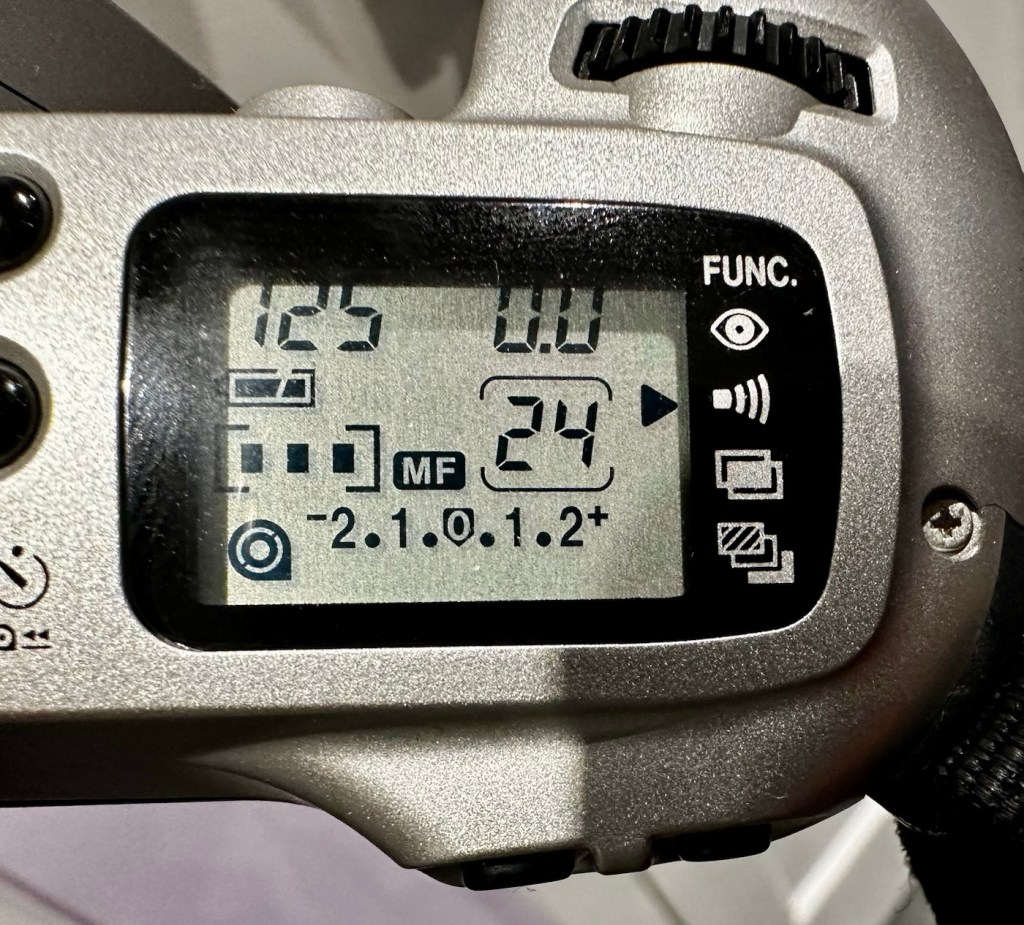
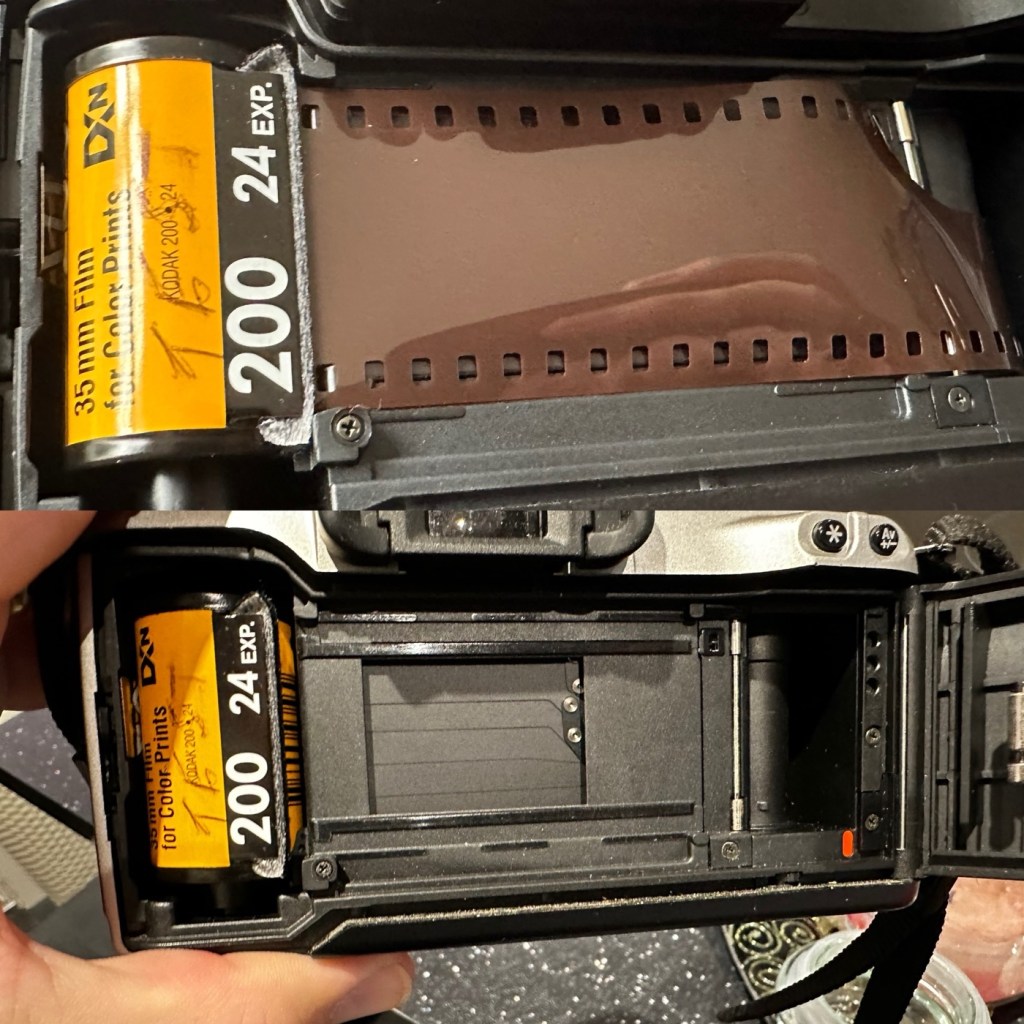
I load the film in and it instantly winds the whole film on to the take up spool. Here on the display, you can see that this roll is 24 exp and it has wound fully on to the take up spool. I fire off these 24 exposures to check the shutter and that fires fine, film transport also works well and the final rewind of the film at the end also works. In a nutshell, this camera works!

Film in and film out

I clean the prism and the mirror with a soft swab and you can just see the dust and dirt lift. A final brush over with a bulb blower completes this task. The internals are now clean.

It just needs a very thorough exterior clean and polish.

Result:

I’ve cleaned the exterior and used some ceramic cockpit polish to finish it off, I must admit it’s looking very good.

Here I have a nice little camera packed with features that will make a great camera for someone to learn the basics of traditional photography with. However, it’s remaining in my collection for the while.

Looking clean and presentable

I’ve cleaned the camera throughout and used compressed air to finish the clean prior to sealing it from the elements. It’s yet another camera that I need to test, another one that needs to have a film put through it for its final test, however I am 100% confident of it’s capabilities and the fact that it operates just fine and all its settings, buttons and controls are doing exactly what they should. When I do get to put a film through, I will link to it here.

Another successful restoration and return to use of another old camera that had been put to one side. Not that this one really required a lot of attention, just a bit of servicing and tlc.

Thanks for passing by. It’s always very much appreciated.

Canon EOS1 N HS

The EOS1 N with the well documented BC fault. Can I repair it?

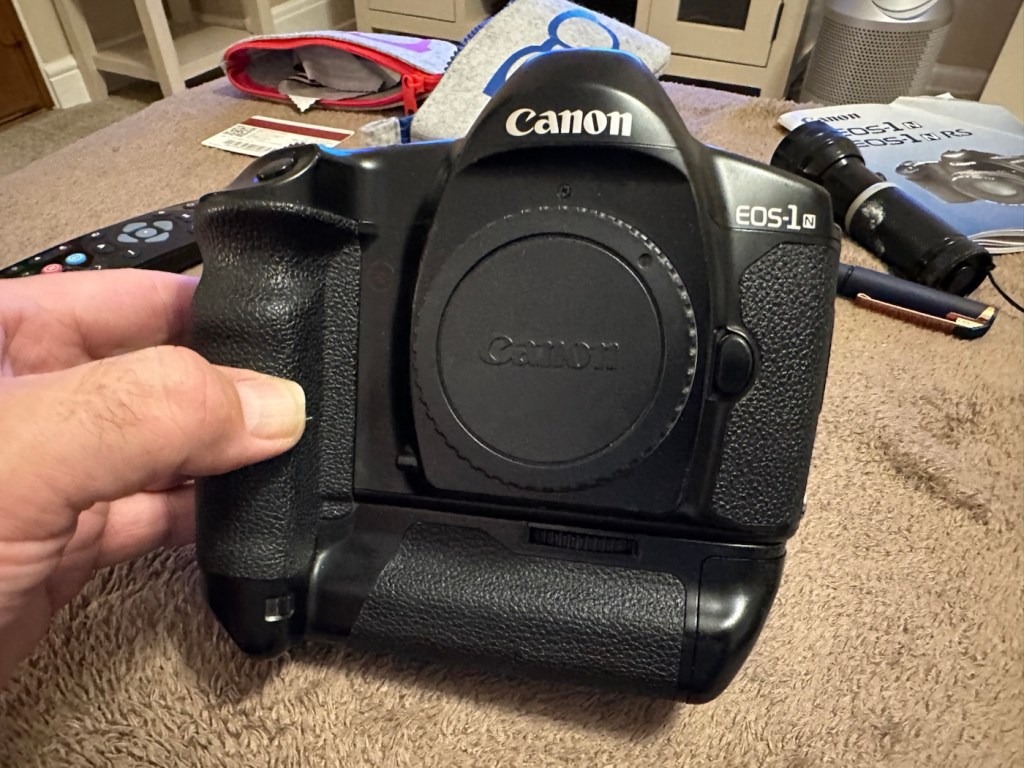
The EOS1 N was a professional 35mm camera from 1994, it is currently 31 years old. This model is basically the EOS1 N with the E1 drive booster/winder earning it the HS suffix.

Canon EOS1 N HS

These are beautiful analogue cameras and over the years I’ve had a fair few of these pass through my hands, I have not however owned one with the E1 booster/winder before. I’ve recently had a number of cameras passed on to me by a good friend and that post can be found here: Cameras…i need more!

This is one of those cameras that he passed onto me and it carries the well known BC fault. We’ll come on to that later, in the meantime here is a little history lesson, of the evolution of this camera.

The EOS-1N is a 35mm single lens reflex (SLR) camera body produced by Canon. It was announced by Canon in 1994, and was the professional model in the range, superseding the original Canon EOS-1.The camera was itself superseded by the EOS-1V in 2000.

The original EOS-1 had been launched in 1989, two years after the company had introduced their new EOS autofocus system. It was the company’s first professional-level EOS camera and was aimed at the same photographers who had used Canon’s highly regarded, manual focus professional FD mount SLRs, such as the Canon New F-1 and the Canon T90. On a physical level the EOS-1 resembled the T90, which had been designed for Canon by Luigi Colani. The EOS-1N was a revision of the EOS-1, with five autofocus points spread across the frame rather than a single centrally mounted autofocus point, plus more effective weather sealing, a wider exposure range, and numerous other improvements. In common with the EOS-1, the 1N used Canon’s A-TTL automatic flash system, and does not support the more modern E-TTL.

Assessment:

Right, let’s get on to the problem. The BC fault is a blanket fault, covering a multitude of issues, predominantly electrical, even addressed in the accompanying instruction manual as a potential battery issue. However the issue that it is more associated with the fault is the failing shutter mirror magnets. See the video below.

BC error repair

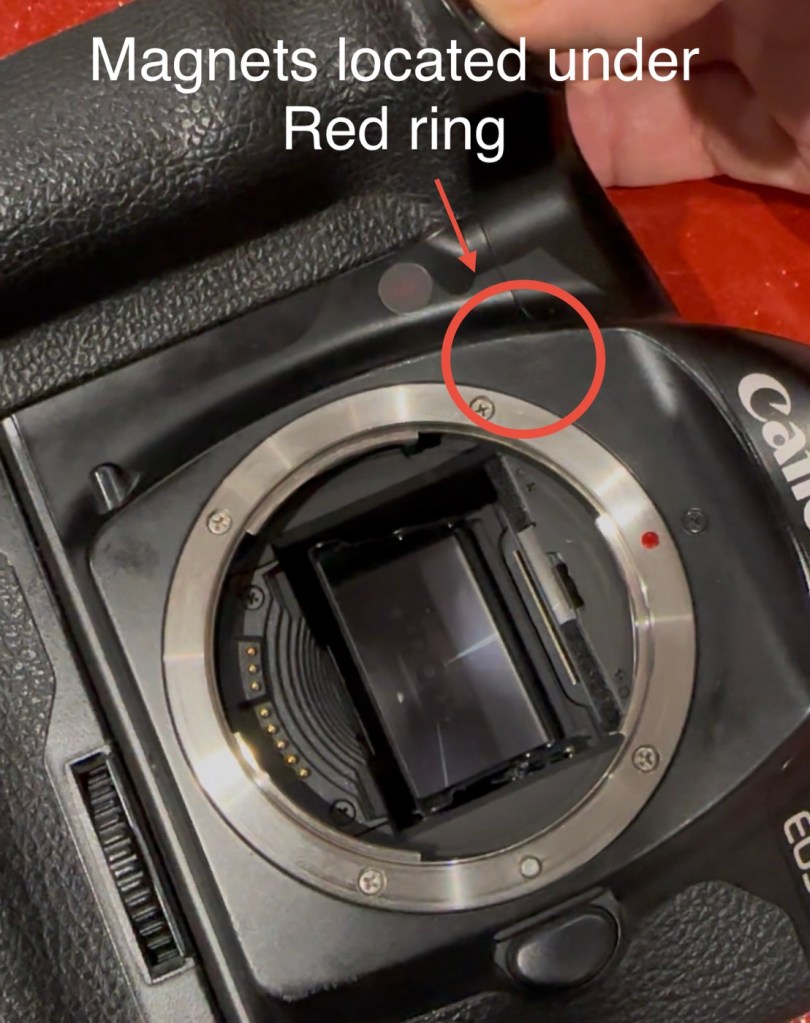
The video above gives a very good insight to the issues, and what to look for and how to get the shutter operational again. It’s not a permanent fix, sometimes the magnets haven’t been used for such a long time that they just seize up. They can be de magnetised, they can just be dirty, either way it’s worth having a look at, to try and restore what is in all aspects a very good camera. It seems to be an issue that an open or close signal is sent, however the magnets for some reason do not react, dirt can be a contributing factor. Below I have put together a very short video of my own camera, the early part shows me trying to get it working and showing the BC indication, the second part shows the mirror “sort of” working after I have tapped in the area just above the top screw on the left side of the lens mount under which the magnets are situated.

My own EOS1 N showing the BC fault

It still doesn’t work properly though and is extremely intermittent, but it’s a start, it proves the fault. I have also used a strong magnet to fool the internal magnets, this works for a couple of firings but that’s it. This also adds credibility to confirm the magnet issue.

I haven’t yet taken the fascia off to access the magnets, I’ve just tapped in their general area, or probed with a strong magnet, this was enough to allow the shutter to intermittently fire, and it is now quite apparent that this is the issue I have with this unit.

You can see exactly where the magnets are located under the fascia

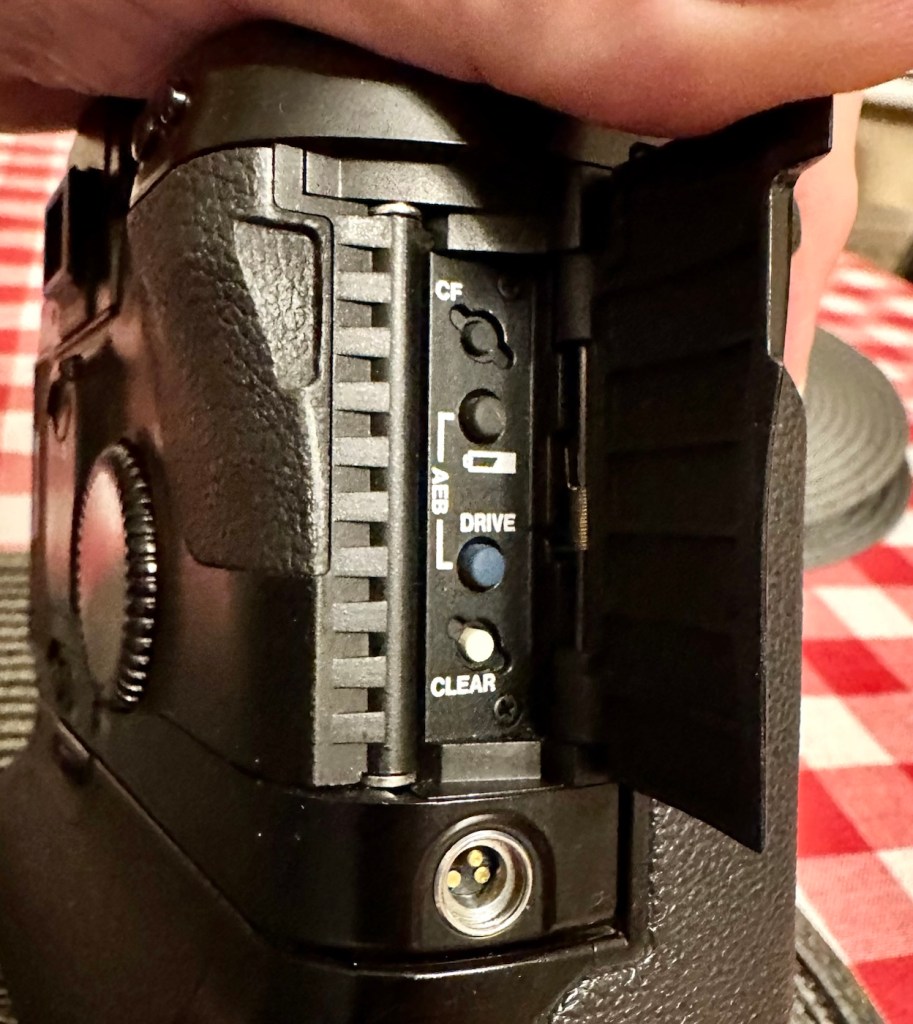
I’ve done some further checks to confirm the fault. If you turn the camera on and open the small door to the right on the rear of the camera, there are a number of buttons inside that allow you to check battery levels and to do resets, and so forth.

The battery check button

By pushing both the clear button and the battery check button together, you can get a fault code to appear on the screen on the top of the camera.

Battery full and Fault code 6

Here as you can see, I have fault code number 6. If you look at the chart below supplied by Canon you will see it refers to a mirror fault, more specifically the mirror is up, but didn’t switch back to on from off, as I mentioned in the above paragraph.

Fault codes

As you can also see above, fault codes 6,7 & 9 refer to the mirror operation issue.

I’ve done all I can really on the outside of the unit, and I think I have conclusively proved the area of the fault. Before we look at replacement of the part, I am going to give it a good clean to see if that will clear the issue. I’ll worry about spare parts later if required. Let’s get the fascia off and have a closer look.

Repair:

I’ve been a right stubborn sod with this one. I really didn’t want to dismantle this camera at all. Something inside was telling me it was unnecessary so I decided to persist with what I had been doing earlier. If only I could get the magnets to fire for a few exposures at a time, it would be just like a coughing car engine clearing out its system and kicking in to life, once it bites you can accelerate it a little more until it starts ticking over. Old motors and cameras are a strange but similar comparison, the longer they are left unused the more inclined they become to not partake in doing what they were made to do, whether powering a car or taking photos. Stop using them and they do just that. Stop.

Well, that’s what I think anyway, My world is as simple as that. And I think it might just work.

So I have persisted….

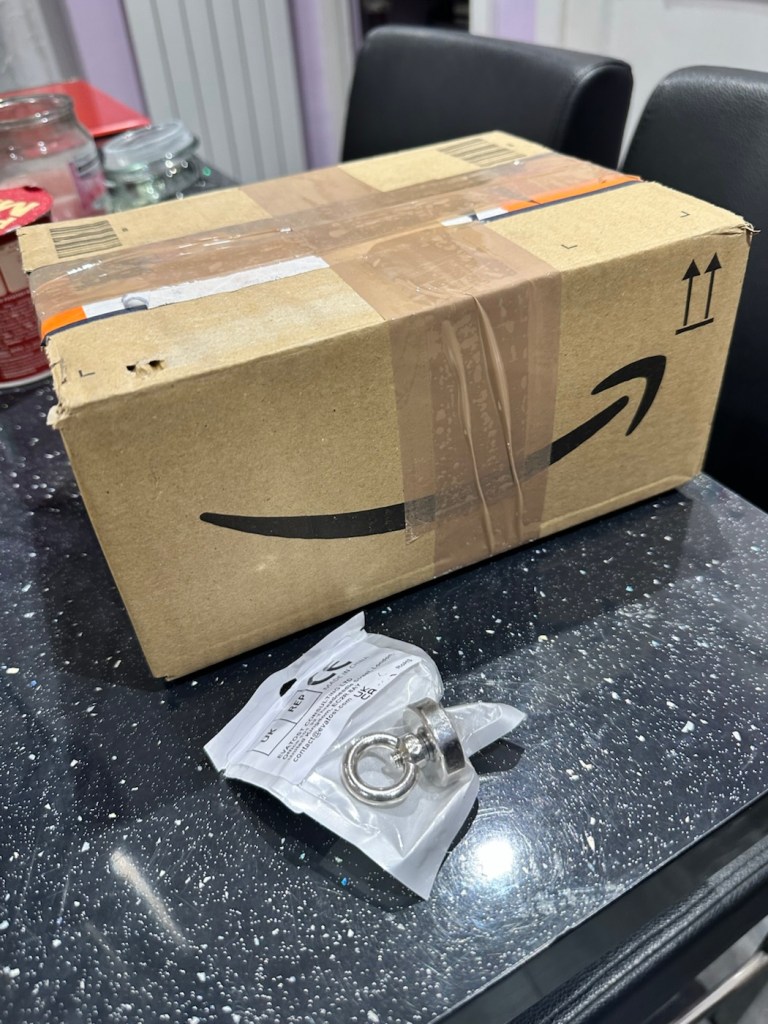
And purchased a much stronger magnet a “Rare earth” one to be precise. These are the sort of magnets they use for magnet fishing, however this one is small and despite having credentials behind it saying it has 19kg of pulling power I’d suggest that is a lie. Probably a maximum of 3kg if you’re lucky, but either way more than sufficient for me wanting to kick start a tiny electro magnet in a camera.

The most surprising issue around this magnet is the absolute ridiculous size of the packaging that it came in.

This tiny magnet, came in this massive box. Good old Amazon

So I persisted with the magnet, around the lens ring. I reset again and again. Nothing. I used my knuckle to tap the area near the magnet, a single cough, good. More resets, single coughs, more taps two coughs….this is good. I set the camera to high speed wind, kept the exposure button depressed and continued tapping, five or six coughs then stop. It’s an improvement. The magnet is starting to pick up. More tapping then I’m getting about 20 coughs with an obvious delay on one or two activations… we are now getting somewhere.

I put the rare earth magnets near the camera magnet and then switch off and reset. I turn back on again and then get a good 15 seconds or so of rapid fire, the internal magnets are clearing. I remove the rare earth magnet, reset again and the old girl fires into life for about 30 seconds continuously with only the occasional “misfire” the internal magnets are sparking back into life.

You get the idea.

Once you get these magnets operational, the best thing you can do is continually fire them, until they fire smoothly. This camera has not fired up for years, and these components inside are made to be used, and just like someone trying to keep fit, similar to a muscle, if you don’t use it you’ll lose it, it’s the same with these cameras, they need to be used on a fairly regular basis.

I did a 3 minute firing and I’m pleased to say she is now chugging away beautifully with no coughs and splutters. I’m sure glad I persisted with my hunch. I was right. And believe it or not. The battery levels are still good.

I’ve put together a little video here showing it working before and after.

My EOS 1N shutter magnet issue

Well what more can I say. It appears to be working.

Result:

To say I’m chuffed with this repair is an understatement. Sometimes you don’t have to dive in and start dismantling to get results. Do your research and make your own plan of attack with the information you have at your disposal. You will find equal amounts of good and bad advice out there, you’ll soon become aware of the differences, just follow your feelings and do what you think is right, if it’s wrong, well you’ve learned a lesson.

She’s ready to go – what a beauty

I am so looking forward to getting a day out with this camera and really letting her loose. I just love the sound of these clunking old machines, I don’t understand why anyone dislikes them. I loved visiting air shows when you had the big old really noisy aircraft that shook your soul from head to toe, they then sanitised that with super quiet aircraft…so boring. They’ve done that to cameras as well that nowadays make no noise. I love these old cameras, every click, clunk and whir brings back superb memories to me. I just love old cameras. I like to think I’m helping a few last just a little bit longer.

Many thanks for passing by, it’s always very much appreciated.
Peace to all.

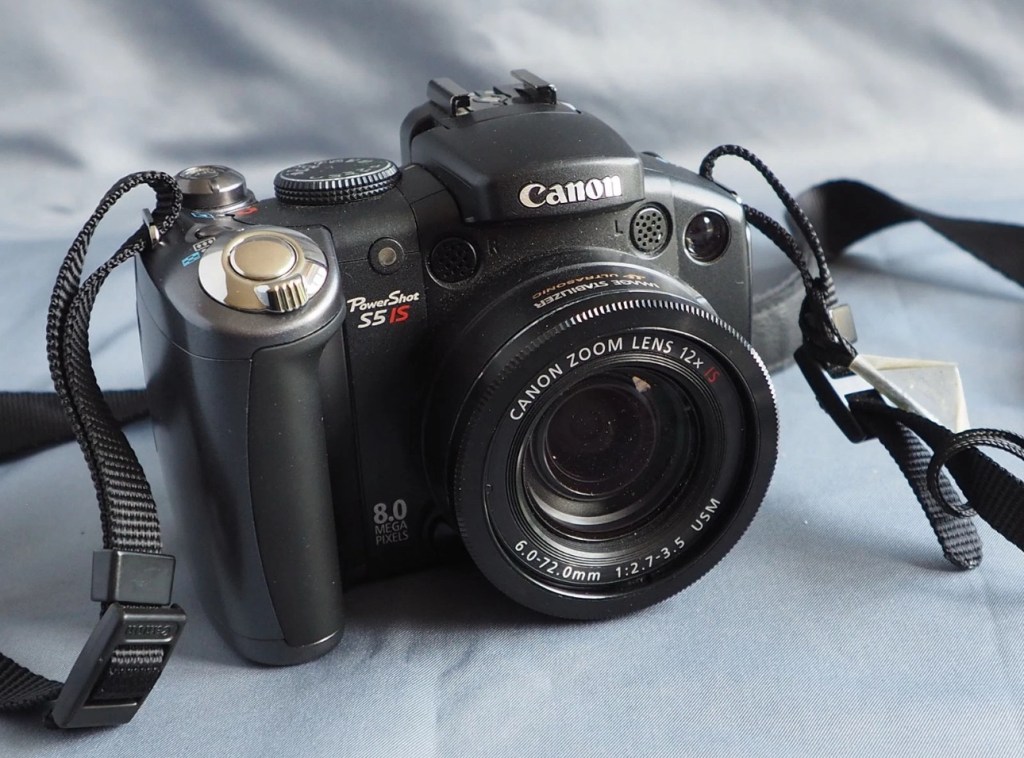
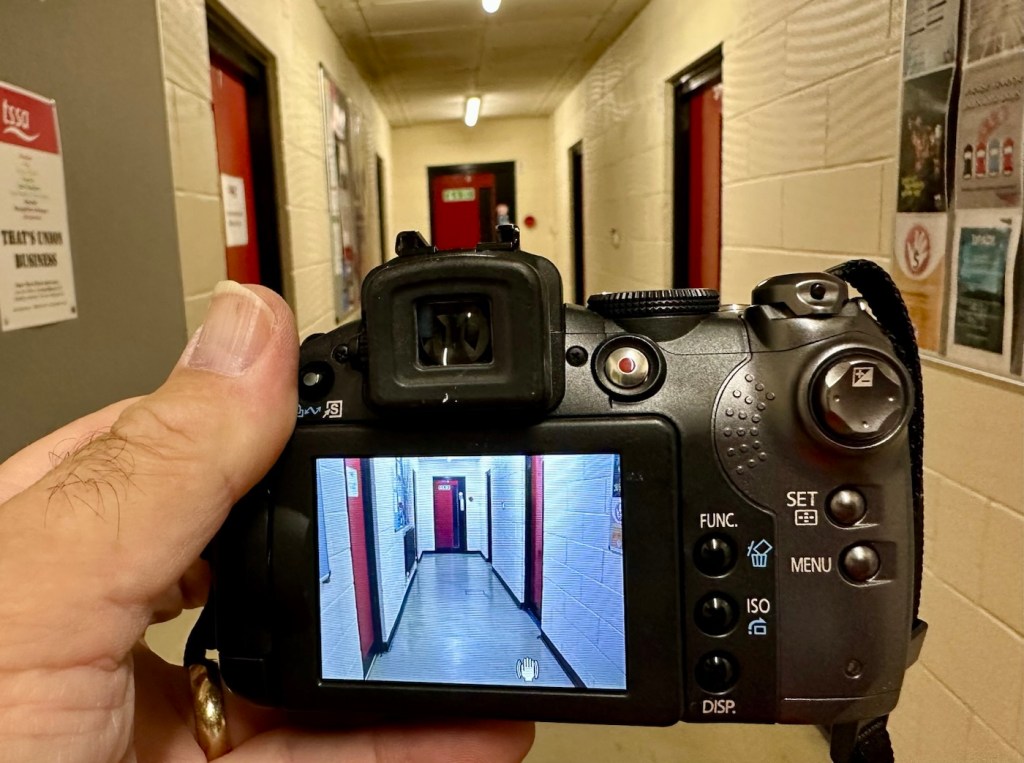
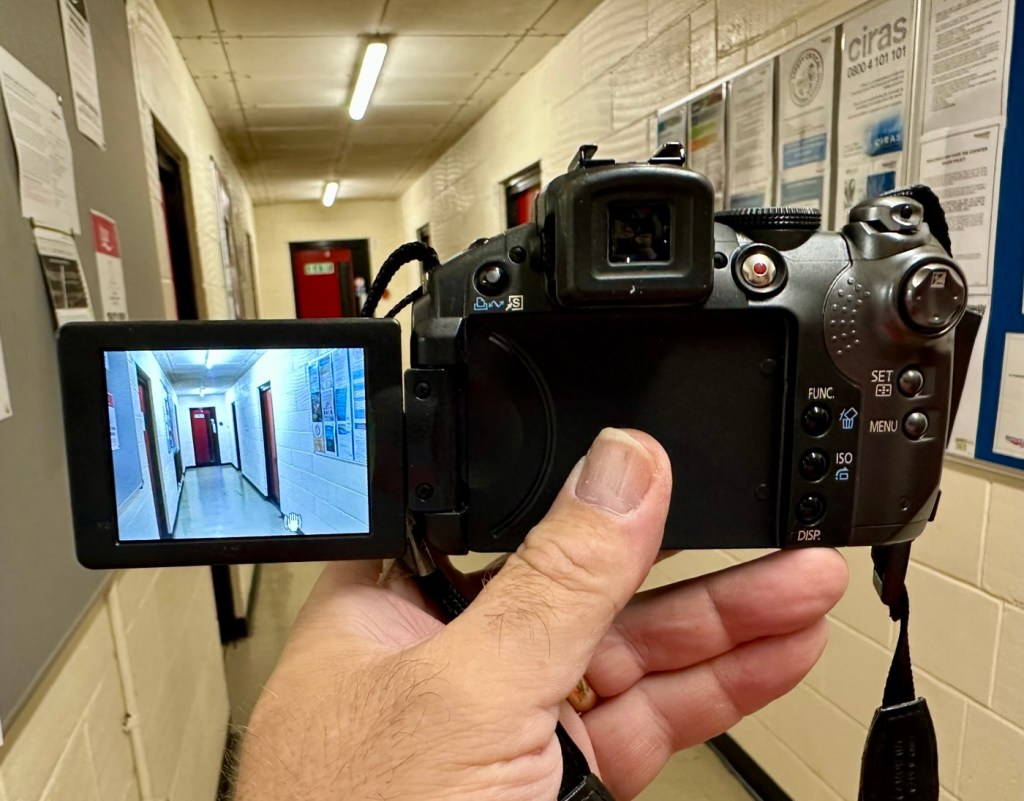
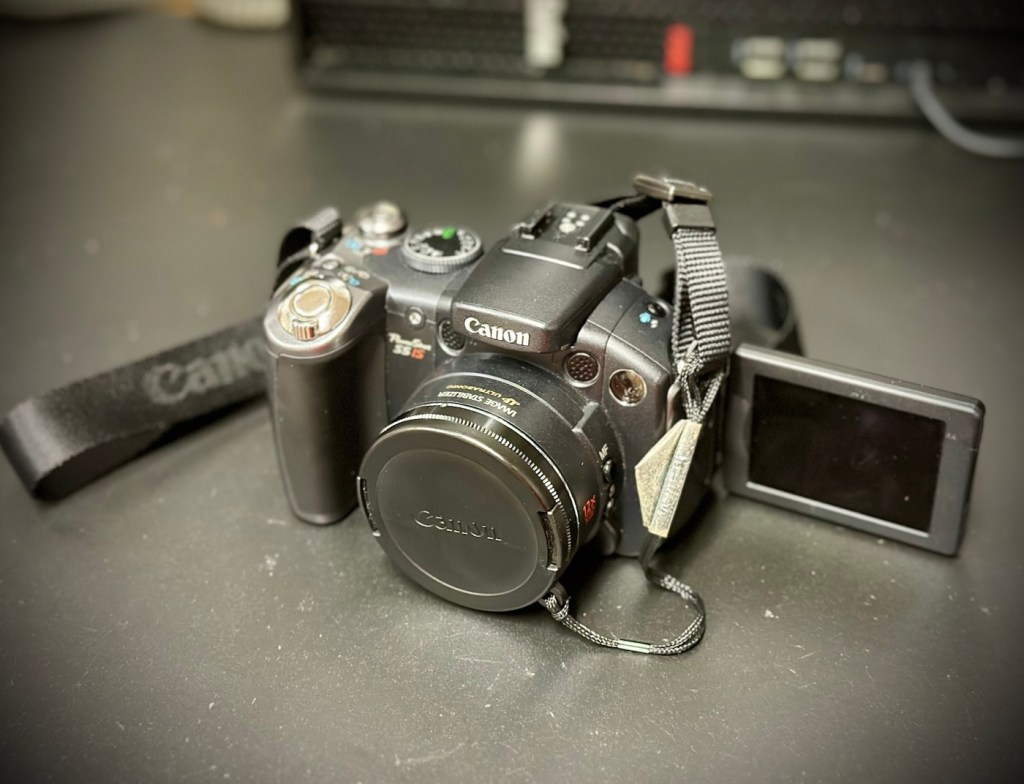
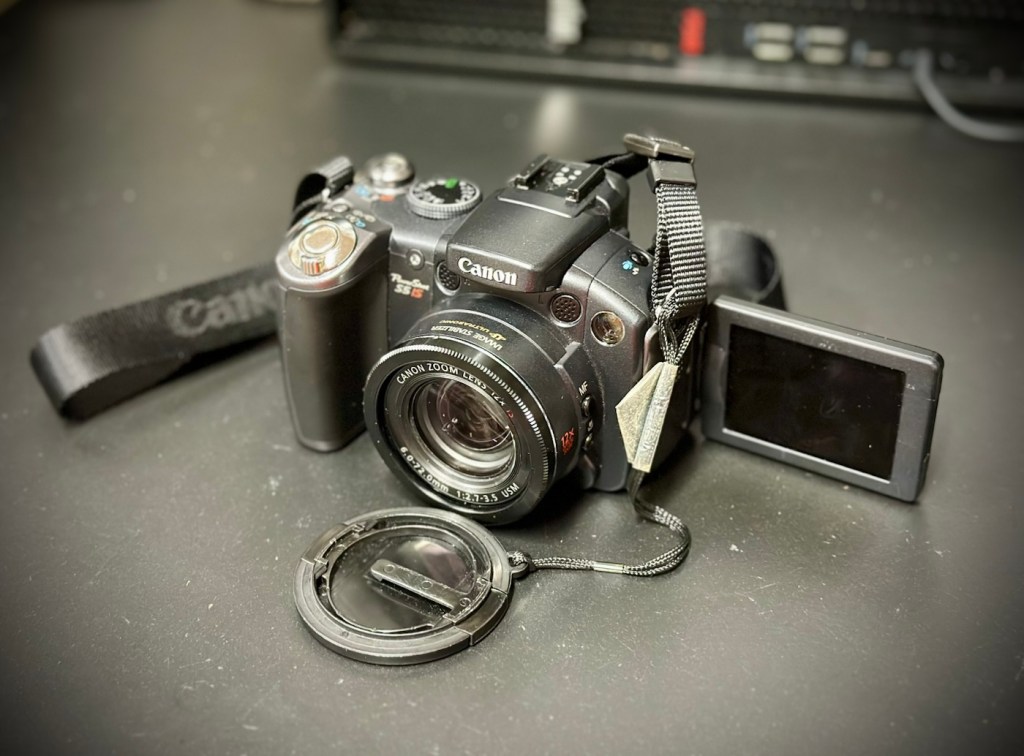
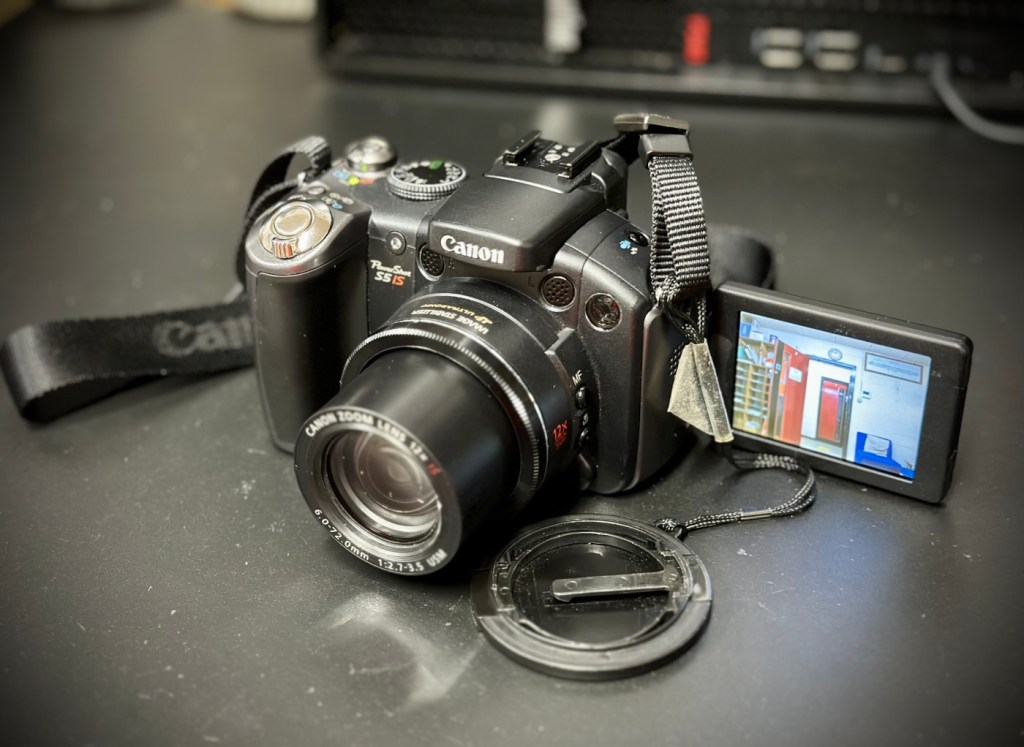
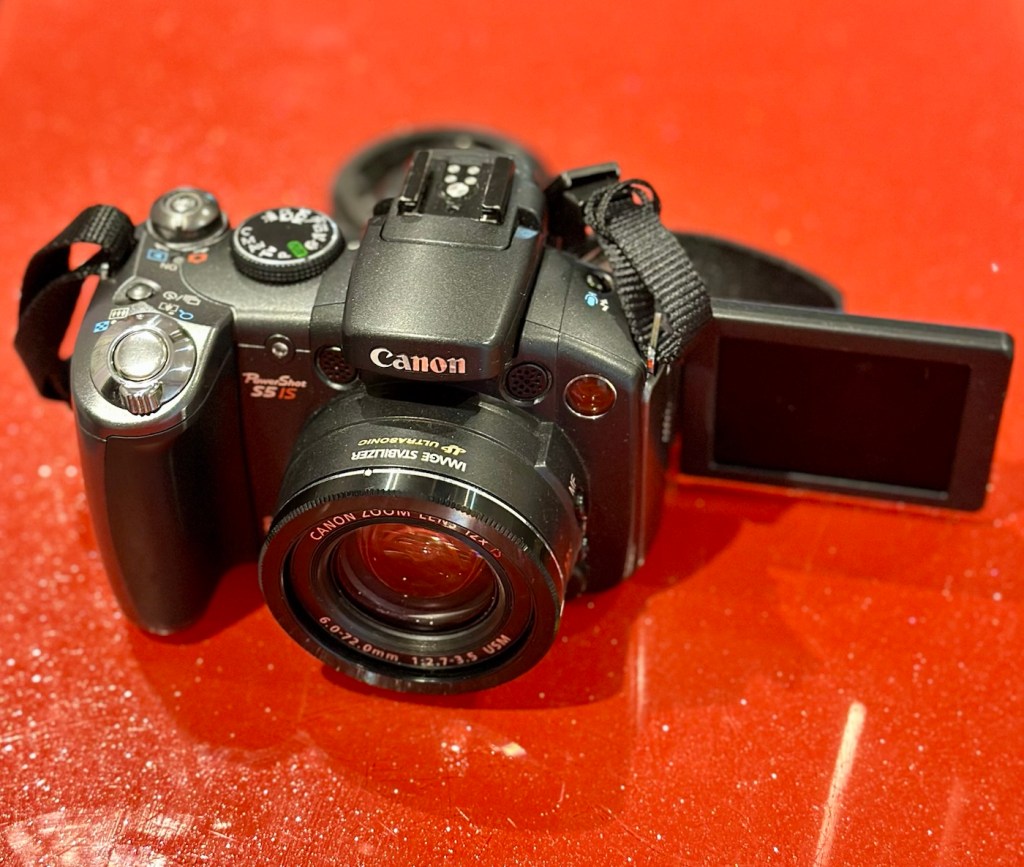
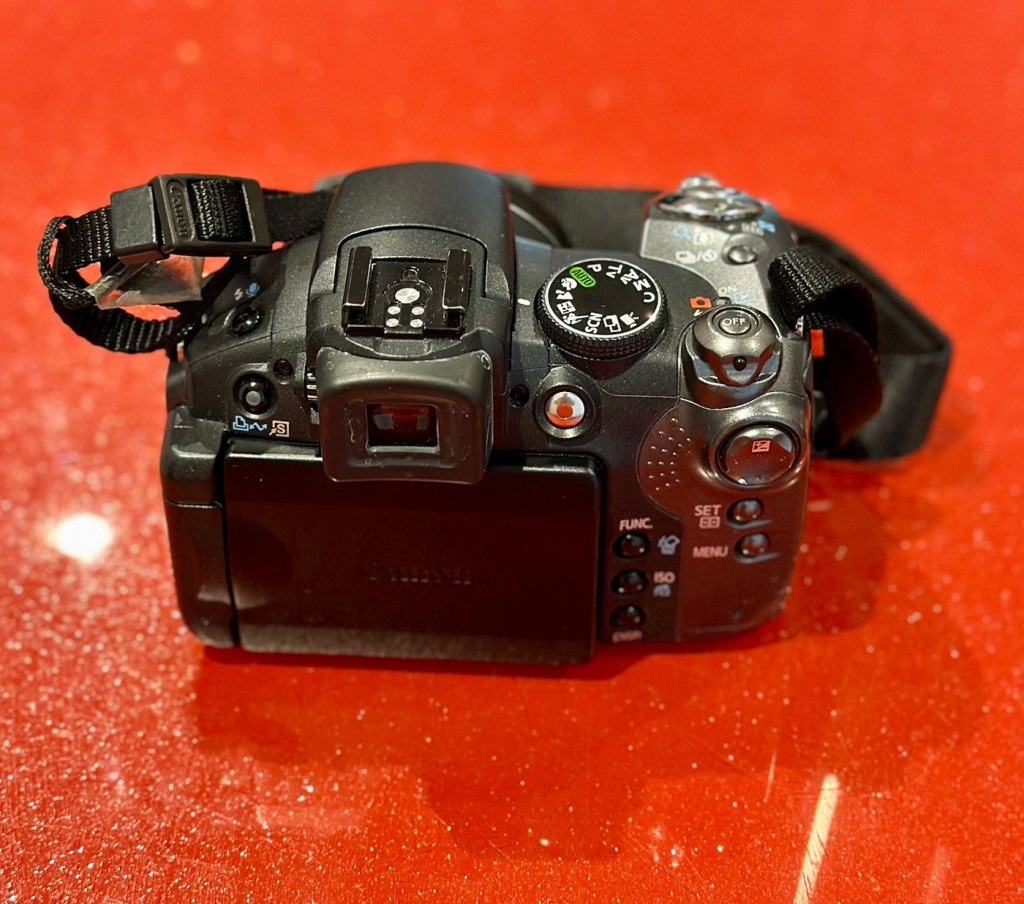
Canon Powershot S5 IS

What the listing stated:

This is a Canon Powershot S5 IS Digital Bridge Camera which is faulty and sold for spares or repair only.

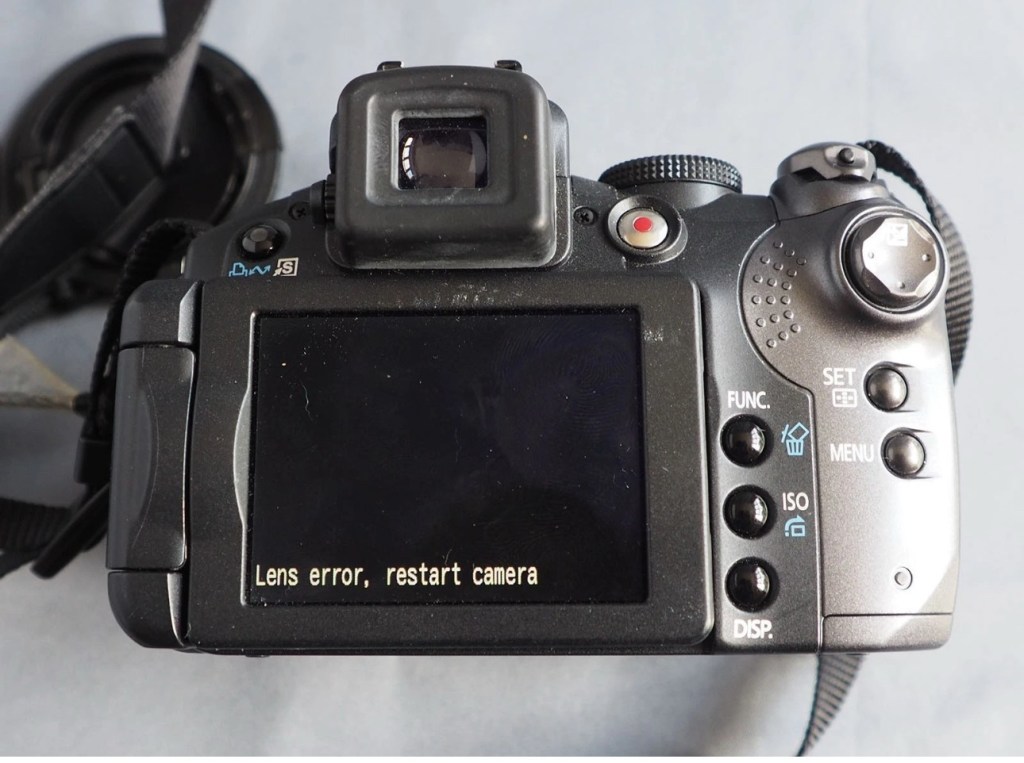
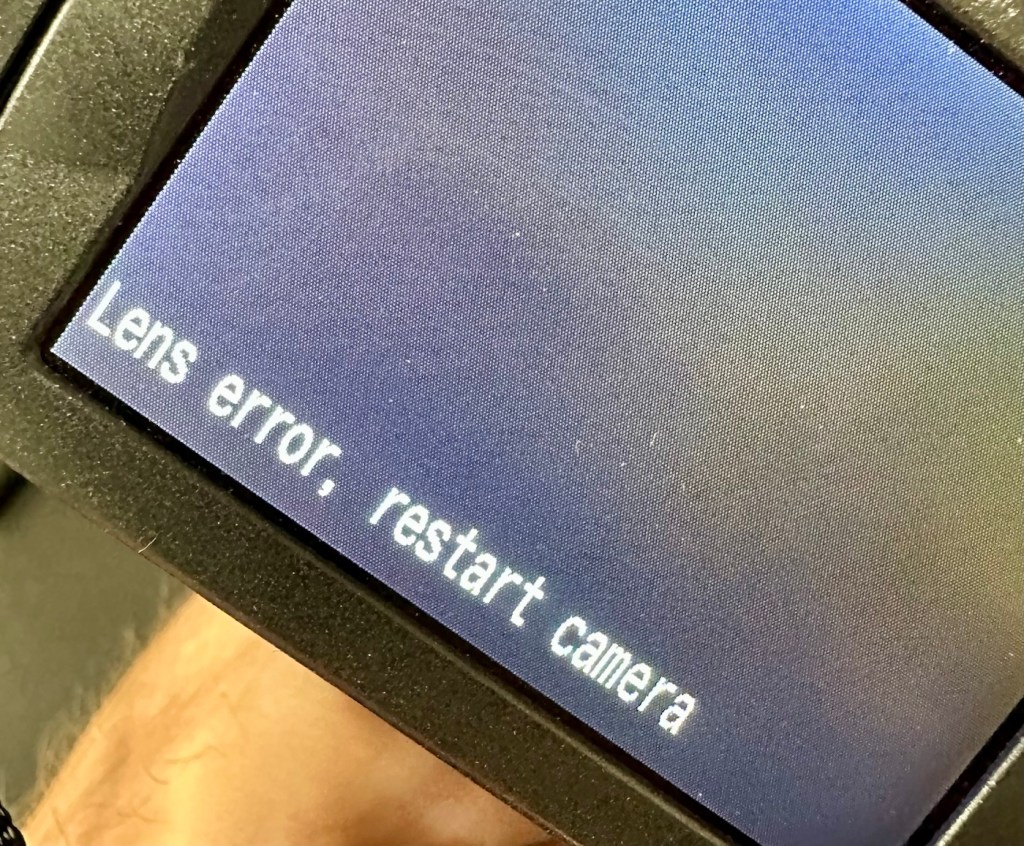
The camera is in excellent cosmetic condition but when switched on there is an error message saying lens error please restart camera (see photo).

It takes 4xAA batteries and SD cards (not supplied)

A little bit about this camera:

Released in June 2007, the PowerShot S5 IS is the successor to the S3 IS model launched in April 2006, which was well received for its optical image stabilization, high zoom ratio and ample movie-shooting capabilities. Like its predecessor, the high-function, high-performance S5 IS features a 12x optical zoom lens equipped with a lens shift image stabilizer and realizes fast, quiet zoom performance by means of a high-speed Ultrasonic Motor (USM).

Compared with its predecessor, the PowerShot S5 IS delivers improved imaging performance through the incorporation of an 8.0-megapixel CCD sensor-increased from 6.0 megapixels in the S3 IS-and an upgrade to Canon’s high-performance DIGIC III image processor from the earlier model’s DIGIC II. Additionally, the S5 IS employs a 2.5-inch high-resolution (approximately 207,000 dots) vari-angle LCD monitor that offers a wide viewing angle to realize a high level of shooting flexibility, and includes a hot shoe for compatibility with Canon EX-series Speedlite flashes.

The new Canon PowerShot model supports the recording of high-quality movies by enabling users to make use of the camera’s optical zoom and Face Detection AF/AE functions. The S5 IS also offers an LP movie mode, which employs a higher rate of image compression to enable longer recording times for VGA movies, as well as high-quality stereo sound, and seamless transitions between the shooting of still images and movie recording.

Canon

I’ve been watching this one for a little while, it looks very good cosmetically and I’m surprised as I was the only one that bid on it. I’ve paid a total, including postage of £8:81GBP and I think that is an absolute bargain. An issue with these cameras has always been a motor/lens error. These motors within these cameras are an ultrasonic motor (USM) and to be totally honest they can be quite delicate and are known to give up as such, if even a grain of sand was to get stuck in the lens gear mechanism. They are delicate souls that don’t really like hard work 😂

A good clean is sometimes all that is needed to get these cameras working again, however I’m not going to get ahead of myself here, as I just don’t know what kind of pain the previous owner has inflicted on this camera. I just hope they have not been too brutal.

Assessment:

Now this is an absolutely beautiful looking little camera in pristine cosmetic condition. The previous owner has in fact been extremely careful and treated this camera very well.

The elephant in the room

The only issue that I can see is the one that flashes up on the screen, continuously when to turn on the camera. Even moving the telephoto/wide switch when starting up does not clear the fault. I really need to get the lens extended to see what’s going on. If I can do that without getting the screwdriver involved then that is even better.

Repair:

The lens remains stuck in the closed position despite there being movement with the lens iris, all other actions are as expected, just no extension of the lens turret. It does sound as if something is trying to move inside.

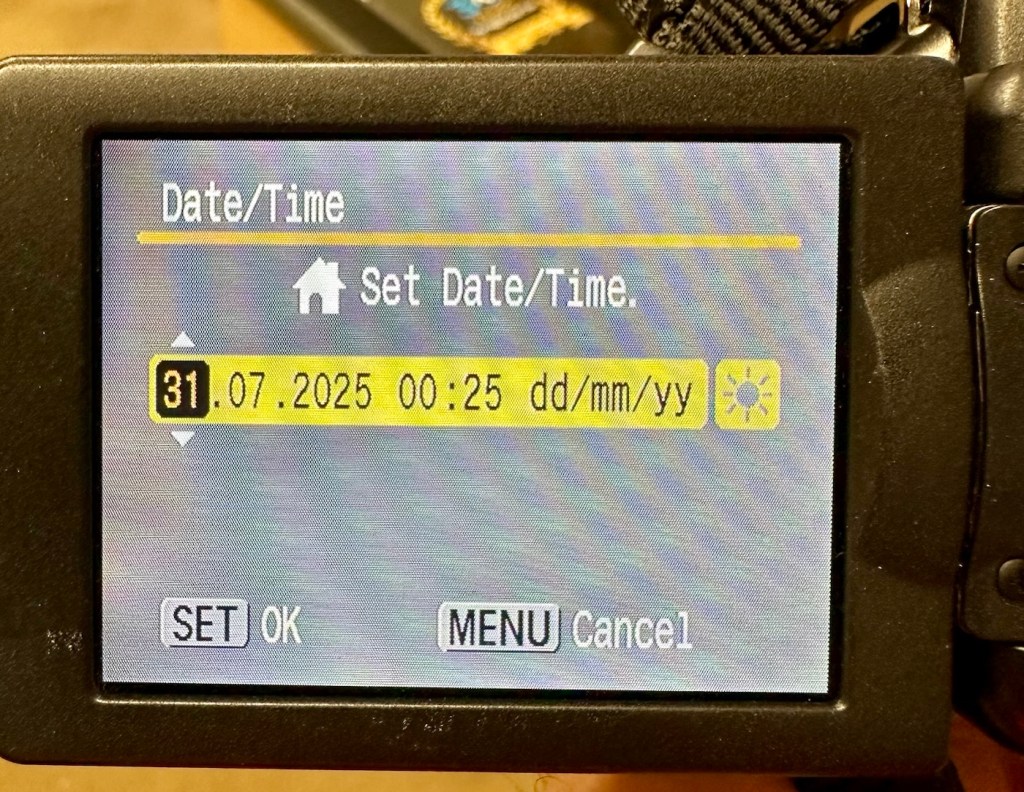
I’ve tried resetting and going back to factory defaults with no joy. I have been noticing though that when i put in a time and date, it is resetting every time i turn the camera off and then back on again. This is usually a sign that the small internal memory battery is dead, and as it’s probably been in the camera since 2007 it’s probably a good idea to change it. If I can find it. That is.

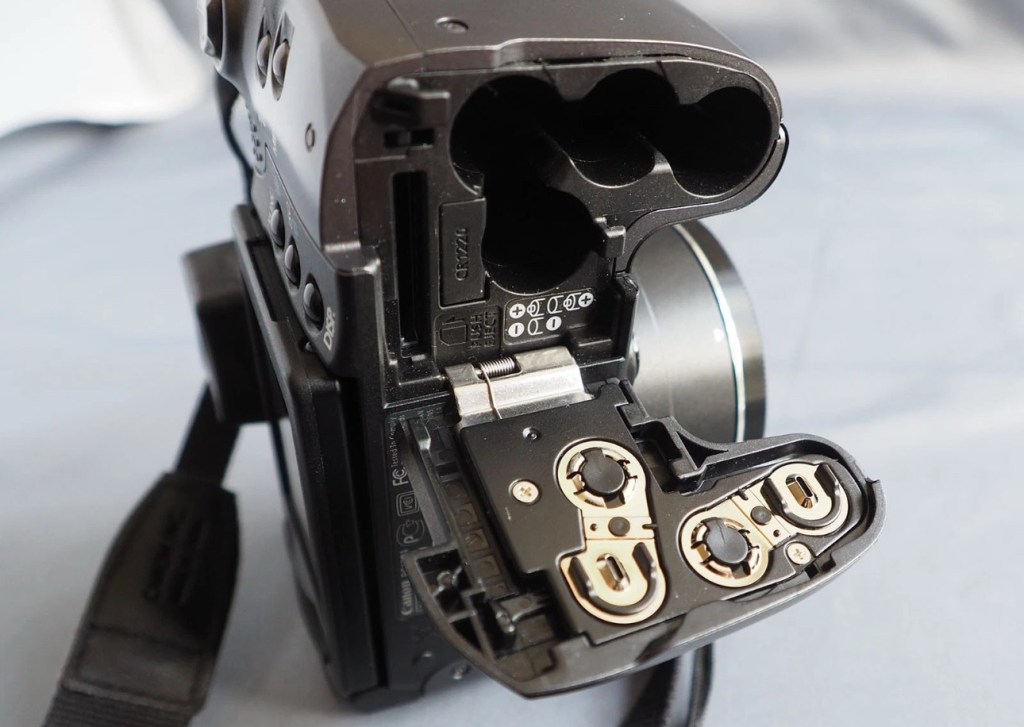
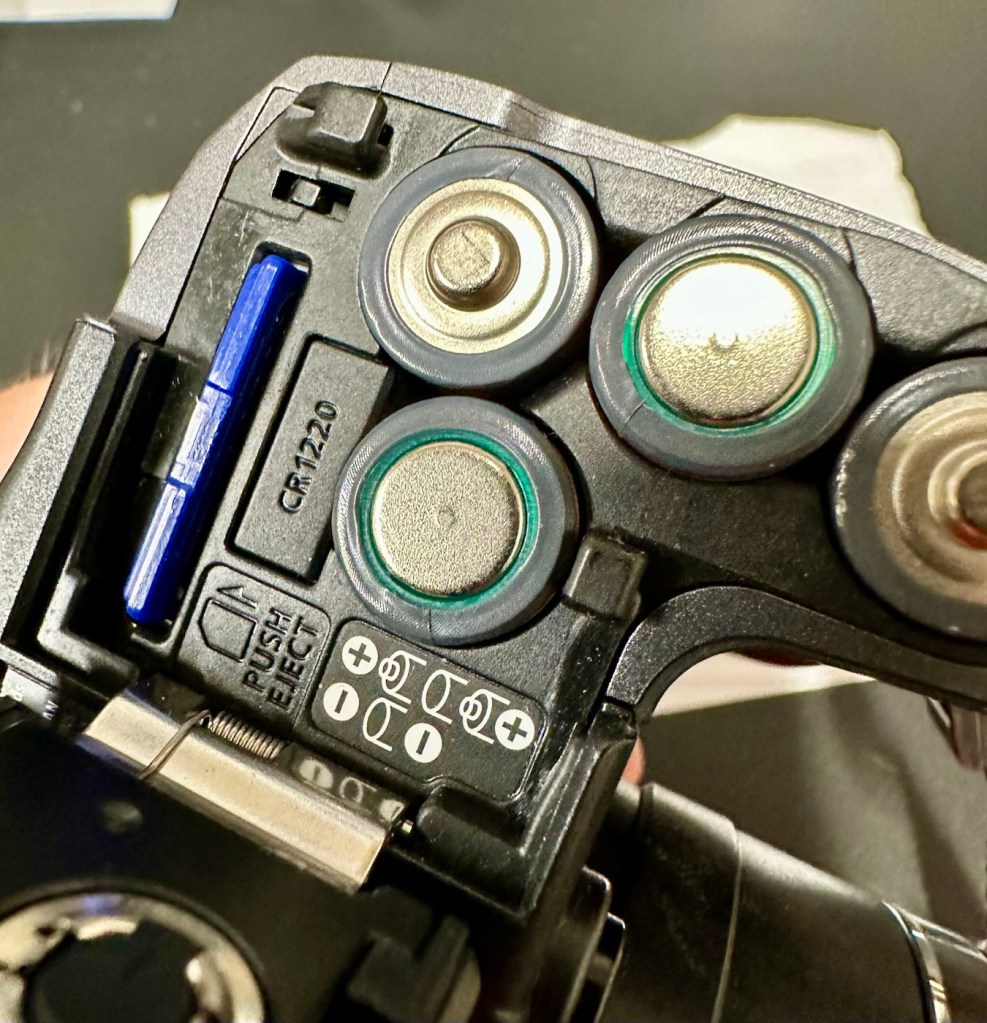
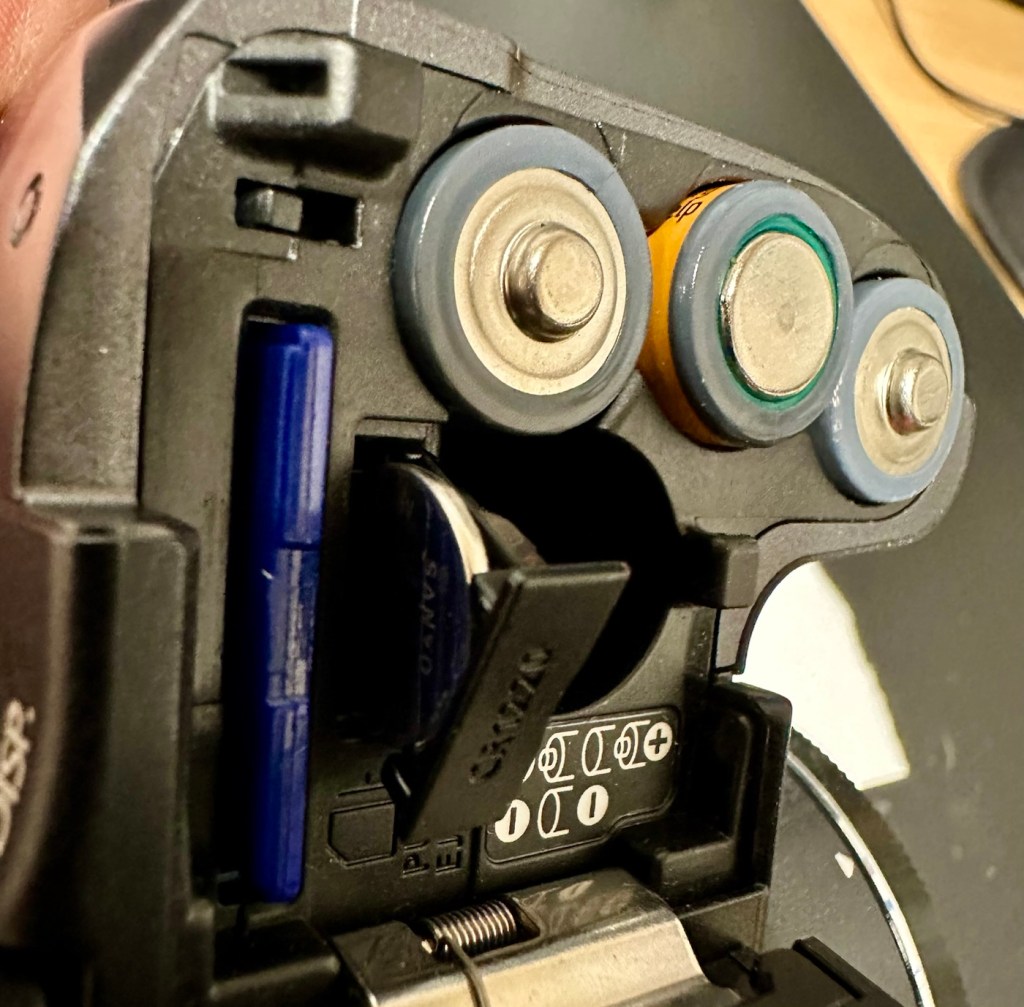
Panic over I have found the memory battery (CMOS) it was located in the battery chamber beside the SD card slot. It’s a small CR1220 coin battery and I have one of these in my battery box, so this will be replaced as soon as I get it home, now replaced all is working as it should be.

Back to the error. The error is more often than not caused by something, even a grain of sand getting in the turret area and catching in the workings, as these cameras are so delicate. We have to somehow get into the turret area to see if we can dislodge whatever is causing the problem.

I’d advise against using canned air here, as doing so would most probably dislodge the obstruction, however the route down the turret leads directly to the image sensor and you don’t want debris on that. Careful is the buzz word.

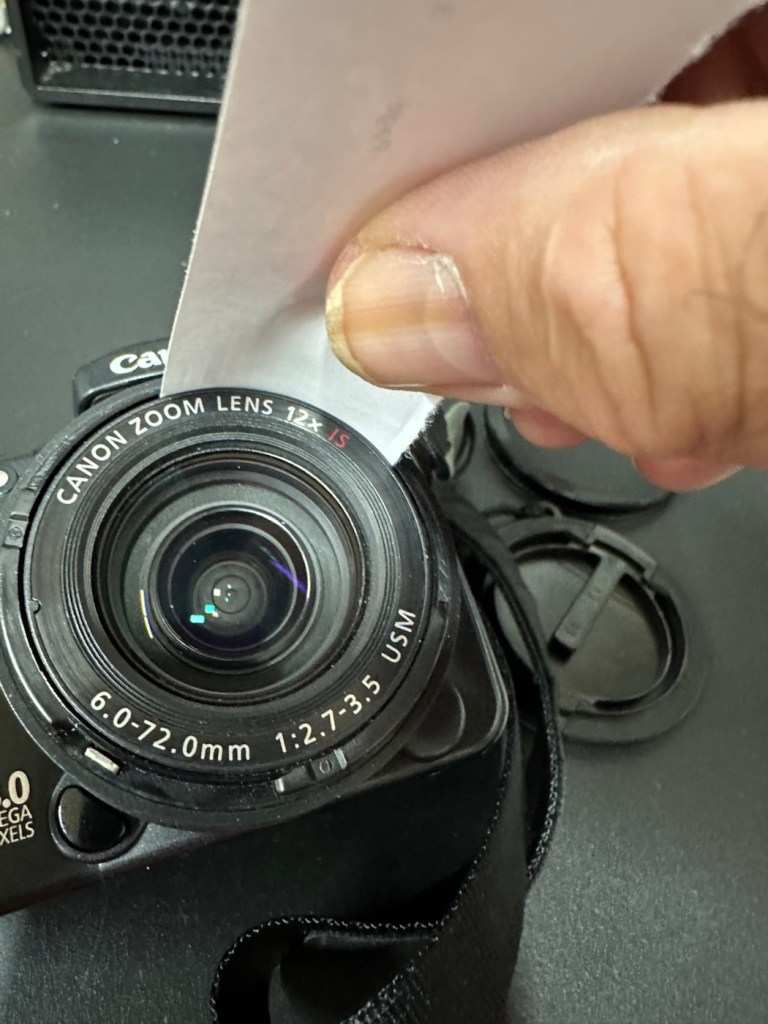
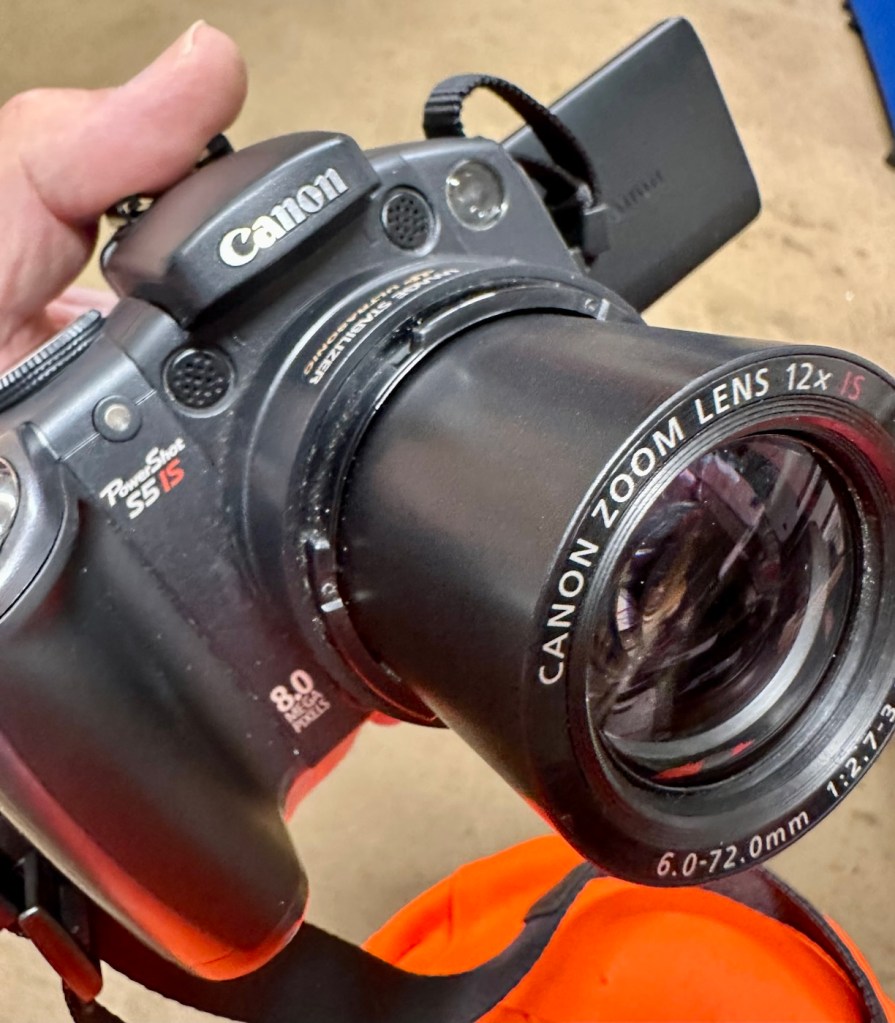
I cut a small strip of paper and feed this down between the tiny gap between the lens and the body. I manoeuvre this around the full circumference of the lens, and as I do I can feel some slight resistance as if something is there. I go around again and that resistance has gone. I turn the camera on and still there is no extension of the turret. At this point I put the mode dial on the camera into video mode and then turn it on. Straight away the turret extends and what looks like some grains of dirt fall from the lens area, at last we have the lens extended and there is an image on the LCD screen.

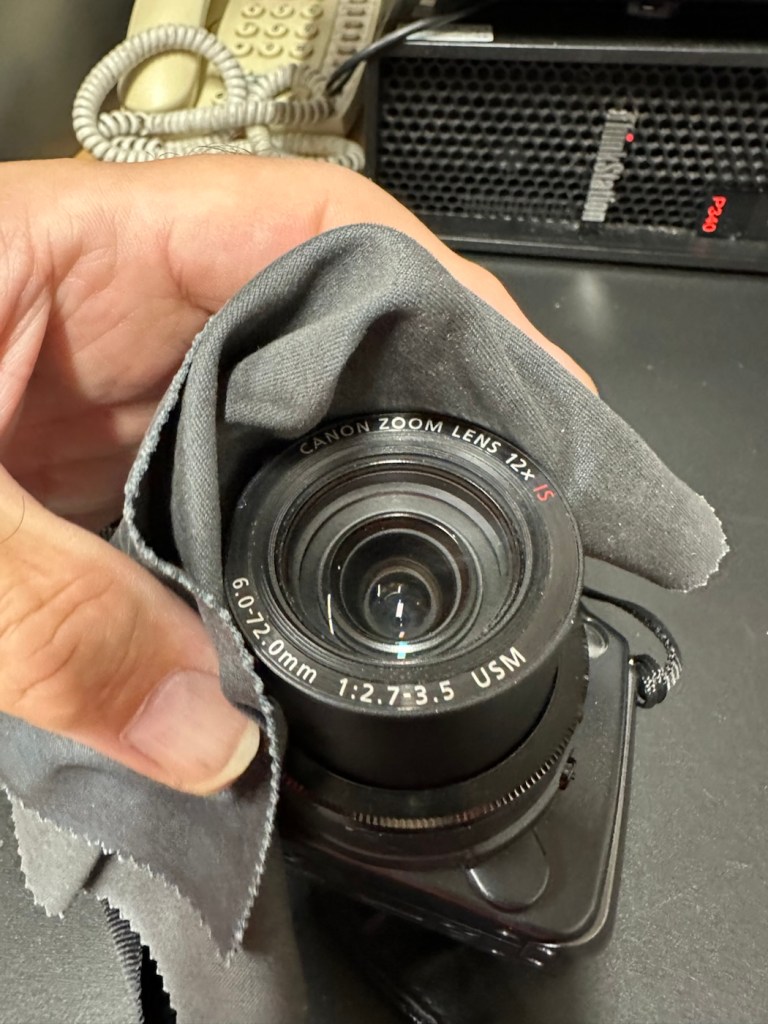
I clean the lens turret with an optics cloth and you can see it was very dusty inside, there had definitely been some debris enter this area causing the issue.

I operated the on off button a number of times to ensure the turret motion was smooth, and it was. There are no further obstacles in this area, causing the mechanism to seize.

I have taken a number of test photos trying out all modes and features and the camera is just perfect.

The camera operating as it should

I’ll show a few more photos below, once I have been able to download them.

Result:

This camera is simply a little beauty. It is probably one of the best looking of the later generations of bridge cameras but maybe not the best photo quality wise at 8mp. But who cares though, when you are as good looking as this?

The camera is pristine in my eyes, and for just over £8GBP this is a bargain. These fixes do not always involve a total dismantling of the item, sometimes it is so simple it’s unbelievable. Here I used a piece of paper and a lens cloth, that’s all. Now a camera destined for an old box in the loft and then the tip has been saved to carry on taking photos for a good few years yet. In fact here are a few photos that I have taken randomly around work, and around my garden.

I’m probably going to use this camera with its pivoting screen to construct videos to display on this site regarding future repairs, I’m going to ensure it gets good usage under my ownership.

Did I tell you how much I love this camera and how handsome it is? Oh, I did, sorry about that, I get really carried away with these older cameras, I just wish everyone else could get as excited as I do, and maybe so many of these wonderful machines wouldn’t then, just get thrown out with the bath water.

Thanks for passing by. It’s always most appreciated.

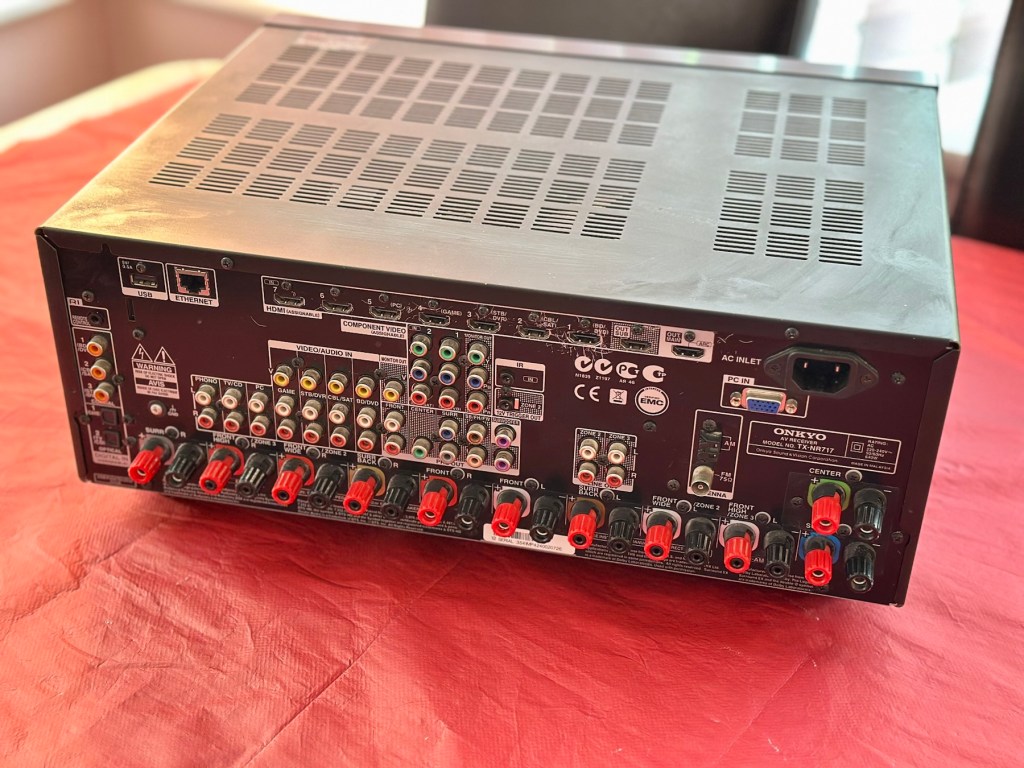
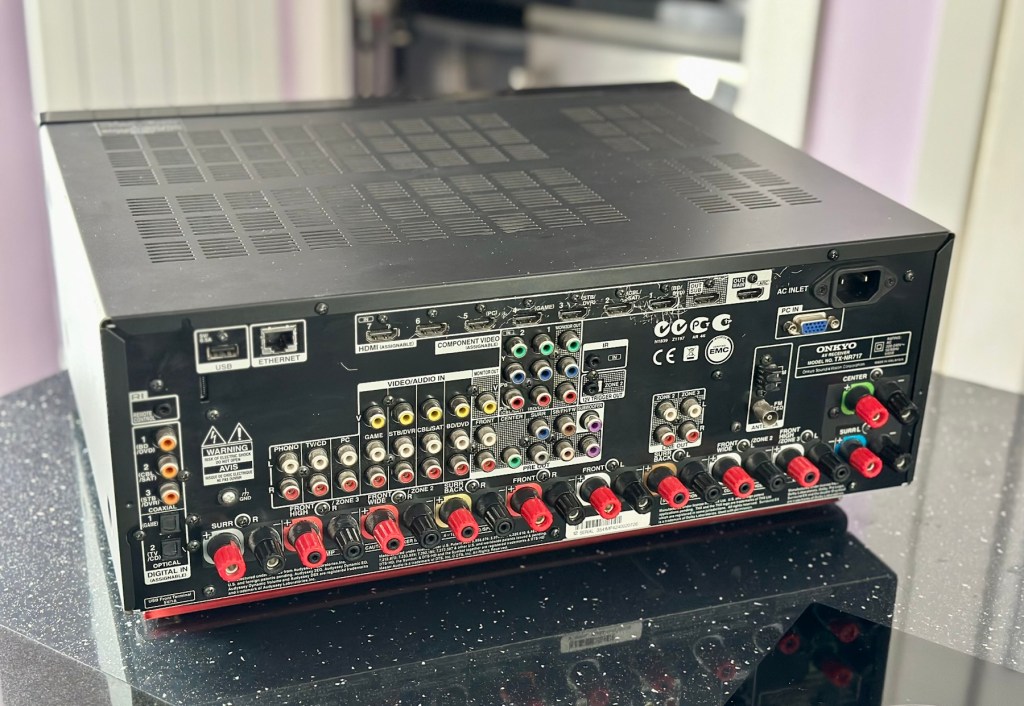
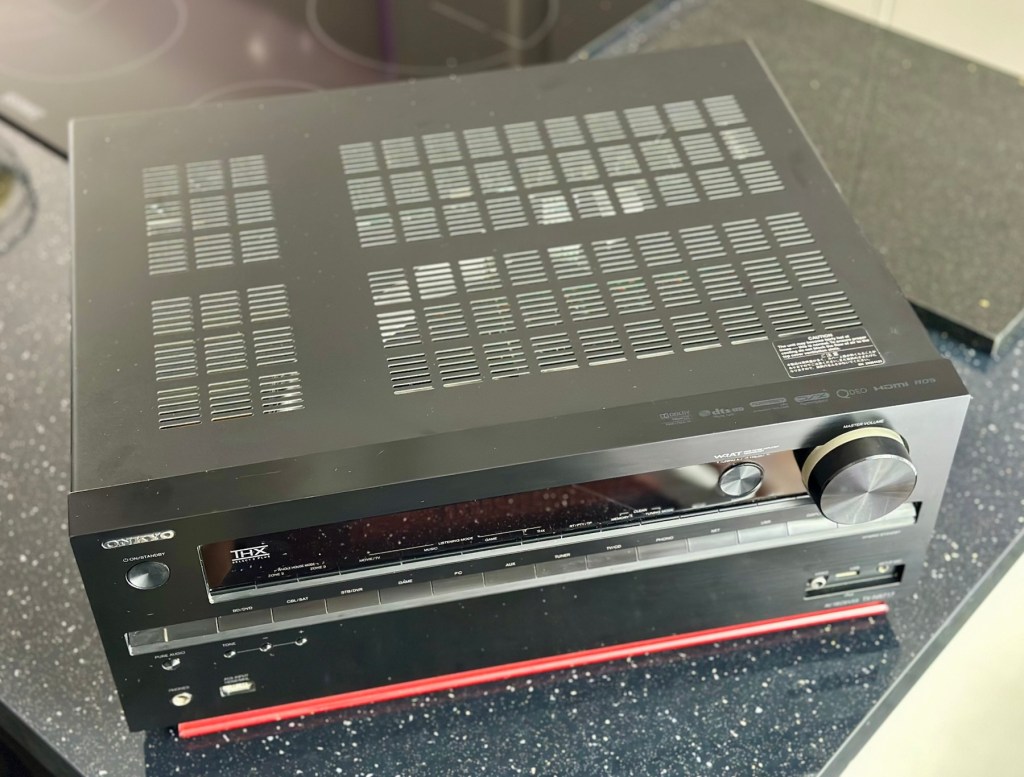
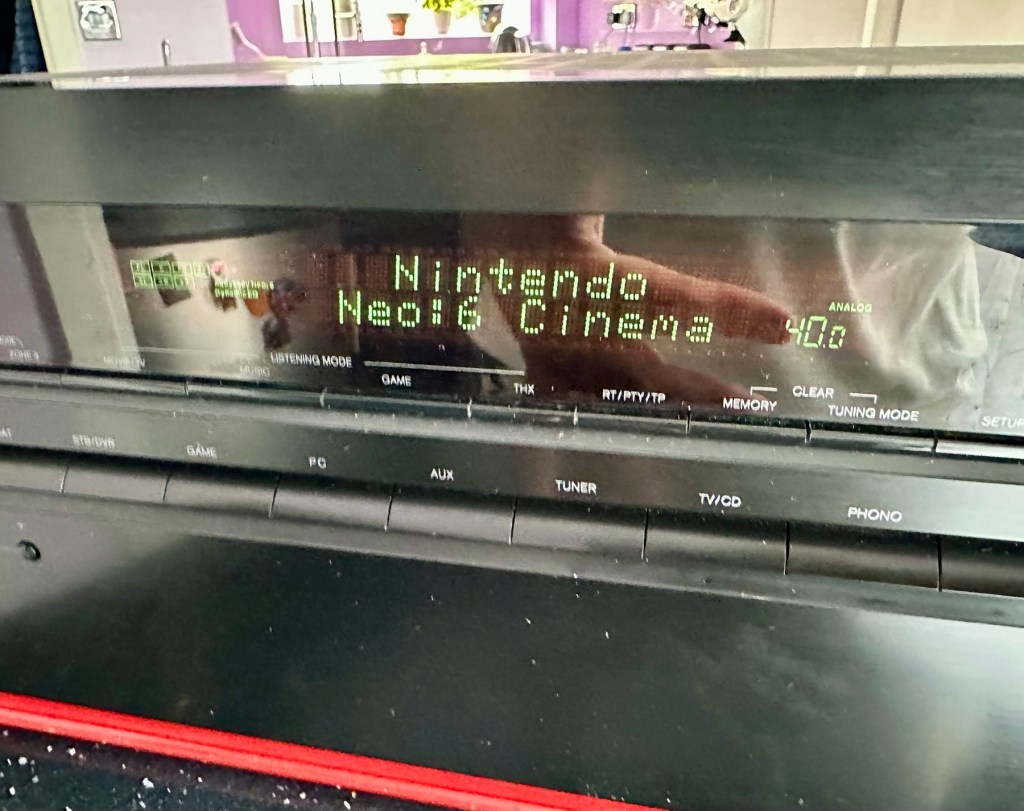
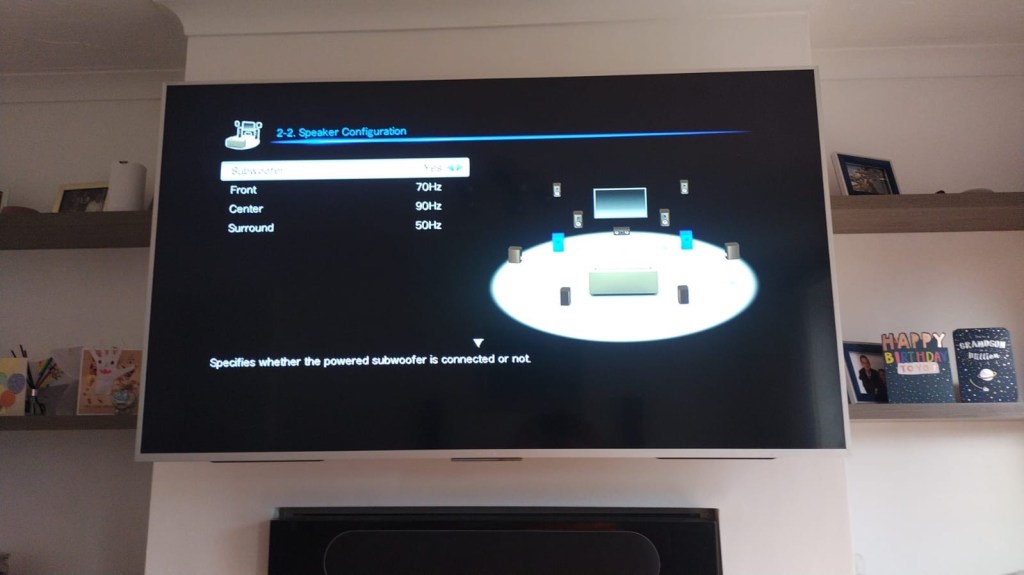
Onkyo TX-NR717

7.2-channel home theatre receiver, Internet-ready

Onkyo TX-NR717

A bit of a different one here, i get into work one day earlier this week, to be told that one of my colleagues in a different area (Nottingham) will be calling with something to discuss. That call occurred today and the discussion was about his home theatre surround sound system that had packed up on him, and would I be willing to look at it for him to see if I could manage a repair. Though it’s something I don’t usually do repairs on, I said why not? I need to look into other areas of repair and as long as it wasn’t urgent and there was no urgency, then I’d certainly look into it for him. It turns out there is no hurry and he will get the item down to me in the next few days.

So I now have a task, that I am really quite excited about. And for obvious reasons I want to do a good job.

Here’s a little bit about this item

With the power to fill large rooms with THX certified sound, this cutting-edge receiver is ready to integrate and distribute entertainment throughout your home. More than a home cinema processor, the TX-NR717 allows you to access music on PC, stream from MP3 tunes, explore online radio, or connect your iPod/iPhone to one of two USB ports. You can distribute any of these various stereo sources to other rooms for house-wide entertainment. With a total of 10 HDMI connections, this receiver converges HD content from all your components – even your smart phone media via a front side MHL/HDMI – and provides easy input selection with InstaPrevue technology. HDMI also enables intuitive GUI with overlaid quick set-up menu. Video upscaling to 4K, Audyssey DSX seven-channel sound expansion, and Audyssey 2EQ room correction are all included. Sound quality is quite simply the best in class, with powerful WRAT amplifier, three-stage inverted Darlington circuitry, and discrete output stage components delivering an otherworldly entertainment experience.

Onkyo TX-NR717 – AV network receiver – 7.2 channel – black

Release date: April 2012

Onkyo

I’m looking forward to this project, a little out of my comfort zone, but it’s the best way to learn about how these things work. And I need some exposure to these types of systems and the issues that can occur within them.

Assessment:

This unit has just about reached its teenage years, and if this can’t be repaired then the owner will be looking at his alternatives. However replacement units have also grown in both features and price now, so if this current box of tricks can be given an extended lease of life then everyone is a winner, and one less item gets to go to landfill.

I have downloaded both the instruction manual and the service manual, so I am equipped with a full list of components as well as the official schematic diagrams of the circuitry layout. I’m suitably prepared for this one.

The report from my work colleague is that it was working fine up until a week ago when it would just not switch on. He has replaced the two quick blow fuses that he saw when he opened the unit, however the issue still remains. He hears clicking when he turns the system on, this could be an issue in the standby circuit, however I will have to wait to have the unit in my possession to investigate this any further.

Straight to the point…just how I like it

Just got a message from one of my colleagues at work to say the parcel from Nottingham has been collected. Just love the straight to the point way these guys inform me of any safety issues and concerns they may have 😂

More surprises

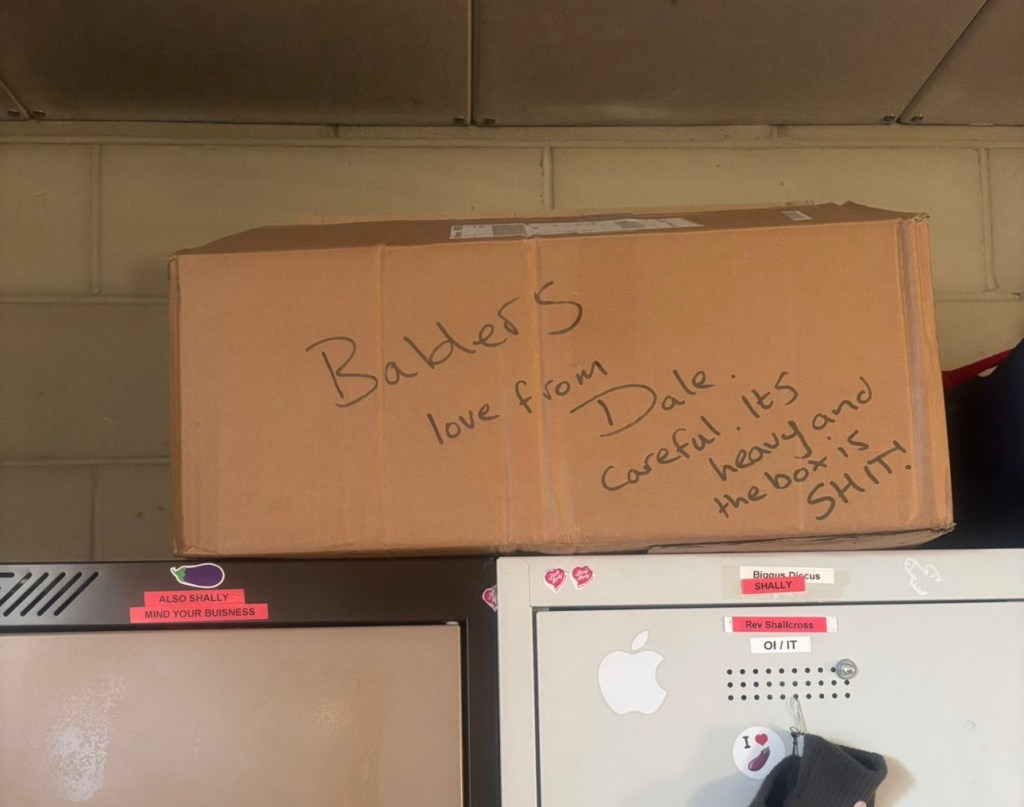
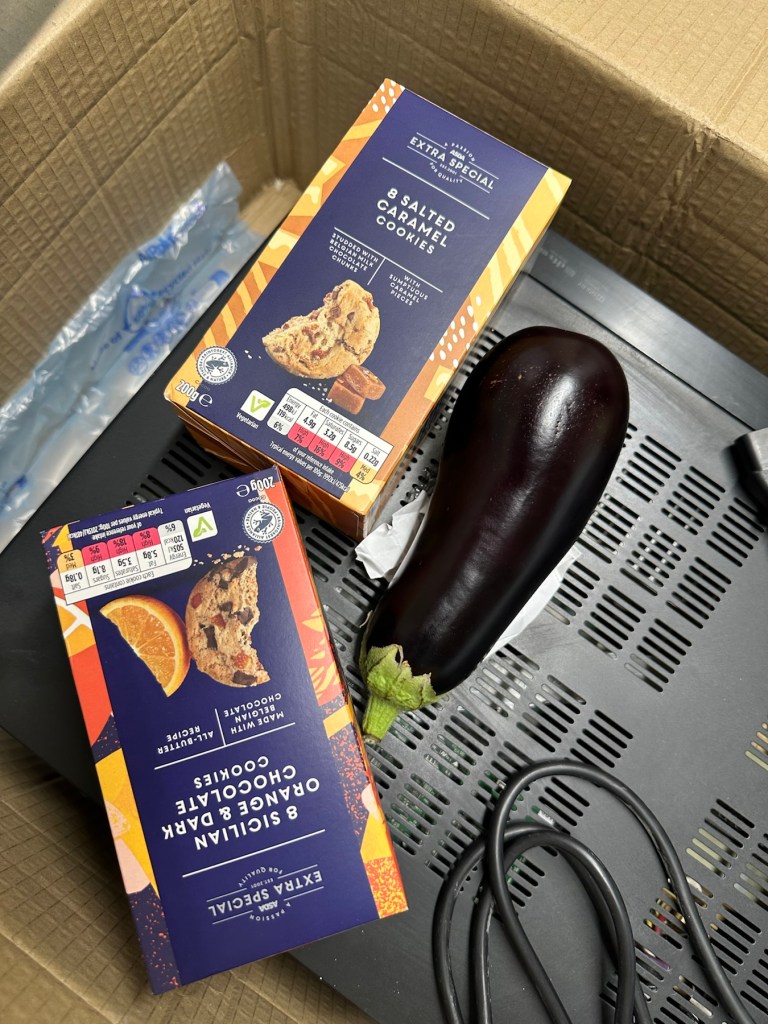
And on opening the box, more surprises. Biscuits, they are my downfall, and don’t ask about the Aubergine, we won’t go there, that’s a private joke 🤦‍♂️

Right, serious head on now and I’ve plugged the unit into the mains and without touching anything at all, all I can hear is a metronomic clicking that appears to be emanating from the power board circuit area. This will be my first port of call.

Repair:

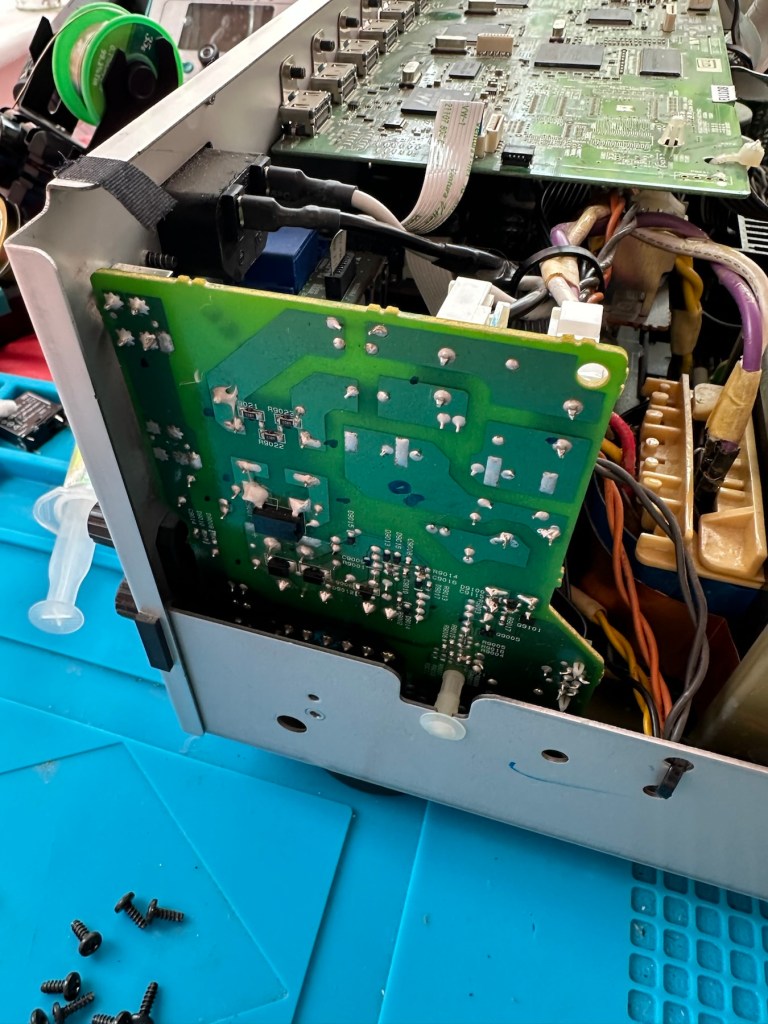
There are two well known issues regarding these units and I am going to look at both of these before getting in any deeper. The first issue is around the relay and its associated 150 Ohm resistor on the main power board, the second issue is around a defective capacitor on the standby board, and eliminating one issue will either highlight, or clear the other. If both issues are addressed with no change to operation, I will have to look in to the issue a little deeper.

Issue one relates to a problem with the relay on the main power board. Most people don’t realise this but pressing the power button on an Onkyo receiver does NOT turn off the power.  The power button merely sends a signal to the MAIN CPU telling it to close a relay (to turn the system on) or open a relay (to turn it off).  When you press the power button on an Onkyo and nothing happens (no clicks, no brief lighting up of the front panel) the root cause is often a blown coil in the main power relay. 

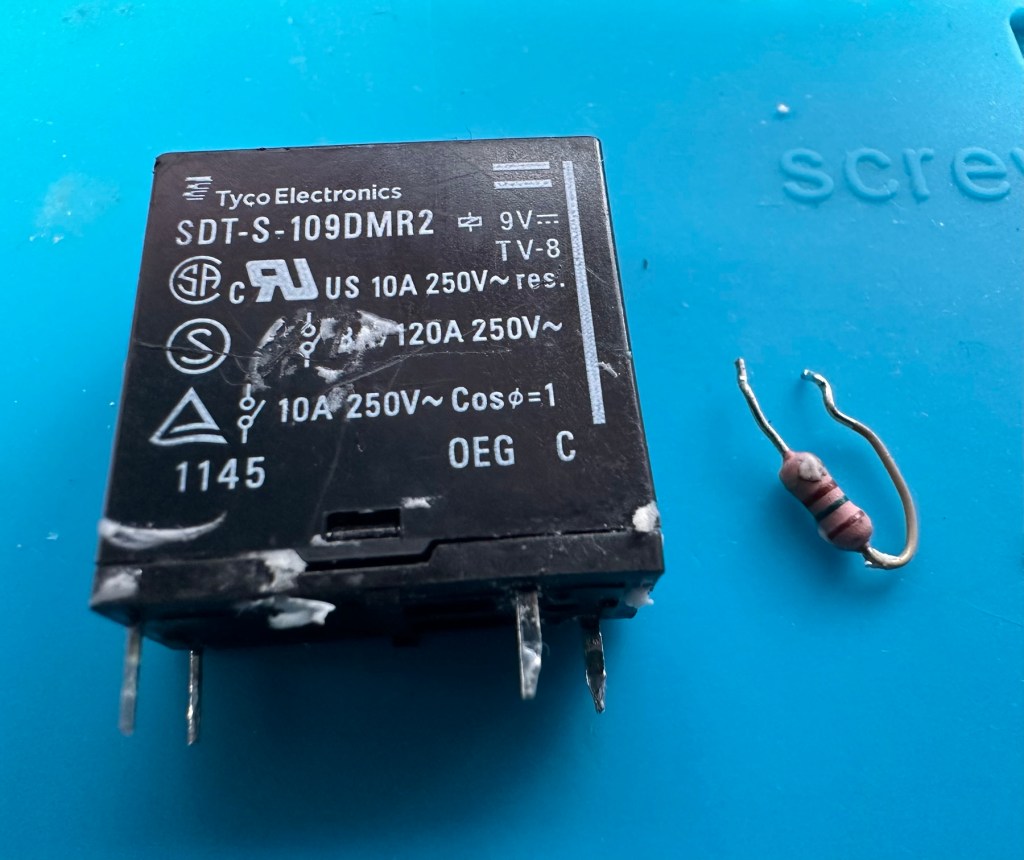
Main relay is the item under the thick coating of white silicone at the top of the picture

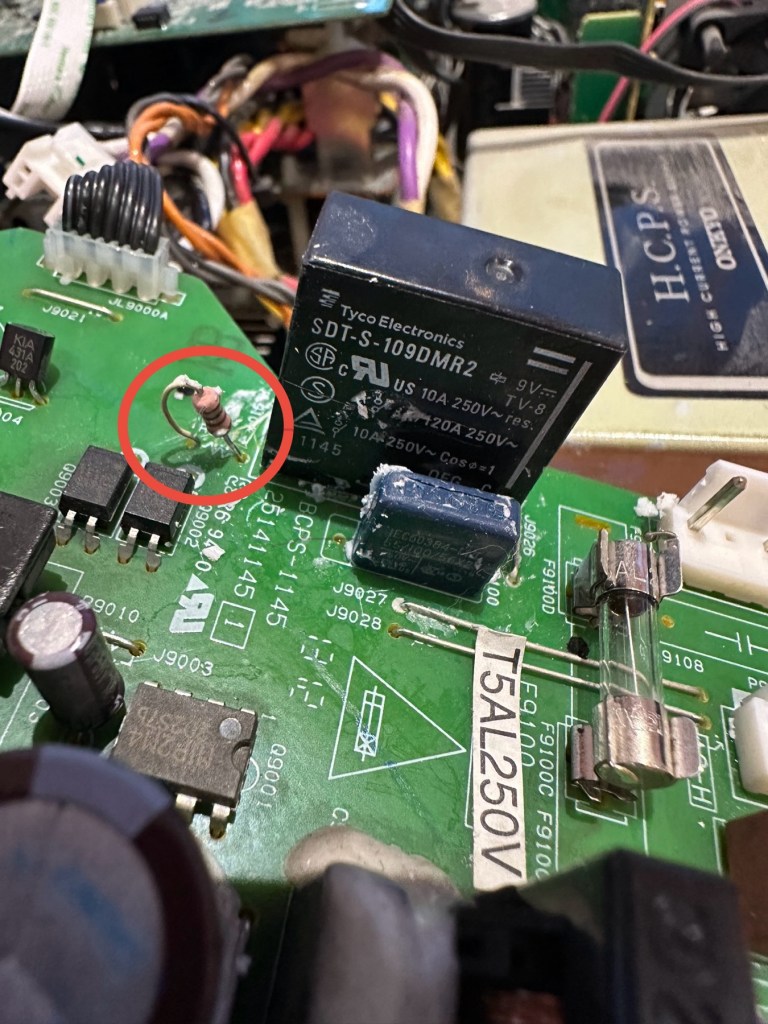
Beside the relay to the left is a resistor that should be reading 150 Ohms. This particular one is reading 144 Ohms so is reading a bit lower than expected. This could be sufficiently low enough to allow the relay to fail. So at this point this looks like a possible point of failure. Either way they need to be replaced before we can advance any further.

Silicone removed. The faulty resistor is within the red circle

I need to obtain these parts, the relay will need to be shipped from China, and I need to check my resistor stock to see if I have a suitable replacement resistor. The relay also should have a similar resistance to the resistor beside it, the healthy range for the relay is between 80-200 Ohms.

I have removed both components from the board to test them out of circuit.

The resistor beside the 9v relay is a 150 Ohm rated resistor. This one reads at 144 Ohms and is to the lower end of the rating of +/- 5%, it would probably suffice, but i’m going to replace this one just in case. The only other resistor in this circuit is a 47 Ohm resistor and that reads exactly as it is rated, so there is no issue there. I believe the bone of contention here is that the relay is 9v sitting upon a 12v power rail. This is probably the reason issues have occurred with these units in the past, and looking at a number of forum posts, it is quite acceptable, even recommended to use the higher voltage 12V versions. I’m sticking to the original design on this repair though, I can only presume the 150 Ohm resistor placed just before the relay has something to contribute in controlling the operation of this relay. Maybe that’s a design fault within this model, I just don’t know!

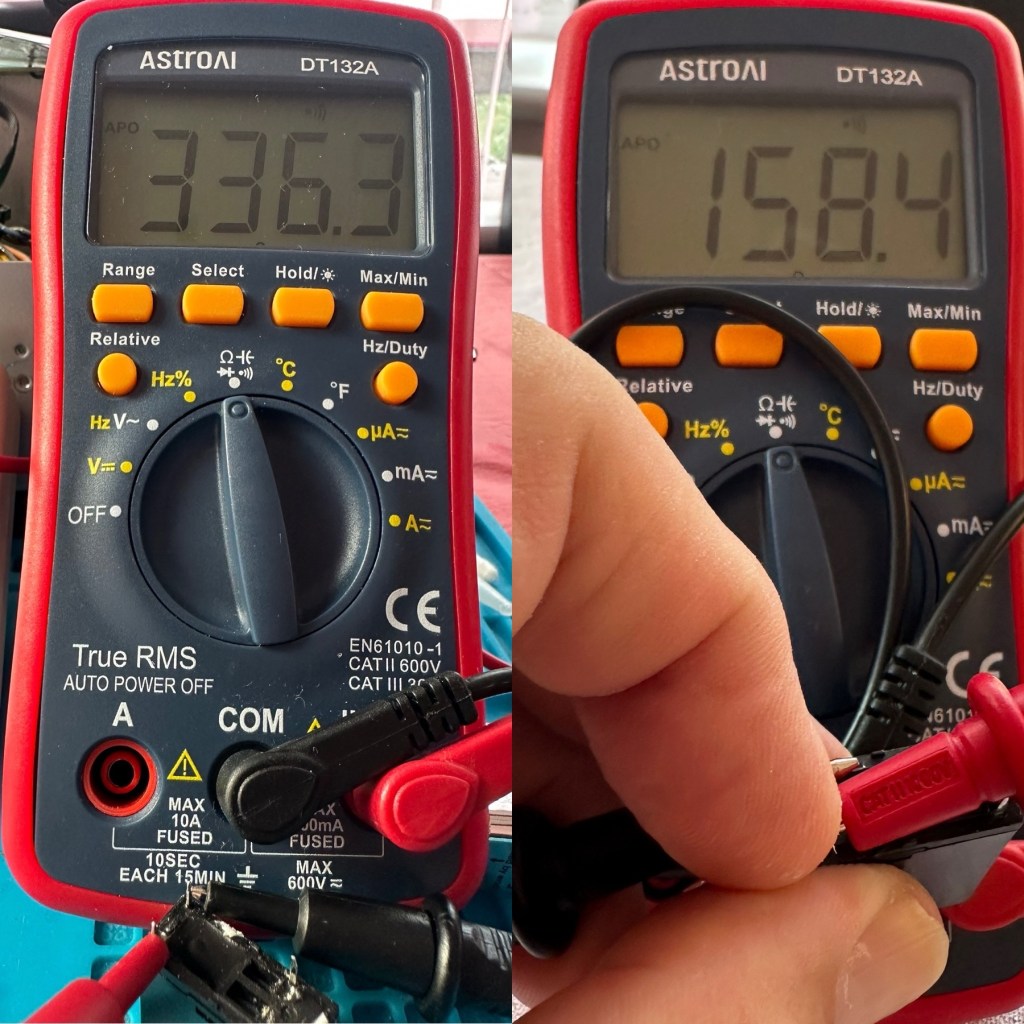
I have tested the relay using a multimeter and a 9v battery. I have used the battery to short across the power poles where I can hear the relay clicking, but when the relay is on there is no continuity across the other two pins when there should be, this isn’t happening so I suspect this relay is stuck in the open position. The Ohms rating across the pins shows 336 Ohms, so i am lead to believe this could be a problem with the coil inside it, as it shouldn’t really be that high. I understand from what I have read, that a rating between 80-200 Ohms is classed as acceptable, and outside this range could indicate that there is an issue. I’ll just have to wait until the new relay arrives and carry out some tests to see the comparison between the old and the new relays.

336 Ohms is that an issue?

I’ve dismantled the cover from the relay to get a look at the coil. In the little video below you will see the coil switching, however you will also see the contacts meeting but there is no continuity. The contacts have a coating of contamination on them probably from age or arcing, it looks like a carbon deposit, as when they adjoin there is no contact made, no flow or continuity, unless you put light pressure on the contact and then you get the continuity. It is at fault, it shouldn’t be doing this. A clean of the contacts might breathe some life into it, however give it a couple of months and you’d probably have to remove it again, and the contamination isn’t the only issue, don’t forget the relay reading that appears too high. A new relay costs less than £4:50GBP delivered from the other side of the world, so I might just as well go for a new relay. It makes sense.

Inside that failed relay

I’m not going to venture any deeper into this unit yet, not until these components arrive and I can get them back into place. I want to move through this fix confidently and slowly, have a better understanding of what is going on and not leave myself confused with bits and pieces everywhere, clueless to what is occurring. I wouldn’t achieve anything by working like that. Knowledge is king here and I’m here to learn. And I do now have the schematics available to follow.

I’ll have to wait about 2 weeks for the relay to arrive so I’ll just have to put this repair to one side and on hold until then.

Ok the new relay has arrived and the first test I did on it was to take an Ohms reading of the coil side. Now if you have paid attention, you will have seen that the old relay was reading 336 Ohms when it should be somewhere between 80-200 ohms. This new relay is reading 158 Ohms and I feel a lot better about that, it falls right in between the expected spec.

Old relay reading on the left versus new relay on the right

And if you want to see the relay actually working and displaying continuity then have a browse at this video below, the polar opposite to the first video I posted above 👆

The new relay with good continuity

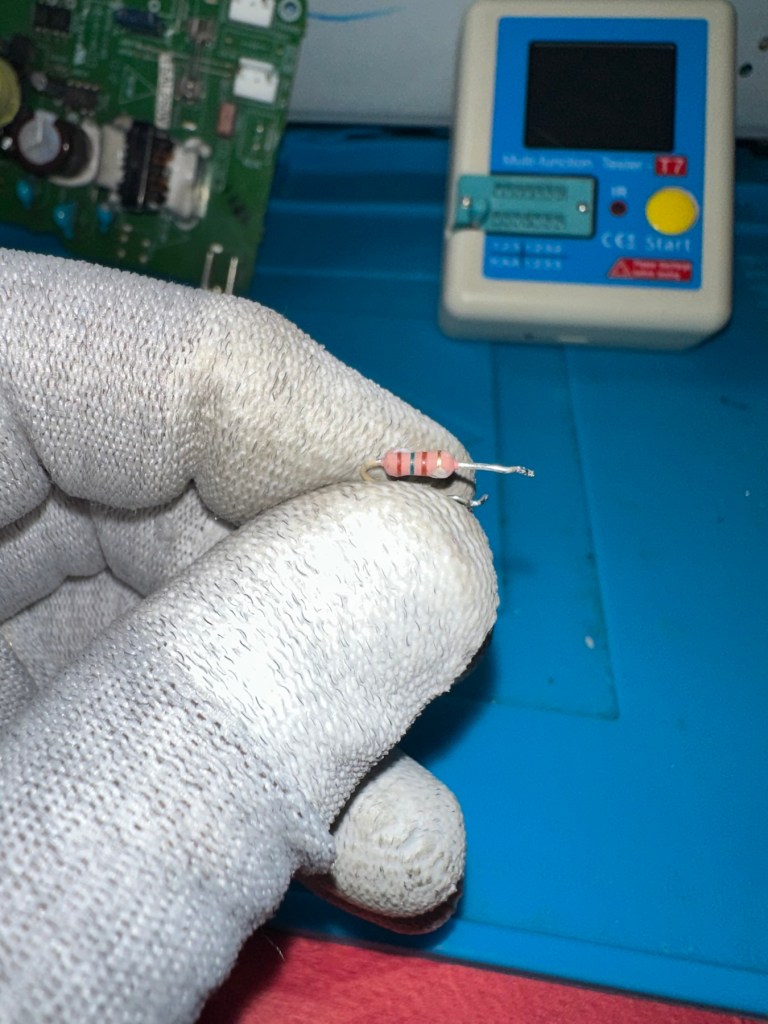
The resistors I ordered have now come through and have been tested, I have a couple of candidates displaying better test results, so we can now look at getting these two components back in place to see what occurs.

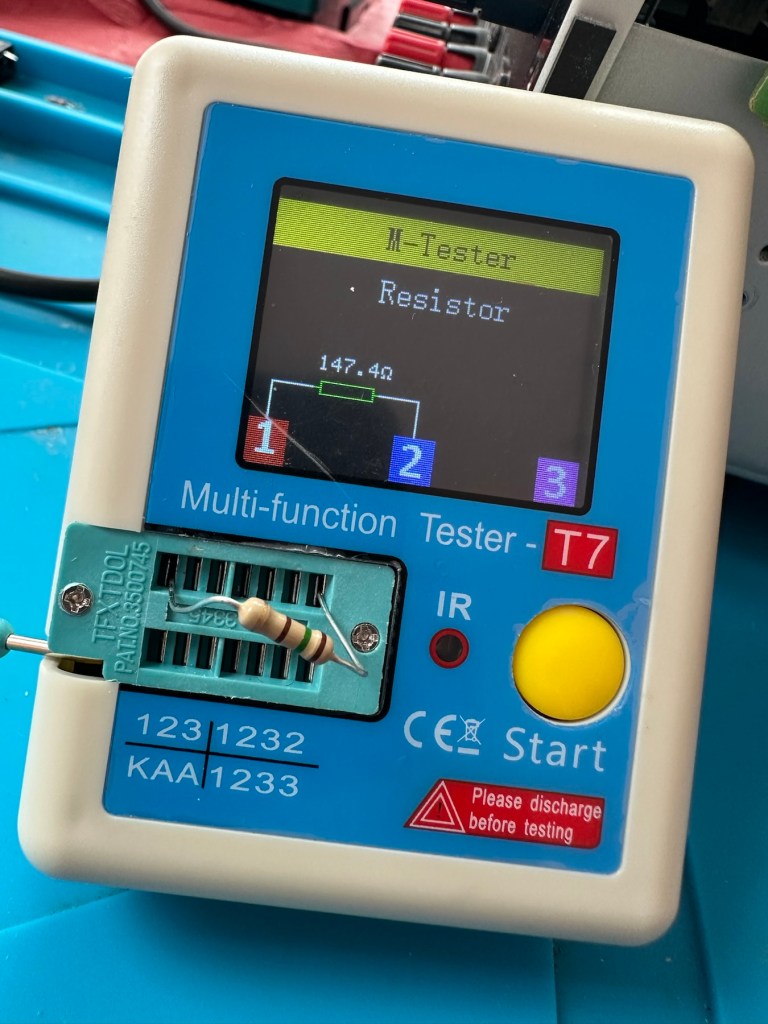
I’ve put in place a new resistor, slightly higher value than the previous one coming in at 147.4 Ohms. It falls within the 5% tolerance so should be fine.

147.4 Ohms

The relay has been soldered back in place, really simple just four points to solder and we can now reassemble the power board back into the chassis.

I’ve taken the unit into the garden at my wife’s request, as I have to use some high pressure air to give it a good blast to get rid of some dust and furballs. This has worked well and quite a dust cloud was witnessed across the garden, it’s fair to say it’s a lot cleaner inside than it was.

I’ve now put the case back on and the unit is now sealed from prying eyes and inquisitive fingers. I’ve given the entire case a good polish and I must admit it is looking nice and shiny and very presentable. I just have to hope and pray that it turns on. I see no reason as to why it shouldn’t but you just never know. You can always fix one problem only to be chasing it around the system as it develops into another fault, repairs can sometimes go like that.

Let’s plug it in and see what happens 🤞

Result:

I’ve plugged it in and turned the power on. No bang, only silence, just a single click when the power went on, this is good. When the power is turned off you hear the standby relay do the same, all is as it should be.

The standby relay has clicked in when turned on at the power socket, and is not repeating that metronomic sound that was there originally. Superb. Now to turn the power button on, on the front panel.

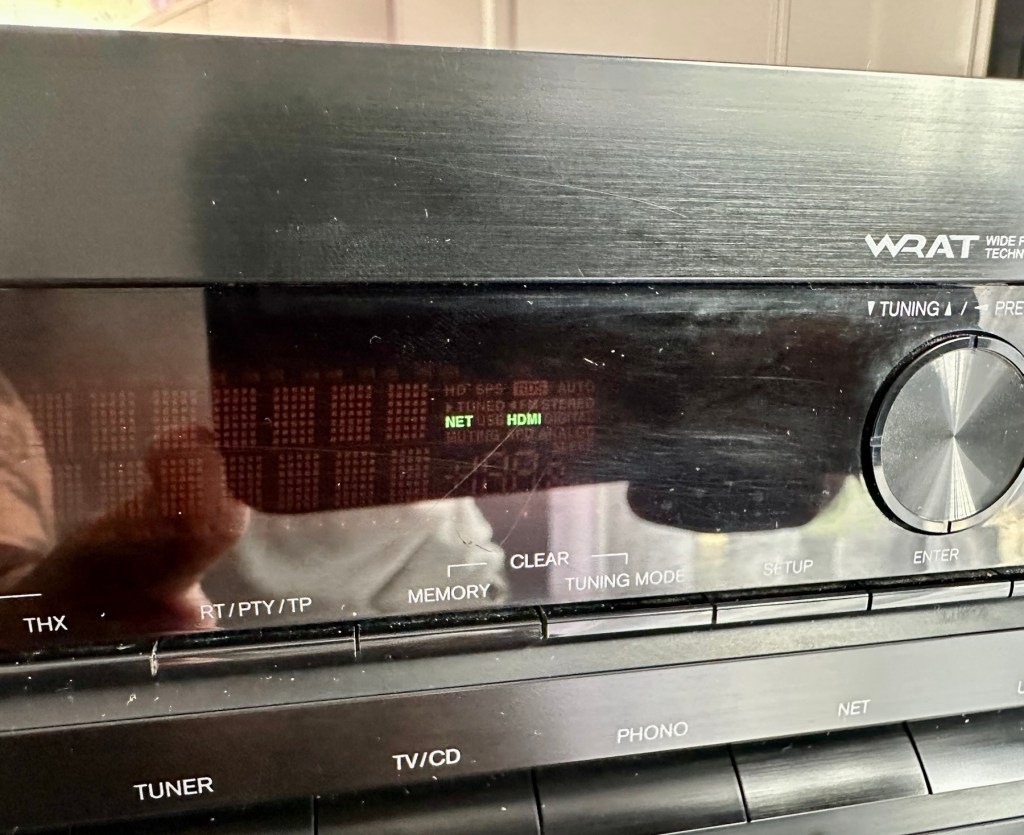
We have a display. Excellent it is working.

All buttons are operational, I don’t have the surround sound speakers as they are at the owners house in Nottingham, i also don’t have the remote here that also allows me to do other tasks, however that is not important as the unit is now operational and displaying what it should, and once it goes back into his media wall with all his speakers and other related sound and Av equipment, i am confident beyond doubt that it will be operating just as it did prior to this issue developing.

I will be handing it back with the advice that should the issue occur again we look at updating the relays with new 12v versions to replace the current 9v ones. But I doubt the problem will re occur, and this repair should see out the next few years at least and by then this unit will probably be sold, or passed on to someone else when he decides to upgrade his system.

Below is the little video I sent my colleague showing him the unit now working

It’s now working

But for now, it works. I am pleased as punch with this repair as I have stepped out of my normal comfort zone here. I have been extra vigilant, studied many a schematic diagram and learned a lot from this project. I didn’t rush ahead of myself and took this repair one little bit at a time, testing all along the way and addressing each issue in the order that it has arisen. And I’m damned happy with that.

It’s been a learning project for me, and I’m glad I’ve undertaken it. Life is for learning, and I’m living that life.

Many thanks for passing by, as you well know it is always very much appreciated.
Edit:

Today the 29th July I have had a message back from my colleague to say that he now has the unit back in his media wall. And I’m pleased to say it’s working perfectly. He’s very pleased and so am I.

Back in place and working fine

He’s pestering me to bill him, but I’ve told him that I’m only taking one currency and that’s not money or crypto. No, my method of payment will be in Biscuits. I told you I’m a Cookie Monster and this entire repair only cost just £4:17GBP. That’s not a lot of Cookies, but it’s credit in the bank if these guys need any further repairs carrying out. Word of mouth, works wonders.

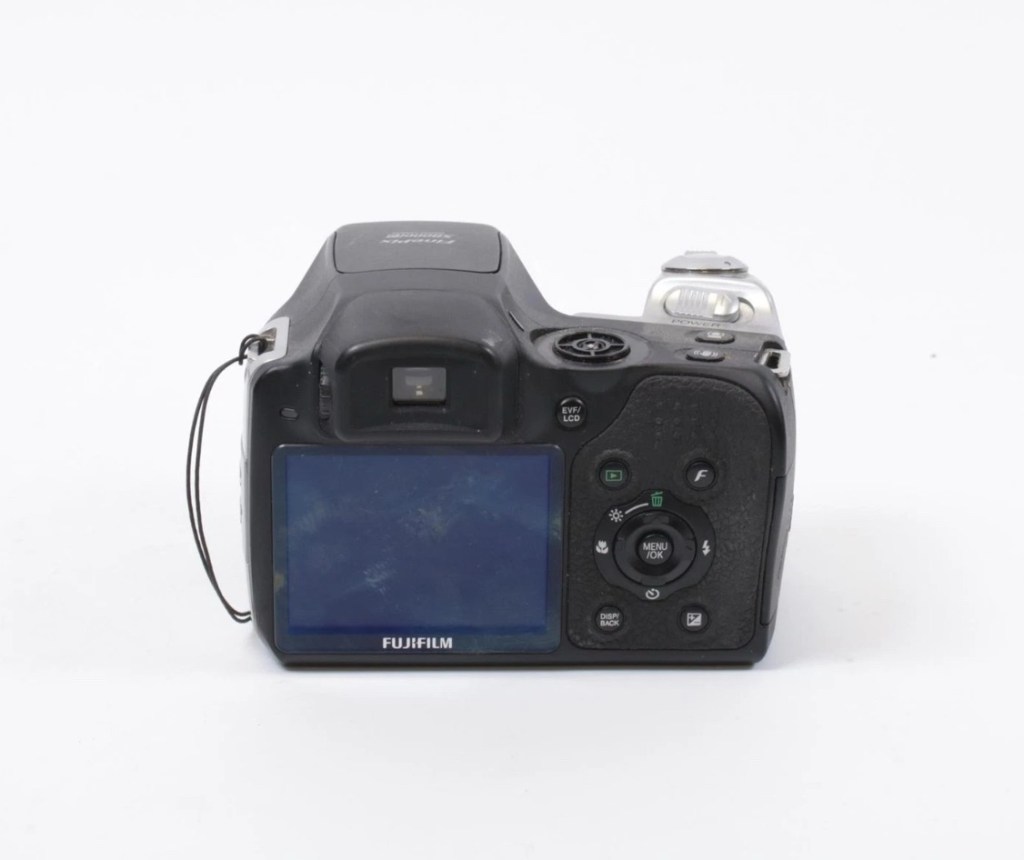
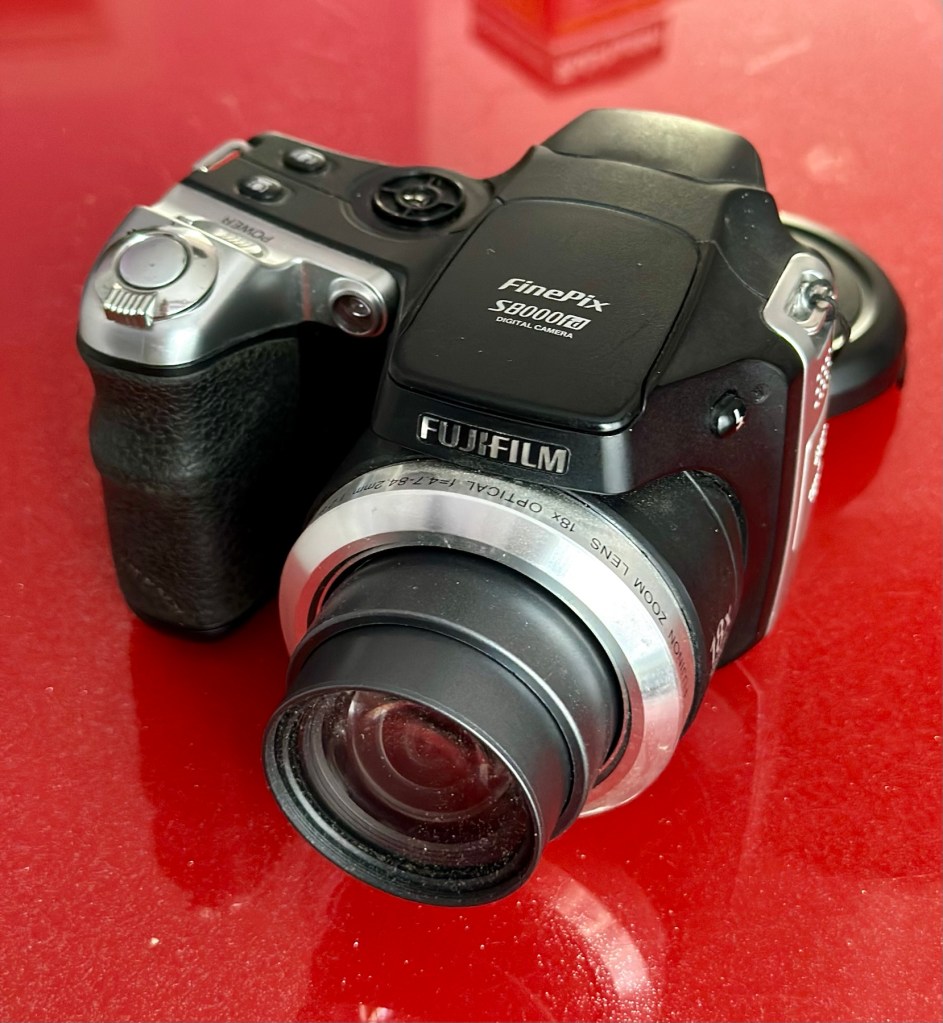
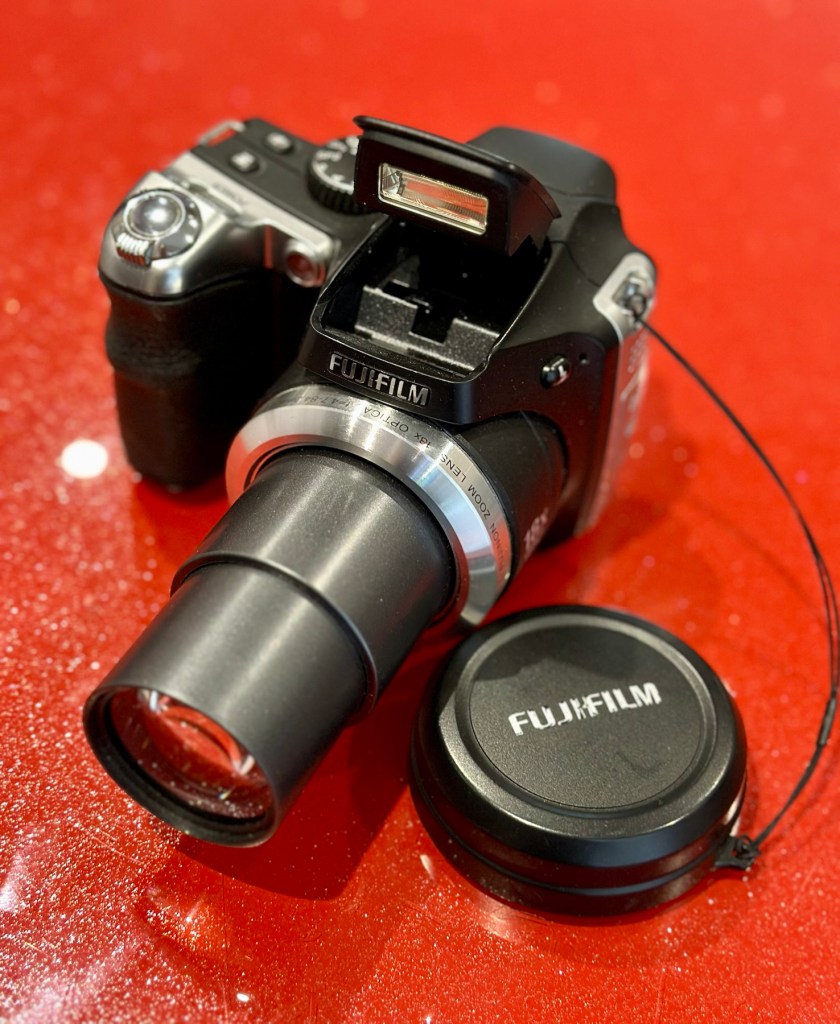
Fujifilm Finepix S8000fd

What the listing stated:

ALL ITEMS IN THIS LISTING ARE FAULTY 
FAULTS MAY VARY BETWEENS ITEMS

SOLD AS IS

NO RETURNS

EBay

I’ve purchased three cameras as a job lot in an auction. All of them have issues but the issues have not been clarified. This is very much a “Suck it and see” auction where I get what I’m given. I’ve paid £24:22GBP for all three and that includes free postage. I’ve purchased from this seller before who is a bonafide Camera business based in South Wales. He has no time for faulty items though, quick in and out is his way of working, no time to fix stuff. I’ve got three good cameras in this bundle and this works out at just about £8:00GBP per camera. And where can you get cameras like this for those prices nowadays.

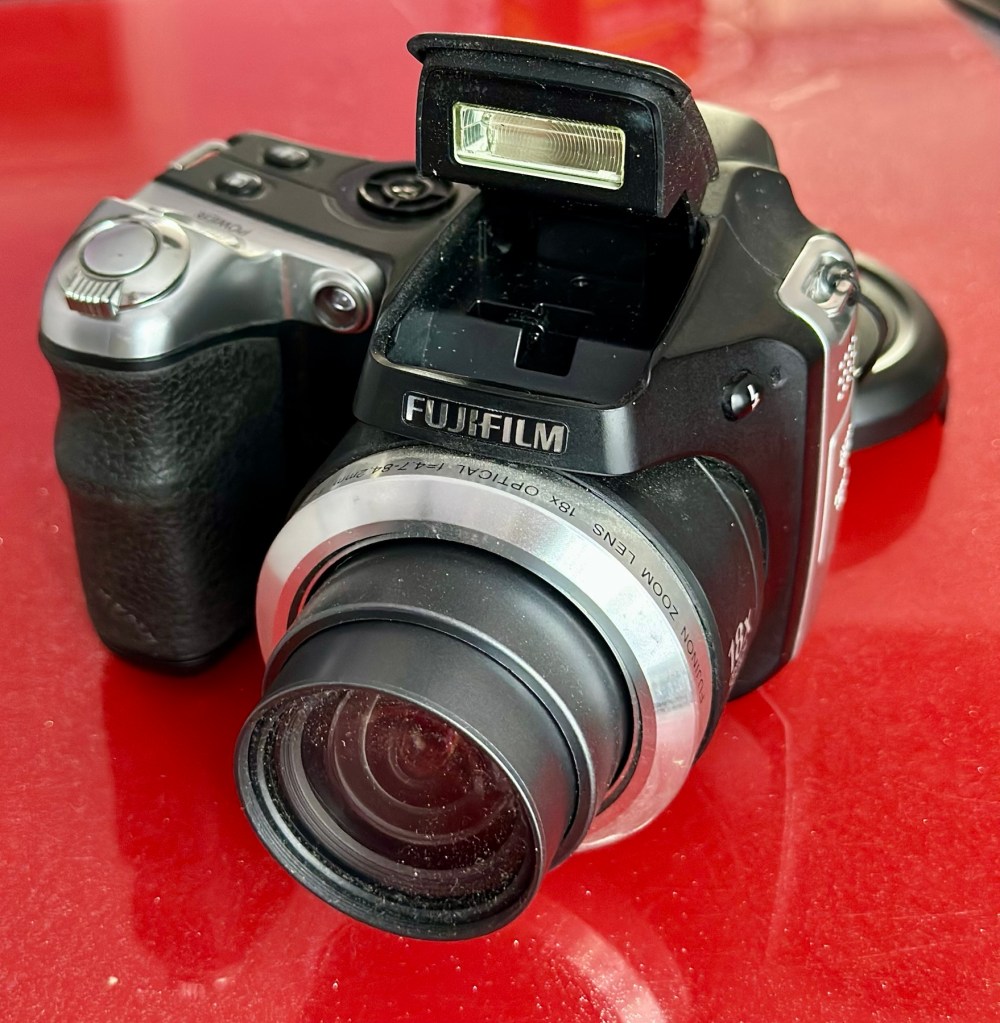
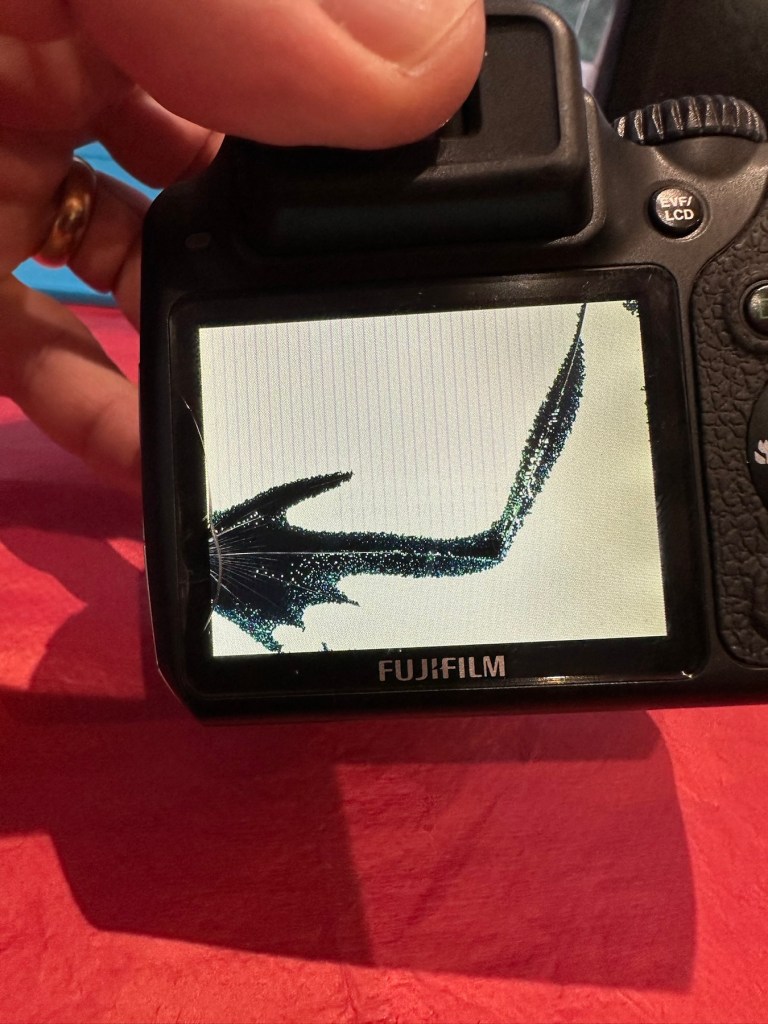
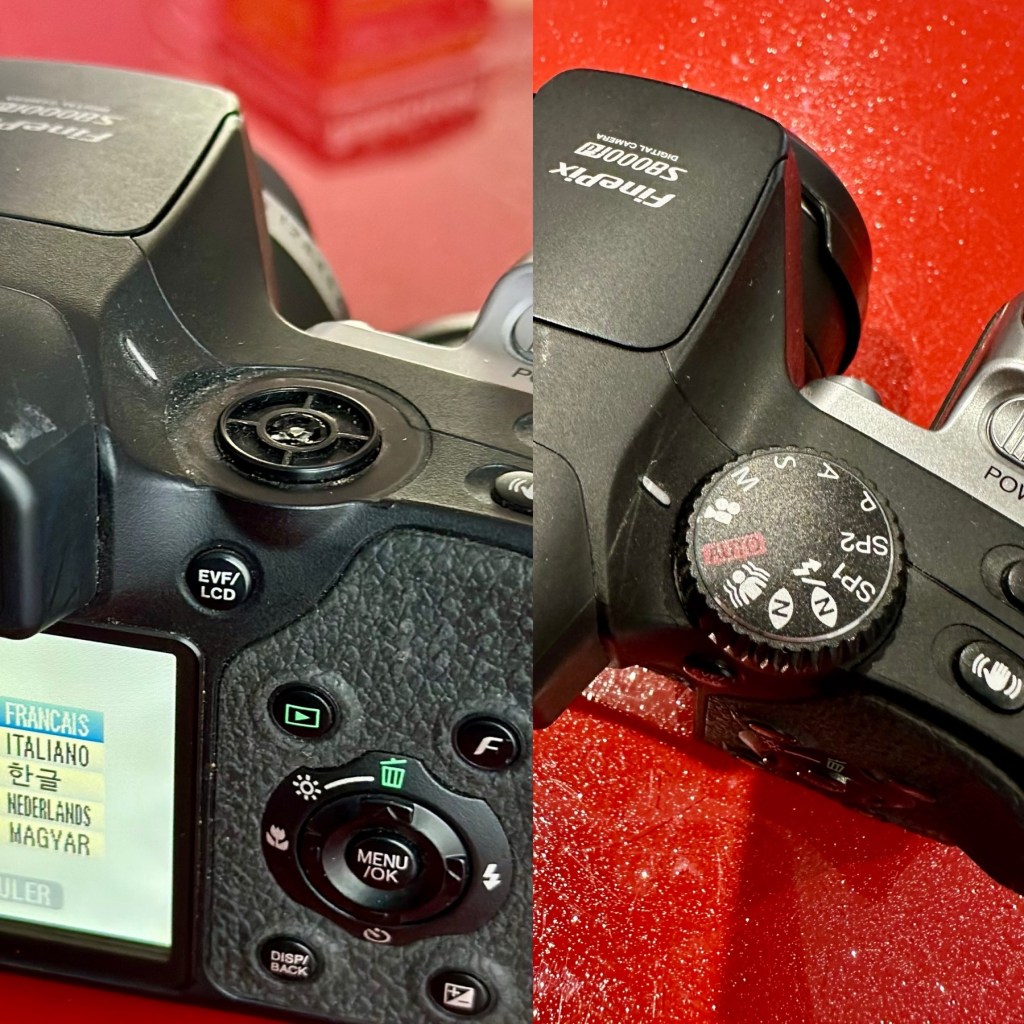
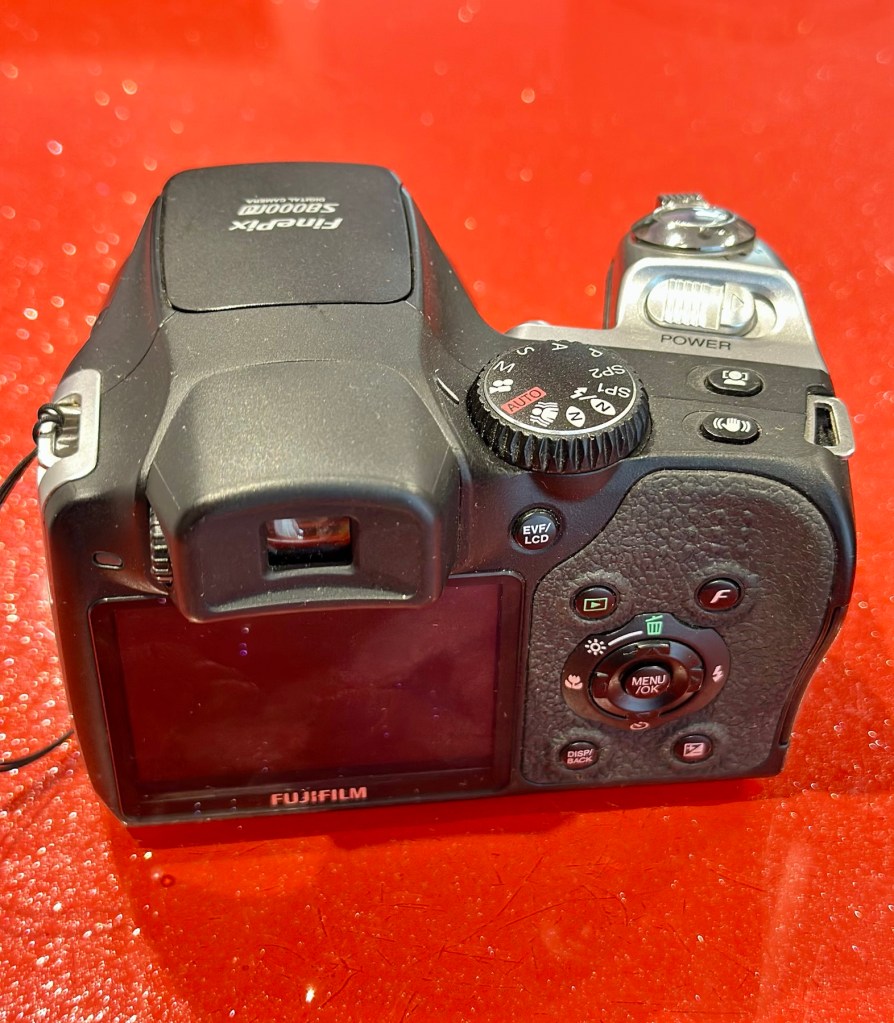
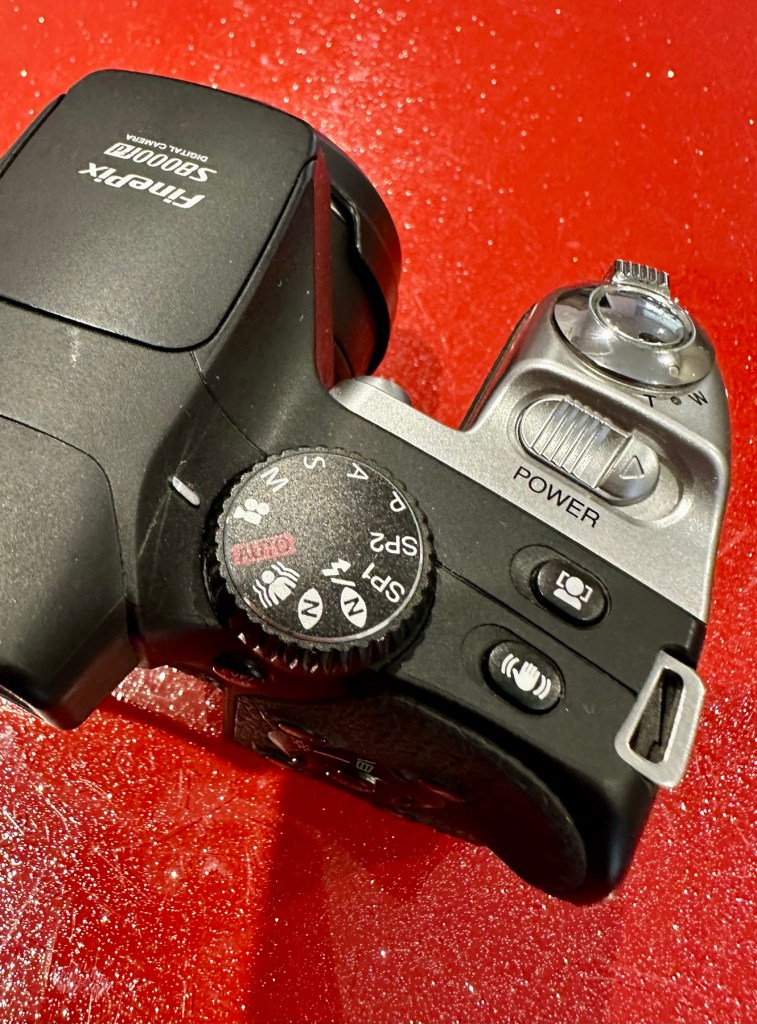
I really don’t know what the specific issues are with this camera, only that it appears to have the mode selector dial missing from its top. I guess we will just have to wait it’s arrival for a full assessment. In the meantime here is a little bit about it.

With the release of the FinePix S8000fd, Fujifilm brings to market a smart-looking digicam with an 8-megapixel imager, one of the longest zoom lenses in the market plus a compact, and relatively light, camera body. The cheapest of three similarly featured long zoom cameras in the current market (see table below for a feature comparison), the S8000fd has the distinction of being able to use both xD-Picture Card and SD cards (including SHDC), which are fitted in a single dual-format slot. Release date July 2007.

Photo review newsletter

Assessment:

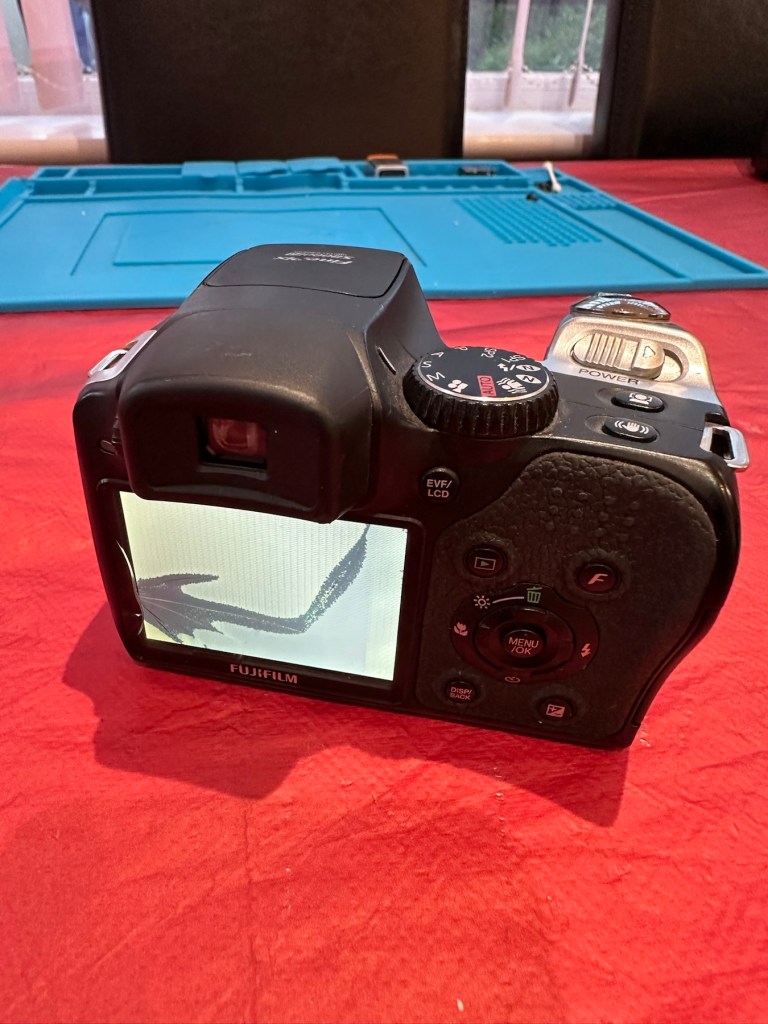
Well, to be honest, for potentially the worst camera in the box of the three that were purchased, it works just fine. Apart from that missing mode selector dial on the top of the camera. You have to use a pair of tweezers to get each mode to appear, but they are all there and the zoom and flash all work and it takes pictures fine, just as it should.

Apart from the issue with the dial, all that is really needed is a little clean up, and even that isn’t that bad.

It does not justify being used as spares and is far too good to just be disposed of. I’m going to try and repair this.

What a bonus!

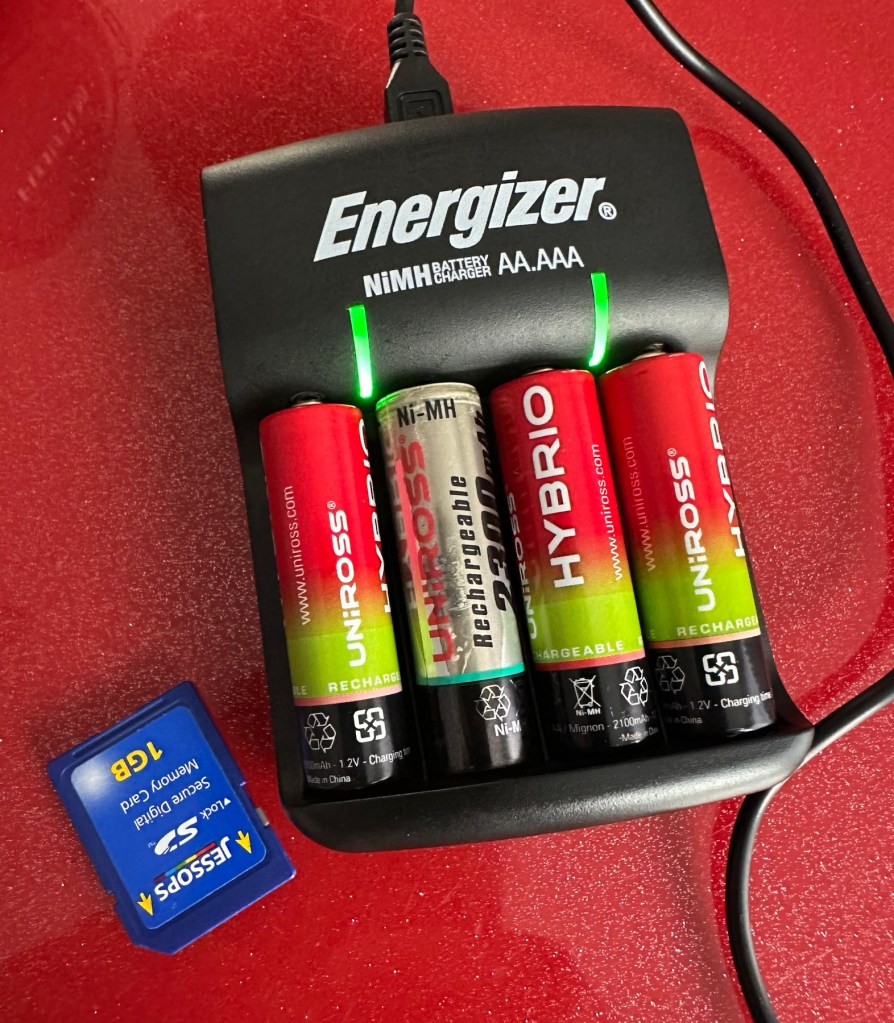
A little bonus was that there was a 1Gb SD card in the memory slot that works. There were also 4 rechargeable batteries in the camera that after a while on my charger, have fully recharged, and this makes the deal an even better one and quite a bargain to be honest with you.

Repair:

I’ve tested all systems, menus and functions on this camera and there really is nothing else wrong with it. It’s far too good to be used as a spares camera and deserves to be repaired.

Missing mode selector dial

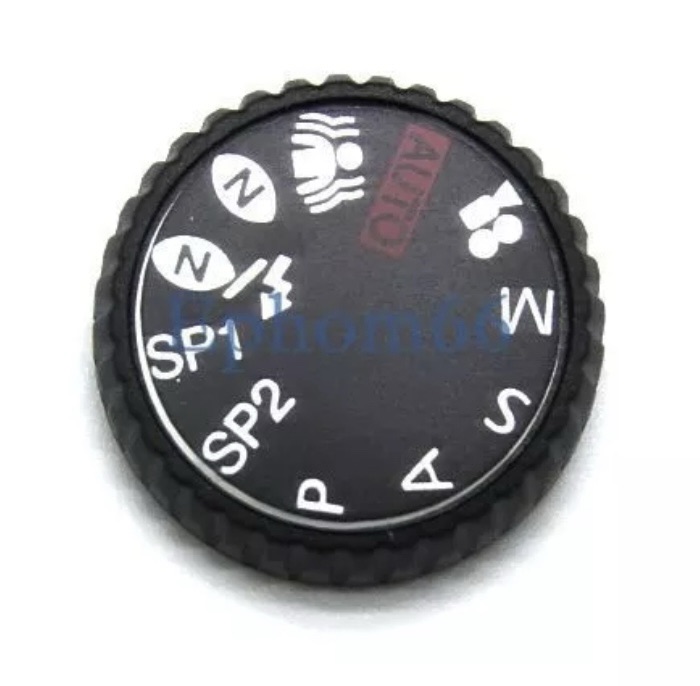
I have two options here, either buy the mode selector dial on its own from our friends in China, or buy another donor camera in a far worse state and available for about the same price as getting the dial from China. I just have to wait for that donor camera to first become available. I’ll give it a couple of weeks and if nothing comes up then China it is.

In preparation for whatever route I decide to take, I’ve decided to do some prep on the old camera and get the old selector dial mechanism taken out ready for the new dial to be put in place.

I’ve dismantled the camera unit to be able to access what is left of the mode dial switch.

This wasn’t too awkward to dismantle, half a dozen screws and a small plastic prise tool was all that was required to reach this point. There was some protectorate covering the metal frame of the switch housing that was contained by four tiny screws. Once this was loosened the housing came away and I was able to remove what was left of the old mode dial that had originally been in place. There wasn’t a lot left.

Remains of previous dial

The camera now sits in this position of being dismantled whilst I source a new dial to replace. As stated I have two options of buying a new dial either from China, or by getting a damaged camera as a spares source, and I’m currently looking at the latter as this could be purchased for about the same price as the dial from China, and would allow me a few more spares.

I’ve purchased another unit as a donor. The unit in question has a damaged LCD screen. I’m going to use that camera as a donor for the mode dial I require.

The donor camera has arrived. And to be honest it looks ok. It has been dropped at some time as the lens has a scratch on it, and the Rear LCD screen is damaged. That’s about it.

I’ve taken some pictures with this unit and the camera is working fine, as you can still view pictures you have taken through the viewfinder. It works ok, but I need this mode switch to fix another camera, so i’ll probably just use what remains as spare parts due to that scratch on the lens.

Let’s get the donor camera disassembled to harvest that mode switch.

There are only about six screws to get the back of the camera taken from the body, you just have to be careful not to damage the ribbon cable that is connected to the mode dial assembly that we are going to use today.

I did all the disassembly of the original camera to save time, and it took about 5 minutes to get the donor camera stripped down. Once inside there is some insulating material covering the switch assembly, this has to be removed but cannot be reused as it has lost its adhesion. When reassembled I have used electrical Kapton tape to replace the original insulation. This has worked just fine.

New Kapton tape insulation

Assembly involves checking that the button settings relate to the markings on the camera body, this is important at this stage as the last thing you want to do is reassemble the camera to find out that you have the dial in the wrong setup. Do it now and save time and reduce the possibility of damaging the connectors and body clips.

Before and after

Result:

We have a beautifully restored and working and fully functional bridge camera that takes good snapshot photos. It’s not high end, it’s very much a learner camera but good at documenting what’s going on around you. Its mode dial that was missing is now working fine. A little polish and it has come up looking lovely cosmetically. it’s a good little unit.

Here are a selection of snapshots from around the home just to prove it’s working as it should. Nothing special, it just does what it was always built to do. Take snap shots.

It works. I’m happy. And another camera has been saved from landfill.

Thank you for passing by, as always it’s most appreciated.

Fujifilm Finepix S2 Pro

What the listing stated:

ALL ITEMS IN THIS LISTING ARE FAULTY 
FAULTS MAY VARY BETWEENS ITEMS

SOLD AS IS 

NO RETURNS

EBay

I’ve purchased three cameras as a job lot in an auction. All of them have issues but the issues have not been clarified. This is very much a “Suck it and see” auction where I get what I’m given. I’ve paid £24:22GBP for all three and that includes free postage. I’ve purchased from this seller before who is a bonafide Camera business based in South Wales. He has no time for faulty items though, quick in and out is his way of working, no time to fix stuff. I’ve got three good cameras in this bundle and this works out at just about £8:00GBP per camera. And where can you get cameras like this for those prices nowadays.

I’ve just read a blog where a guy had one of these cameras from new, and in 2002 he had paid £1550.00GBP for this camera. Wow, and here i am 23 years later paying the grand total of £8:00GBP for one. Even if I don’t get it working, I’m happy with that.

Now this particular camera had two issues in its lifetime that caused concern, and one of them meant it was pretty much game over, and that one was the CCD issue that used to plague this range of cameras. Fuji released a whole bunch of these cameras with a faulty CCD that had to be fixed under a recall. They built sufficient replacement CCDs to cover the recall and that was about it. There were no remaining CCDs left and at that point what was left had become as rare as hens teeth. If you suddenly developed that faulty a later date, then tough…you were stuffed.

Serial numbers affecting CCD problems are listed below:

Model Serial Number Range 

FinePix S2 Pro 31A127**~31A143** 

32A000**~32A039** 

33A000**~33A007** 

34A000**~34A004**

Fujifilm

The second issue was with a batch of these models that had a “bad” resistor in the power circuit that prevented lock up if there was a power spike, if this failed then the camera just stopped and you were stuck. There was another recall on the second issue but there is probably a lot of cameras out there that again weren’t part of this recall. And I guess owners were pretty fed up of recalls at this point and were off loading their equipment as quick as they could.

The serial numbers regarding the lock up problem are listed below:

Between serial numbers 24L00441 and 24L00680
Between serial numbers 24L01057 and 24L01256
Between serial numbers 24L01553 and 24L01863
Between serial numbers 24L10257 and 24L10608

Fujifilm

My camera serial number

Above you can see the serial number for my camera. Thankfully my number falls outside the range of any of the cameras inflicted with either problem, so it’s fair to say (Fingers crossed 🤞) that I shouldn’t suffer with any of the known issues with this unit. In layman’s terms I think i may well have dodged a bullet here.

I did speak to the seller regarding the fault on this camera and he stated it was just a general error code on the top screen. There is a general error that arises occasionally regarding certain lenses where they have to be locked on their minimum aperture for the camera to work properly, however I’ve not attached a lens yet so this cannot be confirmed.

Here’s some history:

The Fujifilm FinePix S2 Pro is an interchangeable lens digital single-lens reflex camera introduced in January 2002. It is based on a Nikon F80 (N80 in the U.S.) film camera body that was modified by Fujifilm to include its own proprietary image sensor and electronics. Because of the Nikon body, it has a Nikon AF lens mount and so can use most lenses made for Nikon 35 mm cameras. It is autofocusing, with an electronically controlled focal plane shutter with speeds from 30 sec. to 1/4000 sec., built-in exposure metering and pop-up flash. Its ISO film speed equivalents range from 100 – 1600. The S2 Pro also has sound recording capability. The camera is no longer in production, having been superseded by the Fujifilm FinePix S3 Pro in February 2004.

Aside from the Nikon lens mount, the camera’s principal distinction is its 6.17 megapixel photo sensor. Known as the Super CCD, it is unique in having its photodiodes oriented diagonally rather than horizontally and vertically as in all other DSLR cameras. This allows the use of a sophisticated interpolation system that produces an output image equivalent to 12.1 megapixels. The apparent resolution of images in this interpolated mode lies somewhere between 6.17 megapixels and the 12.1 megapixel interpolated output.

A huge number of these cameras were built using a Sony sourced defective CCD that was subject to a recall by Fuji. The recall ended when the stock of these replacement CCD’s was depleted. There is word that no other stockpiles exist of this Super HAD CCD, making these cameras that are found with the purple or black tinted image problems extinct, only usable for parts. The Fuji F700 used a similar defective HAD CCD, but in 3.1/6.2Mp size. That camera has met a similar fate.

Wikipedia

So let’s hope that we can get some pictures out of this unit. We just have to wait and see what arrives.

Assessment:

Well the camera has now arrived, and I must say it is in an absolutely beautiful condition. Cosmetically there isn’t a scrape or scratch, all screens are scuff free and it looks as if this unit has been well cared for. It just needs a wipe over to clean. The package is just the camera body with no extras such as a body aperture cover or neck strap, but who’s worried about that, they can be procured at a later date.

These units are quite power hungry requiring a total of six batteries. 4 AA cells go in the base and two Lithium CR123A batteries go in the grip. These batteries work in unison, one set handling the basic camera functions whilst the other deals with the capture and processing of images. It’s a strange affair, loosely based around the same setup that was originally on their film based camera counterparts.

I’ve had to order the lithium batteries, however I can still get displays and Information using just the AA batteries in the base, basically it is semi functional in this situation.

The lens mount is a standard Nikon F mount, I’m going to have to search through my equipment to see if I have such a lens, I suspect I don’t, so I may well have to purchase a small lens purely for test purposes. I have some other Nikon repairs in the queue, so a lens to have for test purposes wouldn’t really go amiss.

The unit takes either a CF card type II or a Smart-media card (Max size of 2Gb on both) that is located behind a hinged section on the rear of the camera, these work fine and have no bent pins.

Media card ports at the rear

With batteries in place I get the full range of menus, and nothing comes across as suspect at all at this stage in the assessment.

The top menu – no lens attached to test

The top menu by the exposure button is the only “F” indication showing, I have no lens attached so this might be the reasoning for that, but if I do put the menu into manual mode I get the full range of shutter speeds and can even operate the shutter, the shutter seems to be working at all selected speeds with no issues as far as I can see.

Some of the shutter speeds available in manual mode

All other menus are available and I’m even able to format the CF card via the cameras menu. The picture you see on the screen was taken on another camera. It wiped fine so no issues here.

Various menus and the screen after a format was completed through the cameras menu controls

The camera seems to be working with no apparent communication issues as yet. When you try to use the flash it even informs you that you need to insert the correct batteries to test. As I’m awaiting the CR123A batteries I won’t be able to test the flash functionality until they arrive.

No CR123A batteries installed? – You can’t use the flash

As I have stated the testing can only go so far until I have the missing items in my possession, for me that is the two missing batteries and a suitable lens. I’m currently in the process of procuring both. Physically there is nothing wrong with this camera after spending a good couple of hours going over it. I’m quite comfortable with it and believe it could be a lens communication error or just a failure to read the instructions properly by the previous owner. All I need now is that lens. I’ll let you know what occurs in the repair section.

Repair:

To be quite honest it’s not really been a repair, it’s been more of a “pre flight check” to collar a phrase, going through all of the cameras capabilities and ensuring that they are all functioning correctly. As the camera was listed as faulty, and the fault was not identified, I have had to do many hours of testing and Investigation to get to this point.

I’ve done a bit of shopping and managed to buy a nice little lens from the Southern hospice group. Always happy to help a charity and secured this at a good price of £15:50GBP, and that includes the postage, for a Sigma 28-200 f/3.8-5.6 Ø72 Zoom Lens Nikon F Mount. There looks like a bit of fungus on the outermost optic, however I can always clean this if it’s too bad. If not I’ll just leave as is for the moment and keep it vacuum bagged between uses, I can always do a separate post on cleaning up fungus in a lens at a later date. (I have done a basic fungus clean in the past : Canon EF lens 35-80mm)

My new – old test lens

I wasn’t looking at spending too much here, as I only wanted a lens to test a number of Nikon repairs I have upcoming as well as this S2 Pro. This lens will fit that role perfectly, and be added to my collection of other lenses that I have that allows me to test a range of different camera products. I have also purchased an “F” mount body cover for the camera to protect the unit when there isn’t a lens attached to it.

The two CR123A batteries have arrived and have been placed in the handle grip. The warning that was there before the batteries were installed (see picture above) has disappeared and when placed in manual mode the flash fires just perfectly, no issues here.

The Lens has arrived. Good point is that it fits fine and looks good, and all electrical contacts are good. Bad point is it has severe fungus throughout, and is just like looking through a fog.

I will do a separate post on cleaning this problem up in a later post. However I’m not overly worried at this point, I paid a very low price so it was to be expected, I’m not complaining to the seller who was a Hospice, they need the money and I can fix it so there really is no problem.

The excellent news is that the lens does exactly what it should. The camera indications are good, all working exactly as expected . However the pictures via the screen are extremely hazy due to the fungus infection on the lens. There are no black or purple casts on the pictures so I am quite happy that we haven’t inherited the dreaded CCD issue discussed earlier in this post.

If I use the lens wide open and pop the camera into auto mode I do get an “ERR33” code and that is a communication issue between the lens and the camera. As I have stated earlier in this post, you have to have the lens set at its lowest aperture and locked for the error code to go. Fortunately this lens allows you to lock the aperture and once this is done the camera takes over the exposure when it is working in automatic mode. So as I also stated earlier, it appears the seller was probably not aware of this requirement/issue.

Result:

We have a fantastic working camera, it does all it was produced to do, it has its little quirks and oddities, but being familiar with these cameras and at least having some knowledge and awareness of how they operate is always a wise thing. Read the instructions and don’t just throw them in the drawer until you eventually sell the camera on as a damaged item, when in fact you were just lacking the knowledge on how it operates in the first place. Instruction manuals are good, they serve a purpose. Knowledge is king.

The complete camera with lens

This camera cost me £8:00GBP. That is a superb price for a camera of this quality even though it is now 23 years old. It has a lot of life left in it, and I can’t wait to get it out and give it a real test.

It’s a little beauty – And the lens that needs attention

So in theory I’m confident and happy that this camera is now in a fully operational order, it’s needed a clean, it’s needed a lot of research to find out how it works, and I’ve also downloaded the operating instructions and repair pack should they be required.

It’s taking pictures and storing them. It’s just the lens at the moment isn’t performing at its best due to its fungus on the optics issue. I’m keeping the pictures stored on the card to compare them with the new pictures that will be taken once I have another lens to use.

Once the lens clean up is complete, if I ever get around to it, I will link it through this post.

Edit:

As 12/7/25 I have purchased a newer higher quality lens without any of the above issues to be able to get some instantaneous results, and as I have about seven other Nikon cameras requiring testing, some with sensor issues, it was wise to invest in a better quality lens. I have purchased a Nikon 28-100mm AF Zoom Nikkor Lens G AF-d, in perfect condition and the post regarding it can be found here: Nikon 28-100mm AF Zoom Nikkor Lens G AF-D

A newer – old lens, much superior quality

As previously stated I will add photos in this post once the new lens arrives, to show the difference from the fungus infected lens to a decent lens. The old lens is still a work in progress and I will post about it again as a separate post once the clean up is complete. It will probably be a job completed once the long winter nights are back in situ.

Below are comparison photos between the old lens with fungal issues and this new lens:

It’s just typical for me to manage to make another post from an issue that has arisen from fixing a different item. But isn’t that life? Continuous improvement is a factor we come across on an almost daily basis, and if you deal with old items as much as I do, then there is always something else that needs repairing, something that requires your attention and I just love that. The ability to improve or make something better, gives such a feeling of achievement and accomplishment, and total satisfaction. And that’s why I write this drivel. It’s for me, it’s what this blog was originally set up for. It’s my journal of what I do.

Many thanks for following this post. You know it is always very much appreciated.
Sinclair Cambridge Memory Calculator

What the listing stated:

This auction is for a used cased Sinclair Cambridge Memory pocket calculator and original case. The item is in very good cosmetic condition as is the case which still has its instruction sheet. The item is powered with 4 x AAA batteries (not supplied) and does work although 1 of the digits is faulty and does not display (see pictures) plus the number 5 digit is not working. Please refer to the pictures and description provided before bidding.

EBay

So it does work, but it doesn’t? This calculator is a model one memory calculator, that dates from around July 1973, ( Actually May 1975 see photos below) and is one of the earliest available mass produced electronic calculators available in the UK at the time. And it was produced in collaboration with a guy called (Sir) Clive Sinclair, who in the following decade would become synonymous with tech development in the UK. It retailed at £29:95GBP, and given the rate of inflation, its cost today in 2025 would be a staggering £463GBP. Wow!

Courtesy of Vintagecalculators.com

I love collecting old calculators, I couldn’t afford one back in the day when they arrived on the scene as I was only a child and probably only on about 20 pence a week pocket money, and savings and investments were not even known to me at this period of my life. The thought of saving that precious 20p a week for the next 150 weeks wouldn’t have even remotely crossed my mind. What no sweeties?

But I can buy them now, so no big issue!

So this one has become available, and I’ve been tracking it for a week or so, there were nine other people watching but I secured it for a total including postage of £14:49GBP, and I’m happy with that, it’s a piece of retro history for a very good price. Even if it remains faulty, or should I say working but not working?

This unit obviously has its problems, the button number 5 doesn’t work and one of the led digits is also not functioning. Hopefully I can get these issues sorted and soon have the calculator back up and working as it should. That would be nice. I’m looking forward to this little project.

Assessment:

It’s arrived and it’s a lot smaller than I anticipated. It has a separate hard protective case, which is a nice touch and a small info sheet on its operation. Cosmetically it’s in a good condition with just minor signs that are age related. There are no gouges or scars so it has been treated well, though it’s not pristine.

Batteries go in ok but, I believe old style AAA batteries were a little wider than those used today and would sit a bit more snuggly in the battery compartment. As you can see there is a little wriggle room here, and springs at both ends need adjusting to help prevent this. I may have to use some spacers so the batteries sit tighter in place.

Gaps between batteries – means movement

The switch is a bit temperamental and can be seen quite plainly from the battery compartment. It looks strangely out of place with no batteries in place.

It is such a basic design solely relying on tension of a small metal plate to short across the connection points. Should be a simple enough issue to sort.

There is a little battery contamination on one of the battery contacts, again this shouldn’t be too much of an issue and should clean up ok with some IPA.

Some battery contamination

It was originally reported that there was one unresponsive button this being the number “5”, there is also another unresponsive button, the multiplication “X” button. There is also one LED indicator, the 4th one in from the left hand side that is not operating. Add to this the issue with the On/Off switch and the contamination, and the original faults reported in the original sales pitch have now doubled. I just wish people would spend more time going over the issues and then give actual accurate feedback as to what the real faults are, it would make for a far more pleasant buying experience. Rant over.

There doesn’t seem to be a single screw holding the body together, I just hope it isn’t all heat welded.

Let’s try to get inside.

Repair:

Well it cracked open quite nicely with no issues with just a plastic flat prise tool. The main board just sat comfortably in the unit, secure, and not a screw in sight. Strange as time moves on some of the games units I come across have best part of fifty of the little blighters to remove before you get anywhere. sometimes the old way is good.

The dismantling of the keyboard is a little complex and you have to take time and make sure you know how it’s going to go back together, it’s just a bit fiddly. The board is quite straightforward and as soon as I see some of the IC’s it dates the unit perfectly. The chips are dated May 1975, and that is about 18 months younger than what I originally thought, it’s quite informative to get inside and learn occasionally and this is just as good as having a birth certificate presented to you. All good stuff.

I’ve proved that there isn’t a problem with the missing digit on the display as using my multimeter in diode mode I am able to prove that this LED is working fine.

LED working

The picture shows just one part of the display range on this particular digit, I can assure you all other sections of the display are also working.

Regarding the case with the buttons not working. I have checked this out for continuity and both digits go through the same portion of the main IC and there doesn’t appear to be any broken traces. It’s a strange one but I have also found some really poor solder joints that are either cold joints or just poorly soldered from the start, there are a couple of resistors that need re soldering. It may be nothing at all, but it needs attention, a full reflow wouldn’t go amiss or take too much time.

Faulty resistor joint

I’ve reflowed the entire board due to there being a few cold solder joints.

Full reflow completed

On top of this I have taken off two old capacitors and tested them out of circuit, and both were out of their operable range of +/- 10%. As a result of this I have replaced the offending components with comparable new ones.

Even with all these extra tasks being undertaken there is absolutely no change in the way it operates. Nothing has gotten worse, the faults that were originally there still remain. I have done some research on line and carried out some further tests and checked expected voltages, most are within range except one that appears to be less than its expected value. After testing everything on this board, every component I can only surmise that one of the three chips has failed, I suspect very much that this, the main chip, a CZL550 integrated circuit. Otherwise known as “Calculator on a chip” is the one that is at fault.

A CZL550 chip

To be quite honest these chips are fairly rare and command a price far in excess of what I paid for the original unit, and I don’t really want to do that. I think I’ll wait around to see if I can secure another faulty unit to complete this repair, so in the meantime, and until I can secure such a unit I will put this repair on hold.

Result:

Well, it’s not what I wanted but sometimes you just can’t win with some of these old projects. In no way am I walking away from it, it’s just that the parts are so difficult to get hold of that you really do have to just wait until a sufficiently faulty one comes up for sale. And that could be days, it could be weeks or months. So for now i admit defeat, but it will not be going to trash. It will remain in my ever expanding “To do” box, for me to pick up on at a later date. And when I am in a position to move this project on, I’ll pick it up in a continuation of this post.

Many thanks for passing by. It’s always appreciated.
Fujifilm Finepix S9500

What the listing stated:

ALL ITEMS IN THIS LISTING ARE FAULTY 
FAULTS MAY VARY BETWEENS ITEMS

SOLD AS IS 

NO RETURNS

EBay

I’ve purchased three cameras as a job lot in an auction. All of them have issues but the issues have not been clarified. This is very much a “Suck it and see” auction where I get what I’m given. I’ve paid £24:22GBP for all three and that includes free postage. I’ve purchased from this seller before who is a bonafide Camera business based in South Wales. He has no time for faulty items though, quick in and out is his way of working, no time to fix stuff. I’ve got three good cameras in this bundle and this works out at just about £8:00GBP per camera. And where can you get cameras like this for those prices nowadays.

I really don’t know what the specific issue is with this camera only that it is faulty. I guess we will just have to wait it’s arrival for a full assessment. In the meantime here is a little bit about it.

Fujifilm FinePix S9500 or FinePix S9000 is a bridge digital camera released by Fujifilm in 2005 and intended for the enthusiastic amateur. It is a member of the Fujifilm FinePix family and has been superseded by the Fujifilm FinePix S100fs. It has a long list of advanced prosumer features, like combining having wide-angle ability (28 mm equivalent on a 35 mm camera), full range of manual settings, mechanical zoom ring, high ISO-sensitivities, and some of the versatile features of Live-Preview Digital cameras (LPDs) like movie mode, movable LCD panel, and macro mode.

Wikipedia

Assessment:

Wow. Another camera in a fantastic condition as part of this damaged package of three. And I owned one of these when they first came out in 2005.

I really had to look hard to find the issue with this camera, I have checked every menu, mode and function and it is working absolutely perfectly. Then I found the issue when removing the battery.

Unbelievable, the only issue with this camera is a loose battery contact plate under the battery door. These are normally sealed with moulded plastic, but it looks as if this one has come adrift. It just needs fixing back in place, I can’t believe this is all that is wrong with this camera. Apart from needing a little clean.

Another bonus

And an added bonus with this camera was that it came with a 2Gb CF card. This just so happens to be the biggest drive size these cameras take. You can also use TF cards. Again, this was a very welcome bonus.

Repair:

Probably the simplest of repairs you’ll probably see. I really apologise for this being a bit of an anticlimax to anyone wanting to see a technical repair, because you won’t be seeing one. But just sit and think it over for a moment, that someone was prepared to dispose of this perfectly working camera as it was not working in their eyes. We really are a throwaway society. And then there are simple people like me who love these items. And we fix them.

All it took was a hot soldering iron and a pair of tweezers. The metal plate was held down and what remained of the broken plastic welds protruded above the plate. Using the hot iron the welds were melted back to secure the plate in place as it had been when it left the factory. There you go. Job done. Simple.

Result:

For £8:00 I have brought myself a little bargain here. Ok it’s 20 years old now, works perfectly and does what it was built for. Capturing history, your personal history, both good and bad and creating moments for you to treasure forever.

It doesn’t matter what the megapixels are or any of that chuff the “purists” insist you must have in a camera, just push the button and treasure the output for the rest of your days. These cameras are the ones we should be carrying for fun, to learn about photography, the cameras the kids should have now that we had 20 years back, they still have that life in them and the ability to teach and encourage a younger generation to get into photography. And before you say they have phones, that’s not the same. They’ll learn more from one of these on a phone free afternoon, then they ever will by being interrupted by “Soshul Meeja” all day.

Get out there, get your kids recording their world. They’ll thank you one day.
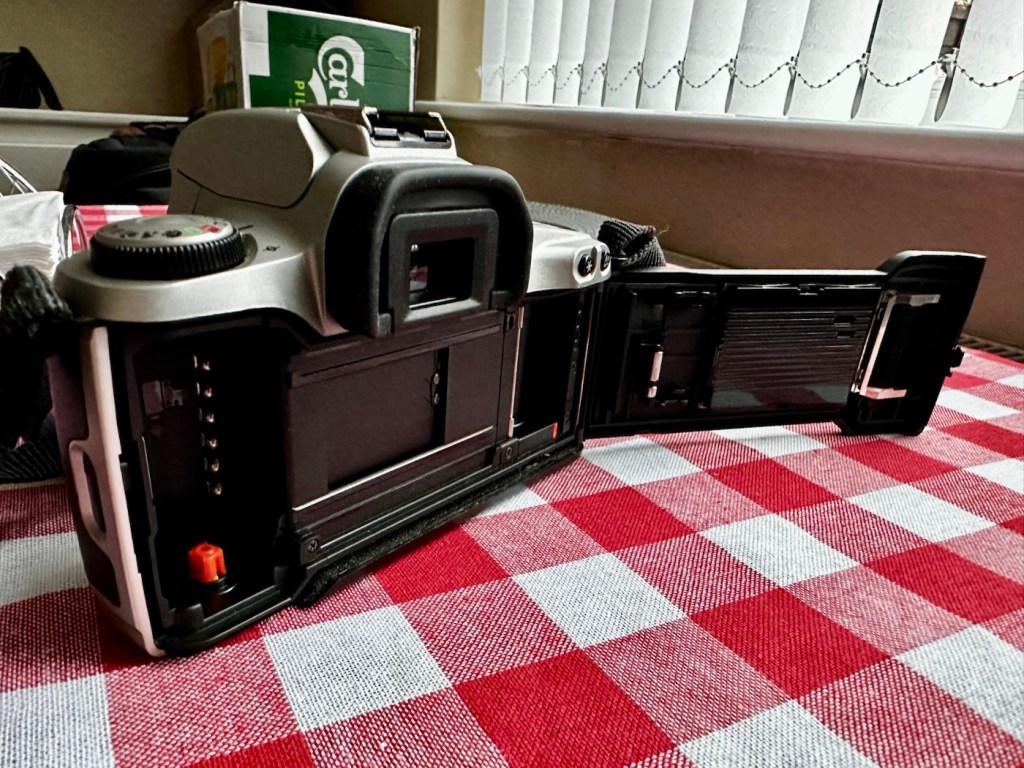
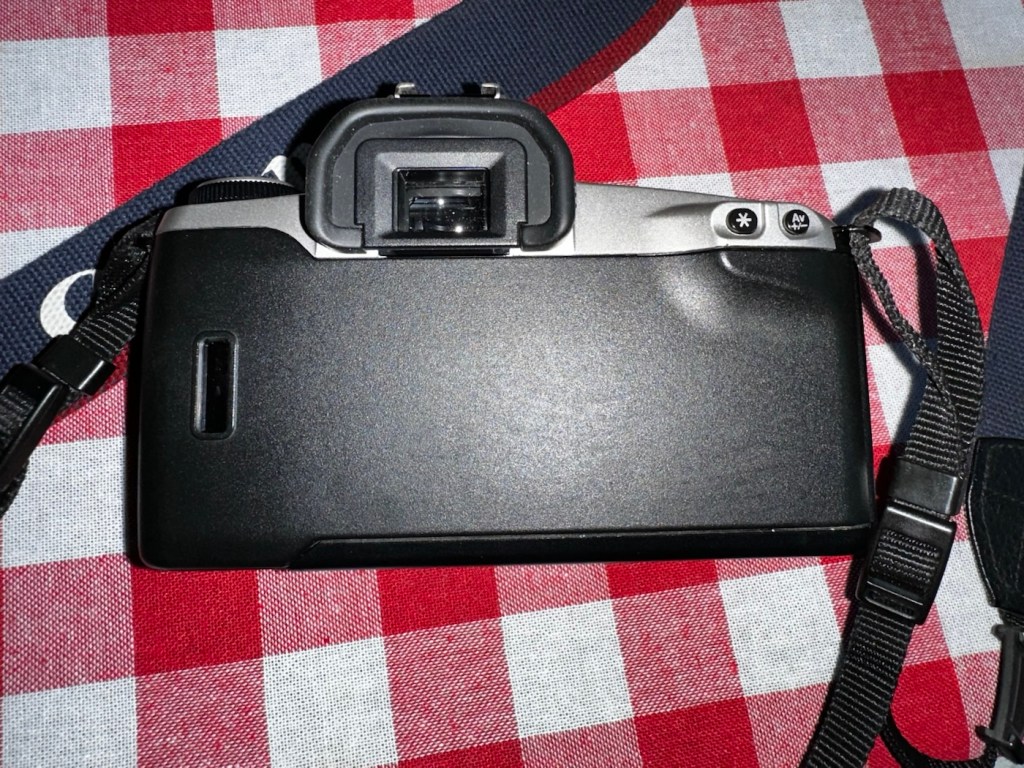
And yes it works well, the Camera is in cracking order and only missing a strap and maybe a lens cap that I may procure later down the line.

The good thing is that it has been saved from disposal, and has years of good honest life left in it.

Thanks for passing by, you know it’s always appreciated.