
Saw this today. Can’t disagree with it, even though it is very blunt and to the point. It certainly won’t be an ordinary day for me….or for anyone else come to think of it.

Maybe even live a lot. Party like it’s your last day.
Peace ✌️

Saw this today. Strange but it hit me somewhat. So here I am sharing this cheery nugget with you all.
Saw this today. Can’t disagree with it, even though it is very blunt and to the point. It certainly won’t be an ordinary day for me….or for anyone else come to think of it.
Maybe even live a lot. Party like it’s your last day.
Peace ✌️
The world’s first SLR 110 format film camera. A strange creation that has its issues, from 1976-79. Can it be resurrected and put back to use?
What the listing stated:
The Untested MK1 1970s Minolta 110 Zoom SLR is a vintage film camera that comes with a case and strap, making it easy to transport and store. This compact camera from Minolta features manual focus and is designed for 110 film in a 13x17mm format. The black-coloured body gives it a classic and timeless look, perfect for film photography enthusiasts looking to experiment with older technology.
With its retro charm and unique capabilities, this Minolta 110 Zoom SLR offers a glimpse into the photographic world of the 1970s. Untested
EBay
Yes you did read right, this is a 110 format camera with SLR. Now, I have had this camera sitting amongst my backlog for a few months now, it was purchased towards the end of 2025. I believe I paid the sum of £14:00GBP for it, and considering current prices on the sales sites it’s quite the bargain I think.
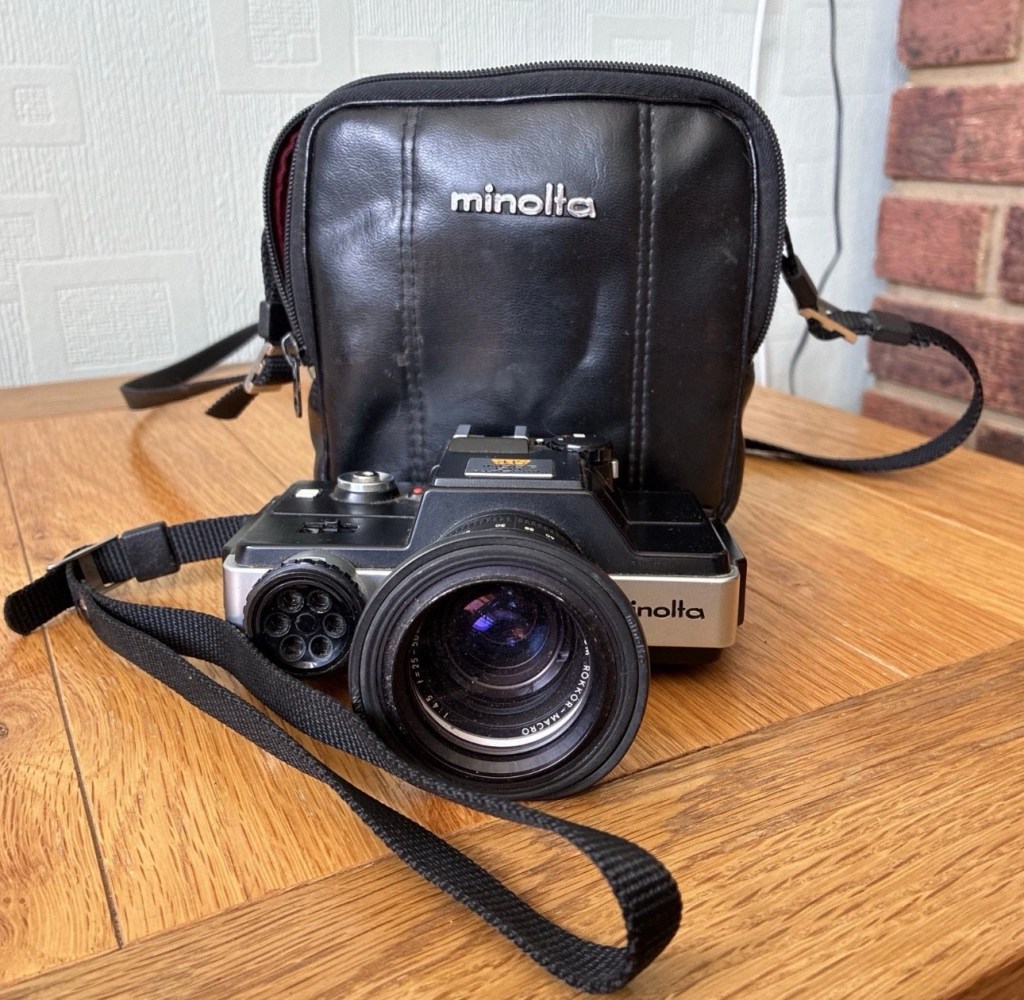
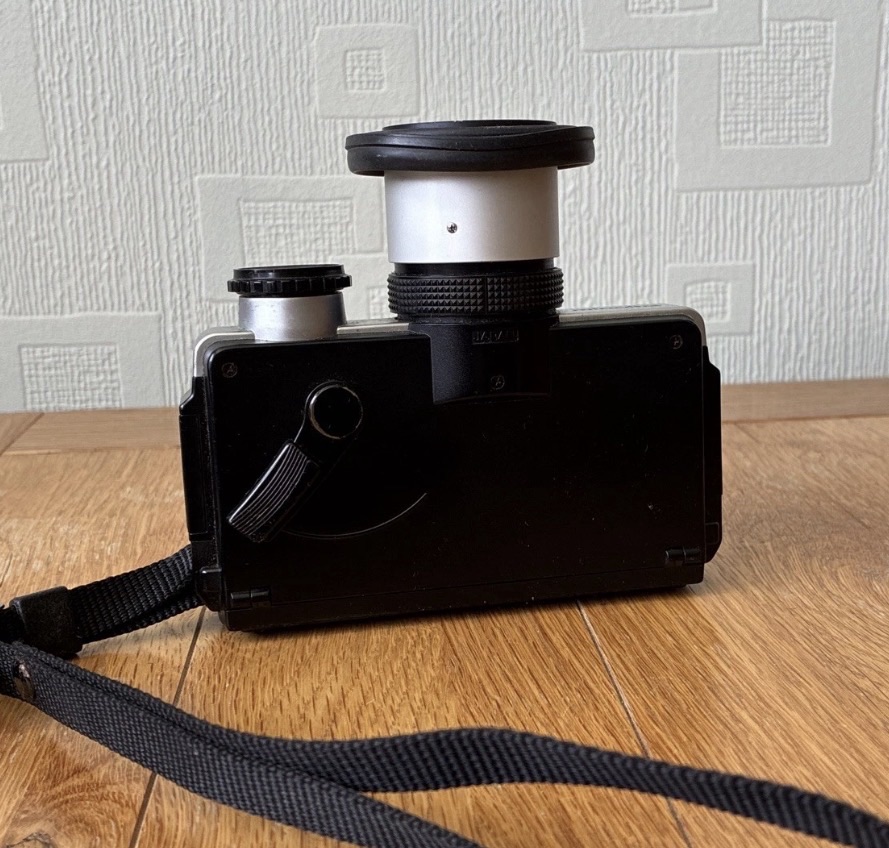
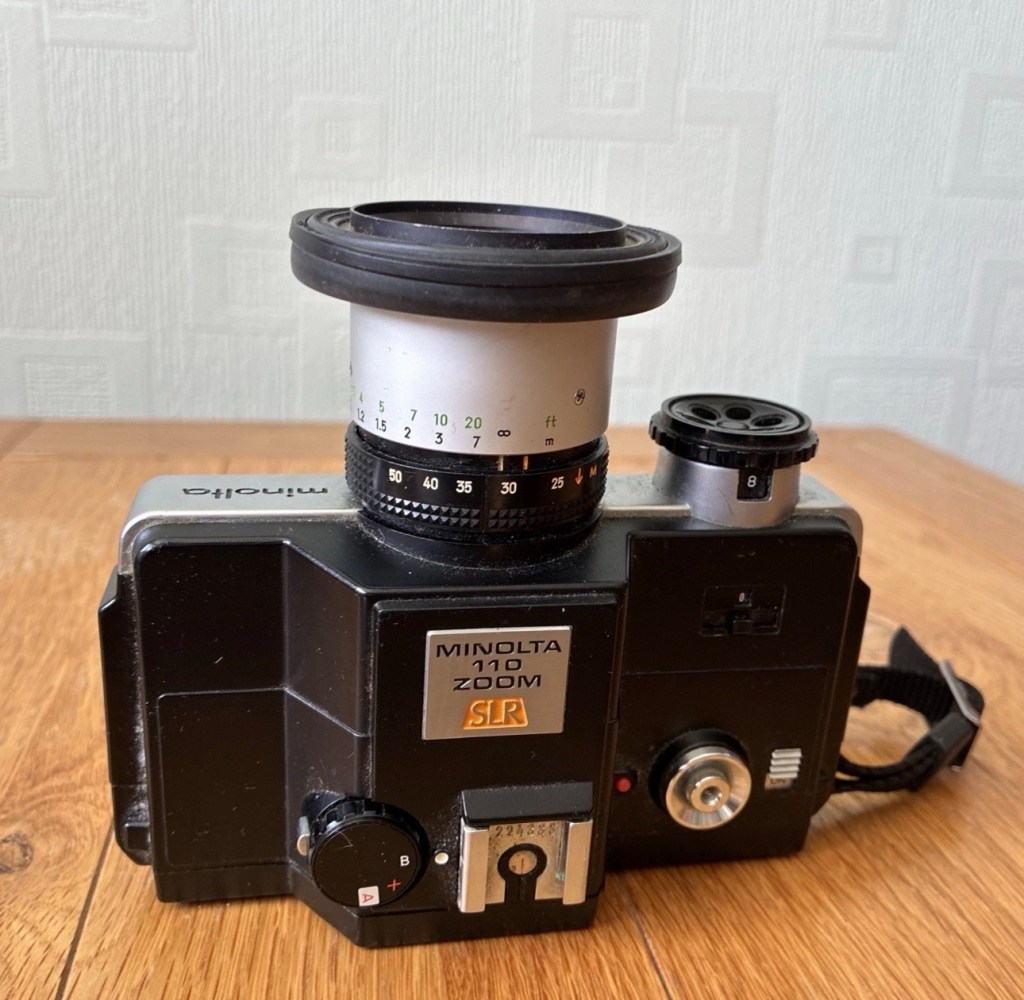
The reason I’m looking at this one is because I have been approached by someone to repair their one, now before I look at their issue (a stuck mirror) that seems to be a standard issue with this model, I want to look at my own one that I believe may well have the same issue. It’s best to learn how to deal with the issue on your own unit, before being let loose on someone else’s.
However, saying that, the listing was a little vague with only the standard “Untested” EBay catch all quote meaning it could be anything between a total wreck, to working perfectly.
Here’s some information regarding this camera:
The Minolta 110 Zoom SLR is a 110 format single-lens reflex (SLR) camera produced by Minolta of Japan between 1976 and 1979. It was the first SLR in 110 format. It has an unusual, flattened shape. Other 110 SLRs were shaped like SLRs in larger formats, but the 110 Zoom SLR took the flat format of the typical 110 pocket camera and added a larger lens and prism hump to it. 1979’s replacement, the Minolta 110 Zoom SLR Mark II, has a more conventional shape.
The 110 Zoom SLR provides aperture priority autoexposure; fully manual exposure is not available. Light metering is with a CdS meter mounted on the front of the camera. An exposure compensation dial allows the photographer to compensate for unusual lighting situations; it also allows the use of film speeds other than the ISO 100 and 400 auto-selected by the cartridge tab, by applying the appropriate compensation factor.
The lens is a fixed 25–50 mm f/4.5-16 manual focus zoom with macro focusing down to 11 in (280 mm). This gives a field of view range approximately equivalent to a 50–100 mm zoom lens on a 35 mmformat camera. There is a built-in, pop out lens shade. The filter thread diameter is 40.5 mm. Minolta sold UV, yellow and 1B filters.
Available shutter speeds are 1/1000 second through 10 seconds, with a 1/150 second X-sync speed and support for bulb exposure. There is no built-in flash, but a hot shoe on the top allows an external flash to be attached. A tripod socket is provided.
Wikipedia
Let’s get the assessment out of the way.
The camera has arrived. And the most annoying thing about it, is that it appears to be working just fine. I have been through every possible combination of settings available, hoping to get the mirror to stick up (as is common with these cameras) but to no avail. Everything appears to be working just fine. Damn that’s annoying as the “untested” EBay get out clause used so often by questionable sellers, has on this occasion gone in my favour. If you refer to the opening paragraphs, you will see I wanted to work on this one to diagnose an issue that a potential customer has asked me about. I may well just send him this working one in exchange for his knackered one, how’s that for service!
Anyway, here is what I received, in a black Minolta case, it has been well looked after and is just a bit dirty and in need of a clean.
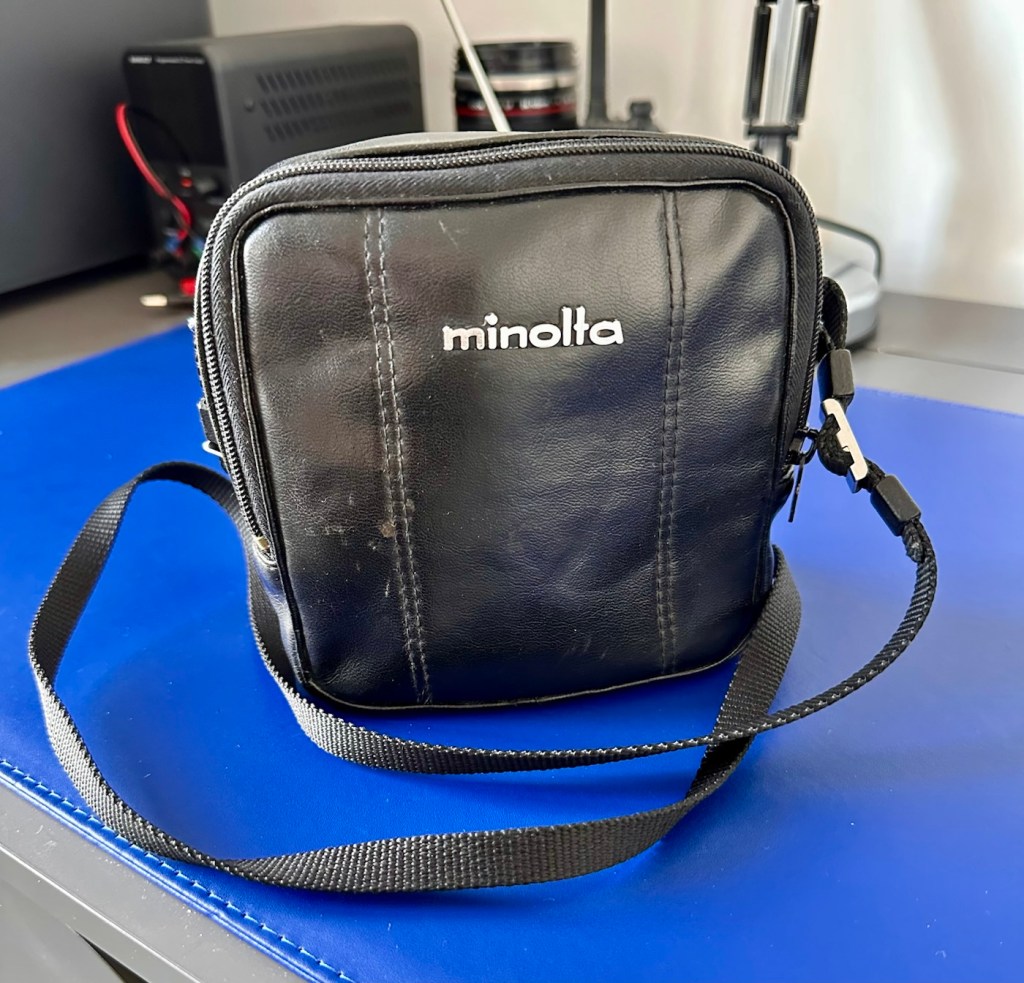
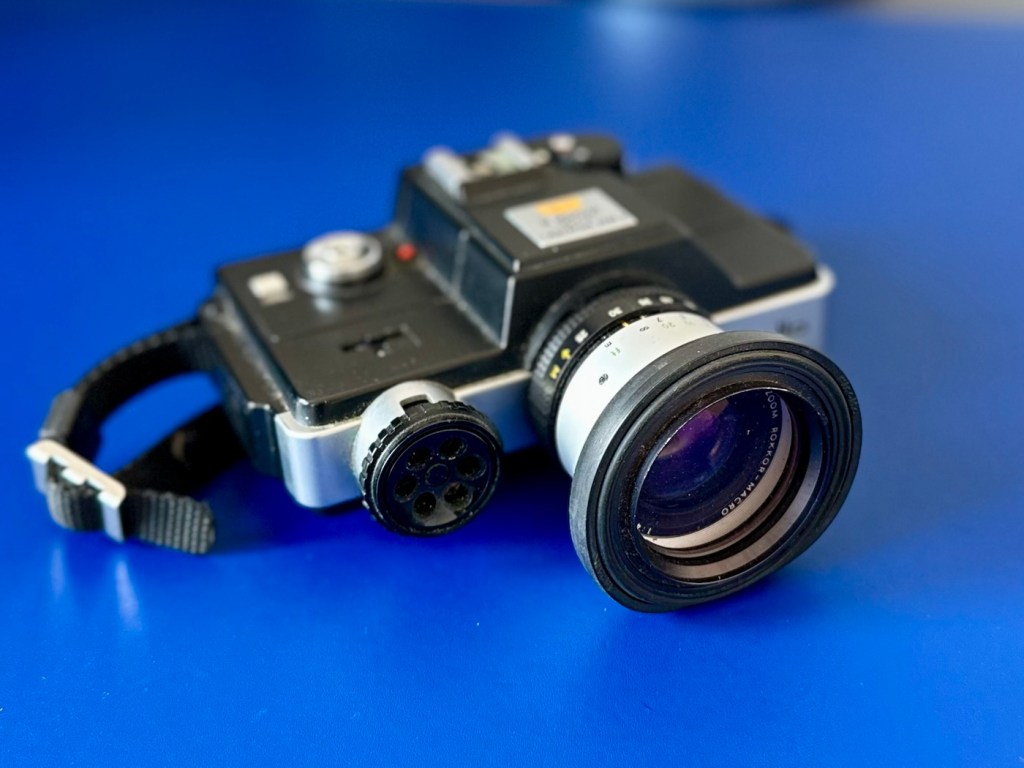
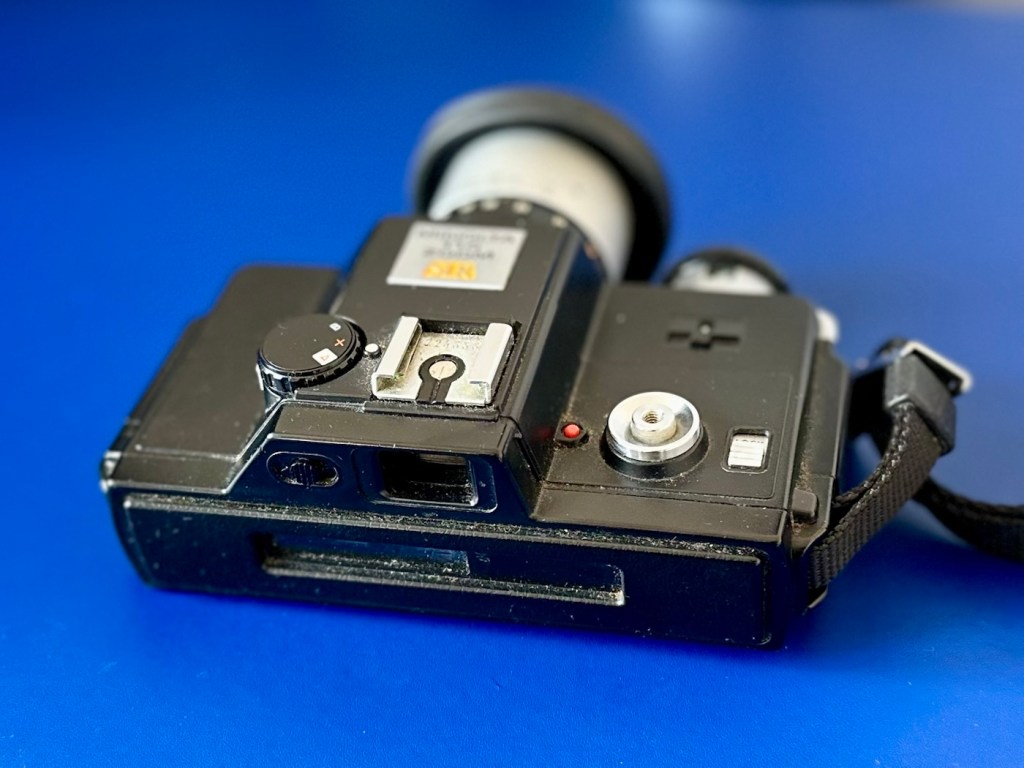
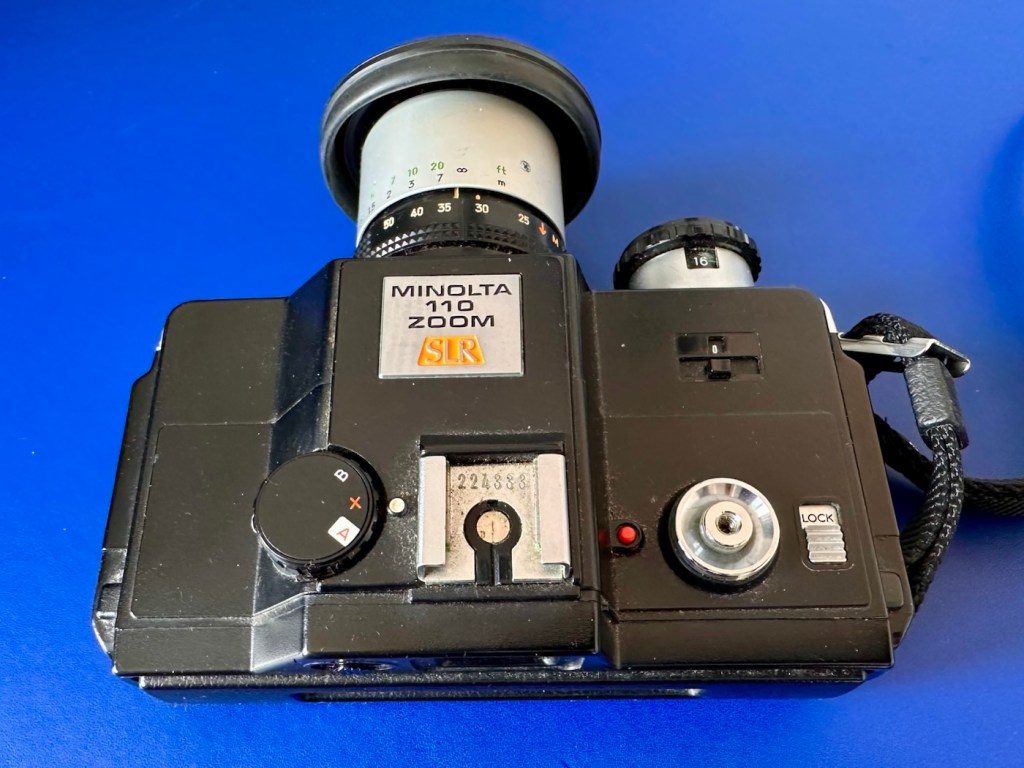
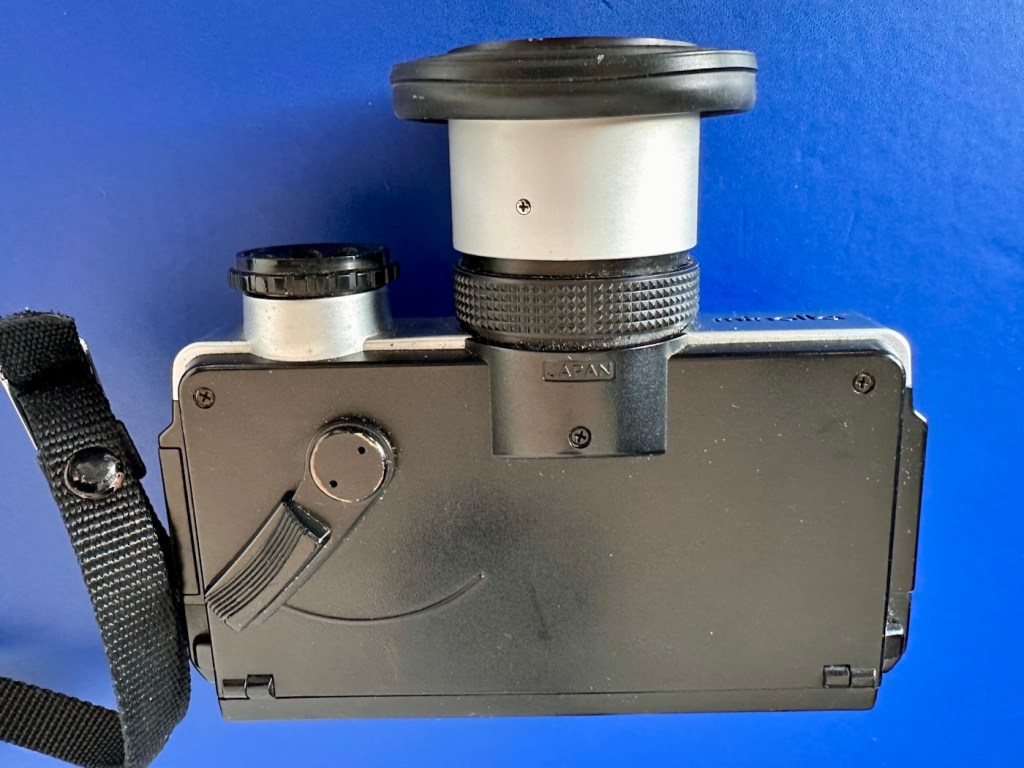
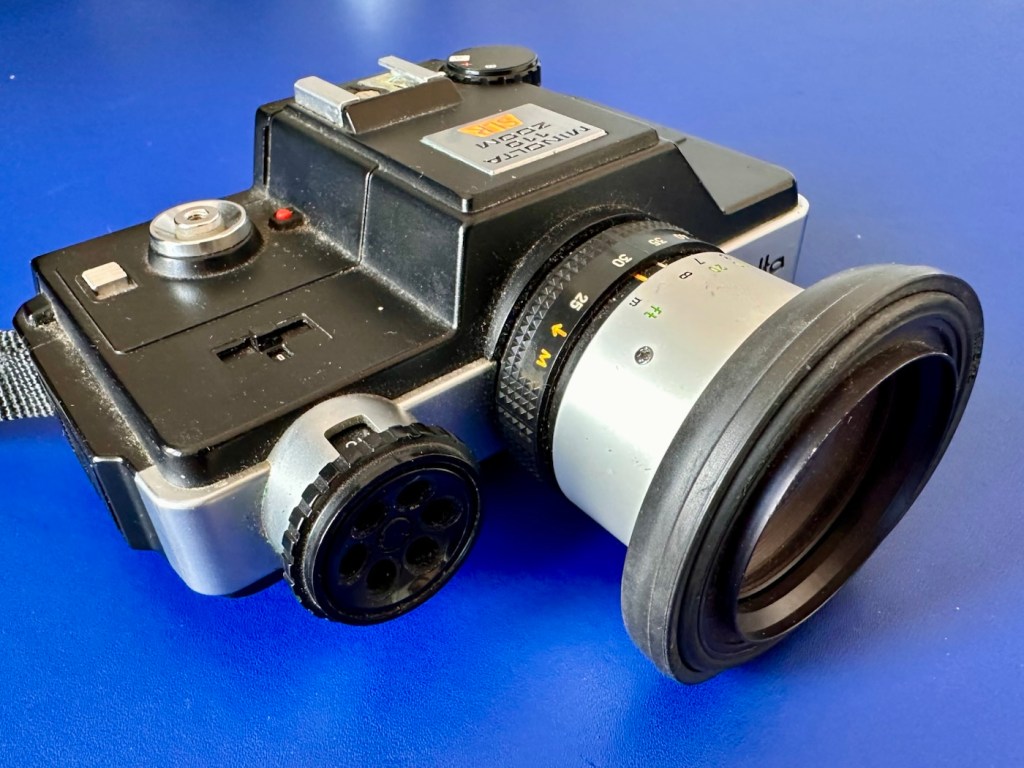
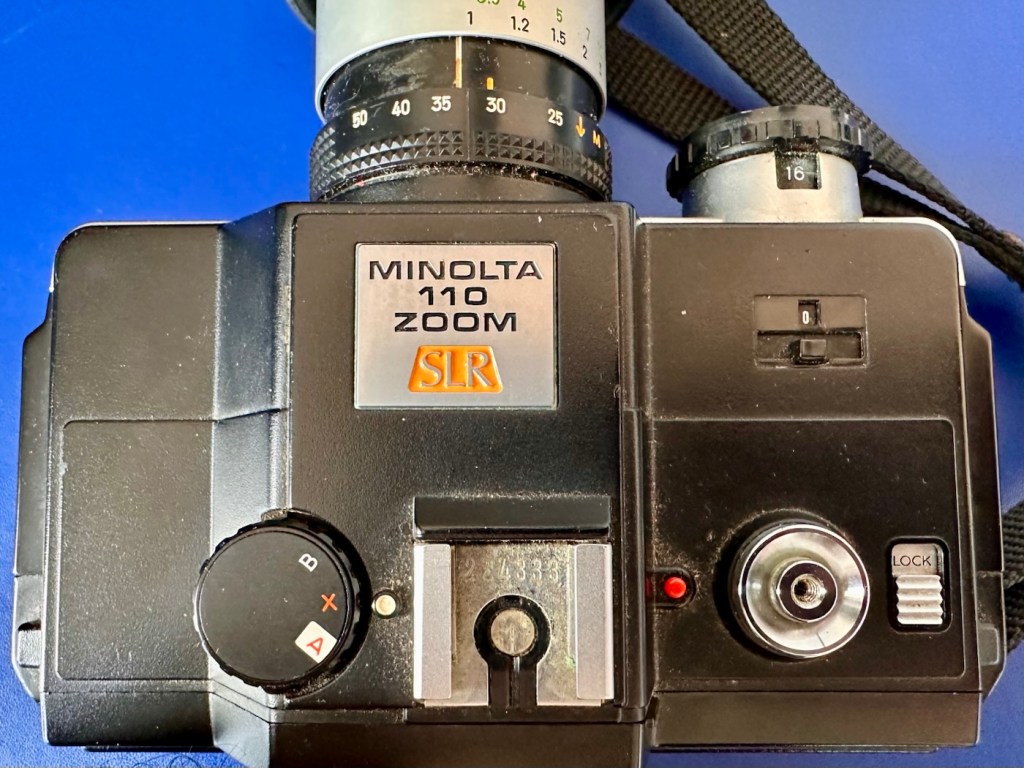
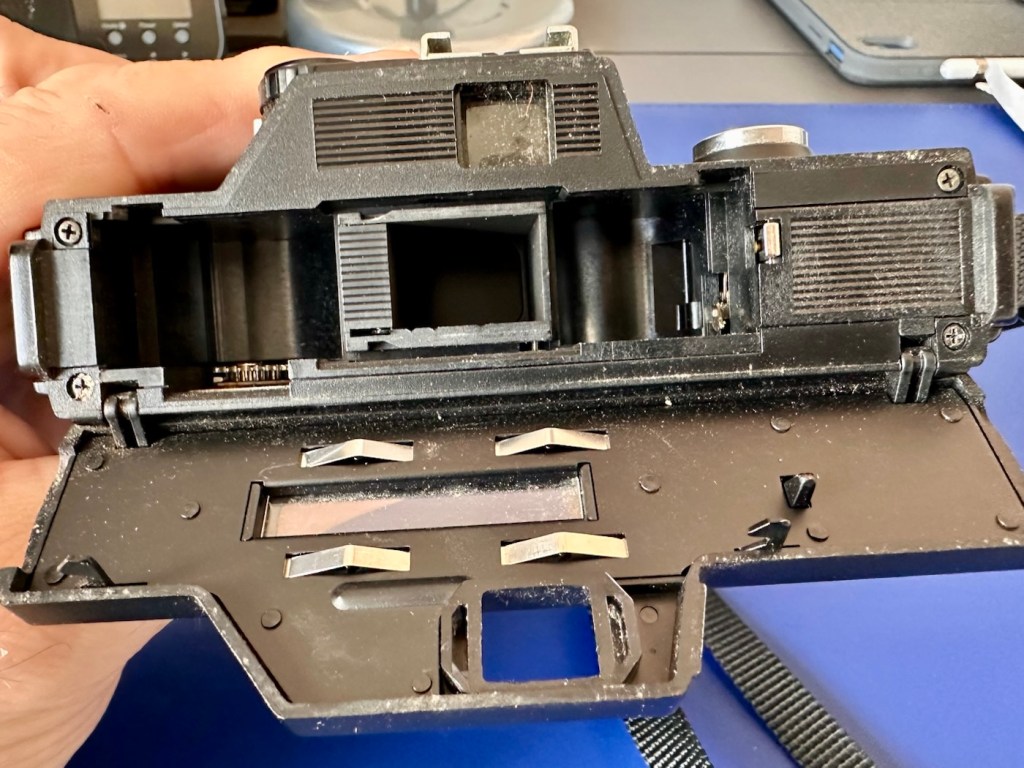
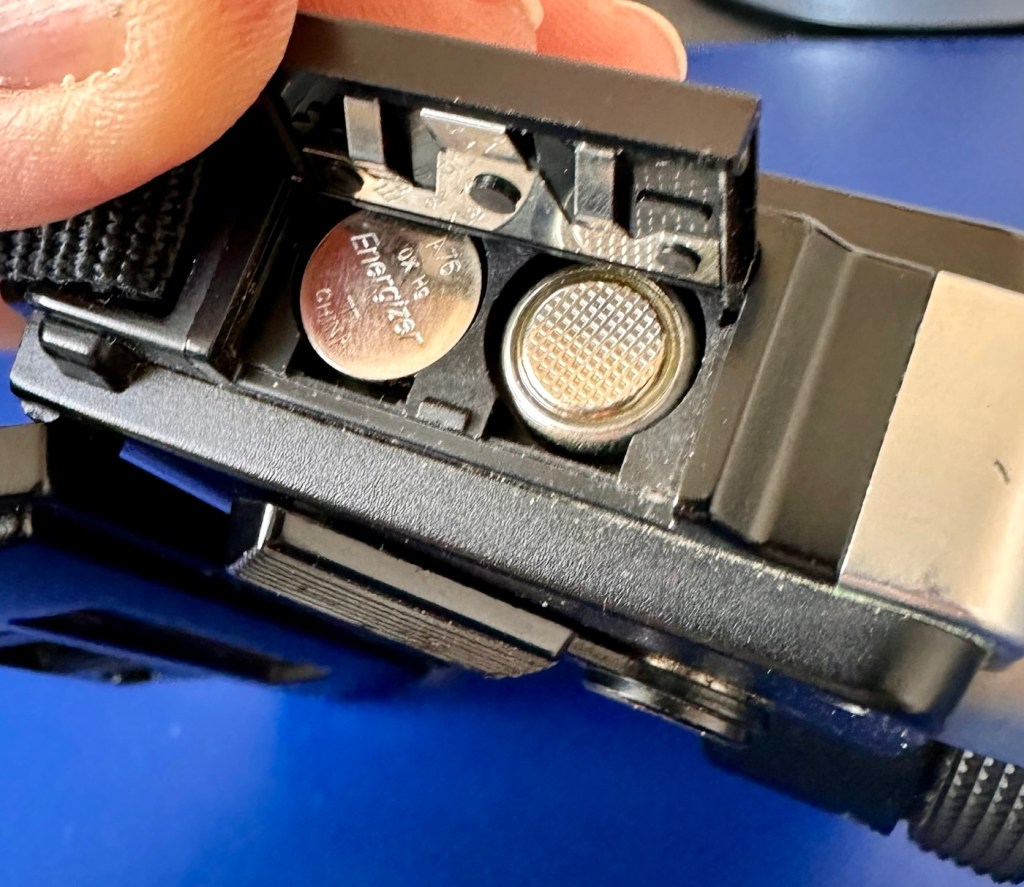
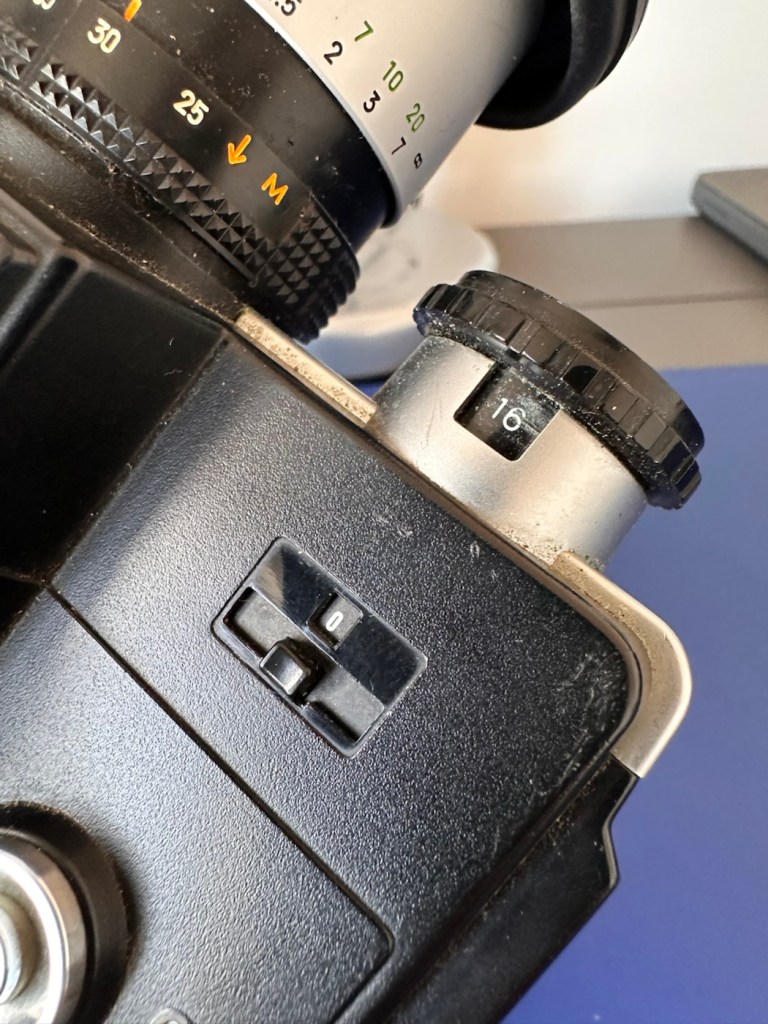
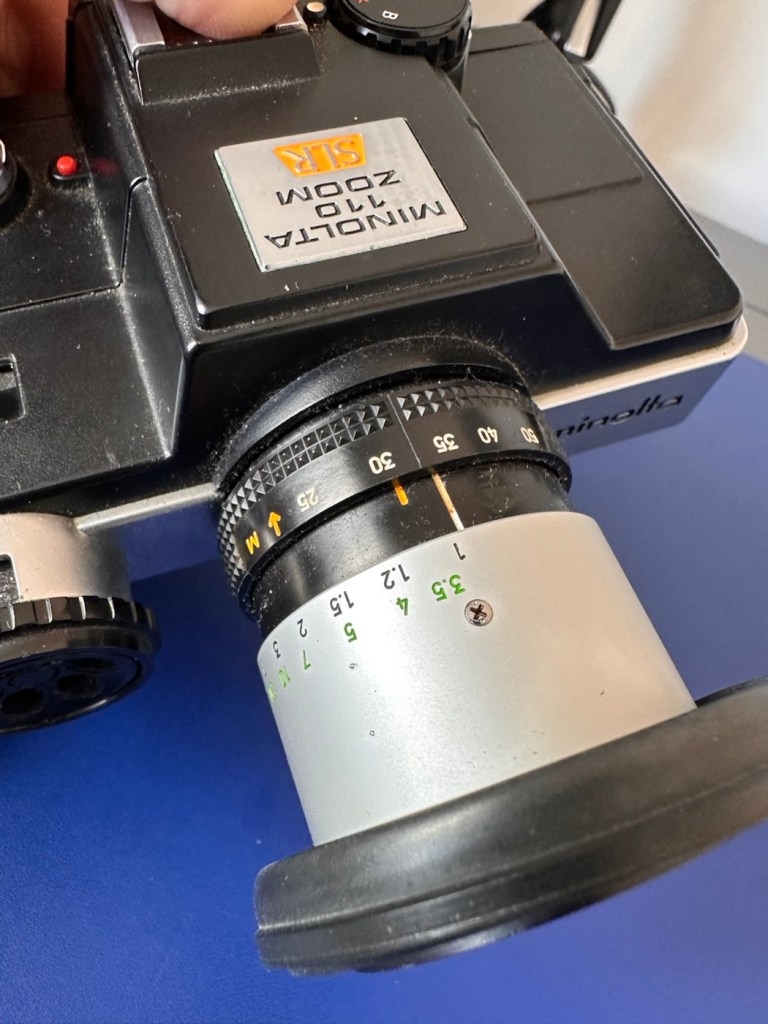
Lovers of lomography really rate these cameras, the 110 film cartridge is quite an expensive outlay these days and from what I can see with film costing about £9:00GBP for a roll and then about £18:00GBP for developing and scans only, you are looking at quite an outlay of almost £30:00GBP for the results. I don’t think I will be attempting this unless I come across a less expensive option, as I’m sure there will be one out there….somewhere.
So, with not much more to tell, let’s move on to getting it repaired….or should that be cleaned?
Closer inspection of the lens when I’m cleaning shows me that there is a small area on the outer optic of the lens that has a solitary spore of fungus. It’s nothing too much, however a quick clean of the exterior of the optic, confirms the issue is inside. I’ve now got to dismantle the lens barrel to get to it.
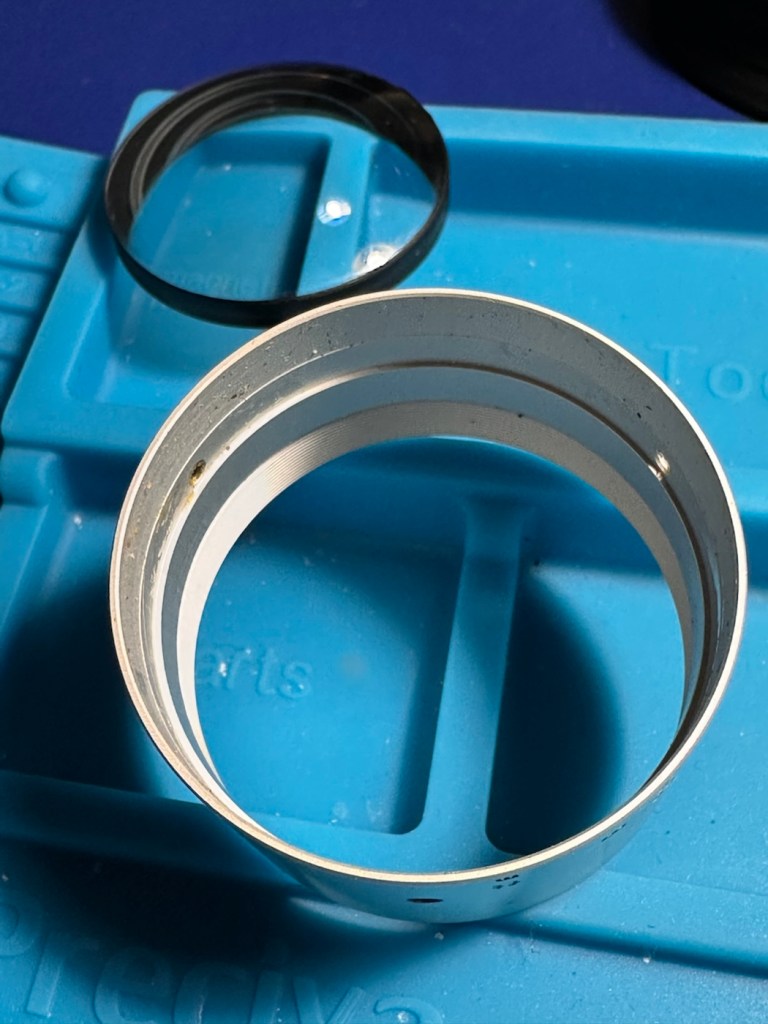
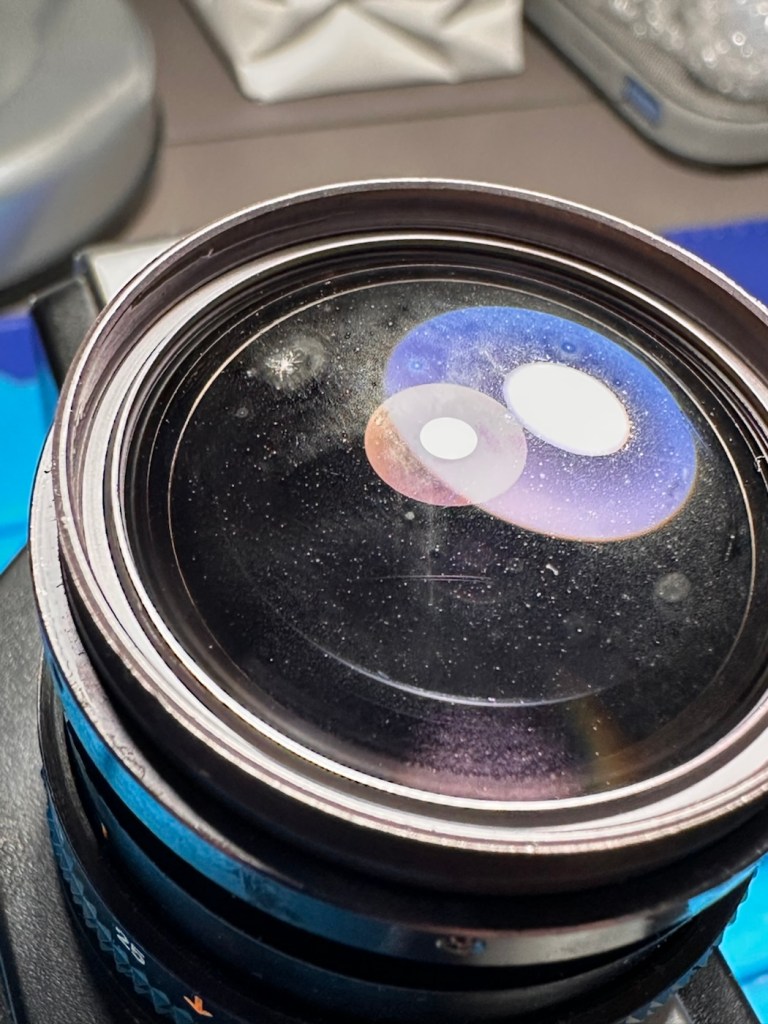
The fungus is on the rear, not the front of the outer optic.
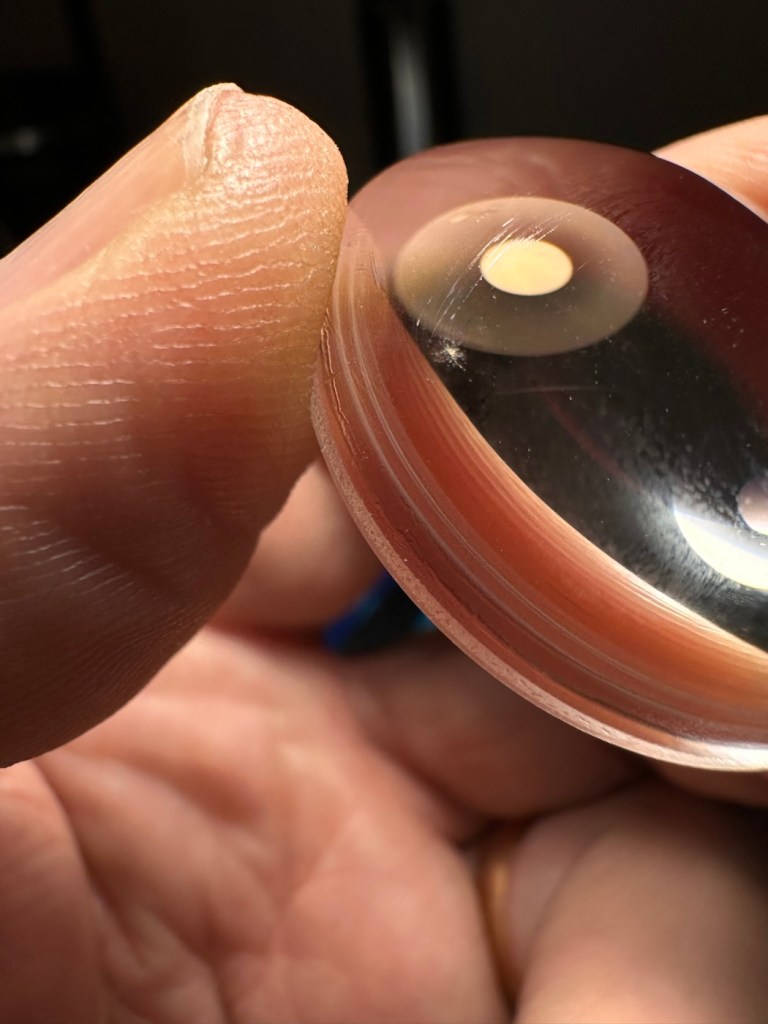
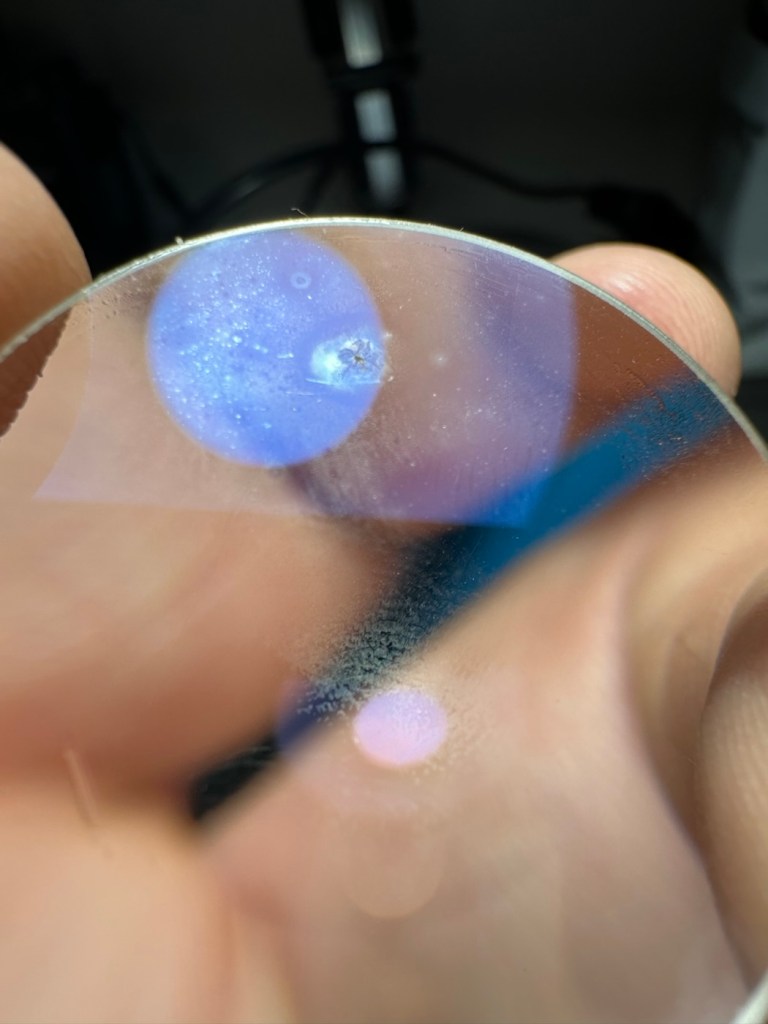
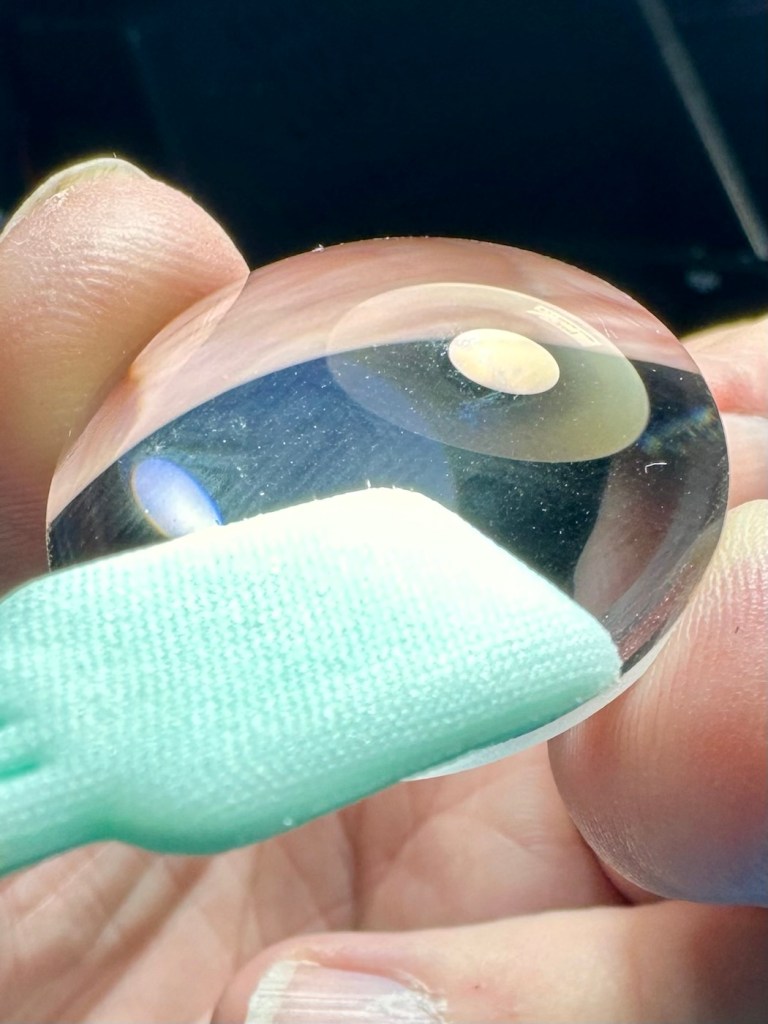
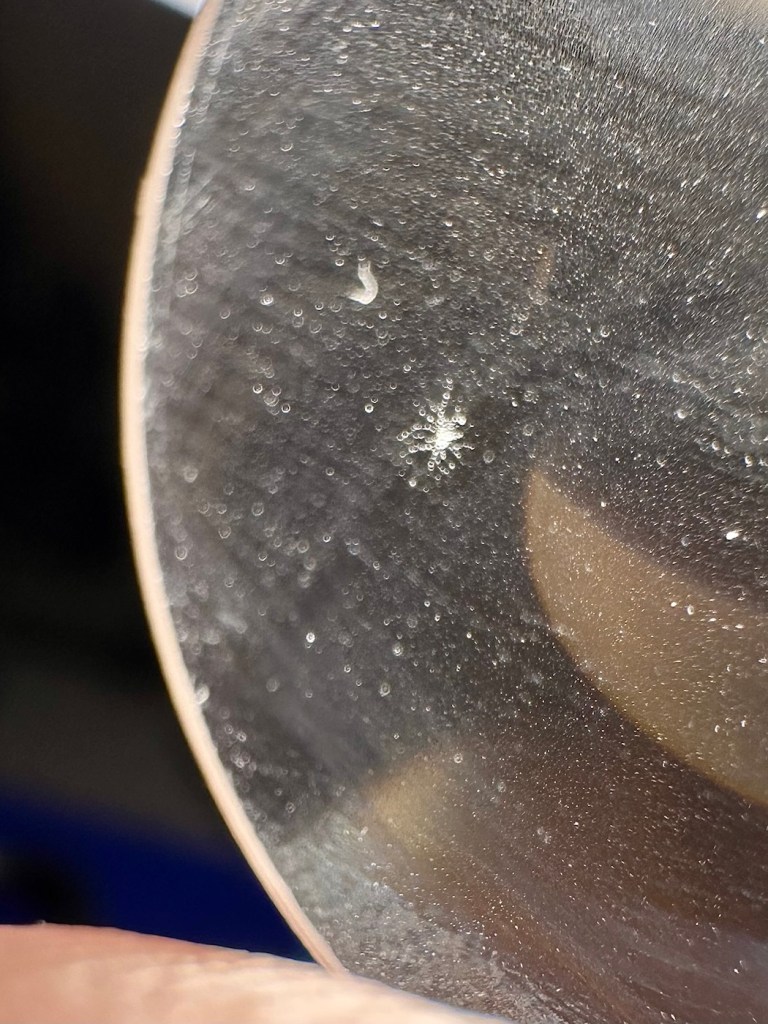
The bad news is that on close inspection and using a soft plastic pick, a tiny indentation at the point of the fungus can be felt, this shows that the fungus has eaten into the optic coating and no amount of cleaning will ever eradicate it. Two options here are a new optic, or to get the optic ground down, both totally beyond the value of the camera and to be honest totally unnecessary. The good news is that there is no fungus on the inner optics, and luckily this needs no cleaning or attention.
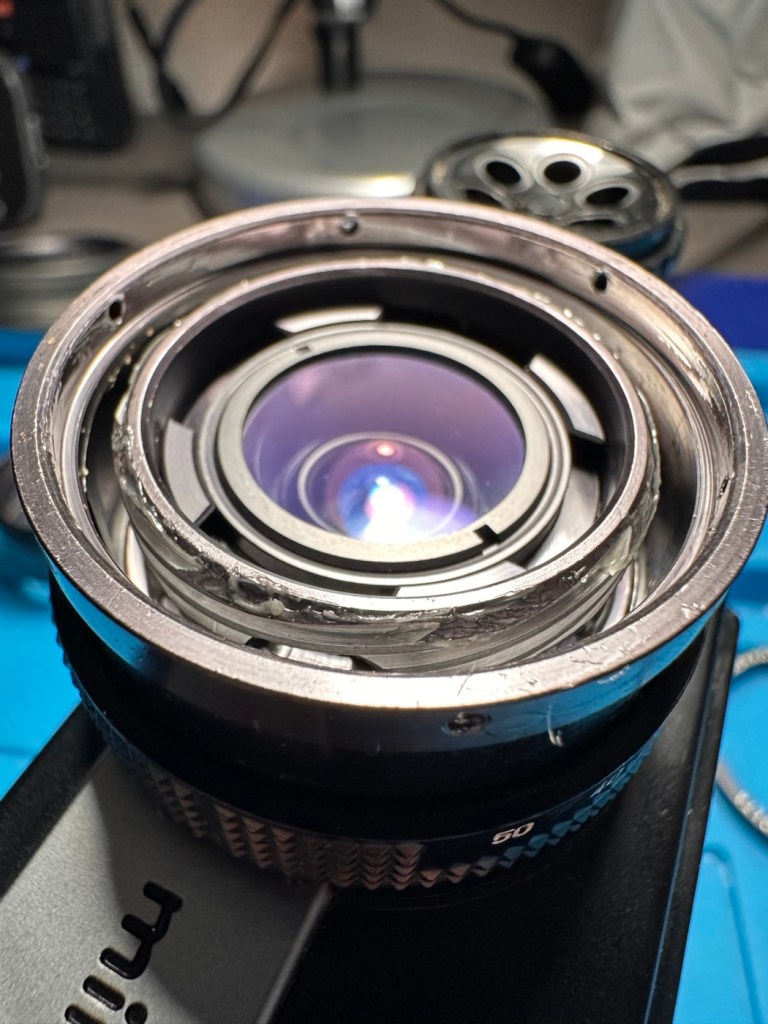
To be totally honest, the negatives in these cameras are so small, and the outer lens magnification is probably sufficient enough to make this aberration appear as nothing more than a slight blur, if it even shows up at all! I’ll give it a good clean to prevent any further growth, and just put it back together again. There is a good possibility that a film will never be run through this camera again, even so I would like it to look as good as possible, and operate as it should, if there is even the remotest chance of a film being used in it, sometime in the distant future.
The camera has been reassembled and is looking quite nice. It’s a really weird camera. So weird that someone has offered to take it off my hands, as they believe it’s quite a novel item, so as soon as I’ve posted this report it will be winging its way to its new owner.
It’s probably best that I pass this on to someone who will either use it, or at least make a use of it should it become a display item.
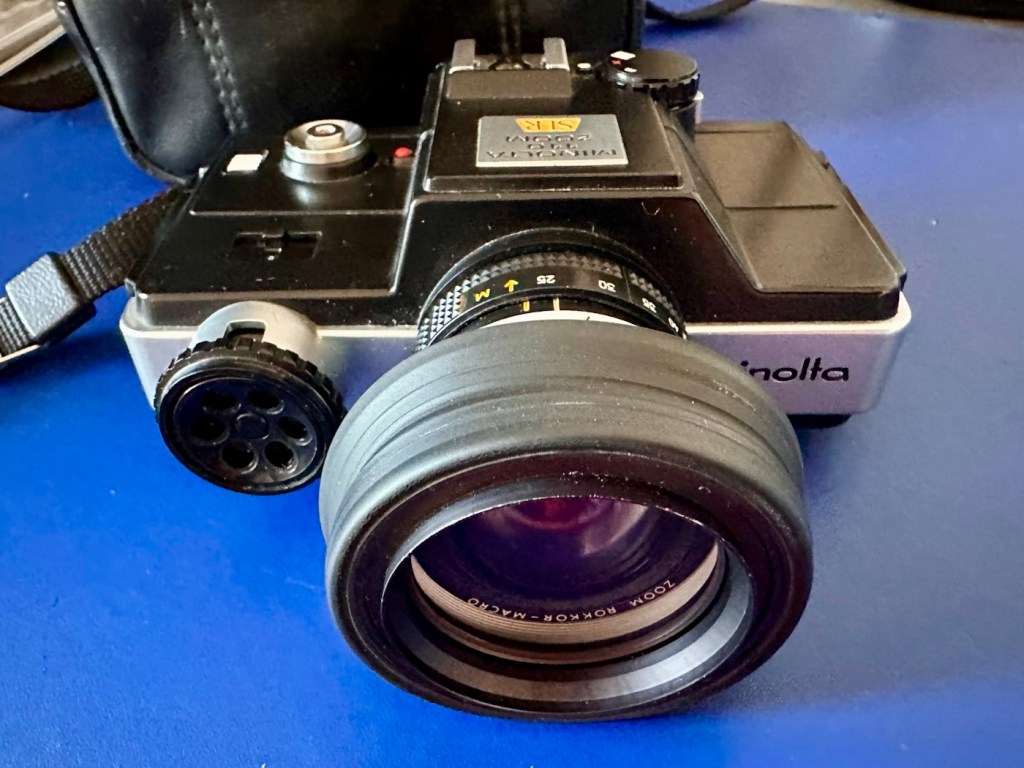
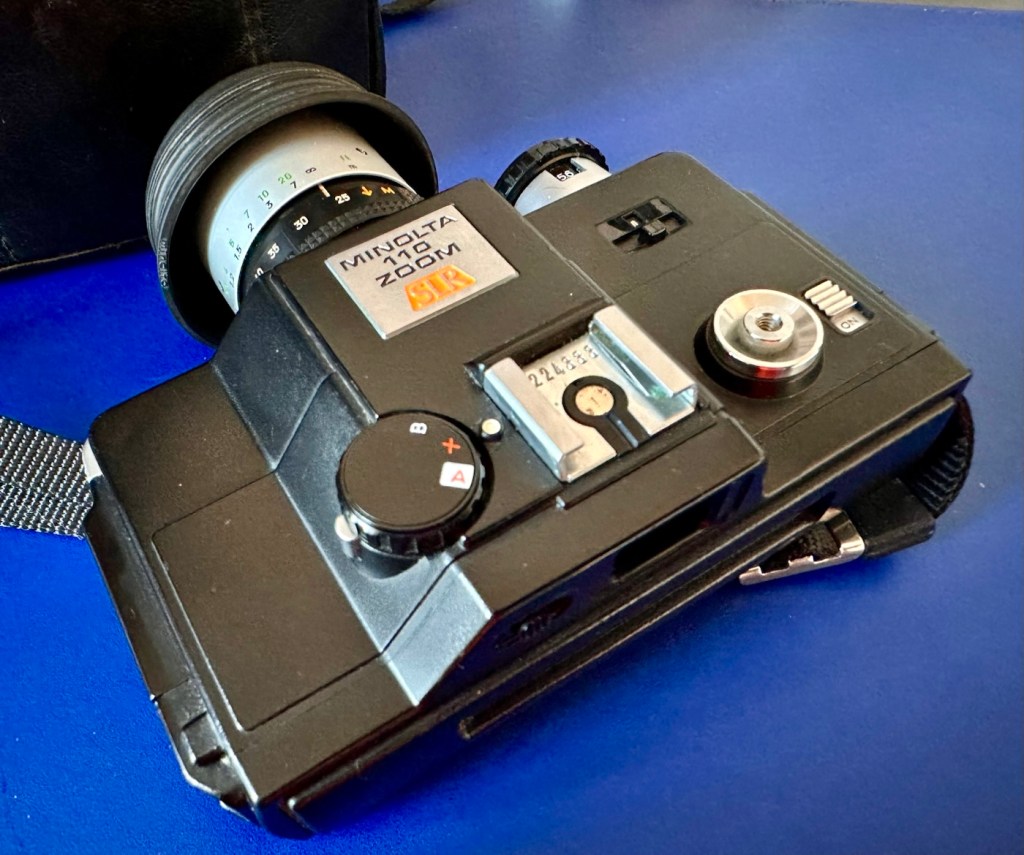
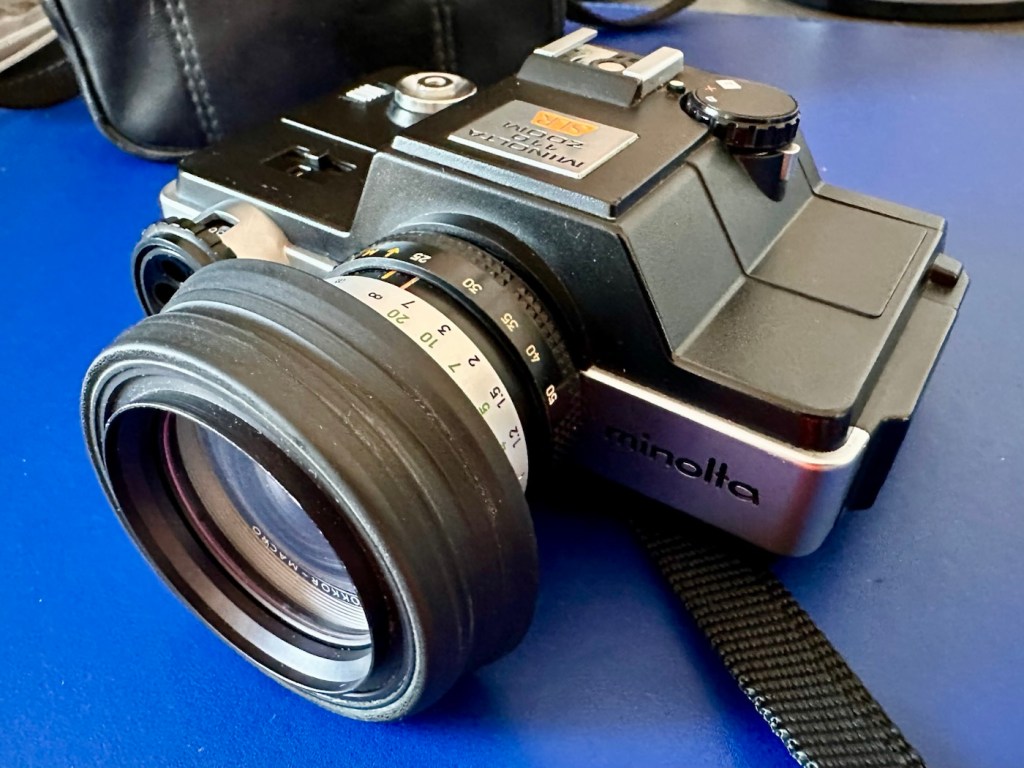
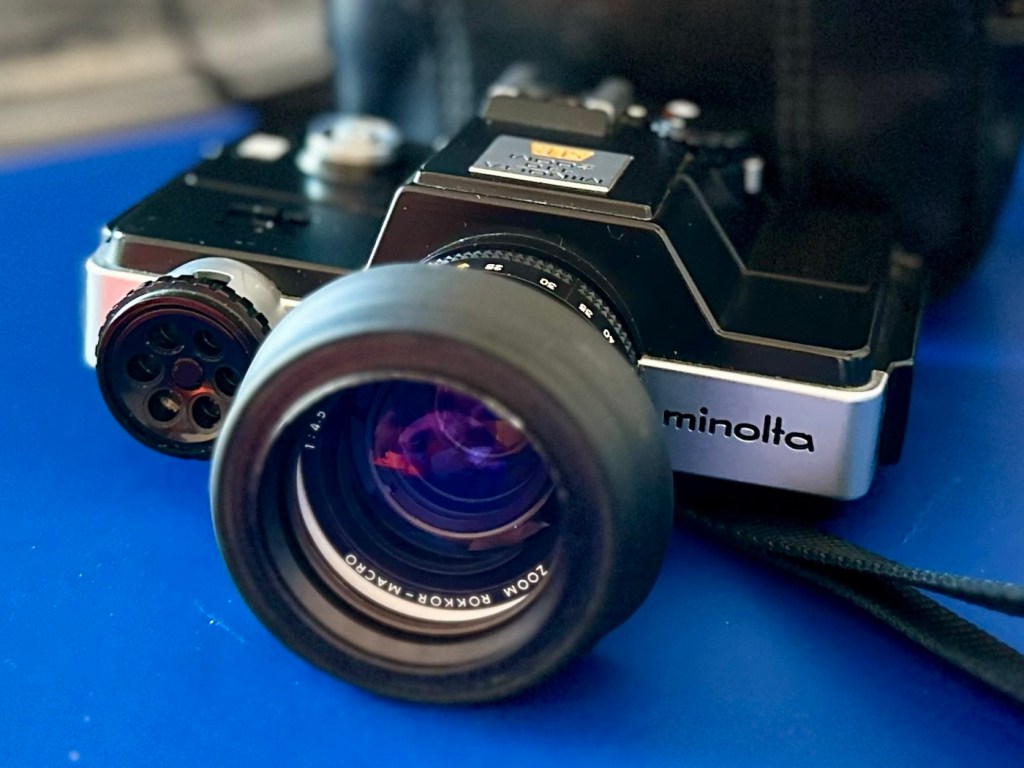
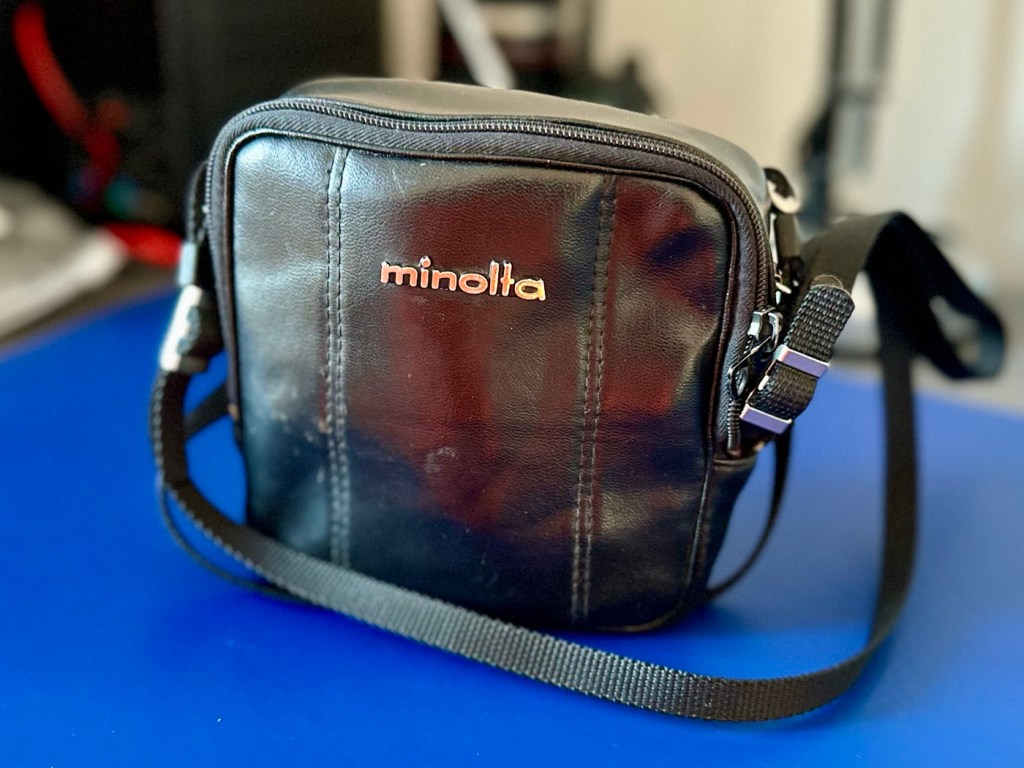
A nice little camera, but to be honest it’s more than likely more of a display piece rather than a working camera. It is fully operational though and has been nice to work on. I’m pleased someone else will eventually benefit from it.
Thanks for passing by, always appreciated.
My second chance at reviving a DSLR from 2008, the Canon EOS 5D MkII. Will I have a little more success with this one?
I’ve been approached by an old colleague who used to be a syndicated sports photographer, he had a number of items he wanted to “get rid off” as they were just taking up space in his new house. “Would you be interested?” You betcha, so as a result I’m now the owner of a complete Bowens lighting system, two Canon EOS 1D MkIV cameras and a Canon EOS 5D MkII camera.
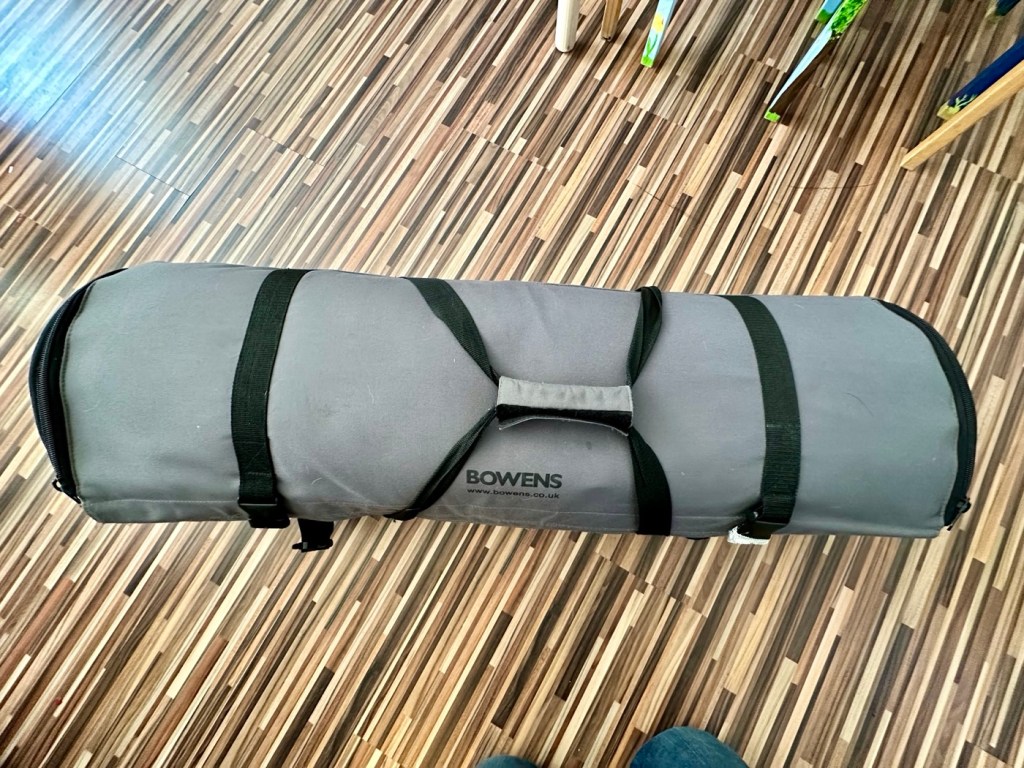
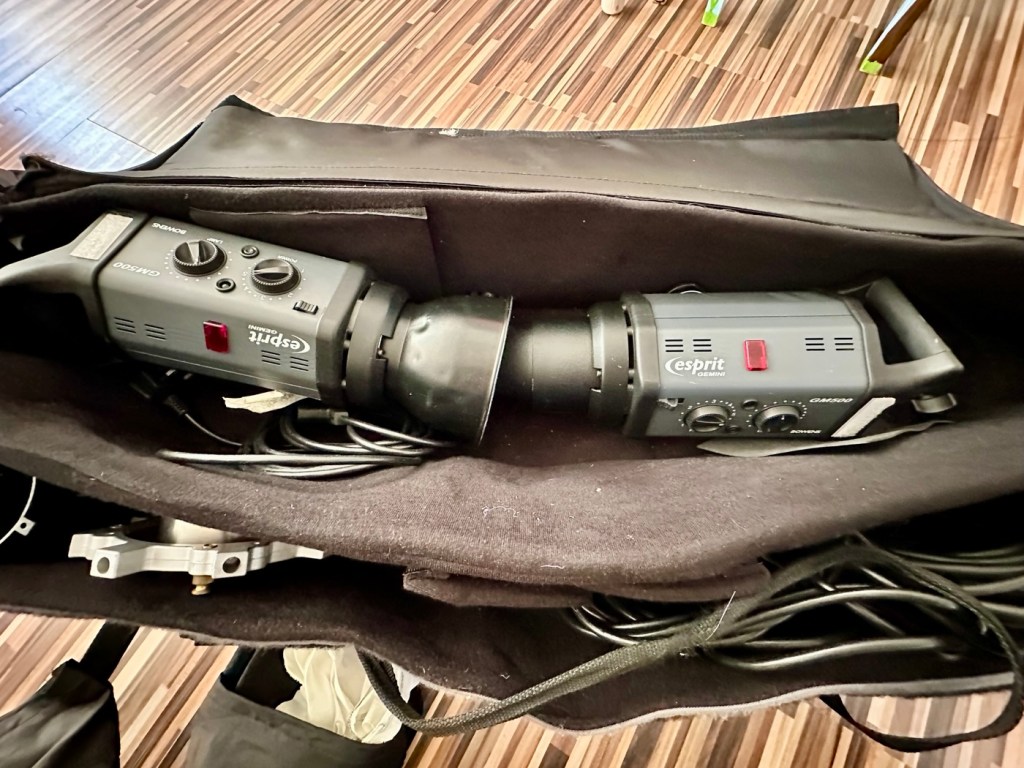
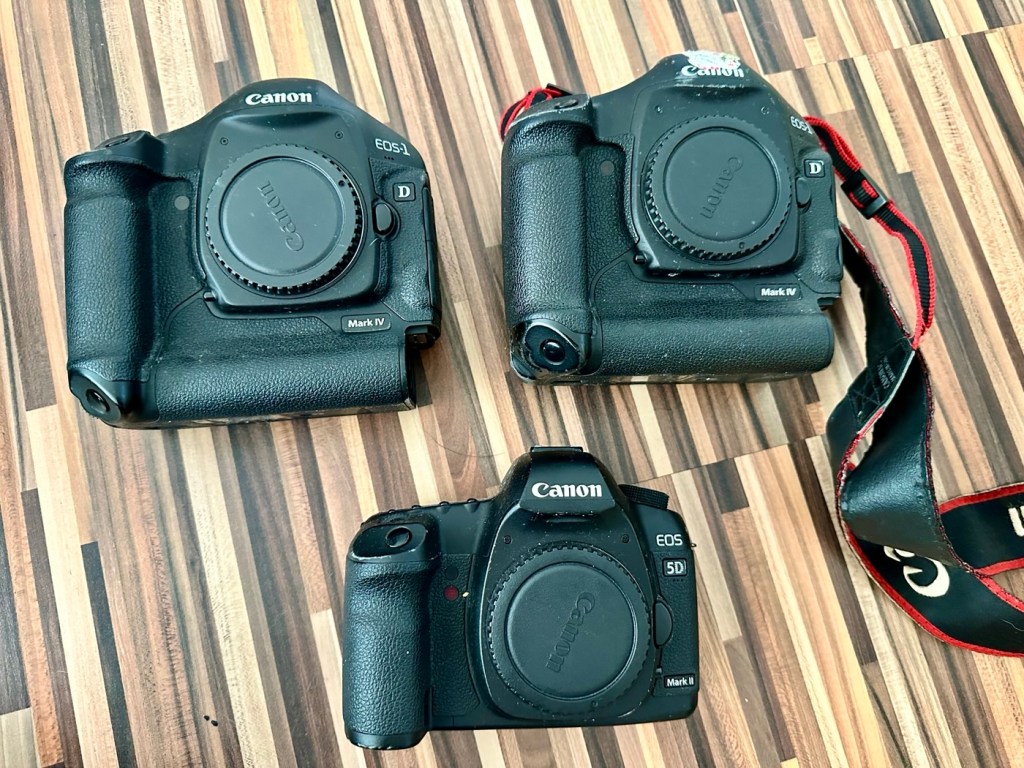
My days of fussing and farting about with lighting rigs has now long passed, so I know a youngster starting out in the world who is a very talented young fellah, I have donated this equipment to him and he will certainly have a use for this lighting setup. He has been approached and accepted the offer, I think he is quite happy with his new acquisition, here’s hoping his talents continue to flourish.
However the cameras are mine as no one wants this old stuff anymore 😂
This post focuses on the repair of the Canon 5D MKII, the repair of the EOS 1D MKIVs can be found here: Canon EOS 1D MkIV There is also a link to my first attempt at a Canon EOS 5D Mk2 and here is the actual assessment of that camera and the issues experienced with it Canon EOS 5D MK2 assessment and repair, I failed with this repair due to it having sensor issues, so sold it on at a small profit, i’m hopeful that this new attempt at the 5D will bring better results.
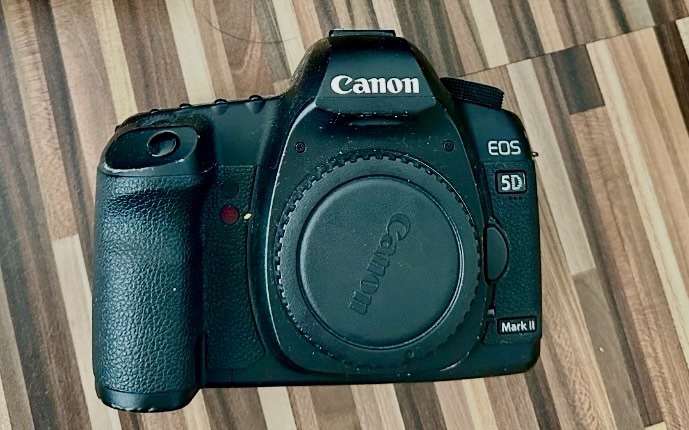
Let’s hope this camera acquisition comes with a better outcome. Whereas the other two 1D cameras i received in this package have required me to to purchase a new battery and charger, I do already have a number of LP-E6 batteries and a charger in my possession, so there is no initial outlay required to test this camera. We are off to a good start here and should be easily able to diagnose any issues fairly quickly.
Anyway, before we assess the camera, here is a little bit about the Canon EOS 5D MkII.
The Canon EOS 5D Mark II is a 21.0 effective megapixel full-frame CMOS digital single-lens reflex camera made by Canon, the first Canon EOS camera to have video recording capabilities. It succeeds the EOS 5D and was announced on 17 September 2008.
On 2 March 2012, Canon announced the camera’s successor, the Canon EOS 5D Mark III. On 24 December 2012, Canon Japan moved the camera to their “Old Products” list, effectively discontinuing the camera.
The Canon EOS 5D Mark II is a full-frame camera and requires Canon EF-mount lenses. It is not compatible with EF-S lenses (which are for APS-C crop sensors).
Features:
- 21.0 megapixels (5,616 × 3,744 pixels), compared to 12.8 megapixels (4,368 × 2,912 pixels).
- DIGIC 4 image processor, compared to DIGIC II.
- 100 to 6400 ISO (expandable to L (50), H1 (12800), H2 (25600)), compared to 100 to 1600 (expandable to L (50), H (3200)).
- 3.9 frames per second continuous shooting (78 JPEG or 13 Raw in a single burst), compared to 3 frame/s (60 JPEG or 17 Raw).
- Small Raw modes: sRAW1 mode (10 megapixel/3861 × 2574 pixels), sRAW2 mode (5.2 megapixel/2784 × 1856 pixels).
- 98% viewfinder coverage with 0.71× magnification, compared to 96% coverage.
- Larger 3.0-inch (76 mm) LCD with 920,000 pixels, compared to 2.5-inch (64 mm).
- 1800 mAh LP-E6 battery, compared to 1390 mAh BP-511A.
New features
- Movie recording full HD at 1920 × 1080 and SDTV at 640 × 480 resolution.
- Monaural microphone for audio during video recording, speaker for playback and microphone jack for external stereo microphone
- Live preview with ExpSim LV “exposure simulation” live preview (full exposure preview control utilizing ExpSim LV, a first for video in a DSLR)
- Live preview with contrast-detect autofocus
- HDMI video output for live preview or playing clips and images on an external monitor via Type C MiniHDMI port
- Dust reduction system to perform automatic sensor cleaning
- Battery management software
Key Lifespan Factors:
- Shutter Rating: 150,000, though this is considered conservative by users.
- Real-world usage: Many cameras show failure rates increasing closer to the 100,000–150,000 range, but many exceed it significantly.
- Longevity: Some, though rare, individual cameras have recorded over 2 million shots.
- Repairability: The shutter mechanism can be replaced if it fails, which may extend the camera’s life further.
- Component failure: Other parts, such as the power board or rubber grips, may fail before the shutter.
Common Issues:
- Rubber grips: Rubber grips can become loose over time.
- Button/Dial functionality: Buttons and dials may wear out over long periods of use.
- Sensor maintenance: Regular sensor cleaning is needed to maintain performance.
The 5D Mark II is the first camera in the EOS line to provide video recording functions. Still photography during video recording is possible, but the camera suspends recording video until the final still frame is captured.
The lithium-ion battery for the 5D Mark II (LP-E6) has an 1800 mAh capacity. Each battery contains a microchip with a unique identifier for reporting charge status and battery health for display on the camera. The 5D Mark II’s “Battery Info” screen can track battery health and shooting history for up to six LP-E6 batteries.
The camera has native ISO values of 100 multiplied by a power of 2; other ISO values are obtained by a digital exposure push (ISO values that are multiples of 125) or digital exposure pull (ISO values that are multiples of 160). The digital exposure push ISO is 1/3 stop greater than the native ISO, and a digital exposure pull ISO is 1/3 stop less than the native ISO. The digital exposure push ISO settings produce more noise than the native settings with a reduced dynamic range, and the digital exposure pull ISO settings produce less noise than the native settings.
Wikipedia
The camera has arrived and here are my first thoughts. But first some pictures.
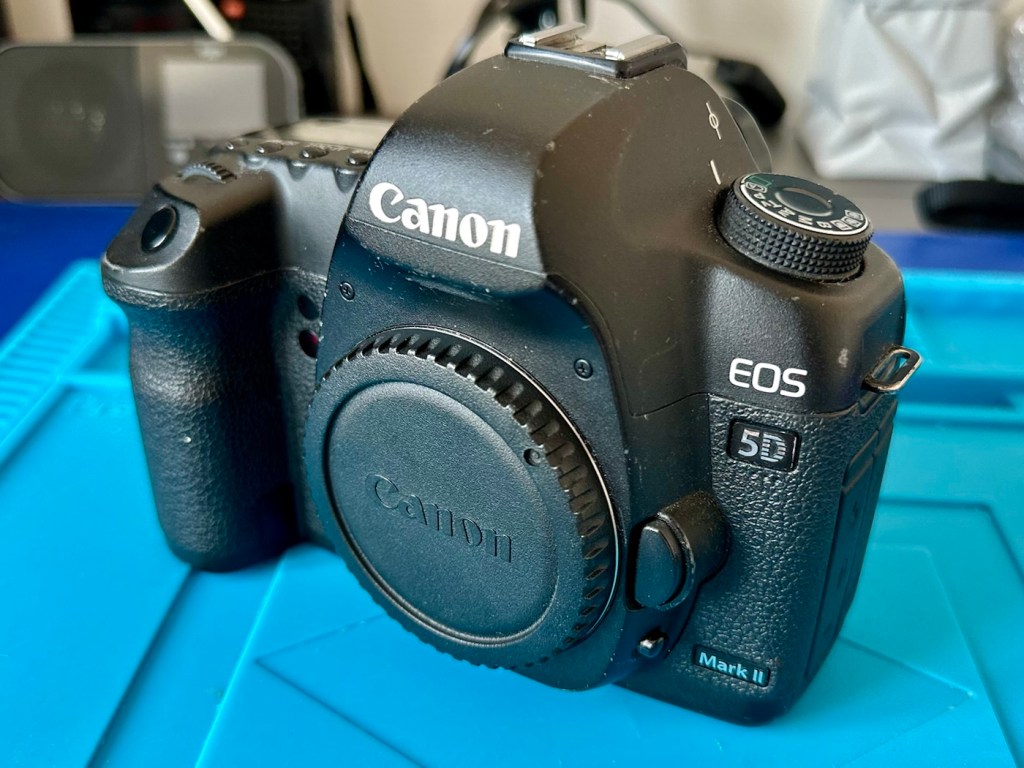
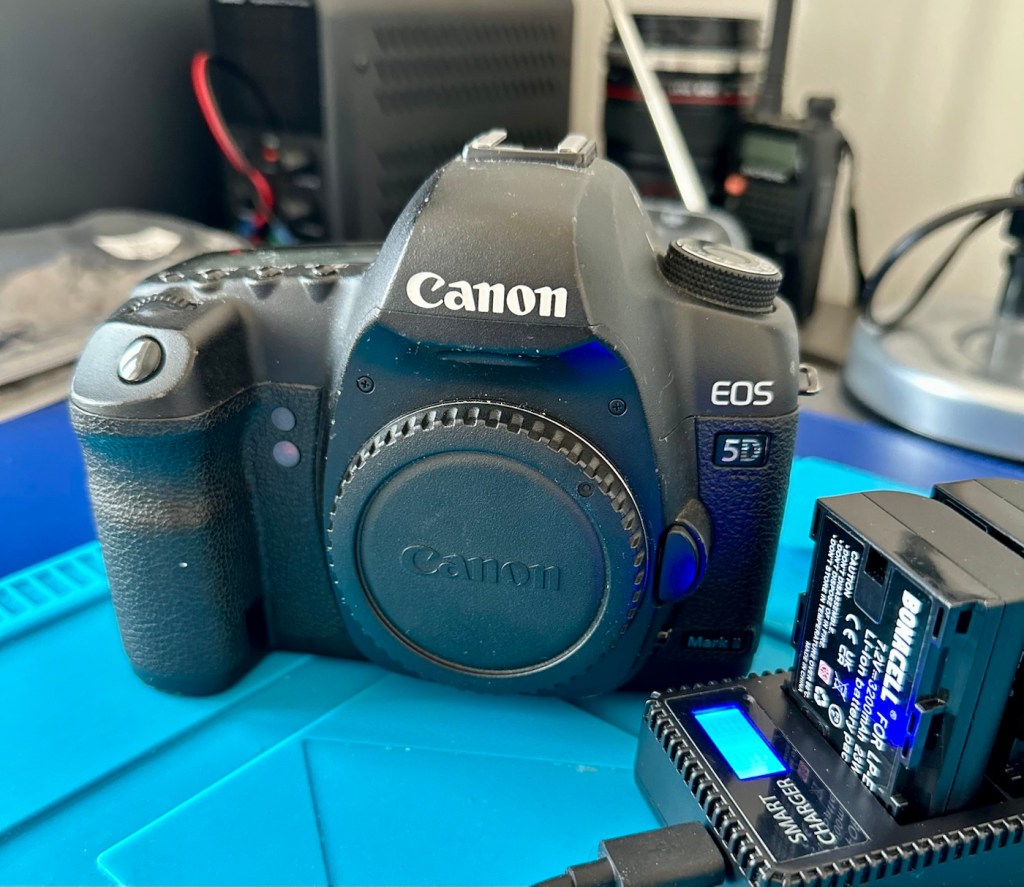
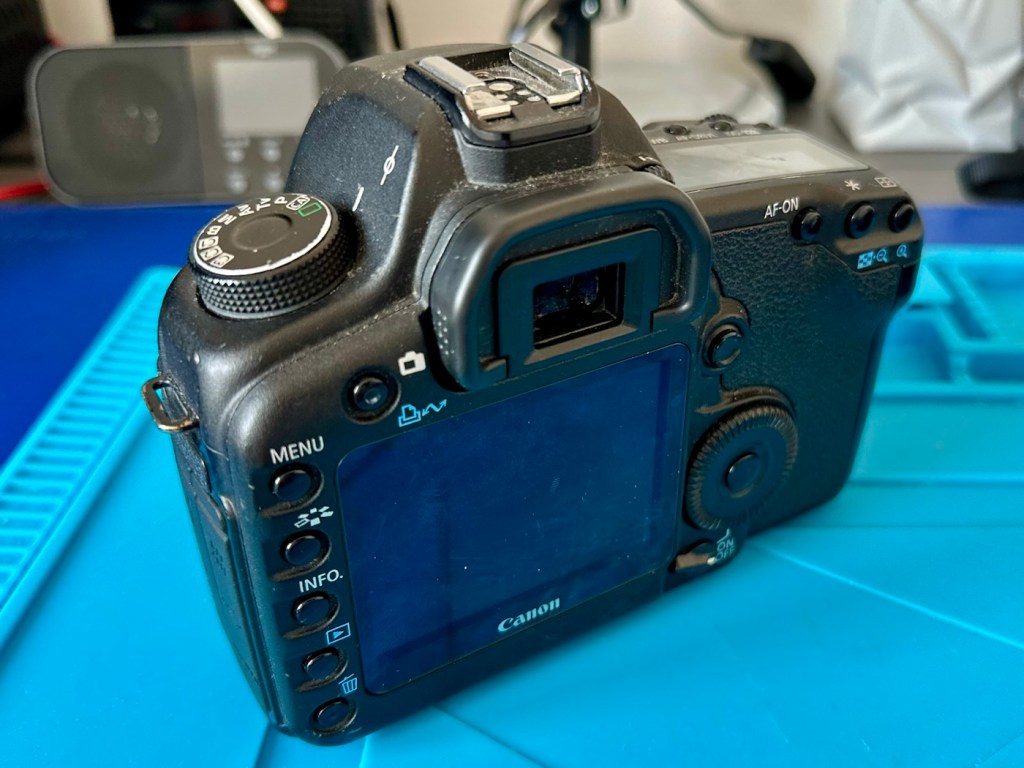
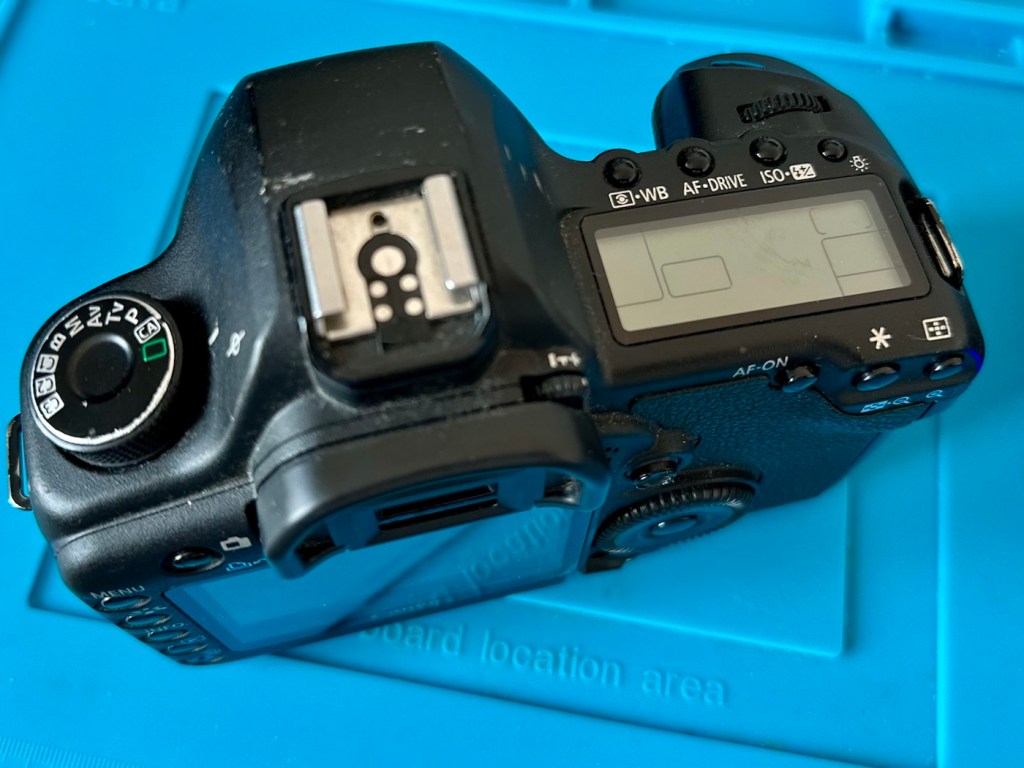
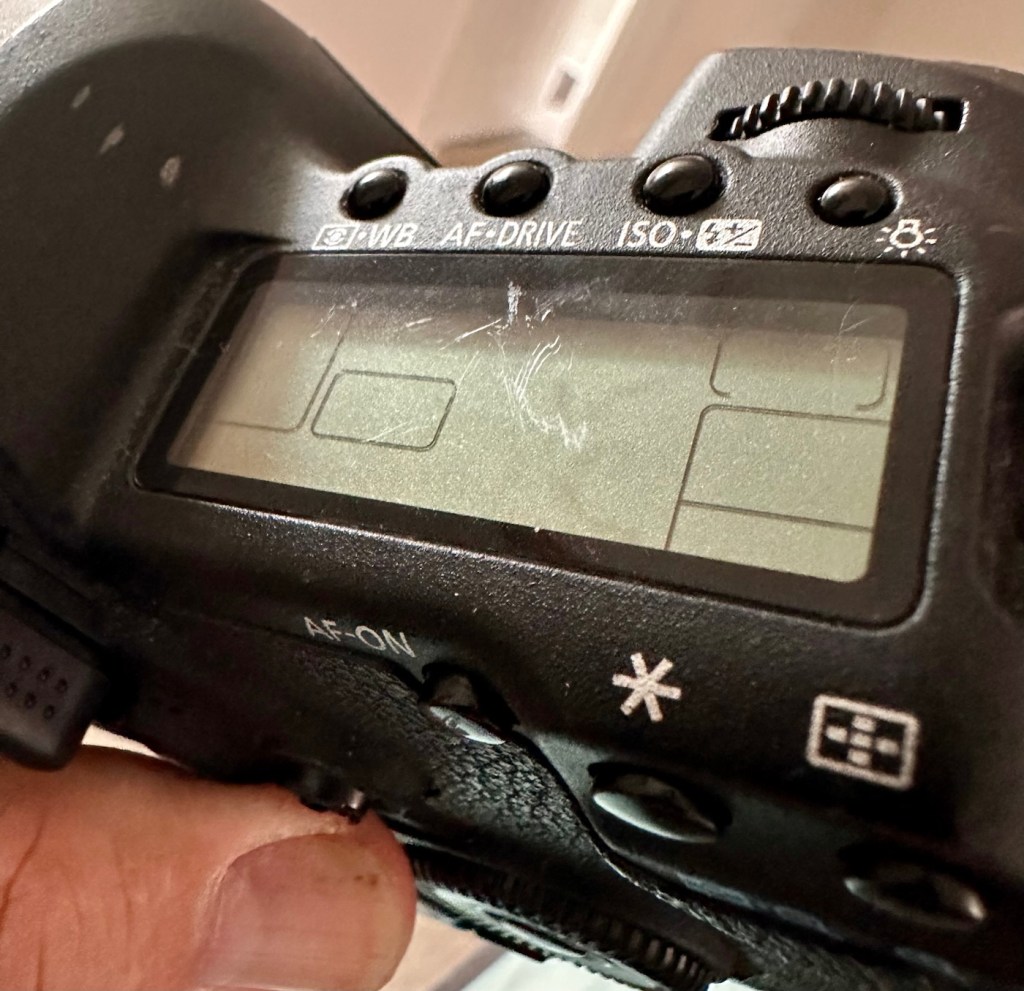
Just holding the camera and looking around it, you can see it has been well used over the last eighteen years. There are chips and scuffs, but nothing excessive, and certainly no “hard” dents that would indicate it has been dropped at anytime. The top LCD panel has a scuff on it, but this doesn’t stop any information being read.
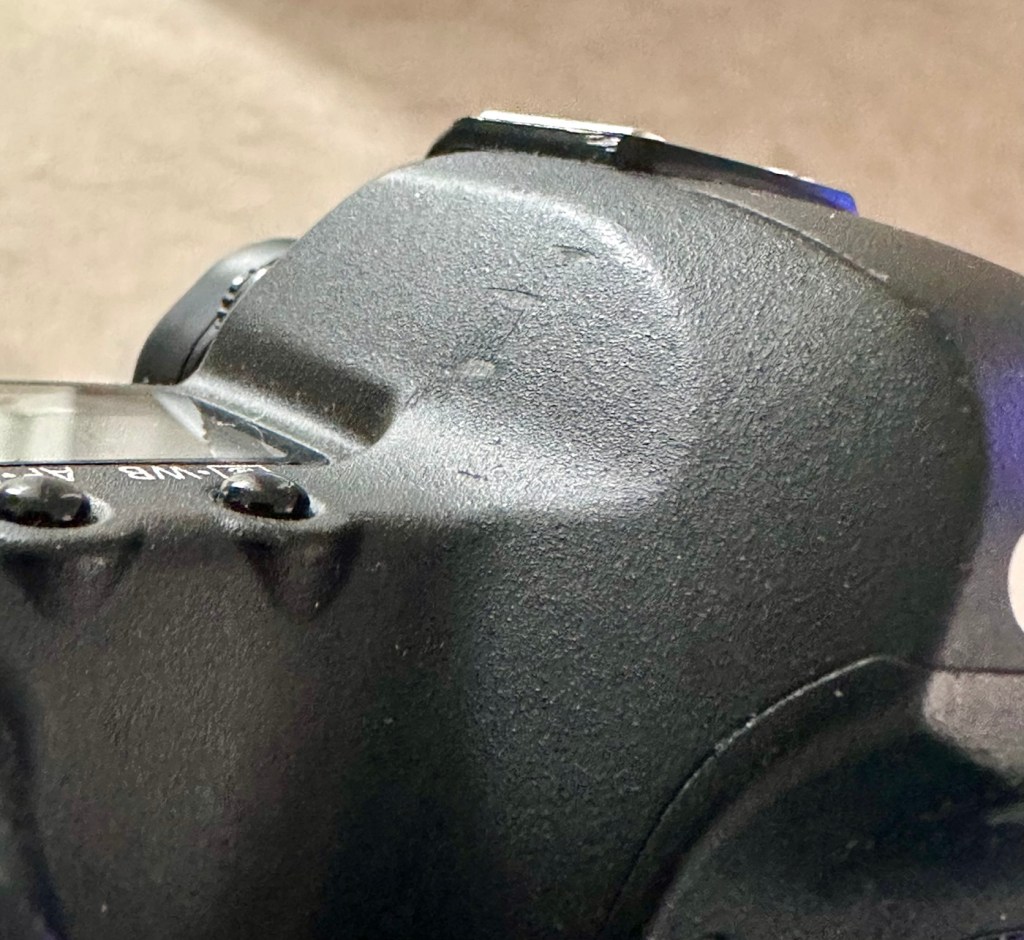
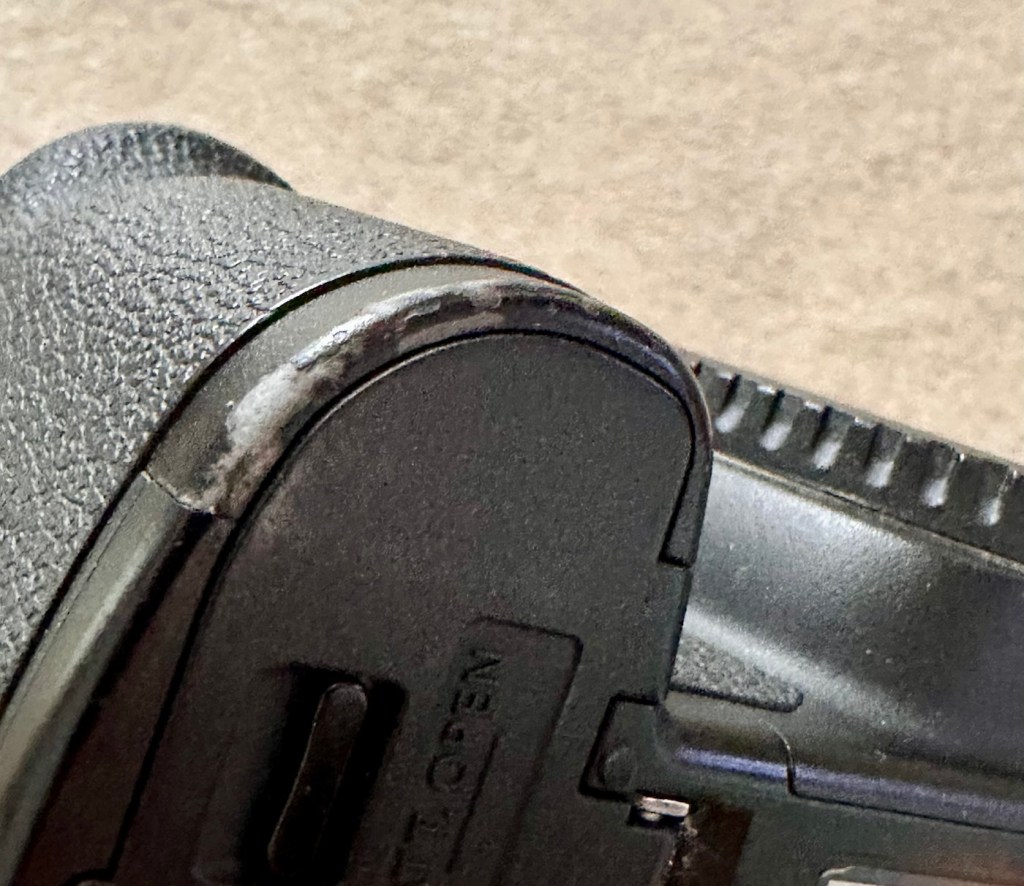
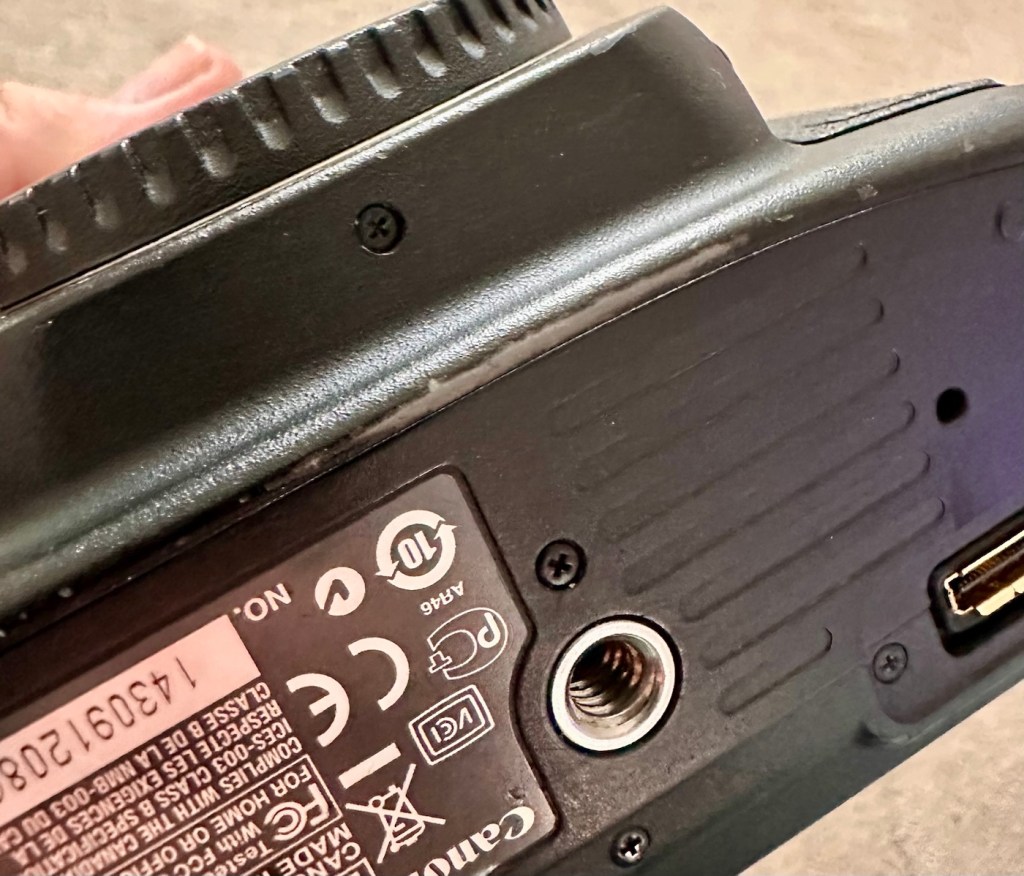
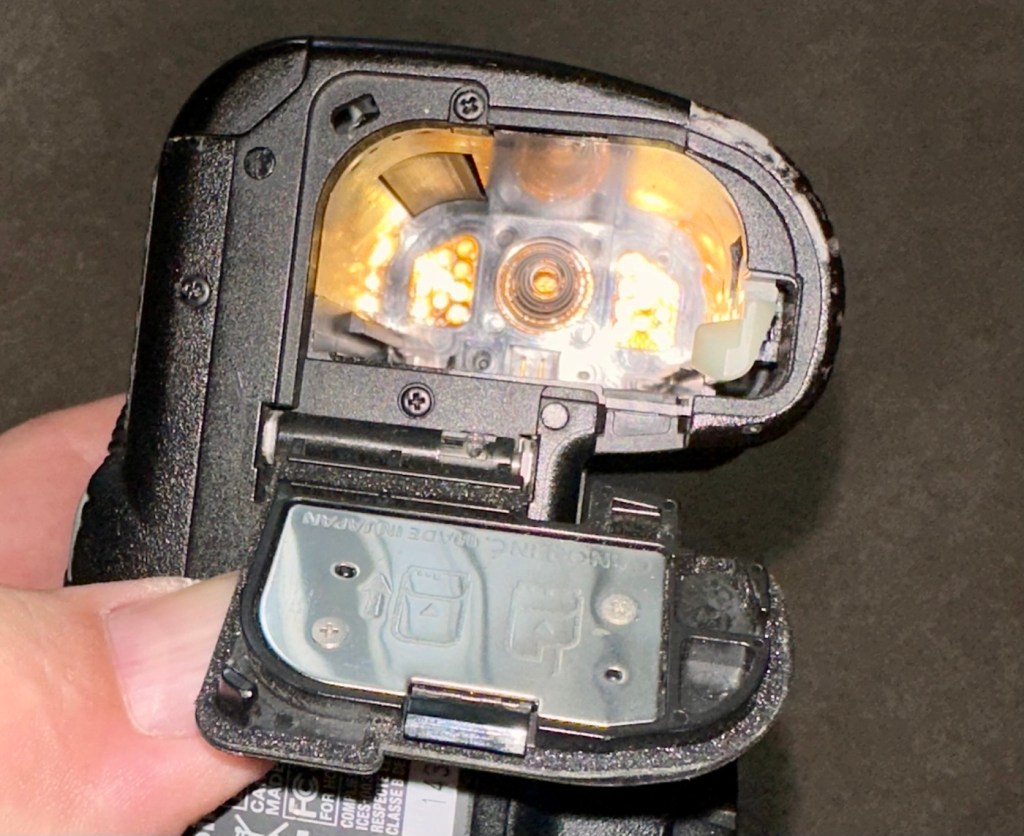
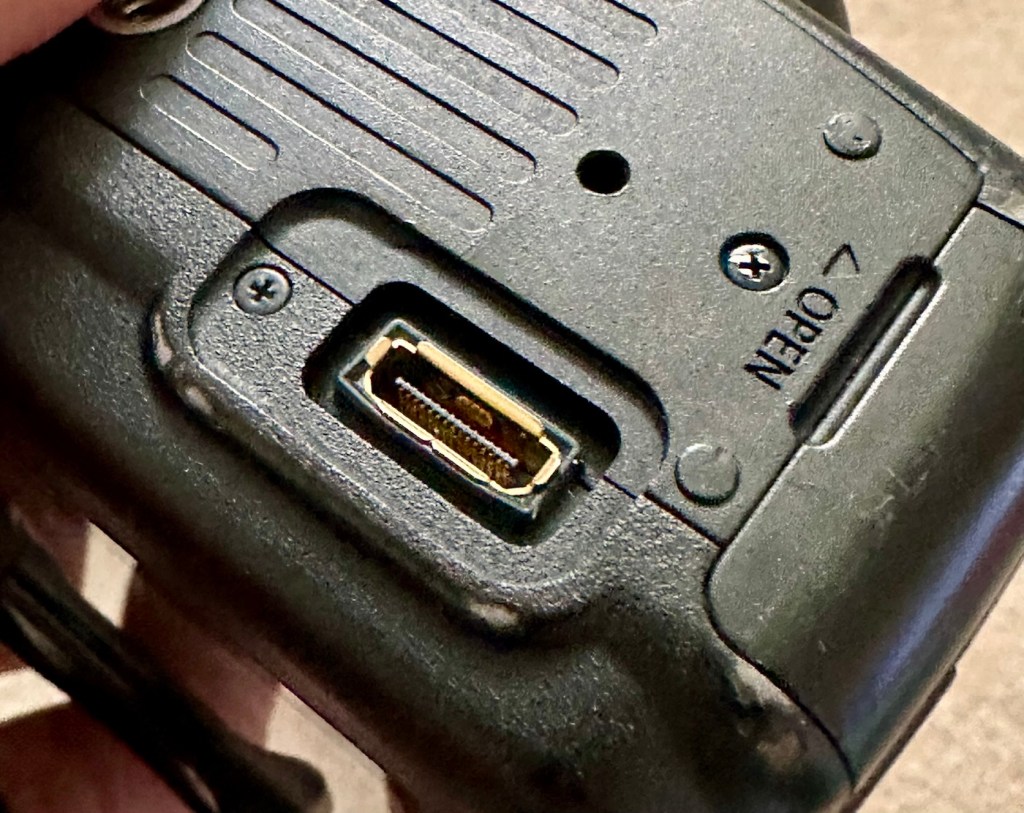
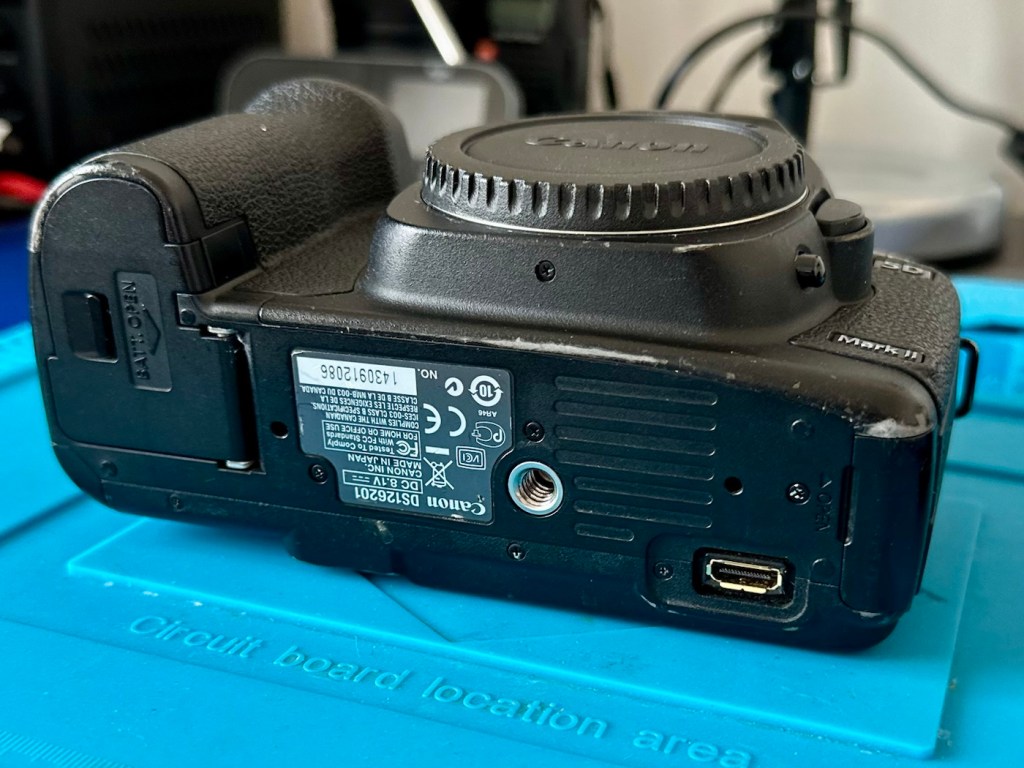
The battery contacts are clean and there is just a small rubber cover missing on a connection that is on the base of the camera. All switches and buttons appear to operate as intended, everything is there and the exterior appears to be used, but in a good condition.
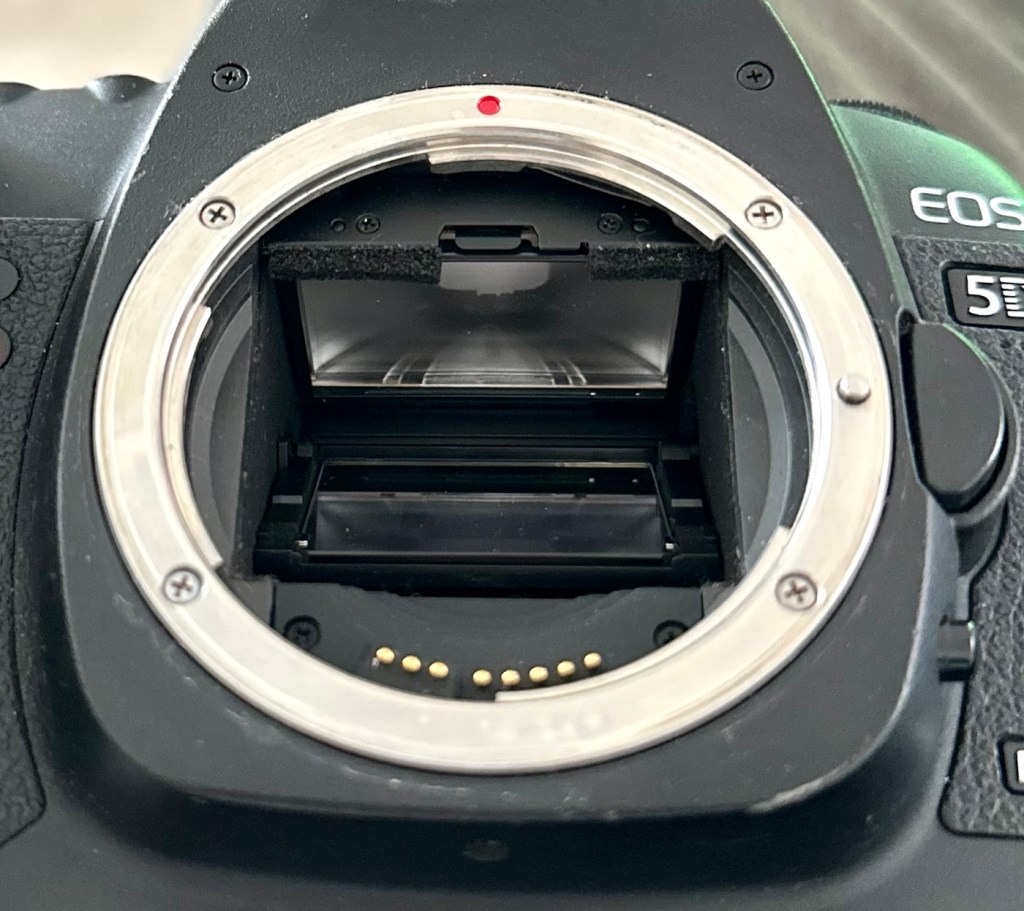
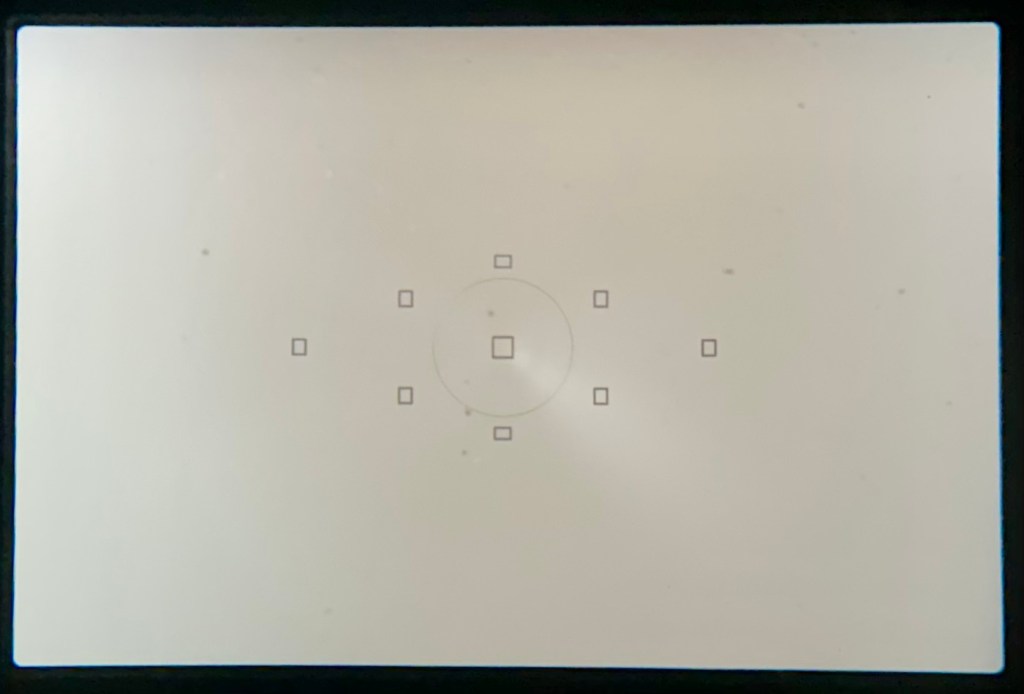
The lens barrel appears to be clean, the mirror and focus screen have a little dust and dirt on them however this is an easy clean. The shutter is closed underneath the mirror ensuring the sensor stays isolated from the outside world. I won’t be able to check how this is until I have a battery installed.
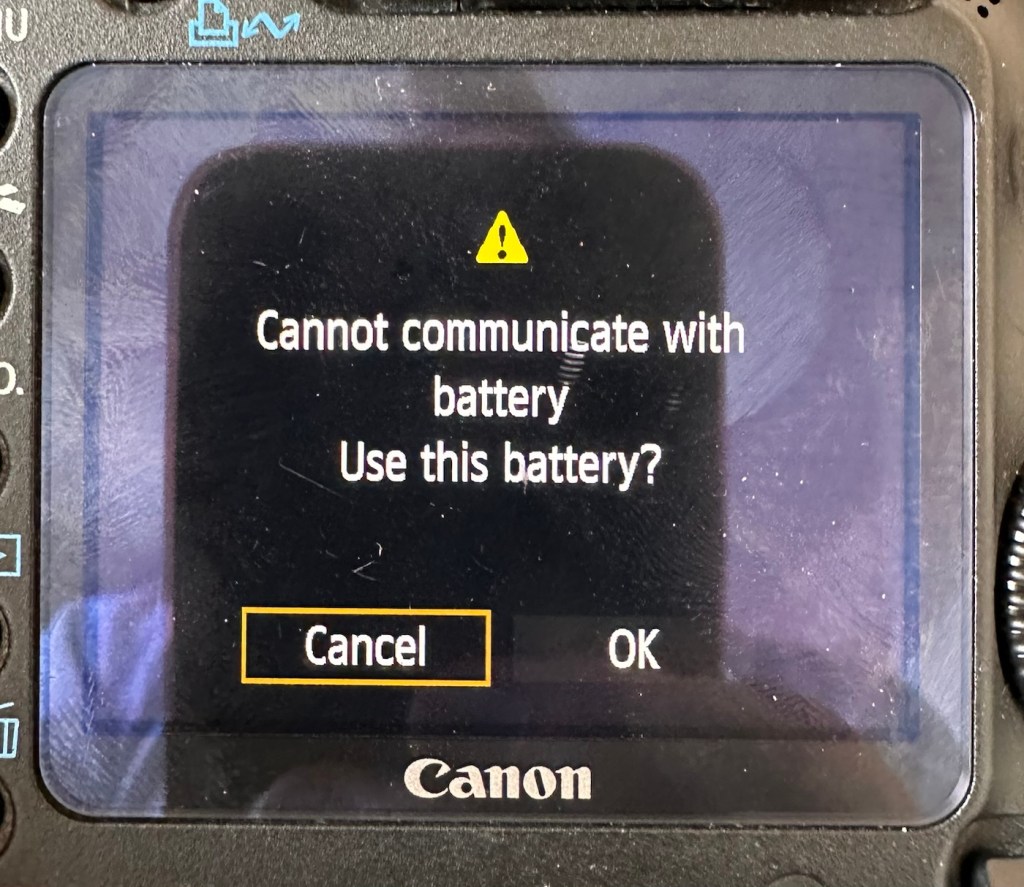
Batteries. As I have stated above I do have compatible batteries for this camera. This camera has a battery management system installed that communicates with the original “Canon” batteries that report back on their charge status amongst other information. However my batteries are not Canon originals and are in fact third party ones that don’t have the ability to communicate as original batteries would. That said, they are more than capable and usable. I just know that the very second I put the battery in and turn the camera on, it will show some kind of battery communication error on the rear screen. It’s ok though as we can opt to ignore that warning, click ok, and just get on with things, with no issues to the general operation of the camera.
Let’s do a little digging around. I’ve downloaded a little program that appears to be quite popular, to try and find exactly how many times the camera shutter has been activated in its lifetime, (still photo count – not including video). Here is that count.
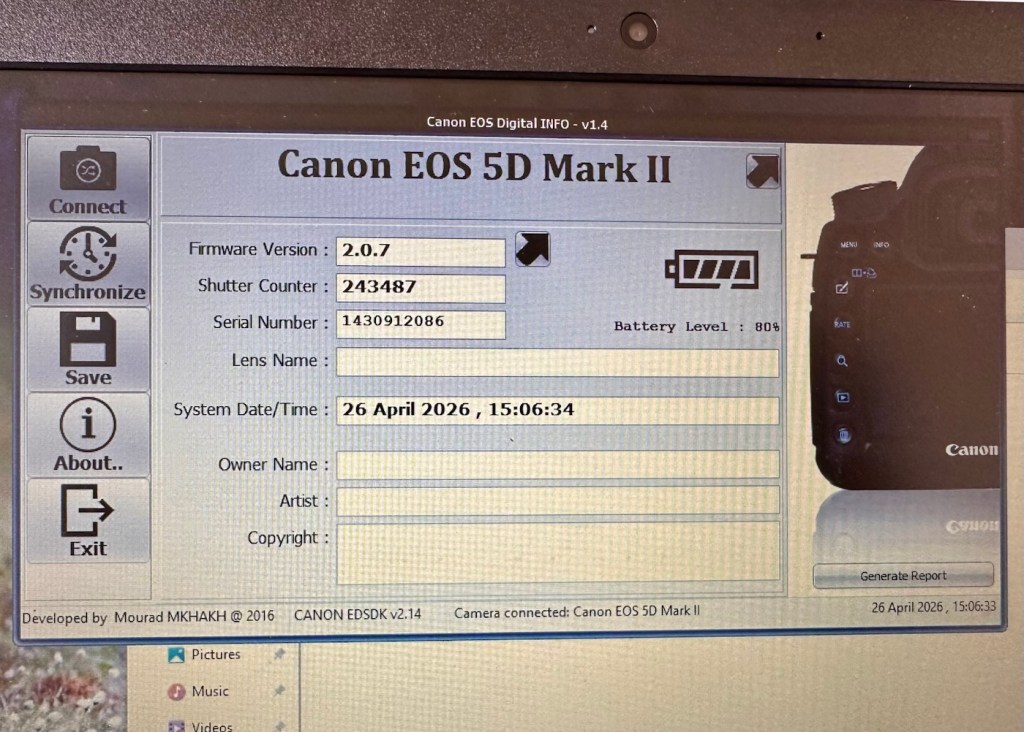
I guessed the count would be high as it was the previous camera of a syndicated sports photographer, I just wasn’t quite expecting this high. But who am I to complain when I have received this camera for free. if you read the camera specs in the paragraphs above, the expected lifespan of the shutter is around 150,000 actuations, however the photographic community tends to question this figure. Some cameras have gone into the millions with shutter counts, however this one will plod on with me on much lower figures, if I get it working. I don’t know its service history, it’s a rugged built heavy use camera, that will go on for years if looked after properly. And that’s what I intend to do with it.
Another piece of information that can be obtained from the piece of software above is the firmware version. The current installed version is 2.0.7 and that was installed sometime in 2010. The latest and last version is 2.1.2 that was released in 2012. I will attempt to update this cameras version of firmware to the final updated one.
I think I’ve had a good assessment with this camera, I know what needs looking at so let’s get on with giving it a little TLC to ensure it will go on working for a few thousand more shutter actuations, I’ve got to try and get this camera to the 1/4 million mark at least!
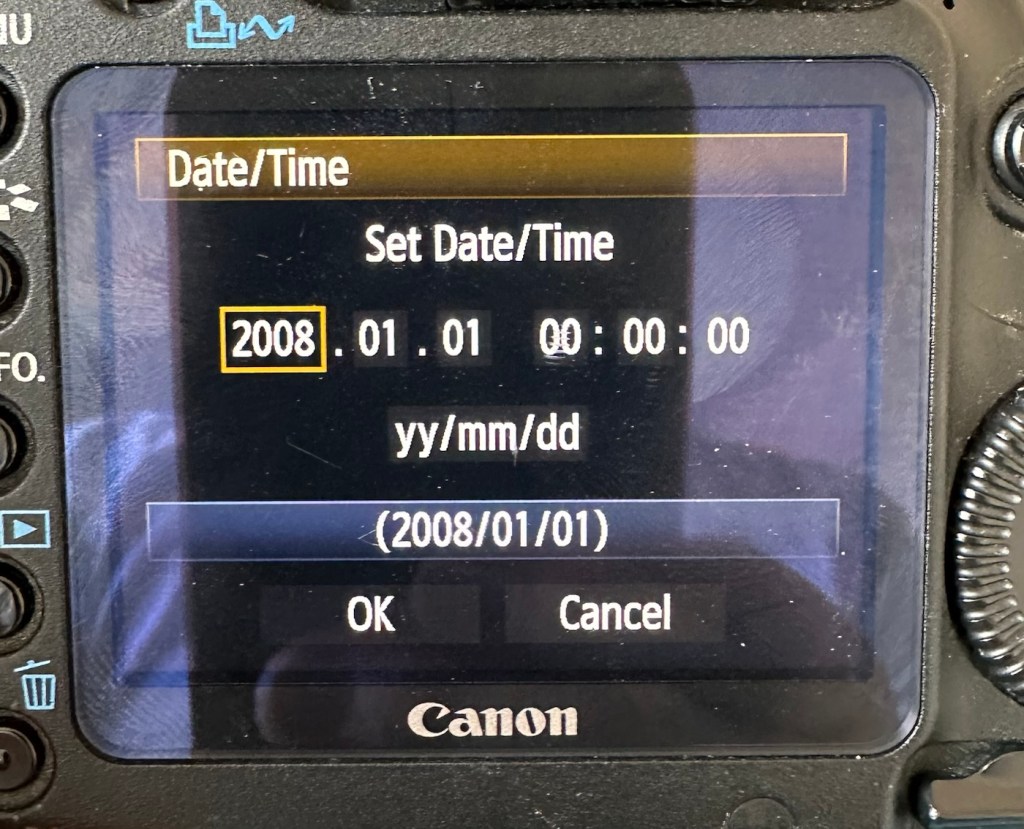
The first thing I want to do, is to look into why, when you input a date into the camera, the information disappears as soon as the camera is turned off and turned on again? This is a simple issue, easily located and soon rectified. These cameras normally have an additional battery buried somewhere in the camera that acts like a cmos battery in a computer. It simply supplies a small charge that maintains dates and program settings when the camera is an a sleep mode, instantly reinstating the correct information when the camera is switched on again.
And this camera is no different.
A single coin cell CR1616 battery is what does the job in this camera, its life span is usually around five years. So let’s check this one out as I suspect it has failed. It is located on the bottom of the camera on the opposite side of the main battery chamber, below two rubber accessory panels.
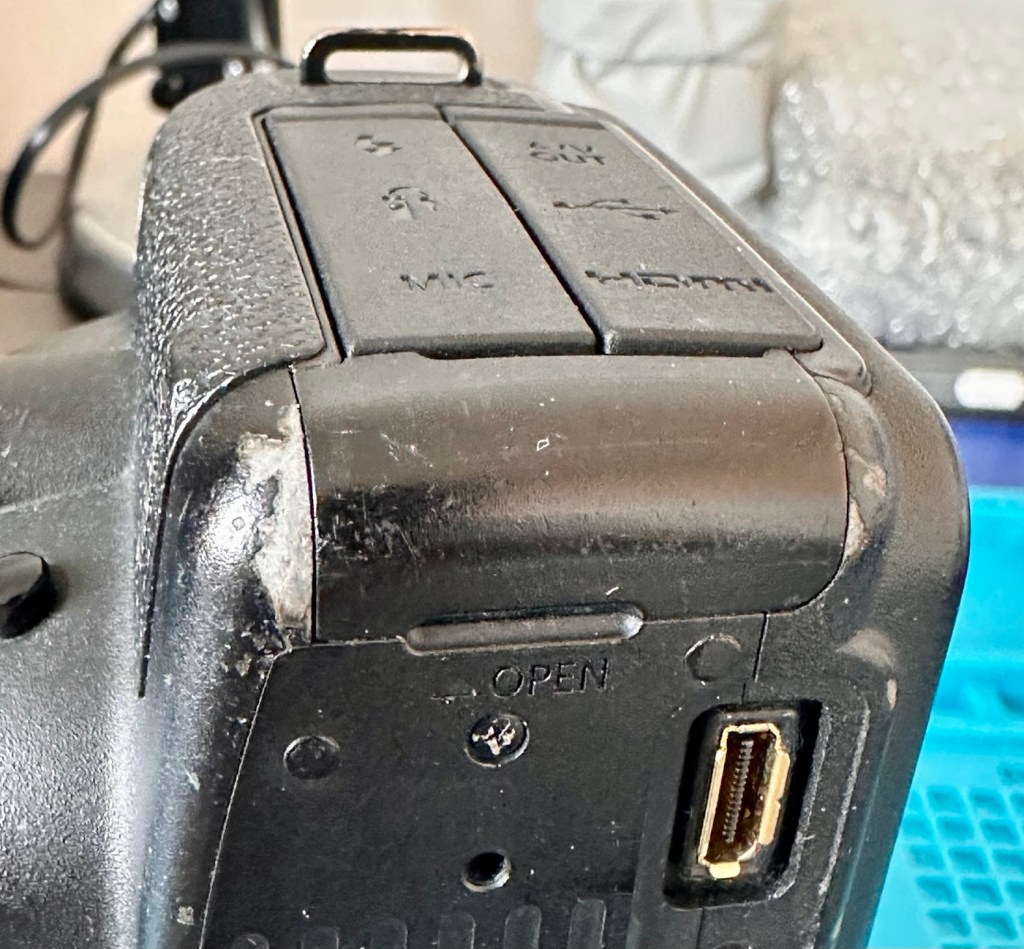
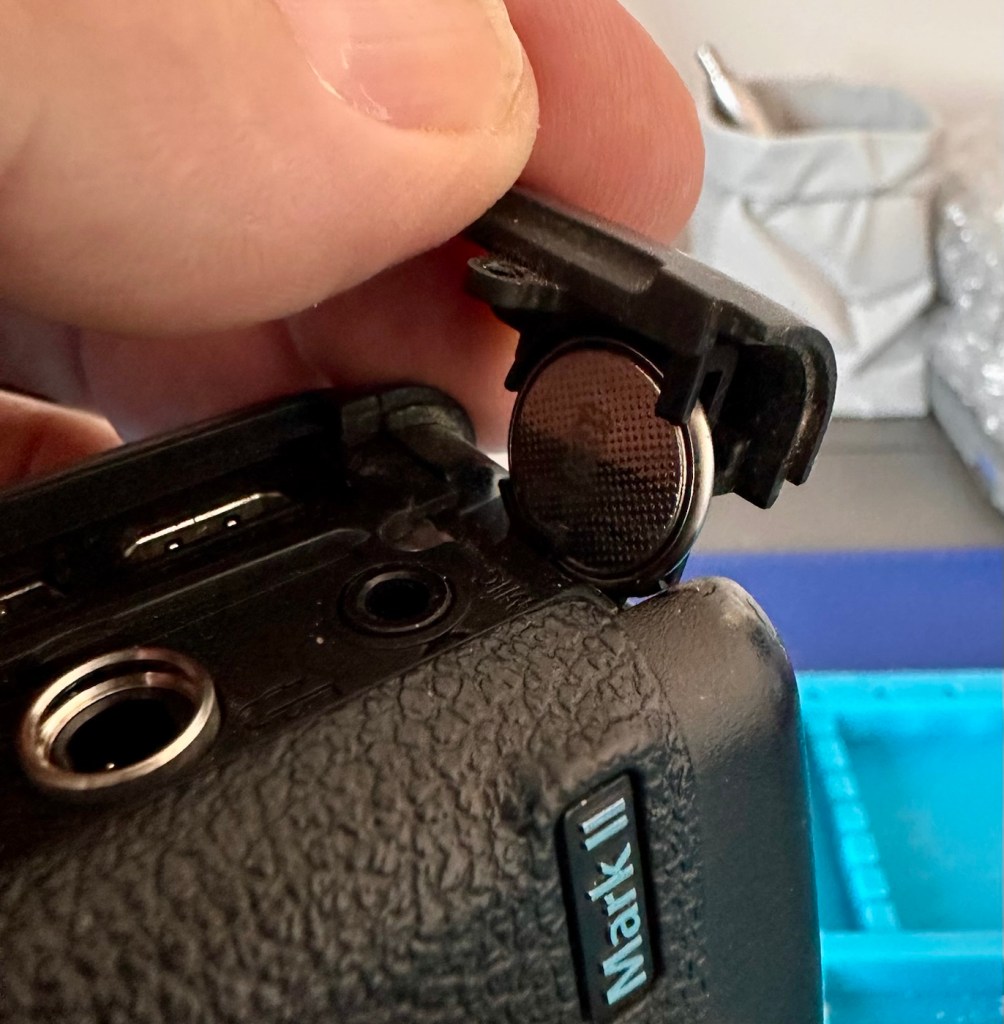
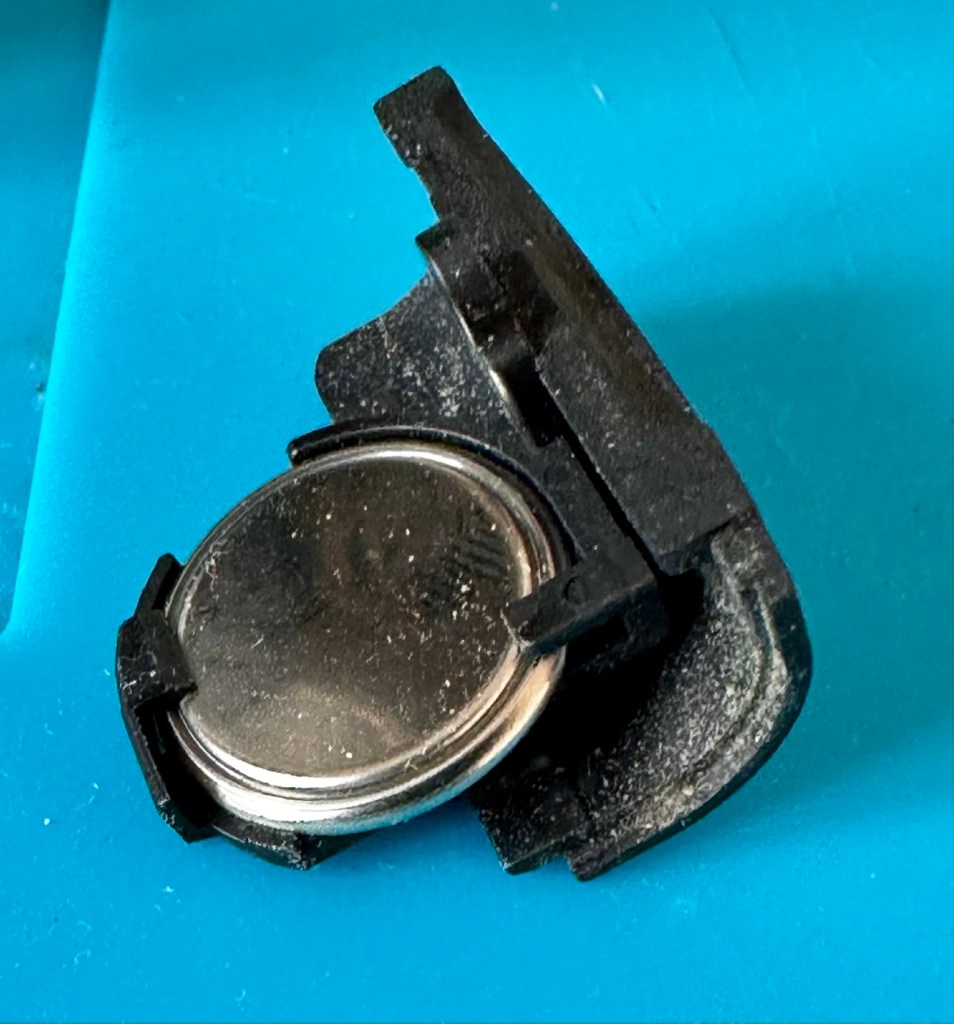
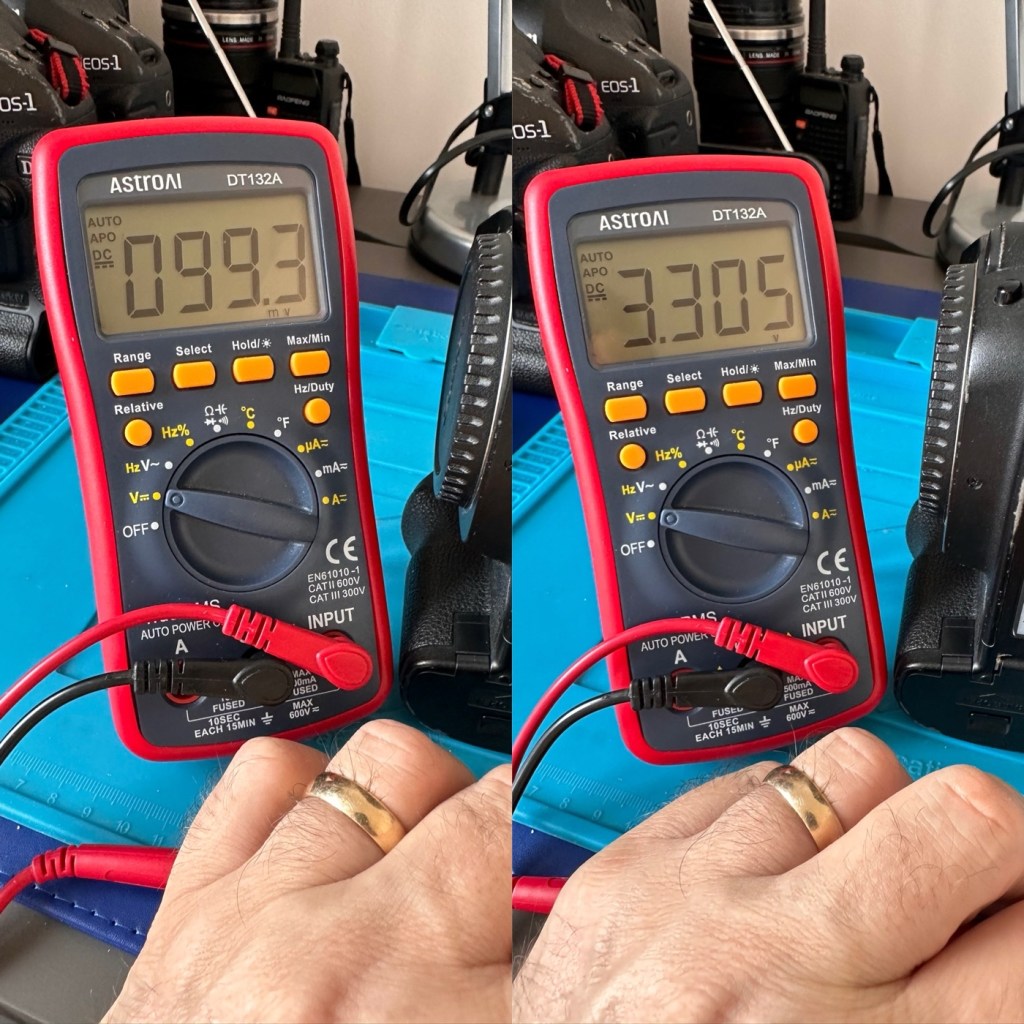
The CR1616 battery is a 3v lithium coin cell. Using a multimeter I was able to confirm that this one was well and truly depleted as it was only holding a charge of 99.3mV. The new battery cell was holding a much more acceptable charge of 3.3V.
With the new coin battery in place, I’ll reset the date values and test that the battery is doing its job, by powering the unit up and down a few times.
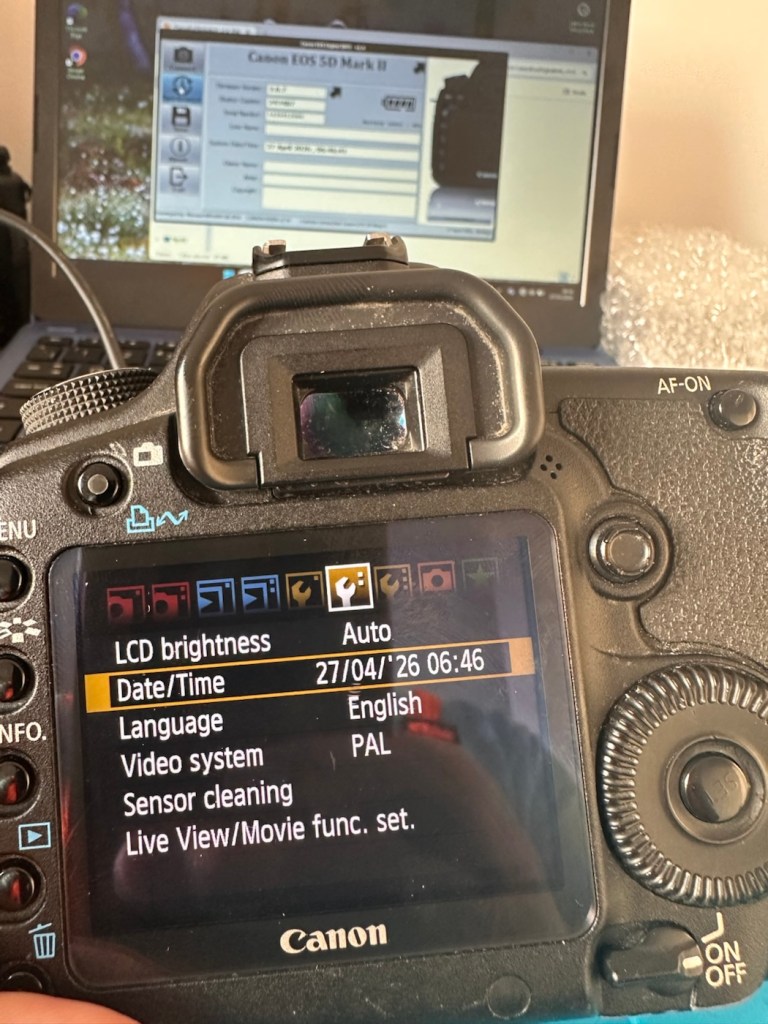
As you can see in the picture above, I’ve managed to update the settings, and when the unit is shut down and restarted the information remains. Hence the new clock/cmos battery is working fine.
Next let’s try to update the firmware to the latest release. This small video below shows how easy this task can be. This particular file in the video is for an earlier, older update, however the principle is exactly the same for all camera updates with Canon.
Following the recommendations in the video above I have downloaded the latest firmware update file and extracted its content to the freshly formatted CF card for the camera.
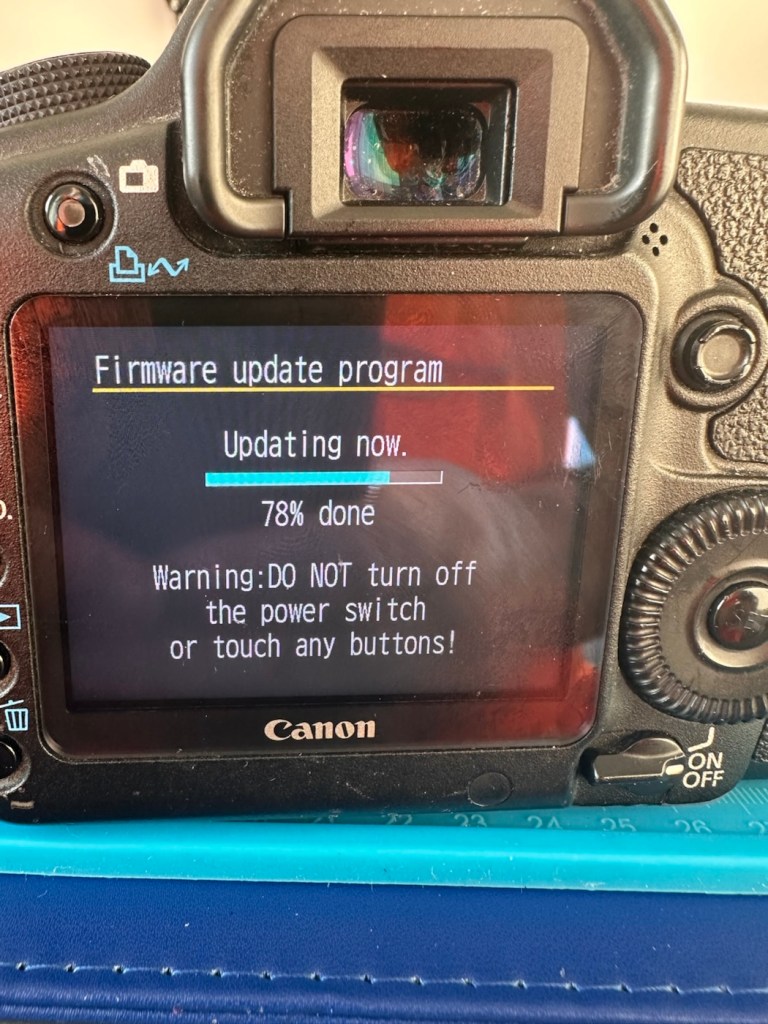
The whole process was followed exactly as laid down in the instruction video, and it went as expected. The update was successful.
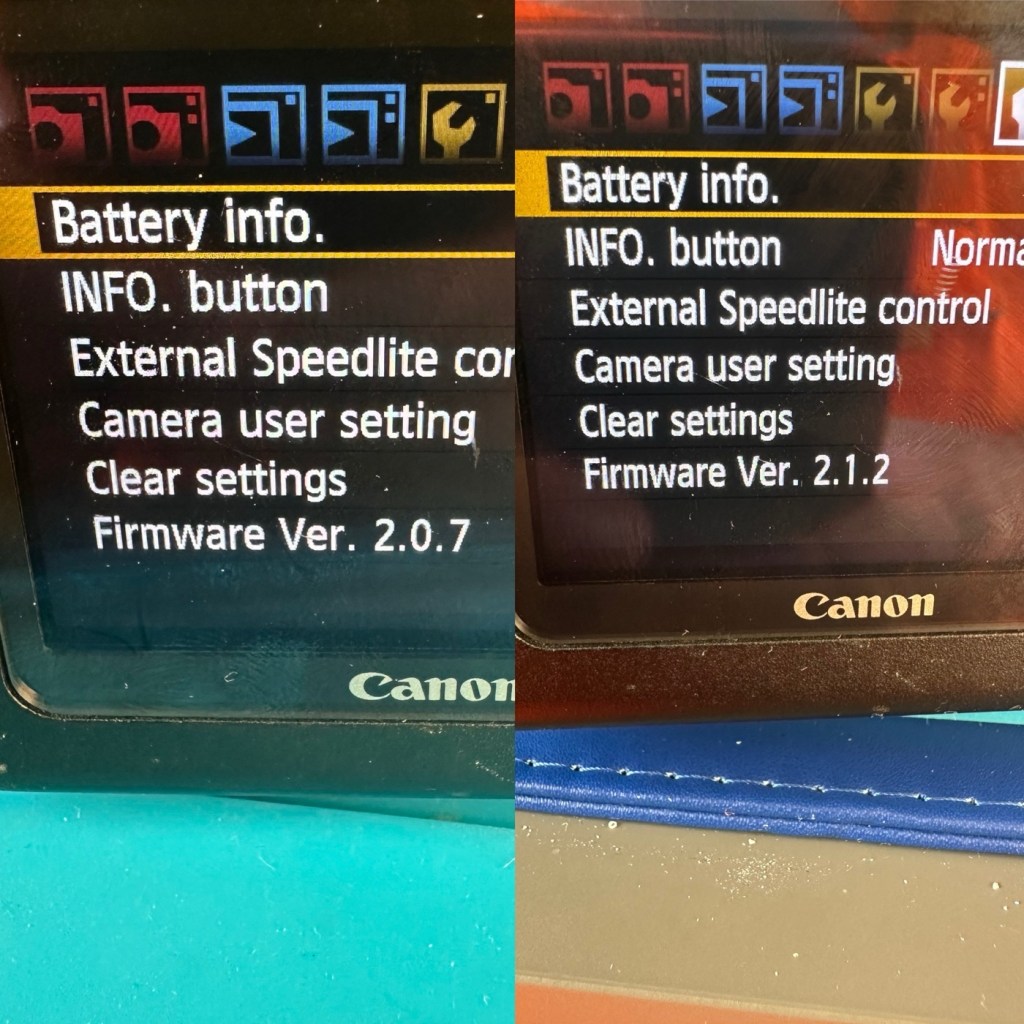
The camera is now correctly updated to the most recent firmware. I can now progress to doing some final checks in the lens barrel area prior to moving on and checking the functionality of the camera with a lens in place.
The mirror bumper felt is in good condition and does not need replacement. I have blown out the barrel and inspected the sensor and that is clean and needs no attention.
Final touch is that I have printed off a cover for the hotshoe flash holder.
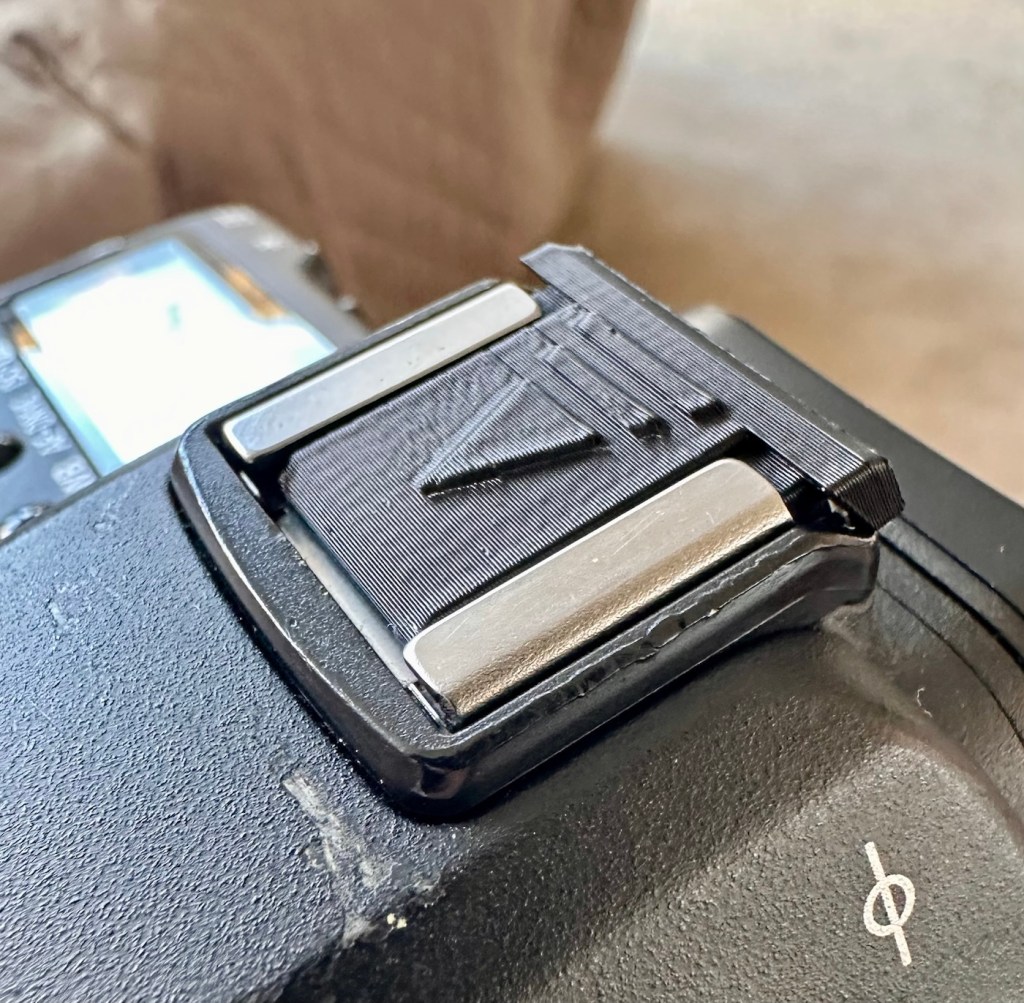
Time to get the battery installed in the camera, along with a formatted CF card, and I’ve also put a stock 28-80 EF lens on the front to test. And here are some of those pictures taken to test, just around my garden.


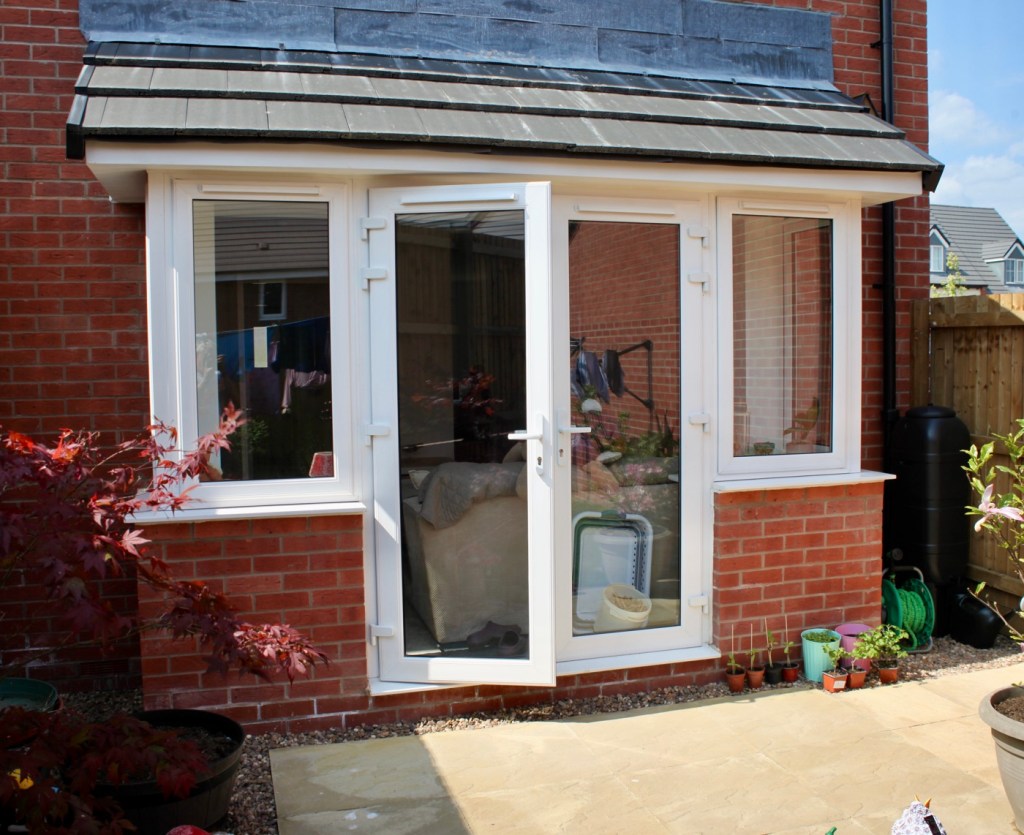
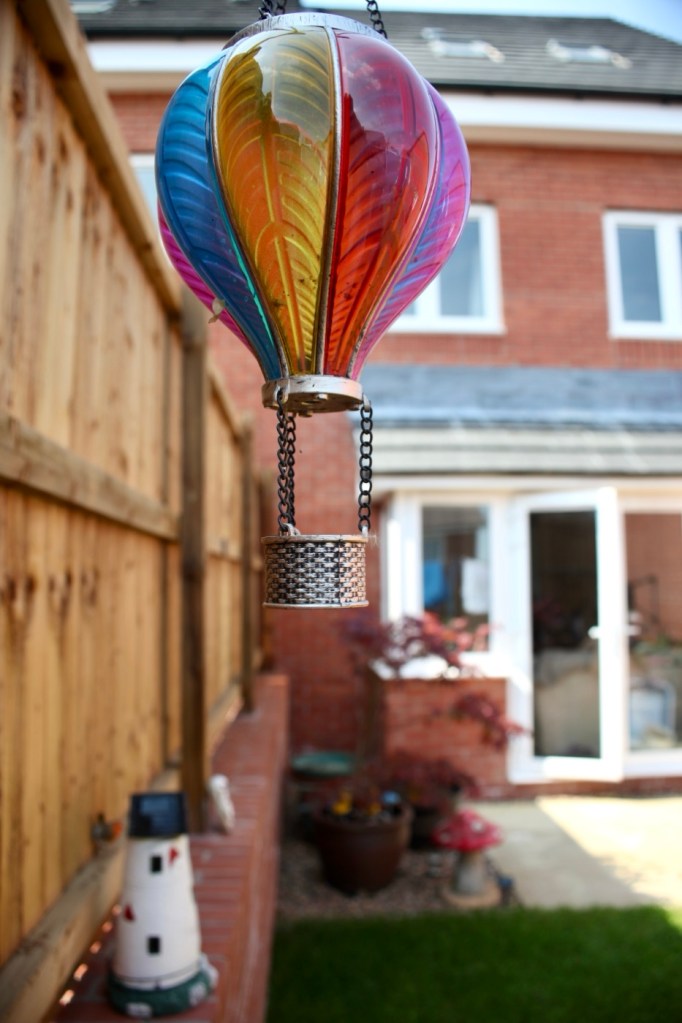


And I am so damned impressed. It’s only a basic lens but the tonal quality, sharpness and colour has really shone through. The camera has worked perfectly, I’ve used it in auto mode, shutter priority and aperture priority and all works fine. When I use the video mode, all is fine but the basic lens when you telescope, can be heard throughout the video, not really an issue just an observation, hence why people invest in the higher end optics. For testing purposes though, this lens has performed perfectly. I’d be more than happy to venture out for a picture session with this setup.
Every setting on this camera has been tested and it has passed with flying colours. My job here is done.
A far better result than my last attempt on this specific type of camera. This time around the sensor has performed perfectly and remains in good order, hopefully for quite a time yet. It would be good to see it go through the 250,000 exposures count, and seeing that it’s only about 6,600 exposures away I don’t foresee it being a hard to achieve target. I’m going to get some good use out of this camera, I’m currently looking at taking it to a local nature reserve to see what can be photographed. I’m quite looking forward to that.
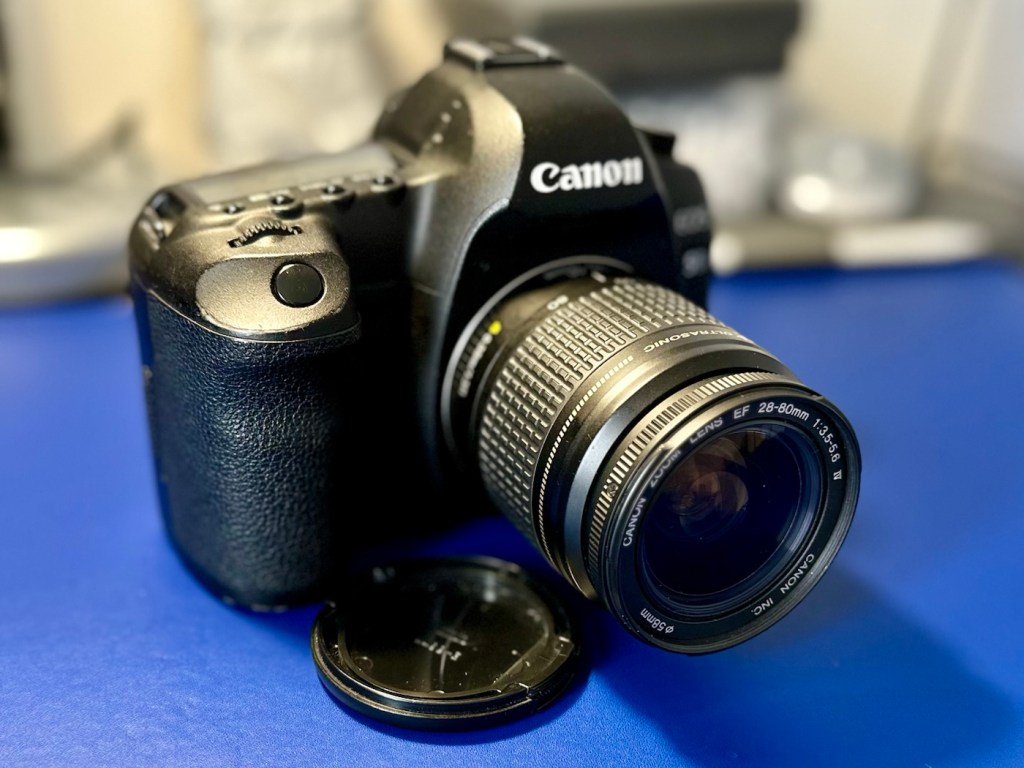
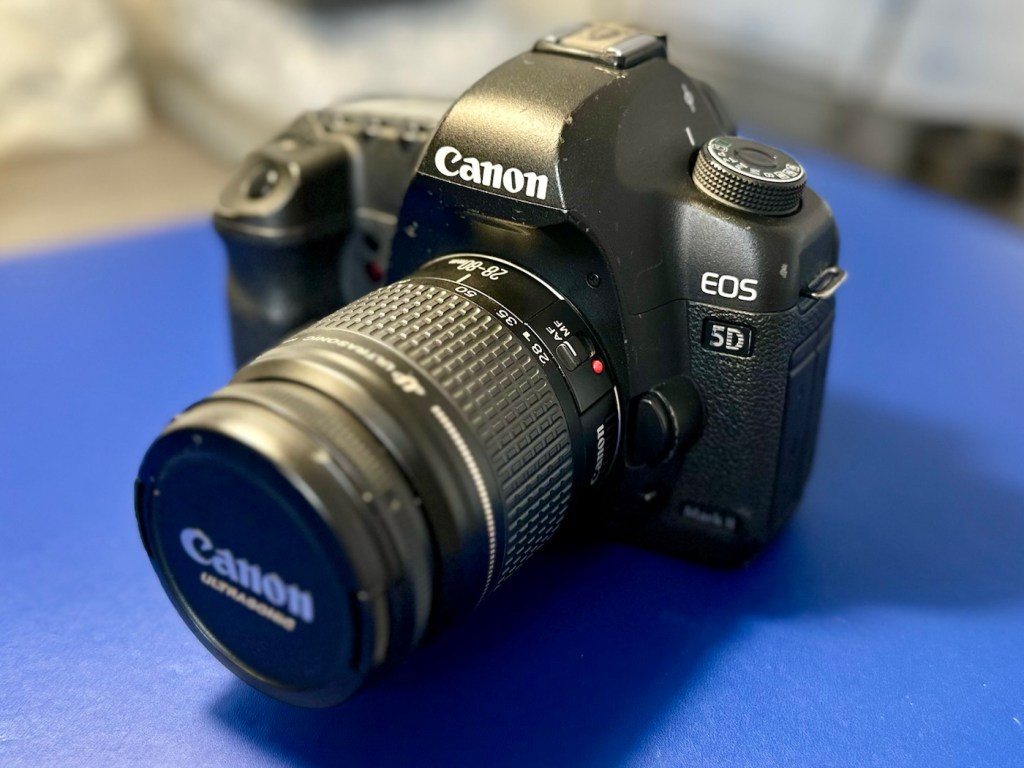
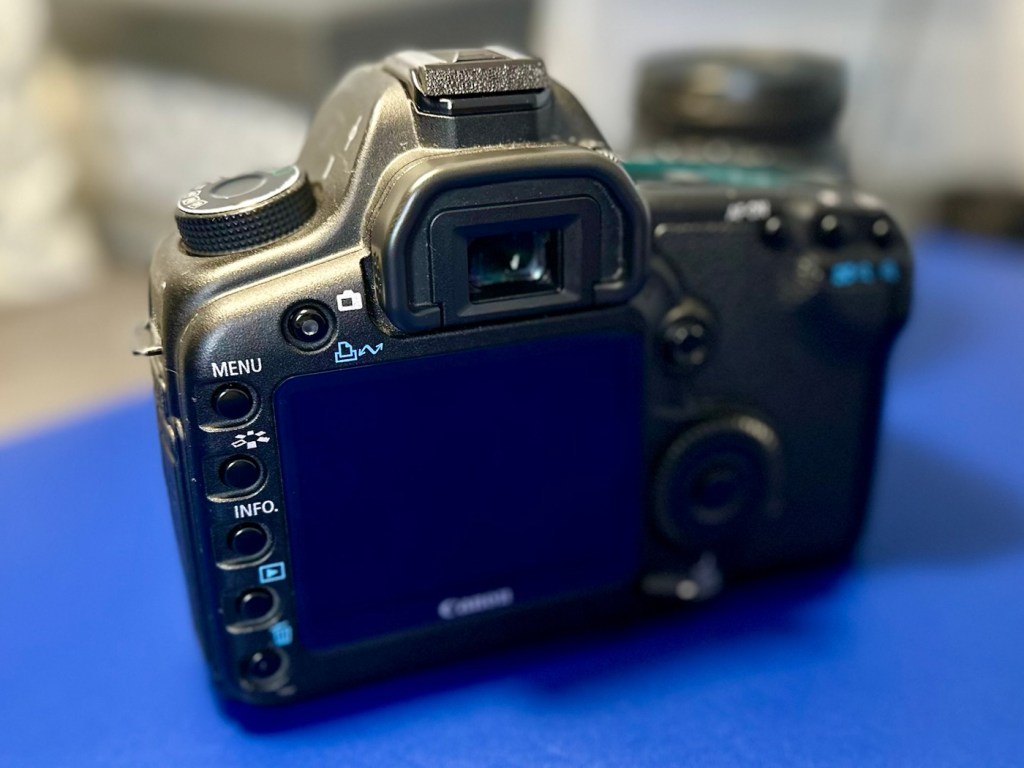
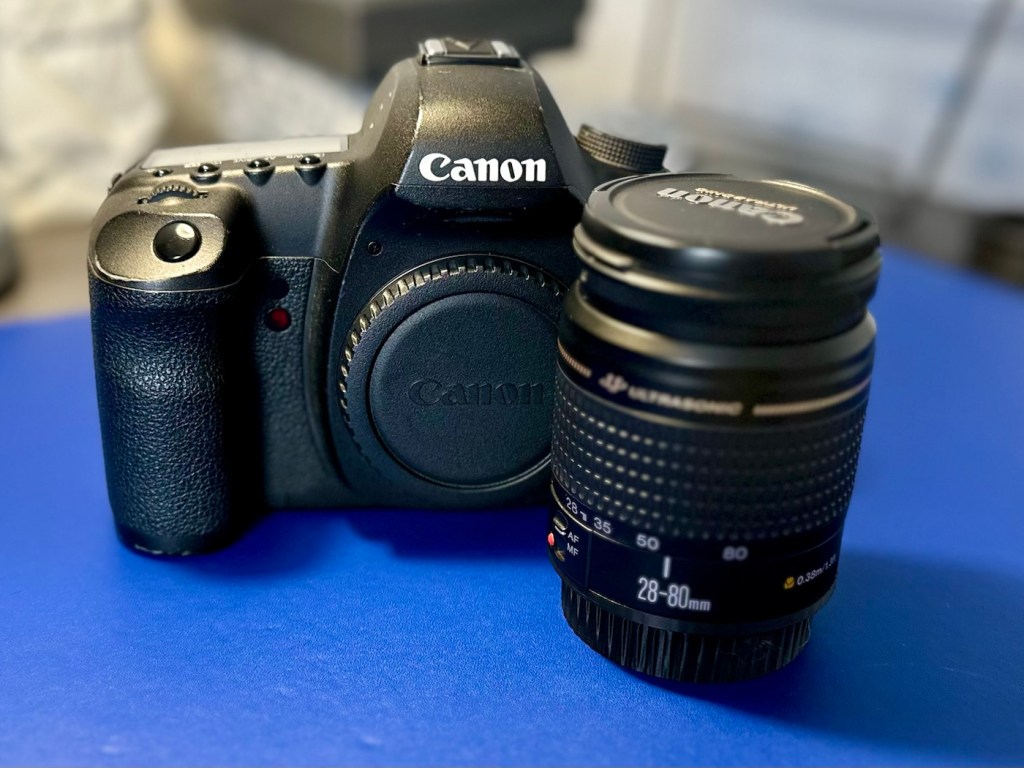
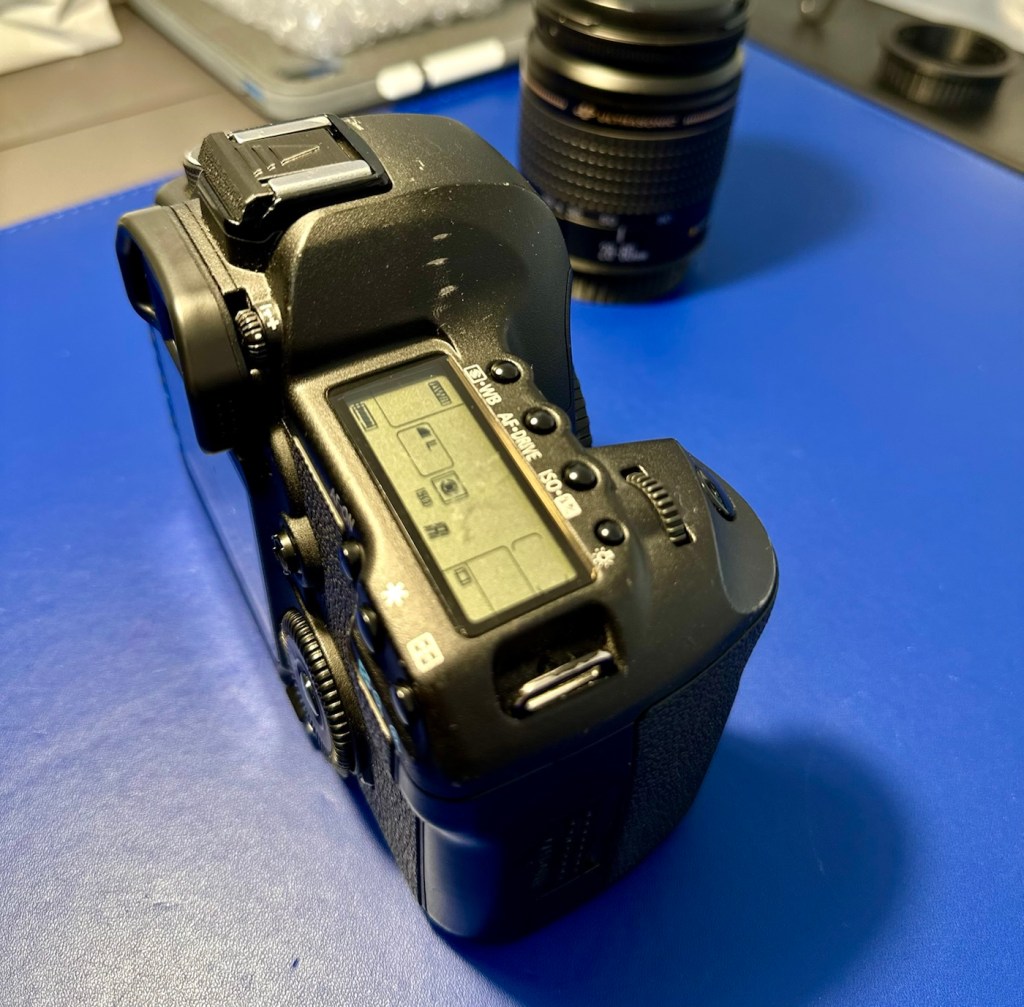
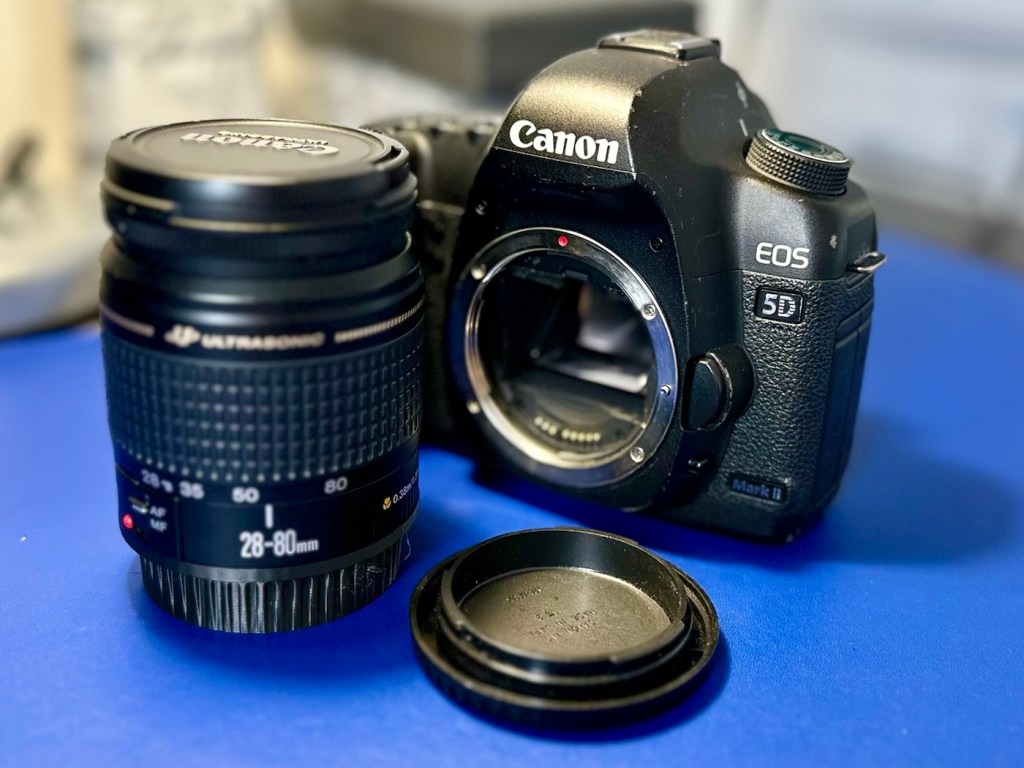
A final polish and this project can now be put to bed. Onto the next one.
Many thanks for passing by, it’s always very much appreciated.
This camera influenced the partnership between NIkon and Kodak to produce one of the most expensive prosumer cameras of the 1990s. However this one is a lot less expensive but with some issues. Let’s have a look at it:
What the listing stated:
THIS UNIT IS FAULTY
SUTIBLE FOR SPARES / REPAIRS ONLY
SOLD AS SEENFAULTS INCLUDE BUT ARE NOT LIMITED TO,
MIRROR STICKS
COMES WITH EVERYTHING SEEN IN IMAGESNO WARRANTY PROVIDED
EBay
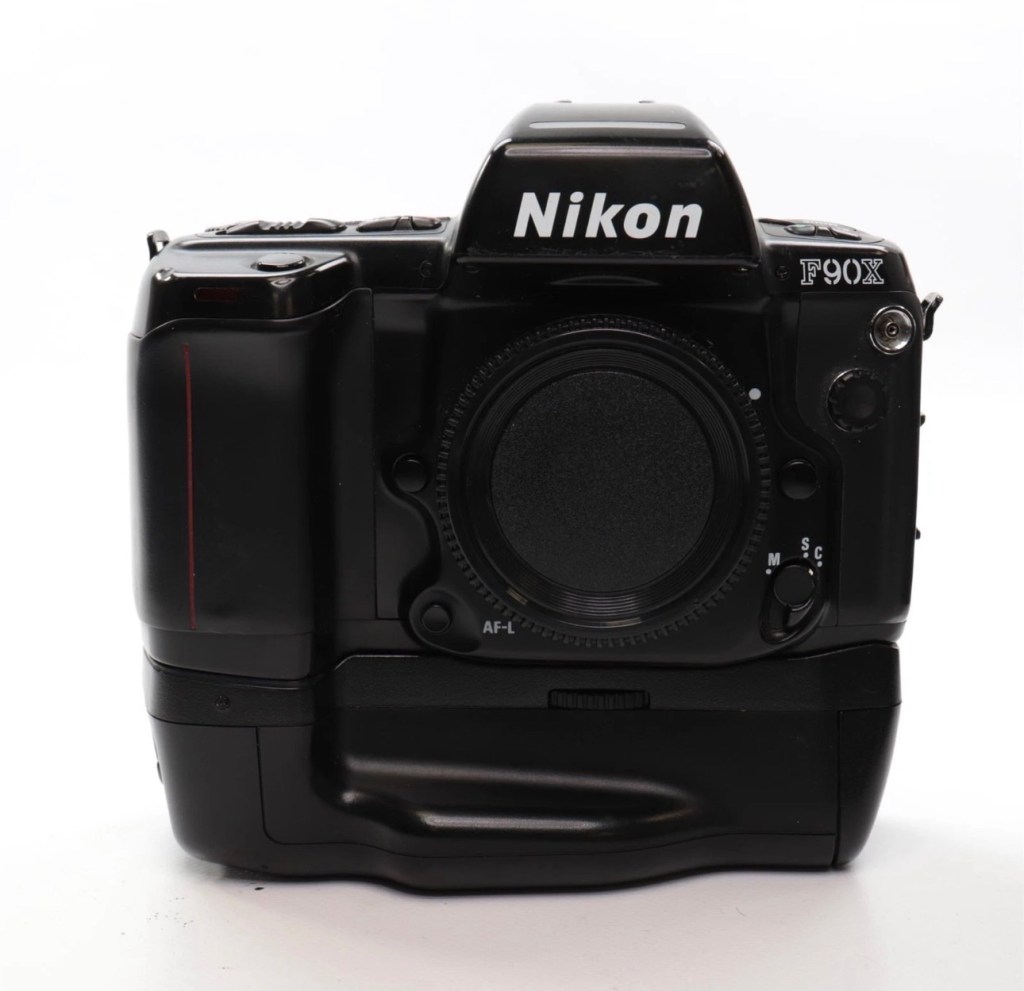
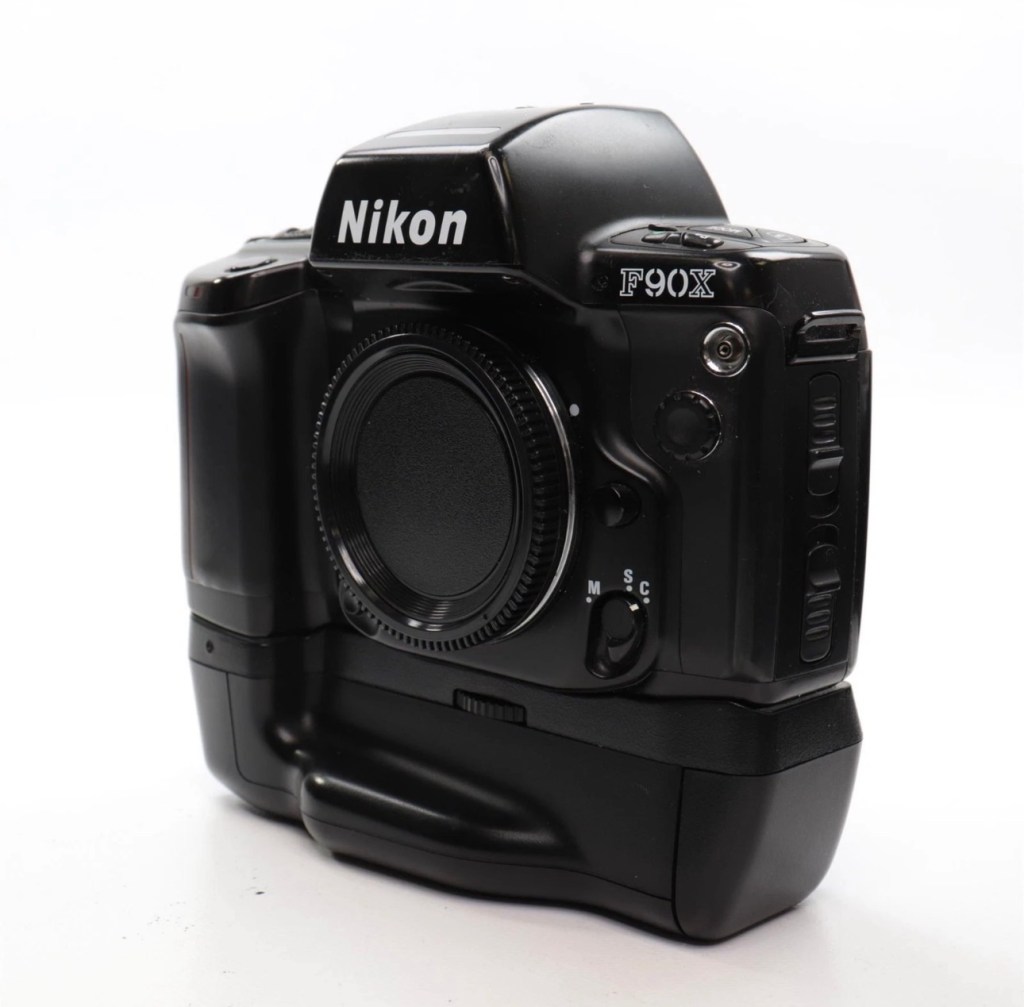
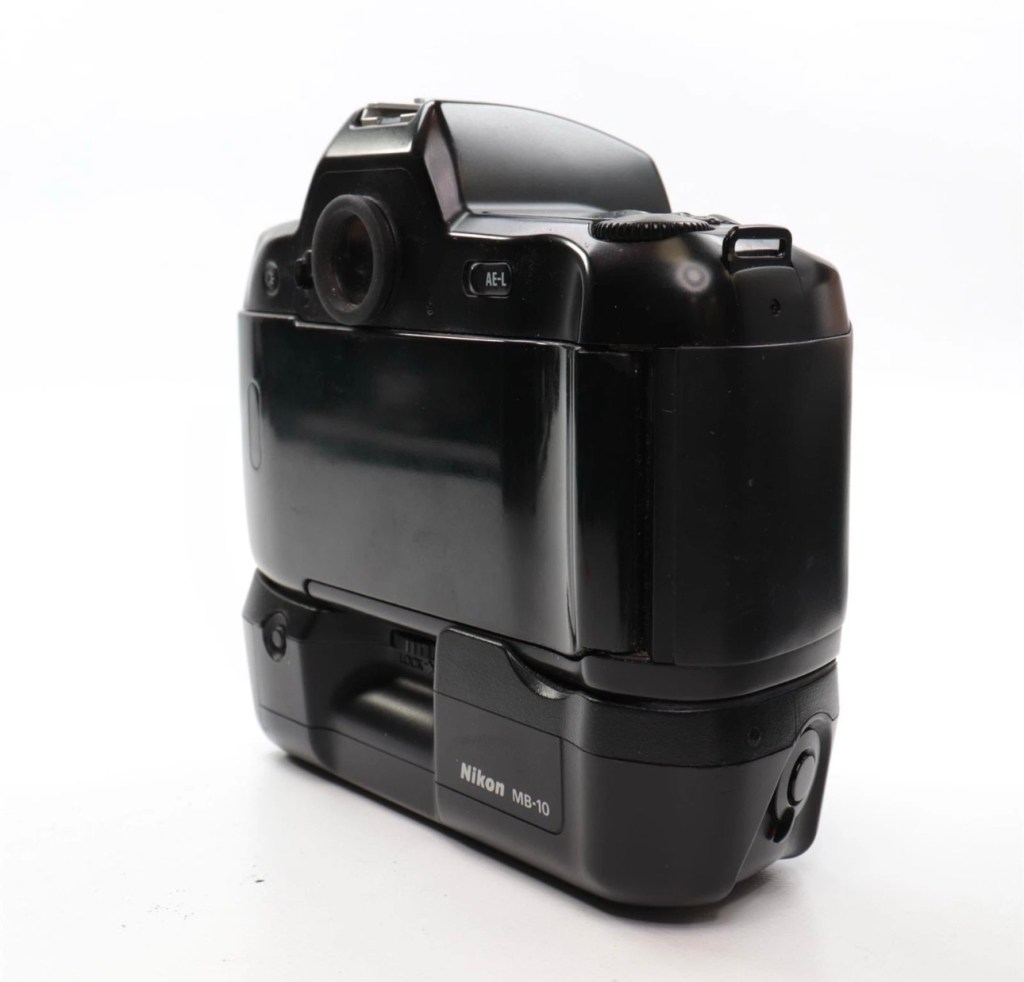
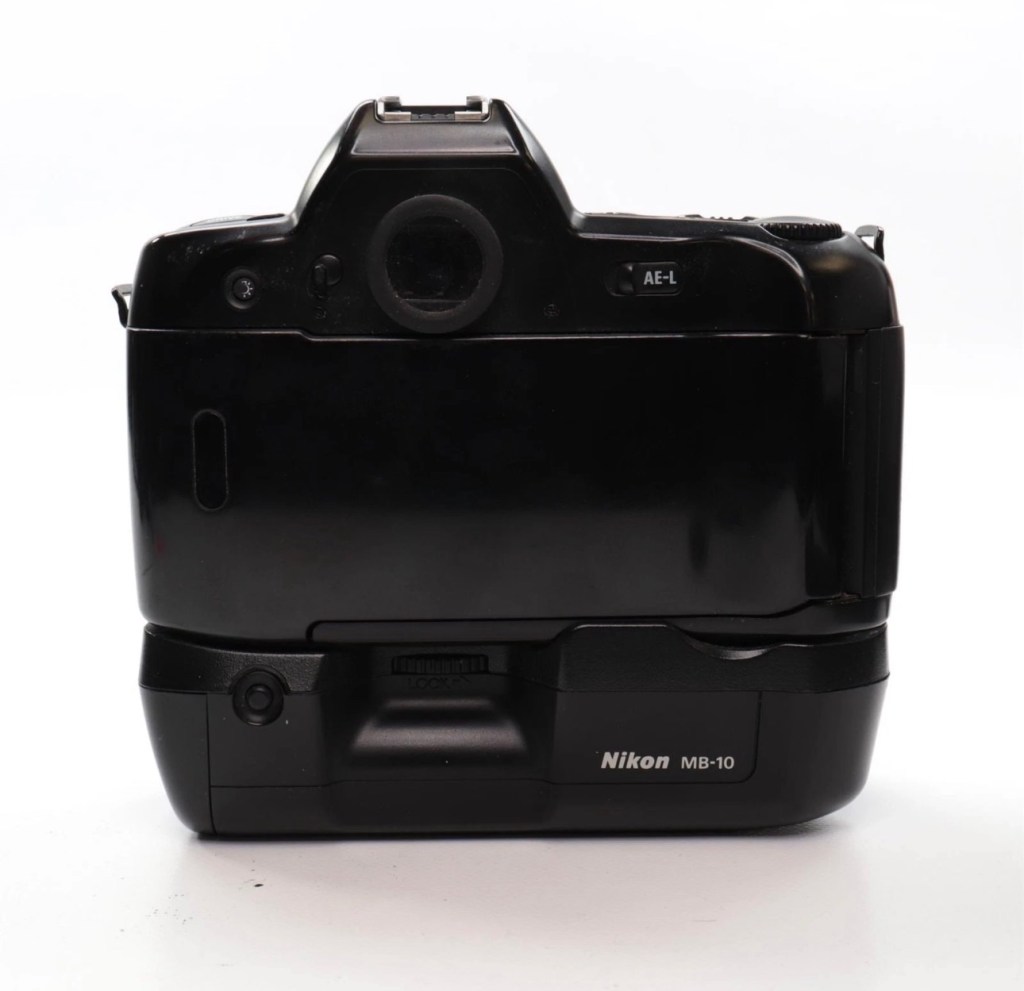
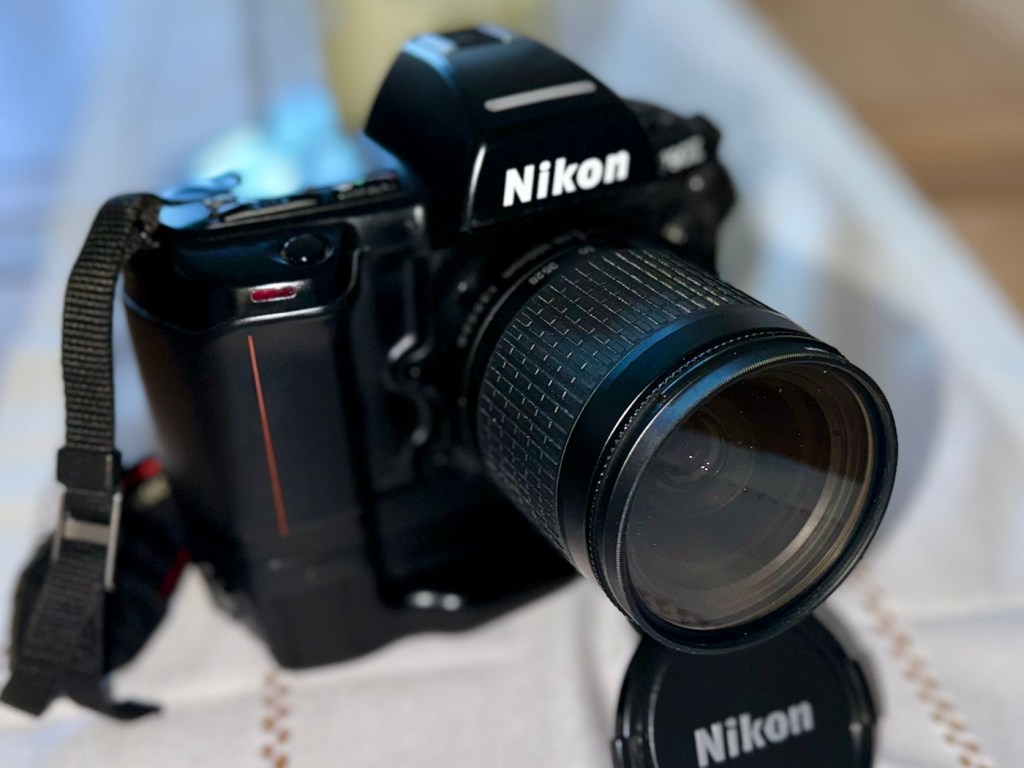
Just couldn’t let this one go. Whilst browsing the sites for my next challenge last evening, this little bundle of joy just popped from one of my preferred sellers for a quick sale, it was about 11pm and was just posted at a sale price of £30:00GBP, however with a voucher I had, I was able to secure it at £27:00GBP. Considering this is a good quality camera of the mid 90s it also comes with the added bonus of an MB10 battery grip, superb value in my eyes. A lot of camera for a very low price.
Here’s a little bit about this camera:
The Nikon F90x is a 35mm autofocus SLR using Nikon’s F lens mount. It was targeted toward the advanced amateur or prosumer; its feature set is comparable to that of Nikon’s current D100/200/300 SLRs. The name N90s was used for marketing in the United States; everywhere else, the camera was called the F90x. This camera was also used as the base for the Kodak DCS 400 series of digital SLRs.
The N90s/F90x was introduced in 1994 and discontinued in 2001. The camera’s predecessor, the N90/F90, was introduced in 1992 and discontinued in 1994. The successor to the N90s, the F100, was introduced in 1998.
Features & Specifications
Nikon N90s global naming N90S adapted into Kodak’s DCS460, a 6 Mp Digital SLR
- Bright viewfinder with 92% coverage, .78x magnification
- Current settings are displayed at the bottom of the finder; information area is automatically backlit in dark conditions
- Top LCD displays current settings and facilitates changes
- Backlit for use in dark conditions; the backlight switch is near the left die of the viewfinder
- Cross-Type Wide Area AF System
- Choice of wide-area or spot AF
- One CAM246 AF sensor
- Continuous AF mode with release priority in addition to standard AF with focus priority
- 4.1FPS capable with continuous AF; 4.3FPS with standard AF
- 2FPS mode available
- 3D Matrix Meter when used with a D or G-type Nikkor lens
- Center-weighted and spot metering are also available and usuable with AI lenses
- 3D Multi-Sensor Balanced Fill-Flash capability (with Nikon Speedlights SB-800/80DX/28DX/28/27)
- Seven Vari-Programs: Portrait, Portrait with Red-Eye Reduction, Hyperfocal, Landscape, Silhouette, Sports, Closeup
- Explained in detail in the instruction manual
- Four exposure modes: Program, Shutter-priority, Aperture-priority, Manual
- Shutter speeds of 1/8000 – 30 seconds + Bulb
- Flash sync speed of 1/250
- Flash sync modes: normal, slow, rear, red-eye, FP high-speed
- Self-timer: 2-30 seconds
- ISO/ASA Range 6-6400
- DX-enabled (automatically reads speed information from film canisters)
- Eyepiece shutter stops excess light from entering the viewfinder and interfering with metering
- Overall strong build throughout (comparable to Nikon’s current D100/200/300SLRs)
- Stainless steel lens mount
- Requires 4 AA Batteries
- Extensive system compatibility & accessories; see below
Accessories & Compatibility
F90X with MB-10 grip
The N90s/F90x is compatible with nearly all Nikkor F-mount lenses as well as all Nikon SB series speedlights.
Additional, camera-specific accessories available are:
- MF-26 Multi-Control Back
- Long Exposures to 100 hours
- Freeze Focus: triggers the shutter as soon as a subject comes into focus
- Custom Reset: customizes which settings are affected by the green-button reset
- Date Imprinting: can also imprint shutter speed and aperture information
- World Clock
- Flash exposure compensation
- Interval timer: up to 100 hours between pictures for 99 frames
- Limit frame count in continuous shooting mode
- Multiple exposures
- Customize which settings are affected by AE-L and AF-L (auto-exposure lock and autofocus lock)
- MF-25 Data Imprint Back
- MB-10 Vertical Grip
- Takes 4AA batteries or, with the MS-11 battery holder, two CR123 lithium batteries
- Interchangeable focusing screens
- E screen provides grid lines in the viewfinder
with 28-80mm, 20mm and 80-200mm
Lens Compatibility
- All functions, including autofocus, work properly with Nikkor AF, AF-I, AF-D, and AF-S lenses.
- AI and AI-S lenses are usable, with the loss of these functions:
- Autofocus
- Shutter-priority exposure mode
- Programmed exposure mode
- Vari-program exposure modes
- 3D Matrix metering (though center-weighted and spot metering remain functional)
- The camera does not use VR with any lens.
- G-type lenses (lenses without aperture rings) can be used with the loss of some functionality: only the lens’ smallest aperture can be used in manual or aperture-priority exposure modes.
Camera-wiki.org
Now my experience with this seller is that unless it is absolutely perfect he will not even entertain it. He doesn’t take the time to check and fettle, if it isn’t working from the start he will just get rid of. This attitude of his has meant I’ve had some right bargains in the past with very little wrong with them. I refer you to a recent purchase Canon EOS D60 that had very little wrong with it, but was also a lot of camera for a very low price.
Now I’ve always wanted a Kodak DCS 400 series camera, especially a 460 version as it takes me back to my days when I was working at Kodak in Harrow, I remember when the DCS 400 series came out and back then they were introducing such a new technology that they were commanding a huge price of around $35,000 at the time. These cameras were basically digital versions of the film camera I have purchased above. So whilst I’m on the lookout for a reasonably priced DCS 400 series camera, I guess I will just have to do with the camera that started it all off. And for £27:00GBP I’m not complaining.
I think I may know why this mirror is sticking, and if it is what I believe it to be it could be quite an easy fix. (Famous last words)
So let’s stop all the reminiscing, and wish list writing and get on with this camera’s assessment.
It’s arrived, and as expected it’s a beautiful looking item in an extremely good condition.
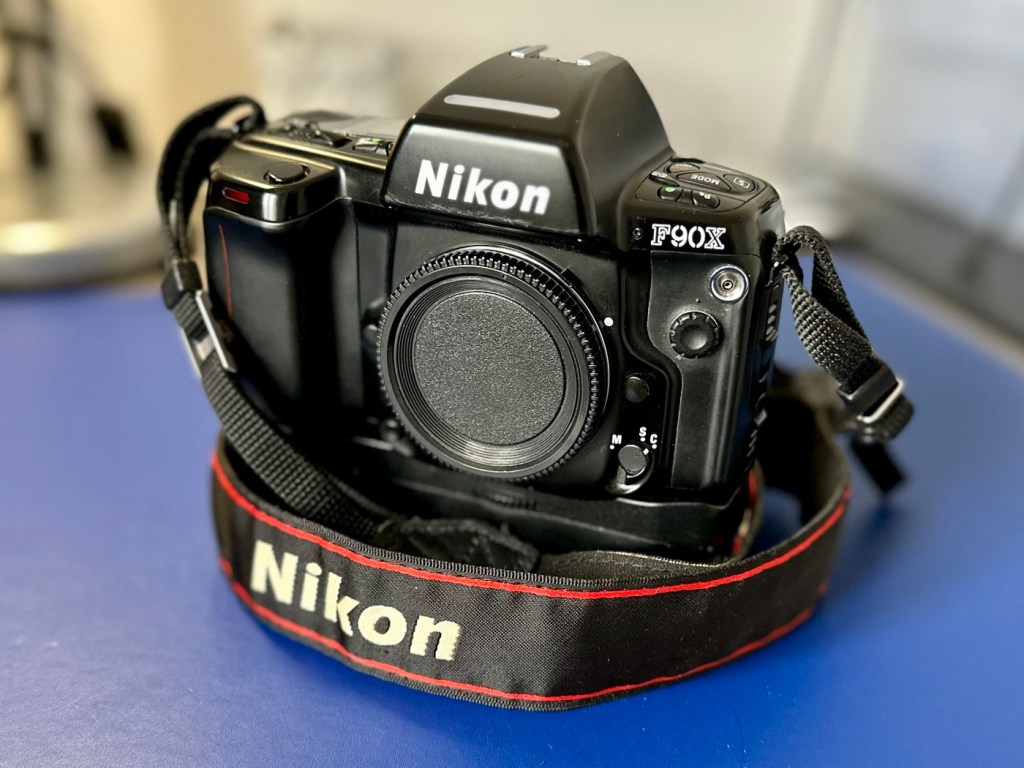
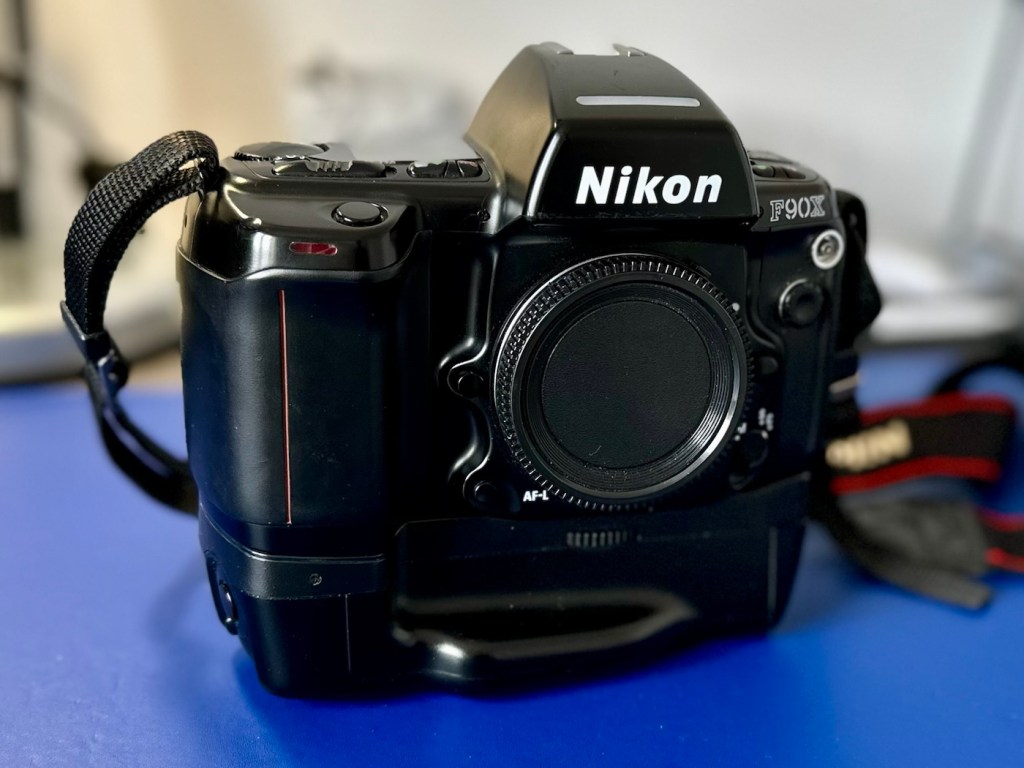
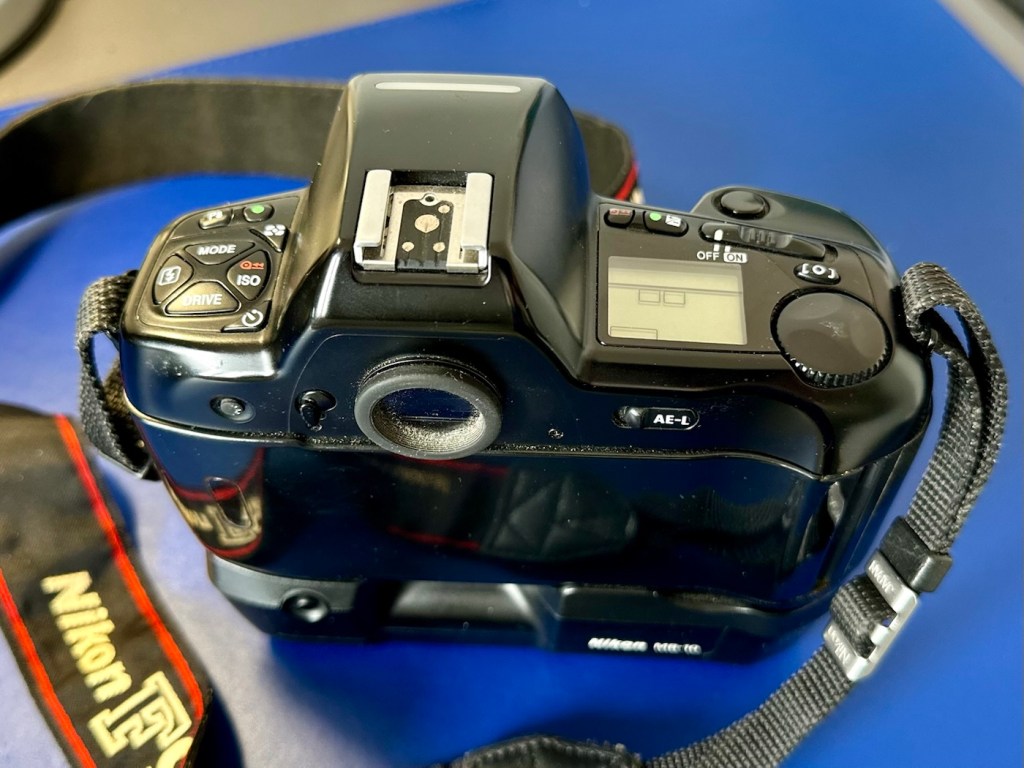
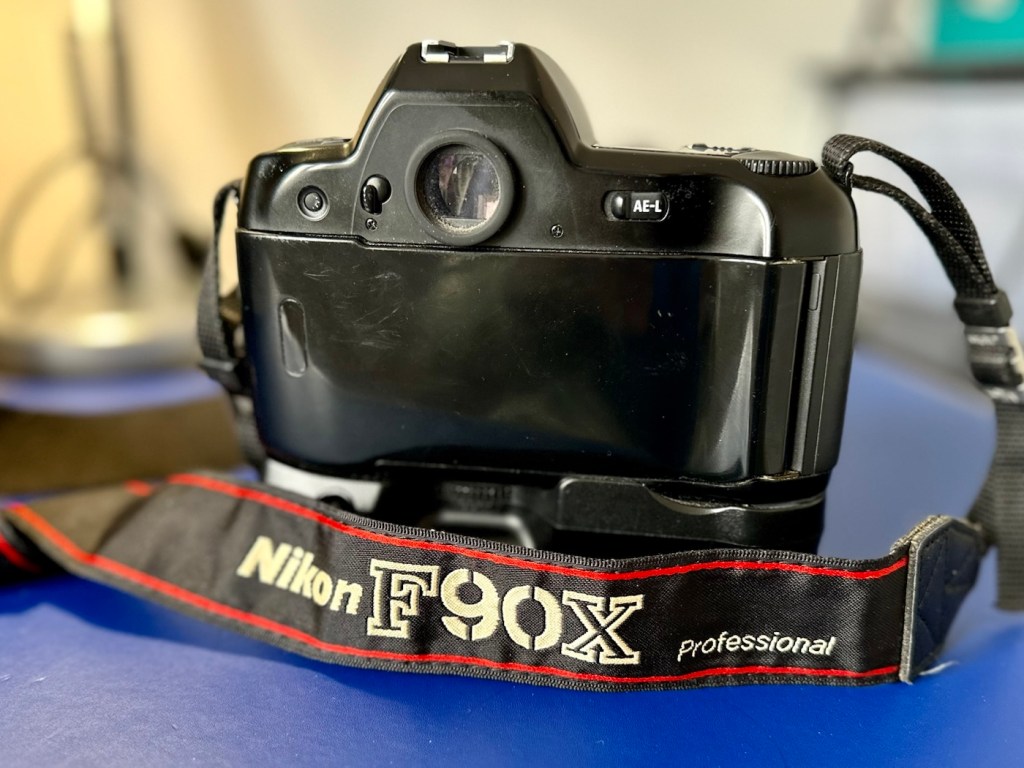
The mirror appears to be in a semi raised position, the battery pack is clean with no signs of contamination and battery leakage, so now seems a good time to put in four AA batteries and slide the battery pack into place and secure it.
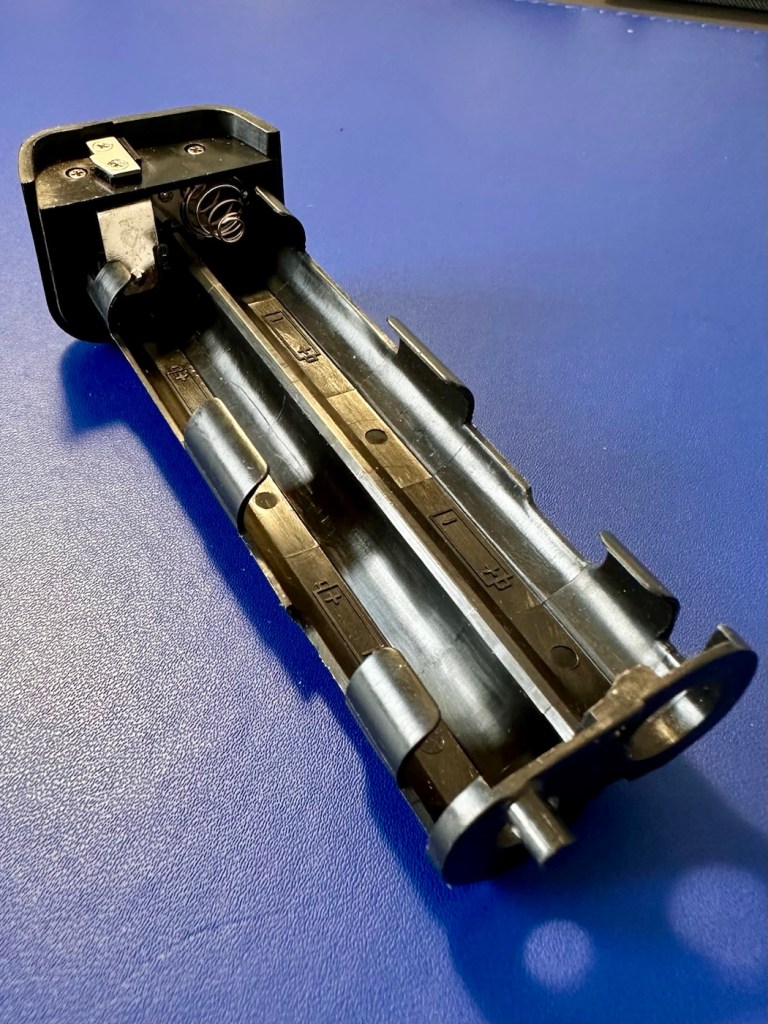
Turn the battery on and the mirror clicks back into its closed position. And here I am, probably 40 or 50 actuations later and I can’t recreate the sellers fault of a sticking mirror. The mode the camera is set in, is indicating long exposure times, maybe this has given the impression of the mirror sticking when in fact it’s just doing what it should relative to the light it is seeing. I need to check in clear daylight, but I’m sure this is part of the issue….if there is one.
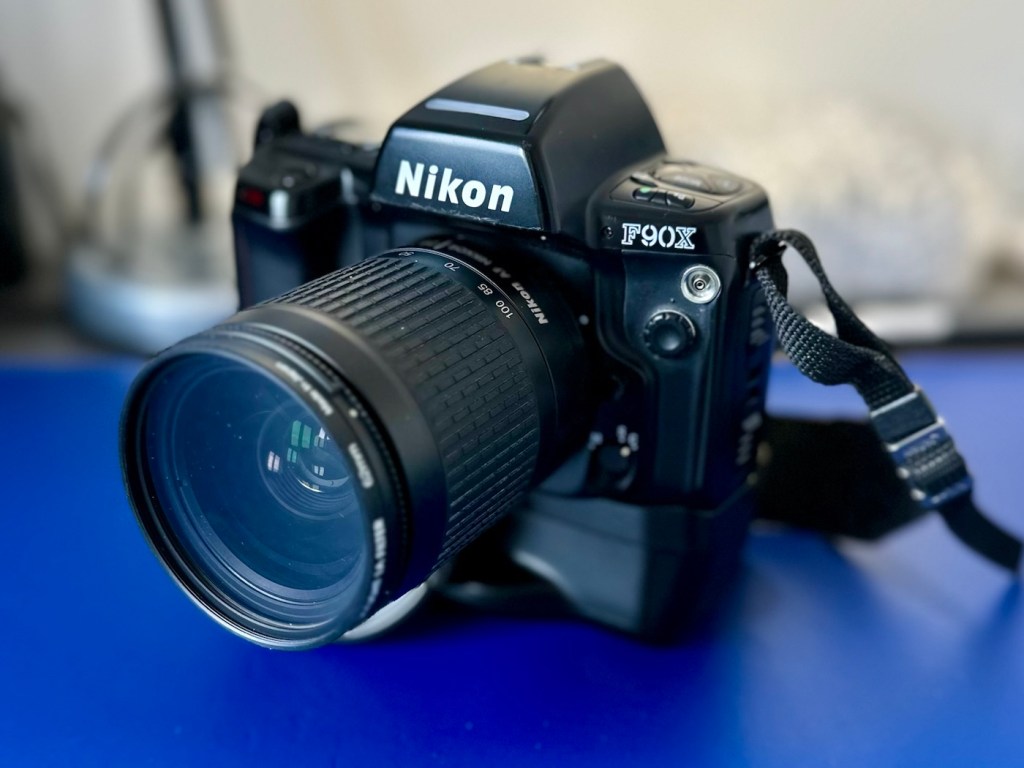
I have a 28-100 lens mounted that I use for testing, the autofocus is working really well and all seems good.
However, take a look at the picture below. It contains two photos of the LCD screen on the top of the camera. What do you see in the top photo that would make you think there is an error?
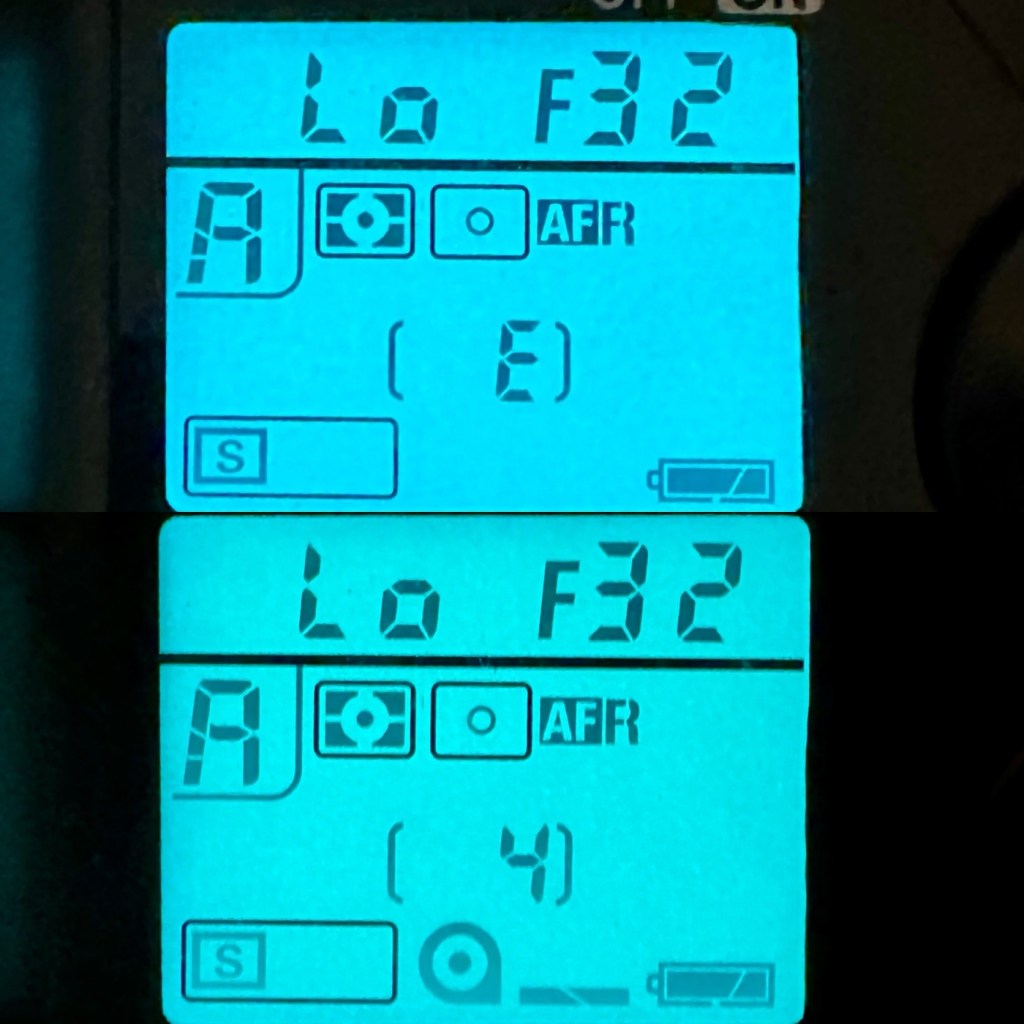
For the un-informed, those who are not familiar with this camera or its operation, you will instantly see the letter “E” that is commonly known as an error indicator, in later models it is shown as “ERR”. I do believe the seller has possibly mistaken this for an error code, but if you refer to the bottom photo where I have now installed a test film, it becomes clear that the “E” on this camera represents the word “empty”. No film installed, a simple and easy to make mistake. The bottom picture indicates a film is installed and that 4 exposures have been taken.
As these cameras have in the past been known to have a mirror sticking issue, I will replace the mirror bumper felt. It is well known that when the felt has deteriorated to such a level, the felt becomes sticky, and the mirror just sticks to the felt when it opens. It’s an age related issue that is easy to repair. Even though I have not experienced it with this unit, I will replace it as it will probably fail at some point. I will also check the light seals and replace them if I deem this necessary.
The light seals do not need replacing. In fact there are only two small spots of light seals on this camera and both are in good condition.
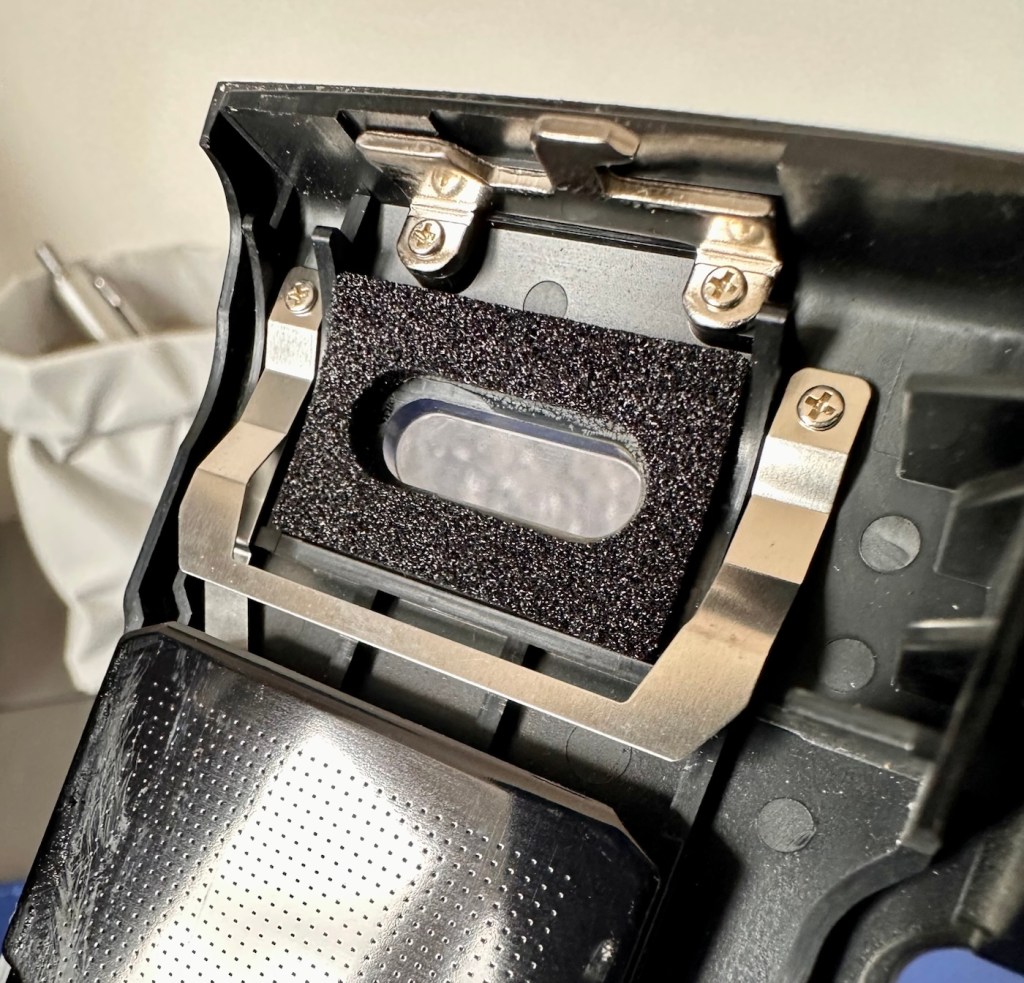
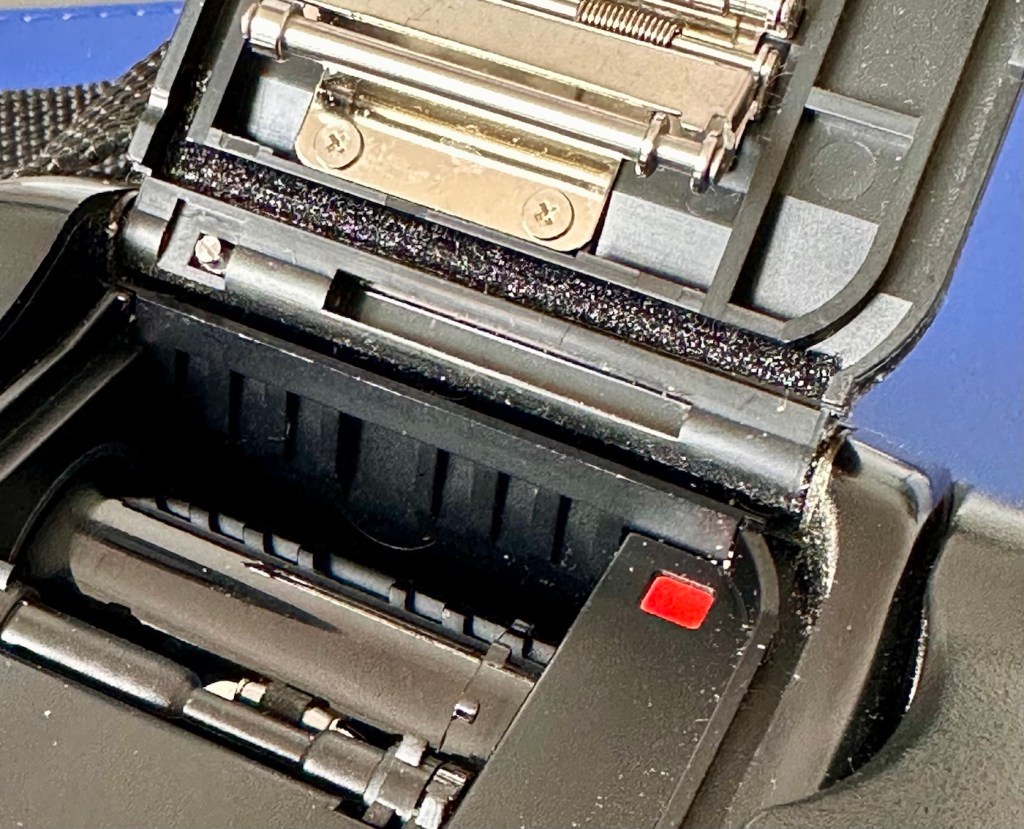
However the bumper seal was showing signs of degradation, so this has been replaced.
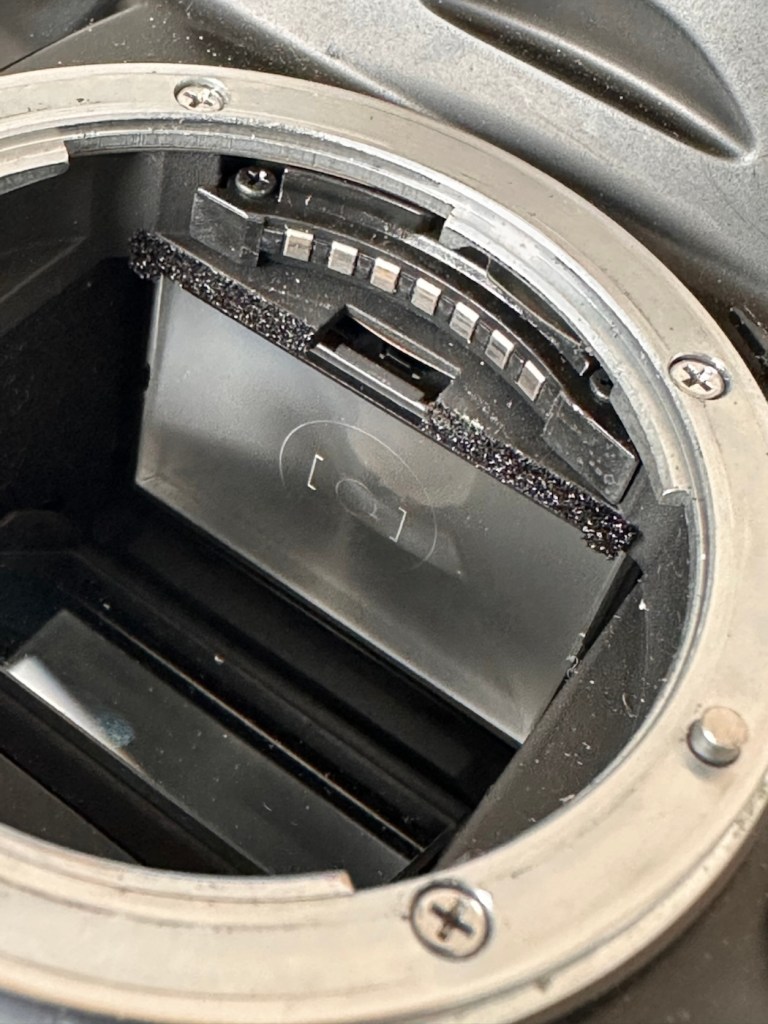
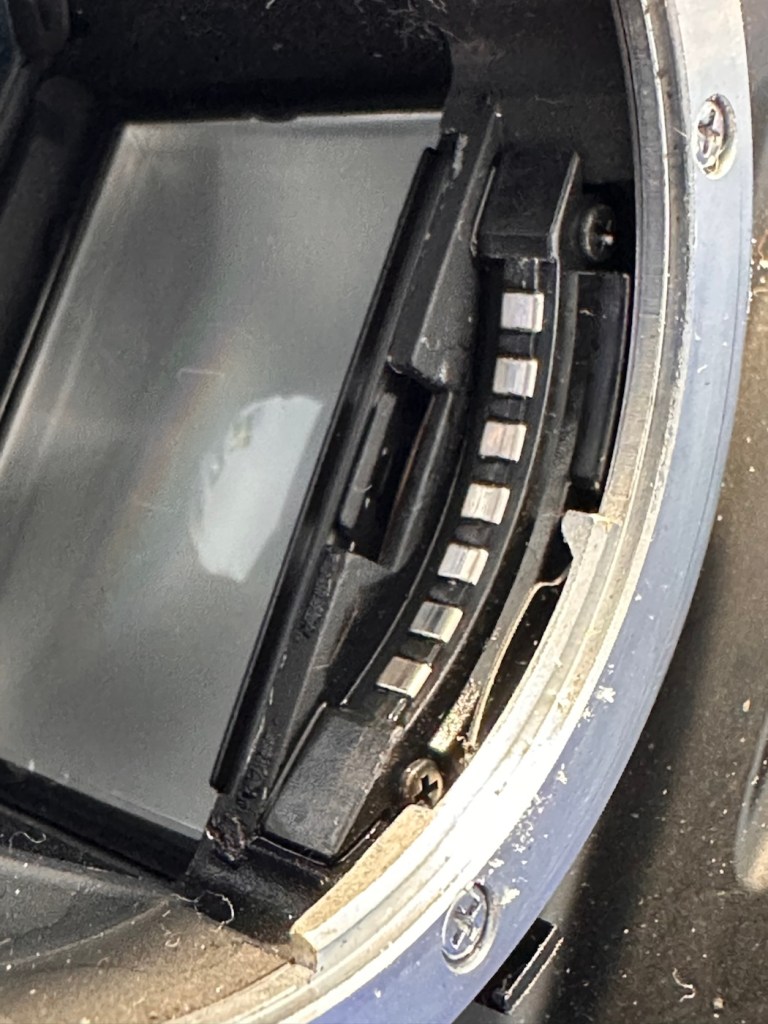
The old seal peels out but leaves a sticky residue behind, this has to be removed with some IPA prior to cutting new foam to size and reinstalling. Whilst I was in the lens are I also removed the focussing screen to clean it and remove the old ingrained dust and dirt.
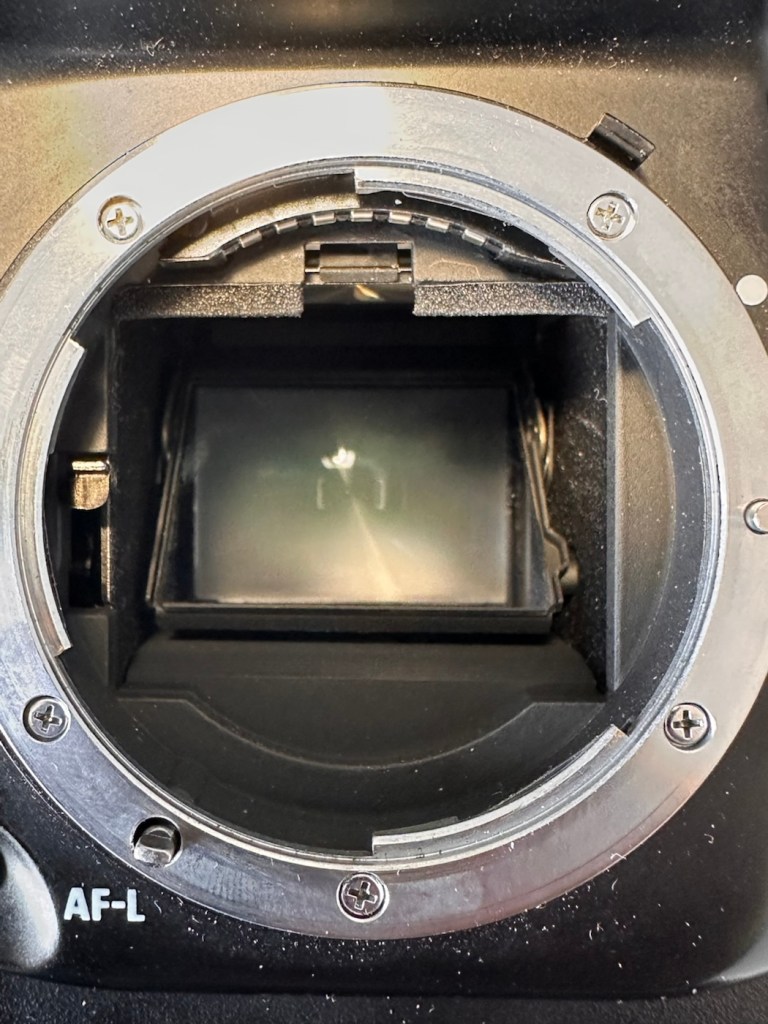
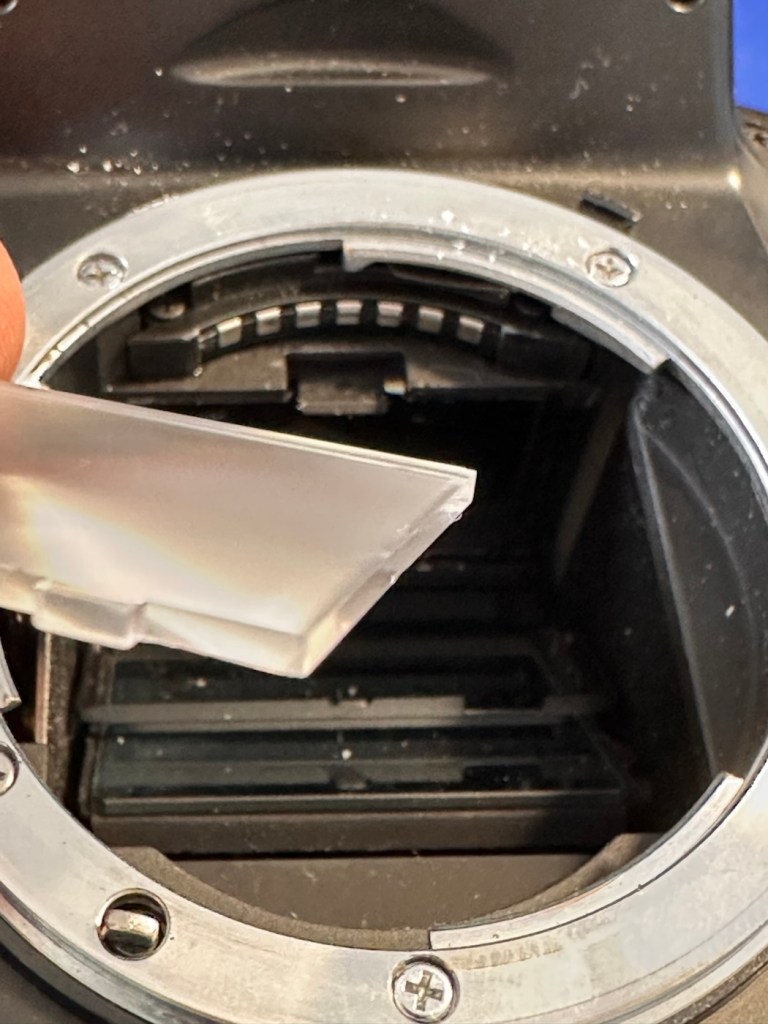
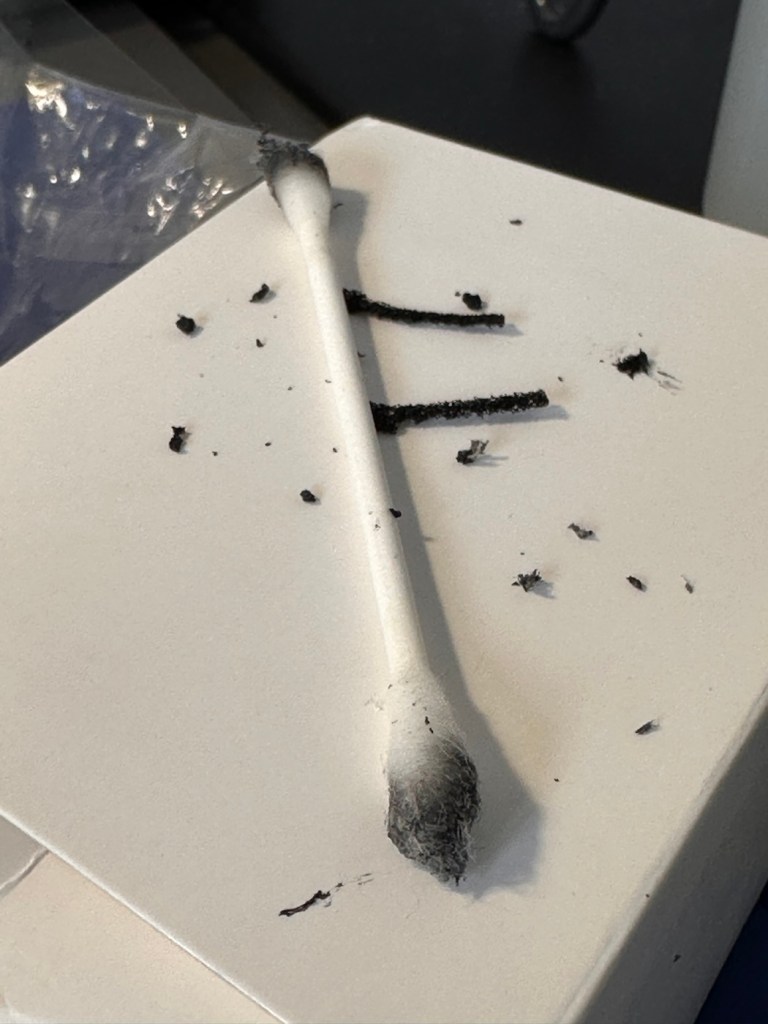
The area within the mirror area is now clean and dust free after I have used a small air blower to get the last of the debris out of the barrel area. Mirrors have been cleaned and polished and the body cap has been put back on the front of the camera to ensure no further dirt or contamination gets in there whilst I work on the outside.
I’ve printed a hot shoe flash cover purely for aesthetic reasons, I’ve also printed a sync cable cover, for similar reasons, but generally just to ensure any open and exposed areas are covered up. It does make it look a lot nicer.
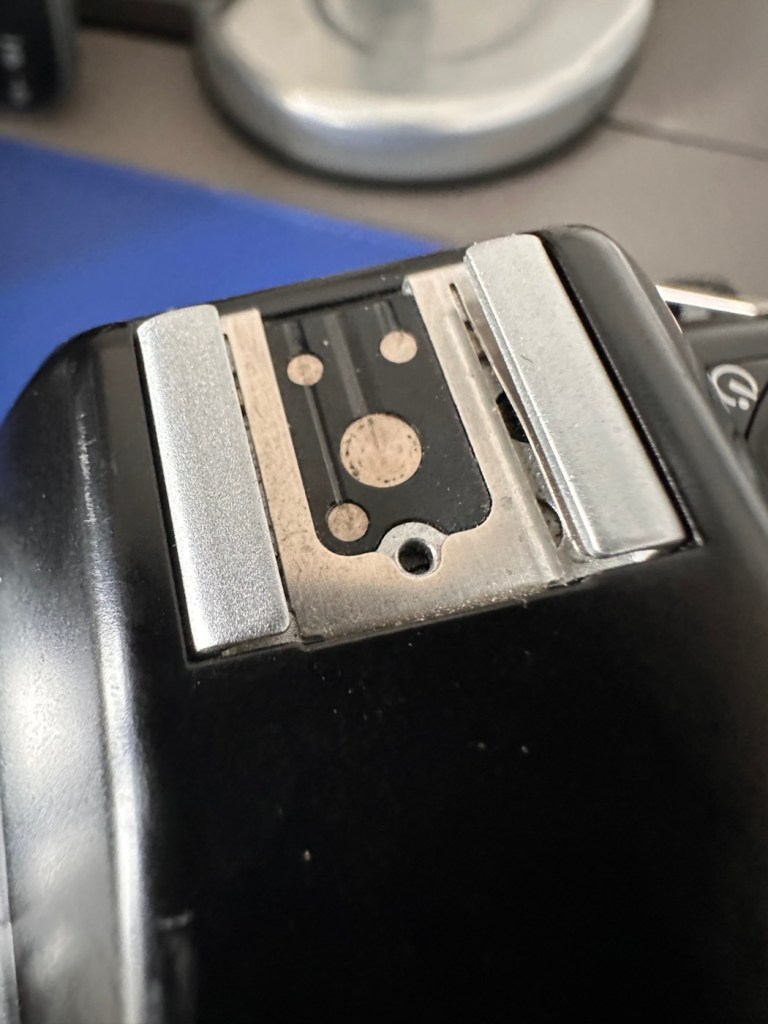
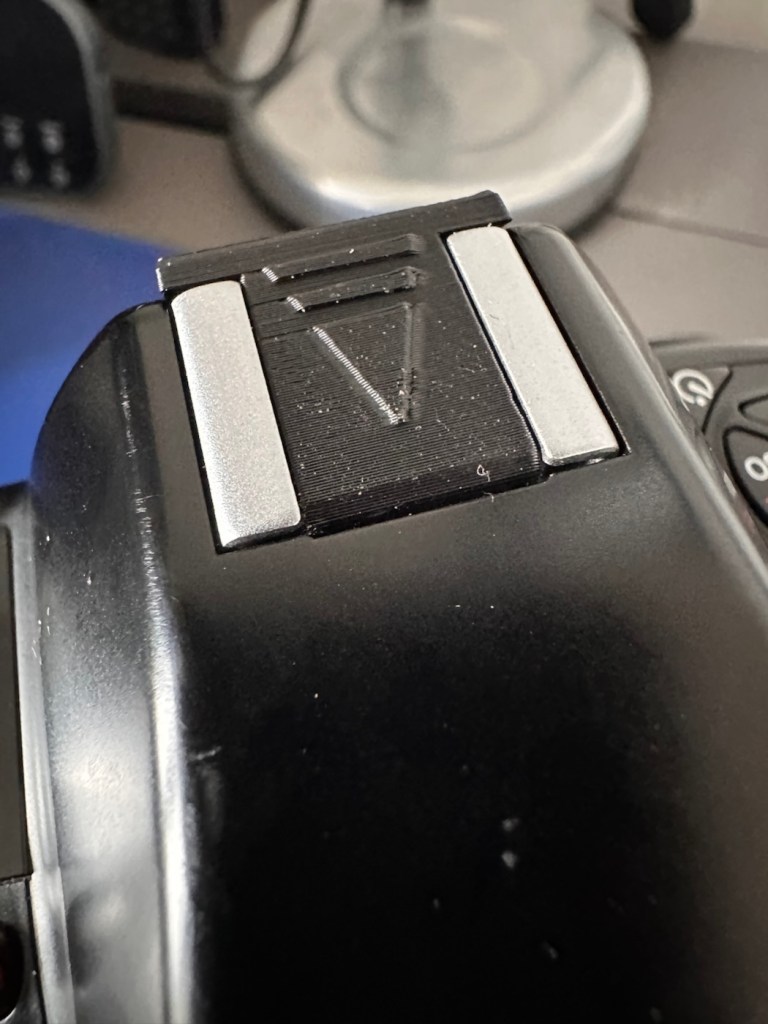
The sync cable cover also helps keep the exterior tidy as well as protecting the connector.
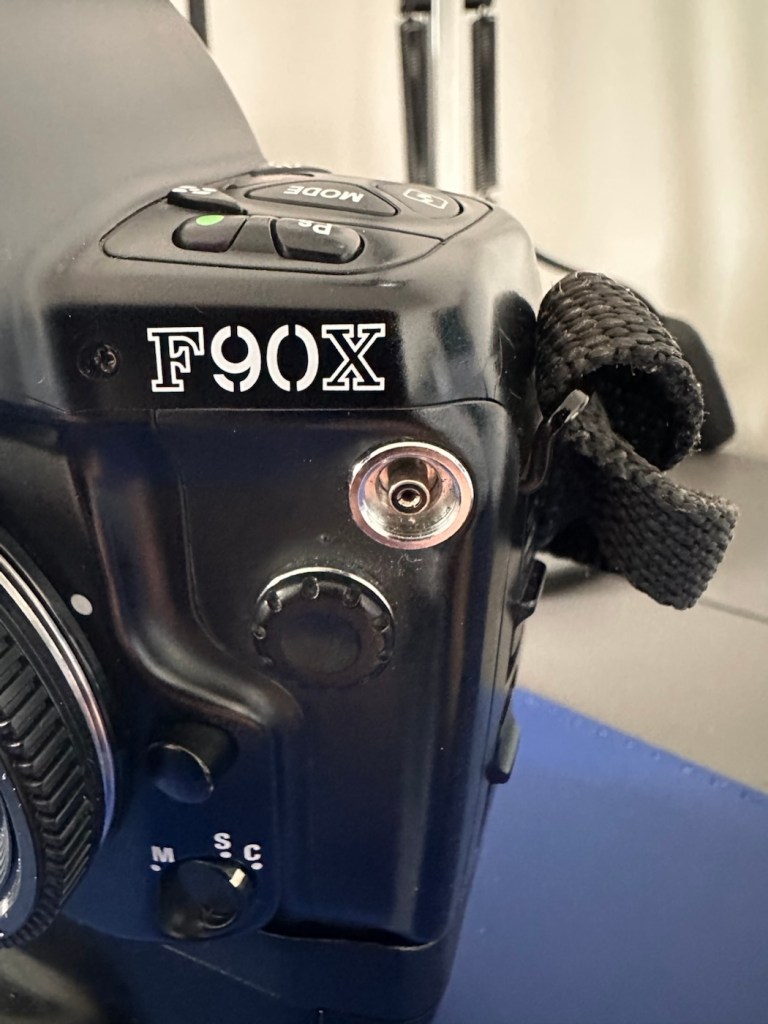
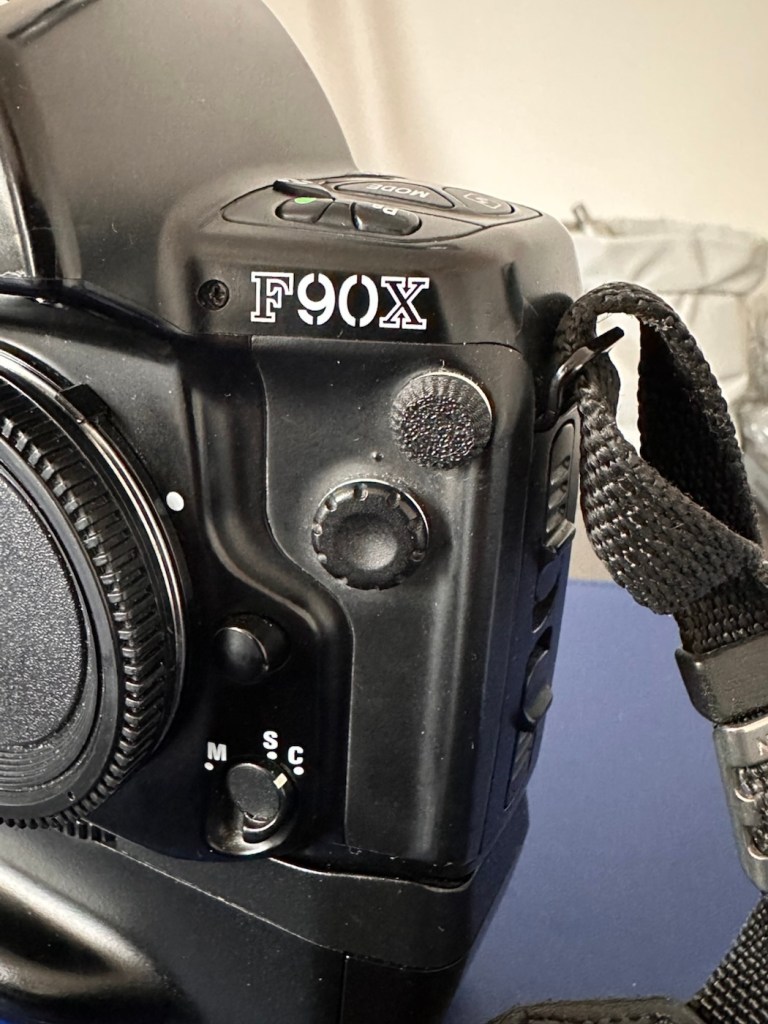
All I need to do now is clean the exterior of the camera where there is some light dust and dirt. When this is done I will use my usual car cockpit polish to finish the camera off.
When that’s done I will do a quick fly through of all the settings to check if they are all functioning as they should.
The camera has cleaned up very well and looks glorious. All settings are functioning as expected, and there have been no issues with a sticky mirror or any other issues. The camera is just working well and doing exactly what it should be doing.
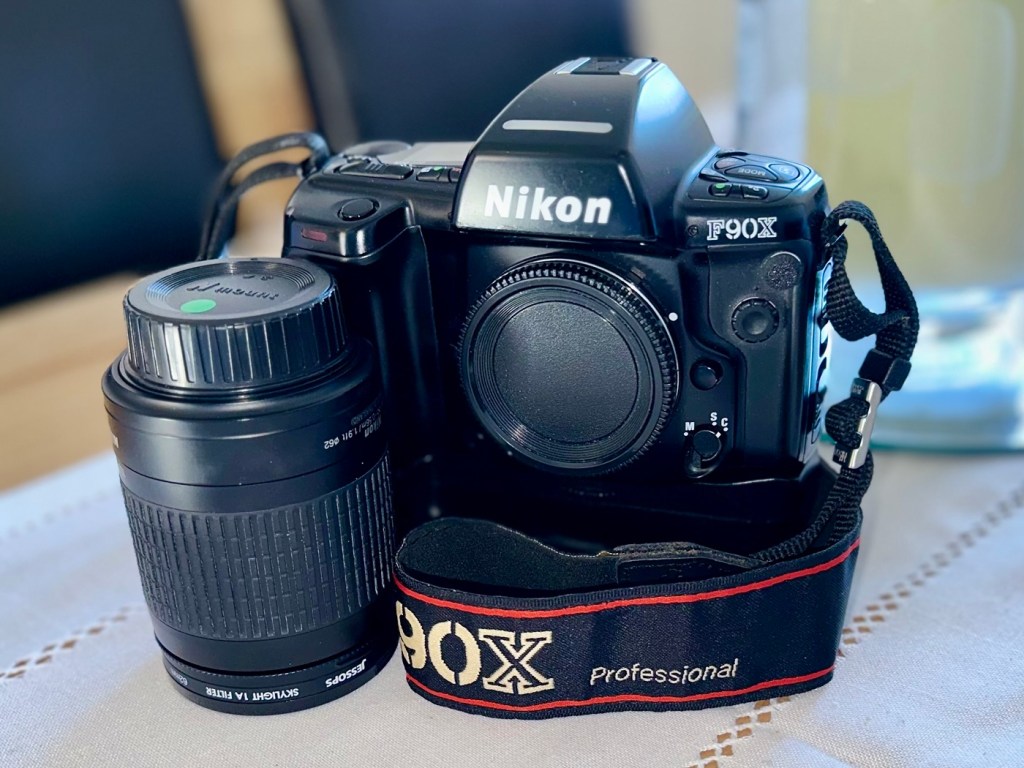
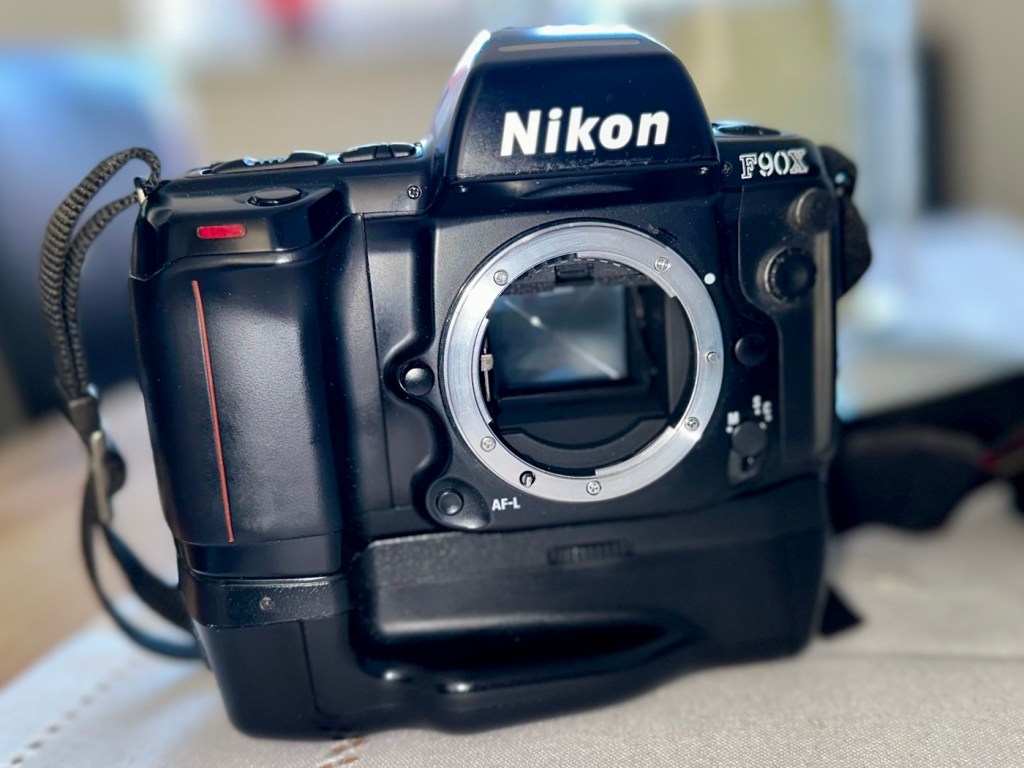
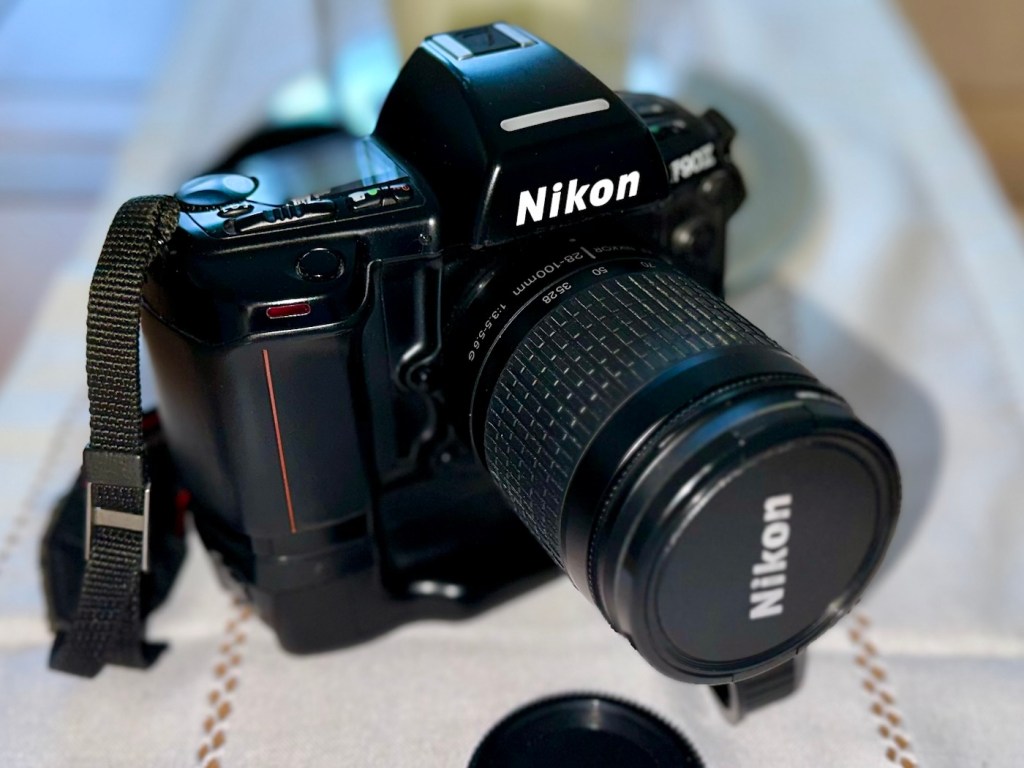
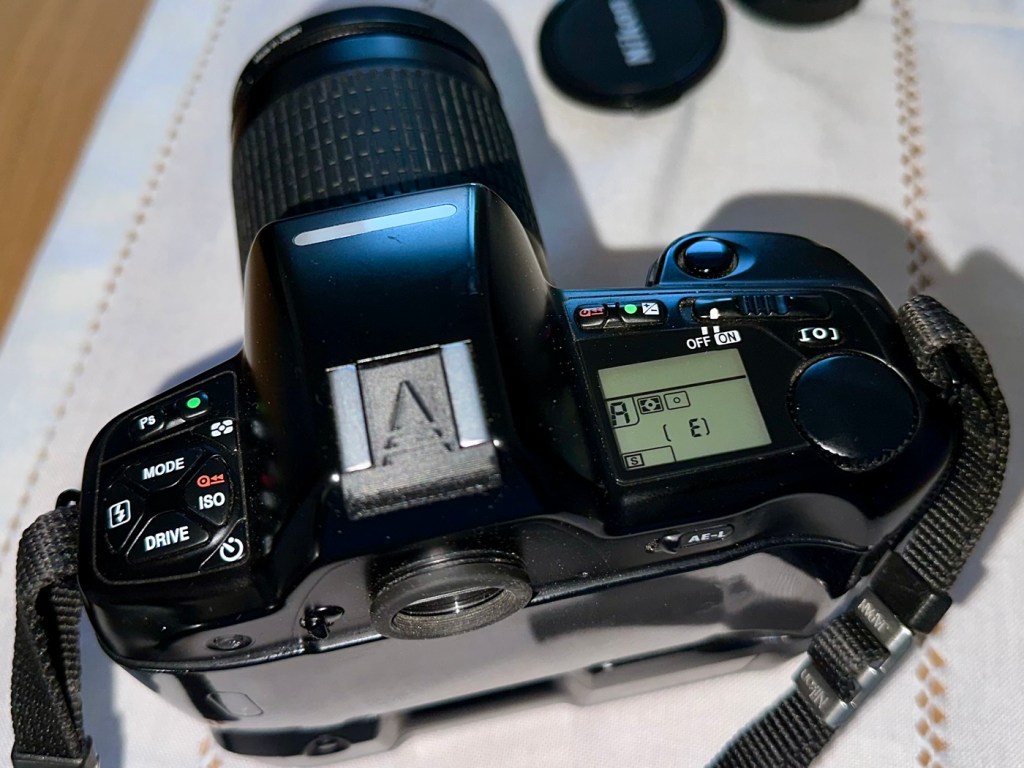
I’m using a G type lens so I’m restricted on the type of photography I can do, it stays on its lowest aperture (F:32) but that’s perfectly fine In bright sunlight conditions. I need to purchase myself another lens for testing to allow me the use of the full spectrum of apertures on this unit. That said, my lens has performed perfectly on this unit.
As I’ve stated before, this seller is one of my favourite suppliers as his cameras are always in a good condition, he doesn’t like anything unless it’s absolutely A1 perfect, so this is where i benefit as every unit I have purchased from him is perfect in my eyes, and in many cases need very little doing to them to bring them back into a working condition. This is one such unit.
So, I have yet another lovely piece of 90s “Big” tech restored and working perfectly. The next thing I need to do is to put some film through it. I’ll let you all know when I’ve done that.
Thank you for passing by, have a wonderful weekend, I really appreciate your being here.
Take care.
I purchased these three damaged Camcorder/Cameras for a very low price. Will they be fixable or just good for spare parts. Let’s see…
What the listing stated:
TTS IT00617 Digital Camcorder Camera
Full HD pocket camcorder that records in 1080P and can take 5 megapixel photos.
2″ TFT colour screen. Charges via in-built flip-up USB plug.
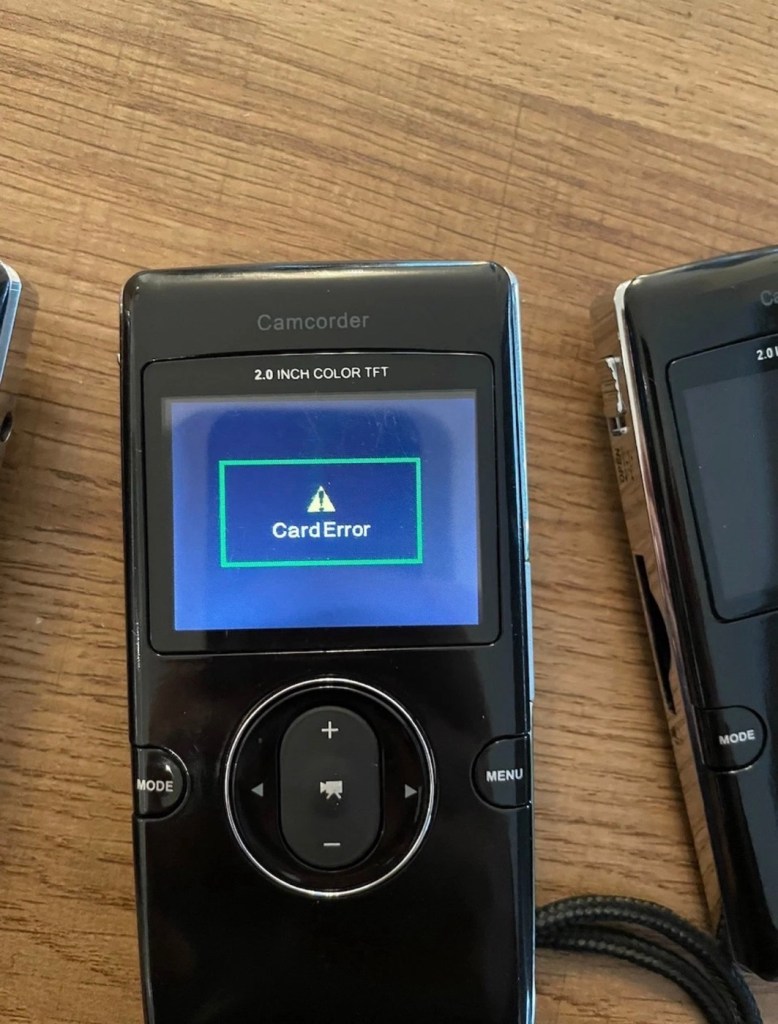
Cameras appear to be faulty. One has a corrupt screen, the others boot and show the camera feed but give a “card error” no matter what SD card I install.
EBay
The seller wanted £10:00GBP for these three camcorder/cameras but I was not prepared to pay that, for what potentially could be three pieces of junk, only good for parts. So I cheekily put in a £4:00GBP bid that was accepted straight away, the seller really wanted rid of these, I suspect they are junk, we’ll just have to wait and see.
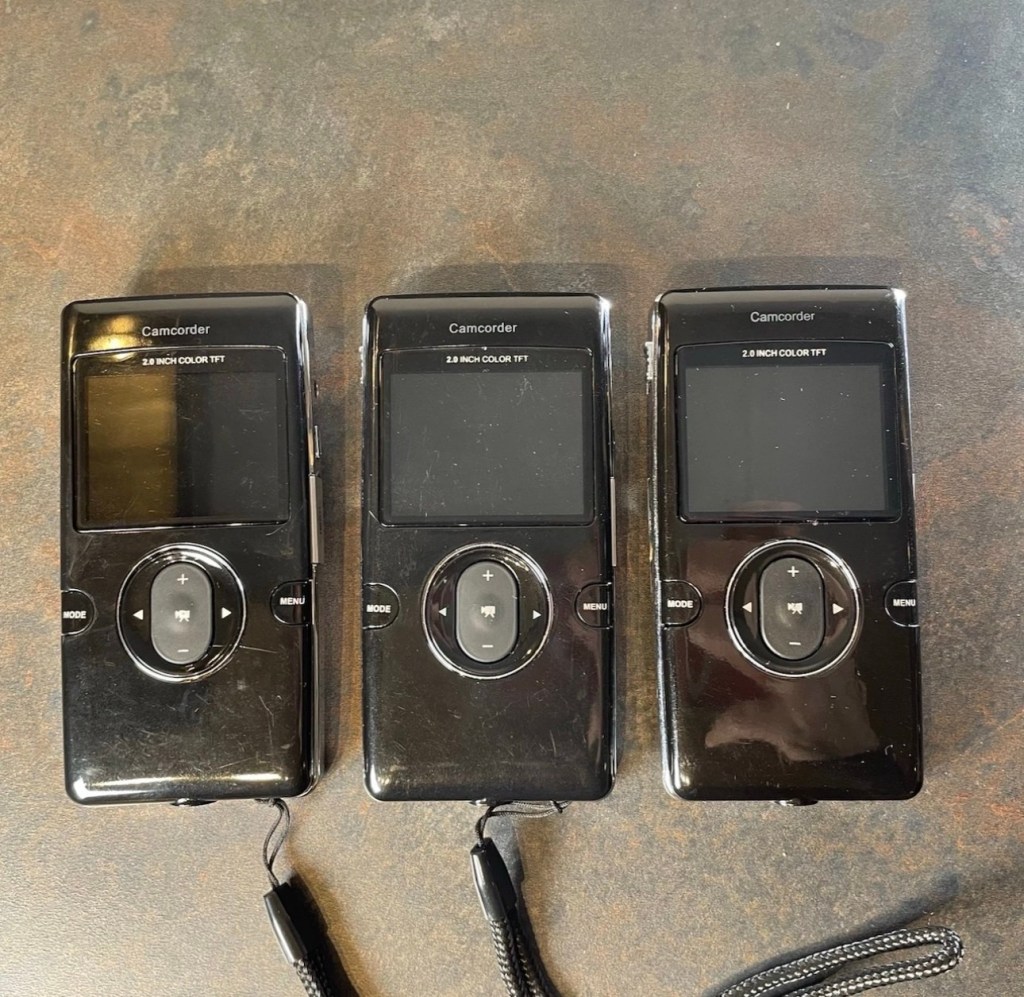
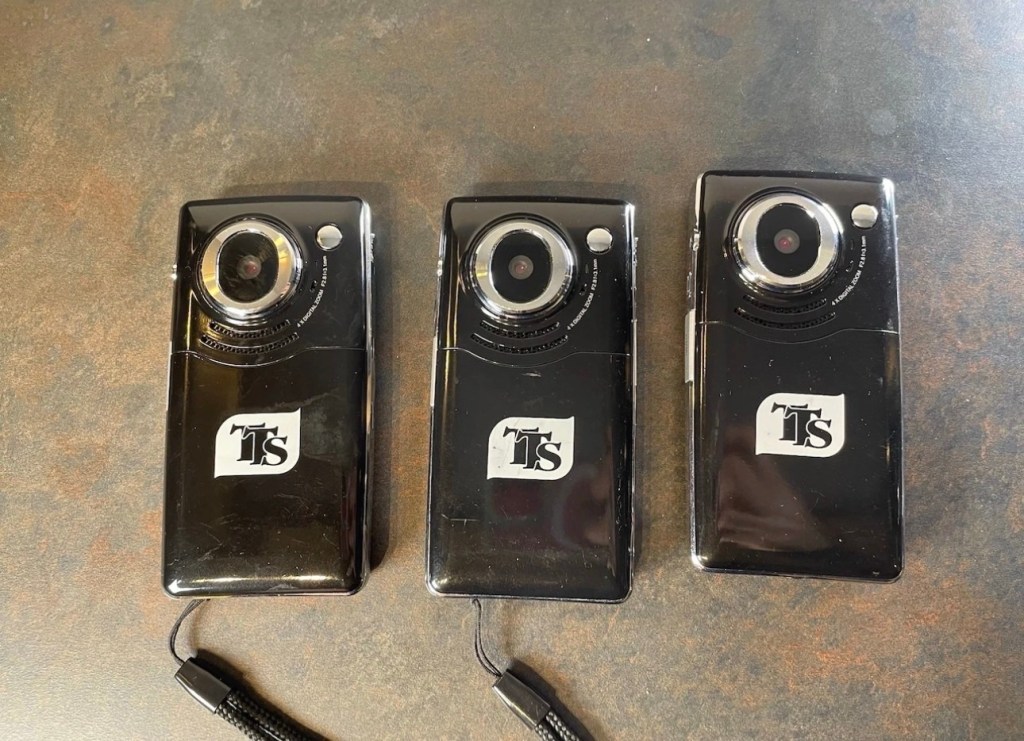
From the information I can find that is available online, these units are handed out to children partaking in key skills programs within schools, to use when recording project work they are completing as part of the school’s curriculum. From what information I can gather, it appears these units were introduced around 2014, as that’s when the instruction manual is dated. They may only be around 12 years old but I suspect they have had a very hard life in those few short years. Hence they are very probably knackered, mistreated, and may well be just junk. My expectations for these units are now very low. The company that produces these units – TTS appear to be based in Nottinghamshire, near me in the East Midlands, and specialise in supplying ICT equipment to primary schools. Here is all the information I could find regarding these units.
The TTS IT00617 is a 1080p Full HD digital camcorder and camera specifically designed for educational and outdoor use by TTS Group. It is often marketed for use in primary schools due to its rugged design and simple interface.
Core Specifications
- Video Resolution: 1080p Full High Definition.
- Still Image Quality: 5.0 Megapixel sensor.
- Display: 2-inch TFT colour screen.
- Zoom: 4x Digital Zoom.
- Storage: Uses removable SD cards.
- Connectivity: Includes HDMI and USB ports for connecting to computers or displays.
- Power: Powered by a rechargeable Li-ion battery, which is user-replaceable.
Key Features
- Rugged Design: Built to be resistant and ideal for outdoor photography and video capture.
- User-Friendly Interface: Often includes a built-in microphone and a touchscreen for easy navigation.
- Educational Accessories: Retail packages typically include an installation CD, user manual, and necessary cables.
I have managed to get hold of a user manual electronically, so I will download this and just go through the motions step by step when the units arrive. You never know one or two of them may just spring back into life if treated correctly. I doubt it, but it doesn’t hurt to have a little bit of optimism.
Let’s get an assessment done.
The cameras have arrived. I’ve carried out a very quick inspection and all three are dead to the world, so first things first, let’s try and get some power into them and then we can do a proper assessment. I must admit though, all three cameras are cosmetically in a very good condition.
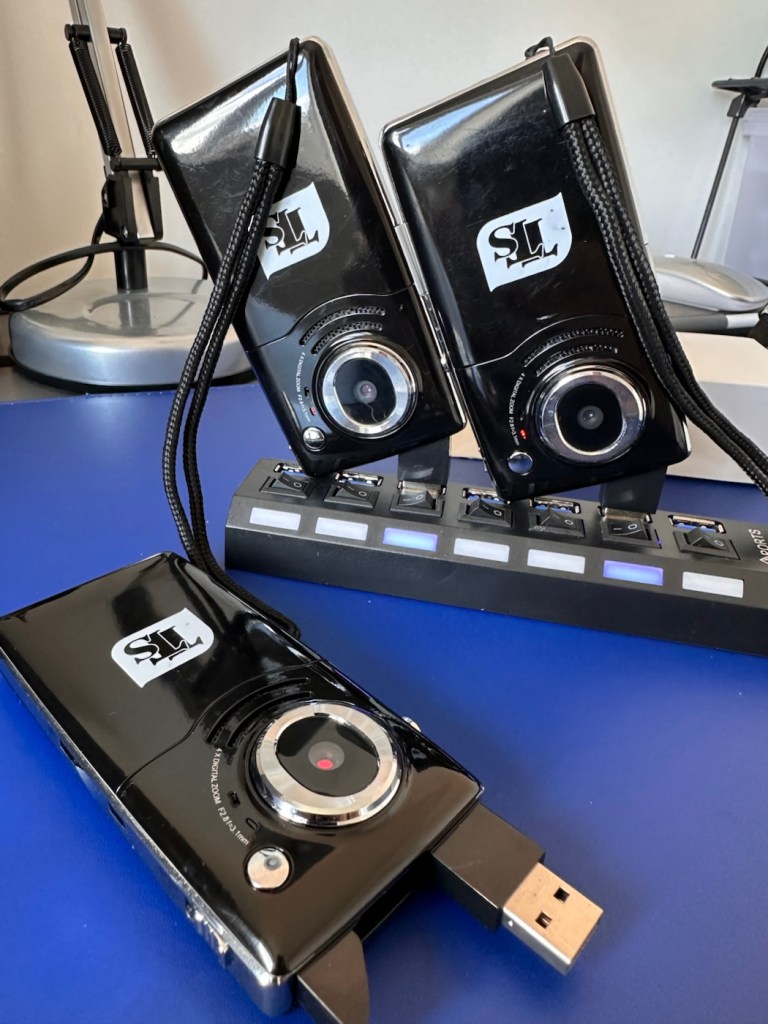
A switch on the side allows the USB charge port (also a data transfer port) to pop up and you just plug the unit into the socket of your choice, either a hub as I have, or into a port on your chosen computer device. When charging a red light shows on the rear of the camera at the side of the lens. This extinguishes once a full charge has been reached.
Two have reached a stage of full charge, one, the unit with the corrupted screen issue has not, and to check the battery, i have put this into one of the units that charged ok, to check if it is a battery issue or a unit issue.
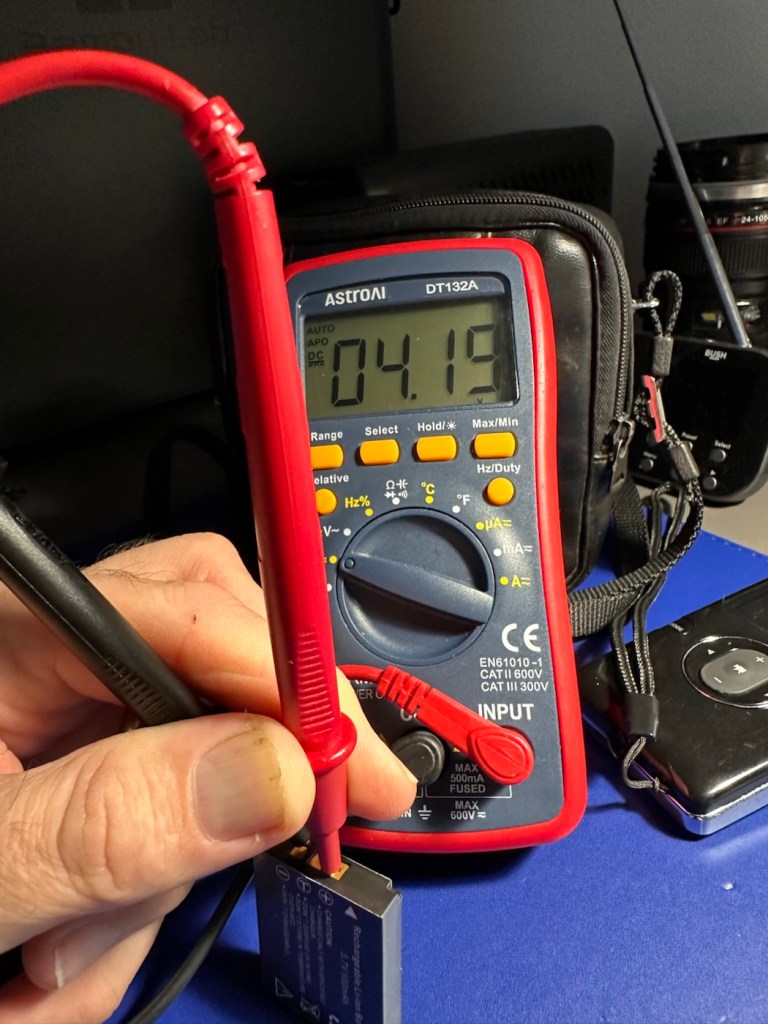
It’s not a battery issue, in fact the faulty unit is charging its battery, so at least I know the charge circuit is working. It’s working in all units as I have removed all batteries and checked their voltages with the multimeter. The battery rating is 3.7v and they all currently hold a charge between 4.16v and 4.19v and that shows that they are all quite healthy.
All testing done, and now with an idea of the issues, let’s move into repair mode.
The original posting stated that two of these units had “Card error” faults no matter what SD card was used, and one had a corrupted display screen.
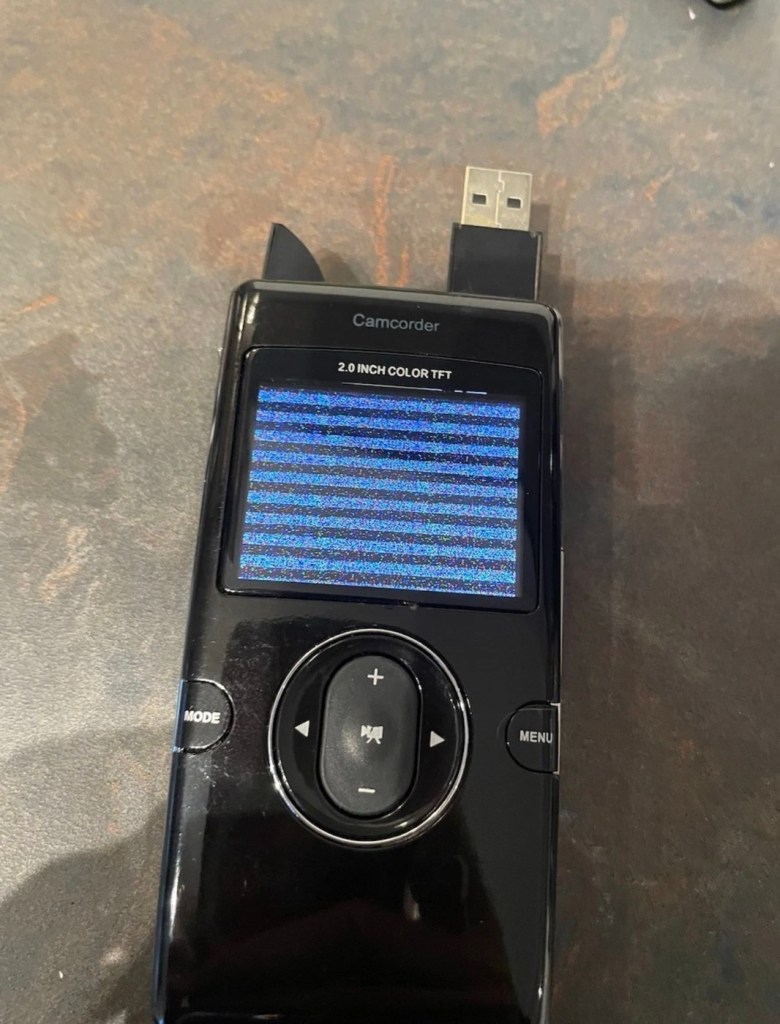
I can definitely confirm that one unit does have a corrupted screen, and this is the same unit that was having the charging issues mentioned above.
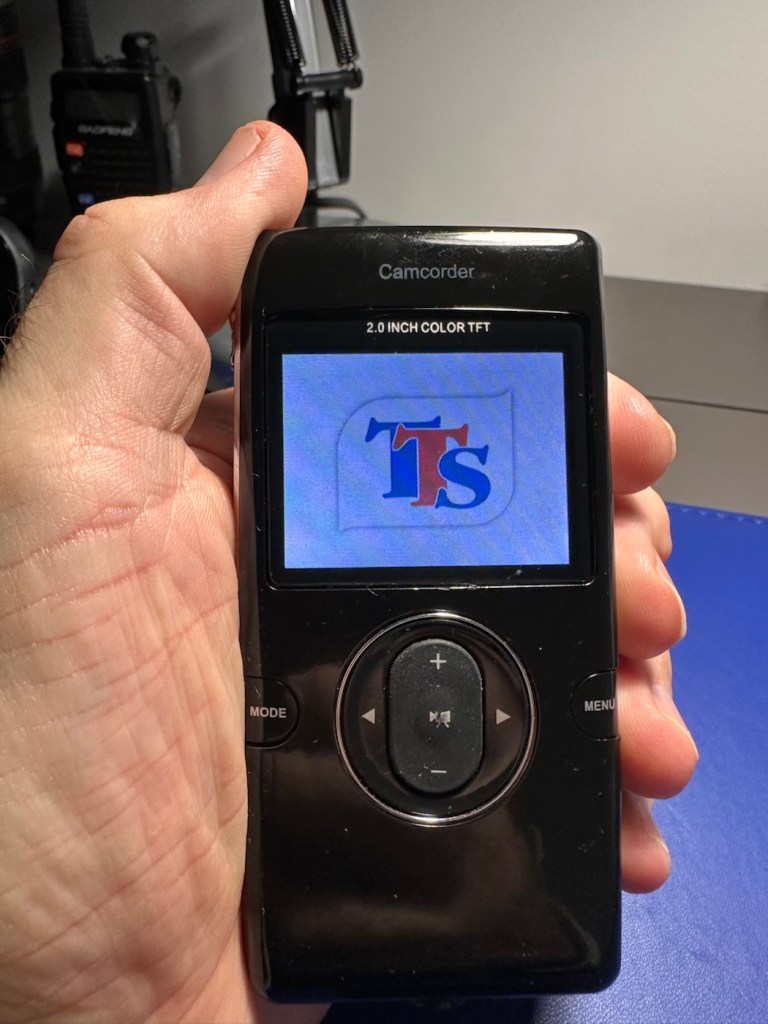
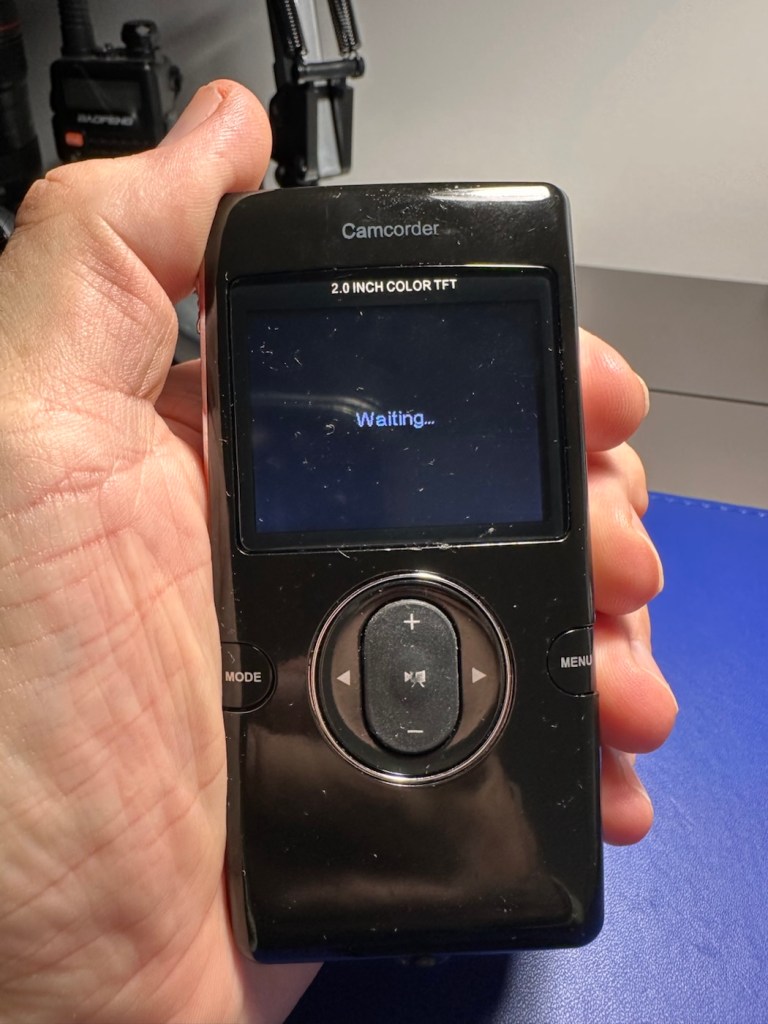

You will see in the pictures above, that I believe the screen is actually ok, yes the output is corrupted, however the start up screen or the waiting screen show no such display errors. I suspect there is an issue with the actual camera module, so I will have to open this one up to investigate further. The on off button allows you to turn this unit on, however you can’t power off. You have to remove the battery to close the unit down. This is obviously another issue that requires further investigation.
The other two units with the “Card error” fault have each had a 1Gb SD card installed and no such error occurs. Well, to be honest, it actually only happened once, briefly on one unit, when I inserted a fresh card. It then asked me to format, which I did and then it was all normal, that’s all it required. I don’t know what type of card the seller was using, maybe they just did not format the SD cards, but as it stands the stated problem is non existent in these two units.
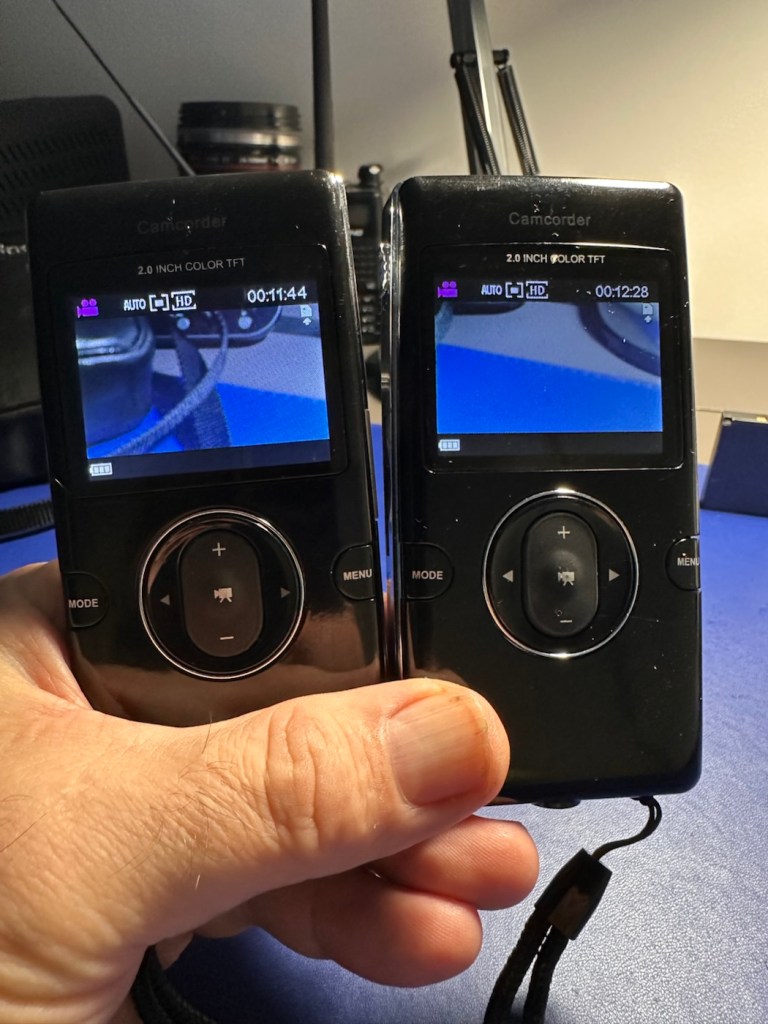
With the two working units I am able to video, and take still photographs, they are working fine, there are no issues and I will display a small video and some pictures below in the result section. Don’t expect quality, it really is quite a basic system. I need to do nothing to these two units now, as they are working fine.
We now need to turn our attention the one failed unit with the corrupted screen, and power on and off issues. I’ve opened the unit up and had to use my microscope on this one as there was nothing obvious on inspection.
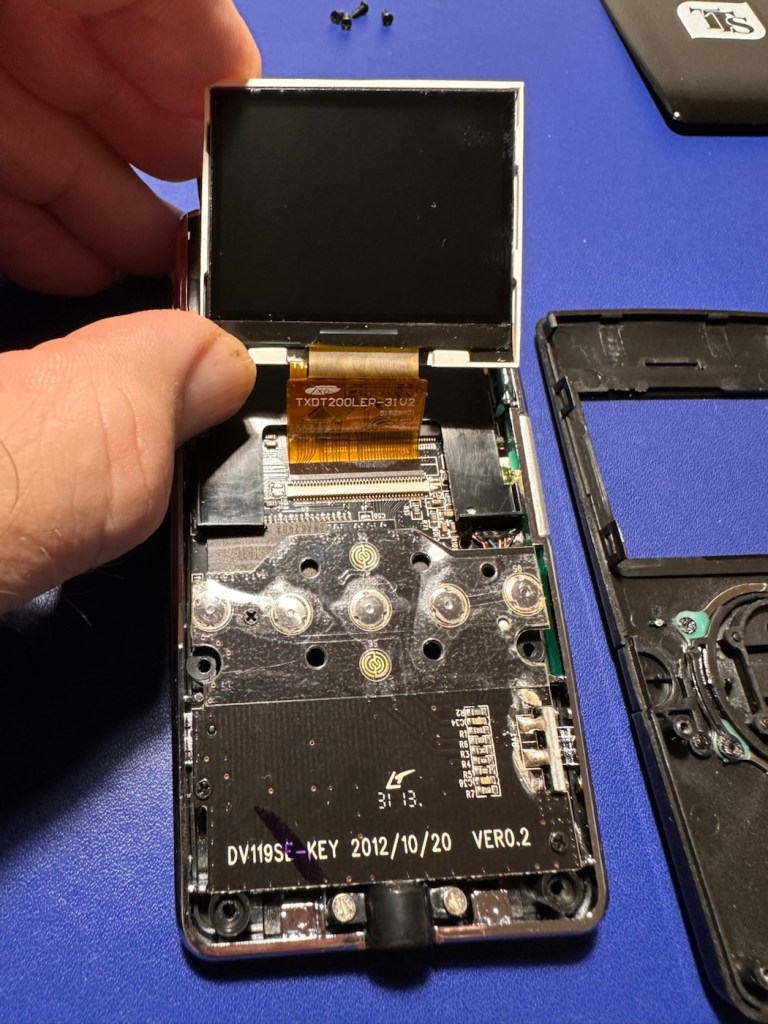
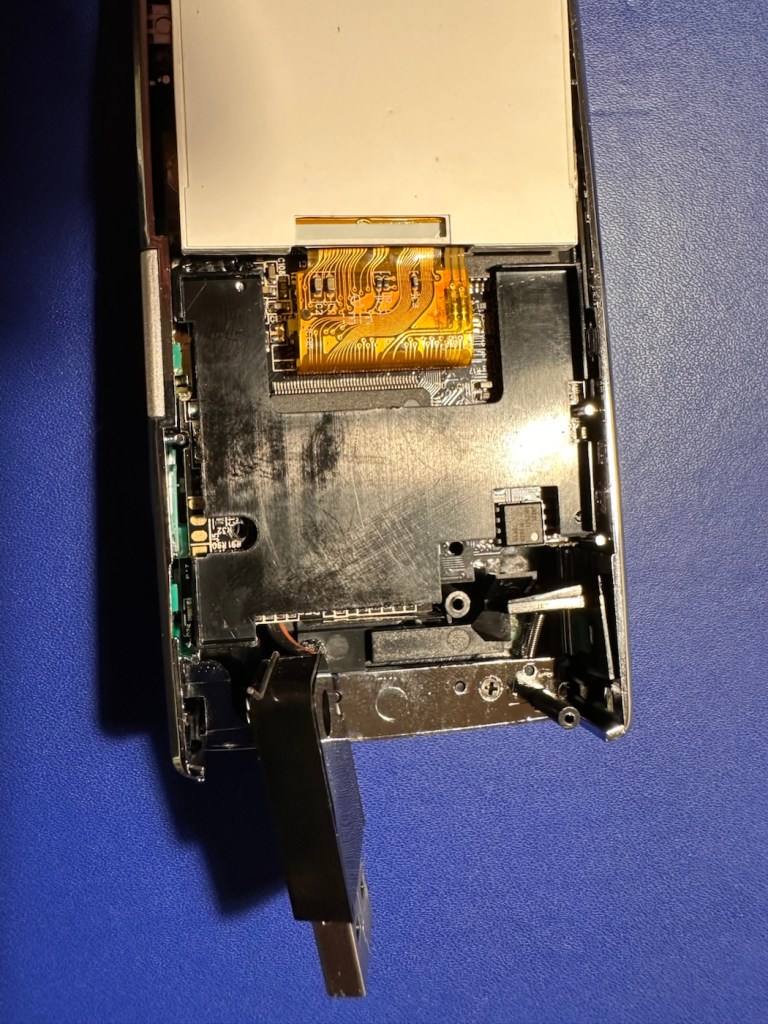
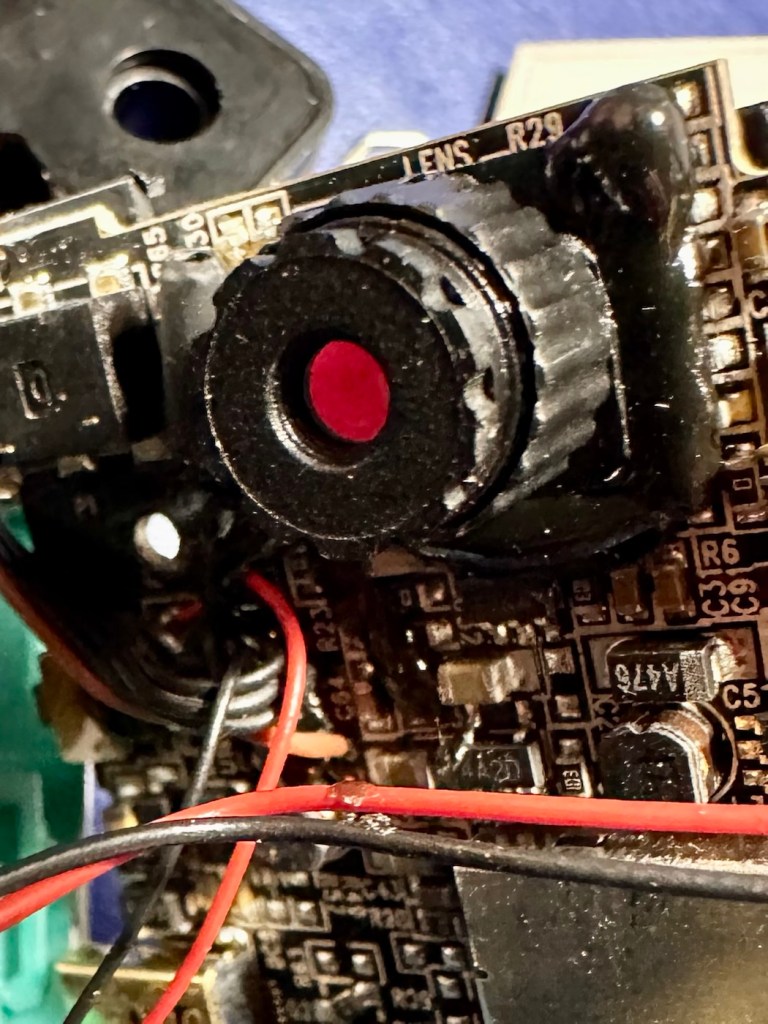
I detached the ribbon cable and removed the screen, I then repositioned it and again turned it on with the same result. I’m confident the screen is ok, it now looks like it could be an issue on the board.
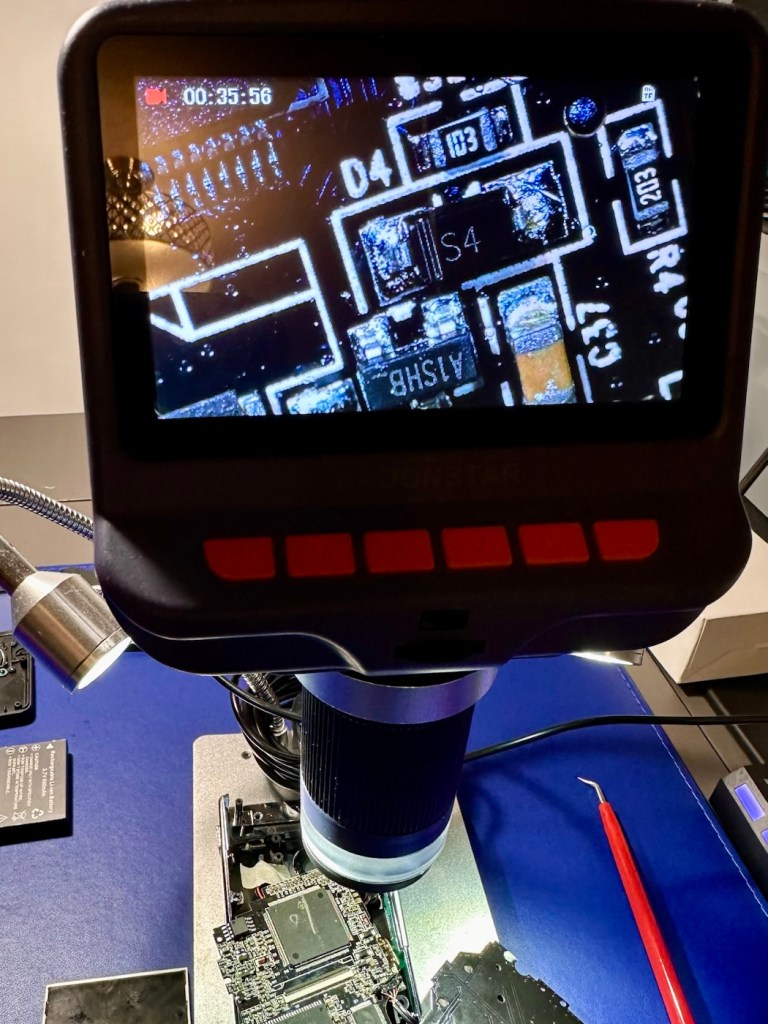
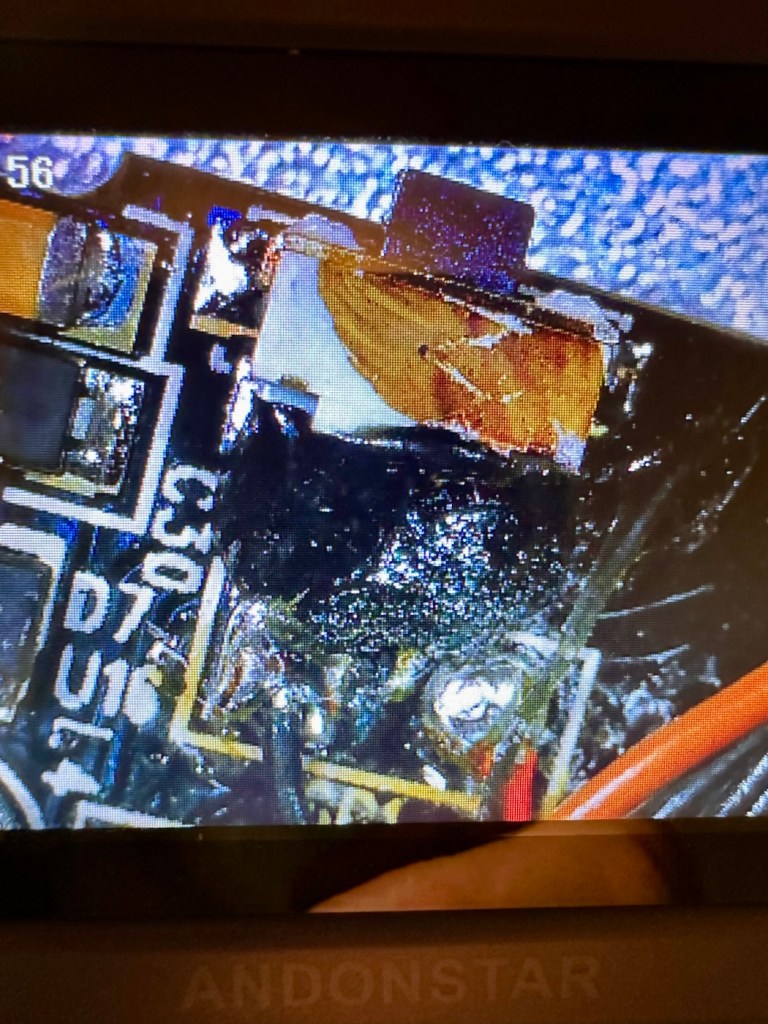
I’ve now started to inspect the components at a magnified level, as some of these components are honestly a quarter the size of a grain of rice, they really are minuscule. The on/off button appears to be ok, it is covered in a dollop of rubber gunk that they use during production to protect parts of the circuitry, it’s all over this board. Having located the camera, I’ve now started to do some testing on the components surrounding it, and there is a short circuit detected on a small capacitor, and the four or five other capacitors surrounding it. I removed two of these capacitors and the short still remained, and that’s when I noticed the chipset sitting directly above it.
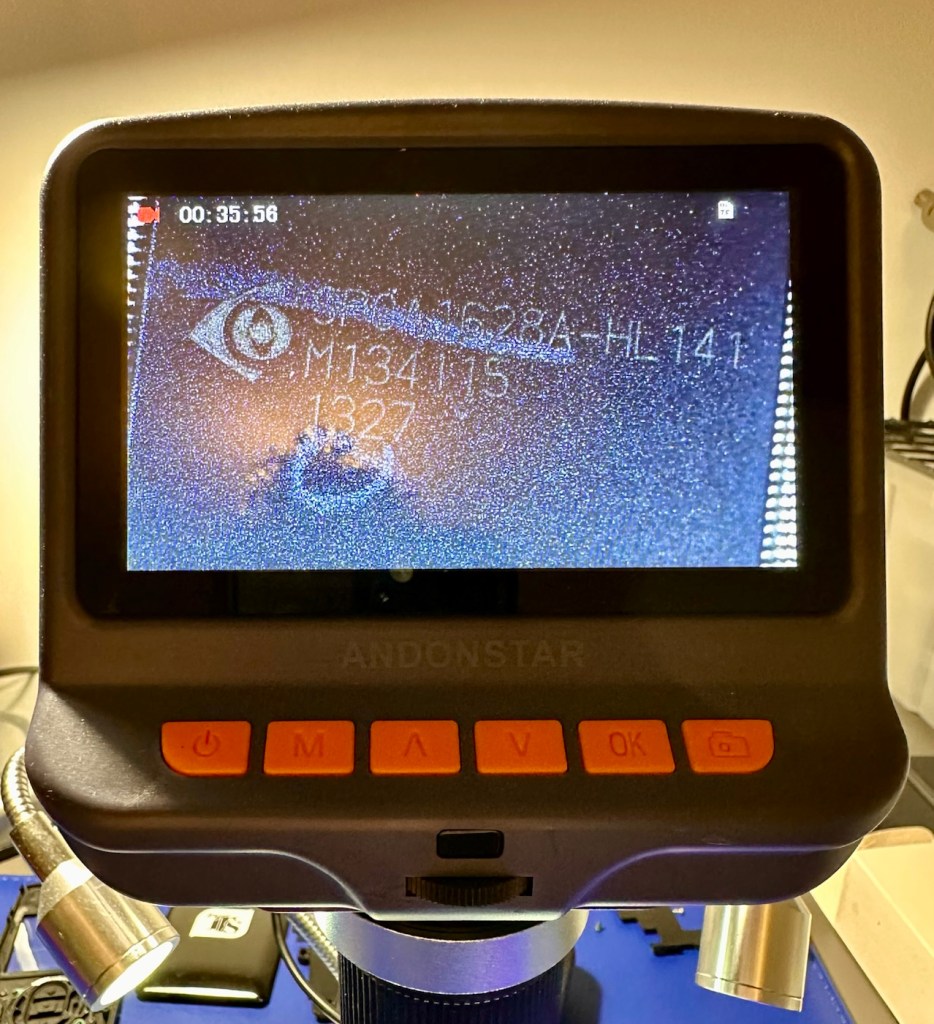
On the screen I was now looking at an SPCA1628A-HL141 integrated circuit. This circuit is heavily used in cameras, digital video devices, and image processing equipment due to its image processing capabilities. And with the amount of failed components around it, I very much suspect this component is carrying the fault, it needs replacement, however as this entire unit has only cost me around £1:30, I don’t believe it’s financially viable to pay around £5:00 for a replacement chip, costing more than the combined three units. It’s just not worth it, and the gain from its repair would not match the outlay, it’s just not worth repairing.
Therefore this unit is going to be dismantled for spare parts, I have a battery, a battery control unit, a camera, an SD card holder, an LED screen and numerous other parts and screws that are far more valuable to me for future use. Very little will be wasted. What is disposed of will be recycled.
So we have one failure but we have two perfectly good working units. Two out of three ain’t bad. (I’m sure that’s a song!) – it is, Meatloaf – I believe, good tune!
So here’s a few pictures and a couple of small videos taken with the two working units.
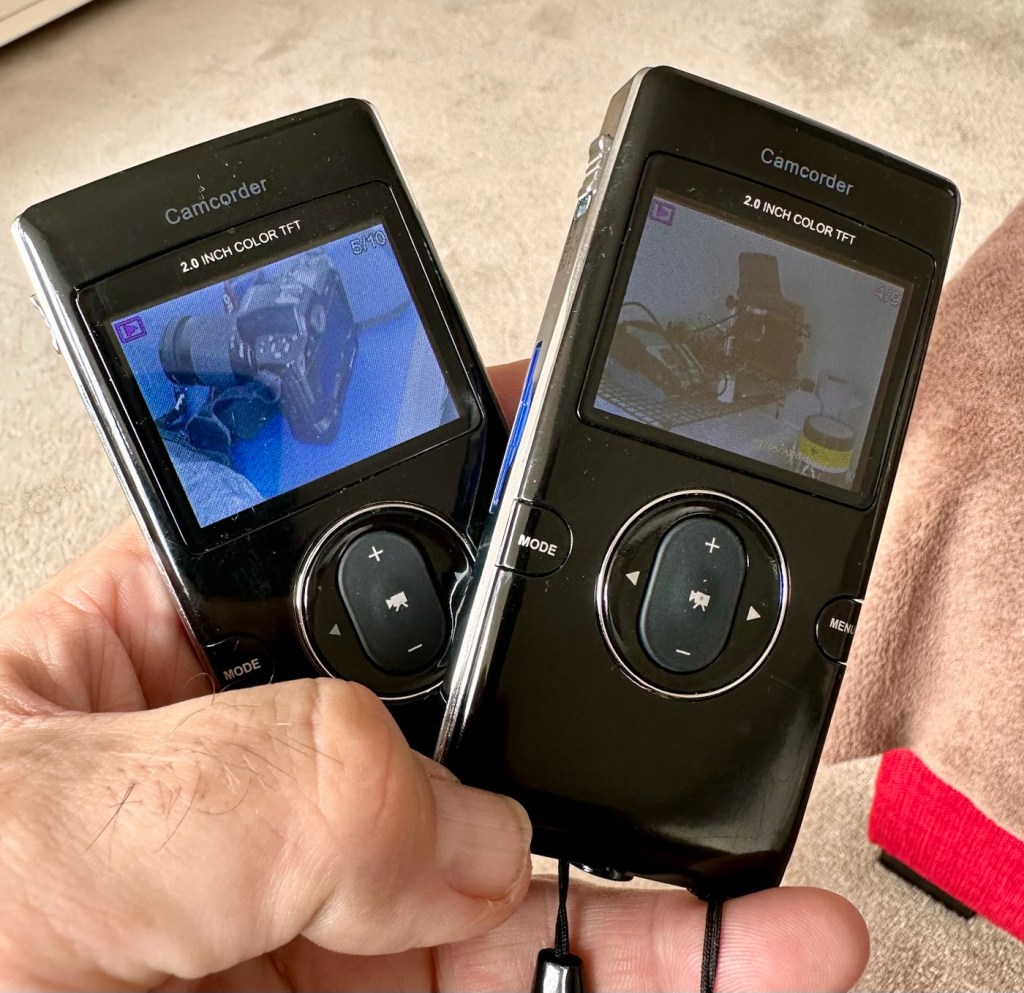
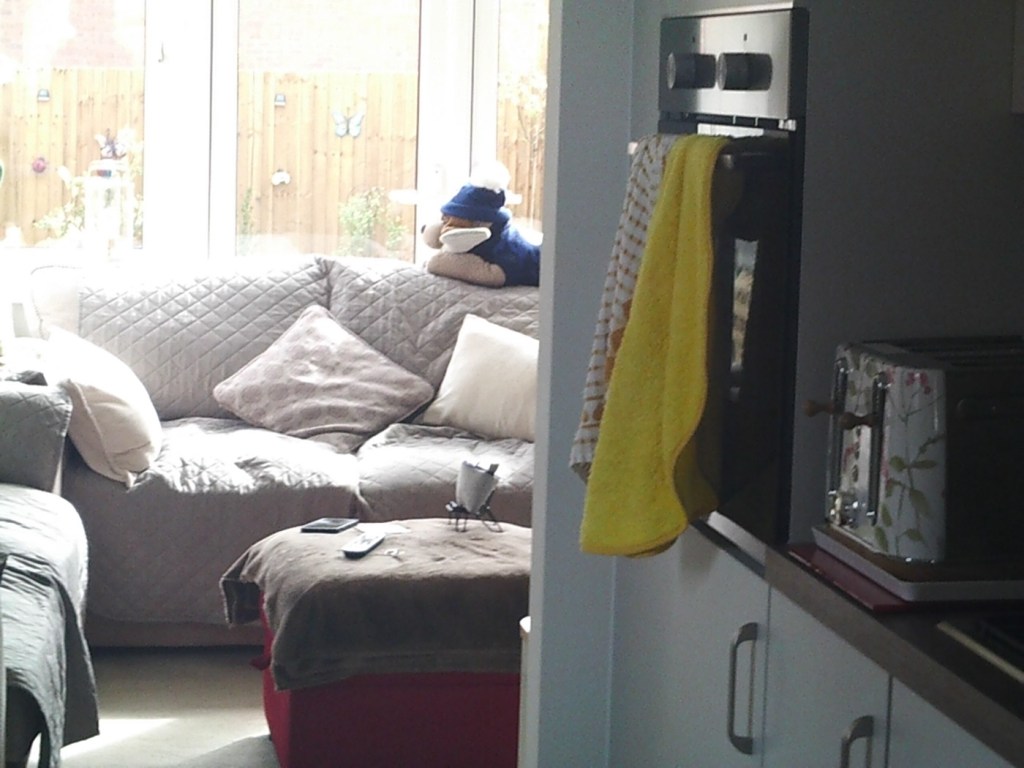

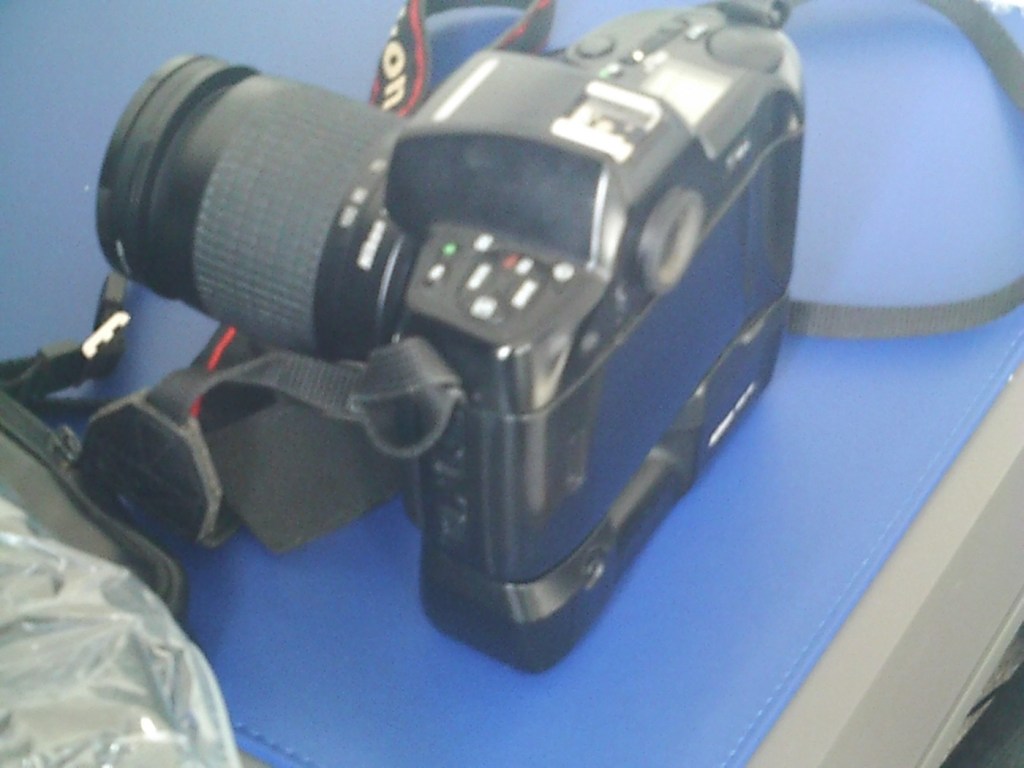
The overall quality is between atrocious and very poor, but I guess for the purpose of school kids documenting activities it suits just fine. The video is on par with what you would have seen on phones of the Nokia era, maybe early to mid 2000s. The pictures in the right light settings are not too bad, but you do get more bad than good.
What can I use this for? God knows, it would be ok for doing a basic journal with, something to film a rehearsal situation with prior to using the good gear and doing it properly.
To be honest, I’ve a couple of young relations under the age of ten in Devon who might like these just to fool about with when they are out playing. At £1:30 per unit they couldn’t buy a decent pack of sweets for that, and this would cause less dental decay 😂
Anyway, it’s a good fix, more saved from landfill, so in my eyes the job is a good one👍
Thanks for passing by. It’s very much appreciated.
Ever had a jigsaw puzzle take five years to complete? I have.
For anyone who knows me, they will know only too well my fixation and fanboy devotion to the 90s music of R.E.M
I’ve been a fan from the early days, I’ve seen them live on many occasions, god I even have a tattoo of one of their album covers that I’m actually having touched up next week as it happens.

Around Christmas 2020 they released a 1000 piece jigsaw puzzle in conjunction with the ALA (American library association) of an original poster that was released in 1990 to promote reading. This poster was quite collectible at the time and still sits in many fan’s collections around the globe. For those that did not possess the original poster, this jigsaw became the next best thing.



The puzzle sold through the groups own website and was produced by the Very Good Puzzle Company. In the UK the puzzle retailed for about £25:00GBP. I think it was purchased for me as a Christmas present from a relative.

I started the jigsaw in January 2021.
The intention from this day forward was to take a picture daily, as I set myself a target to dedicate an hour at a time towards its completion.
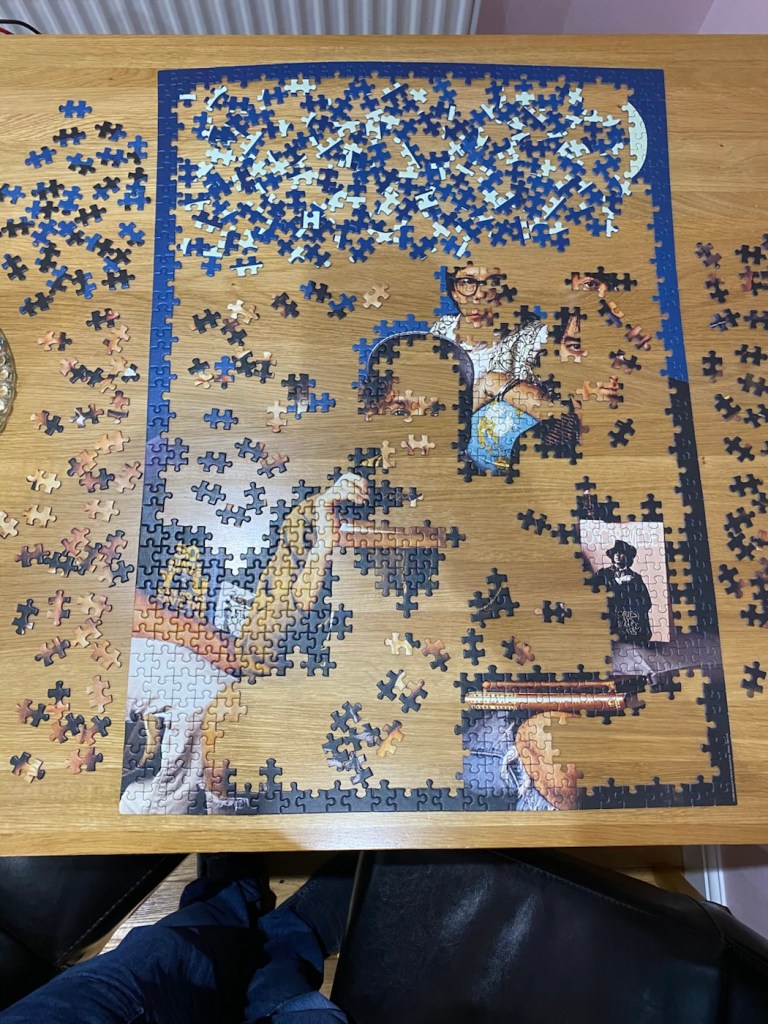



Beyond day four, which in itself had spanned a couple of months, time being spent on the puzzle when other commitments would allow. The puzzle became ever more difficult and confusing, as there are a number of areas within this puzzle where the areas are dark, or of just one colour and it just became a pain in the ass. So this was 2021 now, and very soon after this last picture, the jigsaw, on its base board just got put on the top of a cupboard in the spare bedroom, and there it stayed until early 2026.
For those who occasionally delve into my ramblings, you will be aware that in January 2026, after protracted selling shenanigans, we eventually moved to our new home. At this point we had packed and shifted almost everything, and the jigsaw was reluctantly broken up and put back into its original box. I guess I’d admitted defeat at this stage.
Step forward my Sister in law – Liz.
Now Liz loves Jigsaws, it’s her hobby and she heard of the ongoing issues with the R.E.M jigsaw. She has absolutely no interest in the group as such, and would probably, in her own way be quite opinionated in her views of their music, that’s her right and I respect that. She asked if she could take on the challenge to build it, and who was I to say no. So in March of 2026 I handed the box over to her.
Good luck with that Liz!
Just a few days ago Liz and her husband Terry came to visit as we were all heading out for a day. And as they came in they had a large object in a black plastic cover.
“Sit down Dave and open this” I was told, you might like it. I did what I was told and to my immense surprise, not only had Liz completed the puzzle, but her husband Terry had also framed it for me. I now have the completed puzzle, and the way it is presented looks absolutely fantastic.


Liz had spent a lot of time on the puzzle, and also shared her frustrations on the dark areas that were problematic. But the thing with Liz is once she gets her teeth into something she will never give up. And for that I am forever grateful, for she has done a fantastic job, and this will be a welcome addition to my work room, as the wife won’t let me hang it anywhere else.
So after 5 years, the puzzle is complete. And I think it looks superb. I now have my own personal copy of that poster that was so popular back in 1990.
Thanks Liz. You are a star 🌟
A peaceful day to you all.
From one garden to another. Building a garden is a long term work of art. Here I am at the start with a blank canvas waiting to be filled. Let’s make a start.
Gardens that are portrayed on television are created in an afternoon. Nice.
However in reality it takes an awful lot longer to produce a garden, and just as in any art form requires a lot of planning, thinking, constant changing of mind, and repositioning items so they fit just perfectly.
My previous garden in our old house took me about 8 years to get to a seasoned level, where all planting looked authentic and had been specifically chosen to season in a garden that was north facing. Believe me, winter months were like an episode of Game of thrones, winter came and stayed in our garden for immense periods, whilst our neighbours South facing gardens experienced a much improved and sunnier outlook. I had to plant accordingly and this is what took time. An awful lot of trial and error and sacrifice of a number of plant species.
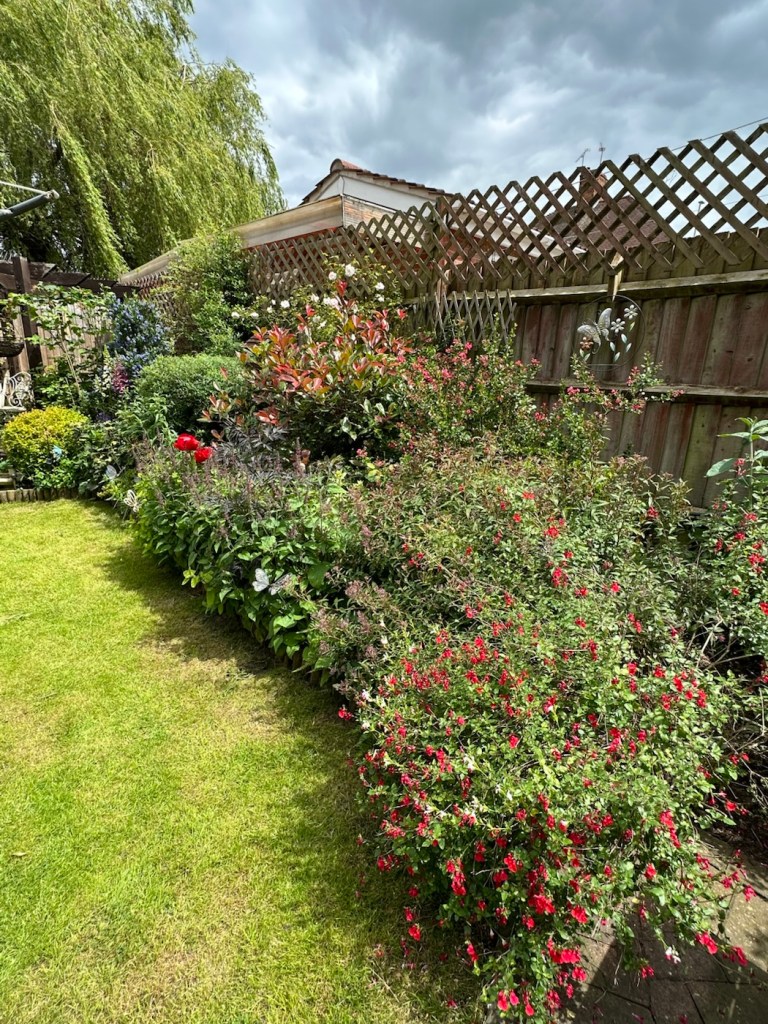

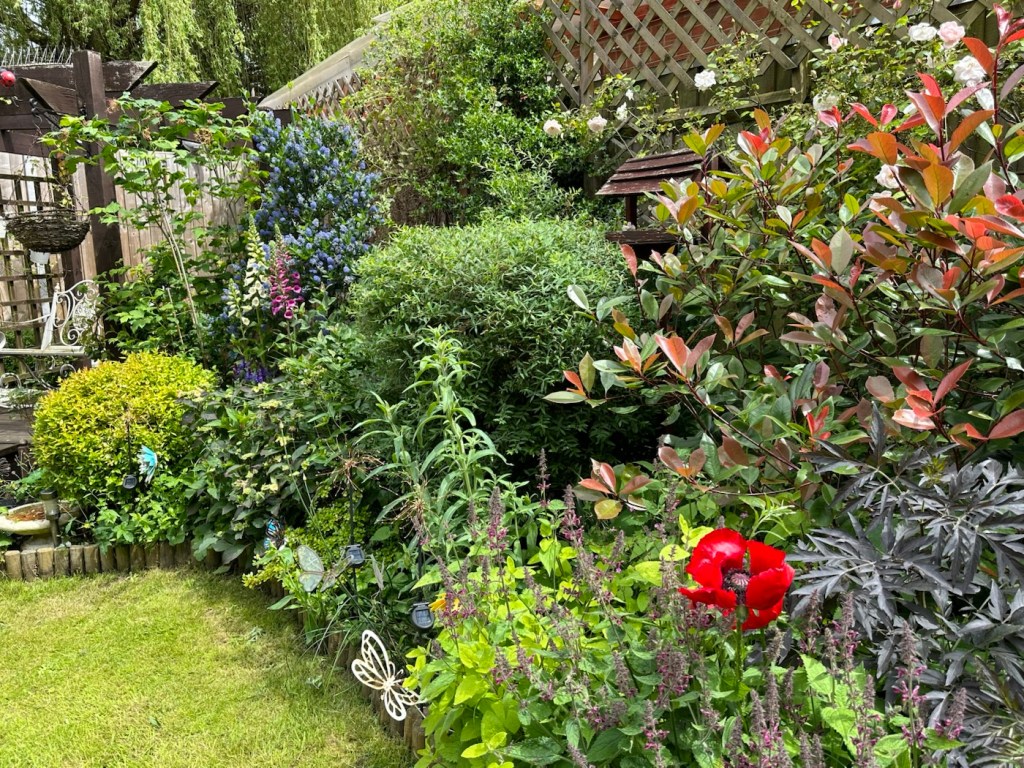


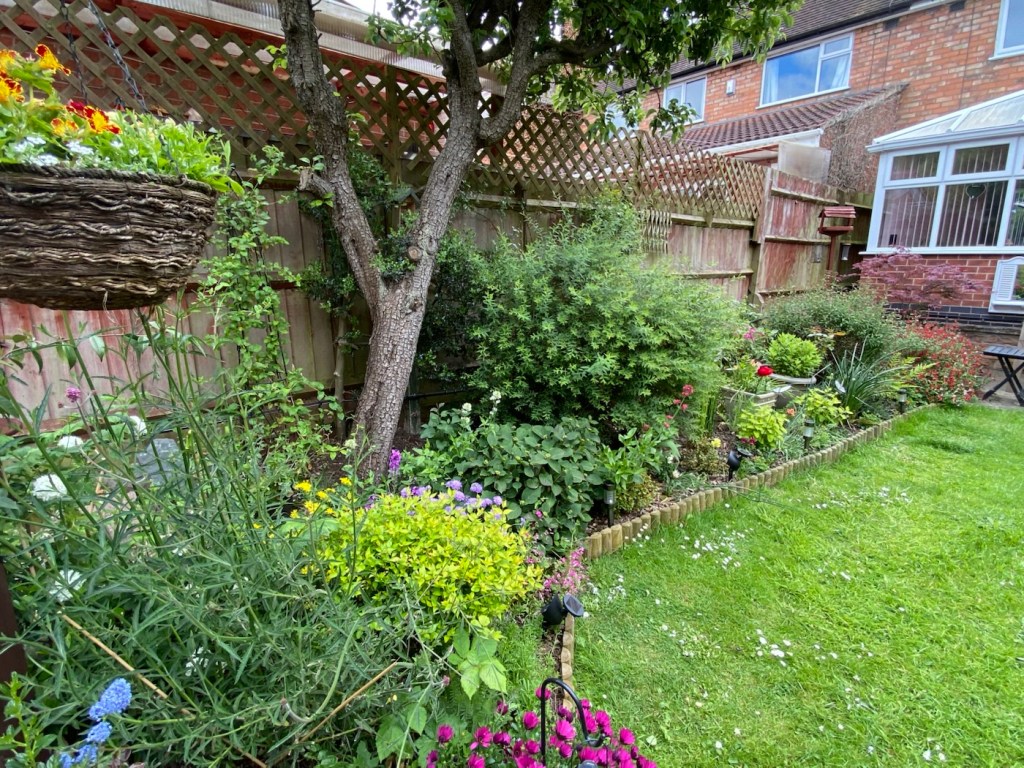
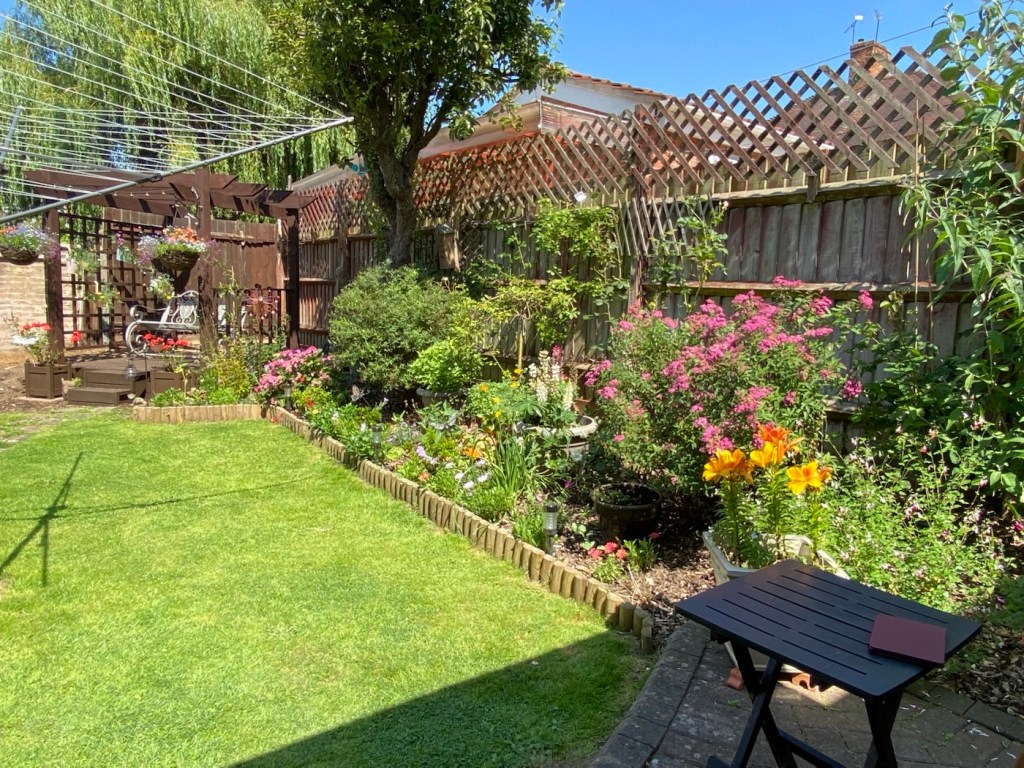
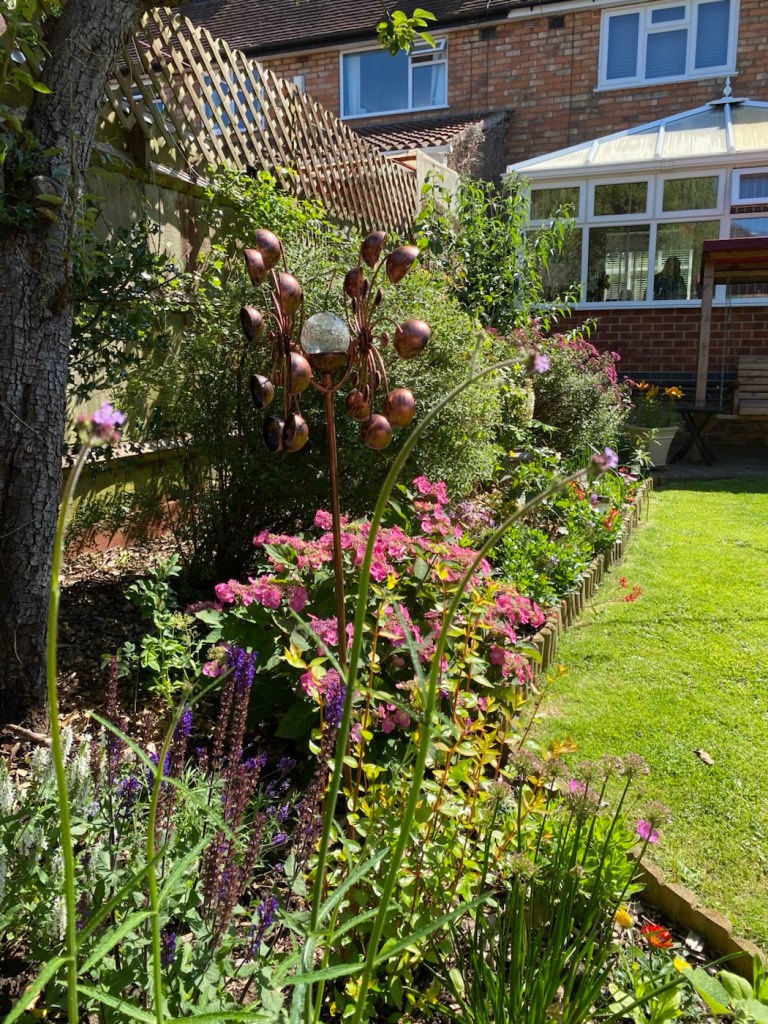
Having now moved to a new build property you will understand the challenge that now faces me. In new builds you are presented with a stamp sized piece of turfed property surrounded by walls and fencing, and some people like to keep this look. Some go for the “Landscaping” option, basically just putting in place loads of paving stones and decking, to create a low maintenance garden. Each to their own I say, but this option is not for me. I want to recreate my previous garden. I have the time. I want to see wildlife in this garden, I now have an easterly facing garden, and good light from early morning until mid afternoon, it couldn’t be more different to that cold northern facing garden I had previously.
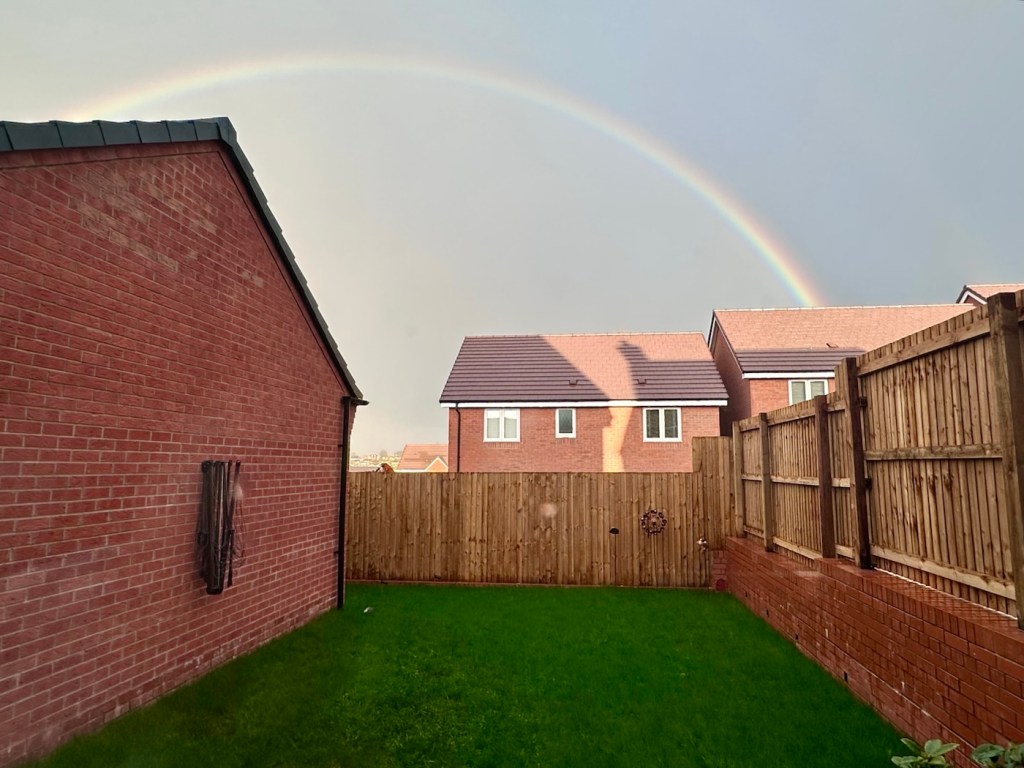
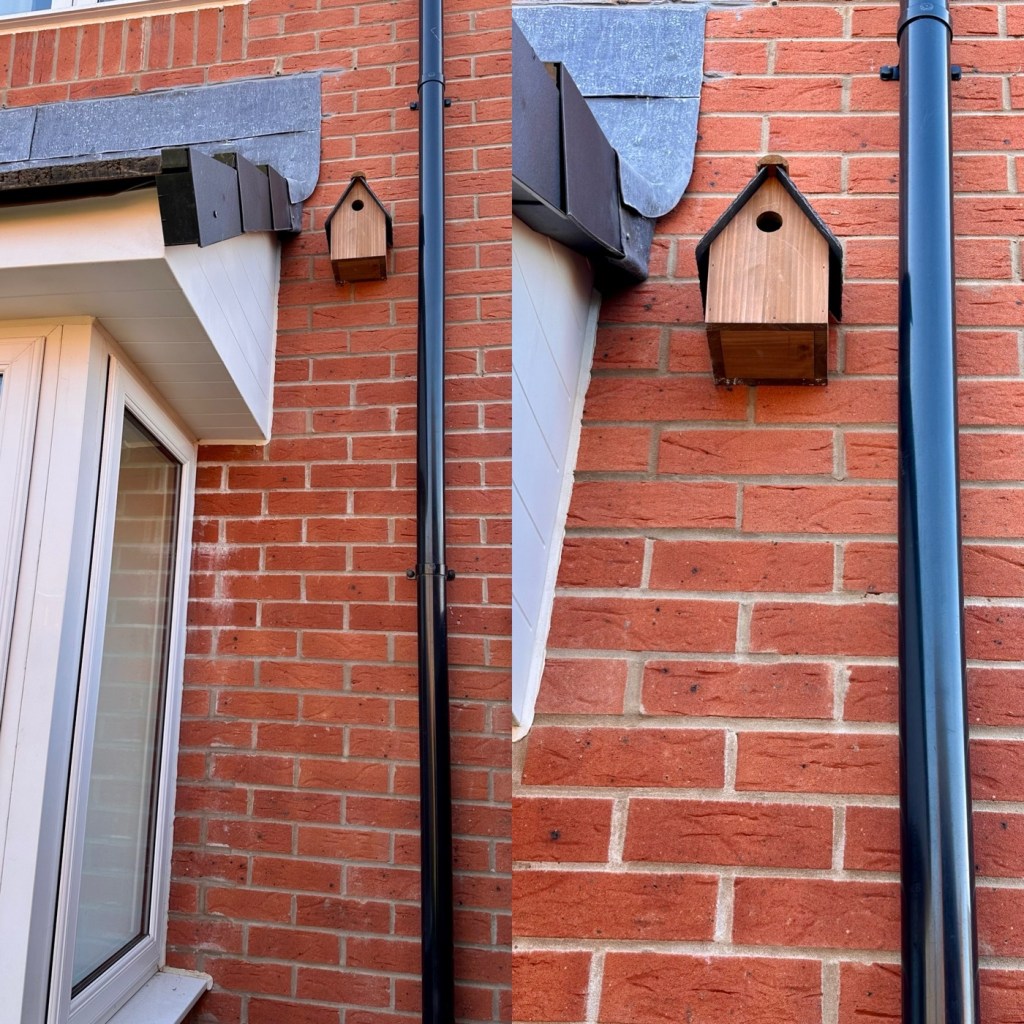
There are a lot of birds flying around, the majority of them being wagtails, interspersed with a few pigeons, blue tits, robins and a few other small to medium avian visitors. First thing I did here was to put up a bird house on the rear wall before I’ve planted anything. I purchased a house with a blank garden, maybe there is a bird family out there also looking for a new build!
The bird bath is in place, brought in from the previous garden, I’ve yet to place it in the best position, I’m just awaiting a few other items prior to this happening.
First thing I want to do is to get some miniature trees in place, and in this case I have five of them lined up to go across the rear fence, these will be the main structures of the garden and everything else will be planted to complement these trees.
The first three smaller trees are the first to go into place, I have two small Salix Kilmarnocks, one of these will be planted either side of a Ceanothus, otherwise known as a Californian lilac. This will create a nice contrasting centre piece, in about three years the Ceanothus will be about 5 or 6 feet tall blooming with beautiful lilac colours, probably peaking in size at about 8-10 feet tall. They can grow taller but it’s my plan to top it out at about 10 feet maximum. The Salix along side will both bloom like miniature weeping willows growing no higher than about 5 feet in height but they will also grow in width displaying lovely foliage as well as furry catkins, its perfect for the smaller garden.
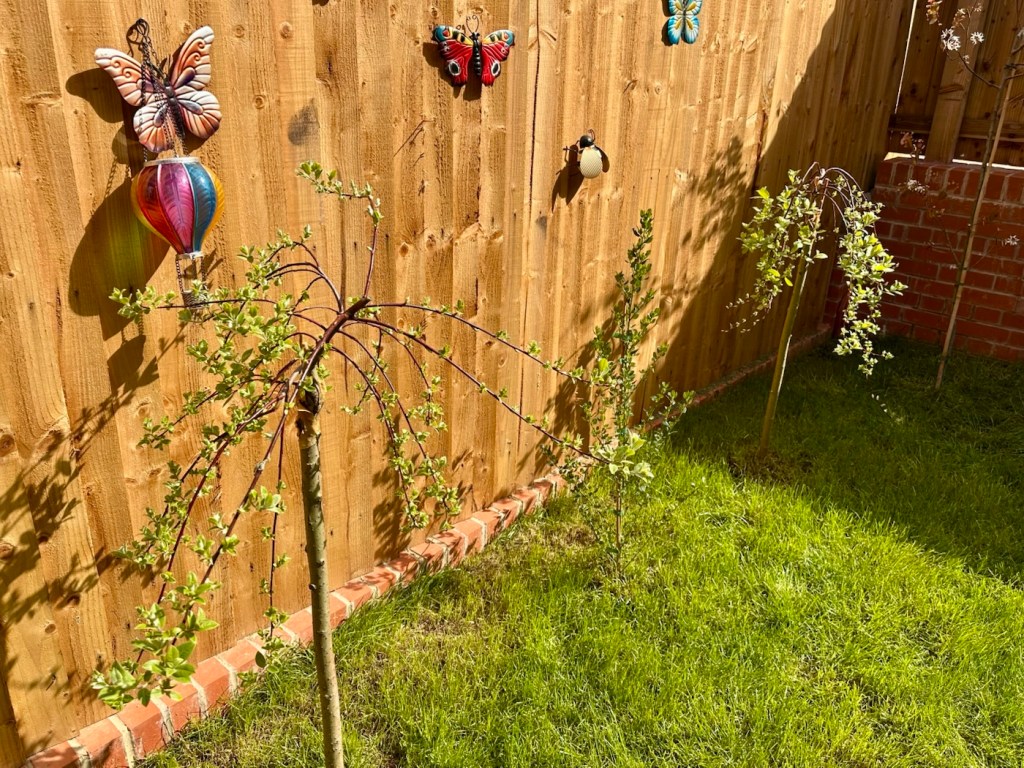
I have shopped around for the remaining two trees and I was prepared to pay a good price, for two good examples to complete this part of the garden. I discussed my plans with a chap called Jack at a garden centre in the Rutland area and as a result the following two trees were delivered, they are a nice size, too big to be transported in a car.

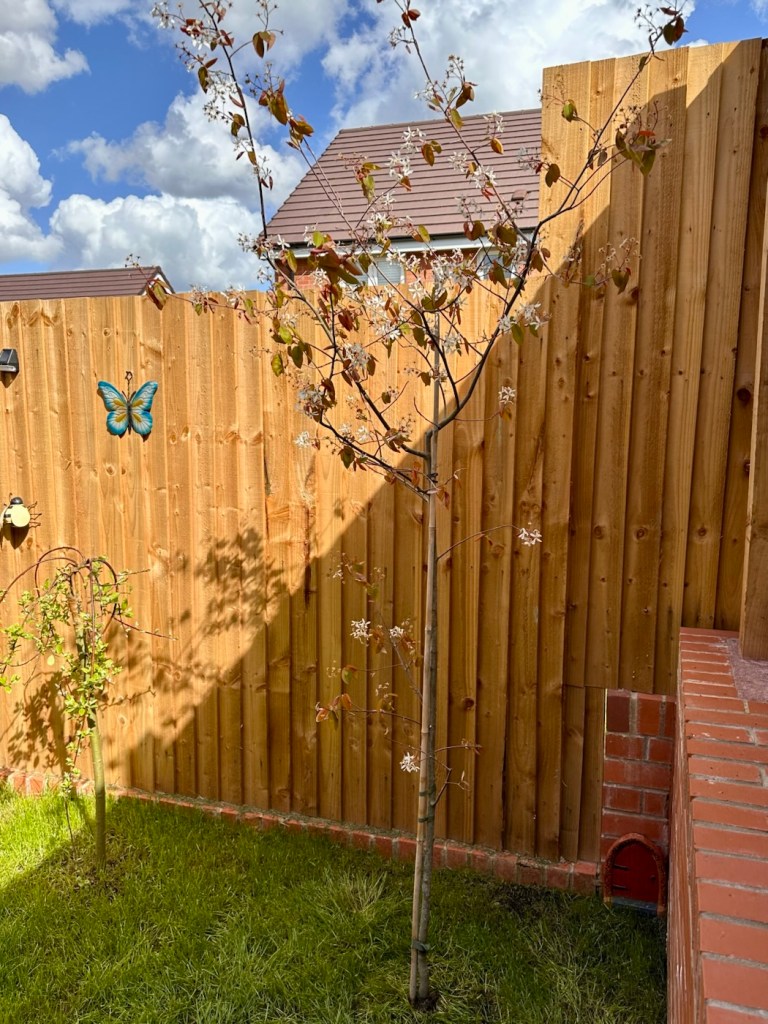
On the right of the fence is the tree that will be the tallest, this is a Amelanchier canadensis, also known as “Sugar plum”. I purchased this one as the name “Sugar plum” was the nickname given to my wife by her late Father, it seemed wholly appropriate and was just a nice touch. This tree should top out at about 14 feet, it has a lovely mixture of berries and beautiful snow flake type flowers, it will spread well and blend in lovely with the whites, greys, purples and greens beside it. It’s a beautiful tree.

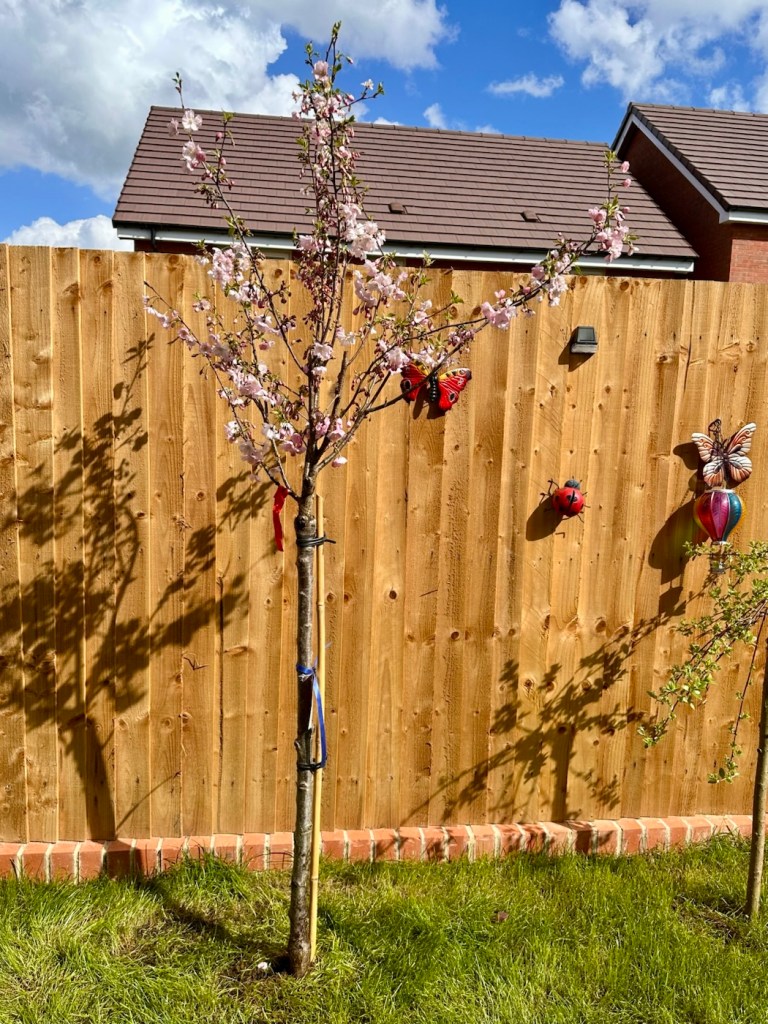
To the left of the other trees we have an absolute beauty, it’s one of the finest ornamental cherries that you can buy. Even as it was being delivered and moved out of the delivery van, it had a small, appreciative army of bees and pollinators surrounding it, even as I was planting it they remained there, it was a pleasure to see and the tree is a tonic for the eyes, it’s gorgeous. This tree will not grow any higher than the 5 or 6 feet it is already at, however it will bloom outwards creating a cascading display of pink blooms in the spring before showing a display of dark green foliage prior to turning Orange later in the year. It will then lose its foliage before starting all over again the following spring.
These five small trees will supply colour, cover, and hopefully a place of trust for the local birds. The planting that will then take place below them will Hopefully attract bees, butterflies and other insect life that will also support the food chain.
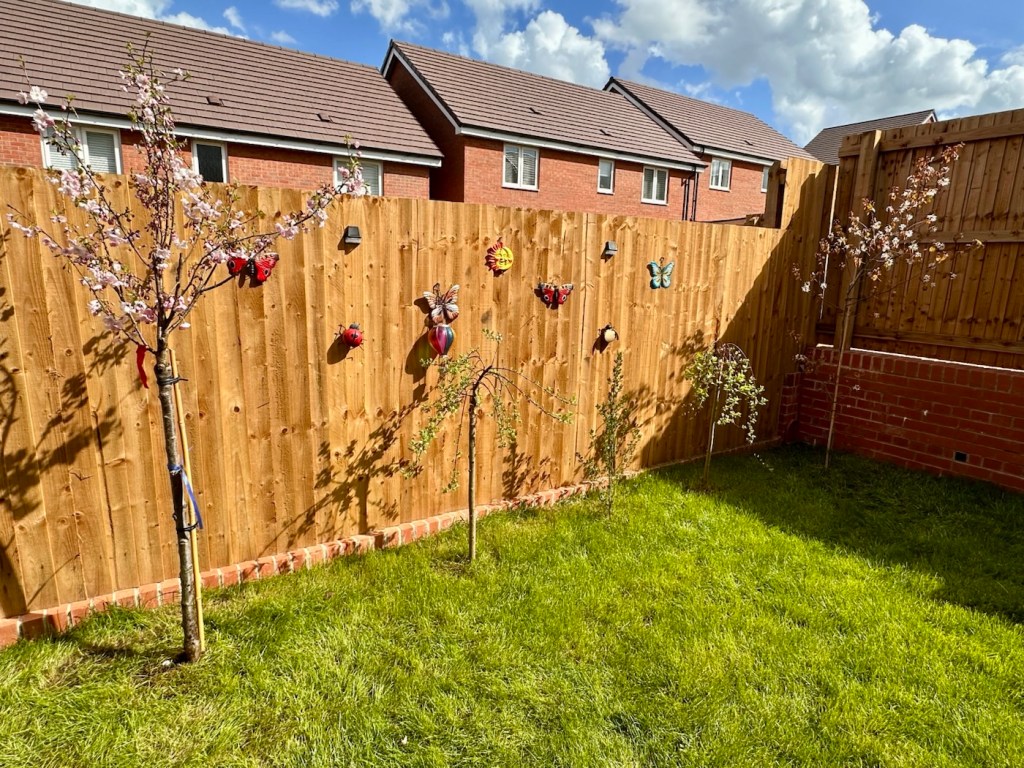
The trees have supplied the undercoat to the artwork, everything will now be designed and worked around them. I have a couple of good Rhododendrons, one that came from the old house as well as a lovely Magnolia called “Susan” and a young Wisteria planted to climb the rear of the property. Add to that a couple of young Verbernum “Snowball” bushes, I think we have enough to be getting on with, it’s a work in progress.
I have a vision of how this will look in a few years from now and to be honest I’m quite excited about it. And yes, I’m keeping as much of the grass as possible. At the moment it is a beautiful green carpet of loveliness, something I’ve never had before and I intend to keep it.
I will update this post as things develop and get added, but I know this is going to be a lengthy drawn out process. Believe me, it will be worth the wait.
Patience is necessary, and one cannot reap immediately where one has sown.
Soren Kierkegaard
Have a great day.
A genuine antique, for a ridiculously low cost. But will it work? At 100 years old, can this old camera still do what it was designed to do? Let’s have a closer look.
An antique. A genuine antique. For a ridiculously low cost of £7:90GBP. And this little beauty was purchased for me by an elderly friend as an Easter present. Yep, for the price of an Easter egg in the Uk I’ve been brought an antique piece of photographic memorabilia, how good is that?
Here’s what the listing stated:
Kodak No:1 folding pocket camera
EBay
The listing leaves a lot to be desired, but as these cameras were produced between 1926-29 they are now reaching the 100 year old stage, a real antique, and to be honest at this age, just like most of us approaching a pensionable age, you would be expecting some wear and tear and a little bit of misbehaving. (I speak from experience even though i currently reside at the lower end of the antique spectrum). Around 800,000 of these cameras are estimated to have been produced, so there are a good number still available on the markets, I suspect this is what governs the low cost.
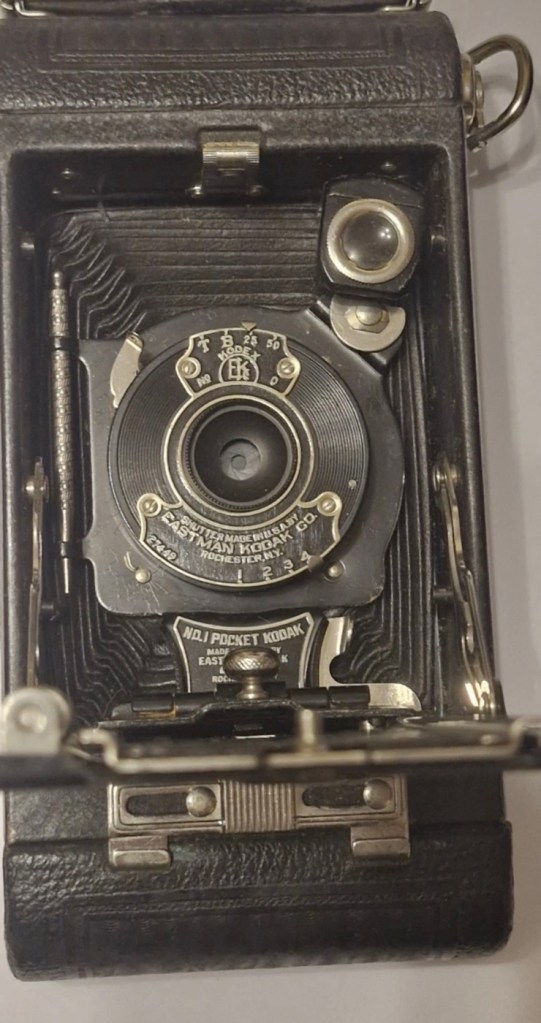
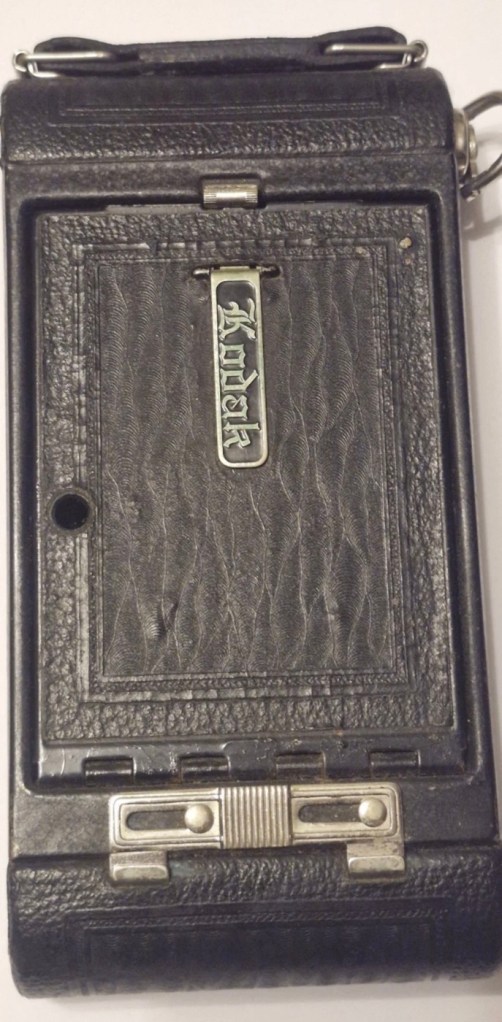
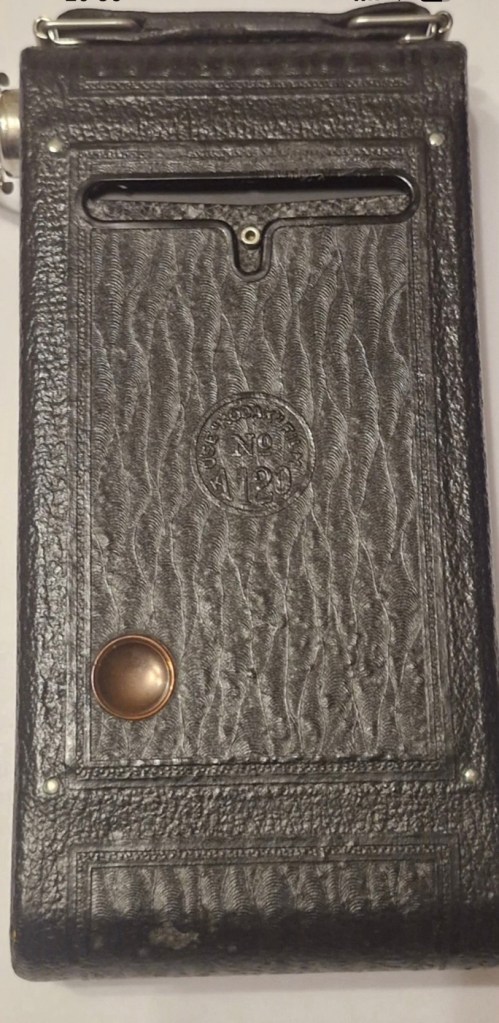
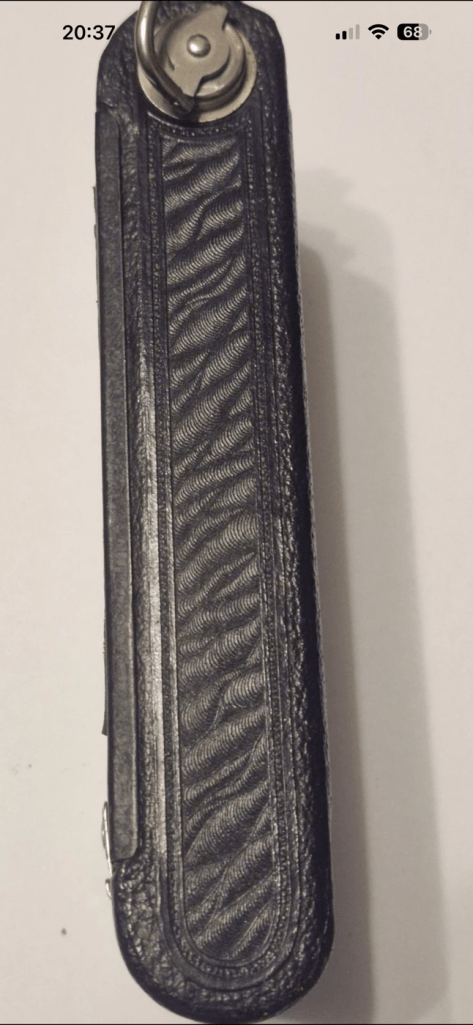
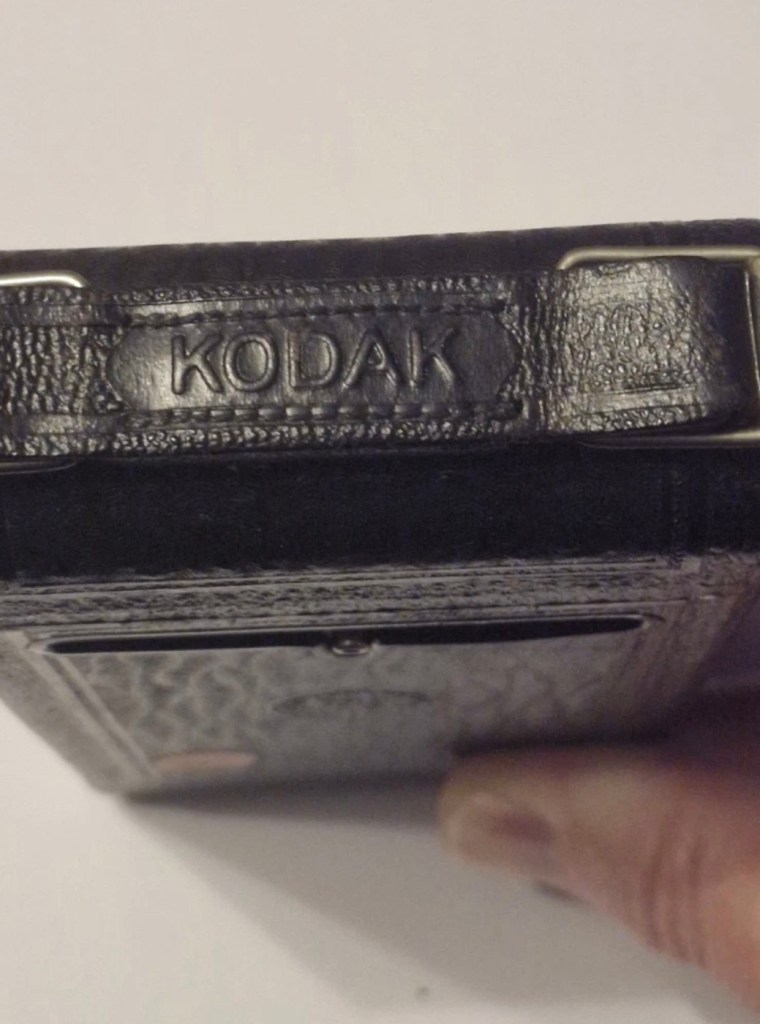
Yep, to be honest I do expect there to be issues, but at first look this camera appears to be in a very good condition, with a couple of parts to it that normally go missing over time, still present, and at the measly price I paid for it, I’m not complaining. The leather appears to be fine, and well looked after, it looks remarkably clean, but we’ll just have to wait and see.
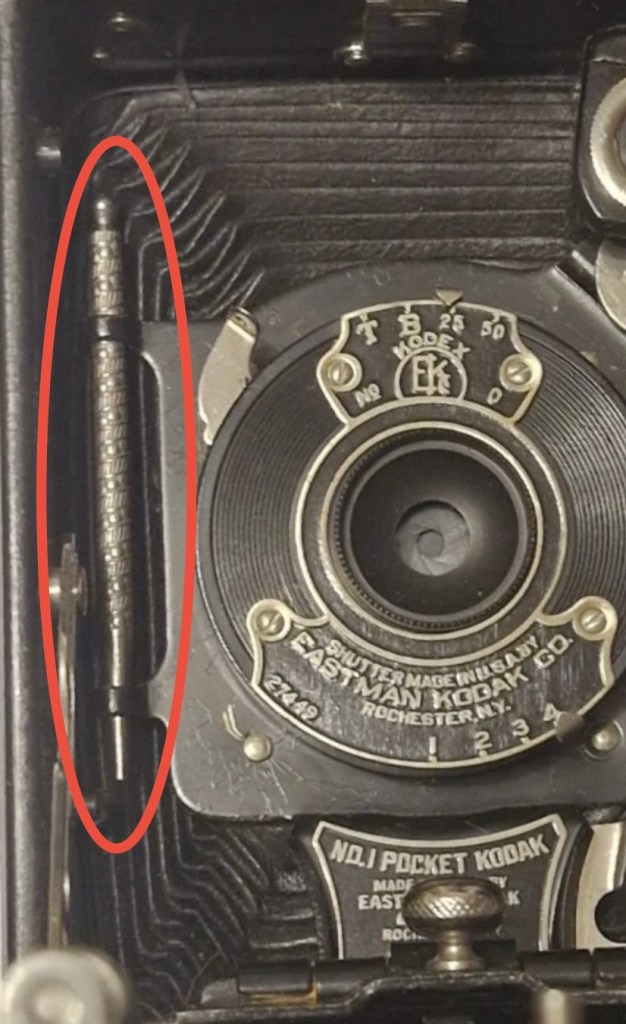
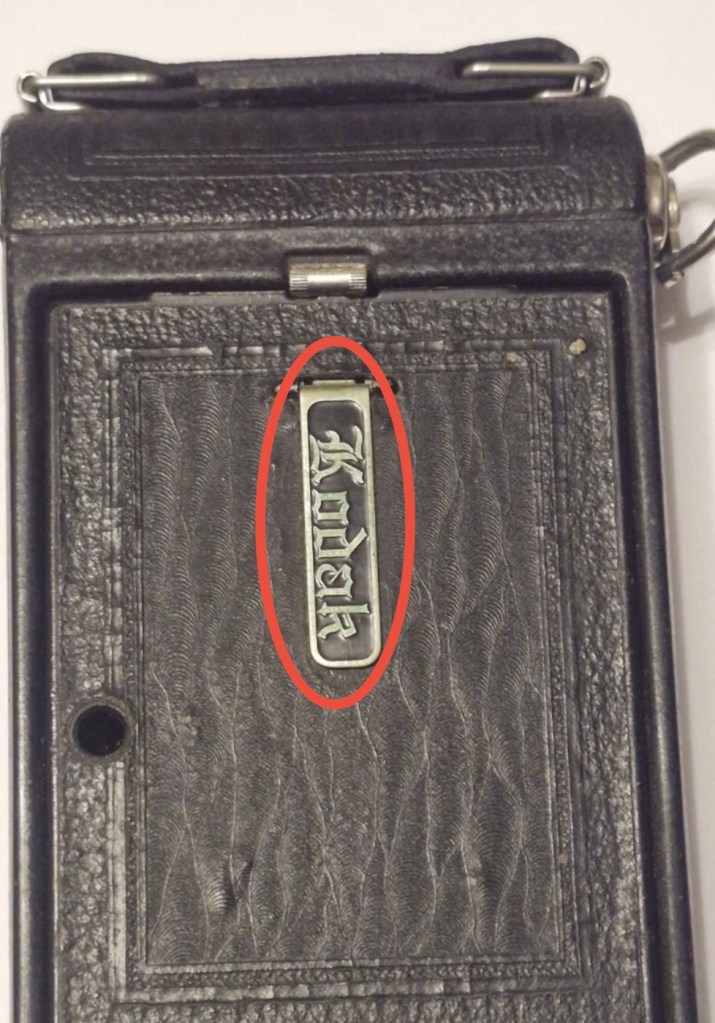
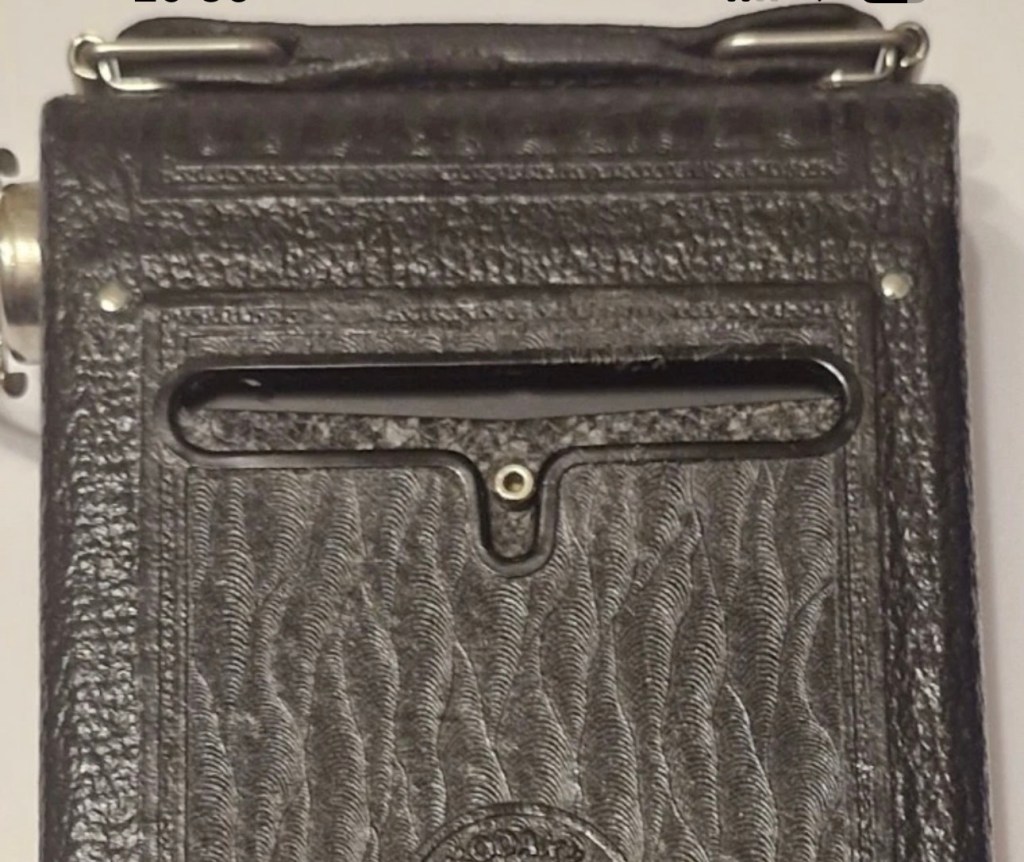
This is an autographic version, this was a system introduced on these early cameras that would allow you to write with a small metal stylus (Stored alongside the lens) through a small aperture in the rear of the camera, allowing you to put picture details onto the specialised, unexposed film below. A really early form of EXIF data if you like. There is also a metallic kick stand bearing the “Kodak” logo, this allows the camera to be stood upright, and this piece is sometimes missing off of these old cameras. Fortunately this example seems to have all these features still in place.
Here’s some info regarding Autographic film and cameras:
Autographic film and cameras, Eastman Kodak products from 1914 onward, allowed the photographer to enter his or her own notes onto the negative, rather like an early data back. Comments are written with a stylus in a window in the camera back, onto the paper backing of the film, which incorporates a carbon-paper. This leaves the backing slightly translucent where the stylus passed. The writing window is then exposed to the daylight and the inscription burned onto the negative.
The method was invented by Henry Jacques Gaisman, who patented it in several forms, perhaps to prevent similar designs being patented by rivals (see the various patents below), over several years. In the various designs, the inscription is made on the film in several ways:
- Carbon powder from a carbon paper is transferred to the emulsion side of the film, and casts a shadow when the film is exposed through the lens; the lettering should be dark-on-light, in the finished print, and appear in the picture area.
- The emulsion itself is compressed against a textured surface, and this changes its response when exposed; the lettering should appear as stippling, either in or outside the picture area, according to different designs.
- Carbon is transferred to a translucent backing paper, and the writing casts a shadow on the film when exposed to light from behind (after the carbon paper is removed); The lettering should be dark-on-light, and appear outside the picture area.
- The carbon layer of the carbon paper is disrupted by writing on it, and so allows more light through (the film is exposed from behind, with the carbon paper in place); this is the form of the invention actually made. The lettering is light-on-dark in the finished print (dark-on-light in the negative), and appears outside the picture area.
Camera-Wiki.org
And here is some information regarding the camera itself:
The No. 1 Pocket Kodak was made in USA from 1926 to 1932 (in UK from 1929-1933) and took 6×9cm exposures on 120 roll film.
In the USA in 1929-31, as well as black it came in four colors: blue, brown, grey and green. These have the Kodar f7.9 111mm lens in a Kodex shutter. All have the Autographic feature. Other lenses were the Kodak Anastigmat f6.3 and Kodak Anastigmat f7.7.
Technical Specifications (1926 Version)
- Lens: Often an f/6.3 or f/7.9 Kodar/Anastigmat lens.
- Shutter: Kodex shutter with speeds of 1/25, 1/50, Bulb (B), and Time (T).
- Focusing: Accomplished via a worm screw or sliding the lens standard on a track, with a distance scale in feet or meters.
- Viewfinder: A rotating “brilliant” waist-level finder for both portrait and landscape shots.
Using the Camera Today
- Film Compatibility: The 1920s No. 1 model is highly desirable because it takes standard 120 roll film, which is still manufactured today. Older models designed for 105 film can often use 120 film with minor modifications or original 105 spools.
- Autographic Feature: Many models have a small door on the back and a metal stylus. This was originally used with special “Autographic” film (discontinued in 1932) to “write” notes directly onto the negative. Warning: Opening this door with modern film will ruin your photos.
- Light Leaks: Due to their age, old bellows are prone to pinhole light leaks. Many users tape the red window or the autographic door with black electrical tape to prevent fogging.
Camera-wiki.org / Google
So let’s do a full assessment on this camera.
Here’s just what arrived, and for a one hundred year old camera it is pretty much perfect.
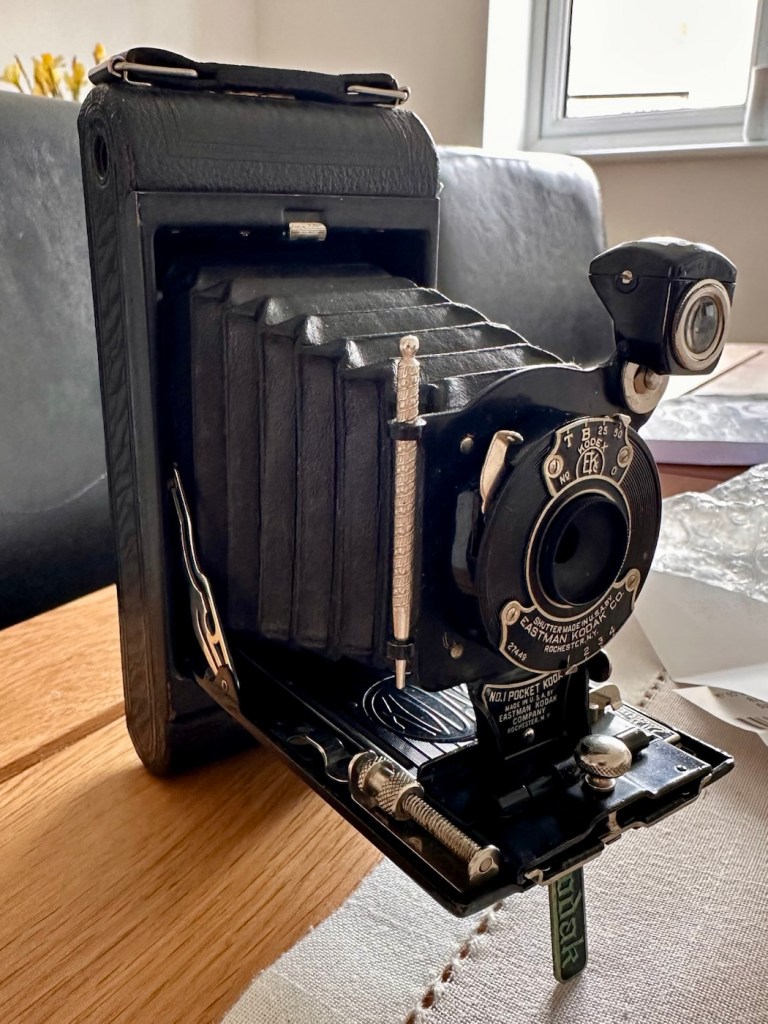
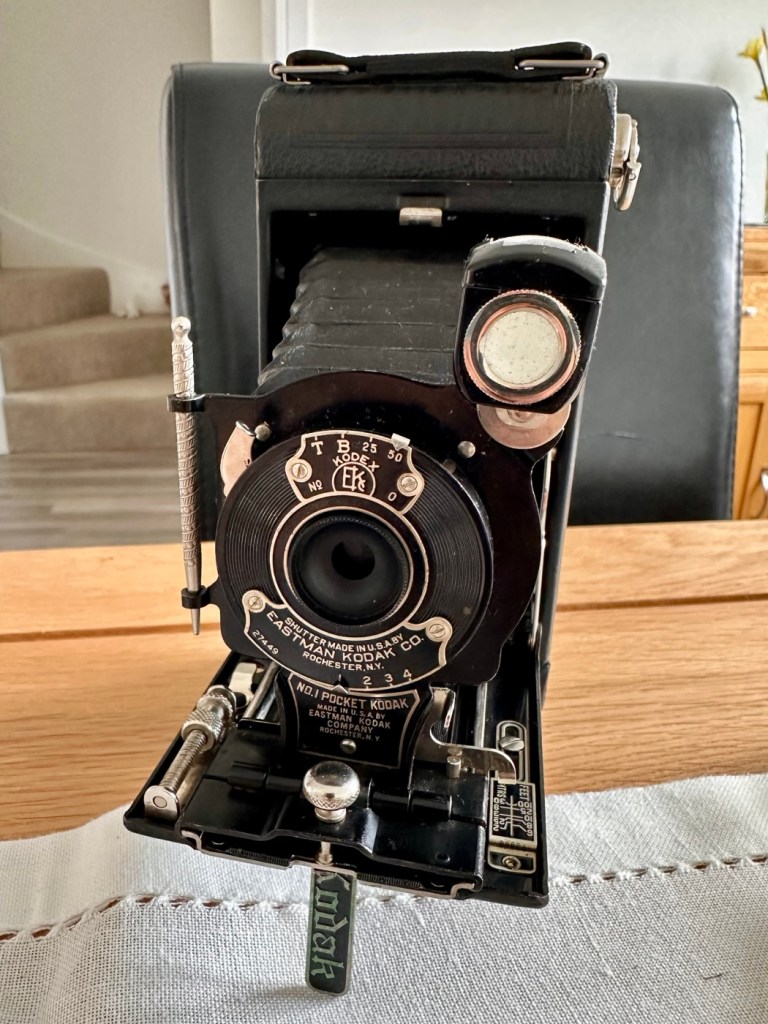
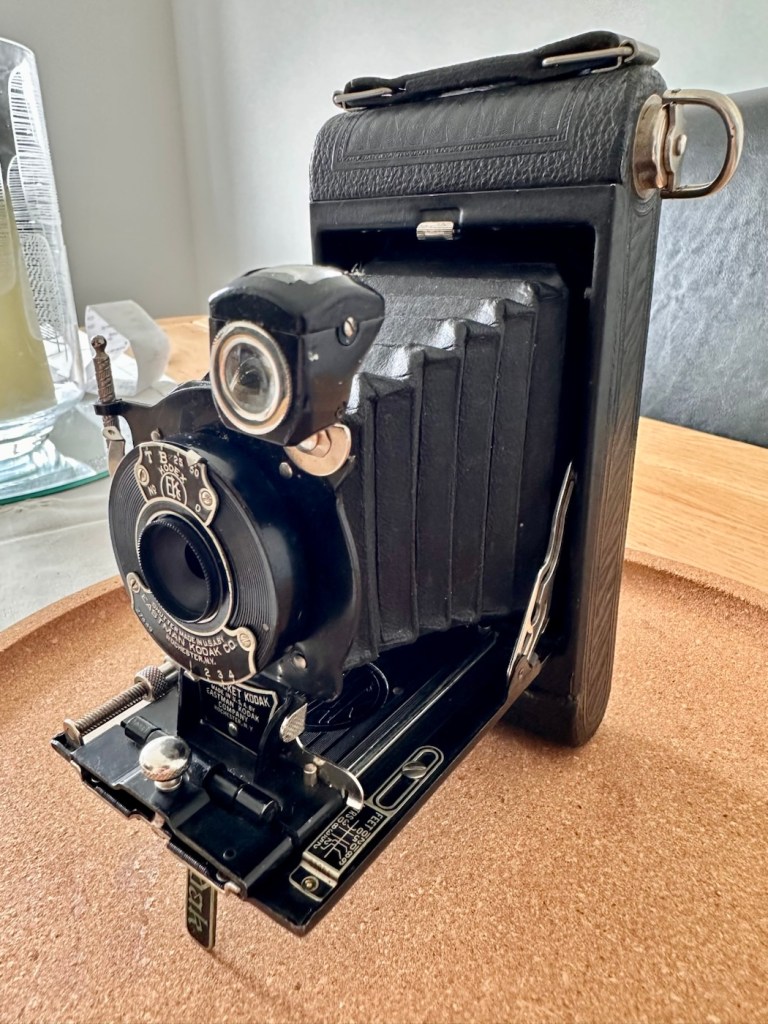
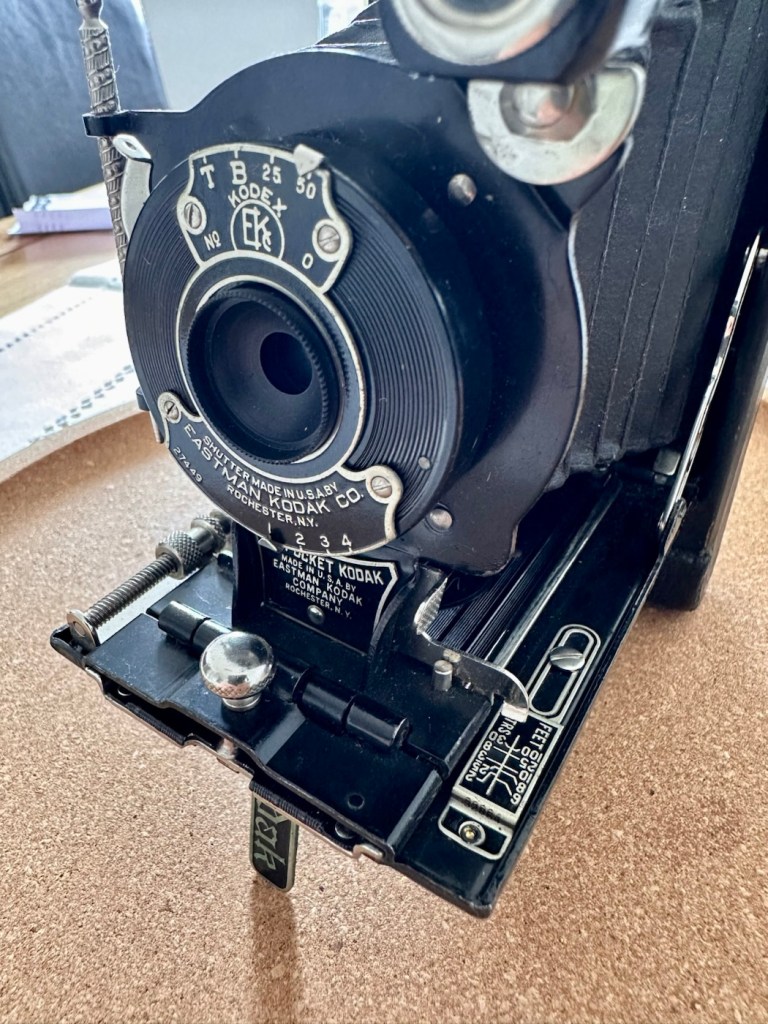
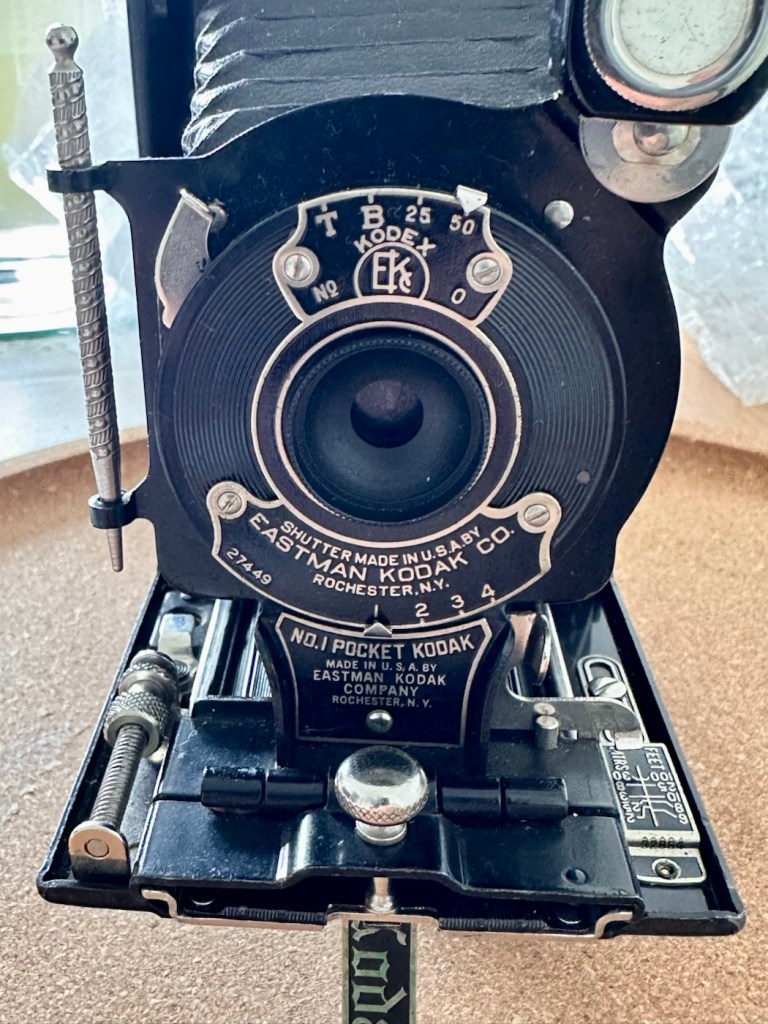
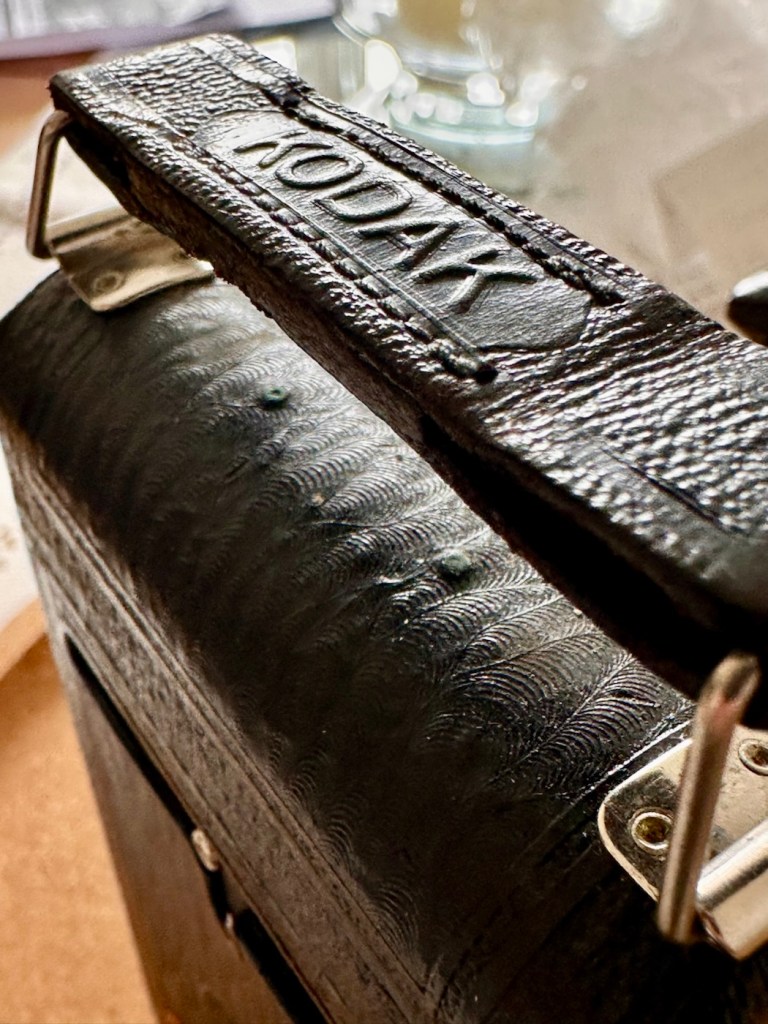
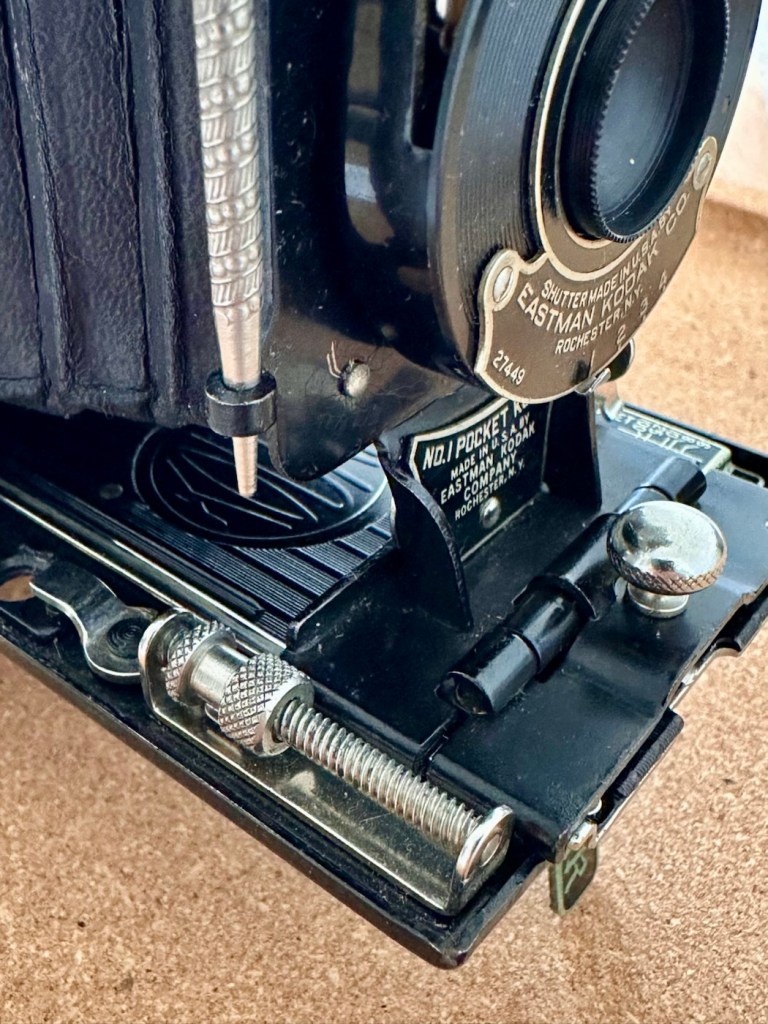
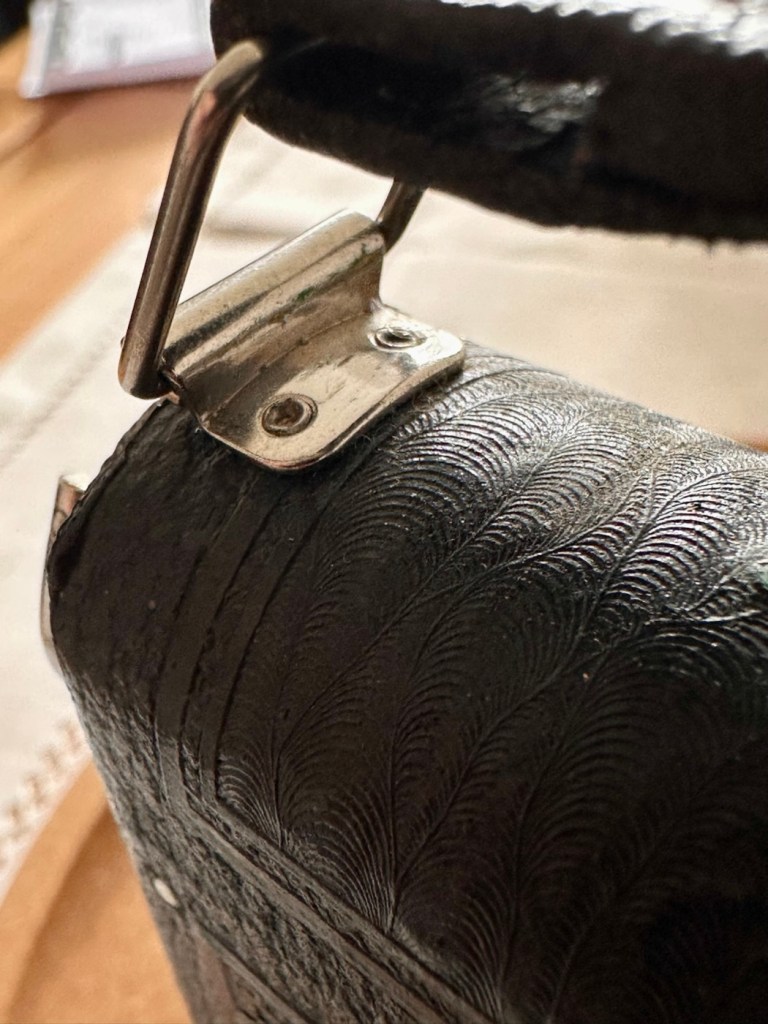
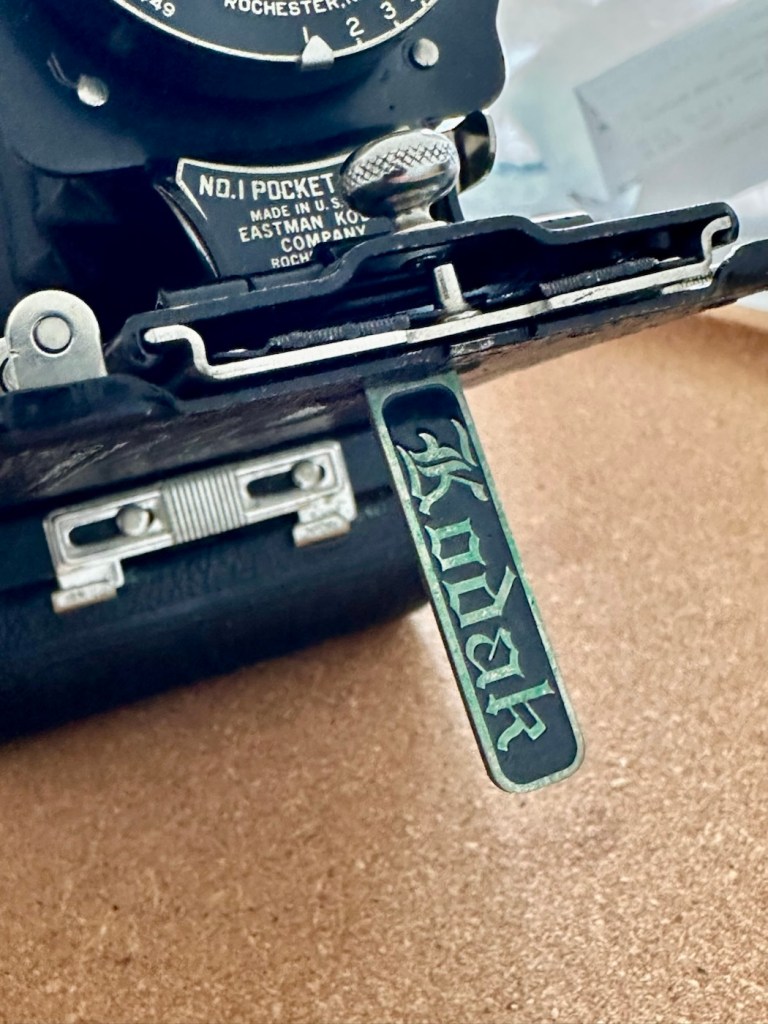
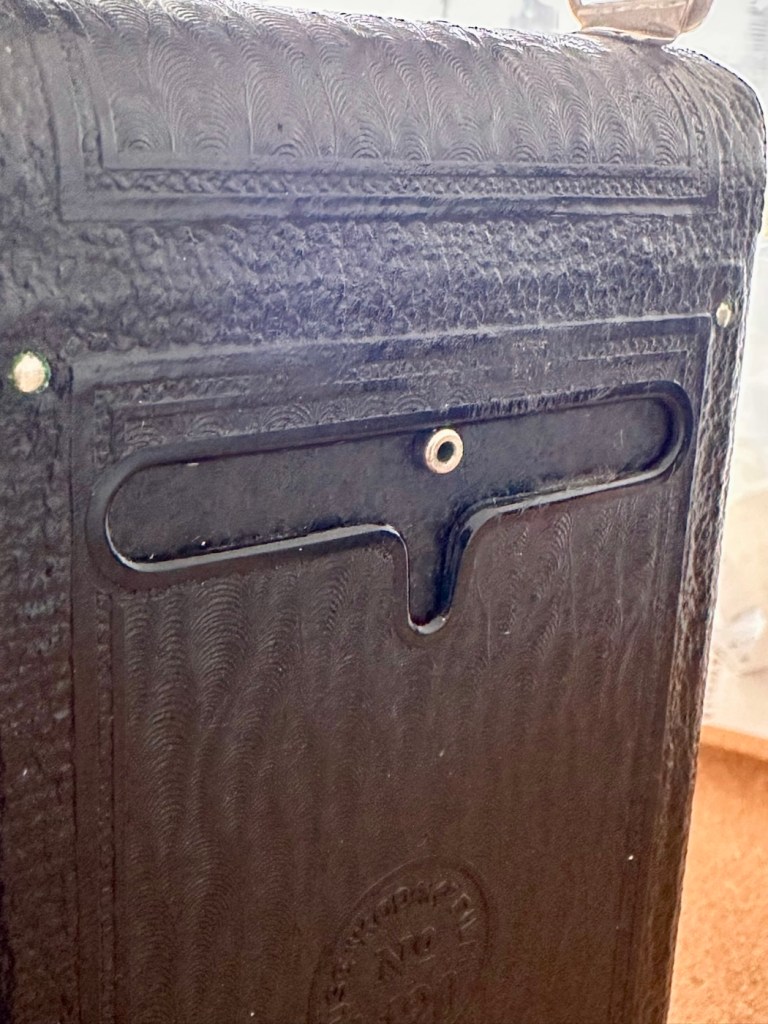
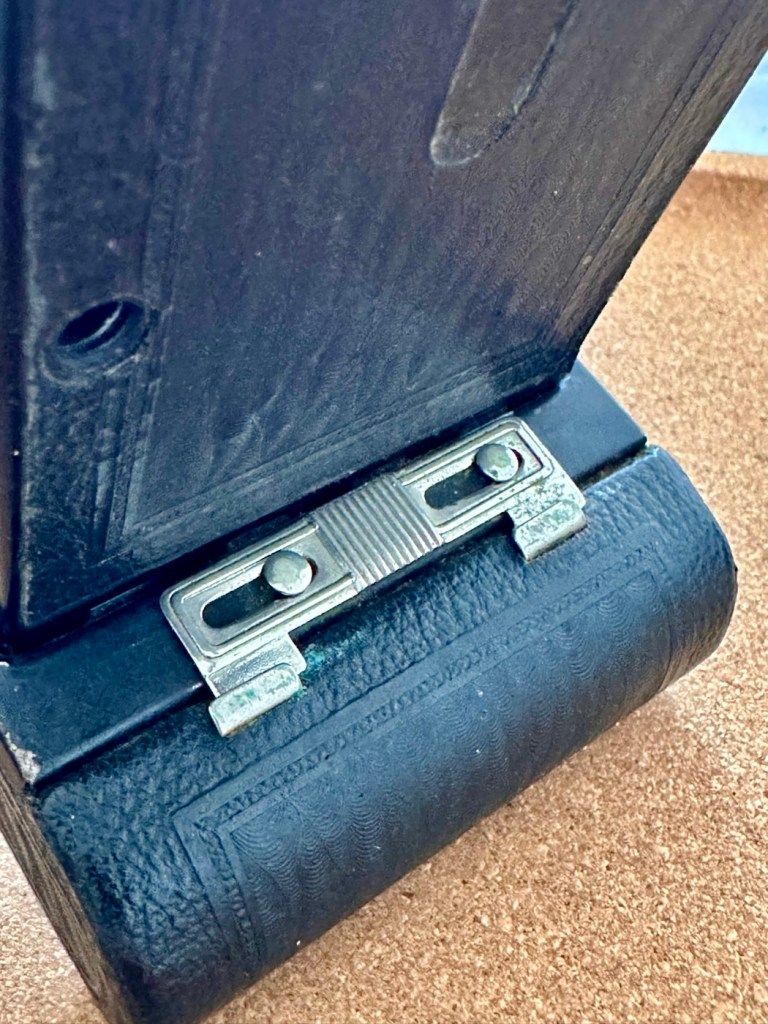
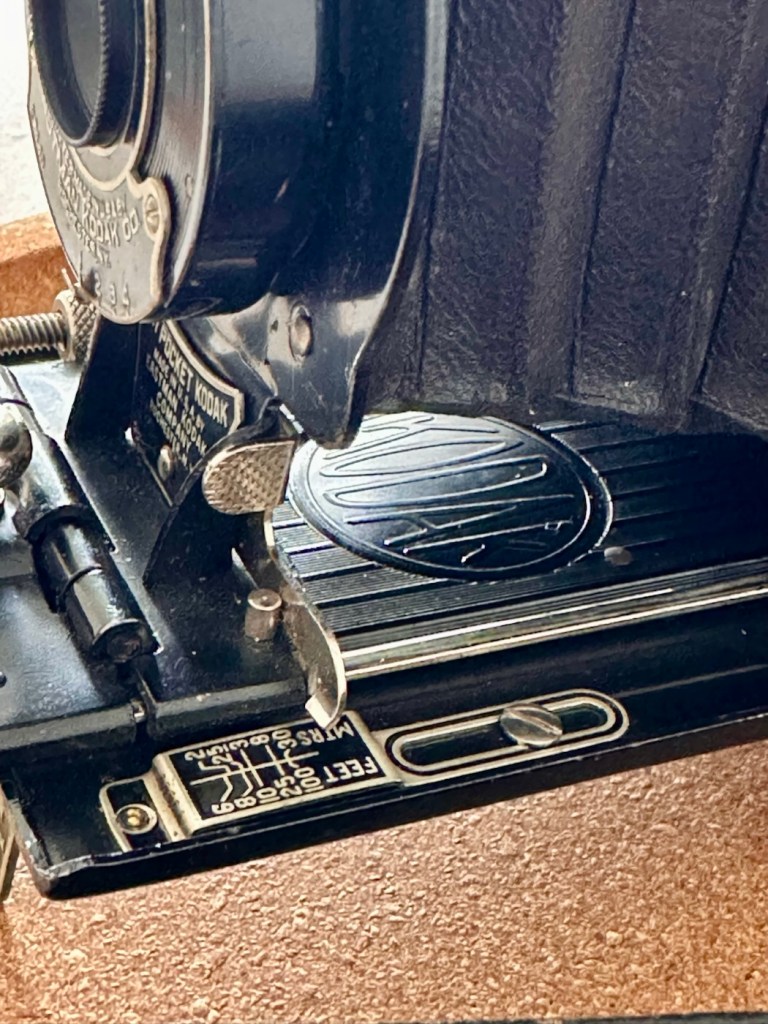
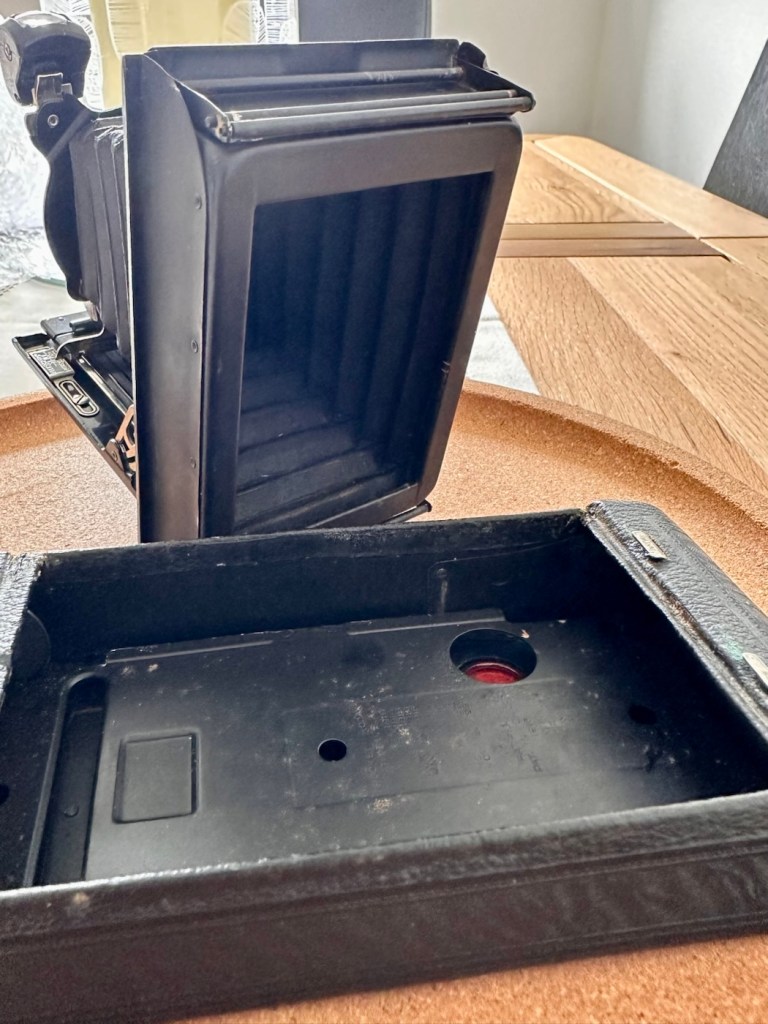
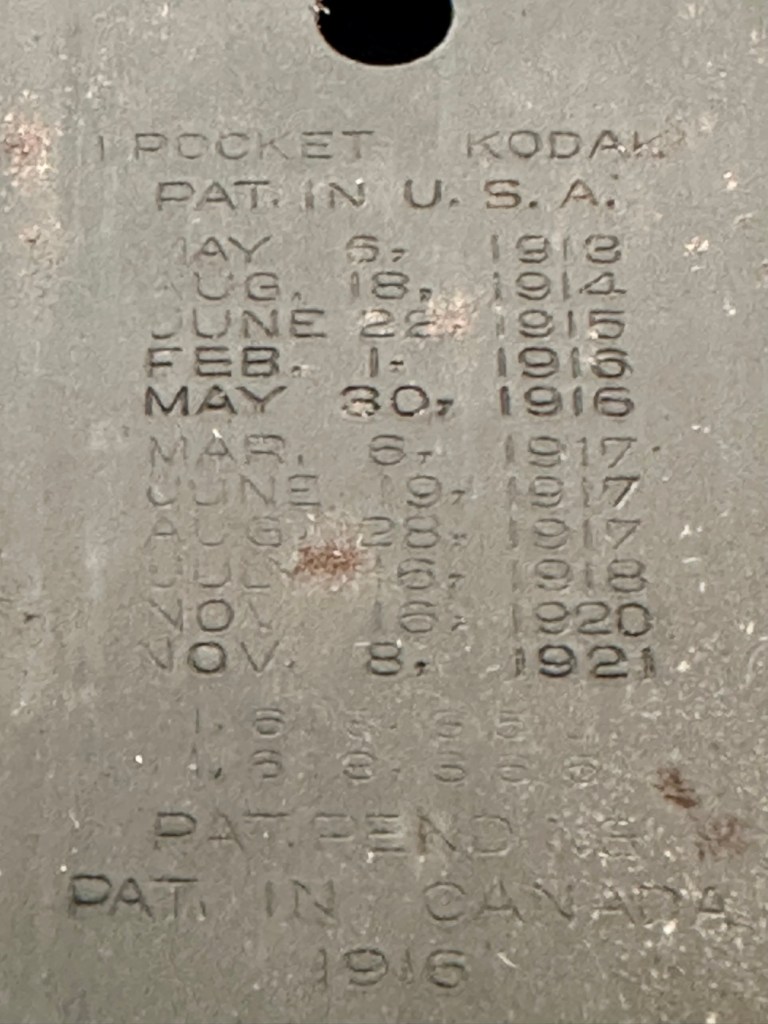
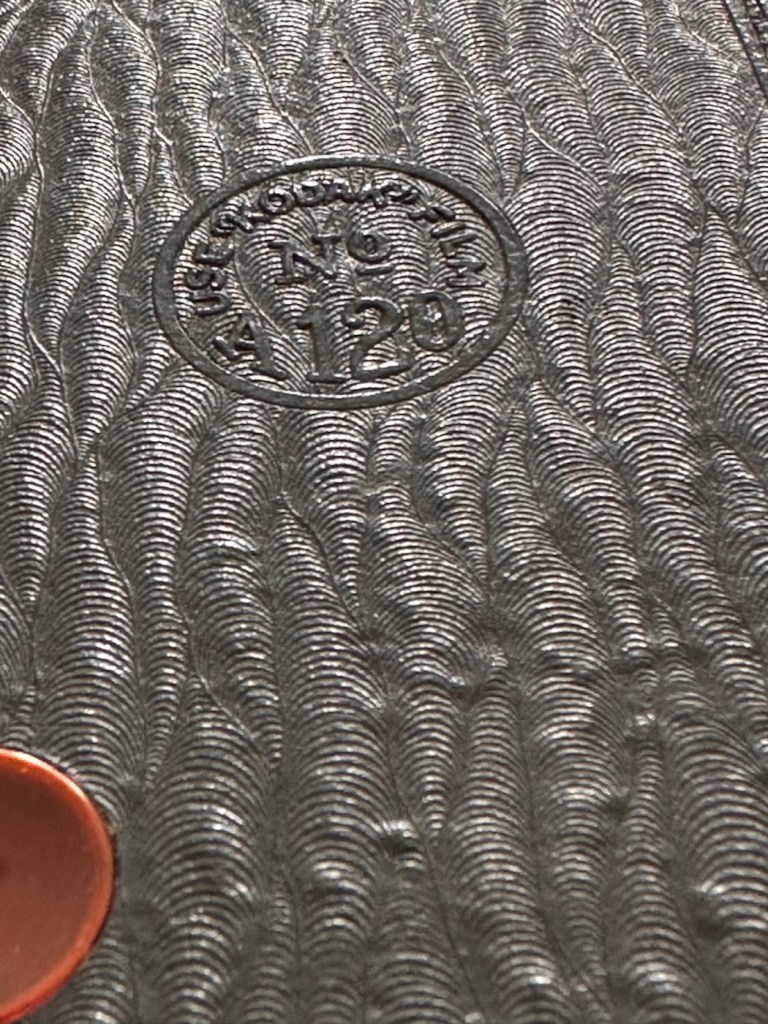
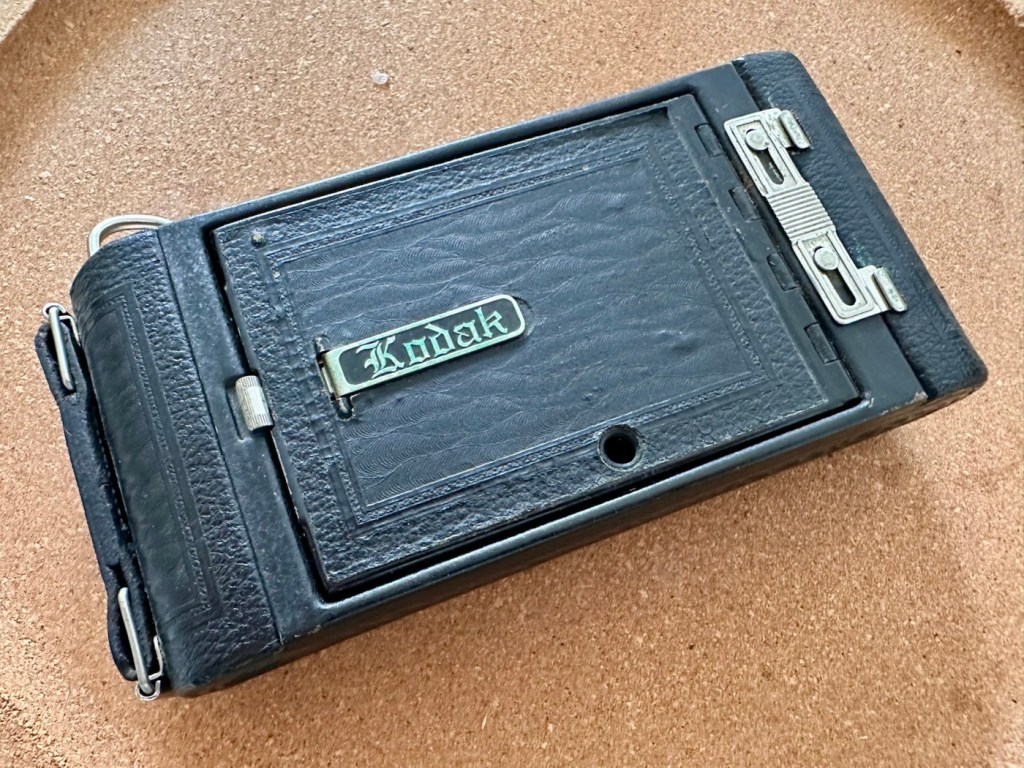
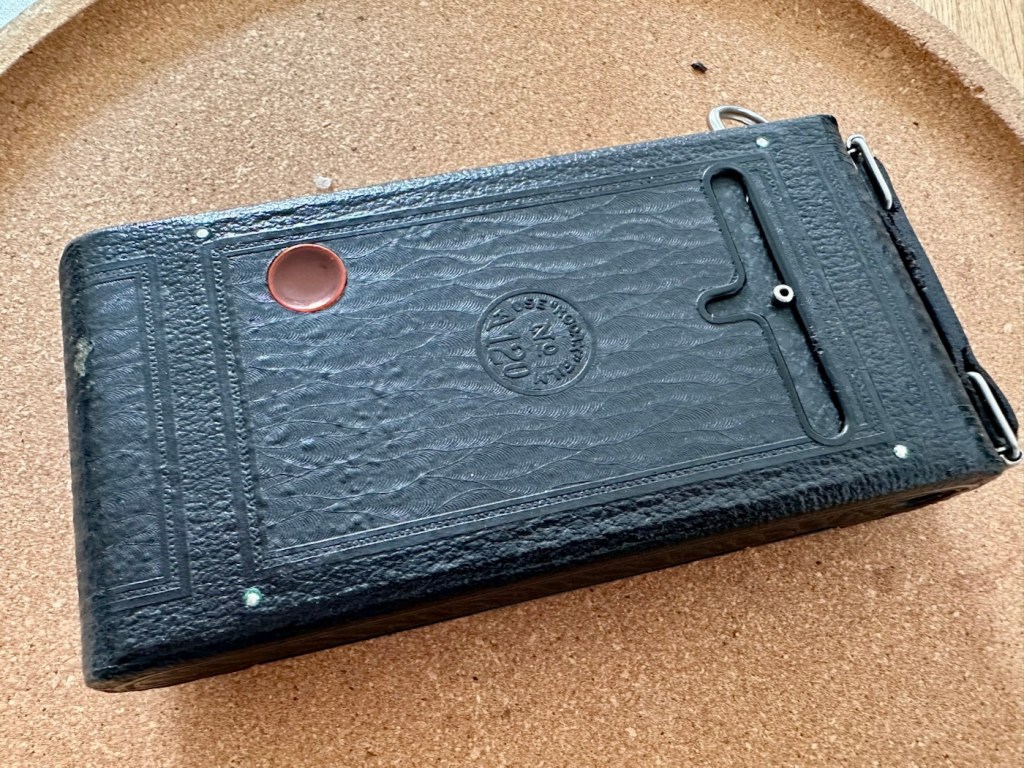
For a camera of this age I expected a number of issues.
Personally, this antique camera is in a far better condition than many that I have, that are a great deal younger than this camera. I’m very optimistic that I will be able to run a roll of 120 film through this camera before too long.
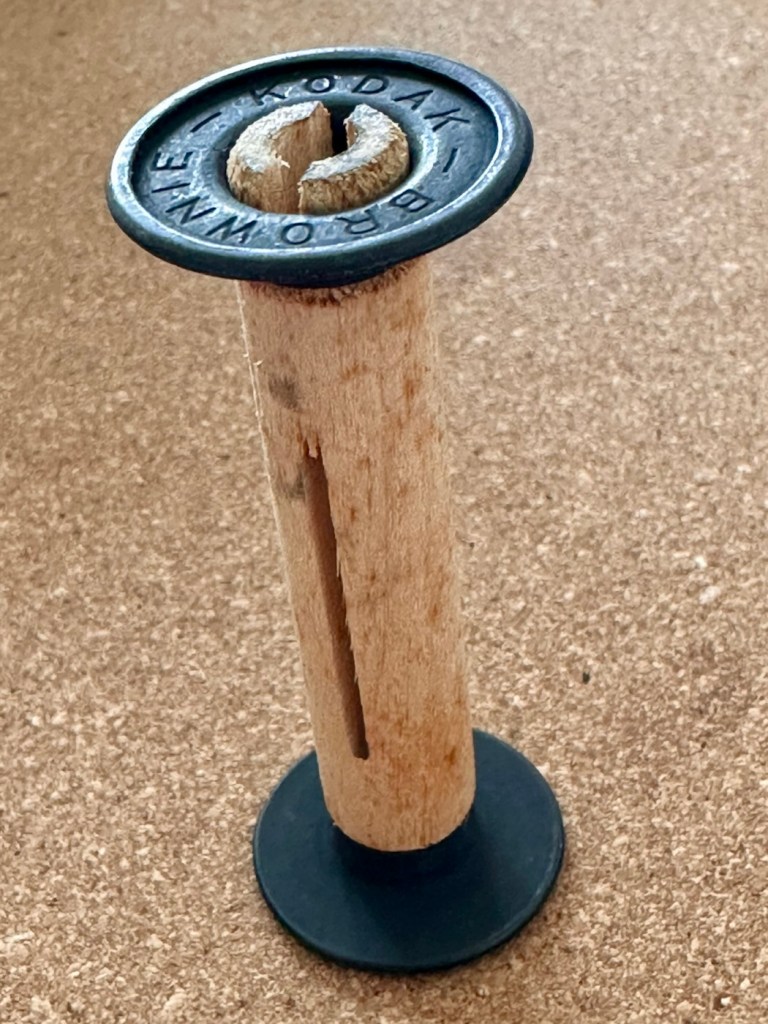
If you look at the pictures above you will see that the camera came with a “wooden” film take up spool. These features were typical in pre war cameras. What is really annoying me at the moment though, is the ridiculous prices some on line sites are charging for this small wooden roll on its own. Who the heck is silly enough to pay these prices? It’s almost 6x the price I paid for the actual camera 🤦♂️
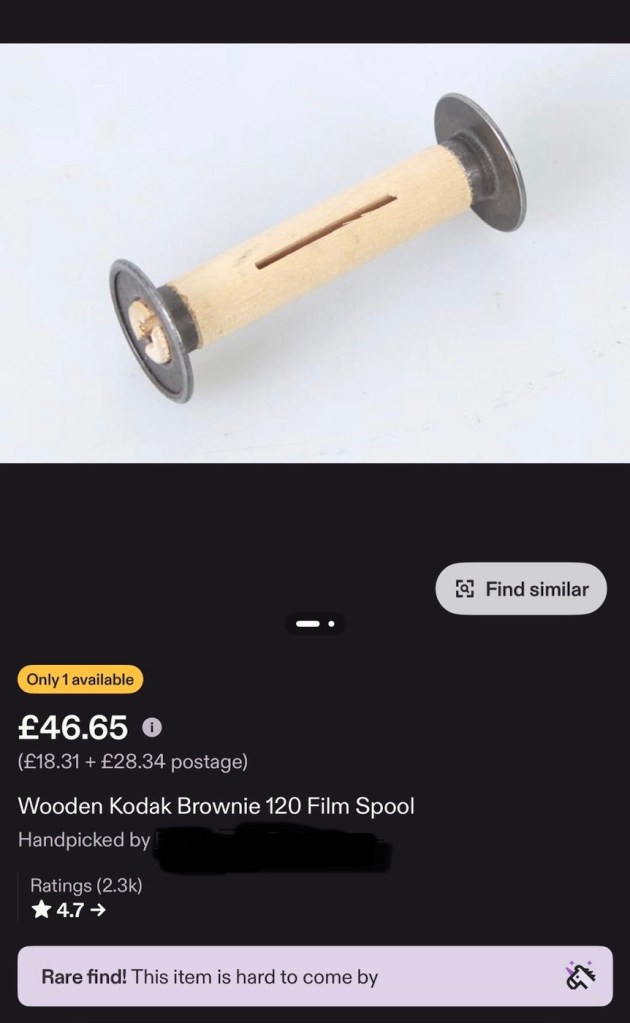
The fools.
Anyway, back to reality and this camera. Repair wise there will not be a great deal to do apart from some cleaning and minor adjustments. I’m not going to tamper to be honest, how does the saying go? If it ain’t broke, don’t try to fix it. And that will be the mantra for this camera. A sympathetic restoration is the order of the day with minimal tampering.
Let’s start at the front and work our way back. First the bellows.
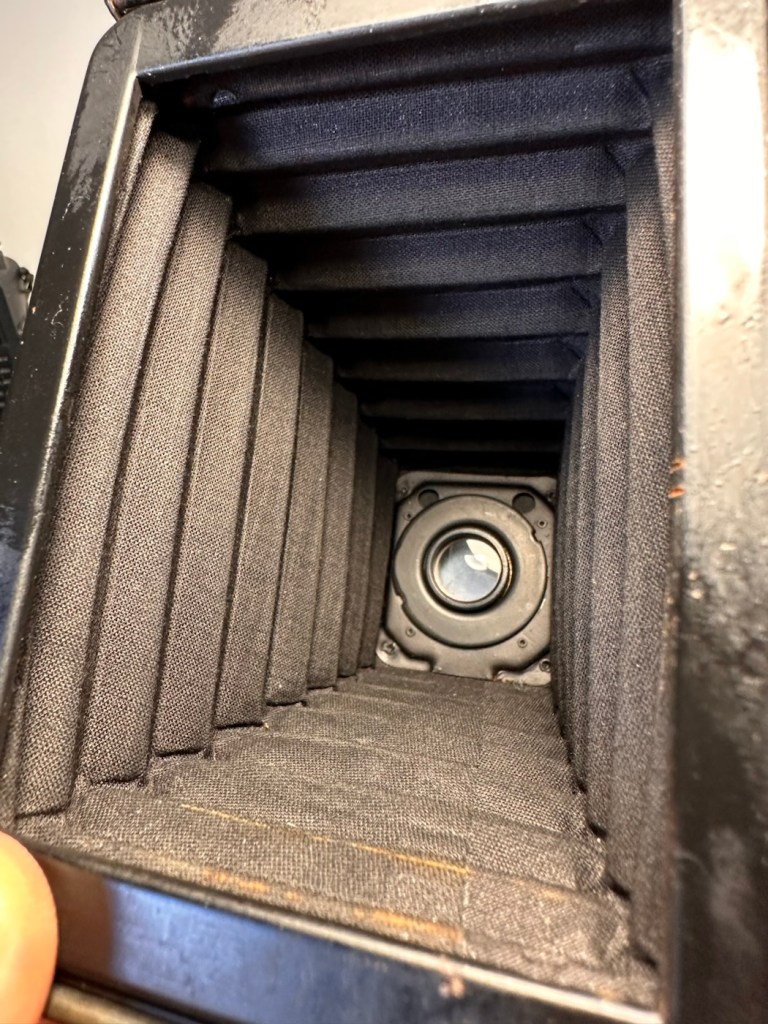
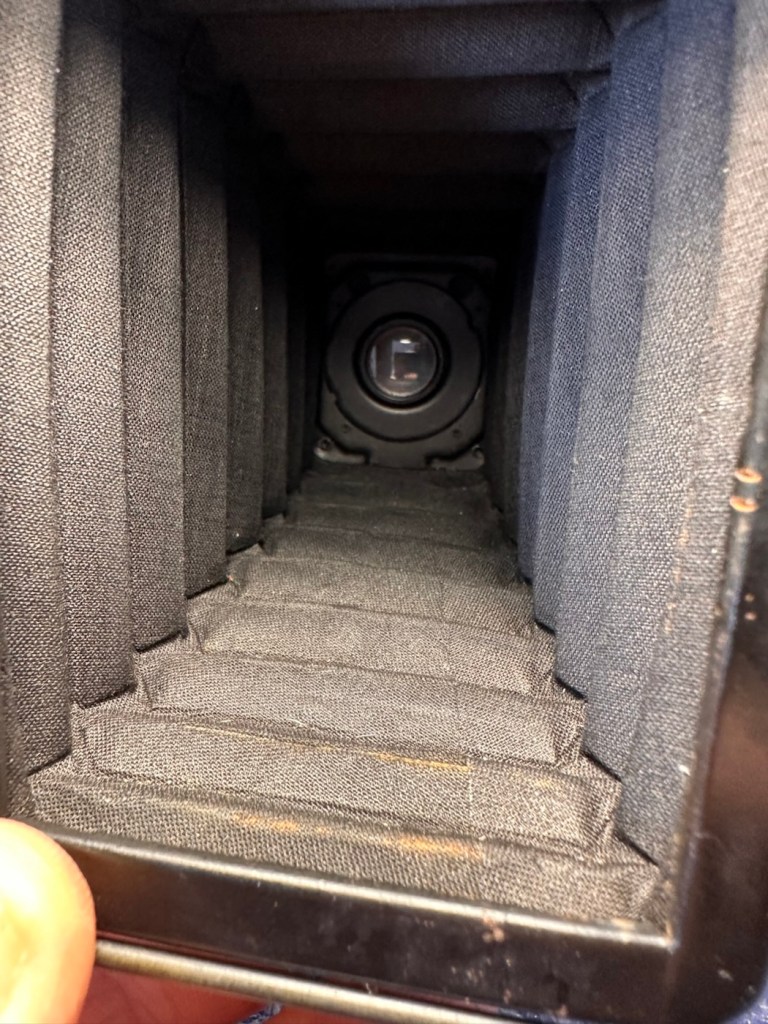
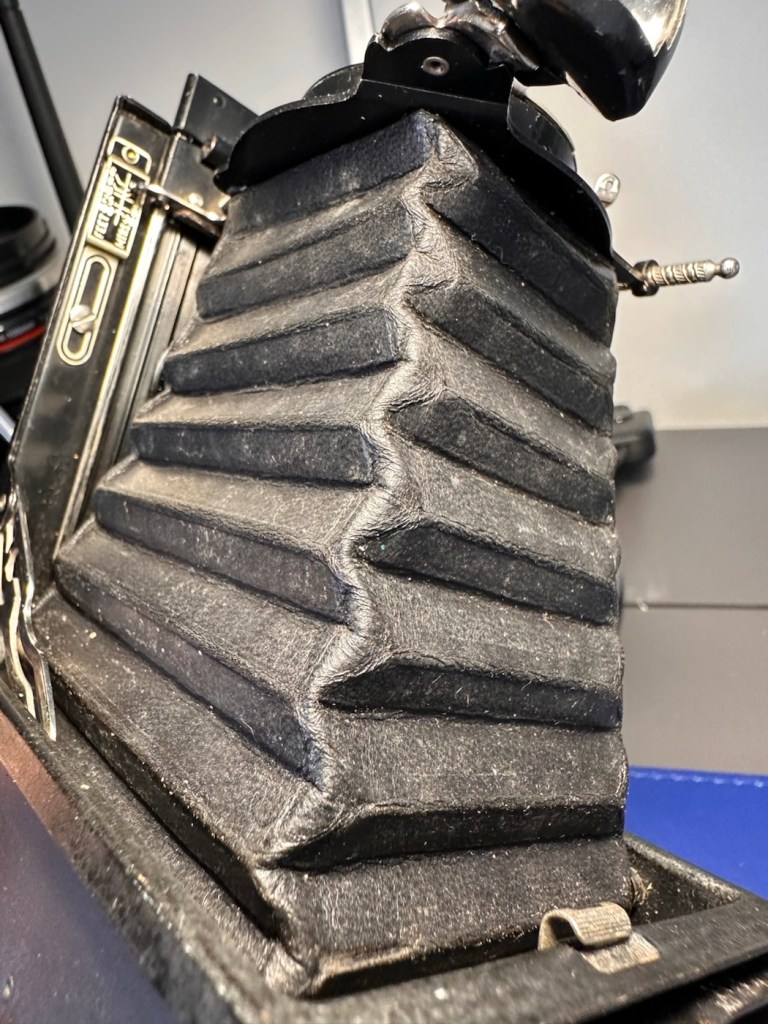
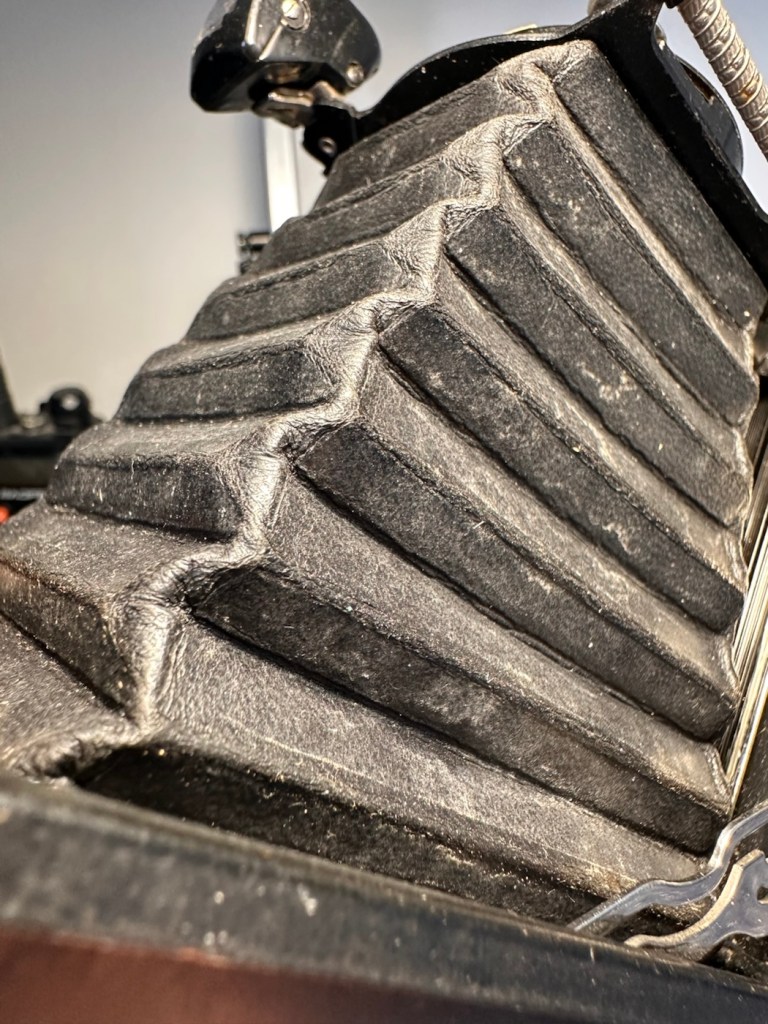
Both inside and out the bellows have no signs of dryness or bad cracking. With a powerful light both inside and out no light leakage or intrusion can be found, this does not however rule out that there may be a pin prick leak somewhere, however on close inspection of all the bellows and its folds all seems well.
Next the bright viewfinder. Just two screws give access to the glass lenses, both are a bit dirty and clean up quite well, however there are a couple of spots of old age pitting on the glass, this is not bad, considering the age.
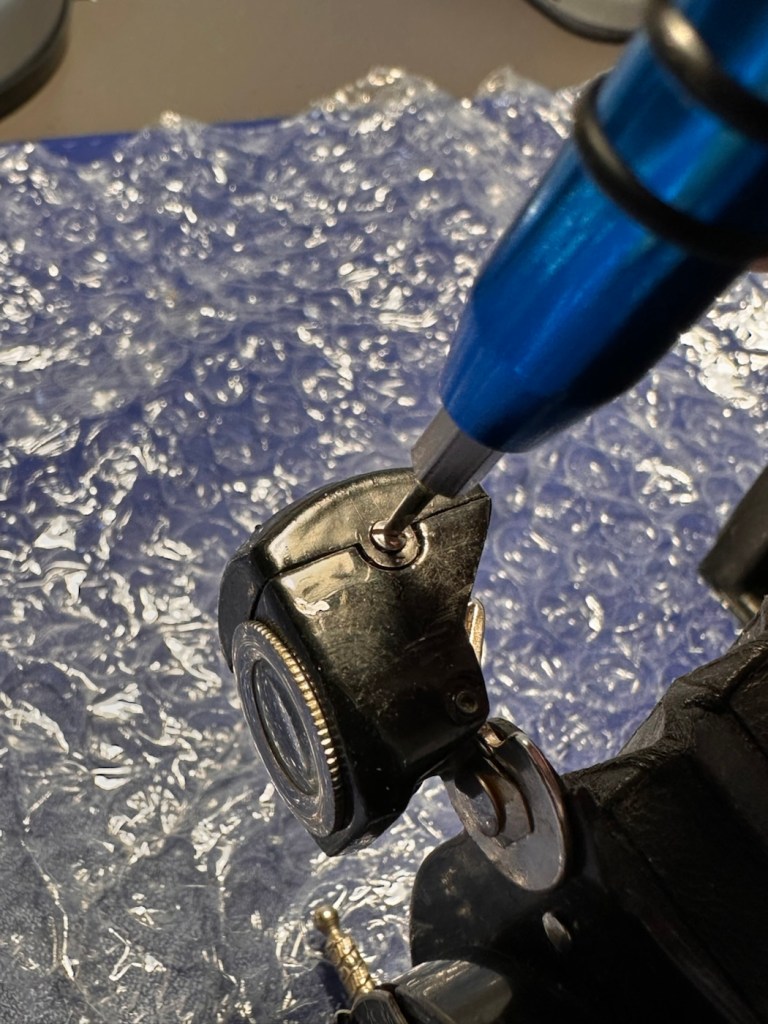
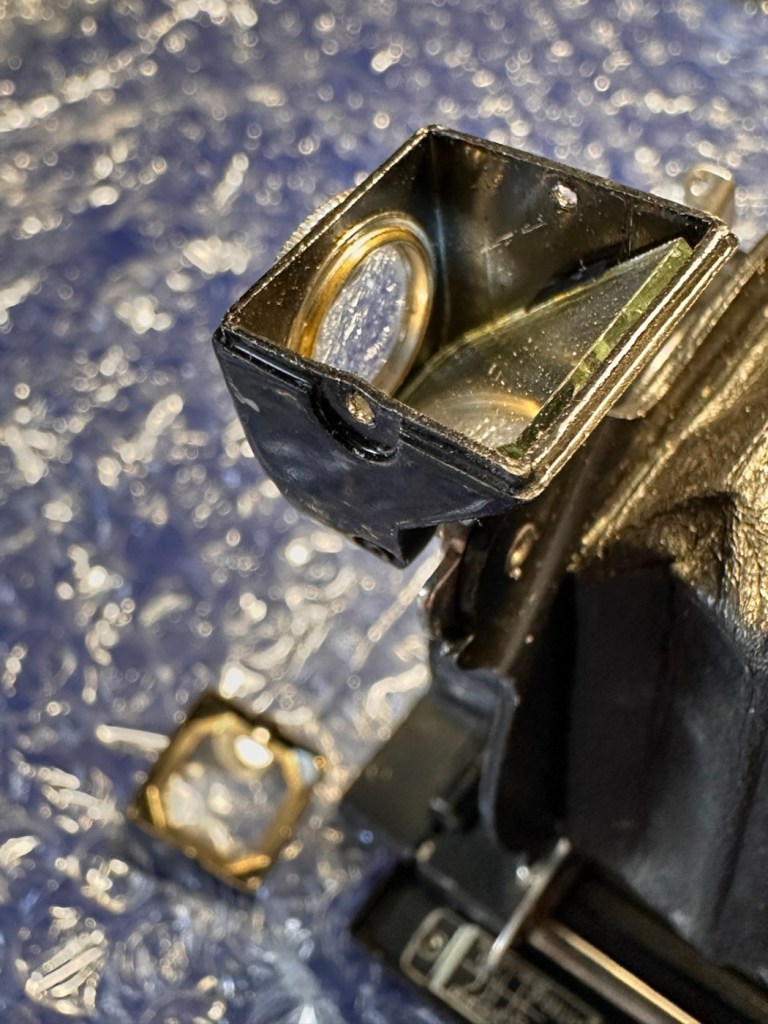
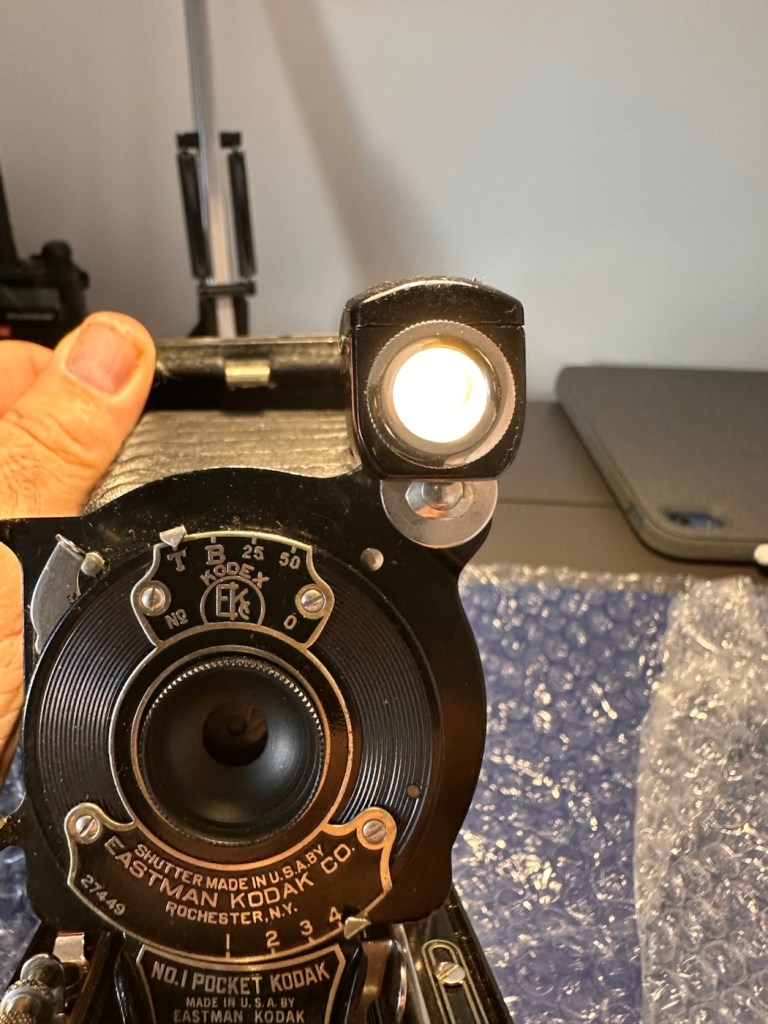
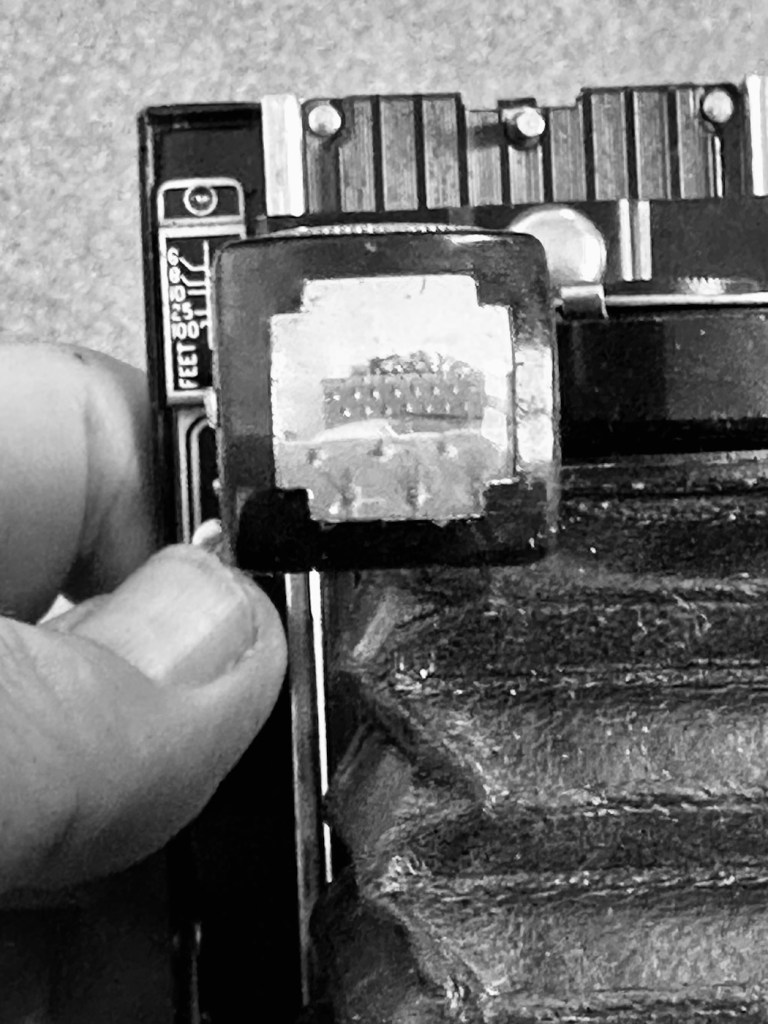
The viewfinder cleaned up well, it’s just a reference and not an accurate representation of the view that will be on the negative.
I haven’t touched the lens or leaf aperture as they both appear to be working fine.
Next we move to the inside workings and the rear of the camera, to just give a general clean.
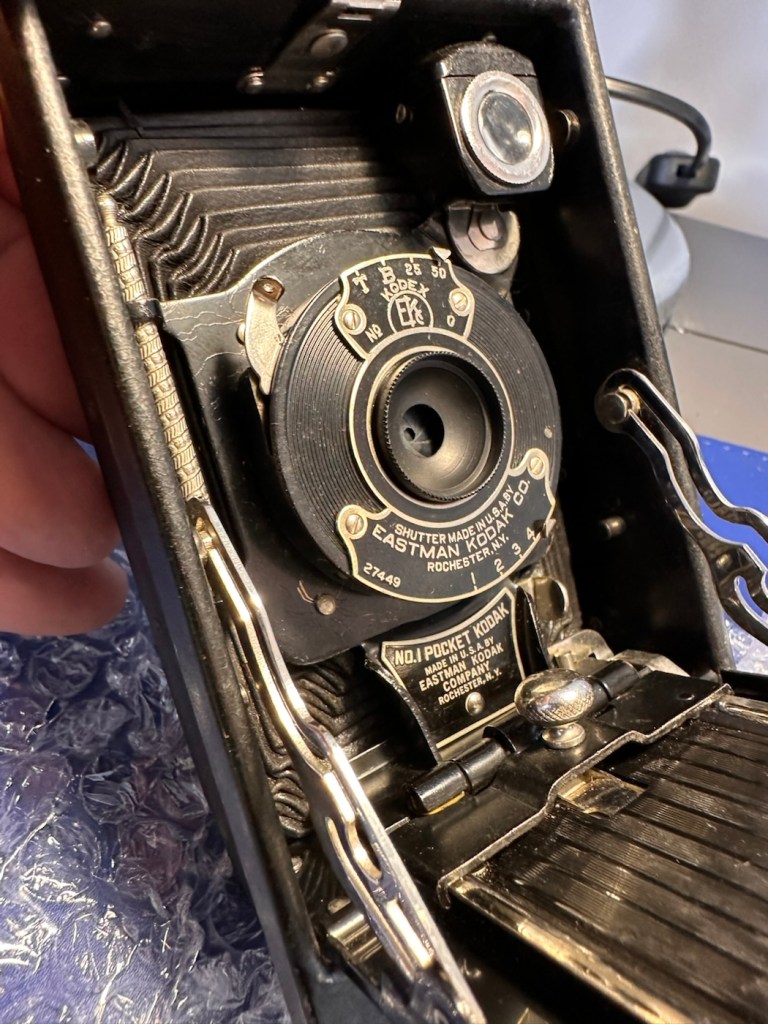
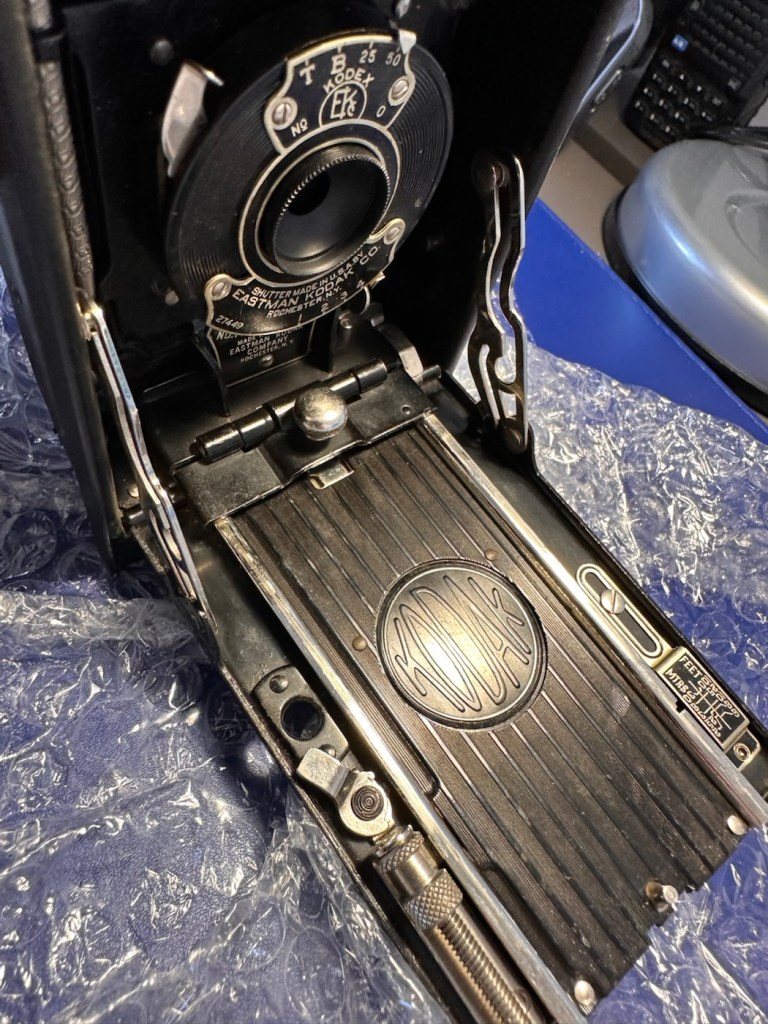
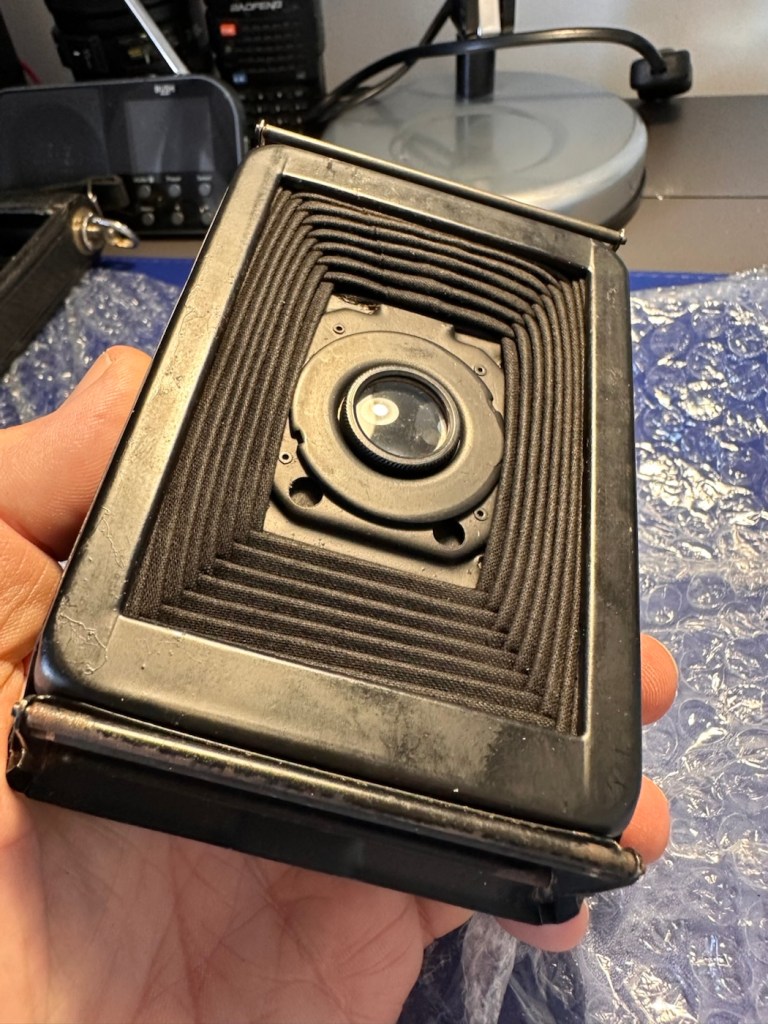
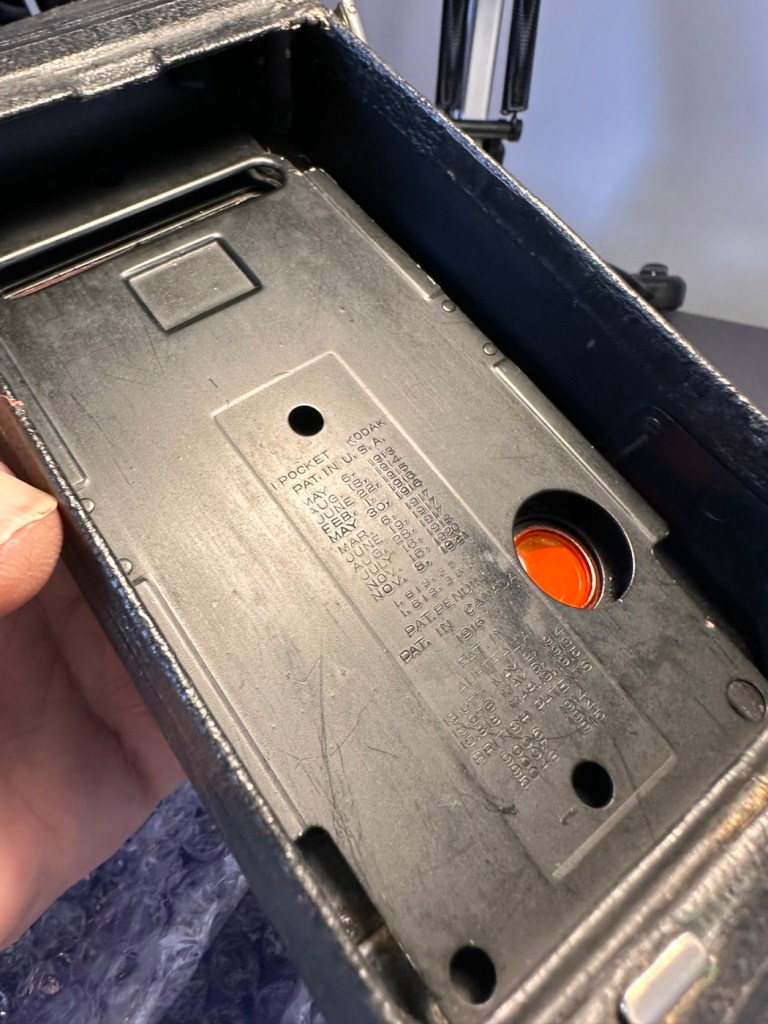
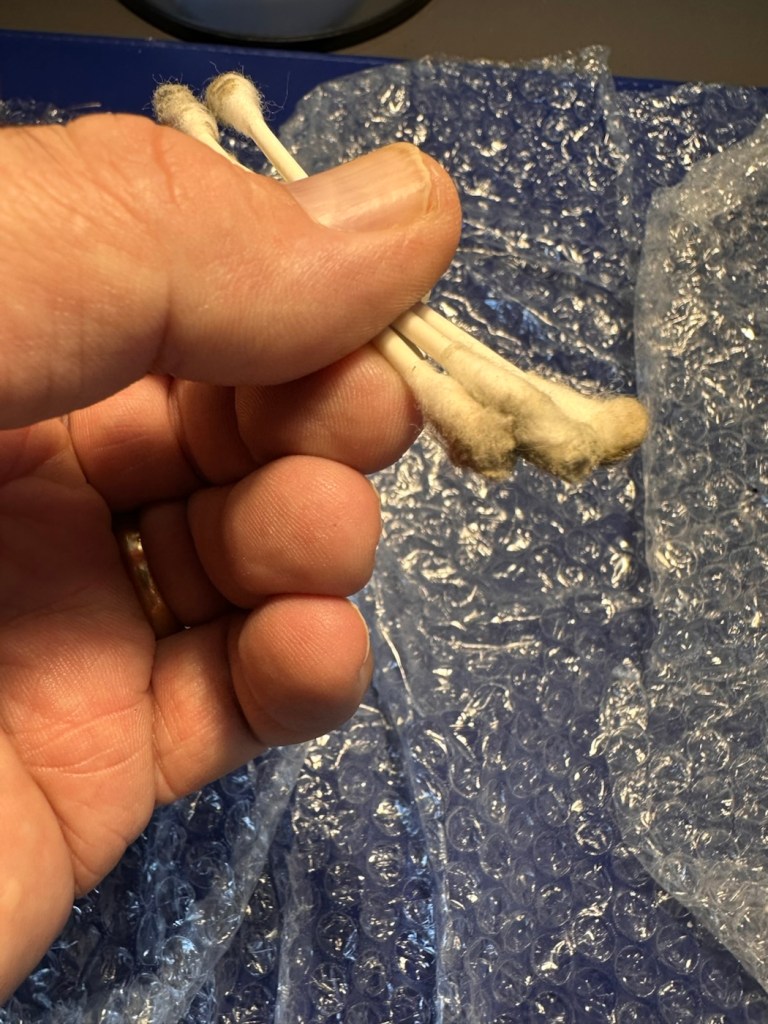
And after all this cleaning has been done, a final clean with some polish and a good buff up completes the repair.
So what’s that I’ve found lurking at the back of my little stock of films in the fridge tray? it’s a roll of Rollei RPX 100 B/W, only a couple of years out of date, so this will be the perfect film candidate to test this camera with.
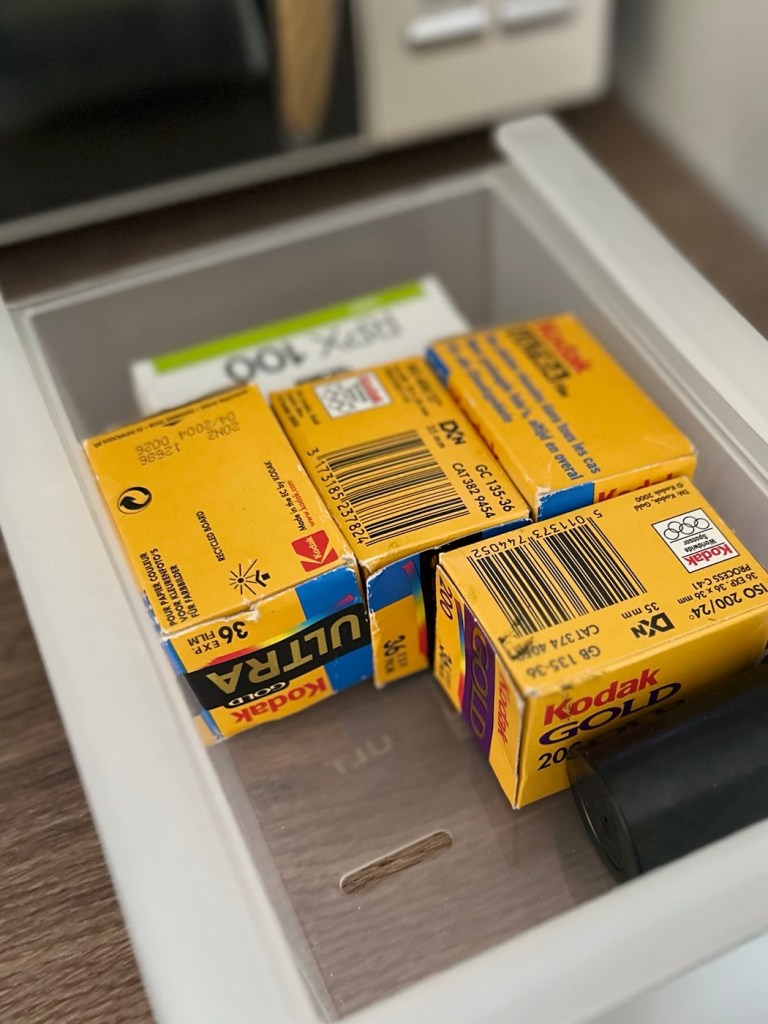
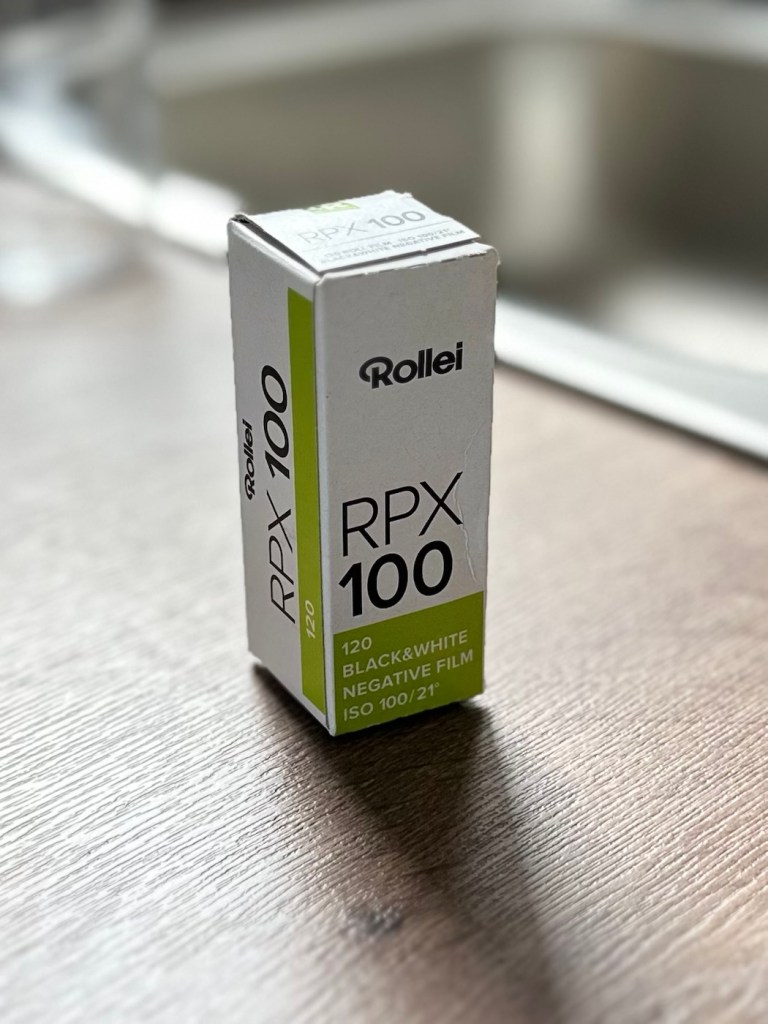
There wasn’t a great deal needing to be done to this camera as I previously stated. For an antiquity it is in a superb condition, and to be quite blunt, you don’t mess too much with such an item. Make it work yes, but keep it real. This is a hundred years old and represents times gone by, it’s aged perfectly and doesn’t need to be tampered with.
After the clean, I now present a number of photos to show what a wonderful piece of photographic history this is.
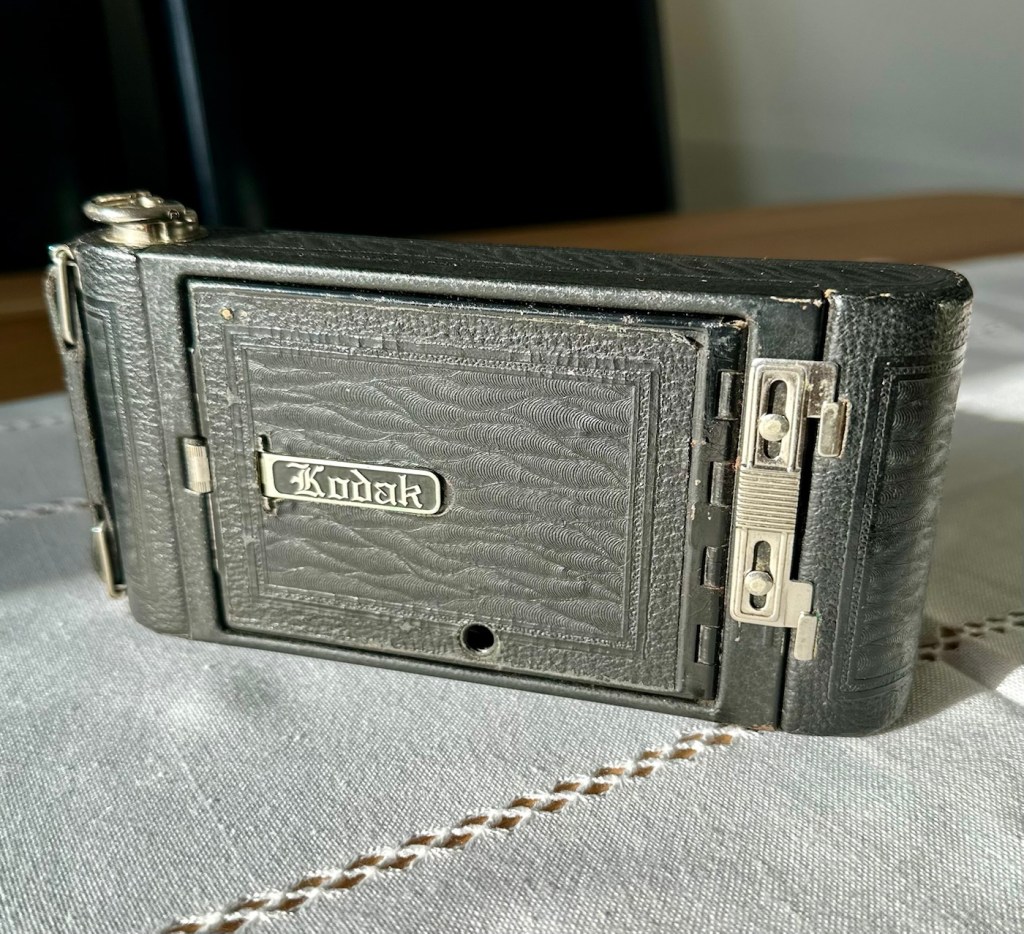
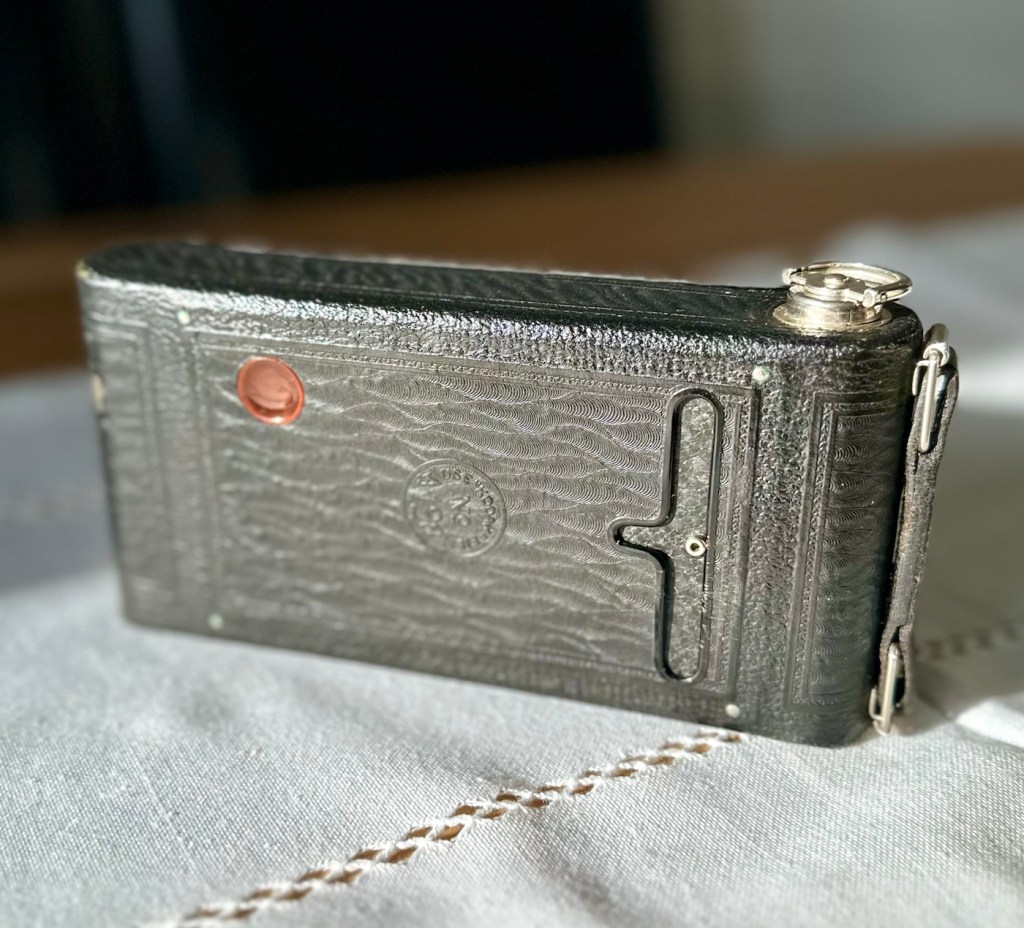
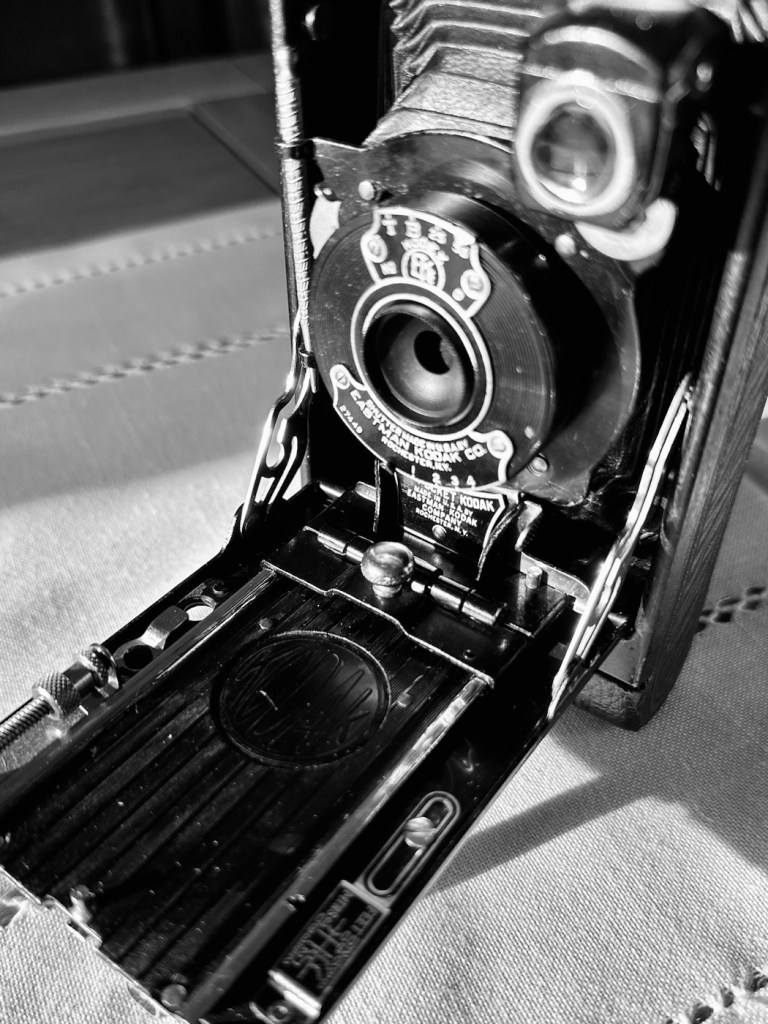
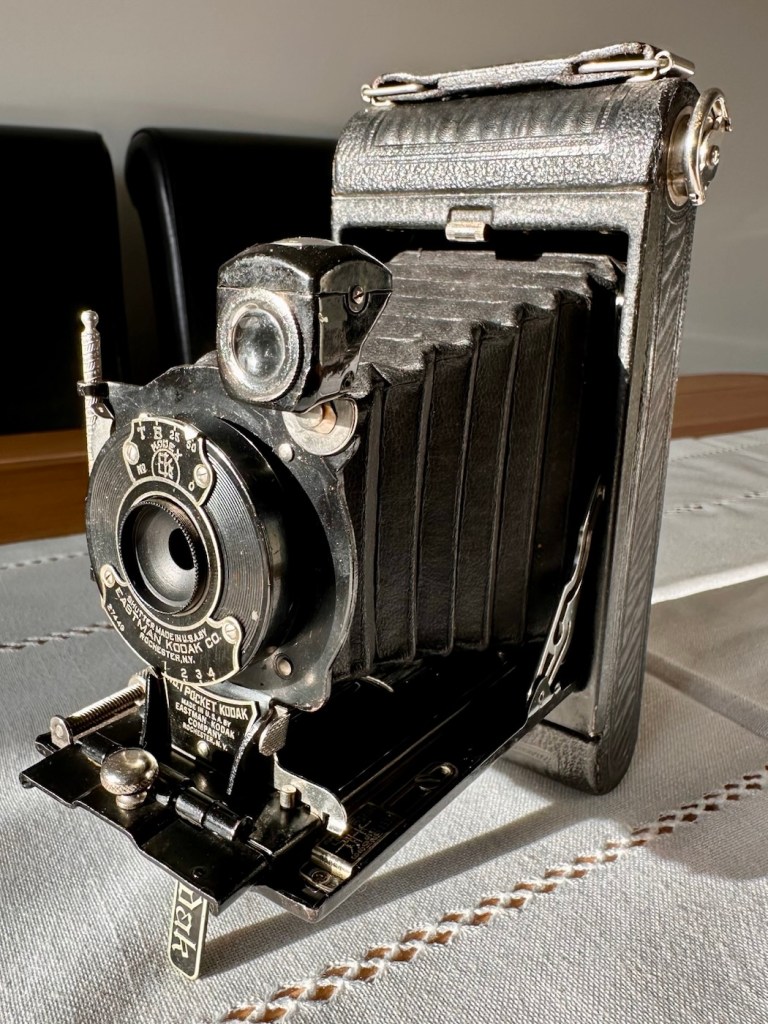
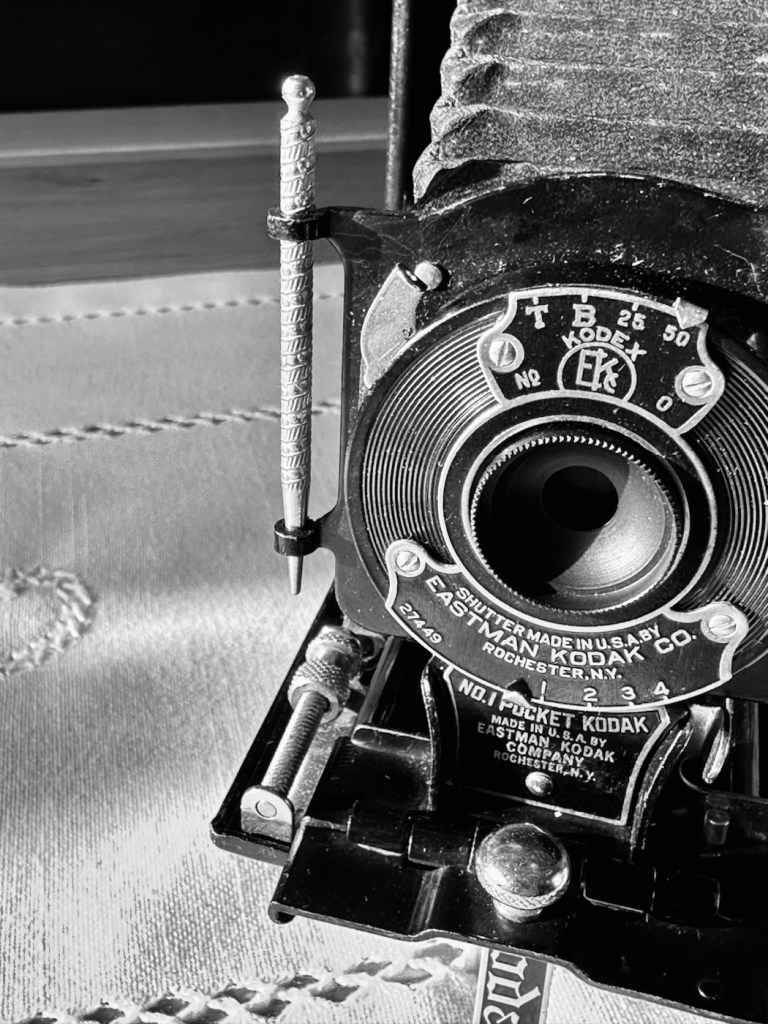
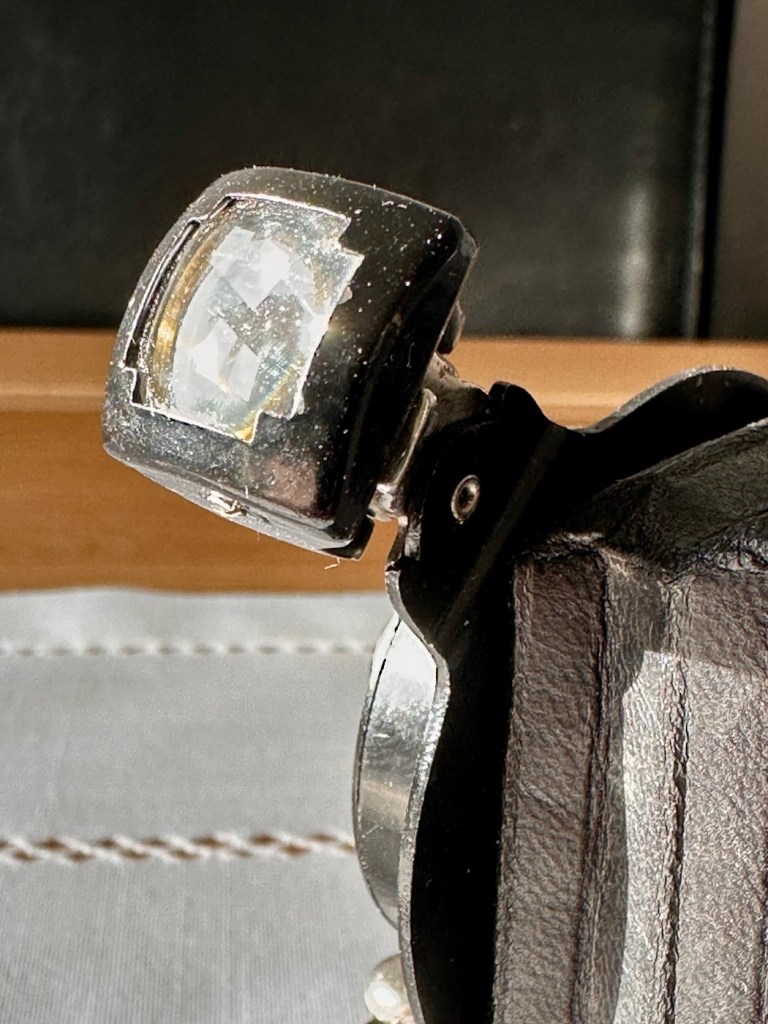
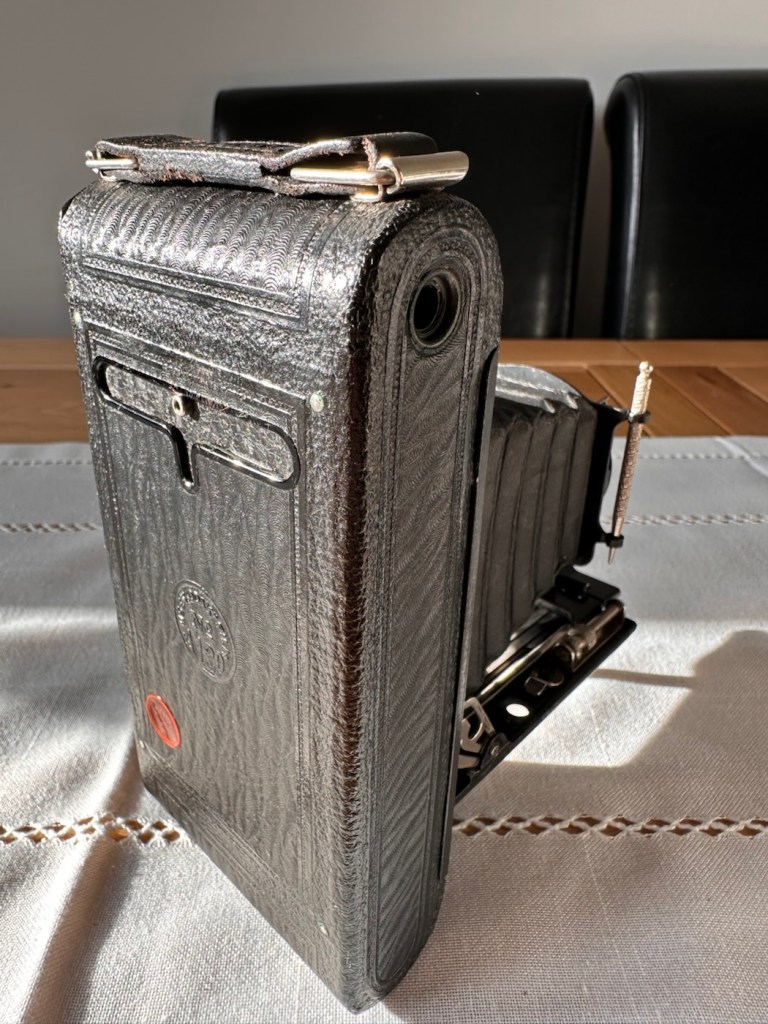
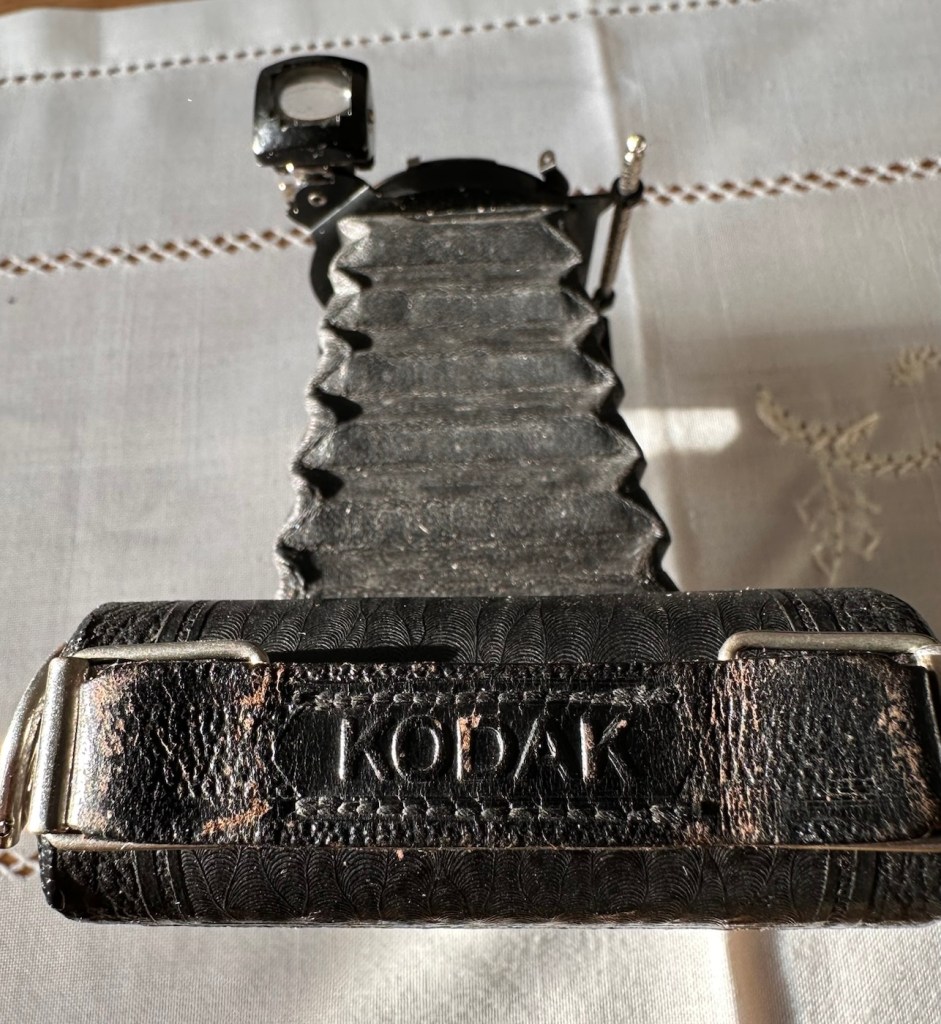
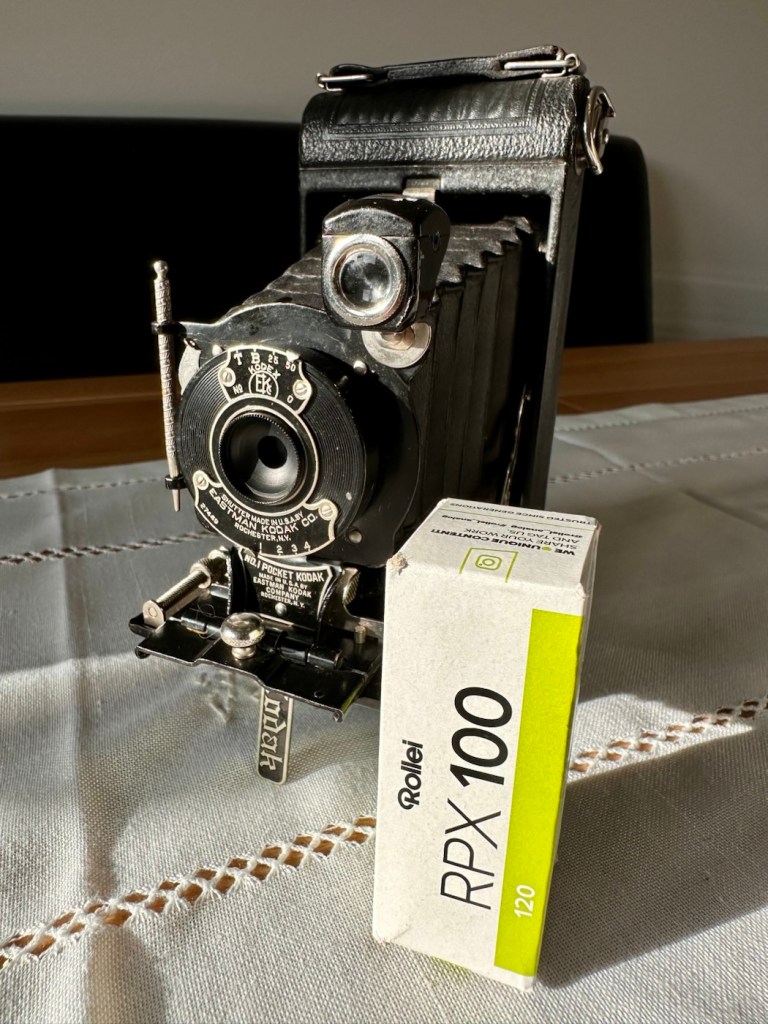
I have a roll of 120 film that will be shortly used to test it out. It’s been an absolute pleasure to work on such an old camera, and just to appreciate the skill and dedication that went into making such a beautiful hand made work of art. I am proud to own such an item and I’m hoping it will still be used for many years to come.
This is now a very important part of my personal collection, and I hope it will still be around a good time after I have taken my last breath.
Low cost, high personal value and an historic photographic legacy that I hope to pass on.
Thank you all for passing by, it’s always very much appreciated. I will post the pictures taken with this roll shortly.
Just a few black and white pictures, taken whilst testing various cameras I’ve been working on recently. Just snaps, don’t get too excited.
Just a few pictures taken recently on various cameras I’m testing out. Nothing special, just mooching around and taking snaps.



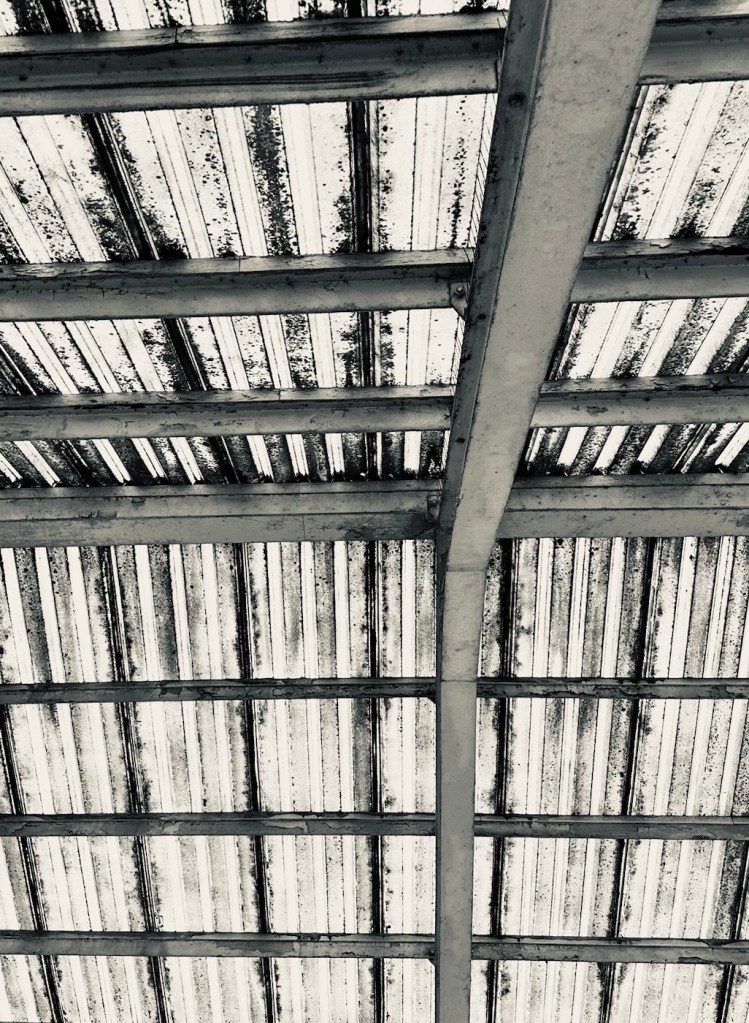
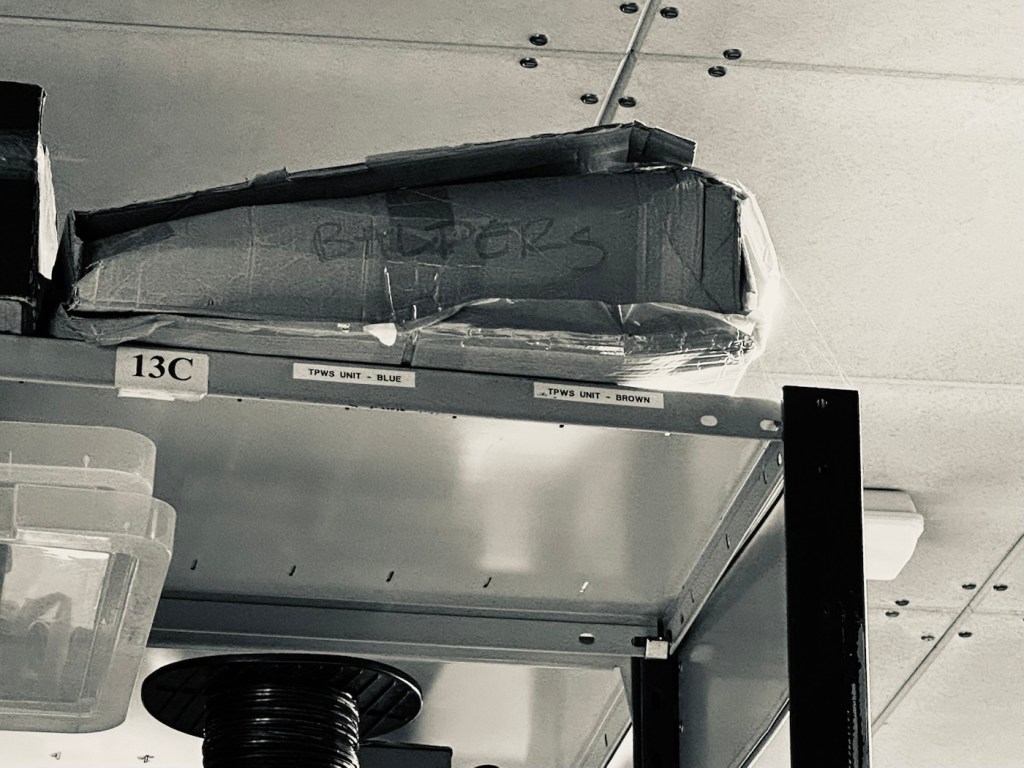






All around the Leicester / Melton Mowbray area.
Have a great day.
I have two faulty pocket PC units that I can hopefully combine into a “Frankenstein” unit. Can we get at least one of them working again?
What the listing stated….mostly AI produced I guess?
Untested, no charger, docking station only by Hewlett Packard
32MB Jornada PDA 540 Series Pocket PC Windows & Docking is a highly functional device that comes with some amazing features. This device is perfect for individuals who desire a highly efficient PDA Series. The device is sold as untested and is compatible with the Windows operating system. The brand of this device is HP, which is a well-known brand in the tech industry. The PDA Series is HP Jornada and it comes with an installed memory (RAM) of 16 MB. The display size (pixels) and screen type are unknown, but it has a model number of 540. This device comes with a docking station that allows ease of use for individuals.
EBay
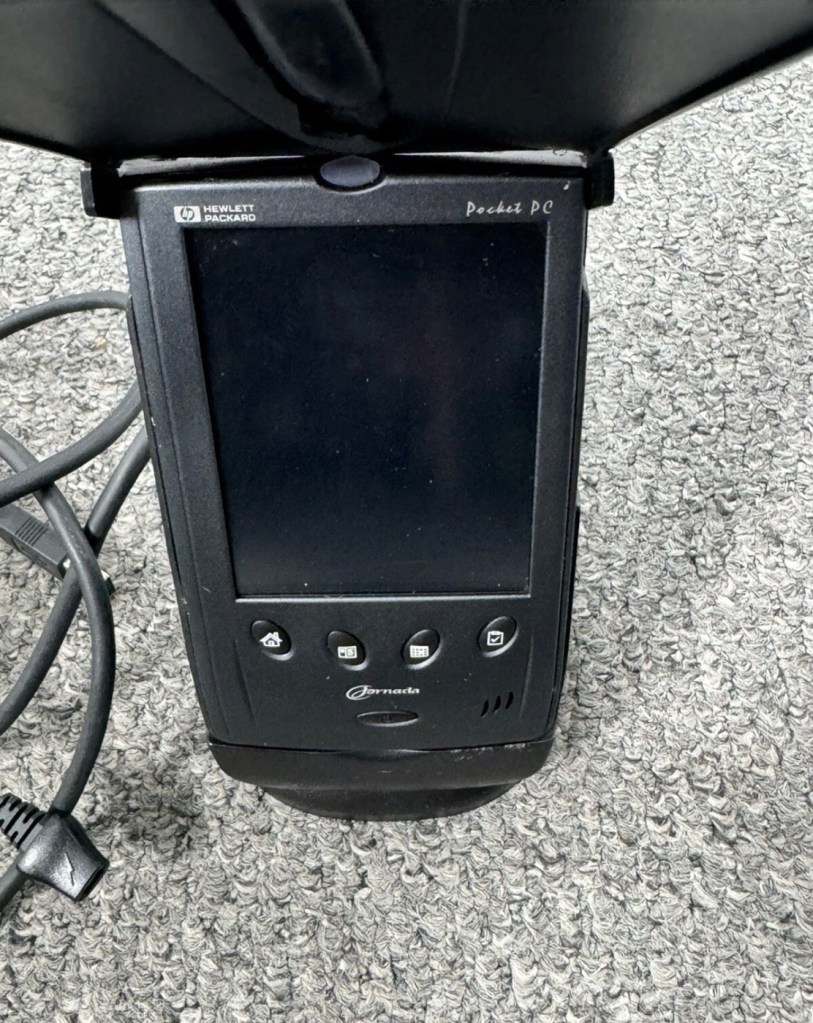
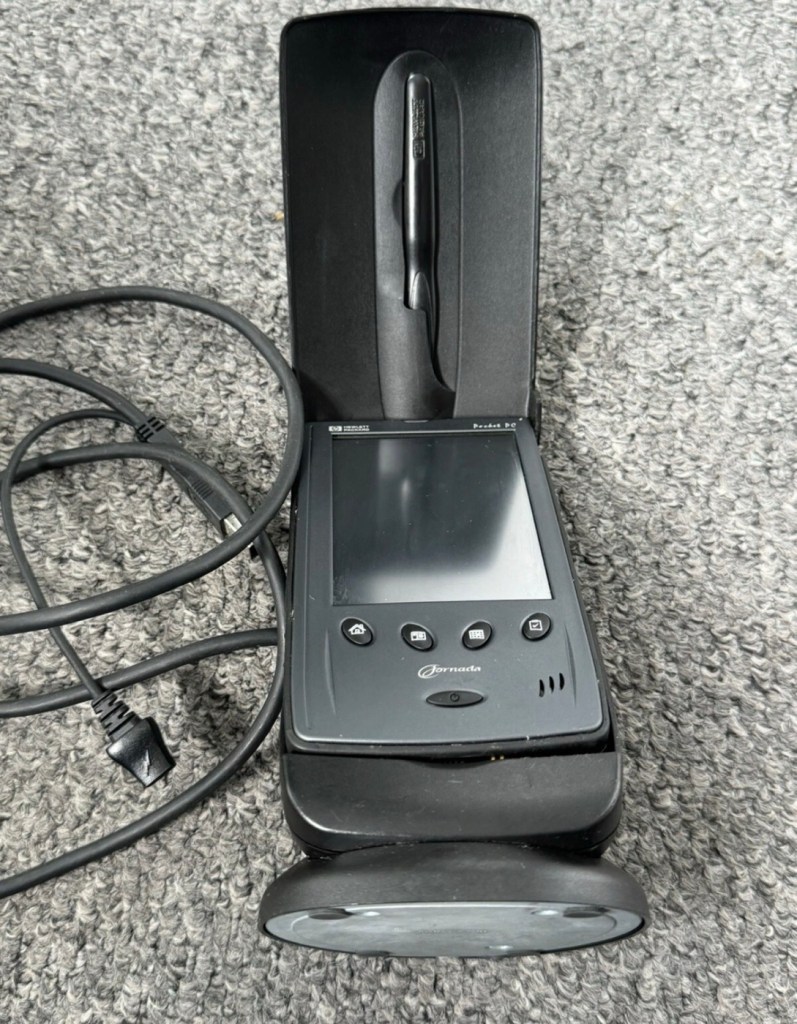
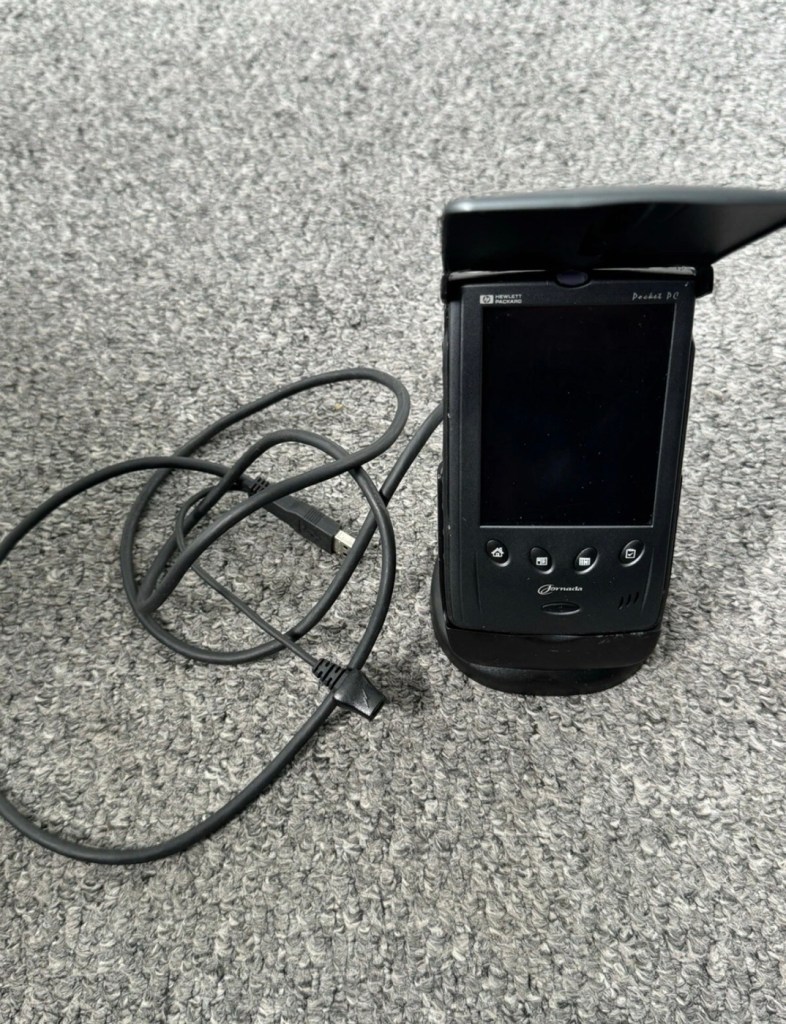
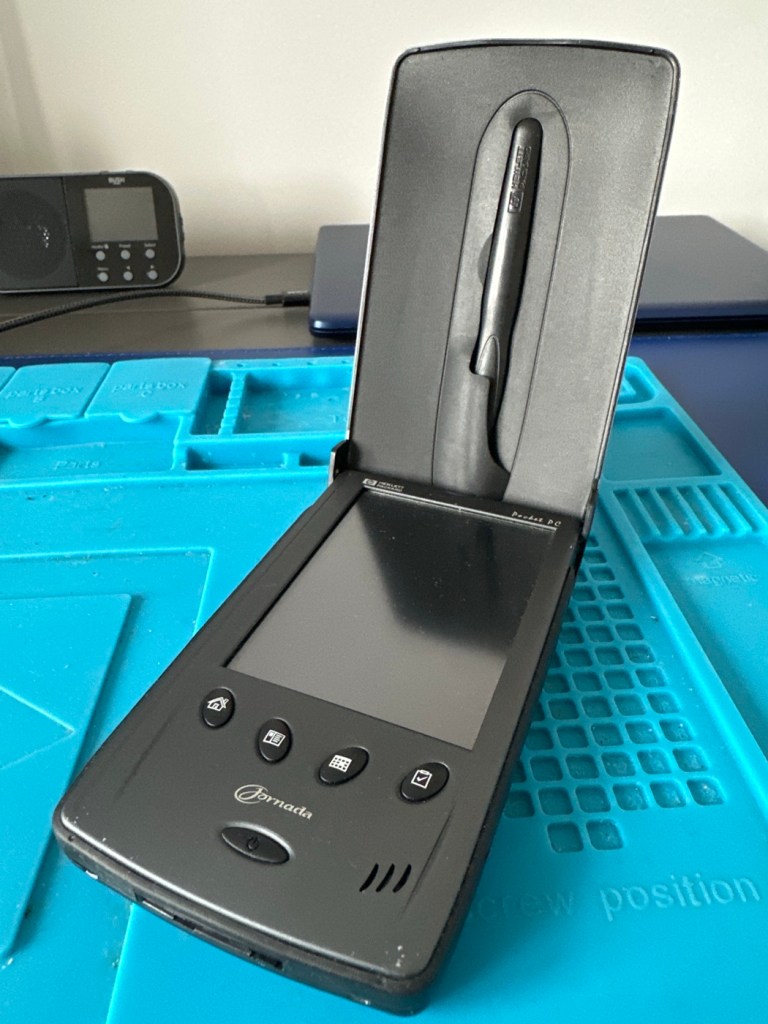
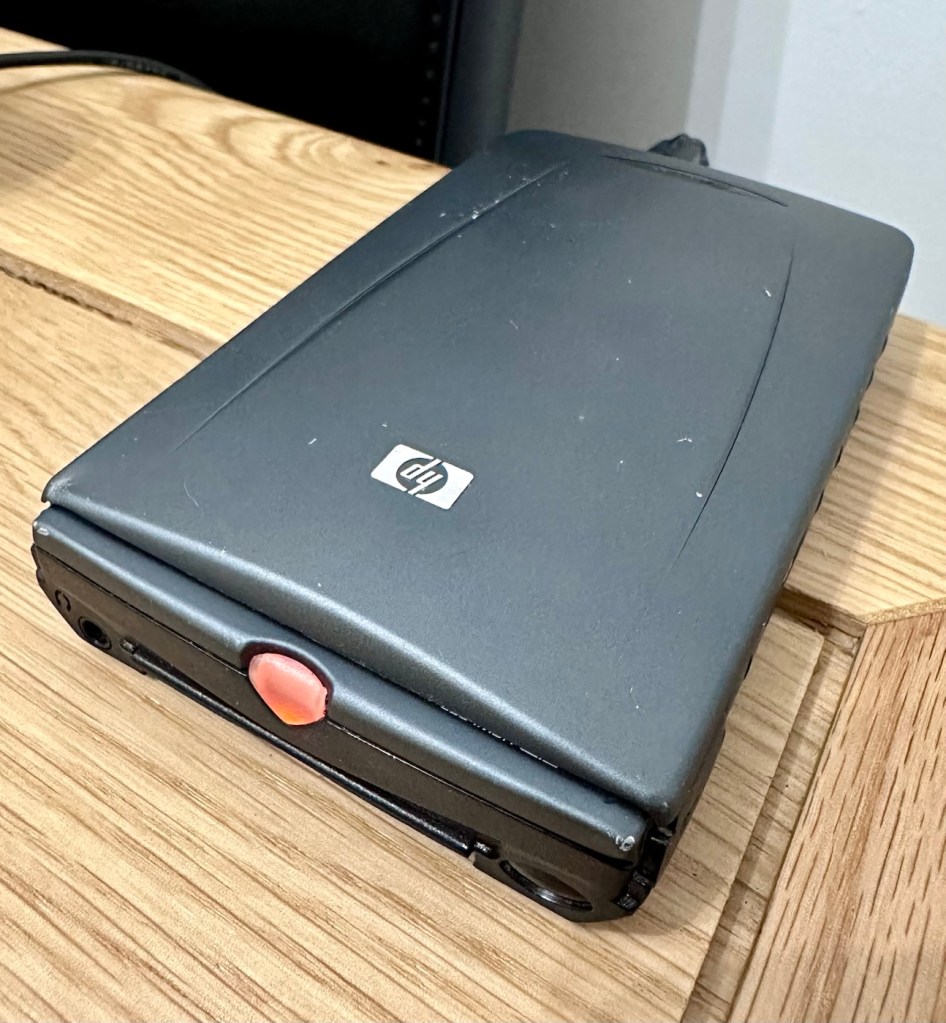
I just know this is going to be a challenge, and to be honest i will have two of these when this one arrives. This is the 16 mb version, released in Mid 2000, currently aged at around 26 years old. I’ve had a dead one sitting in one of my junk drawers for a couple of years now and I though it would be a good challenge to get at least one of them working again, another one of my Frankenstein projects if you must. I have no charger for these, the chargers are priced at a premium with the online pirate community, (Robbing swines!) so I will just have to make do. At least with the docking station that this unit has I have somewhere to start from. I suspect both batteries will be dead so I may have to use some jiggery pokery to get some power into their circuits to see if we can get any signs of life.
But whilst we await the arrival of this unit, here is a little bit about this PDA:
The Jornada was a line of personal digital assistants or PDAs manufactured by Hewlett-Packard. The Jornada was a broad product line that included Palm-Size PCs, Handheld PCs, and Pocket PCs. The first model was the 820, released in 1998, and the last was the 928 model in 2002 when Compaq and HP merged. The Jornada line was then succeeded by the more popular iPAQ model PDAs. All Jornada models ran Microsoft Operating Systems that were based on Windows CE.
Jornada 540 series
The HP Jornada 540 series, including models 545, 547, and 548, was released in July 2000. As one of the original Pocket PC platforms, it featured a 12-bit color display, 32MB RAM, and USB connectivity running Windows CE 3.0.
The Jornada 540 series was one of the original models of Pocket PC, when the platform was first announced. Sharing the Operating System, CPU and memory card slot of the 520 series, it featured a 12-bit display (originally advertised as 16-bit display) and USB connectivity. Two models were made available that were identical except for the amount of RAM. The 545 had 16 MB RAM and the 548 had 32 MB RAM.
Wikipedia
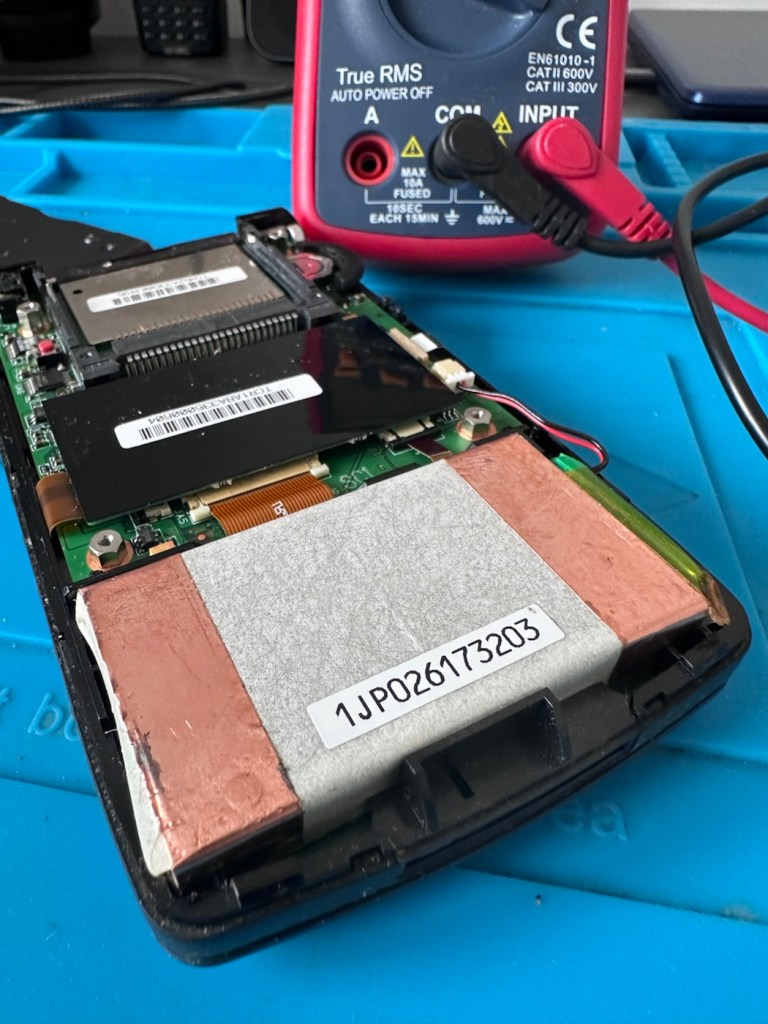
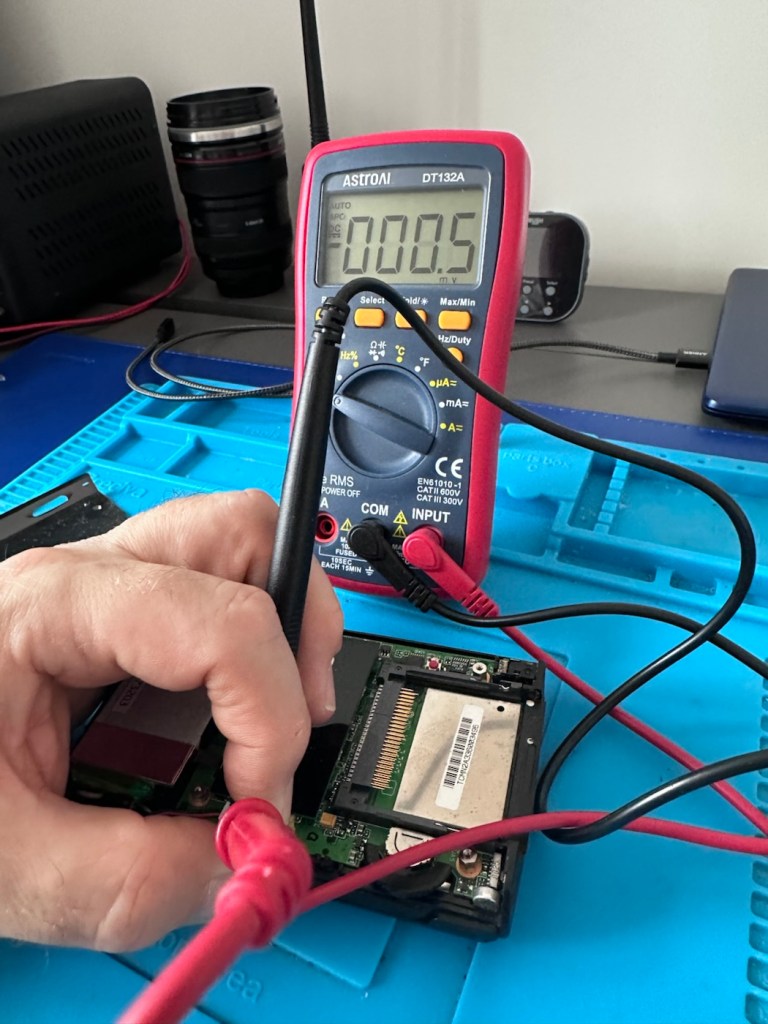
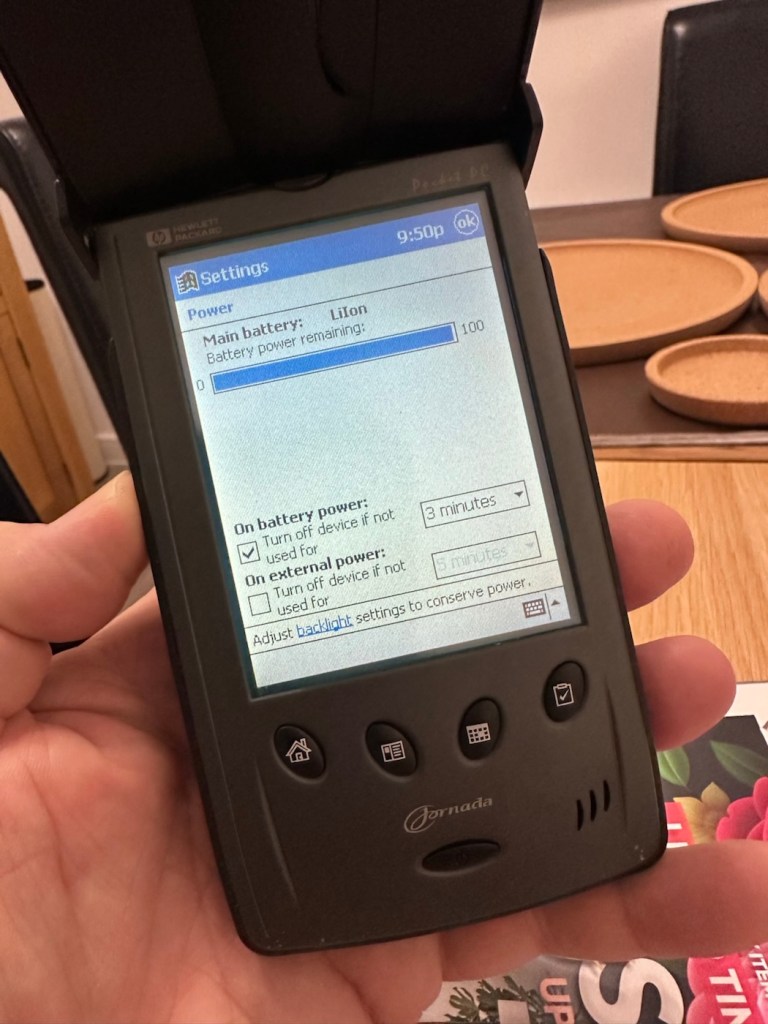
The old one I originally had is in fairly good condition, only displaying age related wear and tear. It has its original touch pencil, and is pretty much all there. Its battery (a 3.7v Li-ion) is very dead though (see pictures above) I have no means at present to see if I can charge the battery.
I have however found a charging alternative that will not break the bank. I have found a chap in Germany called Edgar, that runs a business selling cables and peripherals for older units, as well as more up to date systems, his shop is in Hannover and his company is: systemhauszakaria.com. I have managed to get a USB charging unit called a System-S USB Charging cable, that has the connectors required for this unit, and being a USB cable I can use a suitable plug for the mains supply , if required.
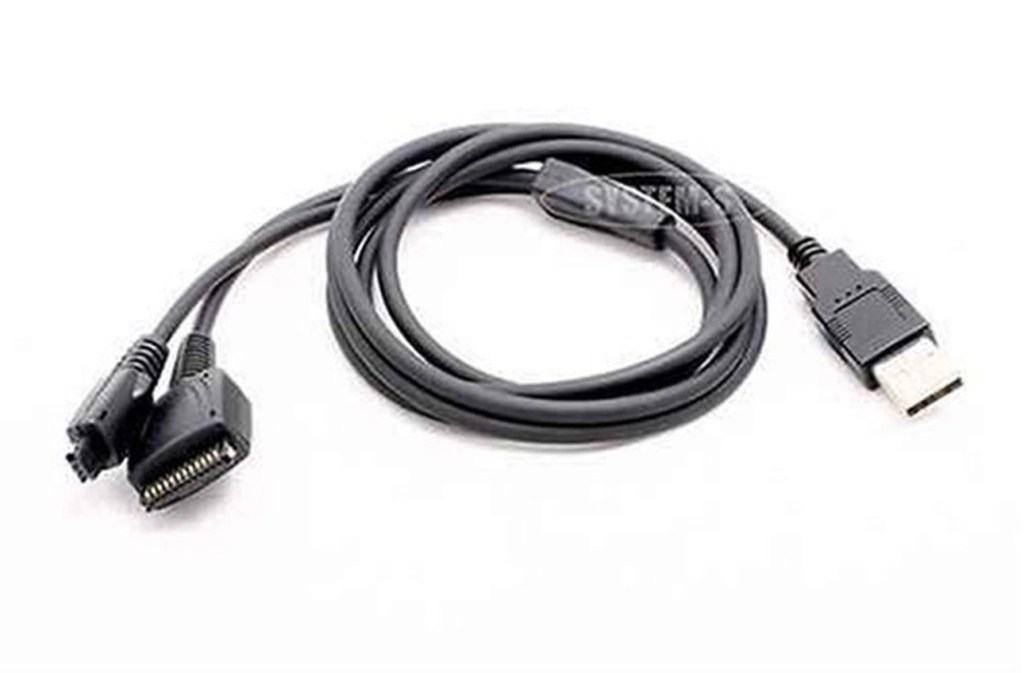
The cable includes a data transfer cable that also fits the unit, however my main task is to try and get some power into these units.
Let’s give it a go.
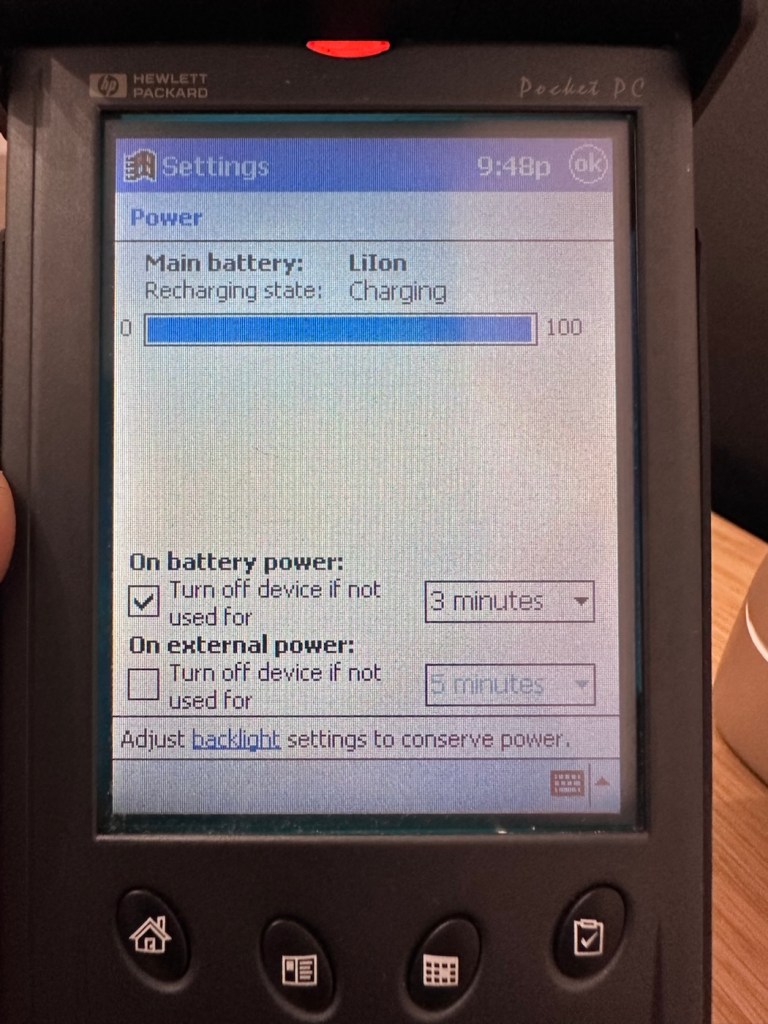
I’ve used the new lead, left the unit on and monitored it for about 90mins, and it does appear to be taking a charge. An Orange light indicates that charging is taking place.
The unit displays as 100% charged with the charging lead in. when disconnected it drops to about 50% but within a couple of seconds it shows as 100% again, this could be a time delay of some sort whilst switching to the battery circuit.
At this point I thought it would be worth getting the back off again, to check the battery charge. If you remember earlier in this post, this old unit that had sat unused in my desk for the last couple of years and when last tested the battery was dead at about 0.5mA. However this is a transformation, as when the battery was now tested its voltage was 4.09v. Now, a 3.7v Li-ion battery such as this should have a max charge voltage of 4.2v, so in theory this battery is in quite good condition considering its age. There may be a little deterioration, however considering this battery is possibly 26 years old it’s held up very well.
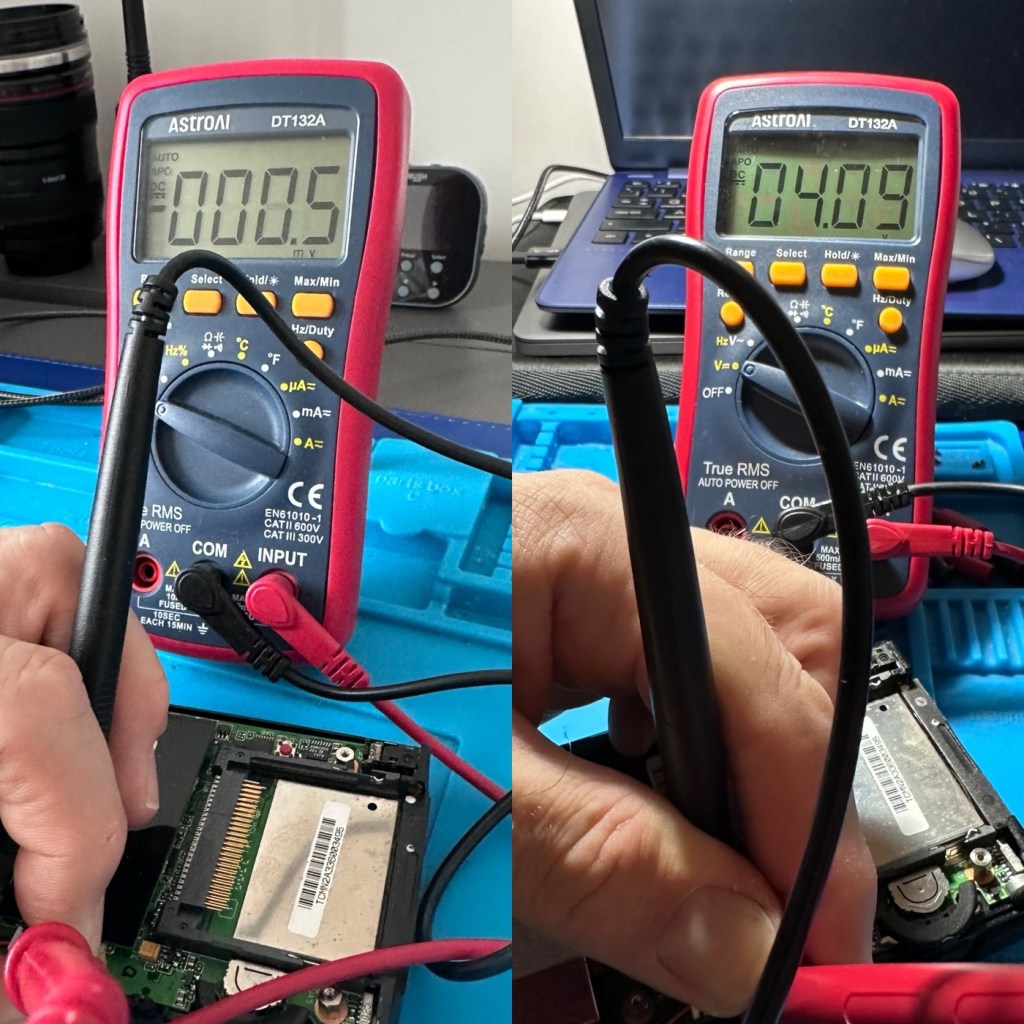
The unit will be left for a while to see how the charge holds. 10hrs later, untouched and off charge, I can confirm the power is still indicating 100%, this pleases me as it shows the battery is still good and has a good life inside of it. Very pleasing for what is potentially a 26 year old battery.
The new unit has now arrived and I’m surprised it got here after being posted in a couple of old carrier bags, no padding just a couple of old bags. I suspect the seller wanted it off his hands, they probably had little faith in it ever working again.
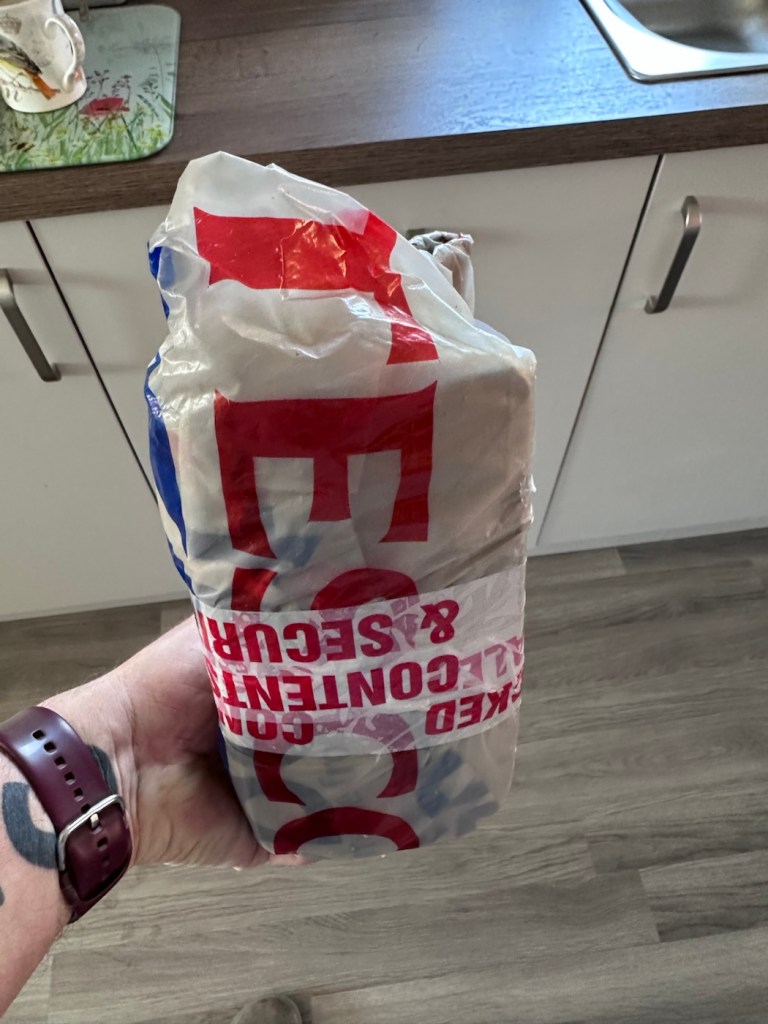
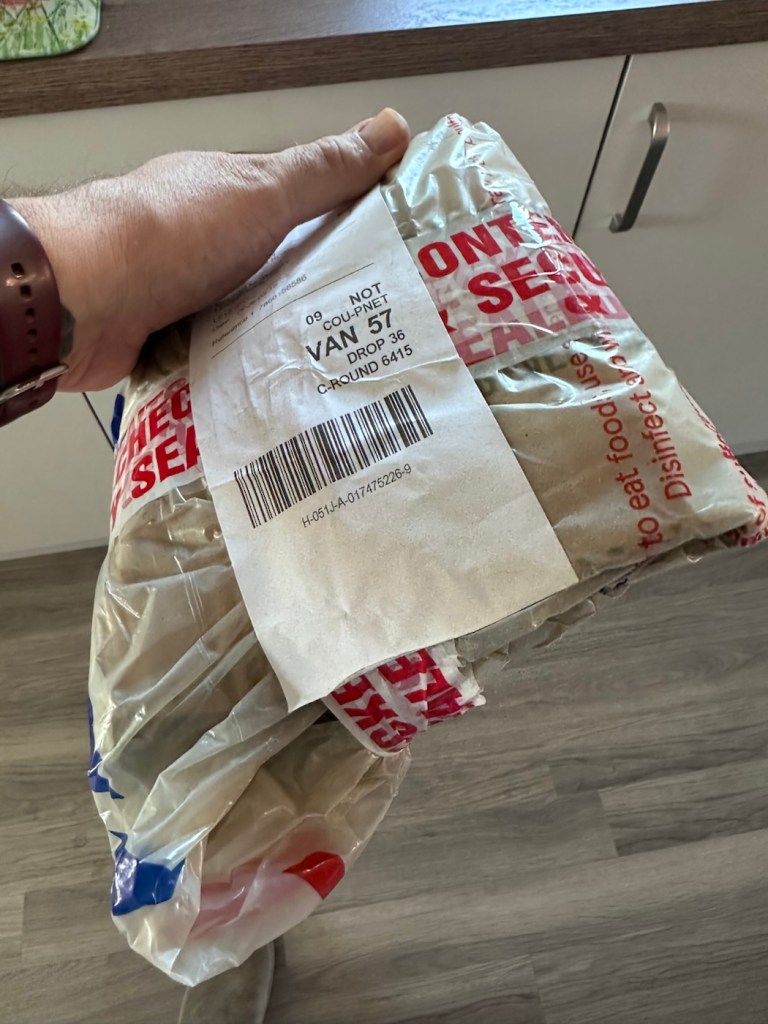
However, despite this, the actual unit appears to be in quite a good condition. It’s free from dinks and scratches and both the unit and the charging cable appear to be in a good order.
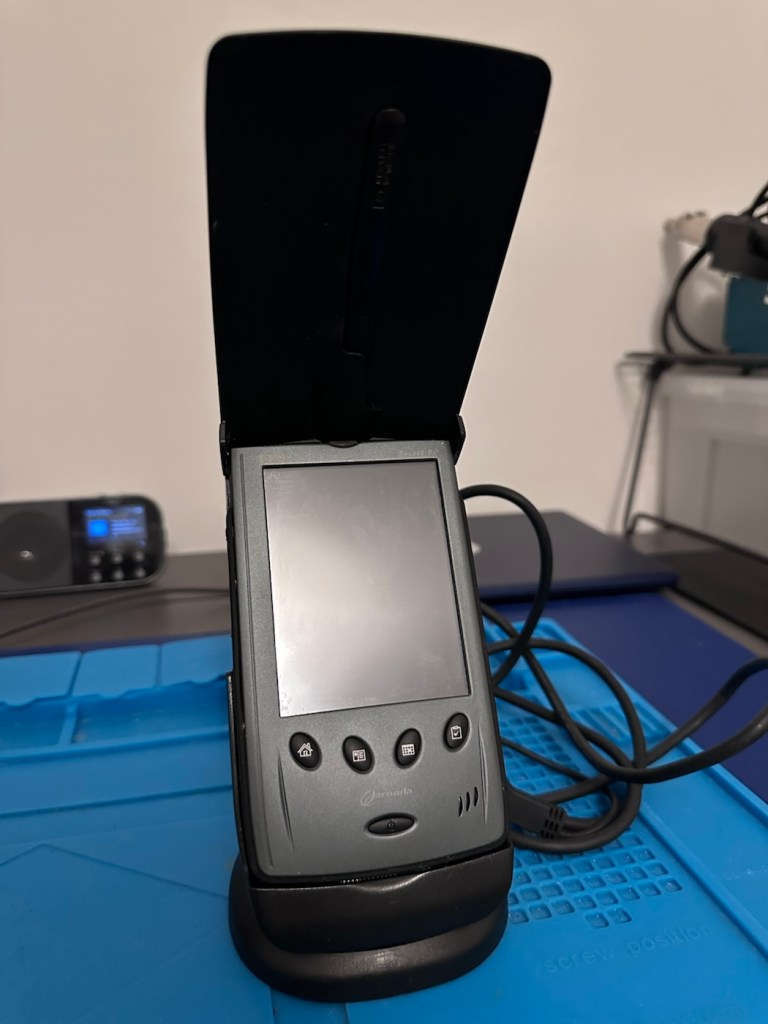
Now, the good thing is that both these units have their original touch pencils. This cradle has a cable connected to it and a USB socket, however that USB socket is for data transfer and not charging. To charge, the new System-S USB cable has to be connected in line. The cradle will then charge. And it looks as if it is doing just that.
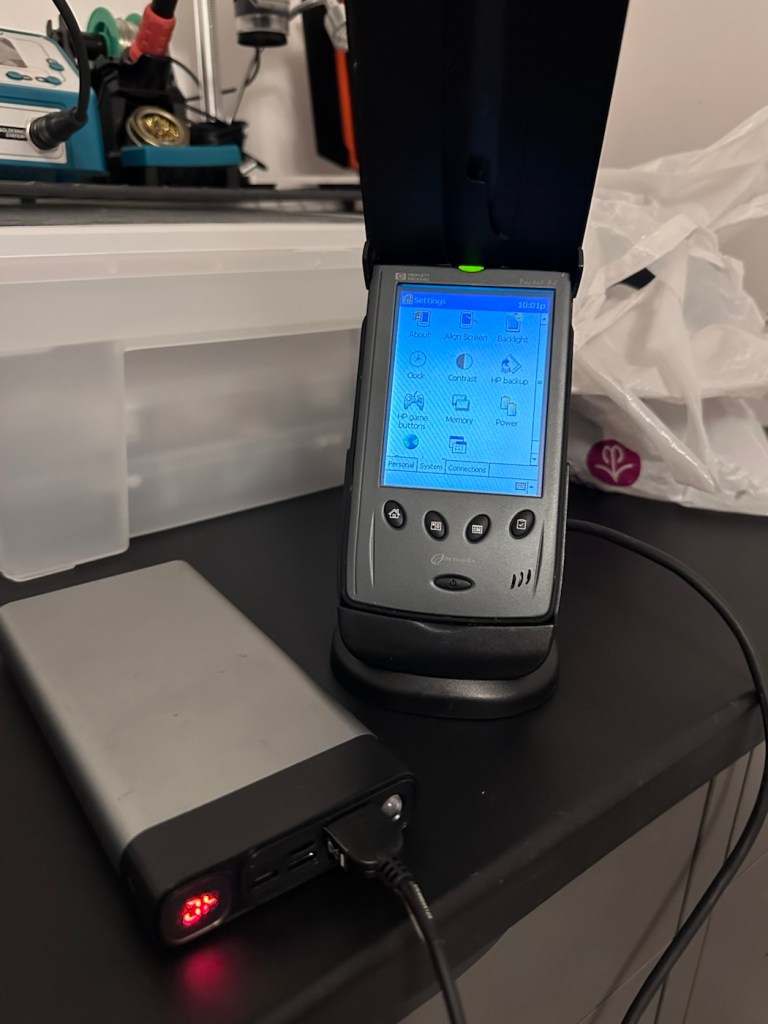
This time i have connected the new unit and cradle to a Power bank charger to see if this works, and it appears to be doing just that. It drained the power bank quite quickly, it only half charged, I’ll have to put it back on the household power tomorrow to fully charge it and check its battery capacity.
Tomorrow has arrived and the unit has been on charge for a couple of hours and it is indicating as fully charged. Back on the bench with the back off I can confirm the battery charge is reading at 4.08v so it is pretty much the same reading as the other unit.
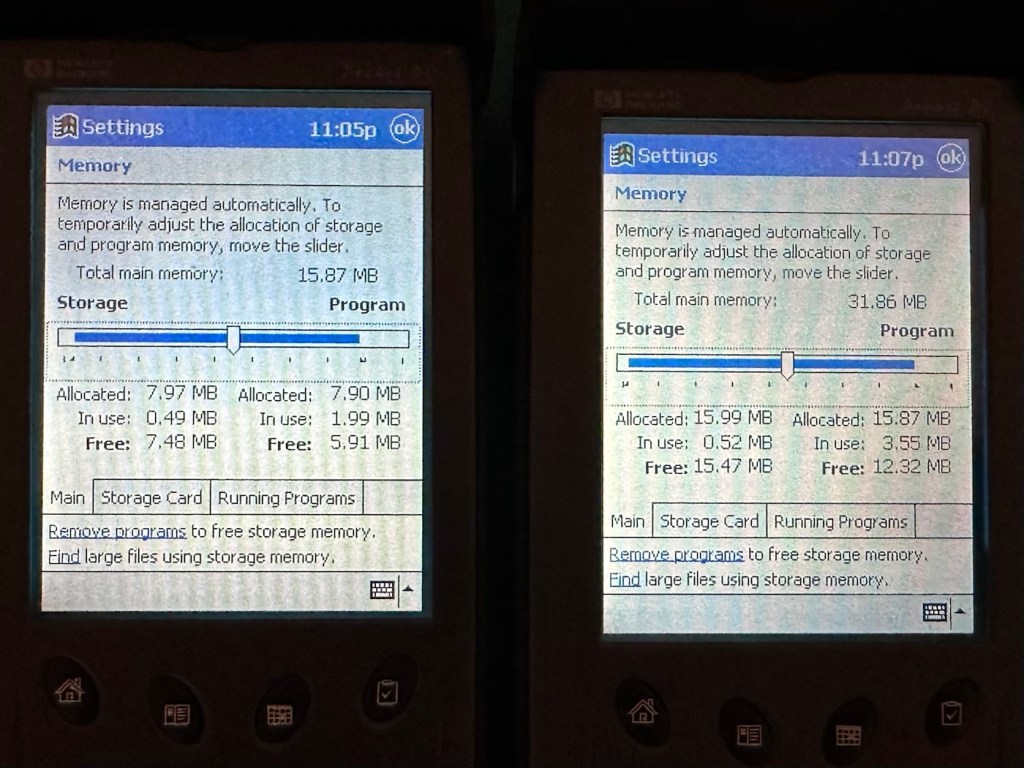
These two units are both of the 540 series however the newer one that came with the cradle has only 16MB of memory (The 545) whereas my older one (The 548) has 32MB of memory. It appears that HP created three variants in the 540 range and I now have two of them. The 545 had 16 MB RAM and the 548 had 32 MB RAM, the one that escapes me, the 547 was also a 32MB variant. (I’m going to have to get one now just to complete the set)
Less of a repair and more of a resurrection to be fair. I said it would be a Frankenstein project, and that’s exactly what it has been. Both units have charged well despite my concerns, they have been charged in a monitored environment and neither are showing signs of overheating, irregularities or any battery swelling or other issues. The battery management system on both batteries seems to be doing its job, and doing it very well.
I’m going to use this section to test some of the functions, to look at the installed program package and at the same time monitor battery usage along the way.
And as with all my projects, a thorough clean of the units is going to be carried out, it’s just got to be done.
But first I’m going to leave these units for a few days to see if the batteries drain.
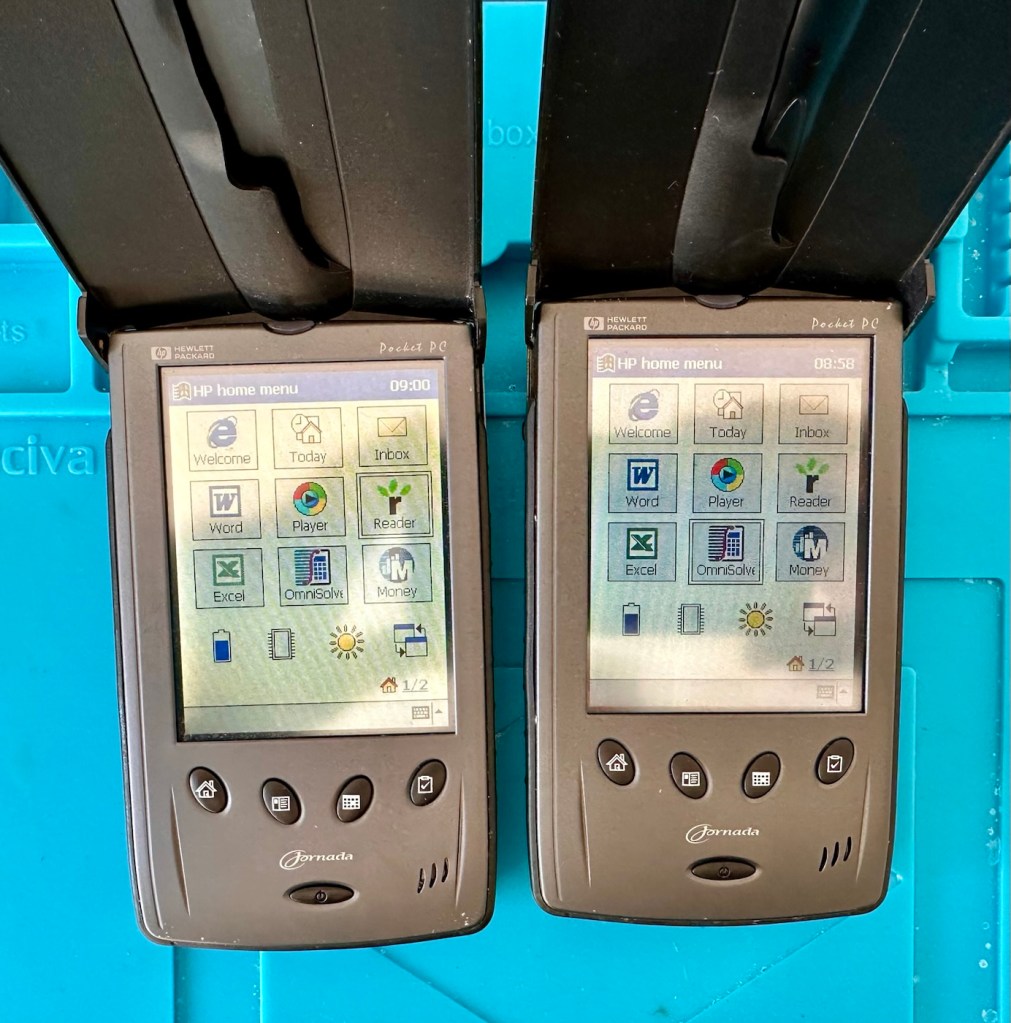
Three days later it’s good to see that when turned on, both units are holding a similar, slightly discharged reading that is to be expected. I’m pleased at this, and it appears that both batteries are holding out well and working very well after a long period of inactivity.
Left again for a couple of more days and both units are now prompting me to accept that the UK has now turned to daylight saving time, (as it has) and this is another good sign that shows that all is working as it should be.
What am going to do with these units? Please don’t ask me that as I just don’t know. I’m probably just going to use them for note taking, maybe for a to do list for my work room, but in reality they will probably just get stored in a sealed bag with some silica bags to keep them dry, until I either move them on or find another use for them.
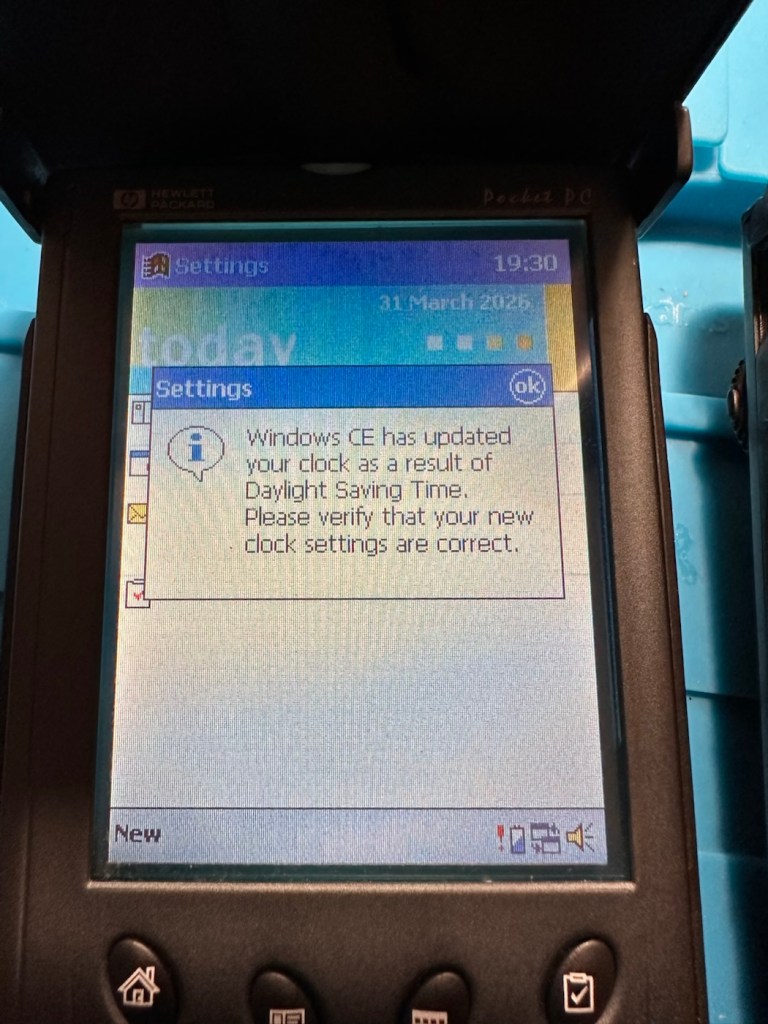
The package originally installed on these units consisted of the following:
One item I wanted to test is the infrared transfer ability between units. I’ve made a small file within the word program, set one unit to transmit on infrared and the other to receive. On sending the file, this task worked fine.
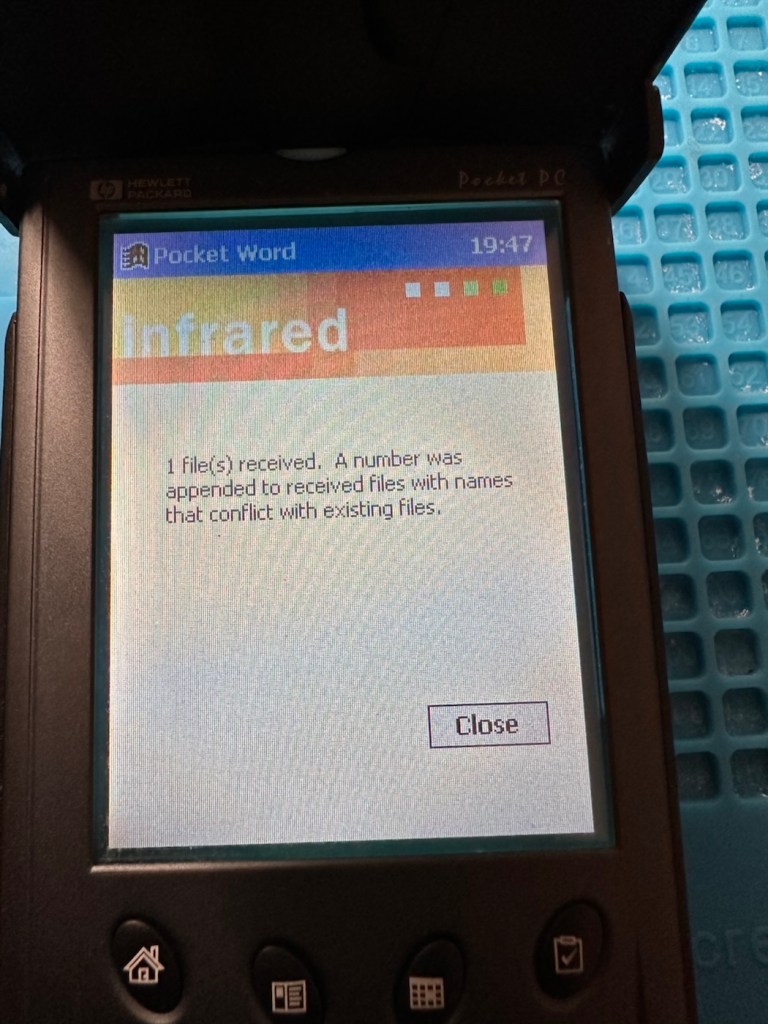
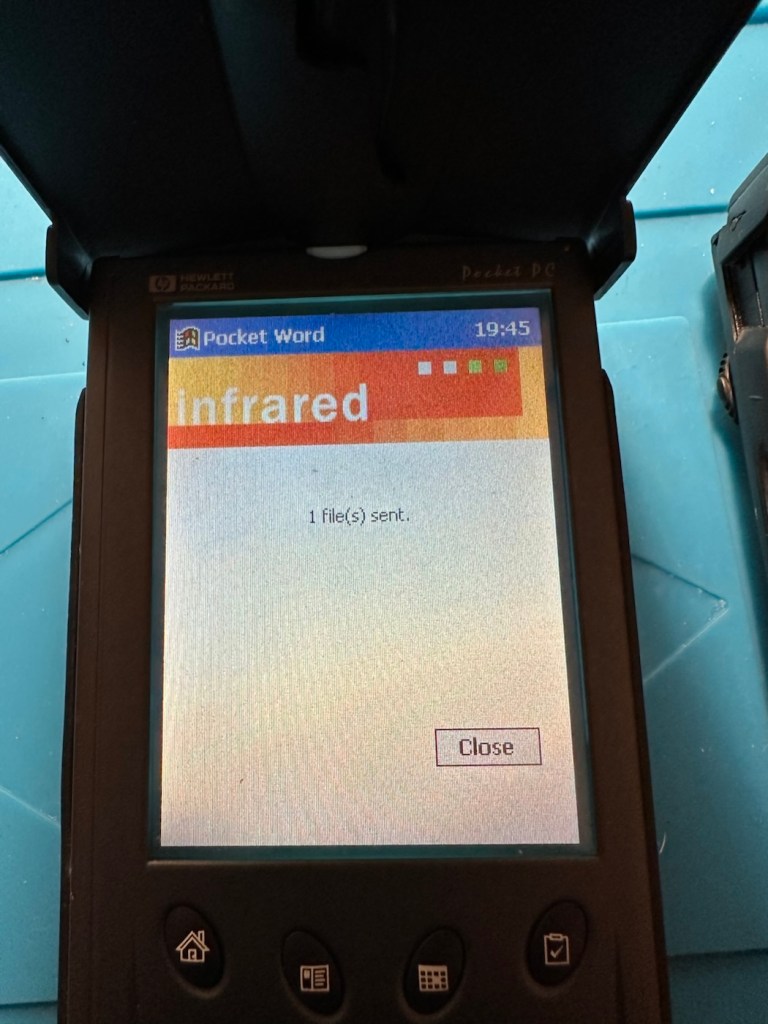
The transfer worked however both units have to be within a very close line of sight to do so, it just shows how much file transferring has moved on within the last 25 years or so. We have been spoilt.
These units are both working fine.
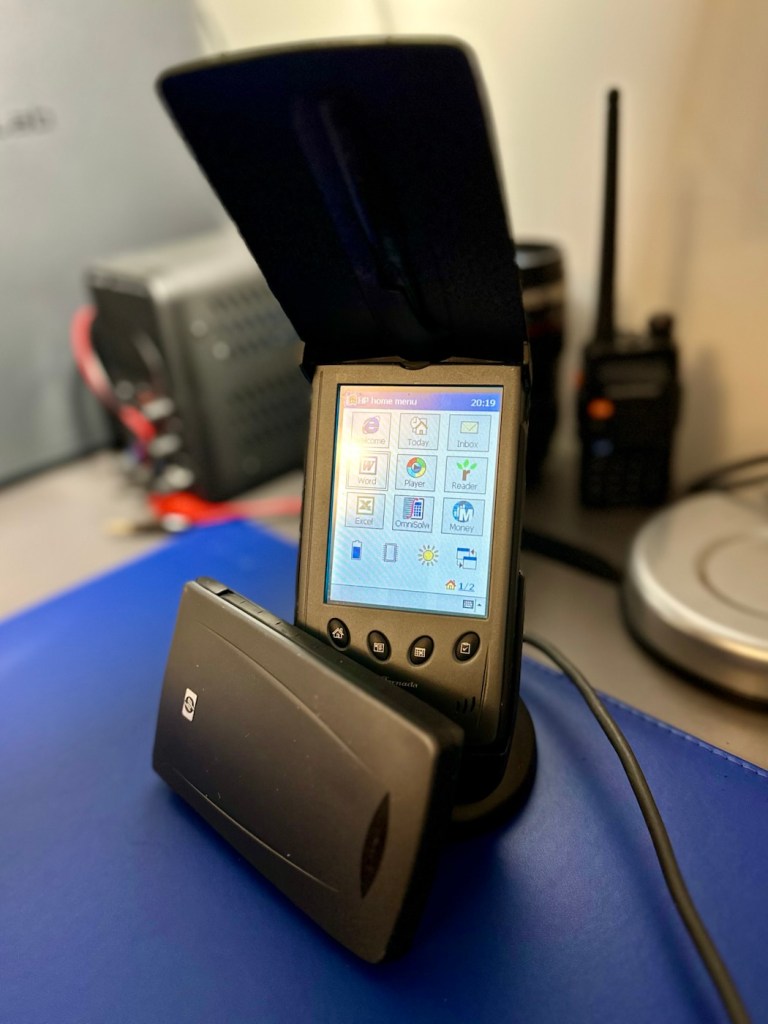
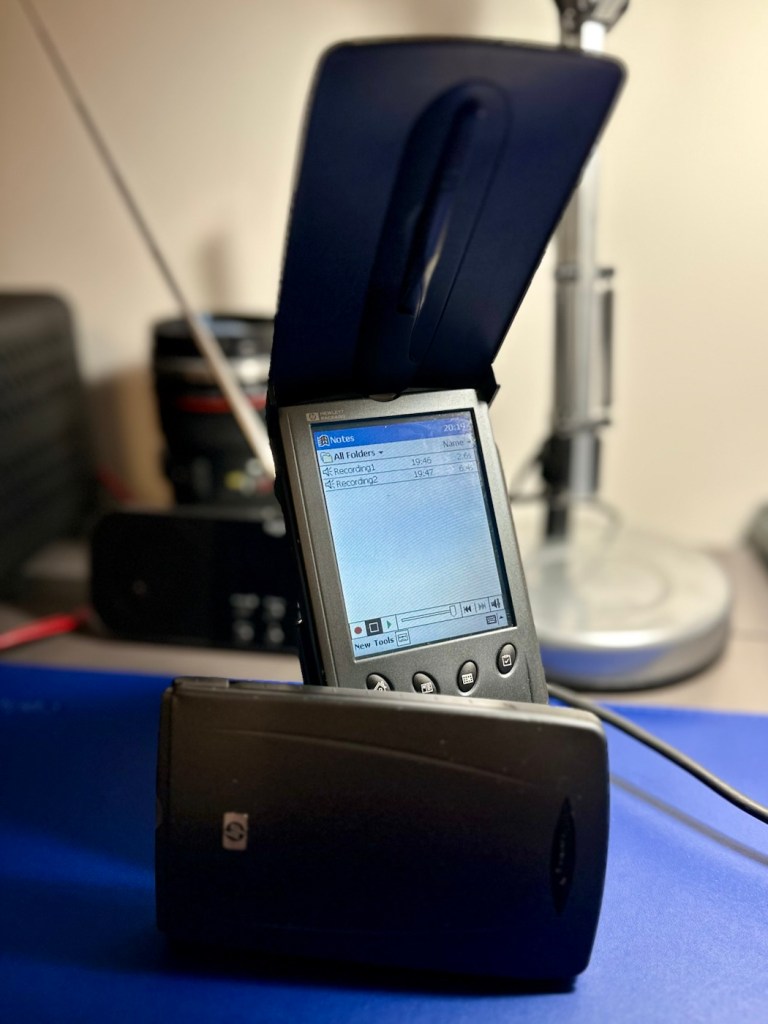
There are many uses listed for these units online including MP3 players and television controls. However, I think using as a to do list for my workspace is probably the most appropriate usage for me. I need organisation in my life, so what if I’m using technology from quarter of a century ago.
Why not?
Two perfectly good items saved from landfill.
Small victory, and that’s good enough for me.
Many thanks for passing by. It’s always very much appreciated.
 Foxes Den
You must be logged in to post a comment.