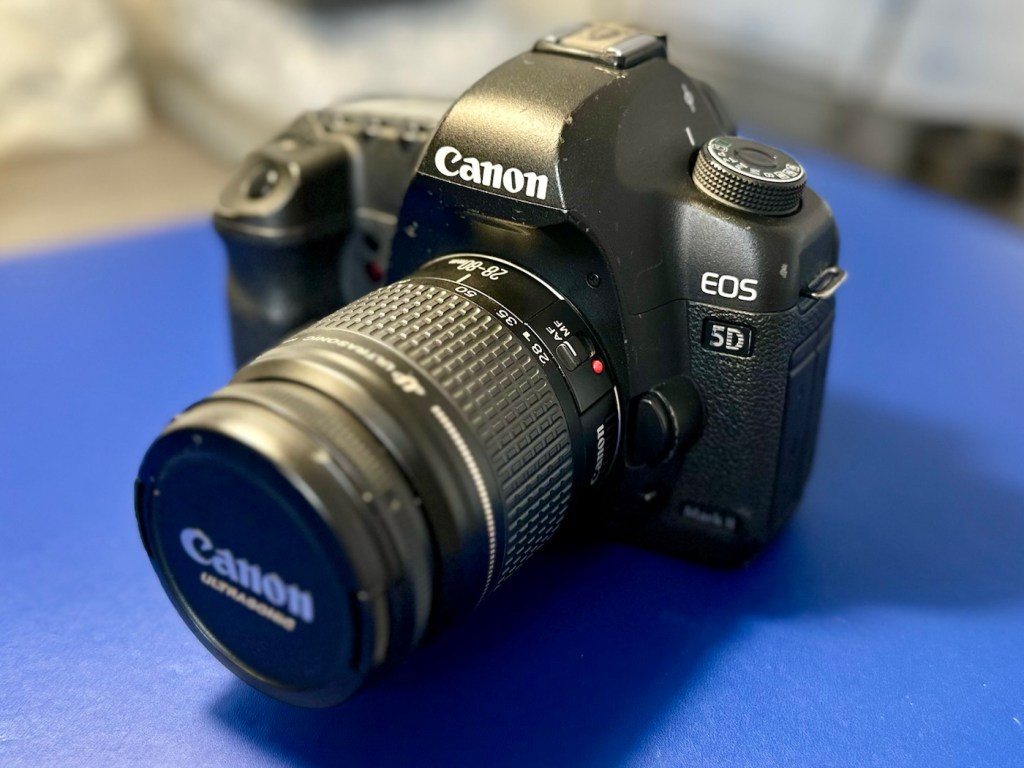
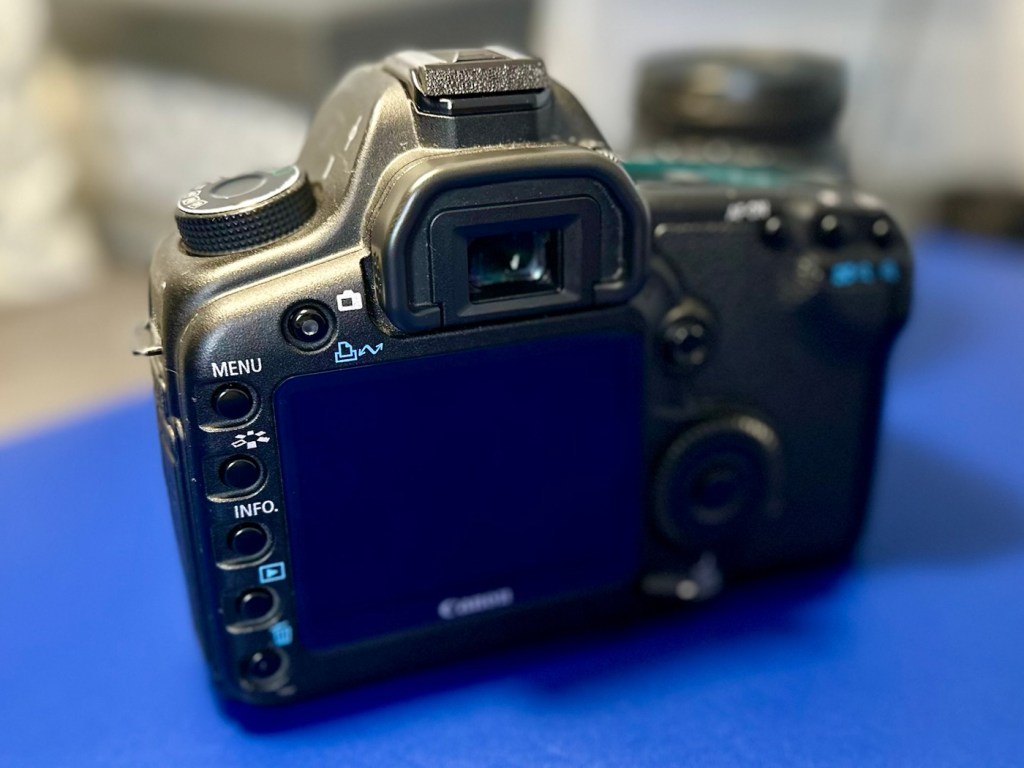
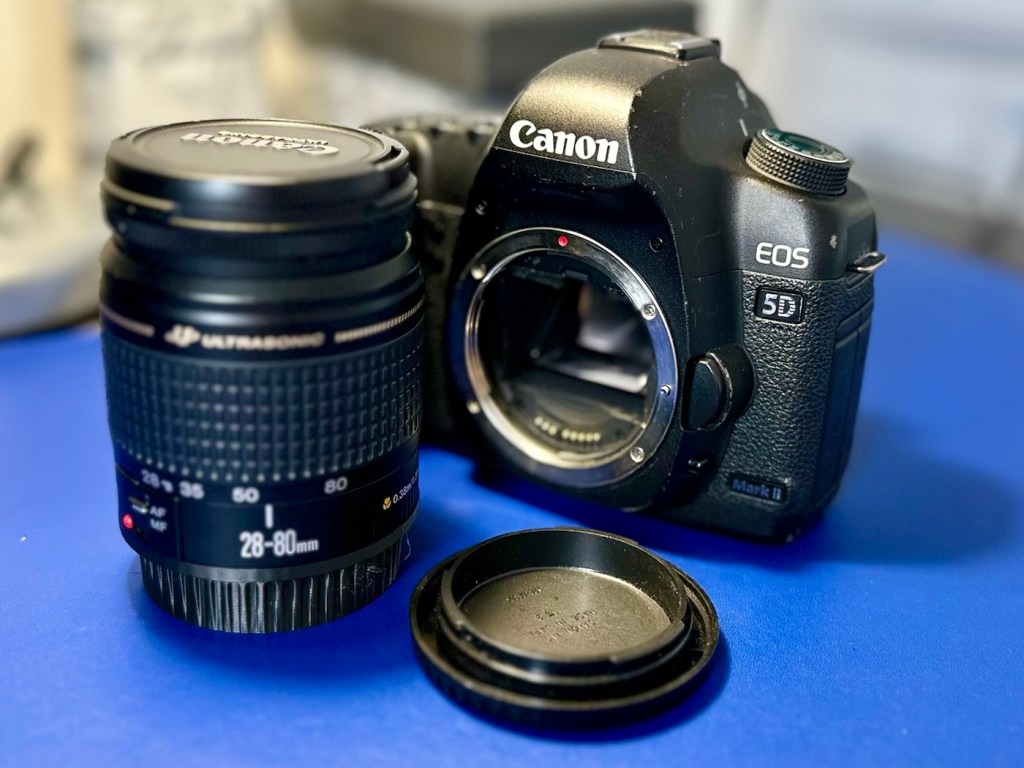
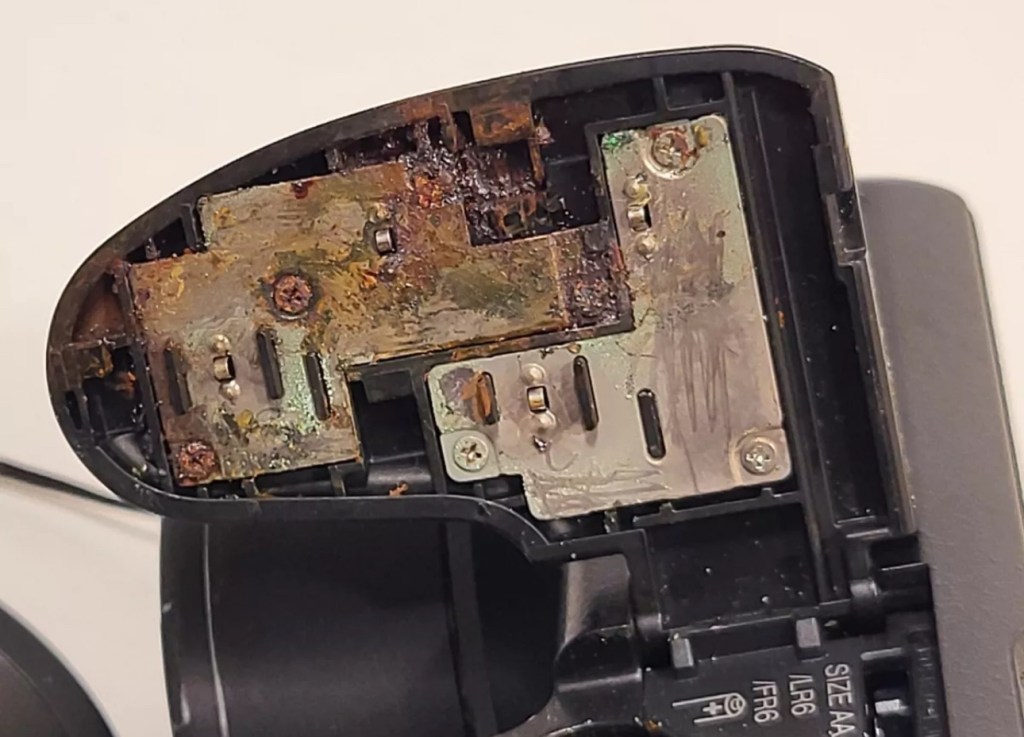
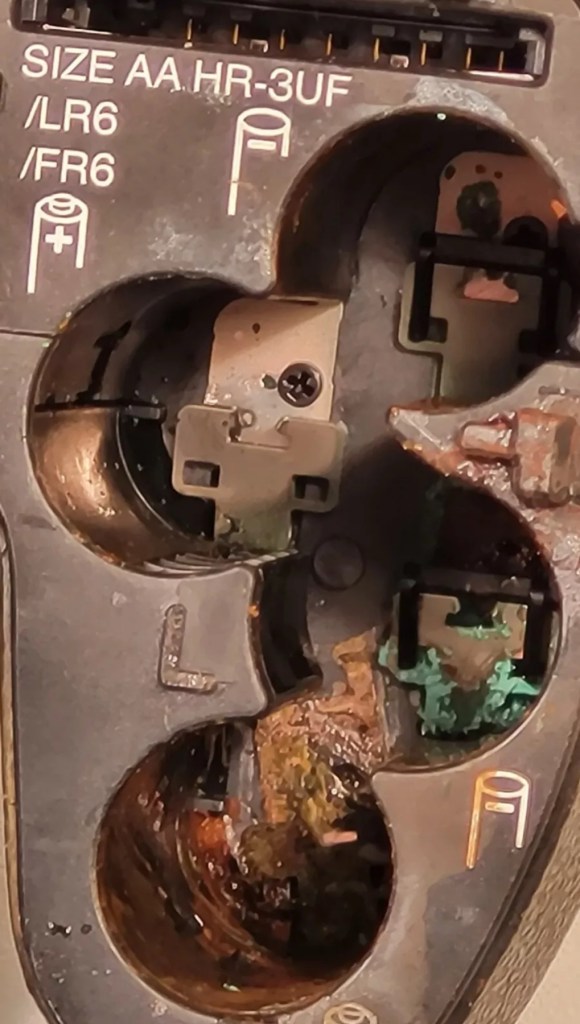
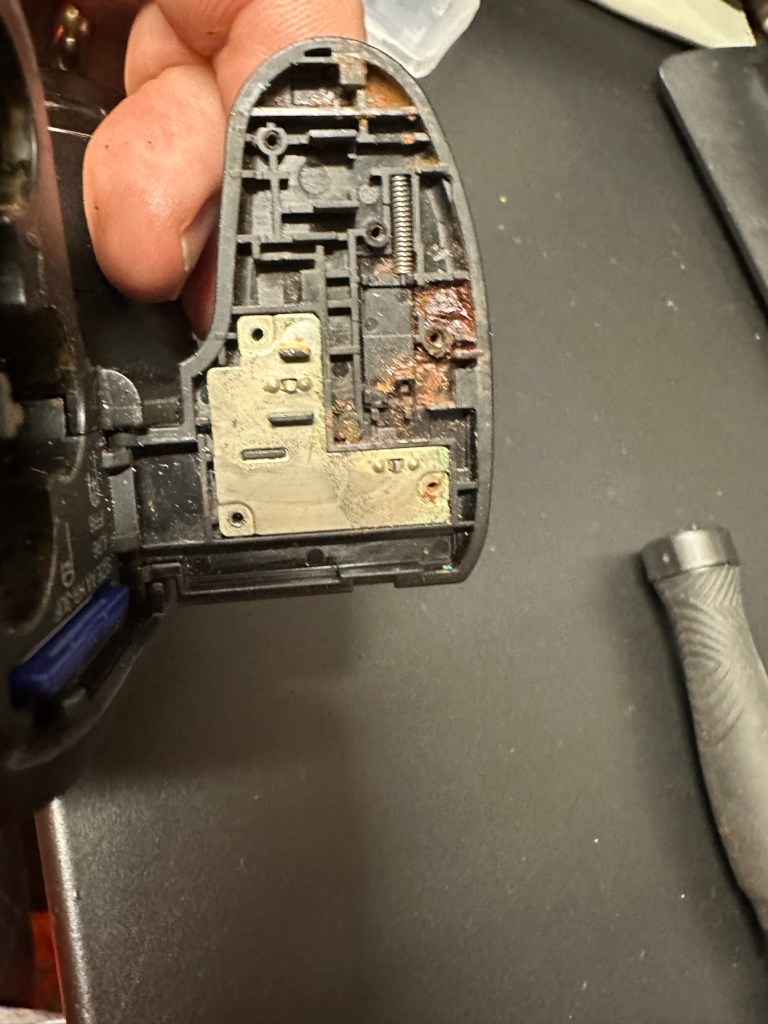
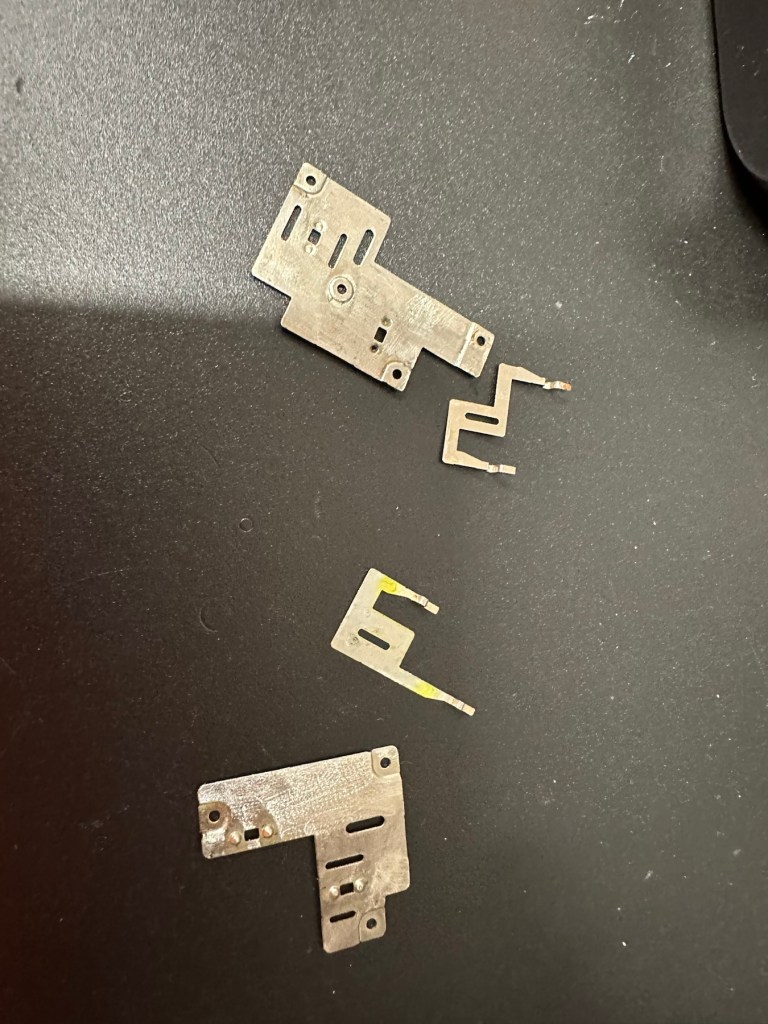
Canon EOS 5D MkII

My second chance at reviving a DSLR from 2008, the Canon EOS 5D MkII. Will I have a little more success with this one?

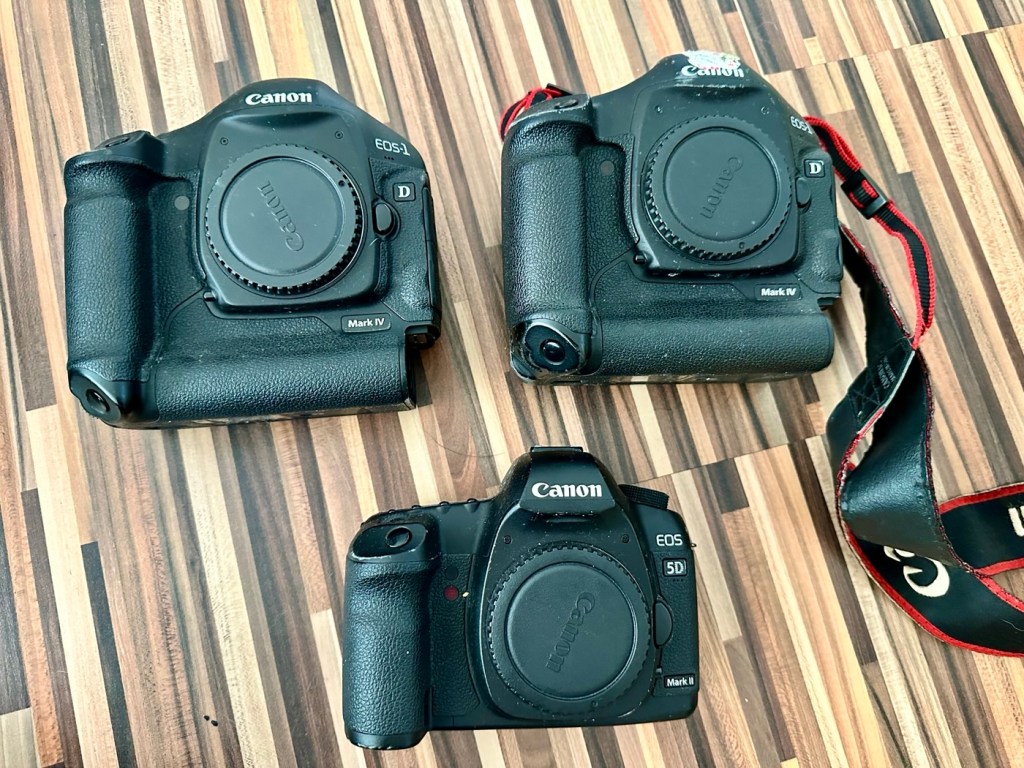
I’ve been approached by an old colleague who used to be a syndicated sports photographer, he had a number of items he wanted to “get rid off” as they were just taking up space in his new house. “Would you be interested?” You betcha, so as a result I’m now the owner of a complete Bowens lighting system, two Canon EOS 1D MkIV cameras and a Canon EOS 5D MkII camera.

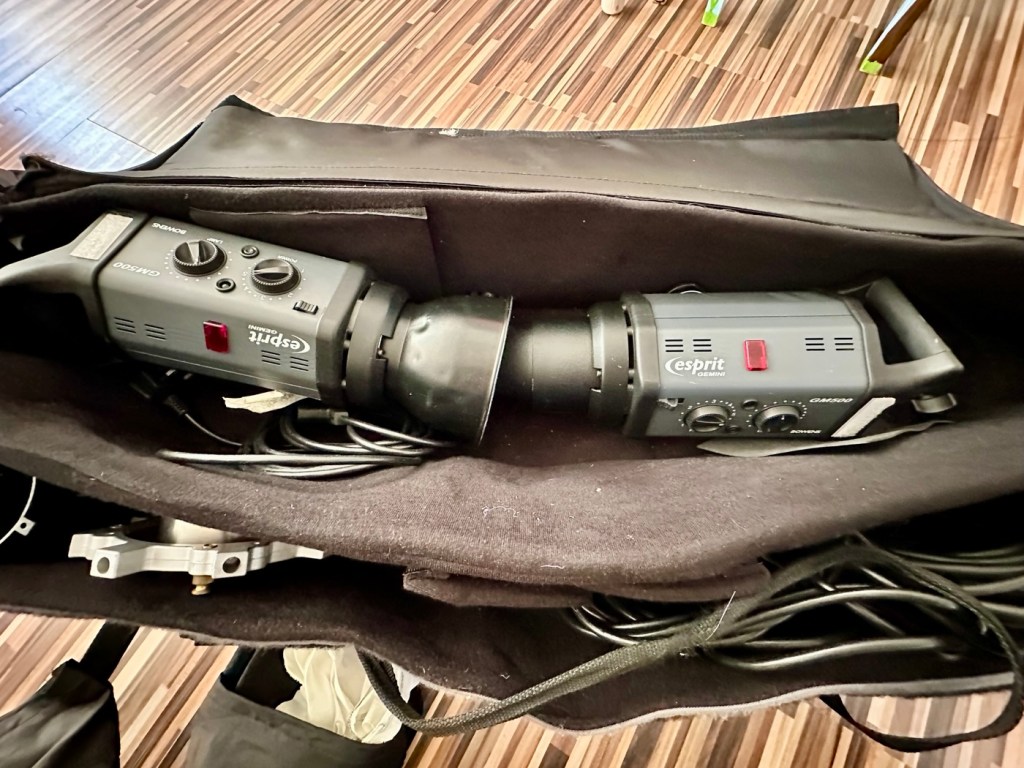
My days of fussing and farting about with lighting rigs has now long passed, so I know a youngster starting out in the world who is a very talented young fellah, I have donated this equipment to him and he will certainly have a use for this lighting setup. He has been approached and accepted the offer, I think he is quite happy with his new acquisition, here’s hoping his talents continue to flourish.

However the cameras are mine as no one wants this old stuff anymore 😂

This post focuses on the repair of the Canon 5D MKII, the repair of the EOS 1D MKIVs can be found here: Canon EOS 1D MkIV There is also a link to my first attempt at a Canon EOS 5D Mk2 and here is the actual assessment of that camera and the issues experienced with it Canon EOS 5D MK2 assessment and repair, I failed with this repair due to it having sensor issues, so sold it on at a small profit, i’m hopeful that this new attempt at the 5D will bring better results.

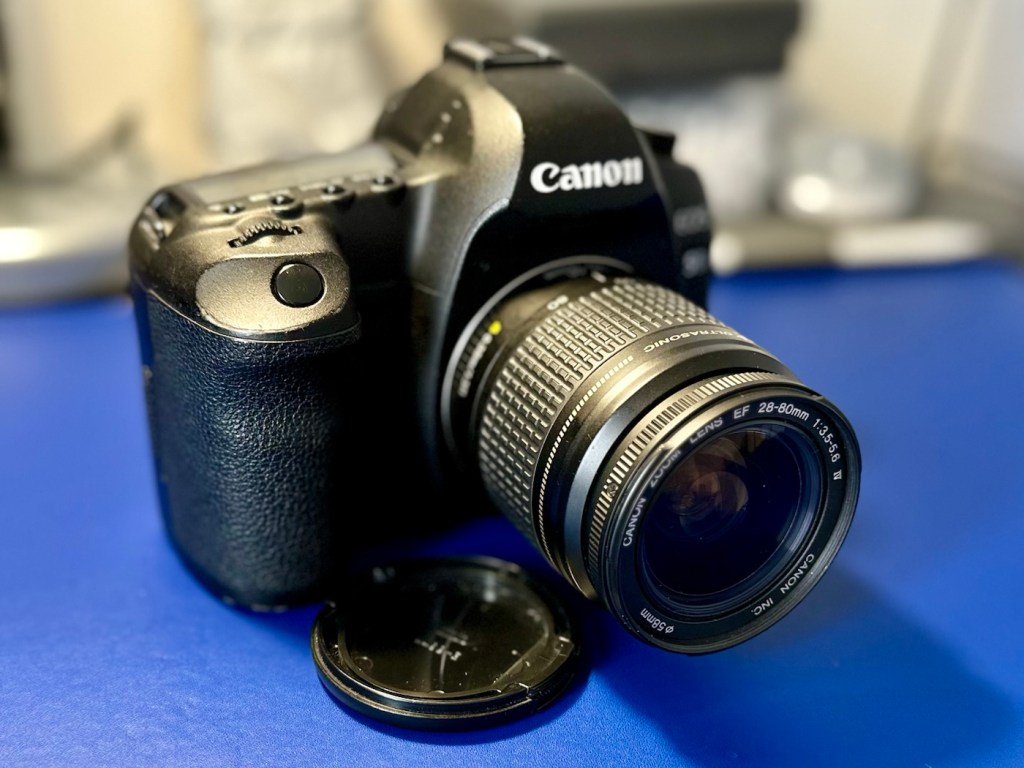
The Canon EOS 5D MkII

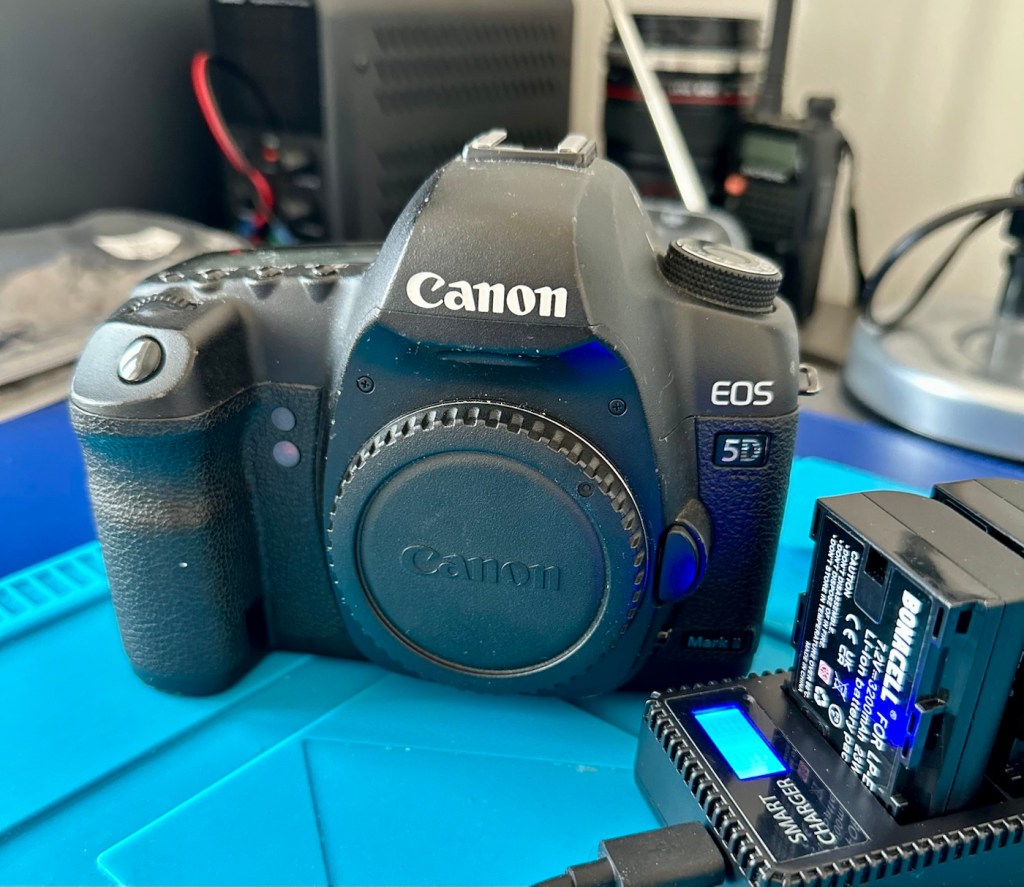
Let’s hope this camera acquisition comes with a better outcome. Whereas the other two 1D cameras i received in this package have required me to to purchase a new battery and charger, I do already have a number of LP-E6 batteries and a charger in my possession, so there is no initial outlay required to test this camera. We are off to a good start here and should be easily able to diagnose any issues fairly quickly.

Anyway, before we assess the camera, here is a little bit about the Canon EOS 5D MkII.

The Canon EOS 5D Mark II is a 21.0 effective megapixel full-frame CMOS digital single-lens reflex camera made by Canon, the first Canon EOS camera to have video recording capabilities. It succeeds the EOS 5D and was announced on 17 September 2008.

On 2 March 2012, Canon announced the camera’s successor, the Canon EOS 5D Mark III. On 24 December 2012, Canon Japan moved the camera to their “Old Products” list, effectively discontinuing the camera.

The Canon EOS 5D Mark II is a full-frame camera and requires Canon EF-mount lenses. It is not compatible with EF-S lenses (which are for APS-C crop sensors).

Features:

  • 21.0 megapixels (5,616 × 3,744 pixels), compared to 12.8 megapixels (4,368 × 2,912 pixels).
  • DIGIC 4 image processor, compared to DIGIC II.
  • 100 to 6400 ISO (expandable to L (50), H1 (12800), H2 (25600)), compared to 100 to 1600 (expandable to L (50), H (3200)).
  • 3.9 frames per second continuous shooting (78 JPEG or 13 Raw in a single burst), compared to 3 frame/s (60 JPEG or 17 Raw).
  • Small Raw modes: sRAW1 mode (10 megapixel/3861 × 2574 pixels), sRAW2 mode (5.2 megapixel/2784 × 1856 pixels).
  • 98% viewfinder coverage with 0.71× magnification, compared to 96% coverage.
  • Larger 3.0-inch (76 mm) LCD with 920,000 pixels, compared to 2.5-inch (64 mm).
  • 1800 mAh LP-E6 battery, compared to 1390 mAh BP-511A.

New features

  • Movie recording full HD at 1920 × 1080 and SDTV at 640 × 480 resolution.
  • Monaural microphone for audio during video recording, speaker for playback and microphone jack for external stereo microphone
  • Live preview with ExpSim LV “exposure simulation” live preview (full exposure preview control utilizing ExpSim LV, a first for video in a DSLR)
  • Live preview with contrast-detect autofocus
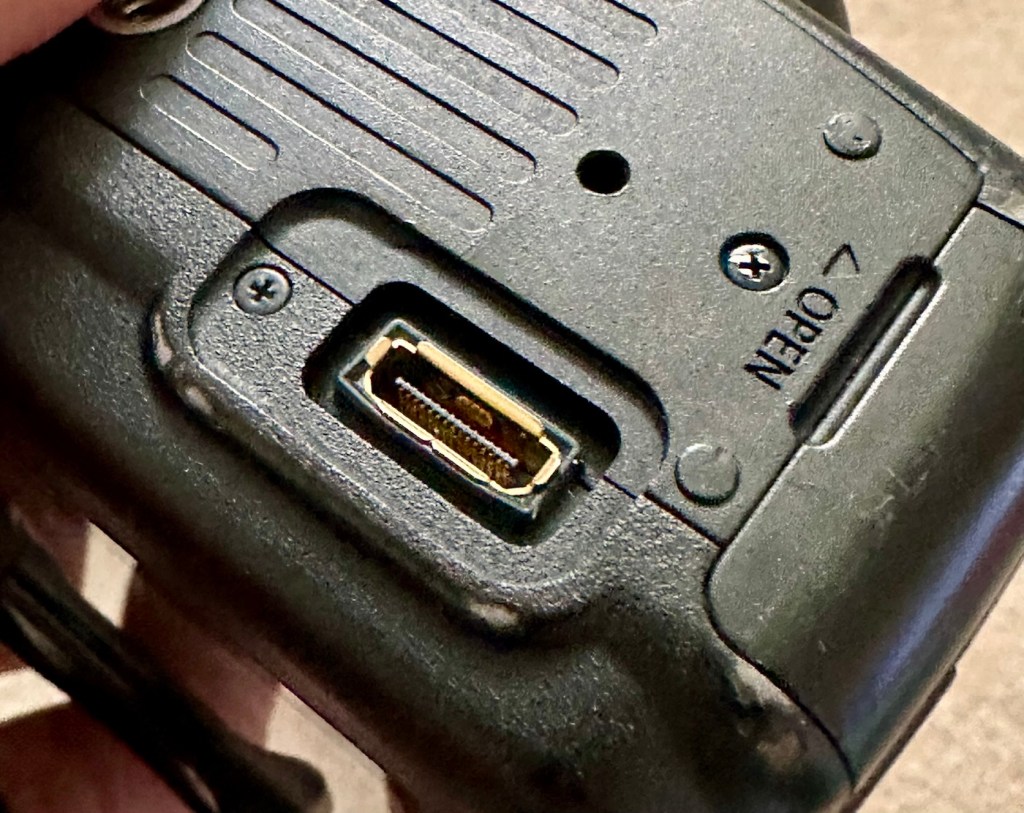
  • HDMI video output for live preview or playing clips and images on an external monitor via Type C MiniHDMI port
  • Dust reduction system to perform automatic sensor cleaning
  • Battery management software

Key Lifespan Factors:

  • Shutter Rating: 150,000, though this is considered conservative by users.
  • Real-world usage: Many cameras show failure rates increasing closer to the 100,000–150,000 range, but many exceed it significantly.
  • Longevity: Some, though rare, individual cameras have recorded over 2 million shots.
  • Repairability: The shutter mechanism can be replaced if it fails, which may extend the camera’s life further.
  • Component failure: Other parts, such as the power board or rubber grips, may fail before the shutter. 

Common Issues:

  • Rubber grips: Rubber grips can become loose over time.
  • Button/Dial functionality: Buttons and dials may wear out over long periods of use.
  • Sensor maintenance: Regular sensor cleaning is needed to maintain performance. 

The 5D Mark II is the first camera in the EOS line to provide video recording functions. Still photography during video recording is possible, but the camera suspends recording video until the final still frame is captured.

The lithium-ion battery for the 5D Mark II (LP-E6) has an 1800 mAh capacity. Each battery contains a microchip with a unique identifier for reporting charge status and battery health for display on the camera. The 5D Mark II’s “Battery Info” screen can track battery health and shooting history for up to six LP-E6 batteries.

The camera has native ISO values of 100 multiplied by a power of 2; other ISO values are obtained by a digital exposure push (ISO values that are multiples of 125) or digital exposure pull (ISO values that are multiples of 160). The digital exposure push ISO is 1/3 stop greater than the native ISO, and a digital exposure pull ISO is 1/3 stop less than the native ISO. The digital exposure push ISO settings produce more noise than the native settings with a reduced dynamic range, and the digital exposure pull ISO settings produce less noise than the native settings.

Wikipedia

Assessment:

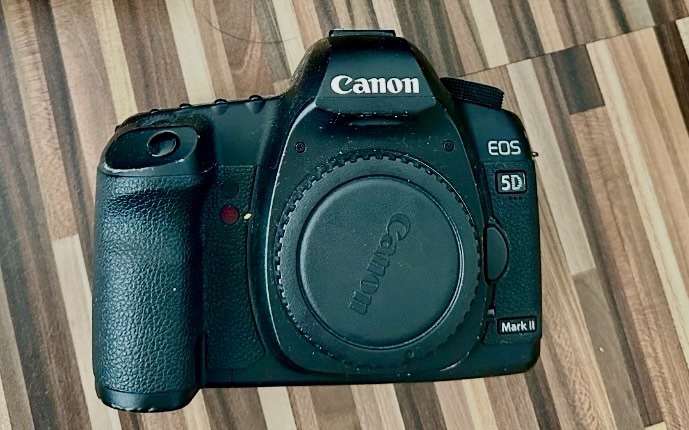
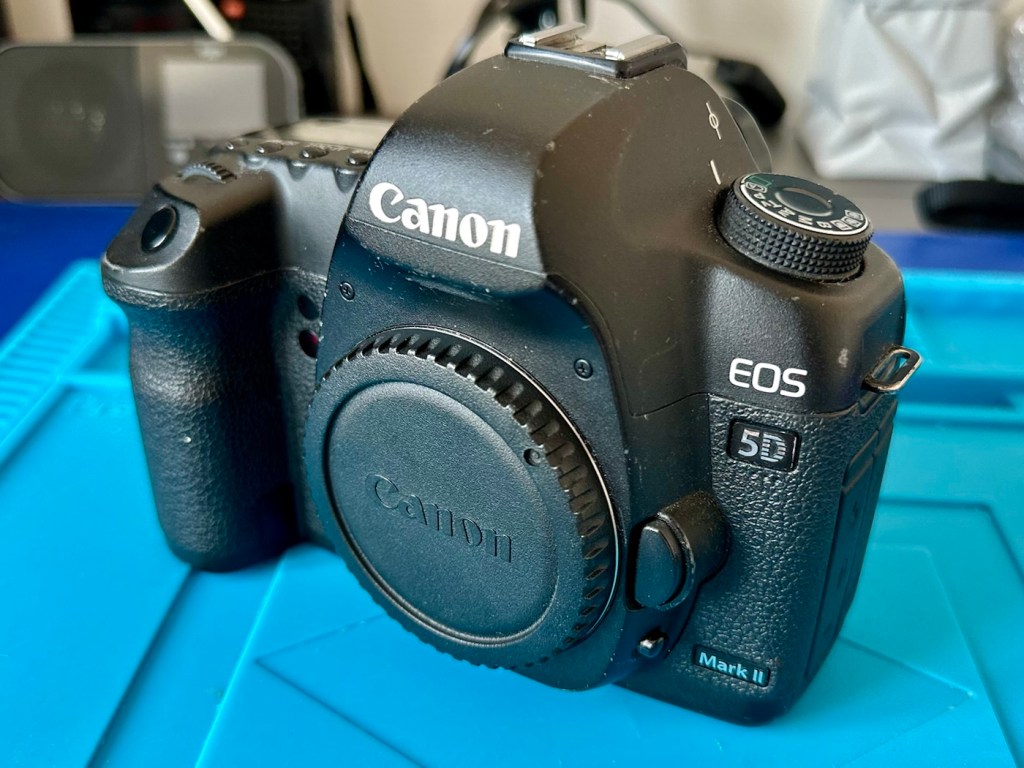
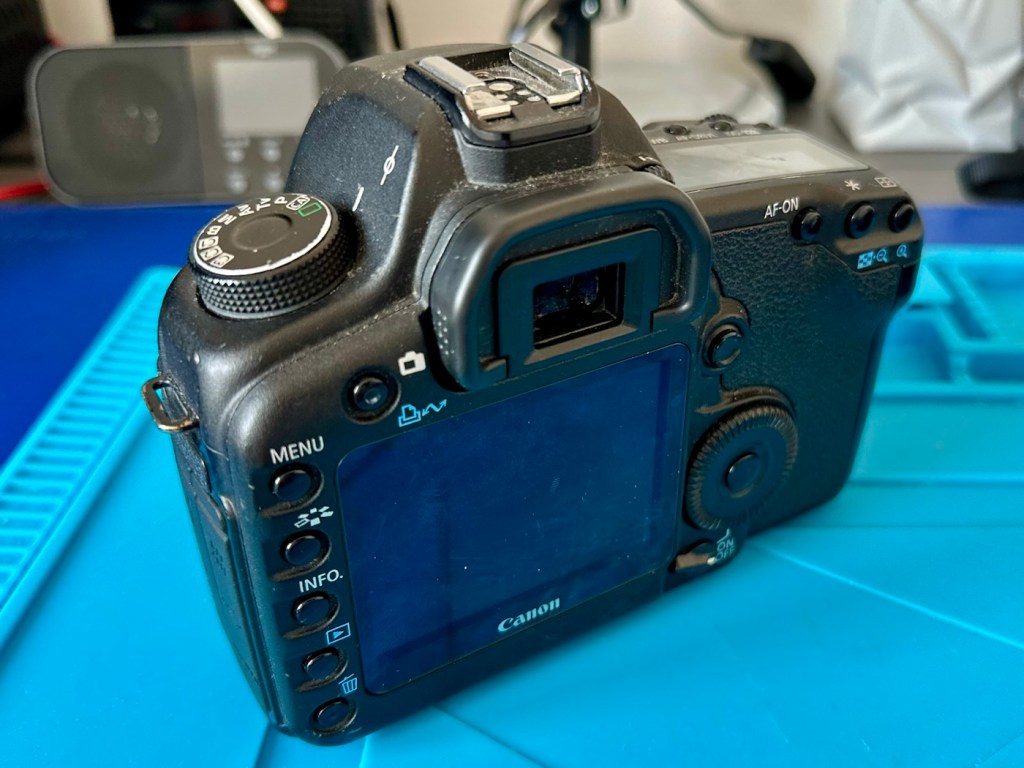
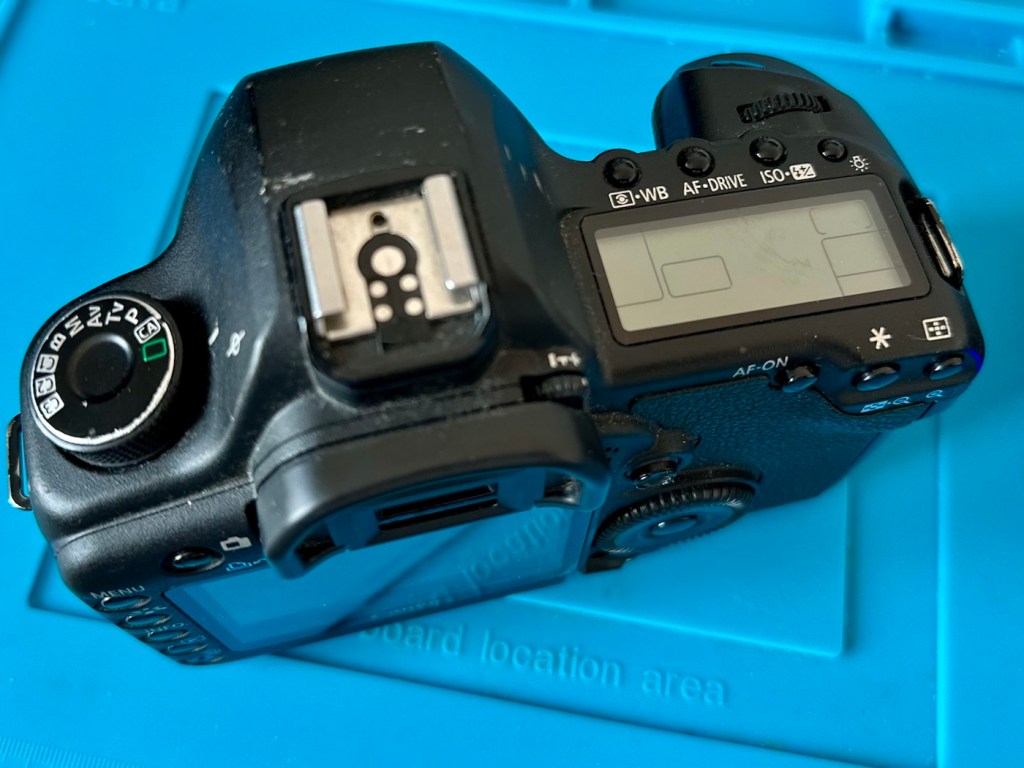
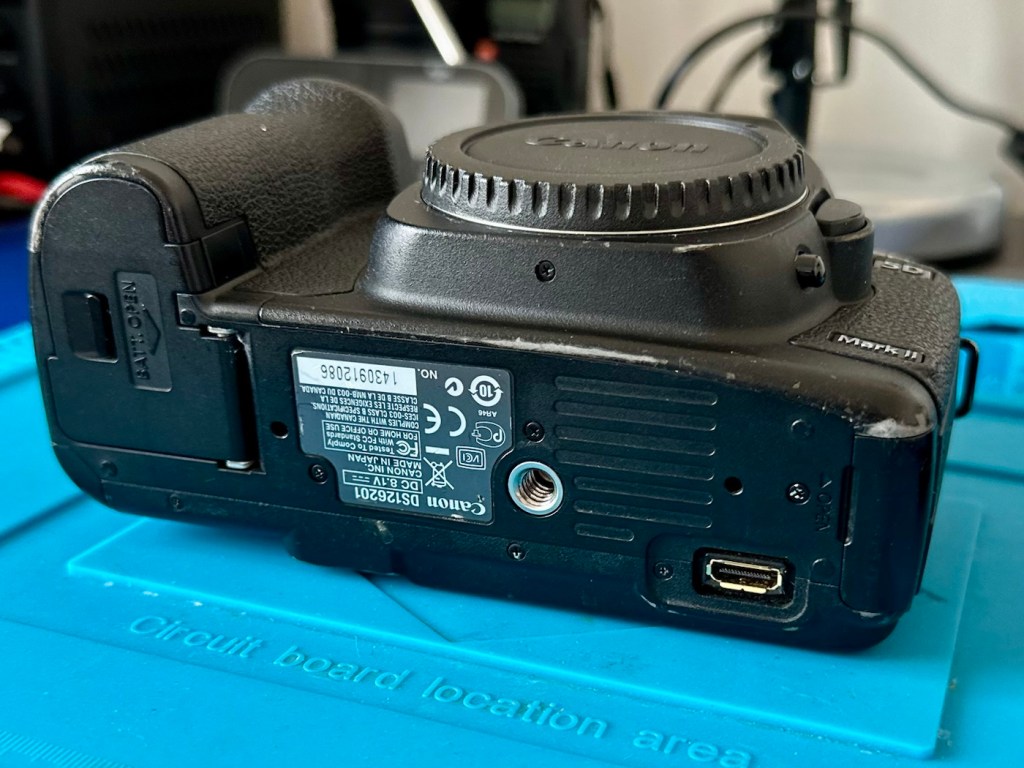
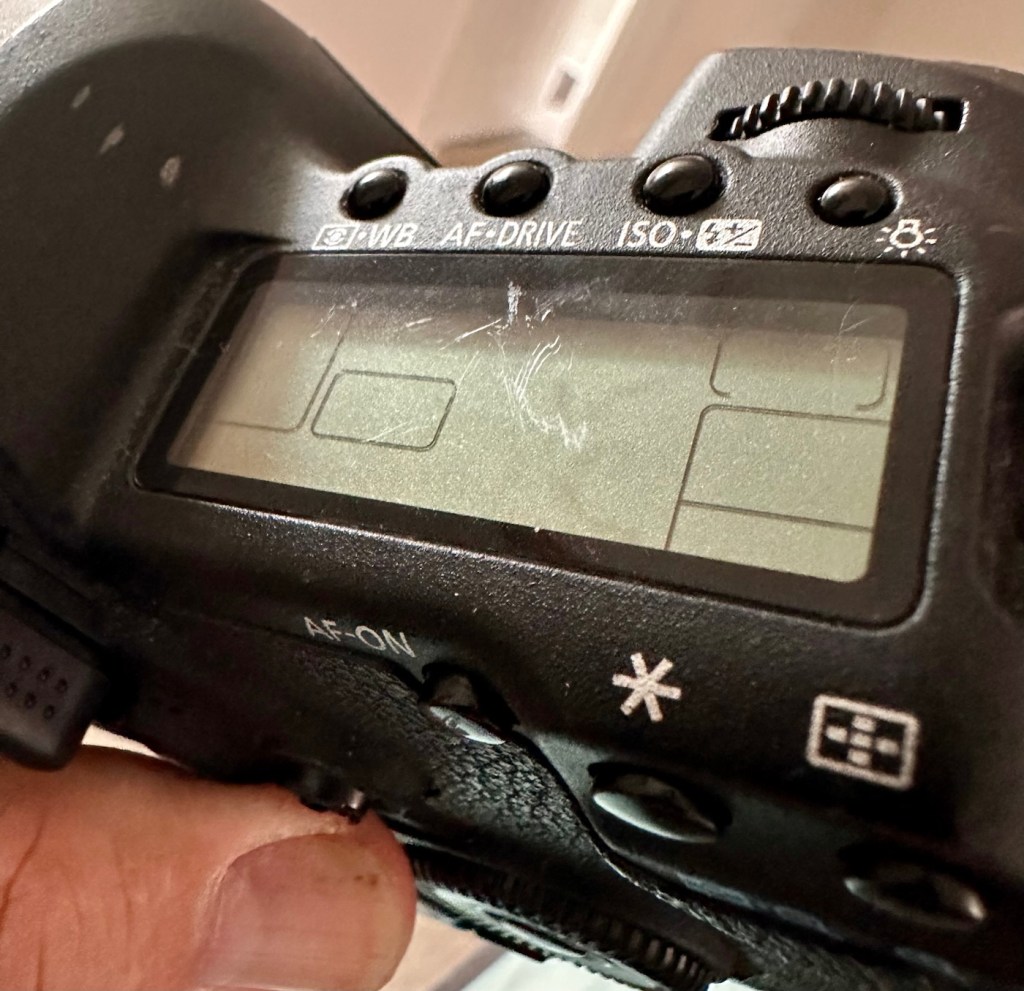
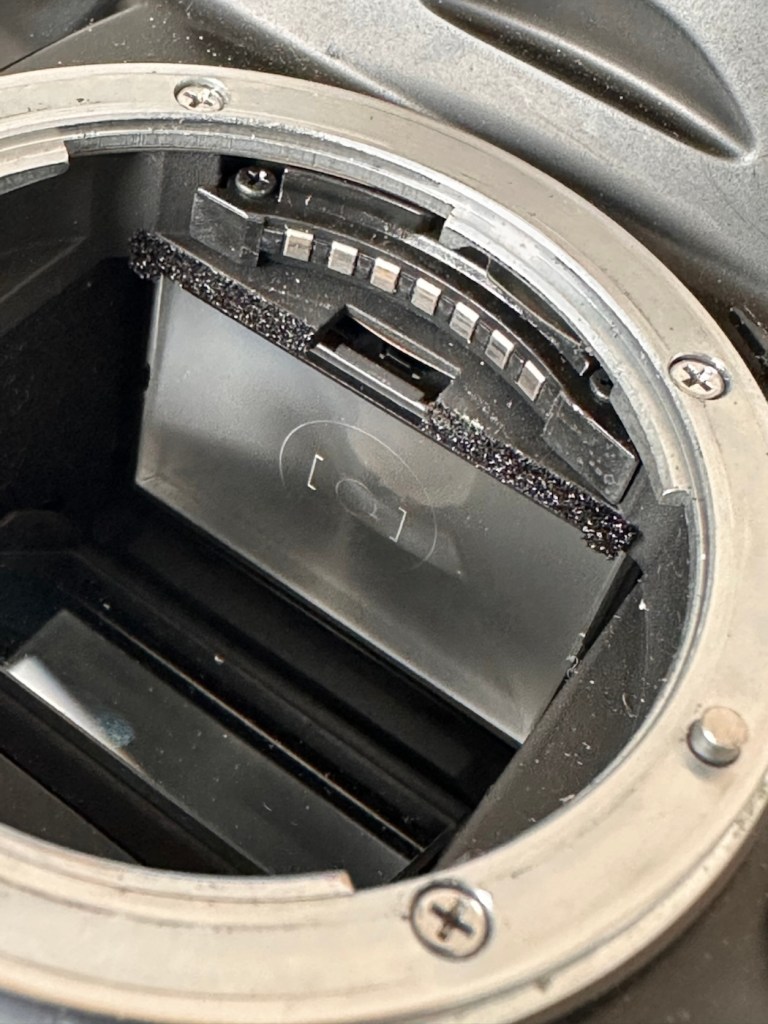
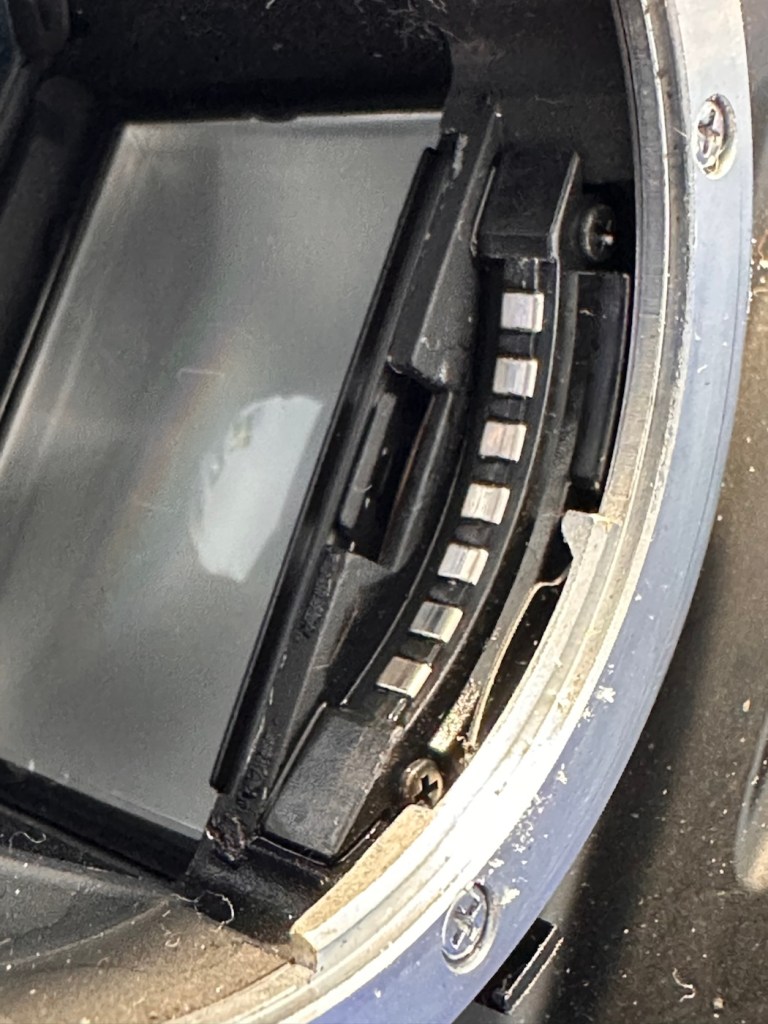
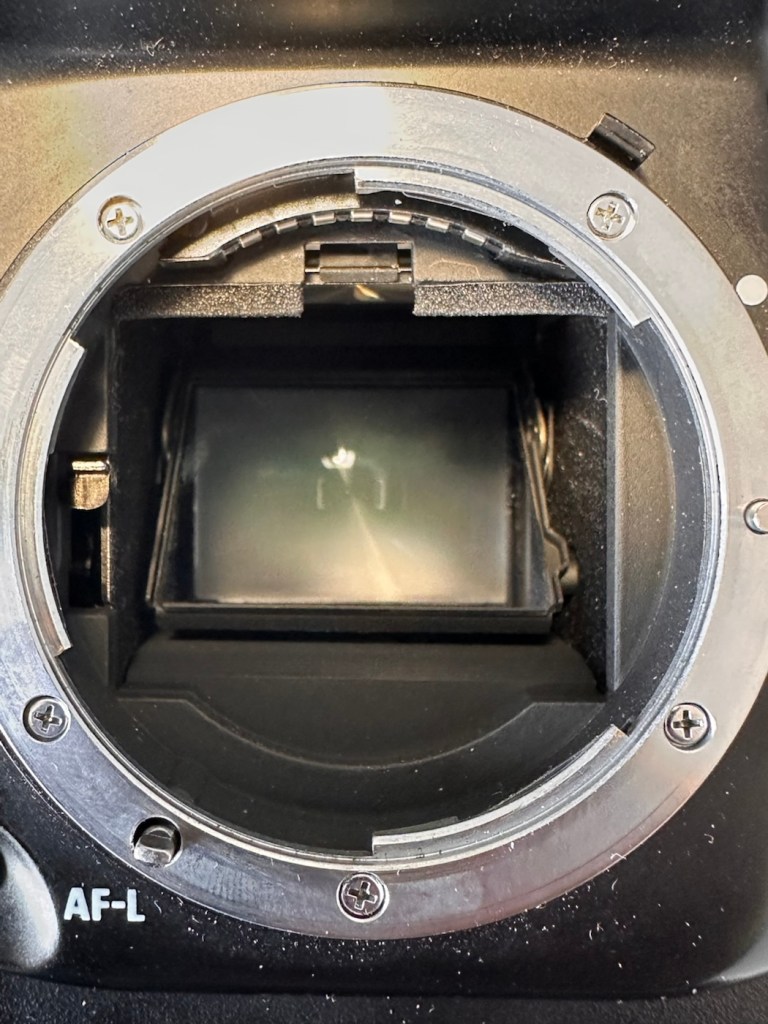
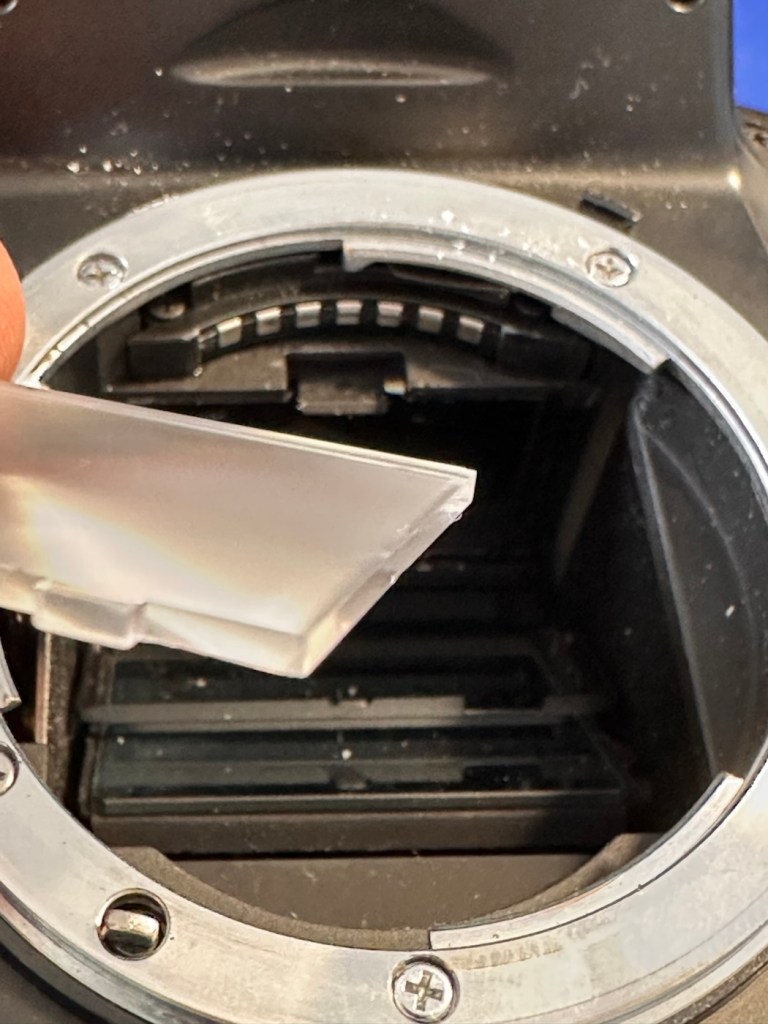
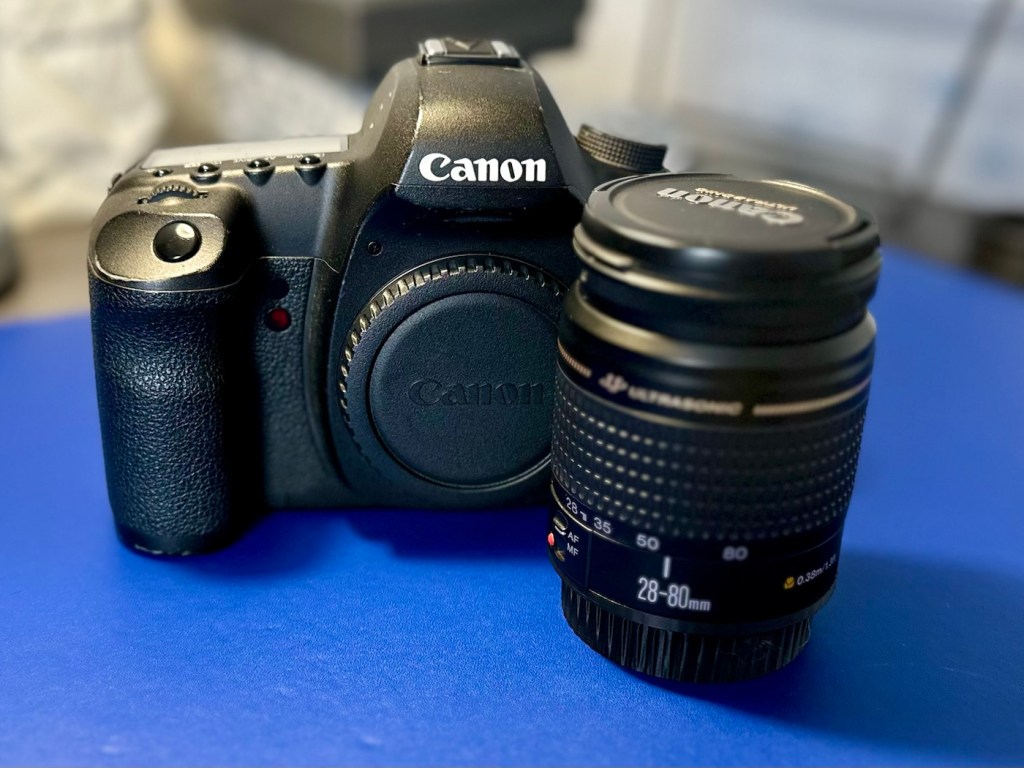
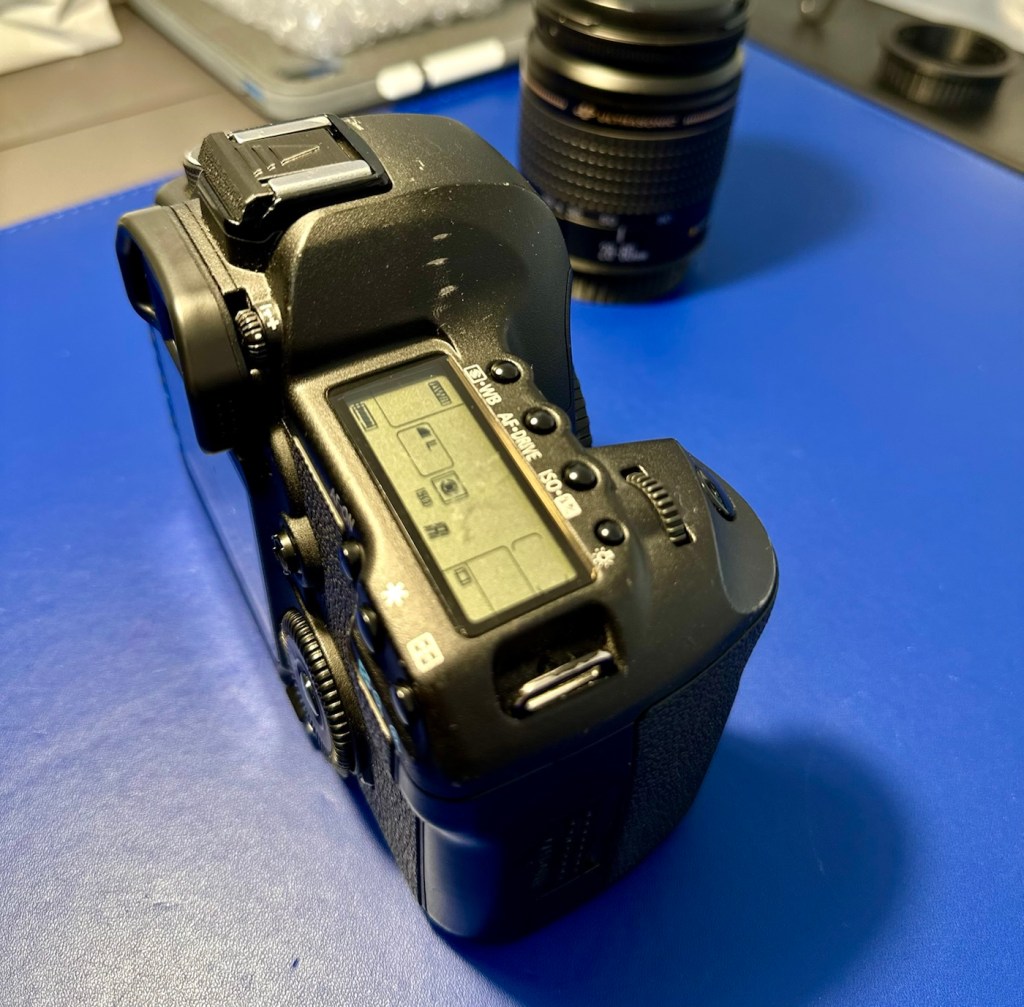
The camera has arrived and here are my first thoughts. But first some pictures.

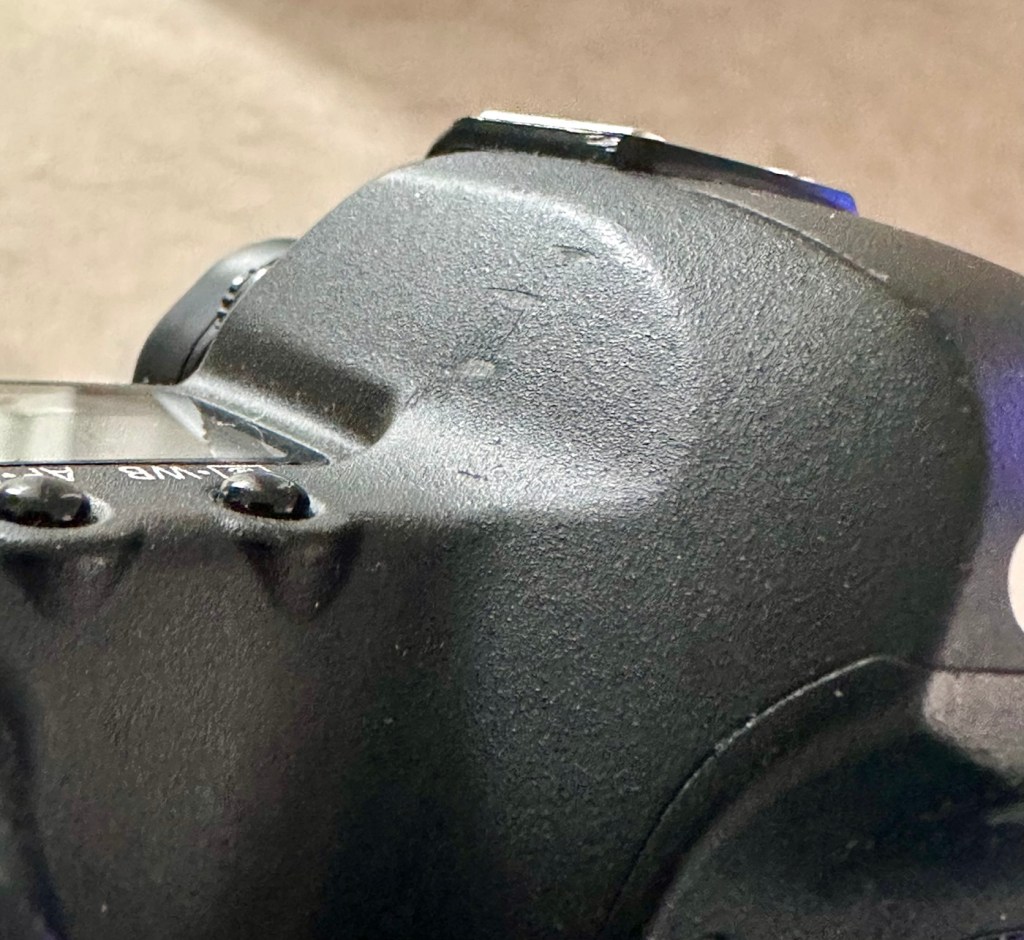
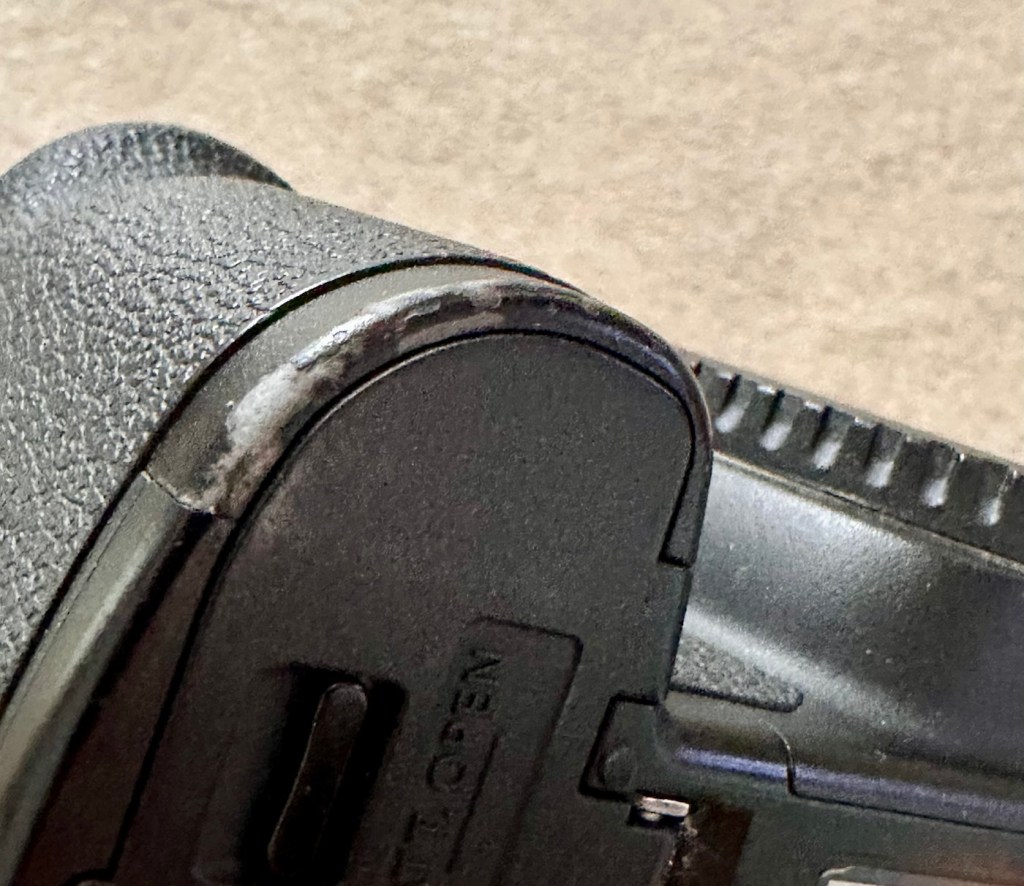
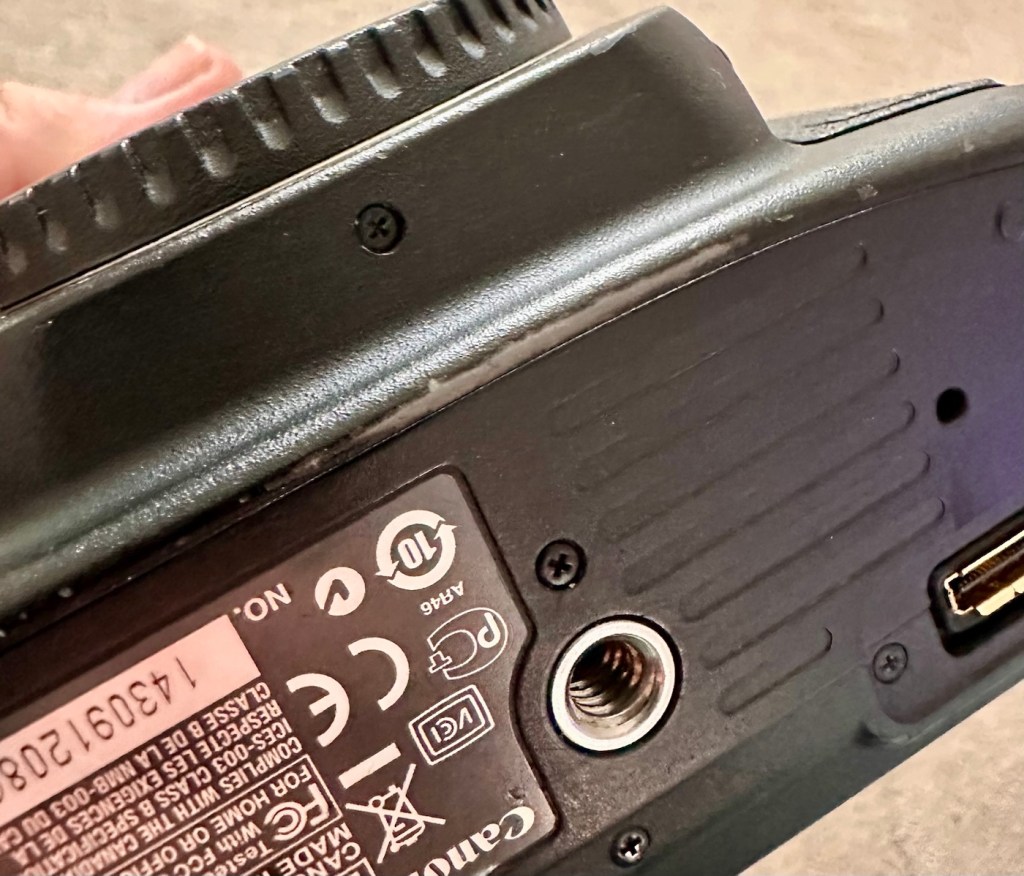
Just holding the camera and looking around it, you can see it has been well used over the last eighteen years. There are chips and scuffs, but nothing excessive, and certainly no “hard” dents that would indicate it has been dropped at anytime. The top LCD panel has a scuff on it, but this doesn’t stop any information being read.

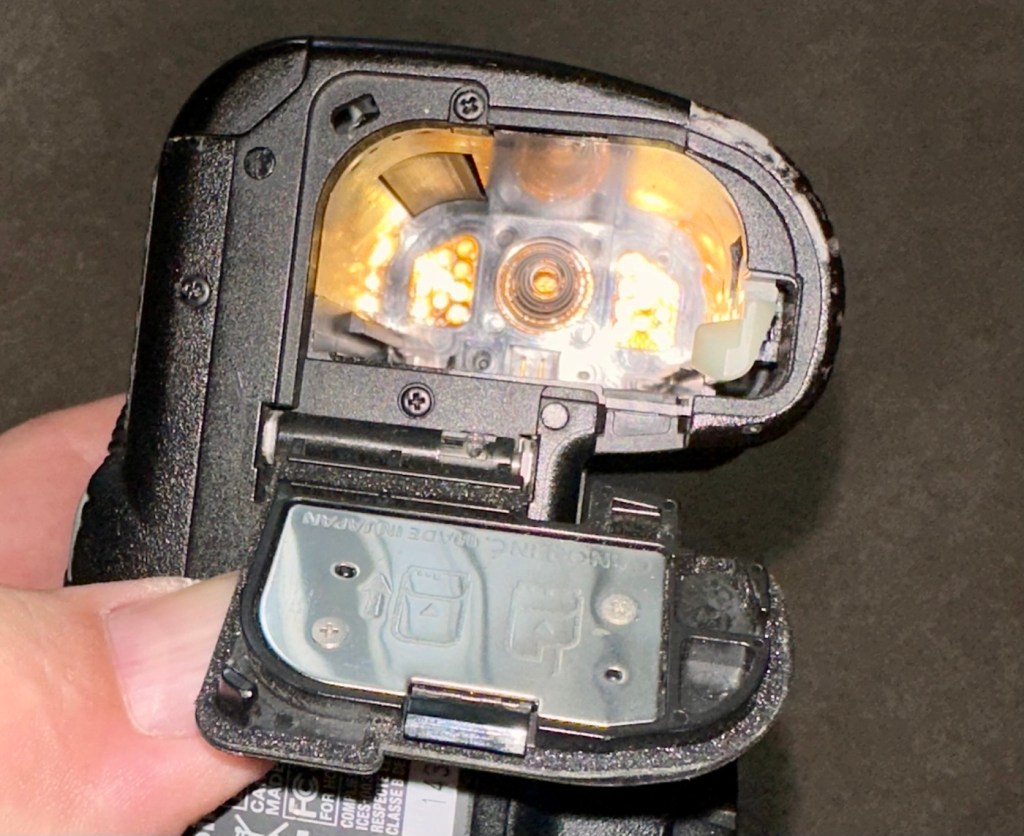
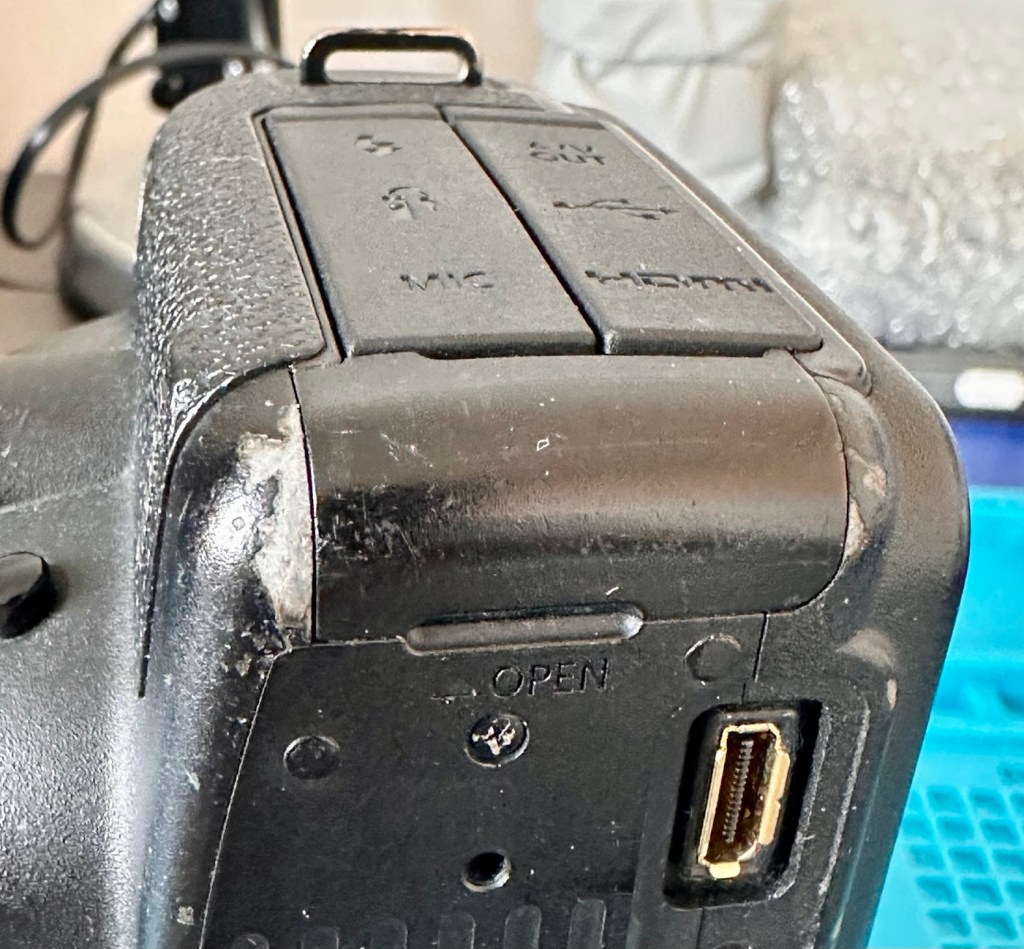
The battery contacts are clean and there is just a small rubber cover missing on a connection that is on the base of the camera. All switches and buttons appear to operate as intended, everything is there and the exterior appears to be used, but in a good condition.

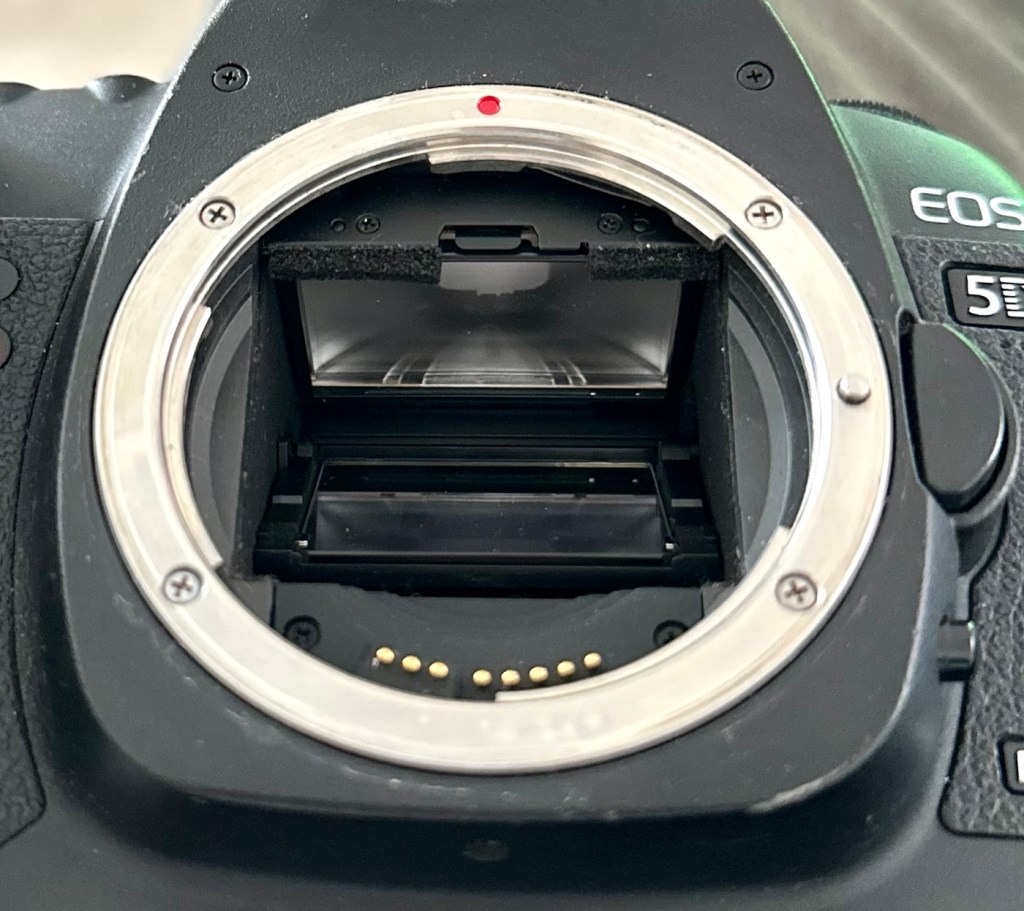
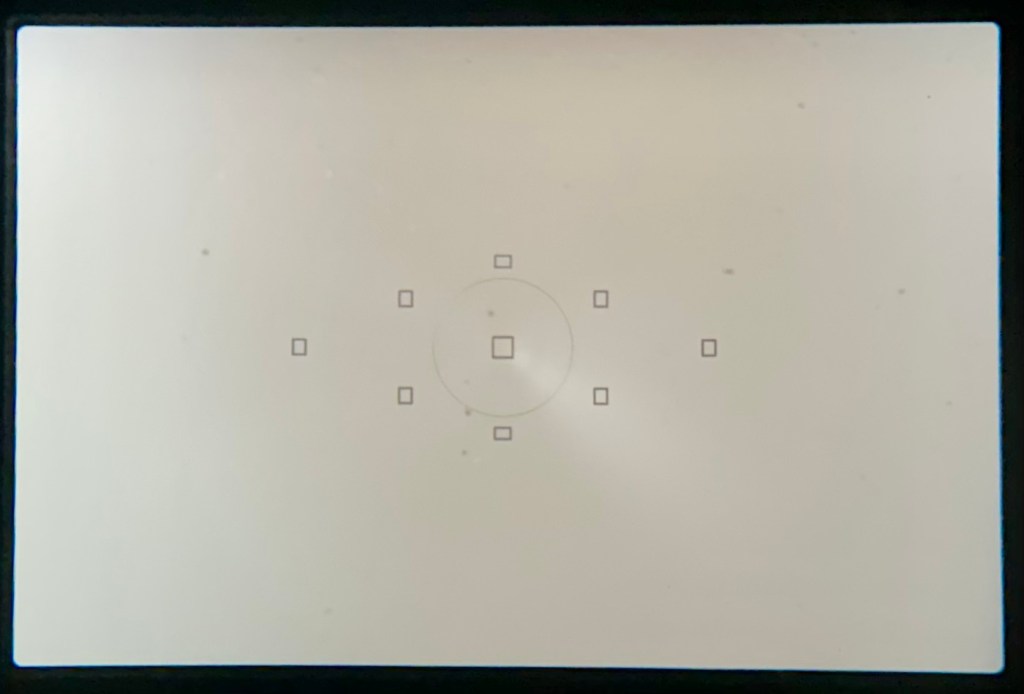
The lens barrel appears to be clean, the mirror and focus screen have a little dust and dirt on them however this is an easy clean. The shutter is closed underneath the mirror ensuring the sensor stays isolated from the outside world. I won’t be able to check how this is until I have a battery installed.

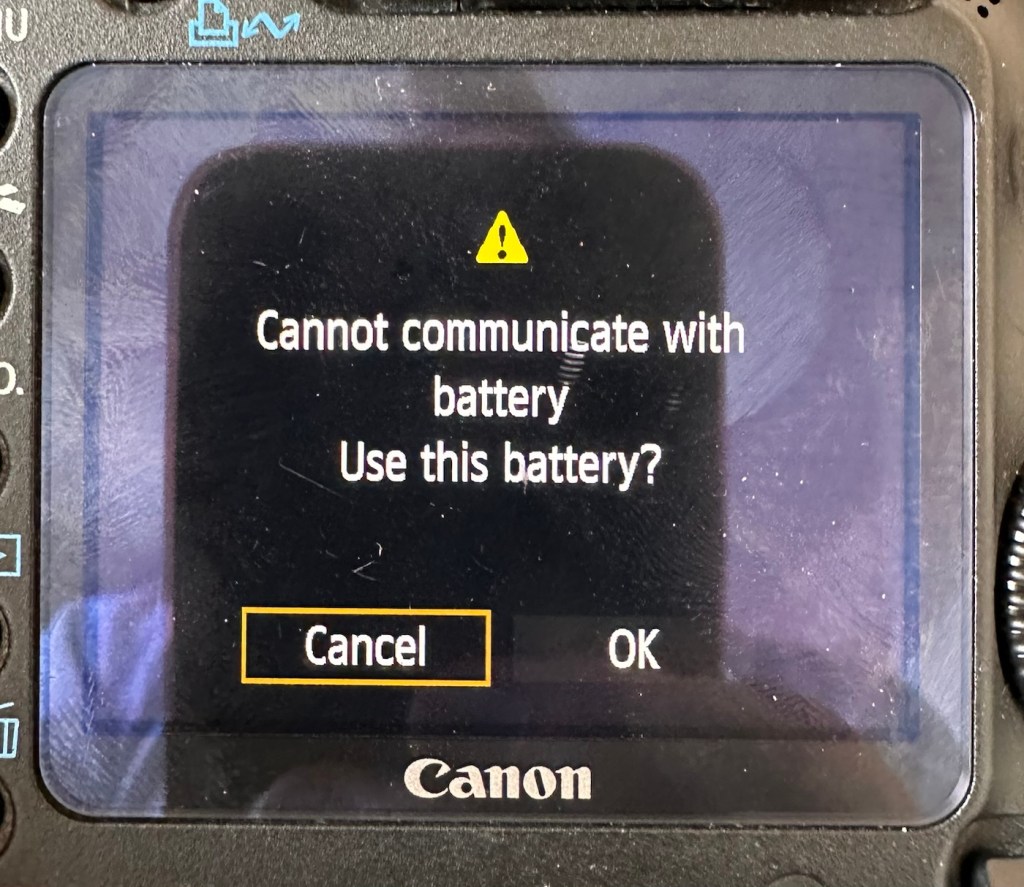
Batteries. As I have stated above I do have compatible batteries for this camera. This camera has a battery management system installed that communicates with the original “Canon” batteries that report back on their charge status amongst other information. However my batteries are not Canon originals and are in fact third party ones that don’t have the ability to communicate as original batteries would. That said, they are more than capable and usable. I just know that the very second I put the battery in and turn the camera on, it will show some kind of battery communication error on the rear screen. It’s ok though as we can opt to ignore that warning, click ok, and just get on with things, with no issues to the general operation of the camera.

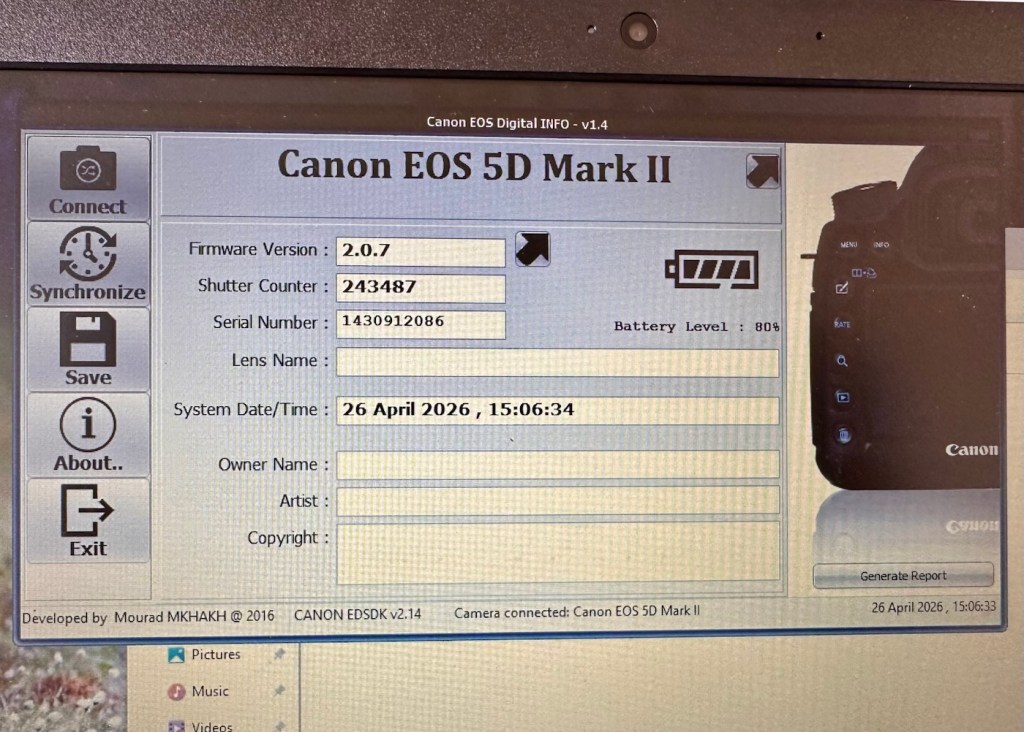
Let’s do a little digging around. I’ve downloaded a little program that appears to be quite popular, to try and find exactly how many times the camera shutter has been activated in its lifetime, (still photo count – not including video). Here is that count.

243,487 shutter activations…wow!

I guessed the count would be high as it was the previous camera of a syndicated sports photographer, I just wasn’t quite expecting this high. But who am I to complain when I have received this camera for free. if you read the camera specs in the paragraphs above, the expected lifespan of the shutter is around 150,000 actuations, however the photographic community tends to question this figure. Some cameras have gone into the millions with shutter counts, however this one will plod on with me on much lower figures, if I get it working. I don’t know its service history, it’s a rugged built heavy use camera, that will go on for years if looked after properly. And that’s what I intend to do with it.

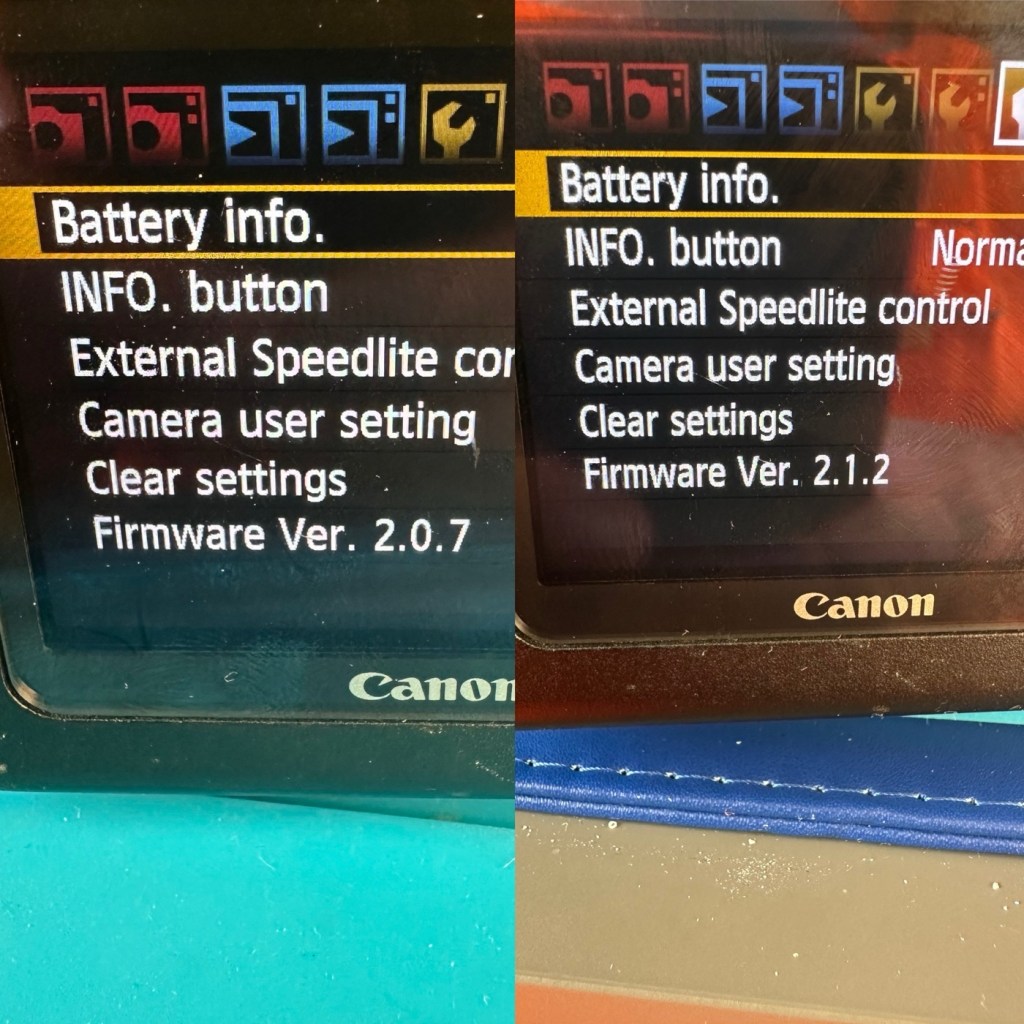
Another piece of information that can be obtained from the piece of software above is the firmware version. The current installed version is 2.0.7 and that was installed sometime in 2010. The latest and last version is 2.1.2 that was released in 2012. I will attempt to update this cameras version of firmware to the final updated one.

I think I’ve had a good assessment with this camera, I know what needs looking at so let’s get on with giving it a little TLC to ensure it will go on working for a few thousand more shutter actuations, I’ve got to try and get this camera to the 1/4 million mark at least!

Repair:

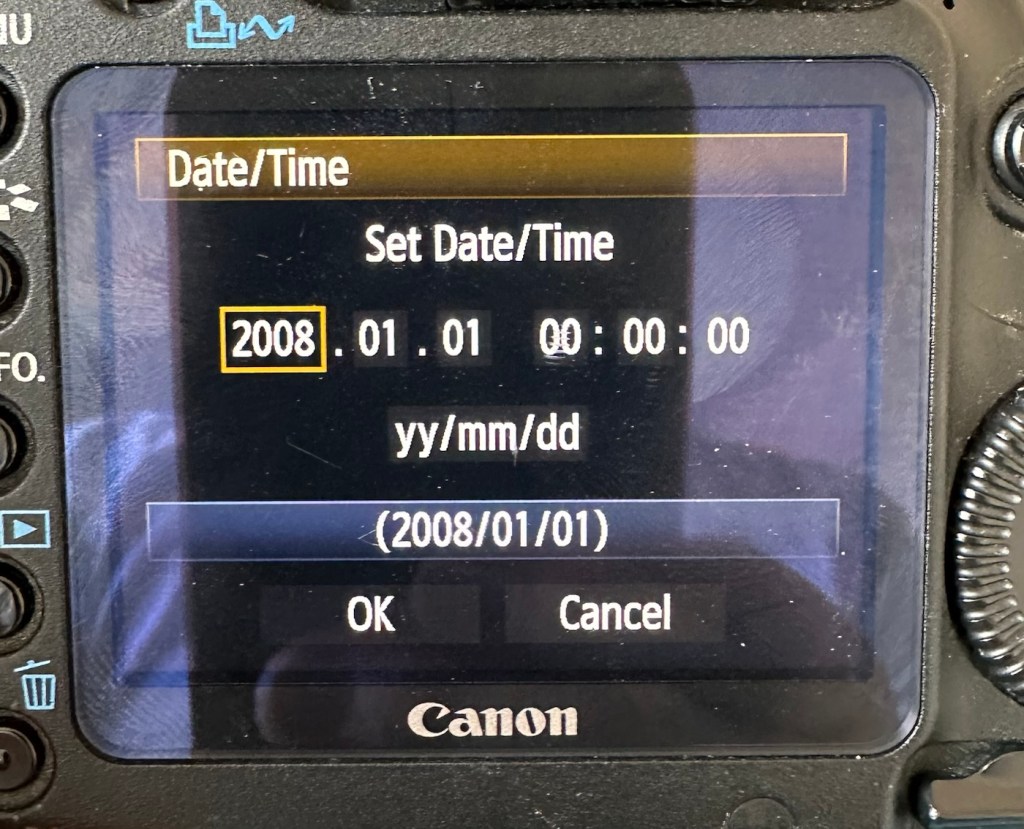
The first thing I want to do, is to look into why, when you input a date into the camera, the information disappears as soon as the camera is turned off and turned on again? This is a simple issue, easily located and soon rectified. These cameras normally have an additional battery buried somewhere in the camera that acts like a cmos battery in a computer. It simply supplies a small charge that maintains dates and program settings when the camera is an a sleep mode, instantly reinstating the correct information when the camera is switched on again.

And this camera is no different.

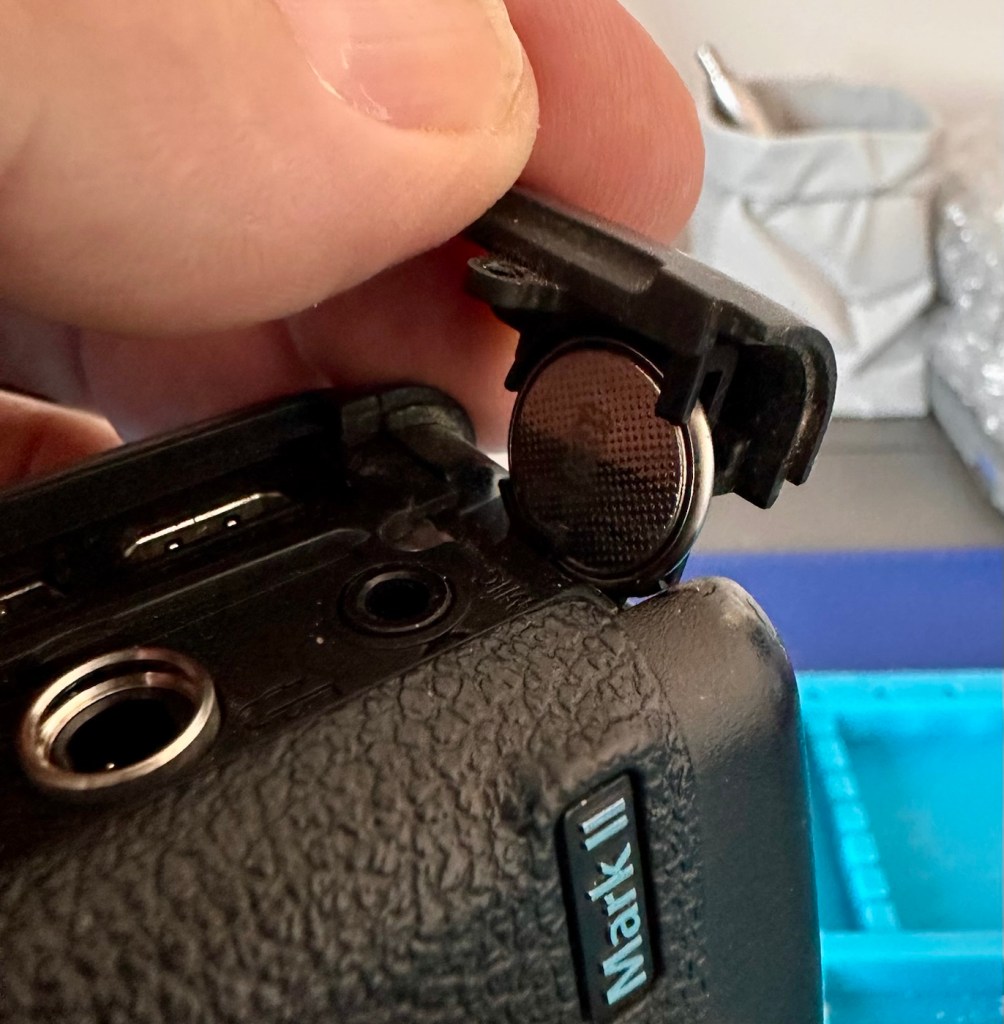
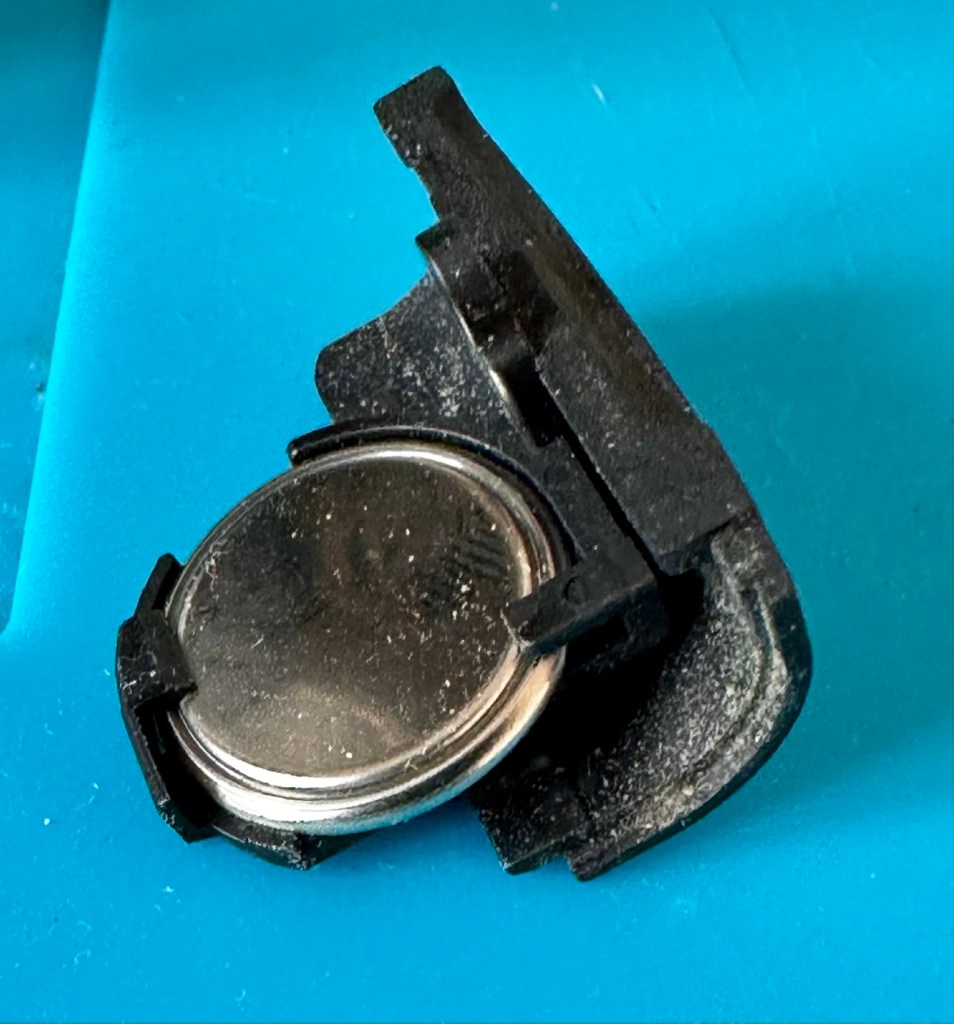
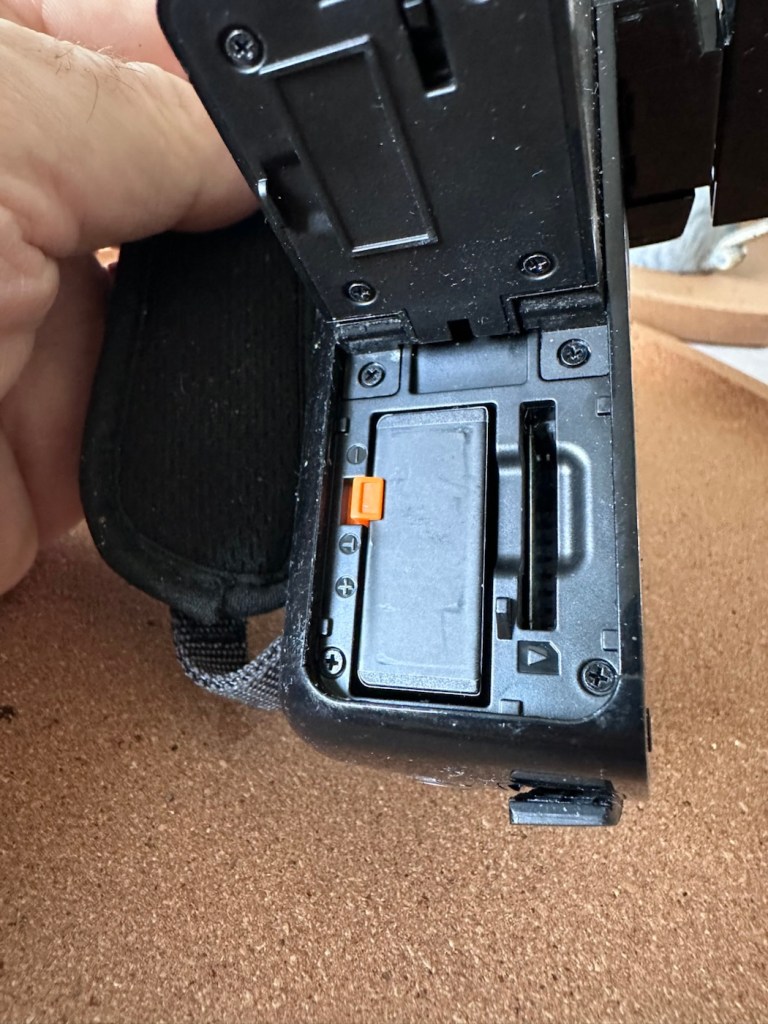
A single coin cell CR1616 battery is what does the job in this camera, its life span is usually around five years. So let’s check this one out as I suspect it has failed. It is located on the bottom of the camera on the opposite side of the main battery chamber, below two rubber accessory panels.

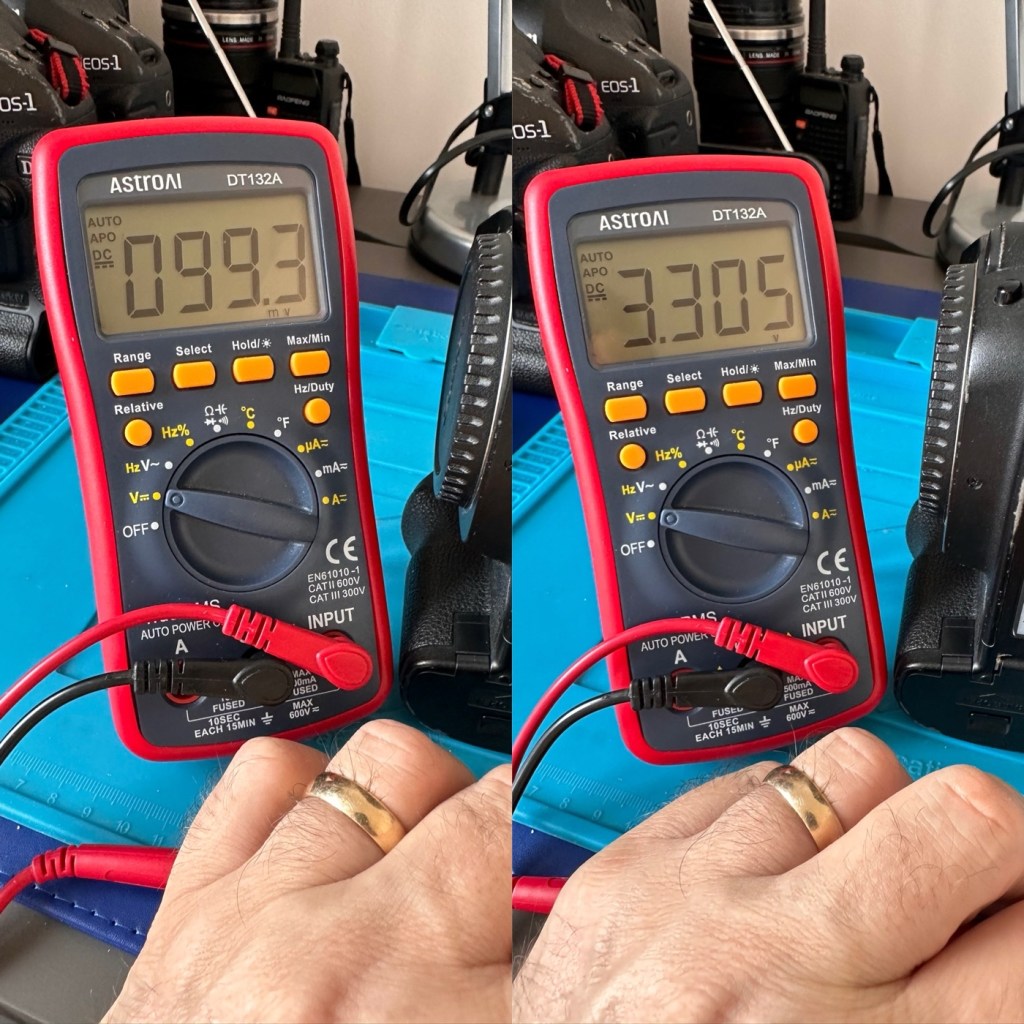
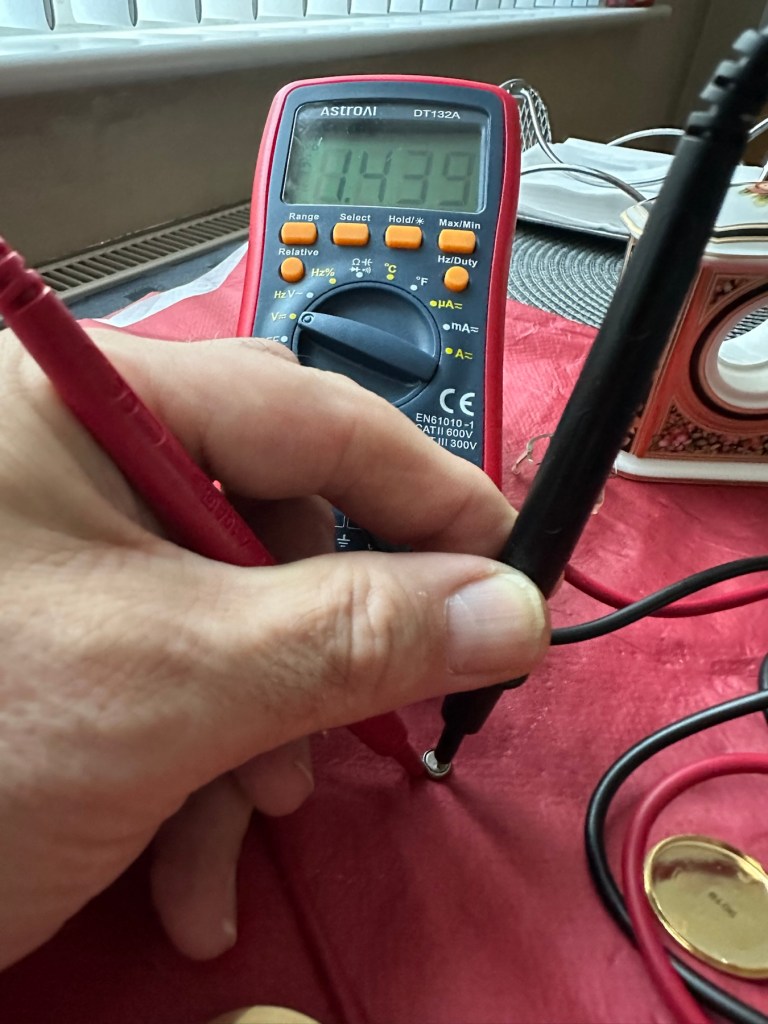
The CR1616 battery is a 3v lithium coin cell. Using a multimeter I was able to confirm that this one was well and truly depleted as it was only holding a charge of 99.3mV. The new battery cell was holding a much more acceptable charge of 3.3V.

Old and new battery voltages

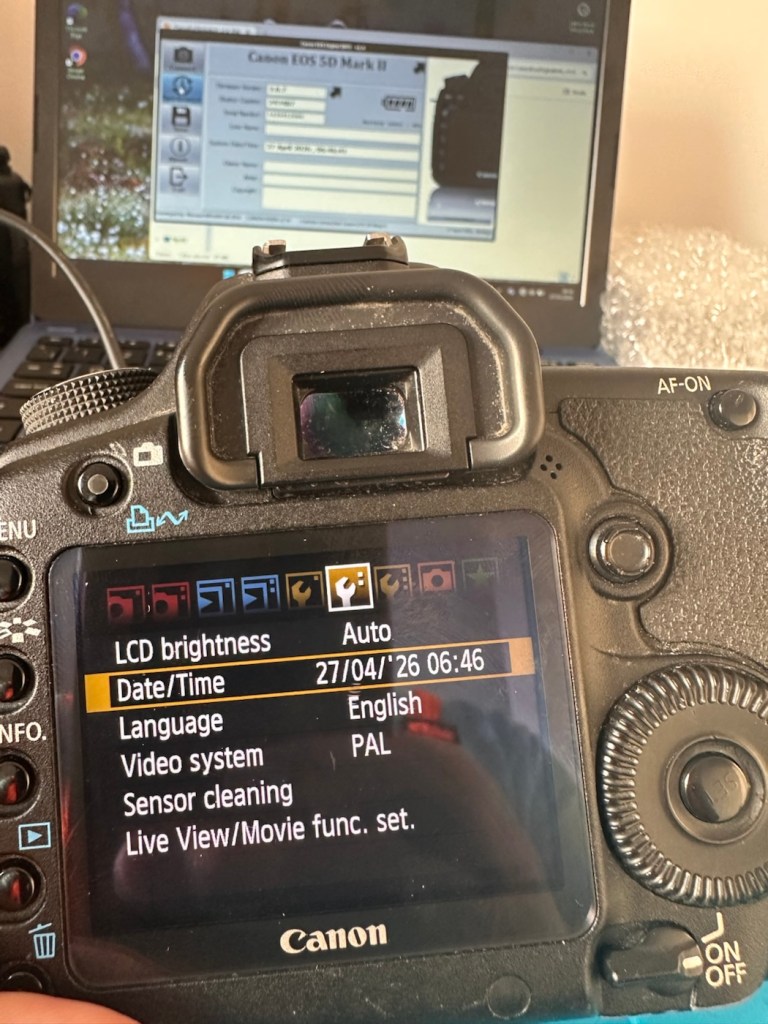
With the new coin battery in place, I’ll reset the date values and test that the battery is doing its job, by powering the unit up and down a few times.

That appears to have worked

As you can see in the picture above, I’ve managed to update the settings, and when the unit is shut down and restarted the information remains. Hence the new clock/cmos battery is working fine.

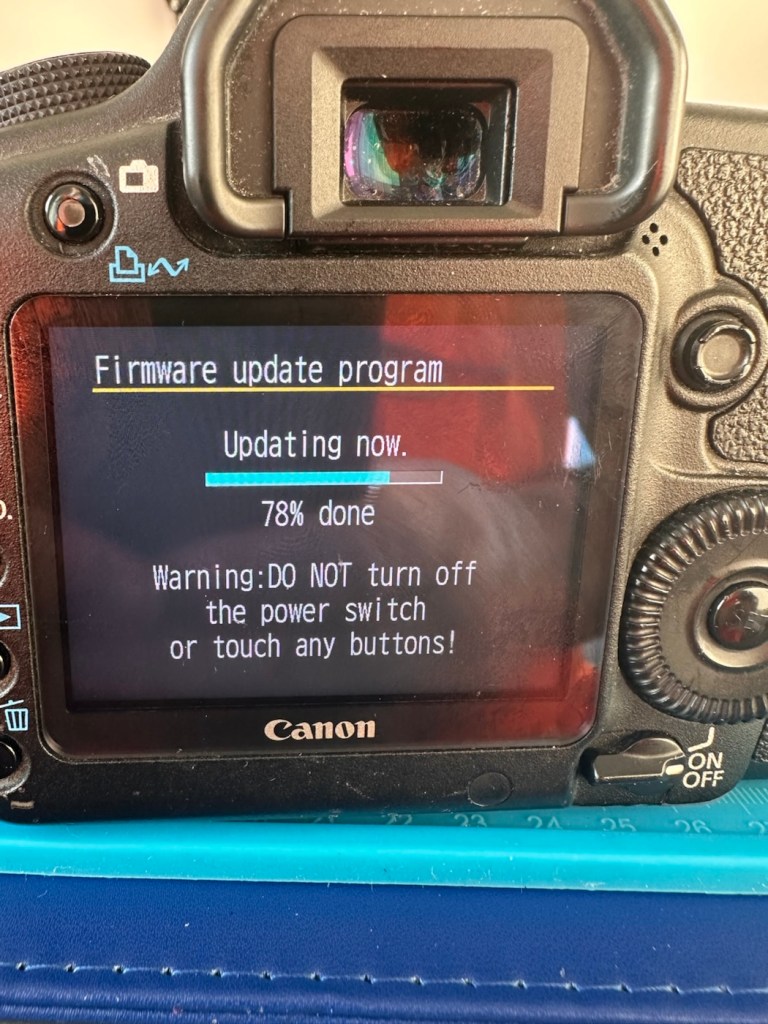
Next let’s try to update the firmware to the latest release. This small video below shows how easy this task can be. This particular file in the video is for an earlier, older update, however the principle is exactly the same for all camera updates with Canon.

Updating firmware on a Canon Eos5D MkII

Following the recommendations in the video above I have downloaded the latest firmware update file and extracted its content to the freshly formatted CF card for the camera.

It’s thinking about it….

The whole process was followed exactly as laid down in the instruction video, and it went as expected. The update was successful.

Firmware update, before and after

The camera is now correctly updated to the most recent firmware. I can now progress to doing some final checks in the lens barrel area prior to moving on and checking the functionality of the camera with a lens in place.

The mirror bumper felt is in good condition and does not need replacement. I have blown out the barrel and inspected the sensor and that is clean and needs no attention.

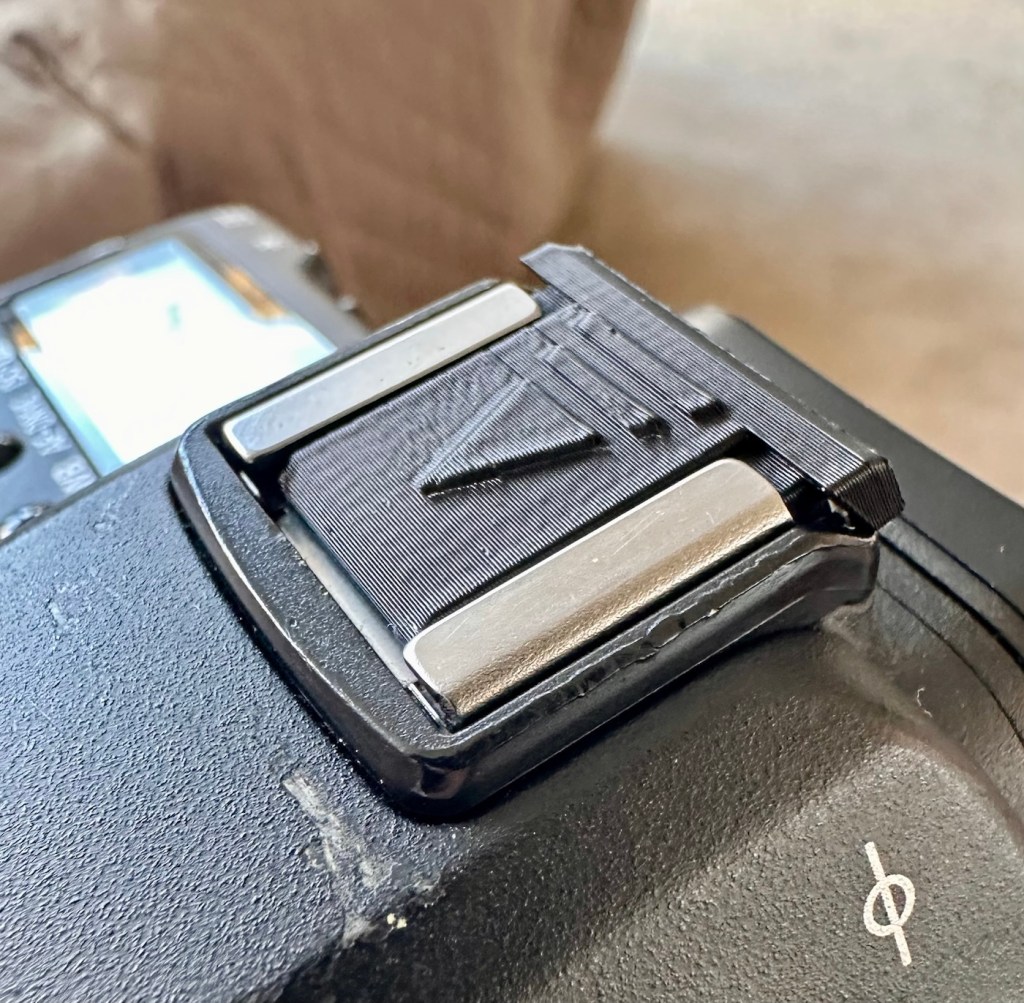
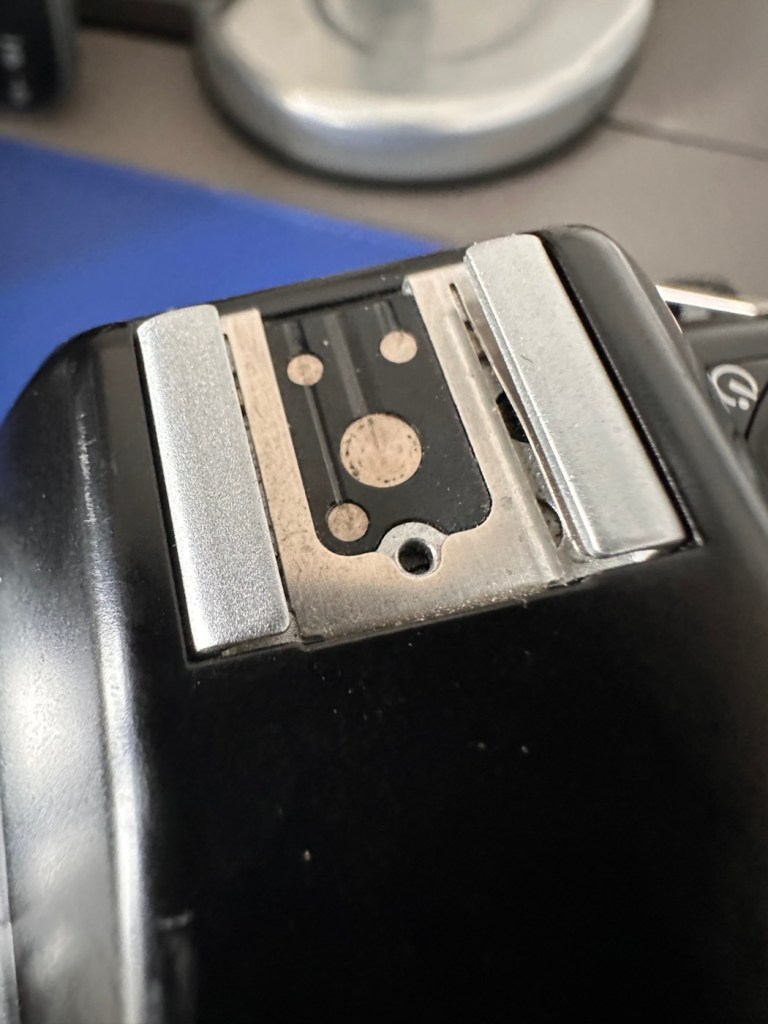
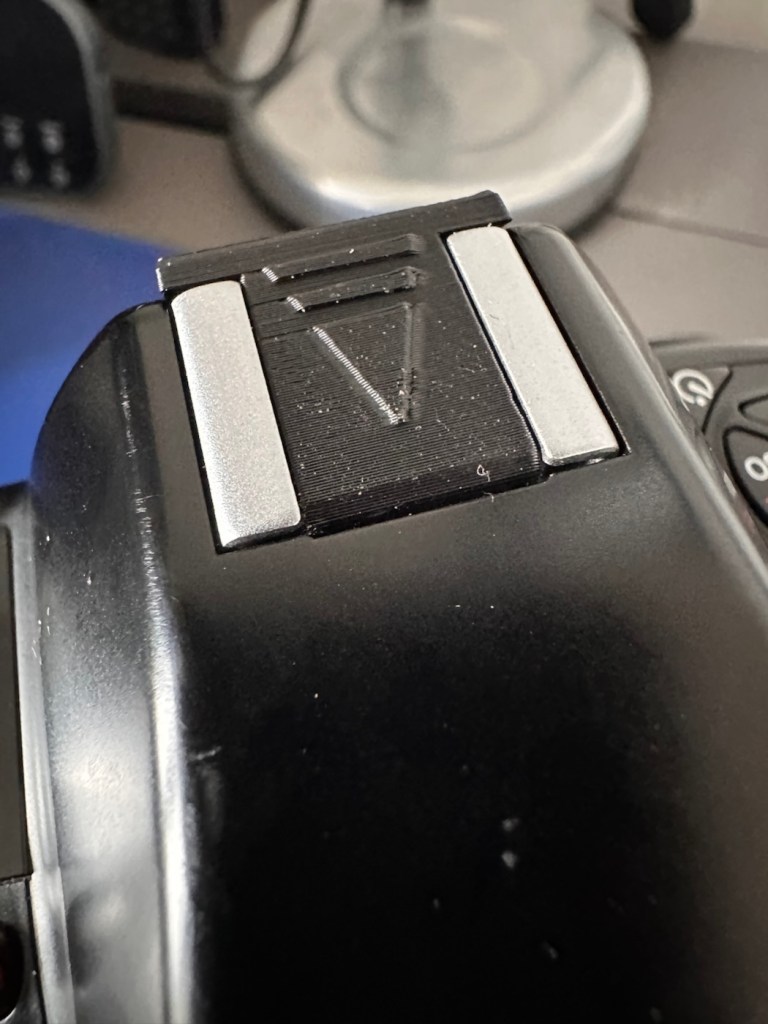
Final touch is that I have printed off a cover for the hotshoe flash holder.

Printed hotshoe cover

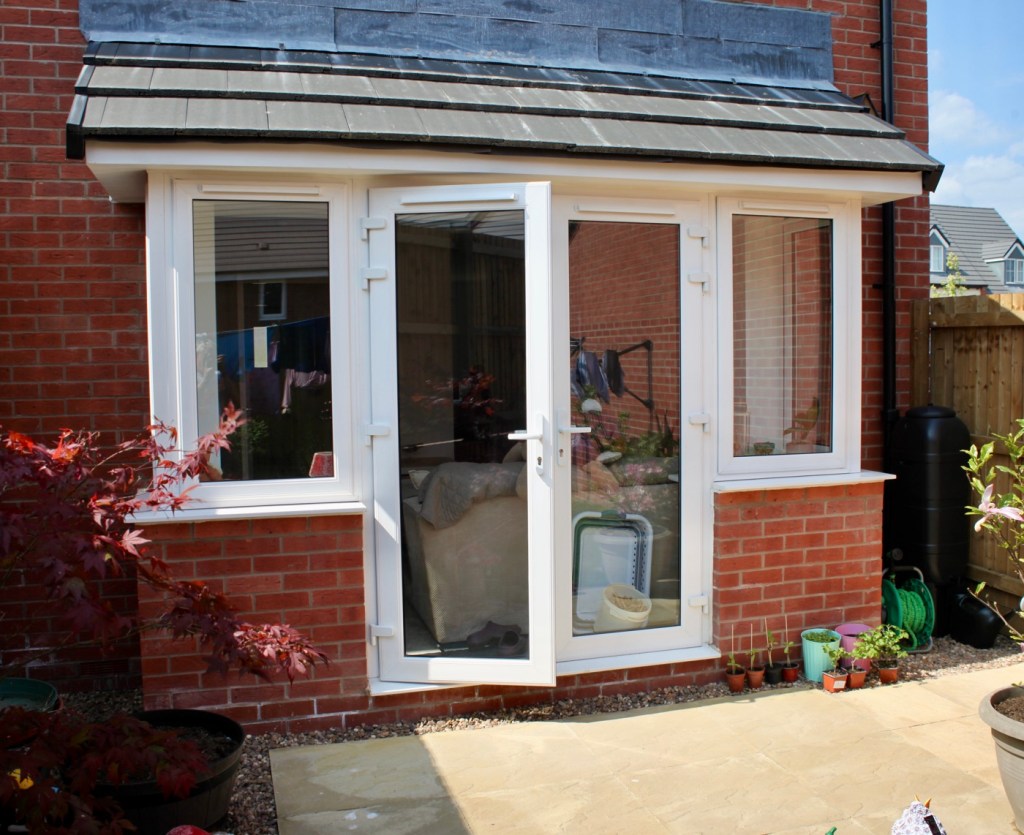
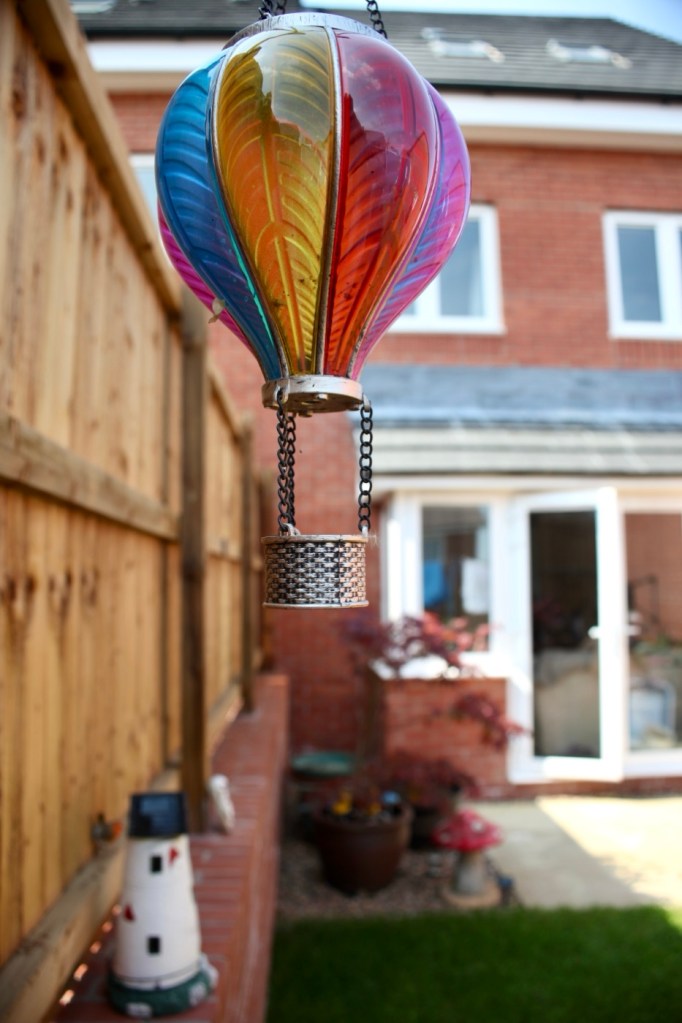
Time to get the battery installed in the camera, along with a formatted CF card, and I’ve also put a stock 28-80 EF lens on the front to test. And here are some of those pictures taken to test, just around my garden.

And I am so damned impressed. It’s only a basic lens but the tonal quality, sharpness and colour has really shone through. The camera has worked perfectly, I’ve used it in auto mode, shutter priority and aperture priority and all works fine. When I use the video mode, all is fine but the basic lens when you telescope, can be heard throughout the video, not really an issue just an observation, hence why people invest in the higher end optics. For testing purposes though, this lens has performed perfectly. I’d be more than happy to venture out for a picture session with this setup.

Every setting on this camera has been tested and it has passed with flying colours. My job here is done.

Result:

A far better result than my last attempt on this specific type of camera. This time around the sensor has performed perfectly and remains in good order, hopefully for quite a time yet. It would be good to see it go through the 250,000 exposures count, and seeing that it’s only about 6,600 exposures away I don’t foresee it being a hard to achieve target. I’m going to get some good use out of this camera, I’m currently looking at taking it to a local nature reserve to see what can be photographed. I’m quite looking forward to that.

A final polish and this project can now be put to bed. Onto the next one.

Many thanks for passing by, it’s always very much appreciated.

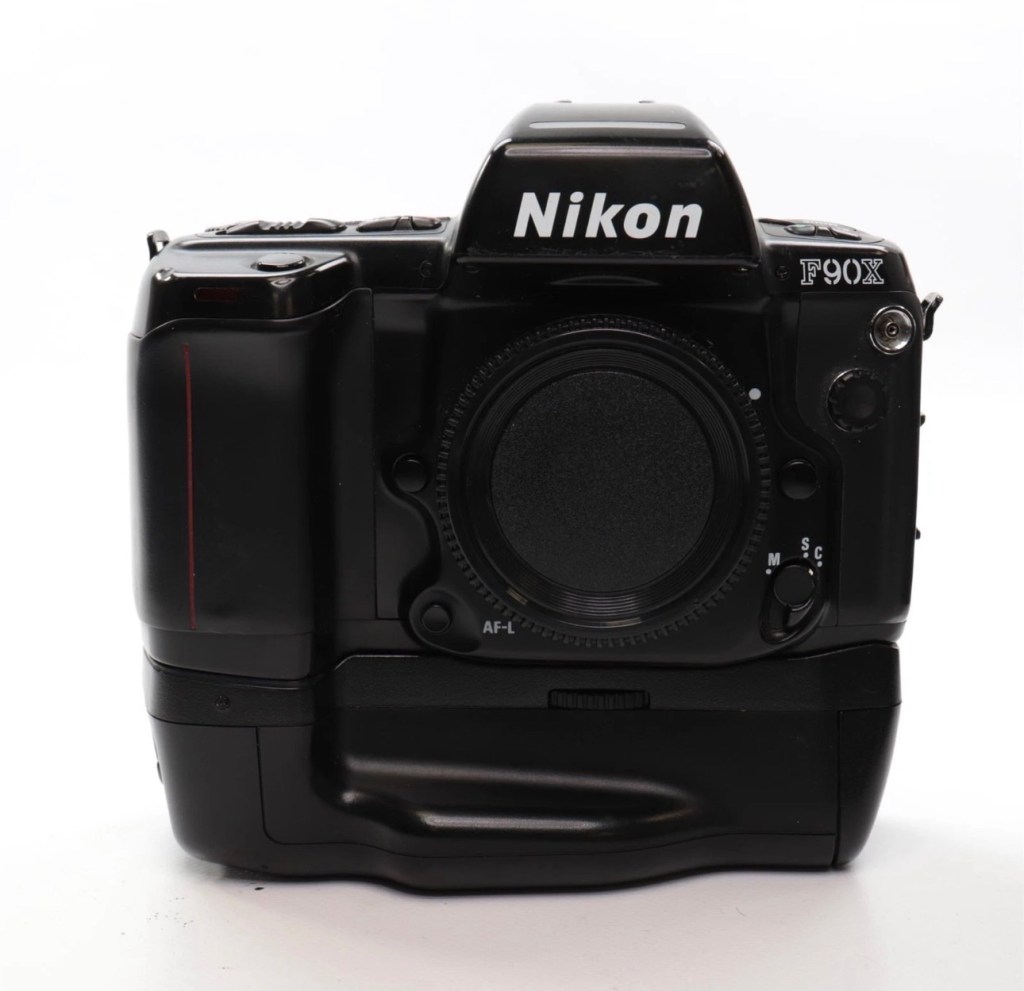
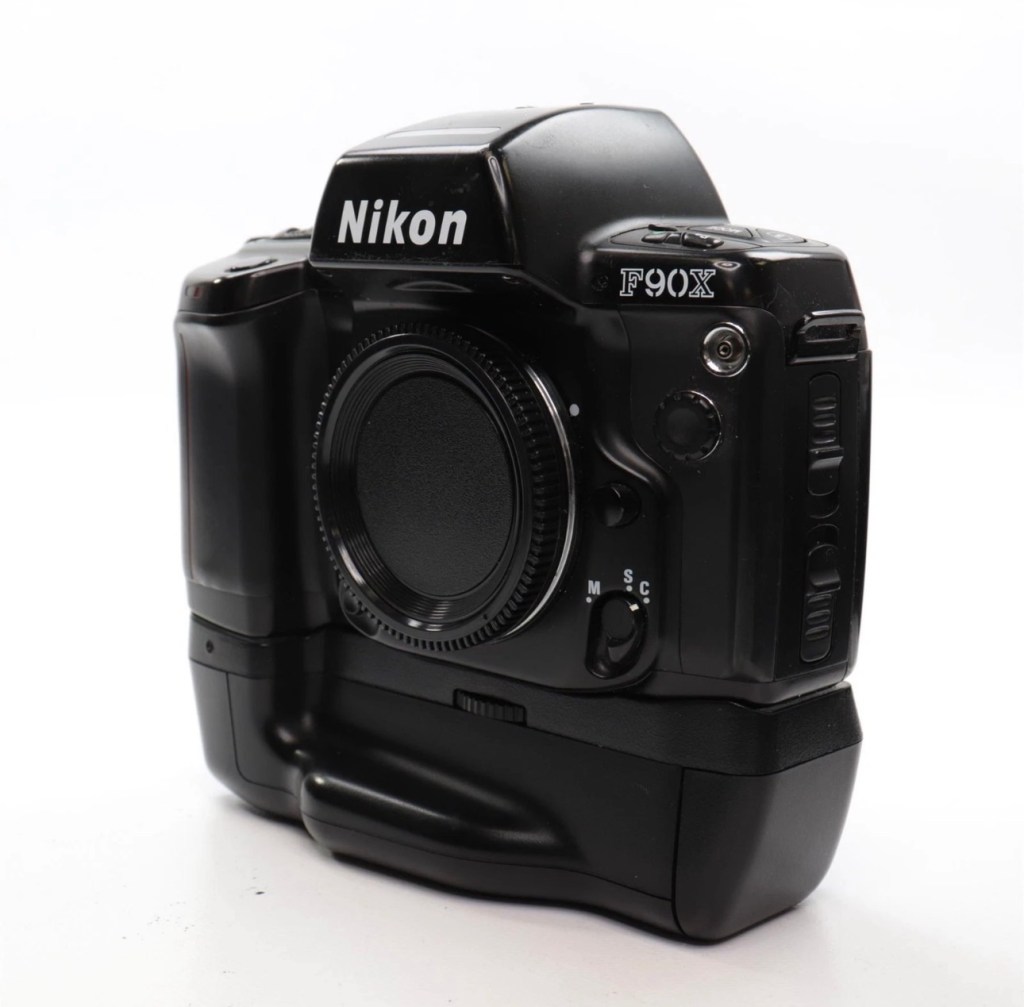
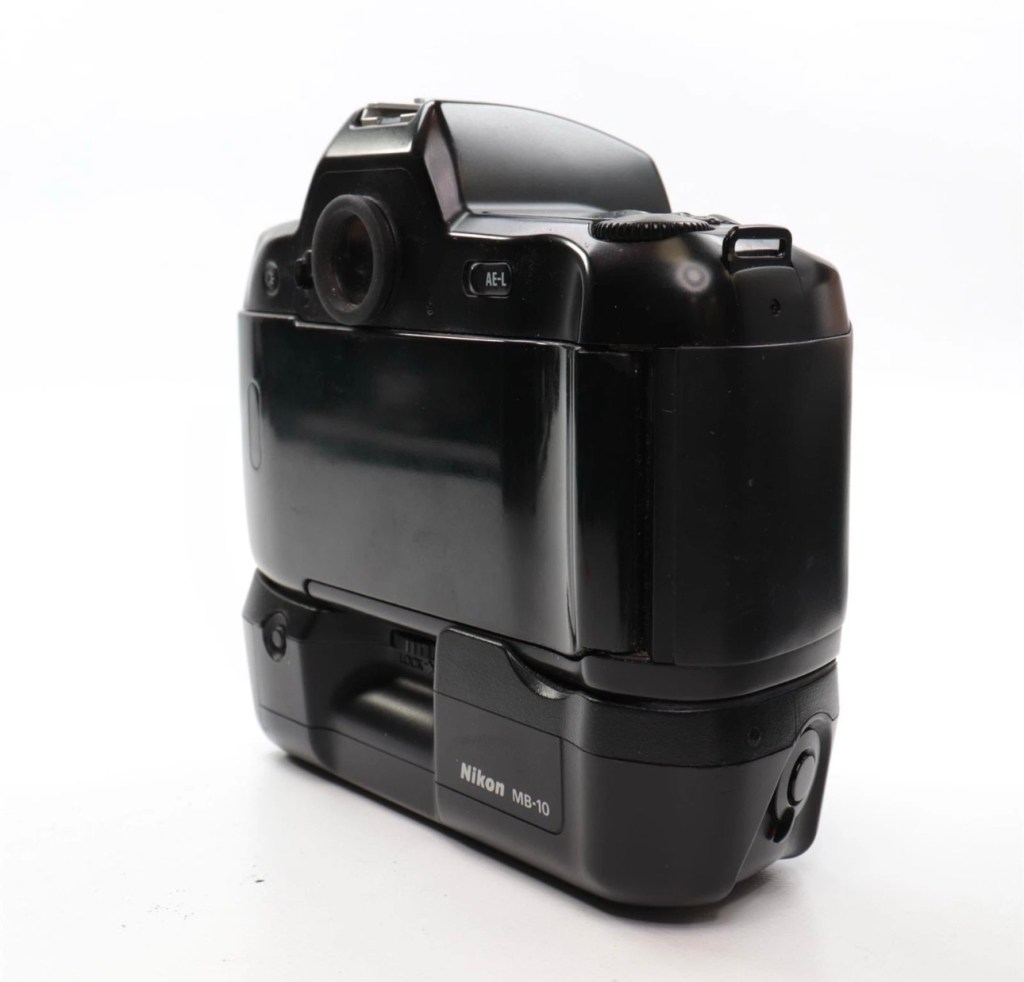
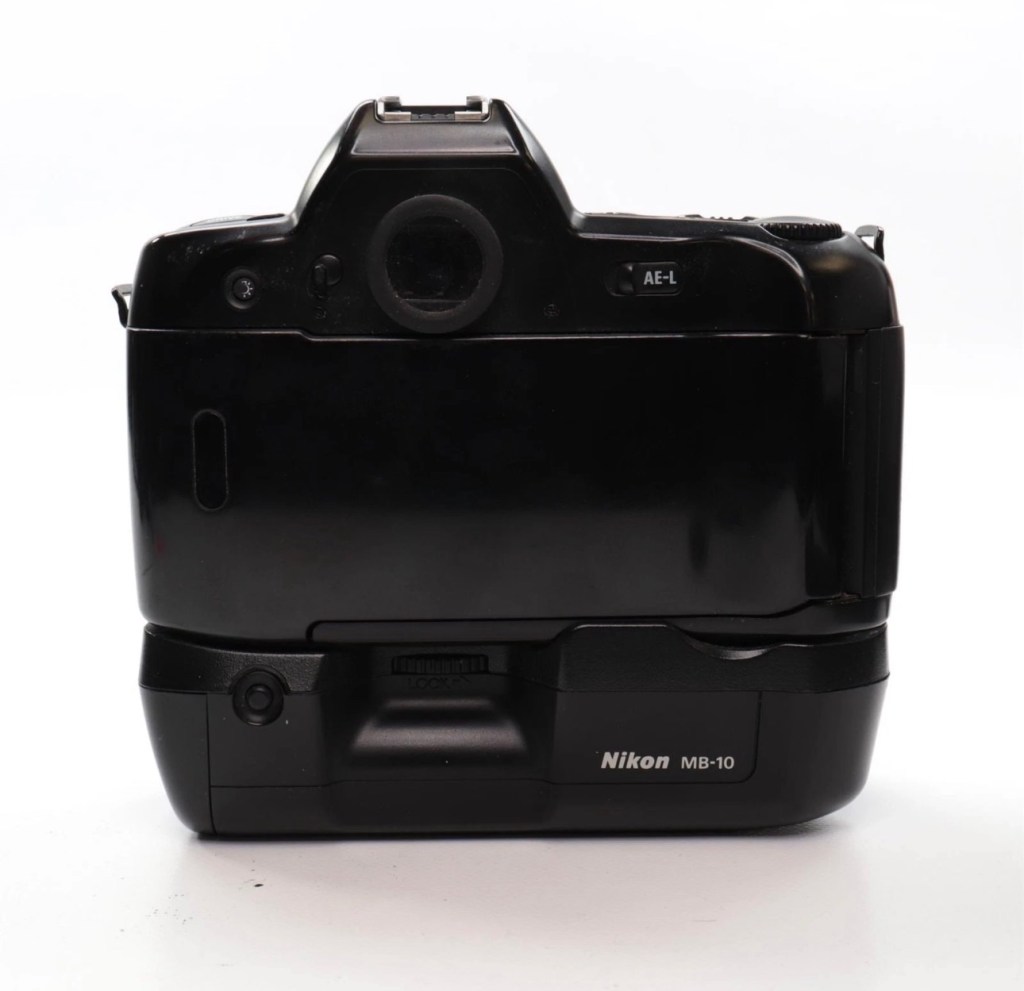
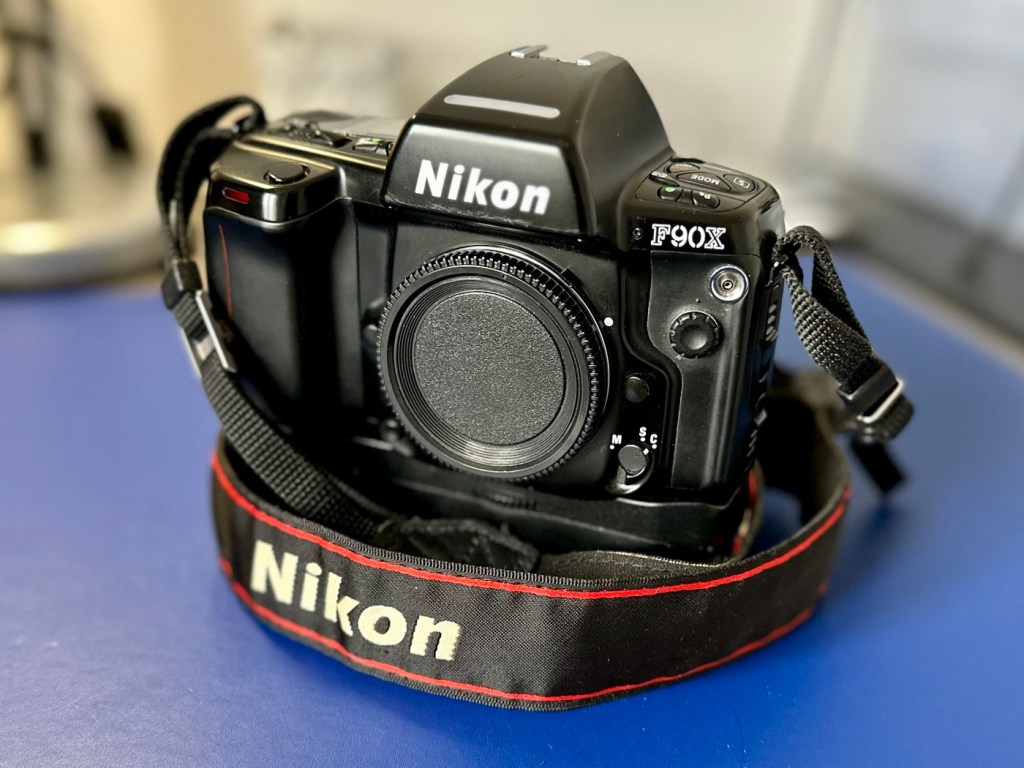
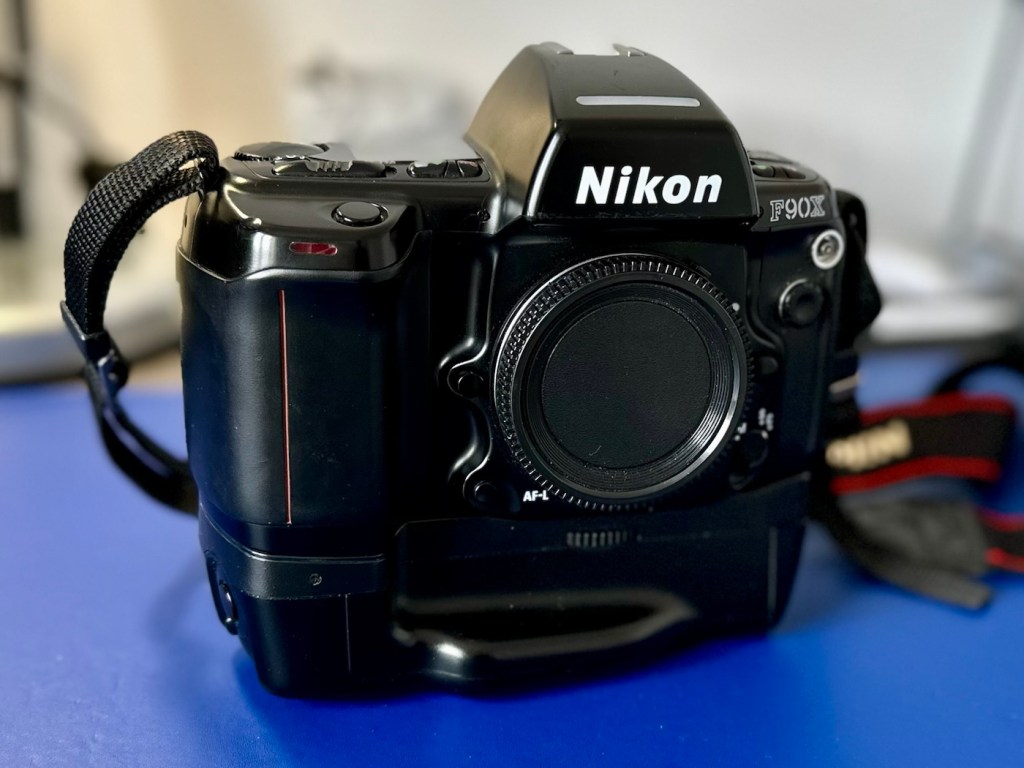
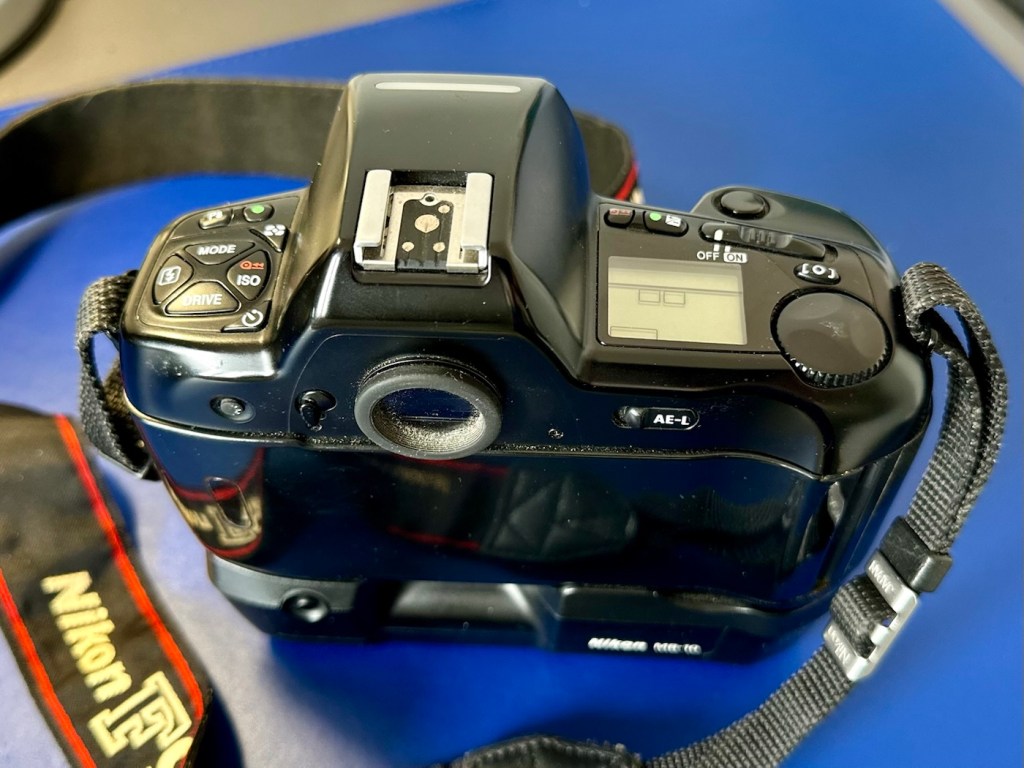
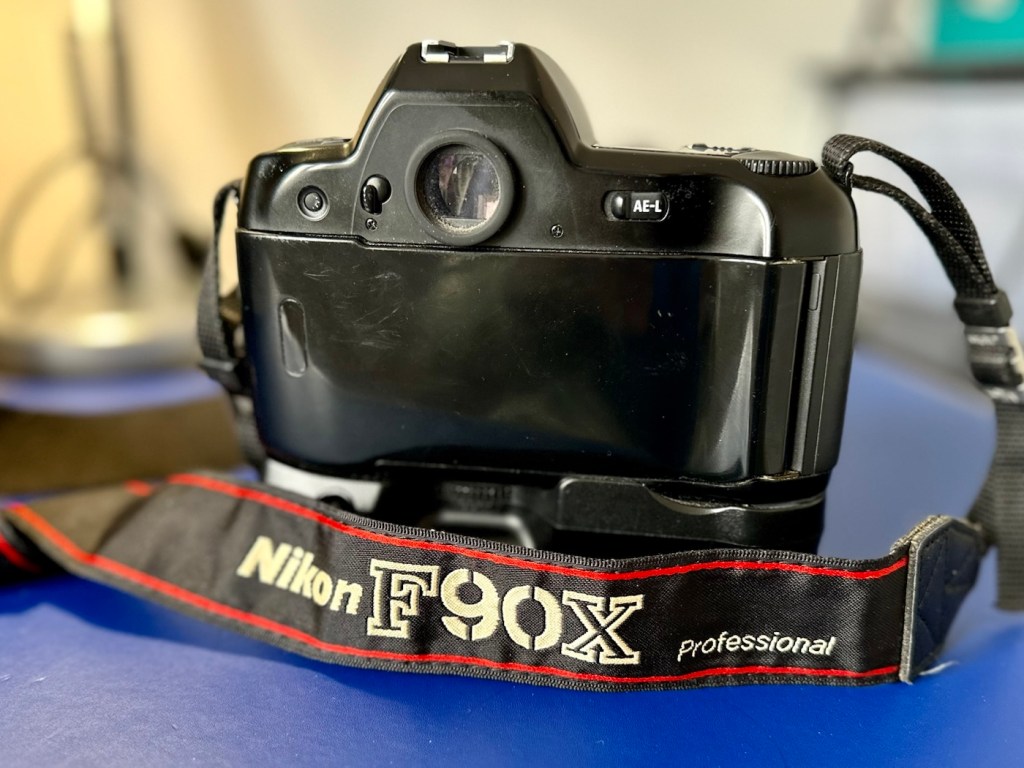
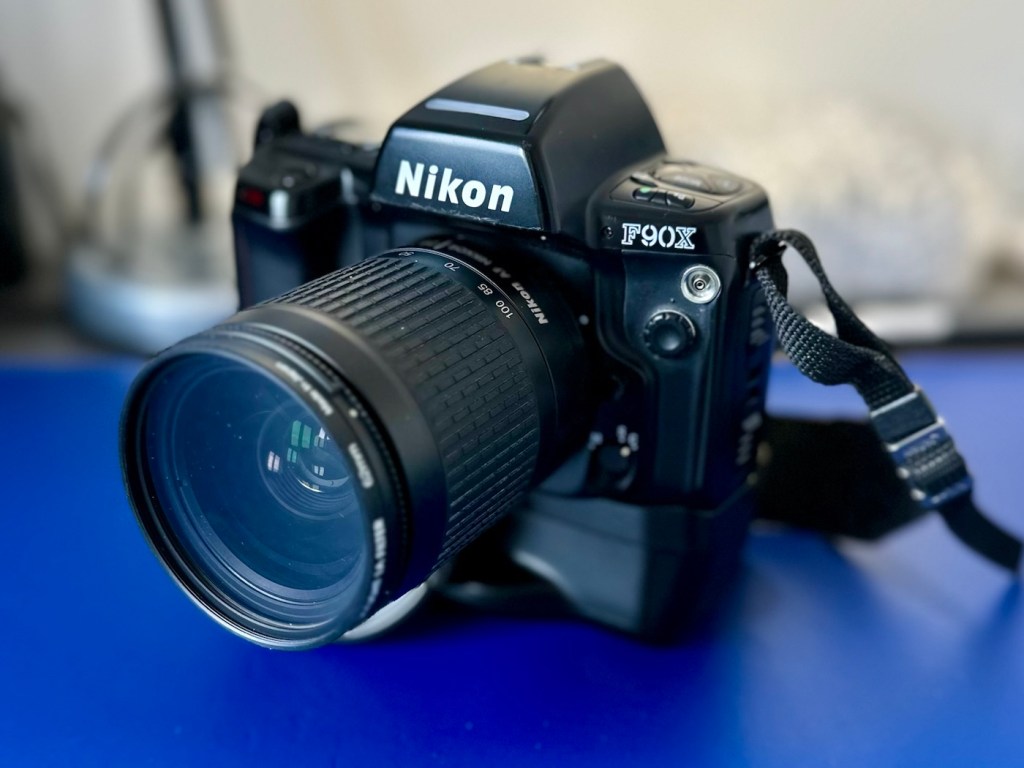
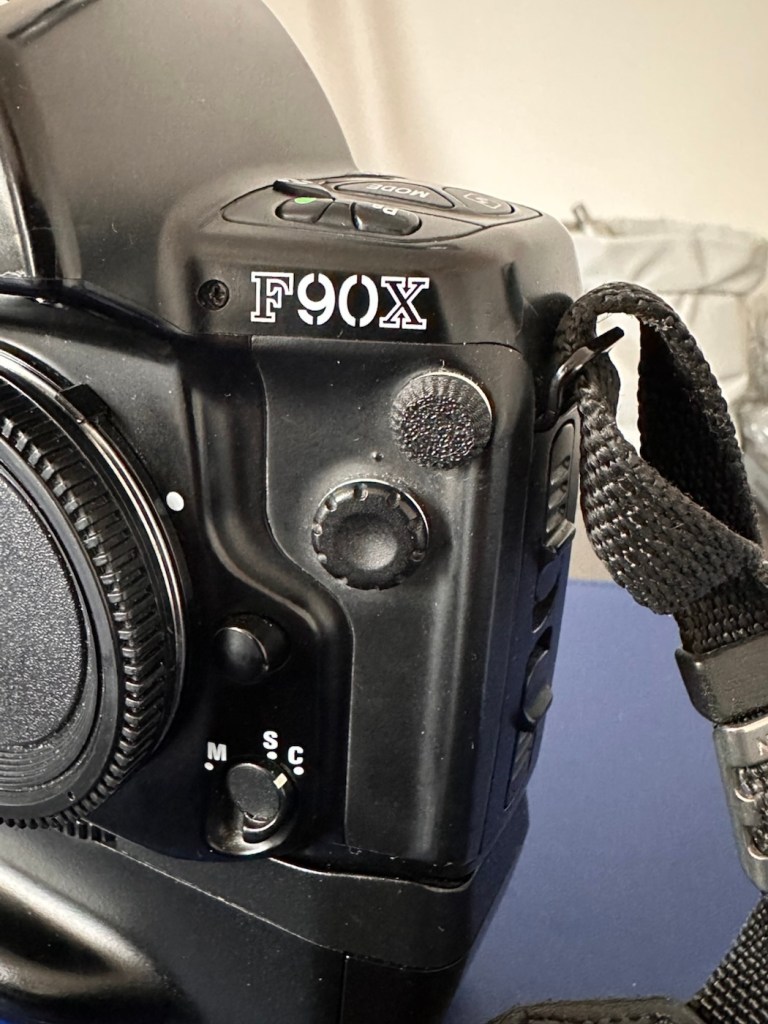
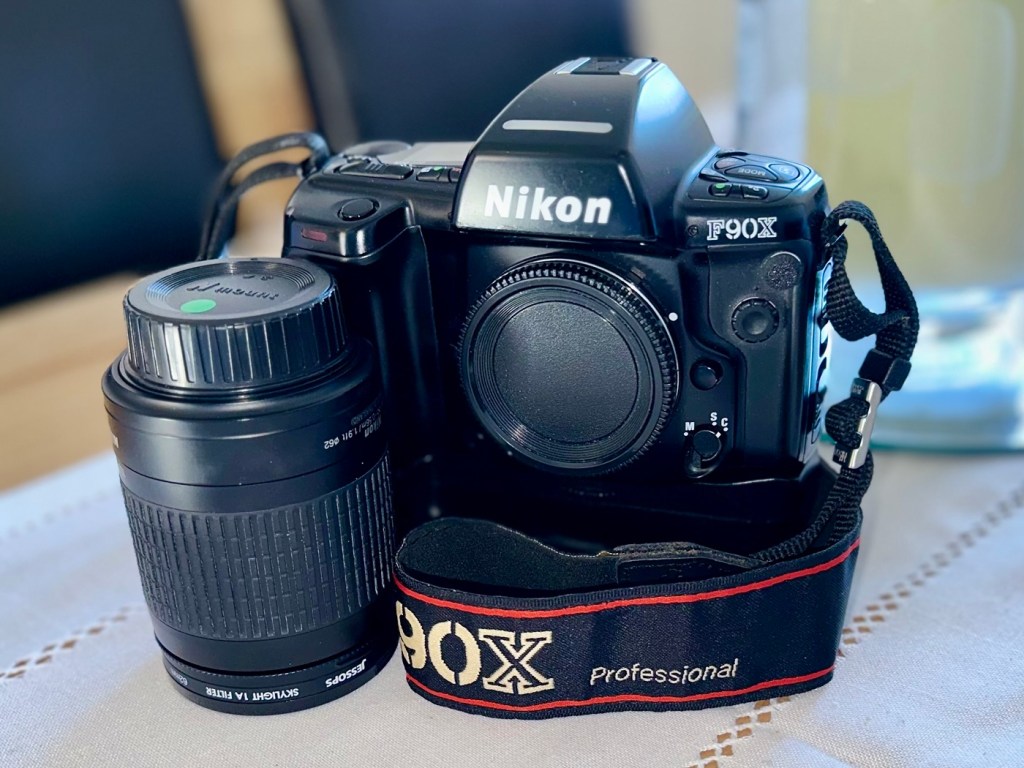
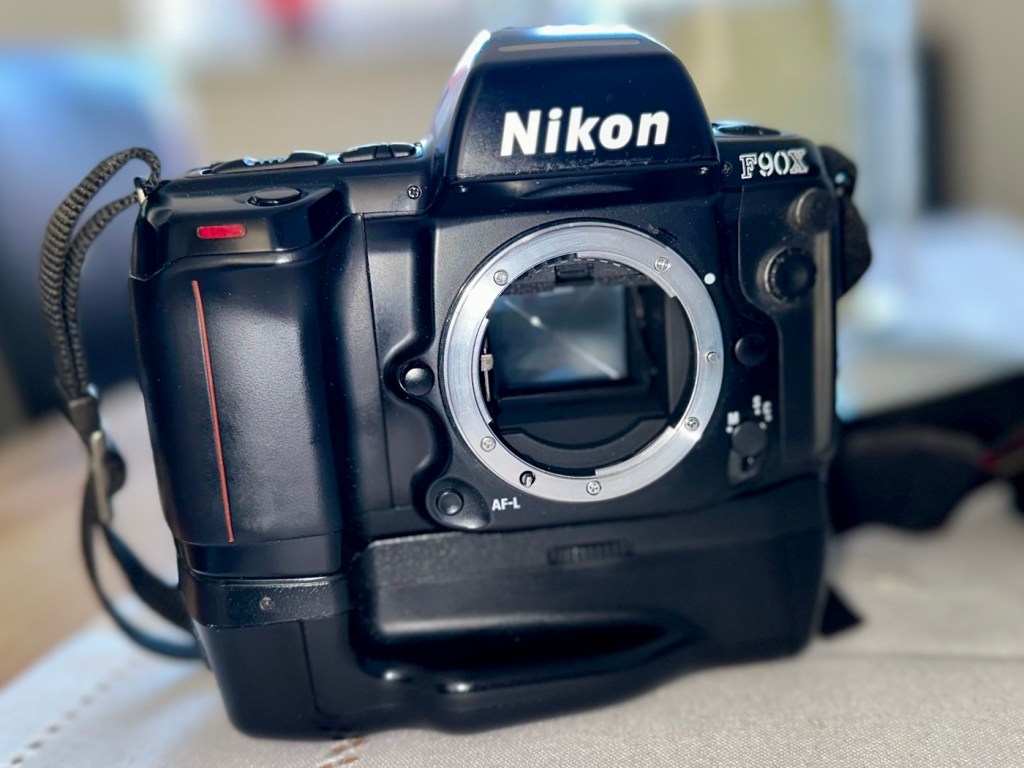
Nikon F90x 35mm SLR Film Camera and MB10 battery grip

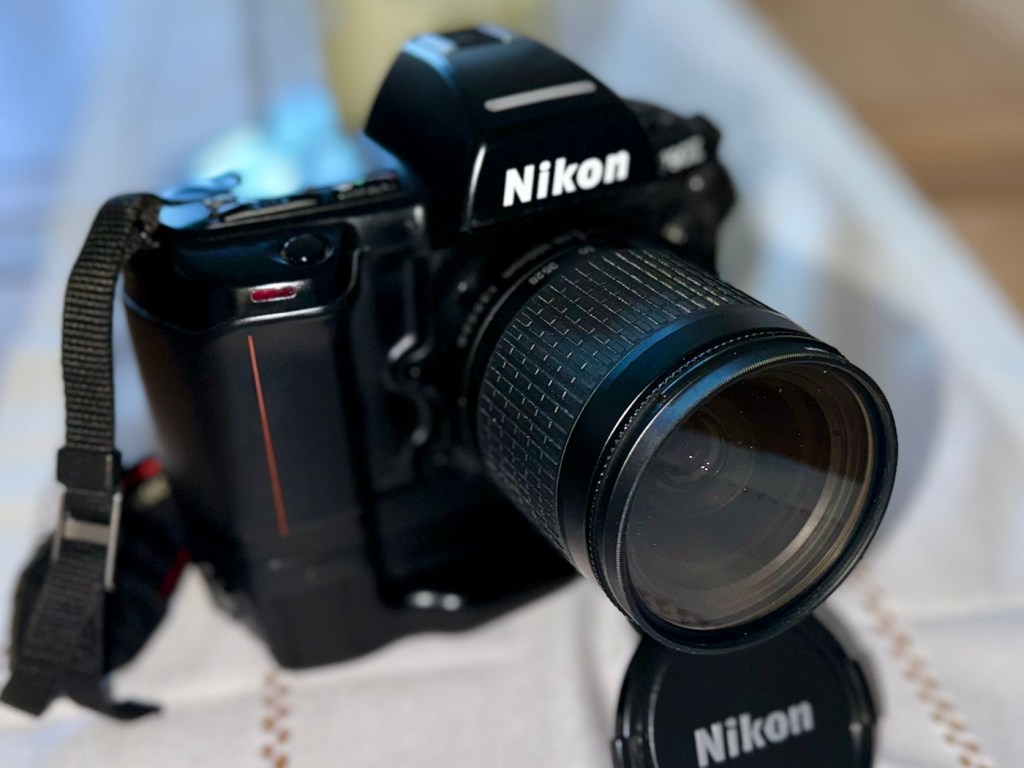
This camera influenced the partnership between NIkon and Kodak to produce one of the most expensive prosumer cameras of the 1990s. However this one is a lot less expensive but with some issues. Let’s have a look at it:

What the listing stated:

THIS UNIT IS FAULTY
SUTIBLE FOR SPARES / REPAIRS ONLY
SOLD AS SEEN

FAULTS INCLUDE BUT ARE NOT LIMITED TO,
MIRROR STICKS


COMES WITH EVERYTHING SEEN IN IMAGES

NO WARRANTY PROVIDED

EBay

Just couldn’t let this one go. Whilst browsing the sites for my next challenge last evening, this little bundle of joy just popped from one of my preferred sellers for a quick sale, it was about 11pm and was just posted at a sale price of £30:00GBP, however with a voucher I had, I was able to secure it at £27:00GBP. Considering this is a good quality camera of the mid 90s it also comes with the added bonus of an MB10 battery grip, superb value in my eyes. A lot of camera for a very low price.

Here’s a little bit about this camera:

The Nikon F90x is a 35mm autofocus SLR using Nikon’s F lens mount. It was targeted toward the advanced amateur or prosumer; its feature set is comparable to that of Nikon’s current D100/200/300 SLRs. The name N90s was used for marketing in the United States; everywhere else, the camera was called the F90x. This camera was also used as the base for the Kodak DCS 400 series of digital SLRs.

The N90s/F90x was introduced in 1994 and discontinued in 2001. The camera’s predecessor, the N90/F90, was introduced in 1992 and discontinued in 1994. The successor to the N90s, the F100, was introduced in 1998.

Features & Specifications

Nikon N90s global naming N90S adapted into Kodak’s DCS460, a 6 Mp Digital SLR

  • Bright viewfinder with 92% coverage, .78x magnification
    • Current settings are displayed at the bottom of the finder; information area is automatically backlit in dark conditions
  • Top LCD displays current settings and facilitates changes
    • Backlit for use in dark conditions; the backlight switch is near the left die of the viewfinder
  • Cross-Type Wide Area AF System
    • Choice of wide-area or spot AF
    • One CAM246 AF sensor
    • Continuous AF mode with release priority in addition to standard AF with focus priority
  • 4.1FPS capable with continuous AF; 4.3FPS with standard AF
    • 2FPS mode available
  • 3D Matrix Meter when used with a D or G-type Nikkor lens
    • Center-weighted and spot metering are also available and usuable with AI lenses
  • 3D Multi-Sensor Balanced Fill-Flash capability (with Nikon Speedlights SB-800/80DX/28DX/28/27)
  • Seven Vari-Programs: Portrait, Portrait with Red-Eye Reduction, Hyperfocal, Landscape, Silhouette, Sports, Closeup
    • Explained in detail in the instruction manual
  • Four exposure modes: Program, Shutter-priority, Aperture-priority, Manual
  • Shutter speeds of 1/8000 – 30 seconds + Bulb
  • Flash sync speed of 1/250
    • Flash sync modes: normal, slow, rear, red-eye, FP high-speed
  • Self-timer: 2-30 seconds
  • ISO/ASA Range 6-6400
  • DX-enabled (automatically reads speed information from film canisters)
  • Eyepiece shutter stops excess light from entering the viewfinder and interfering with metering
  • Overall strong build throughout (comparable to Nikon’s current D100/200/300SLRs)
    • Stainless steel lens mount
  • Requires 4 AA Batteries
  • Extensive system compatibility & accessories; see below

Accessories & Compatibility

F90X with MB-10 grip

The N90s/F90x is compatible with nearly all Nikkor F-mount lenses as well as all Nikon SB series speedlights.

Additional, camera-specific accessories available are:

  • MF-26 Multi-Control Back
    • Long Exposures to 100 hours
    • Freeze Focus: triggers the shutter as soon as a subject comes into focus
    • Custom Reset: customizes which settings are affected by the green-button reset
    • Date Imprinting: can also imprint shutter speed and aperture information
    • World Clock
    • Flash exposure compensation
    • Interval timer: up to 100 hours between pictures for 99 frames
    • Limit frame count in continuous shooting mode
    • Multiple exposures
    • Customize which settings are affected by AE-L and AF-L (auto-exposure lock and autofocus lock)
  • MF-25 Data Imprint Back
  • MB-10 Vertical Grip
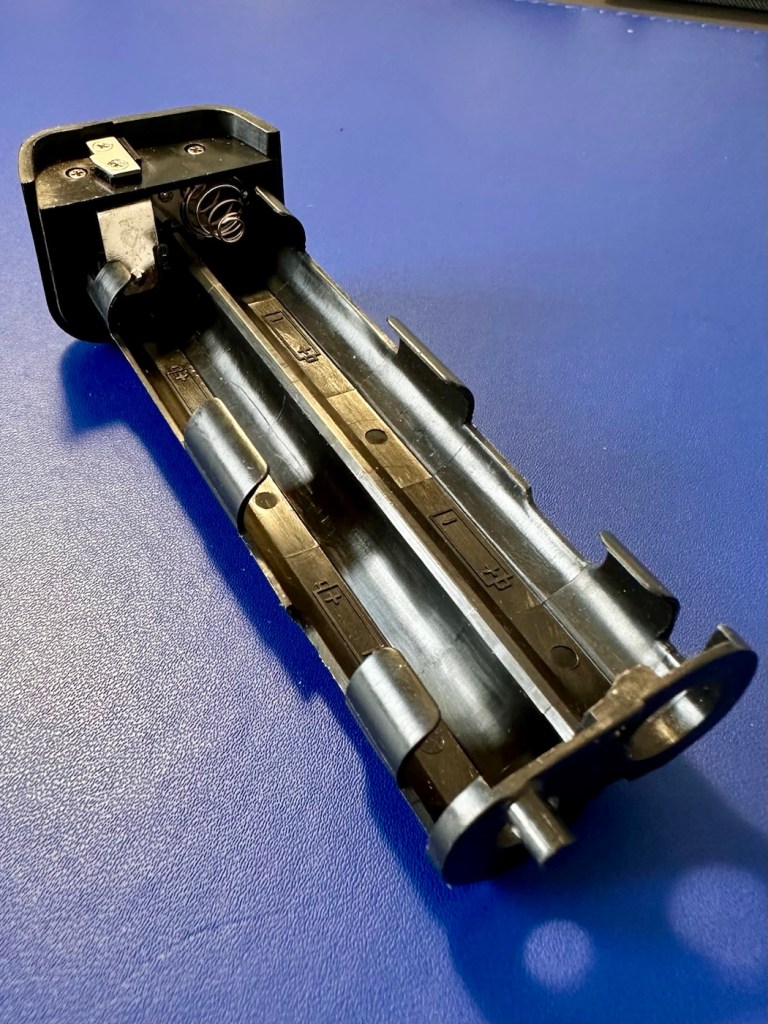
    • Takes 4AA batteries or, with the MS-11 battery holder, two CR123 lithium batteries
  • Interchangeable focusing screens
    • E screen provides grid lines in the viewfinder

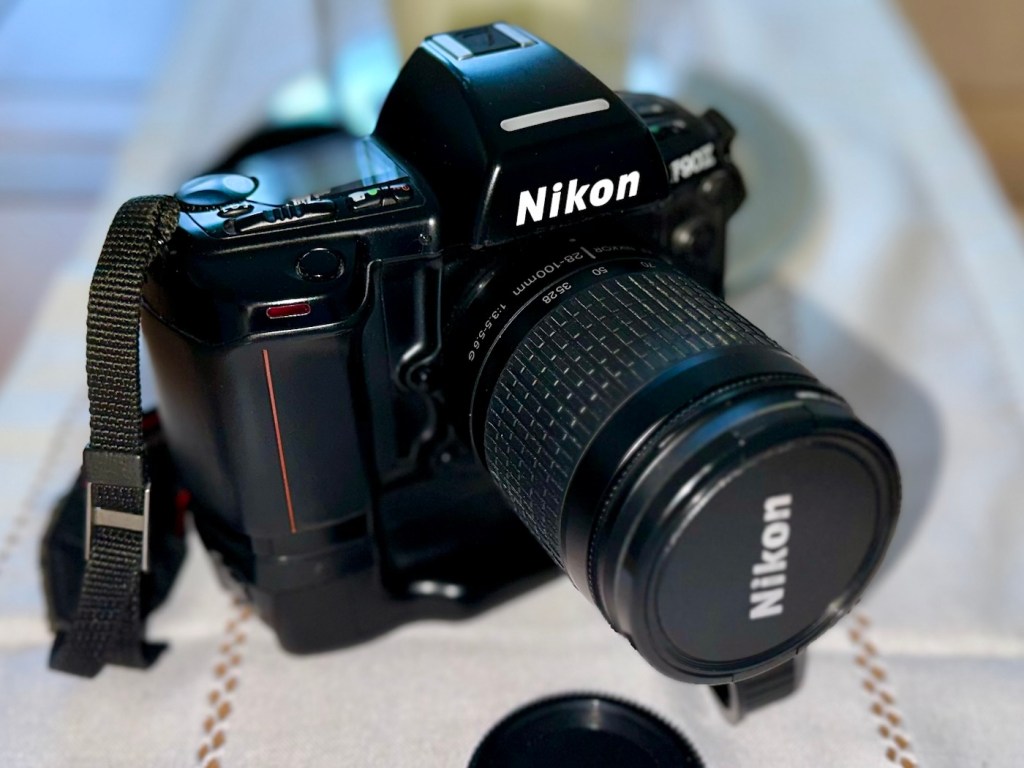
with 28-80mm, 20mm and 80-200mm

Lens Compatibility

  • All functions, including autofocus, work properly with Nikkor AF, AF-I, AF-D, and AF-S lenses.
  • AI and AI-S lenses are usable, with the loss of these functions:
    • Autofocus
    • Shutter-priority exposure mode
    • Programmed exposure mode
    • Vari-program exposure modes
    • 3D Matrix metering (though center-weighted and spot metering remain functional)
  • The camera does not use VR with any lens.
  • G-type lenses (lenses without aperture rings) can be used with the loss of some functionality: only the lens’ smallest aperture can be used in manual or aperture-priority exposure modes.

Camera-wiki.org

Now my experience with this seller is that unless it is absolutely perfect he will not even entertain it. He doesn’t take the time to check and fettle, if it isn’t working from the start he will just get rid of. This attitude of his has meant I’ve had some right bargains in the past with very little wrong with them. I refer you to a recent purchase Canon EOS D60 that had very little wrong with it, but was also a lot of camera for a very low price.

Now I’ve always wanted a Kodak DCS 400 series camera, especially a 460 version as it takes me back to my days when I was working at Kodak in Harrow, I remember when the DCS 400 series came out and back then they were introducing such a new technology that they were commanding a huge price of around $35,000 at the time. These cameras were basically digital versions of the film camera I have purchased above. So whilst I’m on the lookout for a reasonably priced DCS 400 series camera, I guess I will just have to do with the camera that started it all off. And for £27:00GBP I’m not complaining.

I think I may know why this mirror is sticking, and if it is what I believe it to be it could be quite an easy fix. (Famous last words)

So let’s stop all the reminiscing, and wish list writing and get on with this camera’s assessment.

Assessment:

It’s arrived, and as expected it’s a beautiful looking item in an extremely good condition.

The mirror appears to be in a semi raised position, the battery pack is clean with no signs of contamination and battery leakage, so now seems a good time to put in four AA batteries and slide the battery pack into place and secure it.

Battery pack clean and contamination free

Turn the battery on and the mirror clicks back into its closed position. And here I am, probably 40 or 50 actuations later and I can’t recreate the sellers fault of a sticking mirror. The mode the camera is set in, is indicating long exposure times, maybe this has given the impression of the mirror sticking when in fact it’s just doing what it should relative to the light it is seeing. I need to check in clear daylight, but I’m sure this is part of the issue….if there is one.

With a 28-100 lens added

I have a 28-100 lens mounted that I use for testing, the autofocus is working really well and all seems good.

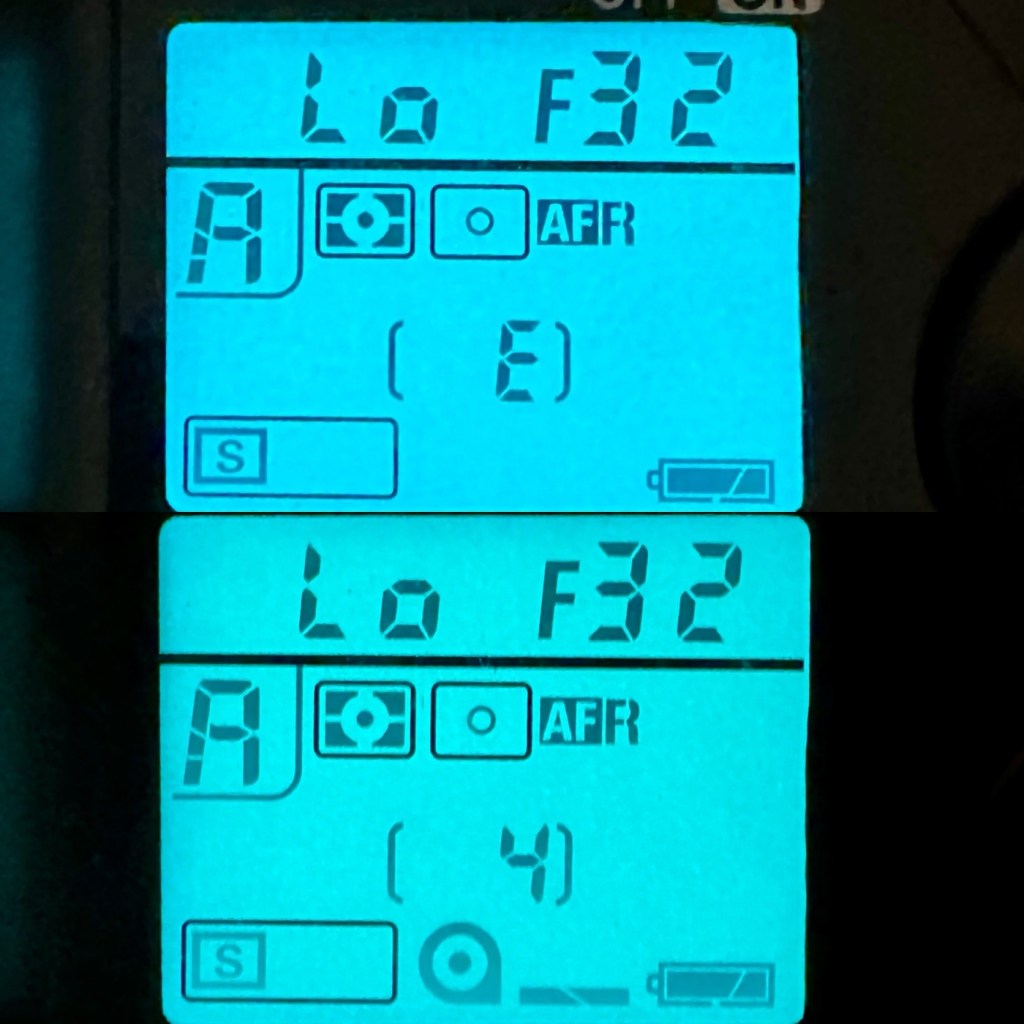
However, take a look at the picture below. It contains two photos of the LCD screen on the top of the camera. What do you see in the top photo that would make you think there is an error?

Is that an error?

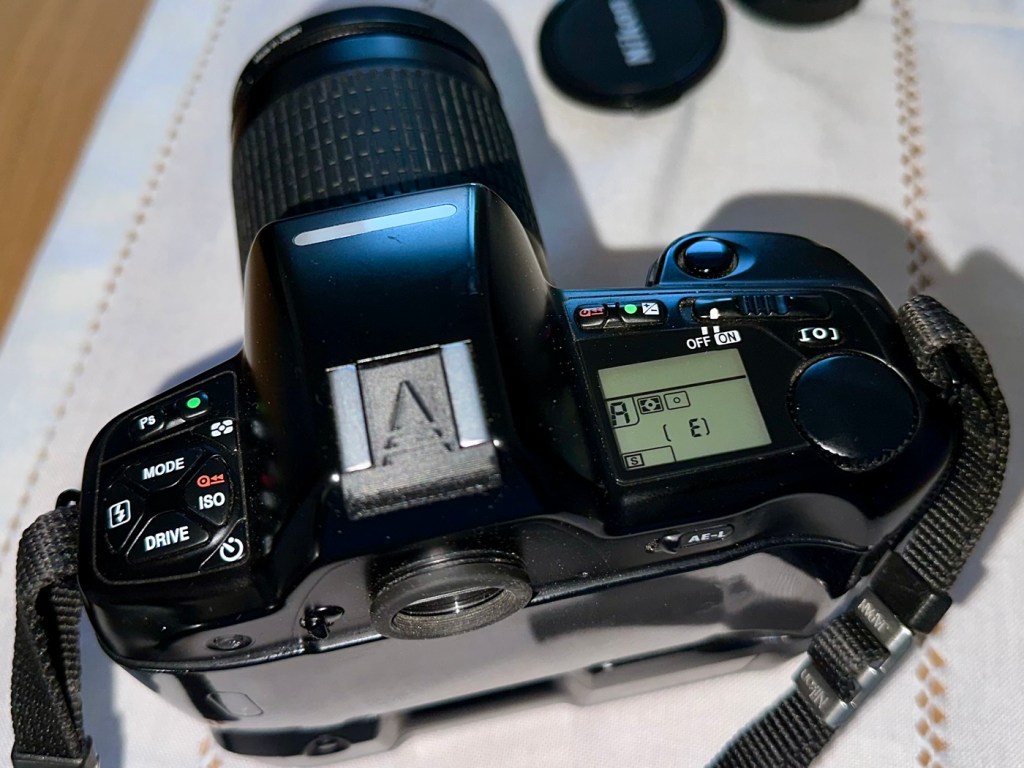
For the un-informed, those who are not familiar with this camera or its operation, you will instantly see the letter “E” that is commonly known as an error indicator, in later models it is shown as “ERR”. I do believe the seller has possibly mistaken this for an error code, but if you refer to the bottom photo where I have now installed a test film, it becomes clear that the “E” on this camera represents the word “empty”. No film installed, a simple and easy to make mistake. The bottom picture indicates a film is installed and that 4 exposures have been taken.

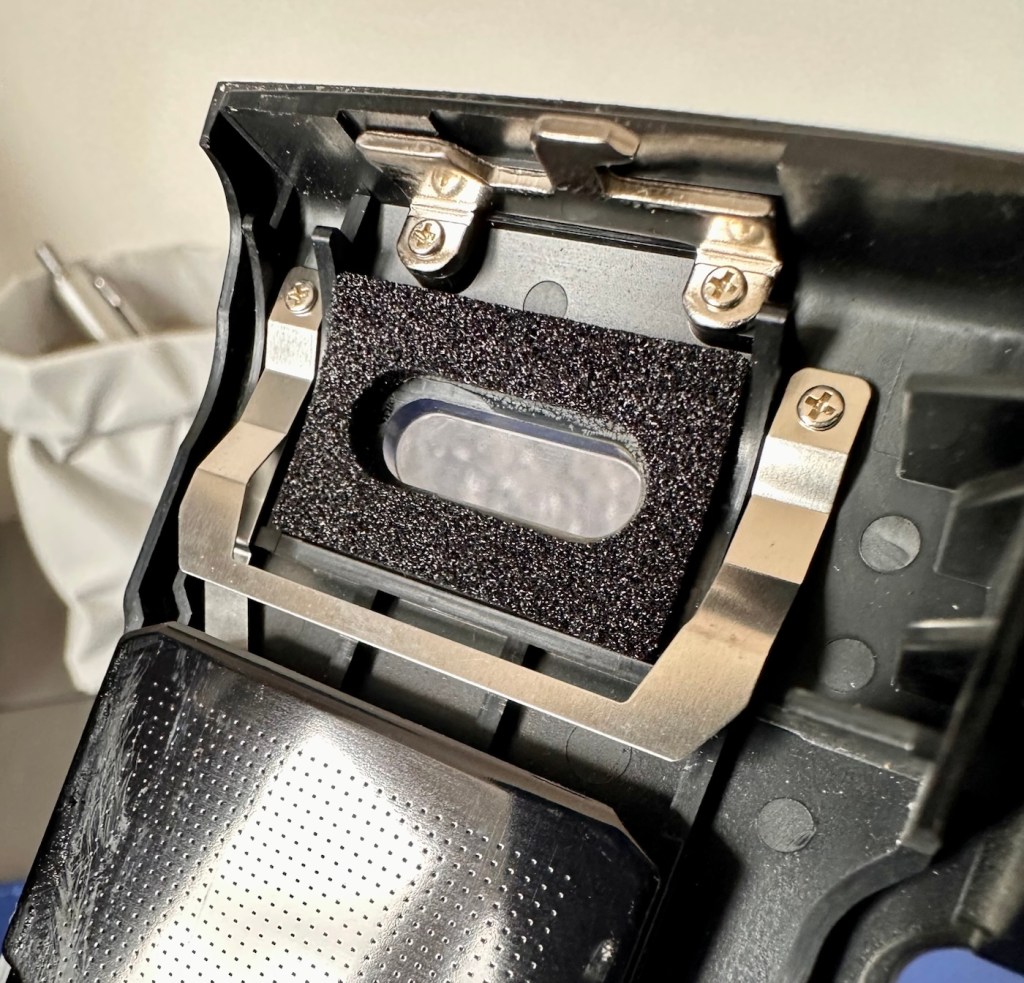
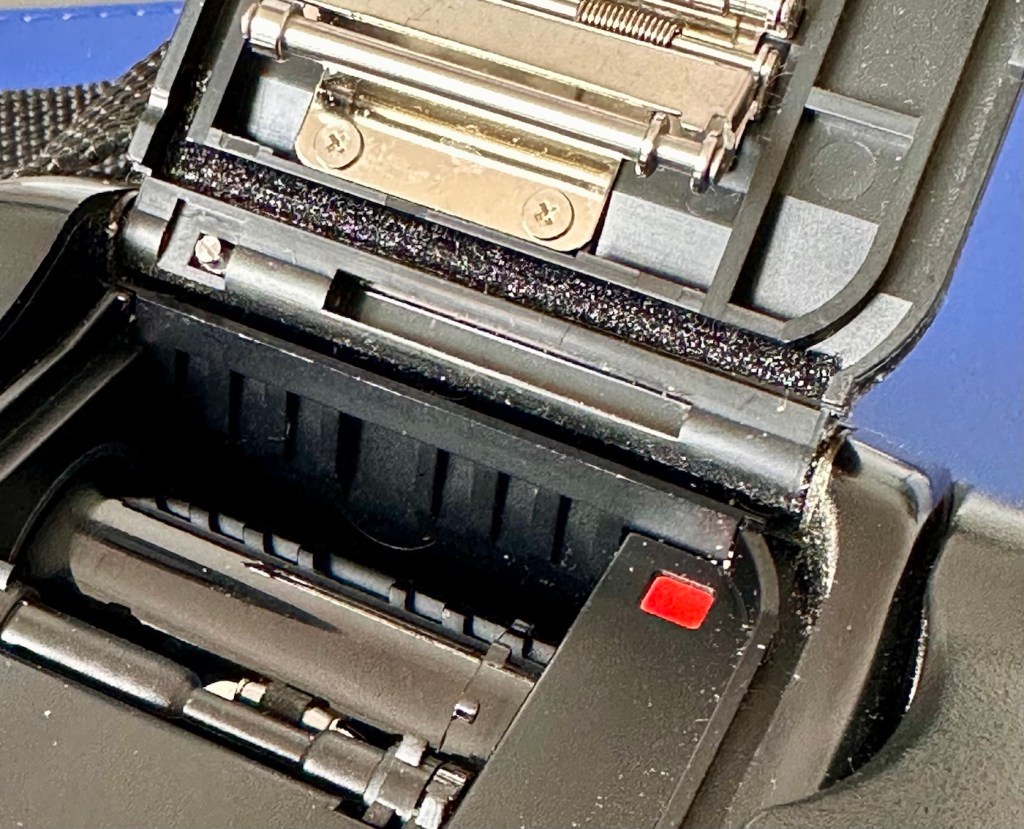
As these cameras have in the past been known to have a mirror sticking issue, I will replace the mirror bumper felt. It is well known that when the felt has deteriorated to such a level, the felt becomes sticky, and the mirror just sticks to the felt when it opens. It’s an age related issue that is easy to repair. Even though I have not experienced it with this unit, I will replace it as it will probably fail at some point. I will also check the light seals and replace them if I deem this necessary.

Repair:

The light seals do not need replacing. In fact there are only two small spots of light seals on this camera and both are in good condition.

However the bumper seal was showing signs of degradation, so this has been replaced.

The old seal peels out but leaves a sticky residue behind, this has to be removed with some IPA prior to cutting new foam to size and reinstalling. Whilst I was in the lens are I also removed the focussing screen to clean it and remove the old ingrained dust and dirt.

The area within the mirror area is now clean and dust free after I have used a small air blower to get the last of the debris out of the barrel area. Mirrors have been cleaned and polished and the body cap has been put back on the front of the camera to ensure no further dirt or contamination gets in there whilst I work on the outside.

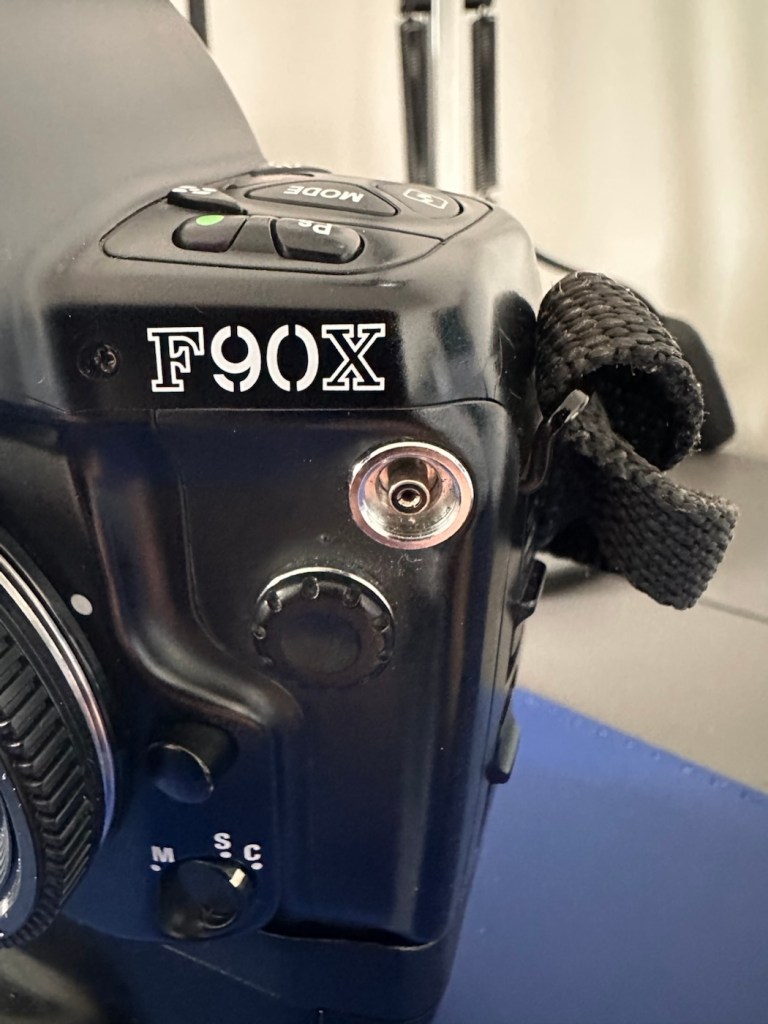
I’ve printed a hot shoe flash cover purely for aesthetic reasons, I’ve also printed a sync cable cover, for similar reasons, but generally just to ensure any open and exposed areas are covered up. It does make it look a lot nicer.

The sync cable cover also helps keep the exterior tidy as well as protecting the connector.

All I need to do now is clean the exterior of the camera where there is some light dust and dirt. When this is done I will use my usual car cockpit polish to finish the camera off.

When that’s done I will do a quick fly through of all the settings to check if they are all functioning as they should.

Result:

The camera has cleaned up very well and looks glorious. All settings are functioning as expected, and there have been no issues with a sticky mirror or any other issues. The camera is just working well and doing exactly what it should be doing.

I’m using a G type lens so I’m restricted on the type of photography I can do, it stays on its lowest aperture (F:32) but that’s perfectly fine In bright sunlight conditions. I need to purchase myself another lens for testing to allow me the use of the full spectrum of apertures on this unit. That said, my lens has performed perfectly on this unit.

As I’ve stated before, this seller is one of my favourite suppliers as his cameras are always in a good condition, he doesn’t like anything unless it’s absolutely A1 perfect, so this is where i benefit as every unit I have purchased from him is perfect in my eyes, and in many cases need very little doing to them to bring them back into a working condition. This is one such unit.

So, I have yet another lovely piece of 90s “Big” tech restored and working perfectly. The next thing I need to do is to put some film through it. I’ll let you all know when I’ve done that.

Thank you for passing by, have a wonderful weekend, I really appreciate your being here.

Take care.

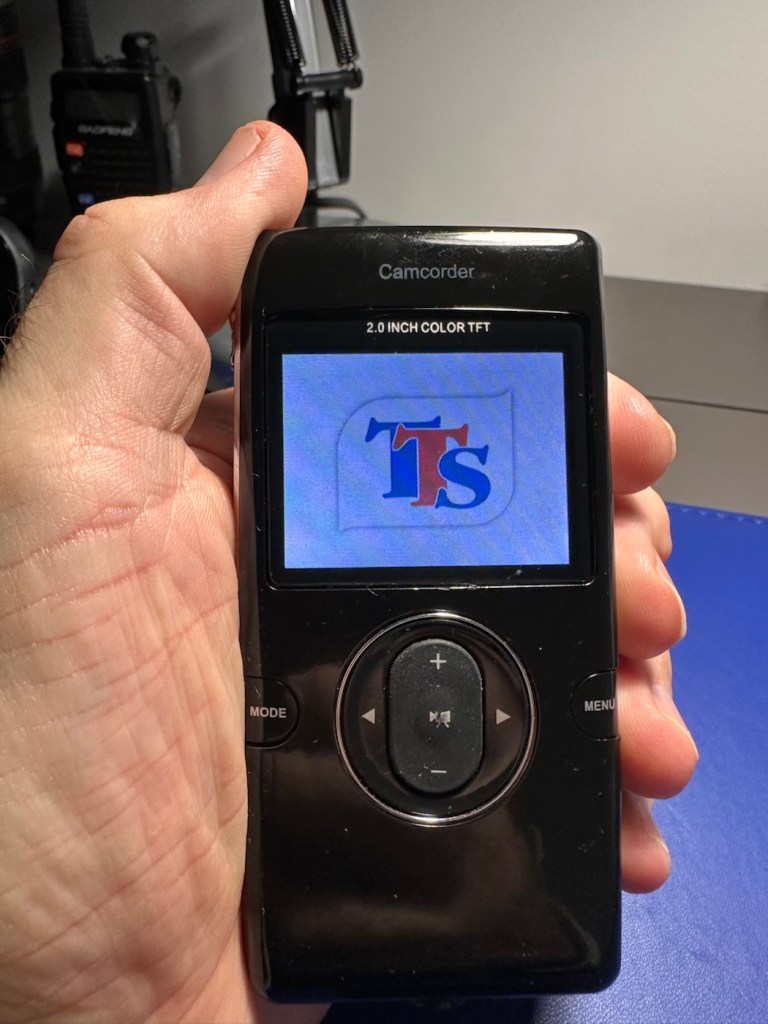
TTS IT00617 digital camcorder/camera

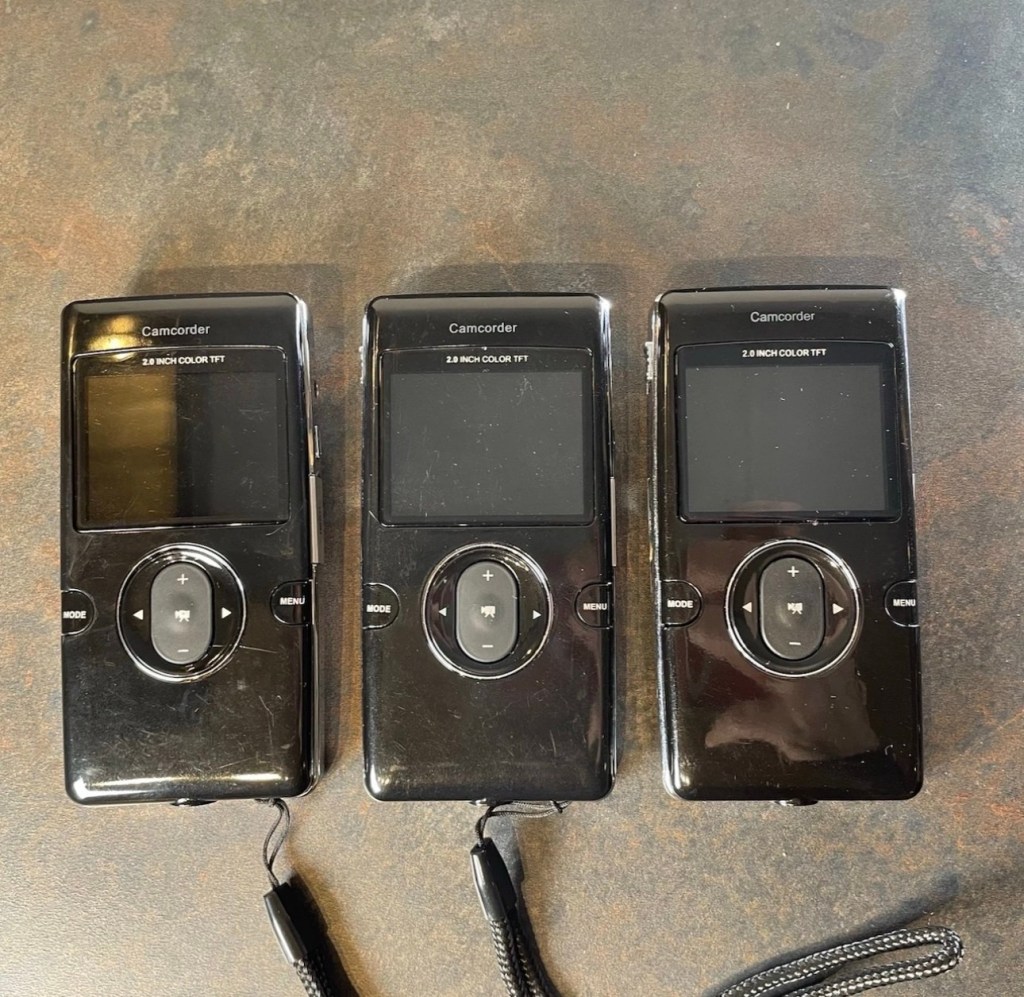
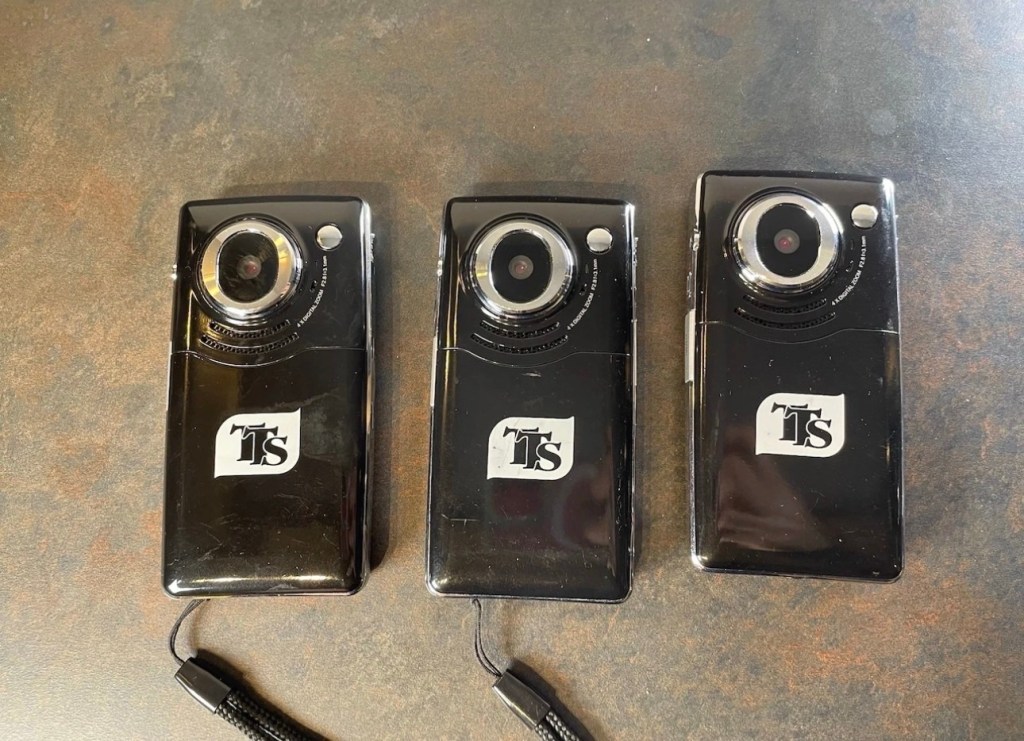
I purchased these three damaged Camcorder/Cameras for a very low price. Will they be fixable or just good for spare parts. Let’s see…

What the listing stated:

TTS IT00617 Digital Camcorder Camera 

Full HD pocket camcorder that records in 1080P and can take 5 megapixel photos.

2″ TFT colour screen. Charges via in-built flip-up USB plug.  

Cameras appear to be faulty. One has a corrupt screen, the others boot and show the camera feed but give a “card error” no matter what SD card I install. 

EBay

The seller wanted £10:00GBP for these three camcorder/cameras but I was not prepared to pay that, for what potentially could be three pieces of junk, only good for parts. So I cheekily put in a £4:00GBP bid that was accepted straight away, the seller really wanted rid of these, I suspect they are junk, we’ll just have to wait and see.

From the information I can find that is available online, these units are handed out to children partaking in key skills programs within schools, to use when recording project work they are completing as part of the school’s curriculum. From what information I can gather, it appears these units were introduced around 2014, as that’s when the instruction manual is dated. They may only be around 12 years old but I suspect they have had a very hard life in those few short years. Hence they are very probably knackered, mistreated, and may well be just junk. My expectations for these units are now very low. The company that produces these units – TTS appear to be based in Nottinghamshire, near me in the East Midlands, and specialise in supplying ICT equipment to primary schools. Here is all the information I could find regarding these units.

The TTS IT00617 is a 1080p Full HD digital camcorder and camera specifically designed for educational and outdoor use by TTS Group. It is often marketed for use in primary schools due to its rugged design and simple interface. 

Core Specifications

  • Video Resolution: 1080p Full High Definition.
  • Still Image Quality: 5.0 Megapixel sensor.
  • Display: 2-inch TFT colour screen.
  • Zoom: 4x Digital Zoom.
  • Storage: Uses removable SD cards.
  • Connectivity: Includes HDMI and USB ports for connecting to computers or displays.
  • Power: Powered by a rechargeable Li-ion battery, which is user-replaceable. 

Key Features

  • Rugged Design: Built to be resistant and ideal for outdoor photography and video capture.
  • User-Friendly Interface: Often includes a built-in microphone and a touchscreen for easy navigation.
  • Educational Accessories: Retail packages typically include an installation CD, user manual, and necessary cables.

Google

I have managed to get hold of a user manual electronically, so I will download this and just go through the motions step by step when the units arrive. You never know one or two of them may just spring back into life if treated correctly. I doubt it, but it doesn’t hurt to have a little bit of optimism.

Let’s get an assessment done.

Assessment:

The cameras have arrived. I’ve carried out a very quick inspection and all three are dead to the world, so first things first, let’s try and get some power into them and then we can do a proper assessment. I must admit though, all three cameras are cosmetically in a very good condition.

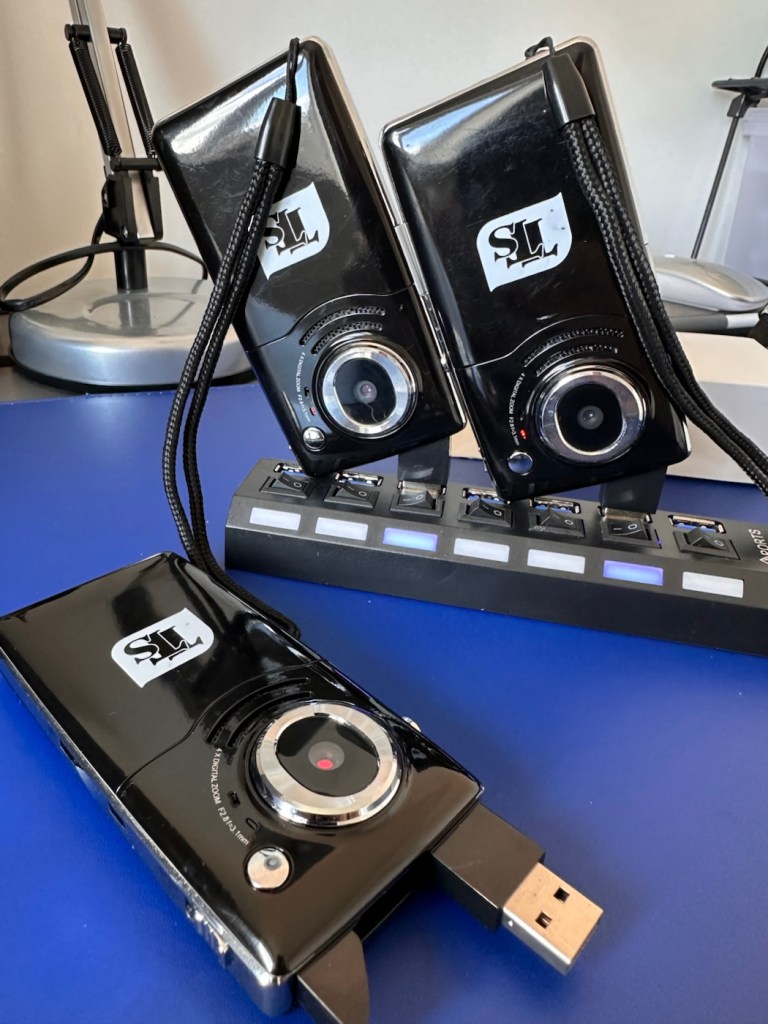
All three cameras – two charging with red light visible

A switch on the side allows the USB charge port (also a data transfer port) to pop up and you just plug the unit into the socket of your choice, either a hub as I have, or into a port on your chosen computer device. When charging a red light shows on the rear of the camera at the side of the lens. This extinguishes once a full charge has been reached.

Two have reached a stage of full charge, one, the unit with the corrupted screen issue has not, and to check the battery, i have put this into one of the units that charged ok, to check if it is a battery issue or a unit issue.

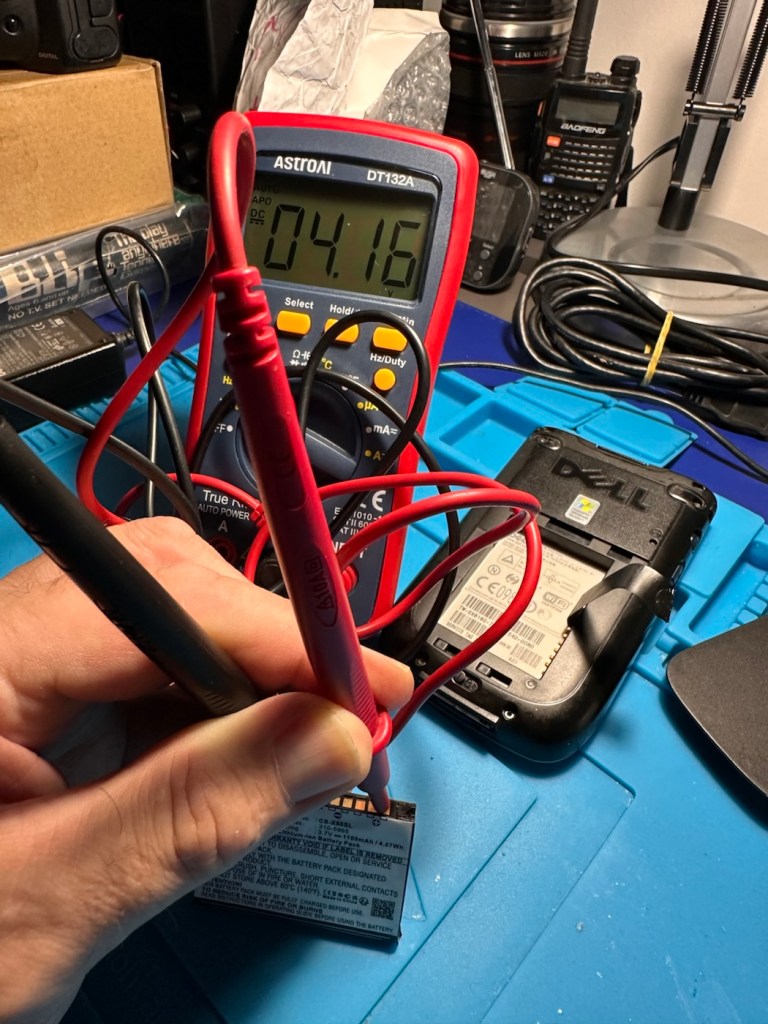
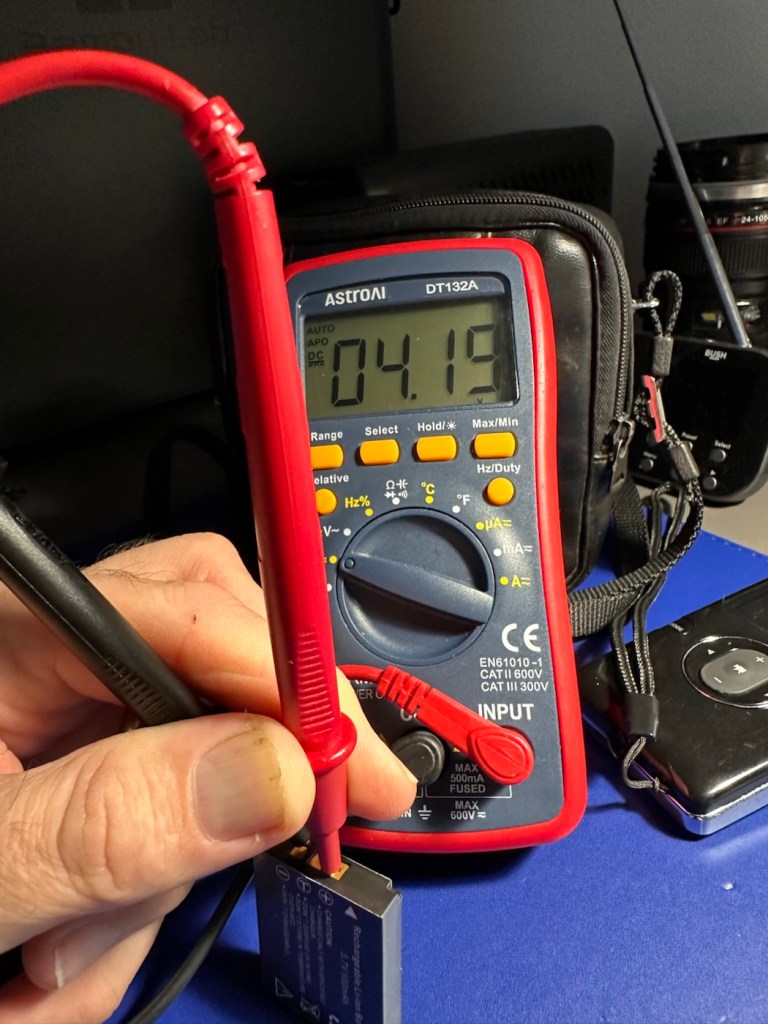
It’s not a battery issue, in fact the faulty unit is charging its battery, so at least I know the charge circuit is working. It’s working in all units as I have removed all batteries and checked their voltages with the multimeter. The battery rating is 3.7v and they all currently hold a charge between 4.16v and 4.19v and that shows that they are all quite healthy.

Battery charge indication

All testing done, and now with an idea of the issues, let’s move into repair mode.

Repair:

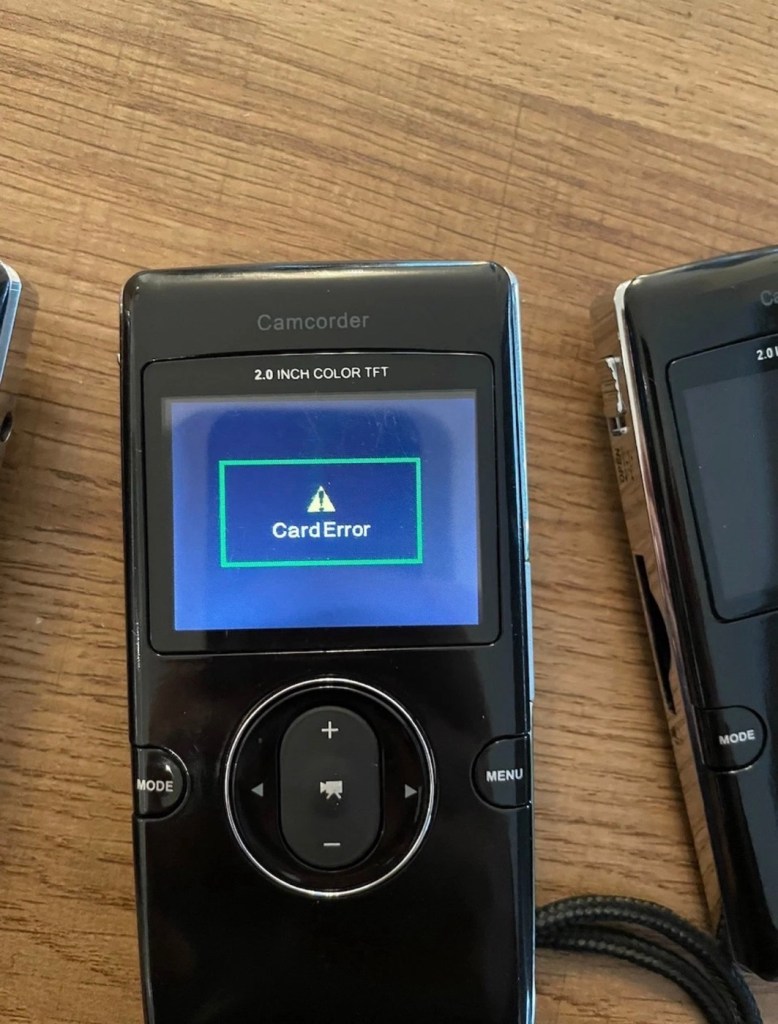
The original posting stated that two of these units had “Card error” faults no matter what SD card was used, and one had a corrupted display screen.

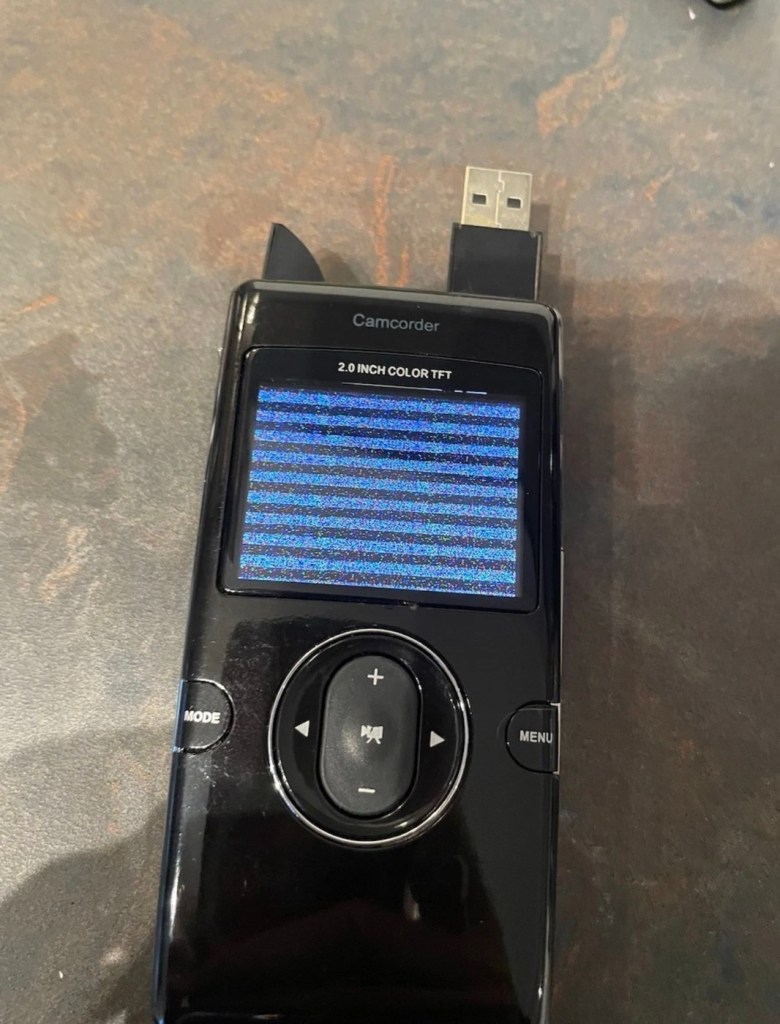
I can definitely confirm that one unit does have a corrupted screen, and this is the same unit that was having the charging issues mentioned above.

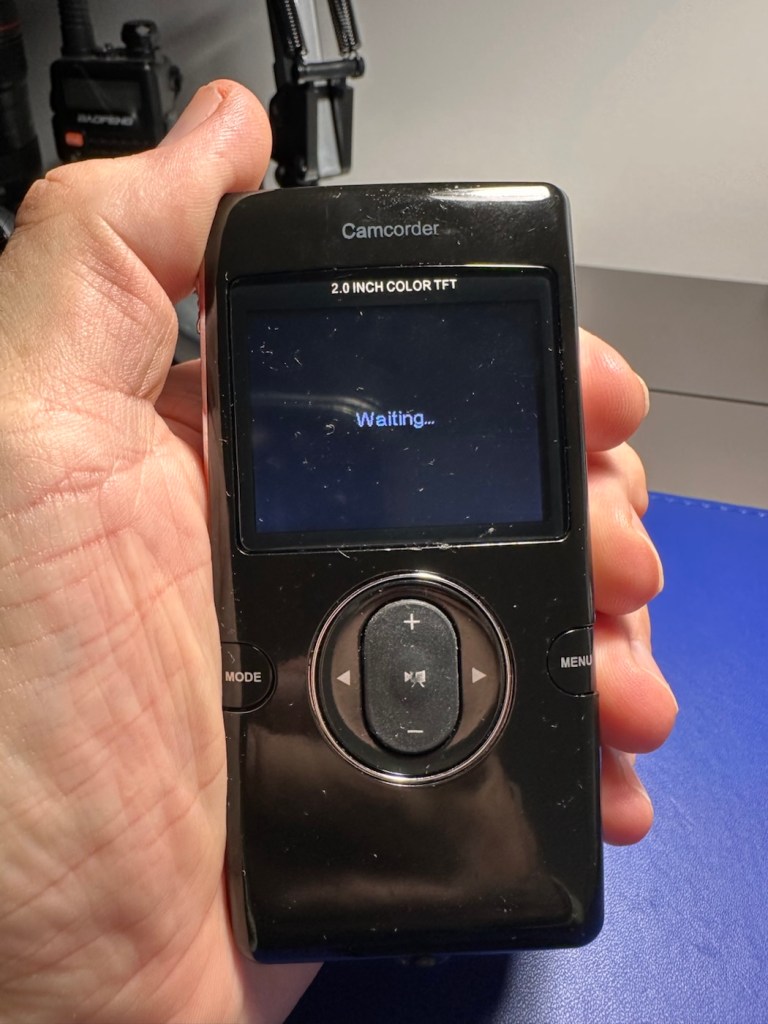
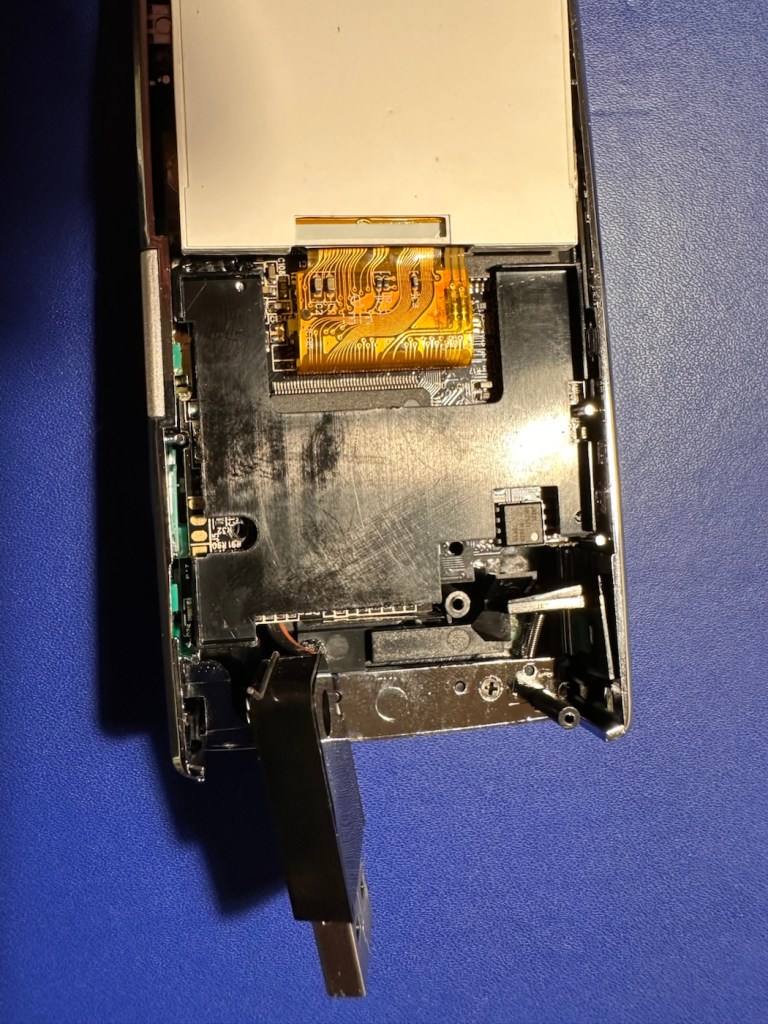
You will see in the pictures above, that I believe the screen is actually ok, yes the output is corrupted, however the start up screen or the waiting screen show no such display errors. I suspect there is an issue with the actual camera module, so I will have to open this one up to investigate further. The on off button allows you to turn this unit on, however you can’t power off. You have to remove the battery to close the unit down. This is obviously another issue that requires further investigation.

The other two units with the “Card error” fault have each had a 1Gb SD card installed and no such error occurs. Well, to be honest, it actually only happened once, briefly on one unit, when I inserted a fresh card. It then asked me to format, which I did and then it was all normal, that’s all it required. I don’t know what type of card the seller was using, maybe they just did not format the SD cards, but as it stands the stated problem is non existent in these two units.

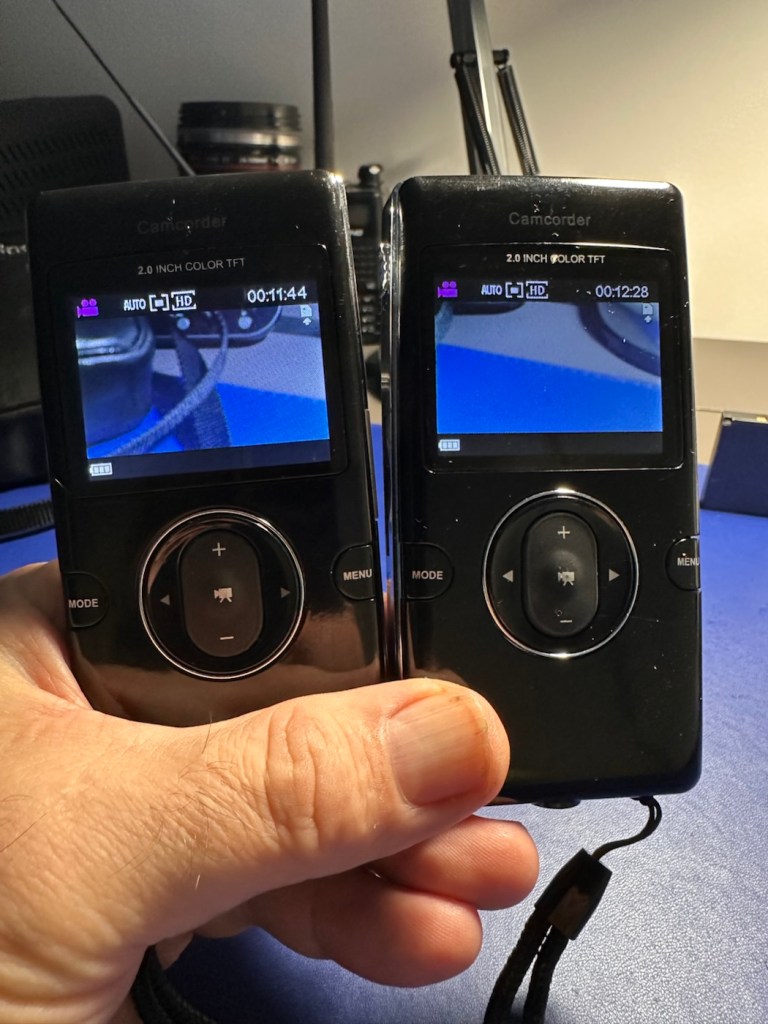
Two units, no issues working fine

With the two working units I am able to video, and take still photographs, they are working fine, there are no issues and I will display a small video and some pictures below in the result section. Don’t expect quality, it really is quite a basic system. I need to do nothing to these two units now, as they are working fine.

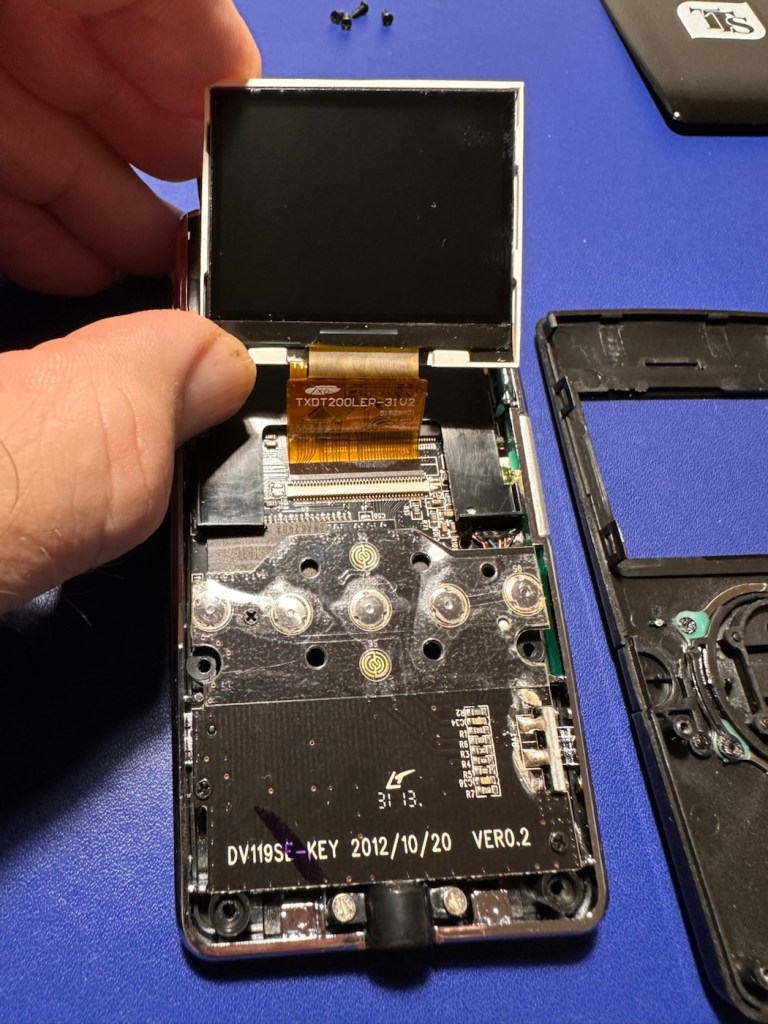
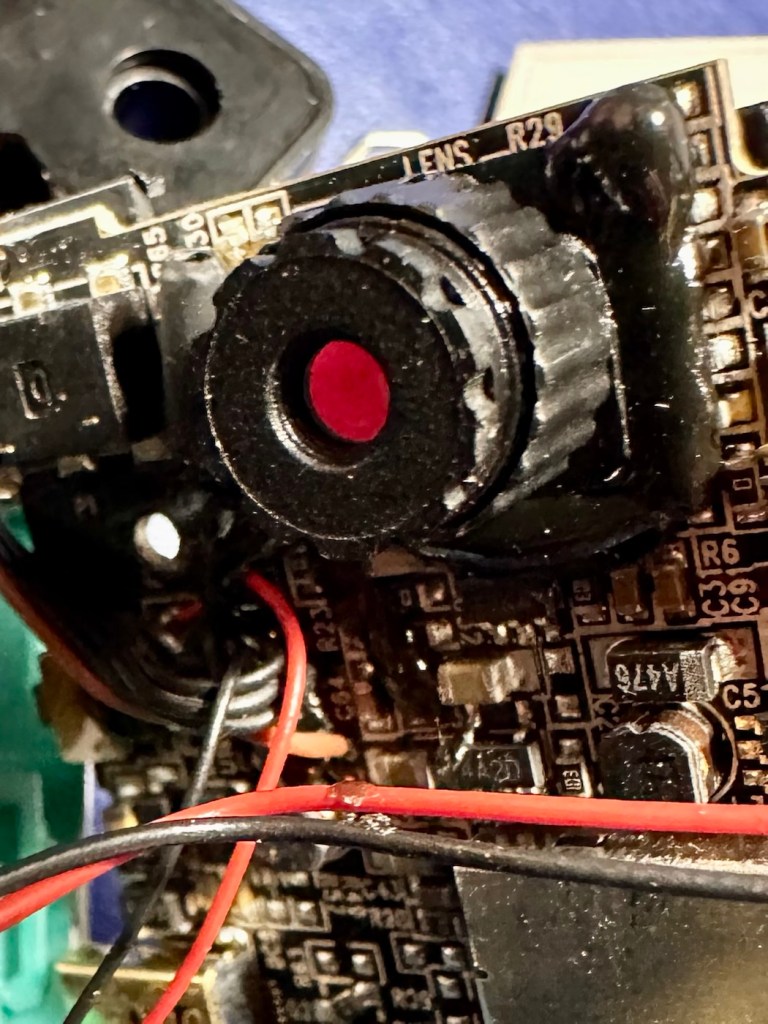
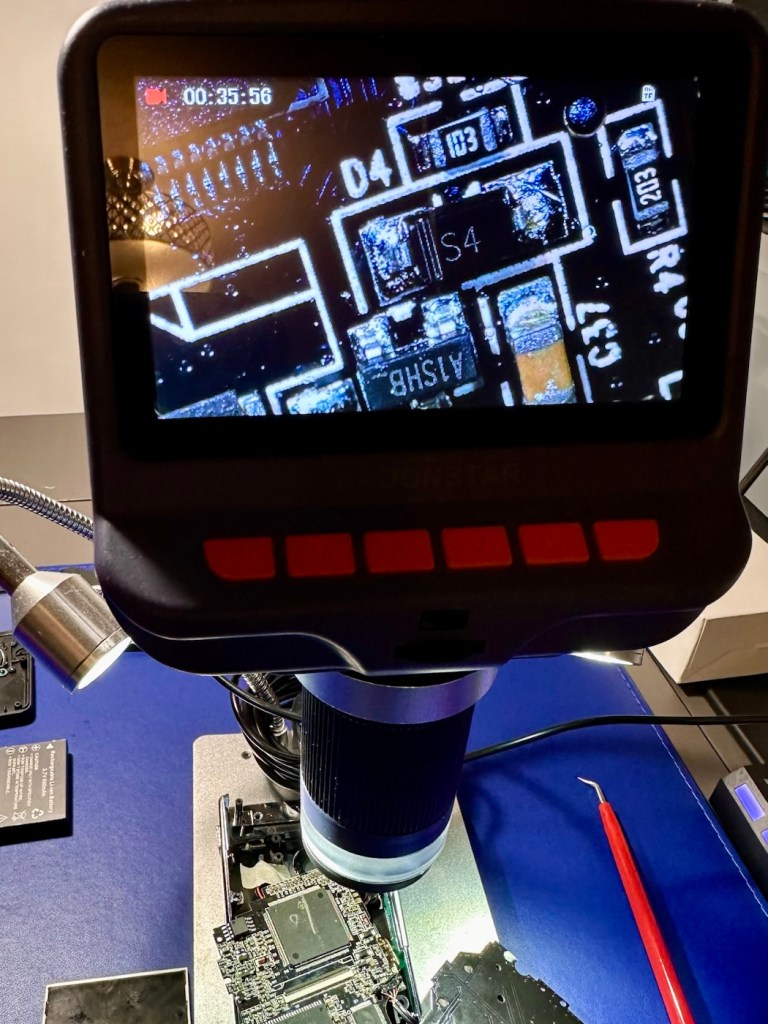
We now need to turn our attention the one failed unit with the corrupted screen, and power on and off issues. I’ve opened the unit up and had to use my microscope on this one as there was nothing obvious on inspection.

I detached the ribbon cable and removed the screen, I then repositioned it and again turned it on with the same result. I’m confident the screen is ok, it now looks like it could be an issue on the board.

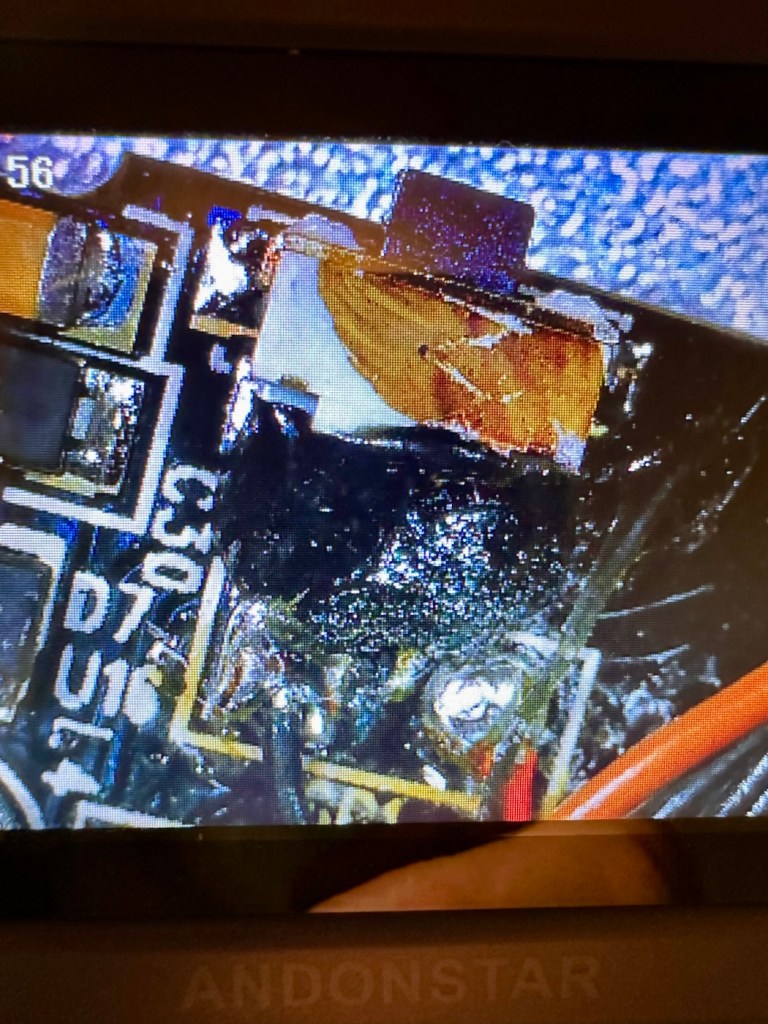
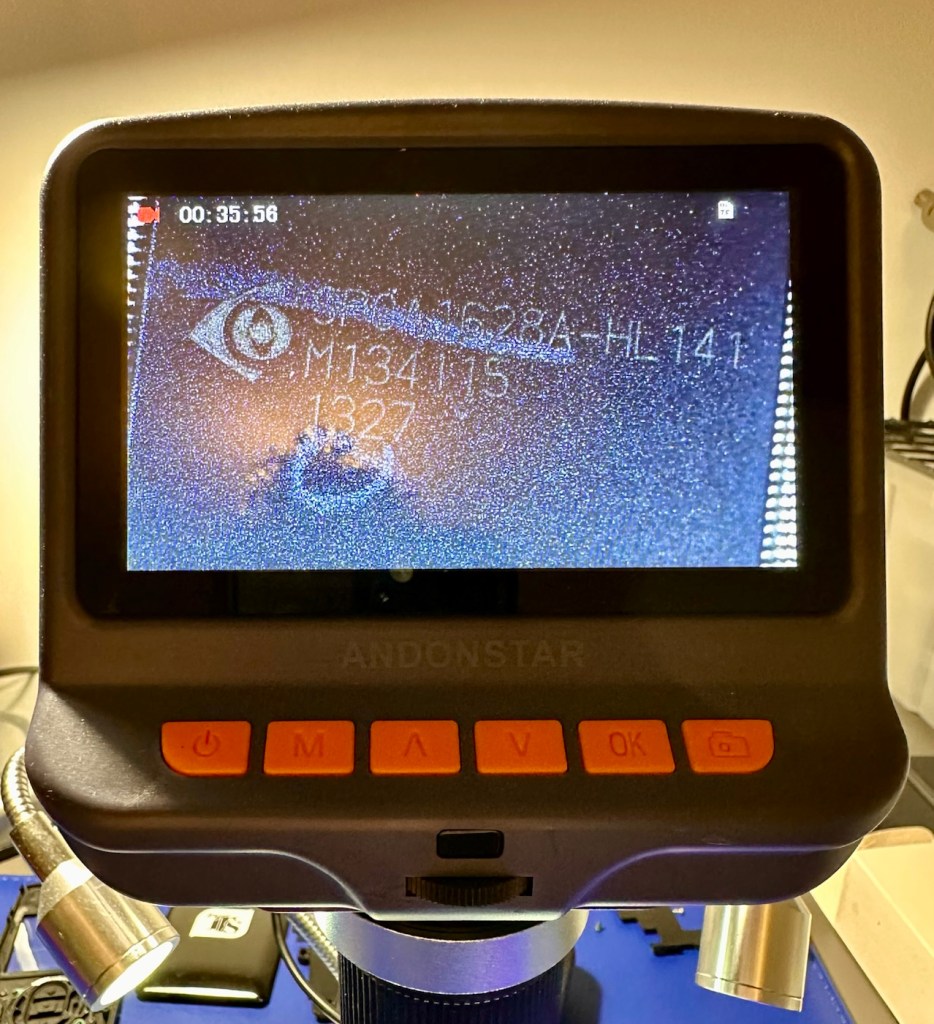
I’ve now started to inspect the components at a magnified level, as some of these components are honestly a quarter the size of a grain of rice, they really are minuscule. The on/off button appears to be ok, it is covered in a dollop of rubber gunk that they use during production to protect parts of the circuitry, it’s all over this board. Having located the camera, I’ve now started to do some testing on the components surrounding it, and there is a short circuit detected on a small capacitor, and the four or five other capacitors surrounding it. I removed two of these capacitors and the short still remained, and that’s when I noticed the chipset sitting directly above it.

AN SPCA1628A-HL141 integrated circuit

On the screen I was now looking at an SPCA1628A-HL141 integrated circuit. This circuit is heavily used in cameras, digital video devices, and image processing equipment due to its image processing capabilities. And with the amount of failed components around it, I very much suspect this component is carrying the fault, it needs replacement, however as this entire unit has only cost me around £1:30, I don’t believe it’s financially viable to pay around £5:00 for a replacement chip, costing more than the combined three units. It’s just not worth it, and the gain from its repair would not match the outlay, it’s just not worth repairing.

Therefore this unit is going to be dismantled for spare parts, I have a battery, a battery control unit, a camera, an SD card holder, an LED screen and numerous other parts and screws that are far more valuable to me for future use. Very little will be wasted. What is disposed of will be recycled.

So we have one failure but we have two perfectly good working units. Two out of three ain’t bad. (I’m sure that’s a song!) – it is, Meatloaf – I believe, good tune!

Result:

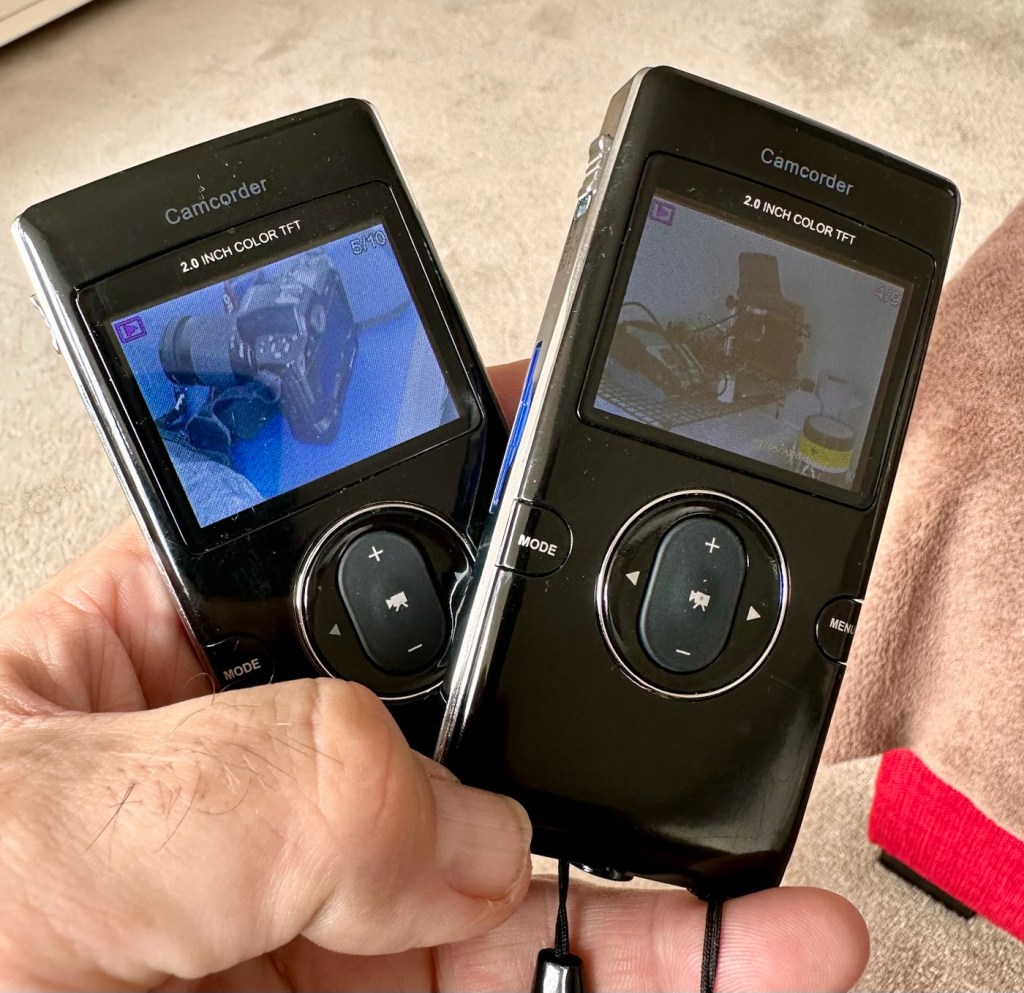
So here’s a few pictures and a couple of small videos taken with the two working units.

Small video of the two units playing back videos

The overall quality is between atrocious and very poor, but I guess for the purpose of school kids documenting activities it suits just fine. The video is on par with what you would have seen on phones of the Nokia era, maybe early to mid 2000s. The pictures in the right light settings are not too bad, but you do get more bad than good.

What can I use this for? God knows, it would be ok for doing a basic journal with, something to film a rehearsal situation with prior to using the good gear and doing it properly.

To be honest, I’ve a couple of young relations under the age of ten in Devon who might like these just to fool about with when they are out playing. At £1:30 per unit they couldn’t buy a decent pack of sweets for that, and this would cause less dental decay 😂

Anyway, it’s a good fix, more saved from landfill, so in my eyes the job is a good one👍

Thanks for passing by. It’s very much appreciated.

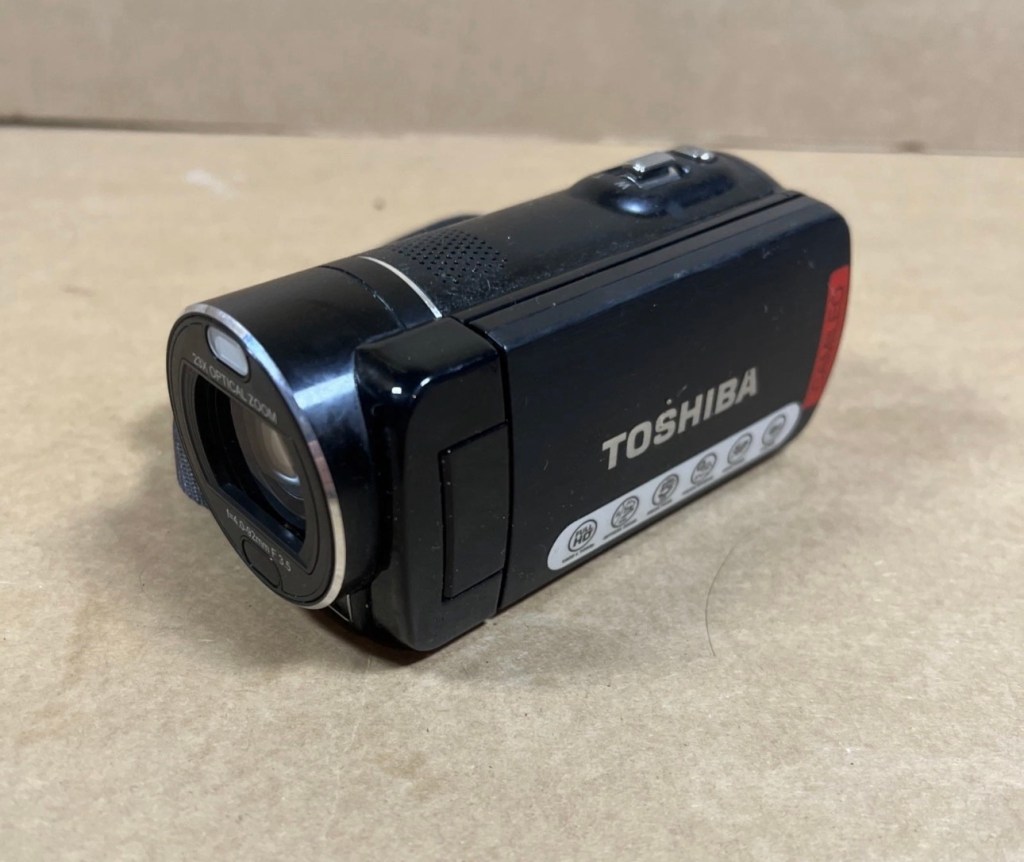
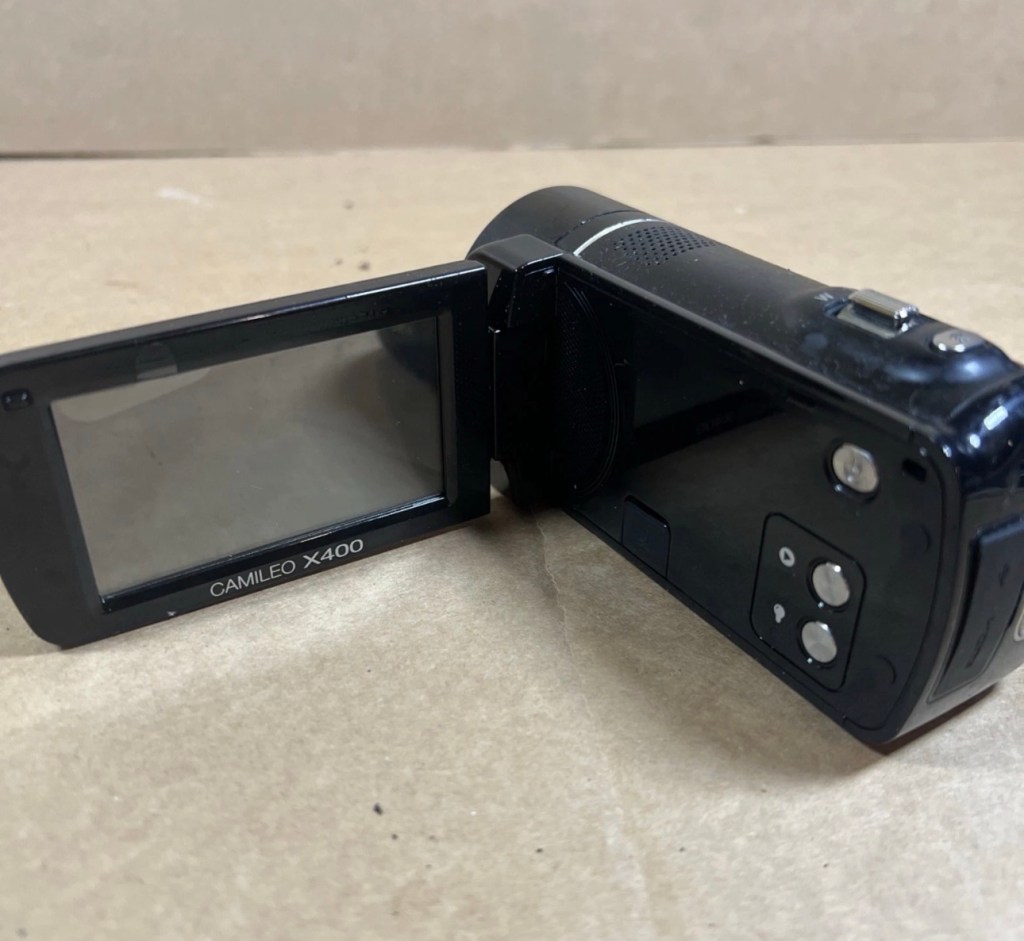
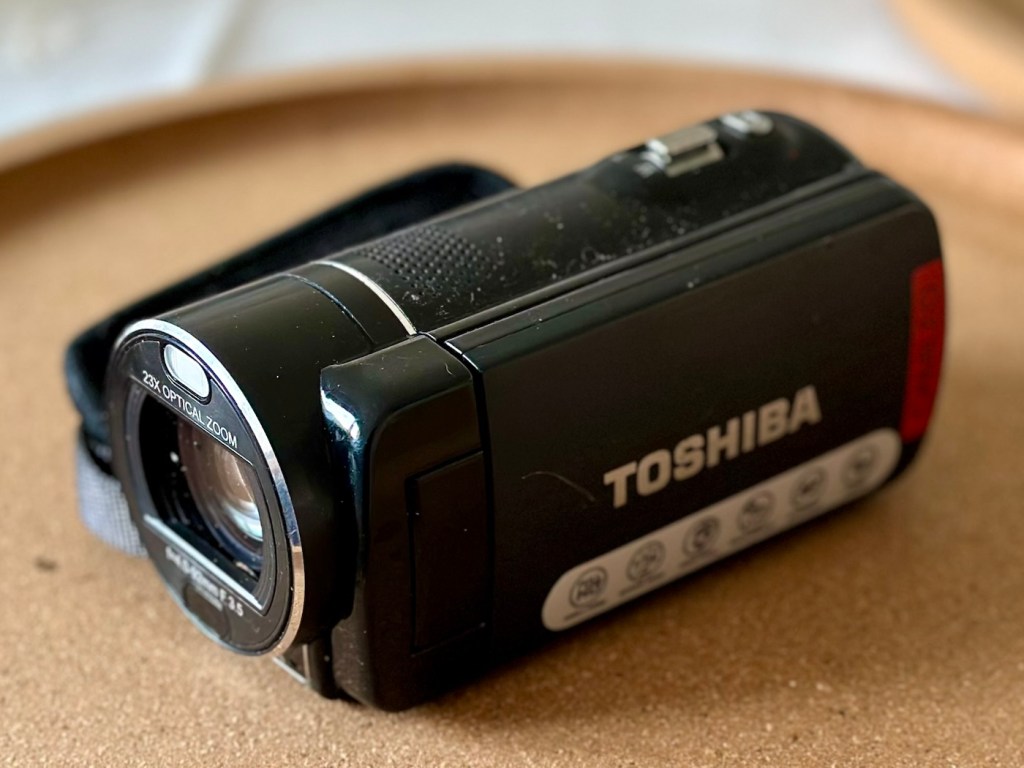
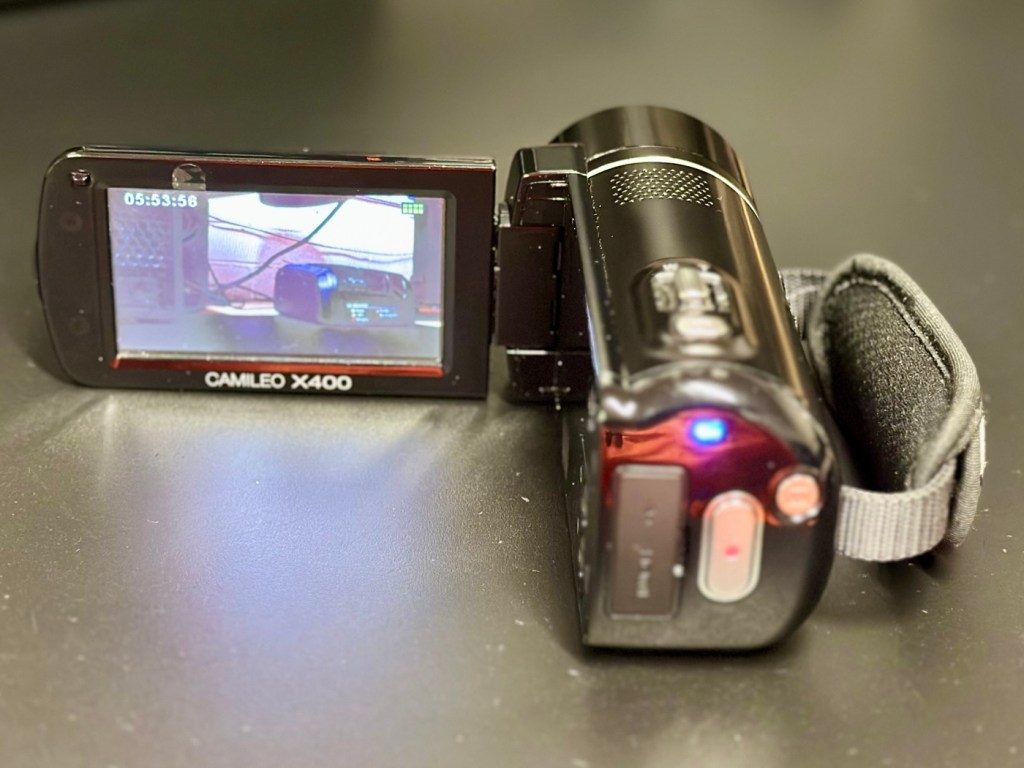
Toshiba Camileo X400 Camcorder

Let’s have a look at a non functional Camcorder from 2011 that appears to have bathed in molasses as it’s so sticky. Can I get it working once more? Why not?

What the listing stated:

It has not been tested but outside case is sticky. 
Would recommend for spares and repairs only

EBay

Not one of the finest quality camcorder cameras out there, but for £7.00GBP, I’m not really complaining. This camera appears to have a battery included, it has no charging equipment or anything else included, but I’m hopeful there’s not too much badly wrong with it. However as this is a platform for repairing old knackered equipment, hopeful there is something that we can get our teeth into that is sufficiently suited to this platform. All I can currently gather from the listing is that this a bit sticky, and those of you who follow this site will know that stickiness, especially on cameras is not an issue that has caused me any problems previously. Hopefully the issue is a little more than just stickiness, and as this listing has the classic EBay “Get out of jail free – seller not tested” claim, then there could be absolutely anything and everything wrong with it, we will just have to wait and see.

Here’s a little bit of background for this camcorder.

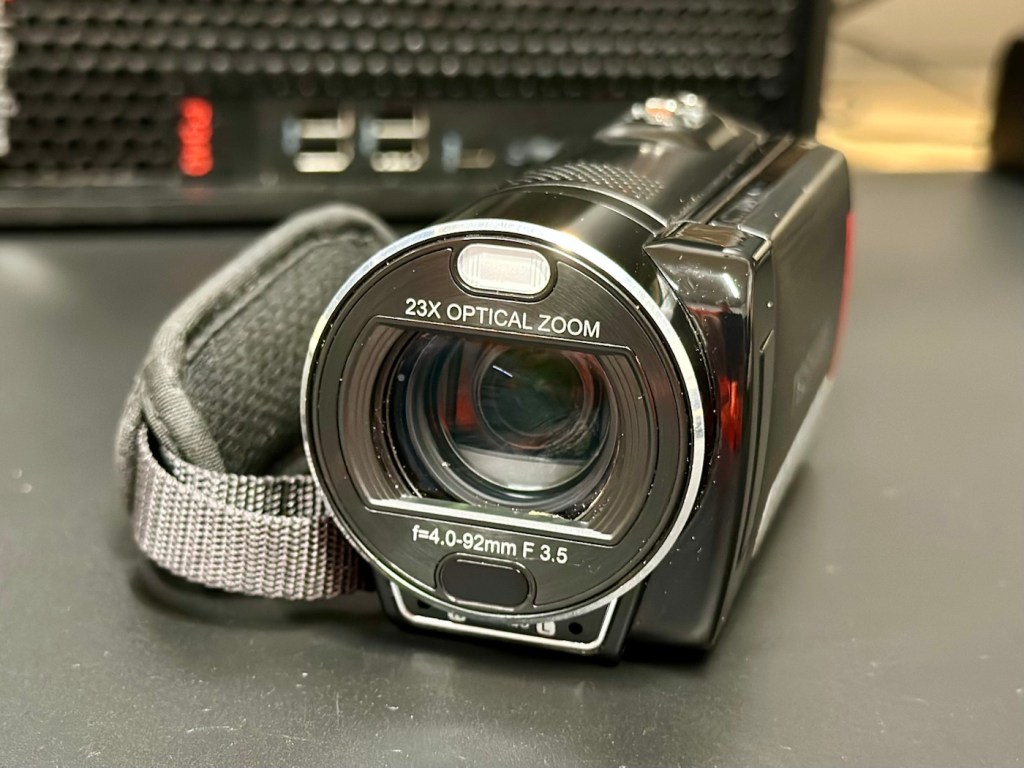
Toshiba’s CAMILEO X400 Full HD camcorder offers 1920 x 1080p video capabilities, 23X optical zoom, and other great features for taking great video and making great memories.

No matter what you’re looking at, the CAMILEO X400 Full HD camcorder takes jaw-dropping video in 1920 x 1080p resolution. You’ll be able to capture all the color and clamor of that Fourth of July parade, or your daughter’s first soccer goal. And with the 23X optical zoom, you’ll see the big smile on her face, too.

Want to follow your baby as she takes her first steps? Follow your friends as they head up that mountain trail? Record your Jeep ride across Africa’s Serengeti plain? Go for it. The image stabilization capabilities on the CAMILEO X400 Full HD camcorder ensure your ensuing creation will be hunky-dory, not herky-jerky.

Video trimming on the CAMILEO X400 Full HD camcorder makes editing easier by letting you cut out a section of the video from the front, back or both–plus start and end the video at any point you wish. What’s more, with a built-in pause button, you can stop wasting storage space and reduce file clutter by recording multiple scenes into a single file.

Your son just learned to surf and caught a nice point break for a good long ride. Want to freeze the frame for pictures you can share in an album, email or hand out to friends? Do it without interrupting the video. Simply press the Photo button* on your CAMILEO X400 Full HD camcorder and your surf dude will be immortalized forever.

Features:

  • 1920x1080p Full HD resolution video
  • 23x Optical zoom
  • 3″ swiveling LCD monitor
  • 5MP CMOS sensor
  • 4.7 x 2.1 x 2.4 inches
  • Weight 300g

Toshiba

Well, to be honest that has to be one of the worst background write ups I’ve read, and in reality the tone of it doesn’t fill me with confidence, all that talk of “Dudes” and “Hunky dory and Herky Jerky” my god, who do they let write this stuff? This camera didn’t stand a chance to be honest right from its release date in late 2011.

So, let’s forget the awful promotional write up, and just like true “Dudes” try to find out what is actually wrong with the damned thing.

Assessment:

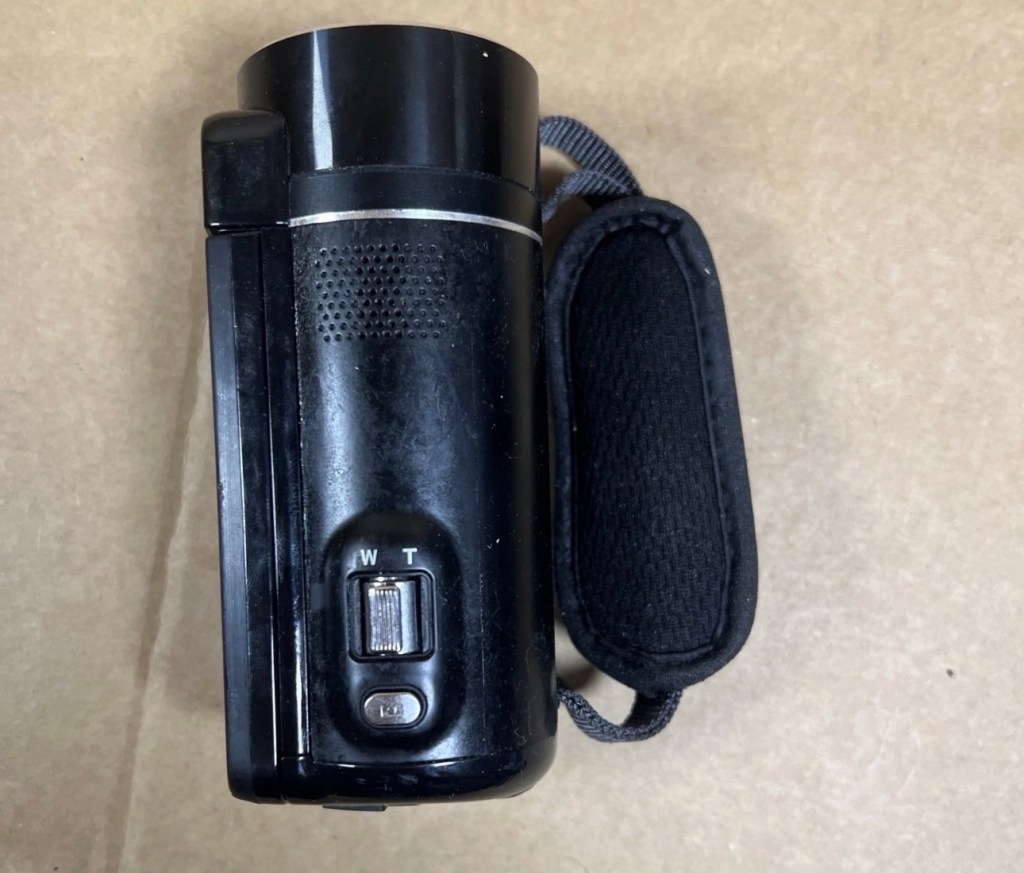
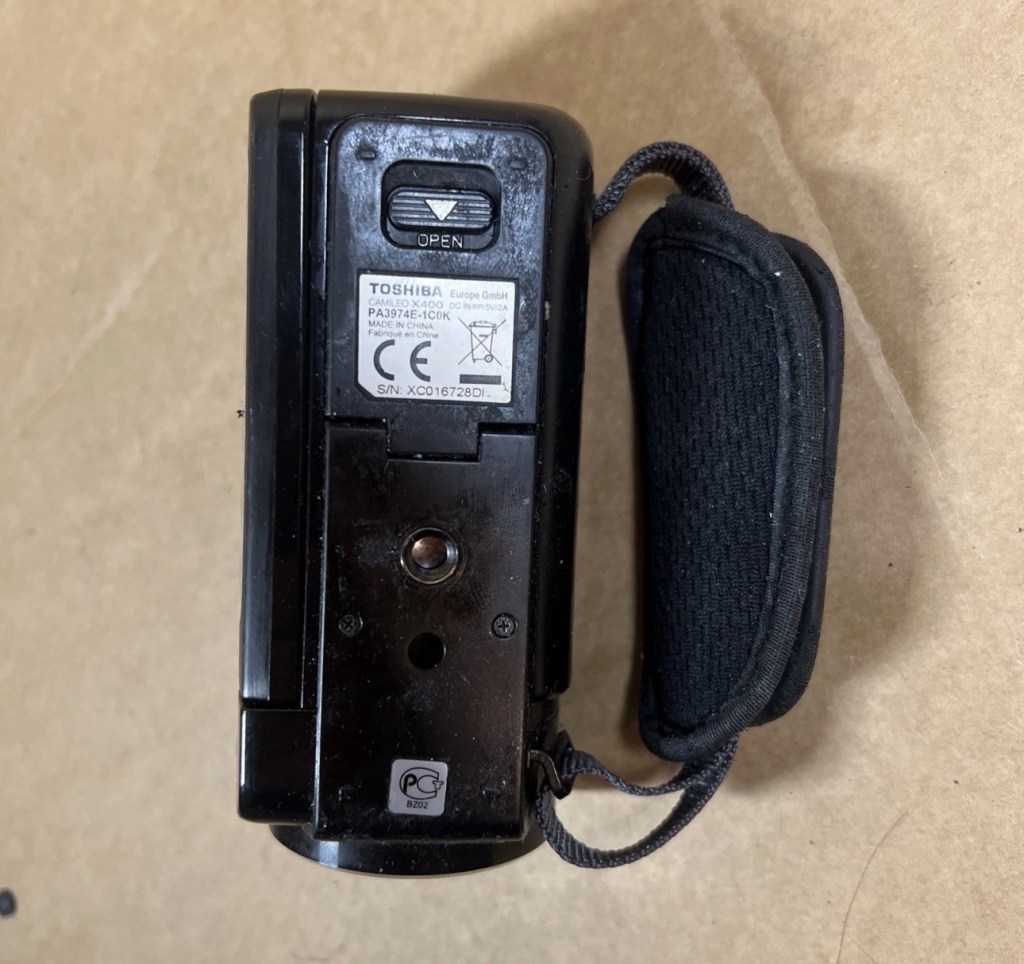
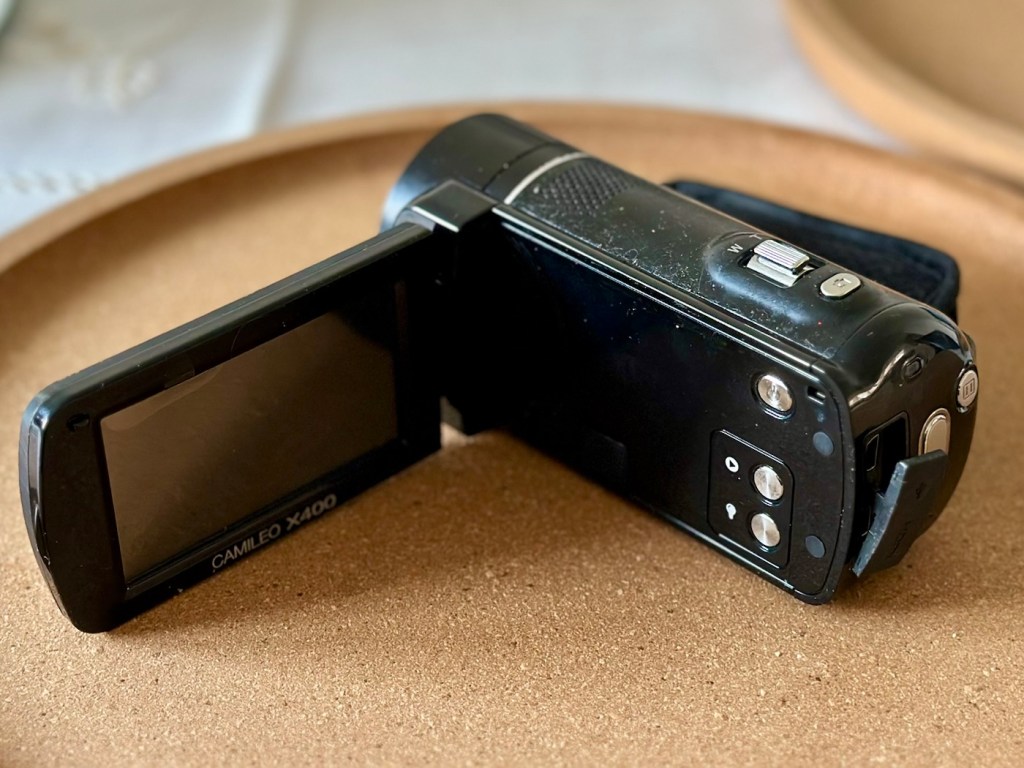
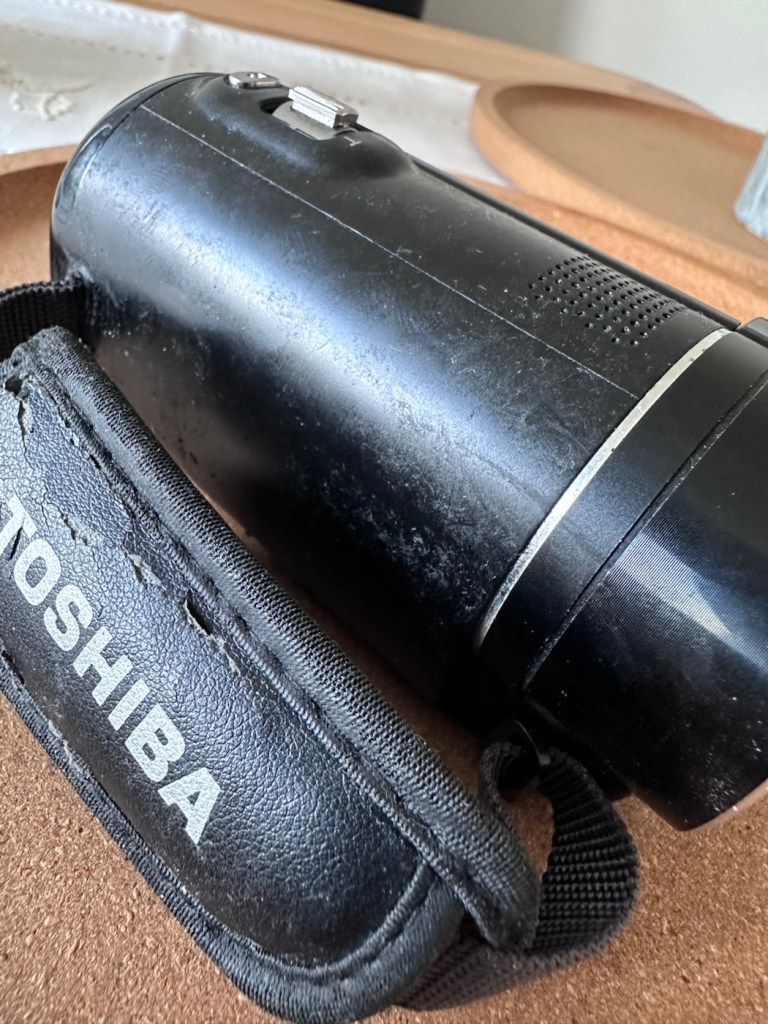
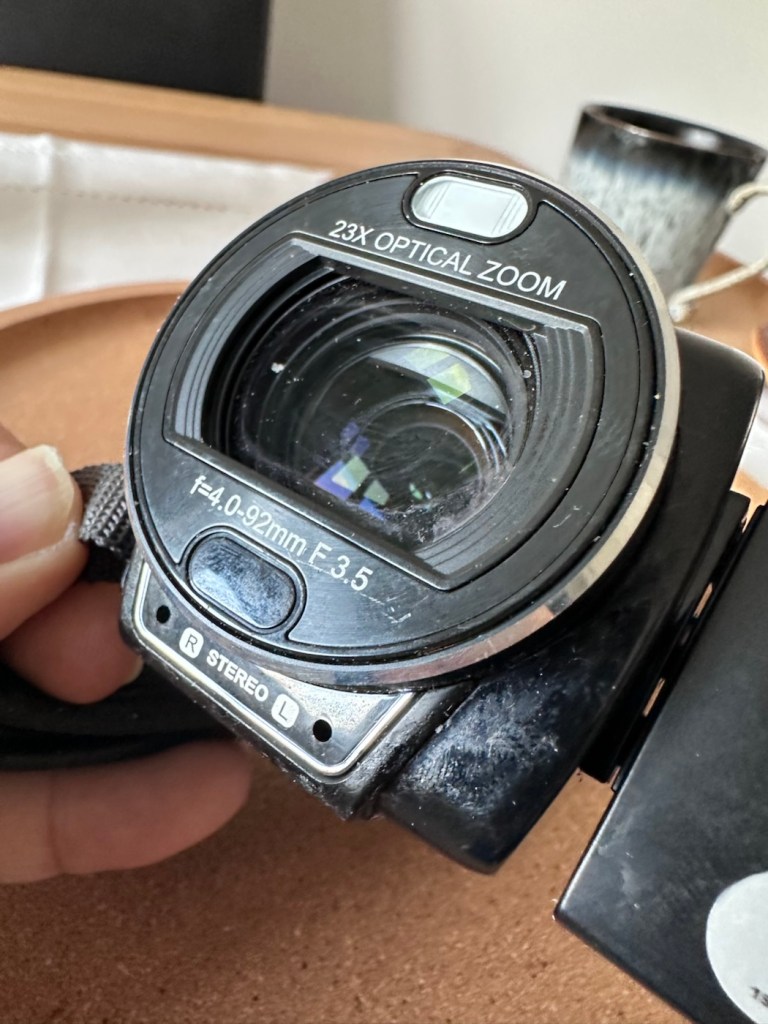
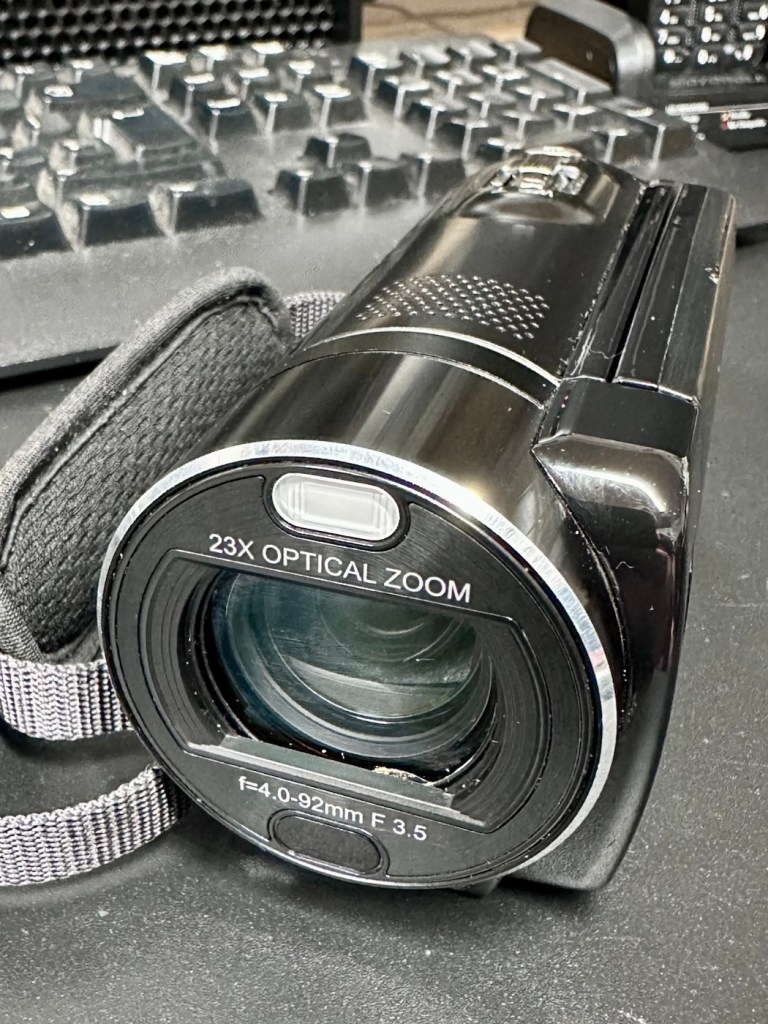
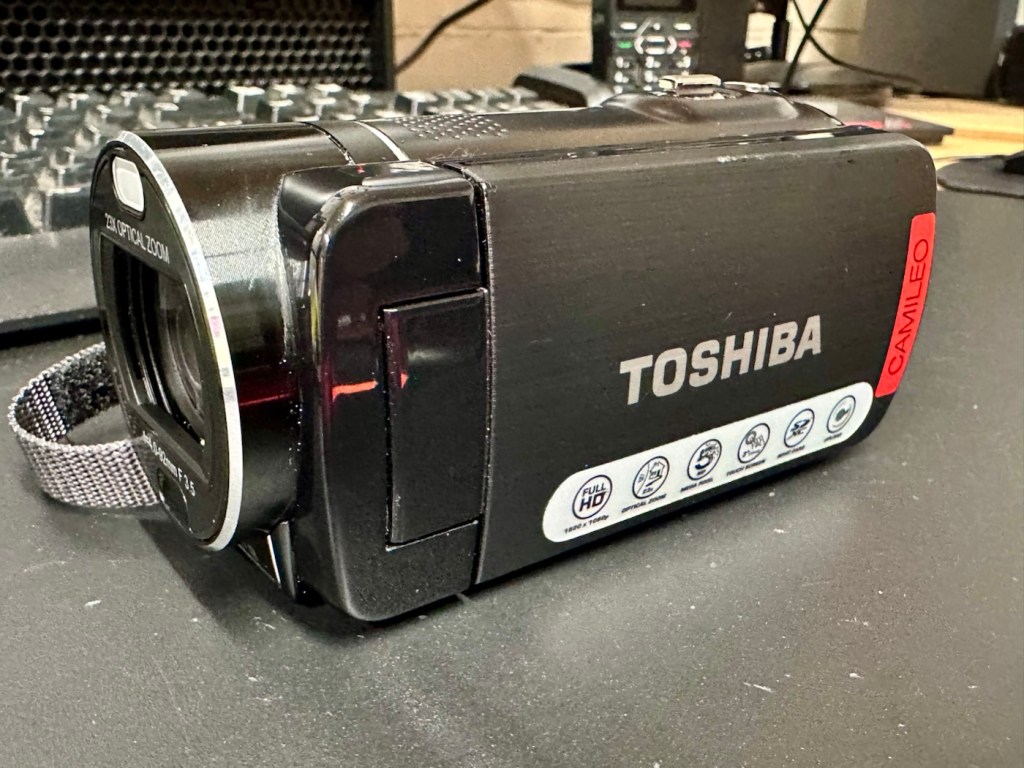
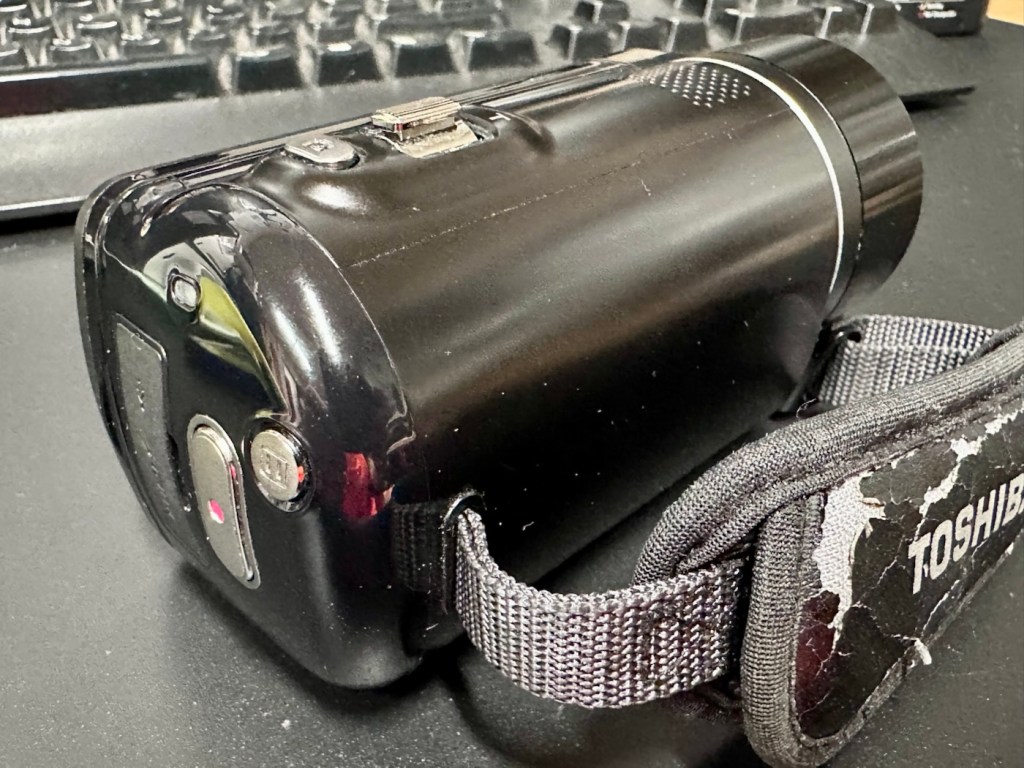
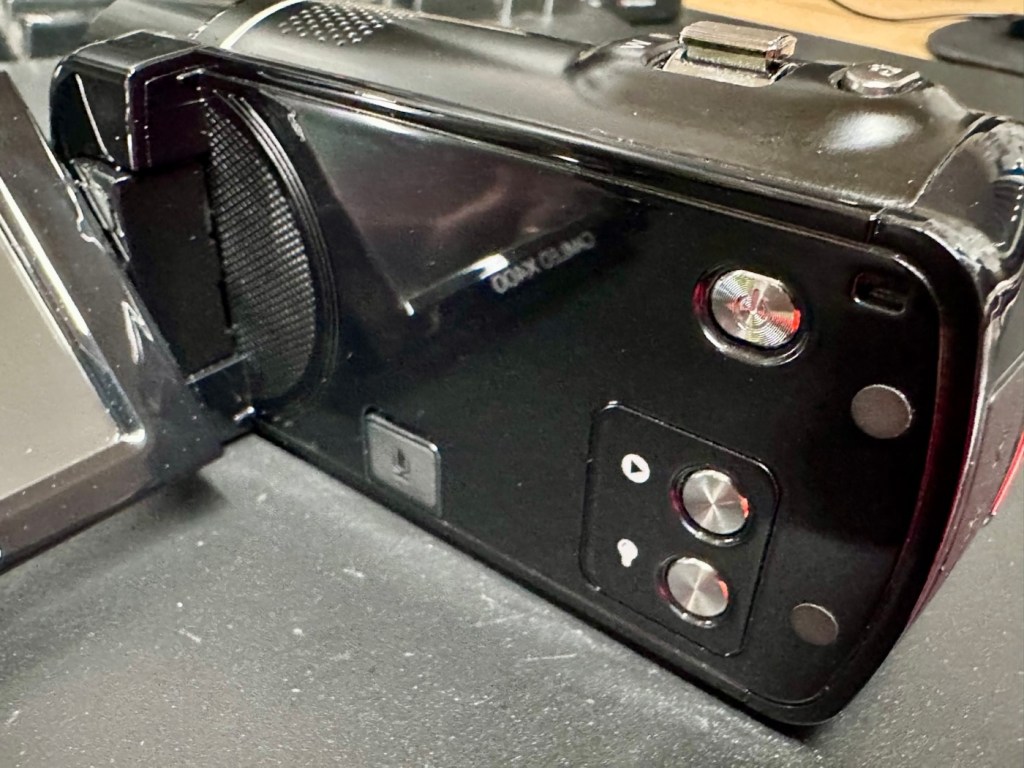
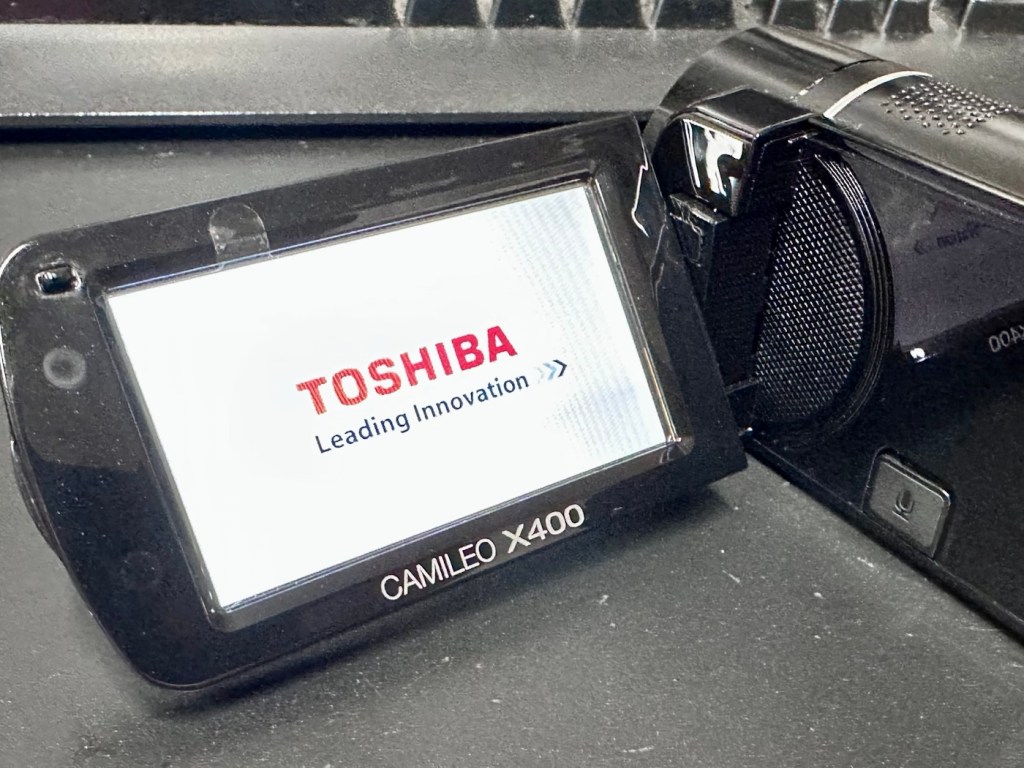
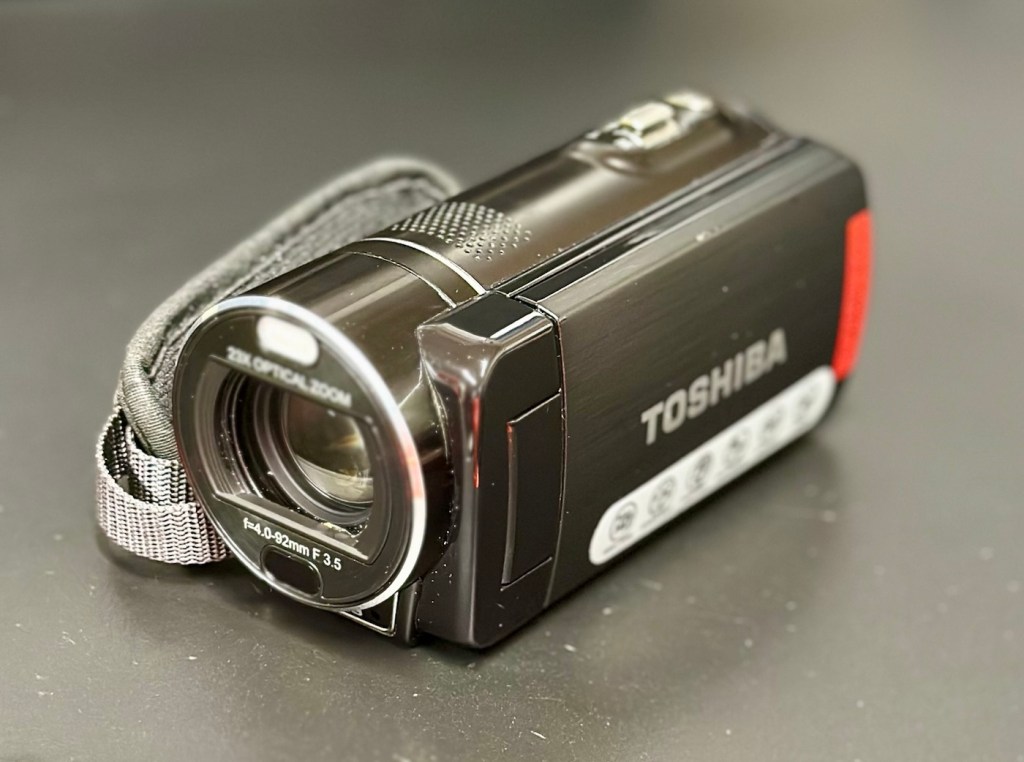
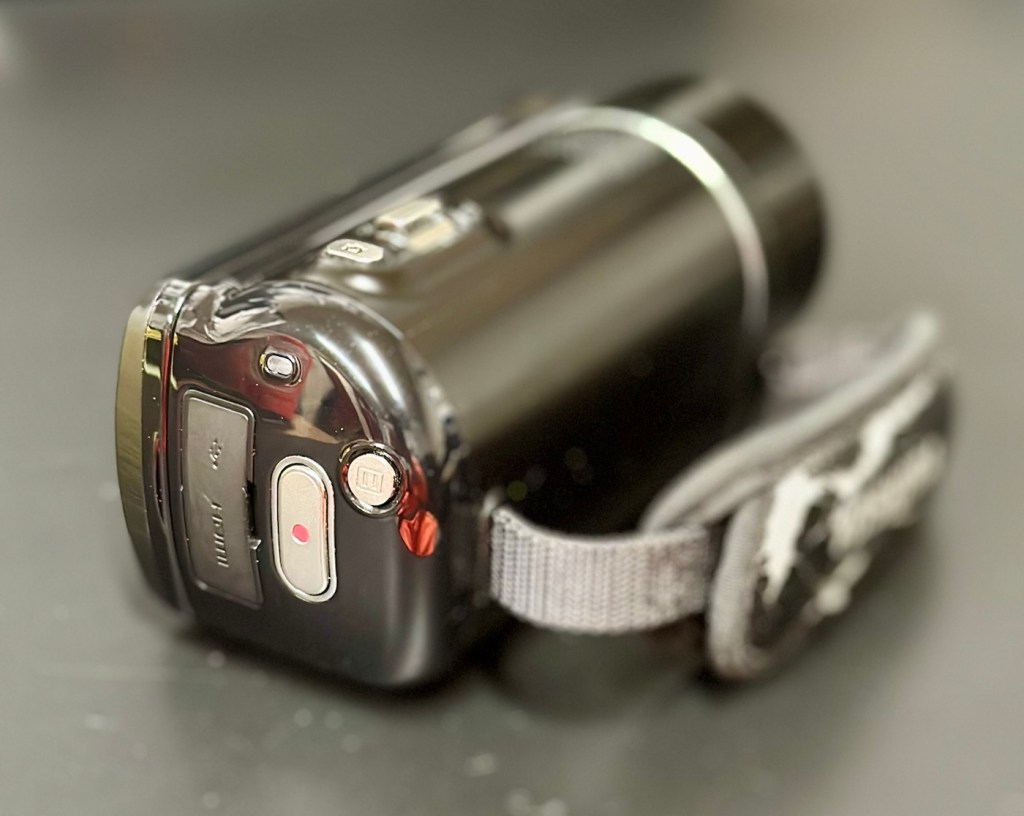
It’s arrived and to be totally honest, it’s in a right poor condition cosmetically. Very poorly packaged, I suspect the seller couldn’t wait to get it out of the door. Here are two of the better looking pictures.

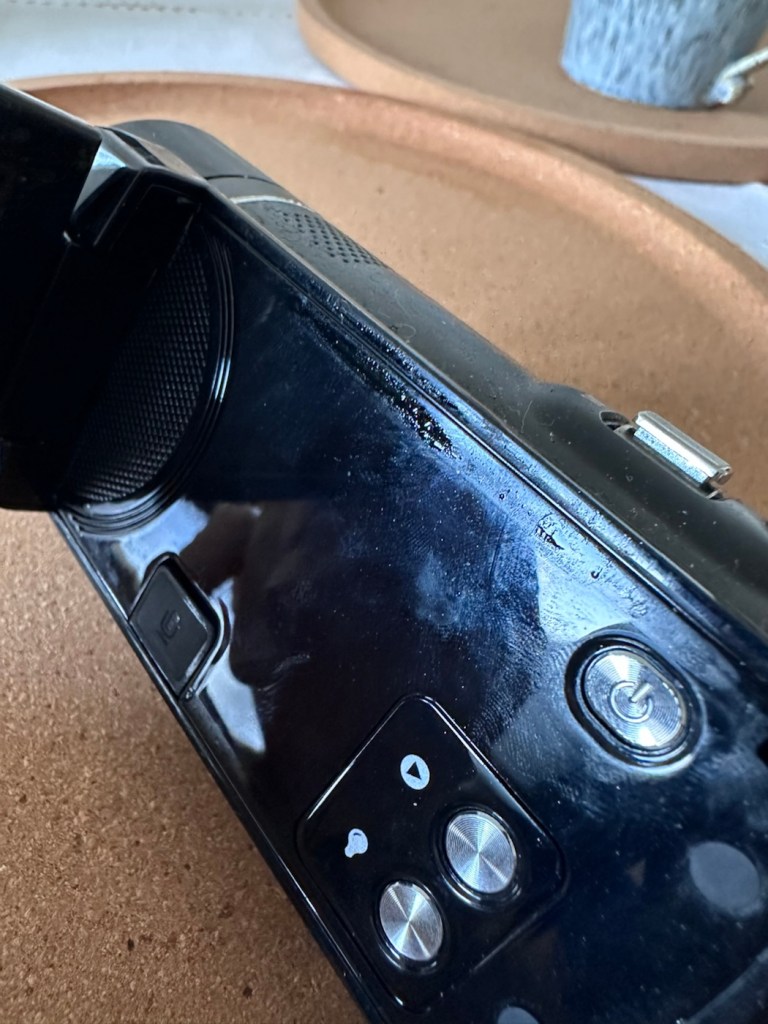
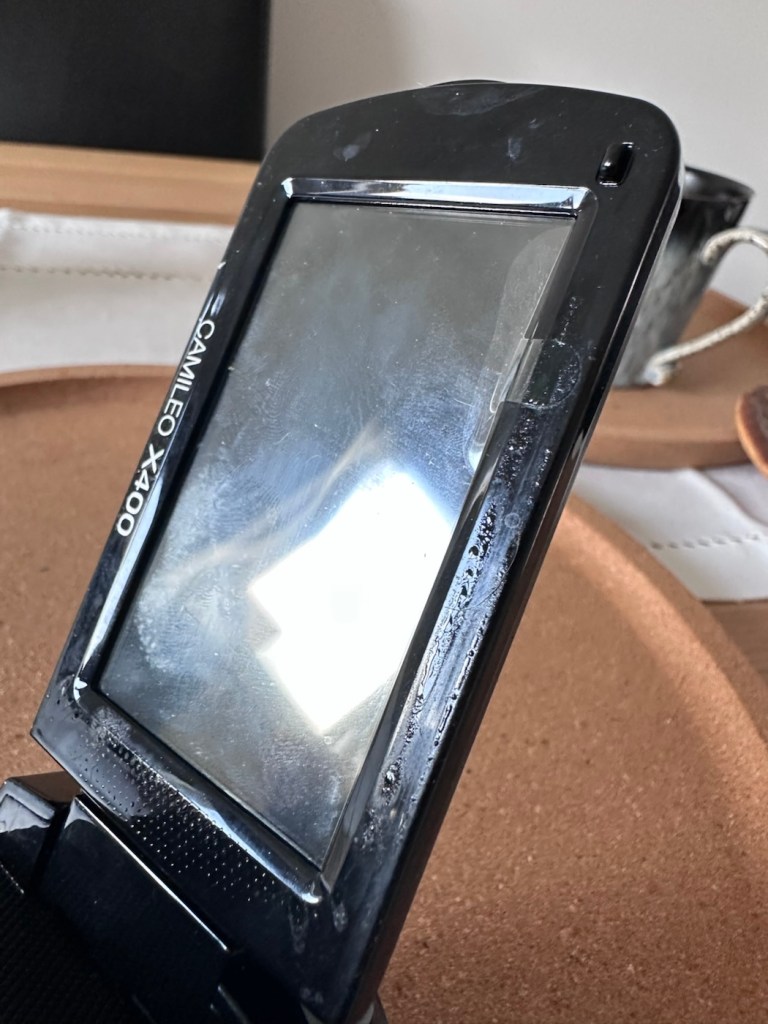
As soon as you pick the unit up, the stickiness the seller wrote about becomes obvious. It’s as if this camera has been immersed in a vat of molasses, it’s super sticky and if you review the close up pictures below you will see this unit has obviously been involved in some sticky situation, in places it is still wet, with liquid clearly visible, however that liquid is in a super sticky state of suspension.

The battery is in place, I suspect it is dead but it will need to be tested, thankfully the battery contacts are clean and luckily it appears that no liquid has managed to reach these areas.

Before I even start to look at anything with this camcorder, a very thorough clean is the order of the day. It’s not going anywhere, and I’m not doing anything with it, until it is in a more presentable and workable condition.

I like to use a disinfectant spray when taking on a job like this, in fact I use it on most of my old cameras especially those that have an old musty aroma. The disinfectant has cleaned this unit up very well removing all of the old stickiness and residue. I finish off with some polish and a cloth and the beast has now been cleaned and is now in a much better condition to start looking at where the problem may lie.

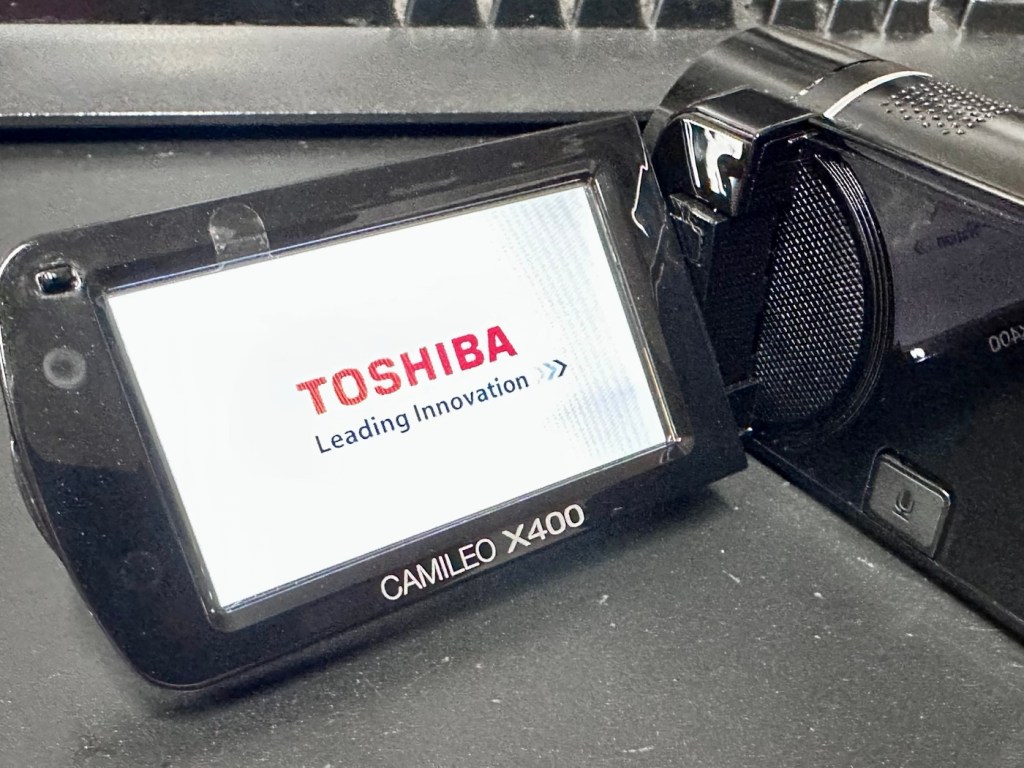
Well, to be totally honest the unit is kind of dead. There is a minimal voltage in the battery and when I find a suitable charging cable and install it, there is not a great deal else occurring. There are some lights, but they are not doing what they should be doing, I’m expecting lights to flash whilst charging, and a solid light when charged. However this isn’t happening, so let’s move on to what we are going to do to try and resolve this issue.

Repair:

For the moment I’m going to focus on the battery. We need power, so we do really have to start here, we can’t diagnose or do anything without some power. It’s a 3.7v Li-ion cell, and the camera can charge via a 5v USB supply. I’ve managed to locate a suitable charging cable from that drawer of collected cables that “may come in useful one day”, that we all seem to have stashed in our homes. When the cable is plugged in you should get some intro music from the camera, and I do. This should then be followed by a flashing light that should remain lit until the battery has sufficiently charged. However I manage to get about two flashes from an amber light and then that’s it… nothing else. So far it’s positive that we have seen some life, however we need to see if we can encourage this battery to take a little more charge.

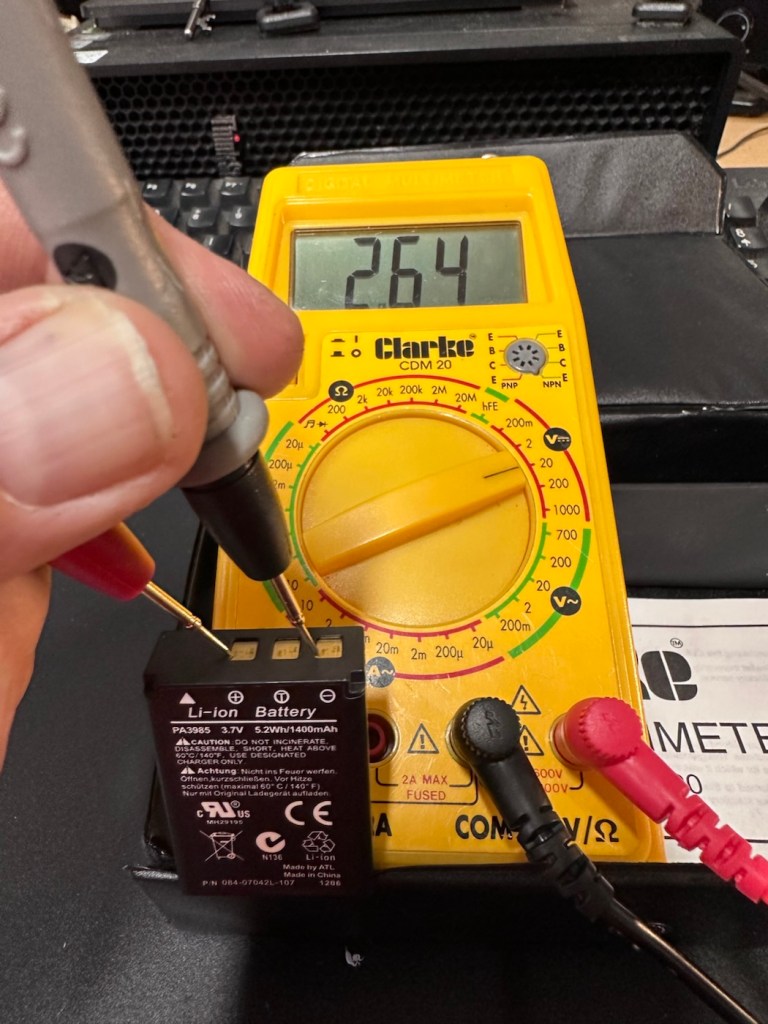
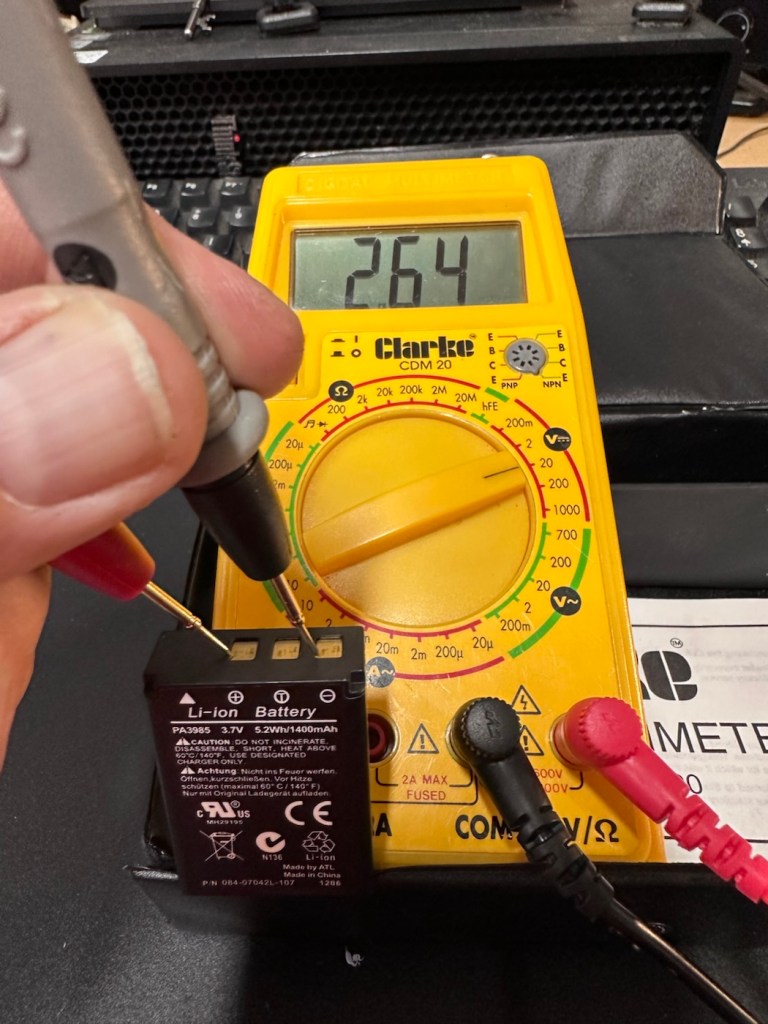
These batteries though rated at 3.7v usually charge up to 4.2v at full capacity. I’ve just measured this one with a multimeter and it currently sits at 2.64v. In the world of batteries this is severely depleted and to be totally honest looks as if this battery is dead.

A fully charged 3.7V nominal battery typically reads 4.2V, with 3.7V-3.8V being the average voltage during discharge. A 3.7V Li-ion battery is considered “dead” or fully discharged when its voltage drops to 3.0V to 3.2V.

While many protection circuits cut off at 2.5V to 2.75V to prevent damage, discharging below 3.OV frequently will significantly reduce the battery’s lifespan.

2.64v This battery is more than likely dead

And it looks as if this may have occurred here. It’s looking as if the battery is a dead one.

However, I’m going to see if I can rejuvenate this battery by putting a trickle charge through it, just charging it in the camera from a USB 5v power supply. I will monitor regularly for changes in temperature or other issues. I don’t have a spare around at the moment so if I want to do some basic checks on the unit I’ll just have to give it a try.

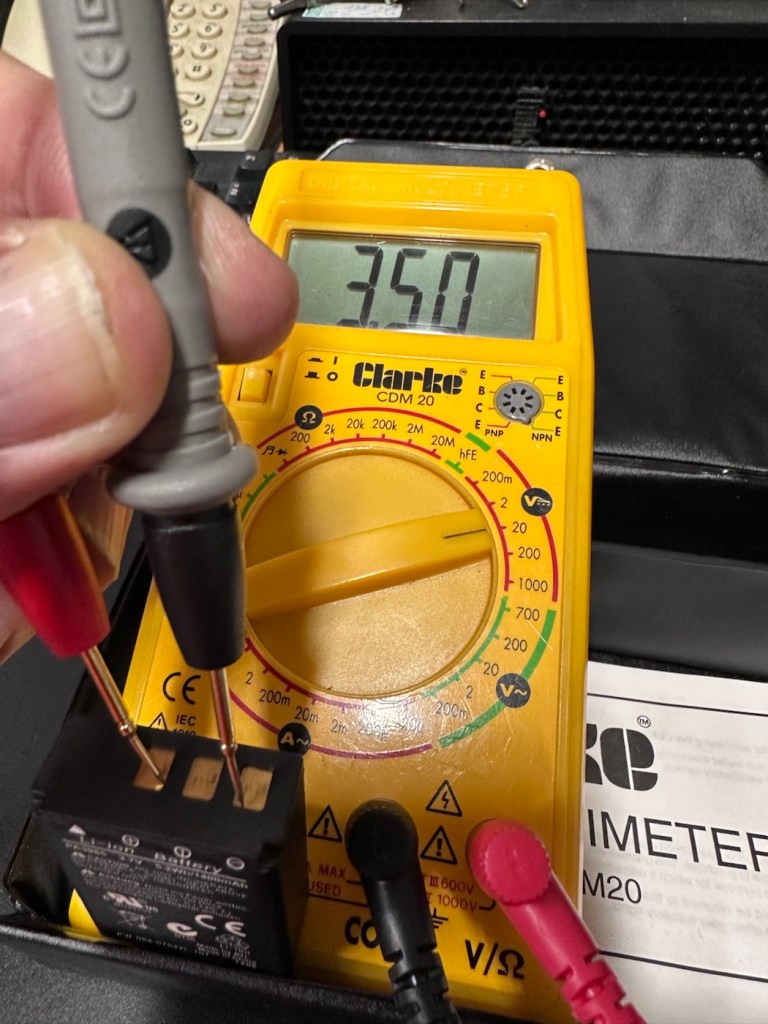
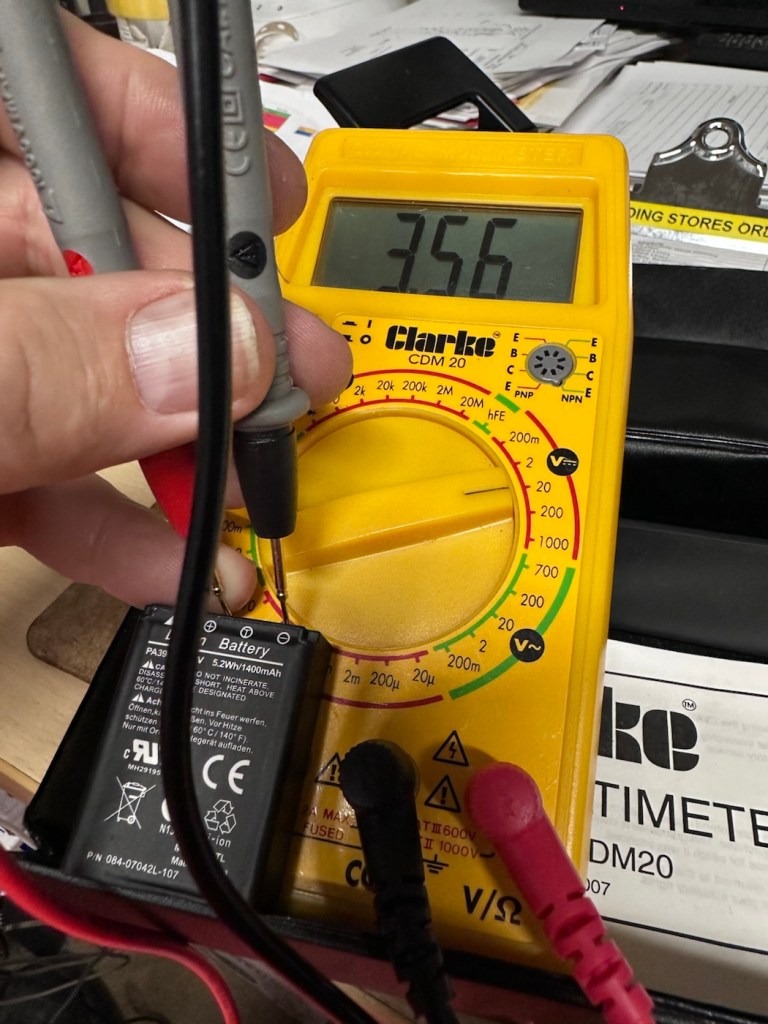
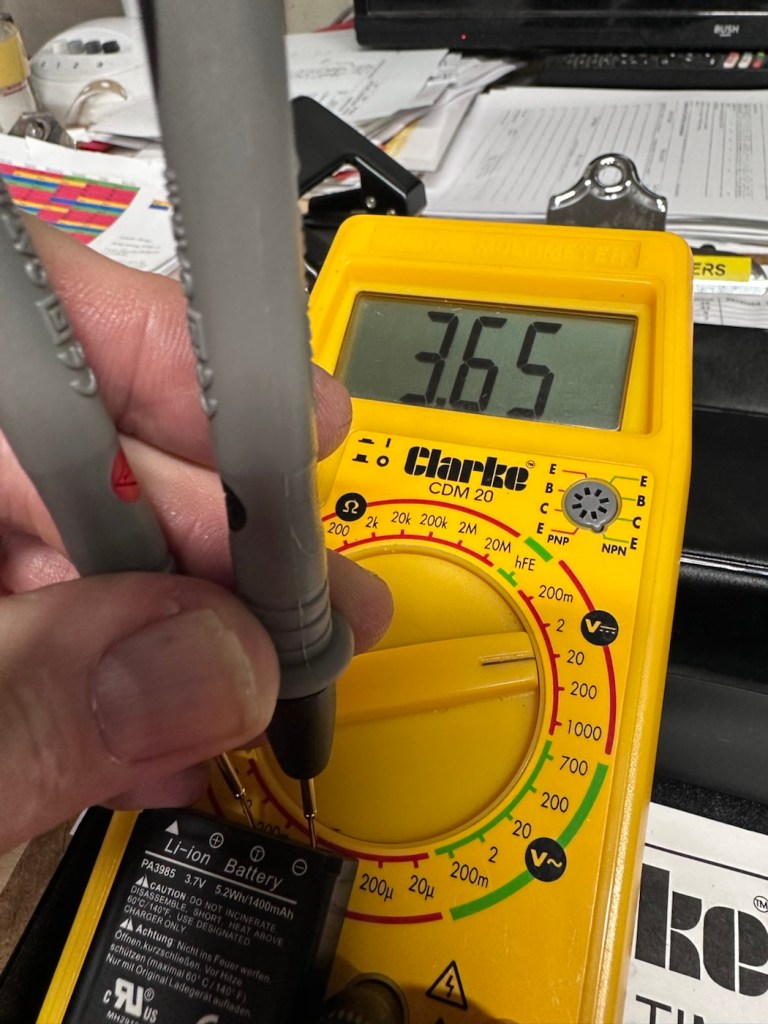
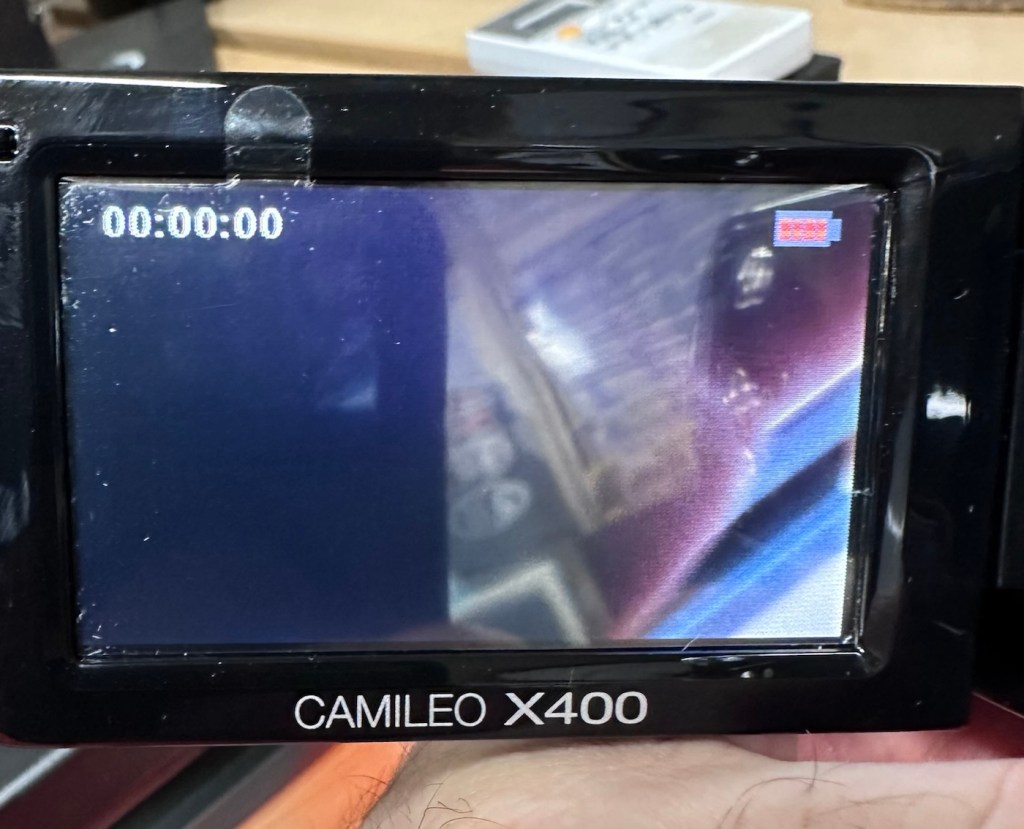
So after 3 hrs we’ve only been able to get about another 1v of energy into this battery, and as you can see we are only just into the battery depletion range. We have sufficient power to start the unit up and see a welcome screen, the zoom works. It’s clearly visible that there is a low battery indication on the screen and then it all shuts down again.

There is just not enough life in this battery to sustain a 30 second video, the battery is just so worn down that I believe it is beyond resurrection. I may have to purchase a new battery to finish off this section of the post. It’s good though that we have tried, rather than just give up, and this has also allowed us to review what we have found out about the process, and the good news is that at this point it, is looking as if it is purely an issue with this battery.

The camera has cleaned up lovely and really looks like a nice piece of kit. For the moment I will put this post on pause whilst I await a replacement battery.

But…. Me being me, and not wanting to spend too much money at this point, I have persisted with leaving this battery on trickle charge. It has been consistently monitored to keep an eye on it, and I must admit neither the battery itself or the charger has been hot or even warm throughout this entire process, that is good.

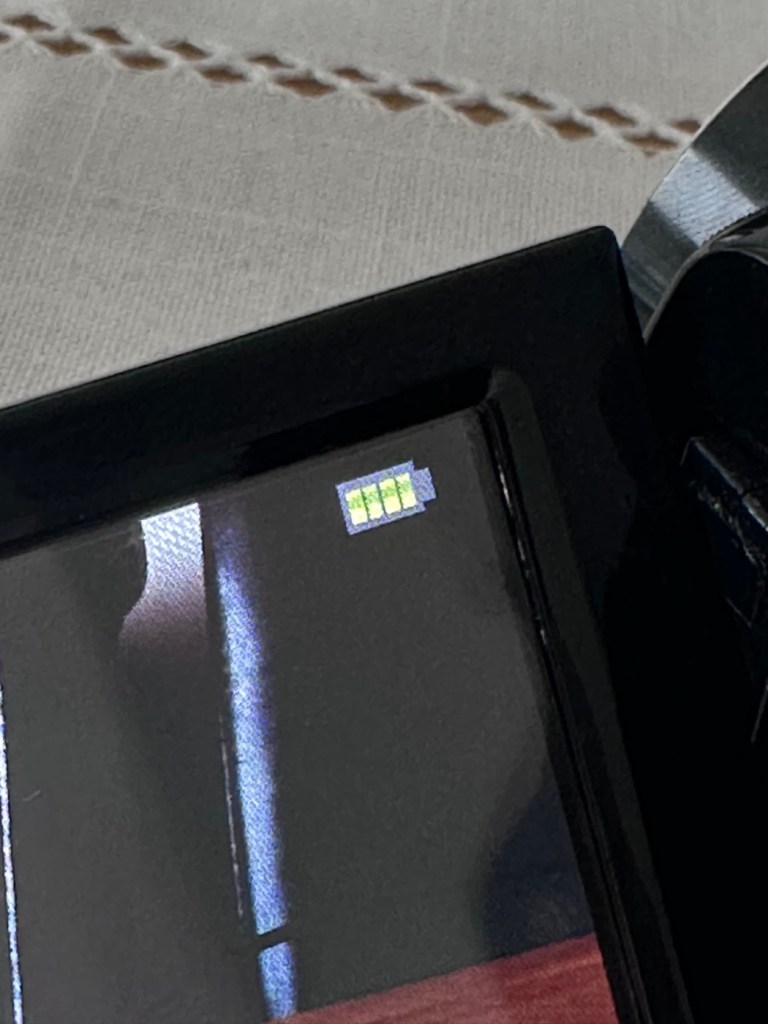
Four green lights – Fully charged?

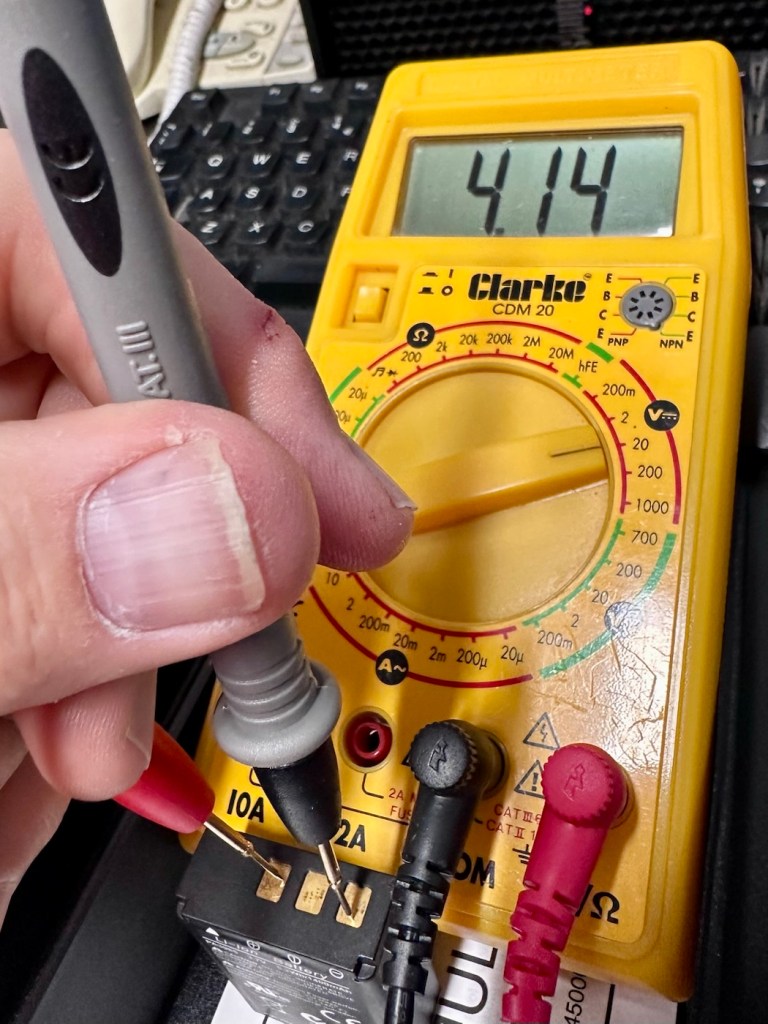
Seeing that about 4 hrs ago the battery indicator on the screen was only showing two green bars, it is now showing four bars and that indicates it is now fully charged. Let’s get the multimeter back on, and check to see what the current battery charge is and see if that gives us an indicator to show if the nominal charge has now been achieved, I’m quite excited at this – I’m easily pleased and excitable in equal proportions – I have a feeling that with patience and persistence we may have well just cracked the issue. So what is the current voltage of this battery? Well, here it is….

4.14v

Full charge achieved

Well, I’m very pleased with that, not only has it charged fully it appears to have reached pretty much full charge beyond the nominal charge. I’ve probably saved this battery from the trash heap, but I guess it will be more of a backup battery for me as I will probably purchase a new one, for my main battery, now though, there is no rush as it looks as if this one has been rejuvenated.

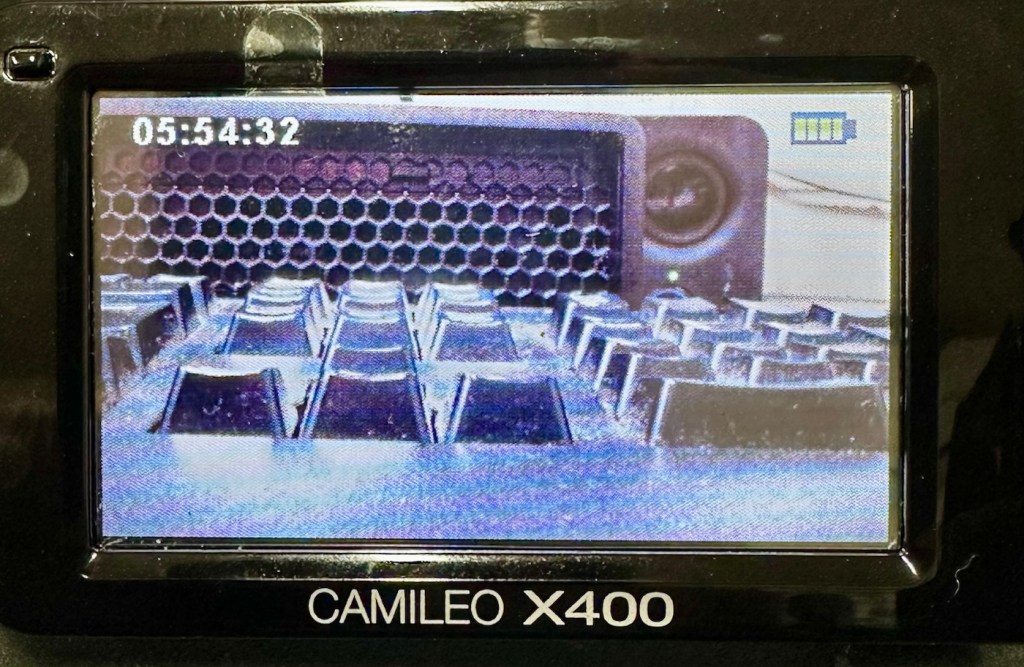
I’ve put a 32Gb SD card in and the screen is indicating 5 hours and 54 minutes of recording time, however on a full battery and using the minimum of activity (Not using Zoom and other effects) you can normally squeeze two hours of recording from the battery. But I’m never going to be filming war and peace, and I’m probably never going to get that kind of usage from this battery. My best bet with this battery is to not let it deplete totally, and try to keep it in a charge cycle were it doesn’t dip below about 25% of its capacity if I can help it.

I’ve tested all settings and everything is just fine. The touch screen is responsive and all setting and special effects can be easily accessed. There is nothing else wrong with this camcorder.

At this point I am now happy that this camcorder is a fully working and very capable little unit, that should serve me well as I use it to make videos for my YouTube channel and WordPress site. Repair is complete and successful.

Result:

This little camera cost me £7.00GBP and it’s been a fantastic restoration as such as it has not cost me a penny more than what I have paid for it. All I have done is invest time, done a lot of reading up about the intricacies of Li-ion power supplies, and done an awful lot of cleaning as this unit was probably one of the filthiest pieces of kit I think I’ve ever worked on.

A video, of me, videoing a video of me videoing

The camcorder is now a totally different looking camera from that which I received in such a sorry state just a few days back.

I’m going to use this camera myself for little items that I will be publishing here as well as on YouTube. It is so wonderful to see old unused and unloved items, repurposed and given a new lease of life.

Another one saved from landfill.

Thanks for passing by, as always it is very much appreciated.

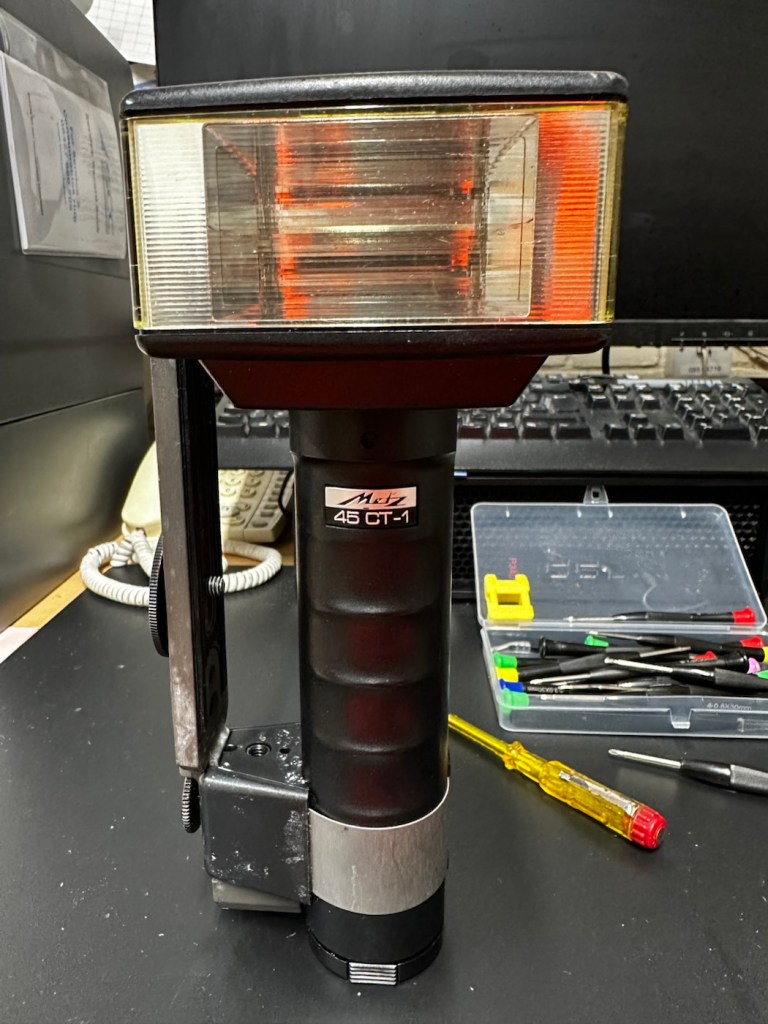
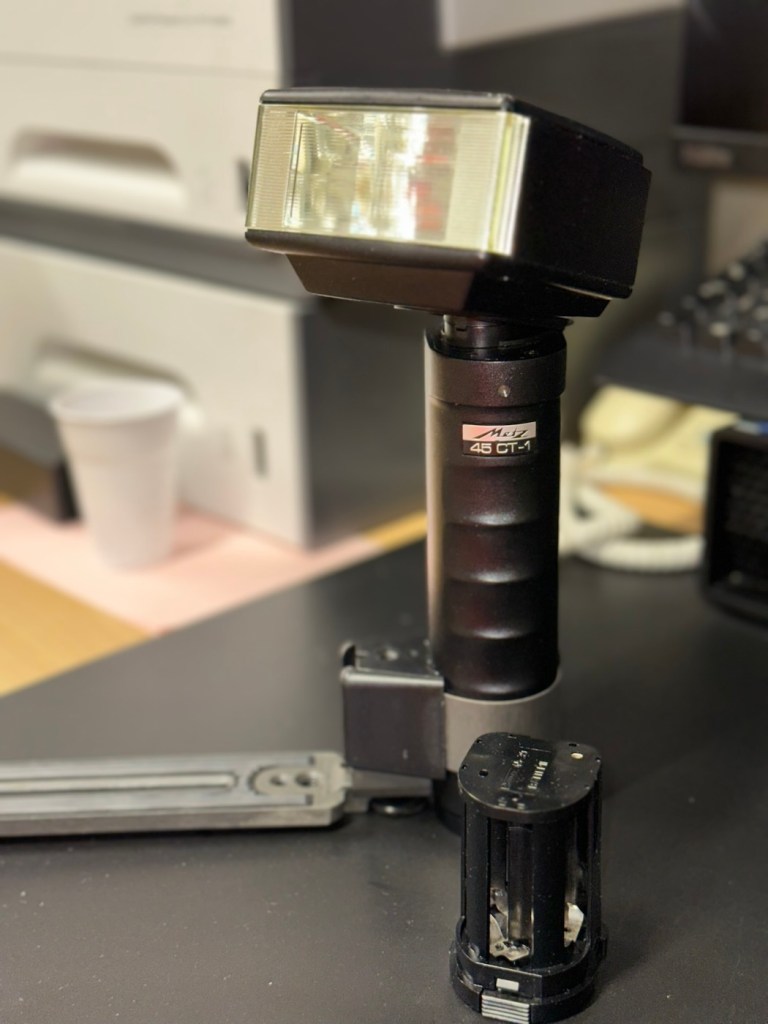
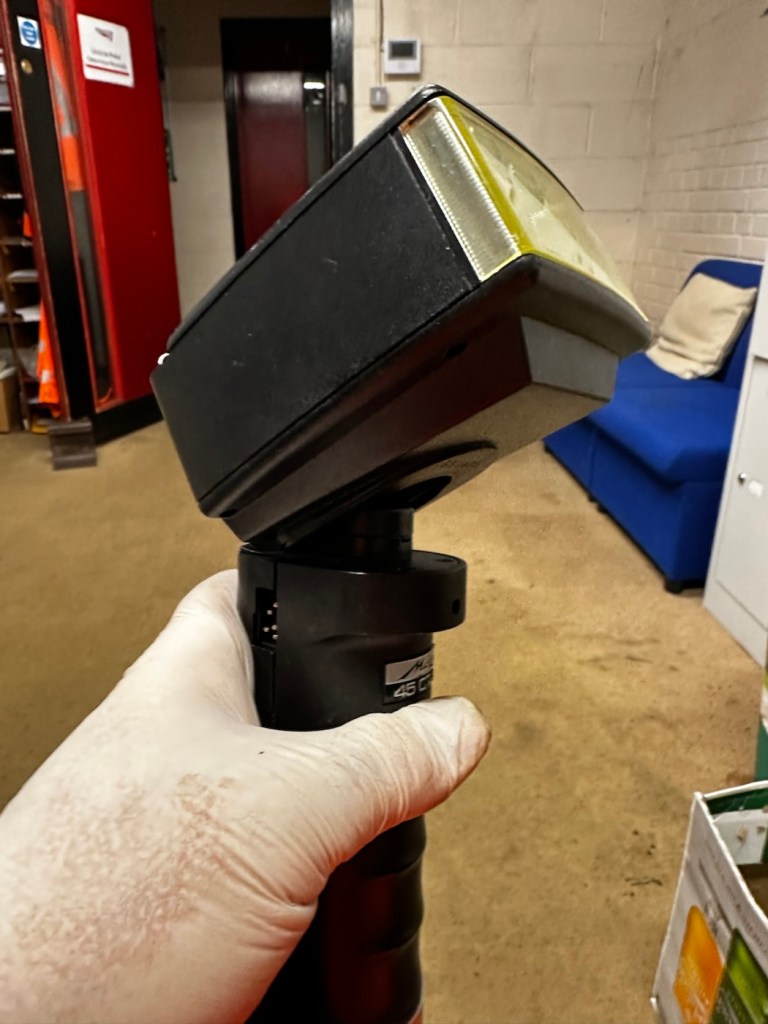
Metz 45 CT-1 Flash gun

I was given a professional flashgun with a number of issues. Let’s get it fixed.

I love working with flashguns, but believe me they are highly dangerous and potentially deadly pieces of kit, once you get under the skin otherwise known as its protective casing. I inherited this one from a good friend of mine who is a professional photographer, the post regarding what he passed on to me can be found here: Cameras…i need more!

Now please do not go delving into the back of these things unless you know what you are doing. Yes they might only be powered by 6-9v of power from your batteries, however in the process of getting to the point where they unleash a lightning flash for your photographic opportunity, they have passed through a component called a capacitor, that greatly amplifies the voltage from that measly 6-9v from your batteries up to what is now between 3-400v for the flash. Yes, you read right, 400 VOLTS.

That can kill, and if it doesn’t, you have been very fortunate, but will probably bear an entry and exit burn where you made contact with that very component. You have been warned – take heed!

Here’s a little about this flashgun. They were manufactured circa 1979.

The Metz 45 CT-1 is a classic, powerful handle-mount flash gun known for its “hammerhead” design, high light output, and versatile features like a swivel and tilt head. It was a popular and durable accessory for professional photographers. 

Key Features

  • Guide Number: The flash has a high guide number of 45 metres at ISO 100, indicating powerful light output.
  • Exposure Control: It features an analog control display and offers five different “tele-computer” automatic aperture settings, allowing for easy exposure control in automatic mode.
  • Versatility: The flash head can swivel and tilt, allowing for bounce flash techniques to achieve softer, more flattering light. It also includes a built-in wide-angle diffuser.
  • Compatibility: The 45 CT-1 is a non-dedicated flash with a standard sync cable connection, making it universally compatible with many cameras, both film and digital (with caveats).
  • Power Source: It typically uses a rechargeable NiCad battery pack or a holder for 6x AA batteries.
  • Durability: Known for its robust, professional construction. 

Google

Assessment:

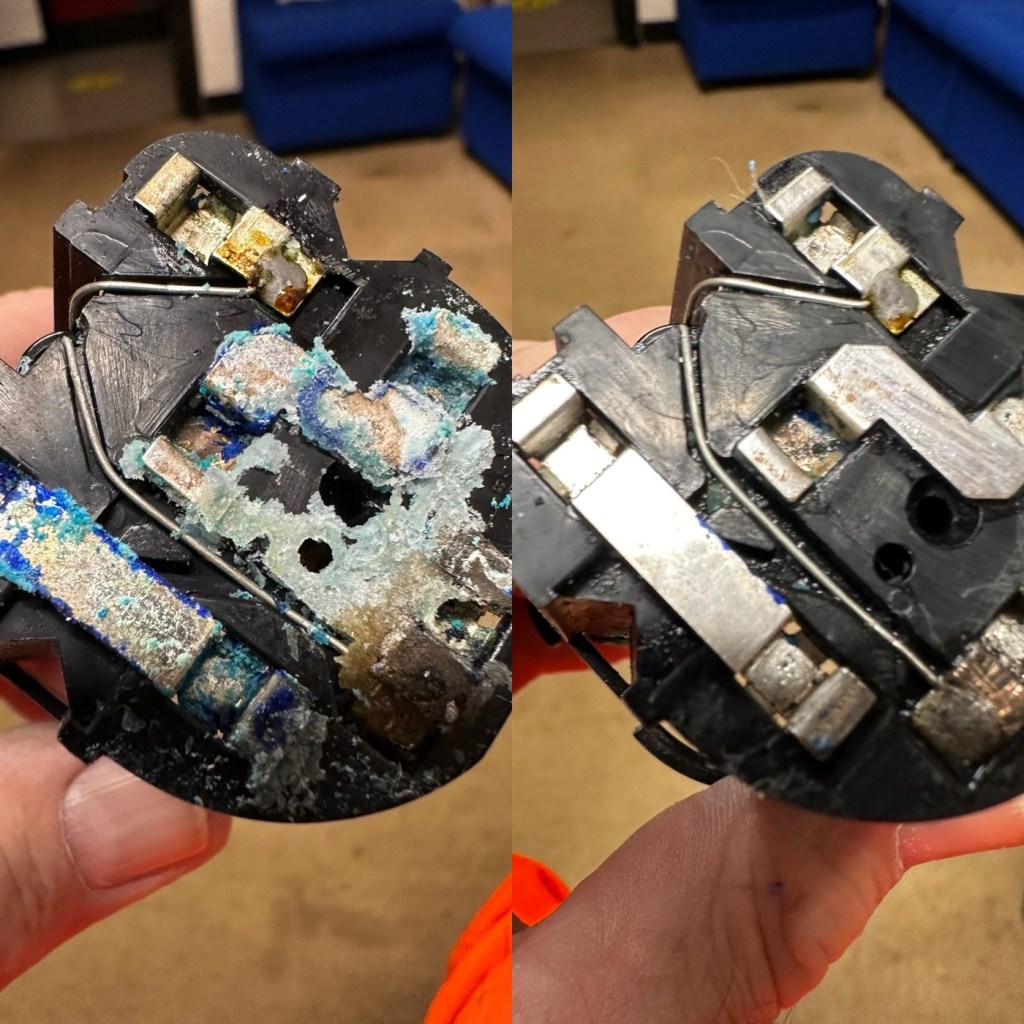
To be honest on first receiving this unit, you didn’t know what was coming, but you could certainly smell it. Within the box the smell of battery corrosion was heavy. It’s a hard smell to describe but once you have dealt with it you know what’s coming, and this smelt really heavy.

The smell was coming from two battery pods that play in to the base of the flashgun arm. Thankfully they had been kept separately, and their spread of “Corrosion” was not able to get to the main unit.

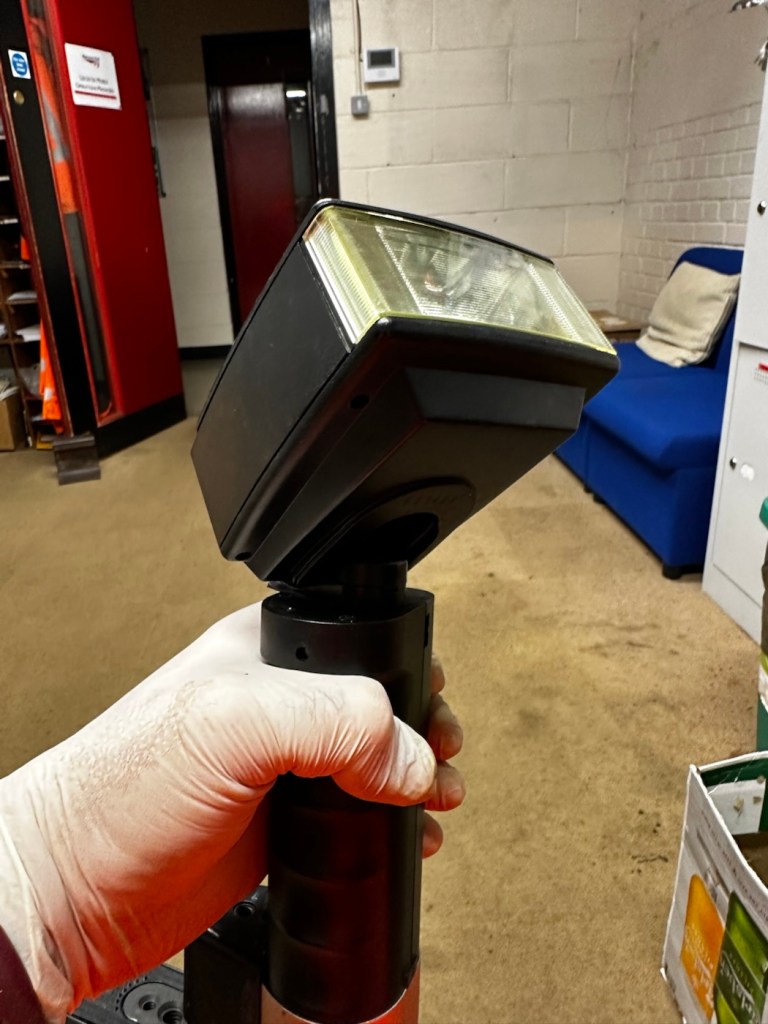
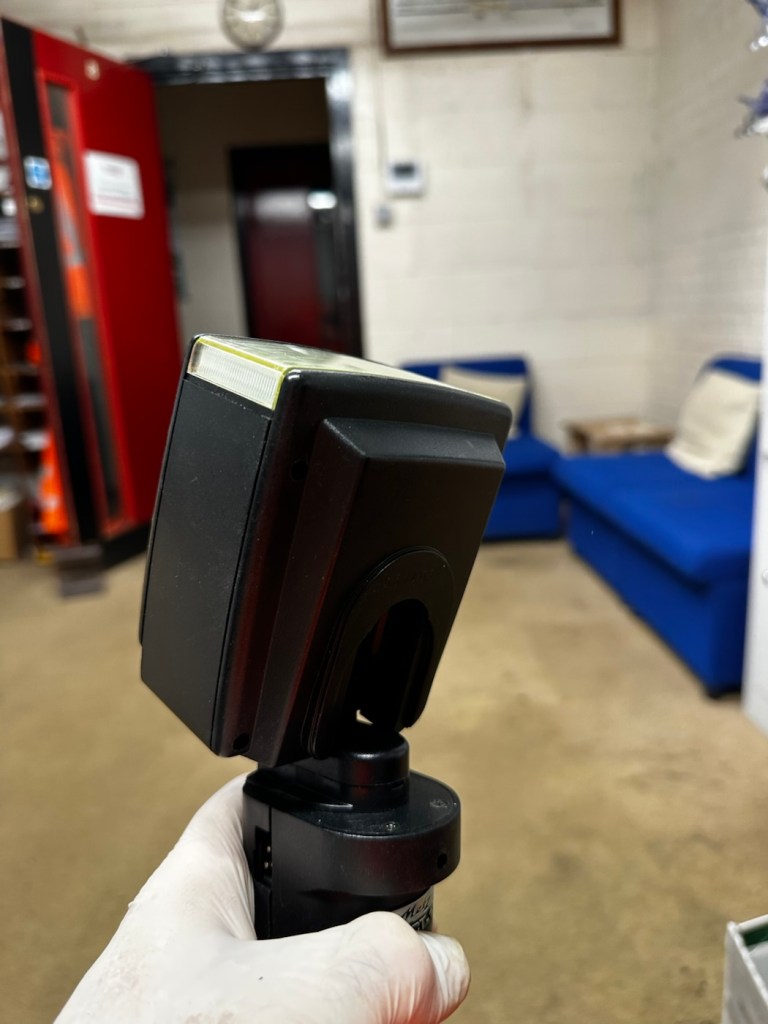
The main unit itself had a problem in that the head was floppy, unable to be at any other angle than straight up or, flat down and nothing in between, and something was rattling about inside of it.

So bearing in mind my sermon at the start of this post, I gloved up, armed myself with my capacitor discharge probe and cracked the unit open.

Repair:

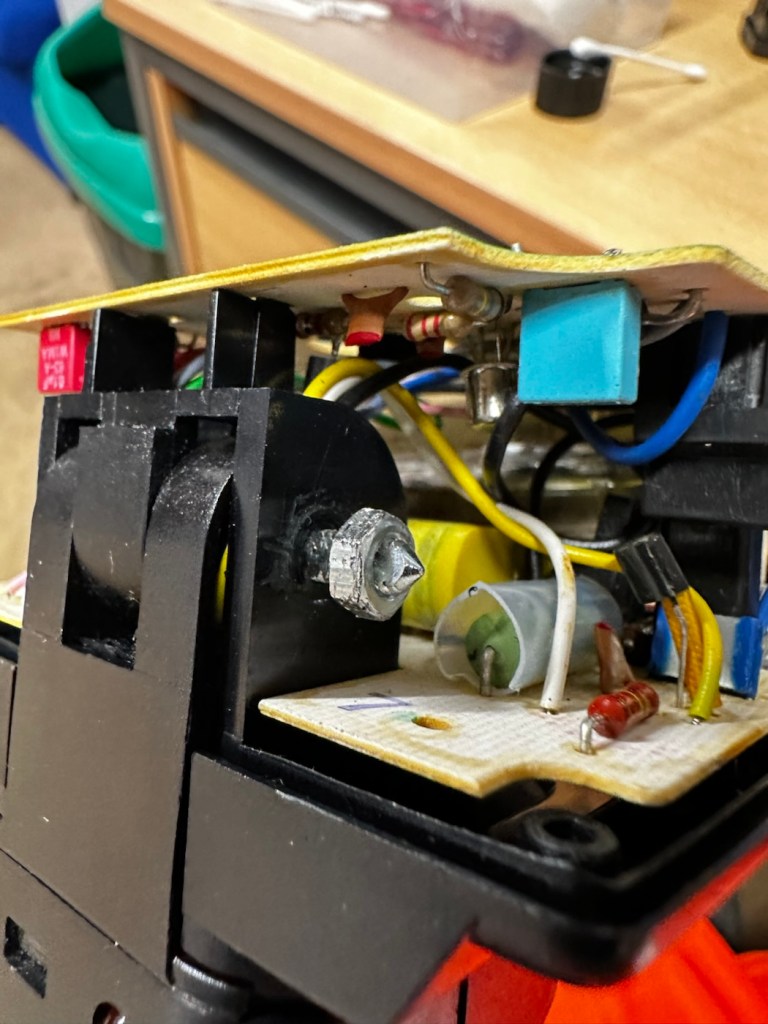
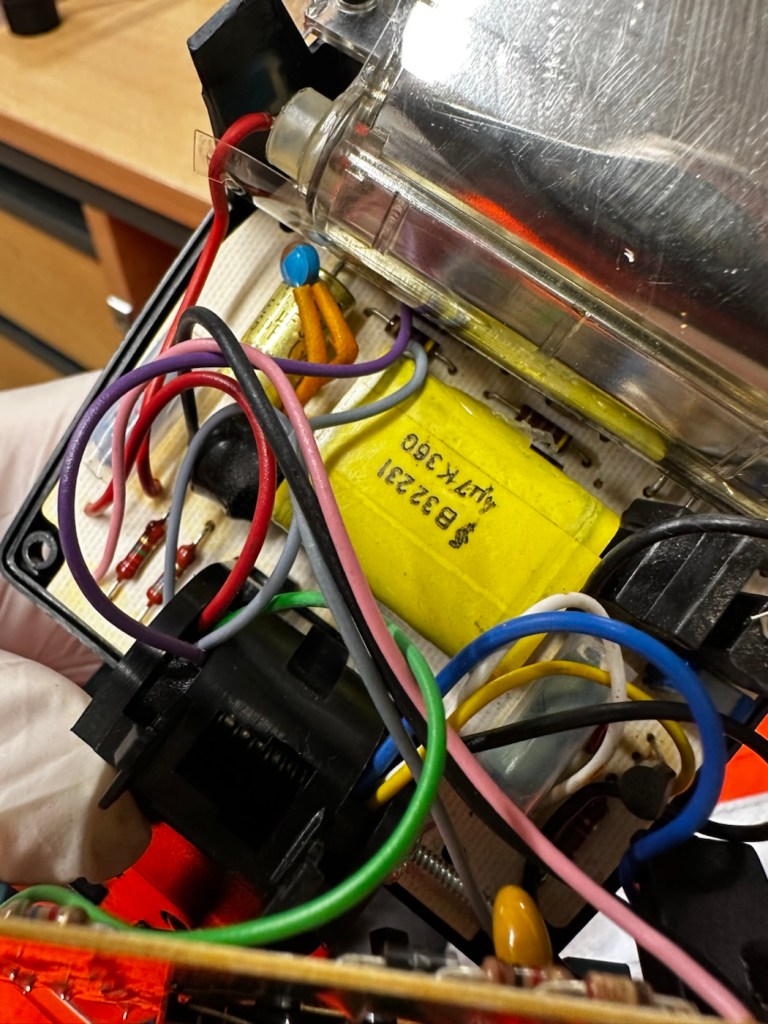
Straight in at the head of the unit and I went in search of my nemesis. The charge capacitor. And it wasn’t that hard to find. Sitting there all inoffensive and bright yellow, it was rated at 360 volts. As I had put a small load on it earlier to test its operation it was sitting there still holding a charge of 260 volts, needless to say I made sure this was discharged before I commenced any work in the area.

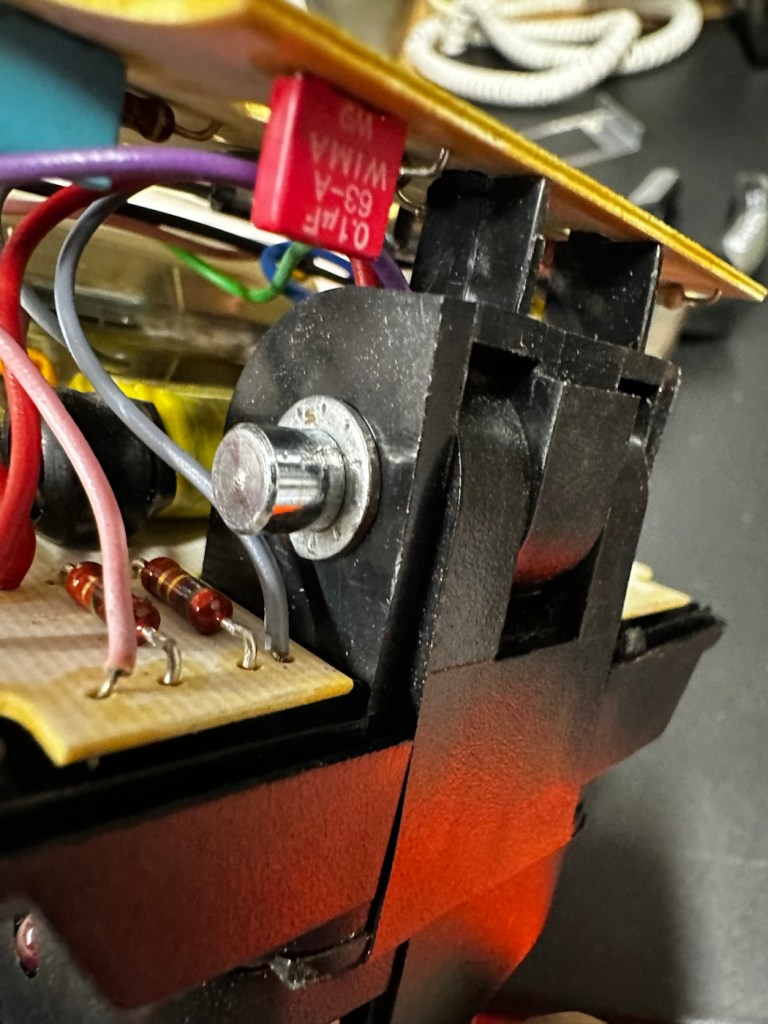
The “Knuckle” that the head pivots on is just behind the capacitor, so it made sense to discharge it.

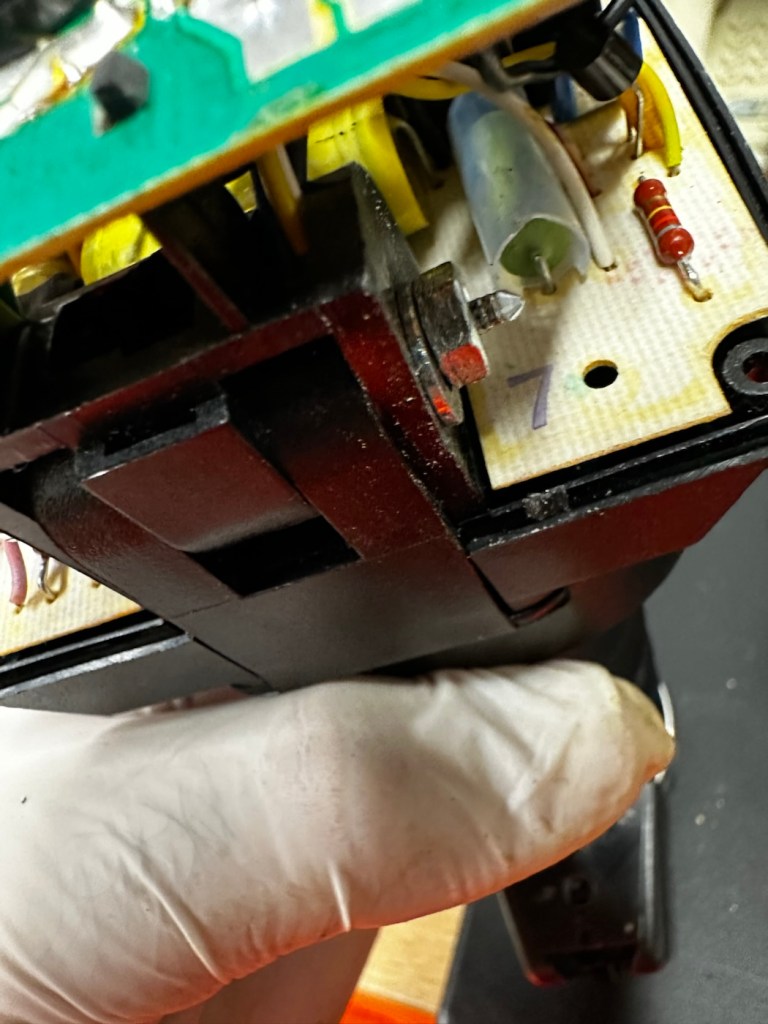
The piece that was rattling about was relevant to the reason the head wasn’t able to pivot, it was once part of a rectangular washer that had a serrated side that would mesh up against the head that was also serrated to create a clicking action to angle the head at any point between zero and ninety degrees.

The broken mesh washer

As parts for these had ceased production years back it was time to improvise.

Here is the setup as it was originally.

Original setup

You will see a chrome bolt, that has a spring along its length that would have applied pressure on the mesh washer that is now broken, allowing the head to click into varying angles. To make up for this I have now added a washer on either end so the spring no longer gets depressed, and where the old mesh washer used to be I have now added two small “crinkle” washers that should now take over where the mesh washer was originally placed. the washer at the other end prevents too much compromise, allowing more pressure to be added at the securing end with out damage to the plastic frame.

I’ve tried moving the head and although there isn’t the clicking now, the head does remain in position, whatever angle it is placed in. There is free movement around all axis, and the head stays where it is placed. I’m happy this has been repaired in that sense. Let’s get the casing back on.

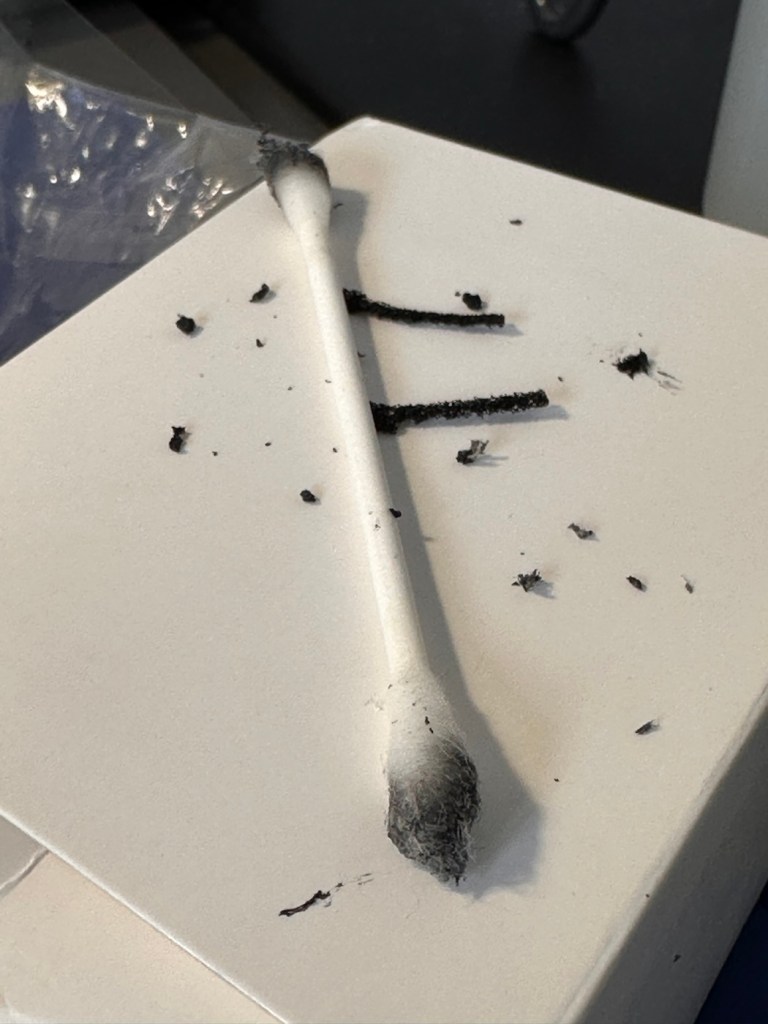
The next issue is the corrosion issue. Below you will see before and after photos, all that was used here was an old tooth brush, cotton buds, tooth picks and isopropyl alcohol. And a lot of time and patience

Once these were cleaned, I used a multimeter to check their continuity and all seemed fine. A final clean with some antibacterial cleaner has left them looking and smelling a lot sweeter than when they first arrived.

Reassembled, polished and smelling fine

A very brief video showing its operation.

One minute of unadulterated flashing

And with that, apart from a good old polish I think we are done here.

Result:

Look at me

And doesn’t she look gorgeous after a good Polish?

This flash was really destined for the dump, and has now been given a new lease of life. Perfectly usable, in a very good condition and a lovely piece of photographic history. I’m so pleased with how this project has gone and so proud of myself for saving yet another classic item from landfill.

Thank you so much for passing by, as always you know it is very much appreciated.

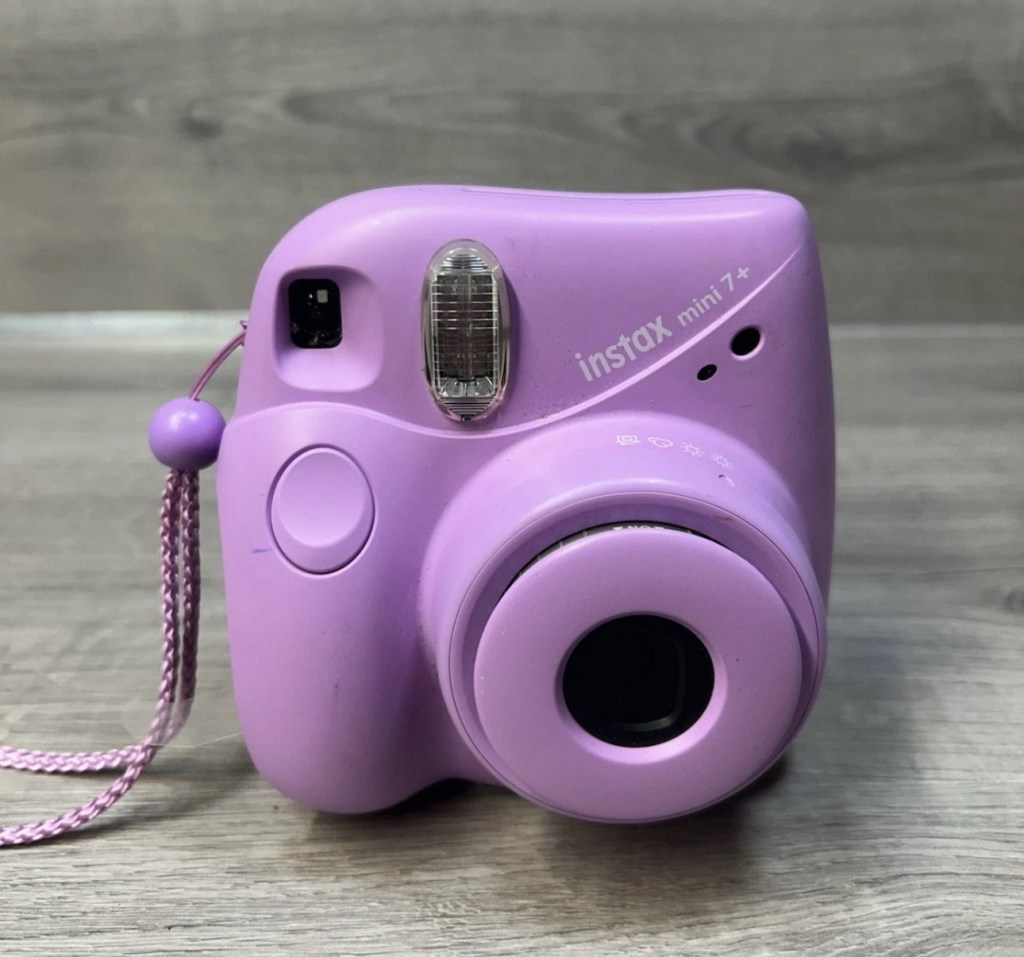
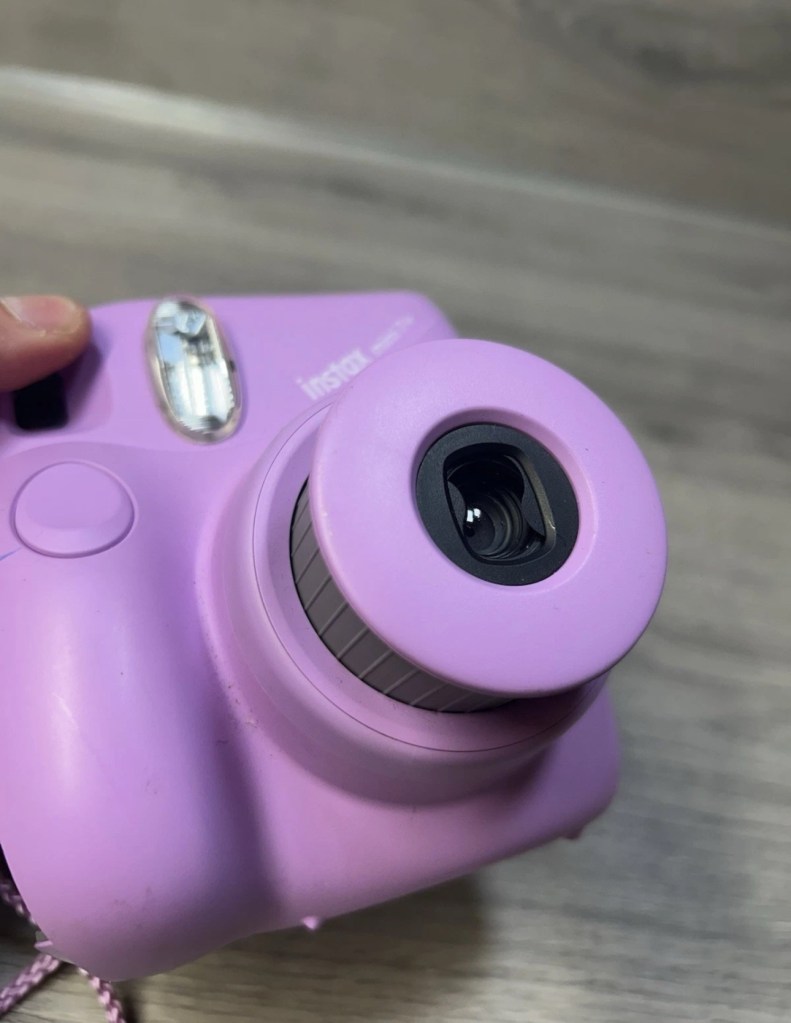
Fujifilm Instax Mini 7+

What the listing stated:

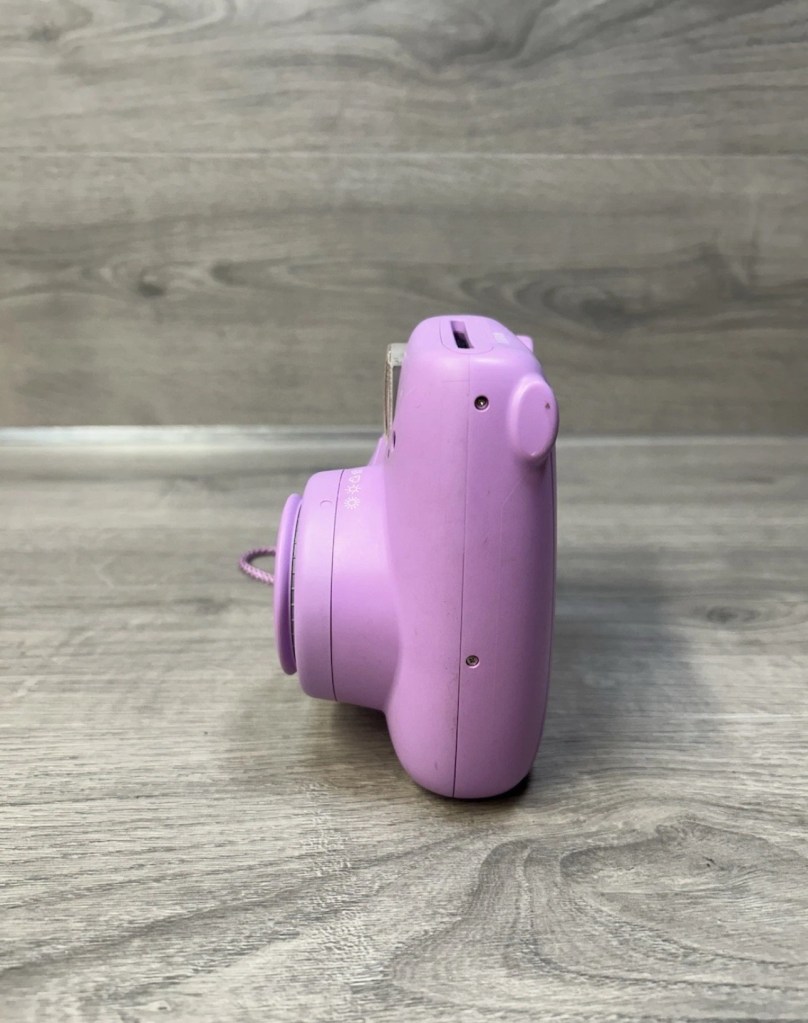
Fujifilm Instax Mini 7+ Instant Film Camera Not Working Spare/Parts. When batteries are inserted into the machine, lots of clicking noises can be heard from the battery compartment. The camera button functions do not work and therefore I am selling this as spares and repairs.

EBay

I enjoyed my last repair on one of these cameras so much that I just had to buy another. You can read about that repair and the issues I encountered here: Instax Mini 8

Here’s a little about this camera:

With its LED-indicating exposure meter manual exposure controls and automatic flash adjustments the MINI 7+ produces well-lit pocket-sized photographs. Easily shoot in-focus snapshots using the 0.37x real image viewfinder with target spot controls and a 60mm lens with a selfie mirror for in-frame portraits. With a shooting range of 23.6 and beyond the MINI 7+ is ideal for close-up portraits and close environments.

T’internet

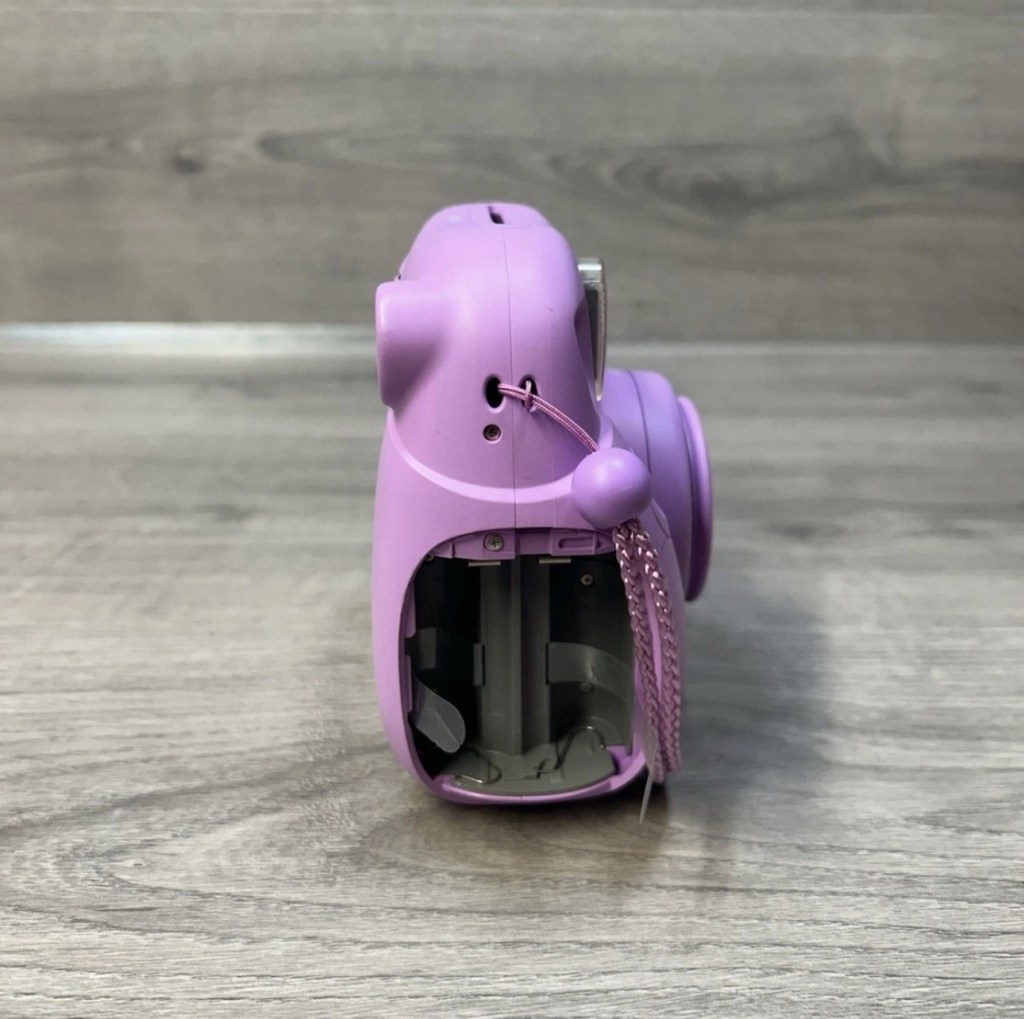
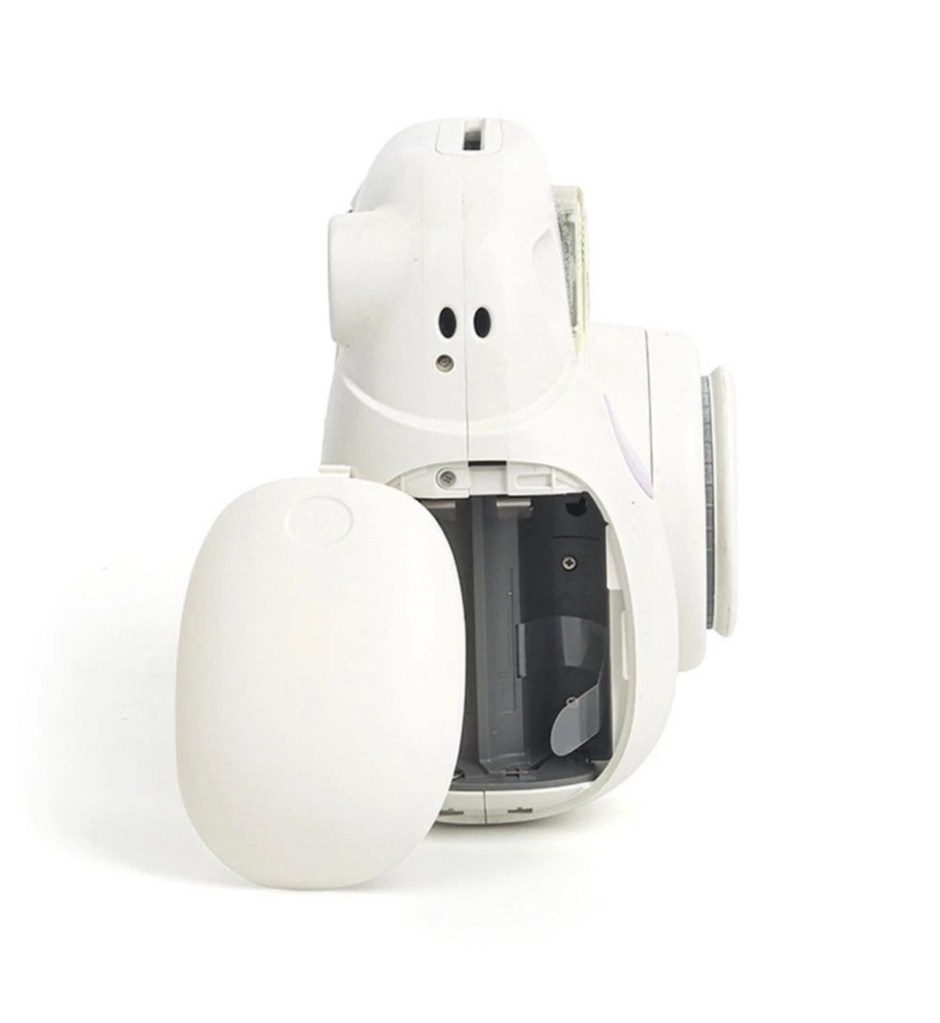
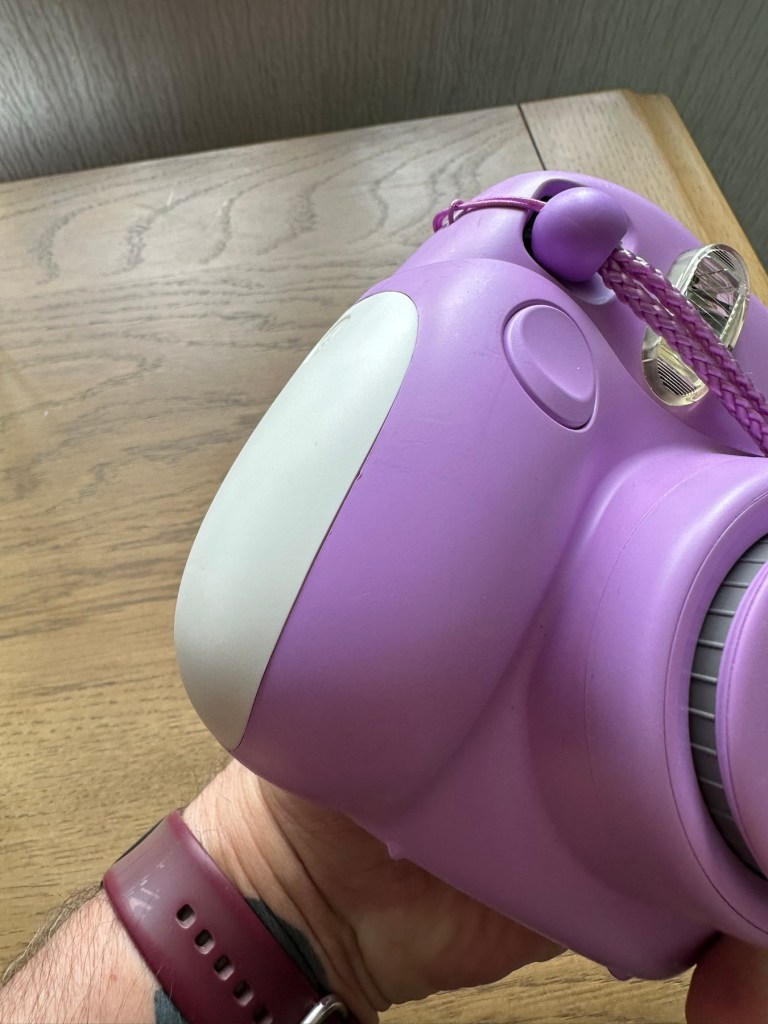
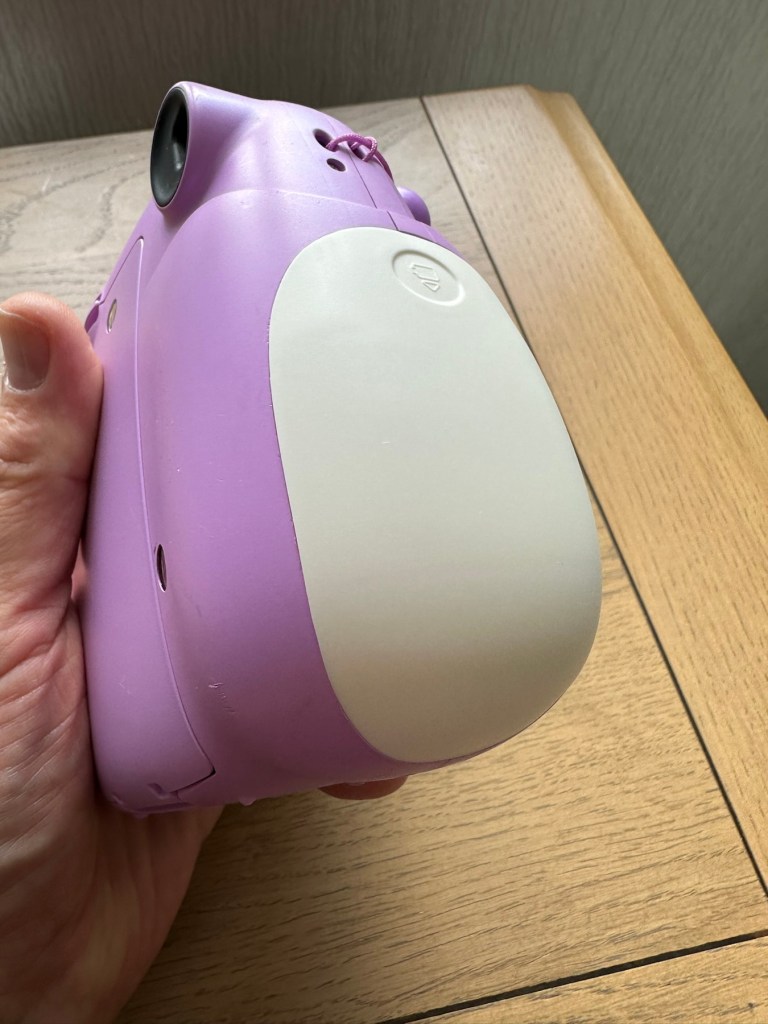
I believe this camera was released around 2020 so it’s not that old. This particular unit is also missing the battery cover which is a bit of a pain in the Ass, however cheap replacements are available but not matching the cameras colour. Am I bothered? Of course I’m not, as long as it works I’ll be happy. I could even paint it up, that might be interesting.

This unit has cost me the grand total of £8:69GBP my Mini 8 project cost me £11:45GBP so I’m very happy with this price. The value may rise slightly as I will have to purchase a new battery cover.

Anyway, let’s wait for its arrival.

Assessment:

The camera has arrived and it is in good overall cosmetic condition. A bit of dirt on the back near the film counter, but this should clean off ok. There is a gaping hole where the battery cover should be, a pain yes, but I can always source a new one from somewhere.

The good news is that there is no contamination on the battery contacts, they are absolutely fine. When batteries are inserted the transport runs, but it runs too long, and then a red light shows at the end of it’s movement, and no buttons work, in theory it’s dead at this point.

A little movement of the camera and you can tell that something is rattling around inside, so something has definitely come loose or broken from within.

Let’s get it open and have a look.

Repair:

I’ve sourced a replacement battery cover however it’s in China and I’m probably not going to see it any time soon, maybe not even until next month. I’m not going to order just yet until I know if this unit is repairable. But as soon as I get an inkling that it might be repairable I’ll order it.

The replacement cover. It’s white. My camera is purple. Time to get creative.

Next I’m going to open the camera up to see what the source of the ratting sound is.

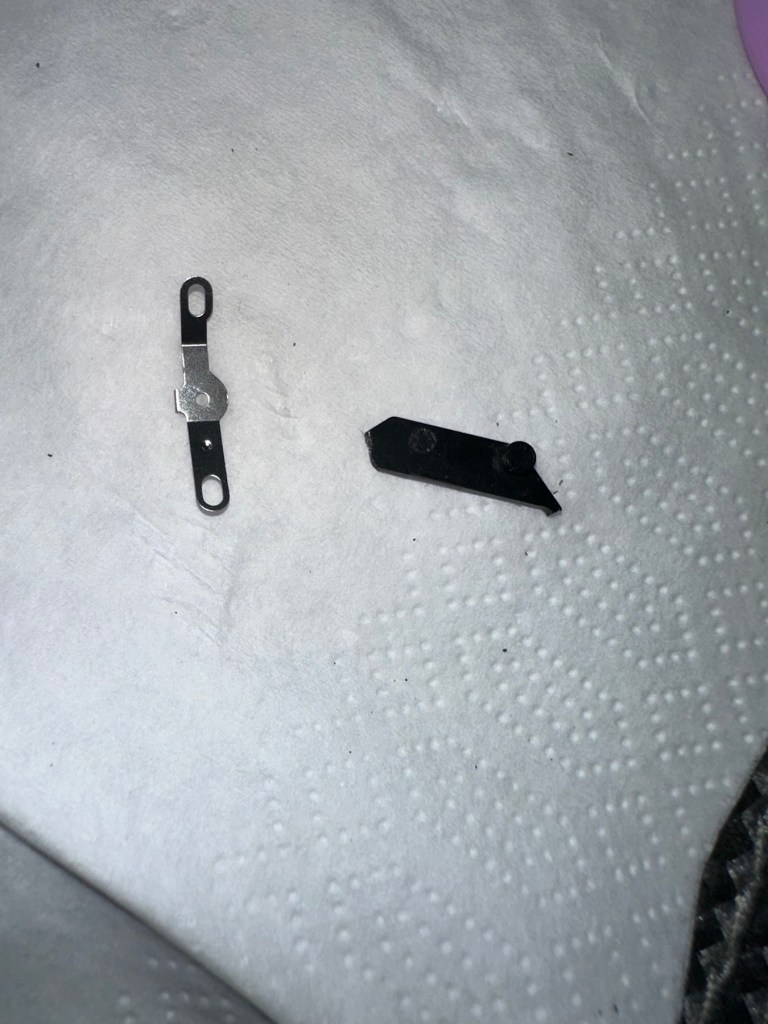
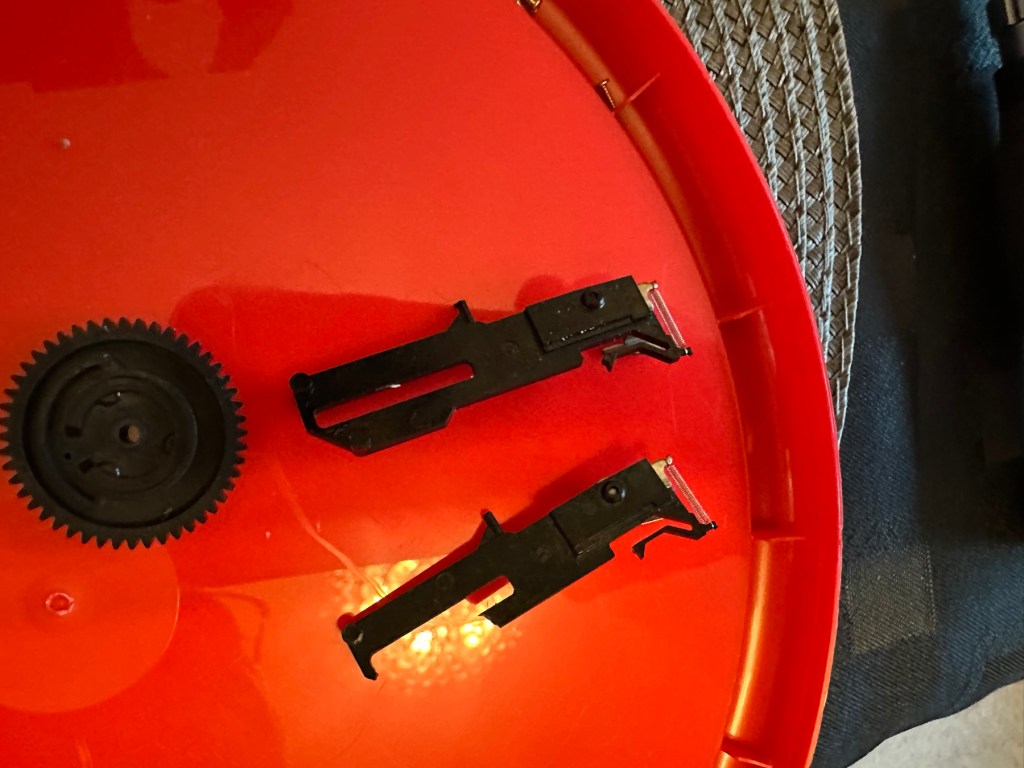
These are the items that are rattling inside once I have opened up.

The rattling suspects

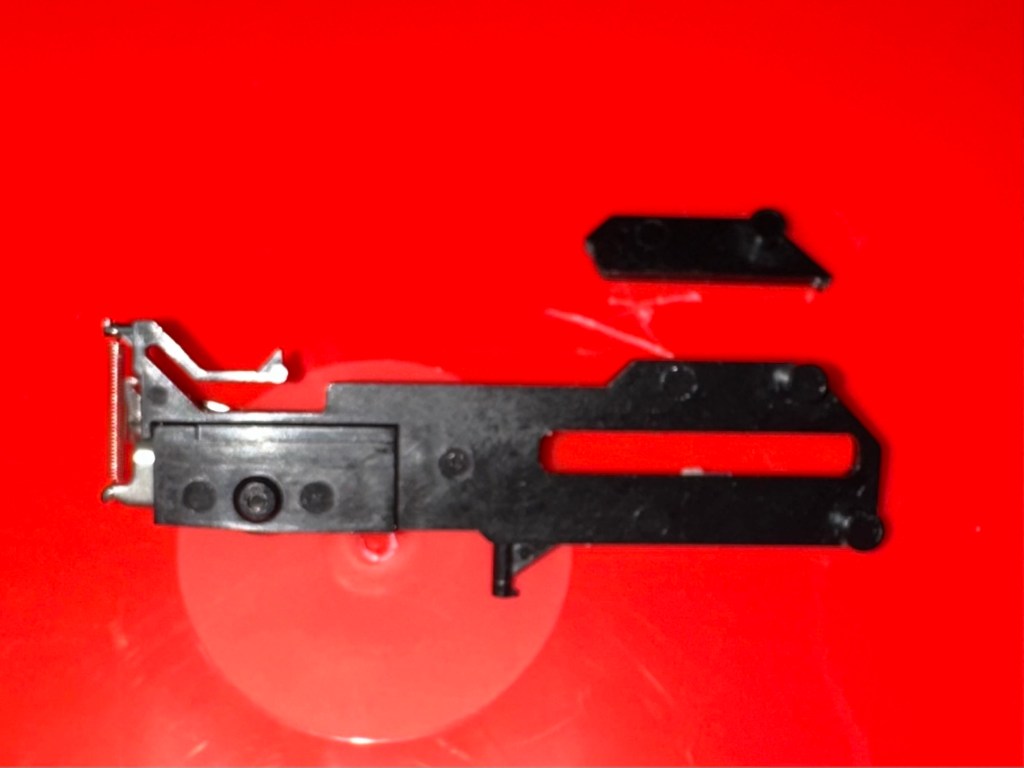
One of the items i recognise is the spring that comes from the operating button, the other part is broken off of something, i will have to look through the mechanism of a donor camera i have to see if i can find a part that matches. And I’ve found it. It appears to be a film transport mechanism buried deep in the workings that had broken and become jammed.

The part is a right pain in the ass to replace, as it has to be in the absolute perfect position within all the cogs, and there is no reference to how the cogs sit. You have to reassemble most of the camera to test, then open it up again to make fine adjustments.

So far I have done this about four times, and I still have to open it and do it again. Once again I’ve managed to twice make contact with the flash charging circuit giving myself a right quick electric wallop.

A nice impression of the two flash test probe points I seem to keep touching

I have learned my lesson though and am now employing capacitor discharge probes every time i remove the batteries, as I say in the website intro pages, don’t do as I do. I’m an idiot. These capacitors maintain about 300v to power the flash, believe me it’s a very quick jolt, but it’s a painful one. You certainly know it has happened, be safe, don’t be like me.

Capacitor discharge probes – use them!

I’m holding back on ordering the battery cover at this moment until I can confirm that the cogs and transport system are working in harmony with each other.

On my sixth attempt at lining up the cogs and transport system I believe I have it set correctly. I’ve compared the transport with another similar camera and it duplicates its workings perfectly. It operates well and there are no fault lights showing. The movement is free and unobstructed. I’m happy that the camera is now repaired so I will now go ahead and order the battery cover. The cover has cost a total of £3:12GBP including postage and that puts the total cost of this project up to £11:81GBP compared to my previous project cost for the Instax 8 of £11:45GBP, so I’m pleased with that, as costs are very similar. Oh, and I best get some more film to test it out as well. It isn’t classed as working in my eyes until I see some photographic proof.

Result:

This is my second repair of a camera in the Instax range and the most challenging to date. It’s been great to work on and as usual I have learned a lot about how these cameras work inside. I’m glad I had an old camera to call on for spares as that has proved invaluable in this case. In the past I think I just would have given up on a full repair and junked the camera as many people seem to do, however these cameras are very repairable, desired by the younger folk, and worth designating some time to as they can be saved. There are a lot of non working examples available out there at a fraction of the cost you’d pay for a new working unit. (Money to be made in my own personal point of view)

The unit has polished up very well and looks lovely.

And it works….

And it works just fine
Pictures as expected

I’m so pleased with this camera, it’s taken a lot of time and head scratching but we got there in the end, and it is as good as new. I’m still awaiting the battery cover, and we have guests coming around today so I’m going to use this for some random photos. Just got to make sure I don’t let the batteries fall out. Once again we’ve saved another unit from landfill and that is the big win here.

Three weeks later the battery cover has arrived from China. Perfect fit.

Many thanks to my lovely missus for allowing me to take photos. Rare because she hates having photos taken.

Thanks for passing by, as always it is very much appreciated.

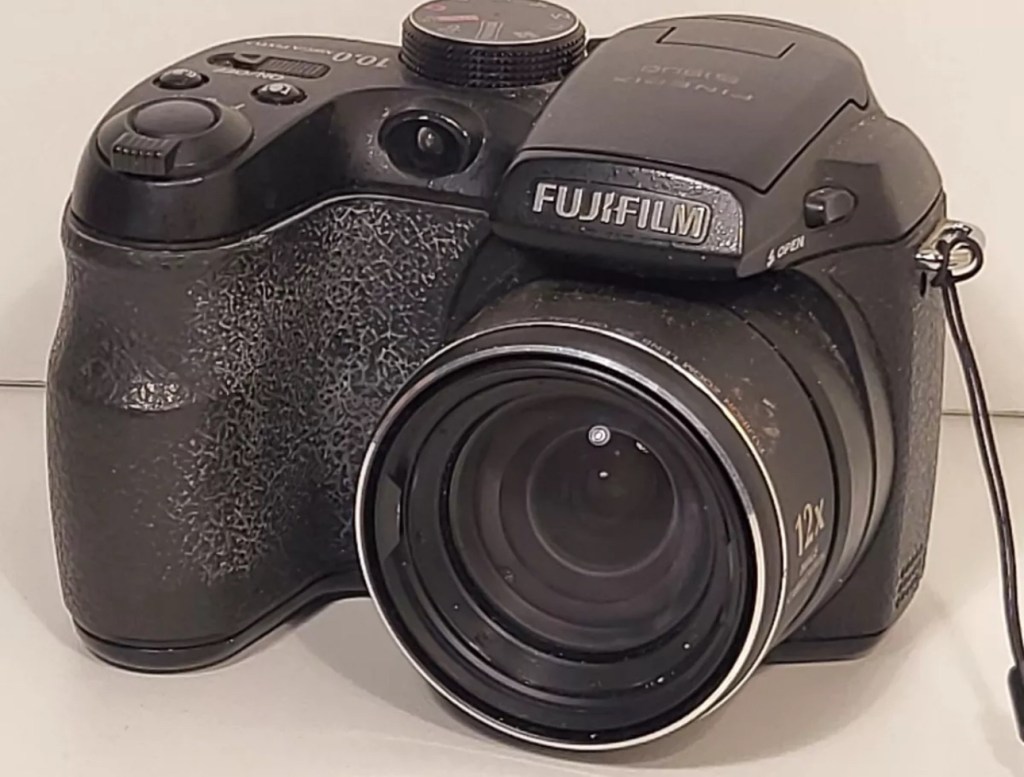
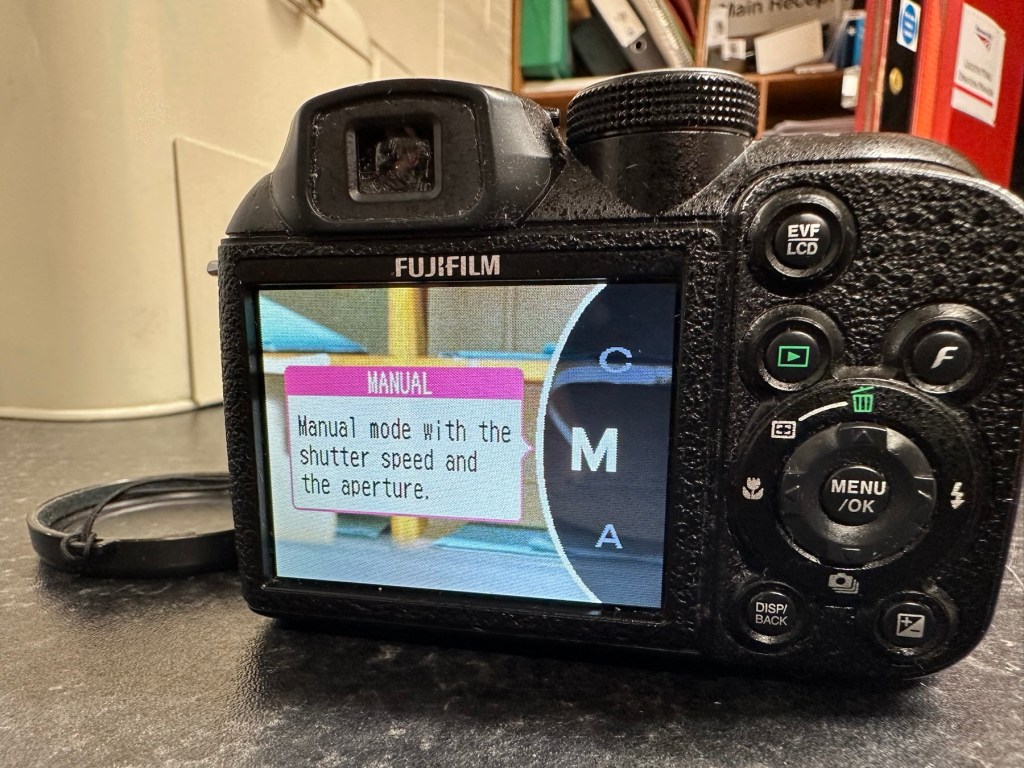
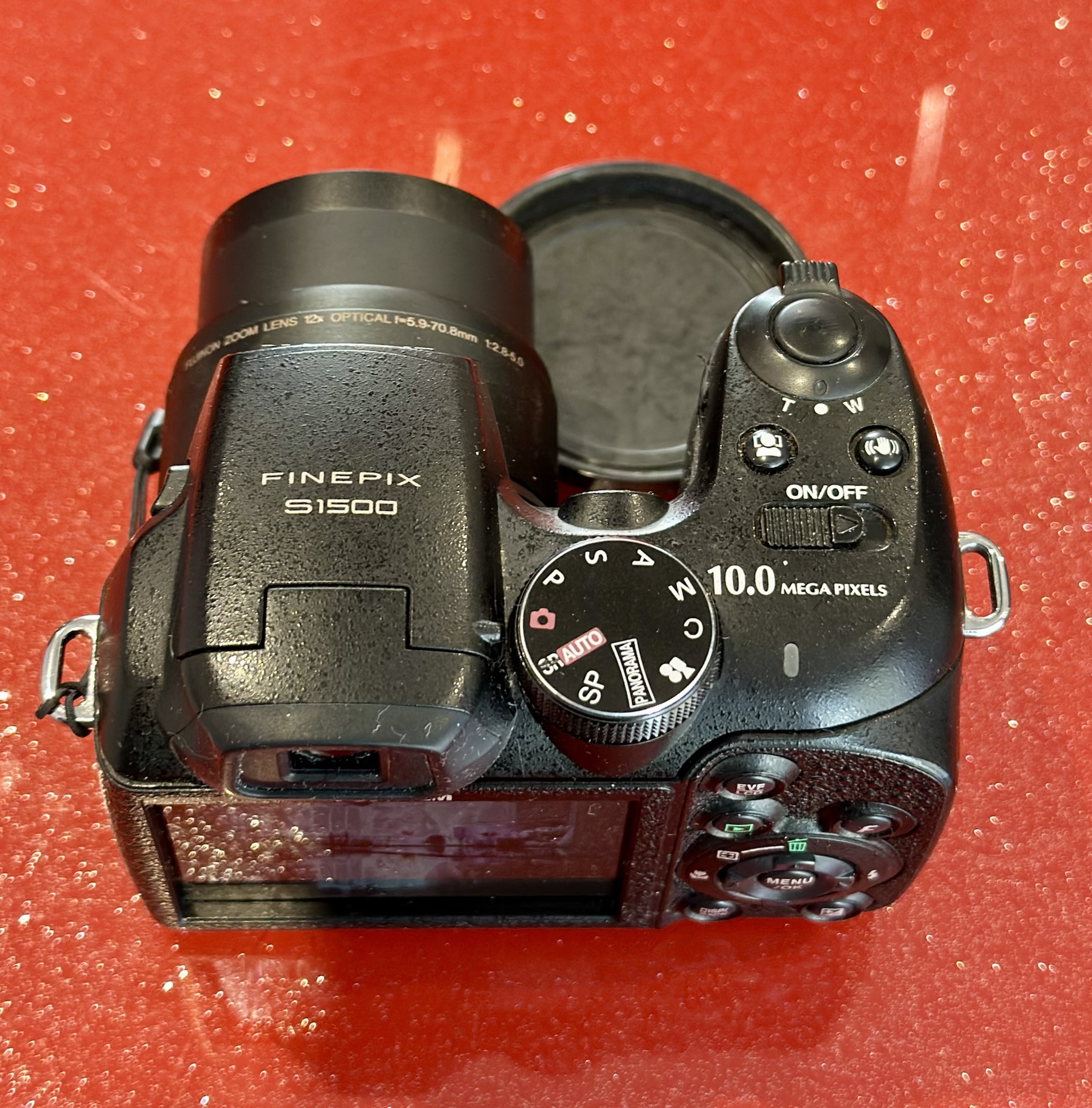
Fuji Finepix S1500

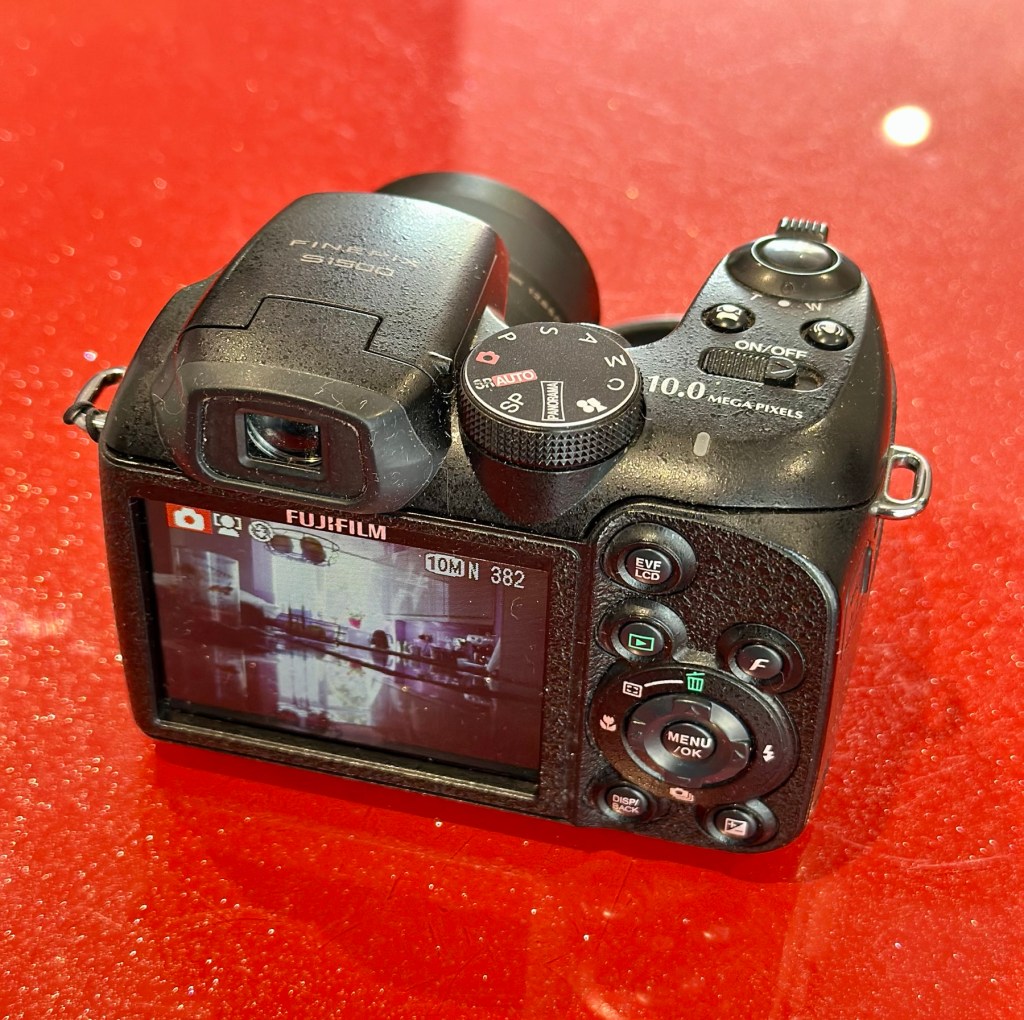
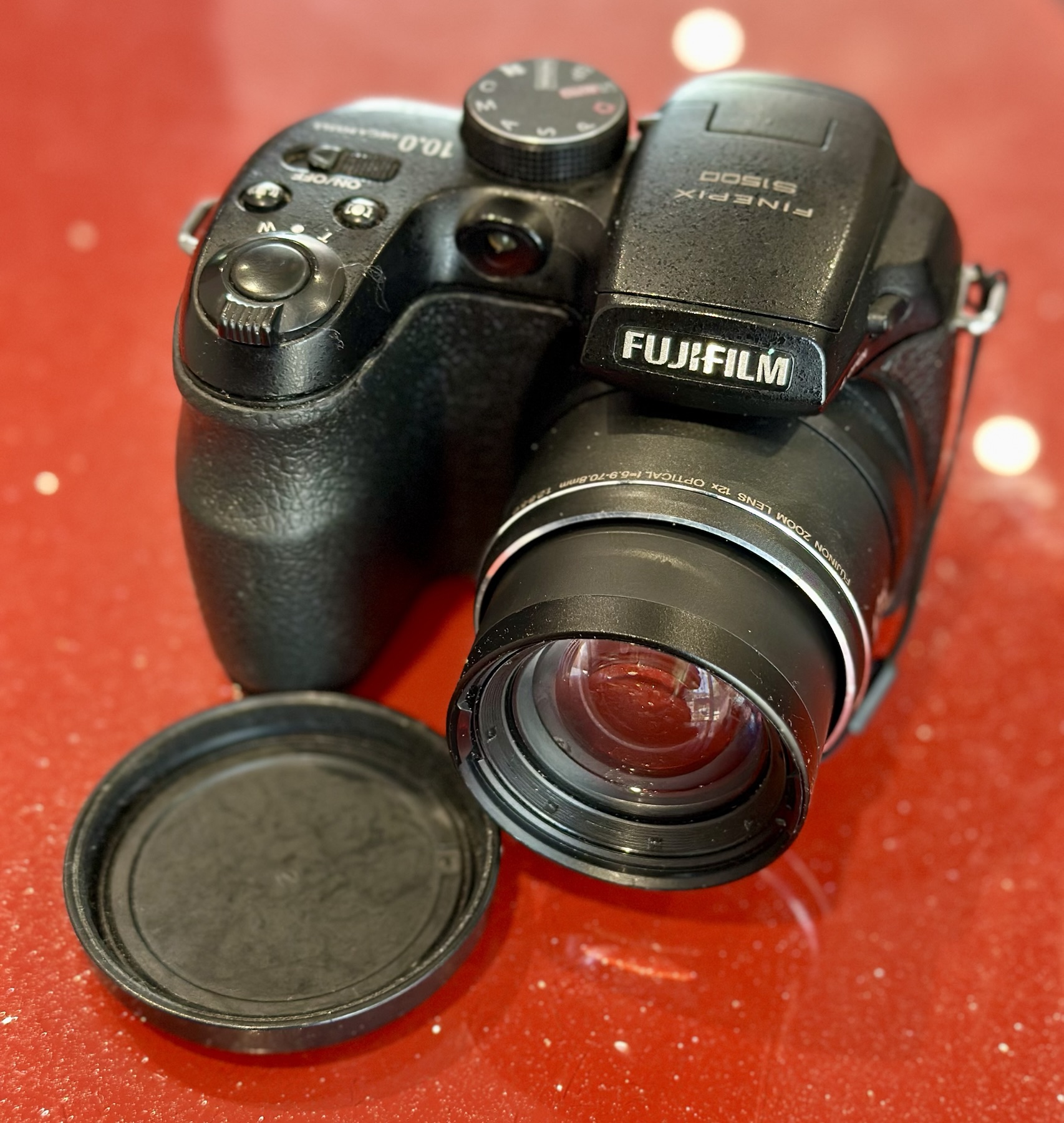
I purchased this item from EBay in April 2024 and have only just got around to finishing what had been a draft post put together all that time ago. I had written about it briefly in this earlier post Fuji Finepix S1500

A little bit about this digital “Bridge” camera

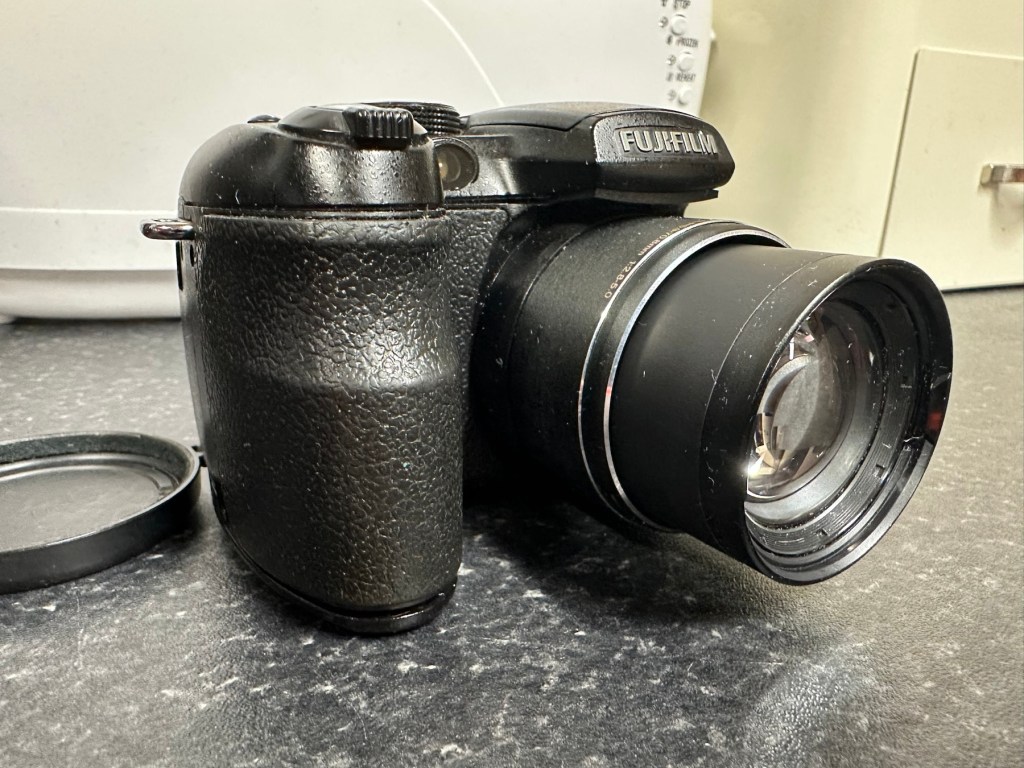
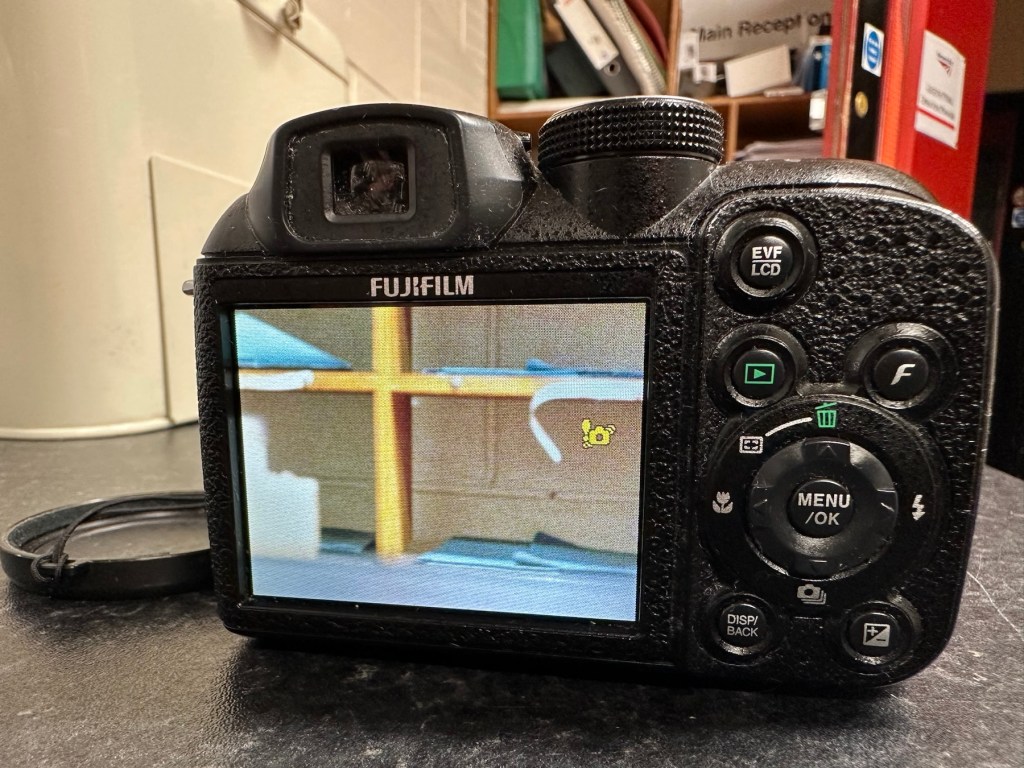
Successor to the S1000FD (at the time the world’s smallest 12x zoom camera), the FinePix S1500 is the latest in a long line of very compact SLR-styled big zoom cameras designed to appeal to those wanting a lot of lens on a tight budget. The big change is the inclusion of optical (CCD shift) image stabilization, making the long zoom a lot more usable in less than perfect light, and for the money you’re getting a lot of features – including full photographic controls and a 7.5fps burst mode (at reduced resolution) – in a lightweight package. Price on the market back in 2009 was £219:00GBP

DP Review

Assessment:

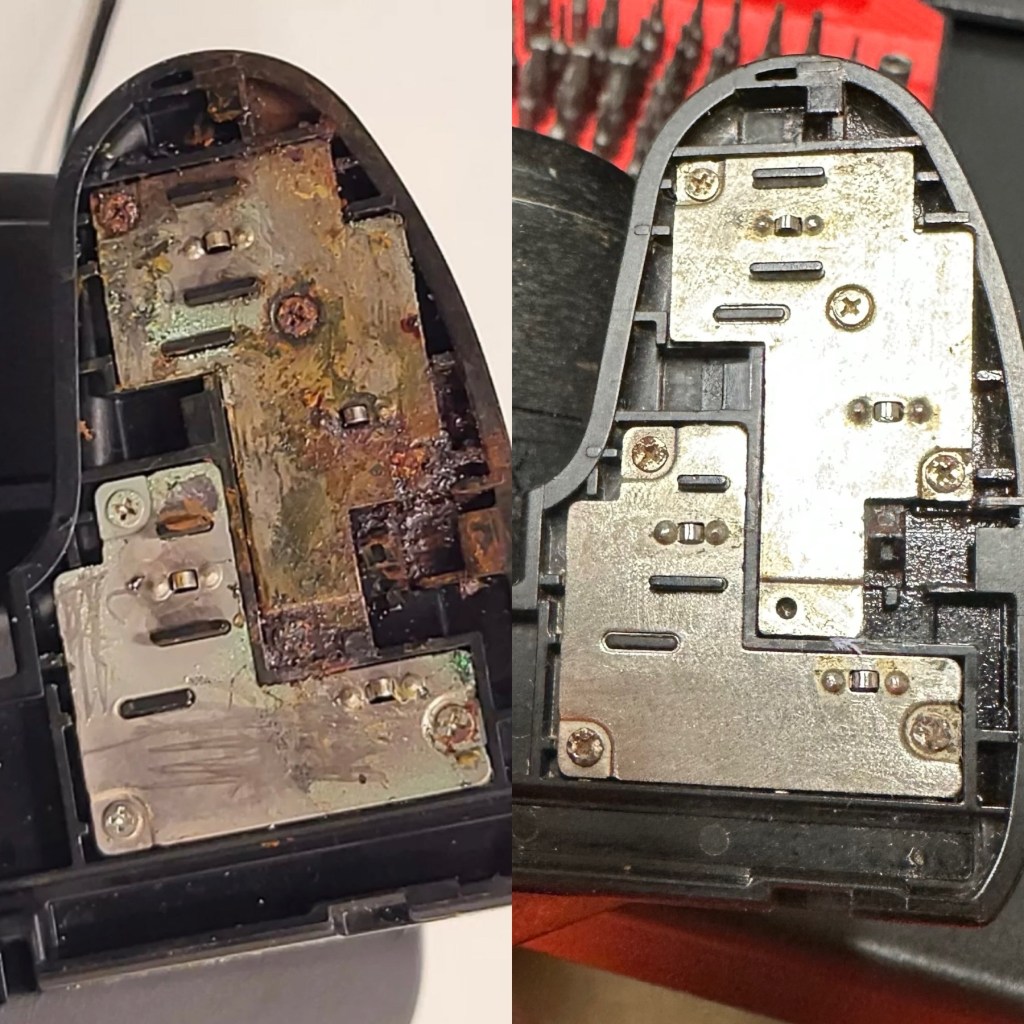
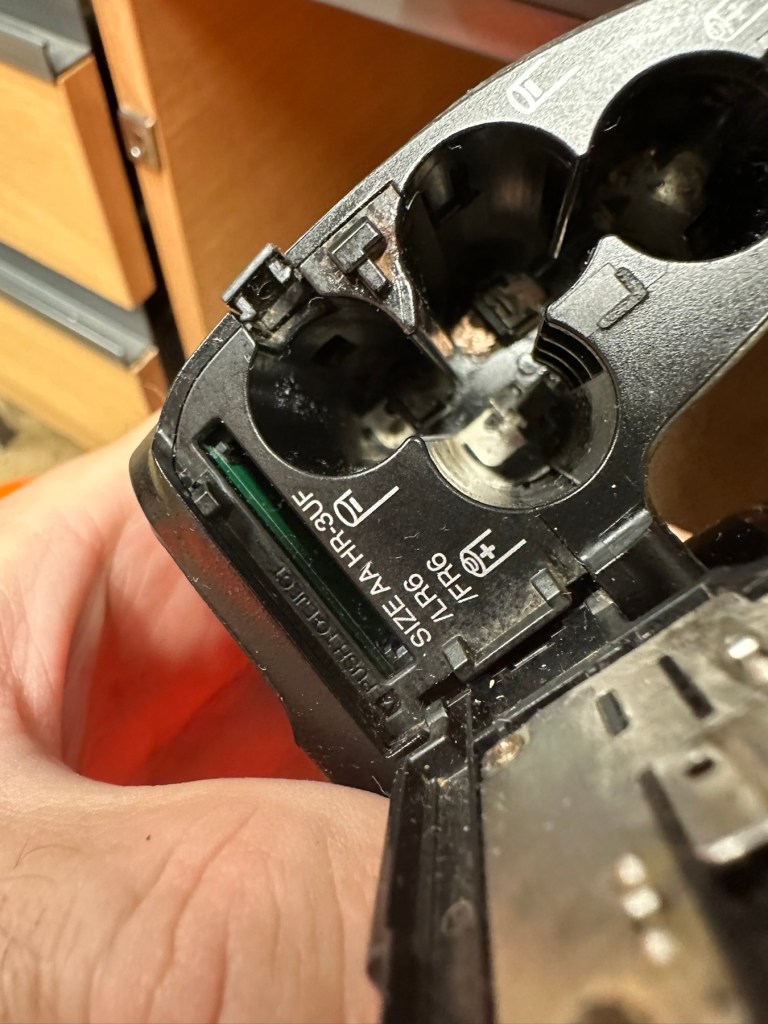
This camera was launched in 2009. The unit has arrived and is cosmetically tidy, however when you open the battery door the issue is obvious, two of the contacts are badly corroded and despite some initial cleaning there is no continuity and no power present. The unit is very much dead and not working.

A tatty and unloved camera

The issue with these units is that the power chambers are hard to access and to get to the point where the battery connectors are, you have to remove the powerboard assembly and this involves de soldering a number of points. There does not however appear to be any major signs of corrosion on the visible side of the board, when it’s removed it may reveal a darker issue hidden below.

Power board assembly

It’s going to be no easy task but I may look at running six volts from the bench power supply to a point on the power board assembly to see if I can breathe life into this camera. I don’t want to waste time in the battery terminal area if there are issues elsewhere on the unit.

Repair:

Looking at the boards again I am not going to pay them any further attention. The contamination has not reached under them and is isolated to the battery chamber so that’s where I will concentrate on.

I’ve started with the contacts on the battery door, as you can see above, they are particularly bad and have no continuity through them.

When reassembled the door section looks good, it will just need a good clean at the end.

Before and after

Rather than dismantle the whole camera, and because I know there is no contamination on the main board I was able to get down into the battery chambers with a steel braid pen that I have, that allows me to gradually scrape off the contamination. Followed off with a good chamber clean of Isopropyl alcohol, I was able to get the remaining acid contamination out of the camera.

Attacking the contamination in the battery chamber

Result:

Once I did all of this I paid some more attention to the exterior using some car cockpit polish, this removed those horrid white sweat marks you see on the faux leather coverings of these older cameras, and it came up quite well and had a lovely vanilla smell to it .

Polished

I have turned it on and hey presto we have life. Everything is working as it should. It’s a 10 Megapixel camera and I have a 1Gb Sd card installed and it is taking pictures as expected.

Nothing more really to say about it, it cost me about £6:00GBP spares and repairs as it was totally dead, thankfully we’ve managed to get it working instead of breaking it up for spares that would more than likely never be used anyway.

This unit is of no real use to me, so I will get it up to our local Hospice shop for them to sell on.

Even if they only get a few pounds for it, it will benefit someone who needs the help and assistance.

So another item saved from the scrap heap. Might be of use to someone.

Thanks for passing by.

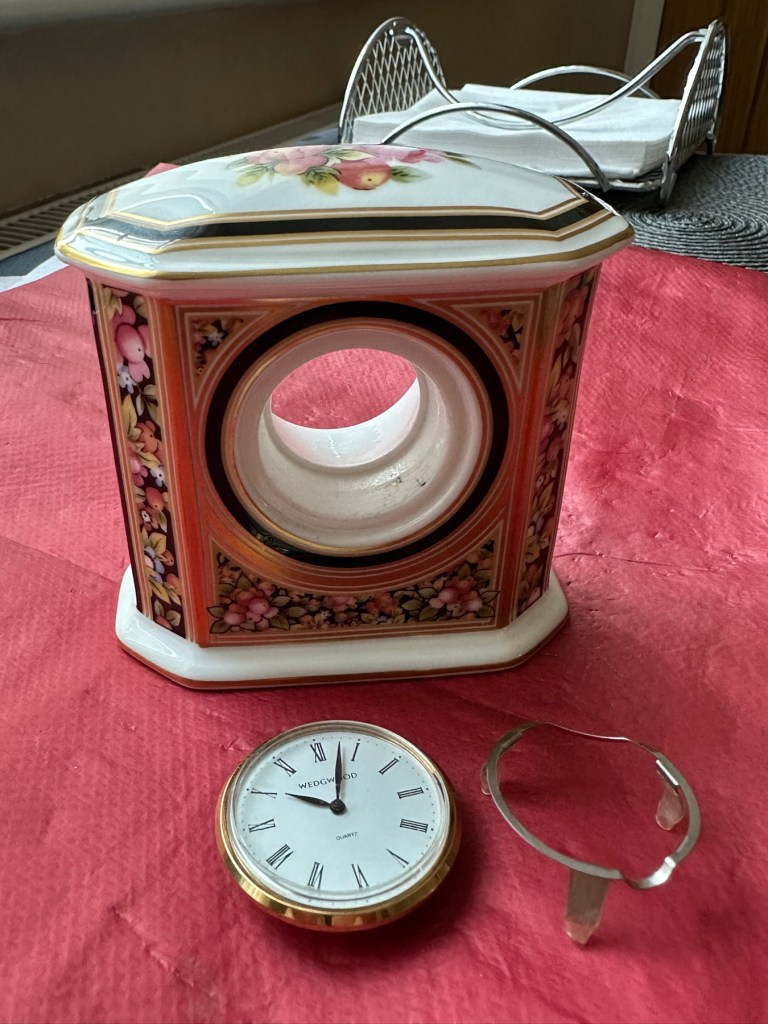
Wedgwood Clio ceramic clock

What the listing stated:

Wedgwood Clio style Ceramic Clock Casing – Clock not working. Attractive casing showing fruit and berries. About 20 years old. Unfortunately, the clock is not working and has battery corrosion making it uneconomic to repair.

One of the photos shows the casing with the clock inserted and I will include this clock for information purposes. The casing is 90mm high and 90mm wide with a depth of 50mm.

EBay

This had just been listed and had a really low buy now price so I took it. With postage and all costs it’s cost a total of £8:32GBP, and I think that’s a good price for late issue mass produced Wedgwood piece. I’ve always fancied having a go at fixing a timepiece so I’m happy to trawl around at the low price end to give it a go. This will my second piece I have attempted, the first one being even cheaper and very tacky that i passed on to my older sister, and she just loves it : Rock & Roll clock

The Wedgwood Clio style was introduced in 1992 and ceased production in 2005. The fact that the seller dates this clock as around twenty years old would tie in nicely with this piece being part of the last production run of this range.

You can buy replacement Clio design clock inserts from Wedgwood direct at about £27GBP per item, but that’s not the purpose of this site, so I will attempt to make the repair. If all else fails and it is actually beyond repair, then I will source something similar to replace it with. This is a 36mm fitting clock insert.

Anyway, let’s await its arrival so we can fully assess things.

Assessment:

A lovely piece of my favourite pottery in just as good condition as described in the listing.

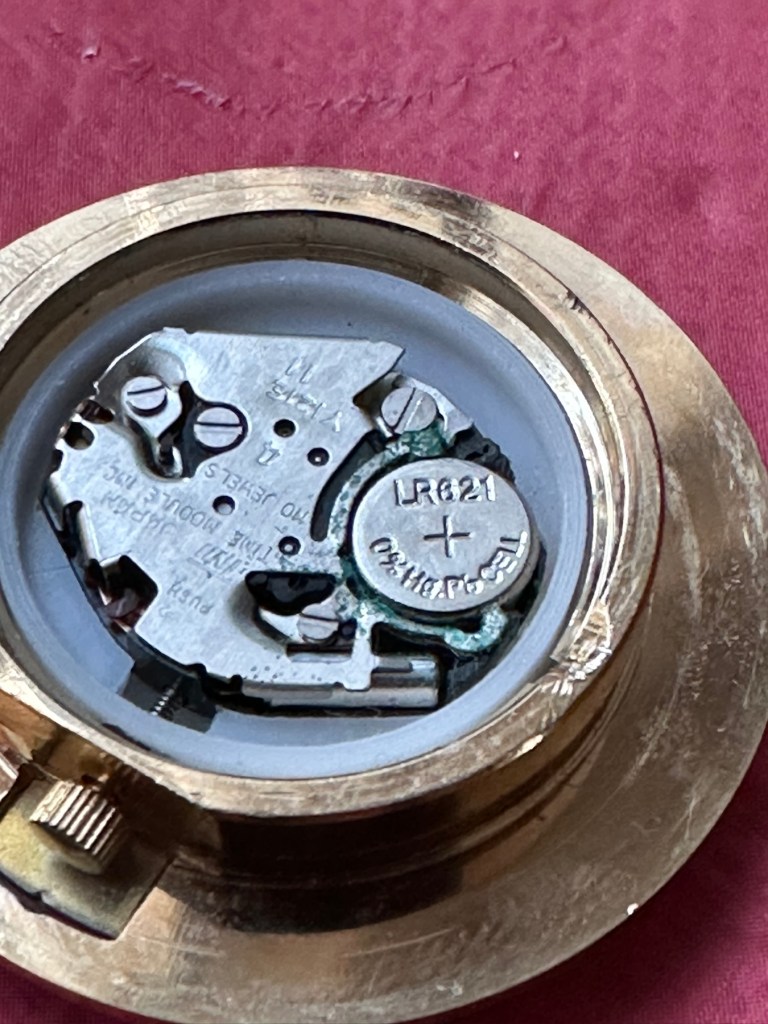
If you remove the timepiece and crack the back open there is definitely signs of battery corrosion around the battery connectors. Measuring the battery voltage it is registering 1.4v, I may well replace this as I don’t know if this is the one that caused the issue or whether it is depleting under load, and I wouldn’t expect that load to be too excessive. But you never know so I will source a fresh battery.

Battery registering 1.4 volts

Repair:

The internals are contaminated with green/blue corrosion from an old battery, using my magnifier and a small grinding pen I am able to remove all the visible corrosion.

After I’d used the grinding pen, I cleaned the timepiece with some compressed air and then cleaned the workings with some Isopropyl Alcohol to remove any residual contamination.

With the unit now reassembled, i can confirm the unit is ticking along quite nicely.

It’s just gone 8pm and keeping good time
20’minutes later still going well. You’ll just have to take my word for it.

Result:

It amazes me that someone sells a unit as lovely as this stating that it’s “Beyond economical repair”. What nonsense, this has cost me the grand total of “Zero” to get fixed. At the very most it’s taken 15 minutes of my time. I love easy repairs such as this, the fact that I purchased such a charming little timepiece at pretty much no cost at all makes it all the more satisfying. An item such as this needs to be looked at as it’s too nice to just be stuffed in the back of a cupboard until it’s thrown out with the junk.

Still quietly ticking away after being repaired

Again, some things are just so easy to repair if you just commit some time and patience to it. This clock now has many years of good use ahead of it. On display, right where it belongs.

Another item saved from waste.

A positive outcome in my personal point of view.

Thanks for passing by. It’s always very much appreciated.
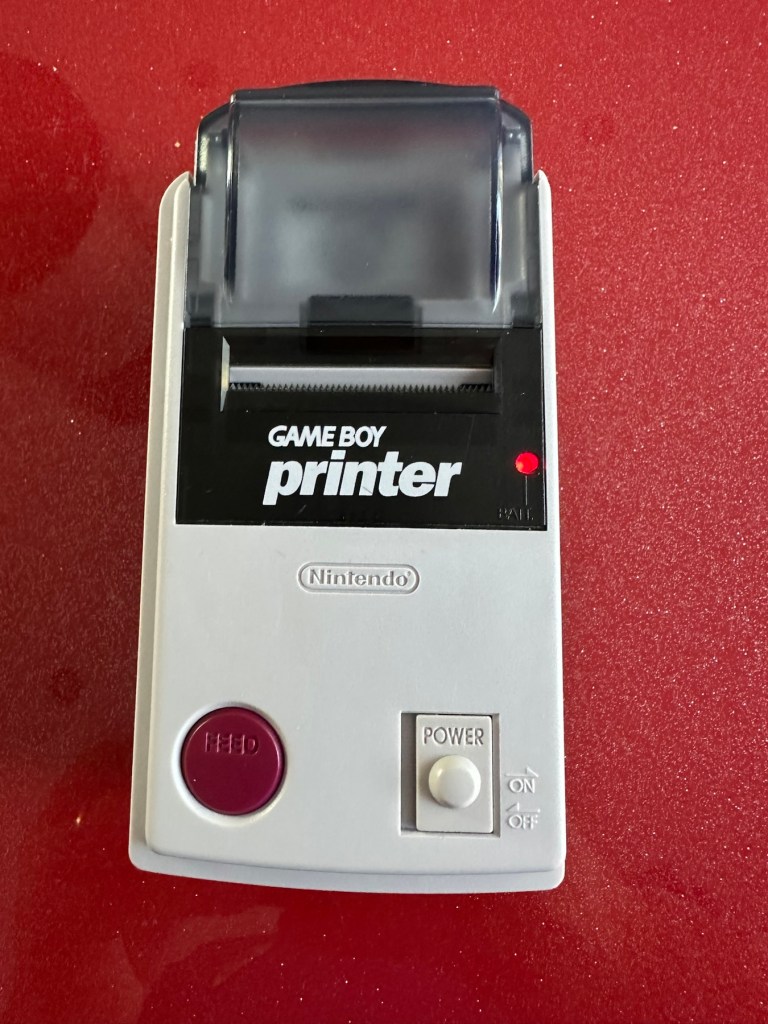
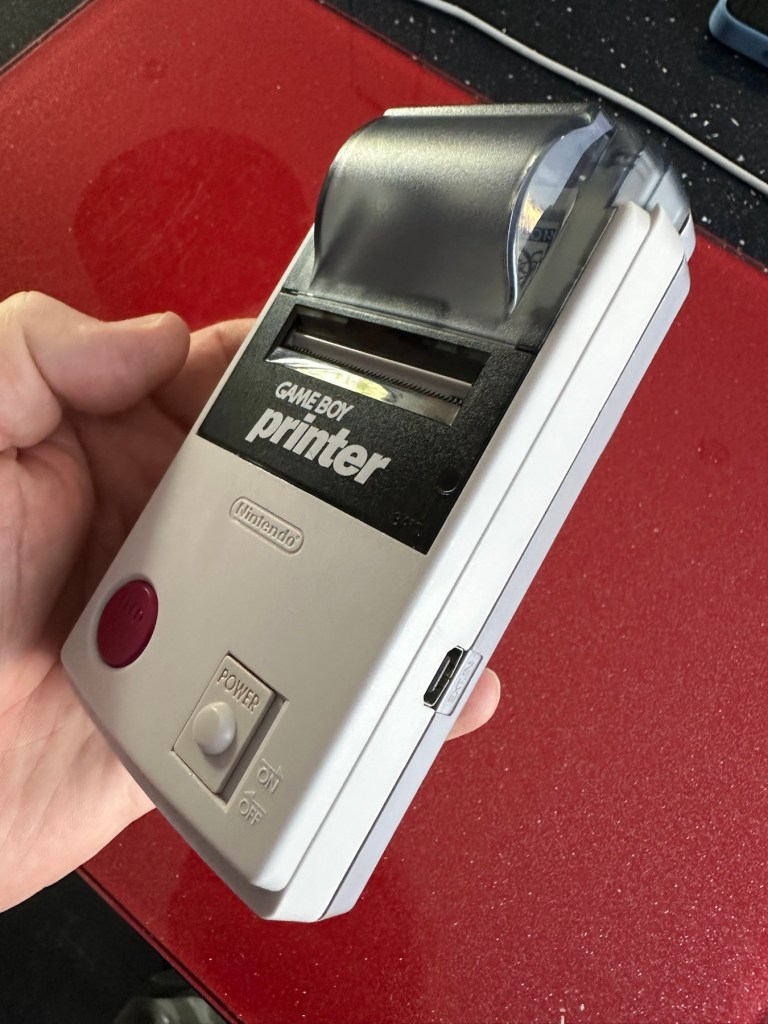
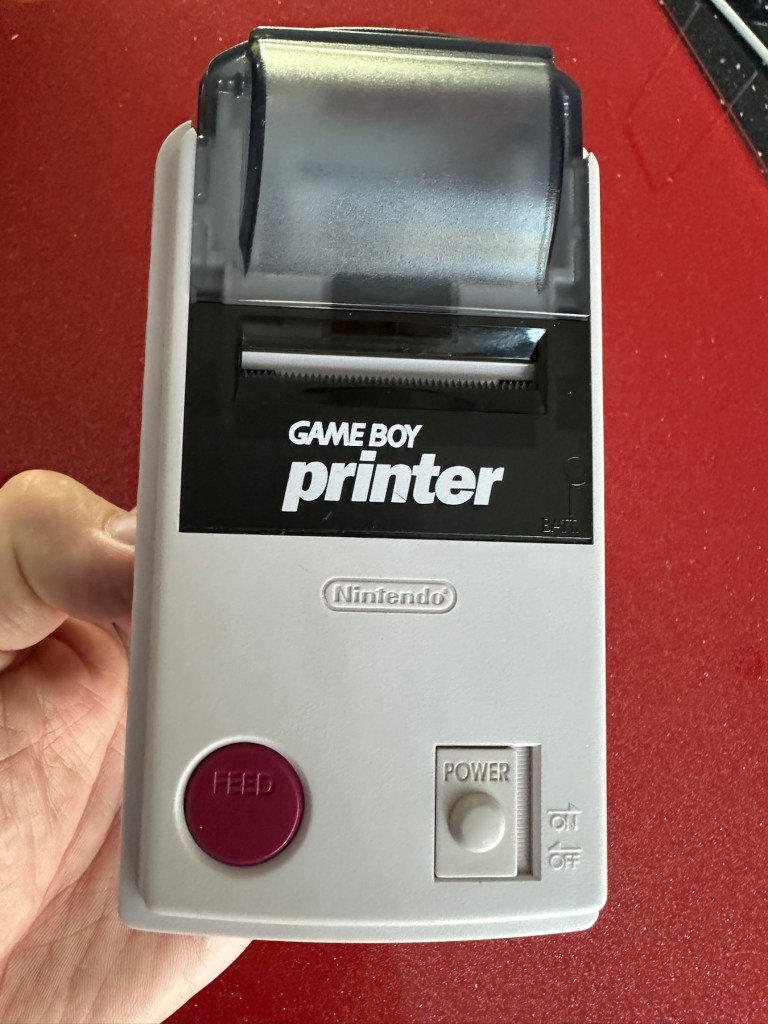
Nintendo Gameboy Printer

What the listing stated:

Listing for a FAULTY Nintendo Gameboy printer unit.

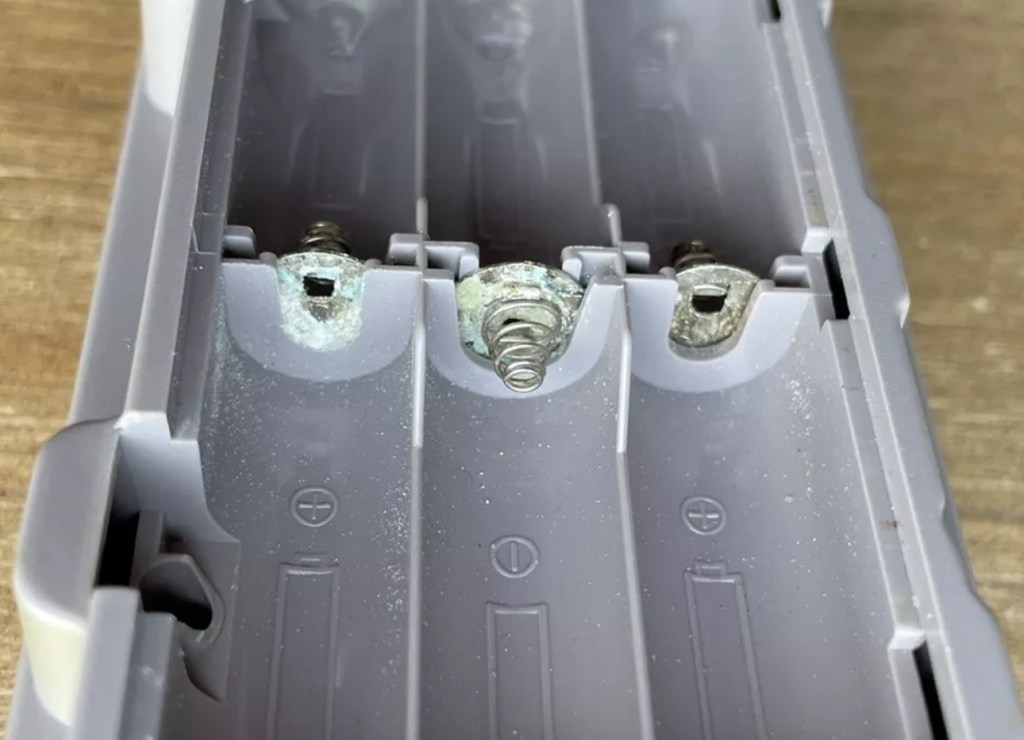
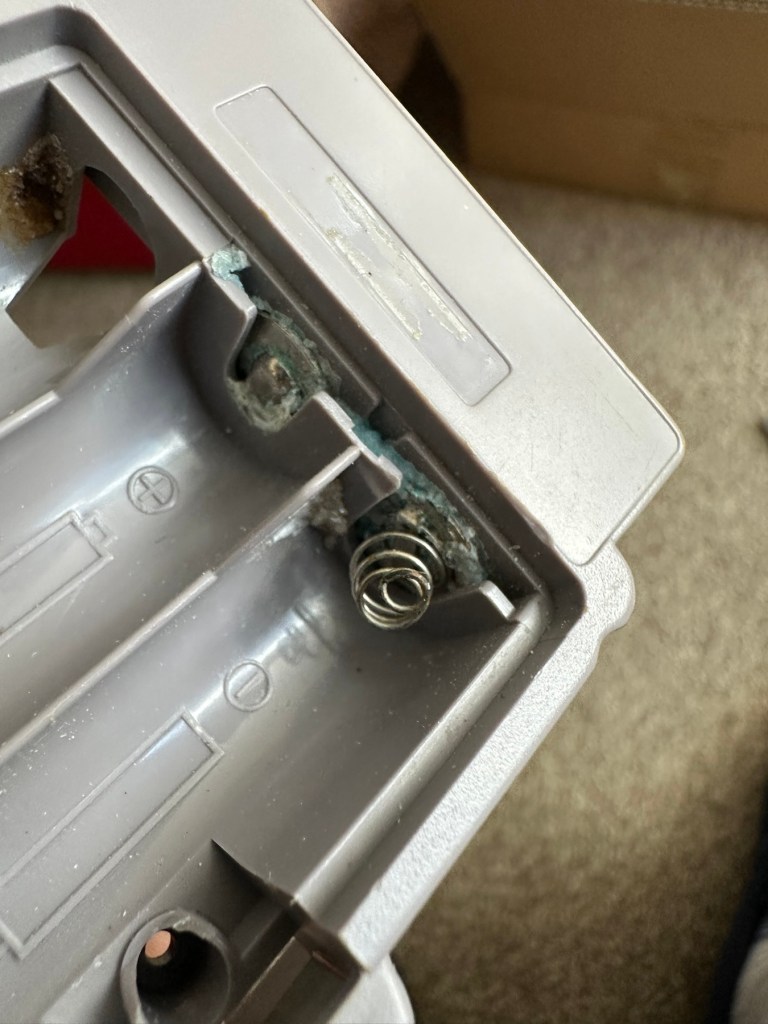
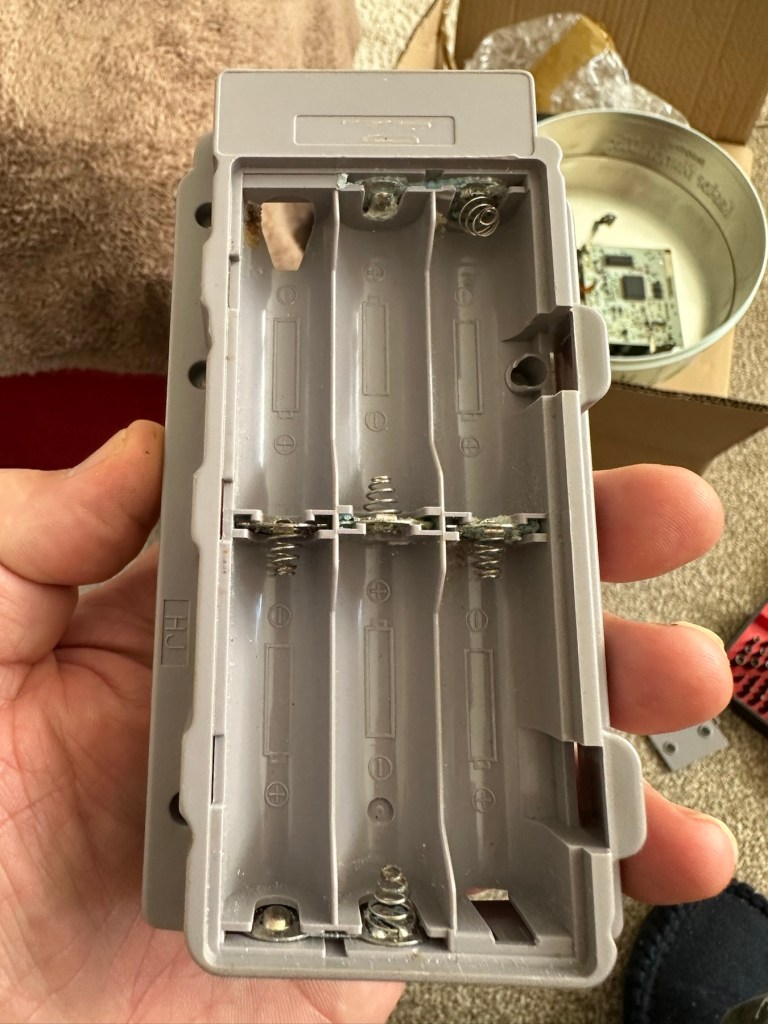
The printer is FAULTY, it has a lot of battery leakage in the battery compartment, so doesn’t currently power up. Some of the terminals look like they should clean up pretty well, but i cannot guarantee. 

As it doesn’t power up, i haven’t been able to test it. So can’t guarantee thats the only issue.

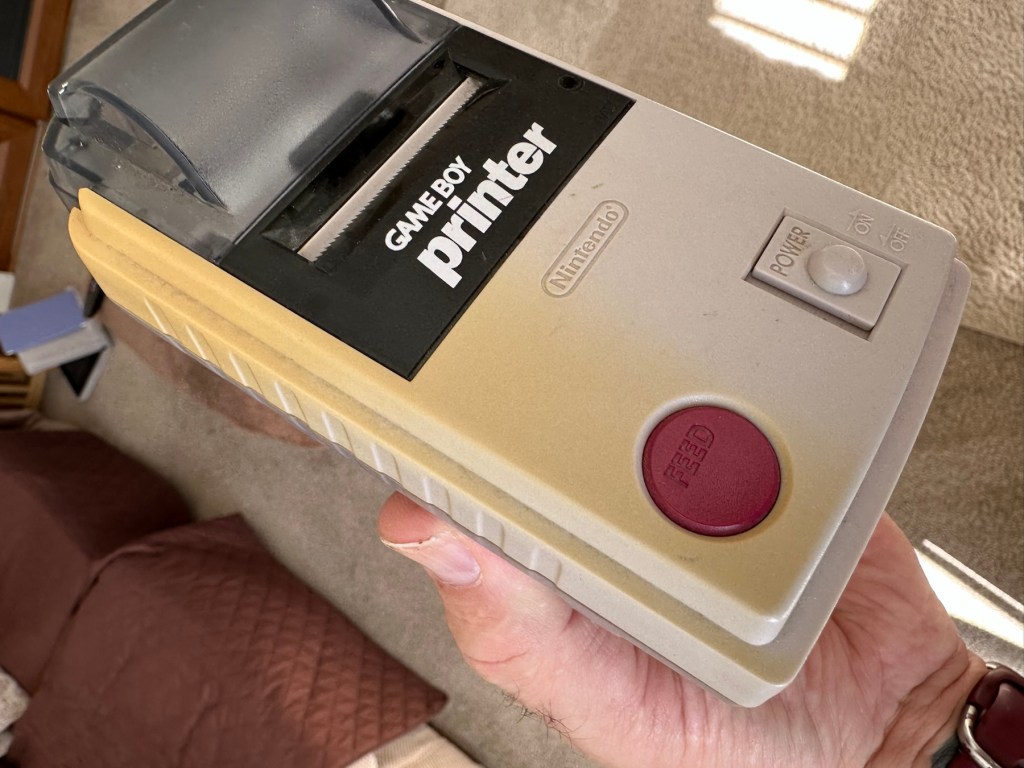
The casing has some discolouration, marks and other imperfections here and there.

I haven’t attempted any repairs and cannot guarantee it is fixable. 

SOLD AS FAULTY/spares/repairs.

EBay

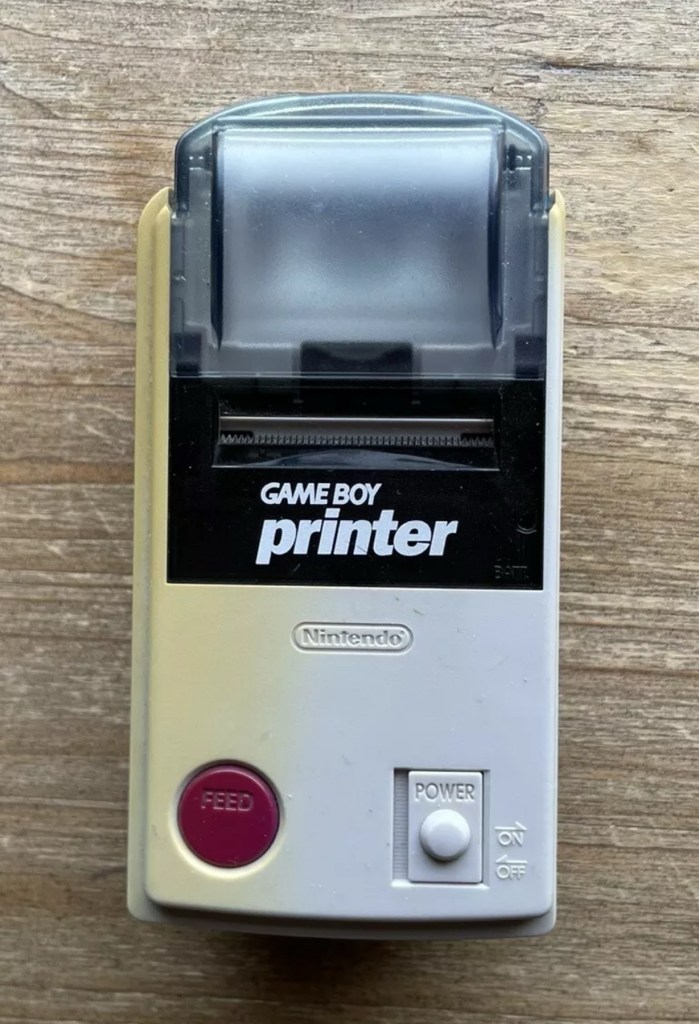
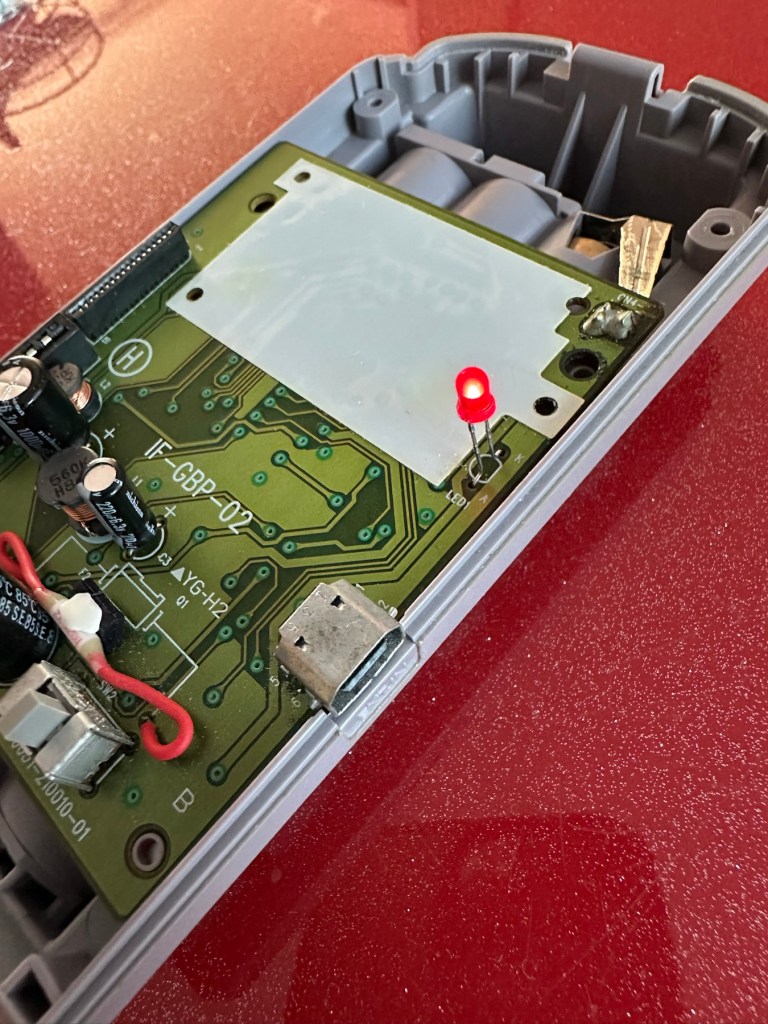
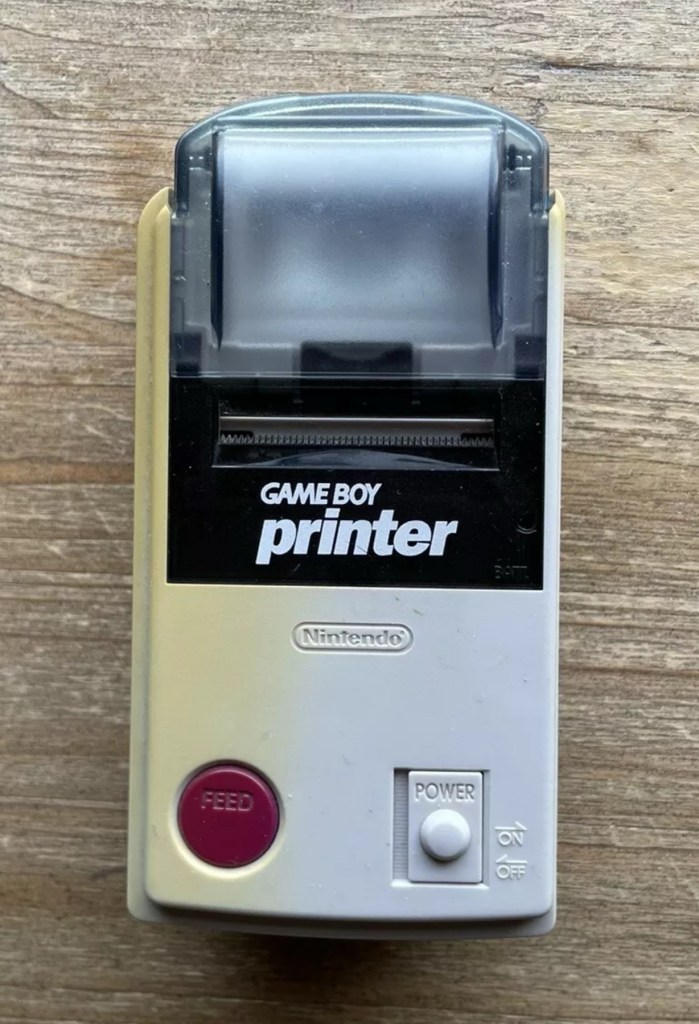
Here are the supplied pictures:

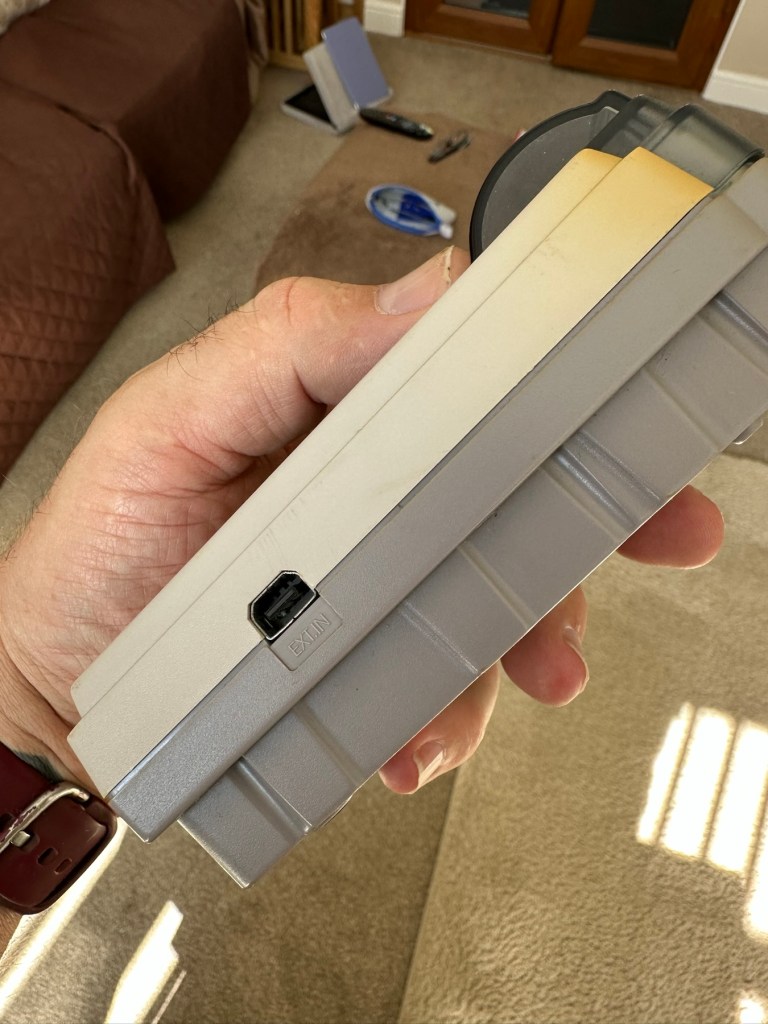
I think I’ve got my work cut out with this one. It’s another piece of unloved technology from 1998 looking for a new life. I’ve paid a total of £19:89GBP including postage for this item, probably at the higher end of what I’m comfortable with for an item in this condition. It has some serious corrosion issues that could go a lot deeper than just the battery contacts. There is a definite issue with discolouration, however I’m happy with that as it will be my guinea pig for my first attempt at retrobrighting, this process i discussed in this post a few days back: Retr0bright – What’s that then?

My plan of attack for this unit is to completely dismantle it, give it a thorough clean, retrobright the casing and then attend to the electrical / component issues.

Here’s some history about the printer unit:

The Game Boy Printer, known as the Pocket Printer in Japan, is a thermal printer accessory released by Nintendo in 1998 which ceased production in early 2003. The Game Boy Printer is compatible with all the Game Boy systems except the Game Boy Micro and is designed to be used in conjunction with the Game Boy Camera. It also prints images from compatible late-generation Game Boy and Game Boy Color games. It runs on six AA batteries and uses a proprietary 38mm wide thermal paper with adhesive backing, originally sold in white, red, yellow and blue colors. In Japan, a bright yellow Pokémon version of the Game Boy Printer was released, featuring a feed button in the style of a Poké Ball.

Wikipedia

If I manage to get this into a working state it will be added to my GameBoy collection.

I just need a suitable lead to connect between the console and the printer, and a small roll of 38mm wide thermal paper. I’m currently sourcing these.

Assessment:

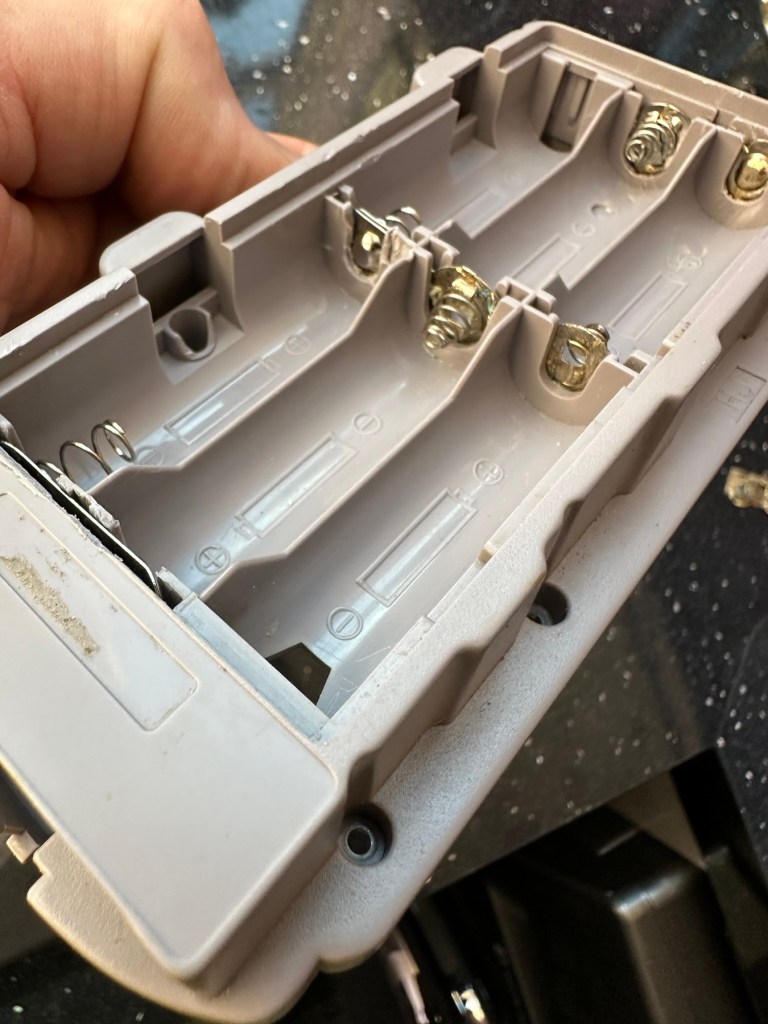
Well it certainly has the yellowing issues and I will cover that in a separate post where I will have my first attempt at Retrobrighting the unit. With batteries in place, the unit is very dead and no matter how many times the switch is operated, it remains dead. Battery terminals are a mess and there is a lot of evidence of battery leakage and corrosion.

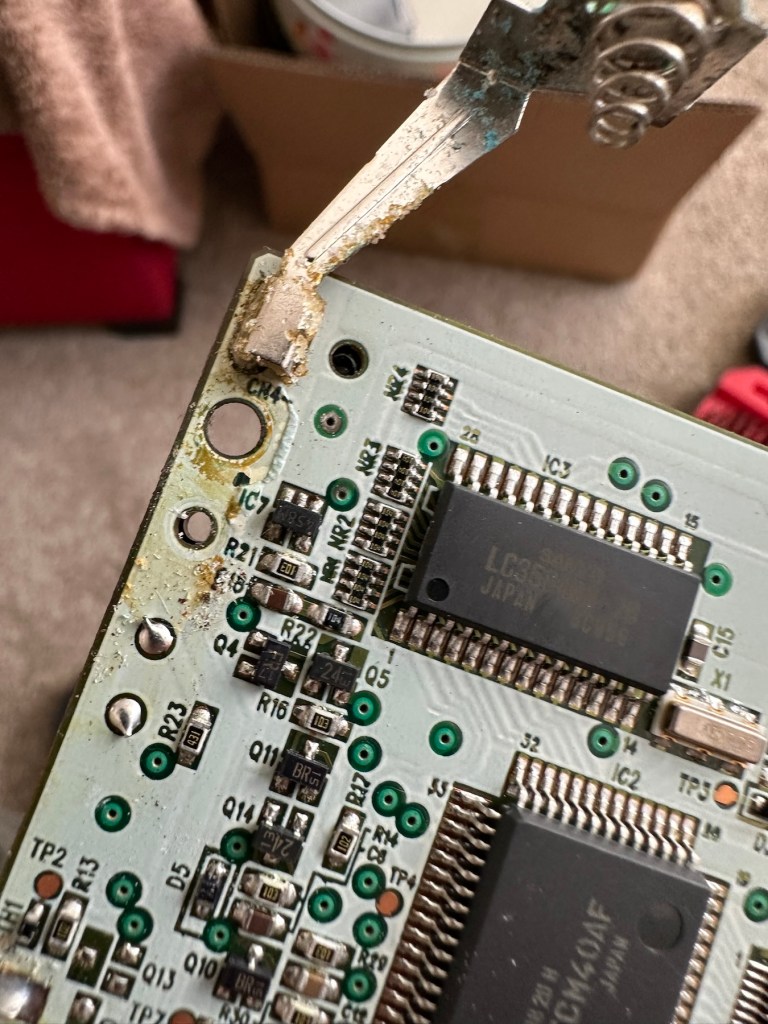
The board inside hasn’t been that badly affected by the corrosion, however one track from the battery terminal was showing signs of decay and will need attention. There are parts of the board that will need reflowing as there are some dodgy looking solder joints.

I’m happy that all the issues have been identified and I do actually have the items to carry out the repair. I will focus on the external issues such as the yellowing before dealing with the contacts and main board issues. Stay with me now, the repair begins.

Repair:

The Retrobrighting process for the shell assembly can be found in a separate post here: First attempt at Retrobrighting.

Wow

Needless to say the results are fantastic and I shall look at incorporating this method into more of my future projects. I have since given the case a second treatment and it is pretty much perfect with no sign of discolouration.

As you can see in the pictures above, the battery compartment suffered from some severe acid contamination. Using a grinding pen and a lot of cleaning solution, three of the five contacts were saved but two were beyond repair and I had to replace these with new contacts.

I then loaded the battery compartment with new batteries and then checked the two terminal ends to assure continuity, this was confirmed and continuity exists throughout. As a result the battery issues and power supply have now been resolved.

I mentioned that one of the tracks on the main board was showing signs of corrosion. I filed this down, cleaned it, and then brushed the board down with IPA and checked the continuity and this was fine. All suspect solder joints have also been reflowed, they are all looking good and new.

I had previously removed the motor from the board to assist with cleaning, as i didn’t wish to damage any of the ribbon cables. I then reconnected the cleaned and freshly repaired board, to the restored battery compartment to see if anything lit up. It sure did.

We have a light

This was pleasing as it now showed that we had continuity from the battery compartment to the board. I then added the motor back in and we also had some movement.

Movement restored

This again was very pleasing as everything we have done so far seems to be working. However it proves nothing yet until I can get the correct cable and some correct sized thermal paper to see that it actually does print, or even advance the paper. Those items are being sourced, and I don’t want to jump ahead of myself just yet as there could still be a number of yet to be addressed issues that may arise. It’s very much a fingers crossed period until we can test the unit properly.

Let’s clean all the other plastics whilst we await all the other items to be attended to.

All washed and drying out

Now we will commence reassembly.

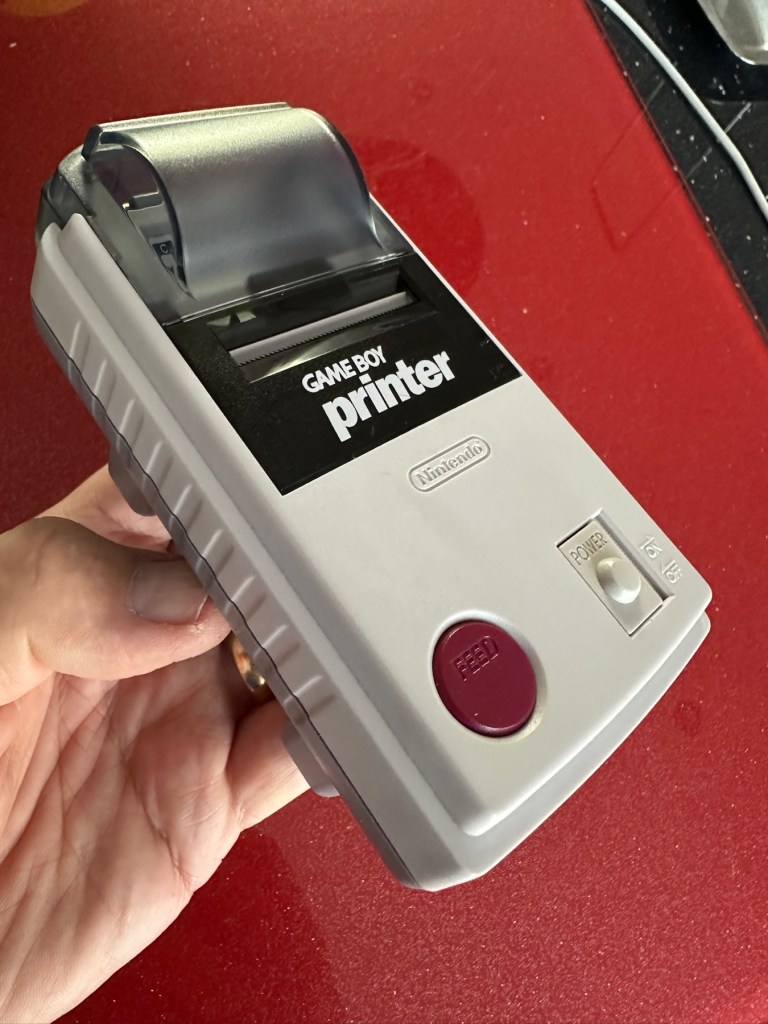
All restored, working and looking pristine

Now all assembled the motor moves into position when turned on, the feed button also works. The paper rolls for these units are at the moment extortionate and selling for about £10GBP for the tiniest of rolls, and I’m not paying that. I have a thermal printer at home and I have cut some of this paper to size to test the transport, and this works just fine. Just awaiting the cable to connect the GameBoy to the printer. Fingers still firmly crossed.

Result:

I’ve just found out that if you hold the feed button whilst turning on the unit you get a test message. I’ve done this and I’m pleased to say the unit is fully working.

It’s working perfectly

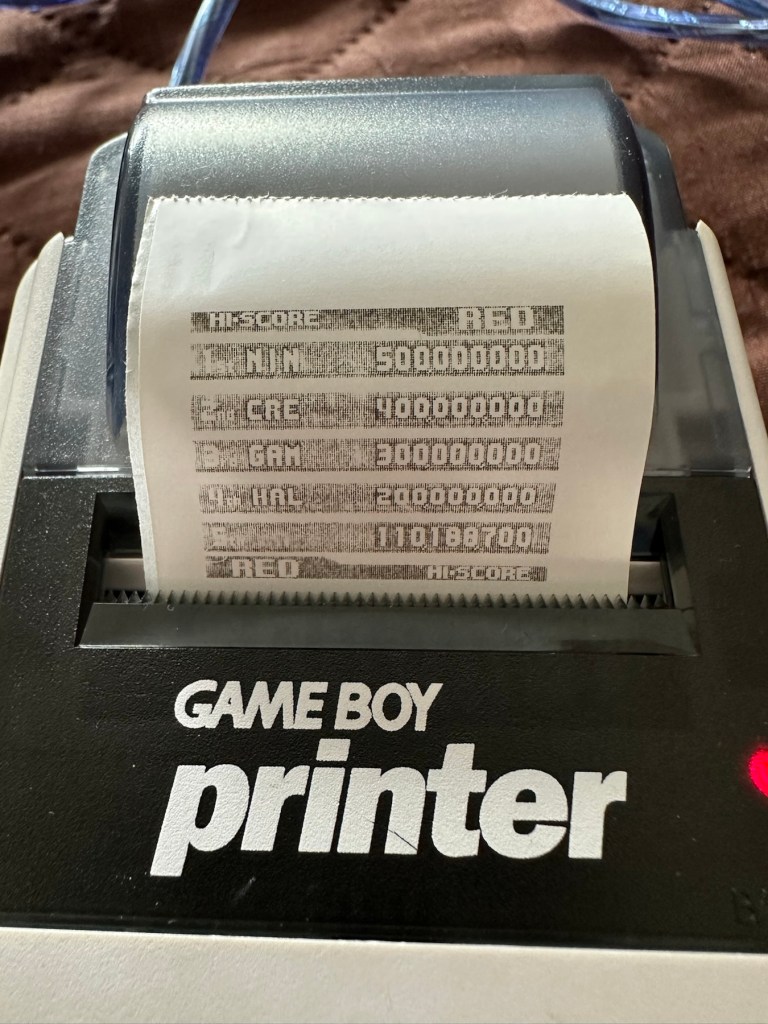
I’ve also connected it to my game boy and the game – Pokemon pinball, and was able to print off the high scores. It truly works.

High scores

I’m just so pleased how this project has gone. It has been a complete refurbishment, clean, and I have even managed to reuse the original stickers. The unit looks pristine and really is a nice piece of kit. This goes into my GameBoy collection and has many more years of good use left in it.

And to think this would have probably ended up in landfill. Scandalous. The cost of repair to me has been less than £2GBP and the majority of that was for the peroxide solution to do the Retrobrighting.

Great result. Very happy with this.

I can now uncross those fingers. All is fine.

Thanks for passing by, as always most appreciated.
Amstrad Notepad NC100

What the listing said:

Amstrad Notepad NC100+ Vinyl Case 

Not working not powering on, the vinyl case has some marks and scratches.

EBay

I’ve been after one of these for a little while, I’ve just been awaiting one at a good price and this one became available, post included at £30GBP, they retailed for £199Gbp back in 1992. It says it is not working but that’s good in my eyes as it makes these posts more appealing, as it gives me something to repair. I don’t know what the issue is off hand as the post didn’t state that, but I do know these items have suffered with capacitor problems over time, but that is not necessarily the case here. We will just have to wait until we do the assessment on its arrival. And as it comes from around the early 90s it fits right in with my modus operandi. And this little cutie dates from 1992.

Here’s a little history behind this unit courtesy of Wikipedia:

The Amstrad NC100 Notepad is an A4-size, portable Z80-based notebook computer, released by Amstrad in July 1992. It featured 64 KB of RAM, 256KB of Rom, the Protextword processor, various organiser-like facilities (diary, address book and time manager), a simple calculator, and a version of the BBC BASIC interpreter. The computer’s design, evocative of the TRS-80 Model 100, features a screen with 80 character columns by eight rows, and not backlit, but this let the NC100 run for up to 20 hours on four standard AA cellbatteries. There was an RS-232serial port, a parallel port for connecting a printer, and a PC card socket, by means of which the computer’s memory could be expanded up to 1 MB.

Assessment

The unit has arrived and cosmetically it is in very good condition apart from the peeling plastic screen cover. A little bit of dust and grime, all keys in good order and no dinks or dents. the vinyl bag is a little tatty but that’s not a problem, it’s obviously done it’s job over the years due to the good condition of the unit.

So down to testing. First thing I’ve done is check the power supply is giving a 6.5 v output and this is ok.

Power supply doing what it should.
Secondly I’ve put 4 AA batteries in place and turned the unit on but then it abruptly stops, displaying a lithium battery issue.
Lithium battery warning

The lithium battery is an old CMOS type battery, a CR2032 coin battery. This is the battery that keeps the info in the system when you turn it off. I thought I’d run this through the multimeter and was surprised with the voltage I saw, the battery seemed fine to me at 2.8v, so I replaced it with a new one measuring 3.4v. And the issue came up again…..head scratching time!

Looking on line it seems there is an issue with the lithium cell battery contacts on these units when they are being resurrected to modern day usage, time has not been good to them. The coin contacts have now been cleaned and slightly bent to ensure a better contact and hey presto it’s operational with no further issues.

Battery contacts needed cleaning and repositioning

The main AA battery contacts are fine and the external supply is doing what it should. Now let’s look at sorting that screen issue.
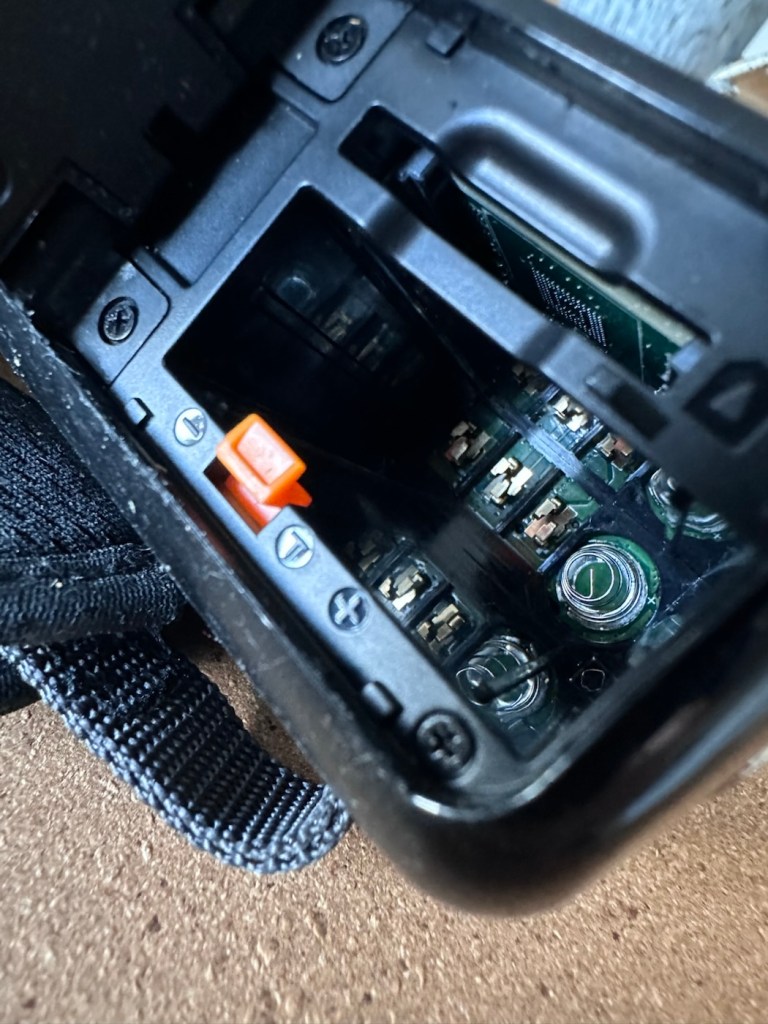
Quite simply there were two options, use a bit of heat to try and stick the plastic down, but I decided against this as it would not lay flat, it had too many kinks in it. So the only other option was to remove it and this is what I did, it peeled off with no issues. In time I will see if I can get a suitable replacement but to be honest it isn’t really required as I’m not going to be using it that often.

Let’s get that screen cover off

I’ve tried every function and keystroke of the board and all is good there are no issues and I now have a perfectly acceptable unit for my collection. It looks like i have had a second win against the “Untested” brigade who sell on EBay. This was the simplest of repairs and the issues are readily available to research on line. There is no excuse for not looking into the issues, when a good unit like this can now sell for up to three times the amount that I paid for it.

Your loss my win. Another one kept from landfill.

I’ve given the unit a good polish and I think you’ll agree that the project has come up good.

Now to just go and read the user manual on line to see if I’ve missed anything. Thanks for passing by, as always it’s most appreciated.