More camera odds & sods

Another bunch of photographic waifs and strays have arrived at my door. Can they be saved or are they beyond redemption?

What the listing stated:

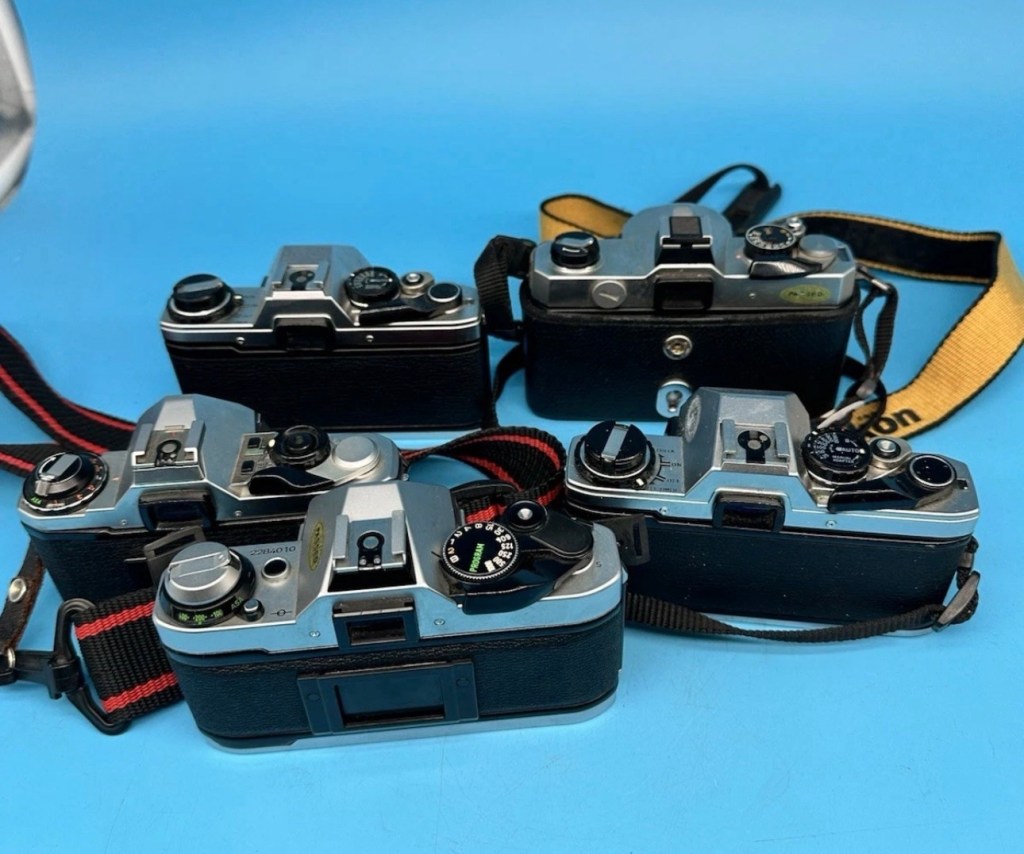
Job lot of 5 slr film camera bodies 

Canon ae-1 program, Olympus om10 x 2, Pentax me super, Fujica stx-1 

Sold as spares and repairs only, all have some sort of fault 

Please see photos for condition

EBay

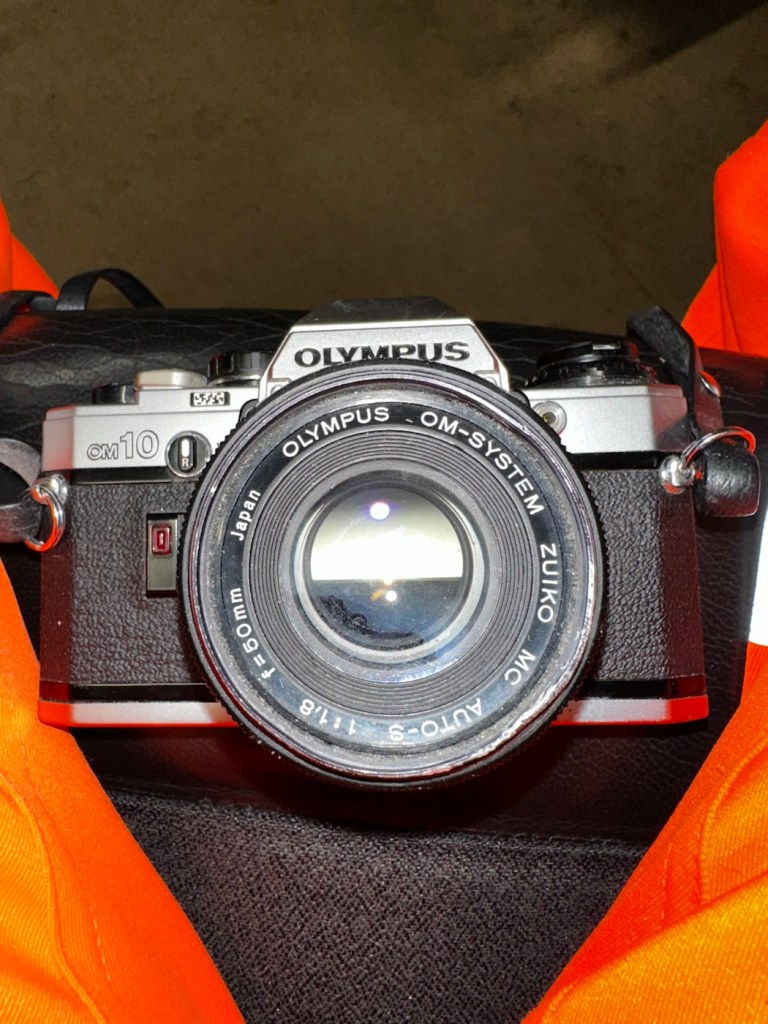
I’ve just purchased a job lot of old cameras all requiring repair, god knows what the real issue with them is, however they all do seem to have all knobs and buttons available which in many cases is quite a rarity. I’ve paid a grand total of £40:00GBP so if you break it down to a total of £8:00GBP per camera then I’m quite happy with that. Even at this price, i get some good spares, should that be all they are useful for.

The collective purchase

My intentions here are thus. The AE1 program is the only Canon camera I need to complete my “A” series collection so my main focus will be on that. The two Olympus OM10s I will be looking at repairing then selling on as I already have a good example of this camera. The Fujica and the Pentax I will possibly look at adding to my collection as I do not have either of these.

I have my fingers crossed that there’s nothing seriously wrong with this purchase, and i will be featuring their respective repairs over the coming weeks. Firstly I’m going to carry out a very basic assessment on their arrival, just to see whether or not I have purchased a collection of proverbial Christmas Turkeys.

Quick assessment:

Canon AE1- Program:

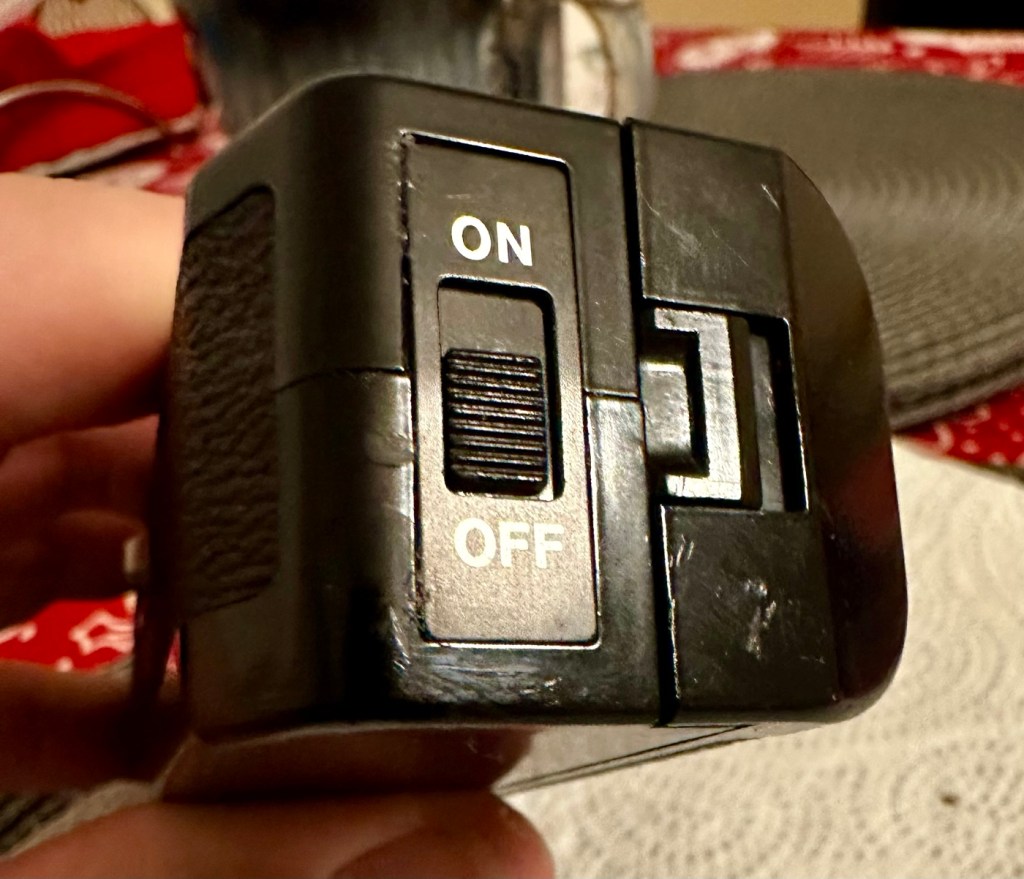
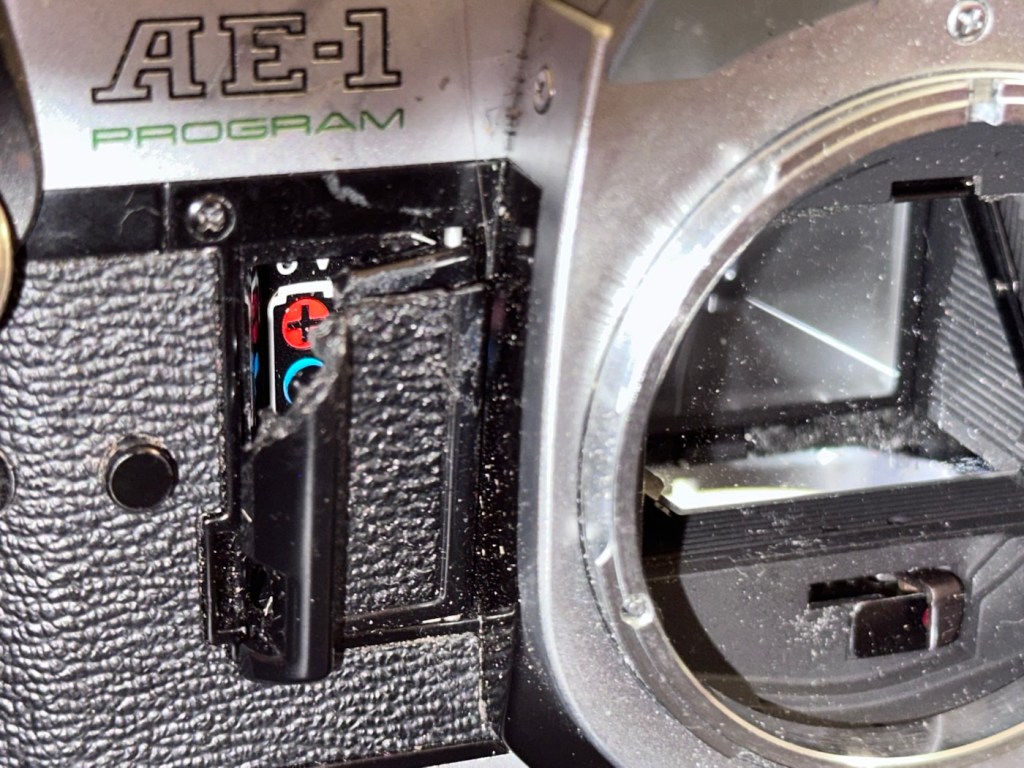
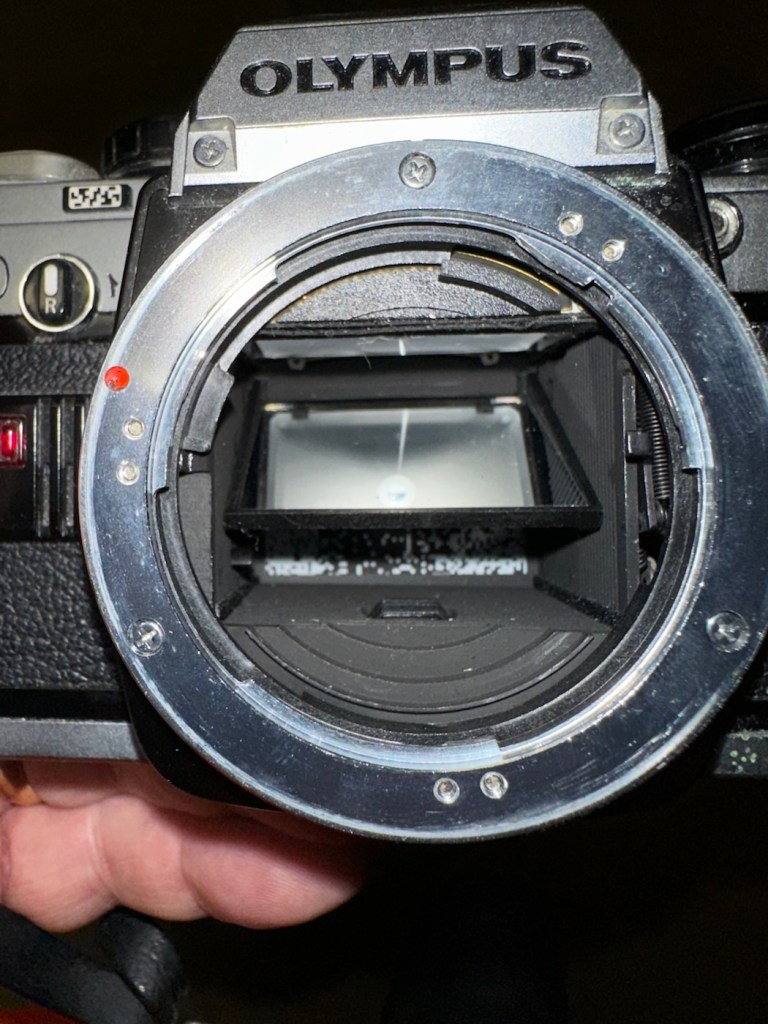
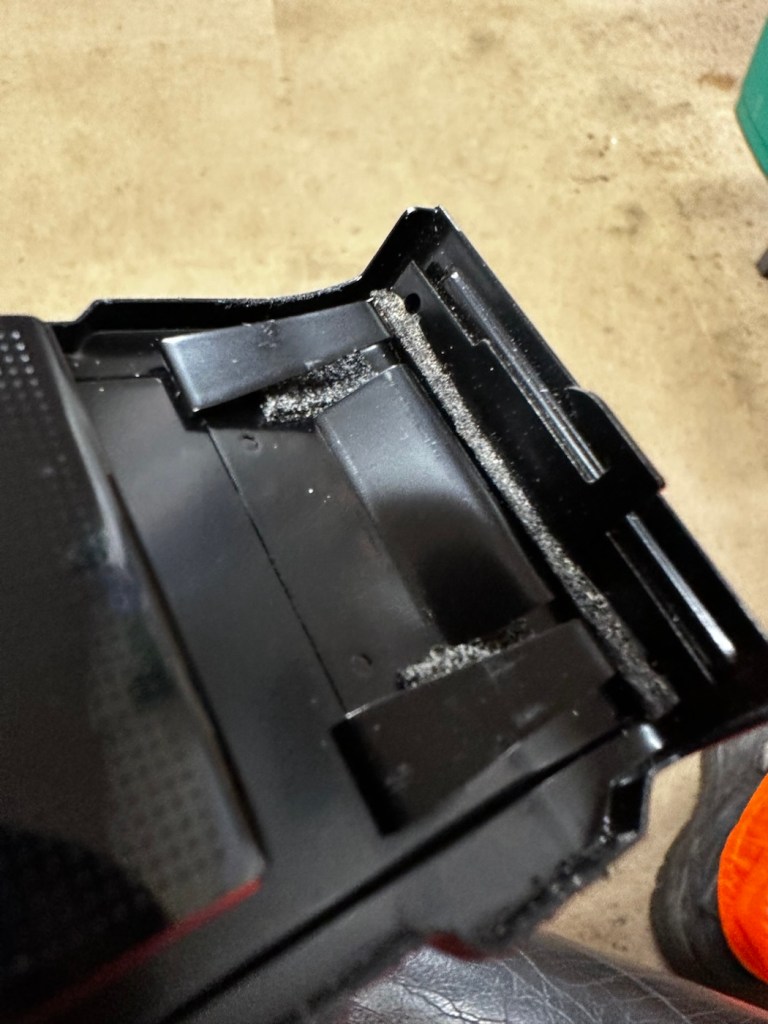
This is the one I’m most excited about as it could possibly be my last piece of the puzzle for my Canon “A” series collection. Cosmetically it’s ok, it’s grubby, it has a broken battery door and a missing winder cover from the base. All dials, buttons and levers are working as they should, and when a battery is installed everything is as it should be. The battery check audio is fine, all indications in the viewfinder illuminate as they should, the camera fires (with a little camera cough) but other than that all seems well. The mirror and prism need cleaning and there is possibly some ingrained marks on the prism but this will not affect picture quality. All light seals need replacing and a good CLA is required.

Is it a Turkey 🦃 no it isn’t. I’m convinced this camera will soon be back in good working order.

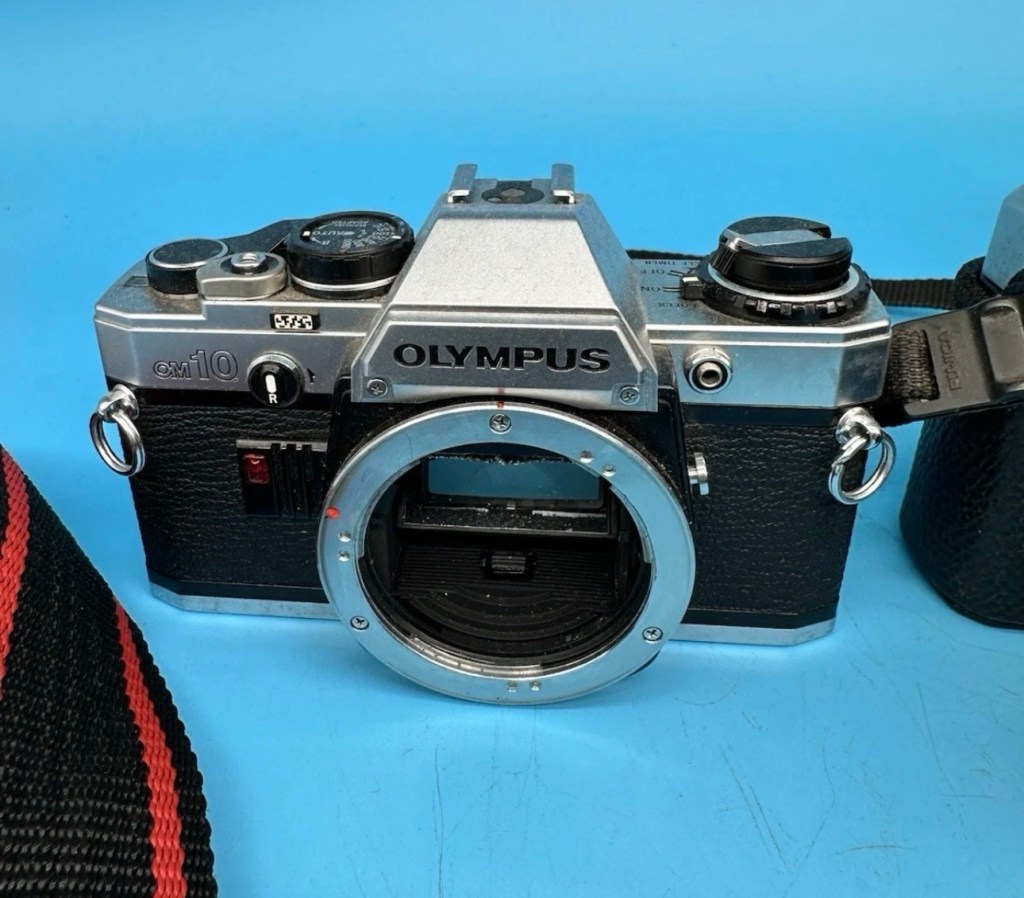
Olympus OM10 – No:1:

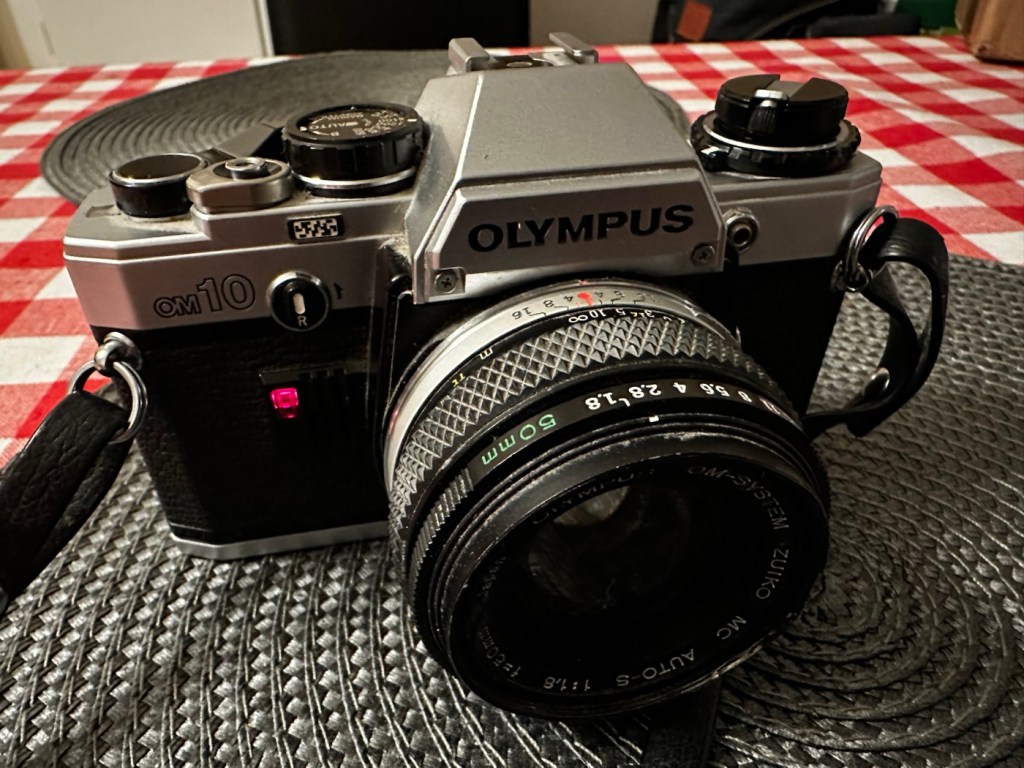
Olympus OM10 No:1

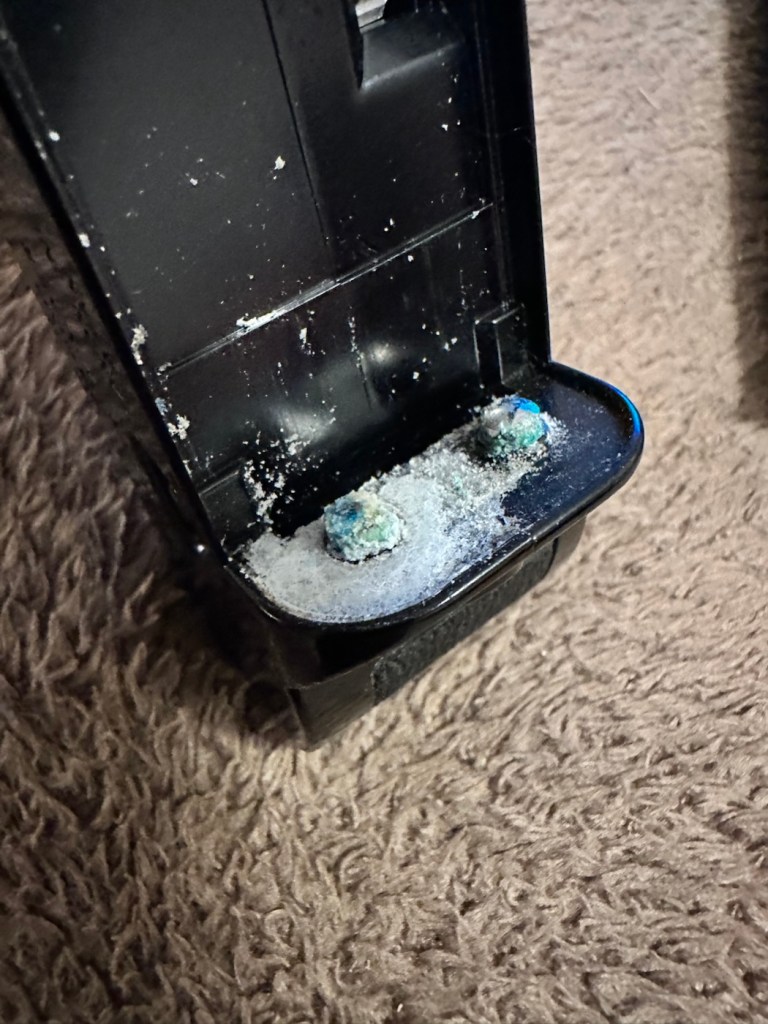
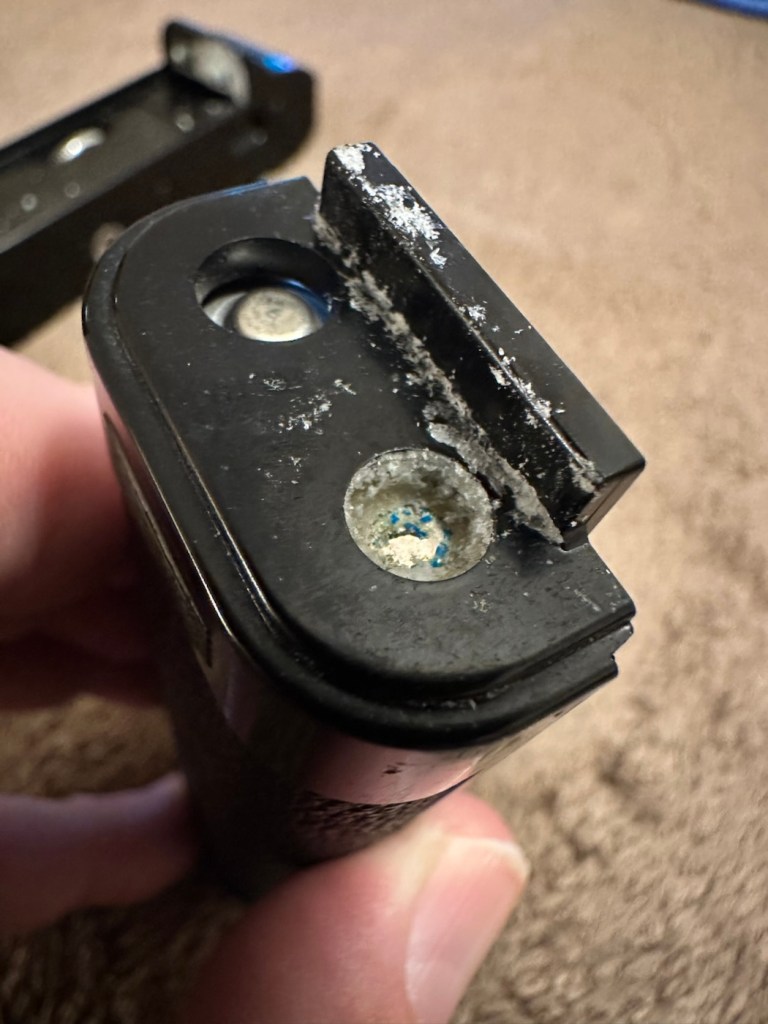
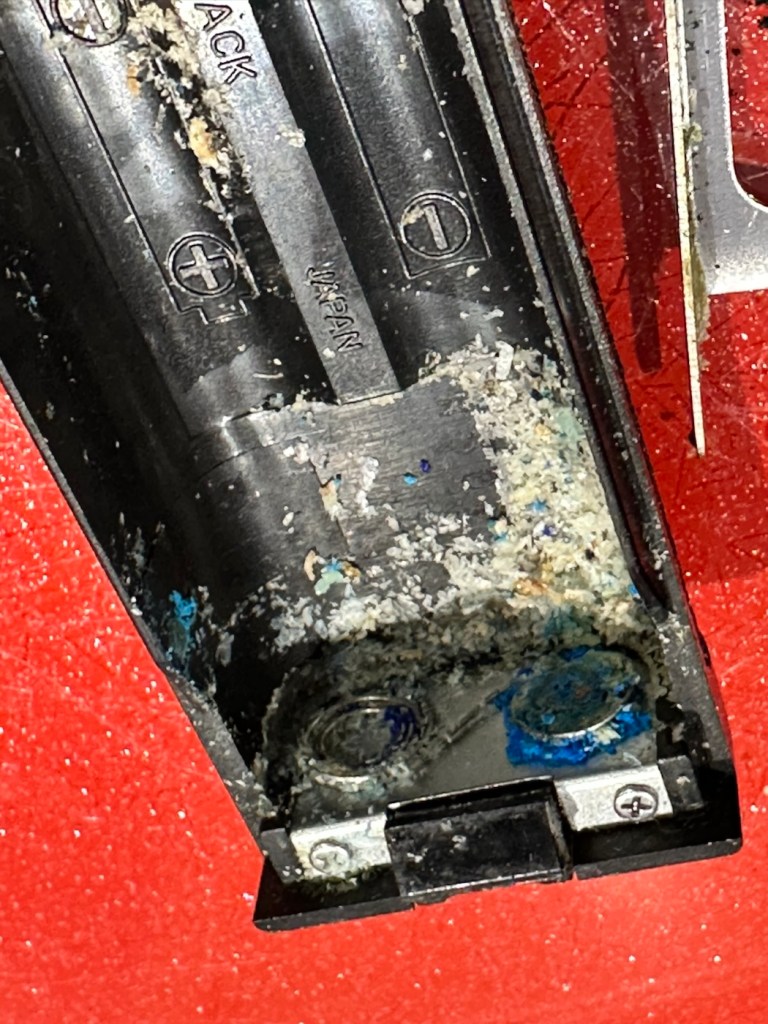
In really good condition, battery terminals have a slight corrosion due to old batteries being in place. However new batteries work fine and shutter fires and viewfinder is clean. To be honest, this camera is in a better cosmetic condition than the one I currently have. This is an excellent camera that requires little attention.

Is it a Turkey 🦃 ? Most definitely not.

Olympus OM10- No:2:

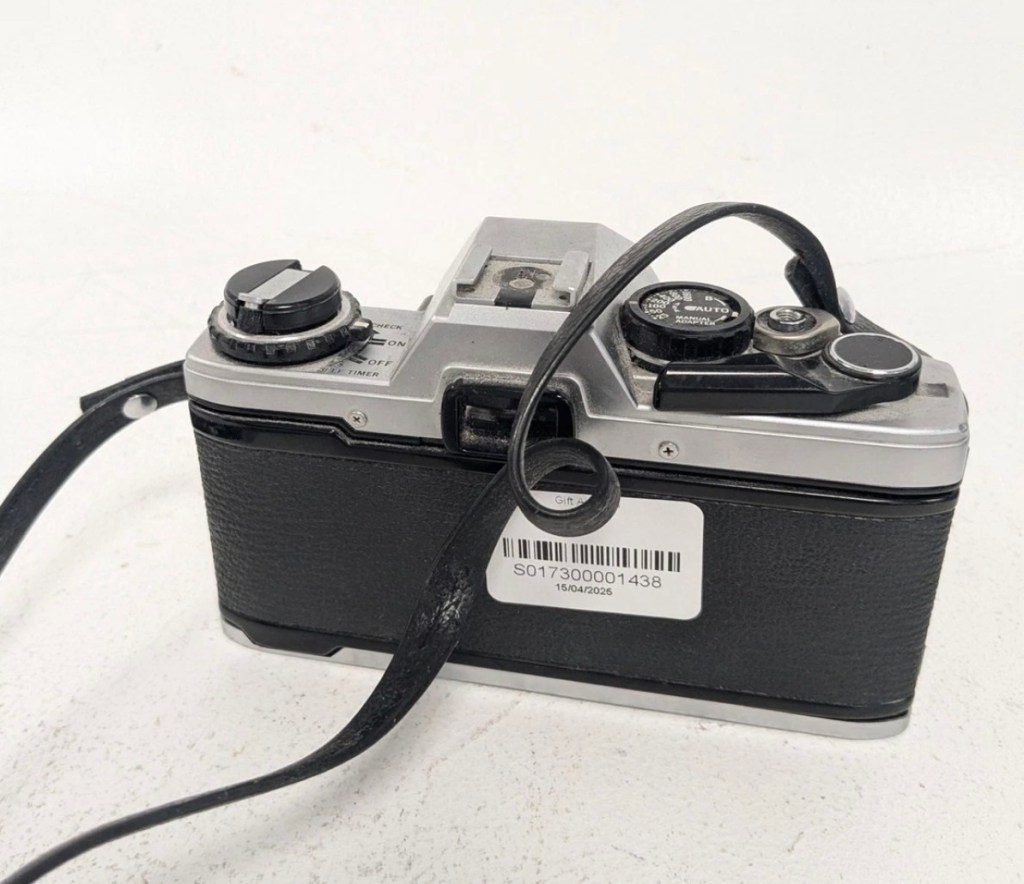
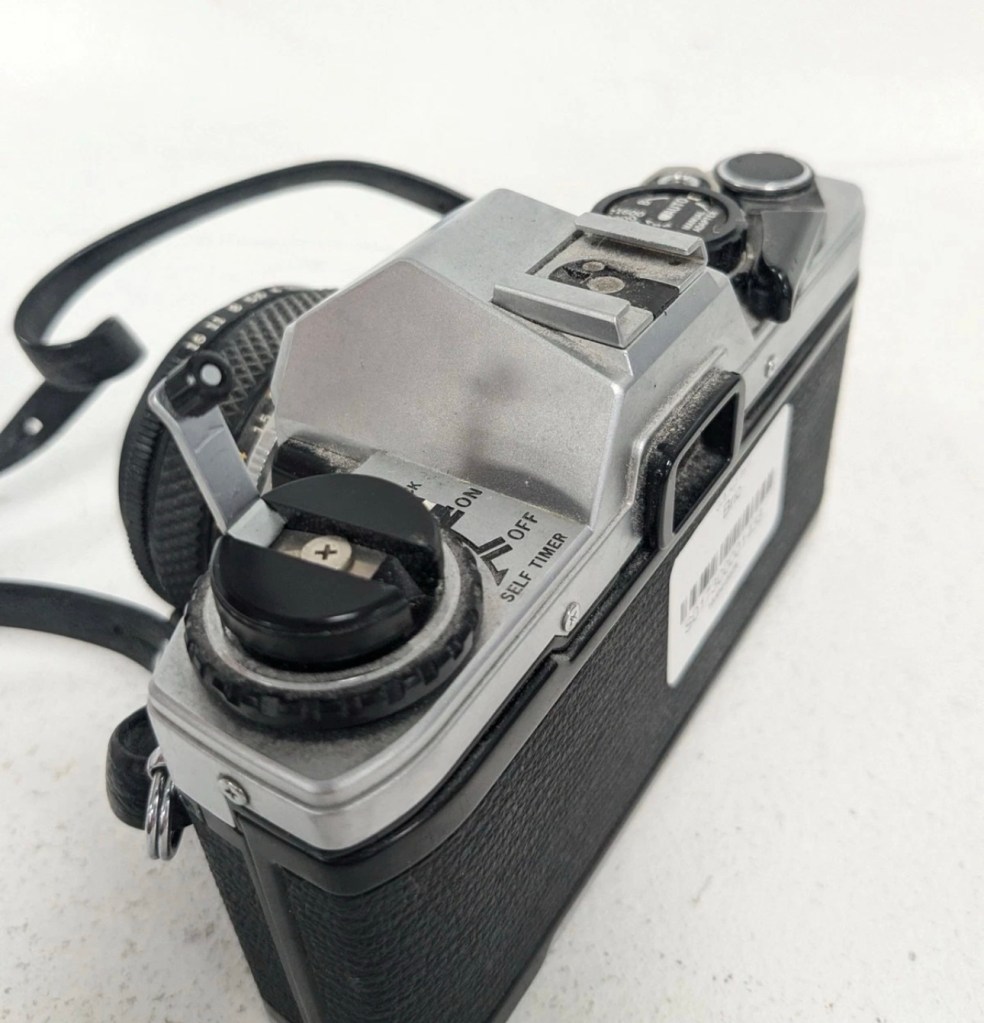
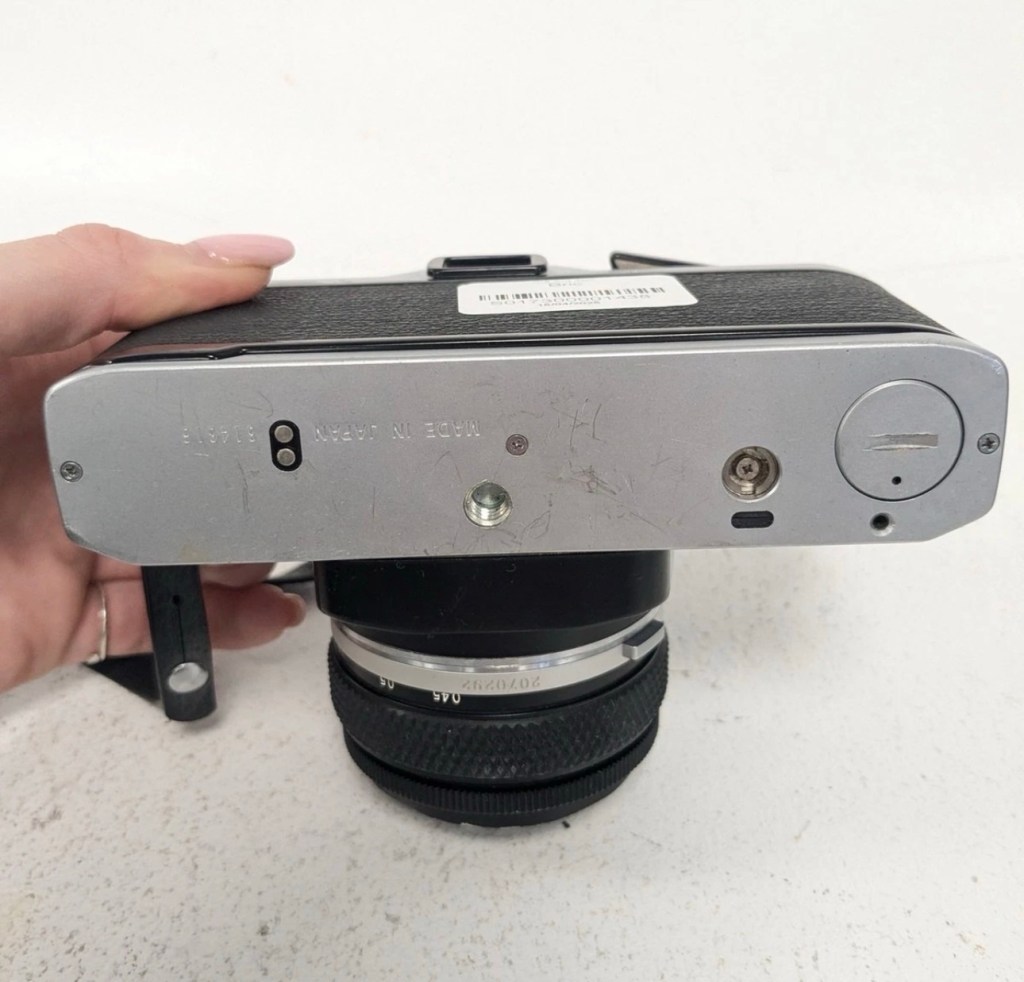
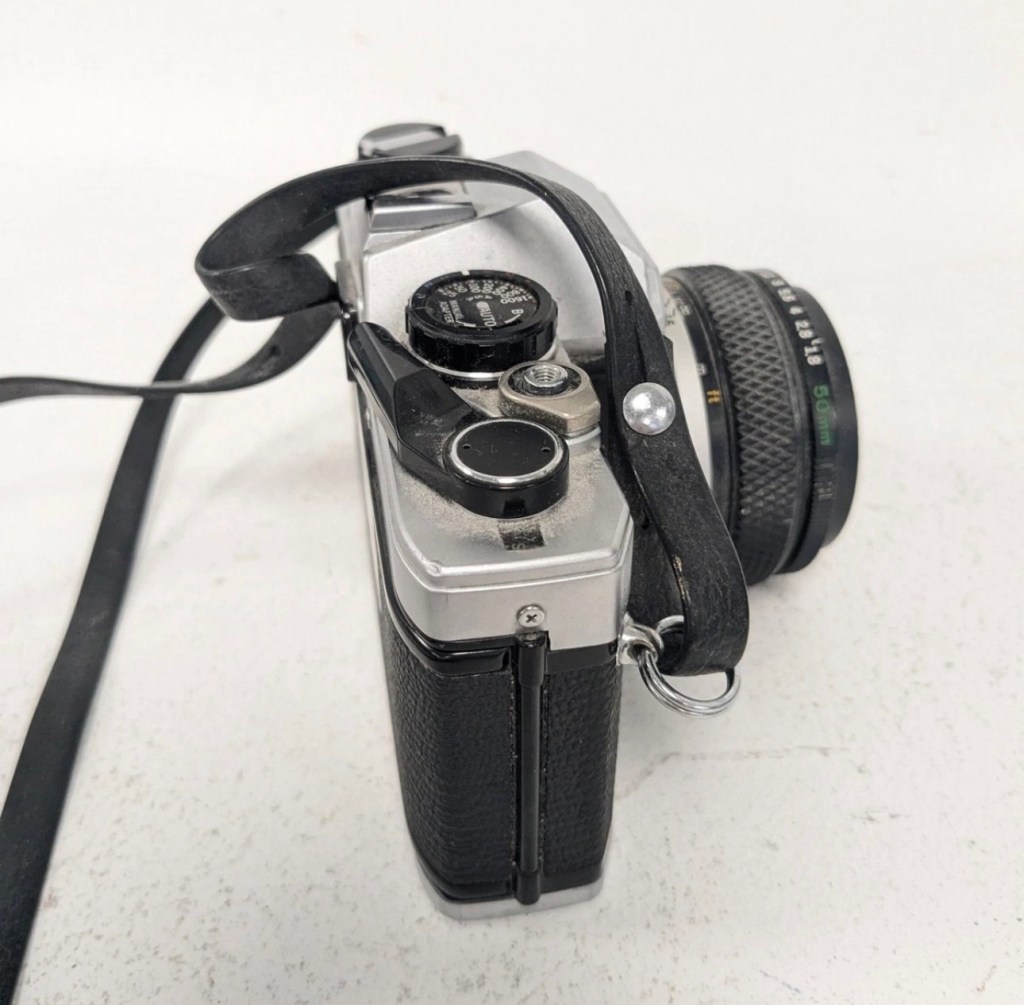
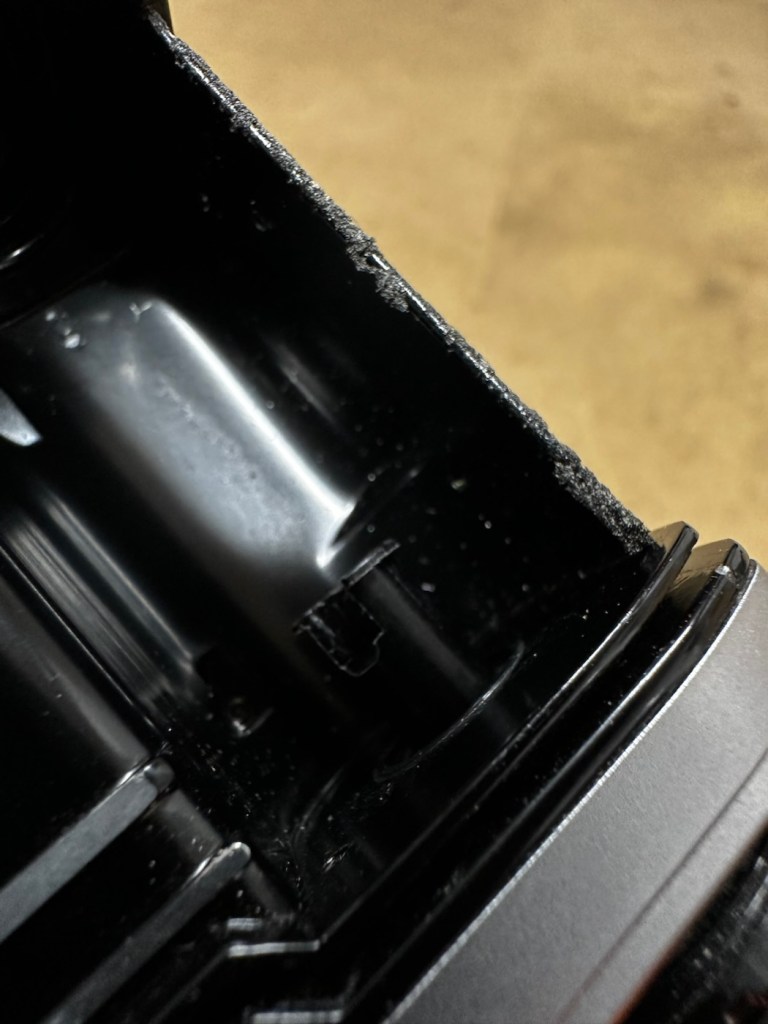
As with the first OM10 this is cosmetically a nice camera just a little more grubby, and missing the battery cover on the base. But it has a nice Nikon neck strap – strange. The battery chamber looks as if it has had some minor battery leakage but nothing too serious. Using the battery cover from No: 1 camera I’m able to test all the electricals, and there is no issues here, with the camera displaying the exposure in the viewfinder correctly, and the self timer and battery check all as they should be. Again a good CLA of the camera should have it back and working in no time at all.

Is it a Turkey 🦃 it most definitely isn’t. This is a good camera just needing some TLC.

Pentax ME-Super:

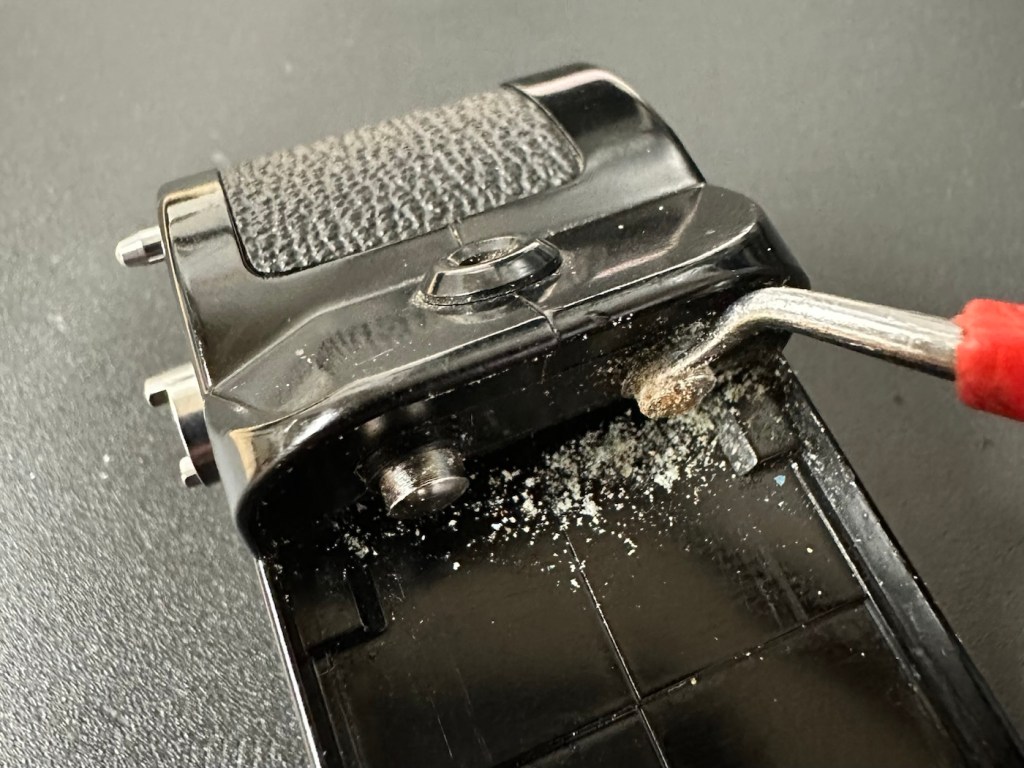
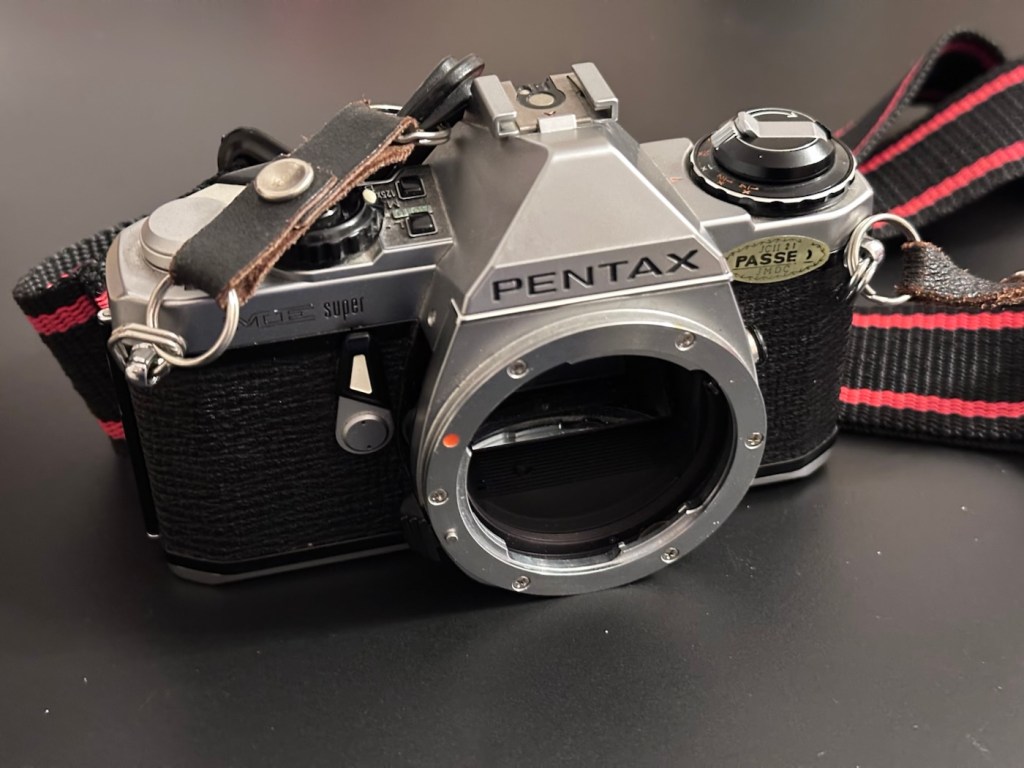
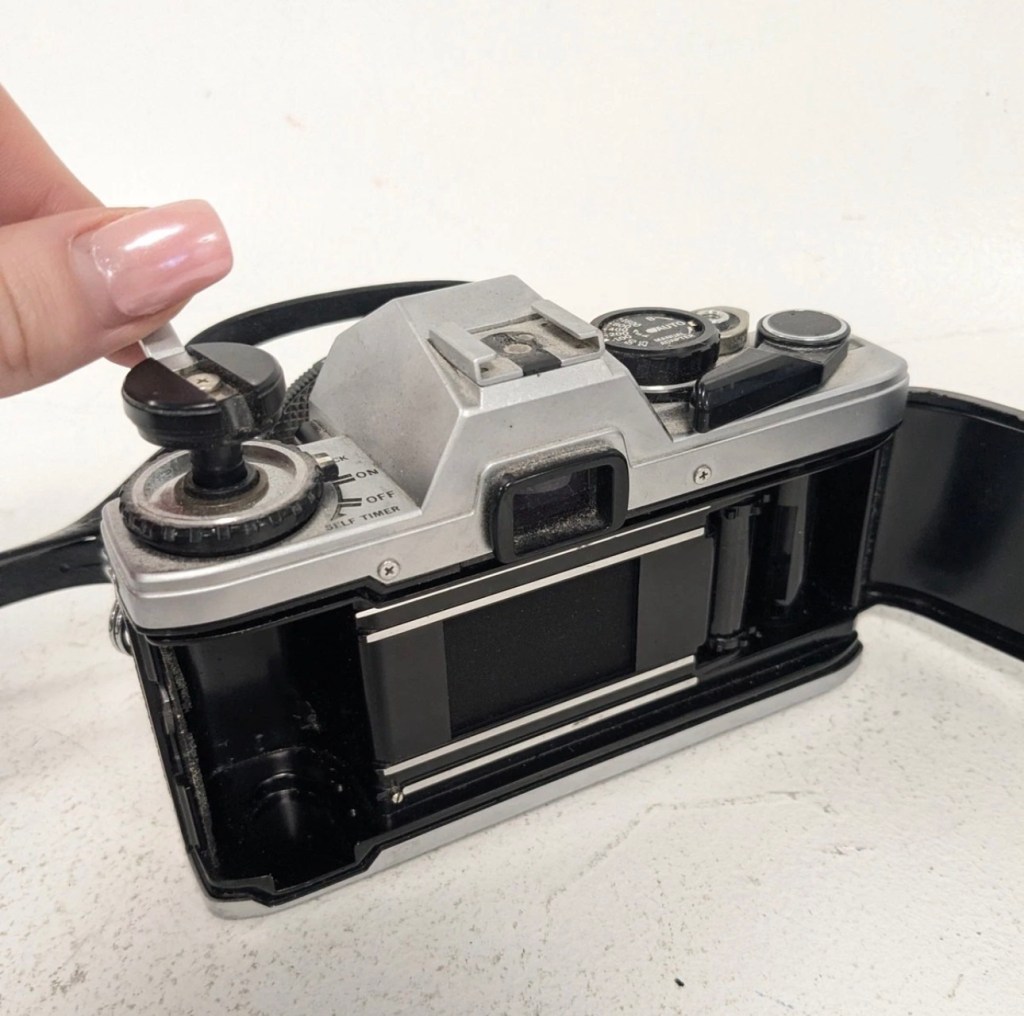
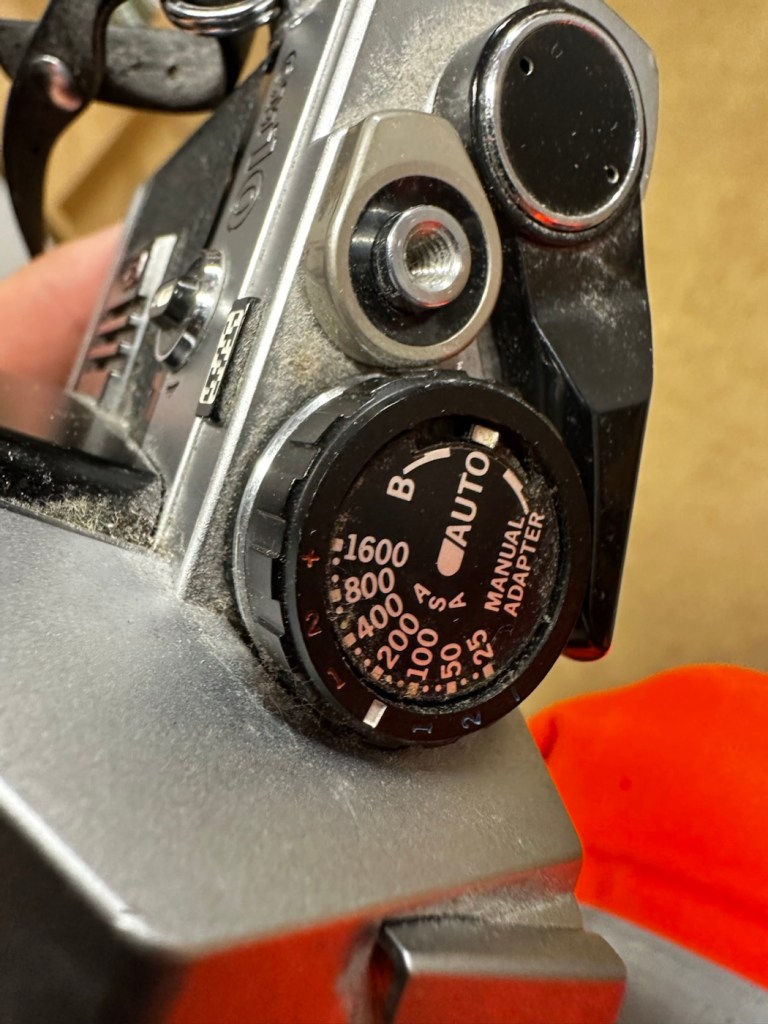
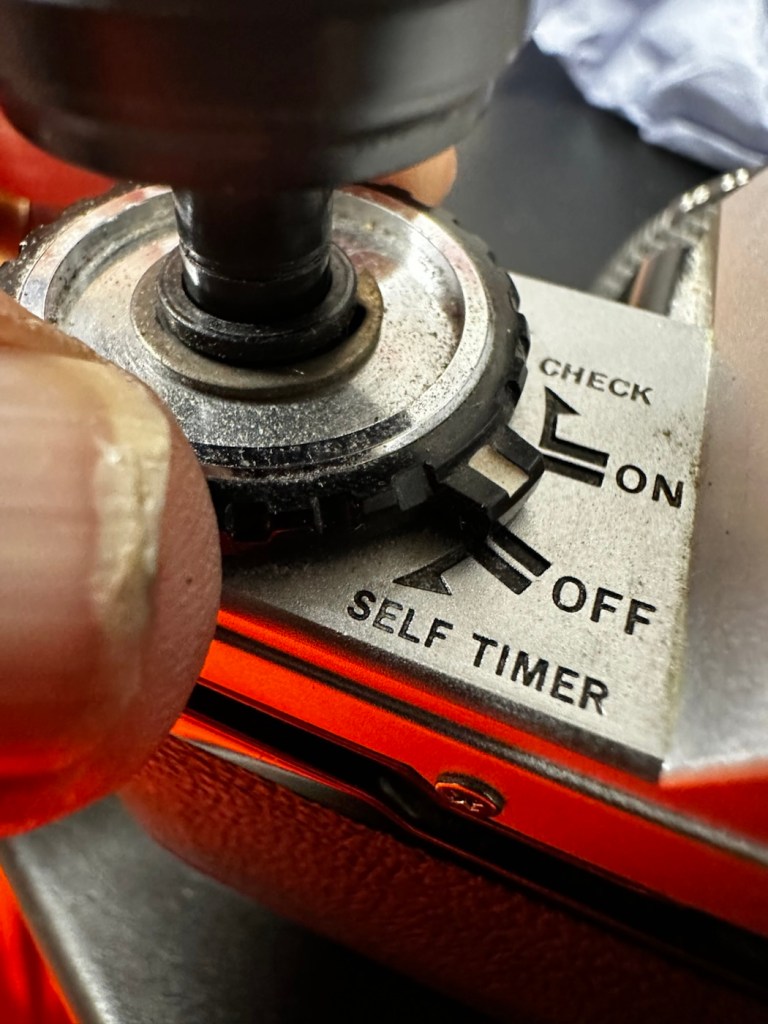
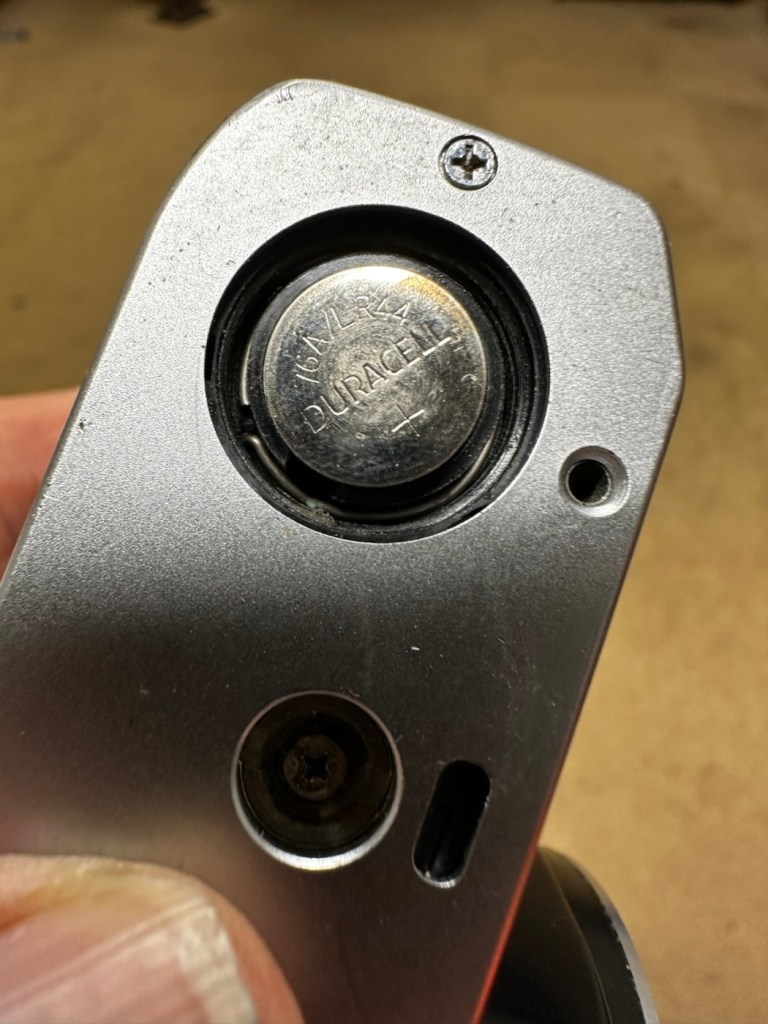
Again, cosmetically in good condition but missing the battery cover on the base. I was able to overcome this and load some batteries and had movement in the metering via the viewfinder. It’s quite dirty and the function dial on the top is jammed, I couldn’t get the shutter to fire. I suspect it needs a good CLA, and will make a good little project .

Is it a Turkey 🦃 ? I’d say not at this stage. It needs attention on the bench. It’s promising.

Fujica STX-1:

Fujica STX-1

The batteries were dead but the chamber was free of any contaminants. New batteries in place and the light meter in the viewfinder is working fine. Everything works, the shutter fires and winder operates without issue. This camera is in a good but grubby condition. Will require new light seals and a good CLA, but nothing beyond that.

Is it a Turkey 🦃? Absolutely not, this is a good sturdy camera just itching to get back to taking photographs again.

Conclusion:

So out of five cameras, I’m exceptionally pleased that every single one of them can be brought back to a working condition, with very little intervention. every single one of them will need a Clean, lubrication and adjustment (CLA) and also new light seals as the majority of them have turned to a dusty residue that gets everywhere. I need to buy some replacement parts, so I will get on with sourcing those items, and then I will also get some body caps to protect the cameras when I’m finished.

I will create individual posts to cover these repairs, and they will be delivered here on this site over the coming month or two. I’m in no real rush and to be honest, time is a rare commodity at the moment as I will be working as one of the “Orange army” (It’s a railway term) over the Christmas and New year periods, and on top of that we may also still be moving home, fingers crossed 🤞 in early January 2026.

Thanks for passing by. It’s most appreciated.

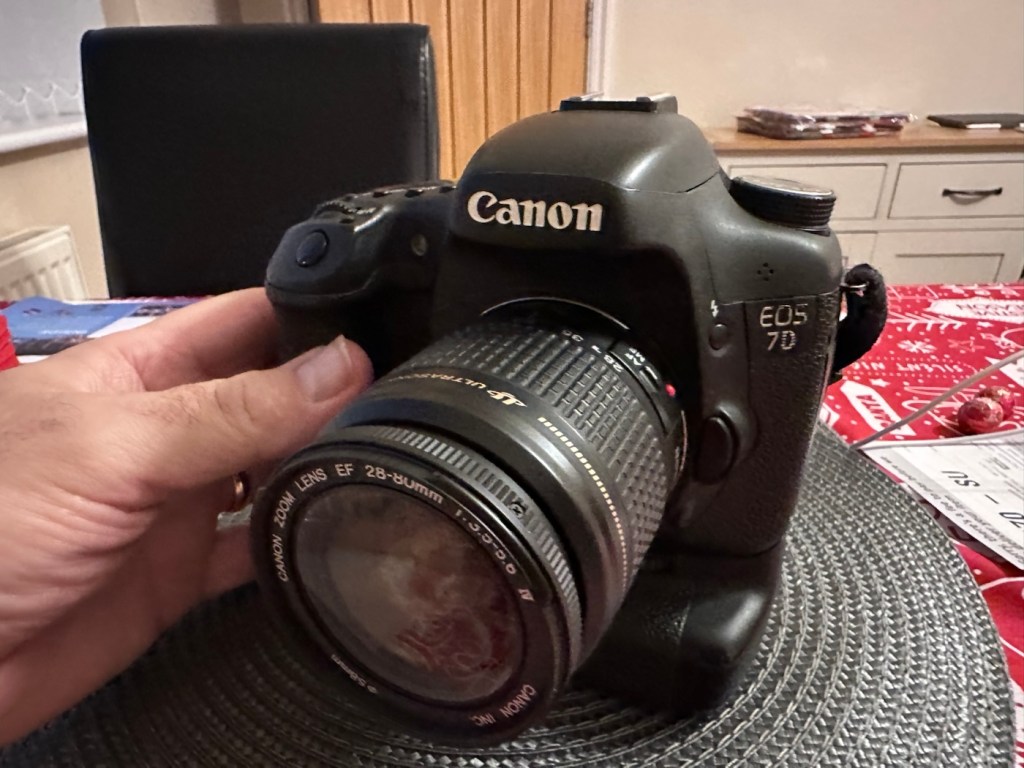
Canon EOS 7D

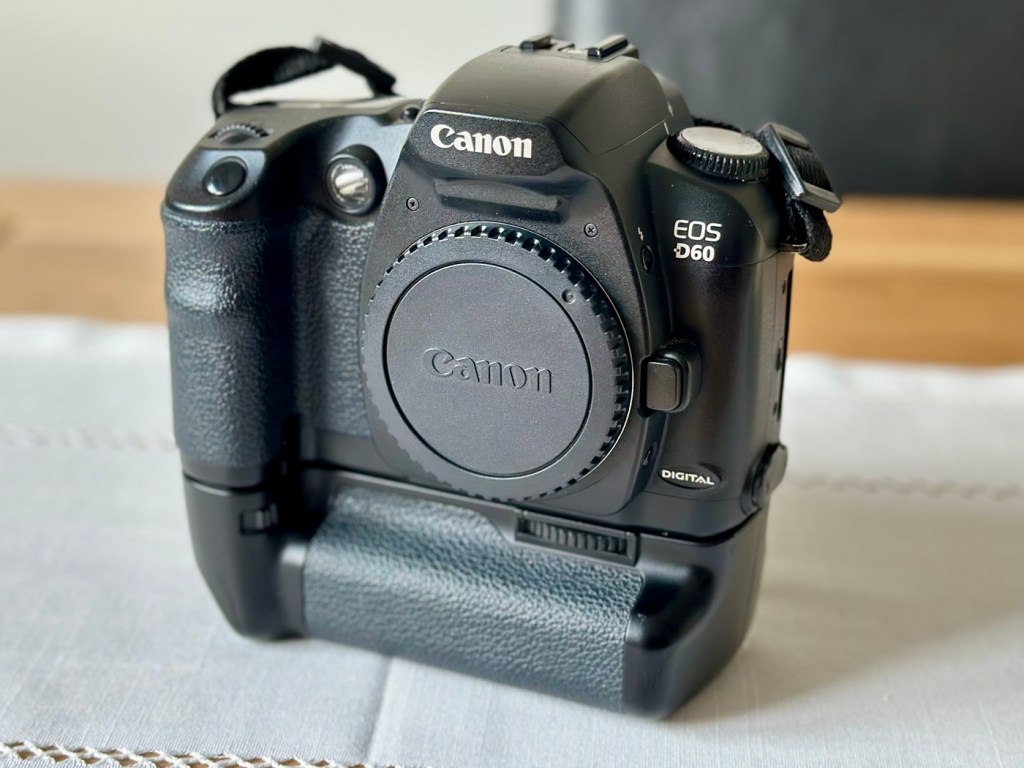
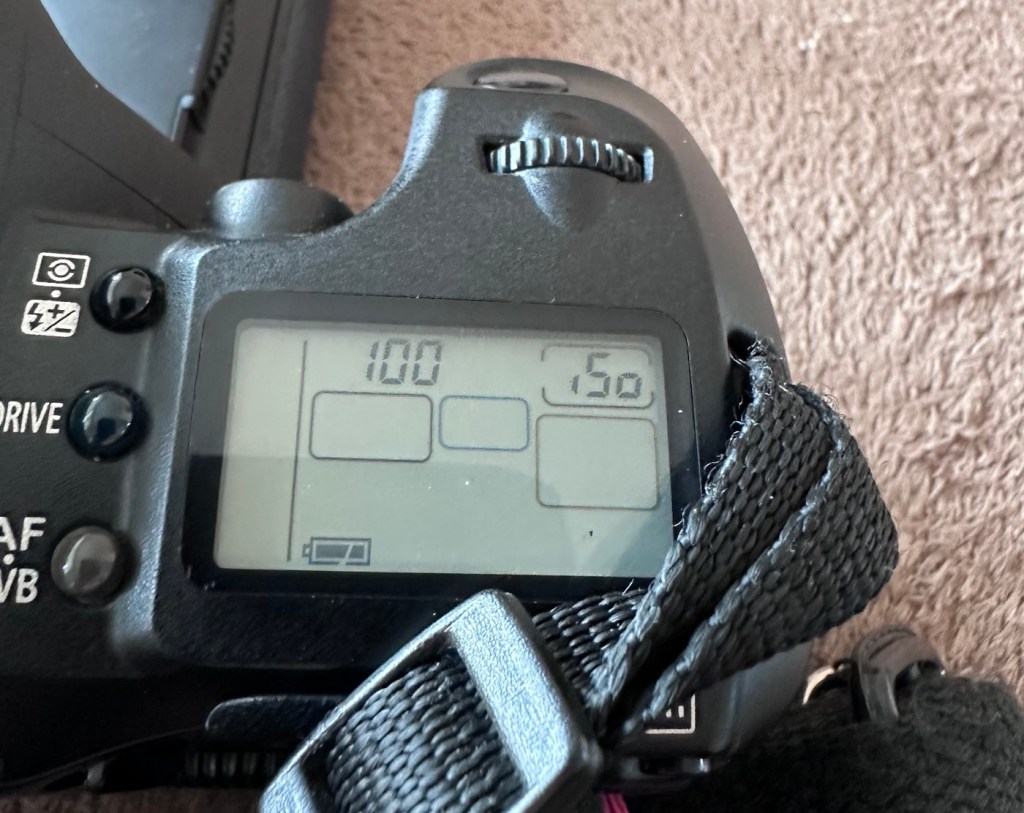
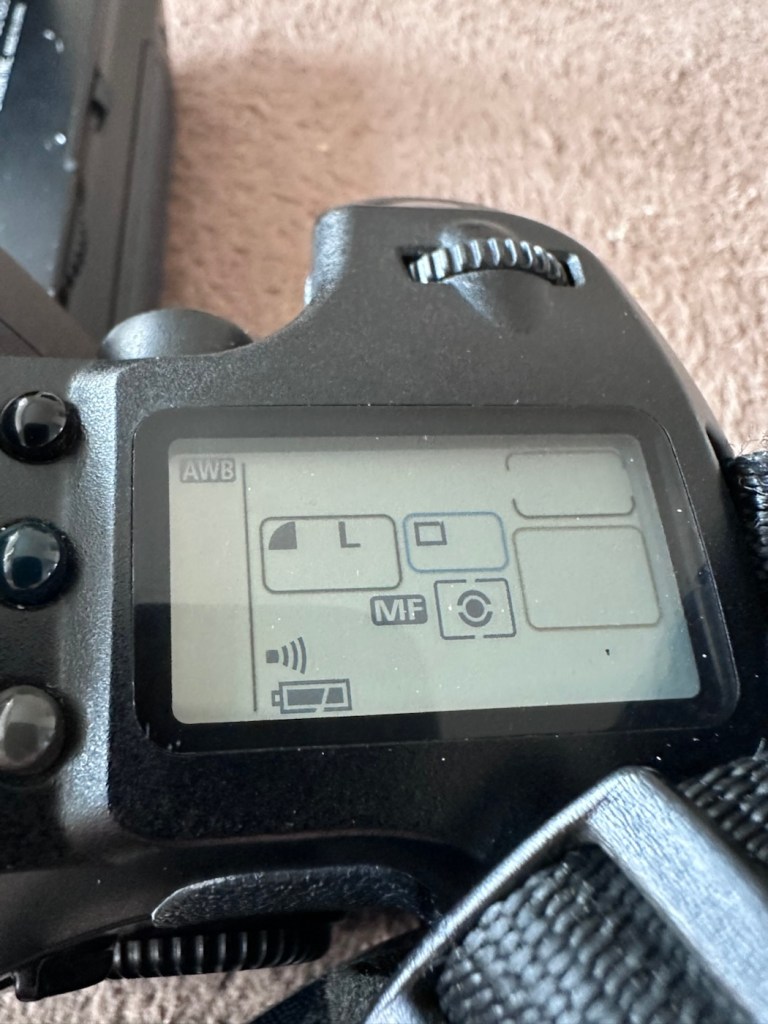
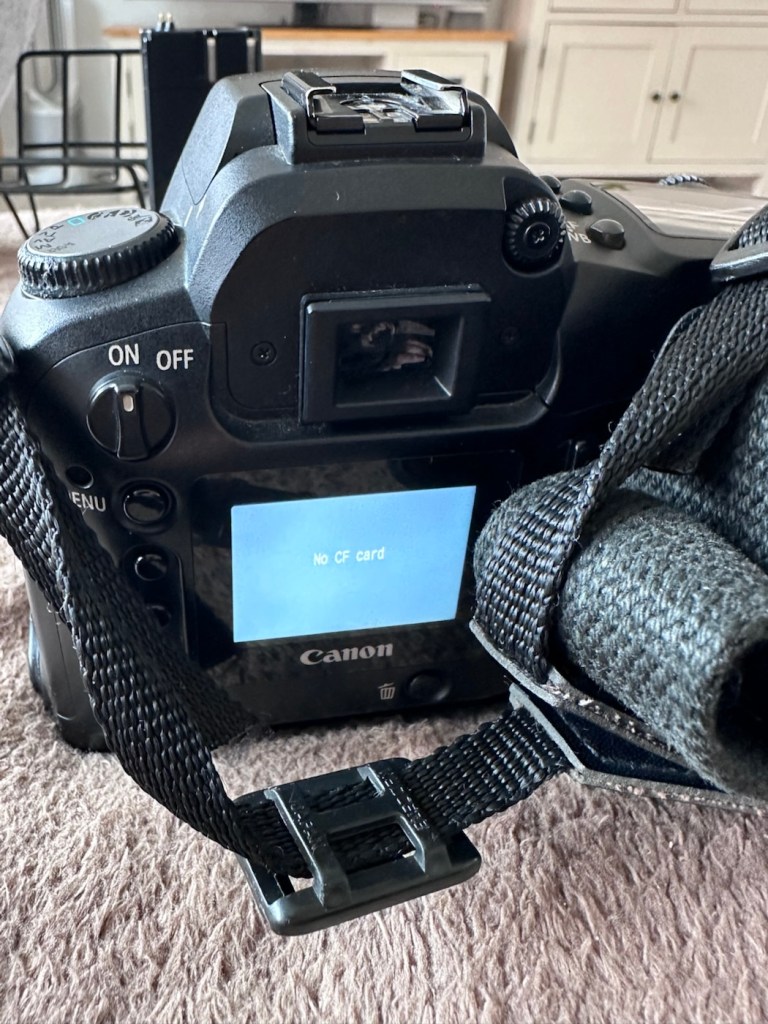
Can I get this classic EOS 7D operational again? It has damaged card reader pins.

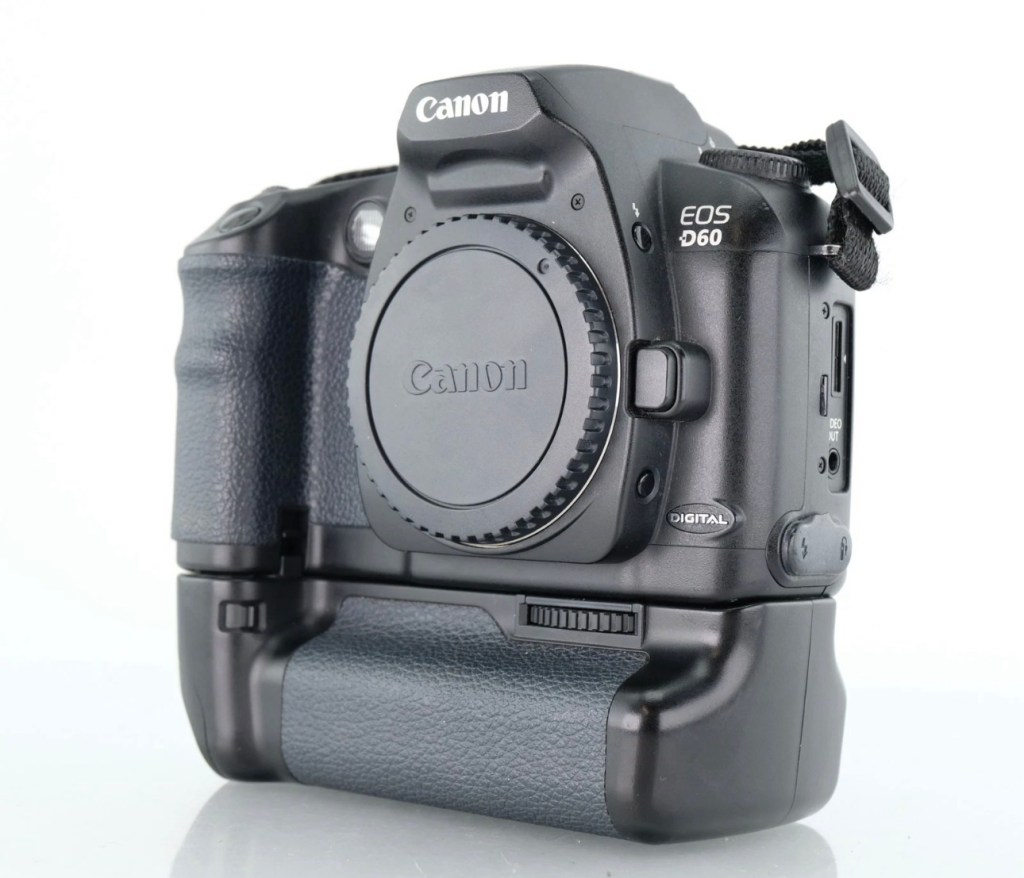
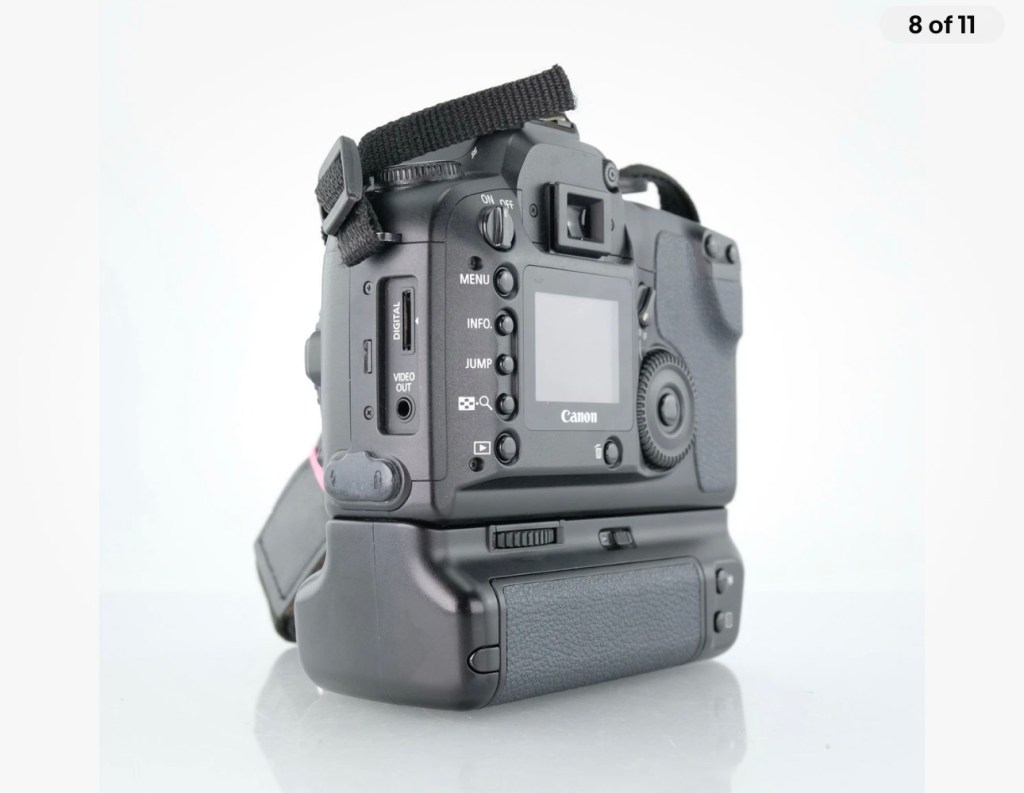
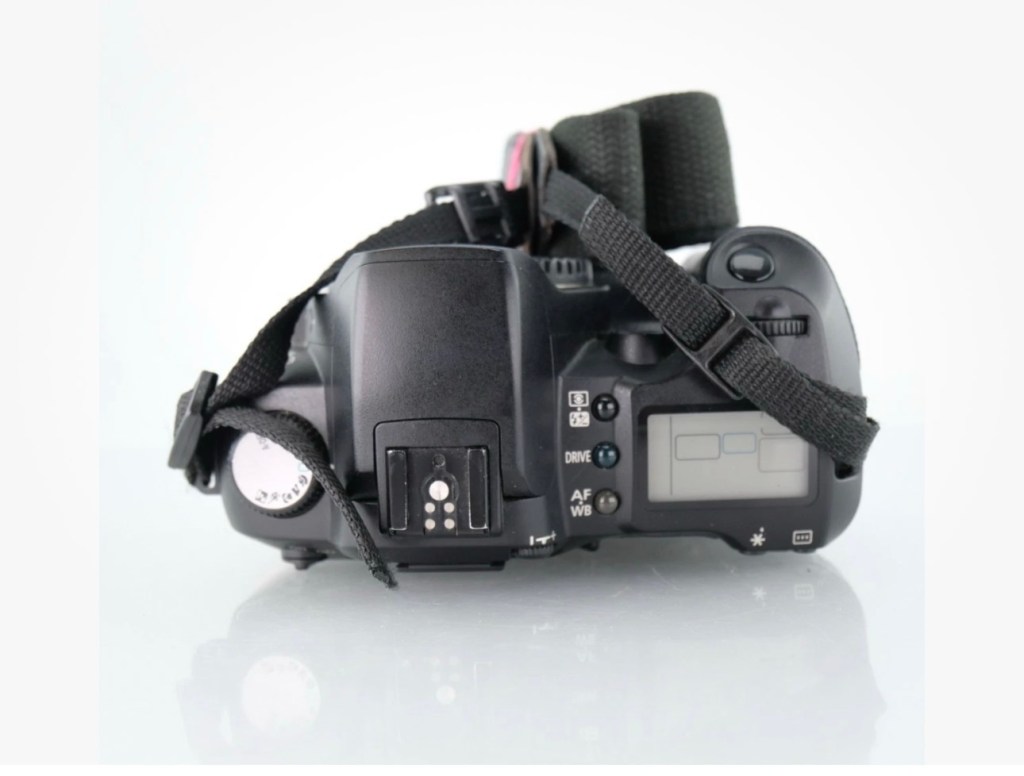
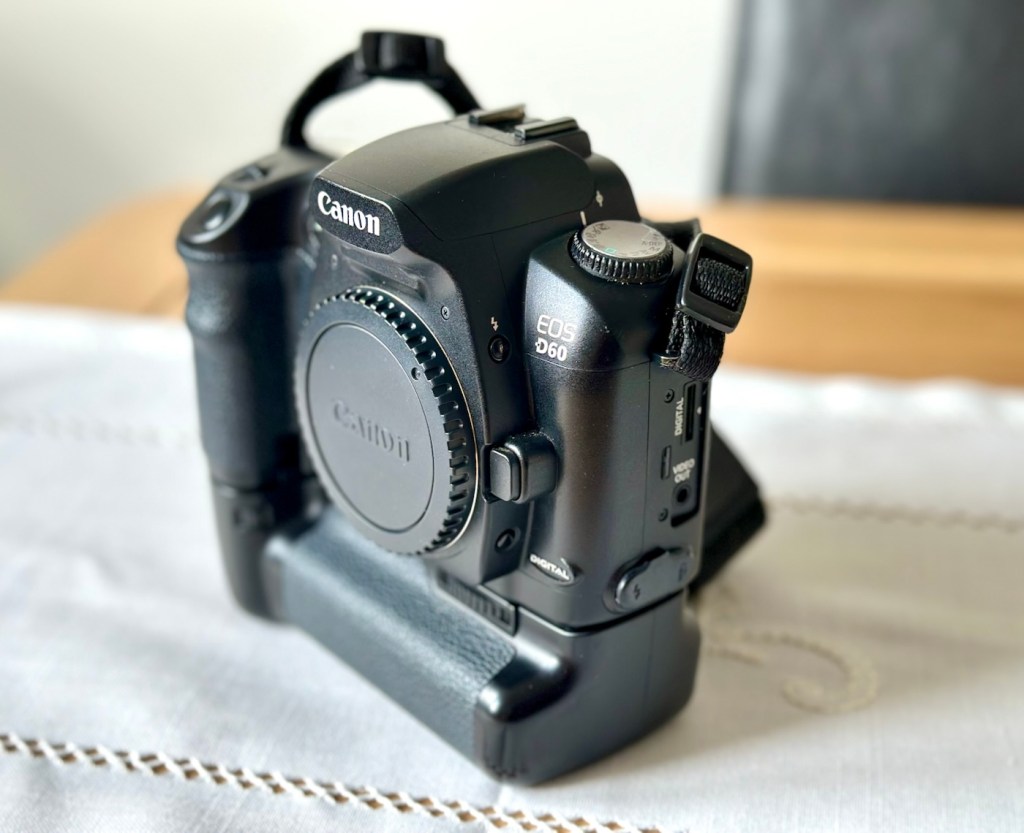
I received this camera from a good friend who is a professional photographer, a few weeks back in a bundle of cameras and photographic equipment he no longer uses, he has kindly donated them to me to get working again. You can see that post, and just what was donated here: Cameras…i need more!

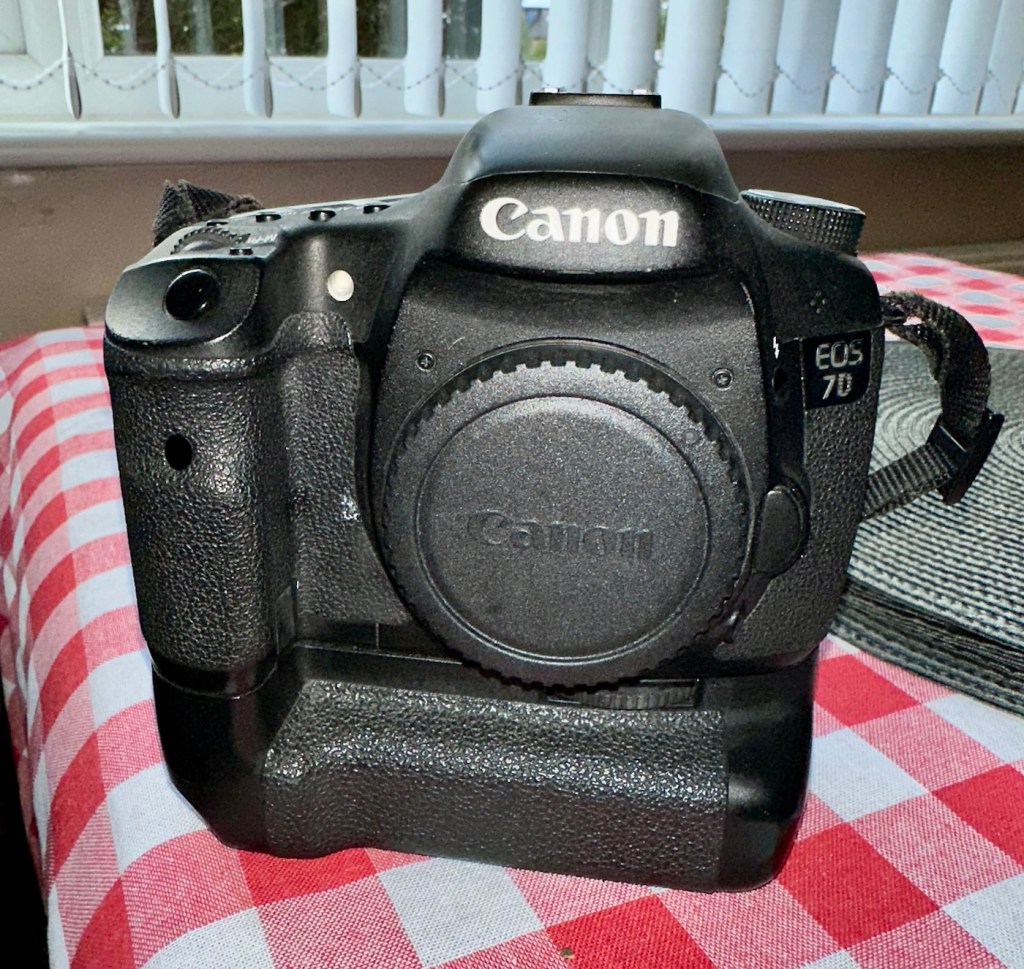
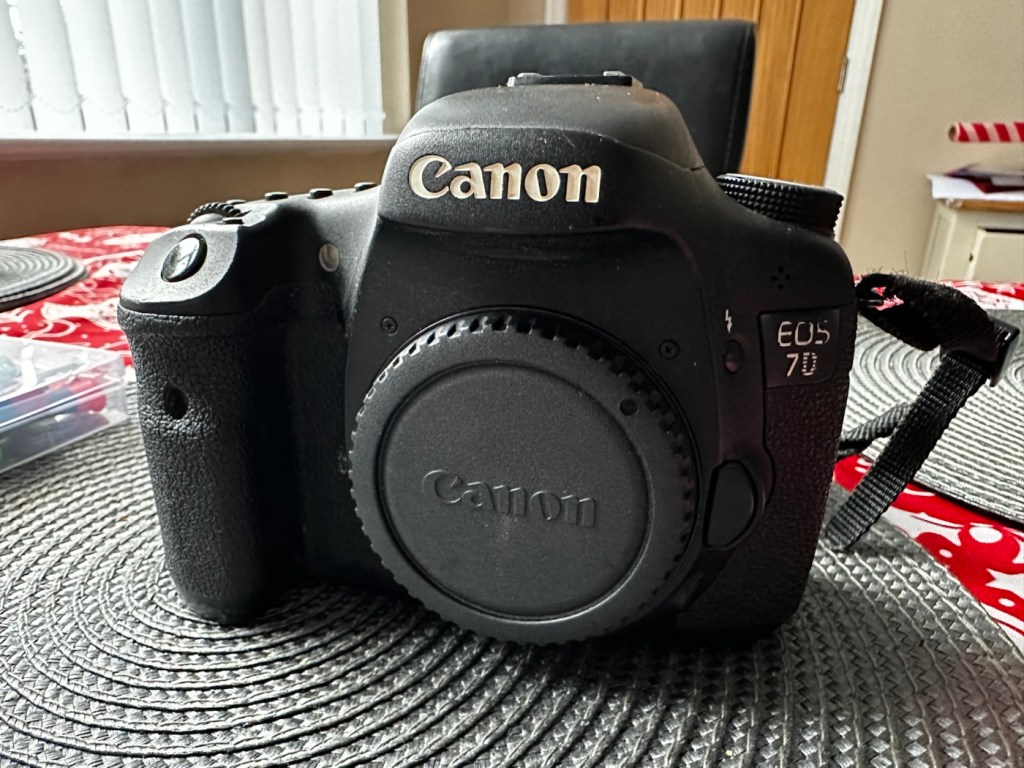
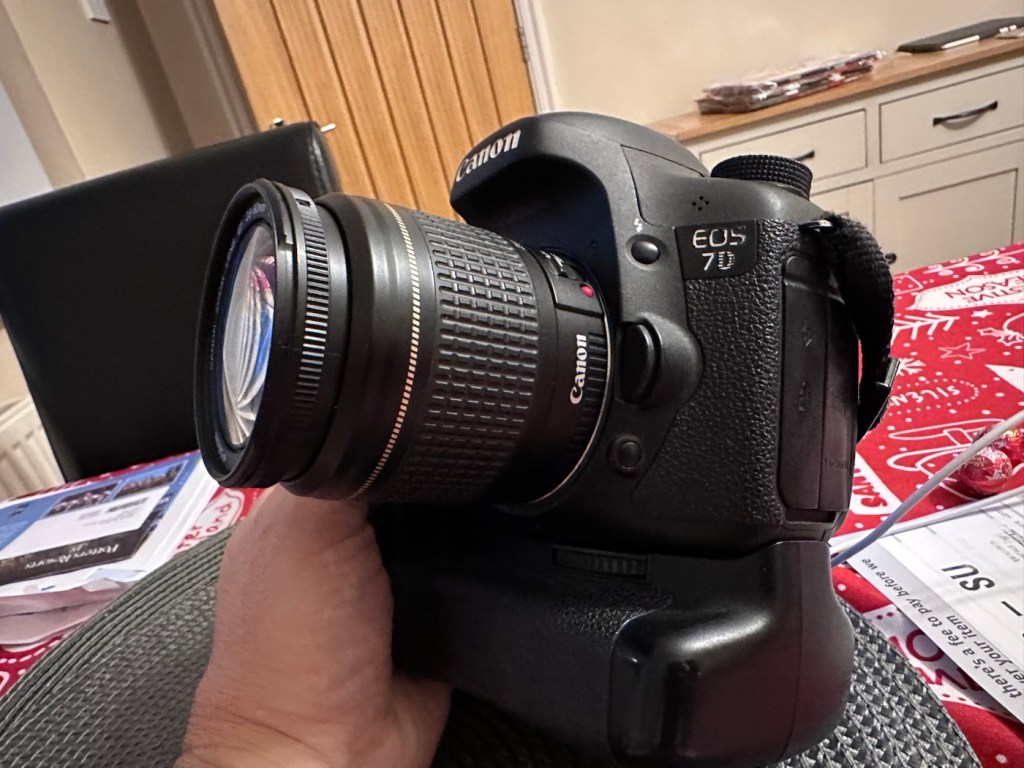
Canon EOS 7D

I’m in a situation where I don’t have my repair gear with me at the moment, as it is all packed and in storage awaiting our impending house move. Hence the reason I am racking up a whole load of draft posts that I can’t complete until I have my workspace back in use. Therefore any work I can do is severely restricted to inspection, cleaning and preparation with the only maintenance being attempted on the outside of the camera.

Let’s have a brief history on the Canon EOS 7D:

The Canon EOS 7D is a high-end APS-Cdigital single-lens reflex camera made by Canon. It was announced on 1 September 2009 with a suggested retail price of US$1,699, and was marketed as a semi-professional DSLR camera.

Among its features are an 18.0 effective megapixel CMOS sensor, Full HD video recording, its 8.0 frames per second continuous shooting, new viewfinder which offers 1.0X magnification and 100% coverage, 19-point auto-focus system, movie mode, and built-in Speedlite transmitter.

The EOS 7D remained in Canon’s single-digit APS-C model lineup without replacement for slightly more than five years—the longest product cycle for any EOS digital camera. Its successor was the Canon EOS 7D Mark II, announced on 15 September 2014.

Wikipedia

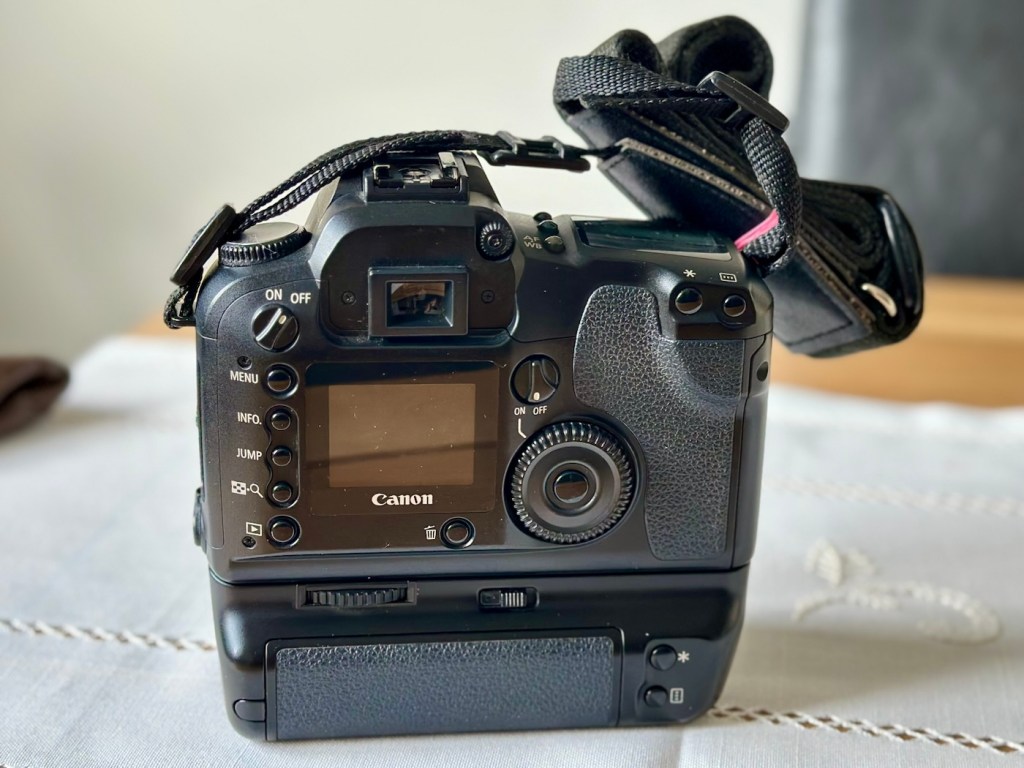
Structurally and cosmetically this is a beautiful camera in very good condition. However it would not have been donated to me unless it had problems. Let’s now put my detective hat on and go looking for clues.

Assessment:

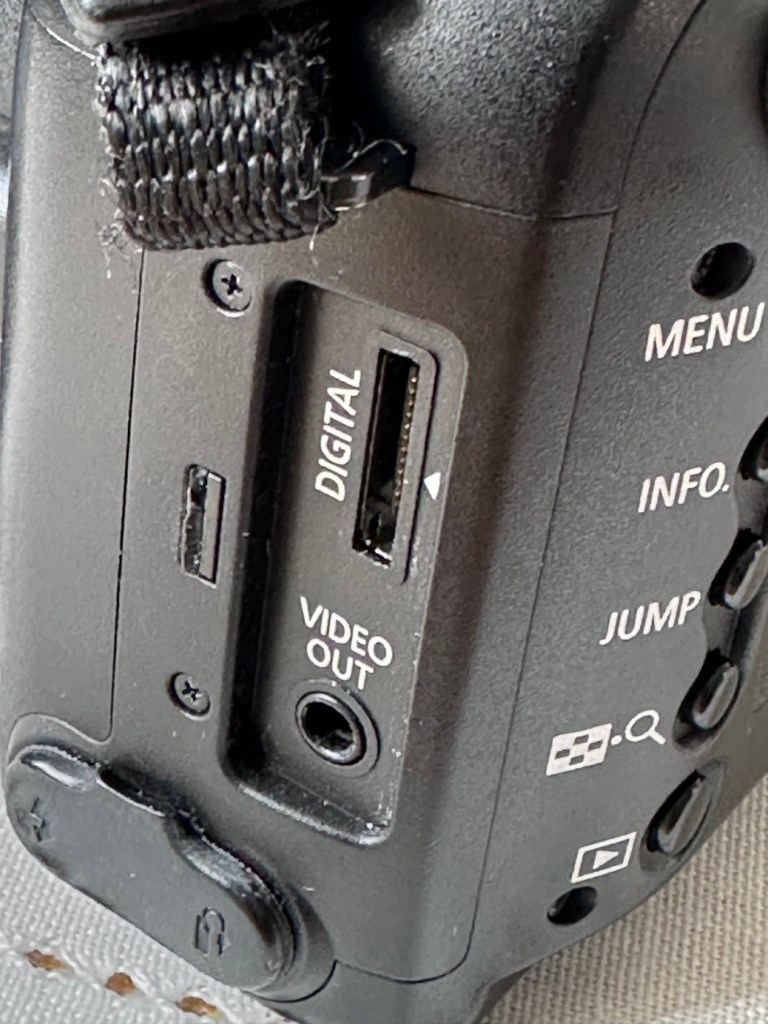
As stated earlier, cosmetically there is nothing at all wrong with this camera, it even has the plastic screen cover in place. Mirror looks clean and curtain looks fine no issues here. All electrical contacts such as HDMI are in good condition with no visible damage to the ports.

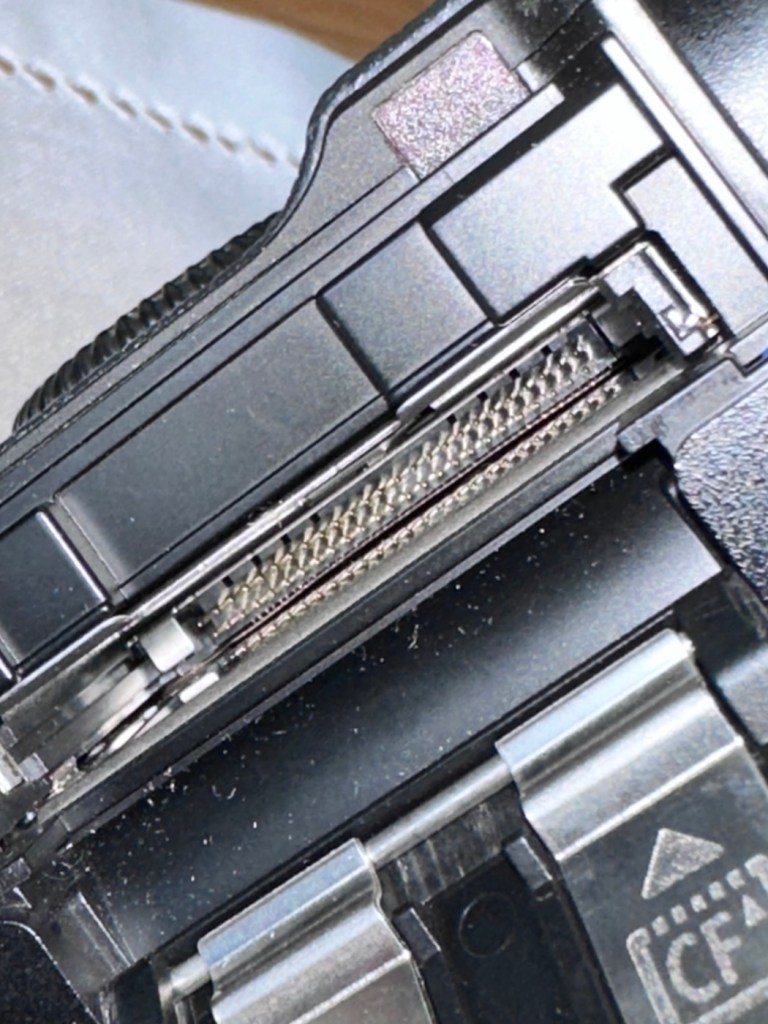
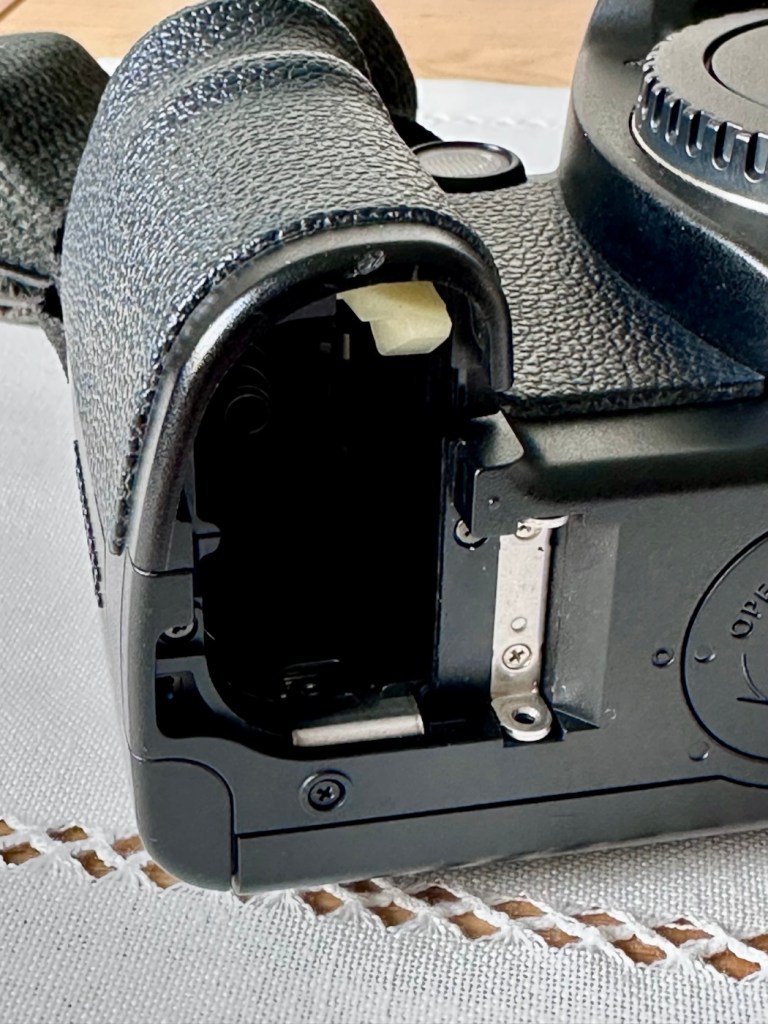
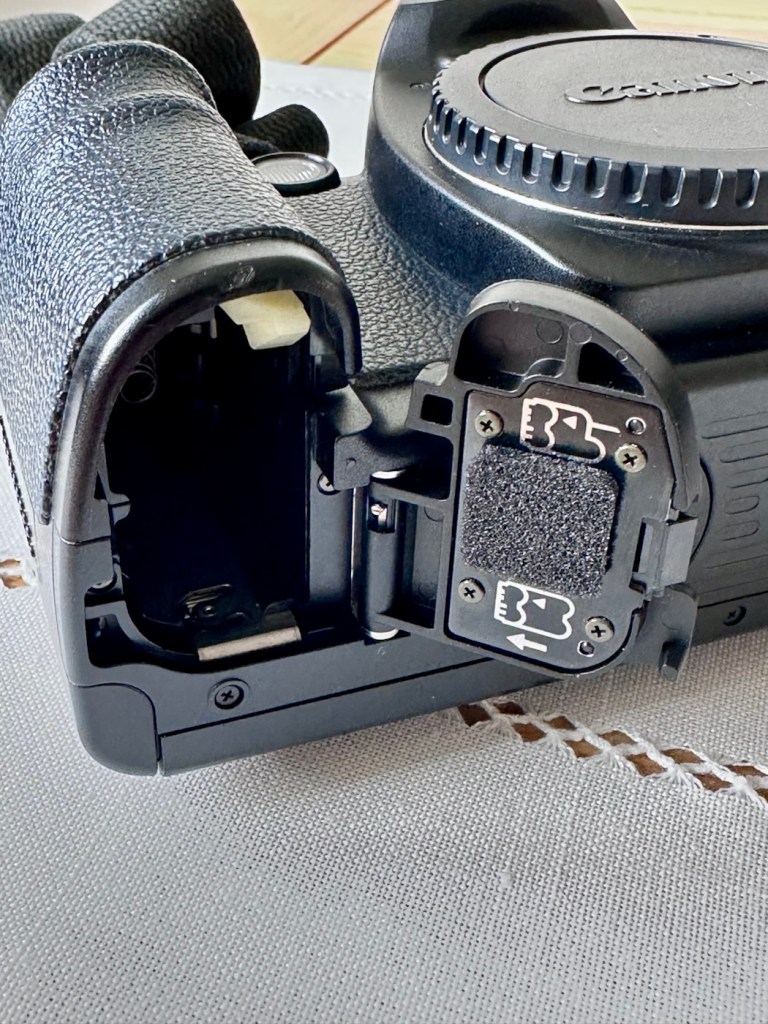
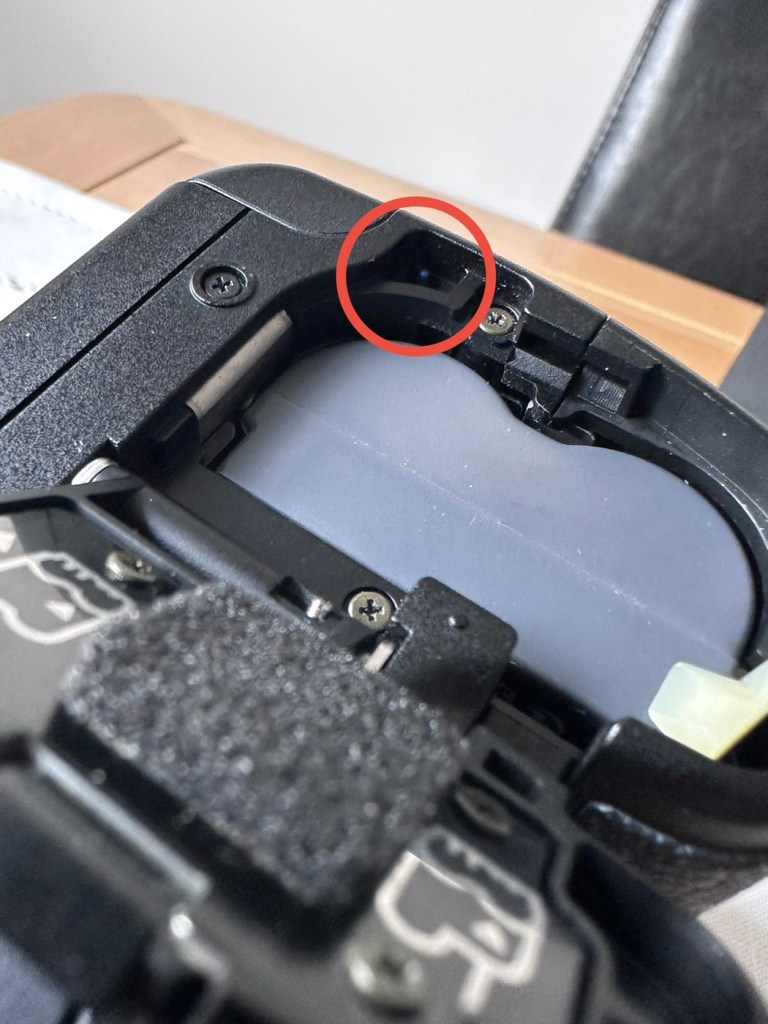
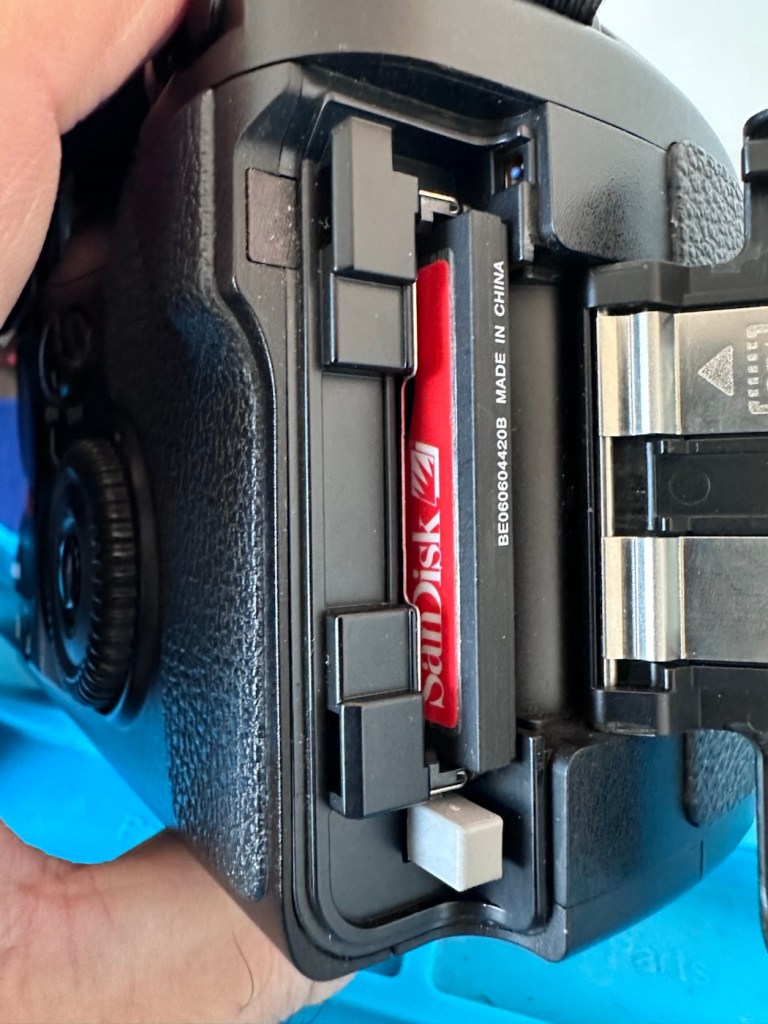
One last place to check and I now believe this is where the problem lies. This is the CF card door, and when opened it reveals one possible big issue.

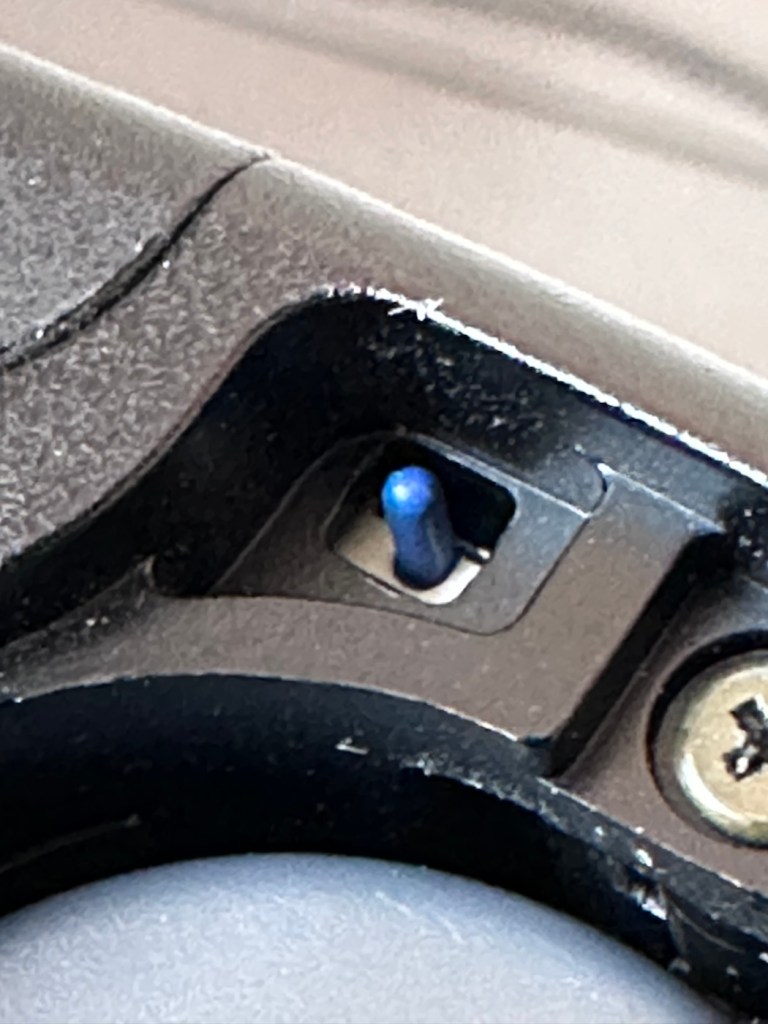
Bent pins

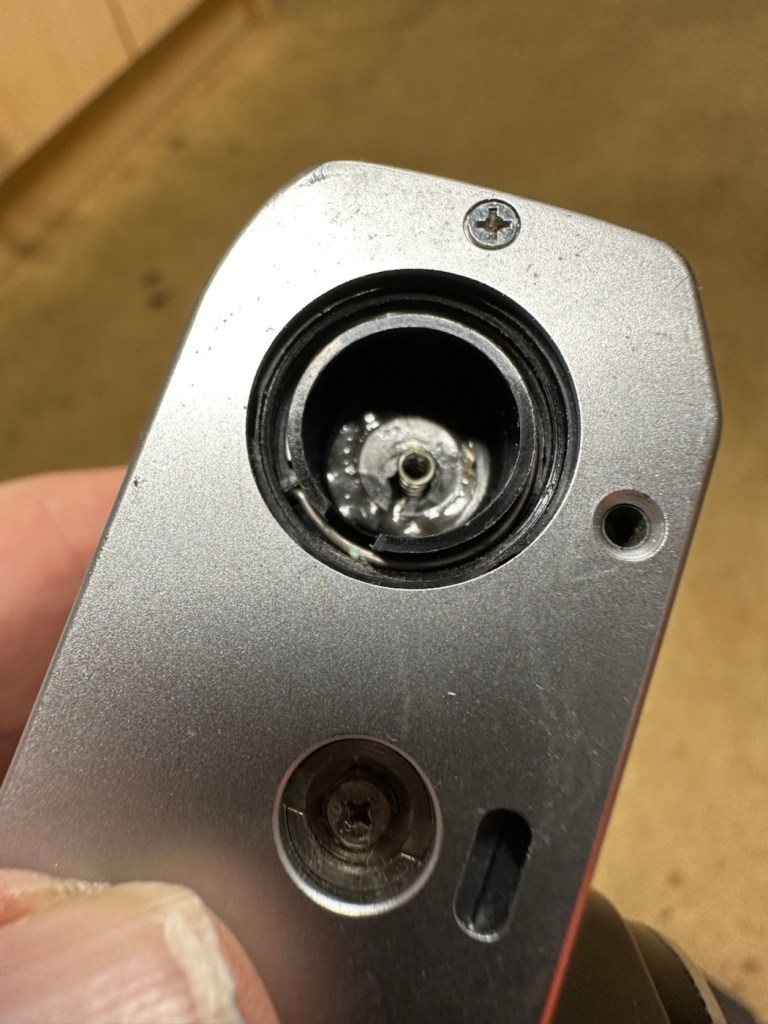
Bent pins on the CF card reader. These pins are quite small and only millimetres in diameter, in a very restricted space about 8 cms deep and 6cm in width, it really is quite a small aperture. There are two options here, one I try to gently coax these pins back into place with a fine point tool, however the pins are minuscule, and brittle and prone to breaking. I can see potentially 7 pins that are out of position, not an easy or expedient option. But I’ll have to give it a go. Option two is to purchase a new CF card reader replacement, this option carries some expense and quite a complex dismantling of the camera to achieve said replacement. Needless to say I will initially attempt the pin bending procedure. Pending on success or failure, i could venture into step two. Read on to see what occurs.

Repair:

With a fine point set of tweezers, I’ve decided to have the first attempt at seeing if I can straighten the pins. Using a bright LED torch I angle the beam slightly so I get a bit of shadow on the pins, and this allows me to see how many are bent. I can see seven pins in total that are bent, and two of these seem as if they have been forced down to about half their height. This is quite normal when people go in a bit heavy with the CF card, if these pins go down too far there is no option but to go inside the camera and push them out from inside, or replace the card reader completely. I kind of hope that I have been able to pull them out far enough for them to work. I won’t know though until I get the CF card and batteries out of storage.

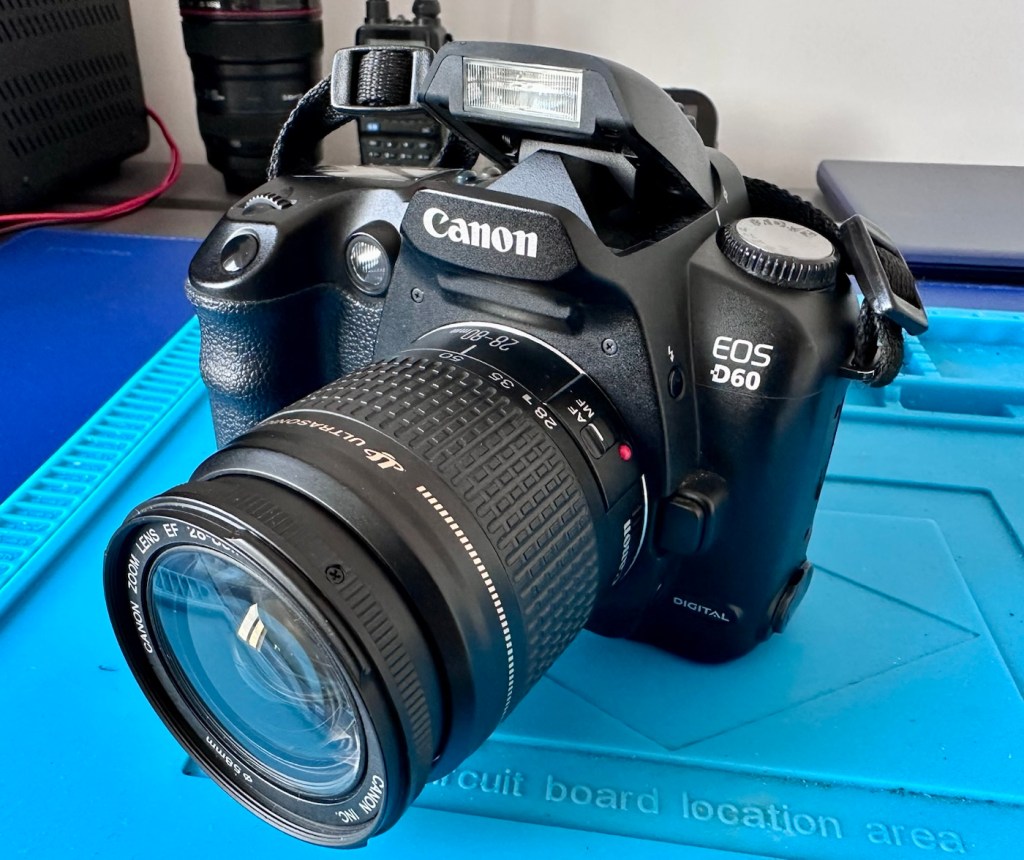
The camera in question

I’ve spent about an hour, bright lights, little subject matter, and now have very tired eyes. I’ve been breathing slowly just like a surgeon heading into a part of an operation that requires the utmost concentration, and precise and very delicate movements. I think I’ve done a good job. Only testing will tell.

Speaking with my friend Jon, who this camera came from, he has stated that he rather foolishly lent this camera to a ham fisted colleague who hammered the card into the camera, causing the issues that I am dealing with today.

If we have to open up the camera, I will probably be looking at about 3 hours of work, as there is an awful lot of dismantling that has to occur, and I believe there are around 30 screws to remove just to get under the skin of this camera. It’s built like a brick, weighs about the same and is just packed with electronics.

Fingers crossed 🤞 let’s hope option number one has been successful.

Well, today I went to the lock up and dug out a small 2GB CF card and the two Canon batteries and a charger. I came home and Put the batteries in that surprisingly still held a little charge, sufficient to turn the camera on. I gently inserted the CF card only for the following message to appear on the screen, “Card cannot be accessed. Reinsert/change the card or format card with camera.” Aww shucks I thought, it hadn’t worked. I tried to format the card and the format failed, at this point I thought the pin maintenance had not worked. Damn. I was a tad annoyed.

CF card being installed

So I removed the card and checked the pins, they were ok. I reinserted the card and the same fault appeared, however this time when the option came up to format the card it worked. I was so shocked I tried it again and forced another format, again it worked!

Right it was now time to get a lens on the front and test the camera to check to see if it would write to the card, it’s only a stock lens, nothing special but absolutely fine for testing purposes. Just walking around the house I put the unit into auto, the flash popped up and I proceeded to rattle off a few random shots. And it worked, the results all came up on the rear screen.

Random shot 1
Random shot 2
Random shot 3

To say I was pleased at this is an absolute understatement. The work on the pins has worked and I now have a perfectly well working example of quite a top end camera. There’s no doubt that in the future the camera will require a replacement card reader, but for the moment it’s been given a new lease of life, and whilst I remember to be gentle with the removal and placement of the CF card, let’s just enjoy the camera and its capabilities until that time comes. In the meantime here are just a few, “Randoms” taken to test the card and camera in and around my home.

Result:

You little beauty

Time to give this camera a little buff up. (Clean)

This unit only appears to have taken 1,860 pictures. It is completely unused, and in perfect condition. And it now works. To be honest I feel more confident with this camera than I do with the mirrorless Sony that my wife purchased for my birthday. This was going to become my number two camera, however it’s just been promoted to my number one, as long as that card pin issue and repair holds up, and I have no reason to doubt that it should be a long time before any issues arise. I am confident that my repair has longevity as they say.

I want to give it a good test in daylight conditions in all modes rather than auto. I want to get a bigger CF card maybe a couple of 8GB ones, I don’t see the point in going for the bigger cards just in case there is a read/write issue in the future. It’s just an OCD thing for me, you know what I’m like.

So overall I’m really quite happy and satisfied with this camera. Of all the cameras I was gifted by my good friend Jon, all have been repaired apart from one that was beyond economic repair, even that has been broken down into it component parts, every screw recovered and will be used for spare parts. Nothing, and I mean nothing has been disposed of from this collection of cameras and accessories.

That’s what I do, I don’t waste anything. Ask the wife!

Many thanks for passing by, it’s always very much appreciated.

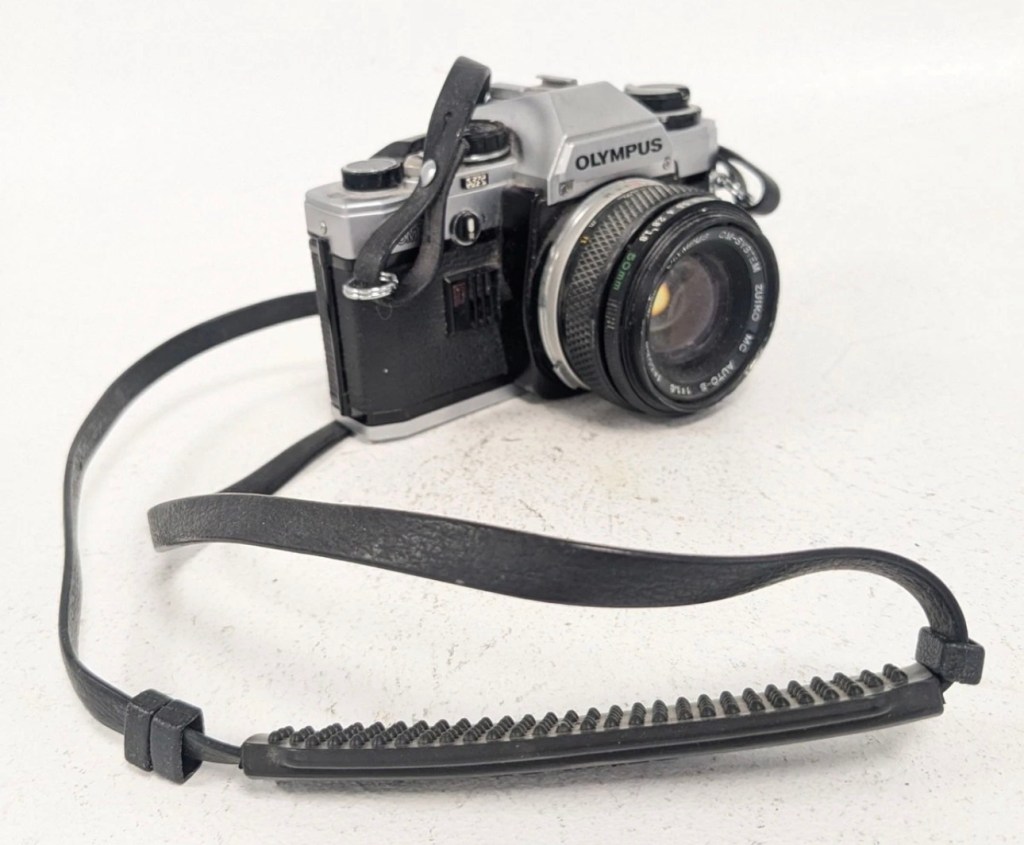
Olympus OM10

Always liked and wanted an Olympus OM10. 46 years later I now have one. Of course, it needed repair.

Much to the wife’s annoyance, and because I was feeling a little low and in need of some retail therapy, I’ve purchased this lovely little camera from the Barnardos charity. It looks like it’s been stored in a full Hoover bag, it is so dusty. It has a few dents and dinks, this one is going to be a challenge. I like challenges. I’ve paid the grand total of £17:67GBP for the camera and the standard Zuiko 50MM F1.8 Lens. I think that is an excellent price.

These cameras were produced between 1979 and 1987. I’m hoping I’ll be able to date this actual camera more accurately when I receive it.

This is what the original listing stated:

This listing is for a vintage Olympus OM-10 35mm Single-Lens Reflex (SLR) film camera, bundled with a Zuiko 50mm f/1.8 lens and a leather neck strap. This is a single bundle containing the camera body, lens, and strap, ideal for collectors or film photography enthusiasts.

UNTESTED. This sale is for spares/repairs. There are some marks and cosmetic imperfections. Please see images for more detail.

The standard untested post from the auction sites, but I’m not really bothered to be honest. It’s a charity, and I’m happy to pay for these items as the charity always benefits, and that’s all that matters to be honest.

I have some history around this camera and whenever I see one I think of Bruce Springsteen and here’s why.

1984, Bruce released this Album

Born in the USA was released in 1984, so I can kind of pinpoint the first time I’d ever really heard him, courtesy of my friend David K, when I used to live in a small town in Hertfordshire called Bushey. David had been a school friend, we were now in our mid to late teens, he was working in a restaurant whilst I was in a photographic lab. He introduced Bruce to me and for many months after he first purchased that album, we played it non stop and knew it off by heart, beat for beat, and word for word, we were totally smitten with it. It was the Bruce effect. At this time i would have been about 18-19 years old, and had a very basic Russian Zenit camera, it took some great photos. However, David had recently had a bonus payment at work and purchased himself the Olympus OM10. I was envious, who wouldn’t be? What a camera and this is where it all ties in with our hobby, we loved photography and used to always discuss it with Bruce in the background singing his heart out. It all ties in now, fantastic memories, and a single camera can bring back these memories. Amazing isn’t it?

Anyway here’s some pictures where you can see the amount of dirt, and what looks like some bumps on the outer edge of the lens.

Here’s some information regarding this camera:

The OM10 was the first consumer OM series body. Launched in 1979 it accepted the full line of OM lenses and most of the OM accessories for a lower price. The lower price was reflected in the construction of this camera and the features available, however, it was still a very competent performer and it reflected the elegant lines established by the compact OM-1 and 2 designs. Early production runs of the OM10 have known malfunction issues with electronics, metering, and shutter magnets. Olympus later changed the shutter to a ‘Type II’ design to correct the latter problem.

In its standard configuration the OM10 offered aperture priority automatic exposure, simple and accurate enough for a consumer camera in most lighting situations. It also offered exposure compensation for more complicated lighting situations and for more advanced users. A small plug-in manual adaptor was available as an accessory to enable manual control of shutter speed. The manual adaptor is possibly not as easy to use as the typical shutter speed ring around the lens bayonet on the OM-1.

While not well known to consumers, the focusing screen for the OM10 is indeed interchangeable, though not as easily as the OM-1. It shares the same focusing screen as the OM-1, but the extra protruding tab needs to be cut off as the OM10 doesn’t have a placeholder for it.

The OM10 can accept all the lenses of the OM system. 

The finder screen is fixed, as well as the back. It can accept the winder but not the motor drive. It existed in chrome and in black finish.

In 1980 the OM10 Quartz was released with a fixed databack (equivalent of a Recordata Back 3) to print the time or date on your pictures. The OM10 Quartz was only released in black finish.

The OM10 was sold in large quantities before production ceased in 1987 and many working examples are still being used today. Largely overlooked in favor of its more professional ‘single digit’ siblings, you can easily pick up a working example for $50. Try to find one that includes the manual adaptor though, as this accessory alone can fetch $30 at auction.

Camera-wiki.org

Assessment:

In a perfect world this camera would just need a clean. But this is me and to be honest I’d like a little bit more of a challenge, as a lot of the cameras I have worked with lately did not need a lot of maintenance because they’d been well looked after. This one may be different.

These cameras were renowned for electrical faults especially with their mirror motion magnets, very similar to the issues suffered on Canons earlier EOS cameras such as the 1N. But to be honest I am just surmising at this point as the camera is not yet in my hands. I need to be patient and await its arrival.

Well, it’s arrived so let’s have a look and see what’s good, what’s bad and what’s indifferent. It has dirt, yes, quite a bit of it, so it will require quite a deep clean as we need to get into all those little crevices, where the dust has settled.

Cosmetically it looks really good with no dinks, dents or scratches, so that is very much a positive. It’s in not too bad a shape for being 46 years old.

The capstan to open the camera film door, along with the operation dial are a little loose, so they will require tightening.

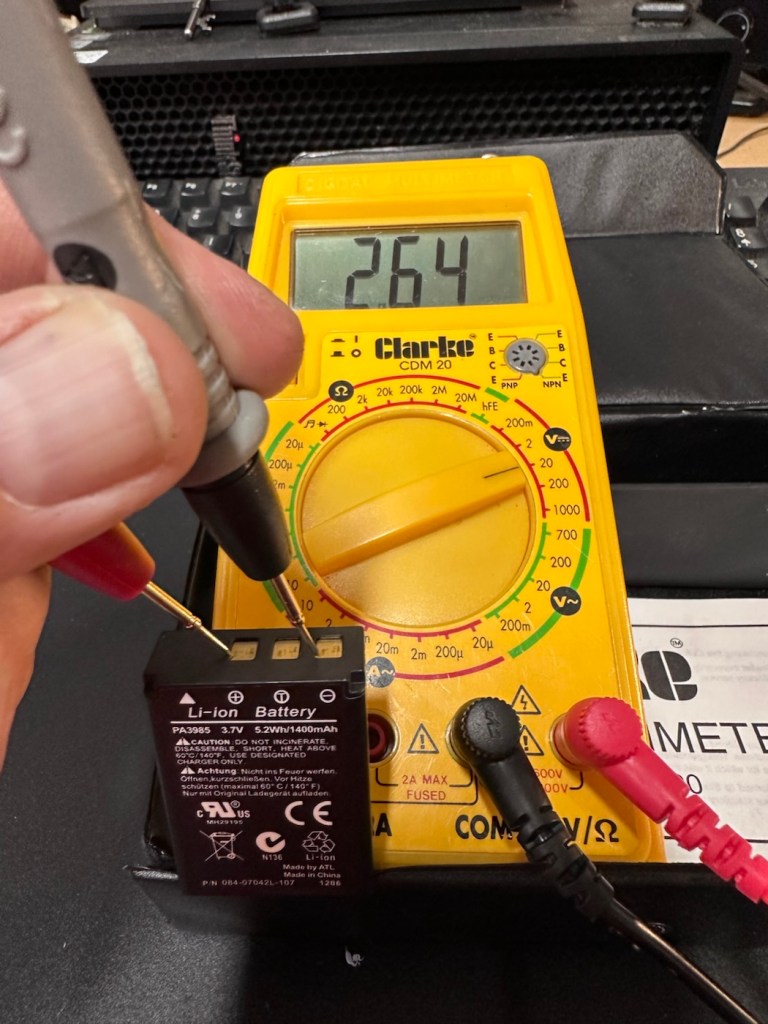
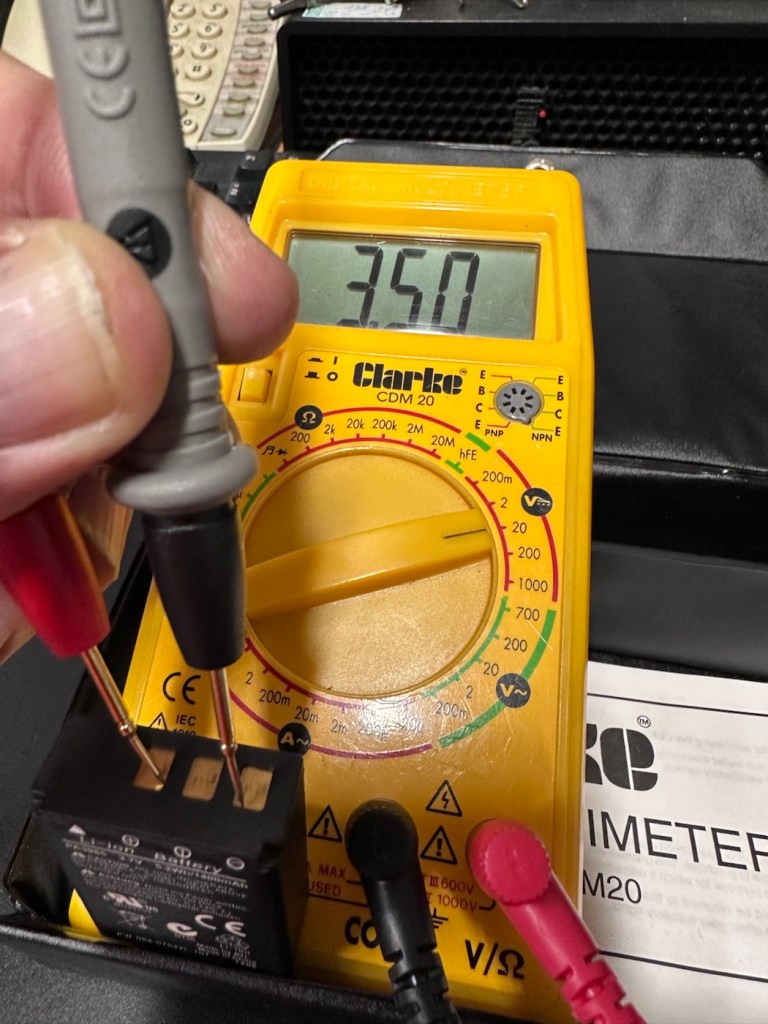
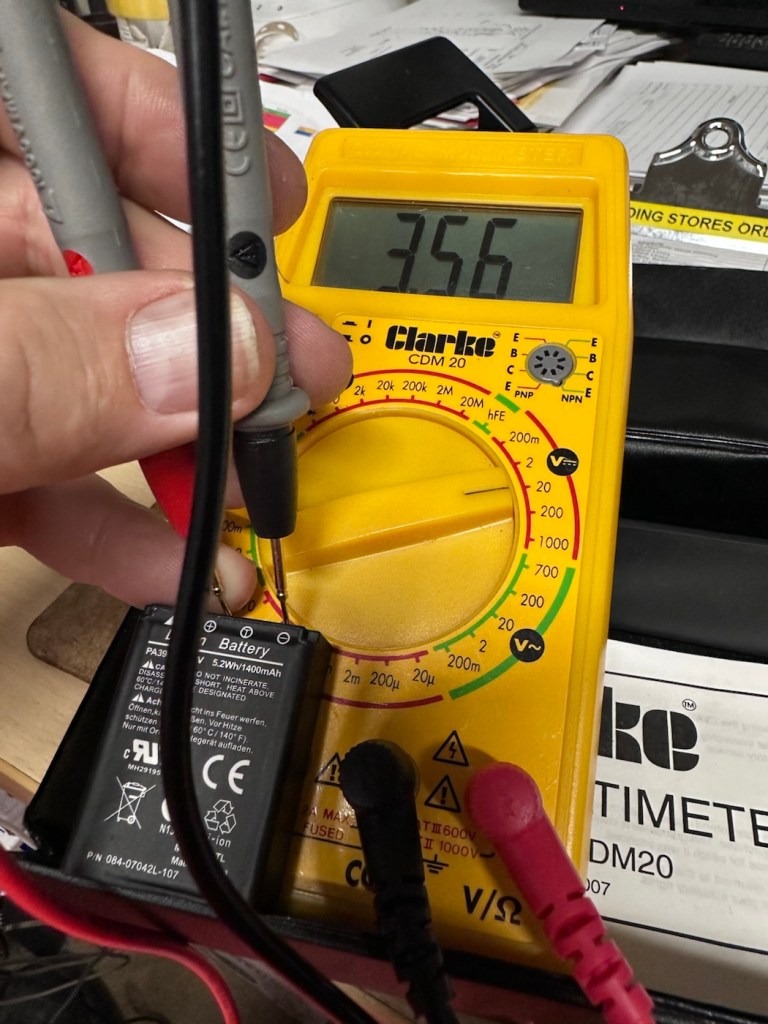
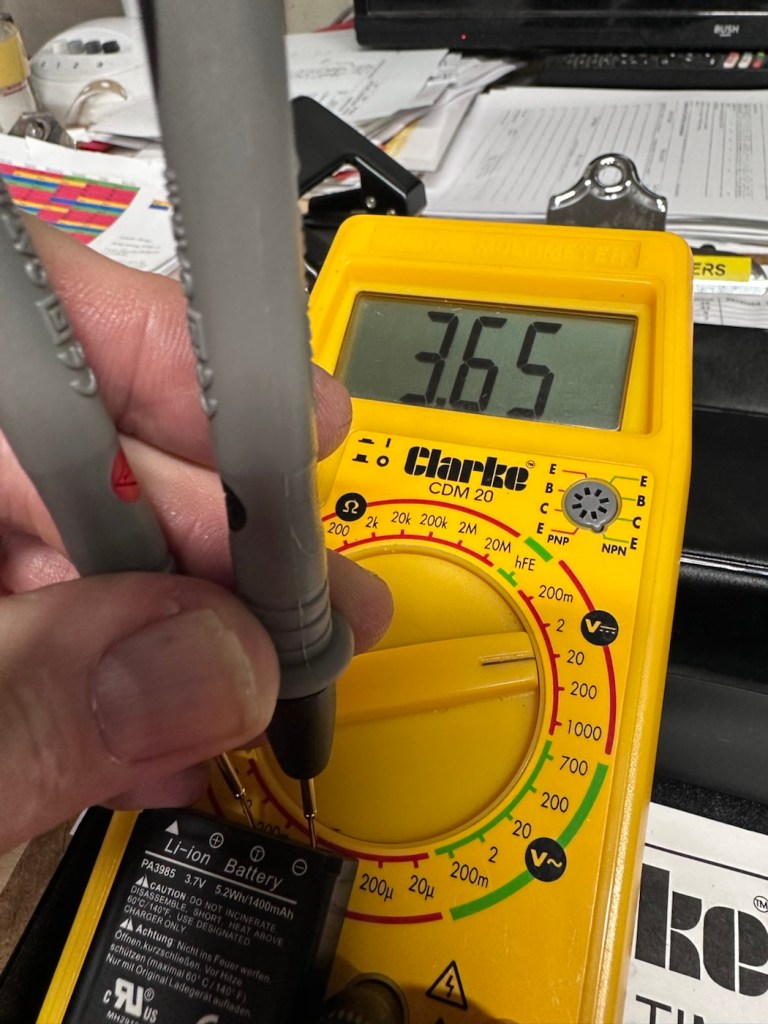
Batteries are long dead, this camera requires two LR44 button batteries to do even the basics, I have tested the batteries with a multimeter and they are so low that they hardly register, they are very dead indeed. The good thing however is that they have not leaked in anyway and the battery chamber is clear of corrosion.

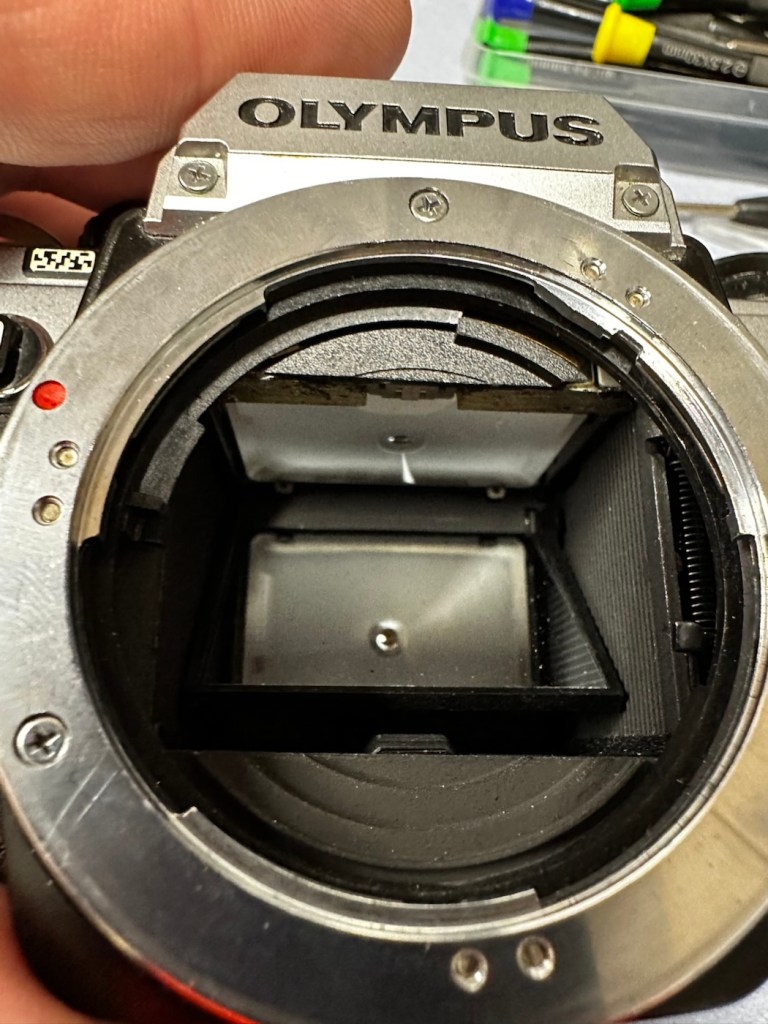
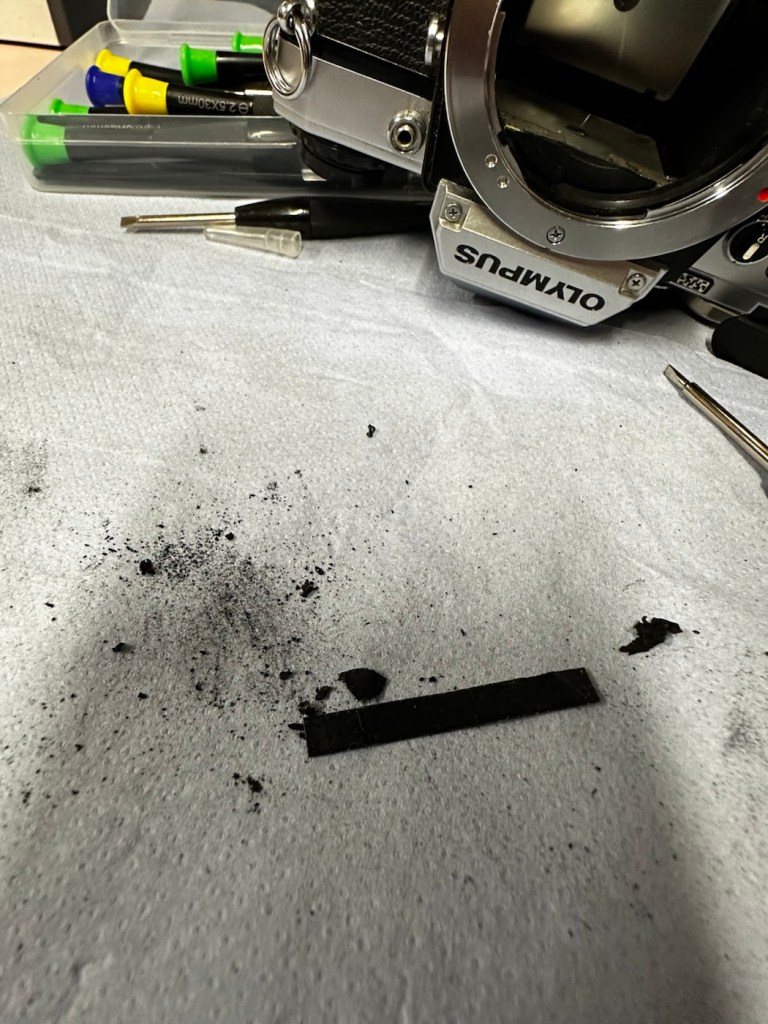
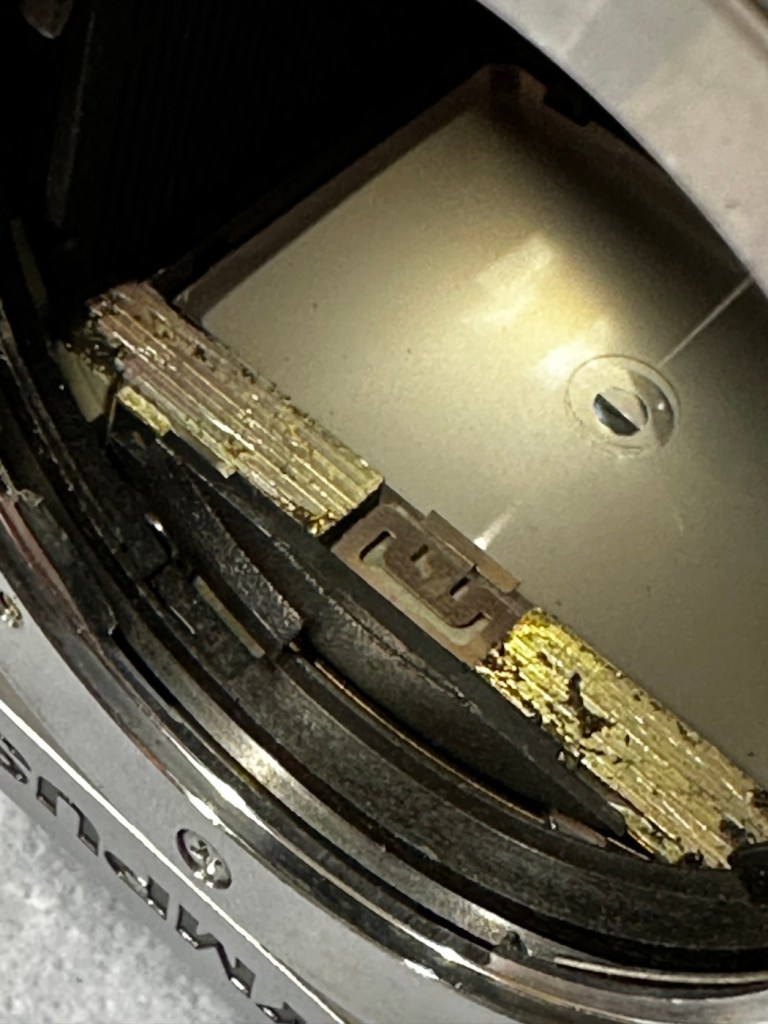
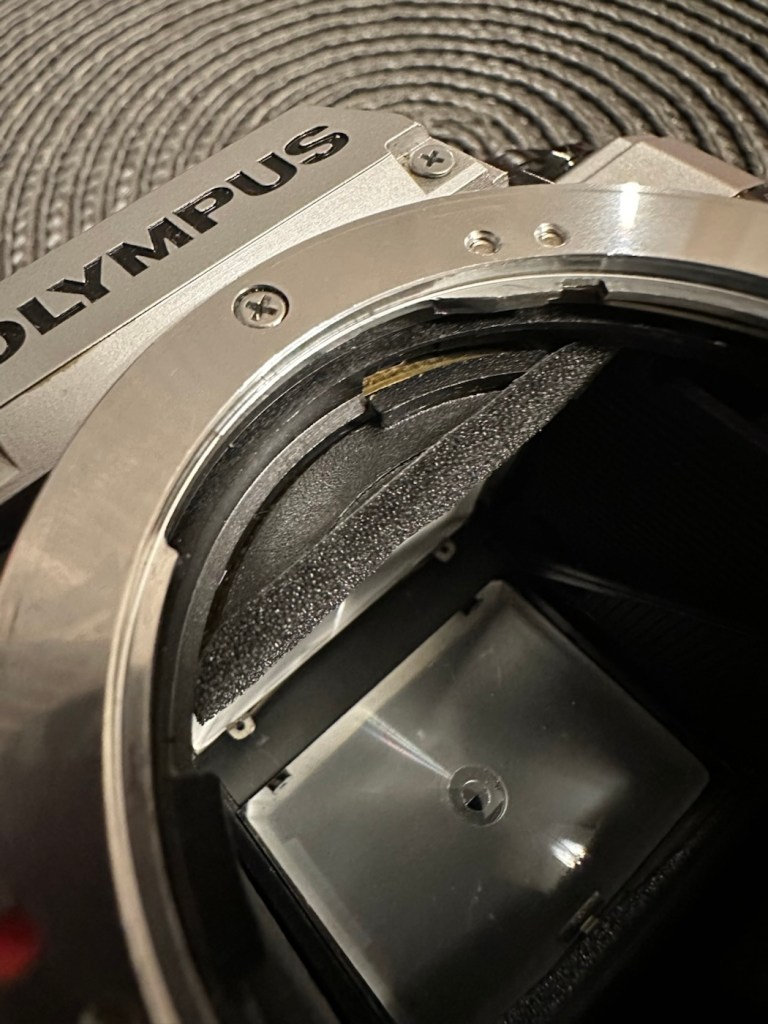
The mirror is stuck in the halfway position, this could be purely to do with there being no battery in the camera. It would be good to see with new batteries installed, if the mirror magnets would then kick in, and then they’d be no further issue. However, knowing my luck they are probably inoperable as well, we will just have to wait. And for this same reason the winder is also stuck, again the batteries may well solve this problem 🤞

Good news is though that the mirror and curtain are in really good condition, because the old lens has been kept in place preventing any contamination getting into that area.

Viewfinder looks clear apart from a little dust build up

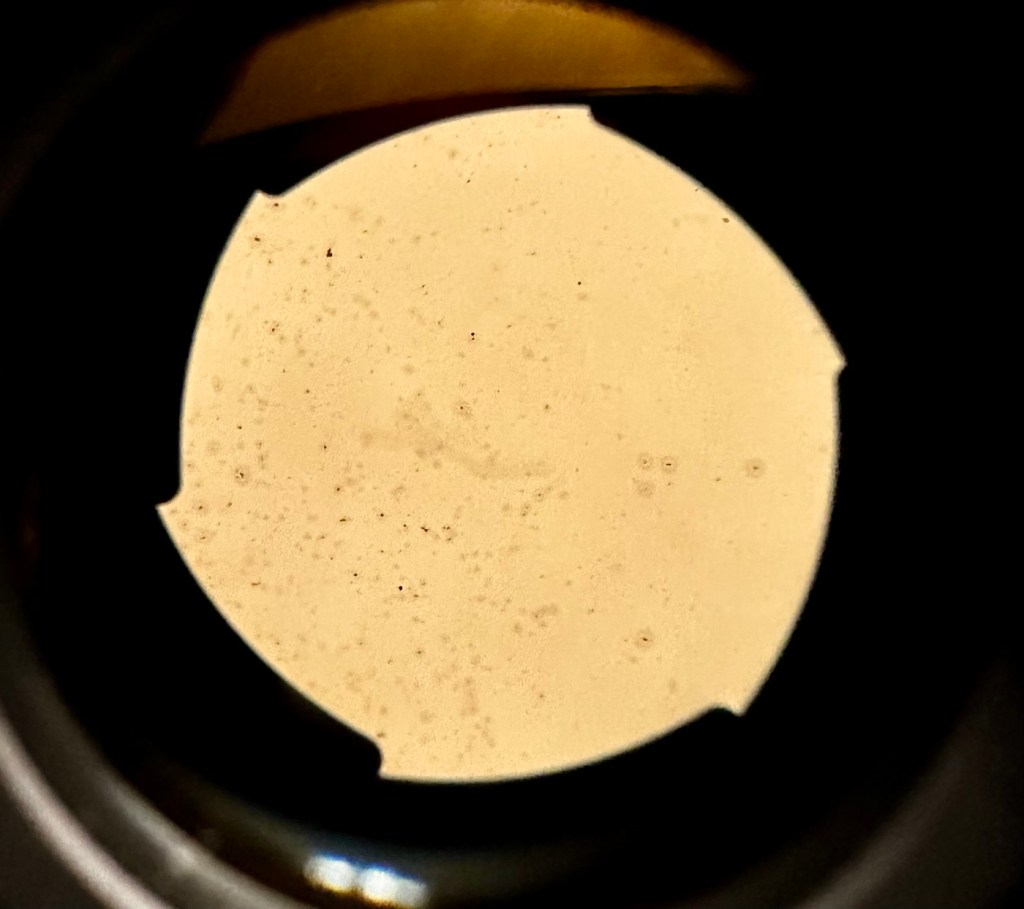
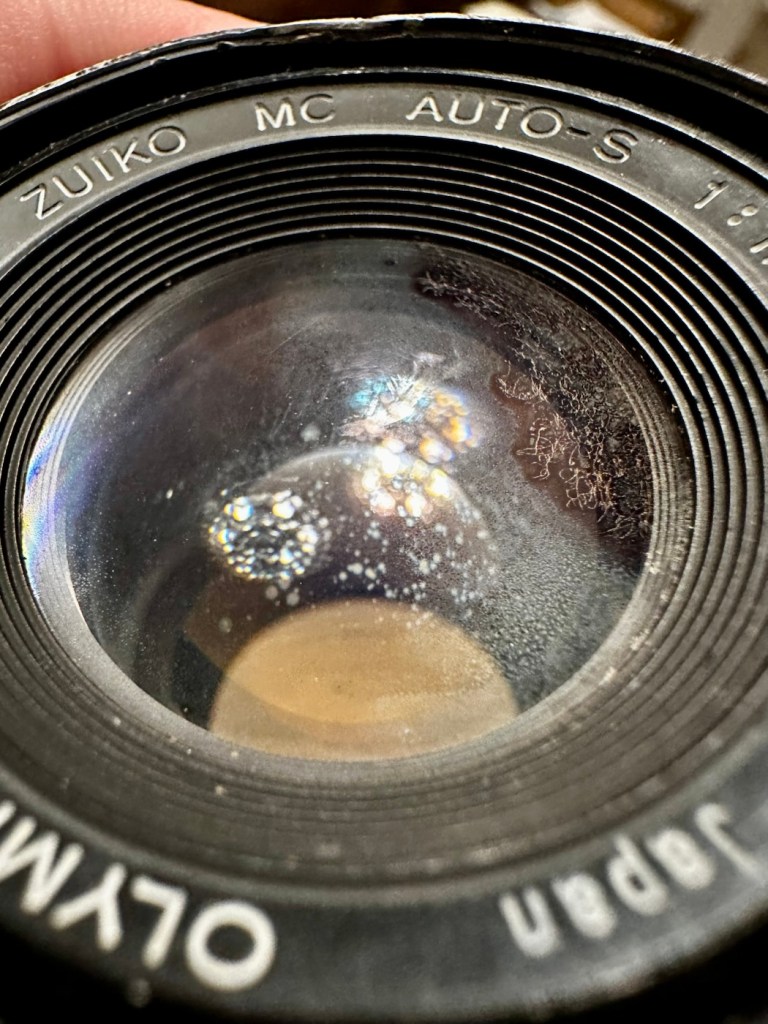
However the lens, does appear to have fungus in it, and will require a clean at some point along the way.

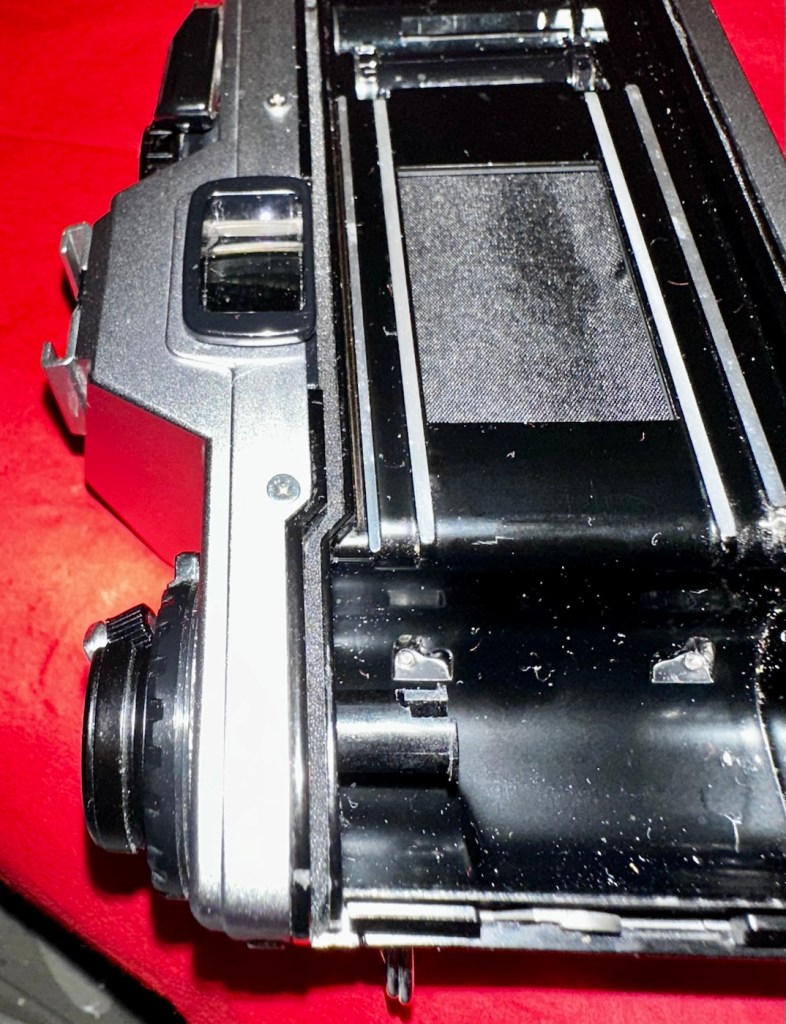
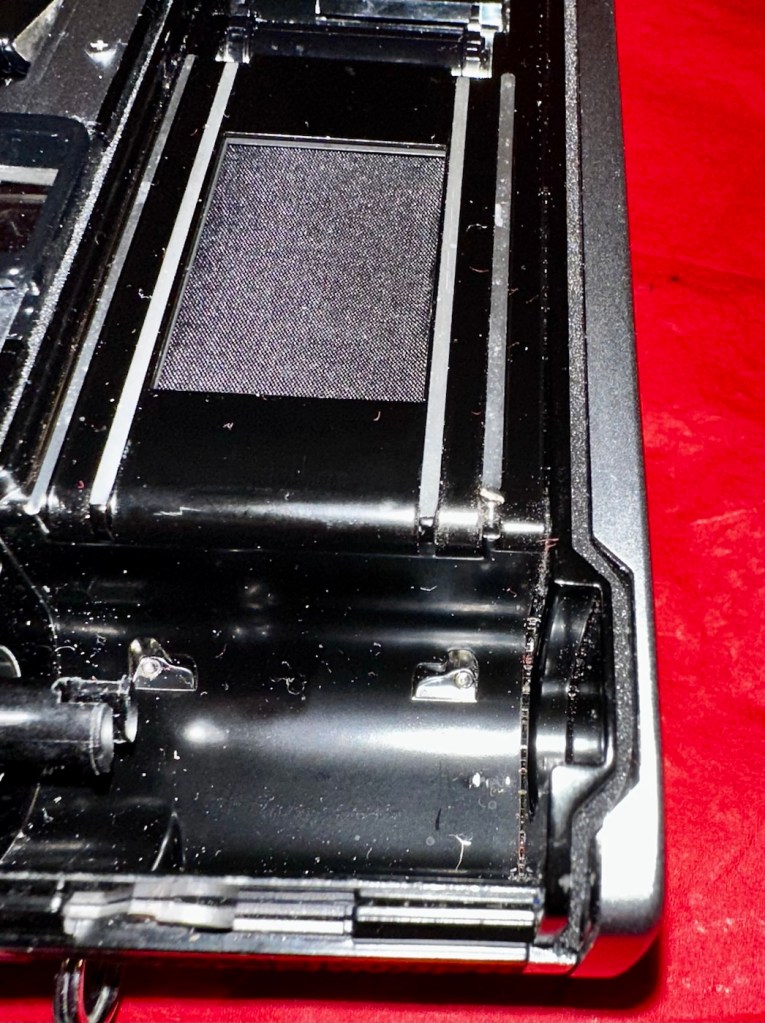
There are also a number of light seals that need replacing as they have perished.

To be quite honest, the easiest part of this camera to clean will be the standard plastic and rubber neck strap. This can just go in some warm soapy water to rejuvenate it. However, my first priority will be to get some batteries in place and see what occurs. I may have to rethink my approach to this camera dependent on the outcome of this simple action.

Repair:

Straight home and I’ve found a couple of LR44 batteries that had a little more power than the old ones. In they go….and nothing. There is a check position on the main dial that should light up and a buzzer should sound to confirm that there is sufficient power, obviously there isn’t in this case. I run all the other LR44 batteries I have through a tester ( I had a packet of 12 ) and they all show as low power, they’ve died during storage. I then pop over the road to see my brother in law who always has a good supply of batteries and bingo, he has a couple of spare LR44s.

We have the check light, and a little buzz…intermittently

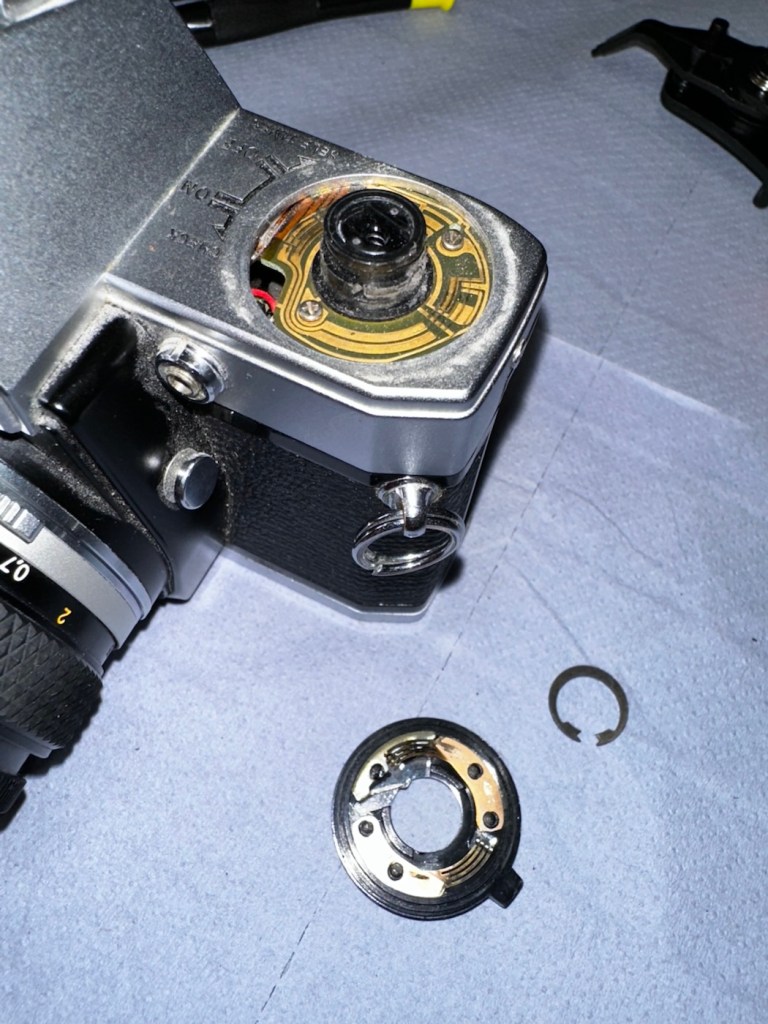
With these in place I get an intermittent buzz and a light, it appears the capstan control and operation dial that I mentioned earlier was loose, and has intermittent contact issues, it will need removing and cleaning then reseating.

If I hold the capstan in place I do get a good signal, with both buzzer and light operating in the check position, and when I move the control to “On” position I can now cock the shutter lever. It will then fire but again only to the half way position as it did earlier. If I gently push the mirror down and let it spring back it will then fire. But you have to do this on every stroke of priming the advance lever. Not good.

This is pointing towards an issue with the magnets and I believe I’m almost there, and that’s when I have a eureka moment.

Eureka moment

In the bottom of the mirror and curtain bay on the base of the camera is where the mirror magnets are situated, along with a light sensor that takes a reading off the shutter curtain behind, that is checkerboard coloured. Something here didn’t look quite right for me as it did not look level, the base seemed quite uneven. I just simply put my finger in here, applied some light pressure on this base and it just clicked into position, nice and level and then the stuck mirror fired, just like that. Every single prime of the shutter and actuation since, has worked just perfectly, I wonder if this camera has been dropped at some time just knocking this part out of true configuration? Or has someone been here before me? I’m going to have to remove the base to check a few things anyway, so I can then make sure this issue doesn’t happen again. For now, I’m satisfied that the shutter and winder are working fine. I just need to make the contacts and the electrical continuity a little bit more reliable.

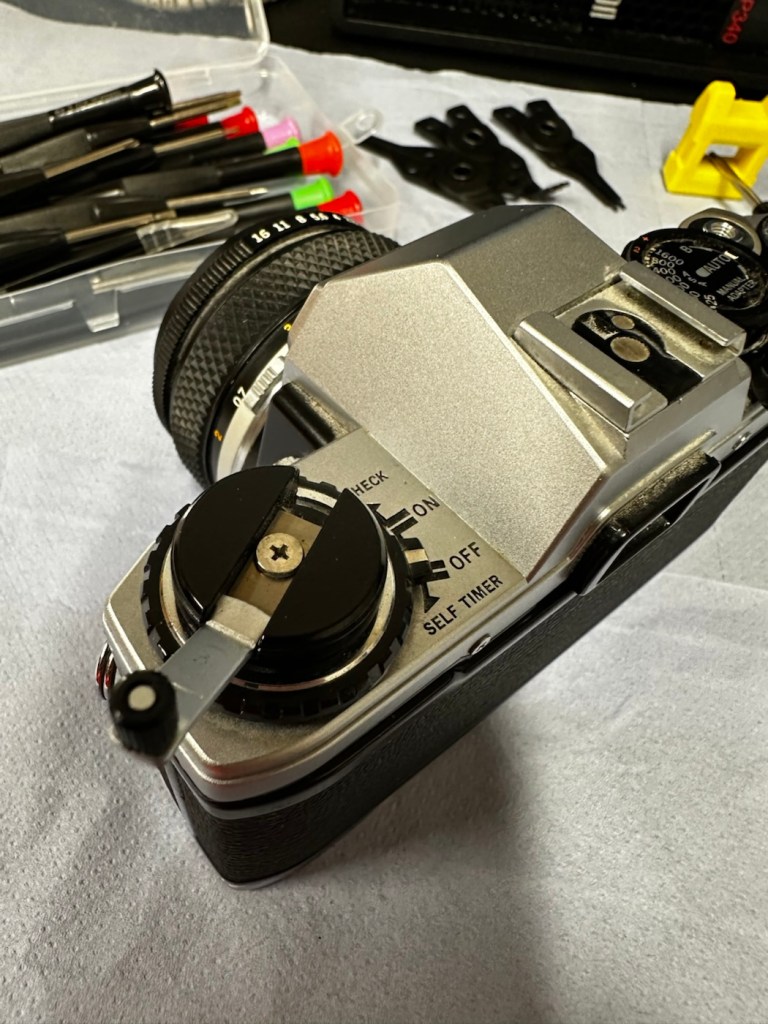
I’ve dismantled the faulty switch. Inside, the old tracks on the camera and the pickups on the switch were showing signs of tarnish so I used some contact cleaner go get these looking better. I’ve re assembled the switch and used a new circlip to hold it all together. It’s a lot more secure and responsive now with no interruption to the check signal. It’s quite solid as it always should be.

Here’s a small video regarding the switch repair.

Switch working as it should

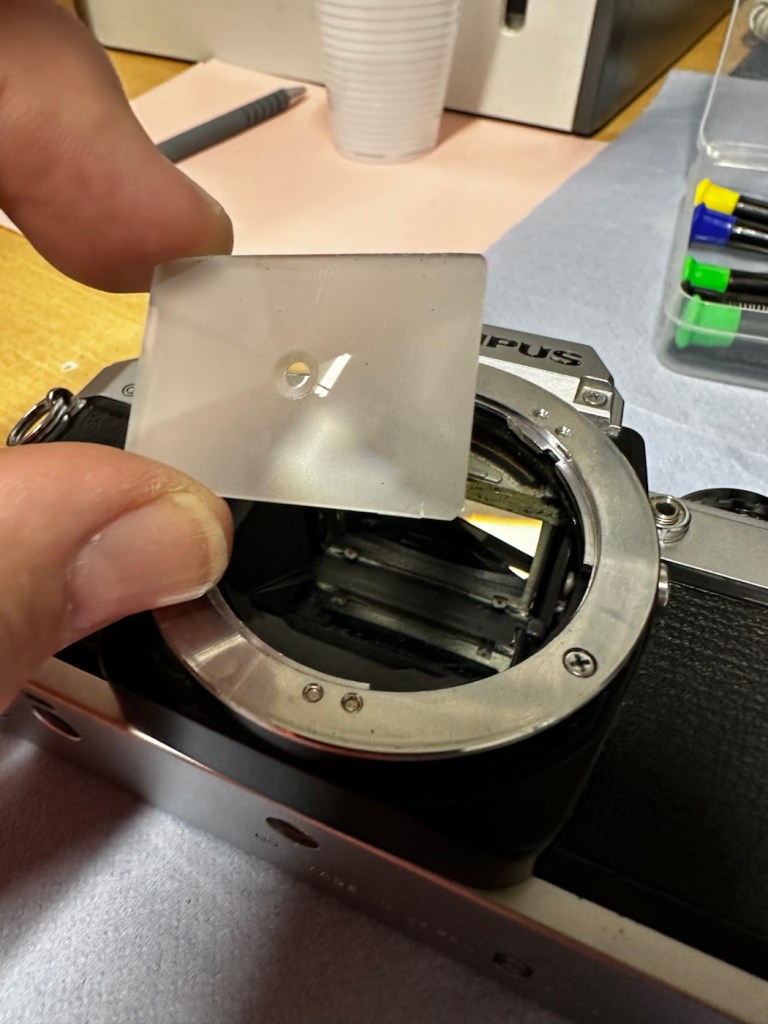
With the switch sorted I’ve now removed the focus screen to give that a bit of a clean.

And after this I have gradually started to remove the old light seals in preparation for their replacement. They really are in quite a bad way and creating a lot of dust and dirt as they degrade.

Now to get the remainder of the old seals removed, clean the troughs they sat in, and then put the new seals in place.

With some IPA, and a large bamboo stick it’s time to remove the old seals

I’ve replaced all the seals on the camera body apart from the mirror damper. I need to get some adhesive first, to secure the plastic plate that sits above the damper. Hence I have to wait for this to be in place before I can finally put the damper in situ, i will do this in the next 24hrs.

Now, the plastic piece that covers the focussing screen access is now secured in place and the mirror damper has been installed, all light proofing has now been completed.

Mirror damper installed

The original lens that was suffering with fungus has been dismantled and given a clean, however because the top two optics are a sealed assembly, guess what? The fungus is within the sealed section and is unable to be accessed. Therefore the lens will never be cured of this issue, it has been improved by cleaning the other optics but it’s not in anyway good enough to use with film in the camera, I will therefore use the old lens purely for testing purposes, it works fine for that and will be just fine for testing other Olympus equipment. In the meantime I have purchased two further OM 50mm std lenses, one is an earlier “Silver nose” model with a single lens protective coating whilst the other is a later production “Black” MC (Multi coated) model. Both are in an excellent clean condition conducive for film photography.

The two new lenses – “Silver nose” to the right

I’m happy that the repairs have now been completed, all that is left now to do, is to give the unit a thorough clean, and to clean that original plastic/rubber camera strap with some warm water.

Result:

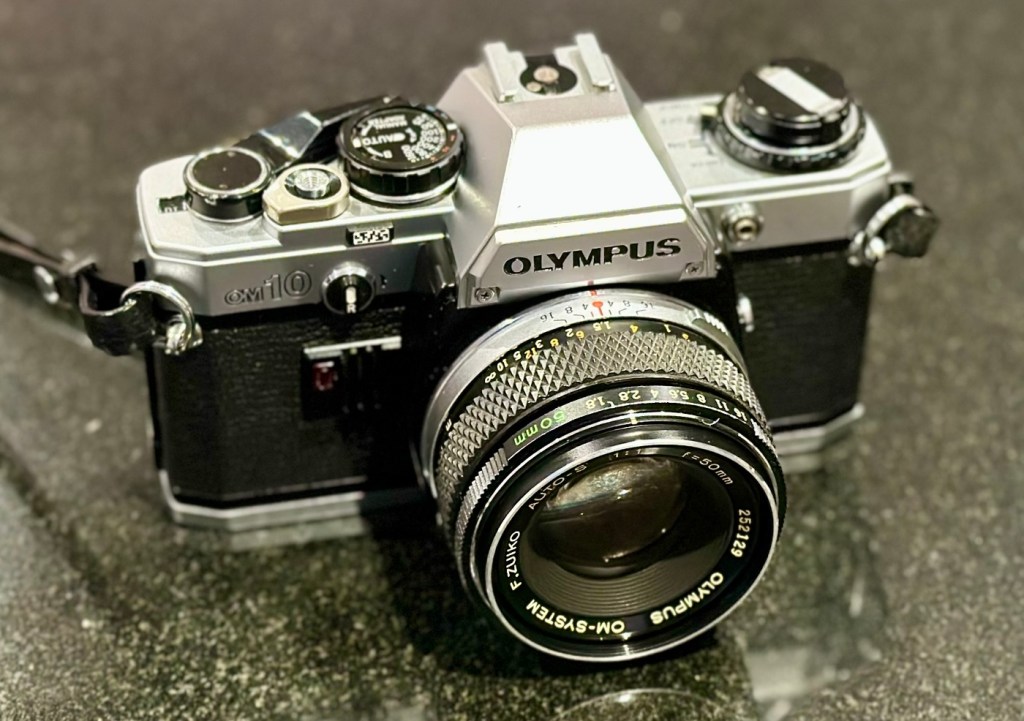
Here we present a fully cleaned and maintained Olympus OM10 35mm SLR camera from the 1980s looking quite resplendent after all the work on it has been completed.

All cleaned
Looking superb with a new lens

It’s been a lovely camera to work on. The make of this camera is superb, and back in the 80s Olympus were on a high note with the high end advertising, using many well known celebrities, and their cameras as a result became extremely popular. They are very well made and have stood the test of time. This one camera will go on to continue being used, and has many good years of life ahead of it. Another one saved from the scrap heap. As with all my cameras I have an immense backlog of units all awaiting the time when they have a roll of film run through them, and this one is no different. When I do pass a test roll through it I will post a link to the results here.

As always, thank you for passing by and glimpsing this post. It is always very much appreciated.
Canon Speedlite 199A flashgun

Can I bring a dead Canon 199a flashgun back to life? You betcha!

I love working with flashguns, but believe me they are highly dangerous and potentially deadly pieces of kit, once you get under the skin otherwise known as its protective casing. I inherited this one from a good friend of mine who is a professional photographer, the post regarding what he passed on to me can be found here: Cameras…i need more!

Now please do not go delving into the back of these things unless you know what you are doing. Yes they might only be powered by 6-9v of power from your batteries, however in the process of getting to the point where they unleash a lightning flash for your photographic opportunity, they have passed through a component called a flash capacitor, this component greatly amplifies the voltage from that measly 6-9v from your batteries up to what is now between 3-400v for the flash. Yes, you read right right, 400 VOLTS.

That can kill, and if it doesn’t, you have been very fortunate, but you will probably bear an entry and exit burn where you made contact with that very component. If it goes across both hands it’s probably going to go right through that pump in your chest that keeps you alive – your heart, and that can be fatal. You have been warned – take heed!

I must admit I’ve done something here I don’t usually do, and that is clean before searching for the problem. This unit had two or three old company stickers on it that I have now removed. I then gave it a quick clean and a buff and I must admit it has come up very well. I will give it another clean when i have finished, as well as a final polish with some cockpit cleaner.

Production of this flash unit commenced in 1978 for use with the Canon “A” range of cameras that were being produced around this time. It can also be used with some other camera ranges. Before we get into exactly what is wrong with this specific unit, let’s look at some information regarding the spec of this flashgun:

The Canon Speedlite 199A is a dedicated, thyristorized flash unit designed for operation with Canon “A” series cameras. The Speedlite 199A features a high Guide Number of 98 with ISO 100 film, three automatic flash ranges plus Manual and automatic bounce flash capability. The most powerful shoe-mount Speedlite in the Canon line, the 199A is recommended for use with the Canon A-1 or any “A” series camera with motor drive or Power Winder A due to its high power and very rapid recycling time.

Technical Specification: –

Type: High-powered shoe-mount flash; automatic, thyristor type
Guide Number: 98 (ISO 100, feet), 60 w/wide adaptor
Recycling Time: 10 seconds with Alkaline-Manganese batteries 6 seconds w/Ni-Cd batteries
Number of Flashes: 100- 1000 w/Alkaline-Manganese batteries 50-500 w/Ni-Cd batteries
Auto Flash Ranges: 3
Auto Apertures: (ISO 100) Red-f/2.8 Green-f/5.6 Yellow-f/11
Bounce:Yes
Flash Coverage: For 35 mm format, covers angle of view of 35 mm lens; covers 24 mm w/adaptor
Color Temperature: Daylight
Power Source: 4 “AV size Alkaline or Ni-Cd batteries
Dimensions: 3-1/8 x 3-1/4 x 4-1/2 in.
Weight: 1 lb., 1-5/16 oz.

Mir.com

Asssesment:

As you can see in the photos above, and as I stated at the beginning, I’ve gone arse about face on this one and cleaned it prior to diagnosing what the actual issue is. Please forgive me as I was in a cleaning mood at the time, and if I’m in that mood everything gets cleaned.

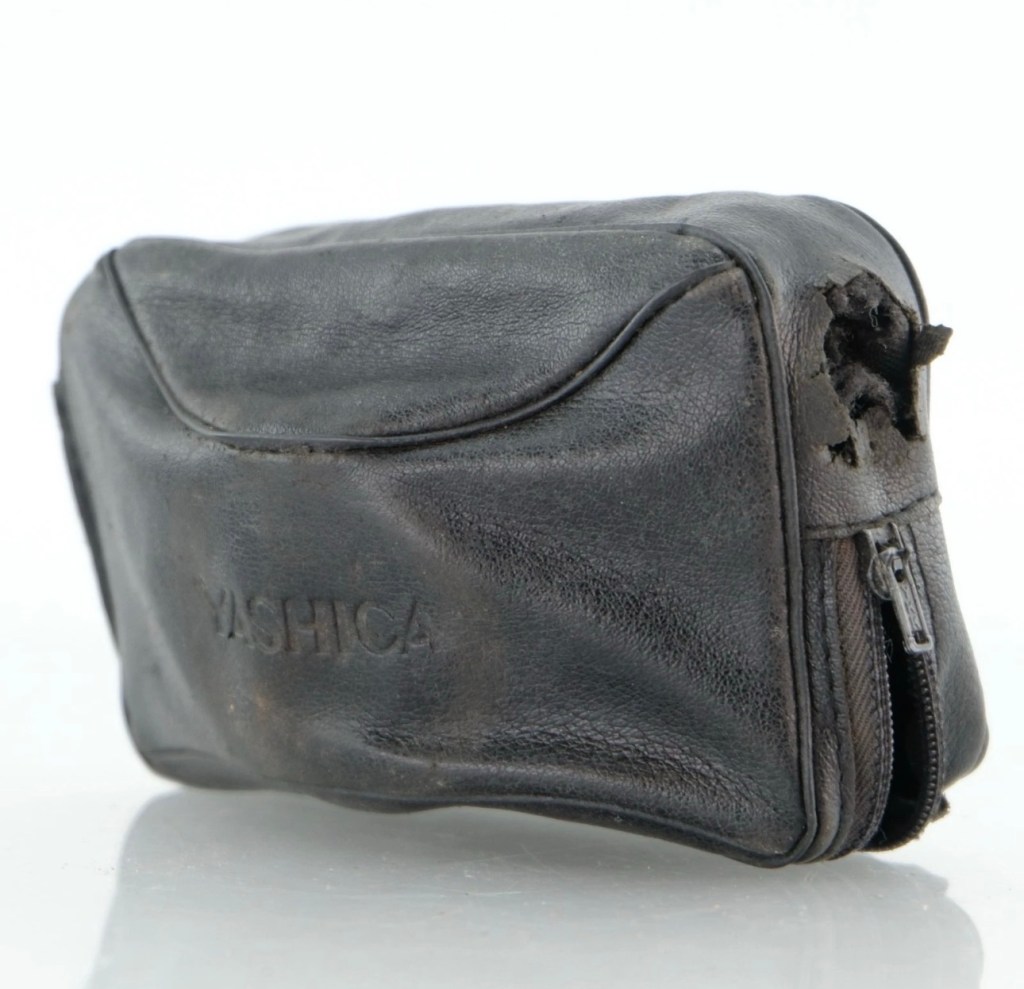
It runs off of four AA type batteries that fit in to a cassette that sits in the side of the unit. All contacts are clean and there is no sign of any battery leakage. You can see the cartridge in the photos above. The flash unit comes in a Canon branded leatherette pouch that is in absolutely perfect condition. Inside the pouch is a diffuser / wide angle lens that slides over the actual flash head. The whole unit looks fantastically clean and tidy, with no signs at all of any damage or wear.

Put the batteries in though, and turn on the switch. And nothing. It’s dead. Kaput.

With these old flash units you were always used to hearing that family high pitched whistle when you turned it on. That was the system telling you that the capacitor inside was taking a charge and getting ready for business. Over time, the capacitor can loose its effectiveness, it semi retires if you like, and on occasions it retires fully, it dies a death. I very much suspect this is what could possibly have happened here, I just hope ours is in a deep sleep and can be woken up.

So as we move on to what we are going to do, the only issue here is that it’s simply not accepting a charge, and we will then discuss the two options on how we may now breathe life into this geriatric flash gun.

One thing that always annoys me when I search for possible ways of approaching the repair, is the attitude of people who have grown use to us all being consumer driven, the attitude stinks. These units can be purchased for very small amounts now and they loudly advise,”Just buy a cheap replacement and throw that one away!” This annoys me as you well know, because that’s not what this site is about, if I can repair something, no matter how inexpensive it is, I will. There is no need for this continuous throw away attitude. It’s a good way to learn just how things work.

Rant over, let’s move on….

Repair:

One of the easiest and least invasive, and therefore safest ways to start investigations, to look for a remedy, is to first get a nice fresh batch of alkaline batteries. With these in place within the unit, turn the flash power switch on and just leave it like that for anywhere between 2-8 hours. It has been known in the past, to act like a trickle charge as that flash capacitor has not been active for god knows how many years, it kind of revives it. It sometimes works, more often than not it doesn’t. But it’s worth giving it a try. So here goes. If this doesn’t work then our only other option is to get the unit opened up and to replace that beast of a flash capacitor.

I’m just coming off of a night shift and will shortly be heading off to bed, what better time to try this method out. So I’ll see you in a few hours 👋

And so the wait begins. Fresh batteries in place and turned on at 06:20….

I’ve arisen from my pit about five hours later, and what do you know….

Well, it’s only gone and bloody well worked hasn’t it?

And 5 hours later….it actually works

Sometimes it’s the simplest of procedures that can bring old equipment back to life, and when the fix is non invasive, going no where near those dangerous internal components, it can only be a good thing can’t it? And to think this was just placed in a box for disposal. Well it’s got a new lease of life now.

It really is working

I’m really pleased with this so let’s move on to the final stages and get this little beauty polished and presented.

Result:

And yes it is a result, a result of patience and perseverance and thinking outside of the box as they say, in office inspired corporate management speak.

In a number of these “repairs” it’s best to exhaust all other options prior to getting the screwdrivers out, just like a surgeon explores all options prior to getting the knives out. I’m in no way comparing myself to a surgeon, you wouldn’t want me anywhere near you with a scalpel! I’m just using it as a pretty poor comparison, so I guess it’s best I shut up now and just get on with whatever I’m supposed to be doing.

So that’s another little repair put to bed, and another piece of electrical detritus pulled from the arms of the scrap man. I always feel a great sense of accomplishment when I mange to get these old bits of kit working again. It frightens me to think just how much salvageable tech equipment gets discarded when it could quite easily have its life extended with the minimal amount of intervention.

My plan is to add this flash to my Canon “A” series collection as that is what it was originally designed for. And I may well add a link here, when I get to use it whilst testing any new “A” series cameras that just happen to come my way, as they invariably do, that require my attention.

As always, thanks for passing by. It’s always most appreciated.

Canon Eos 10 test shots

Learnings from testing an old camera with expired film stock

Earlier in November 2025 i repaired a Canon Eos 10 camera from the 1990s and then took it out to test it with a roll of Kodak 400 asa film. You can find the repair here: Canon EOS 10

Canon EOS 10

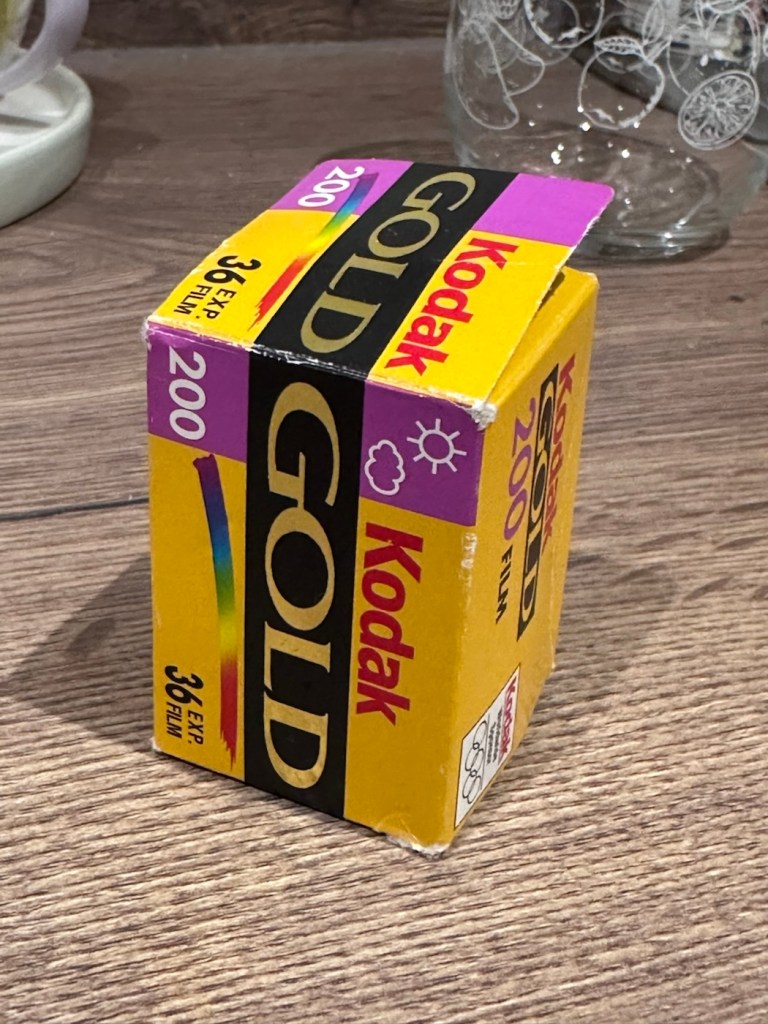
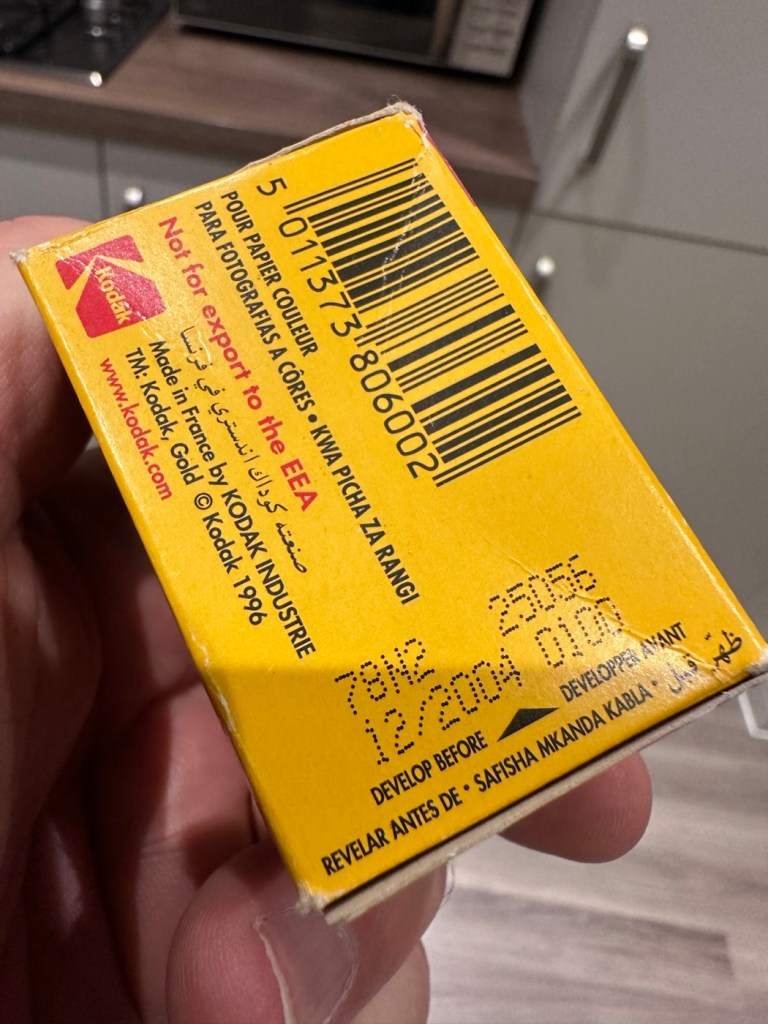
The caveat is that the film expired in 2005, 20 years ago. As a result I have overexposed it at 200 asa to compensate for the deterioration in sensitivity from such a long storage period. It may work, it may not, previous tests on a 200 asa film showed that a one stop over exposure was quite sufficient. Fingers crossed 🤞 on this one.

I don’t expect anything much, I expect quite a bit of grain and a definite colour hue over the entire roll. Who knows there may be nothing on it at all 🤷‍♂️

I’ve sent the roll off to our local photo guys in Leicester : Classic Photo Supplies and hopefully something will be on the medium res scans that i have requested. If there are pictures below, then there was some success, if not, enjoy the blackness.

Well, the scans are back and to be quite honest this one is a bit of a disaster. As stated the film is over 20 years out of date and there appears to be two problems here. Underexposure is one issue, I over exposed this by one stop but I don’t even think that is enough. If I’d overexposed at 2 stops though I might have improved the brightness, the already heavy grain would have been even more exaggerated. I think it’s fair to say this 400 asa old film stock I have is passed its time and not really fit for use.

Look at the grain at plus one stop overexposure
Hello what’s that line?
Heavy grain and a magenta cast
That shutter sync problem
Slower speed, shutter ok

So. Though the results were not good and I have now realised that this old stock film is probably best for me to use as test film only. There is heavy grain, a distinct cast over the film and a quite obvious shutter curtains sync issue. These frames above a shutter speed of 500 seem to be the issue, and that is where the shutter speed has not synced the curtain, it’s definitely running slow. The film has been beneficial in identifying an issue in this part of the camera. I will now do a CLA on this camera shutter assembly to try to remedy this issue. I wasn’t using flash here, it was a dull cold English Sunday afternoon.

This is an old camera that has been sitting idle for many years, it may sort itself out after a few more rolls of film, however I can do something about it now. And this is really a lesson to be learned for anyone buying old film cameras, they do need that little bit of tender loving care to get them back into a good working condition.

I’m pleased I’ve highlighted this issue, I will get the work done to improve the shutter sync and then run another roll of film through it.

Maybe now is the time to buy a shutter speed optical tester. That may save me a bit of expense on processing costs and will also allow me to make these checks before committing to film.

Metz 45 CT-1 Flash gun

I was given a professional flashgun with a number of issues. Let’s get it fixed.

I love working with flashguns, but believe me they are highly dangerous and potentially deadly pieces of kit, once you get under the skin otherwise known as its protective casing. I inherited this one from a good friend of mine who is a professional photographer, the post regarding what he passed on to me can be found here: Cameras…i need more!

Now please do not go delving into the back of these things unless you know what you are doing. Yes they might only be powered by 6-9v of power from your batteries, however in the process of getting to the point where they unleash a lightning flash for your photographic opportunity, they have passed through a component called a capacitor, that greatly amplifies the voltage from that measly 6-9v from your batteries up to what is now between 3-400v for the flash. Yes, you read right, 400 VOLTS.

That can kill, and if it doesn’t, you have been very fortunate, but will probably bear an entry and exit burn where you made contact with that very component. You have been warned – take heed!

Here’s a little about this flashgun. They were manufactured circa 1979.

The Metz 45 CT-1 is a classic, powerful handle-mount flash gun known for its “hammerhead” design, high light output, and versatile features like a swivel and tilt head. It was a popular and durable accessory for professional photographers. 

Key Features

  • Guide Number: The flash has a high guide number of 45 metres at ISO 100, indicating powerful light output.
  • Exposure Control: It features an analog control display and offers five different “tele-computer” automatic aperture settings, allowing for easy exposure control in automatic mode.
  • Versatility: The flash head can swivel and tilt, allowing for bounce flash techniques to achieve softer, more flattering light. It also includes a built-in wide-angle diffuser.
  • Compatibility: The 45 CT-1 is a non-dedicated flash with a standard sync cable connection, making it universally compatible with many cameras, both film and digital (with caveats).
  • Power Source: It typically uses a rechargeable NiCad battery pack or a holder for 6x AA batteries.
  • Durability: Known for its robust, professional construction. 

Google

Assessment:

To be honest on first receiving this unit, you didn’t know what was coming, but you could certainly smell it. Within the box the smell of battery corrosion was heavy. It’s a hard smell to describe but once you have dealt with it you know what’s coming, and this smelt really heavy.

The smell was coming from two battery pods that play in to the base of the flashgun arm. Thankfully they had been kept separately, and their spread of “Corrosion” was not able to get to the main unit.

The main unit itself had a problem in that the head was floppy, unable to be at any other angle than straight up or, flat down and nothing in between, and something was rattling about inside of it.

So bearing in mind my sermon at the start of this post, I gloved up, armed myself with my capacitor discharge probe and cracked the unit open.

Repair:

Straight in at the head of the unit and I went in search of my nemesis. The charge capacitor. And it wasn’t that hard to find. Sitting there all inoffensive and bright yellow, it was rated at 360 volts. As I had put a small load on it earlier to test its operation it was sitting there still holding a charge of 260 volts, needless to say I made sure this was discharged before I commenced any work in the area.

The “Knuckle” that the head pivots on is just behind the capacitor, so it made sense to discharge it.

The piece that was rattling about was relevant to the reason the head wasn’t able to pivot, it was once part of a rectangular washer that had a serrated side that would mesh up against the head that was also serrated to create a clicking action to angle the head at any point between zero and ninety degrees.

The broken mesh washer

As parts for these had ceased production years back it was time to improvise.

Here is the setup as it was originally.

Original setup

You will see a chrome bolt, that has a spring along its length that would have applied pressure on the mesh washer that is now broken, allowing the head to click into varying angles. To make up for this I have now added a washer on either end so the spring no longer gets depressed, and where the old mesh washer used to be I have now added two small “crinkle” washers that should now take over where the mesh washer was originally placed. the washer at the other end prevents too much compromise, allowing more pressure to be added at the securing end with out damage to the plastic frame.

I’ve tried moving the head and although there isn’t the clicking now, the head does remain in position, whatever angle it is placed in. There is free movement around all axis, and the head stays where it is placed. I’m happy this has been repaired in that sense. Let’s get the casing back on.

The next issue is the corrosion issue. Below you will see before and after photos, all that was used here was an old tooth brush, cotton buds, tooth picks and isopropyl alcohol. And a lot of time and patience

Once these were cleaned, I used a multimeter to check their continuity and all seemed fine. A final clean with some antibacterial cleaner has left them looking and smelling a lot sweeter than when they first arrived.

Reassembled, polished and smelling fine

A very brief video showing its operation.

One minute of unadulterated flashing

And with that, apart from a good old polish I think we are done here.

Result:

Look at me

And doesn’t she look gorgeous after a good Polish?

This flash was really destined for the dump, and has now been given a new lease of life. Perfectly usable, in a very good condition and a lovely piece of photographic history. I’m so pleased with how this project has gone and so proud of myself for saving yet another classic item from landfill.

Thank you so much for passing by, as always you know it is very much appreciated.
Canon AV1

I now have a Canon AV1 with a shutter problem. Can I fix it? I’ll have a good go…

What the listing stated:

This camera is in very good overall condition. Some light signs of use but this is generally minor. The light meter is responsive when you press the shutter button down. However, the shutter will not fire. Spares or repairs only.

EBay

I’ve just paid £8:98GBP for this camera, and I believe this is a great price for a piece of camera history. The AV was introduced due to there being a demand for aperture priority at the time, whereas its Sibling, the AE1 was purely shutter priority. Later cameras would come to incorporate both systems. This one has a known problem with a stuck mirror – it won’t fire and I think I can easily sort this problem. Well I hope I can.

Here’s a little information about this camera:

The Canon AV-1 is a 35 mm single-lens reflex camera with an FD lens mount, introduced by Canon Inc. in 1979.

The AV-1 is very similar to the 1976 AE-1 but provides aperture priority autoexposure rather than the AE-1’s shutter speed priority AE. The camera is not capable of fully manual exposure. Canon’s international distributors, particularly in the United States, had clamored for such a camera because competing brands offered mostly aperture-priority cameras and some preferred it. The AV in the name referred to the type of autoexposure; Av (Aperture Value) is a common abbreviation for aperture priority.

When this camera appeared, a new range of FD lenses was introduced, with instant mounting/unmounting of the lens. This is called the New FD mount and does away with the older type of mounting ring which was fitted on to the rear of the lens and was awkward to use and needed two hands, to a newer, easier system whereby the user lined up the red dot on the lens, with the red dot on the camera and simply turned the whole lens clockwise until it clicked into place.

All the other AE-1 accessories fit the AV-1.

Wikipedia

I’ve decided to collect all of the Canon “A”Series of cameras, and this adds to my current collection that consists of an A1 and an AE1. There were I believe, six cameras in this range and this current camera will be my fourth. Here’s a list of the “A” range of cameras below. I have highlighted with an asterisk all that I currently have at the date of this blog post being published:

Assessment:

The original listing description does not match the issues that I have found. It originally stated that the light meter is responsive, it isn’t. It also stated that the shutter does not fire, it does when a battery is installed. The battery level indicator in the viewfinder does work when the check button on the camera is depressed. However when you focus the camera and half depress the exposure button to get a meter reading, the needle in the viewfinder doesn’t respond, this is the only real issue I can see, I guess the seller must have been looking at another camera as he wrote the listing for this camera.

Battery level reading in the viewfinder

All settings appear to be working as they should, the “B”setting allows me to scroll through the “f” stop settings to see the aperture leaves working as they should. All “f” stop settings appear to work on the auto setting.

It’s a smart little camera, this a tidy example of this version with no dents, dinks and just some very fine scrapes on the base as you’d expect from a camera fast approaching 46 years old (1979-2025). It’s a bit dirty and needs a good clean inside and out, the light seals are in a good state and not requiring replacement or repair just yet, however the mirror bumper has deteriorated and this will need replacement.

Mirror bumper needs replacement

The shutter curtain is in a good and untouched condition.

I’m going to research issues with the exposure indication, and I will incorporate my findings within the repair section.

Repair:

I thought, perhaps the camera is suffering from lack of use? It certainly is probably some considerable time since this camera was last used. Firstly I’ll try exercising all the controls that affect the exposure reading, including the mode dial, film speed dial, aperture ring, etc. I’ll work them backwards and forwards a few times to see if this helps to clean the variable resistor tracks inside from any surface contamination. When the FD lens is attached you must be mindful that the “A” setting on the lens is not used and that the f stop settings are used in a manual manner, lens auto is not a function on this camera.

To be honest, this did seem to work sort of. The needle has moved off the bottom a bit. The ASA setting was on 100, so I put it up to 1600 as it is quite a dark day and the sensitivity of the light sensor would be reflected better at this setting. It moved a bit but I wasn’t totally convinced that this indication in the viewfinder reflected the true light situation.

I set a higher ASA for testing

There’s also a small, silver push-button just inside the lens mount at about the 4-5 o’clock position. If you press this in and release it a few times for the same reason, as exercising the dials as I did above, it is just like exercising a body part and keeping it supple. Leave items like this, designed for high usage redundant for a while and they soon seize up. it has also been known to assist with getting the needle indication working after a long lay off.

That silver button, highlighted

(A little bit of trivia here – this button is normally used for the lens to inform the body of the lens’s maximum aperture. This information isn’t needed on the AV-1, but Canon included it anyway for some reason, and it does affect the exposure.)

And combining these actions, moving the settings dial and the button inside the lens mount seems to have revitalised the light meter and I’m now quite confident that it is working as intended. It was just lazy due to low use and needed a bit of non invasive intervention to get it working again. And non invasive intervention is always a good thing. So with the setting back to 200ASA I was able to show the meter working in this very short and basic video below.

A brief video showing the meter needle moving

I’m confident that the metering issue is now sorted so let’s get that new mirror damper installed.

A lot of dirt came off of the area where the replacement damper had to go, it had completely deteriorated and took quite a bit of cleaning.

Now in place it has silenced the mirror movement somewhat, and will provide some longevity as it moves into the twilight of its years. It will be good for many more rolls of film yet. Whilst in the lens area I have cleaned the mirror and prism, and given the area a good blow through and put the lens back in place to seal it all up. It is now clean internally. I have a couple of body caps on order that will assist with storage when the lens is removed.

Just a final clean with some cockpit cleaner, and this camera has come up lovely, I’ve tested it on a Power winder “A” as well and it sounds just so good and “retro”. It’s perfect.

Result:

Well. I now have another lovely example of one of the Canon “A” range of cameras to add to my collection. This brings my current total to four out of the six available, two of which are still currently under repair. For less than £10:00GBP it is so easy to own a piece of photographic history. I have been lucky here that the work that had to be done was non intrusive, and to be quite honest was just basic everyday maintenance. The only real work of sorts was installing some mirror damper felt, of which I have plenty of stock. Cleaning was quite intensive but the overall result is amazing.

I will eventually run a roll of film through for a final quality check, however I have such a backlog it will take me a while. When I do however run that test roll I will post a link here:

Really pleased with this repair, and the fact that another lovely old camera has been saved from the scrap heap and been given a new lease of life.

Thanks as always for passing by. It is as always, very much appreciated.
Winter eeriness

Just walking around the east coast of Norfolk Uk. Seaside places are usually a hive of activity during the summer months and then winter hits and everything then shuts down.
There is an eeriness of silence everywhere and I think black and white photos highlight that feeling just perfectly.

Looking to the harbour
Positivity
Signs of summer
Pleasure park
All closed
Roll up

Have fun guys. Stay warm.

Great Yarmouth

Ventured off to the East coast for a few days.. just arrived in Great Yarmouth

We’ve taken a drive up the A47 today and are currently residing in Great Yarmouth for the night. Tomorrow we move next door for a few days to Hopton on sea for a little rest and recuperation.

We arrived here just as the sun was setting, so just the one picture to be cracking on with.

Great Yarmouth earlier today

Hoping for a little stress free time away from it all as everything has been just a bit too full on lately.

Take care. Stay safe. Be happy 😆

It’s foggy out

Just got in from work, followed this bank of fog home. Grabbed a quick picture.

Just got in from work. Chased this fog all the way home and just had to get a photo.

Fog in the East Midlands
And in colour

Have a safe and happy day.