I have so many cameras hanging around the place that I have fixed over these last few years. I have therefore decided to select a few of them to do a little series entitled seven days in seven pictures. One camera for each week. I will choose a random camera, and choose one picture on each day that has a little story behind it. For me, just as my working week does, the seven days will run Sunday-Saturday.
It could be from any era of camera I have fixed, and for those who take the time to read my posts you’d realise that it could be anytime from about 1920 to the present day. With all the cameras I currently have (about 125 in storage, and growing) this series could go on longer than the soap opera Coronation street has appeared on the telly box ( That comment will be lost on anyone outside the UK).
So for week one I’m going small, with this lovely little portable camera.
A Nikon Coolpix L22, I repaired this way back in 2023, I was going to pass it on to a family member, kind of pleased I kept hold of it though. Here’s the link to the original post: Nikon Coolpix L22
Nikon Coolpix L22
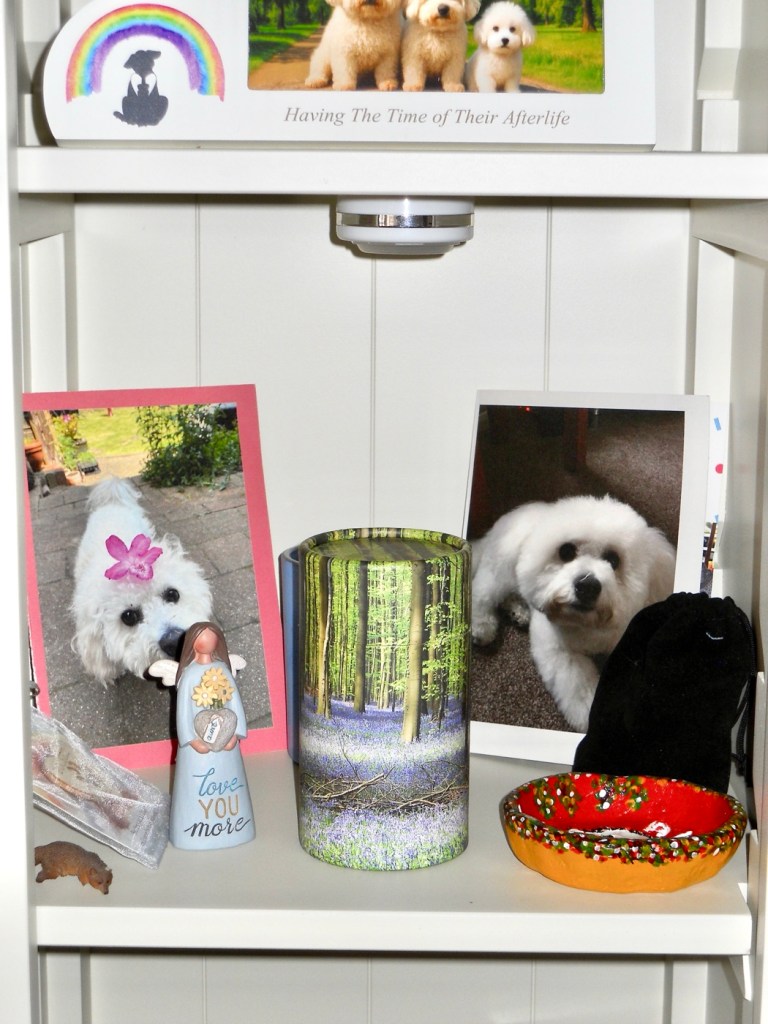
Sunday: it’s the 16th August. I’ve just finished a run of night shifts and for the first time in what seems like months, the temperature has dropped to a nice cool temperature and it’s lovely. To be honest there is only one subject i can choose for today, it’s exactly two years to the day when we lost our beloved little dog Alfie. This is a little display we have on a unit in our living room, often spoken to, touched and stroked, his ashes and pictures dominate this shelf. He was a beautiful and much loved companion and confidant, who we will always miss, he was such a big part of our family. Beautiful boy ❤️
Monday: It’s the 17th August. I’ve been asked by work to do a buckshee night tonight, so the wife and I are going to go out for some lunch today. And today’s photo is from the Grange farm centre where we ate. I go to buy plants, the wife goes to fill the garden with pottery figurines. In this case a couple of sheep, a hedgehog and an Owl. No plants for me though.
Tuesday: it’s the 18th August. On the grand scale of things, this is a quite boring picture, but quite relevant. In the Uk, and especially in my location we haven’t had rain in over 50 days now due to a quite spectacular heatwave. That dry spell ended about 1 am in the morning when we had the first rains. Beautiful, the smell was gorgeous and for the first time in a long period the air was fresh and clean.
Wednesday: it’s the 19th August. Today’s been a funny kind of day where time has run away with us. However Wednesday is a day where we meet up with a couple of friends and spend an evening indoor bowling at our local bowls centre. We’re pretty new to it and are still learning the finer details of it all, however we are improving weekly and enjoying it thoroughly. It’s great company.
Thursday: it’s the 20th August. It’s a wet start, it’s been wet all day, in fact it’s been wonderful. It’s always good to see some rain especially after the bone dry heatwave period we’ve just gone through. My garden water butt went from bone dry to full in just one small rainstorm, and that butt holds just over 100 litres. I need more water butts. I had to therefore complete indoor tasks today, so I decided to get my garage sorted, stuff put up on the walls and a new set of shelves built. And that’s today’s boring picture, an uninspiring photograph of the interior of my garage using the cameras black and white setting. Still a bit to do, but it’s looking a lot tidier now.
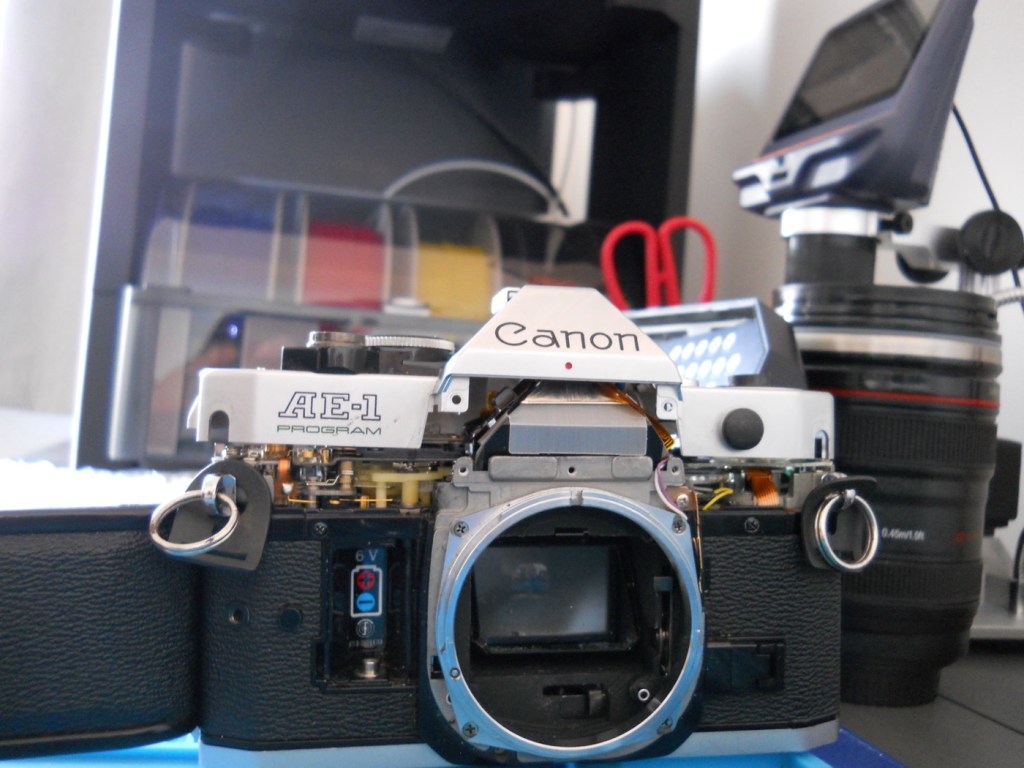
Friday: it’s the 21st August. We’ve been busy most of the day, I had to drop my wife off to have her nails done whilst I had an appointment at the hospital about an issue I’ve had dragging on from last year. The good news is that I’m now discharged with no further treatment or appointments required, I’ve been given the all clear and now been told to just get back out there and enjoy myself. Picture wise it’s not anything exciting, once home I continued work on a camera I’ve been playing about with for a few months, with the 3d printer in the background that has been used to create replacement parts for this very camera.
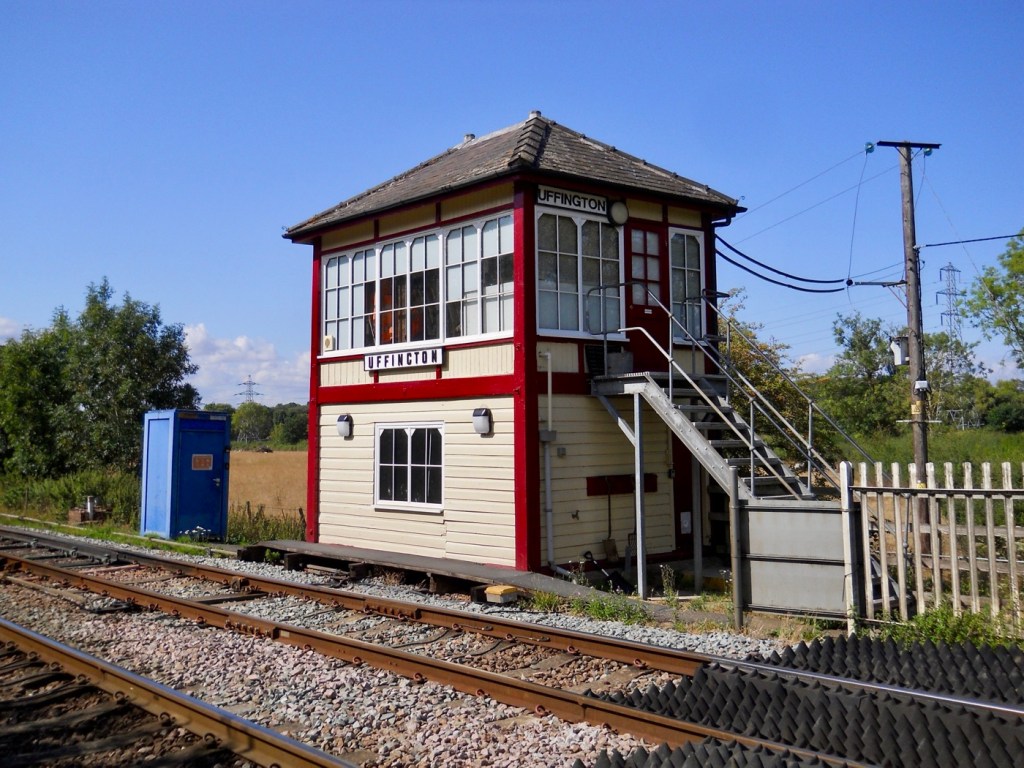
Saturday: it’s the 22nd August. Back to work today for a day, as I’m covering a colleague who is unwell. It’s been a pleasant day, not too hot and I’ve been all over Leicestershire and Lincolnshire today. Ive taken a lot of pictures and to be honest it’s been hard to make a choice from them all. In the end I’ve settled on this nice picture of the signal box on the Leicester- Peterborough line at Uffington. The colours are lovely, the weather was just fine and the light was good. This little camera really does come up trumps at times.
Kodak, have overtaken Fujifilm in traditional camera film sales. Not surprising seeing Fuji have ceased production….sort of
Once again leading the way
Being an ex employer of Kodak, seeing headlines like this pleases me. Shame they are about 30 years late and Fujifilm have pretty much ceased production of their mainstream analogue films anyway.
Better late than never, things could have been so much different if they’d only moved with the times.
Kodak, directors had never really been that good at making a good high level decision. Just ask any of the thousands of good people laid off within the UK due to their poor mismanagement.
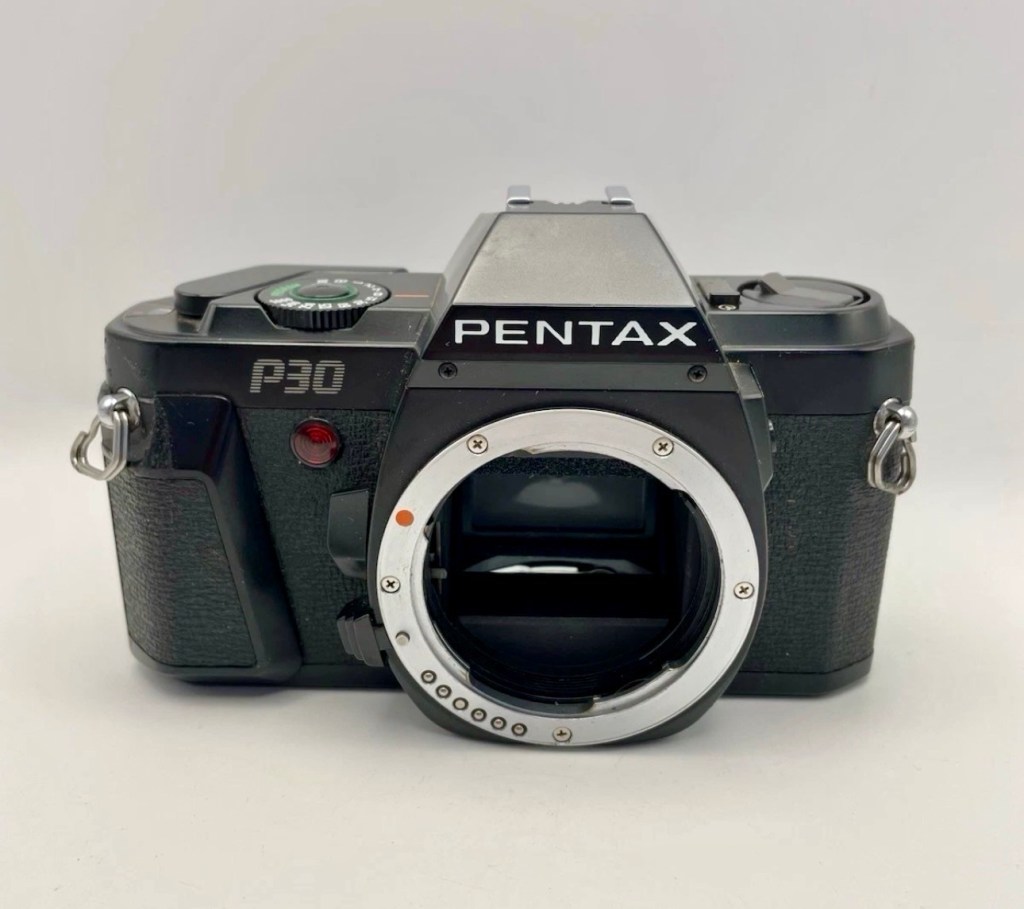
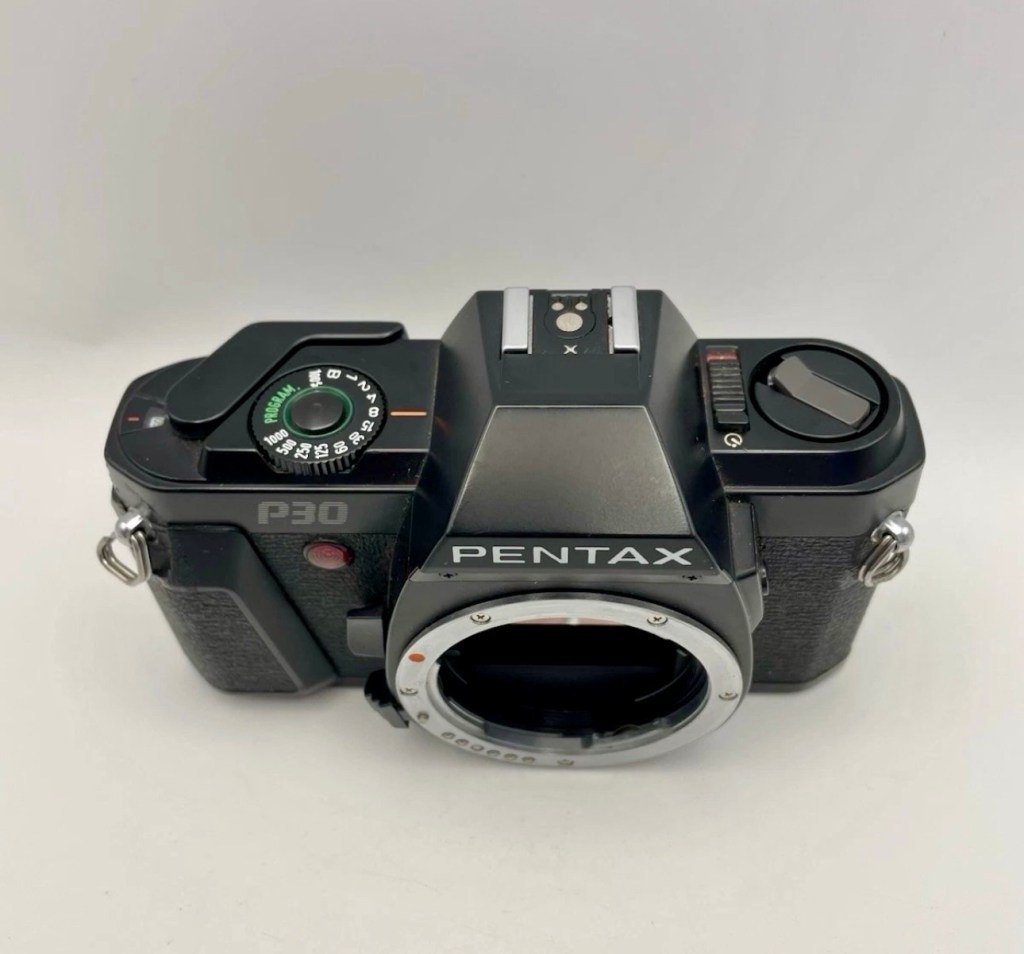
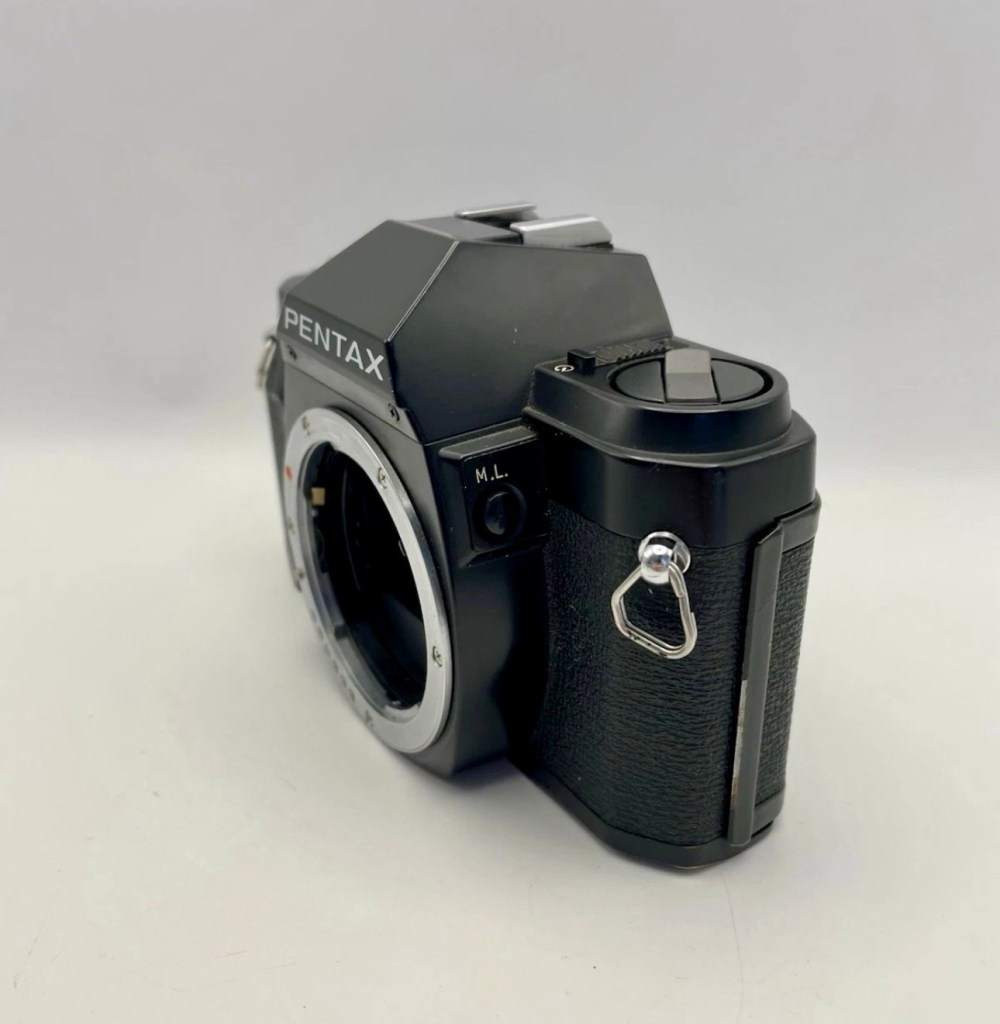
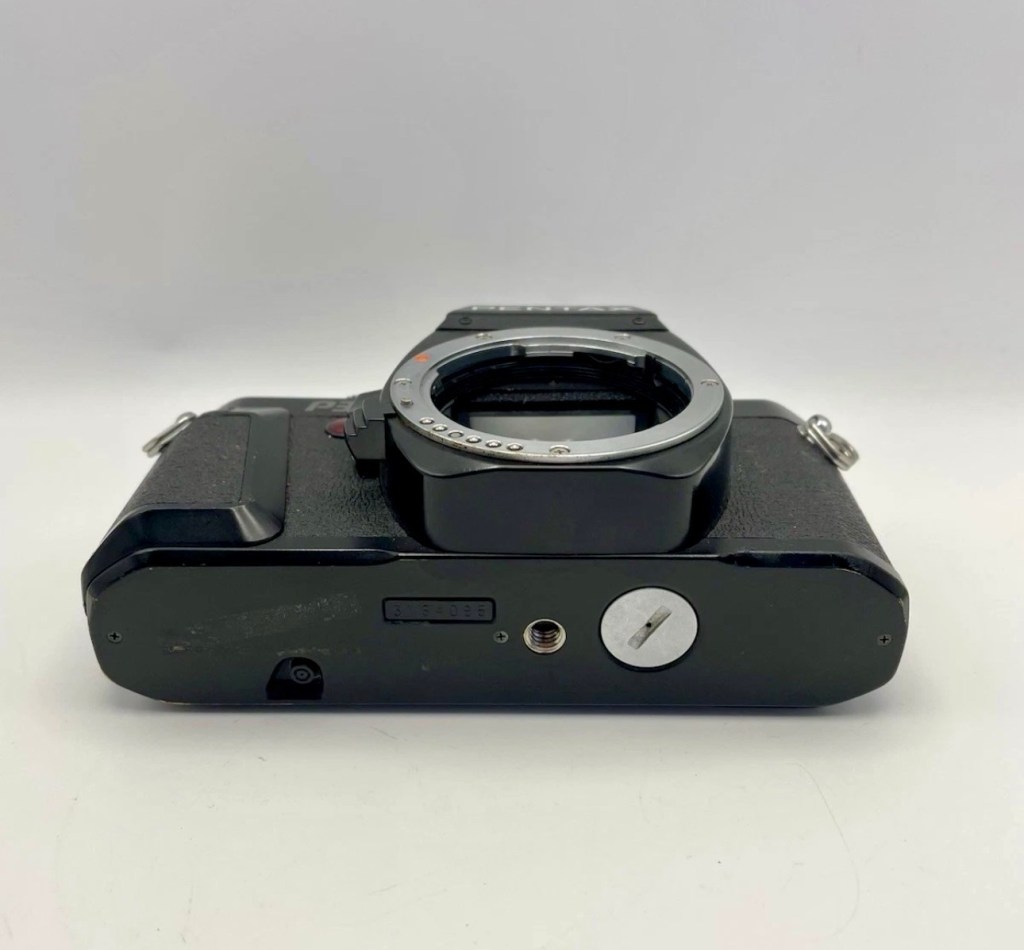
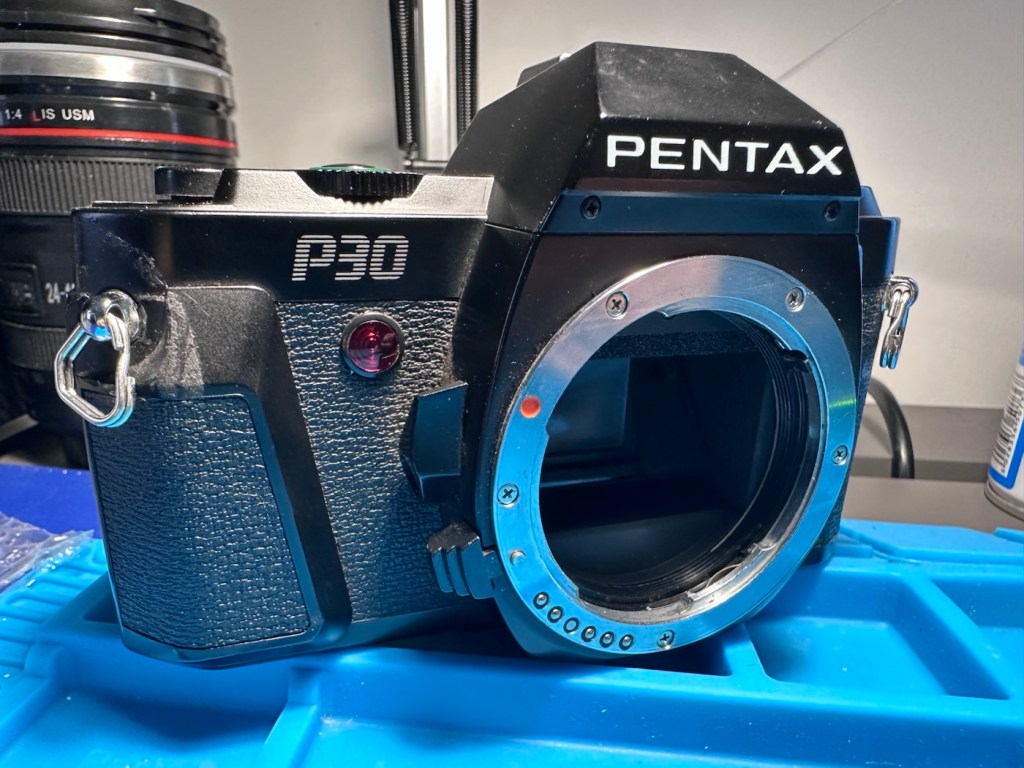
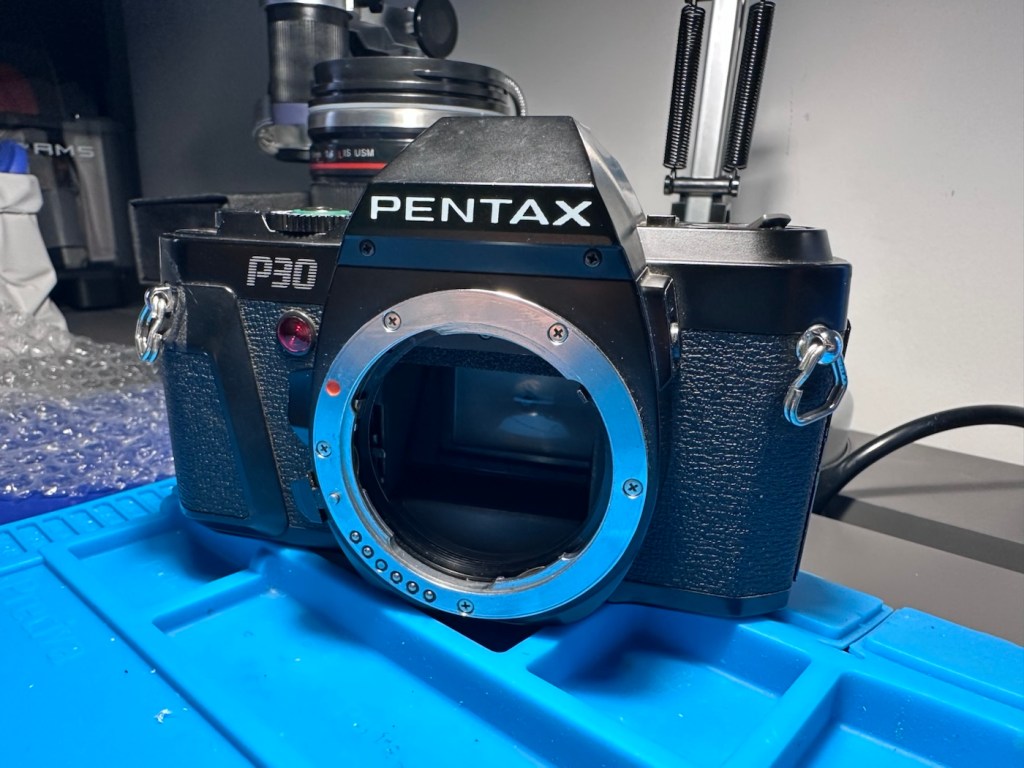
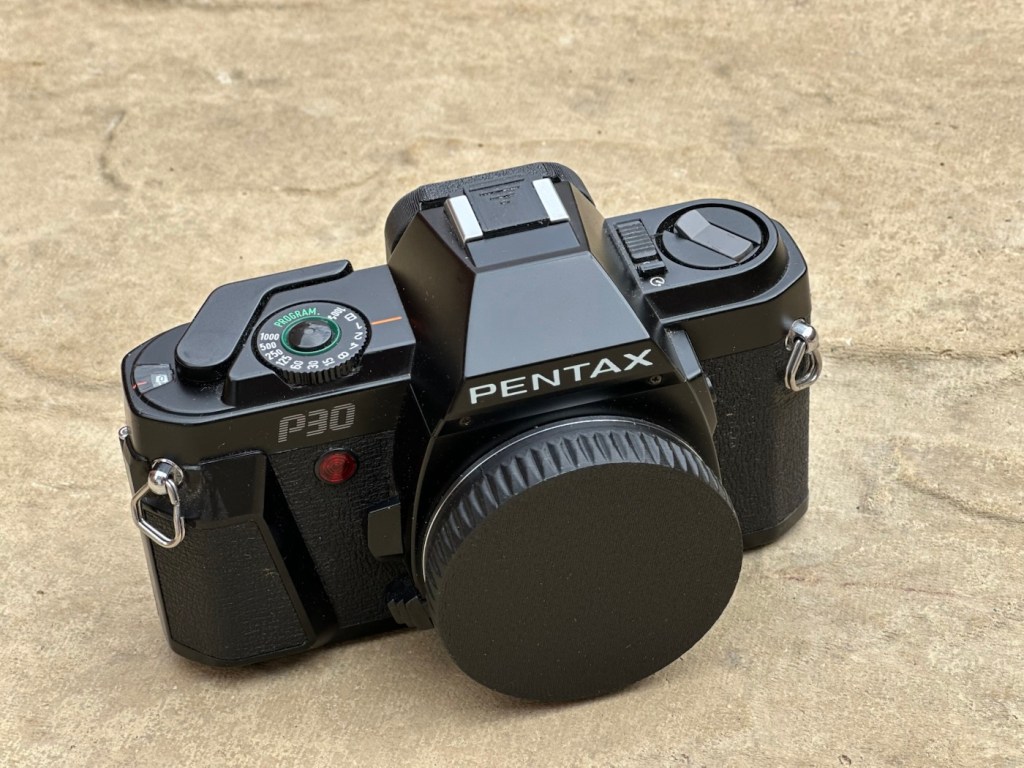
Another “K” mount camera, this time it’s a Pentax P30. A “Plastic fantastic” from 1985. Can I fixit? Should i fix it?
What the listing stated:
Pentax P30 35mm SLR Film Camera Body – Spares/ Repairs
The camera appears to be unresponsive upon testing.
EBay
Pentax P30
Here’s a little bit about this camera:
The Pentax P3 (US), P30 elsewhere, is a 35mm film SLR released by Pentax in 1985. The plastic body was a departure of the lineage that produced the ME and Super A; with a more amateurish camera. The P3 was a departure of the P5/50 as it returned to a speed dial instead of buttons.
It uses the KA-mount bayonet to convey aperture information and have P mode (Av when M or K series lenses are used) and can use any manual focus lens up to the FA series.
Viewfinder covers 92% of image with 0.82x magnification. Split-image matte focusing screen (horizontal)
The P3/30 uses a classic manual film advance lever with 130° throw.
It has program, manual, X and B exposure modes on a dial with speeds of 1 to 1/1000 sec. However on P mode exposures up to 8s have been observed. The X mode provides automation with some Pentax flashes. No exposure compensation is available, but the camera has an Exposure Lock button.
The meter is a center-weighted type with a range of 1 to 18 EV. A scale of speeds is shown in the viewfinder and LEDs show the selected and recommended (blinking) speeds.
Film speeds can’t be set manually, the P3/30 uses DX Encoding film with a ISOrange of 25 to 1600. There is a plastic window in the film door.
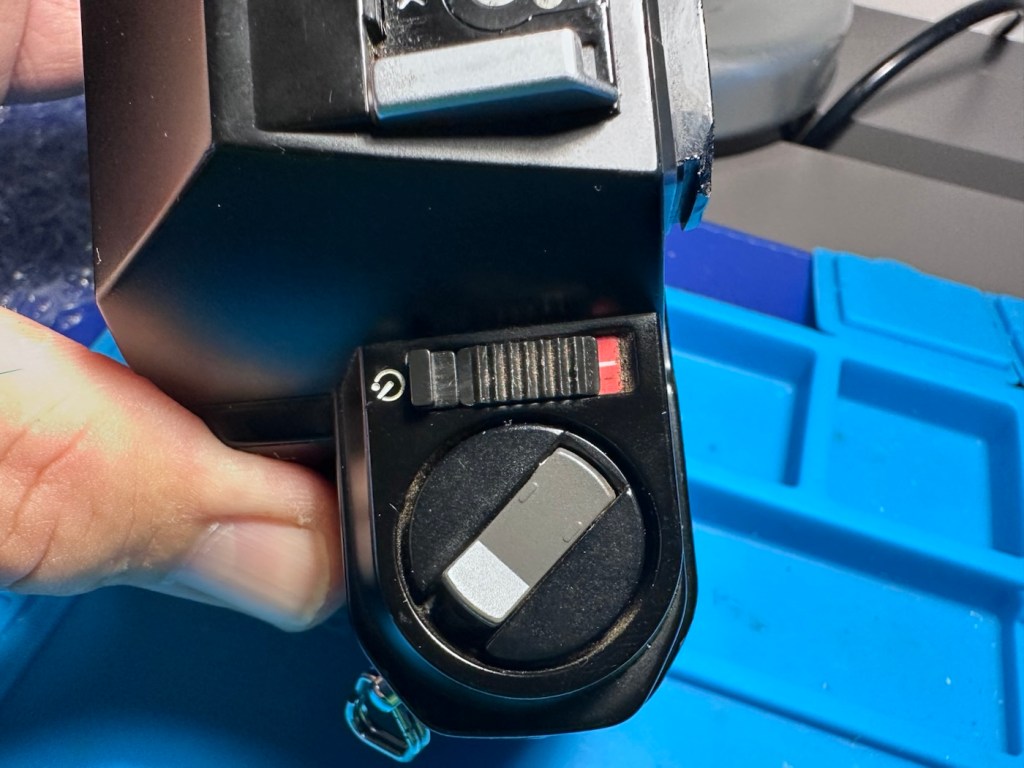
Self timer is in the main power switch for ~12s.
DOF Preview lever is located above the bayonet lock.
It uses two 1.5v SR44 or LR44 button batteries.
The US version is all black, while in the rest of the world it was dark gray
There are two revisions of the body, early versions can’t use a cable remote release, while late versions can.
A similar improved Pentax P30n/P3n/P30t became available three years later. This camera incorporated Aperture Priority exposure, and a diagonal focusing screen (P30t)
Camera-wiki.org
Another camera from the 80s – this one was 1985 when the manufacturers went plastic and the styling of the earlier cameras was starting to decline. Cameras were starting to look decidedly cheap and nasty, and this is probably the one that single-handedly punished Pentax, with a totally amateur looking camera, horrendous feedback at the time, and previously happy photographers were deserting Pentax for other manufacturers, who were offering better packages and capabilities at the time.
However this camera did have its fan base, and a lot of amateurs learnt their trade on these units due to their cost, and relatively low price for associated add ons such as lenses and flashes.
I never had one until now. I suspect the guy I usually buy from threw this in my direction, due to knowing he’d probably have issues selling it on. I’ve paid a total of £3:75GBP for this one. I think it’s worth it.
It’s the second “K” mount camera I’ve brought in two days. And guess what? I don’t have one of those lenses. Looks like I’m going to have to purchase one for my collection and for testing purposes.
Anyway, let’s await its arrival so we can assess its issues.
Assessment:
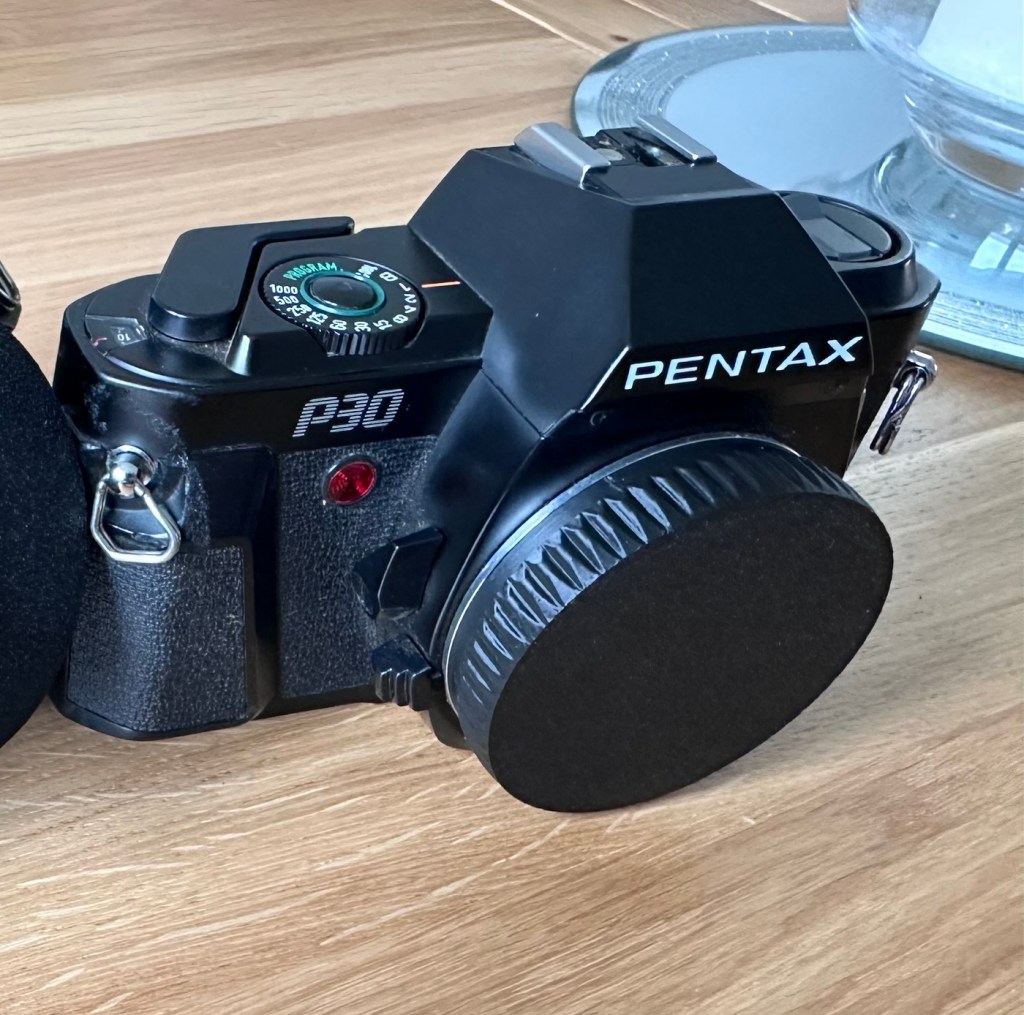
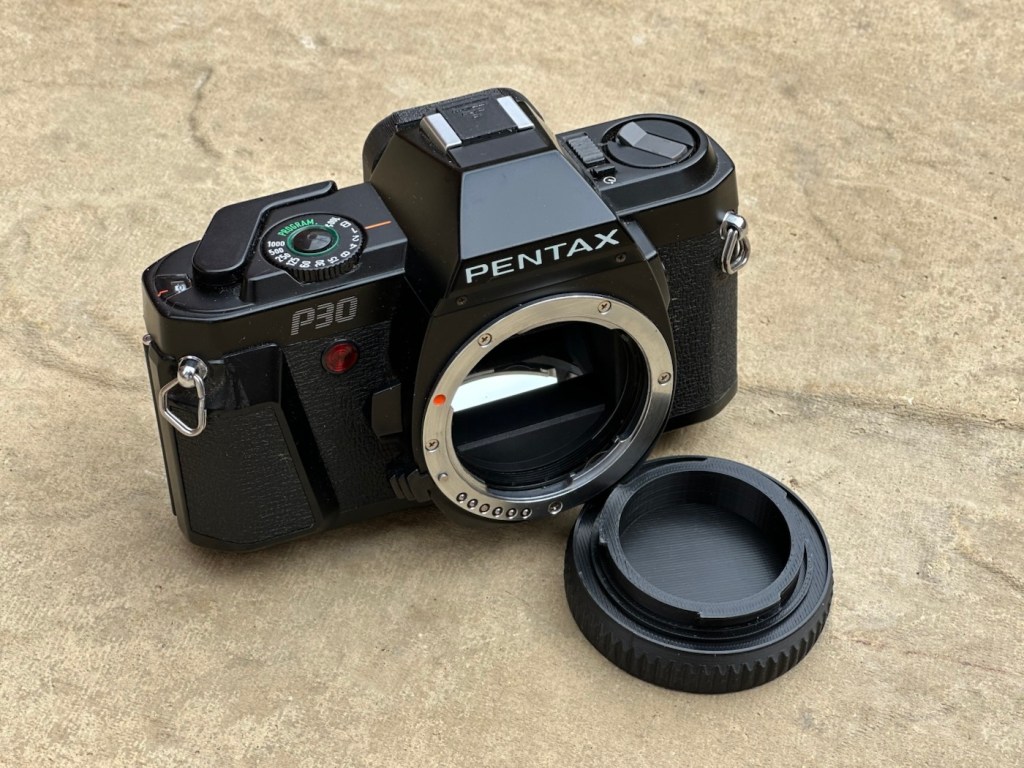
First things first, I’ve printed out a body cap on the 3D printer for when i complete the clean, allowing me to protect the mirror, shutter and lens chamber area.
A new body cap printed to protect the lens chamber
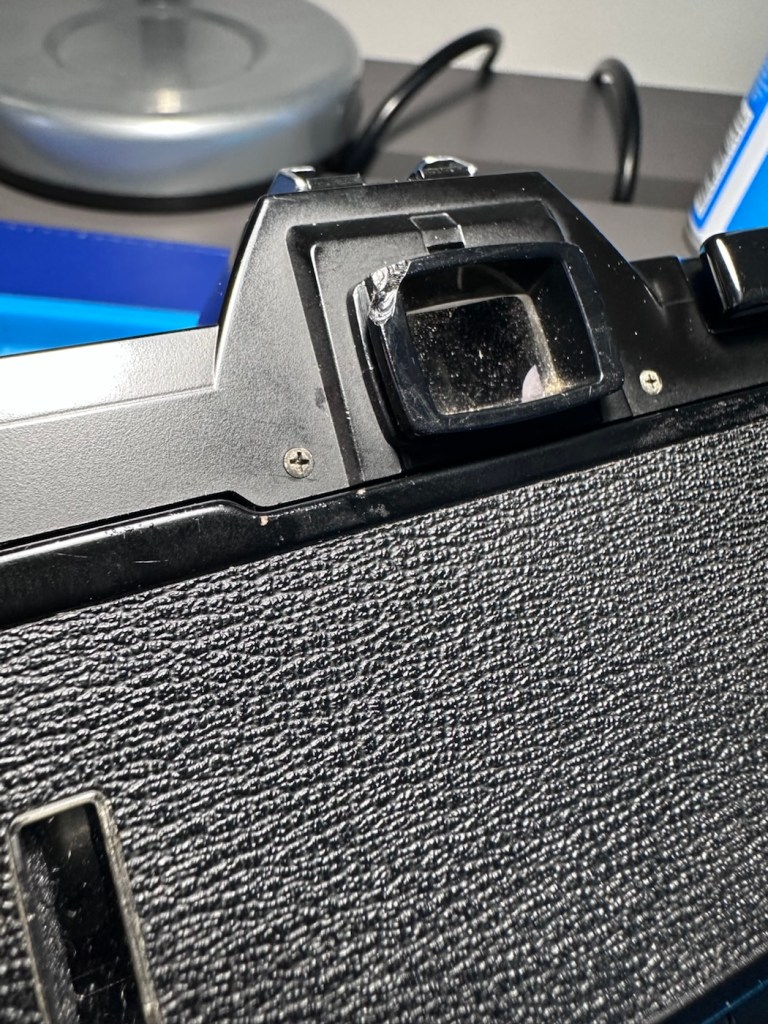
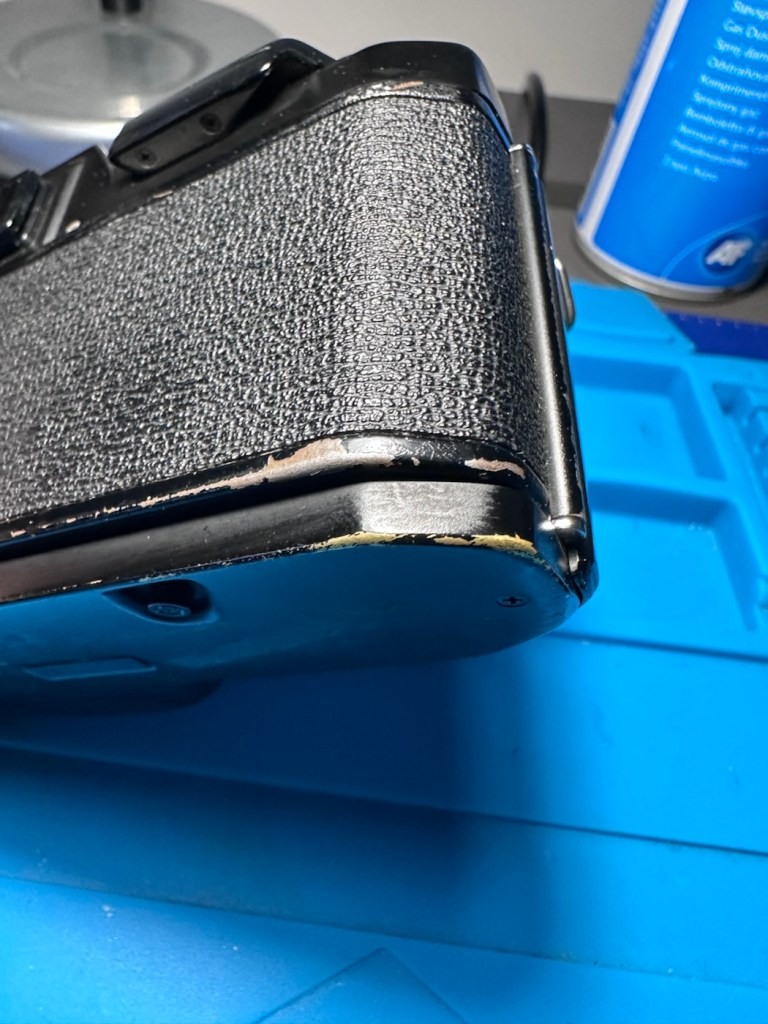
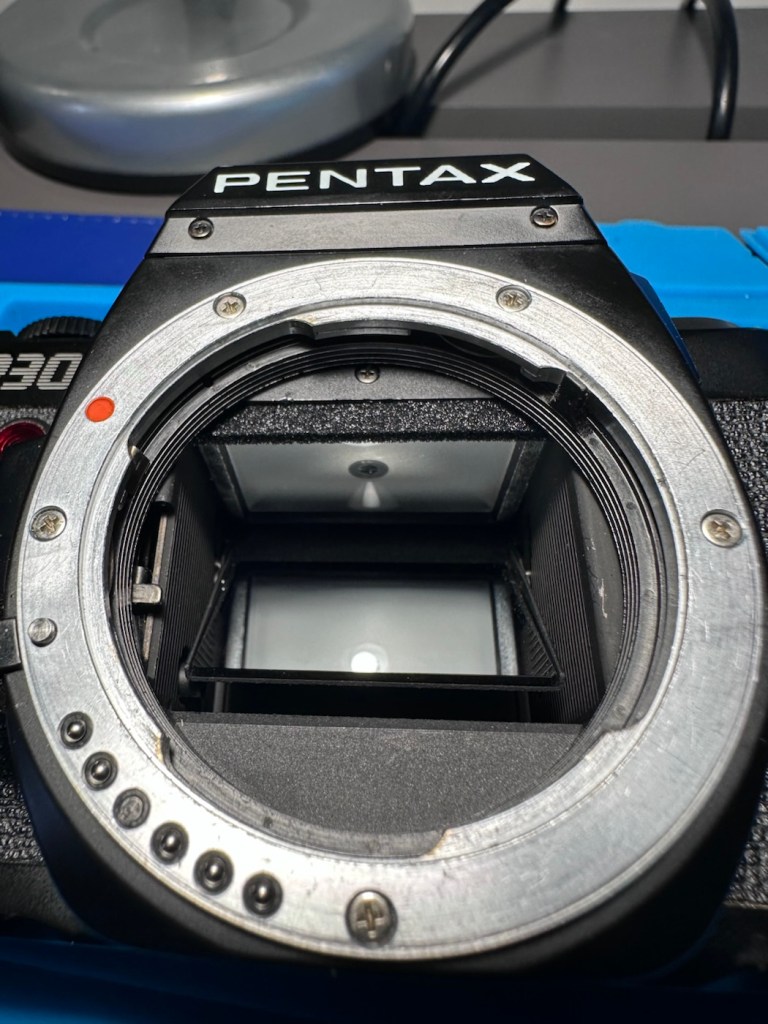
Overall the camera looks used, it’s in one piece meaning that everything is there that needs to be there but it does show signs of being a little bruised, battered and dirty.
Damaged around eye piecePaint chipsBumper is okDirty around lens ringEverything is thereDirt
All seals appear ok, the mirror bumper felt is in a good condition as well, and the film chamber is clean. Shutter appears to be operating just as it should.
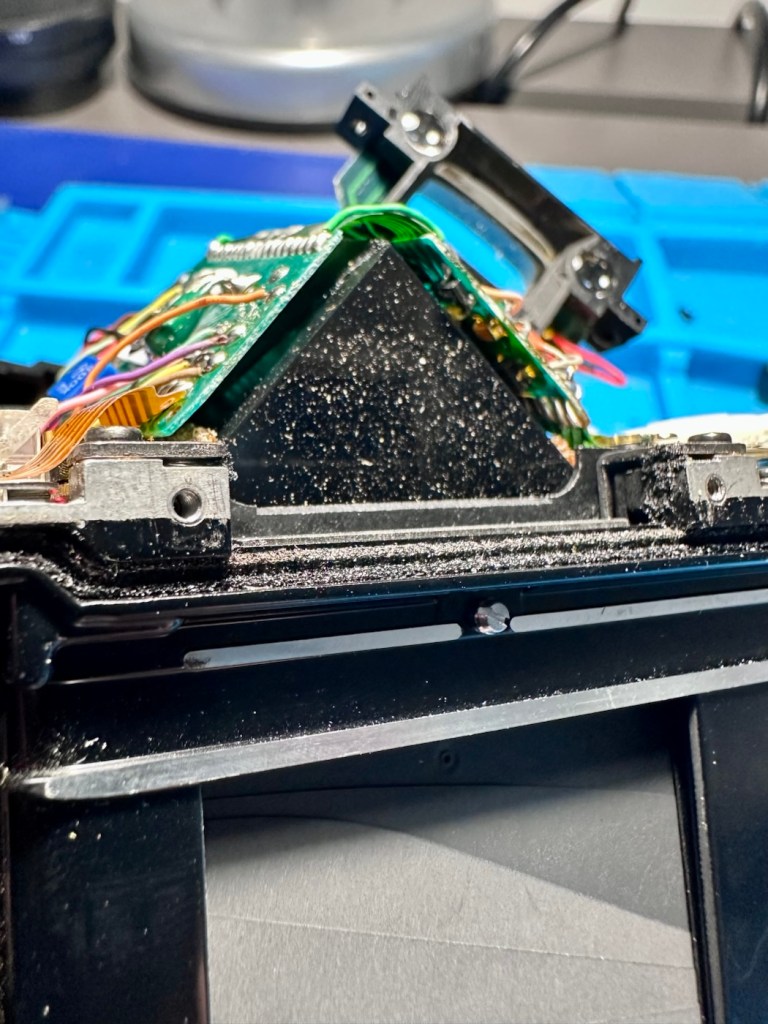
The only real issue I can see is a build up of dust and dirt behind the viewing lens, though this won’t affect any pictures being taken, a clean would help the photographer get a clearer view of what they are focusing on.
Repair:
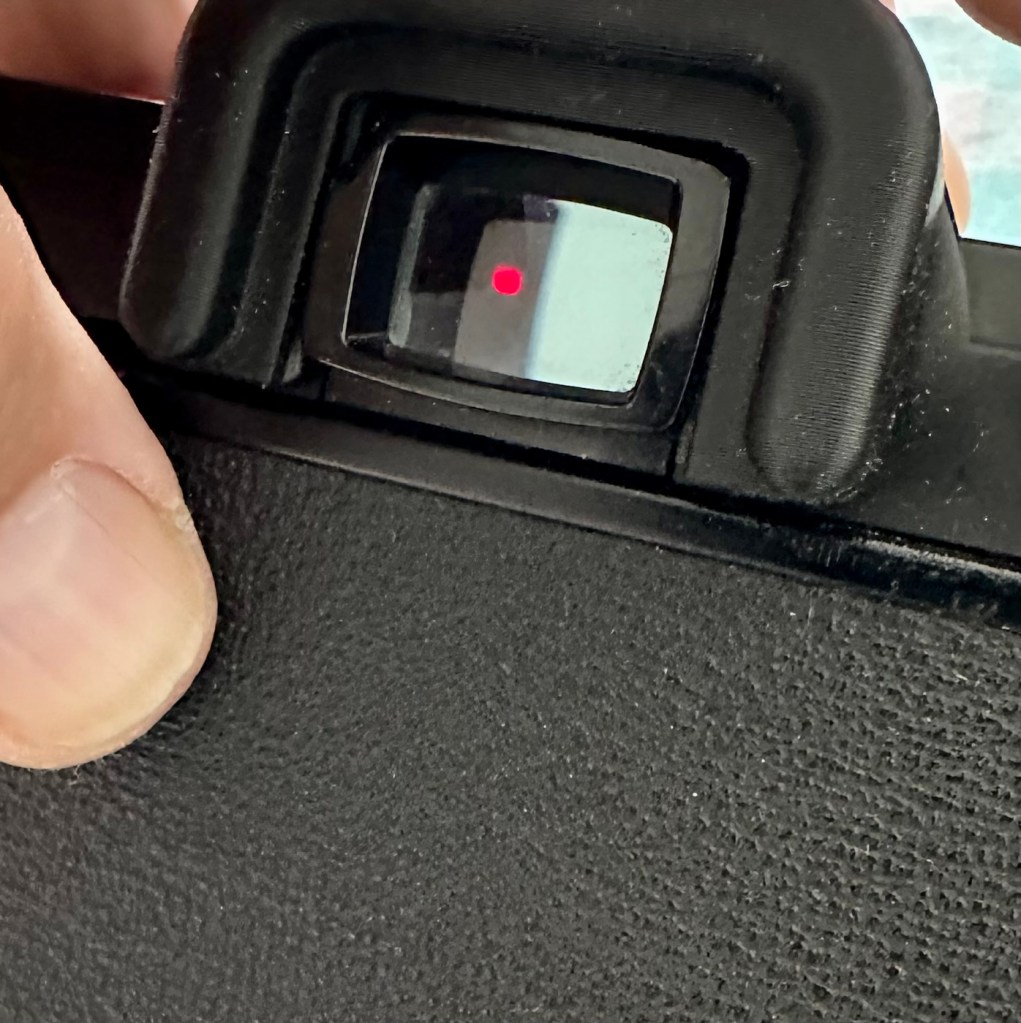
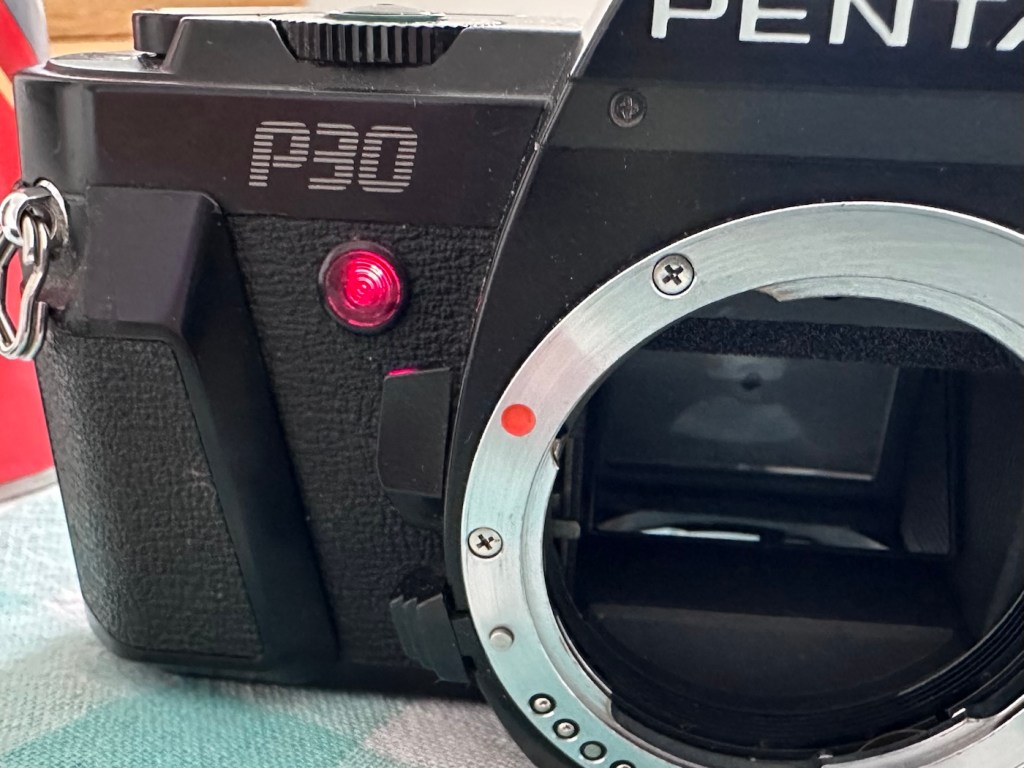
The description has stated that the camera is unresponsive. Well I’ve put batteries in place, switched the camera on and it is dead. But I can see an issue. The battery cap appears tarnished. A quick attack of the tarnishing with the grinding pen and a good wipe over with a cotton bud soaked in IPA soon sees to the tarnished battery cap. Hey presto, life is restored when batteries are put back into place. The meter inside is fine, and showing lights and indicating as it should, the light that flashes when the self timer operates is also ok. To me everything is indicating just fine. That’s all that was causing the unresponsiveness, the dirty contacts.
The next step didn’t really need to be done, however me being me I just couldn’t let it go. There is quite a bit of build up of dirt behind the viewing glass and I will have to get into the camera to access this. There is no other way.
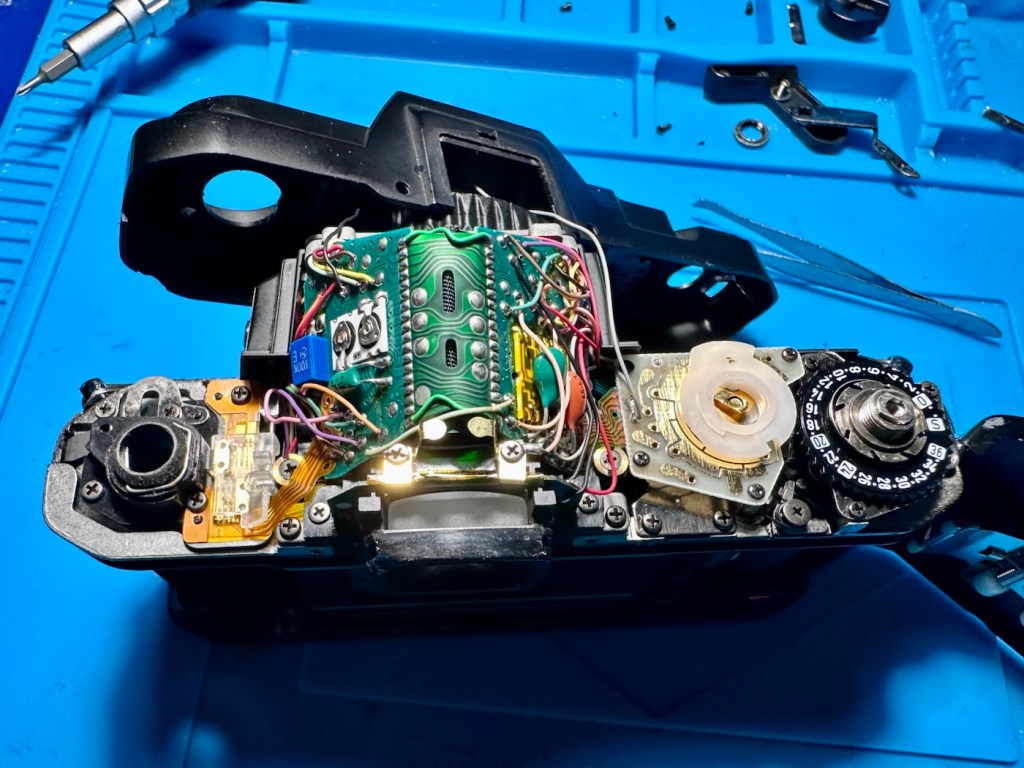
Removal of the top of the camera requires the removal of six screws, the winder handle and a couple of securing bolts, you can then carefully lift the top clear being careful not to damage the two hot-shoe cables in the prism area.
Top offLook at the dirt build up
With the top off, a couple of more screws holding the viewer in place require removing to detach the viewer from the prism area. This then reveals a very dirty filtered triangular prism that has collected over forty years of airborne detritus. A simple clean with a swab is sufficient, followed by a good air blast to finish off. The small viewing lens has a similar clean and then the camera can be reassembled.
All electrics good and working
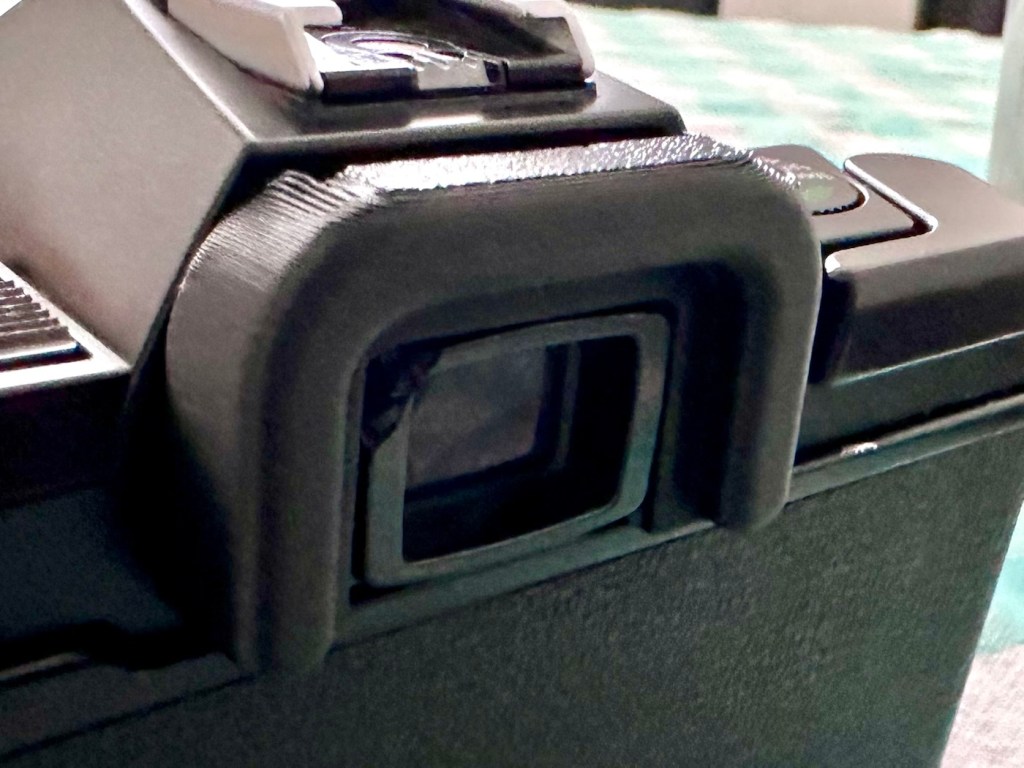
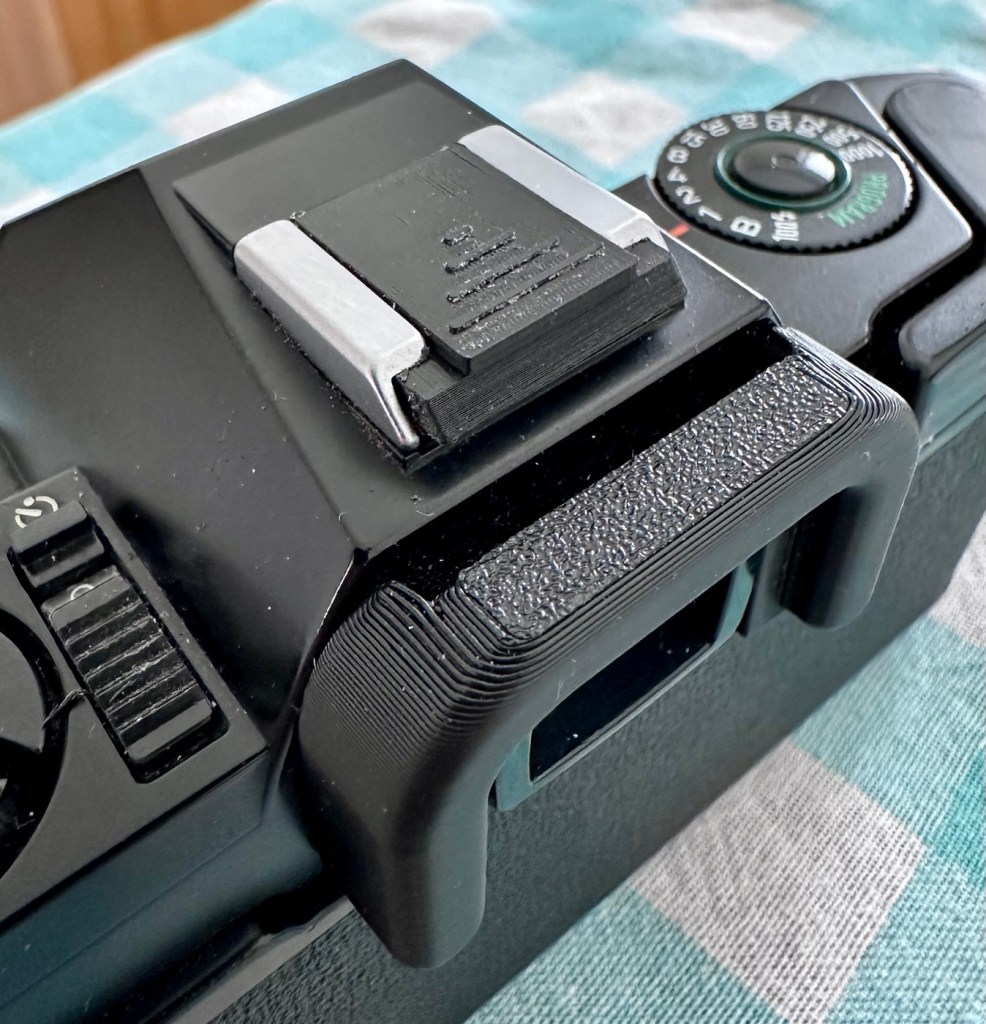
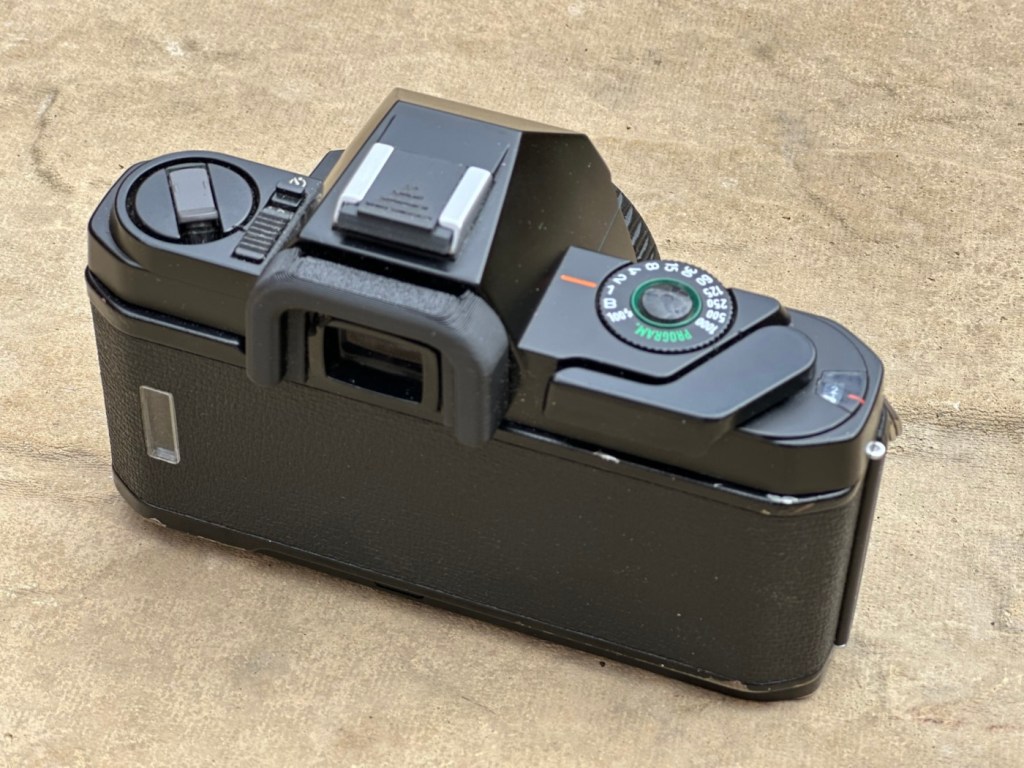
I’ve printed an eye cup to cover up that damages around the eyepiece, again it’s not really needed but just tidies the area up a bit.
New eyepiece printed
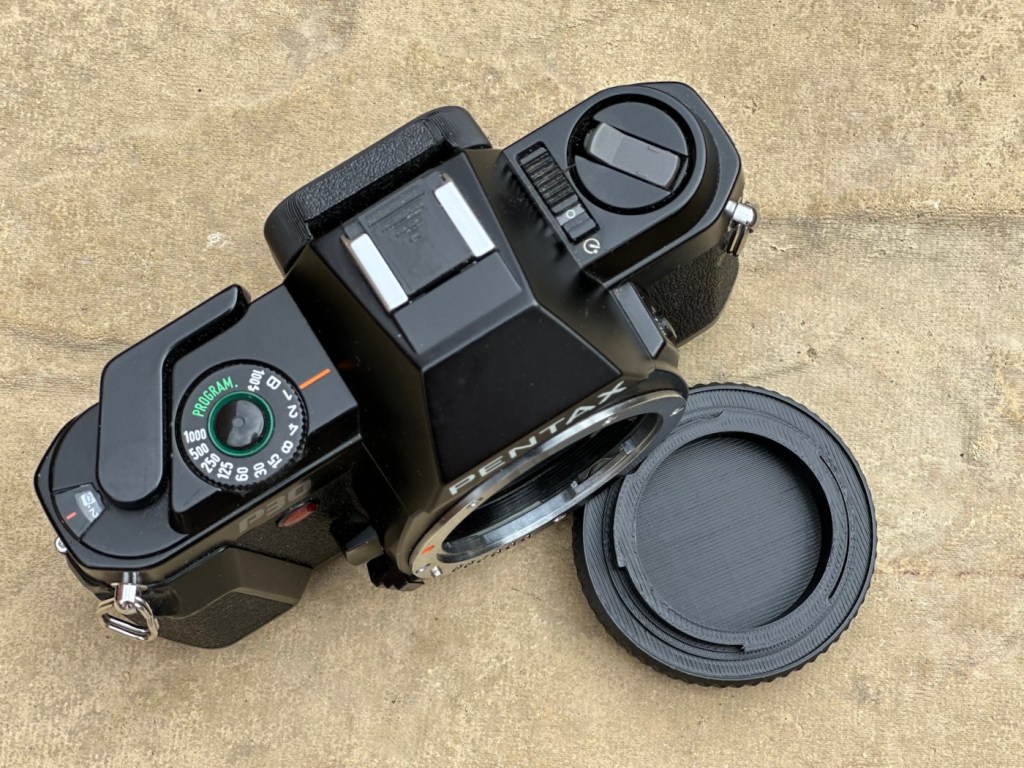
Just print a hotshoe cover for the top and that’s it all done.
Hot shoe cover
Finally it’s time for a good cleanup.
Result:
For an outlay of £3:75GBP this is a period and usable camera. Will I use it though? Probably not, I’ll probably pass this on to the hospice to get some money from, as to be quite honest I doubt I’ll be able to sell it on.
Looking tidy, and working
It’s a nice little learning camera, looks smart after a clean up, and has now had its life expectancy extended due to the easiest of repairs. I’ve said it before, how many similar units have just been disposed of due to only requiring a quick clean? Scandalous really.
Anyway, this one lives on. Someone will have a nice little camera what with the resurgence of film stock currently enjoying a second coming.
One more saved from landfill, small goals, small results.
Thanks for passing by, as always it is always very much appreciated.
A fellow blogger has taken the words from my mouth. So why should I waste my time writing, when she speaks so eloquently.
If you could erase one event from history, what would it be?
I’m firmly with a fellow blogger: Audhdapparently on what she has posted earlier today regarding this subject. There is no point in me posting my feelings when they mirror exactly what she has quite eloquently posted on her own site, so here is a link to that very post:
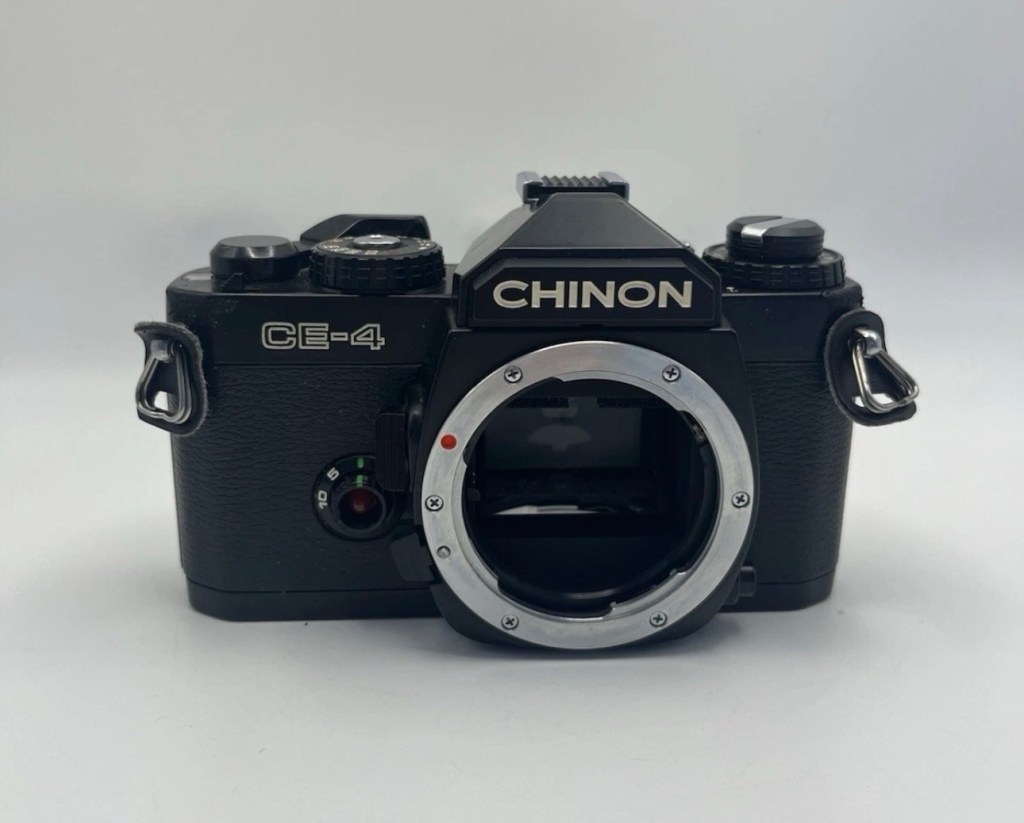
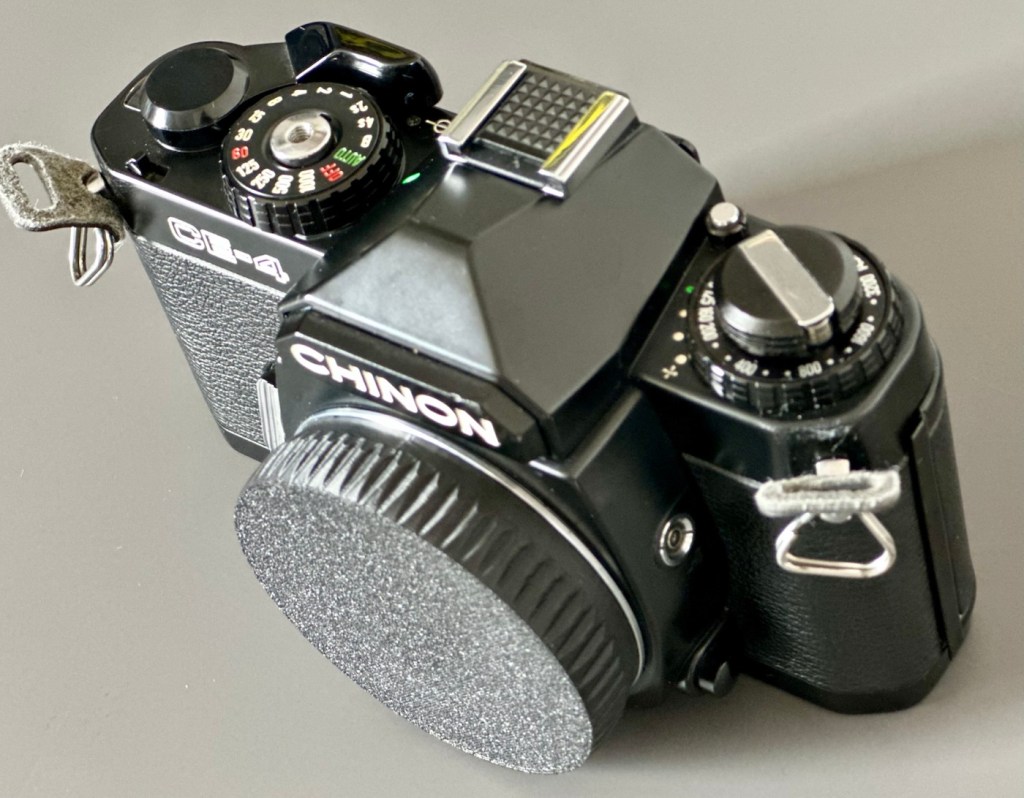
I was a snob back in my teenage years and wouldn’t buy anything without a Canon or Nikon name tag. How wrong was I? I now have one needing some TLC, so let’s get it working again.
What the listing stated:
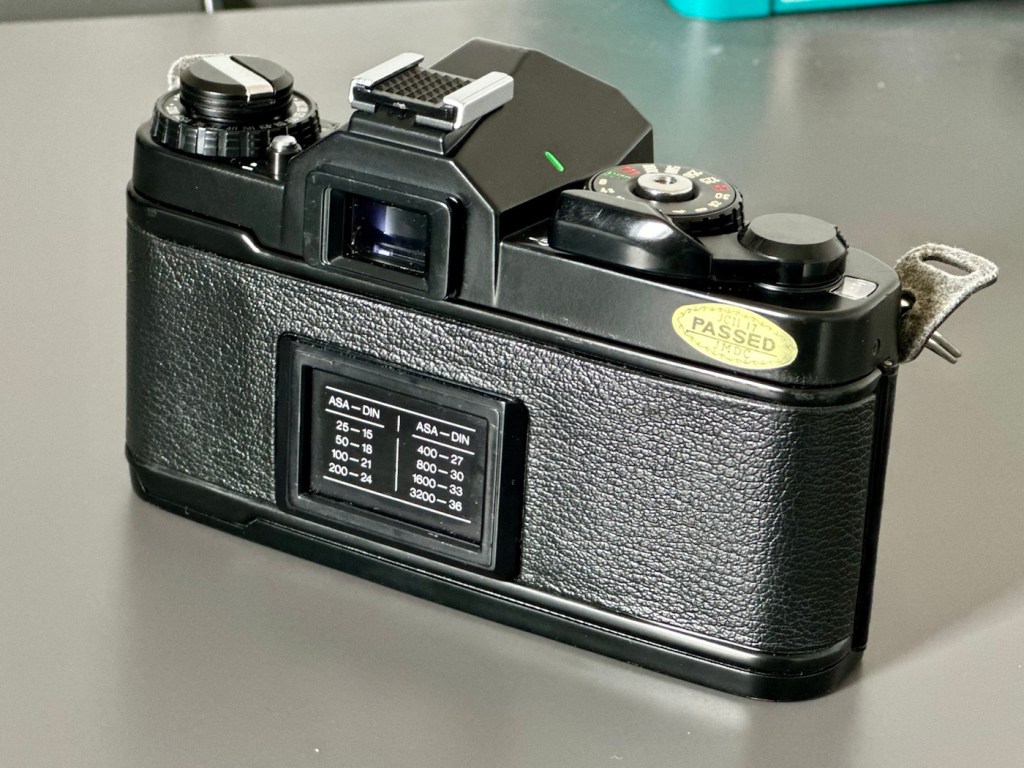
Chinon CE-4 35mm SLR Film Camera Body – Faulty – See Details
I tried testing the camera with batteries and initially it seemed to function and the camera fired at accurate speeds but after a couple of times firing it, it stopped responding and now I can’t get it to function at all.
Please note batteries aren’t included.
EBay
Chinon CE-4
Here’s a little bit about this camera:
The Chinon CE-4 was the model which transitioned away from the 42mm screw mount used in the Chinon CE-3 to the Pentax K-mount. It’s an automatic 35mm SLR compact camera with aperture priority exposure system (AE).
Maker: Chinon
Dates: circa. 1980
Variants: black, CE-4s
Camera Type: 35mm SLR
Focusing: manual
Lens mount: Chinon Universal Bayonet Mount (Pentax K-mount)
Shutter: Seiko MFC electromagnetic focal plane, vertical, metal from 8s to 1/1000
Exposure meter: TTL, open aperture, center weighted by two silicon blue photo cells. EV -2-19
Exposure modes: aperture priority, manual, Bulb
ASA/ISO range: 25 to 3200 ISO
Finder screen: fixed split-screen
Flash shoe: fixed hot shoe, contact for dedicated flash
A previous seller approached me offering this camera and we settled for a price of £5:00GBP. A fair price for a camera born around 1980 and readily available at nationwide electronic stores around the time. I always avoided them, because as a teenager I had been infected by the snobbery of people around me, if it wasn’t Canon or Nikon it was crap.
I was a snob back then. Now I’ll buy anything, and I like the look of this so I brought it.
My reasoning in a nutshell. If it takes photographs, it’s good. Buy it. Sold!
Let’s await its arrival, and get it assessed.
Assessment:
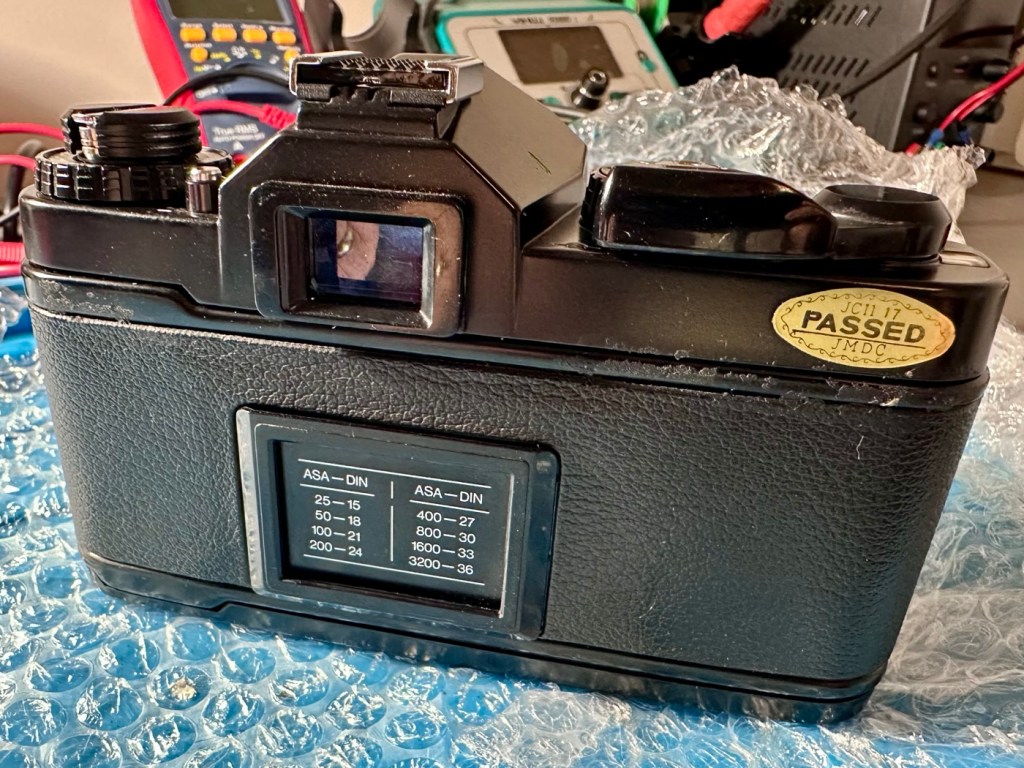
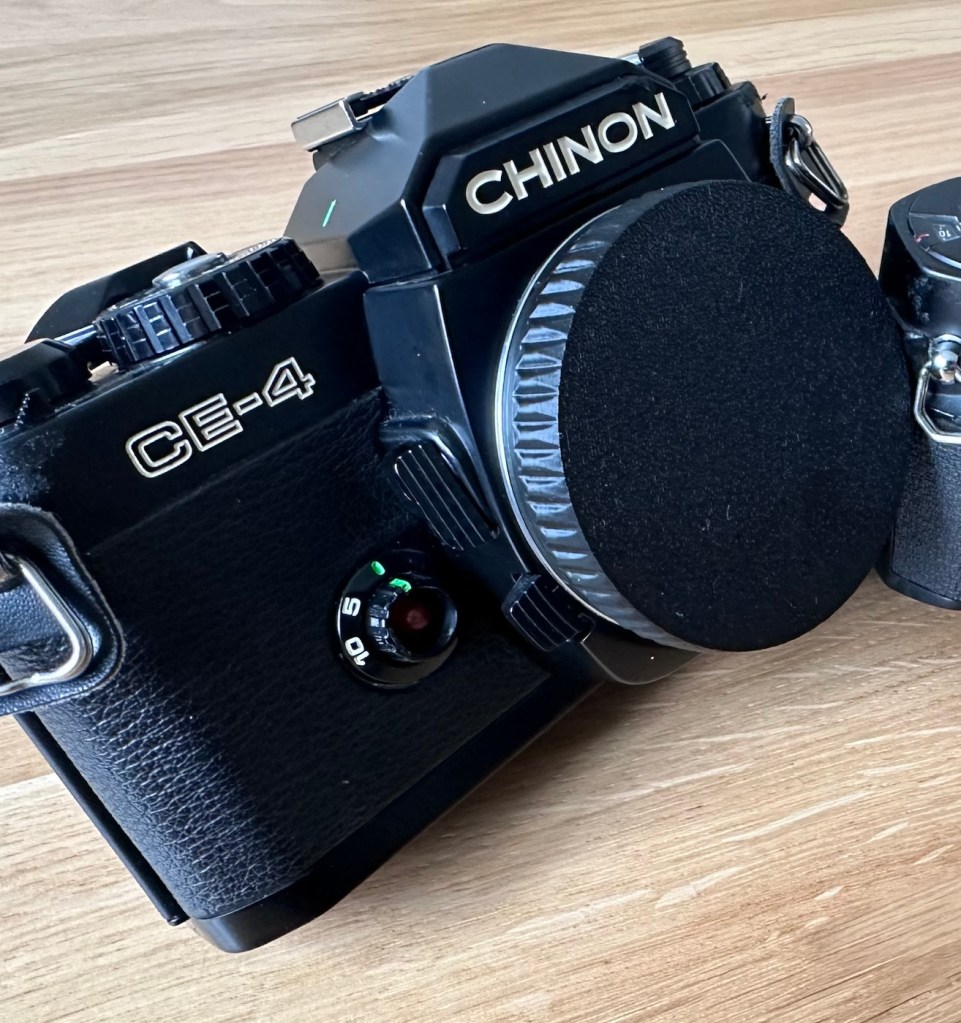
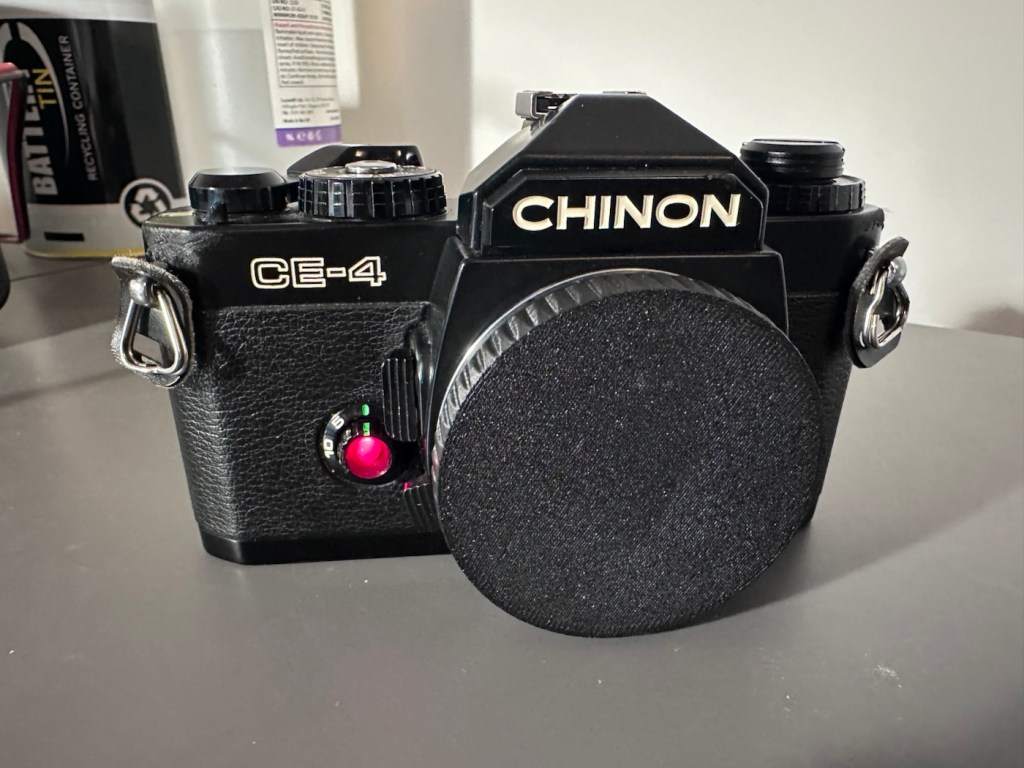
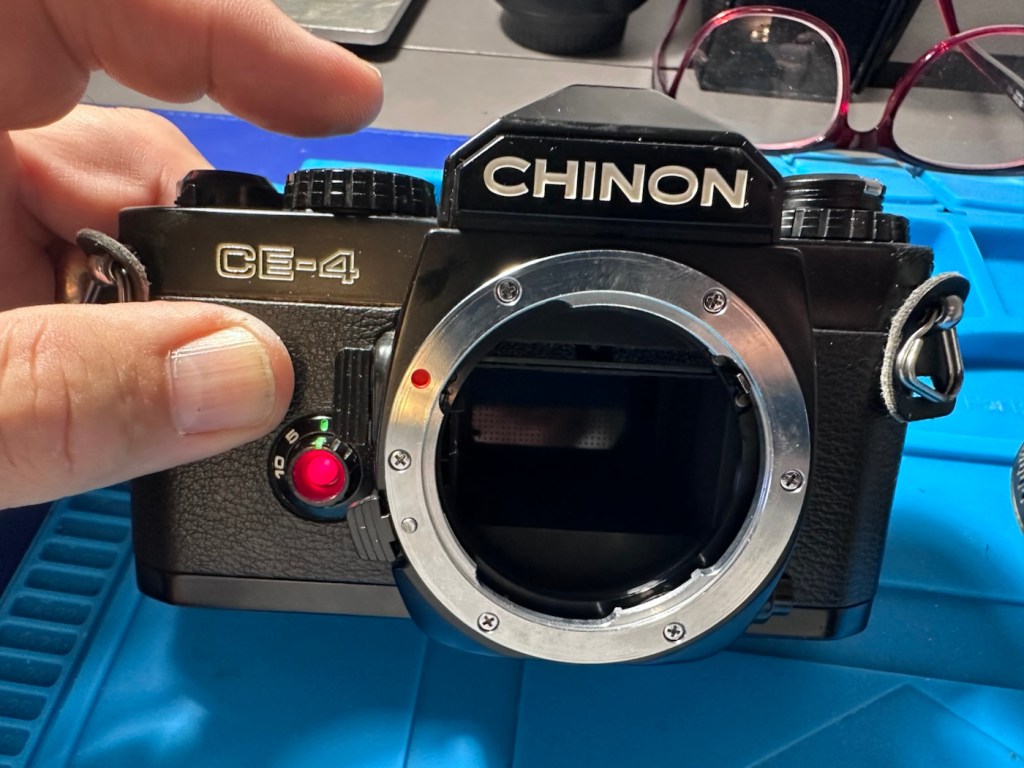
Cosmetically this camera looks fine, apart from the name plate being detached from the fascia. This is easily remedied with some superglue to hold it in place.
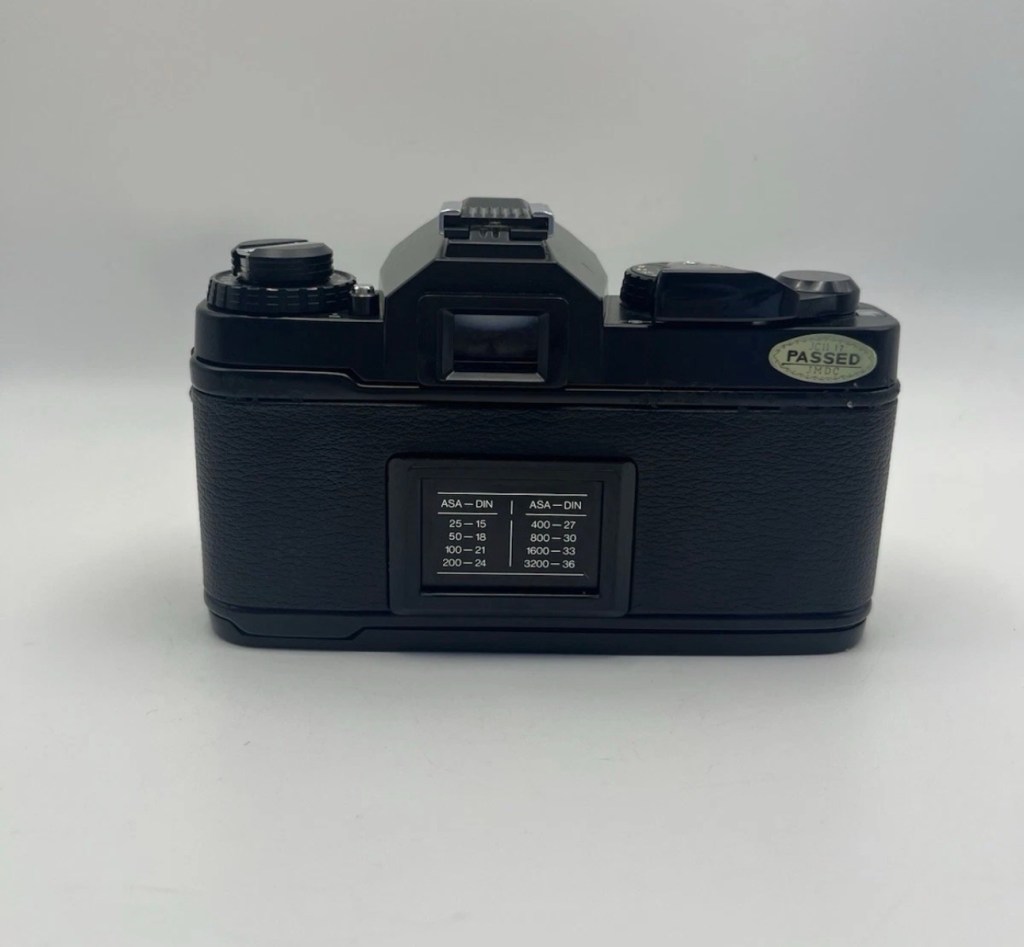
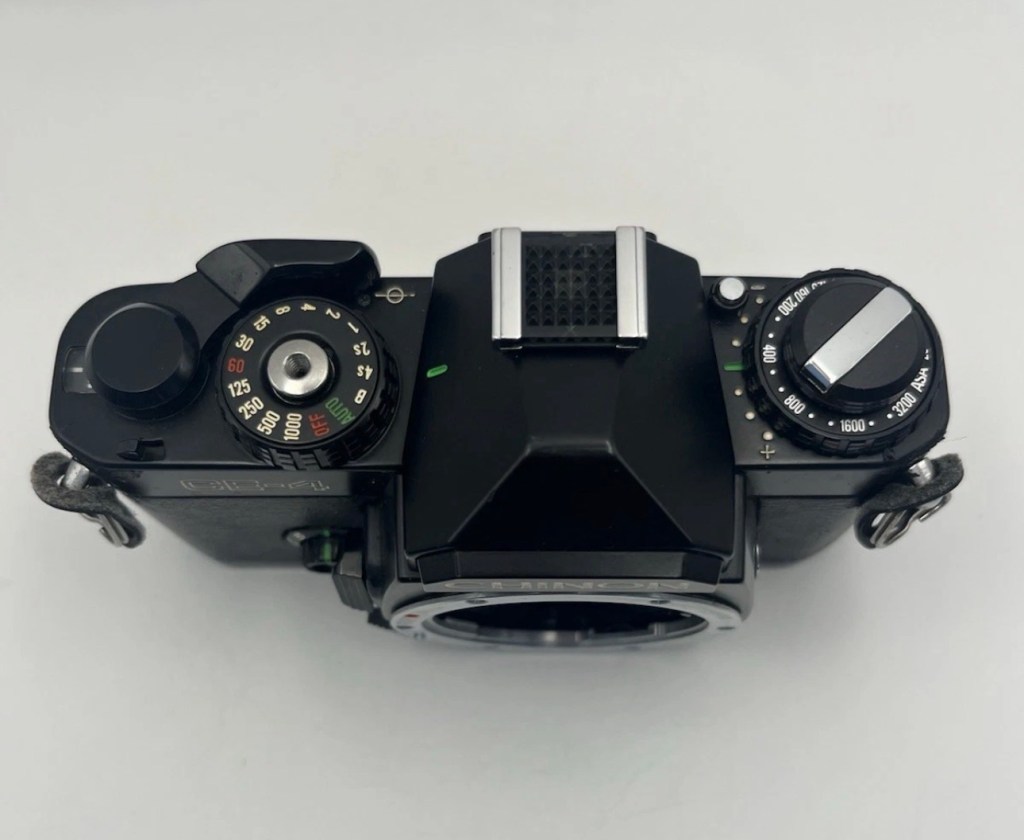
The camera that arrived
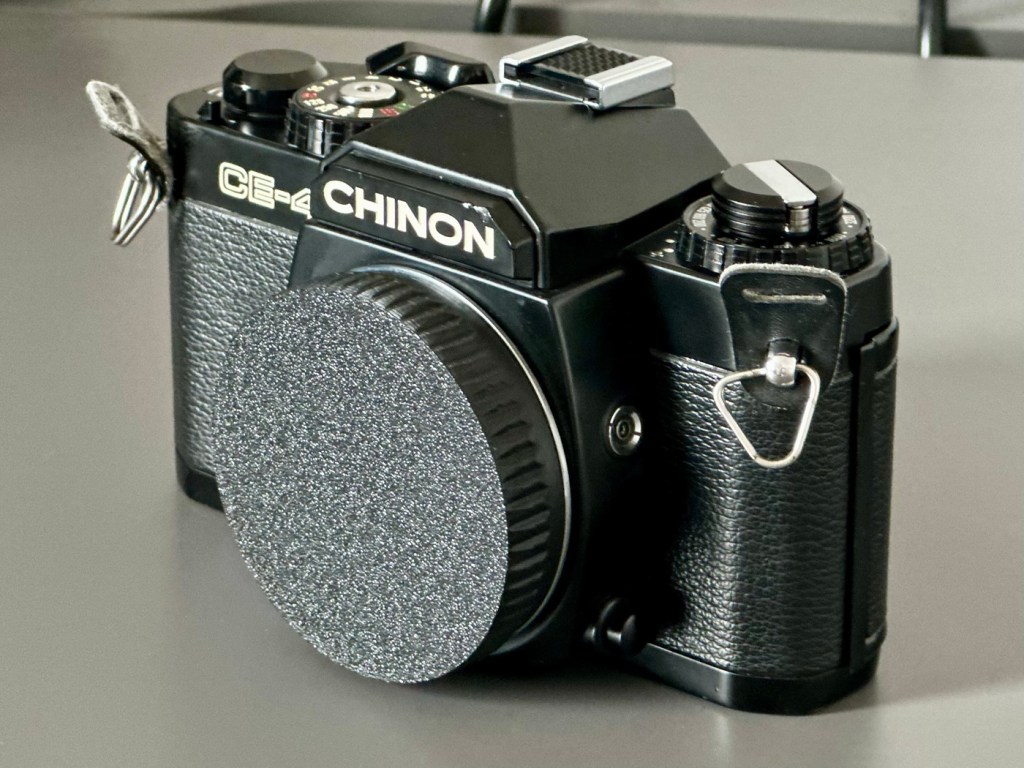
As an addition i’ve printed out a body cap on the 3D printer for when i complete the clean, allowing me to protect the mirror, shutter and lens chamber area.
Body cap printed to protect lens chamber
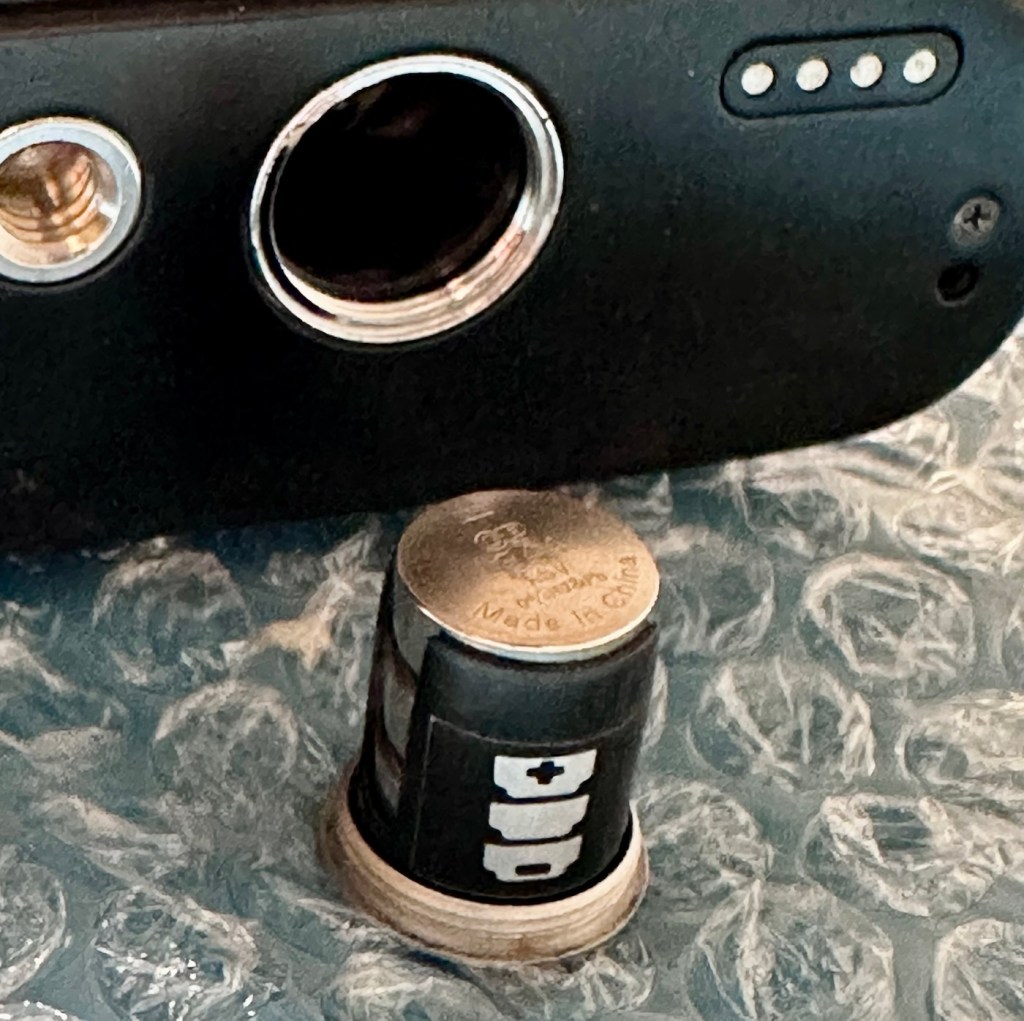
This camera takes three LR44 batteries and with these installed the camera is dead. There is no life, and no indication from the exposure meter in the viewfinder.
The battery holder with its three batteries
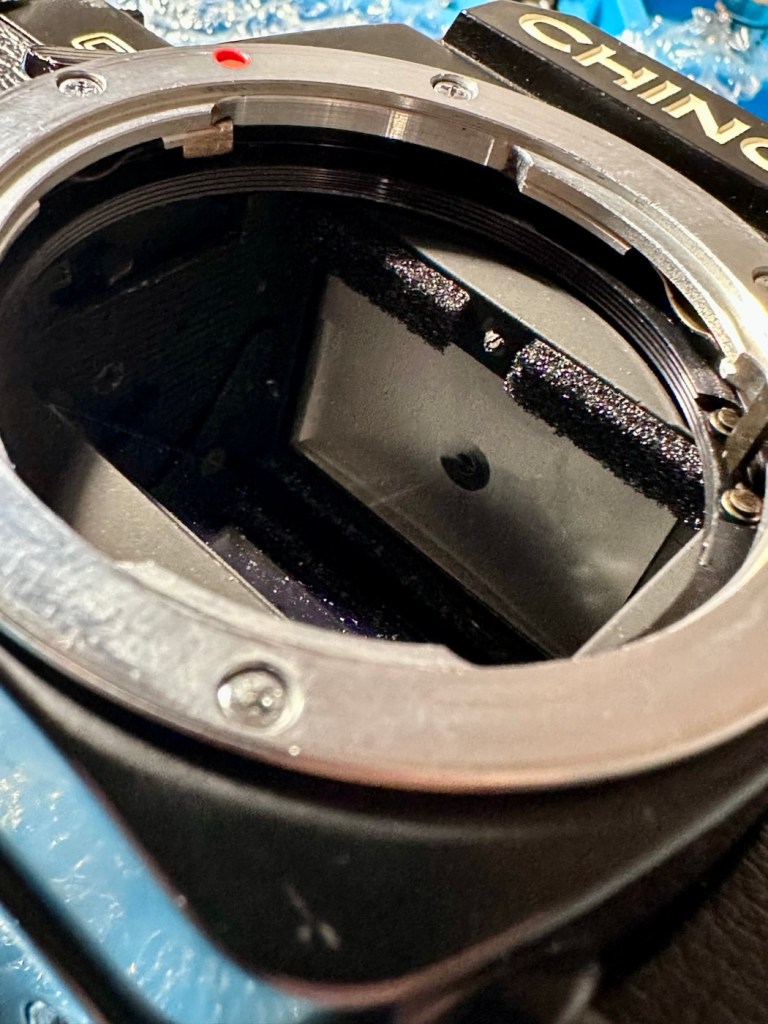
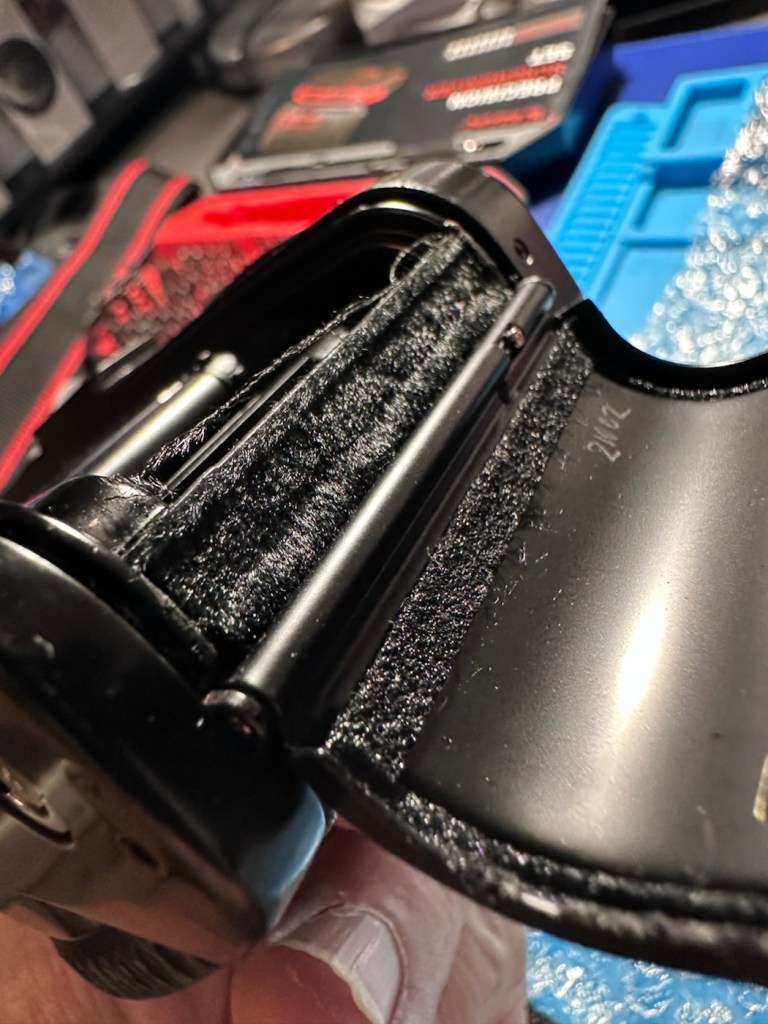
The bumper felt in the camera barrel is in excellent condition and does not need replacing. It’s a similar situation with the light proofing around the film chamber, they don’t need replacing just yet.
Mirror bumper feltLight proofing
All buttons, dials and levers appear to be working just fine. There is no meter reading in the viewfinder due to the electrical issue. Let’s get onto that now, as it looks as if there is not really much else wrong with this camera.
Repair:
So generally with electrical issues it’s always best to start with the simple things first before diving in and opening up the camera for dissection.
First things first, are the batteries any good, yep they have all tested as working fine, let’s move on. Is the power getting through to the camera via the battery holder. No it’s not. Let’s check the battery holder.
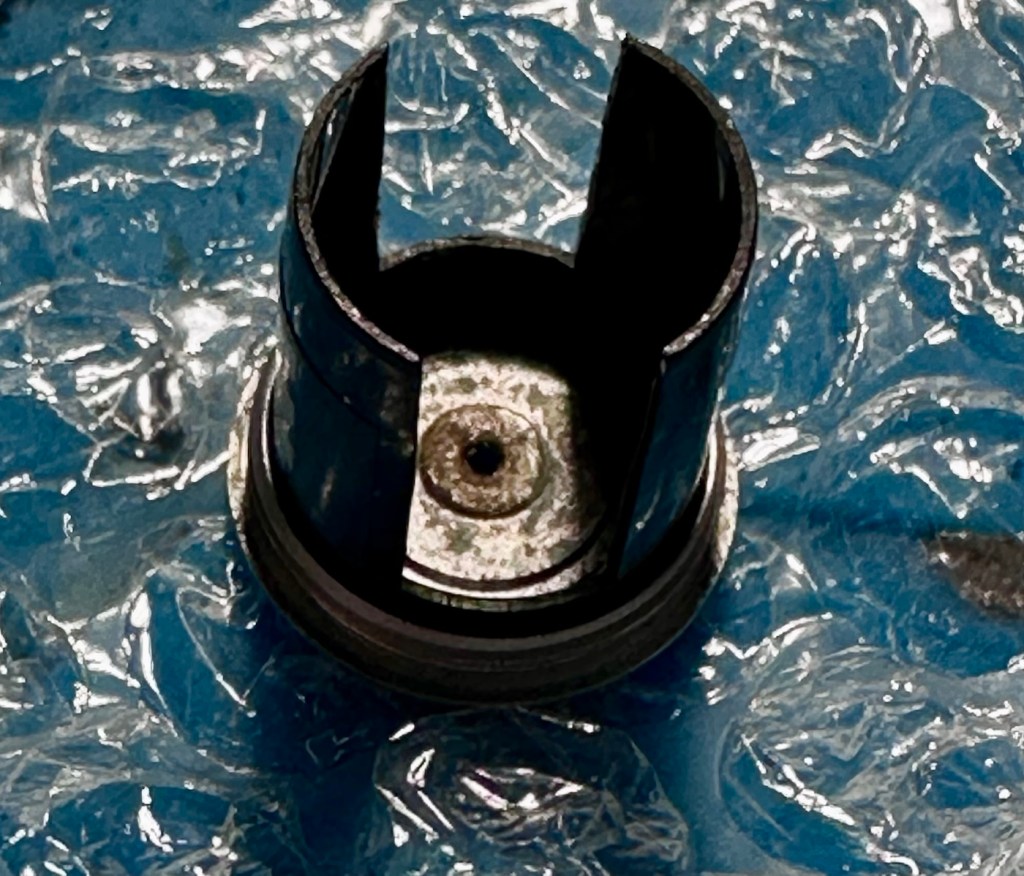
Severely tarnished Tarnished here also
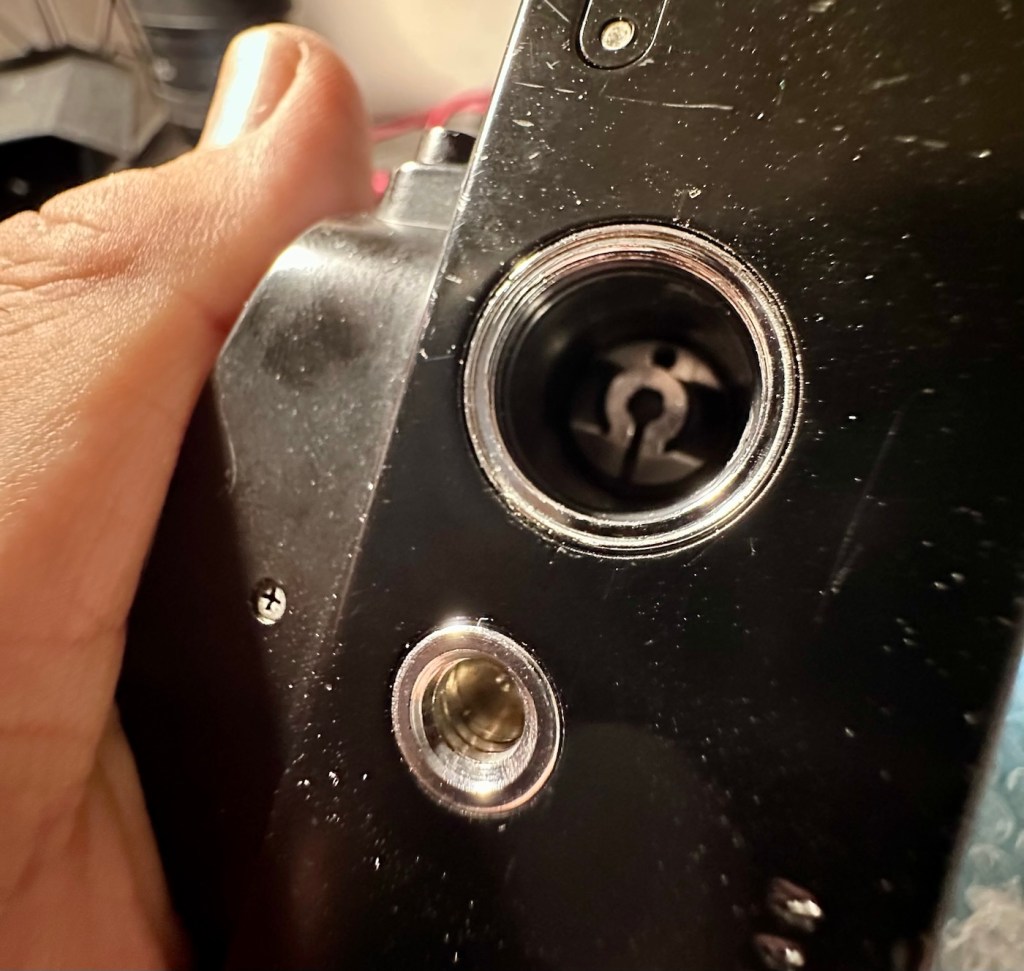
The battery holder showed no continuity when I used the multimeter probes on it, the whole inside of the holder had bad tarnish, preventing power getting through to where it was needed. A quick clean of the area with a grinding pen and some IPA to clean up, and you can now see your face in it. A quick check with the multimeter and continuity is restored. Whilst I’m in the mood for this kind of cleaning I also clean the contacts in the camera base. These weren’t so bad, however a quick blast with the grinding pen and a clean up does not go amiss.
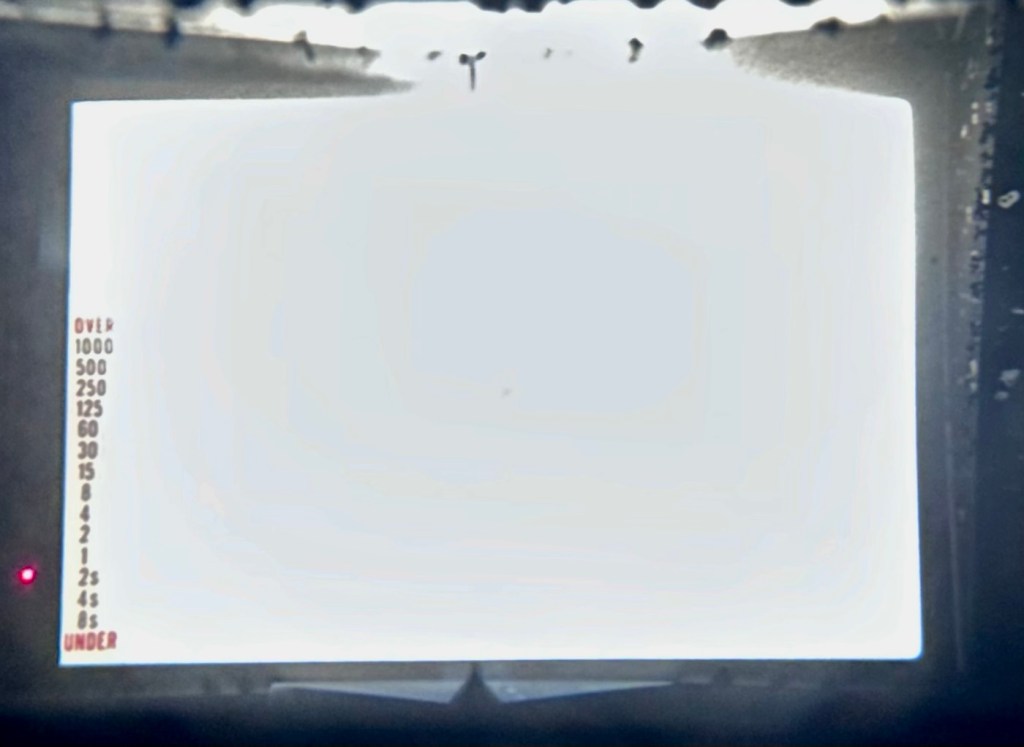
The three batteries are reinstalled and hey presto, the light meter and all functions now appear. All this camera required was a five minute clean to resurrect it.
Lights workingShutter and light working Light meter operating ok
To test the camera fully I now need a K mount lens to check its functions. I’m looking for a basic one just to use for testing, just as well really as I also have some other K mount cameras coming up shortly. However, I am supremely confident this camera is working fine, so a lens is not the probity at this stage. I will probably move this on to the local hospice that I have dealings with.
A good clean is all that is now needed. I have cleaned the internals and sealed them by putting the body cap in place. Now I need to give attention to the exterior.
Result:
Sorry It’s a boring one, but hey it’s a win. Following a plan of attack starting with the most basic of checks, can be boring and repetitive, but also extremely beneficial as it’s not always the big issues inside the camera, nine times out of ten the issues are a lot more basic.
It just goes to prove that a lot of the items out there deemed as broken, are just in need of a little maintenance. If only people would just take a little time to look after their stuff, there would be less equipment thrown in to landfill.
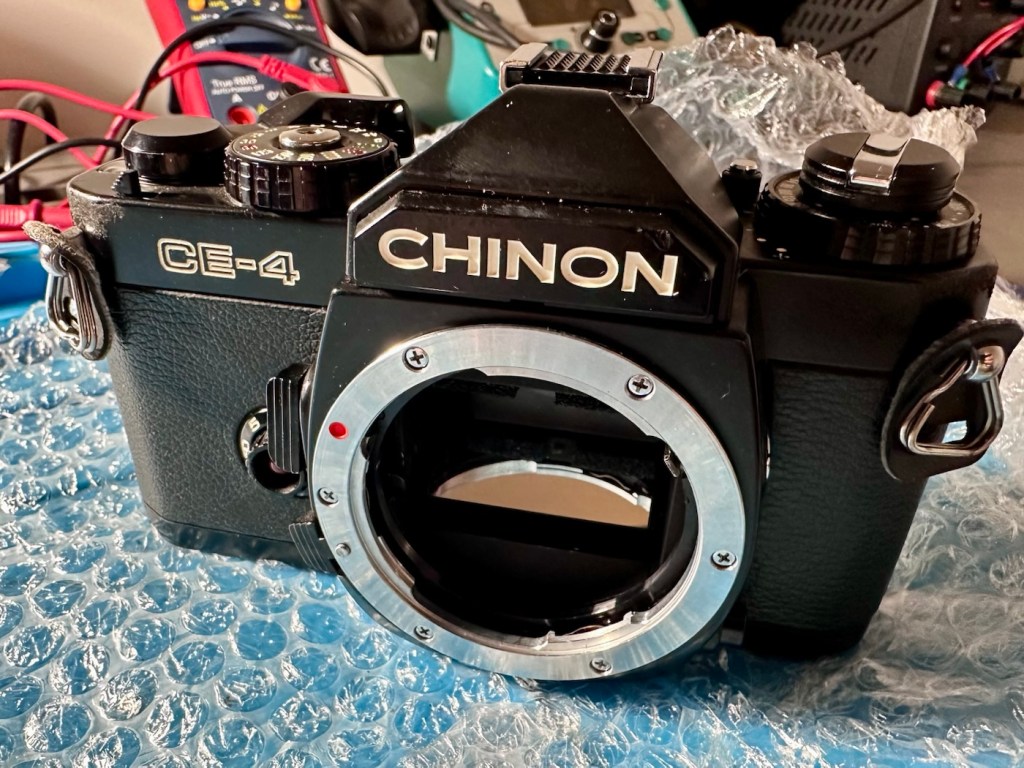
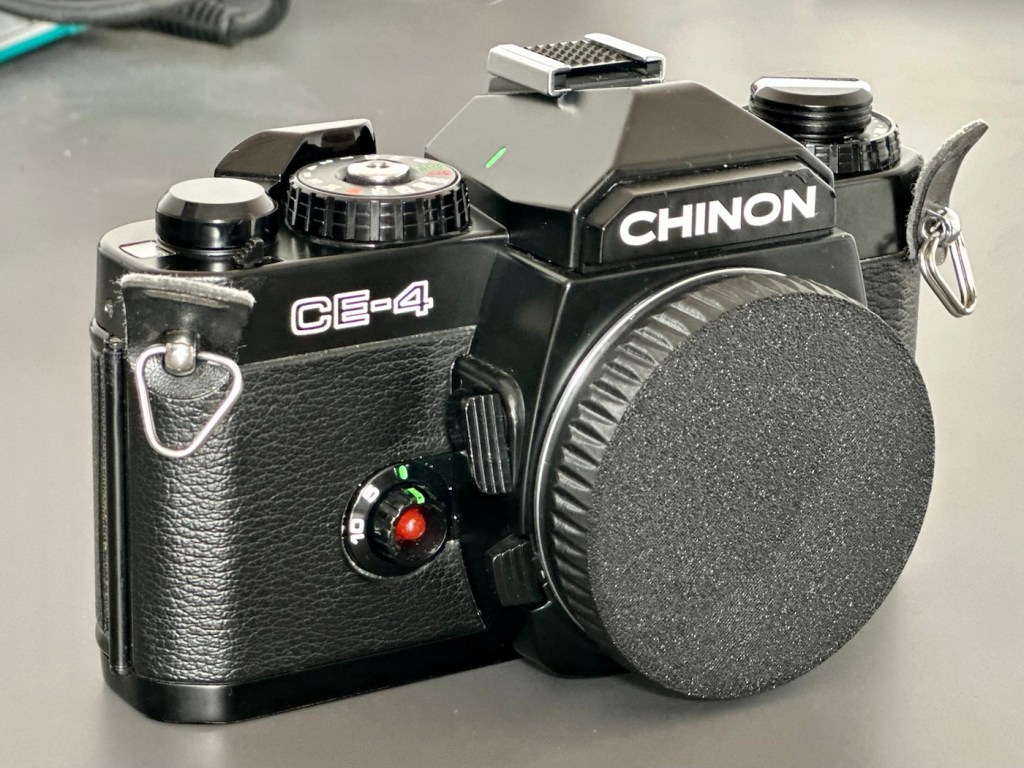
Here is the camera after a good clean.
Looking beautiful
A little £5:00GBP camera has been given a reprieve and can live on for a few more years yet. As long as there is film being produced, this camera has a purpose. It’s a basic, but superbly capable camera that will keep its new owner happy for a good few years yet.
Let’s hope they have many happy moments capturing wonderful memories for many years to come.
Thanks for passing by. Always very much appreciated.
One sentence, one special person. You’re already a winner.
If your future self could send you one sentence, what do you hope it would say?
It’s funny that I’m answering this prompt in a present tense, imagining what I’d expect to read as a result of a lifetime of experience and broken expectations.
Taking what I know now into context, the sentence I’d expect to hear is:
“Don’t worry, everything will be alright”
And to be honest, previous experience does lead me to agree somewhat. Going all the way back to my school years (And that was a lifetime ago) we’d worry about exams, back then it was the end of the world, we worried constantly and I even see kids doing the same today, but with the benefit of hindsight I can clearly say, it really doesn’t matter, everything’s ok, it worked out just fine.
If you can step aside from peer pressure, or even better still if your peers can stop applying that pressure in the first place, the world would be a happier place.
Put it like this, the fact you are even here on this planet is a miracle in its self, the chances of your parents even conceiving you are a massive 1 in 400 Trillion.
That makes you a very special person right from the very start.
So don’t fret, you have a right to be here, you have a right of free expression, you have a right to be whatever you wish to be.
You are a winner. “Don’t worry, everything will be alright”
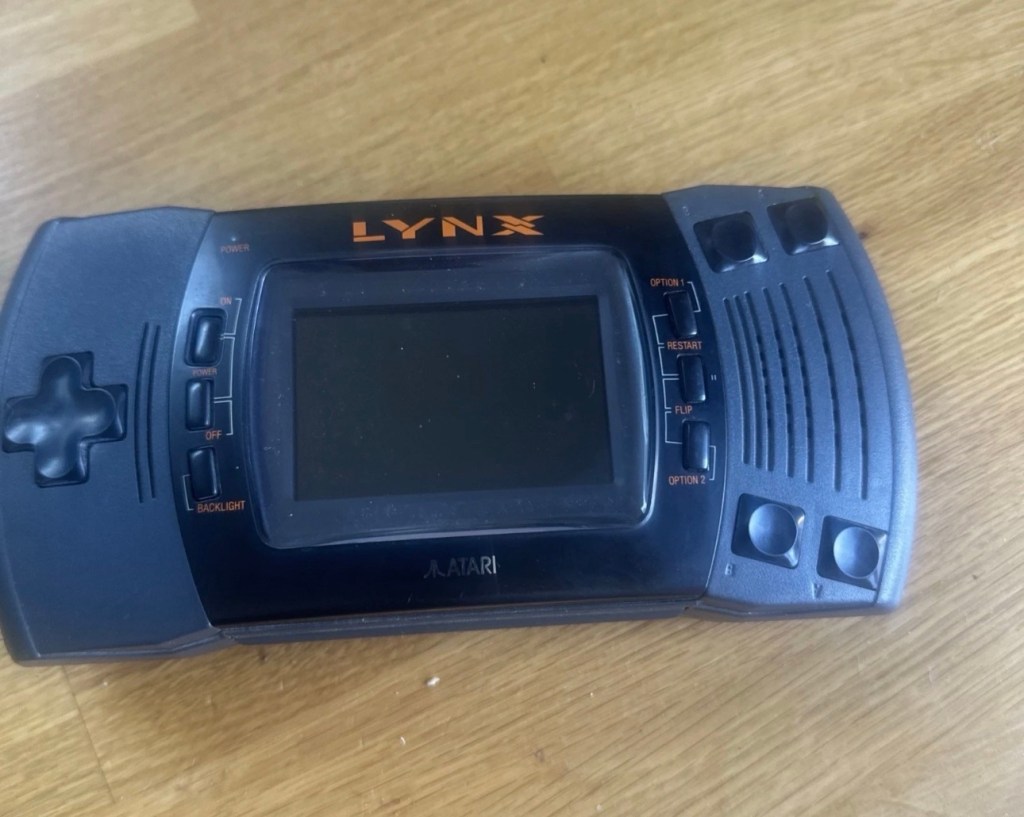
Meet Mikey, and Suzy! Well it’s actually an Atari Lynx II from 1991. Mikey and Suzy were the names given to components within the console. Anyway it doesn’t work, so let’s try to breathe some life into it.
What the listing stated:
The product is an Atari Lynx 2 handheld console, originating from Japan. It is a spare or repair item, as it is not in working condition. The package does not include a charger. This vintage gaming device, released by Atari, offers portability and gaming capabilities. Ideal for collectors or enthusiasts looking to fix or restore a piece of gaming history.
EBay
The item I have purchased
It’s a faulty item, one of many I have been chasing over the last few months, however their resale prices even when faulty, can command some quite hefty prices. I’ve managed to purchase this one at £65:00GBP and that is a price I am content with, as some of the recent ones I have seen went for a higher price even with parts missing or body damage. Cosmetically this one appears to be in a good condition with everything intact. However, the actual fault has not been declared, just that it is faulty and not working. I will have to do a little fault finding to pinpoint the issue, though I suspect initially that a full capacitor change will be the order of the day.
I want this to be part of my personal collection, alongside the Lynx 1 that I also have.
Here’s a little bit of information regarding this unit:
The Atari Lynx II, released in 1991, is the sleeker, redesigned version of Atari’s pioneering 16-bit handheld color console. It addressed original flaws by offering improved battery life, a backlit LCD, and stereo sound, while retaining impressive hardware features like hardware sprite scaling and a unique “lefty” flip mode.
Key Features and Design
The Lynx II packed advanced technology for its time, including several highly unique design choices:
The Display: It features a vibrant 3.5-inch color LCD. Unlike the original, the Lynx II included an option to toggle the backlight off to save battery.
Left-Handed Mode: Because of its symmetrical control layout, the entire system can be flipped 180 degrees. The internal software features a “flip” button to invert the screen, converting it into a truly left-handed console.
Vertical Gameplay: Some games, such as Qix, are designed to be played holding the system vertically like a book, taking advantage of its unique design architecture.
Comlink Play: It supports up to eight players for local multiplayer over “ComLynx” cables.
Battery Life: Runs on 6 AA batteries, which deliver about 4-5 hours of gameplay with the backlight on. Due to this high power consumption, an AC adapter was a common necessity.
Courtesy t’internet
So, without any further suppositions as to what’s wrong with it, let’s just await its arrival to carry out a full assessment.
Assessment:
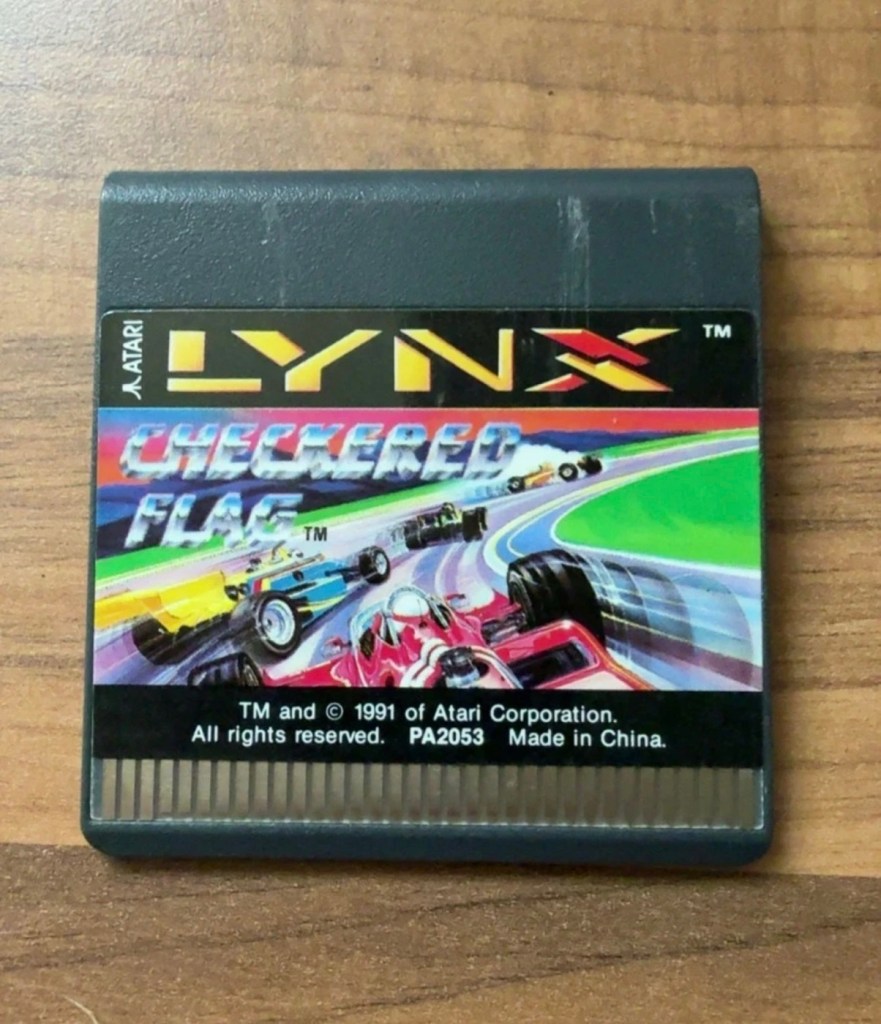
I believe that to do a proper test on these units you have to have a game cartridge installed, this is my first issue, I don’t have any cartridges so I have had to purchase the cheapest one I could find for testing purposes. I’ve managed to pick one up for £11:00GBP and to be honest that isn’t too bad. It may well be the worst game they ever produced, who knows? But it will be fine for testing purposes.
Checkered flag for the Atari Lynx
Well, we still wait. Two weeks down the line and only the game cartridge has arrived. Not much I can say about that apart from it looks ok.
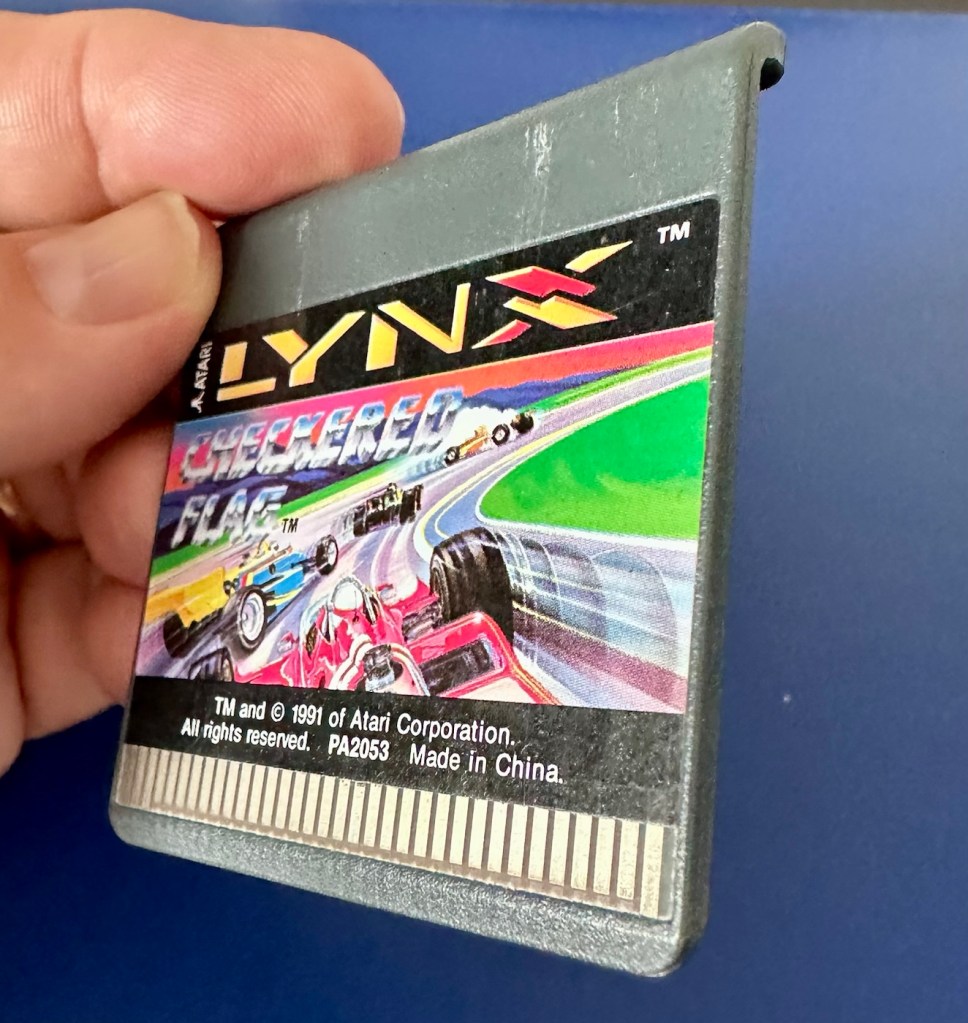
The game cartridge.
If the game doesn’t function there is not a great deal I can do here. As you can see it’s just a wafer thin plastic plug with no user access available. About the only thing you can do is clean the contacts.
We just need the console to arrive now……
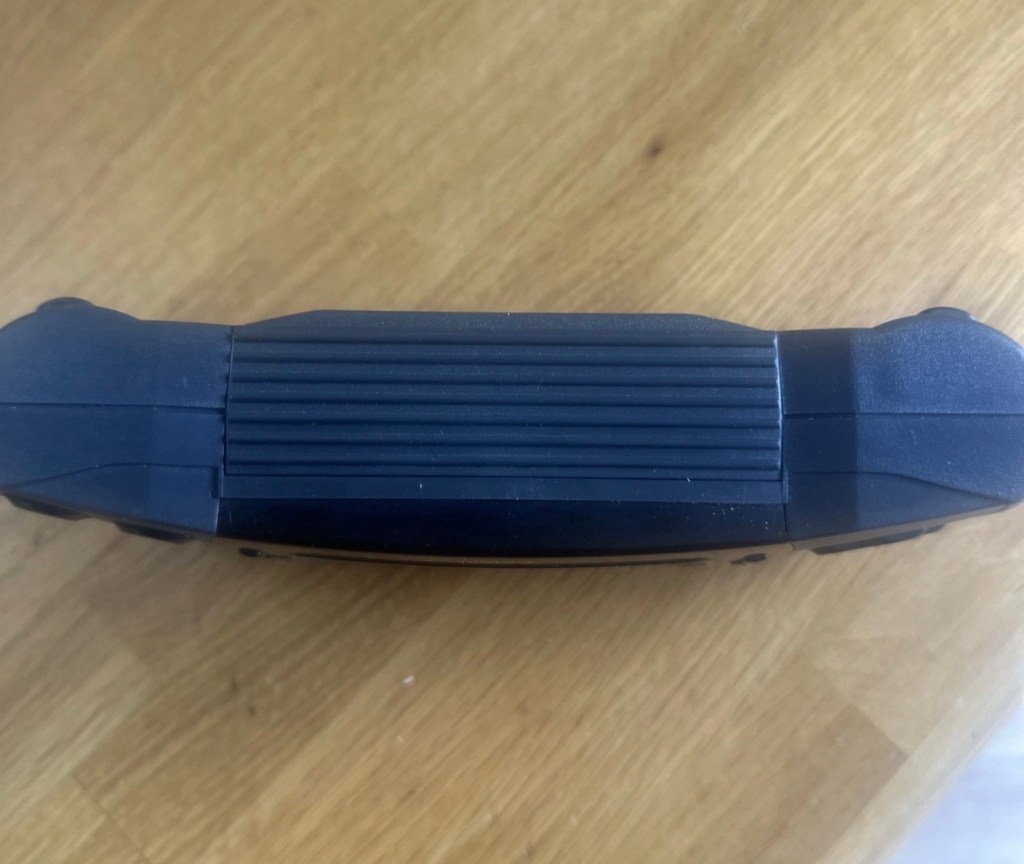
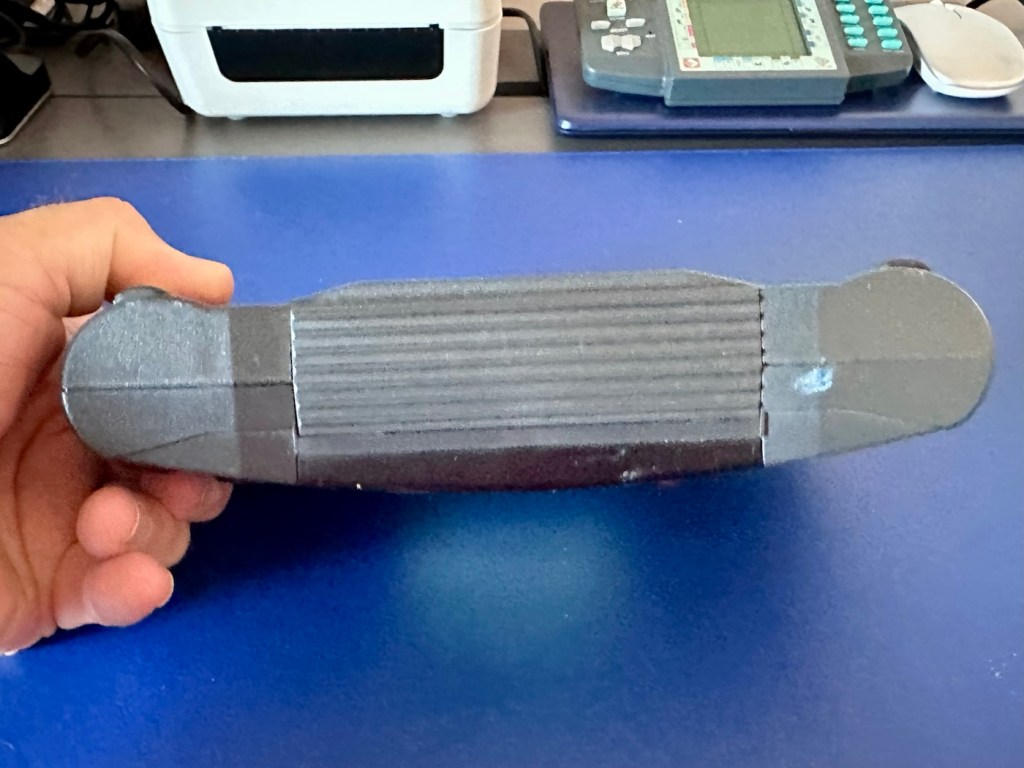
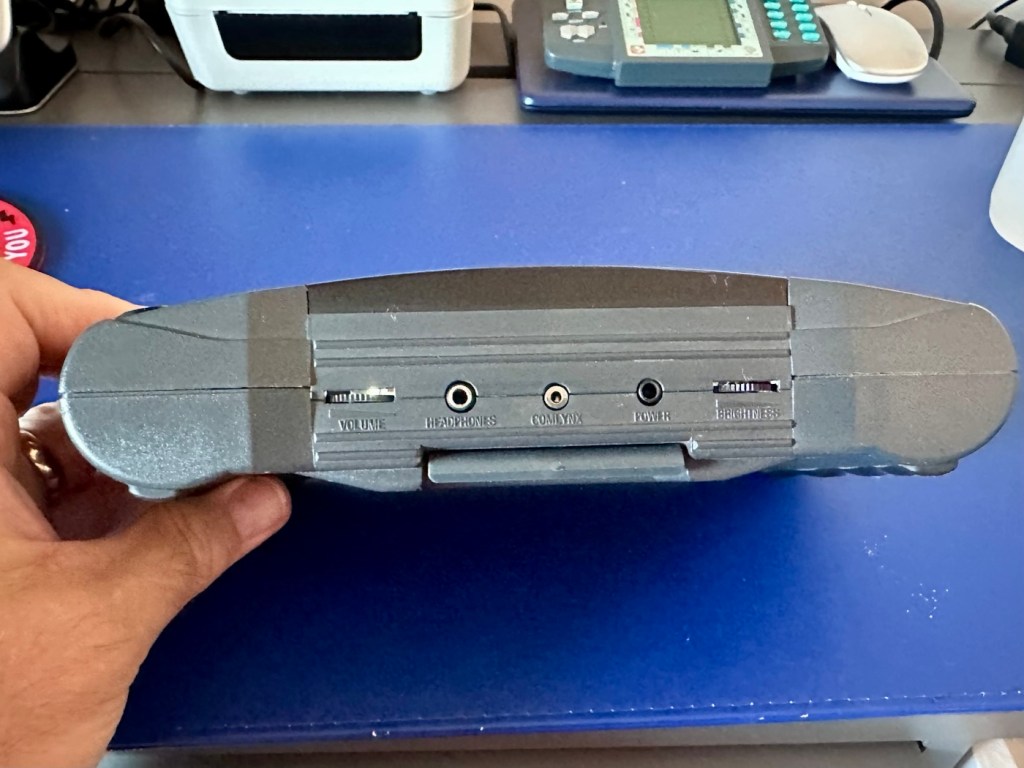
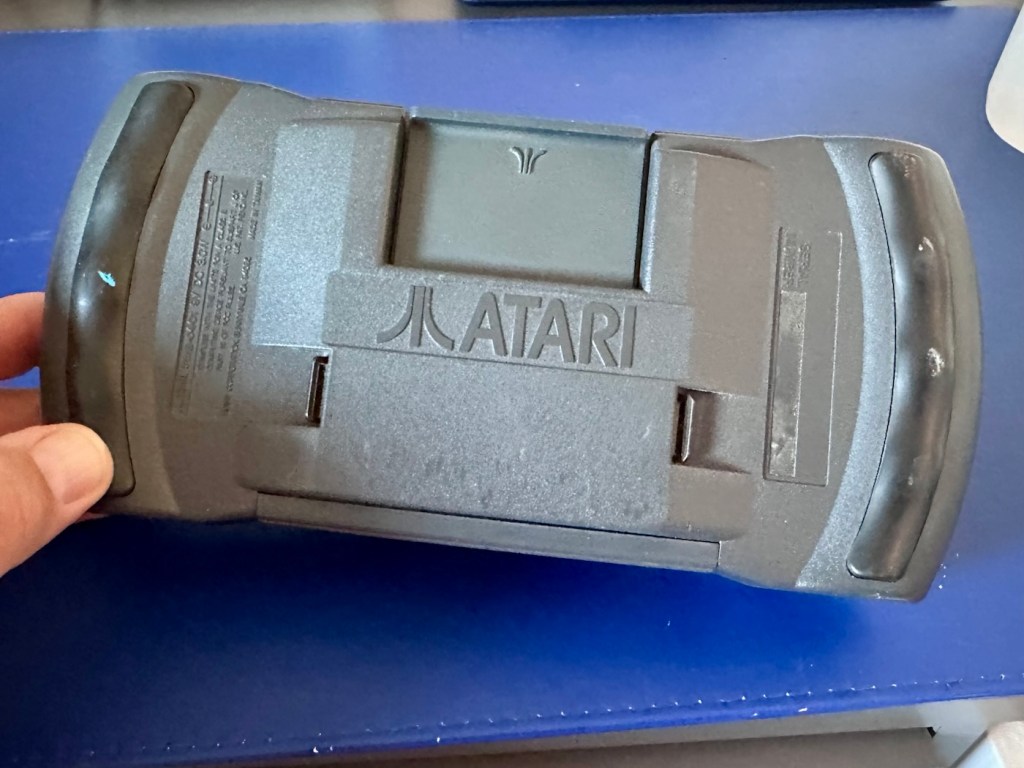
And it’s arrived and to be quite honest it is in a good condition cosmetically, and for an item that’s now 35 years old it has been well looked after. No need to put any batteries in as there are already a fresh set in there, I have checked their voltages and they are fine. 6 x AA batteries turning out around 9 volts, the units requirement.
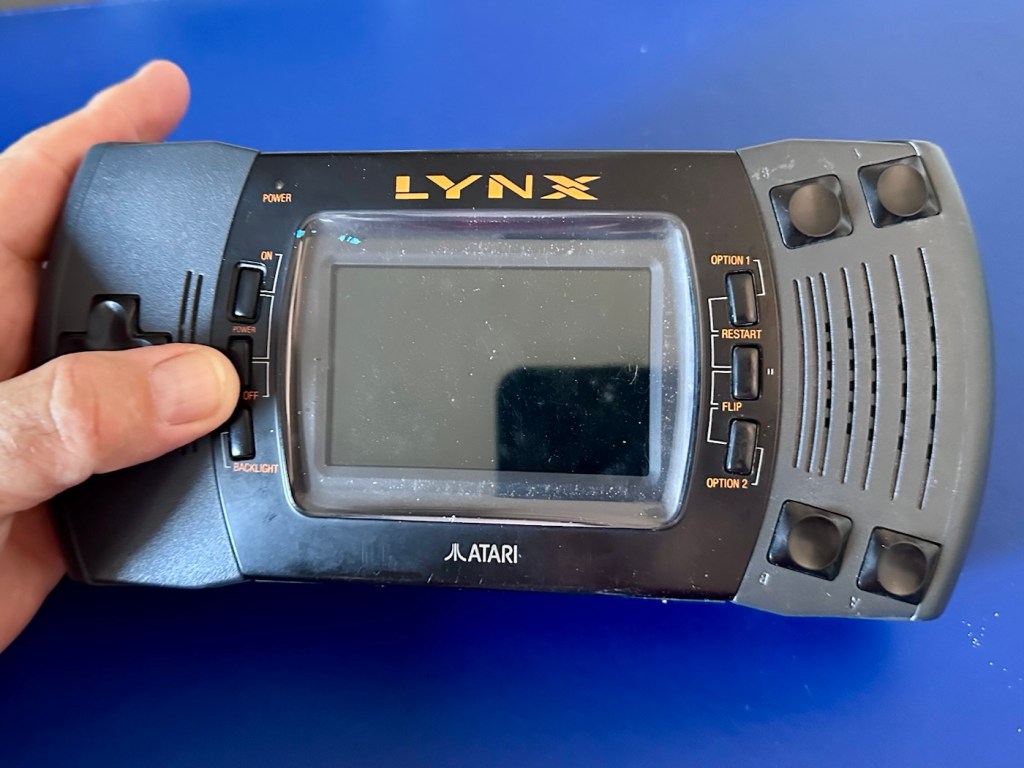
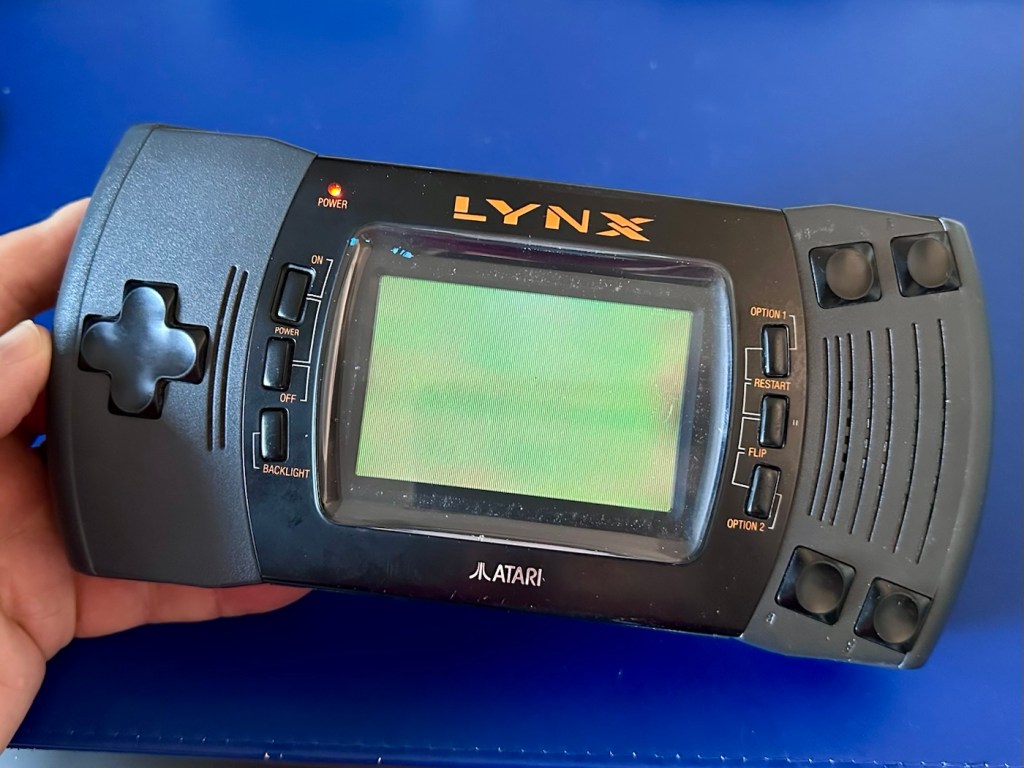
As I have previously stated, without a game cartridge installed the unit does not turn on. When a game is installed and the unit is turned on, I get an audible short “click” and the back light of the screen comes on, I get nothing else and am unable to get any sound or adjustment on either the volume or screen contrast dials.
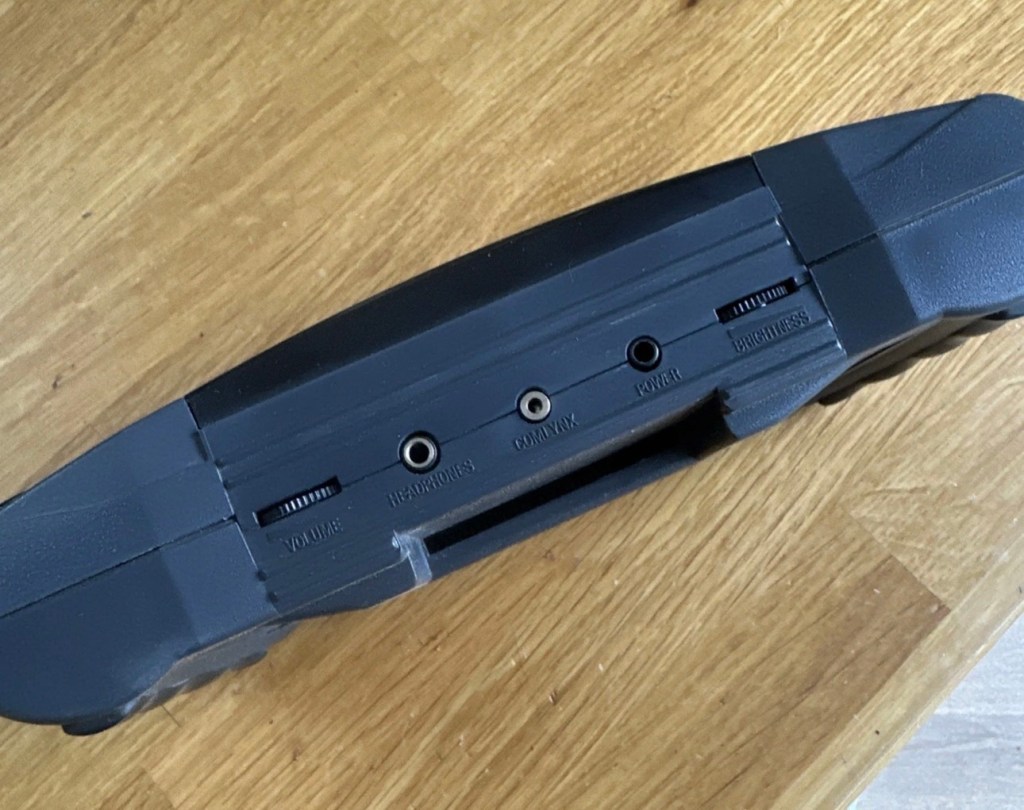
Screen offScreen onBottom TopRear
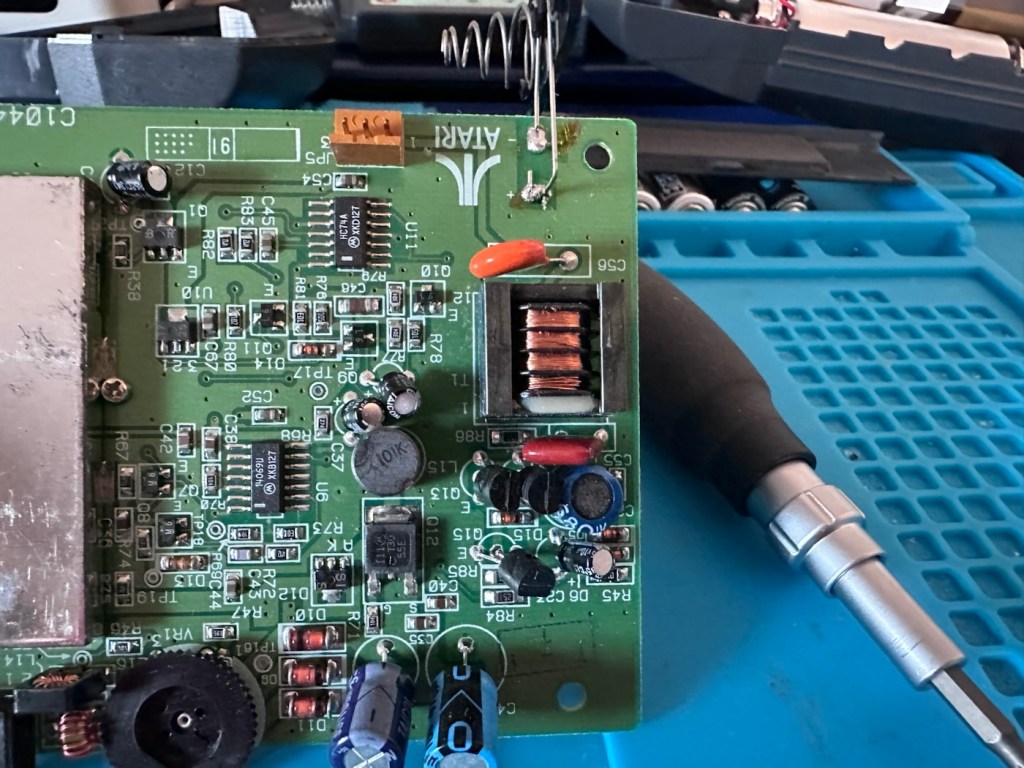
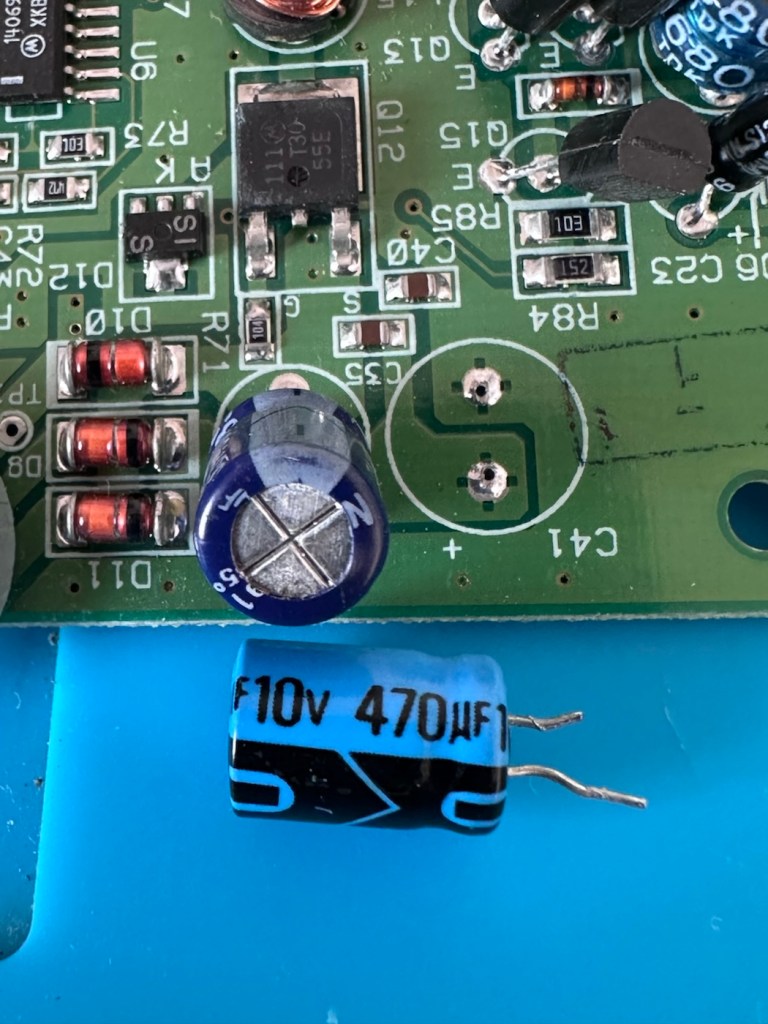
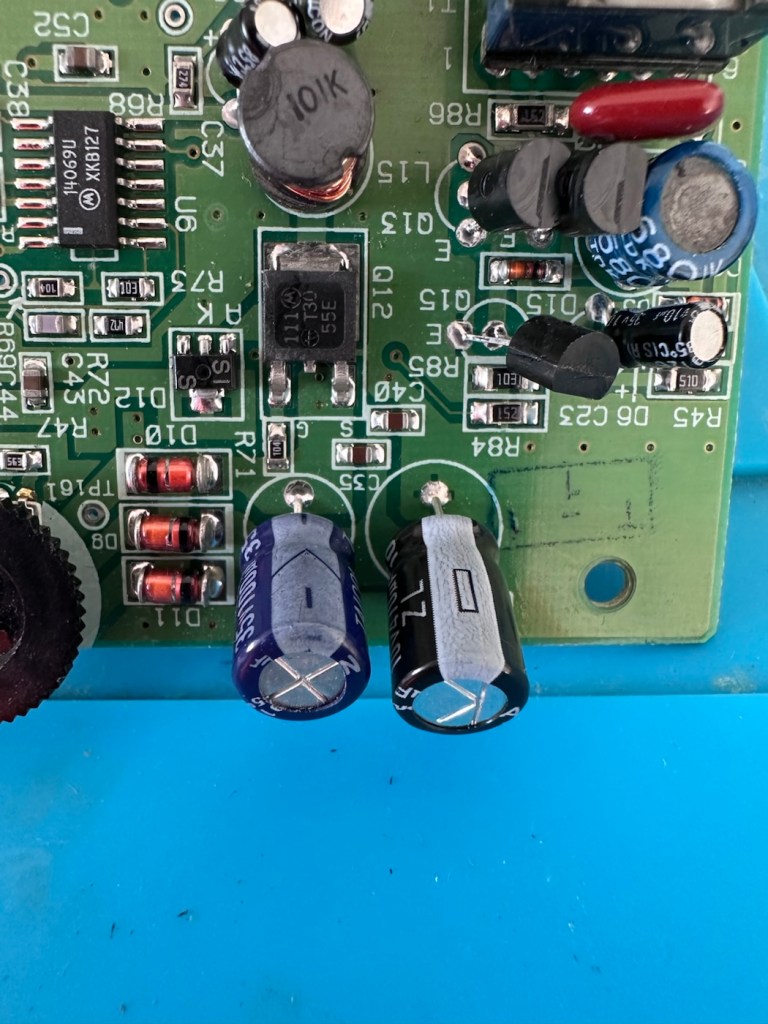
It’s looking very much like either a screen issue, or an issue related to the failed capacitors on the main board. There is one particular capacitor “C41” that controls the main power board that is notorious for failing. I will check this initially to see how it is fairing, if it is ok I will make my way through the board checking other components as well as looking for other points of known failure such as weak solder joints.
Repair:
Firstly, let’s get into the unit, and this requires the removal of five screws in total.
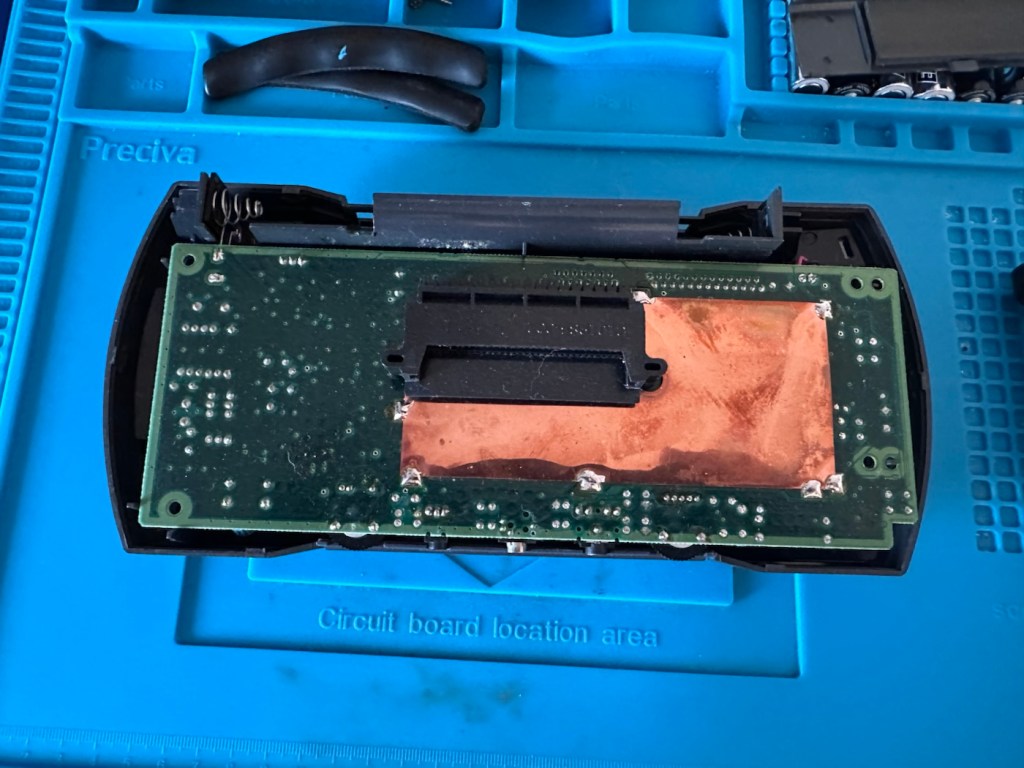
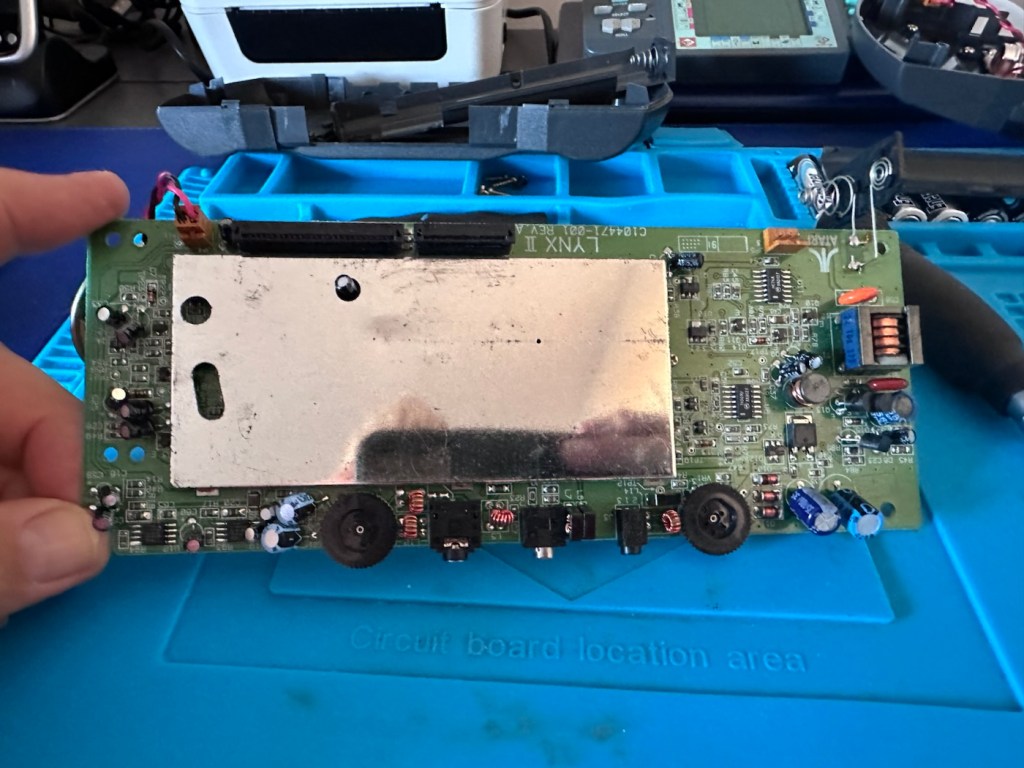
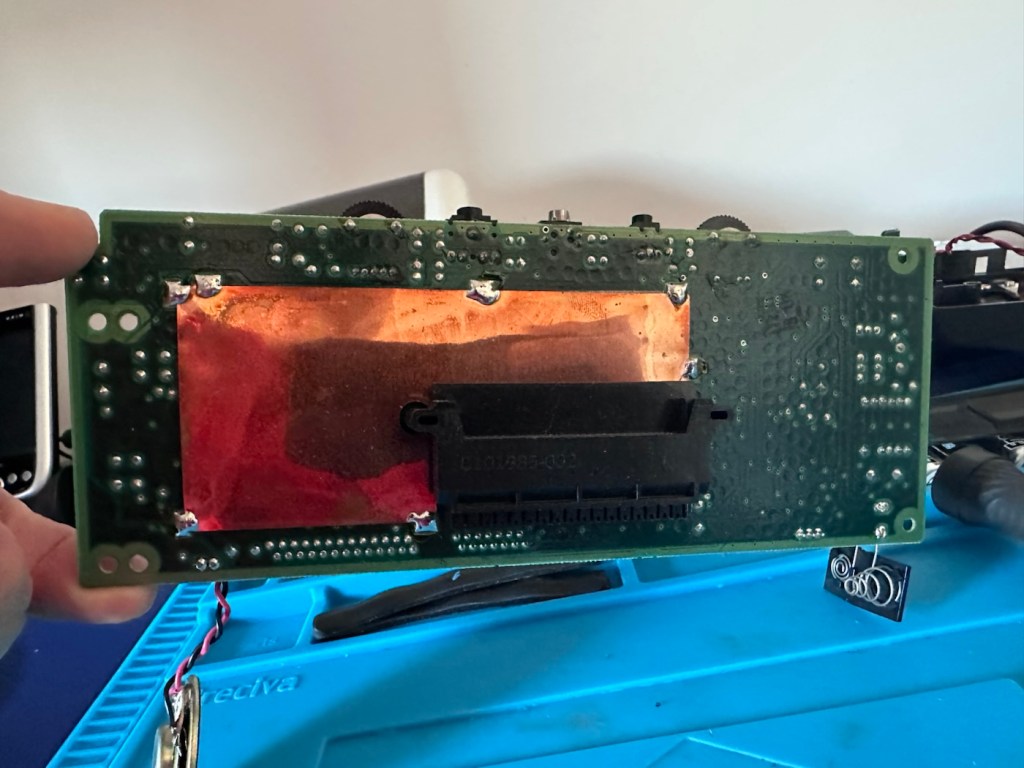
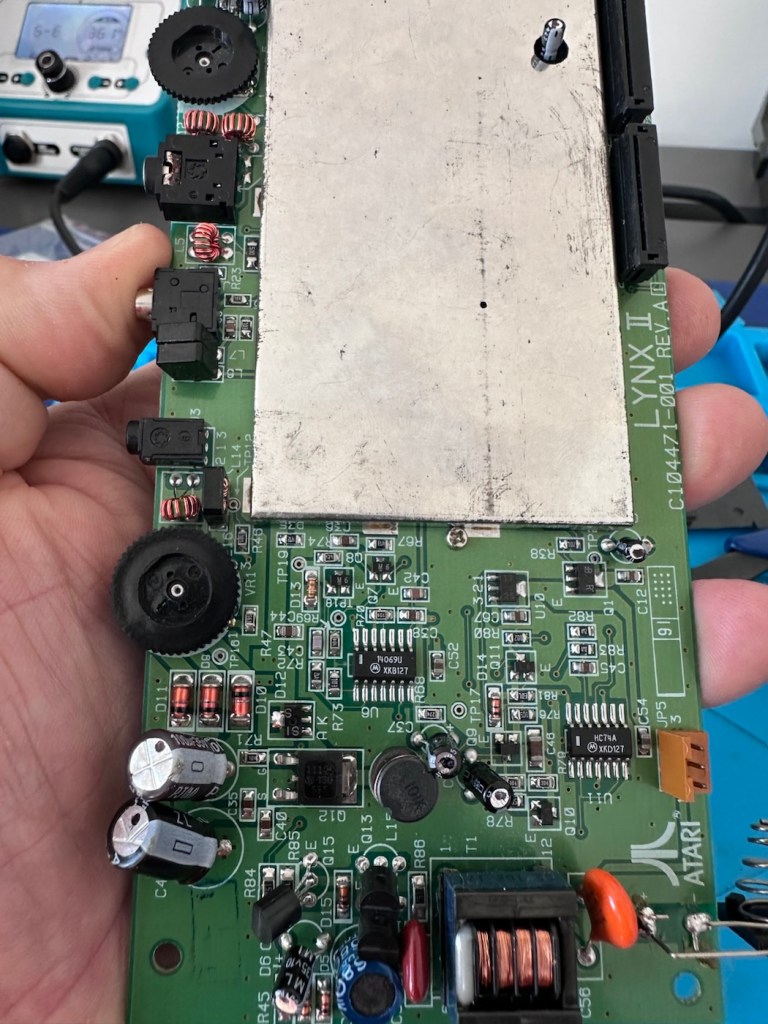
After removal of the rear of the consolBoard removedRibbon cables detached The power side of the board
The back should then lift off. Carefully remove the two screen ribbon cables, the power jack and the speaker jack and the whole of the main should just lift out.
A word of warning here. The power side of the board has a number of points that if touched will give you a nasty jolt of many hundreds of volts, a very quick and potent shock and you will certainly know what’s happened. Be very careful handling anything in this area, especially around the capacitors, and always make sure you bleed the power once the power source has been removed. If you are working live in this area, please be very careful. It’s amazing that just 9 volts of injected power can create such high voltages. You have been warned!
I’m going to order a full replacement capacitor kit, for an item of this age it’s probably a wise investment if you want the unit to be around for a good few years yet, even if the caps are not at issue they would probably need doing in the end anyway. The capacitor kit in its entirety (number of caps*) costs £9:80GBP and that’s a really reasonable price to pay to ensure the units usage can continue for many years to come.
The capacitor kit has arrived and there are 24 included. I think there are only 20 to replace (I could be wrong) so I may have a few left over.
The capacitor kit
I’ve started by removing the most prominent known capacitor that falls and that is C41. It’s a 10v 470uF value and has a tolerance of +\- 20%. So in Theory this capacitor has a value that can fluctuate between 376 and 564 micro farad, and the one on this board is registering 514uF. In theory it is still working, however it’s gradually creeping closer to to the limits of its tolerance.
Old C41 capacitor removedNew C41 capacitor installed
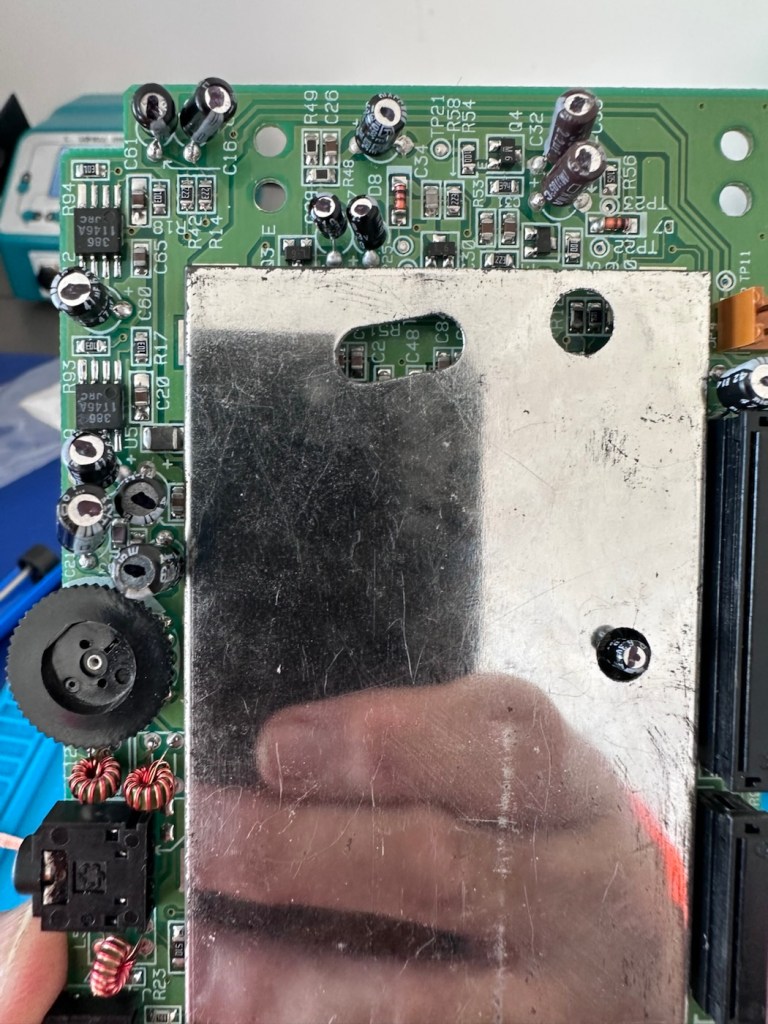
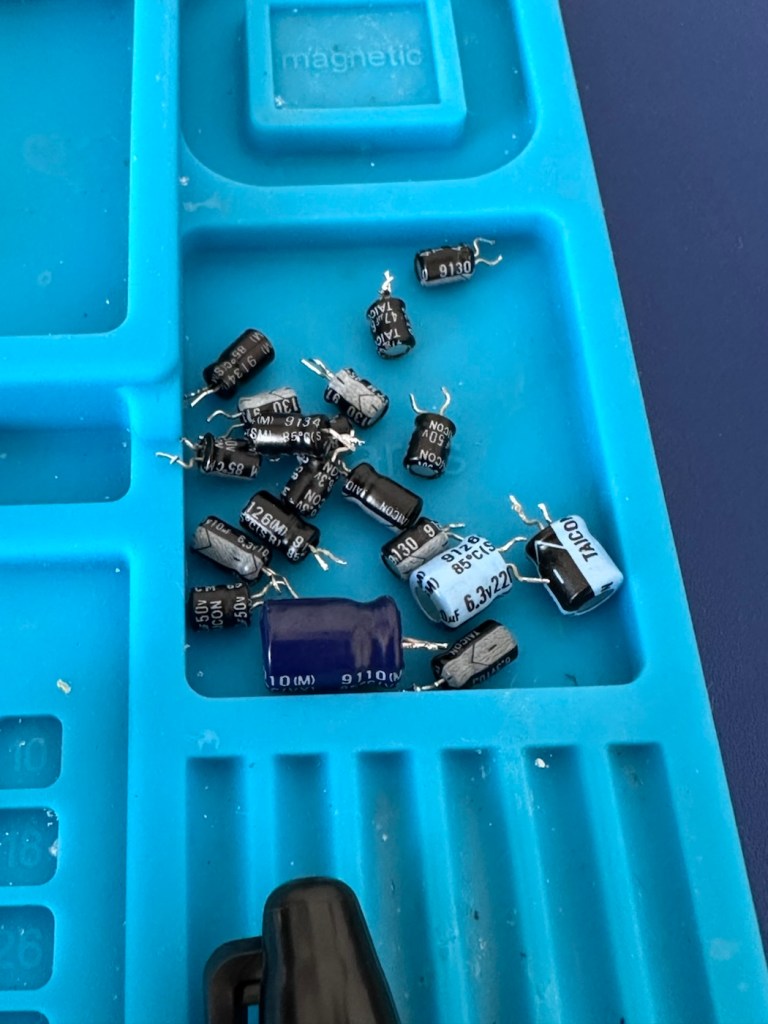
And to be honest, that was pretty much the same result with the other 19 I replaced. All were within their tolerance but at the higher end. The problem here is not capacitor related, however it’s always a wise move to replace them, before they finally go bad and cause other issues.
As replaced I marked them with a black markerBlack marker everywhere, job complete The old removed capacitors
The recap has been successful, however I know it’s not going to make a difference, and putting it back on power confirms this. There is no difference to what I was experiencing when I first tested the unit.
No change
Annoying though this is, it is a job that needed doing and I’m now going to have to focus my attention elsewhere. I’ve checked the polarity of all the capacitors and I’m confident they are installed correctly and in the right positions. There are a few tests and checks to yet carry out, I’ll just have to do a bit of investigating to take this repair further.
These boards and their components such as the main chips and ram were developed to work with a power of 5 volts. However the problem here is that the supply via batteries or via an external power supply is 9 volts. Here lies the issue. On these units the power suppression part of the circuit, those components that filter and lower the voltage from 9v to 5v were known to fail, and when they did they failed quite spectacularly. With no protection built in to stop a surge of power, if some did fail, the full 9v would be supplied to most sensitive components rendering them beyond useless, and non repairable unless you have another donor board. Worst case scenario here is that the main CPUs of which there are two, could both be dead. In which case I may have purchased an expensive paperweight! But hey, let’s not go there just yet as there are a number of things we can do to check.
Next thing I have been doing is testing voltages around the board, and they are a little erratic to say the least. It is pointing towards the power board having its usual known issues. I’ve bypassed the power circuit to run a pure 5v through capacitor C14, same outcome here, this disappointed me as I was hopeful the game would kick in, it’s looking more like one of the chips have blown, the further I investigate.
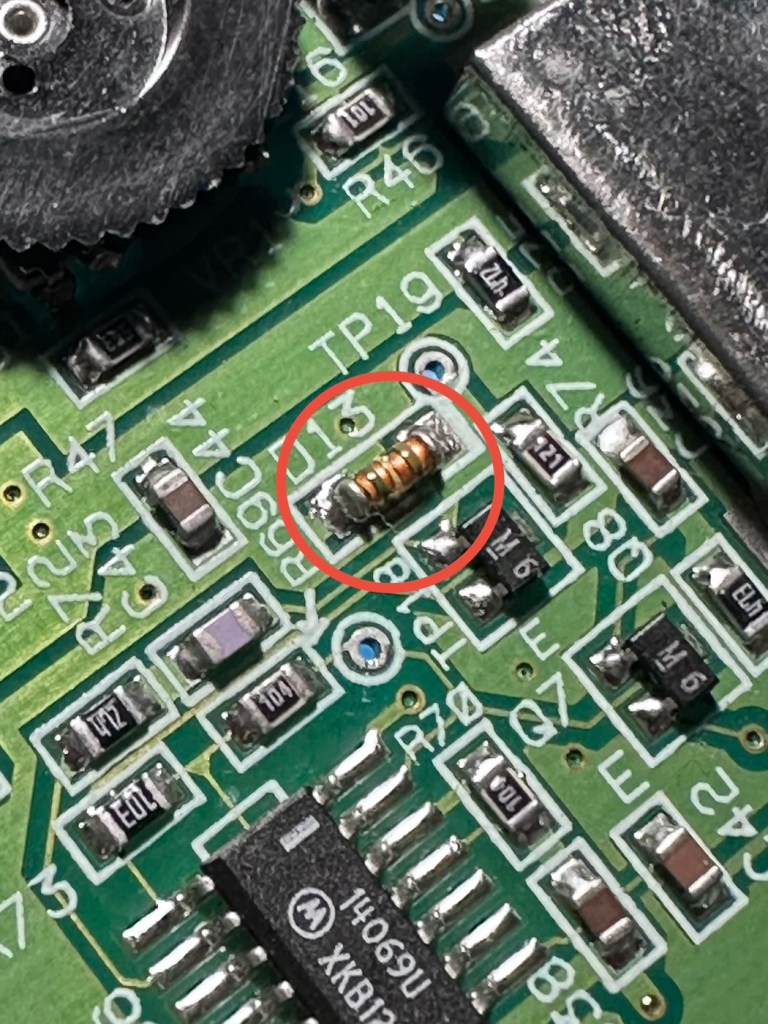
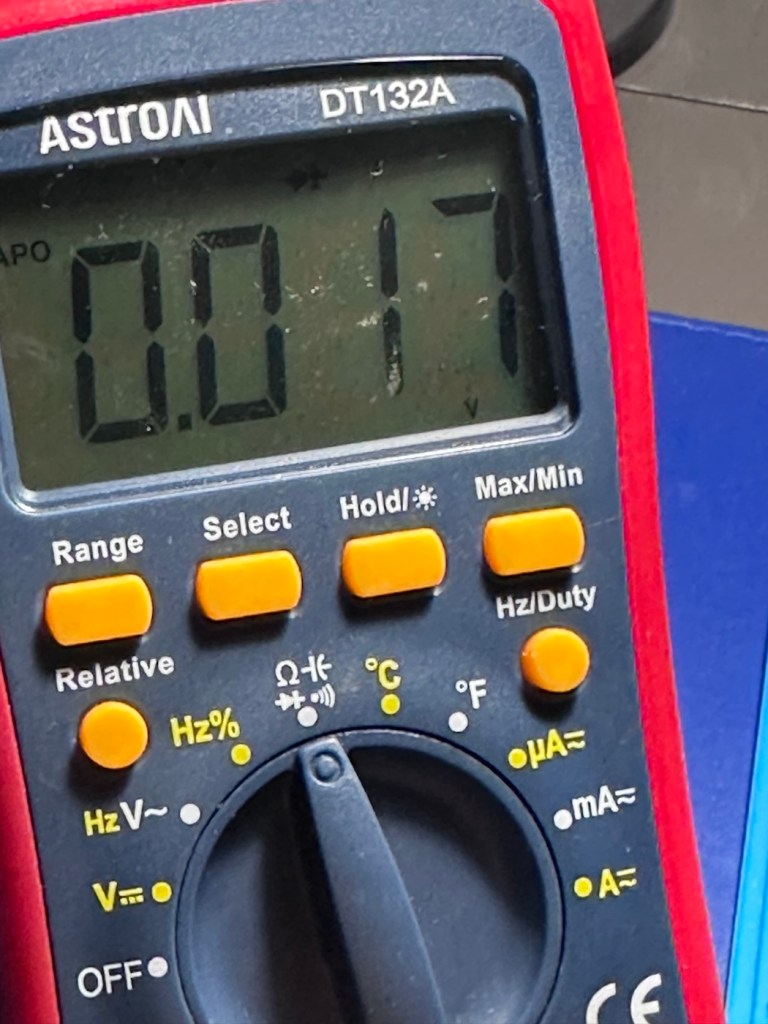
I have done a bit more testing around the power components and I have definitely found an issue with a diode D13, it’s letting power through in both directions and this is not right. I suspect there are more affected components in this area so I’m just going to go ahead and purchase a complete pack of replacement components for those known and prone to fail, on the power circuit. This will cost me £6:79GBP, another cost to add to this project.
The failed diode D13Same reading in either direction
I’m not hopeful though. Current testing results are all pointing to something more terminal. We will persevere for the short term though.
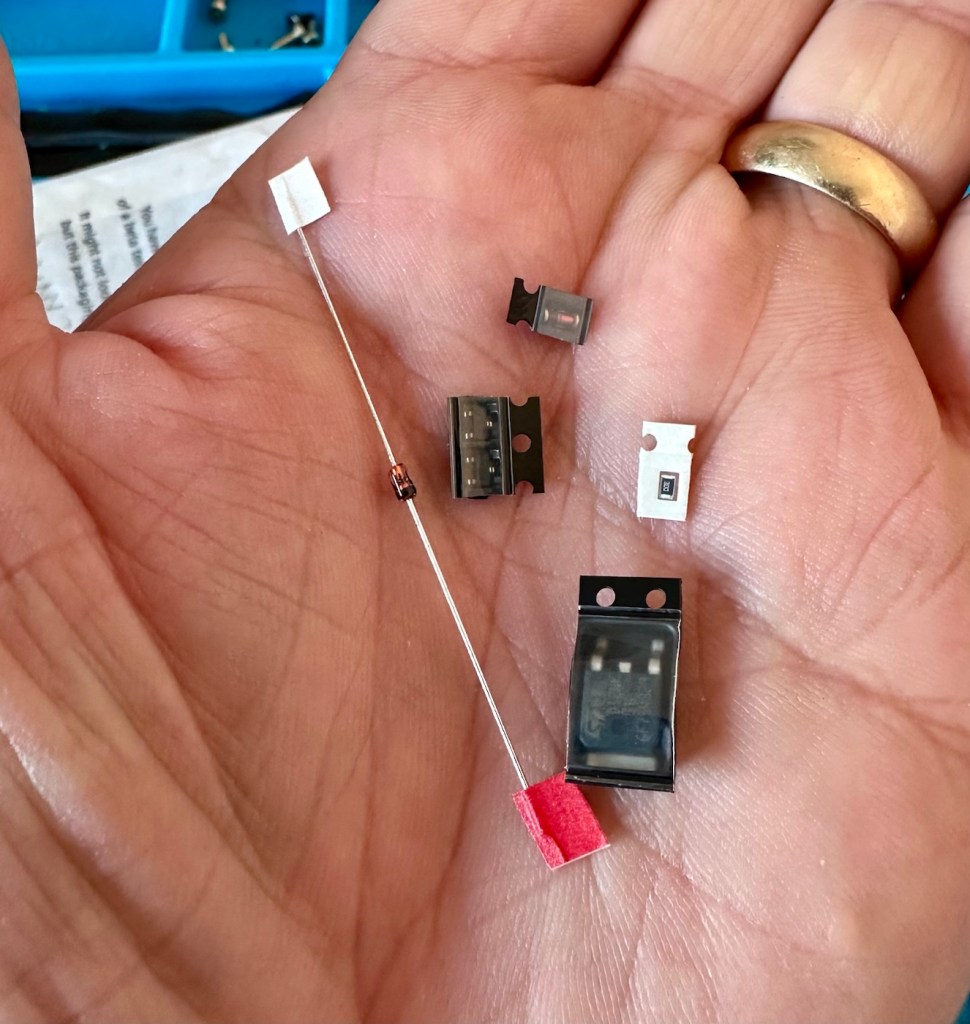
The parts required for the power board refresh have arrived.
6 of the tiniest replacement parts
And they are minute in size. Installing these components is going to require a lot of patience and concentration.
The company that sell this power board refresh kit in the UK is ZedLabz.com and this is what their accompanying paperwork states:
Within this kit you will find a replacement Mosfet, two transistors, a resistor and two zenner diodes of different mounting types.
Part locations:
Q11 – Mosfet
Q4 & Q13 – Transistors
ZD1 – Zenner diode (two mounting types included)
R56 – Resistor 30ohm
This parts kit can be used on an Atari Lynx 1 or 2 handheld. One surface mount SMD and one axial through hole zenner diode are included, making it suited to both Atari Lynx 1 & 2, you can choose which type of diode you want to fit.
The kit also includes a resistor which can help with some models to push up the voltage enough to get it stable.
The parts we supply in this kit are from Major distrbutors only ensuring they are genuine.
Console dissasembly and internal soldering required.
ZedLabz.com
No kidding there! It should really say some soldering of components slightly smaller than a grain of rice is required. Let’s stop the whining and just get on with it.
I have replaced all of the five components that needed to be replaced, I’m really quite pleased with the job I have done considering just how tiny these components are, my soldering skills appear to have improved somewhat as a year or so ago I wouldn’t have even attempted such a job. That’s the positive.
But now the negative.
It’s Dead, very dead.
There is still no improvement despite pretty much an entire rebuild of the circuit. I have checked all voltages and they are in the right place showing the correct values. It’s been recapped, the power board has been rebuilt, all solder joints have been checked and ribbon cable connections have all been reflowed.
Result:
My conclusion that the previous owner was well aware of the issues, they probably contributed to the problem and the unit has been sold on as “spares and repair only”. I have failed to pay attention to the old Latin saying “Caveat Emptor” or buyer beware.
The situation is this. A new LCD screen can be purchased to drag the unit into the 21st century, but there is no point when we have no sound and vision being produced. The problem here is that the 9v power supply has already been able to get to the delicate parts of the circuitry where only 5v should be in attendance. I am 99.9% certain that the ram chips as well as the two logic chips “Mikey & Suzy” have long departed. And there lies the problem. The two logic chips are as rare as hens teeth and are pretty much only available when transplanted from a donor unit. The unit is basically dead, it’s just a paperweight.
I will put the unit into storage until a later date, when I have done a lot more research and who knows I may even find a suitable donor board to transplant those two logic chips.
For now the project is on hold. I don’t like writing of failures as many hours of work over many weeks has been dedicated to this project. You can’t win them all though, and some you just have to step away from a project to get a fresh aspect on it. Having this log of activity is fantastic for me though as it will now become the reference for where I go next.
It’s a learning curve, that’s for sure.
When I come back to the project I will obviously link to this post.
Thanks for passing by. It’s always very much appreciated.










 Foxes Den
You must be logged in to post a comment.