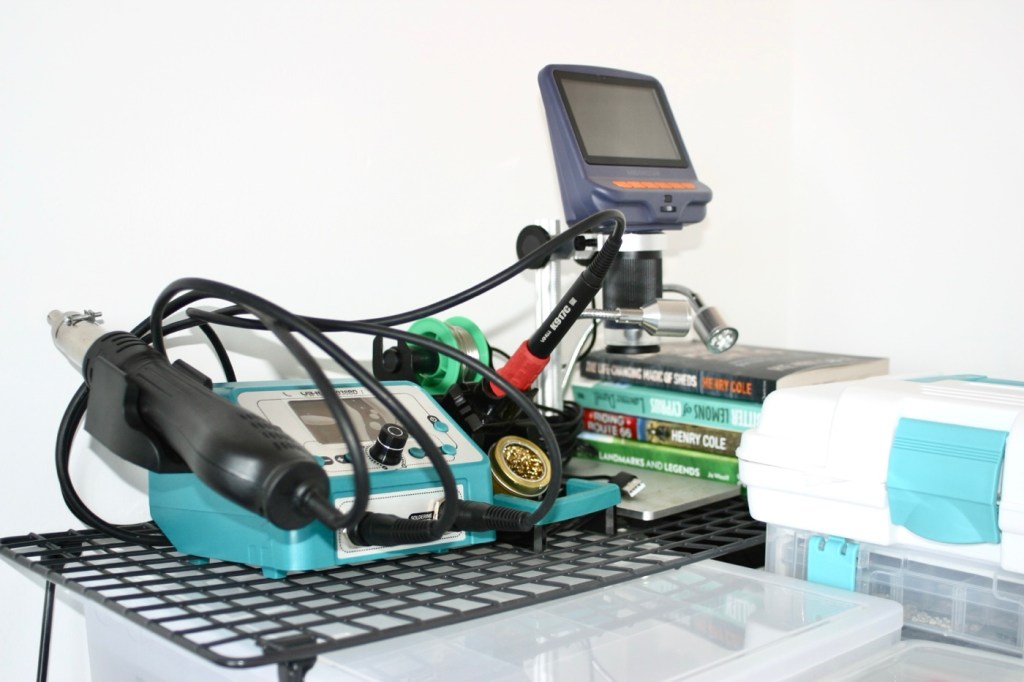
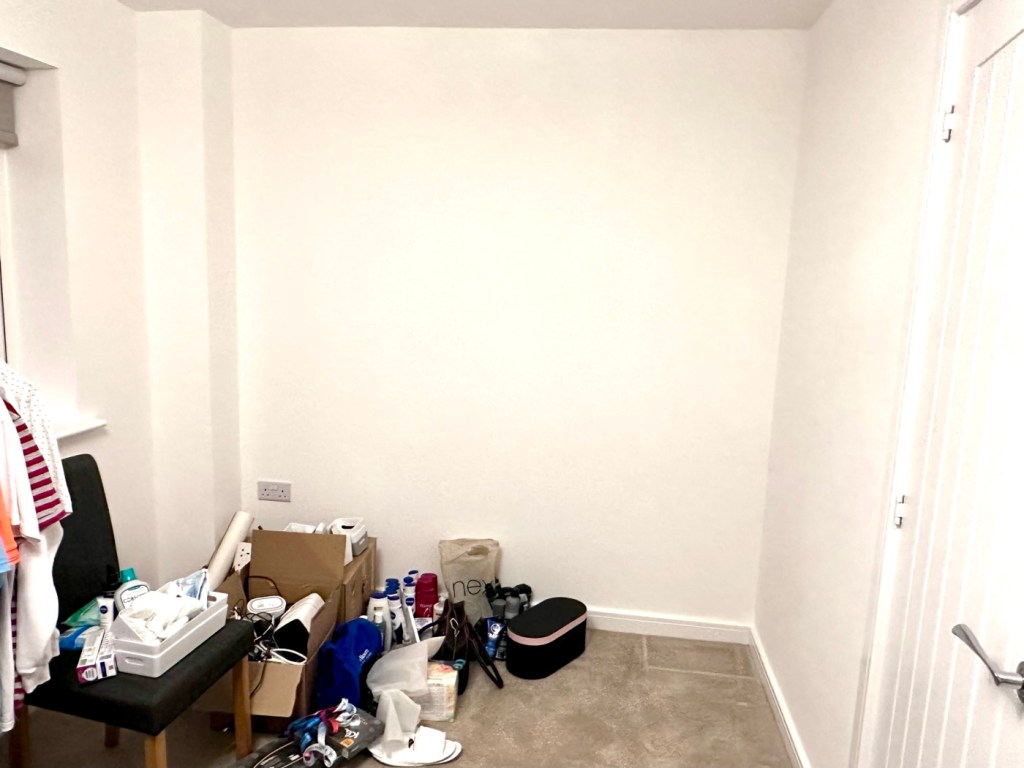
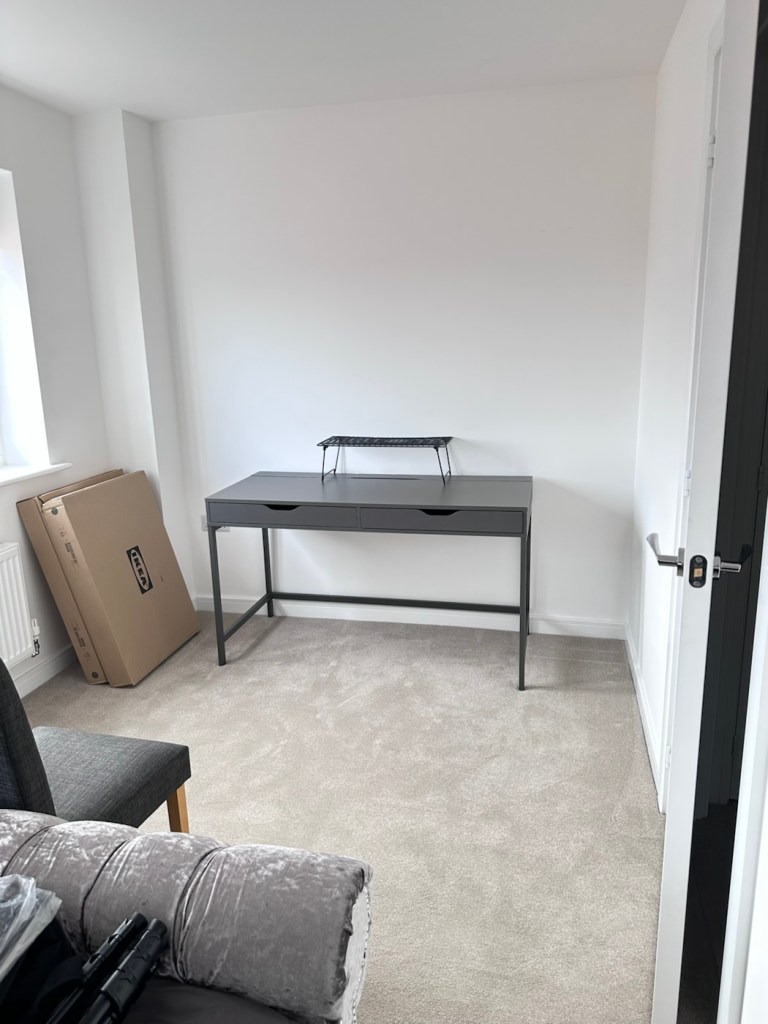
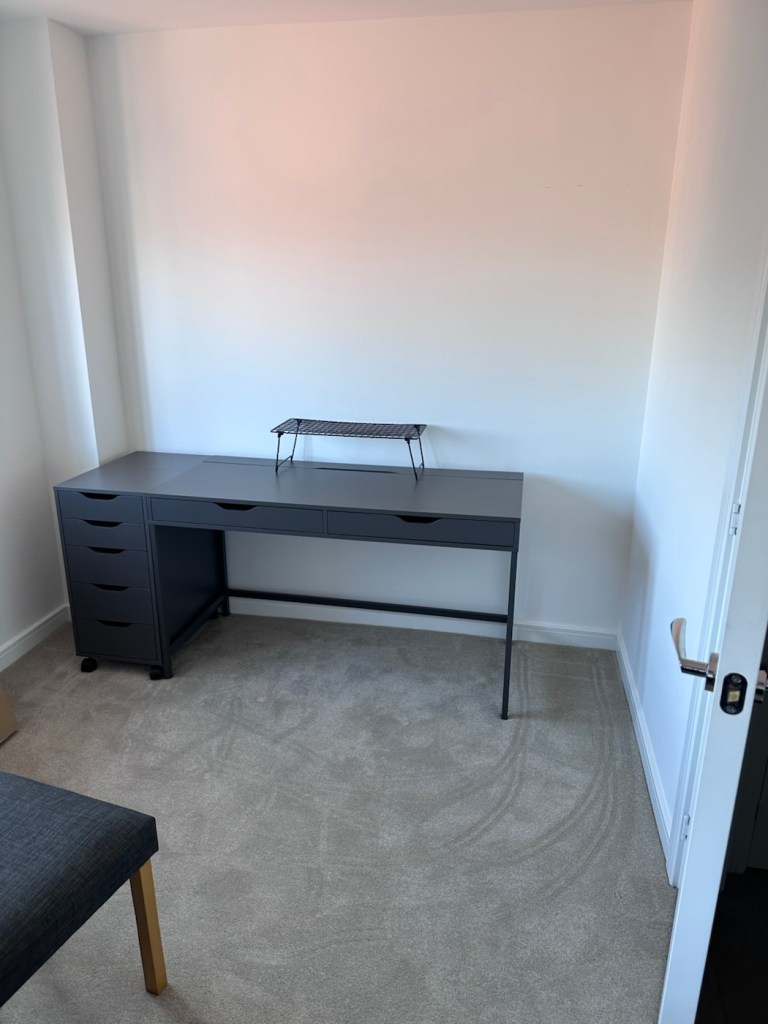
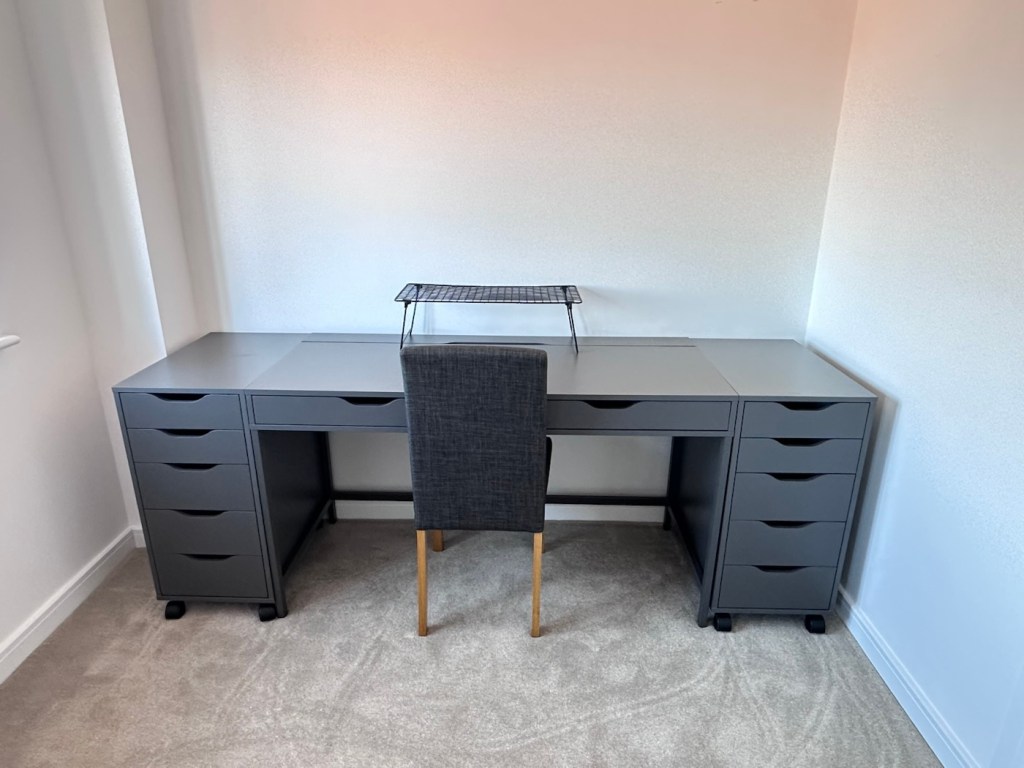
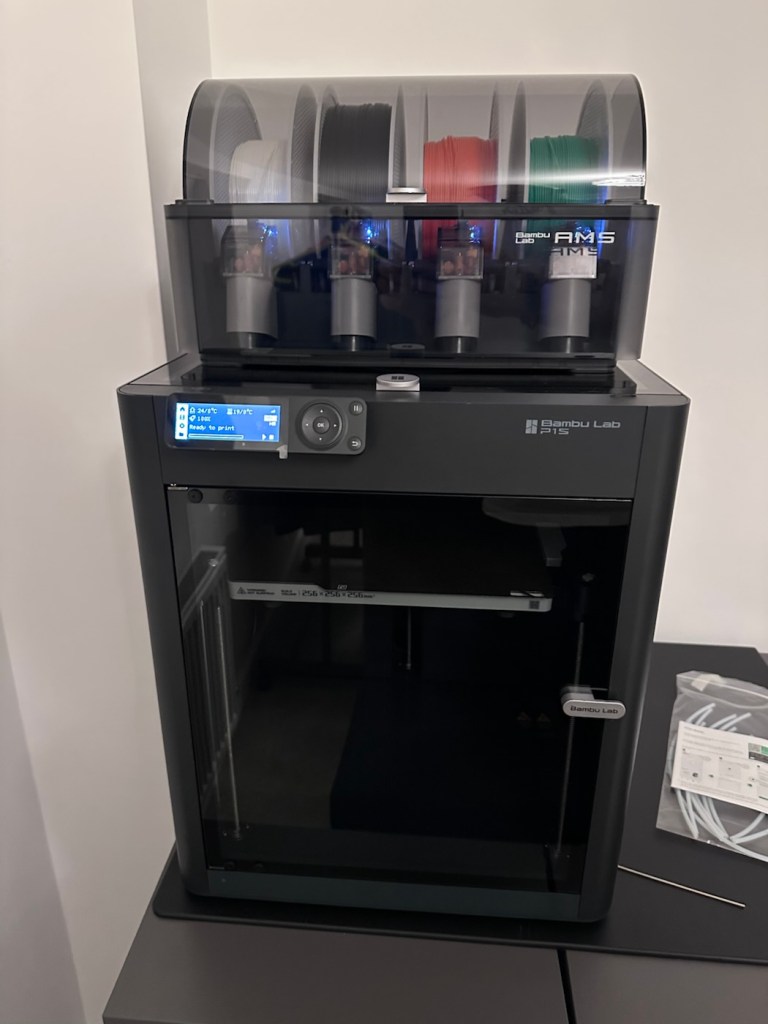
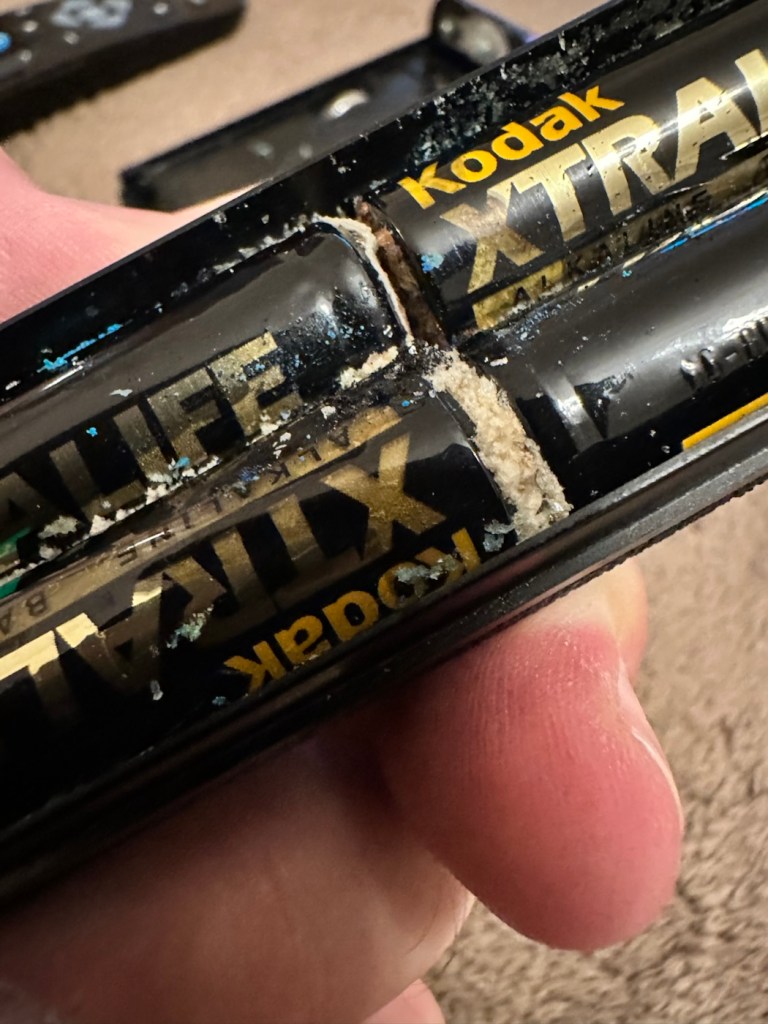
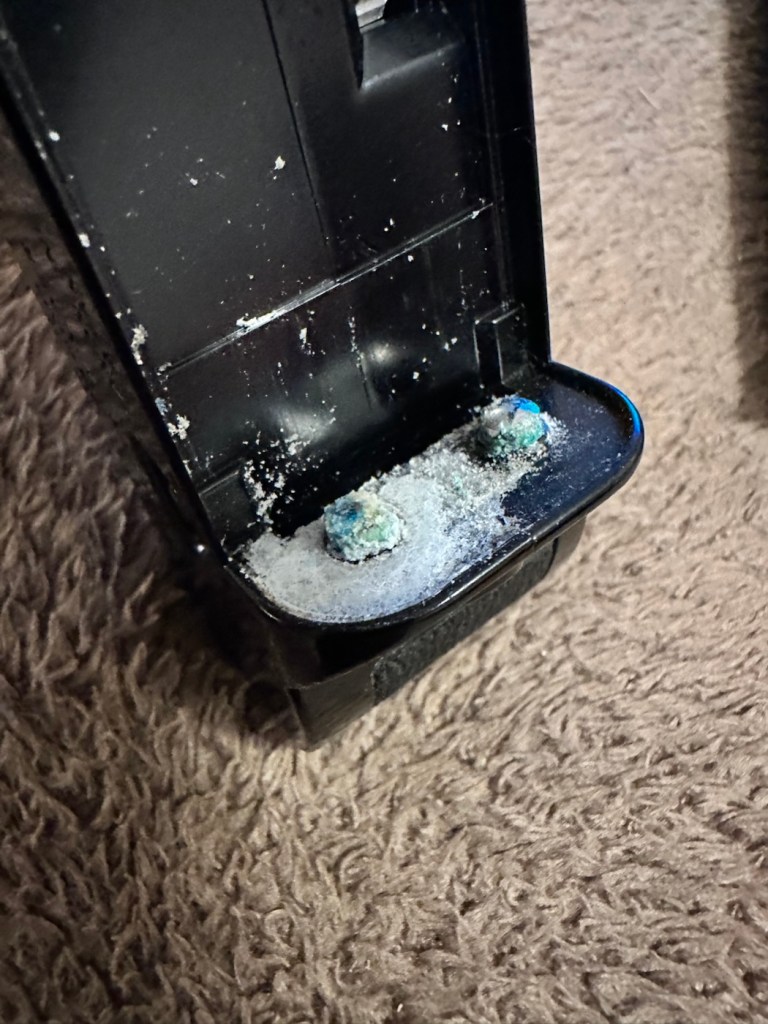
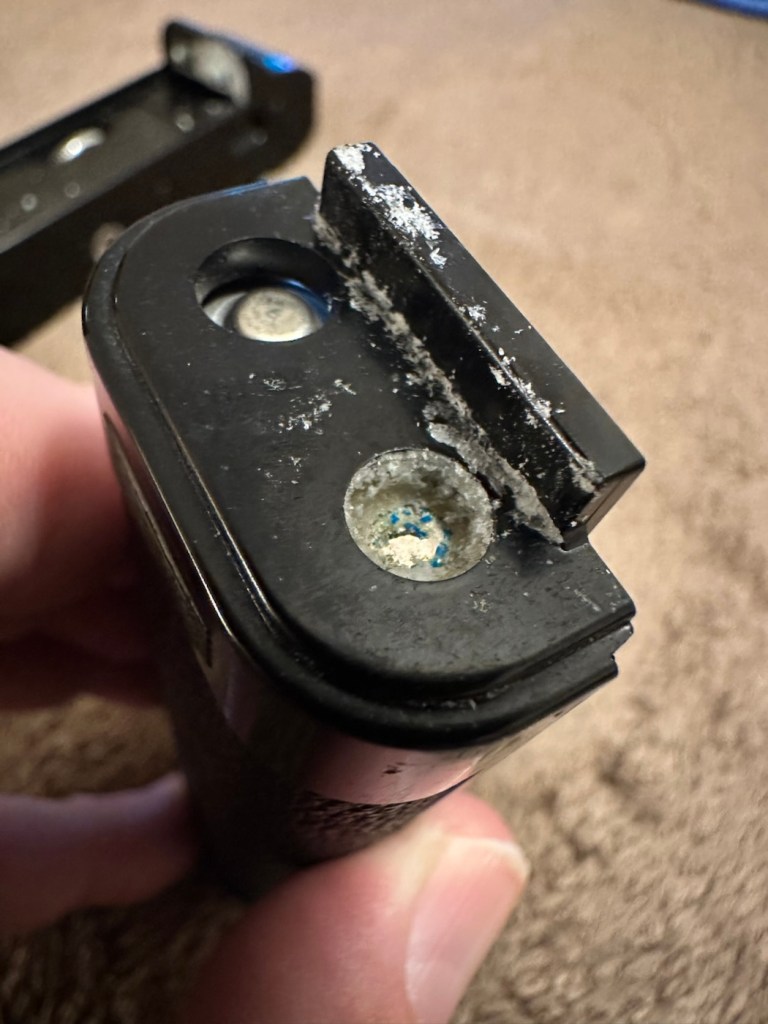
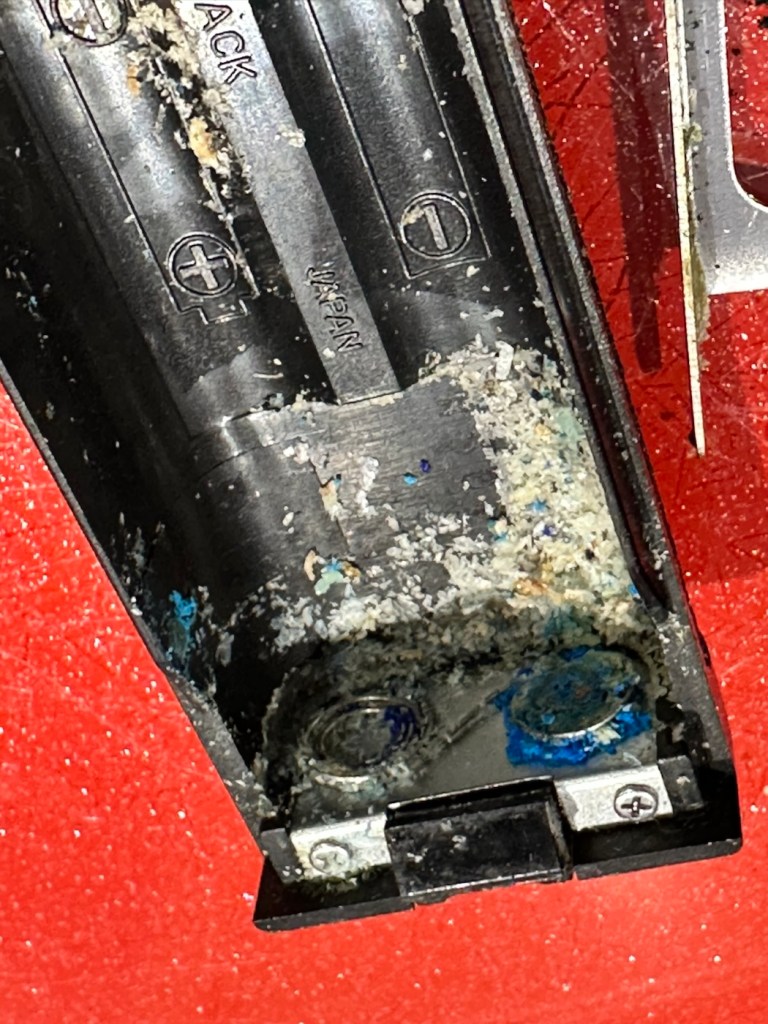
The workspace is starting to take shape. Normal service to resume soon. Maybe I can catch up with this backlog now.
I’d pretty much closed down my workspace, when we sold our old house back in August last year. Everything I used the most was pretty much moved into storage as we prepared to make the move to our new home. All I was left with was a few screwdrivers, so needless to say, content on this site dwindled, whilst purchasing continued, hence I currently have 29 posts, in draft, awaiting completion as I don’t have a suitable workspace or the equipment available at the moment to complete any of them. I even purchased a 3D printer in November of last year for my birthday, it has been in storage all this time, I have now brought it home and have now made my first 3D print, that post can be found here: My First 3D print attempt
Things are about to change.
We pretty much have every room in the house now up and running. We are settled now and the final boxes have been attended to within the house, and we are finally getting to the point where regular recycling visits to the tip to get rid of the old cardboard boxes are finally coming to an end.
The next stage in my wife’s own words are, “ we can now get Dave’s room sorted.” The words I’d been waiting for.
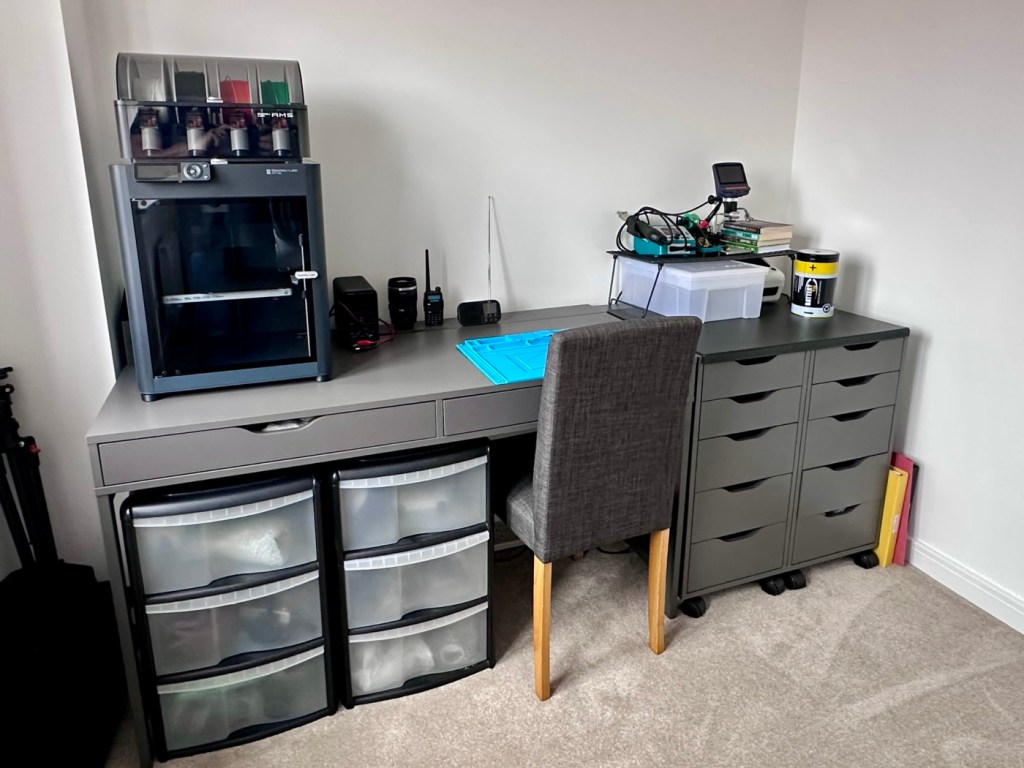
My workspace – a wall in a guest bedroom
I’m calling it my room but in theory it’s not a whole room. It’s part of the third bedroom where I am probably just occupying one wall at the end of a guest bedroom, it’s all I need, I have a Garage to do all the blokey stuff in, this space is purely to work upon all my cameras and other more delicate items of work.
Whilst visiting a certain Scandinavian furniture store i have purchased a basic setup for me to begin working on. The good thing about these furniture systems is that you can start with a basic layout and just expand upon it, and that’s the plan.
I have a desk and drawer system arriving today, and quite a bit of construction to do, once this is in place then I can start getting my gear from storage and get it back into place. It will be nice to have all my equipment in a permanent placement, without having to take it all apart and storing everything back in boxes after I have used it. I’m looking forward to this as to be honest, I’ve really missed it. However I have been pre occupied around the house and there has been an awful lot to keep me busy, there’s been no rest really, I must be very wicked 😂
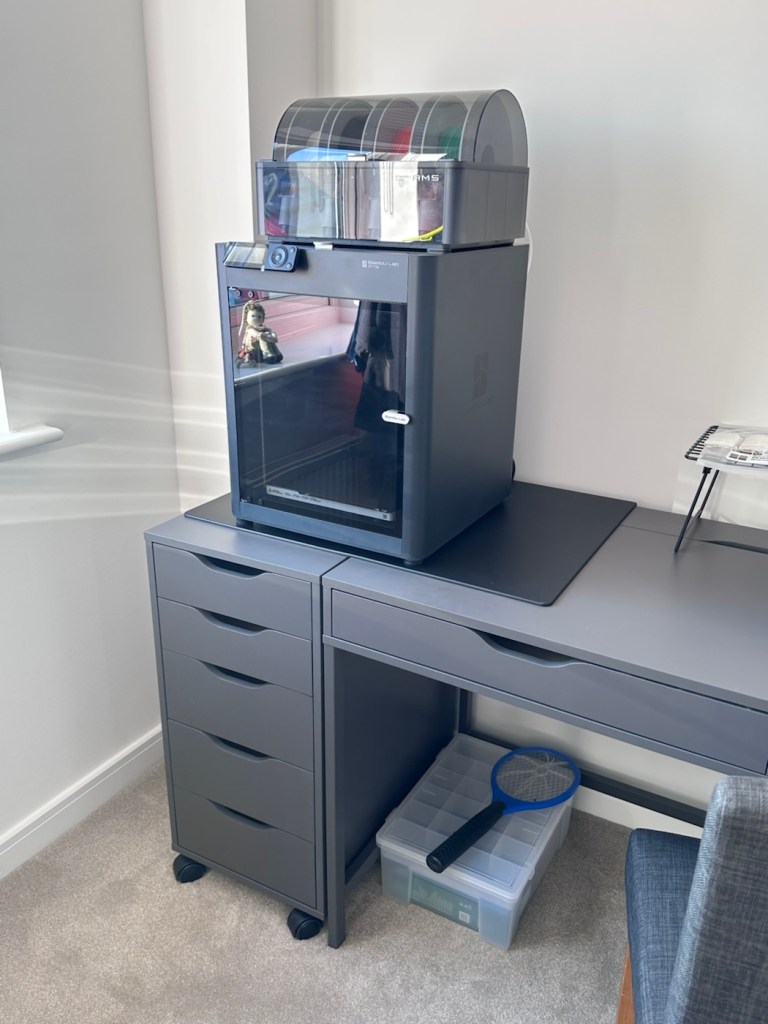
The workspace starting to come together
So as of 10th March, I’m quite pleased to say that my workspace is now ready to use. It’s still a way from being complete as I still have stock to bring from storage along with the last few tools and boxes of components. There are still shelves and storage to put in place, but at long last I can now sit down and finally start to play catch up with my ever expanding backlog.
The workspace….liable to be moved about yet again
I must admit I’ve moved things about, and I’m probably liable to move things about again over the coming days and weeks, even months as I can’t quite decide how the setup should look. It’s probably going to be a few sessions of me not being able to find tools, parts and cameras that will help me decide just what, should be where. In the meantime, it’s good that a kind of normality has been restored, and I can now start to resume where I left off all those months ago.
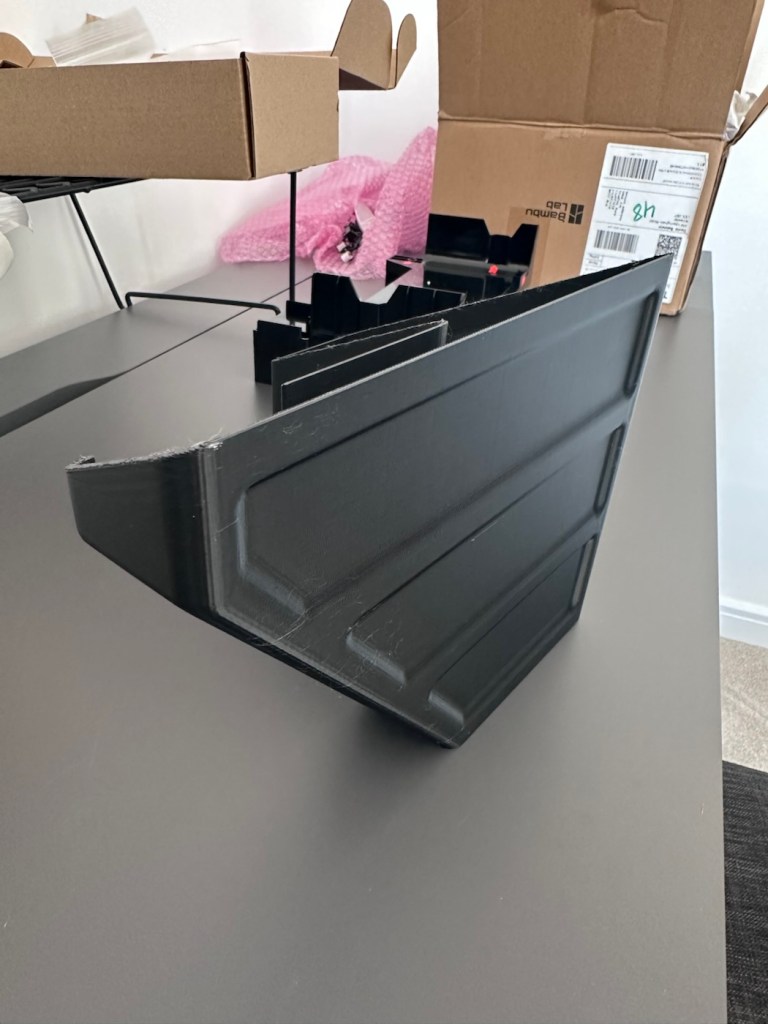
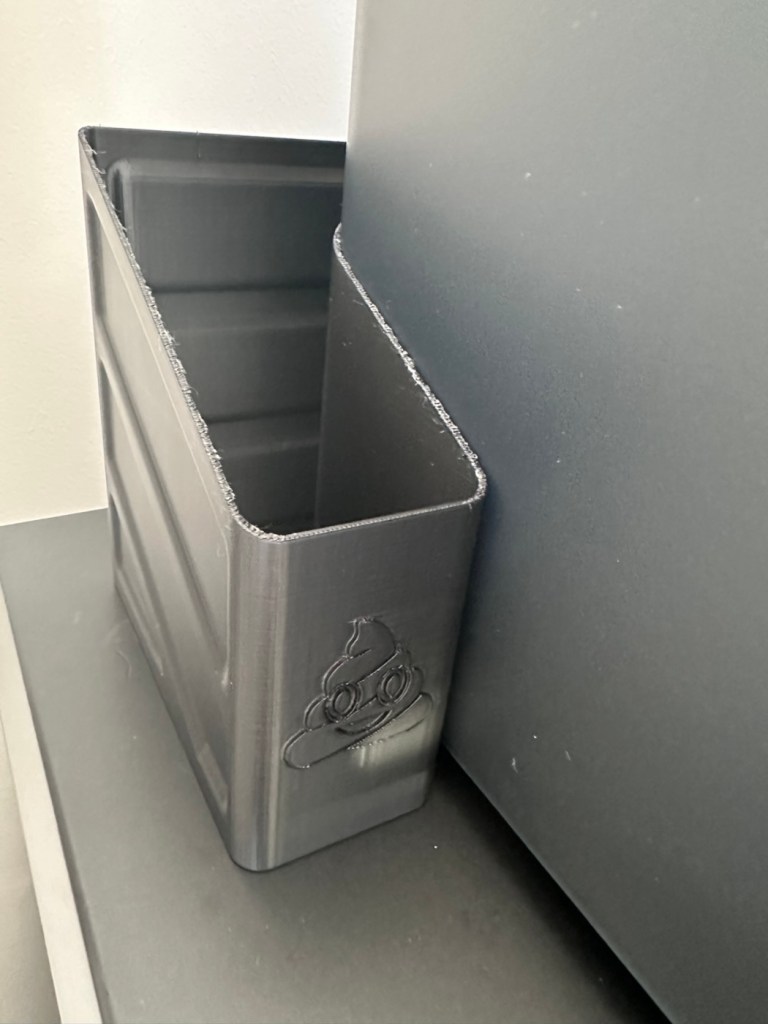
I’ve had a 3D printer for 4 months now. I am now able to use it and today I have produced my first 3D printed item. A Poop bin. Yes you did read that correctly….
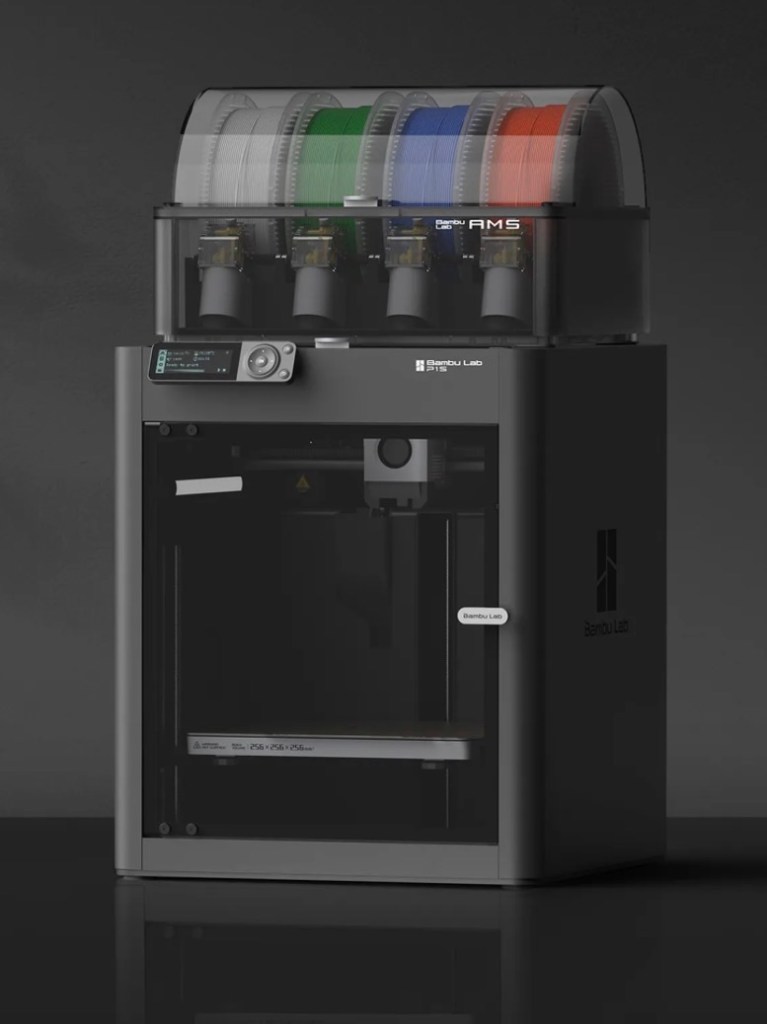
Those of you who watch this site with eager anticipation (I’m joking 🙃) may remember a post that I published in November of 2025, when as a result of all the money I received as gifts for my birthday, I went out and purchased myself a Bambu PS1 Combo 3d printer: I’ve taken a dive….
My Bambu PS1 Combo
I’ve not printed a single thing 3D in my life and to be quite honest I haven’t got a clue on what to do, but as usual I’m willing to learn. I’ve had a number of occasions over the past couple of years where I’ve needed an obsolete part for a project, I’ve had to go as far as Italy to get parts printed whereas with this equipment I could have done so my self, cogs and gearing are a regular item that I come across that I could also use this equipment to produce. See, it will serve a use to me once I have my workspace configured.
That time has arrived….
Now we are safely moved in to our new home, and all the important stuff has been attended to, attention has switched to getting my work area up and running, and I will shortly be uploading a post regarding the inside my work area.
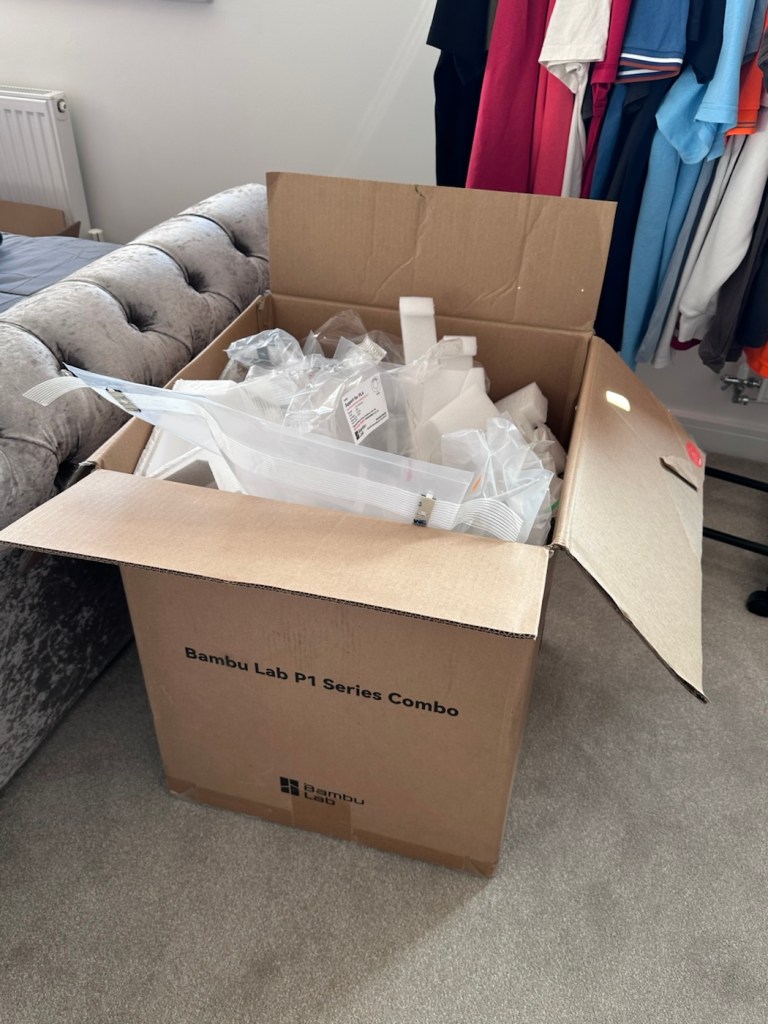
However, this piece of equipment has been in storage since November, almost 4 months now and needed to be put into action as soon as possible. Seeing that the workbench was now in place it only seemed right that the printer was now unpacked.
It’s a big box, and has a lot of packaging
Even to do the unboxing there is a QR code to link you through to the process to follow, it is very informative as these printers are packaged so well, there are screws and supports to remove, put in place to stop sensitive parts being damaged or dislodged during transport.
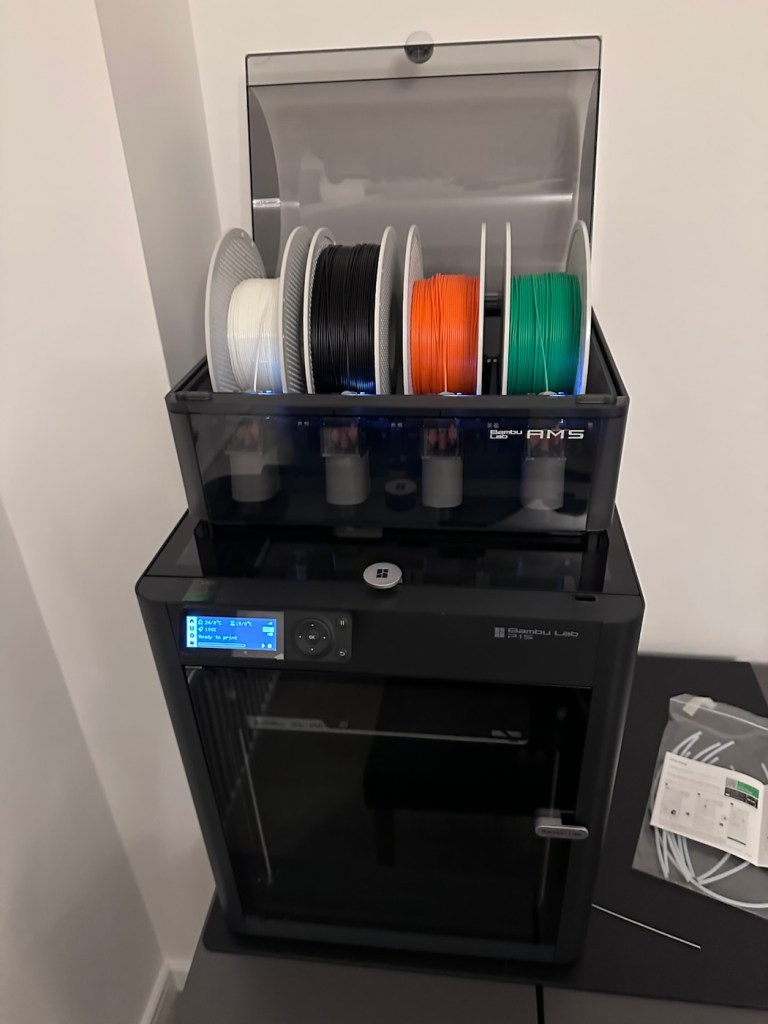
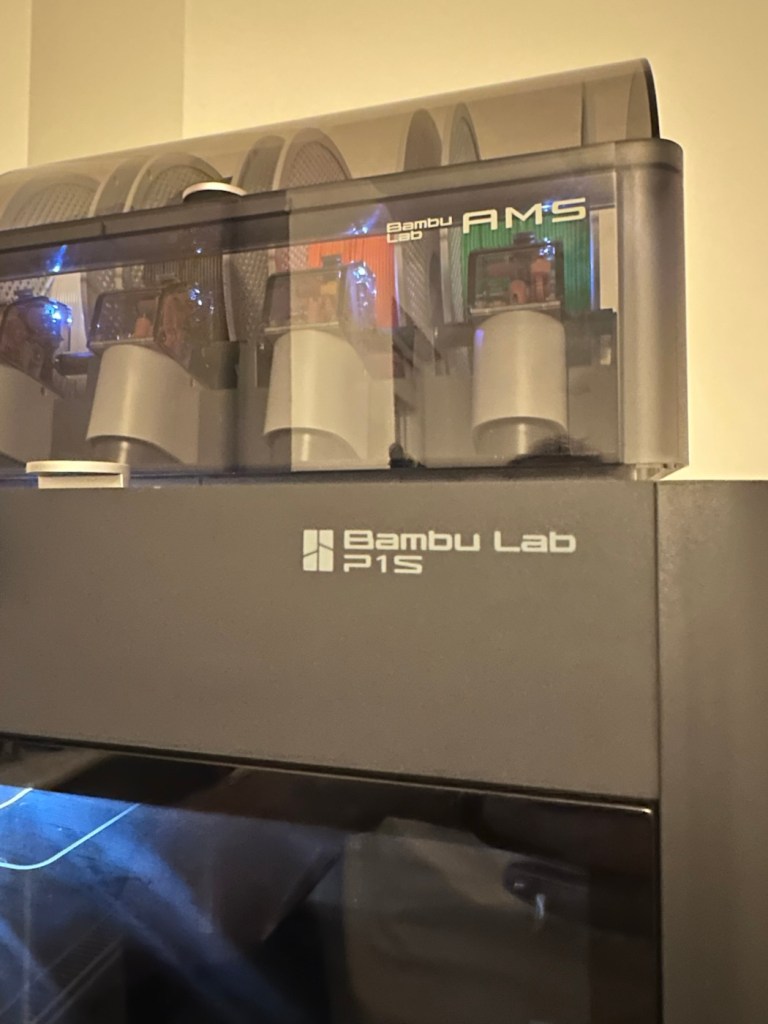
The AMS system installed on the top of the printer
When you follow this system of unpacking, you are also linked to an app called, “Bambu Handy” that really is the control system for your printer. Here you register, set up blue tooth and WiFi options and the app then becomes your monitoring and control for your printer. At the moment I’m sticking with just this app, once you are more experienced there are a number of more complex programs you can then use for design and editing purposes. For now I have found my level. I now install what is called the AMS system on top of the printer, it is an automated feed for using more than one coloured filament, the printer can move from one colour to the next automated, without interrupting the print process.
But that creates a little waste product….
And there is my first print project.
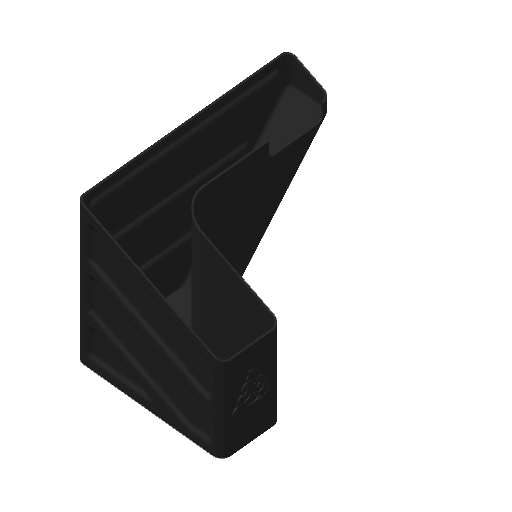
When the printer initially primes, or when it changes colour it will create a little waste as it clears the nozzle of one filament to use another. This waste then exits the rear of the printer onto the floor, or work bench depending on the positioning of your printer. For this reason people then install what is known as a “Poop bin” to collect such waste. Here is a draft picture of the one I will print for this printer.
A draft “Poop bin”
Now, this app fortunately comes with absolutely thousands of pre programmed prints covering all aspects of printing technology from home, toys, educational and everything in between. Fortunately, because “me” as the totally clueless, doesn’t have to learn basic CAD and slicing techniques, because some clever individual has already done that for me. And for that I am very grateful.
There are a number of tools and equipment you can print for these printer units, it’s as if they are self maintaining and developing. All very clever stuff.
But a “Poop bin” is a necessity if you don’t want to suffer the wrath of your other half by spewing out randomly produced plastic waste on to her nice new carpets. That is not conducive to a happy and peaceful existence 😂
So a “Poop bin” is my first ever 3D project….so here goes.
A simple selection on the app, of the item you require, a few settings get amended, the printer does some calibration checks and then the process starts, this particular print takes about 4.5 hrs to complete. Fortunately the system has an inbuilt camera so you can check progress or even get a timelapse at the end. You can basically shut the door, turn off the light and walk away, you can always check in, but sitting there just watching for 4.5 hours can get a tad boring, and is just like watching paint dry, so why not just walk away and do something more useful. I did just that, and went to assist the wife with some chores.
Here is the said timelapse of the print. 4.5 hrs in about 30 seconds. The dark periods are brief and were just me messing with the onboard light settings.
My 3D poop bin printing
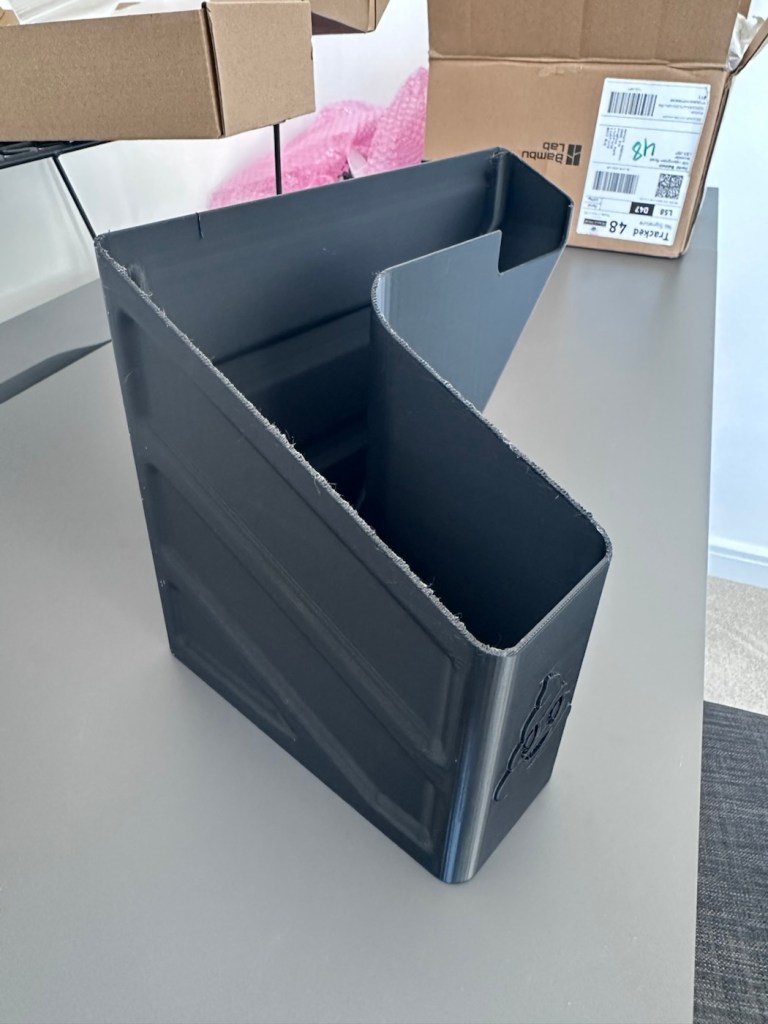
Here’s the actual finished article, and situated at the printer.
Printed item, and in place
So that’s it really. Still learning but quite happy with what’s been learned so far, the desk and everything needs some fine tuning and there is a lot of gear still to be added but we are now off to a flying start.
Current position with anti vibration feet now installed
One thing I did notice was that there was some vibration and noise, however I did get gifted some anti vibration feet with the package when I purchased the printer, I have now installed these so hopefully the next print will be a little bit more peaceful, not that it was particularly bad anyway.
And that concludes this post. Thanks for reading, it’s always appreciated and I hope this day finds you well and at peace.
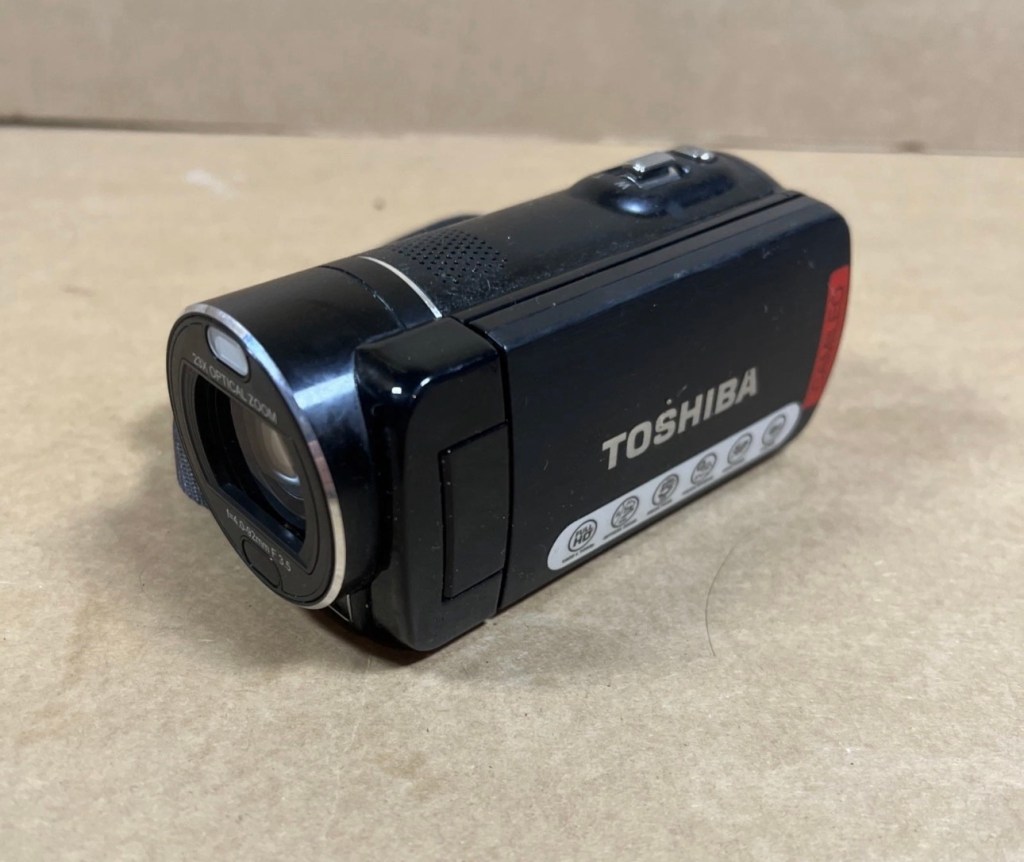
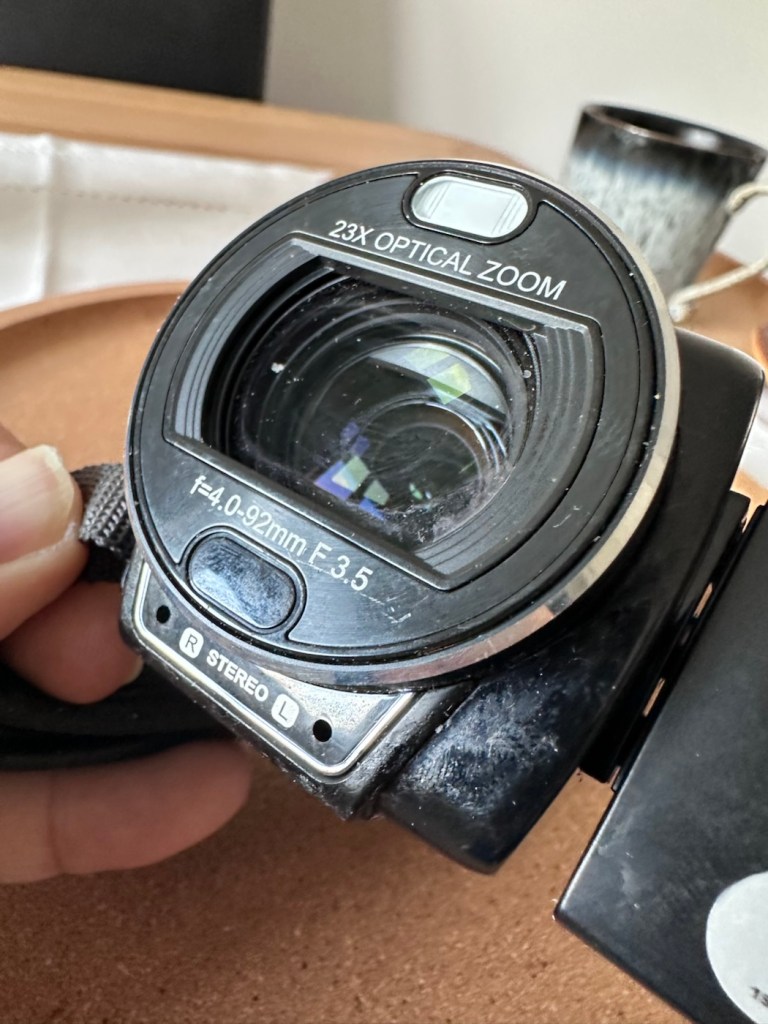
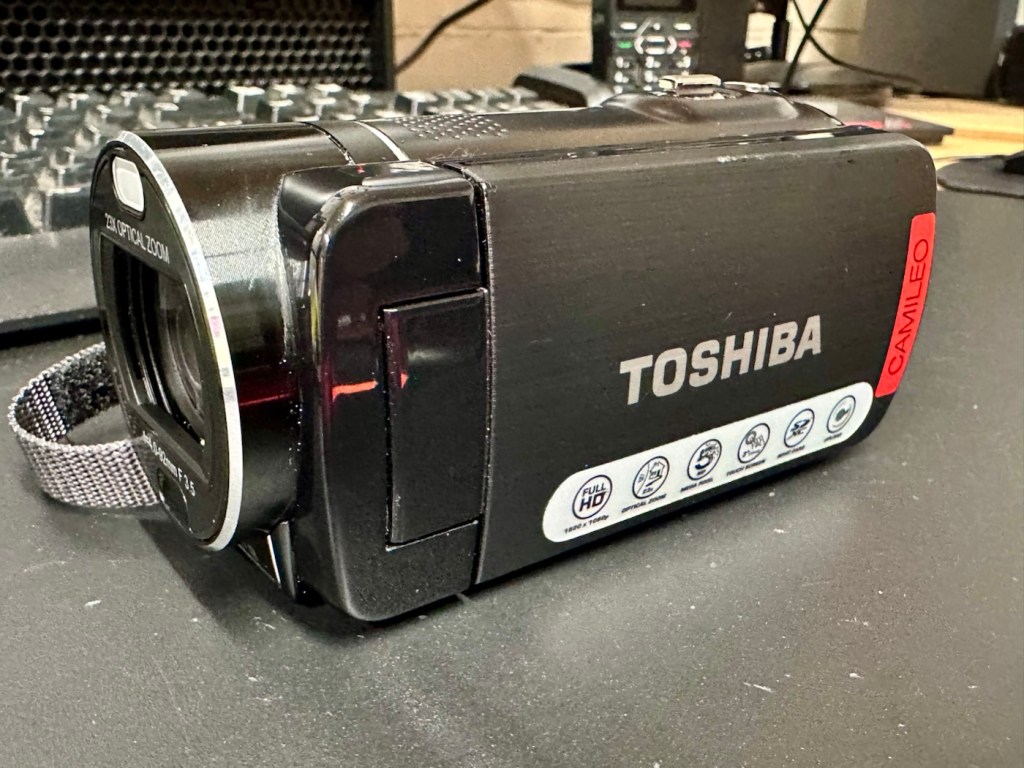
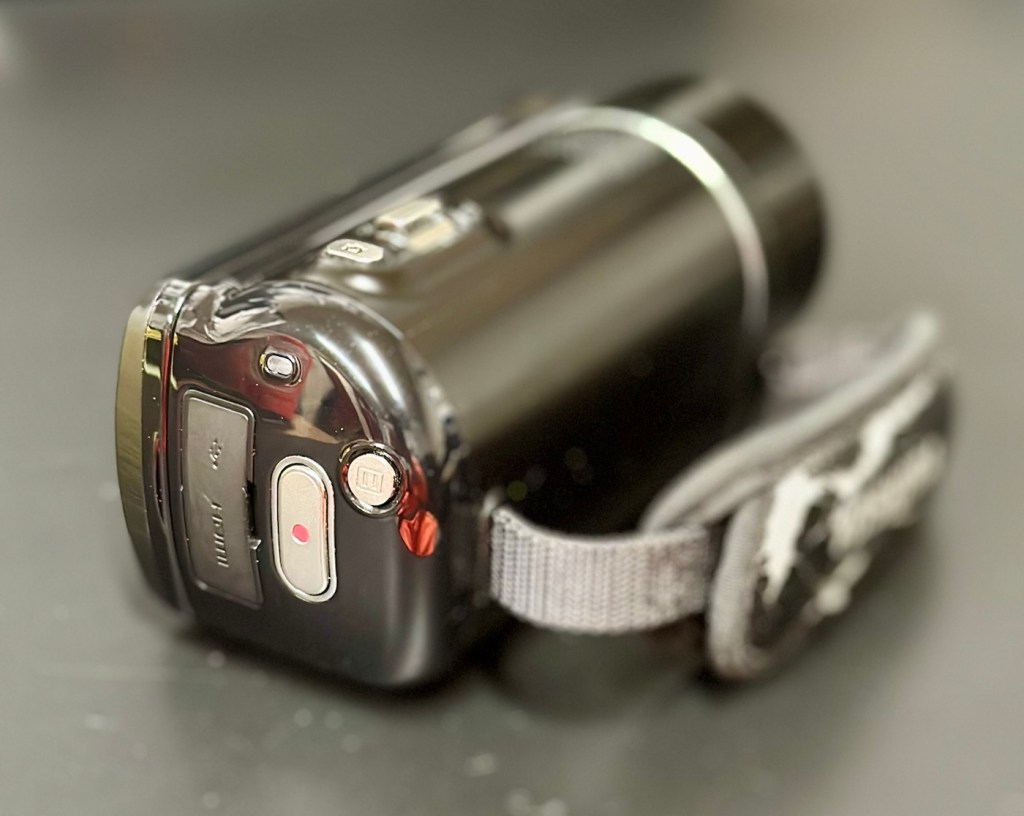
Let’s have a look at a non functional Camcorder from 2011 that appears to have bathed in molasses as it’s so sticky. Can I get it working once more? Why not?
What the listing stated:
It has not been tested but outside case is sticky. Would recommend for spares and repairs only
EBay
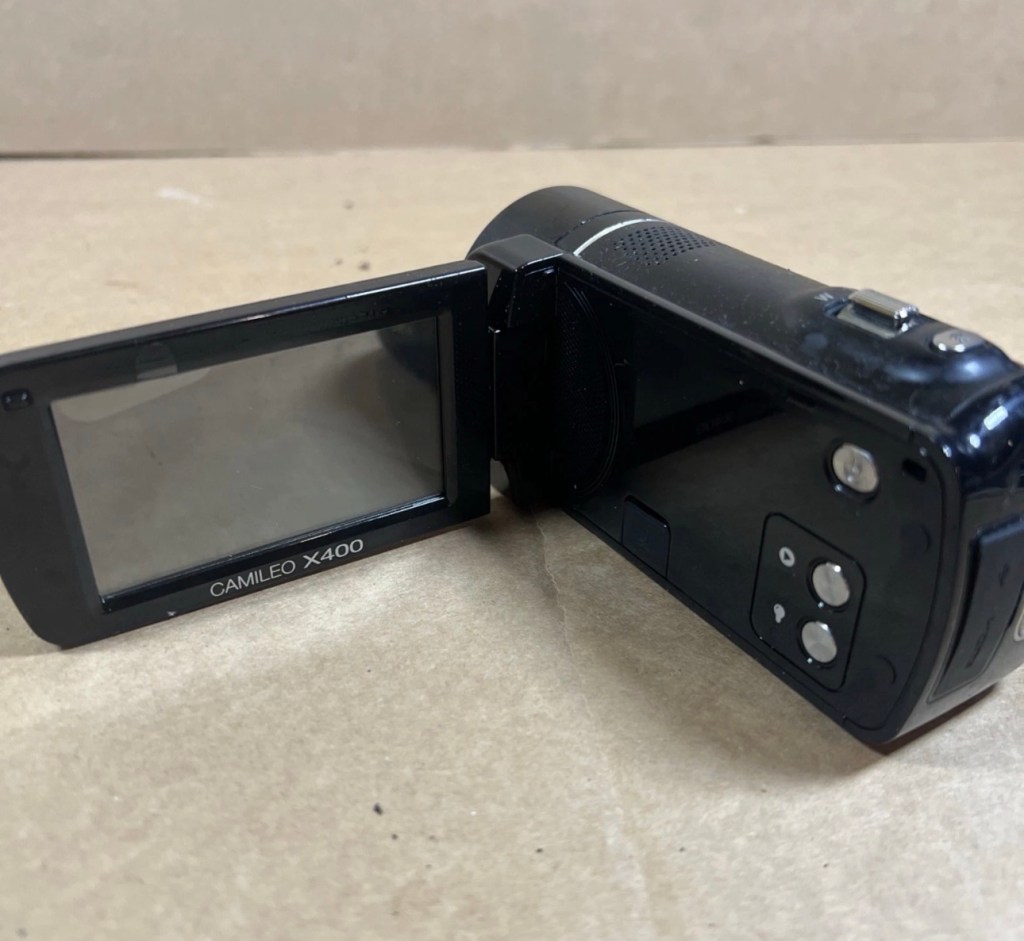
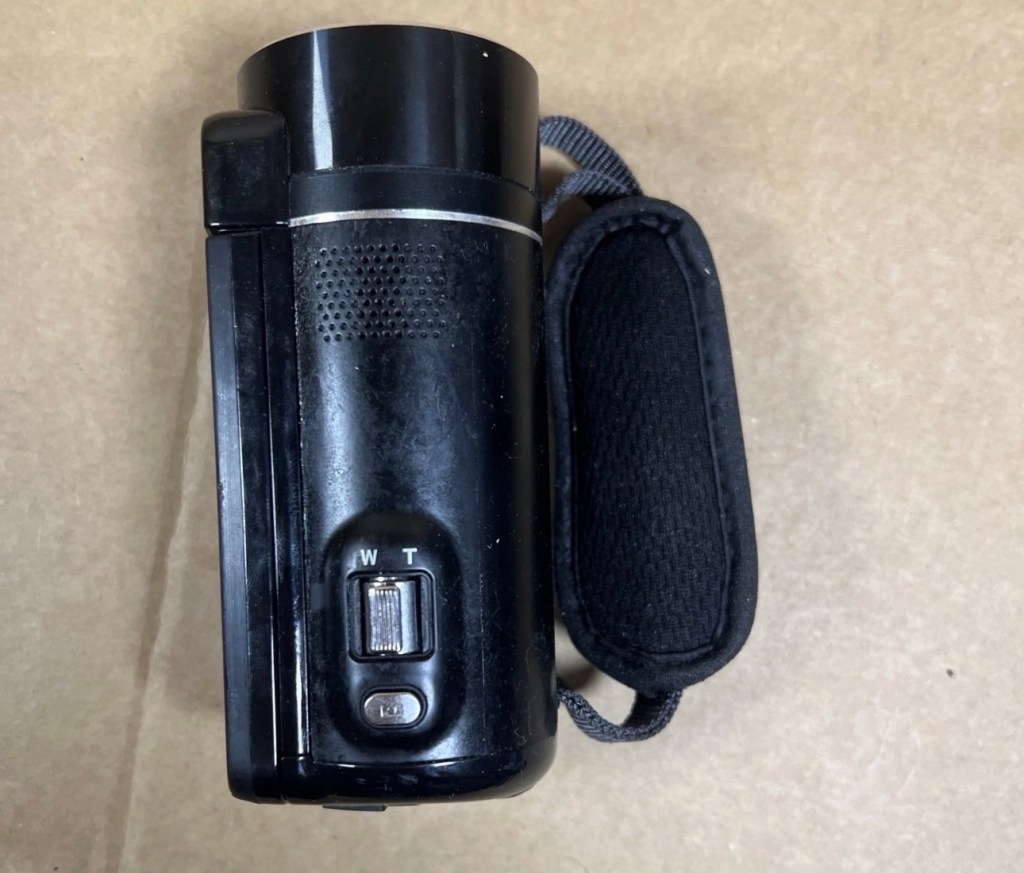
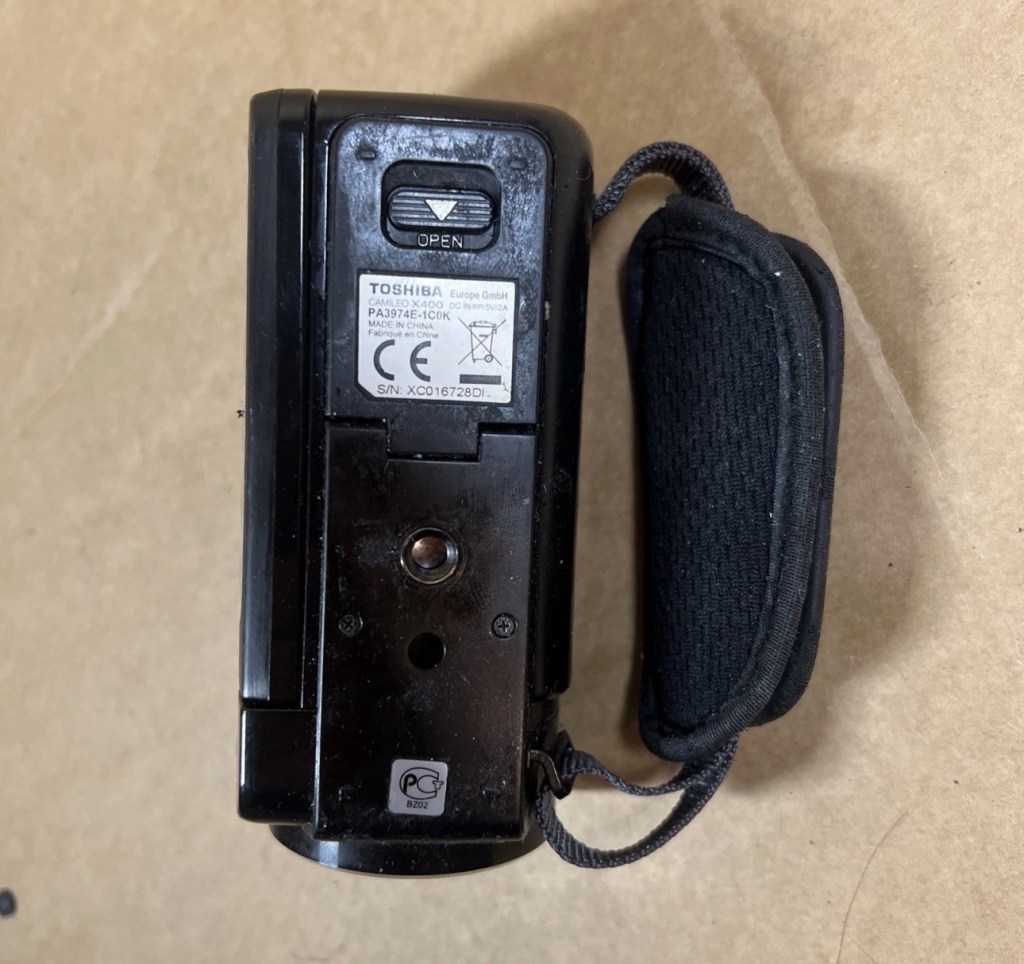
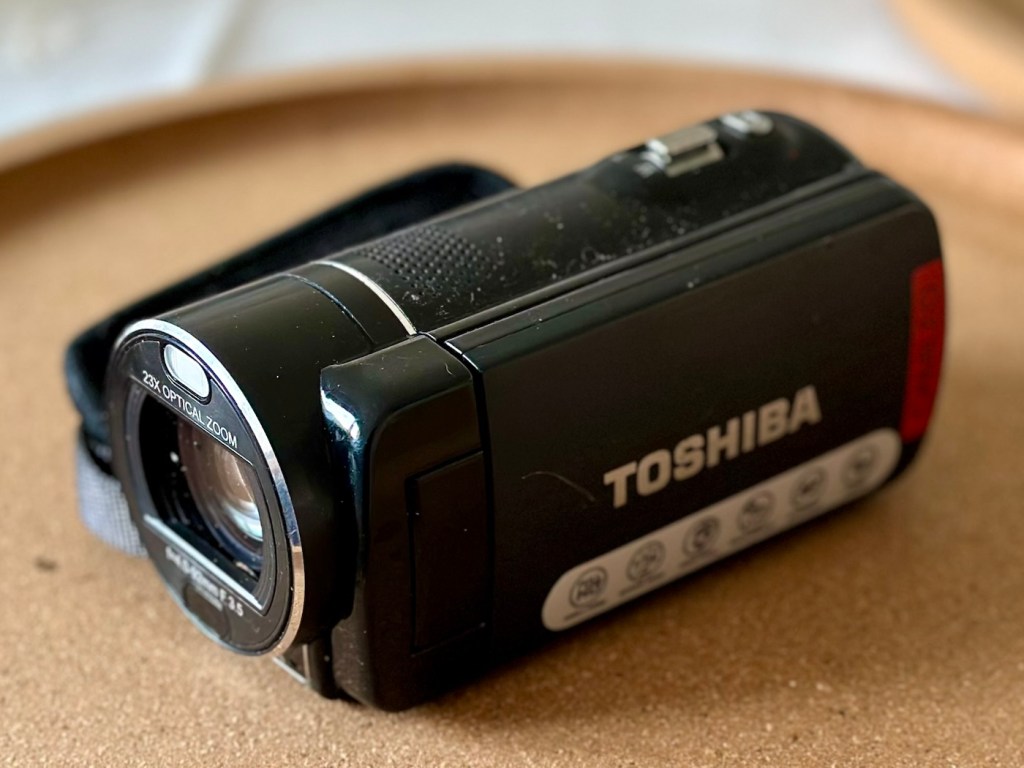
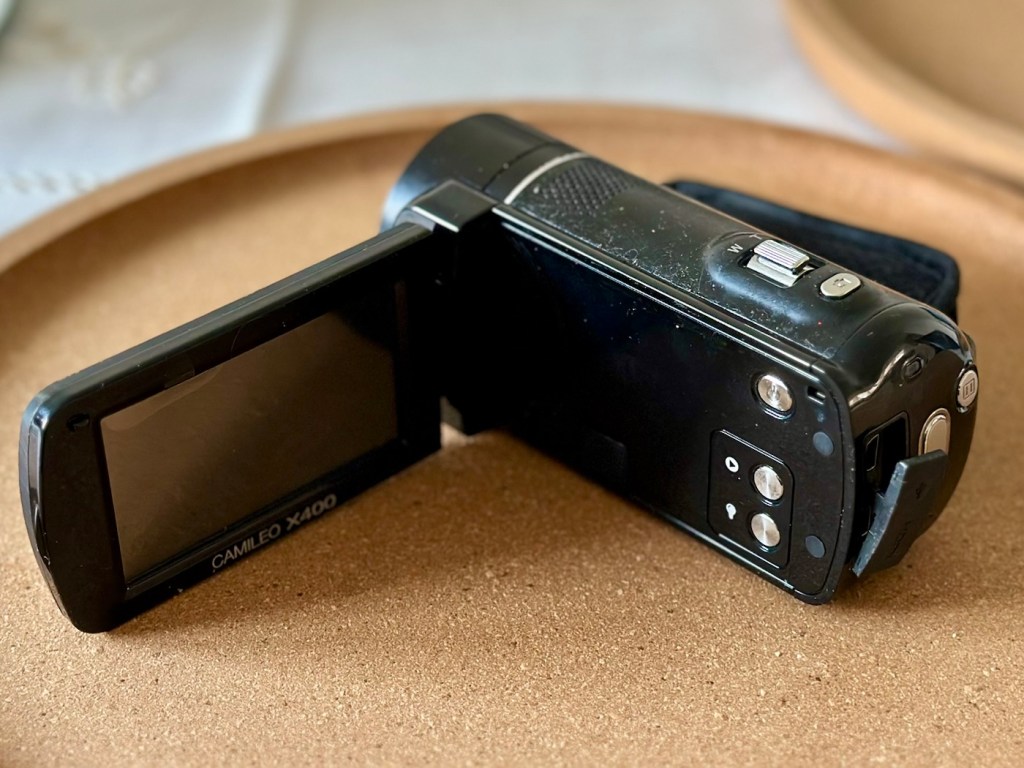
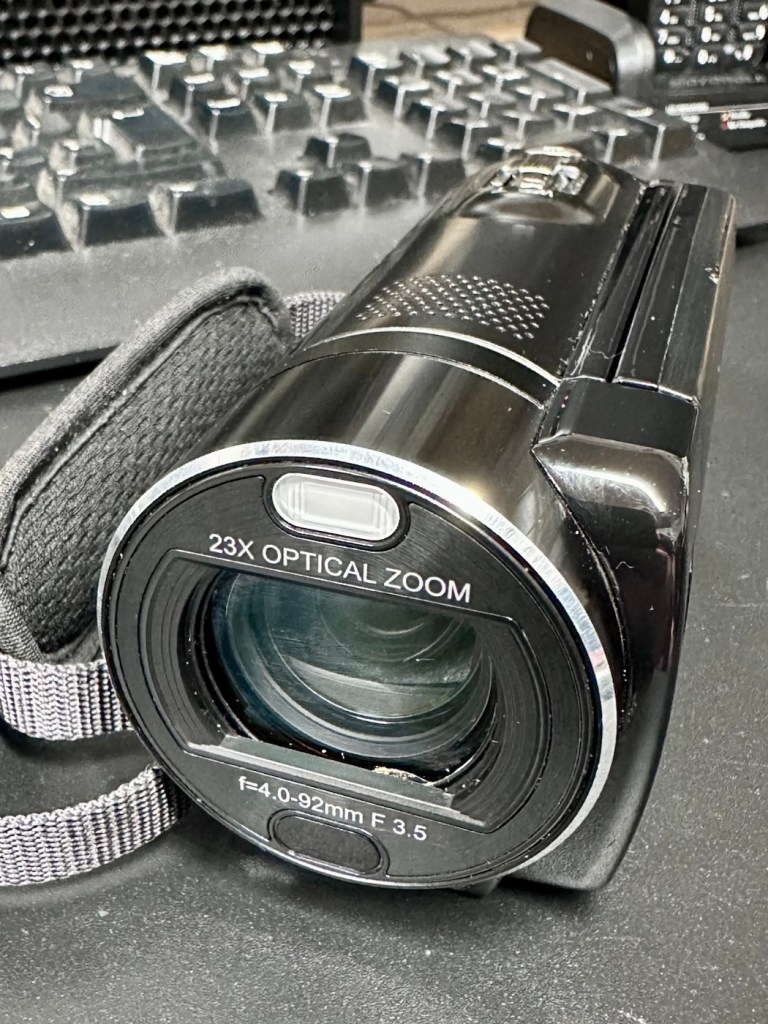
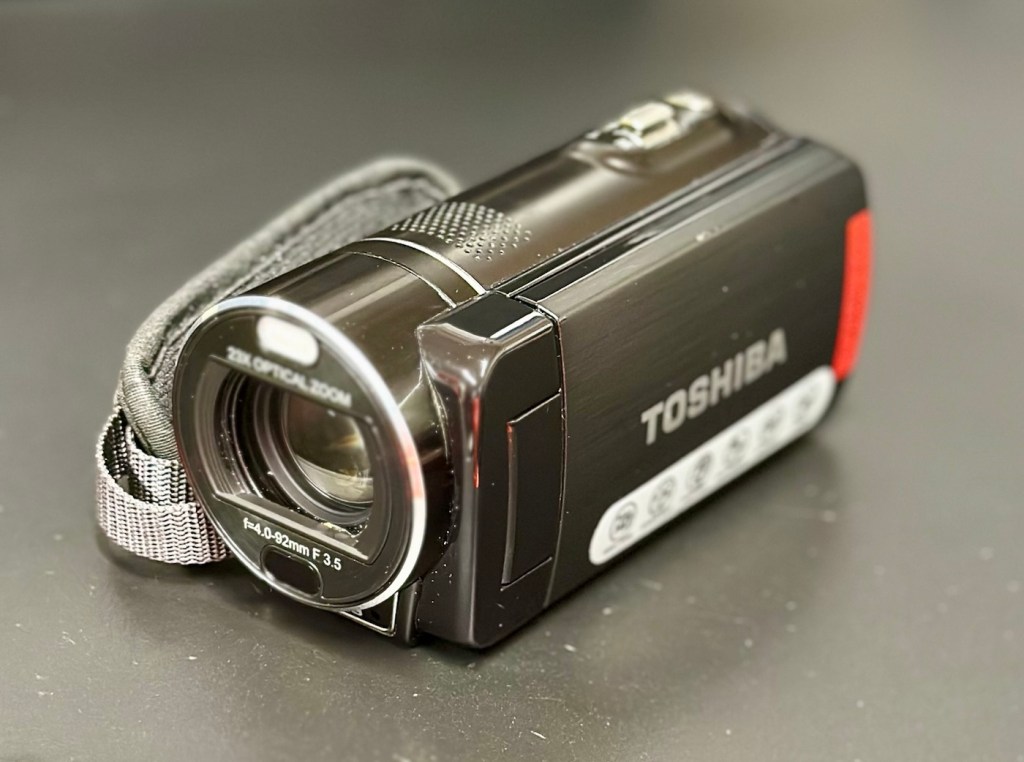
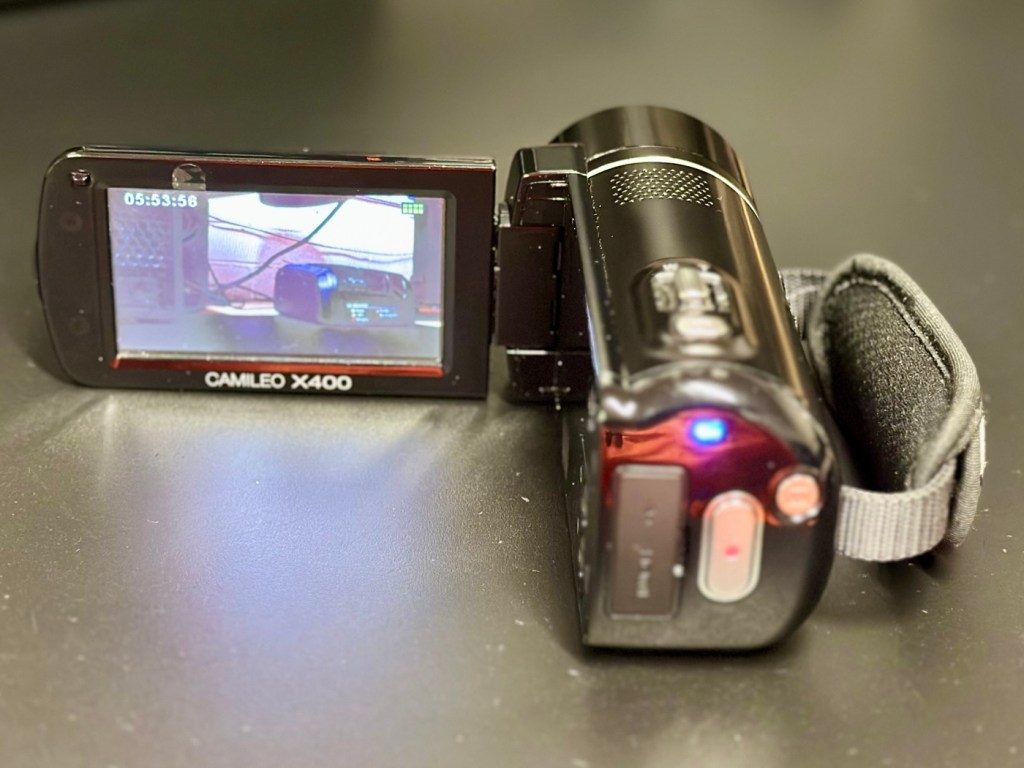
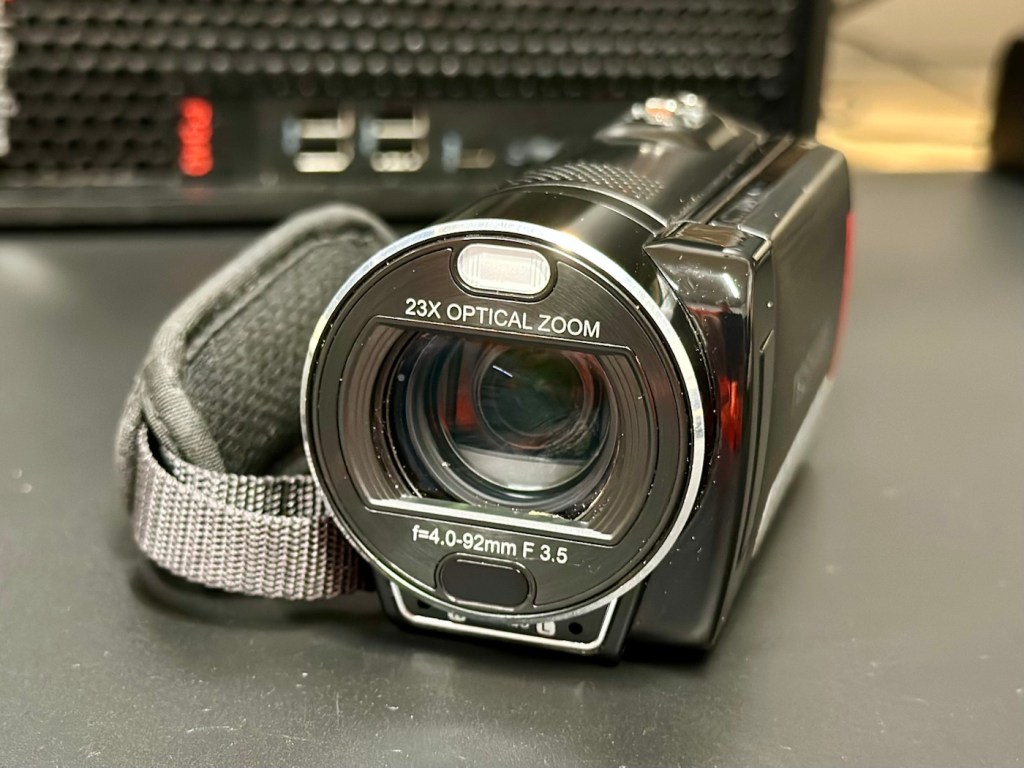
Toshiba Camileo X400 Camcorder
Not one of the finest quality camcorder cameras out there, but for £7.00GBP, I’m not really complaining. This camera appears to have a battery included, it has no charging equipment or anything else included, but I’m hopeful there’s not too much badly wrong with it. However as this is a platform for repairing old knackered equipment, hopeful there is something that we can get our teeth into that is sufficiently suited to this platform. All I can currently gather from the listing is that this a bit sticky, and those of you who follow this site will know that stickiness, especially on cameras is not an issue that has caused me any problems previously. Hopefully the issue is a little more than just stickiness, and as this listing has the classic EBay “Get out of jail free – seller not tested” claim, then there could be absolutely anything and everything wrong with it, we will just have to wait and see.
Here’s a little bit of background for this camcorder.
Toshiba’s CAMILEO X400 Full HD camcorder offers 1920 x 1080p video capabilities, 23X optical zoom, and other great features for taking great video and making great memories.
No matter what you’re looking at, the CAMILEO X400 Full HD camcorder takes jaw-dropping video in 1920 x 1080p resolution. You’ll be able to capture all the color and clamor of that Fourth of July parade, or your daughter’s first soccer goal. And with the 23X optical zoom, you’ll see the big smile on her face, too.
Want to follow your baby as she takes her first steps? Follow your friends as they head up that mountain trail? Record your Jeep ride across Africa’s Serengeti plain? Go for it. The image stabilization capabilities on the CAMILEO X400 Full HD camcorder ensure your ensuing creation will be hunky-dory, not herky-jerky.
Video trimming on the CAMILEO X400 Full HD camcorder makes editing easier by letting you cut out a section of the video from the front, back or both–plus start and end the video at any point you wish. What’s more, with a built-in pause button, you can stop wasting storage space and reduce file clutter by recording multiple scenes into a single file.
Your son just learned to surf and caught a nice point break for a good long ride. Want to freeze the frame for pictures you can share in an album, email or hand out to friends? Do it without interrupting the video. Simply press the Photo button* on your CAMILEO X400 Full HD camcorder and your surf dude will be immortalized forever.
Features:
1920x1080p Full HD resolution video
23x Optical zoom
3″ swiveling LCD monitor
5MP CMOS sensor
4.7 x 2.1 x 2.4 inches
Weight 300g
Toshiba
Well, to be honest that has to be one of the worst background write ups I’ve read, and in reality the tone of it doesn’t fill me with confidence, all that talk of “Dudes” and “Hunky dory and Herky Jerky” my god, who do they let write this stuff? This camera didn’t stand a chance to be honest right from its release date in late 2011.
So, let’s forget the awful promotional write up, and just like true “Dudes” try to find out what is actually wrong with the damned thing.
Assessment:
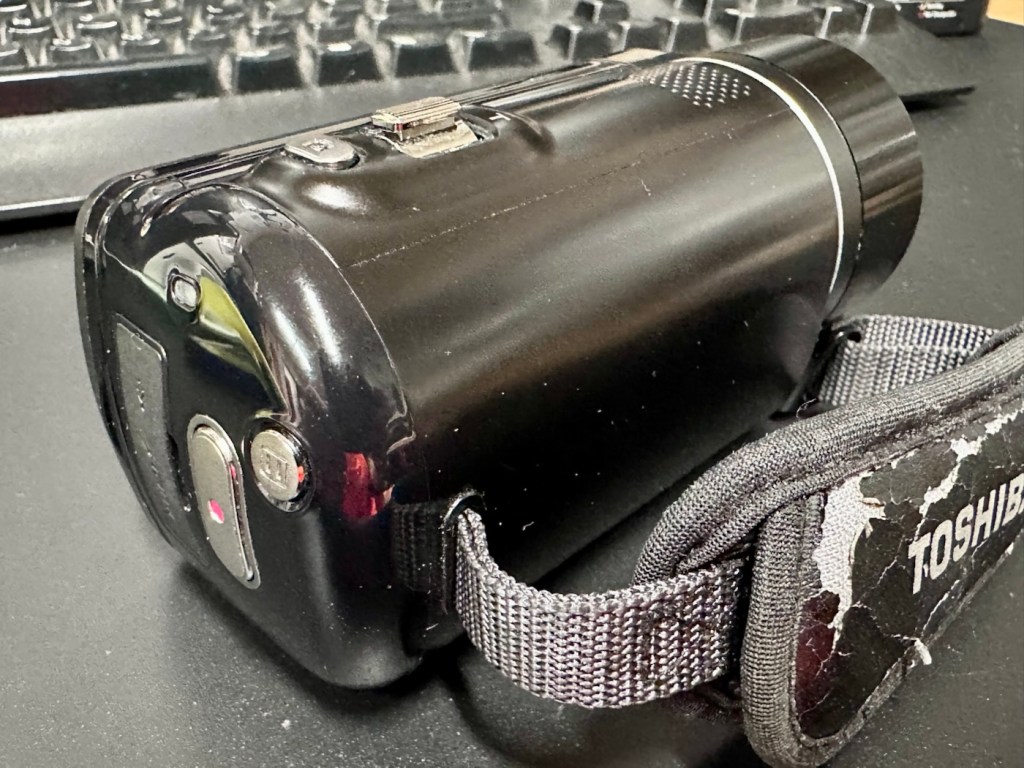
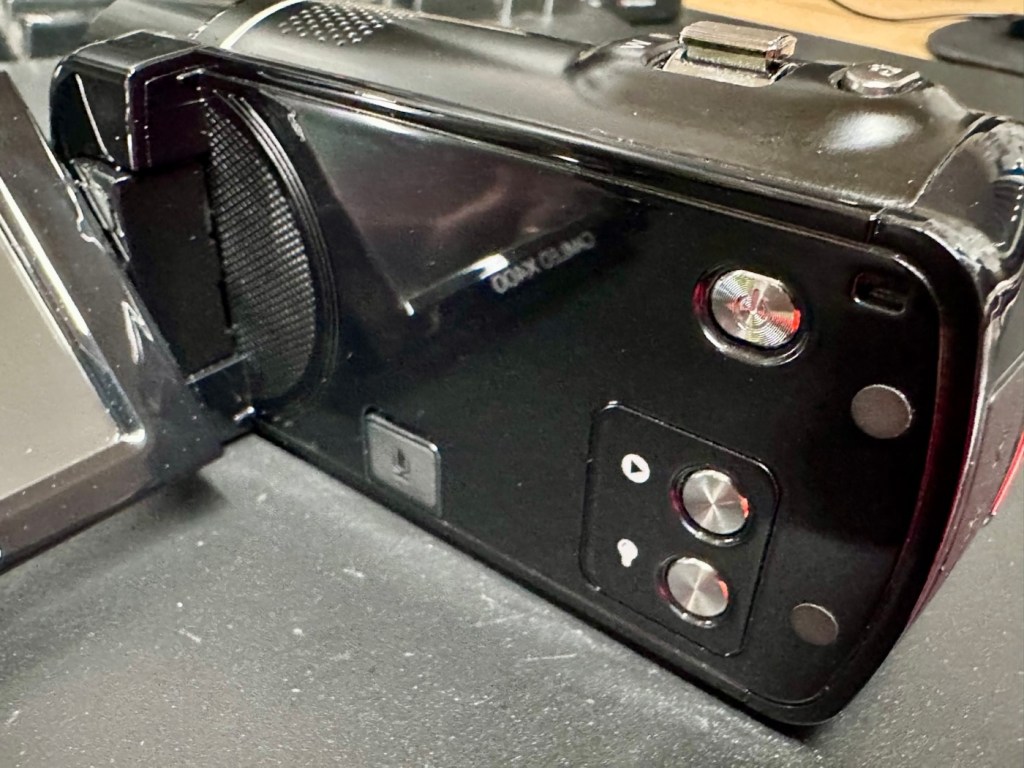
It’s arrived and to be totally honest, it’s in a right poor condition cosmetically. Very poorly packaged, I suspect the seller couldn’t wait to get it out of the door. Here are two of the better looking pictures.
The good…
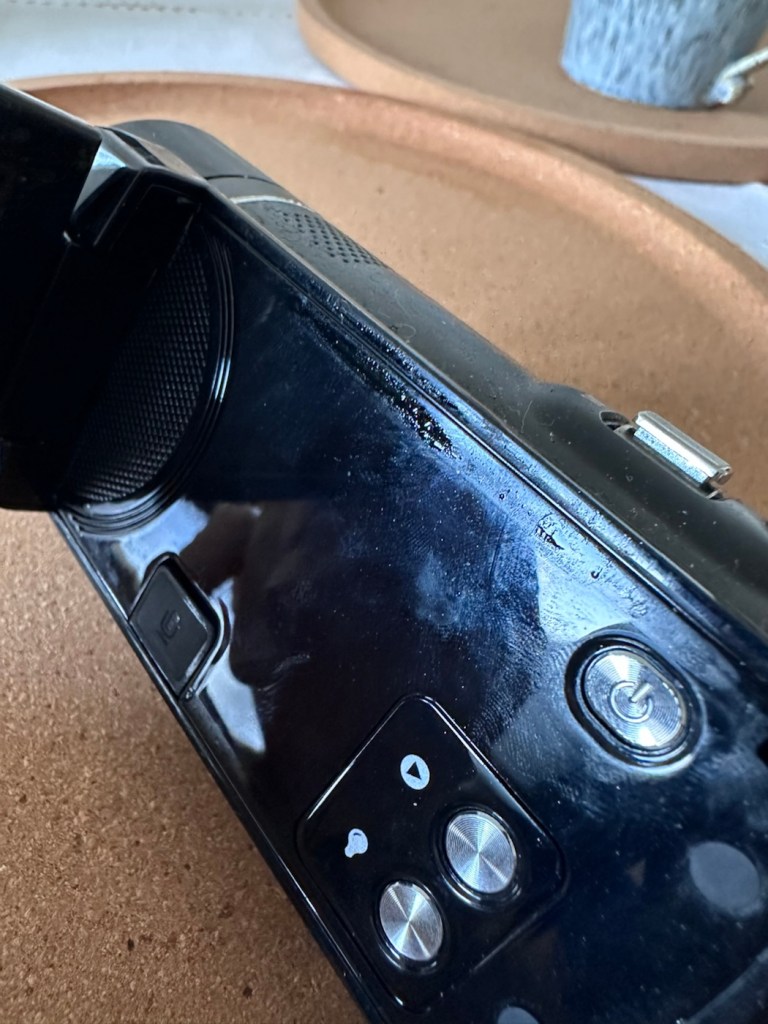
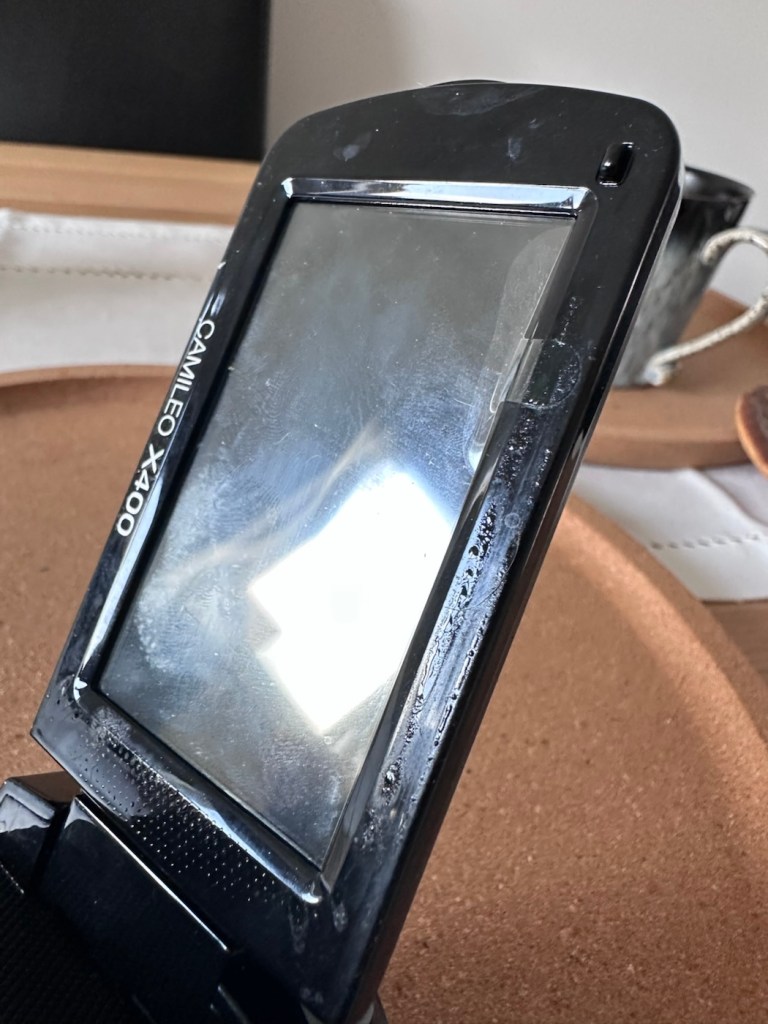
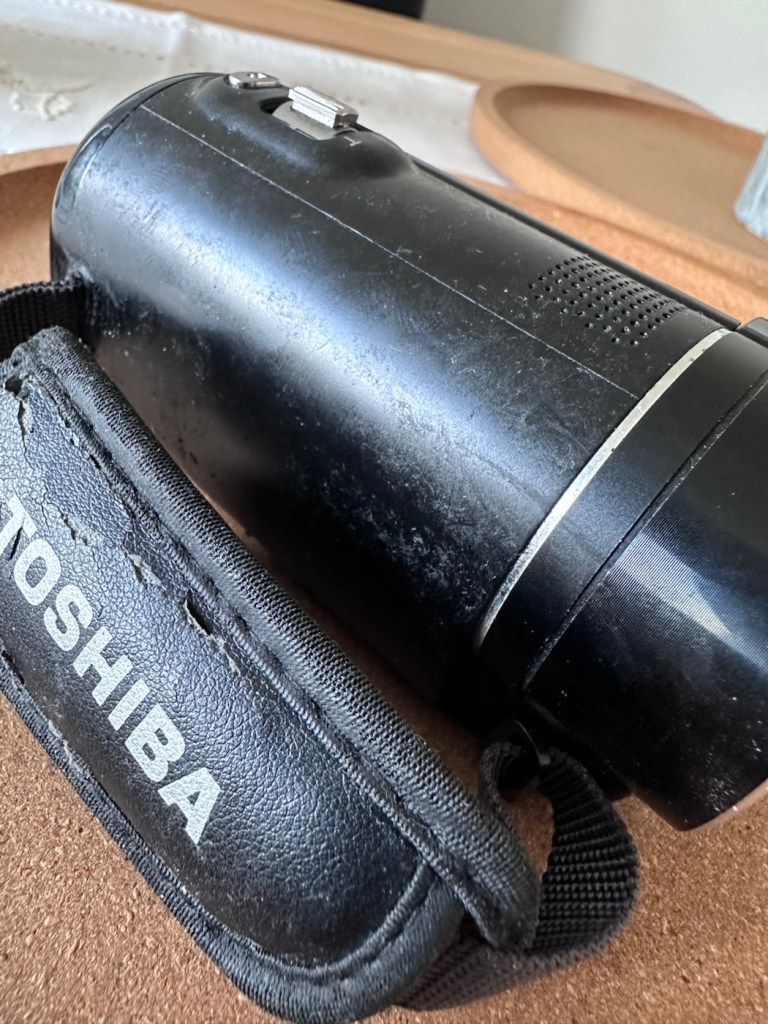
As soon as you pick the unit up, the stickiness the seller wrote about becomes obvious. It’s as if this camera has been immersed in a vat of molasses, it’s super sticky and if you review the close up pictures below you will see this unit has obviously been involved in some sticky situation, in places it is still wet, with liquid clearly visible, however that liquid is in a super sticky state of suspension.
Sticky LiquidWet, with protective film still in placeDirt and stickiness Just plain filth …The bad, and the very ugly
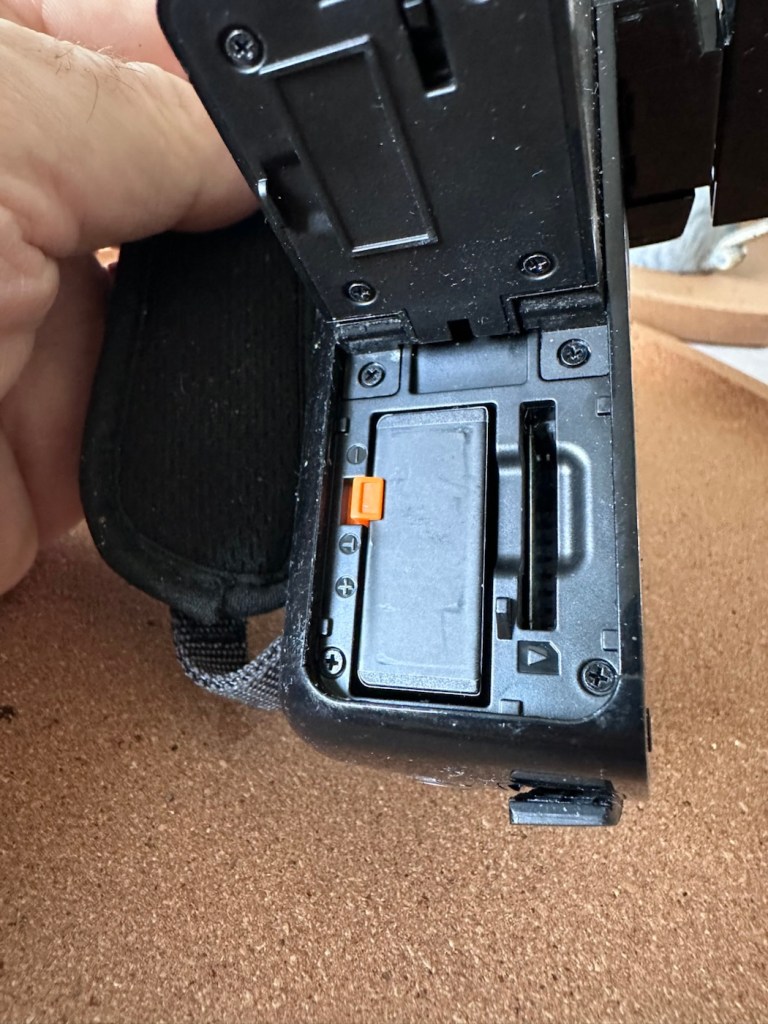
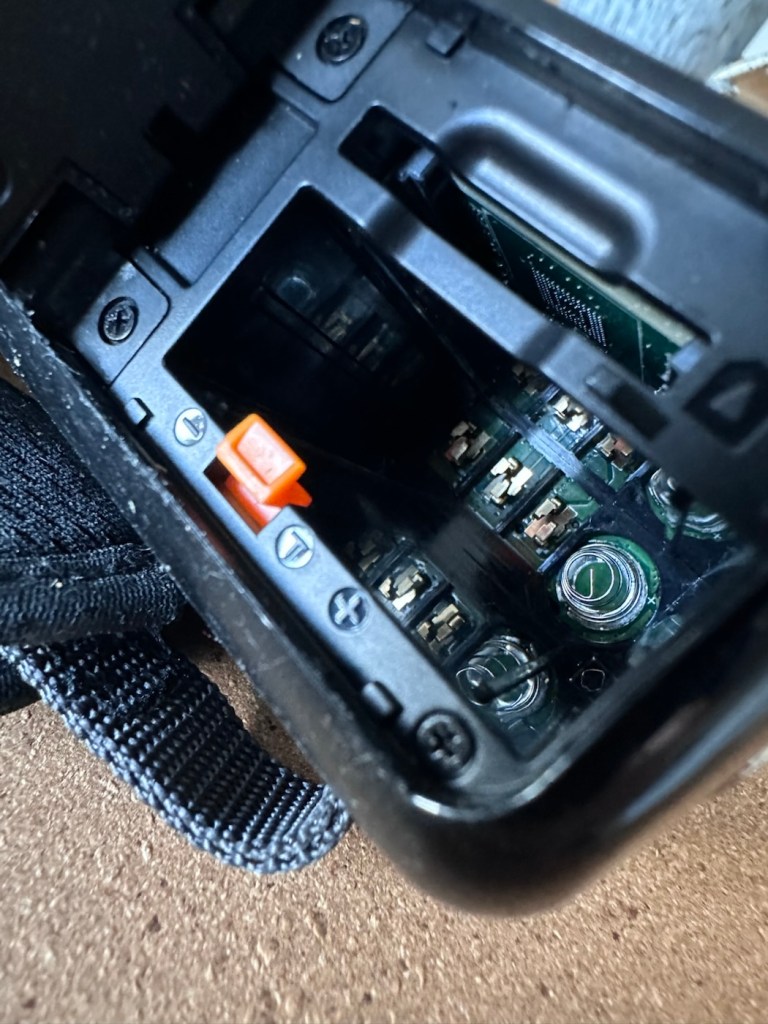
The battery is in place, I suspect it is dead but it will need to be tested, thankfully the battery contacts are clean and luckily it appears that no liquid has managed to reach these areas.
Battery – possibly deadBattery contacts all cleanSomewhere clean..hallelujah!
Before I even start to look at anything with this camcorder, a very thorough clean is the order of the day. It’s not going anywhere, and I’m not doing anything with it, until it is in a more presentable and workable condition.
I like to use a disinfectant spray when taking on a job like this, in fact I use it on most of my old cameras especially those that have an old musty aroma. The disinfectant has cleaned this unit up very well removing all of the old stickiness and residue. I finish off with some polish and a cloth and the beast has now been cleaned and is now in a much better condition to start looking at where the problem may lie.
A good clean and it looks like a different unit
Well, to be totally honest the unit is kind of dead. There is a minimal voltage in the battery and when I find a suitable charging cable and install it, there is not a great deal else occurring. There are some lights, but they are not doing what they should be doing, I’m expecting lights to flash whilst charging, and a solid light when charged. However this isn’t happening, so let’s move on to what we are going to do to try and resolve this issue.
Repair:
For the moment I’m going to focus on the battery. We need power, so we do really have to start here, we can’t diagnose or do anything without some power. It’s a 3.7v Li-ion cell, and the camera can charge via a 5v USB supply. I’ve managed to locate a suitable charging cable from that drawer of collected cables that “may come in useful one day”, that we all seem to have stashed in our homes. When the cable is plugged in you should get some intro music from the camera, and I do. This should then be followed by a flashing light that should remain lit until the battery has sufficiently charged. However I manage to get about two flashes from an amber light and then that’s it… nothing else. So far it’s positive that we have seen some life, however we need to see if we can encourage this battery to take a little more charge.
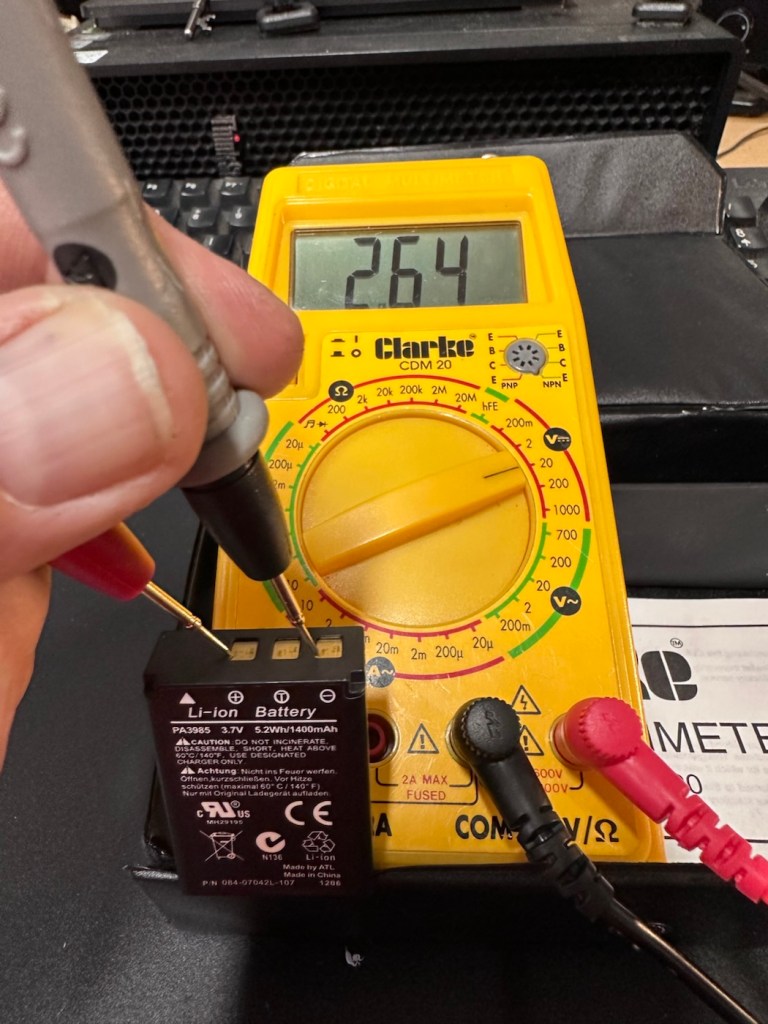
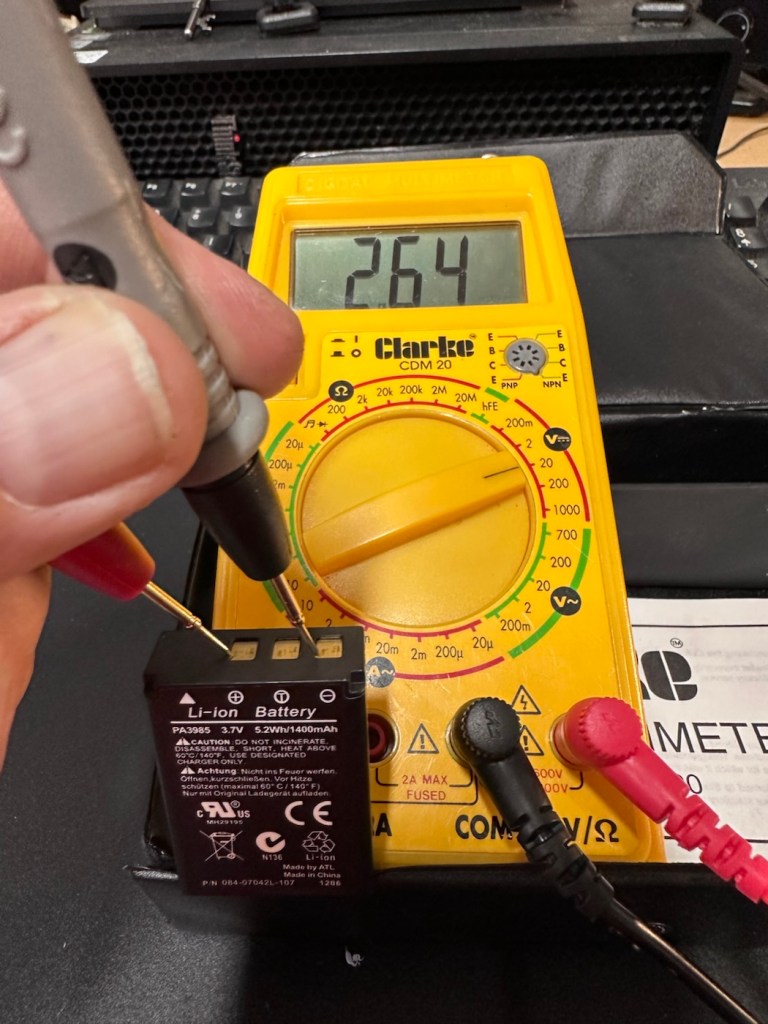
These batteries though rated at 3.7v usually charge up to 4.2v at full capacity. I’ve just measured this one with a multimeter and it currently sits at 2.64v. In the world of batteries this is severely depleted and to be totally honest looks as if this battery is dead.
A fully charged 3.7V nominal battery typically reads 4.2V, with 3.7V-3.8V being the average voltage during discharge. A 3.7V Li-ion battery is considered “dead” or fully discharged when its voltage drops to 3.0V to 3.2V.
While many protection circuits cut off at 2.5V to 2.75V to prevent damage, discharging below 3.OV frequently will significantly reduce the battery’s lifespan.
2.64v This battery is more than likely dead
And it looks as if this may have occurred here. It’s looking as if the battery is a dead one.
However, I’m going to see if I can rejuvenate this battery by putting a trickle charge through it, just charging it in the camera from a USB 5v power supply. I will monitor regularly for changes in temperature or other issues. I don’t have a spare around at the moment so if I want to do some basic checks on the unit I’ll just have to give it a try.
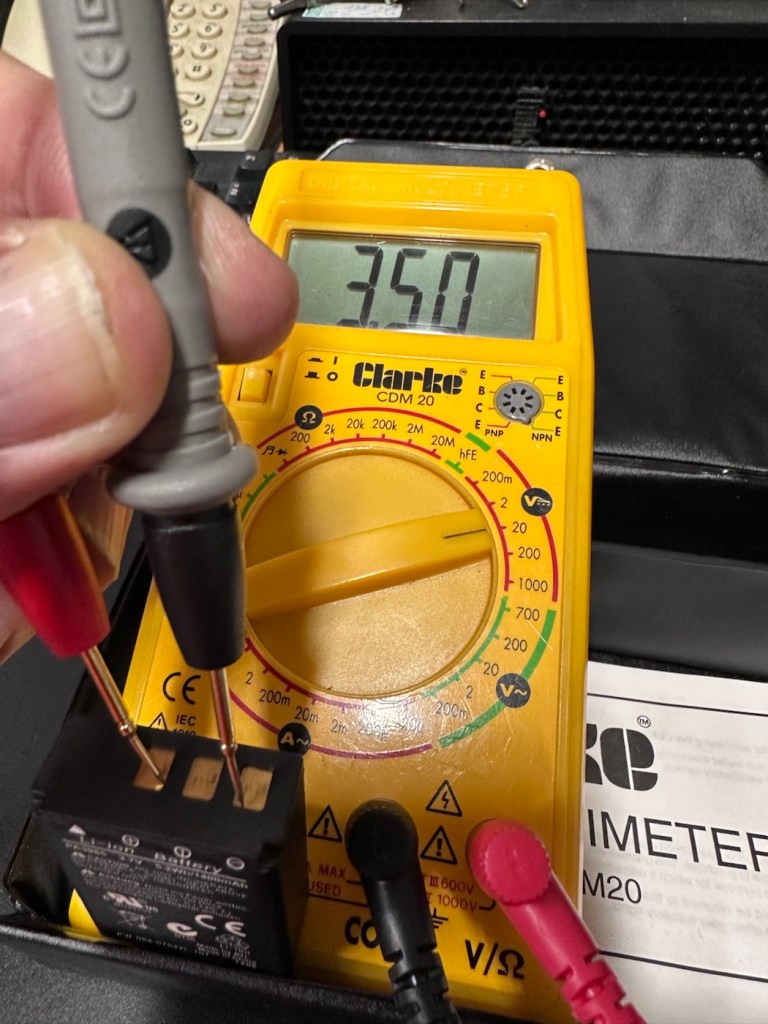
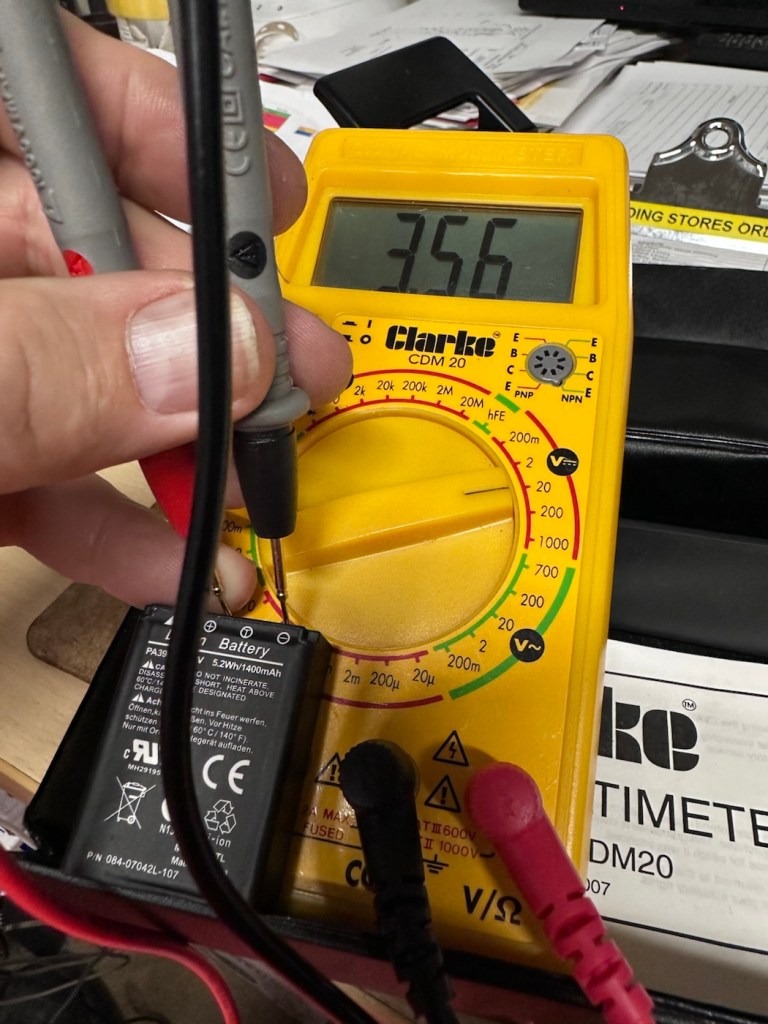
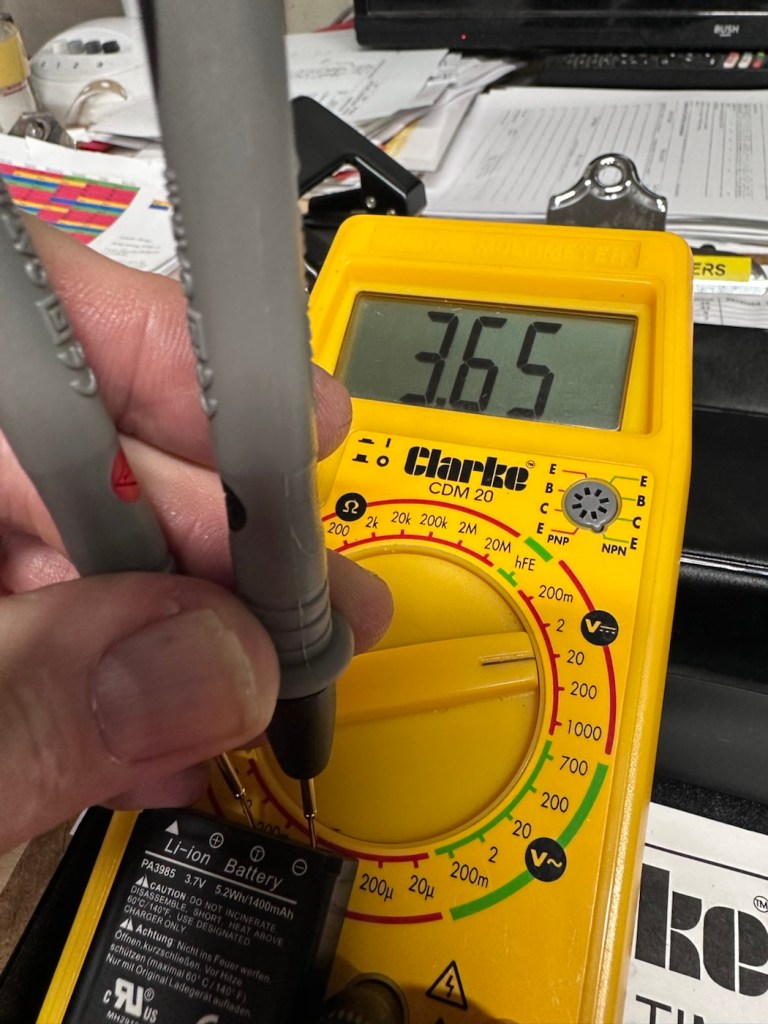
Dead at 2.6v After an hour we have 3.5vAfter 2 hrs it’s now 3.56vAfter 3 hrs it’s now 3.6vSlow work
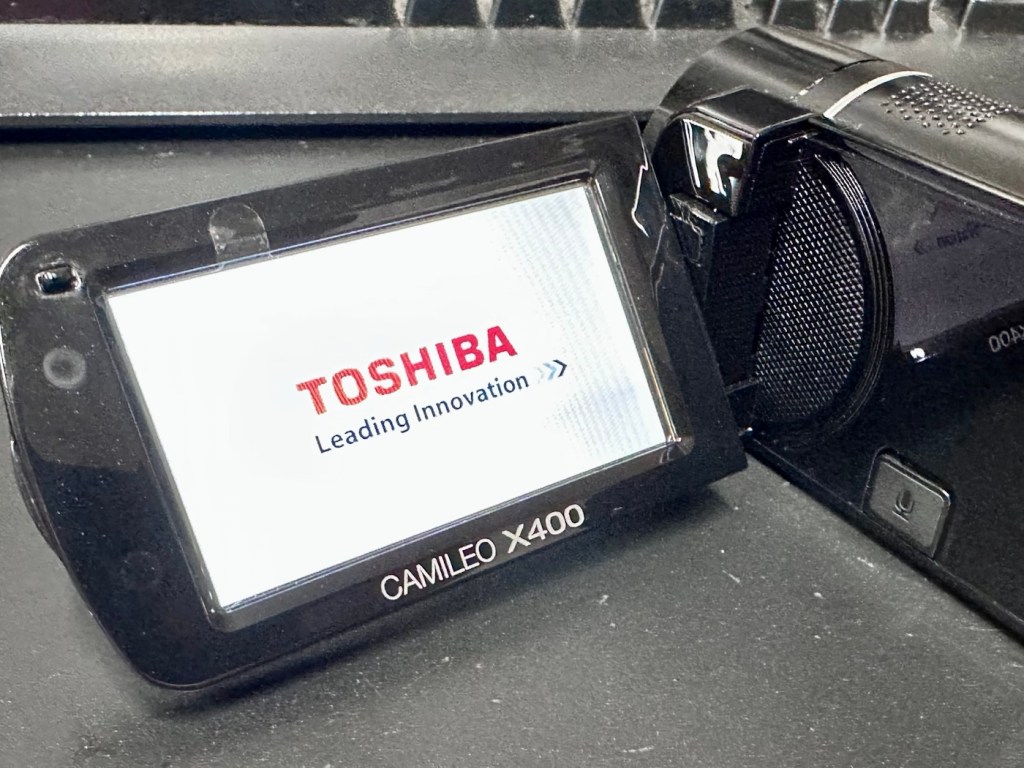
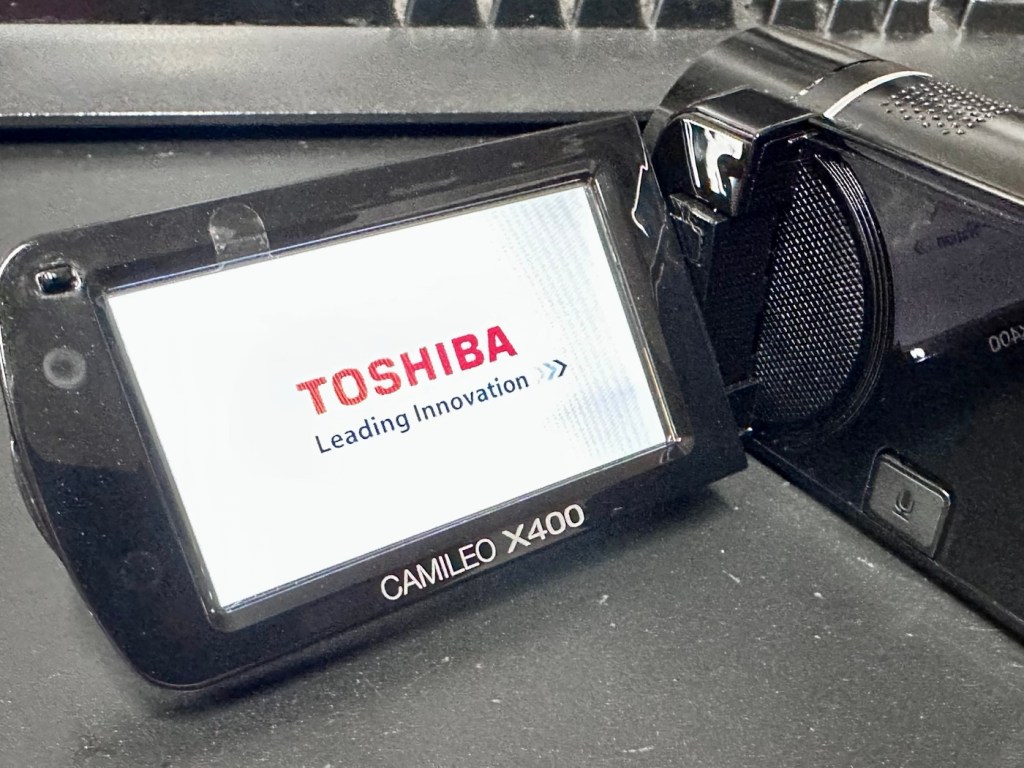
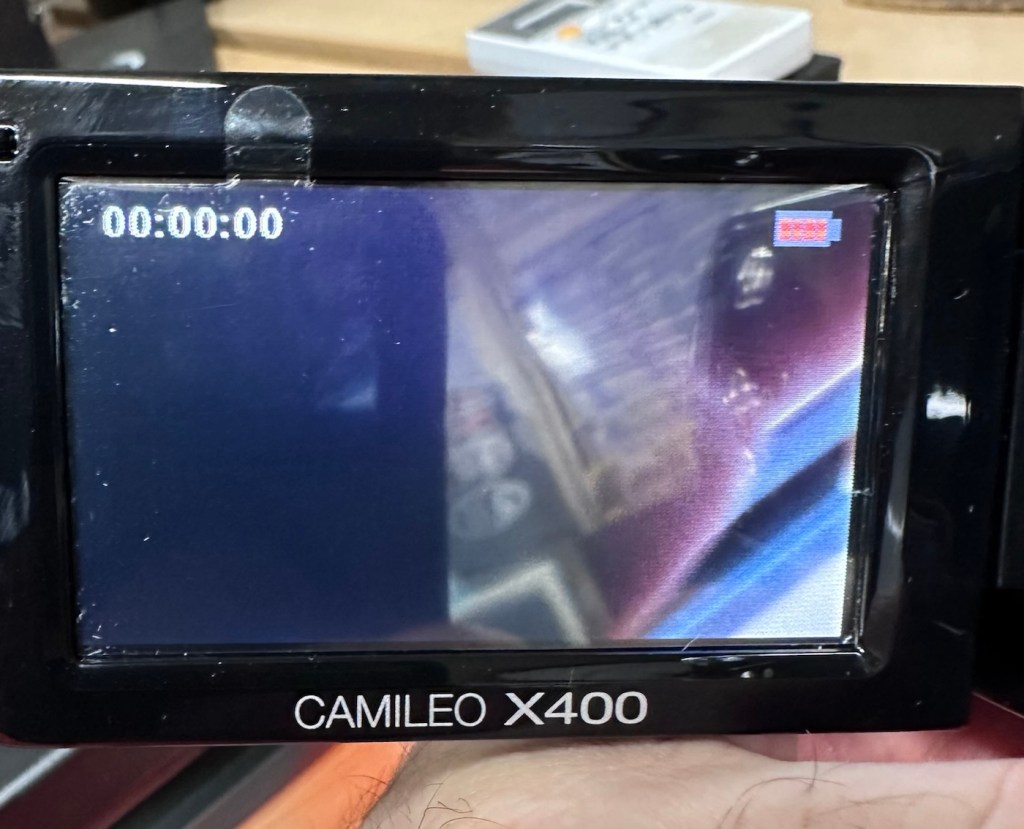
So after 3 hrs we’ve only been able to get about another 1v of energy into this battery, and as you can see we are only just into the battery depletion range. We have sufficient power to start the unit up and see a welcome screen, the zoom works. It’s clearly visible that there is a low battery indication on the screen and then it all shuts down again.
Welcome screen Battery indicators all red
There is just not enough life in this battery to sustain a 30 second video, the battery is just so worn down that I believe it is beyond resurrection. I may have to purchase a new battery to finish off this section of the post. It’s good though that we have tried, rather than just give up, and this has also allowed us to review what we have found out about the process, and the good news is that at this point it, is looking as if it is purely an issue with this battery.
The camera has cleaned up lovely and really looks like a nice piece of kit. For the moment I will put this post on pause whilst I await a replacement battery.
But…. Me being me, and not wanting to spend too much money at this point, I have persisted with leaving this battery on trickle charge. It has been consistently monitored to keep an eye on it, and I must admit neither the battery itself or the charger has been hot or even warm throughout this entire process, that is good.
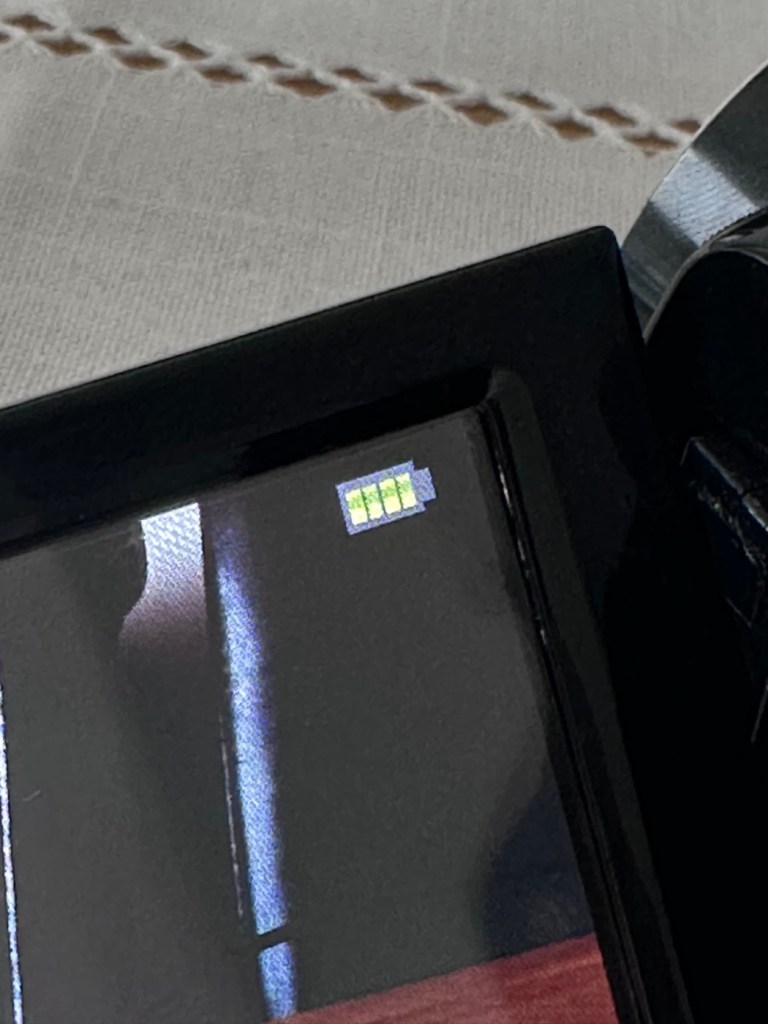
Four green lights – Fully charged?
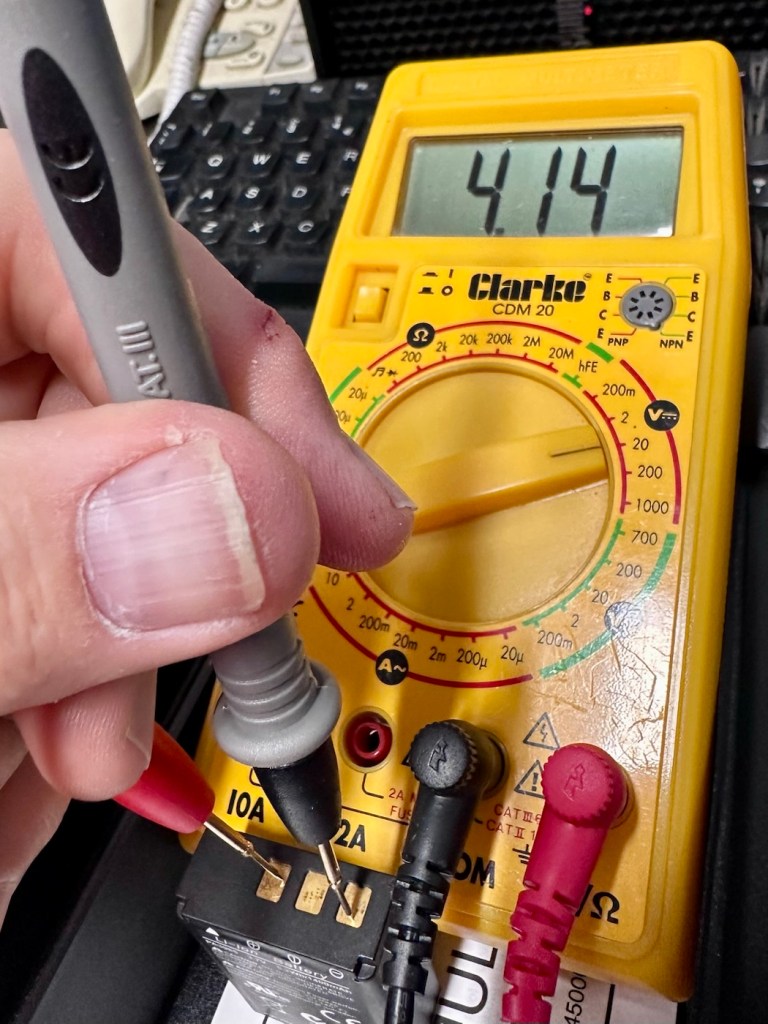
Seeing that about 4 hrs ago the battery indicator on the screen was only showing two green bars, it is now showing four bars and that indicates it is now fully charged. Let’s get the multimeter back on, and check to see what the current battery charge is and see if that gives us an indicator to show if the nominal charge has now been achieved, I’m quite excited at this – I’m easily pleased and excitable in equal proportions – I have a feeling that with patience and persistence we may have well just cracked the issue. So what is the current voltage of this battery? Well, here it is….
4.14v
Full charge achieved
Well, I’m very pleased with that, not only has it charged fully it appears to have reached pretty much full charge beyond the nominal charge. I’ve probably saved this battery from the trash heap, but I guess it will be more of a backup battery for me as I will probably purchase a new one, for my main battery, now though, there is no rush as it looks as if this one has been rejuvenated.
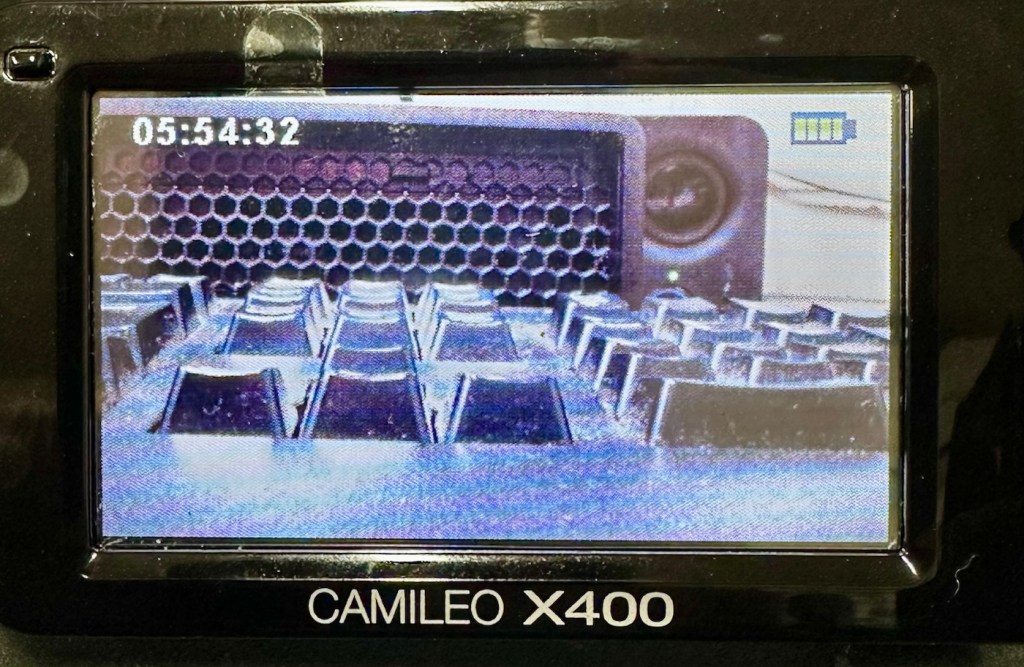
I’ve put a 32Gb SD card in and the screen is indicating 5 hours and 54 minutes of recording time, however on a full battery and using the minimum of activity (Not using Zoom and other effects) you can normally squeeze two hours of recording from the battery. But I’m never going to be filming war and peace, and I’m probably never going to get that kind of usage from this battery. My best bet with this battery is to not let it deplete totally, and try to keep it in a charge cycle were it doesn’t dip below about 25% of its capacity if I can help it.
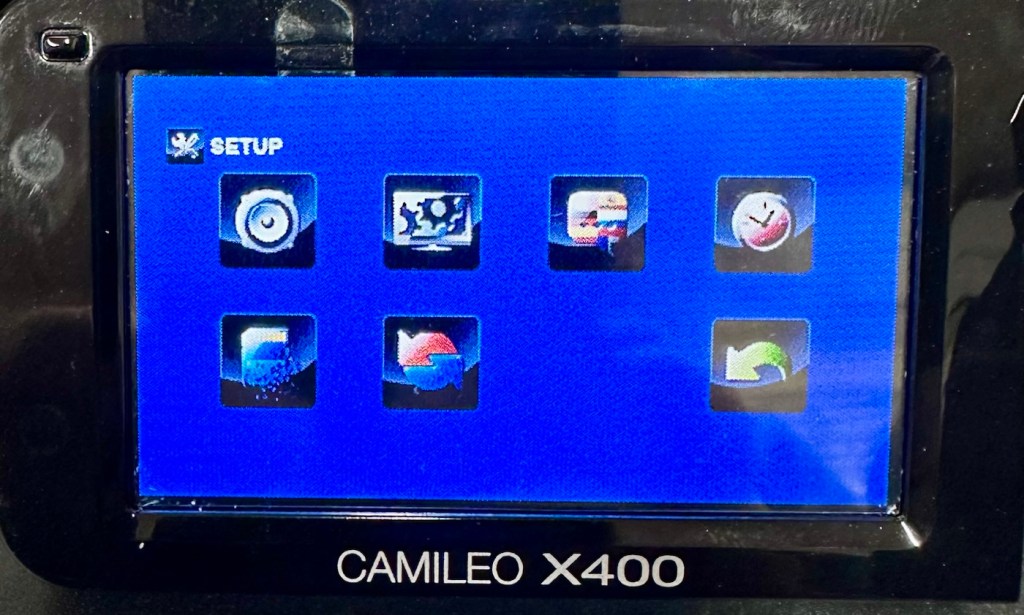
I’ve tested all settings and everything is just fine. The touch screen is responsive and all setting and special effects can be easily accessed. There is nothing else wrong with this camcorder.
Available recording capacity Touch screen working well
At this point I am now happy that this camcorder is a fully working and very capable little unit, that should serve me well as I use it to make videos for my YouTube channel and WordPress site. Repair is complete and successful.
Result:
This little camera cost me £7.00GBP and it’s been a fantastic restoration as such as it has not cost me a penny more than what I have paid for it. All I have done is invest time, done a lot of reading up about the intricacies of Li-ion power supplies, and done an awful lot of cleaning as this unit was probably one of the filthiest pieces of kit I think I’ve ever worked on.
A video, of me, videoing a video of me videoing
The camcorder is now a totally different looking camera from that which I received in such a sorry state just a few days back.
A nice camcorder, clean and restored
I’m going to use this camera myself for little items that I will be publishing here as well as on YouTube. It is so wonderful to see old unused and unloved items, repurposed and given a new lease of life.
Another one saved from landfill.
Thanks for passing by, as always it is very much appreciated.
Ever heard of the Meshtastic decentralised off grid communication network? You have now. Dive in and get involved.
What’s that? I hear you say. Well, I’ve been trawling t’internet recently and one of the chaps I follow on YouTube, Gabe, has got me very interested in this particular mode of radio communication. Here’s a video of him explaining Mesh communications in his own charming and extremely enthusiastic way.
Meshtastic – as Gabe sees it
The good thing about Mesh networks are that no licence is required for use, this means the system is truly open to everyone. As a registered radio amateur this system is of interest to me in the spirit of experimentation, and that’s what’s good about this particular mode. Everyone can do it at a very reasonable cost. In the UK it’s been present for a few years now and has an active core of participants. However, usage is very patchy and still developing, and due to the short range and lack of other users to repeat messages, its general take up is going to take a while yet, or in usual fashion it may even be a mode that just dies out due to lack of involvement. It’s not a mass-market tool yet, but a growing niche interest, especially among amateur radio, DIY tech, and preparedness communities. However, that said, in areas with little or no cell phone coverage this could well be a lifesaver. Below is a little bit about Meshtastic.
What is Meshatastic?
Meshtastic is a free, open-source project that lets you create your own decentralized, off-grid communication network using LoRa (Long Range) low power radios. It’s designed to let people send short messages and share data without relying on mobile networks, Wi-Fi, or the Internet.
Open-source & community-driven: Anyone can contribute, modify the software, or build devices with the firmware.
LoRa technology: Uses low-power, long-range radio waves in unlicensed frequency bands (like 868 MHz in the UK/EU).
Mesh networking: Devices form a mesh by rebroadcasting messages. Each device acts as a node that can relay messages to extend coverage.
Meshtastic’s goal is to provide reliable communications when other infrastructure is absent or unreliable and to offer a flexible platform for hobbyists and practical users alike.
How it works
Networking: LoRa radios transmit small data packets over long distances with very low power. Each device forwards messages it receives to nearby devices, forming a mesh network that extends reach beyond single-hop radio range. The network is decentralized — no central tower or internet access is needed.
User interaction: Devices can connect to your smartphone via Bluetooth and use the Meshtastic app to send messages or view locations. Messaging is typically text-based (no voice or high-bandwidth data).
Why use it?
People adopt Meshtastic for many reasons, often tied to availability, resilience, and independence from traditional networks:
Outdoor activities: Hiking, camping, biking: Stay in touch where cell signals are weak or absent. Location sharing: Useful for groups and safety.
Emergency situations: Natural disaster backup, communications can continue even if cellular networks fail. Communities and some groups experiment with using Meshtastic as an alternative communication layer during outages.
Technology and DIY: Education and hobbyists use it to learn about radio, mesh networking, and embedded systems. Integrations with IoT sensors and other projects are possible.
Community and social projects: Enthusiasts set up community networks, share nodes, and even run local meetup groups.
What do you need to get started?
Basically, Amazon, EBay, and the Chinese suppliers such as Ali express have all you need. Needless to say the Chinese options are far less expensive if you are willing to await delivery. Just type “Meshtastic kit” into your browser to view your options.
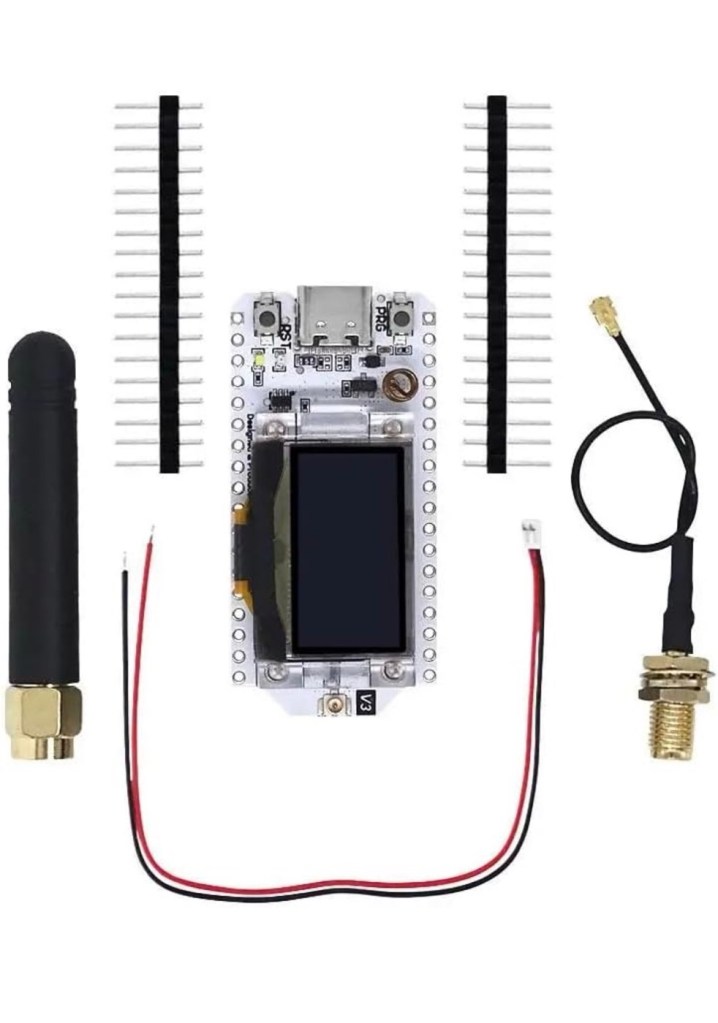
As I’m in the Uk I can give some prices for the most basic setups within my country. To be honest, all that is needed is a Meshtastic main board of which there are a few to choose from, a power source and a mobile phone to do the setup. Something like this below.
From Amazon in the uk I can get this board, for £18:99GBP and that’s all I need to get started.
Amazon uk
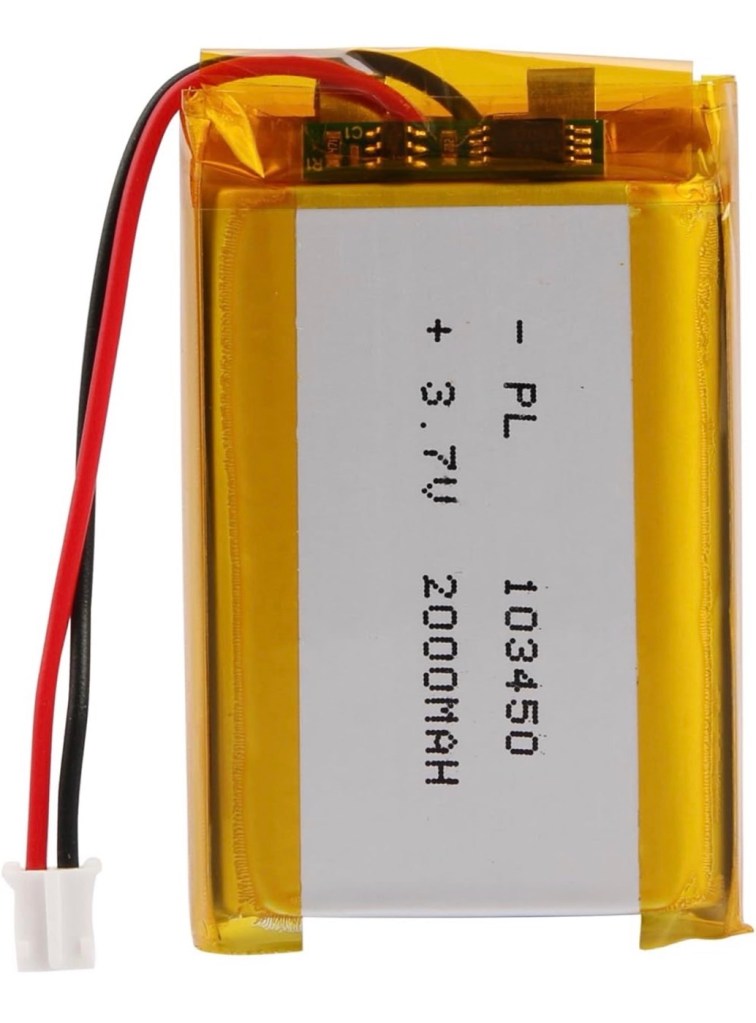
Add to that a small battery and you can probably power this unit for between 24hrs or even a week, dependant obviously on the battery capacity and how you have the system set up. A battery in the uk on Amazon would cost around £6-£10 GBP. You can buy enclosures to make the unit “pretty” or you can even 3D print your own. I think I will print mine when I finally have my printer up and working.
A suitable battery
On the Chinese platforms these items can be purchased at a greatly reduced price, the main board can be purchased for around £3:00GBP, you can even purchase two entire units for less than the one that you get from Amazon. It really pays to shop around.
I’m shortly going to dive into setting up a Meshtastic node, I’m even going to set up an APRS one under my radio licence conditions, but that will be another post.
So hopefully this post may introduce others to an off grid communication mode that may well assist those in remote areas or with extremely limited cell phone coverage. As soon as I’m ready to build and place my node I will write a post regarding its build, programming and eventual usage. It is all very simple technology and worth having a read about on the Meshtastic website : Meshtastic introduction
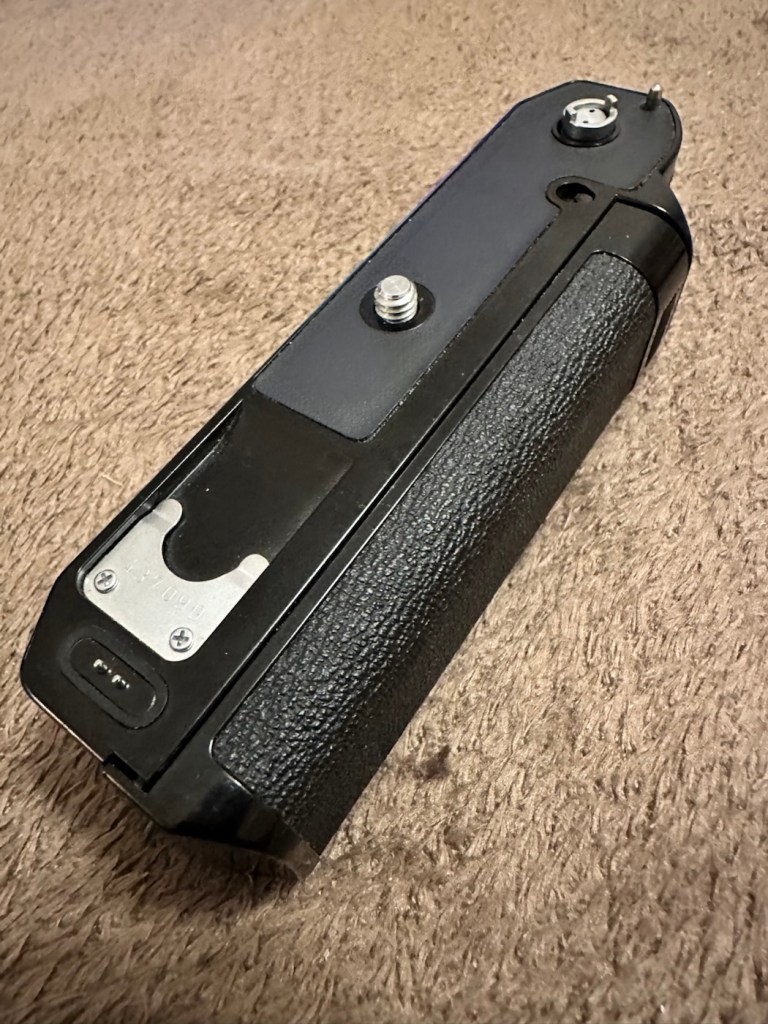
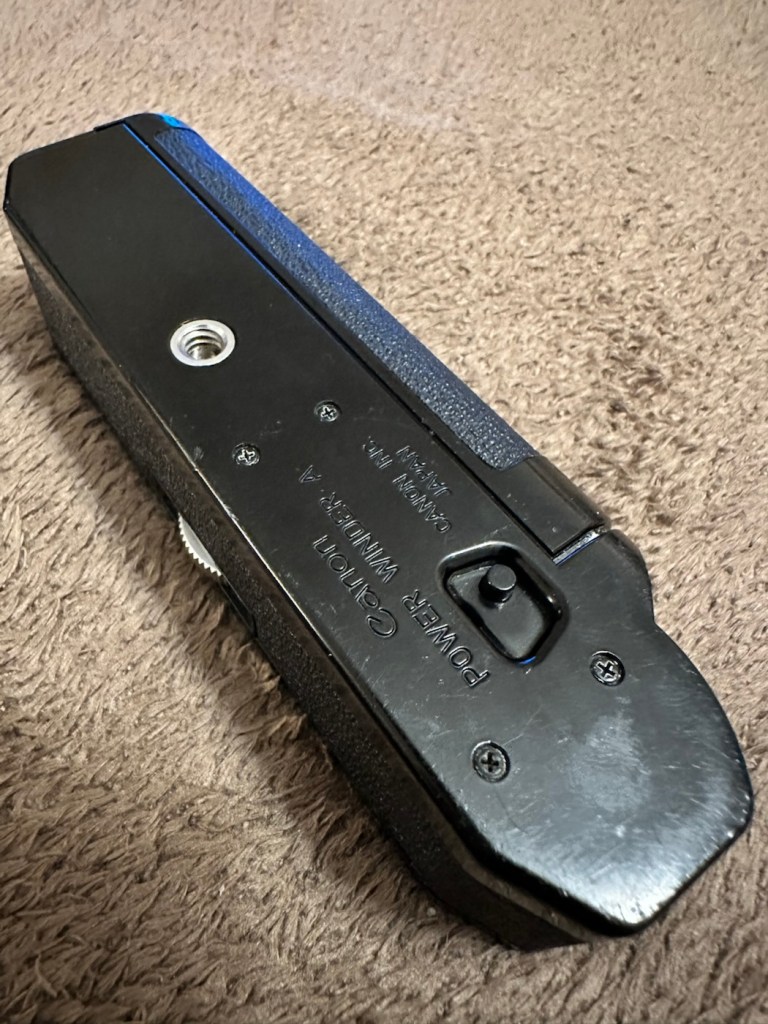
A very corroded Canon power winder “A” from the 70s
This is what it looks like externally, looks fine, but as this post goes on, you will notice a very marked deterioration in quality. It’s a horror story of battery acid contamination.
Looks nice
This unit is part of a bundle that was donated to me by my good friend Jon, see here: Cameras…i need more!
It was part of a Canon AE1 combo, the Camera i have previously posted about here: Canon AE1 35mm SLR, however the batteries within it had been left for such a long time that they had started to dissolve into the unit, leaving quite a restoration project behind. Here’s some history about this unit:
The Canon Power Winder A was originally introduced with the Canon AE-1 camera in 1975 but it also can be used with all the A series models (in fact, it is applicable to use the Winder A with the professional class Canon F-1(n) system SLR camera but without power rewind feature). It is an automatic film winder which greatly increases the automation and mobility of these manual focus cameras. Its exceptional versatility, due to its compact design provided by the principal control circuit built into the electronic circuitry with most of the electronic models such as AE-1, A-1 or AE-1 Program etc, and allows it to be attached to any models mentioned earlier and provides for its use without any special adjustments.
Winding Speed: Approximately 0.5 seconds. Operation: When the shutter button on the AE-1 is pressed, the winder will function. Shutter Speed Coupling Range: 1/50 to 1/1000 second for continuous photography. “B”, or 2 to 1/1000 second for single frame photography. (When the winder is set at “B”, AE photography cannot be performed). Film Counting: Is performed by the frame counter on the AE-1. Automatic Cut off Circuit: When the film roll is completely wound up or if the batteries should run out, the winder will automatically stop and the warning lamp (LED) will light up. Power Source: Use 4 size AA batteries. (In normal temperatures they can take more than twenty rolls of 36-exposure film). Attachment: Take off the winder coupler cover on the bottom of the camera, and mount the power winder using the tripod socket. Size: 141 x 42 x 34mm (5-9/16″ x 1-5/8″ x 1-5/16″) Weight: 3009 (including batteries) (10.9/16 ozs.)
Mir.com
I already have one of these winders on my A1 that I am currently repairing, however that’s away in storage at the moment until I get get my workspace back up and running when we eventually move home.
Im aware that these winders can take a max of two exposures per second if the lighting and conditions are right, meaning you could crack out a 36 exposure roll of film in under 20 seconds! They don’t do auto rewind either, you still have to do it manually, it would be a couple of years yet before that option became available. The red light on the case indicates one of two things, the battery is low, or the end of the roll has been reached, time to rewind!
They are quite reasonably priced if I wanted to buy one, but why would I do that? The purpose of this site is to repair and recycle, so that’s what I will attempt to do. It will be quite a task with this one I think.
Assessment:
As stated above, and from the outside, all looks well.
Outside, cosmetically, no signs of a problem
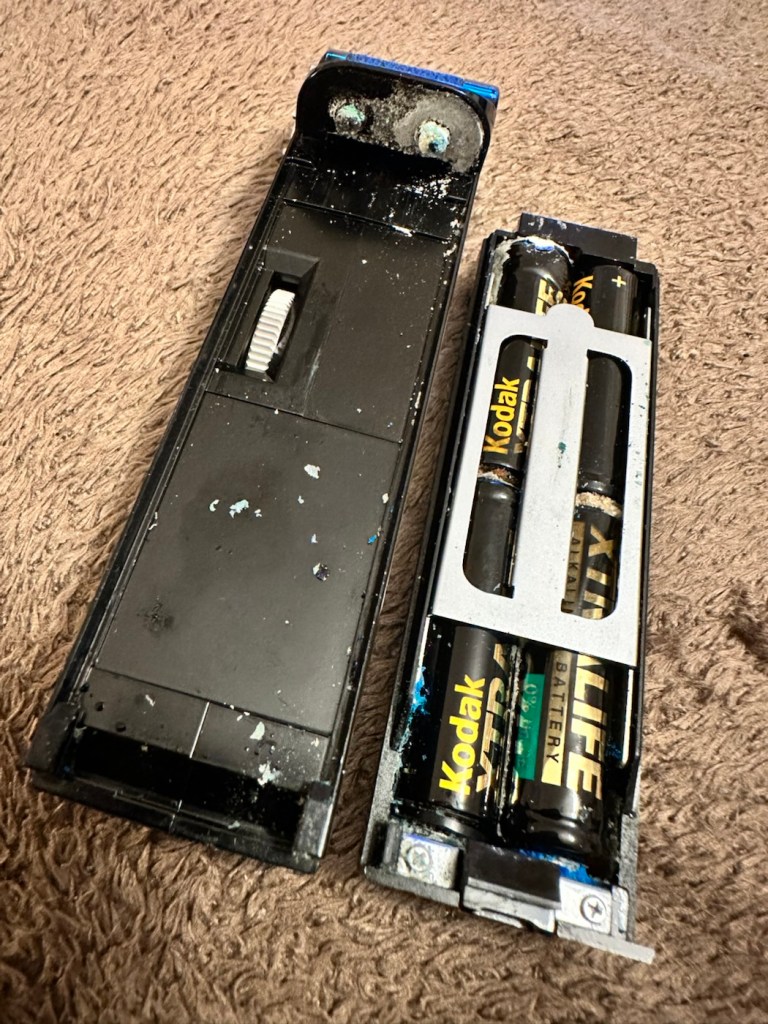
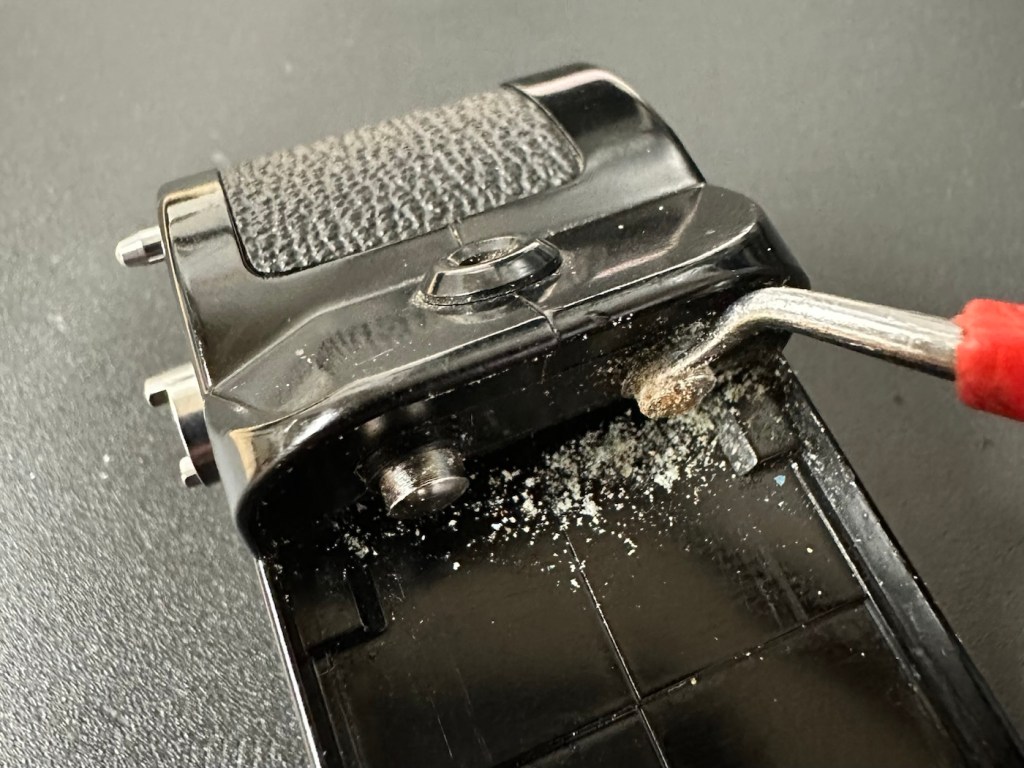
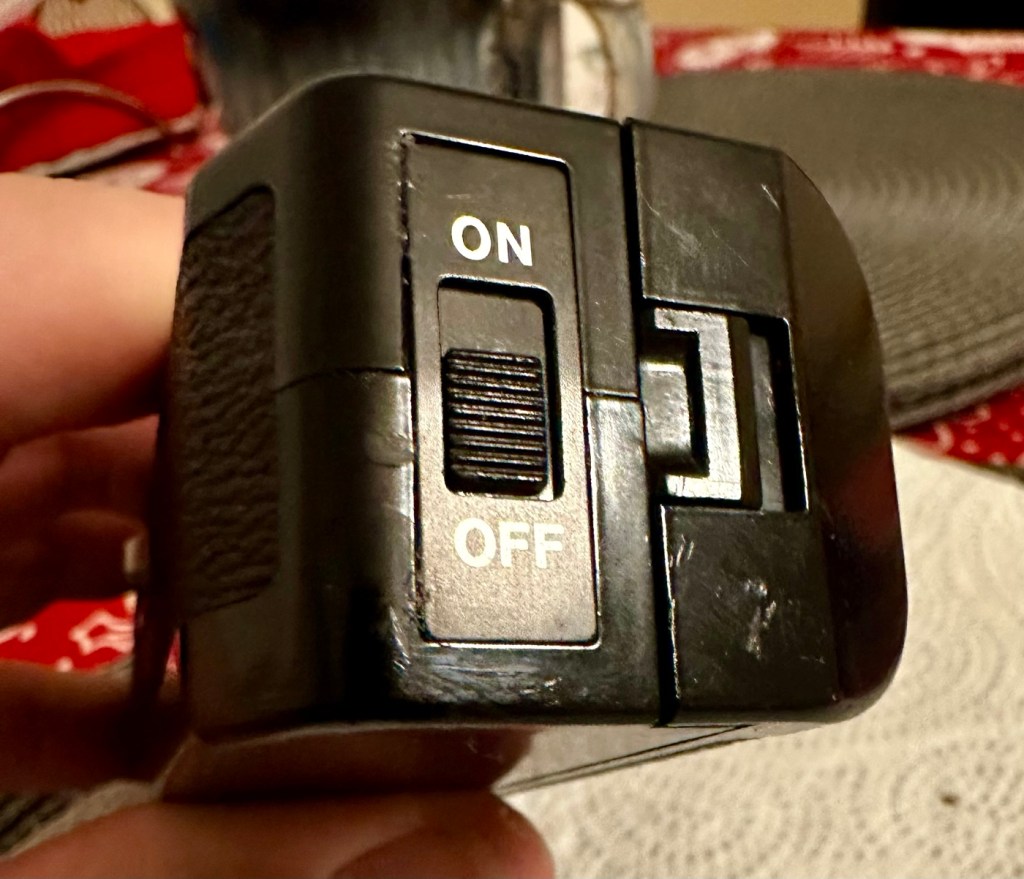
However there are a couple of giveaways that alert you to the immediate issue. Firstly there is an aroma, a kind of metallic musty smell that instantly alerts you to “Corrosion”. Secondly near the switch there are some “blue” granular stains that confirm corrosion.
We start to open up and find signs that all is not wellThe old corroded batteriesThe contacts, and the battery bay
It’s pointless even putting batteries in here yet as they will not work, the damage is too extensive for the batteries to work. To be honest we now need to do a good clean and decontamination before we can even start to look at the extent of the contamination.
Repair:
First we have no choice but to get rid of the corrosion, this will involve brushes, a pencil grinder, and copious amounts of isopropyl alcohol. Let’s get started.
Using a sonic brush and IPA
I attack the contact end of the winder with a sonic brush and some IPA. After about 10 minutes and multiple applications, using a small scraping tool i was able to remove the corrosion that had started to eat away at the chrome on the contacts, a small rub with some fine sanding paper restored the metal as best I could. I’m not going too over the top here as the corrosion could have well gone past this point into the internal workings, I’ll tidy up once I can get it working as it should.
Before AfterThe battery compartment
The battery compartment was cleaned using a similar process. However the contact end that used to have springs mounted for the batteries, have all rotted and the springs have had to be removed. I will replace the springs later, it’s not required for testing purposes just yet. All this contamination and blue staining has to be removed completely, if you leave contamination behind, it can start to attack the unit again at a later date, take your time and ensure you get as much off as you can. Clean, clean and clean again. It’s a boring part of the process but essential for long term results.
With everything cleaned and left to dry, I put some power across the winder power contacts and nothing happens. No noise, not any sign of clicking or of any movement at all. Just as previously feared i think the corrosion has gone further. Let’s get it opened.
Leatherette removed to access internally
Corrosion has made it inside
And as expected the corrosion has made its way inside, the picture above shows a wire at the contact point rotted due to corrosion, in fact the second wire fell off just after removal, the contamination has eaten the cables and is rotting the connections. The good news is that it seems that the issue hasn’t gone beyond these contacts.
I’ve now cleaned and polished the contacts at the rear in preparation for being re soldered, the issue here is that I may have to extend the cables slightly as they are quite short. This may aid my testing of the unit prior to reassembly, let’s wait and see.
I have now soldered both contacts back into position, without any extra wire, hell, it was really fiddly and I doubt it would be able to be opened again without these wires being extended a bit further. I have also thoroughly cleaned throughout the internal workings removing all signs of contamination. I have reassembled the unit and it now sits in one piece. I have taken a dentist tool to further scrape down the contact point within the battery barrel area.
Further cleaning of the contact in the battery barrel area
Using a little wire wool and IPA to clean the area I now have two good points of contact. Using the multimeter confirms we have continuity over the contacts that we didn’t have previously.
Reading the section above, you will remember that I had to remove the two springs on the battery case as they had totally corroded and broken away. I have some new ones but they are in storage, so for now I will just have to compromise until I can get to the new ones and solder them in place. Here I just obtained an old spring from a waste metal box, split it in two, added a small washer one end for the positive contact and just left the other as it was. Both springs were put in place, just being held there by the four AA batteries. As I stated this is purely for testing purposes and will be corrected once I have confirmed the unit works.
Temporary springsHeld in place by batteries
The battery holder was attached and then switched on. Nothing. Then I remembered I have to simulate the signal from the camera and this can be done by putting a metal short across the two raised pins at the power switch end. This worked, and the motor did its quick burst as expected. See the small video below.
The winder, now working. And shorting the pins to simulate the cameras signal
I’m pleased with this, as all the work I have done has been worthwhile. I just need to get the new springs soldered in place, give the whole unit a thorough final clean, ensure the leatherette that was removed is stuck back down and that the on off indicator is stuck back into place. And then we can put it onto the Canon AE1 to see if it works as it should.
Leatherette now glued back in to place
On / Off switch plate glued back in place
Today I have taken out the battery spring connector and I am about to put the new spring contacts in place. I’ve found even more corrosion behind this plate so this will need to be cleaned before reassembly.
More corrosion found behind the battery spring contact plate
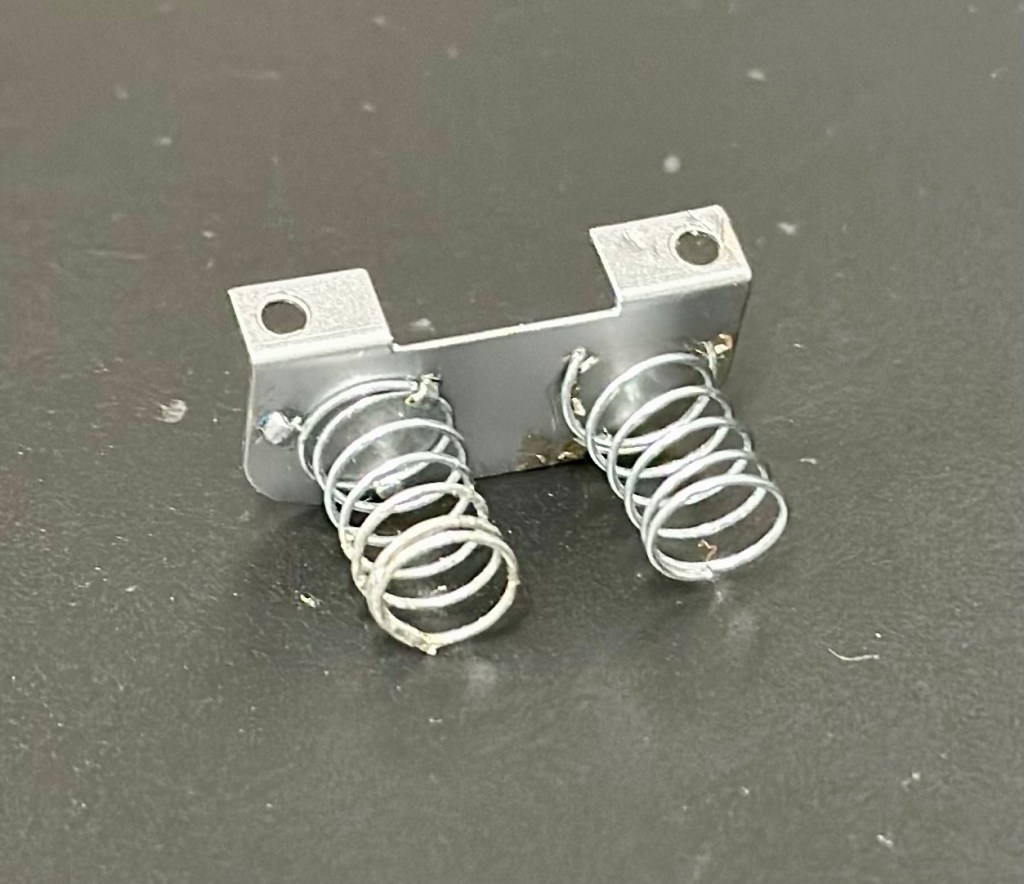
I’ve now fixed the new permanent springs in place, they wouldn’t solder so I’ve had to use a combination of using the old clips that were originally there and weaving the spring though the holes where some clips used to be but had corroded away. Either way it has worked well and both springs are quite solid, and don’t look out of place at all, they probably look better than the originals.
New springs attached to a clean plate
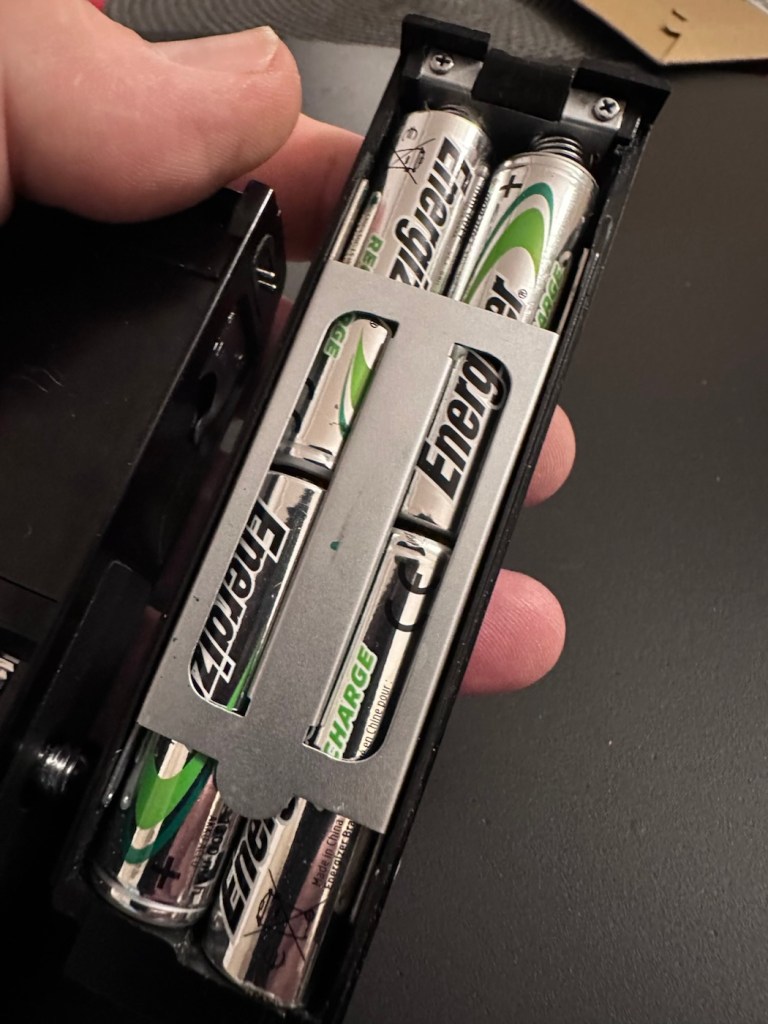
With the battery pack contamination removed I can now reinstall the battery contact back into place.
All cleanedReinstalled Batteries in place
I know that the pack works, and now the final touches have been added, this winder is now back into a good working order, and fit to go back to work doing what it was originally designed to do.
Result:
This is an item you can readily buy on the auction sites at a very reasonable, some would say even very cheap price.
The complete, cleaned and reassembled, working winder
Is it worth the repair you say? Well yes, it is. The trouble is, it is so easy to throw stuff away these days, that in reality, can be given an extended life and purpose for pretty much no cost apart from your time and patience. On top of that, getting these items apart and reassembling them is a great learning circle, and you can never stop Learning. You are preserving the past, and that’s always a good thing.
A very brief video showing it working
As you can see above in this small video I have taken today, here I have my Canon AT-1 with the winder attached, doing what it is meant to do and sounding so retro with that motorised winding sound. Don’t you just love it? I most certainly do.
Thanks for passing by. It’s always very much appreciated.
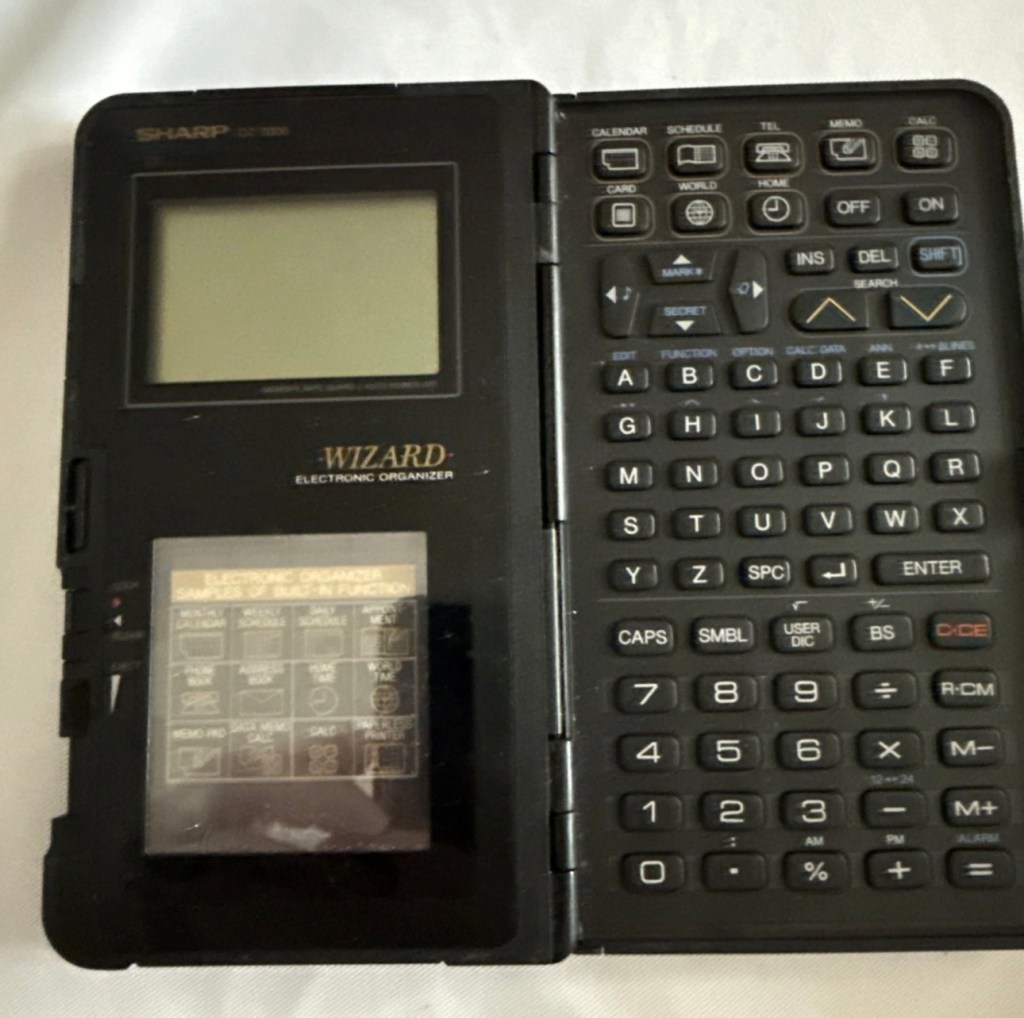
The Sharp OZ-7000, Amongst one of the first electronic organisers and precursor the PDA. Needs repair. Or does it?
What the listing stated:
Not working. I have replaced the two batteries and cannot get it to work. I have not touched the memory battery. See picture for actual item. Case is a bit sticky unfortunately with age.
EBay
First of all, what is it?
The Sharp OZ-7000 Electronic organiser / Calculator
The Sharp Wizard series, introduced by the Sharp Corporation in 1989, was among the first electronic organizers and a precursor to personal digital assistants (PDAs). The debut model, the OZ-7000 (known as the IQ-7000 in Europe), combined organizer functions with an IC Card expansion system, allowing users to install software and memory cards. Over time, Sharp refined the series with larger displays, increased memory, and enhanced features, such as infrared communications port for wireless data transfer, touch-sensitive displays, and clamshell designs.
The out-of-the-box functionality of the OZ-7000/IQ-7000 included a memo pad, a telephone pad, calendar and scheduling with alarms and repeating events, multi-time zone clocks, and a calculator, thus covering all the basic functions found in PDAs since. The keyboard was not QWERTY, although later models, starting with OZ/IQ-8000, changed the orientation of the screen and keyboard layout.
The OZ-7000 was about 6.3 inches (163 mm) tall, 3.7 inches (94 mm) wide closed, 7.25 inches (184 mm) open, and 0.85 inches (21.5 mm) thick closed, making it much larger than later PDAs. It featured a serial port (proprietary connector) to attach to a Windows PC or Macintosh or another OZ-7xxx/OZ-8xxx device, an optional thermal printer port and a cassette tape backup. The OZ-7000/IQ-7000 model featured 32 kilobytes of internal memory and a 96 x 64 dot (8 lines x 16 characters or 4 lines x 12 characters) black and white LCD with controllable contrast but without a back light. A major advertised feature of the model was the IC Cards expansion slot for accessory cards developed by Sharp.
Wikipedia
A bit of a break from the mountain of photographic equipment I have been dealing with lately, I thought I’d take a bit of a detour and have a look at some prehistoric PDA gear, as I have also done in the past, as you will no doubt be aware of, if you have ever read any of my posts on Psion organisers.
From what I can gather, this one is a little beaten up and battle scarred, and quite simply does not work. I’ve paid the princely sum of £8:54GBP after i managed to knock the seller down by a few pounds. I just now have to await its arrival before we can carry out a thorough assessment.
Assessment:
Its here, everything is as it should be apart from the base being a bit loose in one corner where the clip inside has broken, however that’s not an issue and can probably be repaired.
The broken clip
The exterior is a little sticky but again, this is just one of those 1989 rubber enhanced products where the vulcanised rubber coating has started to degrade. A post I previously published shows how I deal with these 80’s degrading rubber issues: Sticky, Rubber camera grips
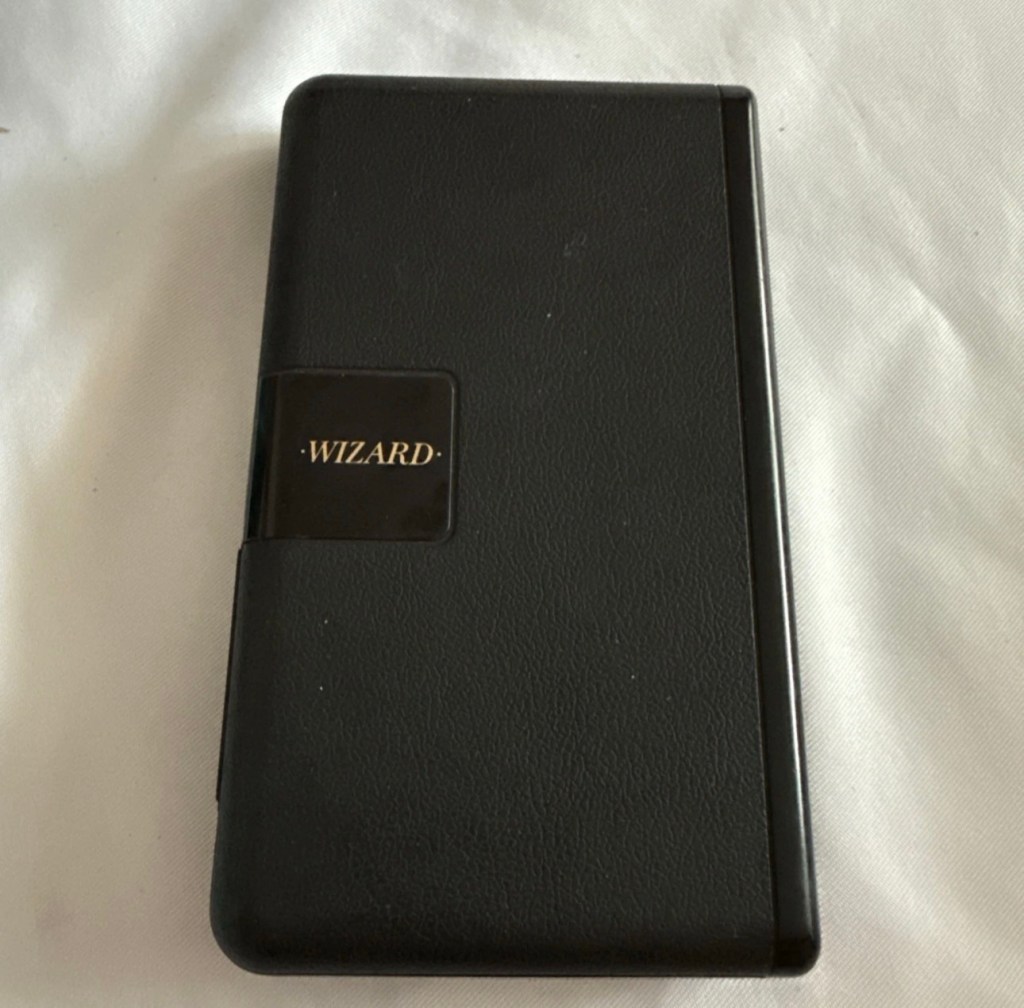
Front case Rear caseBoth sides of the case are sticky and require cleaning
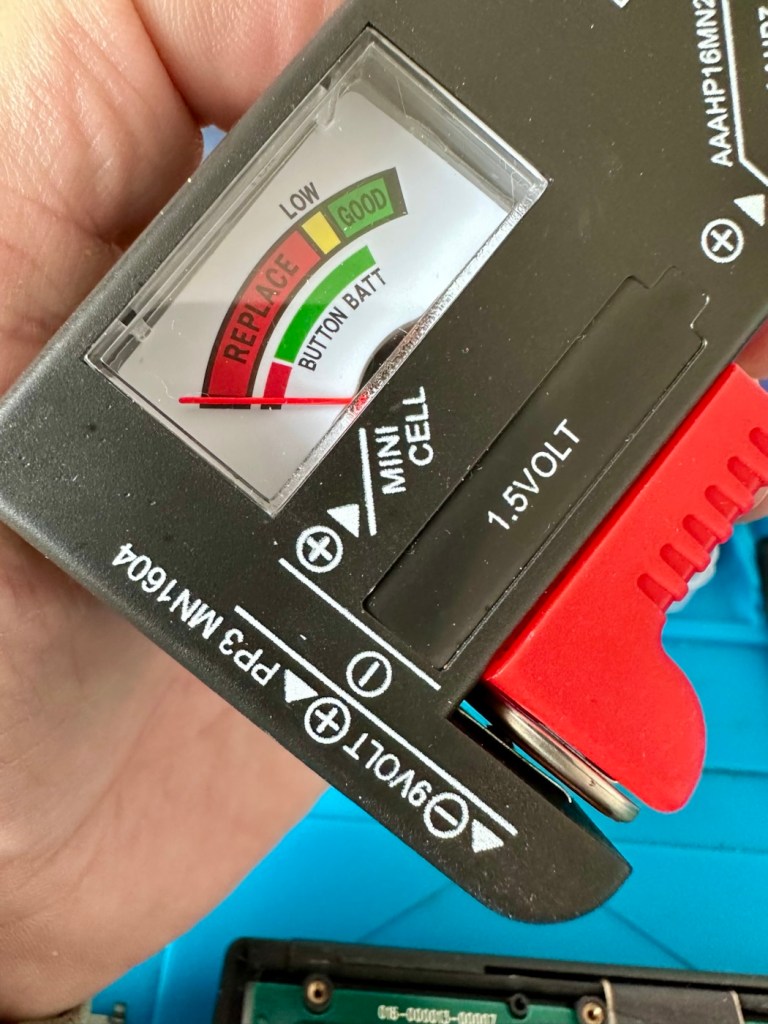
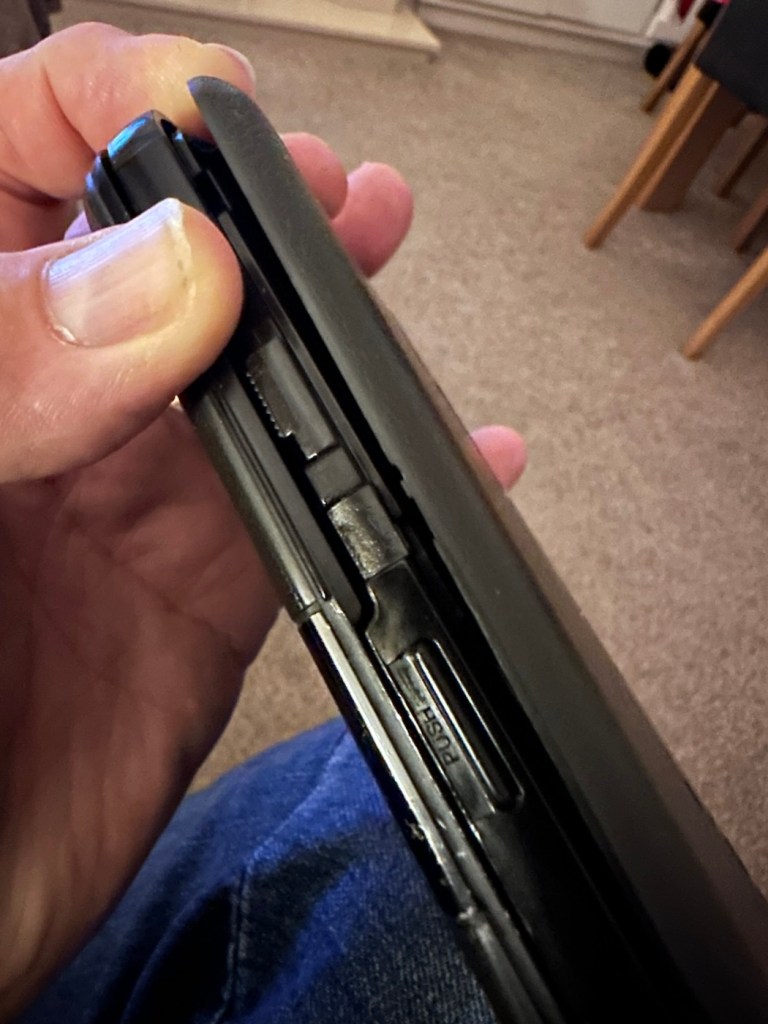
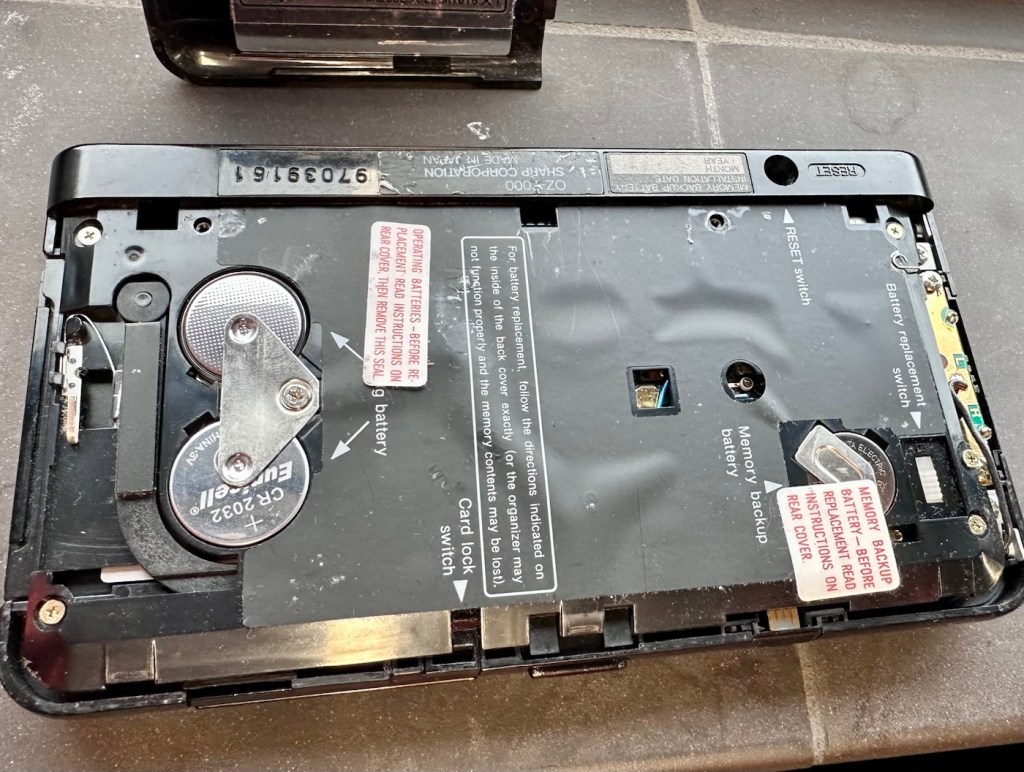
The unit has three batteries, under the rear shell. These are two CR2032 and one C1616 coin cell, with the C1616 being the units memory battery. These batteries will need to be tested as this unit does not start up, the whole unit is dead. The previous owner has stated that they have changed the two main batteries but not the memory battery, testing them will tell.
The three batteries
Beyond that, all catches, buttons and switches seem to be performing as expected, no cracks or major damage to the external shell, or screen area. Naturally there are signs of usage as you would expect on an item that is now 36 years old, light signs of age related wear and tear, nothing of concern that is detrimental to its operation.
Repair:
I’m leaving the broken clip on the rear shell as it is, it’s not visibly exposing anything of the interior and to be honest needs quite a bit of force to show the gap, it’s not a problem and not necessarily requiring a repair. In normal handling it is not even noticeable, so it will remain as it is.
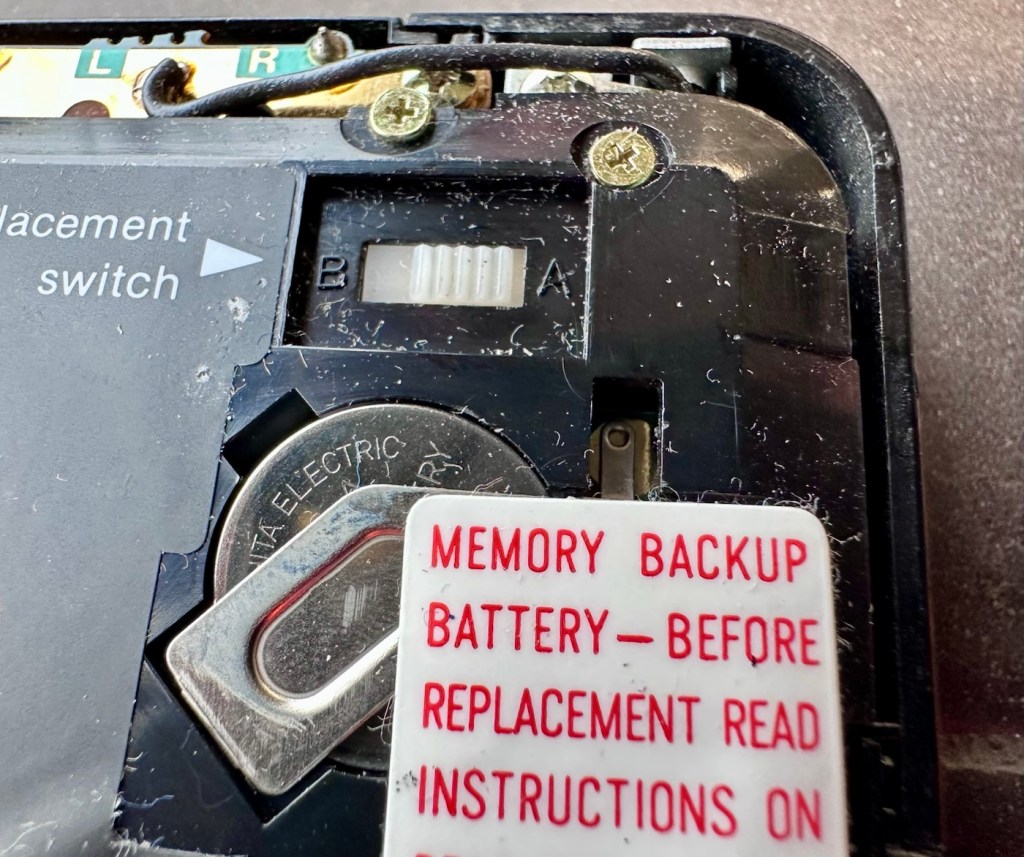
The main fault, and I apologise in advance, as it was not really a fault, was a misunderstanding of the unit’s operation by the previous owner. When you take the back off and change the batteries, you have to operate a switch so as to not interrupt the backup of the system.
Battery backup switch there is a “B” and a “A” setting
There are two modes and these are explained below. This switch is located inside the battery compartment and is used when replacing the main batteries to prevent data loss.
B stands for Backup, a setting used during the battery replacement process. The device relies on a small, separate backup battery (often a C1616 coin cell) to maintain memory while the main batteries are removed, provided the switch is in this position.
A stands for Active (or simply the normal operational position), which is the standard setting for everyday use once new batteries have been installed.
To replace the main batteries safely and avoid losing your data, you must follow a specific procedure that involves setting this switch to “B”, changing the main batteries, and then switching it back to “A” after the new batteries are inserted.
The issue here was that the batteries had been changed and the switch was put into the correct “Backup” mode. However the previous owner had not placed the switch back into the ”Active” mode when the batteries were changed and the back of the shell was put back in place. Hence the unit would not work as in theory the batteries were locked out of use. On opening the shell up, this was the first thing I looked at, and when the switch was put into the correct position the unit sprung into life once the “On” button was pushed.
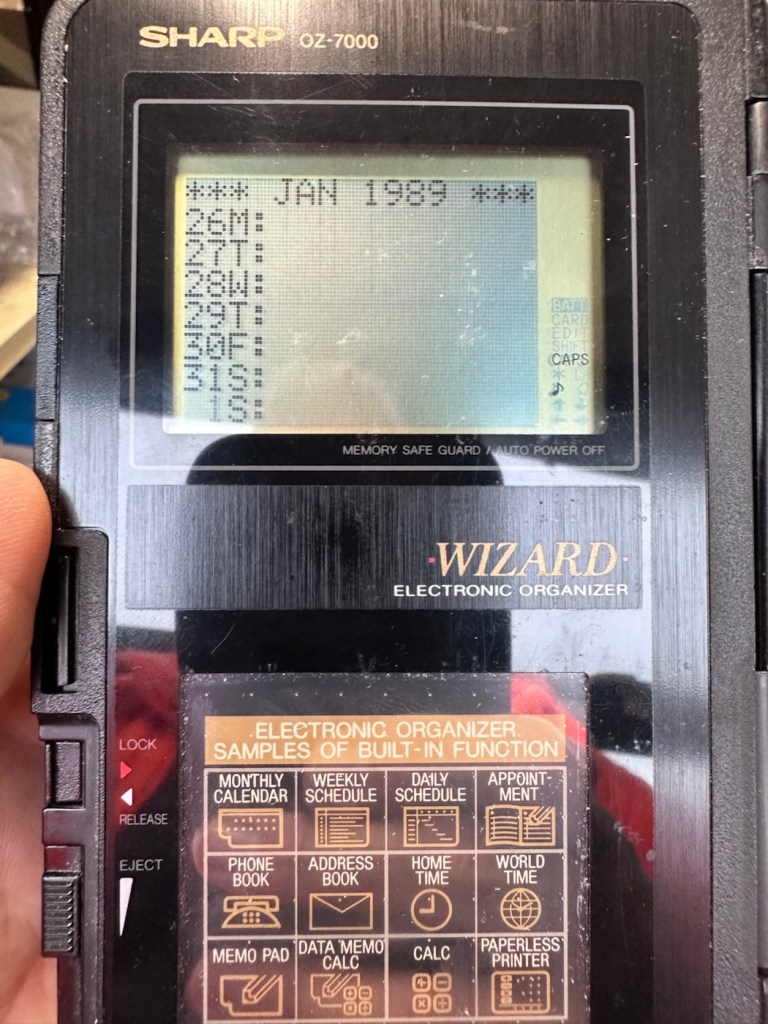
When the switch was set, power applied and the unit reset to 1989
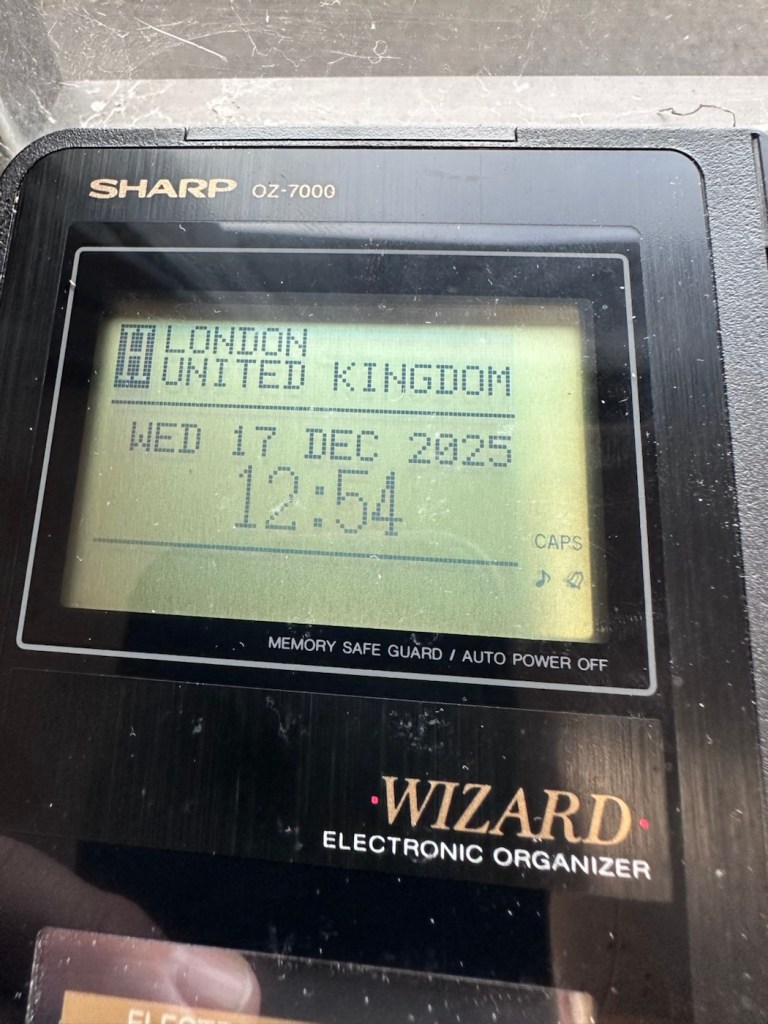
When the unit was turned on it then reset to 1989, I was able to change the times and date, and I was pleasantly surprised to find out that the date range on this unit covered the years 1901-2099. Considering this unit was released 11 years prior to the Y2K bug of 2000, it showed some advanced thinking in the implementation of these units.
Happily updated to the current date and year
One of the issues with this particular unit is that there is no backlight on the display, the display is black and white and the only change that can be made is to the contrast. Back lights eventually arrived with later models. So use of these units was pretty much limited to daylight hours, or whilst under a light source of some kind, that said the display is very good and has a good contrast range.
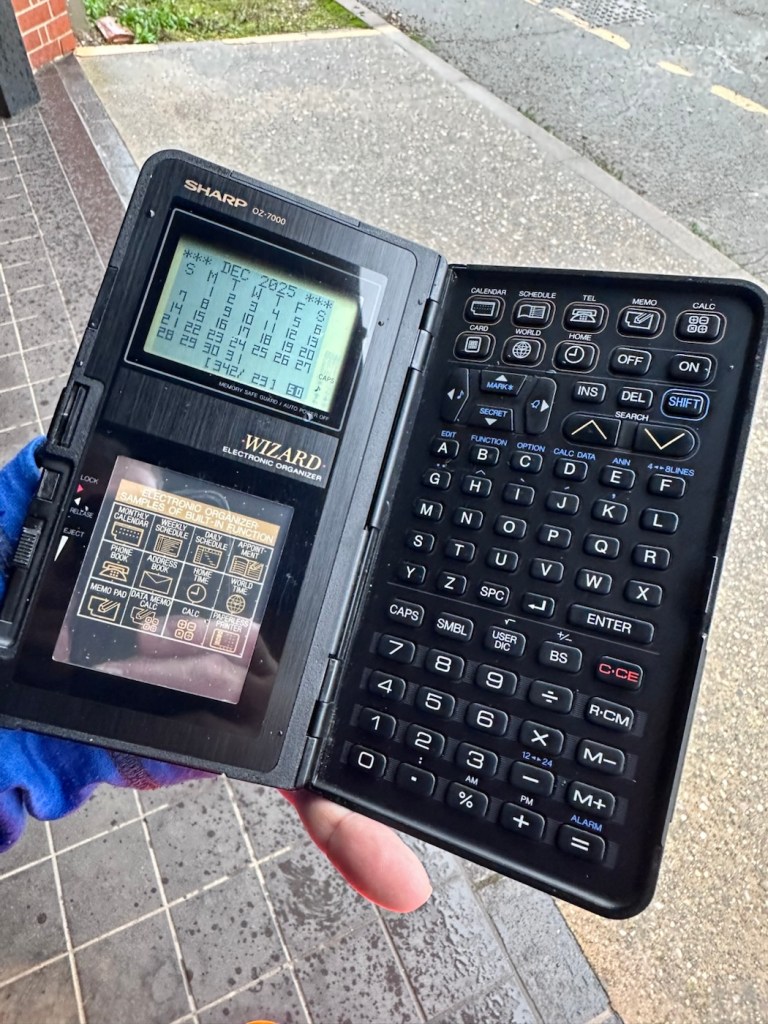
The unit with an example function card installed
In use in the carpark at work
The last thing I have done is clean with some IPA to remove the years of gunk and I think this was quite successful
The IPA certainly lifted some dirt
After this I have finished off with a nice polish with some car cockpit cleaner. It’s finished this repair off just nicely.
Result:
Here we have a nicely presented, clean and fully working example of a nice little bit of personal computing history.
Has come up lovely
Front fasciaRear fasciaLooking gorgeous
So. With these older items, it’s sometimes good to just have an awareness of how these old timers operate. Get an instruction manual, study how it works, it can make the difference between selling it as damaged, when in fact there really was nothing really wrong with it. The seller could have sold this for 3 or 4 times the value that I purchased it for, but I’m not worried about that, as far as I’m concerned I got myself a bargain and to be honest, that doesn’t happen that often.
It’s a win win situation as far as I’m concerned, I win as I now have a lovely example of pre PDA technology, and it’s a small win for the environment as another piece of “Waste” has been saved from landfill.
Thanks for passing. Thanks for being there. Always appreciated 🙏
Can I get this classic EOS 7D operational again? It has damaged card reader pins.
I received this camera from a good friend who is a professional photographer, a few weeks back in a bundle of cameras and photographic equipment he no longer uses, he has kindly donated them to me to get working again. You can see that post, and just what was donated here: Cameras…i need more!
Canon EOS 7D
I’m in a situation where I don’t have my repair gear with me at the moment, as it is all packed and in storage awaiting our impending house move. Hence the reason I am racking up a whole load of draft posts that I can’t complete until I have my workspace back in use. Therefore any work I can do is severely restricted to inspection, cleaning and preparation with the only maintenance being attempted on the outside of the camera.
Let’s have a brief history on the Canon EOS 7D:
The Canon EOS 7D is a high-end APS-Cdigital single-lens reflex camera made by Canon. It was announced on 1 September 2009 with a suggested retail price of US$1,699, and was marketed as a semi-professional DSLR camera.
Among its features are an 18.0 effective megapixel CMOS sensor, Full HD video recording, its 8.0 frames per second continuous shooting, new viewfinder which offers 1.0X magnification and 100% coverage, 19-point auto-focus system, movie mode, and built-in Speedlite transmitter.
The EOS 7D remained in Canon’s single-digit APS-C model lineup without replacement for slightly more than five years—the longest product cycle for any EOS digital camera. Its successor was the Canon EOS 7D Mark II, announced on 15 September 2014.
Wikipedia
Structurally and cosmetically this is a beautiful camera in very good condition. However it would not have been donated to me unless it had problems. Let’s now put my detective hat on and go looking for clues.
Assessment:
As stated earlier, cosmetically there is nothing at all wrong with this camera, it even has the plastic screen cover in place. Mirror looks clean and curtain looks fine no issues here. All electrical contacts such as HDMI are in good condition with no visible damage to the ports.
Everything is fine, cosmetically, externally.
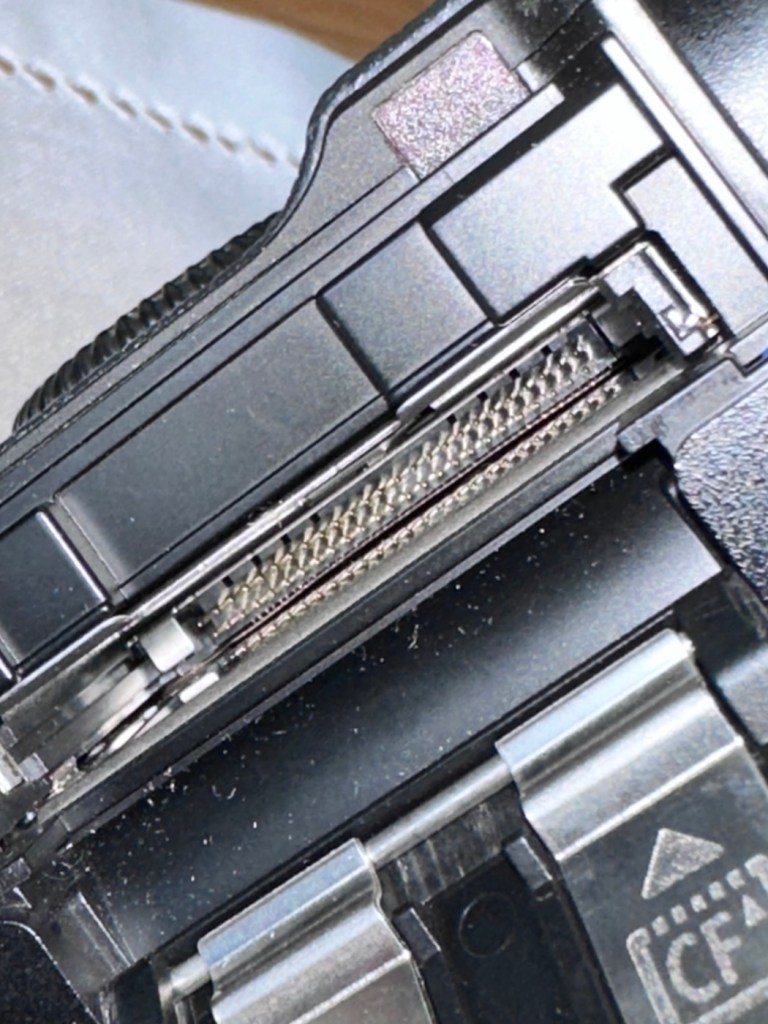
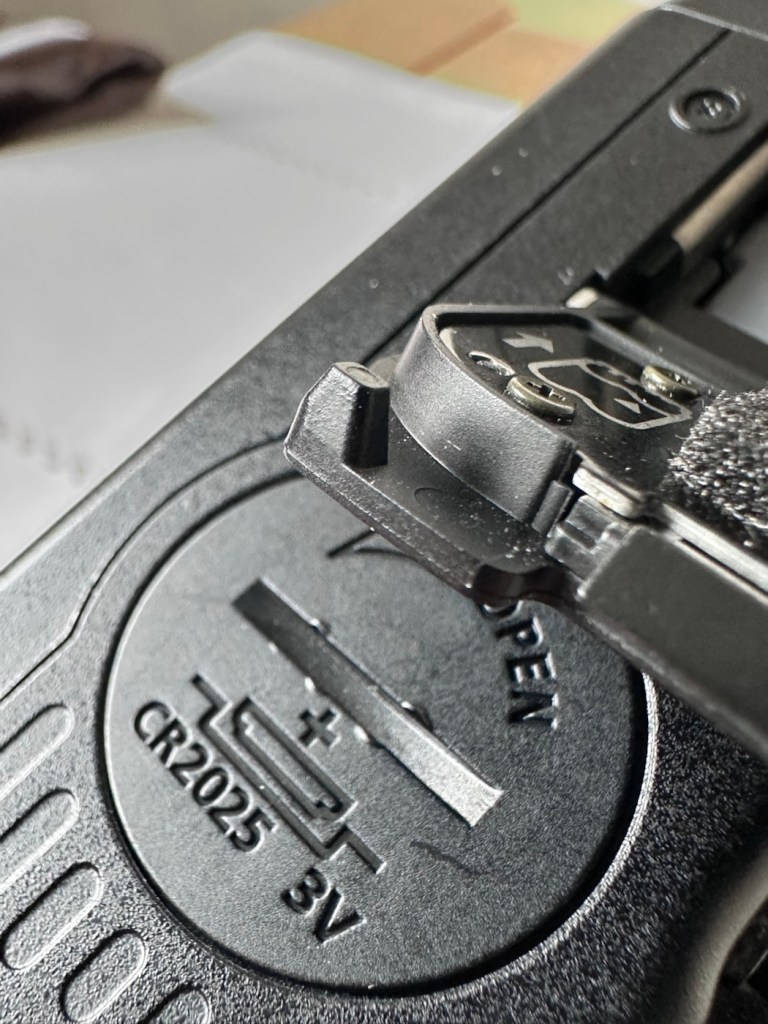
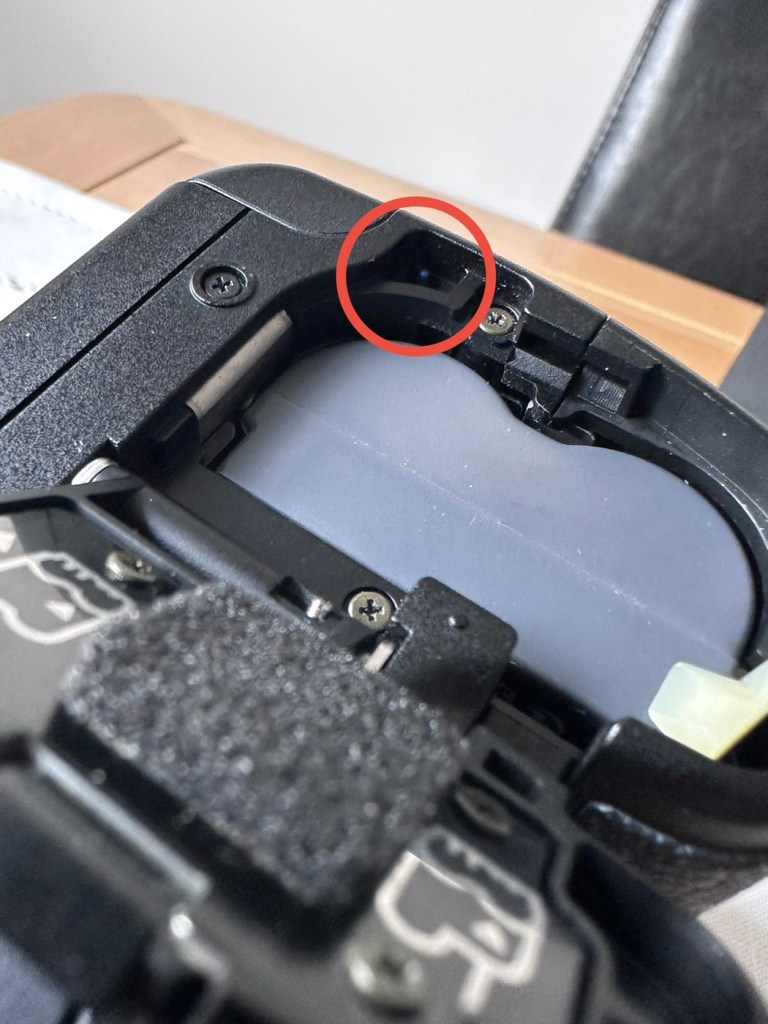
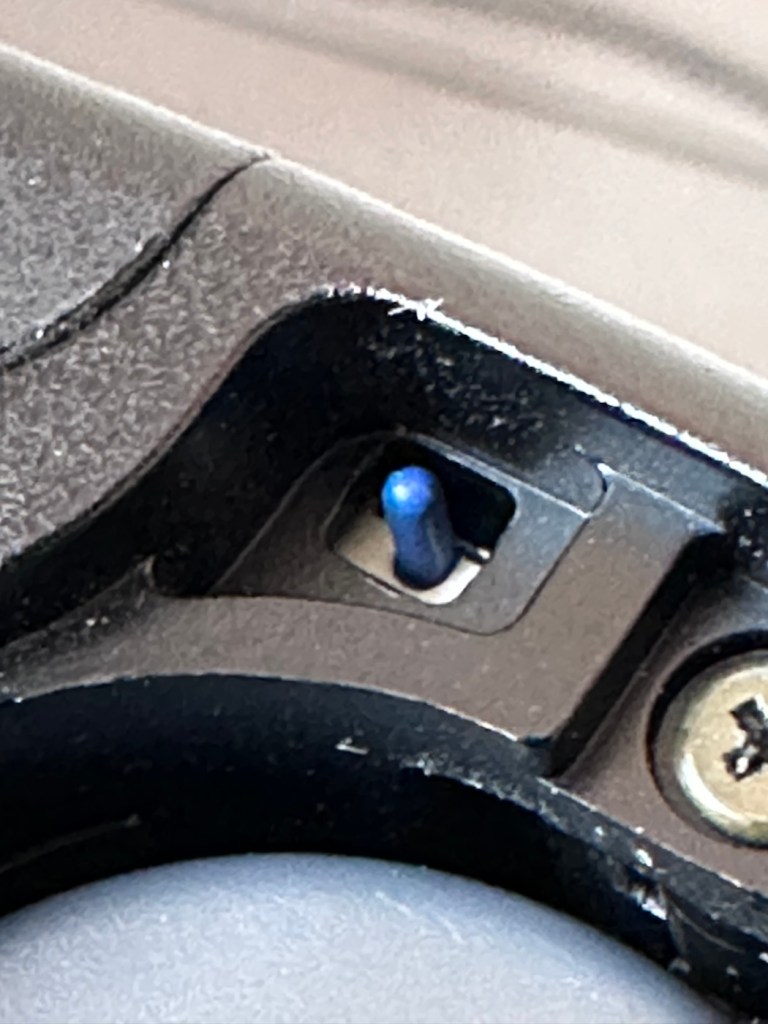
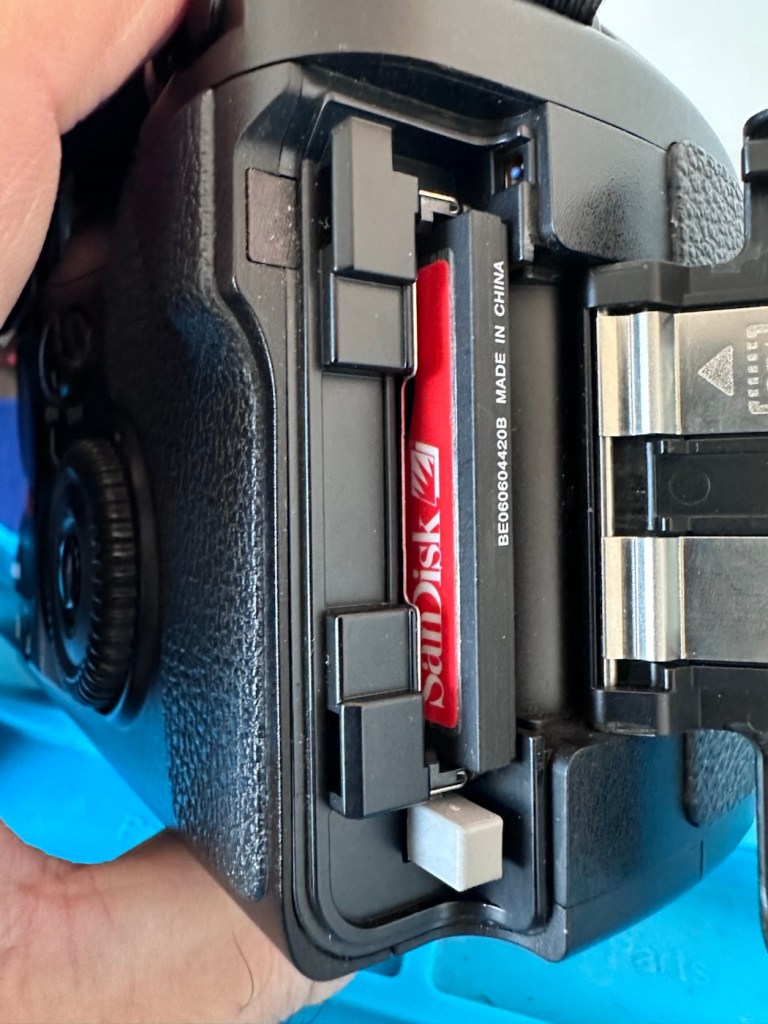
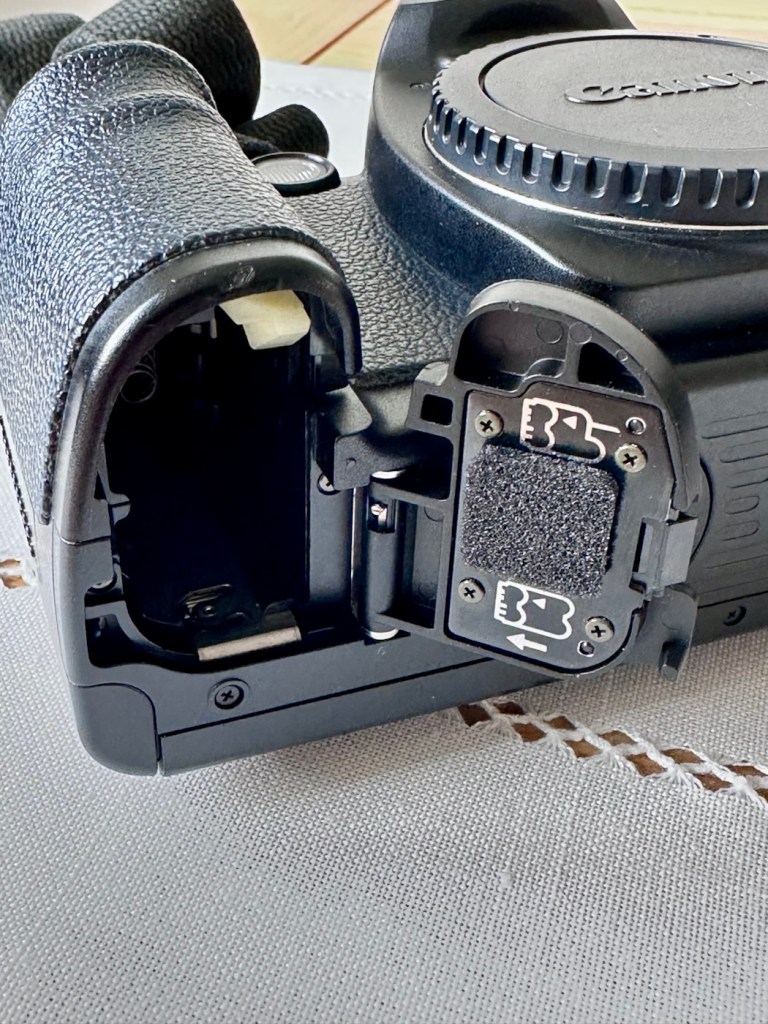
One last place to check and I now believe this is where the problem lies. This is the CF card door, and when opened it reveals one possible big issue.
Bent pins
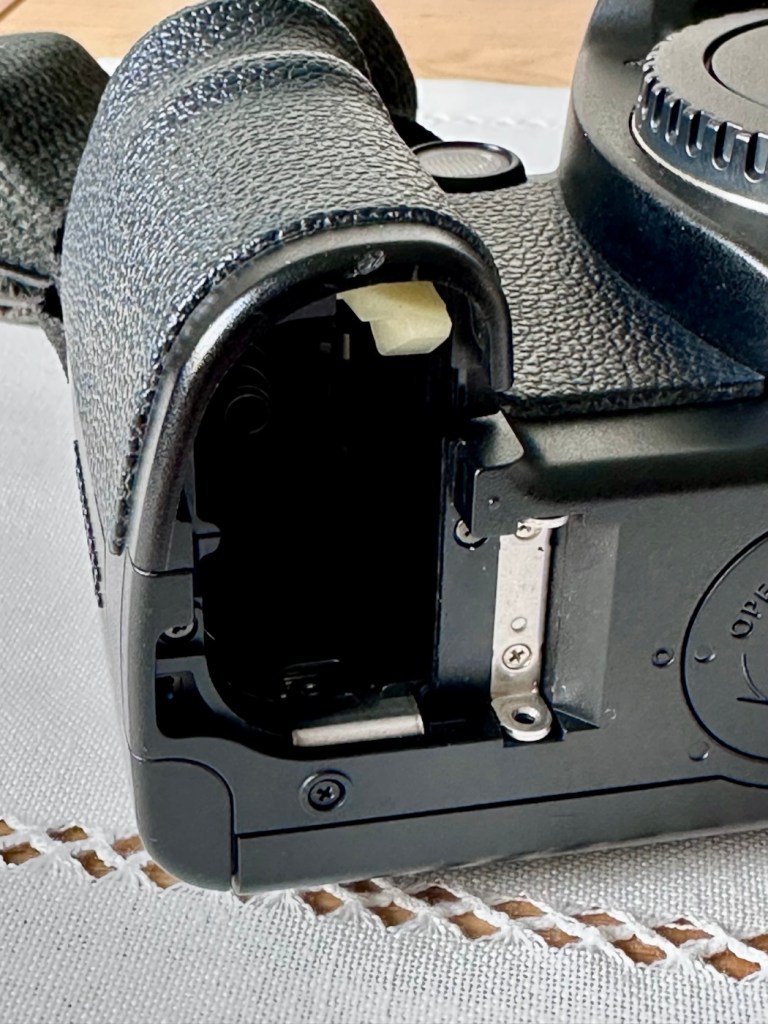
Bent pins on the CF card reader. These pins are quite small and only millimetres in diameter, in a very restricted space about 8 cms deep and 6cm in width, it really is quite a small aperture. There are two options here, one I try to gently coax these pins back into place with a fine point tool, however the pins are minuscule, and brittle and prone to breaking. I can see potentially 7 pins that are out of position, not an easy or expedient option. But I’ll have to give it a go. Option two is to purchase a new CF card reader replacement, this option carries some expense and quite a complex dismantling of the camera to achieve said replacement. Needless to say I will initially attempt the pin bending procedure. Pending on success or failure, i could venture into step two. Read on to see what occurs.
Repair:
With a fine point set of tweezers, I’ve decided to have the first attempt at seeing if I can straighten the pins. Using a bright LED torch I angle the beam slightly so I get a bit of shadow on the pins, and this allows me to see how many are bent. I can see seven pins in total that are bent, and two of these seem as if they have been forced down to about half their height. This is quite normal when people go in a bit heavy with the CF card, if these pins go down too far there is no option but to go inside the camera and push them out from inside, or replace the card reader completely. I kind of hope that I have been able to pull them out far enough for them to work. I won’t know though until I get the CF card and batteries out of storage.
The camera in question
I’ve spent about an hour, bright lights, little subject matter, and now have very tired eyes. I’ve been breathing slowly just like a surgeon heading into a part of an operation that requires the utmost concentration, and precise and very delicate movements. I think I’ve done a good job. Only testing will tell.
LED light and some fine tweezers Pins straightened as best as can be externally
Speaking with my friend Jon, who this camera came from, he has stated that he rather foolishly lent this camera to a ham fisted colleague who hammered the card into the camera, causing the issues that I am dealing with today.
If we have to open up the camera, I will probably be looking at about 3 hours of work, as there is an awful lot of dismantling that has to occur, and I believe there are around 30 screws to remove just to get under the skin of this camera. It’s built like a brick, weighs about the same and is just packed with electronics.
Fingers crossed 🤞 let’s hope option number one has been successful.
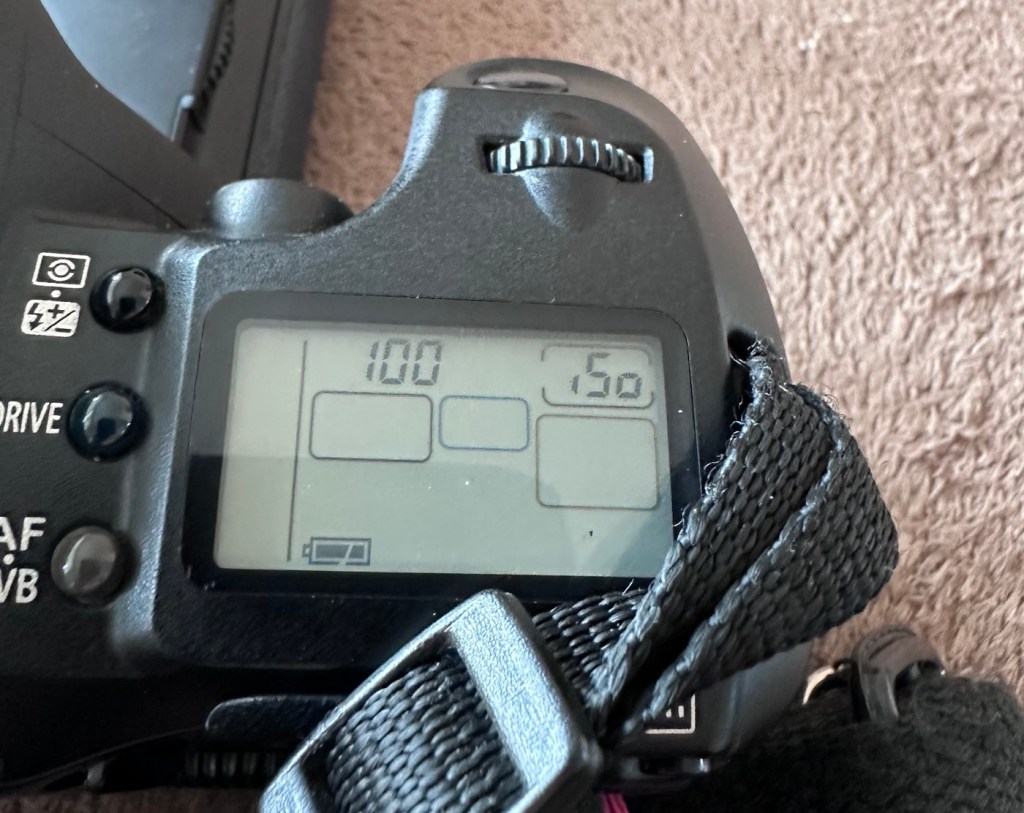
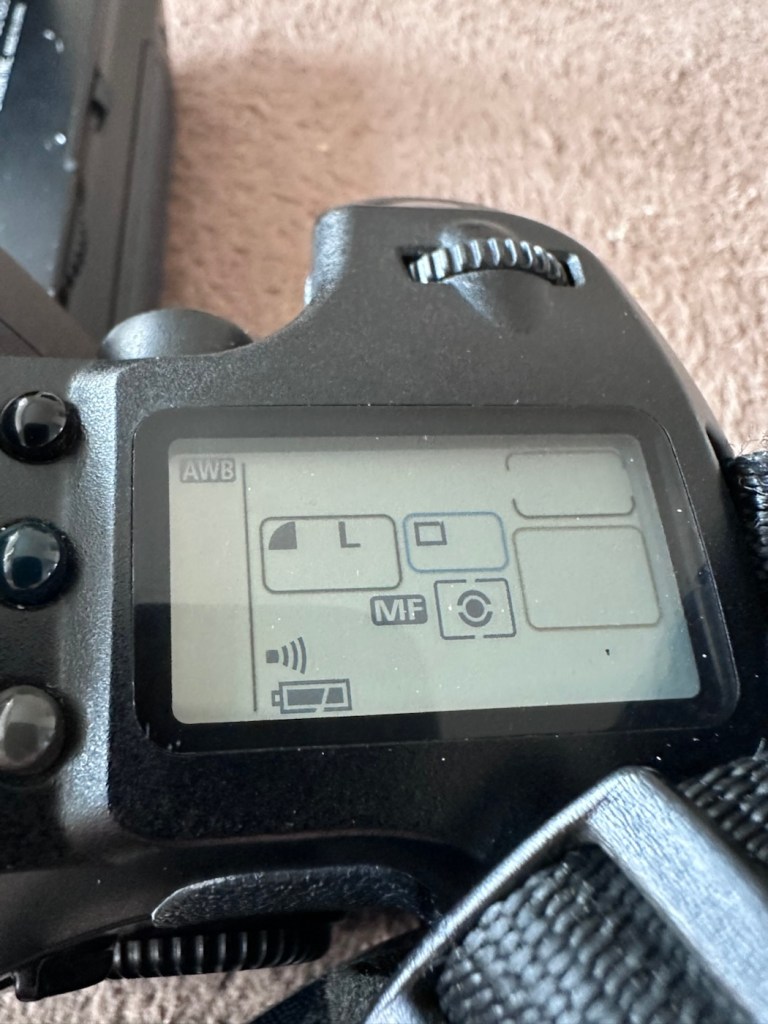
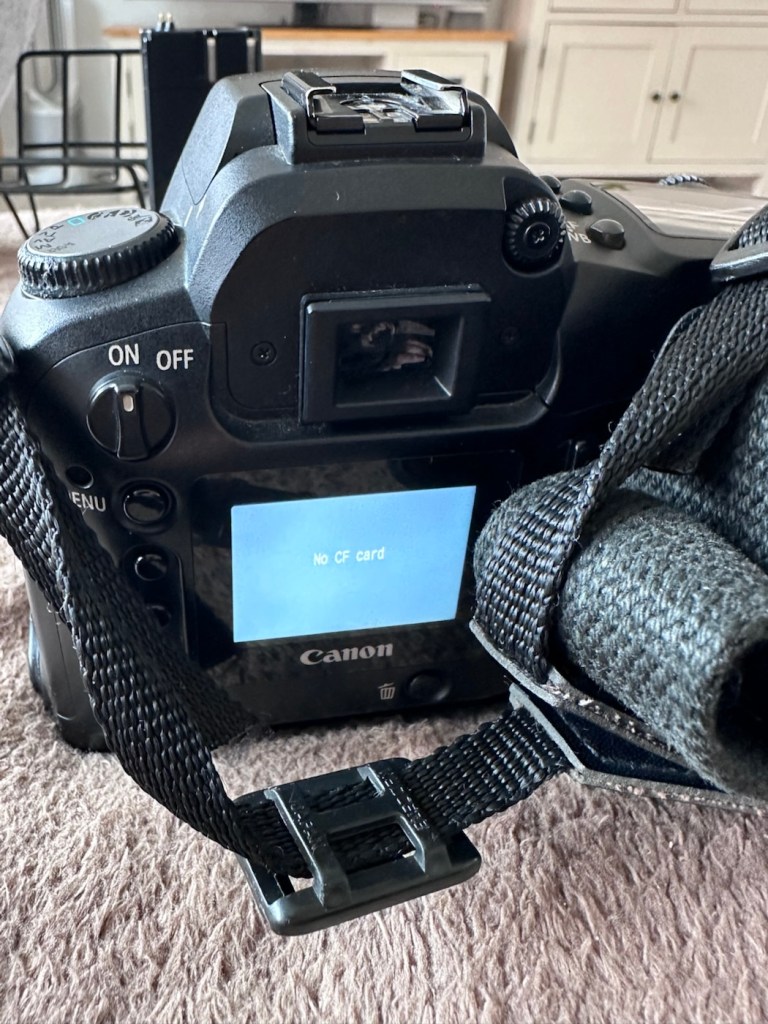
Well, today I went to the lock up and dug out a small 2GB CF card and the two Canon batteries and a charger. I came home and Put the batteries in that surprisingly still held a little charge, sufficient to turn the camera on. I gently inserted the CF card only for the following message to appear on the screen, “Card cannot be accessed. Reinsert/change the card or format card with camera.” Aww shucks I thought, it hadn’t worked. I tried to format the card and the format failed, at this point I thought the pin maintenance had not worked. Damn. I was a tad annoyed.
CF card being installed
So I removed the card and checked the pins, they were ok. I reinserted the card and the same fault appeared, however this time when the option came up to format the card it worked. I was so shocked I tried it again and forced another format, again it worked!
Right it was now time to get a lens on the front and test the camera to check to see if it would write to the card, it’s only a stock lens, nothing special but absolutely fine for testing purposes. Just walking around the house I put the unit into auto, the flash popped up and I proceeded to rattle off a few random shots. And it worked, the results all came up on the rear screen.
Random shot 1
Random shot 2
Random shot 3
To say I was pleased at this is an absolute understatement. The work on the pins has worked and I now have a perfectly well working example of quite a top end camera. There’s no doubt that in the future the camera will require a replacement card reader, but for the moment it’s been given a new lease of life, and whilst I remember to be gentle with the removal and placement of the CF card, let’s just enjoy the camera and its capabilities until that time comes. In the meantime here are just a few, “Randoms” taken to test the card and camera in and around my home.
Just a few random test shots. It works.
Result:
You little beauty
A perfectly fine working unit
Time to give this camera a little buff up. (Clean)
This unit only appears to have taken 1,860 pictures. It is completely unused, and in perfect condition. And it now works. To be honest I feel more confident with this camera than I do with the mirrorless Sony that my wife purchased for my birthday. This was going to become my number two camera, however it’s just been promoted to my number one, as long as that card pin issue and repair holds up, and I have no reason to doubt that it should be a long time before any issues arise. I am confident that my repair has longevity as they say.
I want to give it a good test in daylight conditions in all modes rather than auto. I want to get a bigger CF card maybe a couple of 8GB ones, I don’t see the point in going for the bigger cards just in case there is a read/write issue in the future. It’s just an OCD thing for me, you know what I’m like.
So overall I’m really quite happy and satisfied with this camera. Of all the cameras I was gifted by my good friend Jon, all have been repaired apart from one that was beyond economic repair, even that has been broken down into it component parts, every screw recovered and will be used for spare parts. Nothing, and I mean nothing has been disposed of from this collection of cameras and accessories.
That’s what I do, I don’t waste anything. Ask the wife!
Many thanks for passing by, it’s always very much appreciated.
The EOS1 N with the well documented BC fault. Can I repair it?
The EOS1 N was a professional 35mm camera from 1994, it is currently 31 years old. This model is basically the EOS1 N with the E1 drive booster/winder earning it the HS suffix.
Canon EOS1 N HS
These are beautiful analogue cameras and over the years I’ve had a fair few of these pass through my hands, I have not however owned one with the E1 booster/winder before. I’ve recently had a number of cameras passed on to me by a good friend and that post can be found here: Cameras…i need more!
This is one of those cameras that he passed onto me and it carries the well known BC fault. We’ll come on to that later, in the meantime here is a little history lesson, of the evolution of this camera.
The EOS-1N is a 35mm single lens reflex (SLR) camera body produced by Canon. It was announced by Canon in 1994, and was the professional model in the range, superseding the original Canon EOS-1.The camera was itself superseded by the EOS-1V in 2000.
The original EOS-1 had been launched in 1989, two years after the company had introduced their new EOS autofocus system. It was the company’s first professional-level EOS camera and was aimed at the same photographers who had used Canon’s highly regarded, manual focus professional FD mount SLRs, such as the Canon New F-1 and the Canon T90.On a physical level the EOS-1 resembled the T90, which had been designed for Canon by Luigi Colani. The EOS-1N was a revision of the EOS-1, with five autofocus points spread across the frame rather than a single centrally mounted autofocus point, plus more effective weather sealing, a wider exposure range, and numerous other improvements. In common with the EOS-1, the 1N used Canon’s A-TTL automatic flash system, and does not support the more modern E-TTL.
Assessment:
Right, let’s get on to the problem. The BC fault is a blanket fault, covering a multitude of issues, predominantly electrical, even addressed in the accompanying instruction manual as a potential battery issue. However the issue that it is more associated with the fault is the failing shutter mirror magnets. See the video below.
BC error repair
The video above gives a very good insight to the issues, and what to look for and how to get the shutter operational again. It’s not a permanent fix, sometimes the magnets haven’t been used for such a long time that they just seize up. They can be de magnetised, they can just be dirty, either way it’s worth having a look at, to try and restore what is in all aspects a very good camera. It seems to be an issue that an open or close signal is sent, however the magnets for some reason do not react, dirt can be a contributing factor. Below I have put together a very short video of my own camera, the early part shows me trying to get it working and showing the BC indication, the second part shows the mirror “sort of” working after I have tapped in the area just above the top screw on the left side of the lens mount under which the magnets are situated.
My own EOS1 N showing the BC fault
It still doesn’t work properly though and is extremely intermittent, but it’s a start, it proves the fault. I have also used a strong magnet to fool the internal magnets, this works for a couple of firings but that’s it. This also adds credibility to confirm the magnet issue.
I haven’t yet taken the fascia off to access the magnets, I’ve just tapped in their general area, or probed with a strong magnet, this was enough to allow the shutter to intermittently fire, and it is now quite apparent that this is the issue I have with this unit.
You can see exactly where the magnets are located under the fascia
I’ve done some further checks to confirm the fault. If you turn the camera on and open the small door to the right on the rear of the camera, there are a number of buttons inside that allow you to check battery levels and to do resets, and so forth.
The battery check button
By pushing both the clear button and the battery check button together, you can get a fault code to appear on the screen on the top of the camera.
Battery full and Fault code 6
Here as you can see, I have fault code number 6. If you look at the chart below supplied by Canon you will see it refers to a mirror fault, more specifically the mirror is up, but didn’t switch back to on from off, as I mentioned in the above paragraph.
Fault codes
As you can also see above, fault codes 6,7 & 9 refer to the mirror operation issue.
I’ve done all I can really on the outside of the unit, and I think I have conclusively proved the area of the fault. Before we look at replacement of the part, I am going to give it a good clean to see if that will clear the issue. I’ll worry about spare parts later if required. Let’s get the fascia off and have a closer look.
Repair:
I’ve been a right stubborn sod with this one. I really didn’t want to dismantle this camera at all. Something inside was telling me it was unnecessary so I decided to persist with what I had been doing earlier. If only I could get the magnets to fire for a few exposures at a time, it would be just like a coughing car engine clearing out its system and kicking in to life, once it bites you can accelerate it a little more until it starts ticking over. Old motors and cameras are a strange but similar comparison, the longer they are left unused the more inclined they become to not partake in doing what they were made to do, whether powering a car or taking photos. Stop using them and they do just that. Stop.
Well, that’s what I think anyway, My world is as simple as that. And I think it might just work.
So I have persisted….
And purchased a much stronger magnet a “Rare earth” one to be precise. These are the sort of magnets they use for magnet fishing, however this one is small and despite having credentials behind it saying it has 19kg of pulling power I’d suggest that is a lie. Probably a maximum of 3kg if you’re lucky, but either way more than sufficient for me wanting to kick start a tiny electro magnet in a camera.
The most surprising issue around this magnet is the absolute ridiculous size of the packaging that it came in.
This tiny magnet, came in this massive box. Good old Amazon
So I persisted with the magnet, around the lens ring. I reset again and again. Nothing. I used my knuckle to tap the area near the magnet, a single cough, good. More resets, single coughs, more taps two coughs….this is good. I set the camera to high speed wind, kept the exposure button depressed and continued tapping, five or six coughs then stop. It’s an improvement. The magnet is starting to pick up. More tapping then I’m getting about 20 coughs with an obvious delay on one or two activations… we are now getting somewhere.
I put the rare earth magnets near the camera magnet and then switch off and reset. I turn back on again and then get a good 15 seconds or so of rapid fire, the internal magnets are clearing. I remove the rare earth magnet, reset again and the old girl fires into life for about 30 seconds continuously with only the occasional “misfire” the internal magnets are sparking back into life.
You get the idea.
Once you get these magnets operational, the best thing you can do is continually fire them, until they fire smoothly. This camera has not fired up for years, and these components inside are made to be used, and just like someone trying to keep fit, similar to a muscle, if you don’t use it you’ll lose it, it’s the same with these cameras, they need to be used on a fairly regular basis.
I did a 3 minute firing and I’m pleased to say she is now chugging away beautifully with no coughs and splutters. I’m sure glad I persisted with my hunch. I was right. And believe it or not. The battery levels are still good.
I’ve put together a little video here showing it working before and after.
My EOS 1N shutter magnet issue
Well what more can I say. It appears to be working.
Result:
To say I’m chuffed with this repair is an understatement. Sometimes you don’t have to dive in and start dismantling to get results. Do your research and make your own plan of attack with the information you have at your disposal. You will find equal amounts of good and bad advice out there, you’ll soon become aware of the differences, just follow your feelings and do what you think is right, if it’s wrong, well you’ve learned a lesson.
She’s ready to go – what a beauty
I am so looking forward to getting a day out with this camera and really letting her loose. I just love the sound of these clunking old machines, I don’t understand why anyone dislikes them. I loved visiting air shows when you had the big old really noisy aircraft that shook your soul from head to toe, they then sanitised that with super quiet aircraft…so boring. They’ve done that to cameras as well that nowadays make no noise. I love these old cameras, every click, clunk and whir brings back superb memories to me. I just love old cameras. I like to think I’m helping a few last just a little bit longer.
Many thanks for passing by, it’s always very much appreciated.
A sympathetic restoration of a 70s classic camera.
This is a Canon AE1 that was produced around May 1977. I know this because of the date code within the spool area where the film sits. Seeing these units were produced between 1976 – 1984 this particular unit is quite an early one. It is currently 48 years old and looking very good.
Canon AE-1
This camera is part of a batch of cameras recently received from a good friend of mine Jon, who has been in the photography business for more years than he cares to remember… it’s a big number and that’s all I’m saying. I did discuss his very kind donation here: Cameras…i need more!
How did you date this camera?
Surprisingly quite easy. There is a number on most Canon cameras externally, and contrary to belief this is not the ID number, the id number we require is inside the camera, printed in the film spool bay in a very dark ink. You have to position it in the light to view it properly.
ID number in film barrelThe ID number
The number can consist of 4 or more digits. In my case the number is R519. If you go to this site by a guy called Bob Atkinson he has a chart here that explains how to source the date of your Canon Camera or lens: Bob Atkins Photography- Date codes
So using Bobs code the letter “R” refers to the year of manufacture and in this case represents 1977 or 2003 (the dates were recycled when they reached the end of the alphabet) seeing this camera’s production run was between 1976 – 1984, “R” in this case represents 1977. The next two digits represent the month of manufacture, and occasionally in months 1-9 the preceding zero was omitted. In my case considering the number 51 does not represent a Month, the zero was omitted in my case therefore making the month of manufacture “05” hence month 5 – May. So this unit was more than likely produced in May 1977. Occasionally there would be a final letter such as an “F” that would represent the factory it was made in. “F “ would have been the factory in Fukushima. See, that’s how I dated this unit. Check Bob’s site out and date your Canon equipment.
Anyway, here’s a little history about this superb little camera:
The Canon AE-1 is a 35 mm single-lens reflex (SLR) film camera for use with interchangeable lenses, manufactured by Canon Camera K. K. (today Canon Incorporated) in Japan from April 1976 to 1984. It uses an electromagnetically controlled, horizontal cloth focal plane shutter, with a speed range of 2 to 1/1000 second plus Bulb and flashX-sync of 1/60 second. The camera body is 87 mm tall, 141 mm wide, and 48 mm deep; it weighs 590 g. Most are silver, with black grip and chrome trim, but some are black with chrome trim.
Its name refers to the fact that it is an electronic camera using aperture control for automatic exposure. The AE-1 is the first SLR containing a digital integrated circuit, which allowed Canon to integrate more functionality while making the camera smaller.Both the digitally-controlled automatic exposure and the small size helped to make the camera a success: backed by a major advertising campaign, the AE-1 sold over 5.7 million units, which made it an unprecedented success in the SLR market.
Wikipedia
So there is a lot of them about, but it’s rarer now to find one in a good condition. I think I have one that is in a good condition, has very slight signs of ageing (Patina) and shouldn’t take too much effort to get it working again.
Let’s have a closer look at my inherited camera.
Assessment:
It’s been in storage within a foam lined metal box for a few years and this appears to have assisted in maintaining its overall good quality. There are a few slight signs of wear that are present as you would expect with a camera that has been well used but cared for, but there are no major dinks or signs of bits being broken. It has been loved.
Curtain clean and smoothSilver worn, nice patinaJust a bit dusty Just needs a good clean
Looking at the shell all the buttons are doing what they should, it’s a bit dusty and grubby and looking through the viewfinder you can see a lot of dust in the view, but I believe this is just dust on the mirror, or at least I hope so.
The camera has attached to it a Canon power winder “A” and this does not work, it has serious corrosion that I suspect that has gone behind the contacts and will need dismantling, cleaning and rebuilding. I will cover this activity in a separate post, whilst this one covers the camera and is a separate activity.
The winder looks goodInside tells a different storyOld batteriesSerious corrosion
Anyway back to the camera. The wind lever seems to be locked, it can’t be cocked. The shutter doesn’t fire but there does seem to be movement in the exposure meter in the viewfinder but it seems erratic, not quite as it should be. I have a feeling and in fact I’m quite confident it is an electrical issue, as with the Canon A1, a bad power source would render the entire camera useless.
Repair:
With my suspicions about the electrical element on this camera the first thing I did was to do a battery check in the camera. This camera has one cell in it, mounted on the front face just to the right hand side of the lens in a small chamber. It is a 6v lithium battery. I suspect this one has been in place many years.
Battery check button
To check the battery power you look through the viewfinder at the light meter to the right of your field of view and depress the little black button on the top left of the viewfinder on top of the camera.
This. Battery is dead
As you can see above, when you push the little battery check button the needle on the exposure meter moves. It may settle, it may move about, but the battery should be indicating below the 5.6 level to prove it has life, this battery is indicating dead. Let’s confirm that on an external battery checker for confirmation.
Yep. It’s dead
And I think that confirms things for us that this old battery is dead. Fortunately I have plenty of replacements available so I just put a new one in to see what happens.
New battery
The new battery is in place and now you can see the indication has dipped well below 5.6 indicating a healthy battery supply. I push the shutter button and it fires perfectly. Power has been restored.
The lens on this camera is pretty much the stock issue FD 50mm. I have removed it and exposed it to high lighting levels to see if there are any imperfections and I’m pleased to say there are none. No Mould or fungus build up, I must admit my friend who passed this on to me has stored it perfectly. Apart from a little dust build up, I was able to use a lens cloth on both the lens and mirror and the issue was sorted in minutes, not that it was ever an issue really.
View through backAnd front
I’ve used a dummy film and the carriage works fine, the lens apertures all react smoothly, and the shutter speed’s respond as they should. There is no shutter scream or lag, and everything seems just right. After spending a good few hours going through the instruction manual and checking all its functions I am happy it is doing just what it should. It is very rare to find such a good condition of camera that requires very little maintenance. It’s a credit to the previous owner.
This is a sympathetic restoration. I’m leaving it looking as it is. I’m not fixing something that isn’t broken, and I will attend to it with lubrication and maintenance as and when it is needed. I will very soon run a roll of film through and see just what comes back as a result. I have a number of films here that are now 20 years out of date so there could be some interesting results.
Result:
A beautiful camera
Stunningly beautiful
The camera has cleaned up beautifully after a good deep clean and polish. I have a superb little example of a well loved and well used retro superstar of the late 70s. In perfect working order and ready once again to be used for what it was designed for. Taking great photographs.
As stated I’m going to run a film through and I will post the results on here whenever I get the time to do so. See the test results here: 20yr old Kodak Gold
My plan is to have this displayed in a case in my workroom alongside my Canon A1 when I have completed its repair. I took up photography in the period of time that these cameras were produced, and they hold great memories and sentimentality for me. They come from a time when cameras had style and innovation, before they all started to look the same, quality and style, it’s what’s missing today.
For someone like me that loves old cameras, I think these are superb and will always hold a place in my heart.
Thank you for passing by, it’s always very much appreciated.
You must be logged in to post a comment.